SDA LM5 – SDA Fabric Virtual Networks
Videos
SDA Fabric Virtual Networks
Fabric Site
Fabric Site contains its own components such as border node, control node, access switches and Wireless controllers – imagine a typical site or building or campus that has network components
A fabric site can span multiple building but only over a high speed, low latency network and not WAN connection
Transit Network
Transit Network either connects multiple Fabric Sites together or connects a Fabric site to an external network
and there are different types of transit networks which will be discussed
Fabric Domain
Fabric Domain is made up of one or more Fabric Sites
Geographic distance between buildings and location decides the fabric site’s boundary
Type of WAN decides the Transit Network type
Depending on the version of SDA and cisco documentation, fabric site can only be so big and scale, if fabric site is bigger than what is supported by SDA, then you will have to break up the single fabric site into 2 Fabric sites
So make sure to check scalability number in Cisco documentation
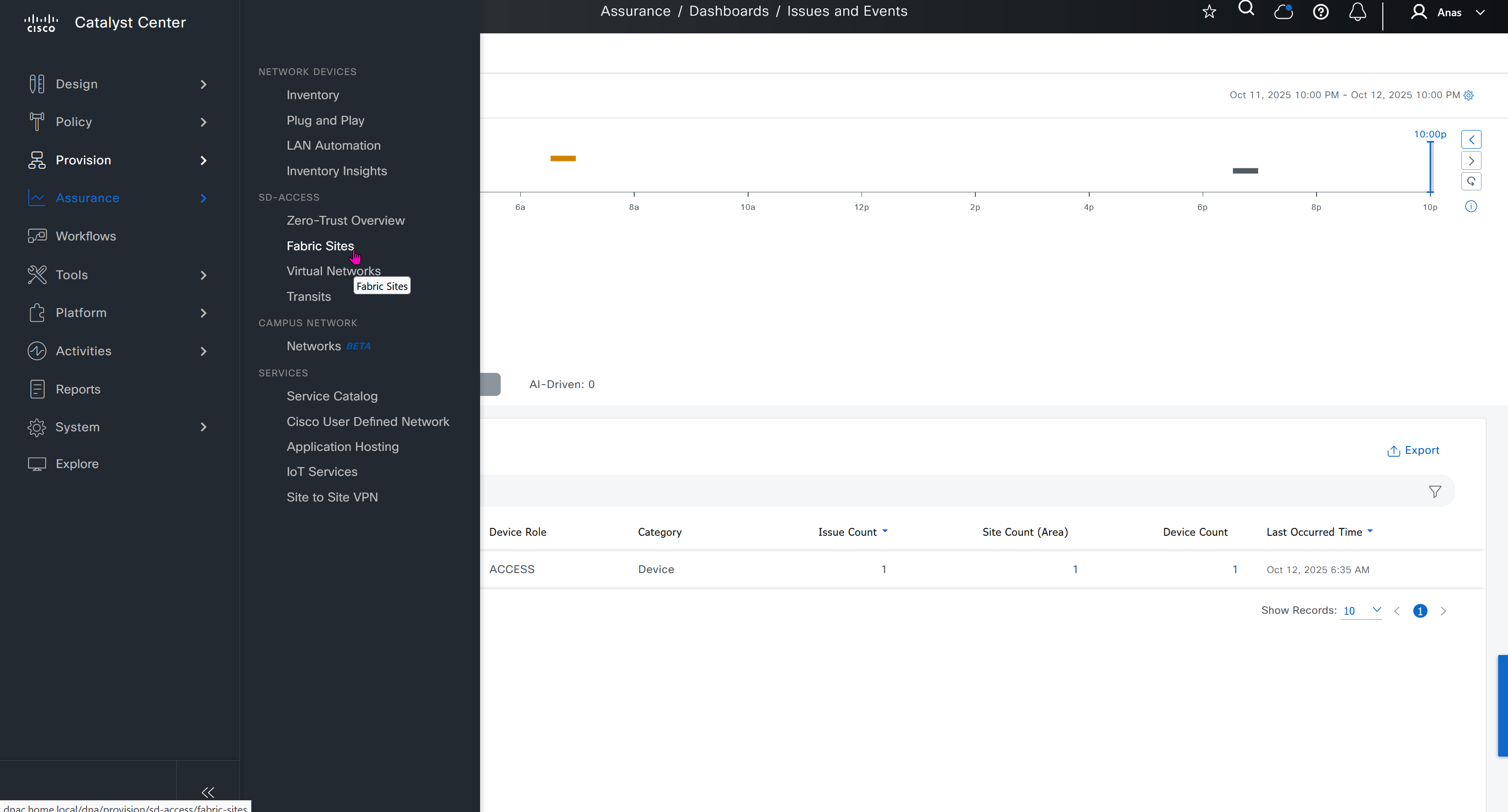
Make sure you have all devices that will be part of the fabric already discovered, reachable, managed and synced and LAN Automated, preferable compliant also

- Second most important thing is that, make sure that your edge devices do not have a route to DNAC via their default route and must have a specific route, I learned this the hard way
SDA-HQ-FES-01#show ip route 10.21.1.2
% Network not in table
SDA-HQ-FBS-01
conf t
ip route 10.21.1.0 255.255.255.0 172.17.0.3
!
router isis
redistribute static ipSDA-HQ-FES-01#show ip route 10.21.1.2
Routing entry for 10.21.1.0/24
Known via "isis", distance 115, metric 10, type level-2
Redistributing via isis
Last update from 172.16.0.72 on GigabitEthernet1/0/4, 00:00:05 ago
Routing Descriptor Blocks:
* 172.16.0.74, from 172.16.0.64, 00:00:05 ago, via GigabitEthernet1/0/3
Route metric is 10, traffic share count is 1
172.16.0.72, from 172.16.0.64, 00:00:05 ago, via GigabitEthernet1/0/4
Route metric is 10, traffic share count is 1SDA-HQ-FES-01#ping 10.21.1.2
Type escape sequence to abort.
Sending 5, 100-byte ICMP Echos to 10.21.1.2, timeout is 2 seconds:
!!!!!
Success rate is 100 percent (5/5), round-trip min/avg/max = 114/131/164 msSDA-HQ-FES-01#ping 10.21.1.2 source loopback 0
Type escape sequence to abort.
Sending 5, 100-byte ICMP Echos to 10.21.1.2, timeout is 2 seconds:
Packet sent with a source address of 172.16.0.71
!!!!!
Success rate is 100 percent (5/5), round-trip min/avg/max = 111/122/134 ms
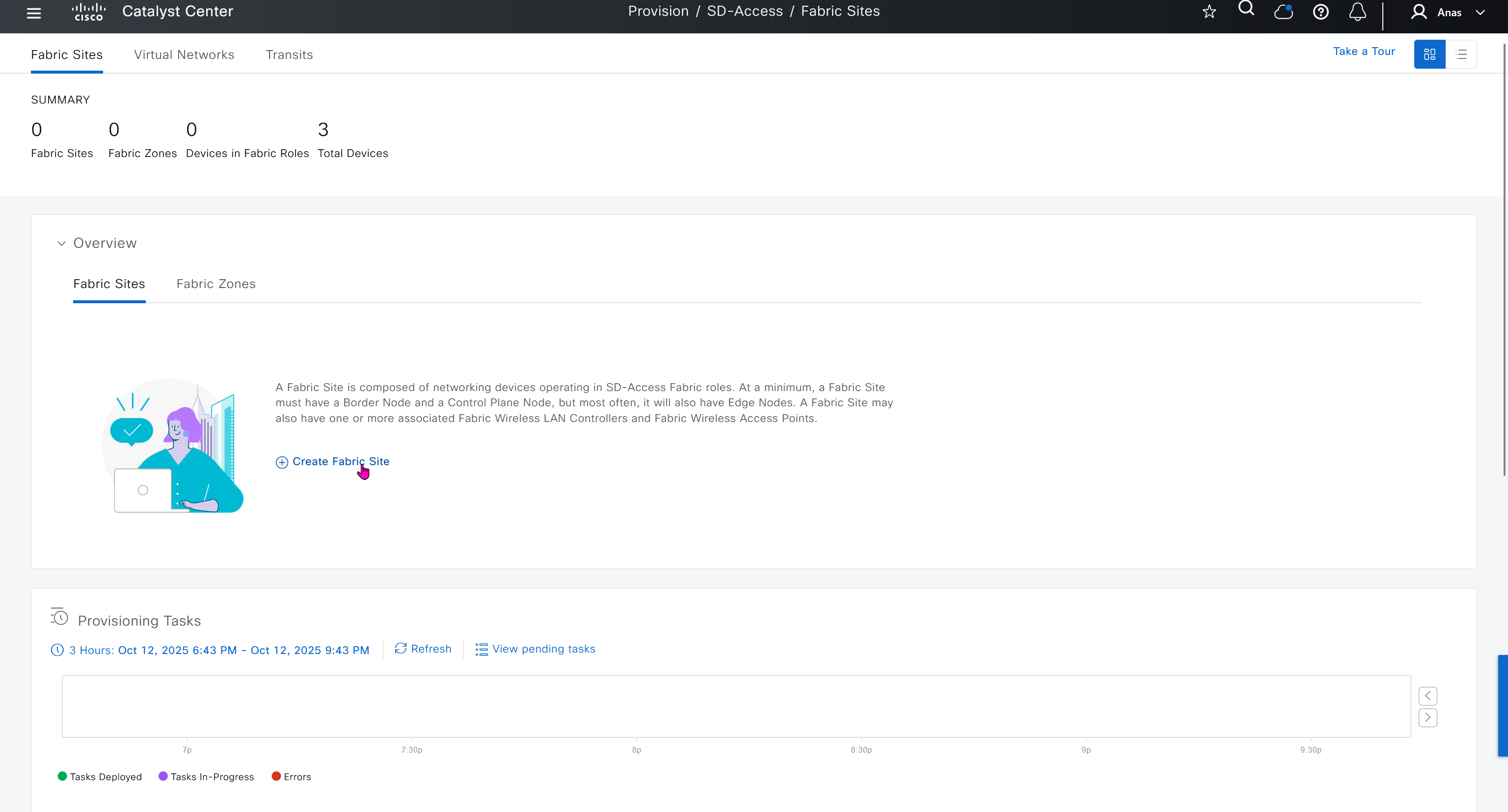
DNAC comes with default LAN fabric
We can either choose to use this or create a new fabric
We should always create a new fabric and not use the default