SDA LM4 – DNAC Web Interface
Videos
Introduction to UI
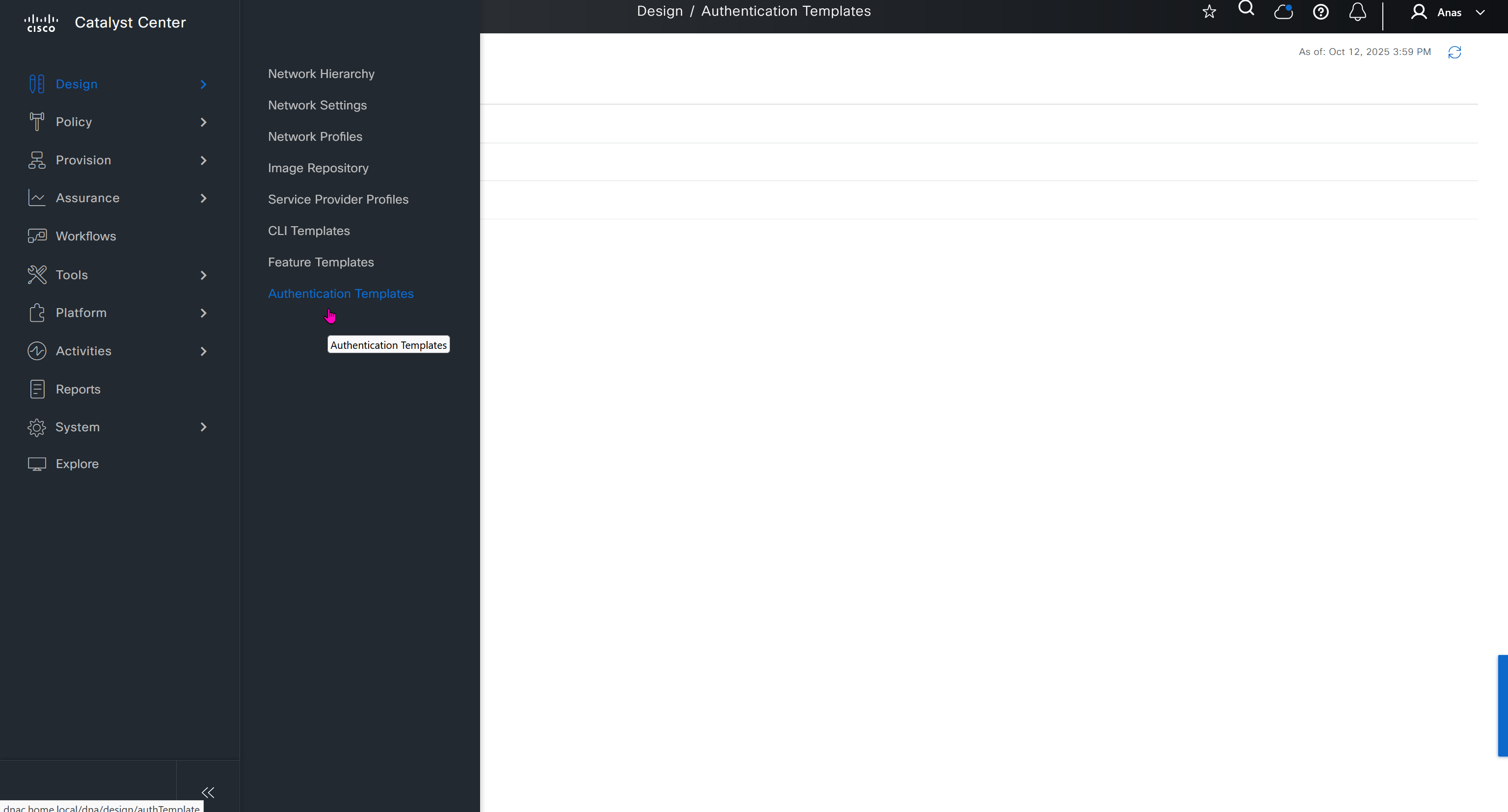
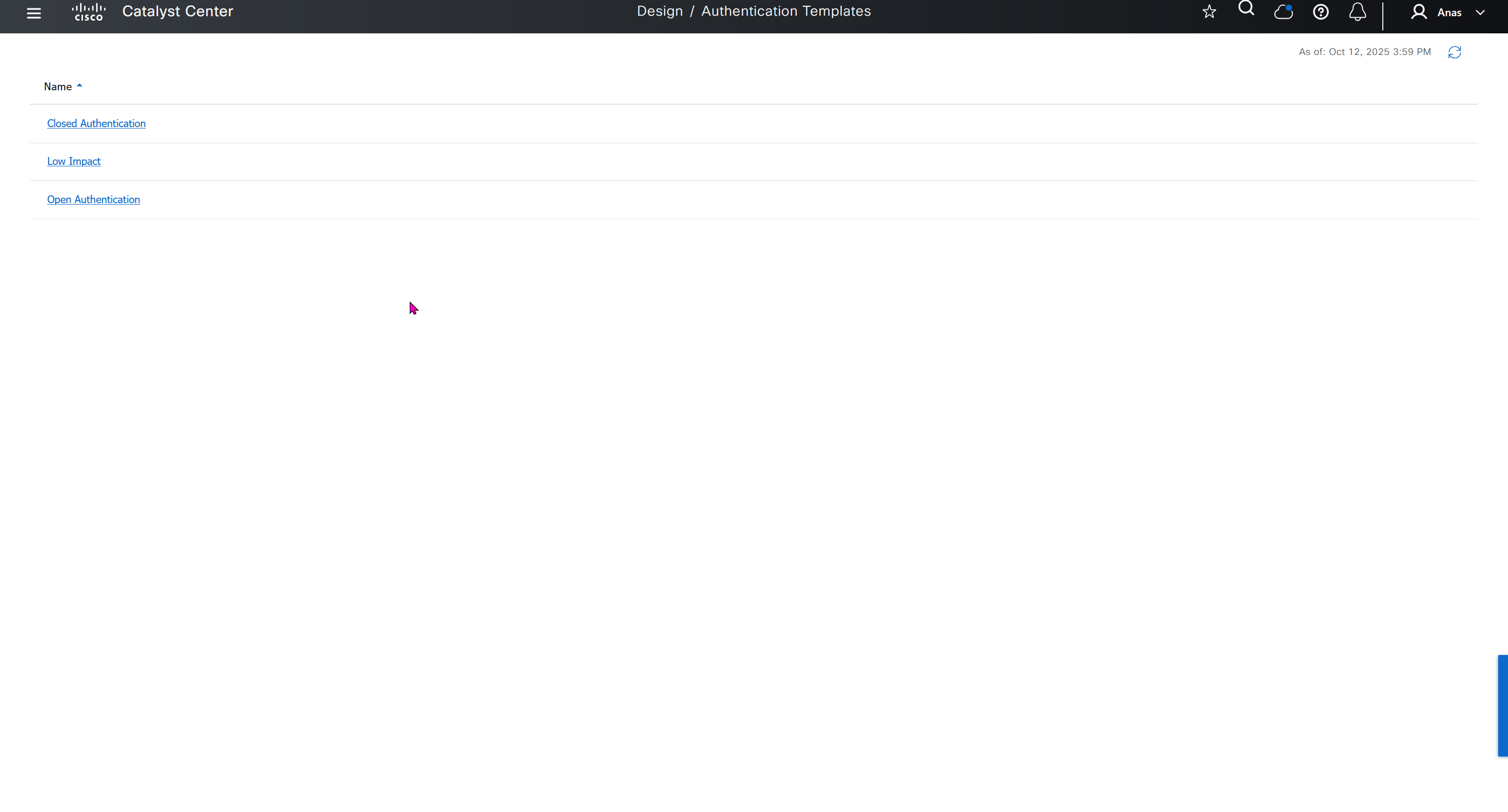
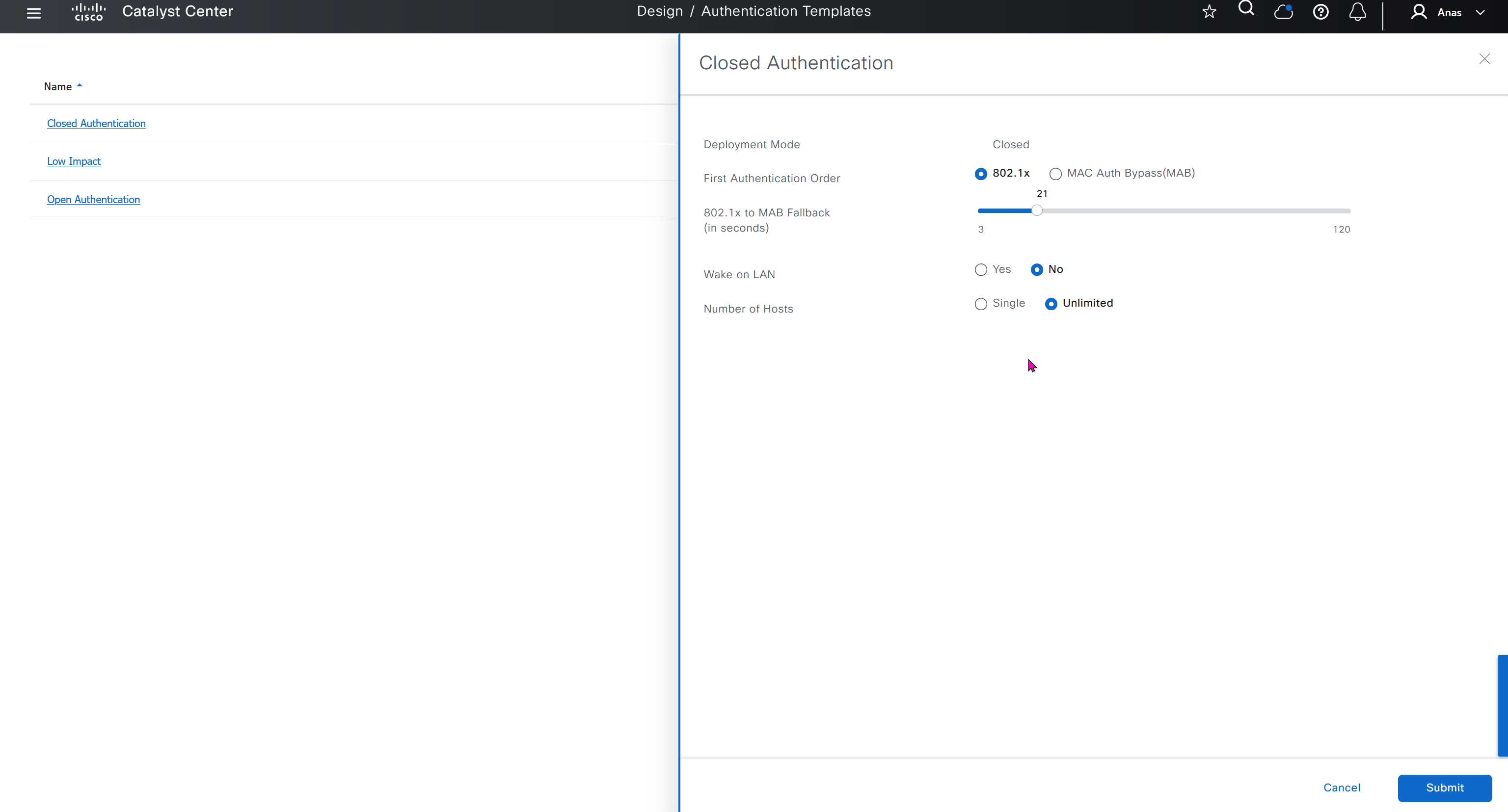
You can modify these authentication templates but cannot define more
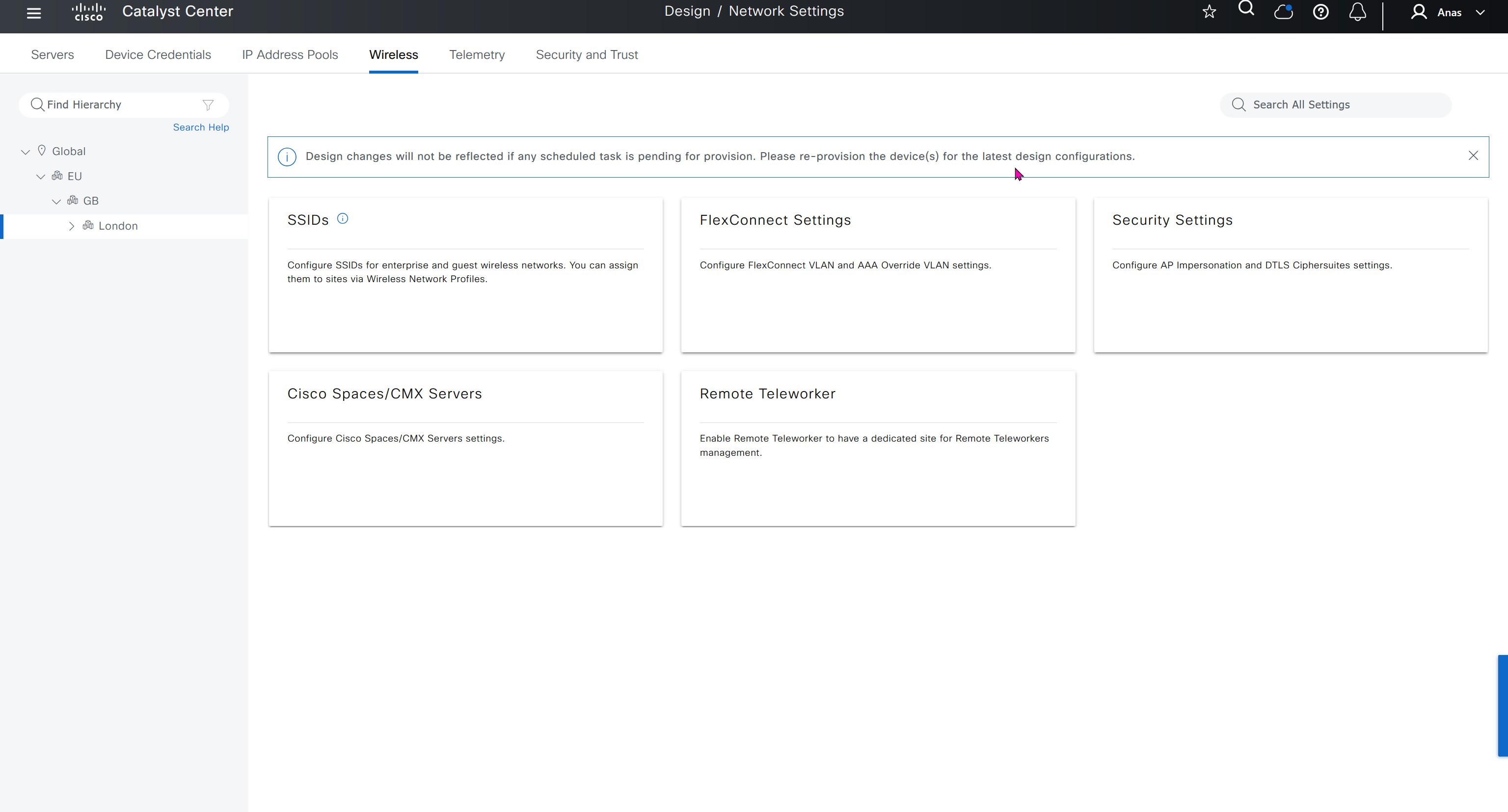
If you want to define different SSID in europe or you want different ISE server for europe then use hierarchy and go to site specific level and override


IP based access control is used when you create non fabric based wireless and this is a very specific use, if we dont use non-fabric wireless then we will not have to touch this page
AI Endpoint Analytics
With new DNAC, AI Endpoint Analytics was introduced and this leverages AI capabilities in cloud and uses deep packet inspection in Catalyst 9K infrastructure to “identify types of endpoints” – this information can then be fed to ISE and can then be used as part of endpoint authentication, this provides additional network packet level context along side the profiling probes that ISE performs on its own and that information is communicated to ISE using PXGrid
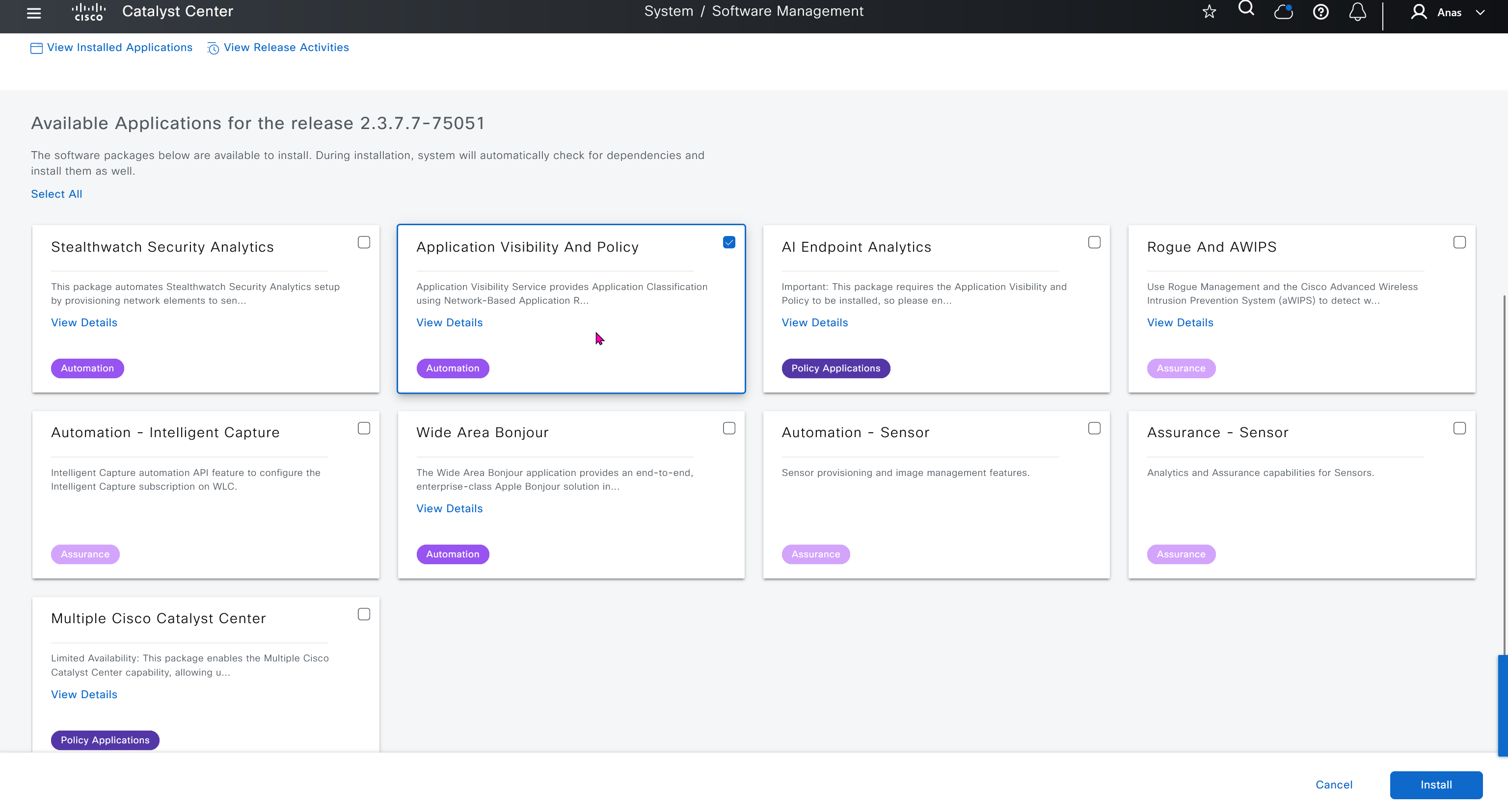
Application policies is the feature that was known as Easy QoS and it allows you to deploy QoS end to end in your network, for more details checkout RS0122 – SDA Application Policy (EasyQoS)
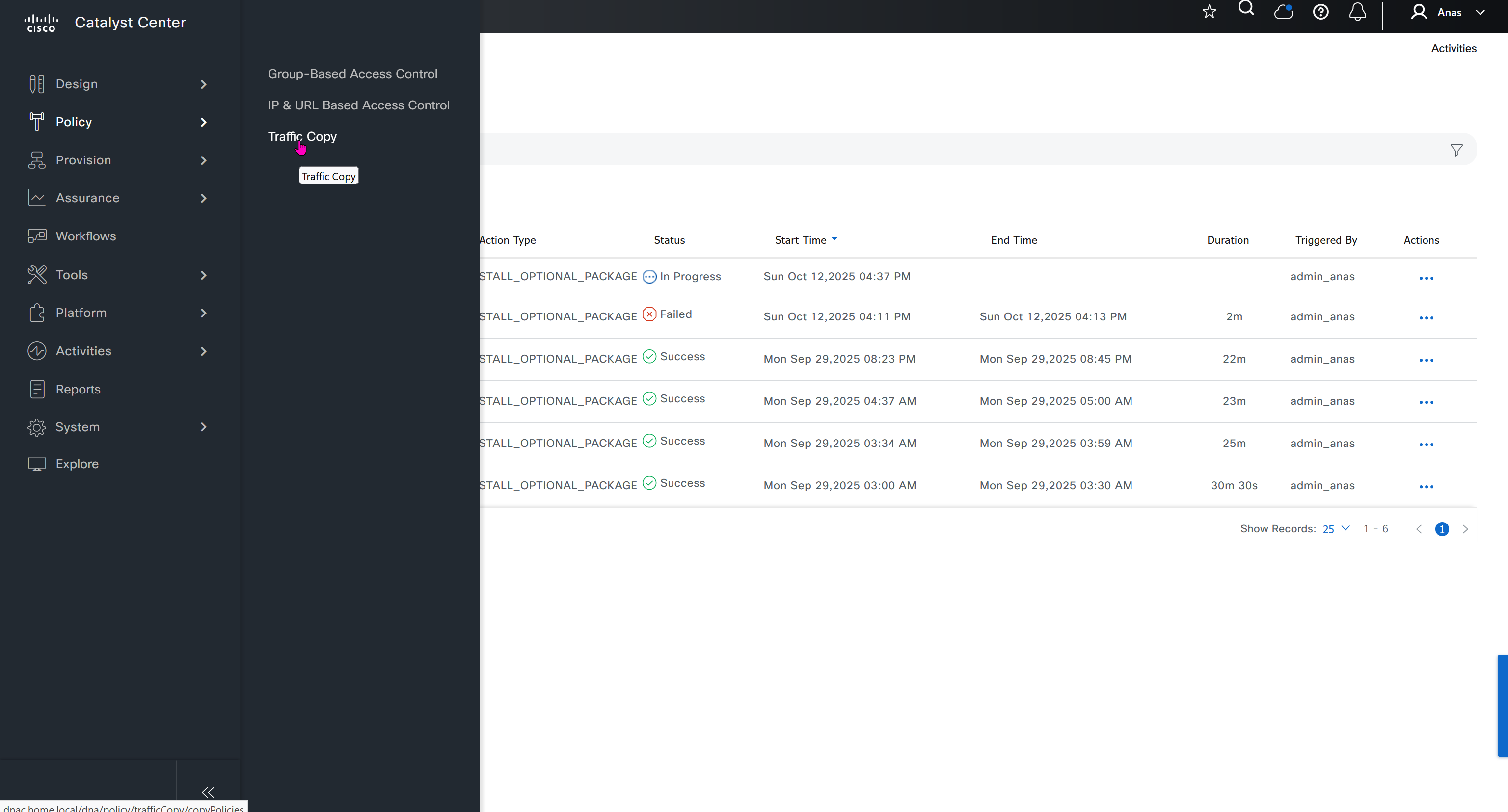
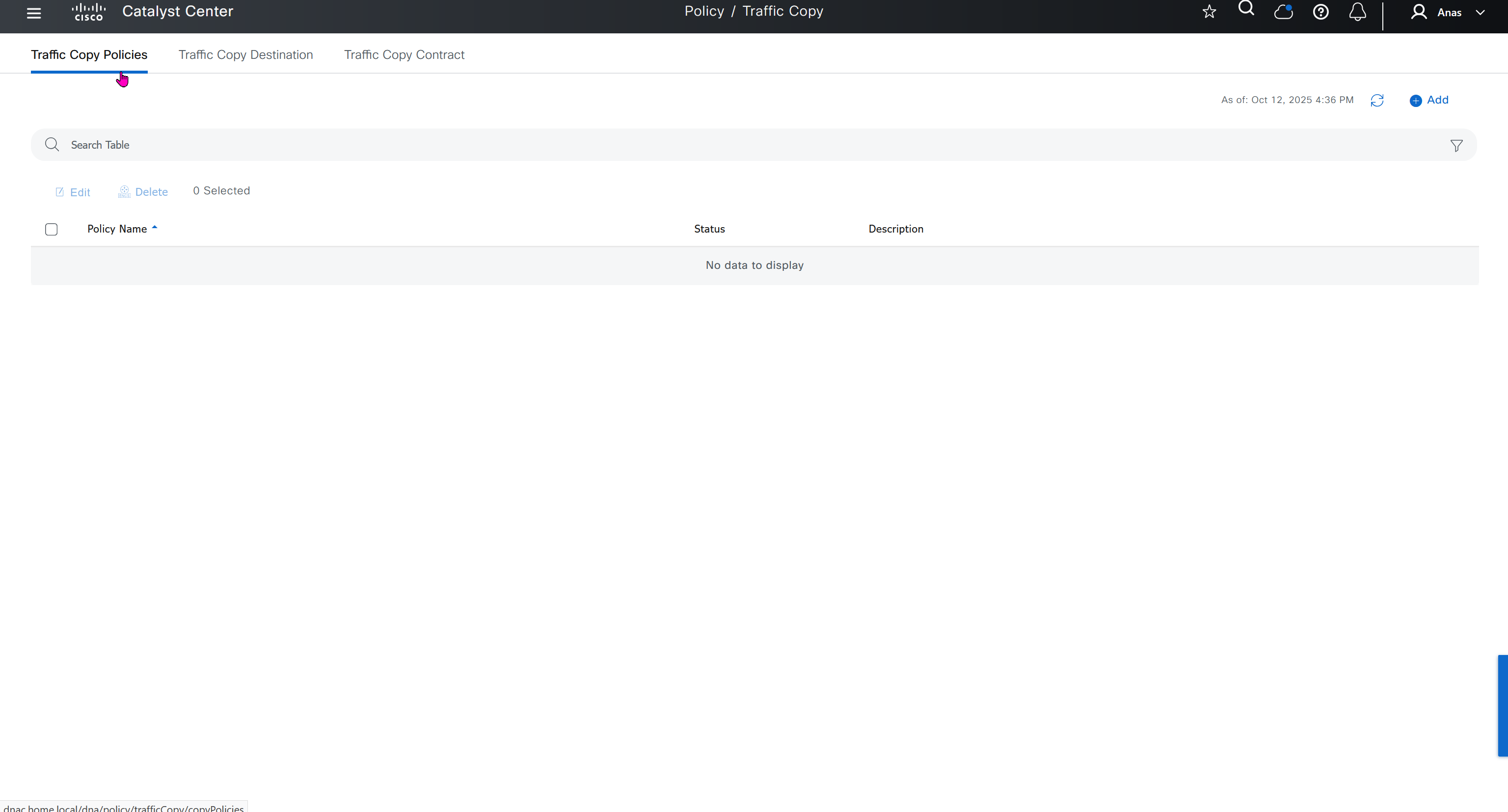
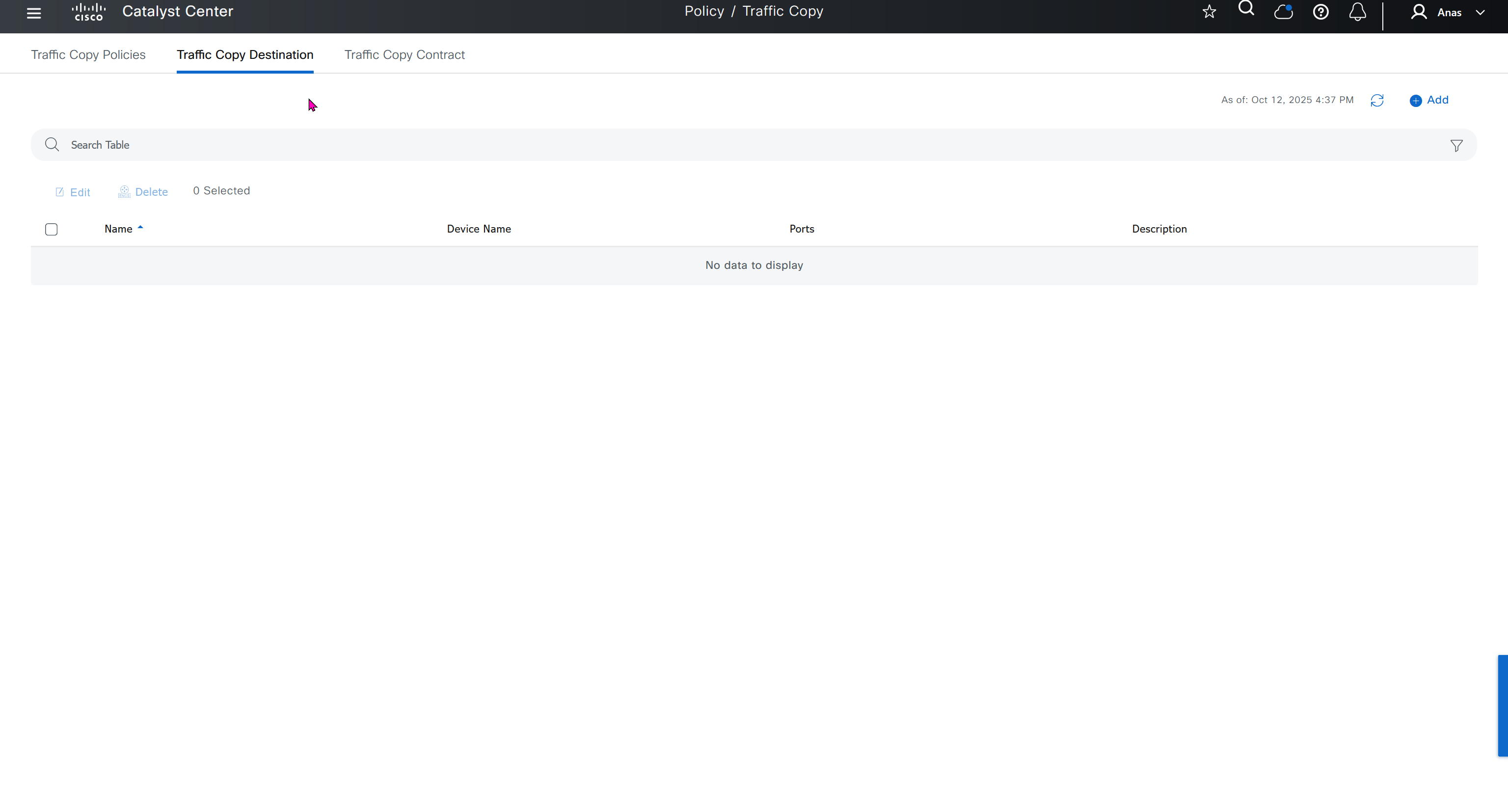
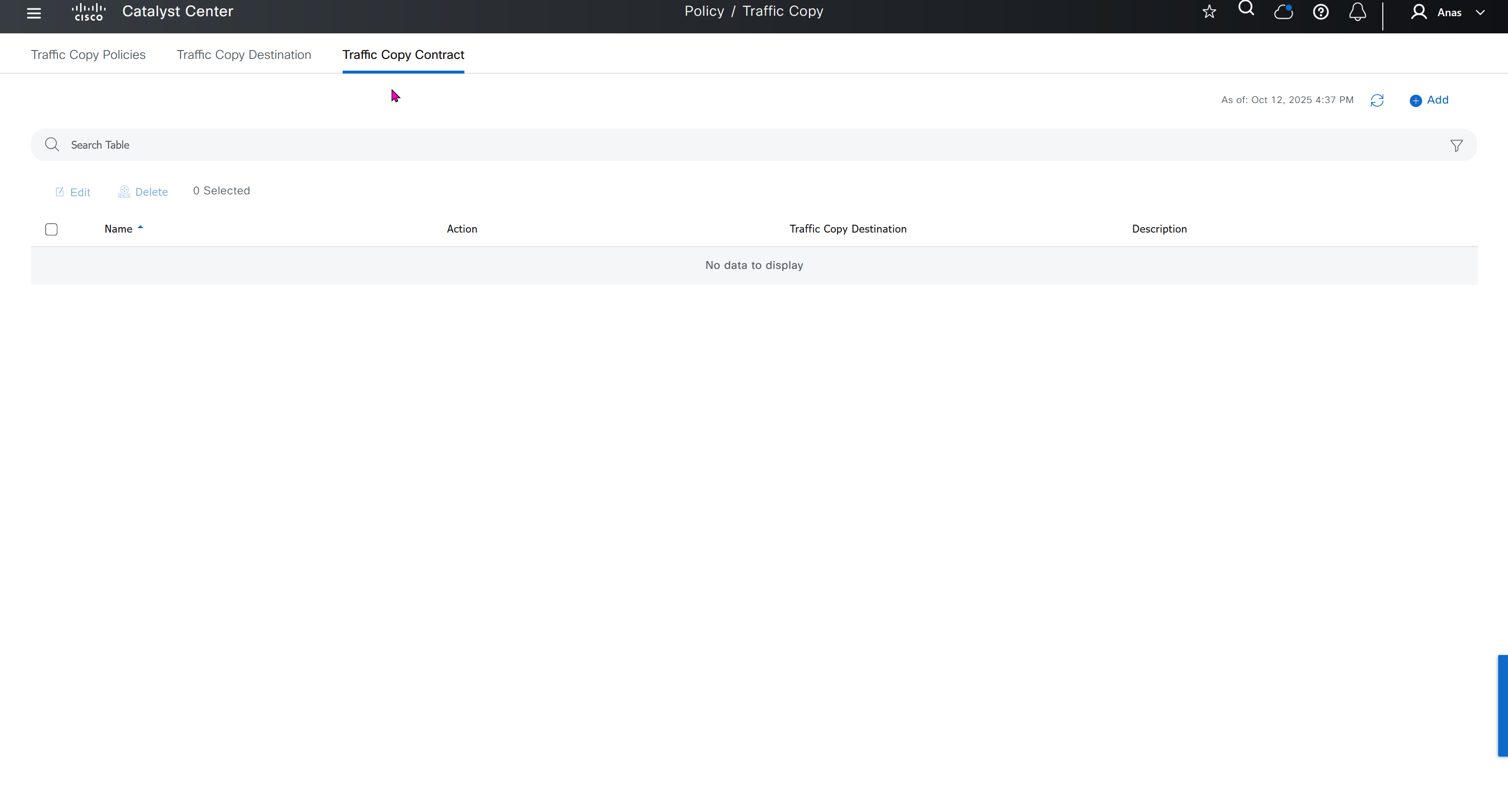
Traffic Copy is the way to span traffic from Fabric to a remote destination and this is part of SGT, as you can capture traffic between specific contracts or tags
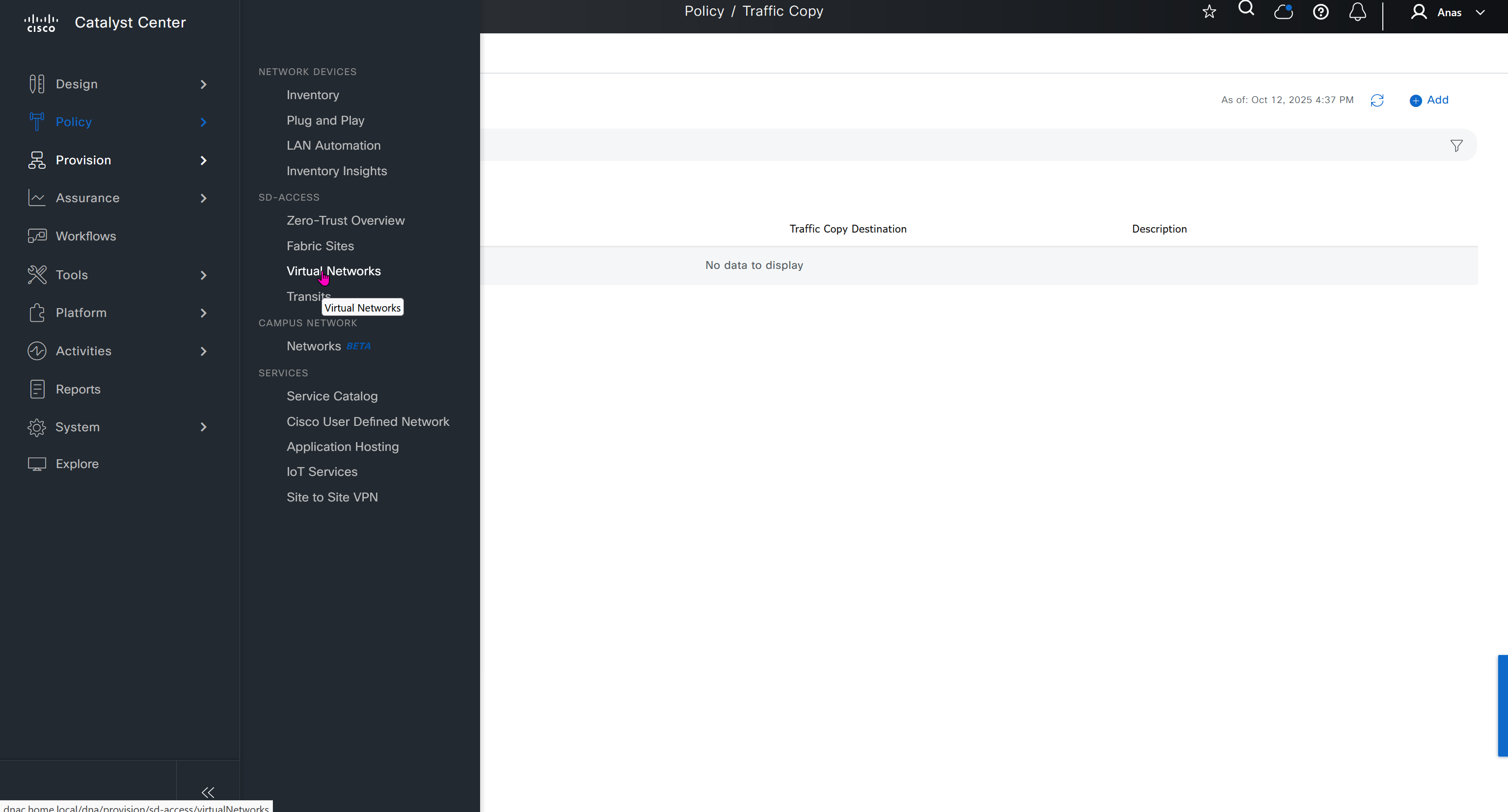
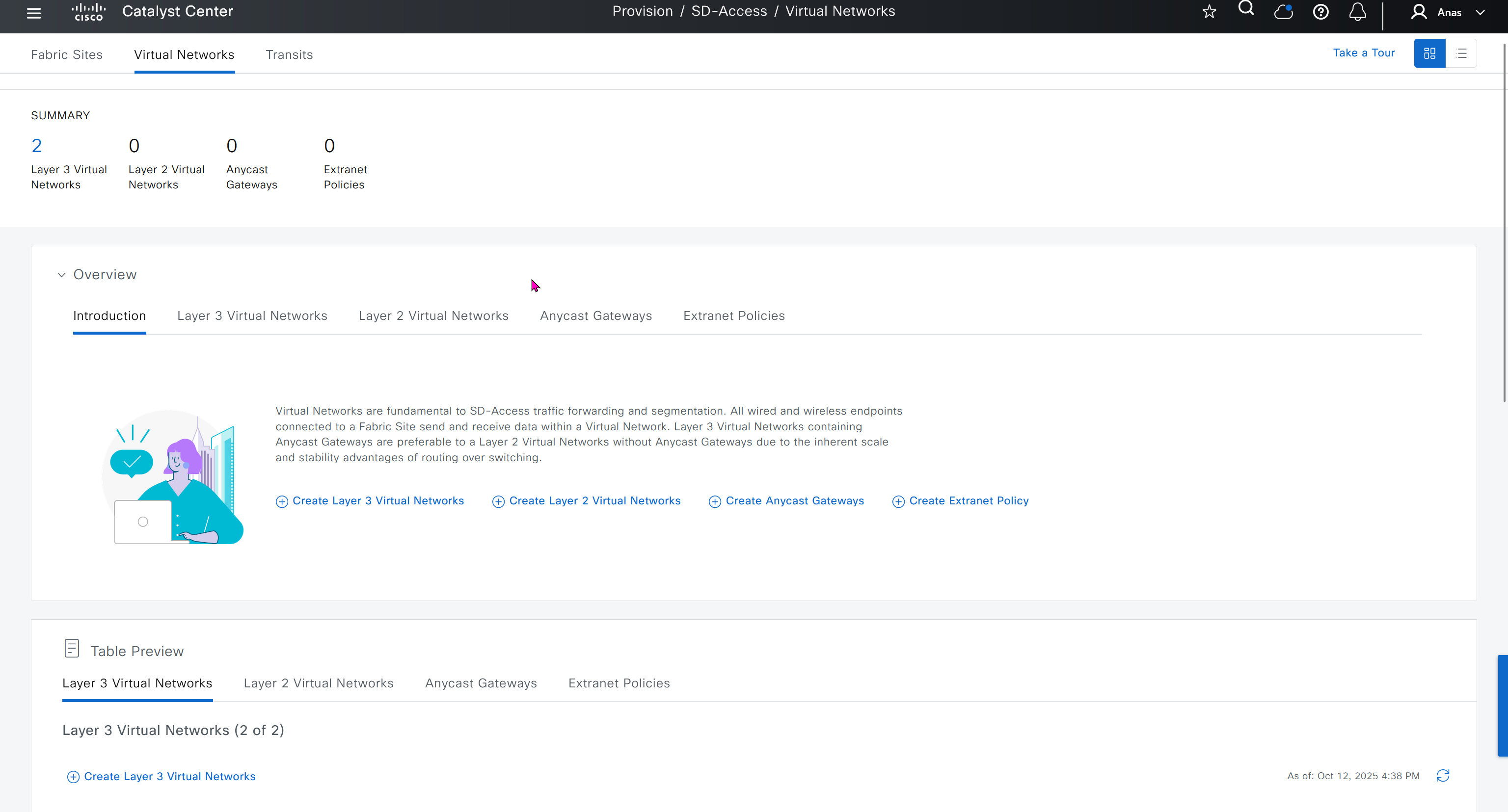
Finally Virtual networks which are essentially VRFs and separate different (virtual) fabric on same network
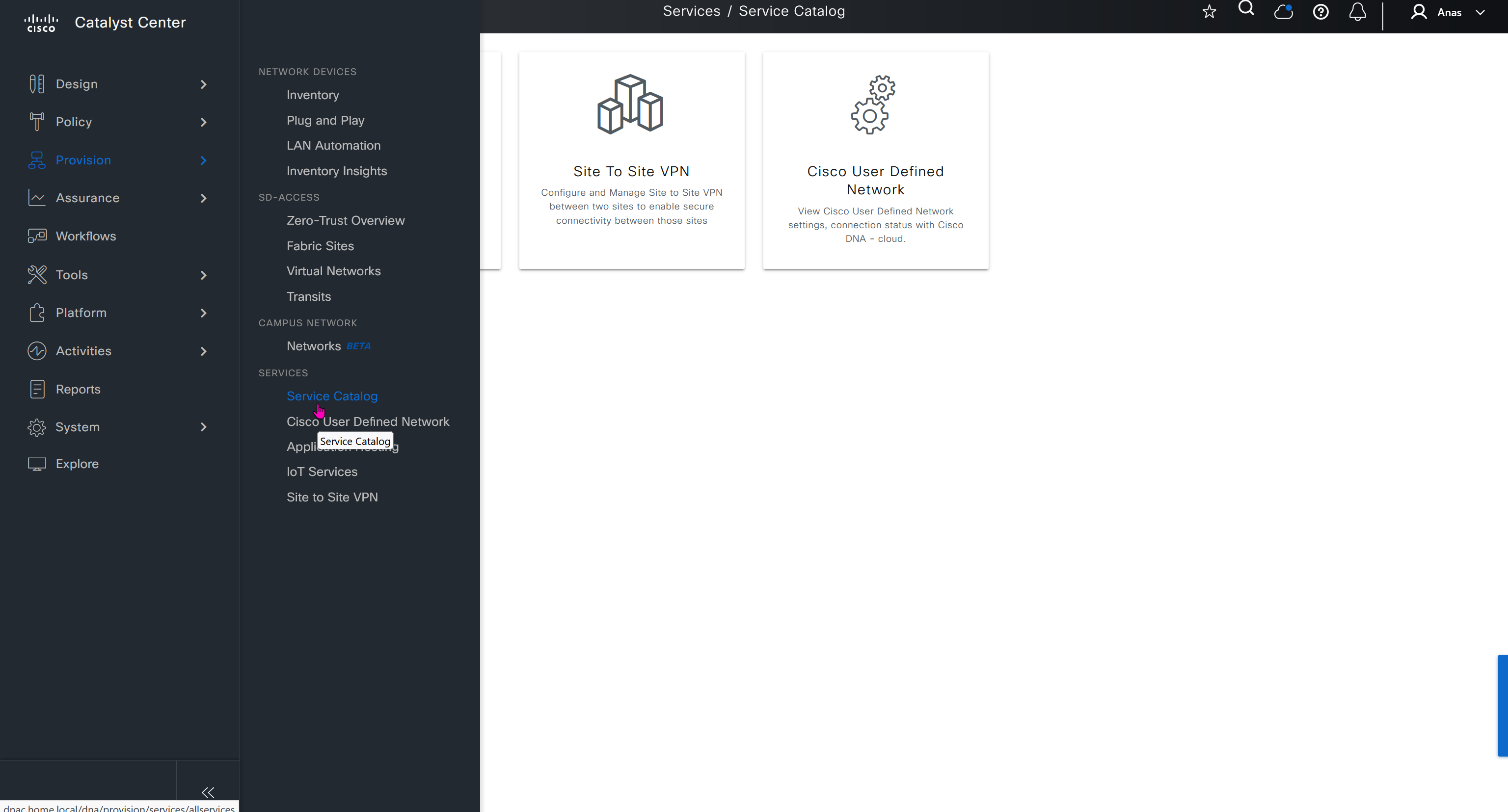
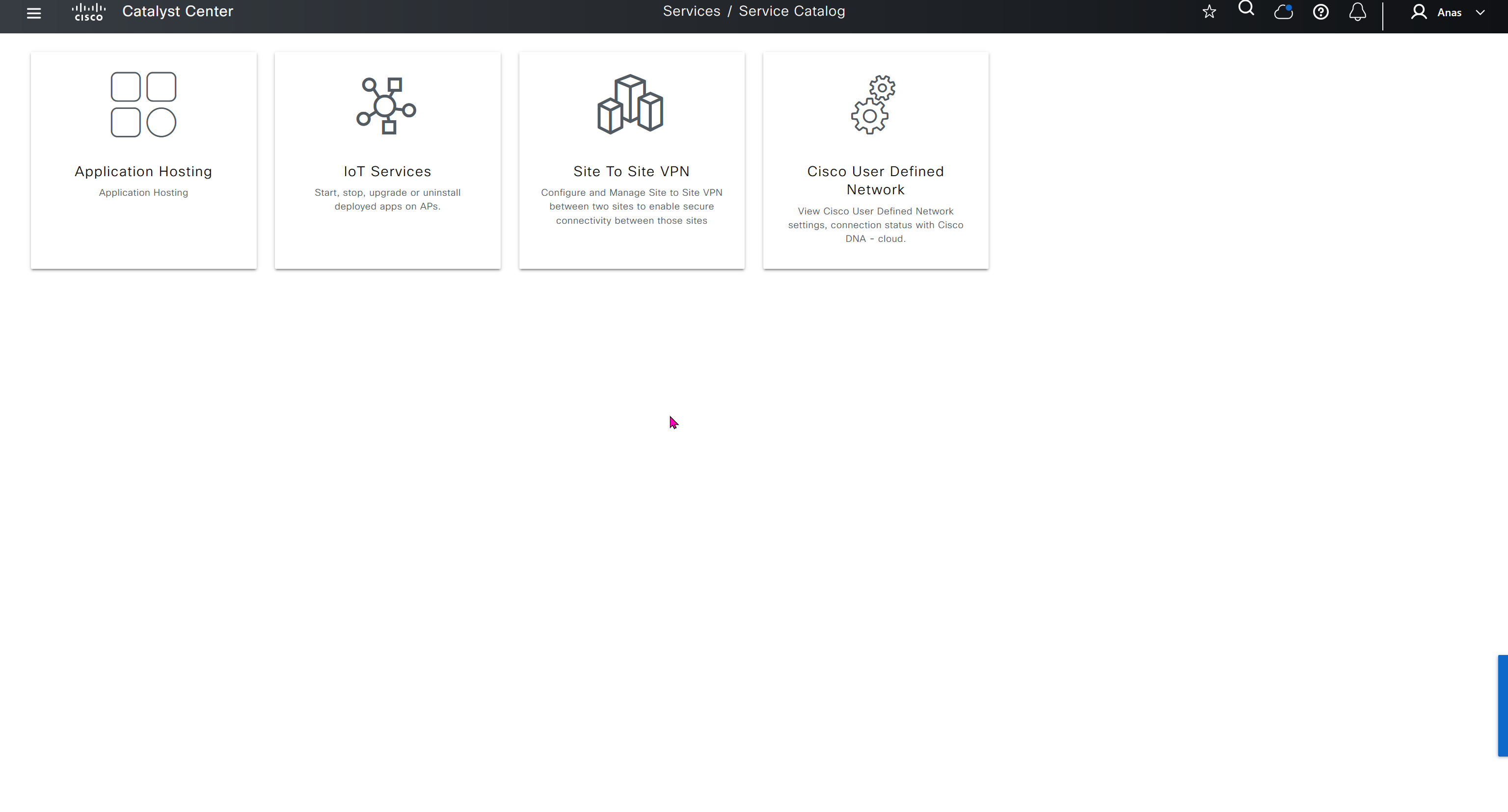
Service catalog, these are different services that are offered
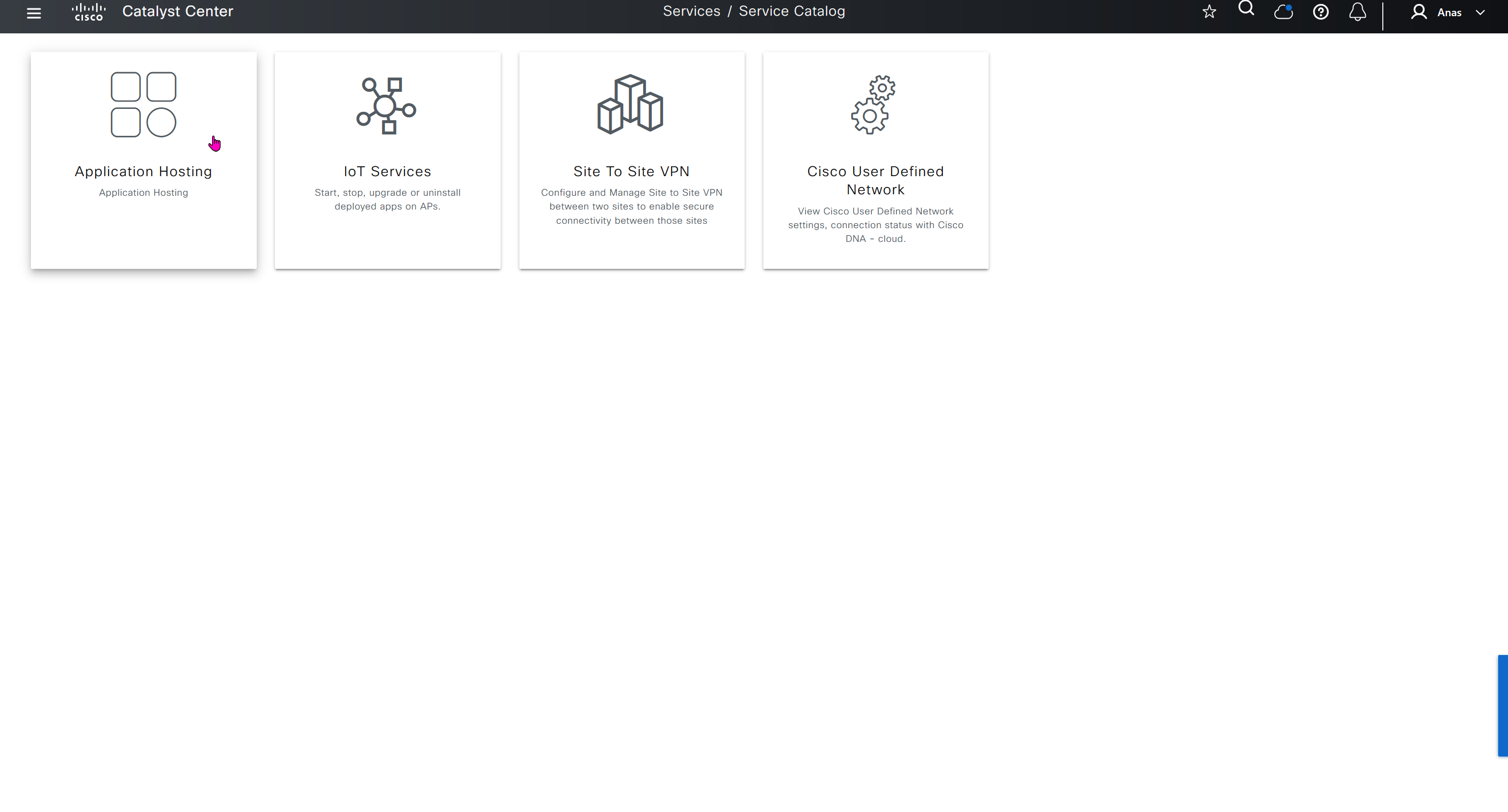
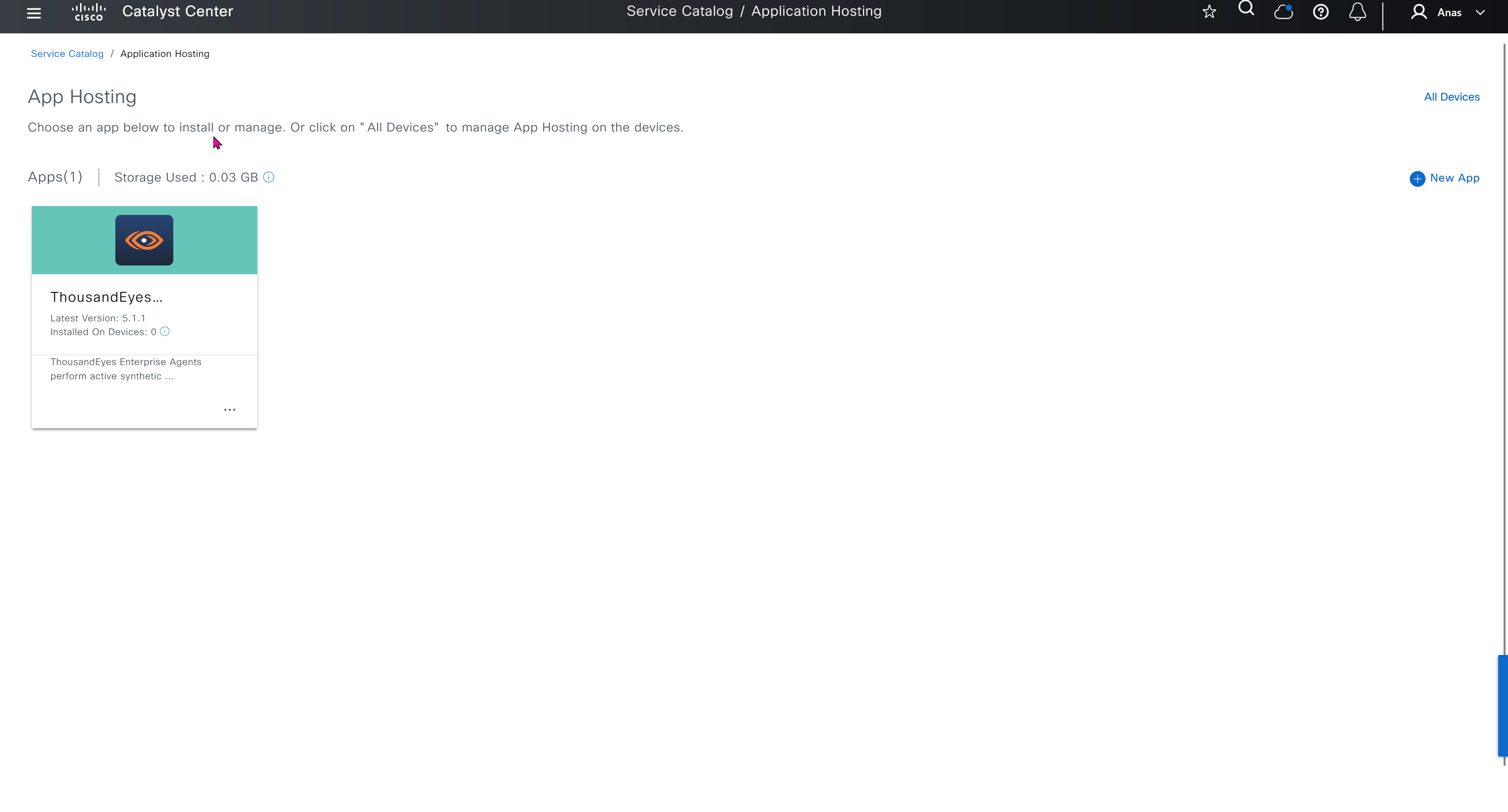
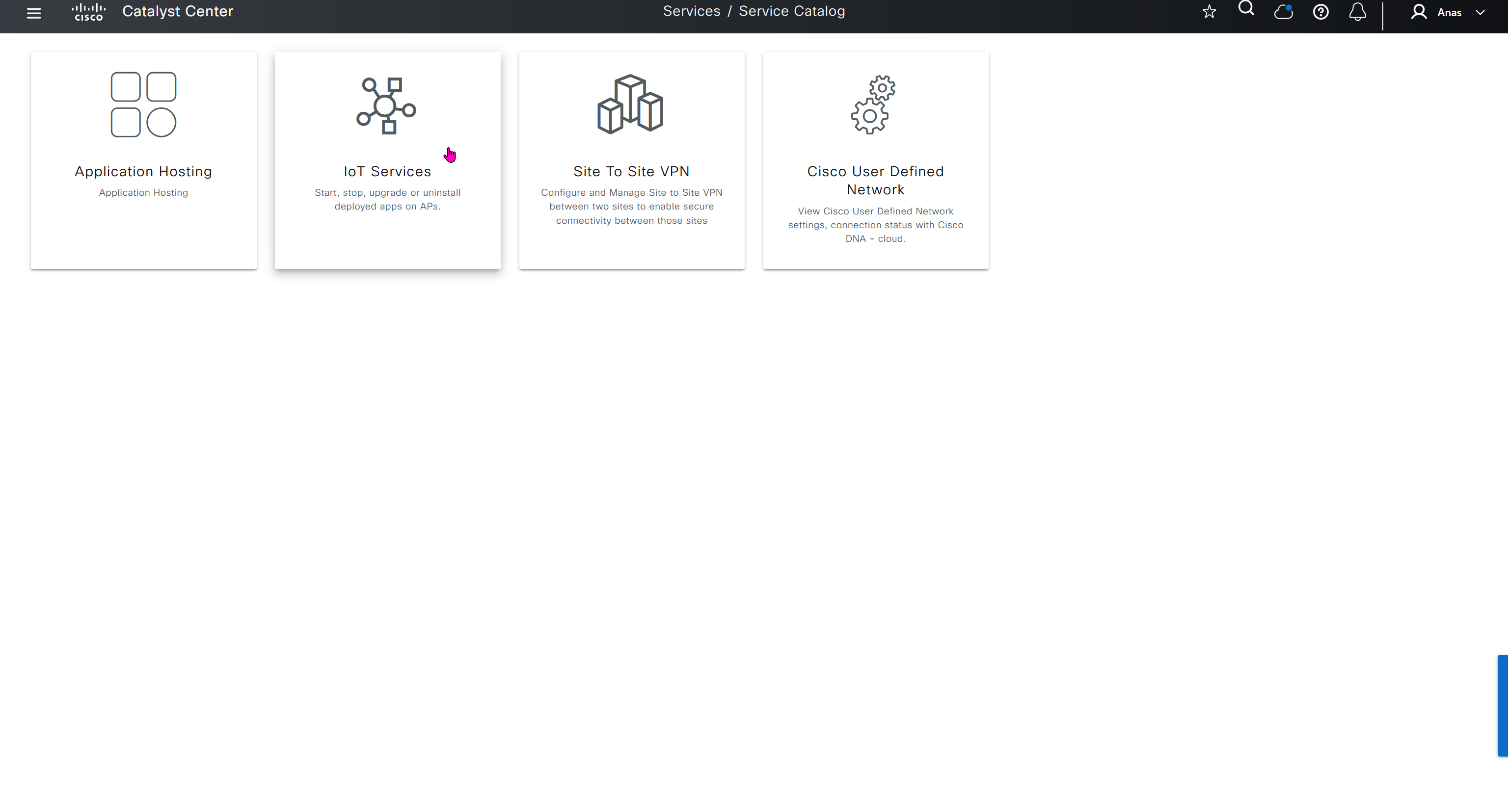
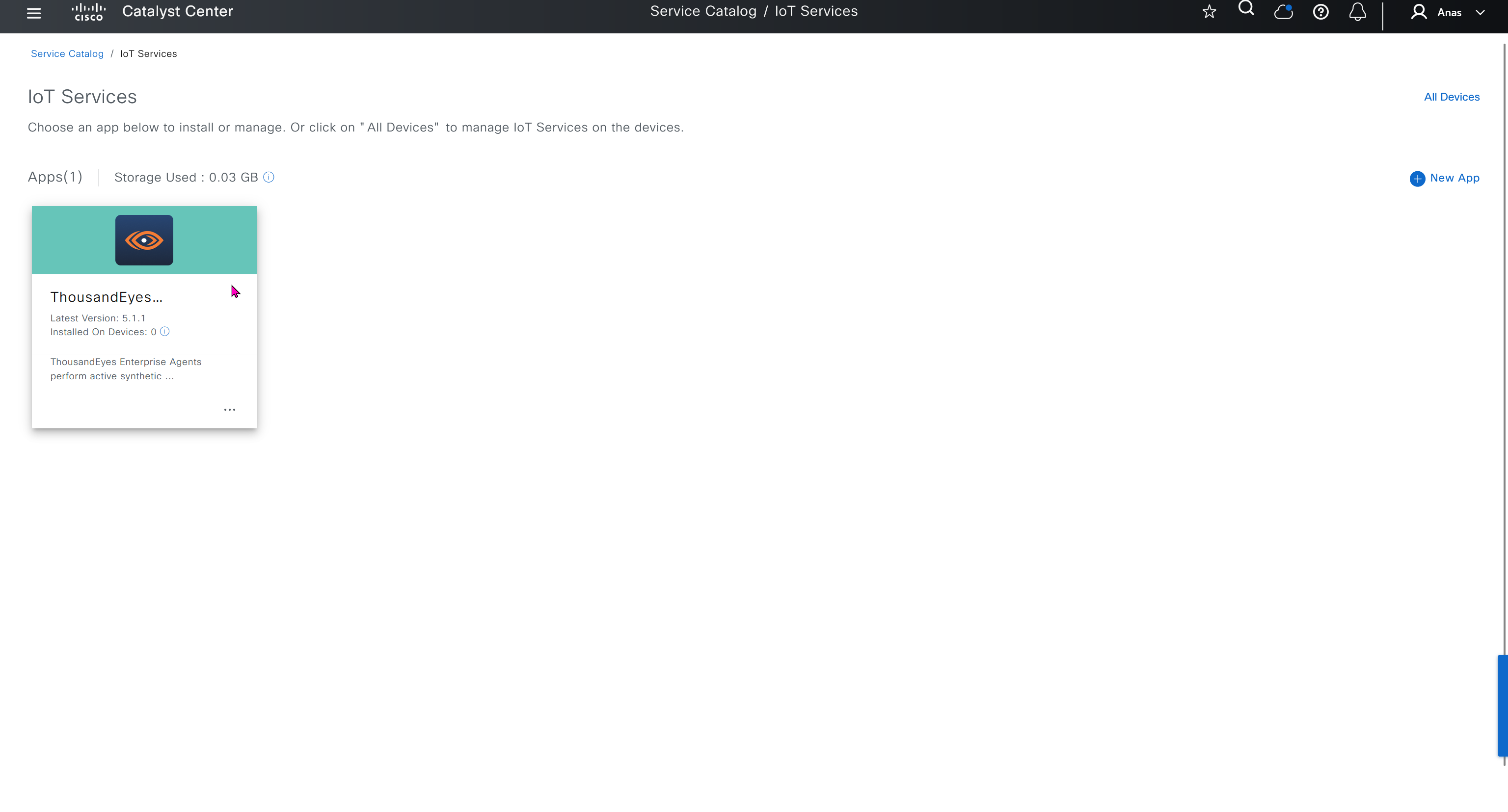
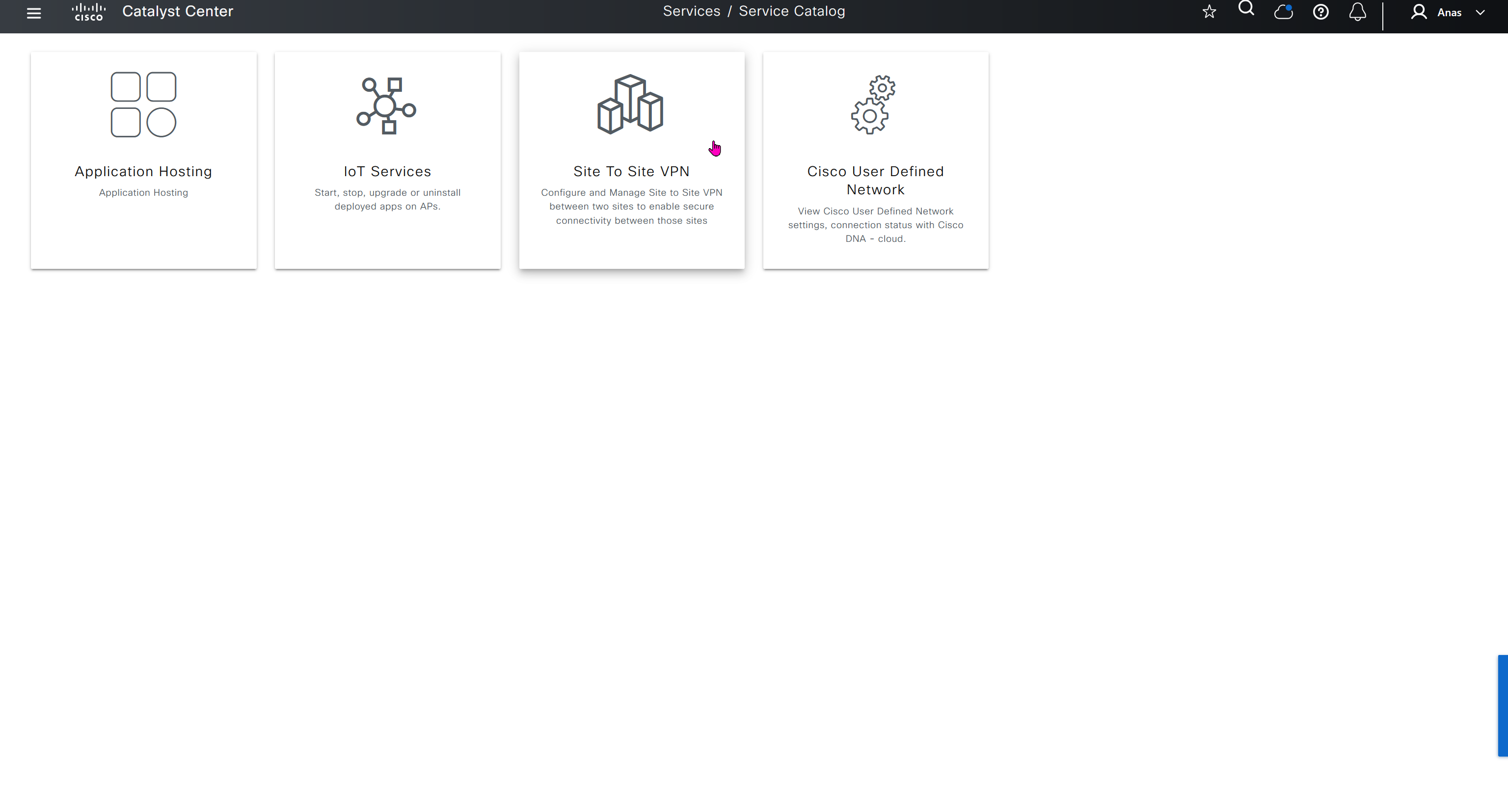
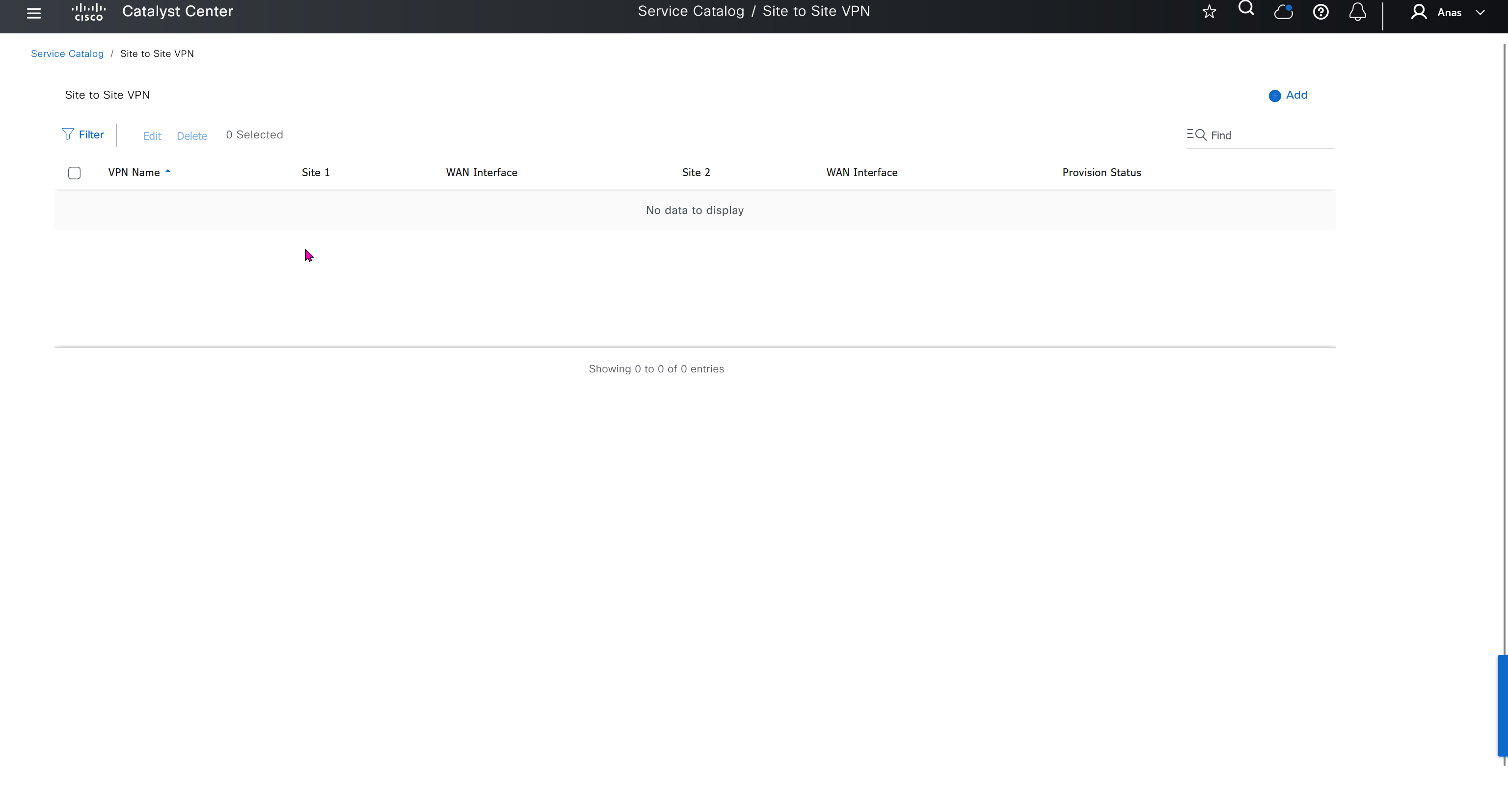
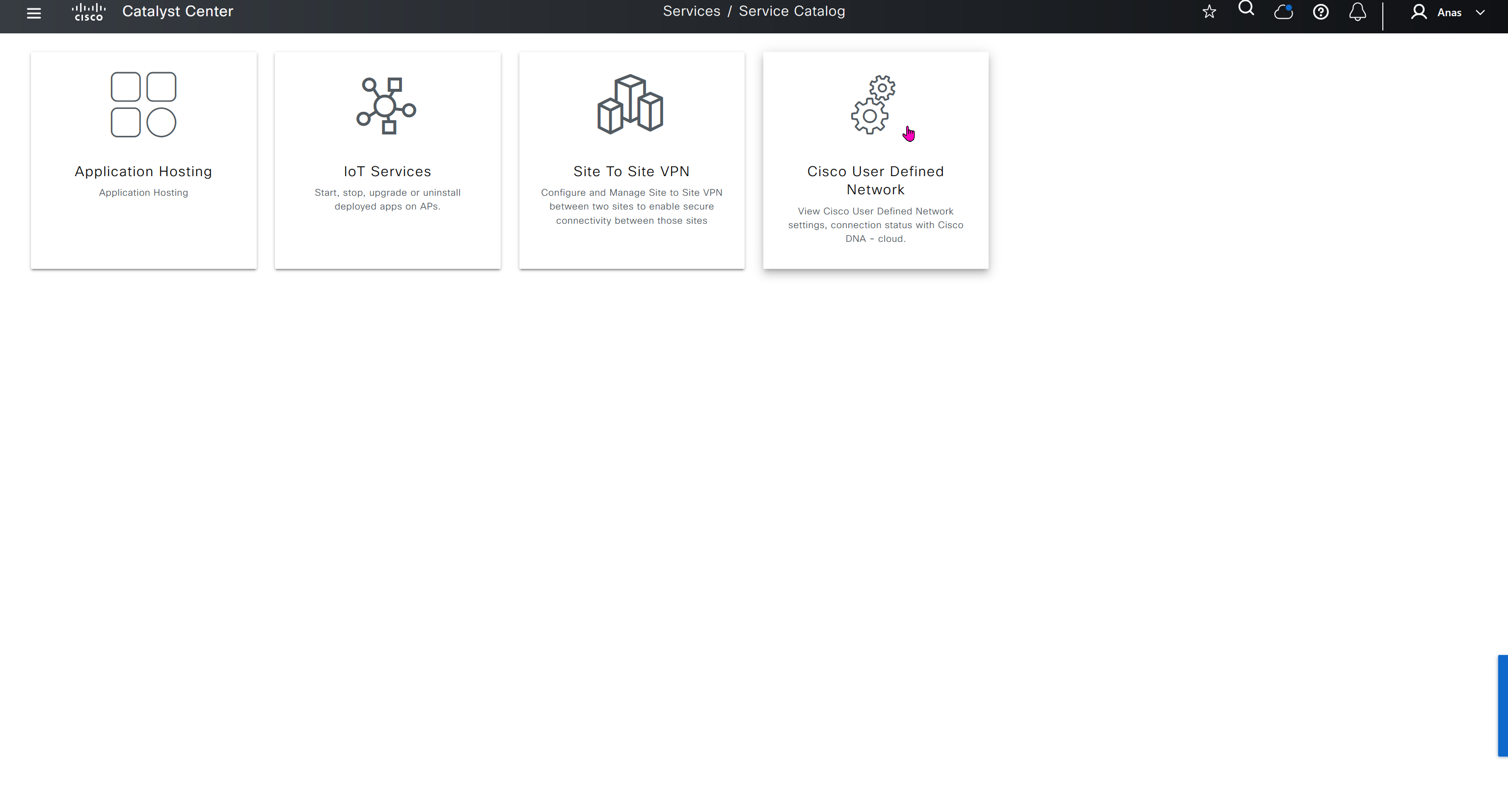
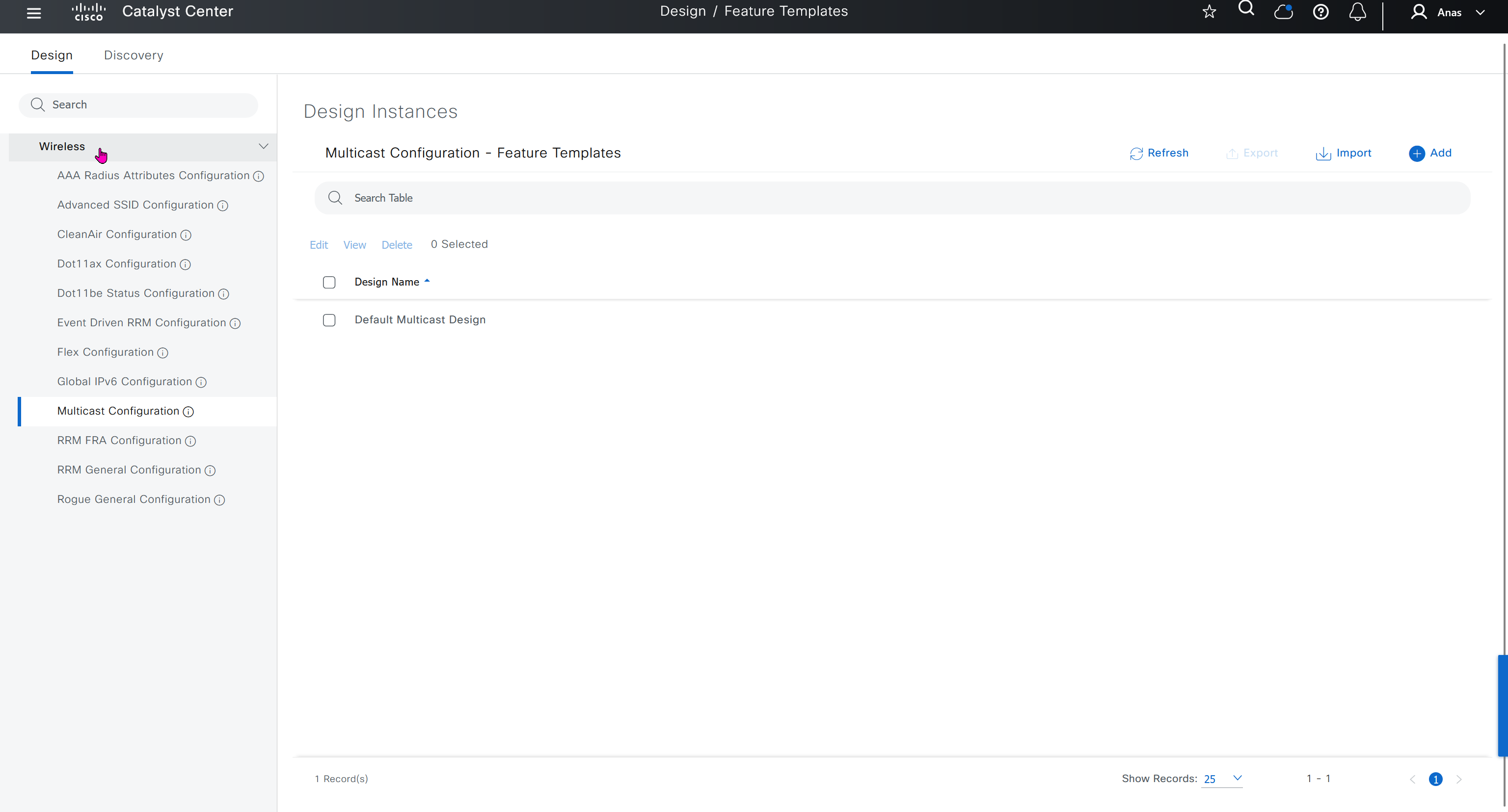
User defined network is a cool concept as it allows users to create personal network on top of shared infrastructure, users can then register their personal devices using an app and also invite other users into that network using same app and these networks are like bubbles
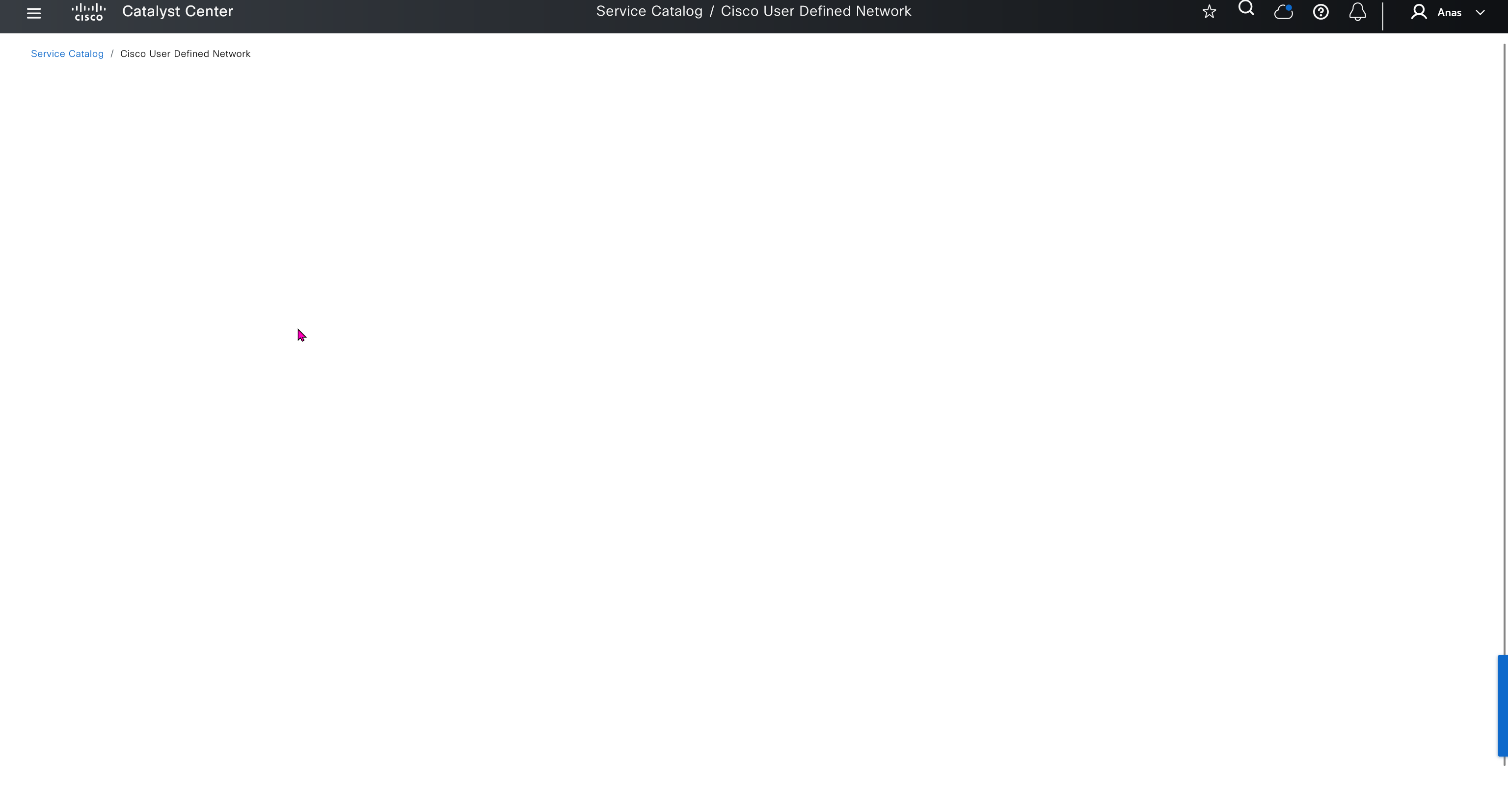
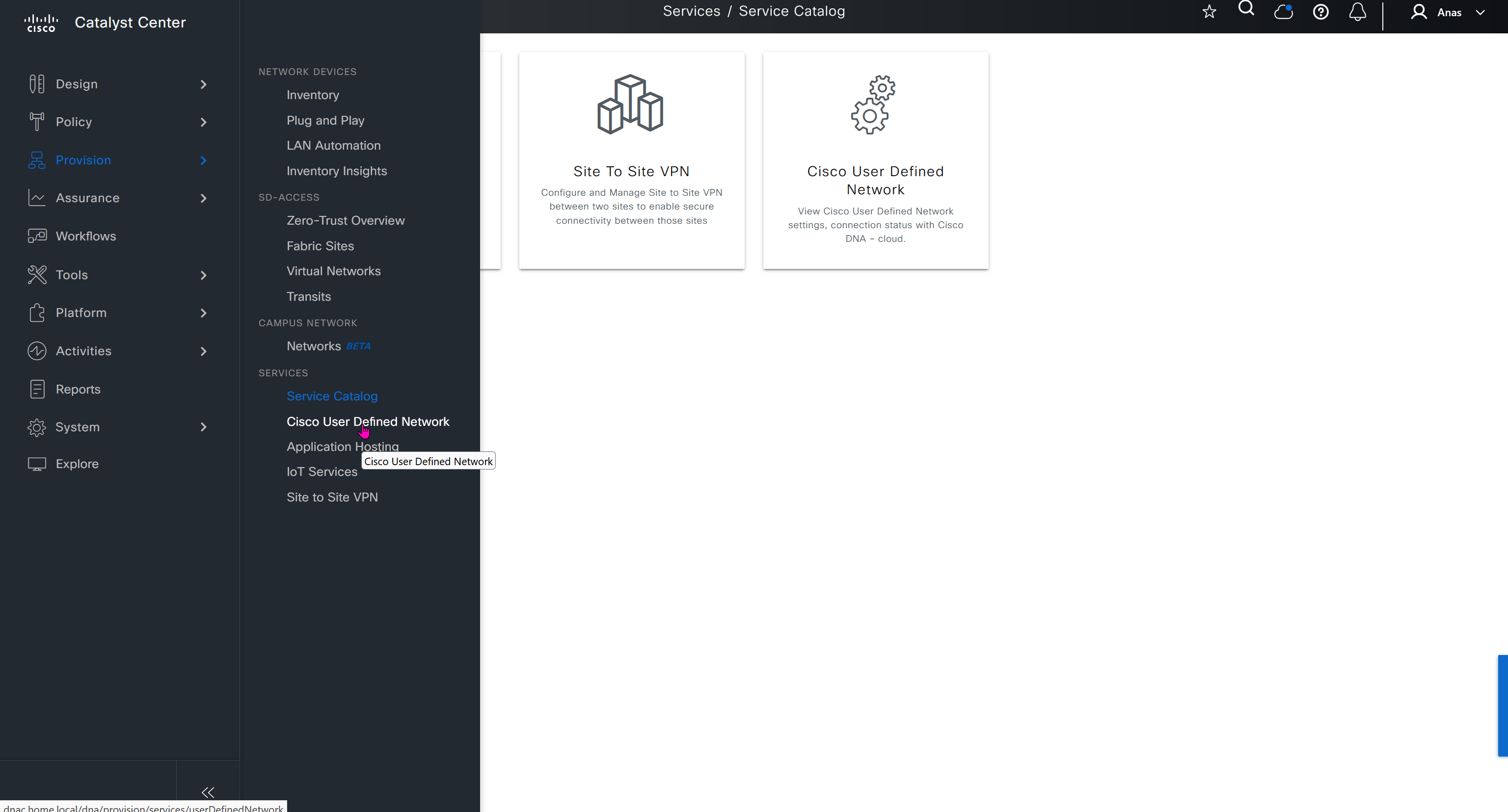
These 4 services are also listed under the services section of provision tab
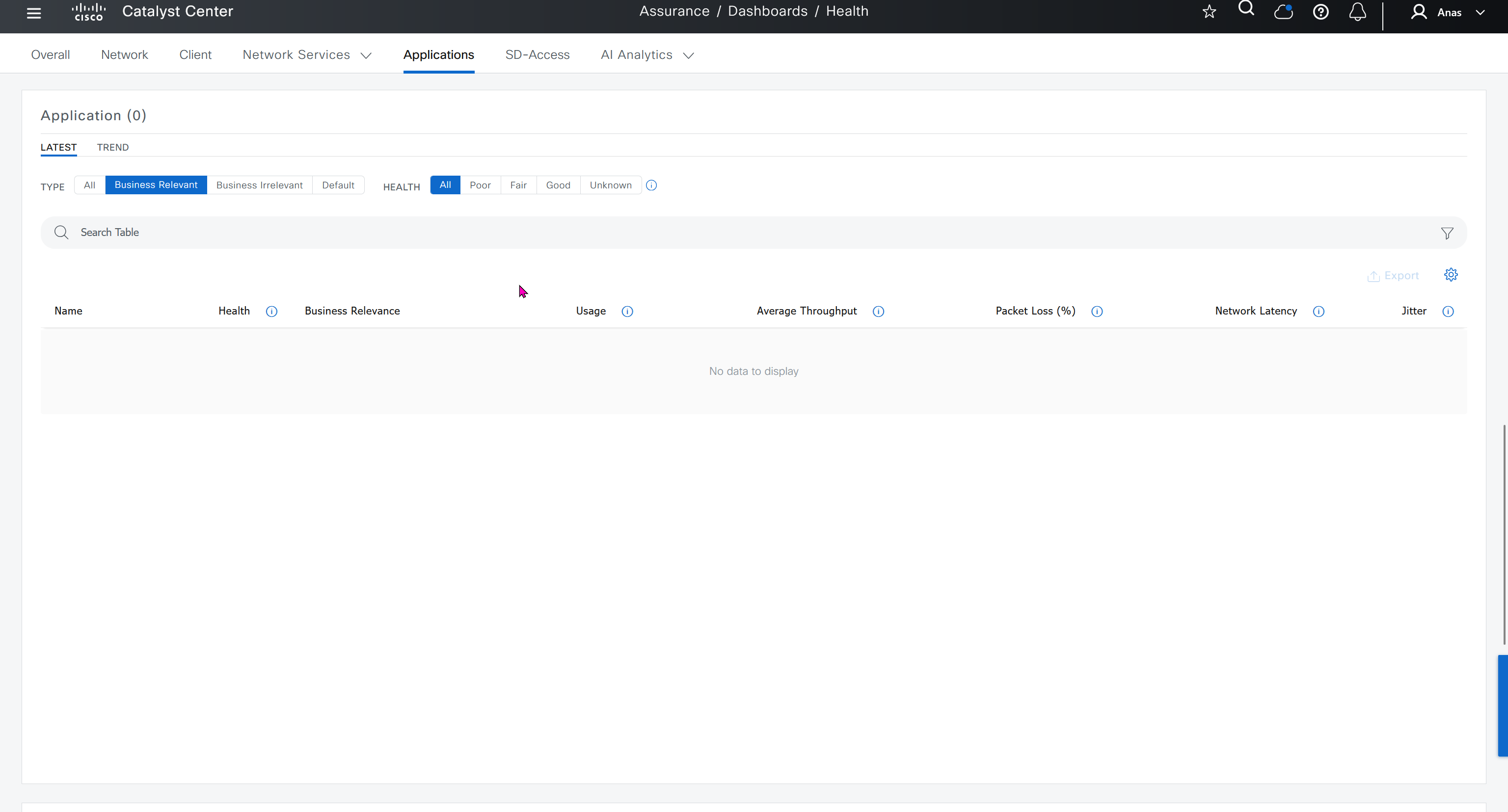
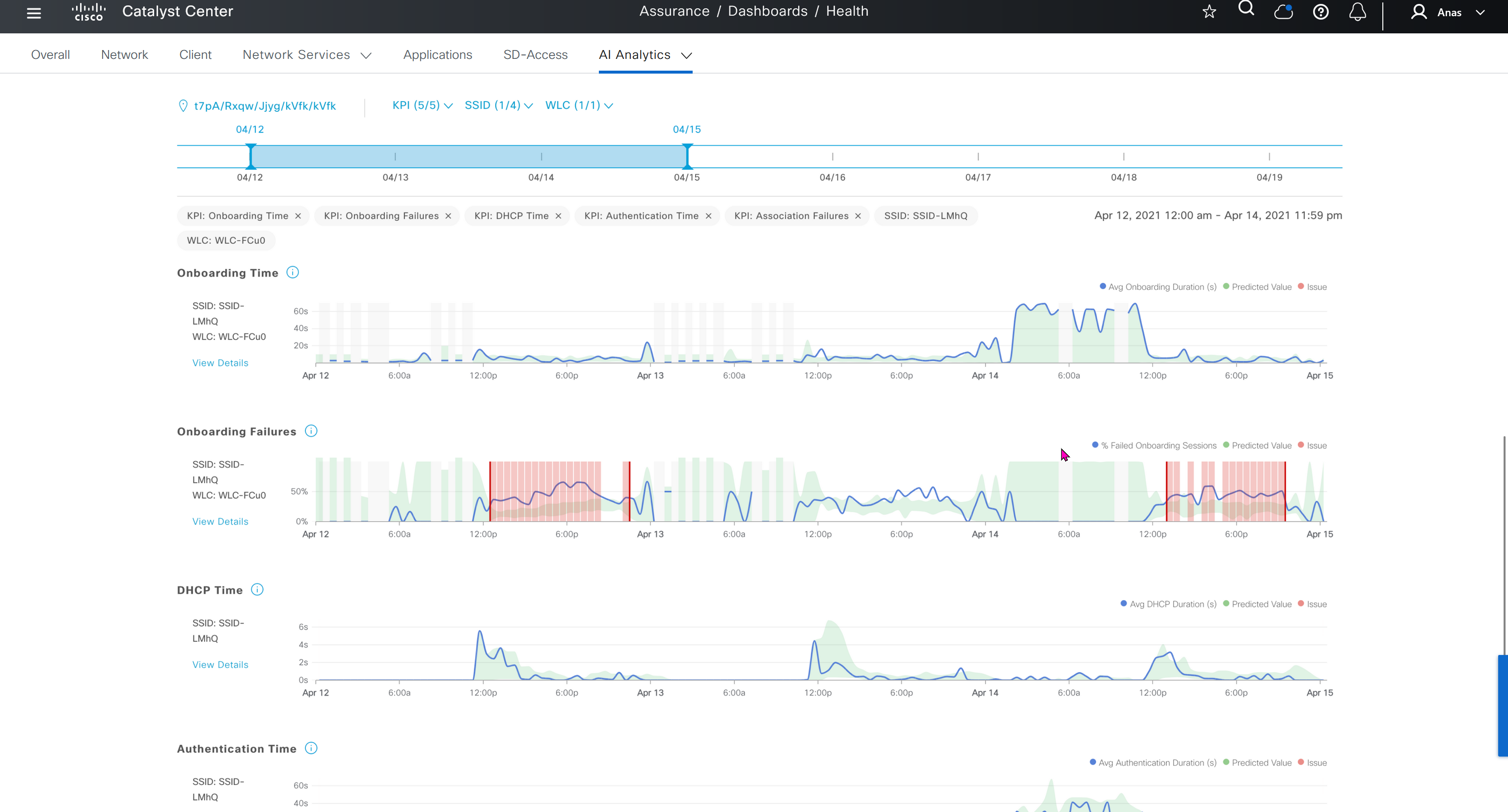
Assurance does not just measures health and experience of network devices but also includes clients and helps us measure client’s experience on the network also and it does not stay at client but its scope one level more deep into application as well

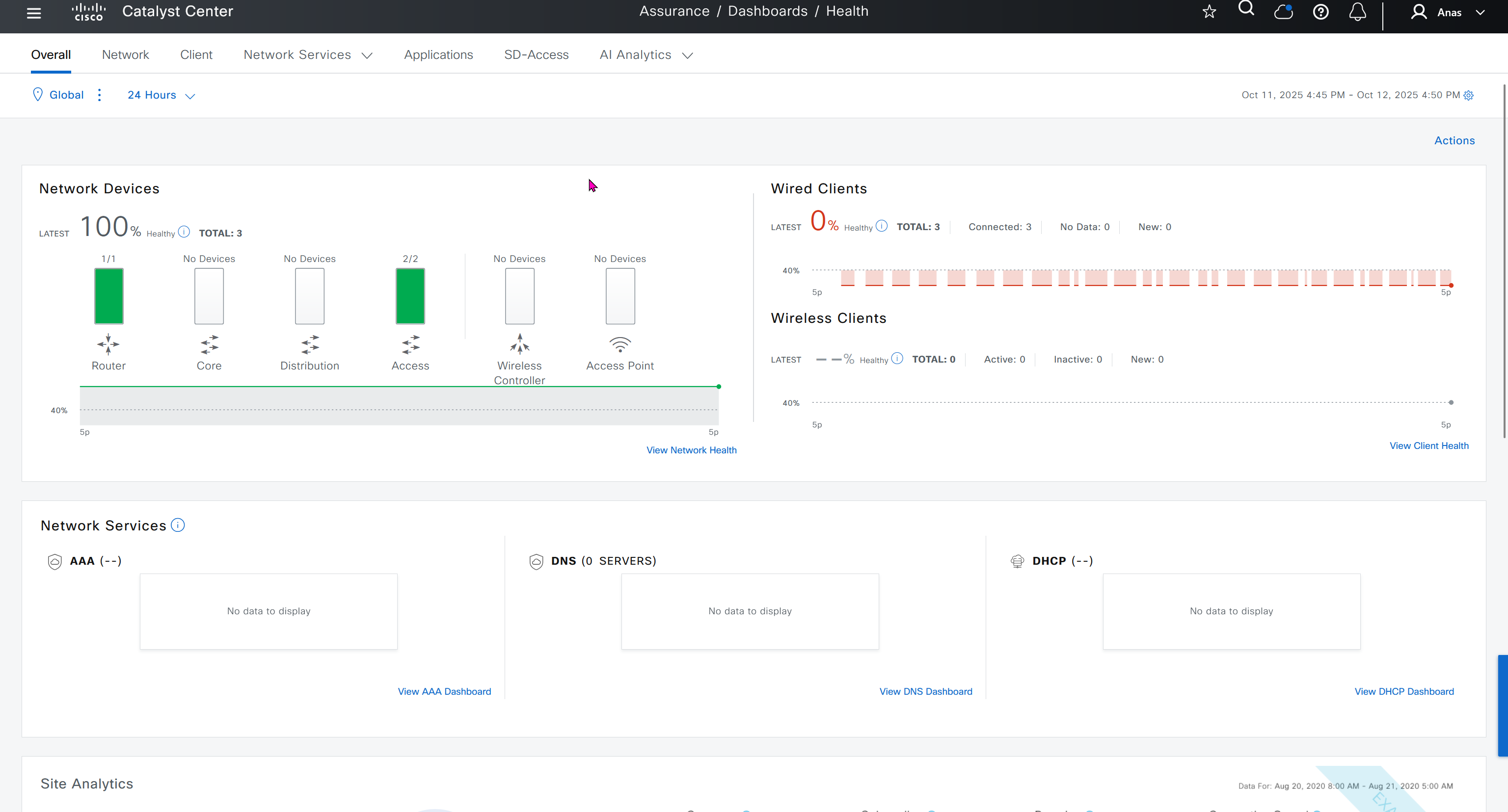


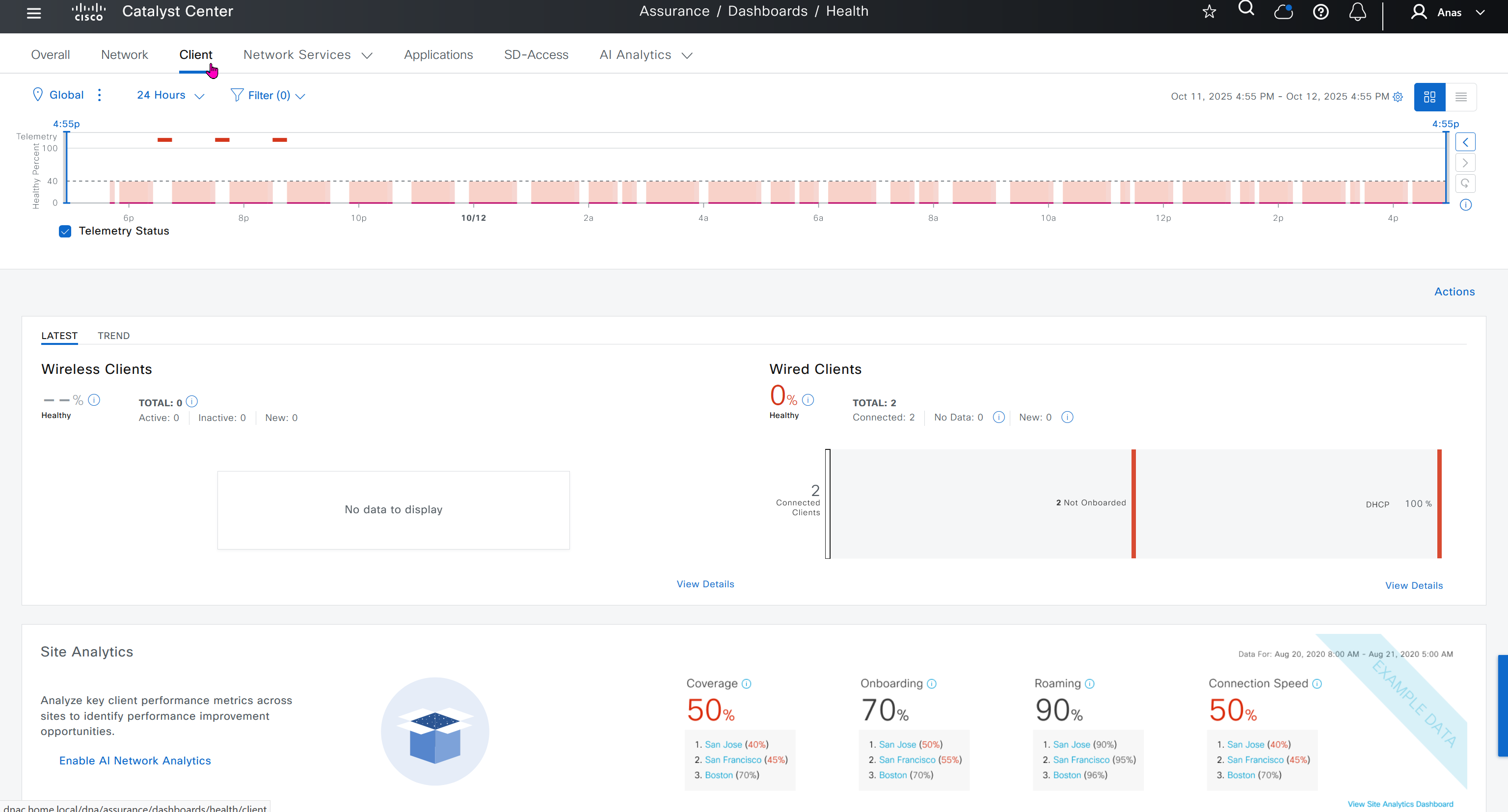
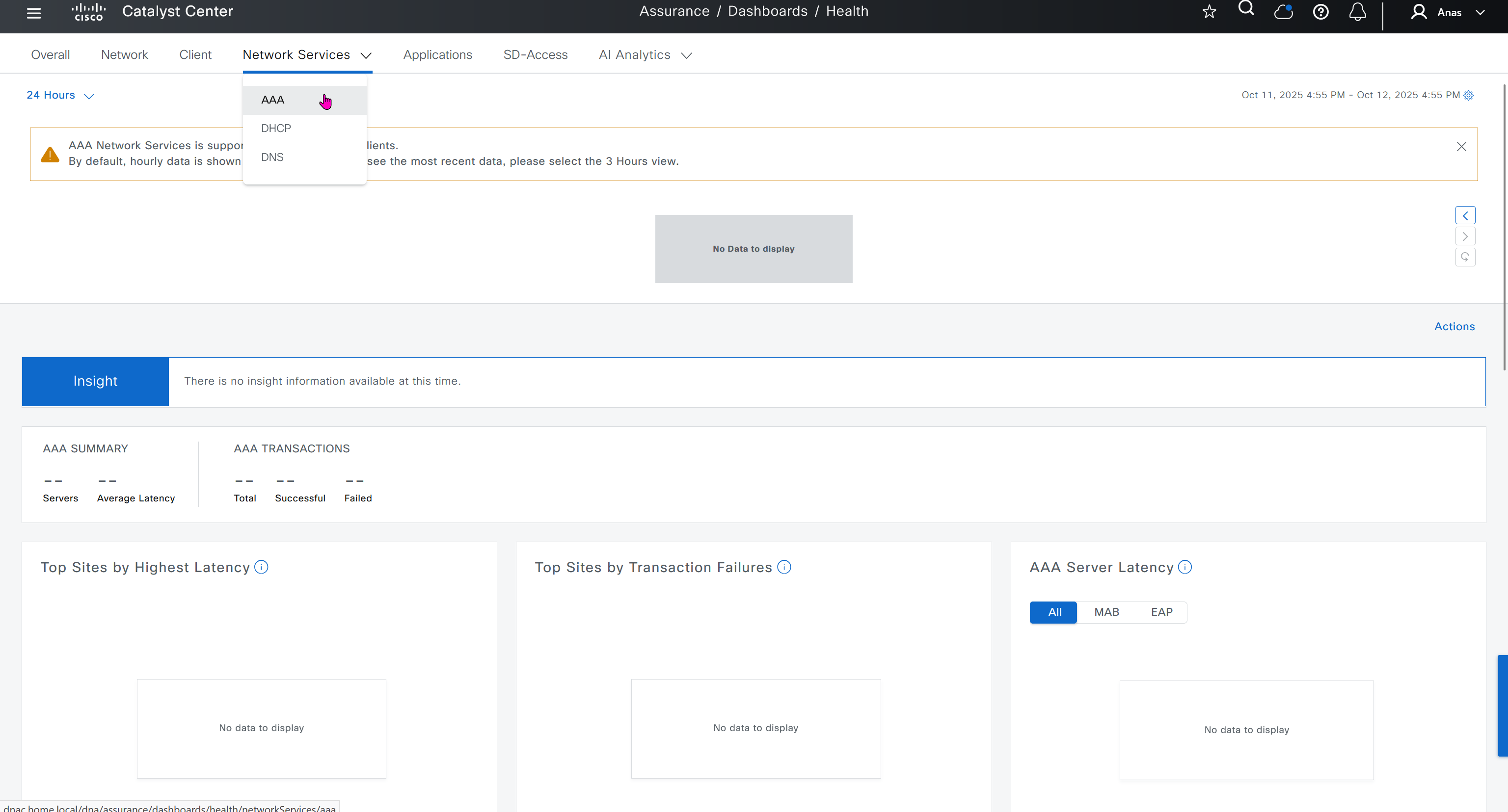
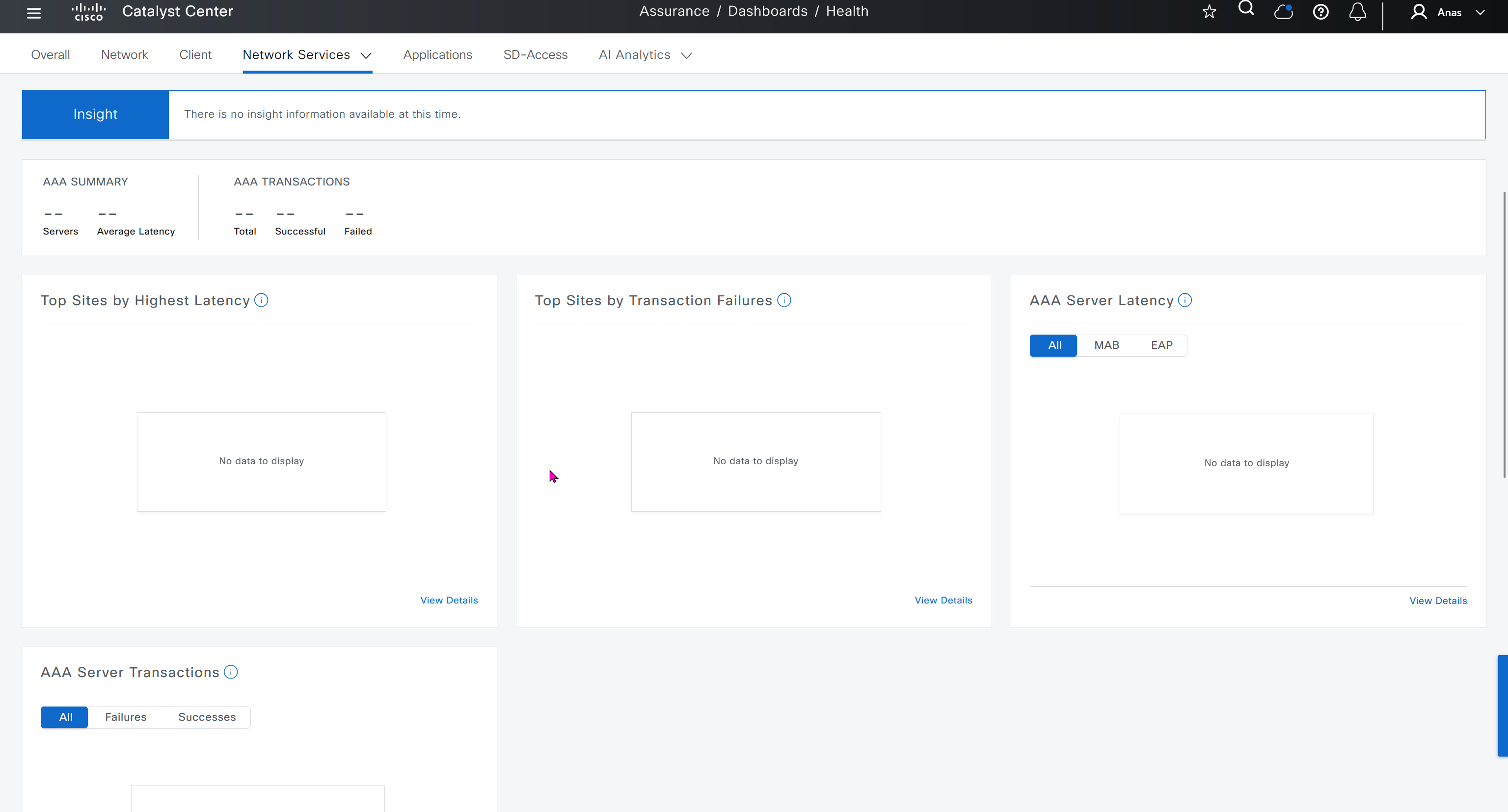
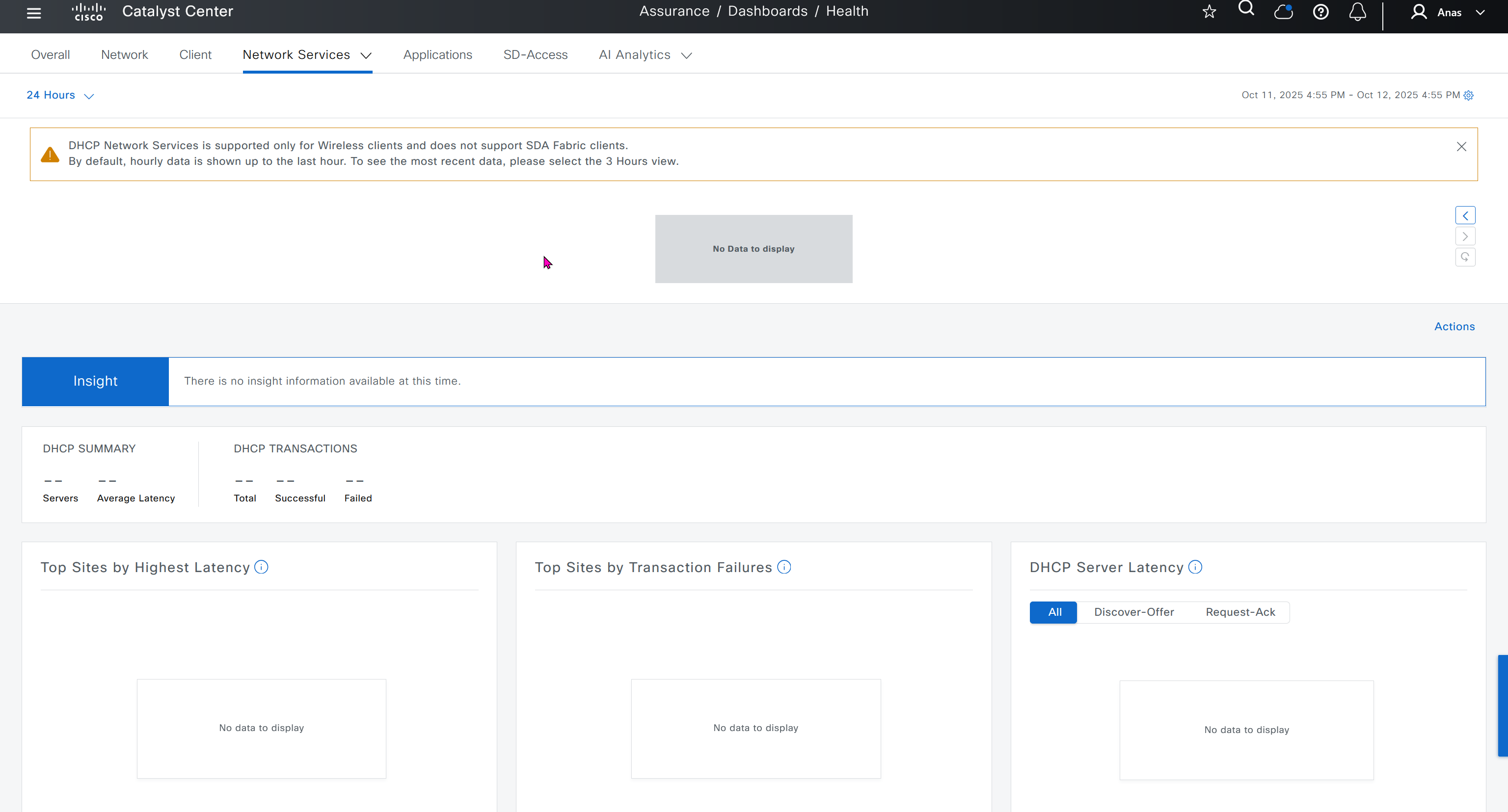
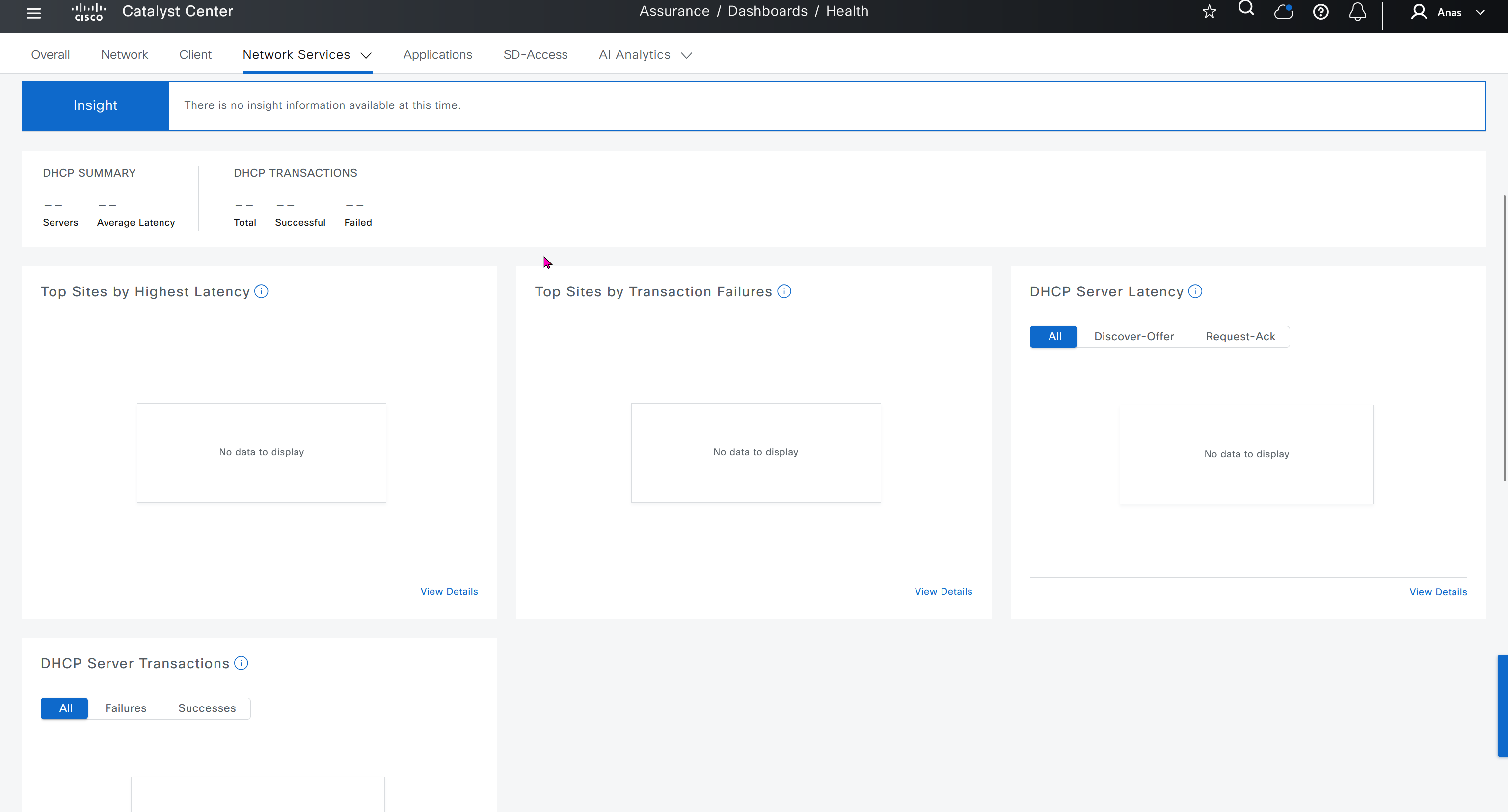
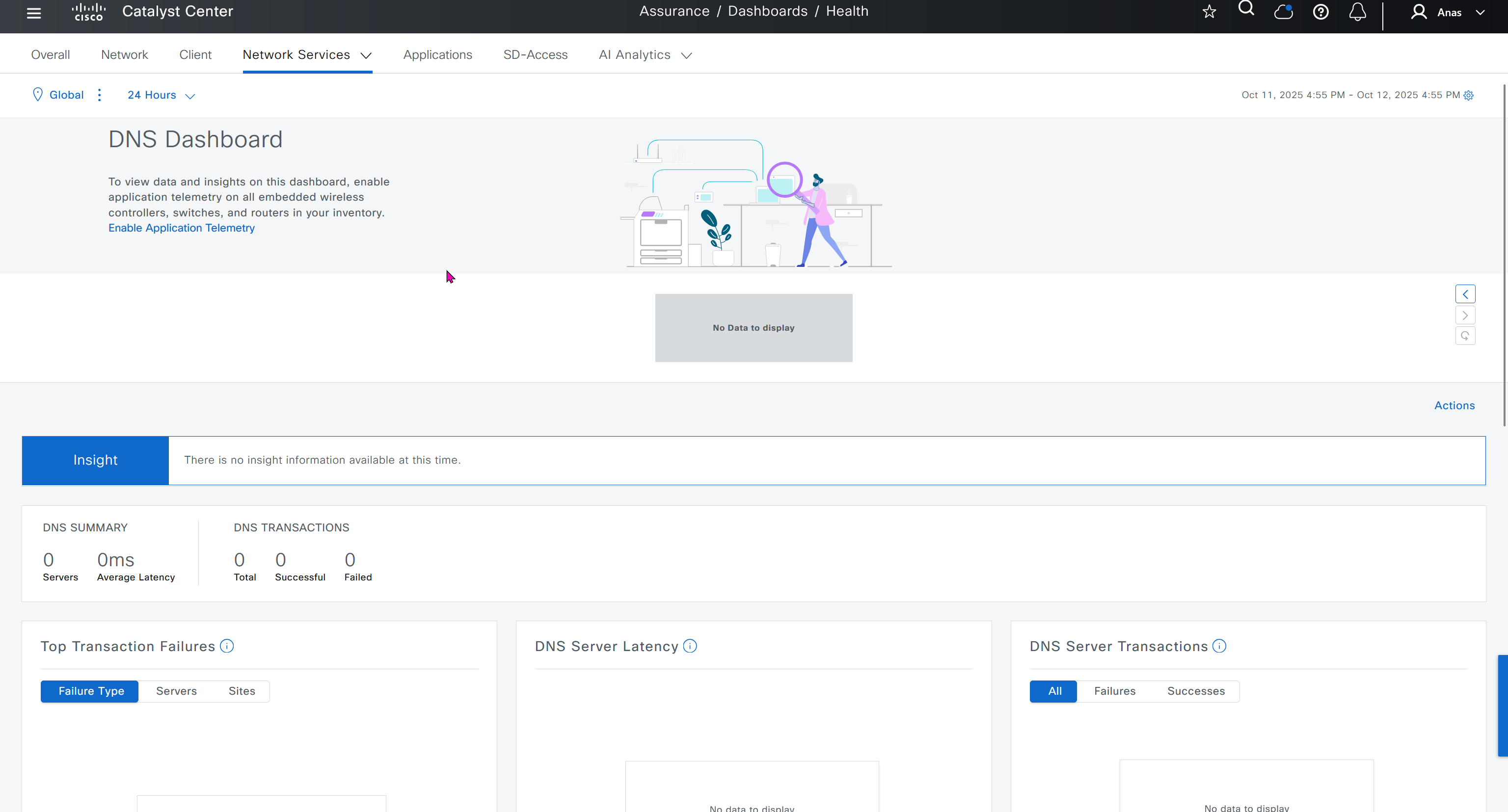
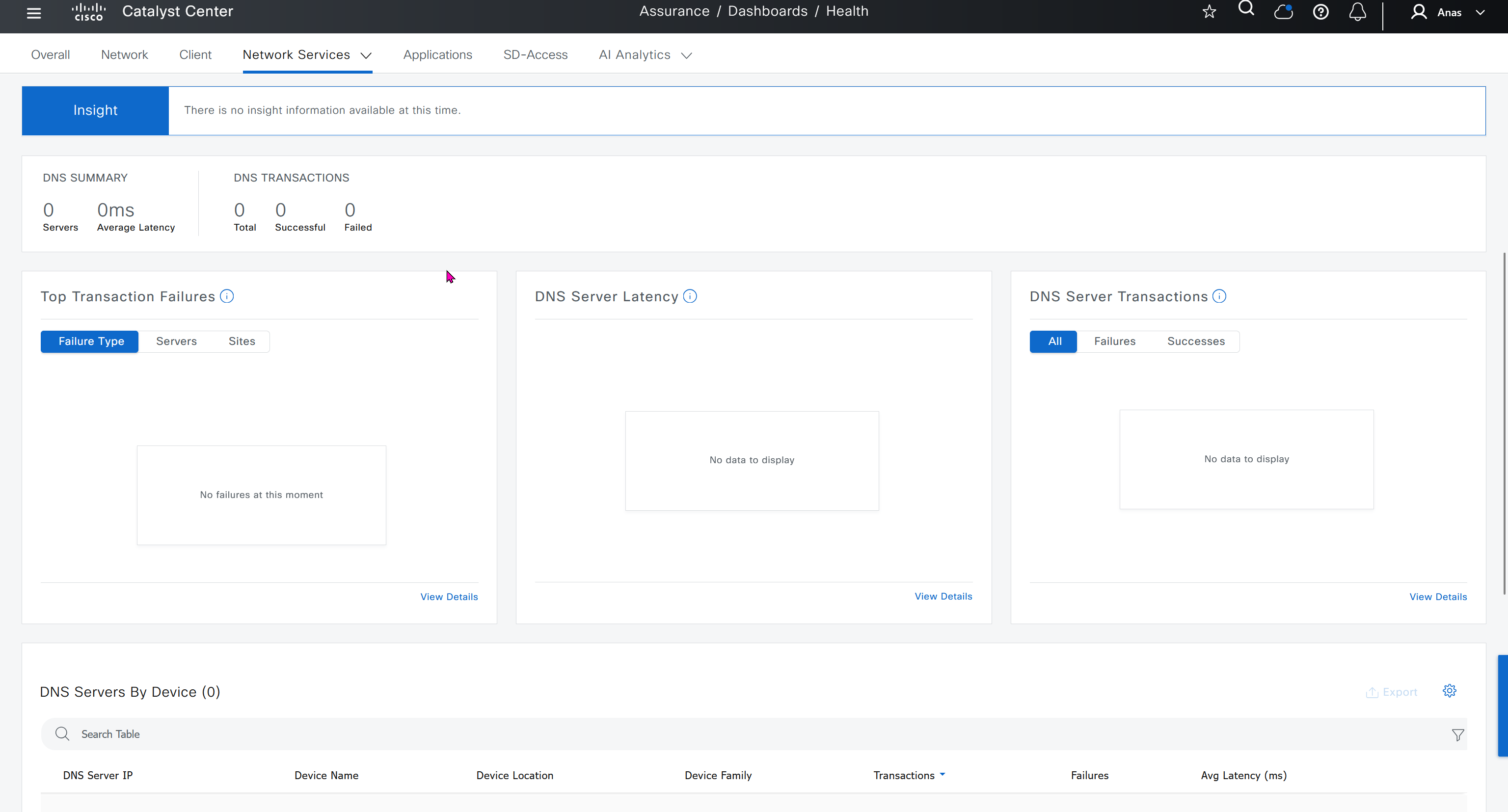



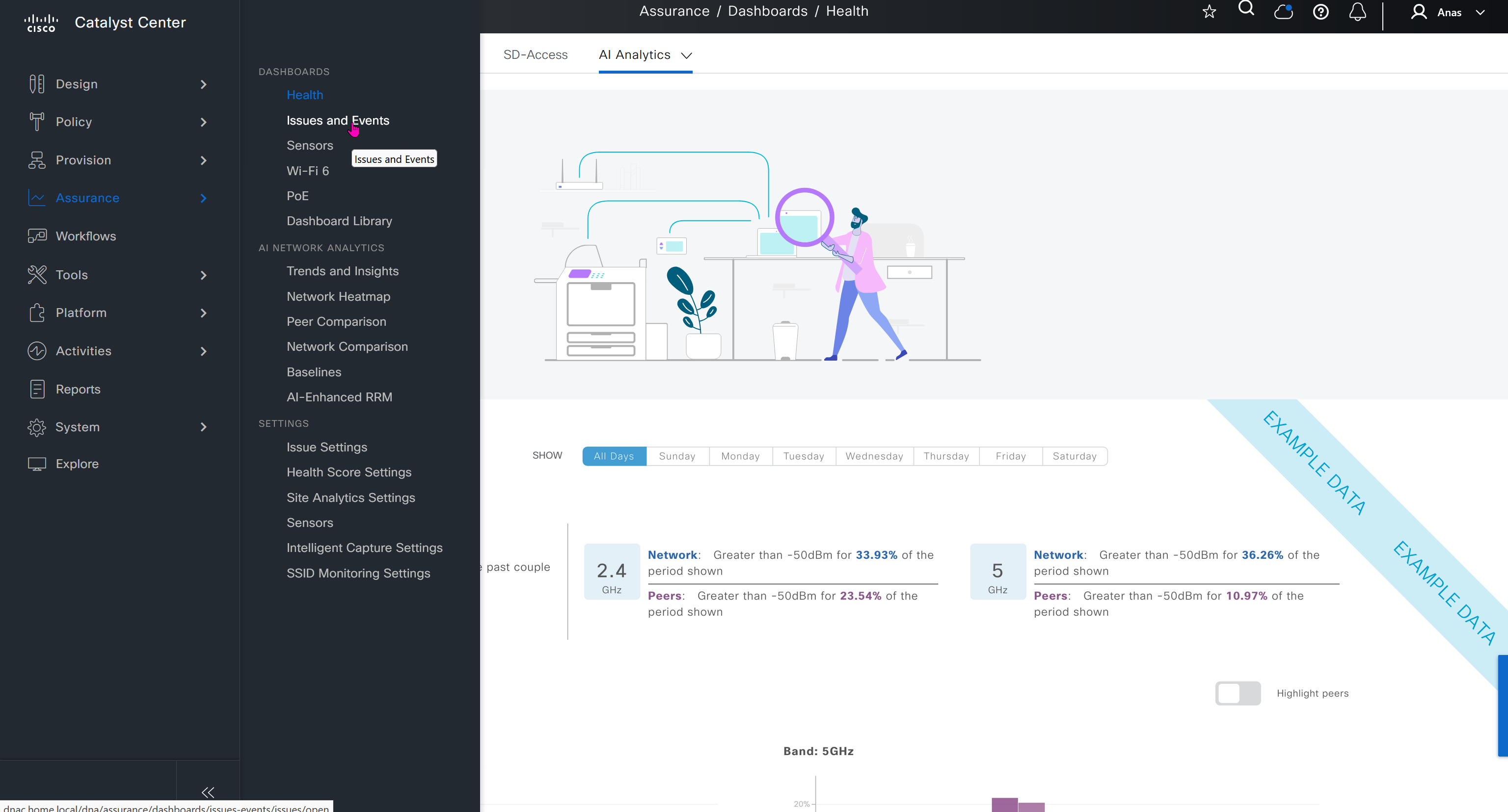
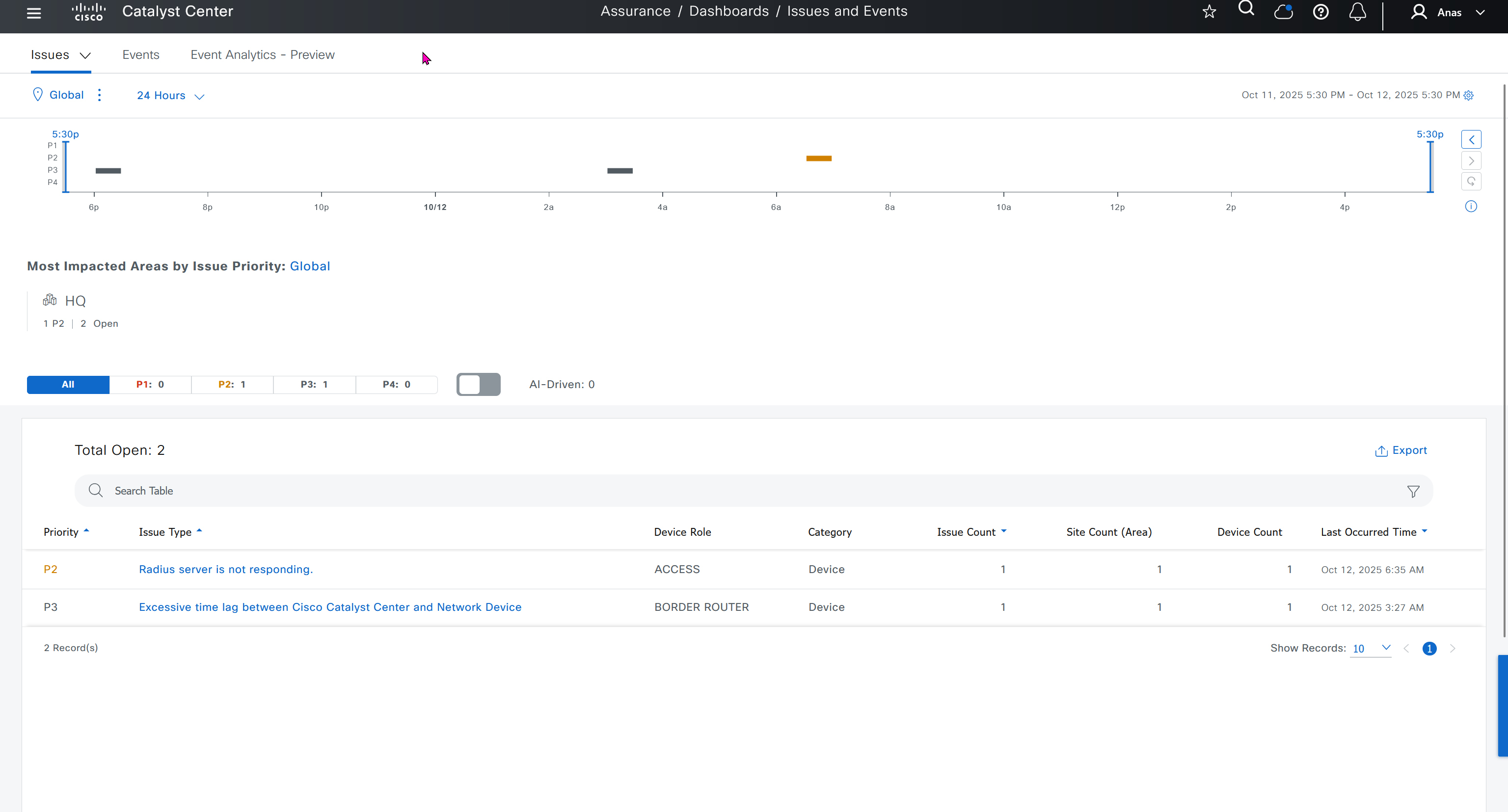
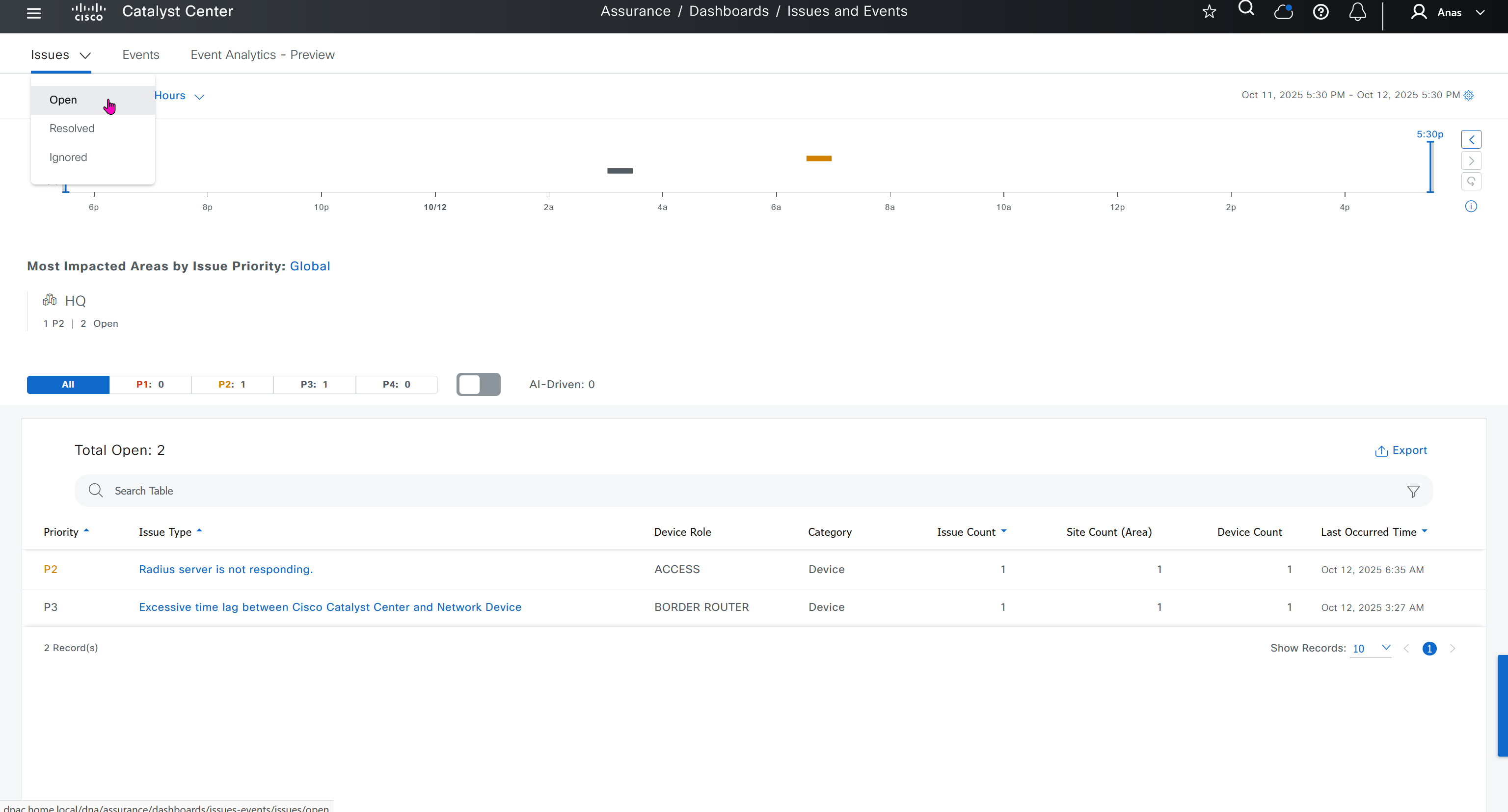
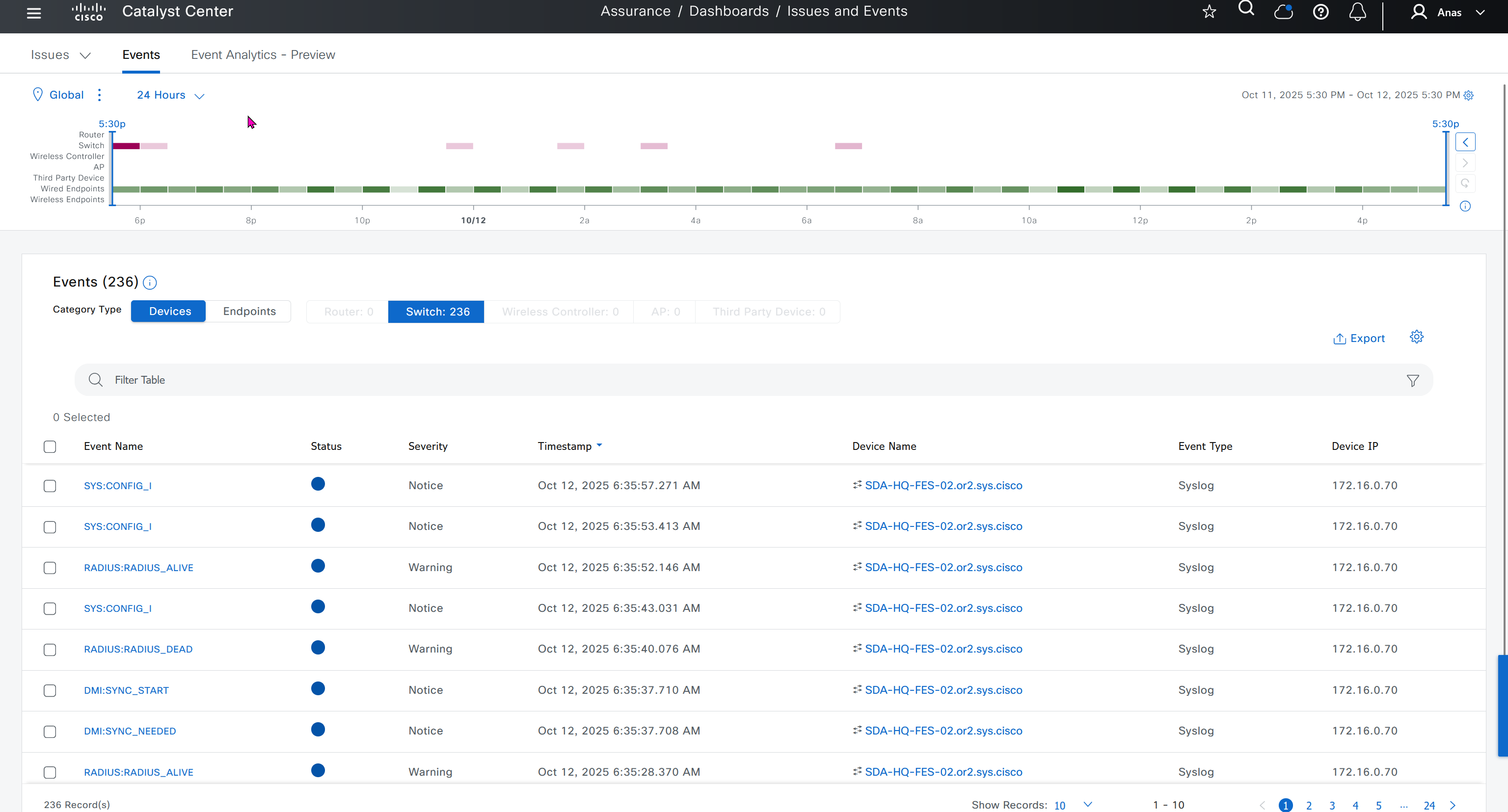
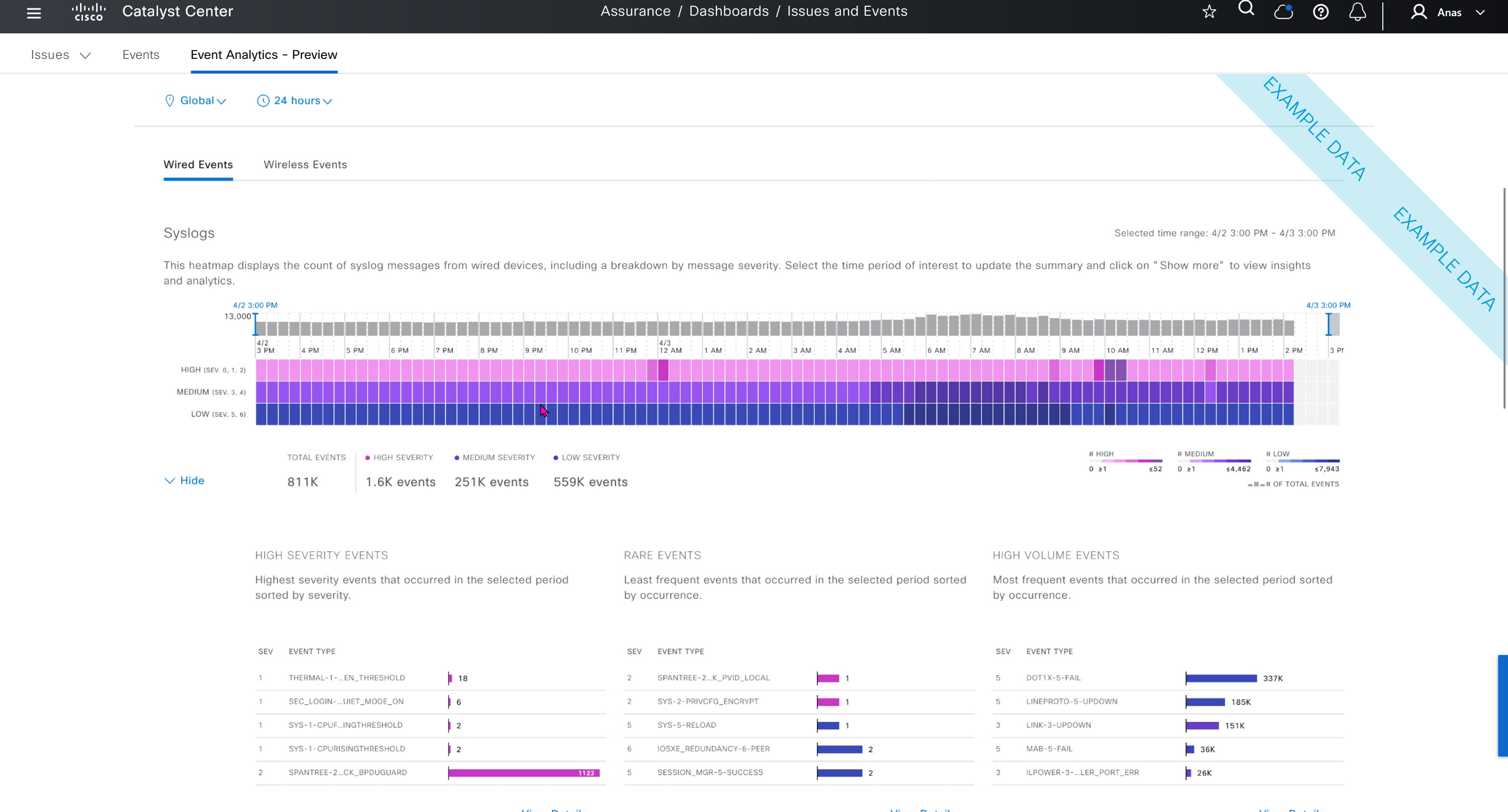
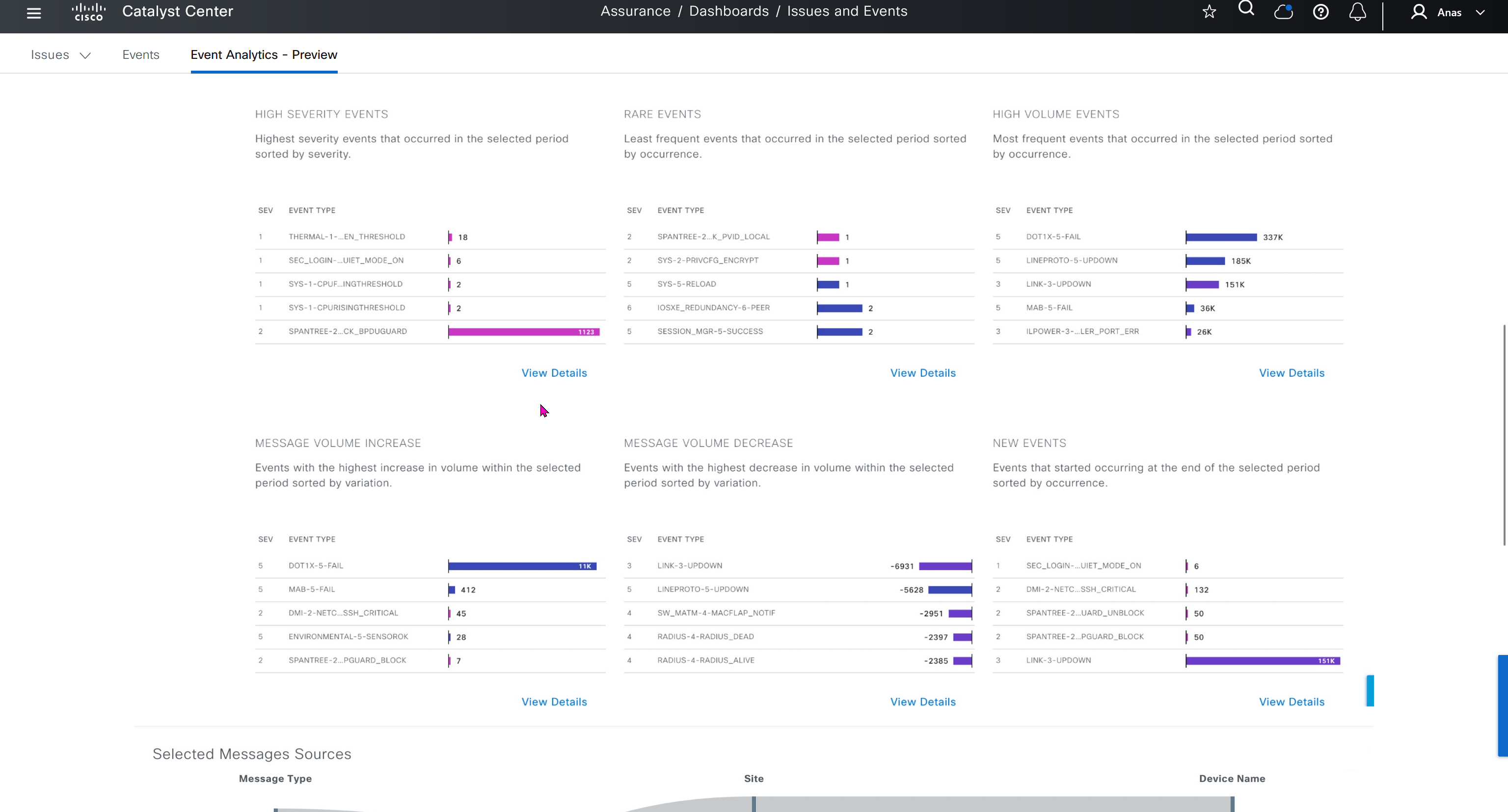
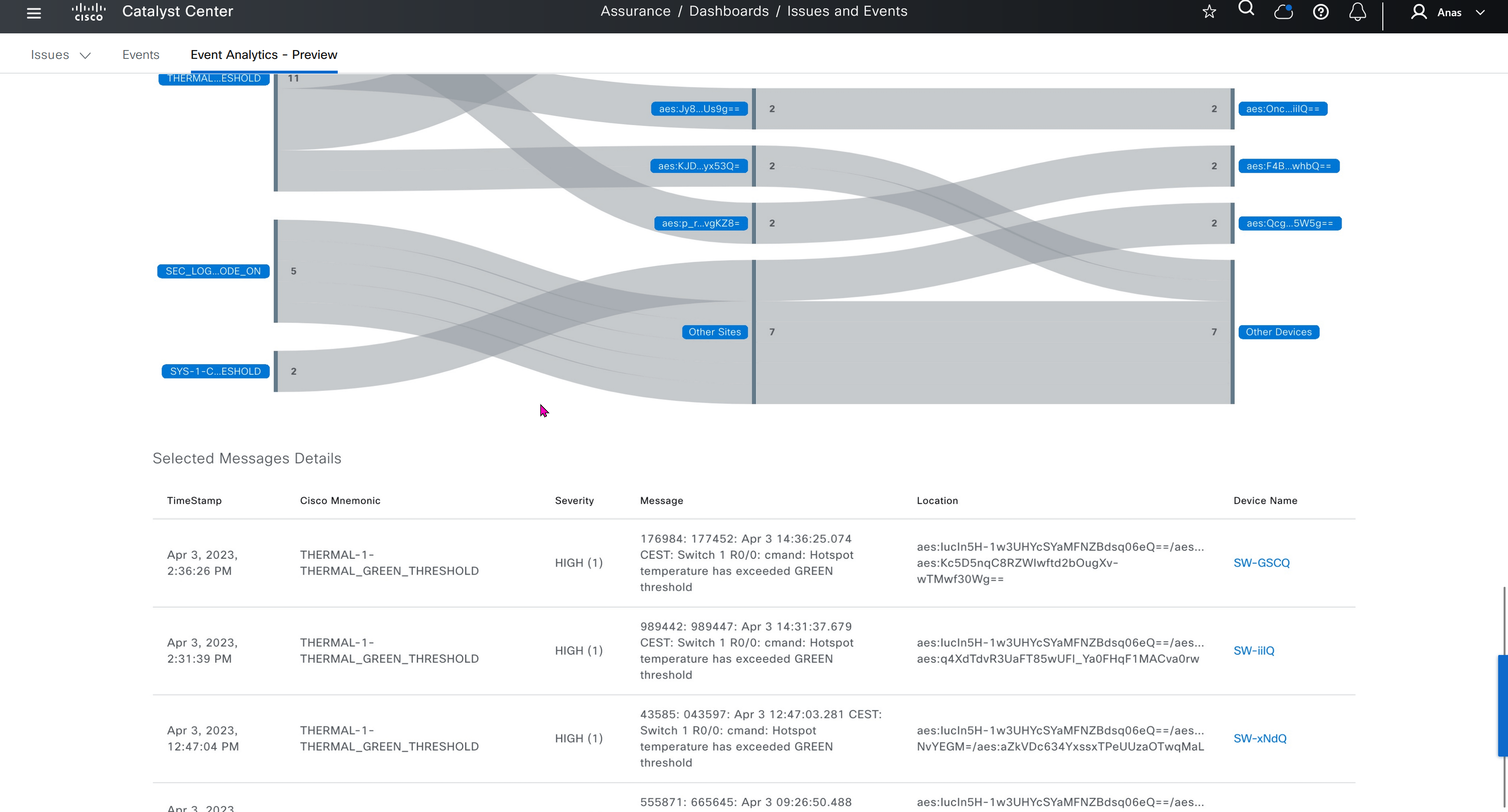
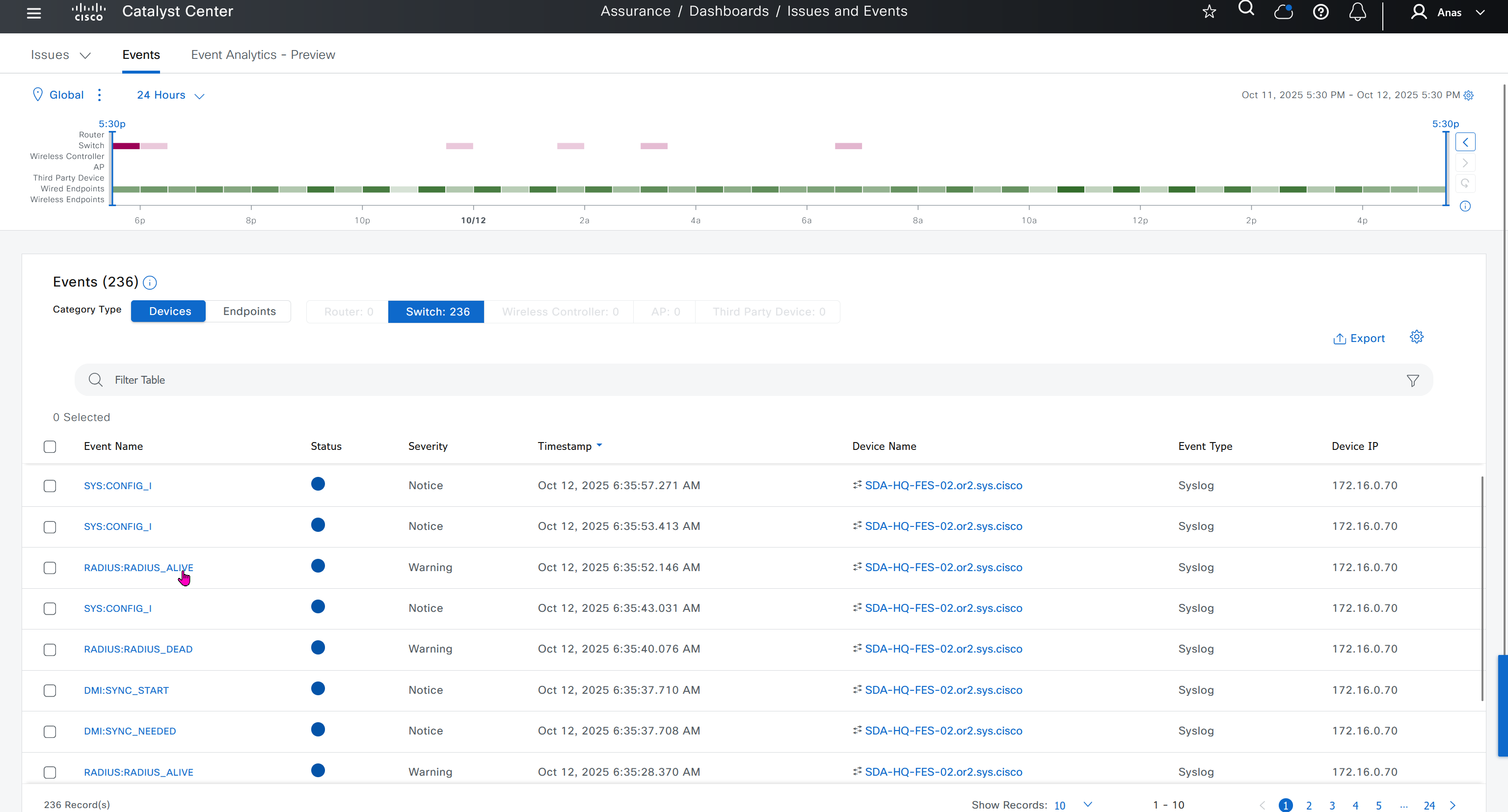
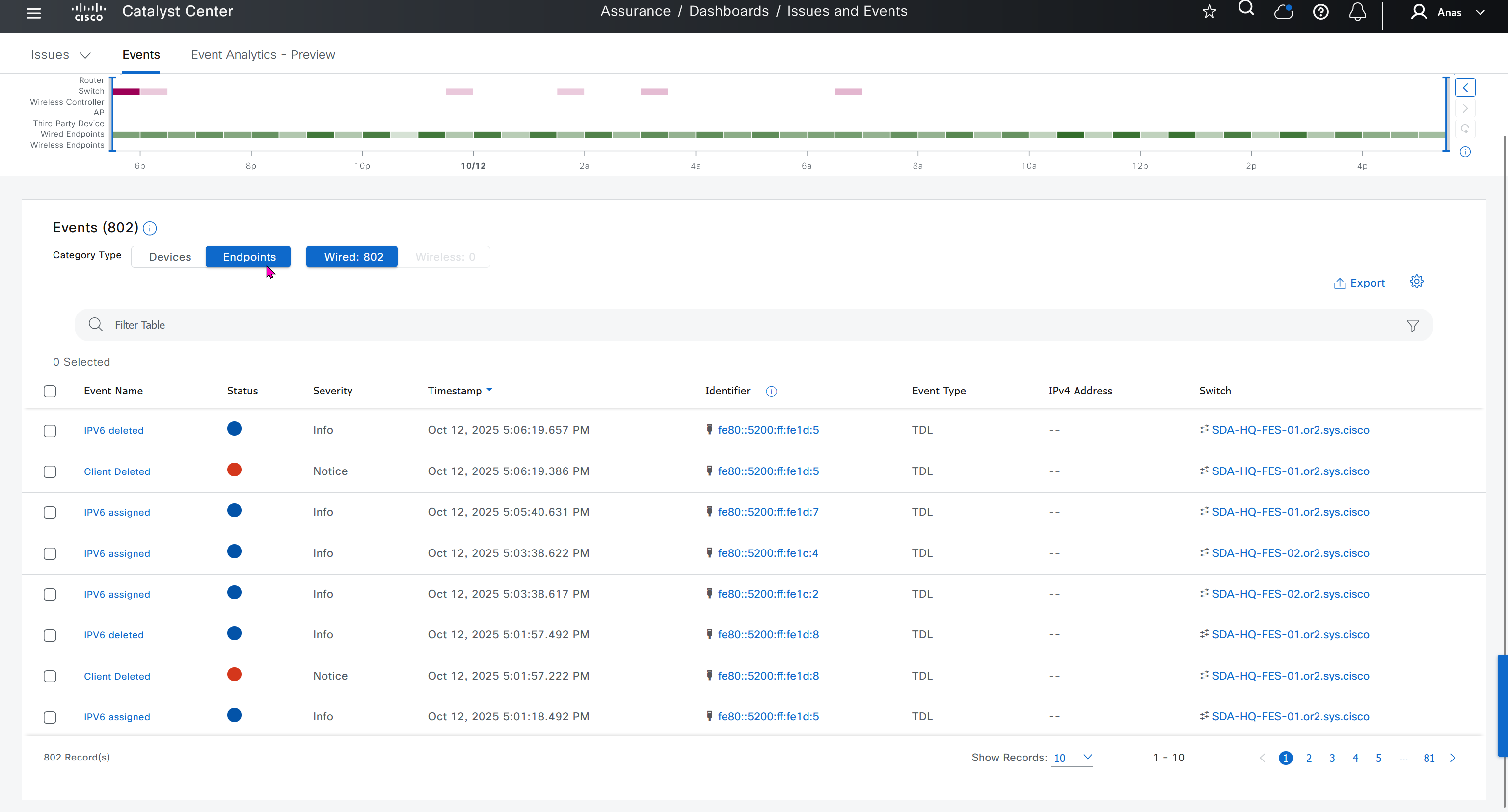
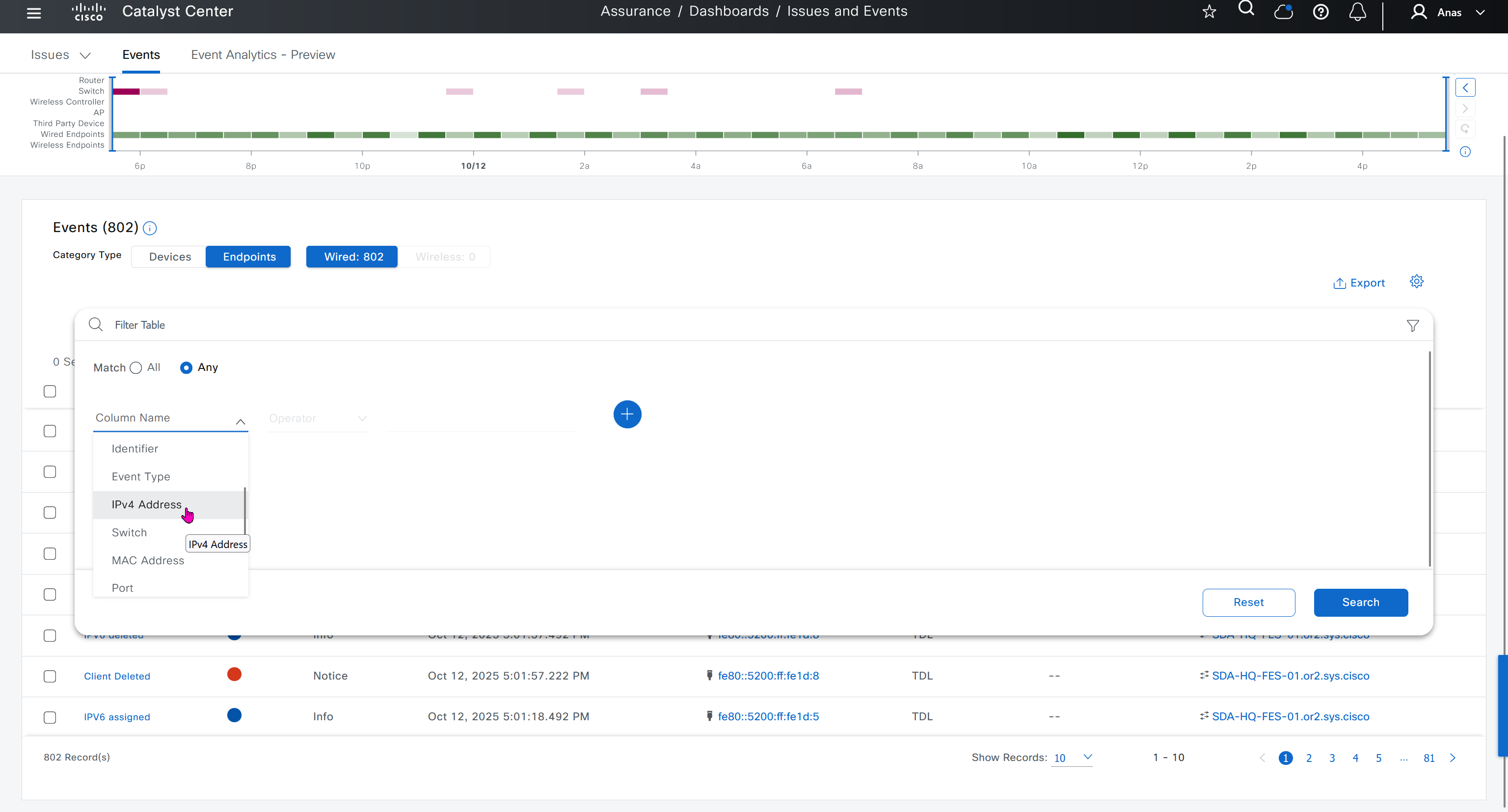
Events are for both Network devices and also for the clients, these are any events that happen in the network for network devices and its connected clients

DNAC offers dedicated sensors that can perform series of tests to gauge performance from client perspective. These wireless sensors join network as wireless device and these can either be dedicated sensors or an AP can also be converted to a wireless sensor
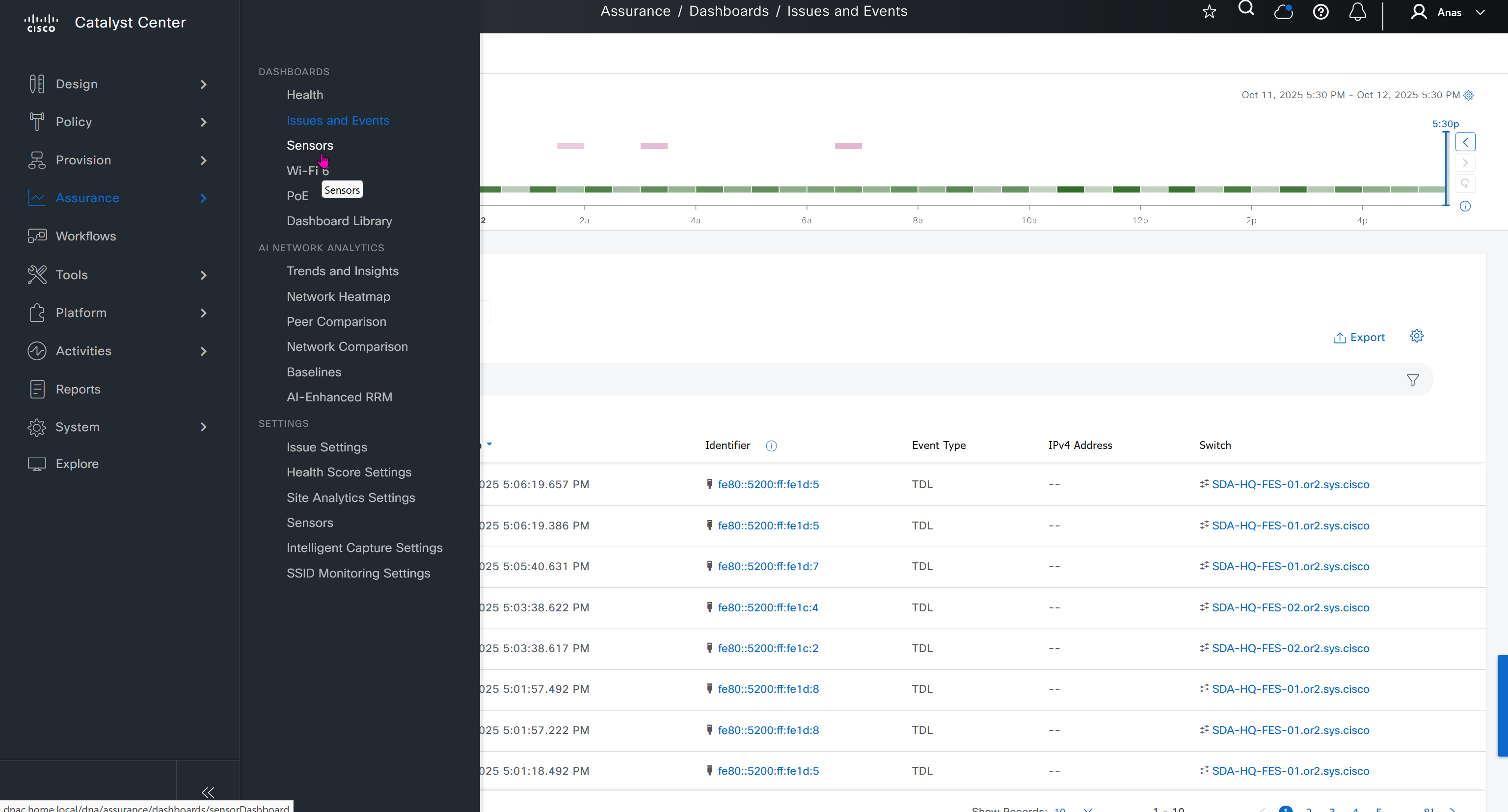


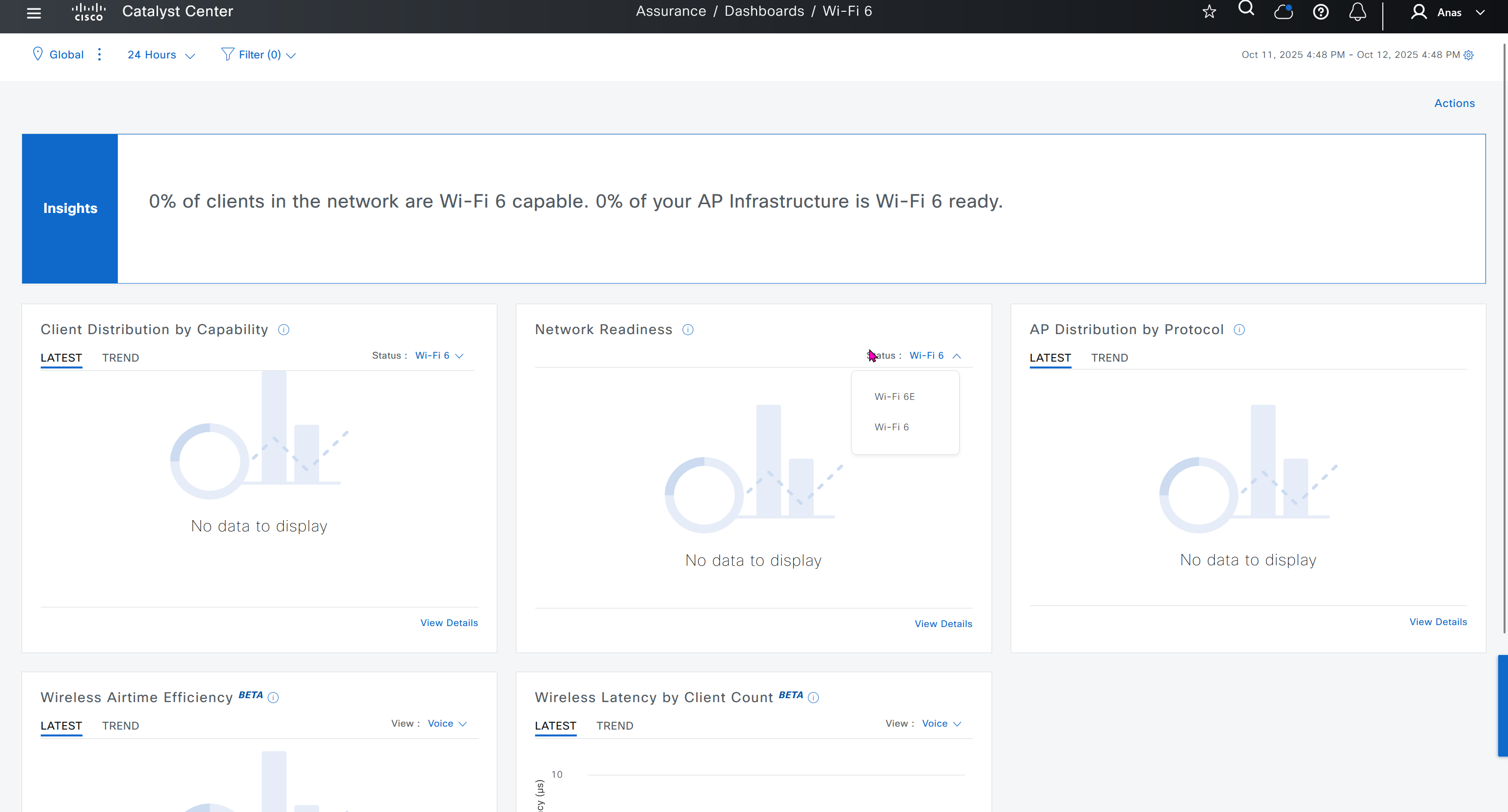
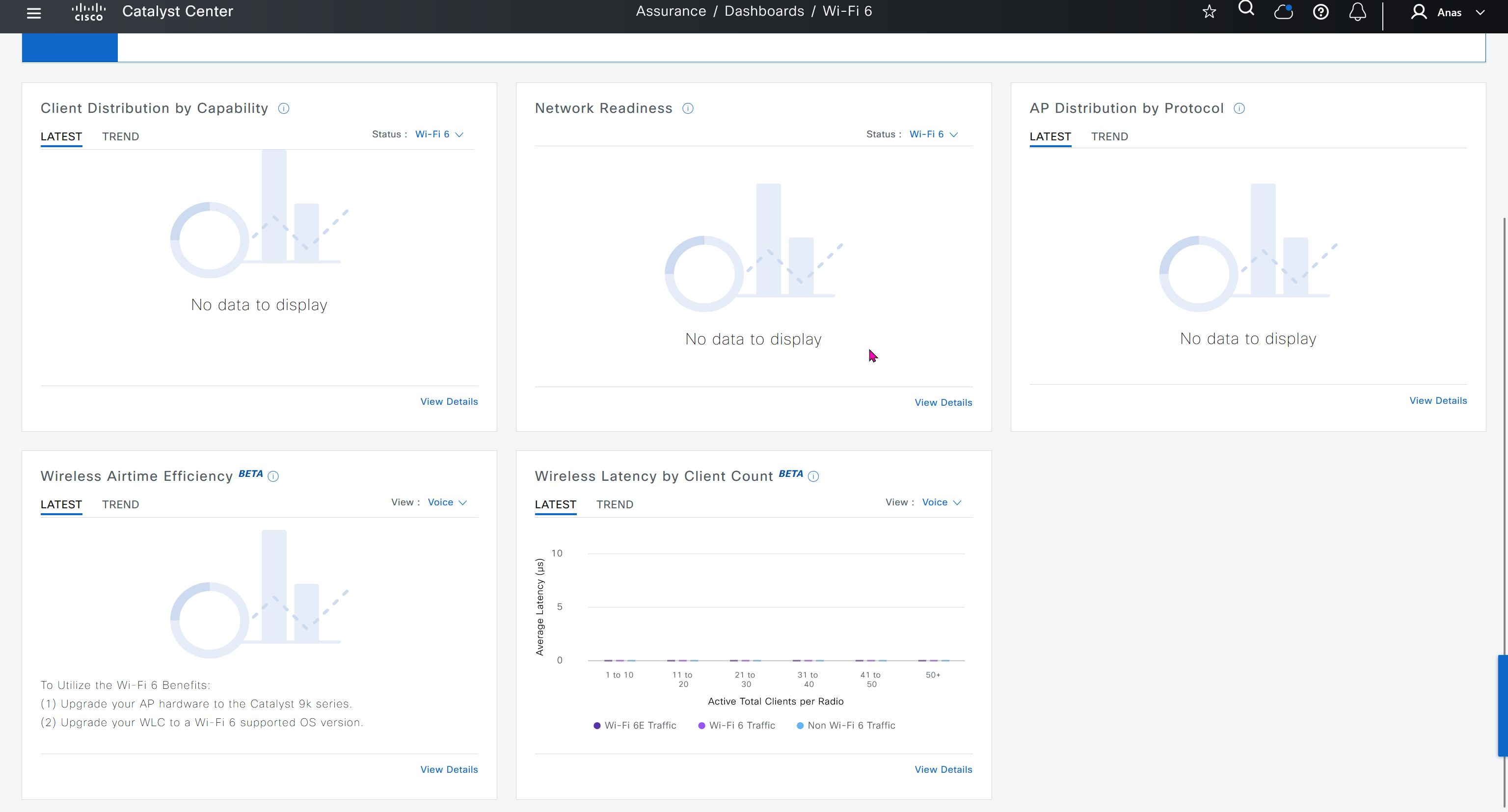
Wi-Fi6 section is for Wi-Fi6 readiness assessment which shows us the percentage of AP and clients that are capable of Wi-Fi6, if large number of clients support Wi-Fi6 then we can think about more APs to be deployed that support Wi-Fi6


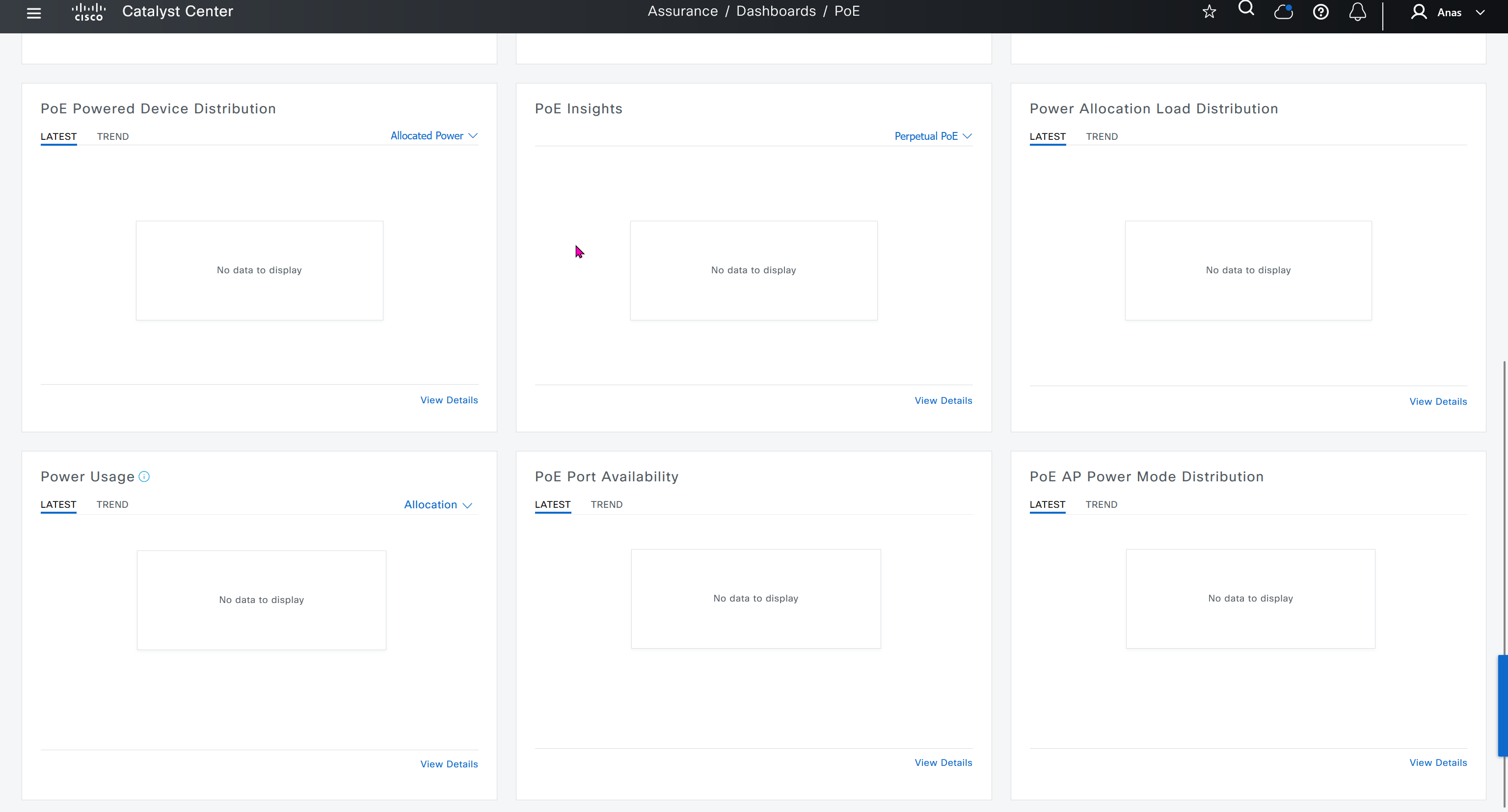
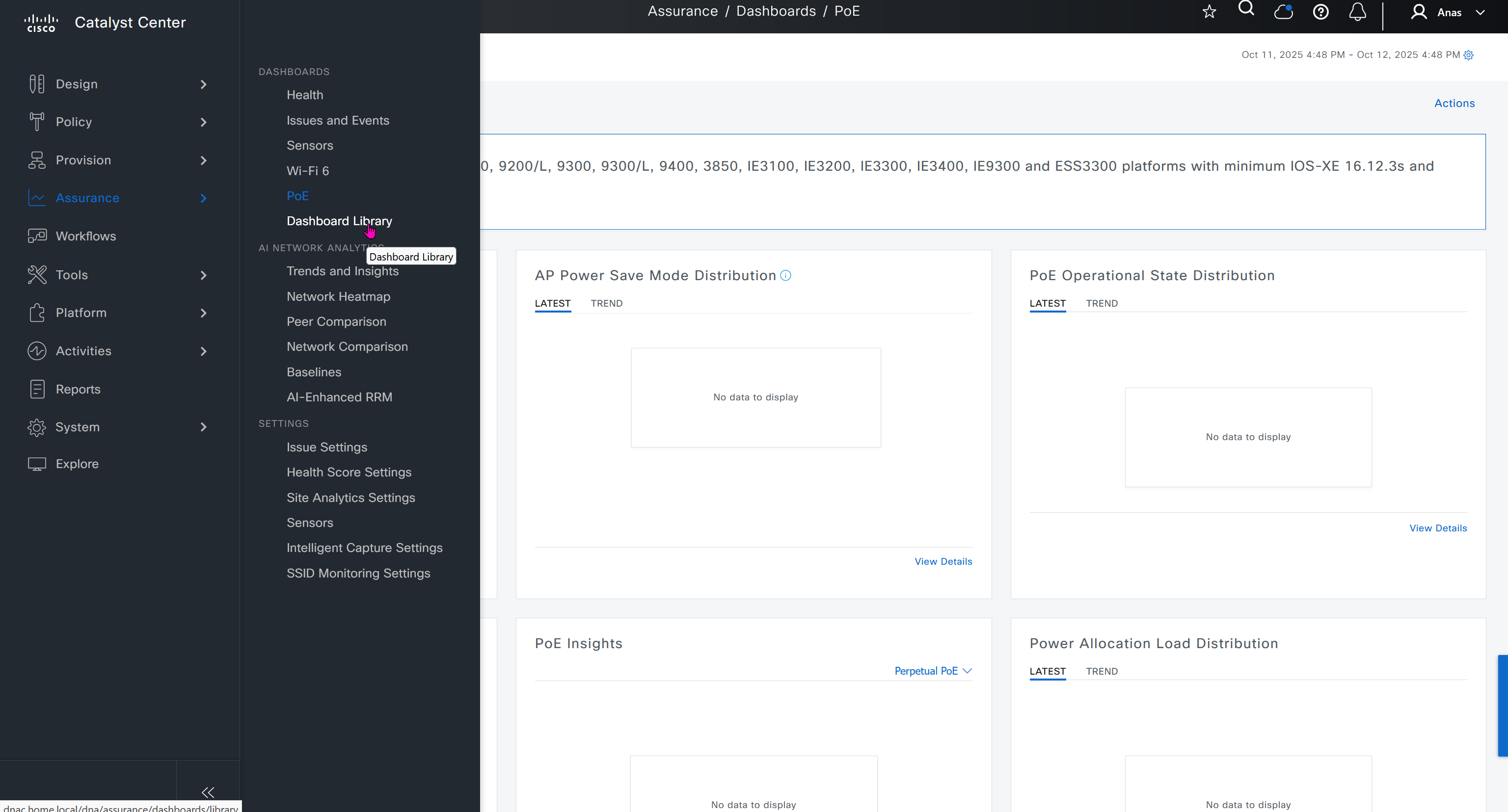
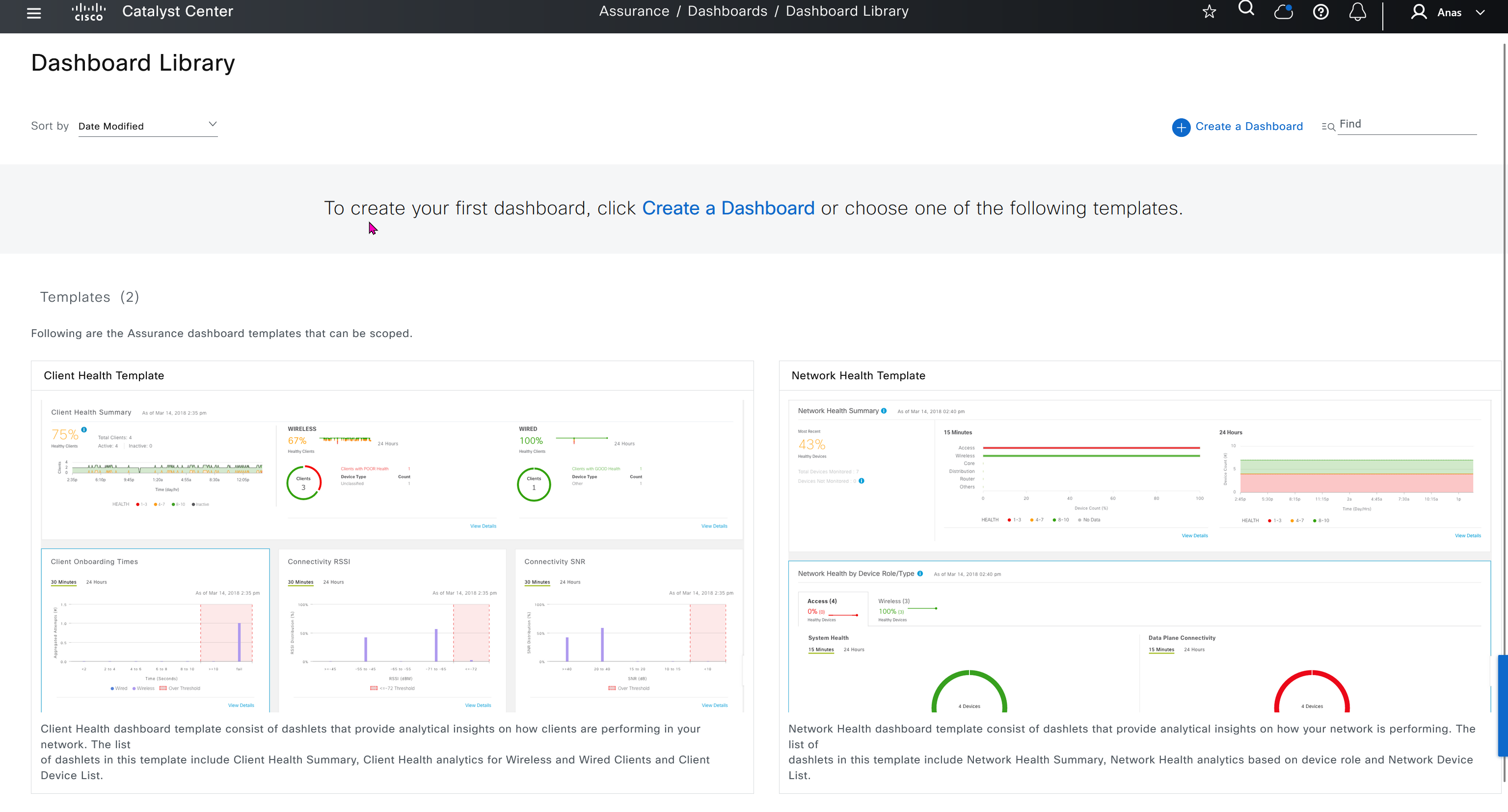
Dashboard Library is where we can create our own dashboards
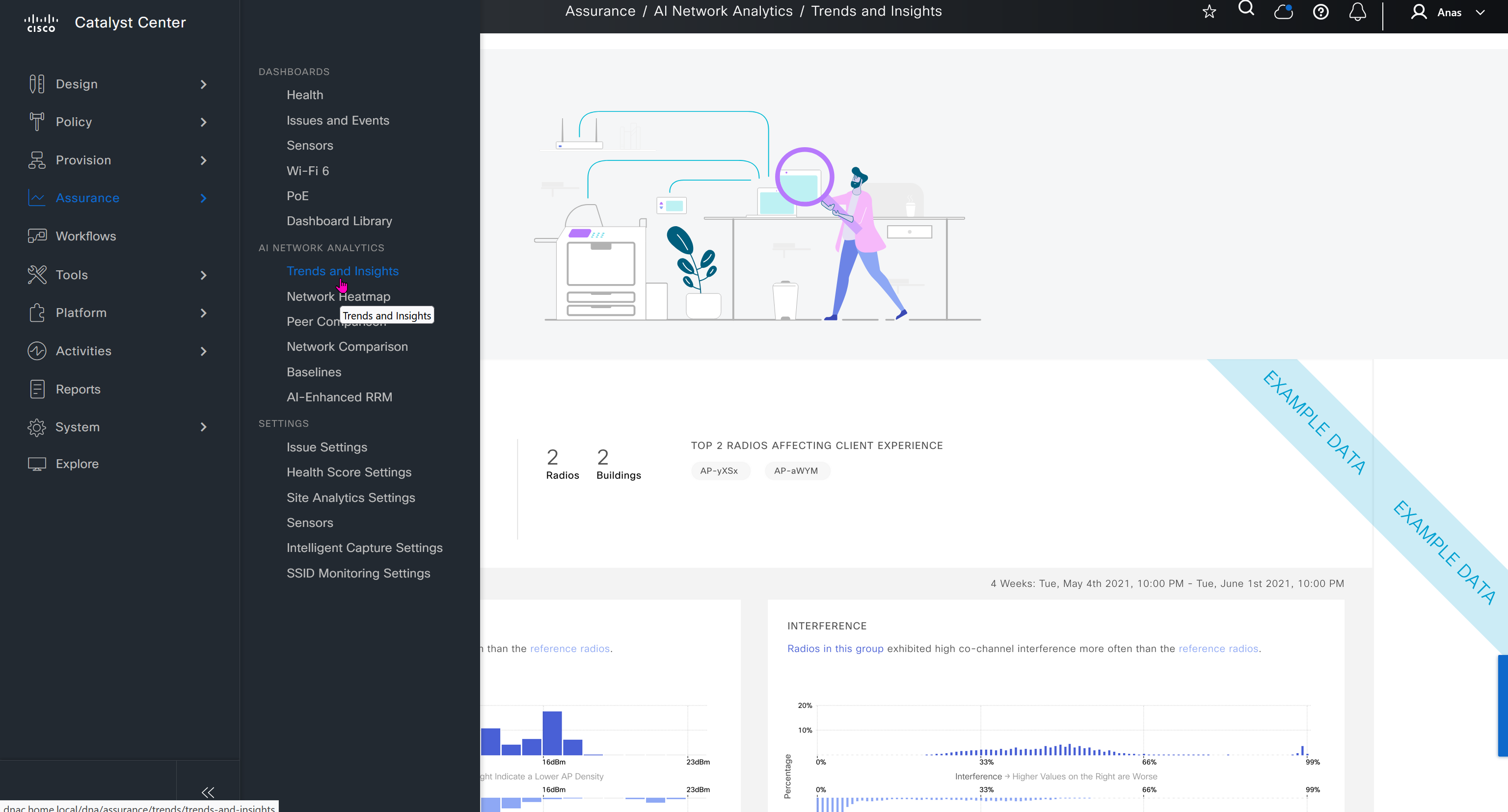
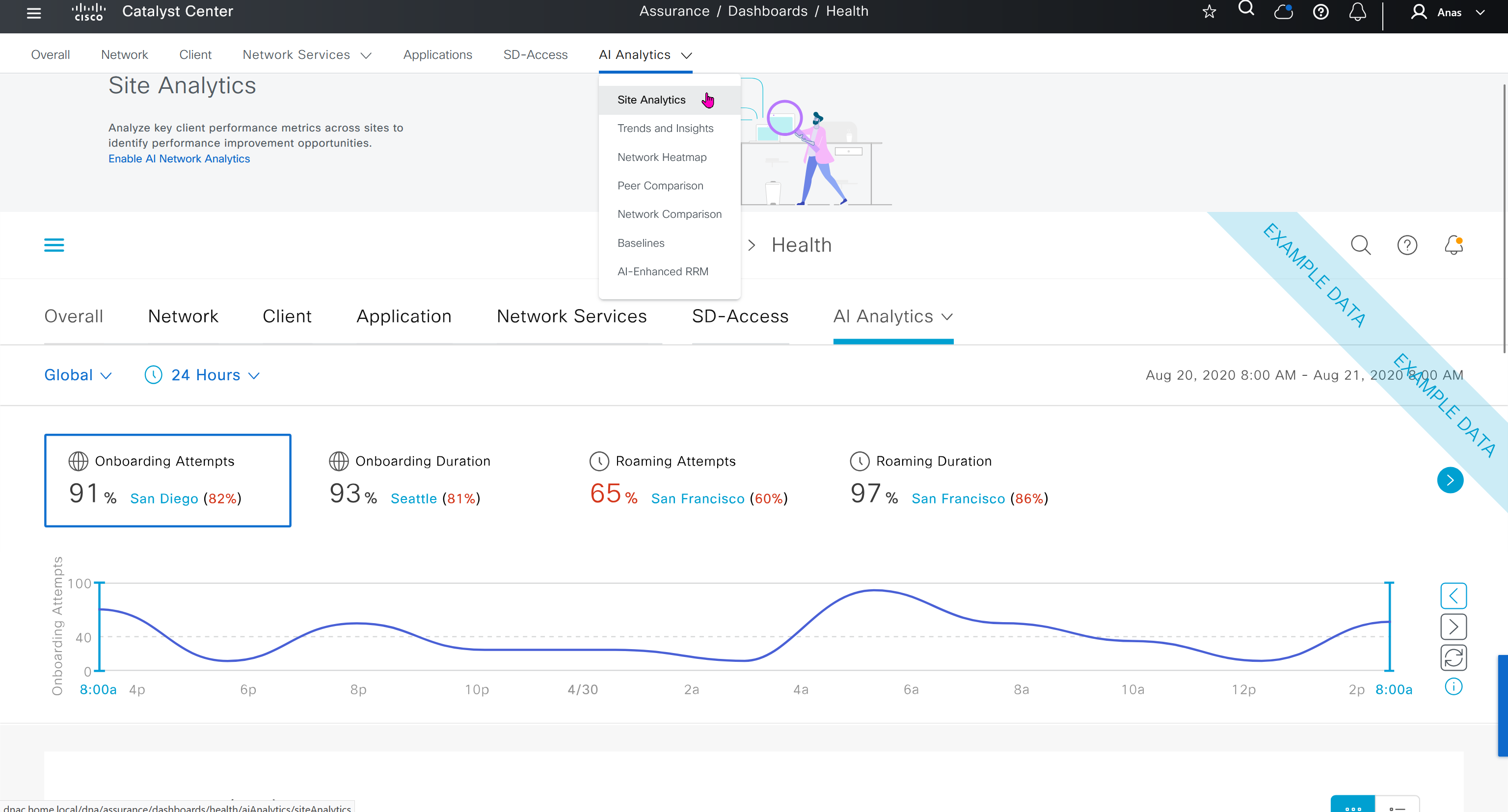
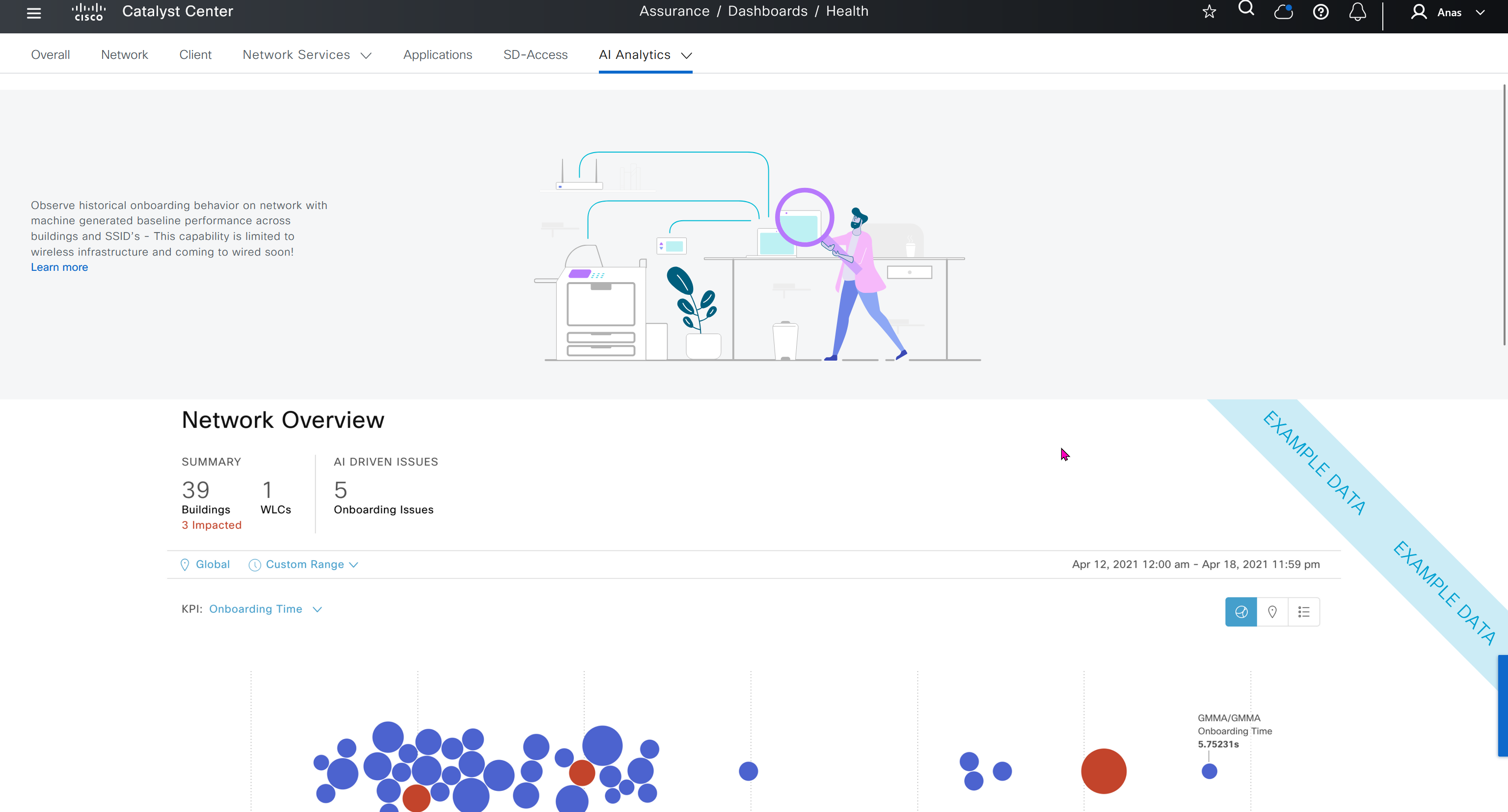
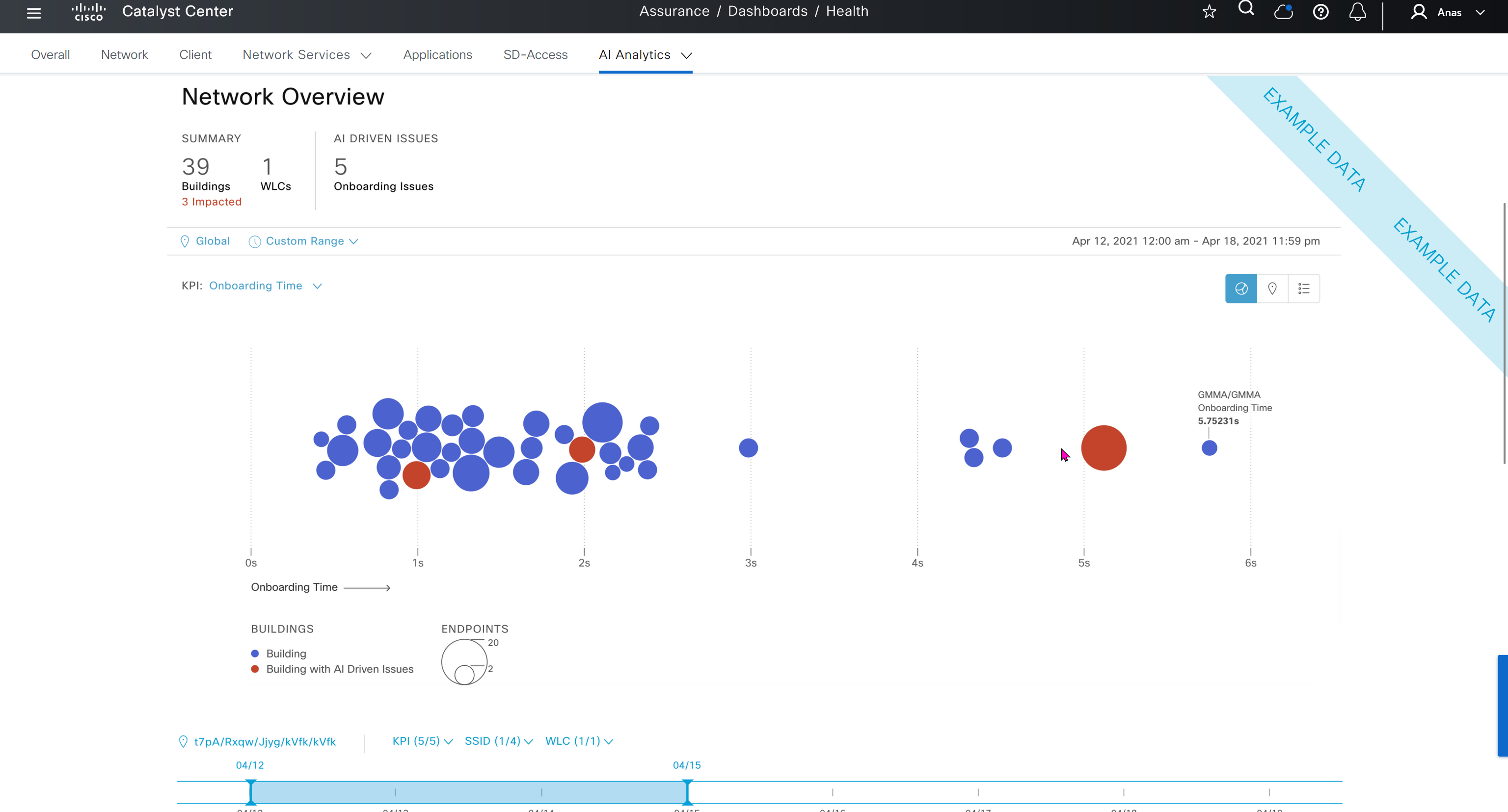
This Trends and Insights leverage AI in Cloud and Machine learning to spot issues in network,
Trends and Insights deals with deviation in capacity and performance
Site comparison shows us how one site compares to another, as in some cases one site can perform worse than the others


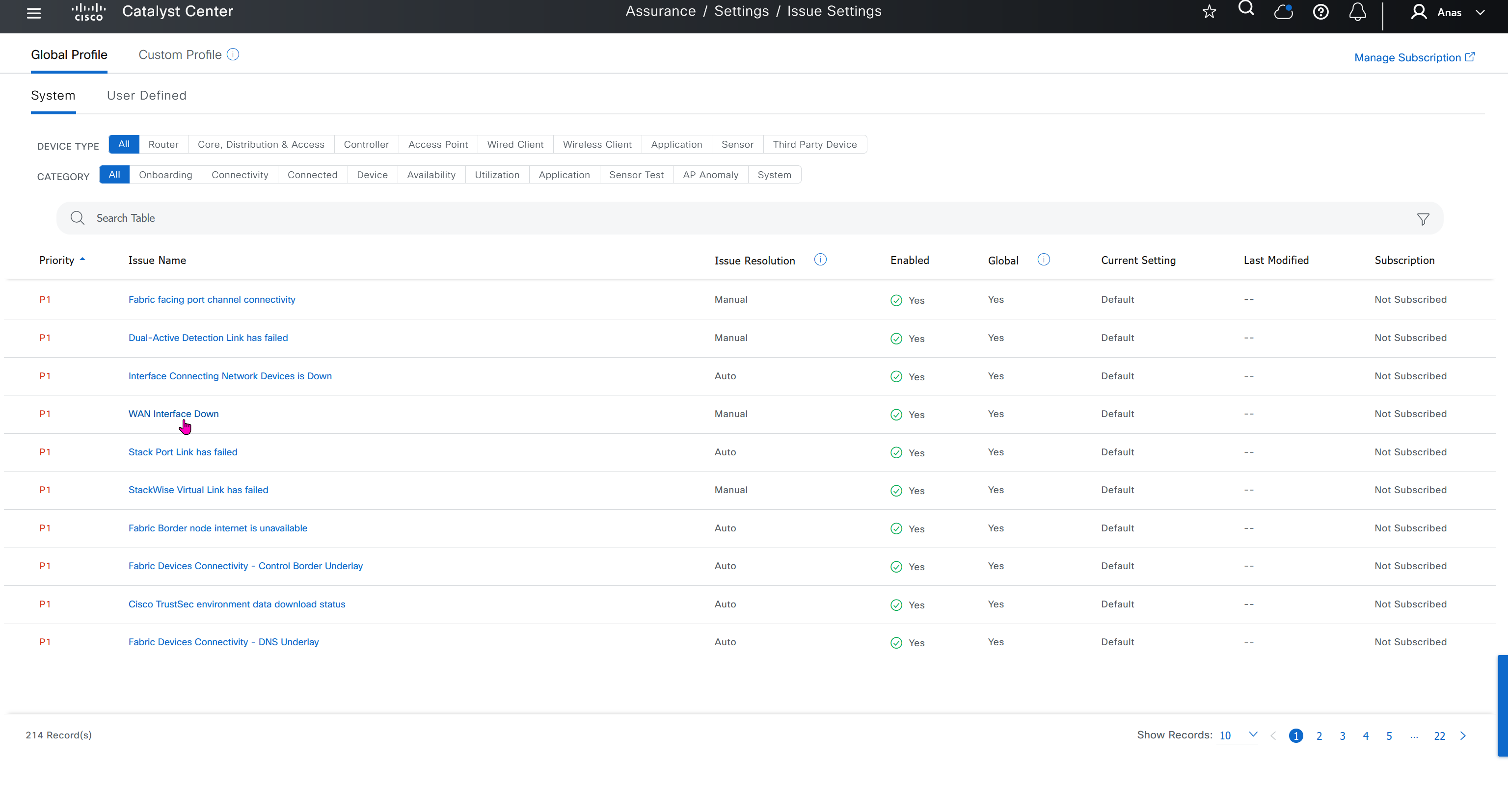
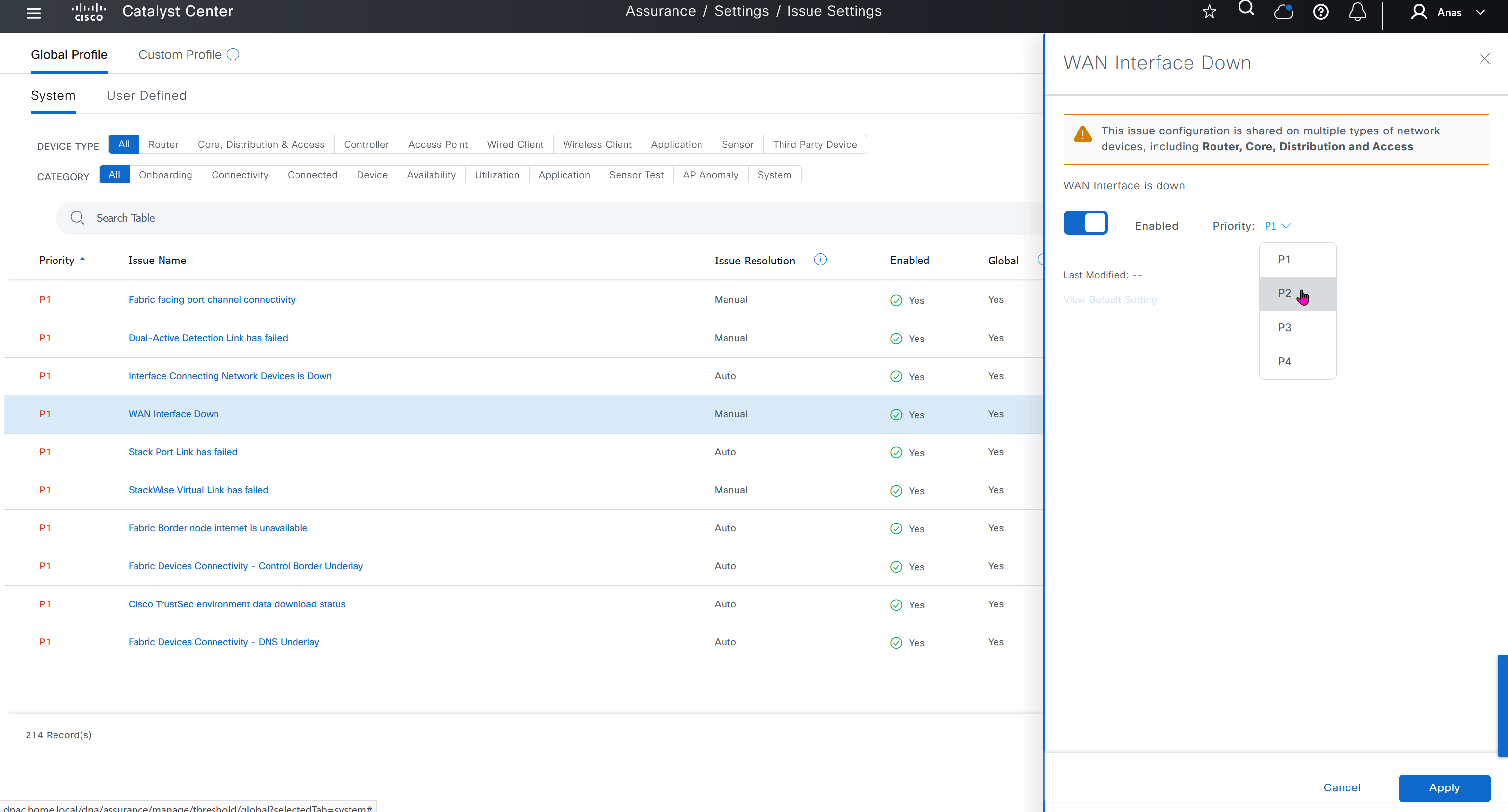
Issue settings is where we can control what issues such as P1 and P2 can be raised by DNAC such as Assurance > Issues & Events, we can enable or disable some of these issues if they are not important to us, we can also change priority on them

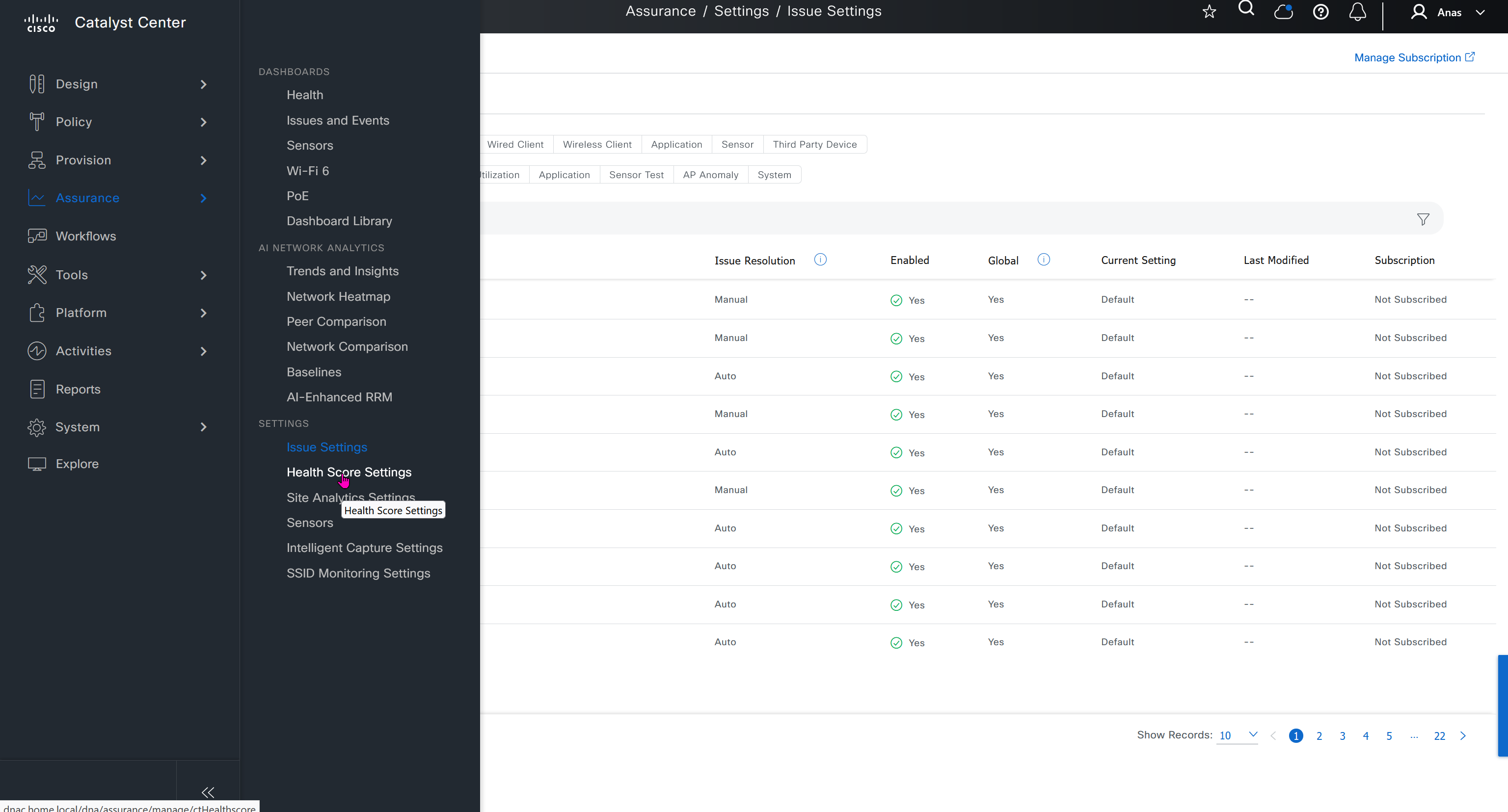
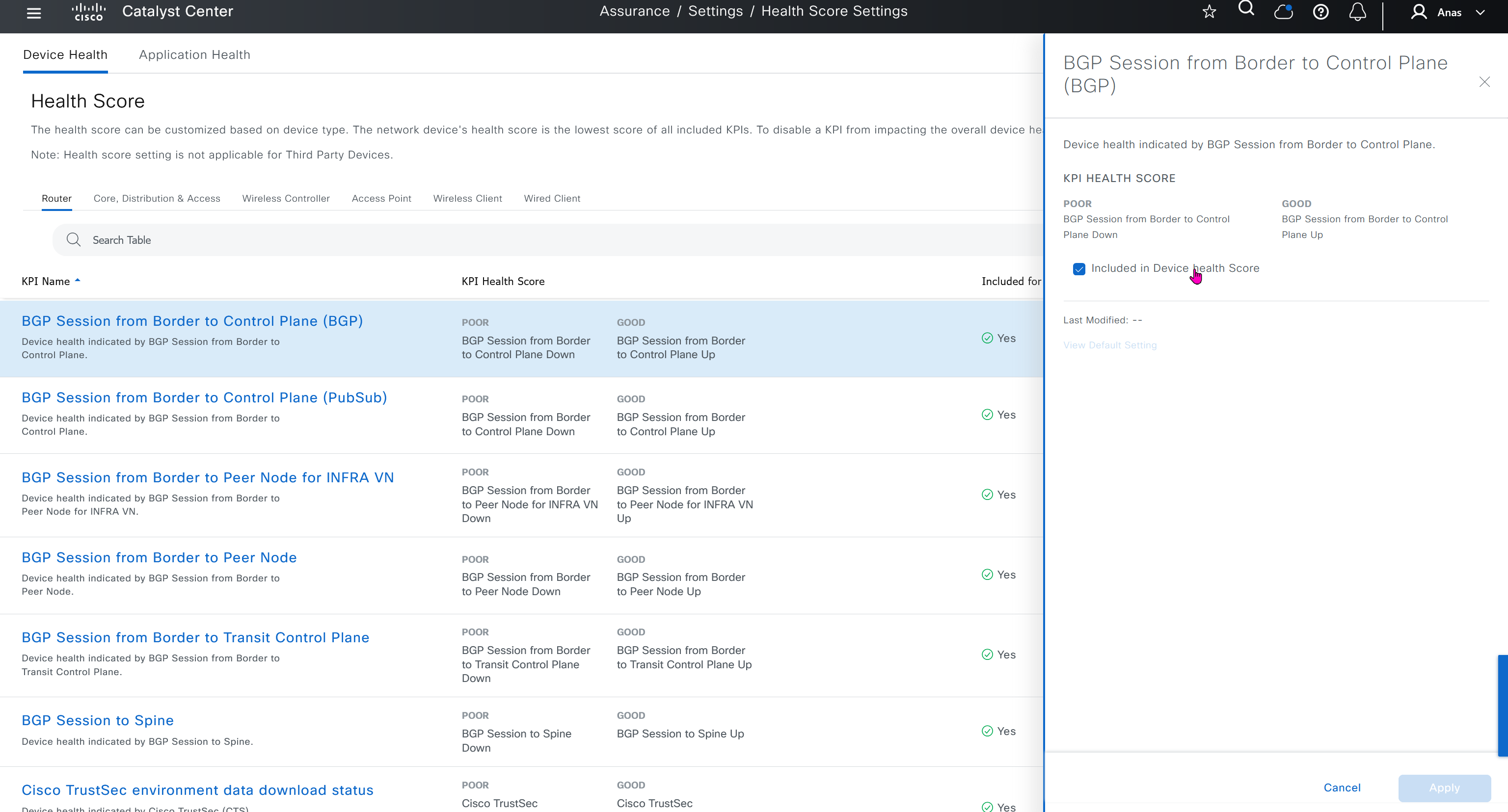
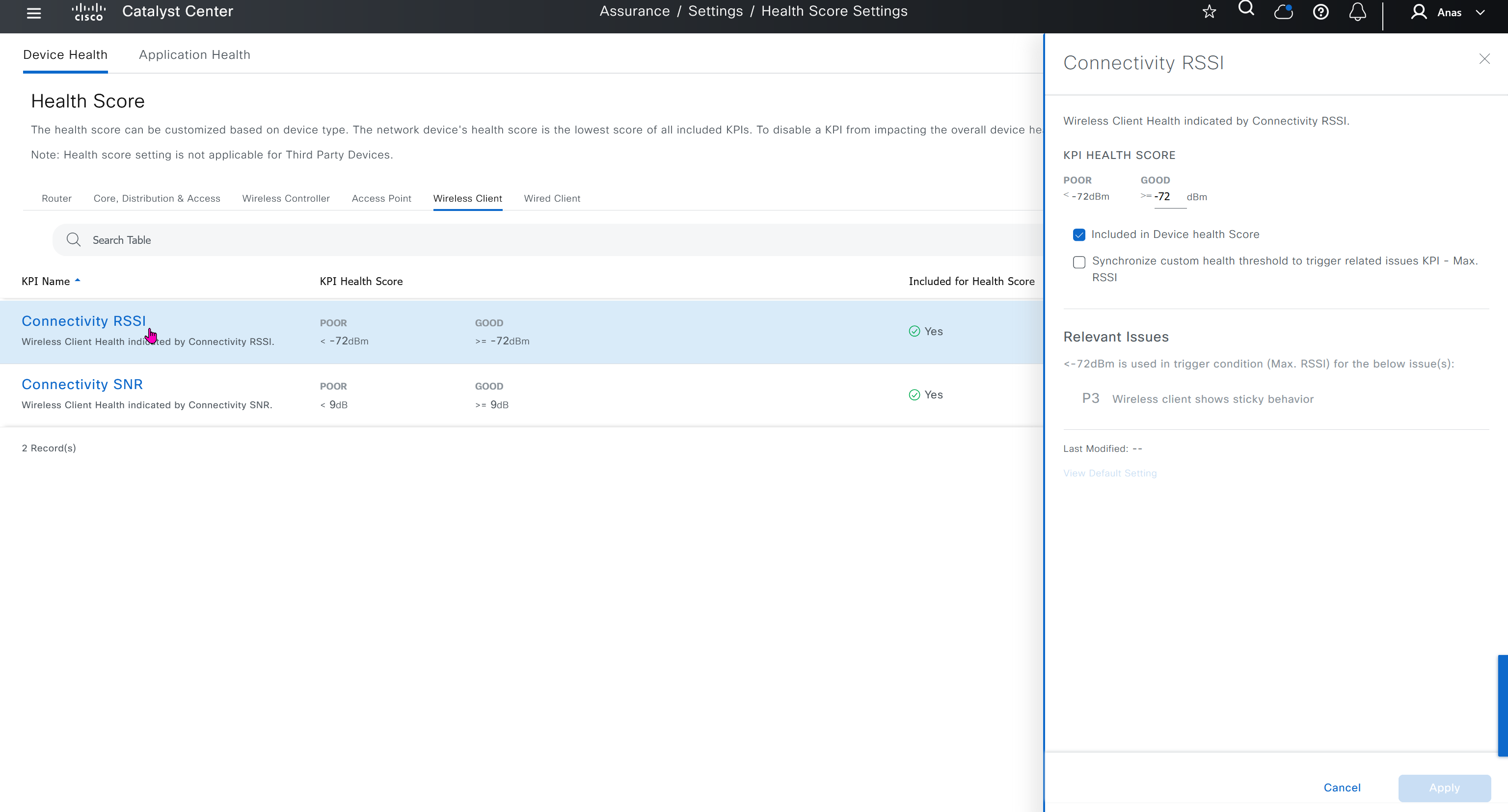
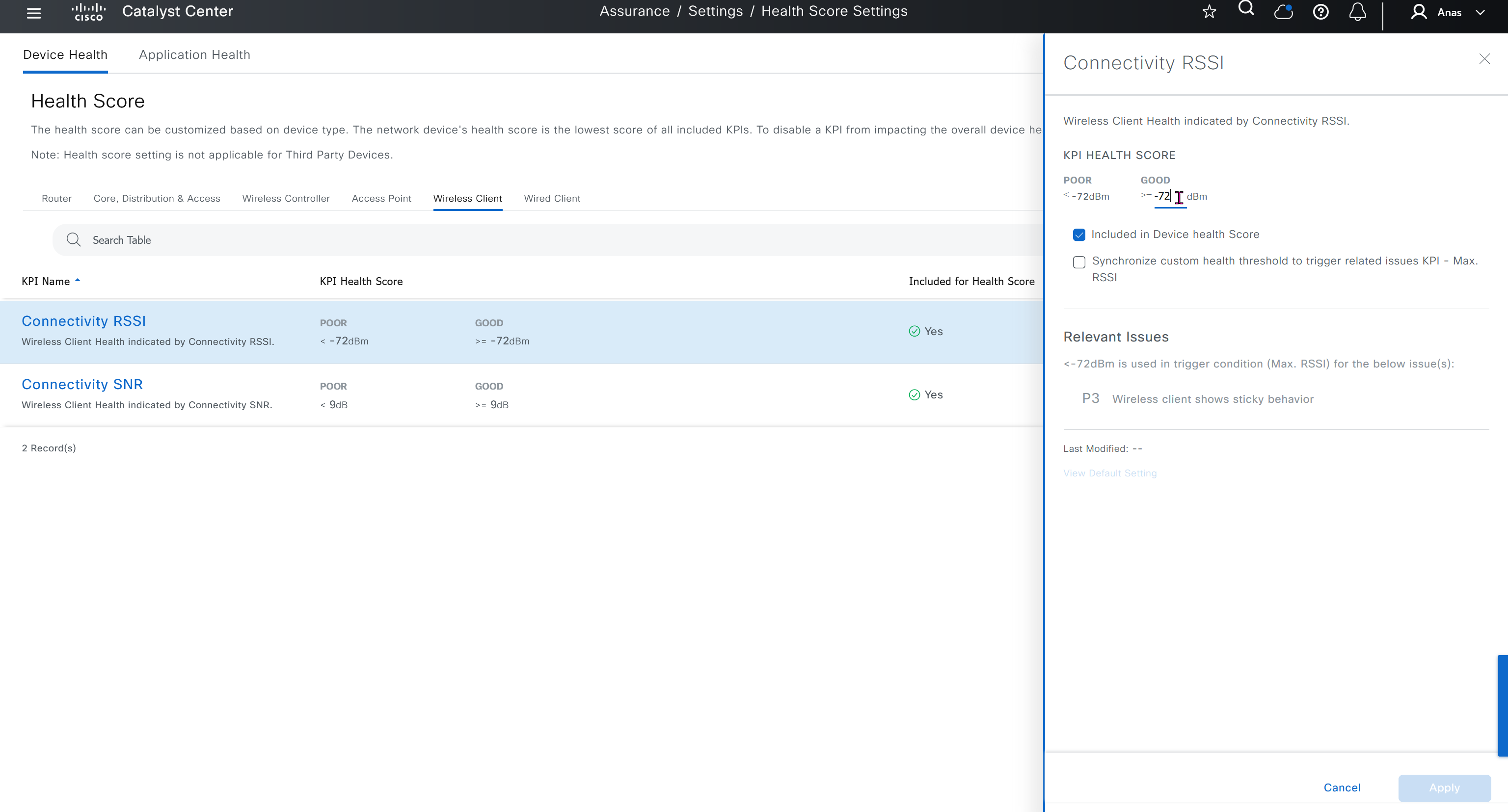
Health score is where you can turn on or off on what is included in determining device health score, these health score threshold values can be modified as well



Sensor section here we define test settings such as ping, HTTPs, association test etc
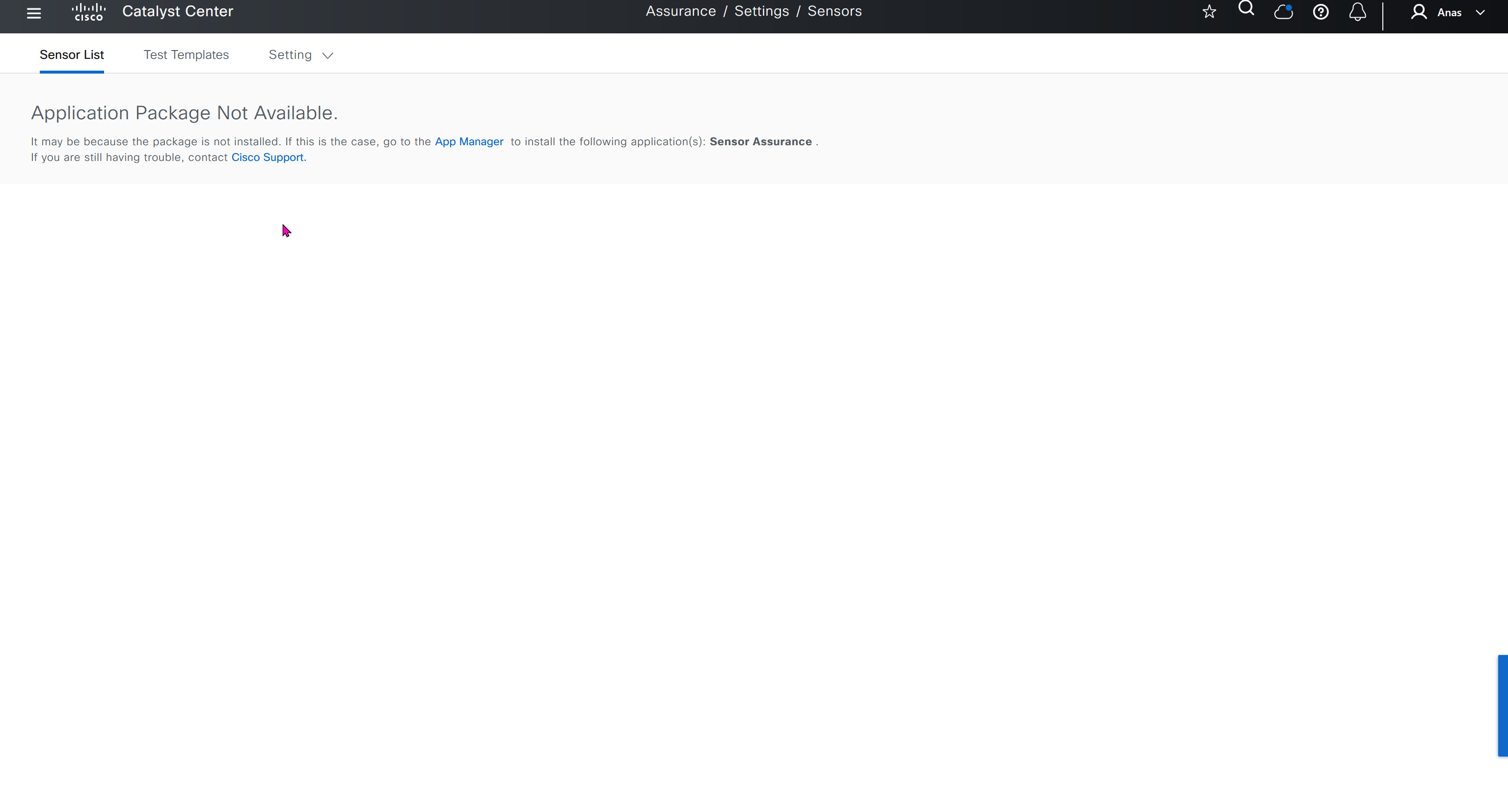
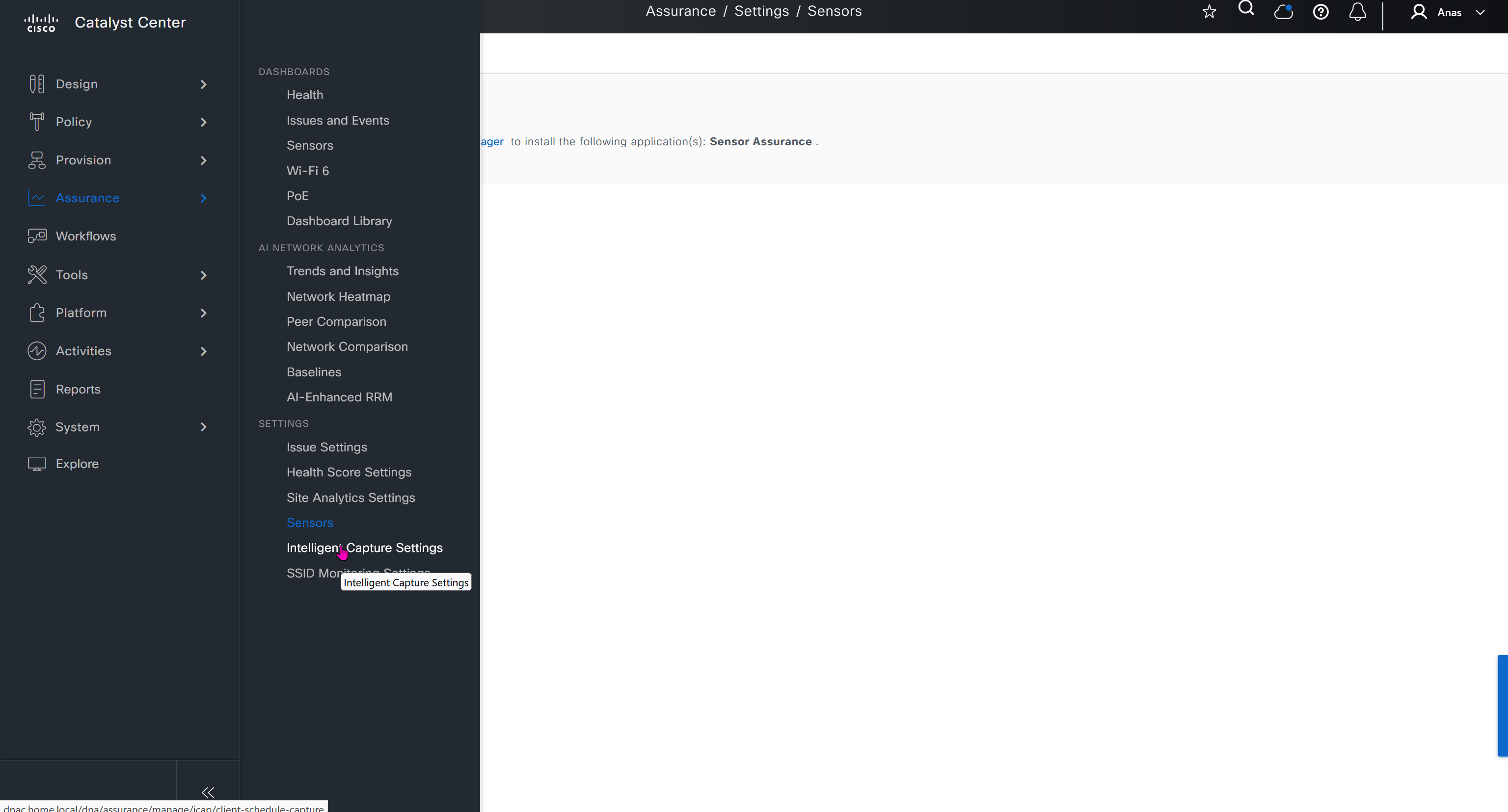
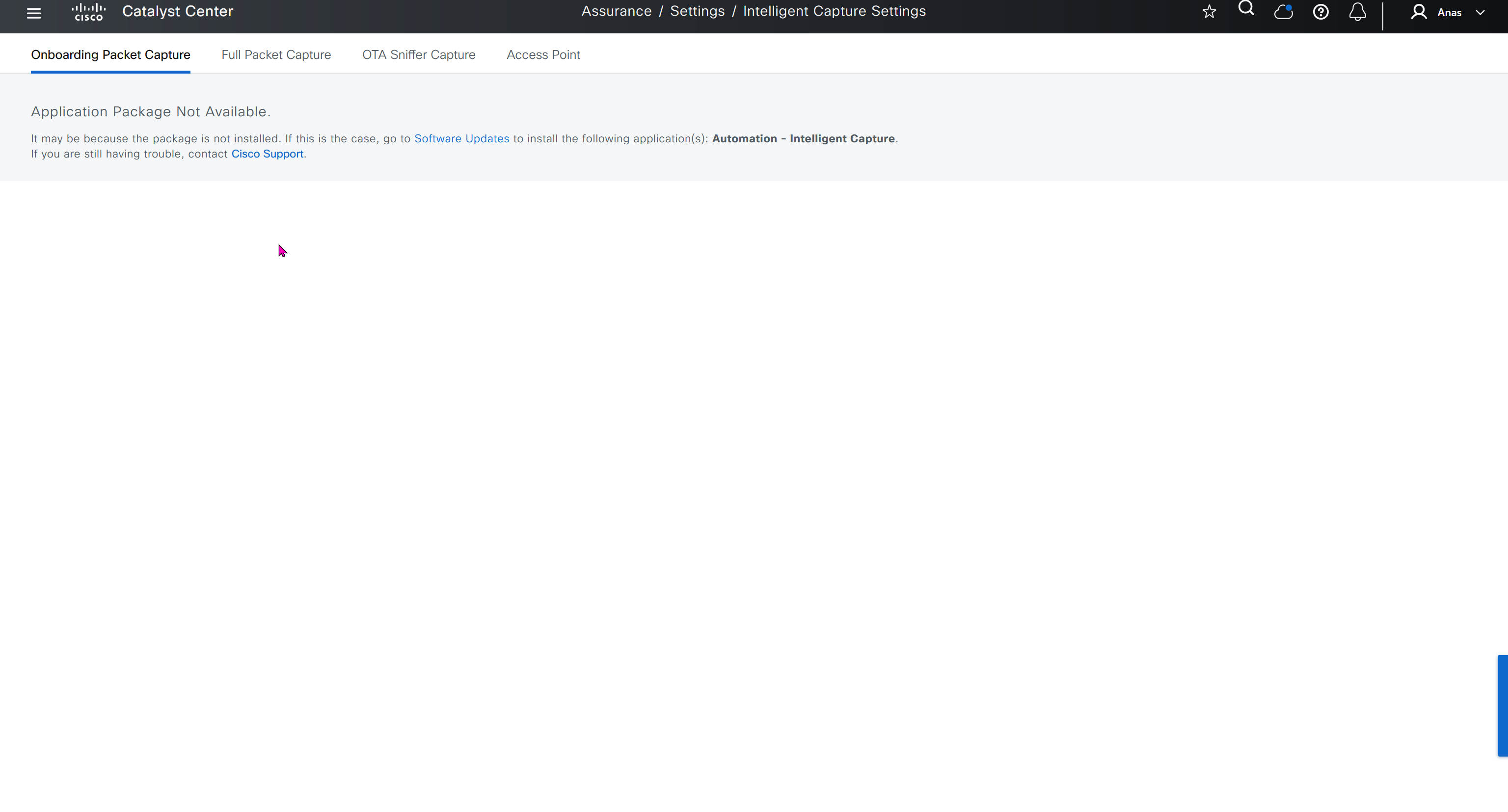
Intelligent capture is where you define how and when you want your AP to perform capture of client traffic
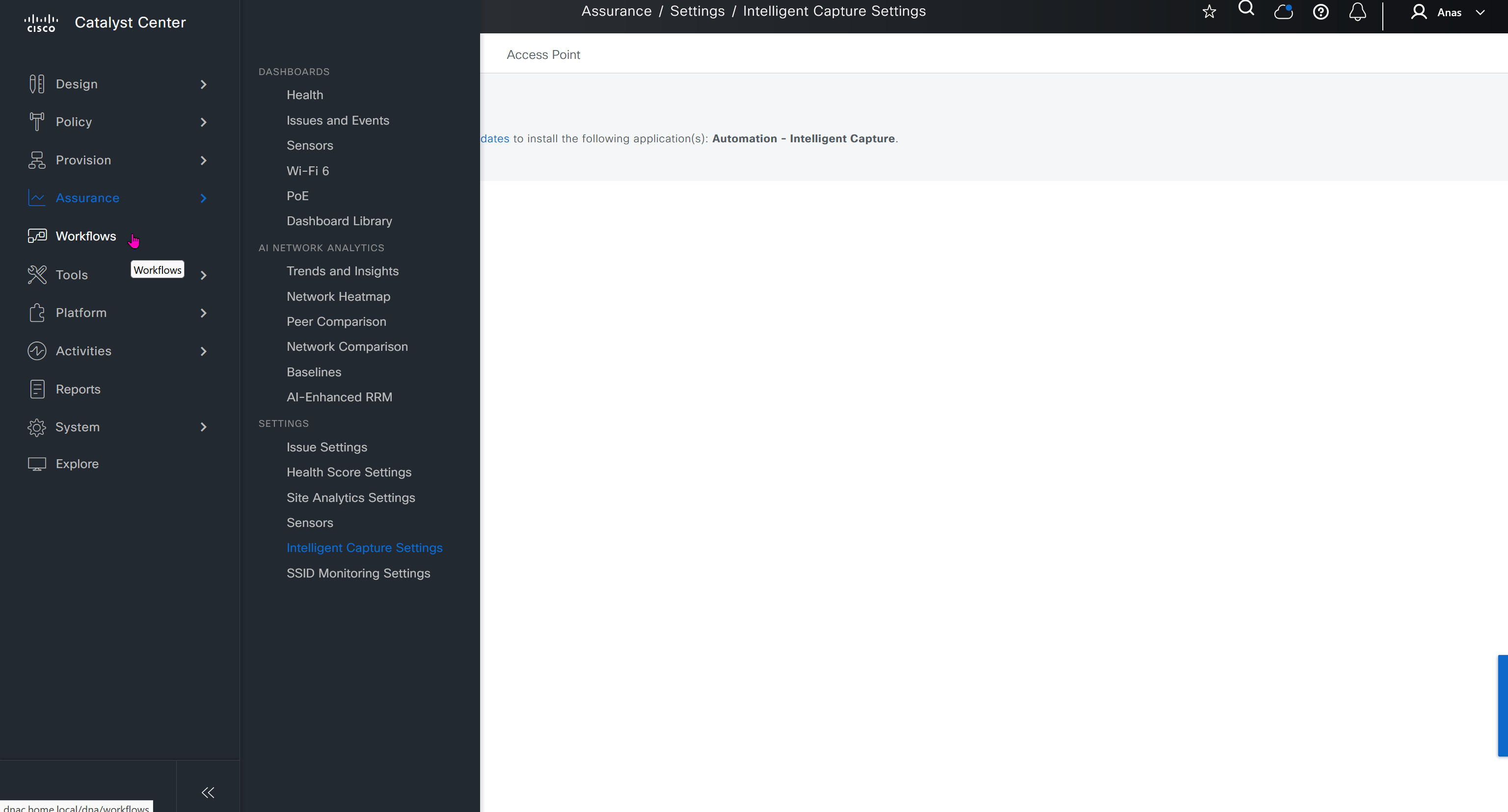
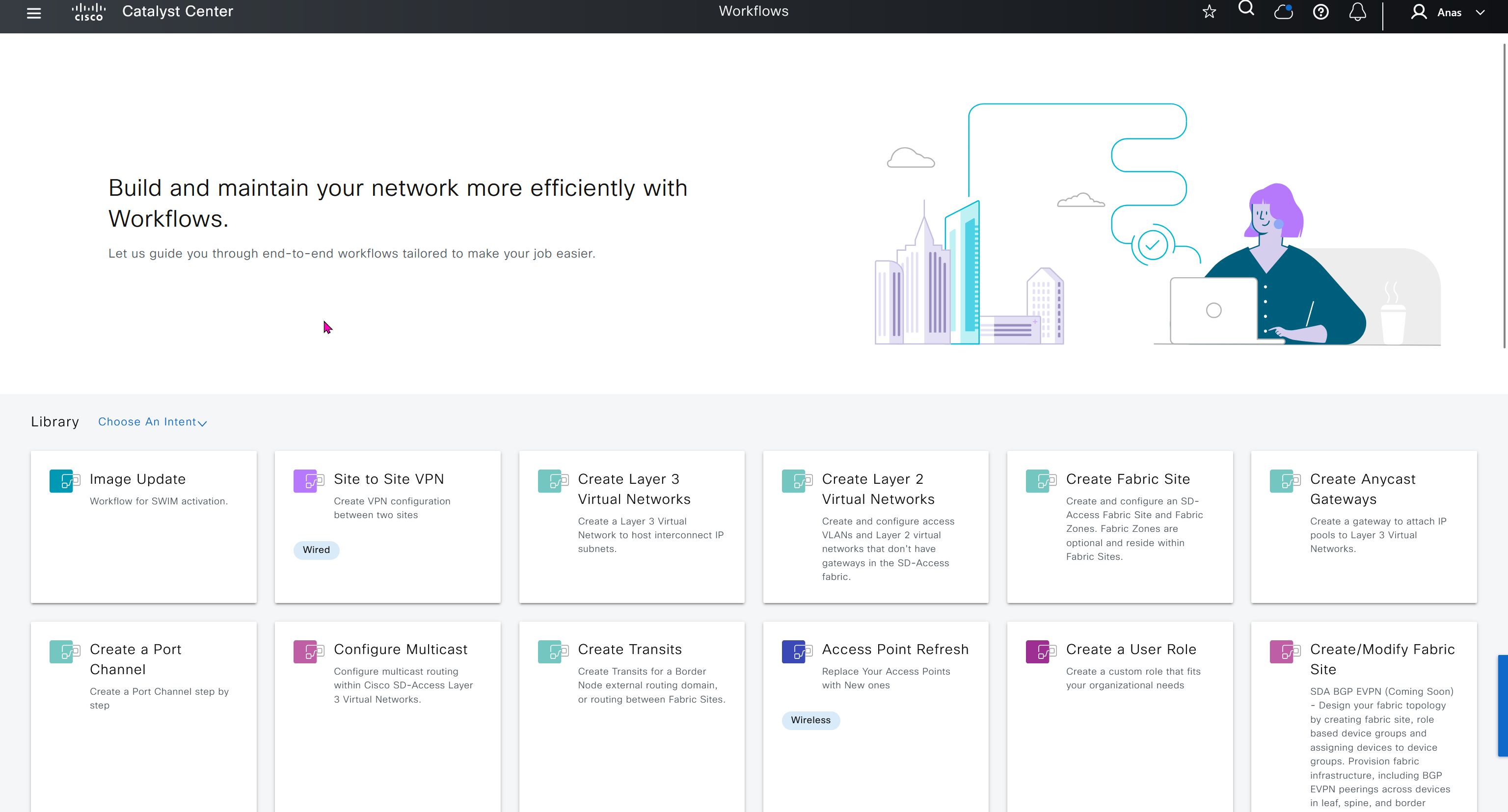
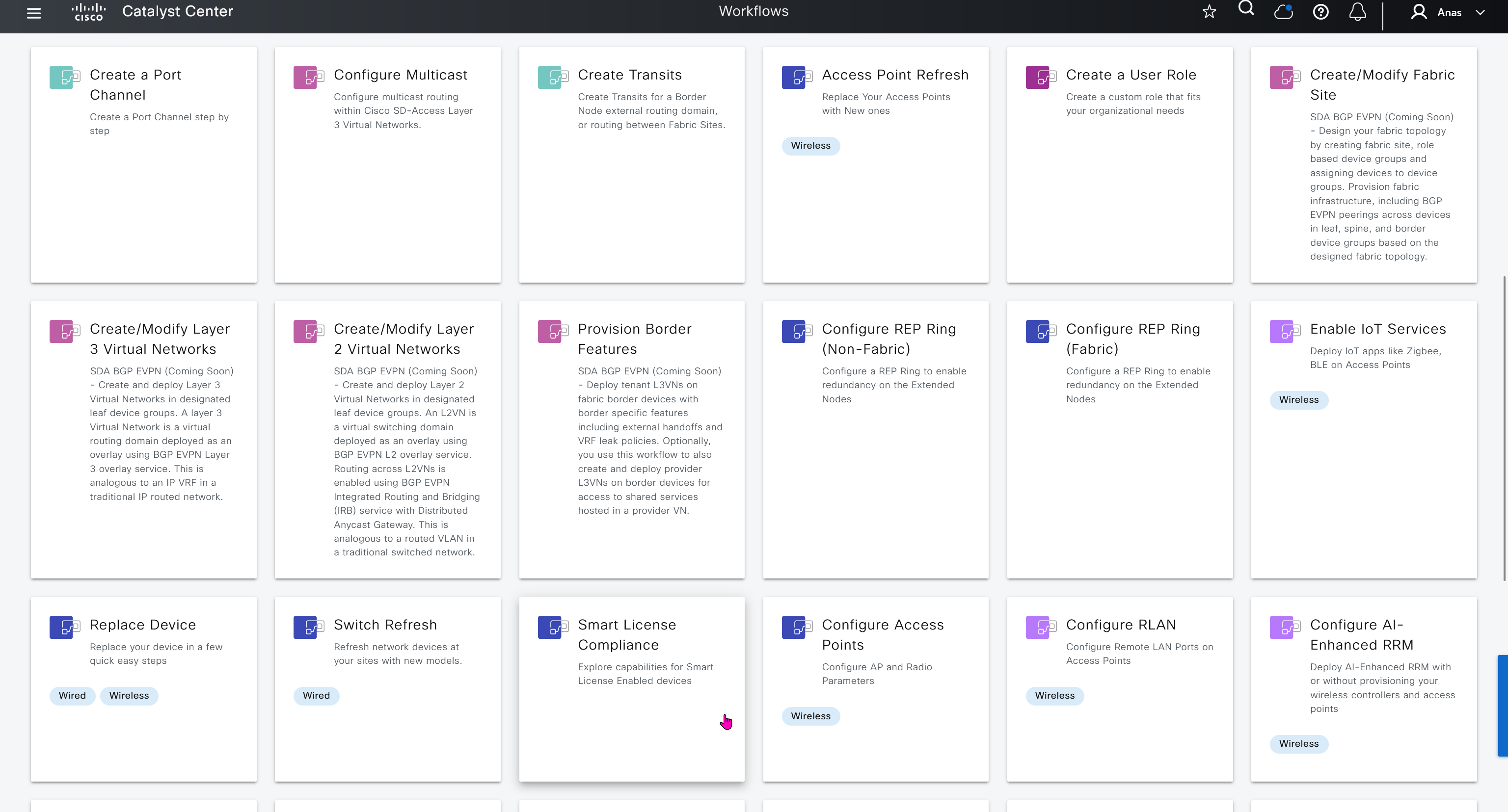
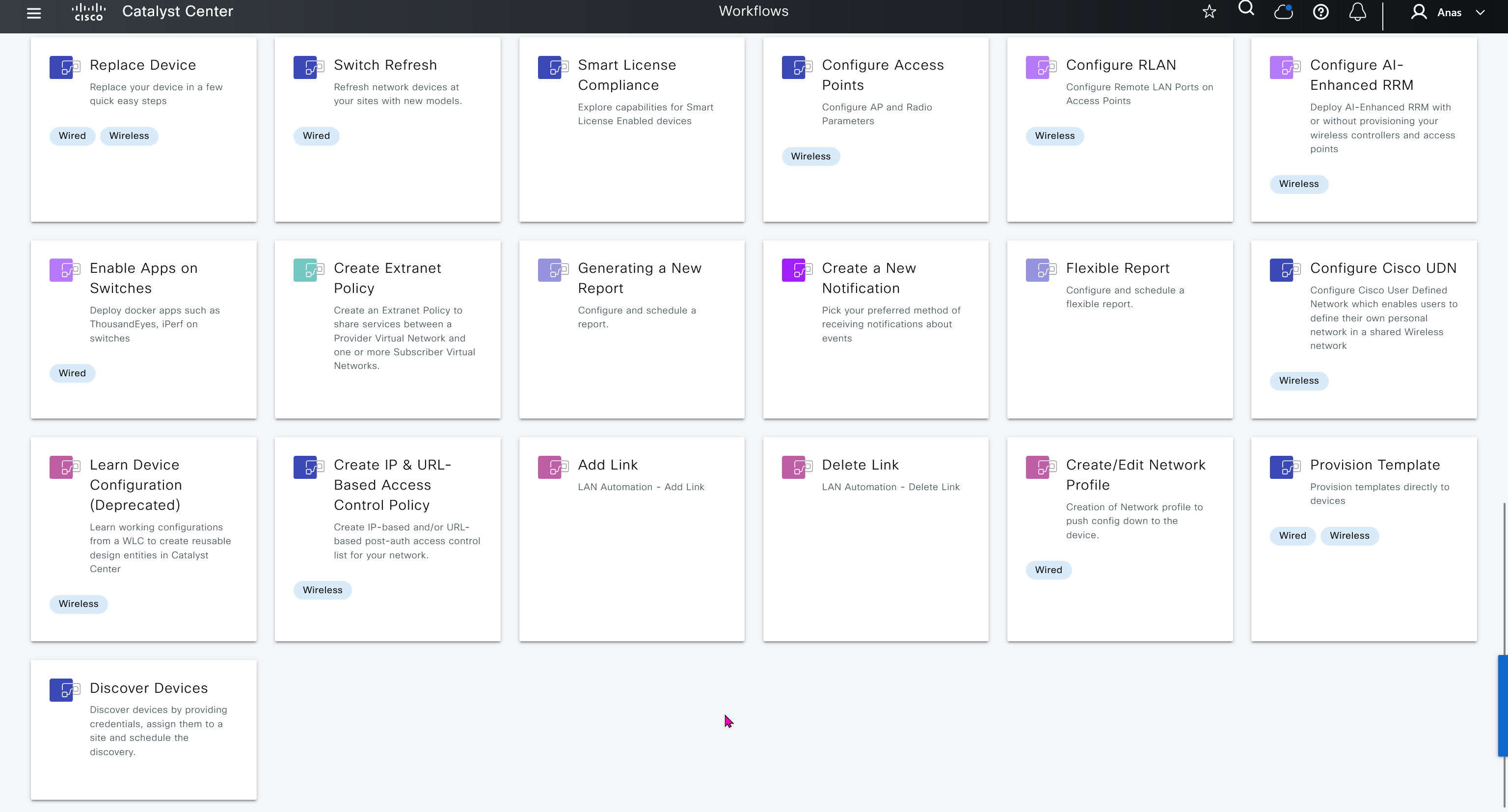
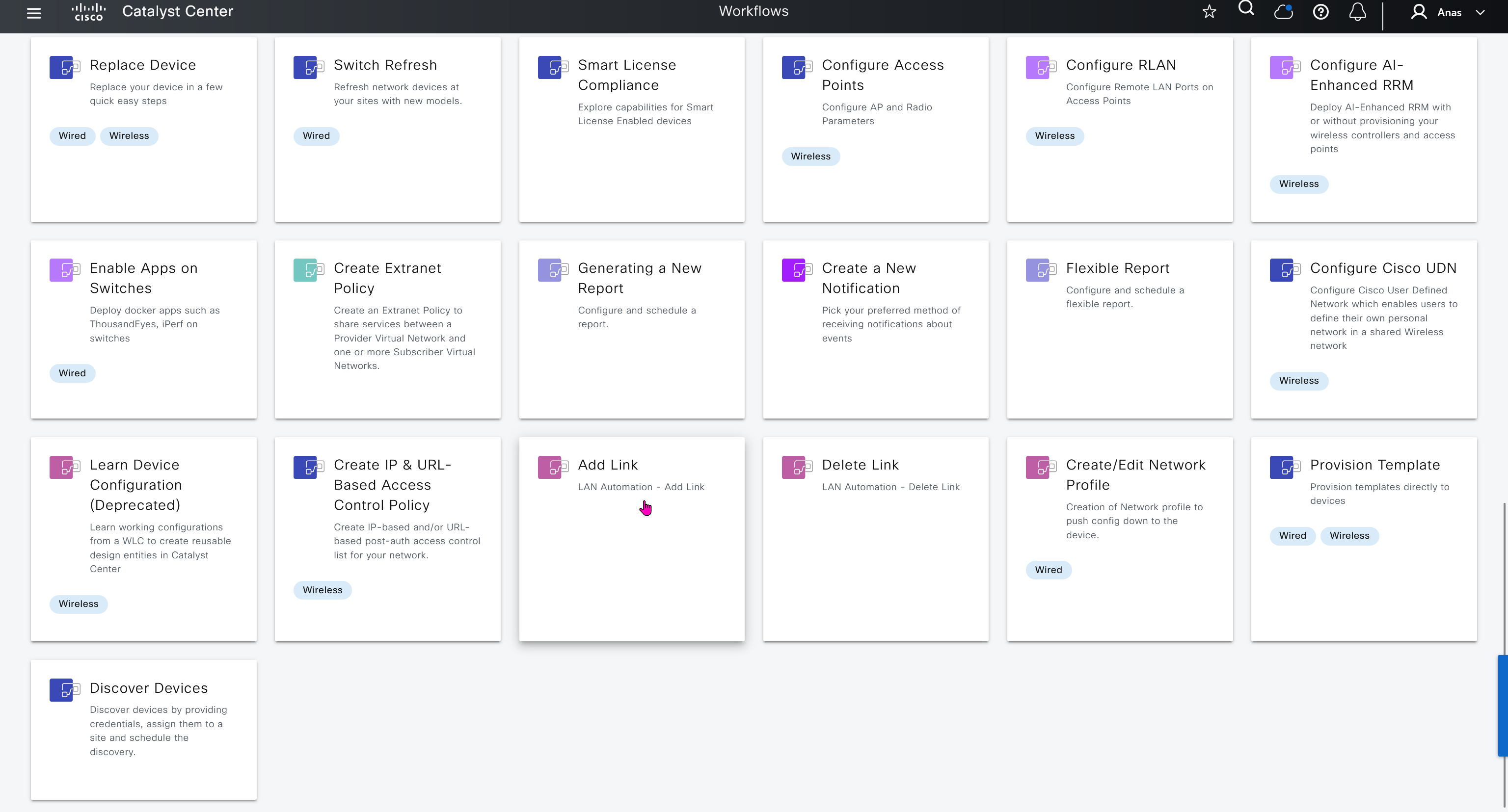
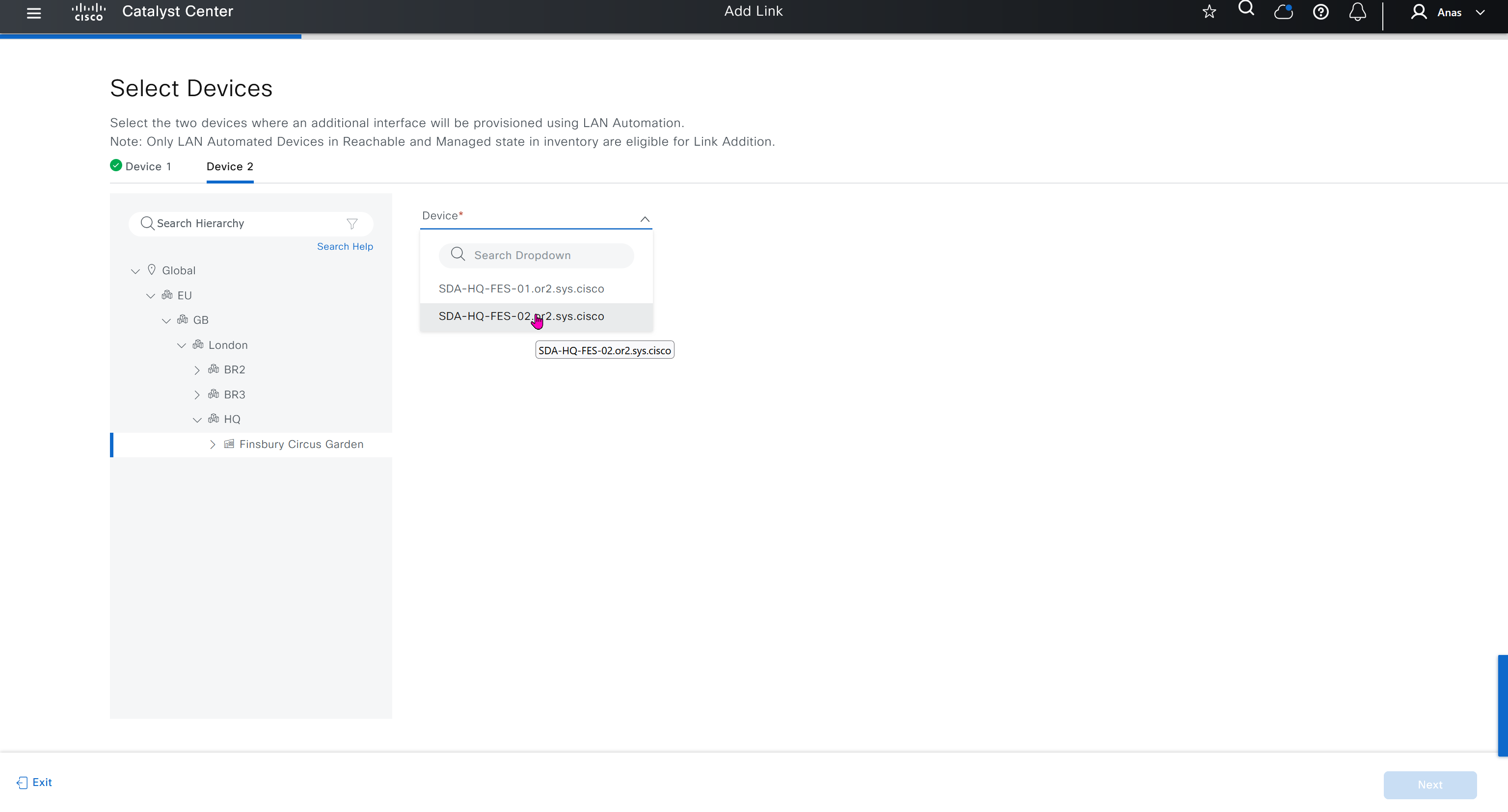
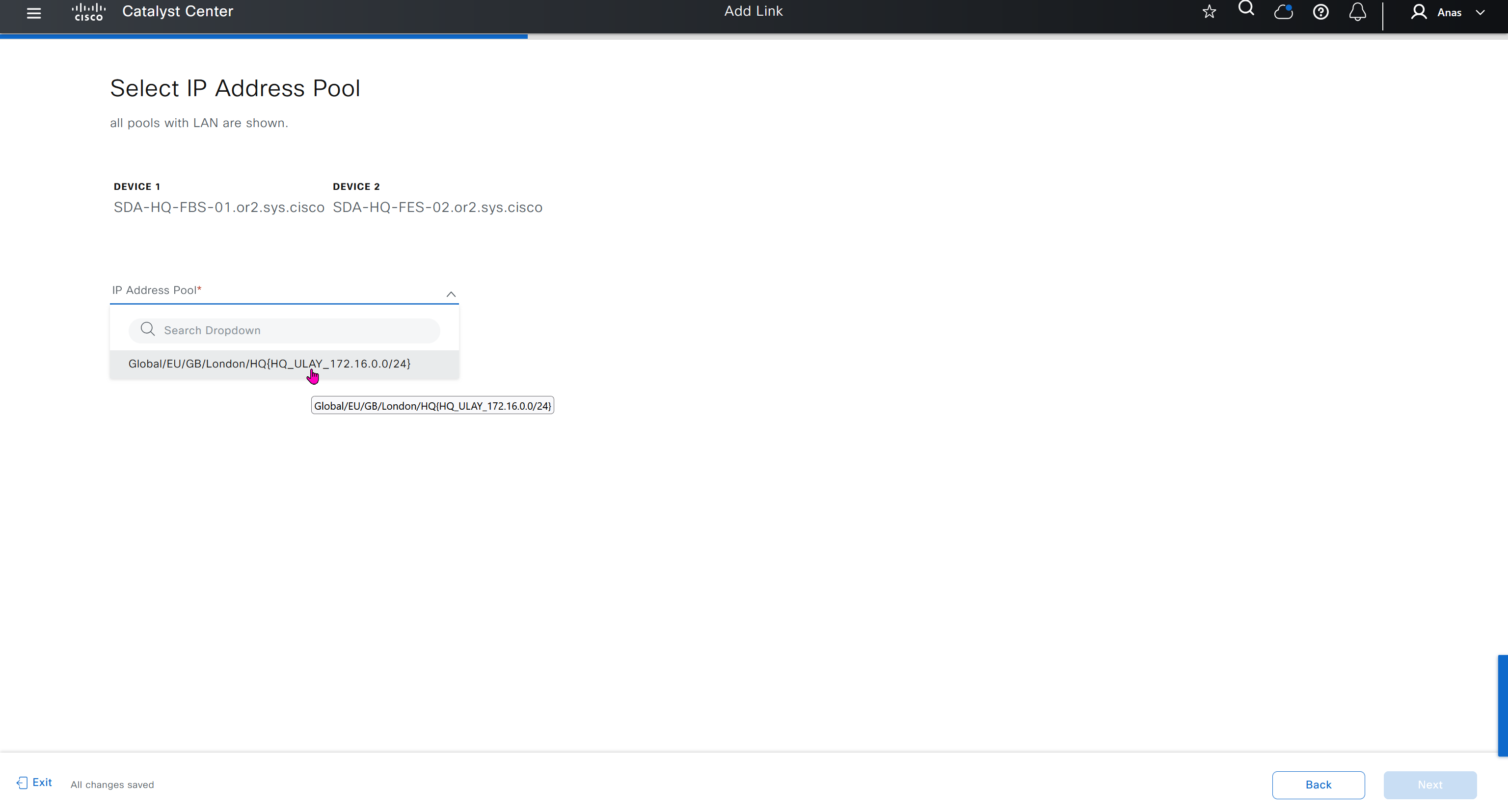
Workflows make things easy for us as they are guided configuration wizards that help us configure things easily and quickly without making mistakes




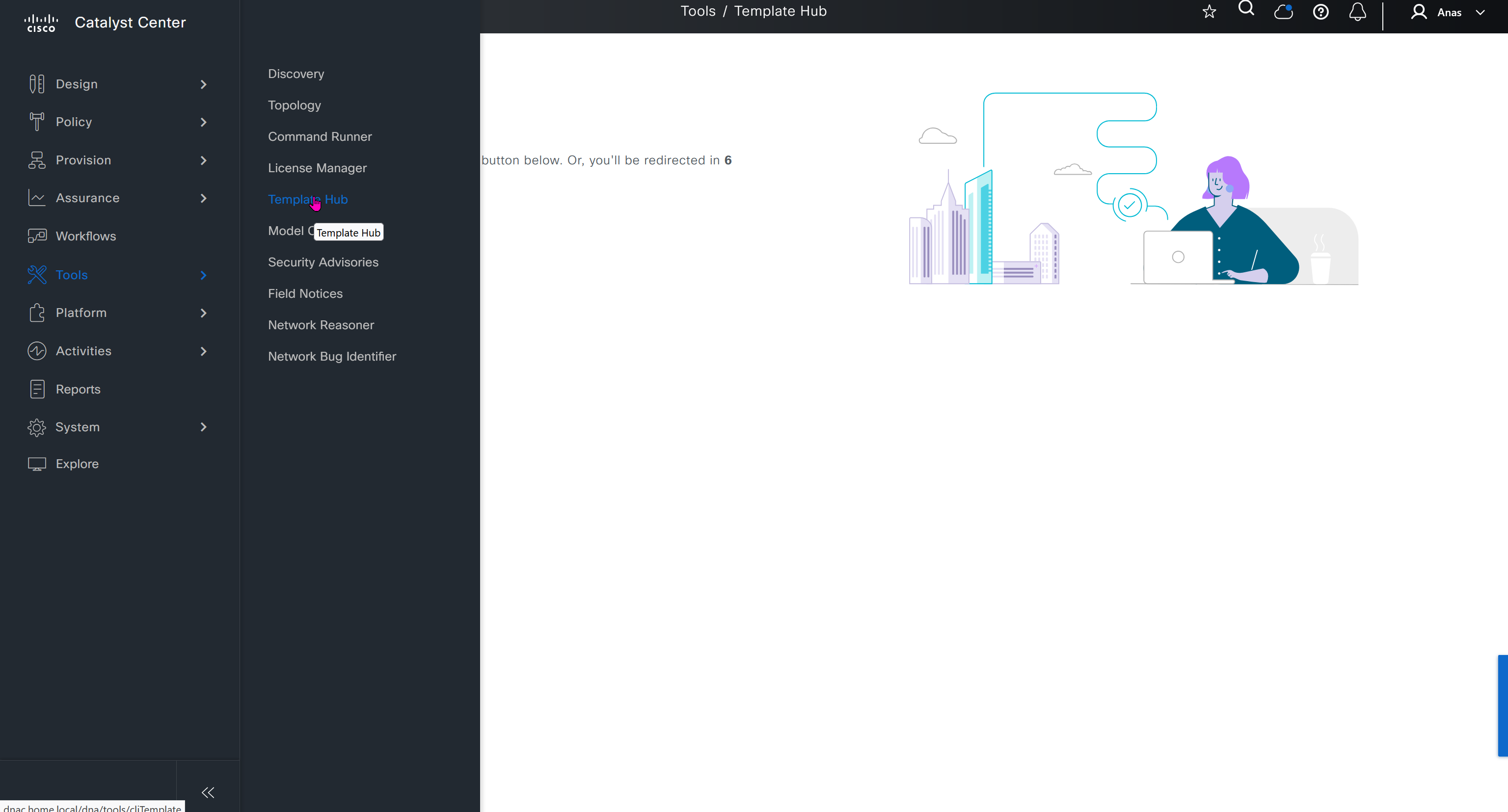
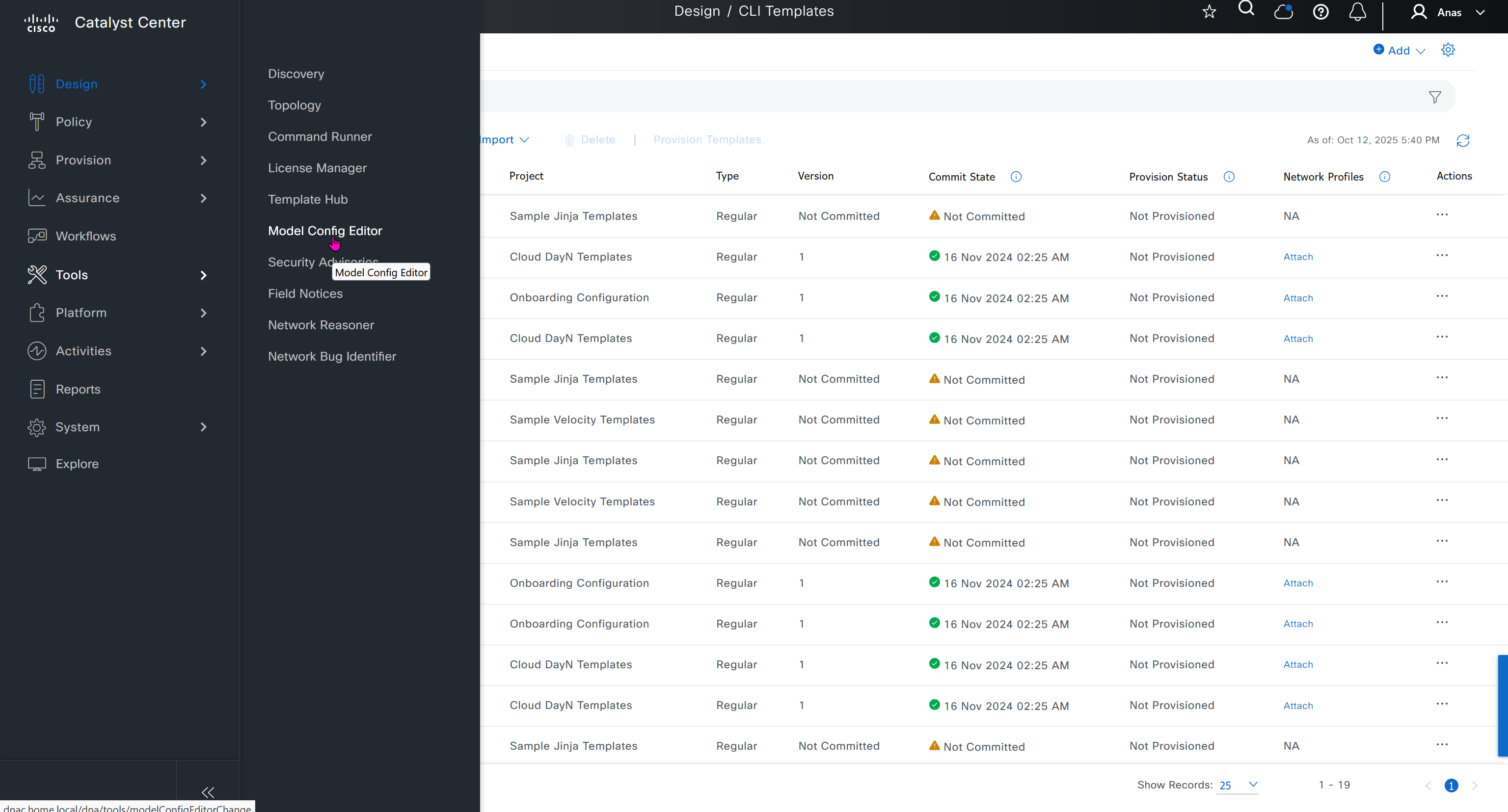
CLI templates is where we create templates, when it is time to apply template then we apply them using Network profiles

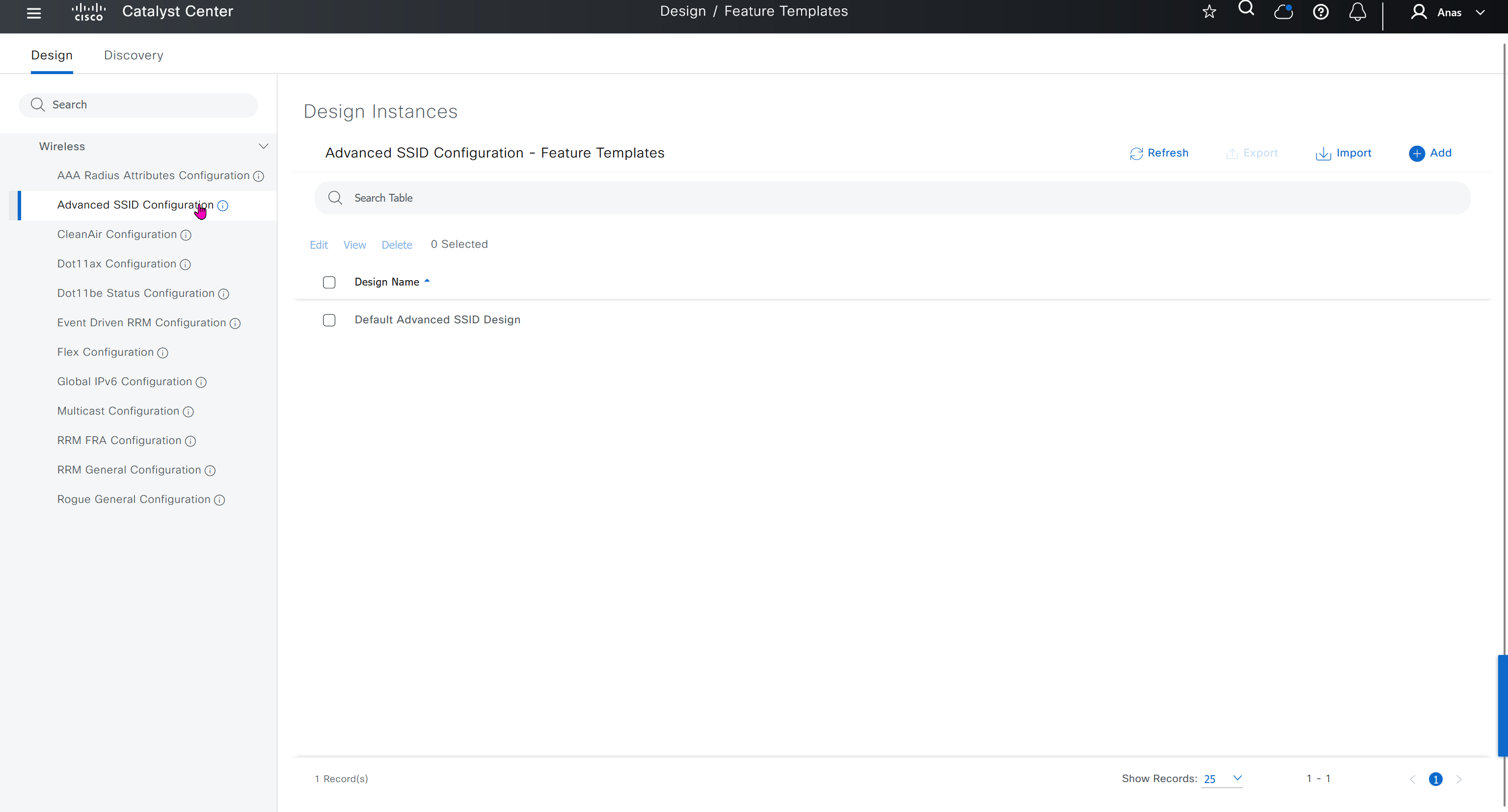
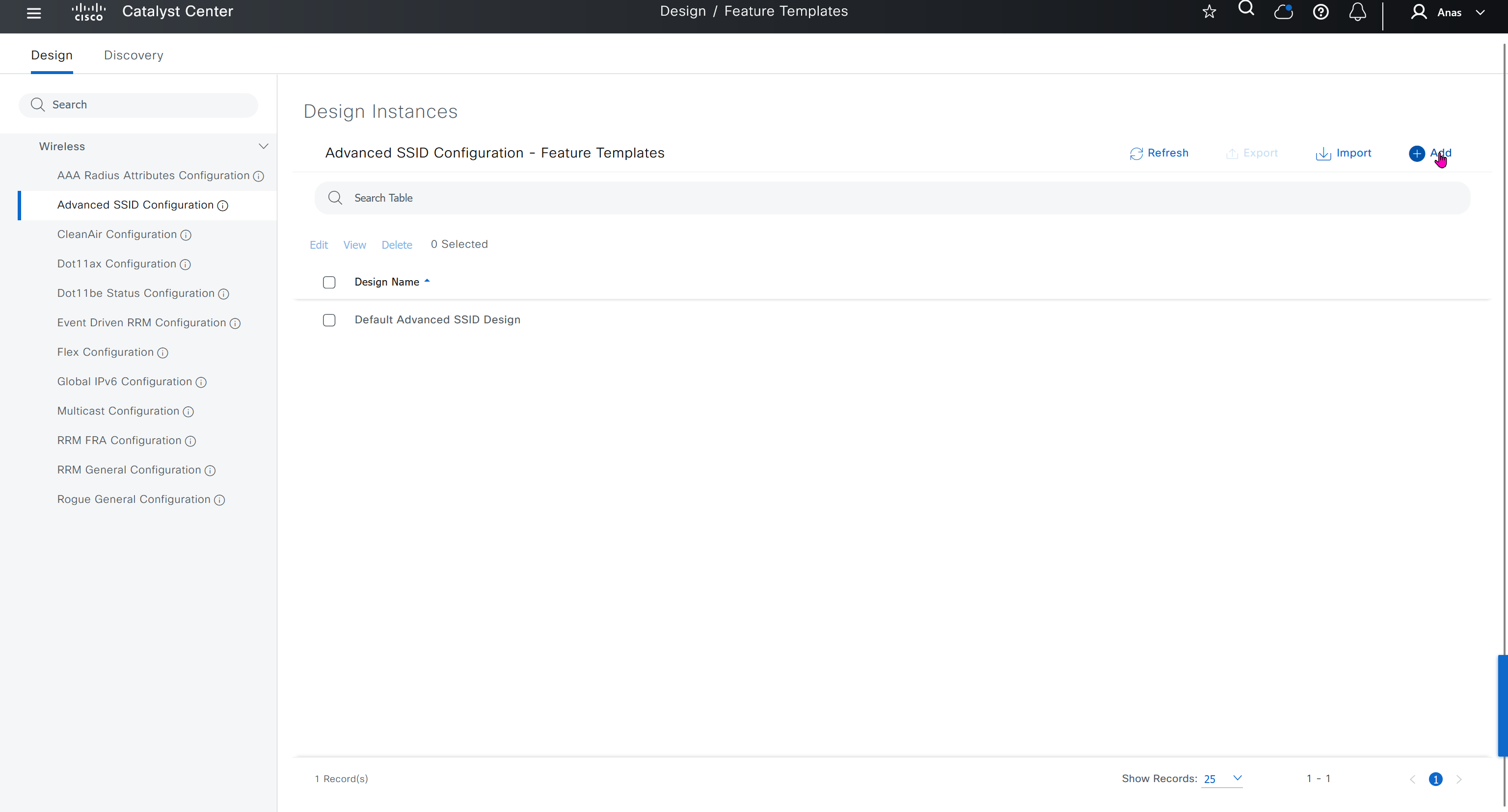
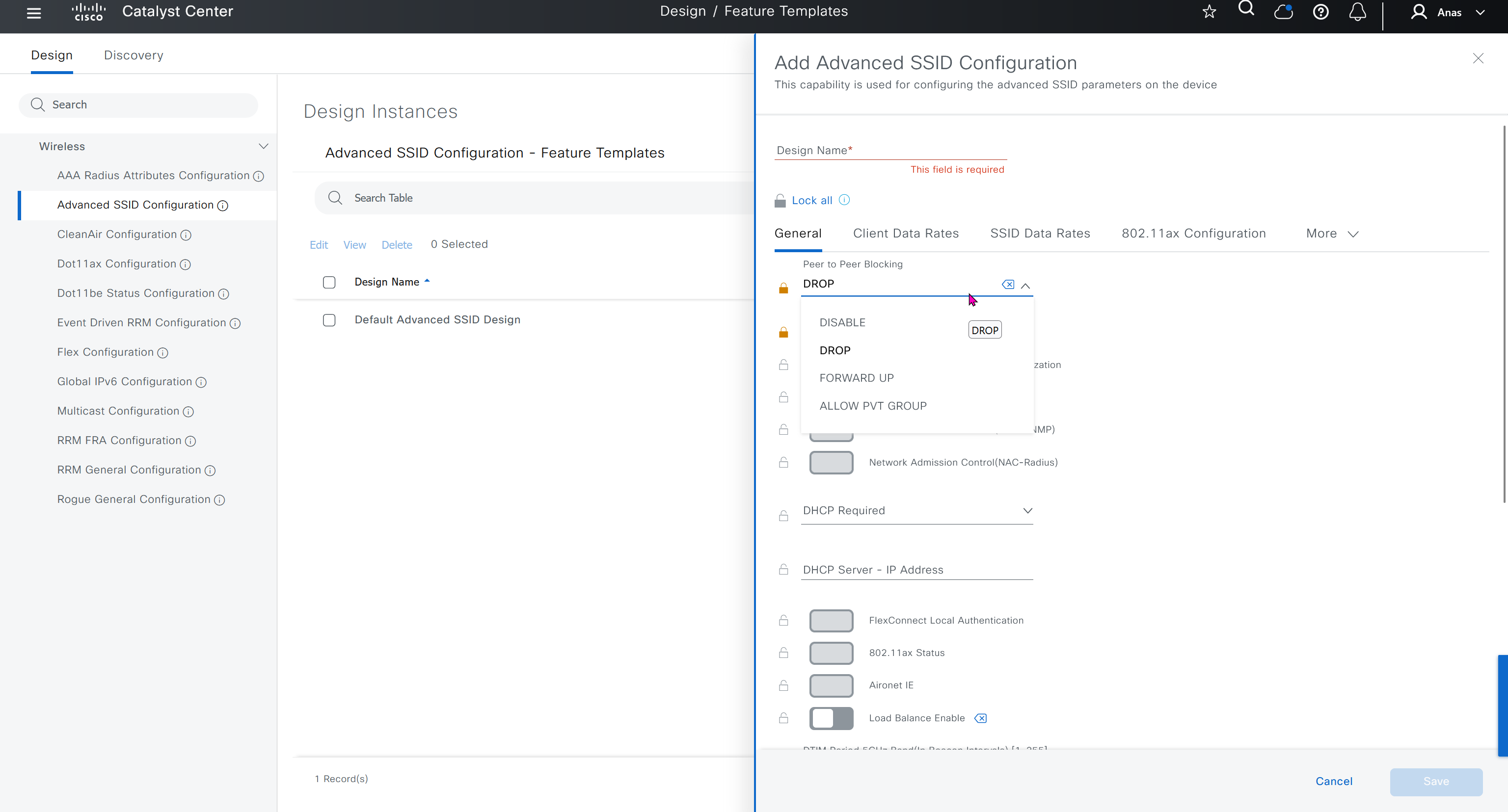
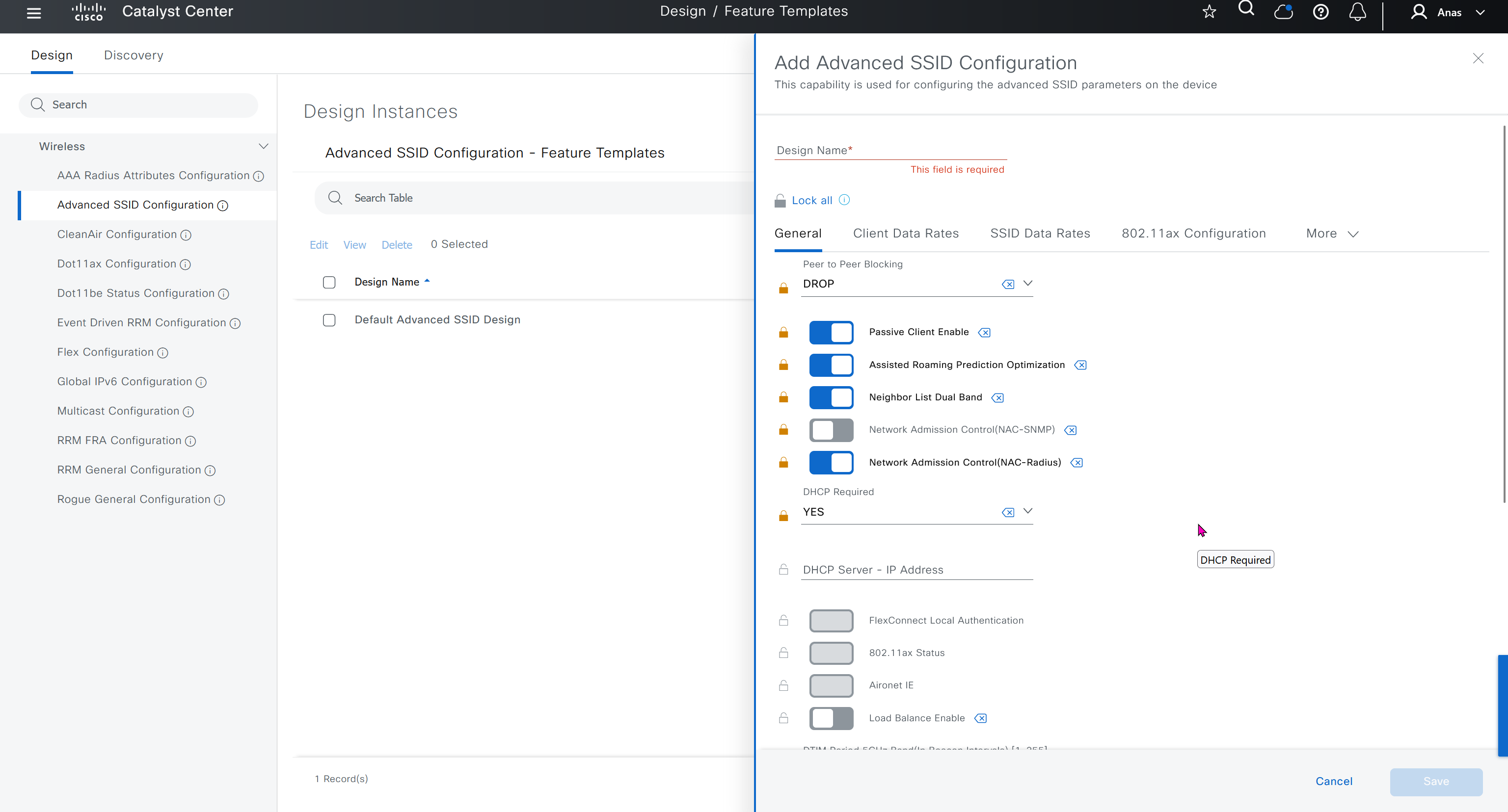
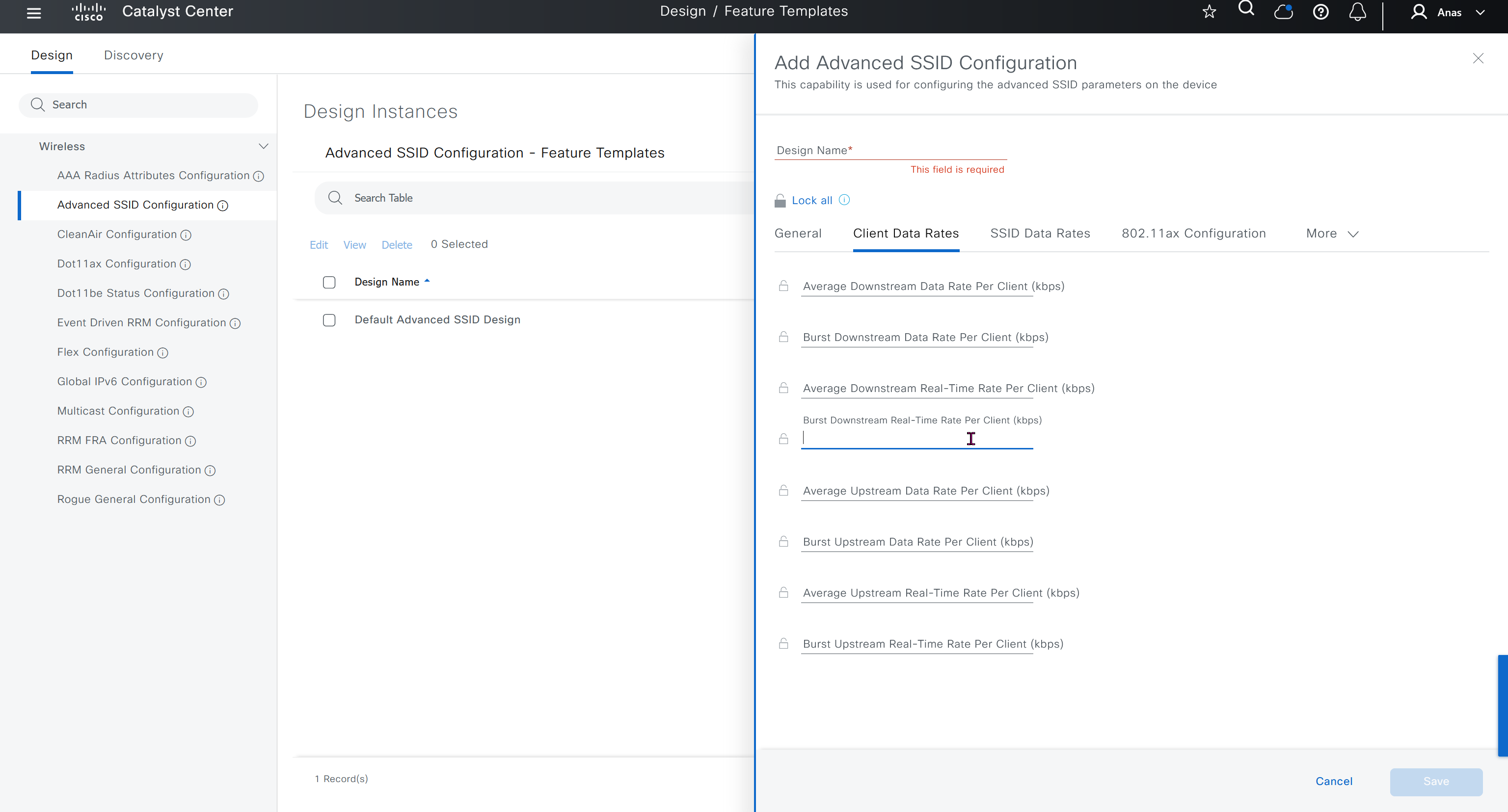
Feature templates are graphical UI based configuration unlike CLI template and they dictate best practice rather than manual CLI based templates, this makes configuration like Meraki but we only have this wireless at the moment

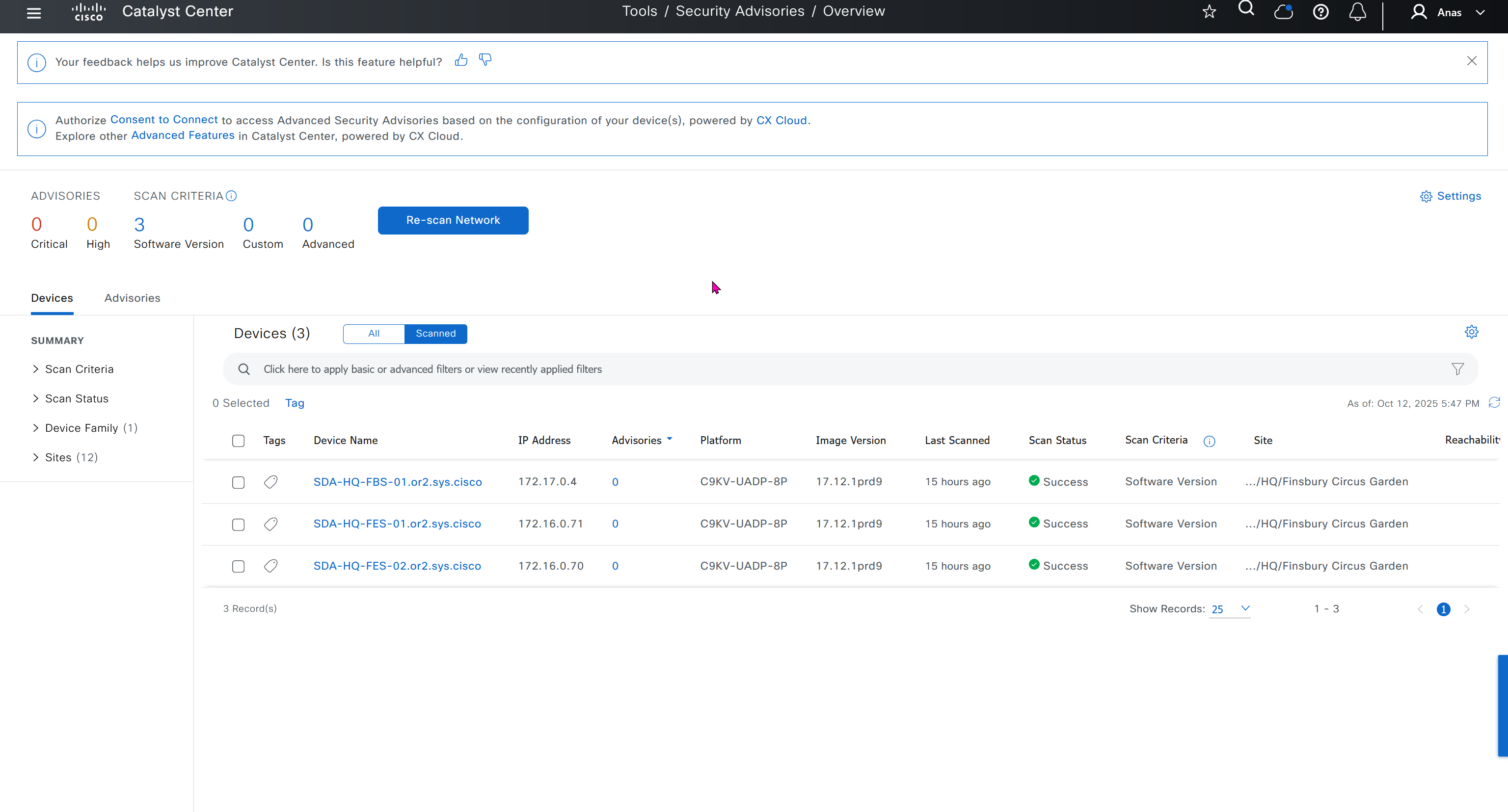
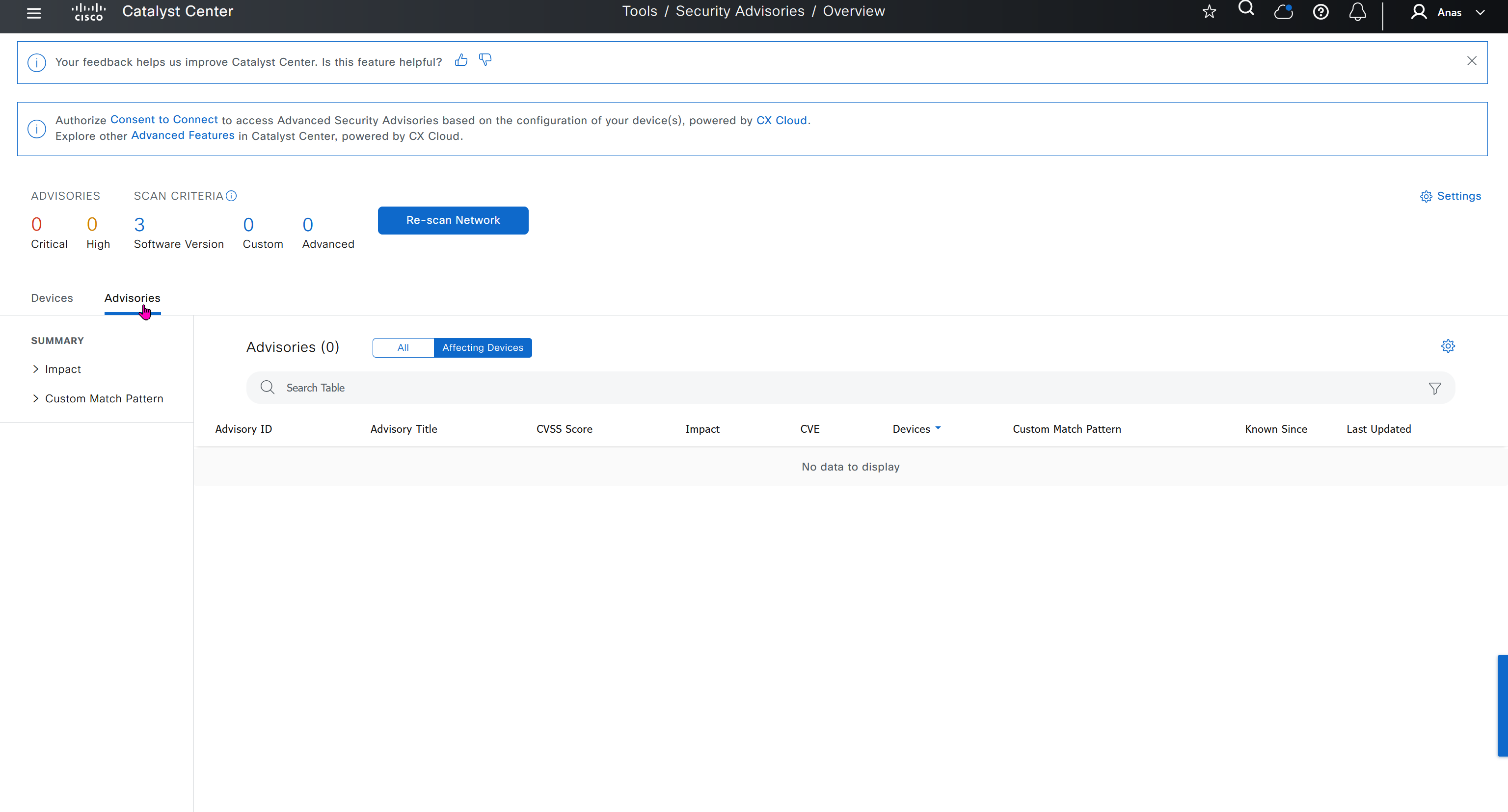
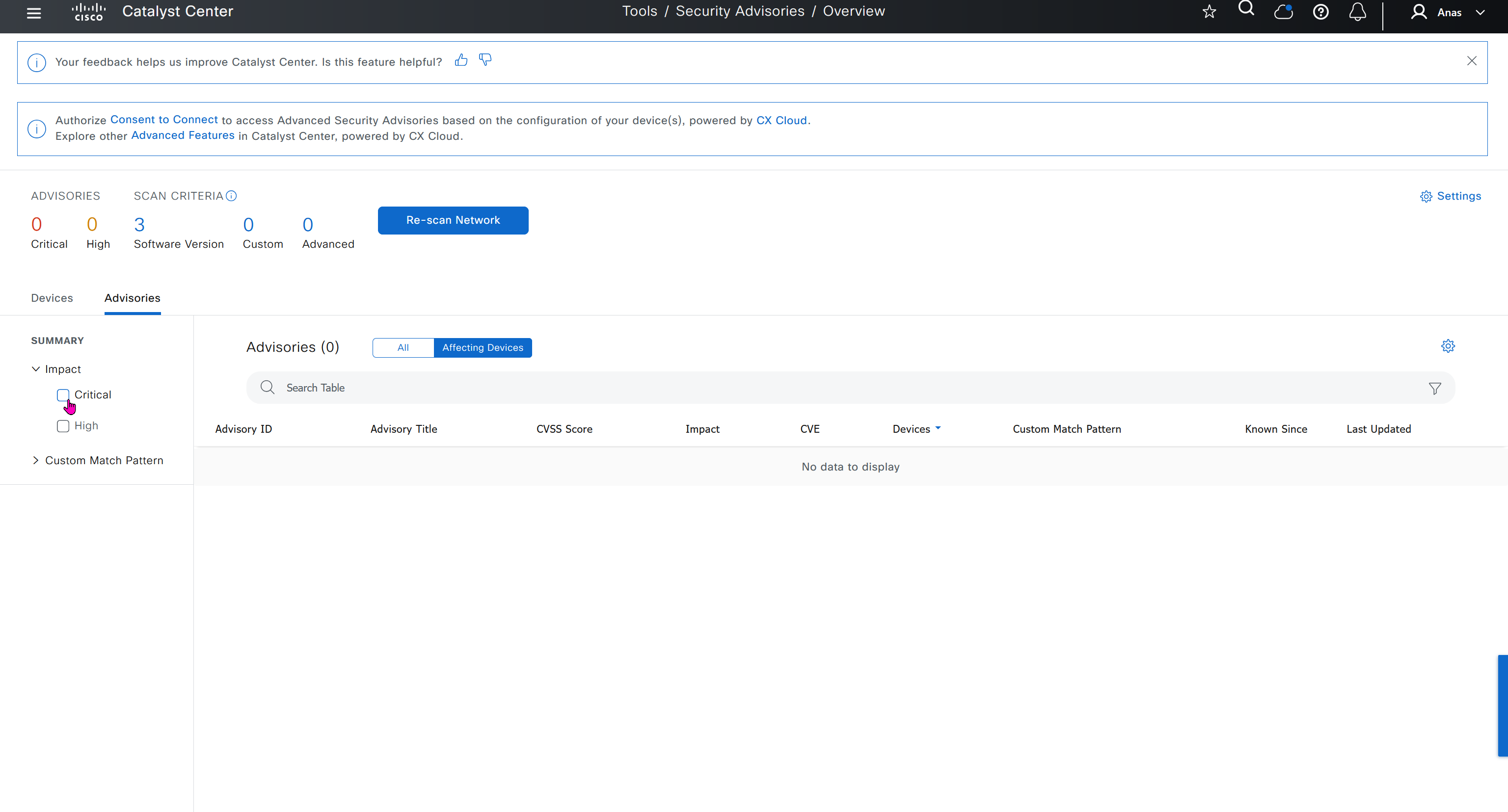
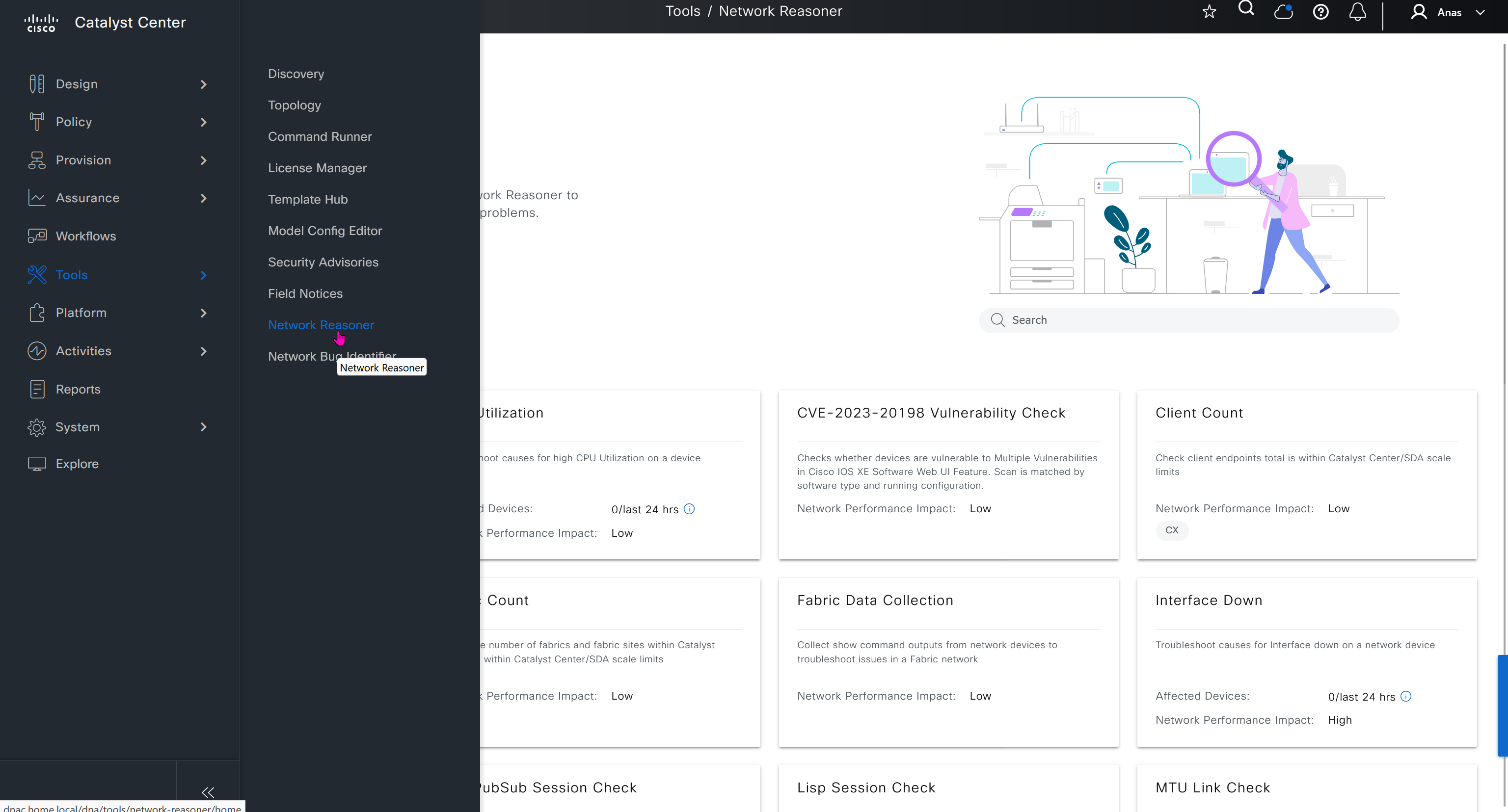
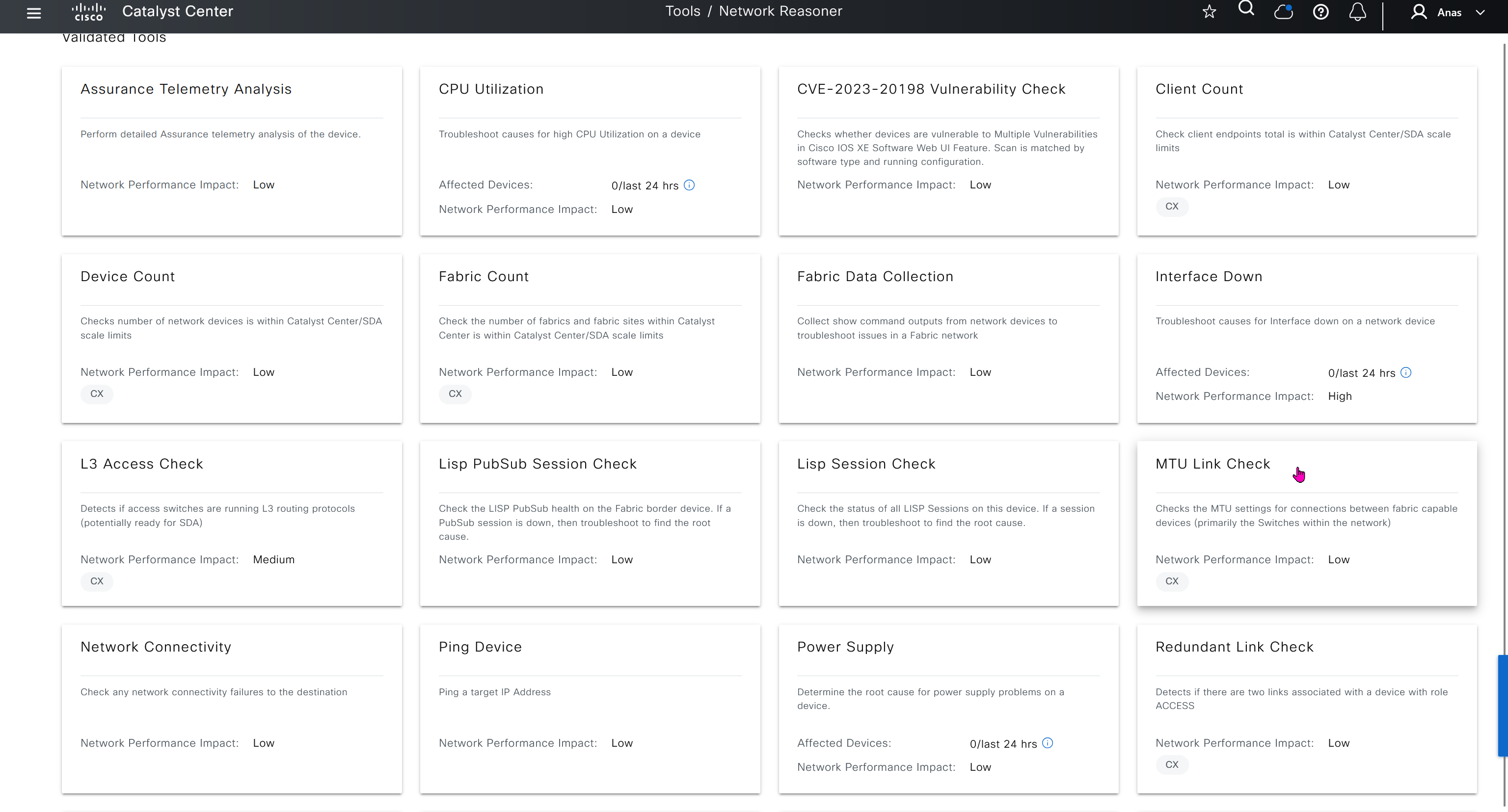
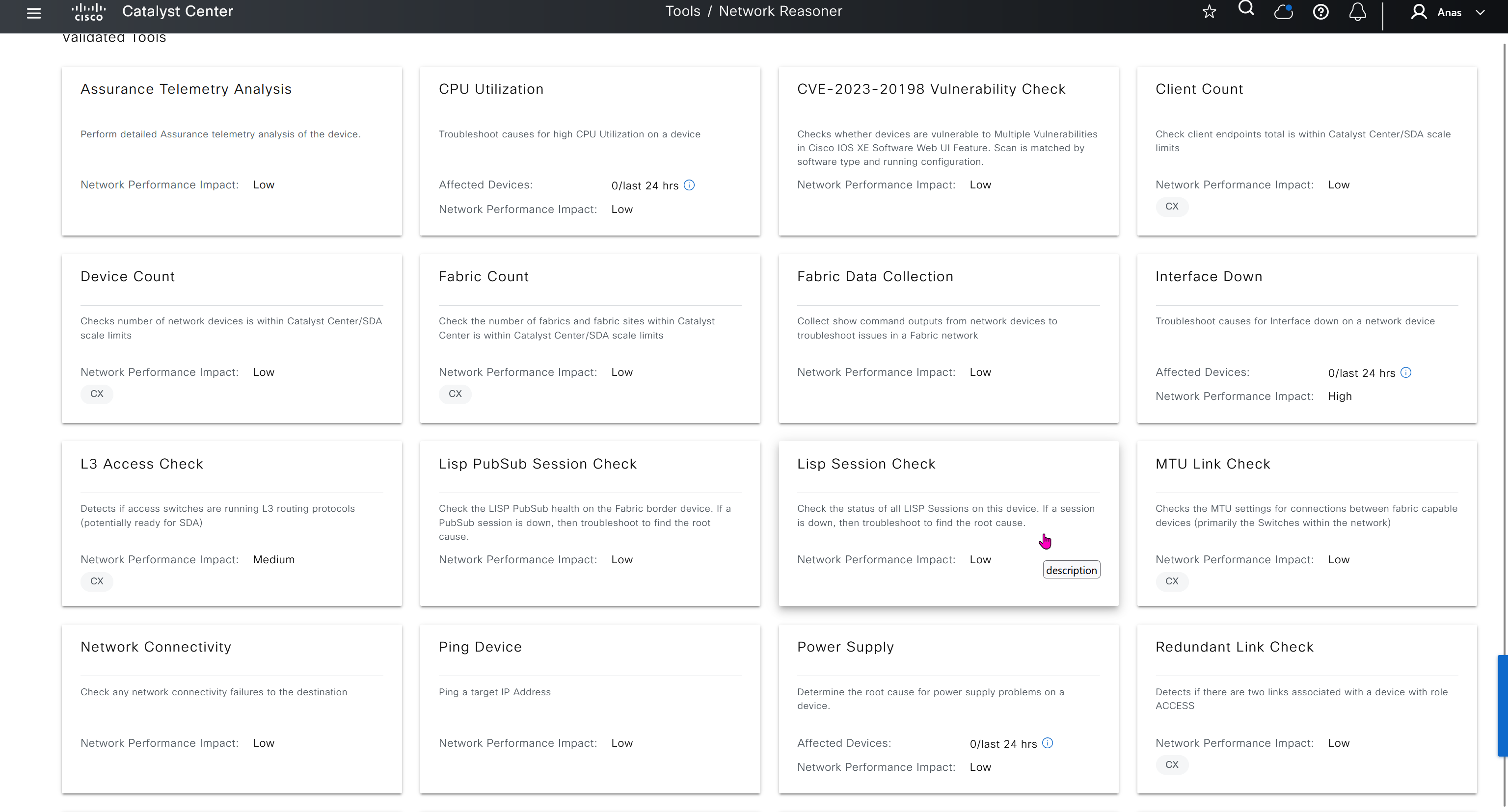
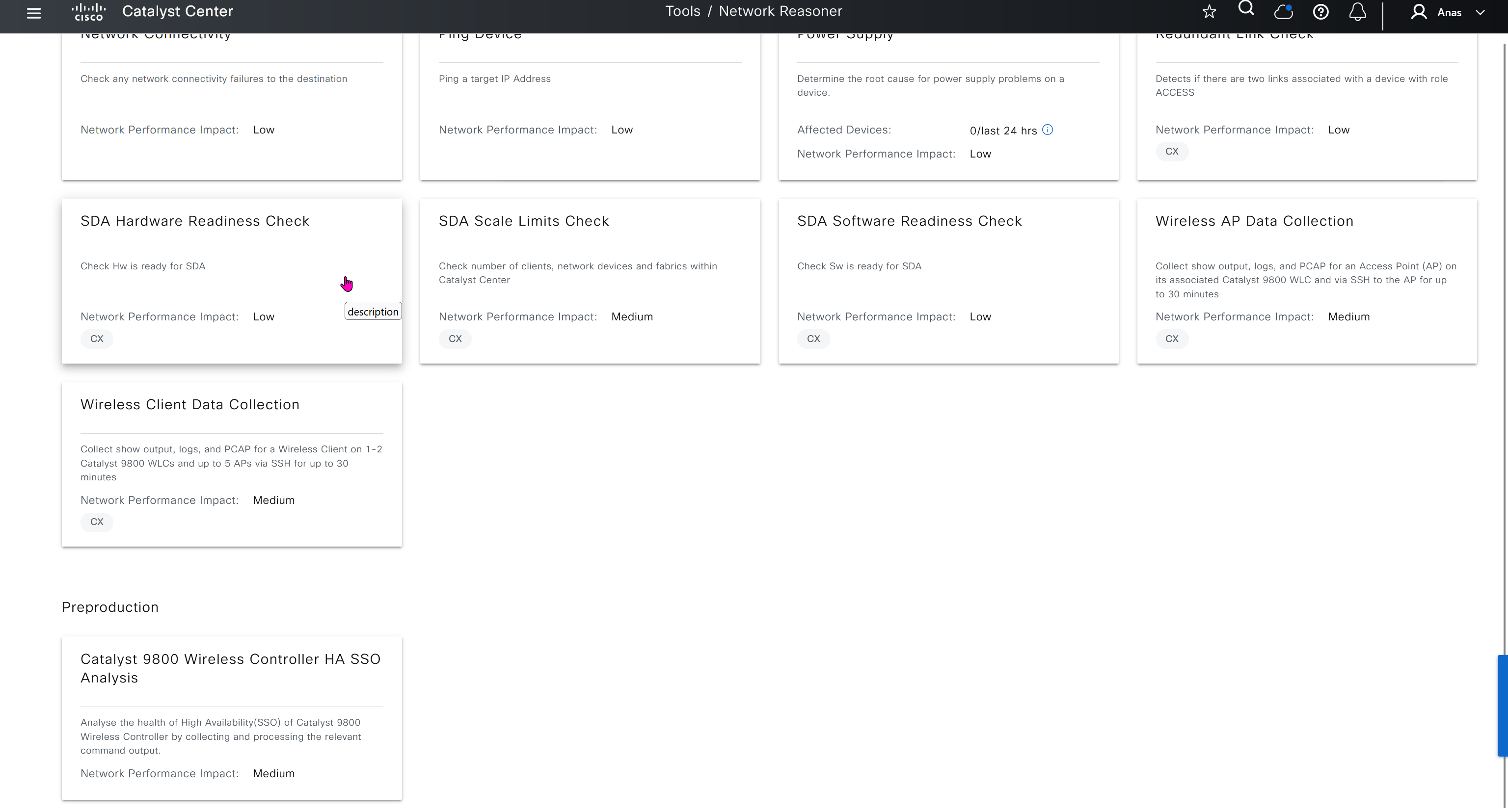
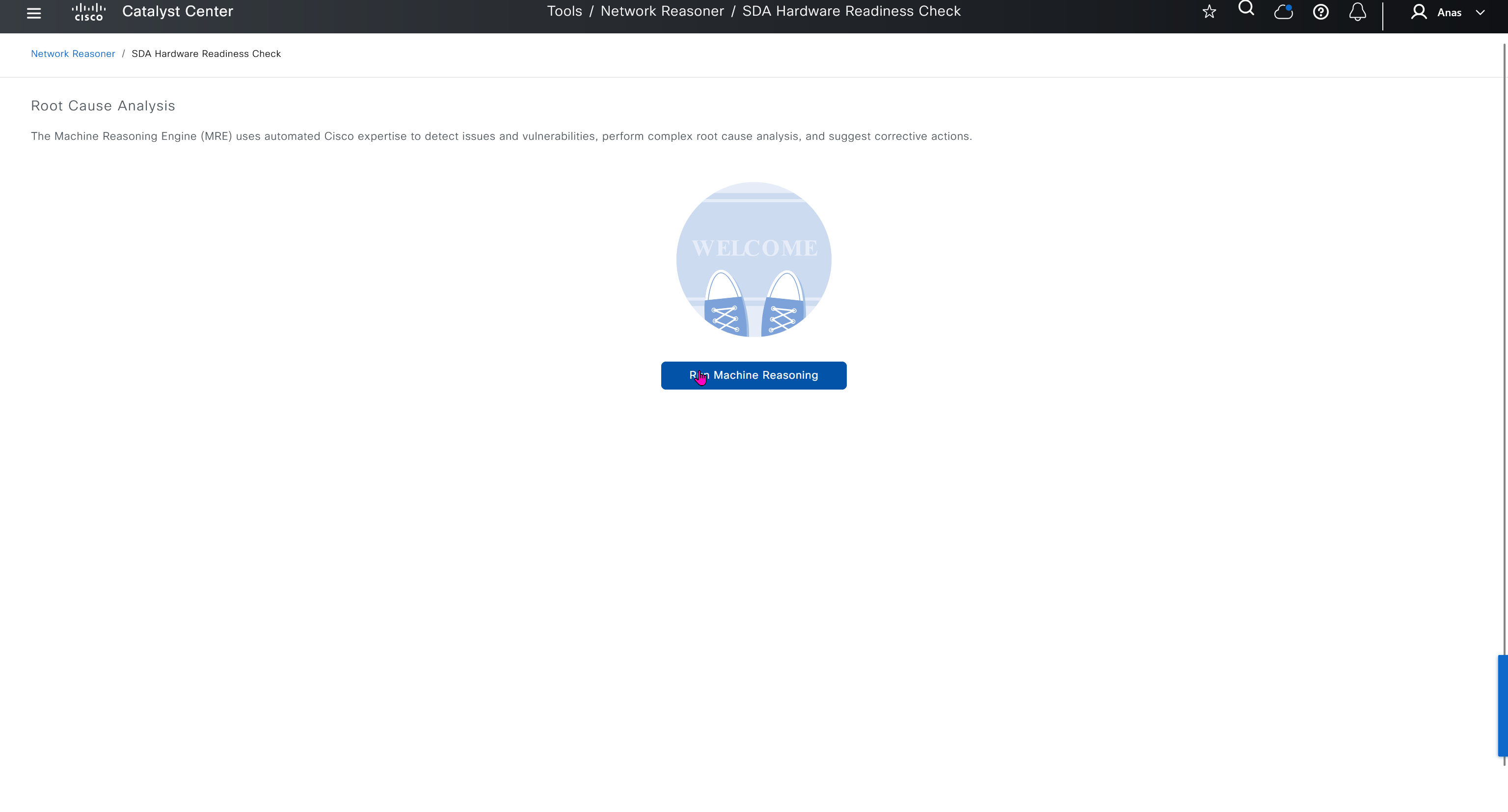
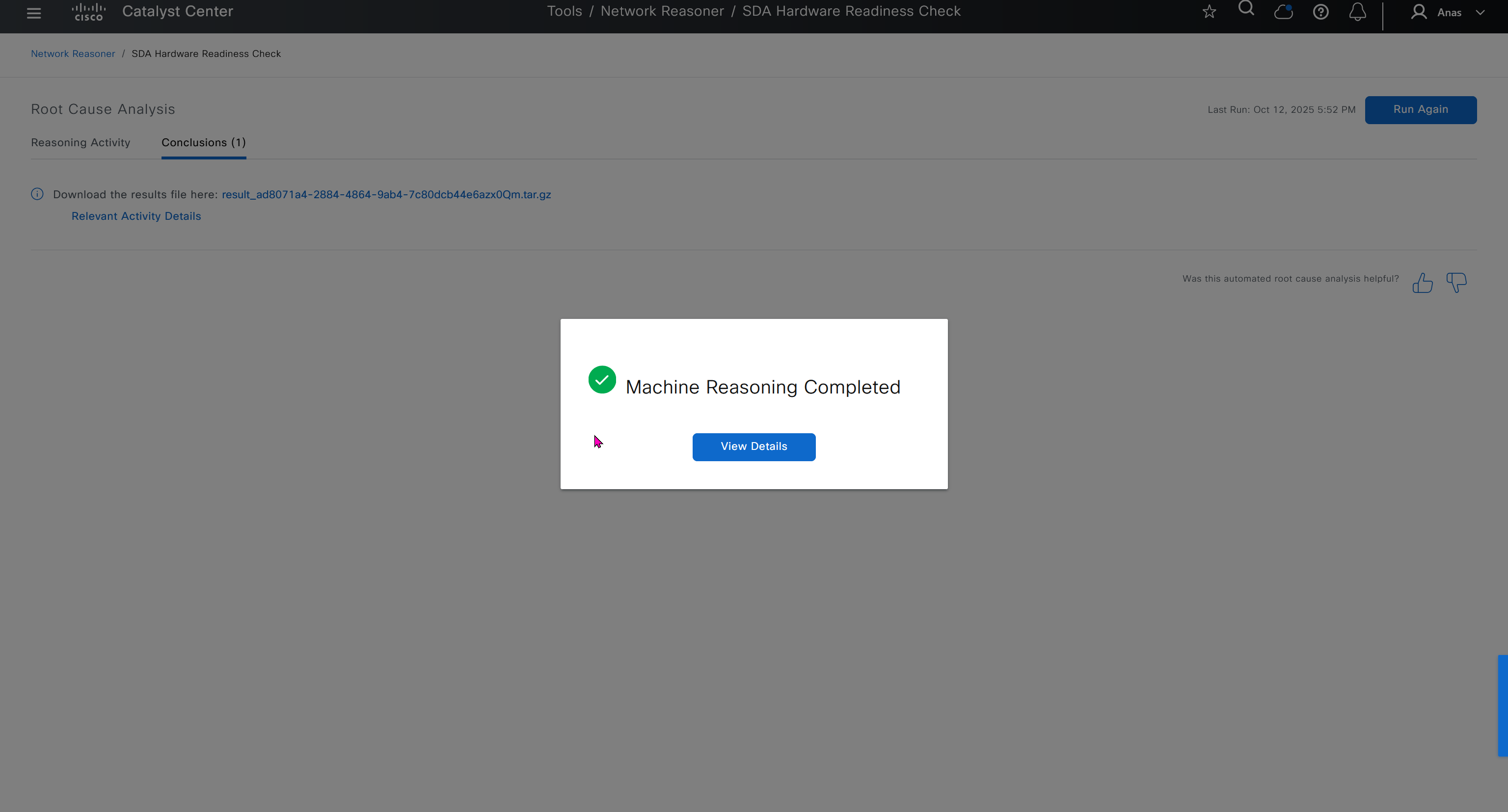
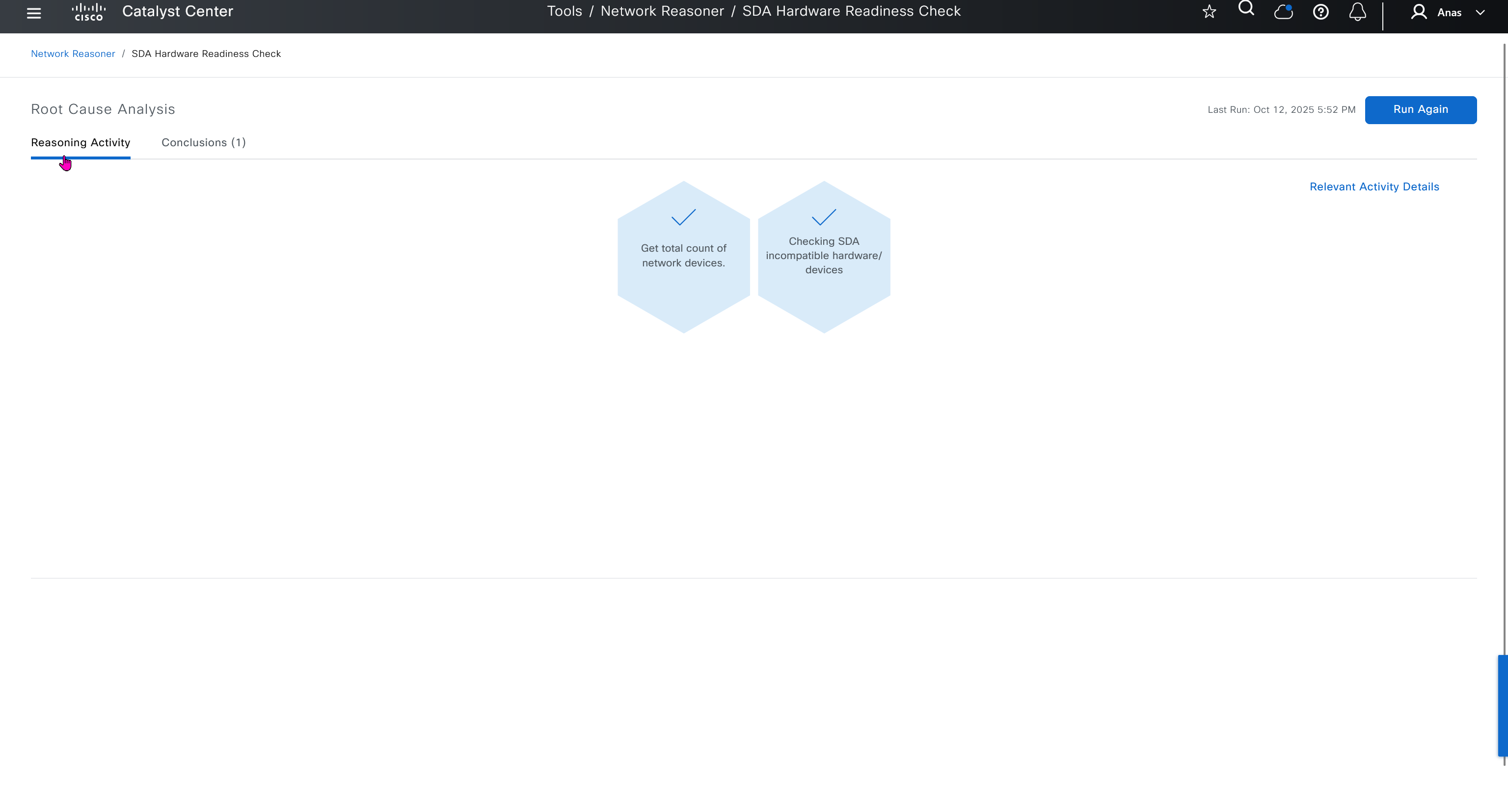
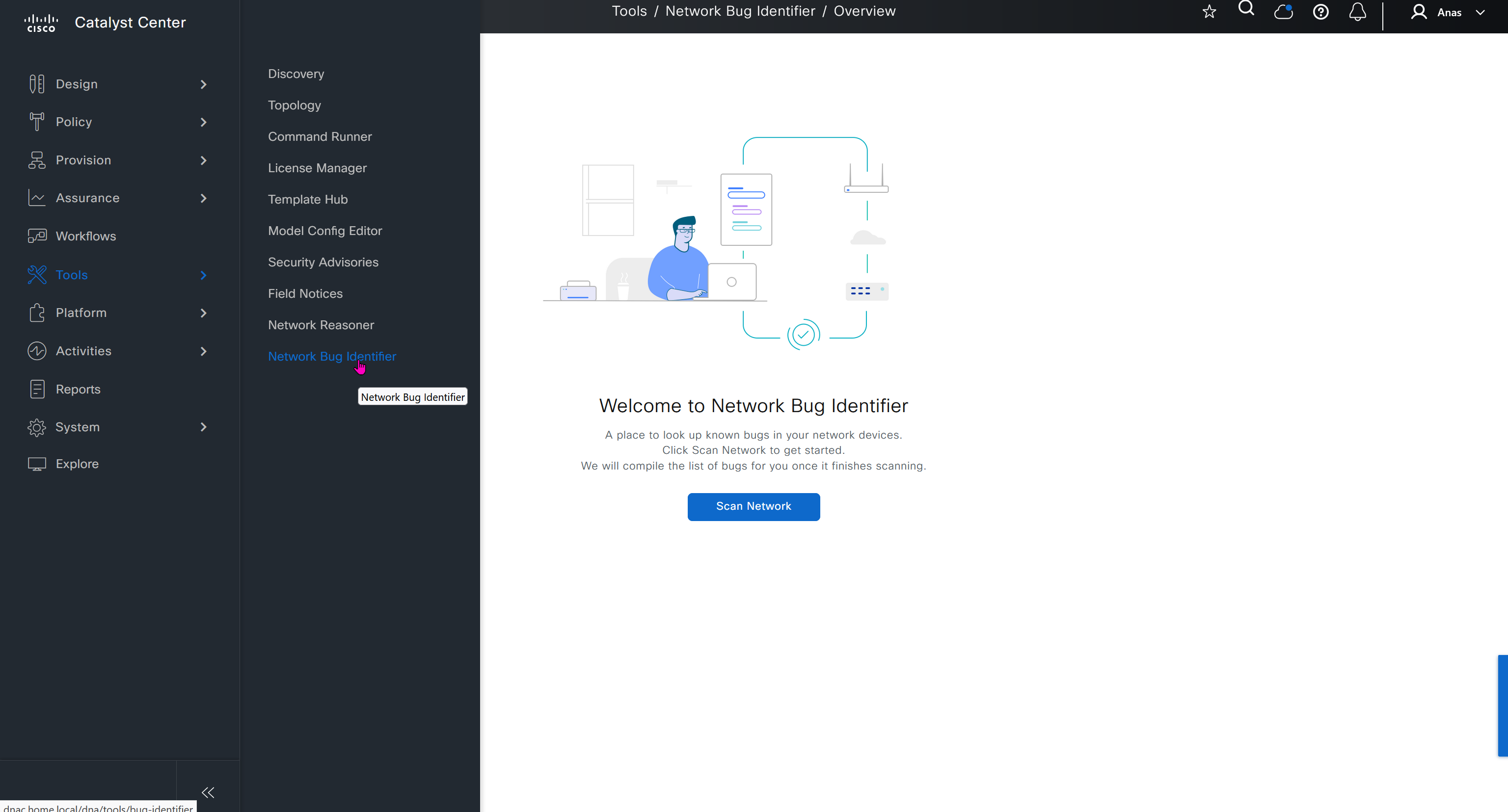
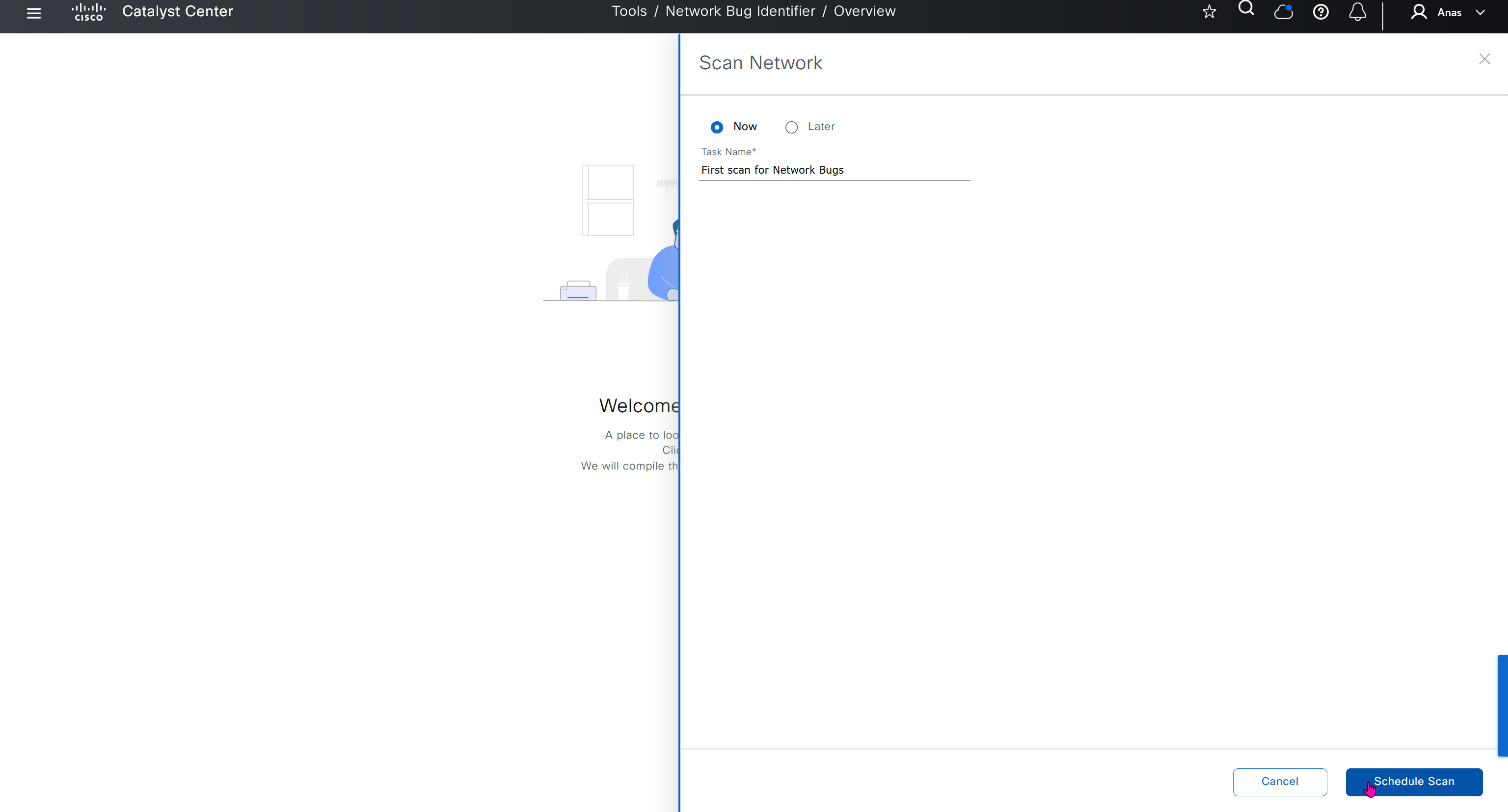
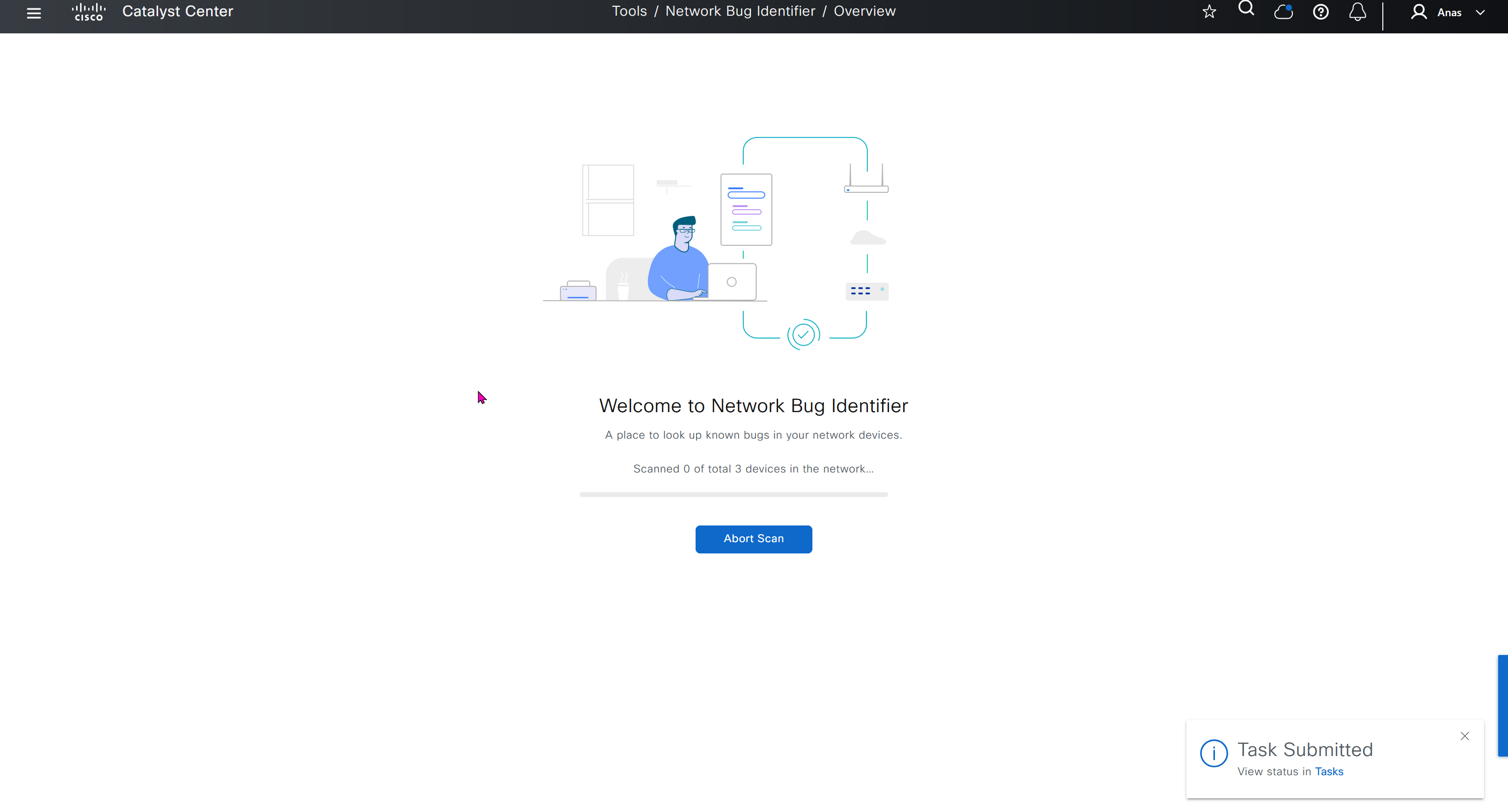
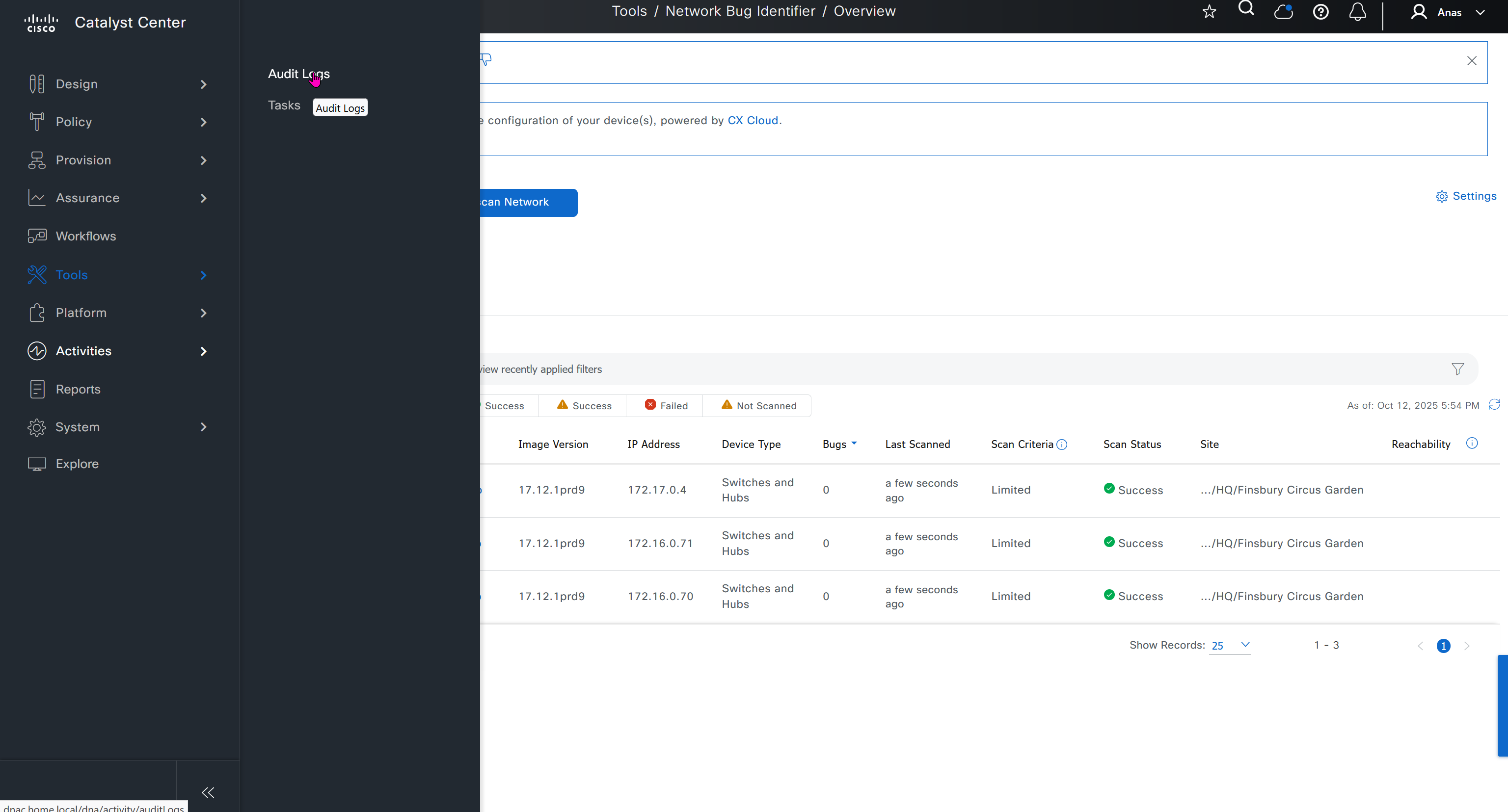
Network reasoner helps troubleshoot offered issues in Network reasoner dashboard

Platform section allows us to use DNAC API for automation and API interaction, it is also used to install device packs for non Cisco devices and also 3rd Party integration such as service now



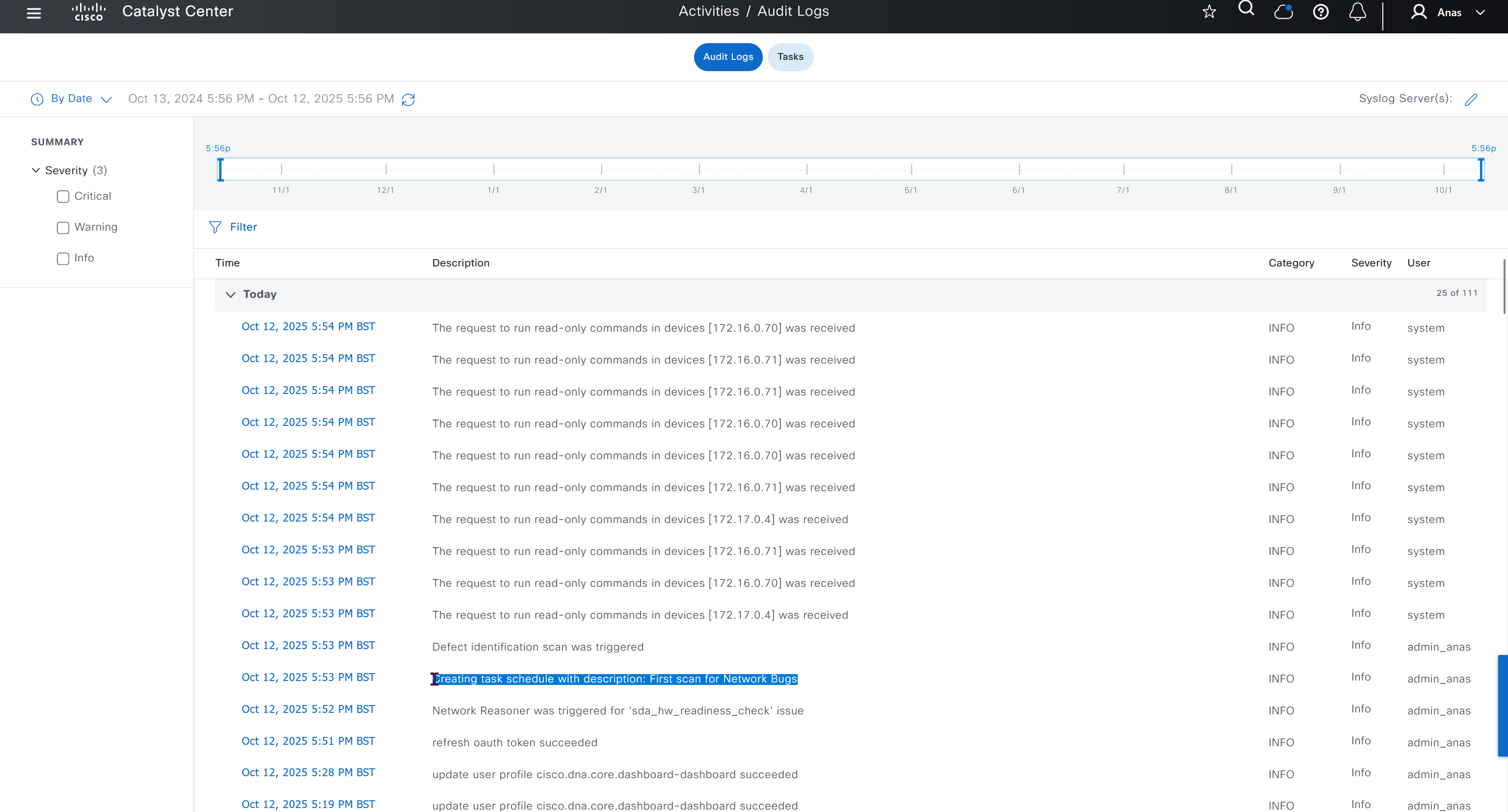


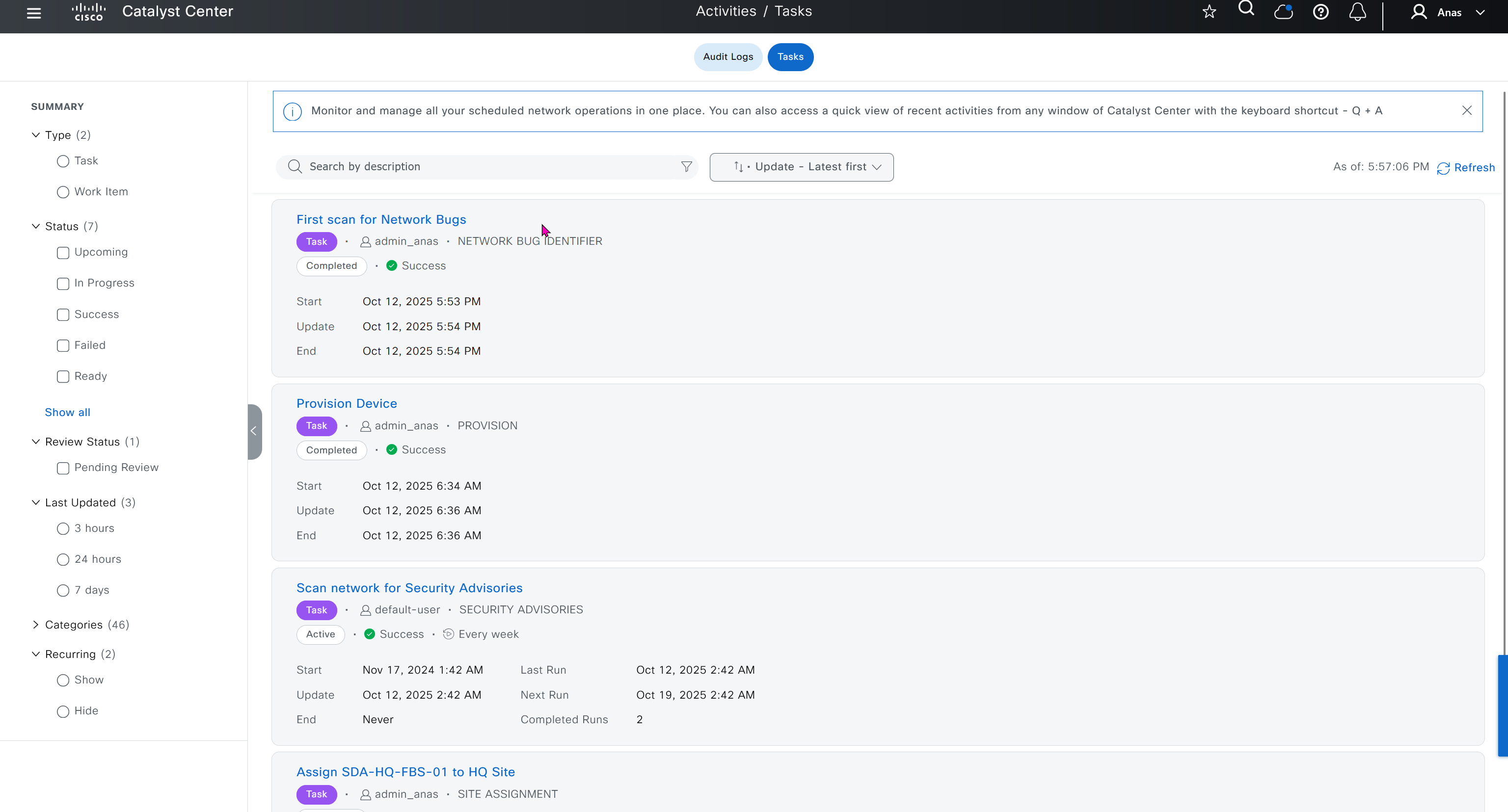
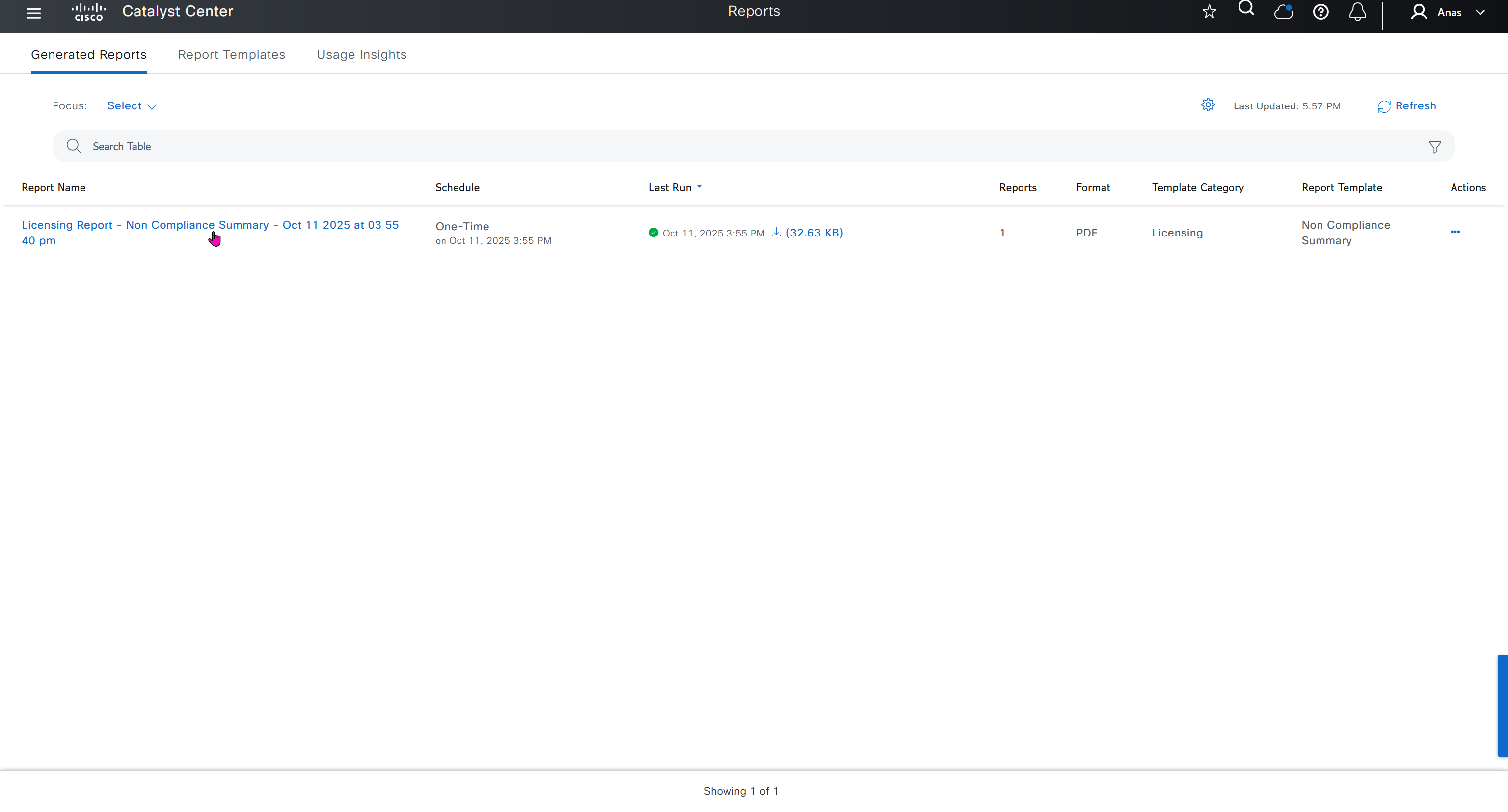

DNAC comes with report templates










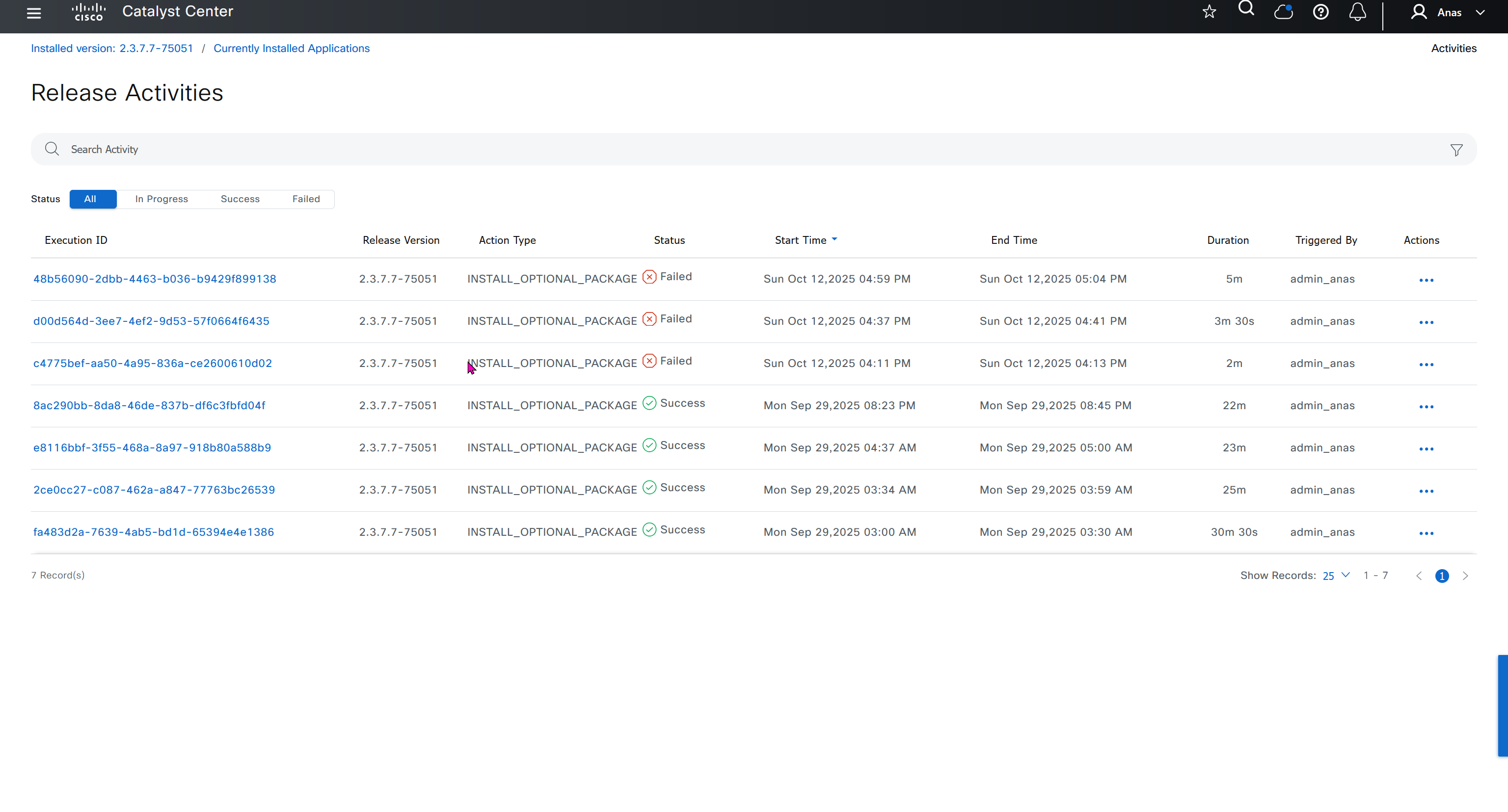
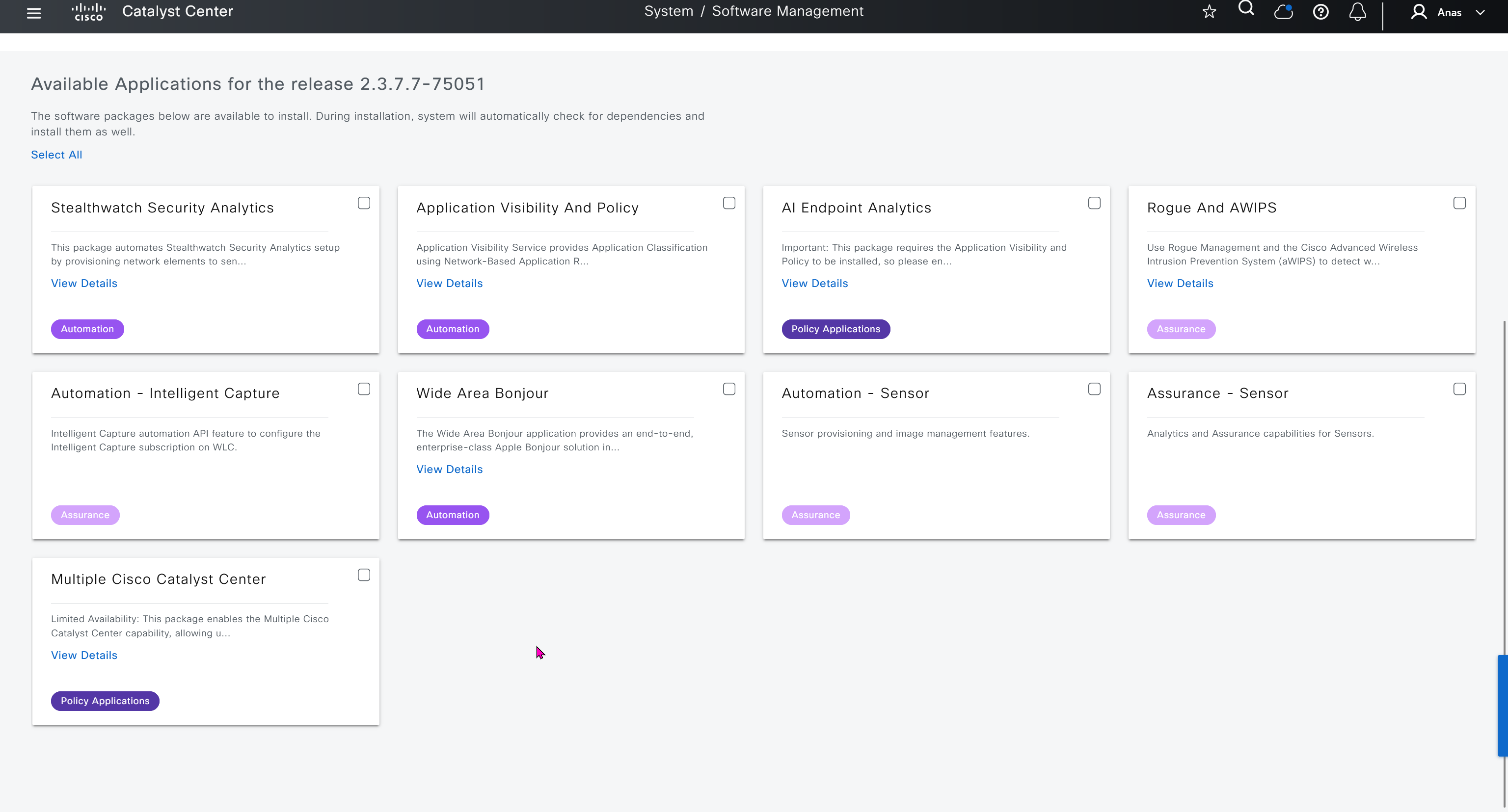
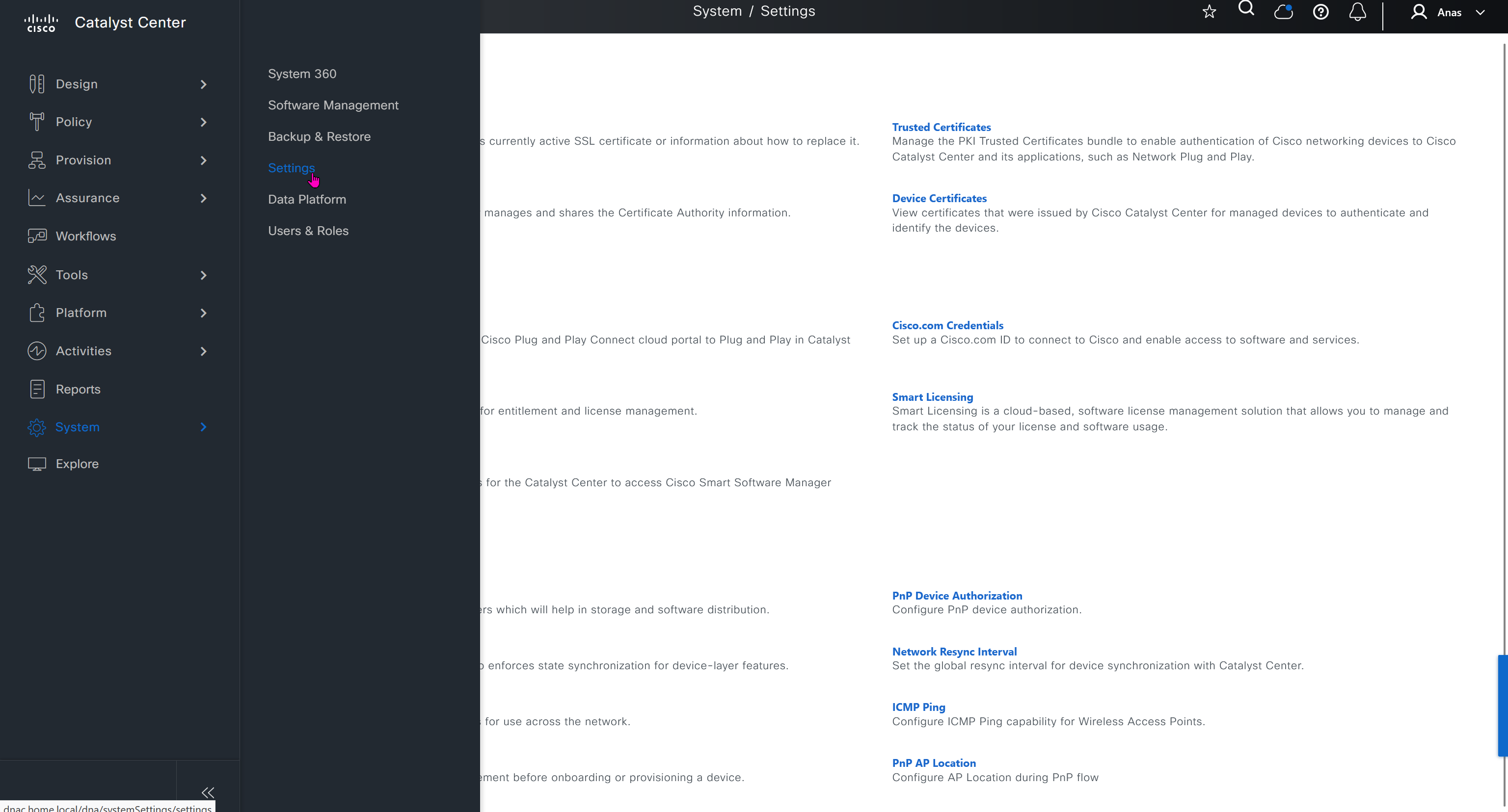
Cisco.com Credentials
Cisco credentials is the same credentials we entered after changing password for DNAC admin on first time login
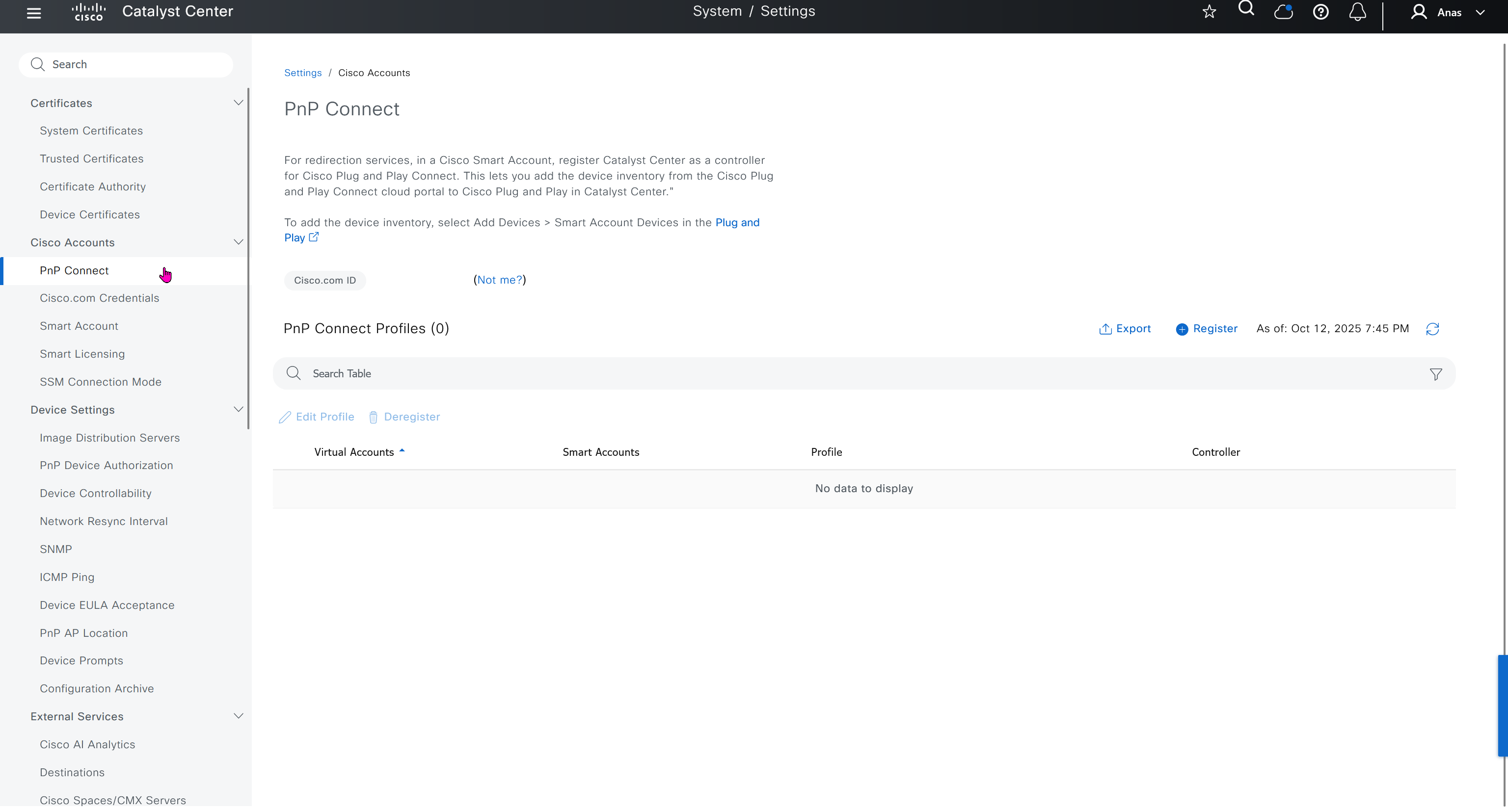
PnP Connect
PnP connect lets you sync your devices from internet based Cisco’s PnP to DNAC directly, this is used for onboarding routers and switches using PnP in Cloud
Cisco Plug and Play (PnP) Connect is a cloud-based onboarding service that helps you automatically provision new Cisco network devices (switches, routers, access points, etc.) with Cisco DNA Center — no manual configuration or console access needed similar to SDWAN or Meraki onboarding
When a new Cisco device boots up:
- It connects to the PnP Cloud portal.
- The PnP Cloud checks the device’s serial number.
- The device is matched to your DNA Center project.
- The device is redirected to your DNA Center for zero-touch provisioning.
Smart account
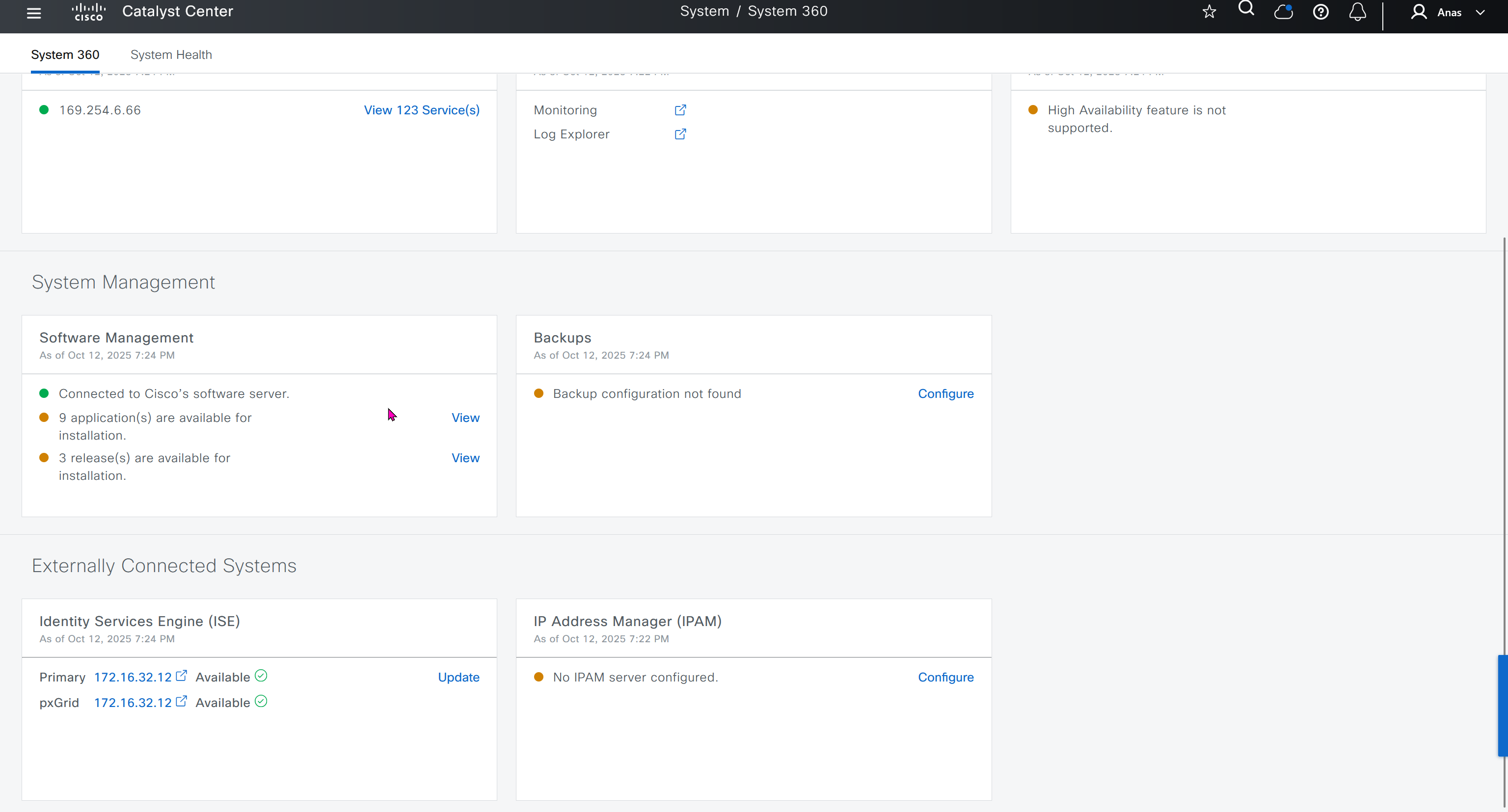
“Auto register smart license enabled devices” allows devices to register to selectable “Virtual account inside the Smart account”

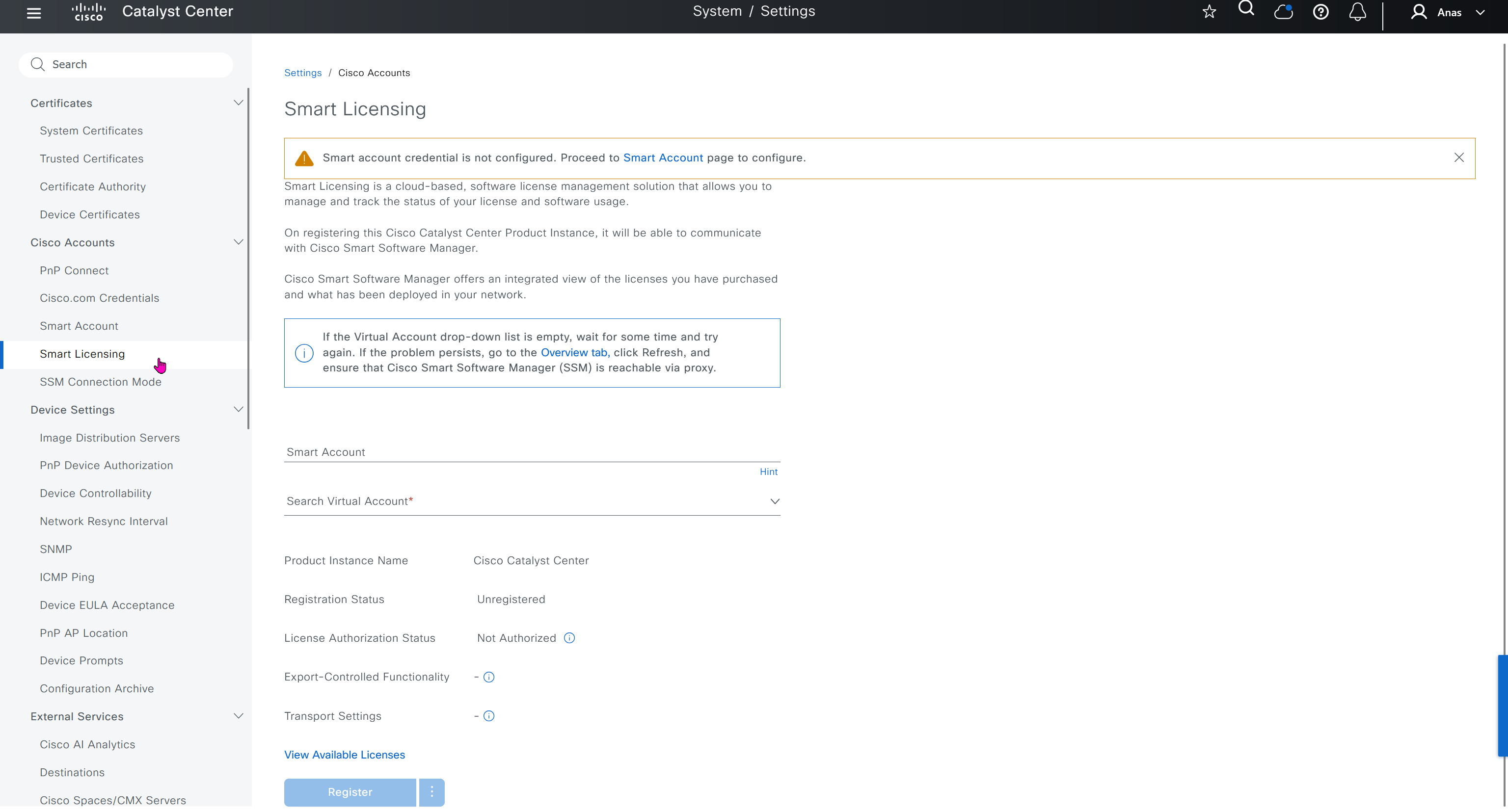
Smart Licensing
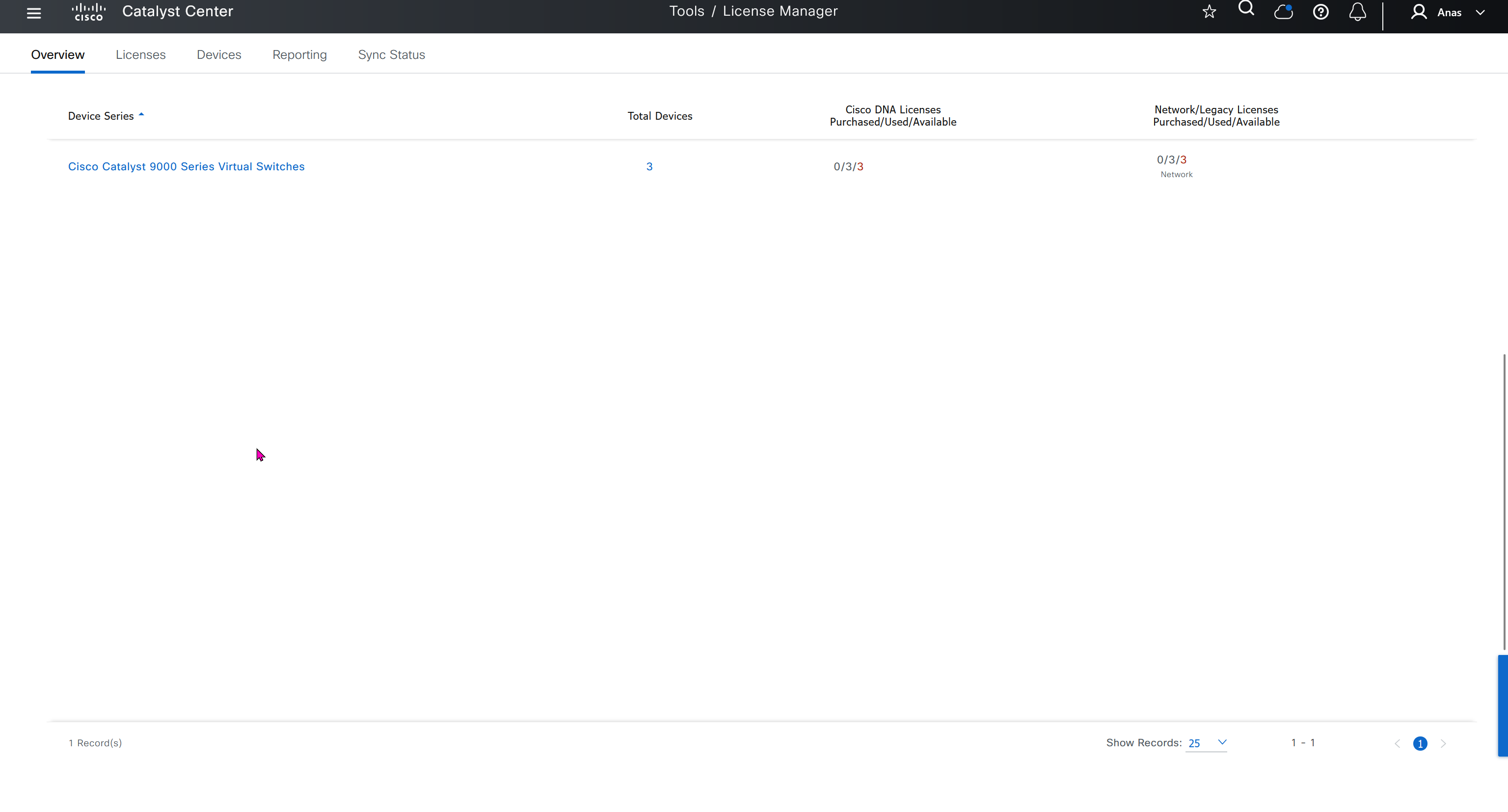
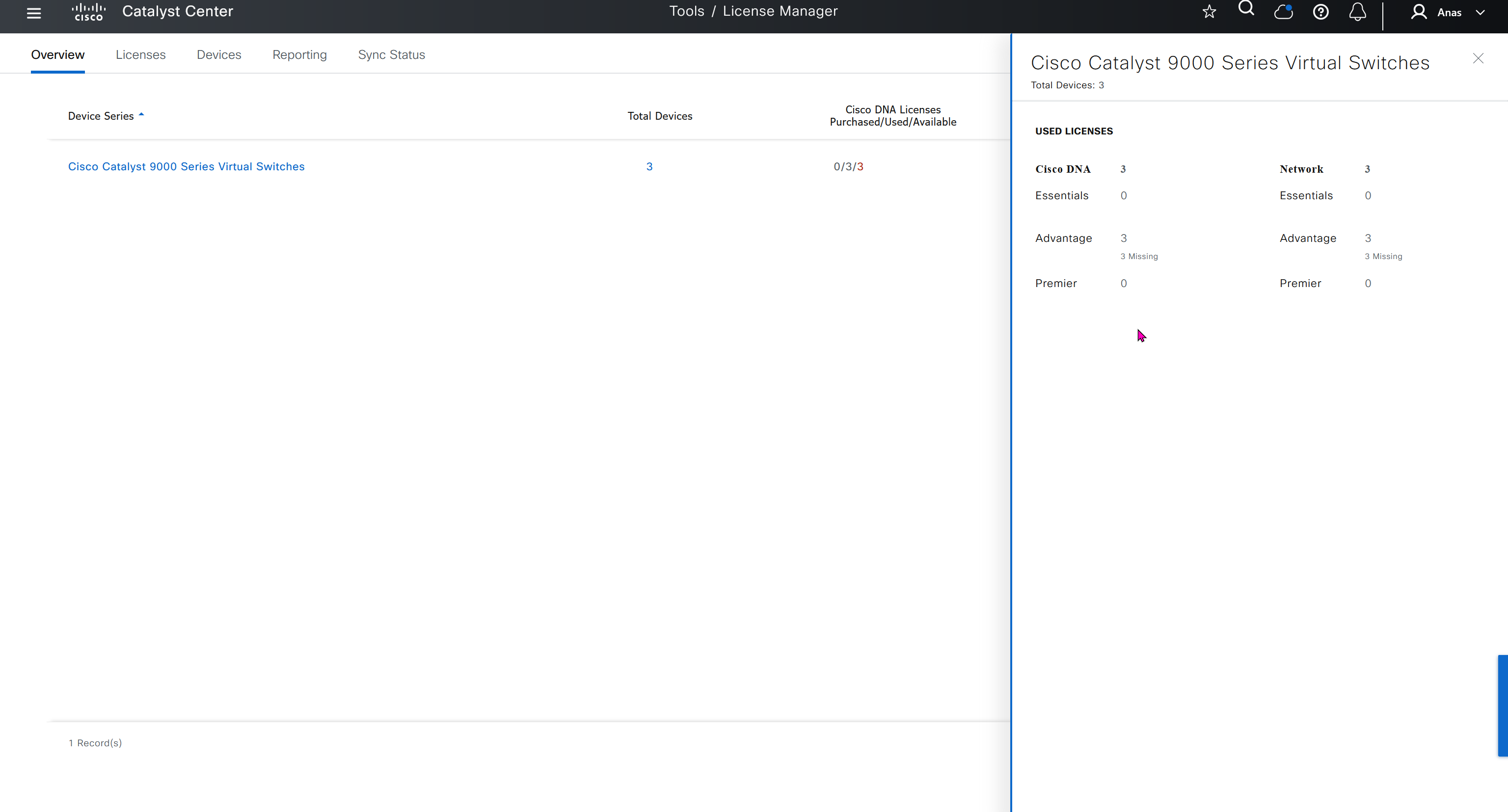
Smart account defined earlier is used in Smart licensing section, register a smart account and virtual account to have DNAC licensed and in compliance state
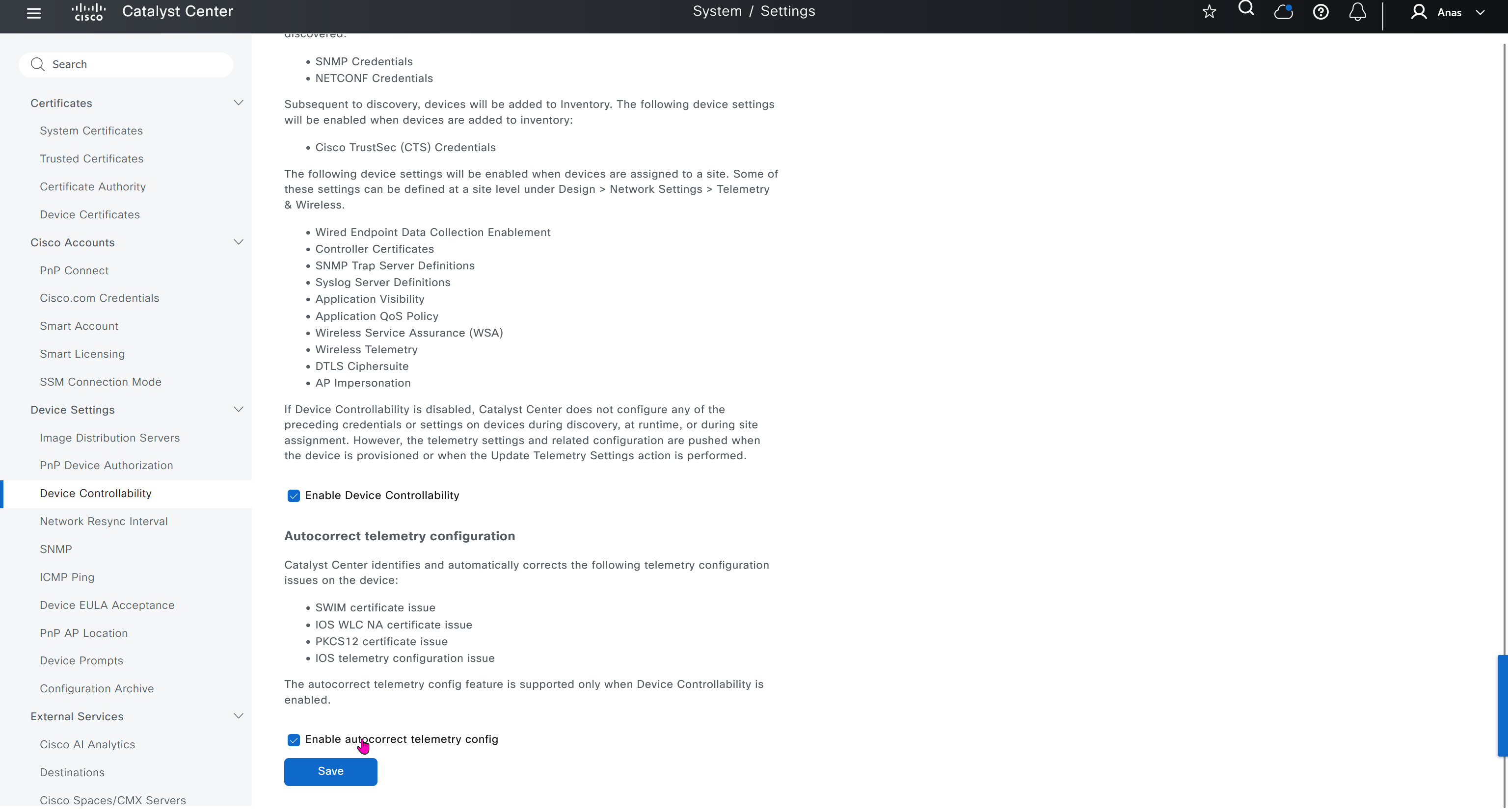
Device EULA Acceptance
For LAB I will not accept as not sure what might be the impact on CCO account against licenses
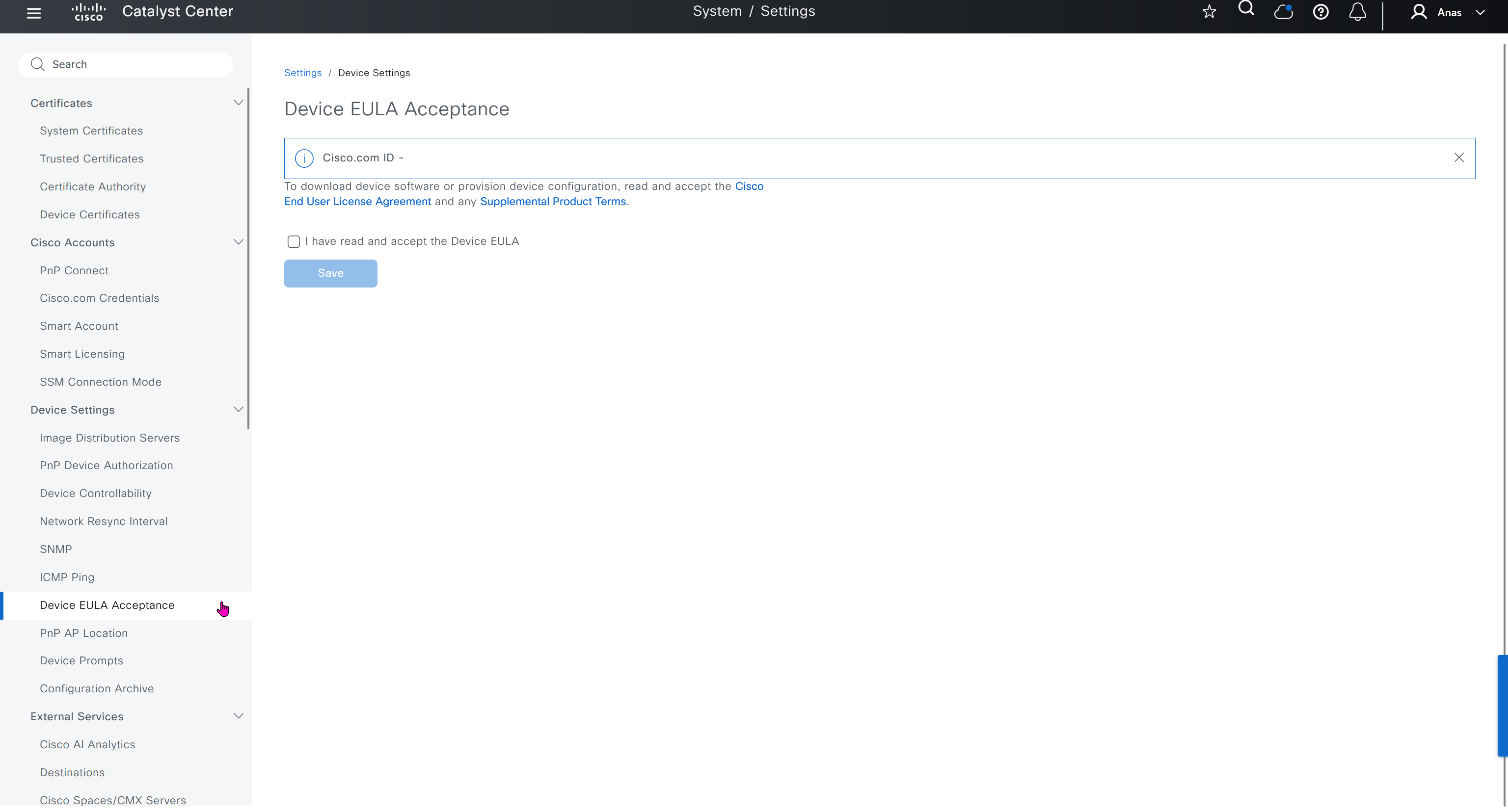
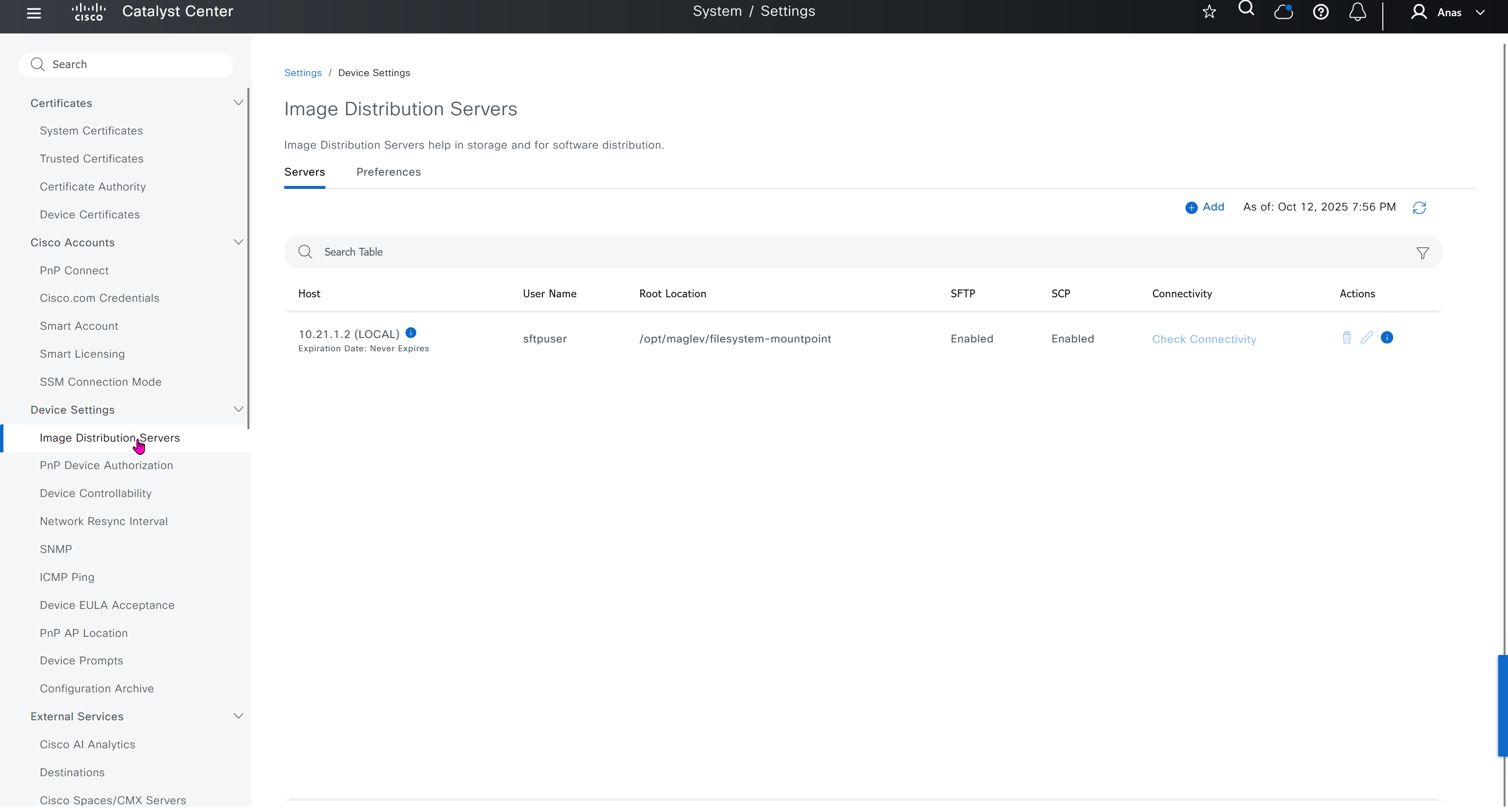
Image Distribution Servers
10.21.1.2 (LOCAL) is DNAC itself, but we can define other image distribution servers not to burden the WAN
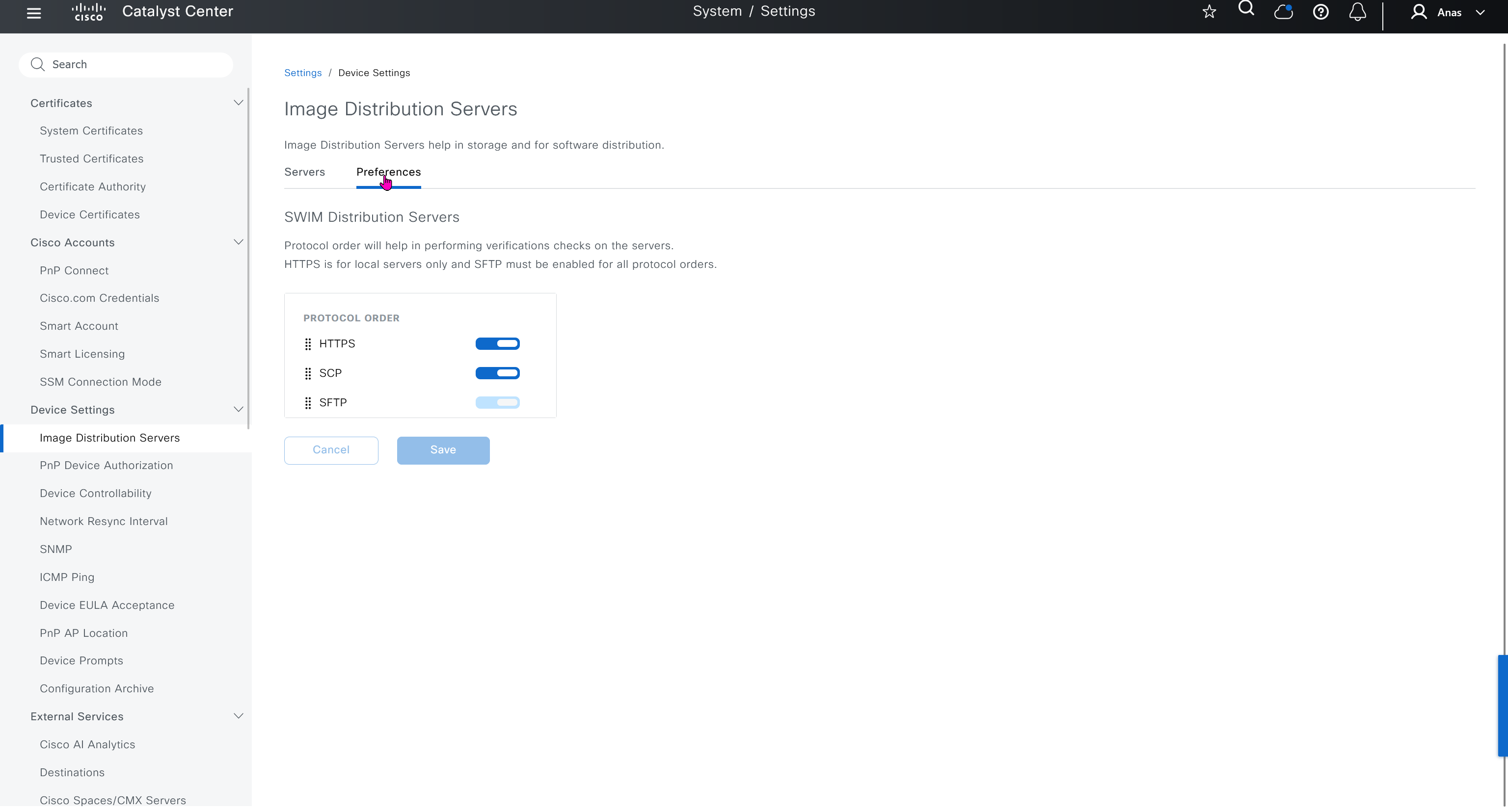
Network Resync Interval
This is how often DNAC syncs with network devices, default is 24 hours

SNMP
is timeouts and retires

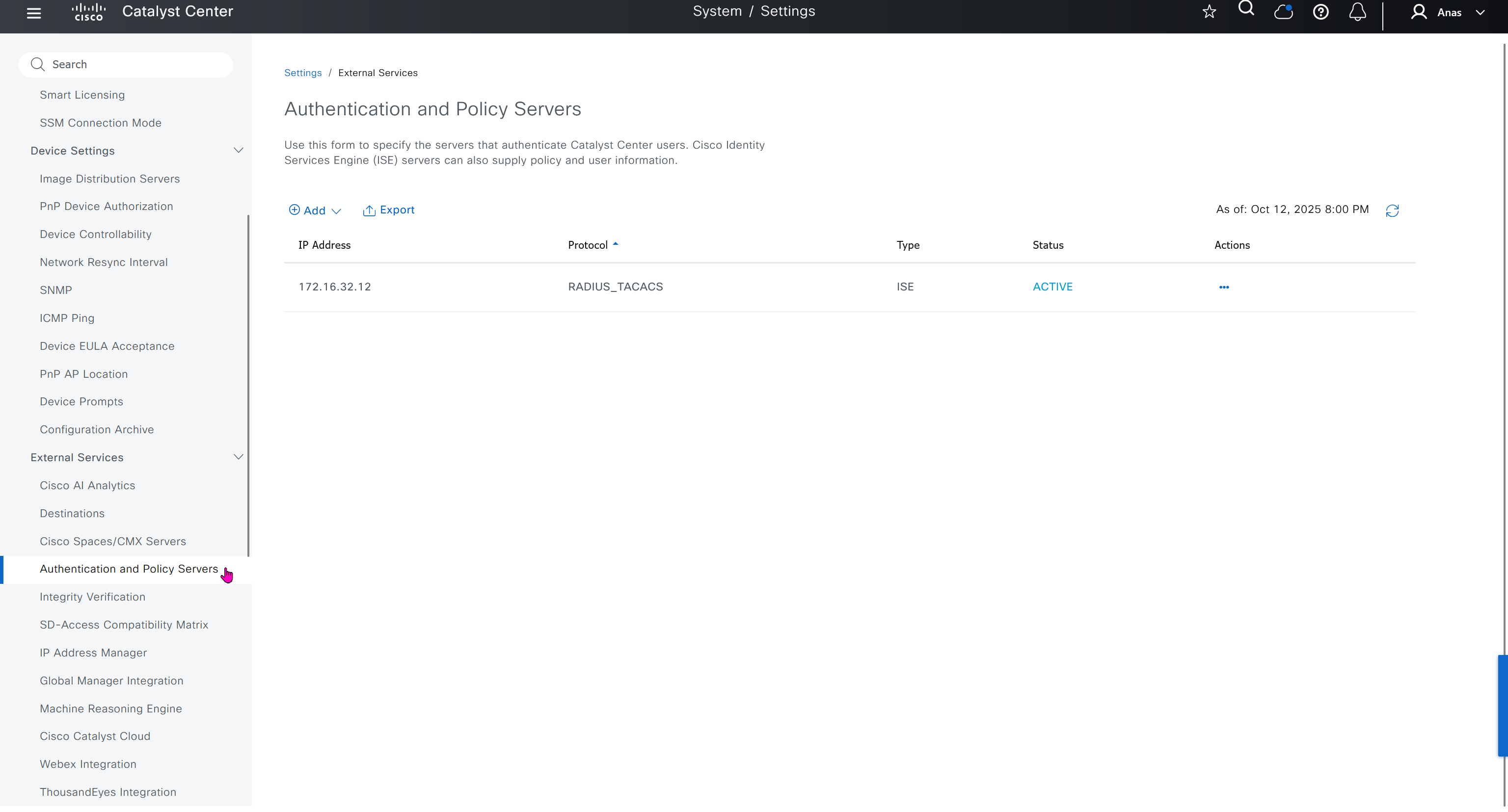
Authentication and Policy Servers
defined ISE servers
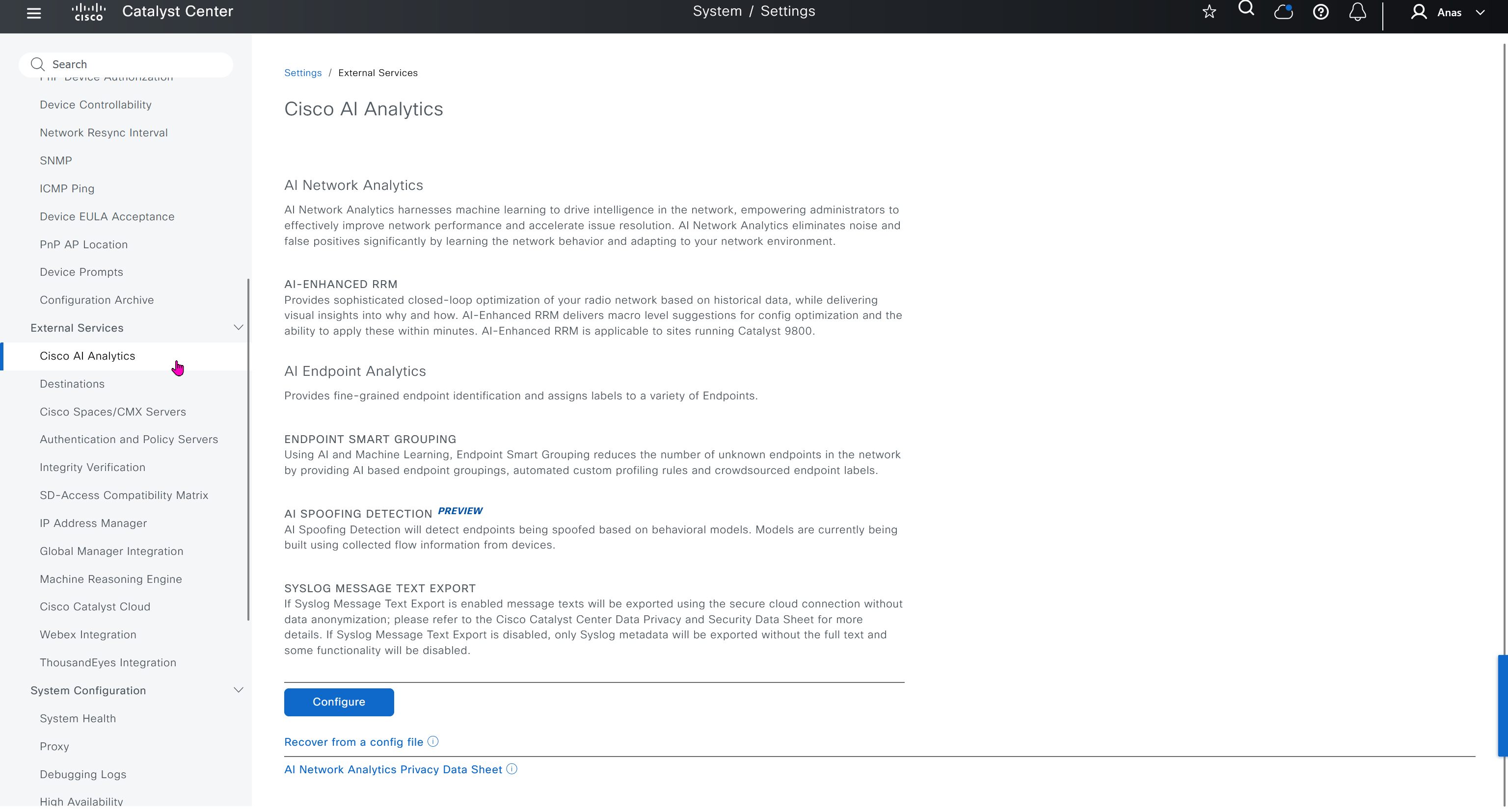
Cisco AI Analytics
This is where you configure AI analytics
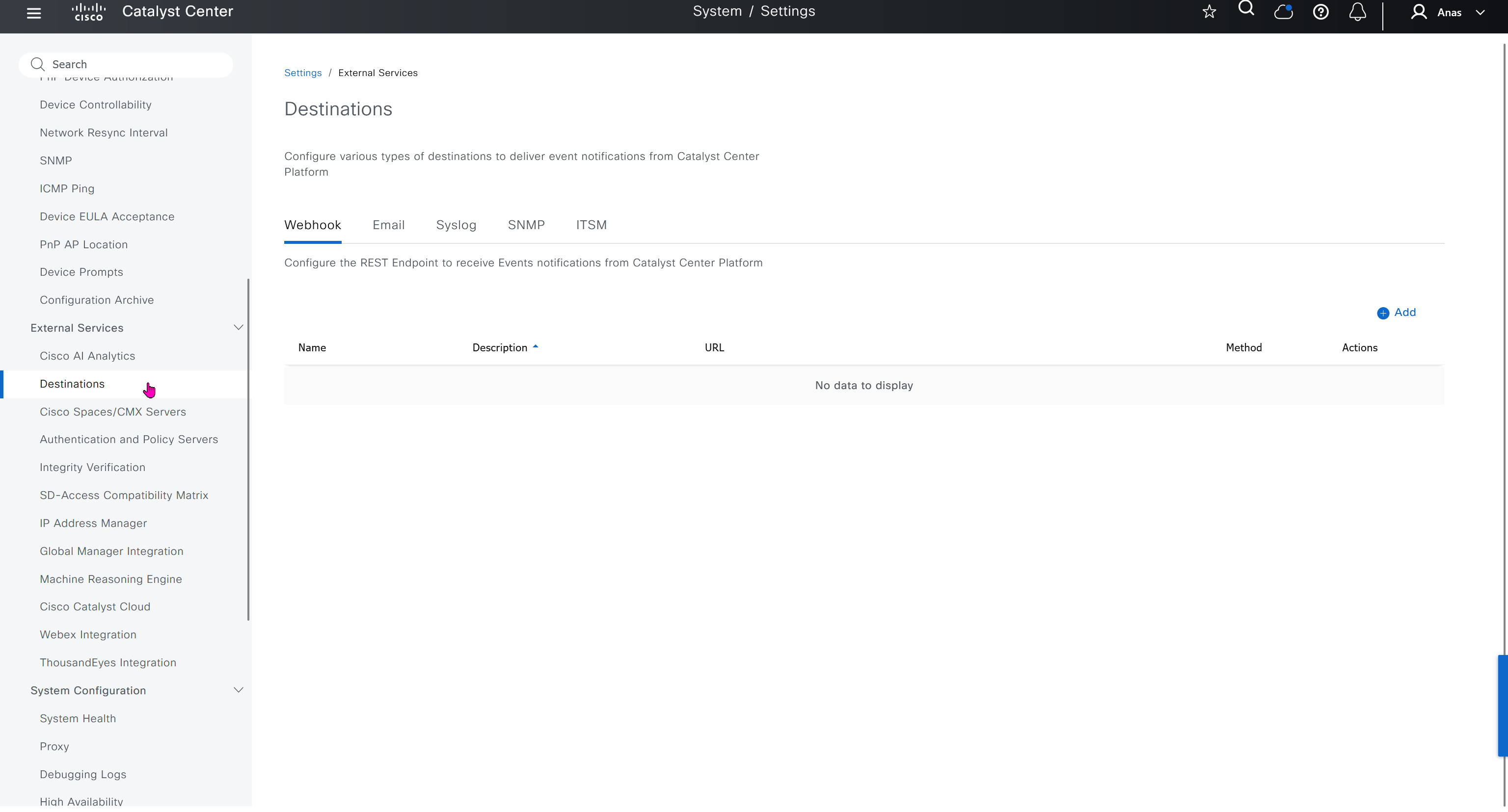
Destinations
This is to deliver event notifications when events happen on DNAC
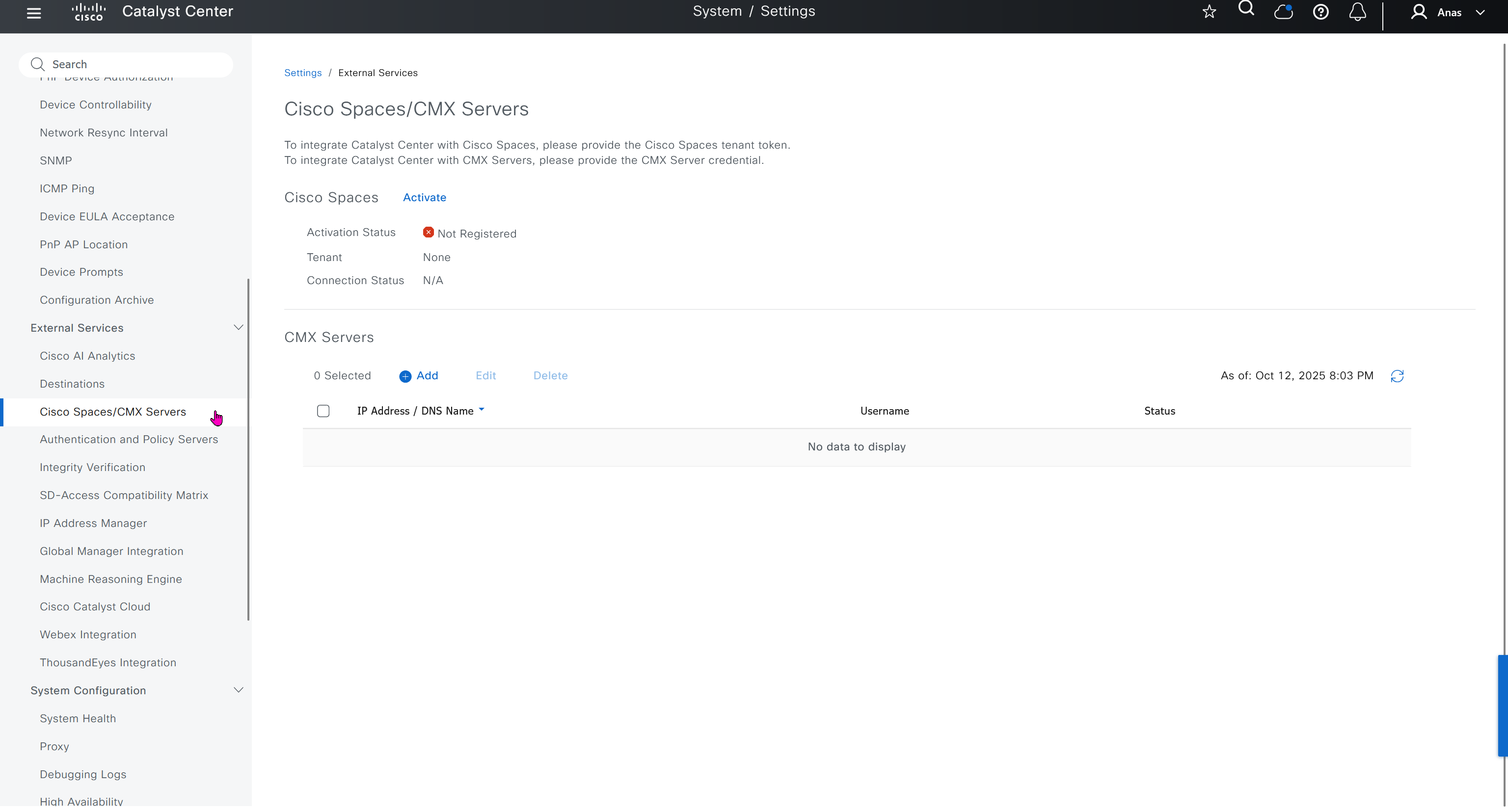
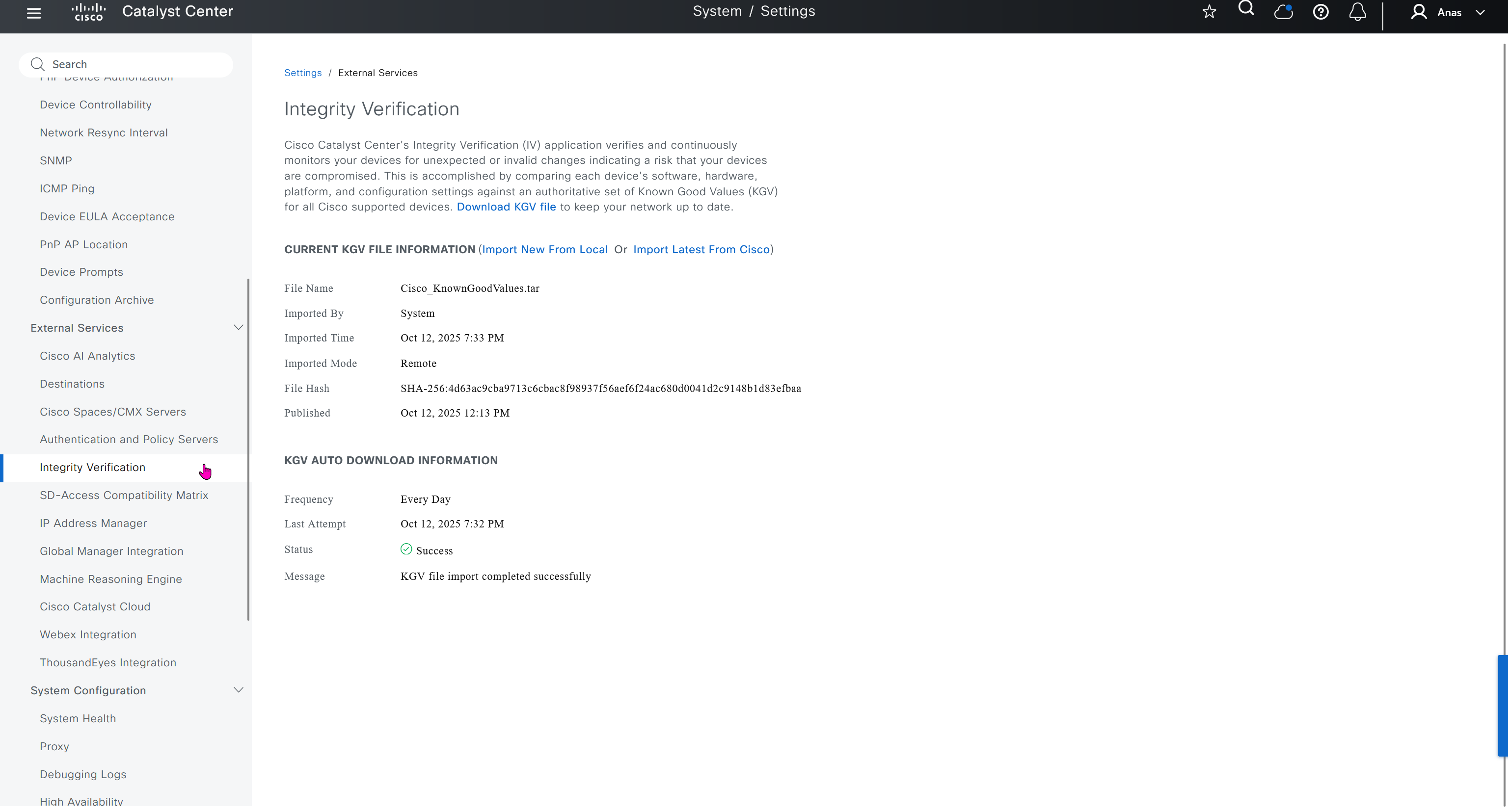
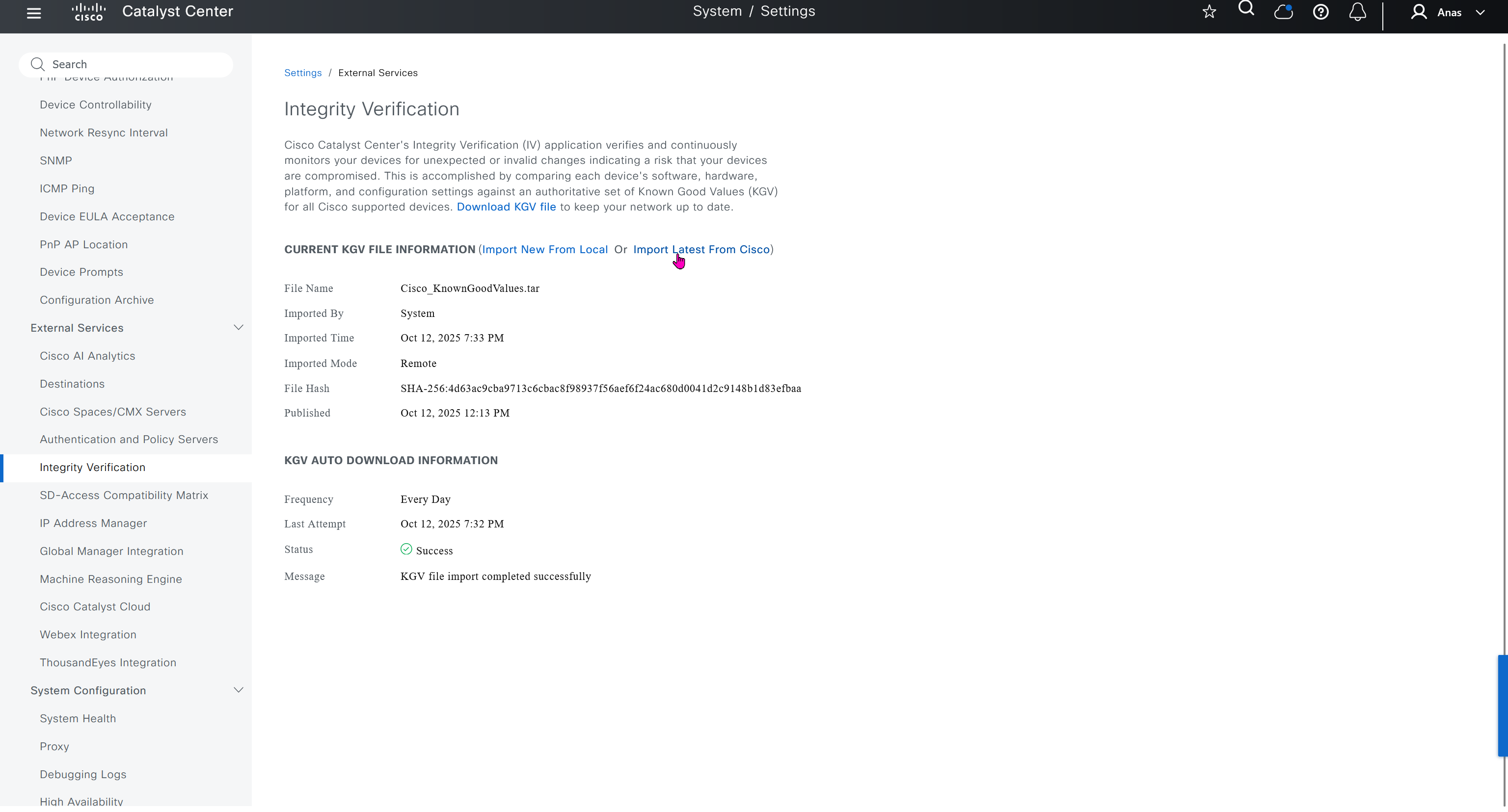
Integrity Verification
Checks if device is compromised on software, hardware level using Known Good Values KGV file from Cisco, which also requires updates from Cisco
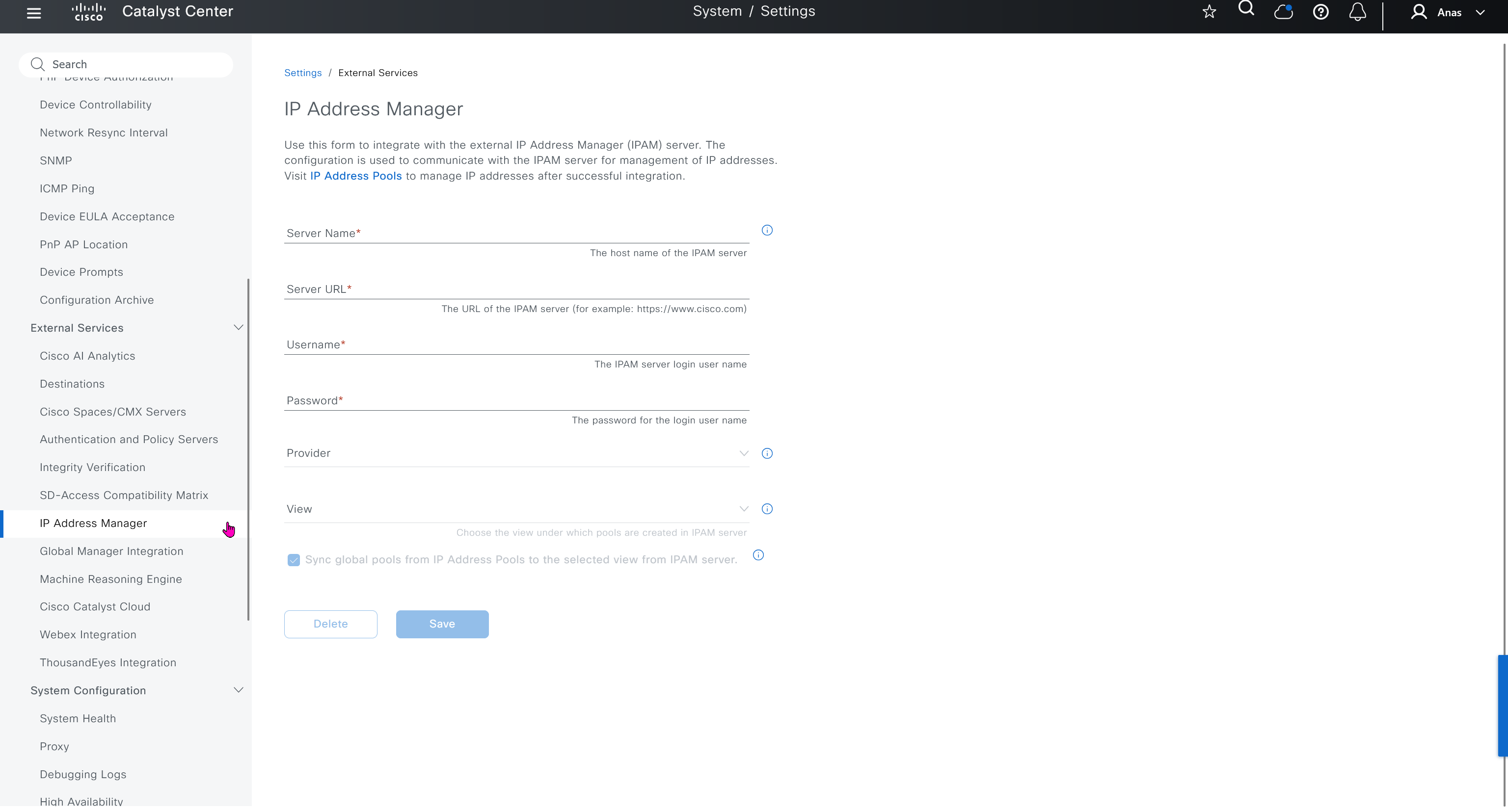
IP Address Manager
This is integration with IPAM
Machine Reasoning Engine
Download and keep upto date Cisco’s latest machine learned troubleshooting and reasoning database, make sure it is set to auto update


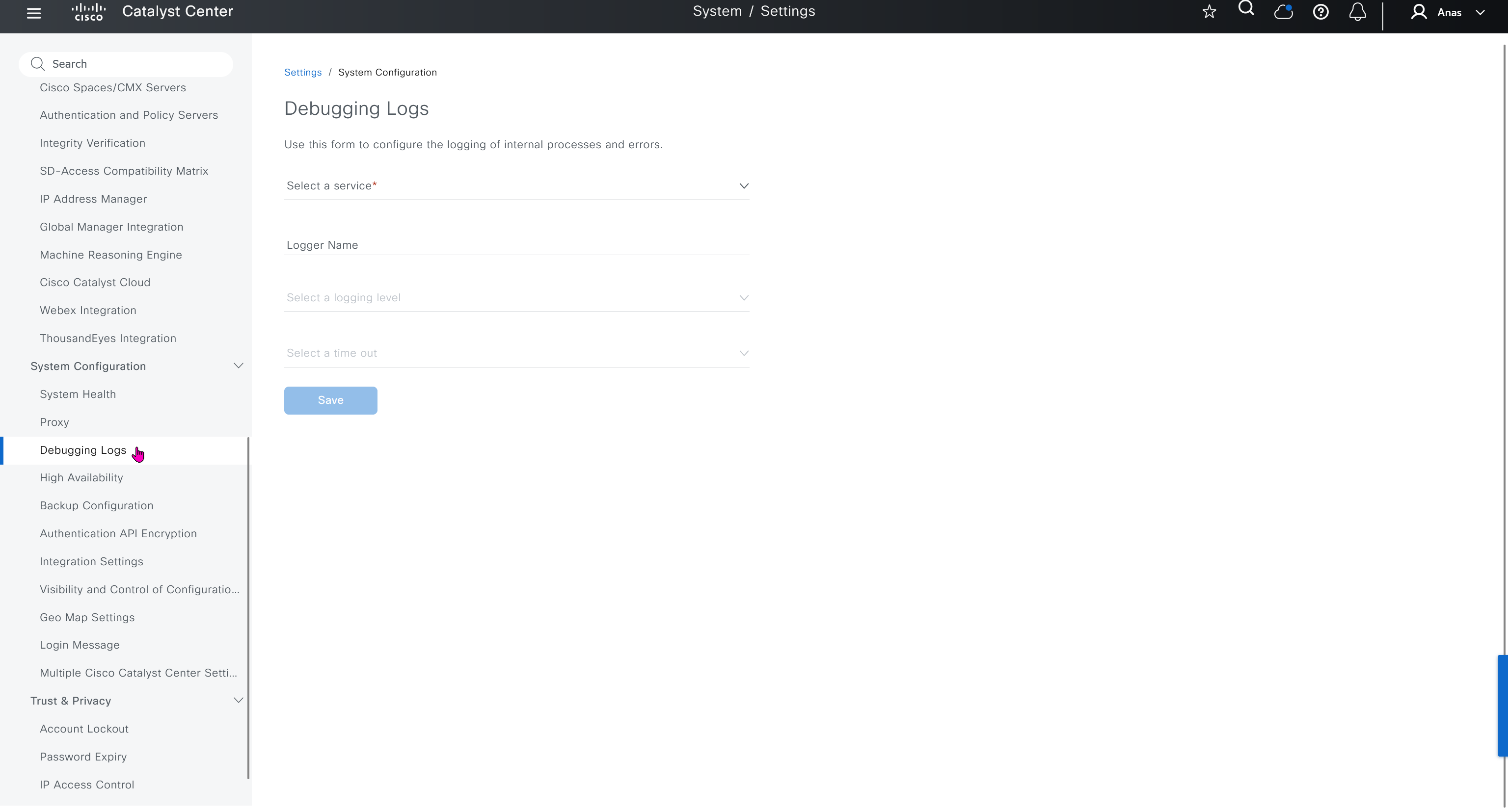
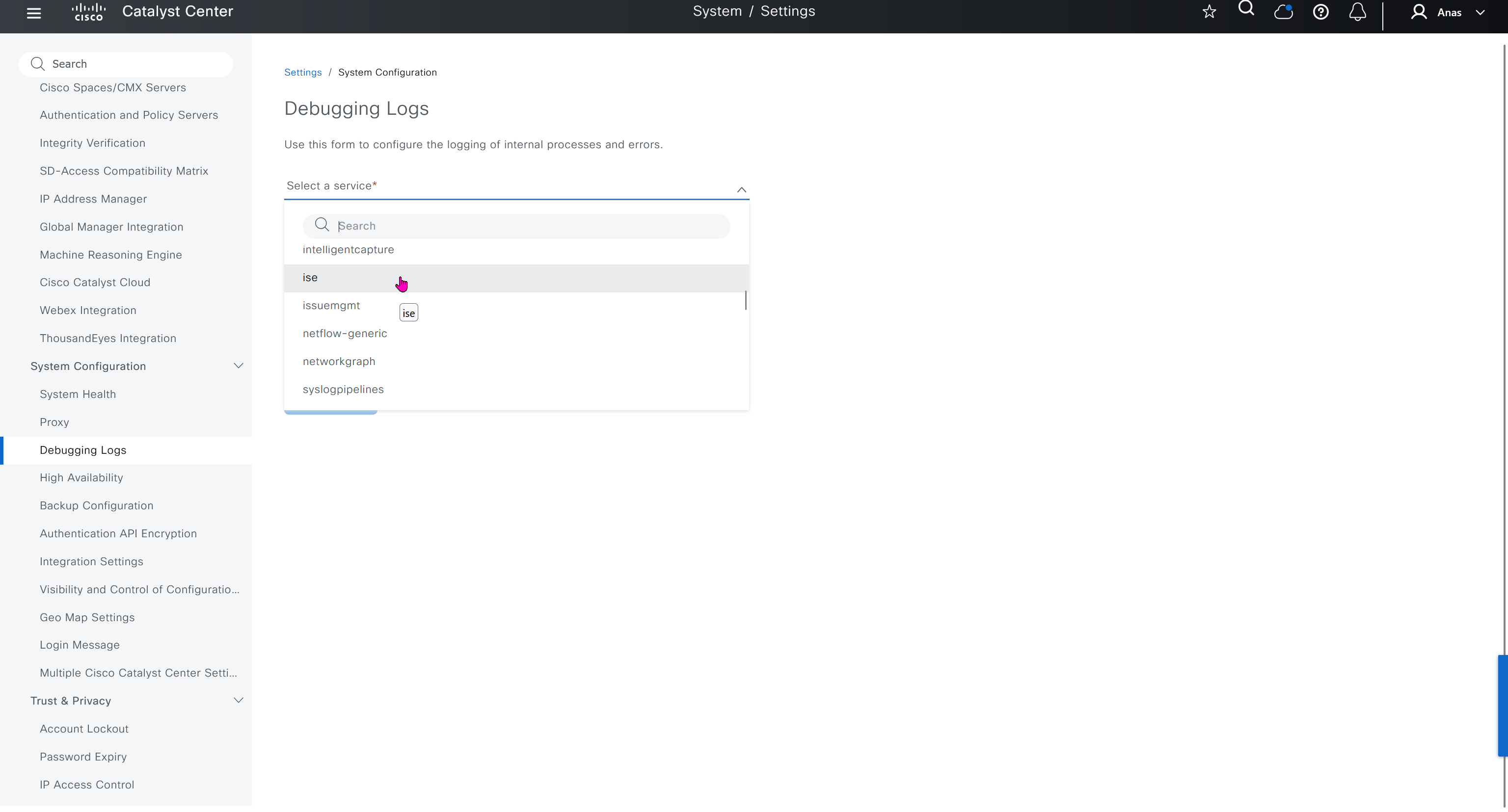
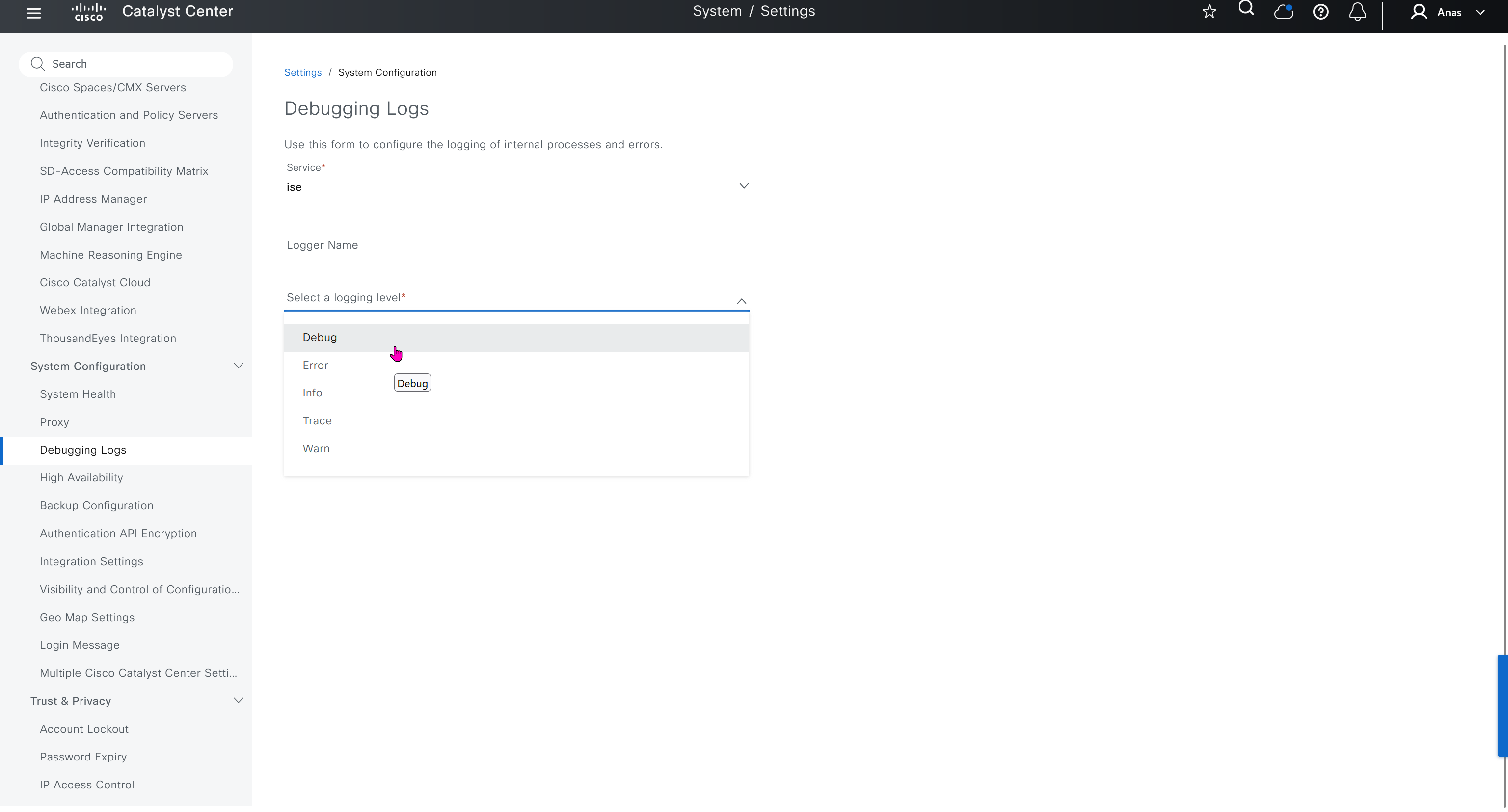
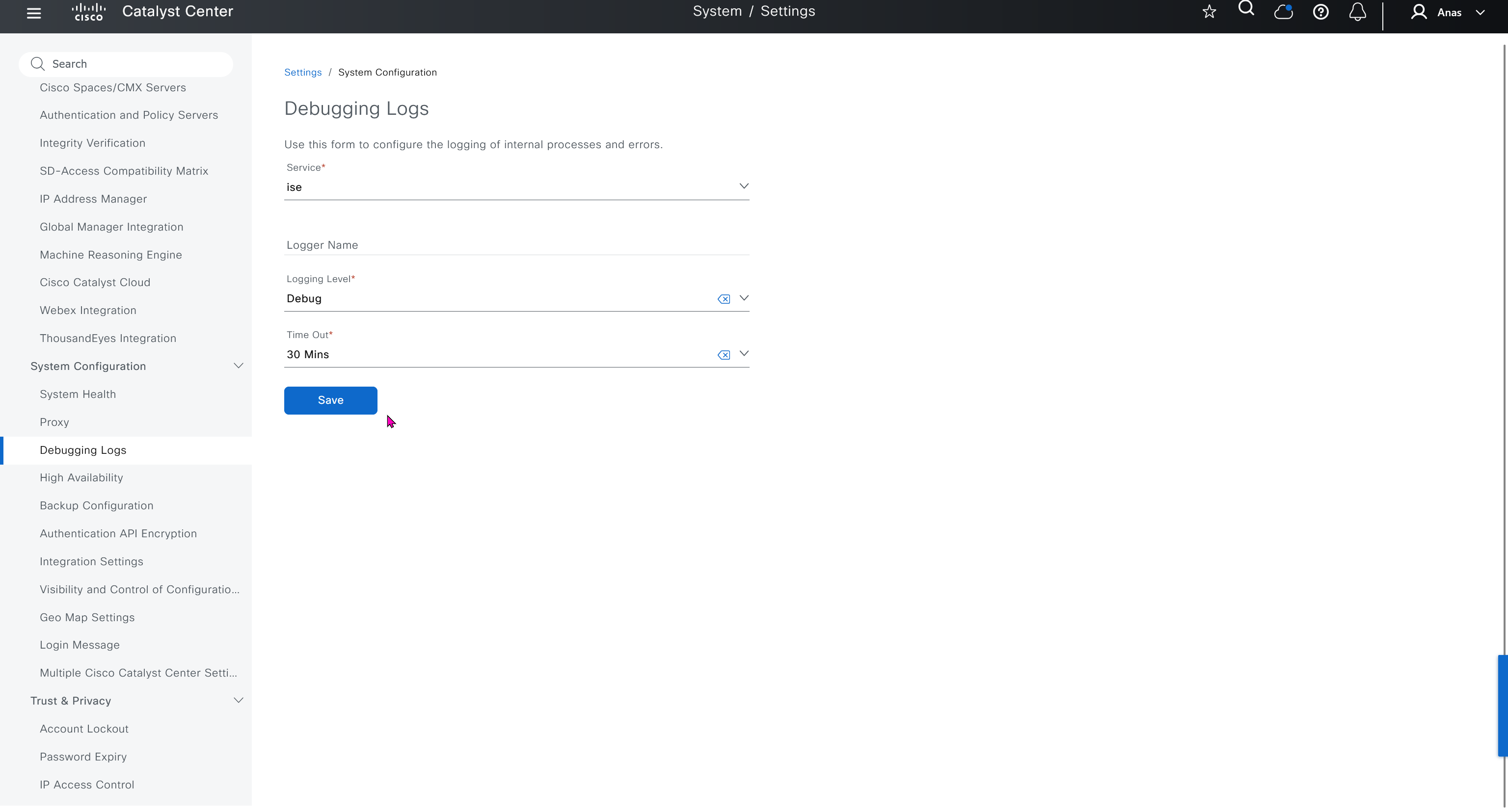
Debugging Logs
This is to debug logs for DNAC itself, specify a syslog server


Search
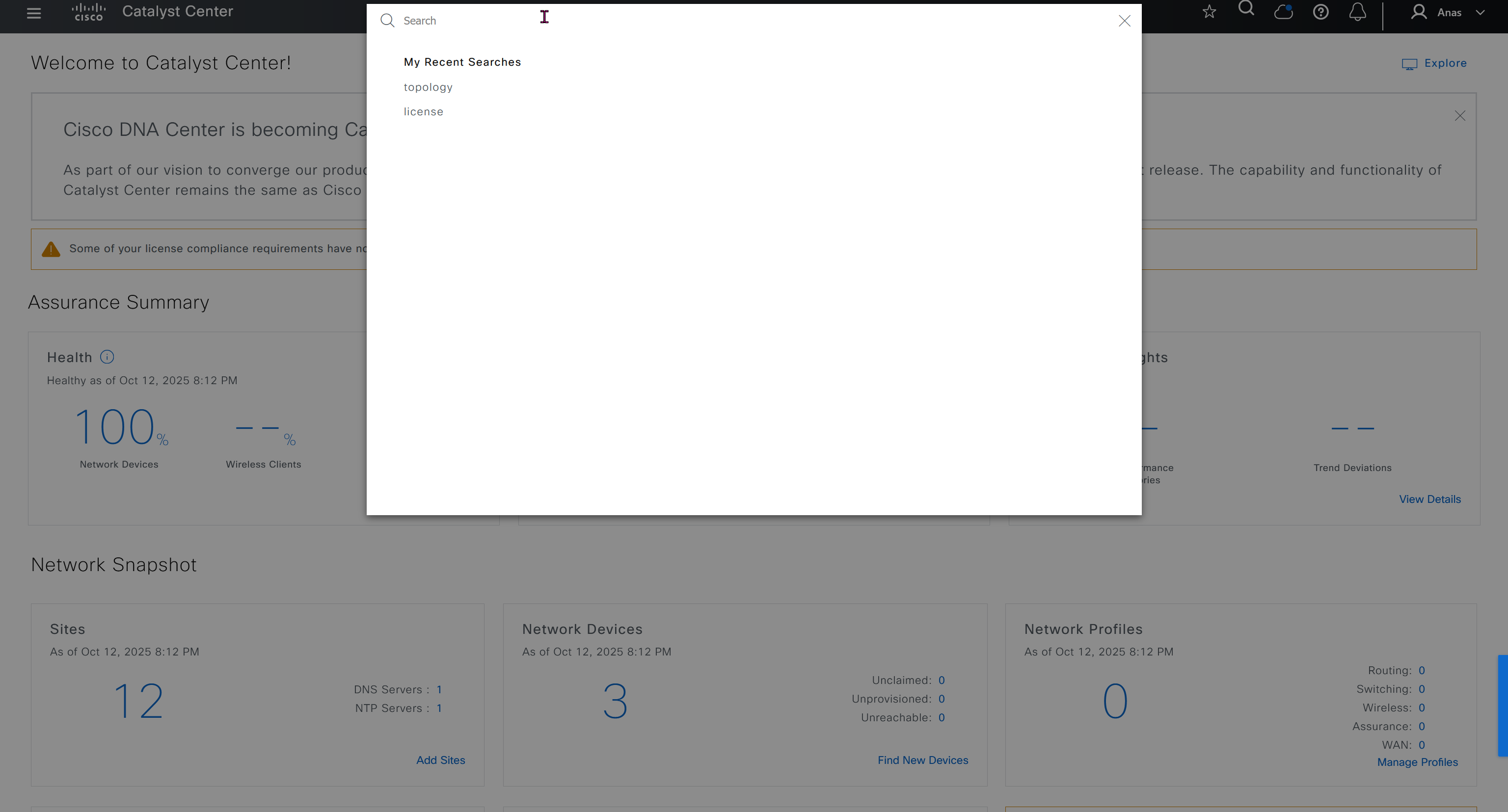
Search in DNAC is amazing and you can search clients by MAC address or IP address / track clients with Client 360 link in search result and even search IP pools
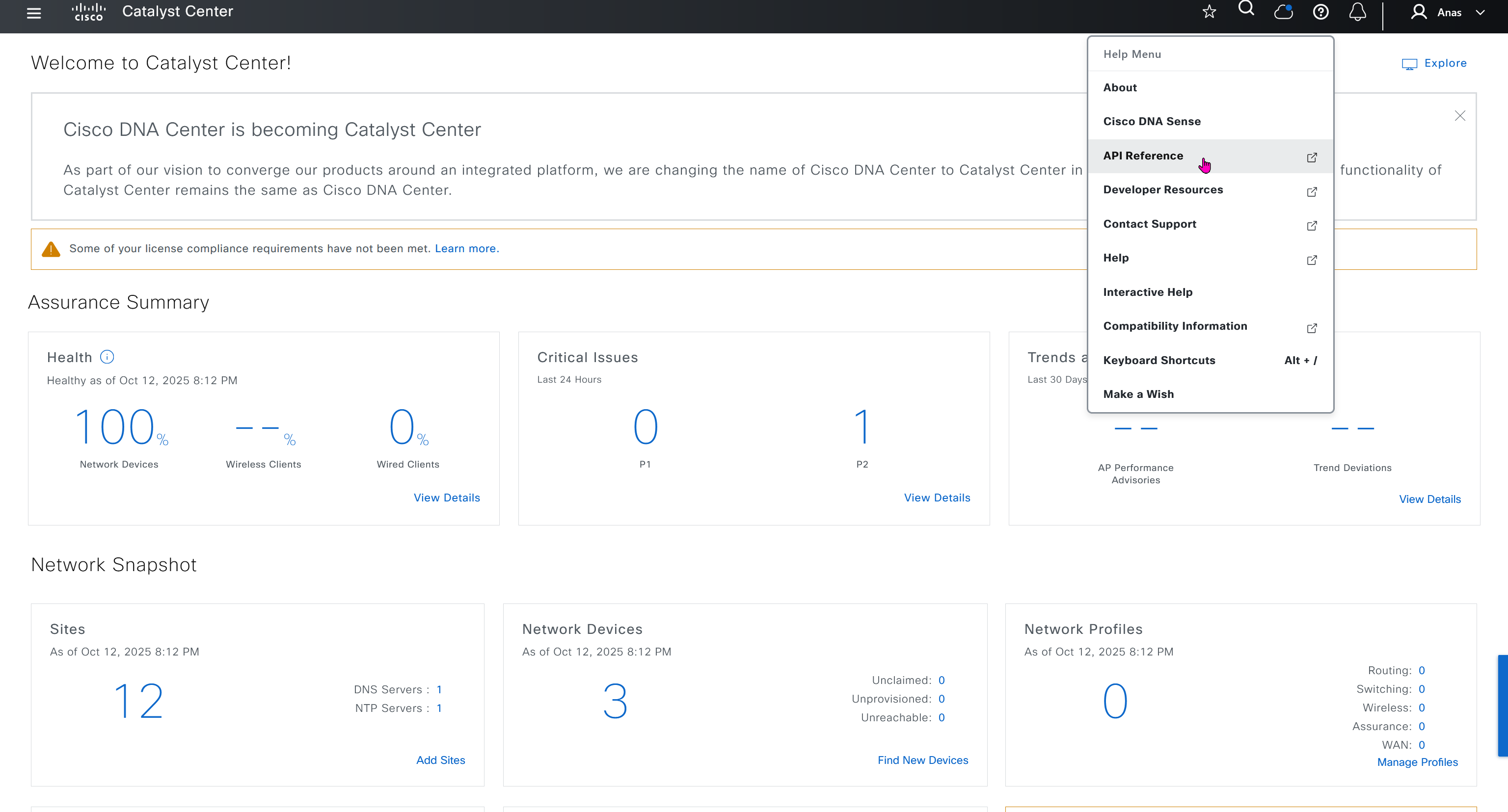
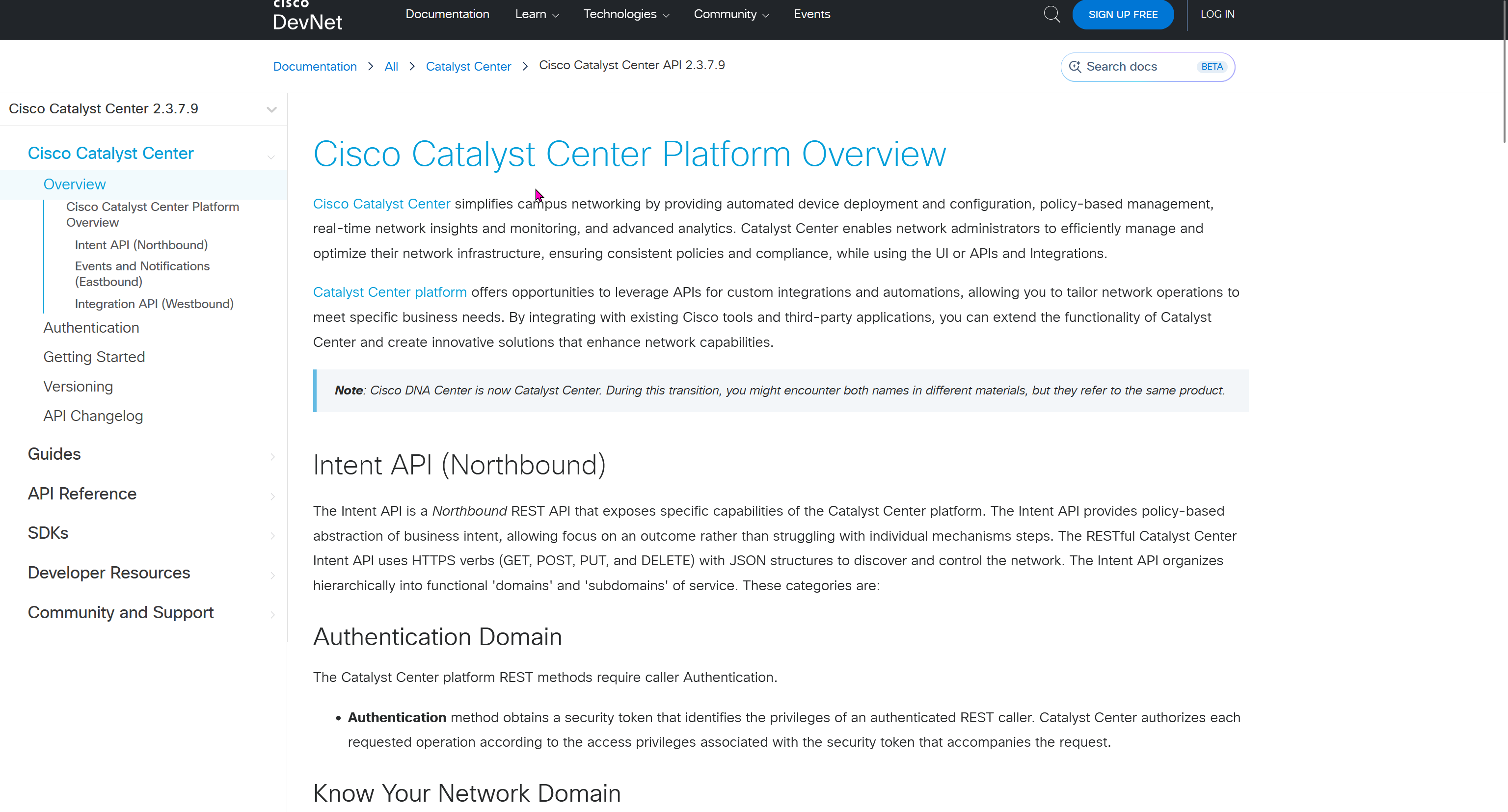
API Reference
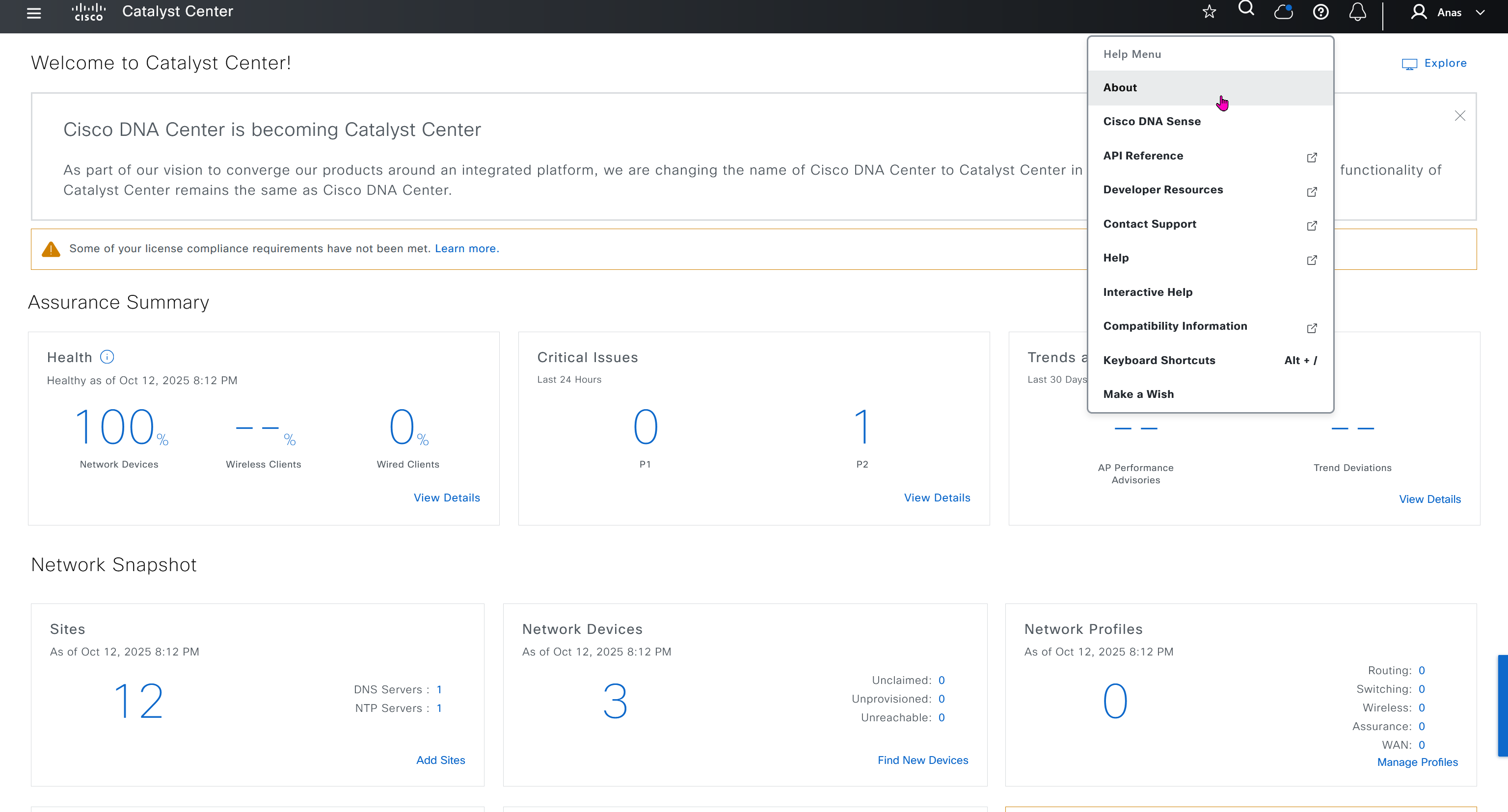
This comes handy when you are working with API