SDA LM3 – Topology & Software Image Management
Videos
Topology & Software Image Management








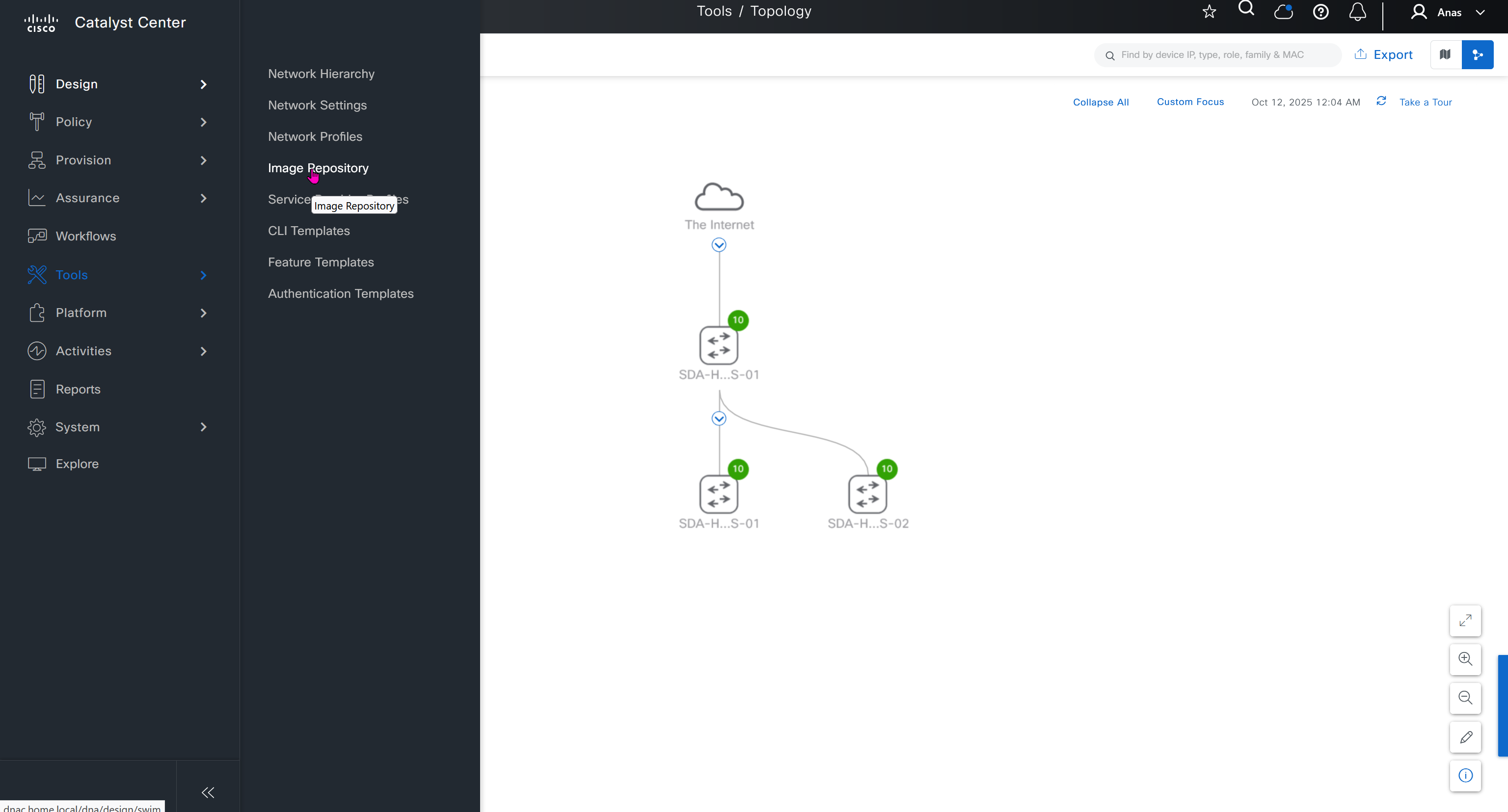
SWIM – Software Image Management
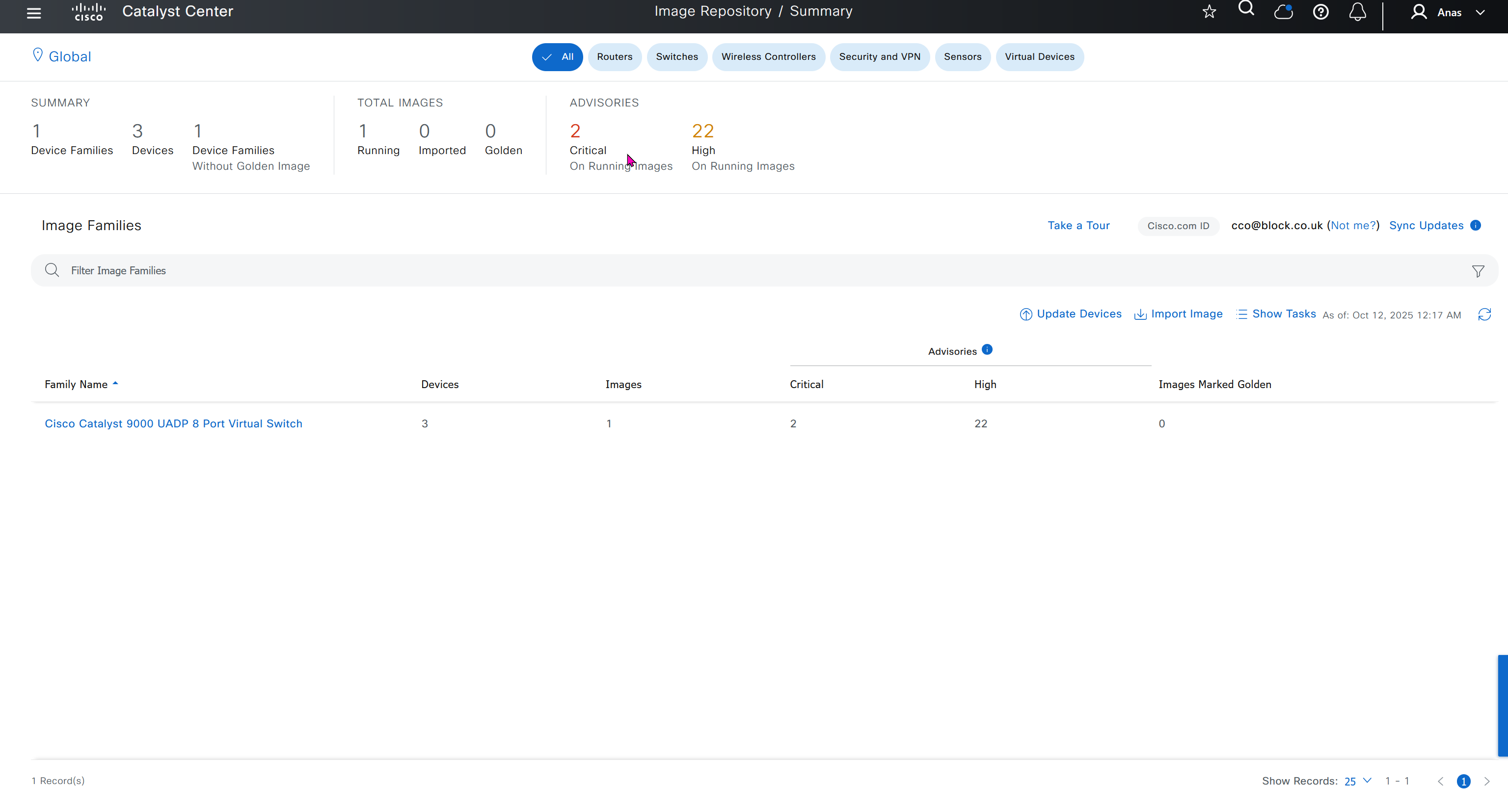
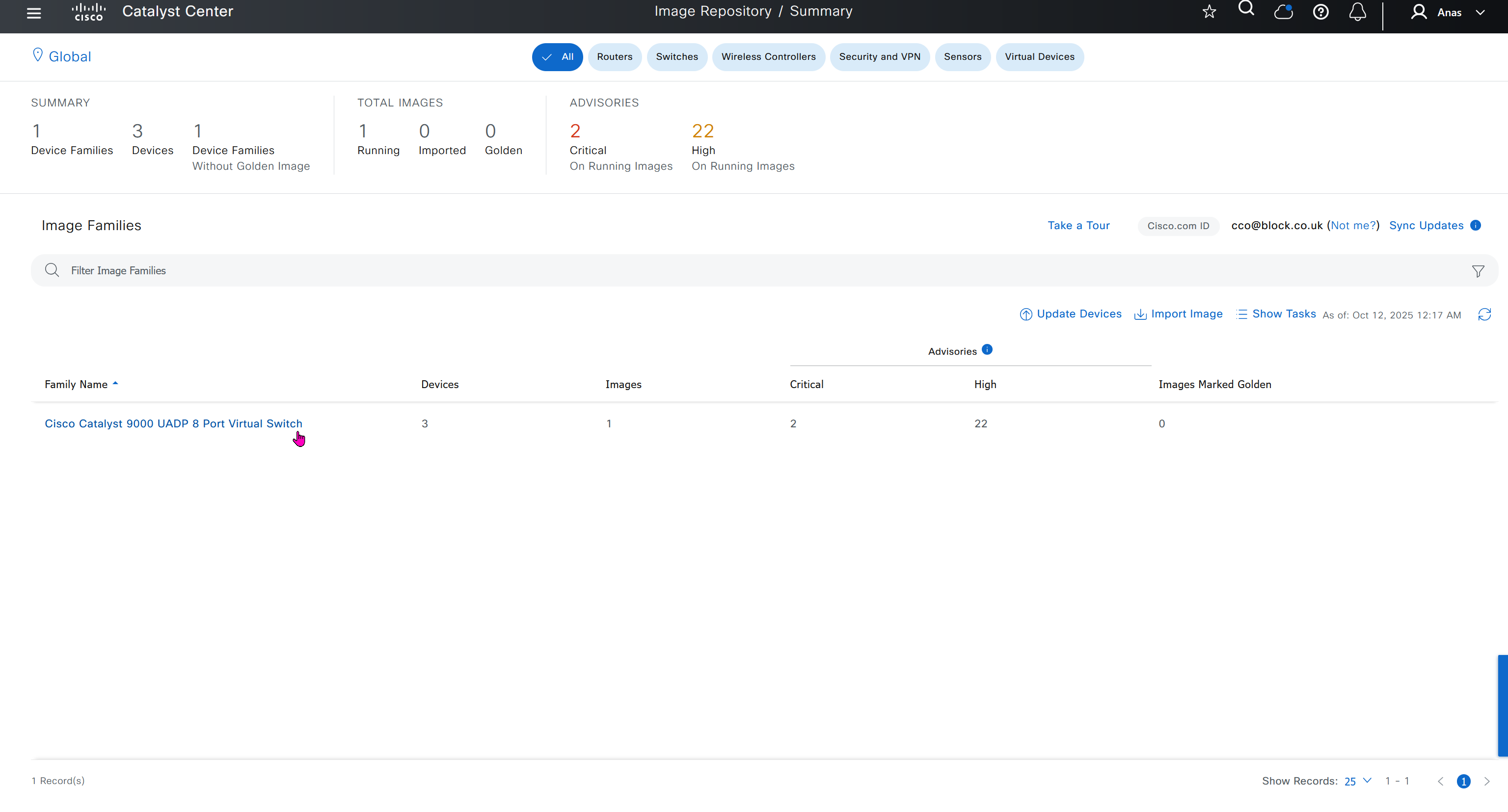
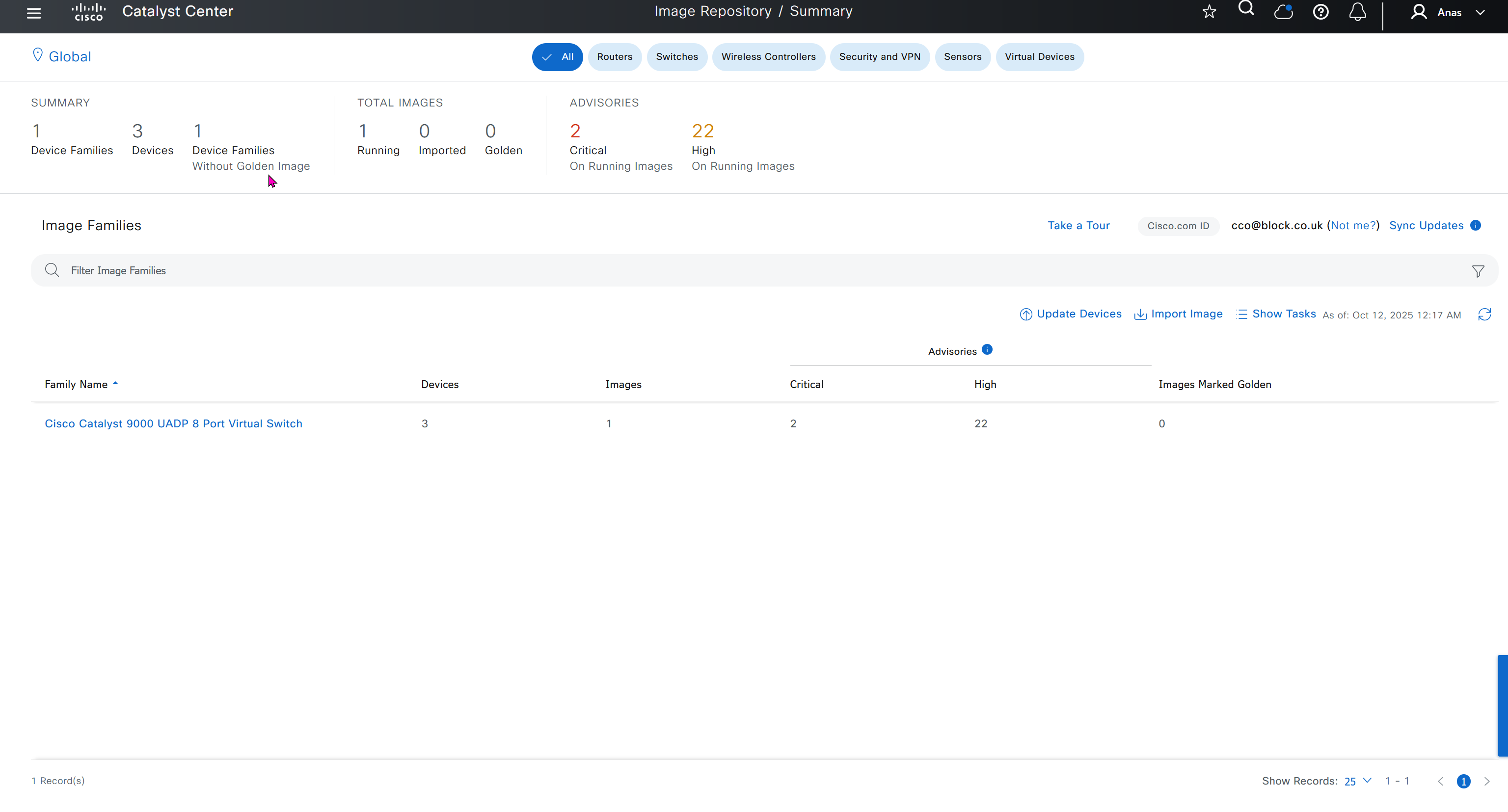
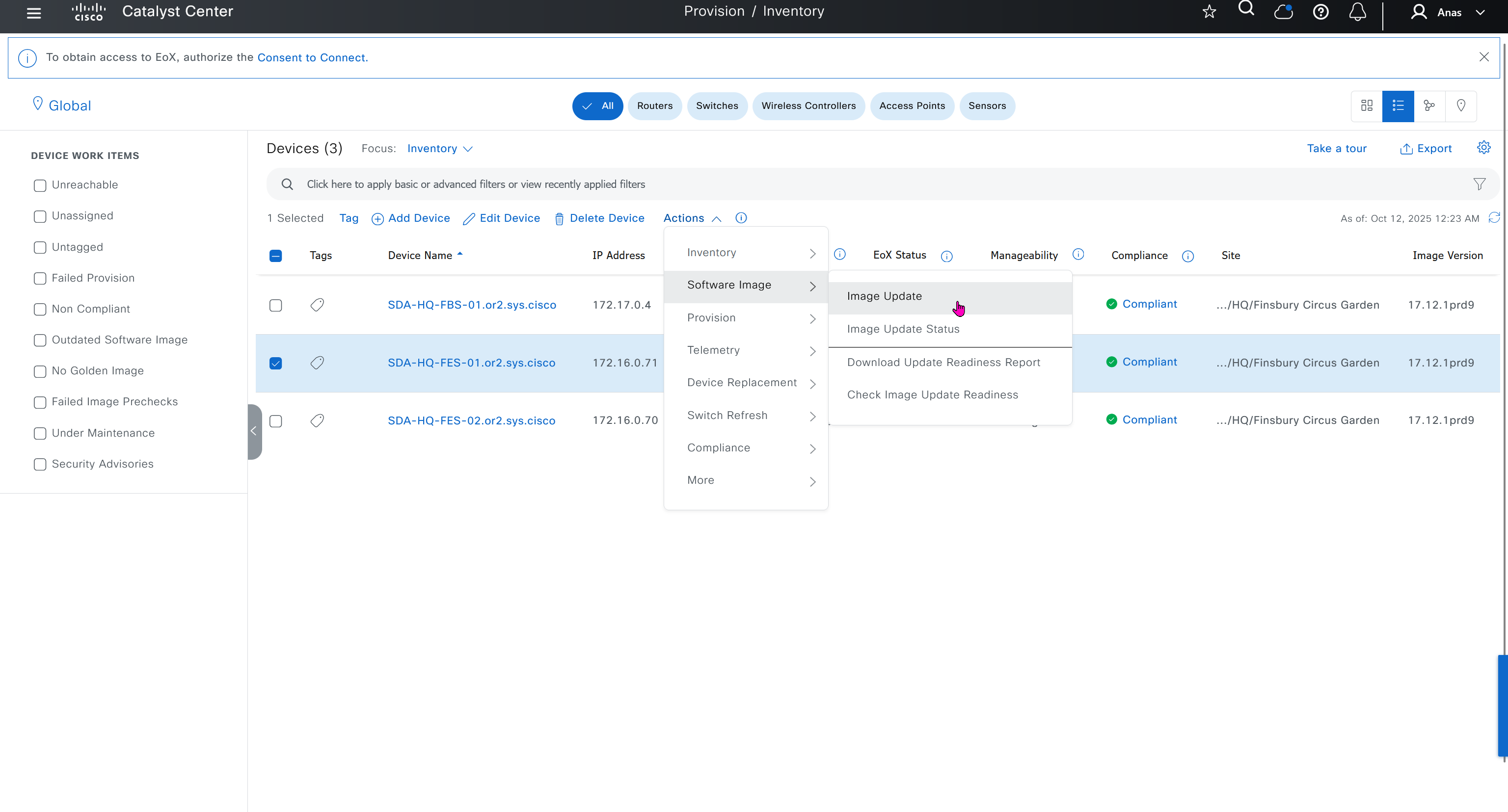
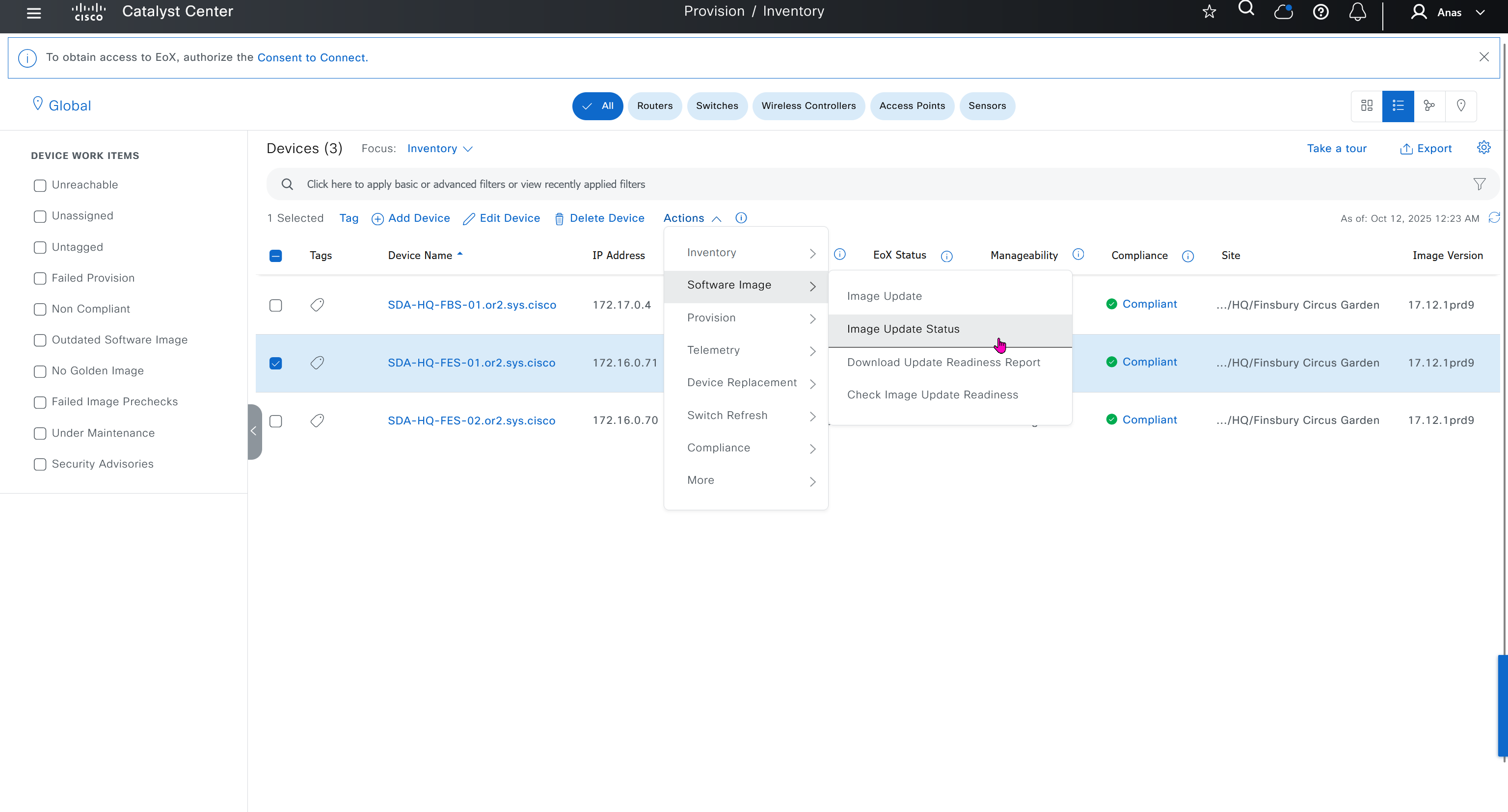


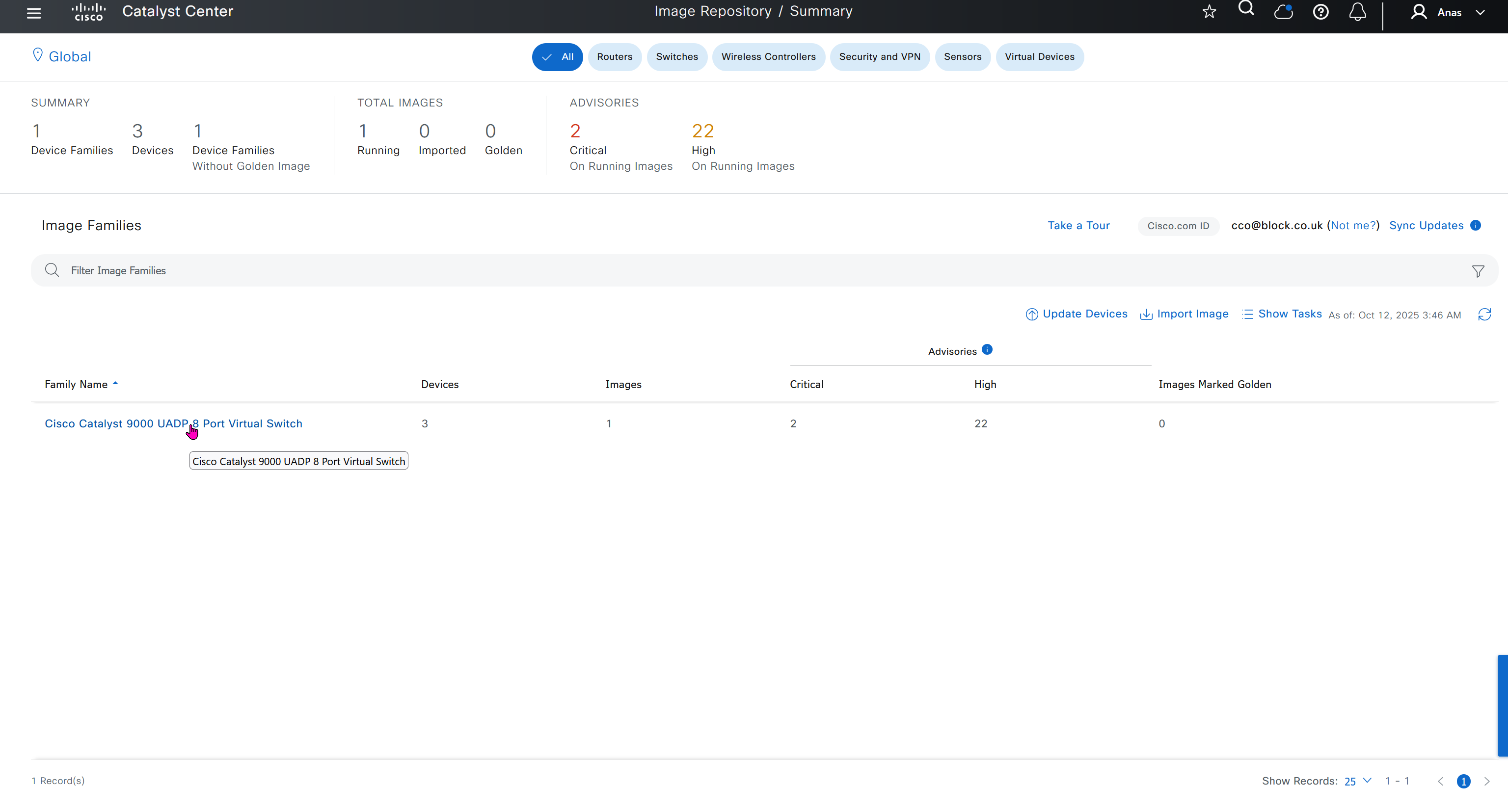
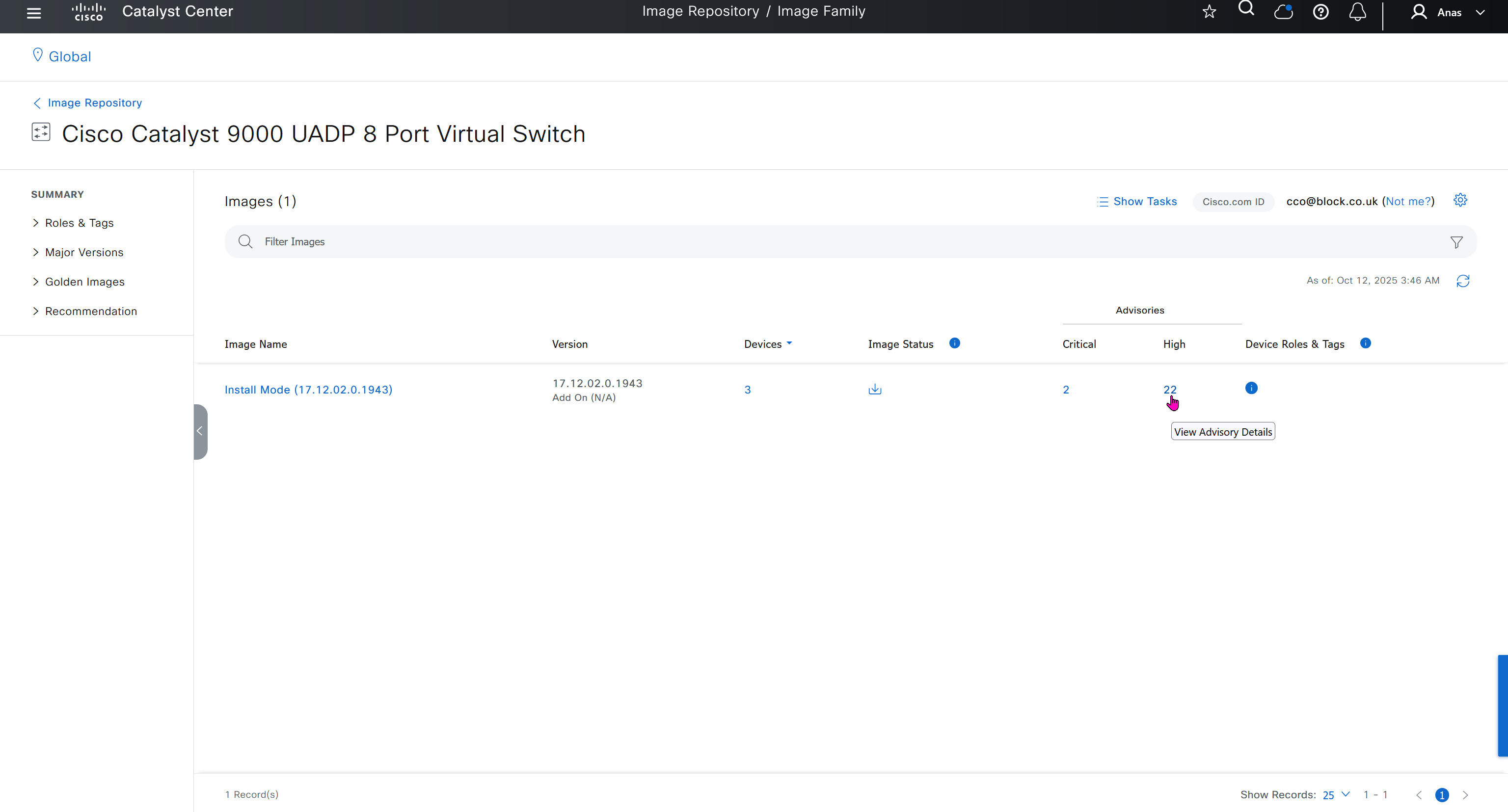


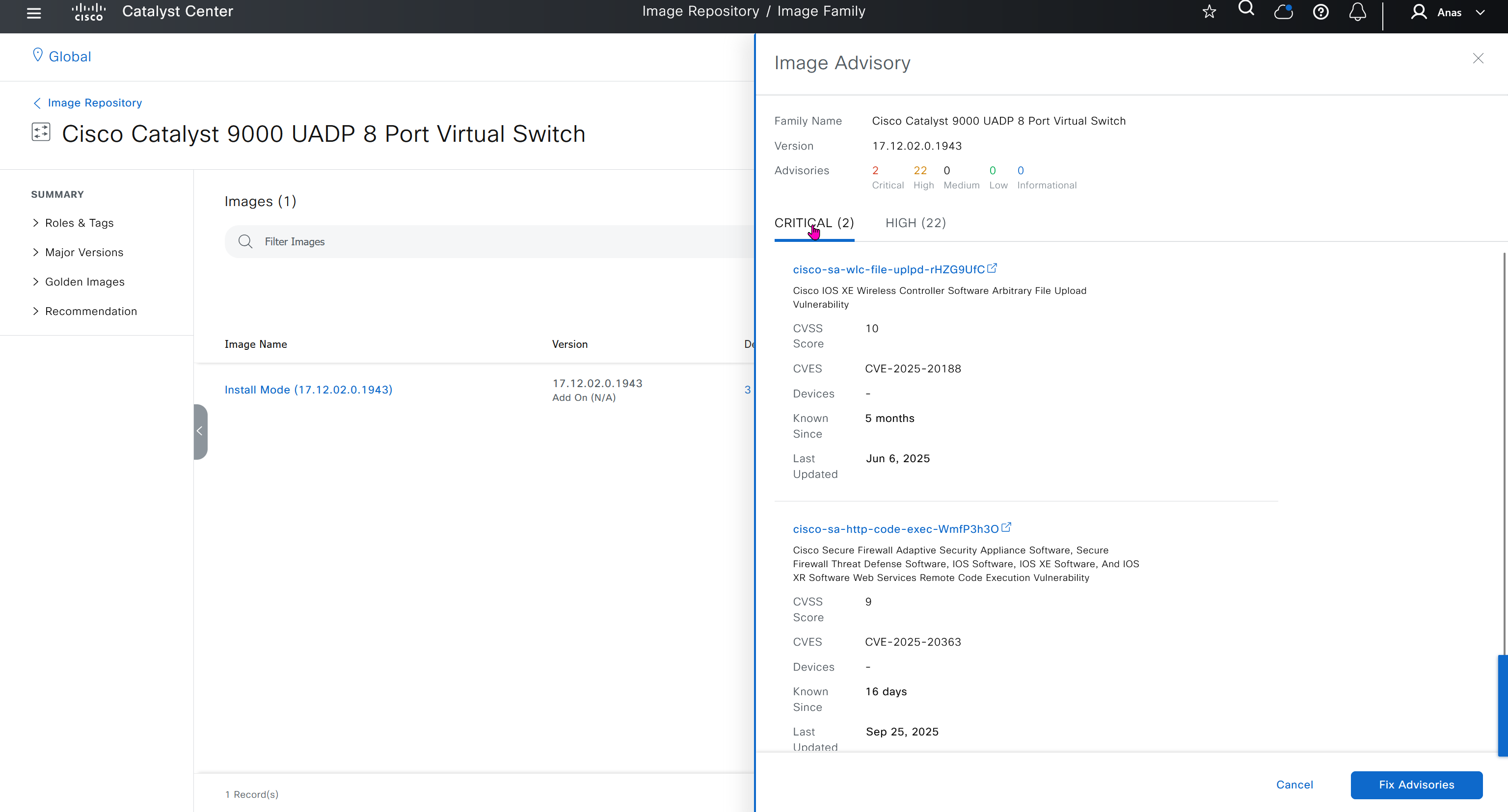
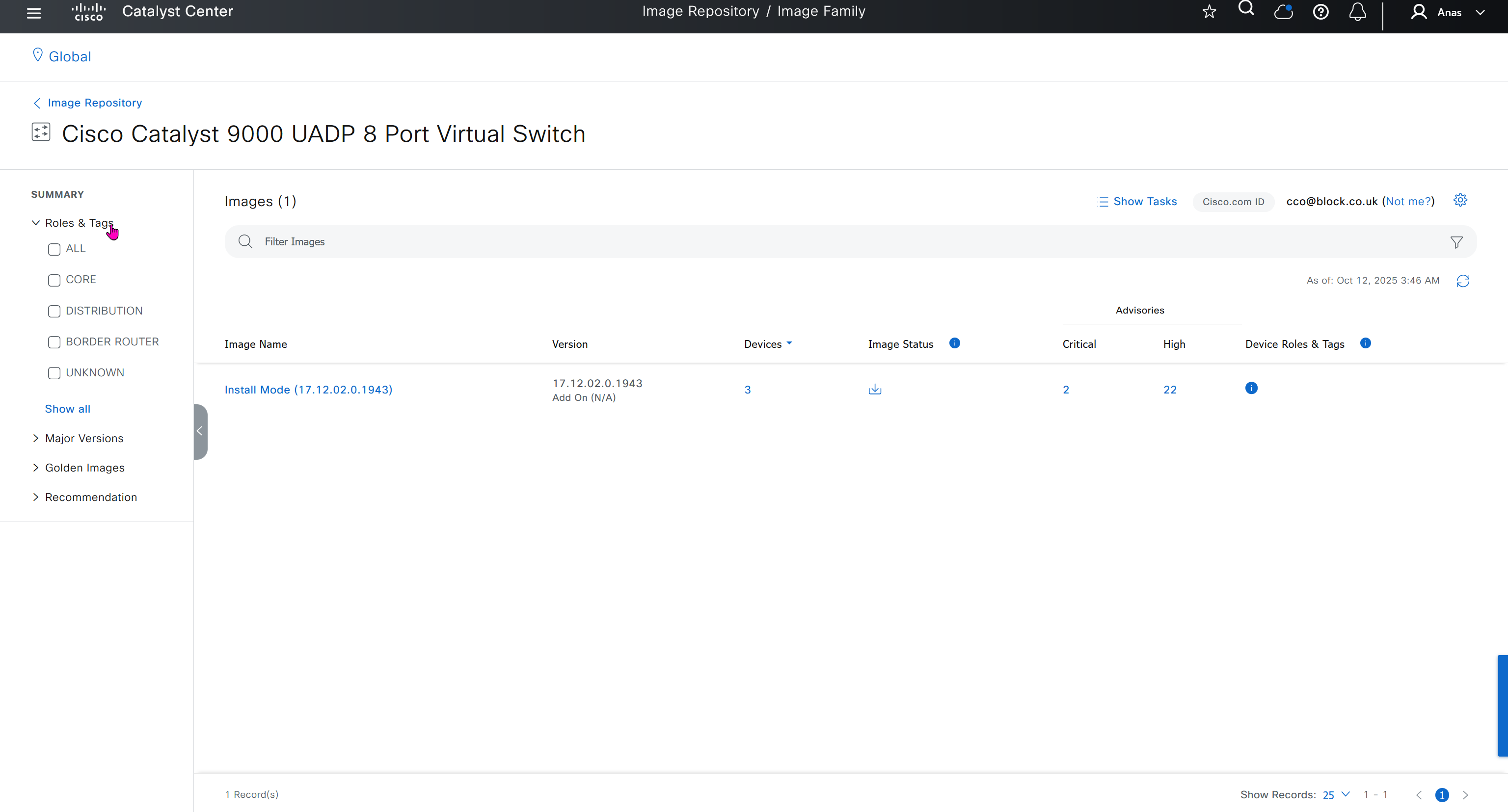
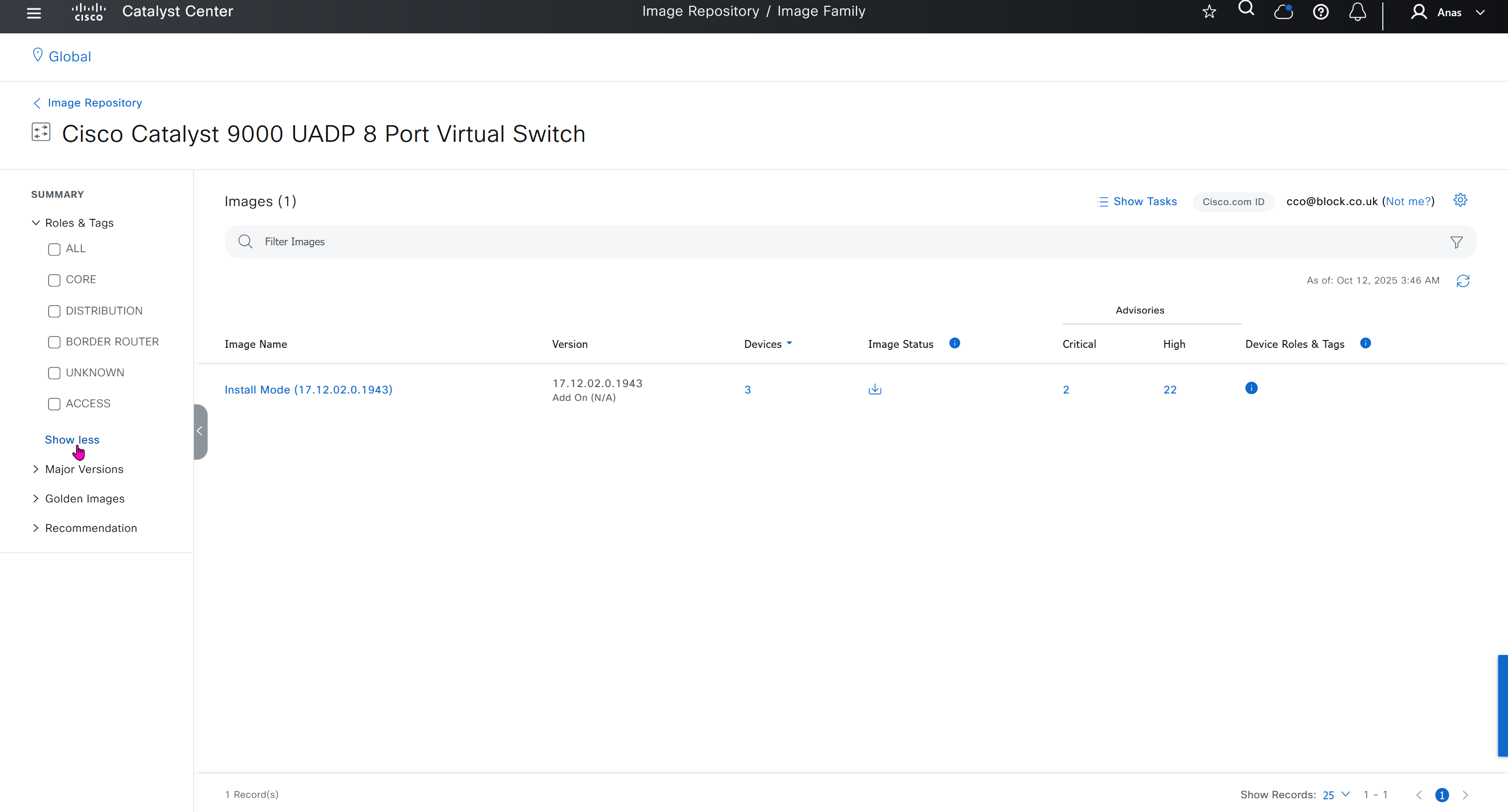
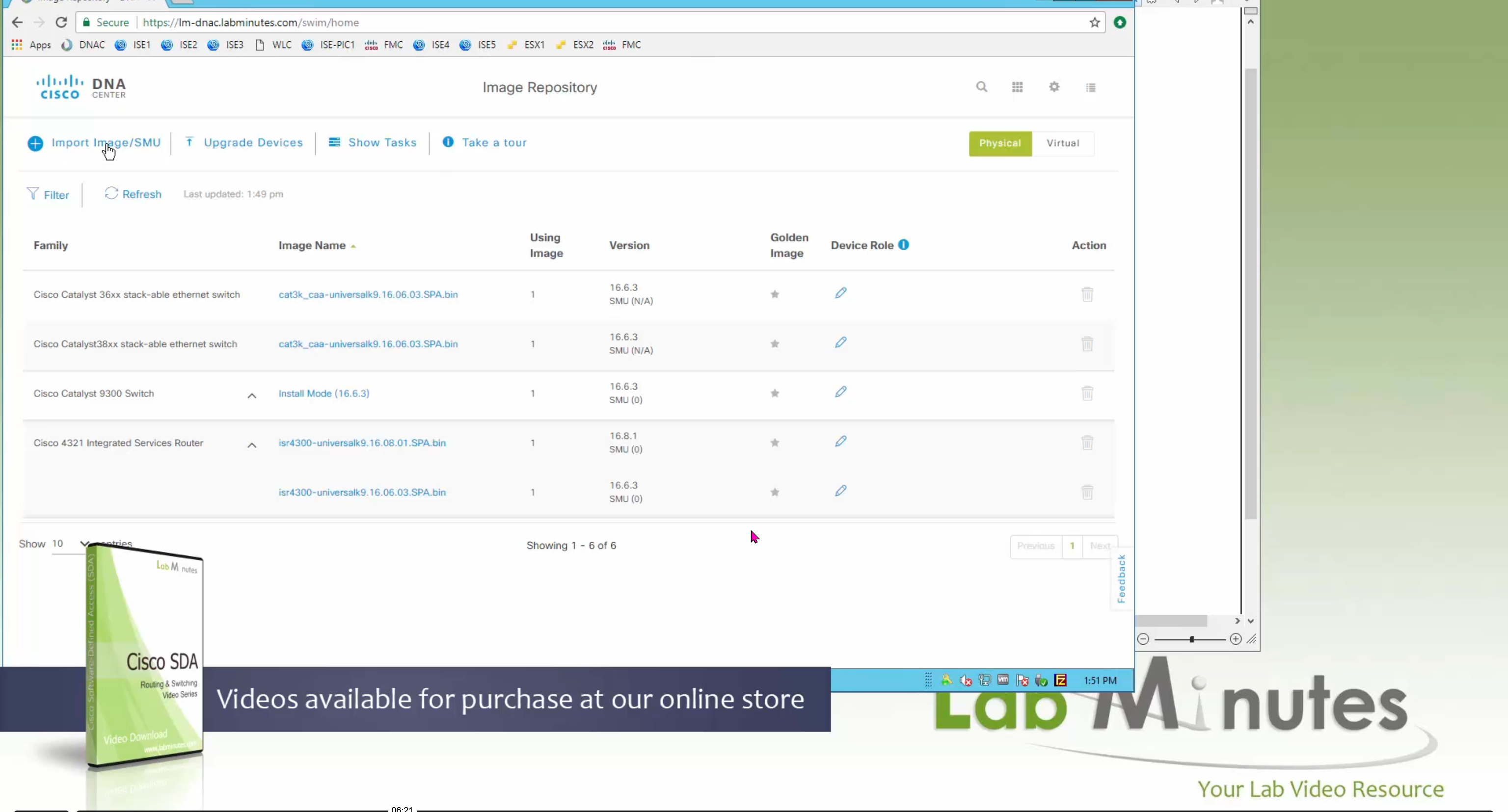
you can only start tagging devices one you have uploaded the image, because we have virtual C9Kv images there is no .bin or .smu images available for them, from ths point on we will have screenshots from lab minutes
One image can be marked as golden image per device type either at the global level or at the site level, then any device that is not running that golden image will be marked as out of compliance
DNAC also supports auto clean up where it cleans up older image files
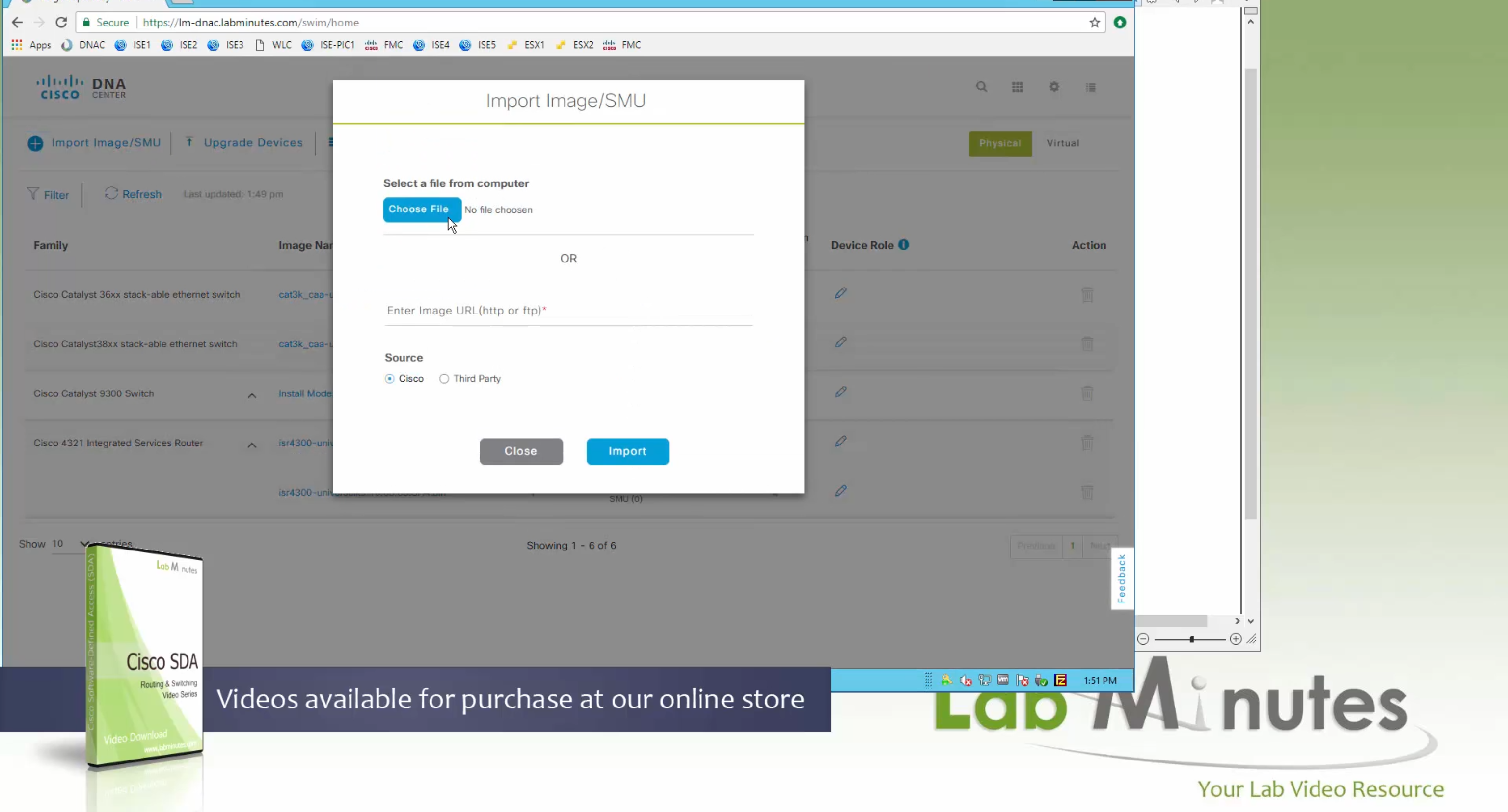
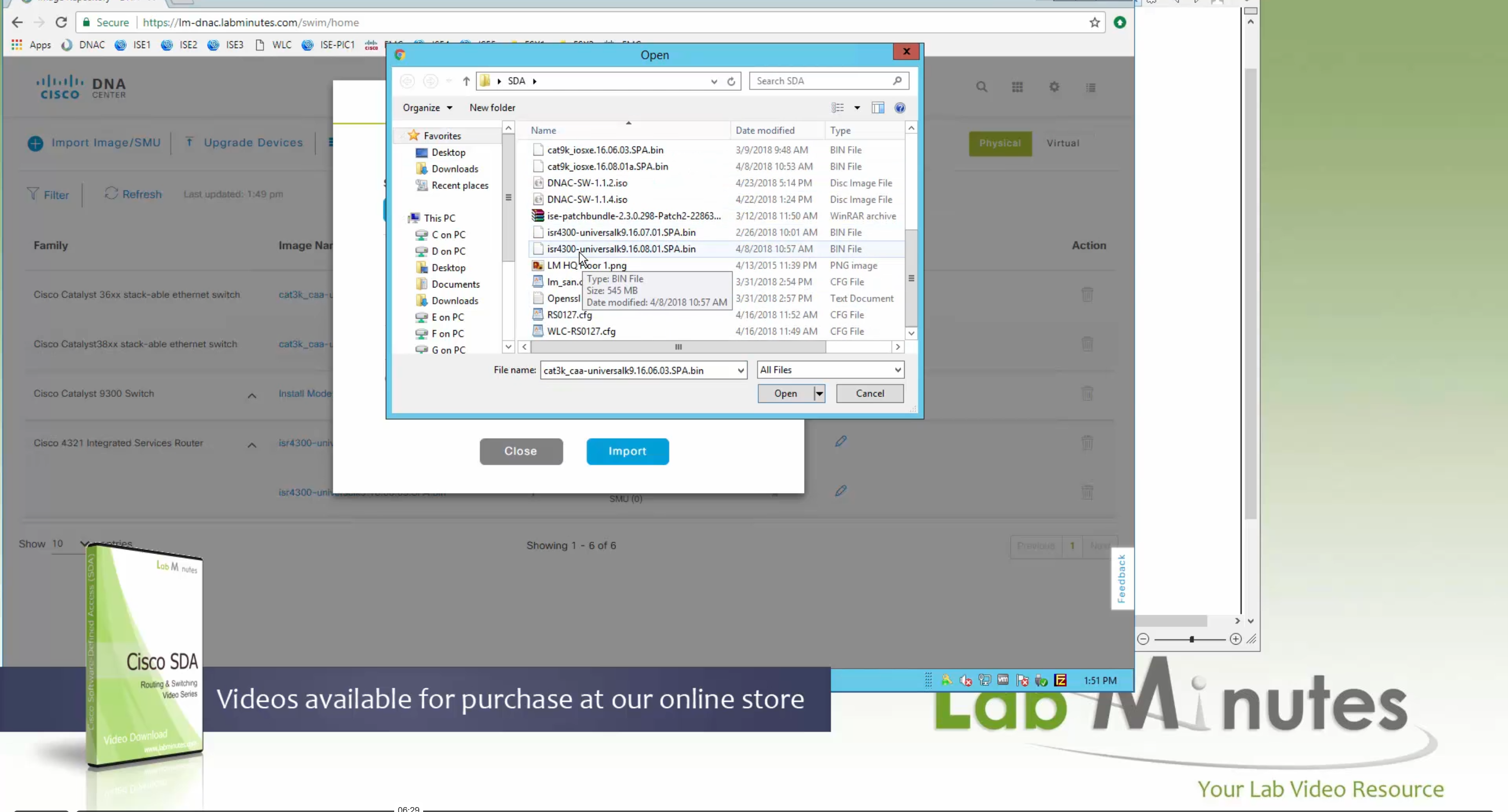
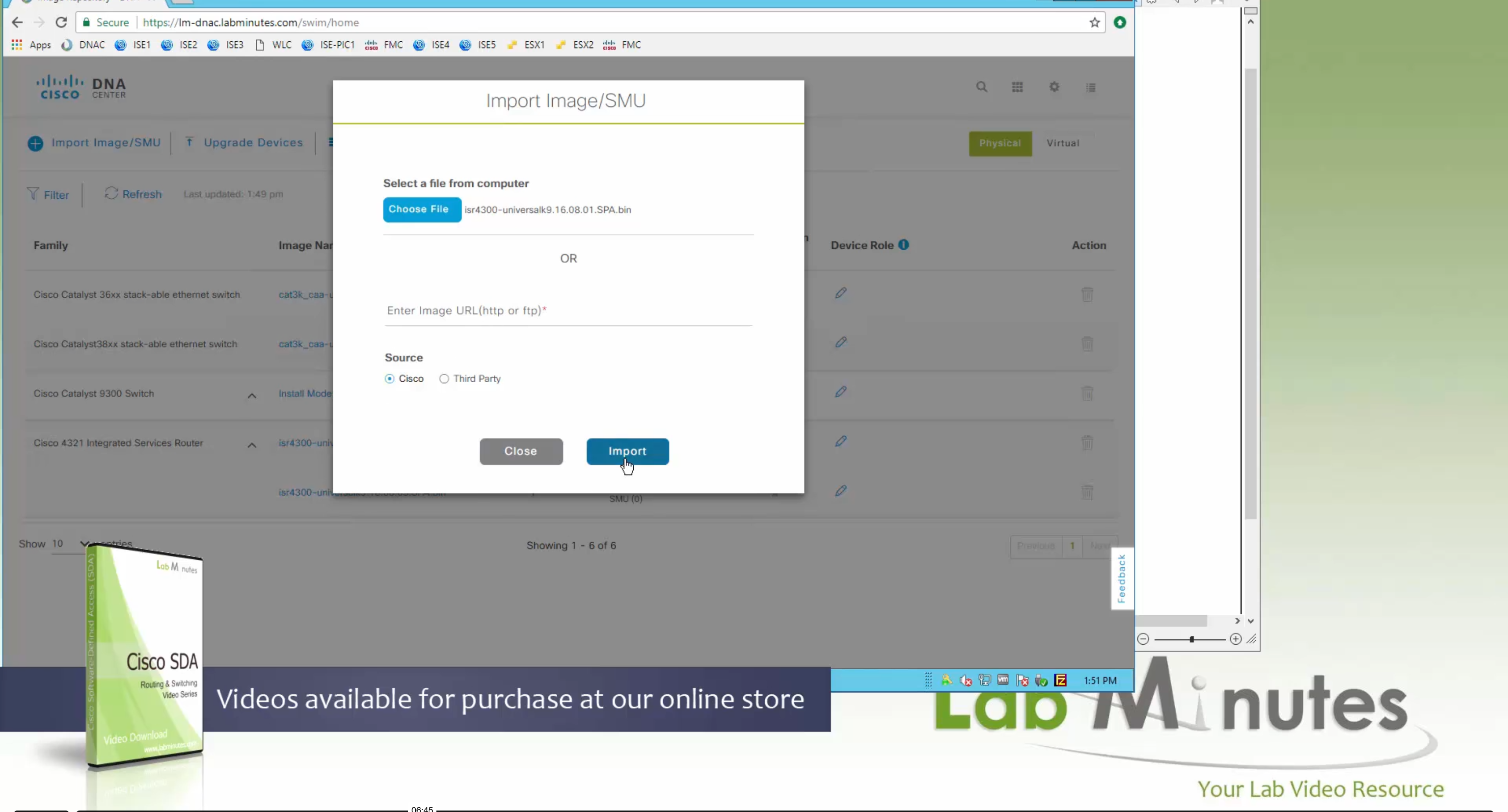
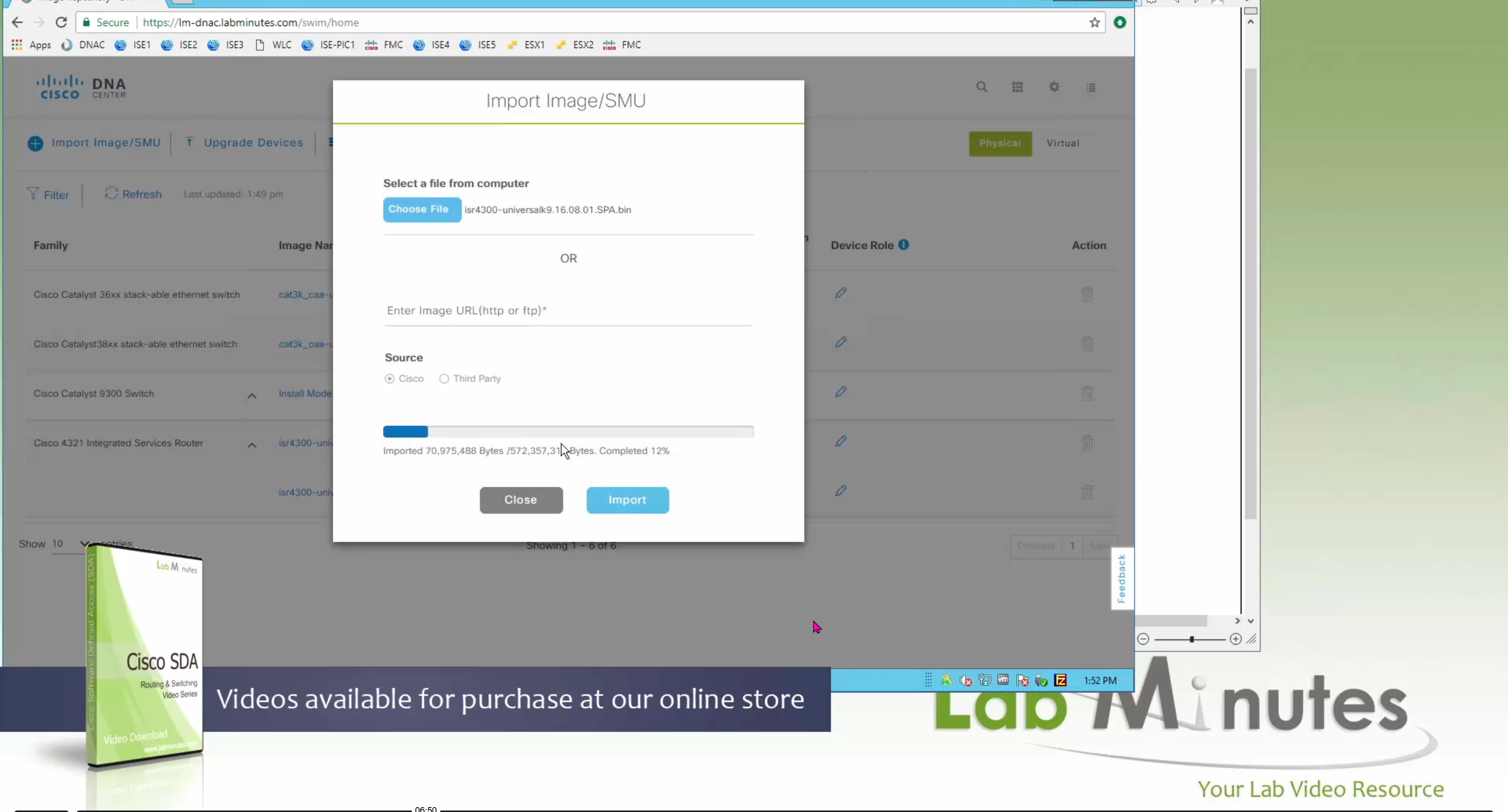
Using image column and version column with (Latest) means that these are the latest images, these images with (Latest) are being displayed from cisco.com and we can click on star icon to make them golden image
Making image golden enforces that image on that hardware model
Same thing can be repeated for different chassis or hardware types, their recommended Latest images can be marked as golden images
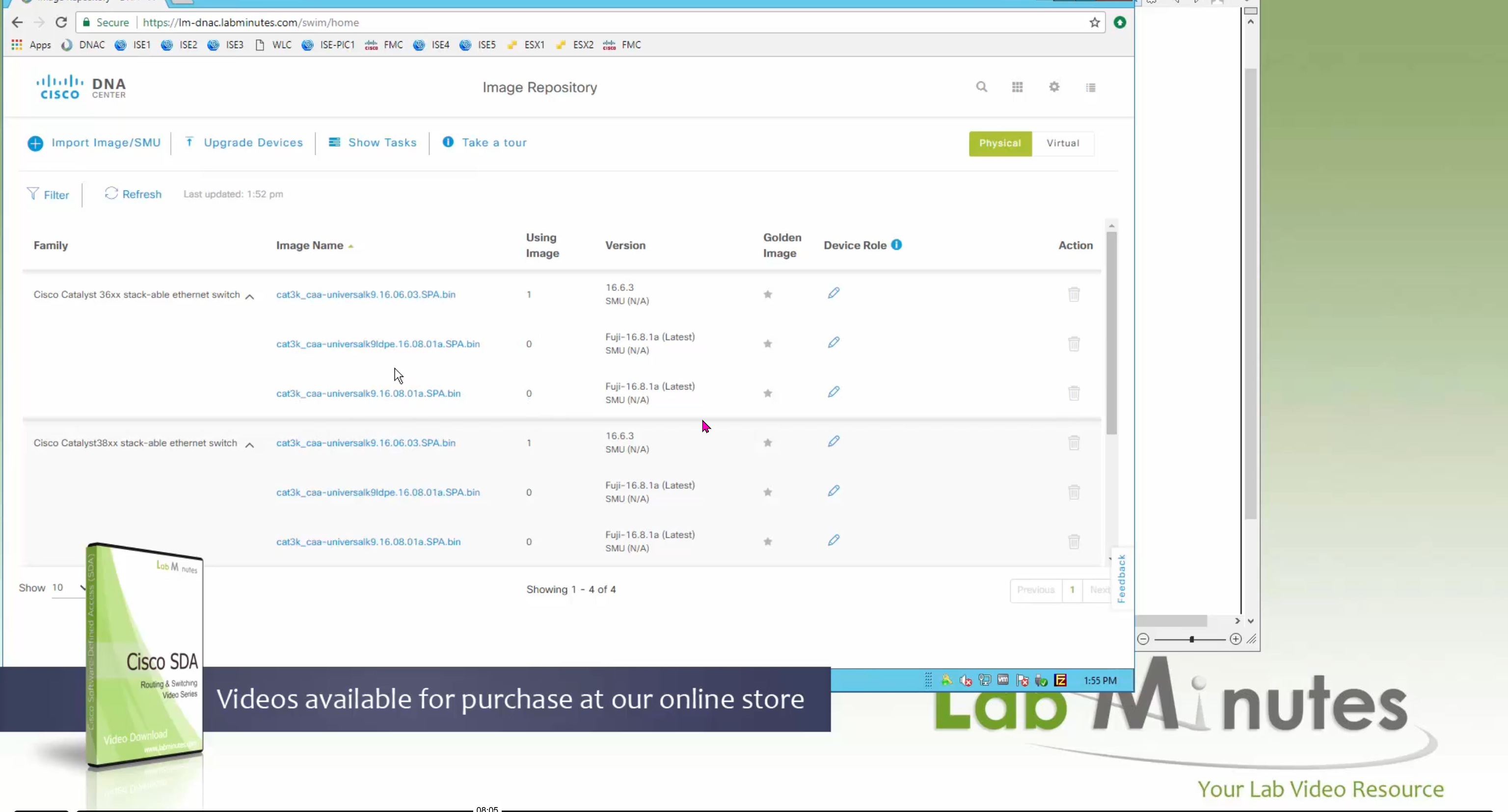
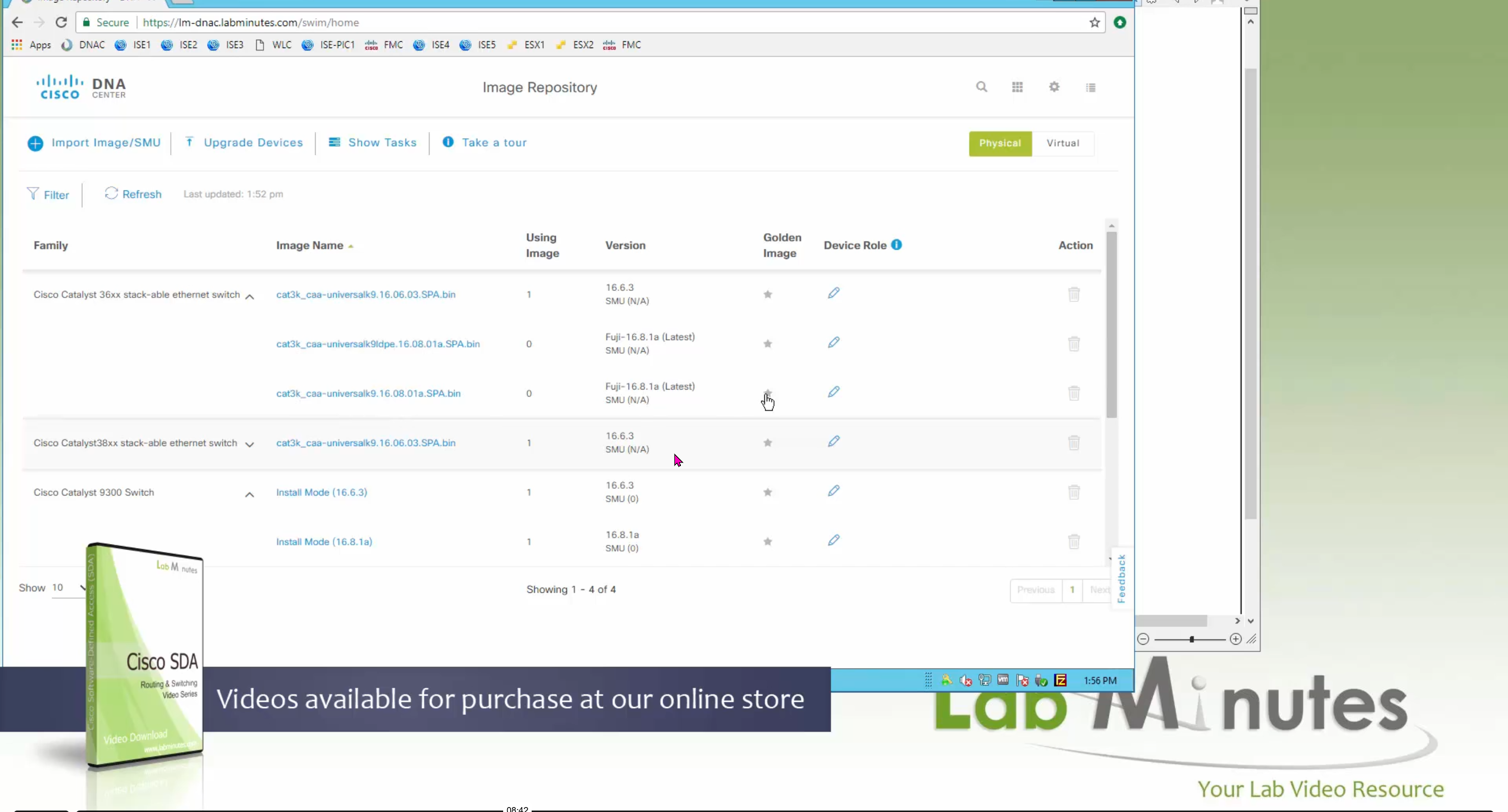
bundle mode images can be pulled from device and made golen image while for install mode we cannot pull from device and mark the image as golden image, instead we can either download from Cisco.com using gui or import image from file

Small “Verified” shows up next to image that shows that DNAC has downloaded the image, clicking that image makes it golden pretty fast because image is already on the DNAC server
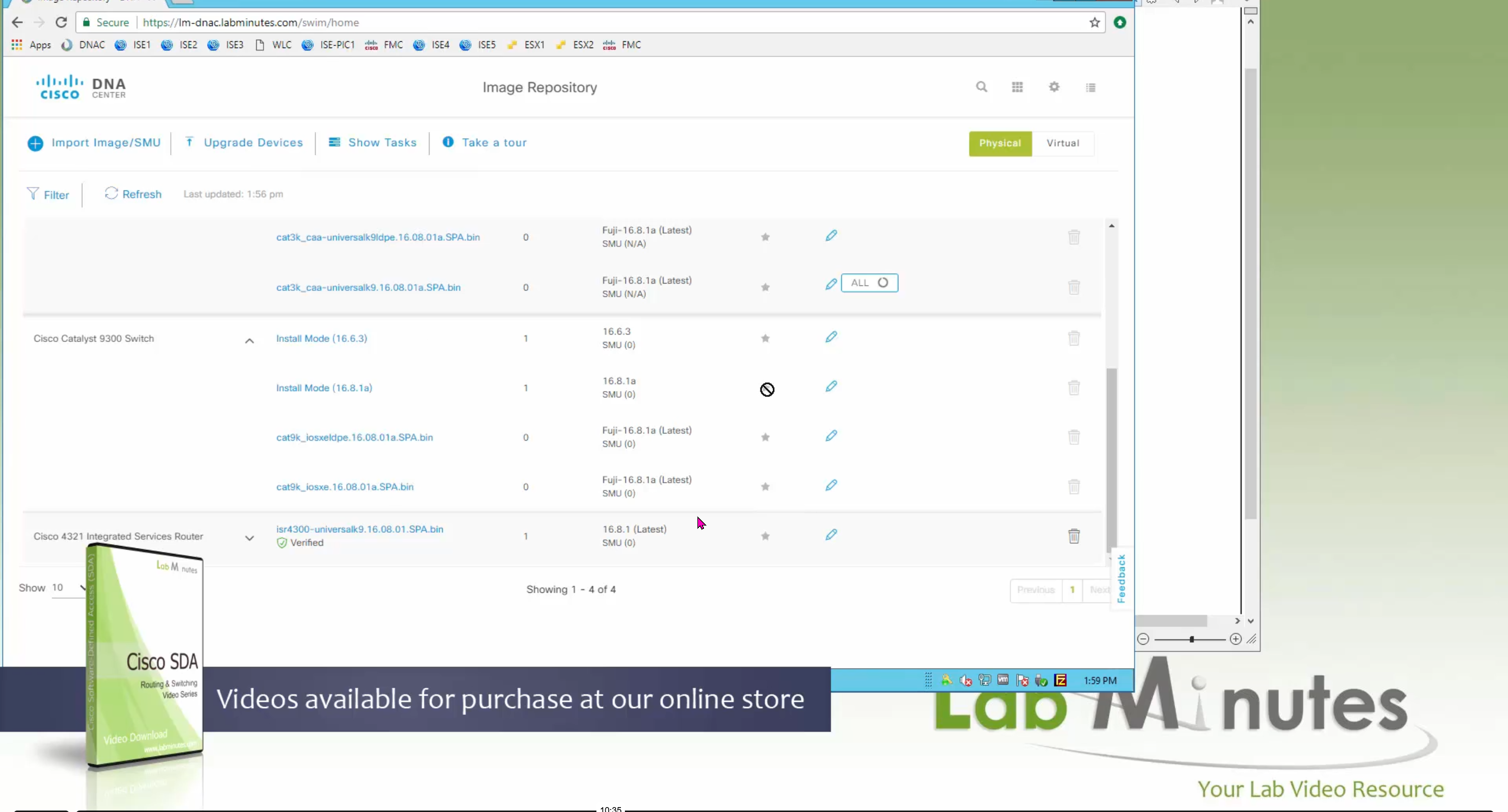
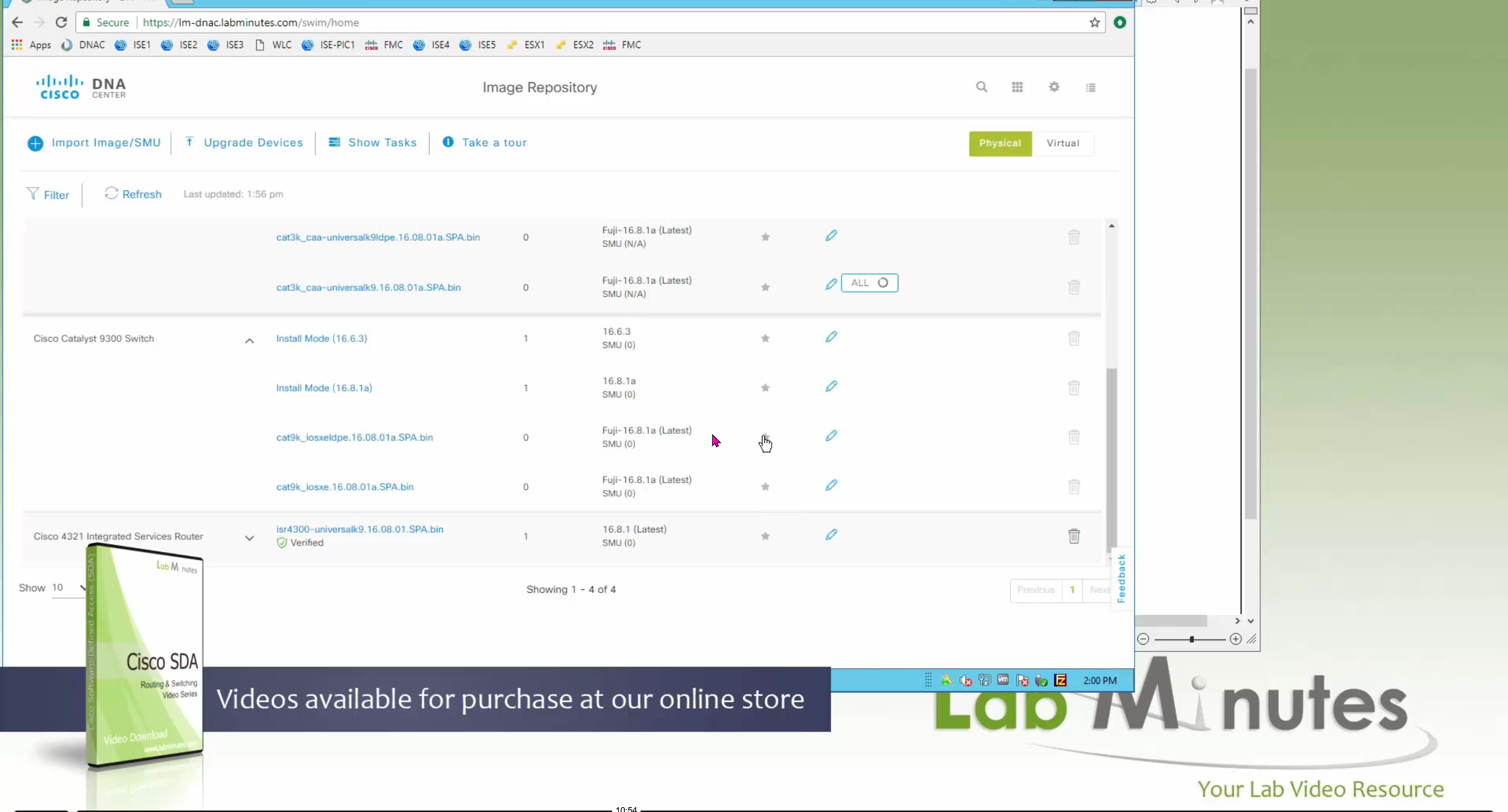
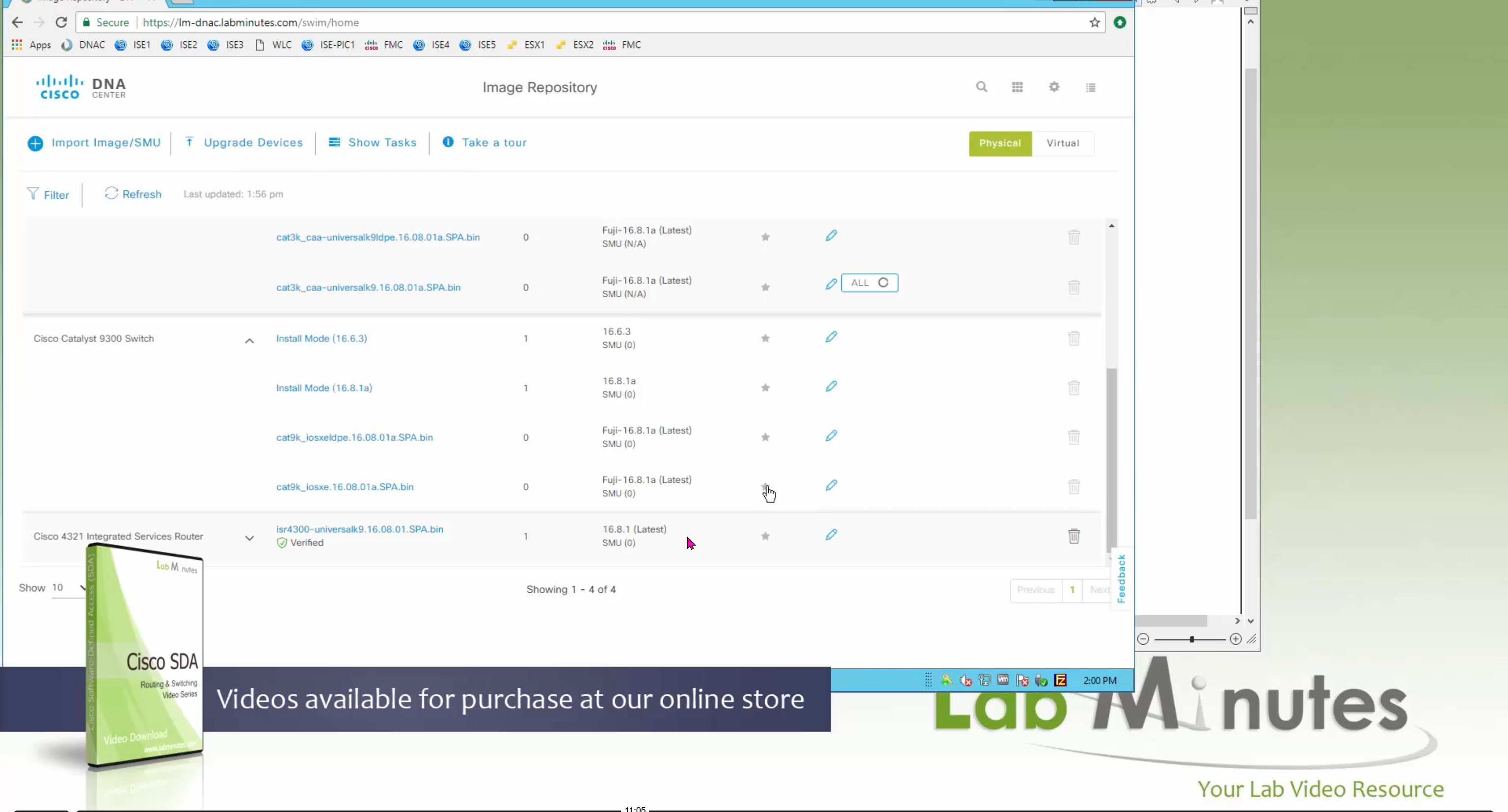
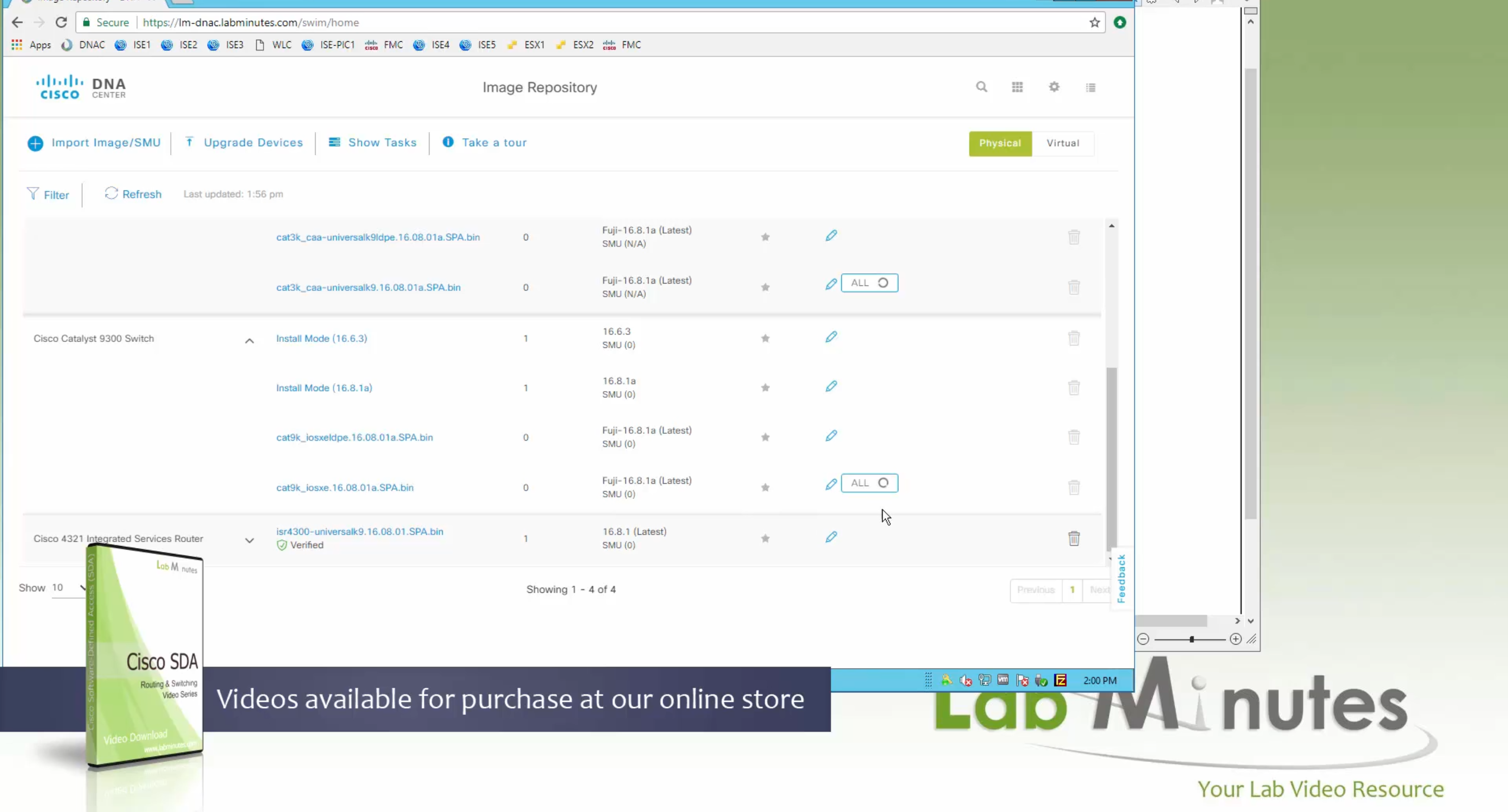


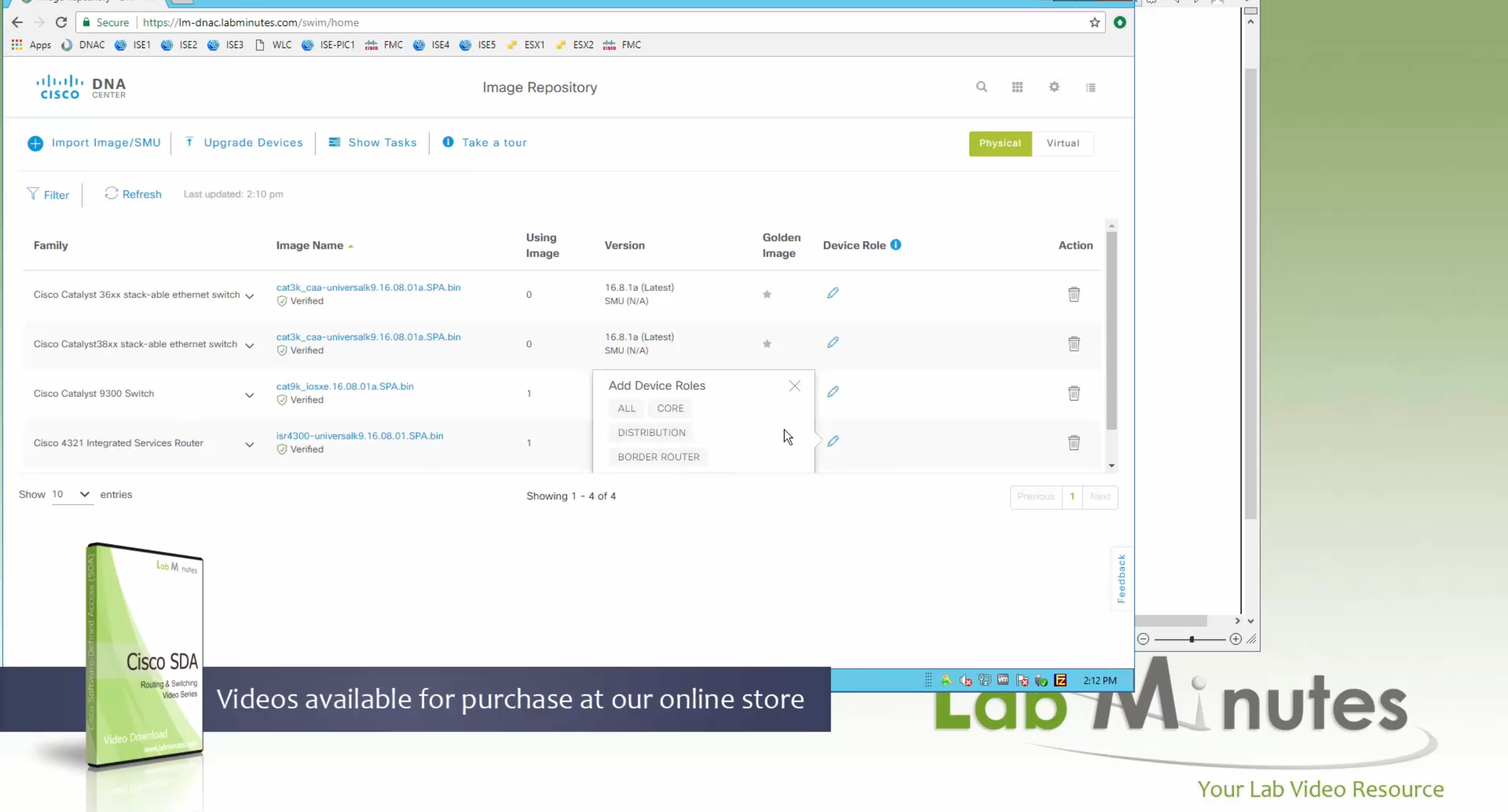
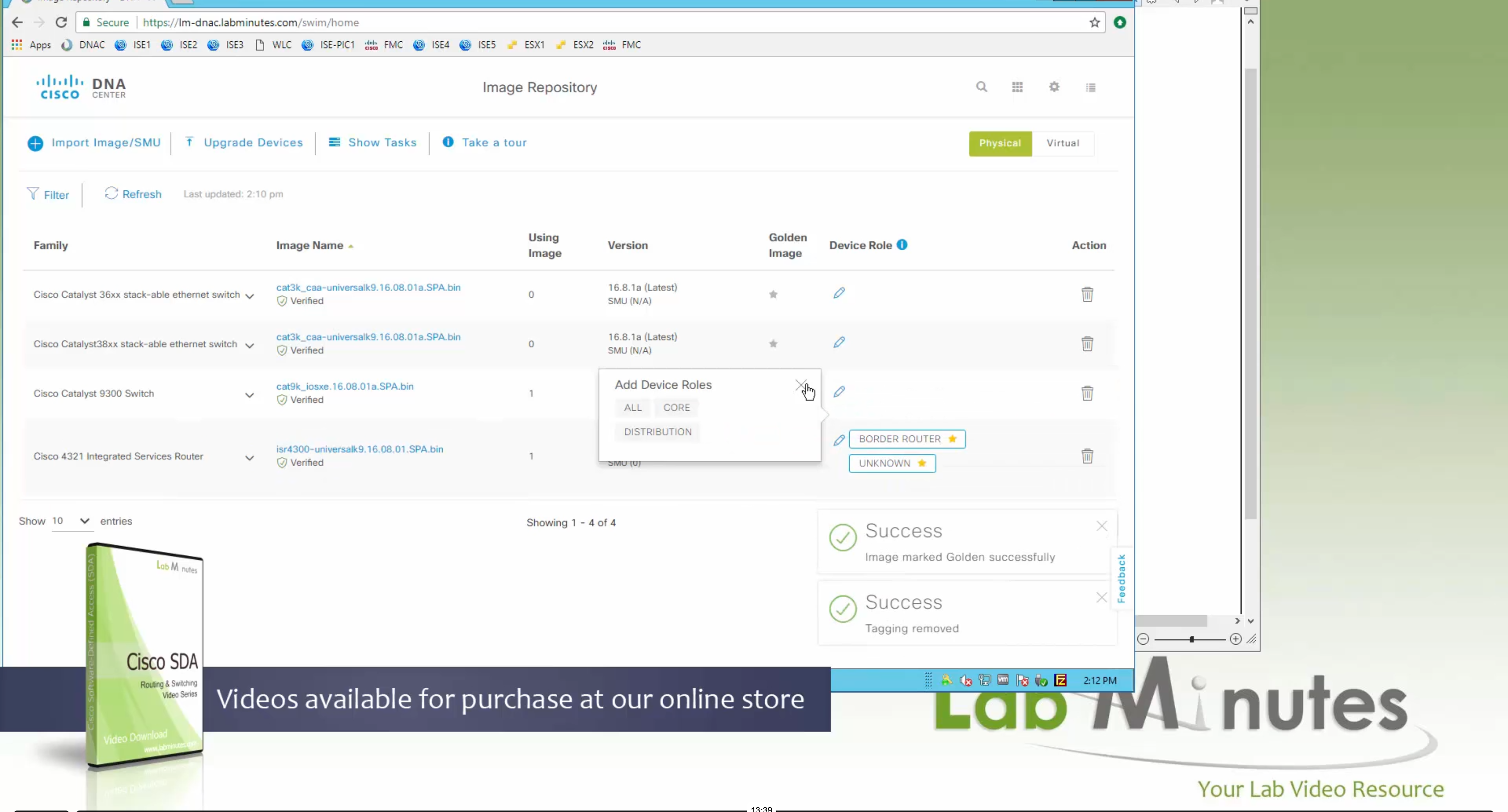
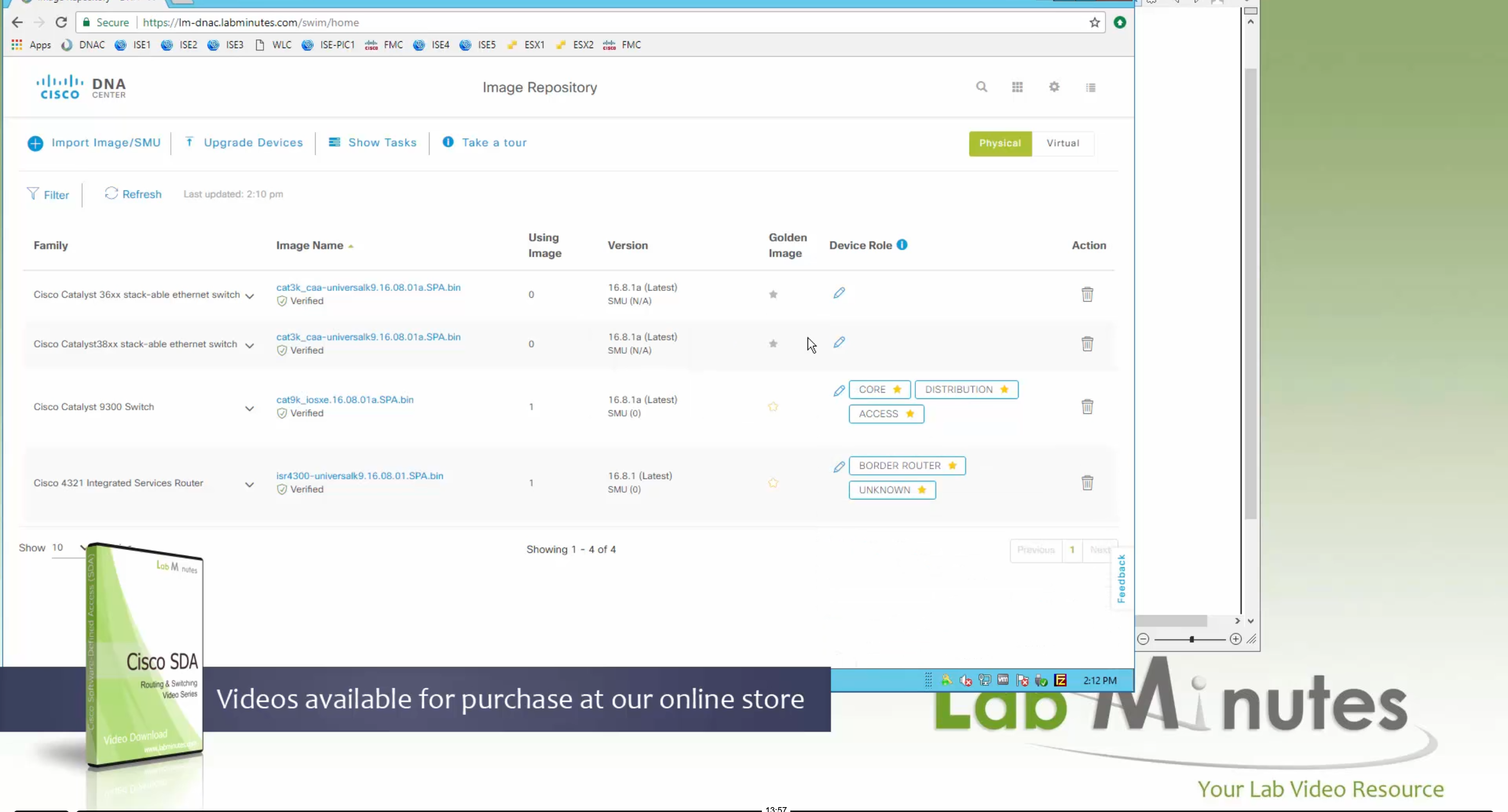

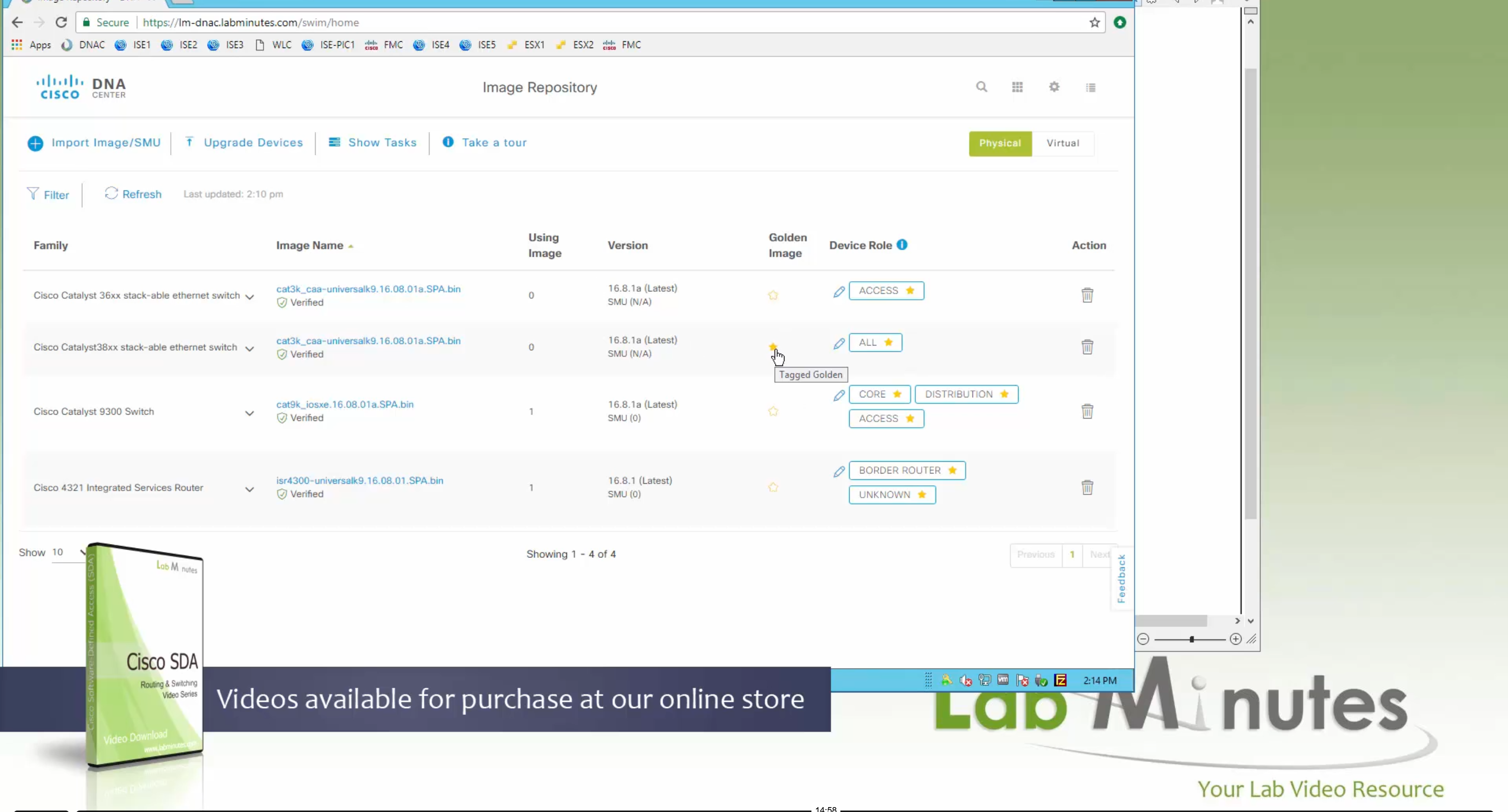
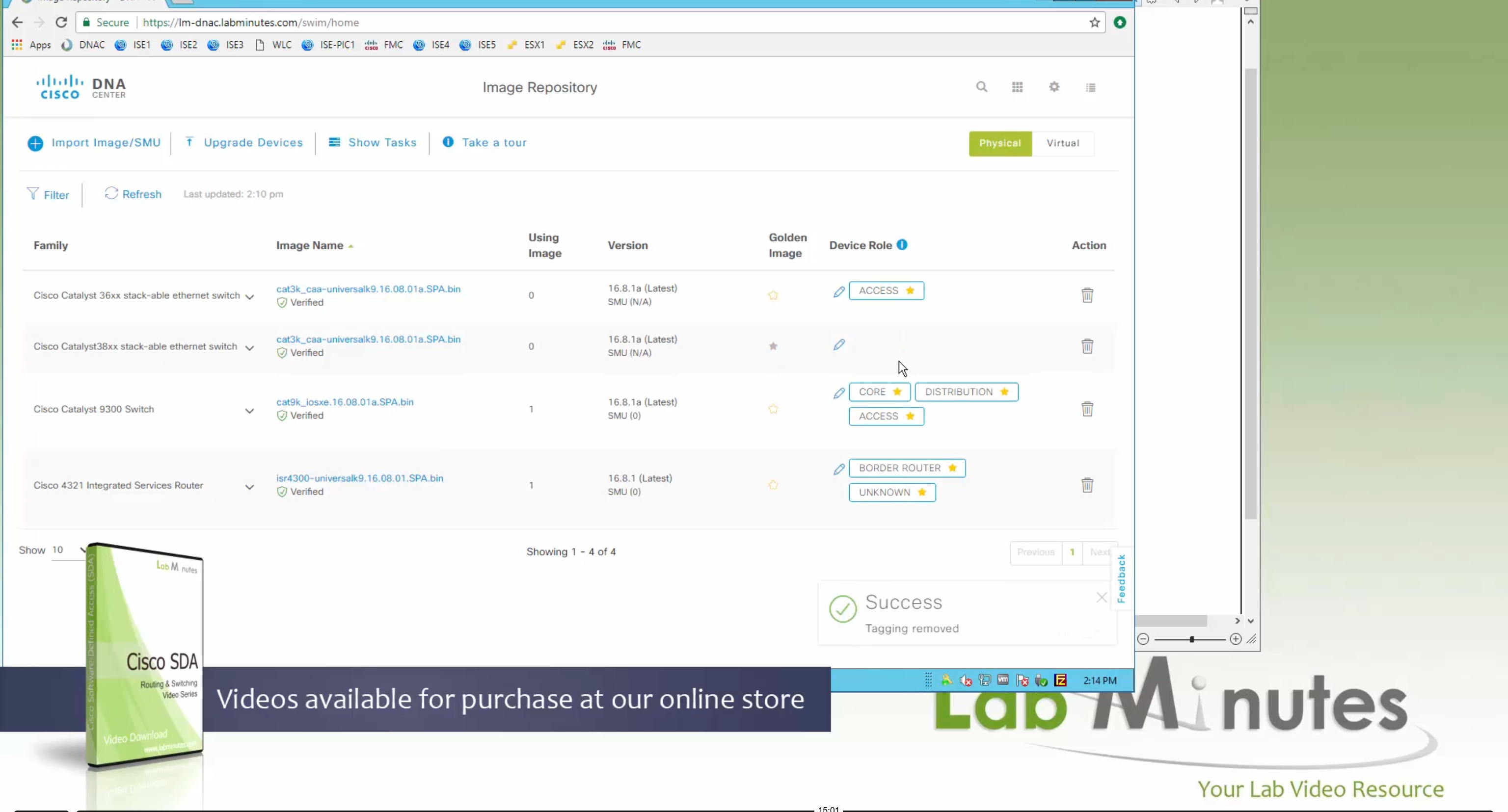
Now making an image golden makes it same for all devices of same hardware model same across different “Roles” and all locations (Globally) and sometimes you may not want that, you can click on edit icon in device role column and set golden image per hardware model per device role, such as all “C9300” / “Access” to have a specific image or you can even have golden image per hardware model per role per location – but first you must remove the golden image from global level and then set it on site level, there is no concept of override here, either set at global level or set at all sites independently


Next step is to see which devices are not in compliance and upgrade them in provision > OS image column


DNAC validates Flash, RAM and Reboot required


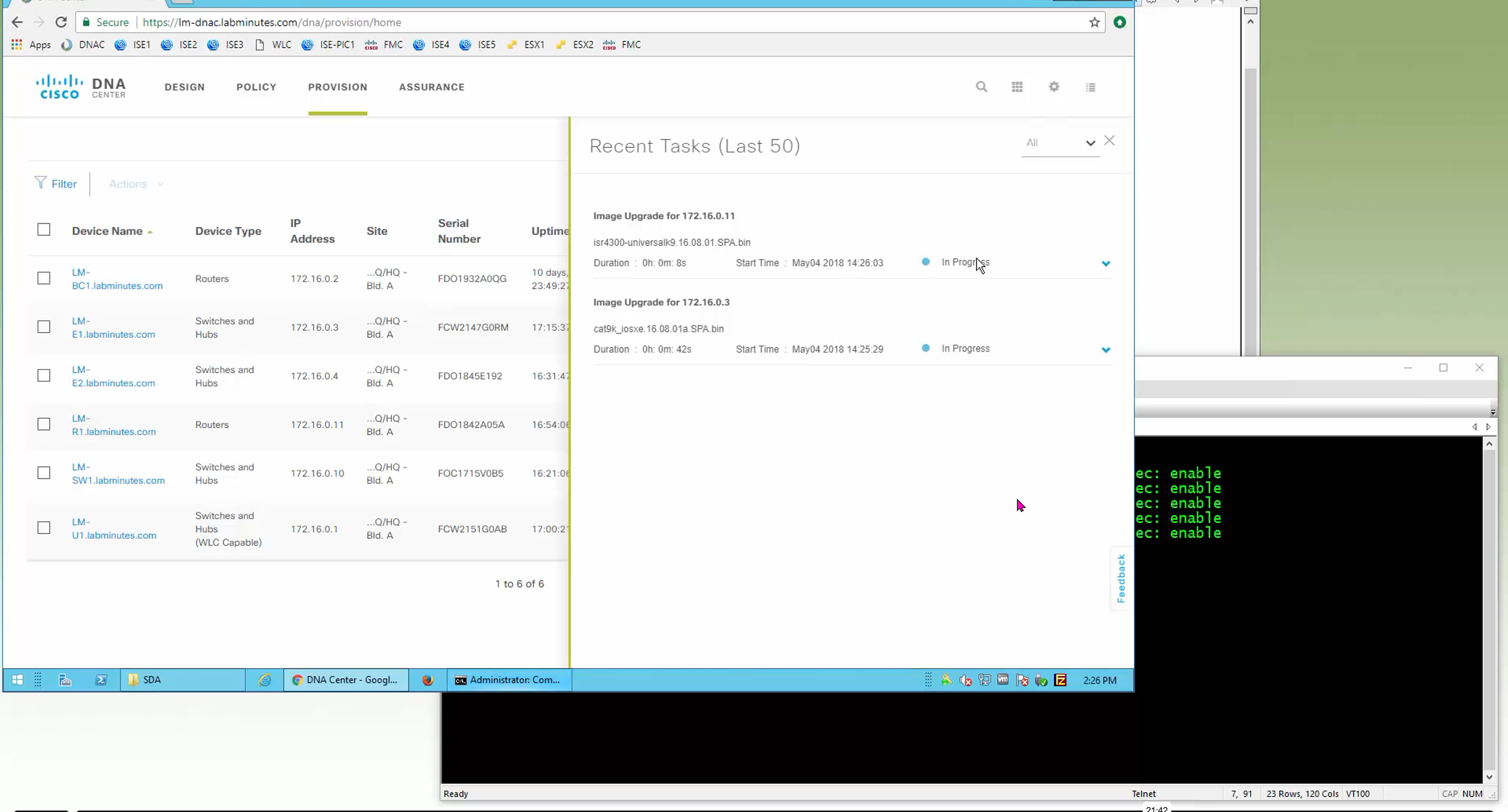

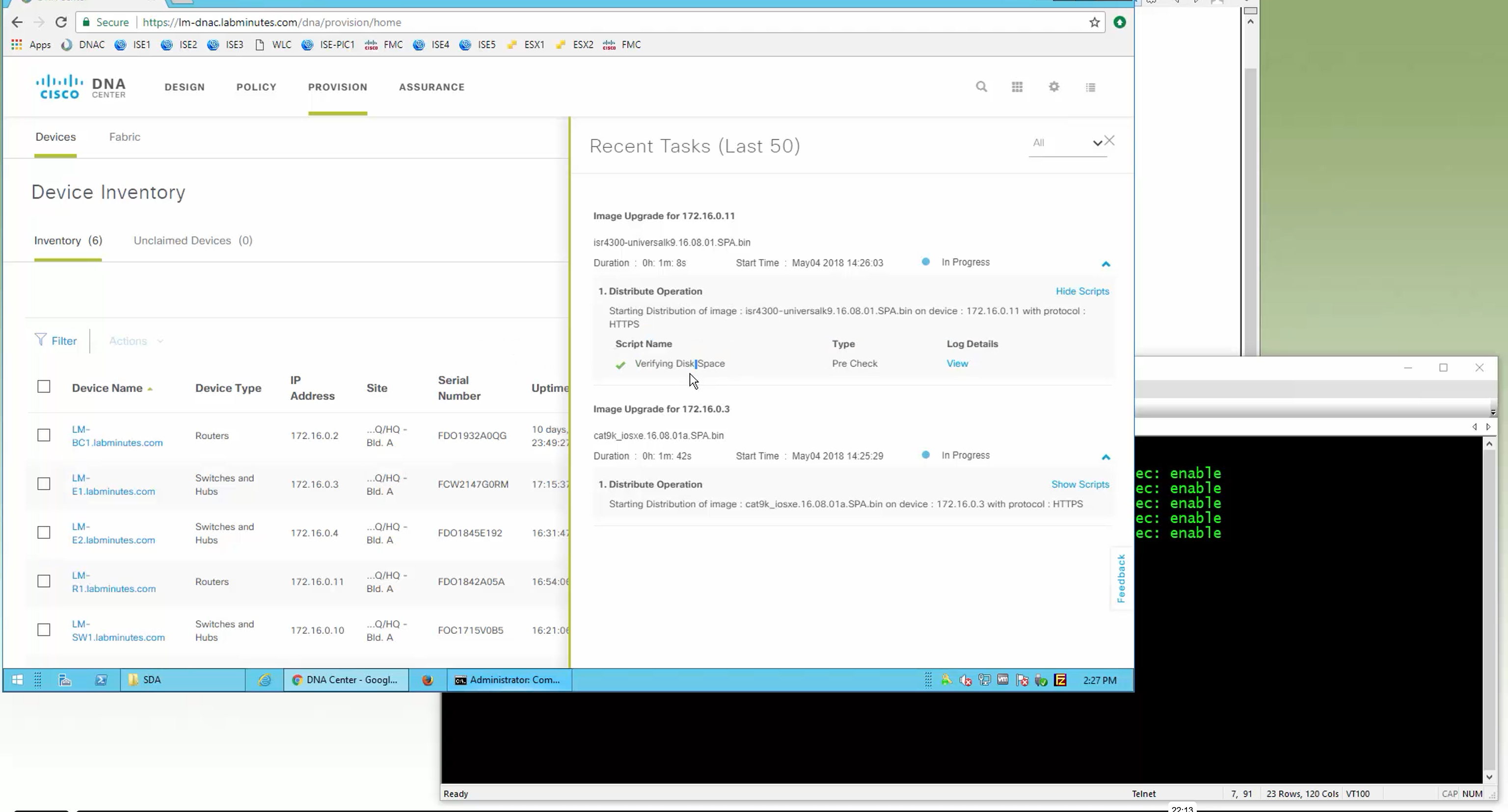

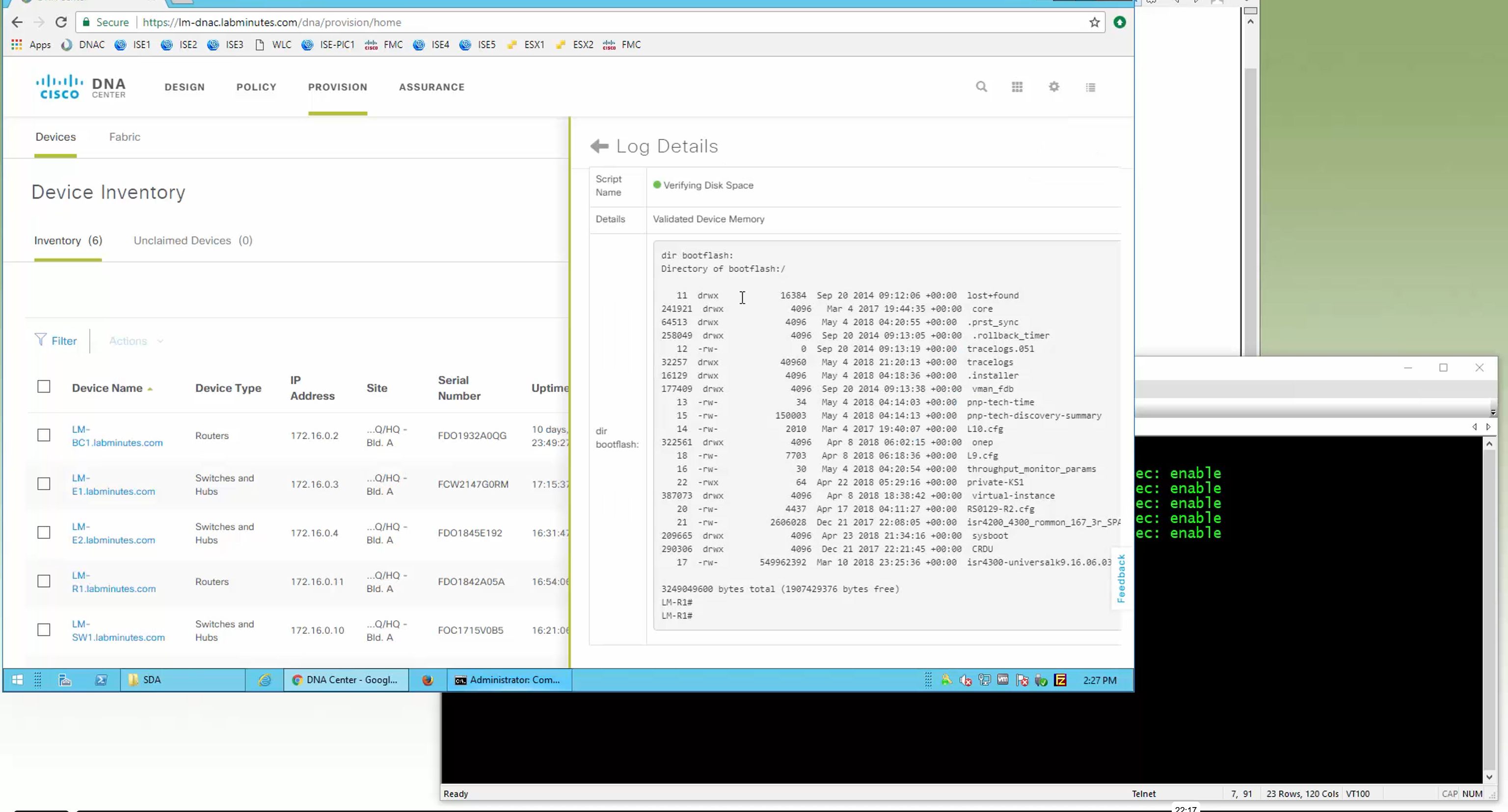
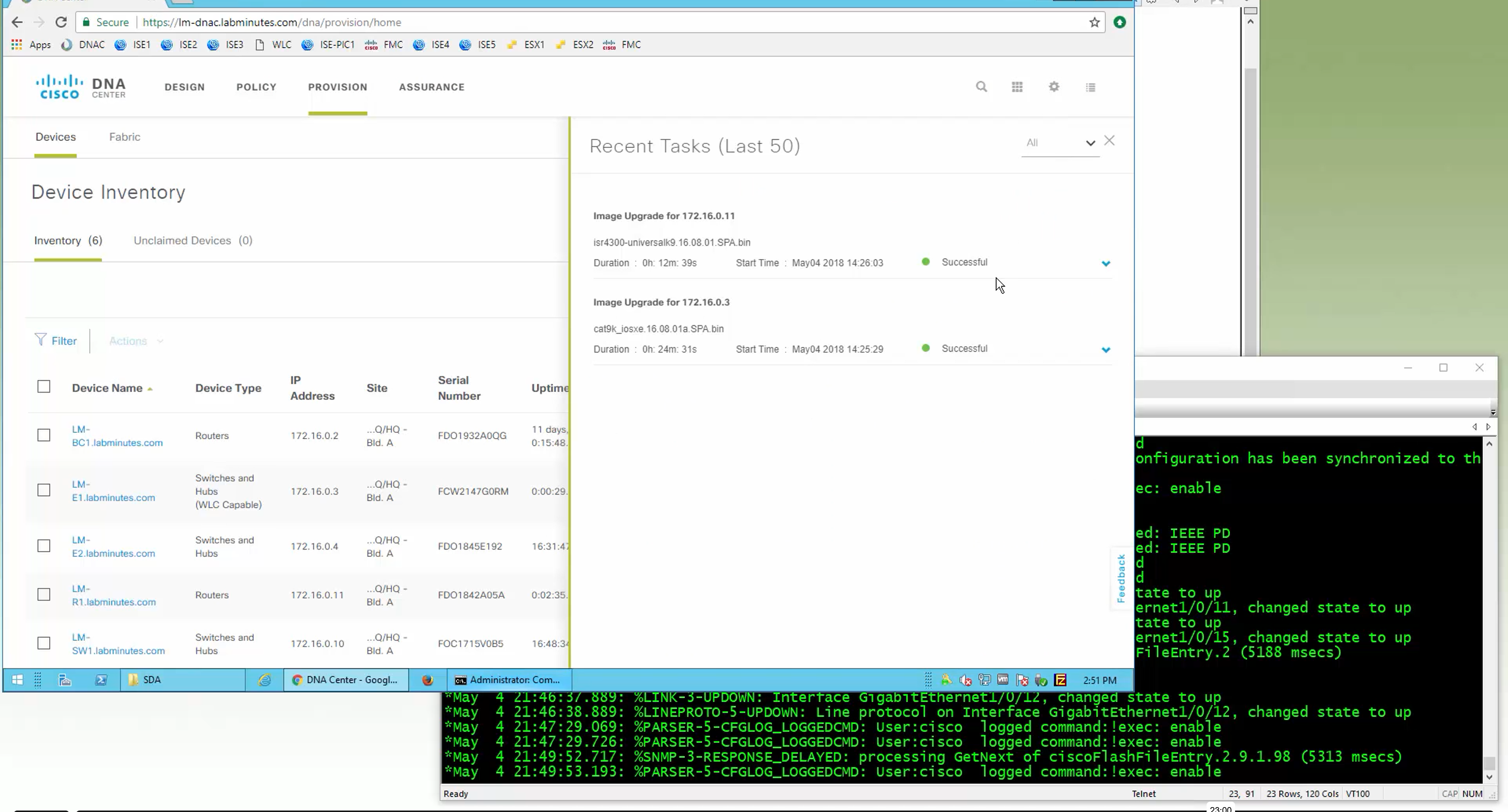
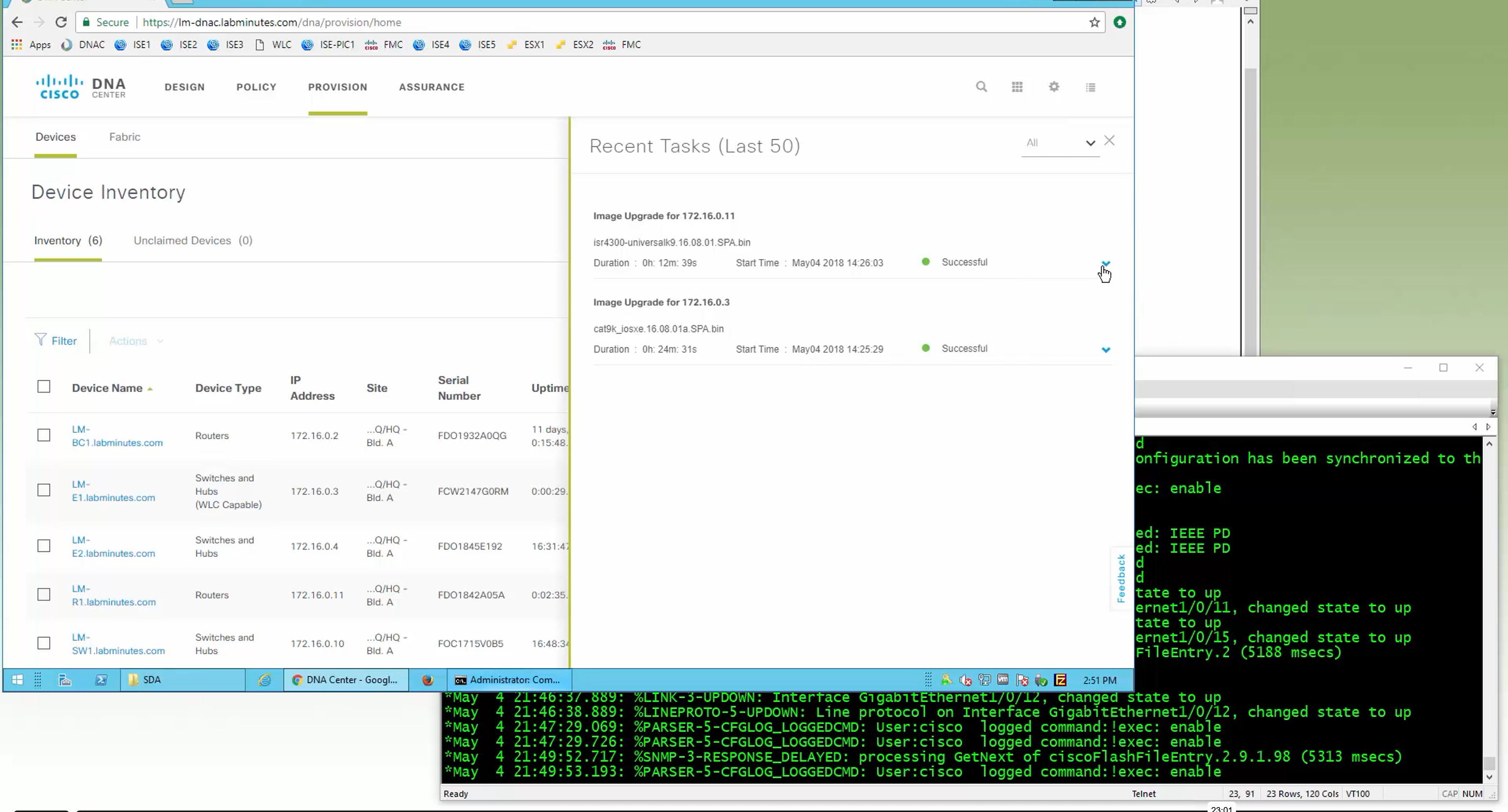
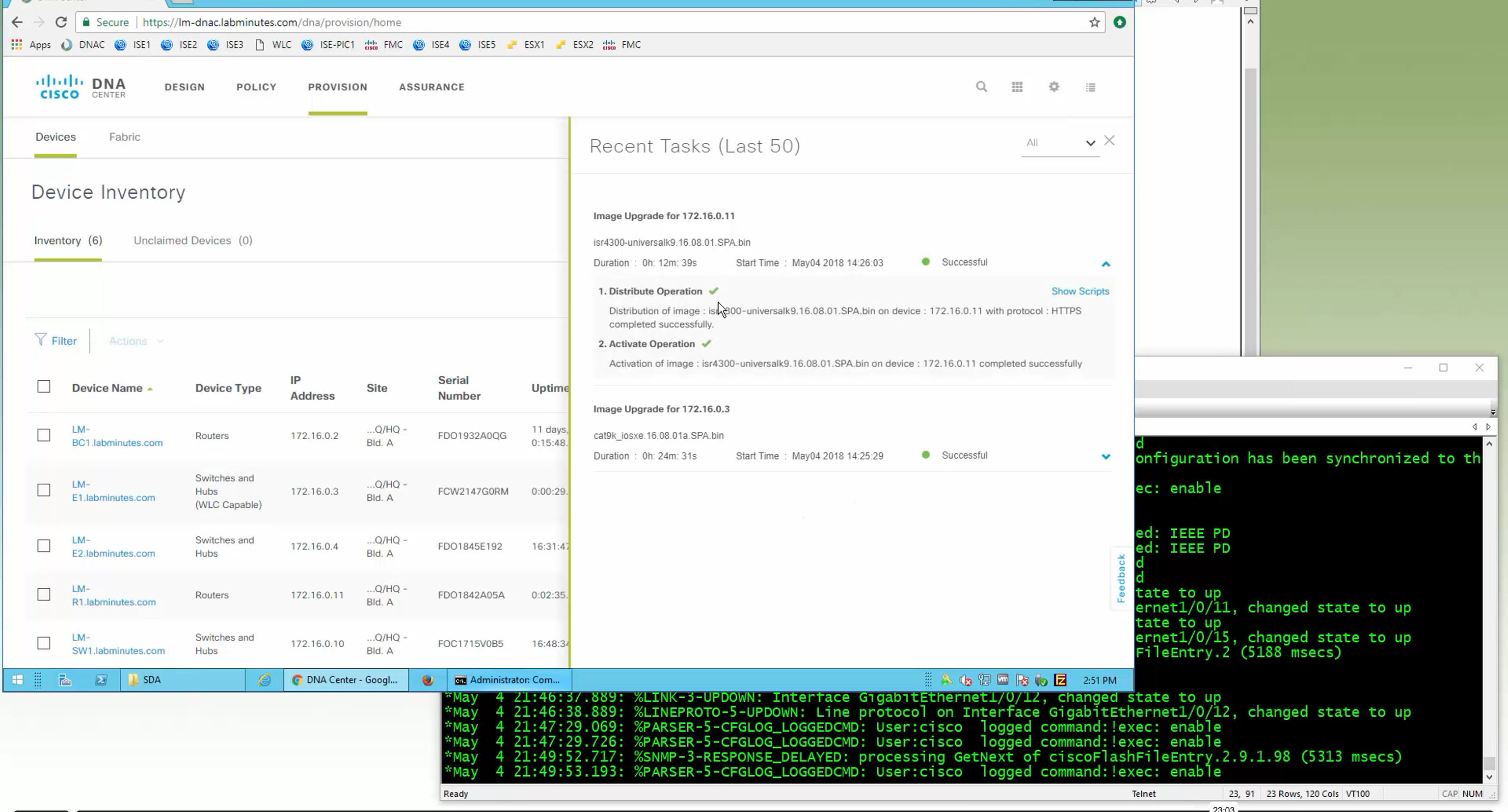
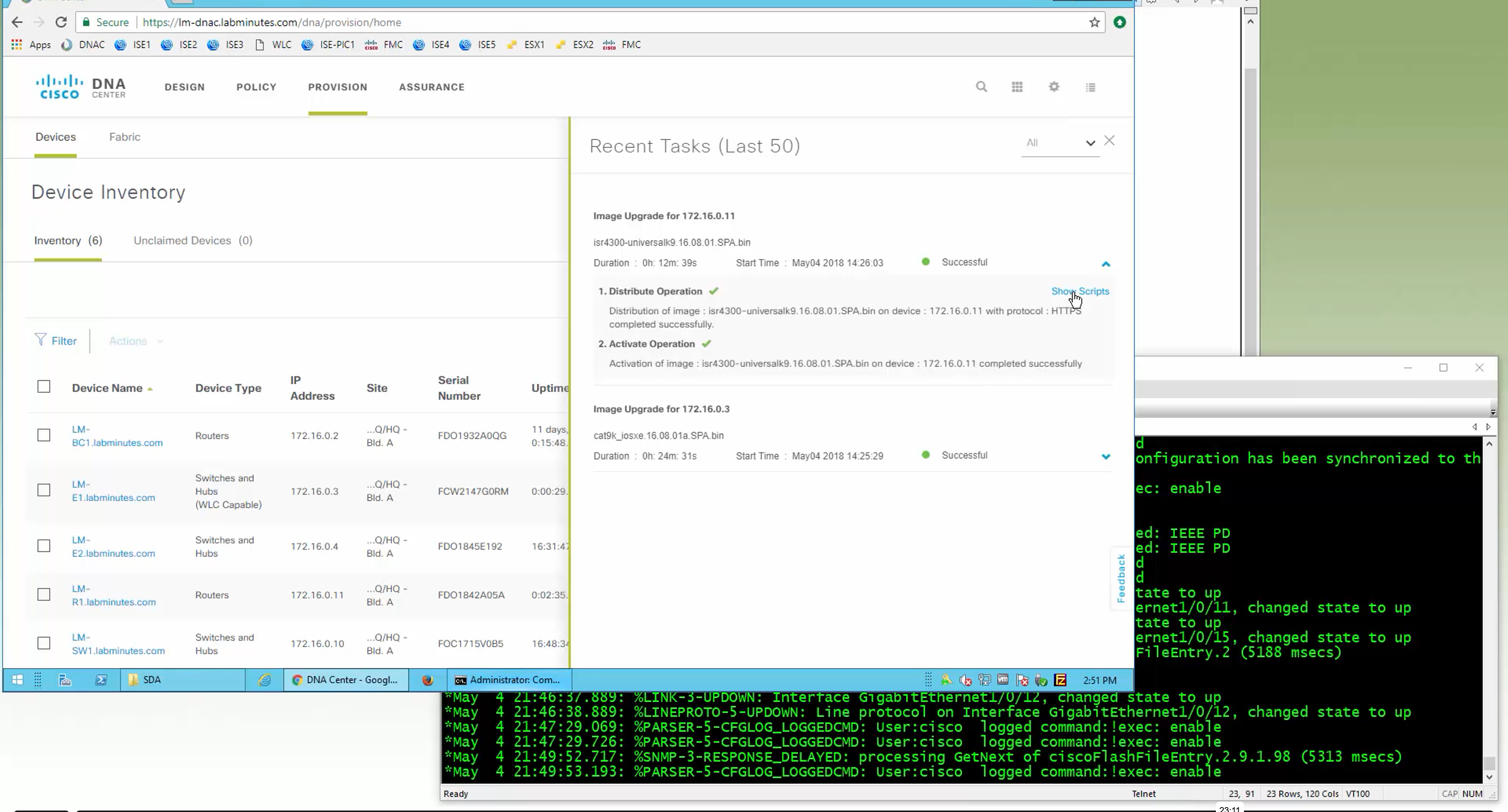

SMU(0) means that there is no SMU for this image version

one big improvement in version 2.1 is that you can download image from local server instead of DNAC over the WAN
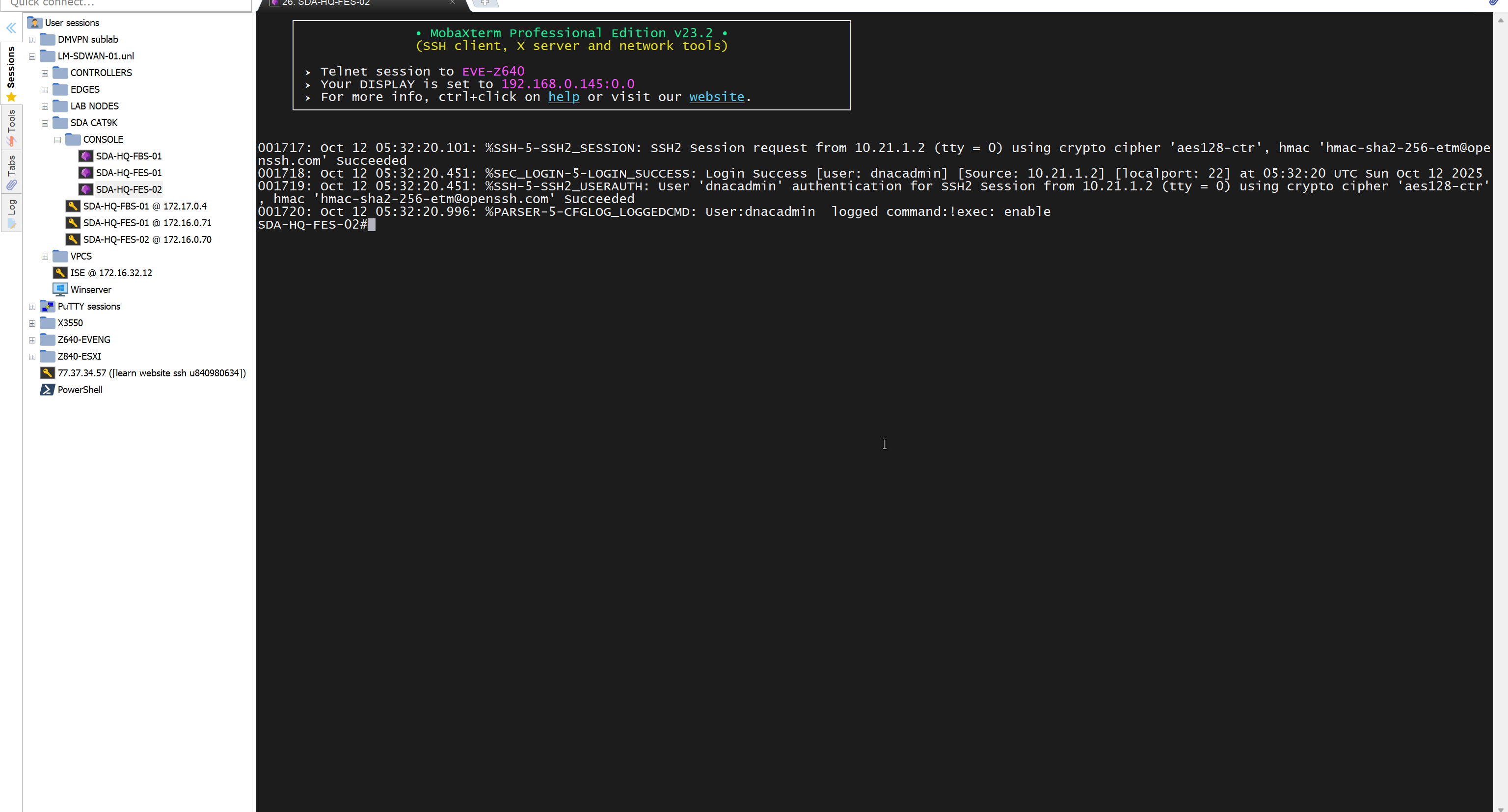
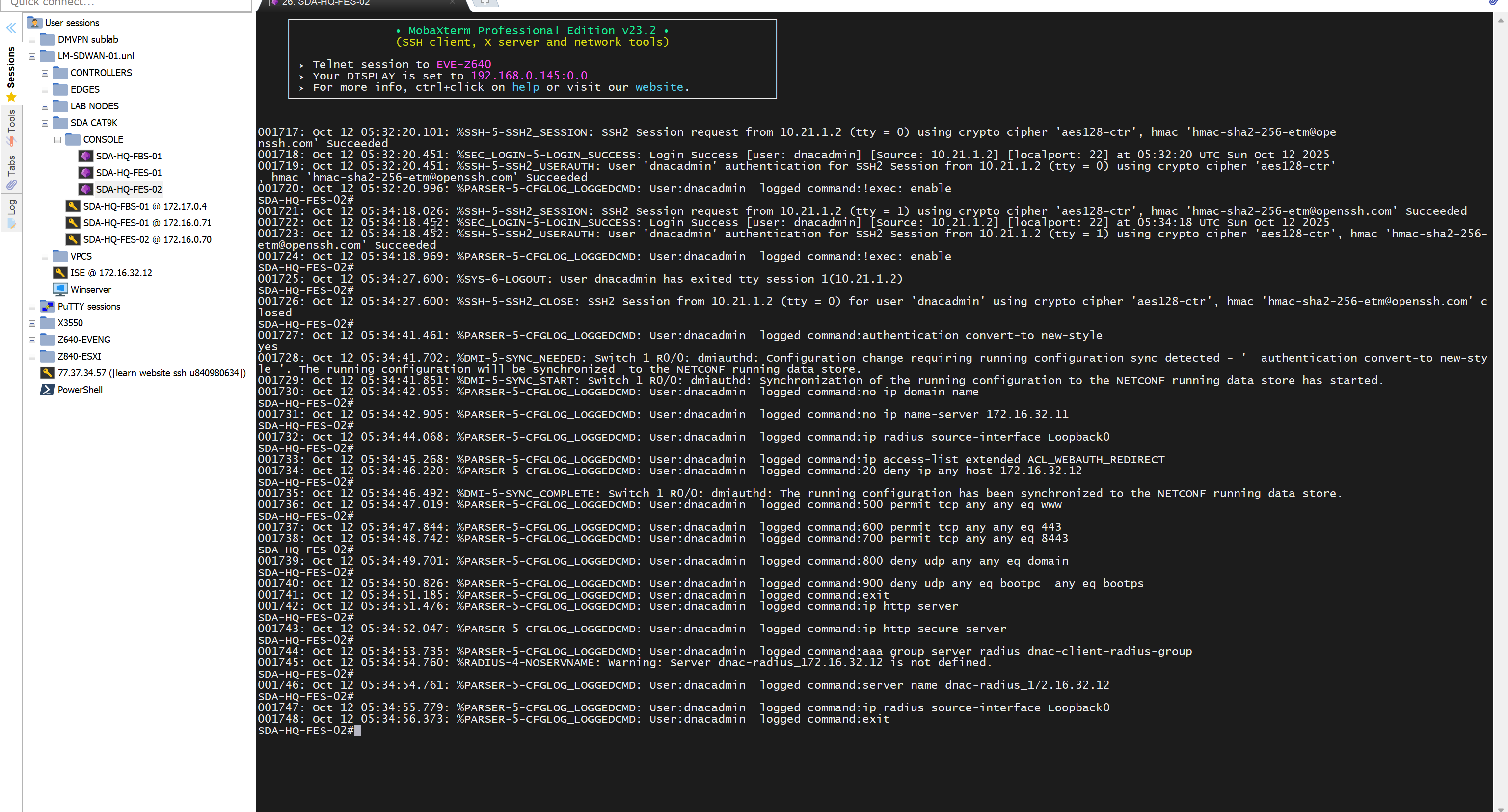
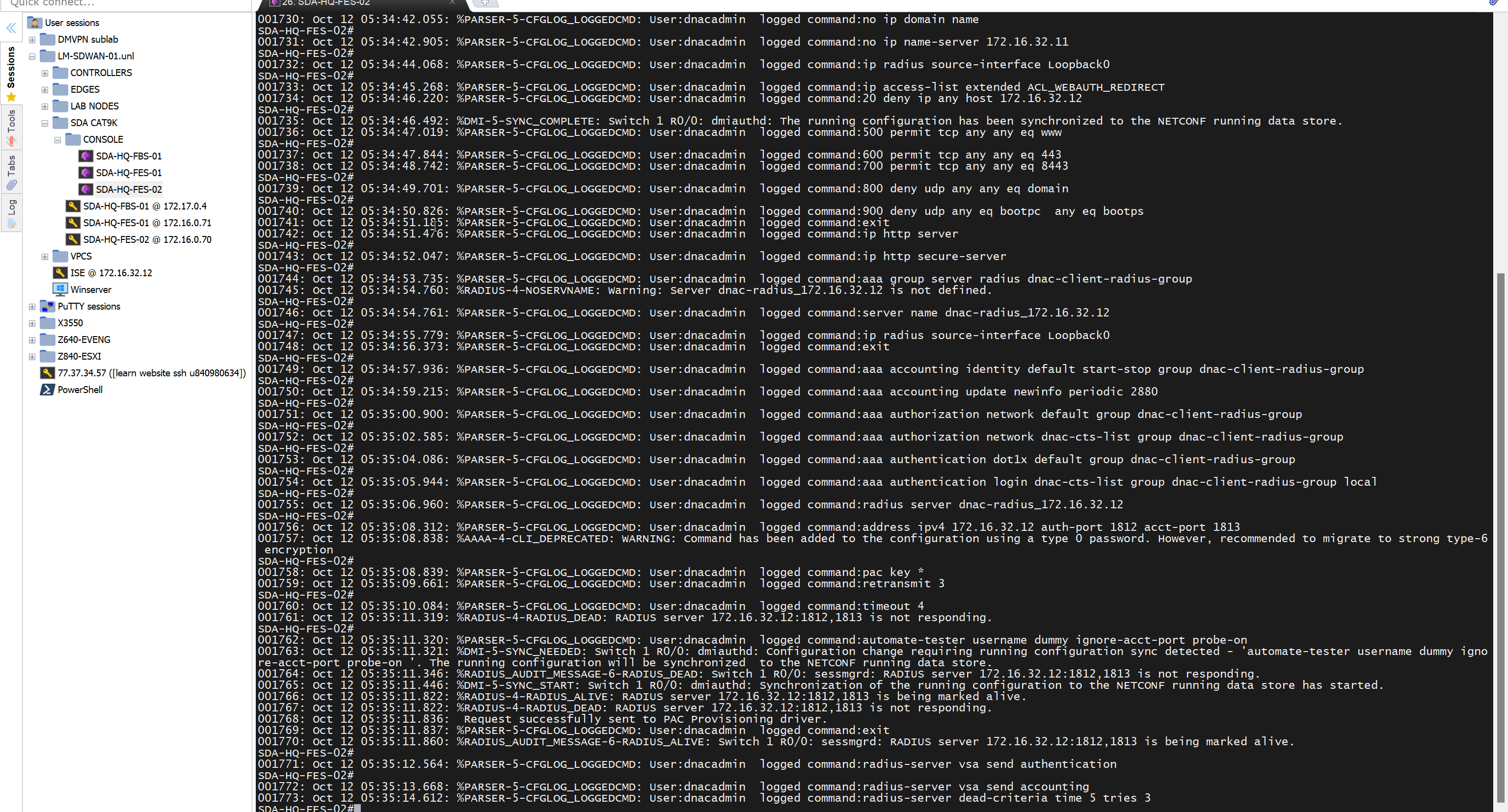
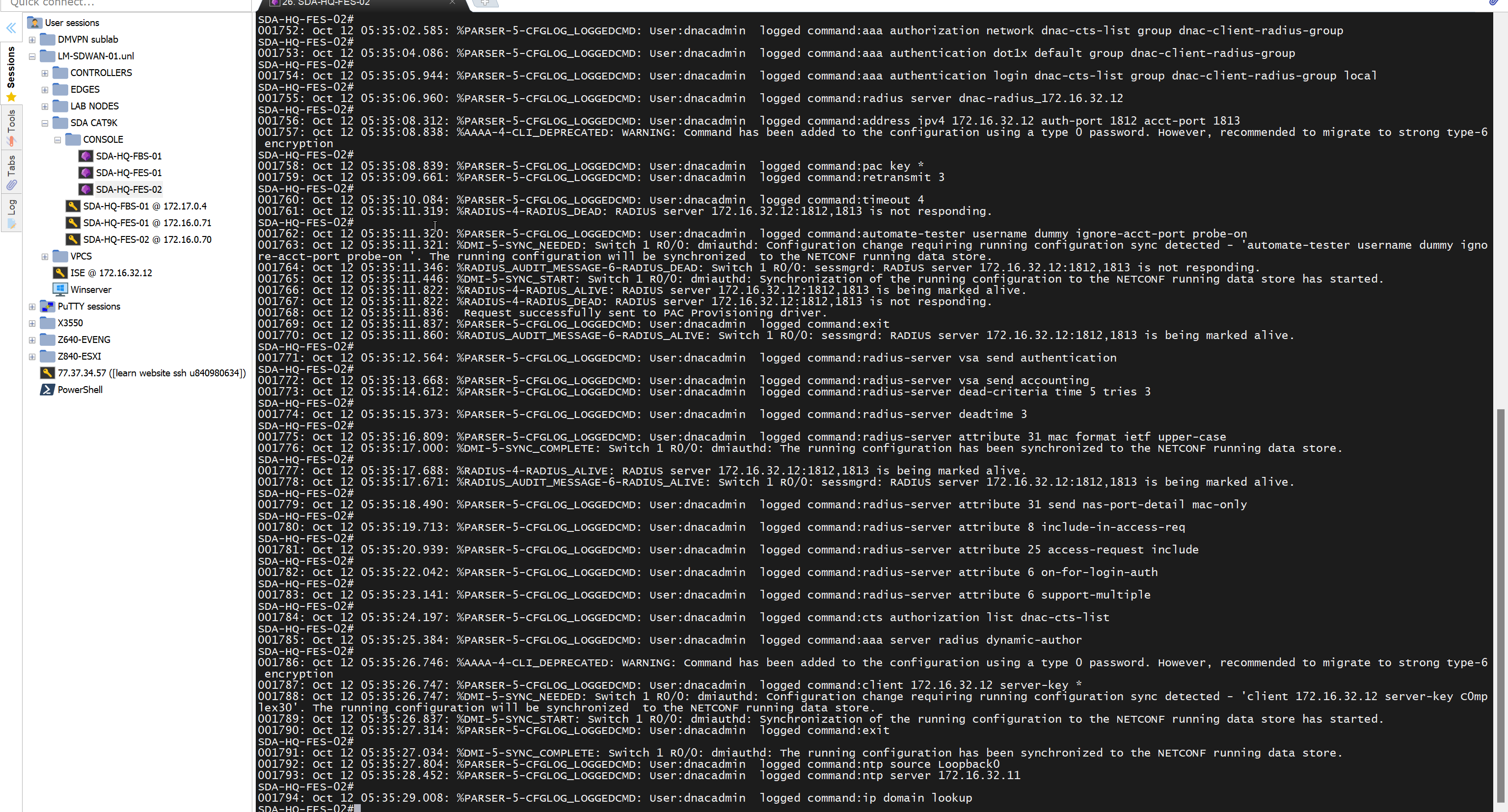
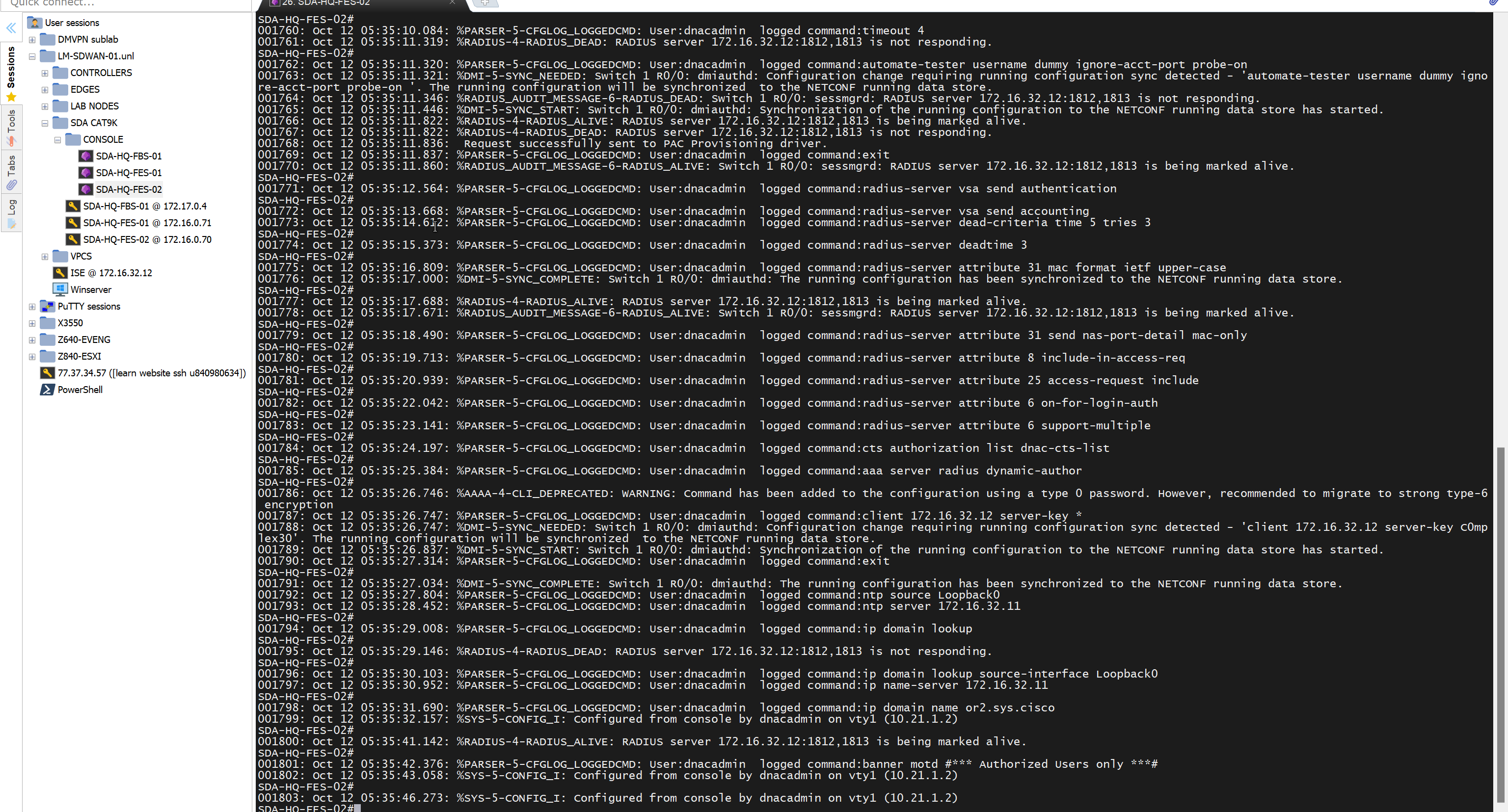
“Provision > provision device” pushes the remaining config as config assigned during assignment of device to site is not full config, full config is deployed when device is provisioned
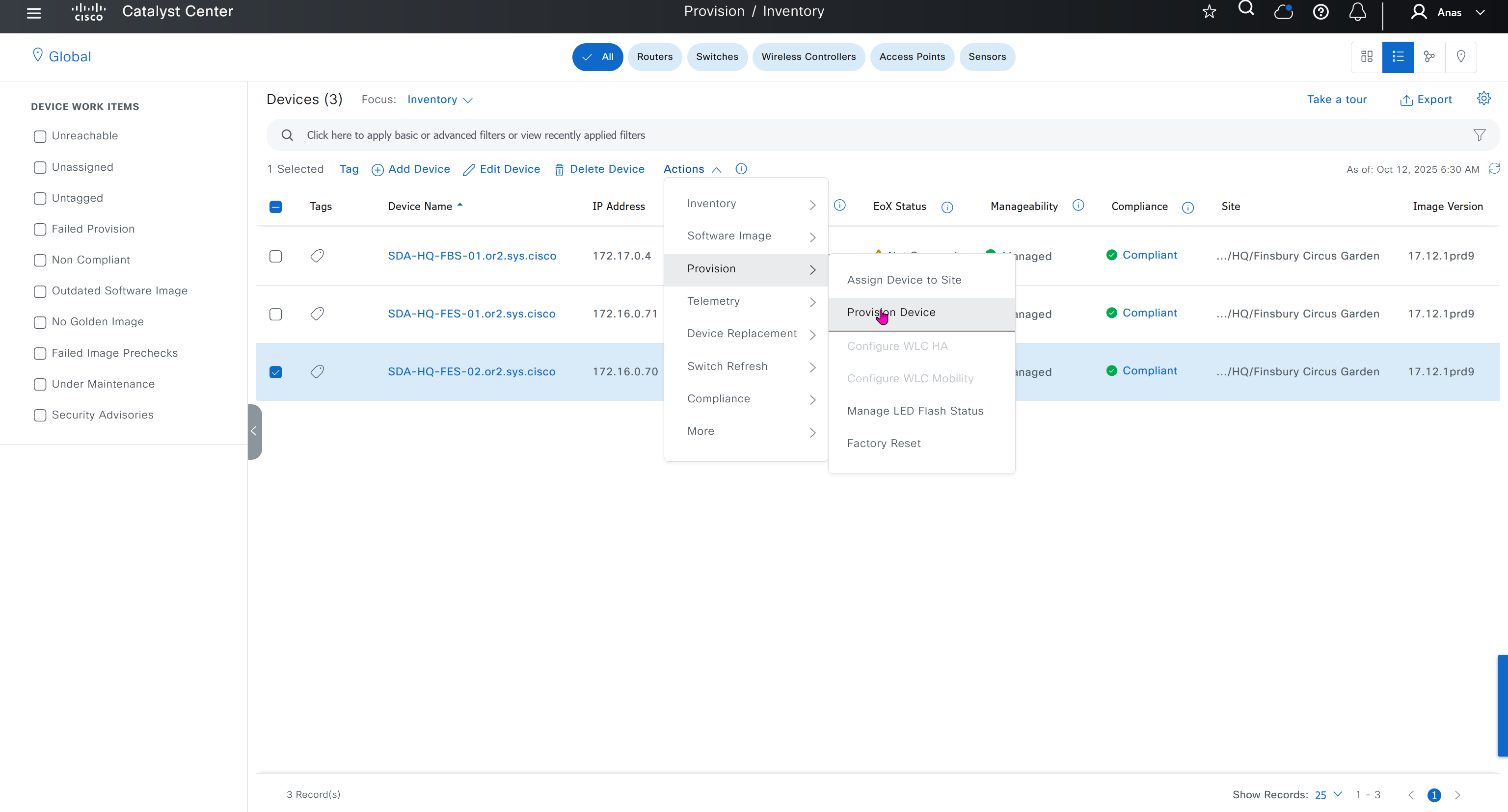
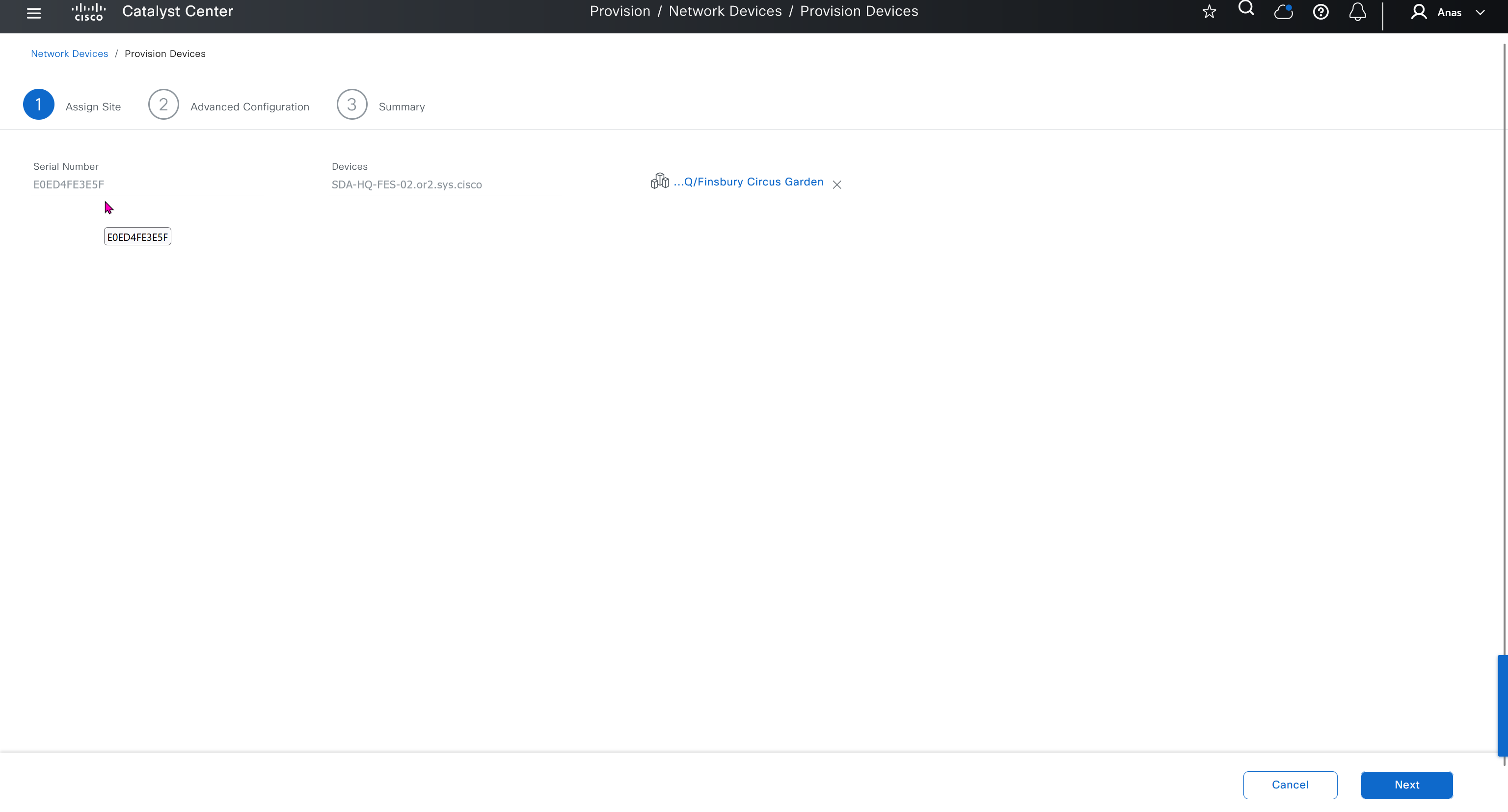
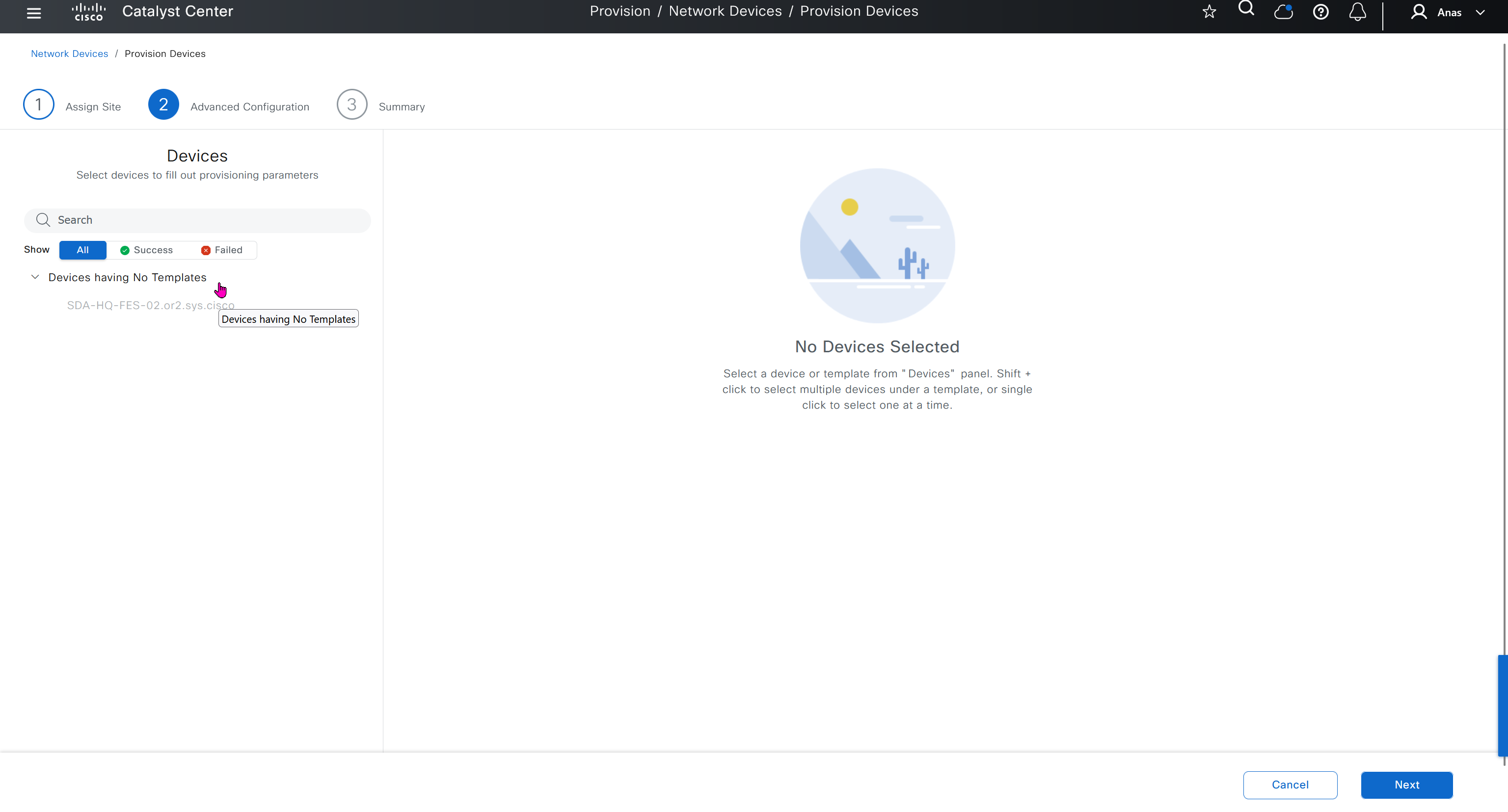
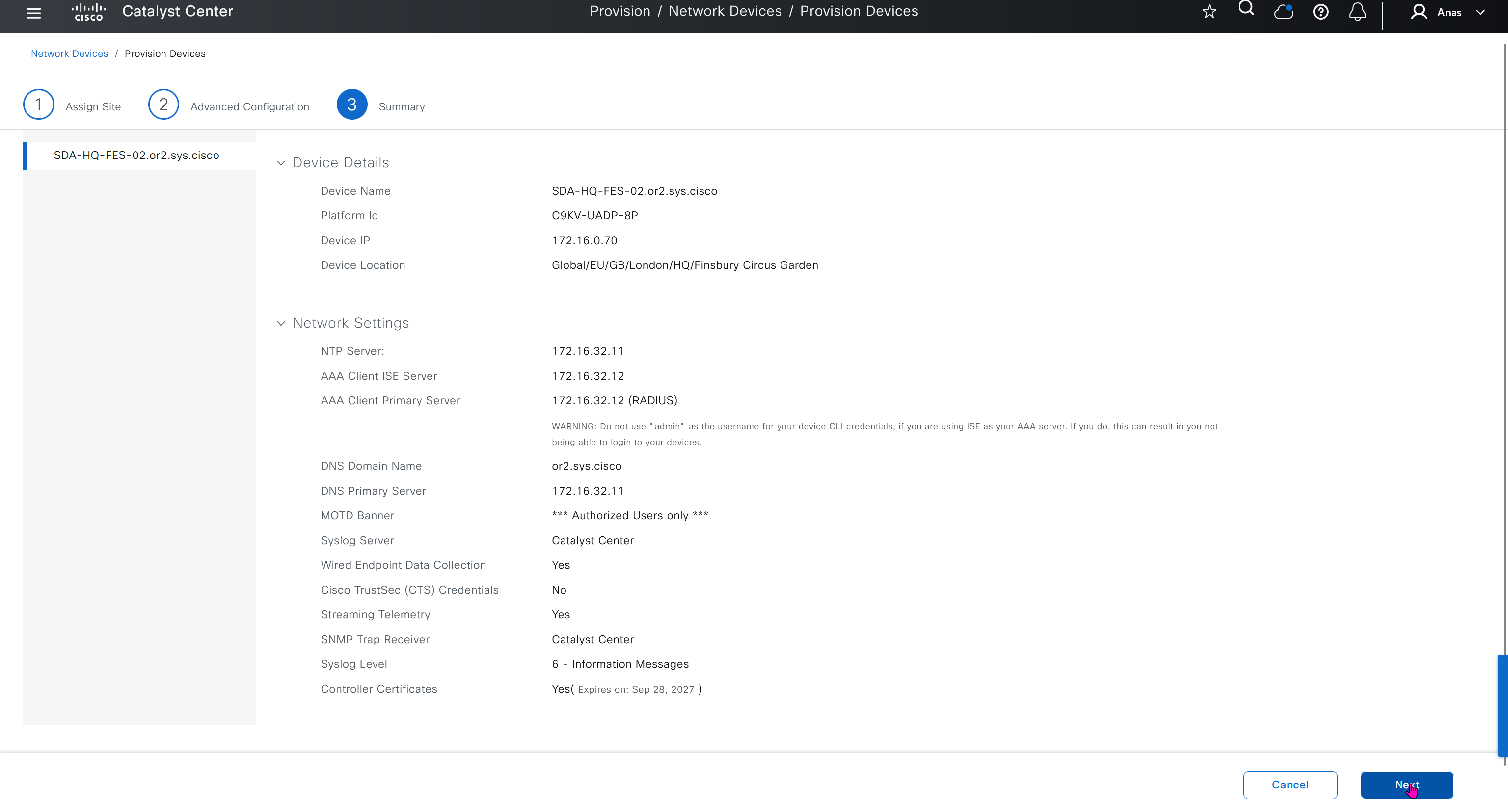
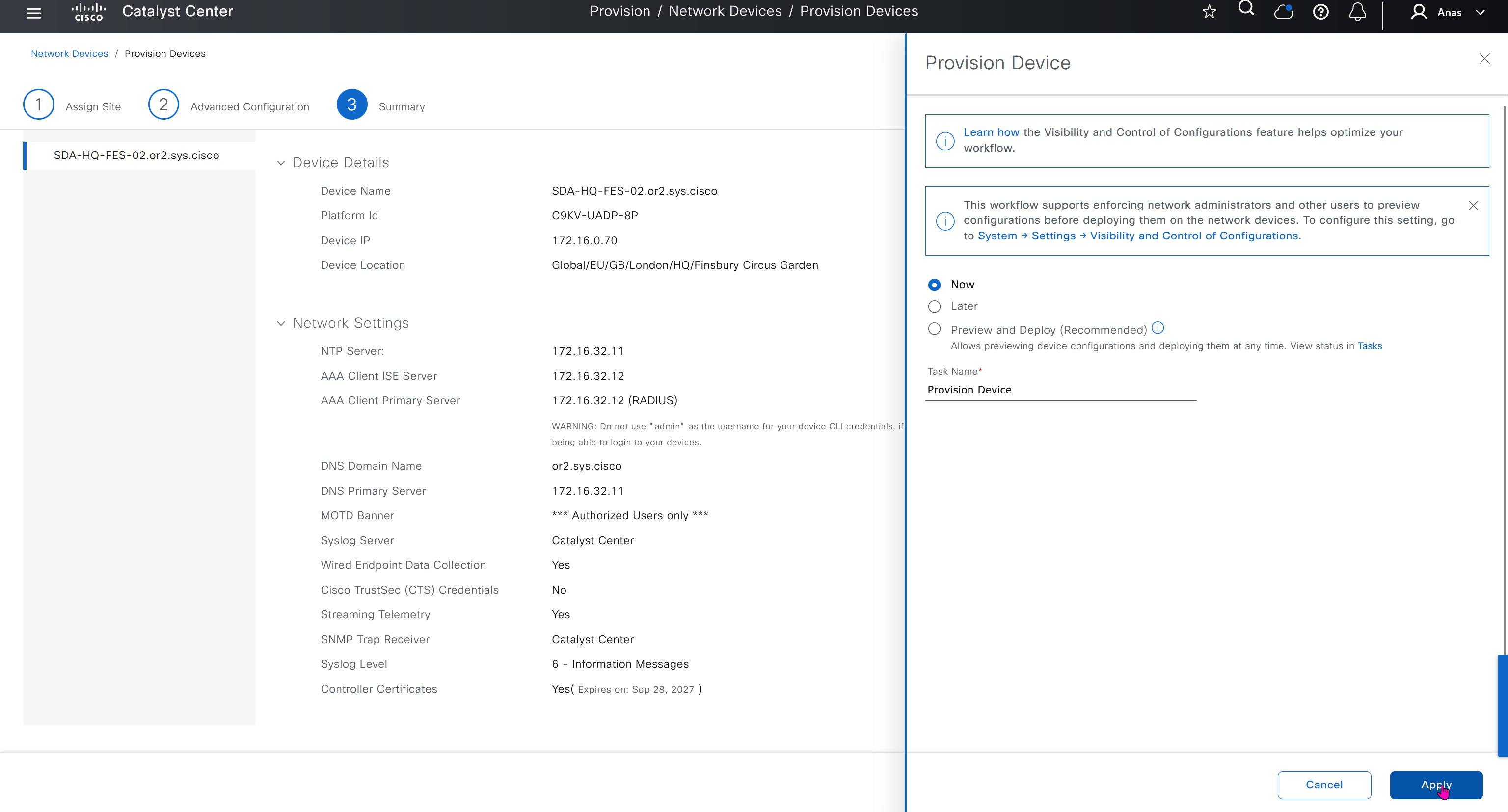

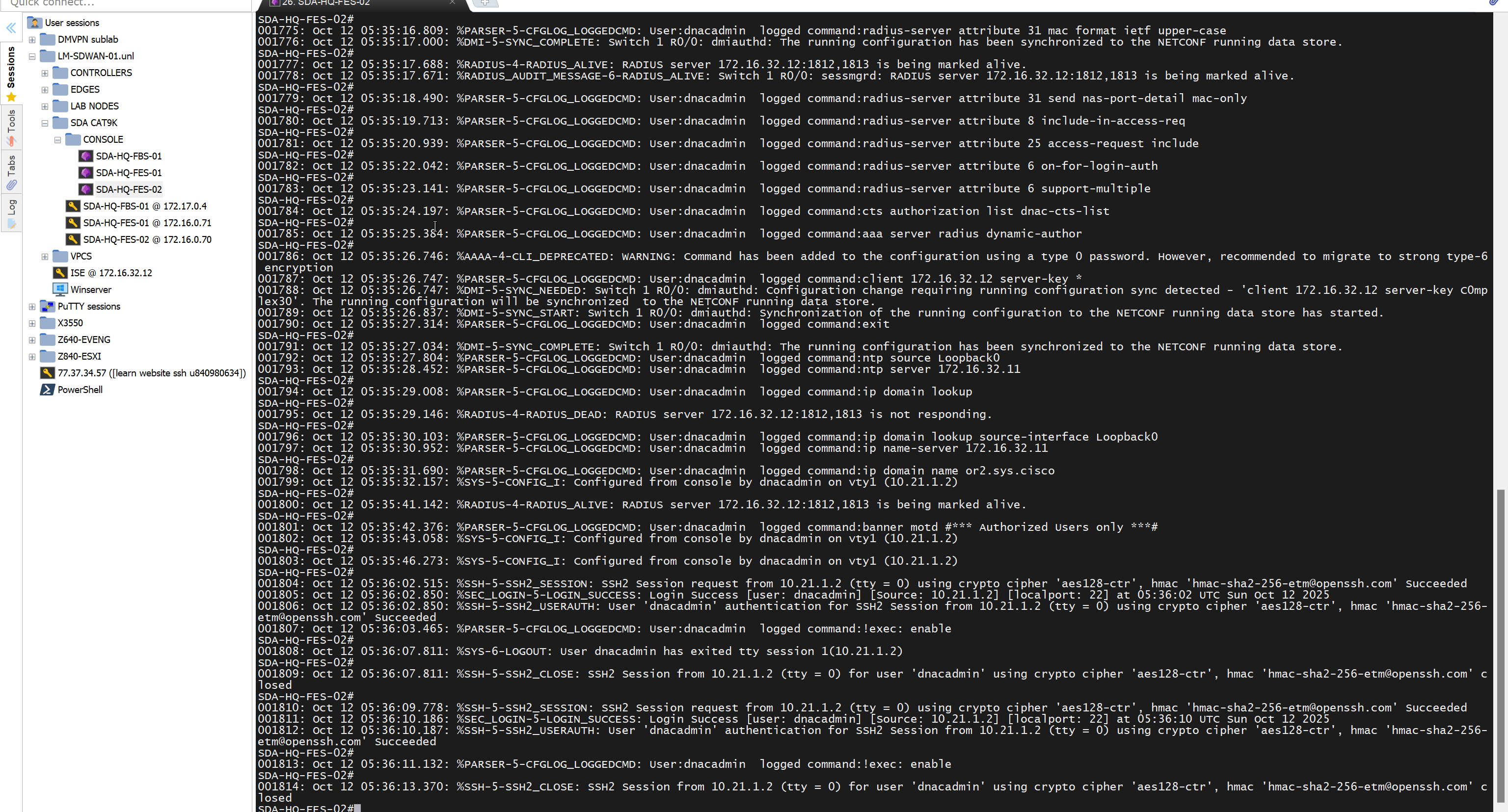
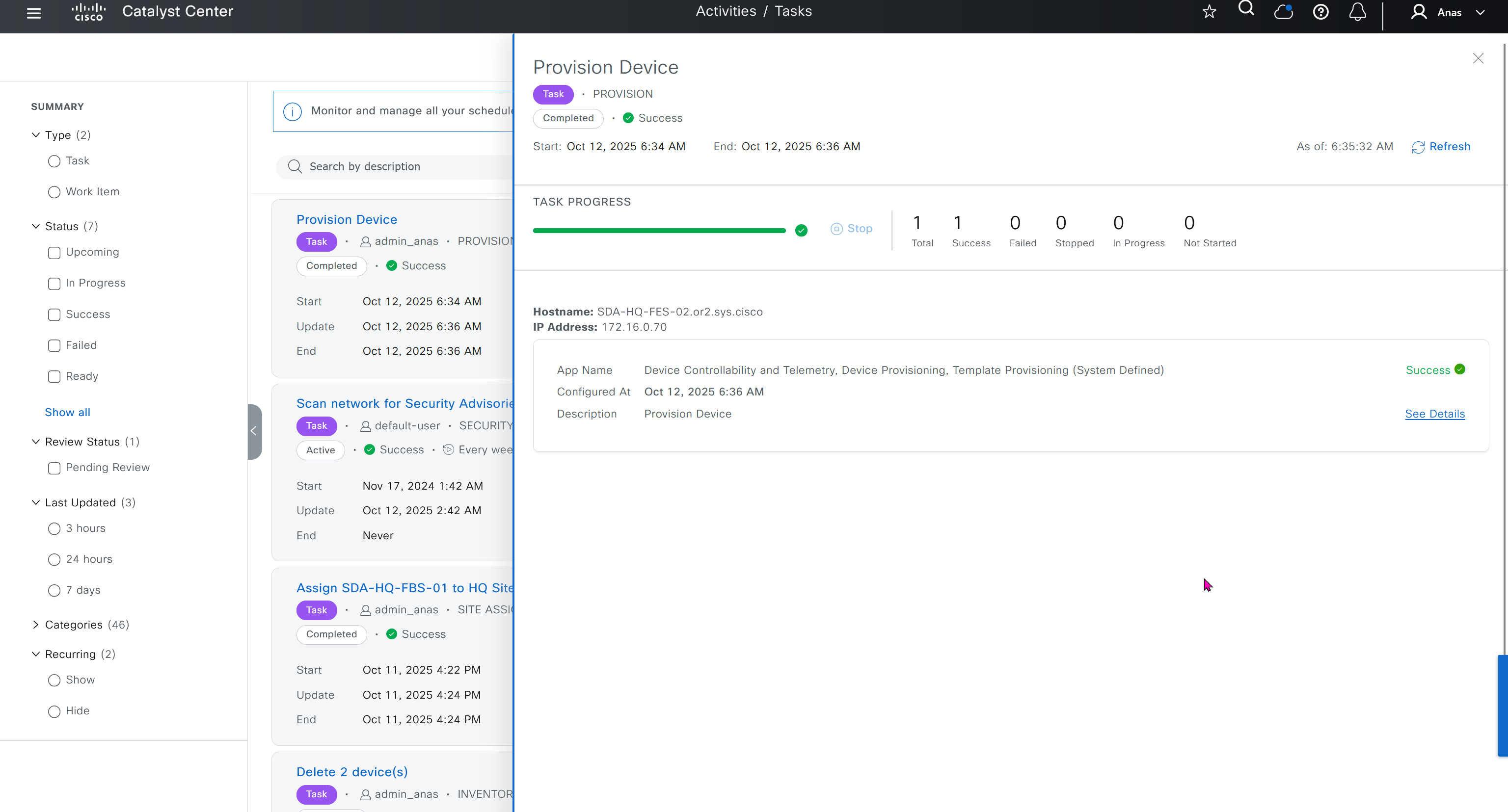
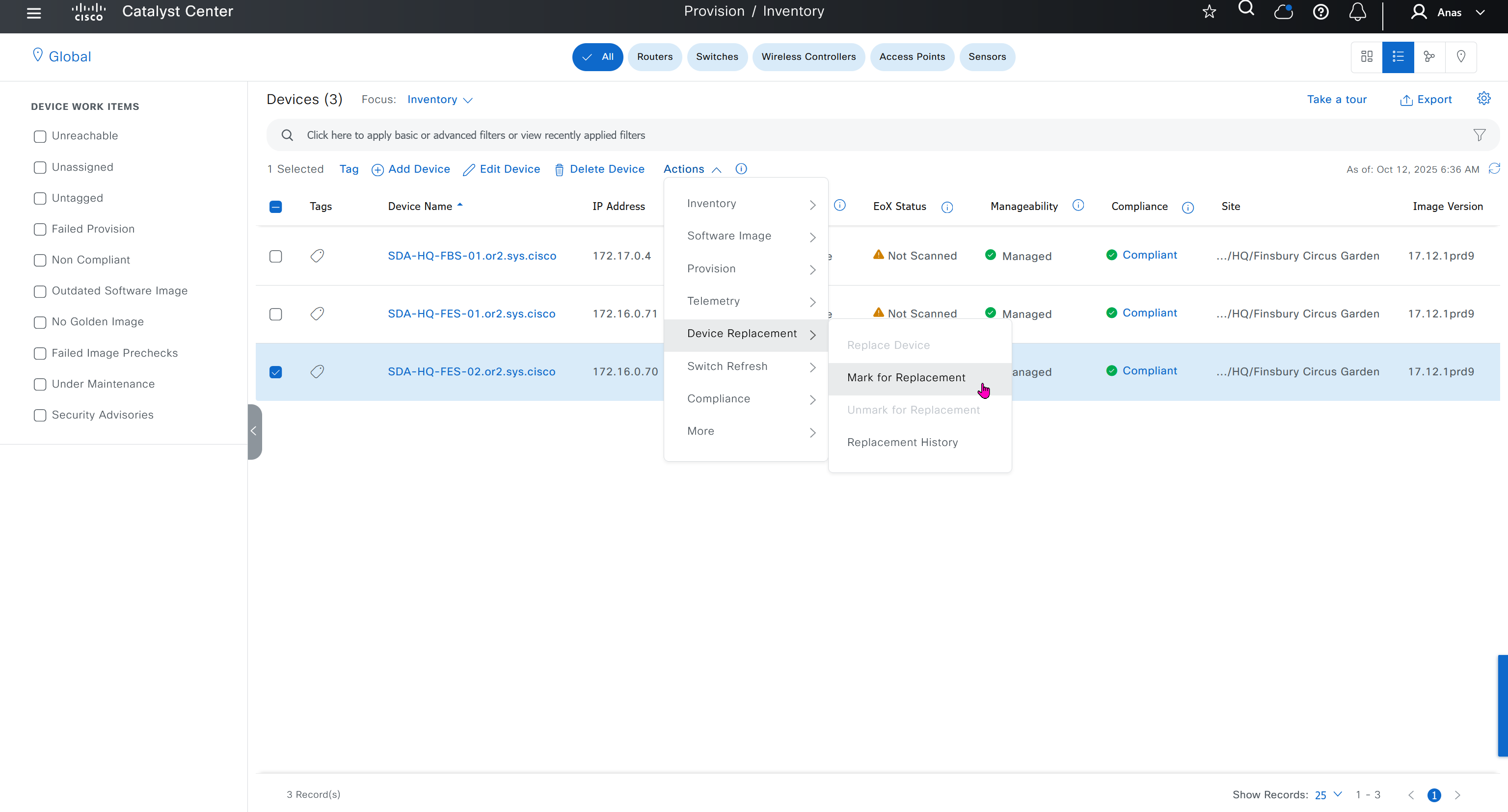
Mark for replacement is when we have to RMA the device
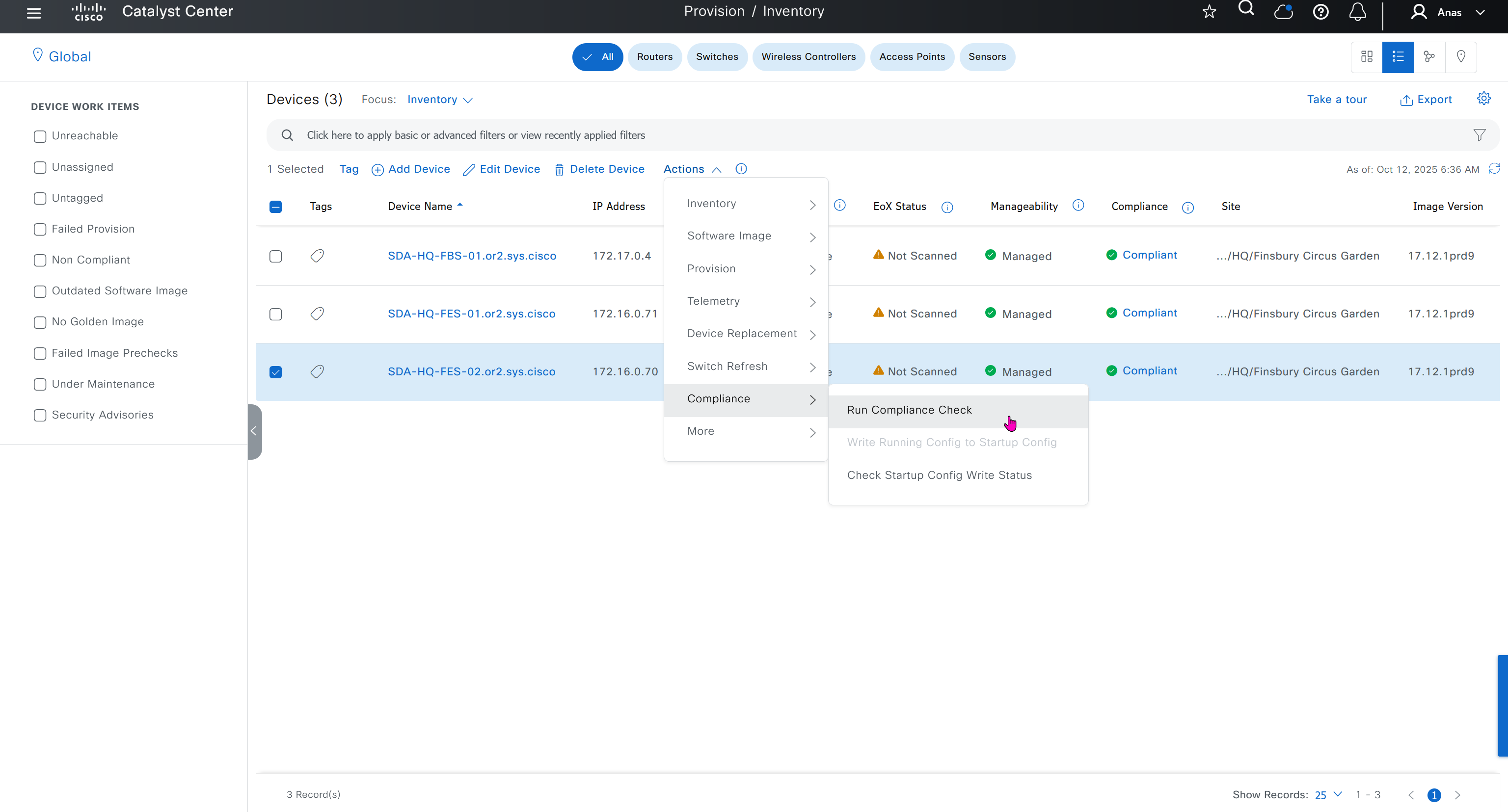
Compliance > Run Compliance, this is manual trigger of the compliance and checks if device has golden image and if startup-config is same running-config etc
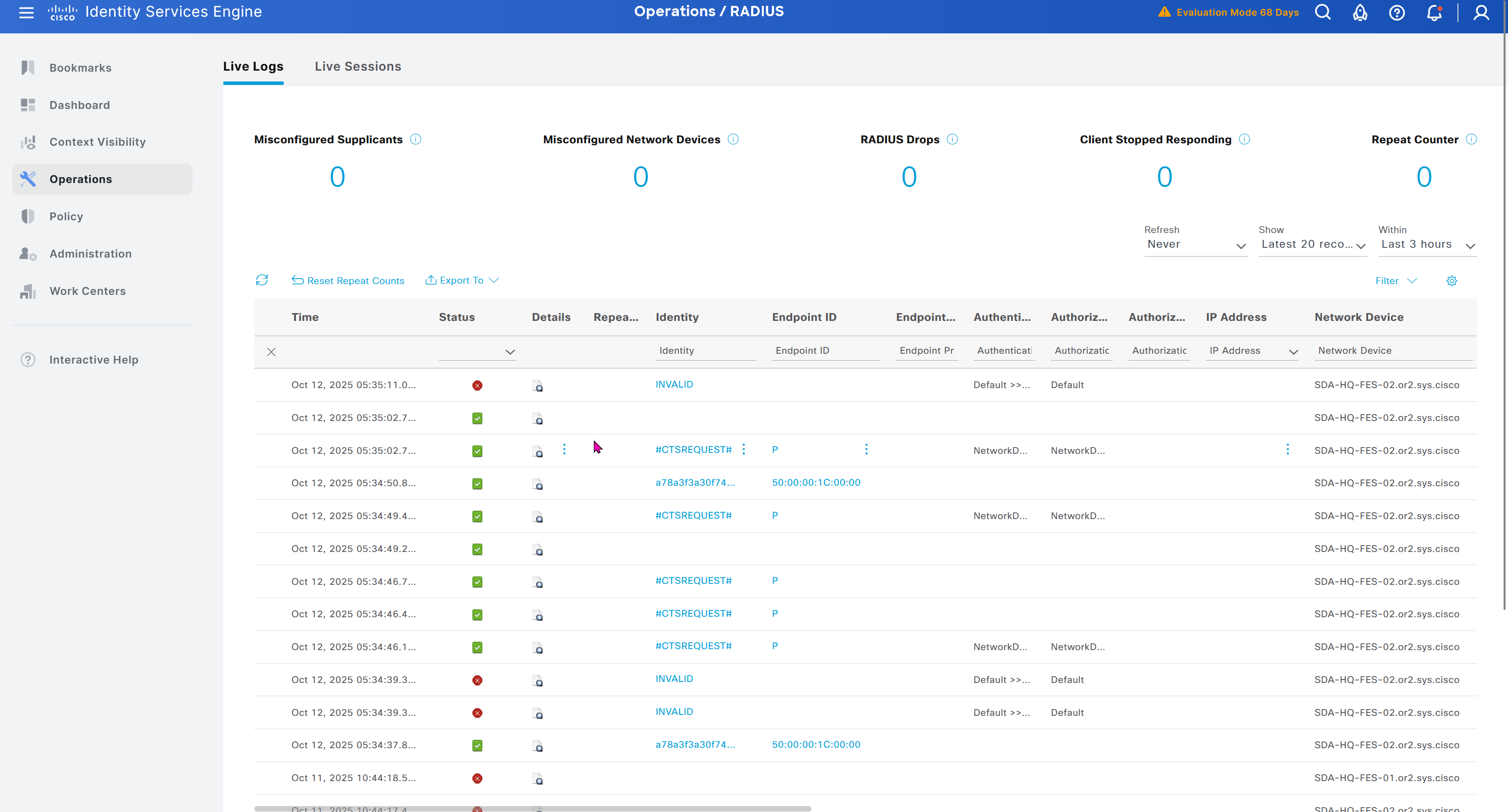
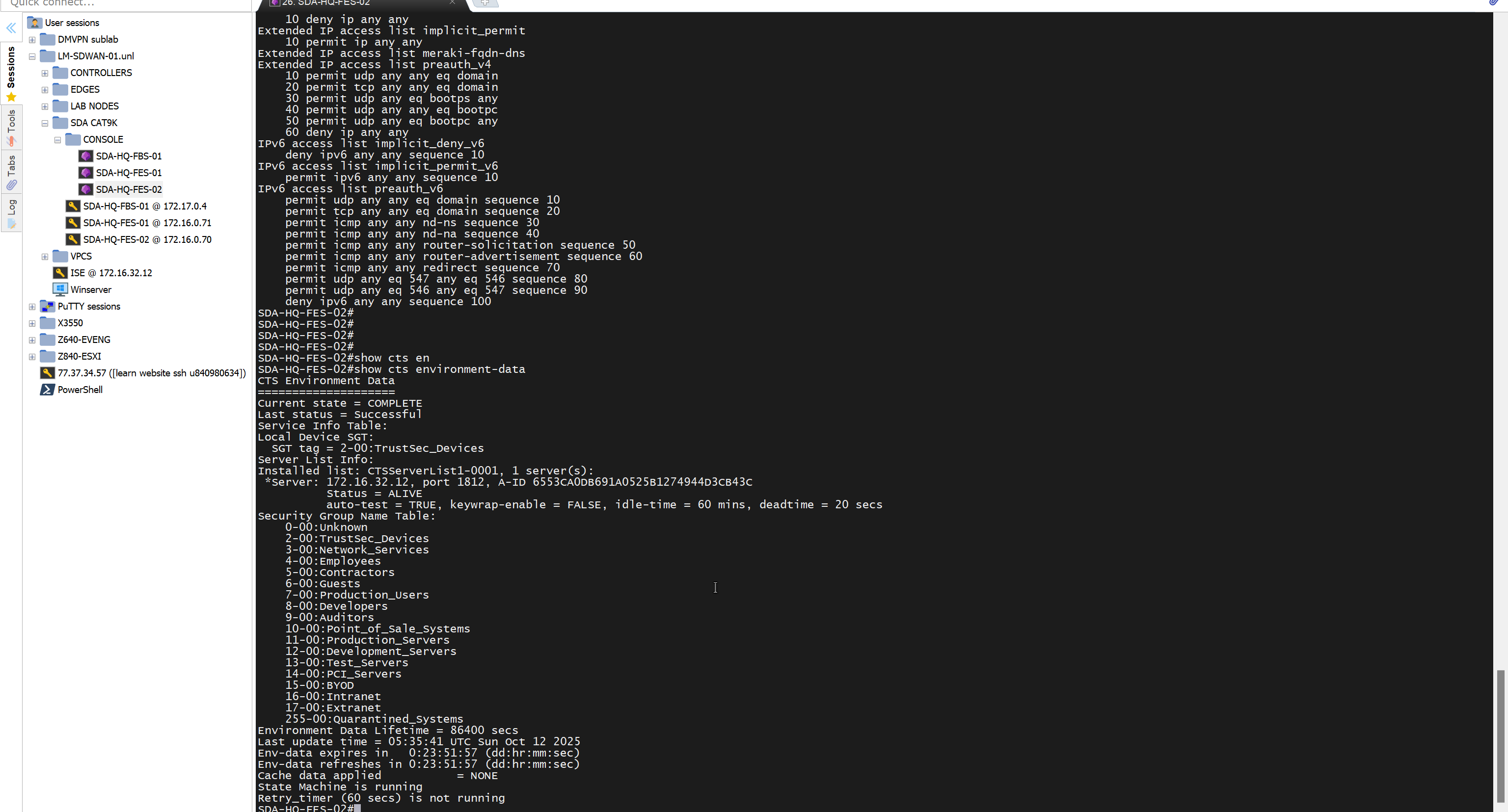
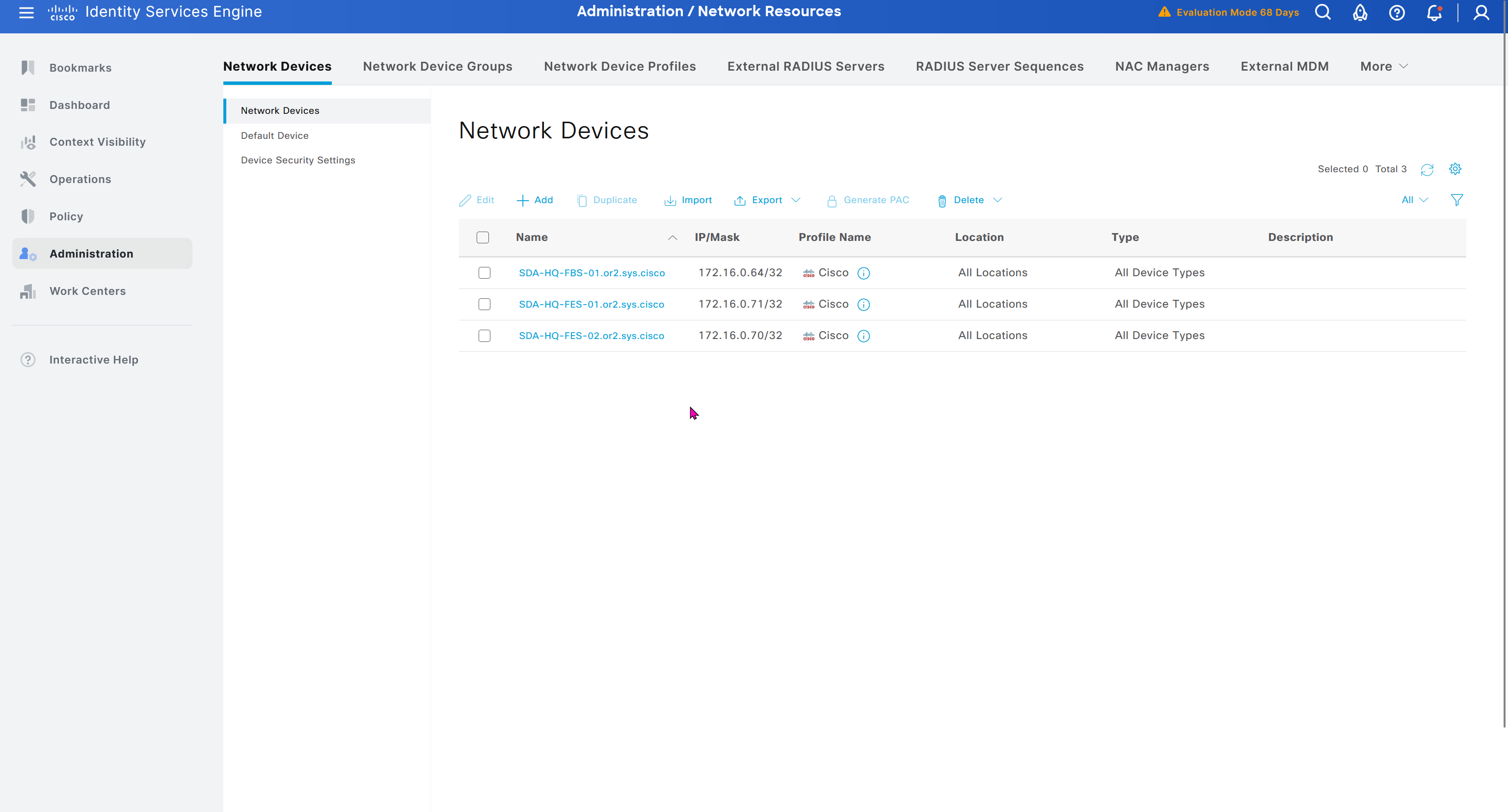
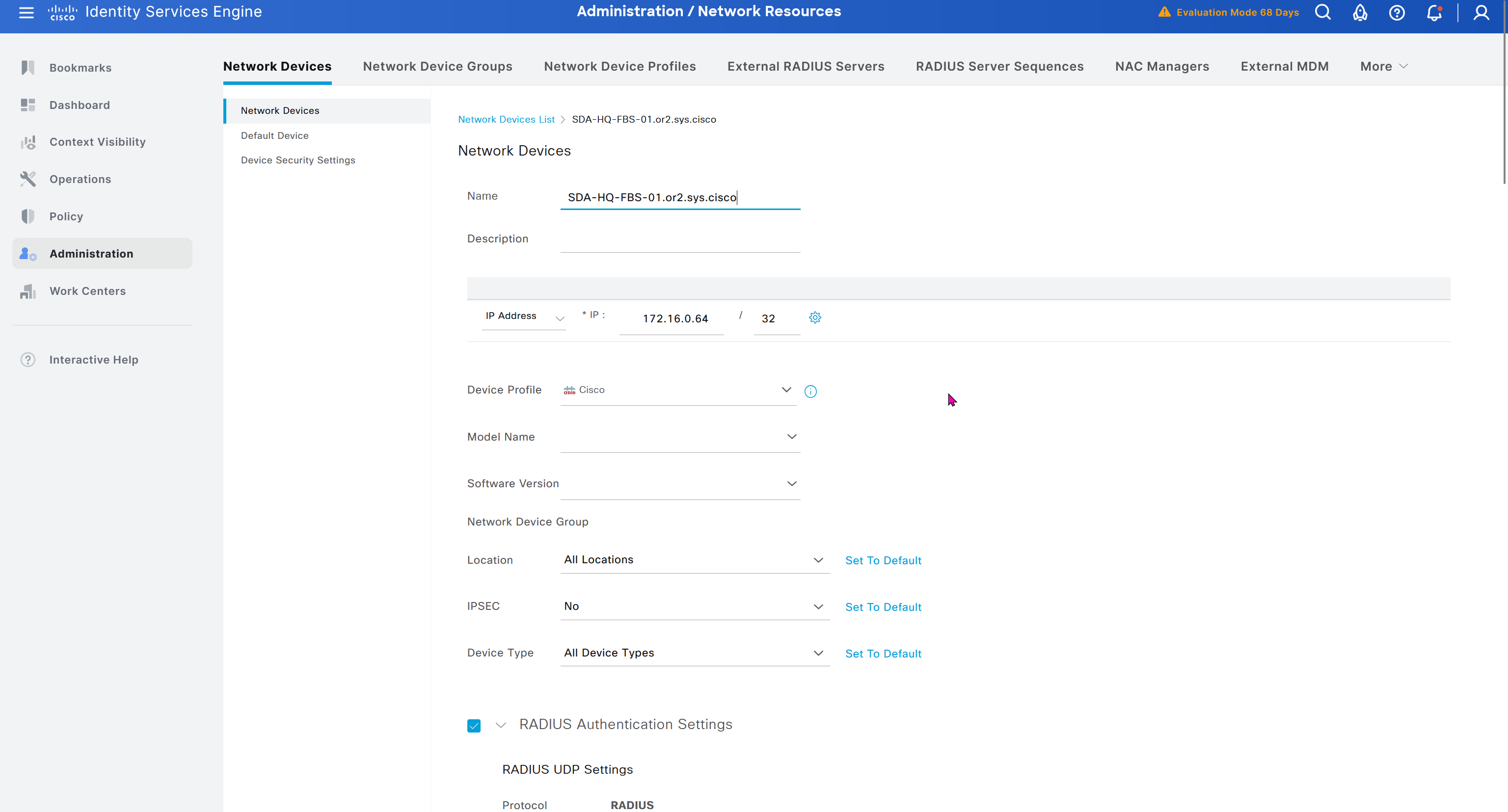
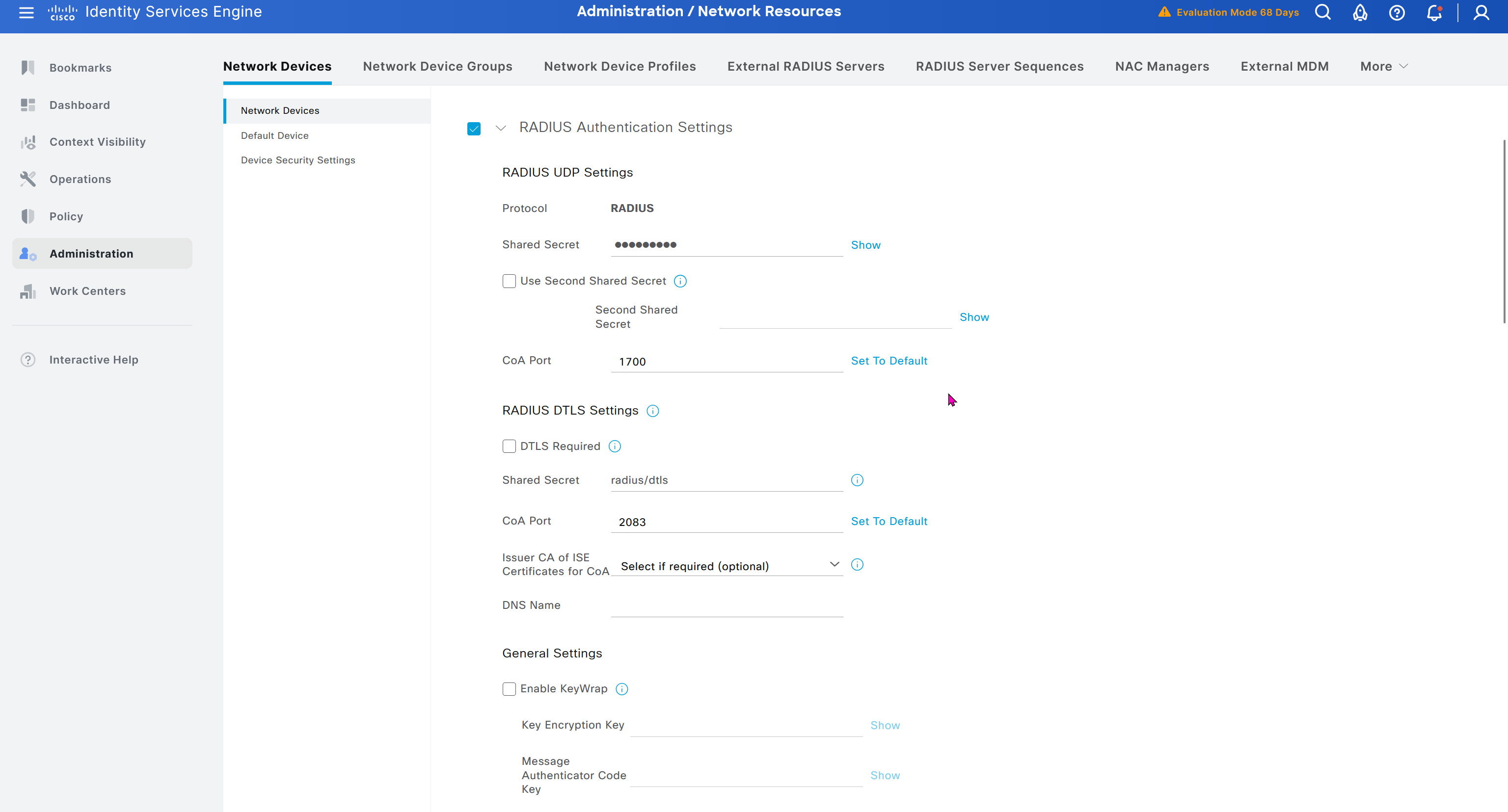
As devices are discovered in DNAC, it is also added in ISE
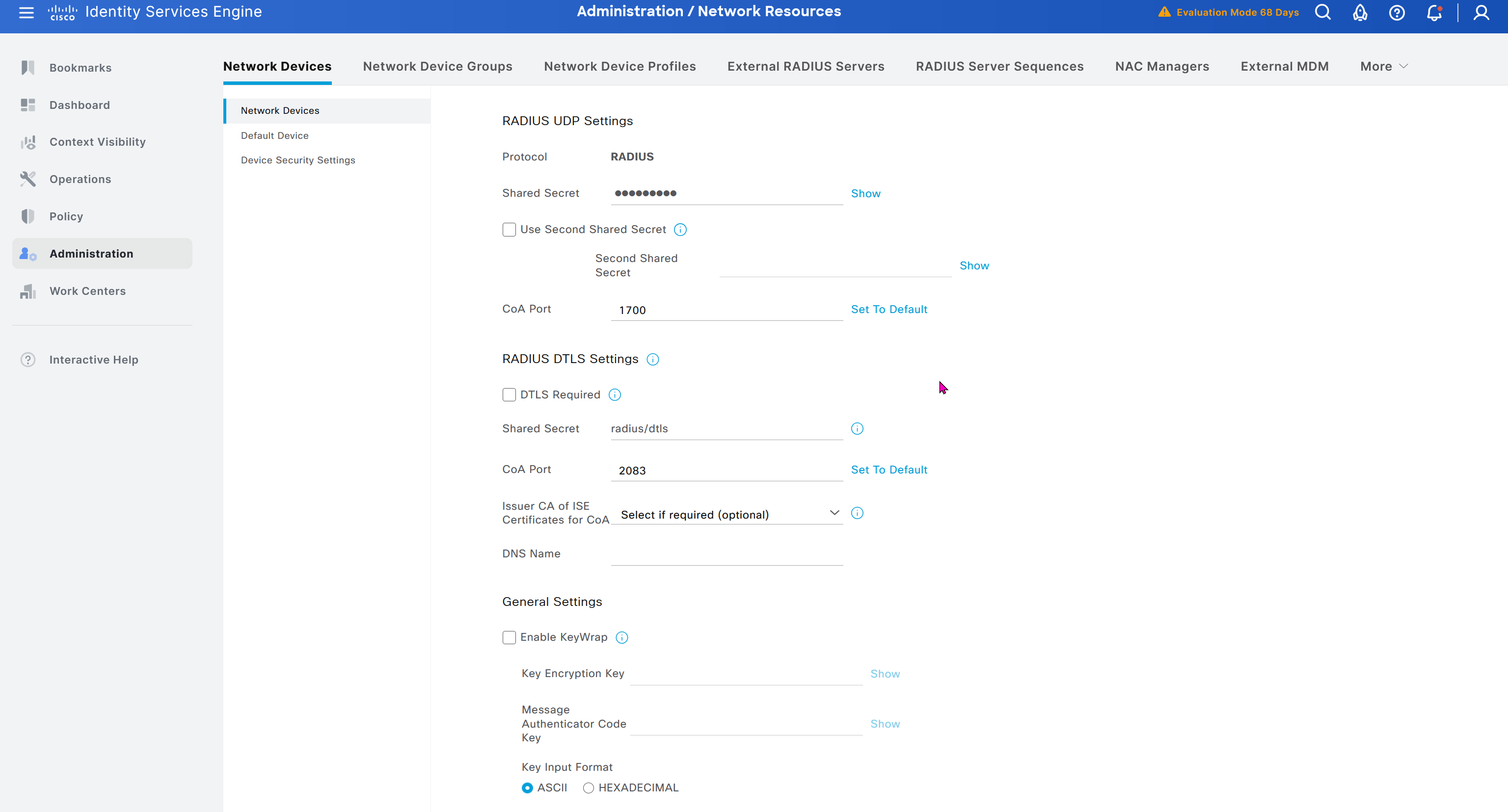
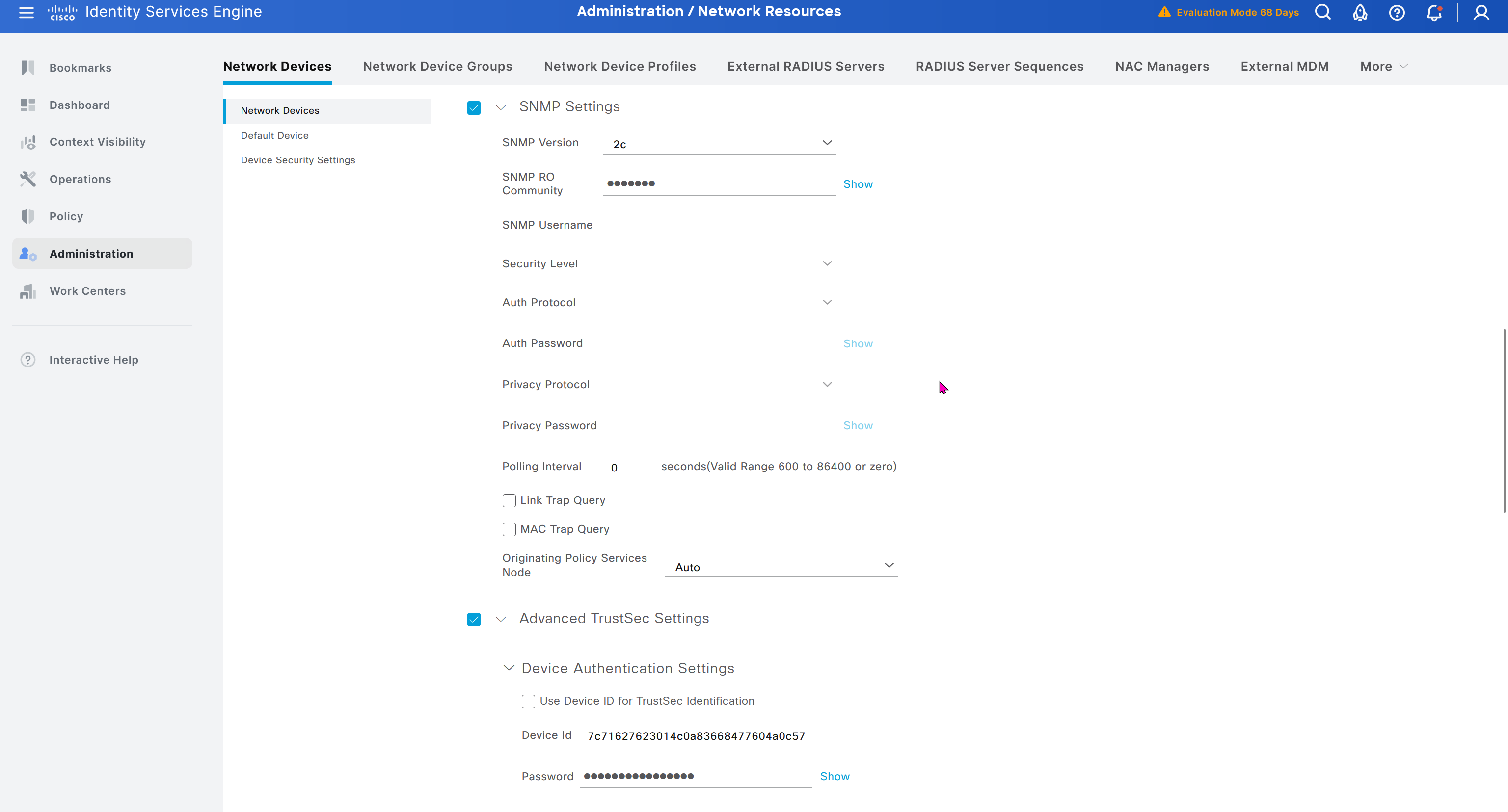
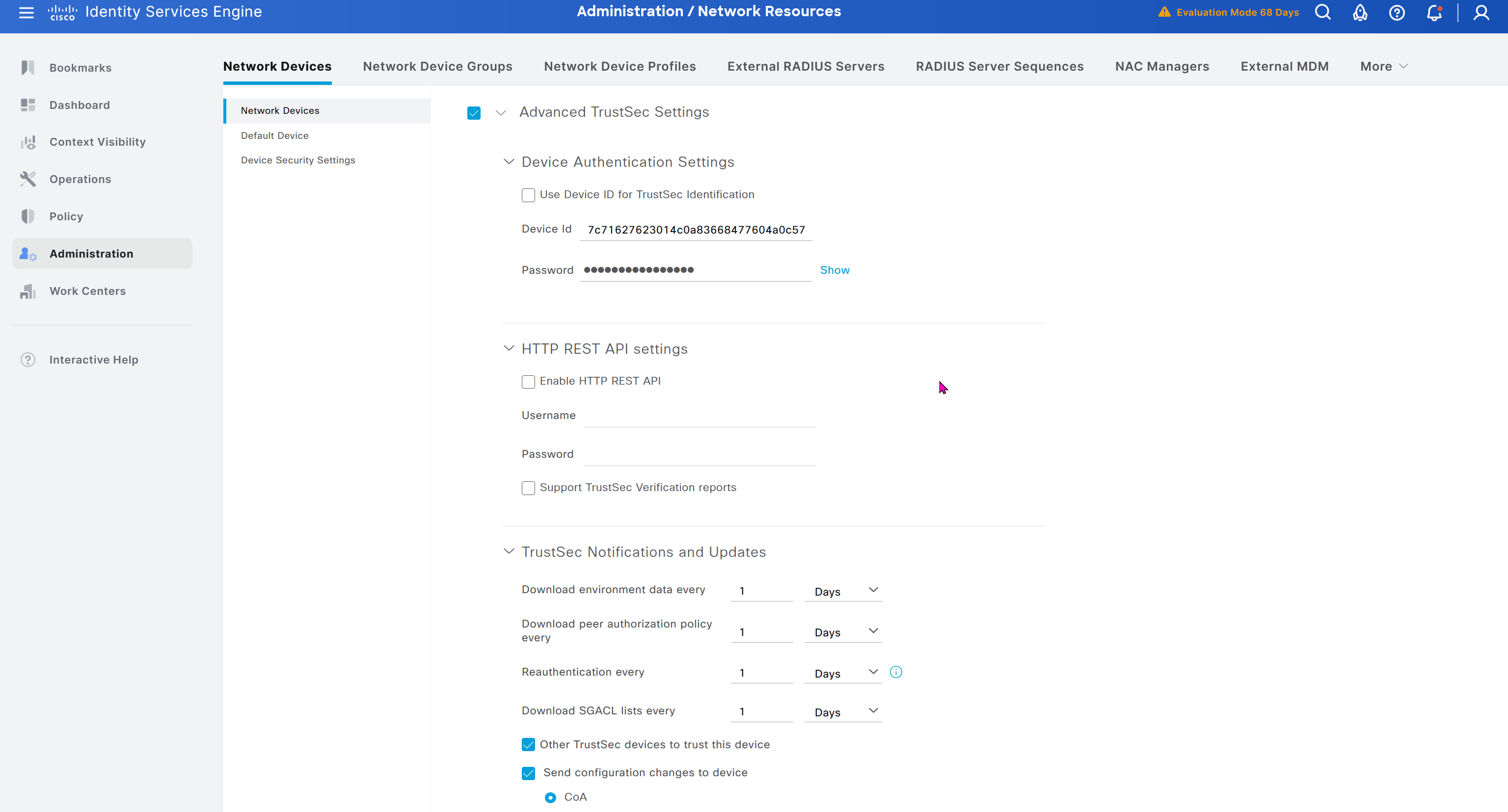
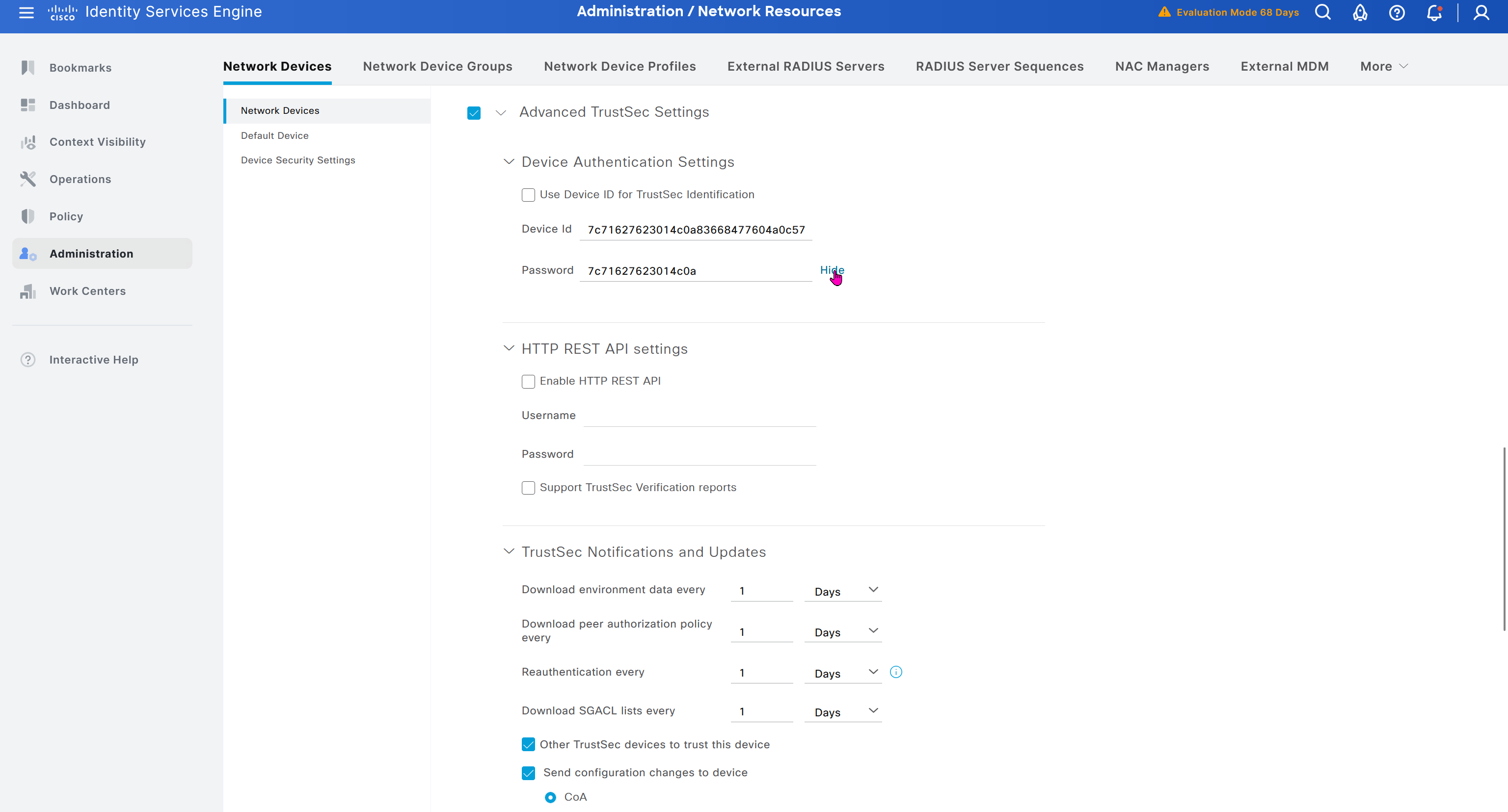

In ISE live logs we can see entries for devices authenticating to ISE for Trust Sec Device authentication