ISE Certificate lab
ISE Certificate lab
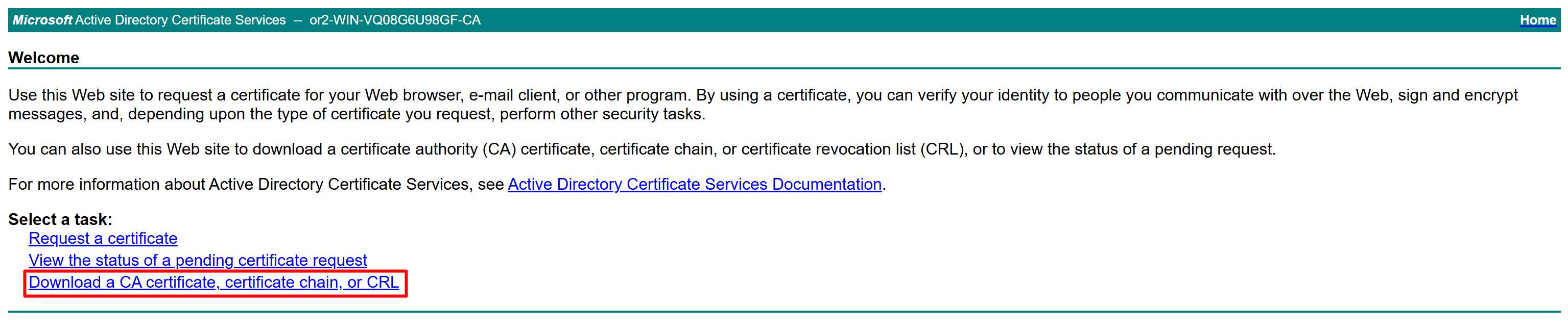
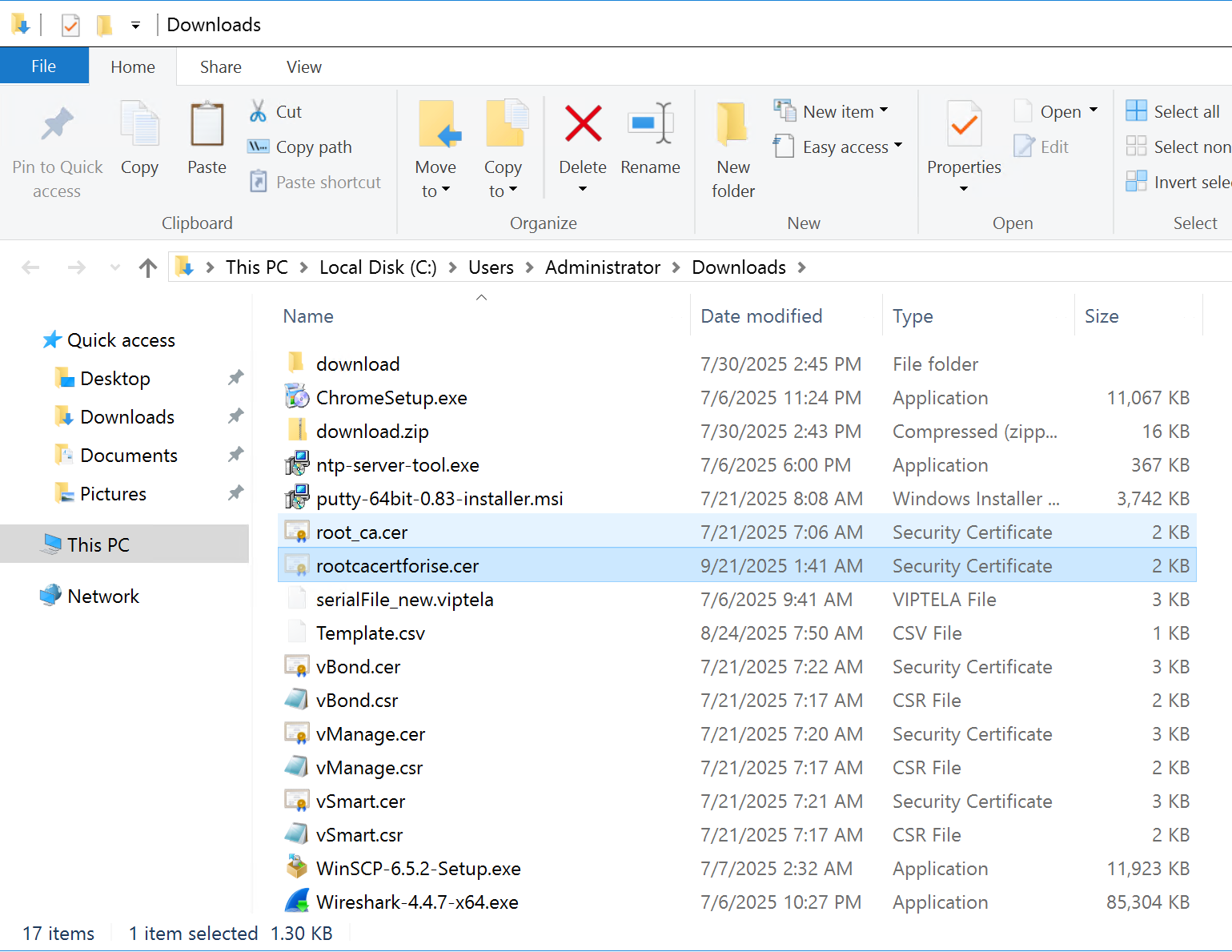
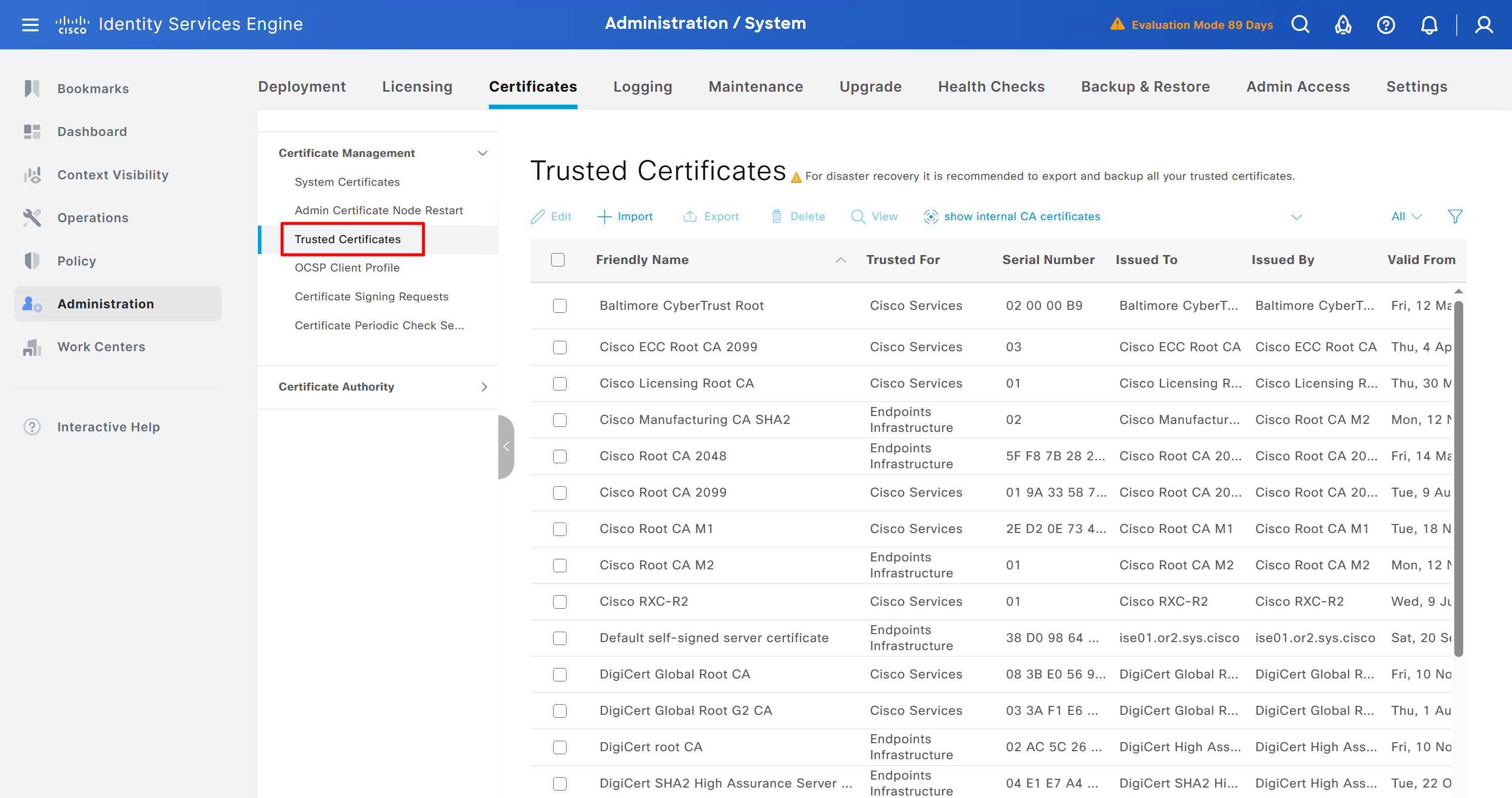
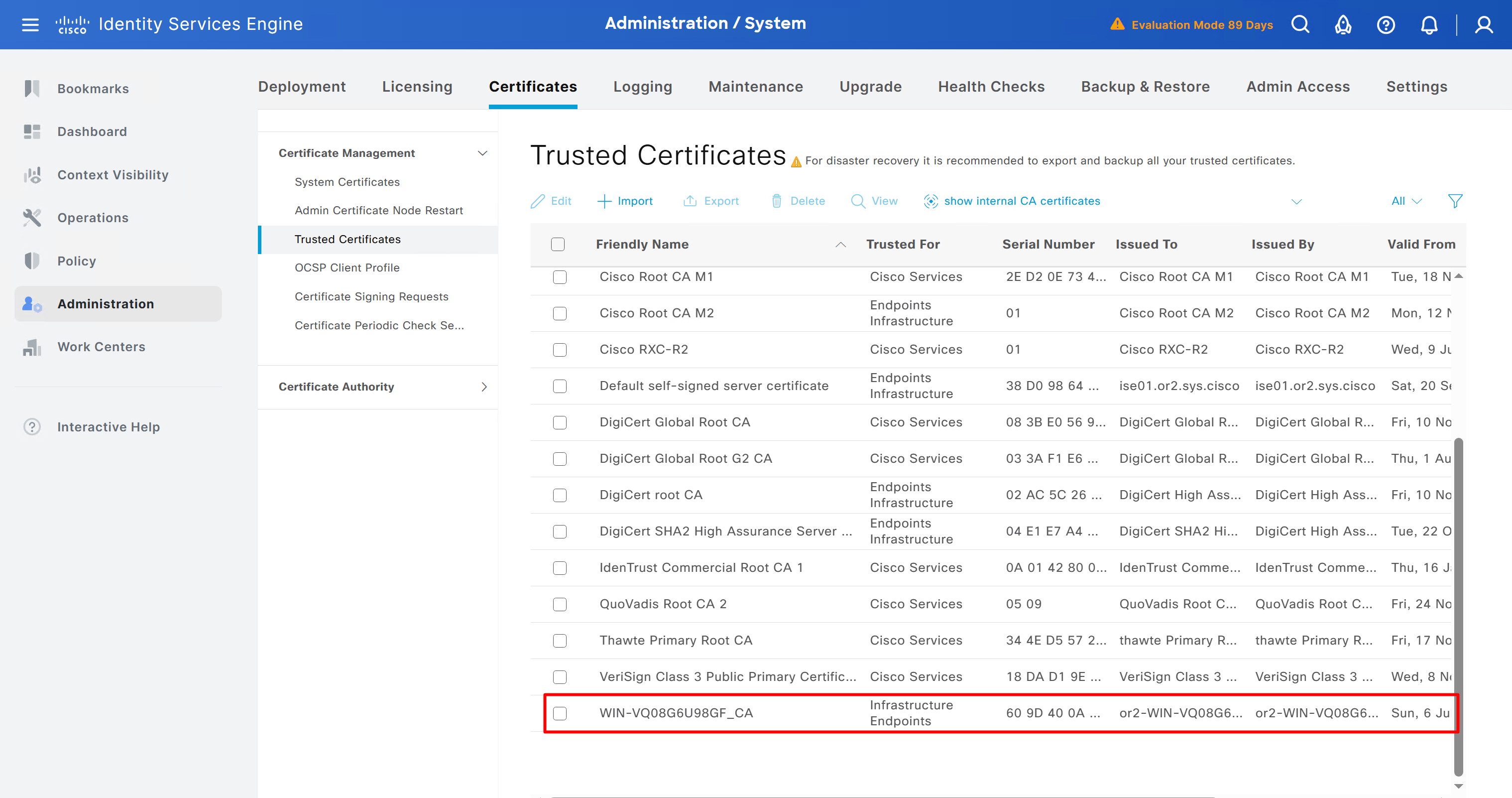
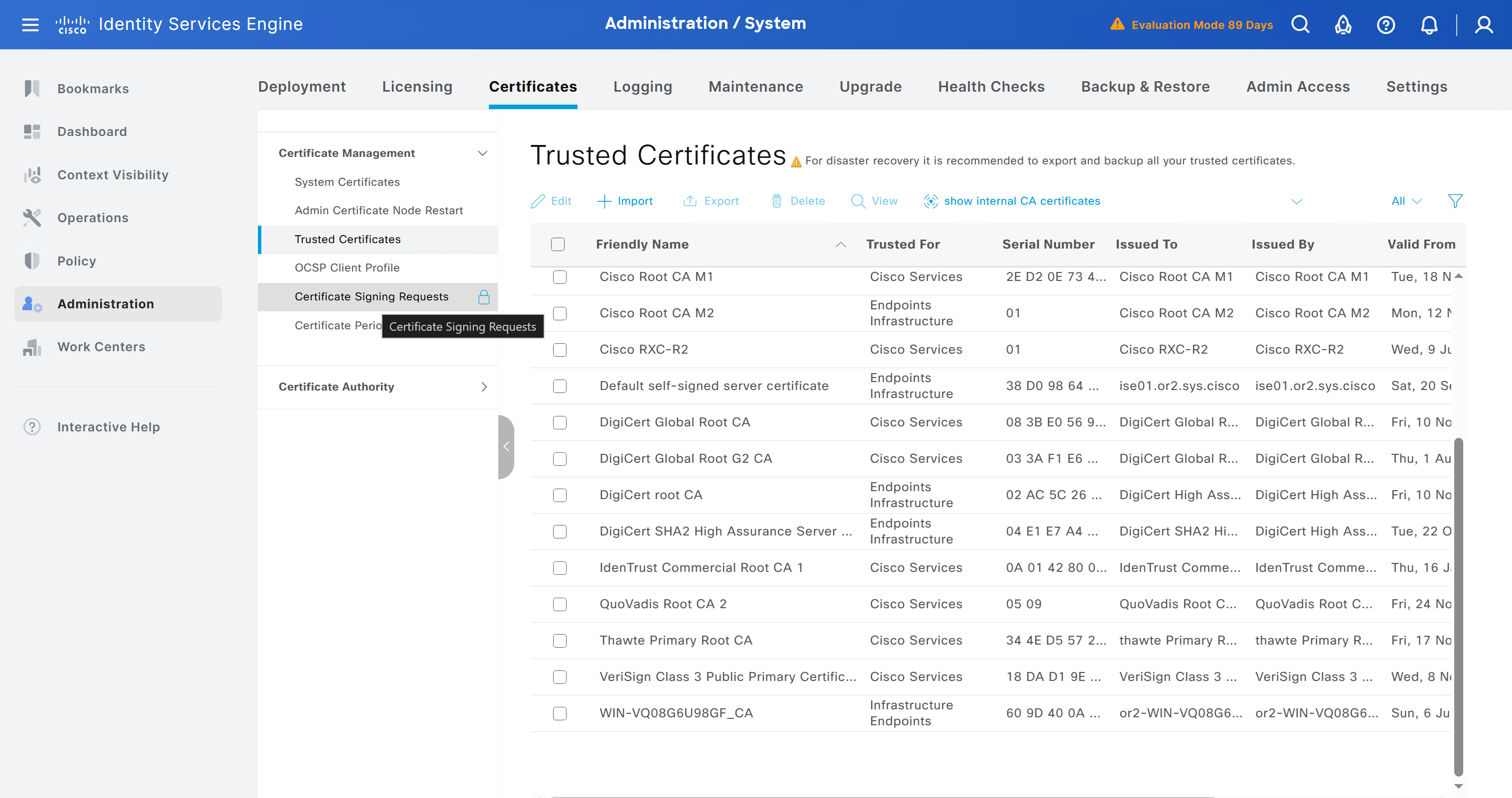
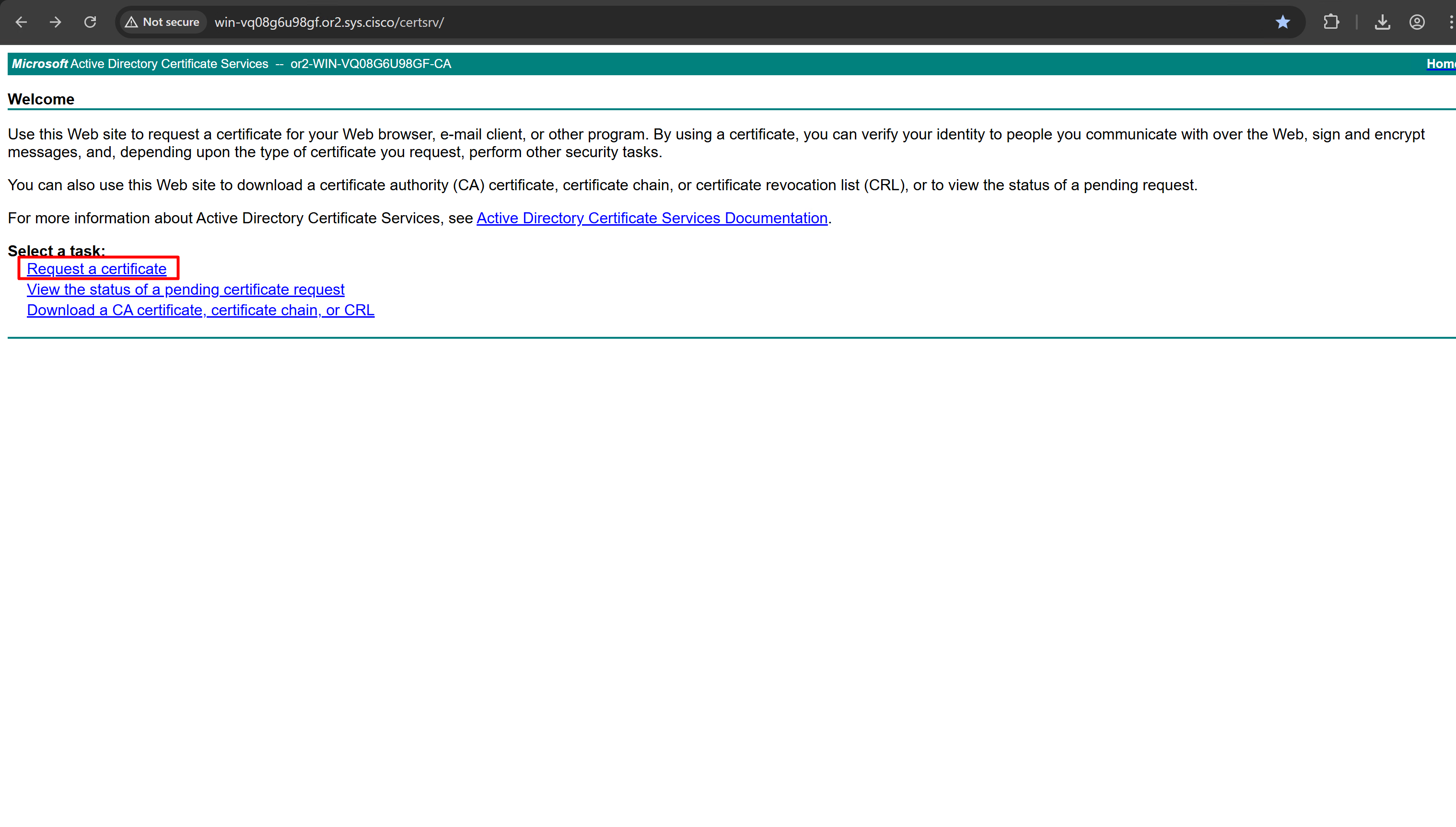
Download CA certificate and upload it to the Trusted store of ISE
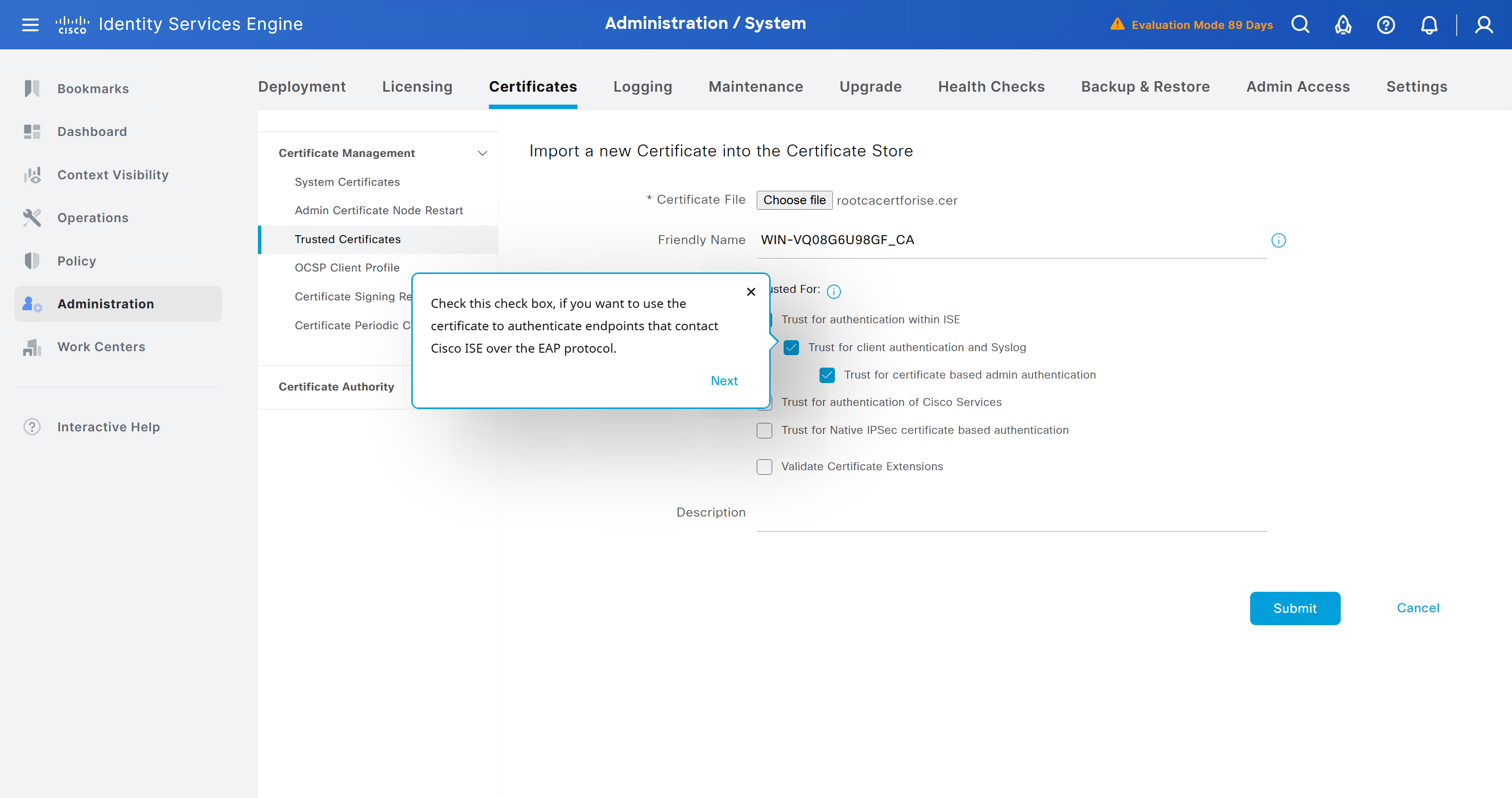
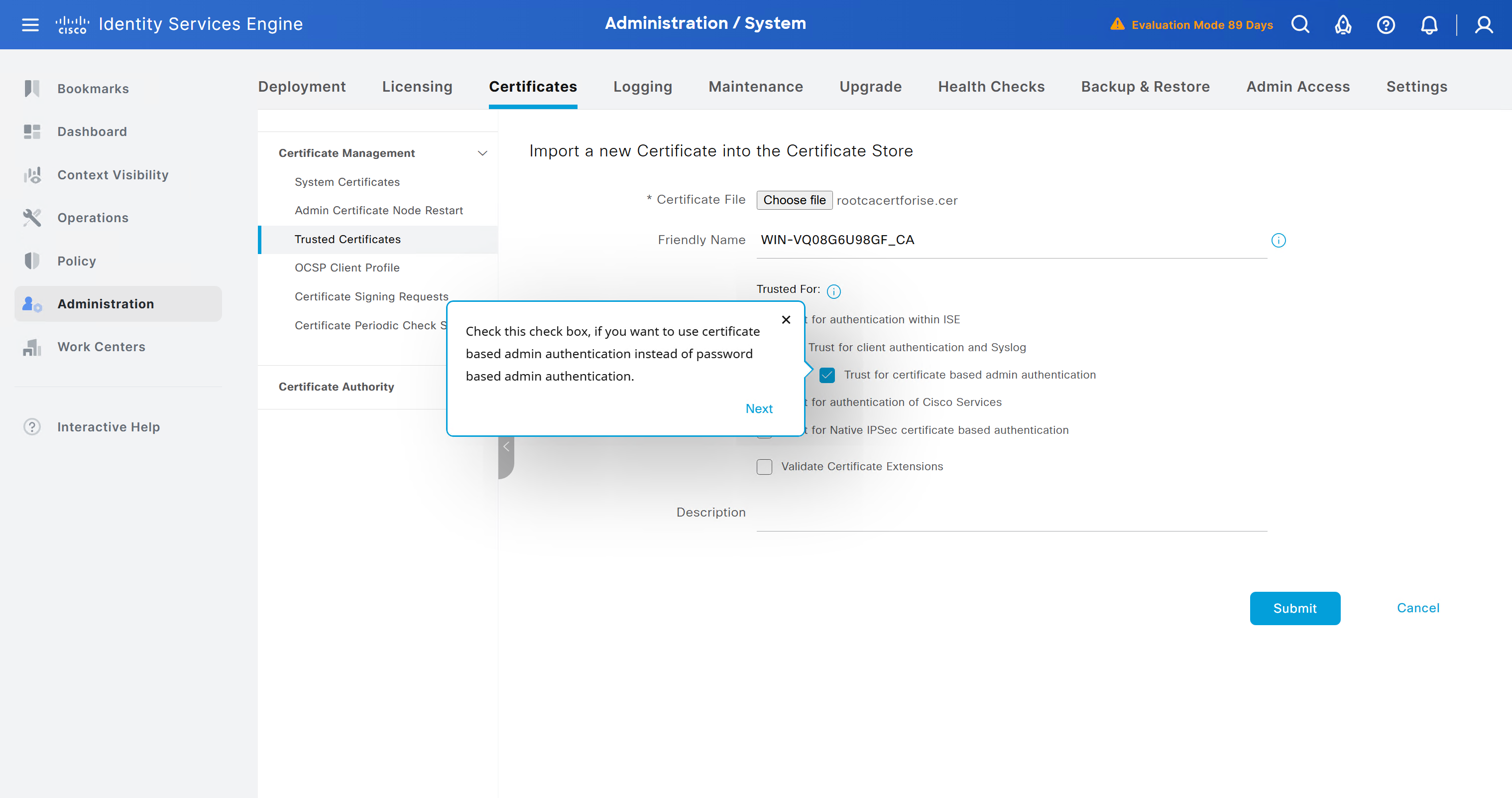
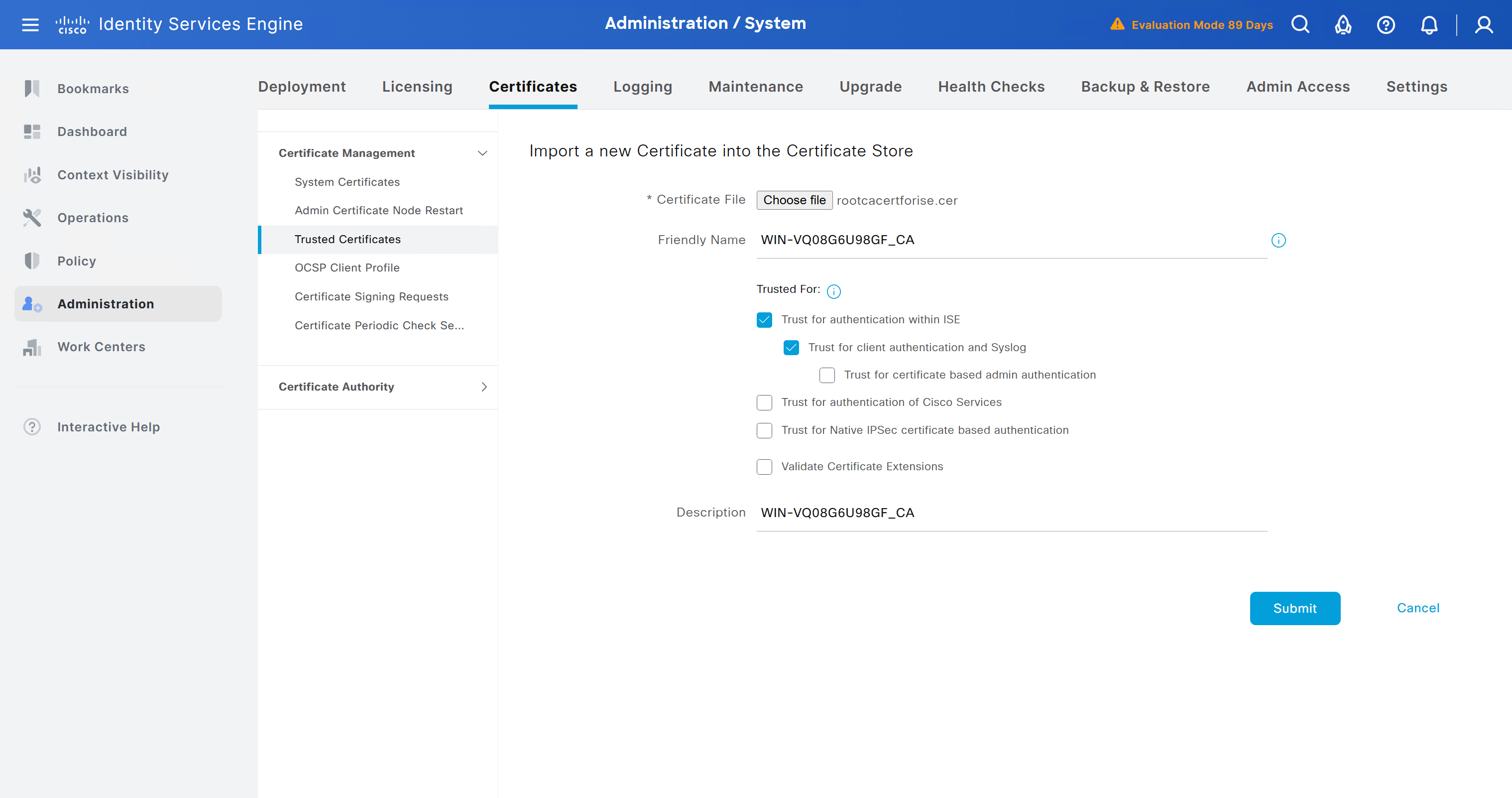
We will select this option “Trust for client authentication and Syslog” as certificate presented to ISE during EAP TLS 802.1x authentication will be certificates issued by this same CA
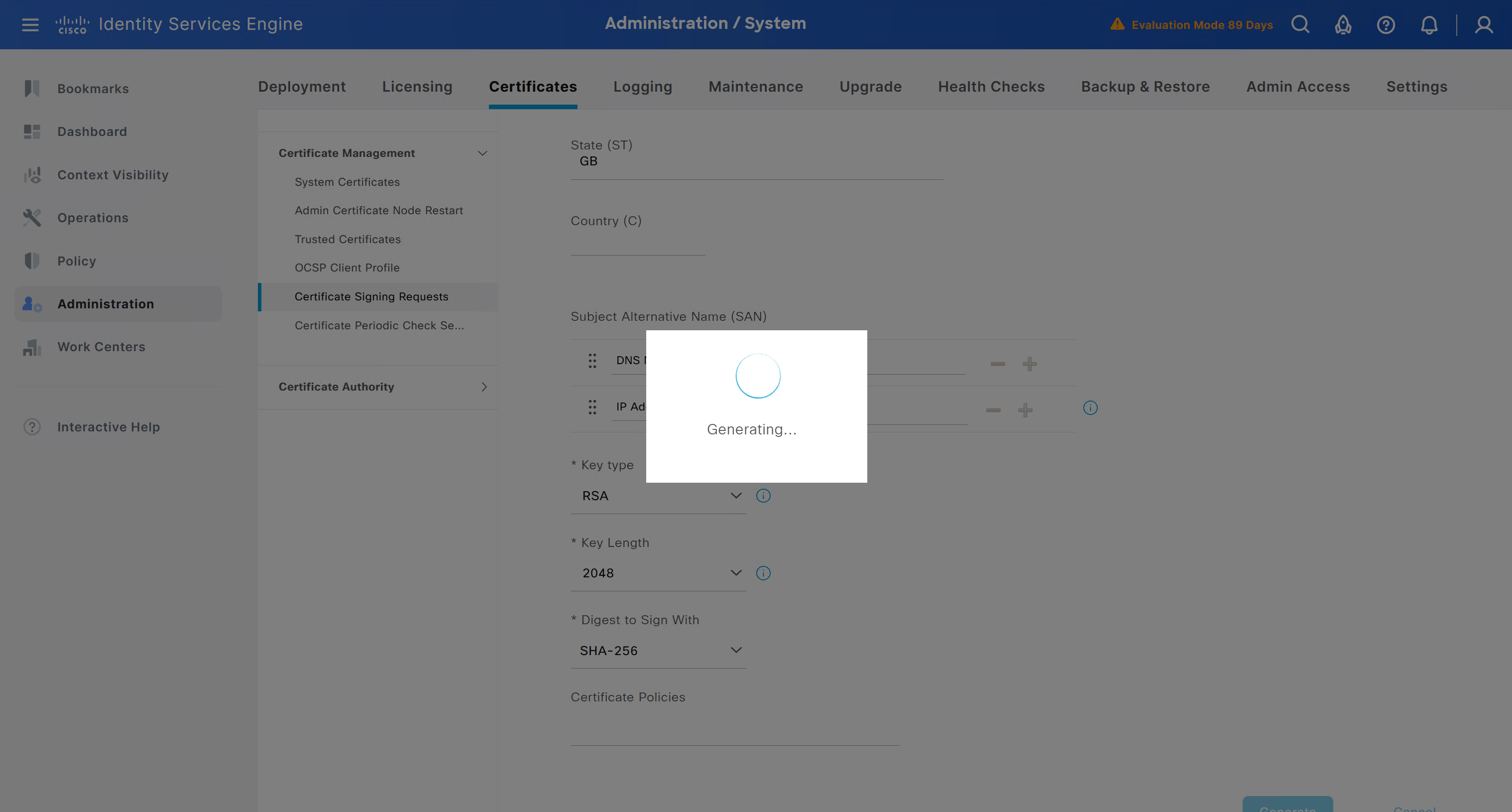
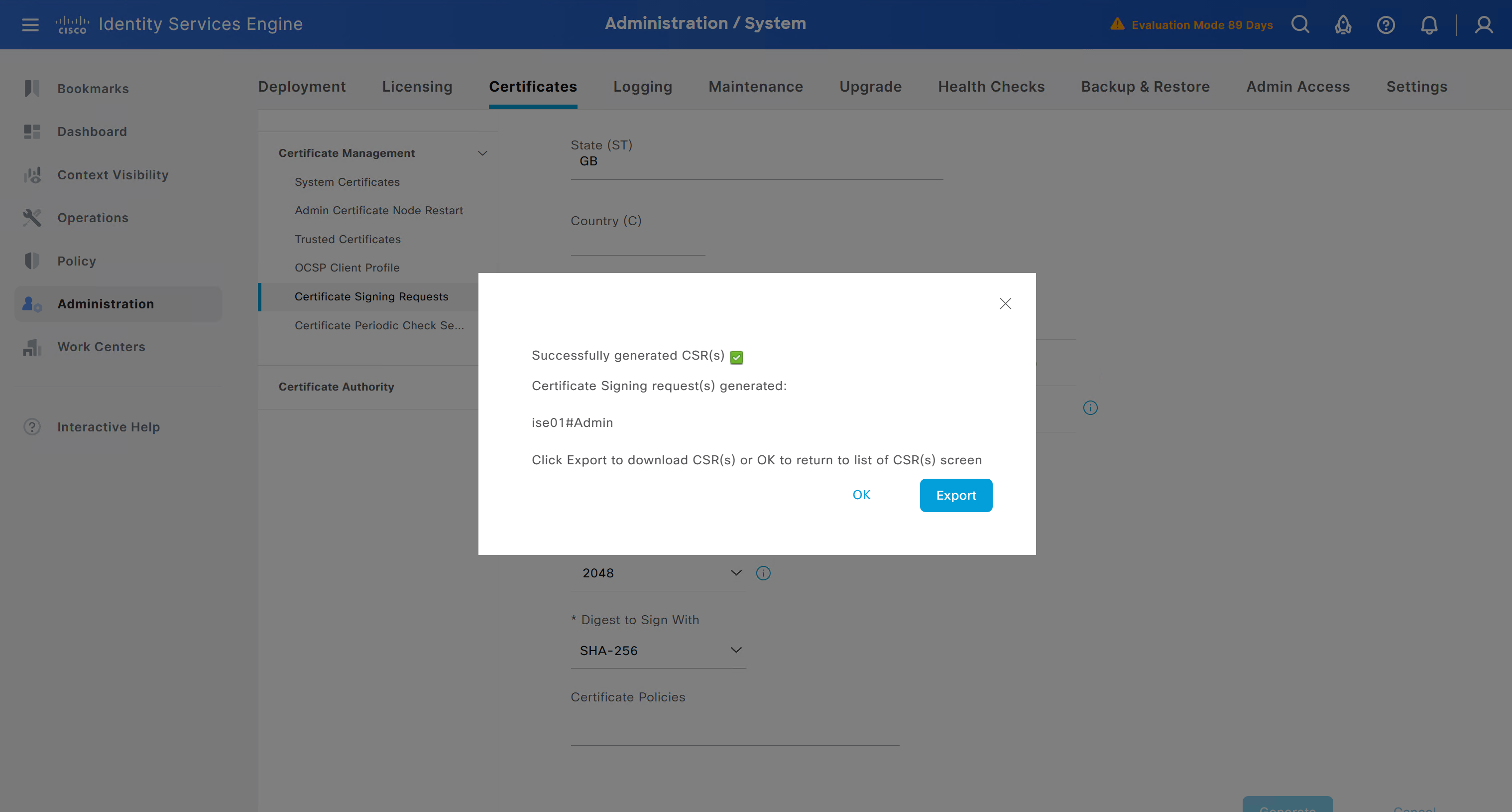
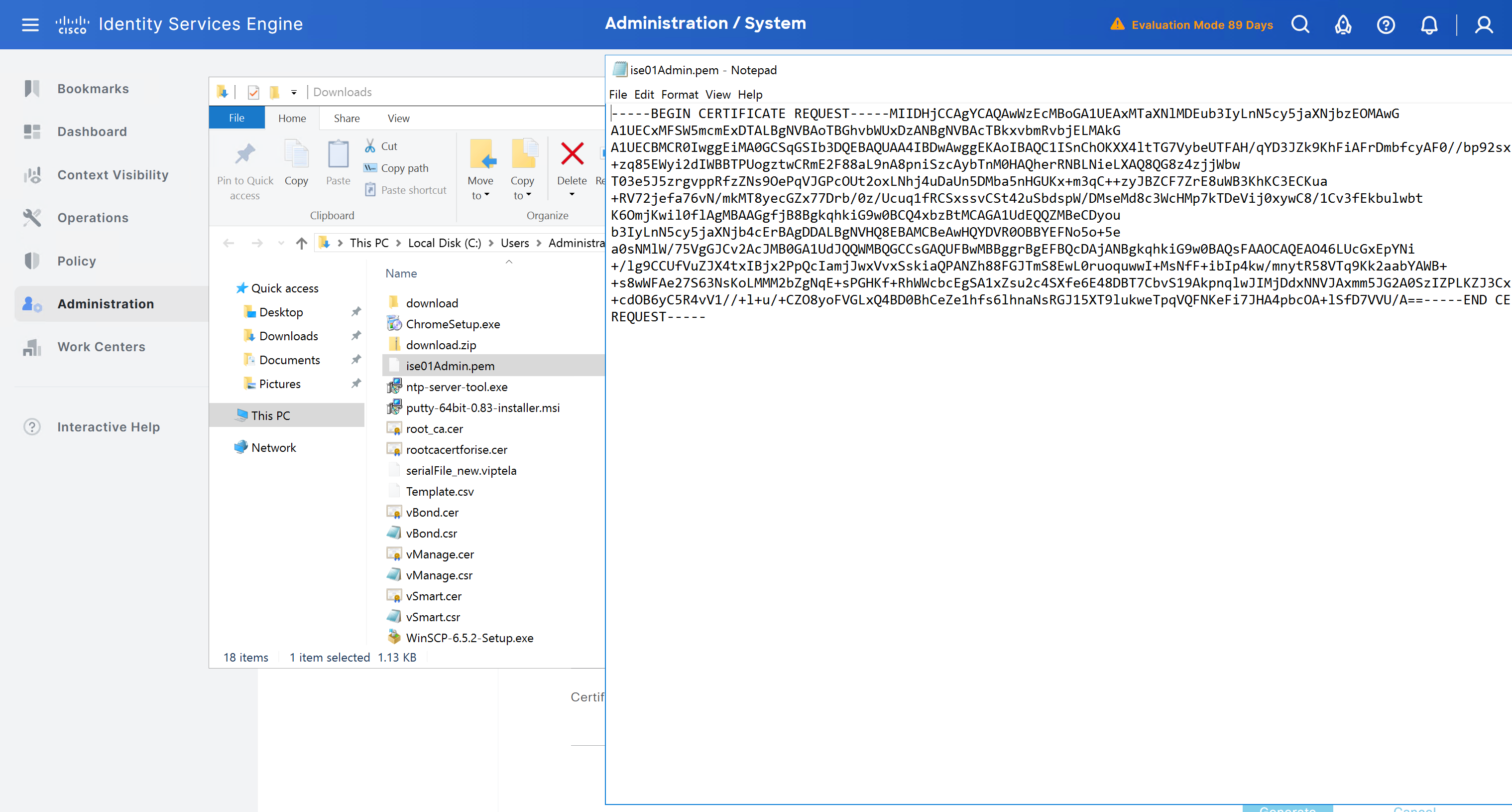
Create CSR for Admin usage
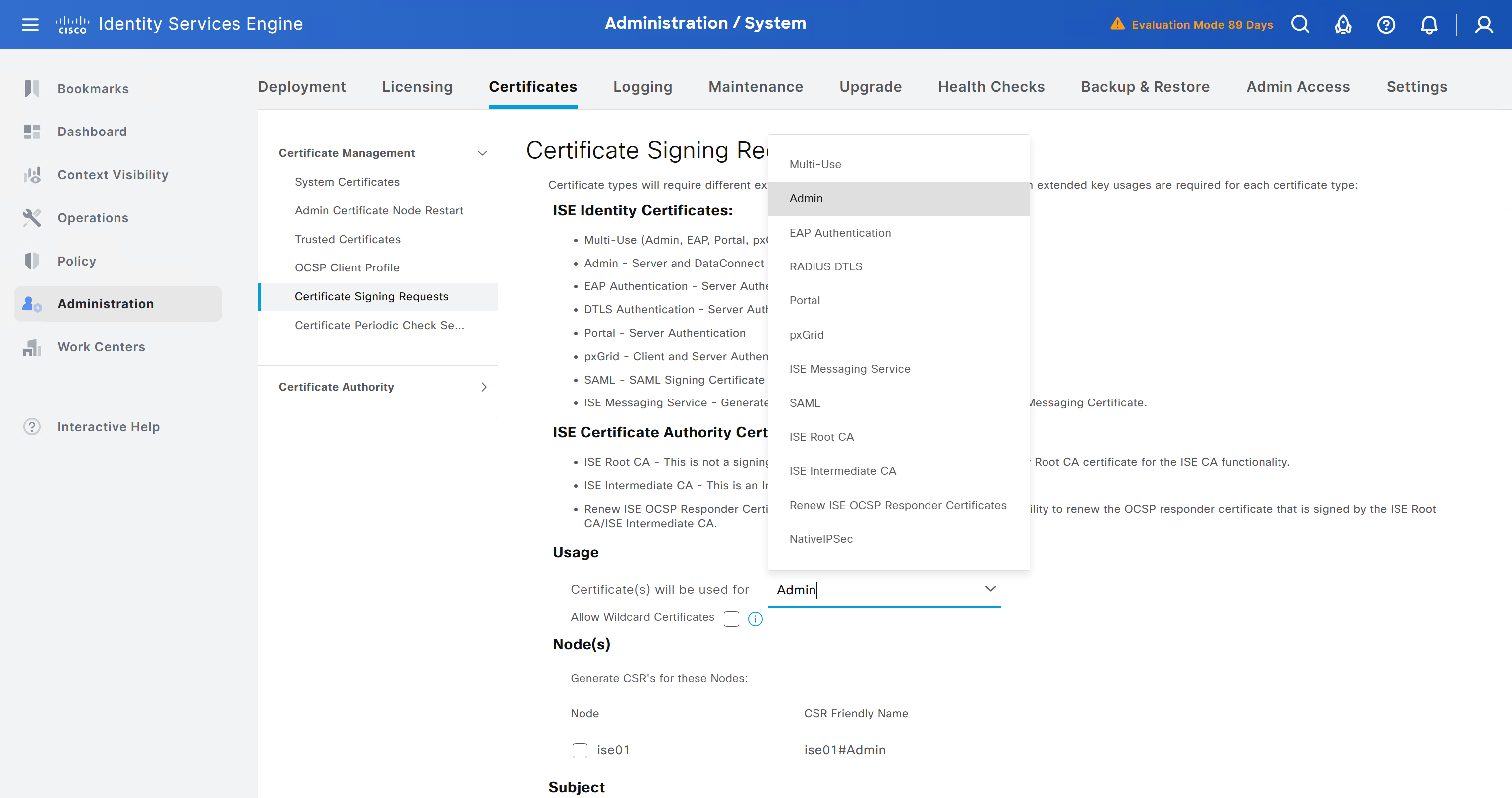
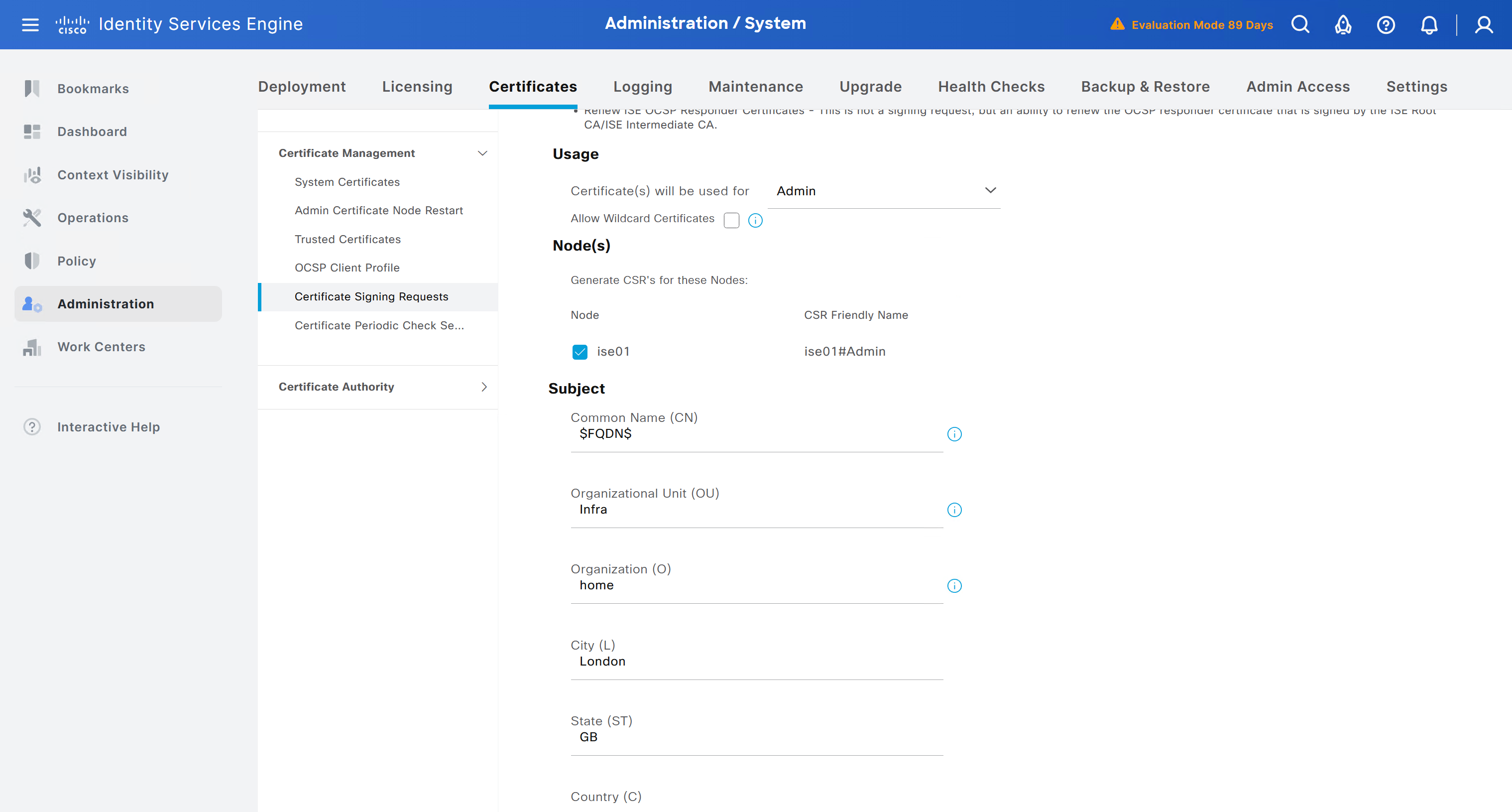
enter DNS Name as $FQDN$
and also enter second DNS name as wildcard with remaining domain name *.or2.sys.cisco
and also add the SAN entry of type IP address with value of 172.16.32.12
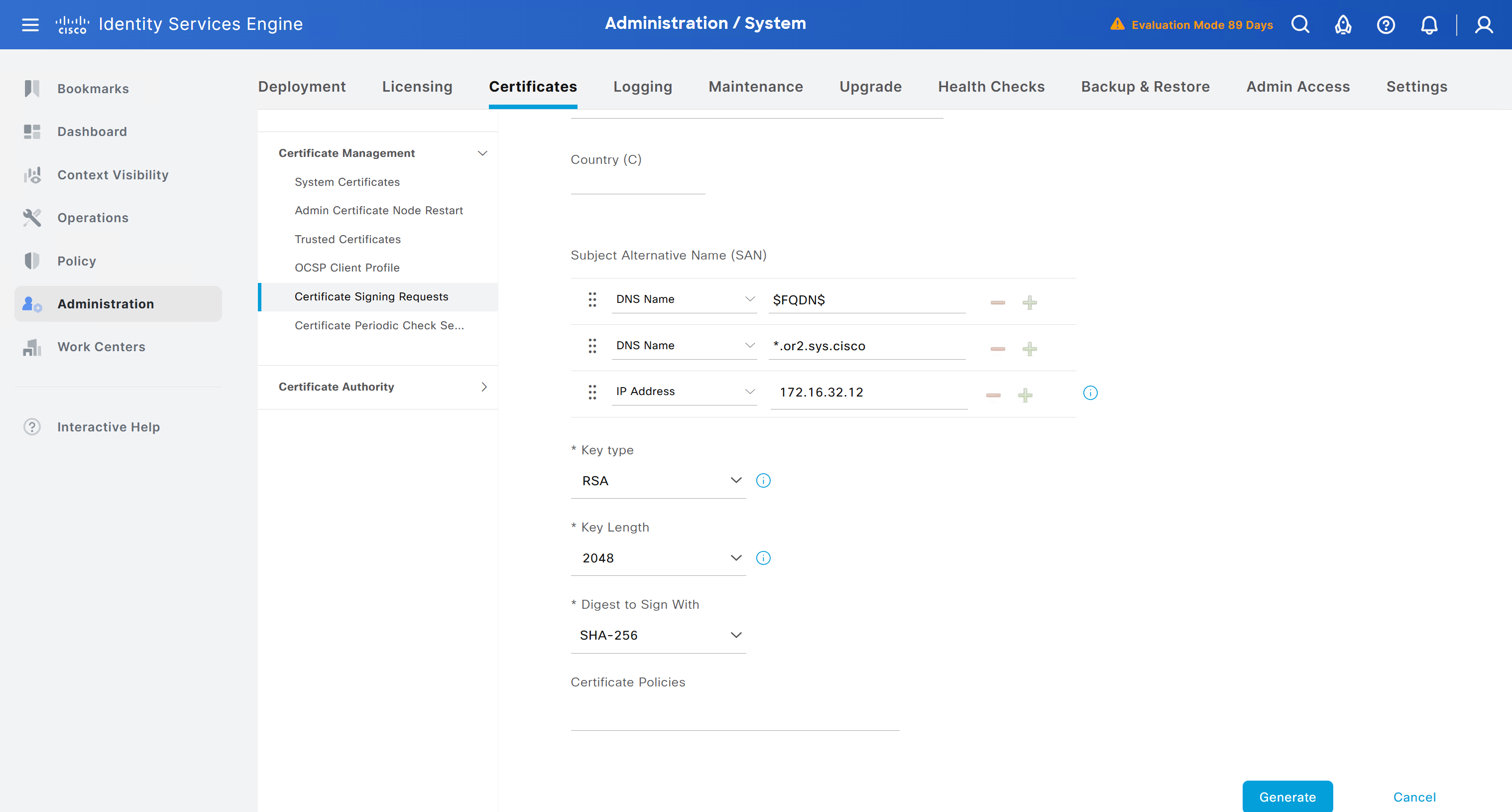
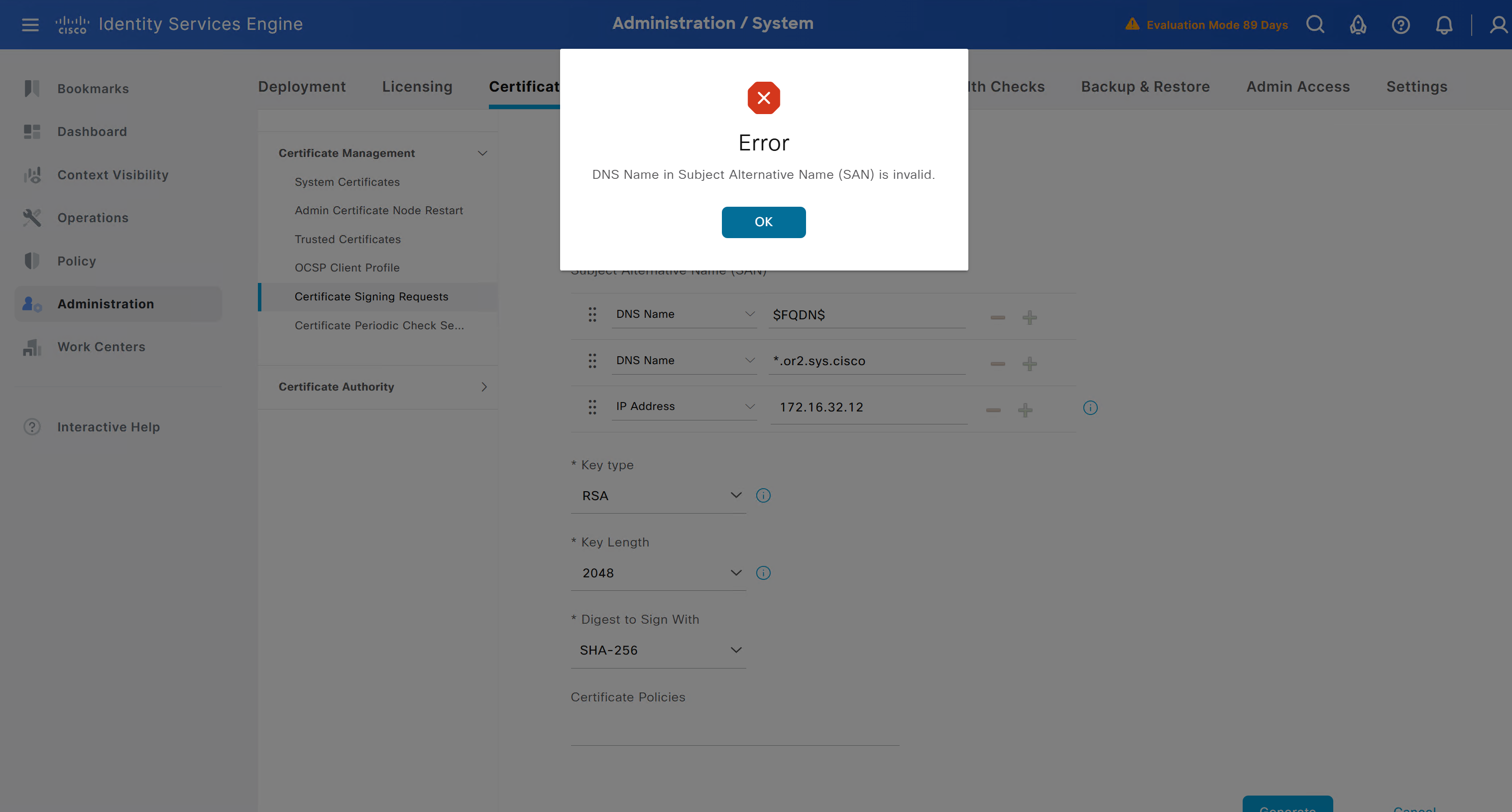
ISE gave this error
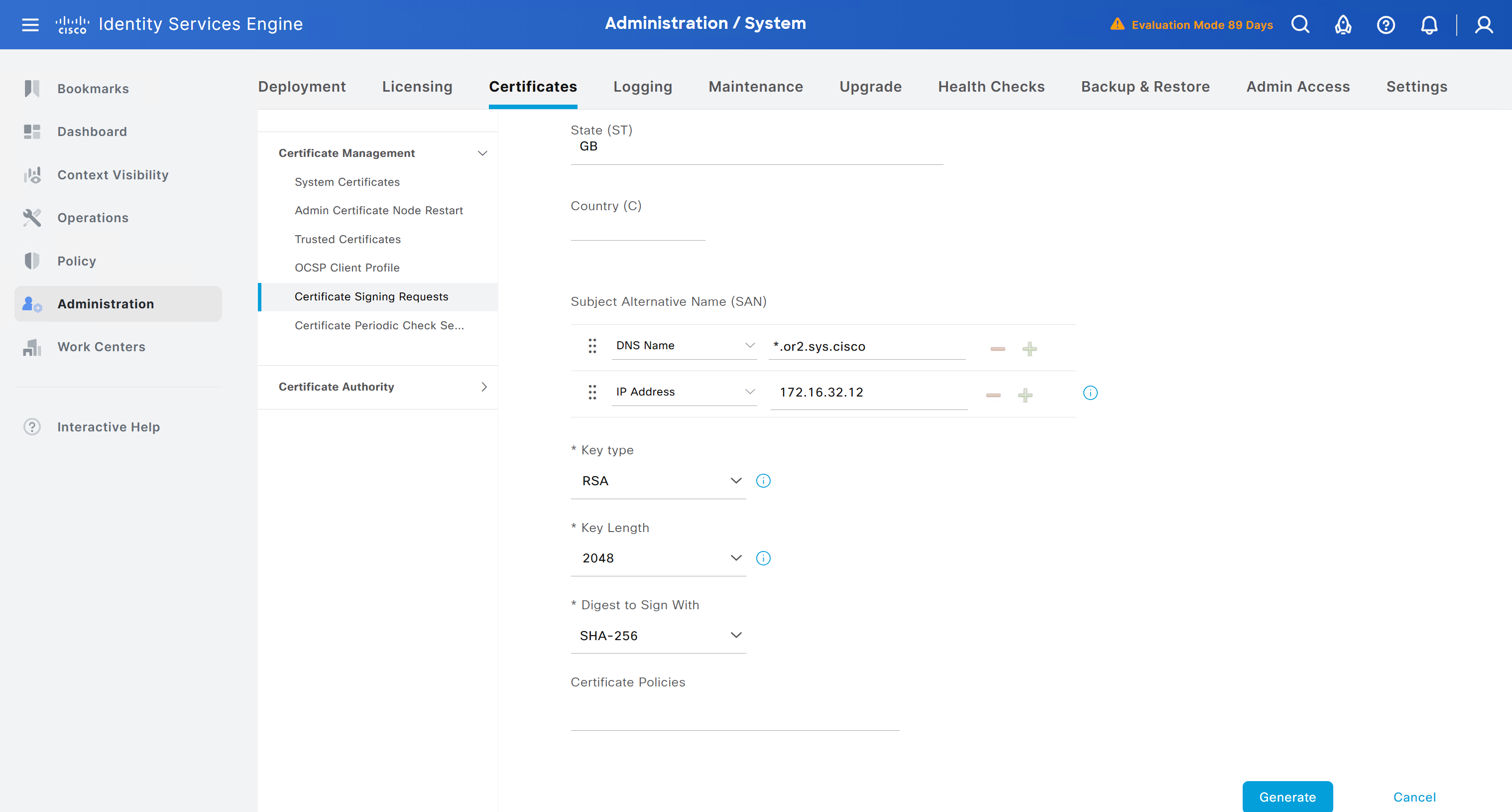
So I removed first entry of $FQDN$
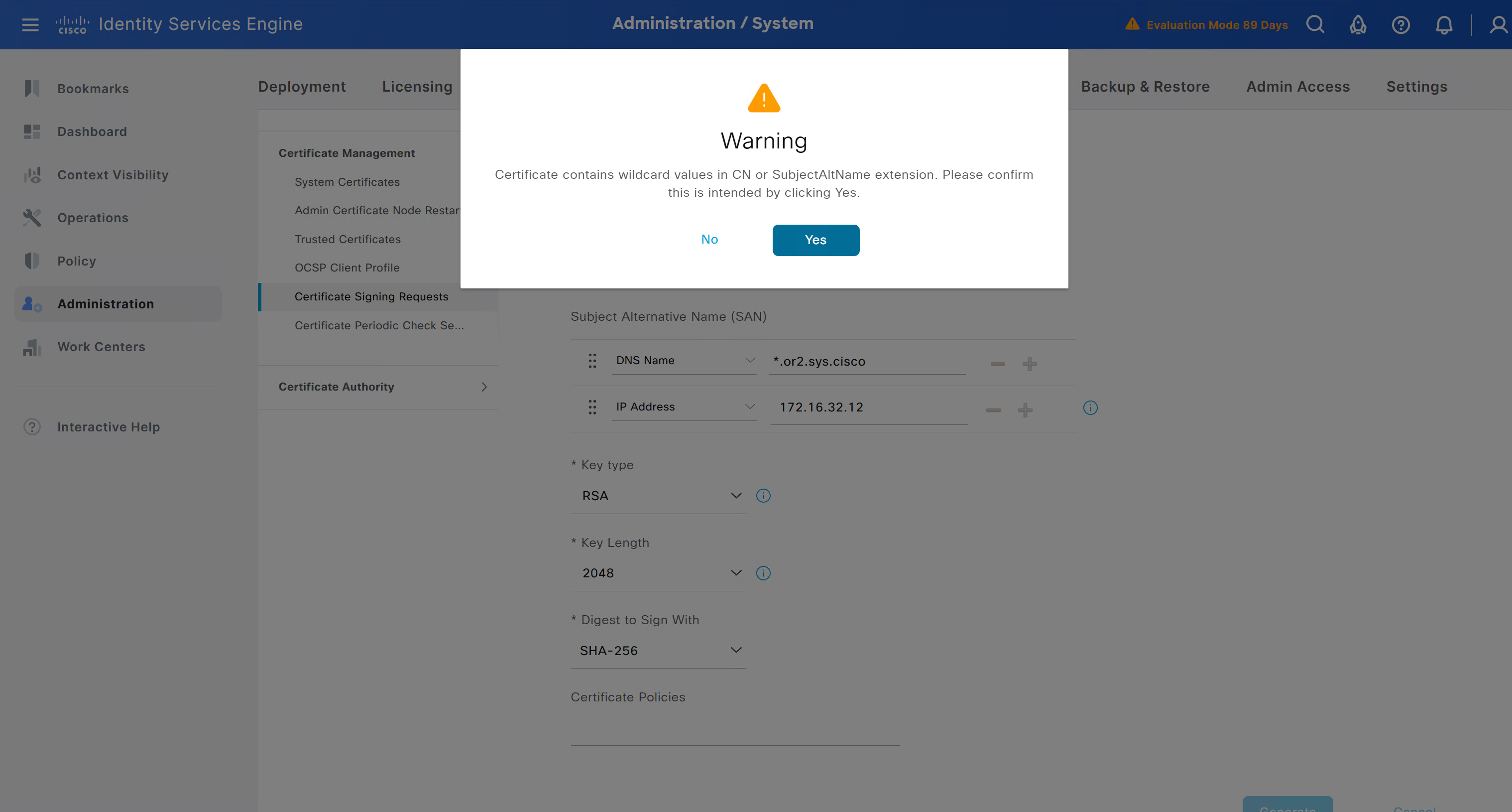
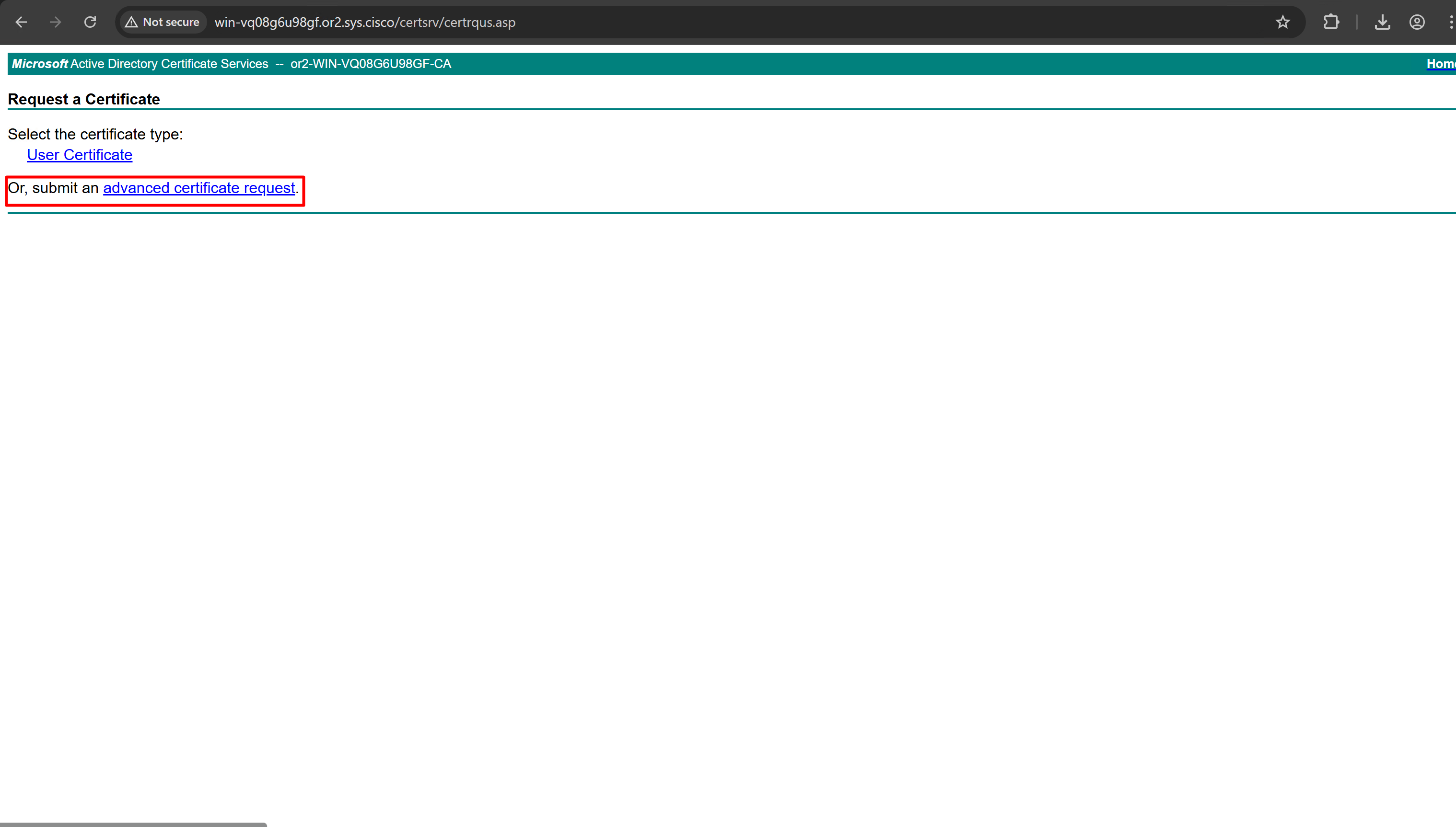
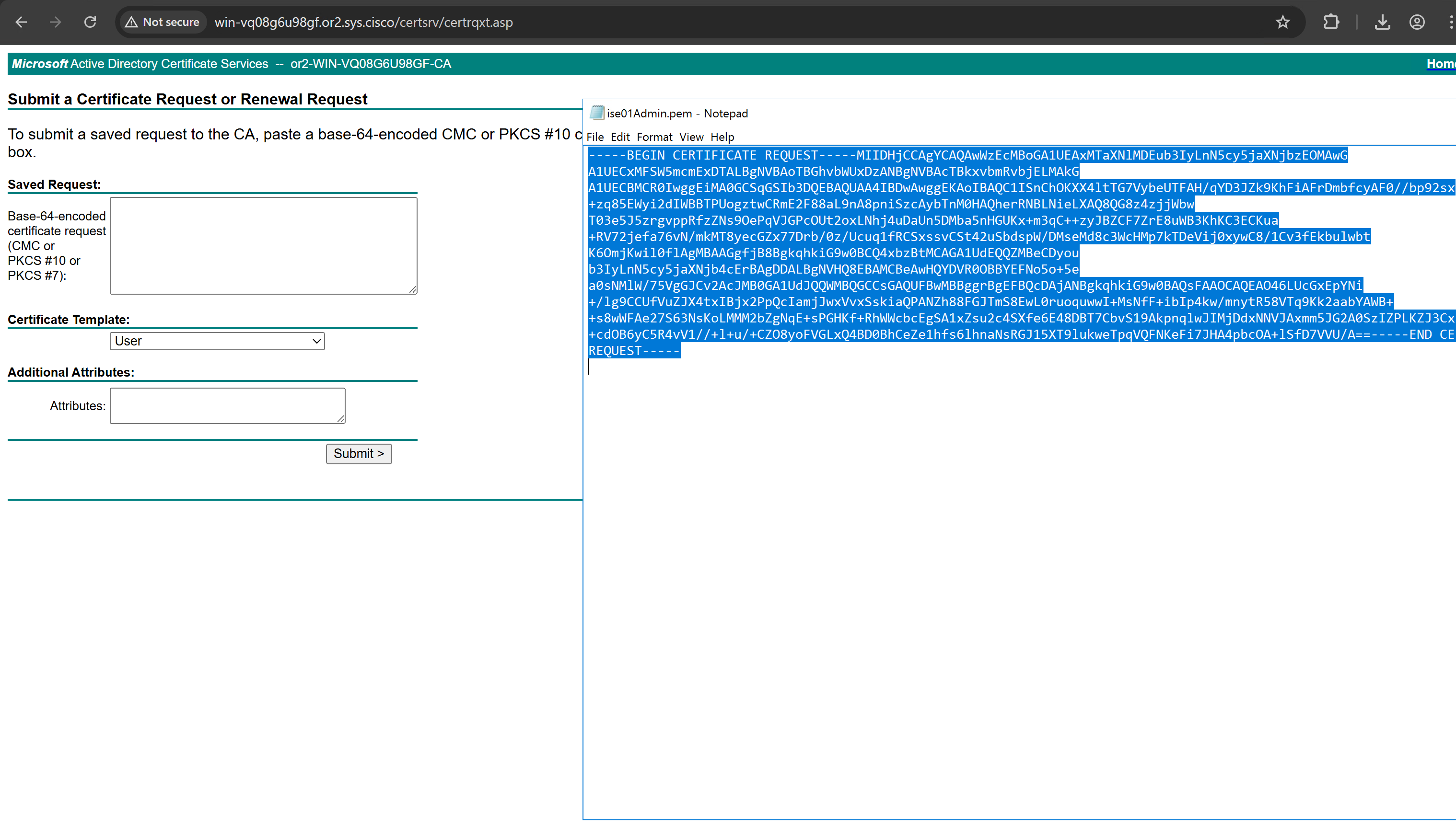
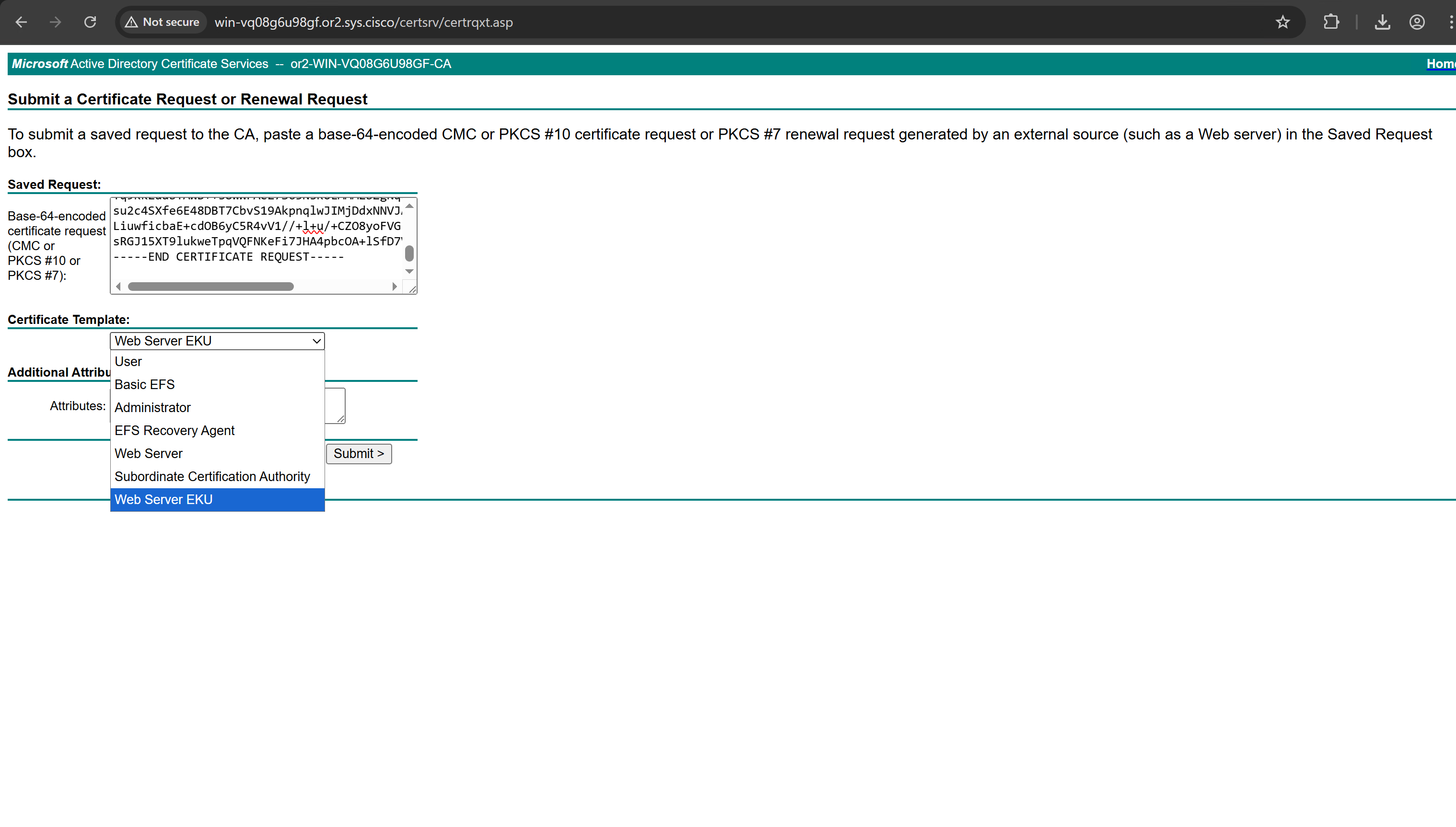
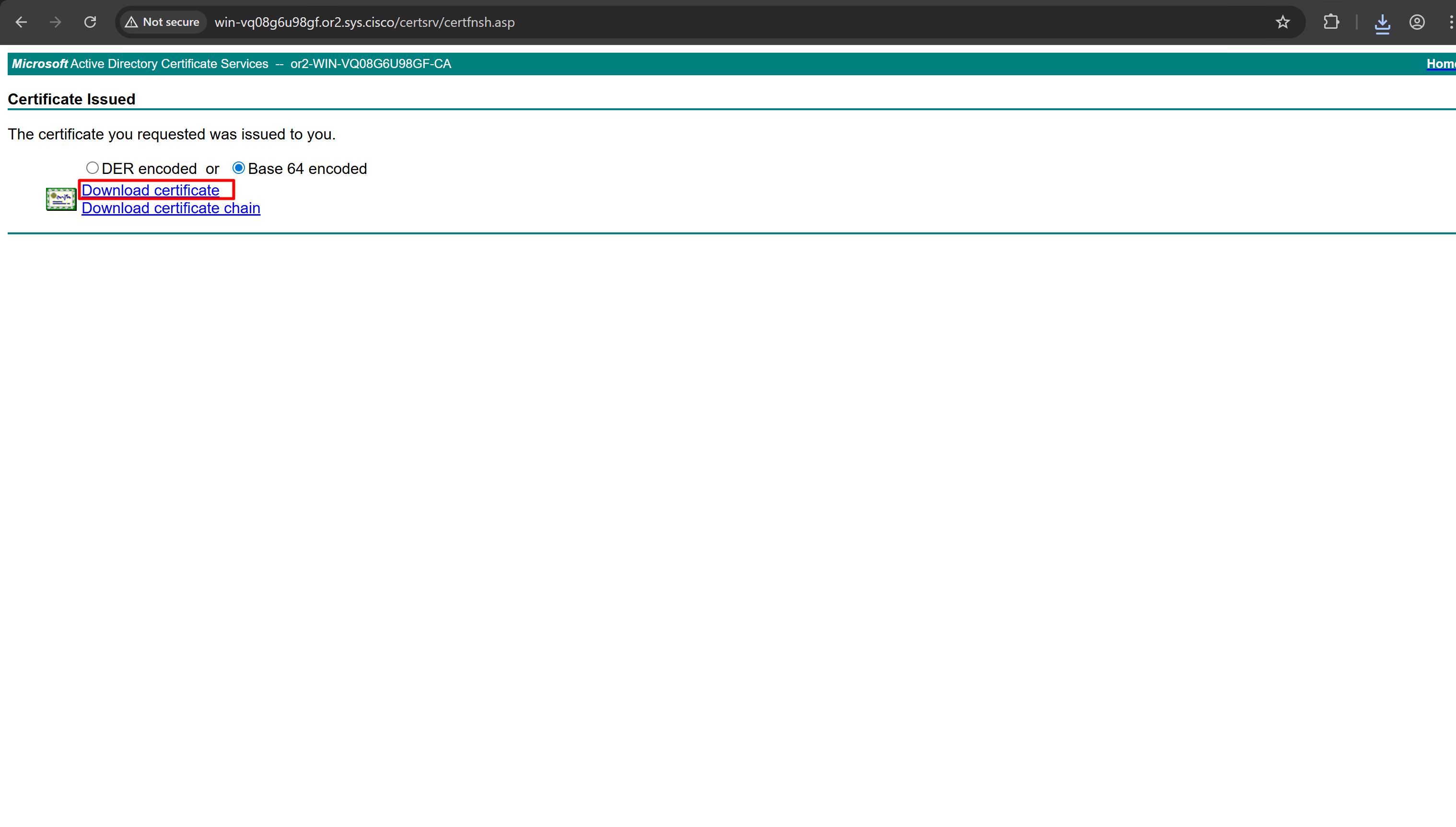
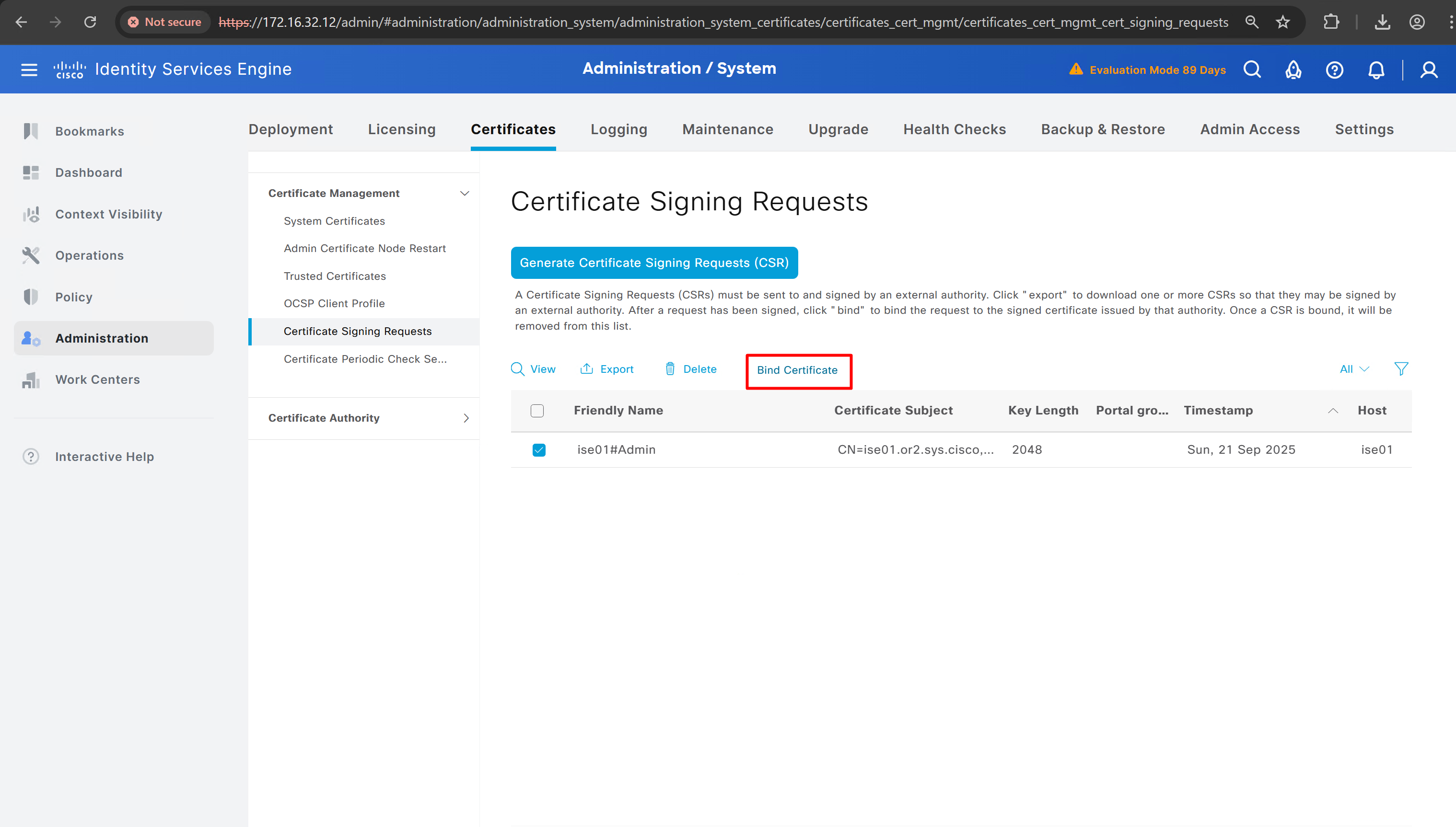
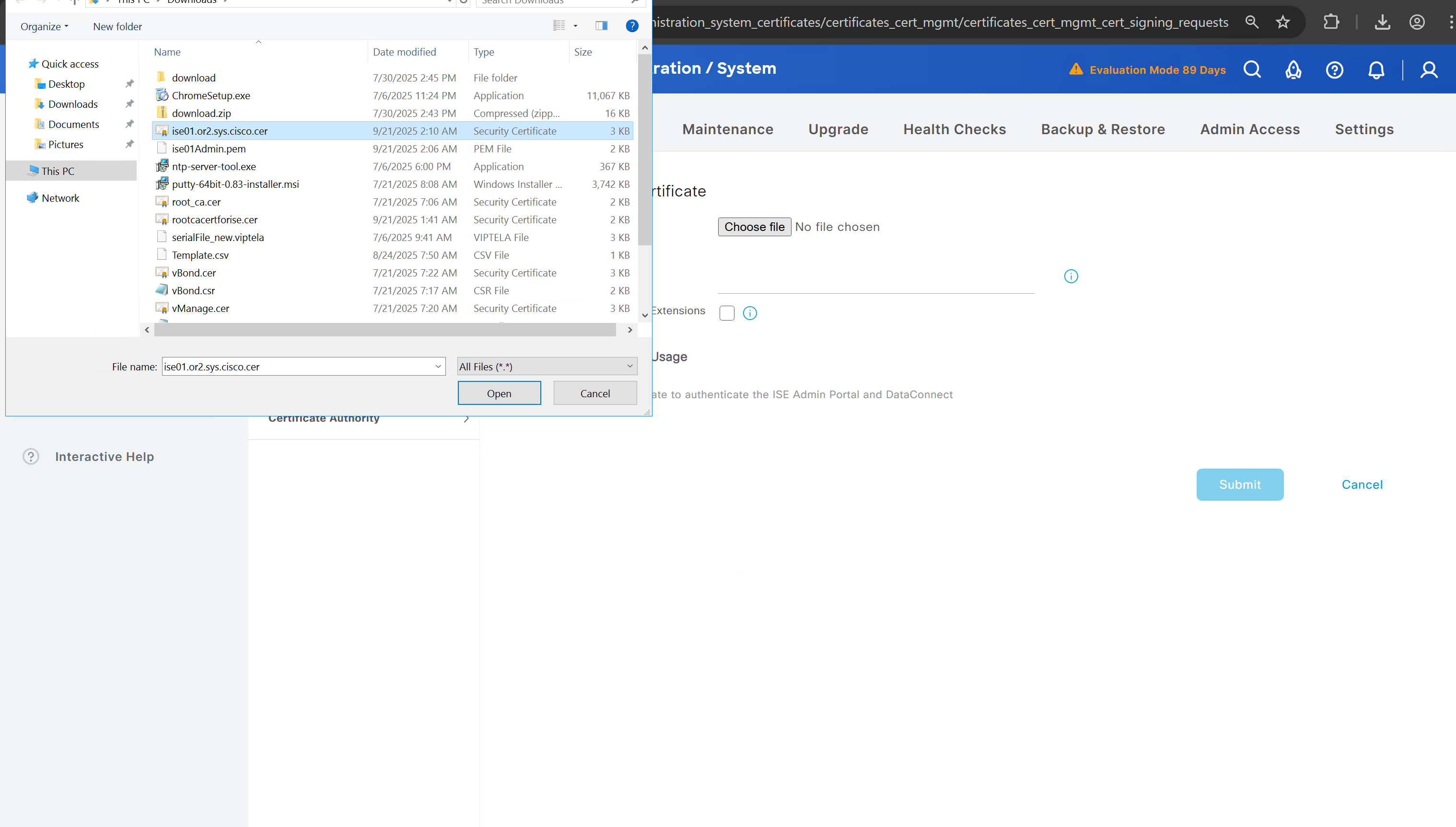
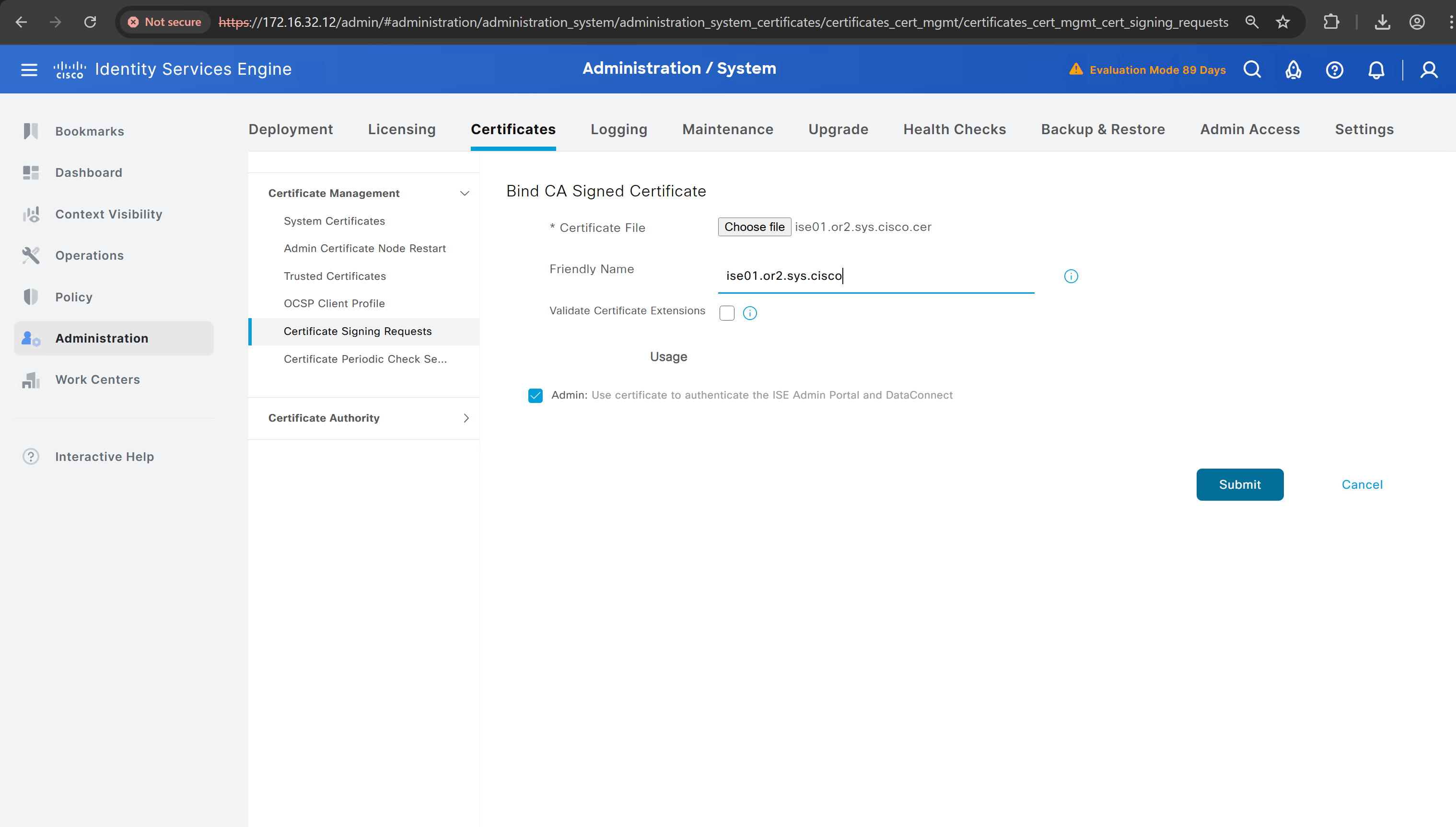
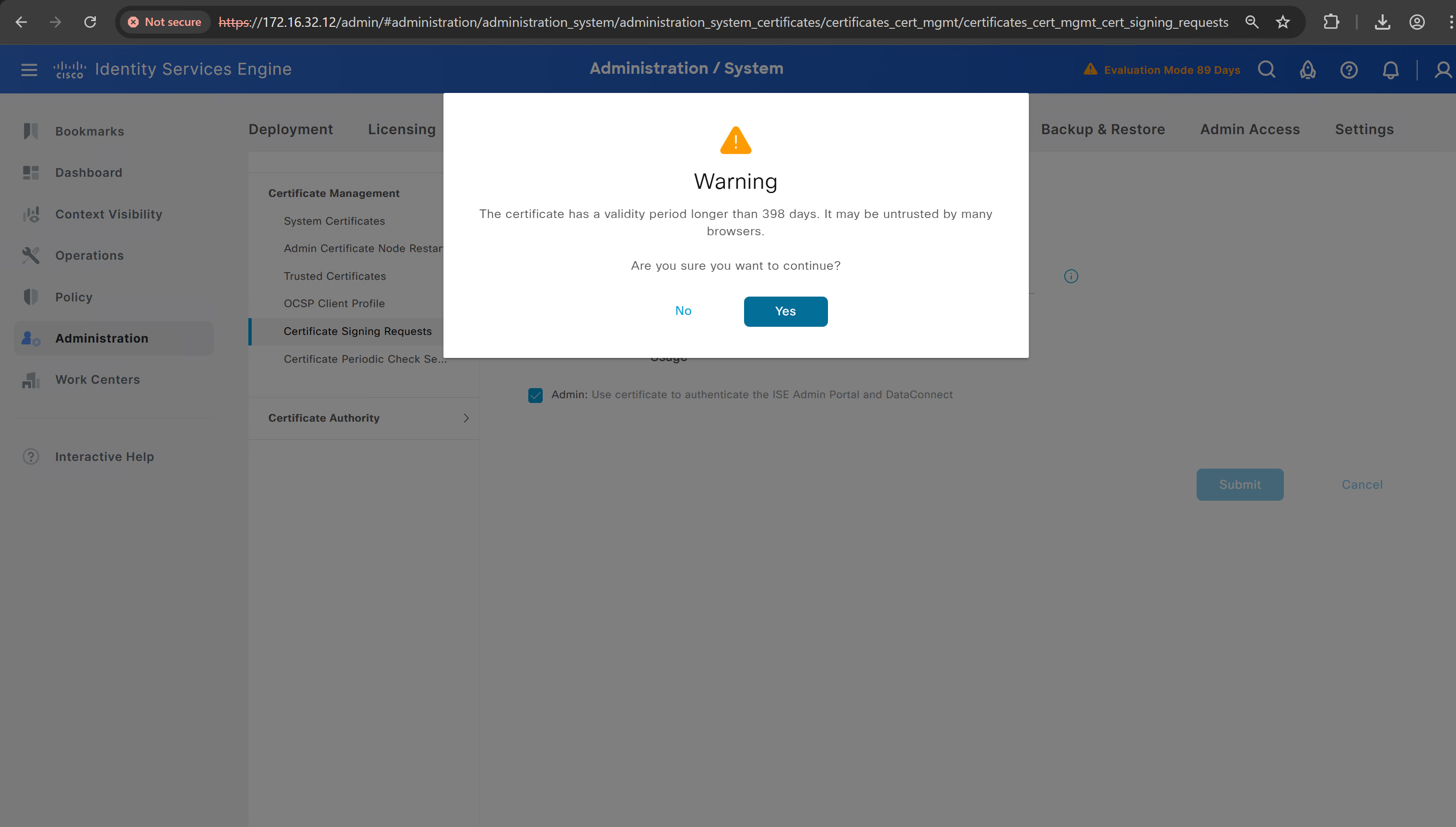
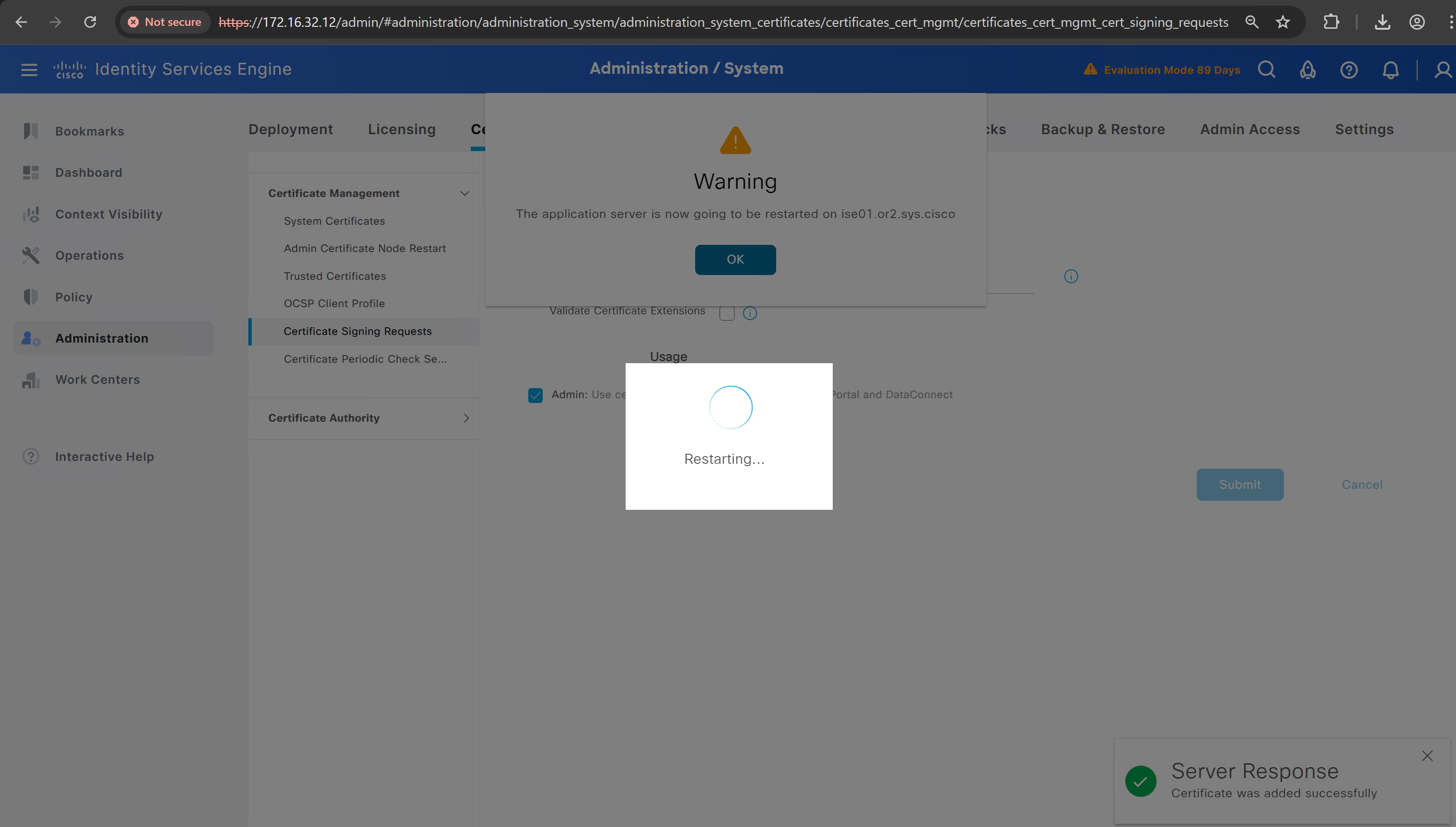
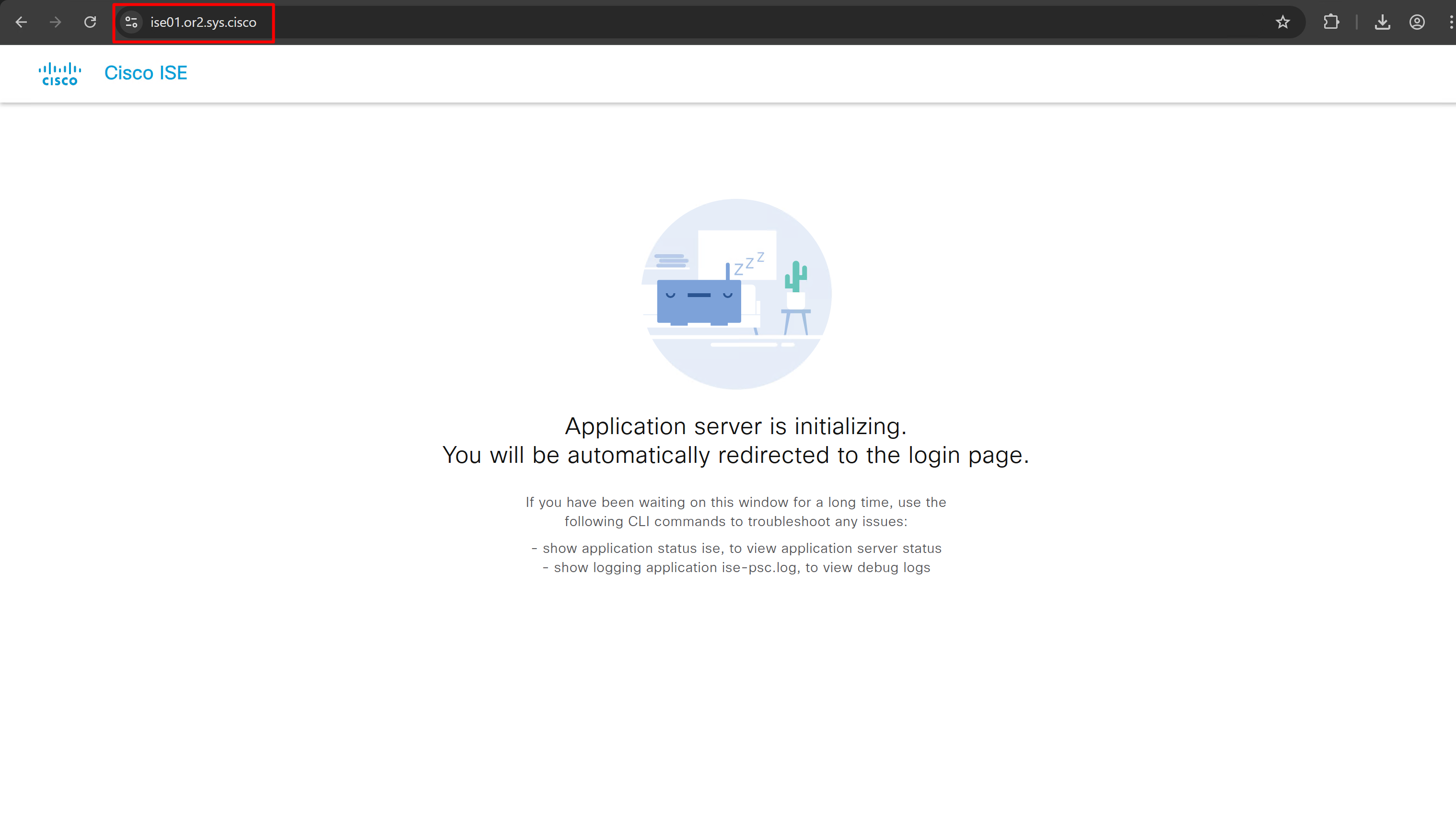
it is trusted now in browser if we access it on its FQDN
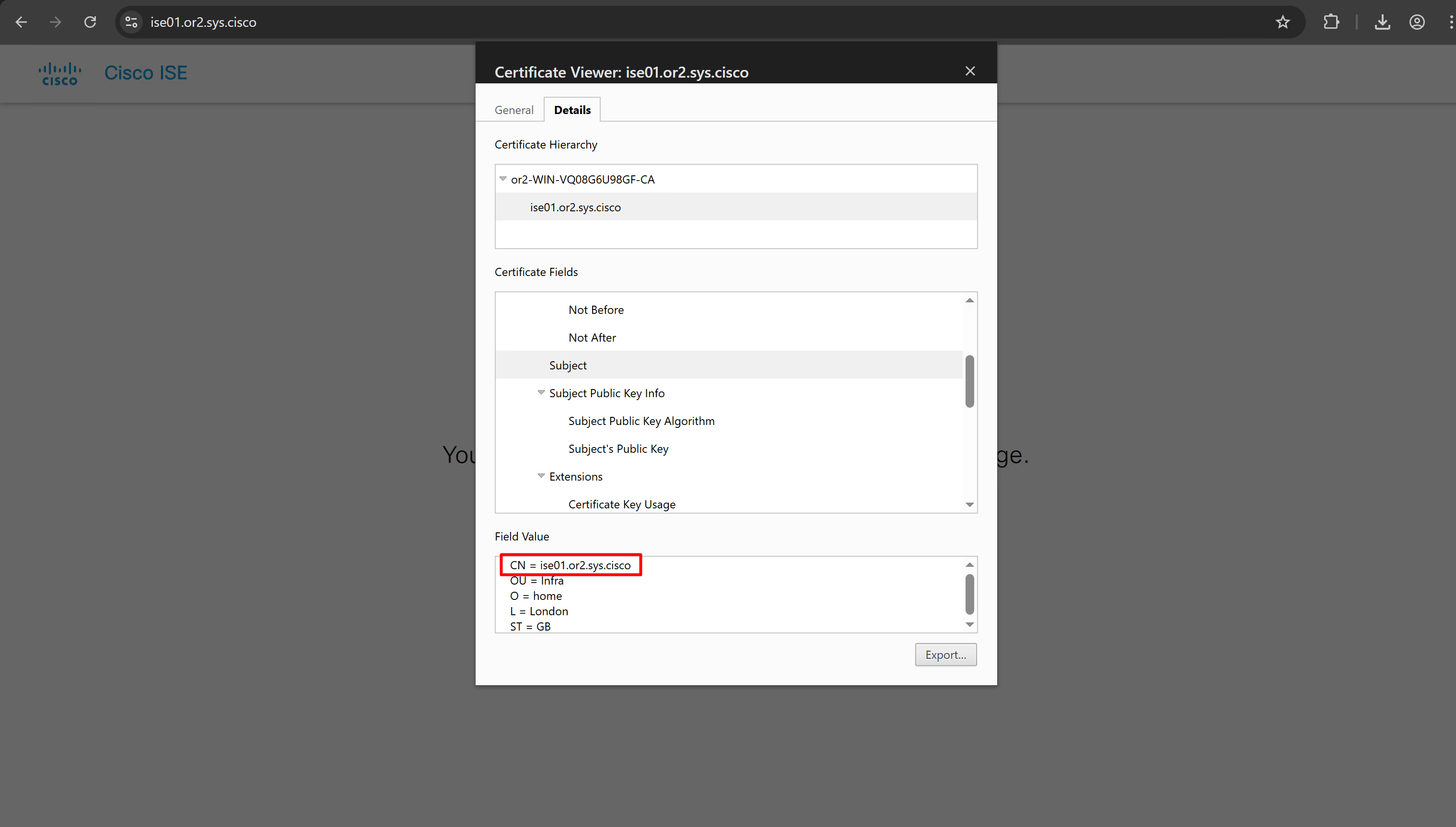
CN is the FQDN of the ISE
more…
coming soon
Leave a Reply