SEC0408 – Firepower 7.0 AnyConnect VPN Azure MFA (Part 3)
SKIPPED
SEC0406 – Firepower 7.0 AnyConnect VPN Certificate Authentication Windows (Part 3)
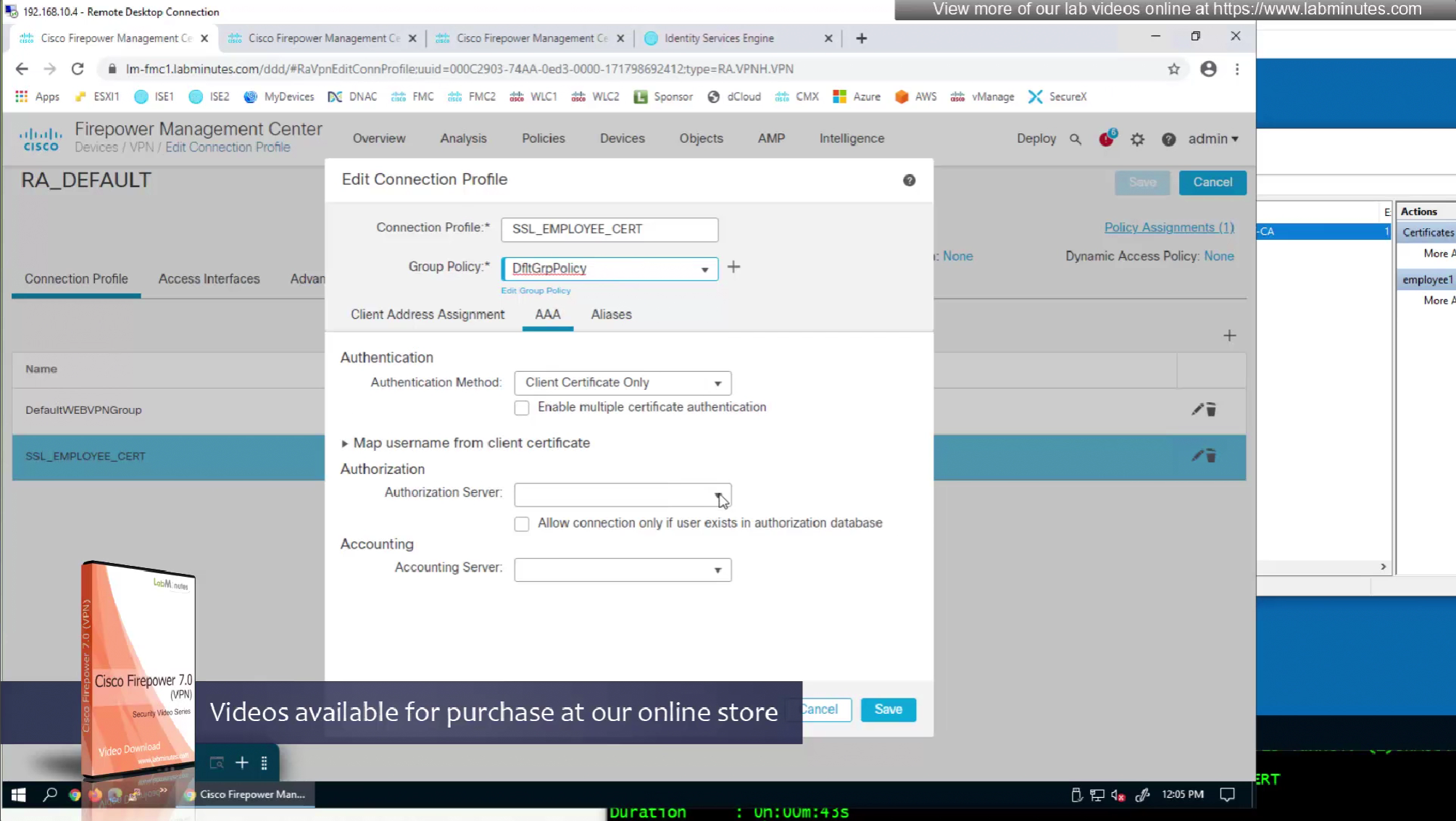
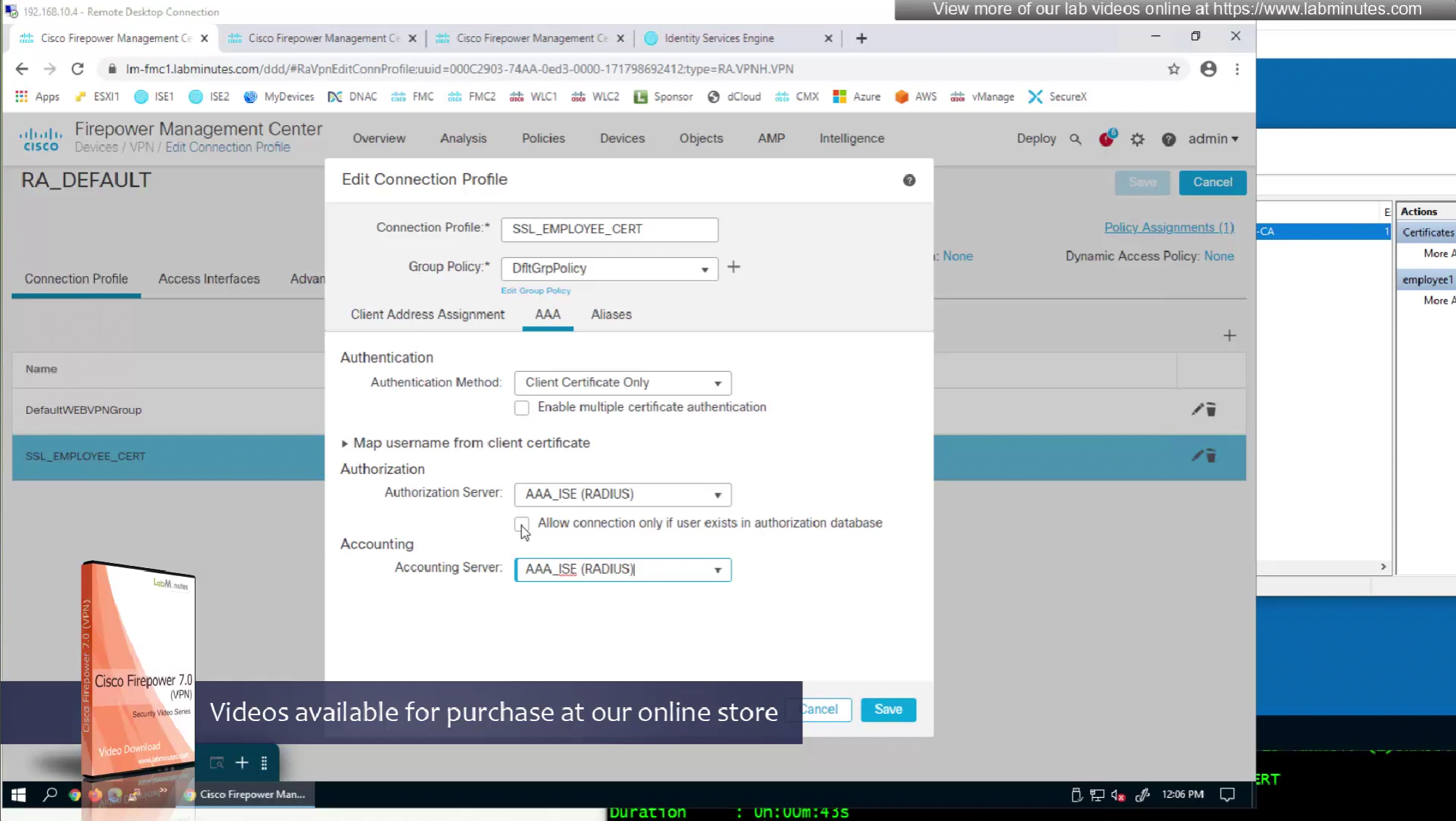
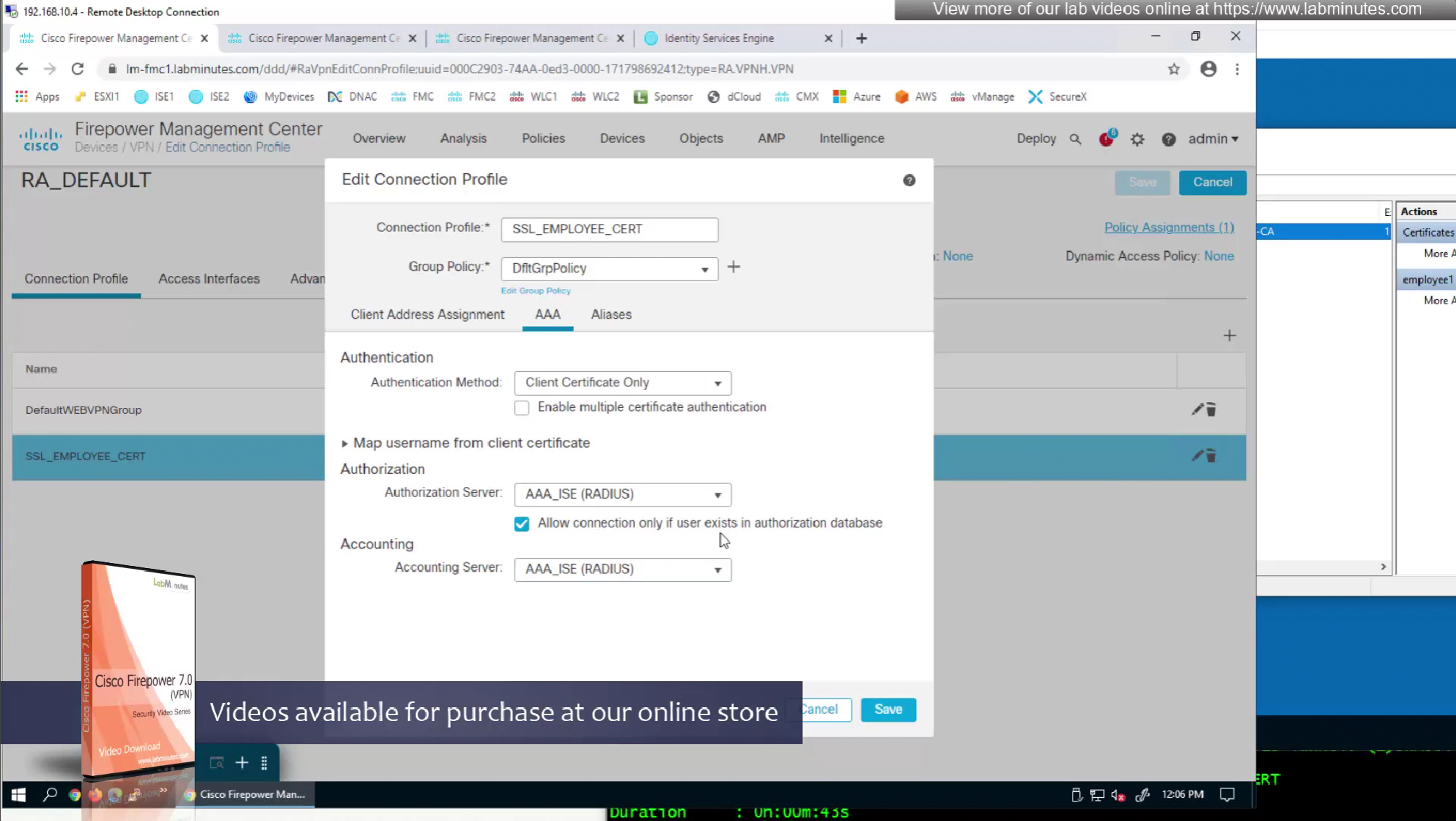
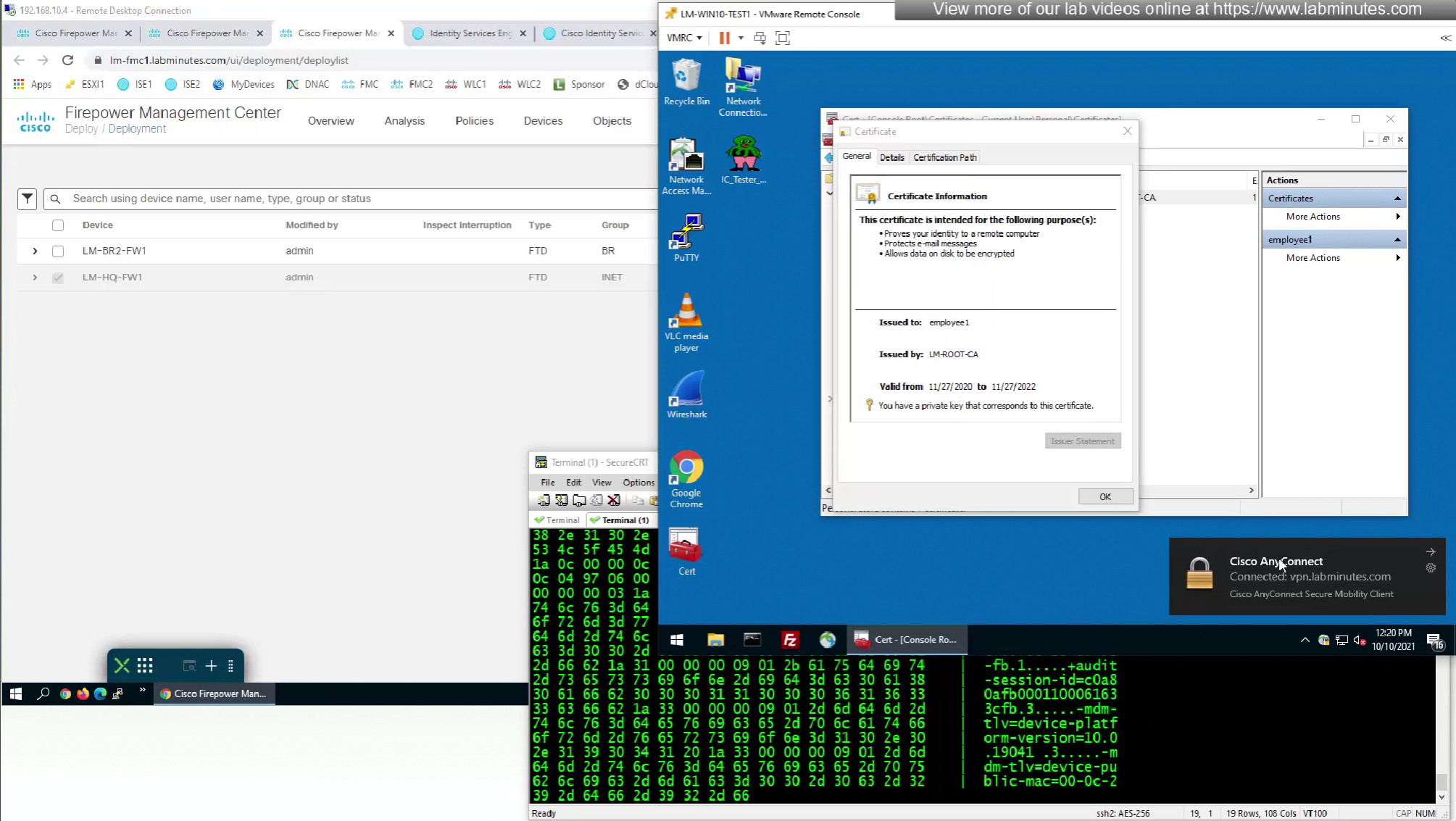
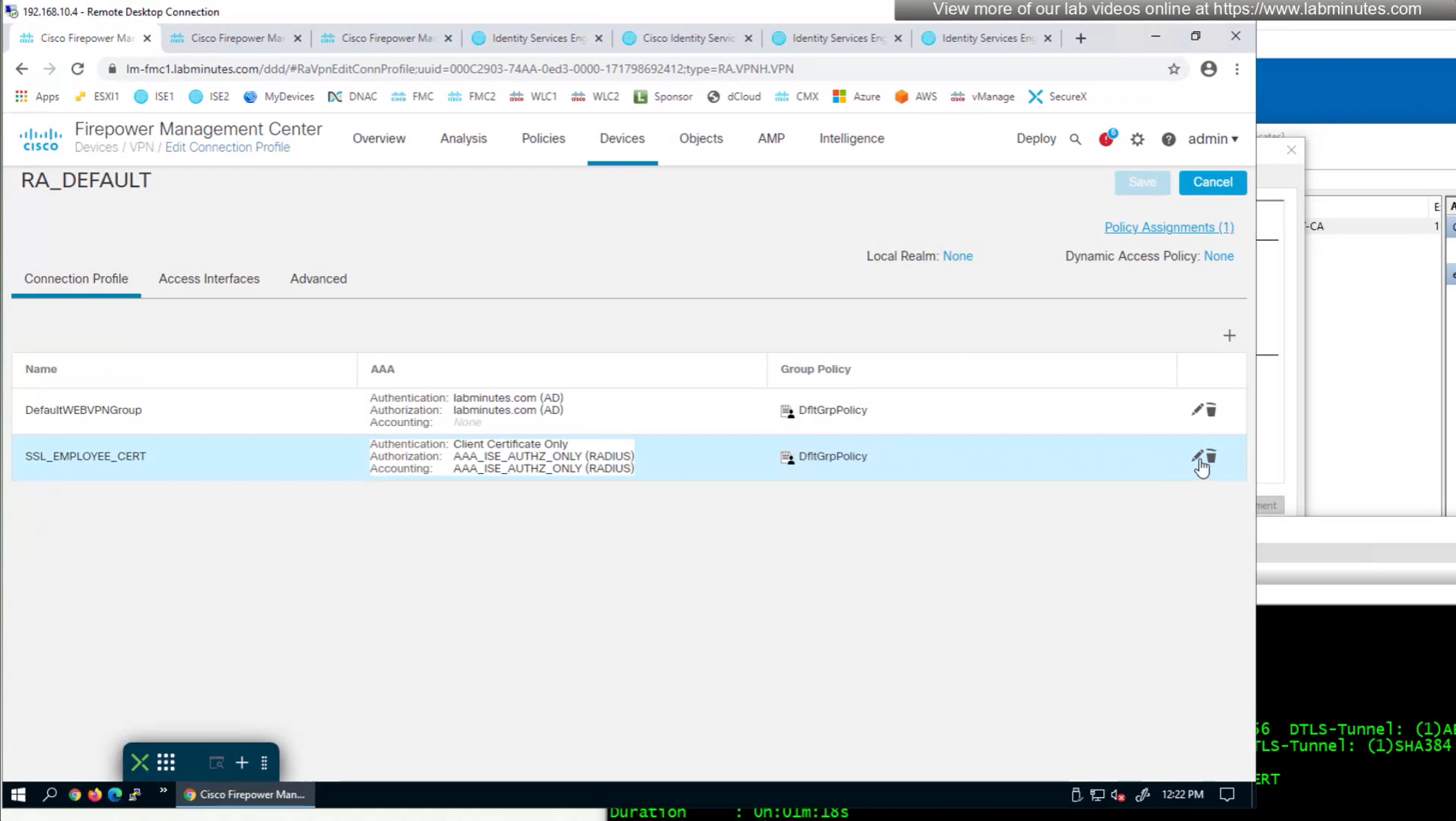
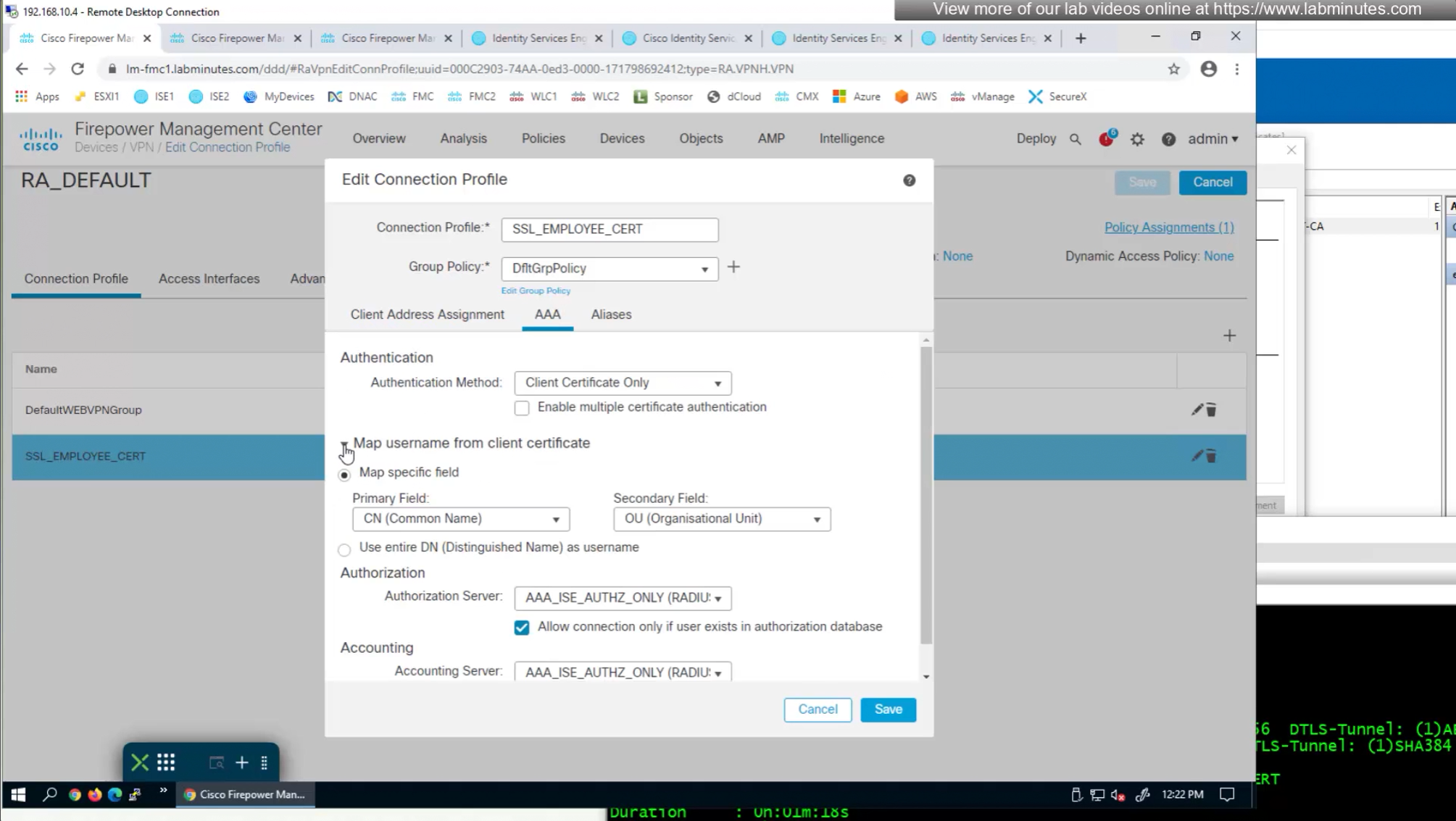
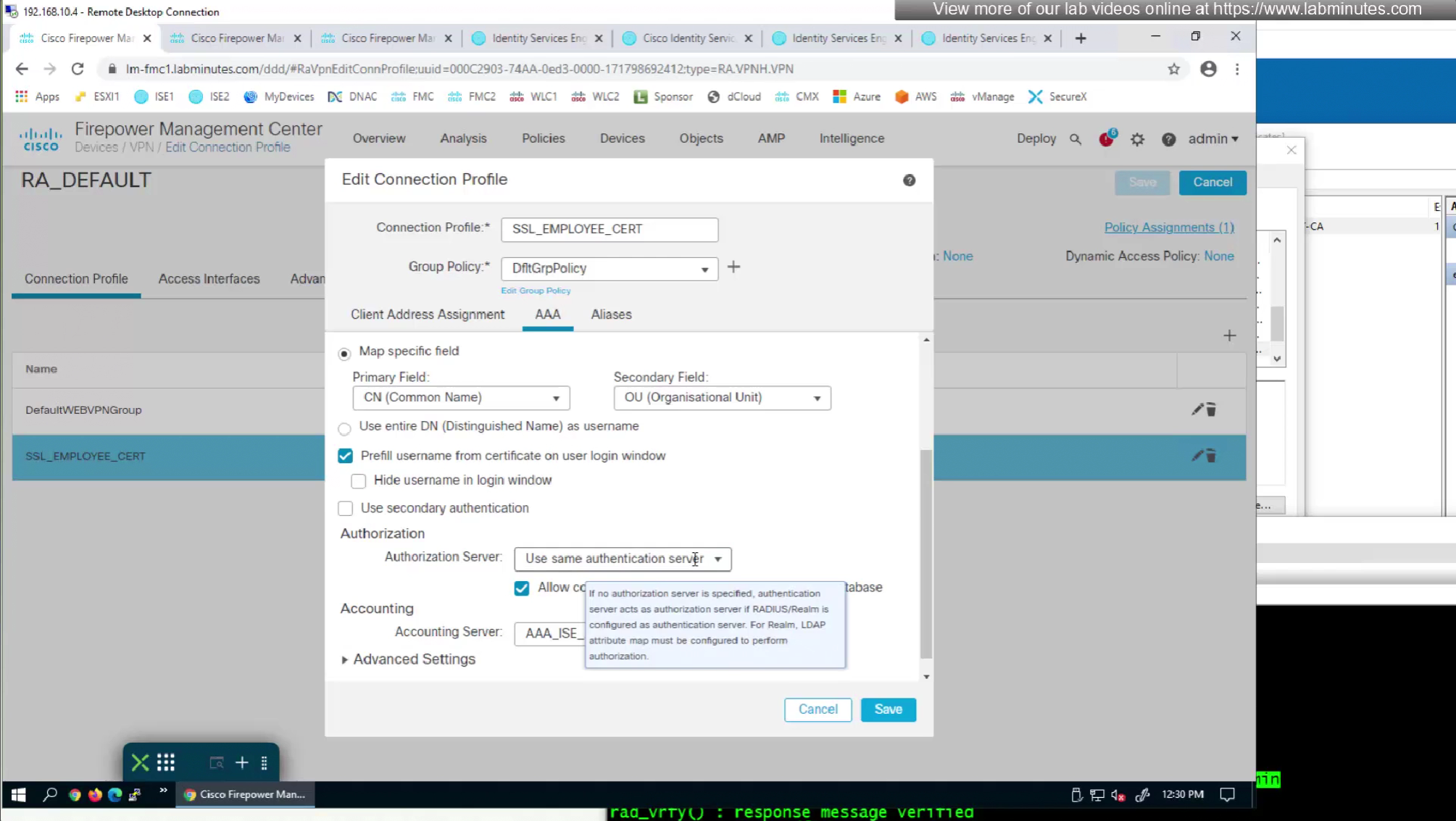
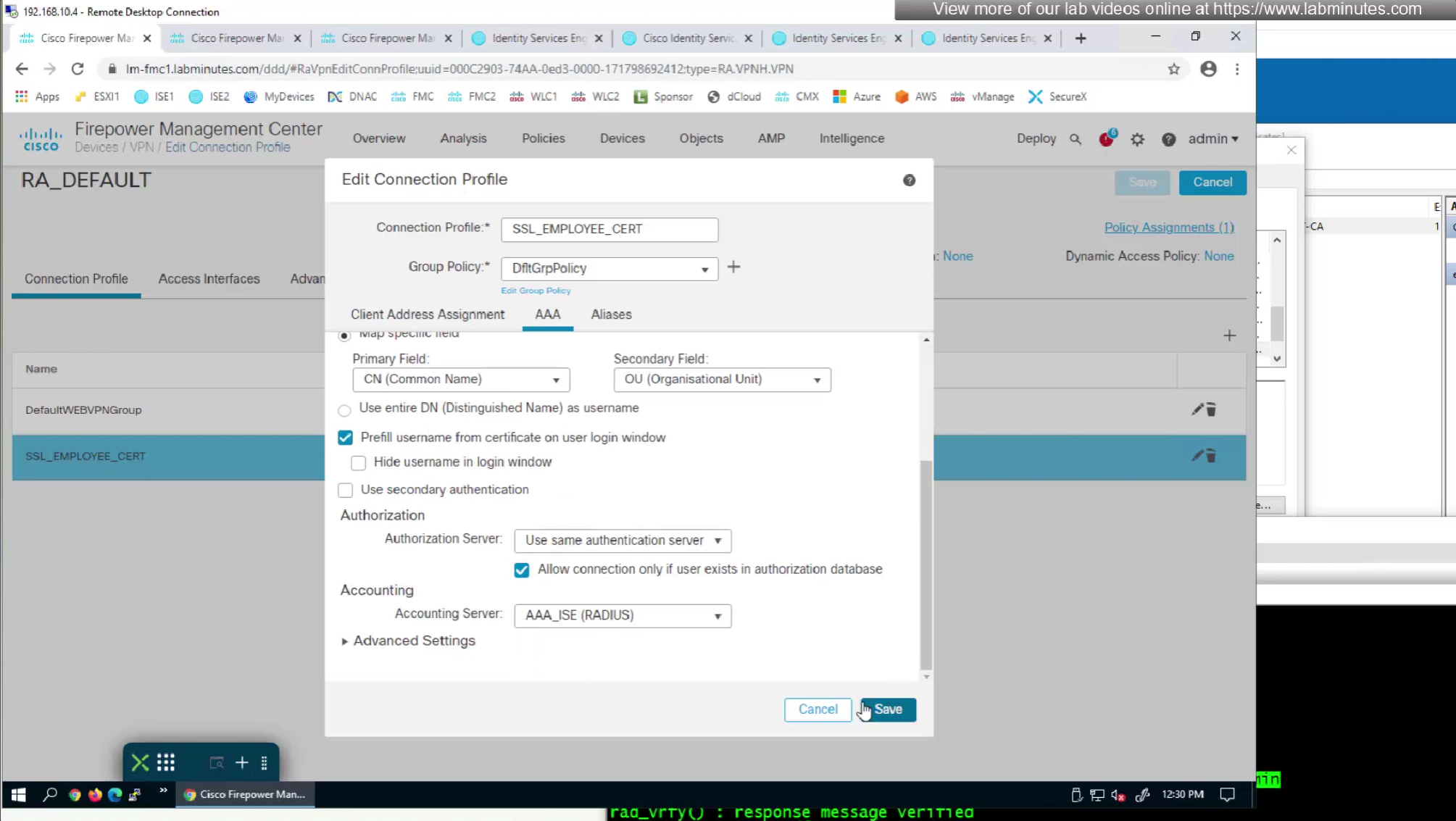
We can also enable authorization from ISE but authentication will be certificate based
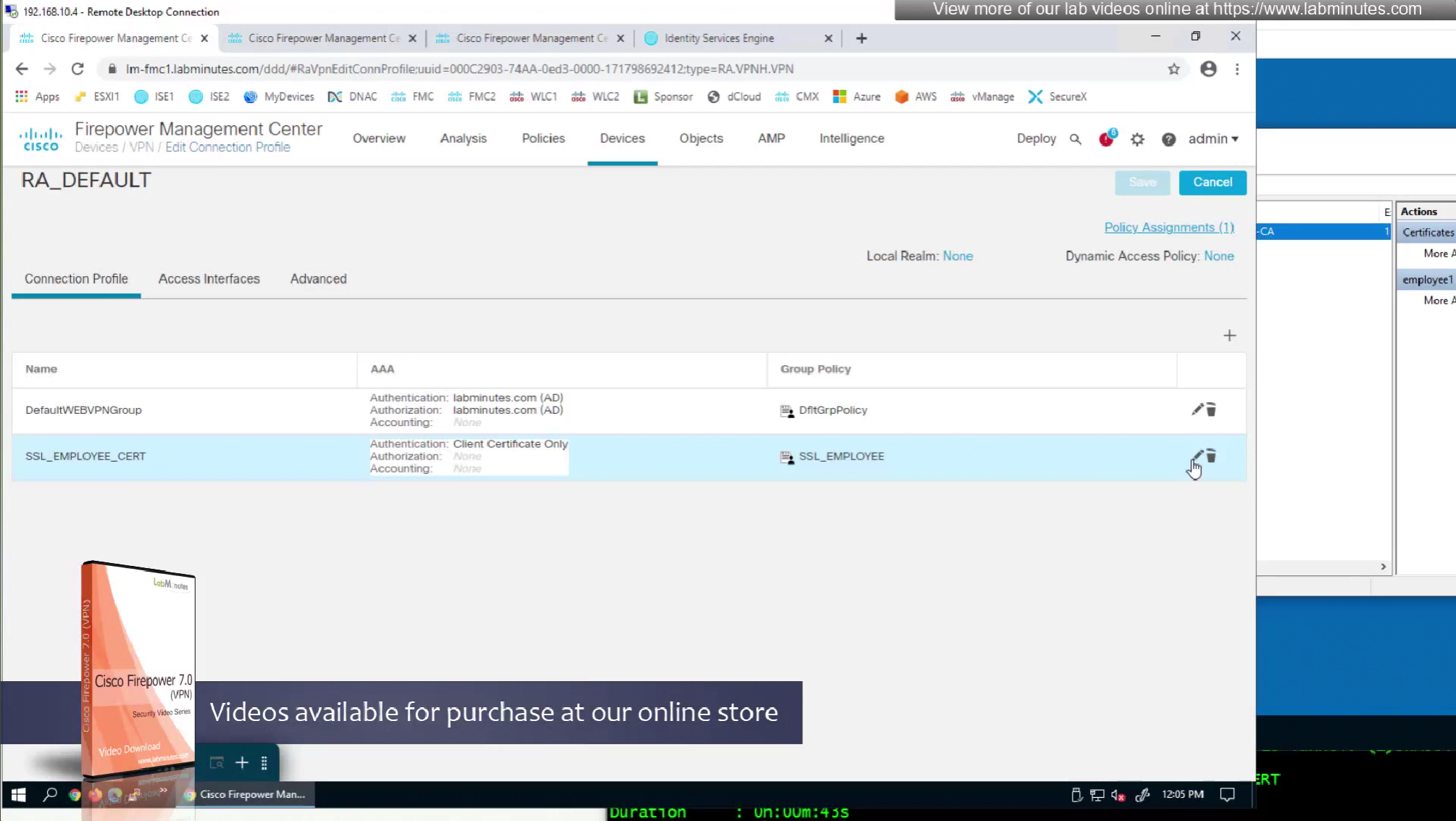
on the same connection profile we will select default group policy since group policy will be returned from RADIUS server
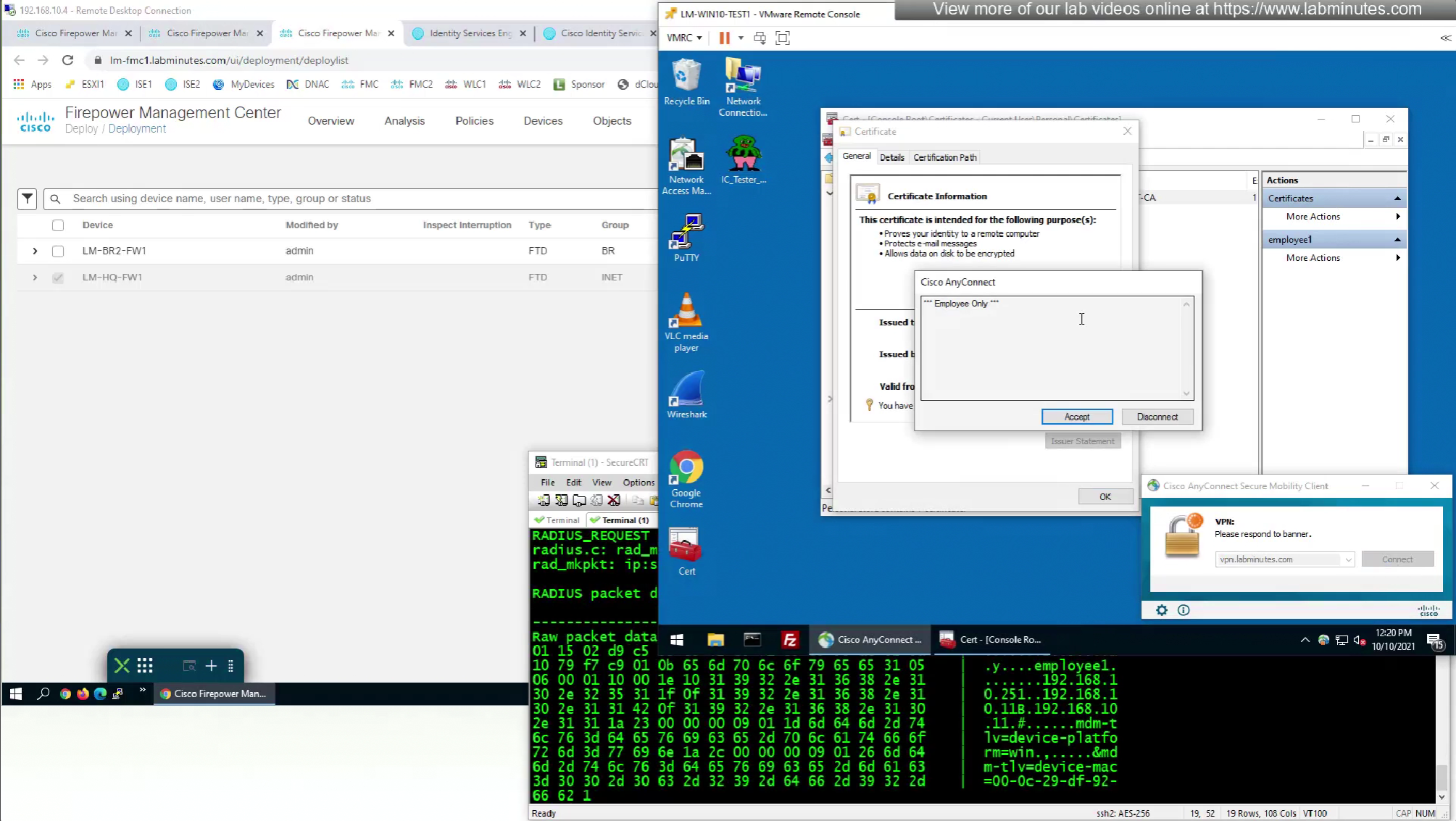
debug radius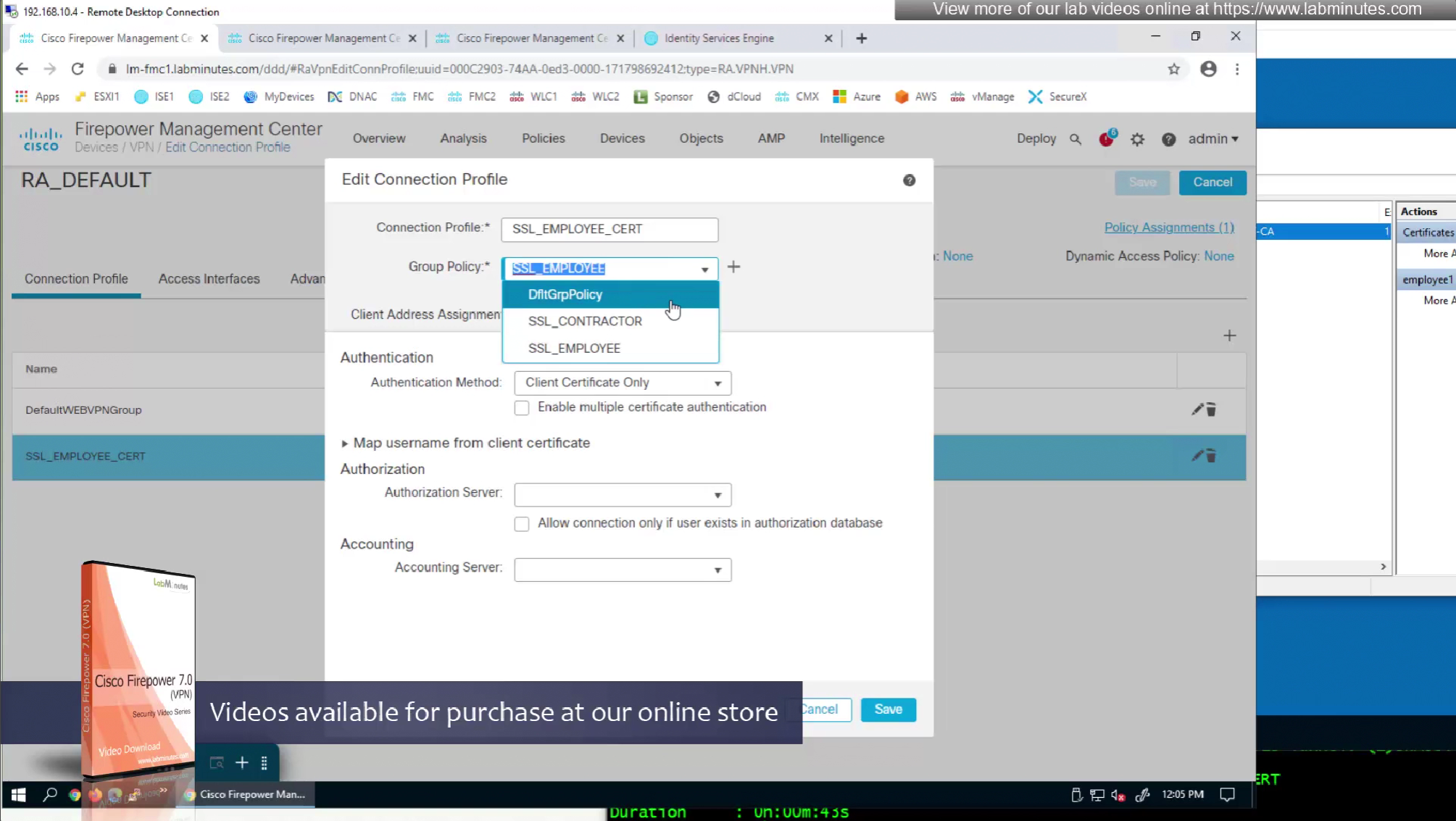
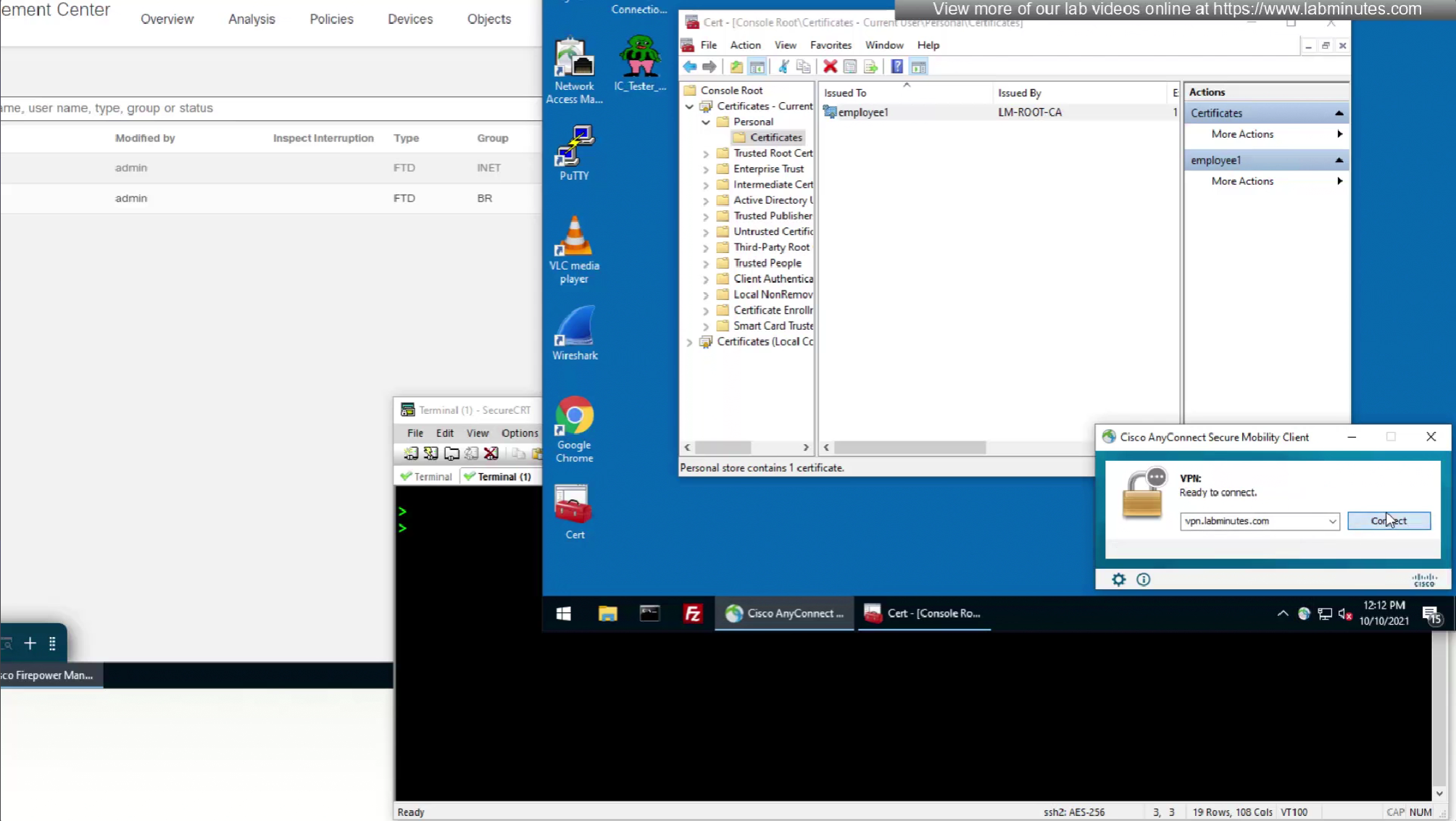
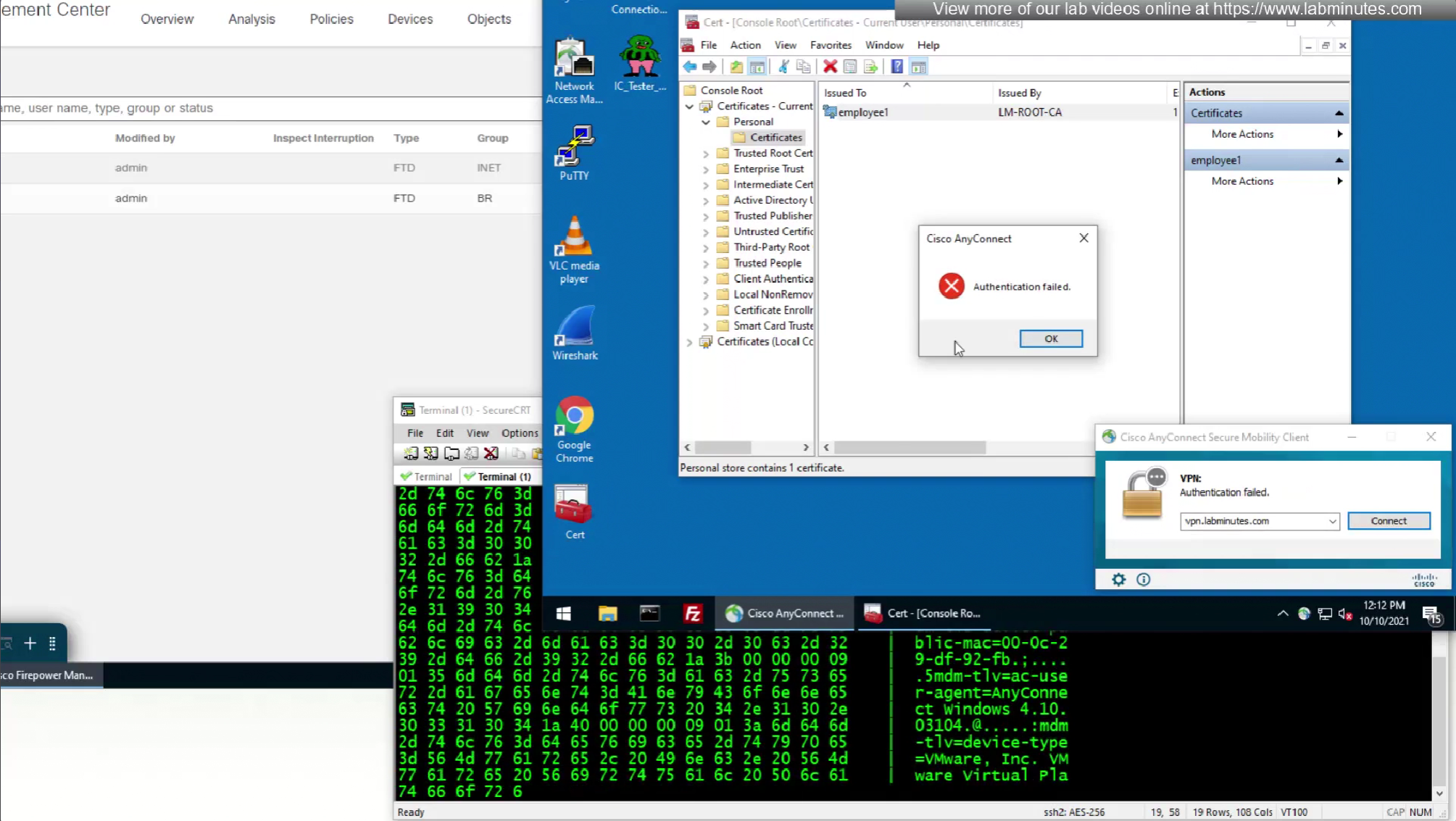
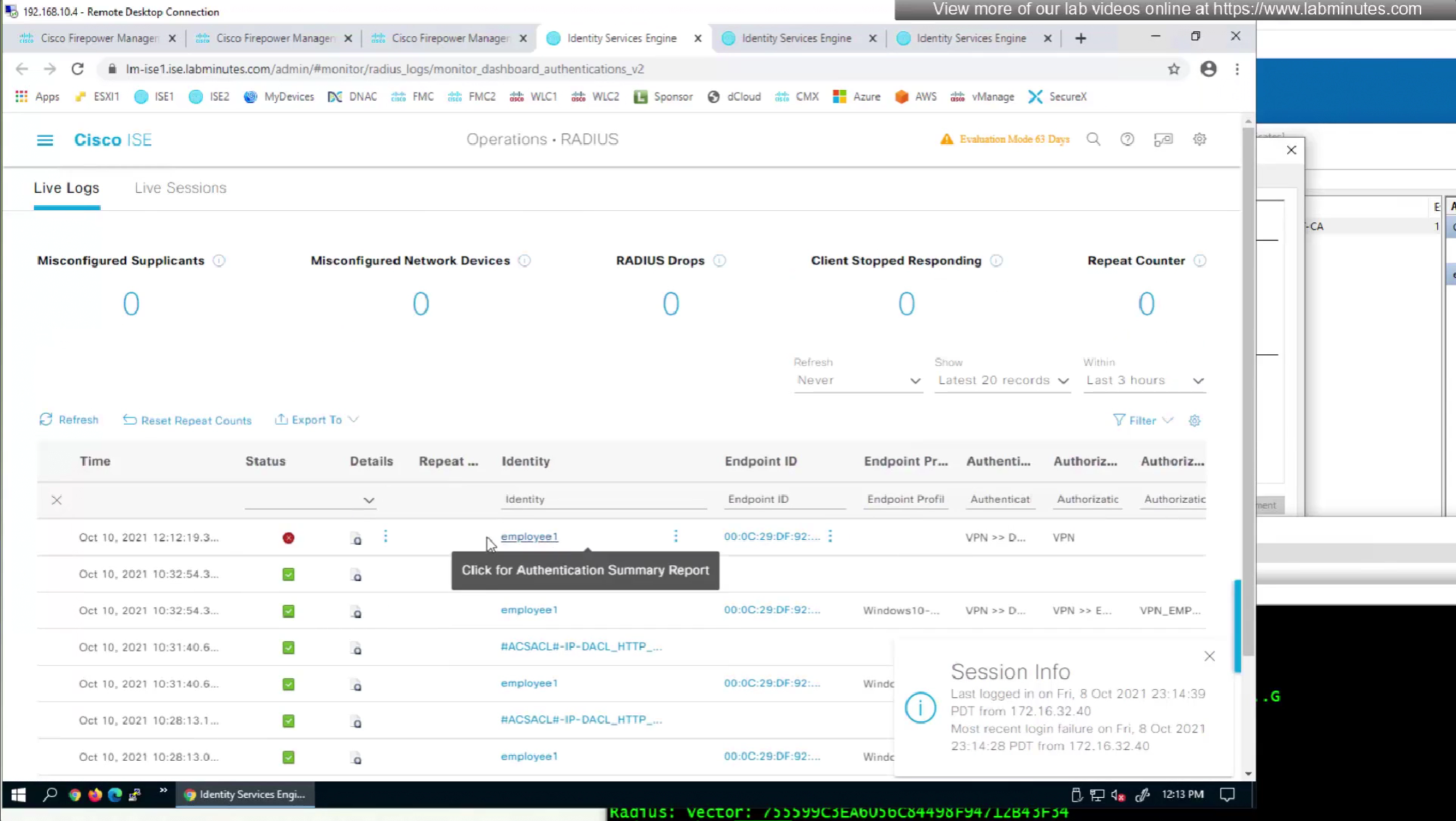
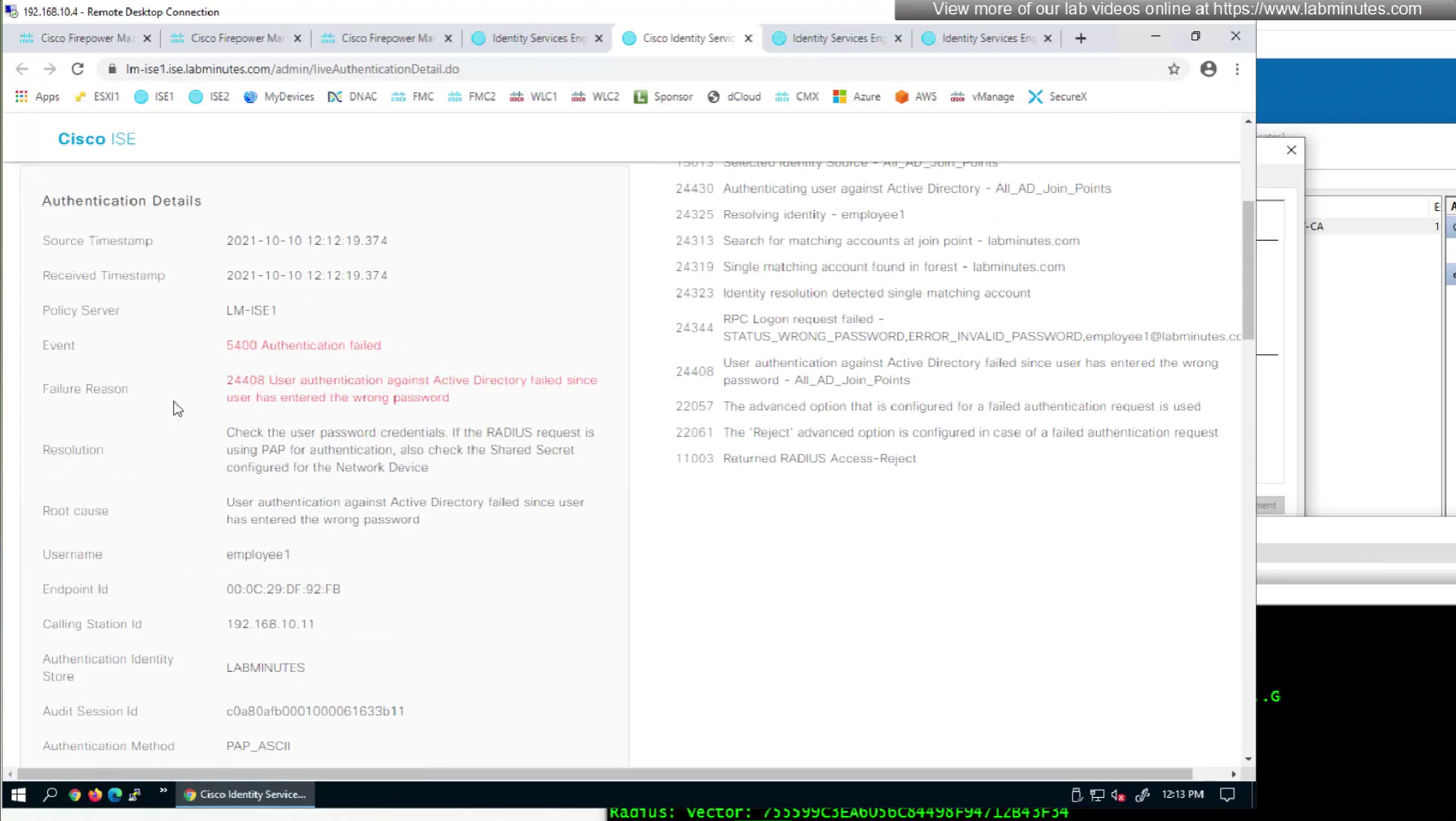
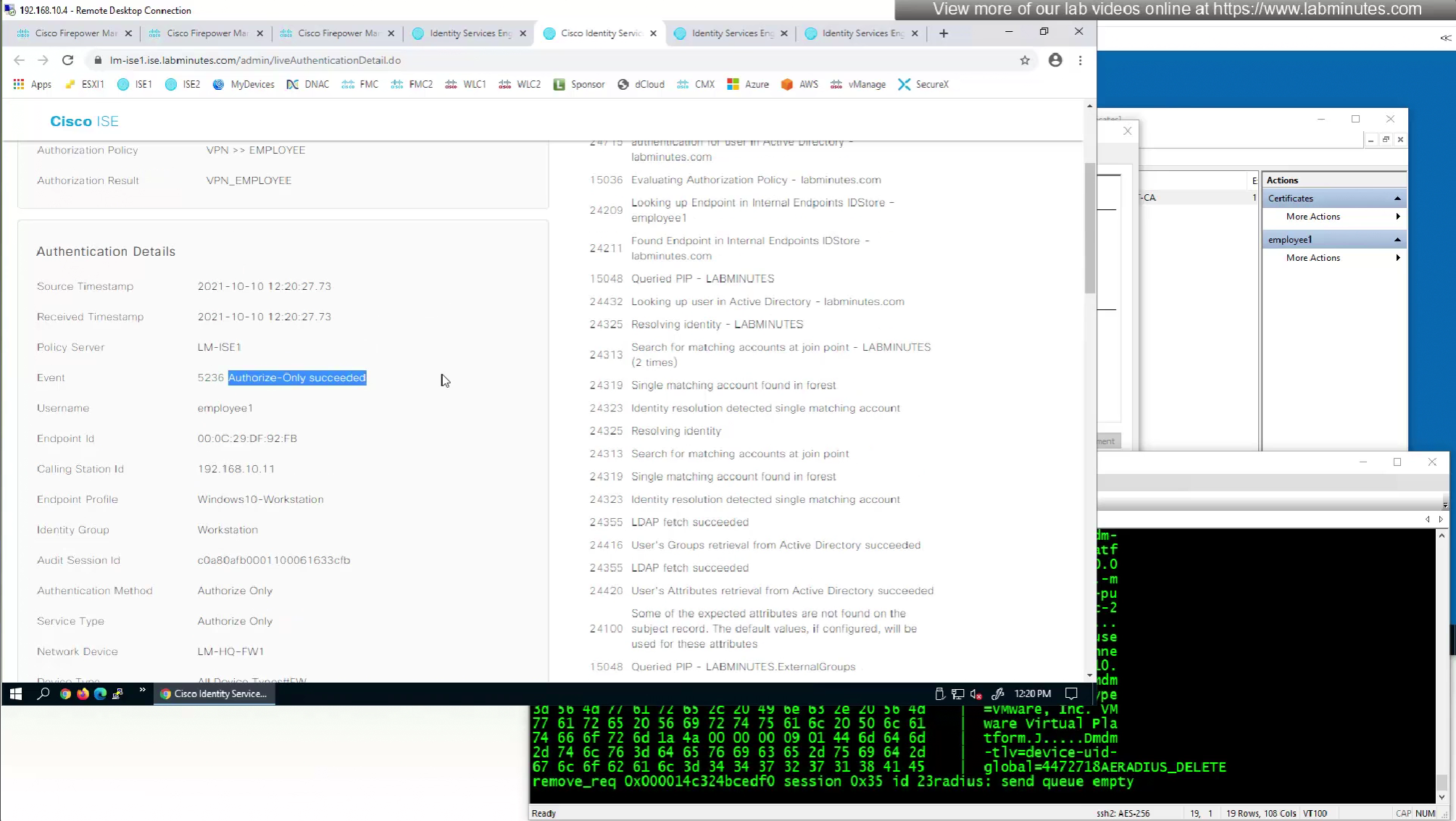
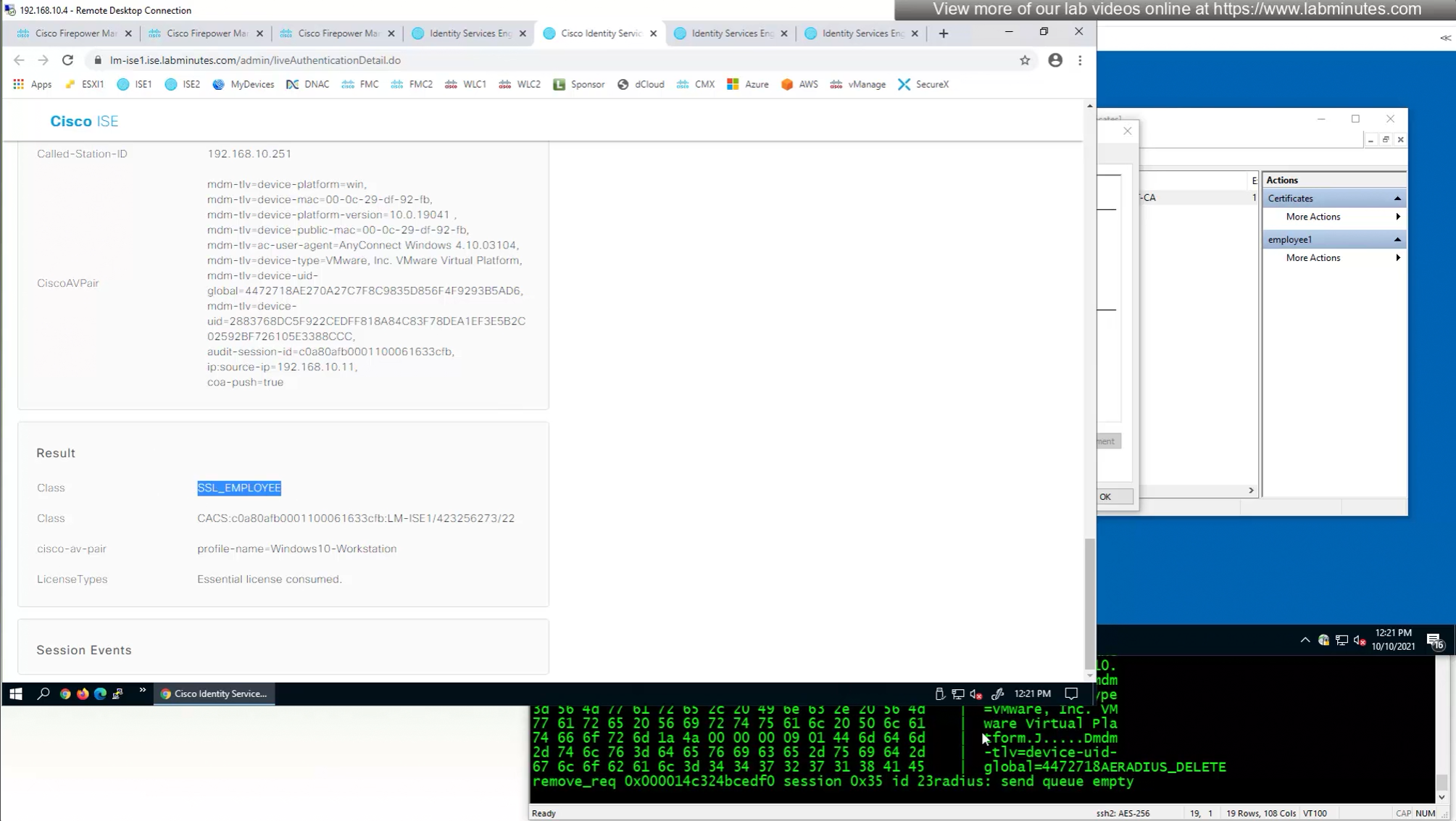
so it seems like firepower is sending username (from certificate) to ISE even though we did not configure it for authentication
so it means that when client sends certificate, client gets authenticated locally on the firewall but when going out to ISE firewall is also doing authentication and not just authorization
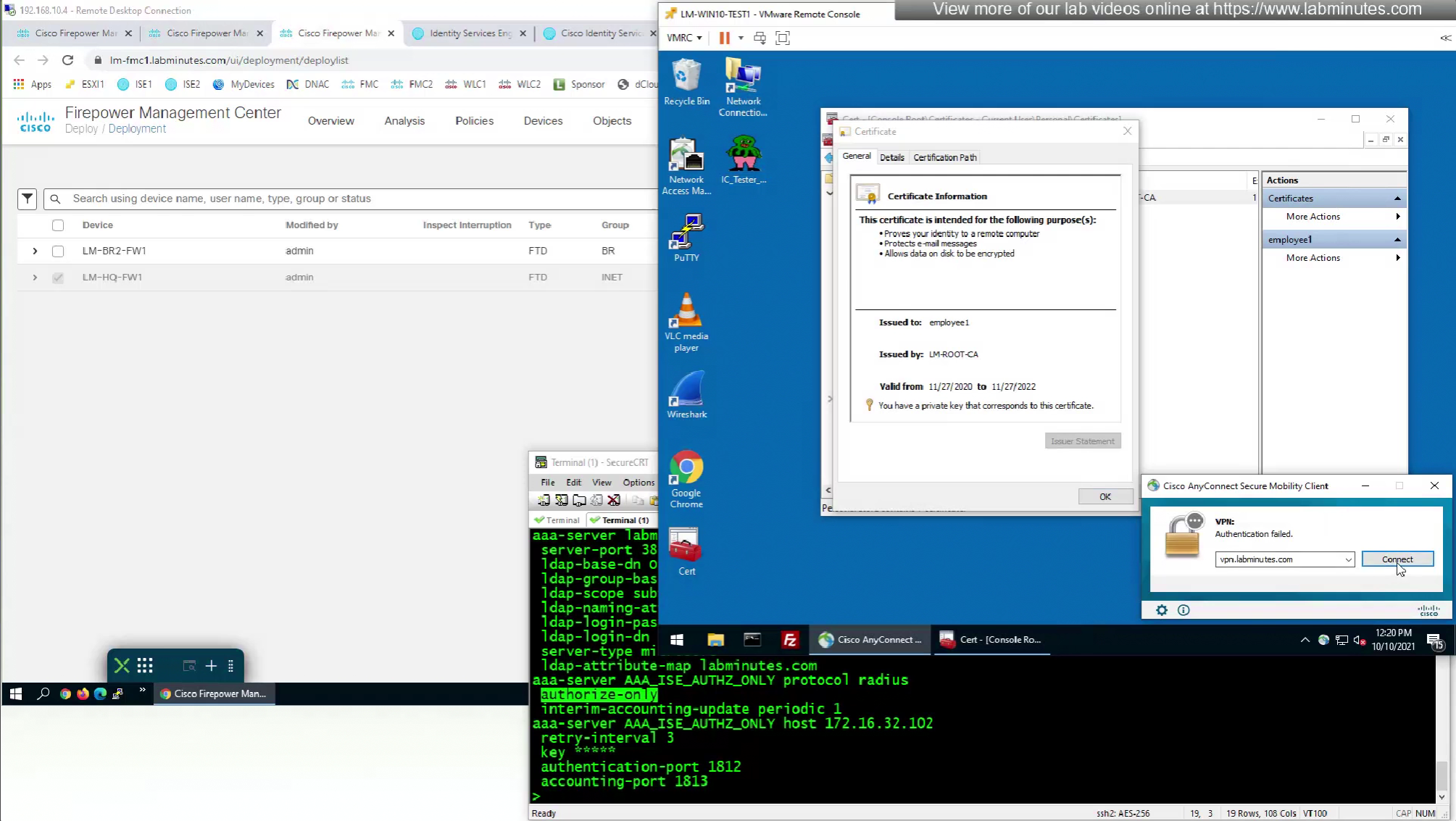
This is how we can successfully authenticate using certificates but authorize using ISE
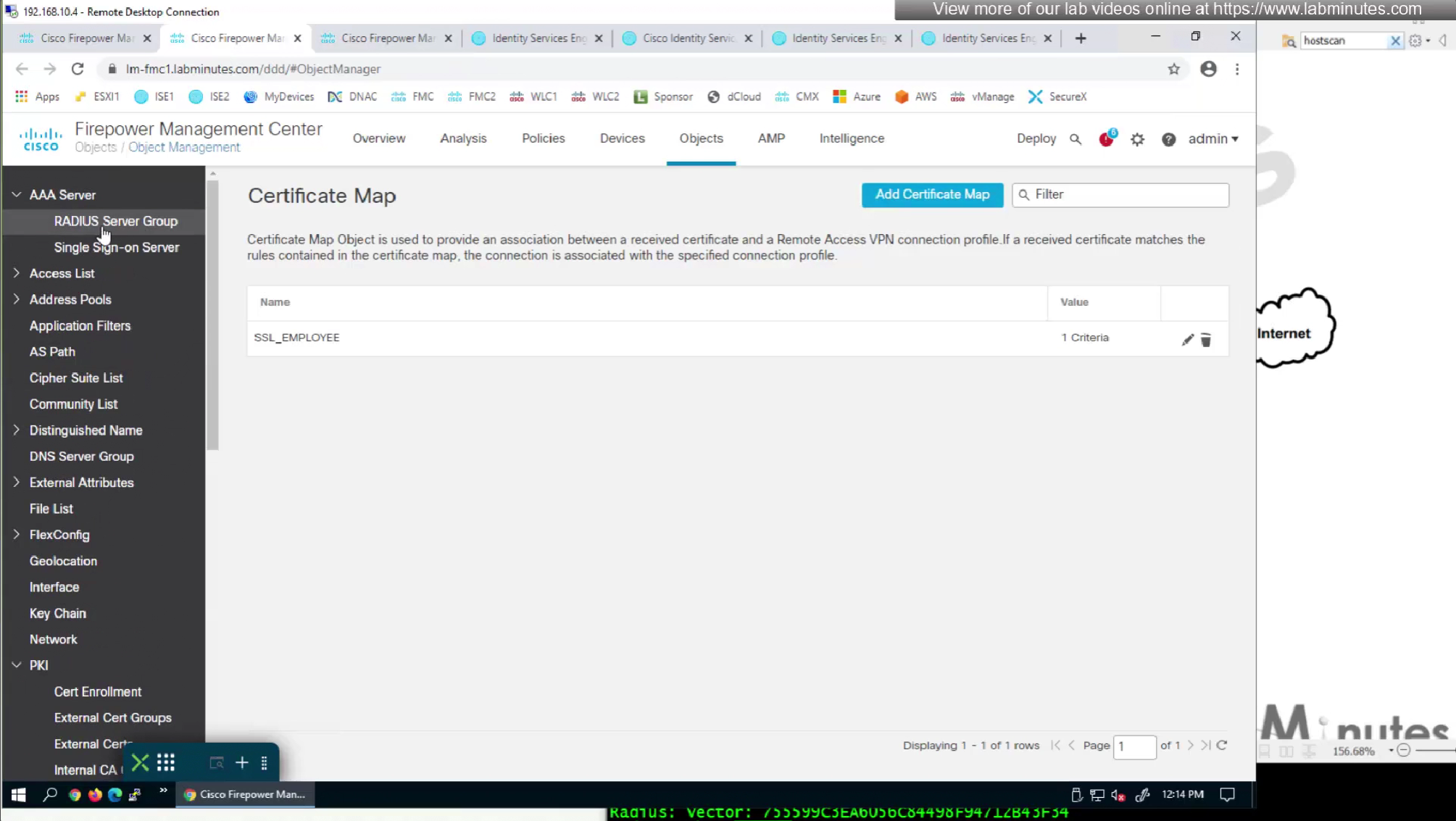
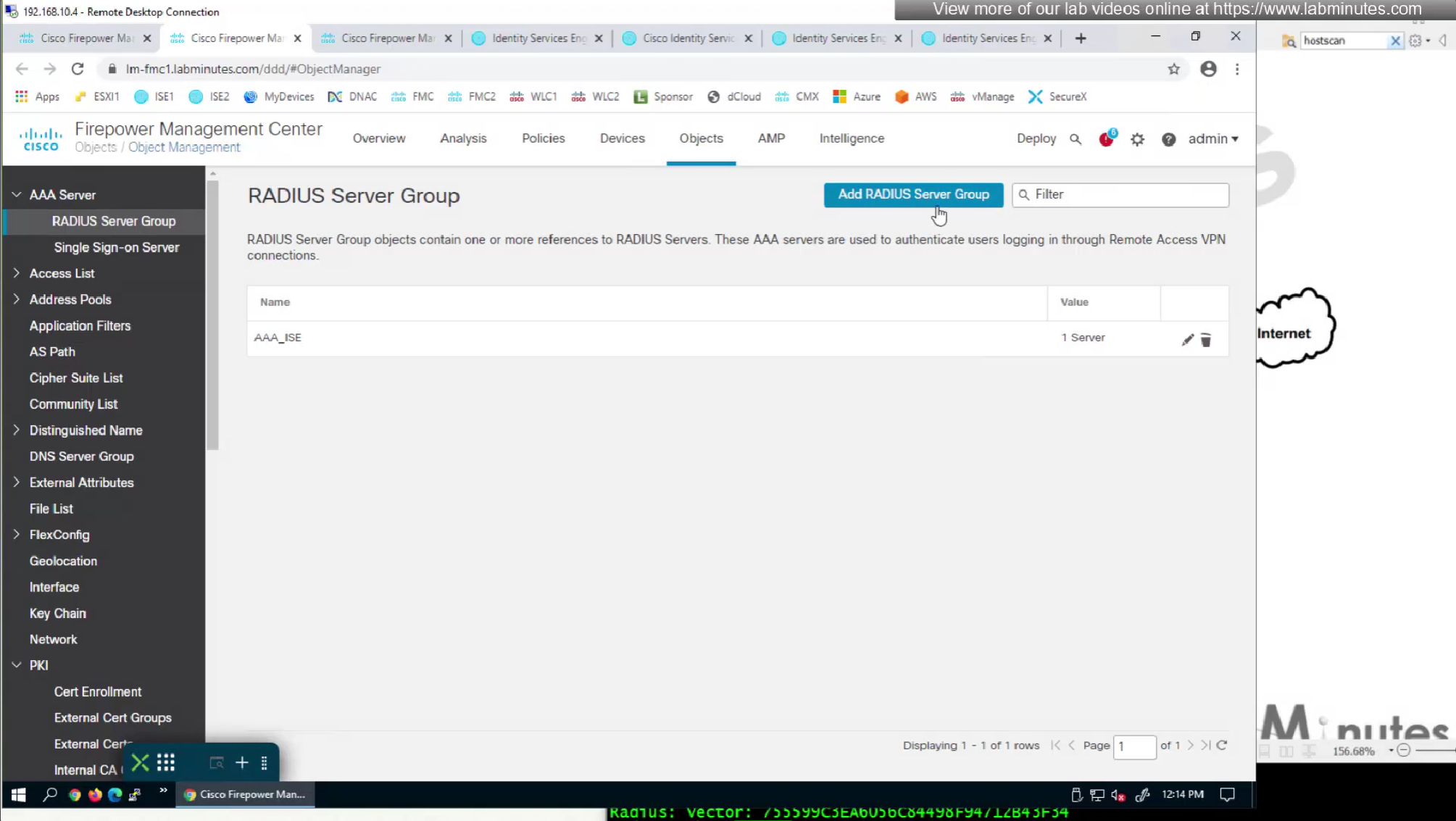
Fortunately we can turn off authentication to ISE using “Enable authorize only”

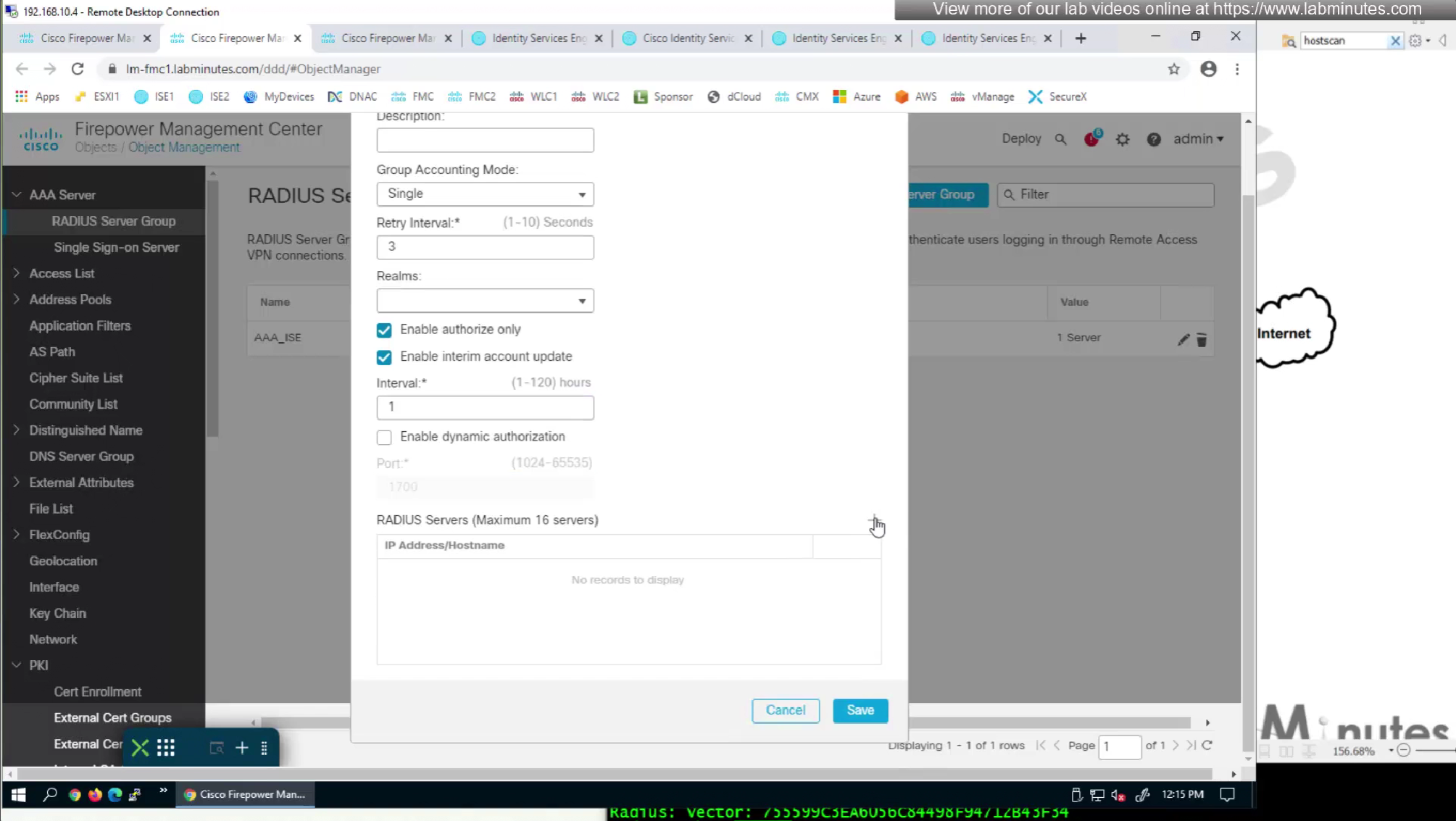
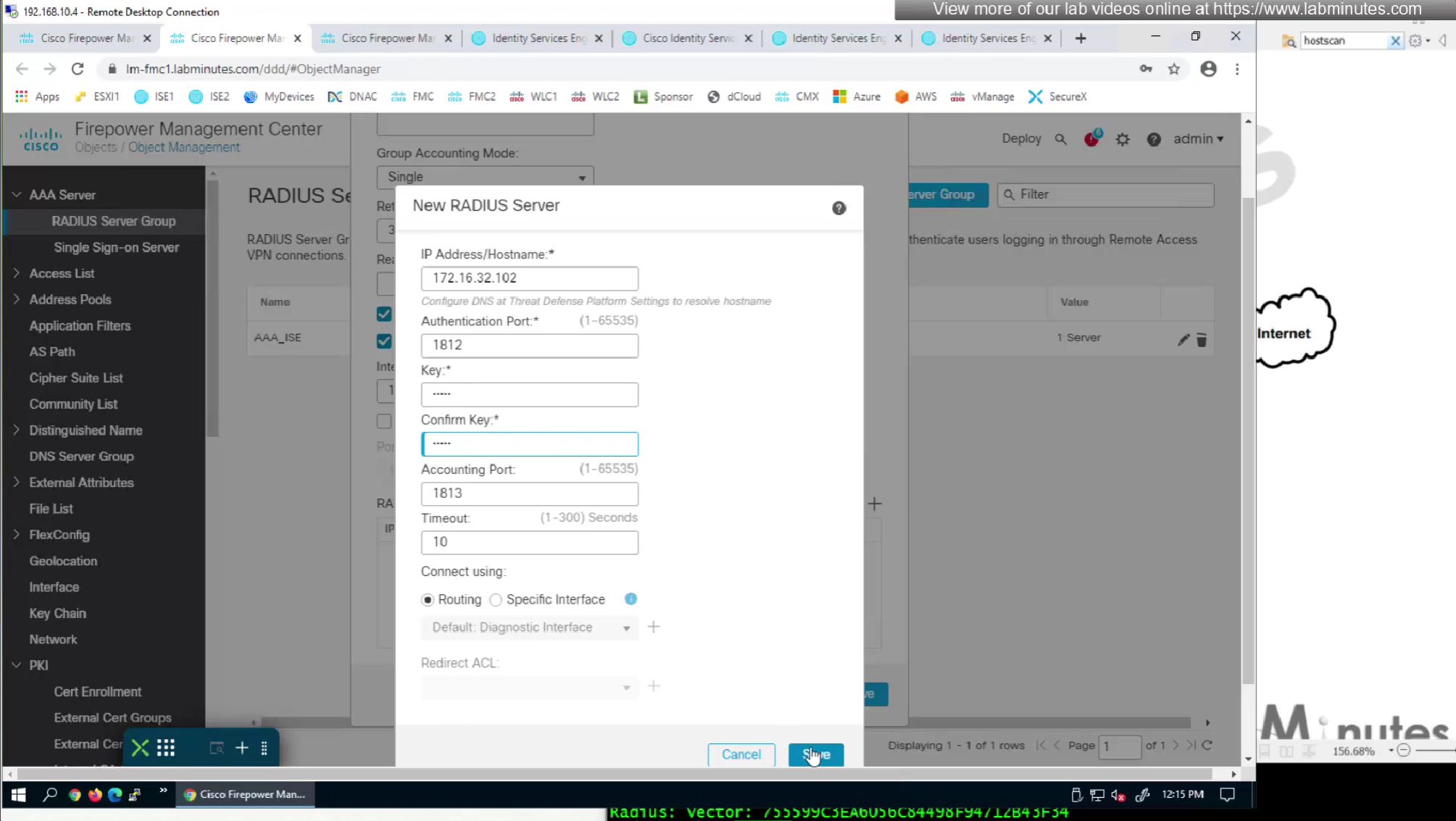
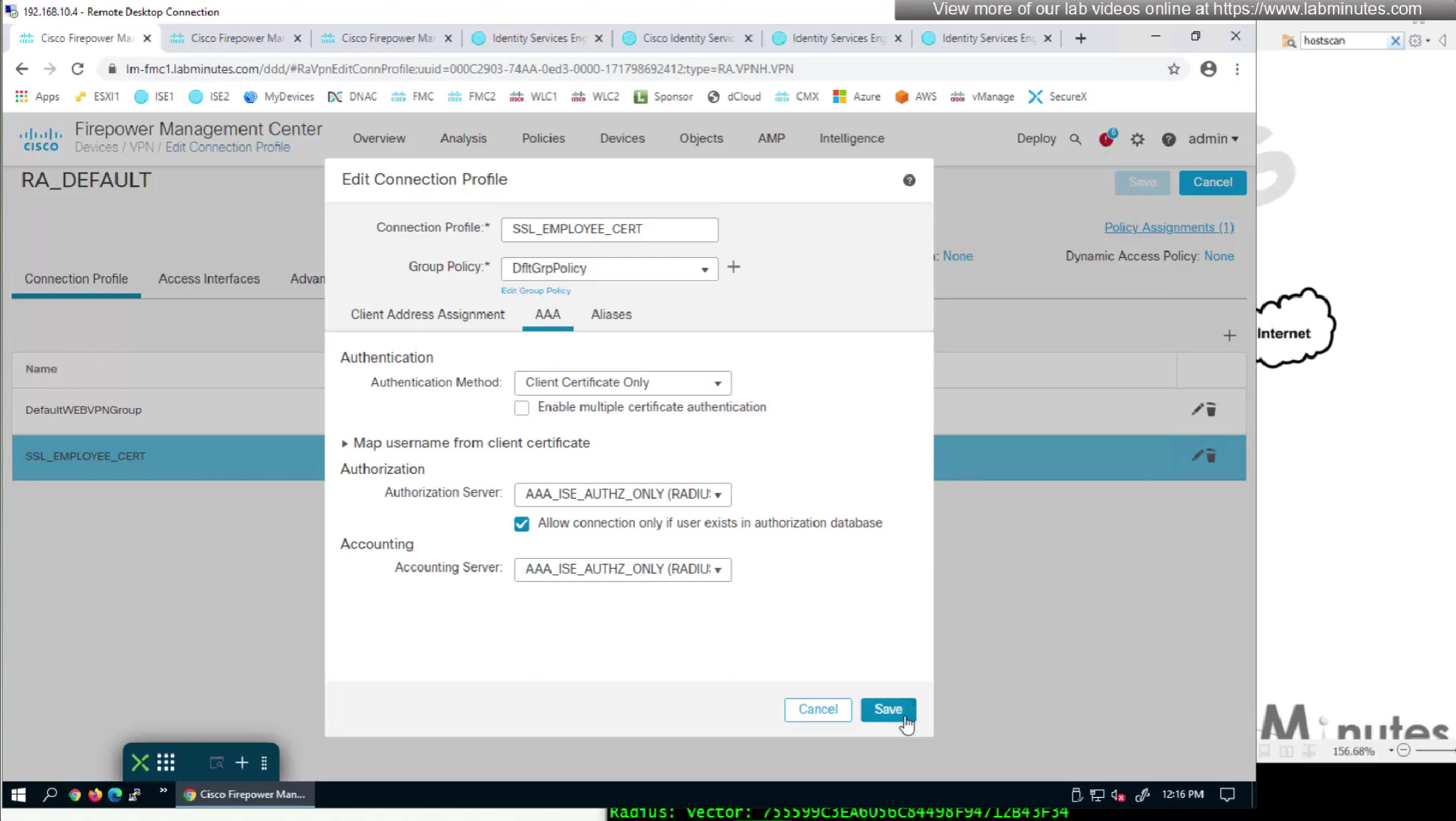
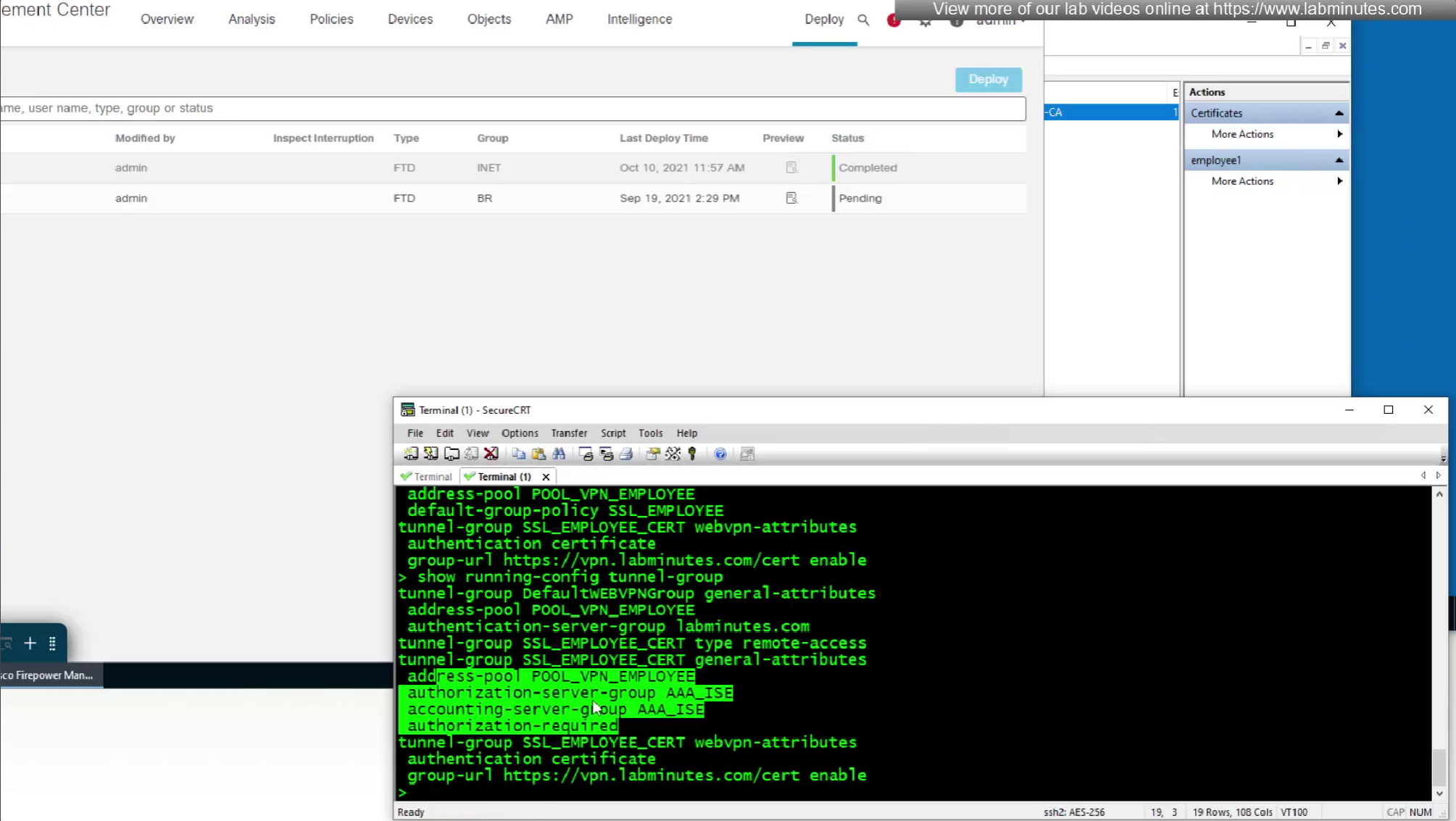
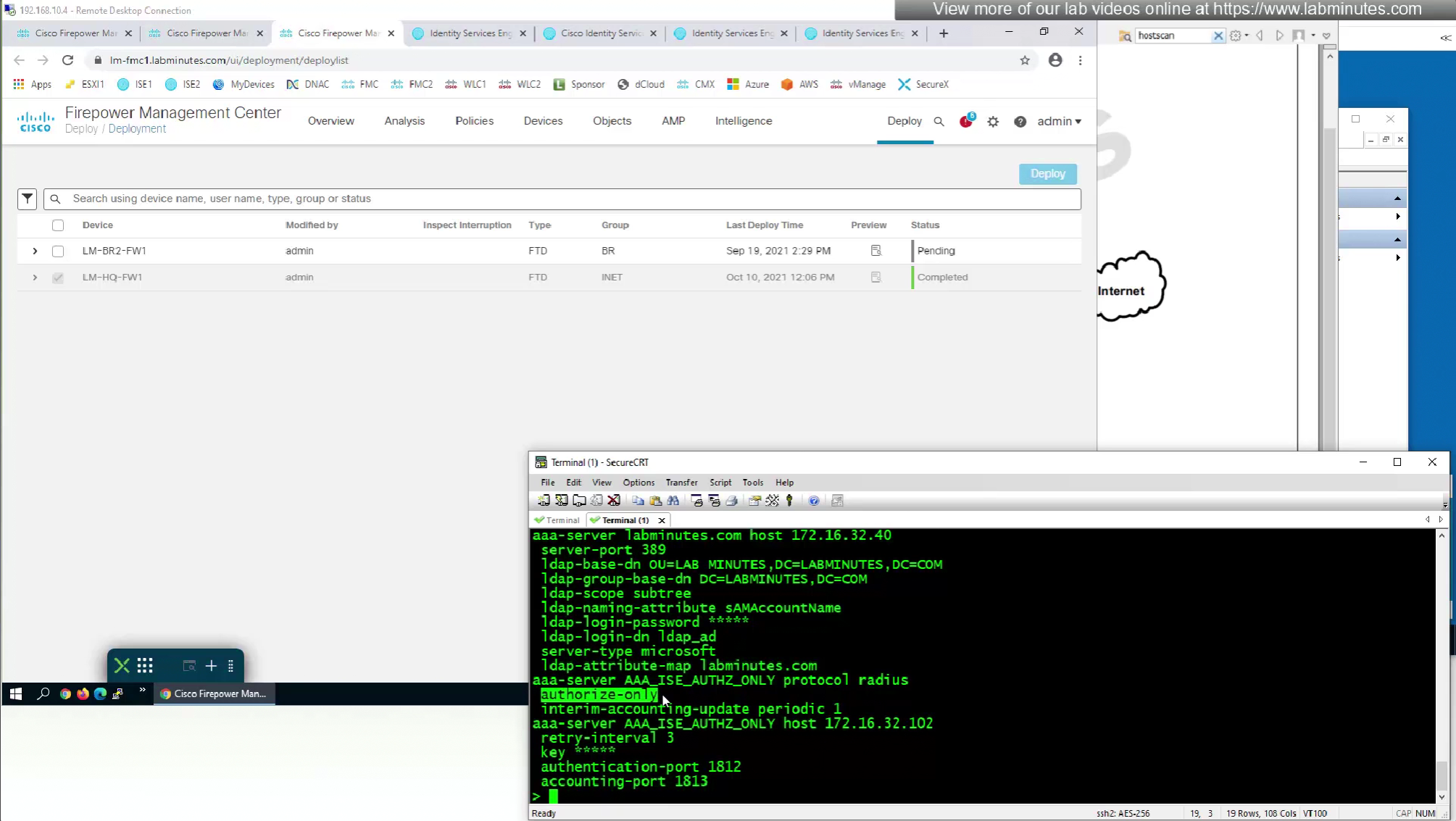
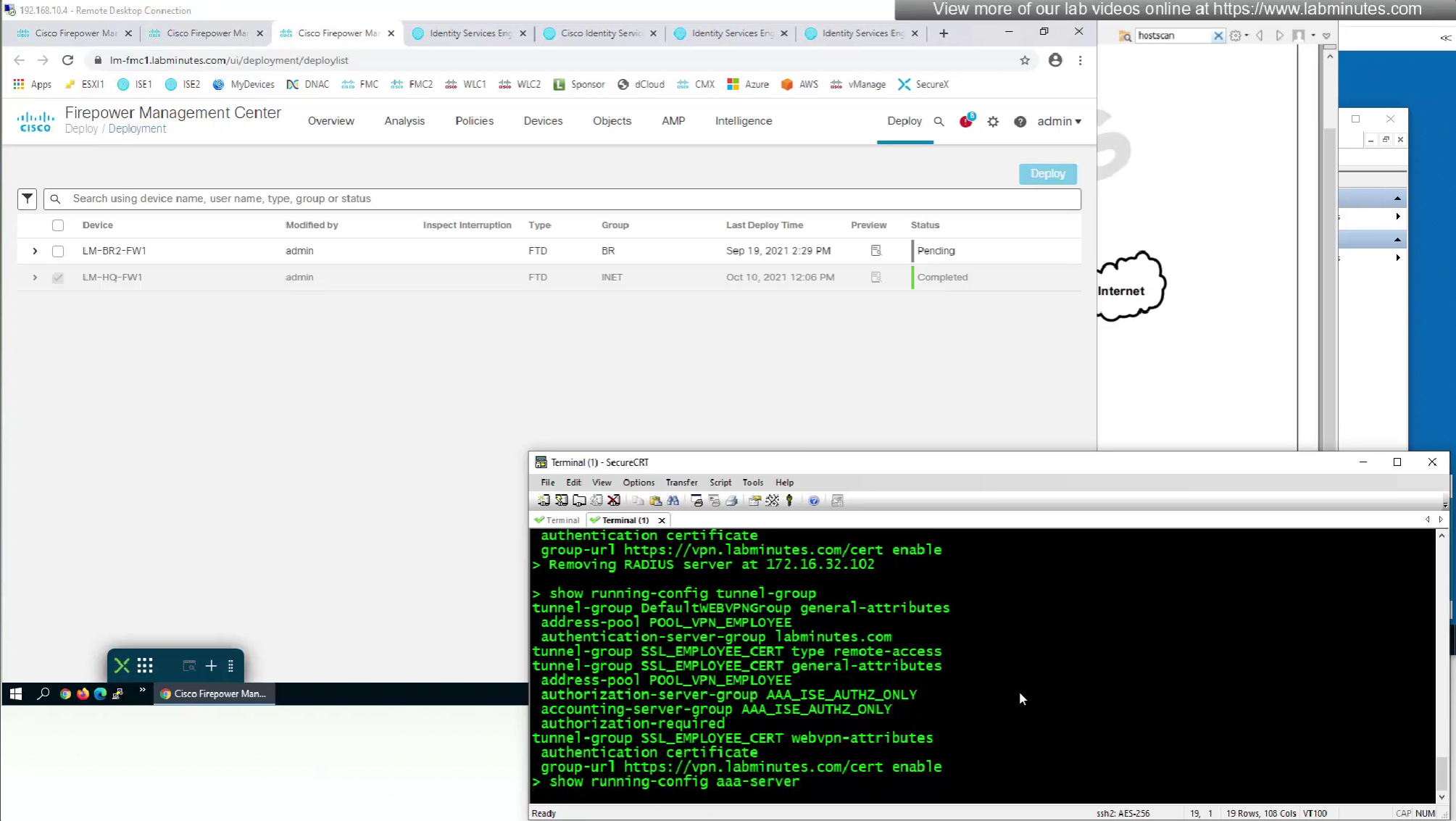
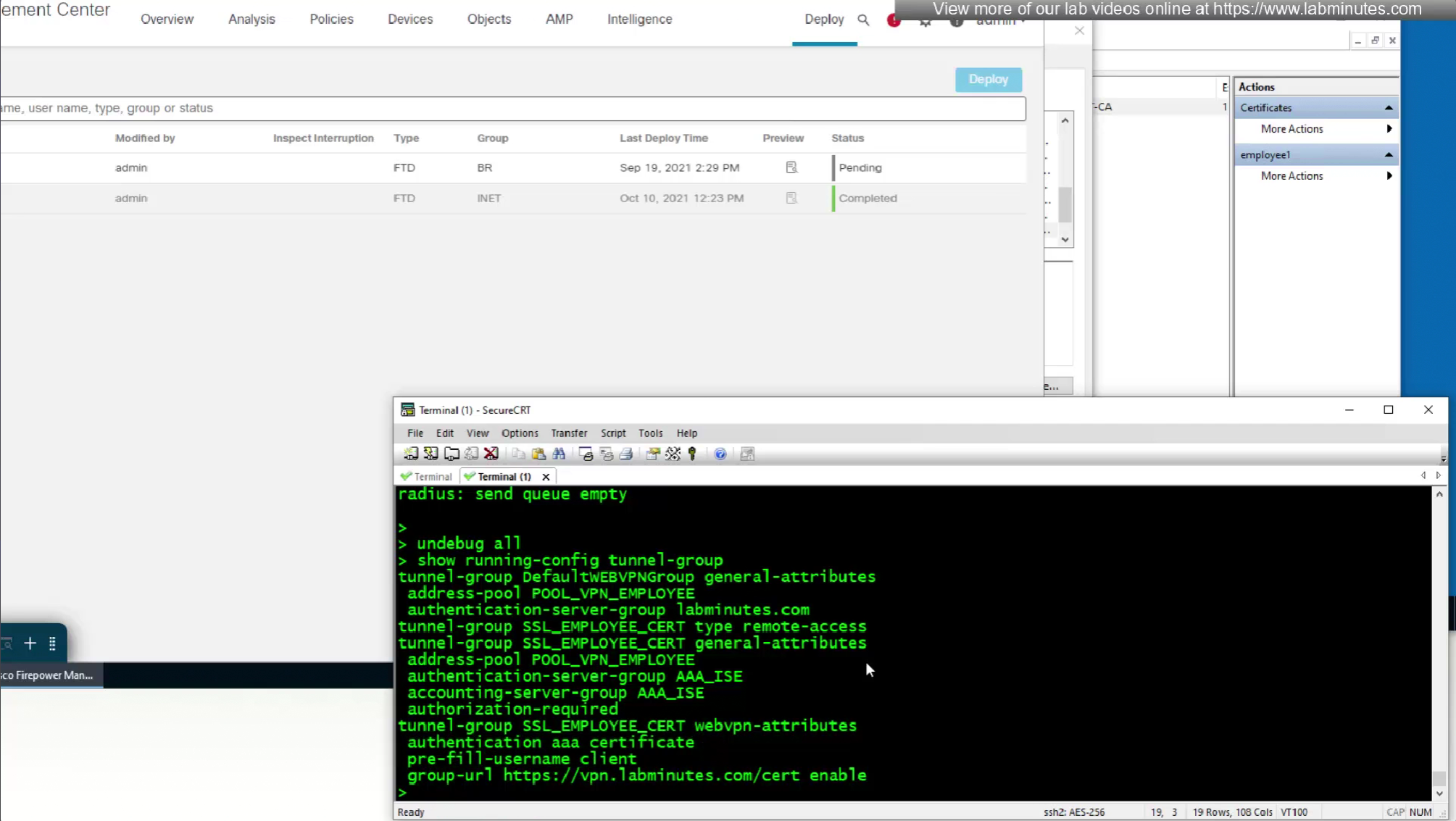
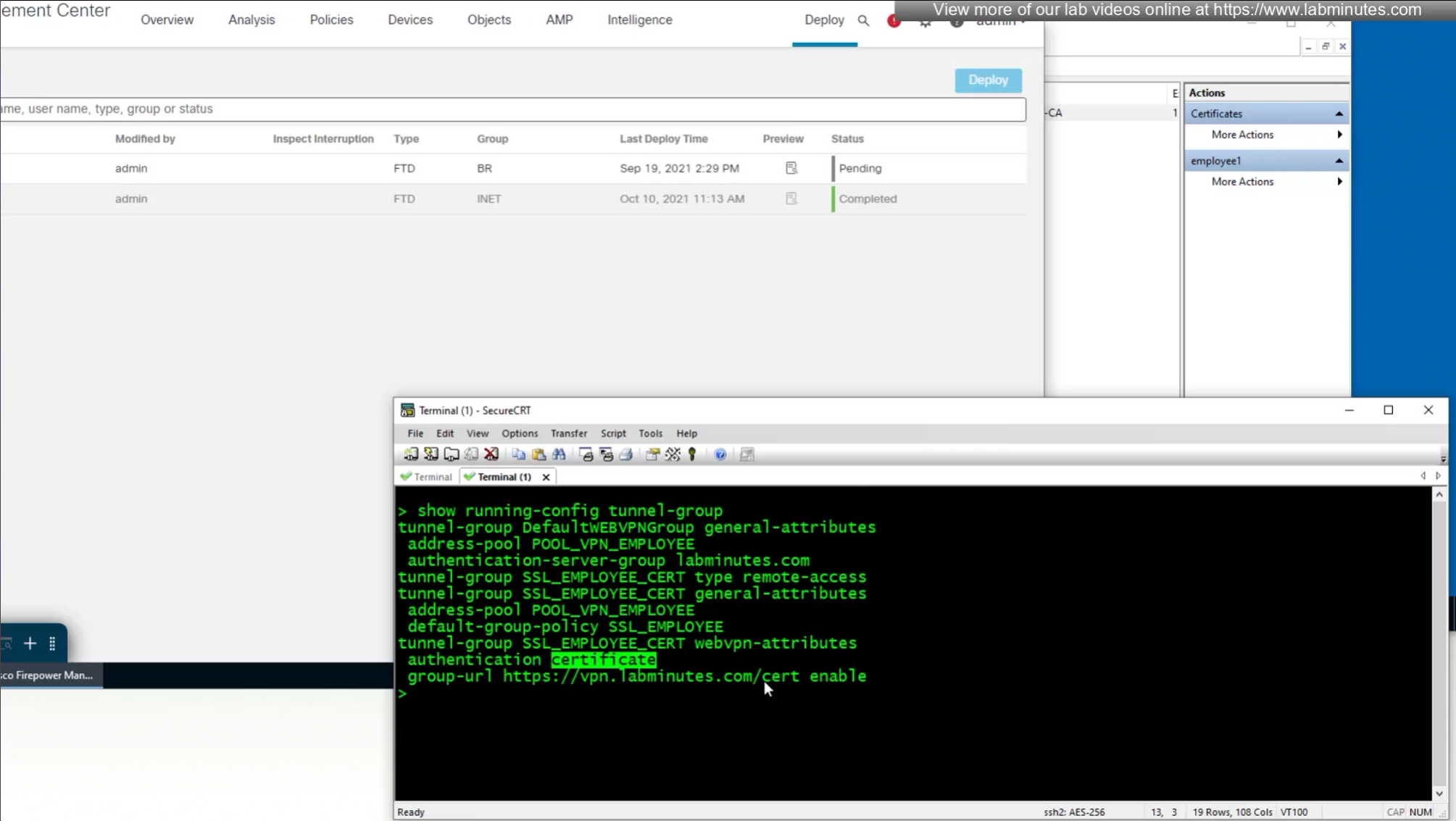
show running-config tunnel-group
show running-config aaa-server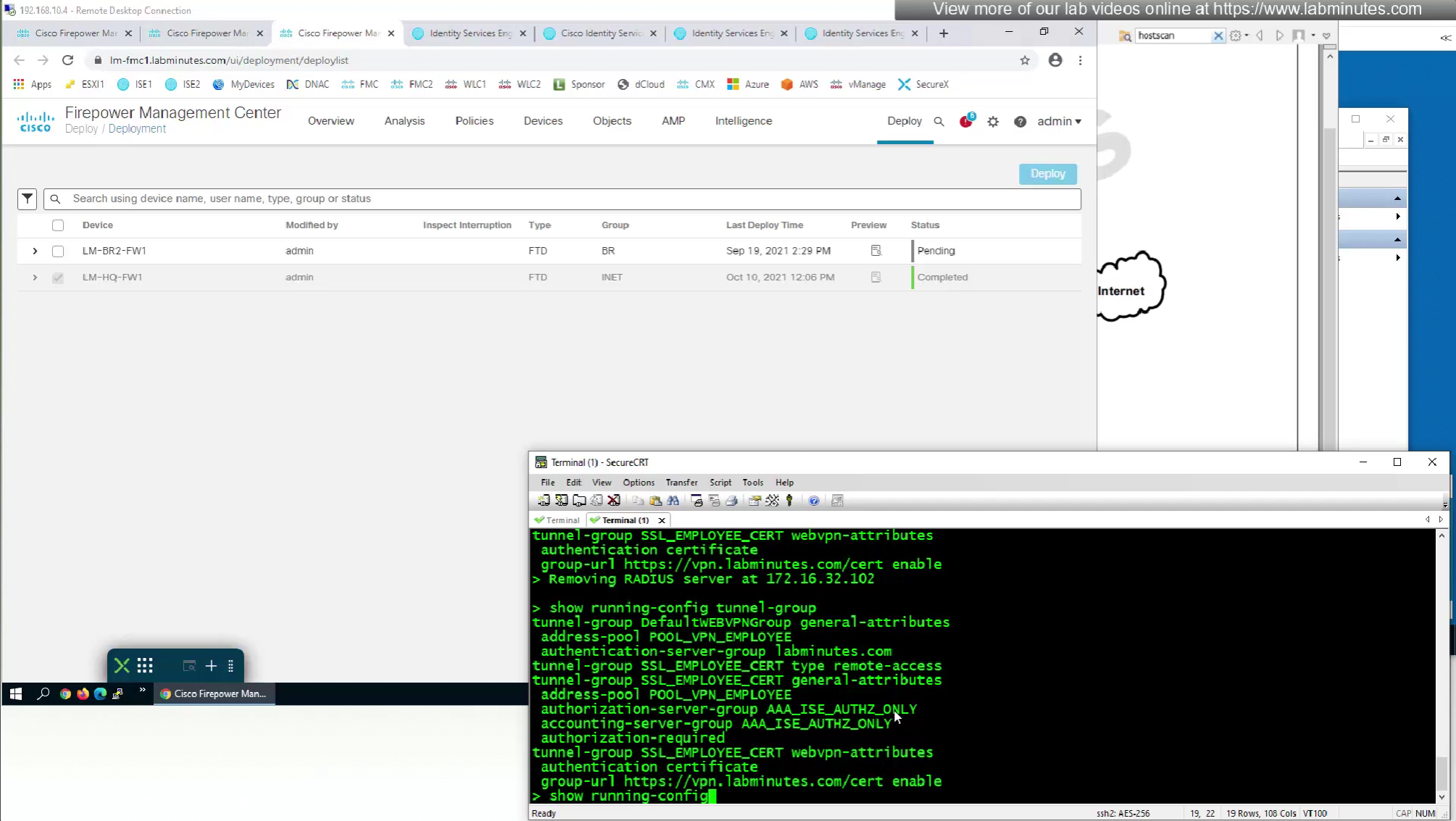

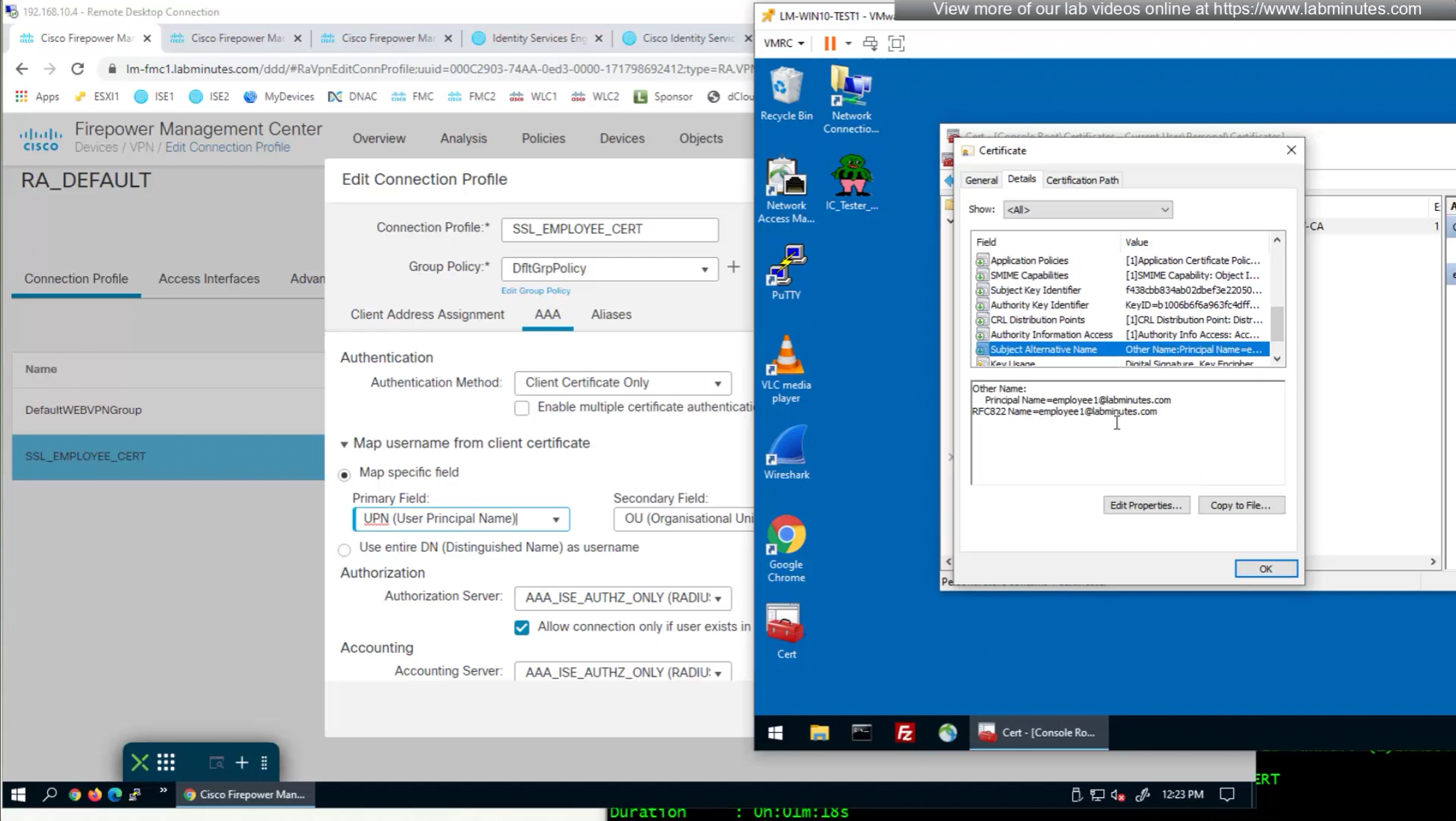
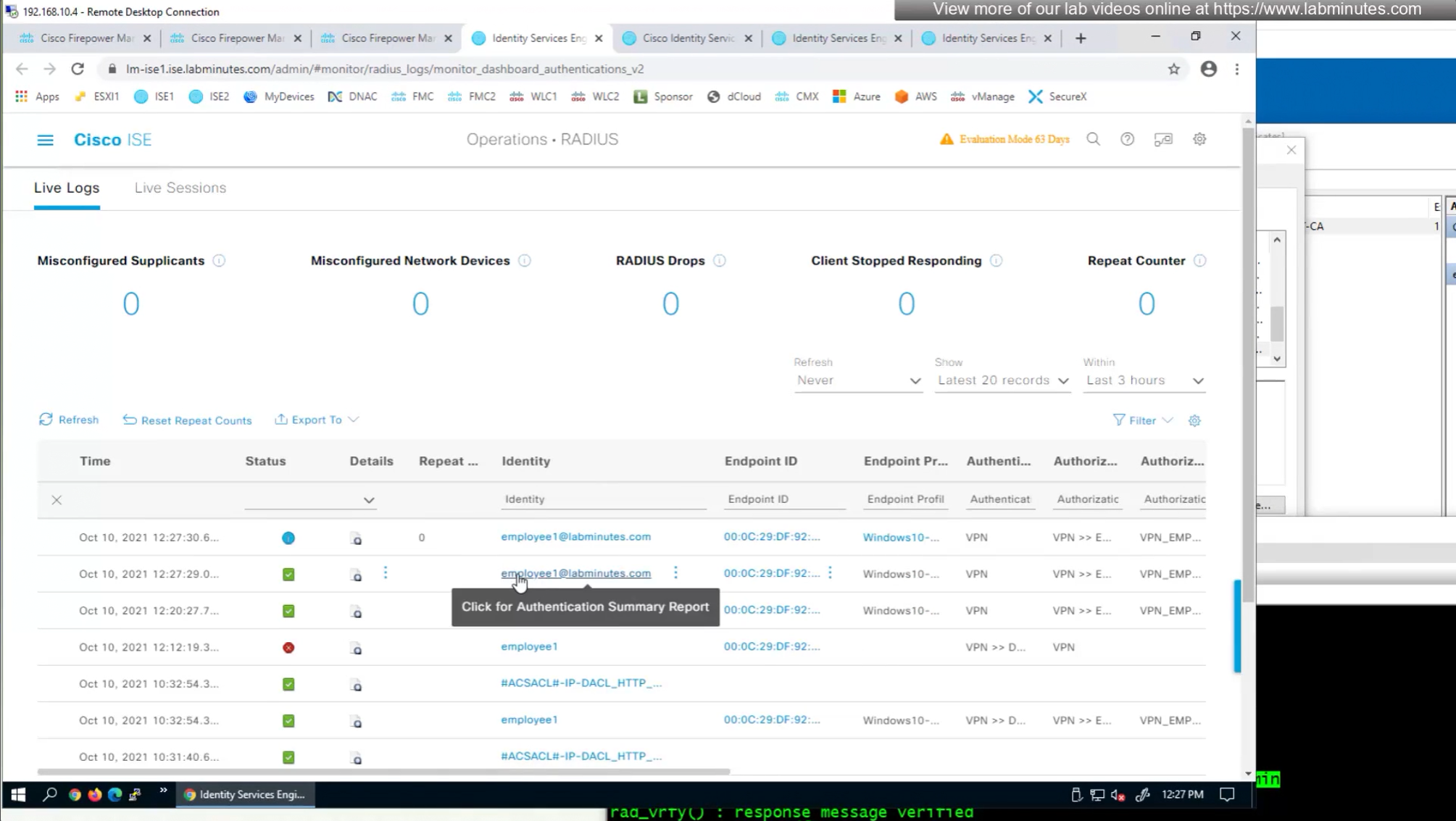
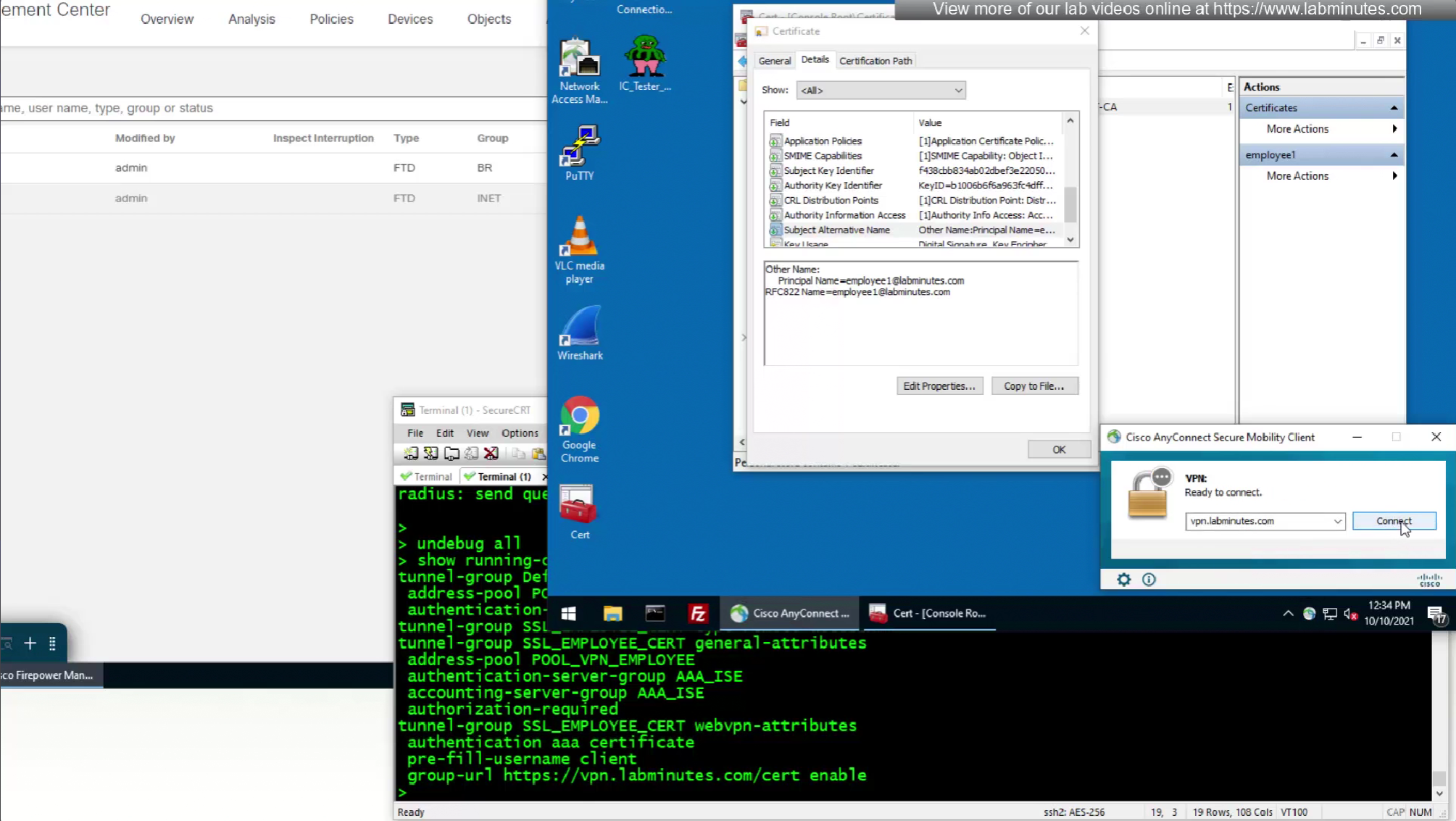
if we have UPN in subject alternative name then we can change Primary field from CN to UPN to use it as email address rather than just the username

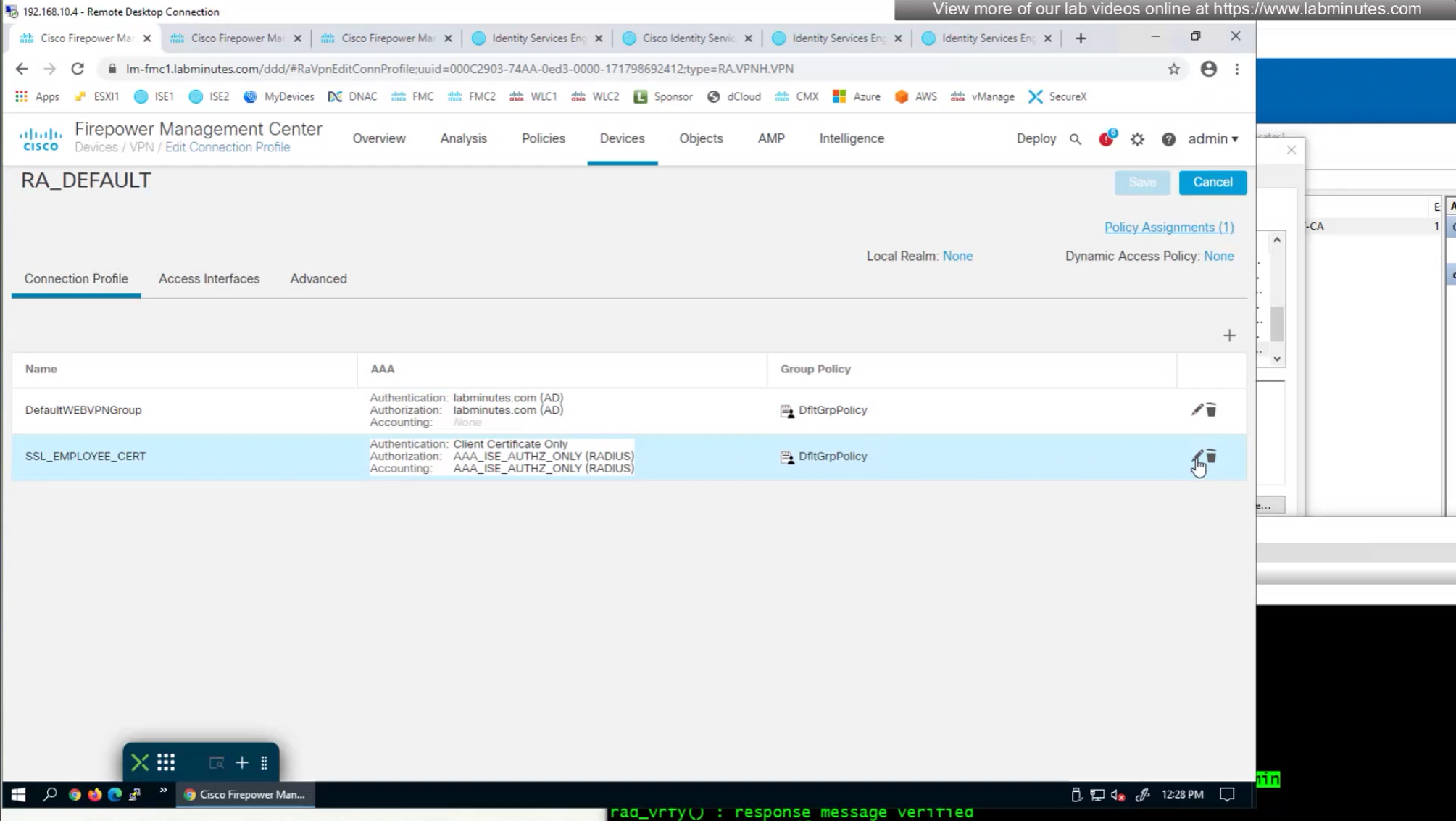

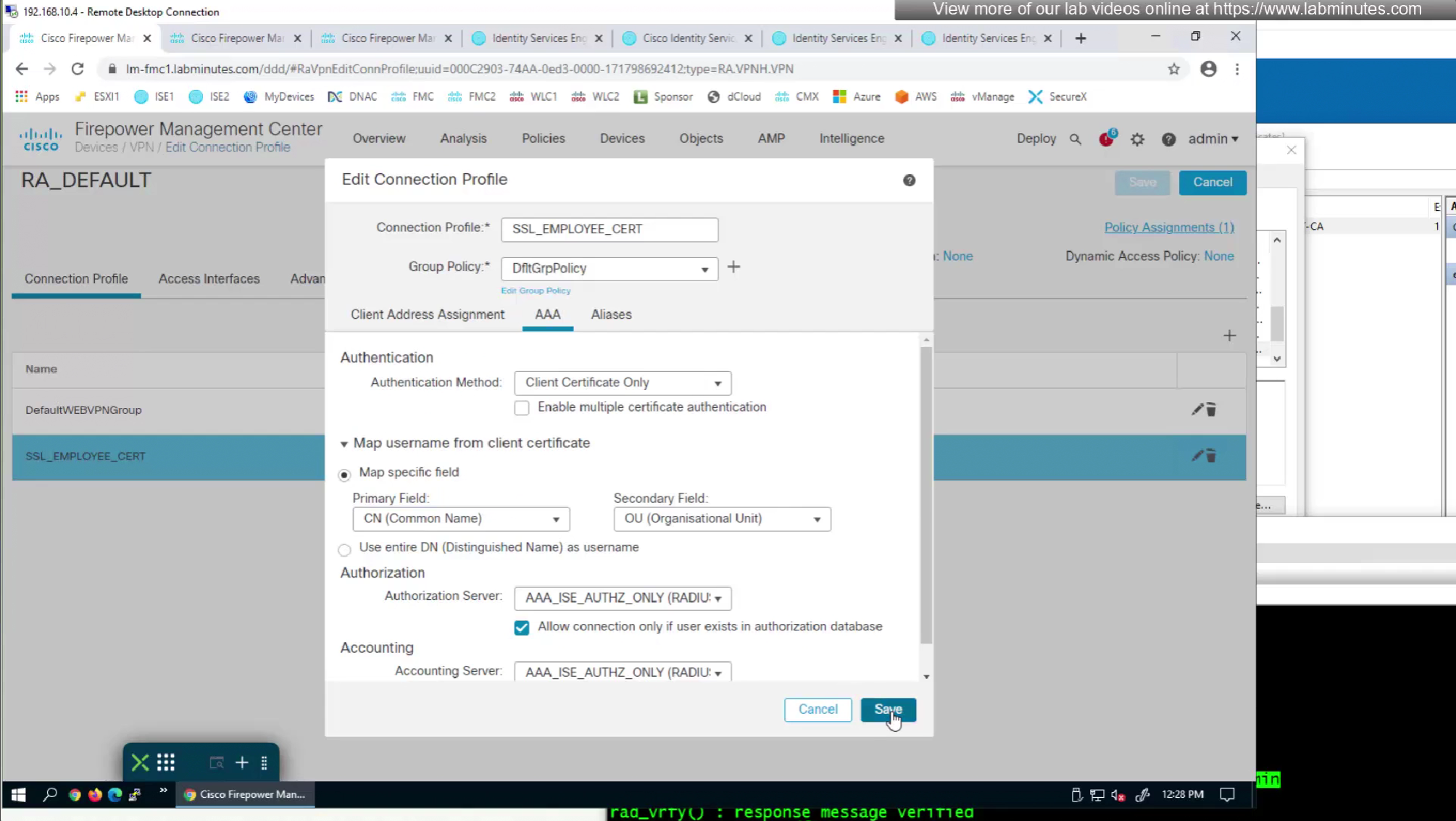
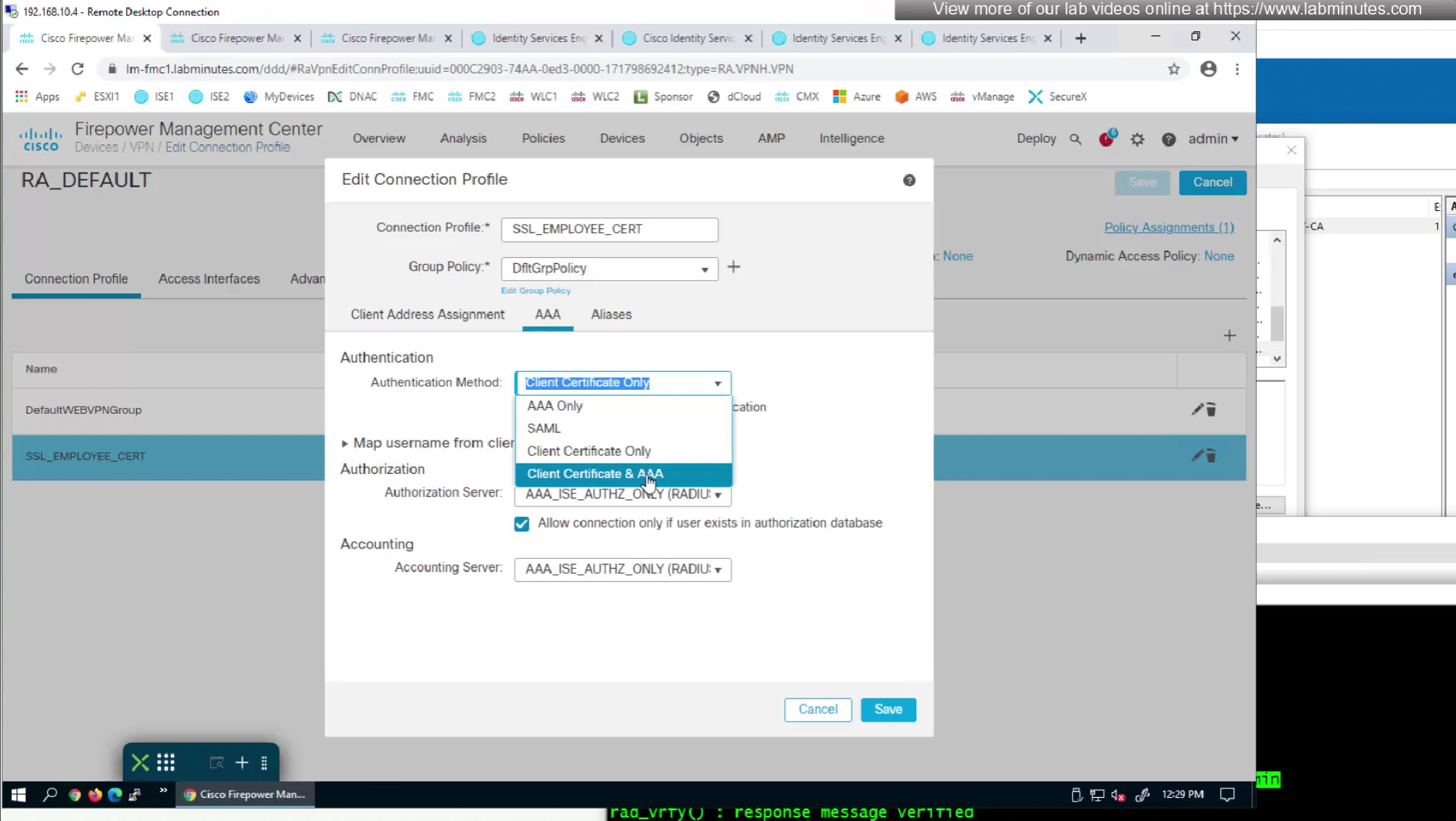
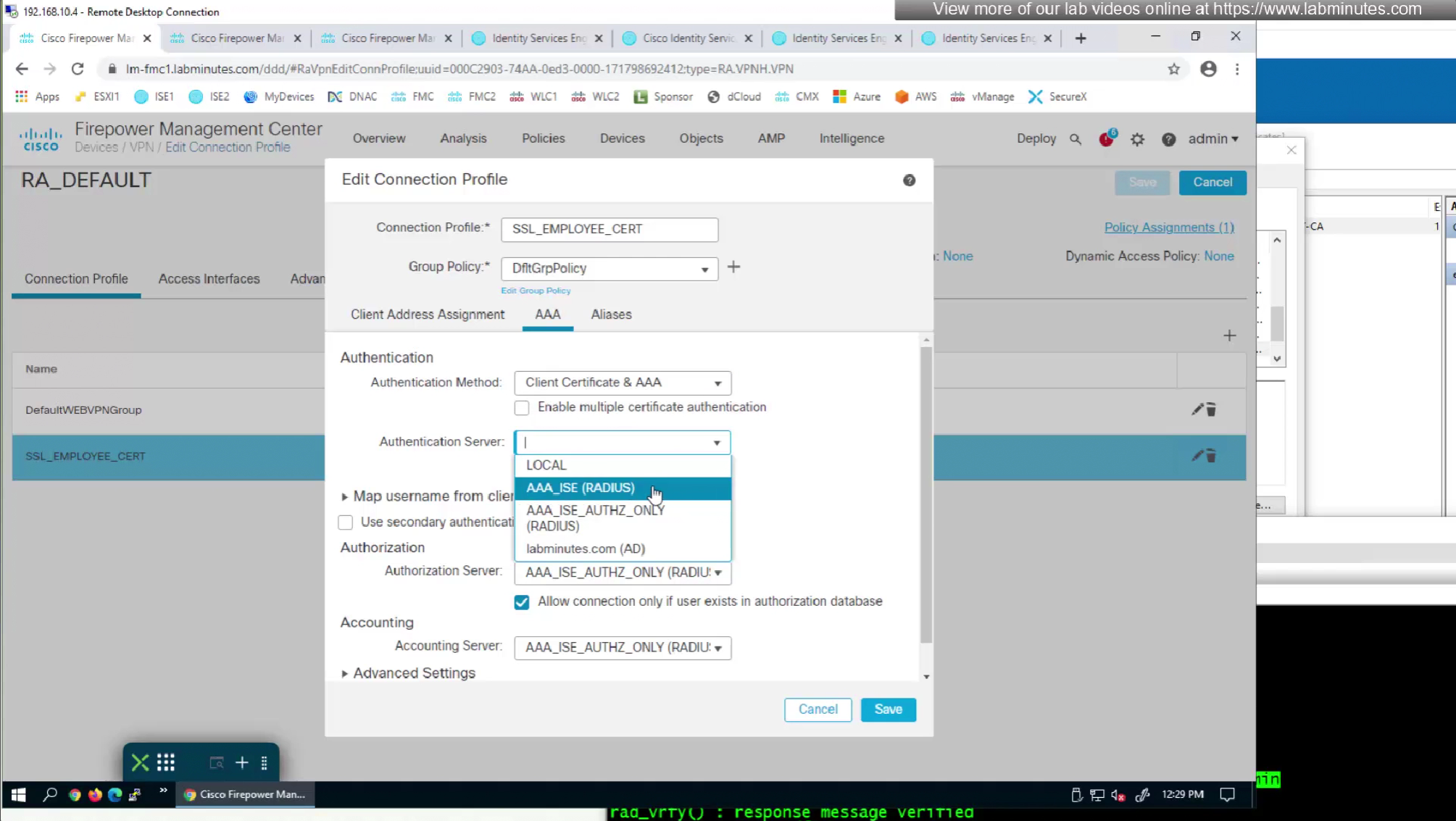
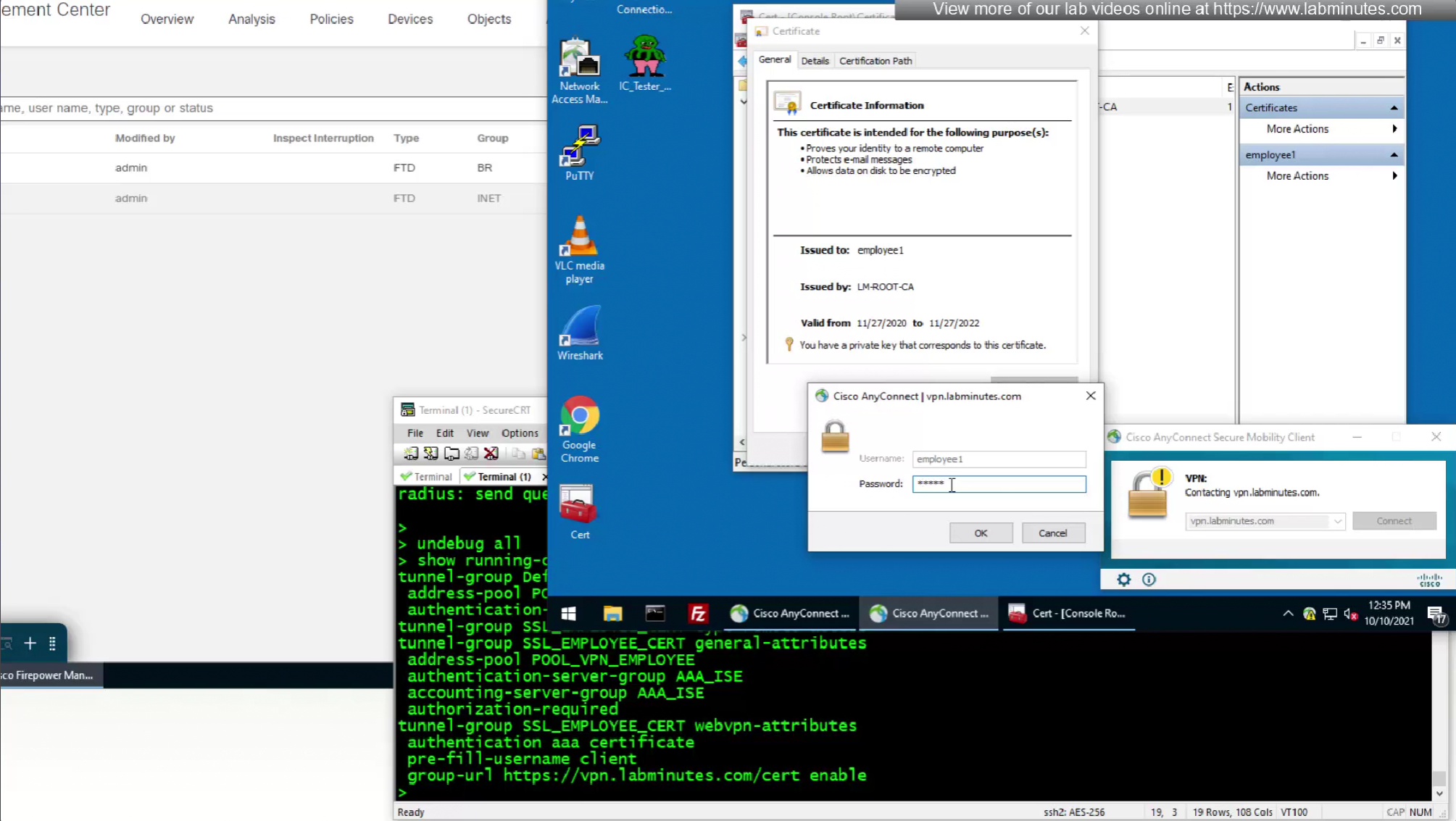
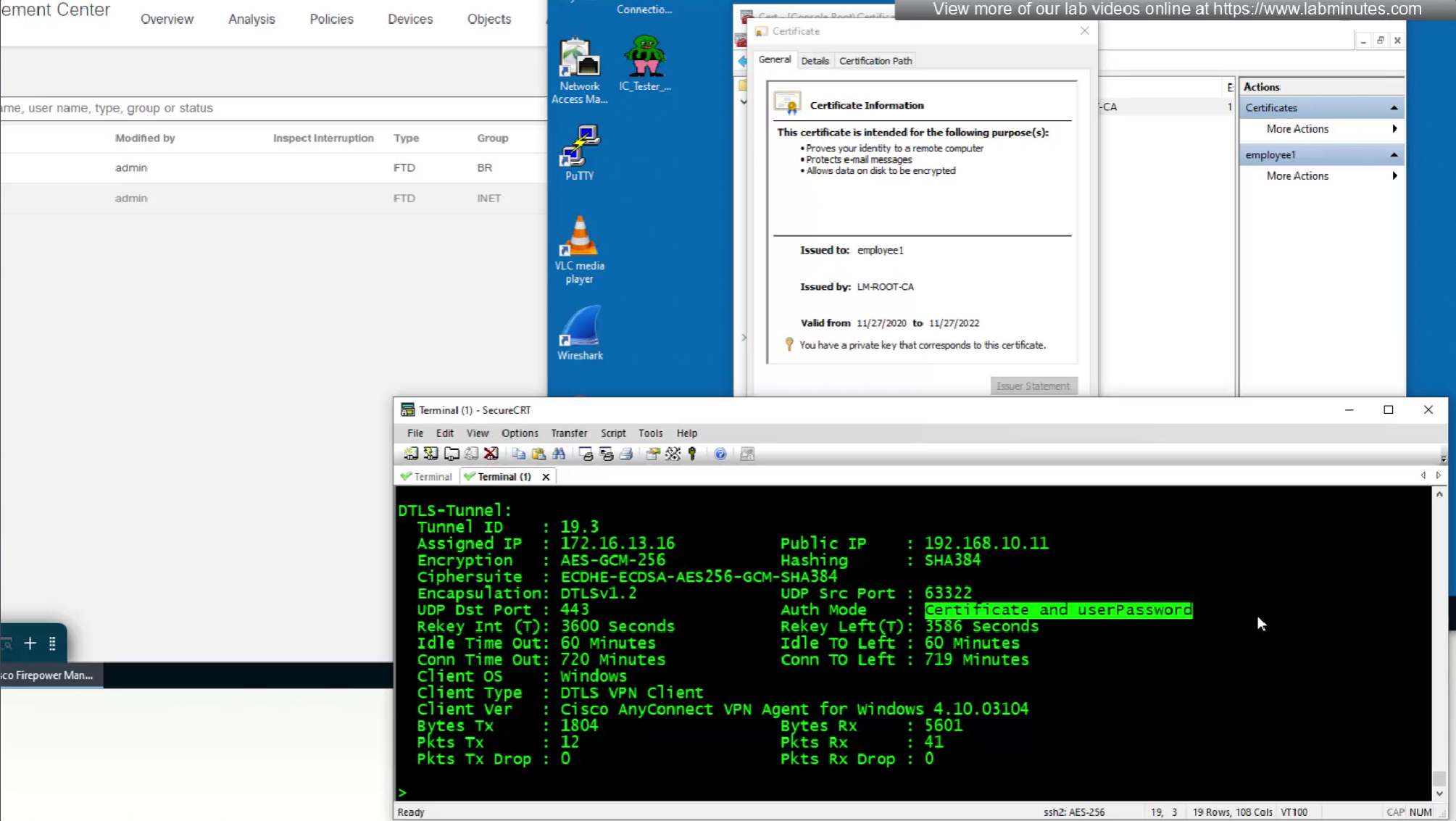
As last part of this lab we will use both certificate and password as 2 factor authentication
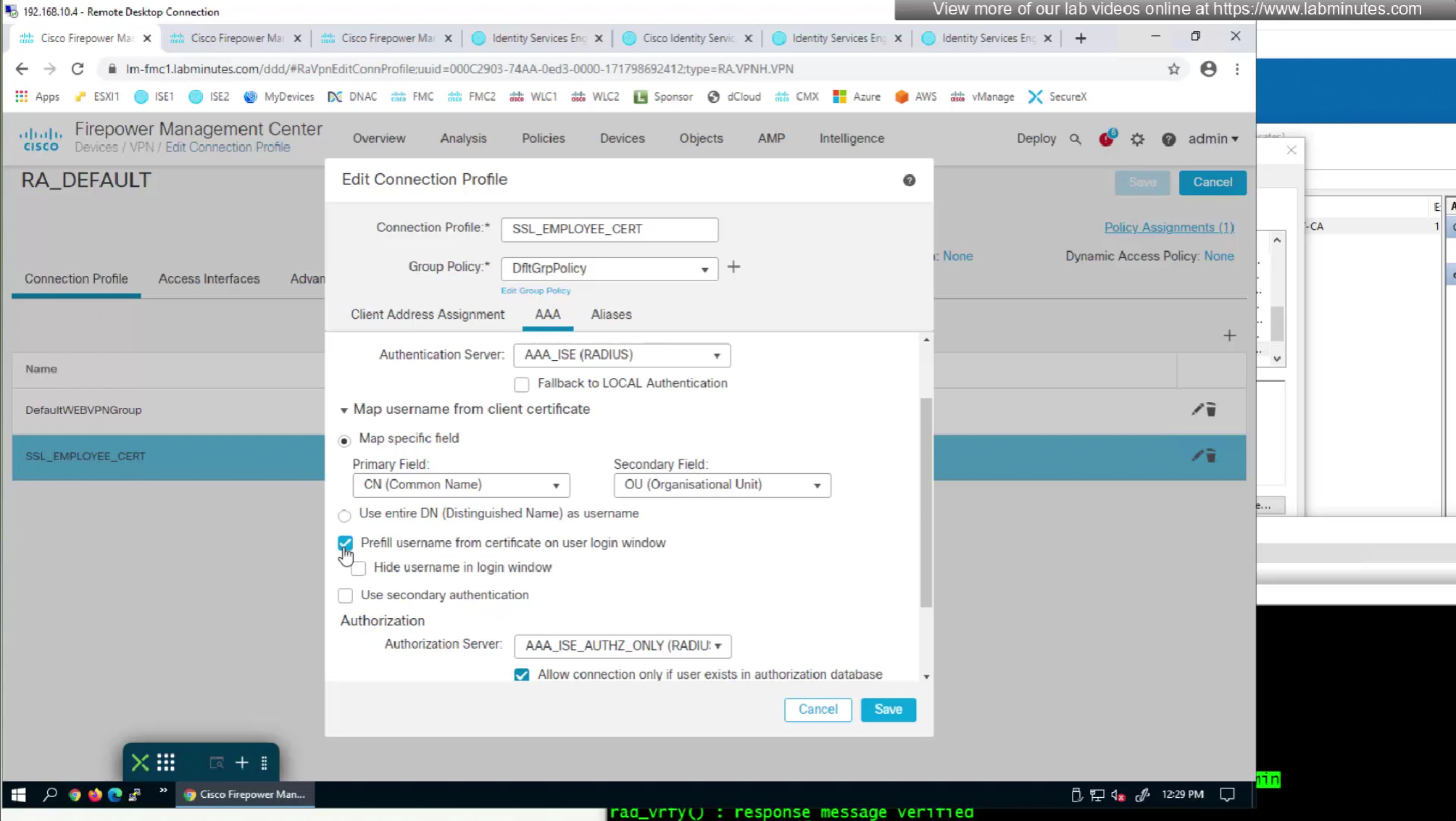
option “Prefill username from certificate on user login window” fills and locks the username from certificate on login window so user cannot switch the credentials



SEC0406 – Firepower 7.0 AnyConnect VPN Certificate Authentication Windows (Part 2)
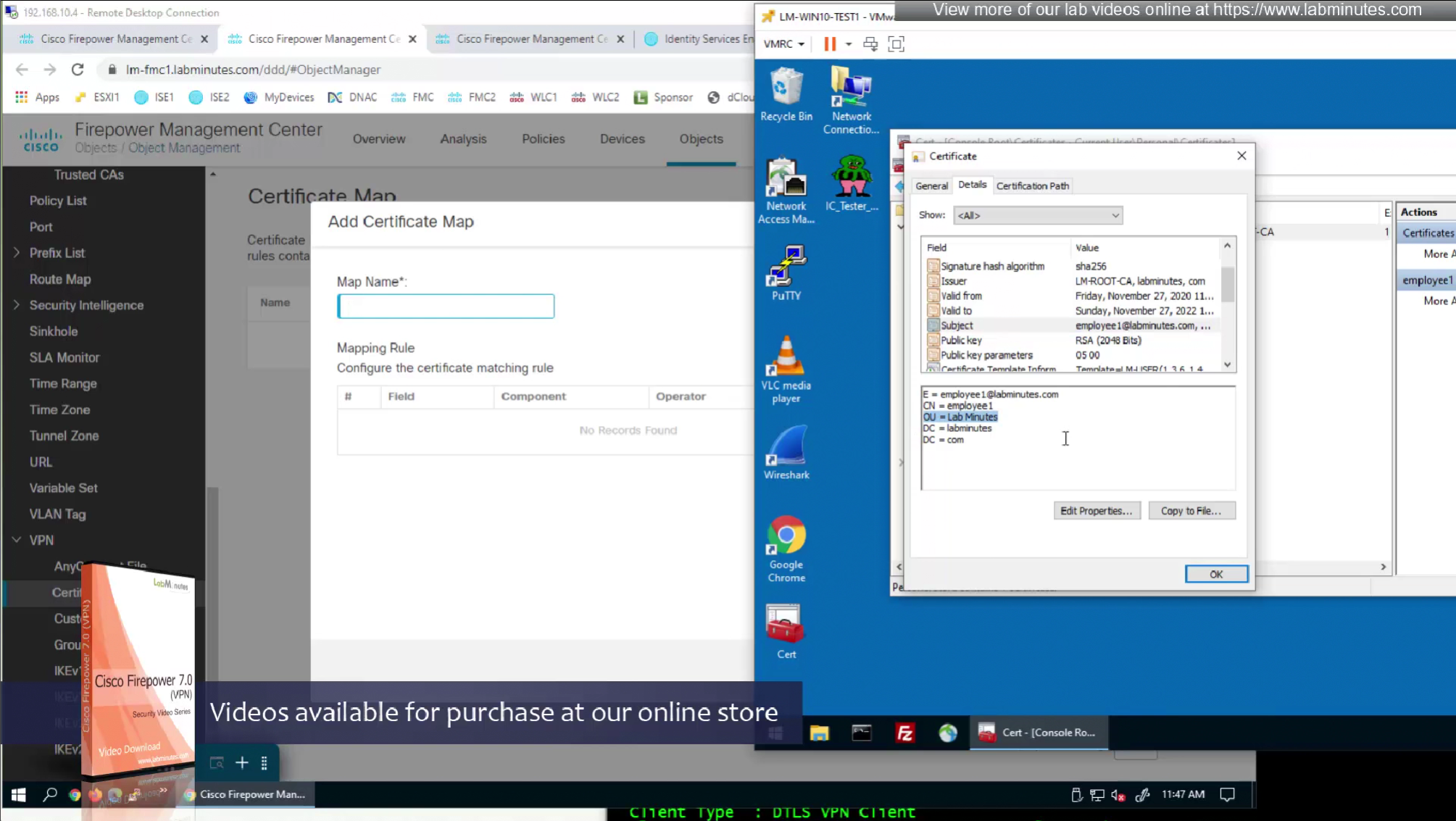
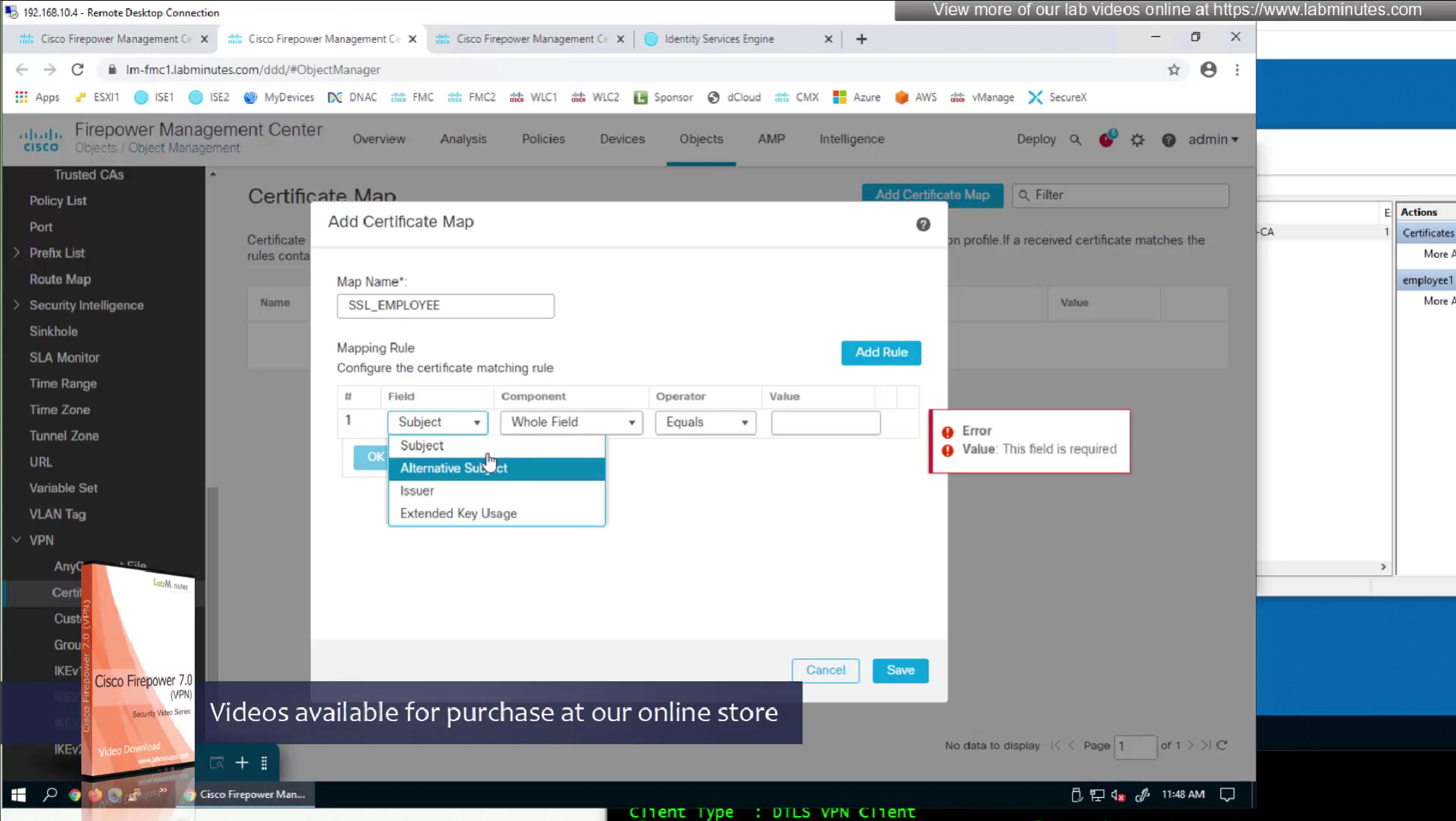
Sometimes having to inform user about group url is not what we want to do, a better option that is present is to allow ask firepower to look at attributes of the certificate and then map them to connection profiles called certificate map
This way we can say that if OU in subject is home.local
This way is if user has correct certificate they will never have to worry about the group URL

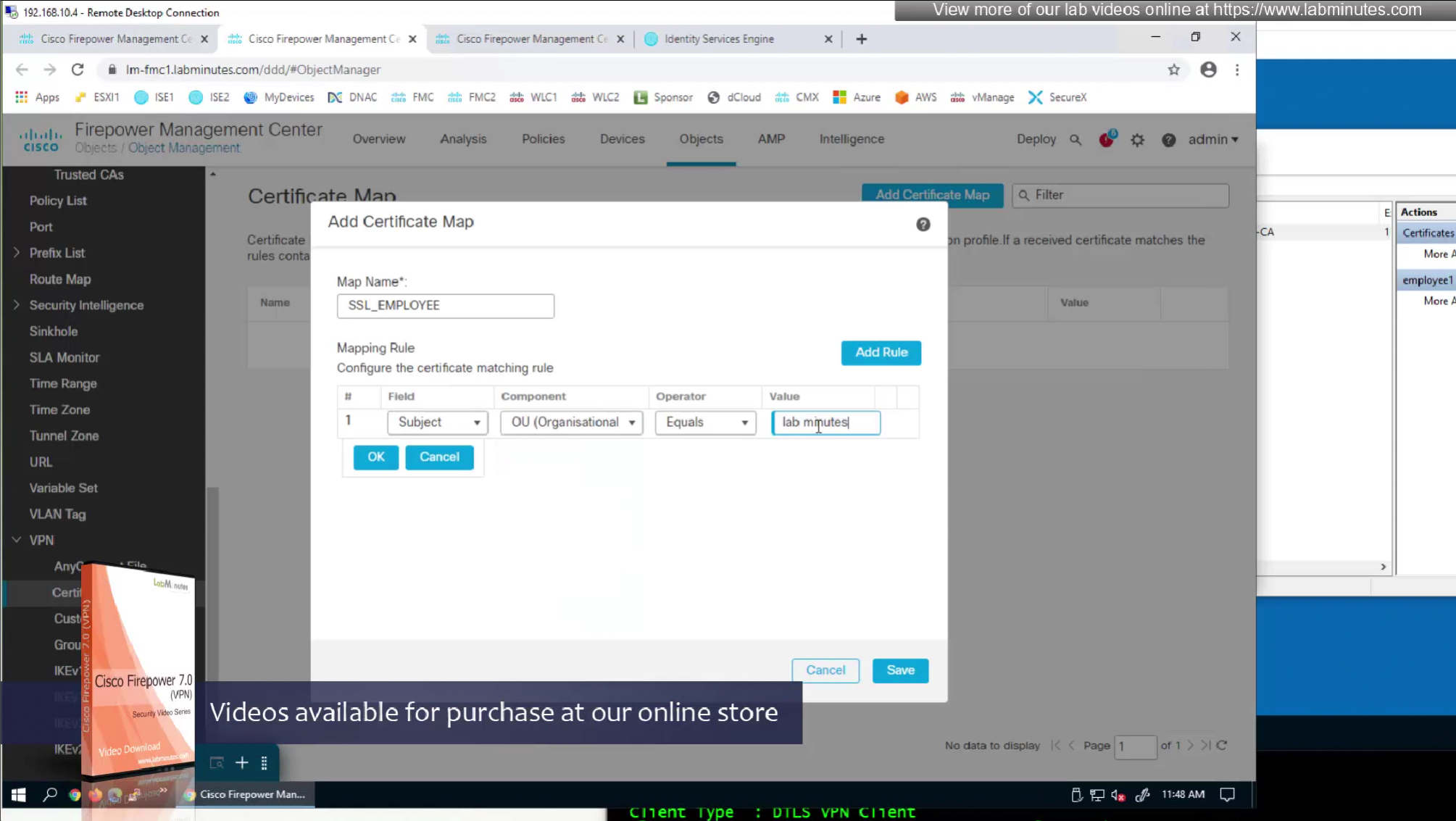
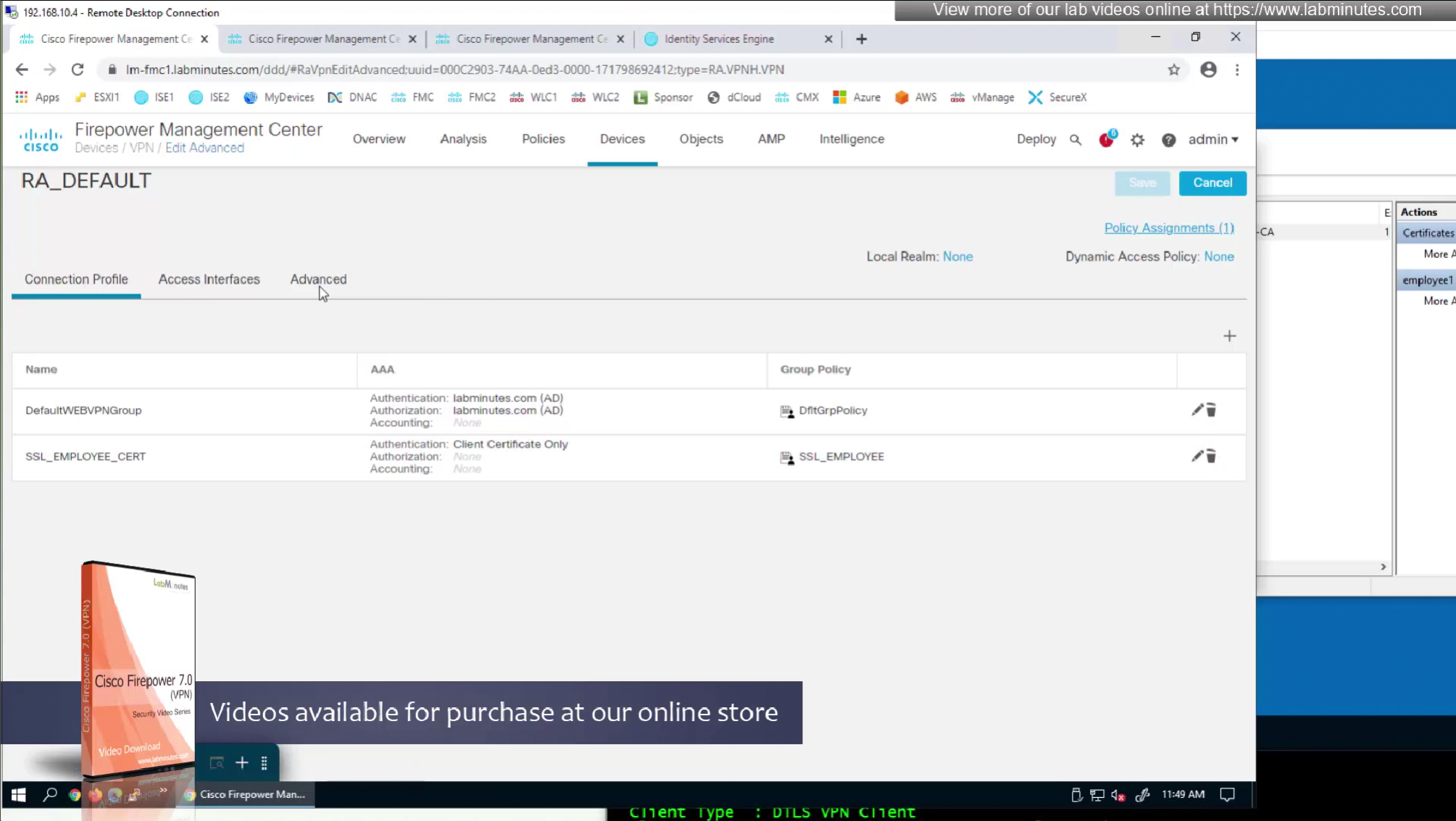
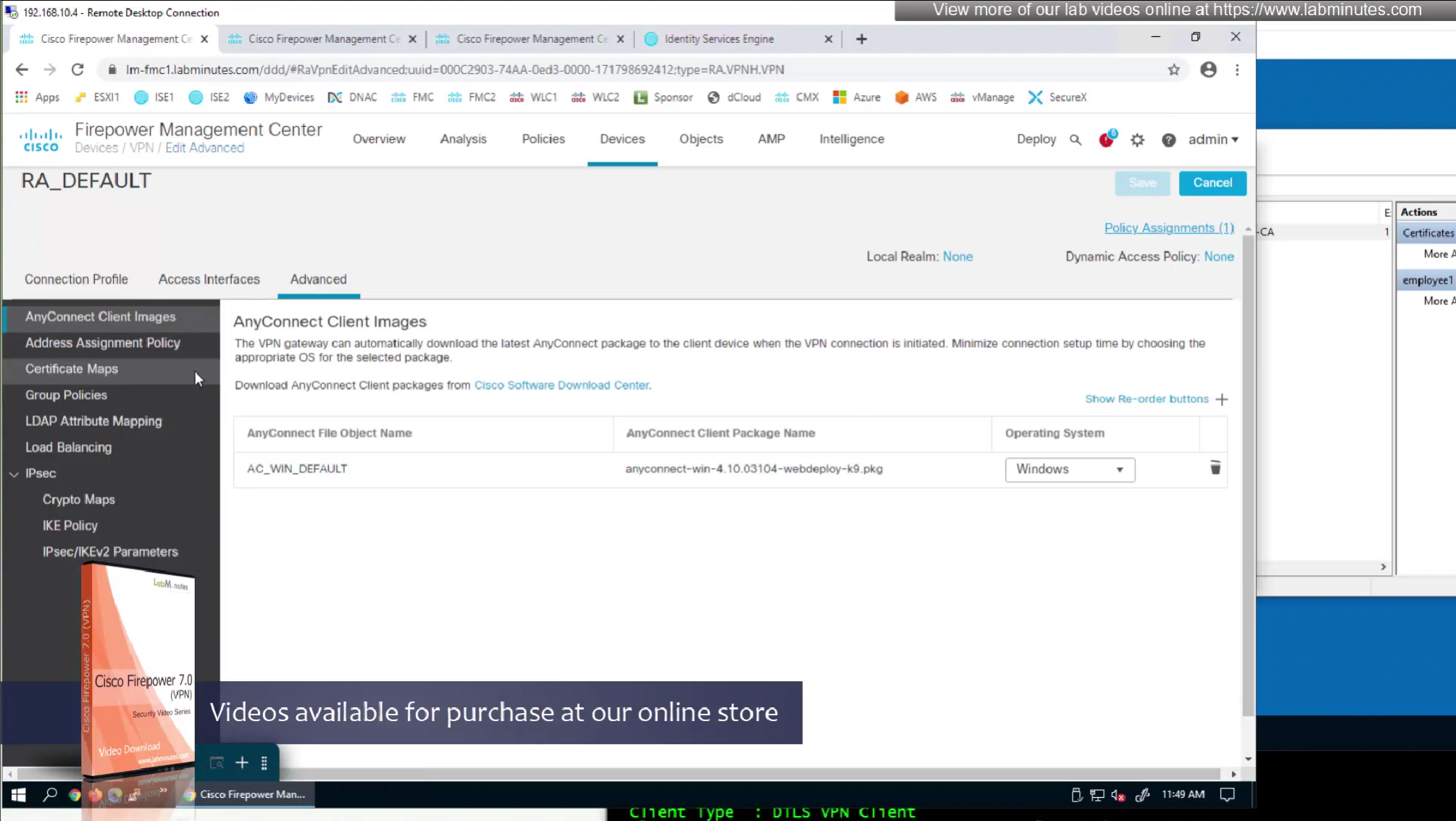
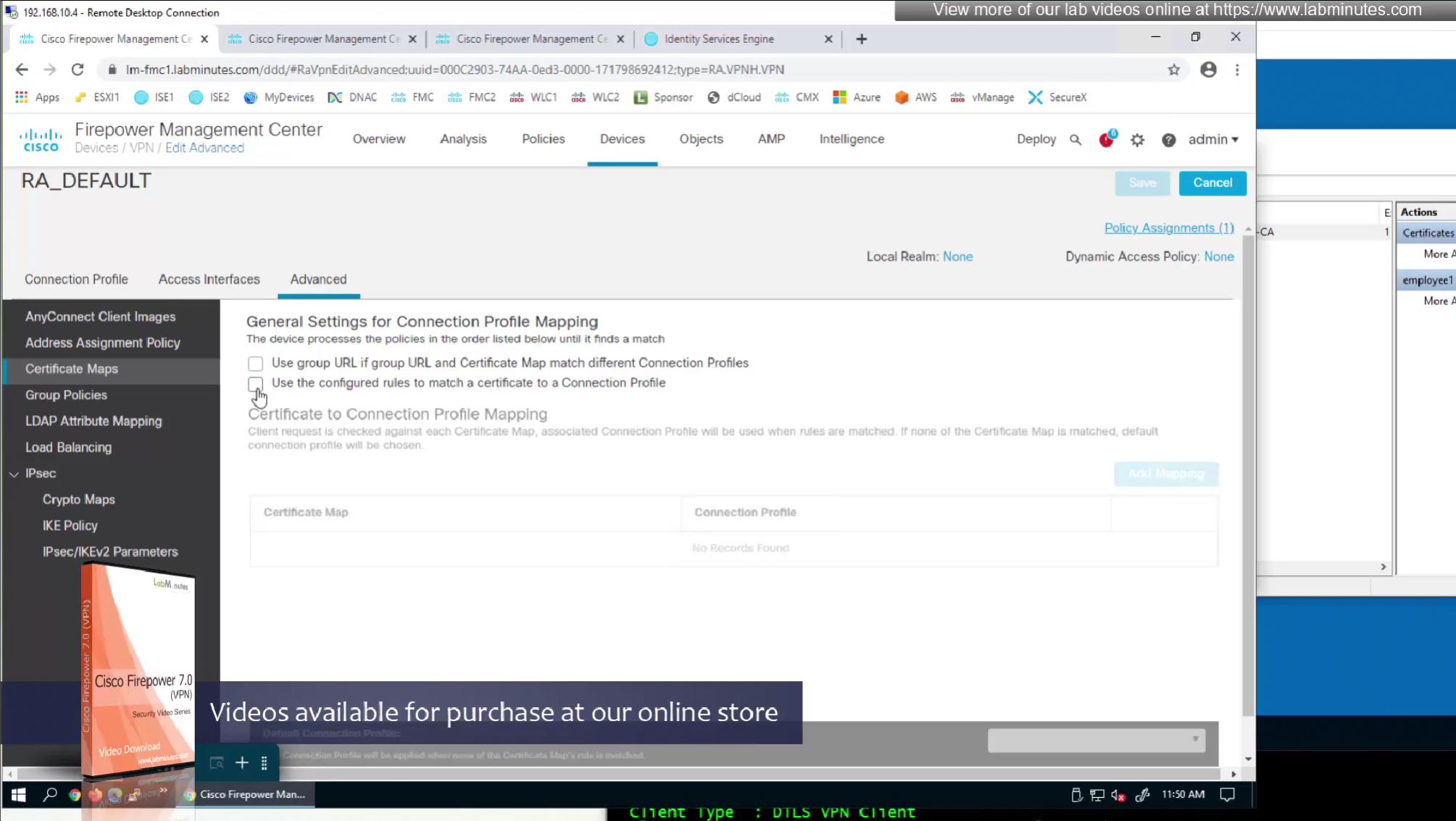
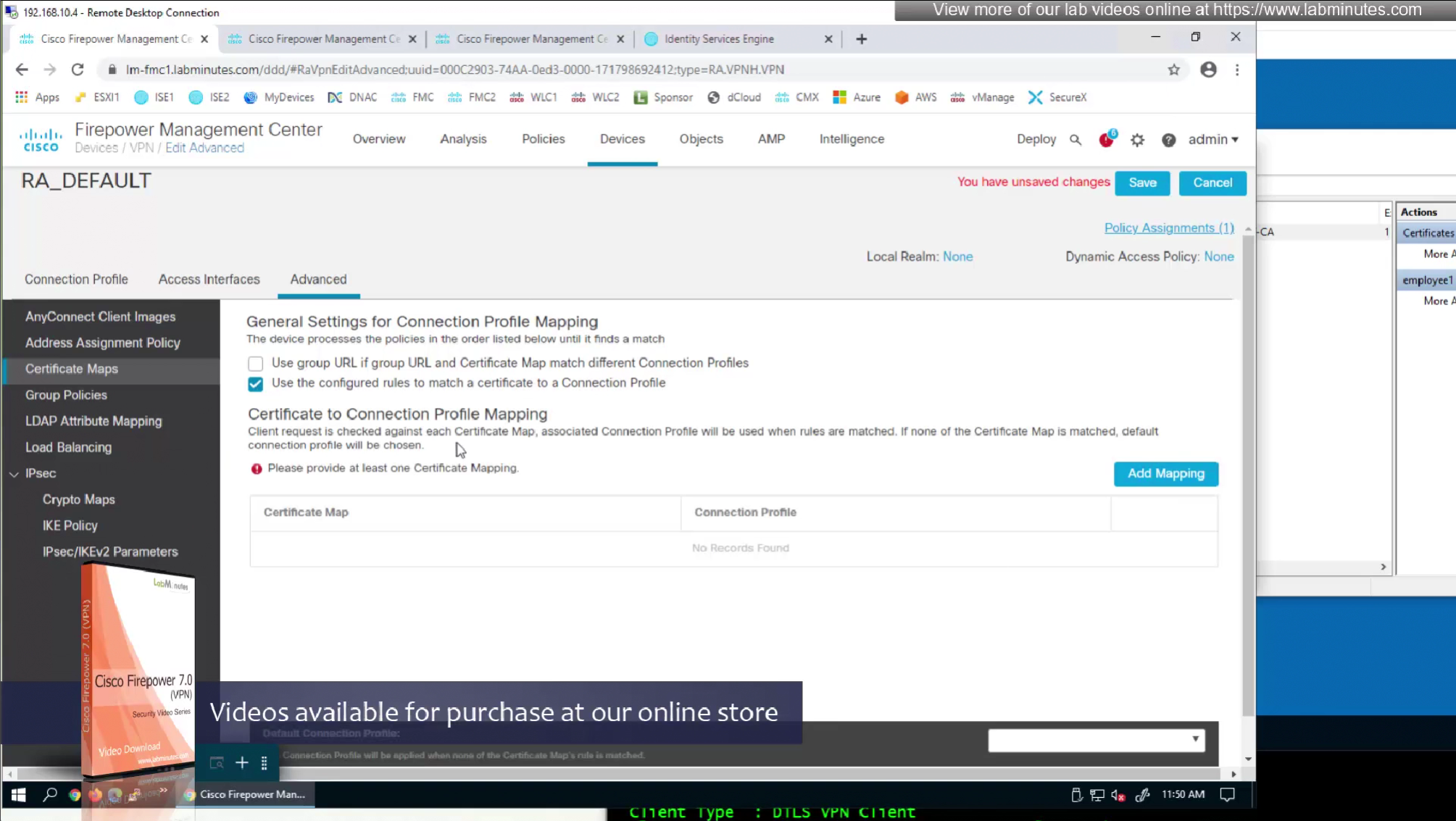
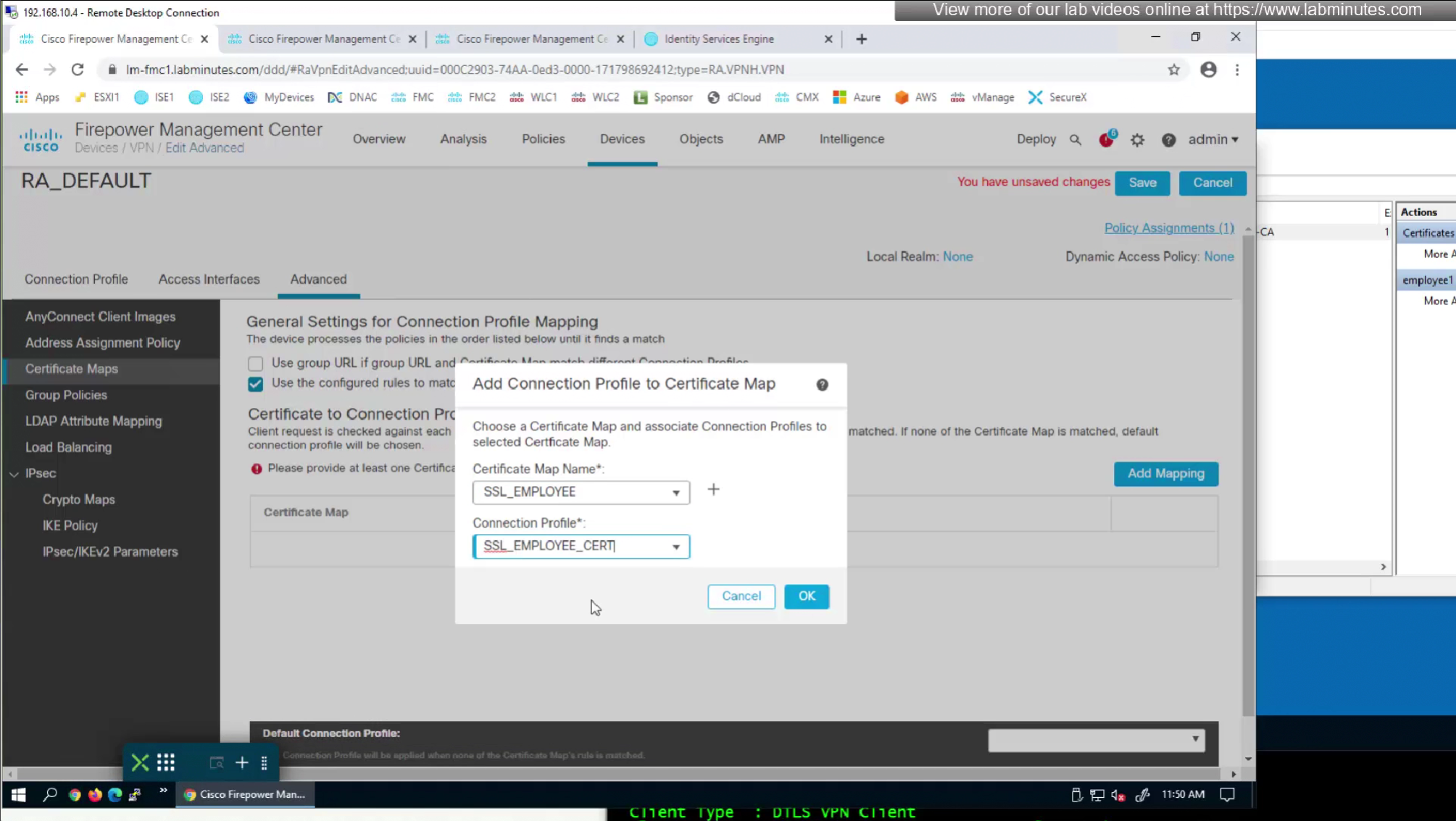
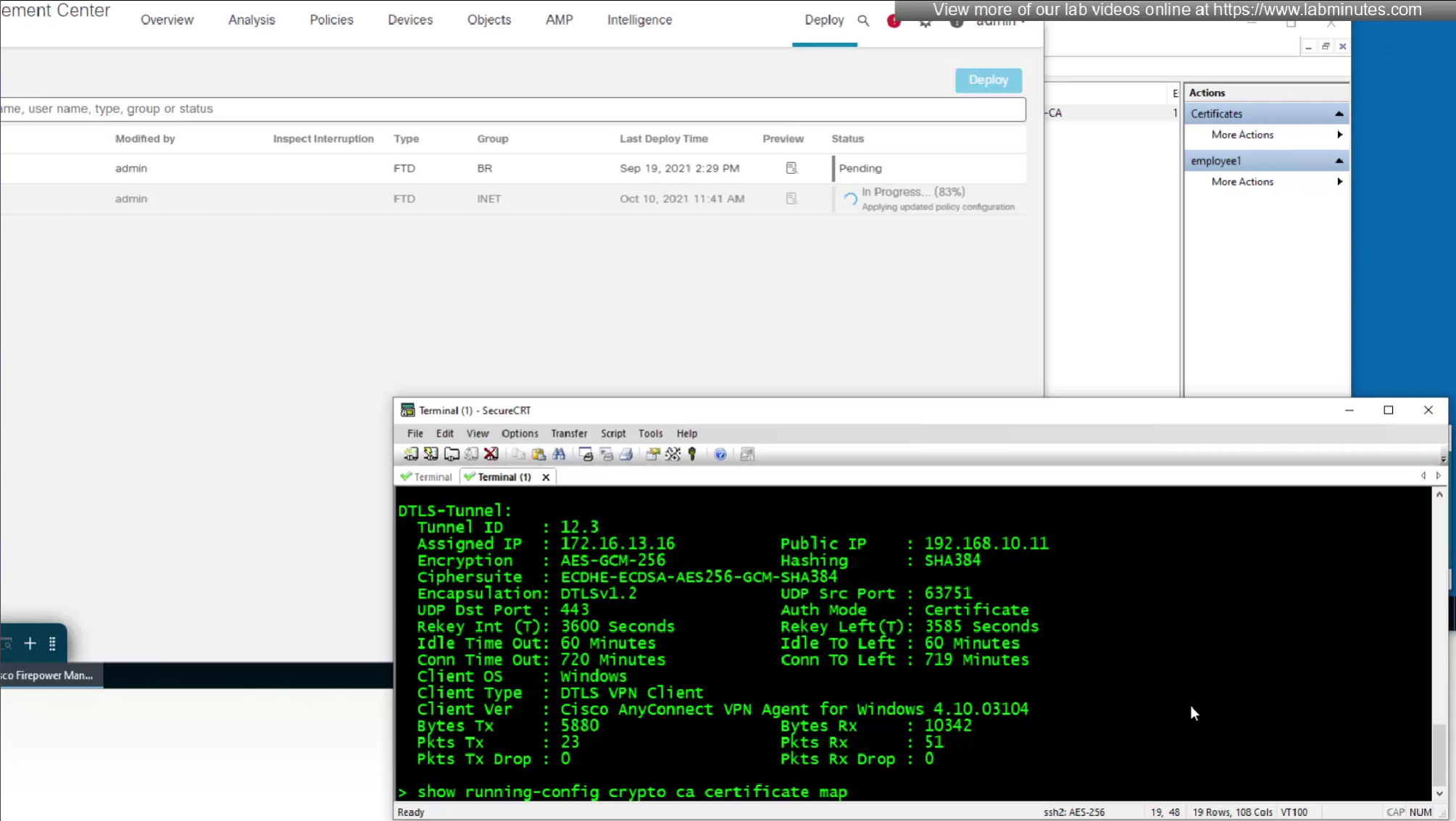
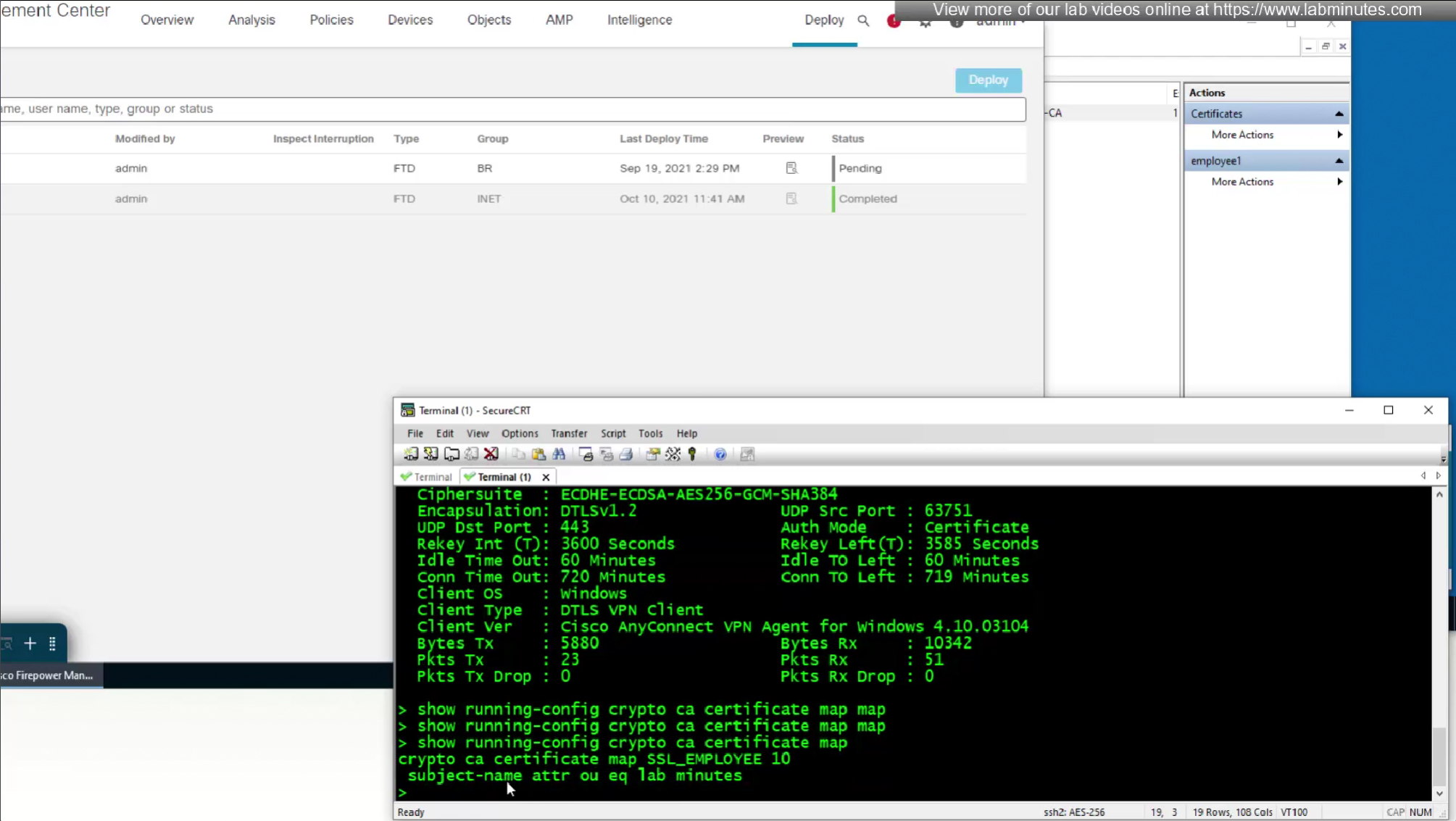
show running-config crypto ca certificate map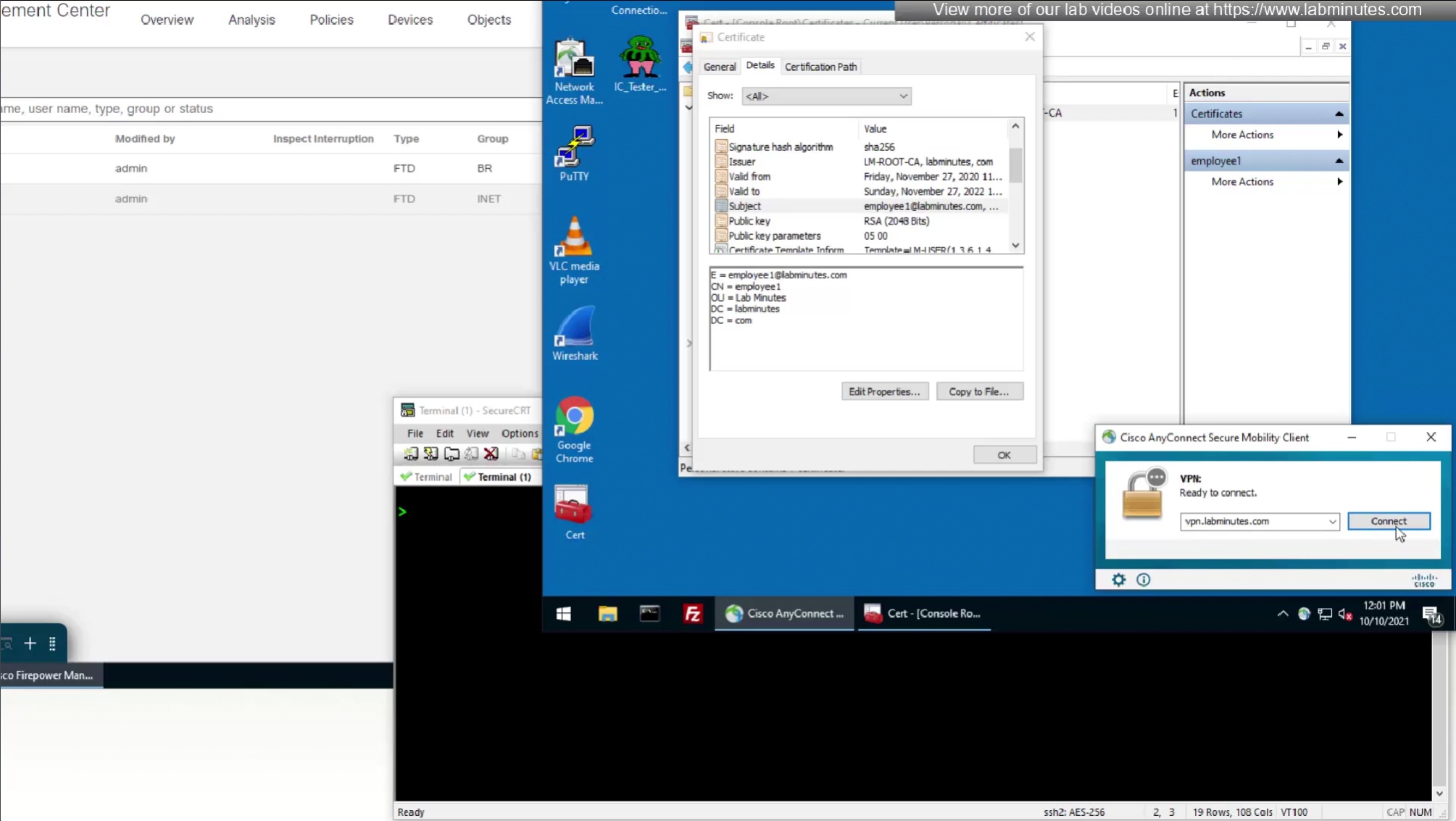
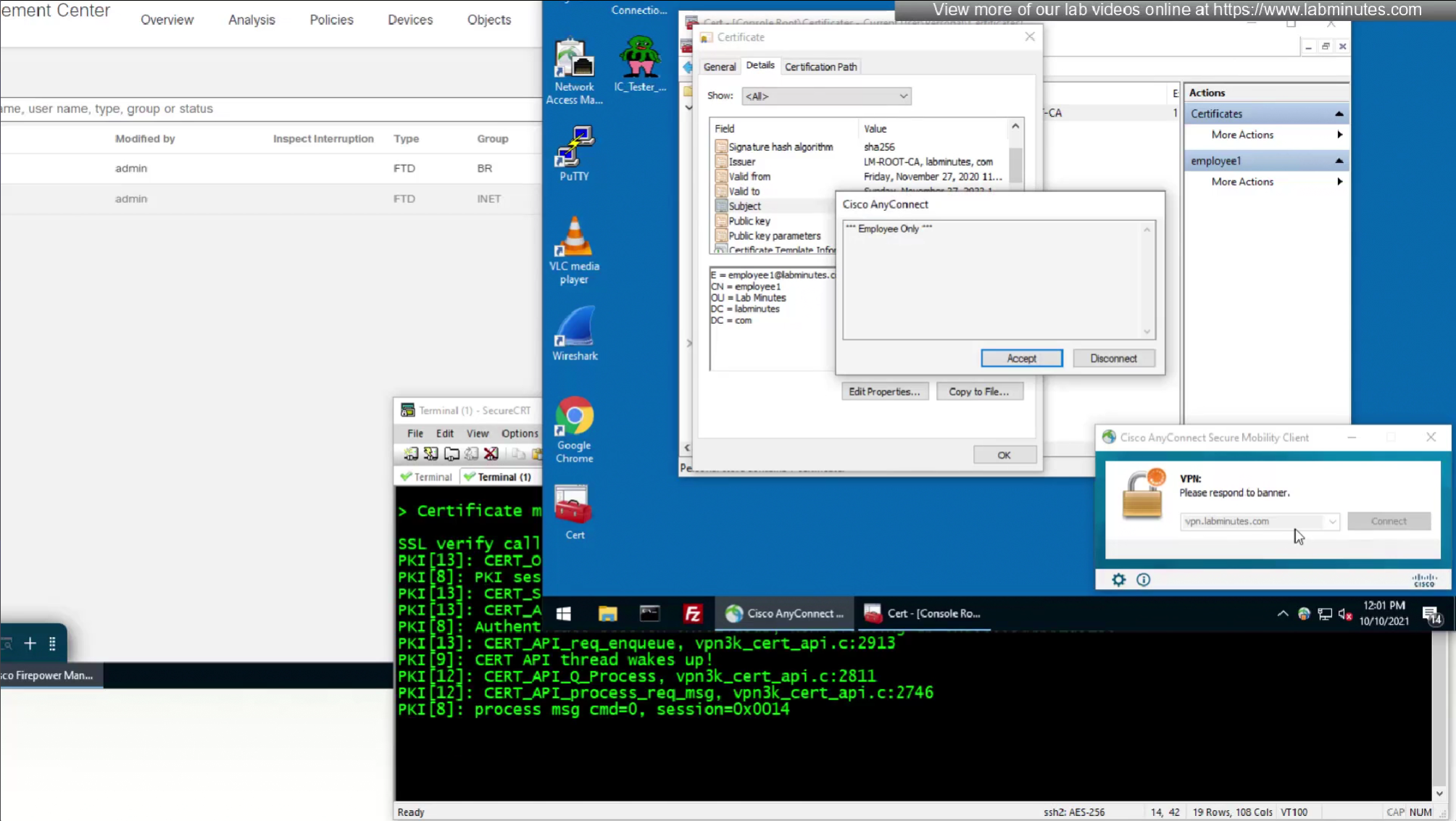
debug webvpn 127 debug crypto ca 14
SEC0406 – Firepower 7.0 AnyConnect VPN Certificate Authentication Windows (Part 1)
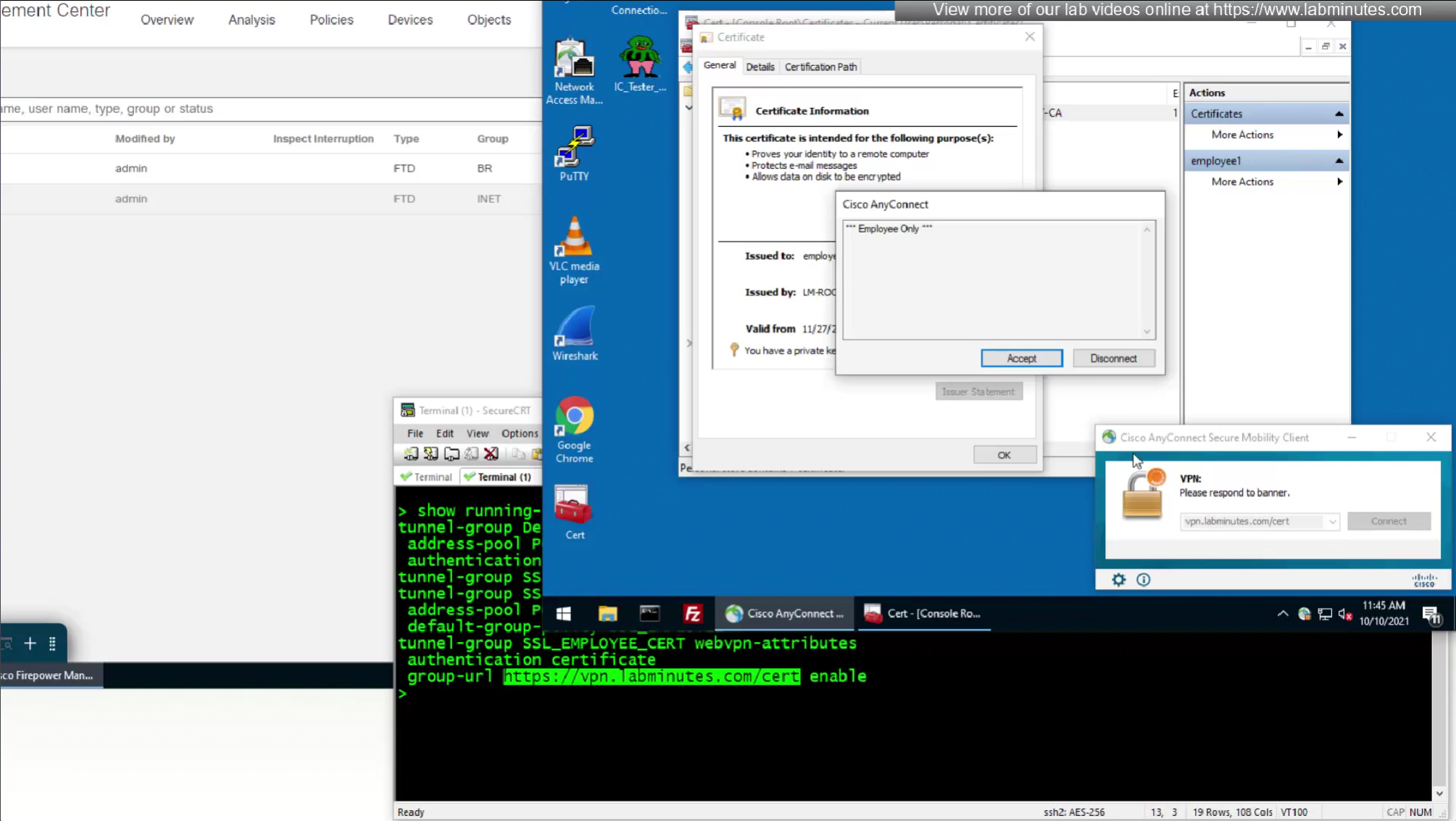
Having non certificate based authentication means that if user knows their credentials then they can install anyconnect and use it from any device, connecting your network to another network making their machine a transit machine and deliver malware in network
This can be locked down using certificate based authentication
This way device can be locked down and credentials are locked down as well
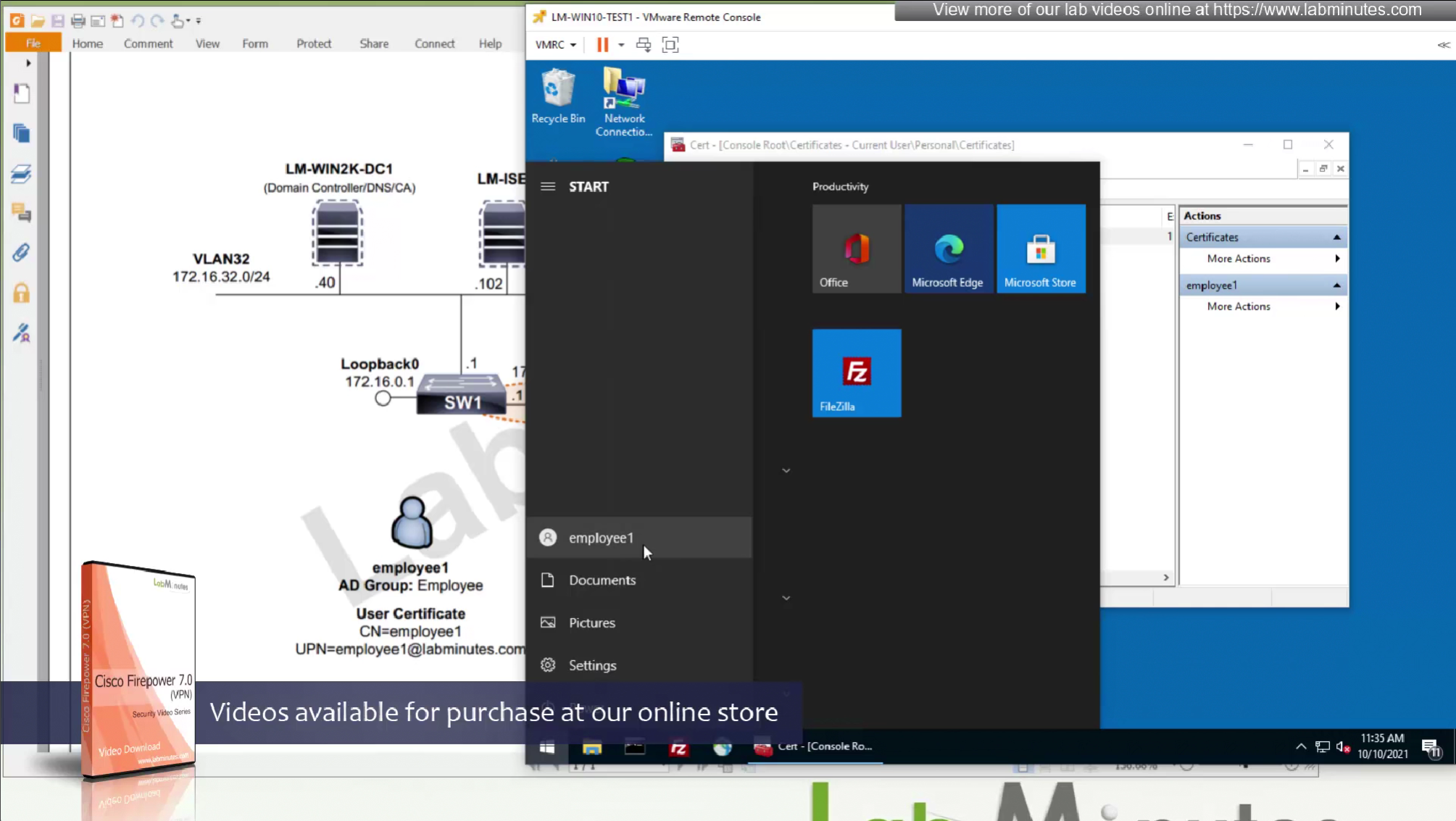
These certificates are pushed using GPO and this machine certificate is used automatically for anyconnect certificate authentication
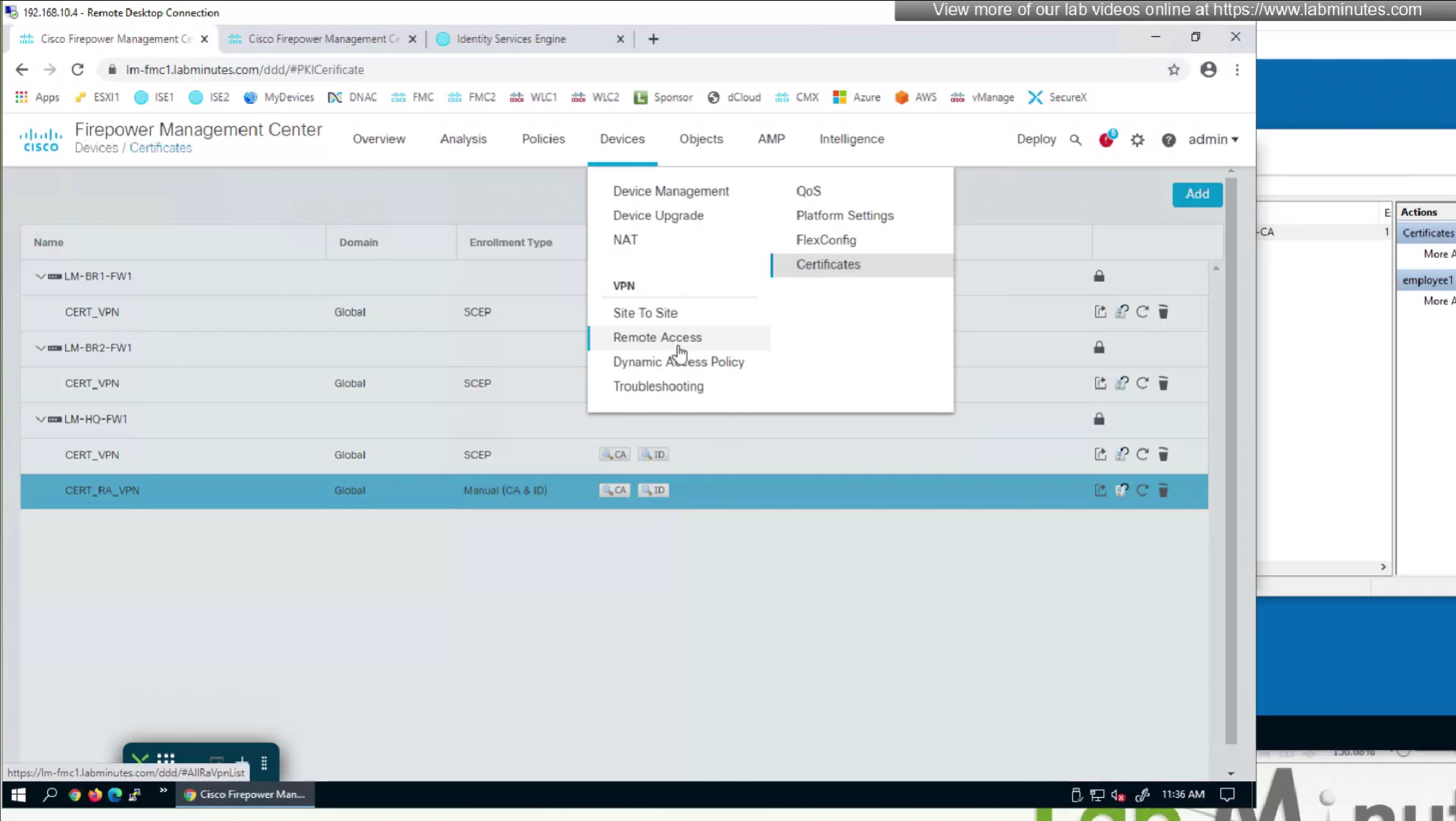
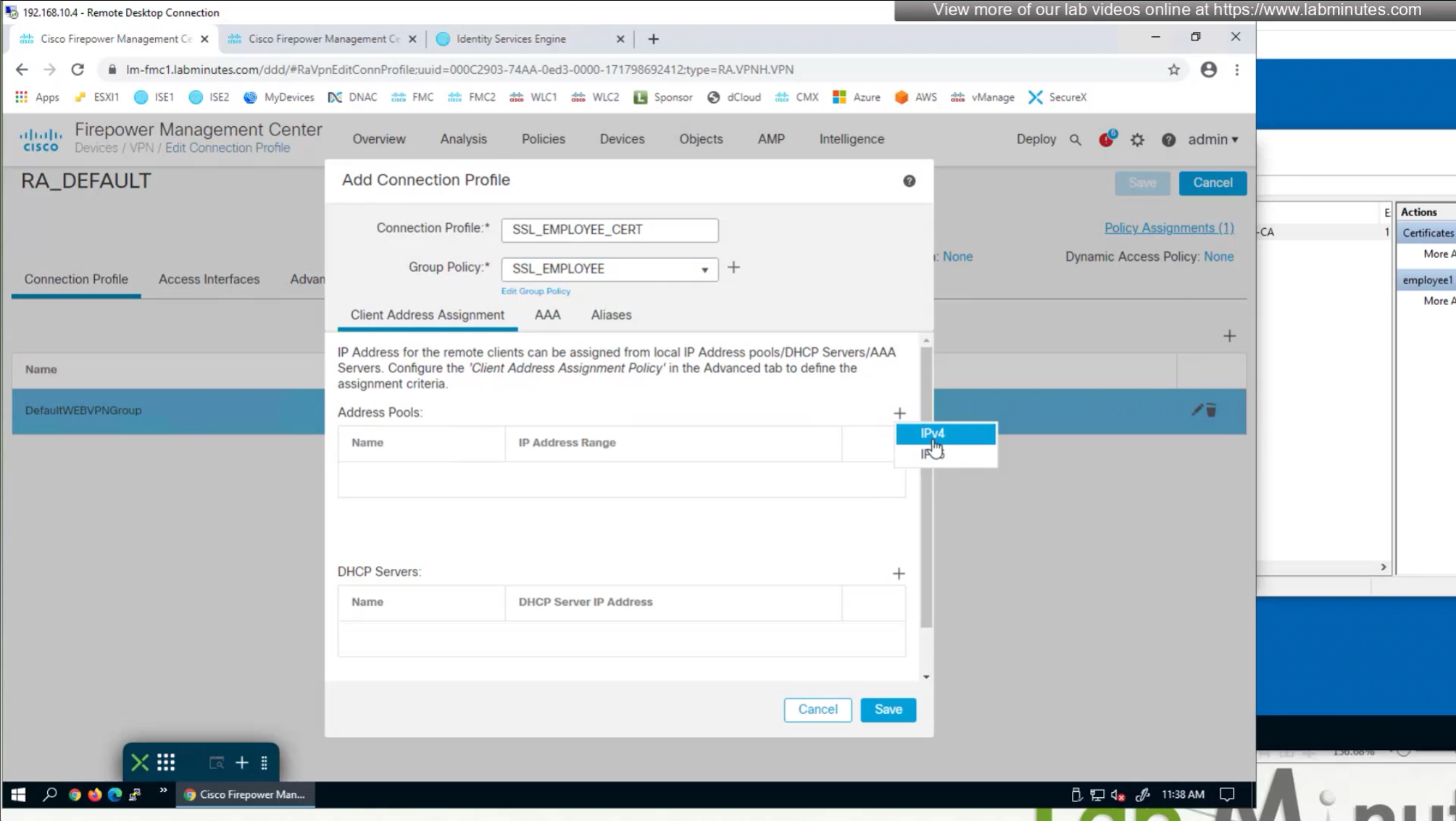
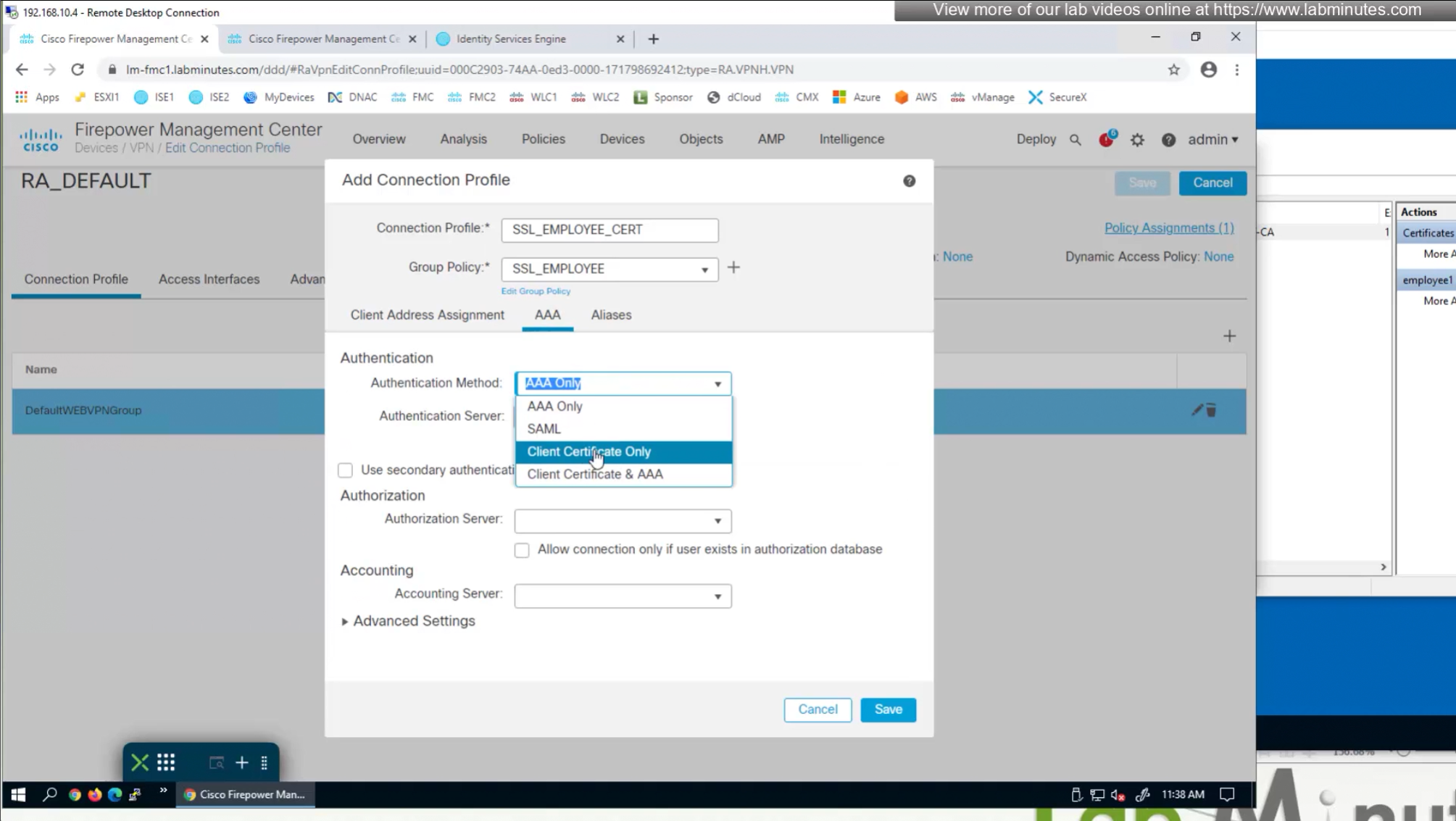
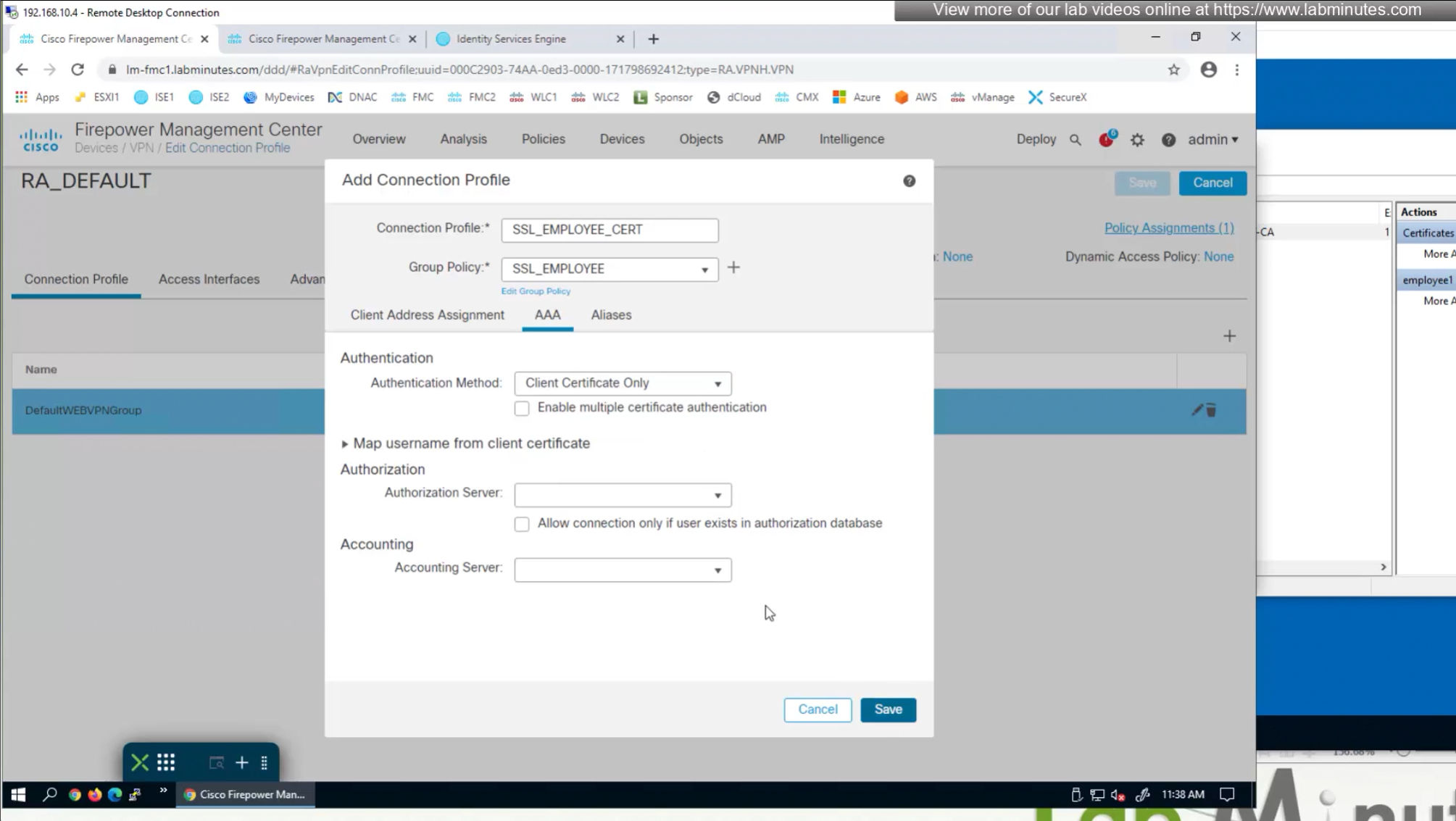
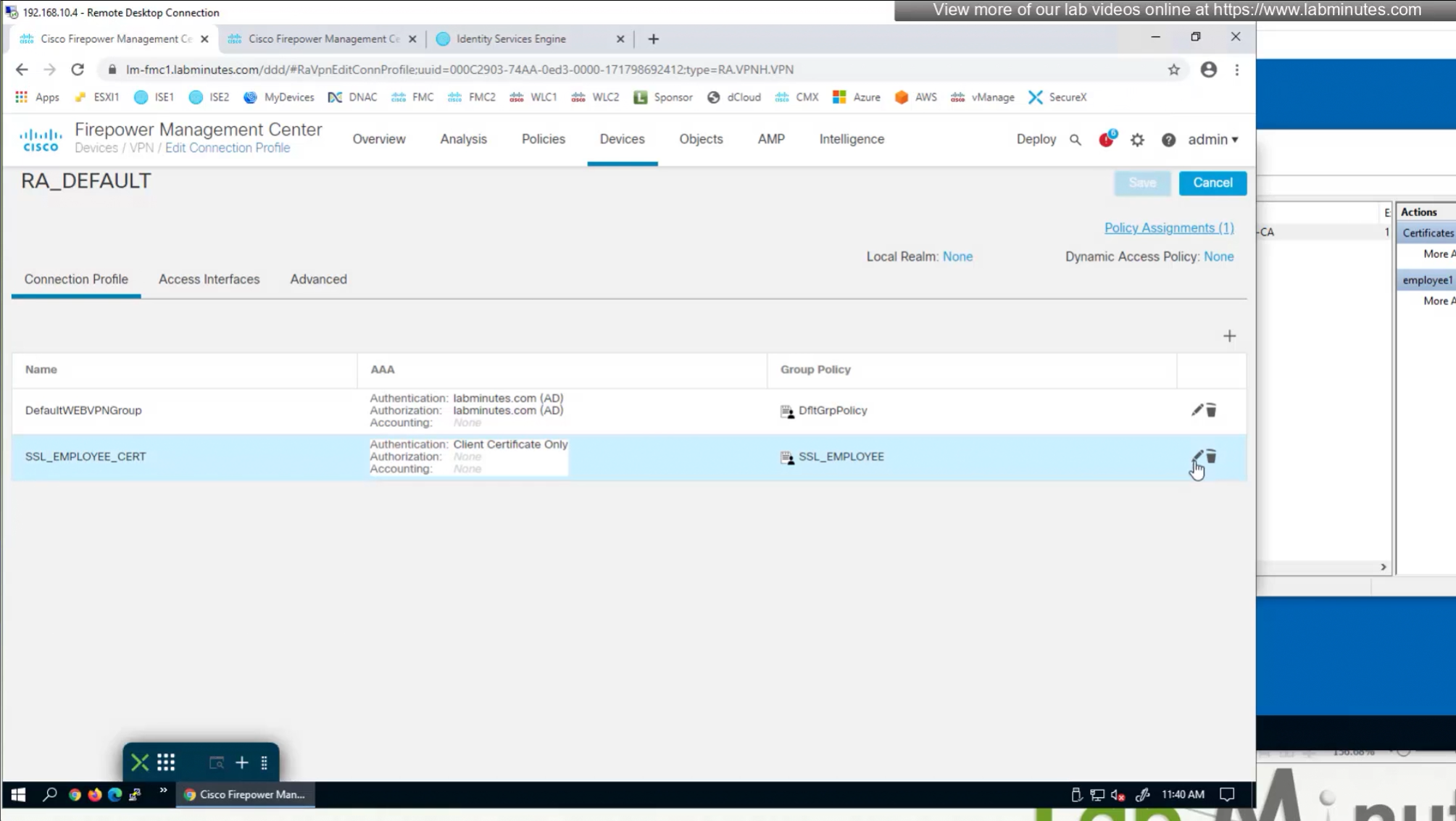
We need to create new connection profile because current connection profile is configured with AAA authentication and only one type of authentication can be configured on connection profile, either Certificate based authentication or AAA based authentication
That is why we will configure new connection profile
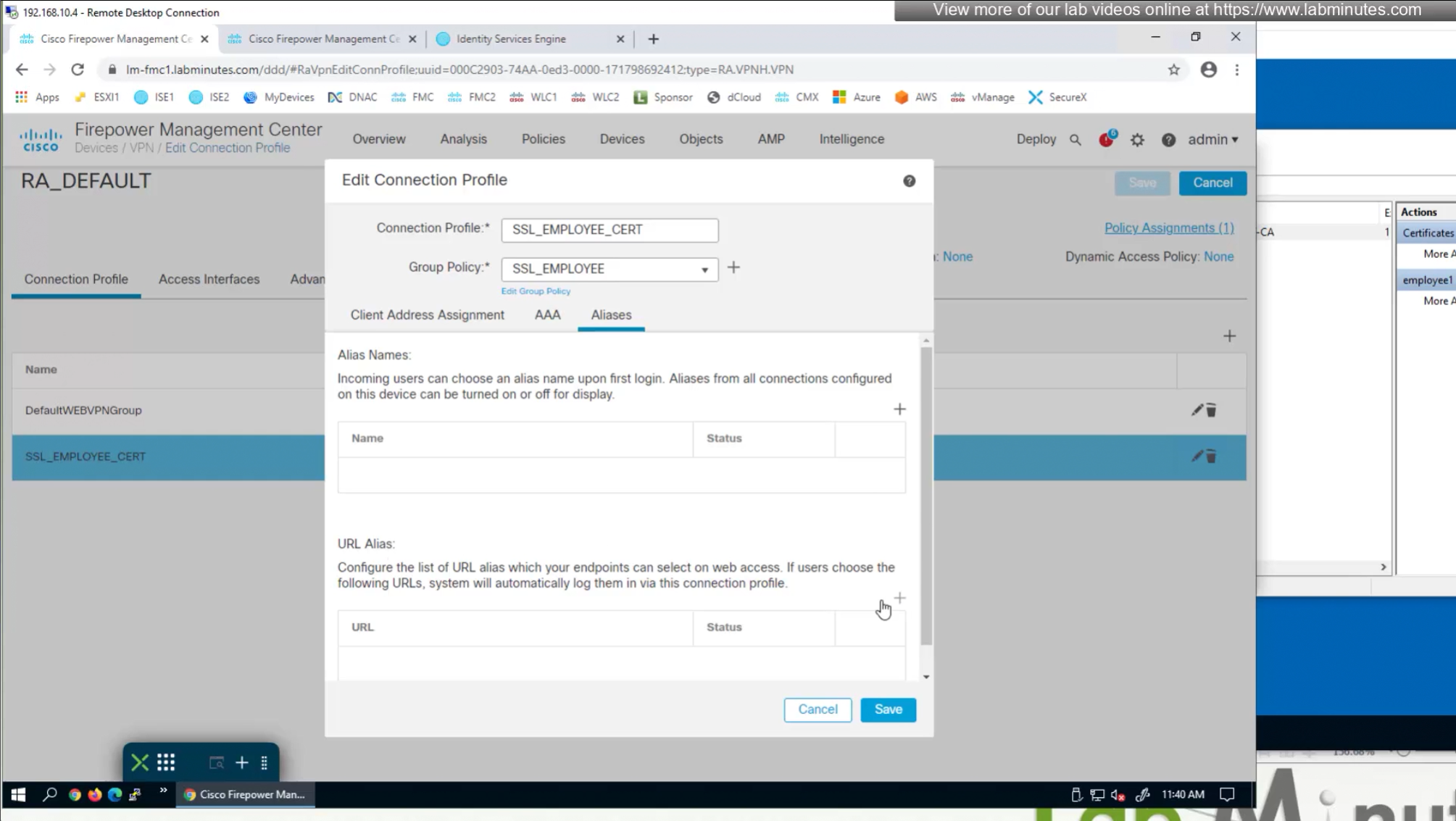
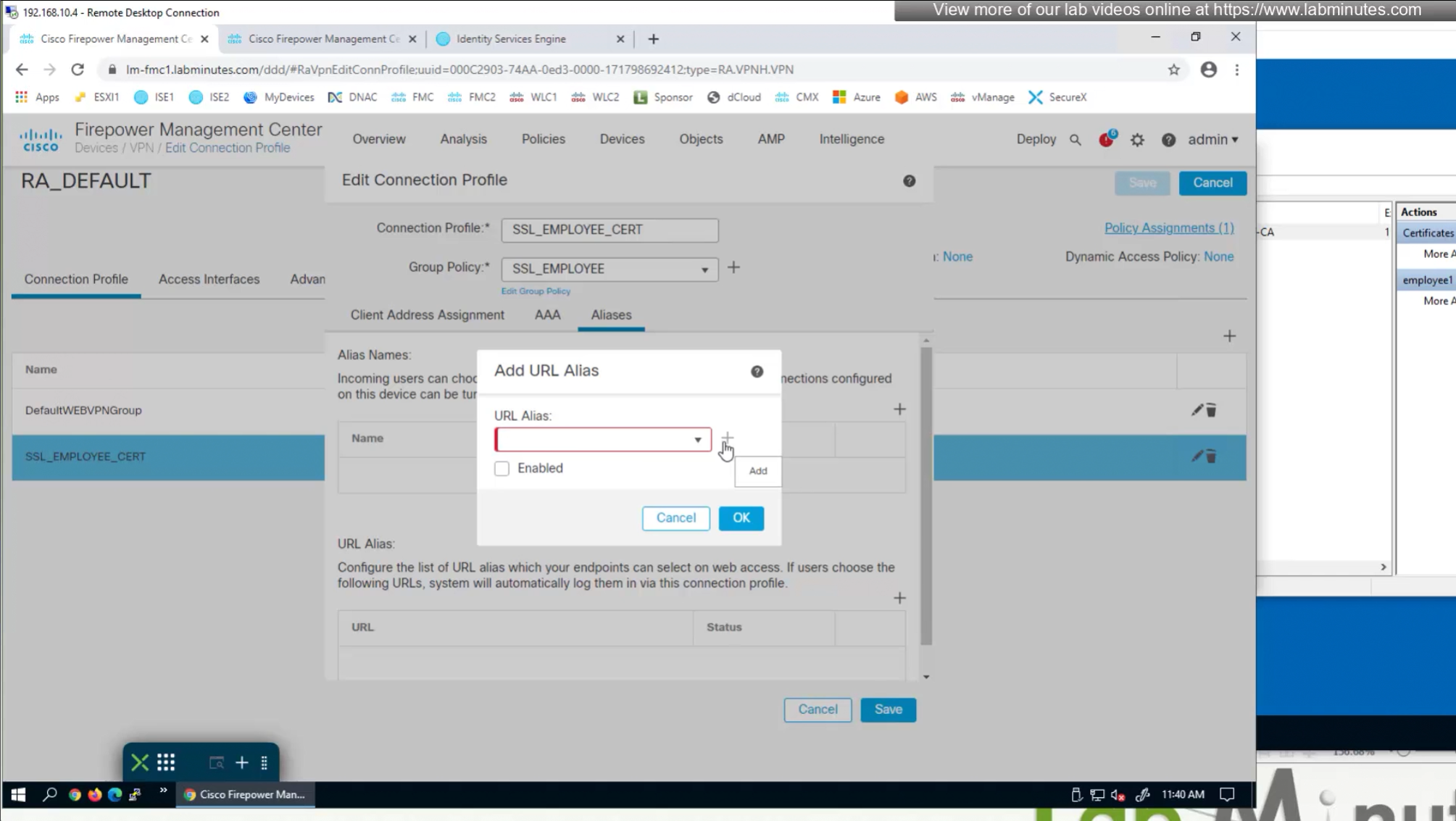
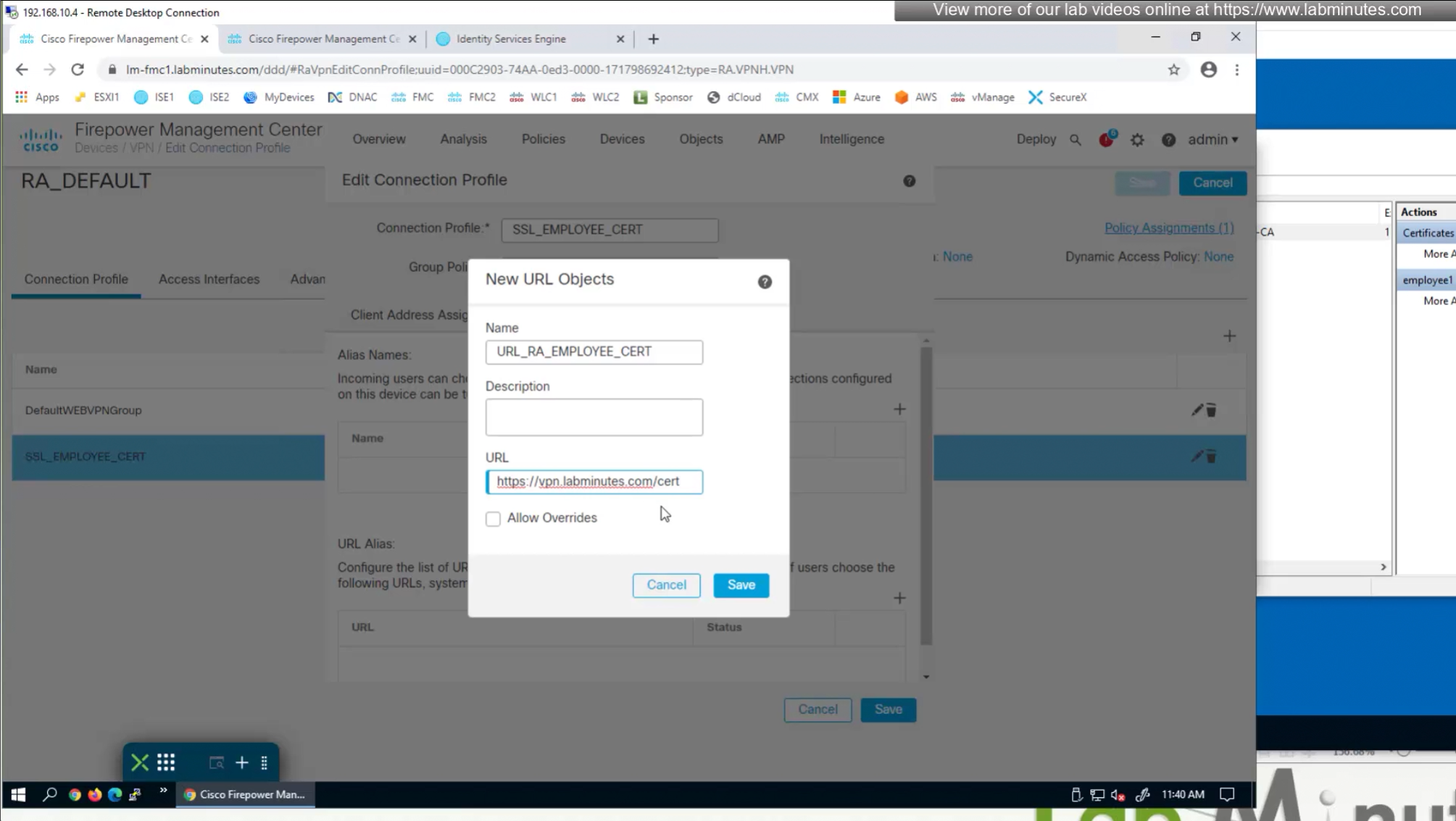
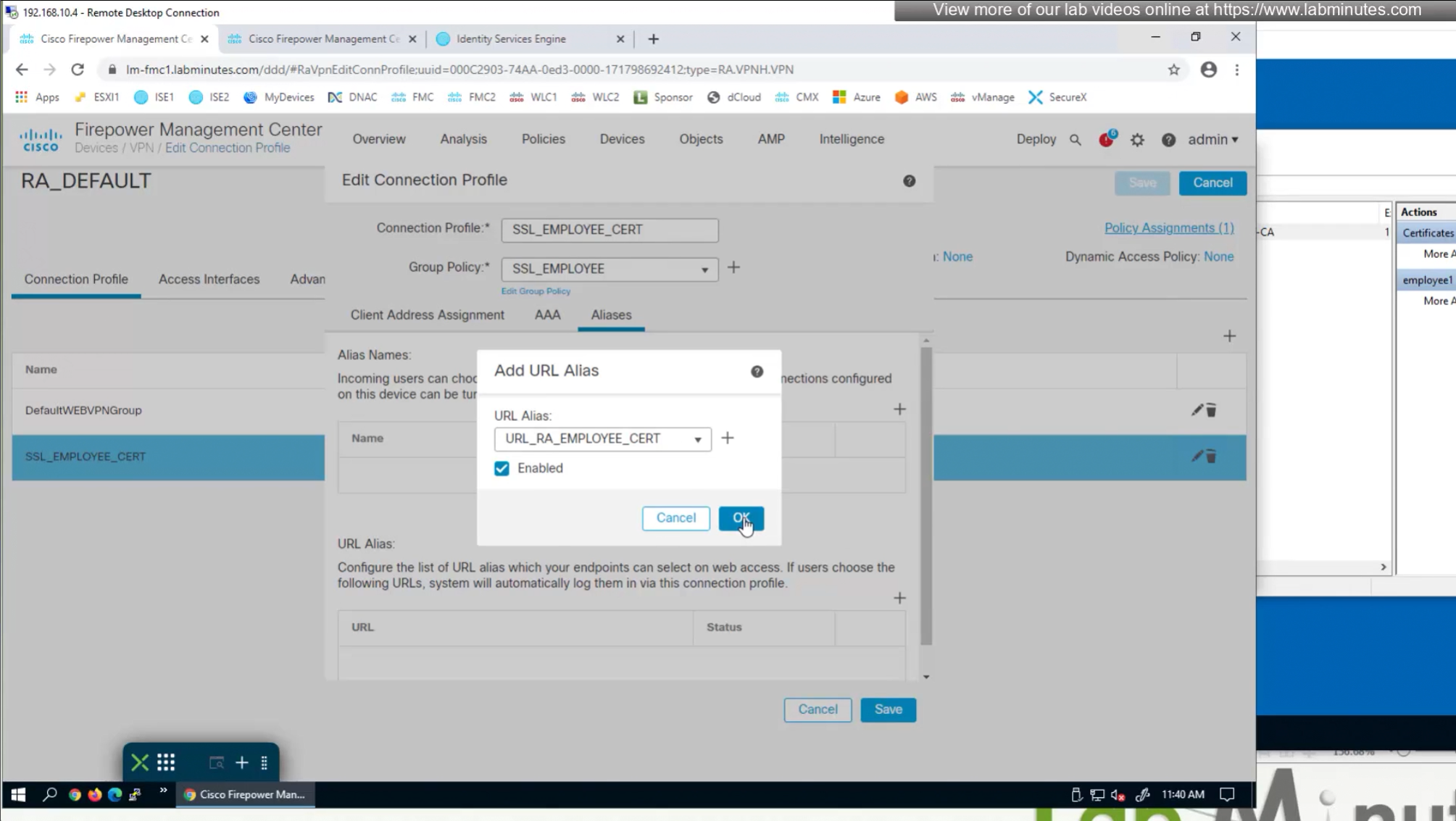
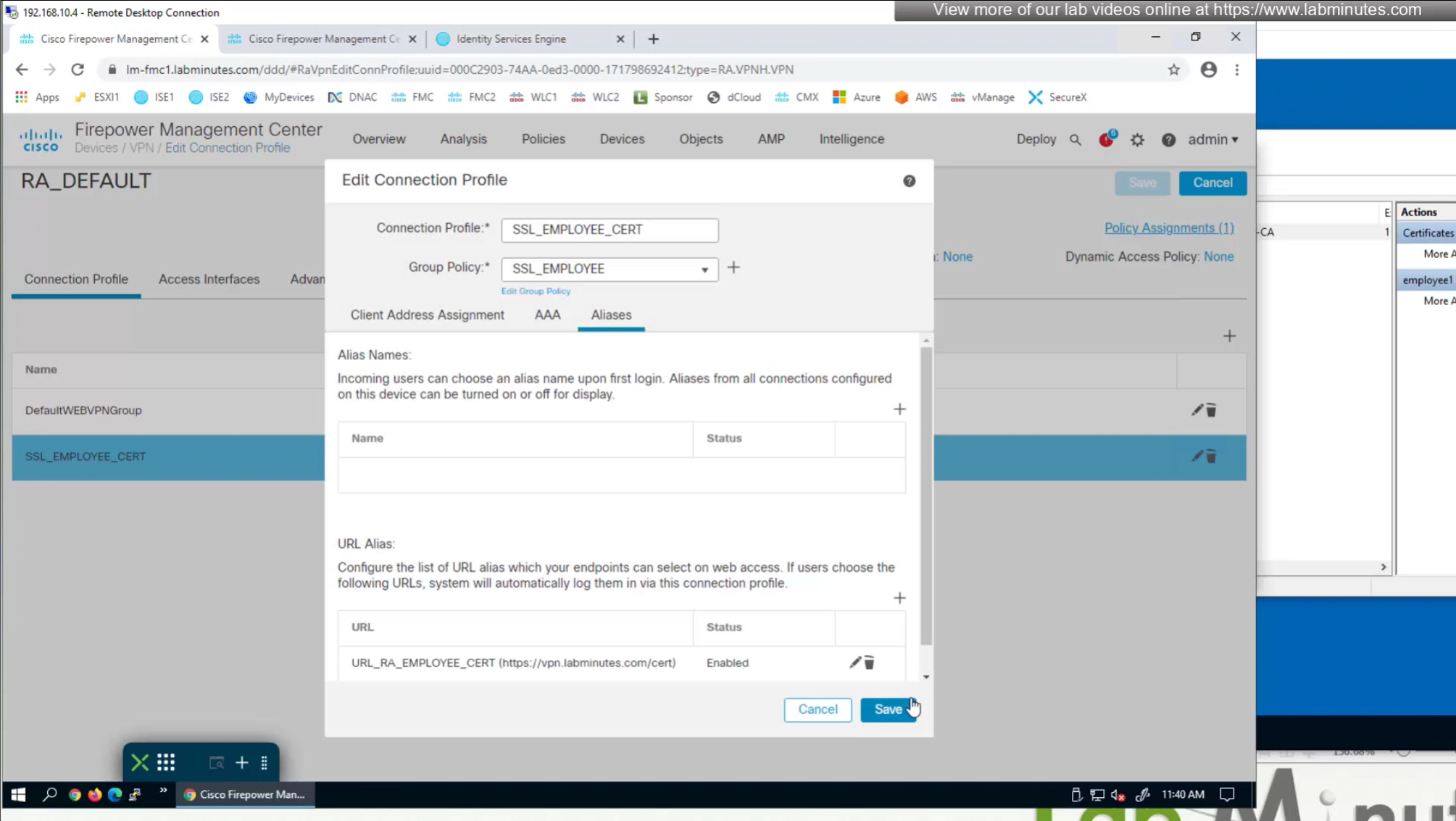
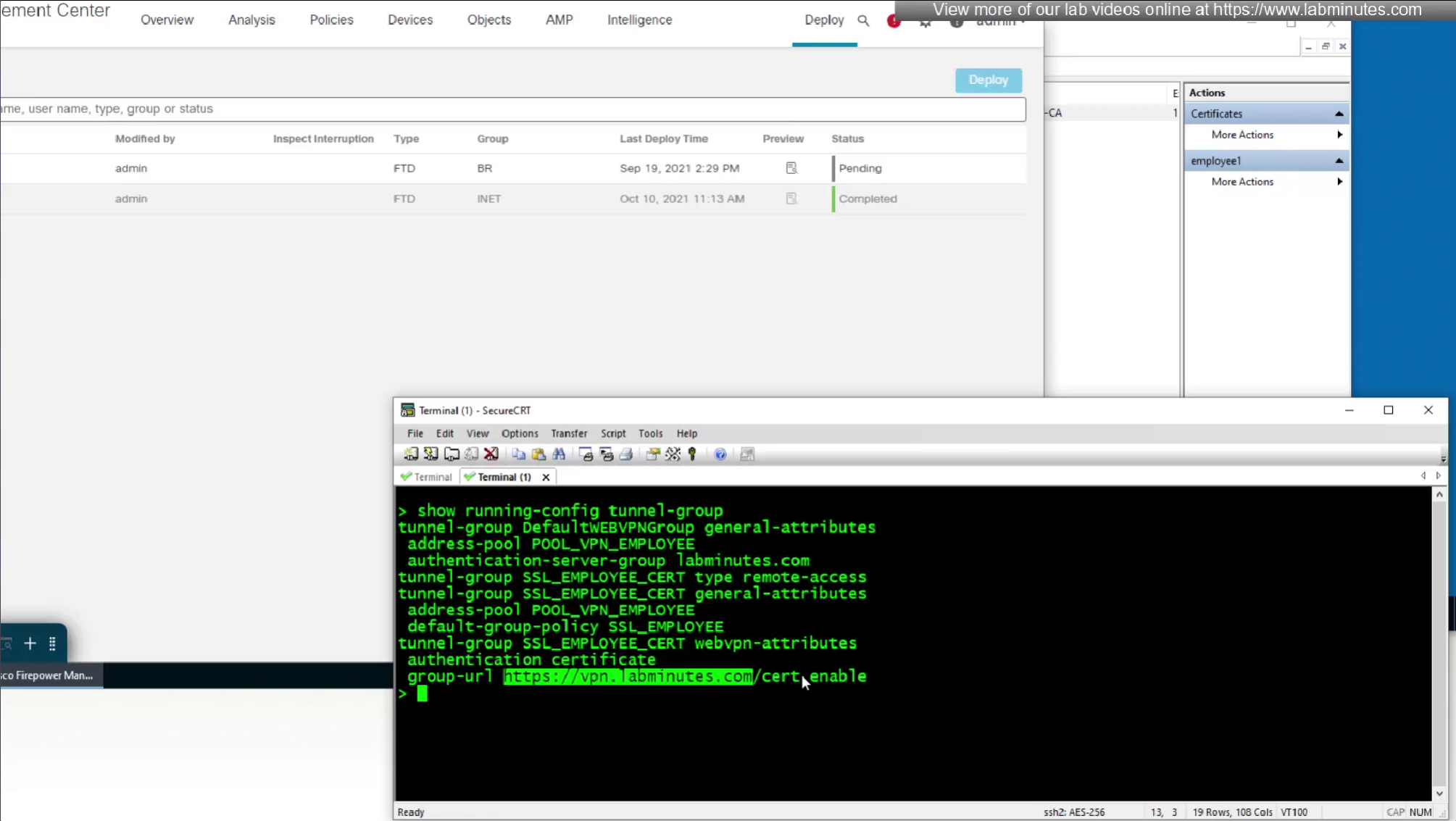
Question is how we get VPN users to use this certificate authentication connection profile
URL is preferred and in some deployments URL part is treated as complex string to use it as a password and lock it down further with initial connection at build time and have anyconnect locked down

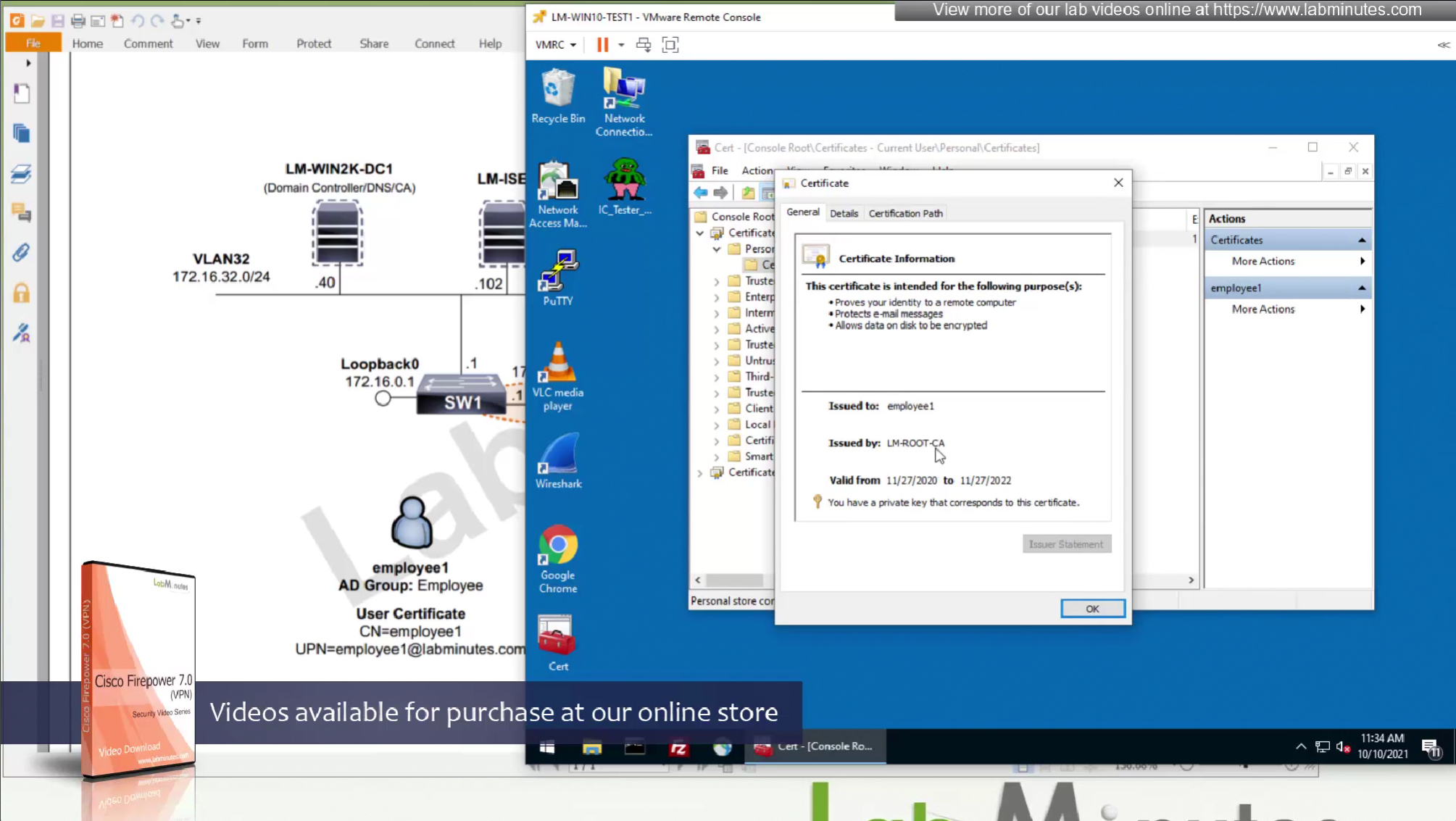
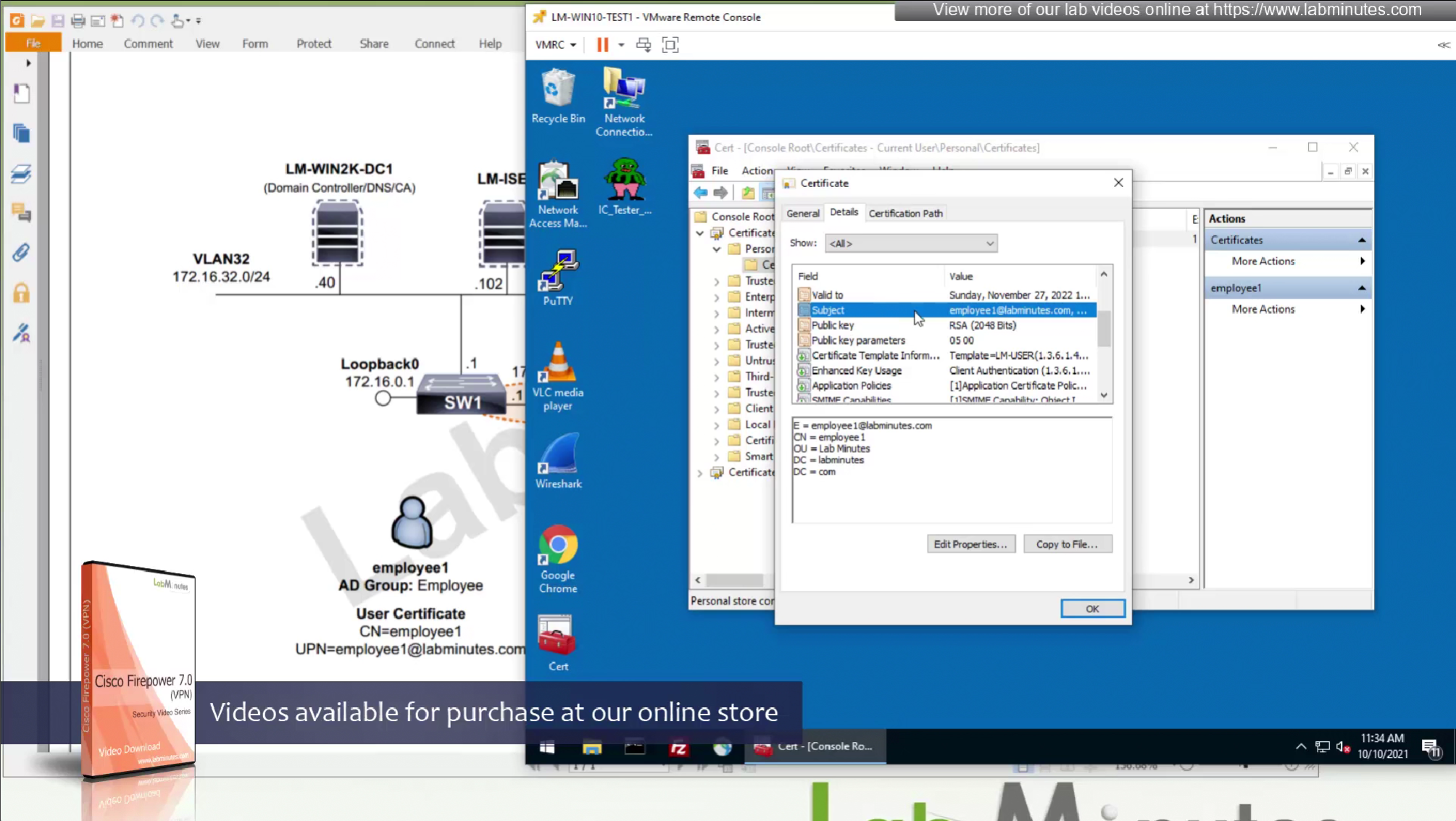
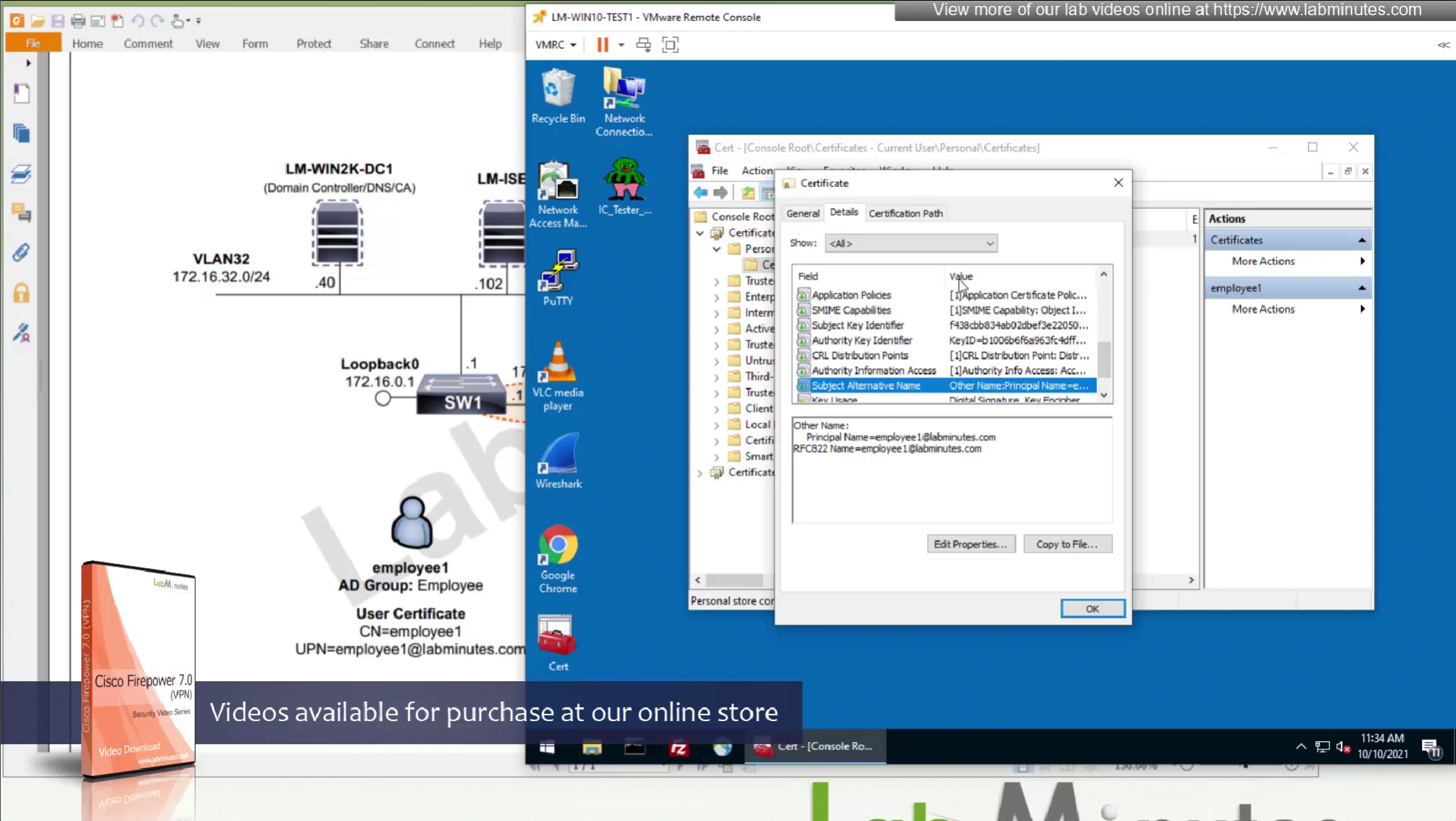
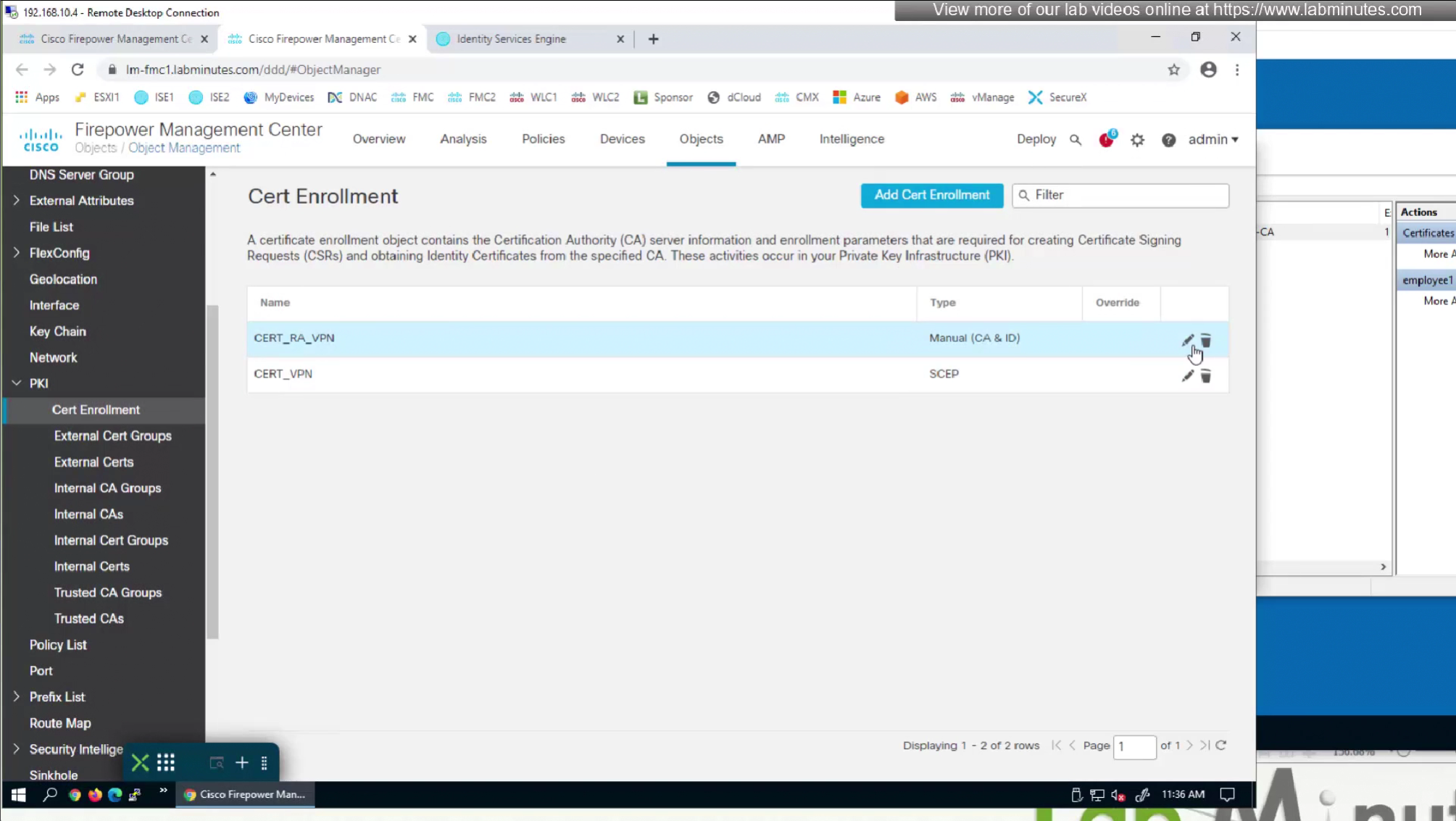
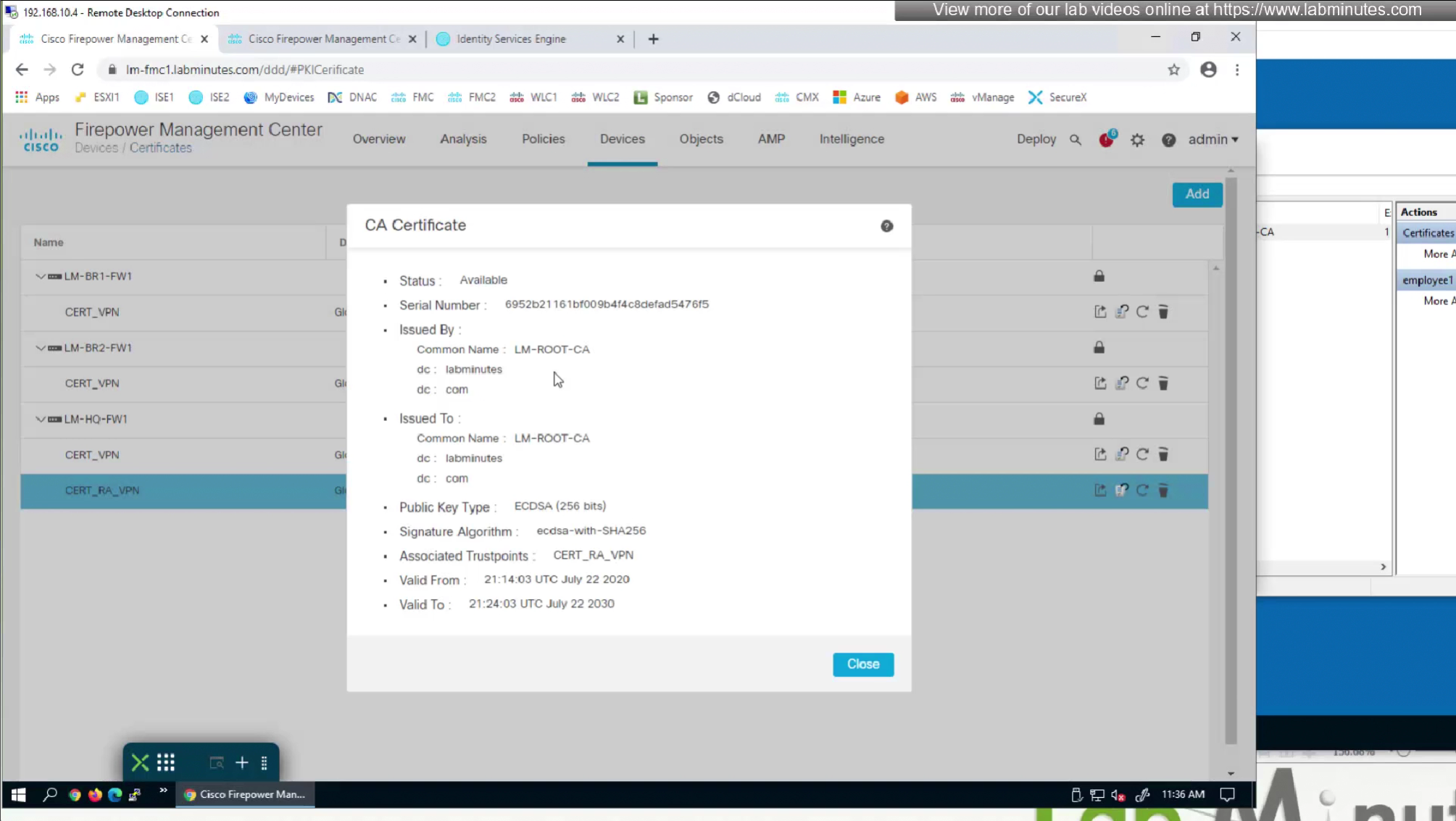
CA certificate is already on firewall as it was done as part of the Cert enrollment





SEC0404 – Firepower 7.0 AnyConnect VPN RADIUS Attributes (Part 3)
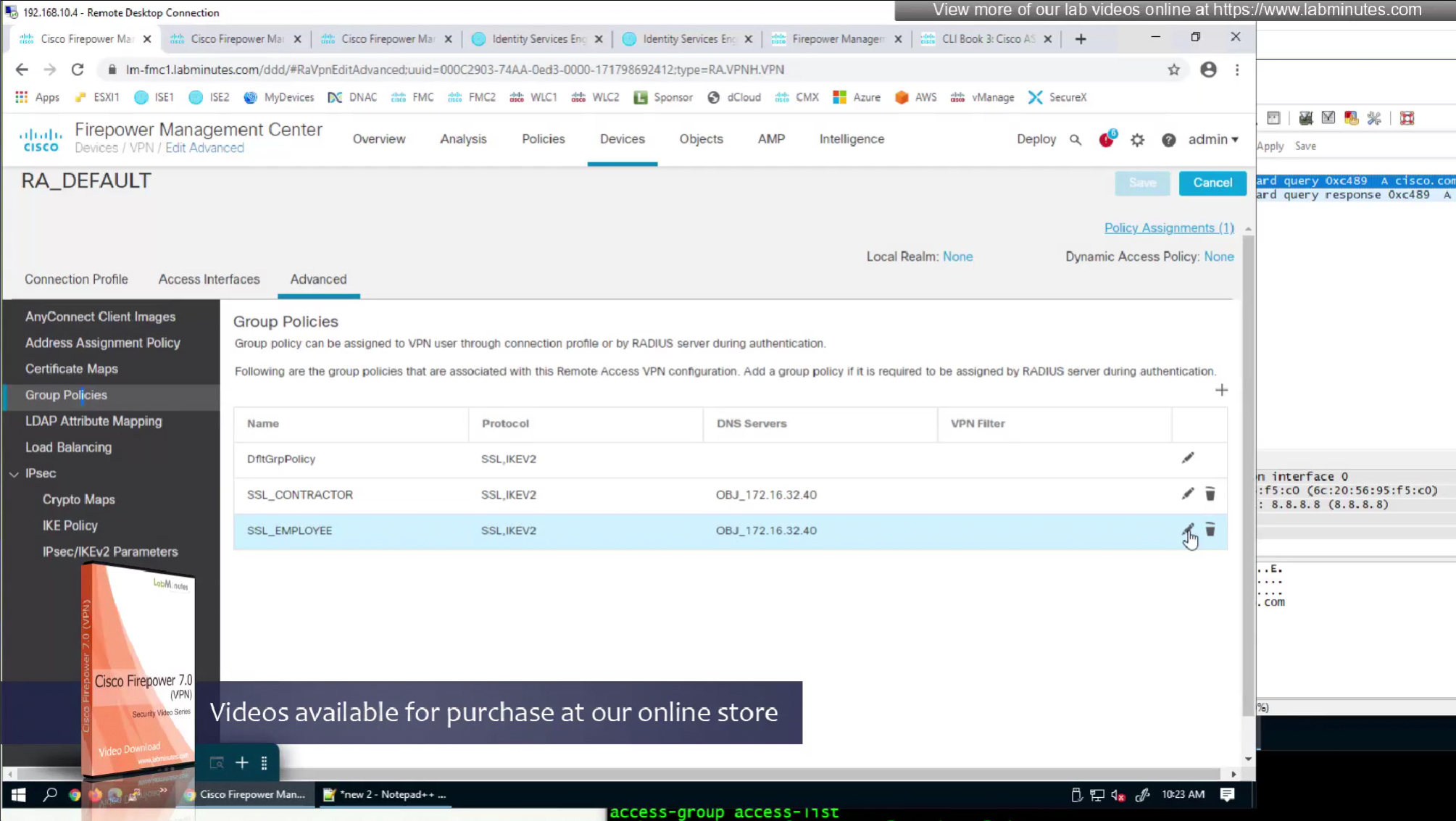
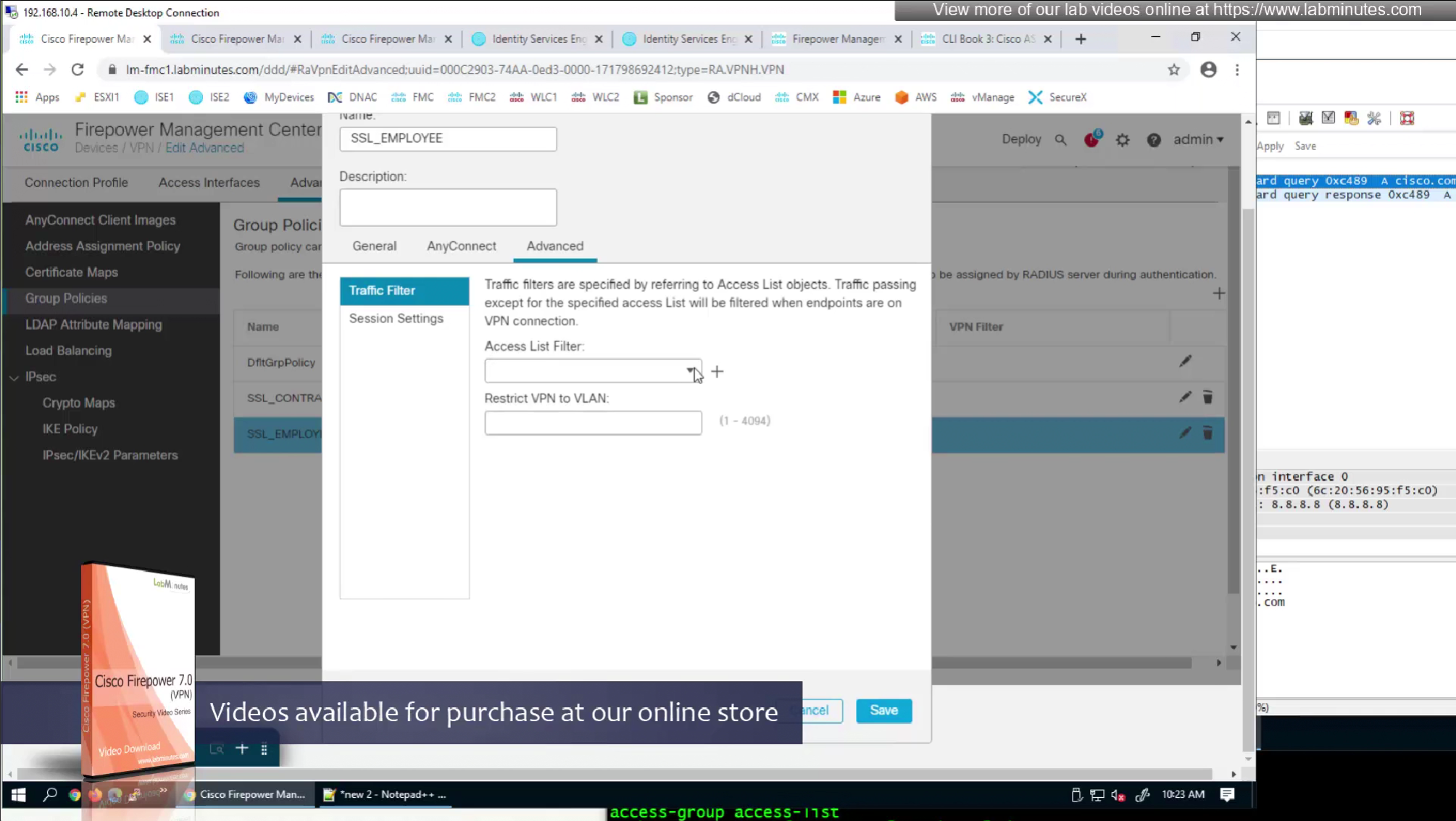
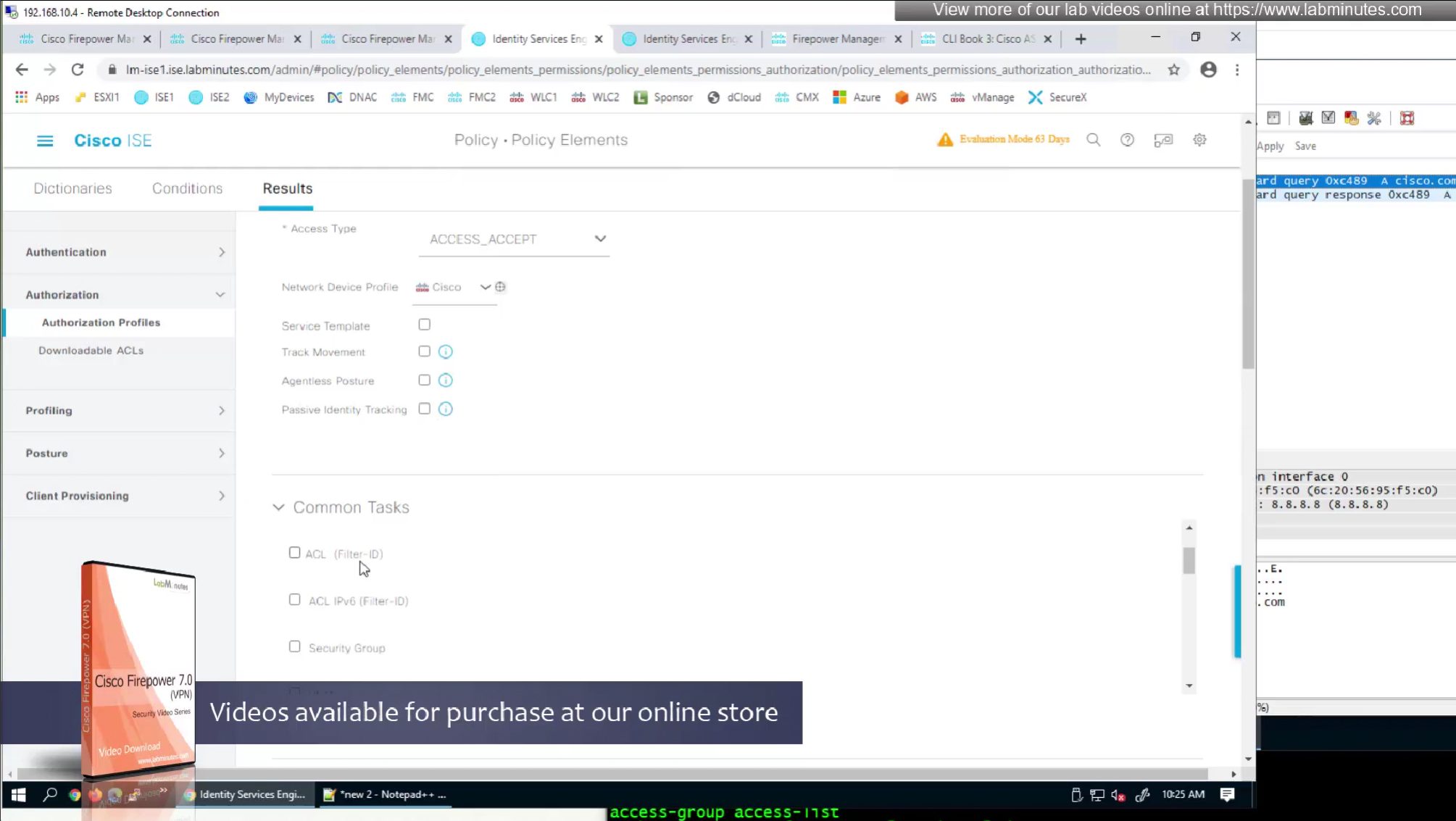
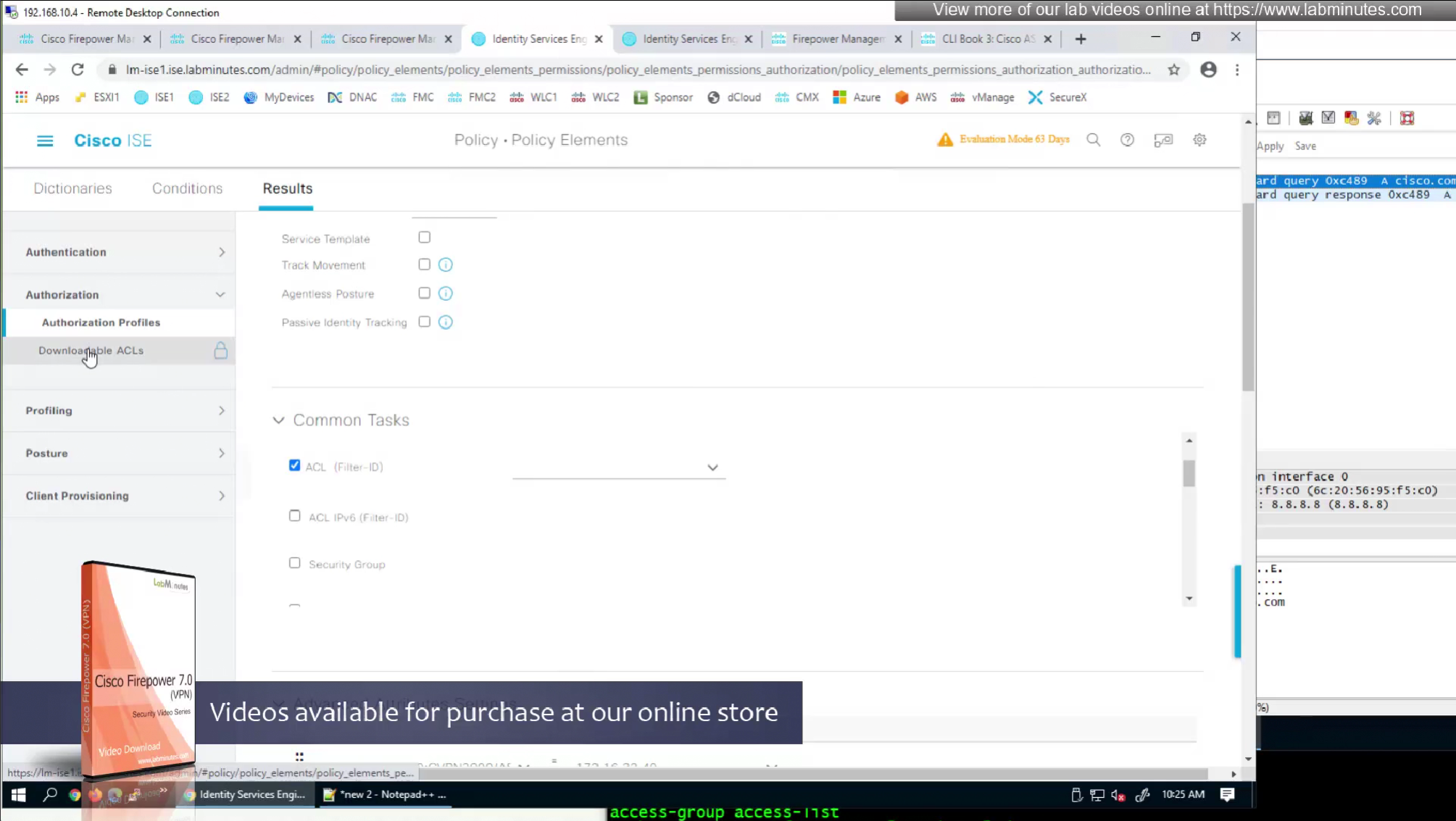
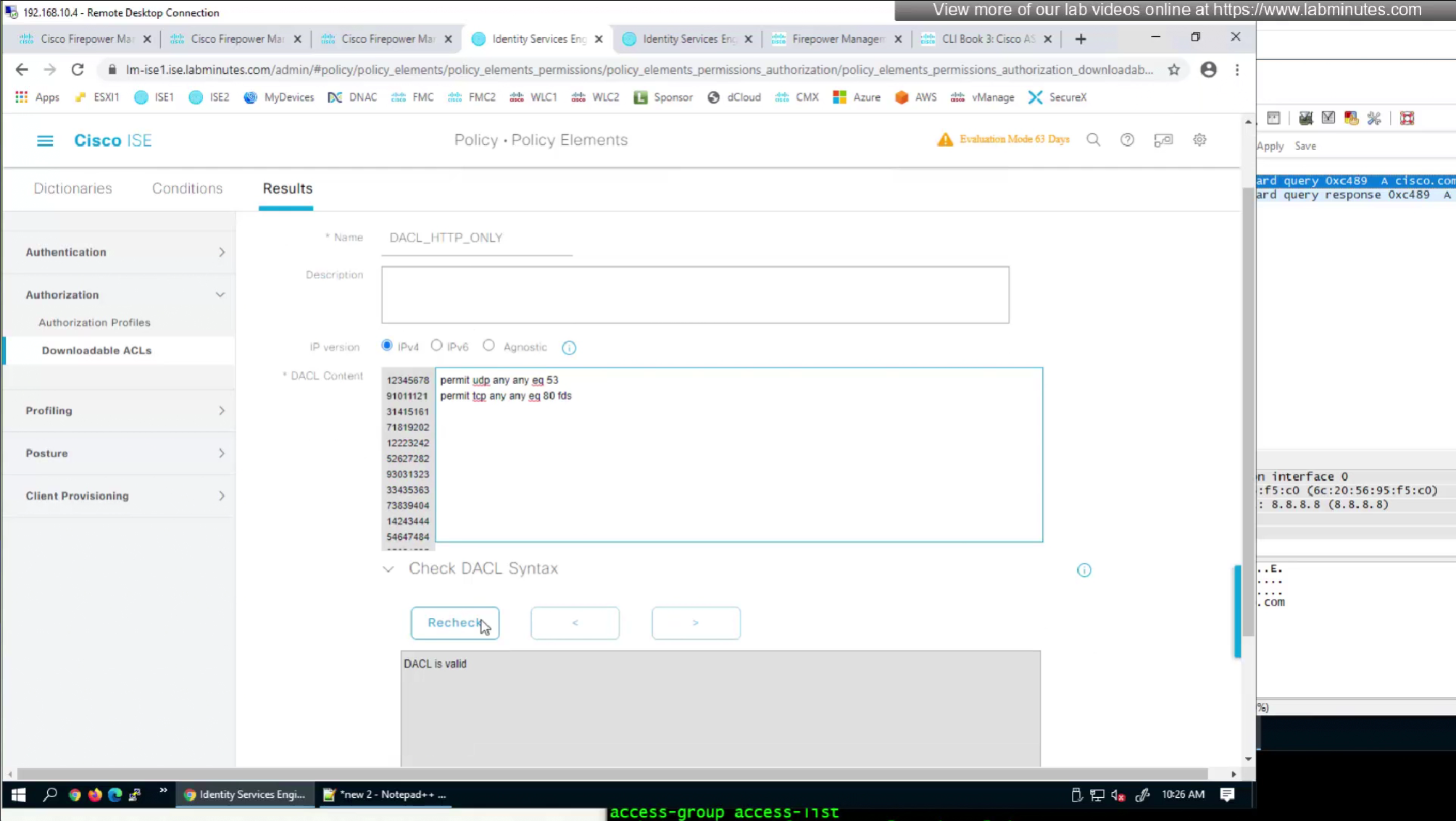
In order to control the traffic over the anyconnect tunnel
we need to edit the connection profile > advanced
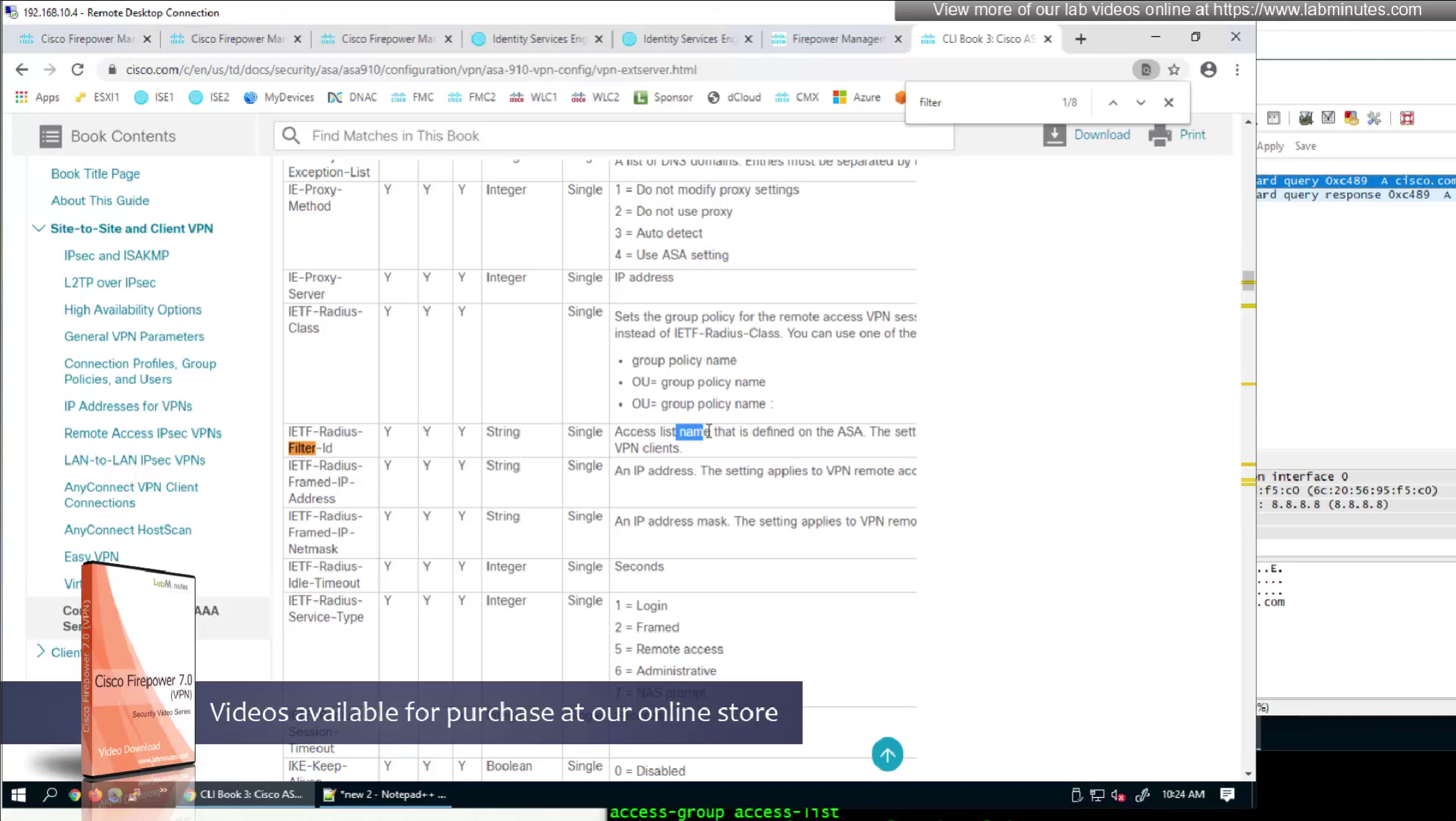
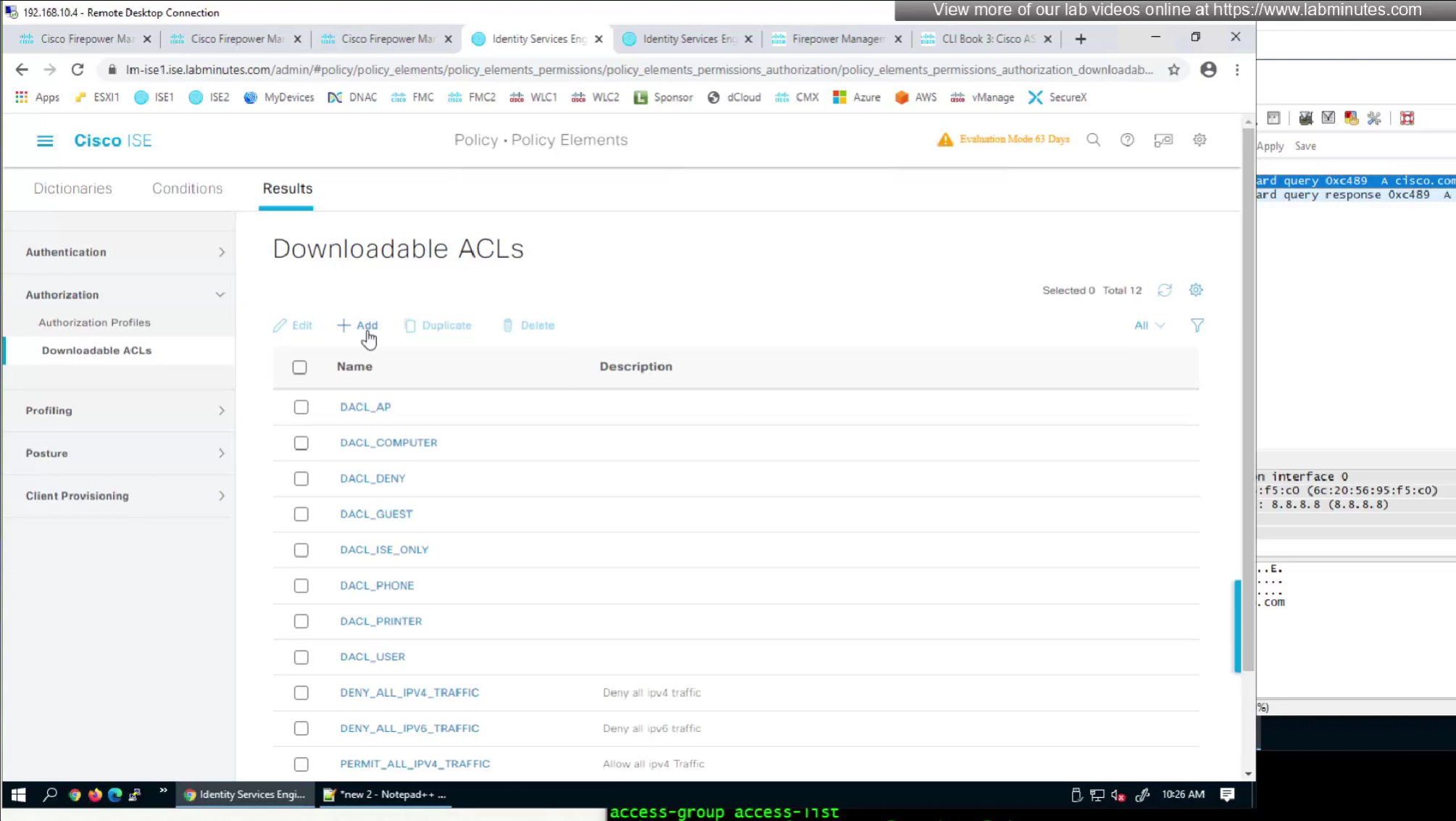
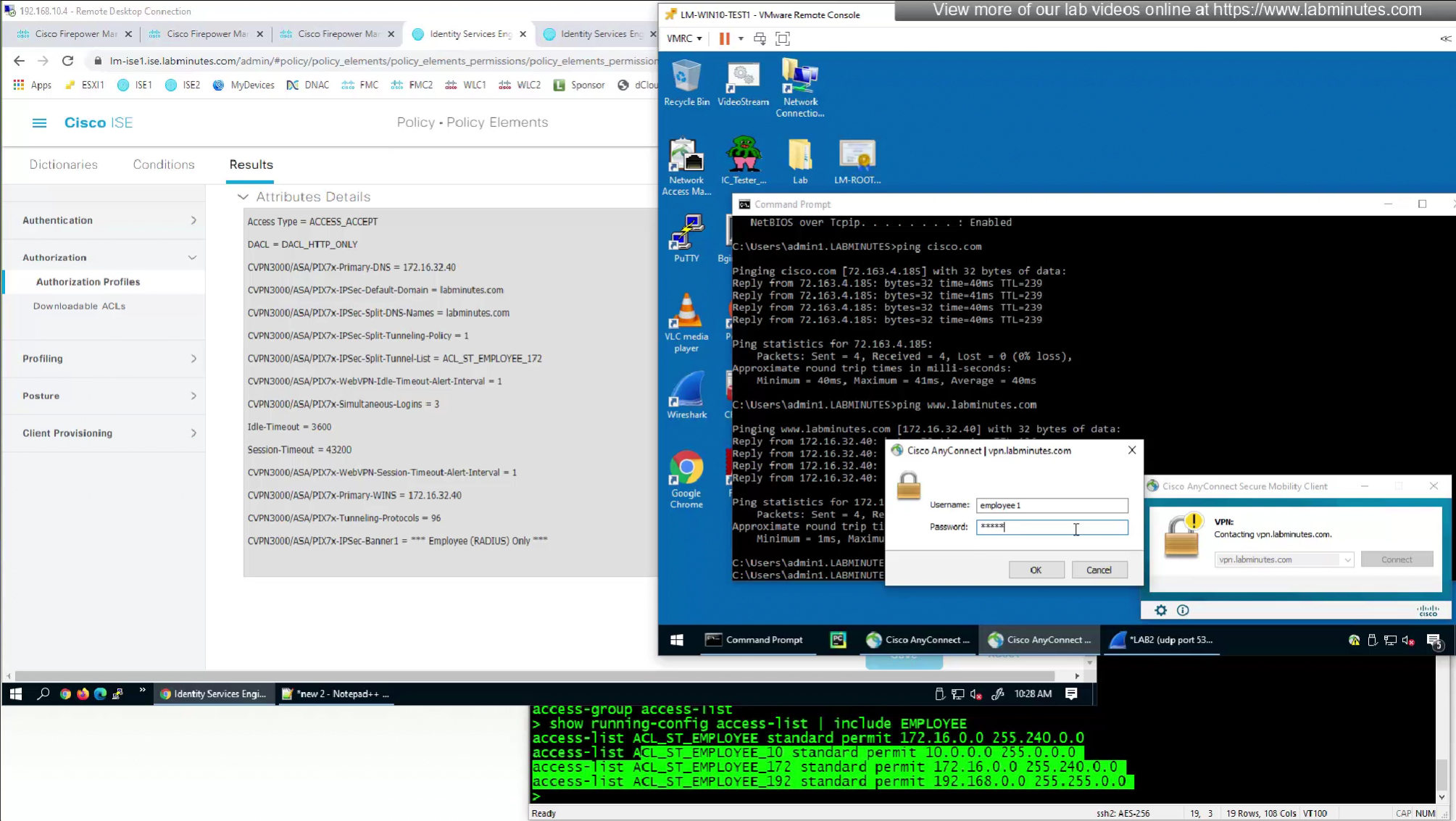
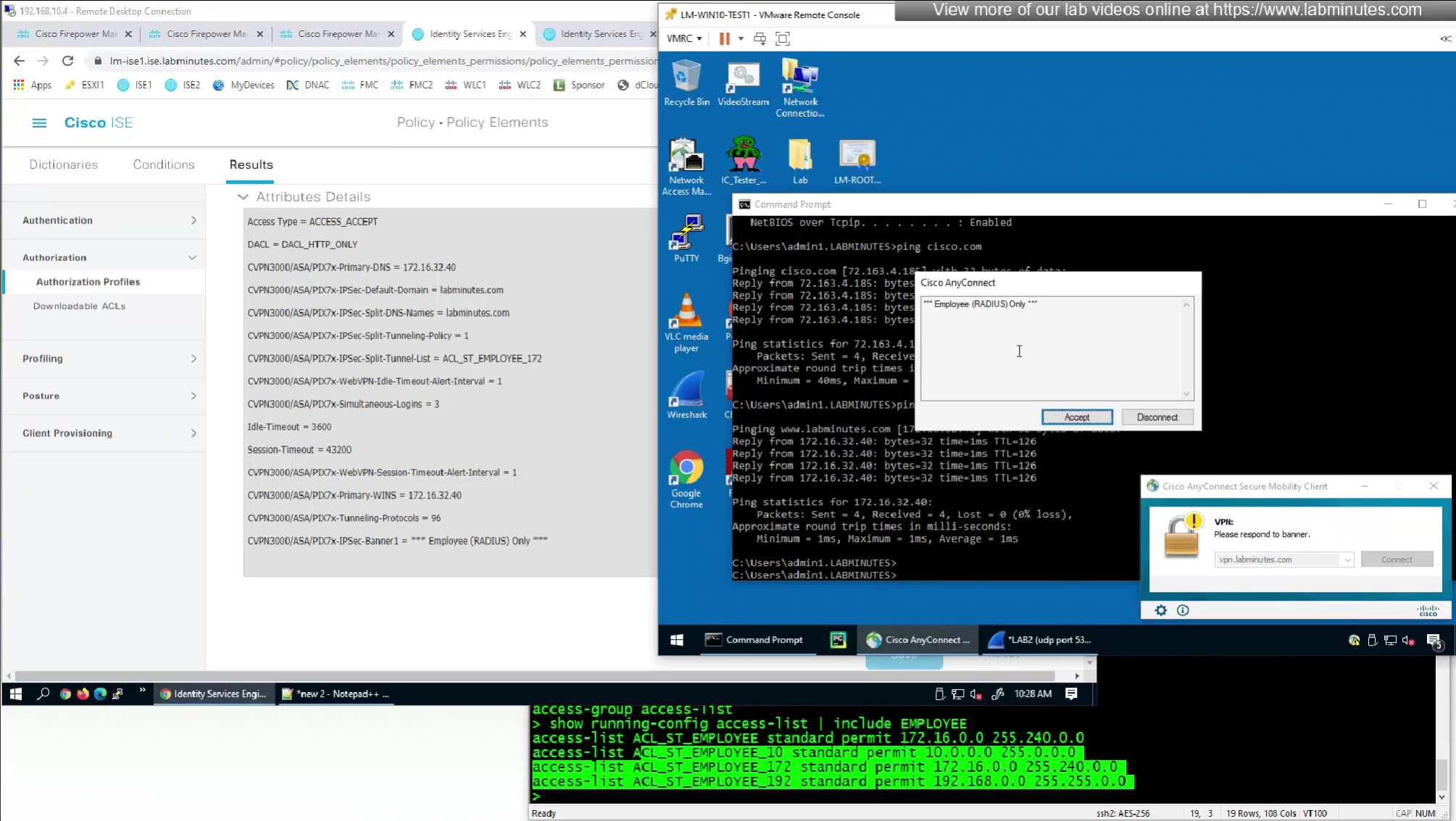
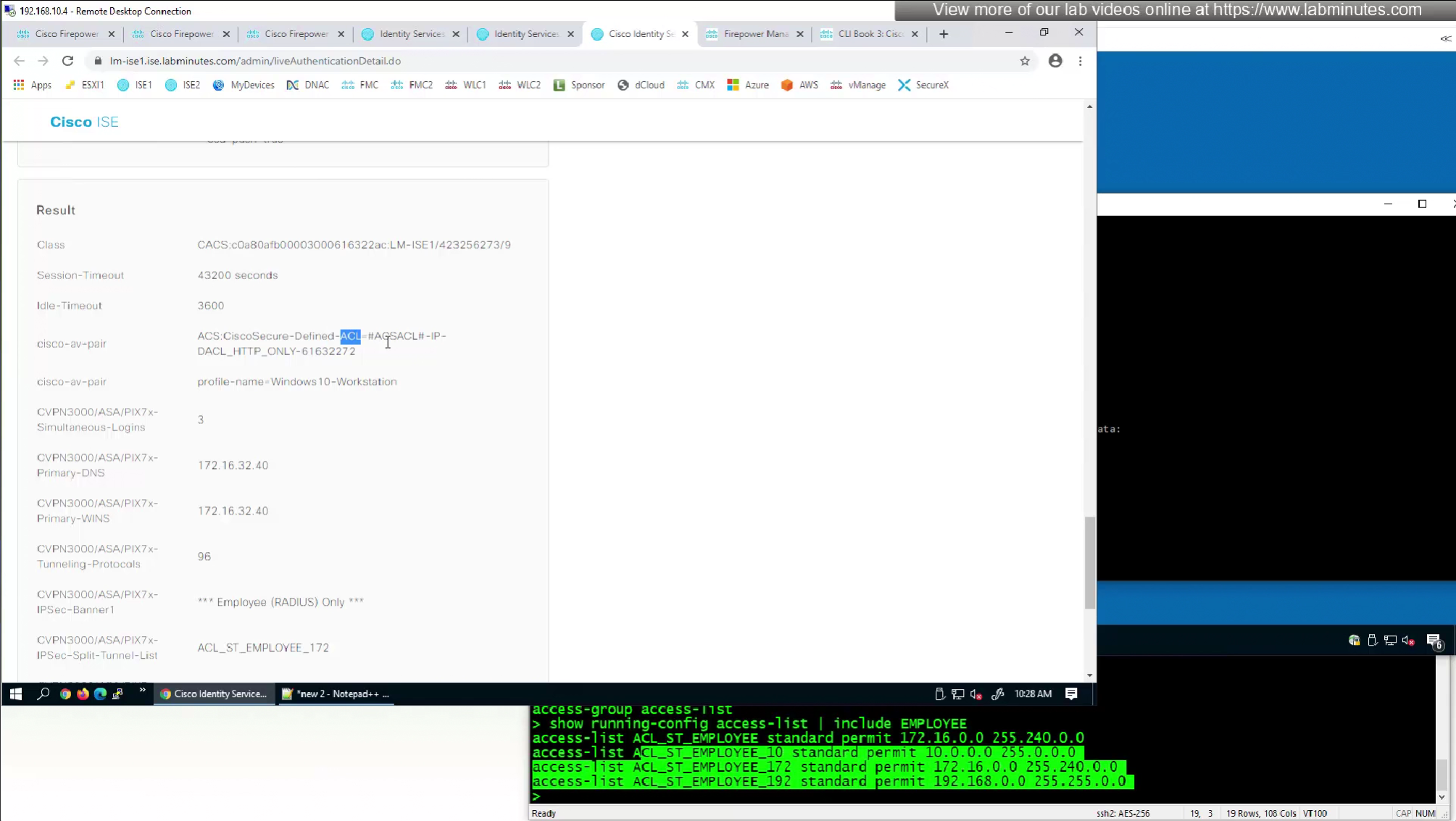
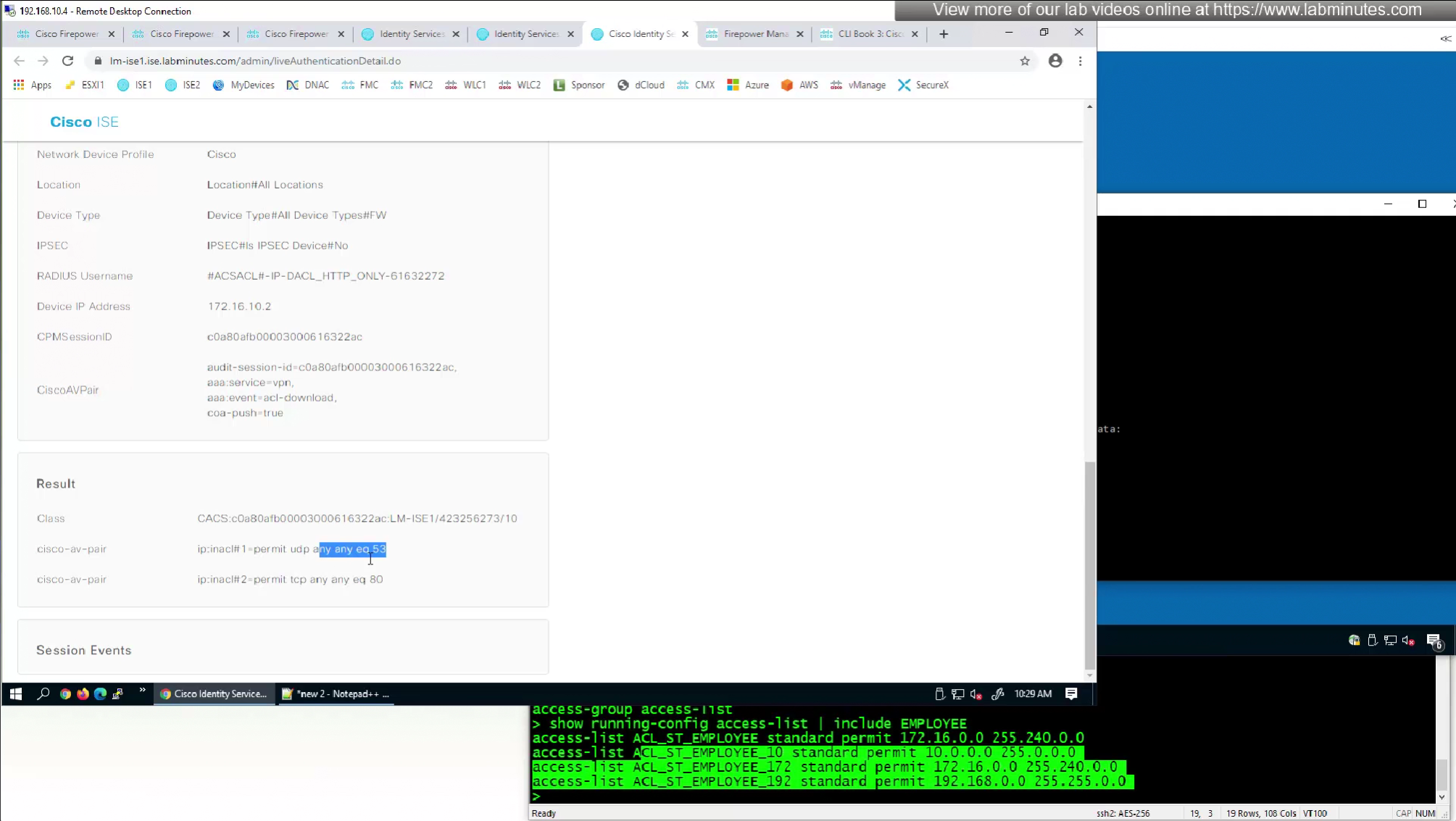
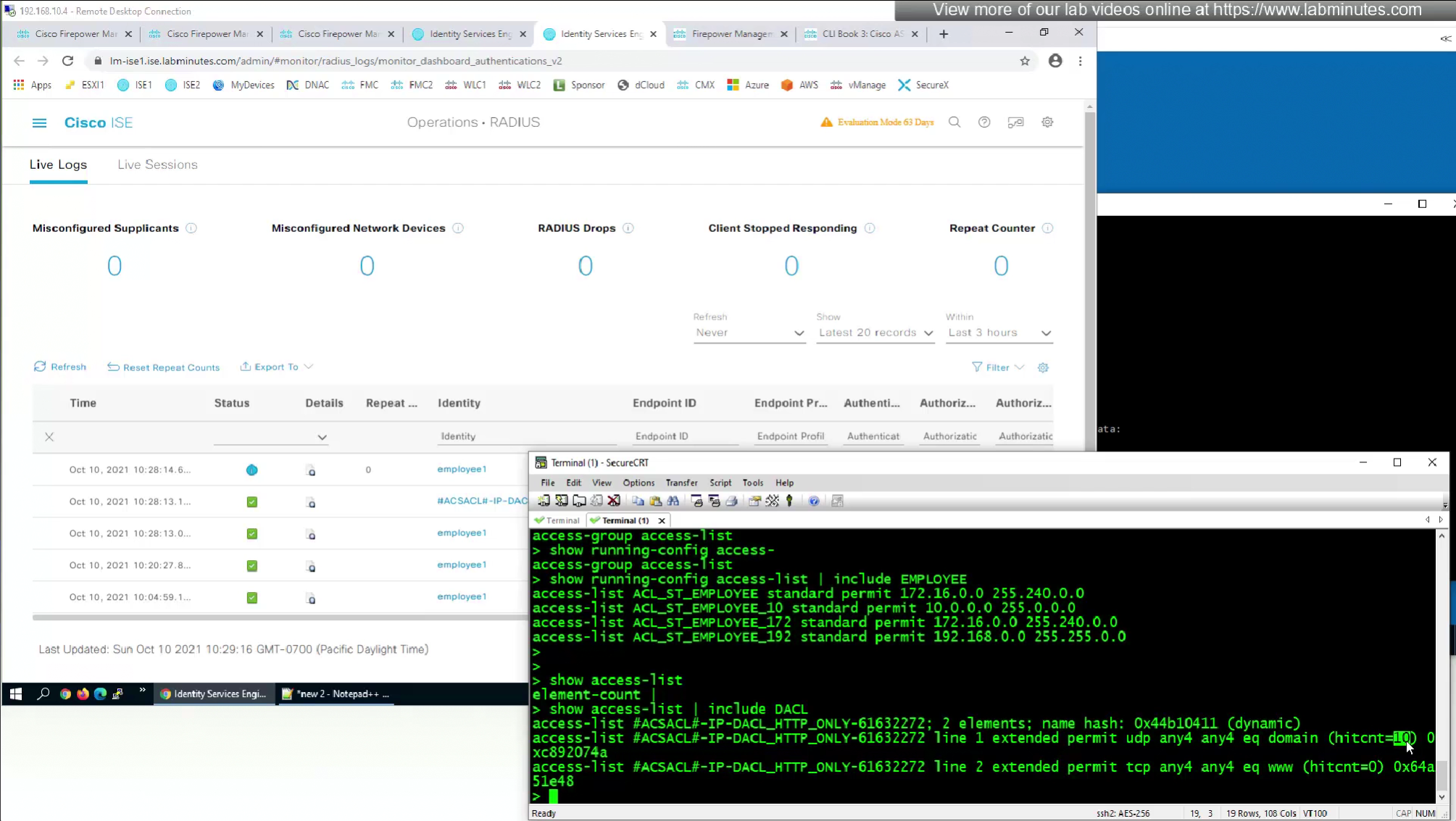
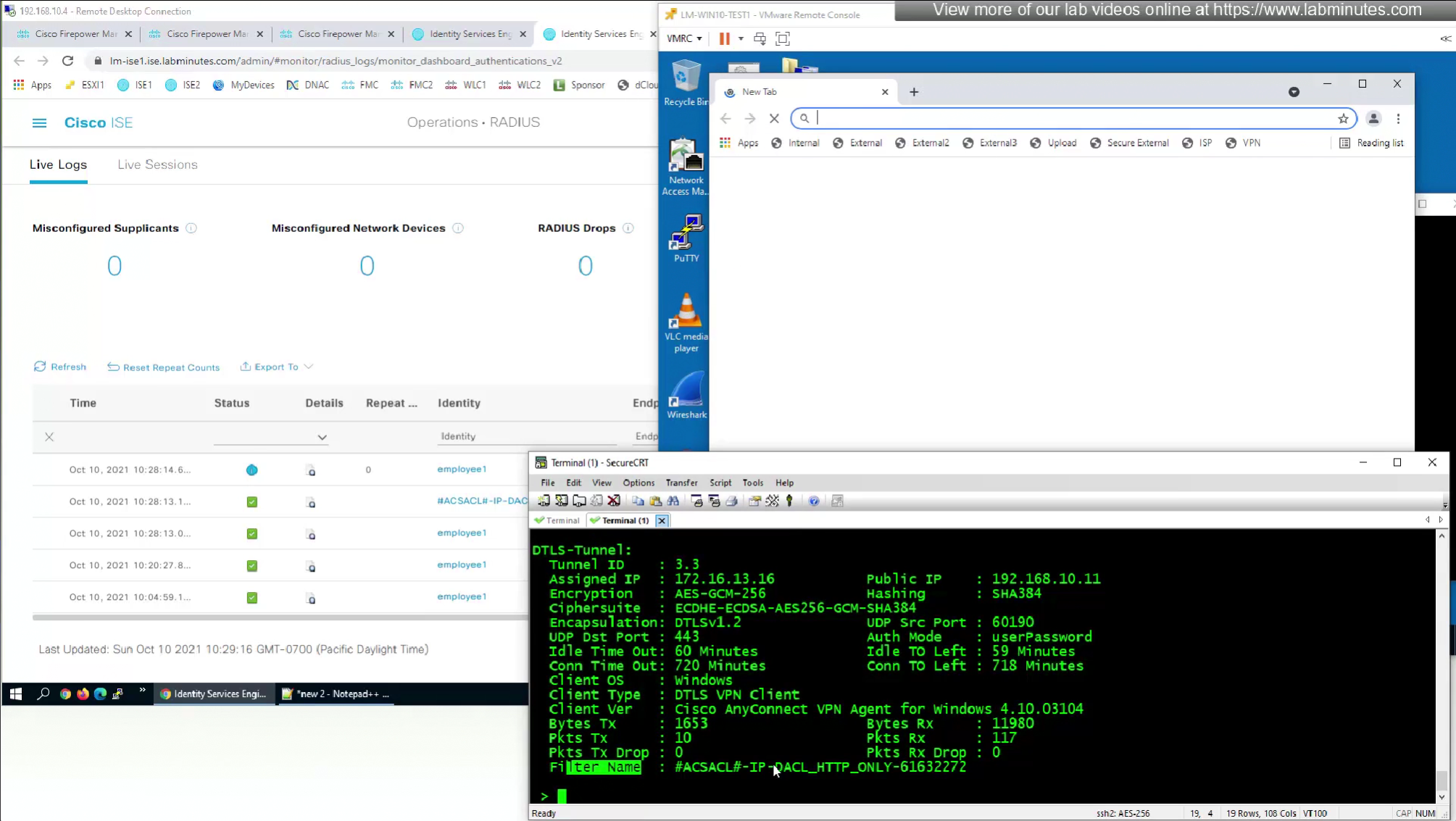
There are 2 ways of accomplishing this with RADIUS
The best reason to use this over static group policy is that for changes we dont have to redeploy the policy on fmc
and second reason is that you can push different policies to different groups of users instead of creating new group policy per group of users


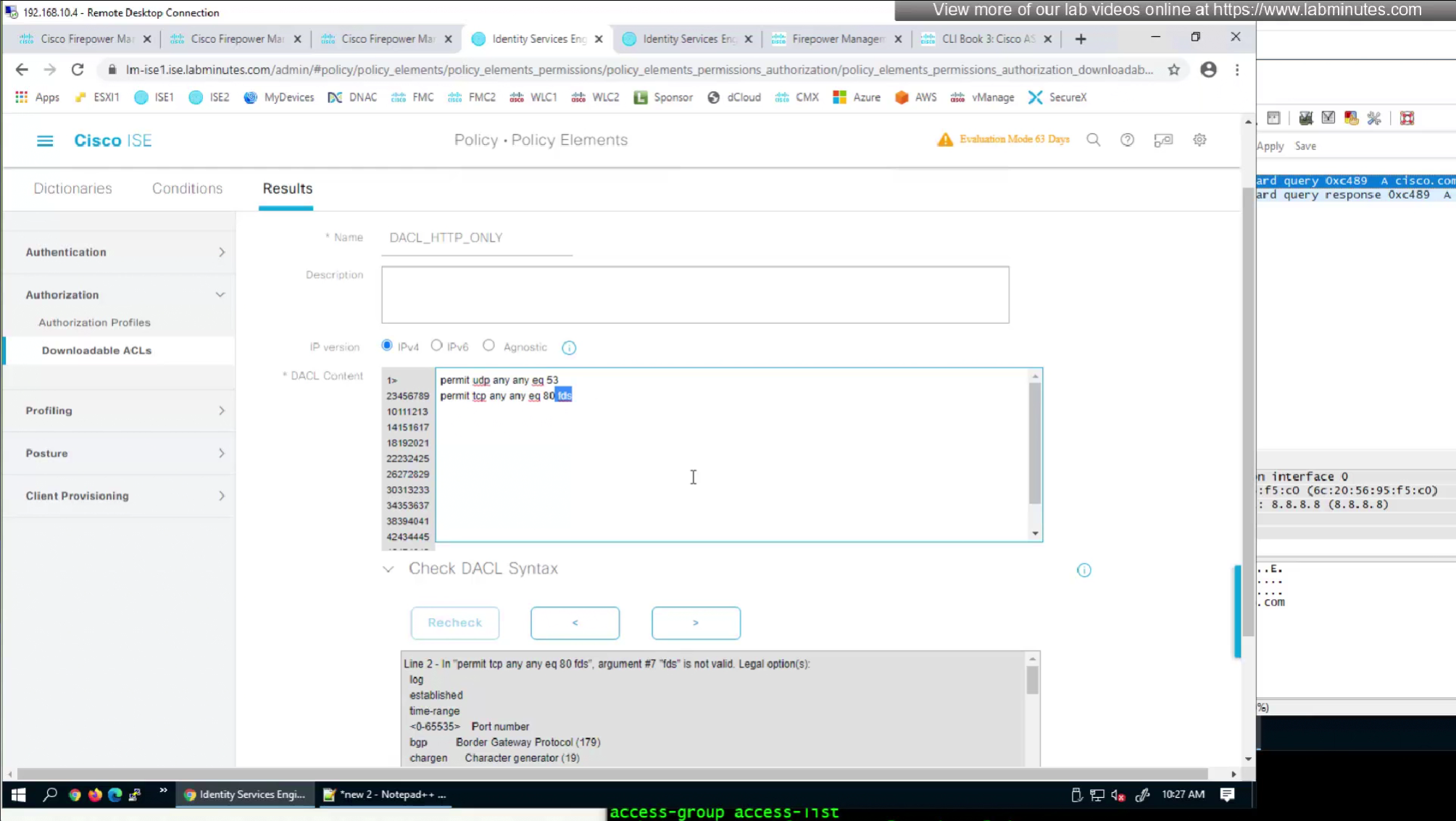
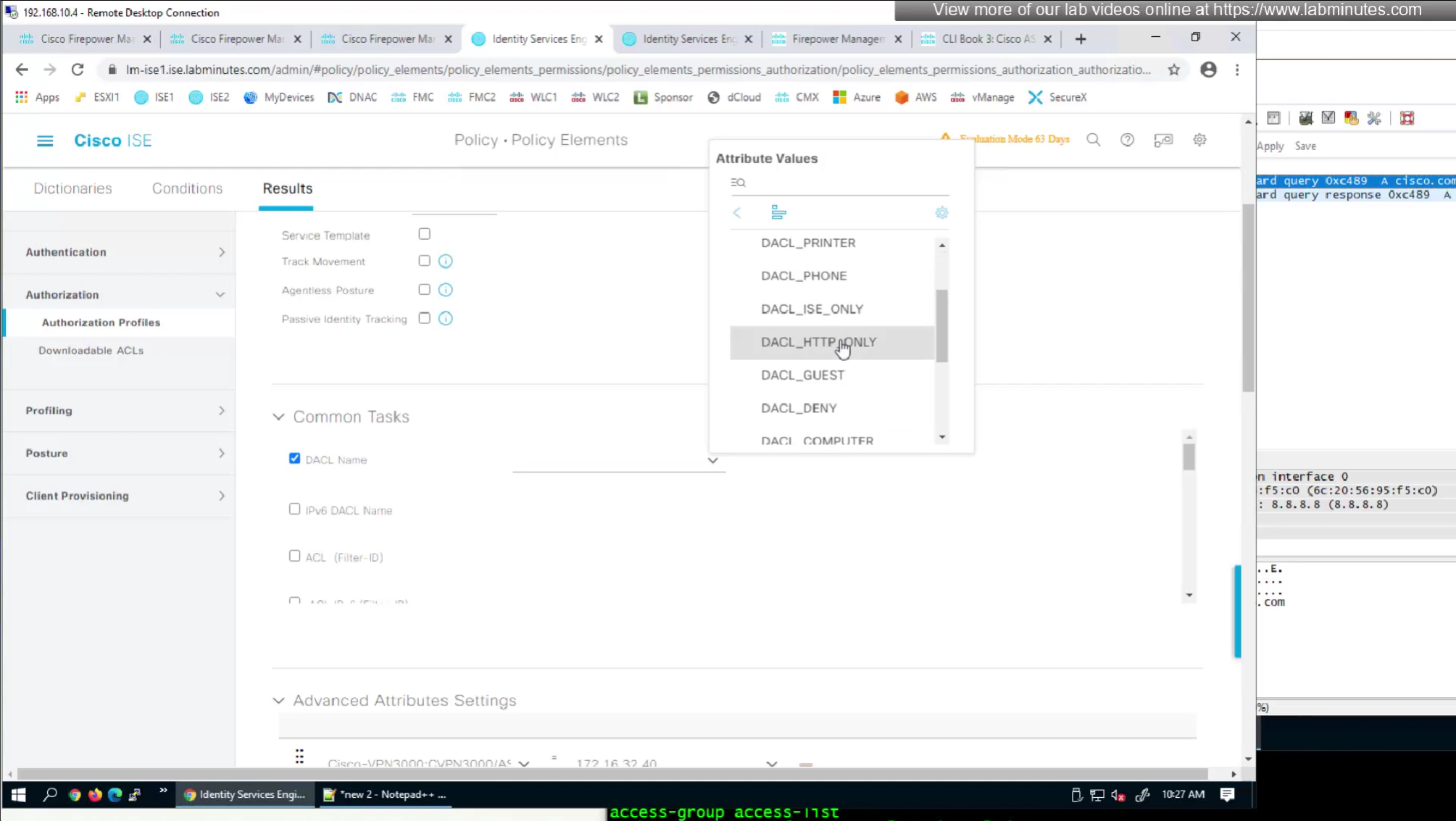
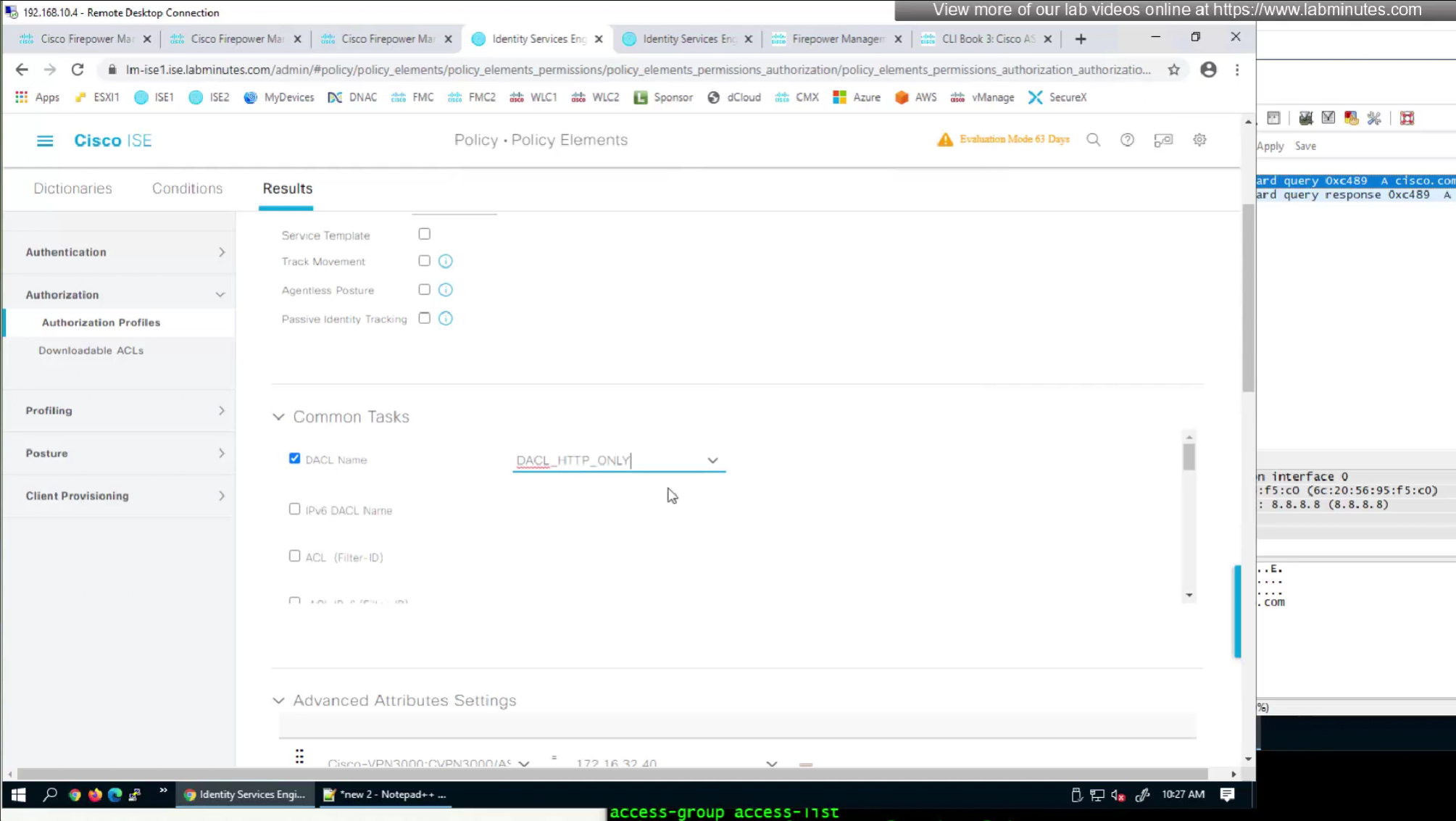
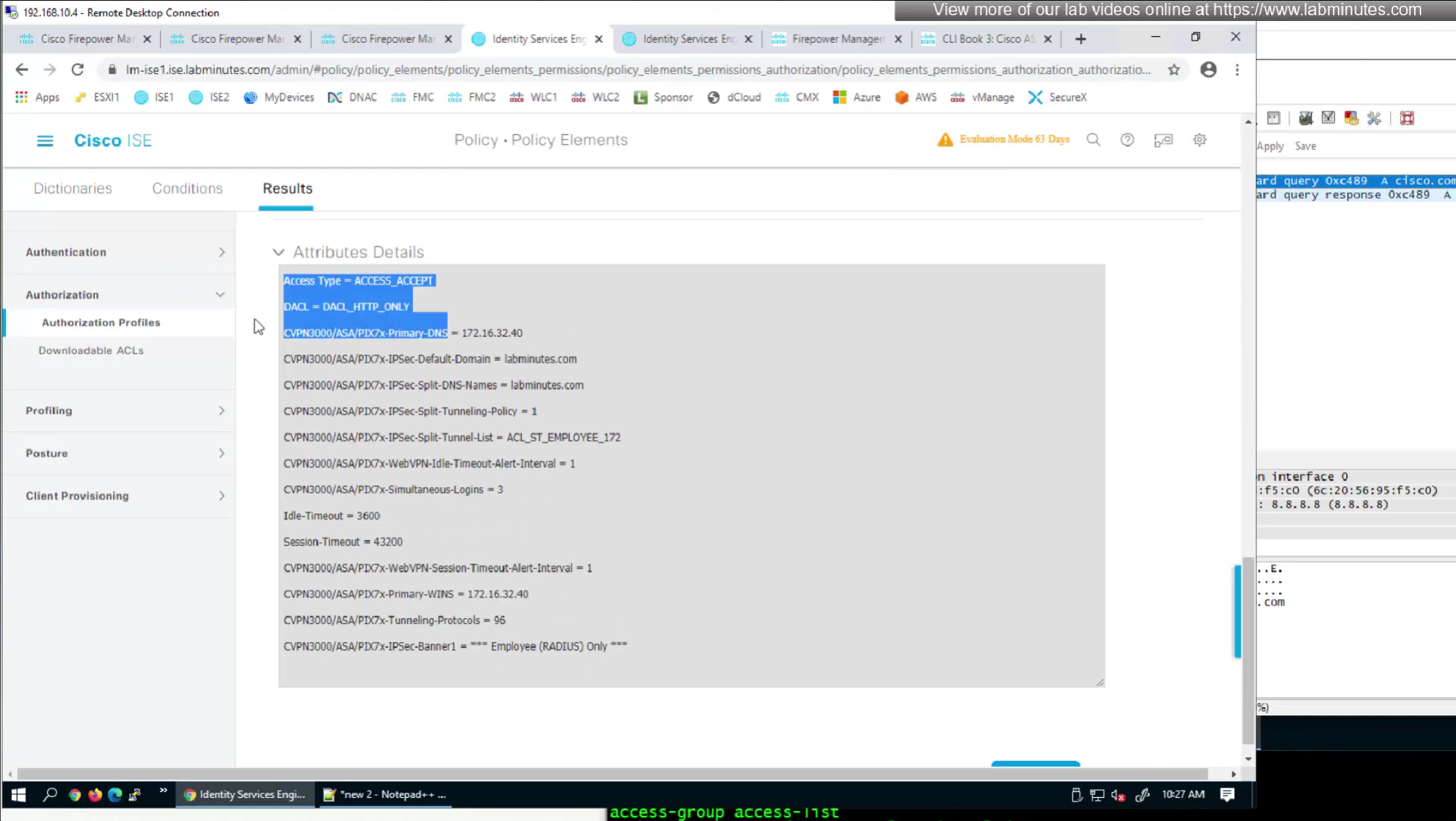
SEC0404 – Firepower 7.0 AnyConnect VPN RADIUS Attributes (Part 2)
In this video we will look into split tunneling that we skipped earlier
Split tunnel ACL will need to exist on the firewall and cannot be pushed from RADIUS server like DACL
Issue is that ACL cannot be pushed by FMC to FTD unless it is being used somewhere like in a route map
If we want to configure simple ACL then that is possible through flexconfig only
FMC does not let us configure config that might interfere with config that is already managed by FMC
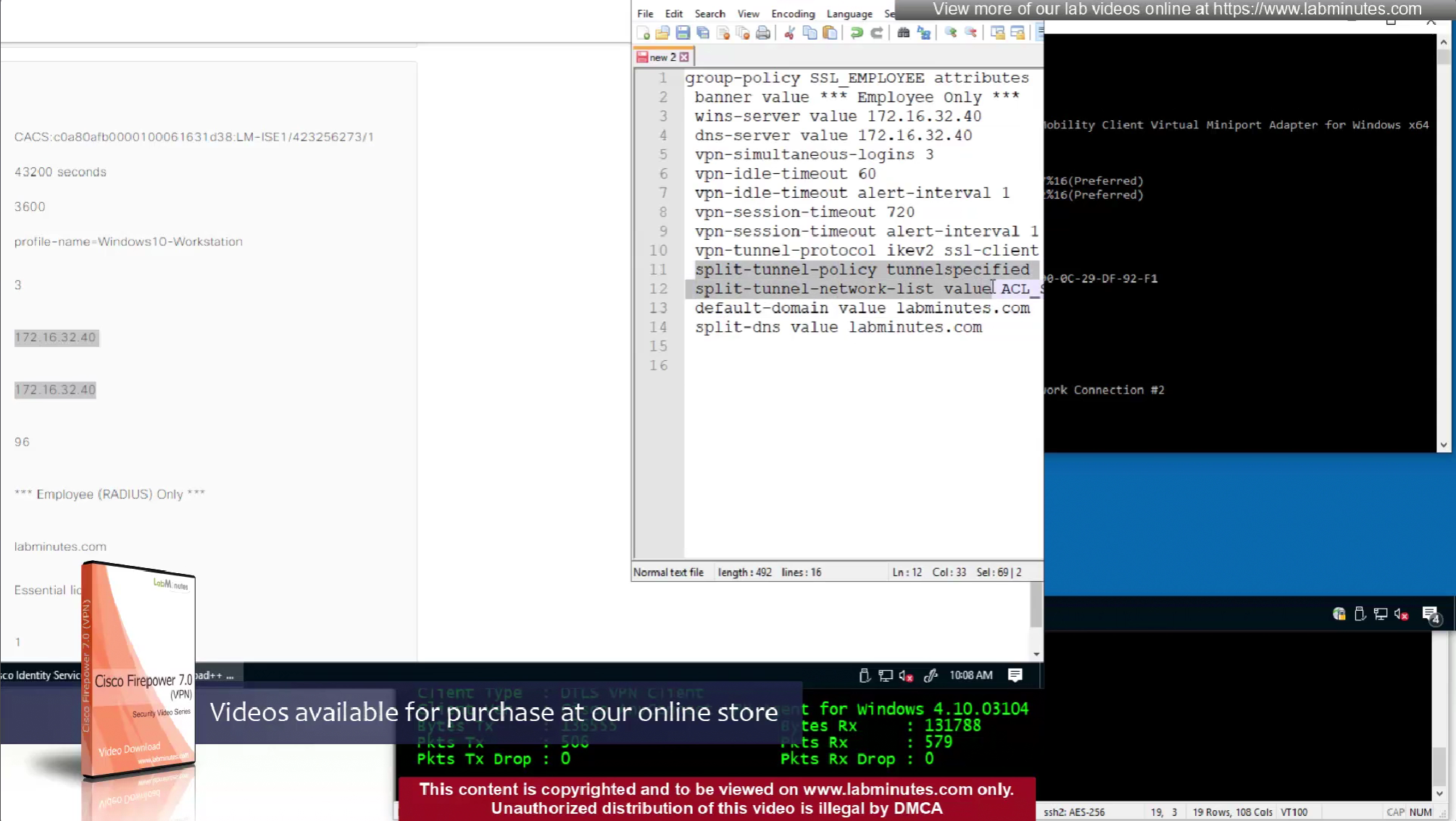
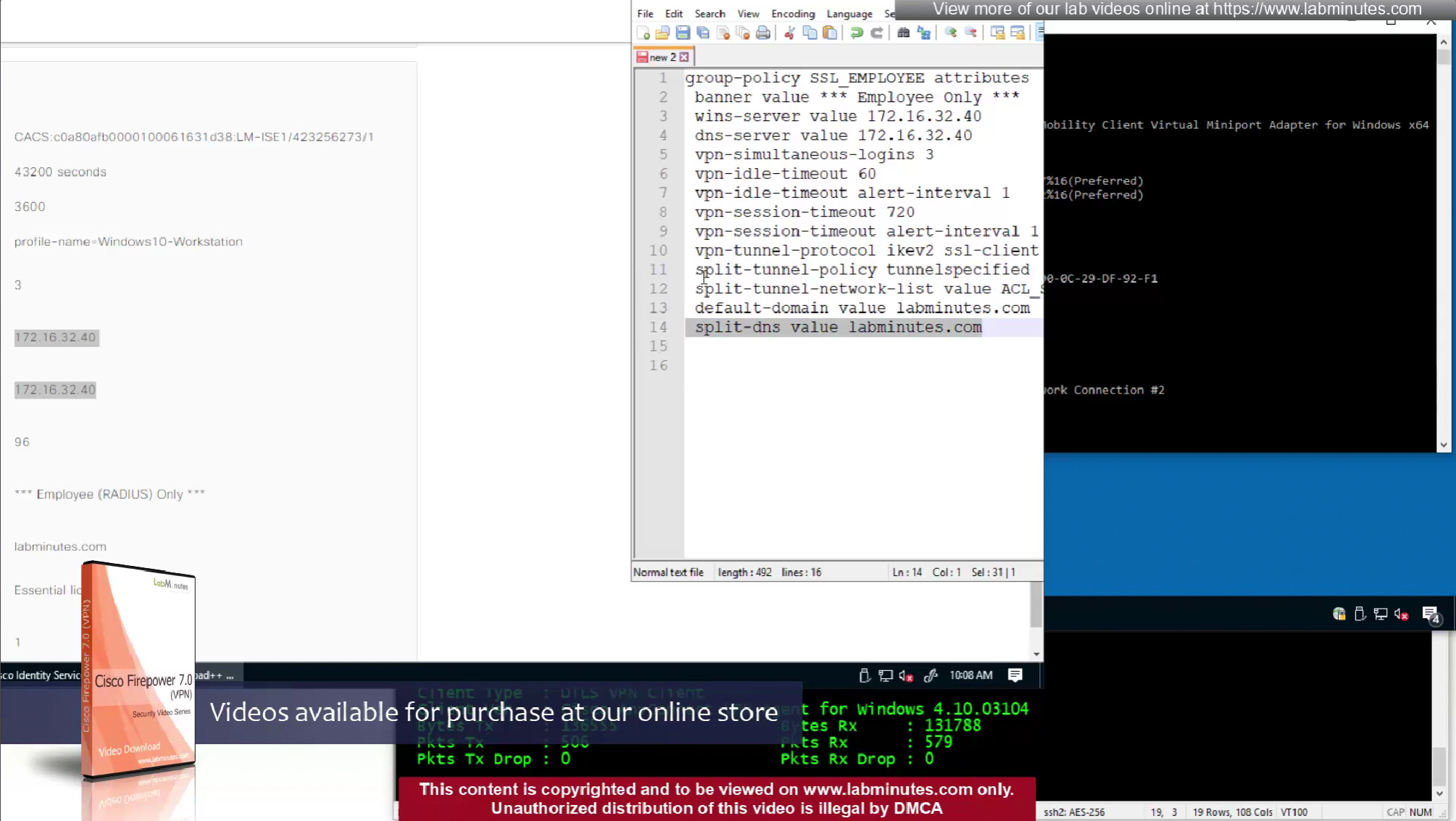
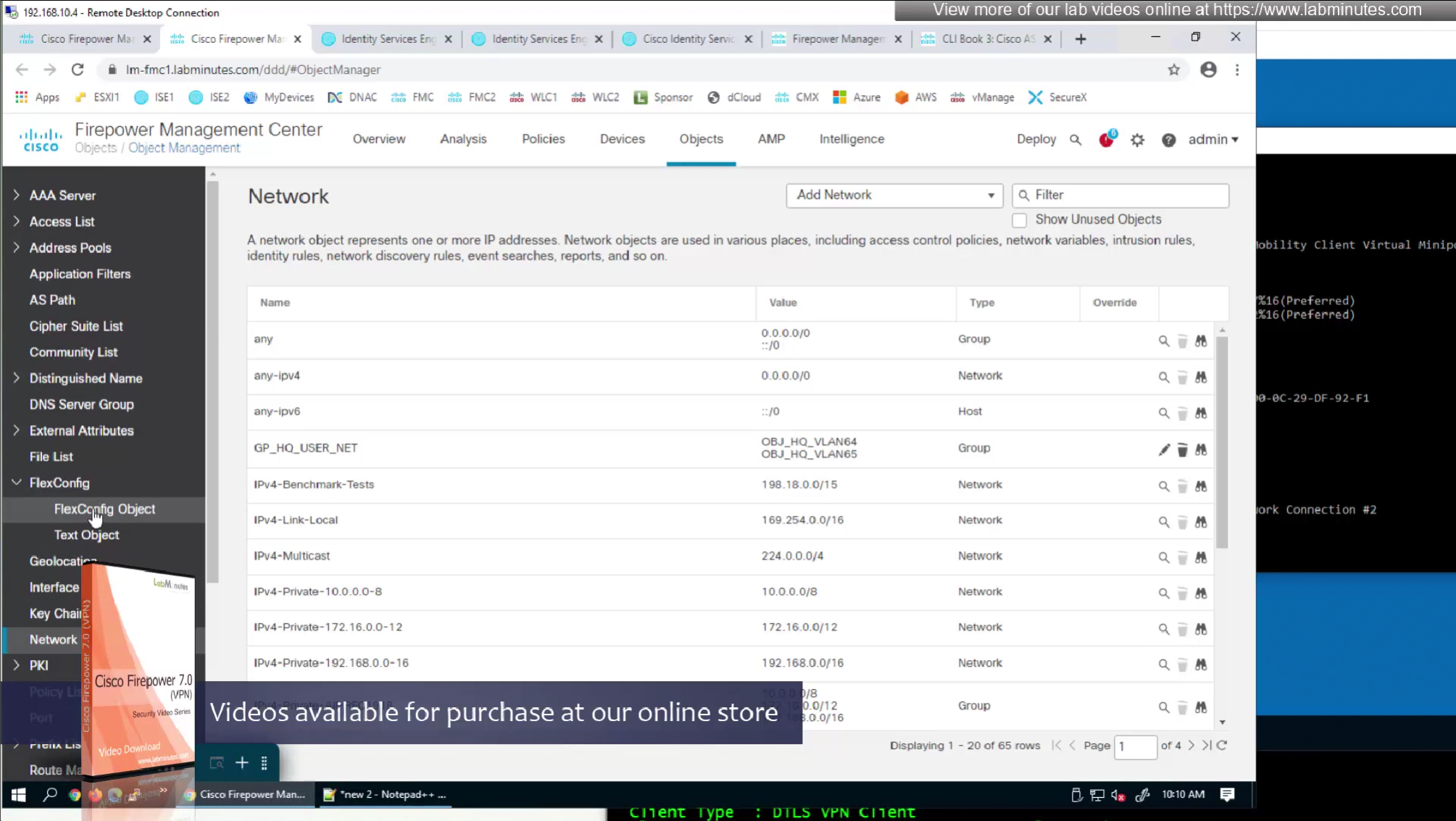
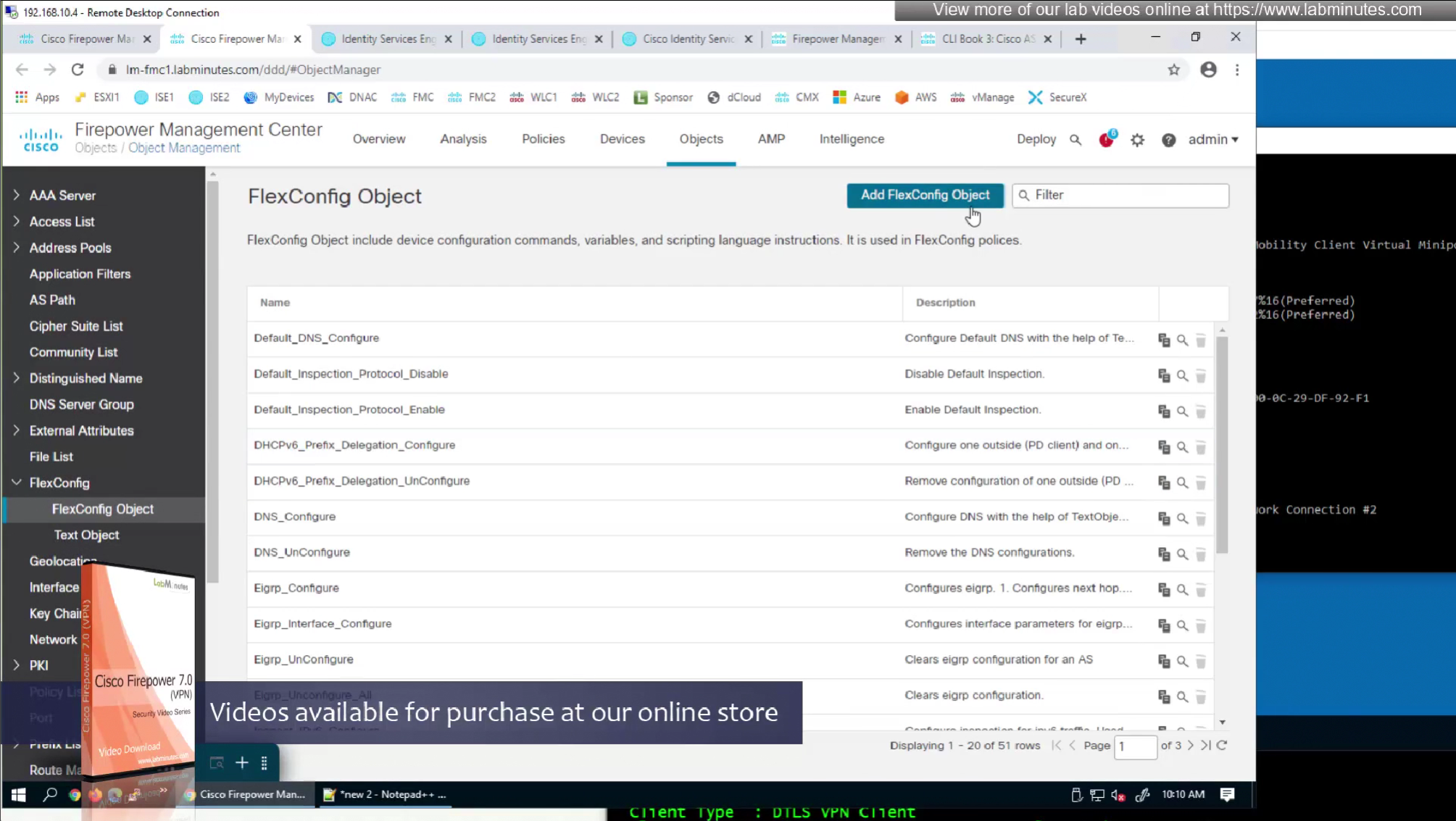
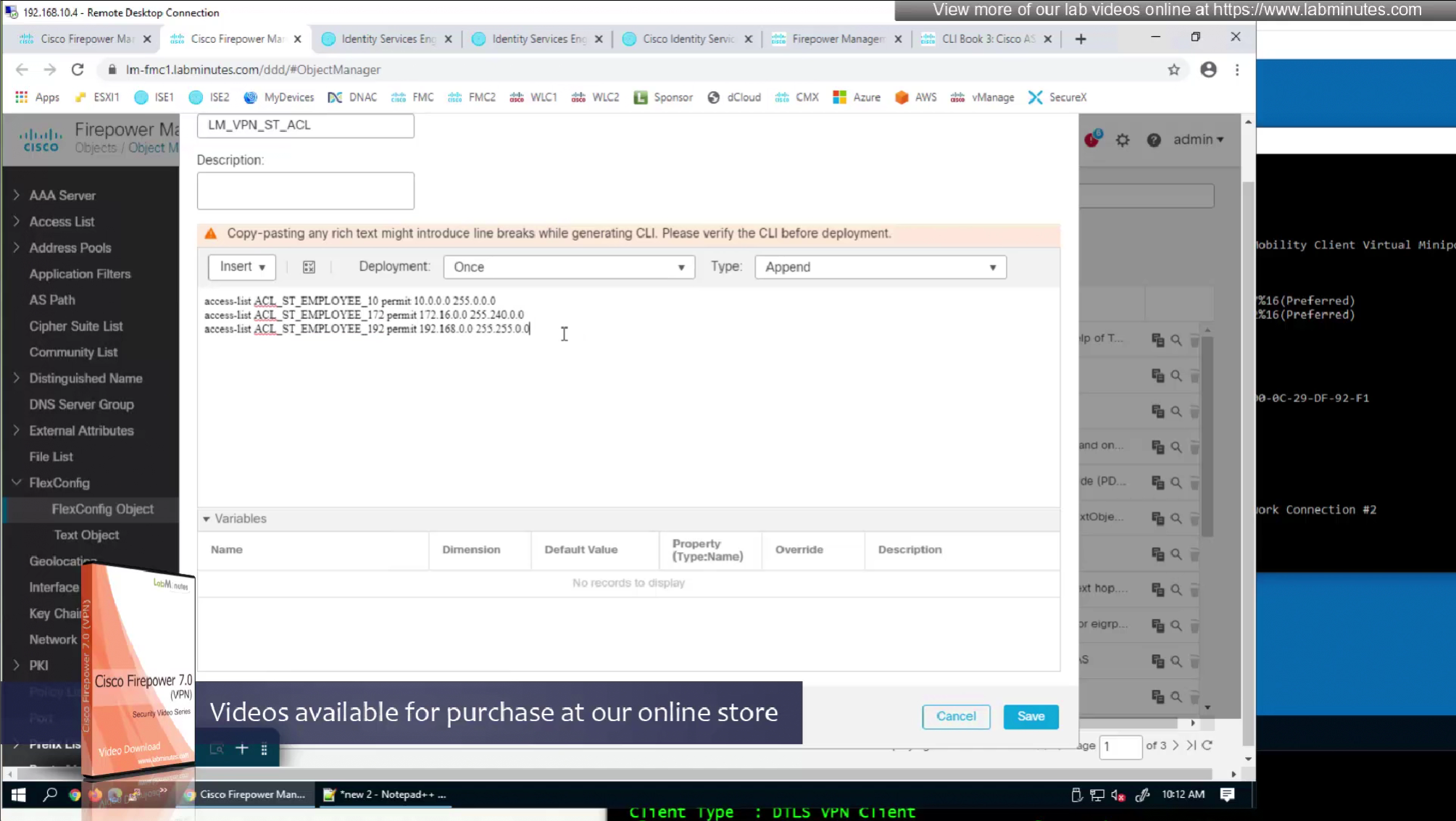
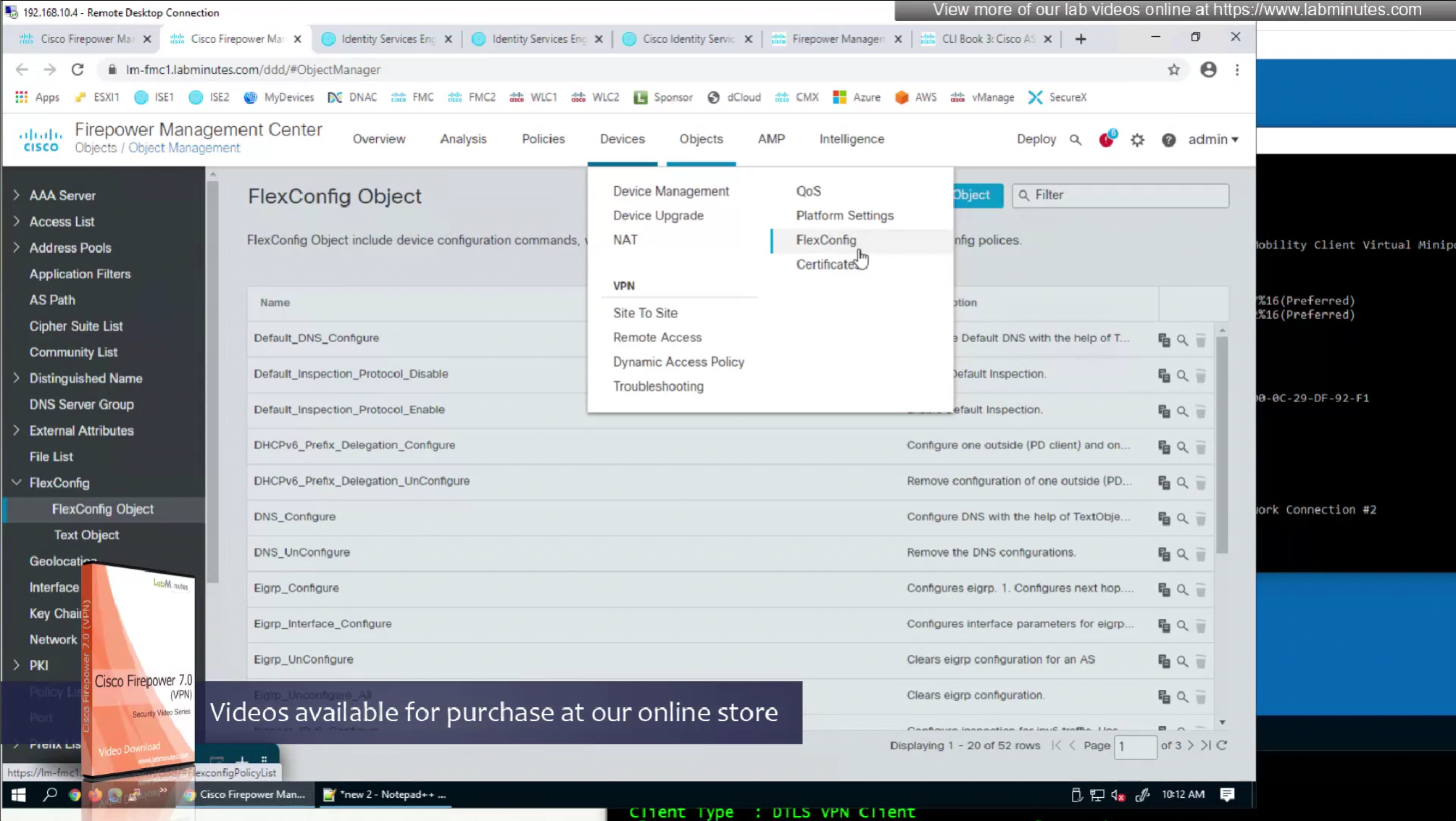
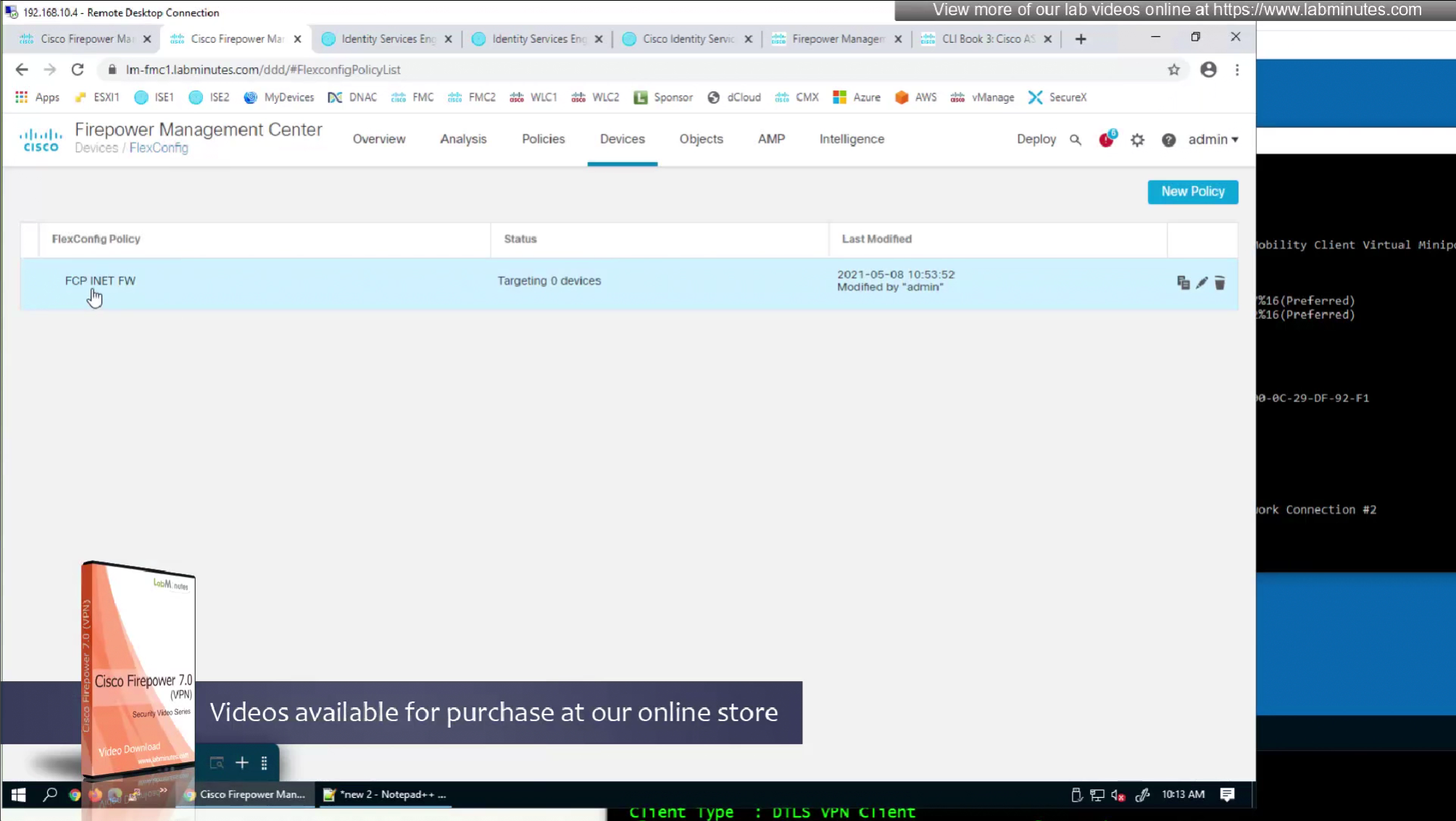


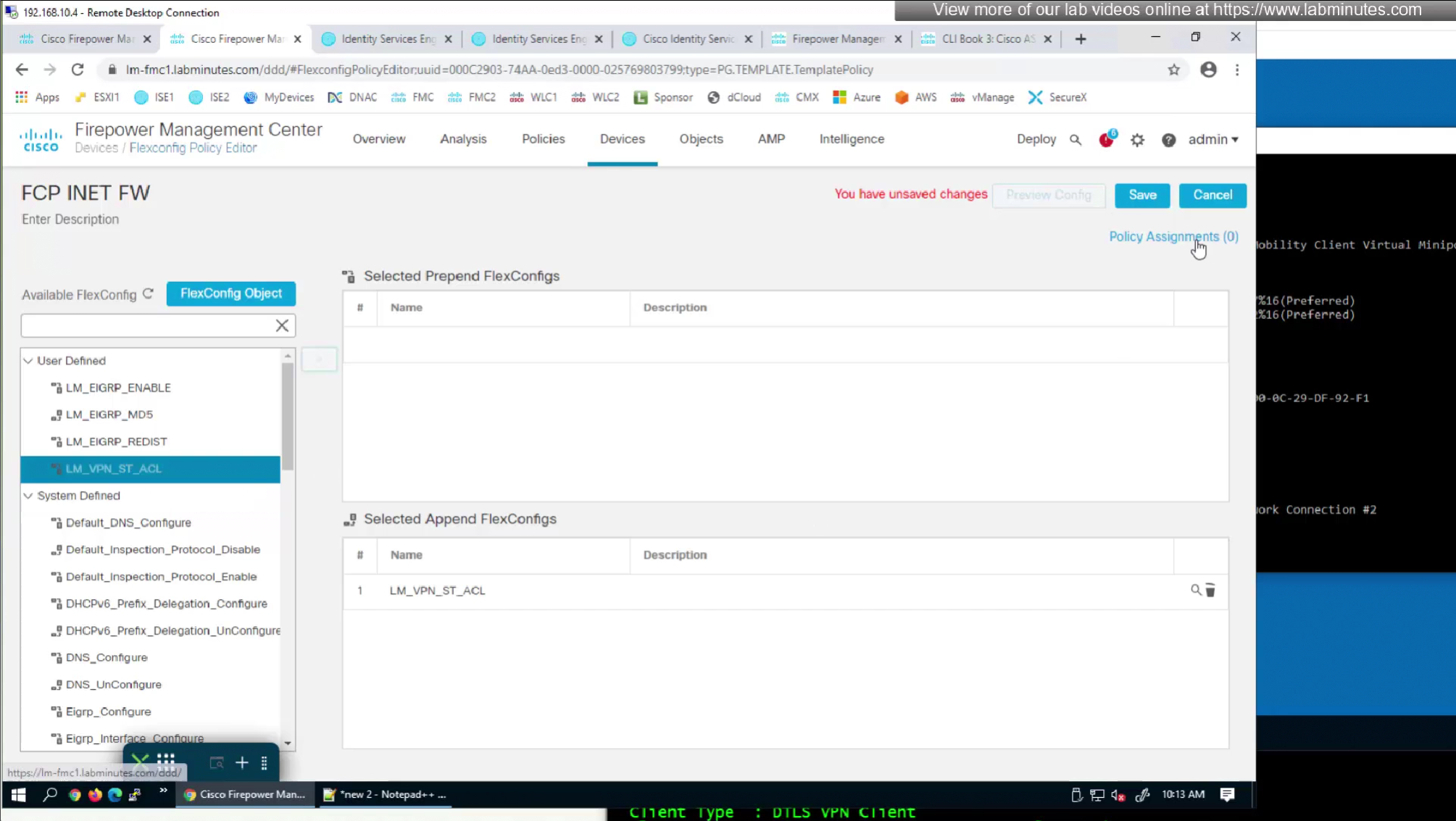
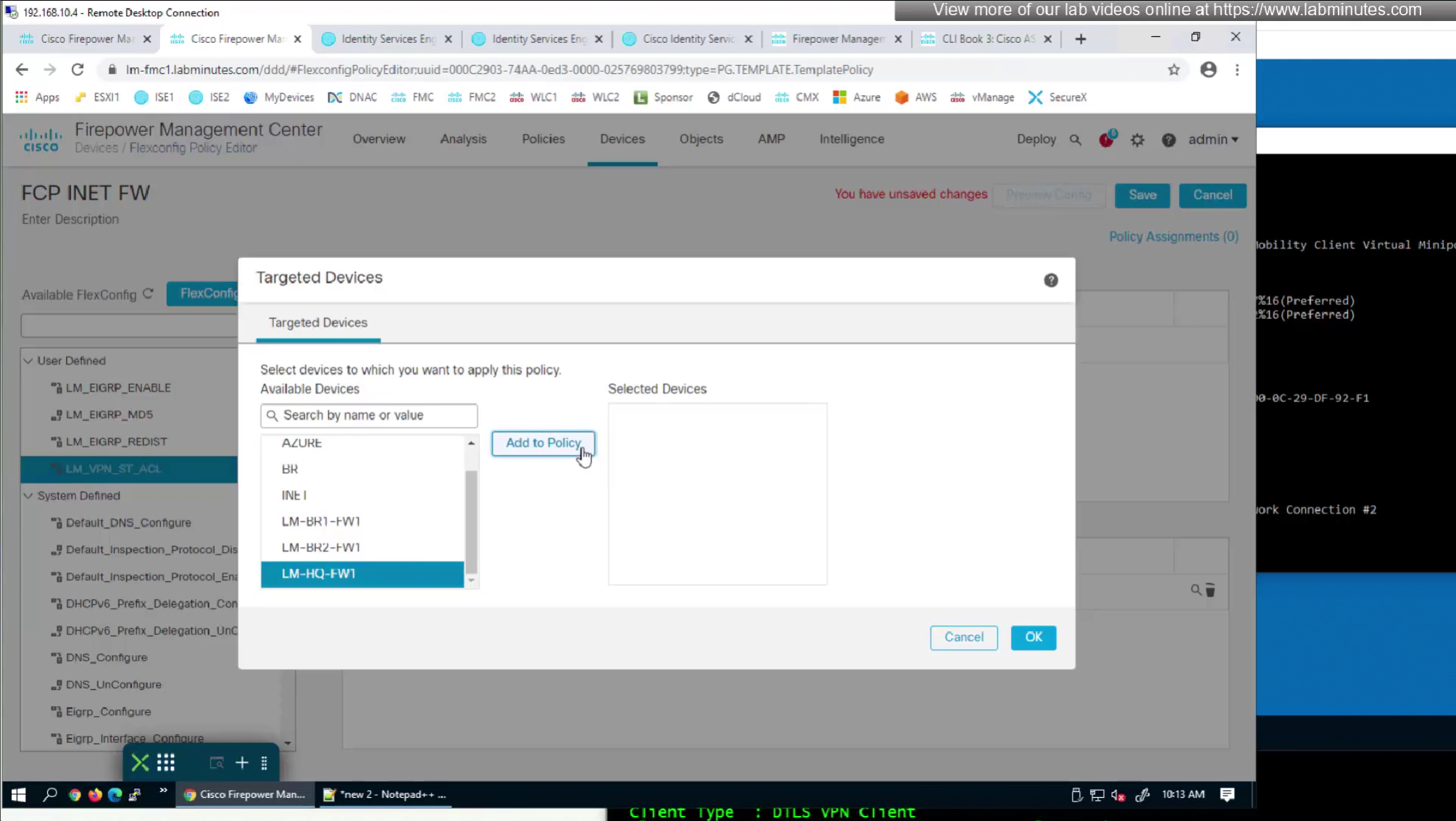
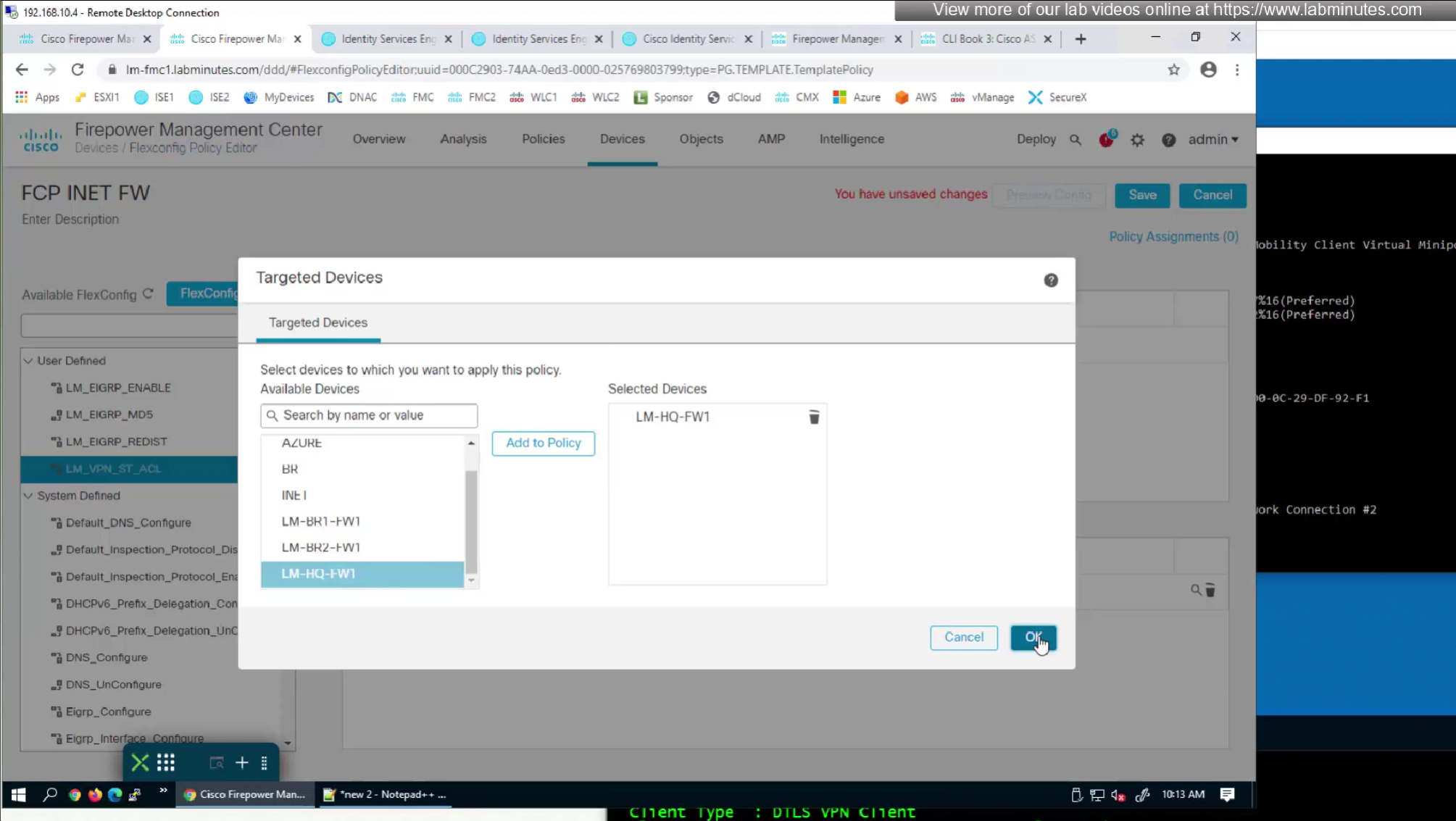
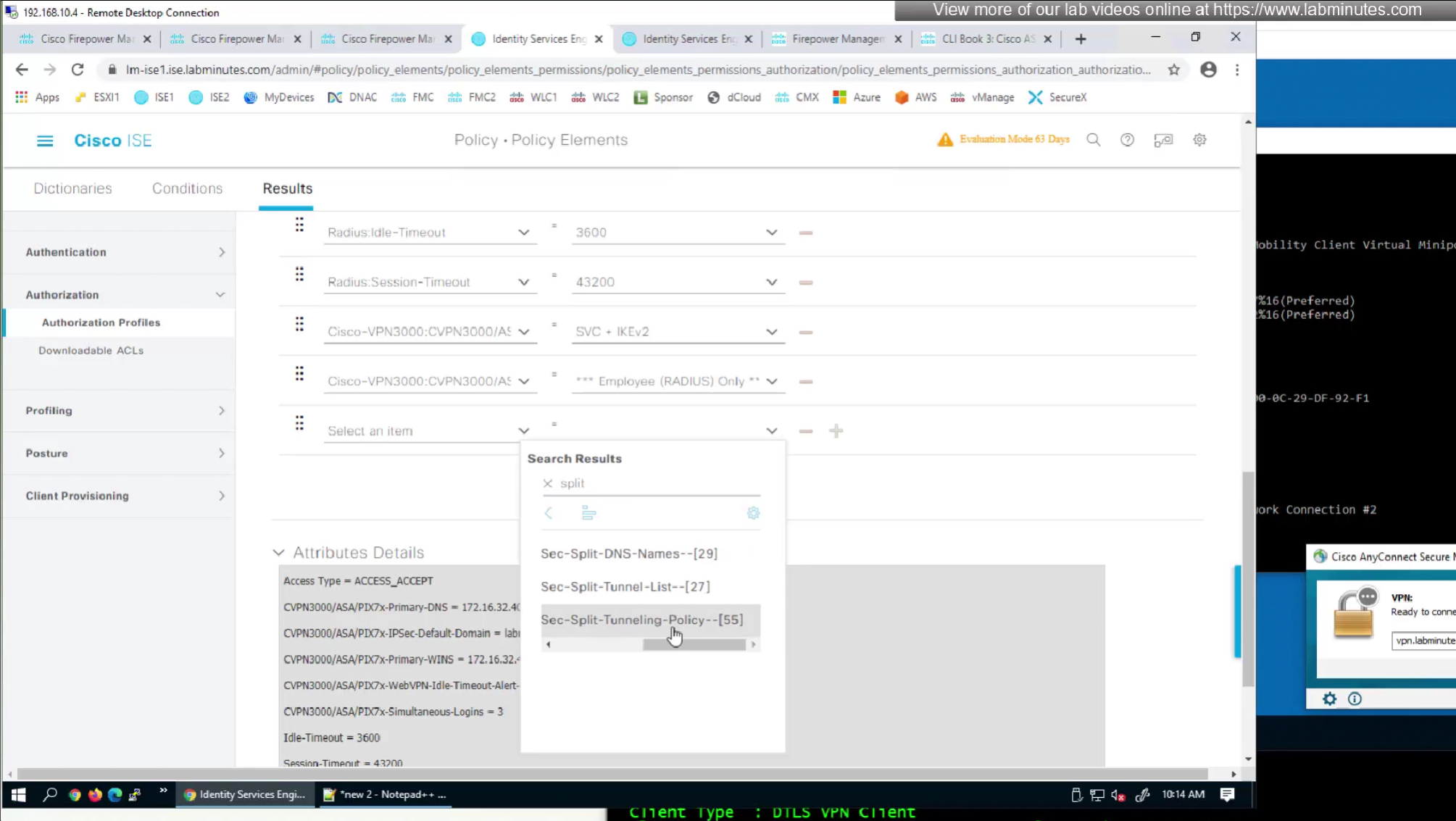
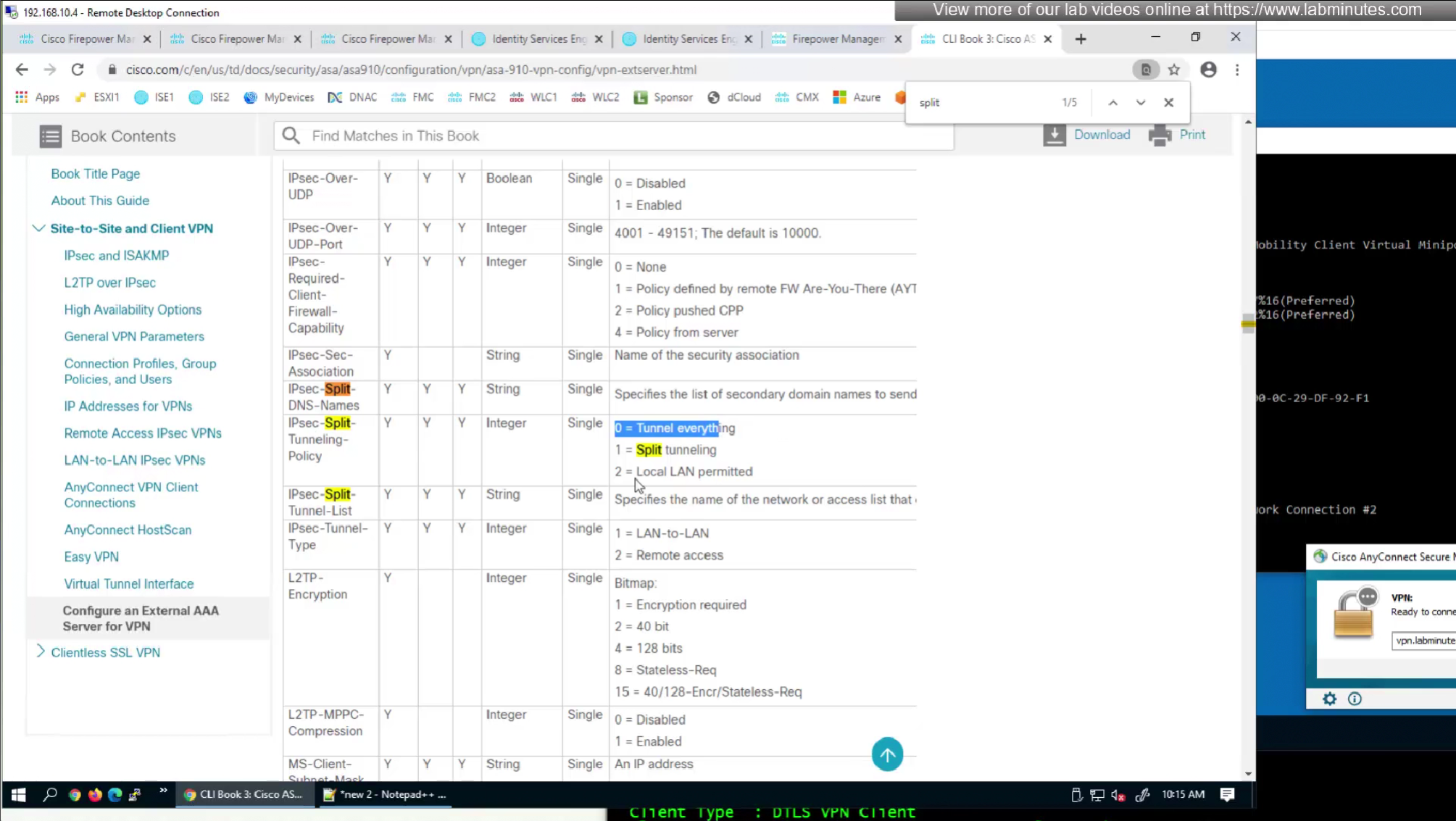
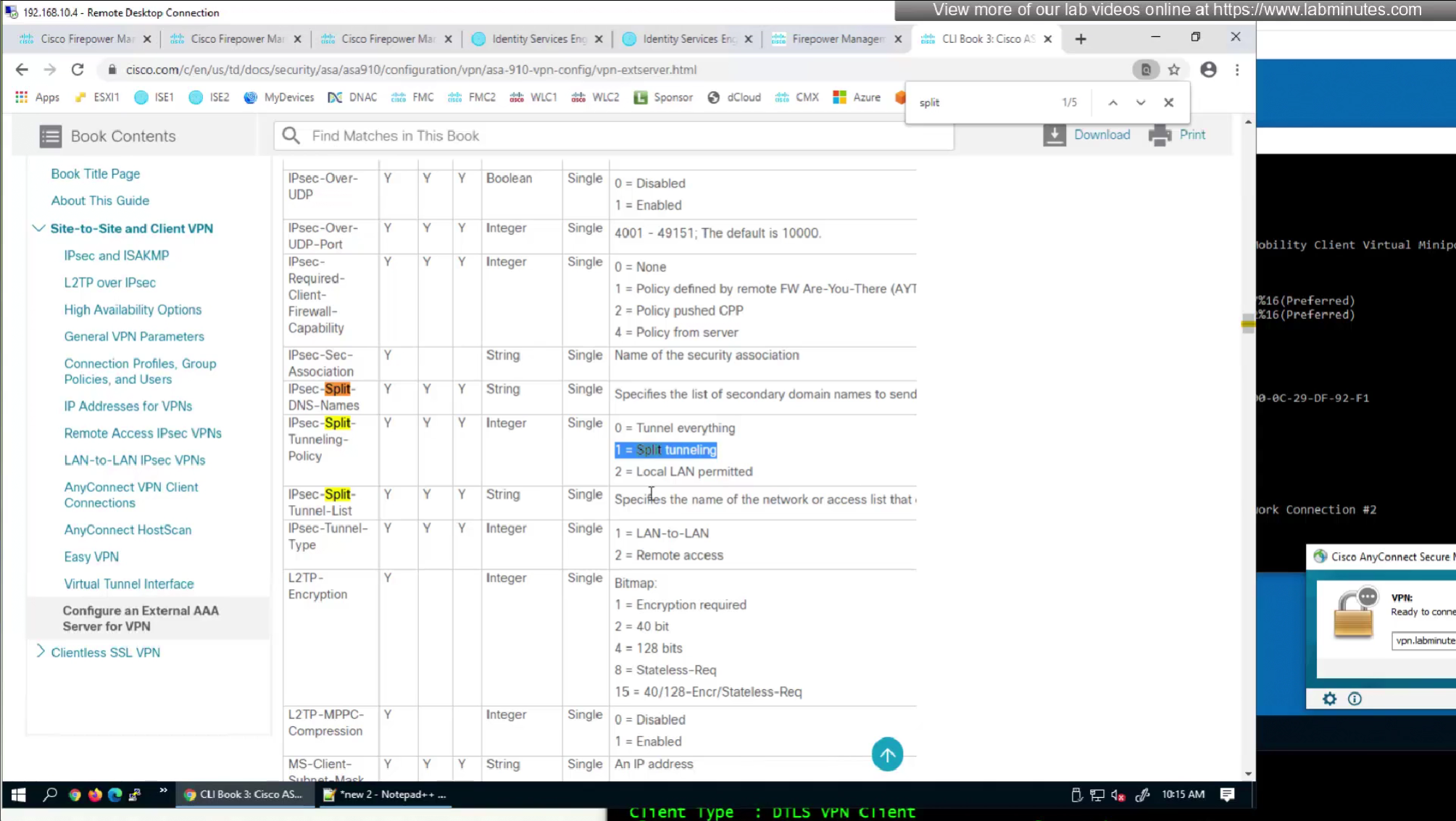
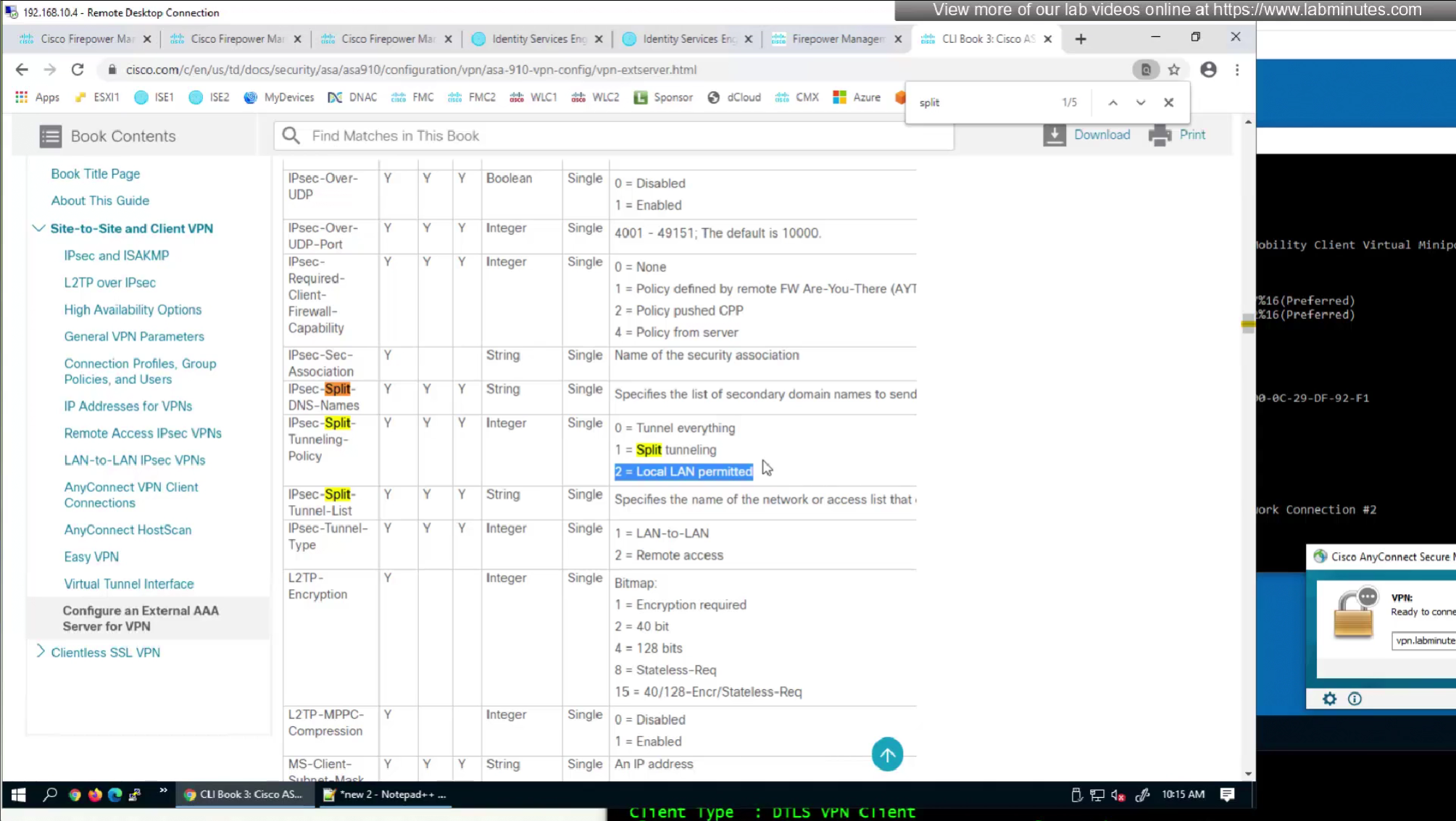
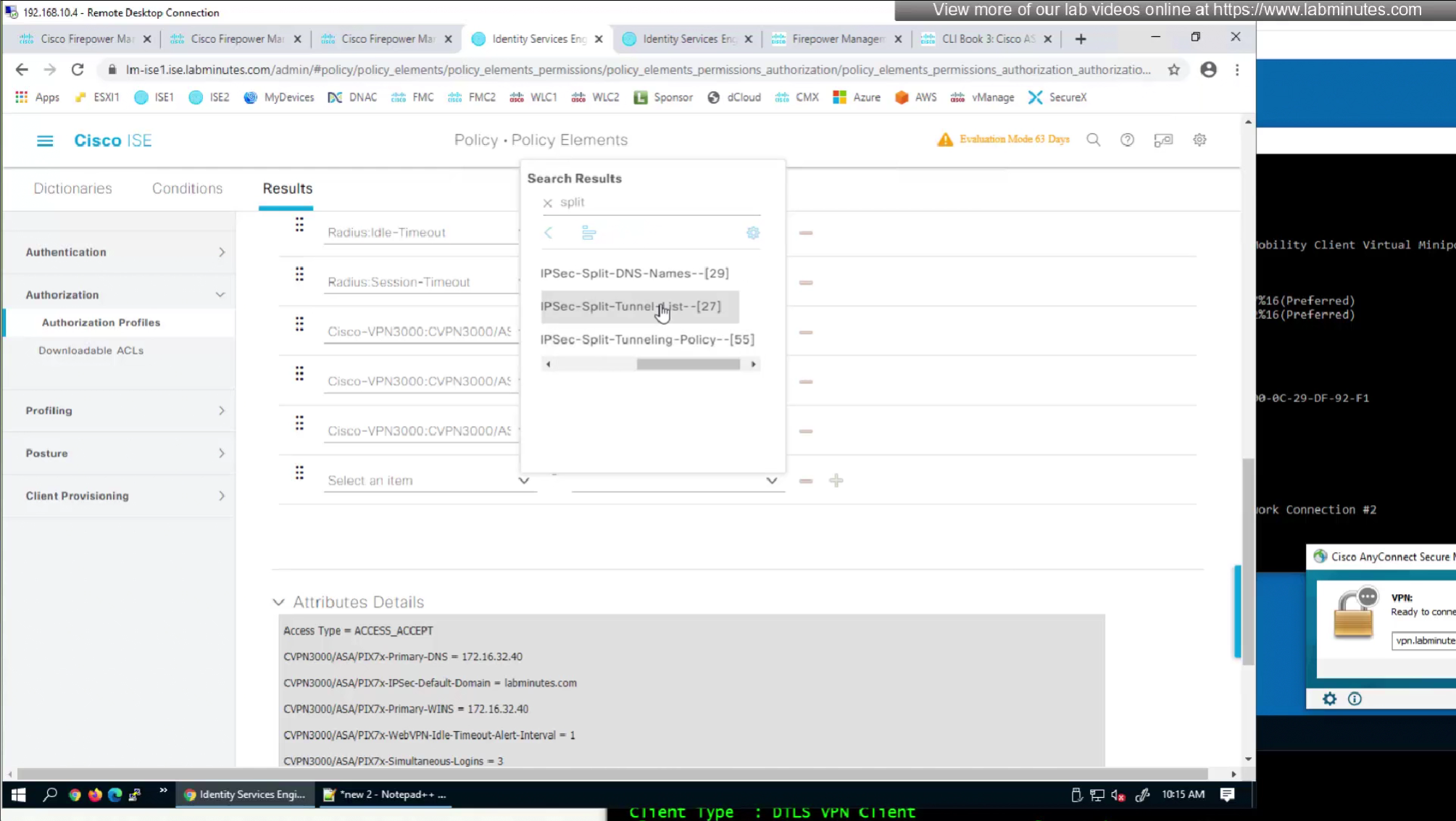
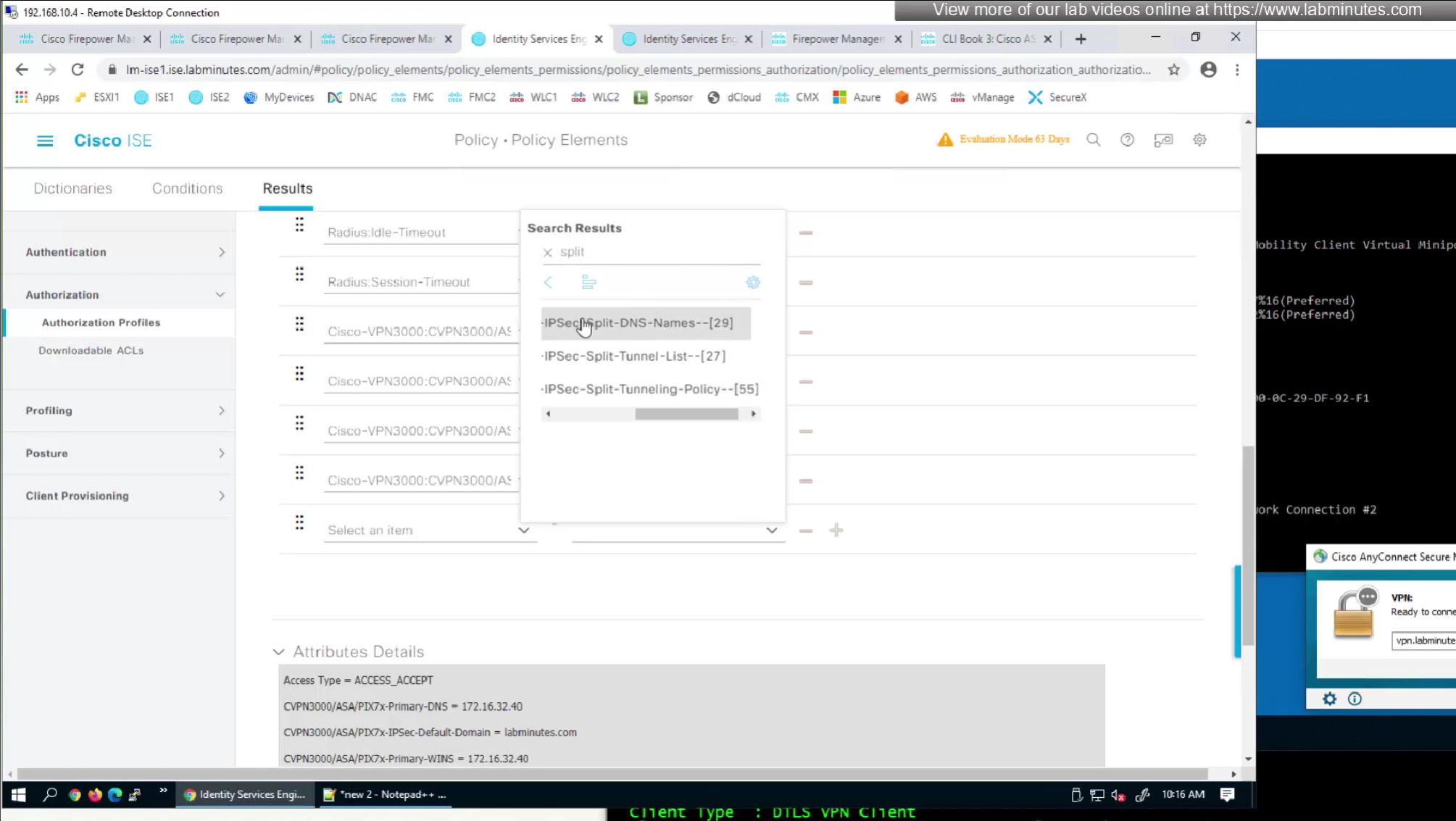
Split tunnel ACL is known as Split tunnel list in ISE attributes



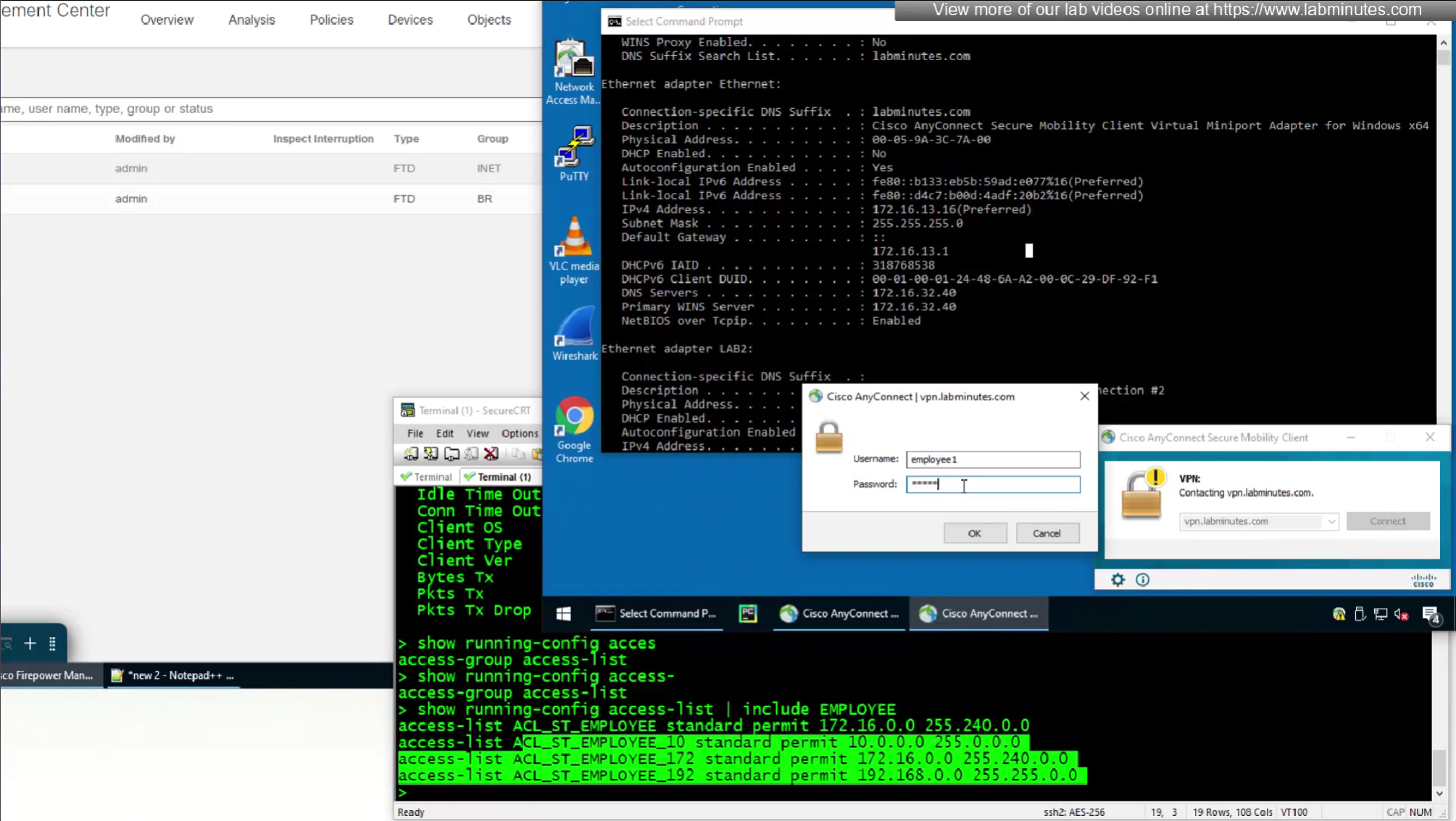
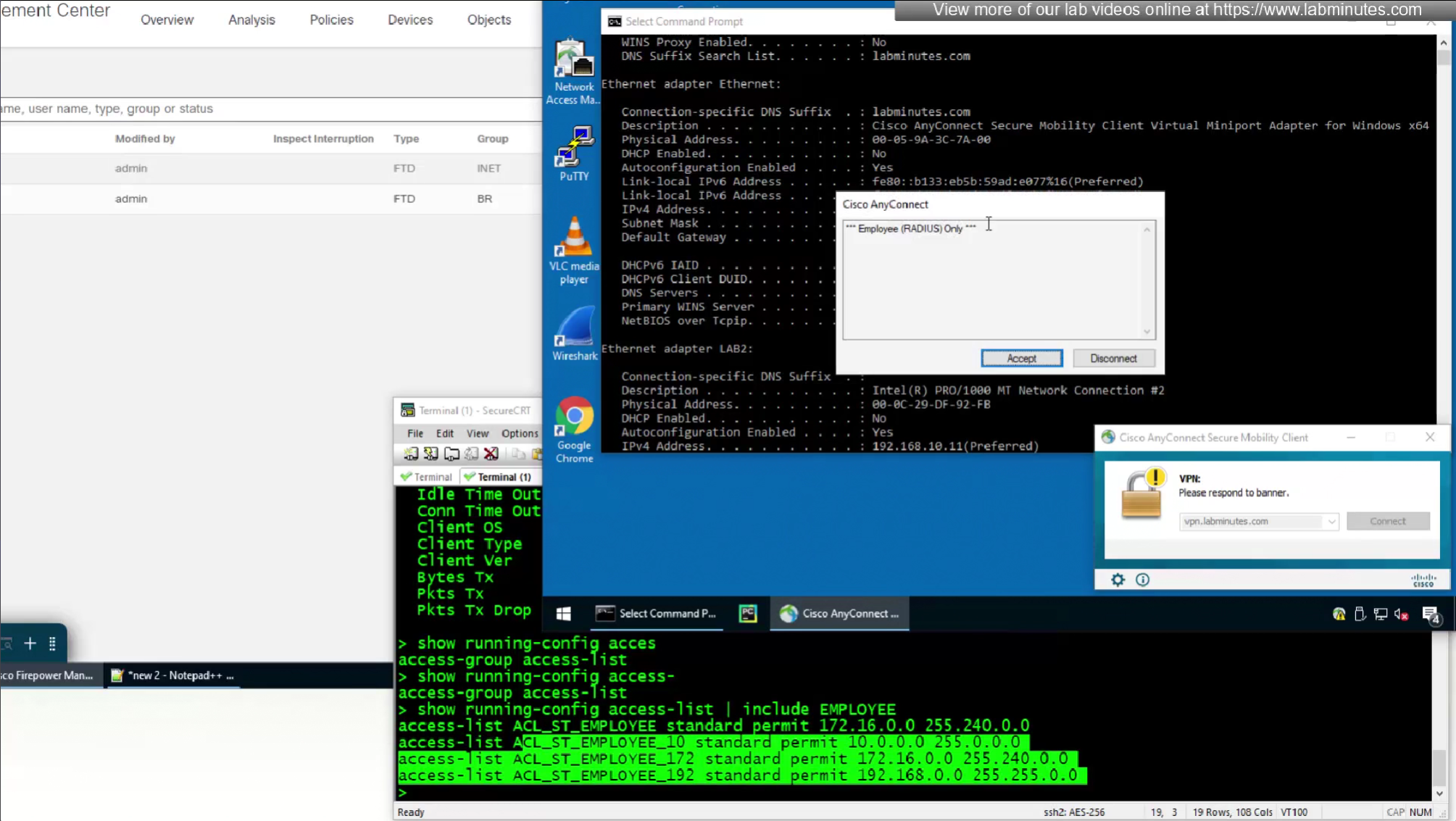
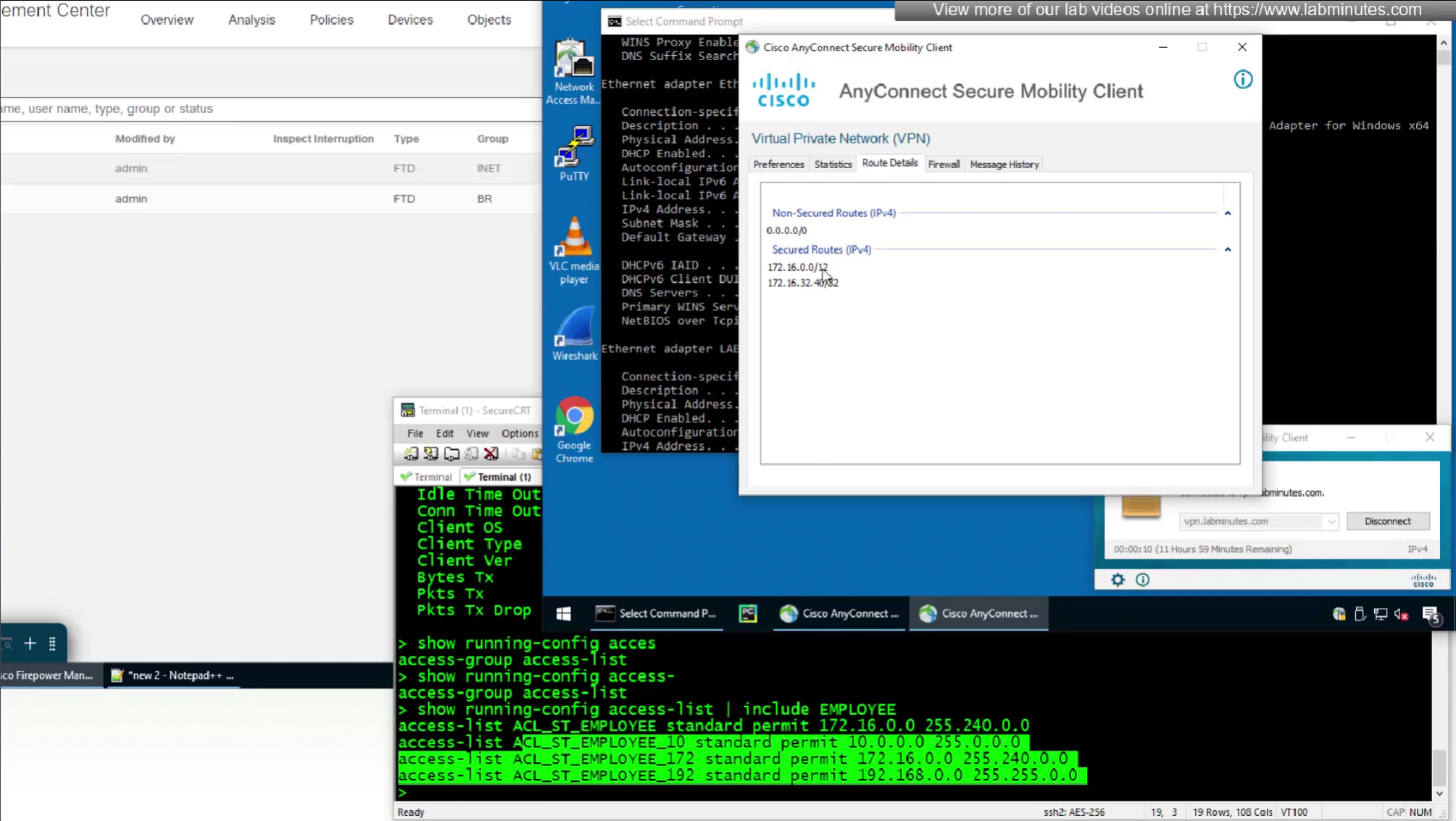
This 172.16.32.40/32 is route for DNS server due to Split DNS config
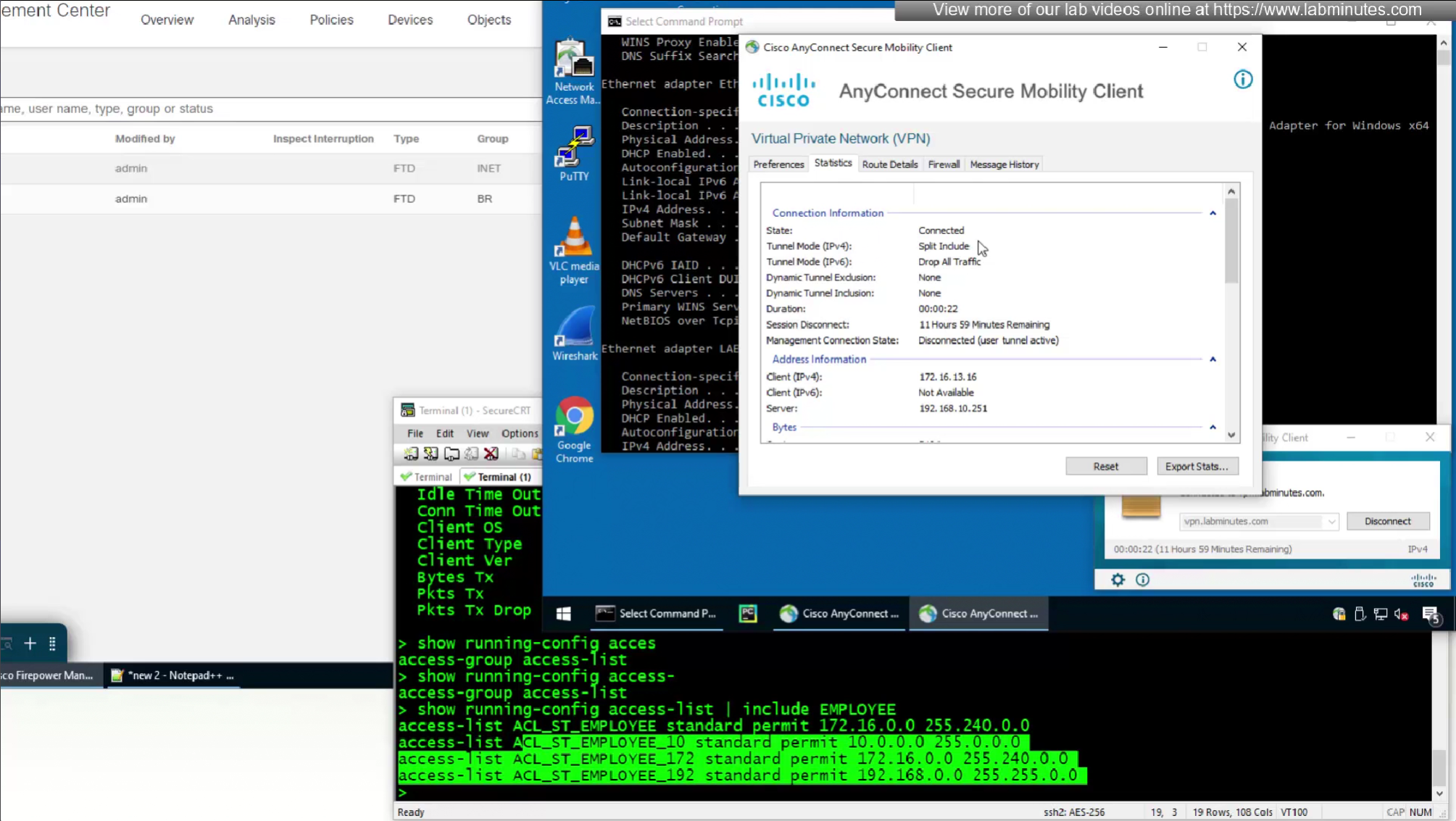
Split include
SEC0404 – Firepower 7.0 AnyConnect VPN RADIUS Attributes (Part 1)
In this video we will see what else we can do with RADIUS attributes
Radius was designed for this and it has these capabilities already
Following are some of the RADIUS attributes that firepower supports
In this video we will see how group policy attributes can be totally returned using RADIUS and not rely on group policy at all
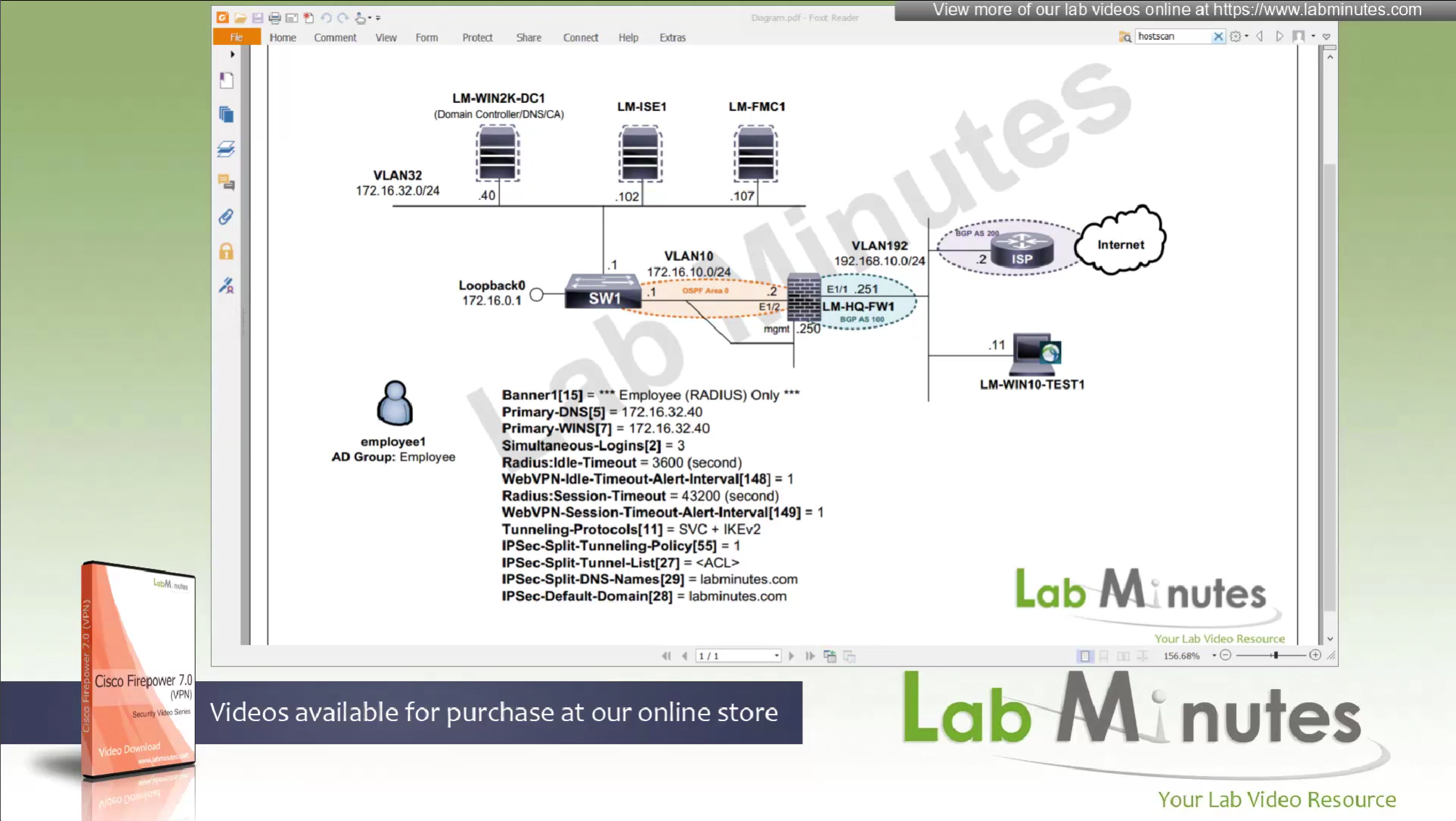
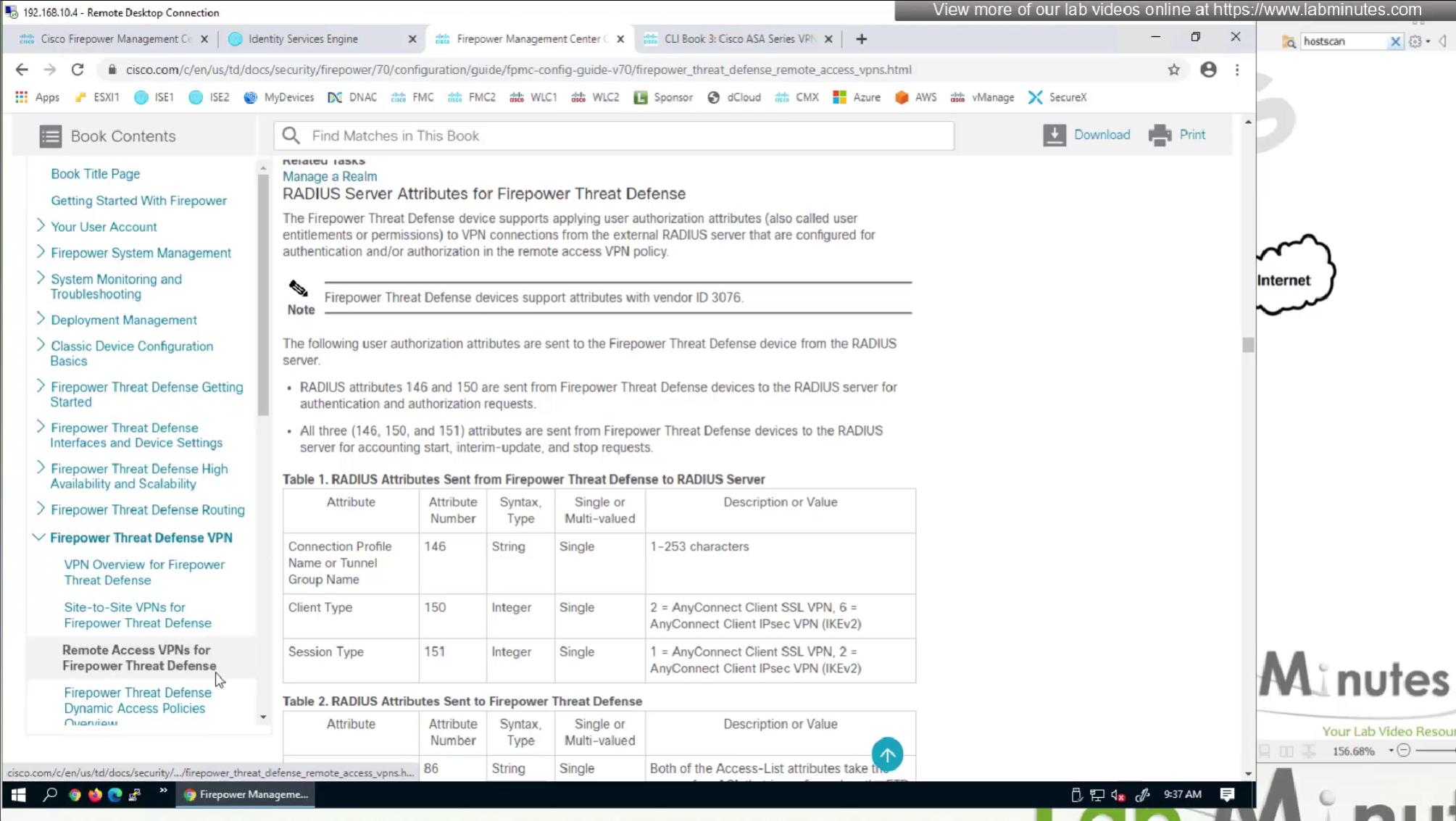
This document does not show exhaustive list but because Anyconnect on firepower is inherited from ASA there are more attributes
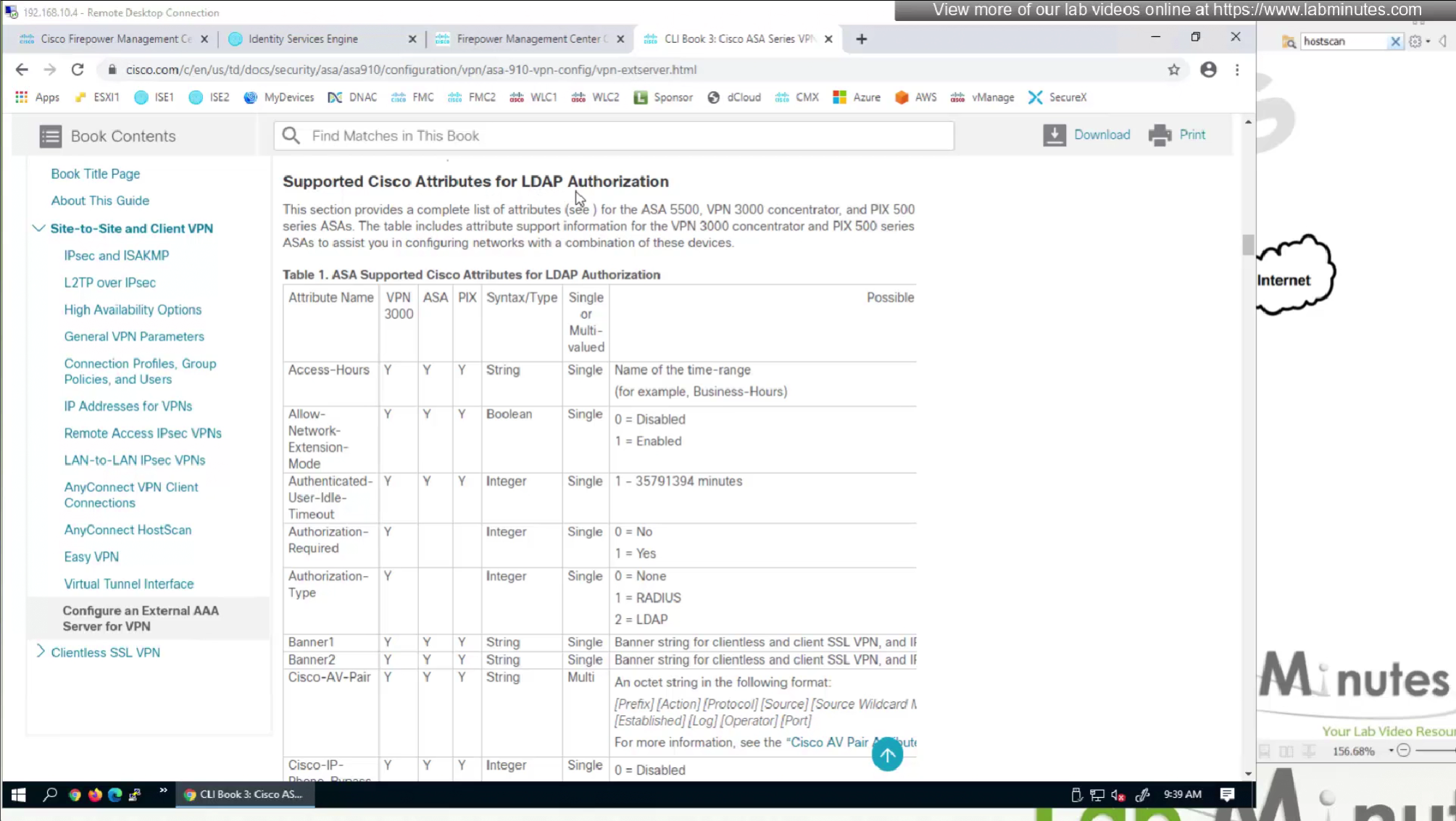
Even though this page says Cisco attributes for LDAP Authorization these are the same attributes we use in RADIUS

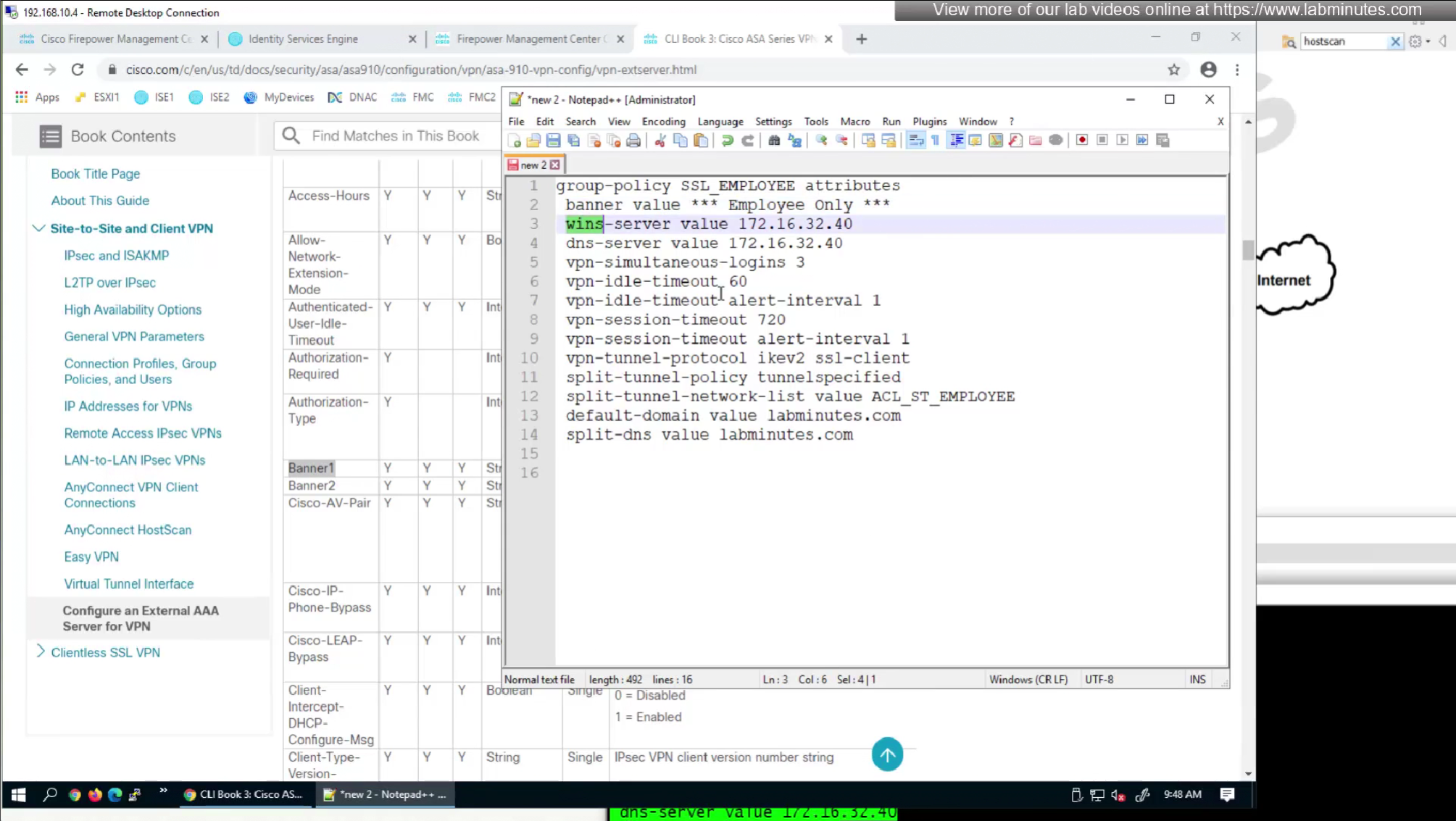
We will remove attributes that we did not configure and remove the lines which says none and disable
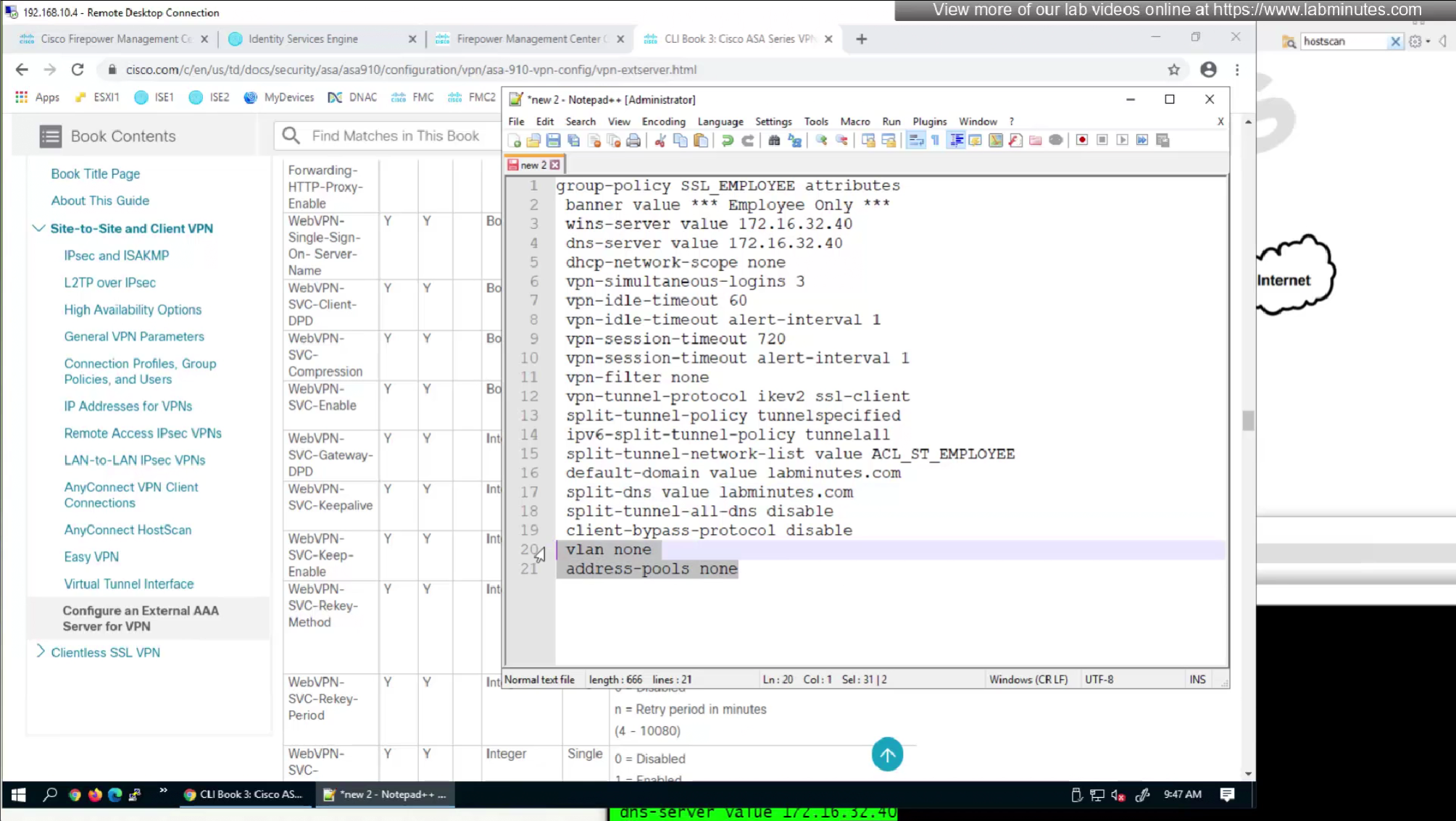
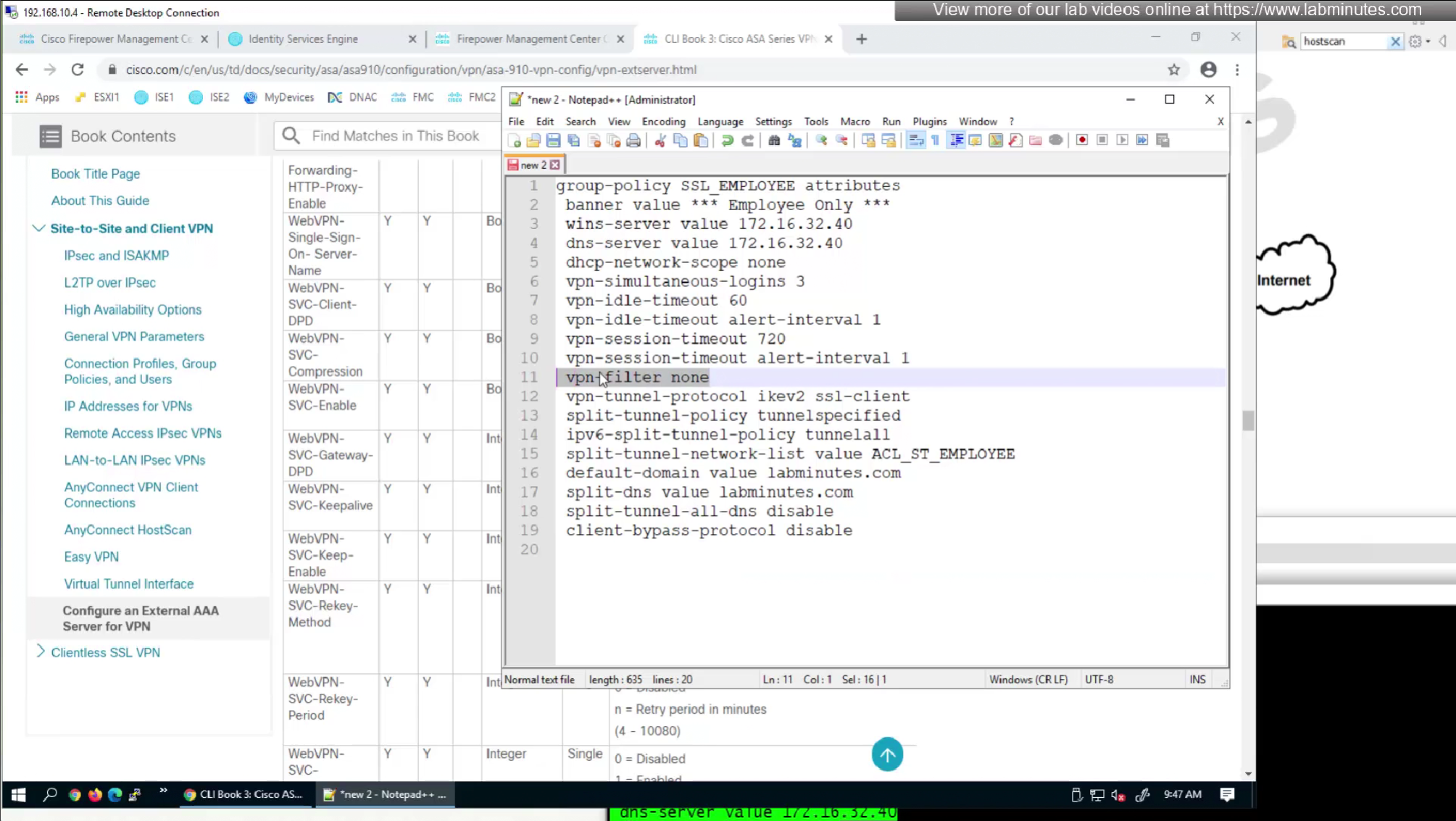

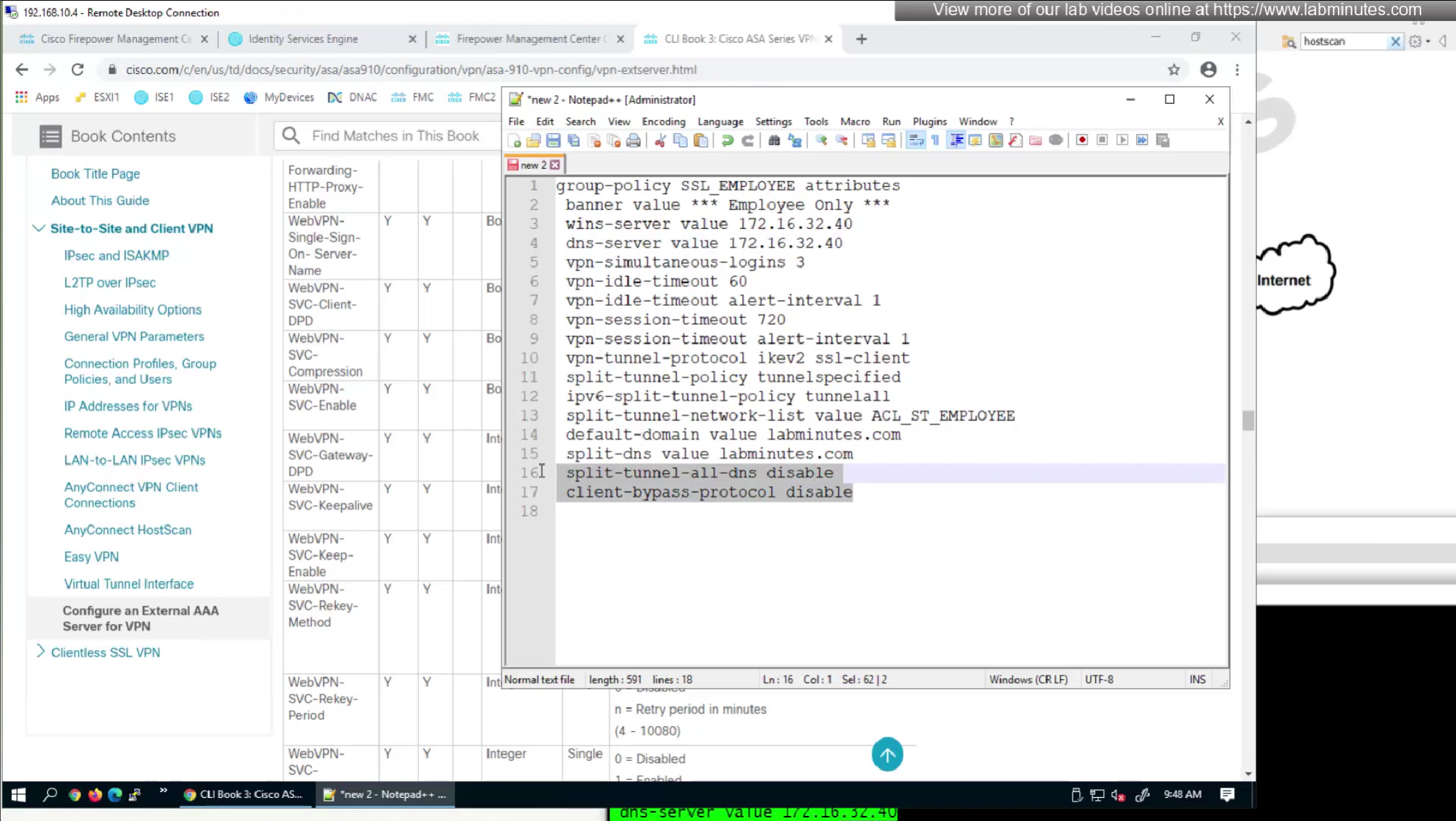
We will look for first attribute “banner value xxxx”
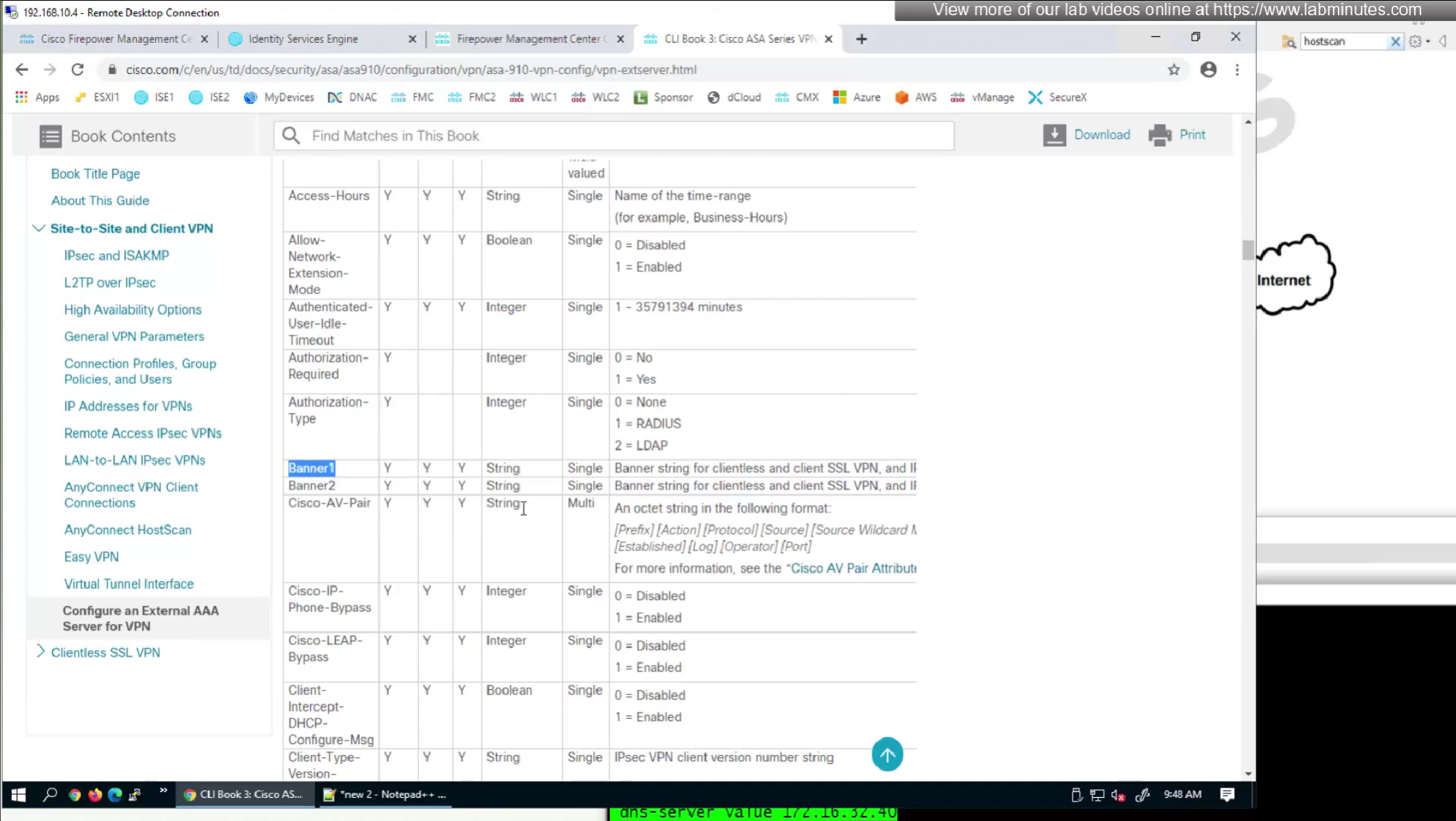
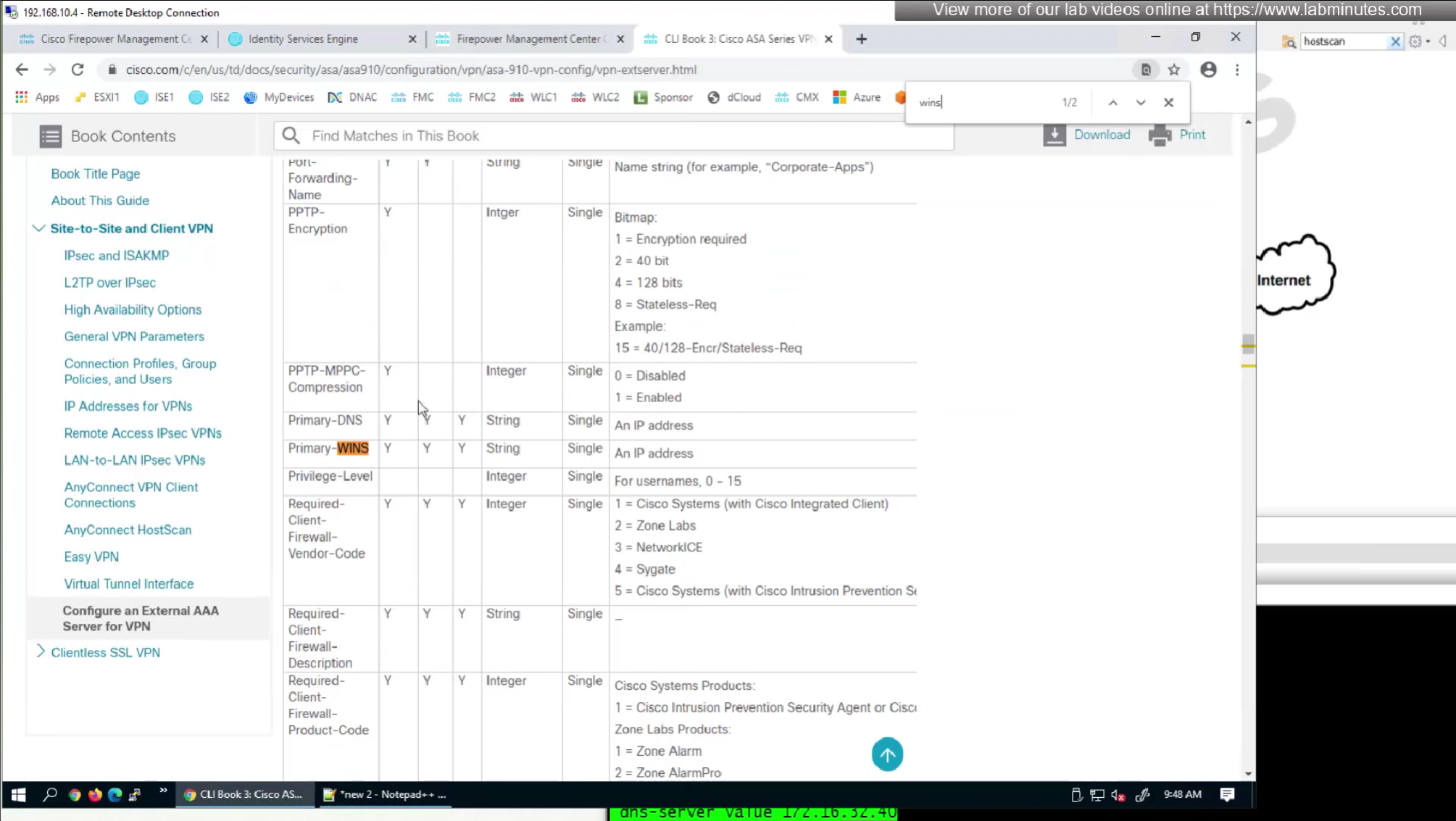
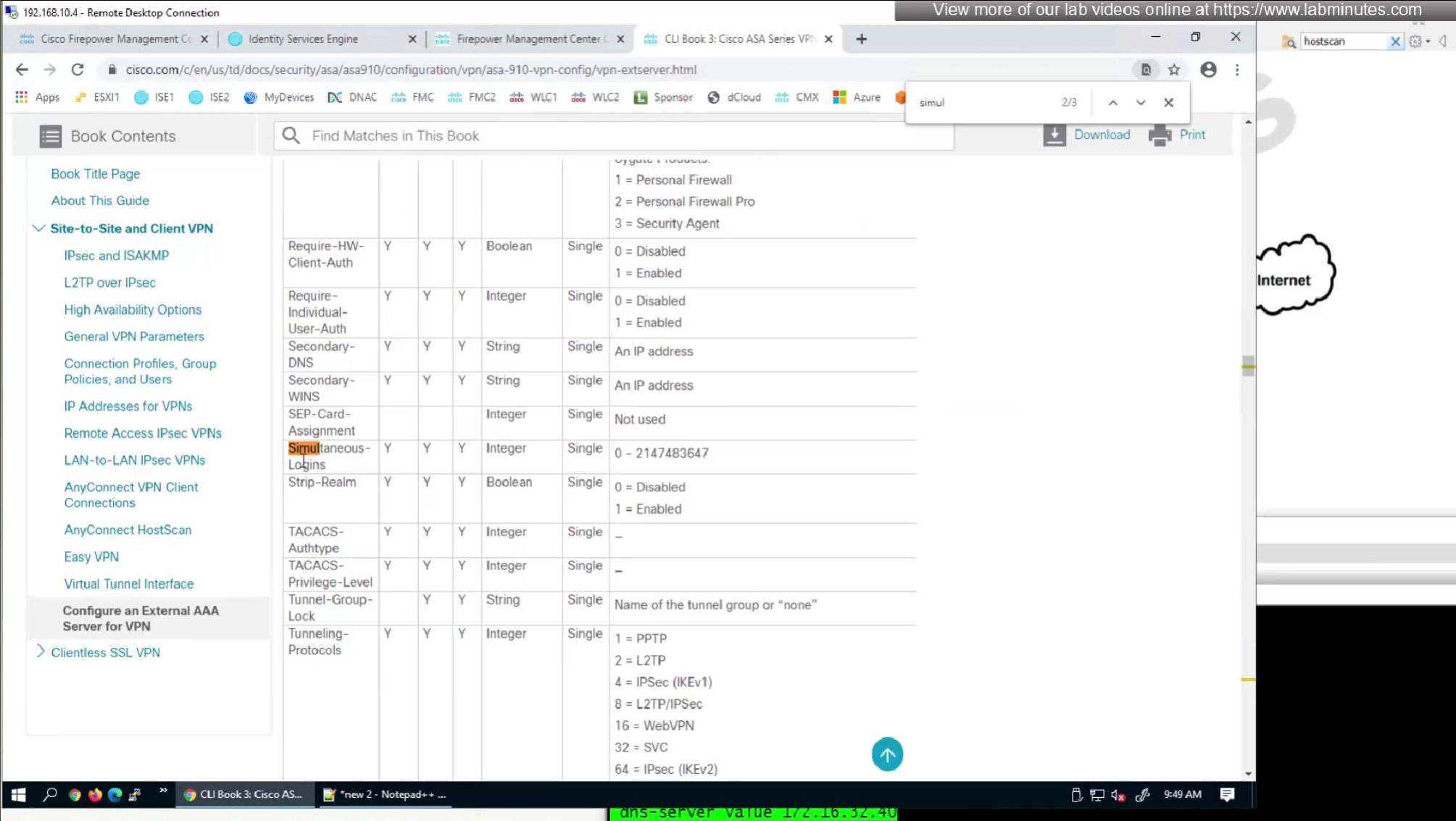
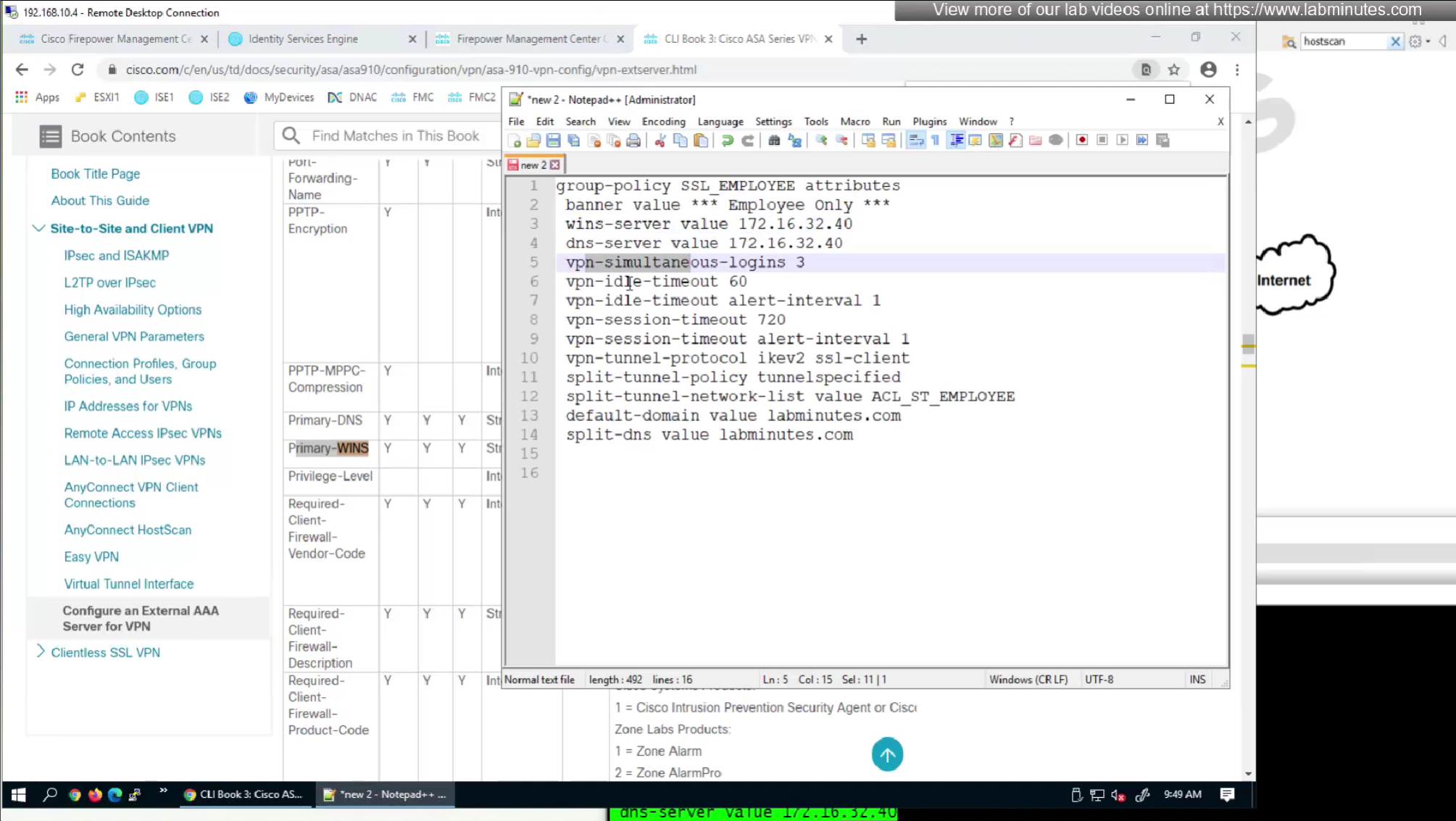
RADIUS attributes with “IETF” in beginning means that they are RADIUS standard and the ones without IETF are Cisco proprietary
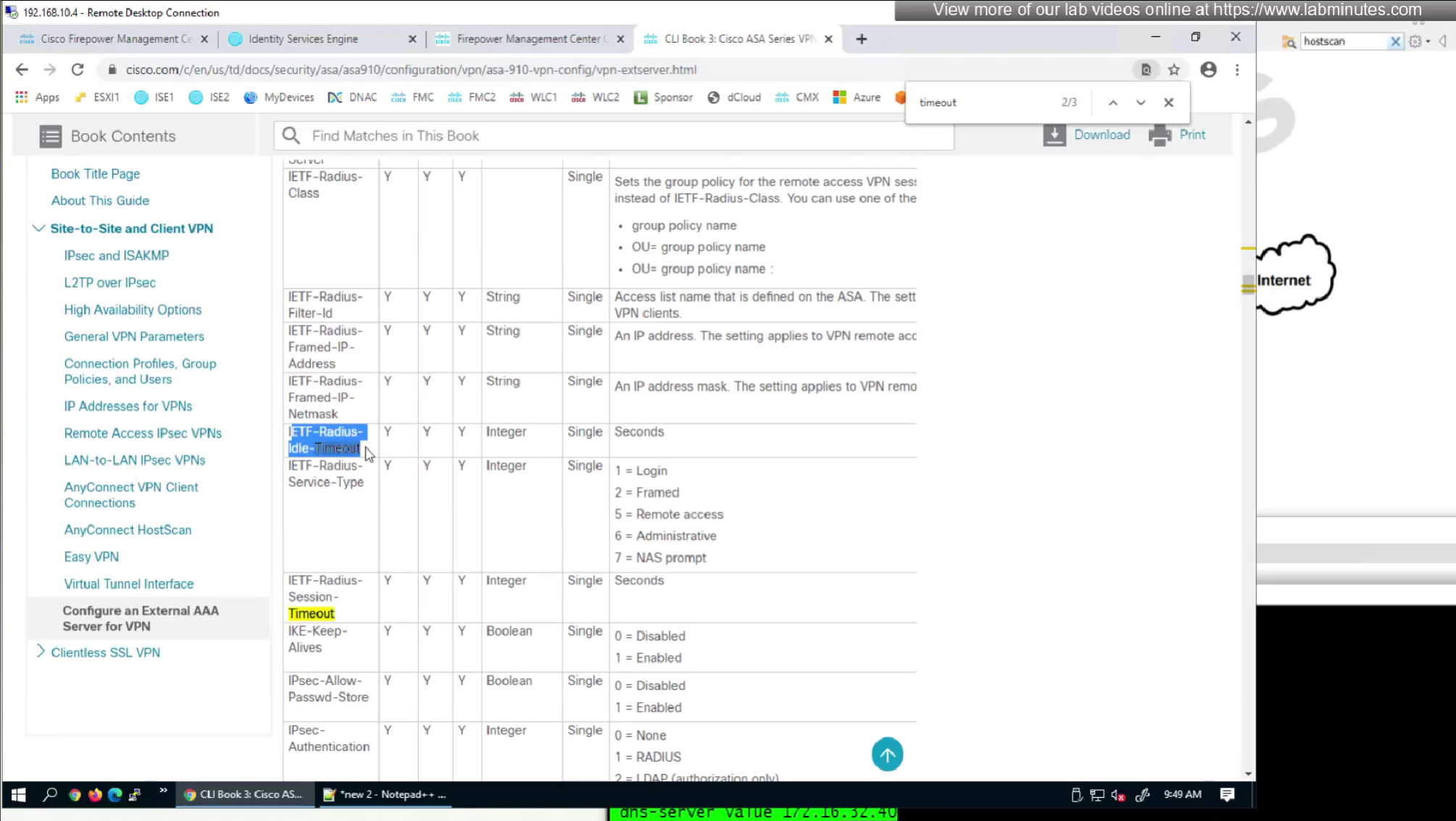
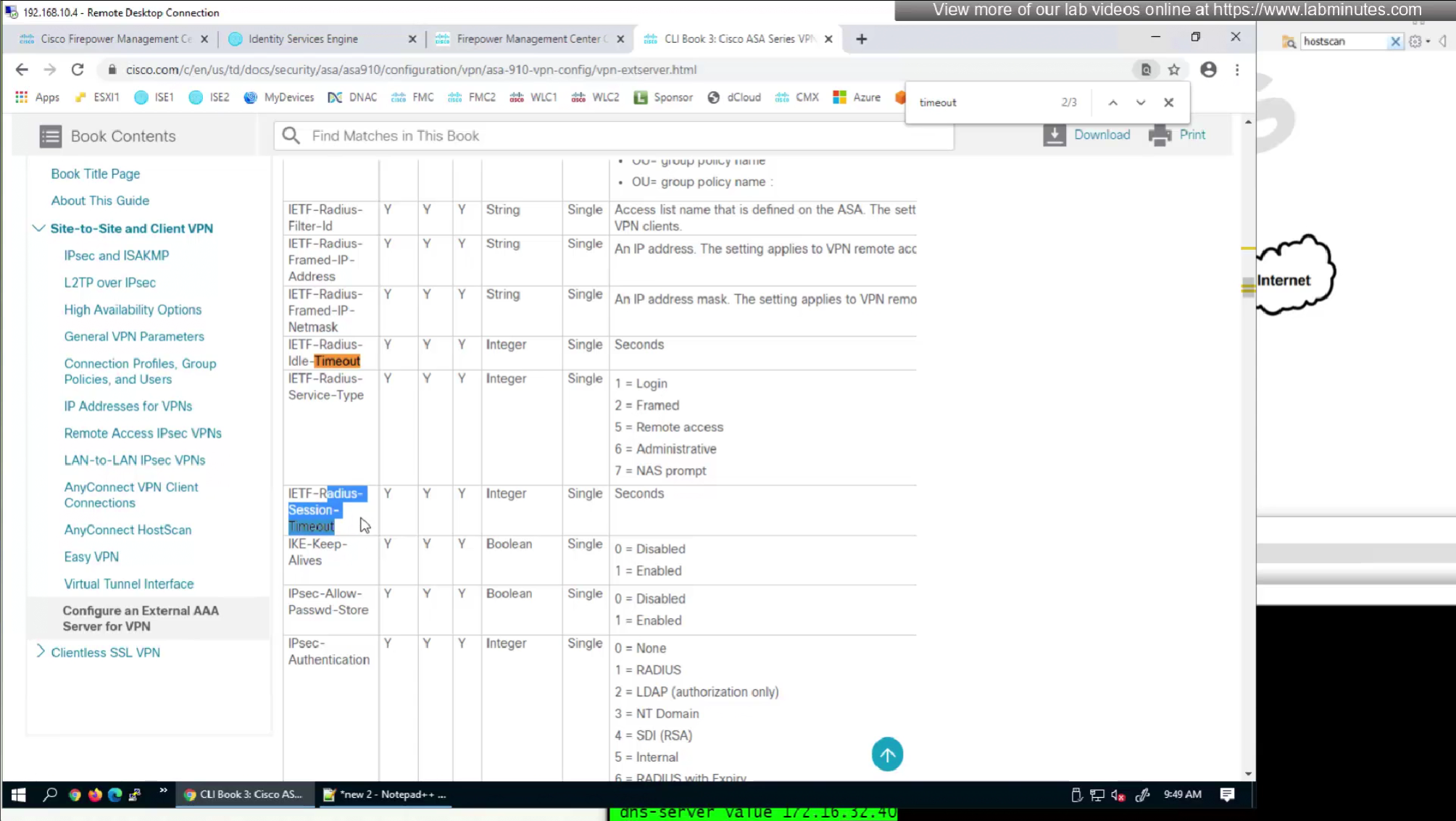
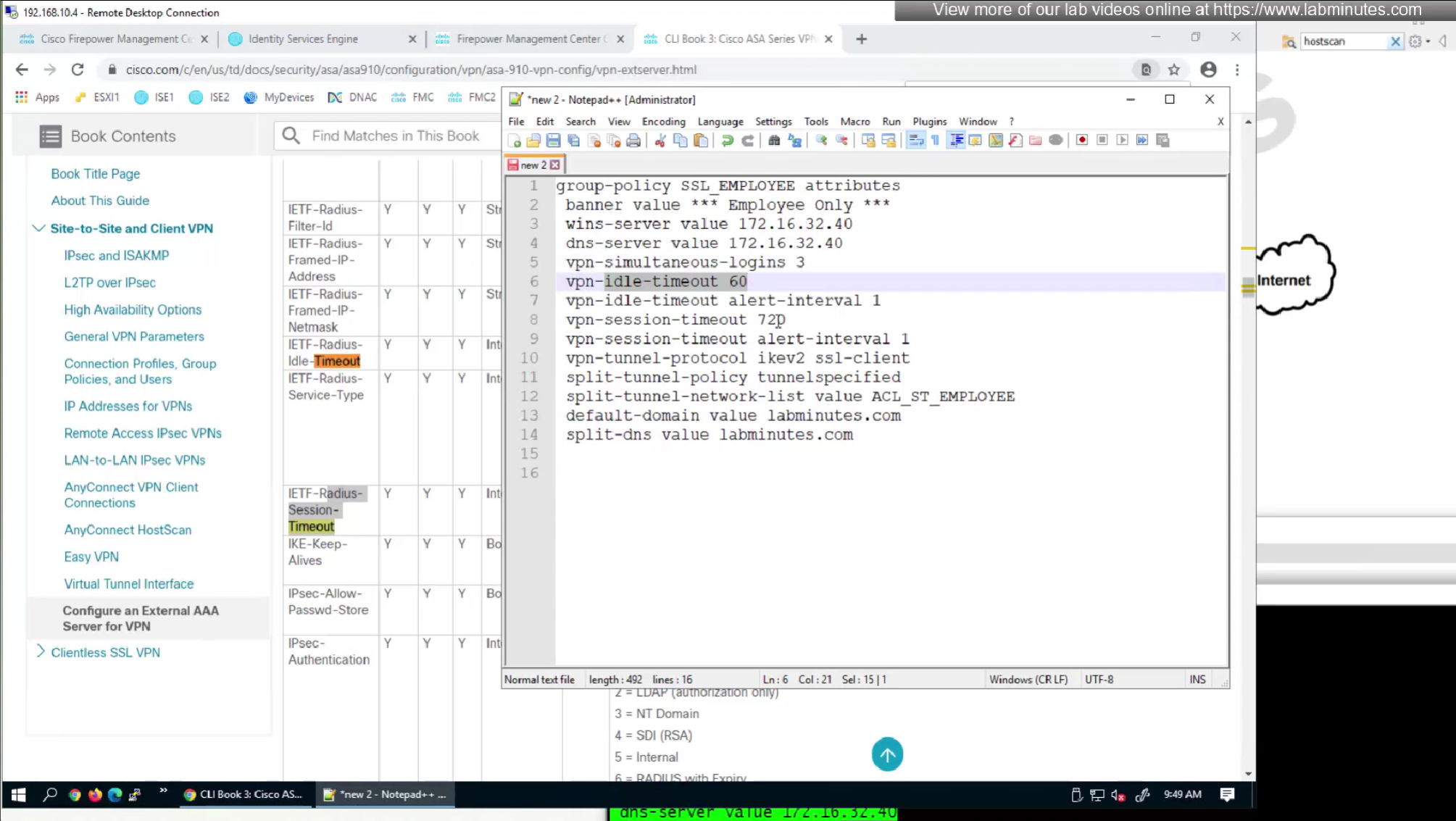
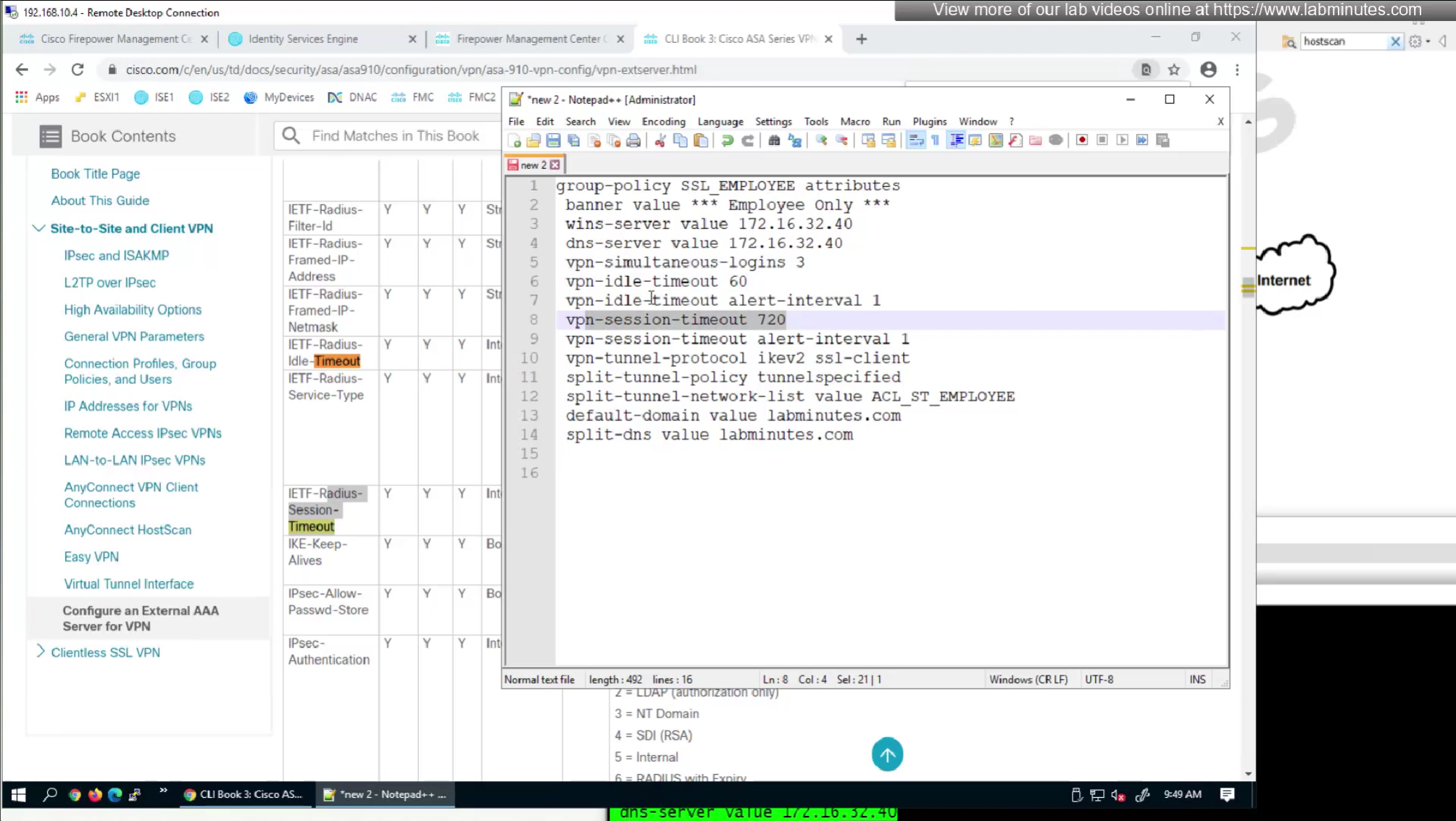
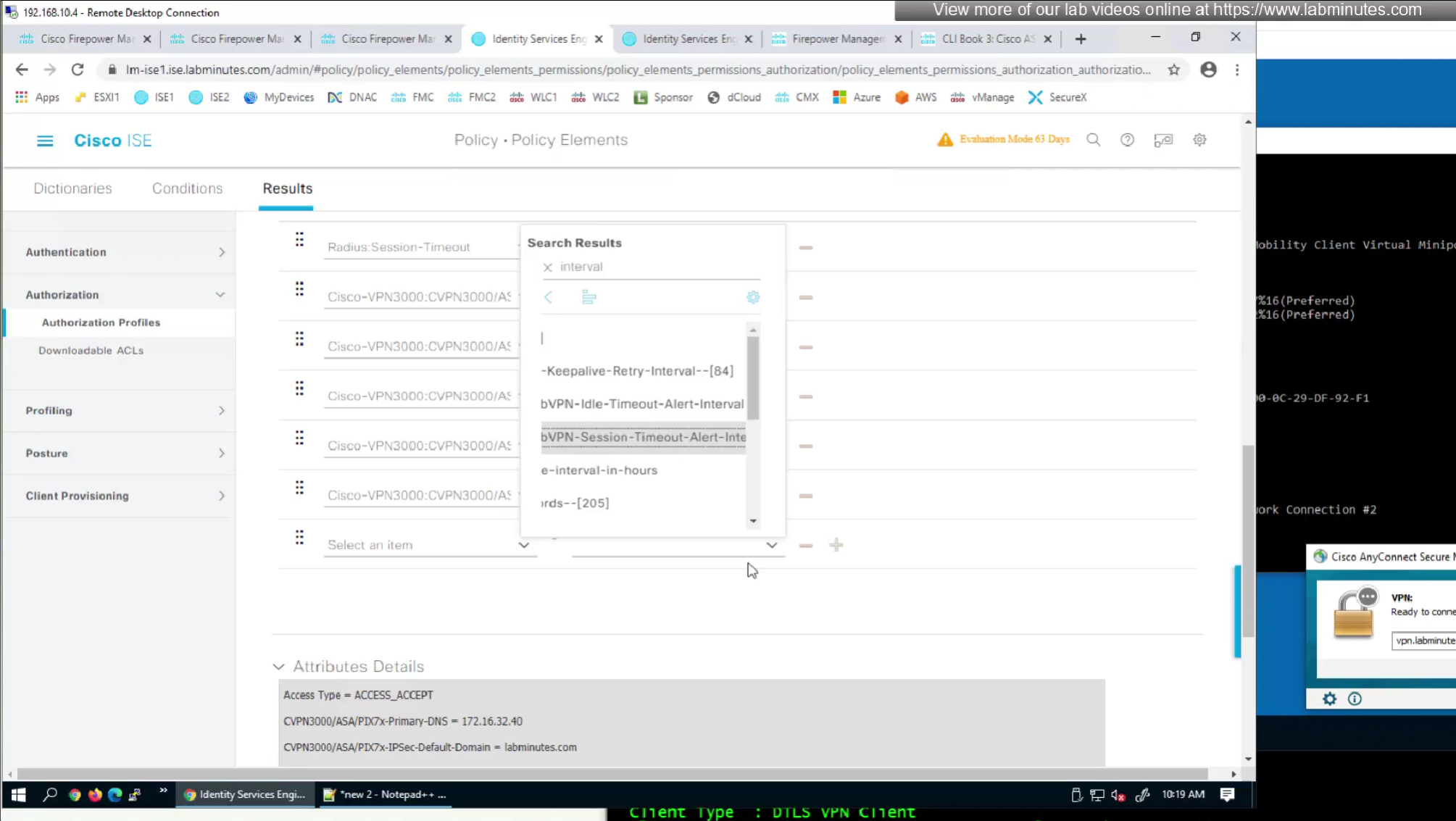
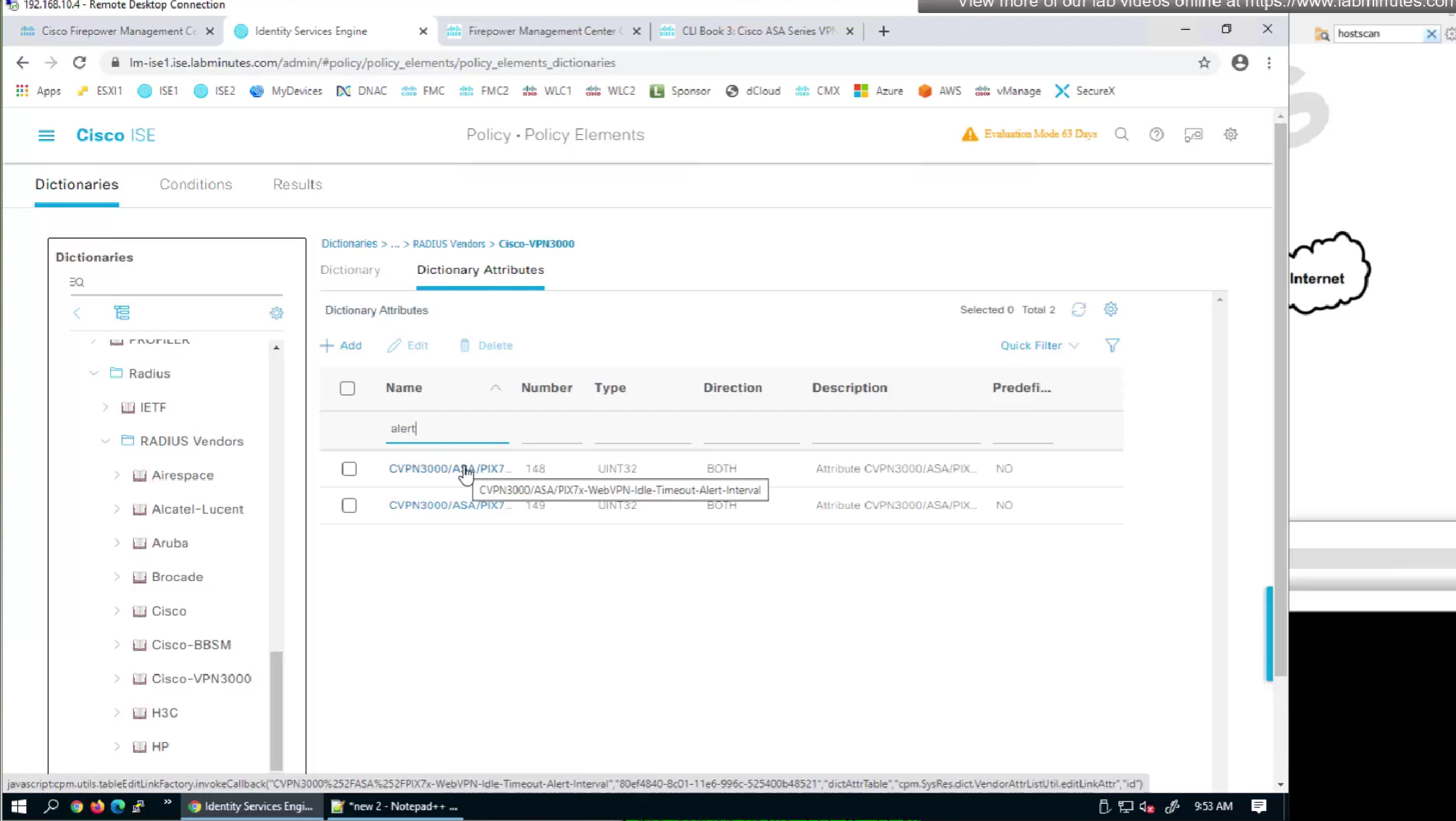
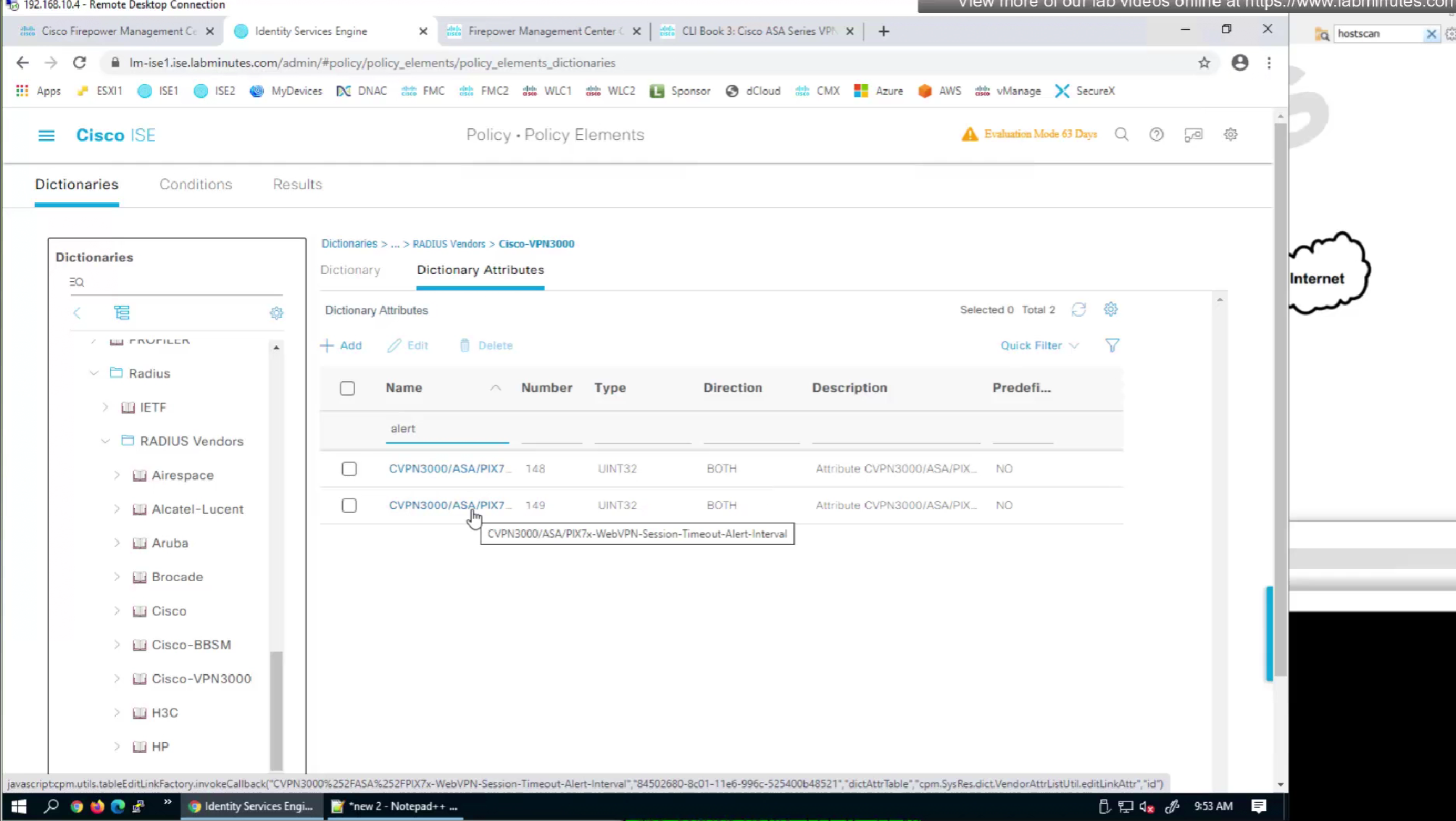
alert interval is not present in this list
but we can look at ISE as well as this list is outdated as these are available in ISE
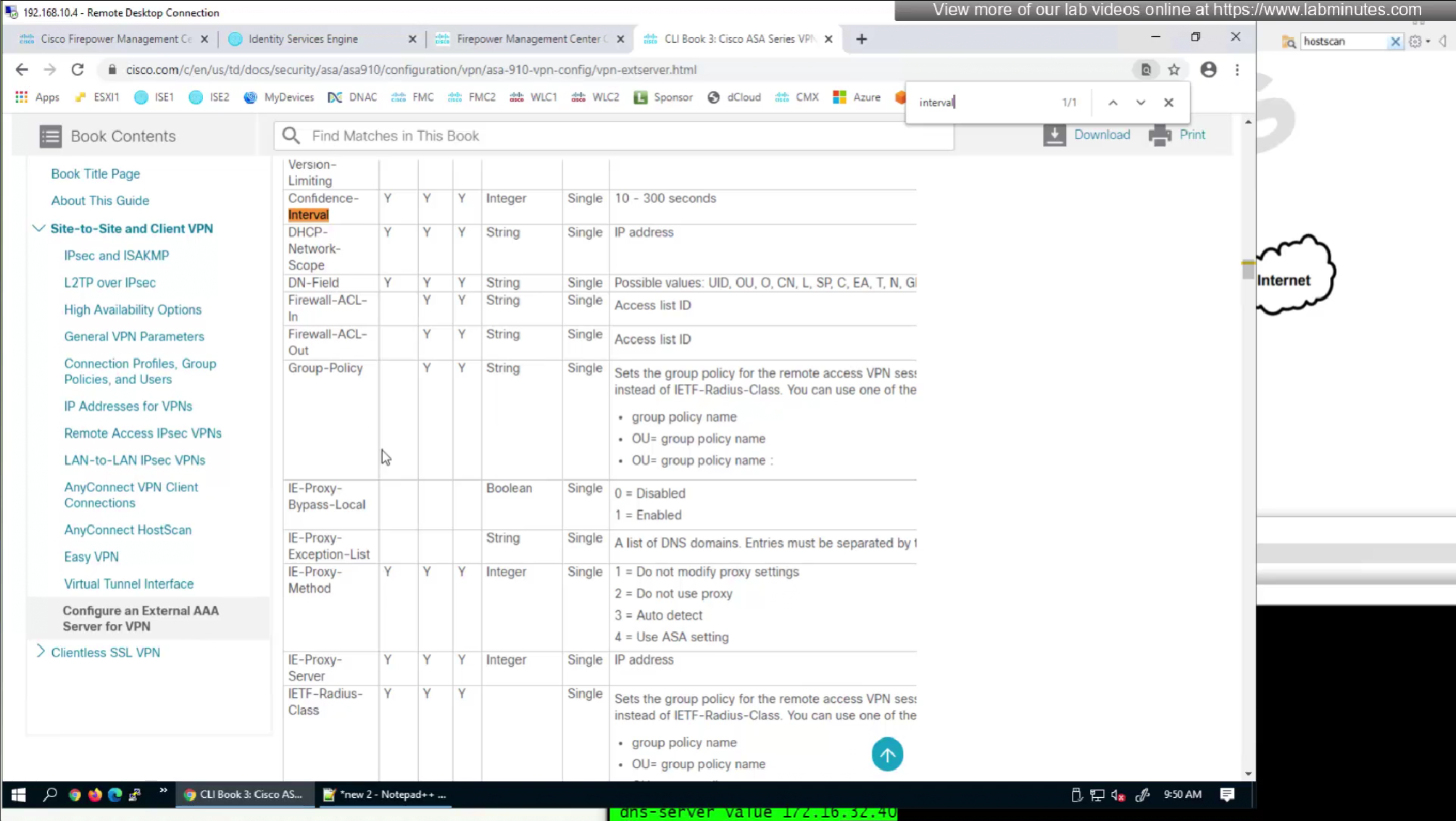
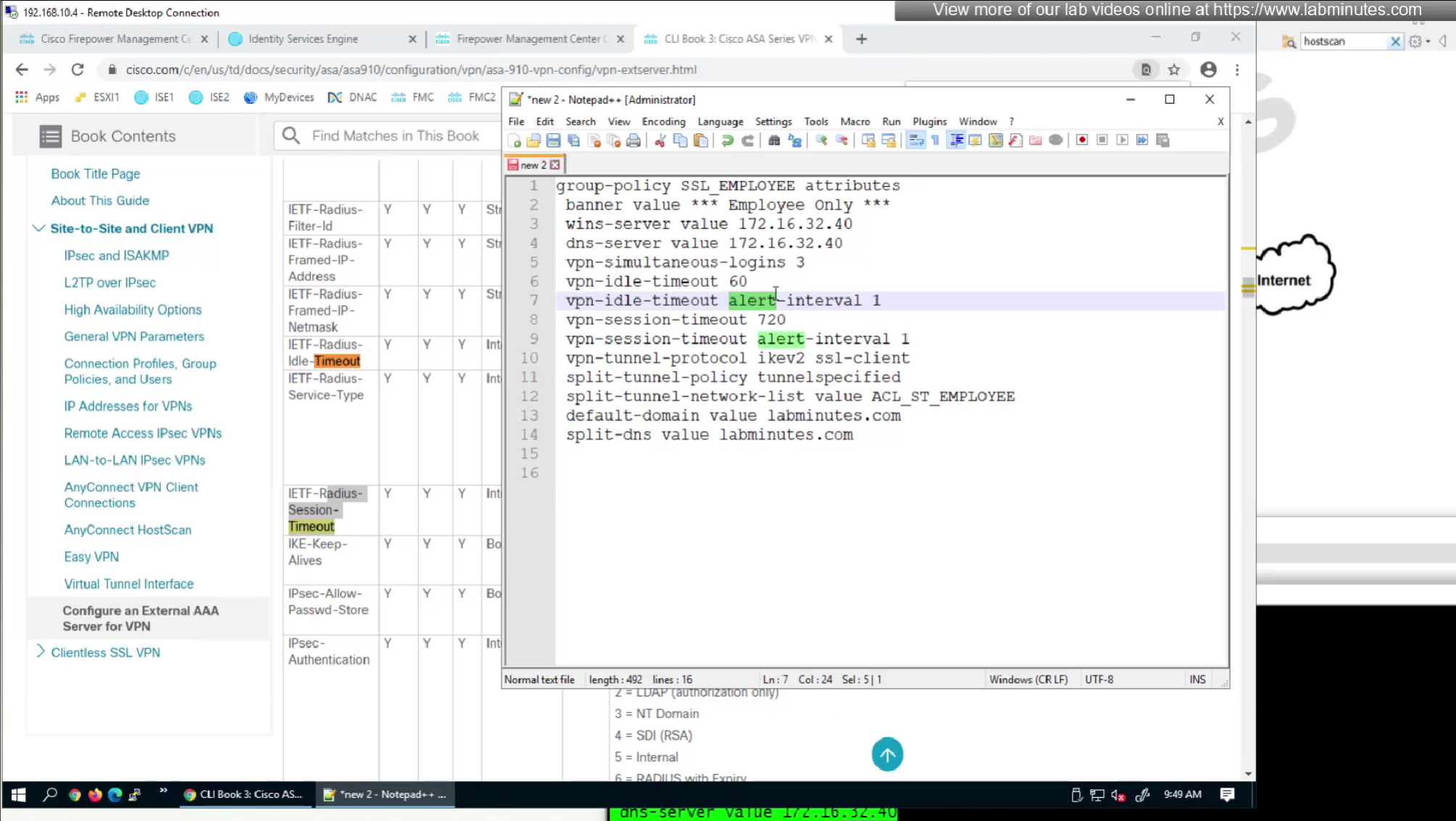
We will skip split-tunneling policy for now and we will come back to it
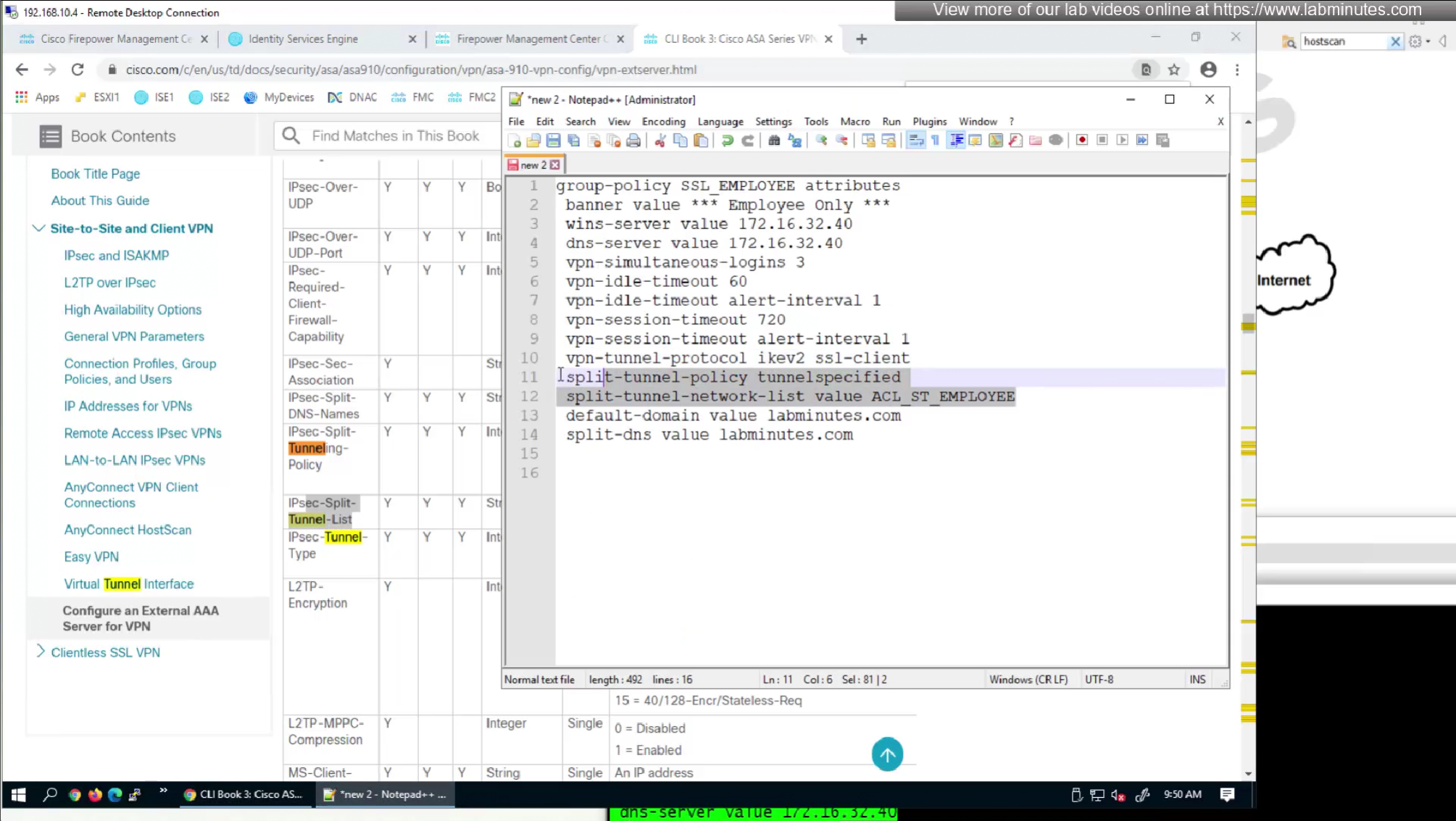
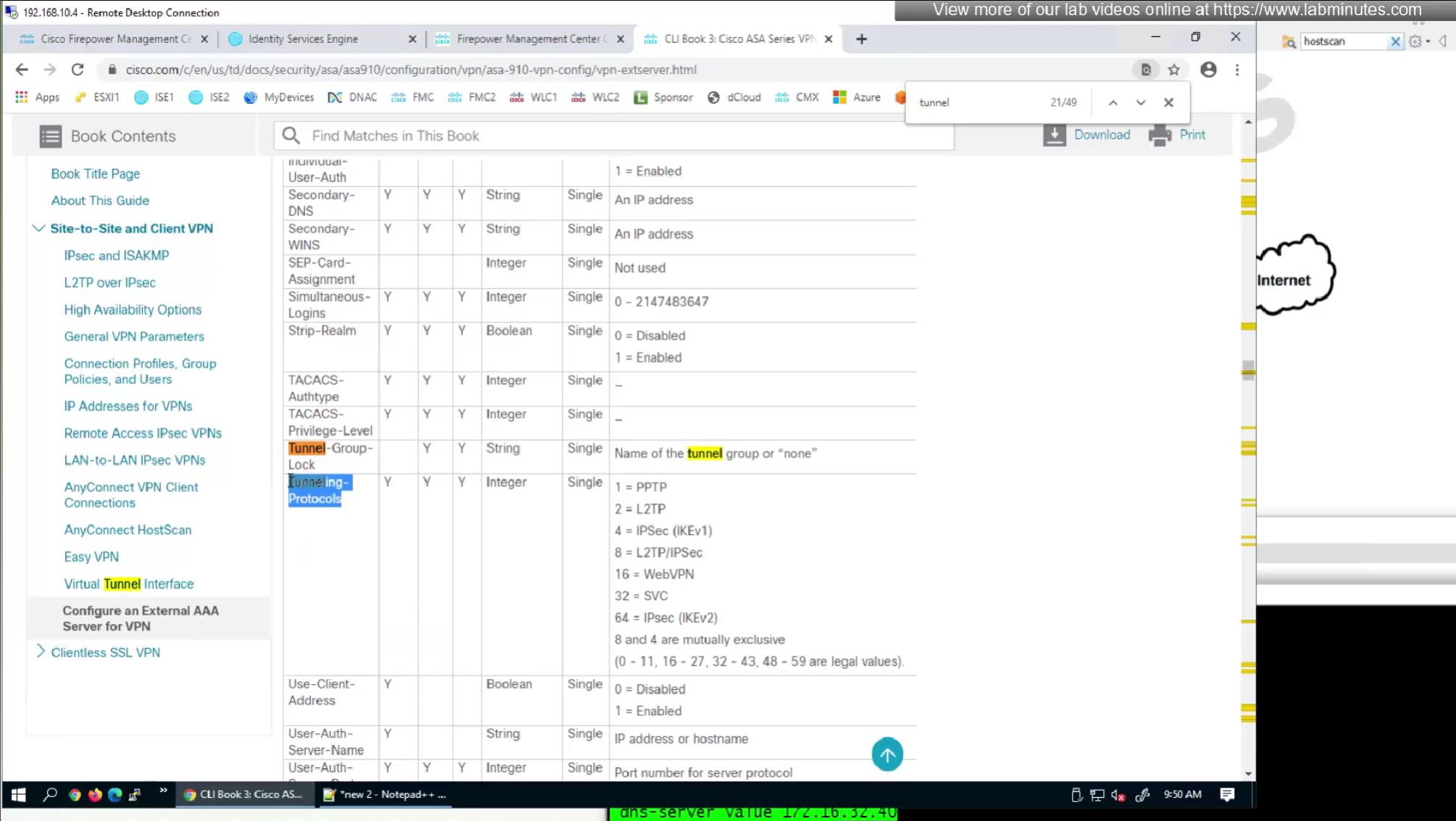


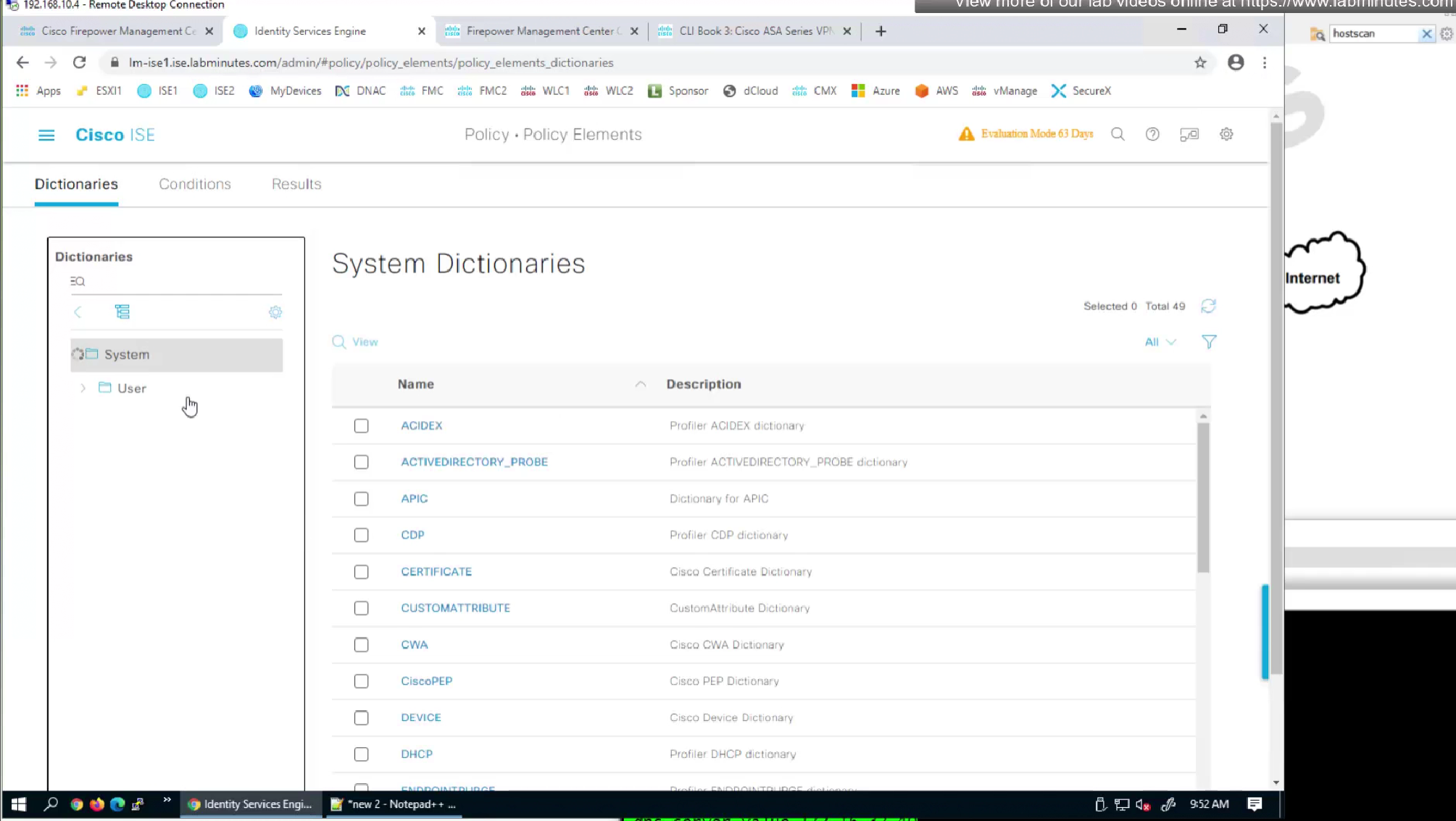

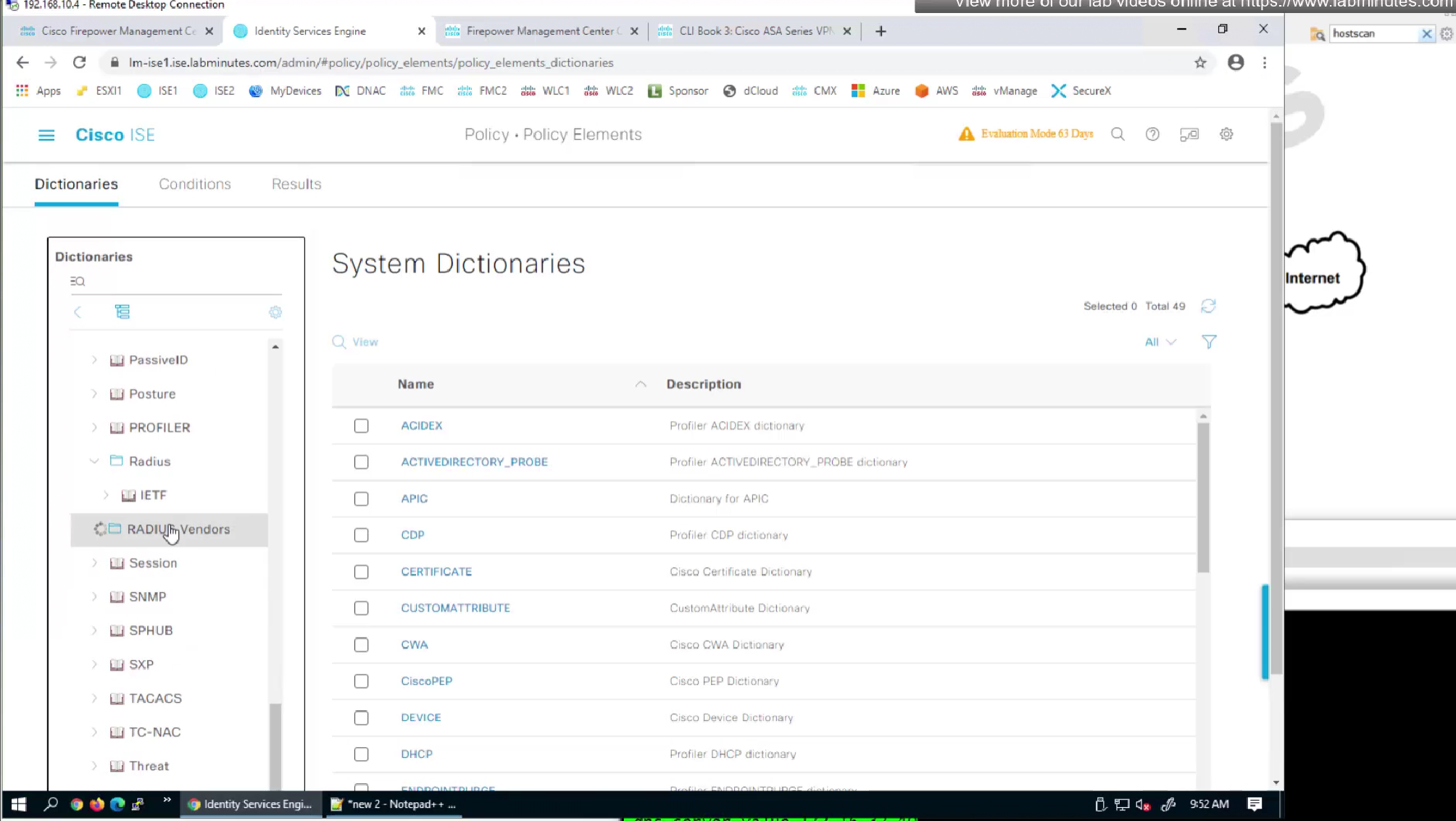
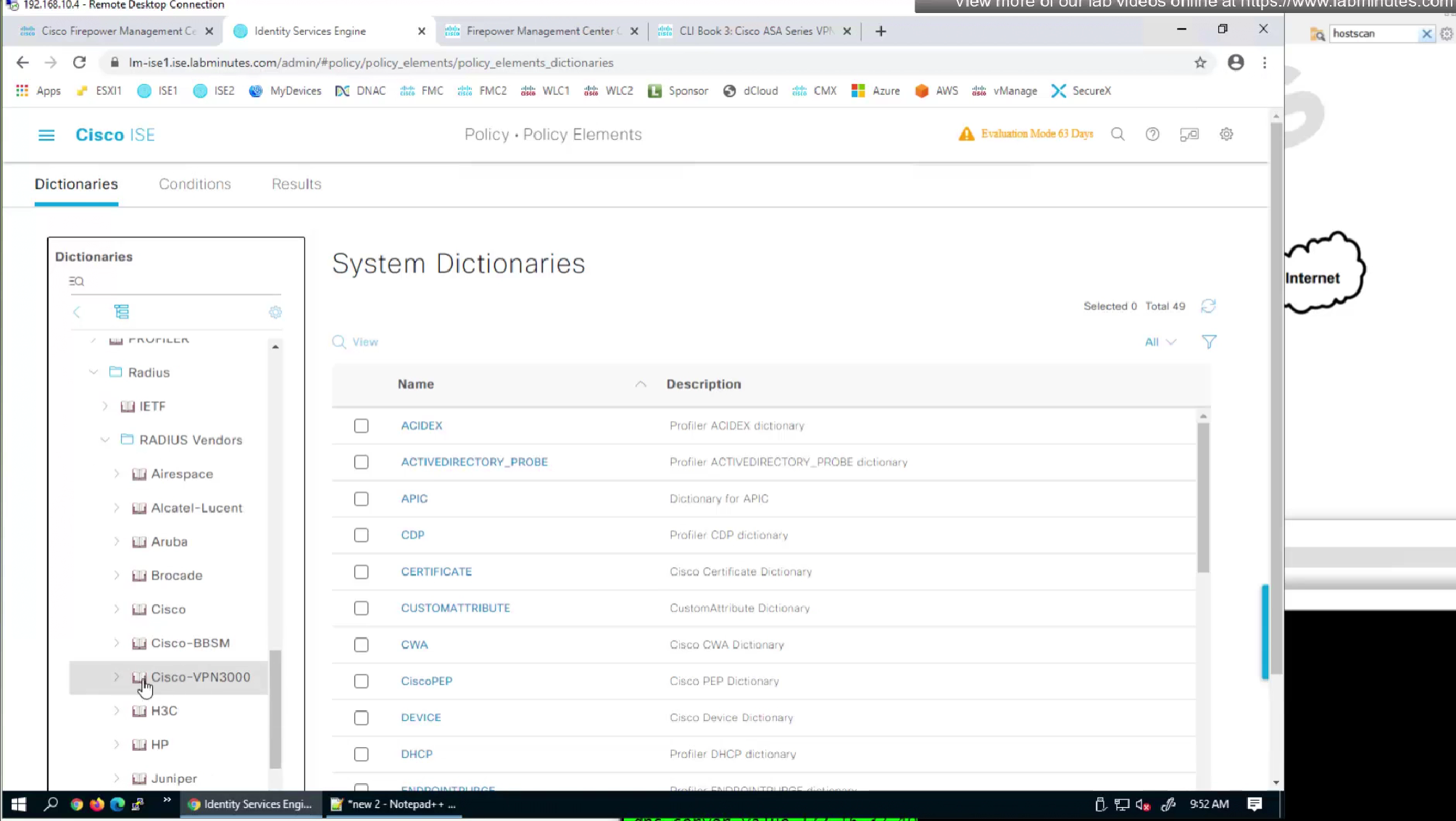

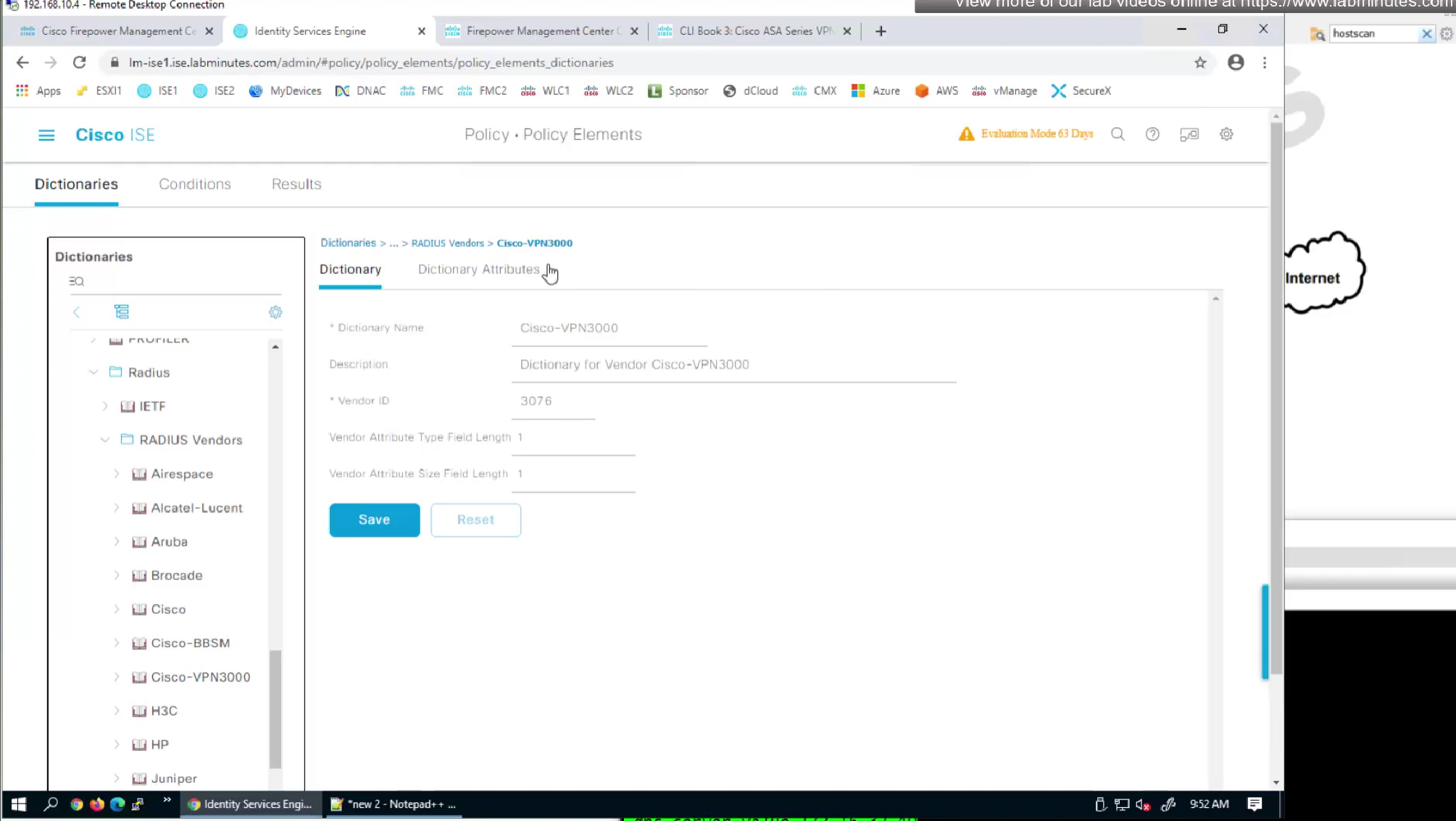
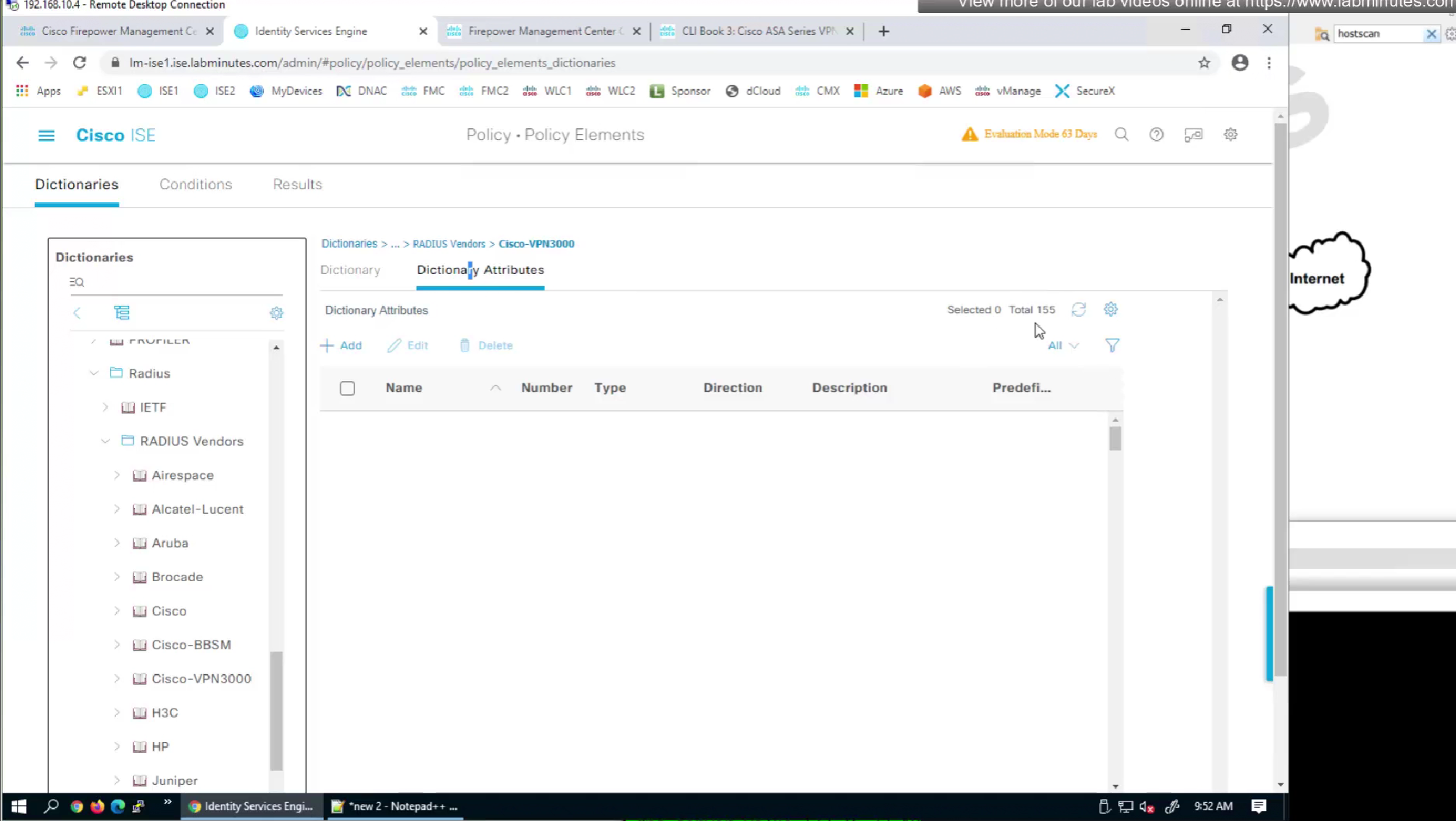
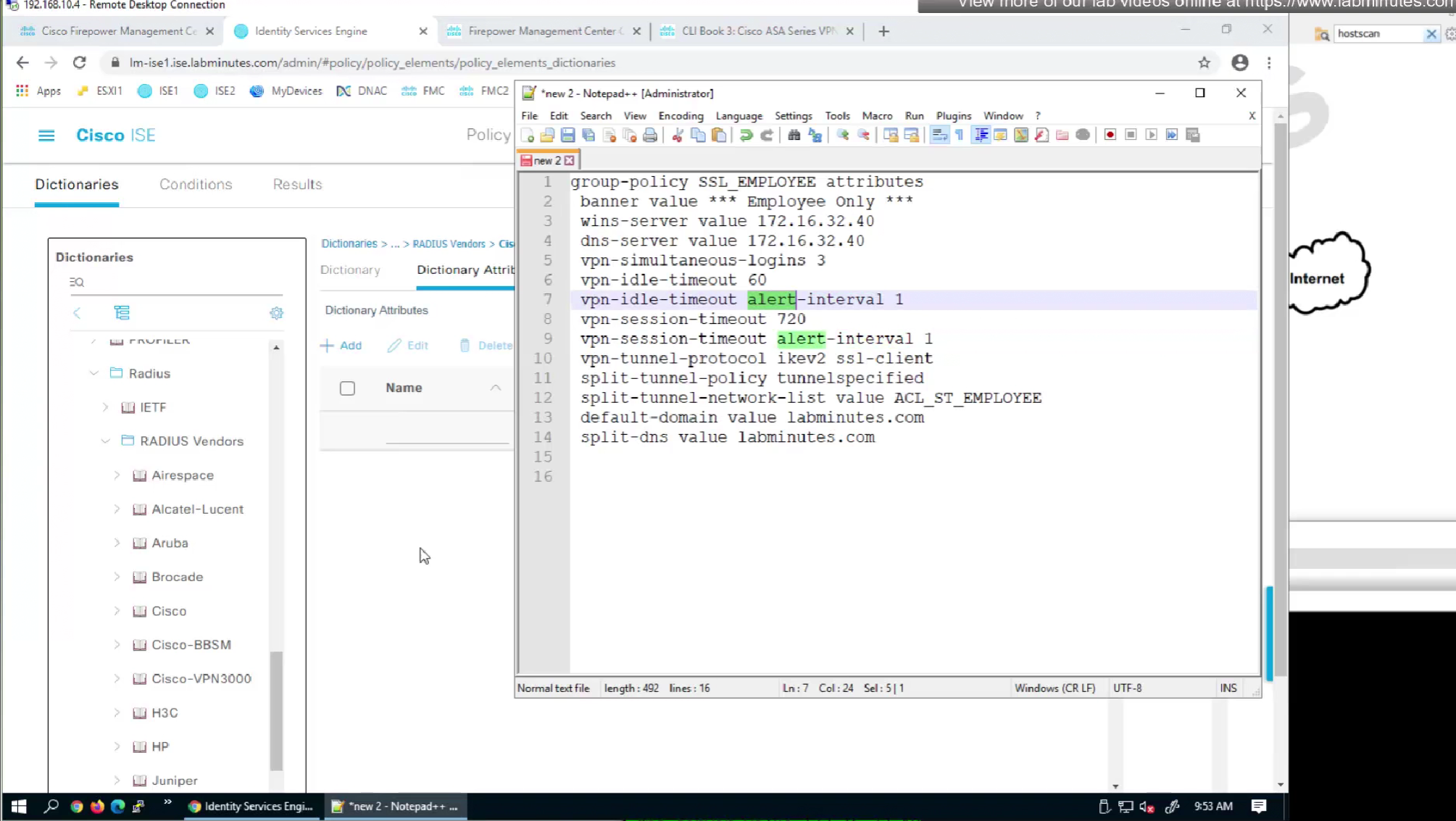
It seems like those attributes are available as we can see in ISE
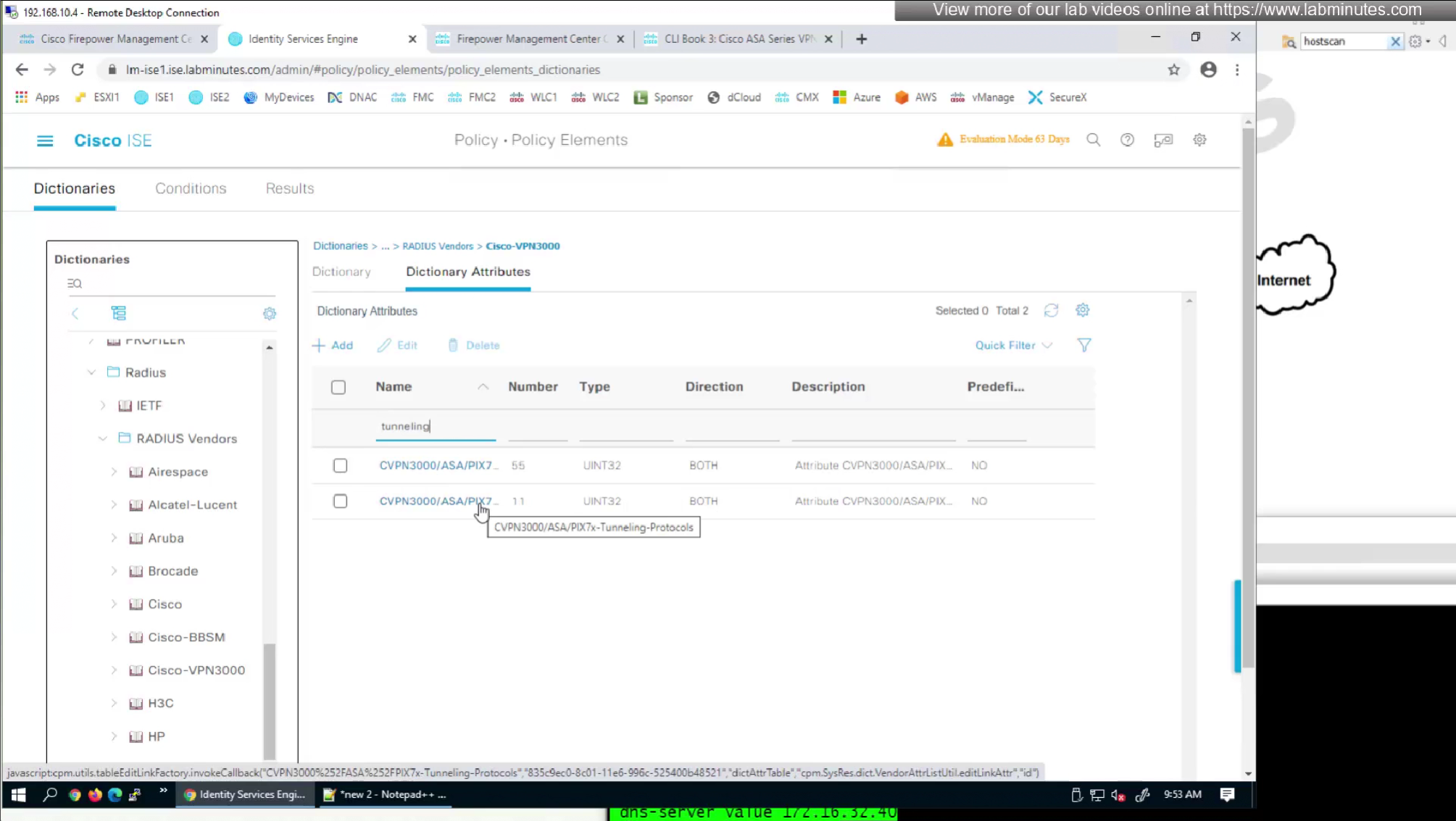
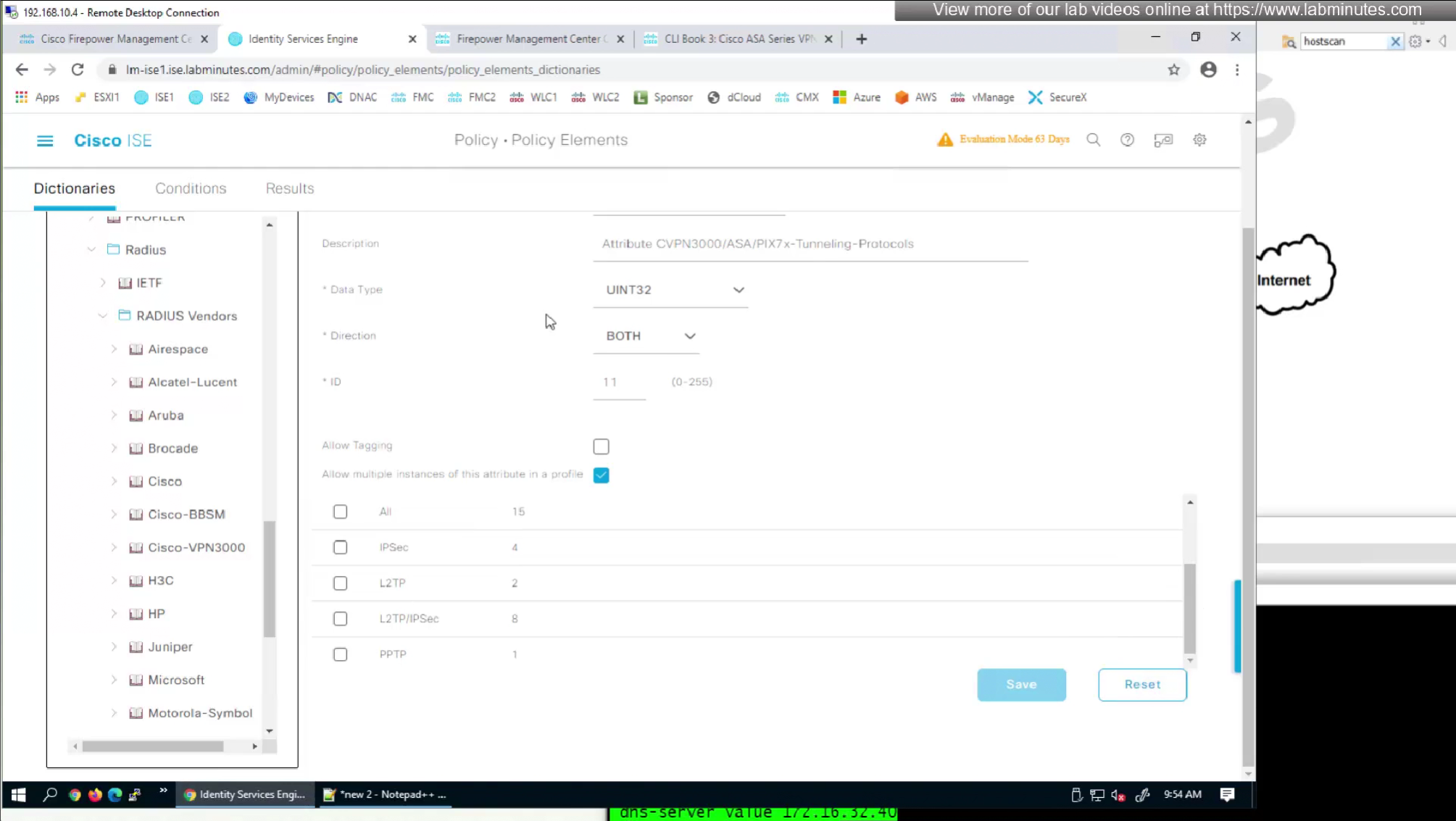
by default ISE does not have full list of protocols but in our case we need two values IKEV2 and SVC (ssl-client)
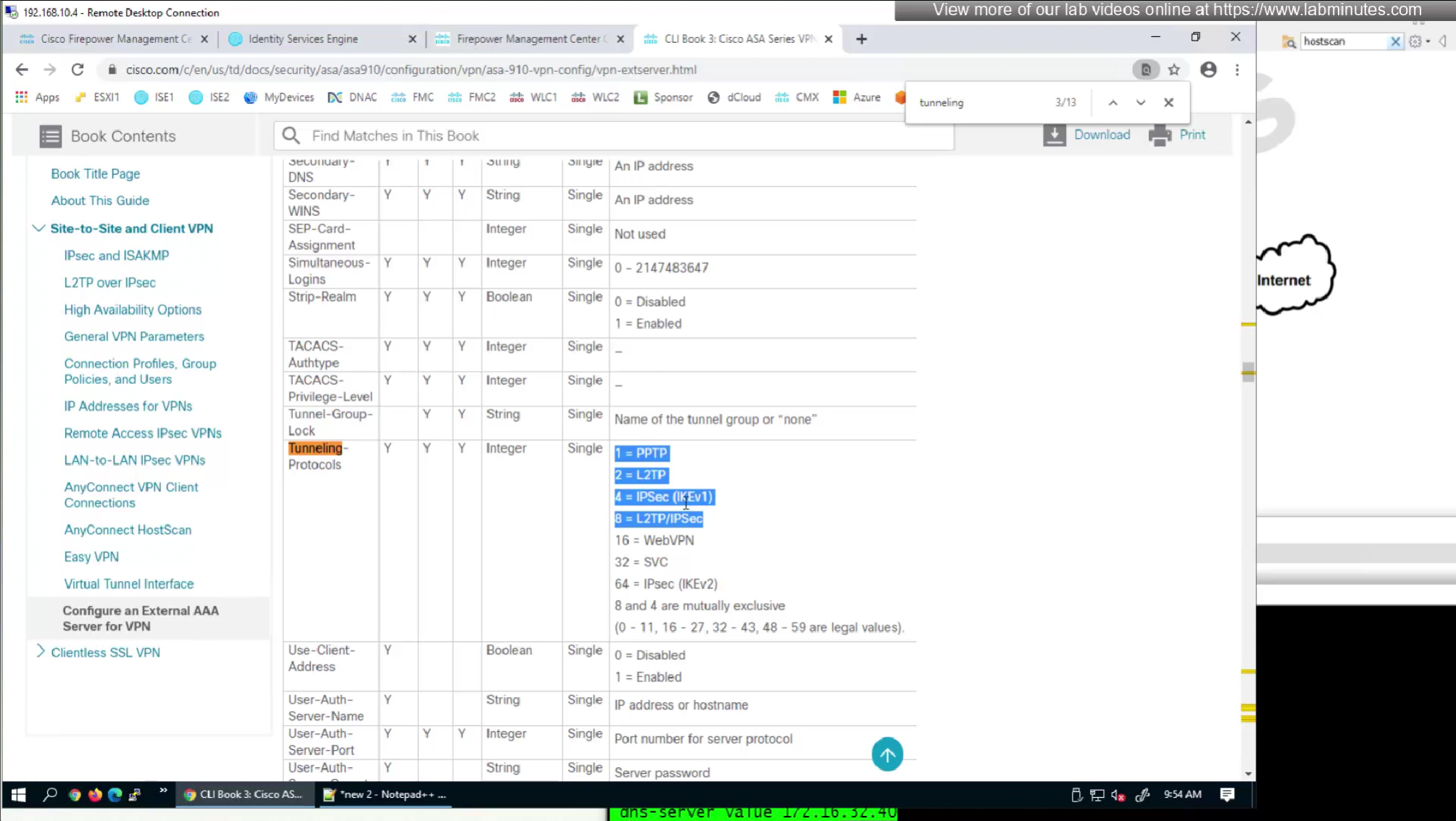
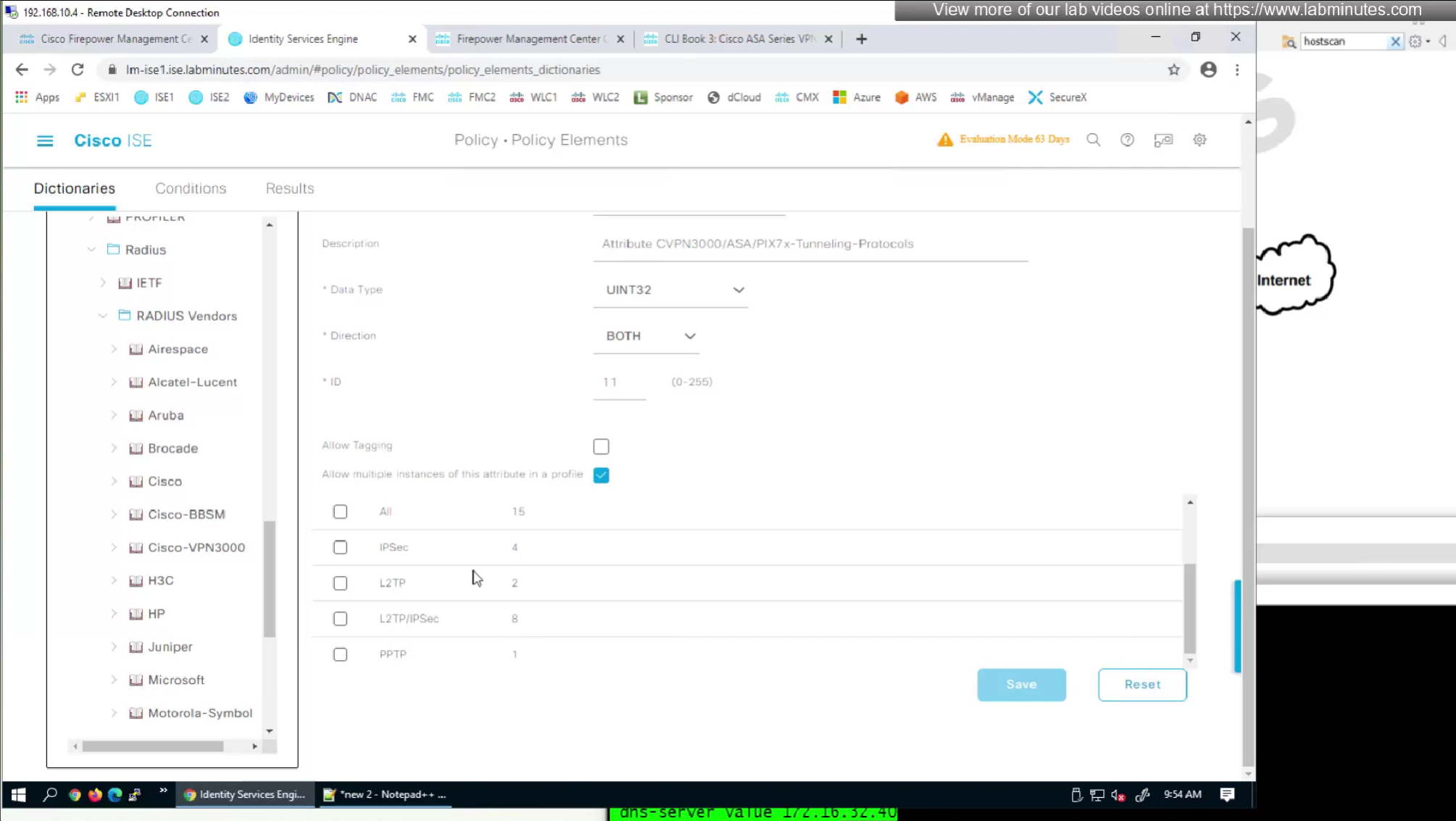

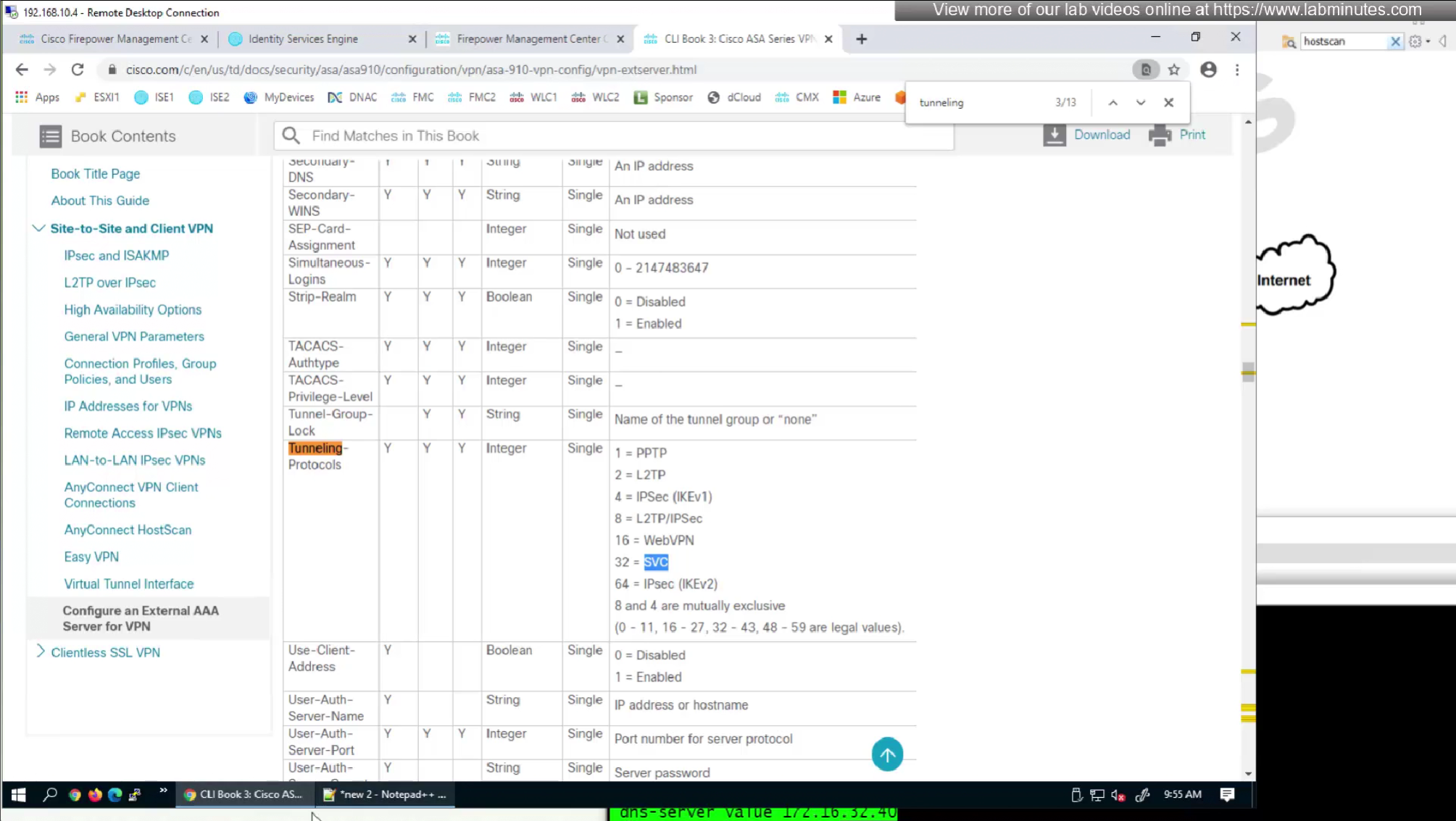
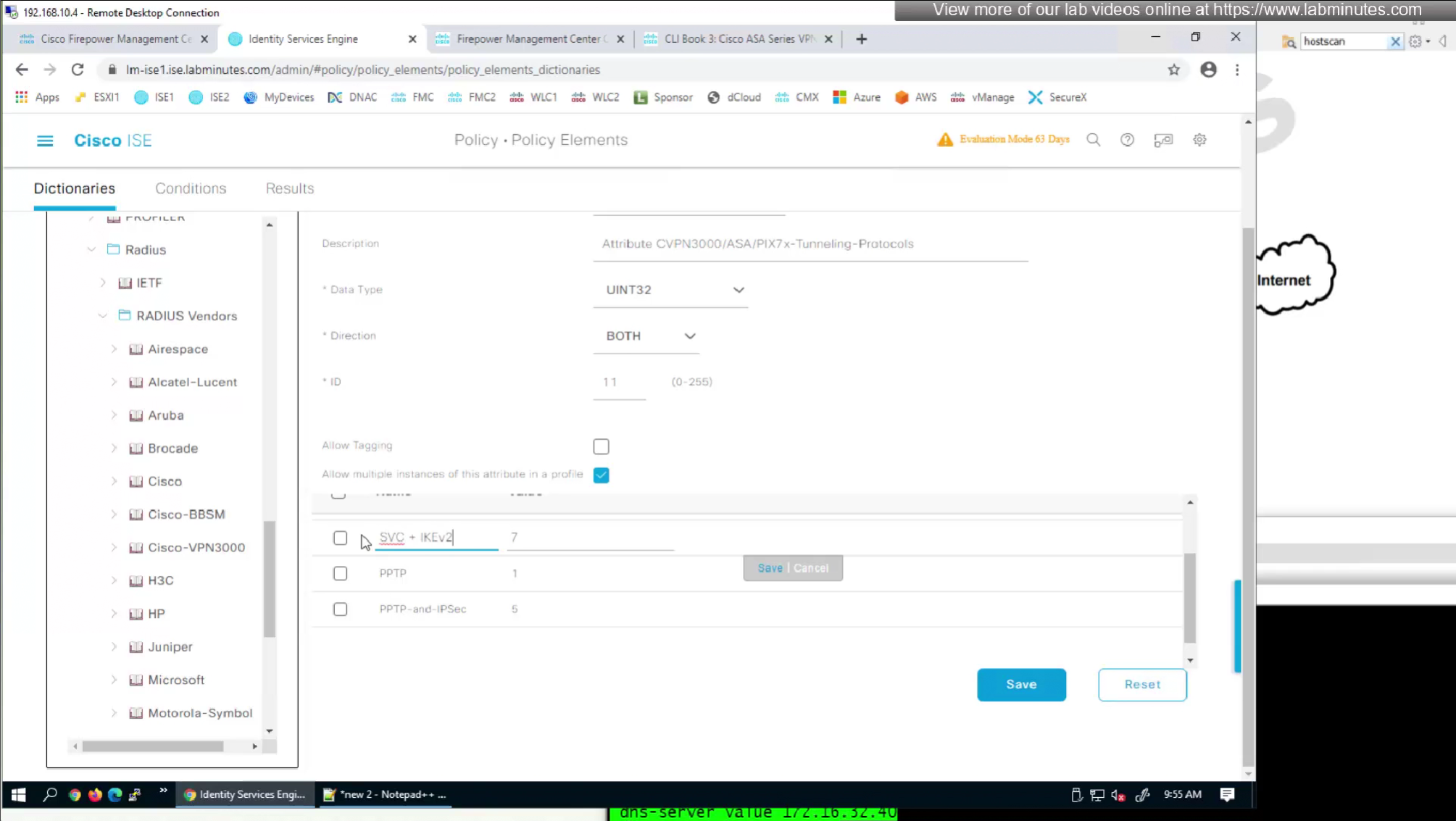
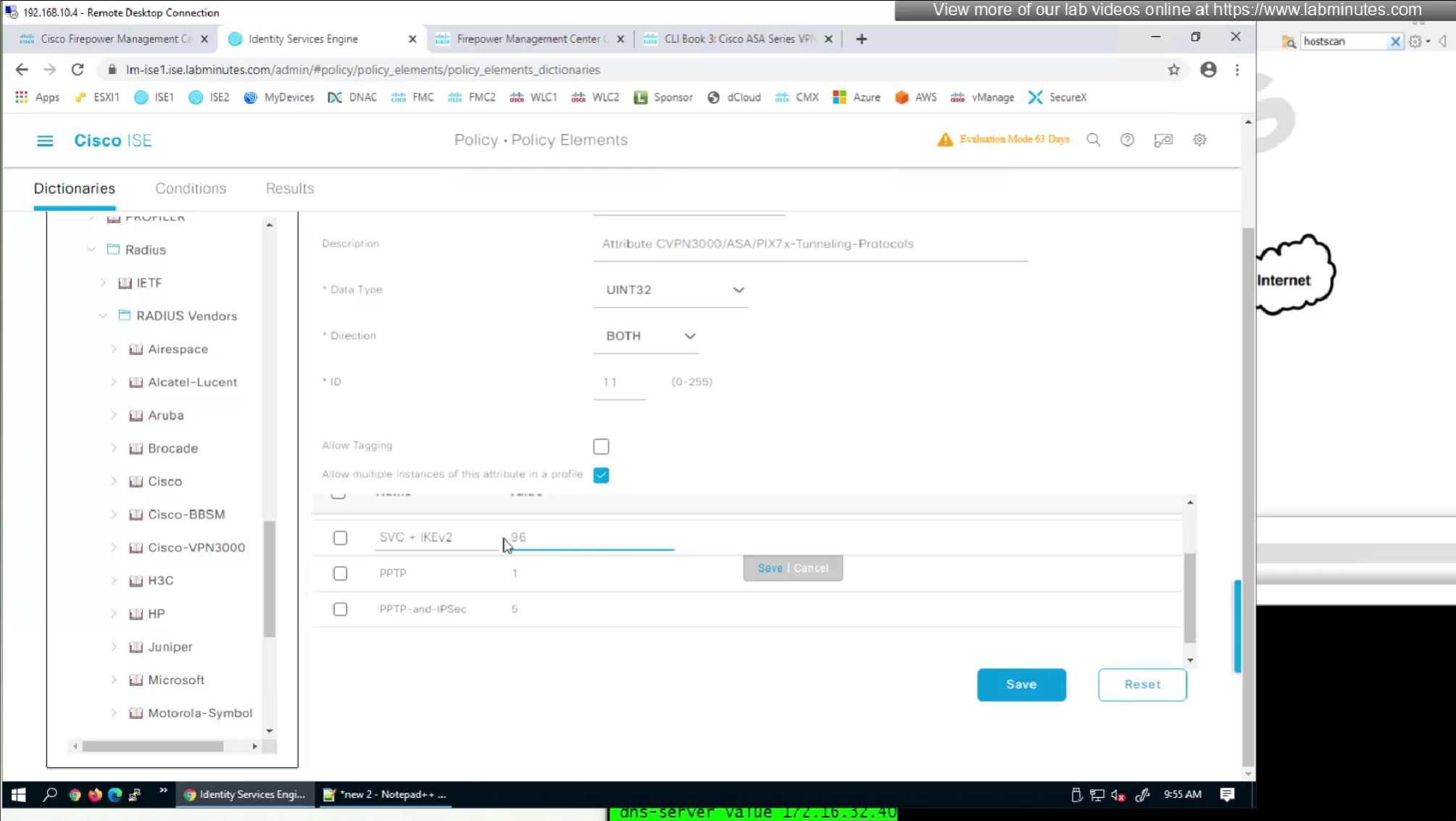
so from that list we will add values of SVC 32 + IPSec (IKEv2) 64 = 96
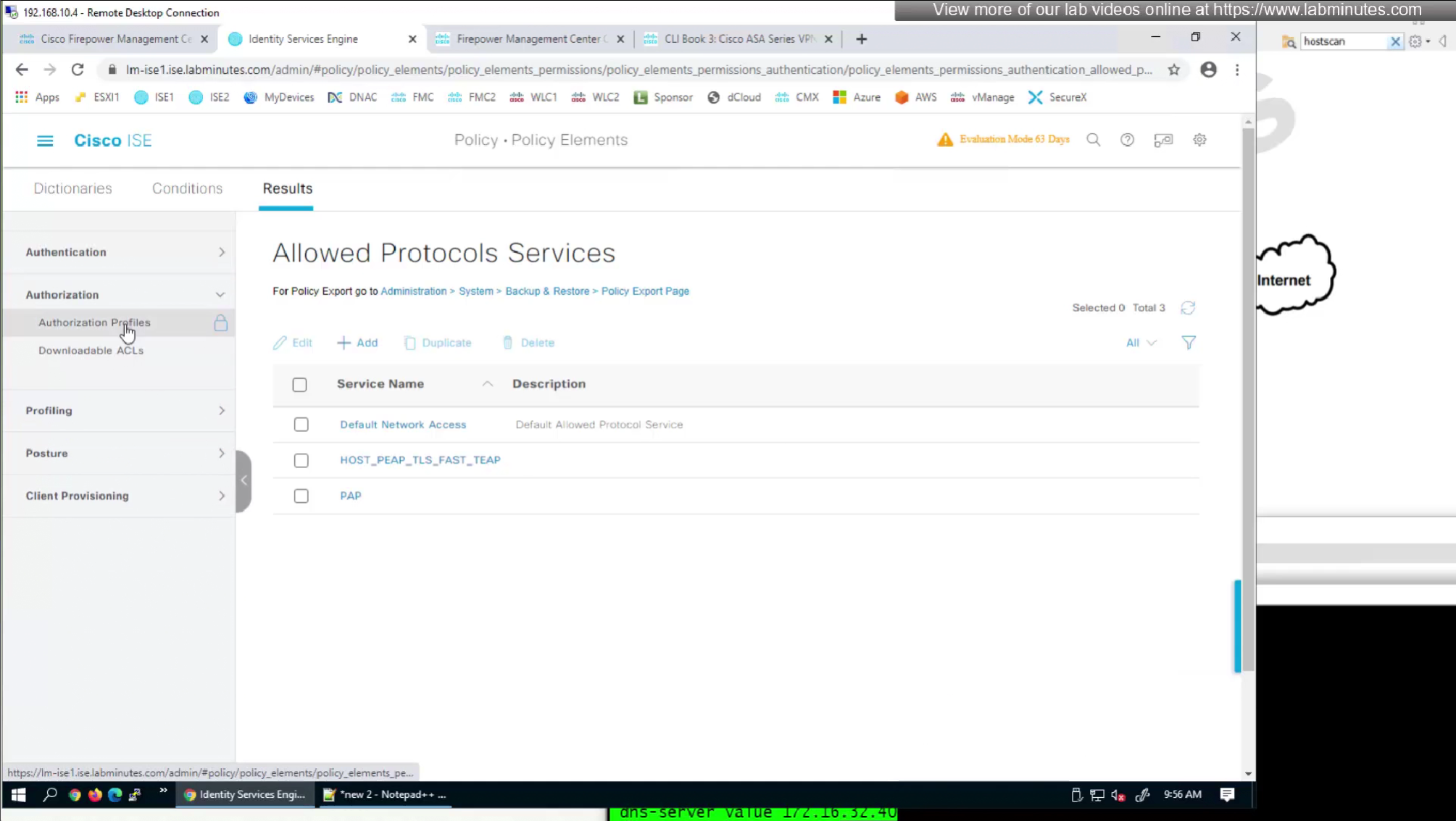
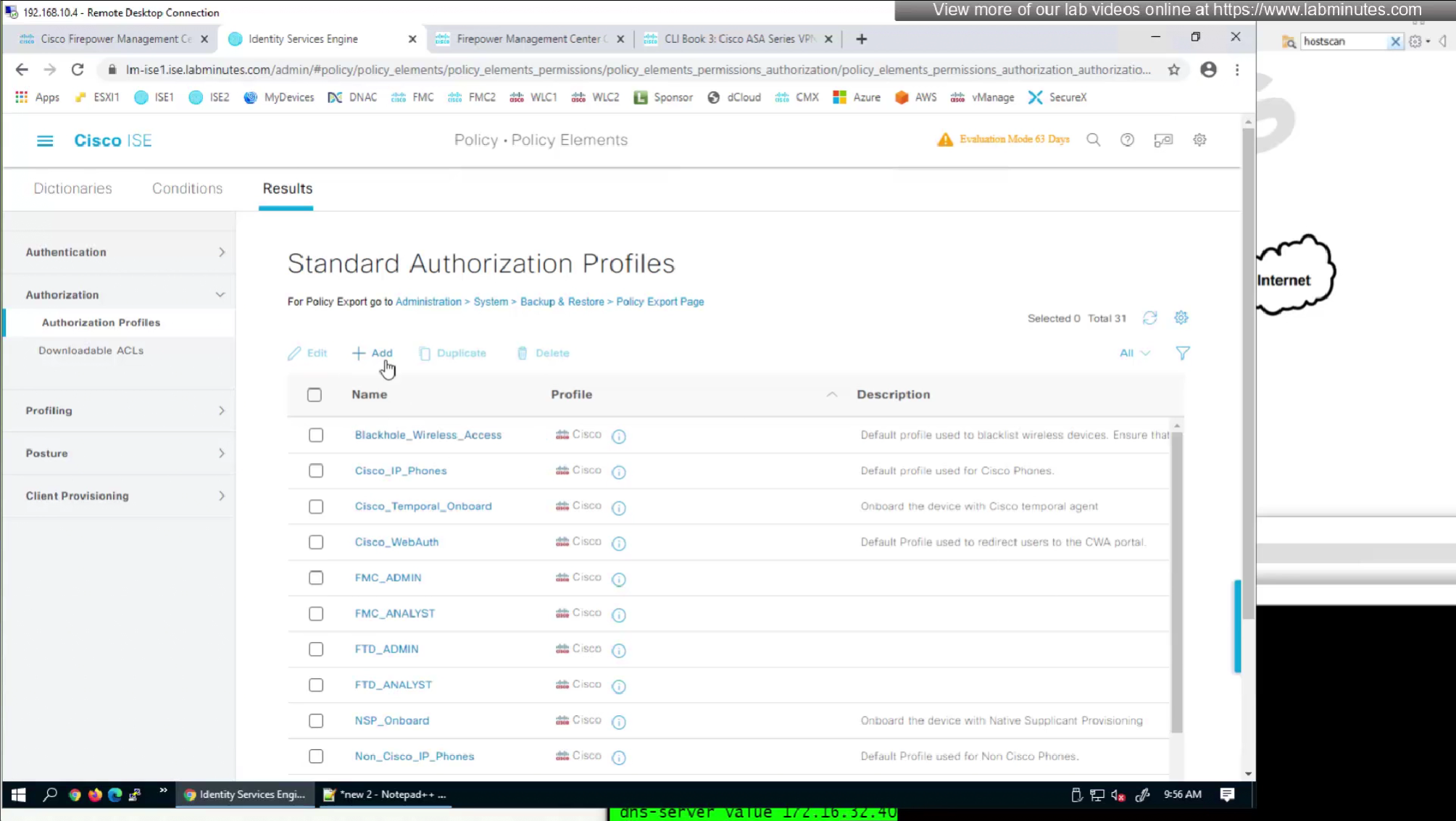
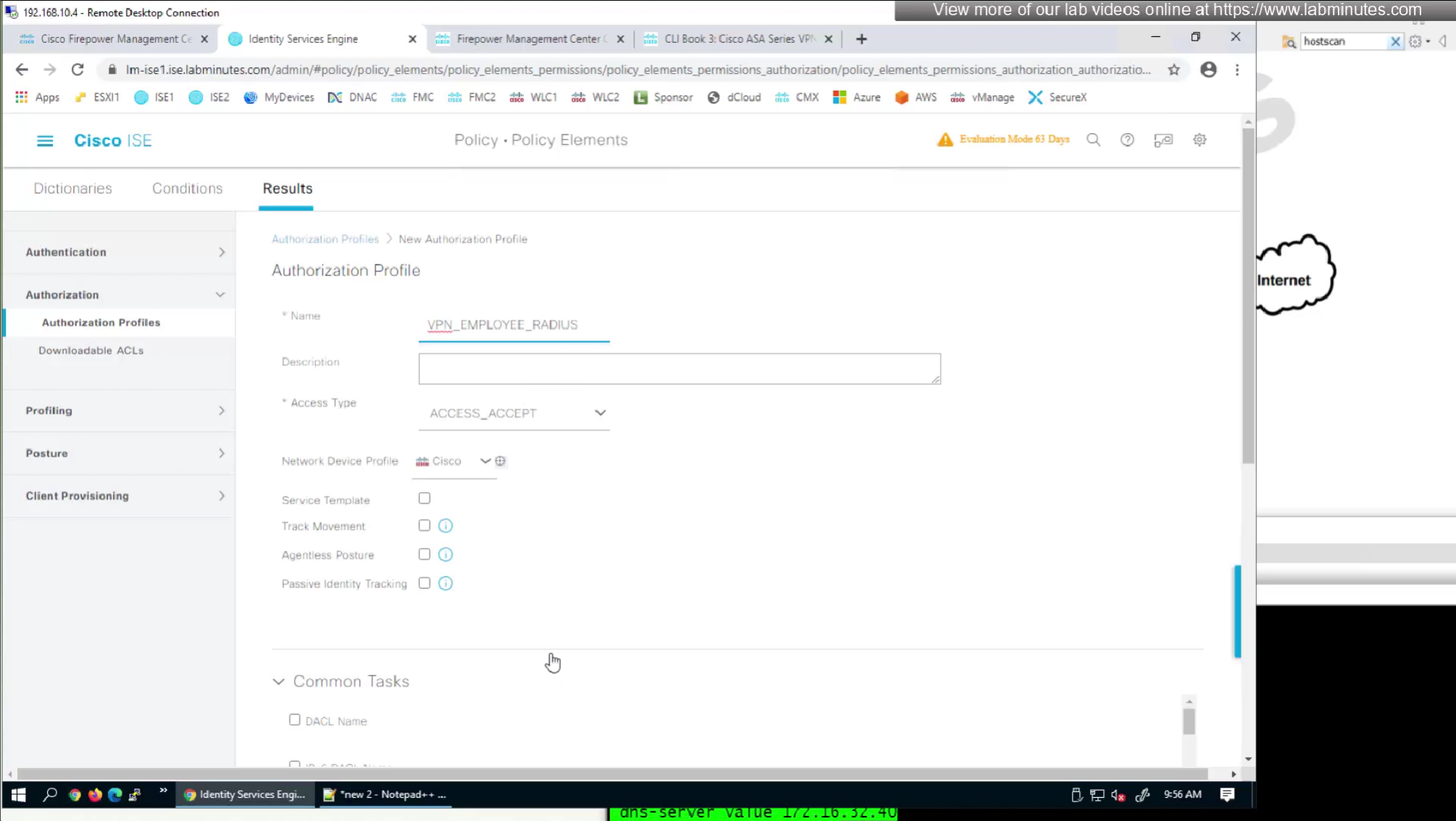
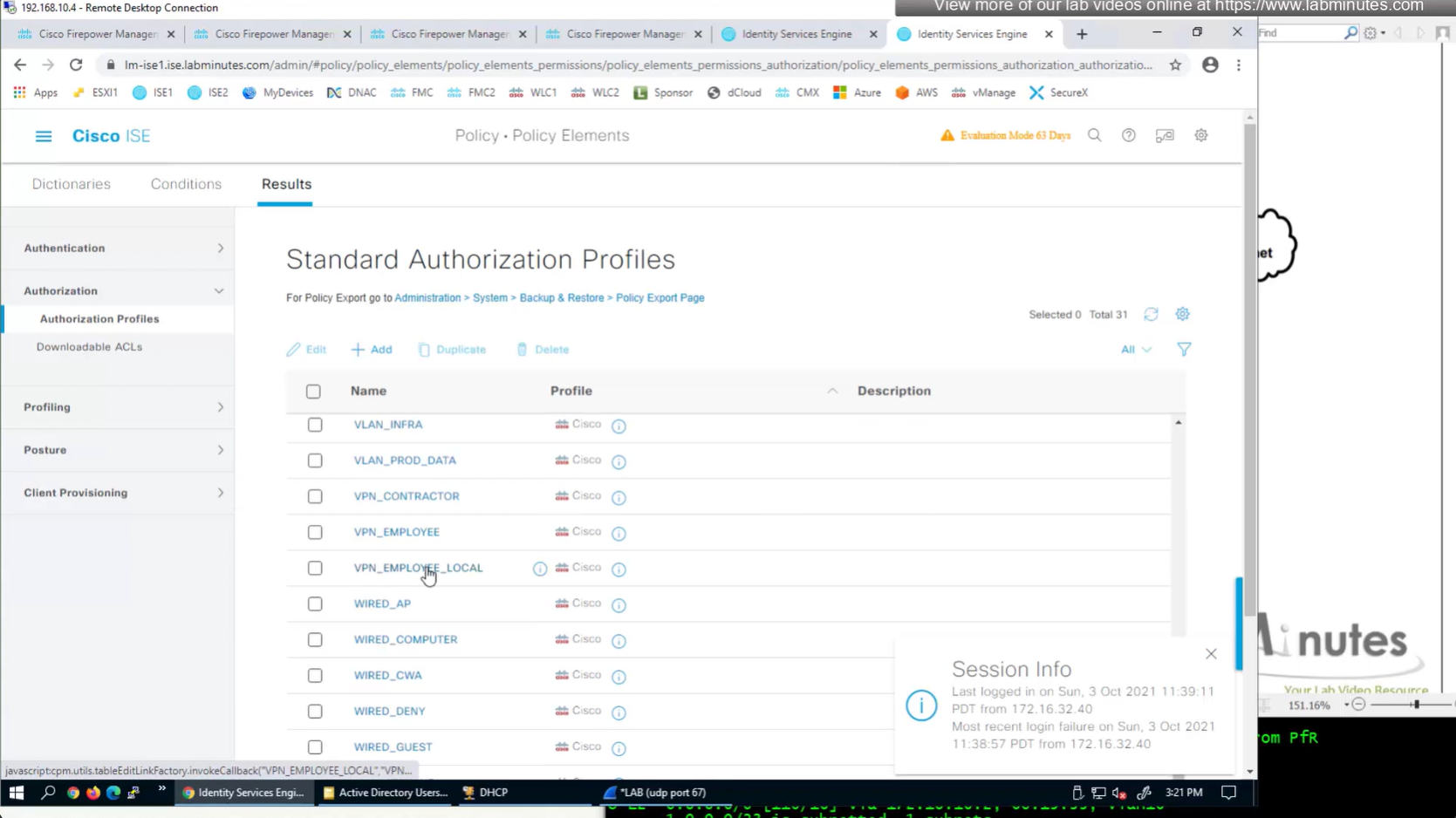
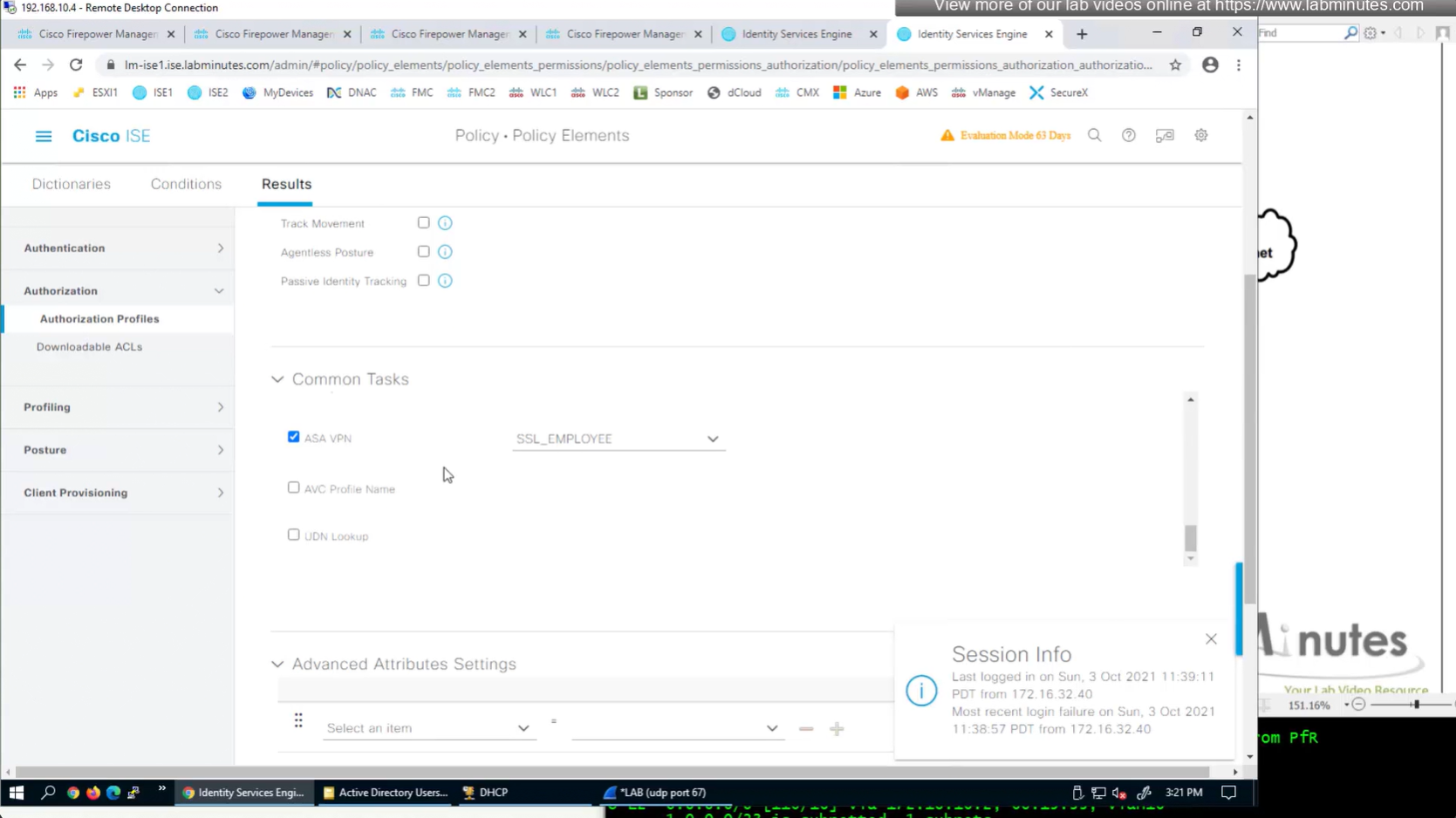
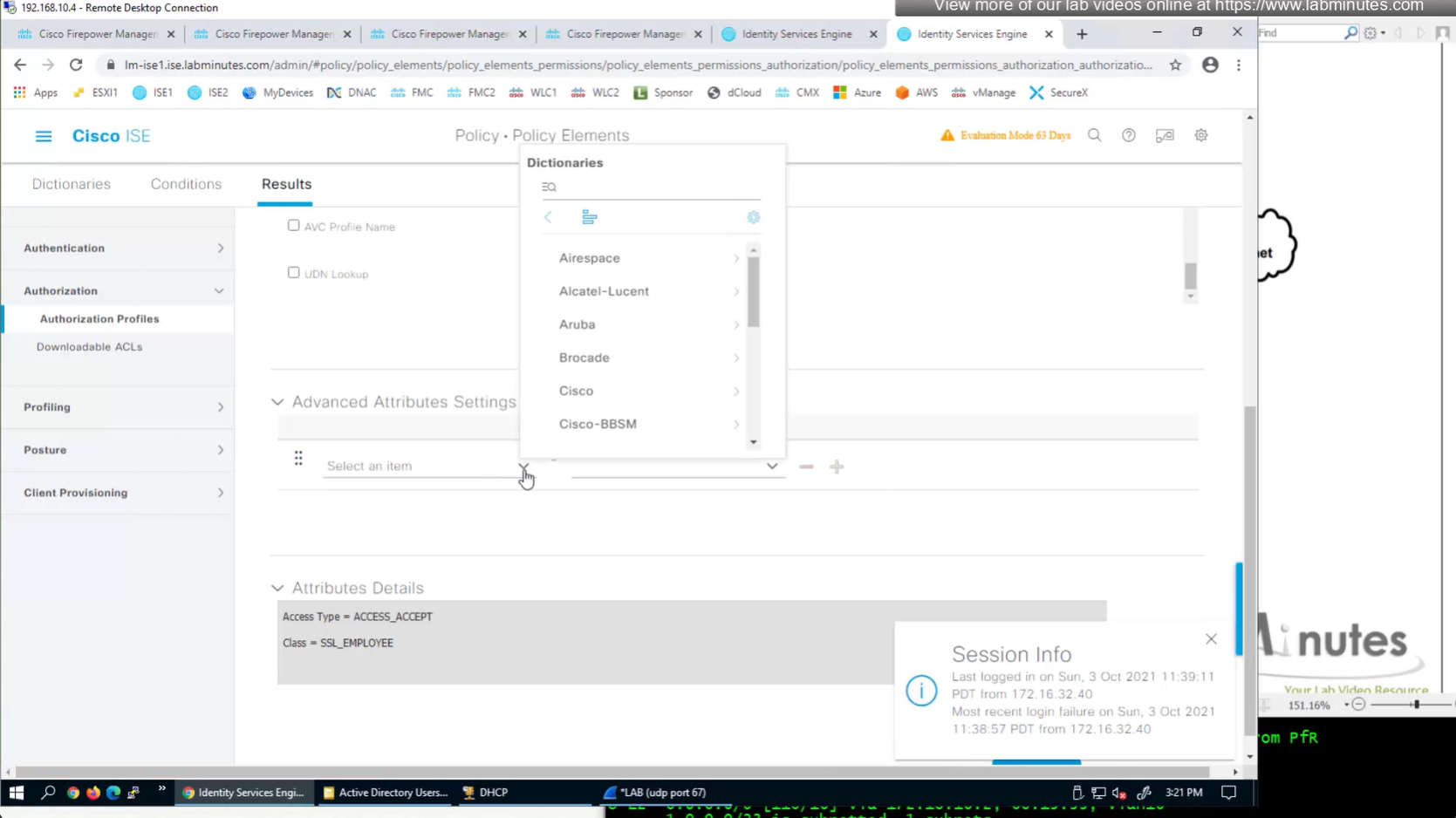
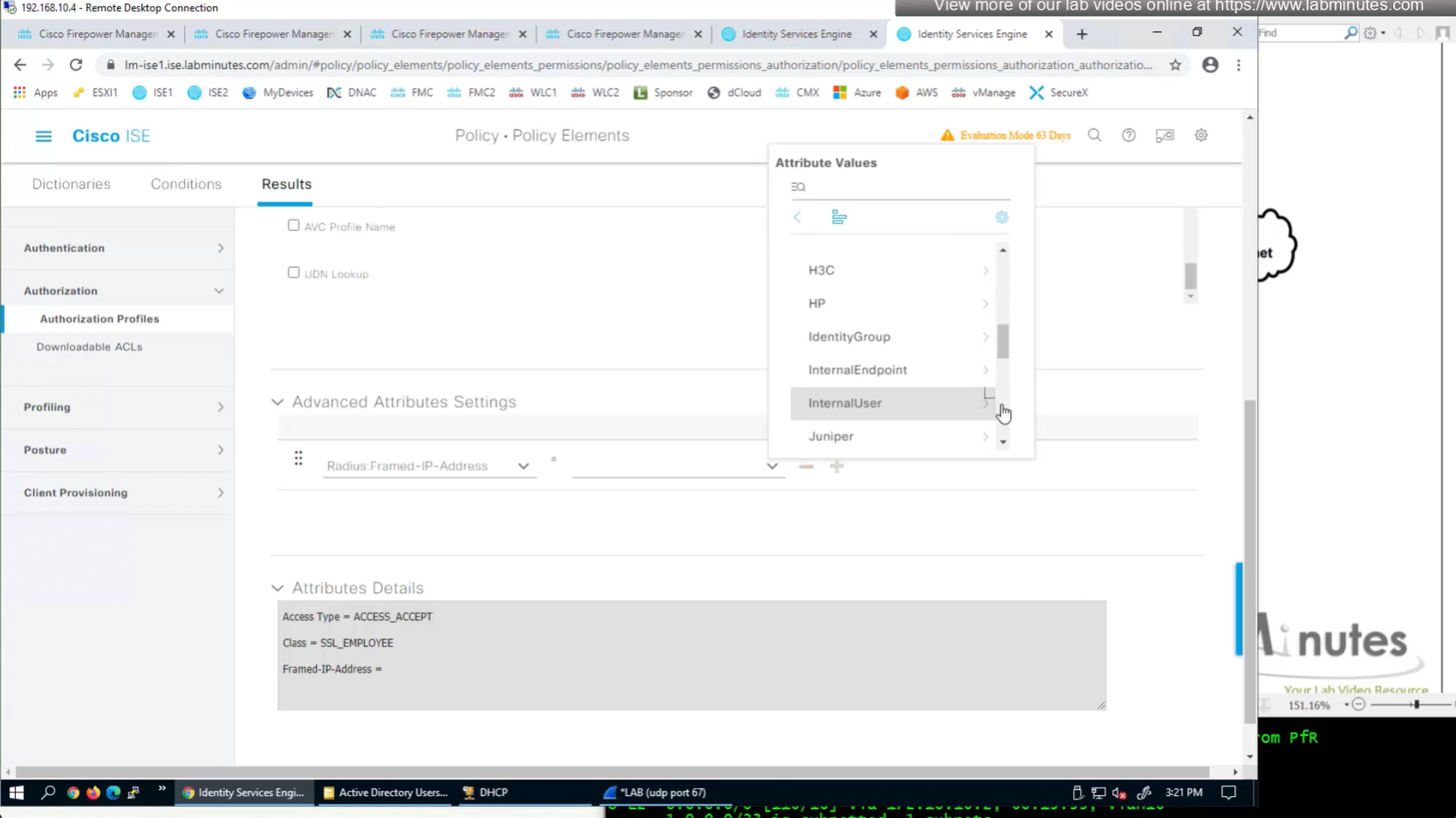
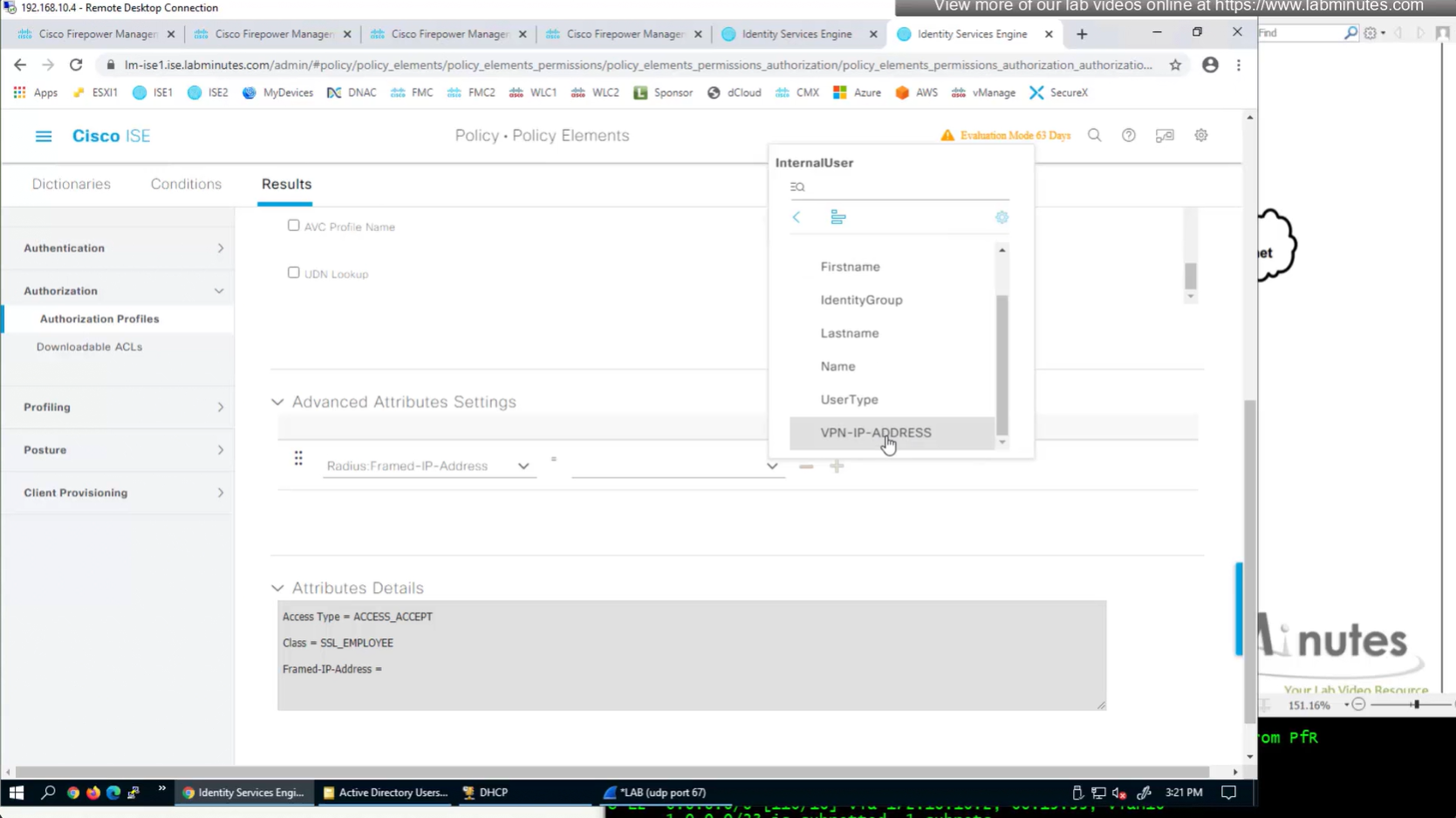
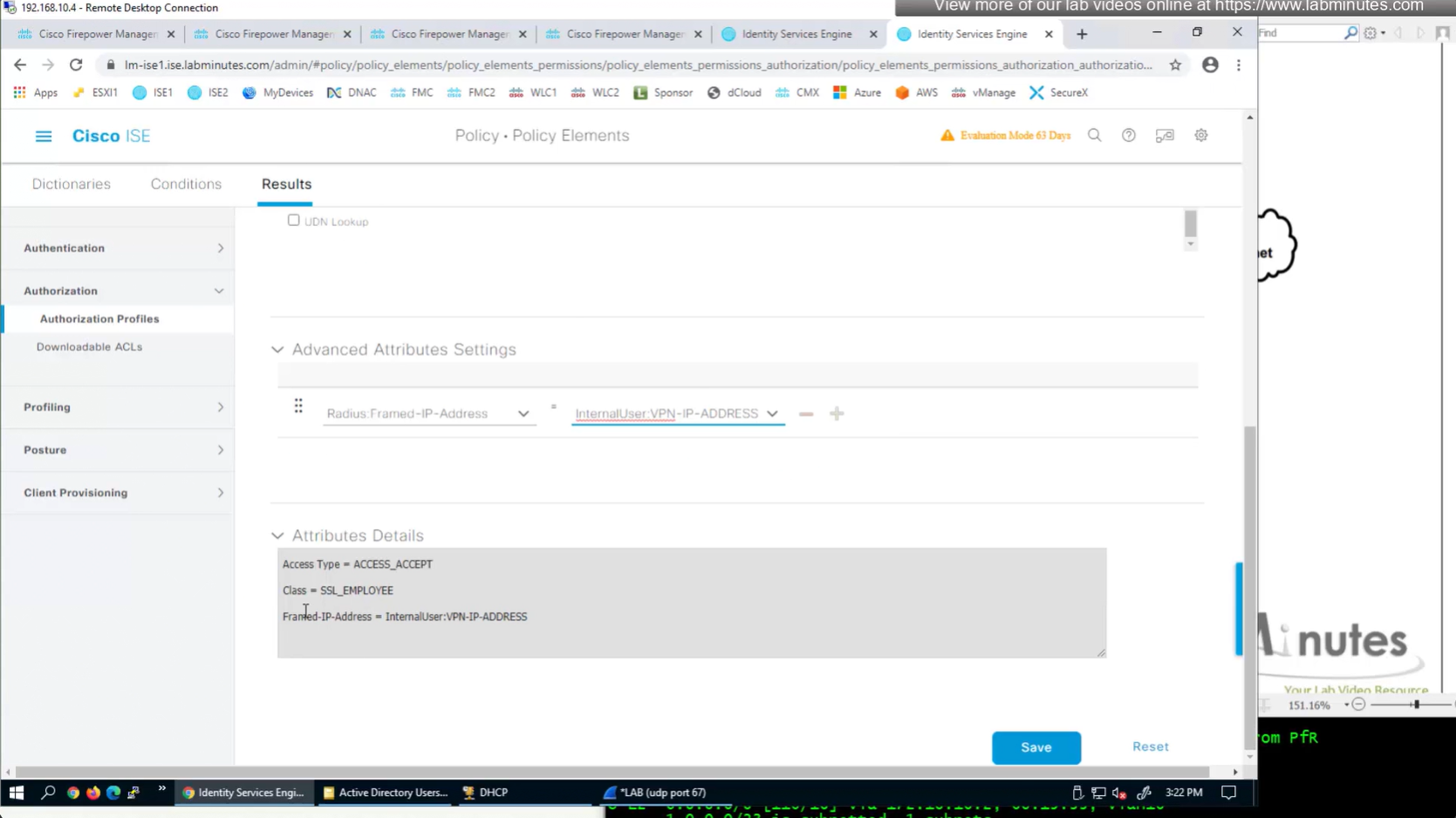
In this authorization profile we will need to use Advanced Attribute settings because these are not common RADIUS attributes
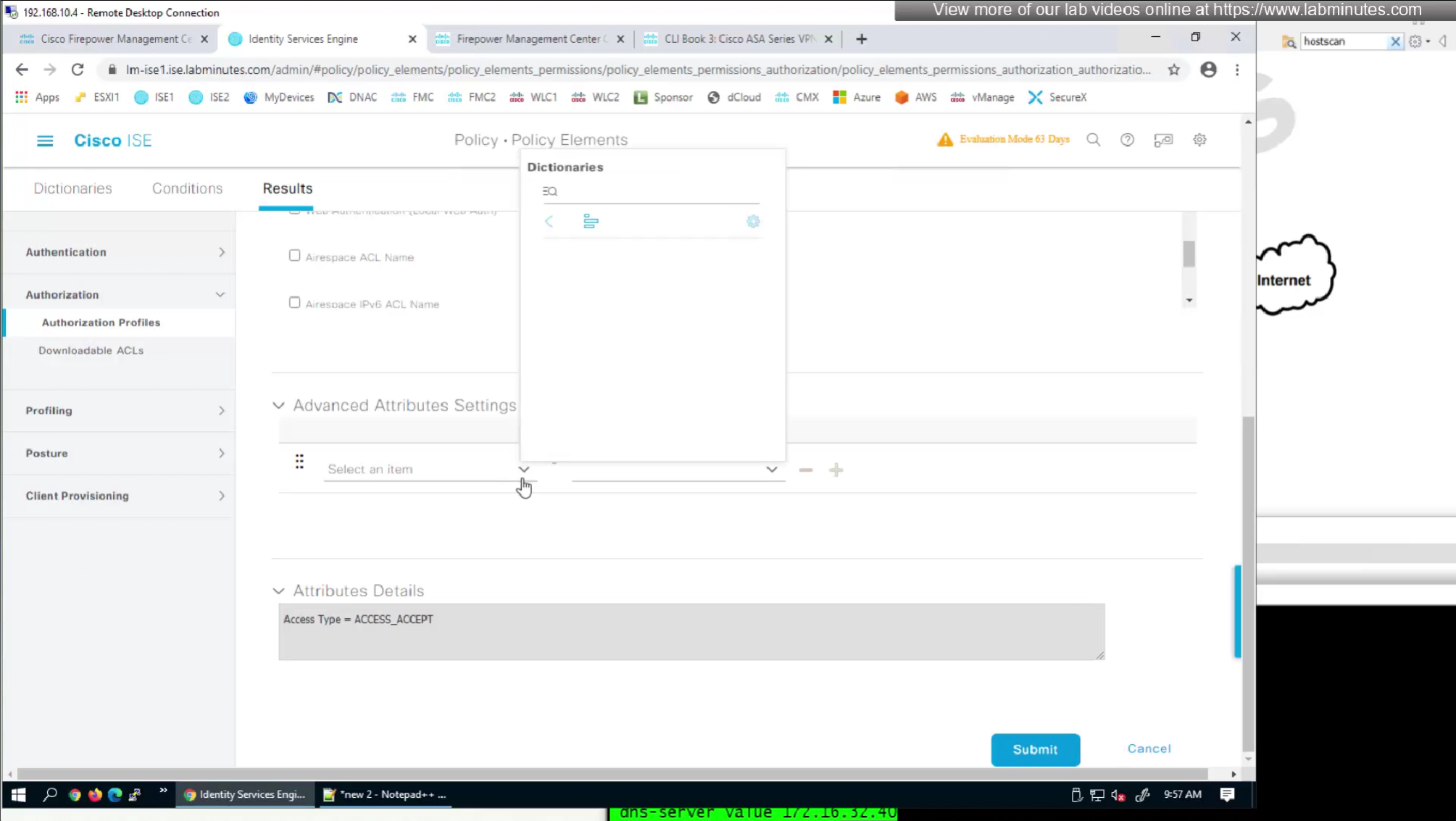
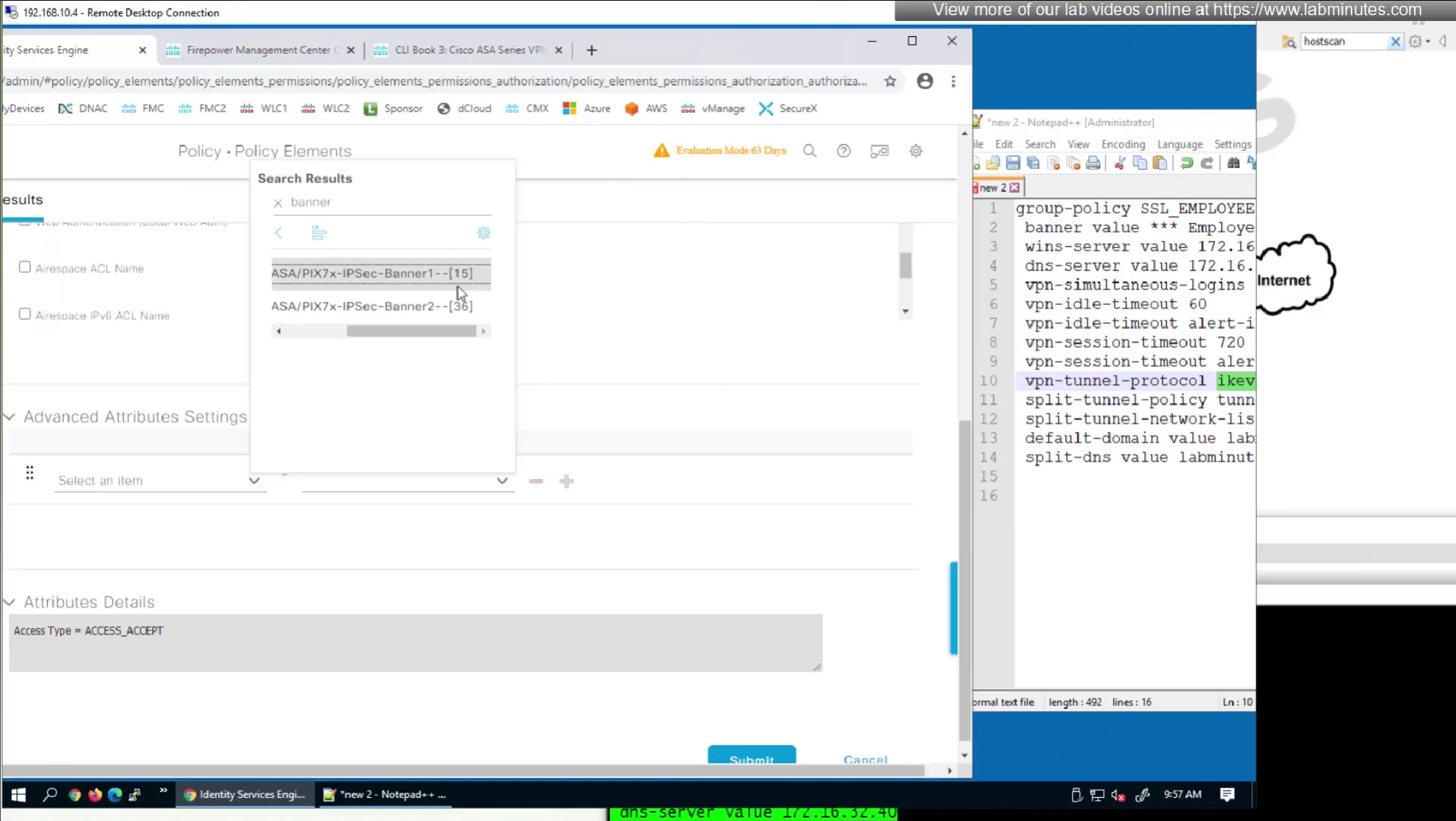
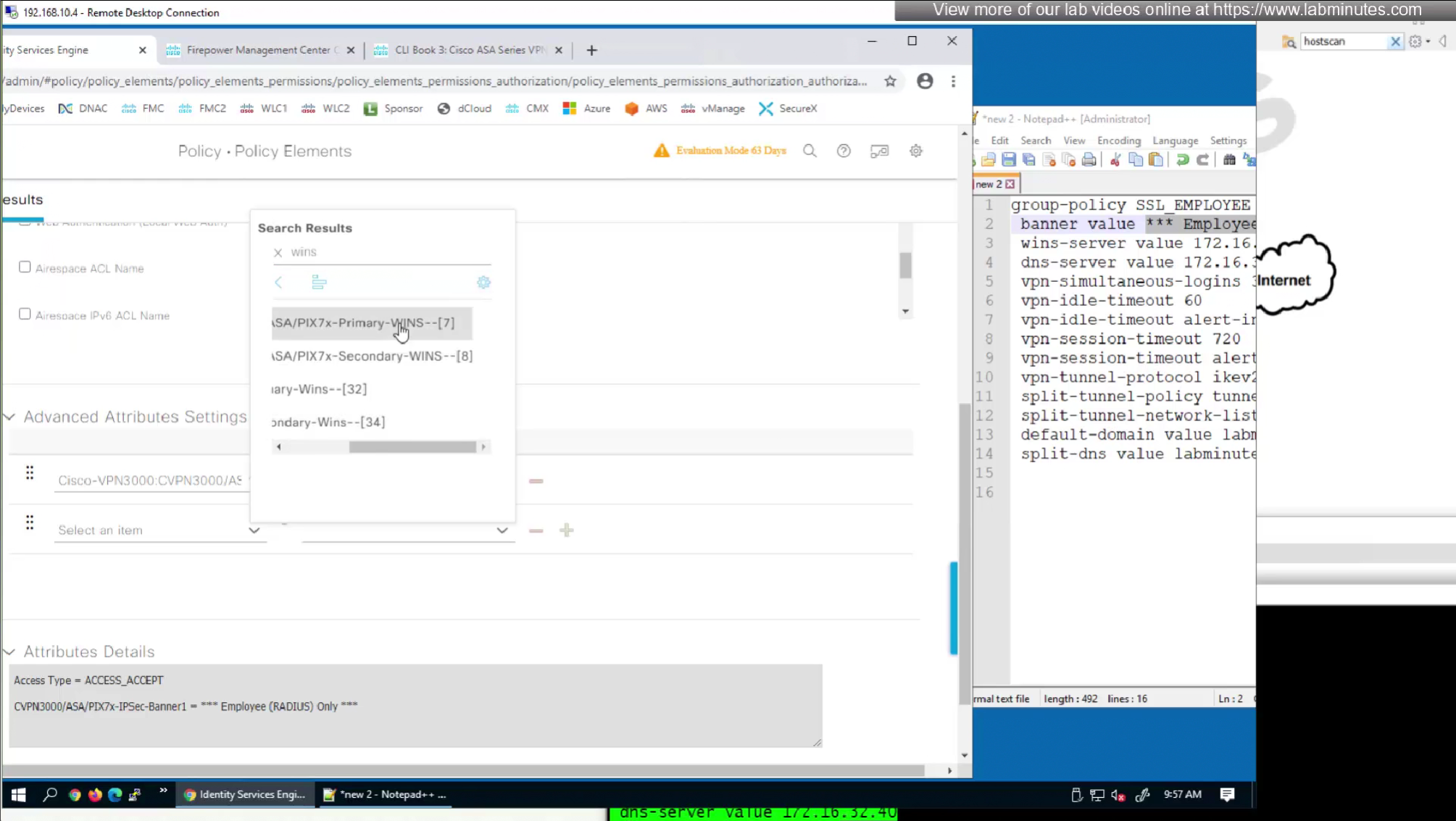
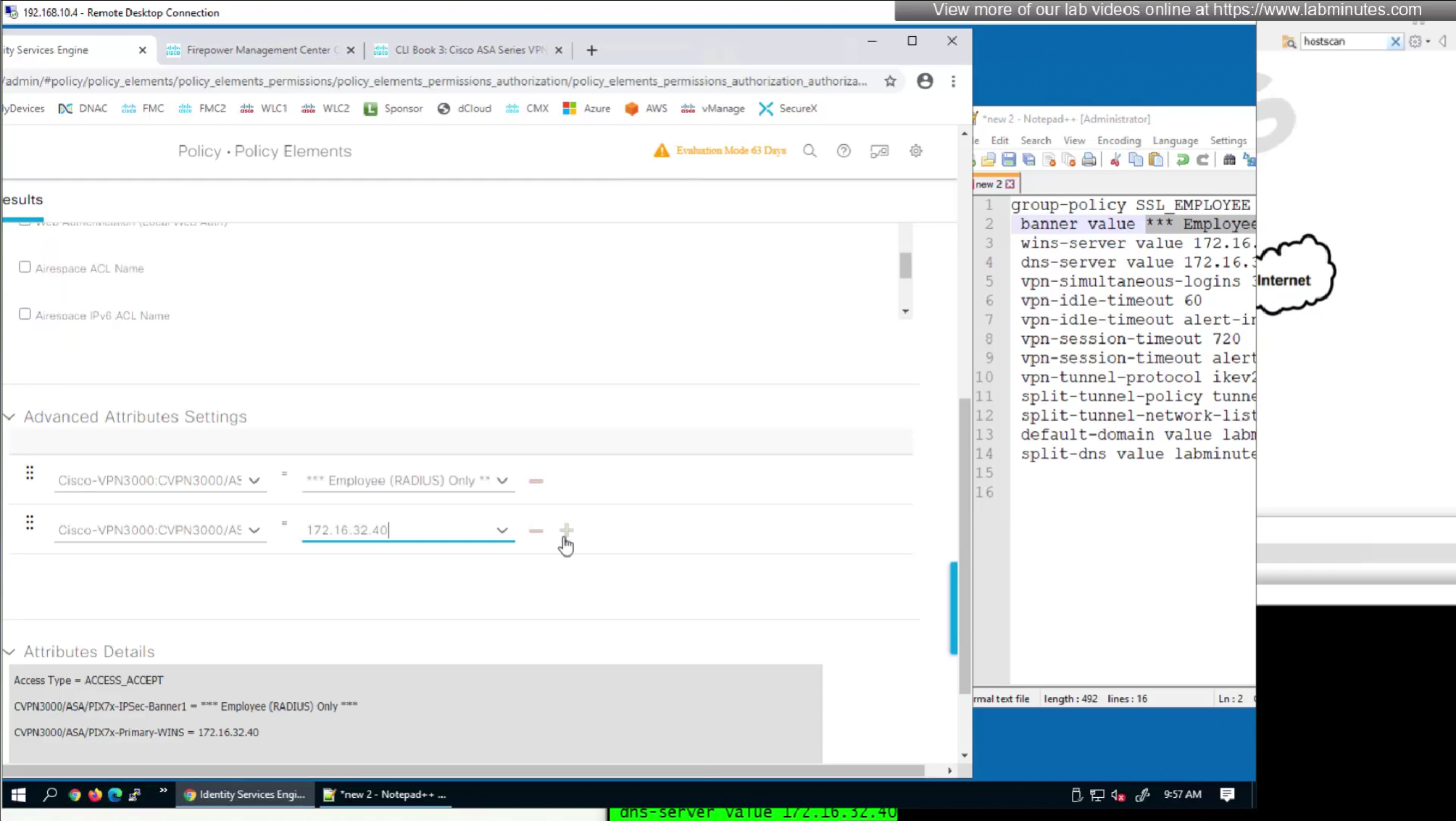
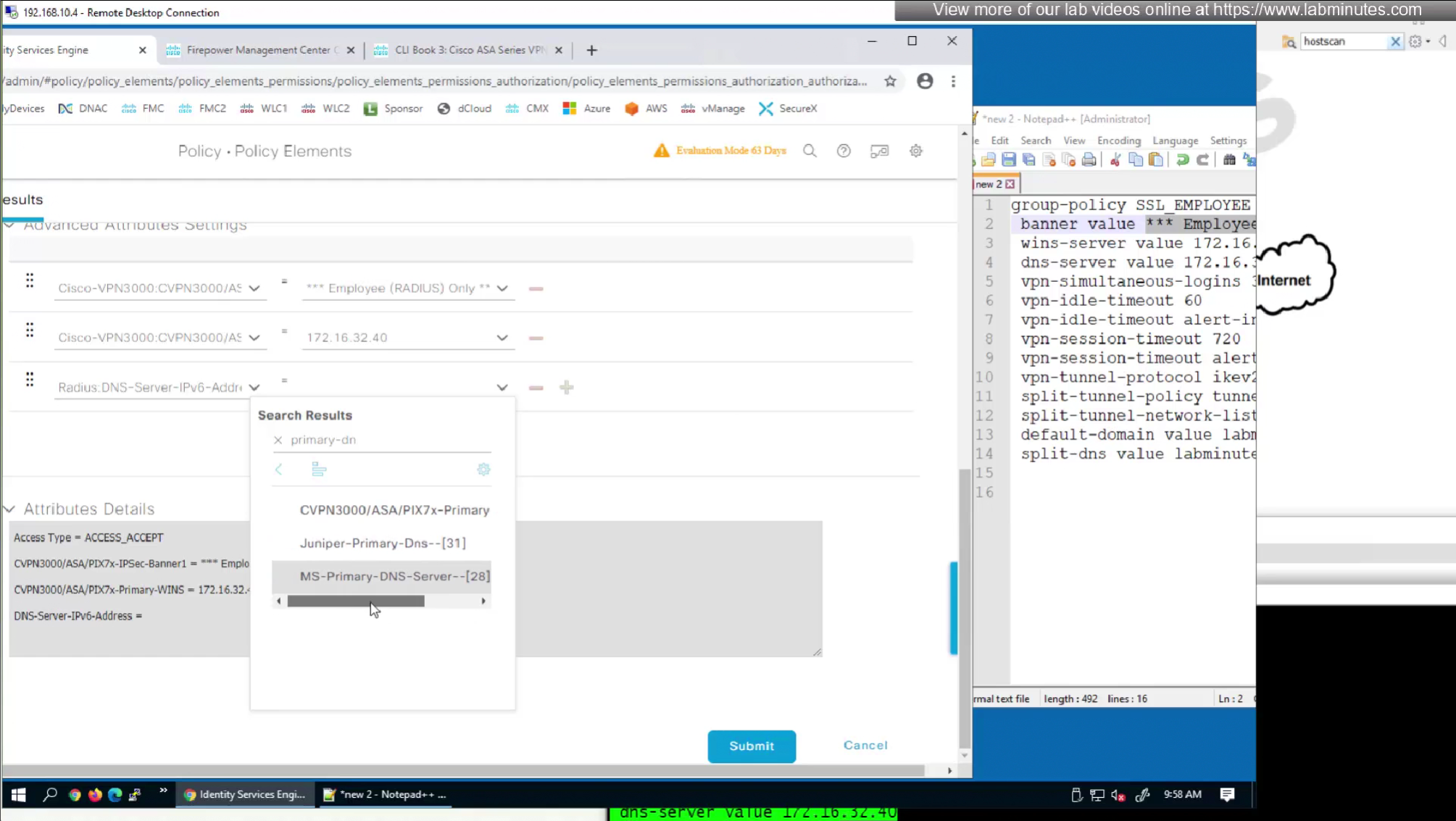
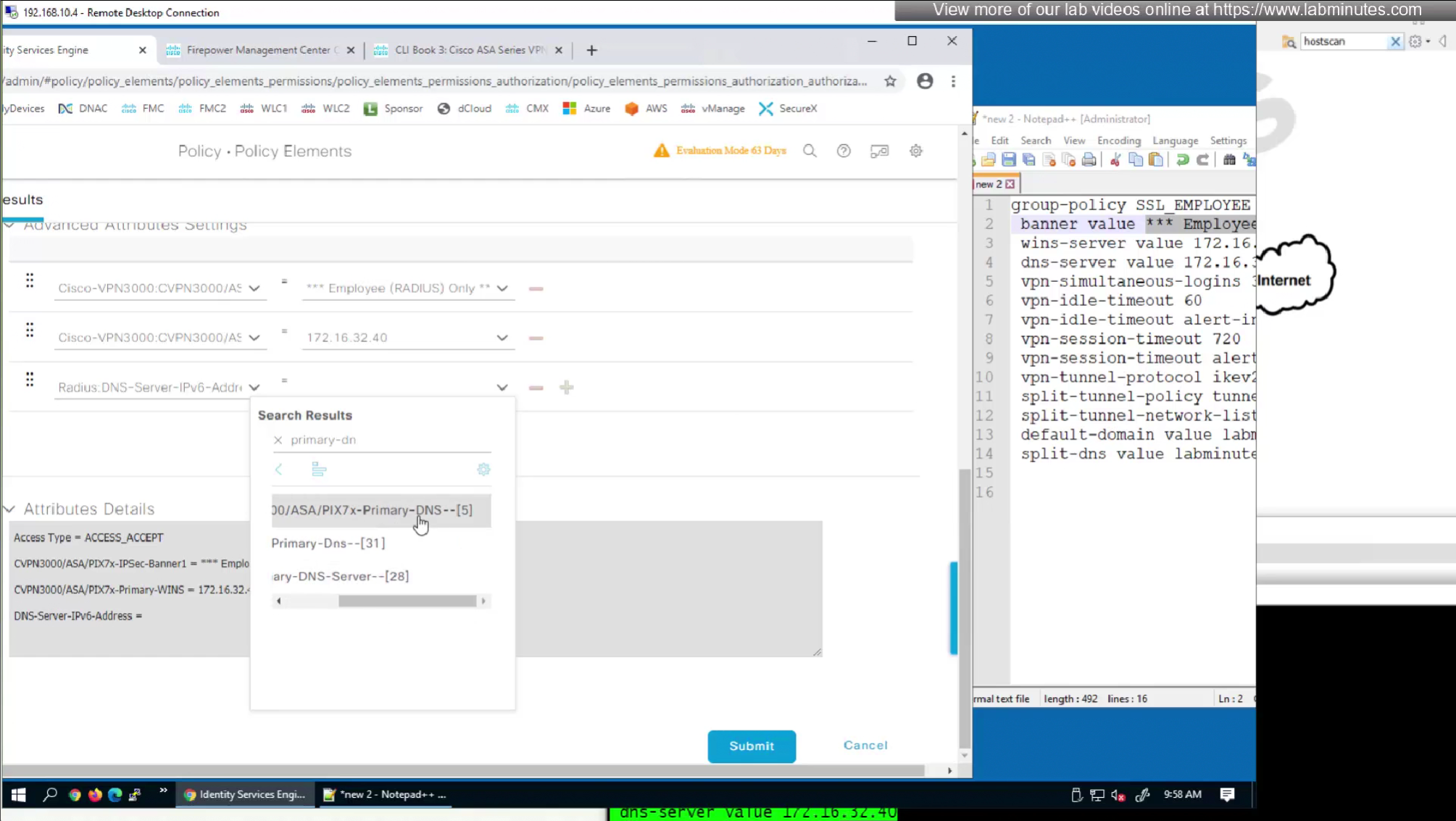
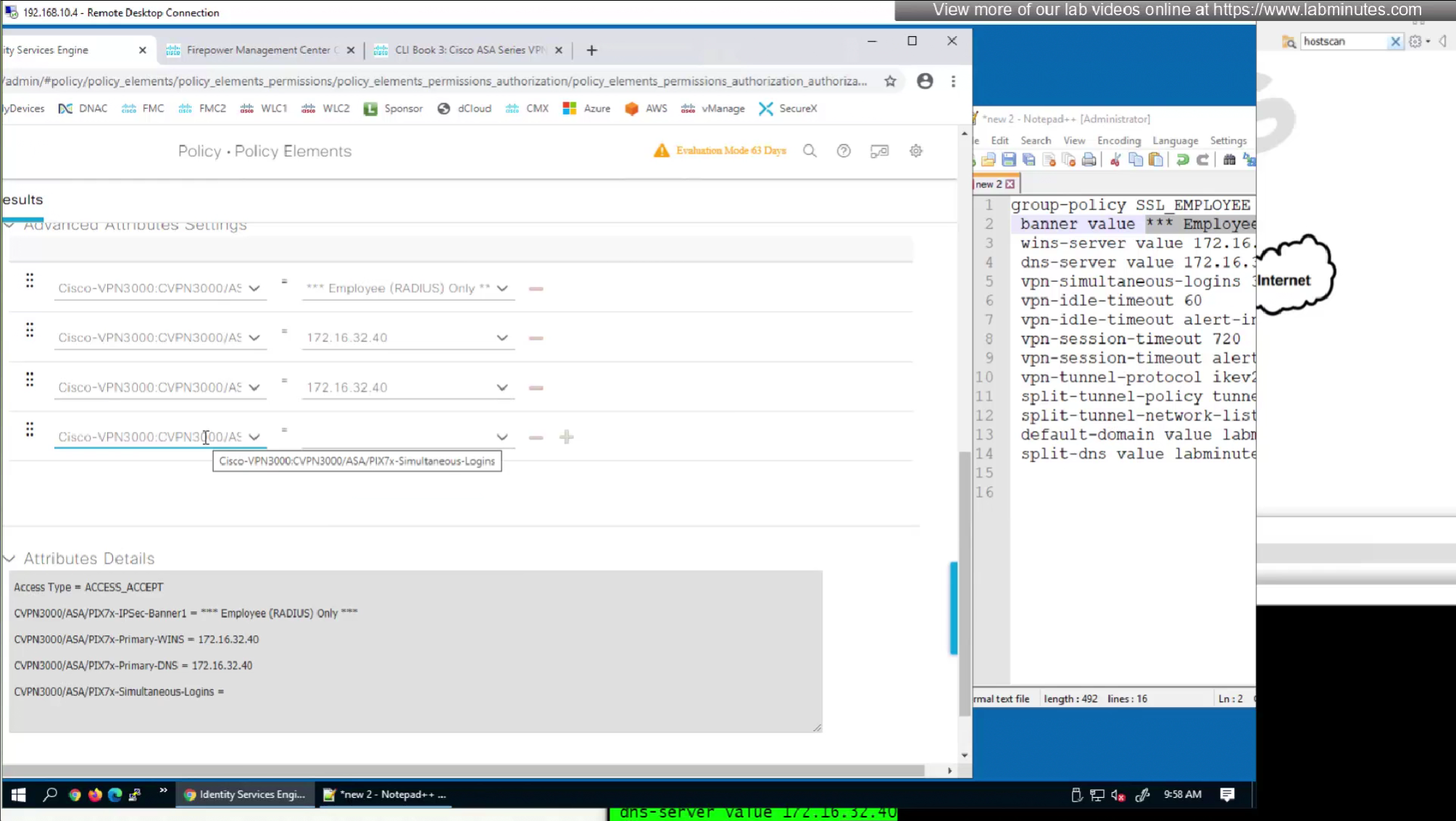
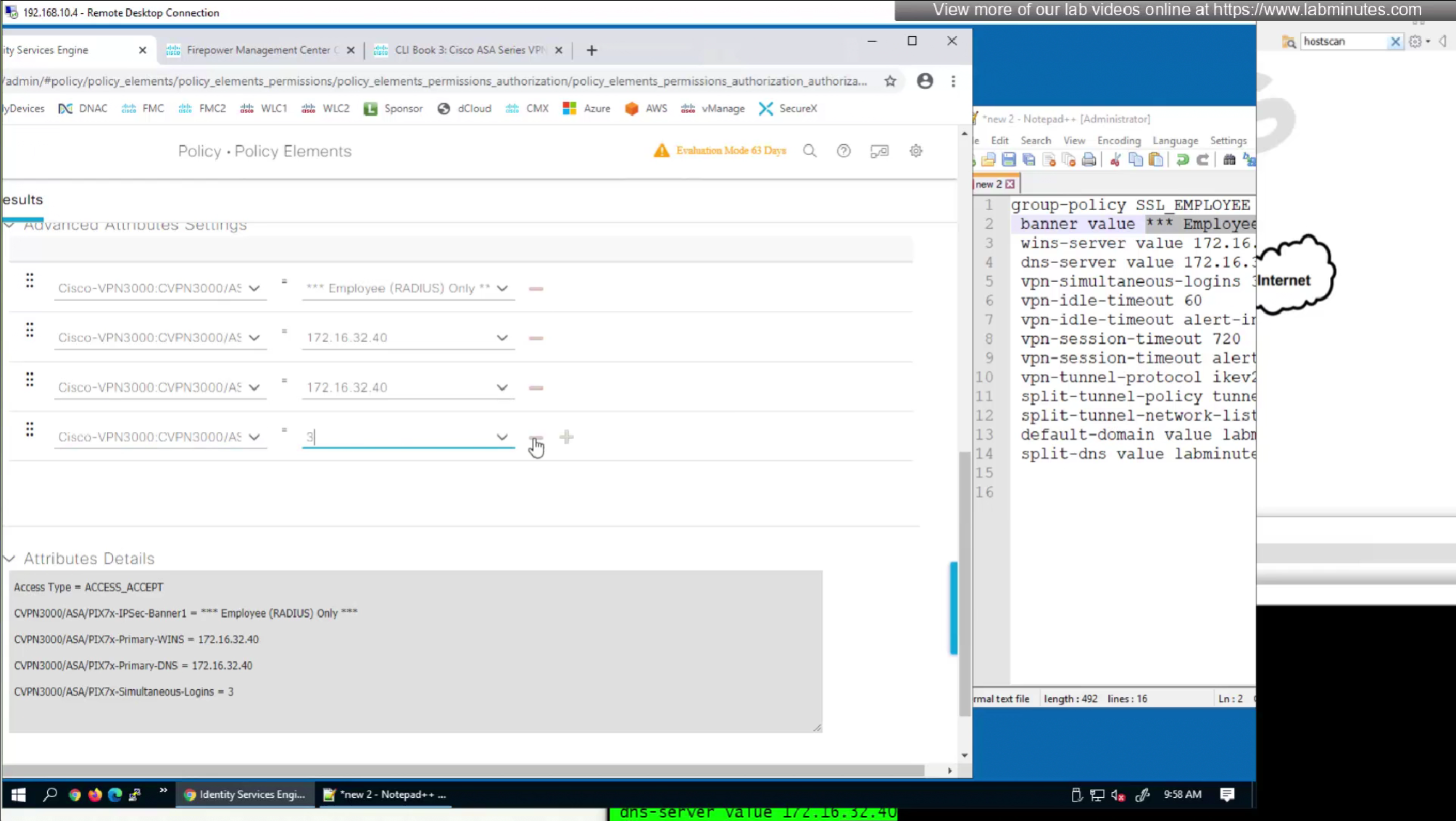
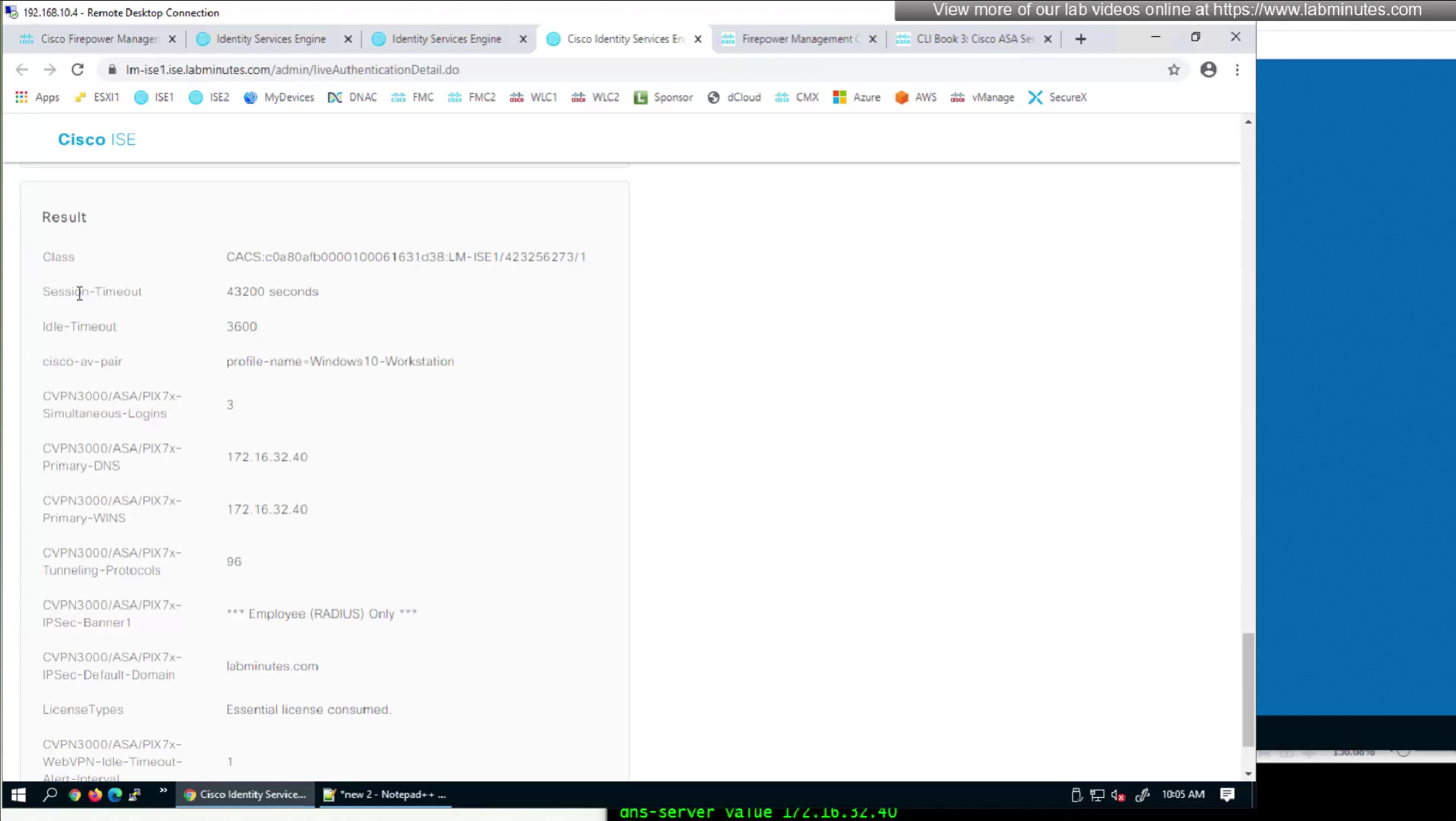
Here we will set time in seconds 3600 instead of 60 minutes
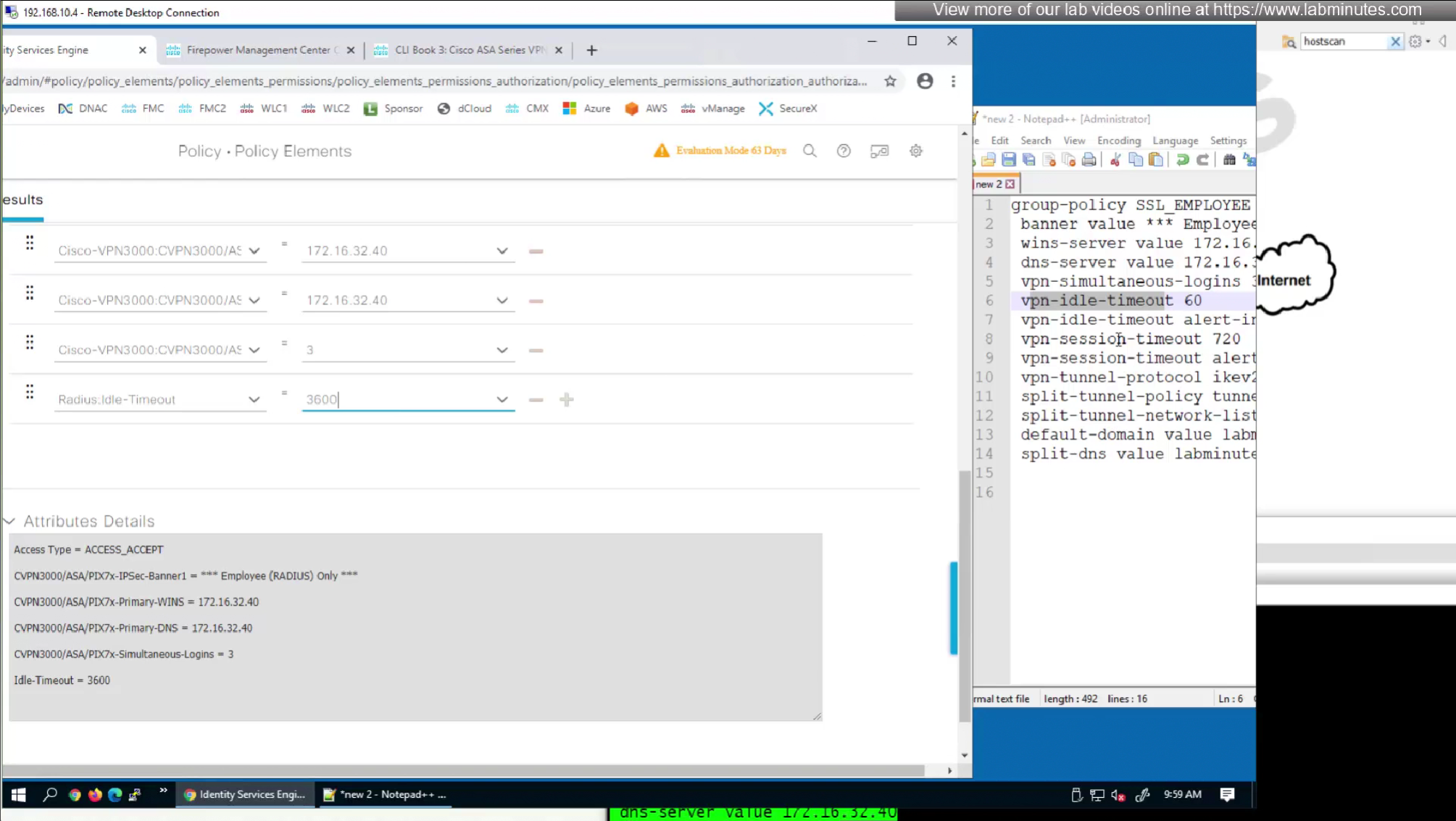
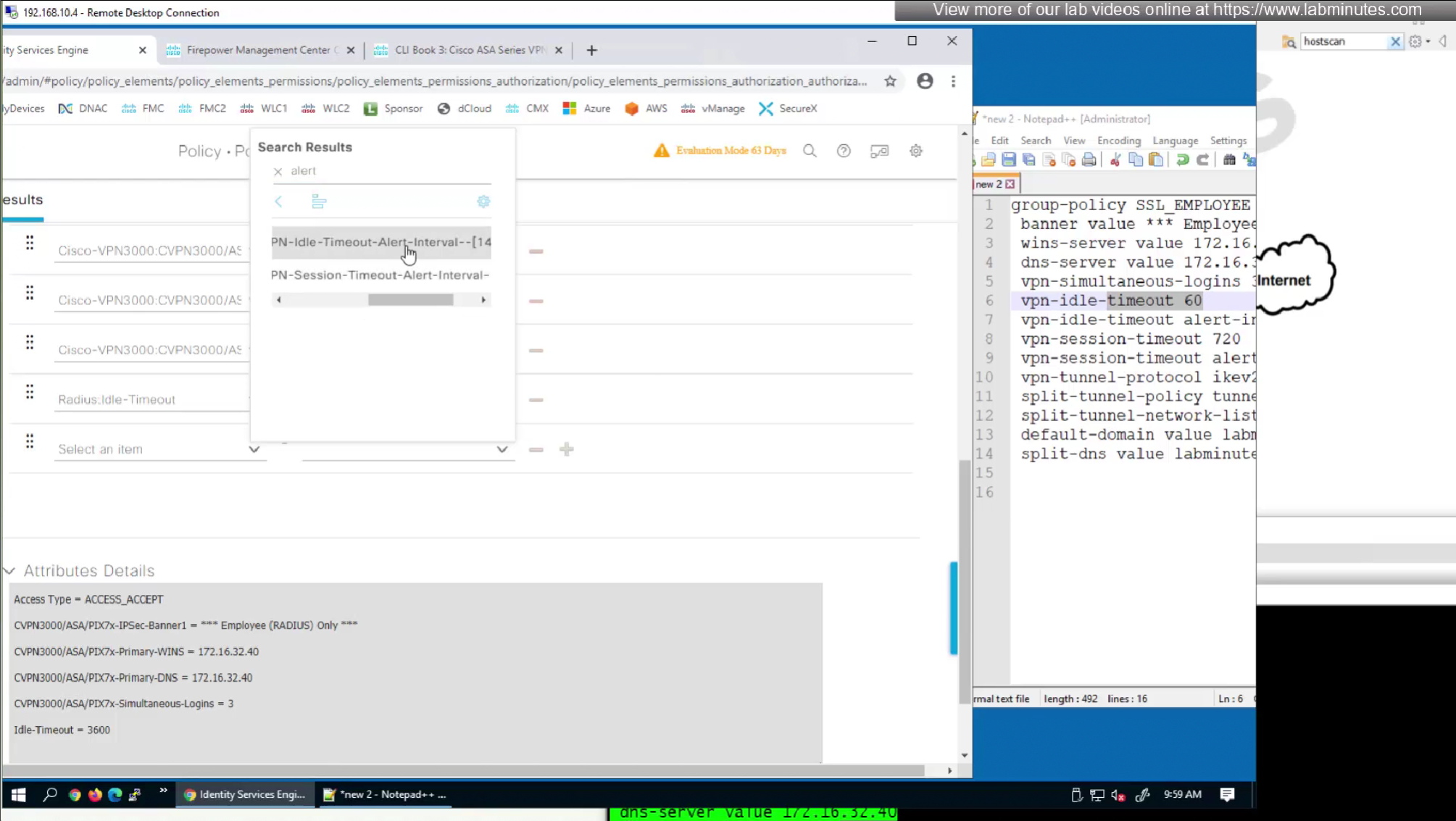
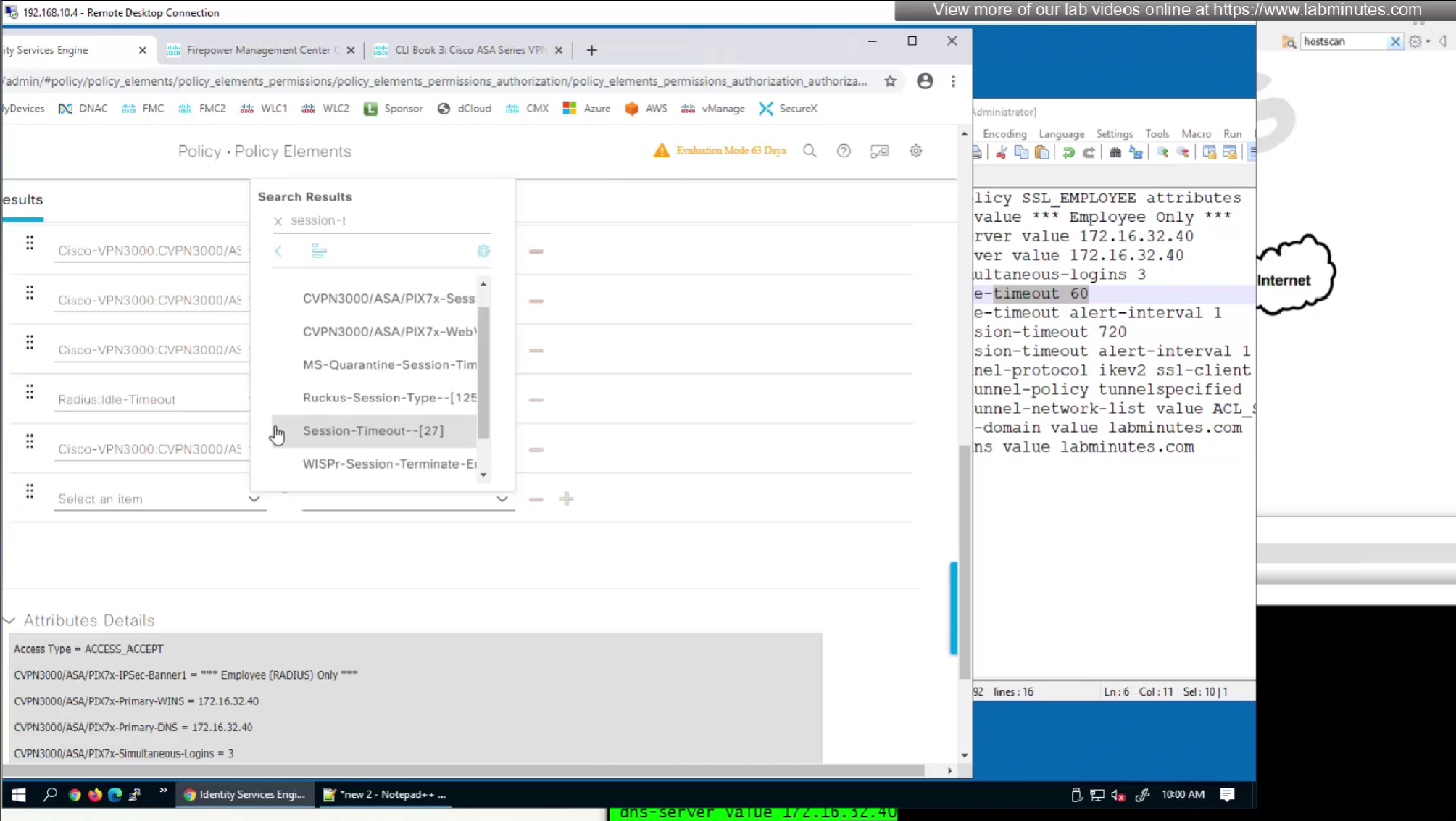
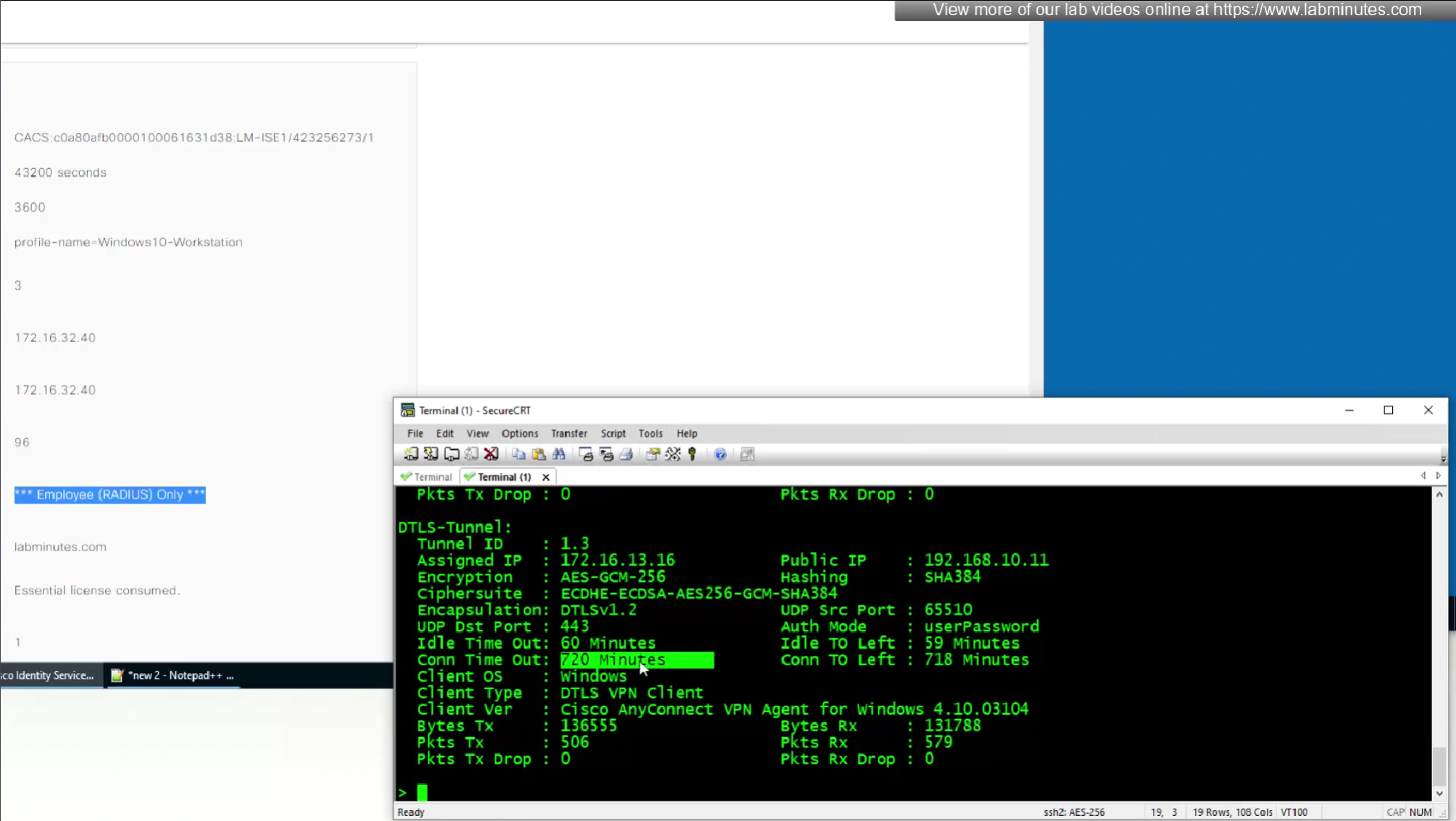
Here also we will set 12 hours time in 43200 seconds instead of minutes (720 mins)
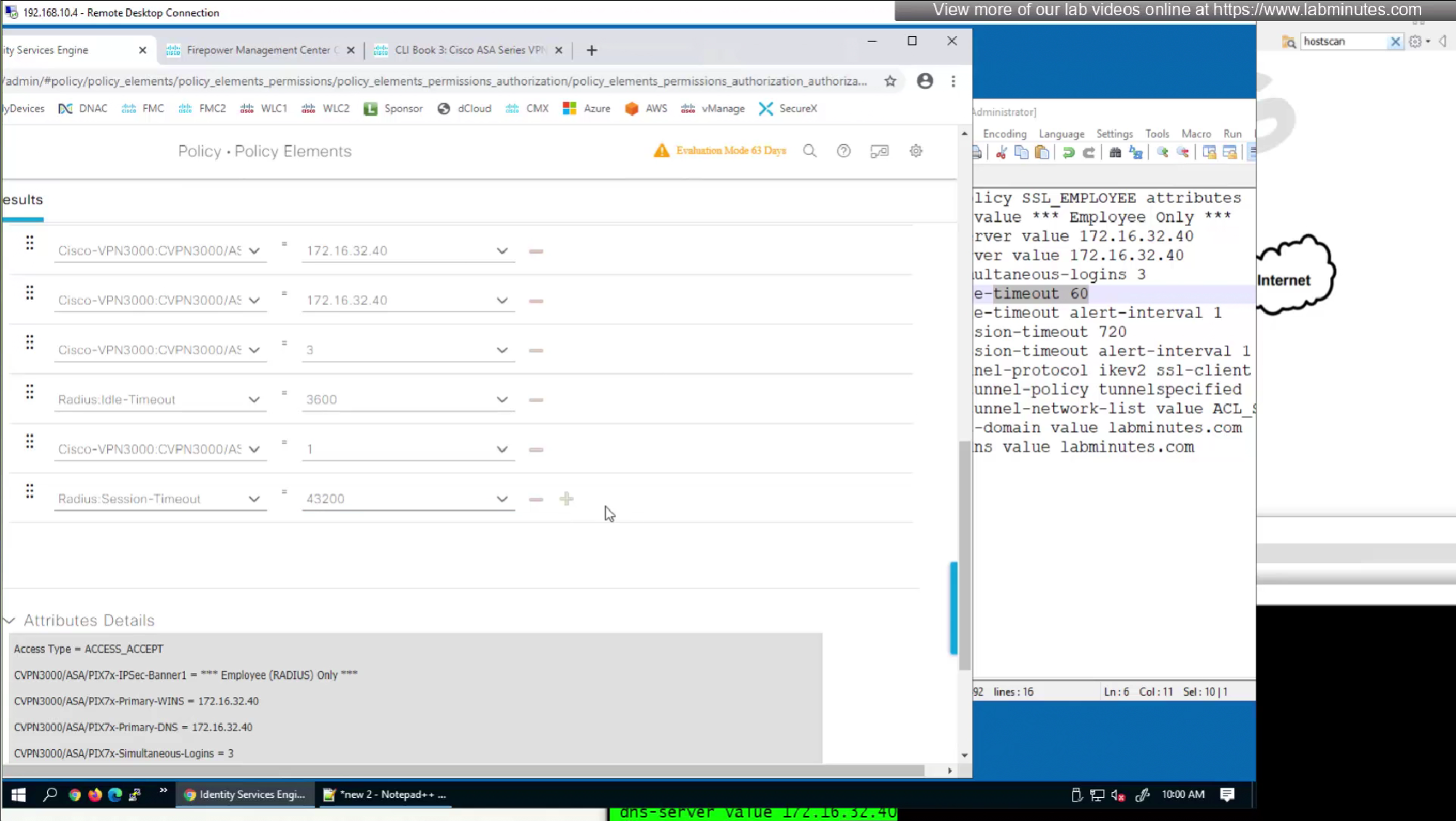
attributes with “Radius” in front means that these are IETF attributes spelled simply as Idle-Timeout and Session-Timeout similarly attributes with Cisco-VPN3000 are vendor specific attributes
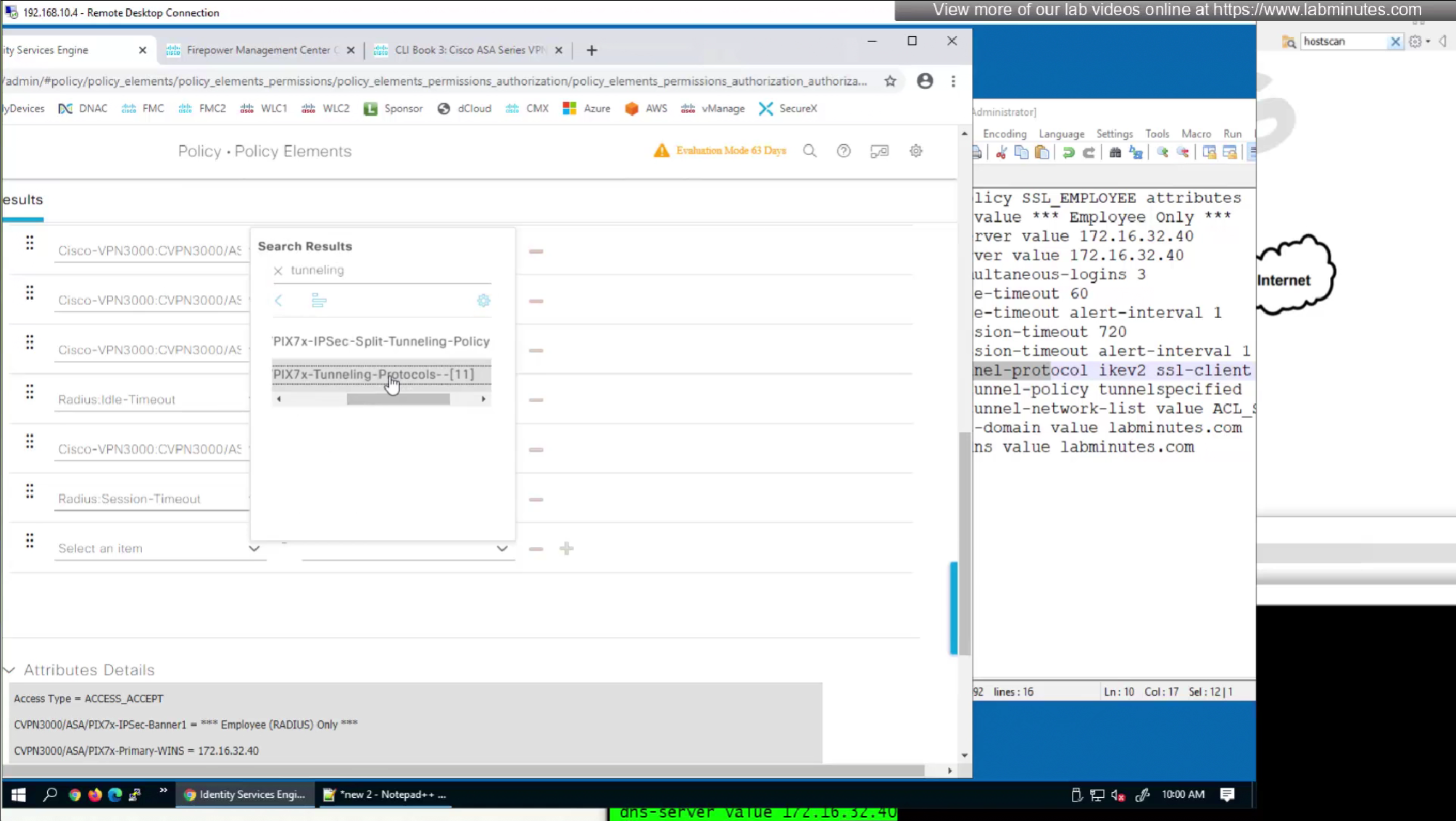
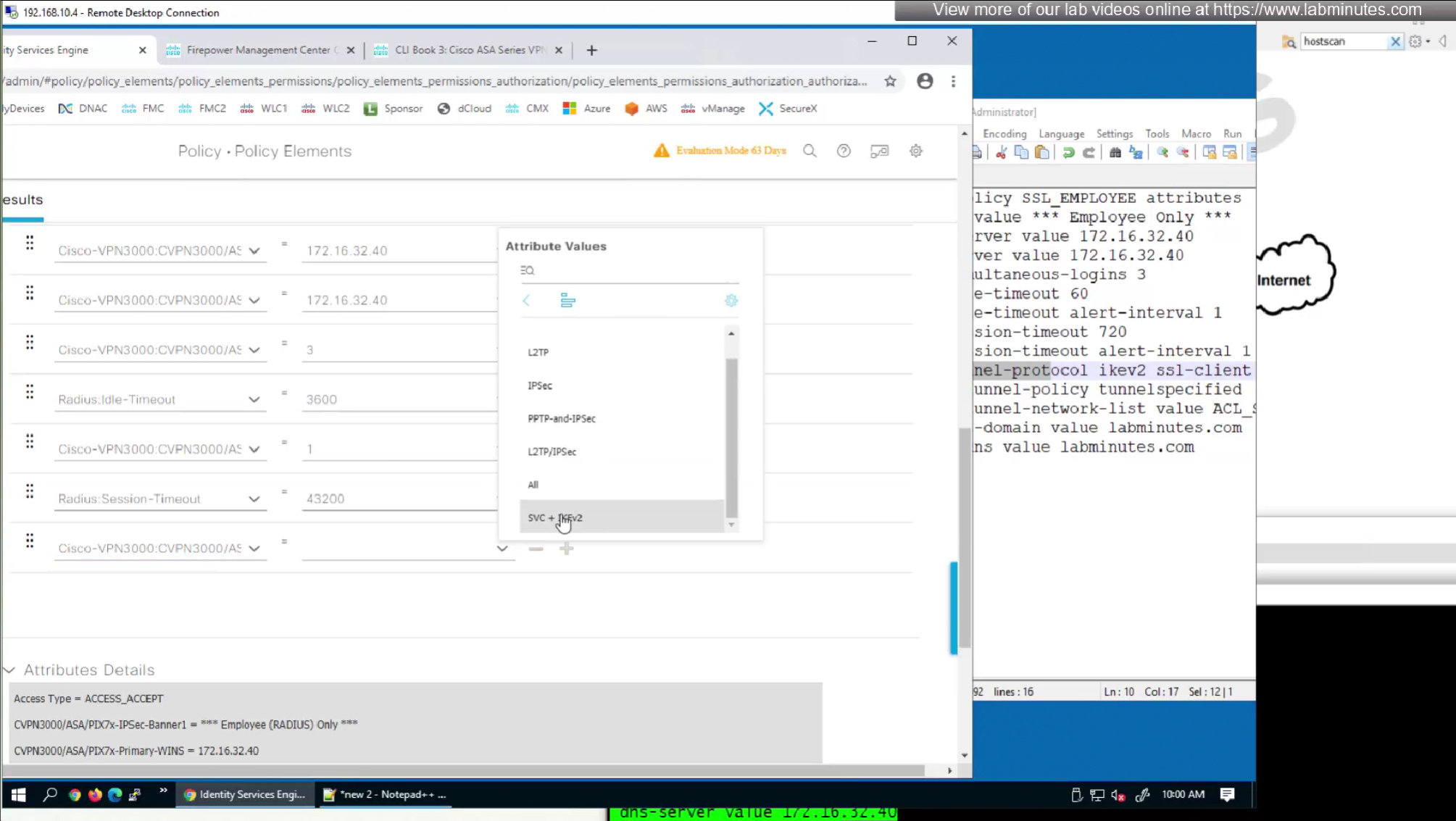
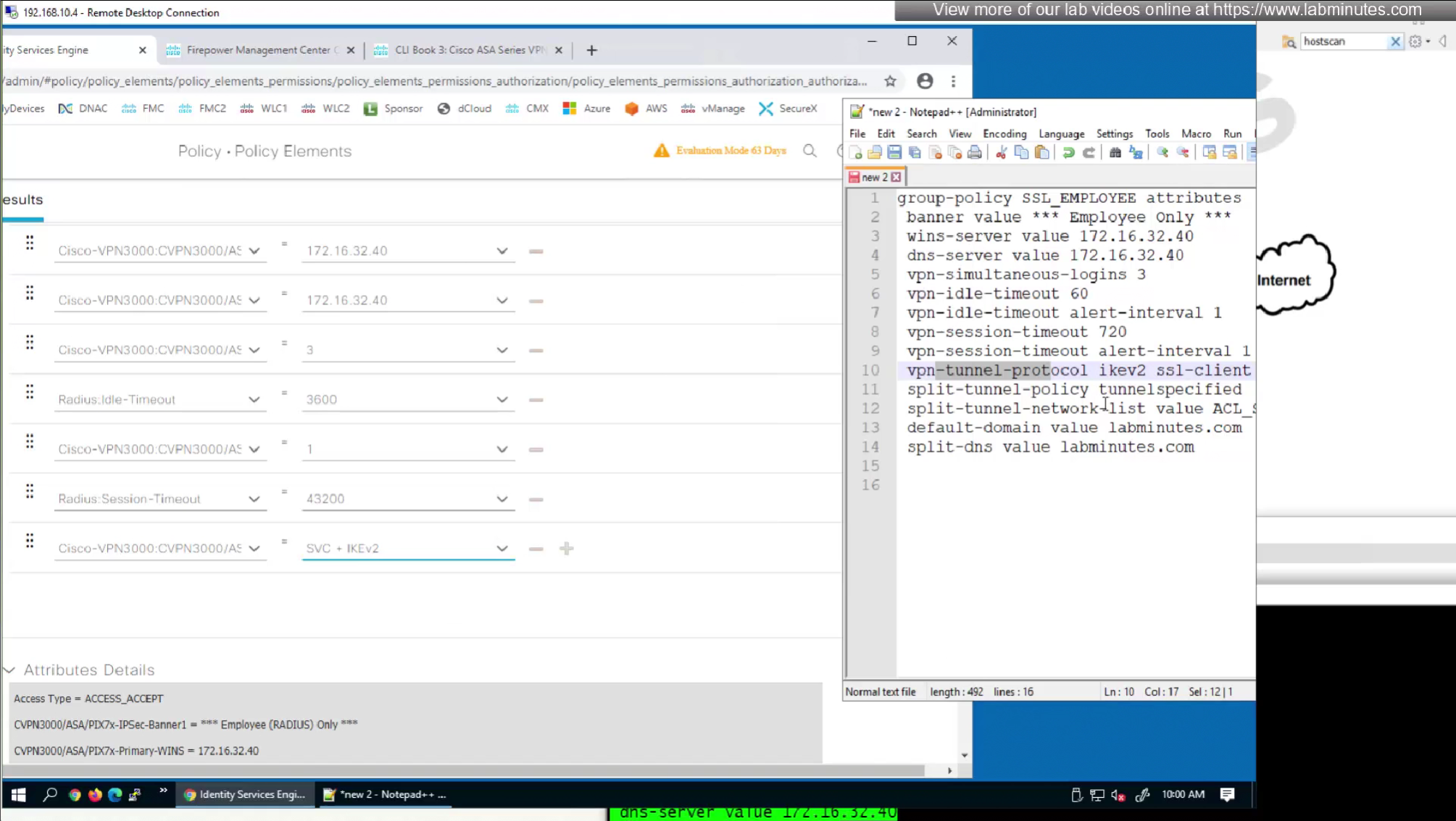

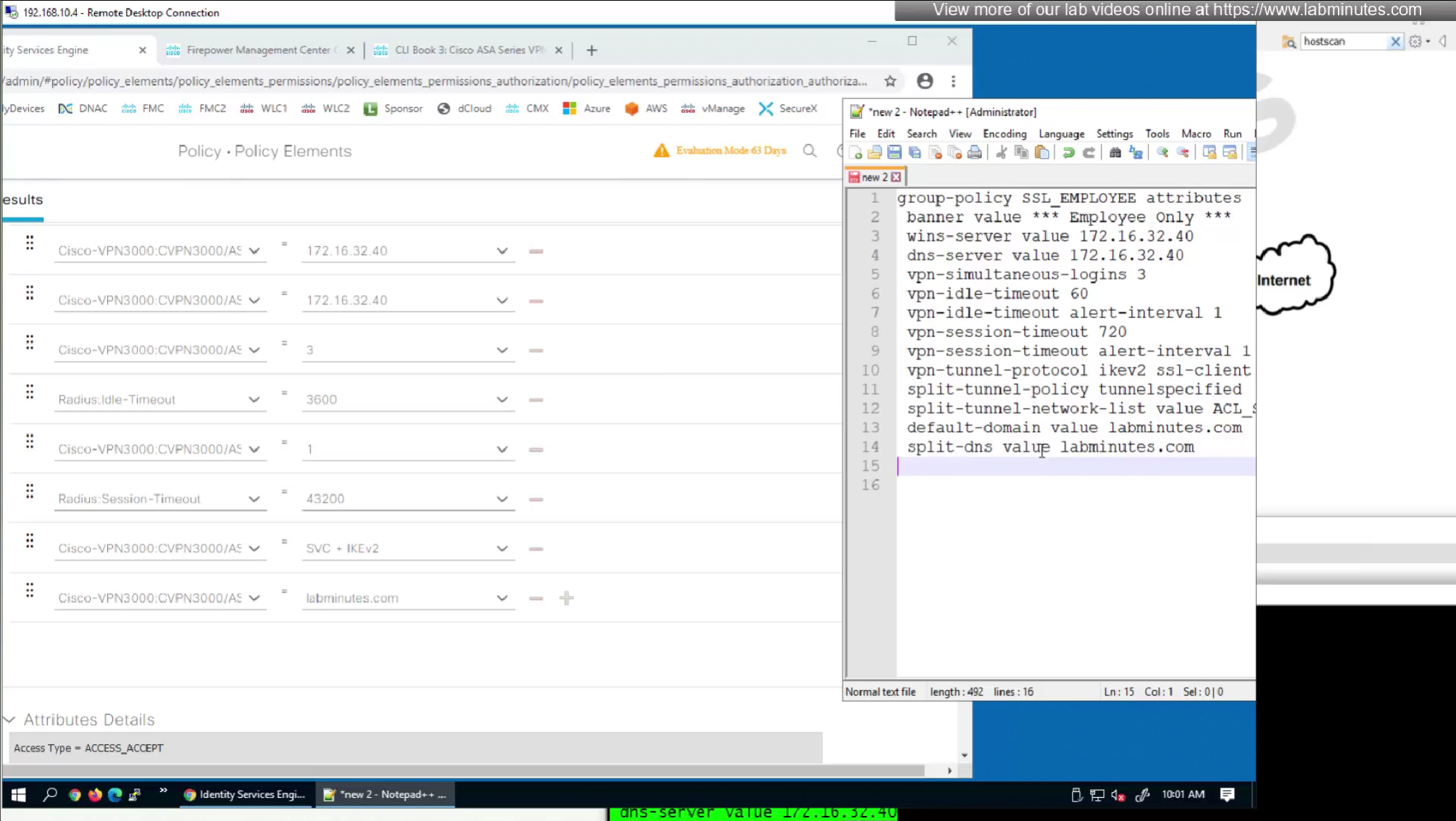
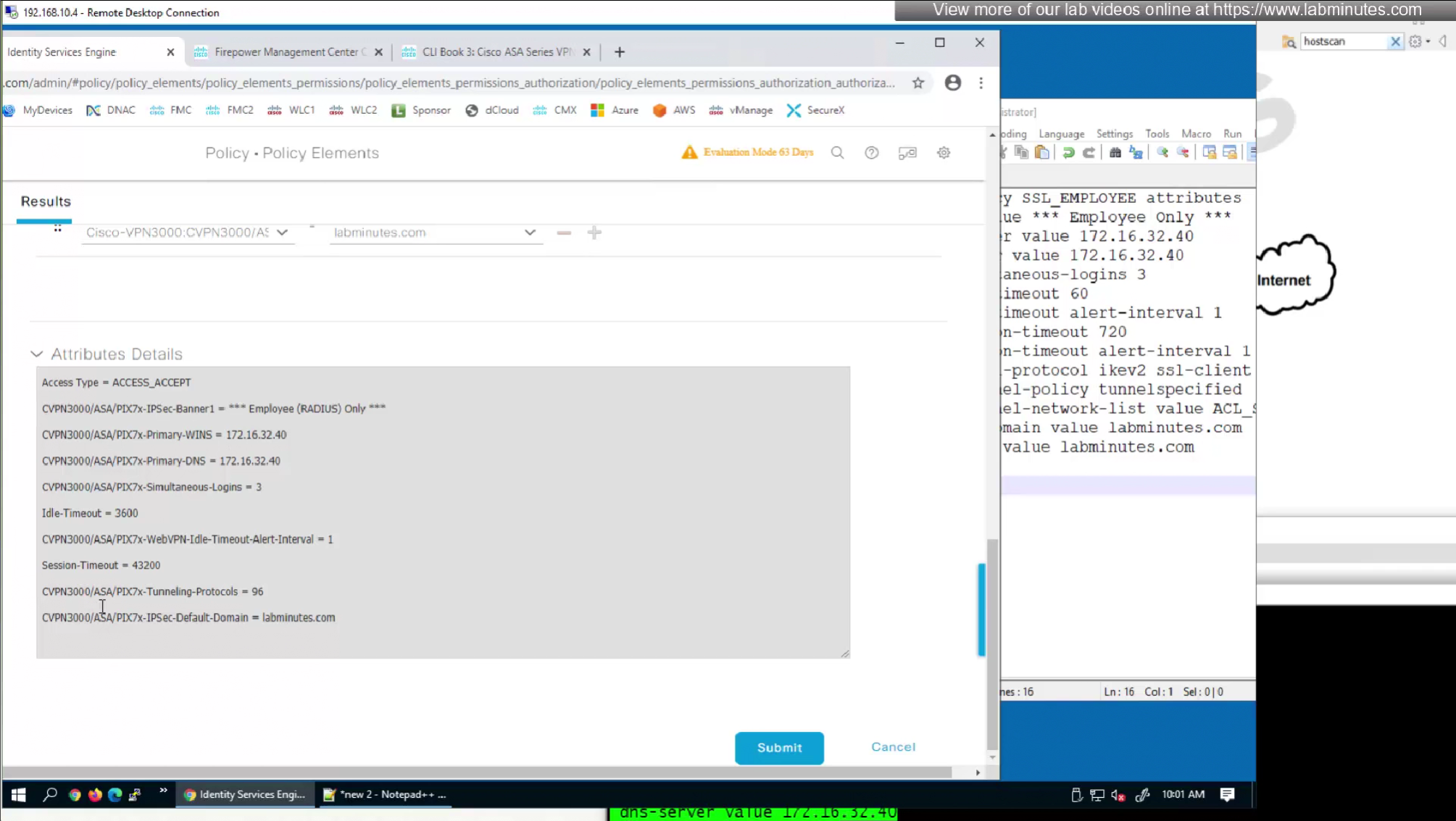
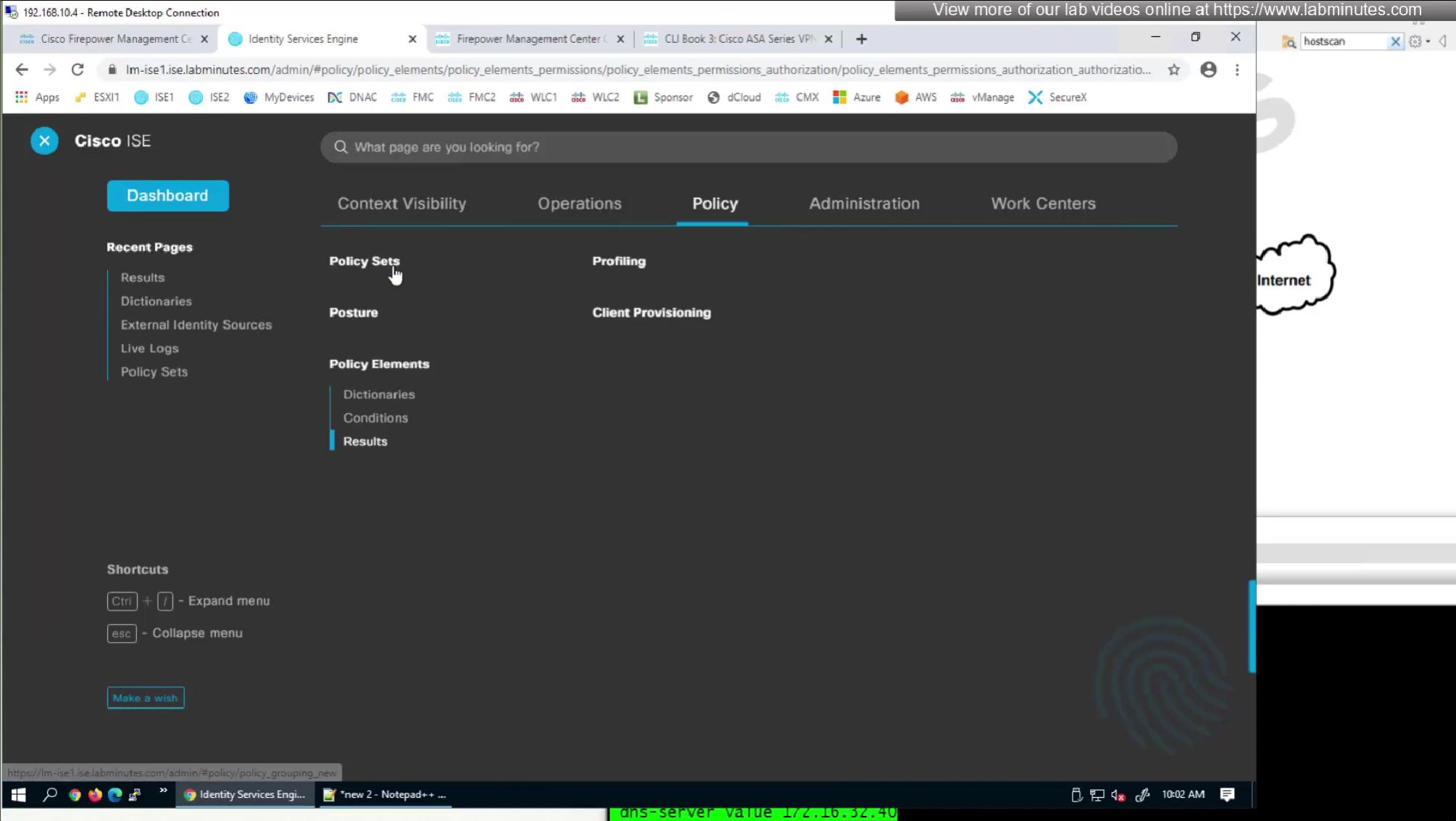

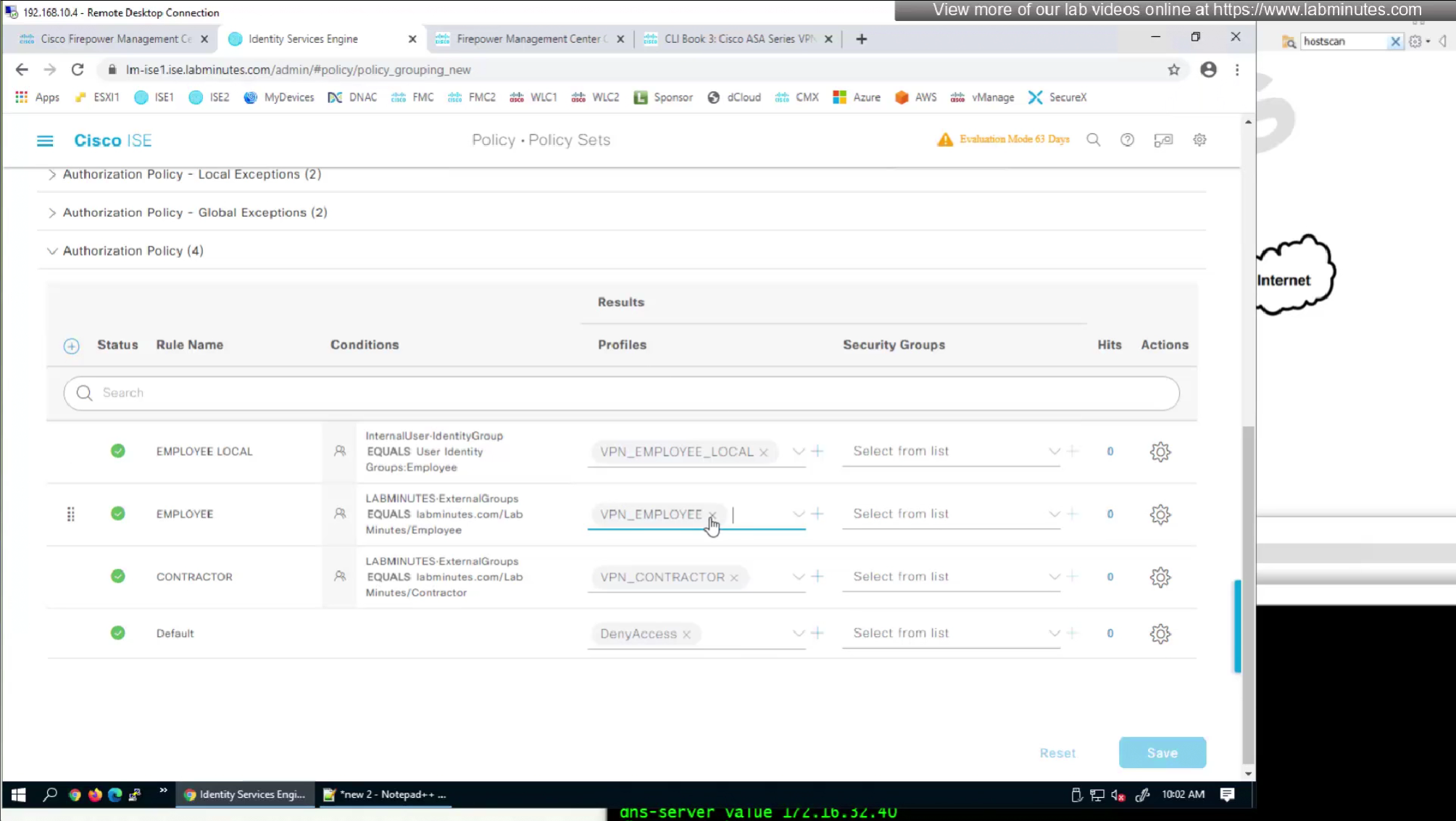
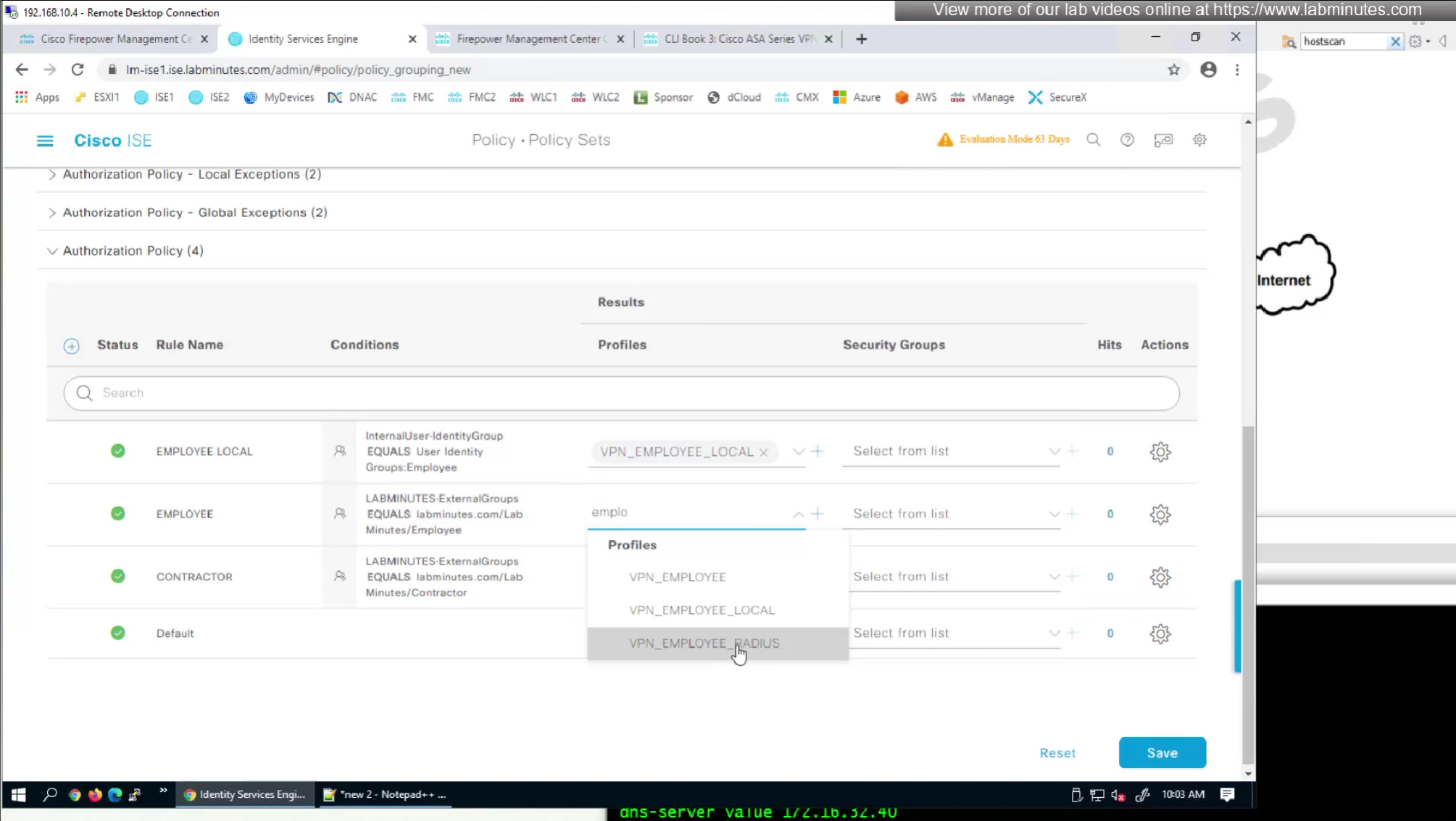
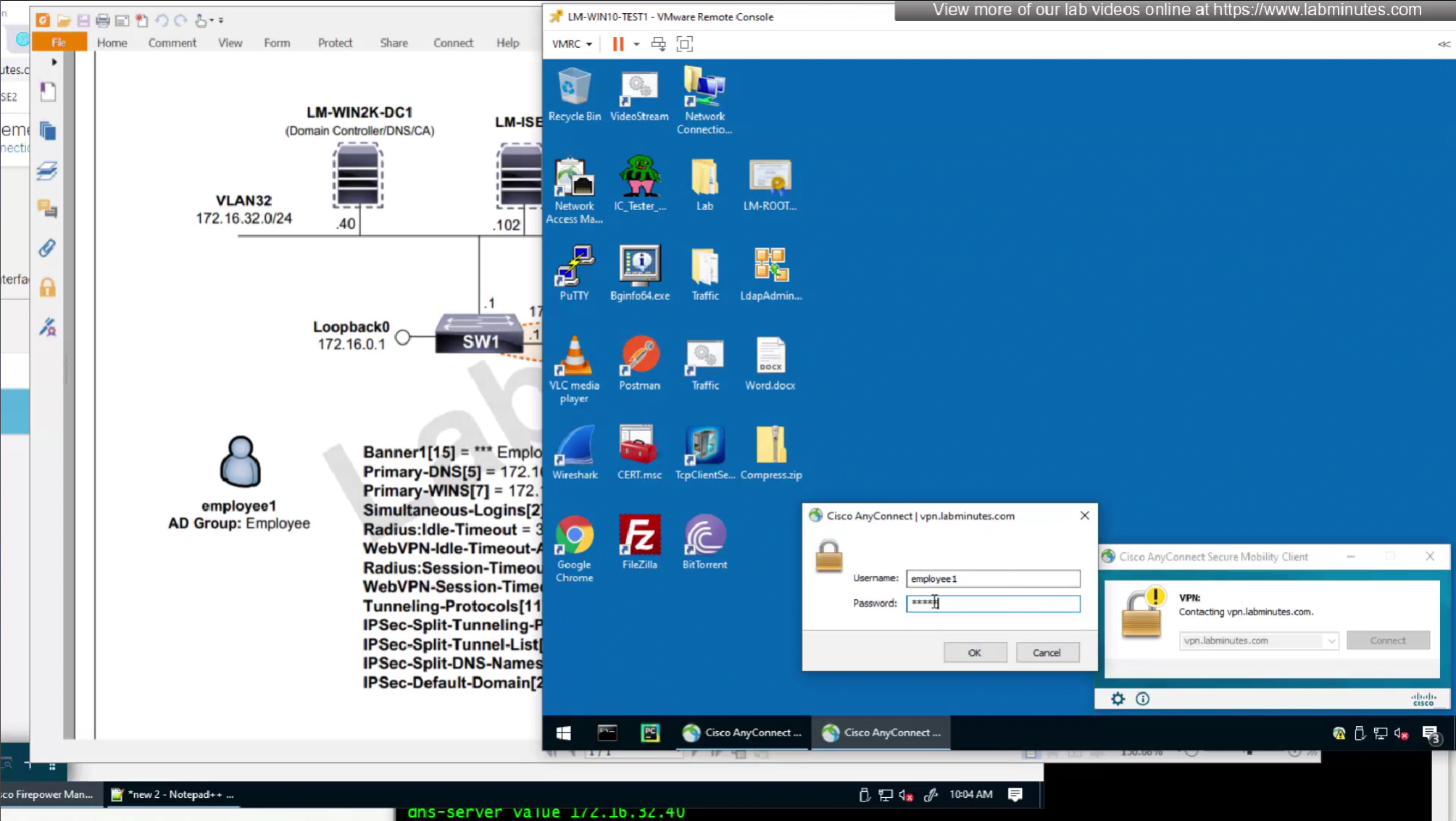
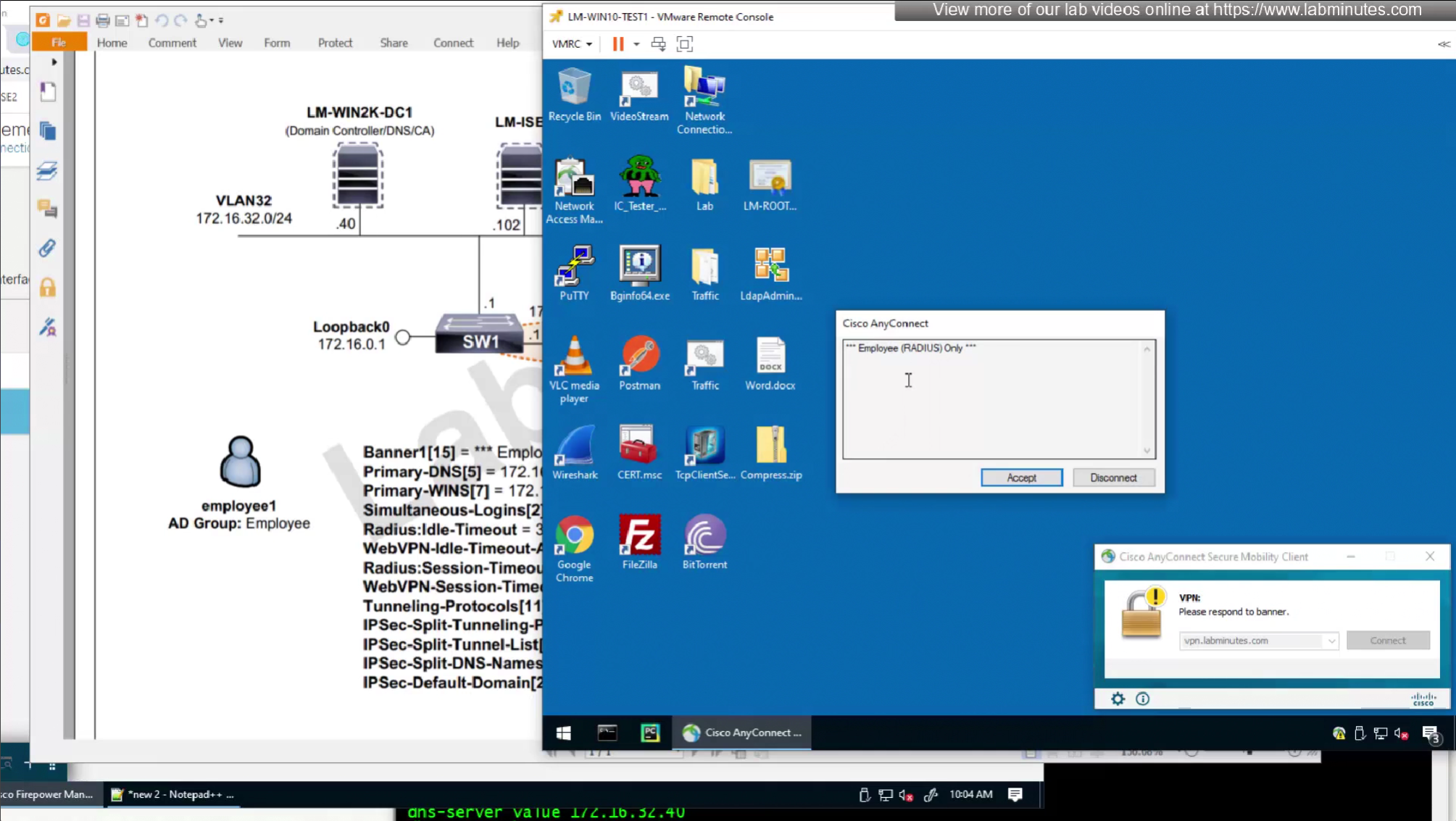
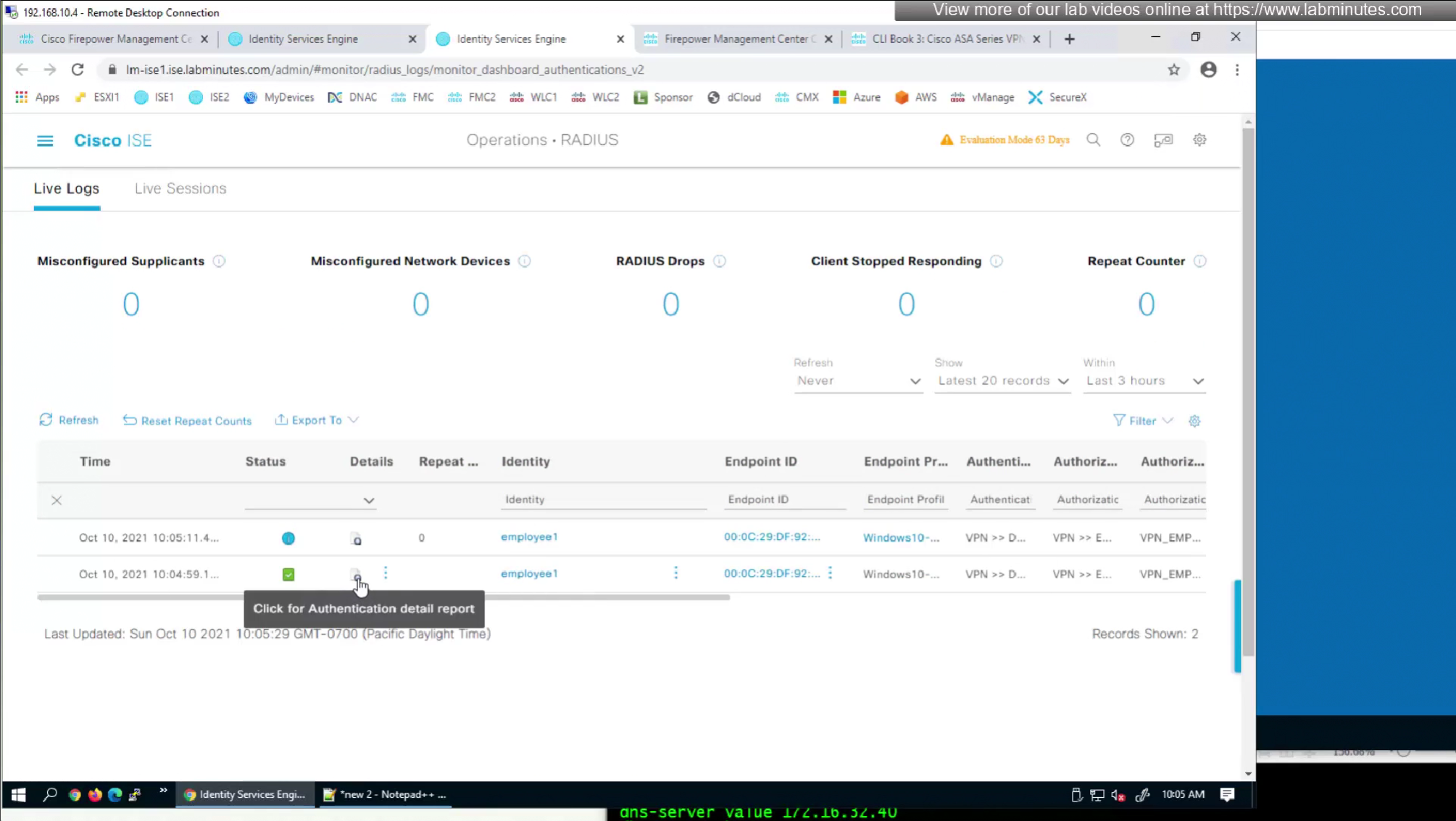
Pretty much everything now is being returned from RADIUS so this default group policy will not be of much use
SEC0403 – Firepower 7.0 AnyConnect VPN Address Assignment (Part 2)
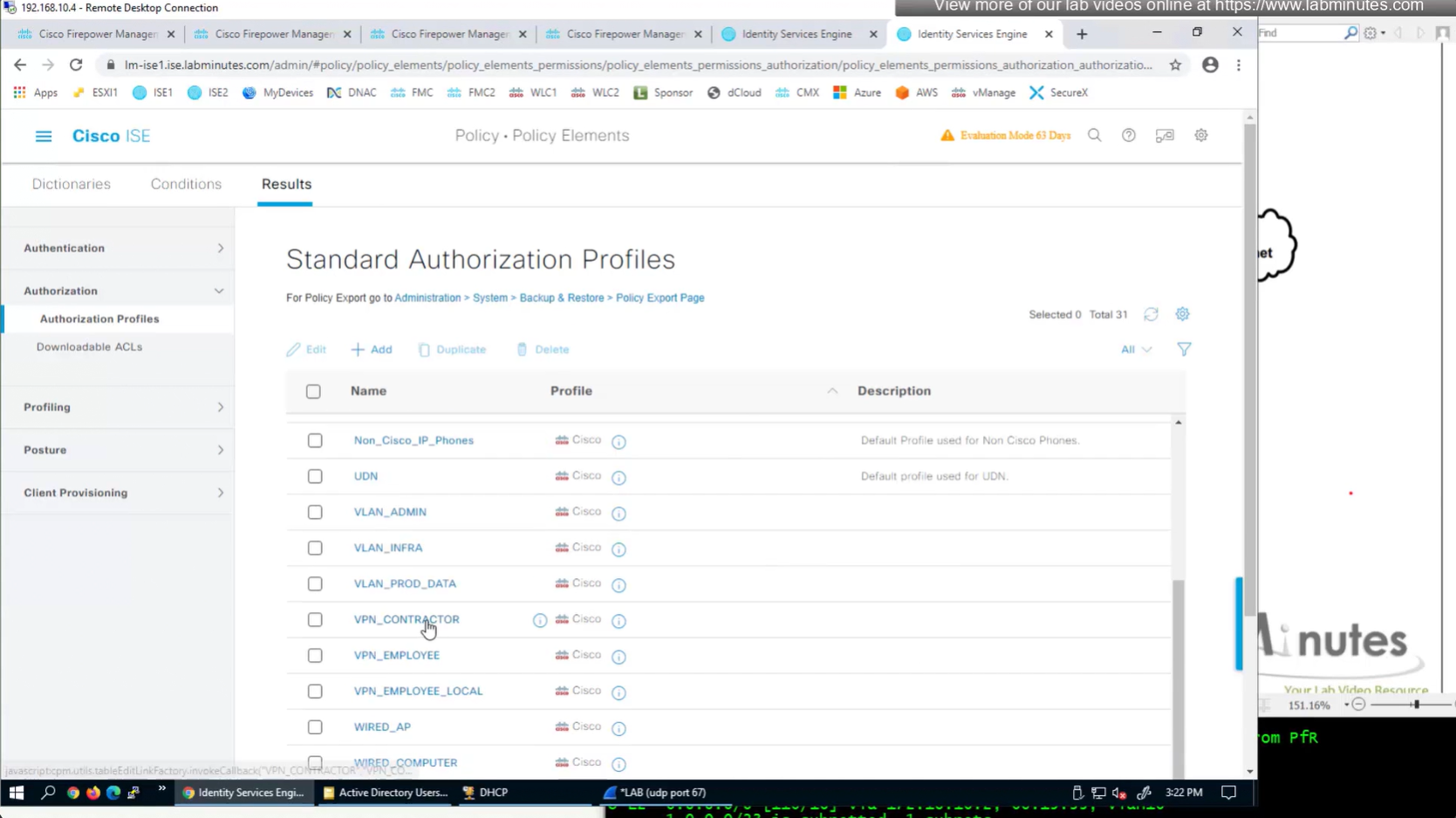
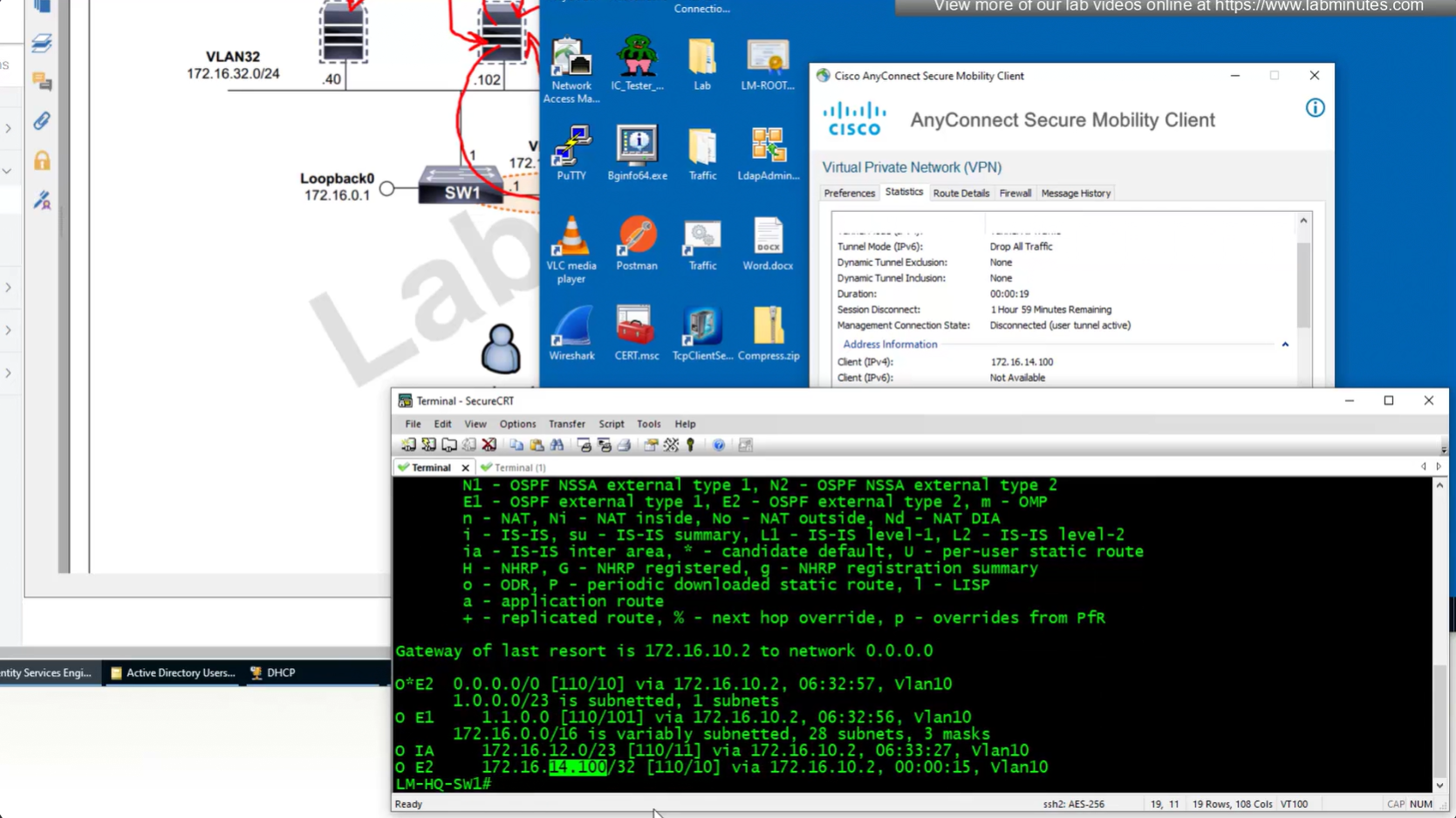
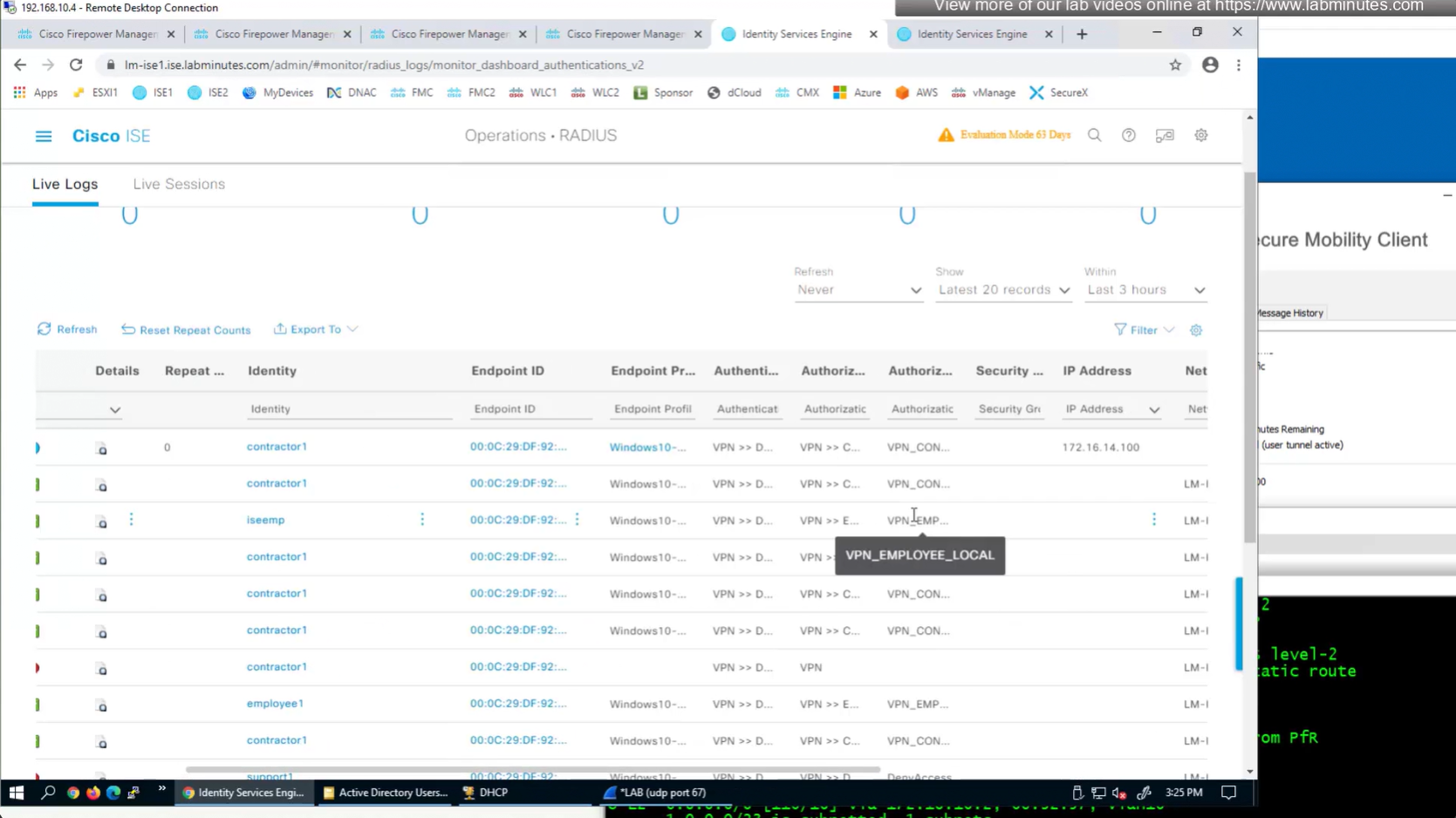
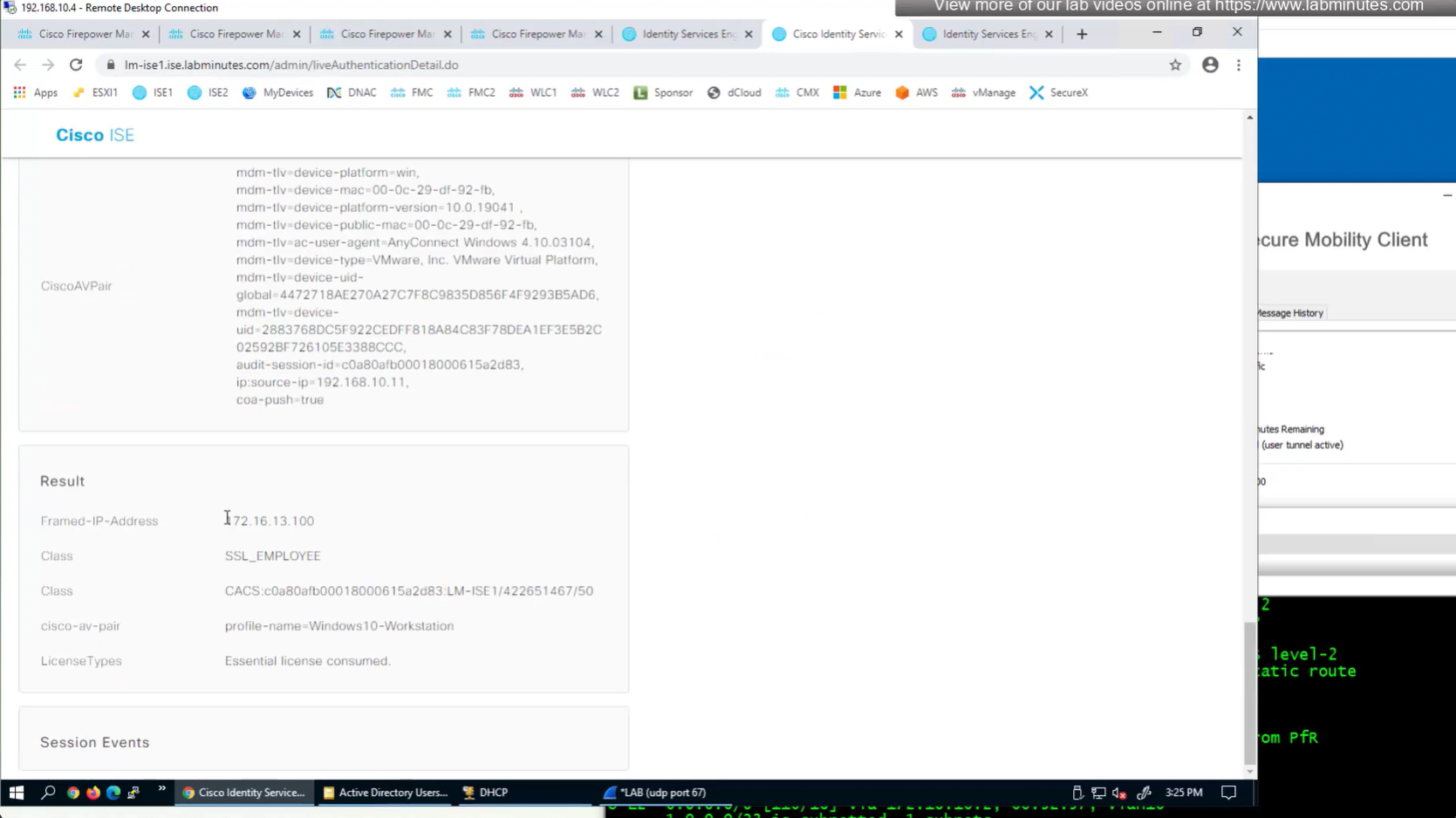
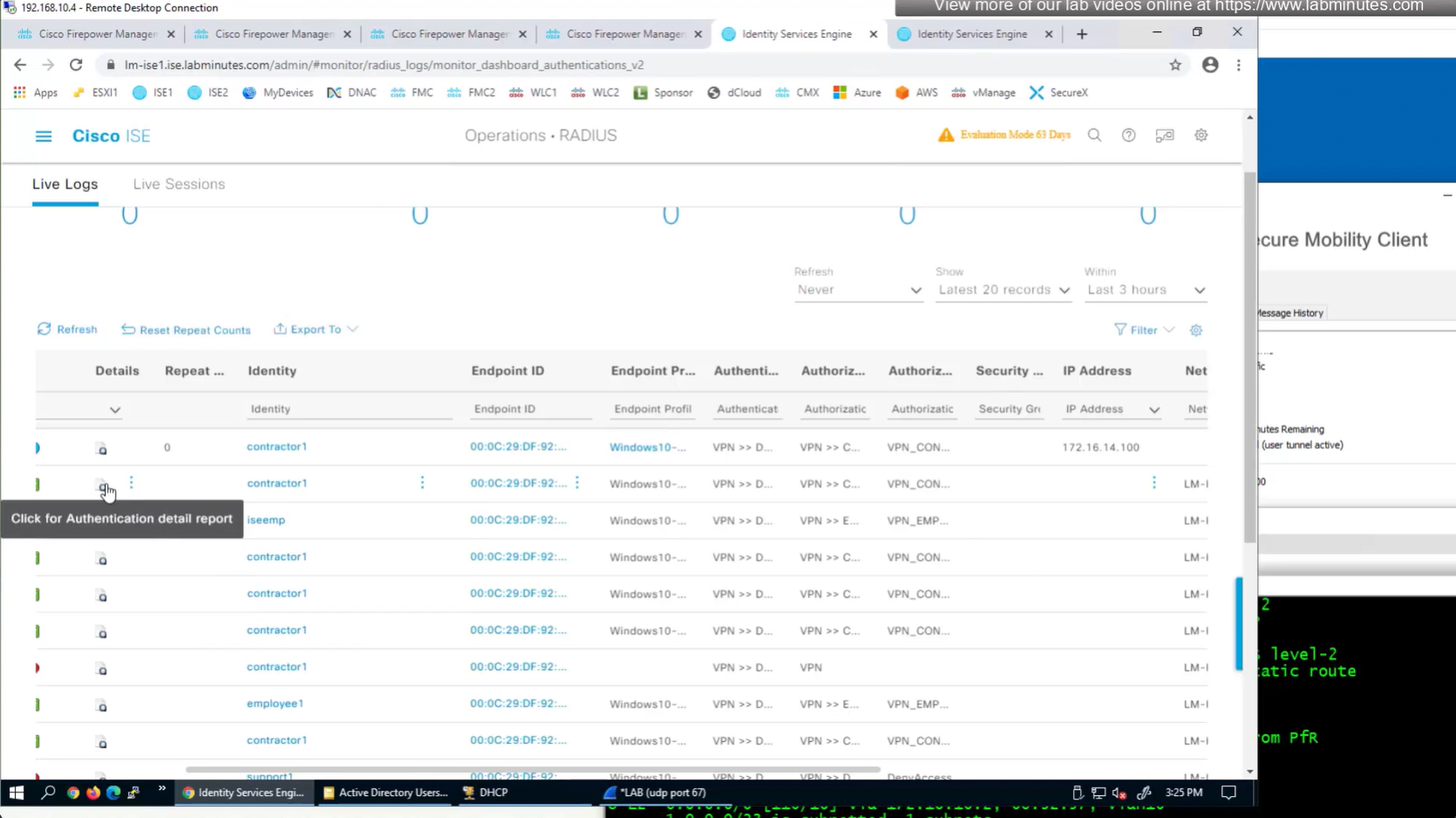
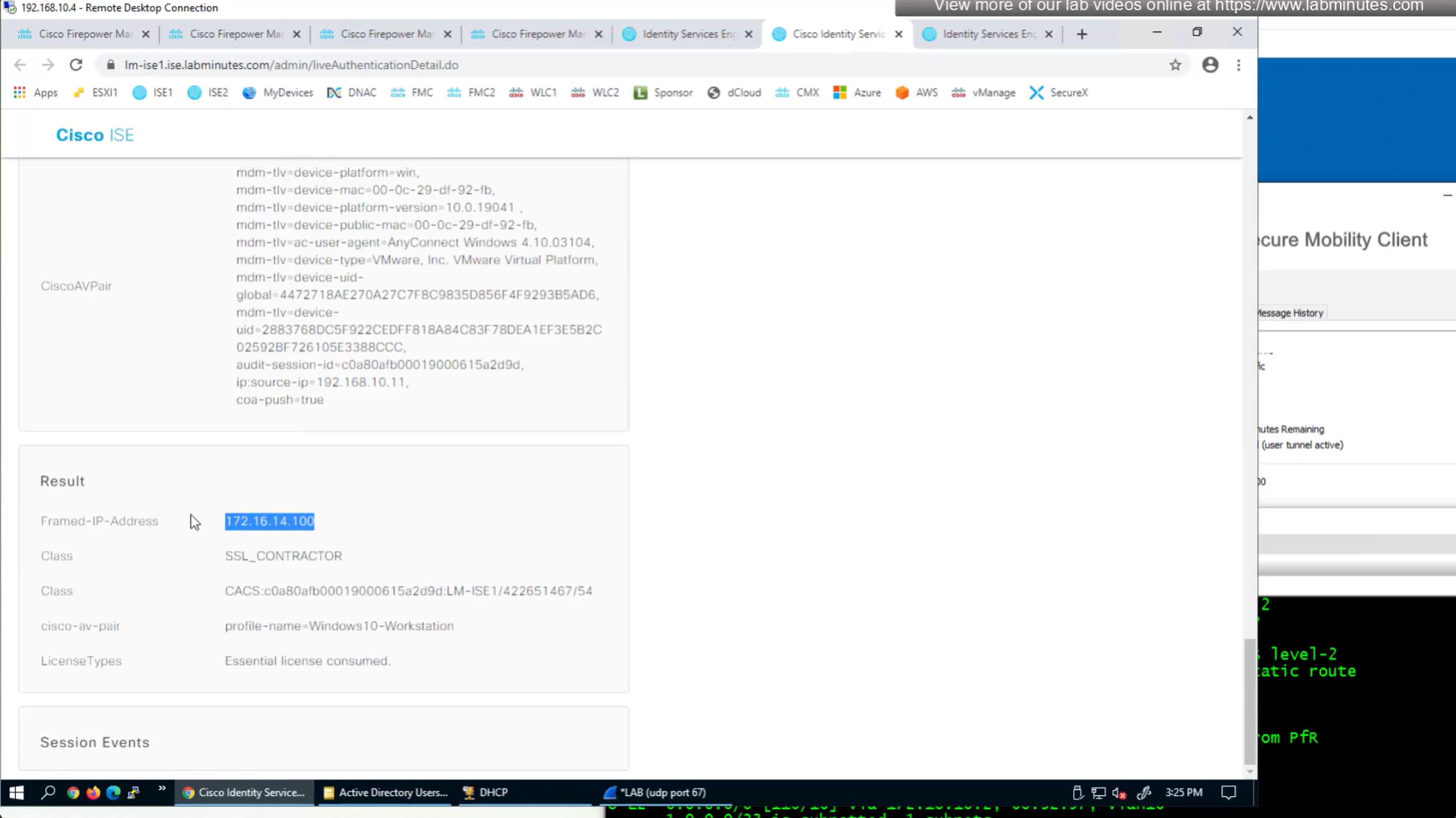
IP address assignment can also be performed through ISE RADIUS server
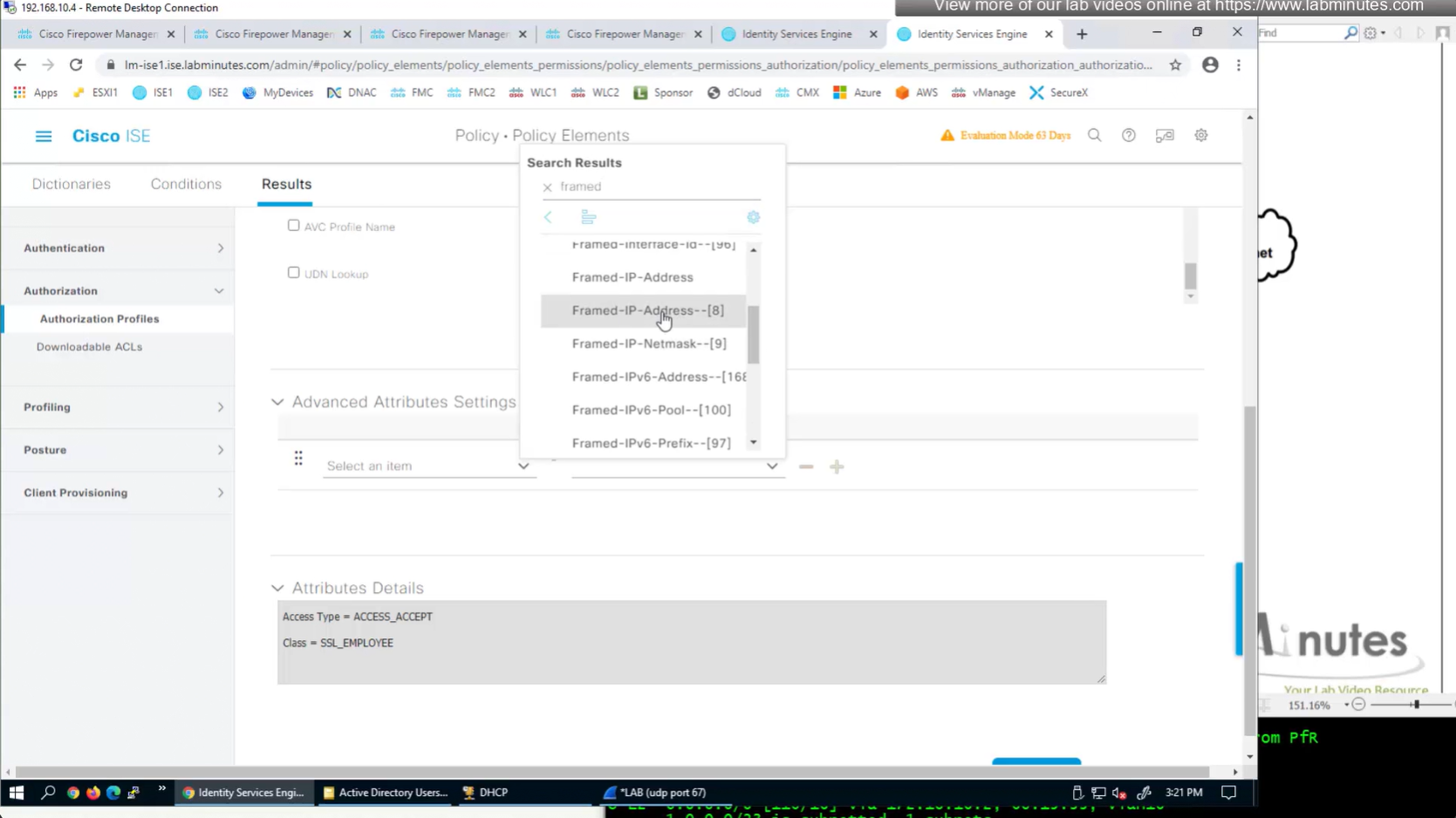
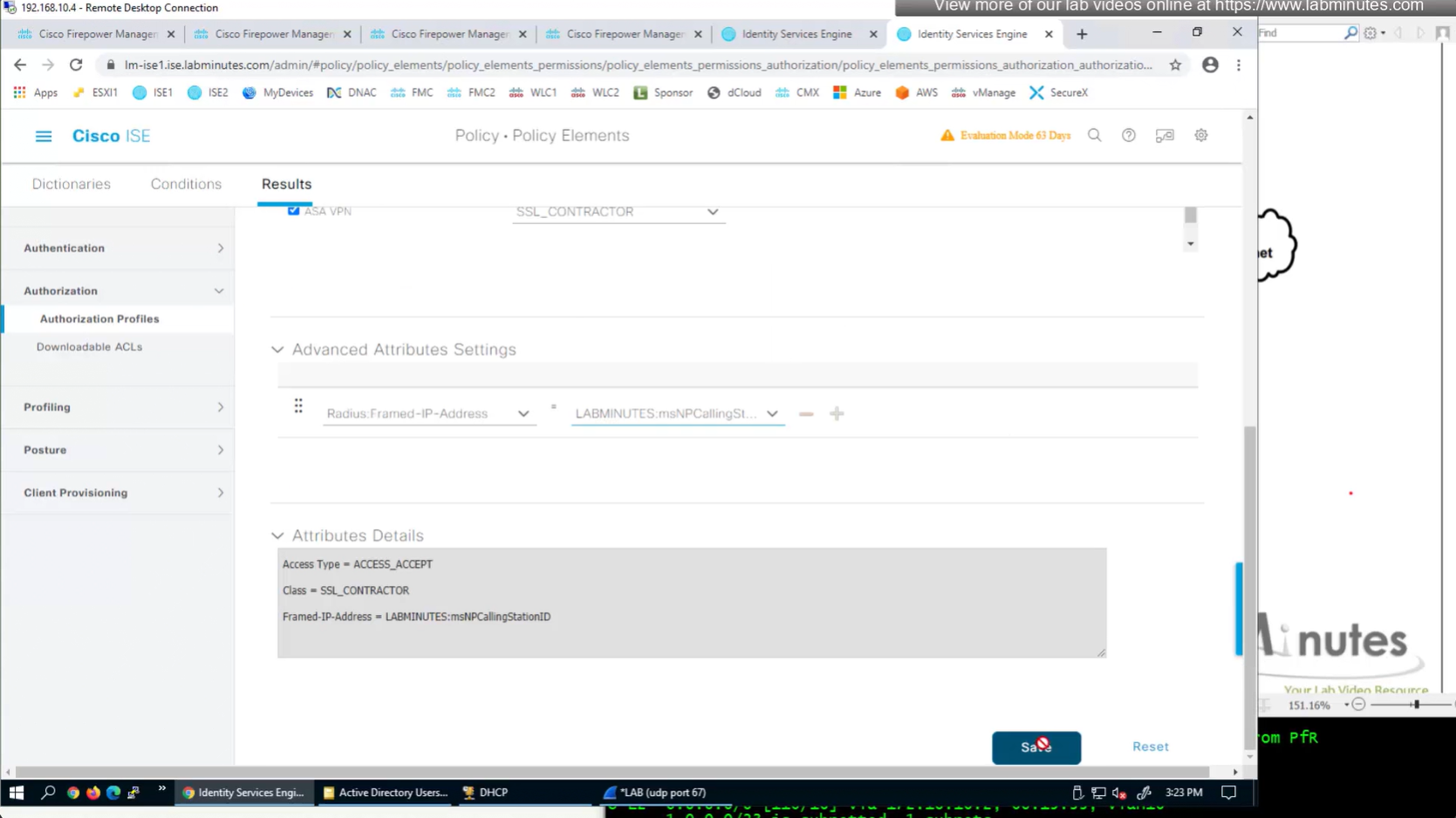
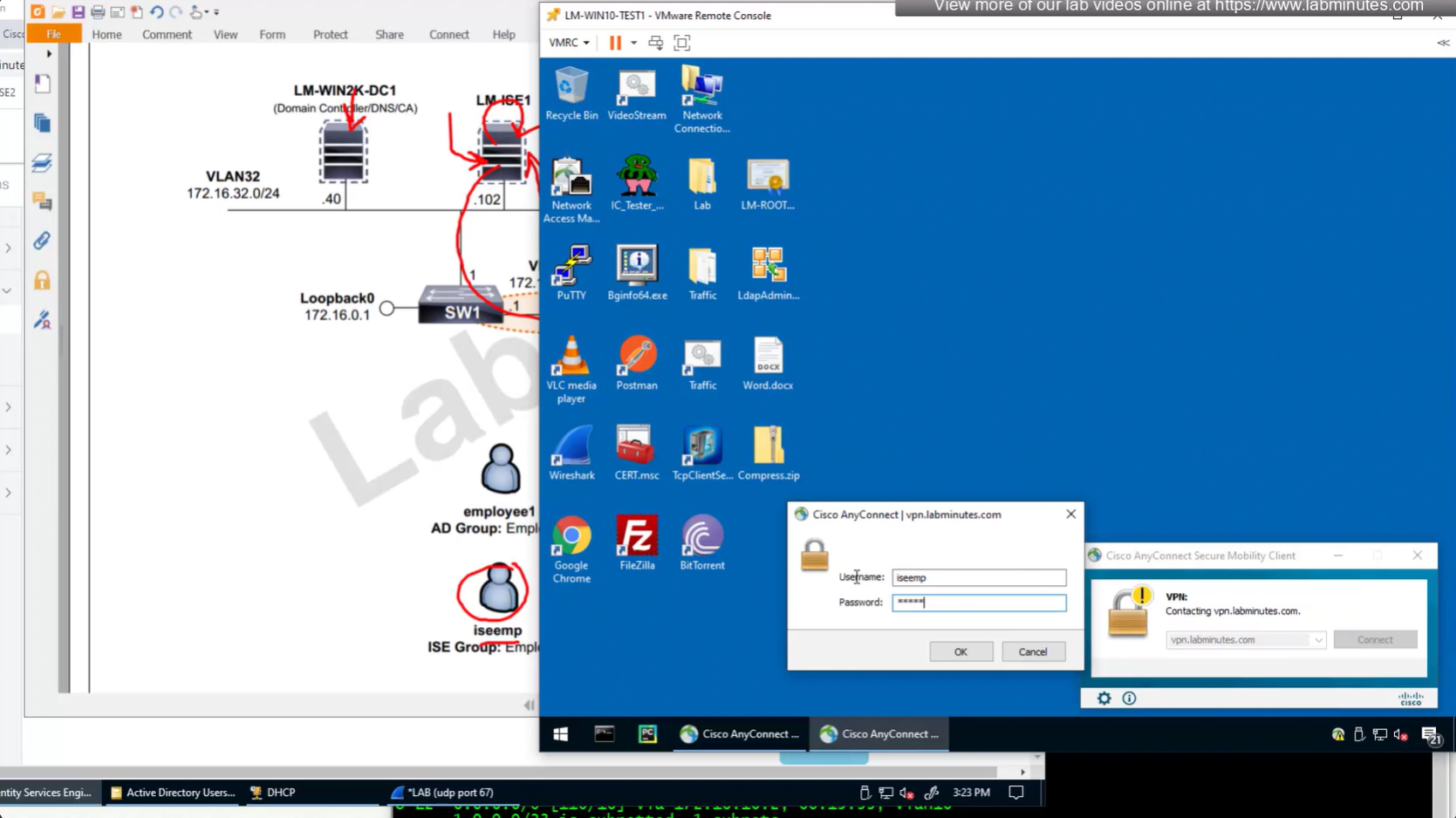
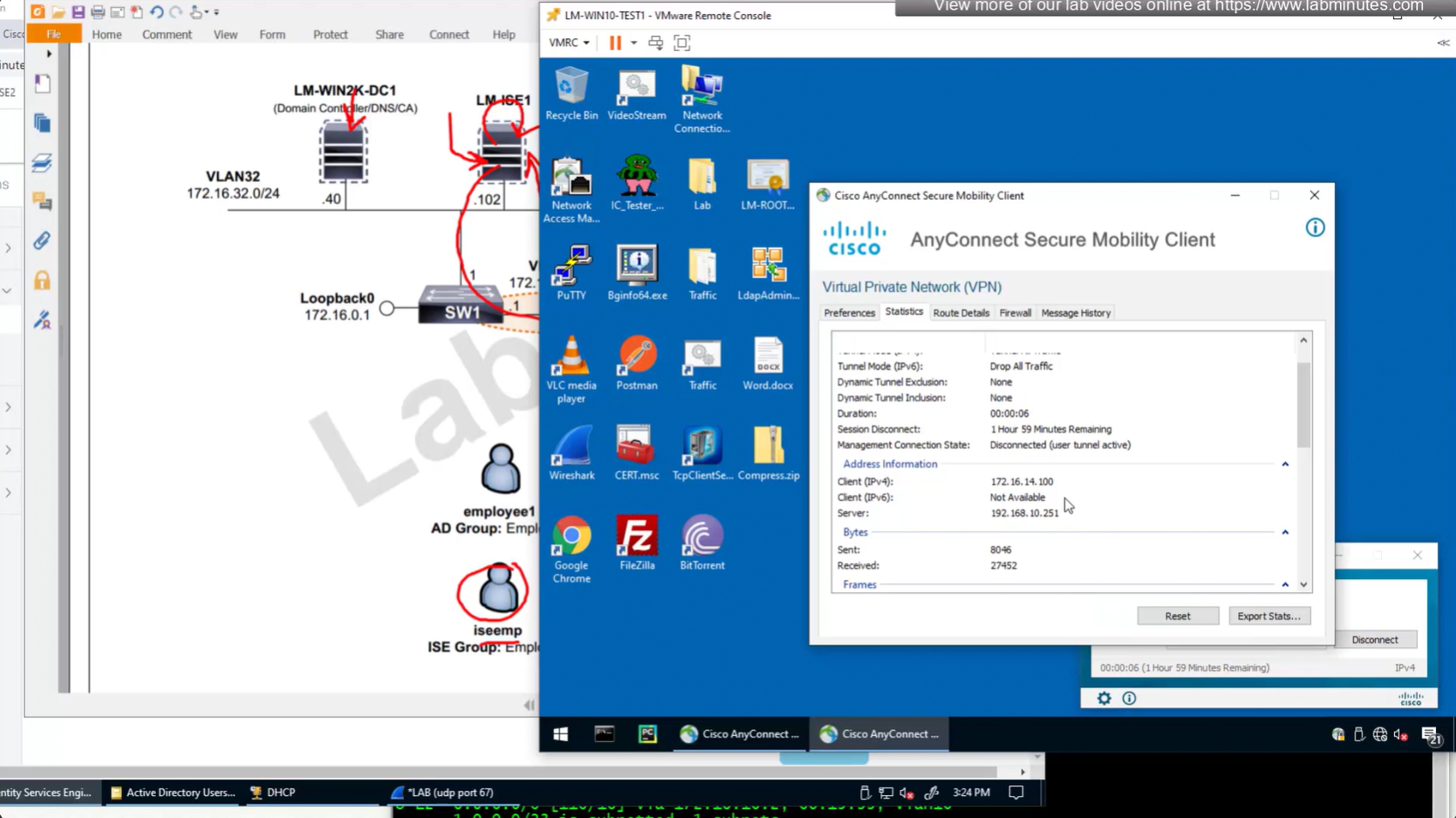
Before we only assigned class , group policy via ISE RADIUS but this time it is IP address
and this IP assigned by ISE is static and never changes and also AAA server takes precedence over DHCP and local IP address Pool
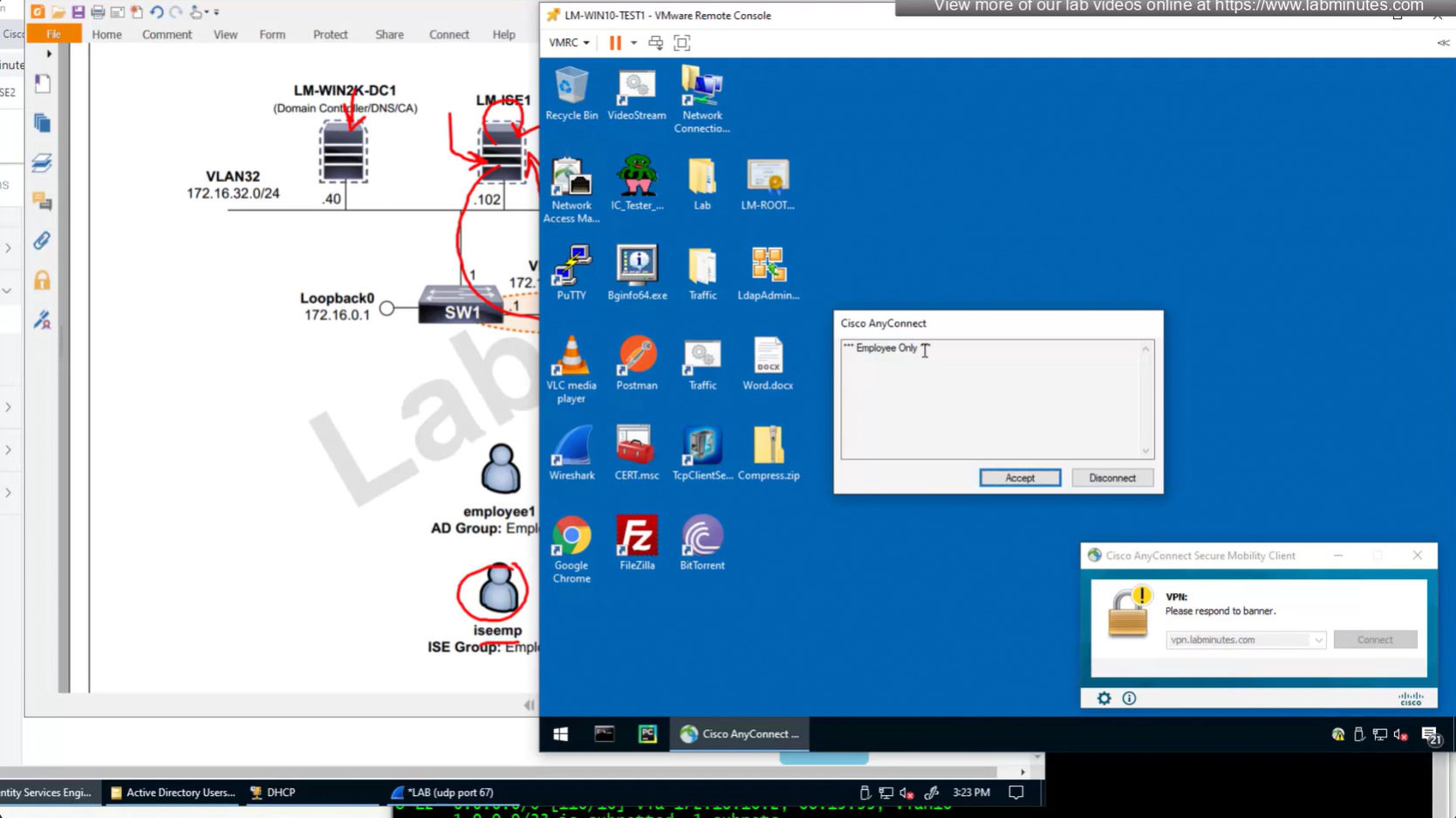
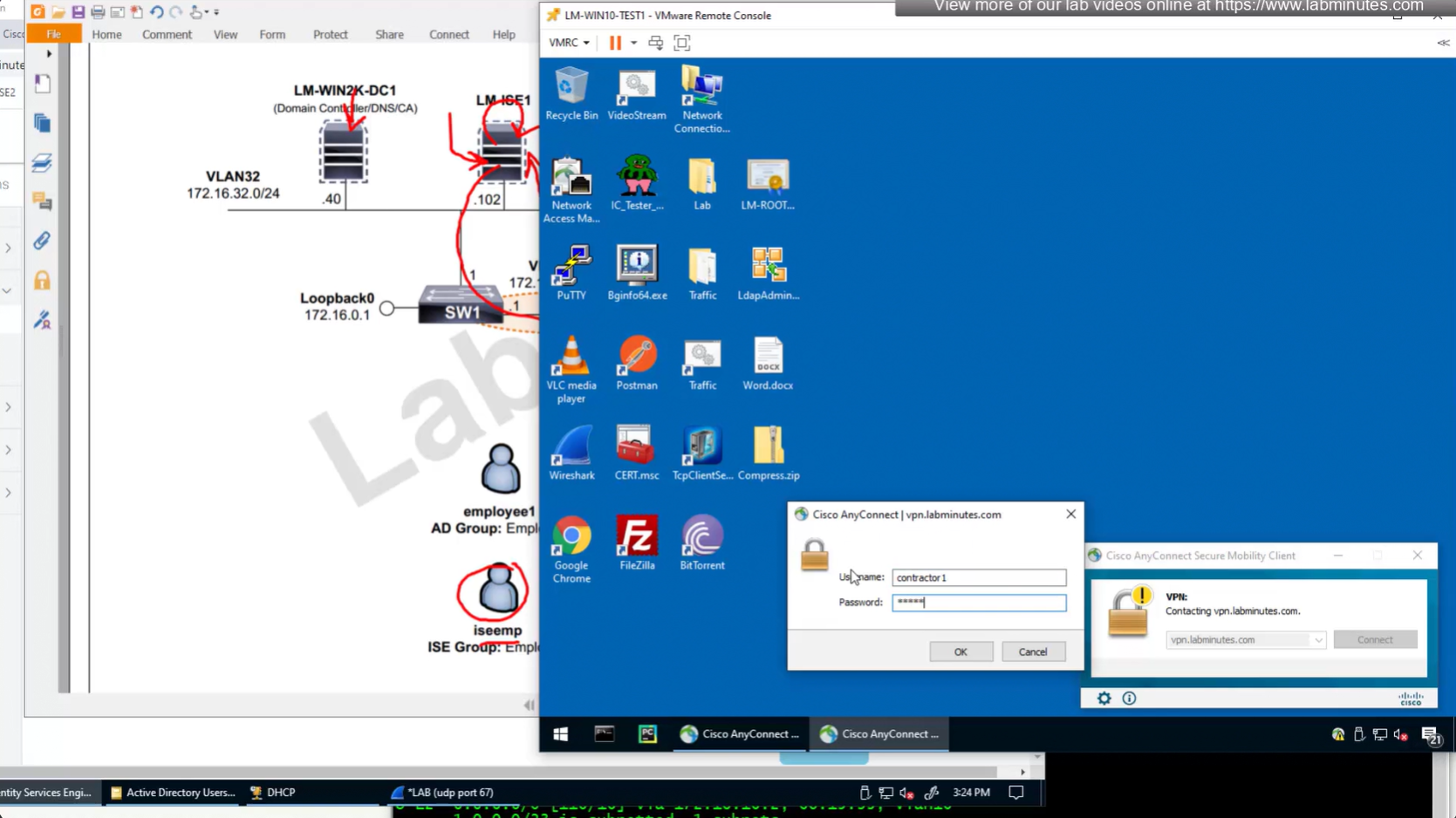
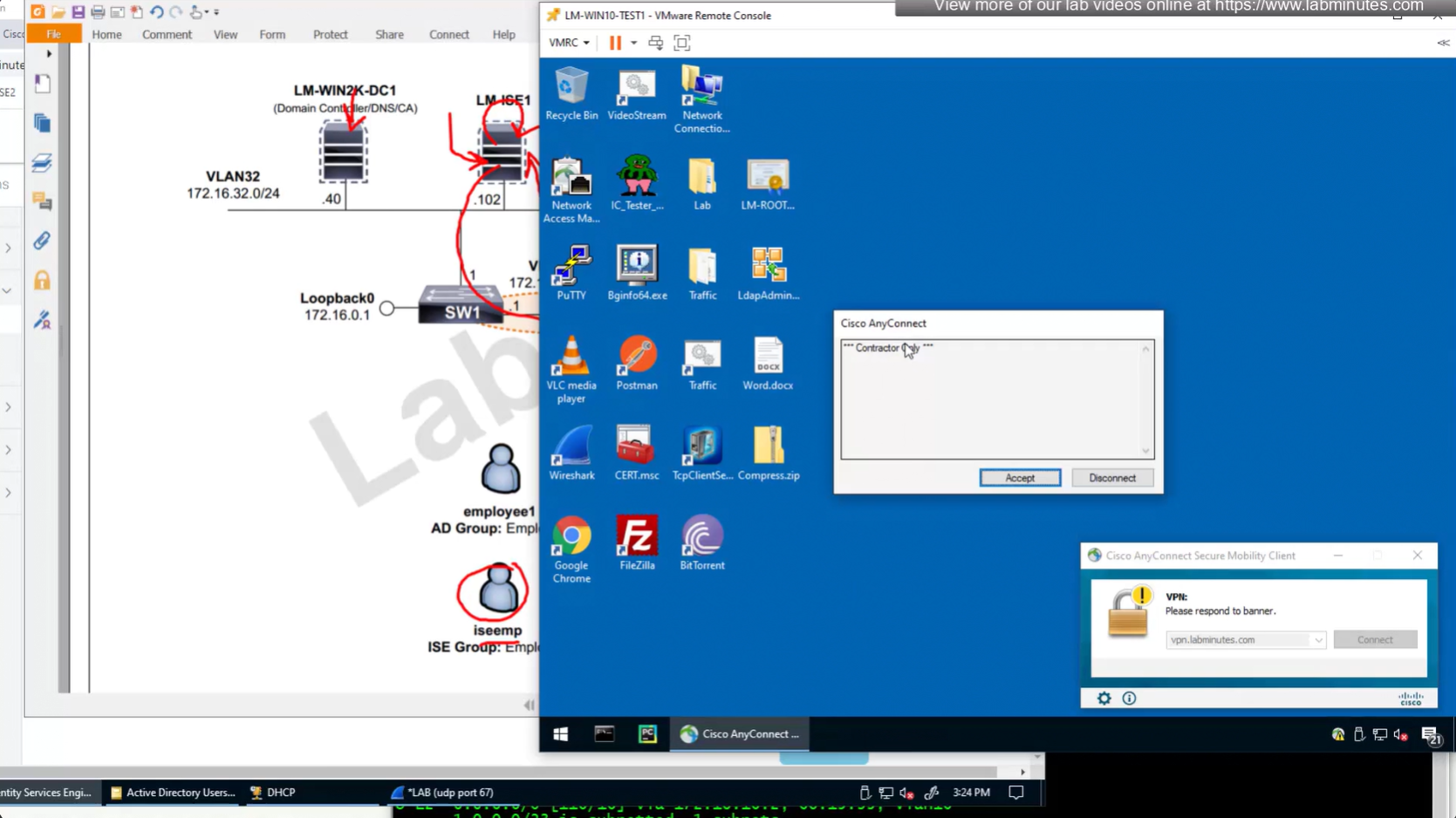
First scenario is when user is locally in ISE
Second scenario is when user is in AD
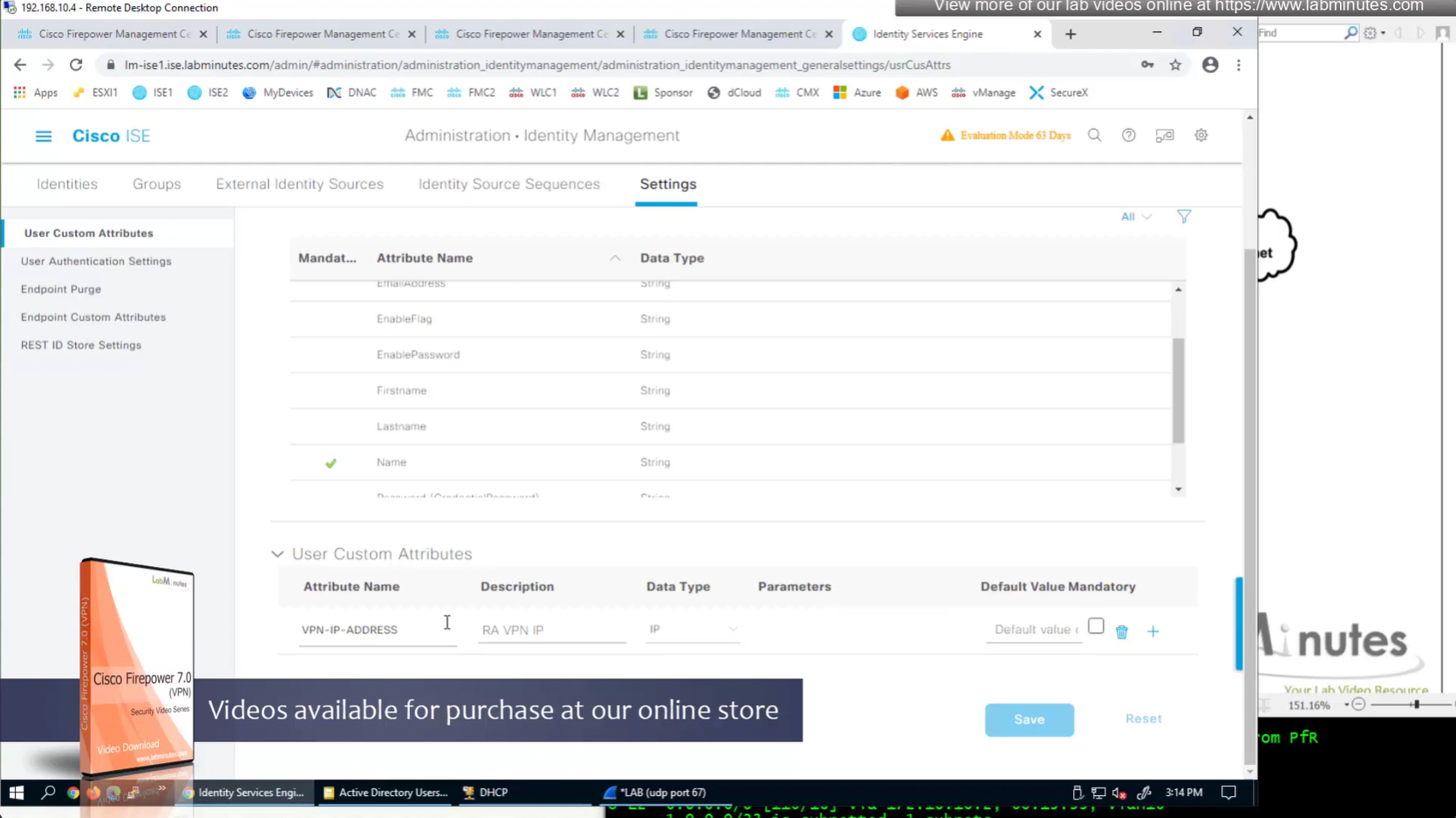
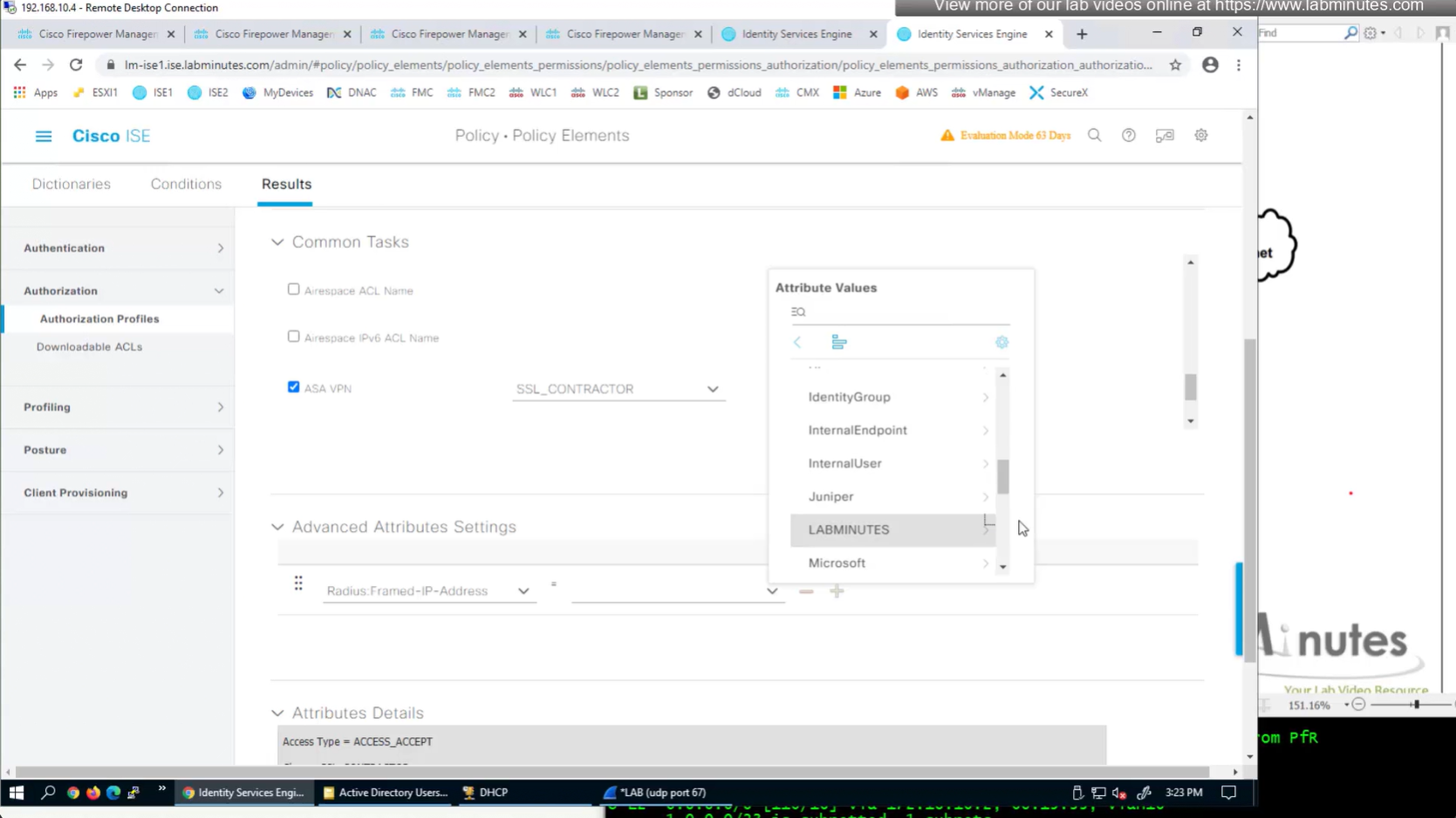
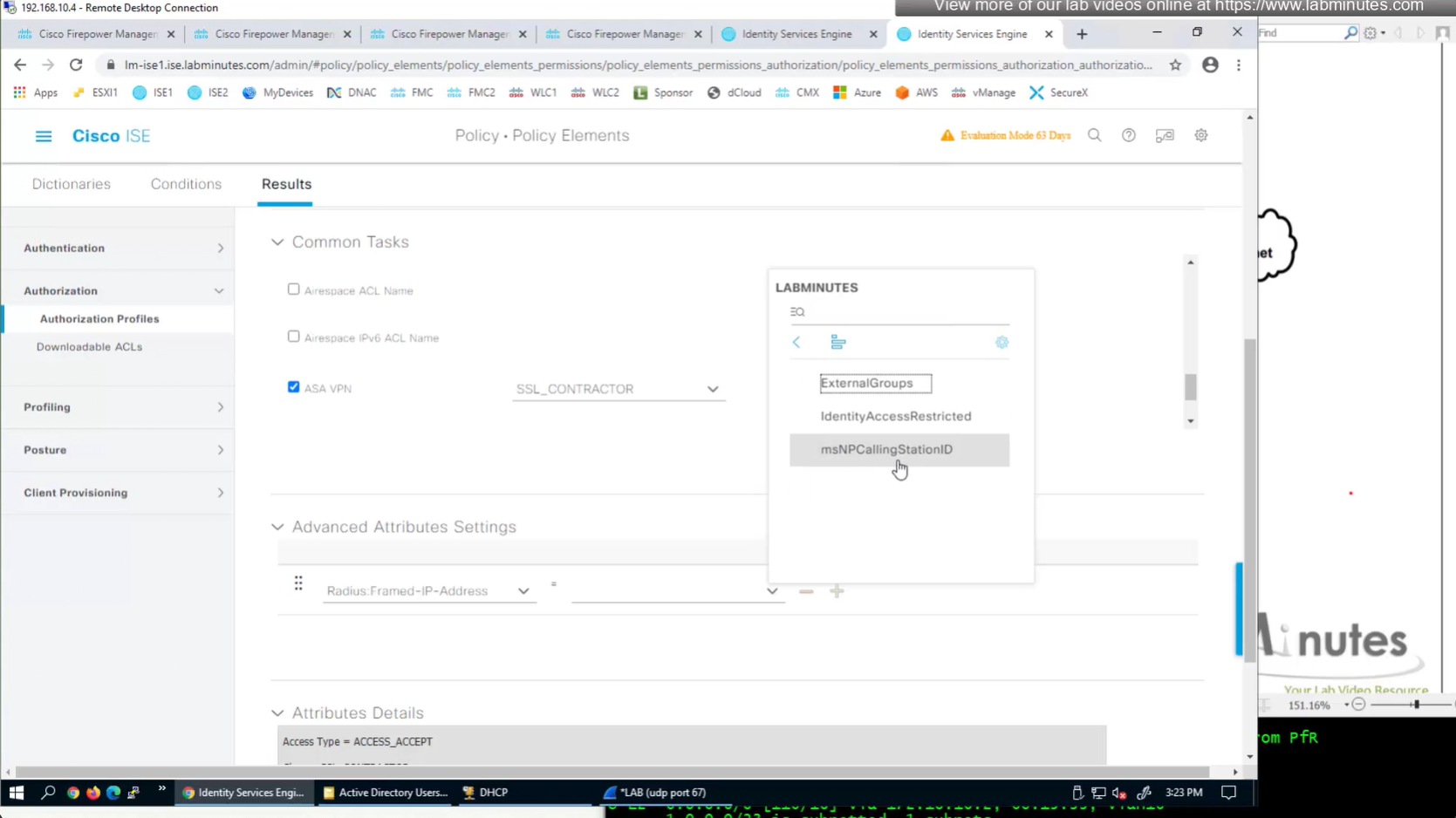
ISE can store user IP in the form of custom user attribute
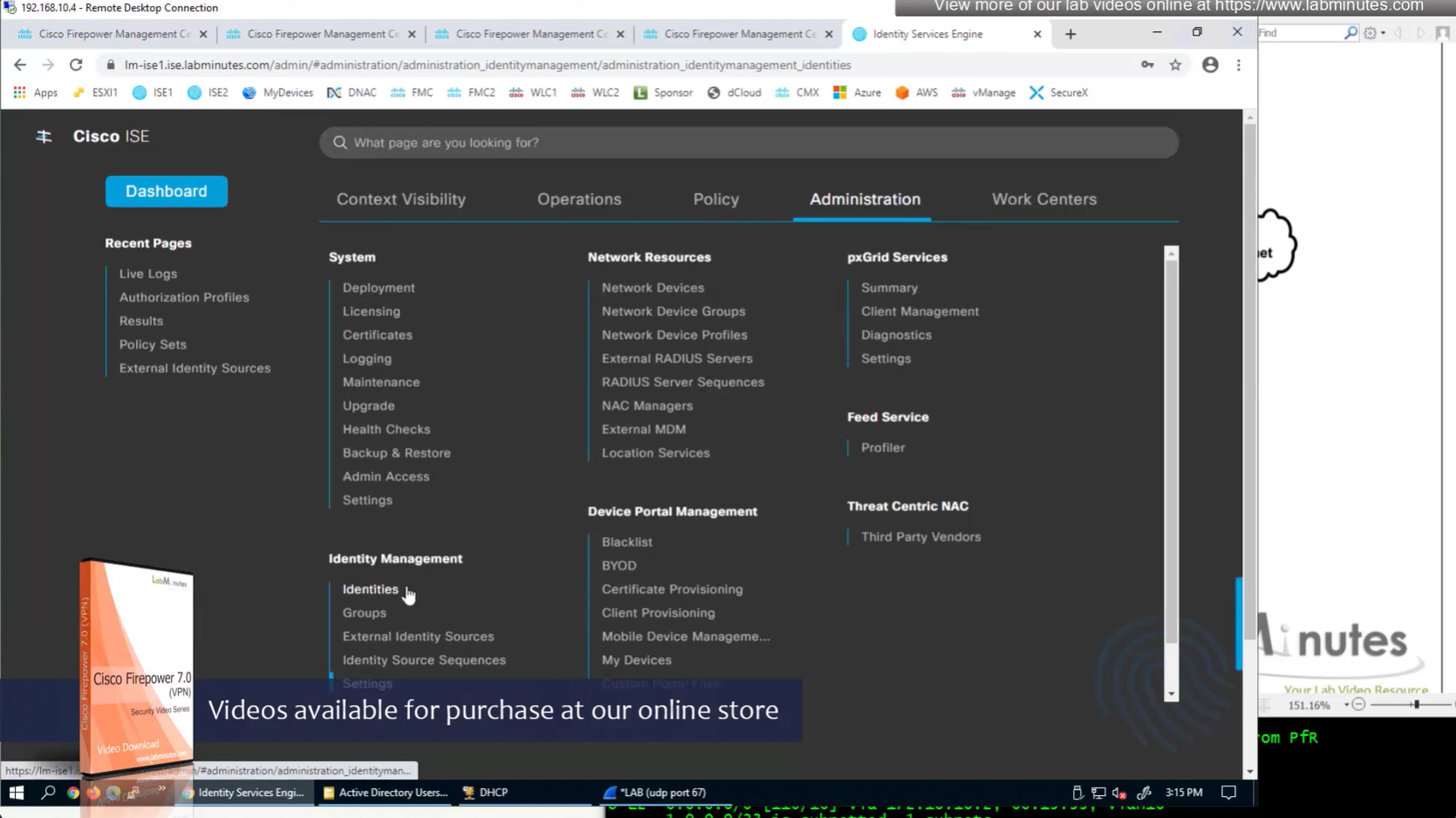
Administration > Identity Management > Settings > User Custom Attributes
Identity Management > Identities
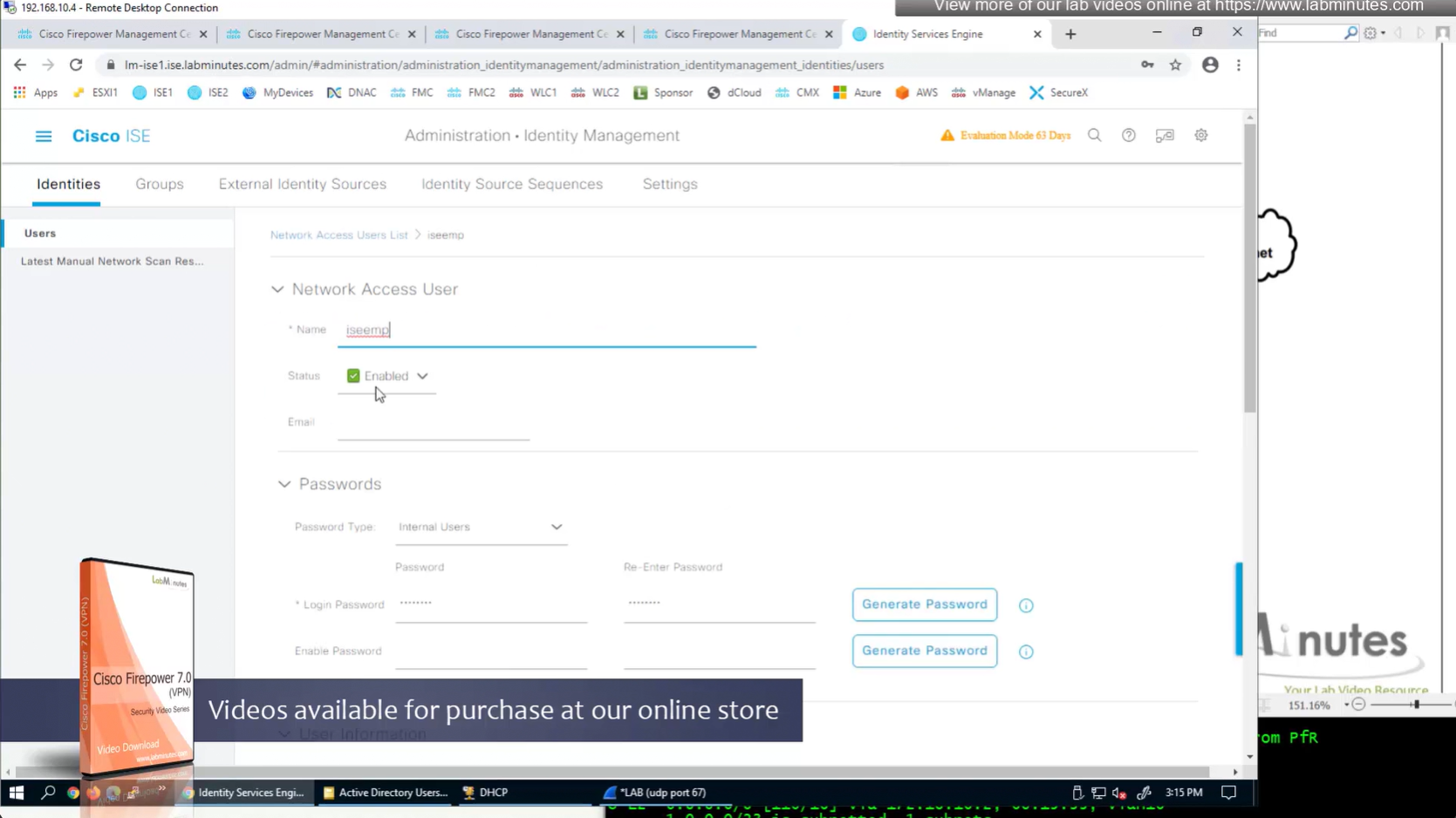
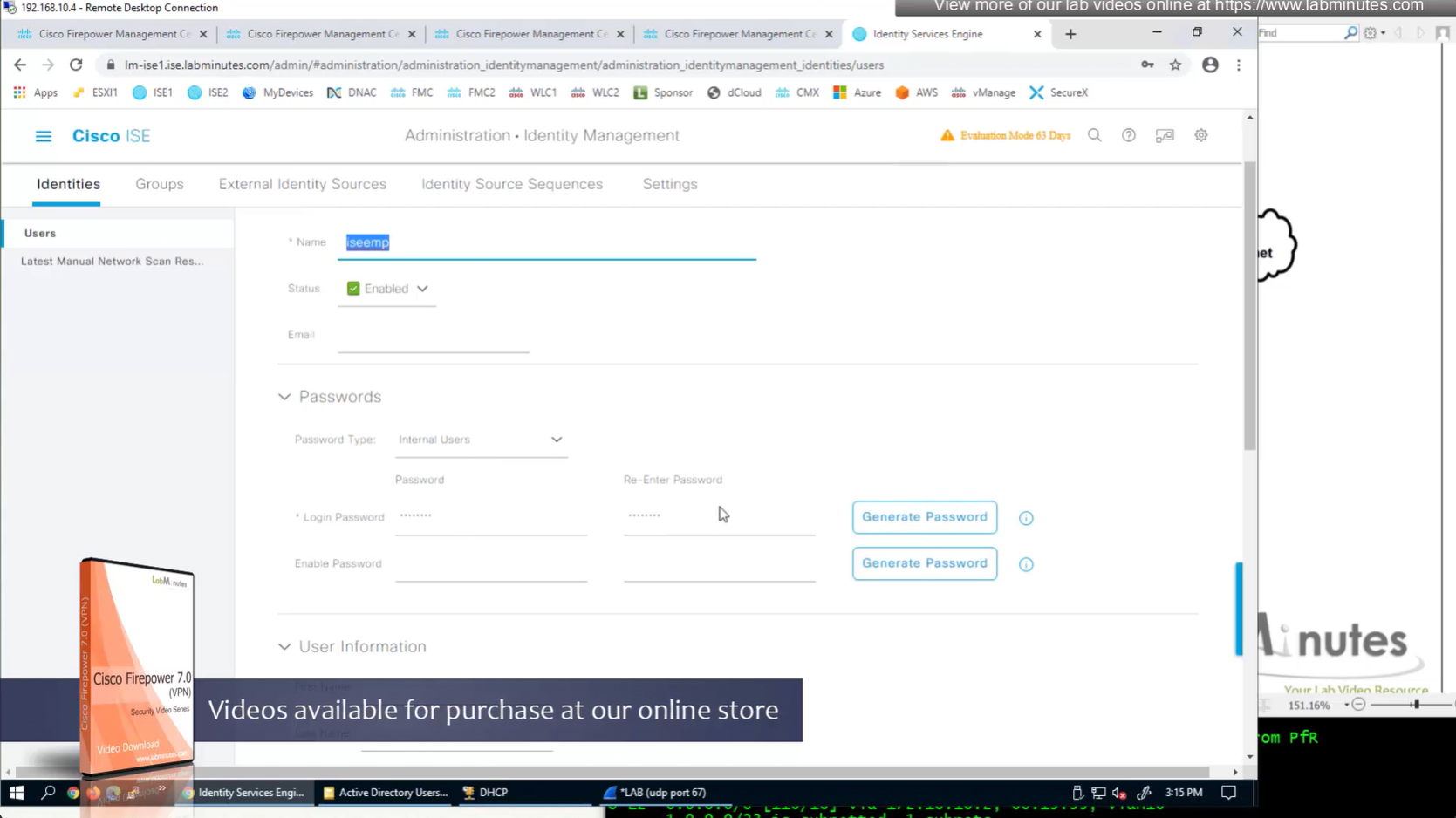
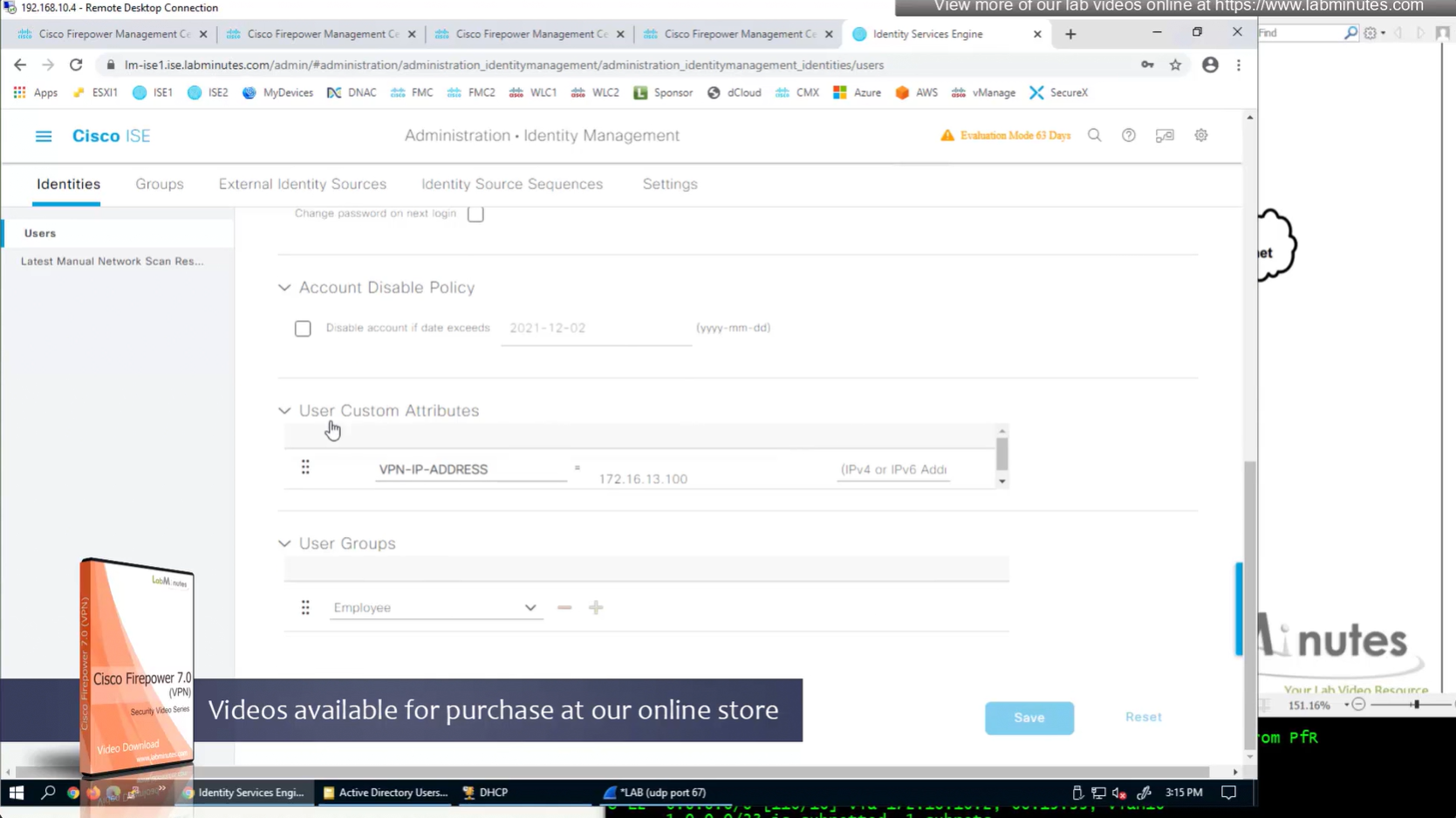
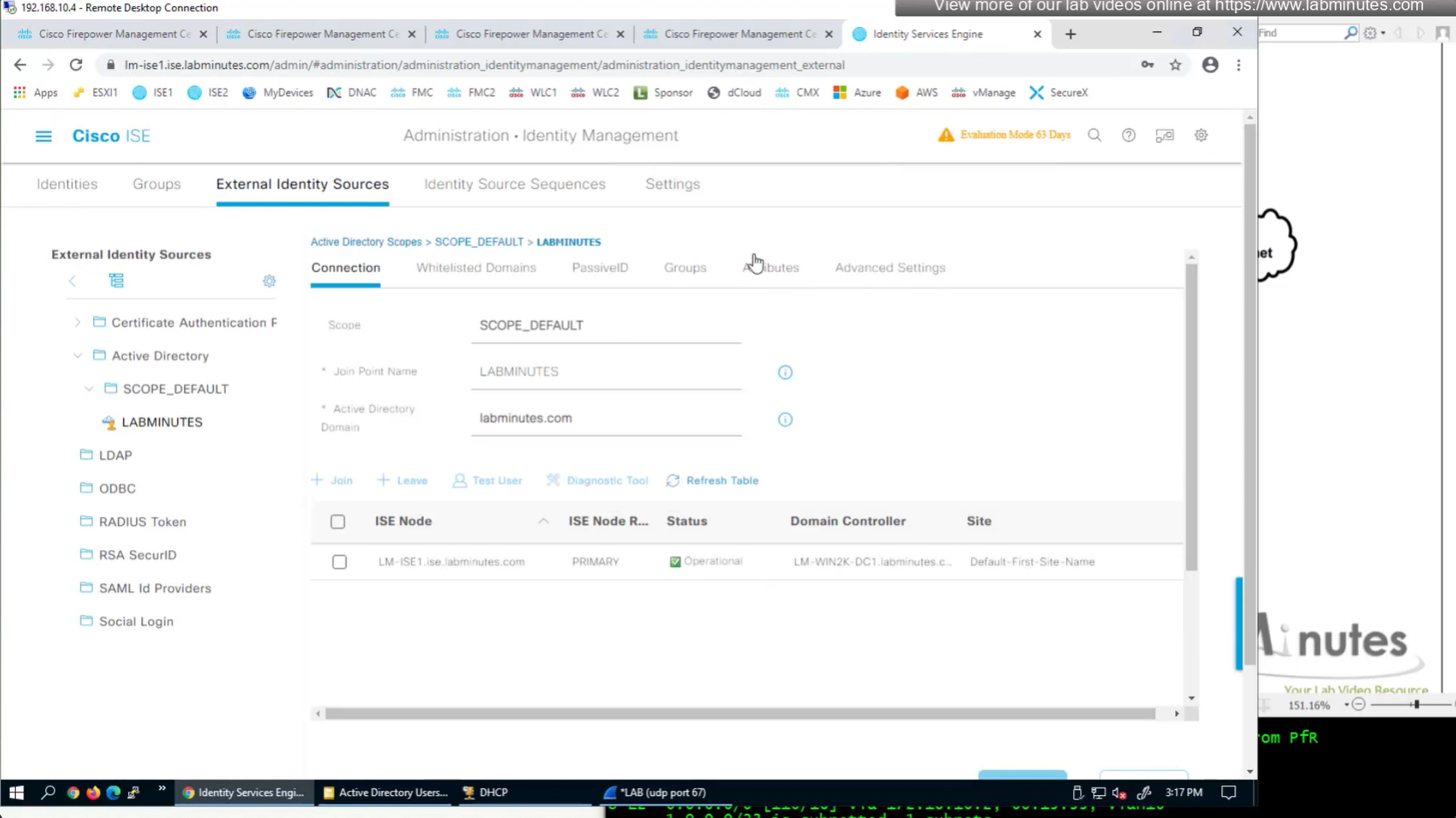
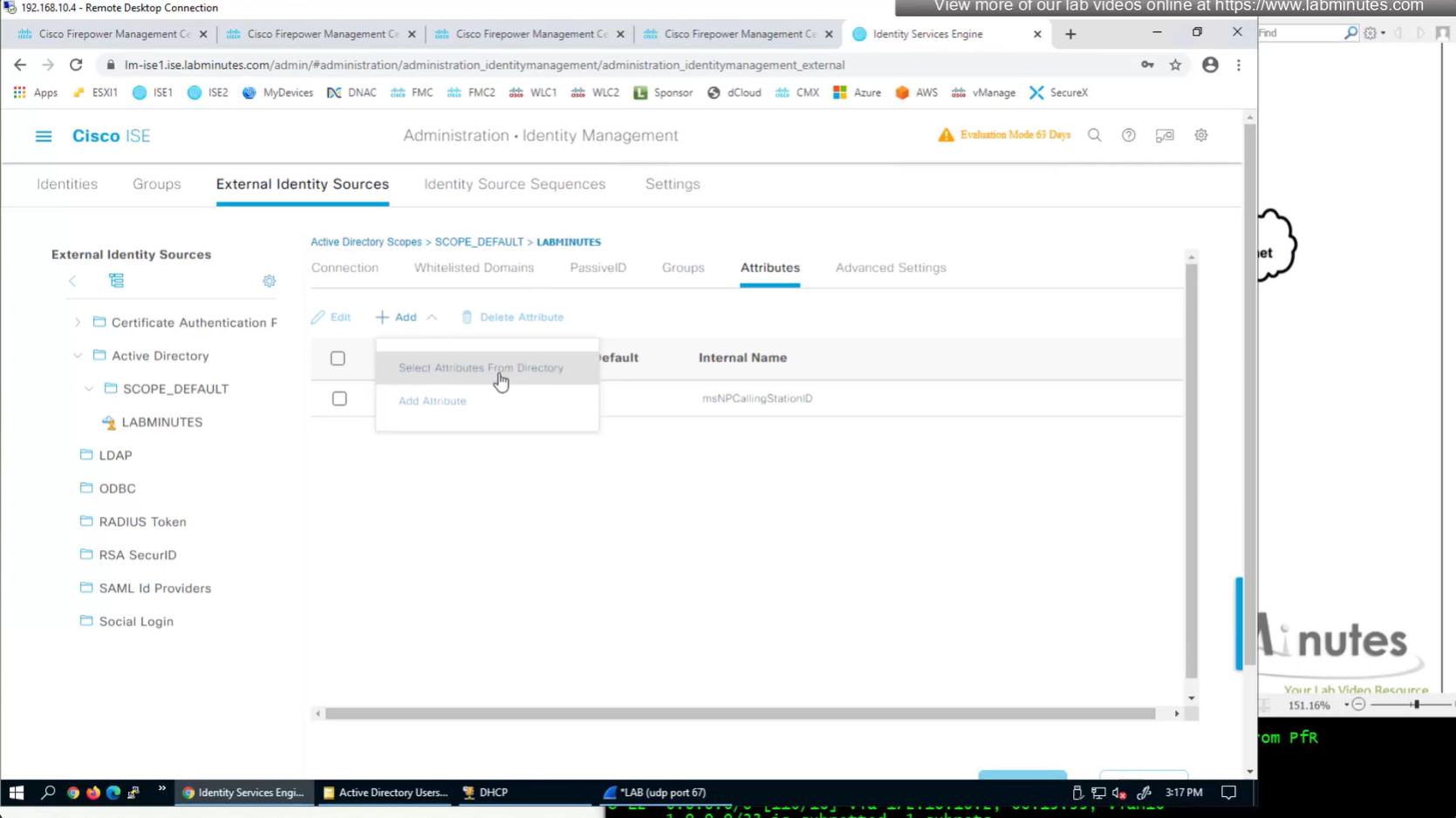
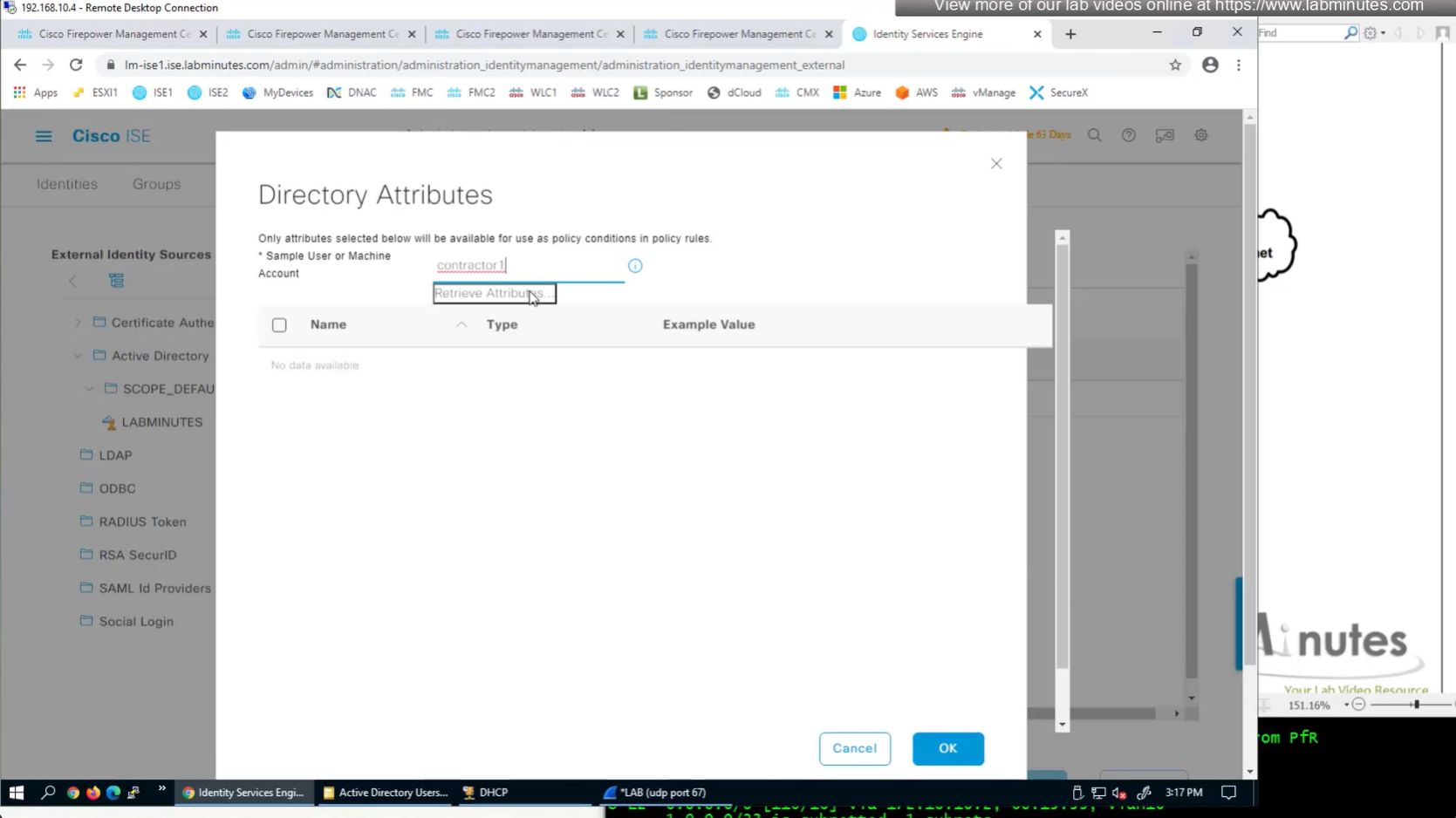
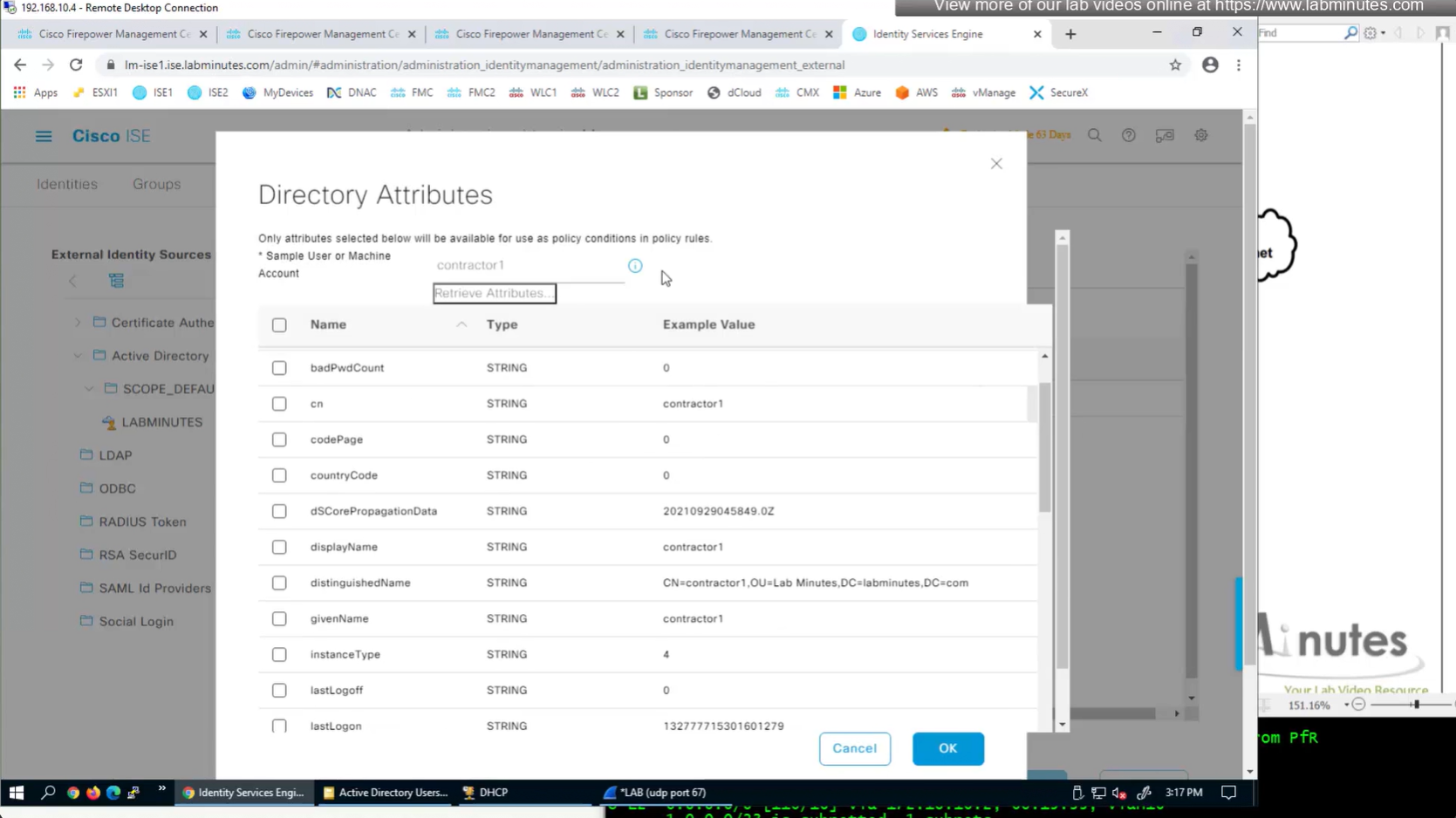
Similar attributes can be stored in AD
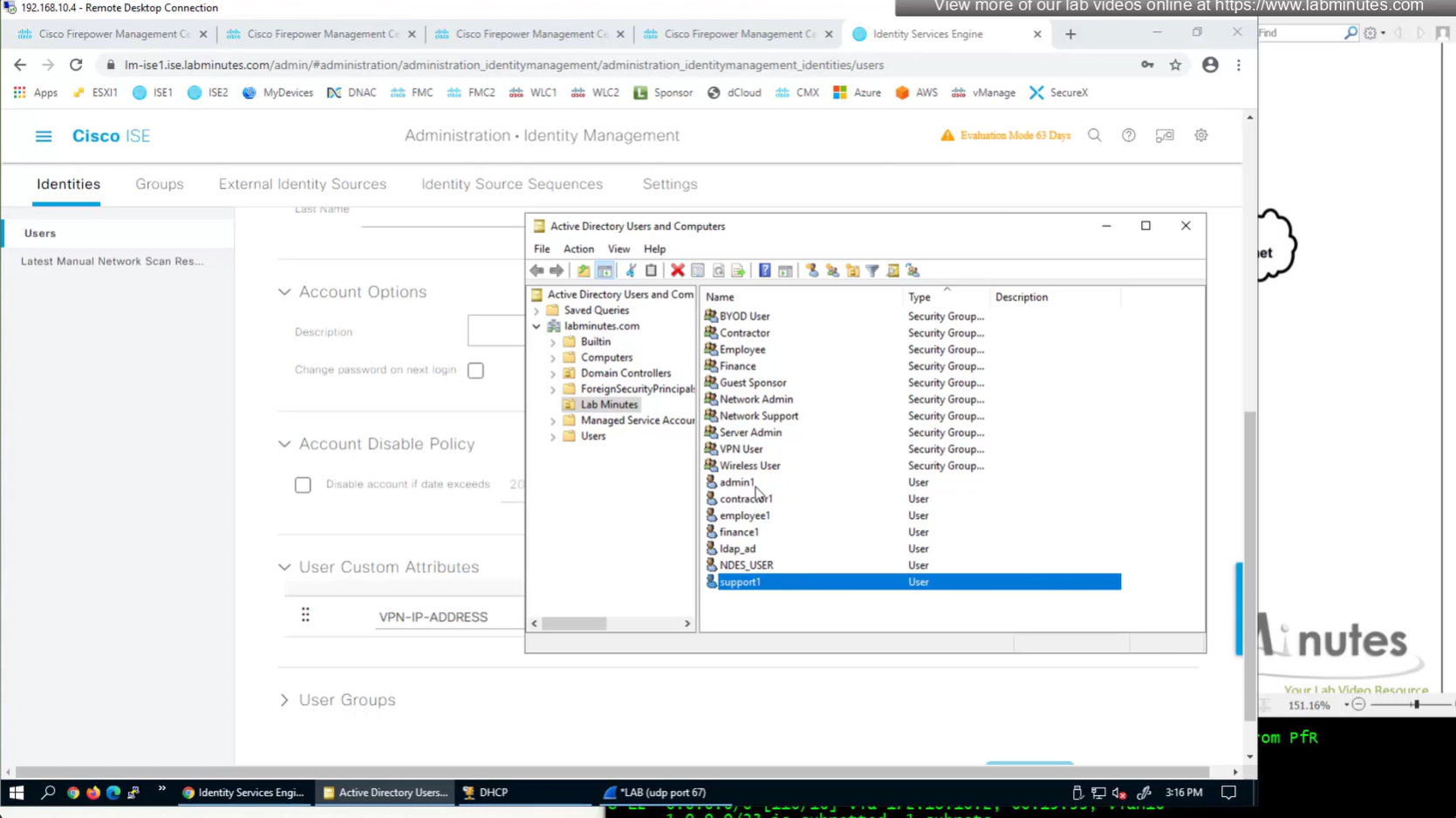
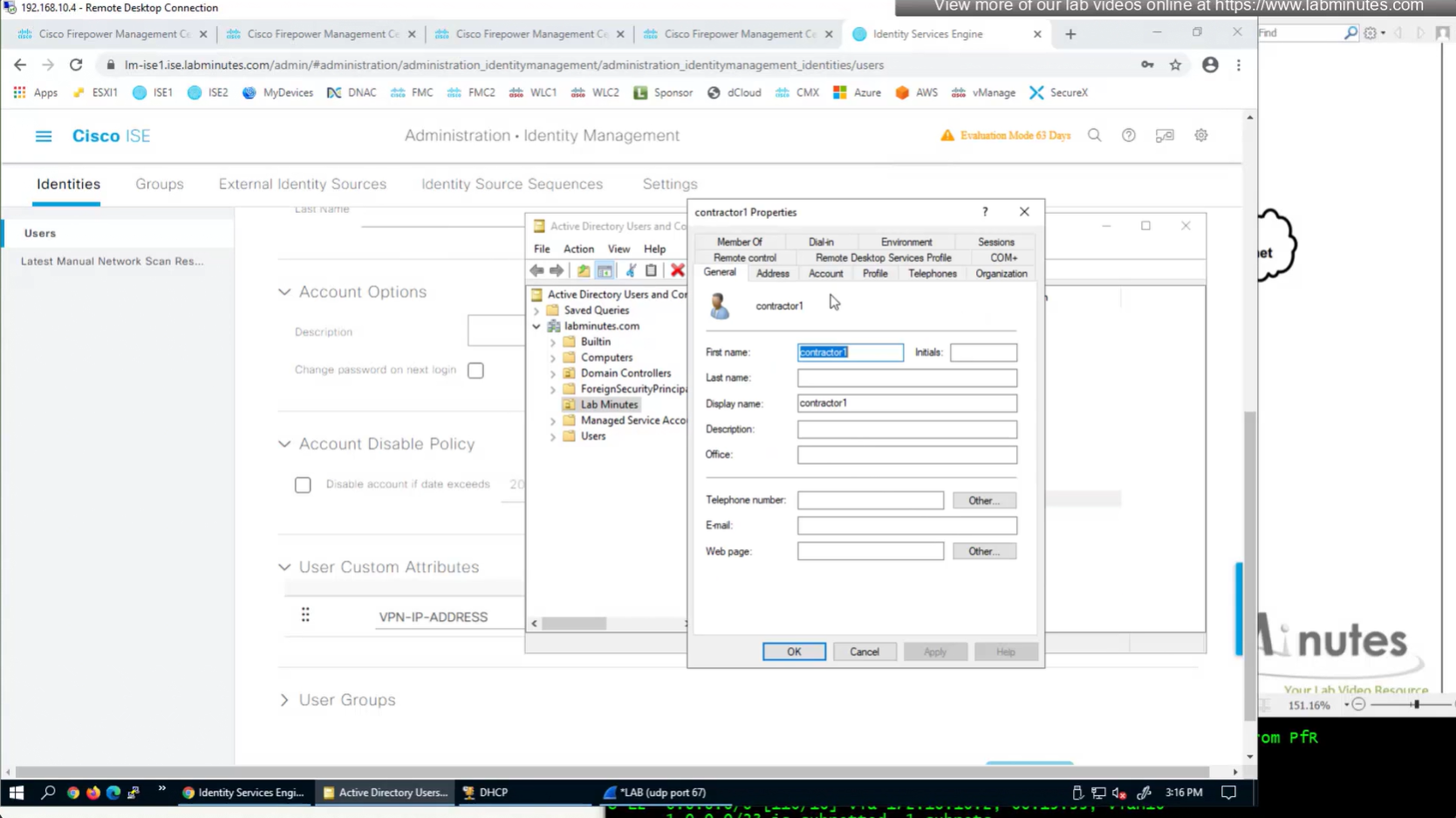
Dial-in tab
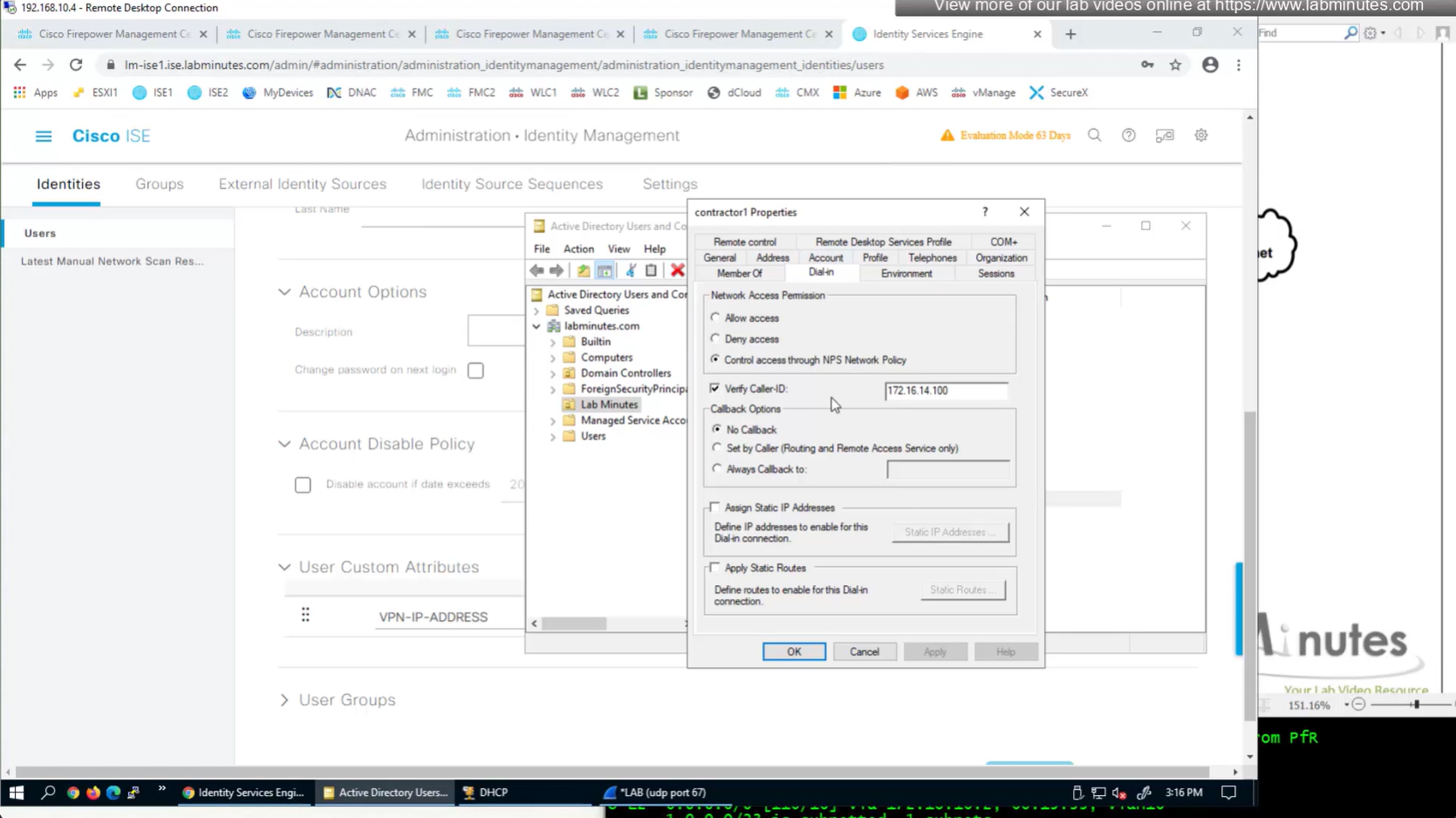
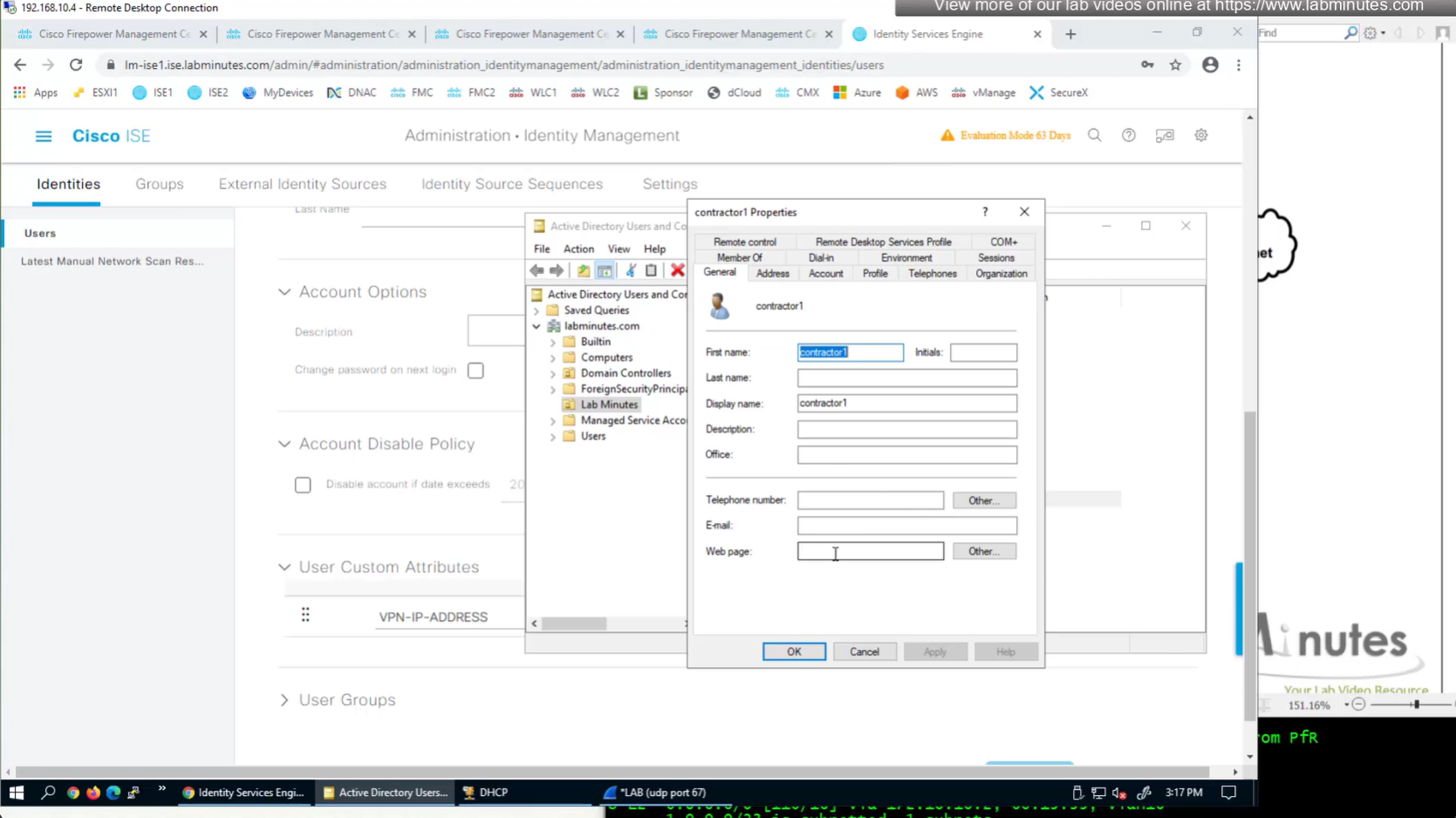
Technically we could use any of these AD fields on user account for IP address
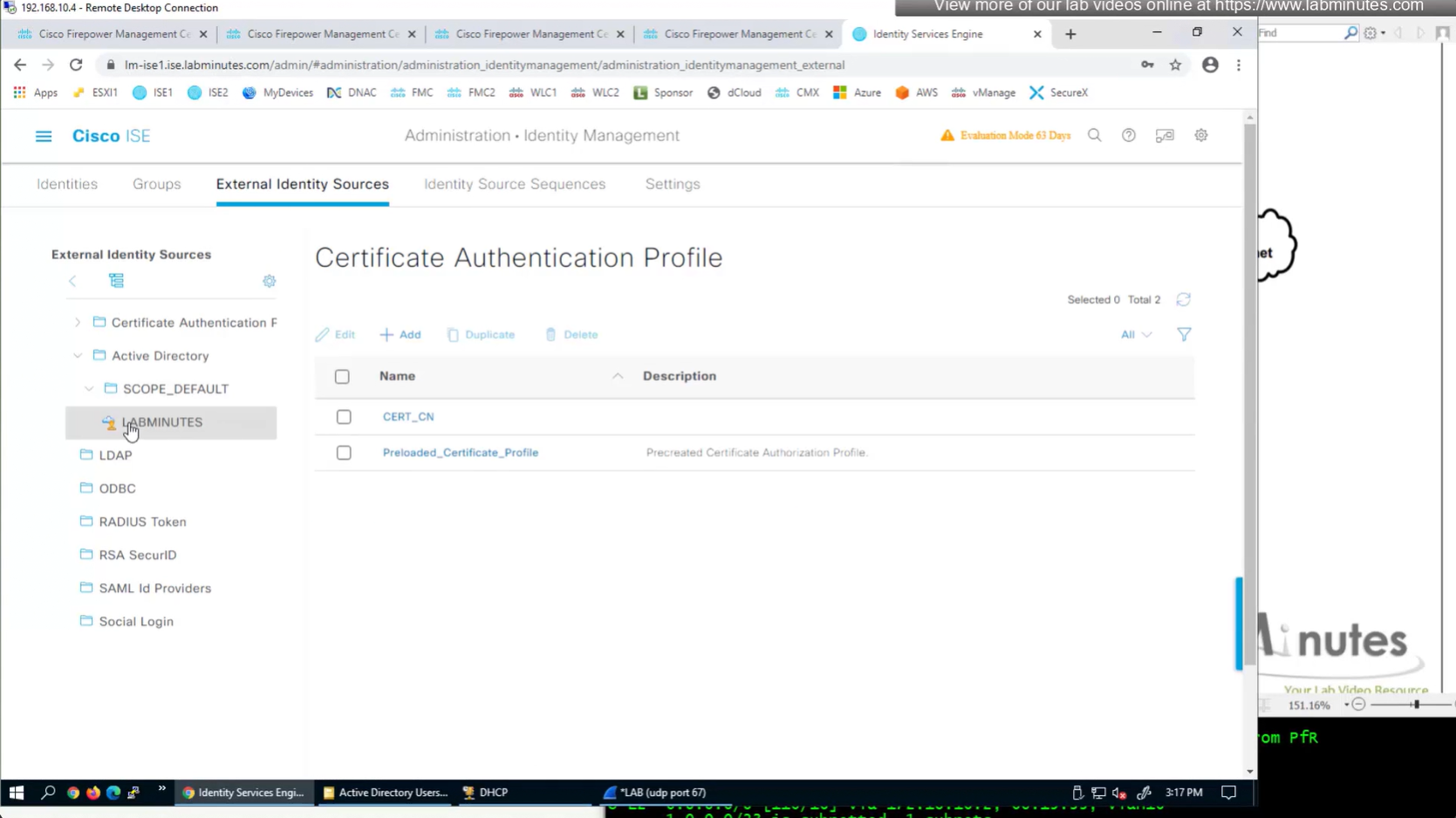
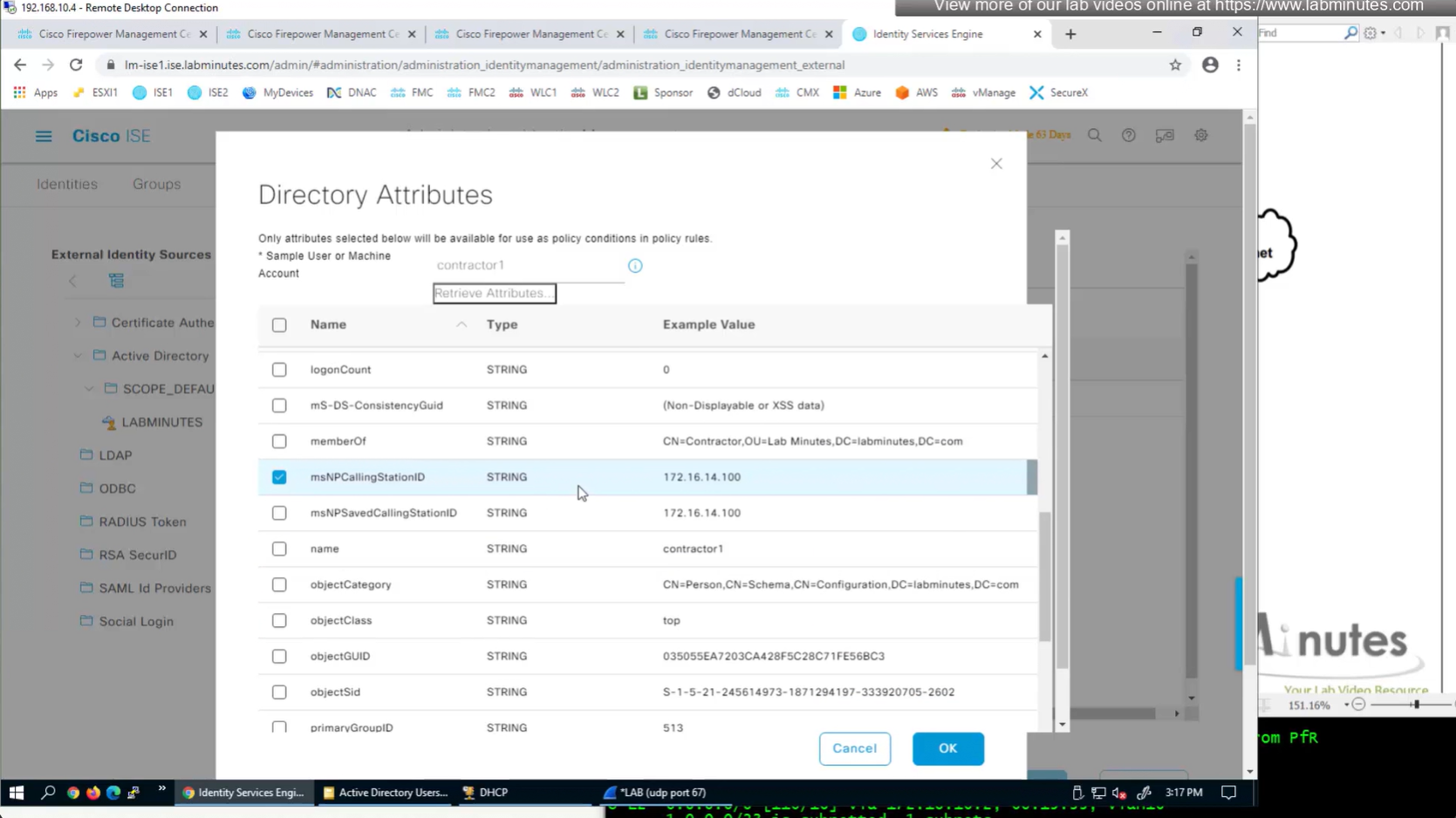
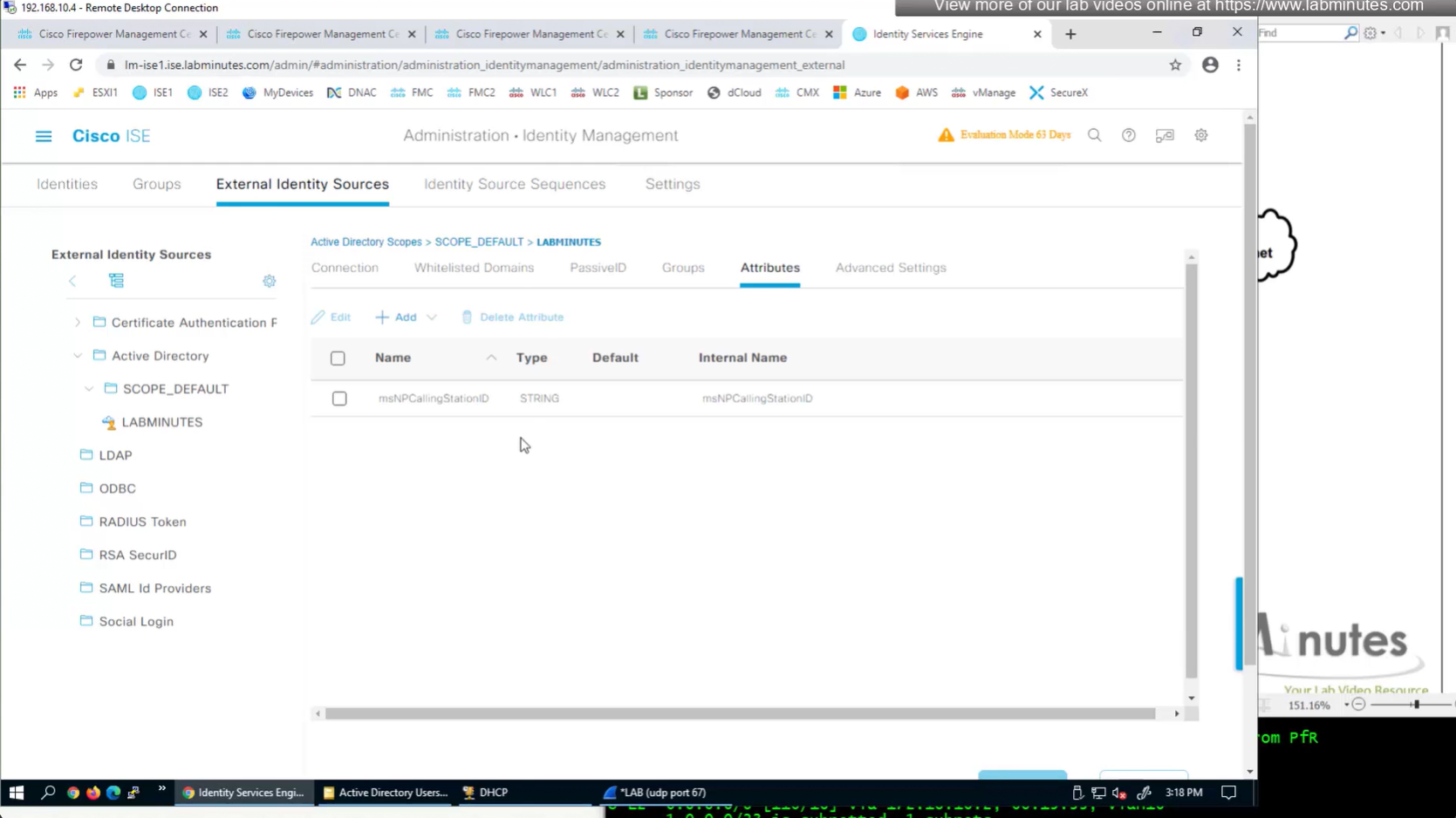
AD join point > Attributes




SEC0403 – Firepower 7.0 AnyConnect VPN Address Assignment (Part 1)
There are 3 methods of assigning IP address to clients
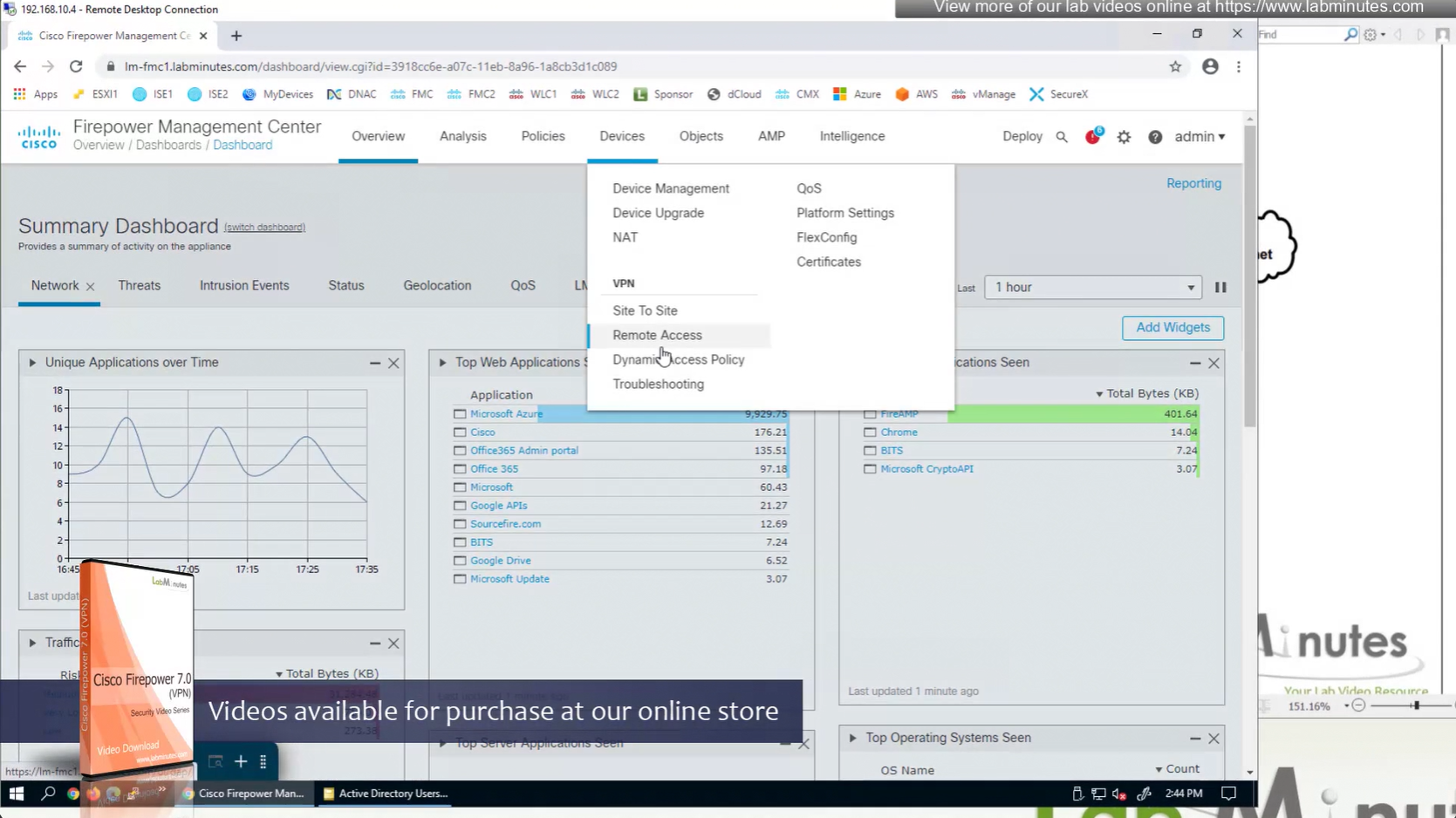
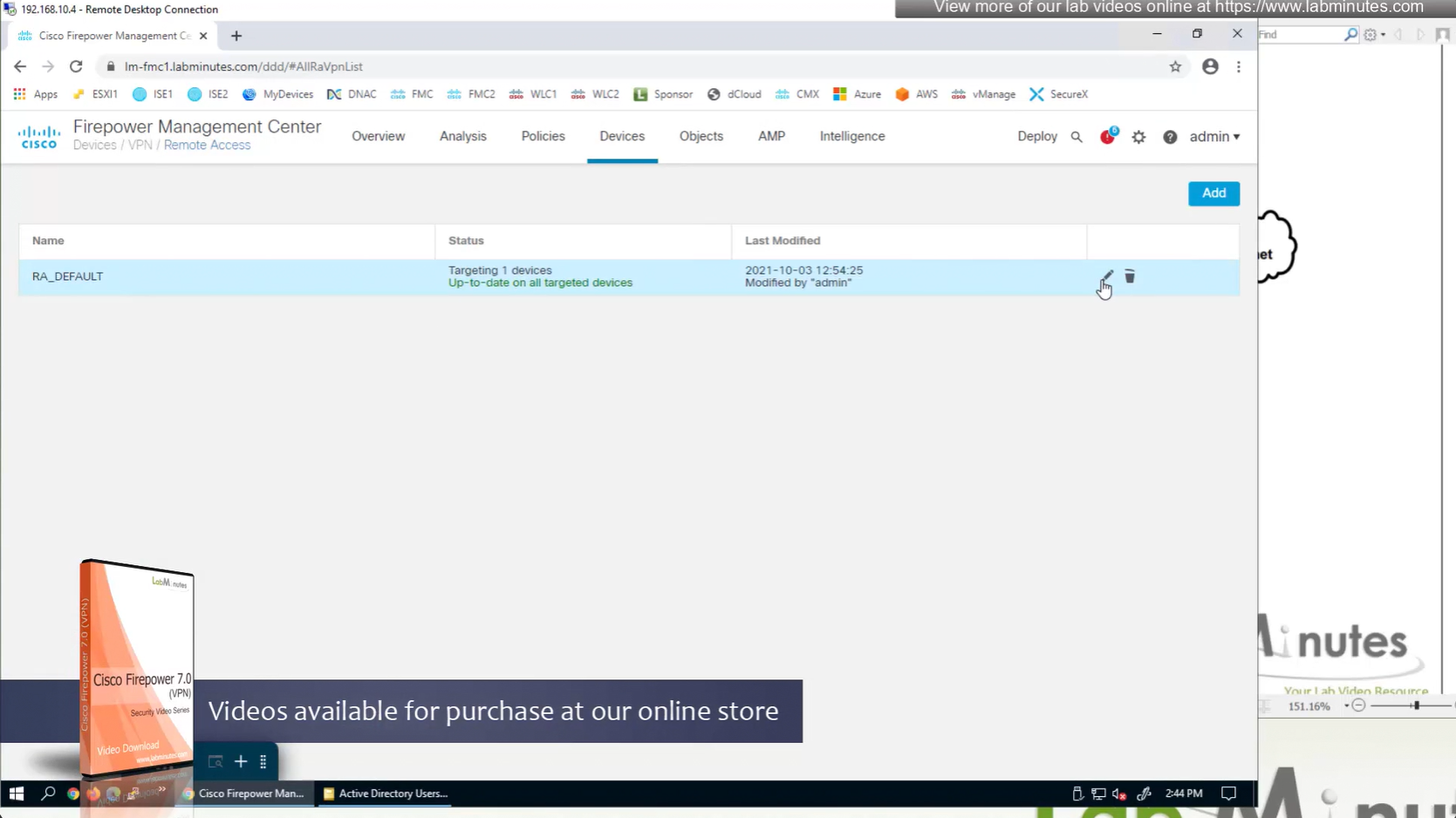
Remote access policy’s Advanced settings
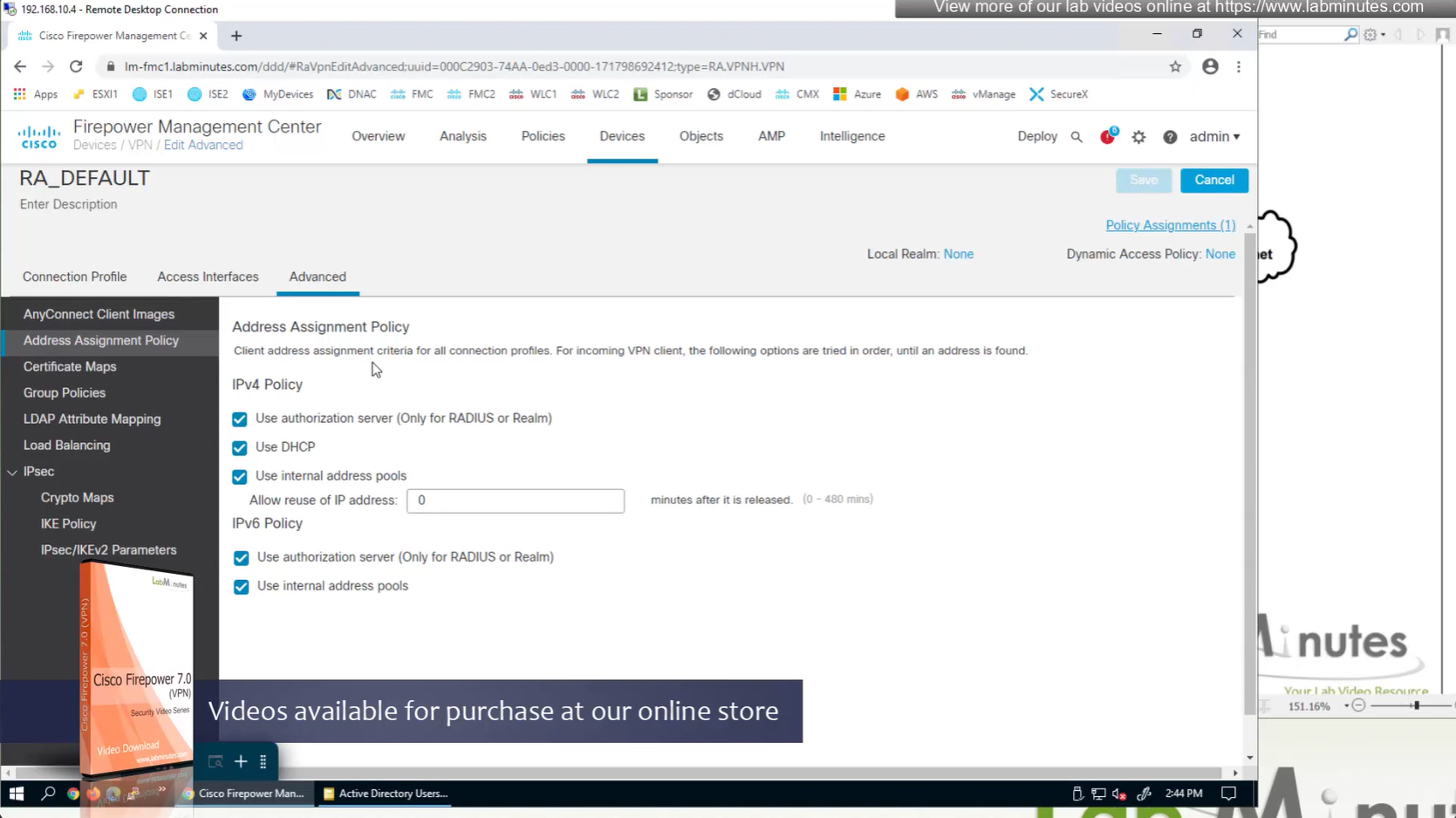
If all of the above are configured at the same time then RADIUS takes precedence and then DHCP and then IP address pools
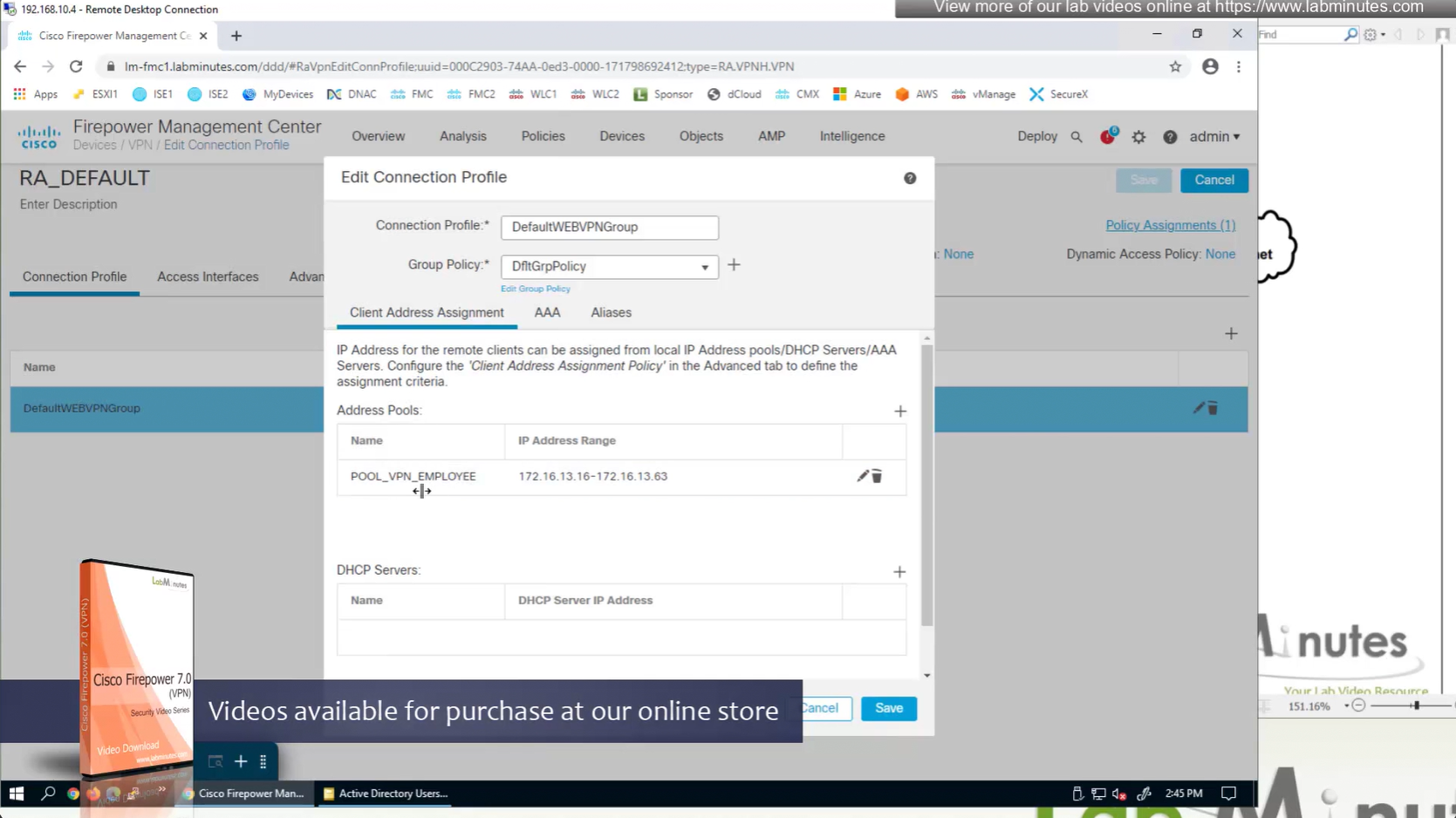
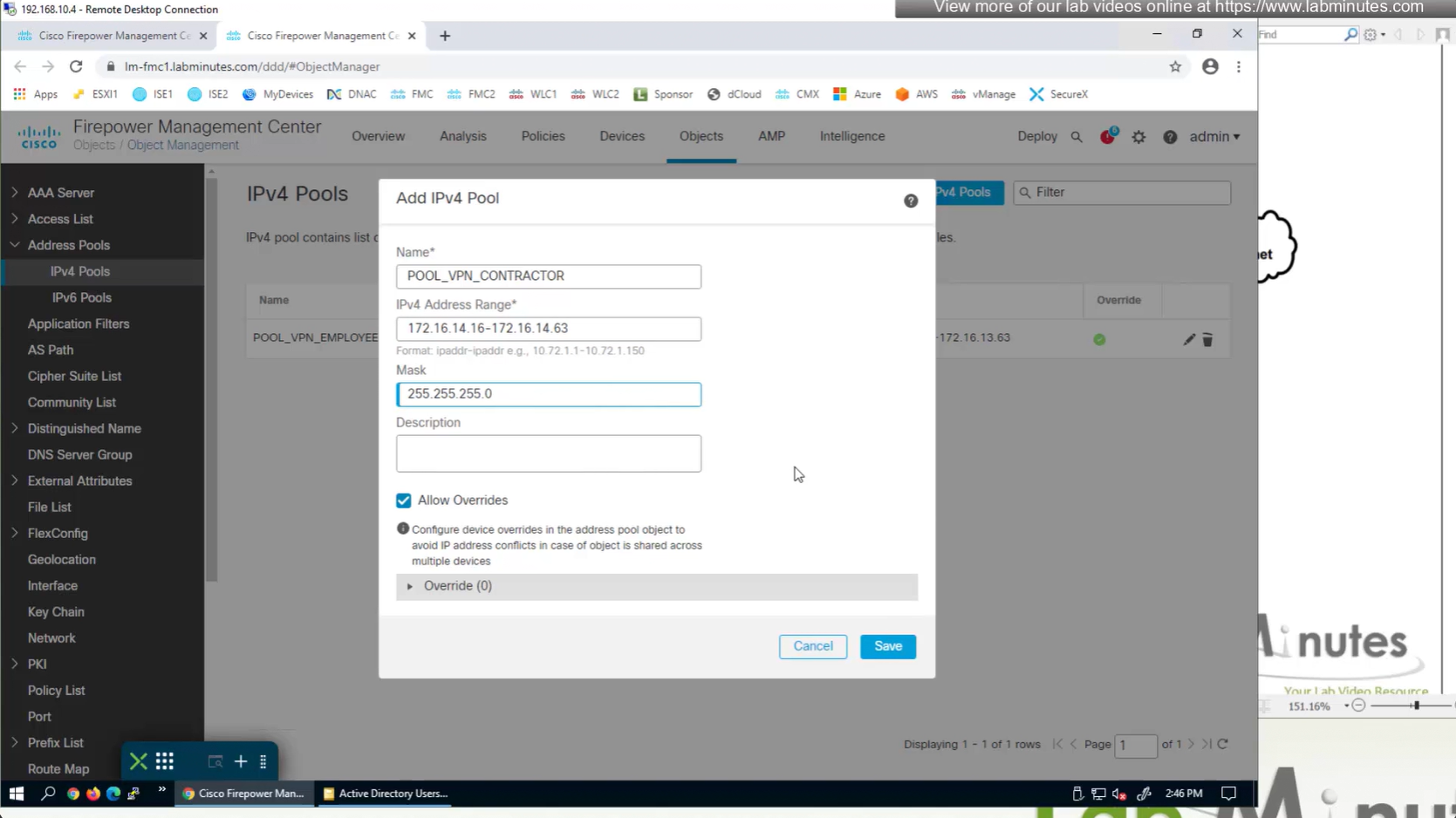
IP address pool settings inside Group policy, rather than connection profile
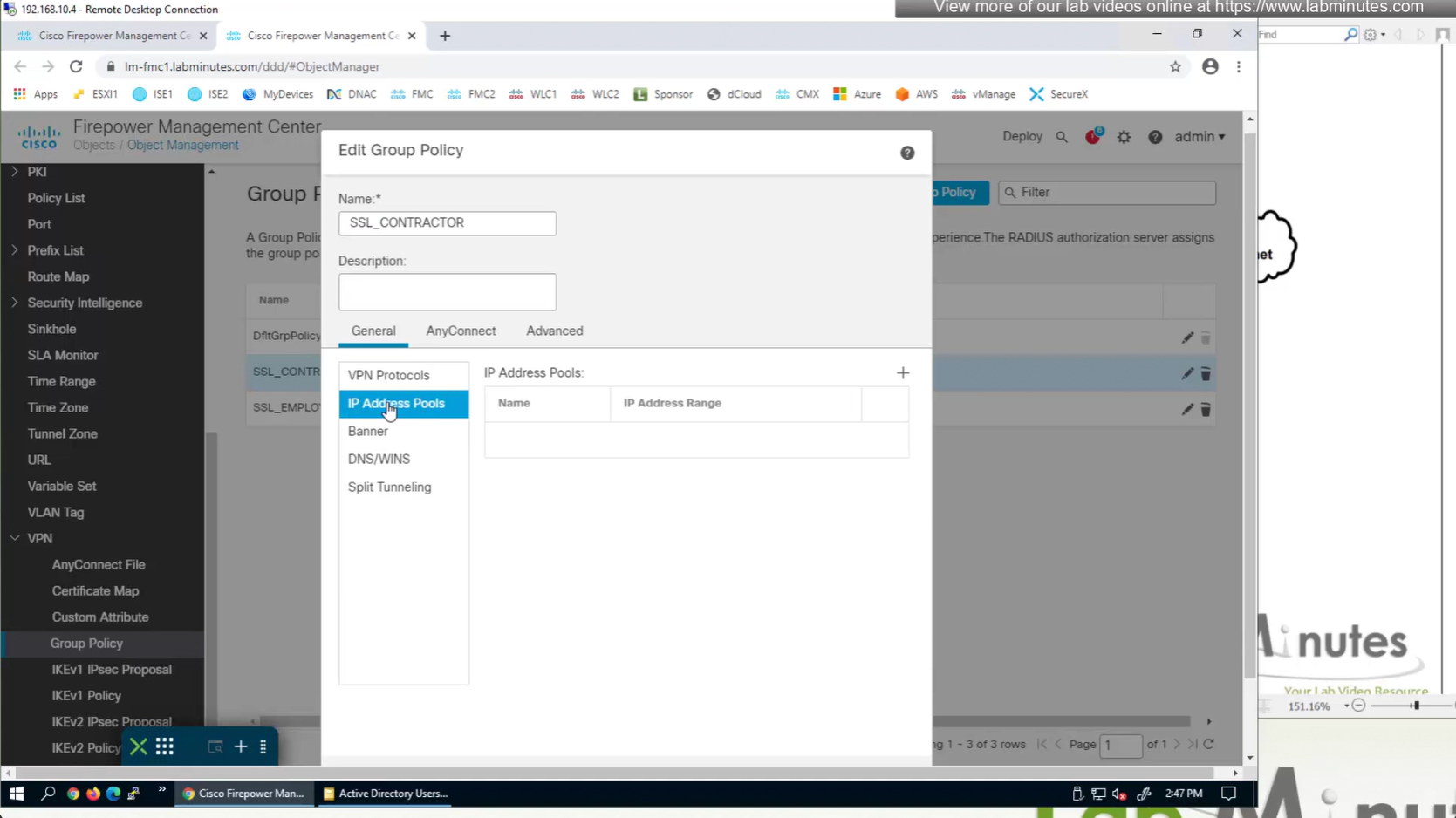

It is also possible to have IP address pool in group policy if you want to have same connection profile but have different IP address assignment per group policy
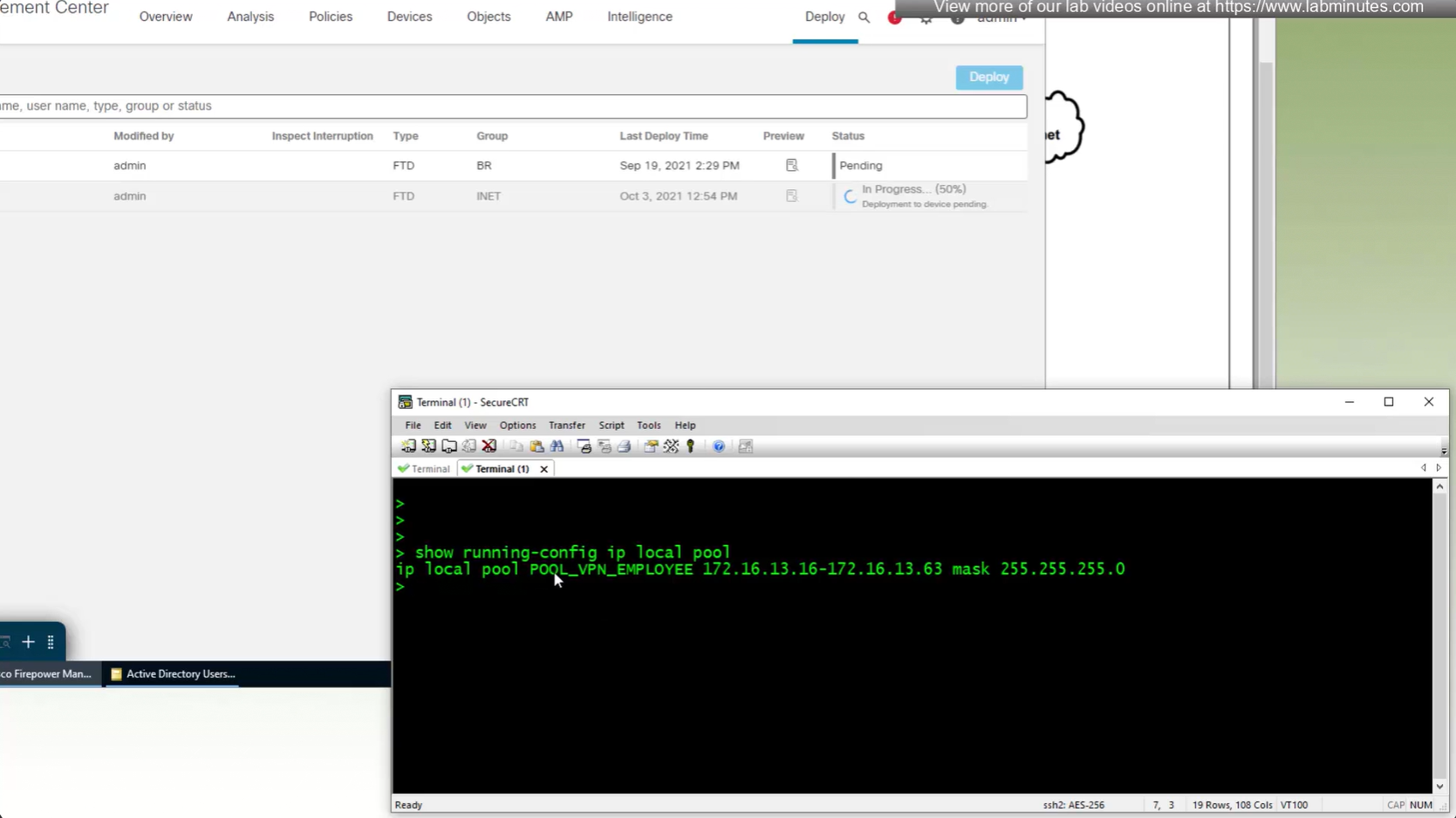
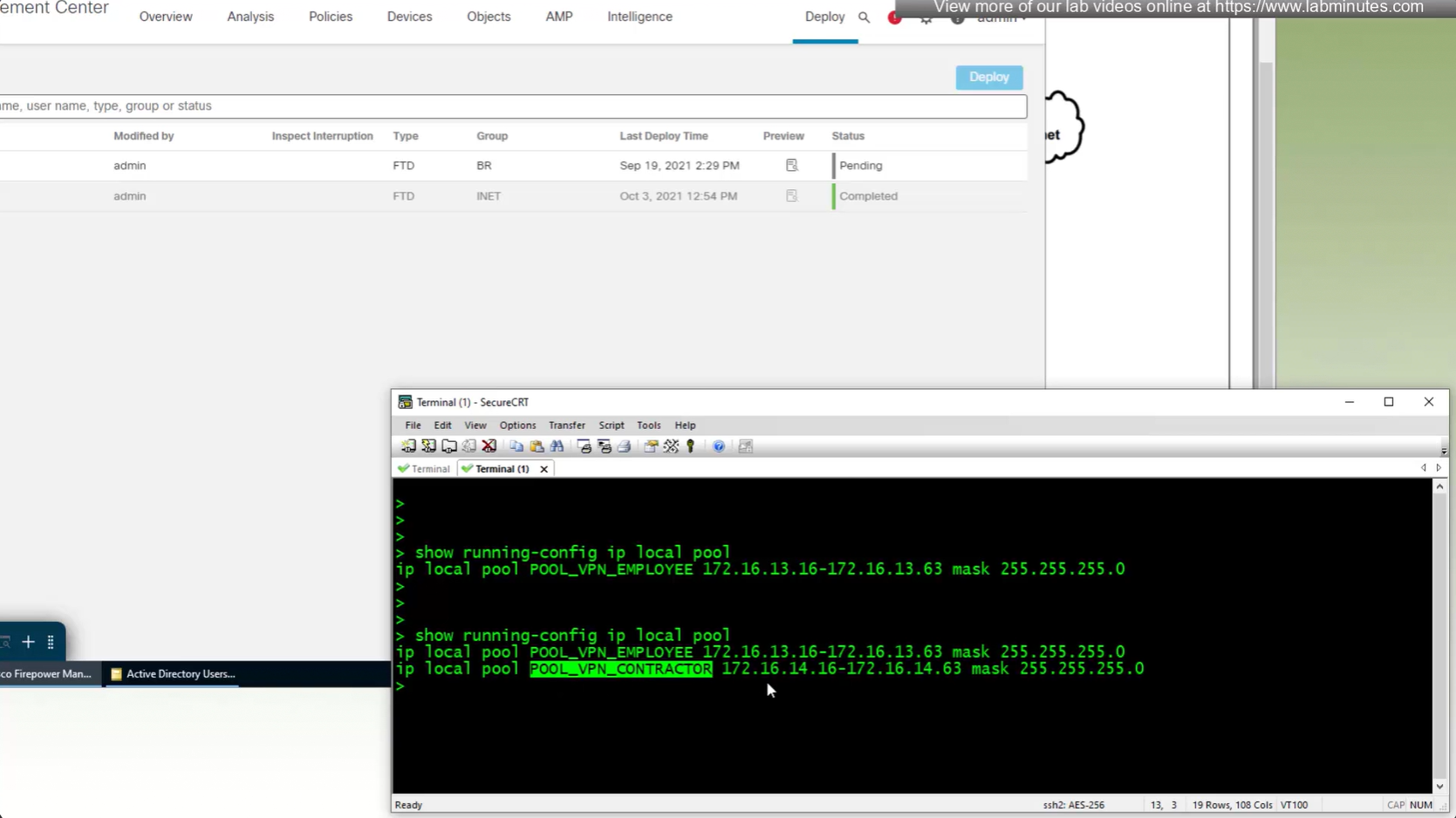
show running-config ip local pool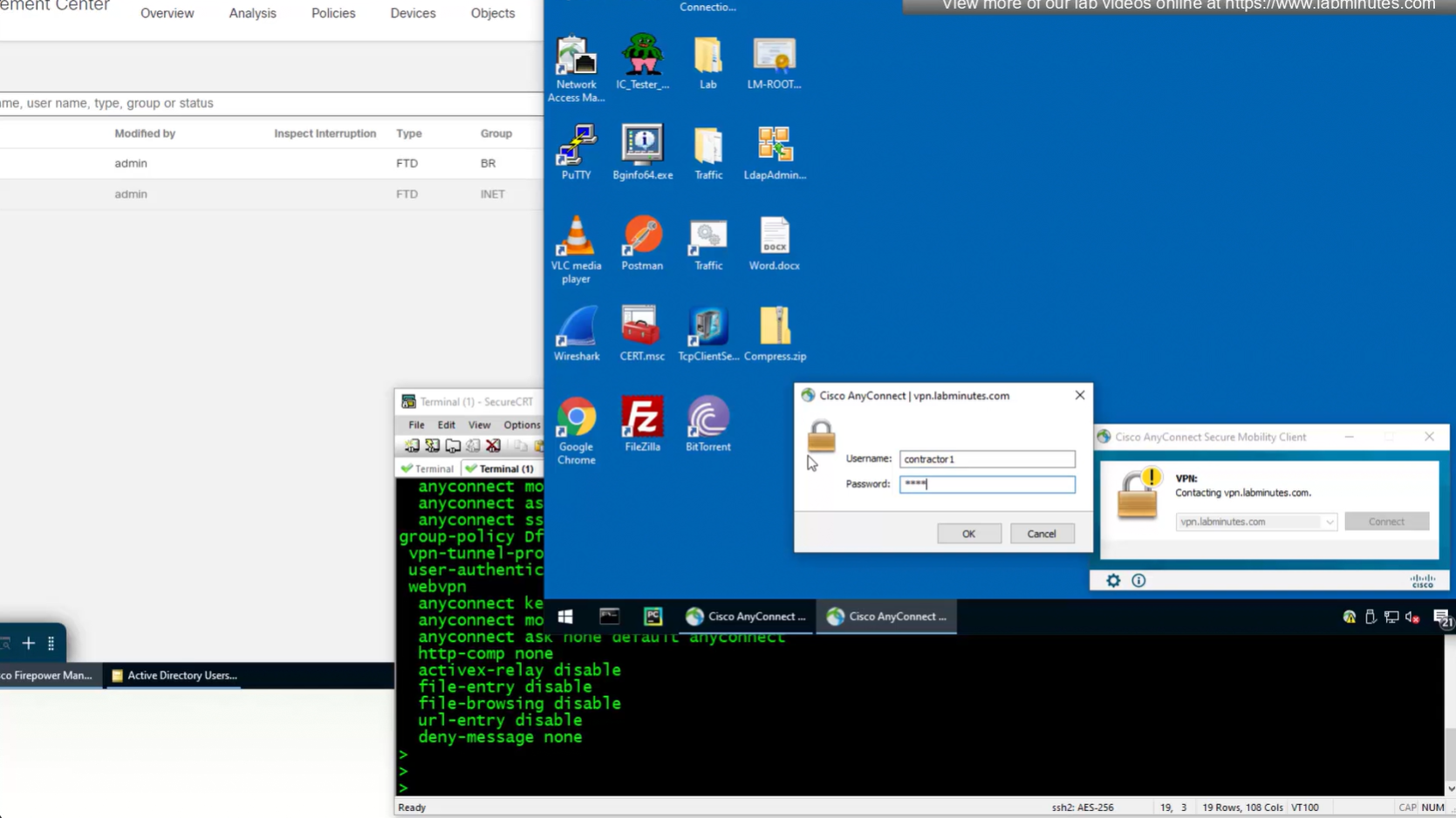
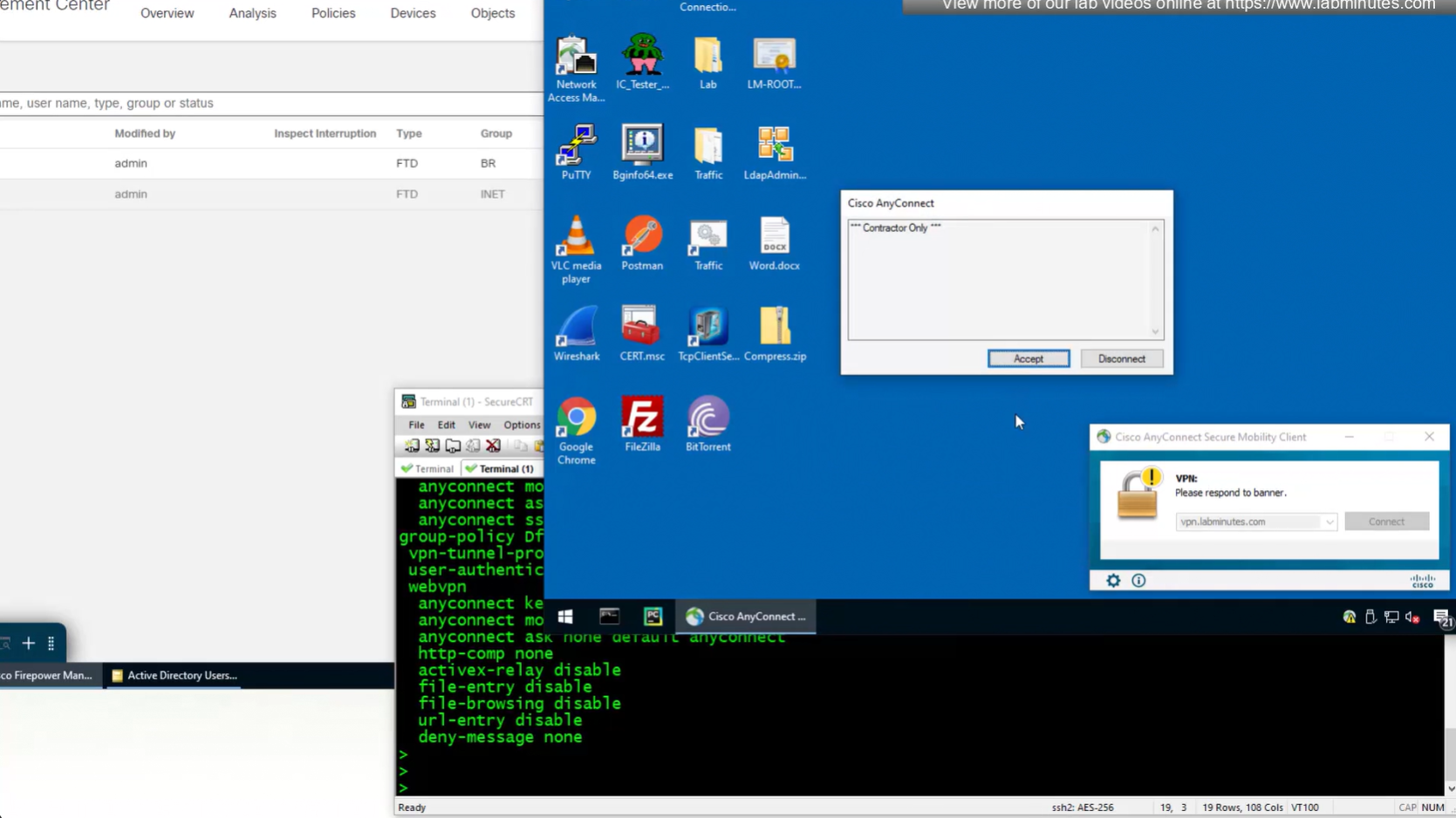
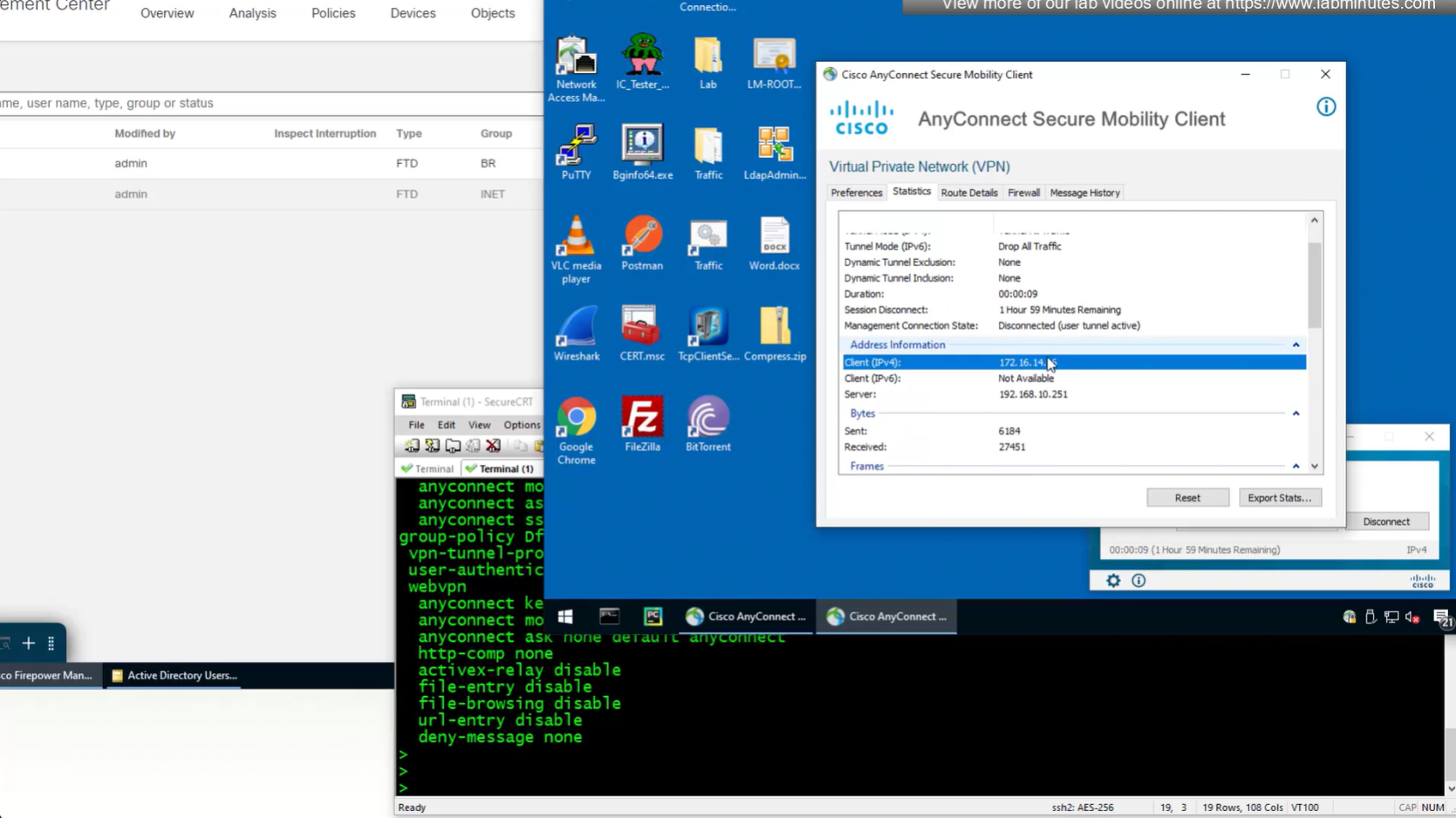
Now we will remove this IP address pool for DHCP setup
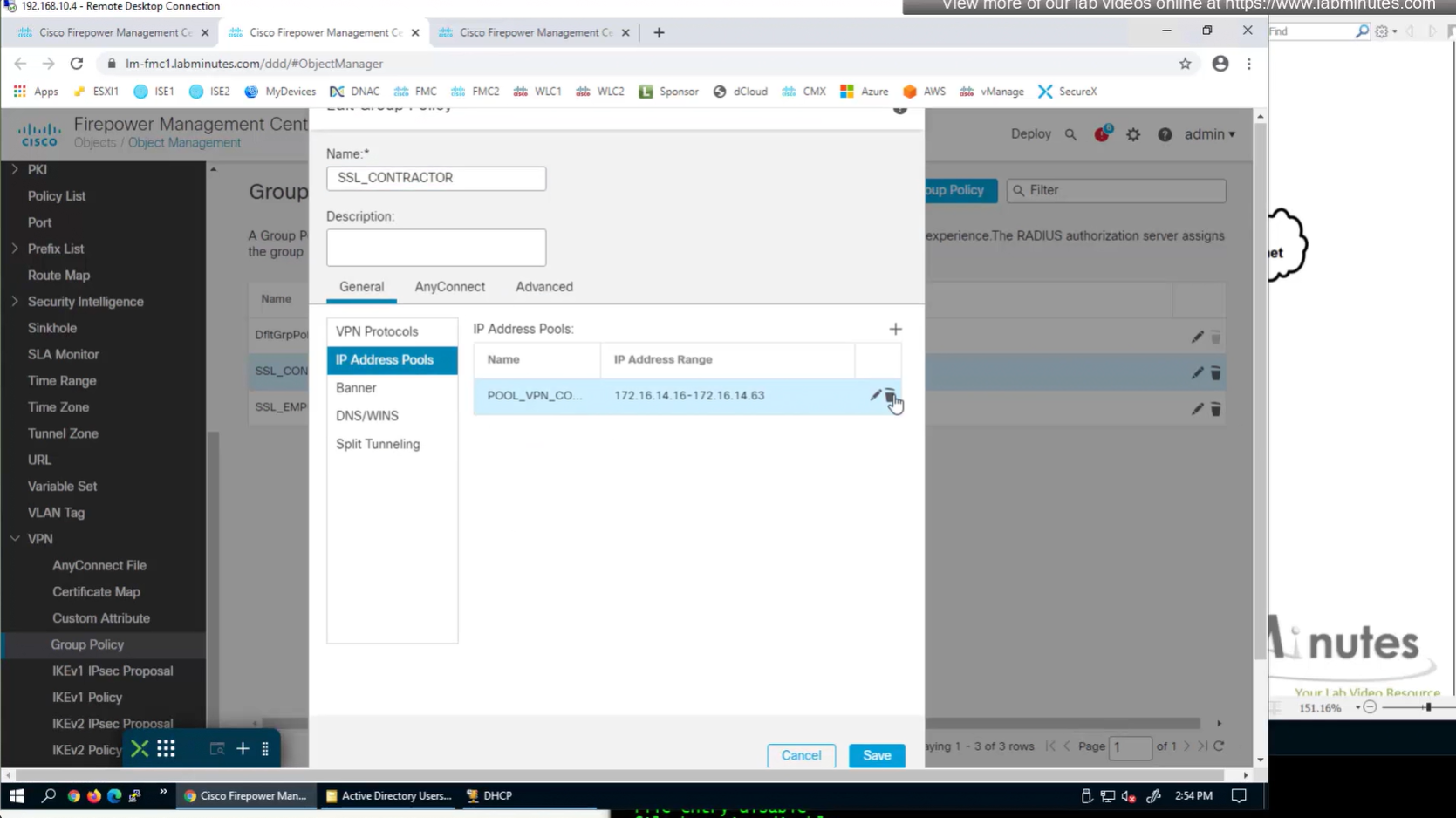
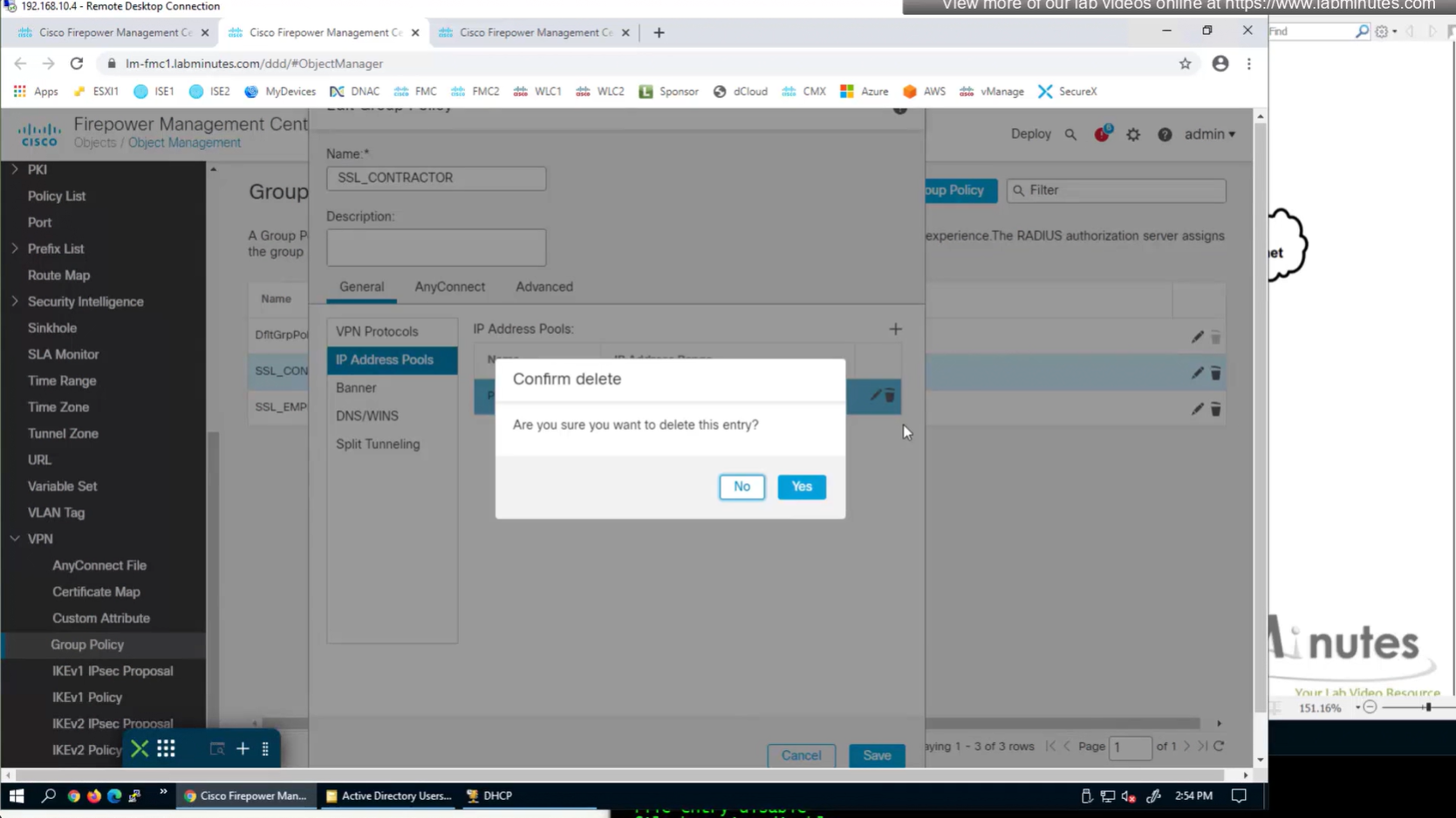
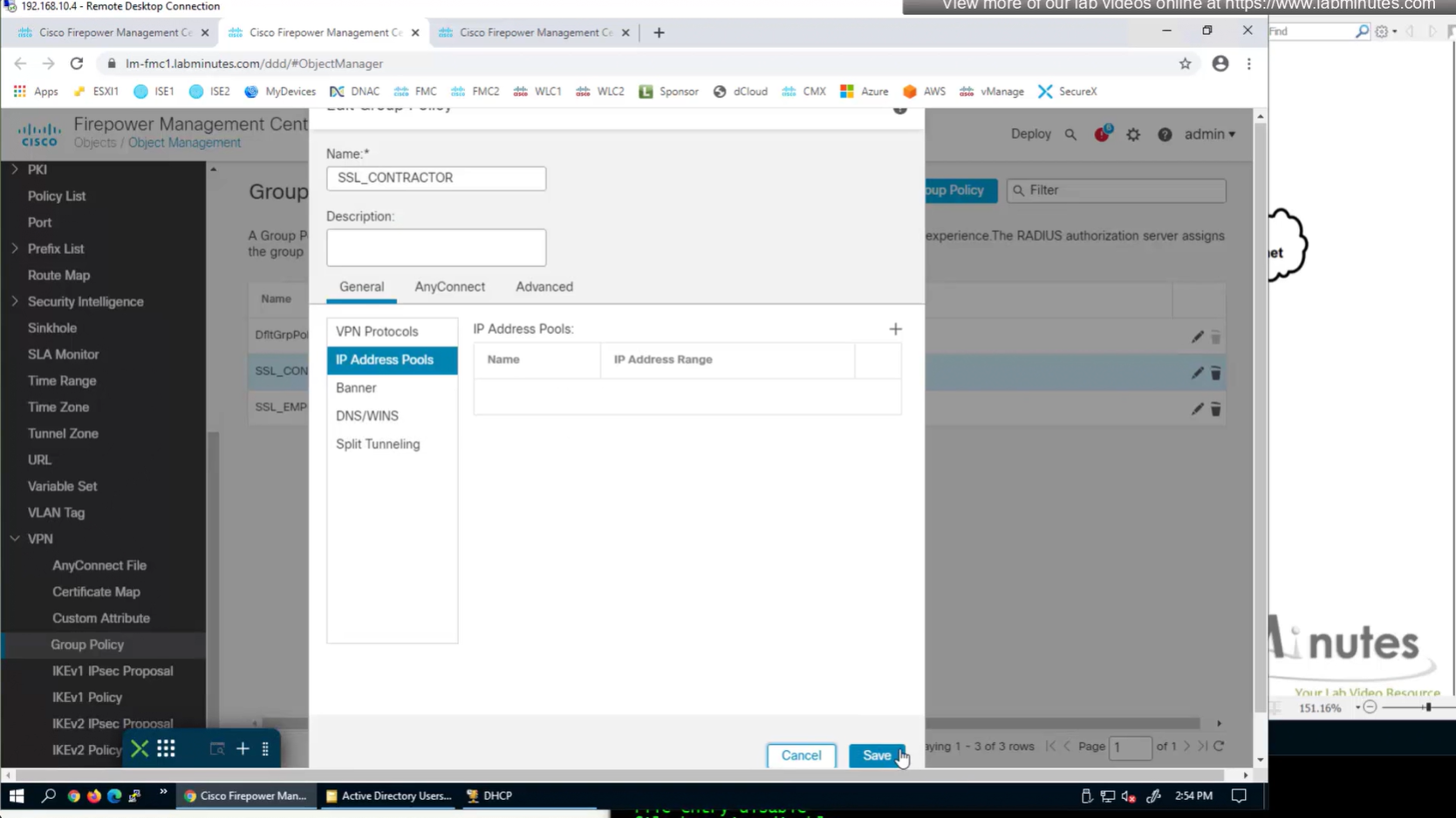
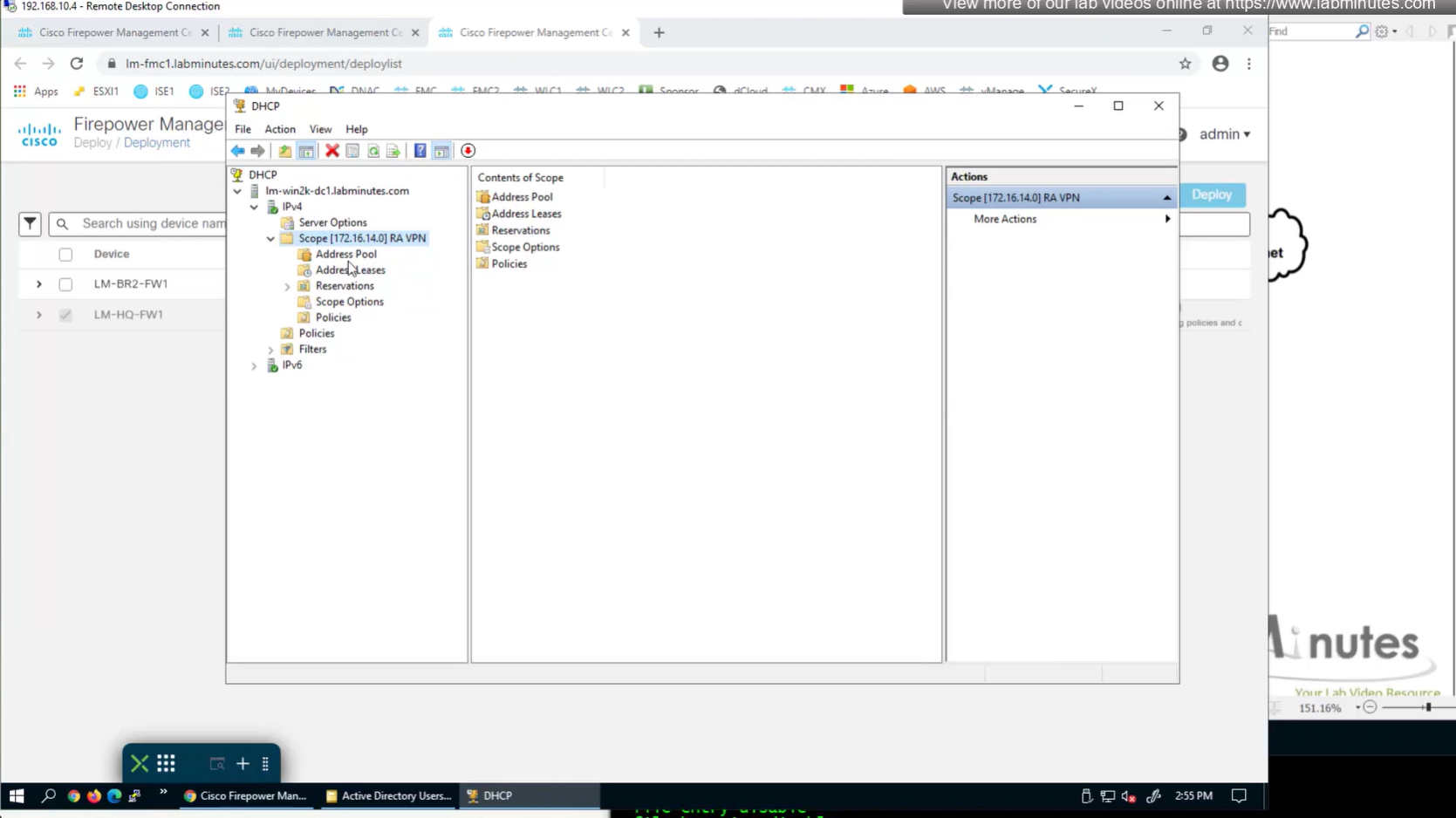
Firepower can use DHCP server for client IP address assignment
FTD can relay DHCP request from client to DHCP server
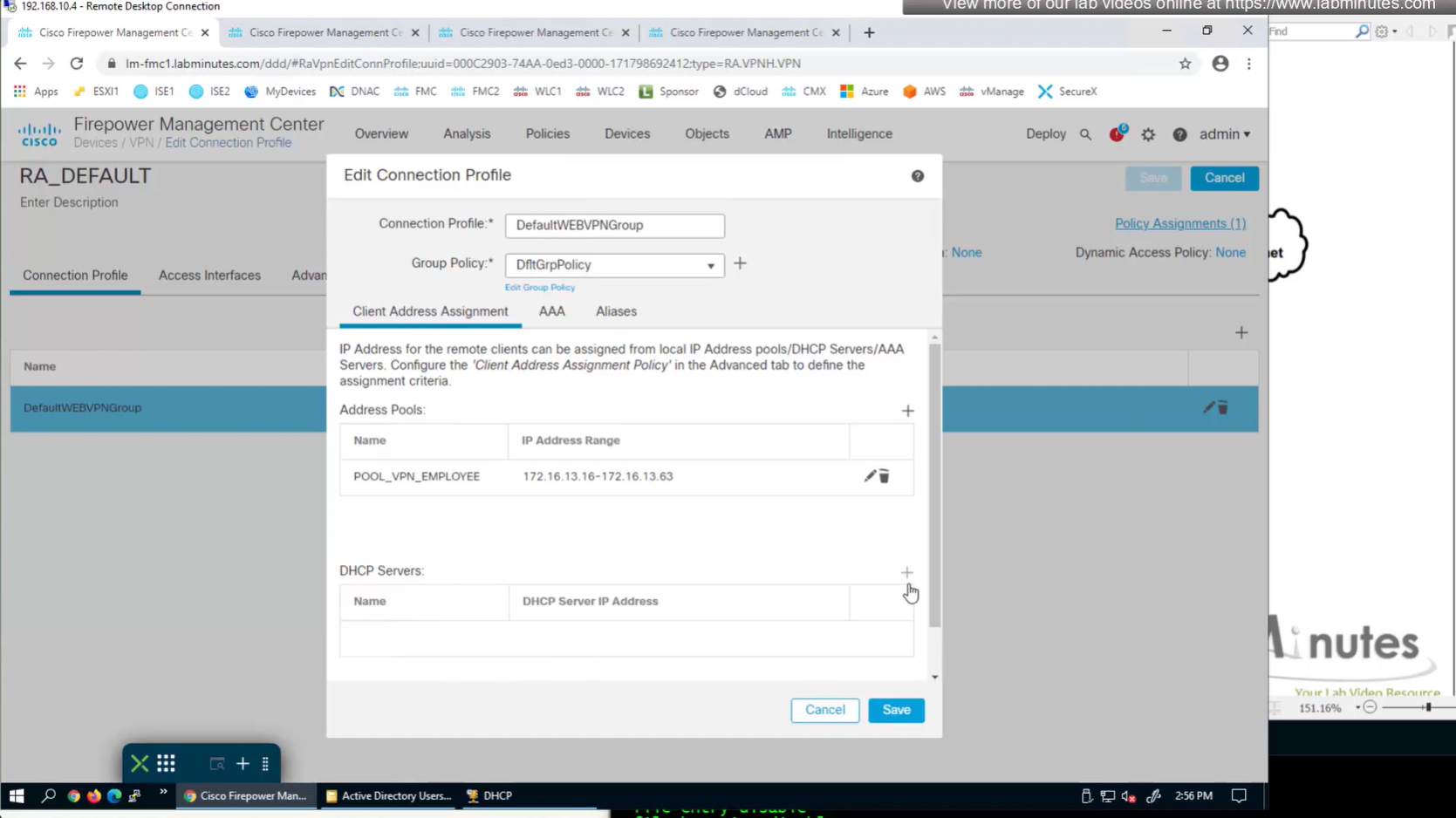
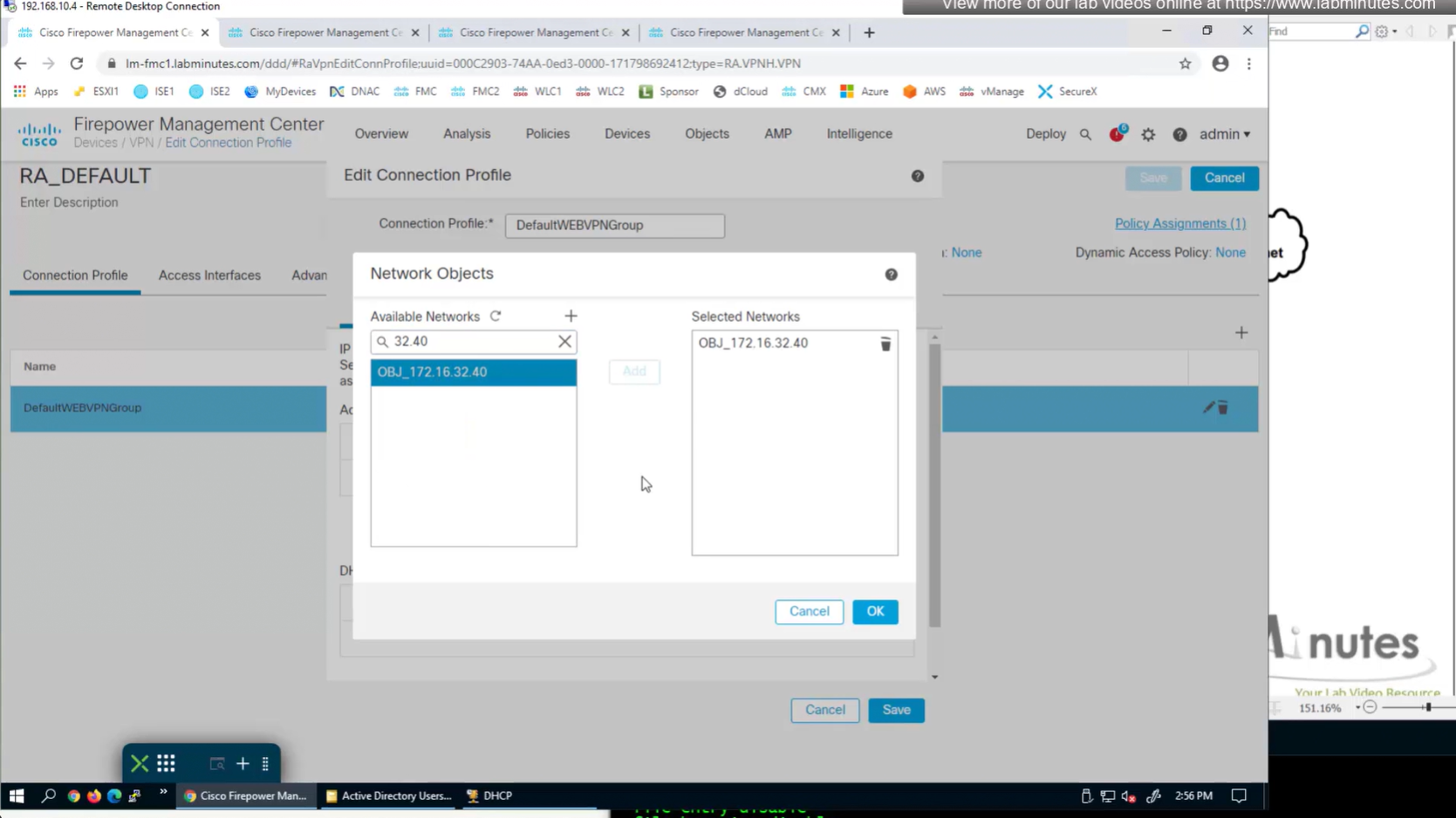
Add DHCP server
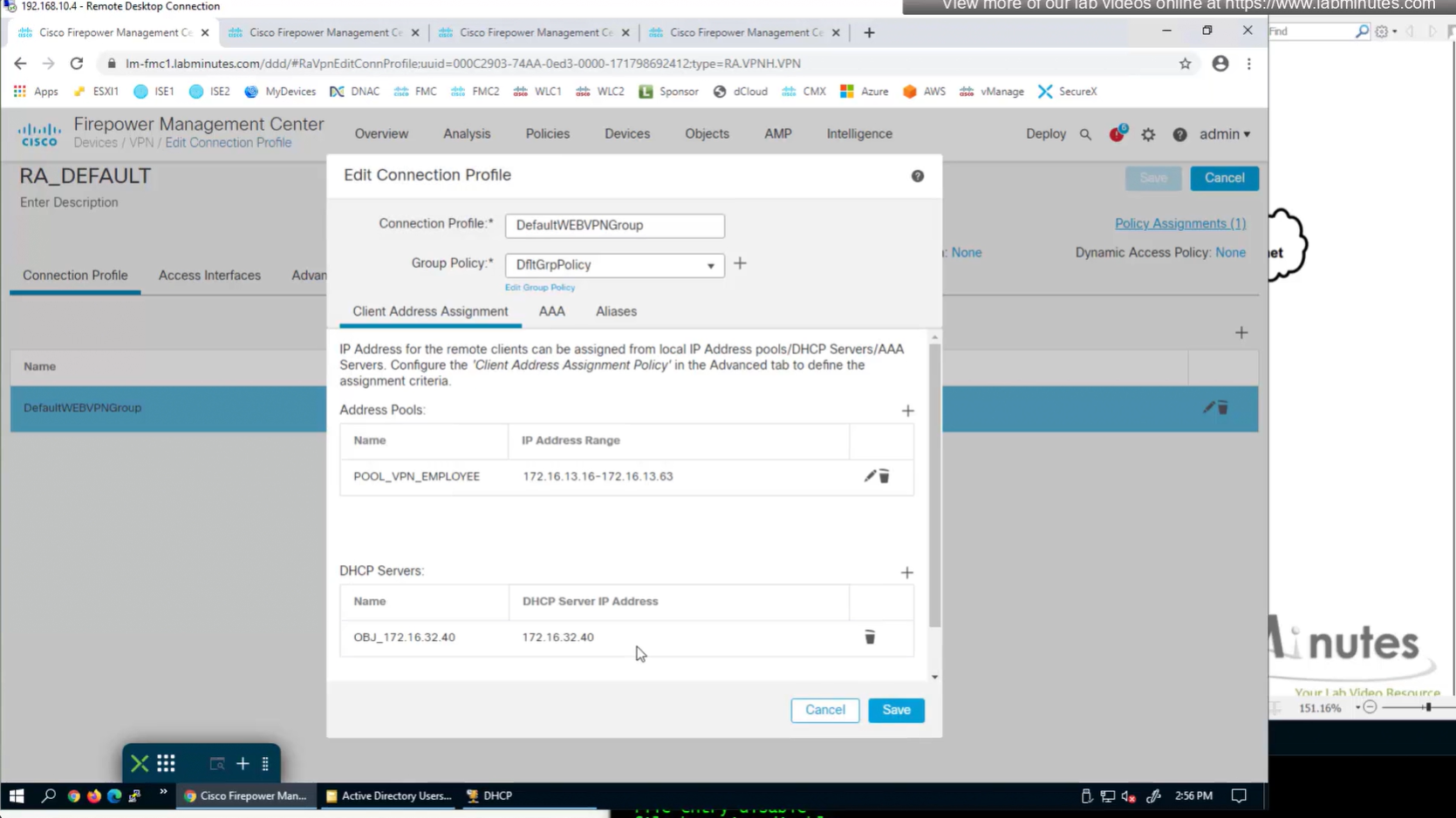
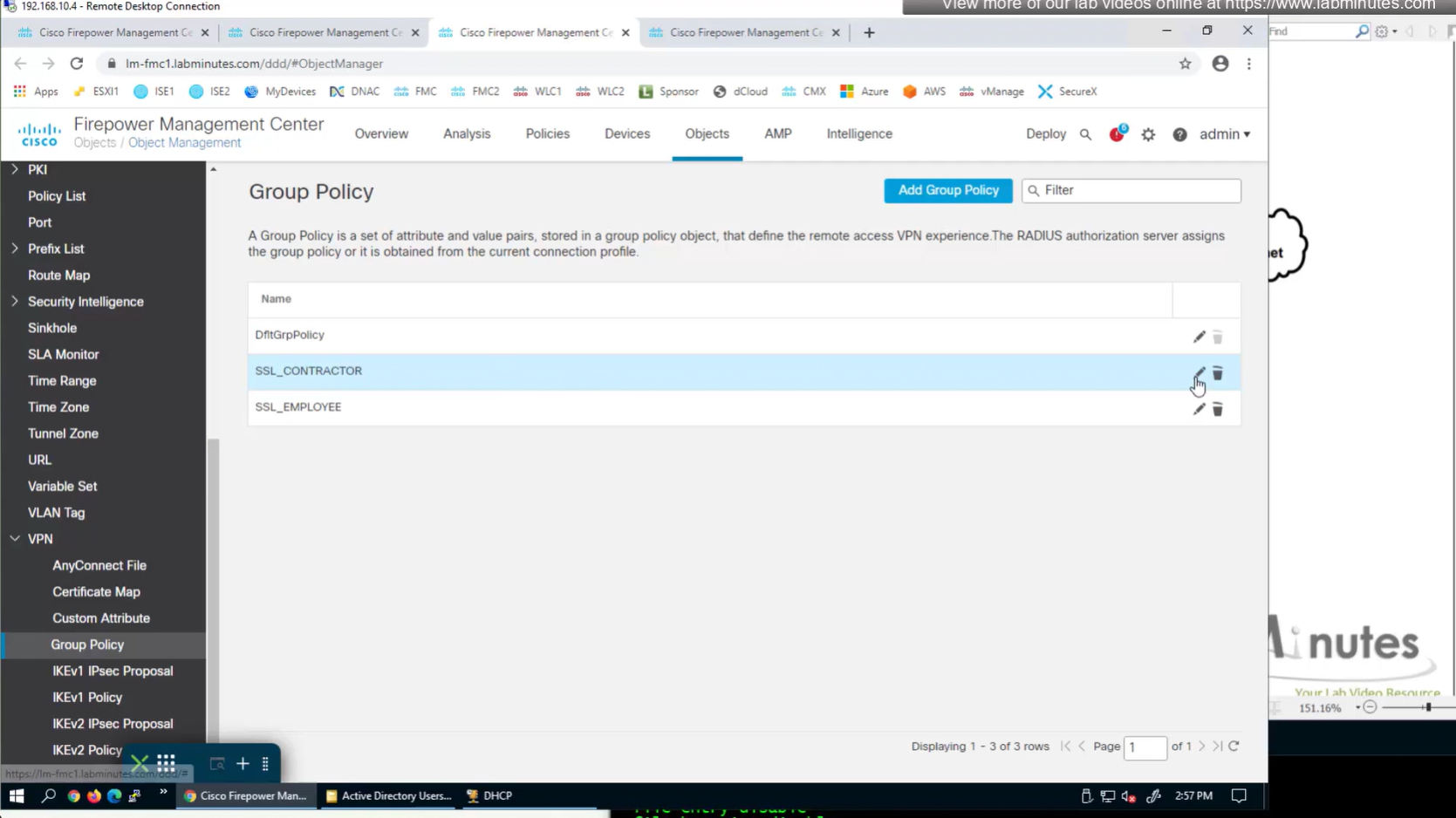
Now we need to edit the group policy
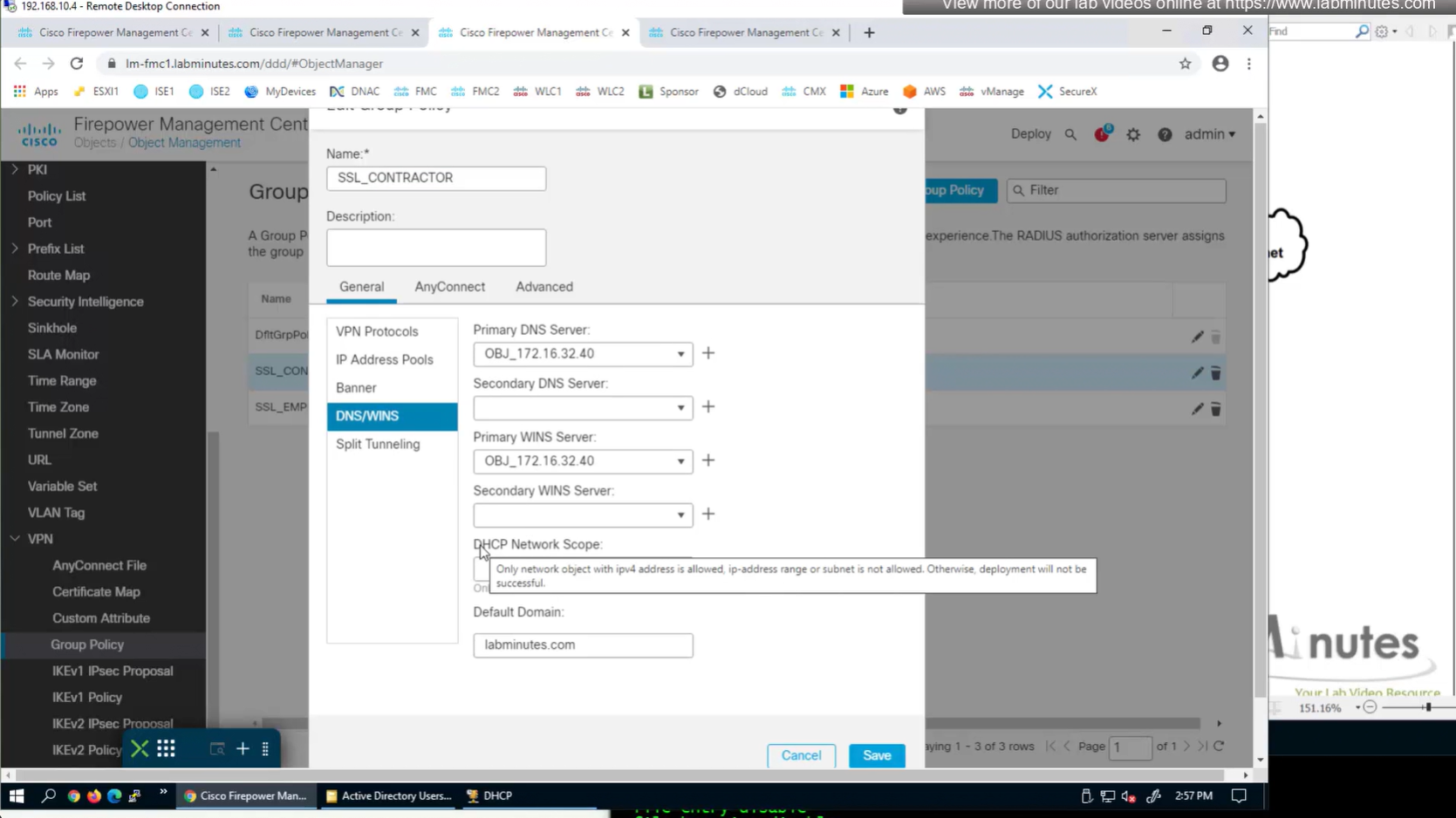
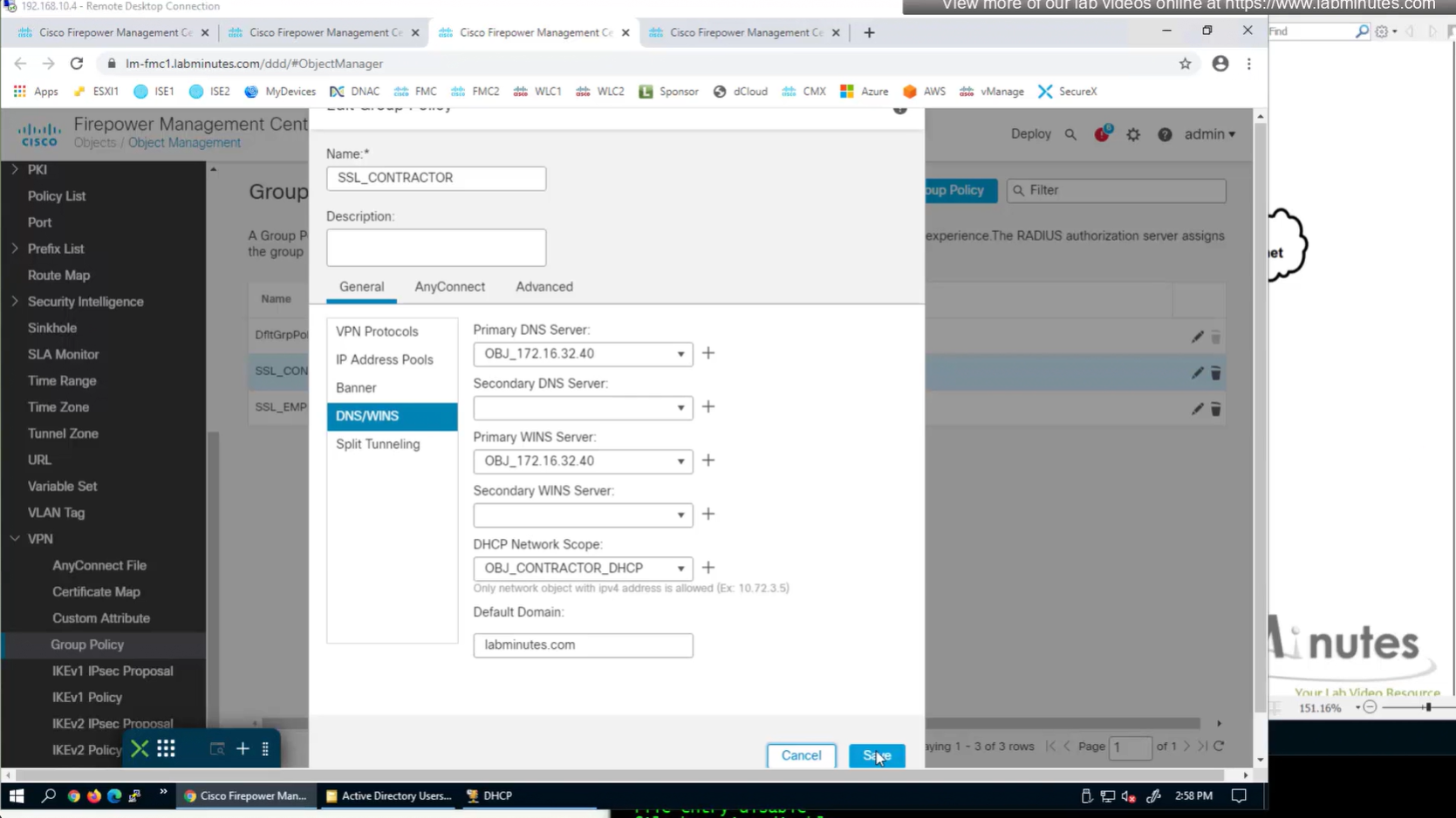
here we need to define the DHCP scope so when relaying FTD can indicate the IP address pool to DHCP server to select the address from
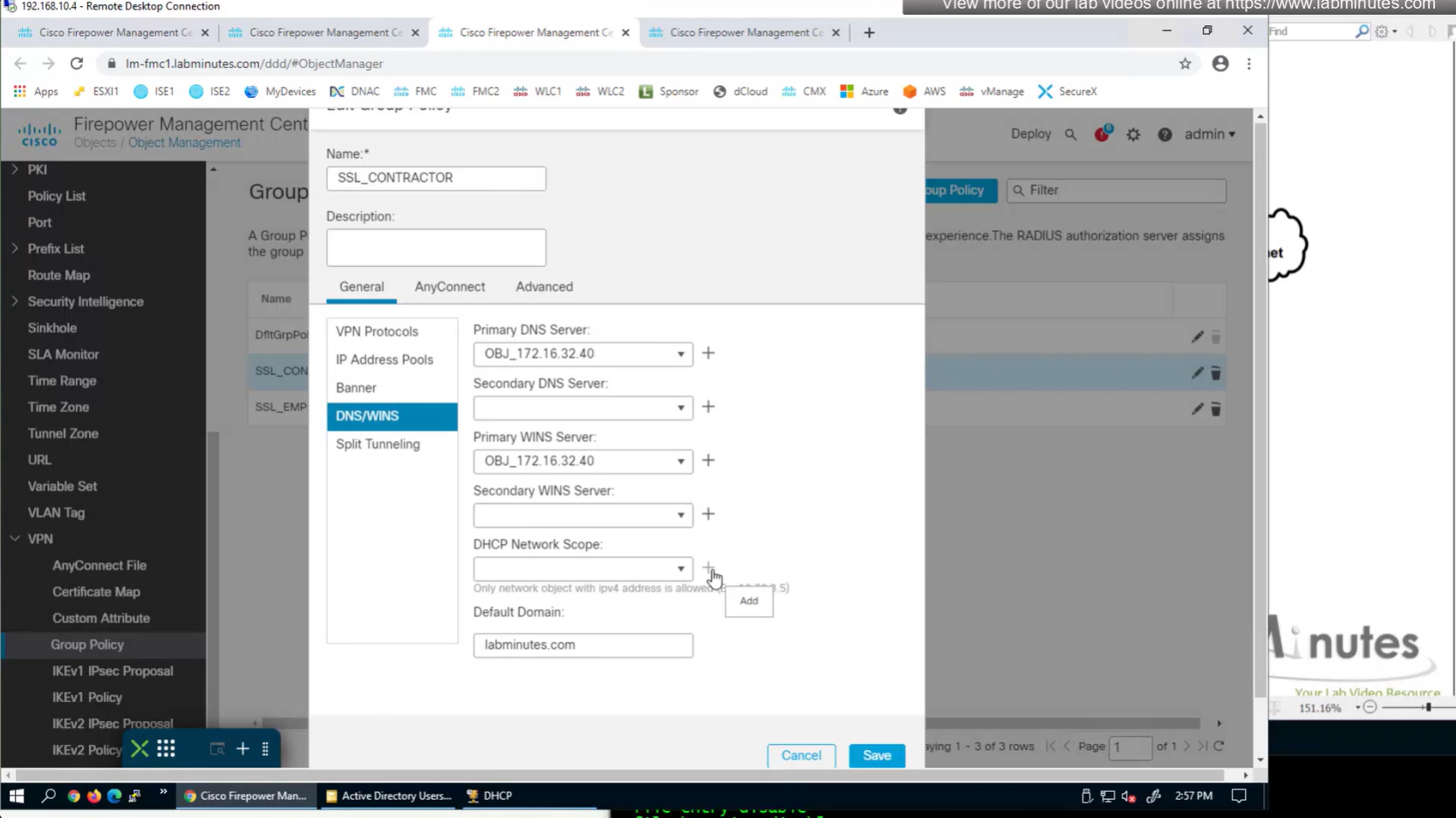
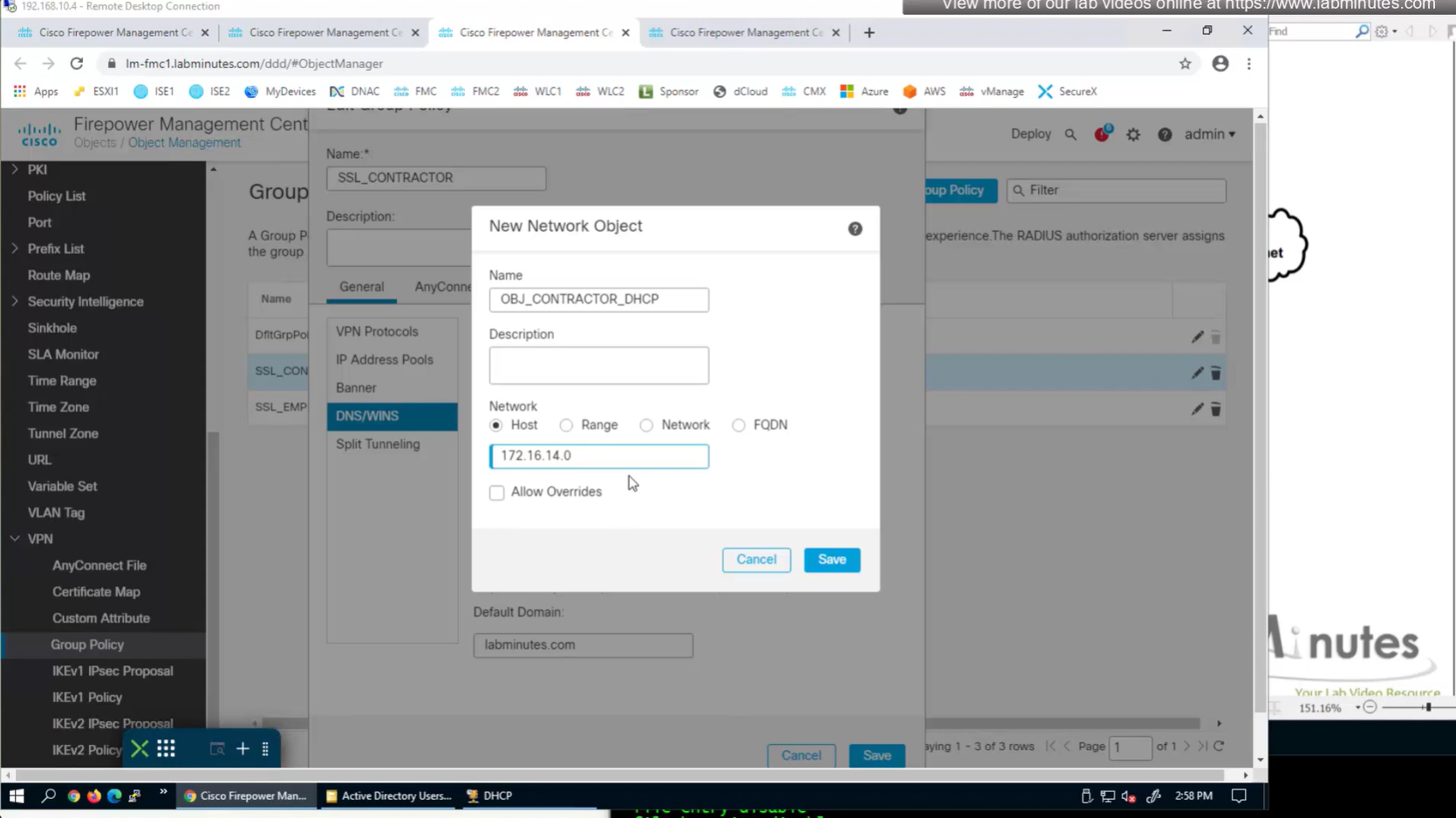
it looks a bit odd, because it is address of the subnet without its mask
Now for scenario if we have multiple firewalls with same IP address pool, since connected clients show up as “connected” V /32 routes, how would OSPF or internal network know to route back to right firewall? redistribute those connected /32 V routes into OSPF
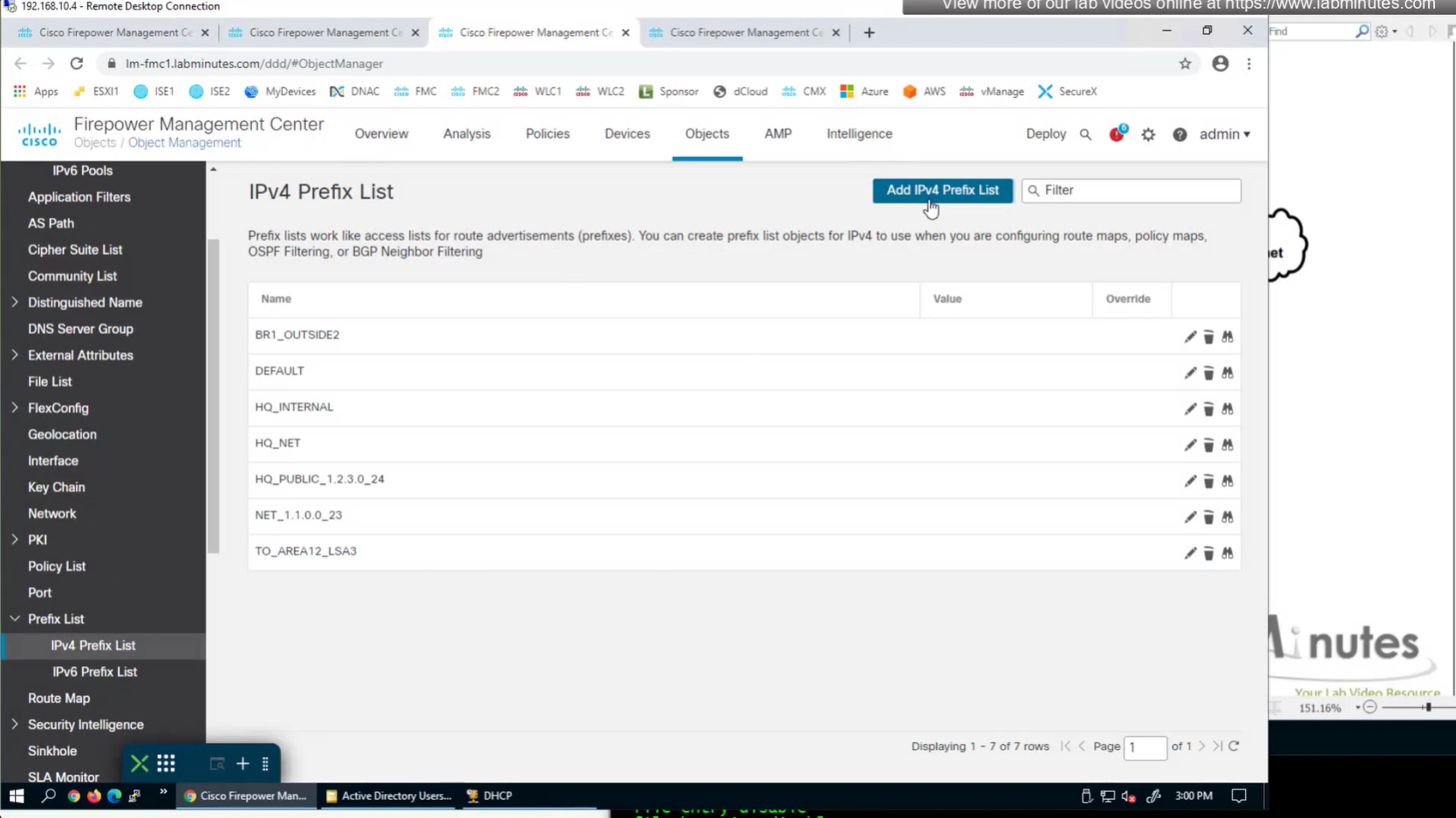
create prefix list
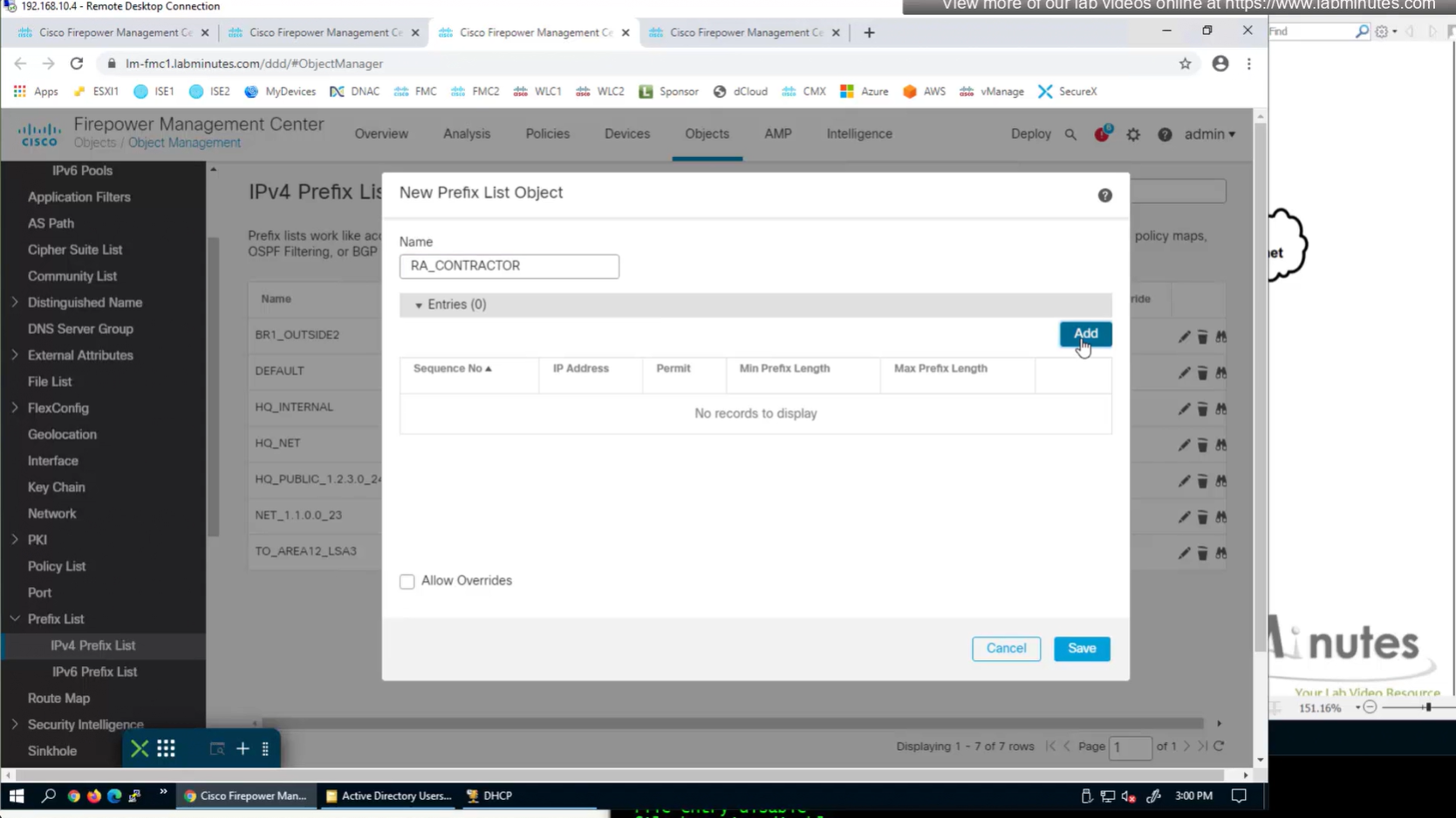
172.16.14.0/24 le 32

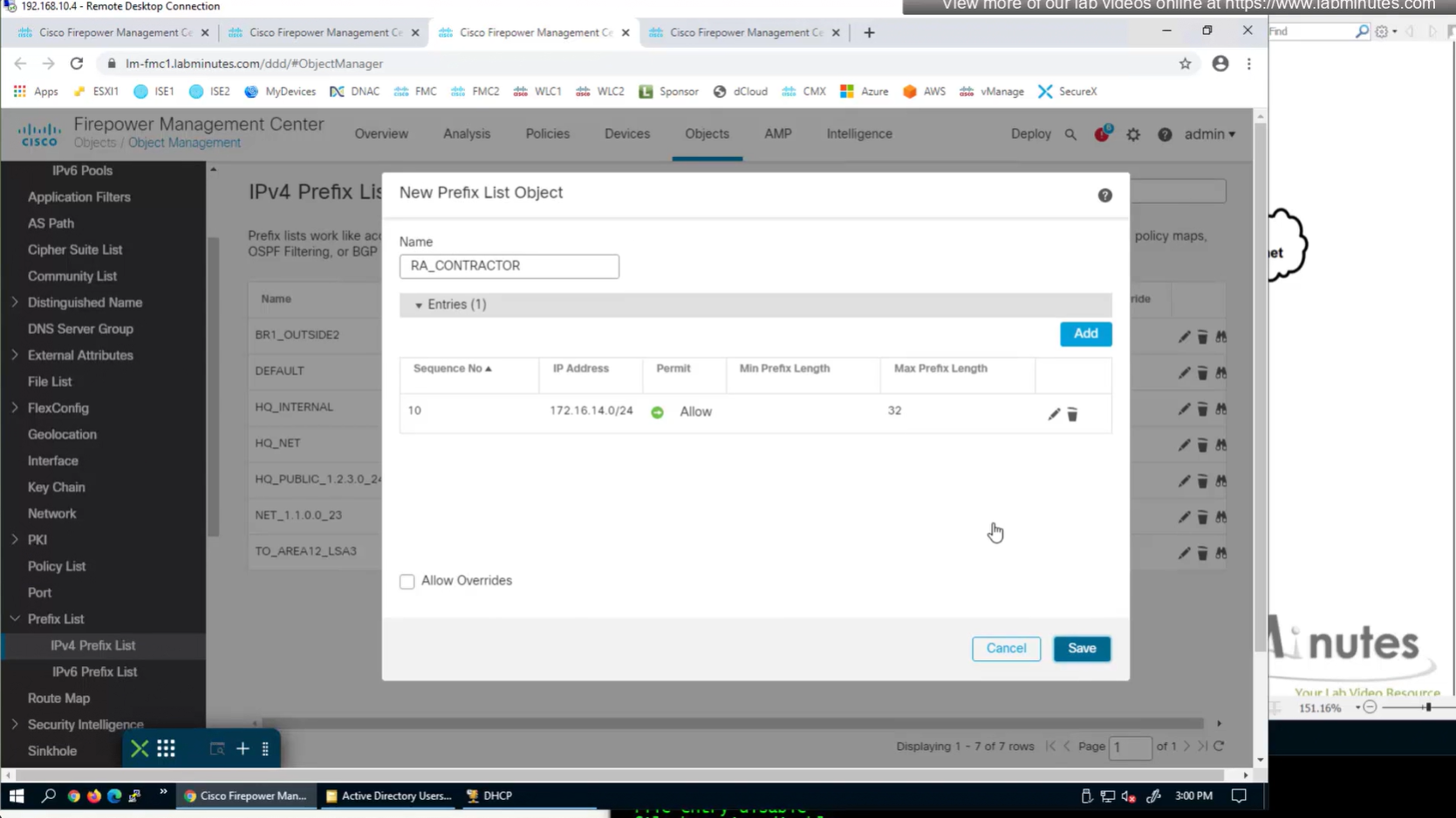
route map
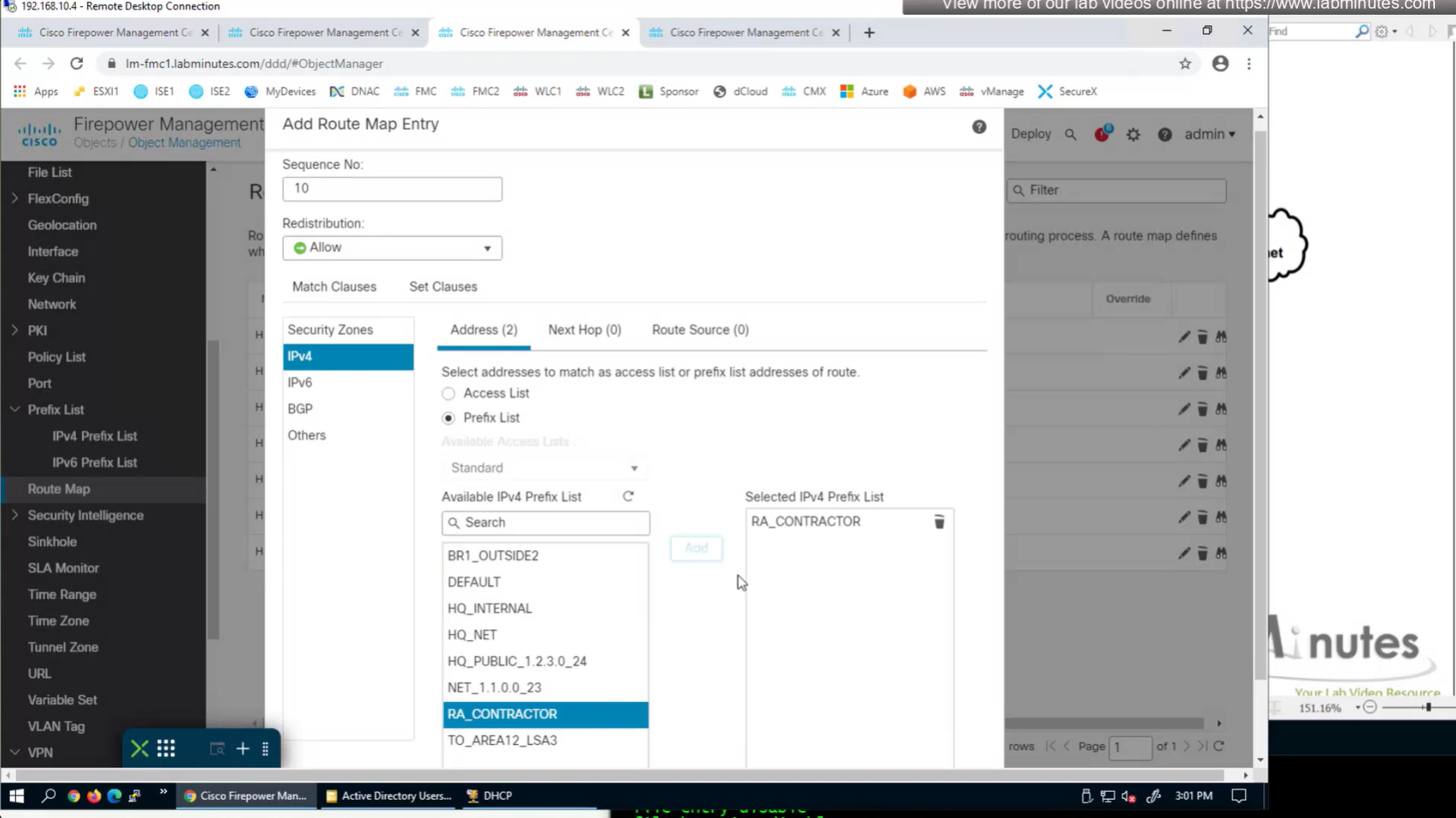
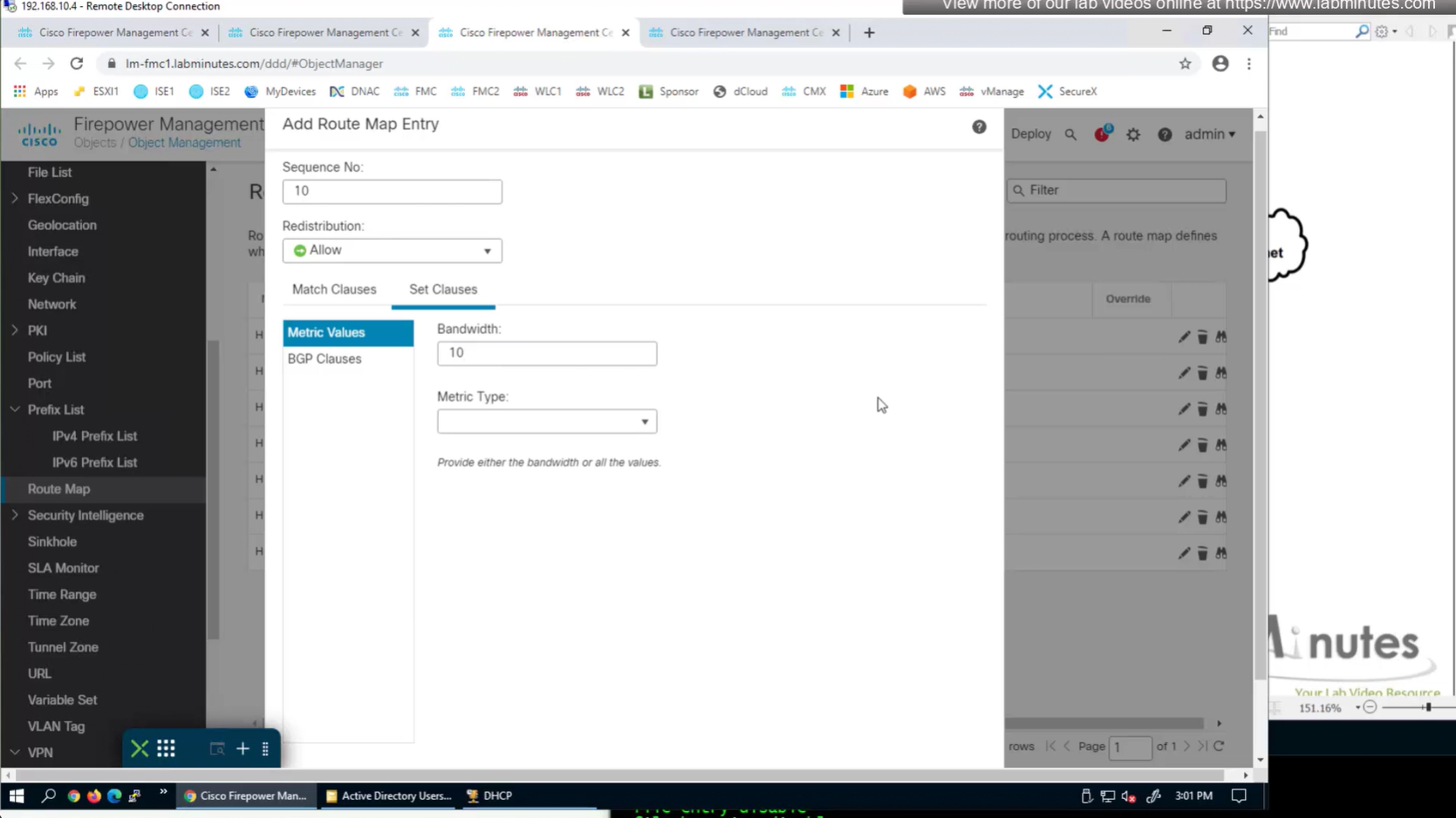

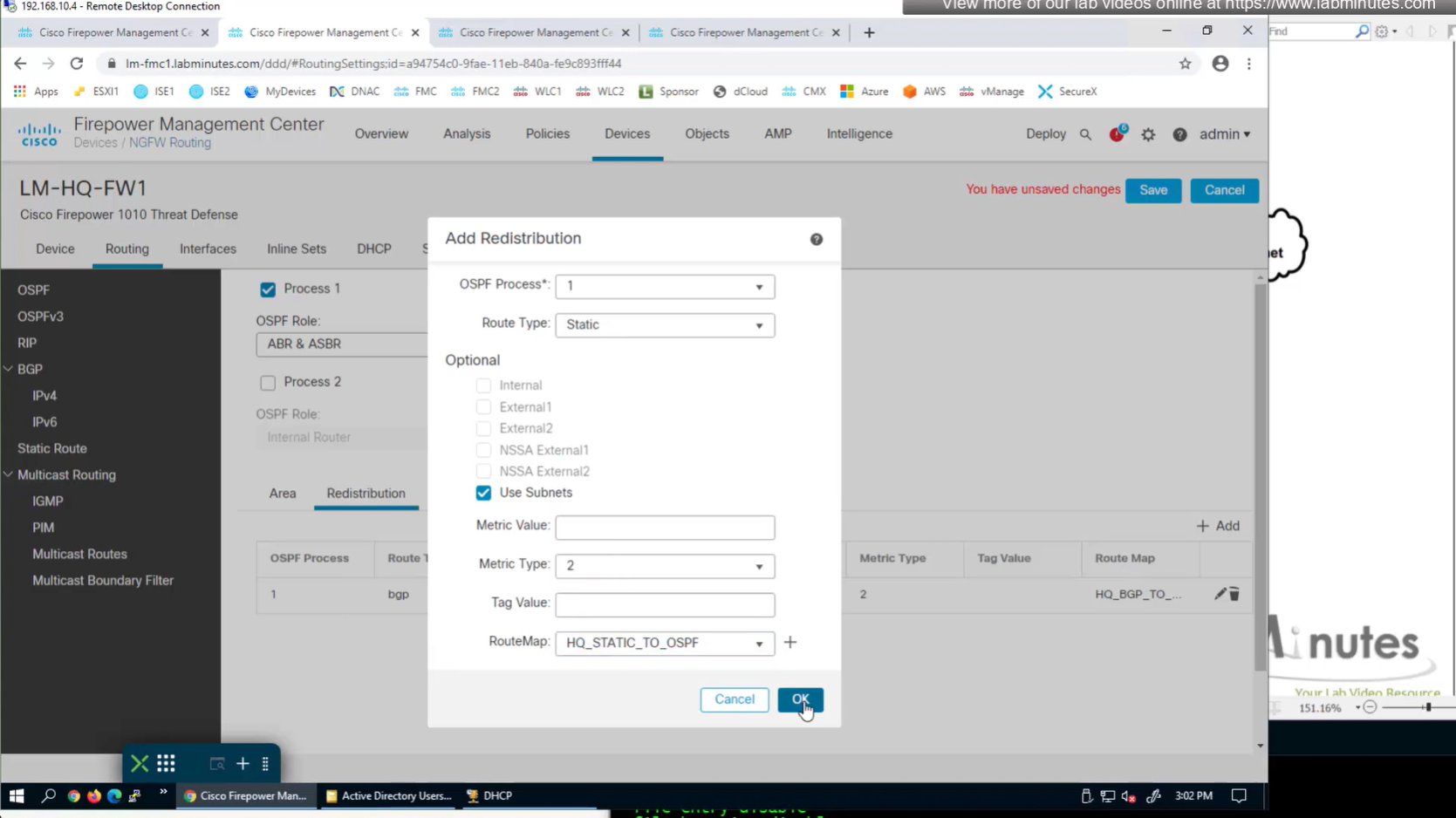
apply that route map on redistribution
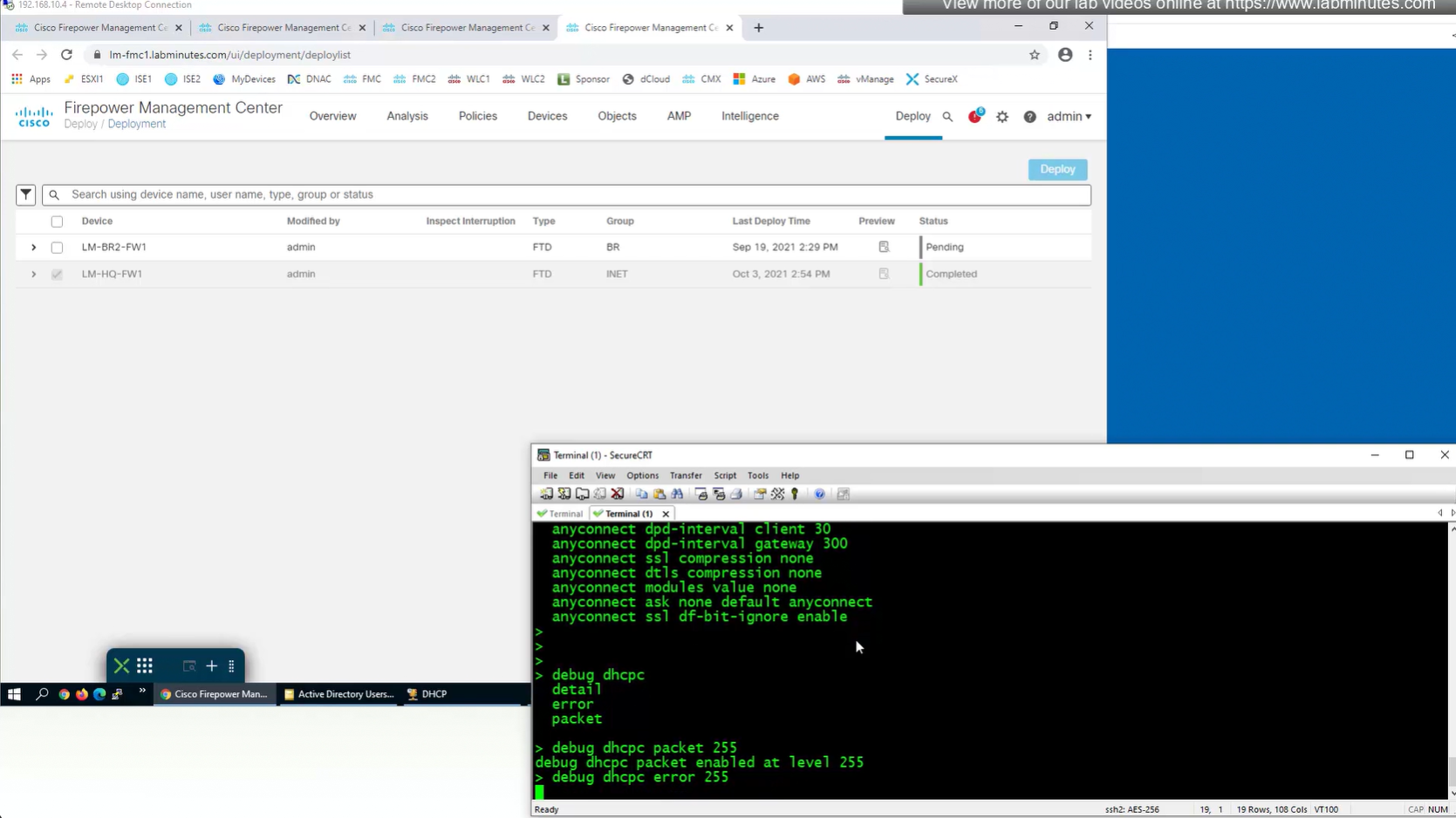
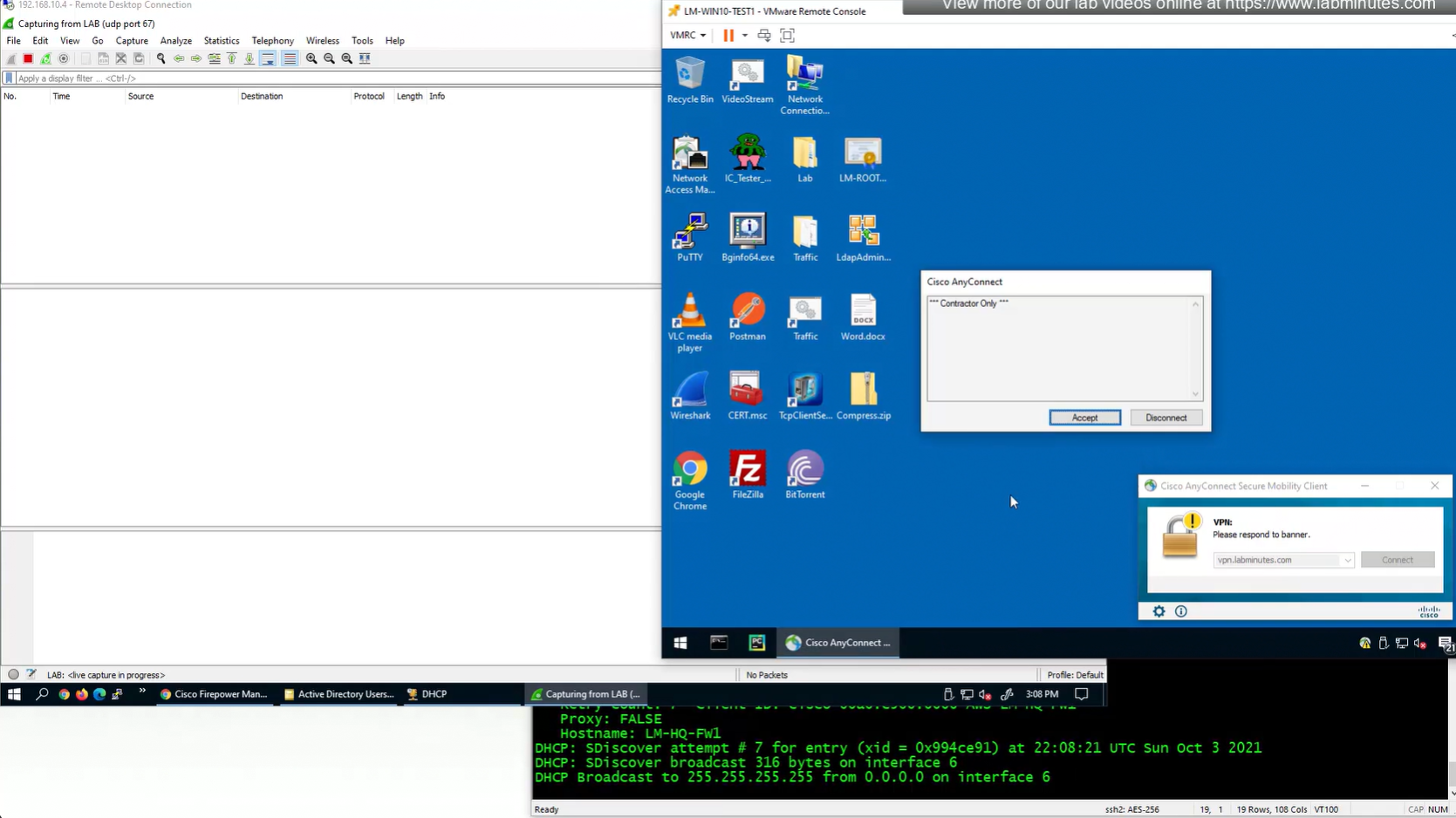
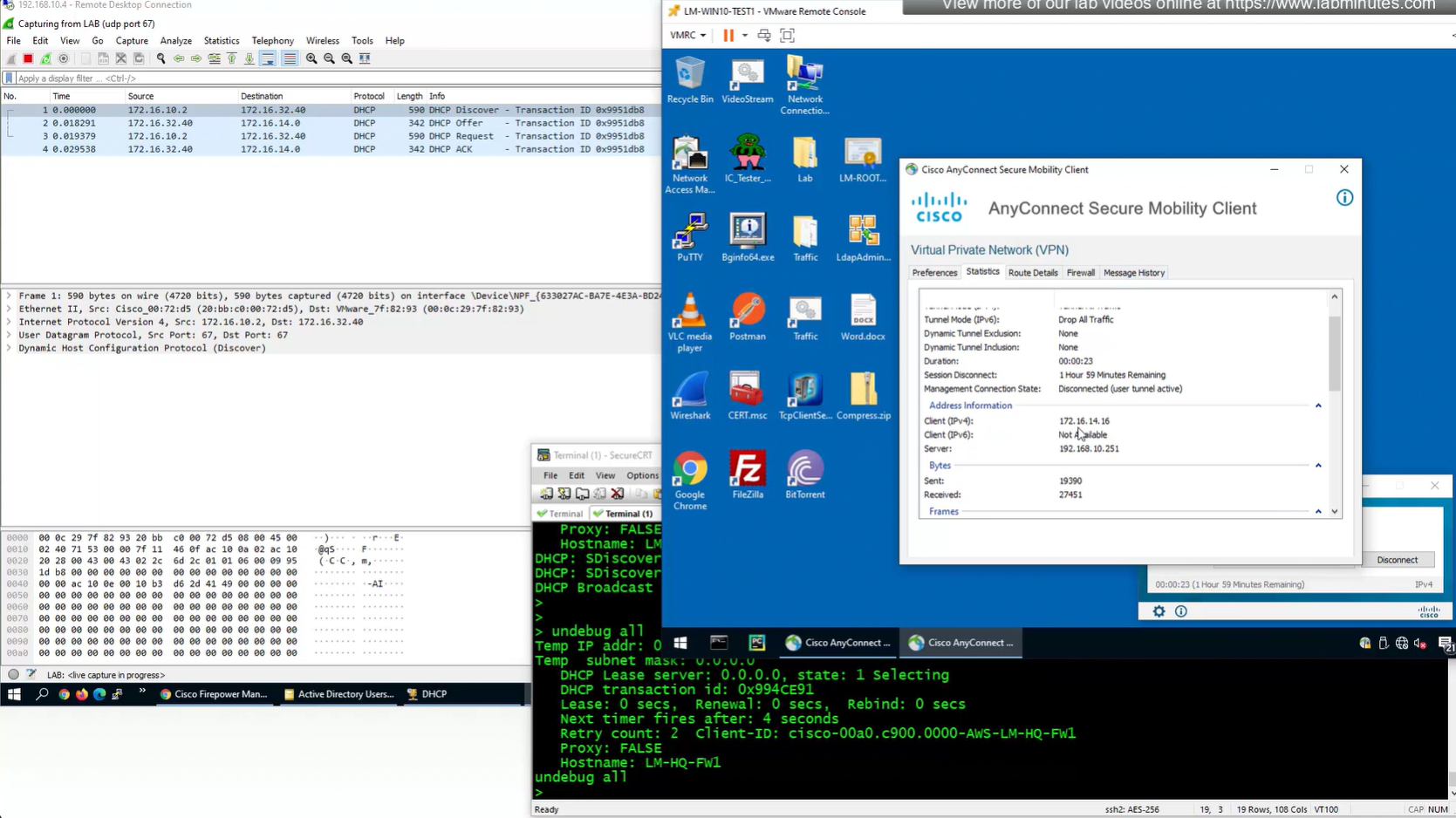
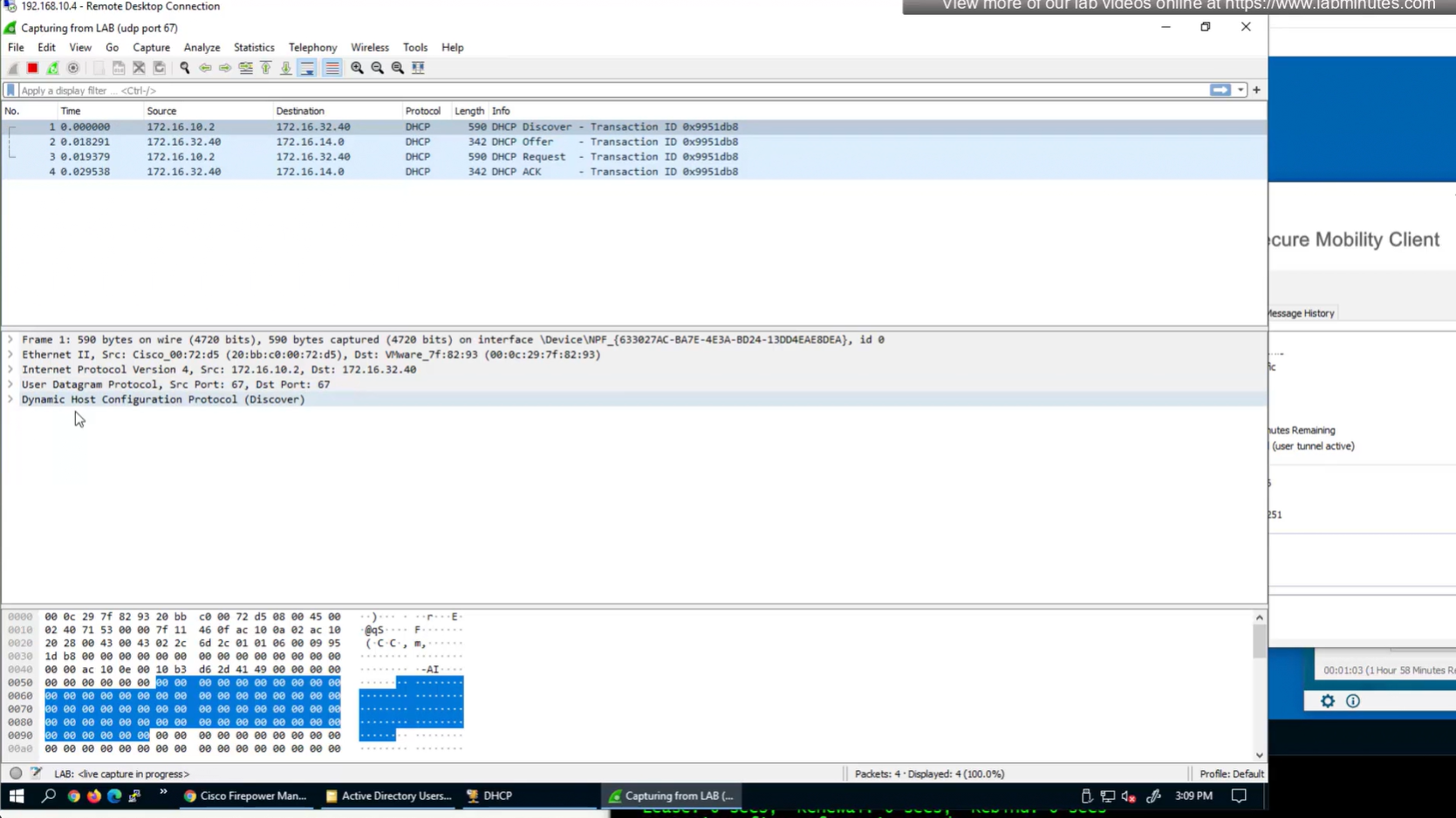
debug dhcpc packet 255
debug dhcpc error 255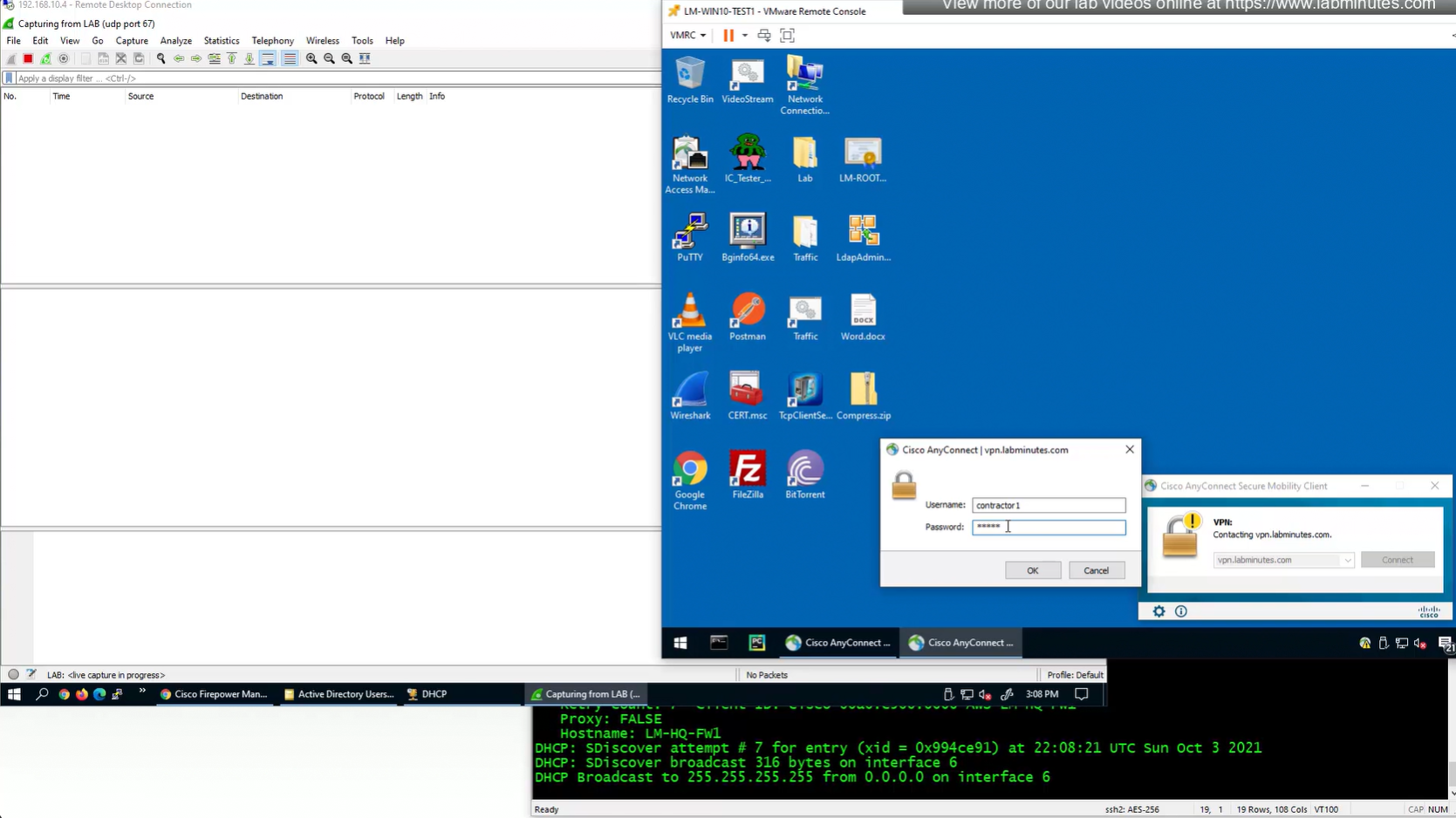
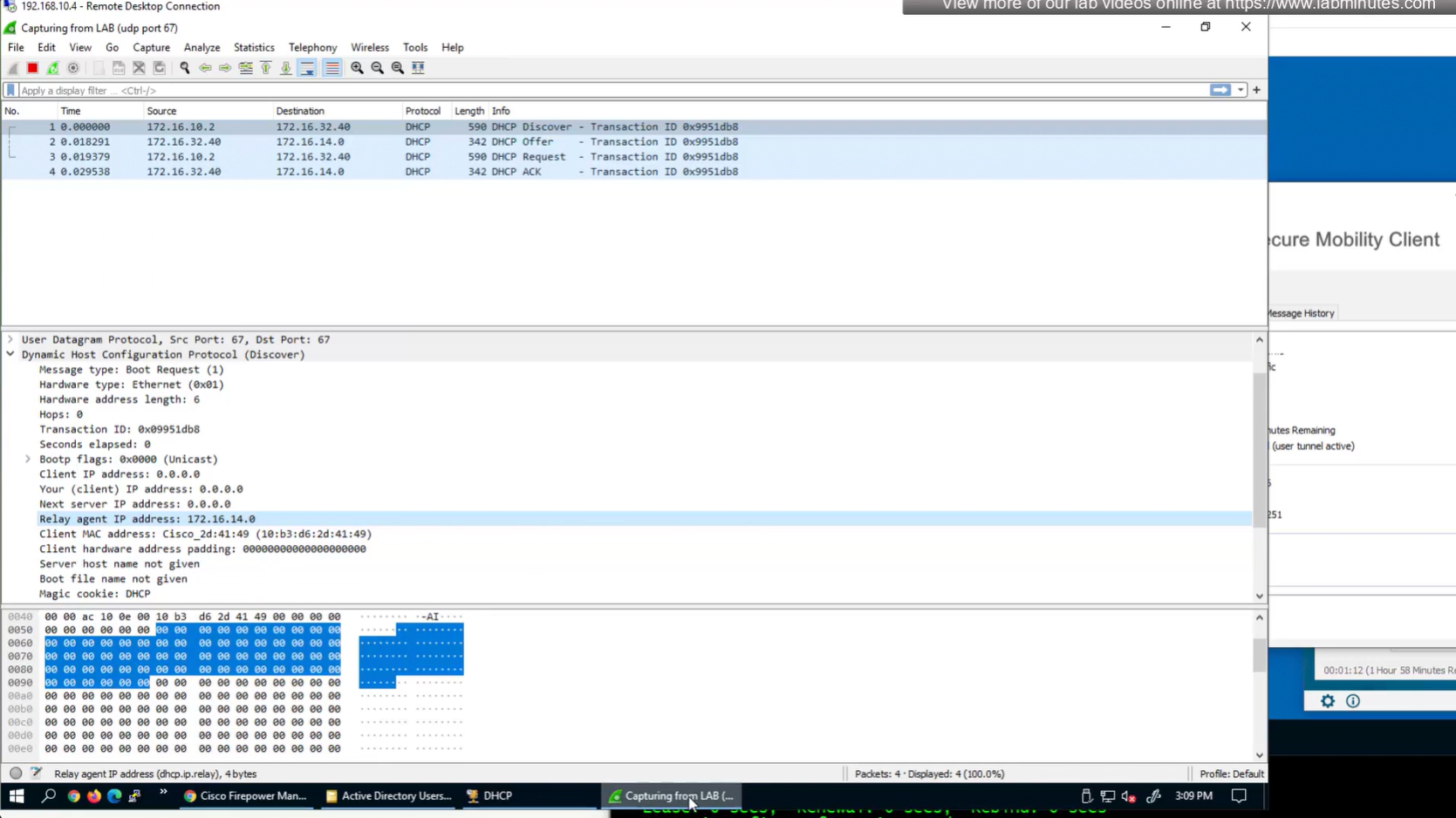
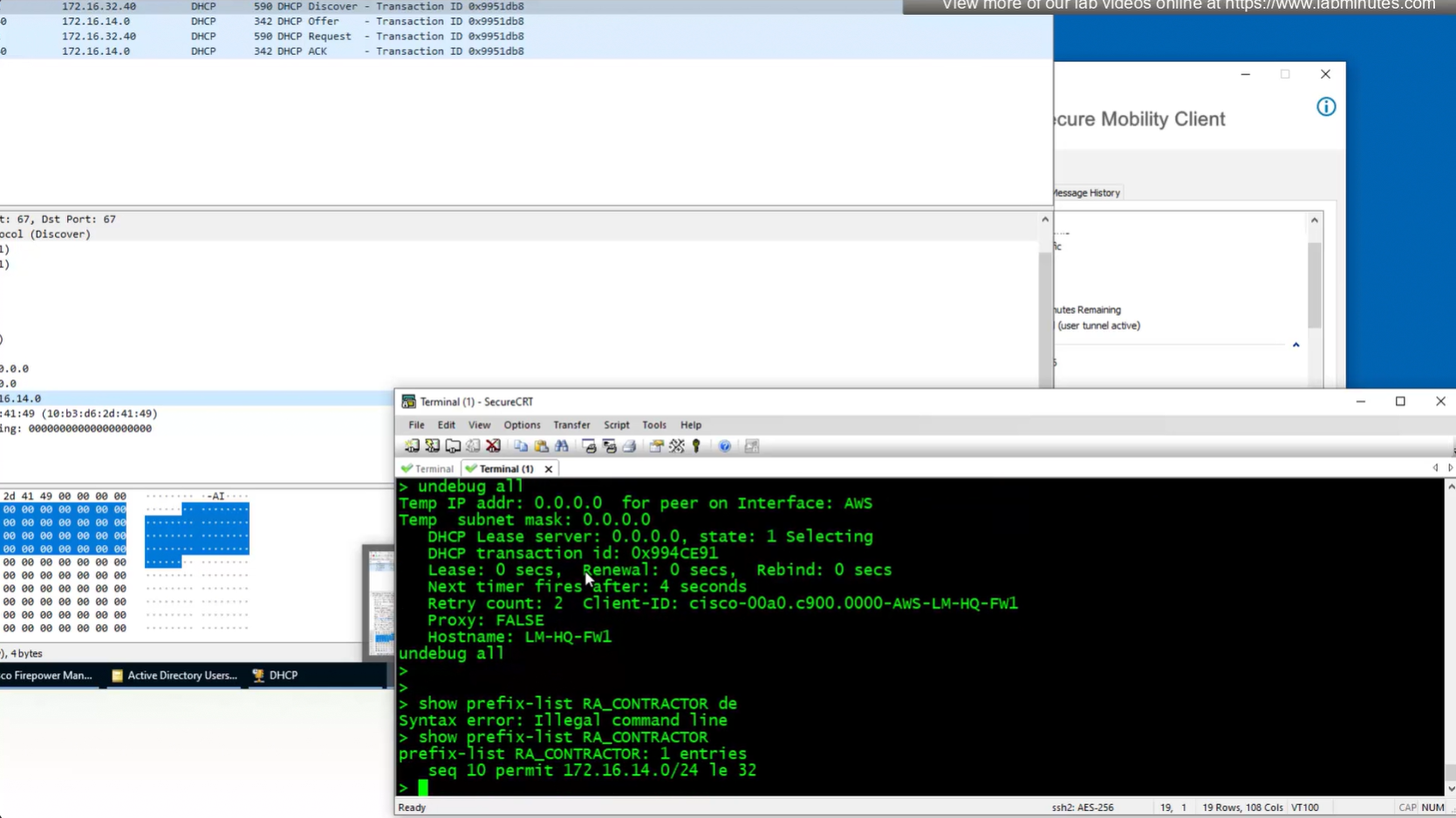
show prefix-list RA_CONTRACTOR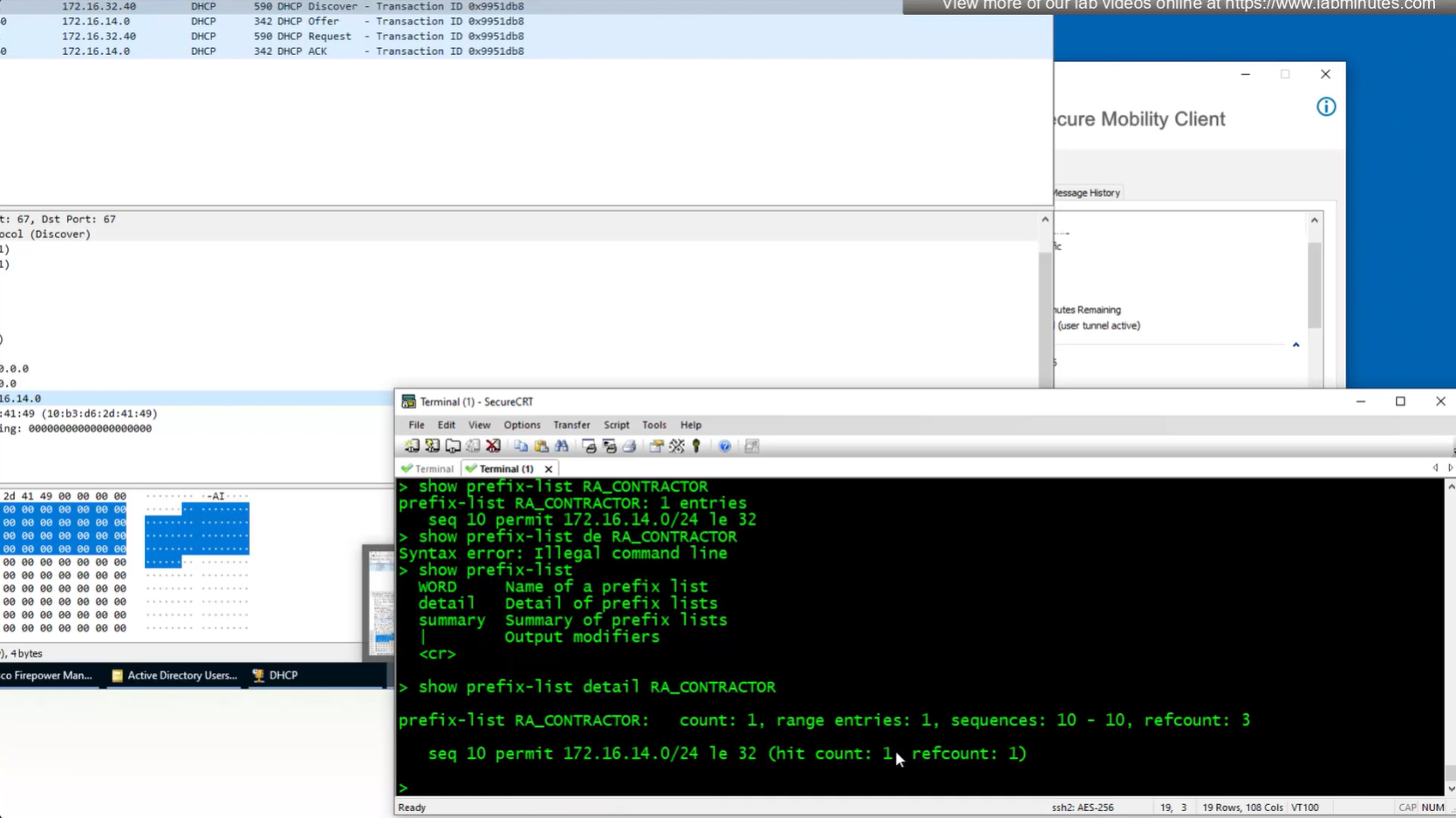
show prefix-list detail RA_CONTRACTOR
V /32 connected route
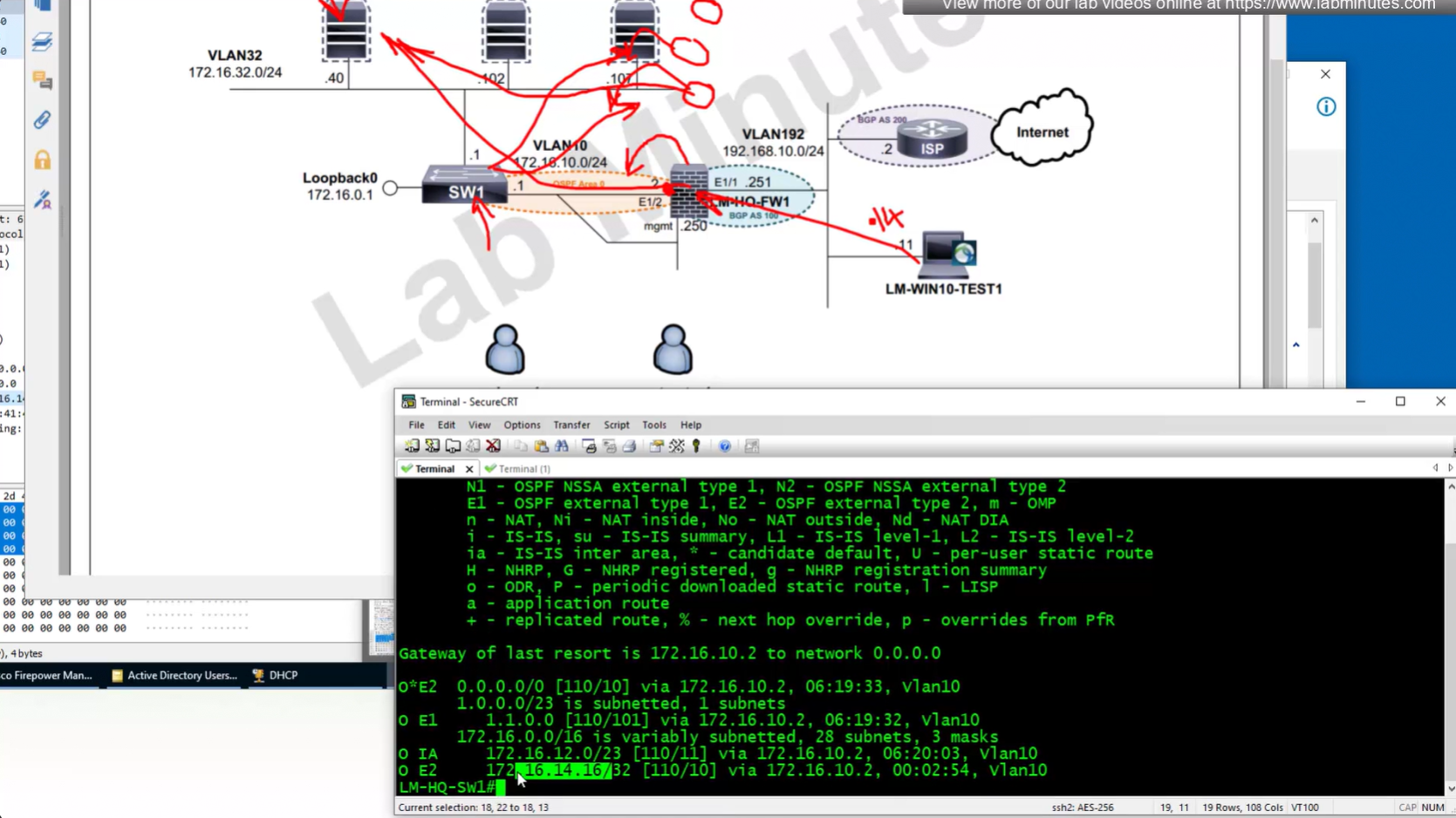
show prefix-list RA_CONTRACTOR show prefix-list detail RA_CONTRACTOR show route static ! shows VPN client , connected V routes
SEC0402 – Firepower 7.0 AnyConnect VPN Connection Profile and Group-Policy (Part 3)
Here we will configure ISE as RADIUS server for user authentication
ISE has integration with AD and users are in AD
First we need to have NAD added in ISE so we will add FTD in ISE
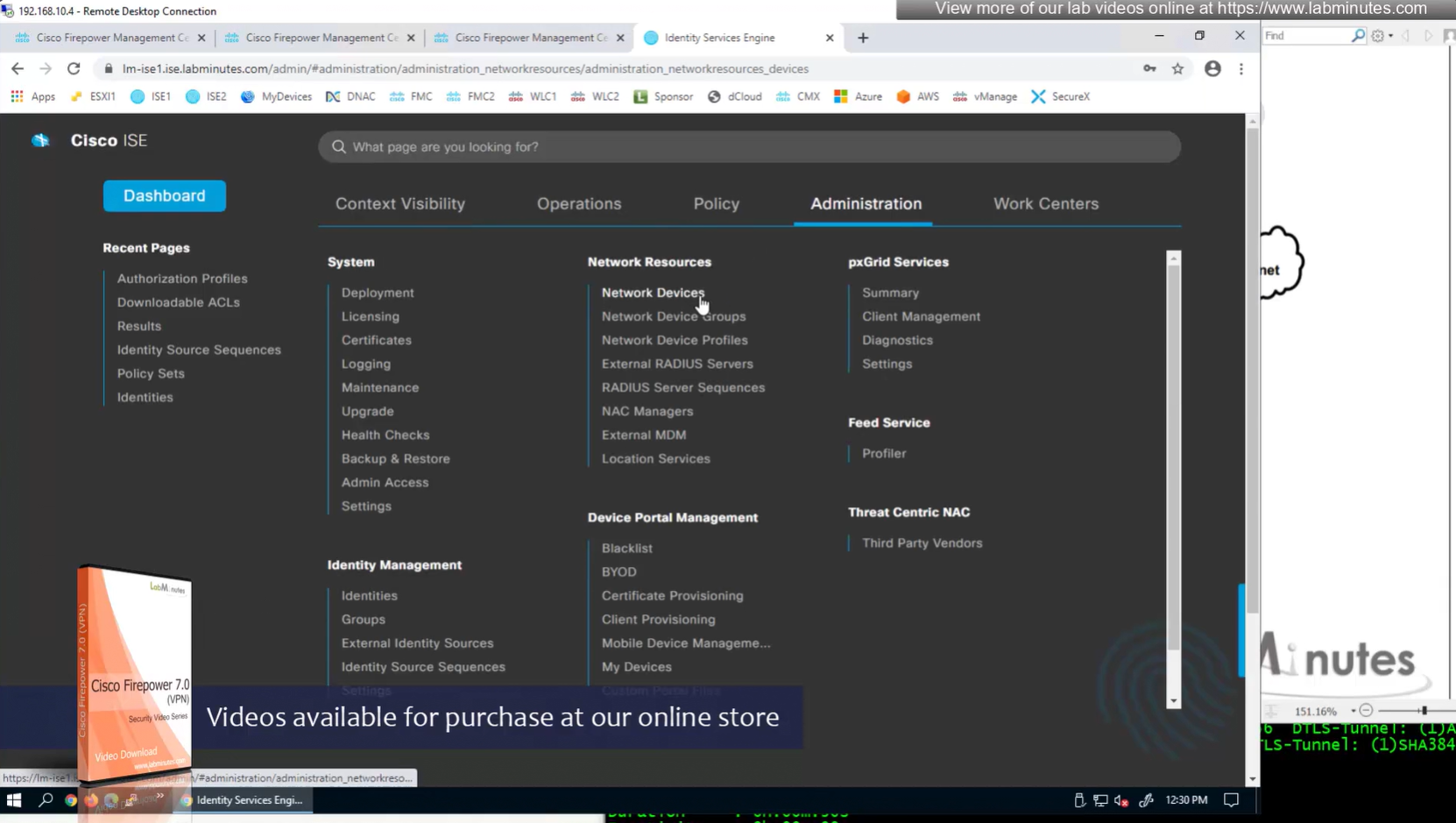
We can have 2 IP addresses on a network device in ISE
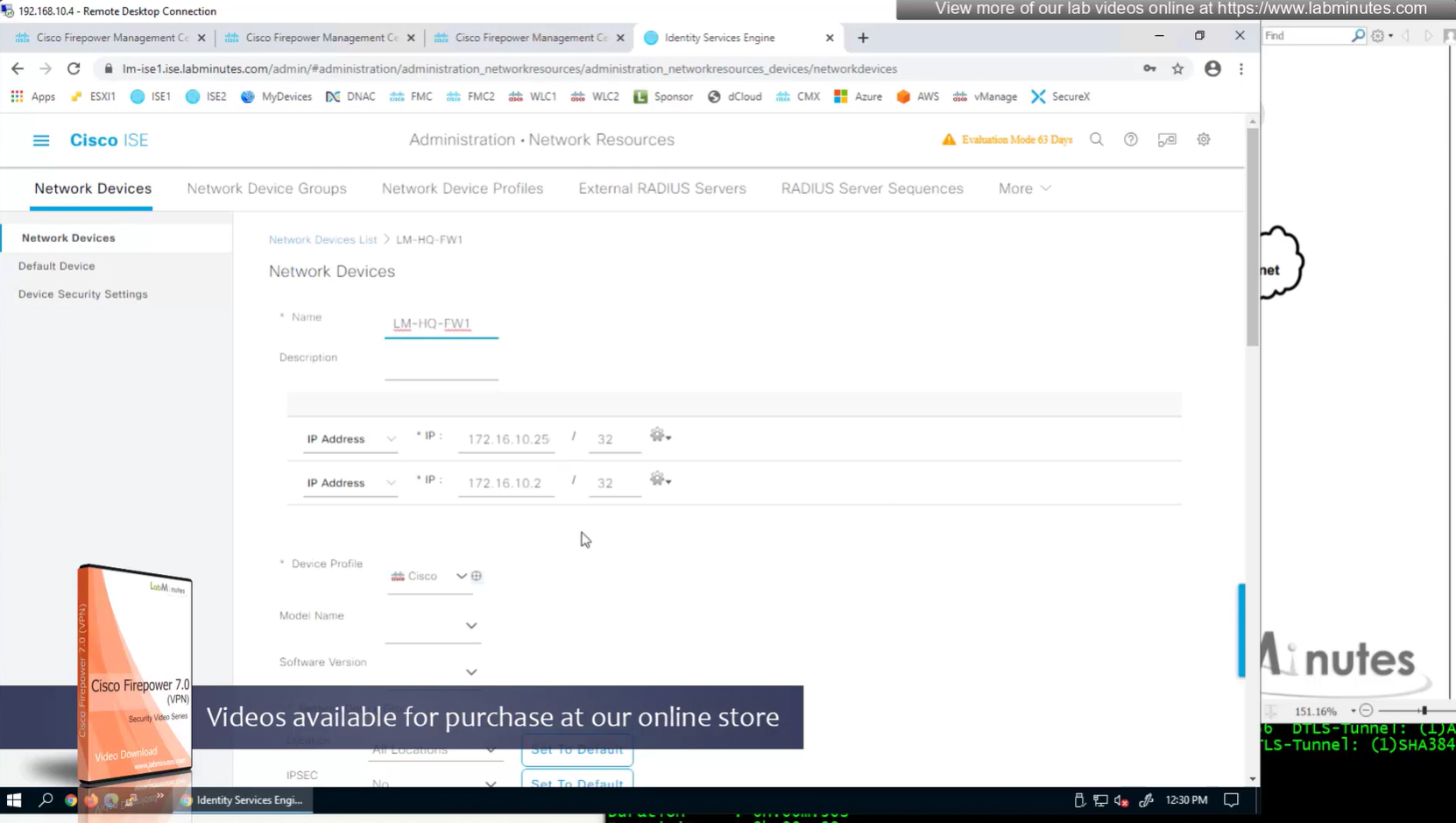
Device type defined as FW

Shared key configured


AD integration
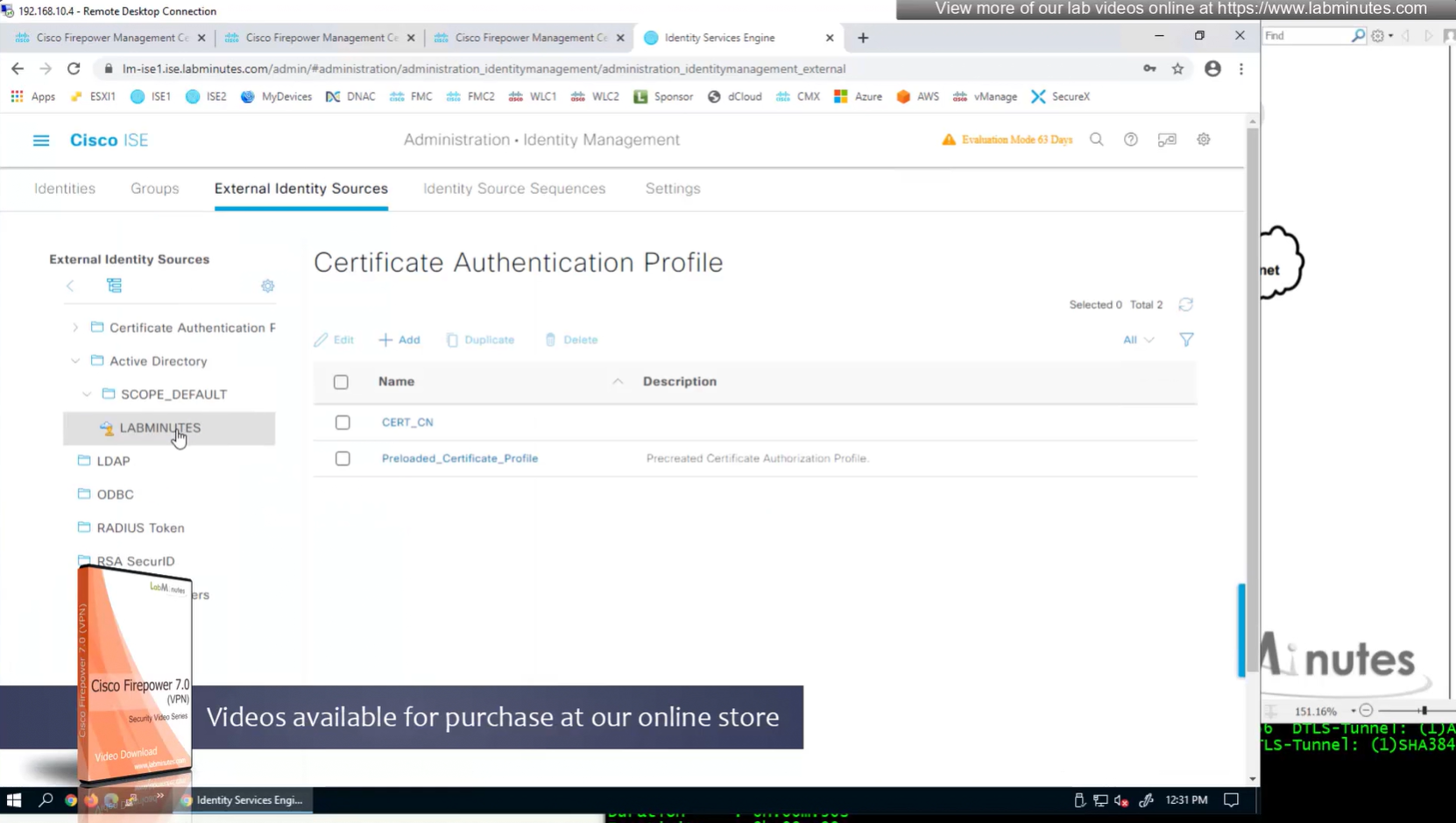
AD domain controller
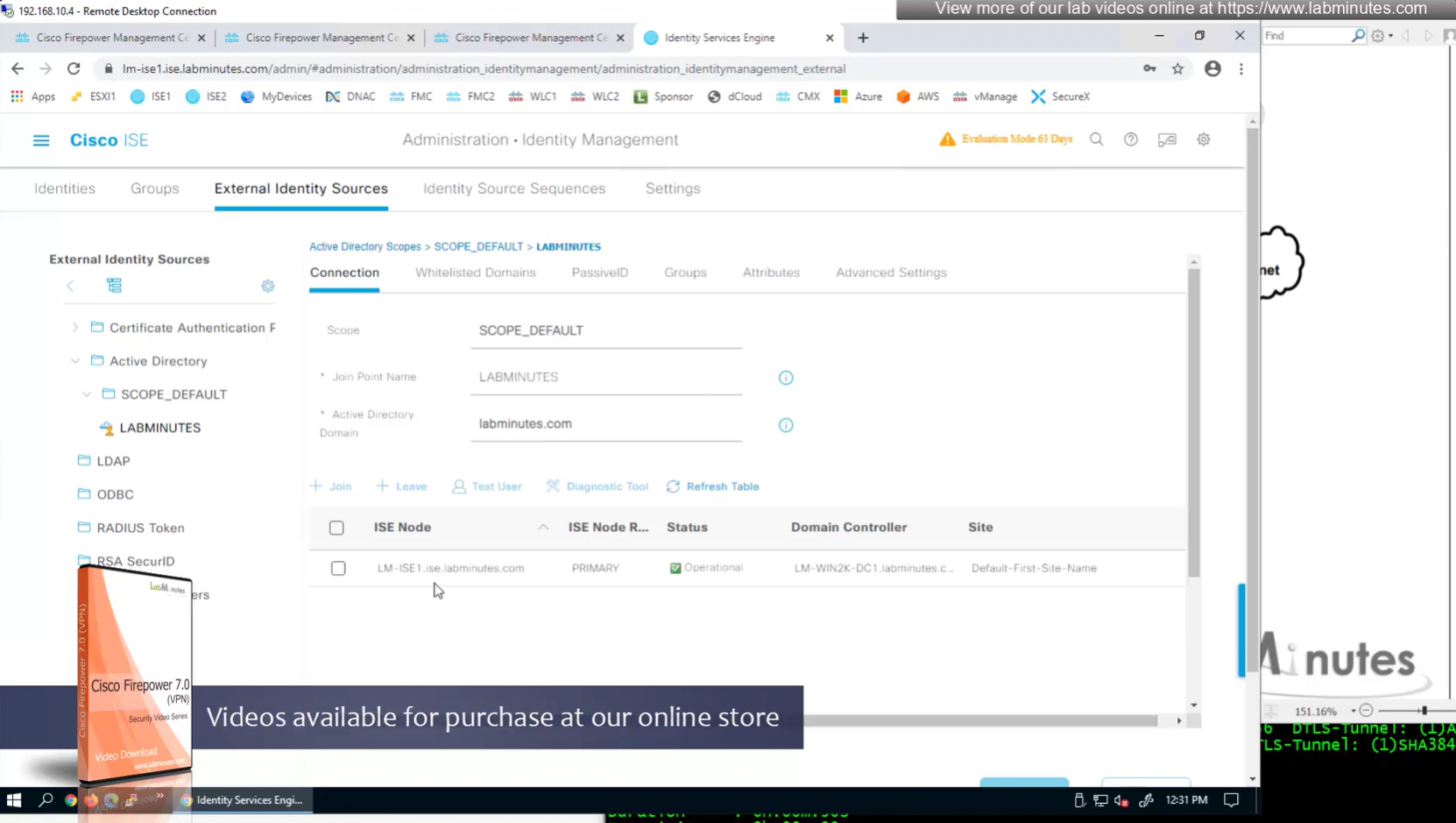
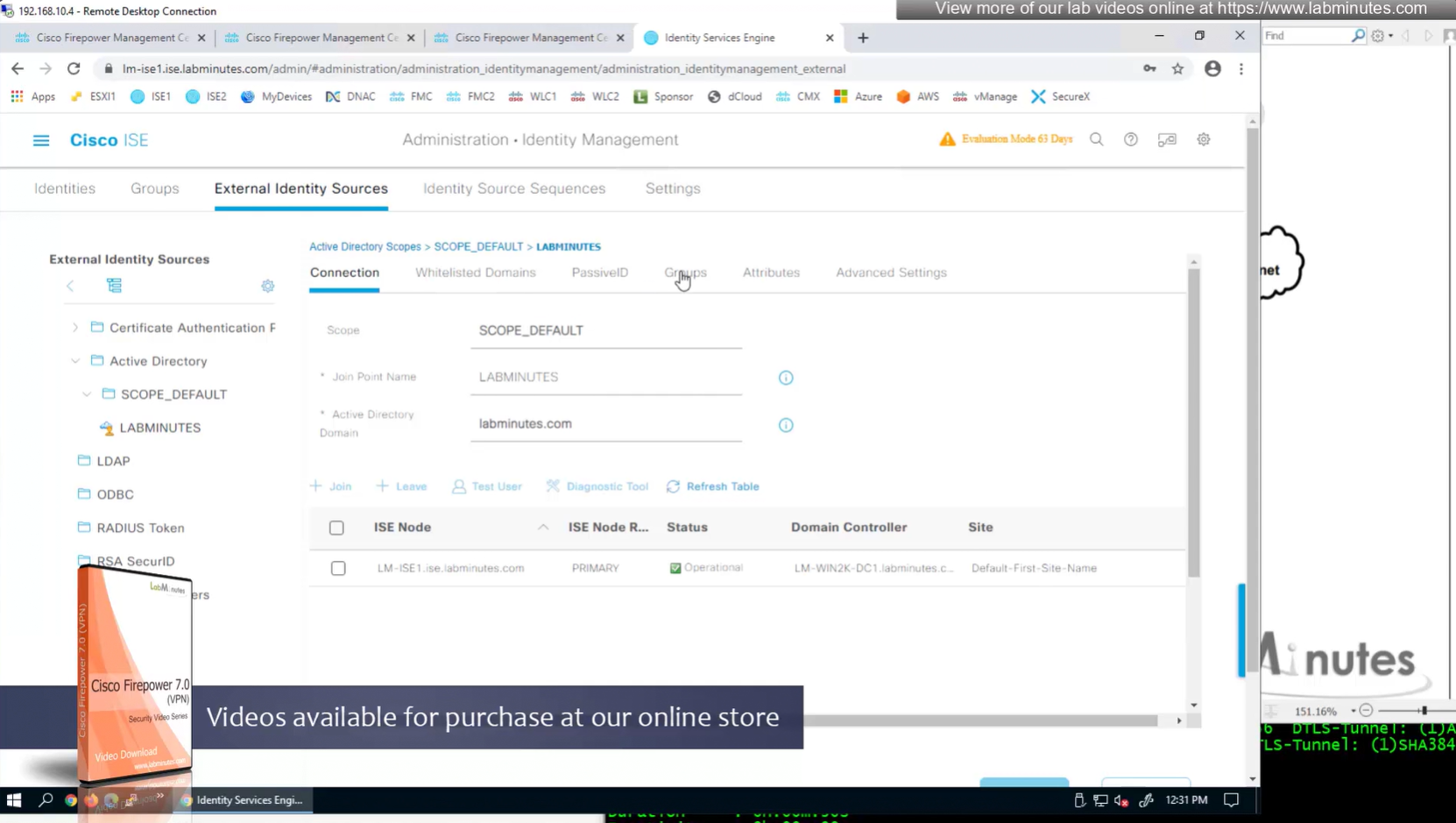
Groups from AD
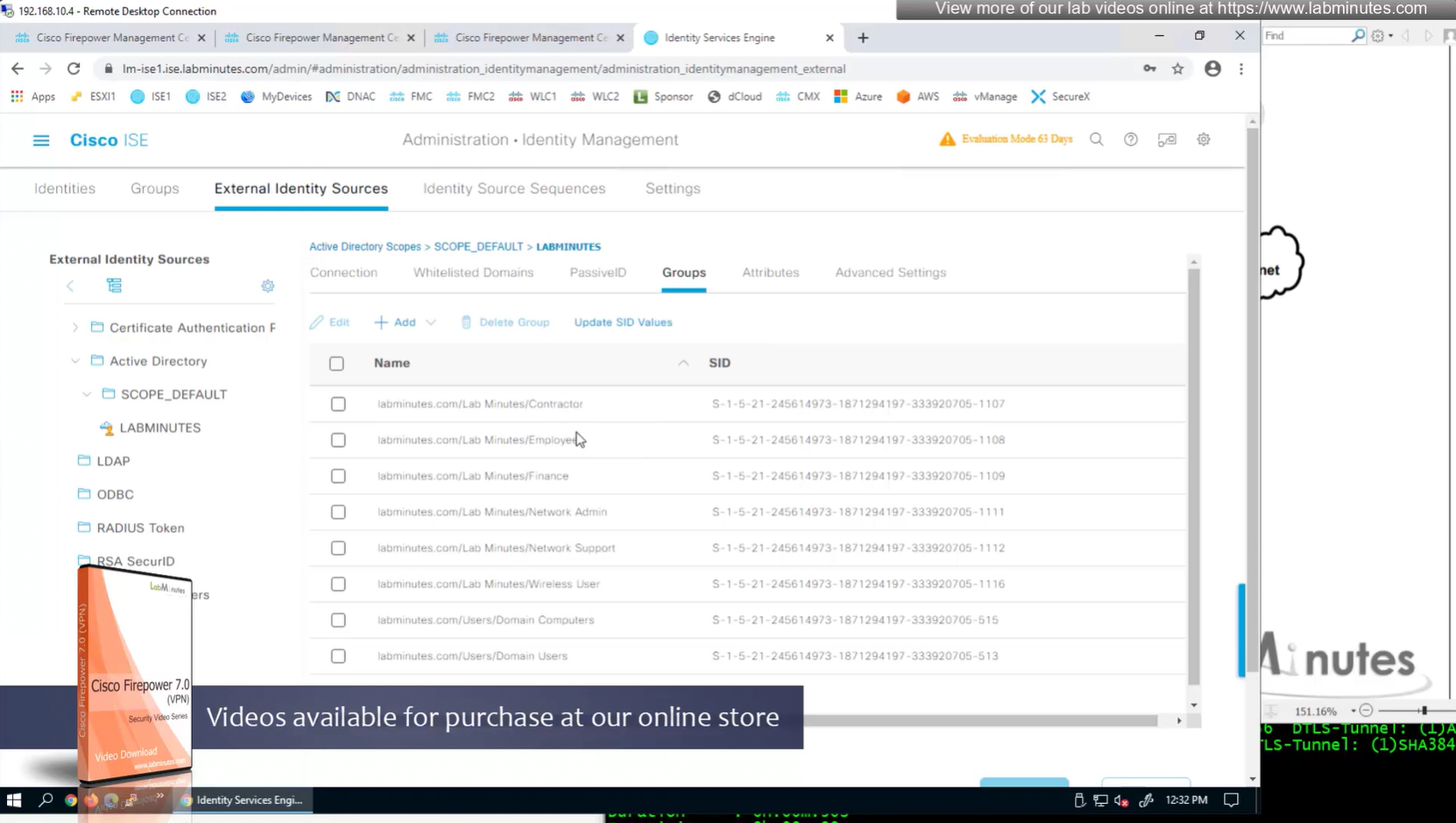

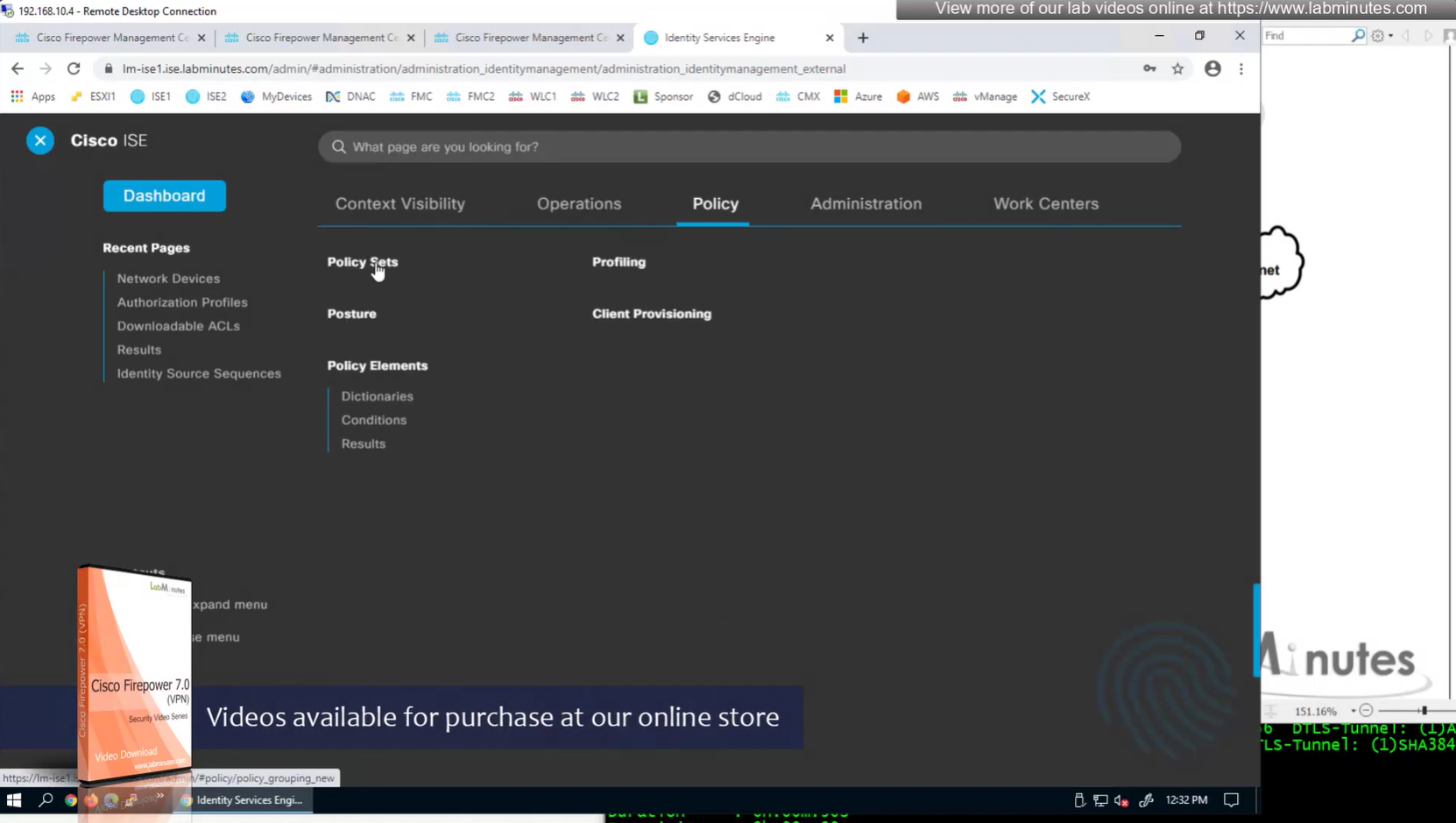

VPN Policy set , conditions AND
Device type EQUALS All Device Types#FW
Radius-NAS-Port-Type EQUALS Virtual
Allowed Protocols
PAP


Authentication Policy – use LOCAL_AD – this contains local ISE users and AD in sequence

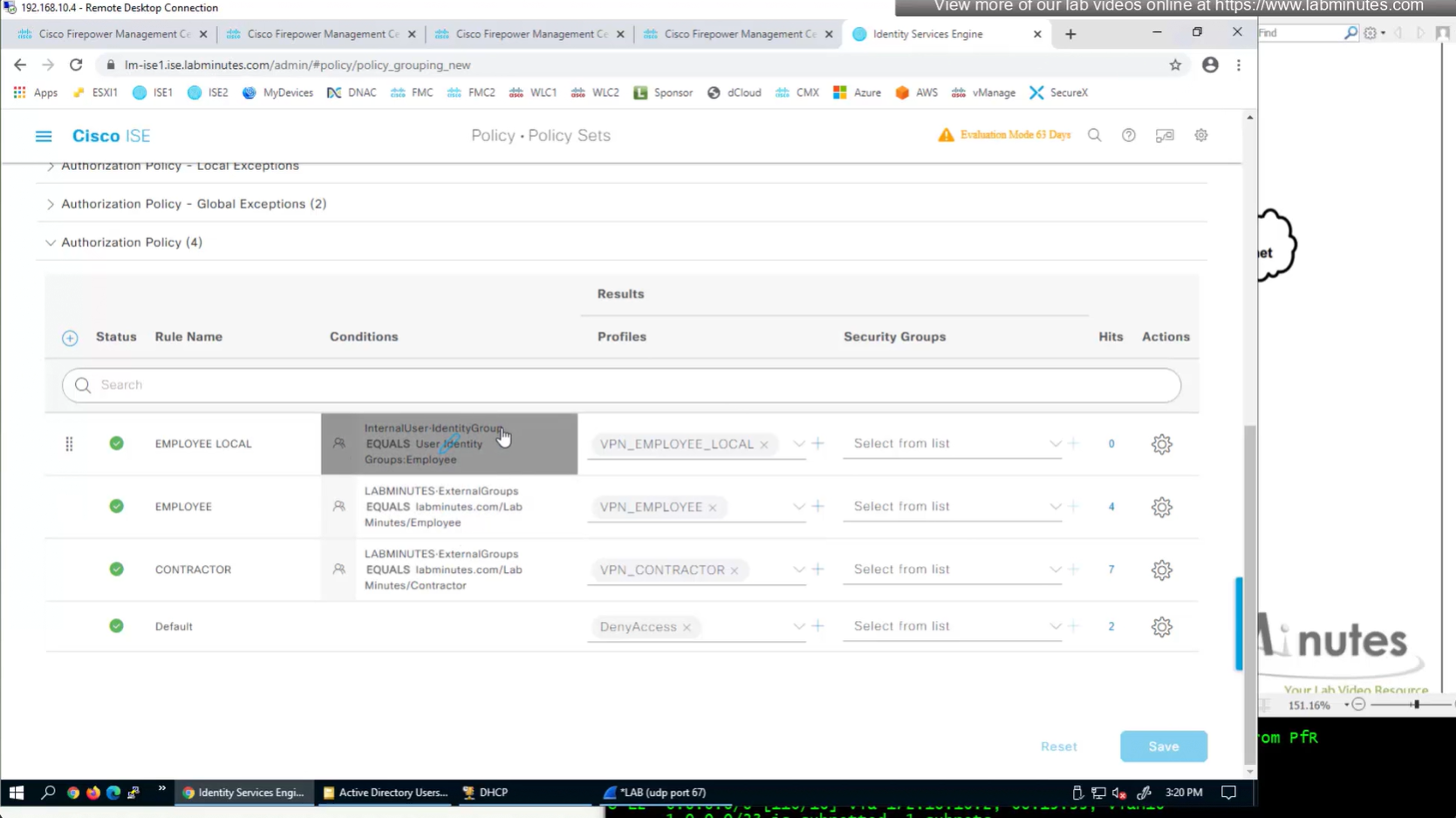
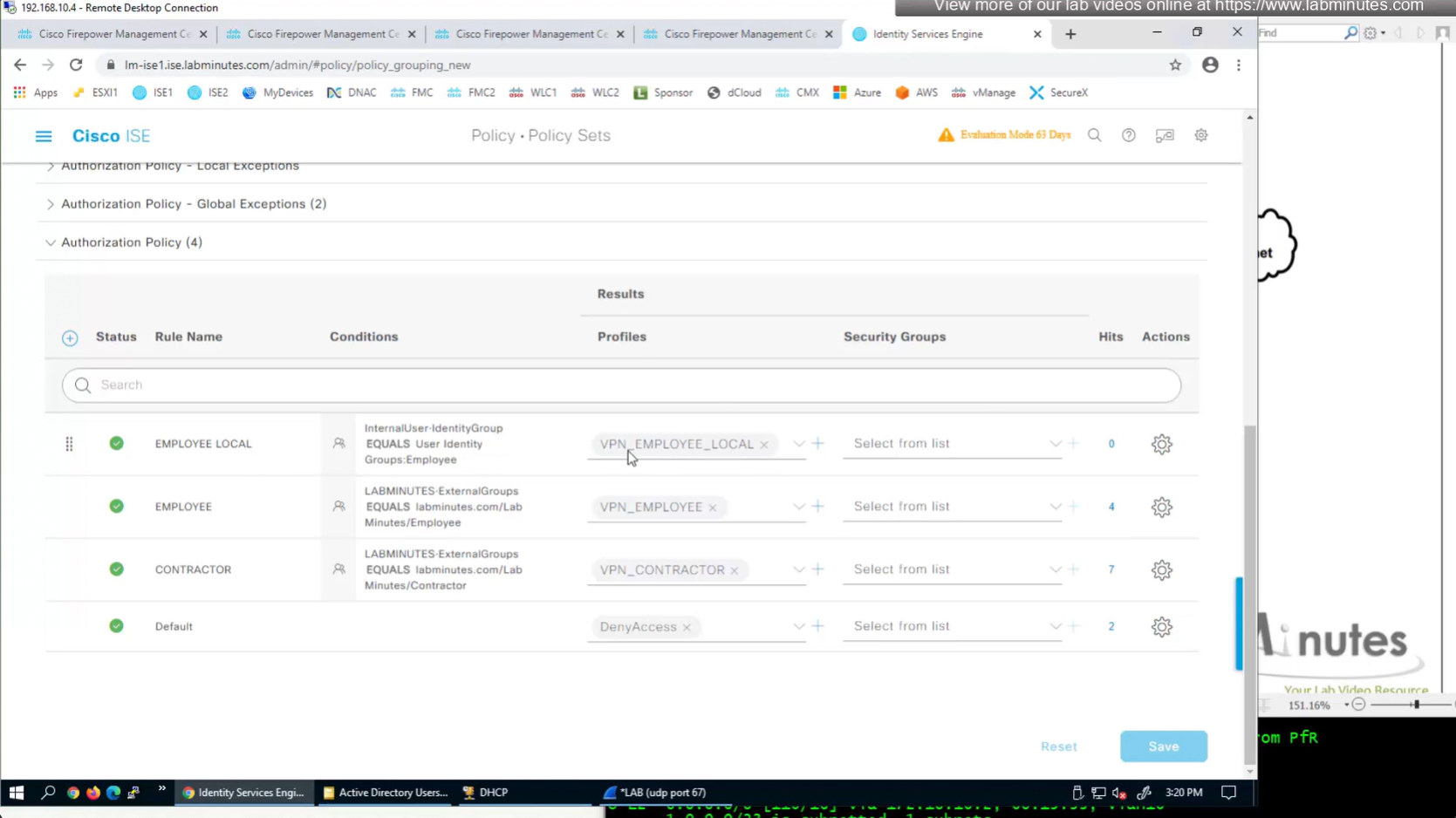
Authorization Policy has rules for EMPLOYEE LOCAL (Internal User) , EMPLOYEE (AD) , CONTRACTOR and Default along with their Authorization profiles
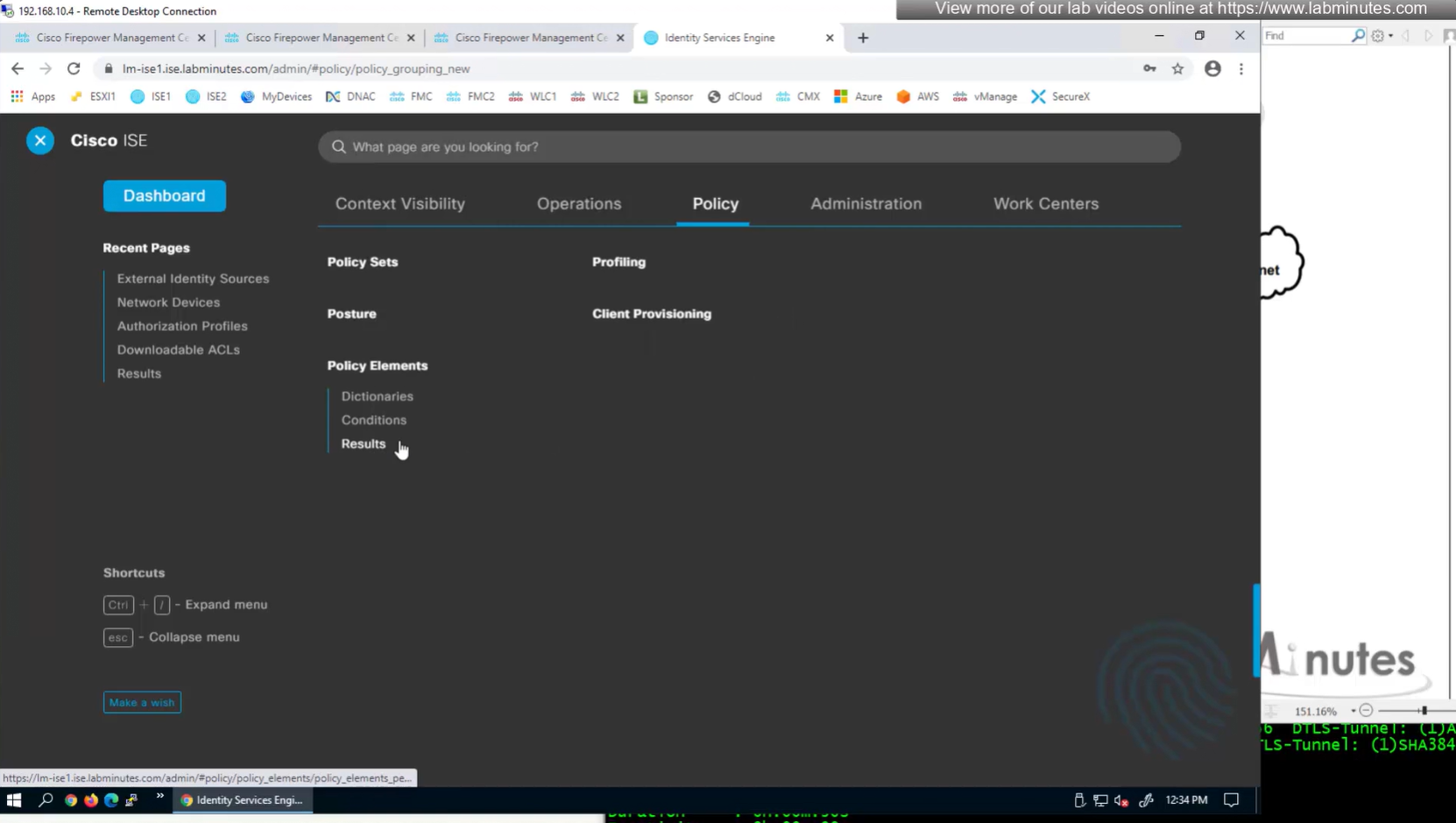
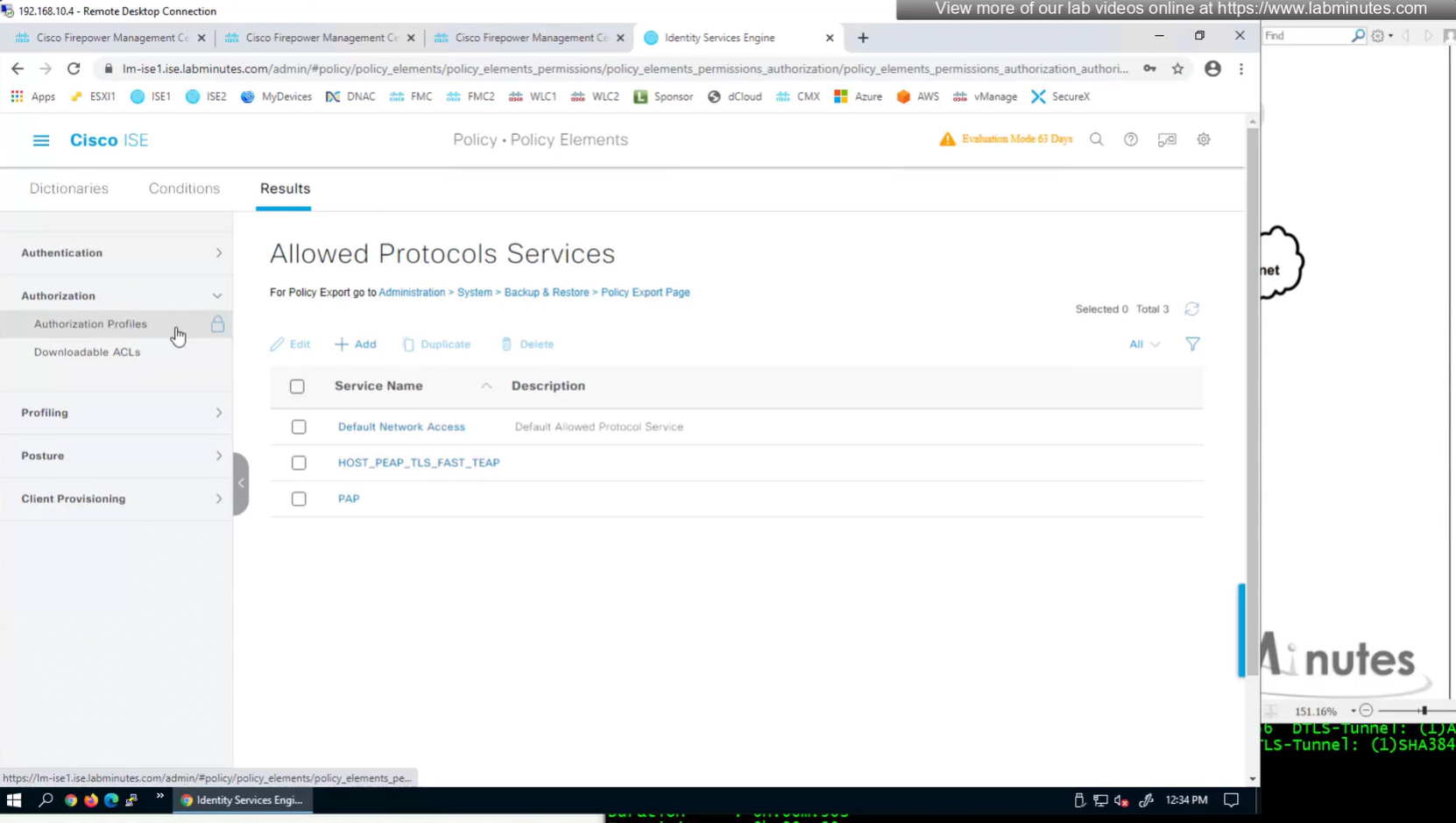
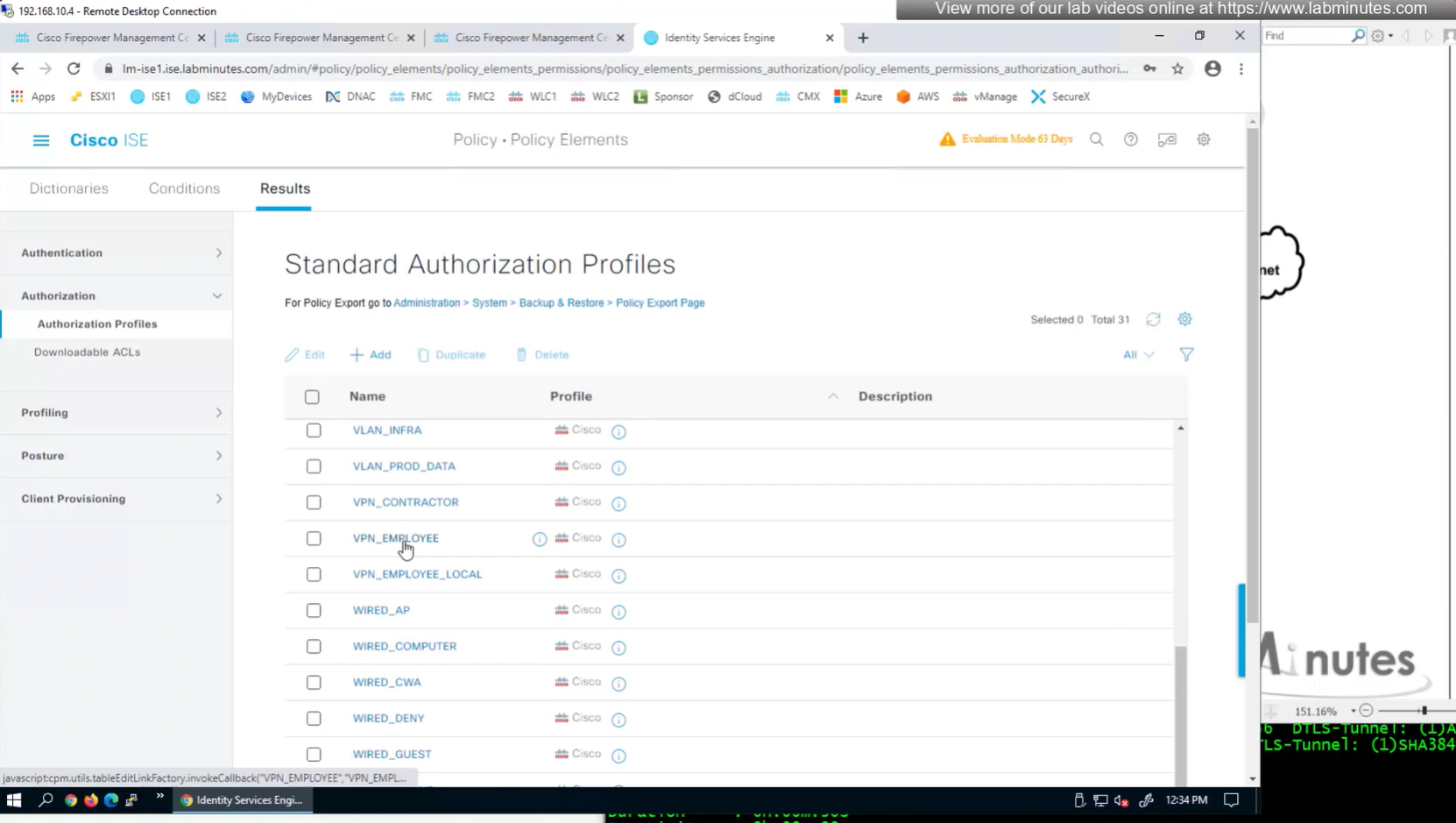
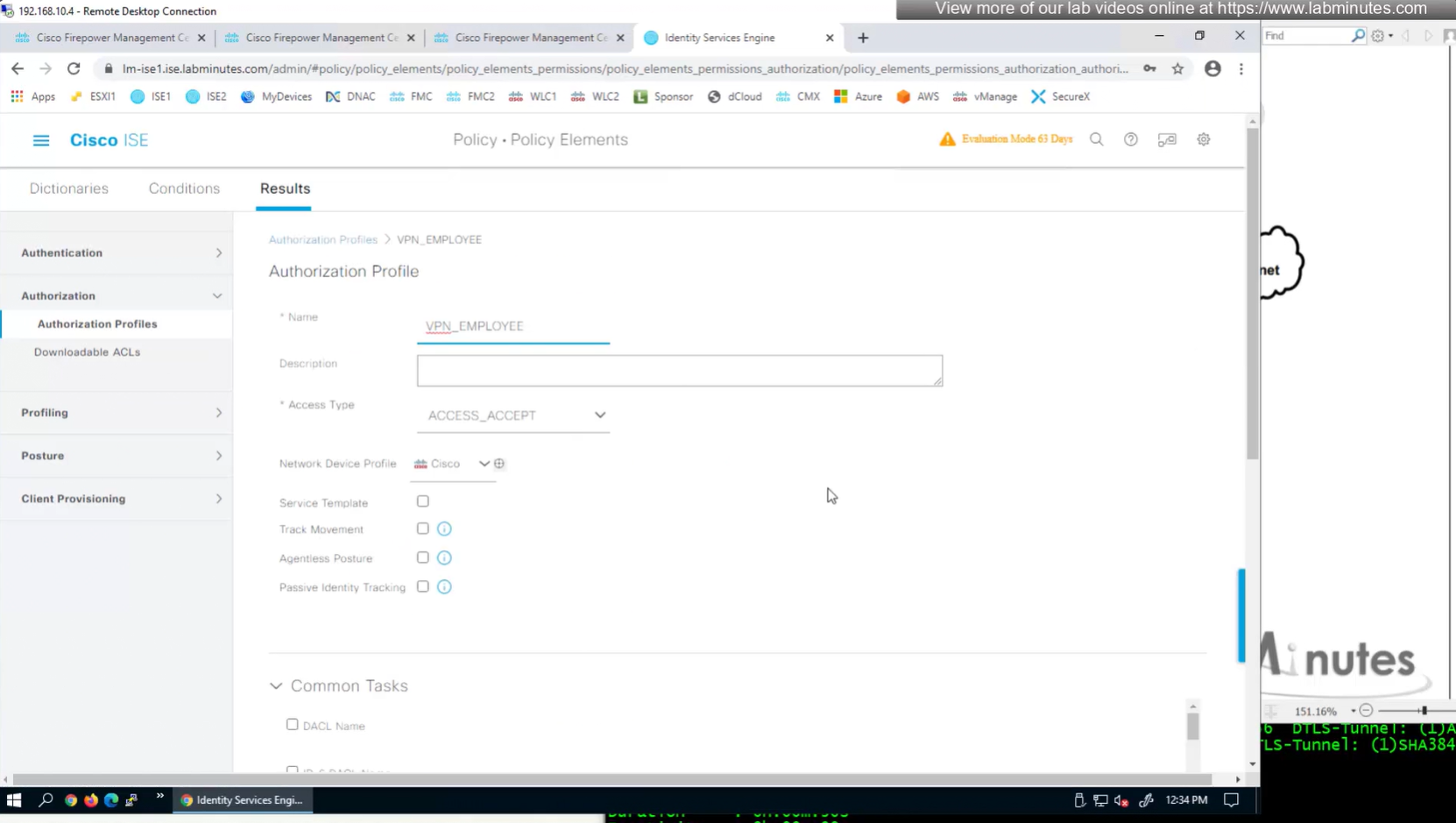
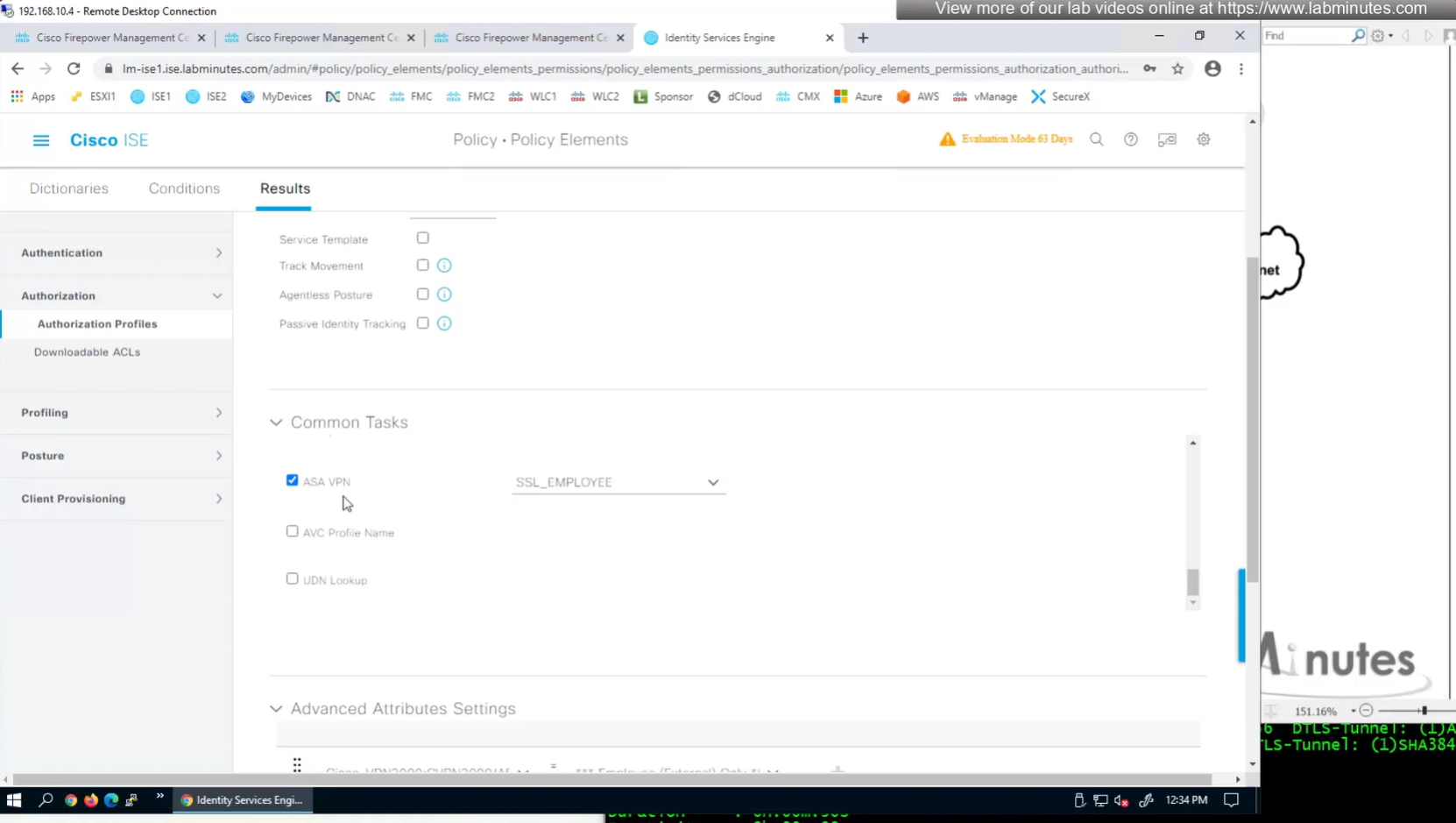
ASA VPN = Group Policy
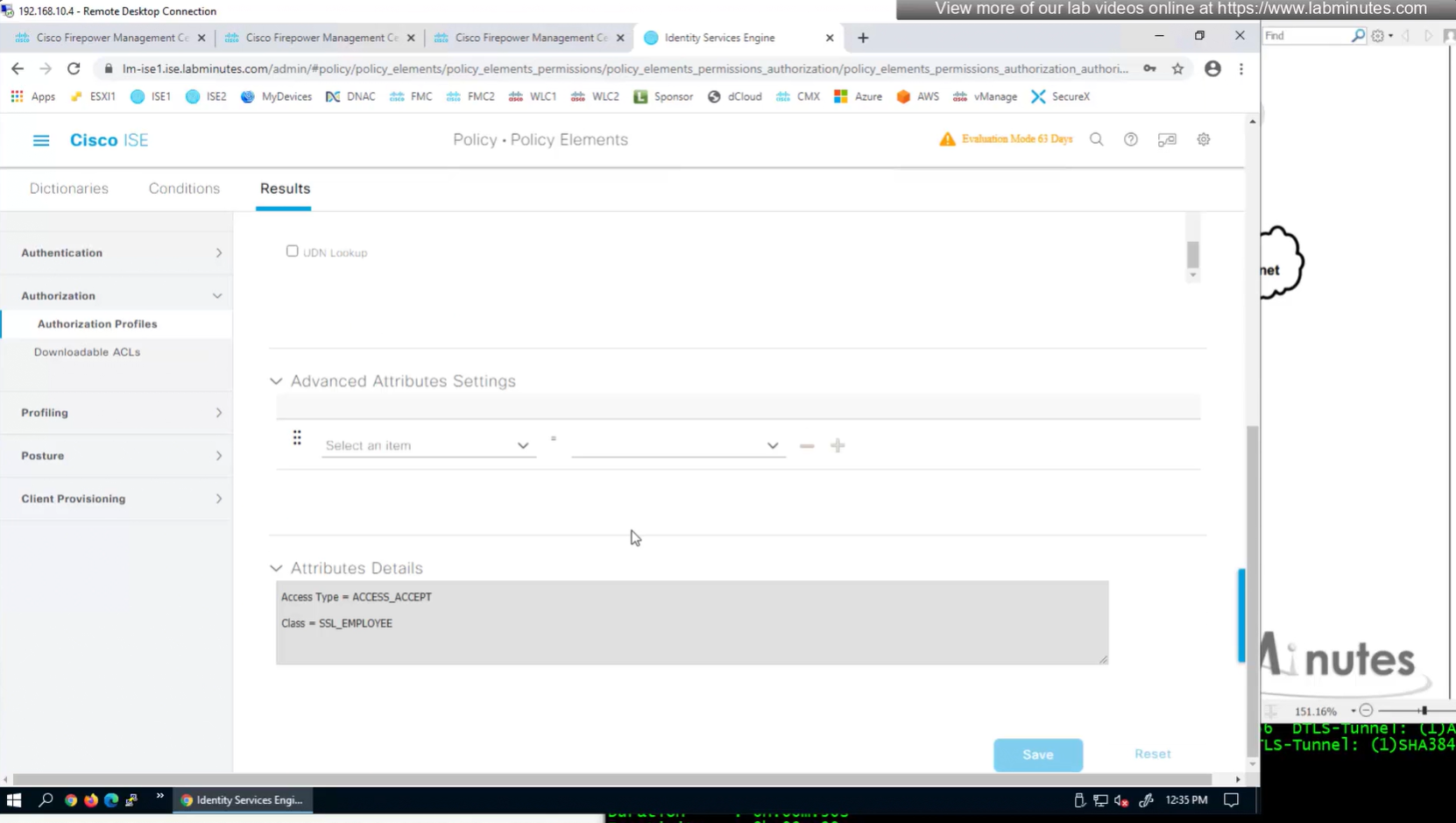
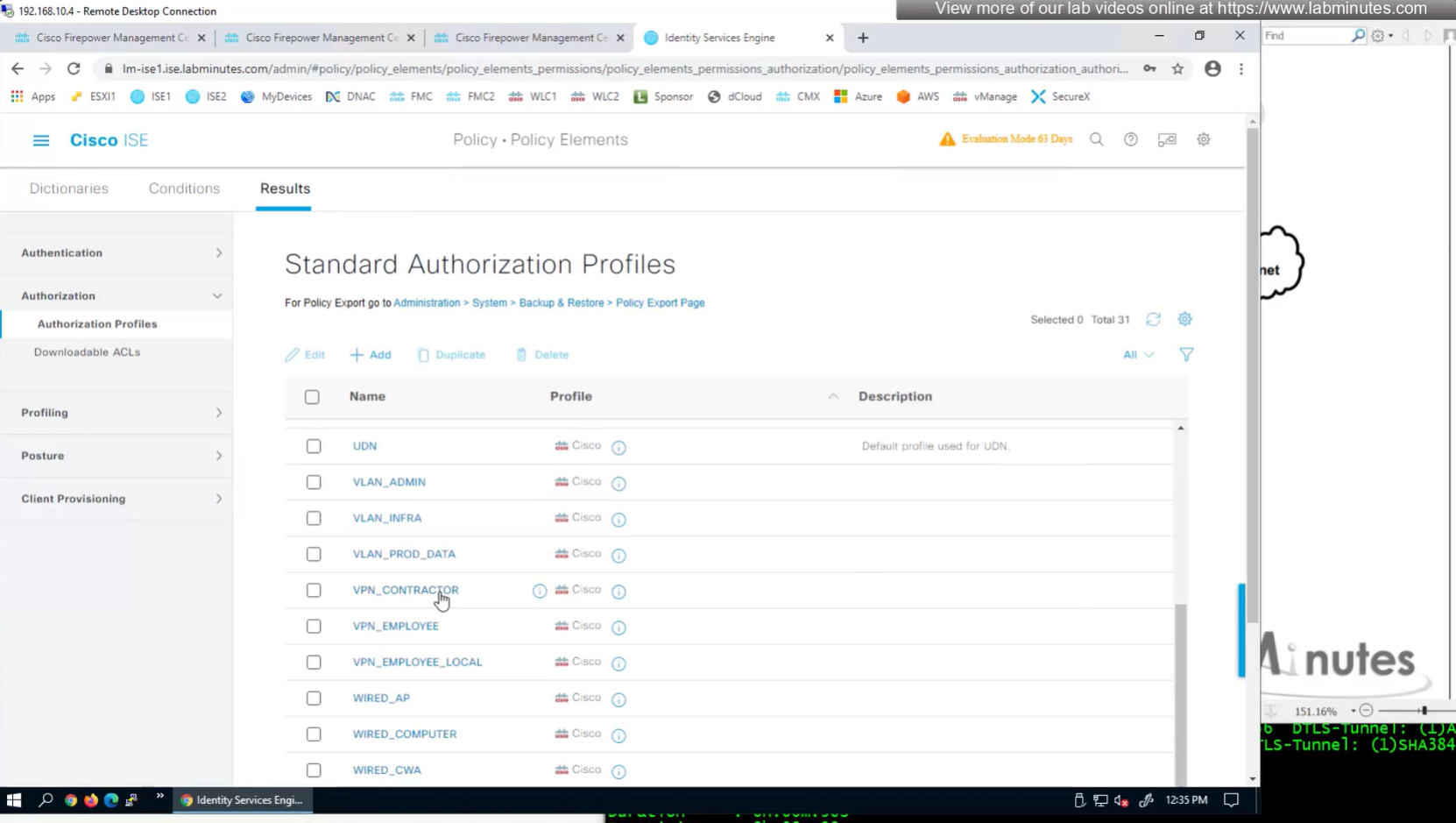

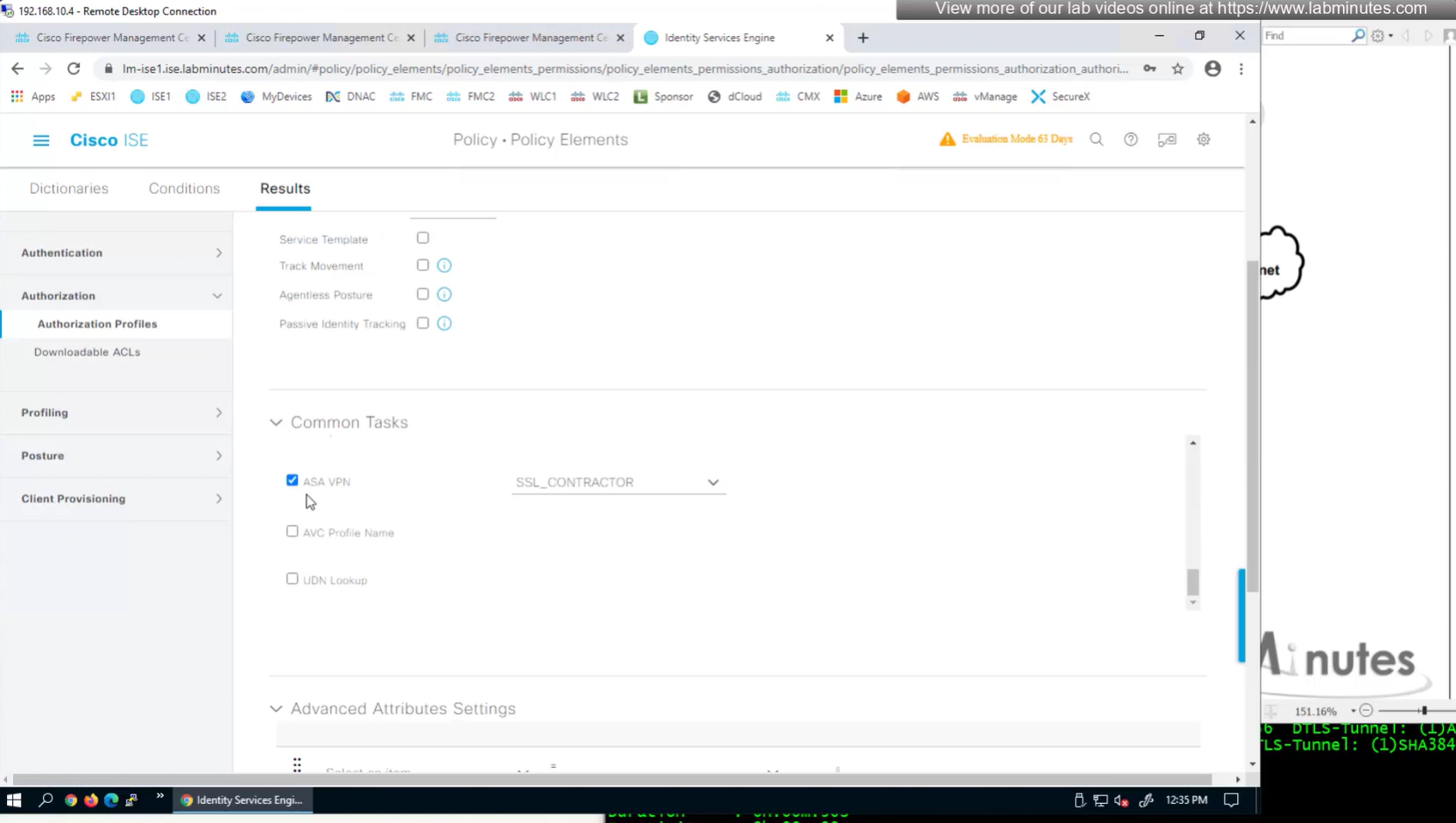
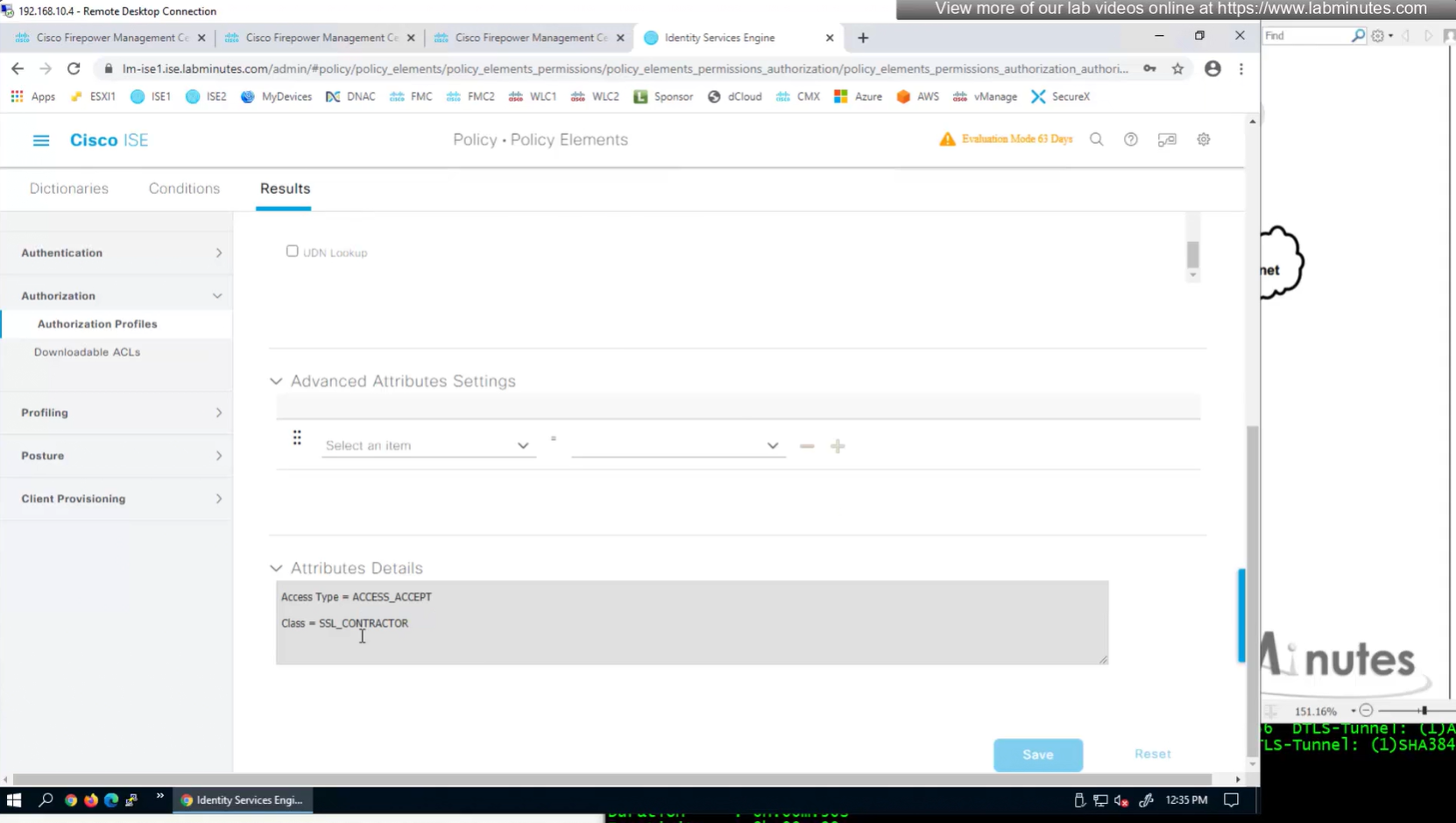
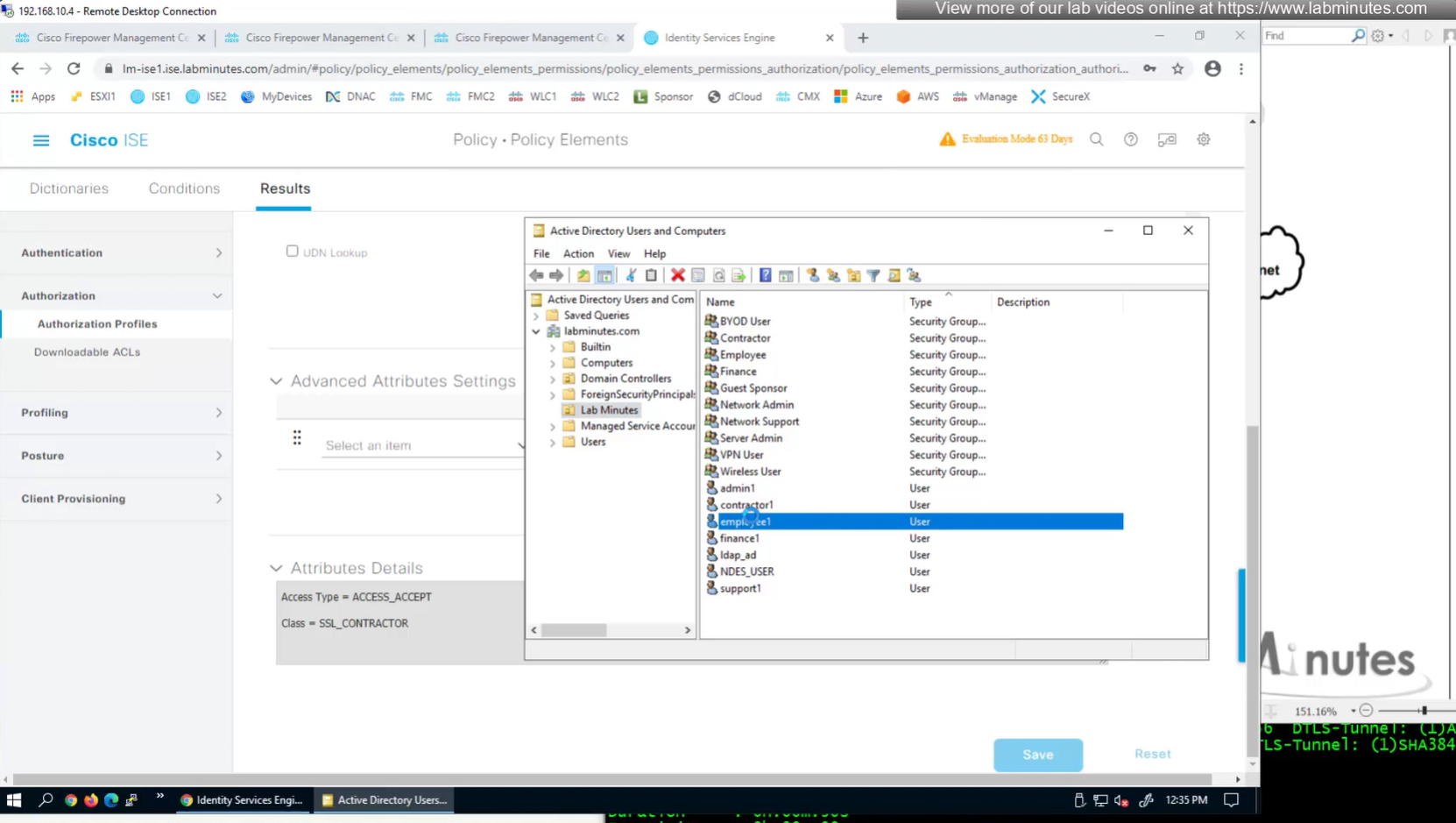
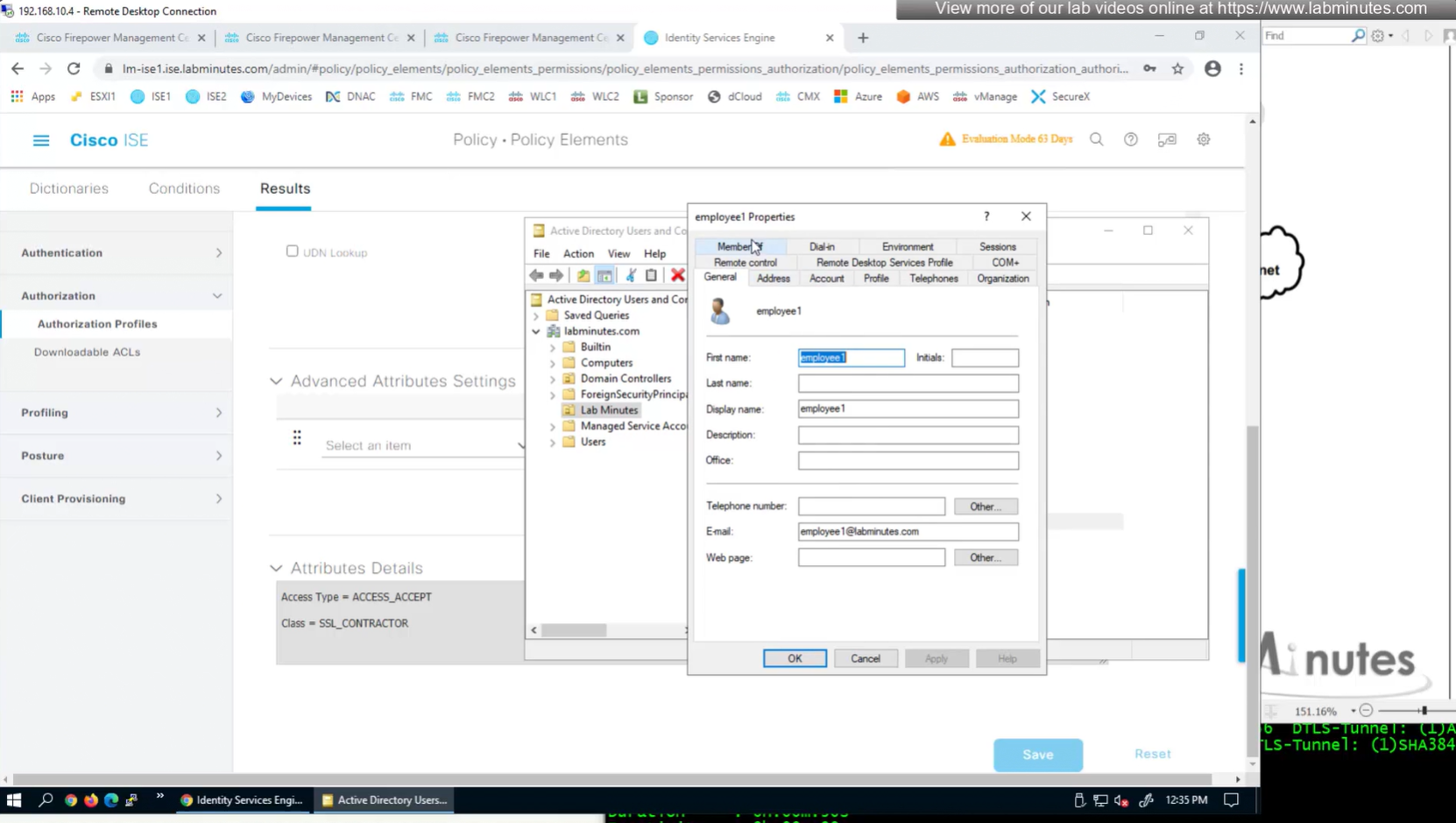
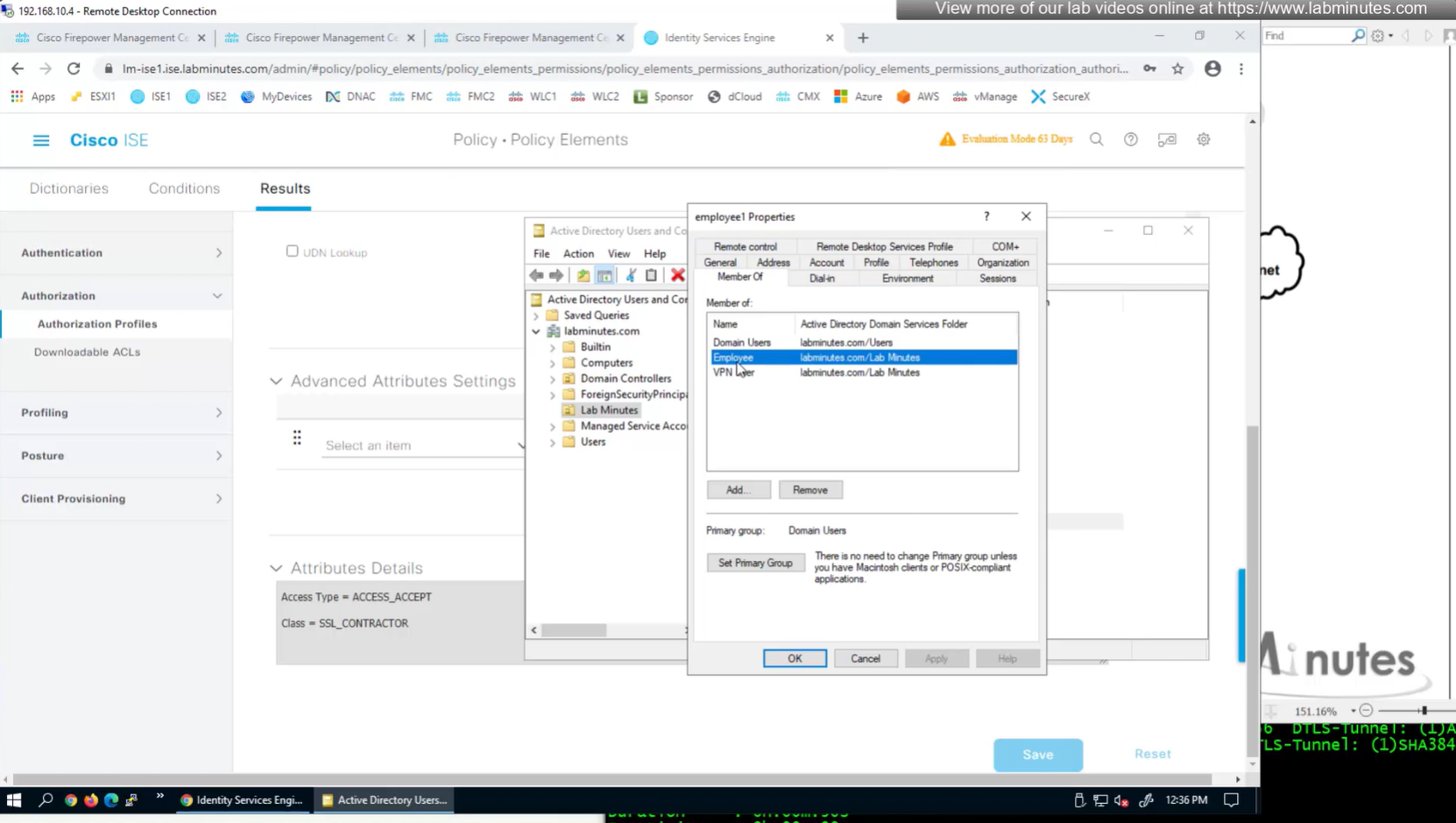
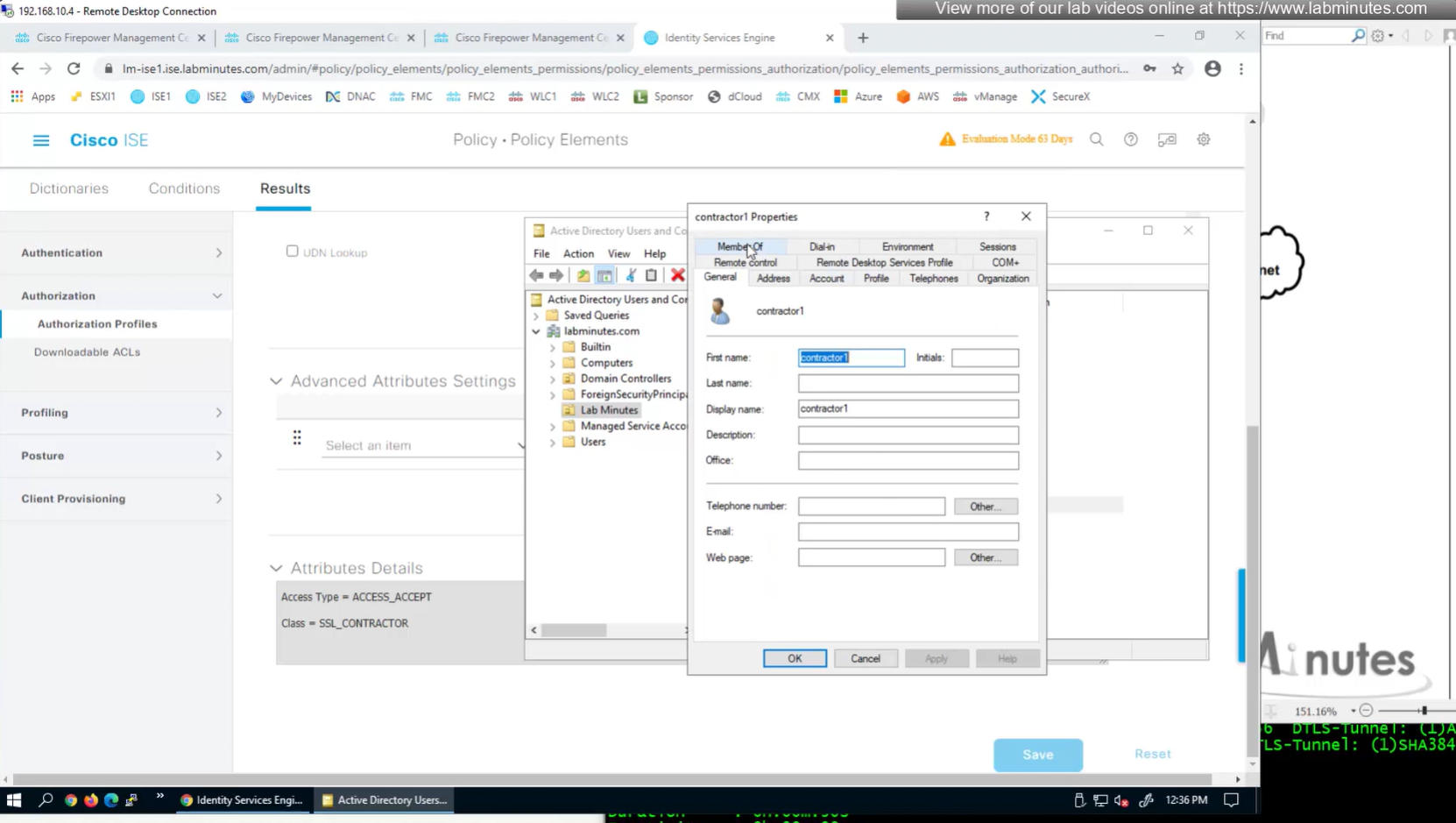

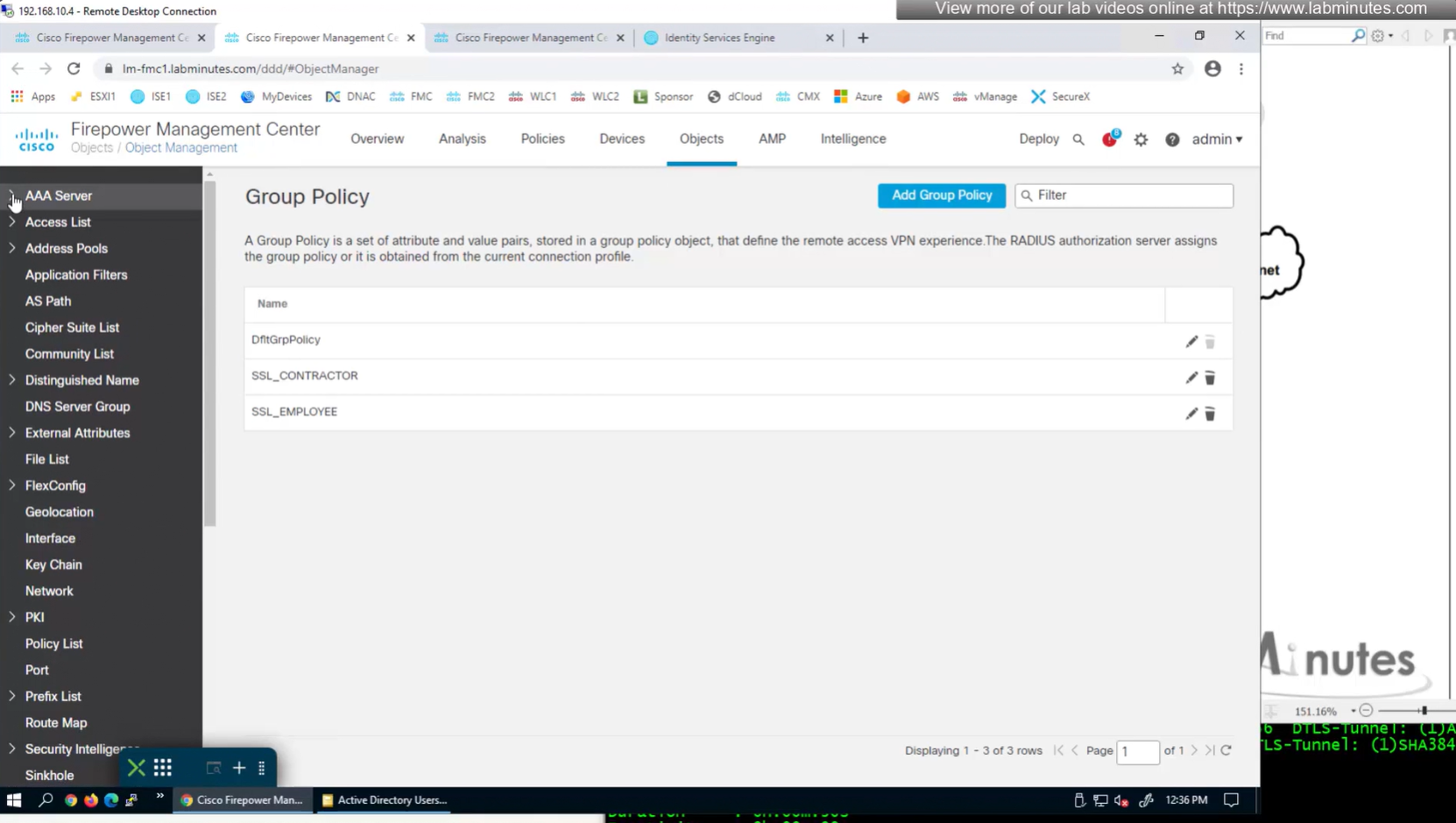
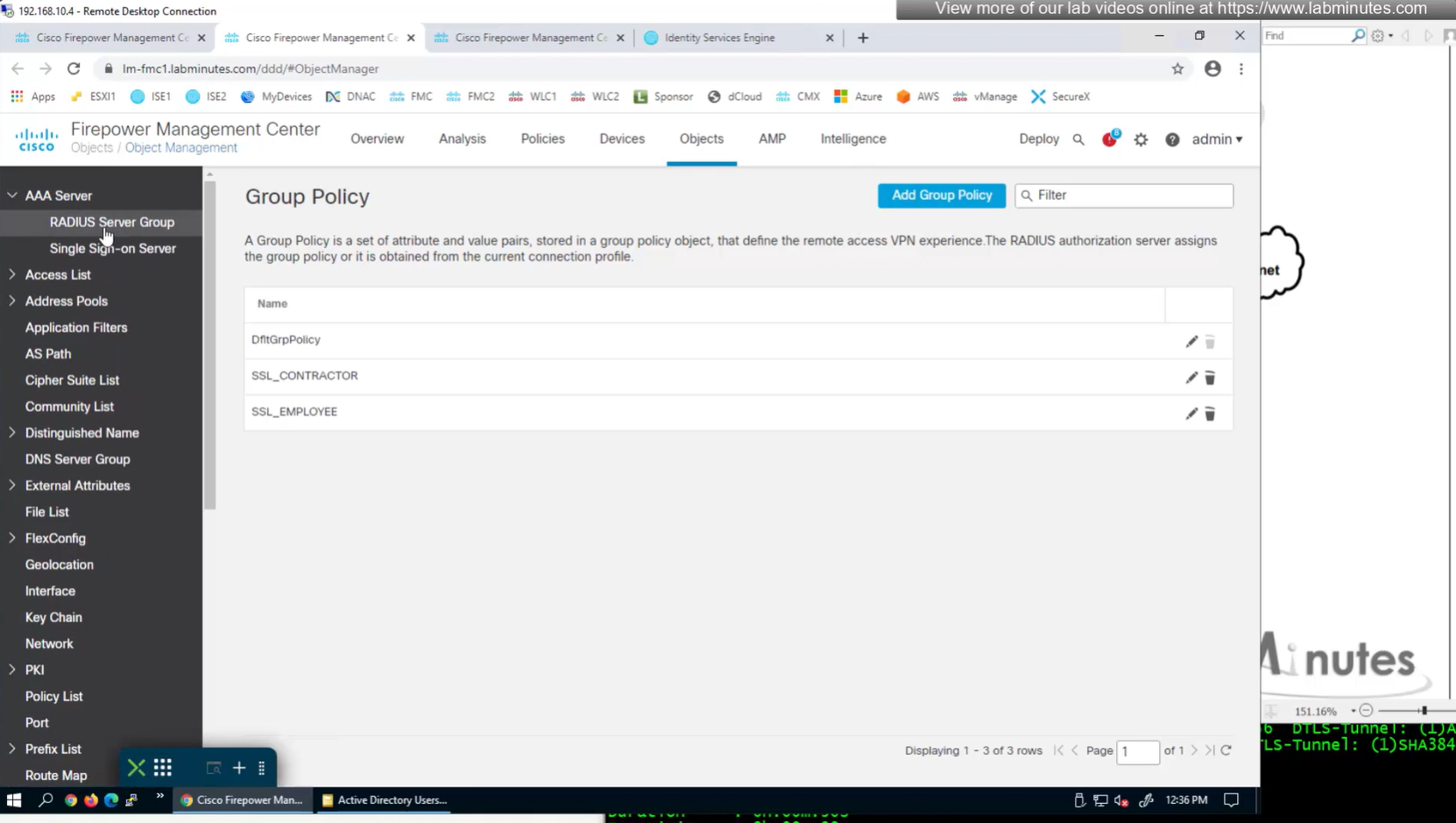

Define AAA policy and AAA Servers inside it
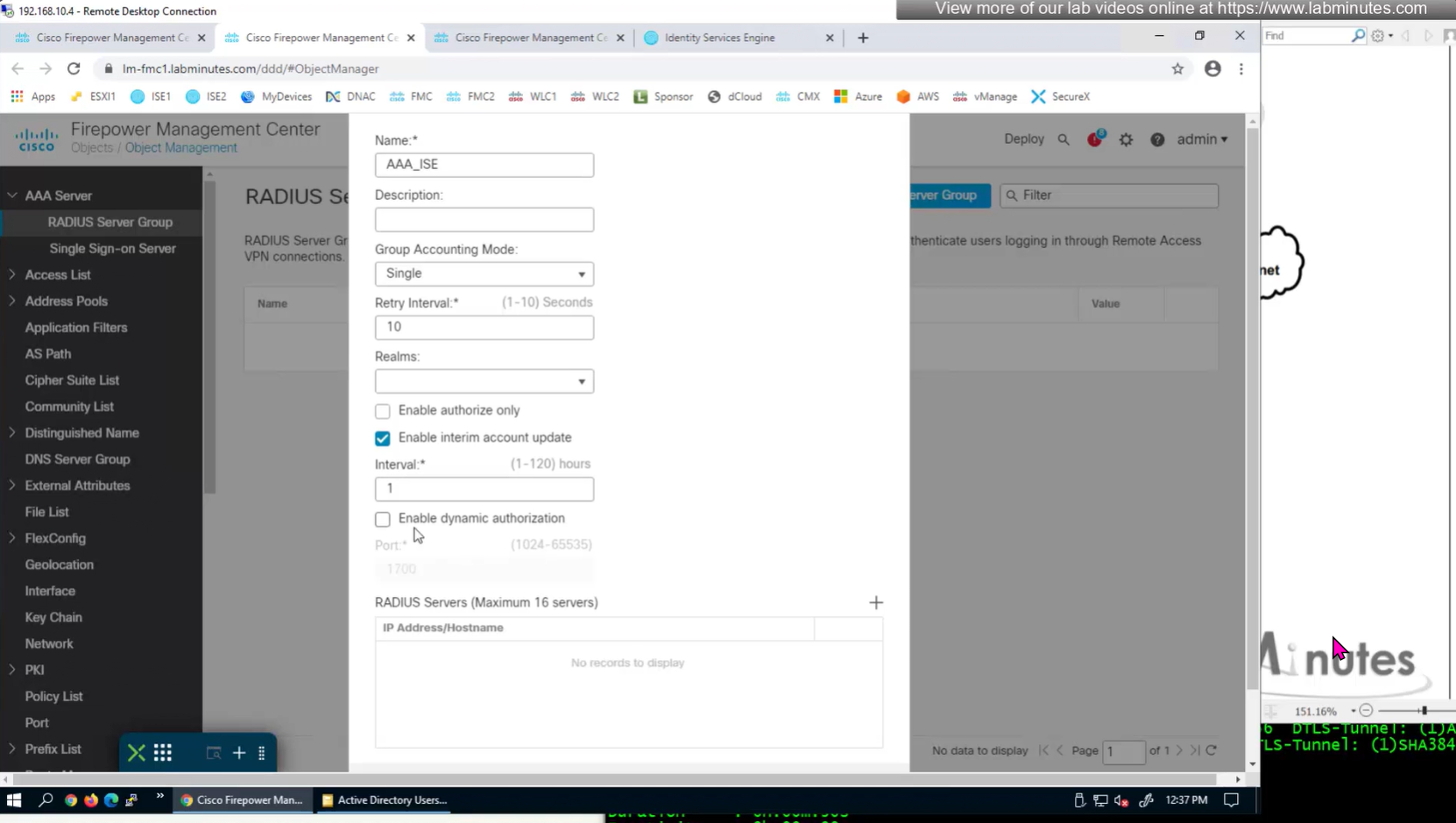
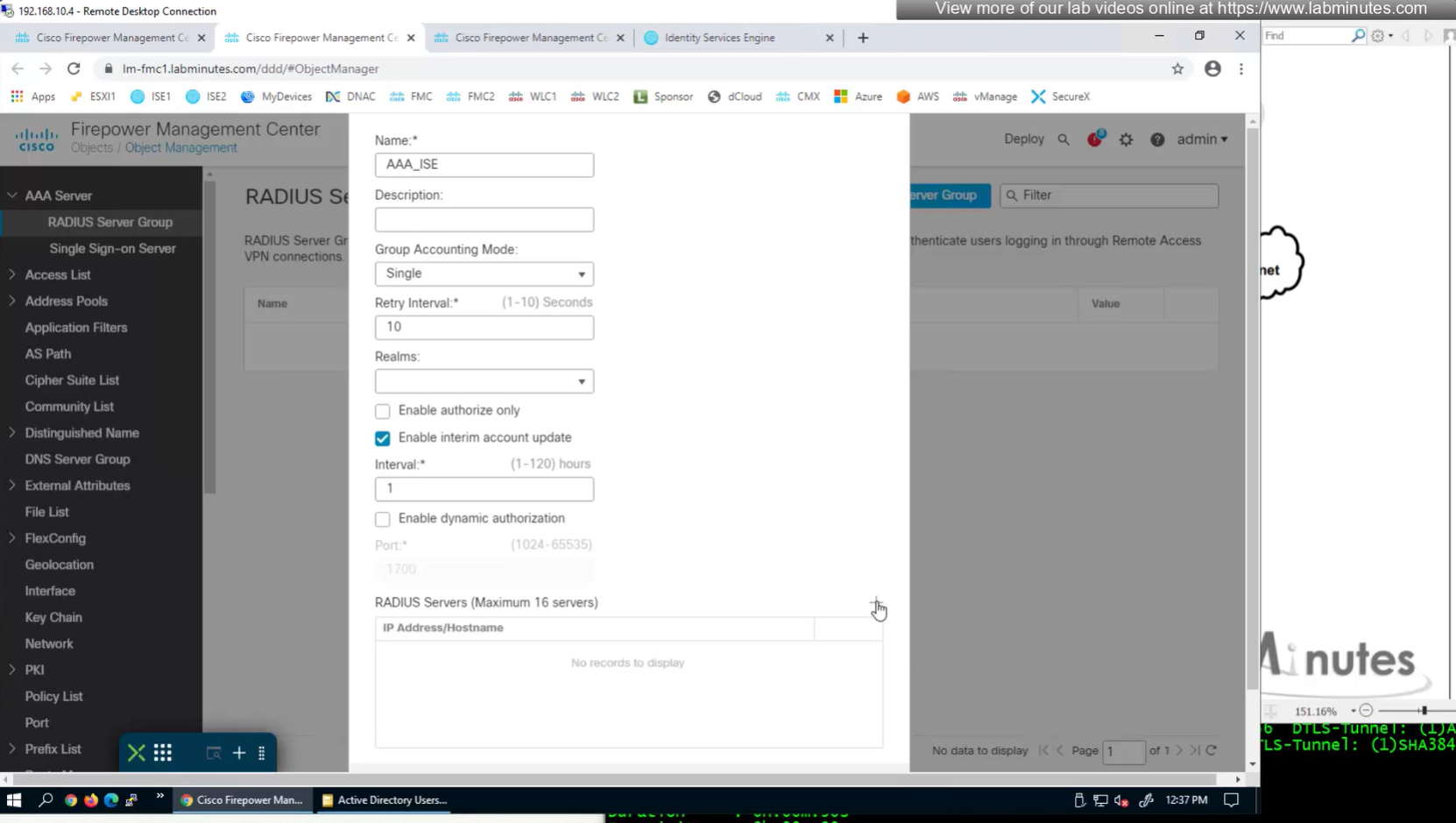
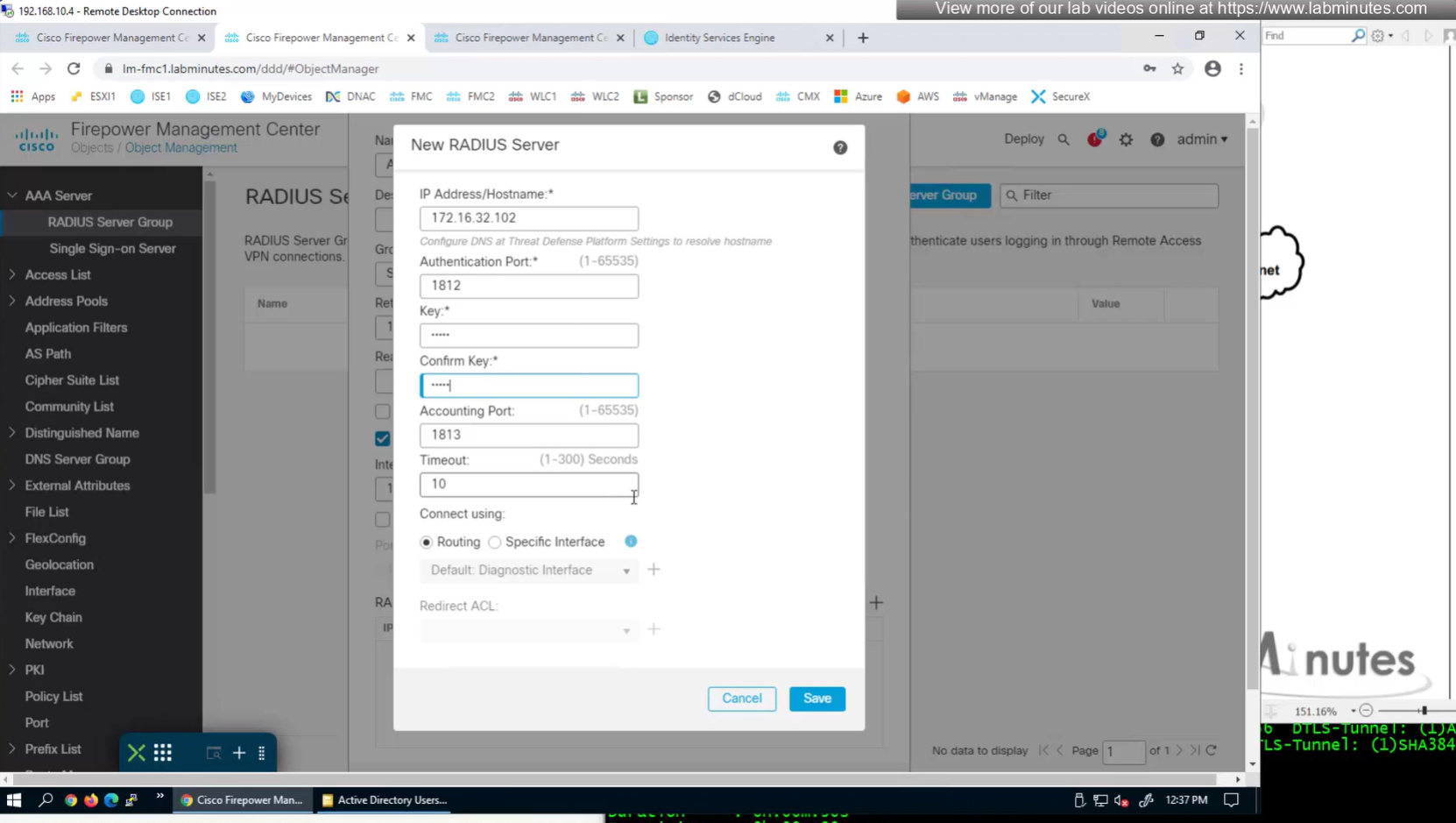
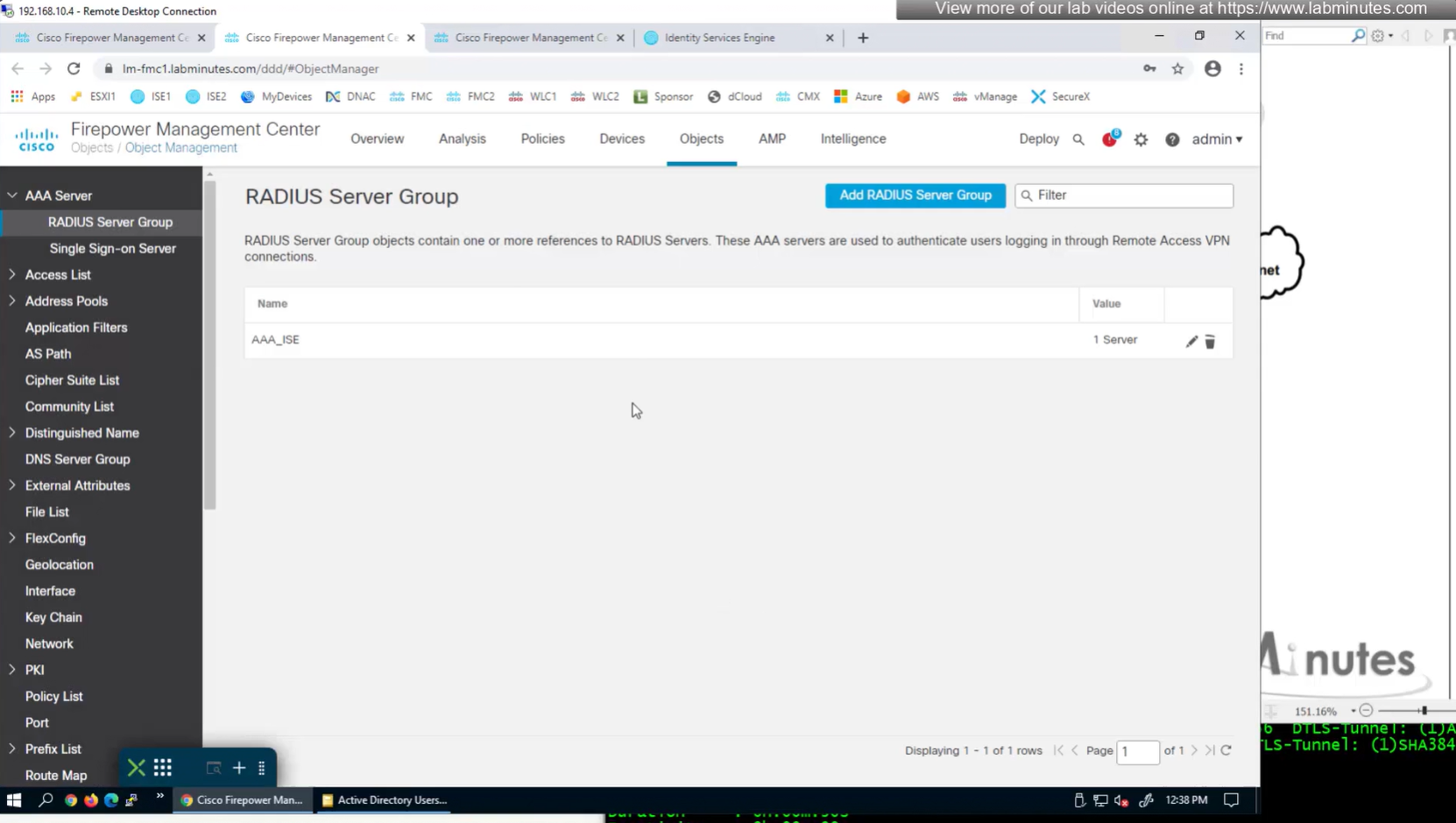
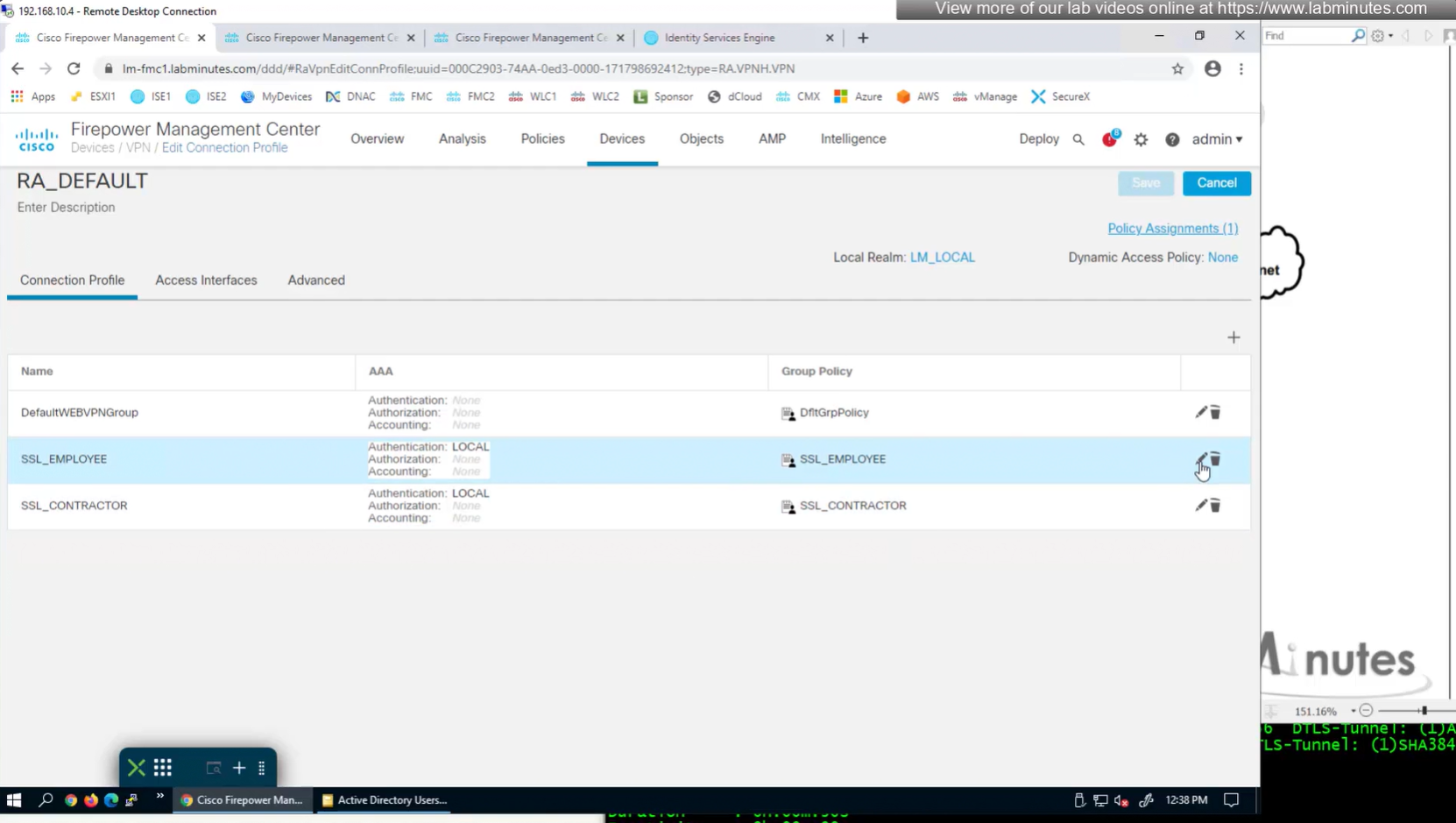
Change connection profiles from Local auth to AAA (RADIUS) auth

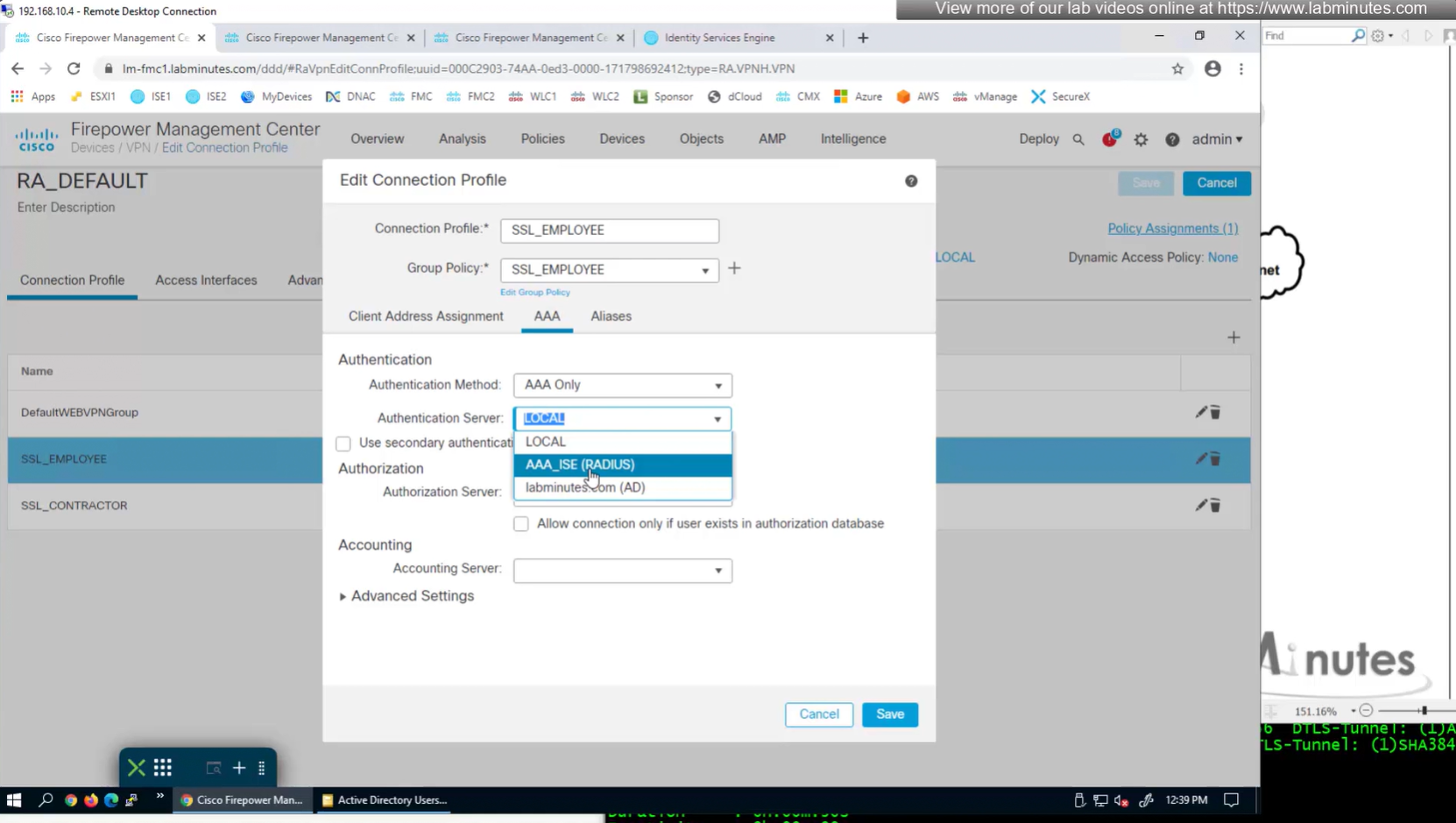
Authorization server by default are same as authentication server

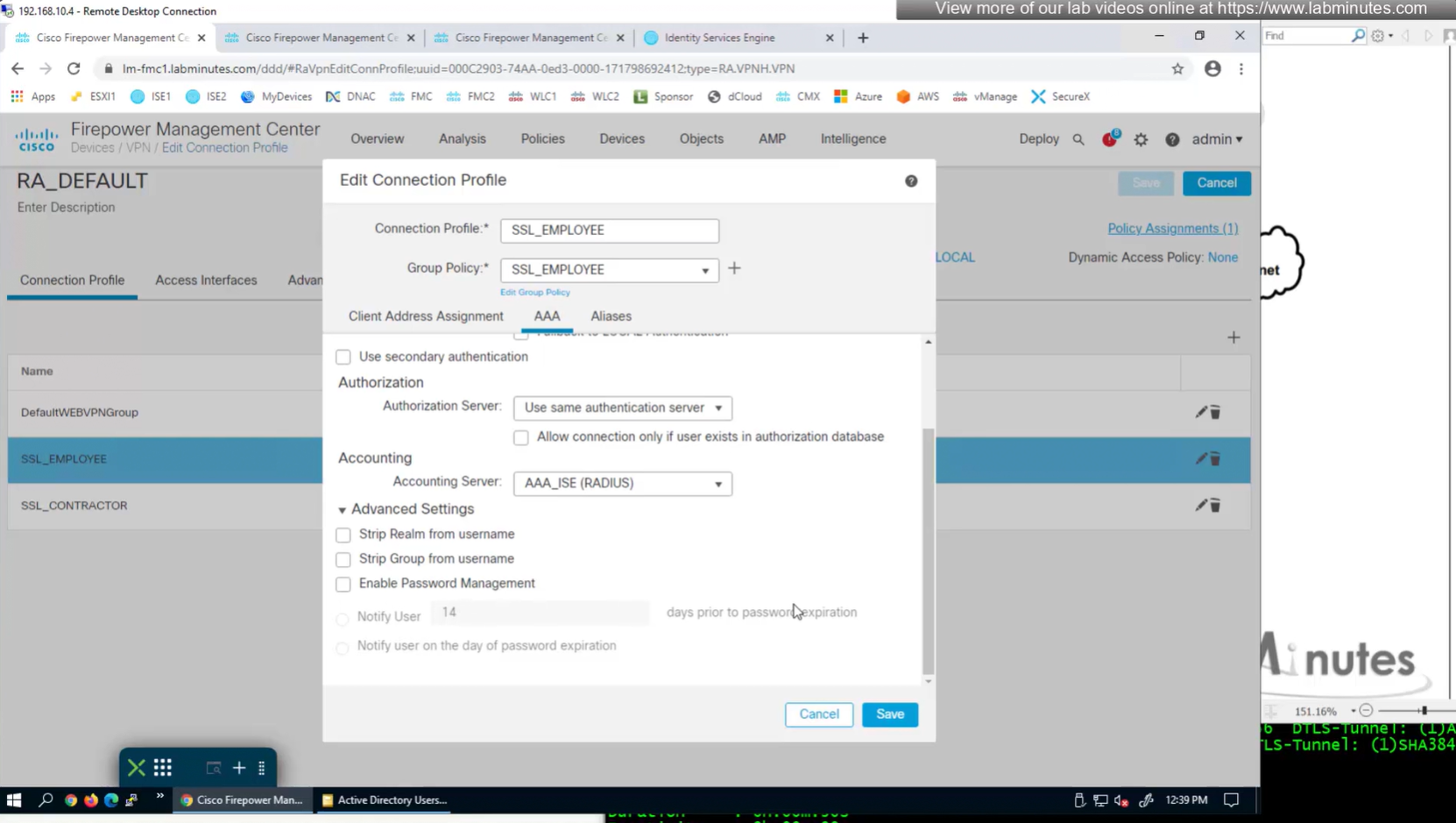
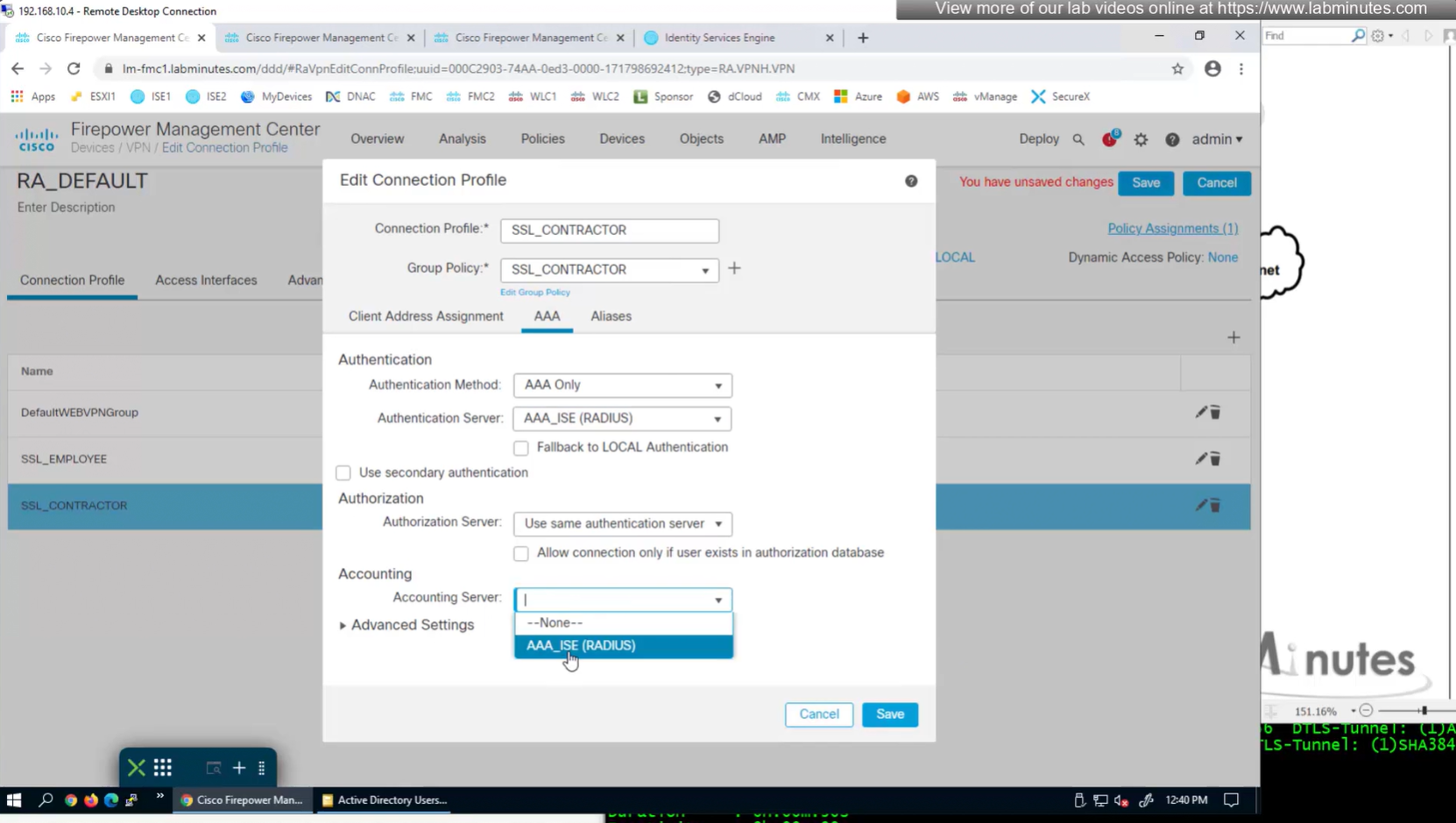
Set accounting server same as authentication servers
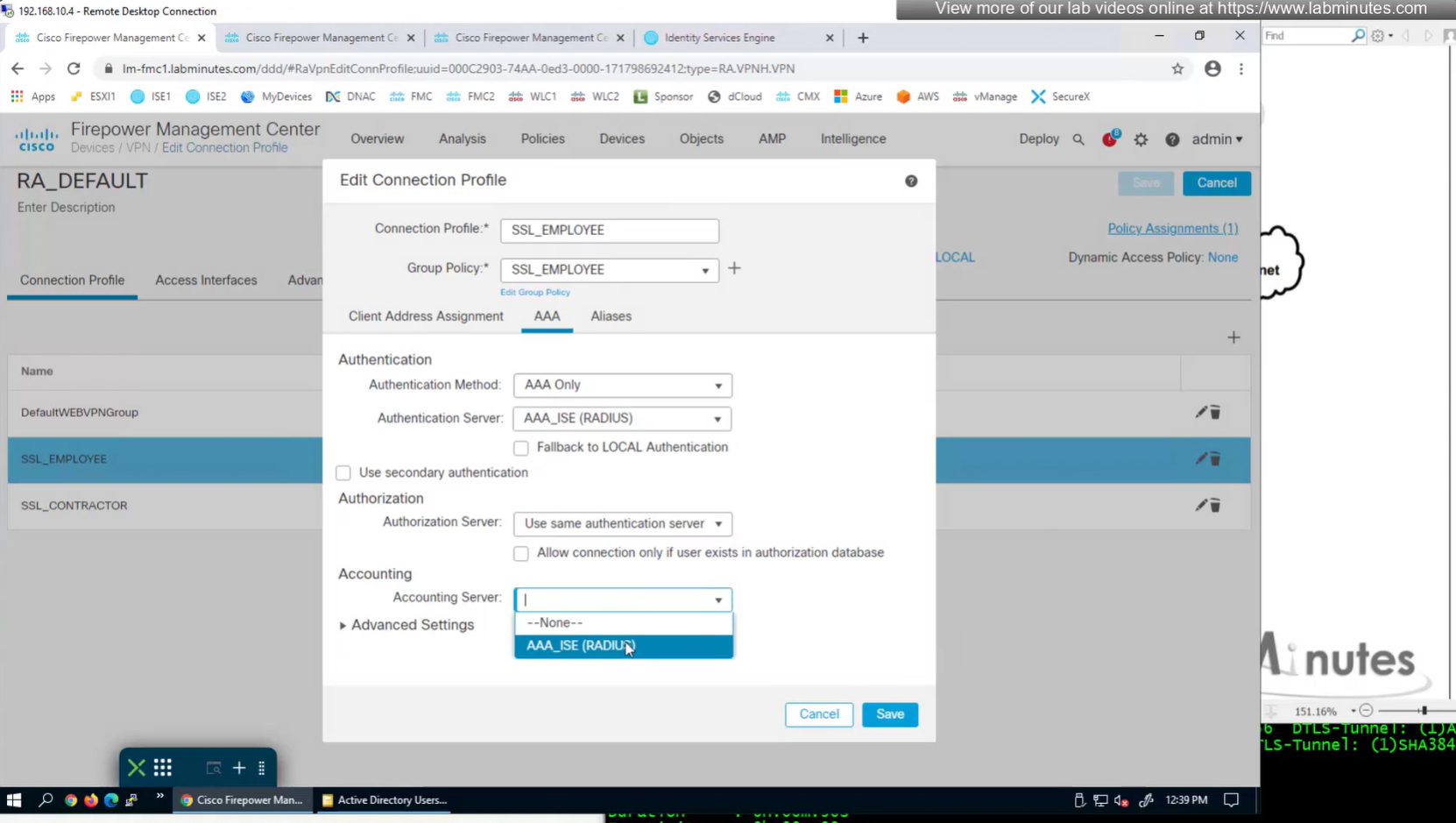
expand advanced settings for password management
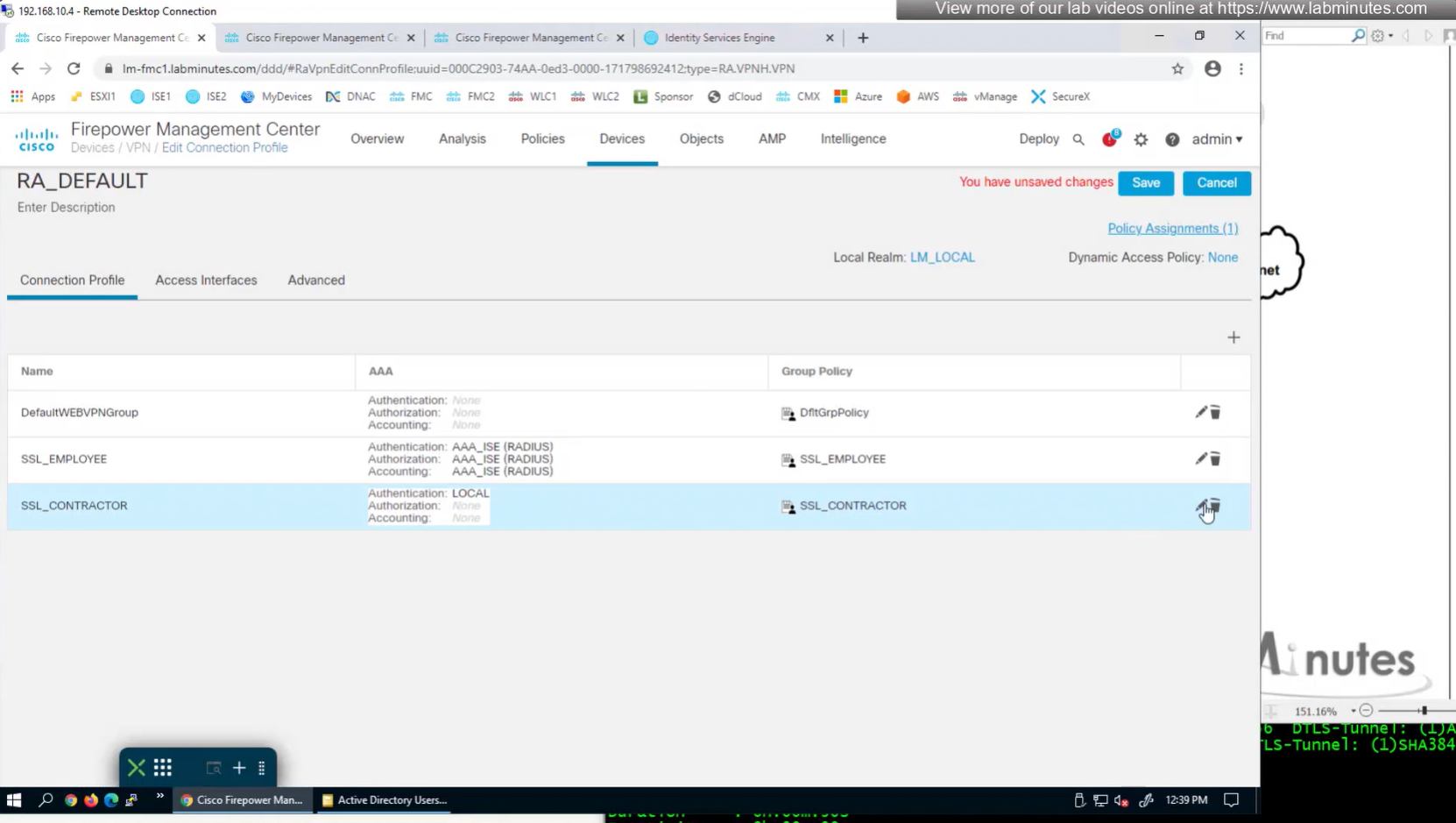
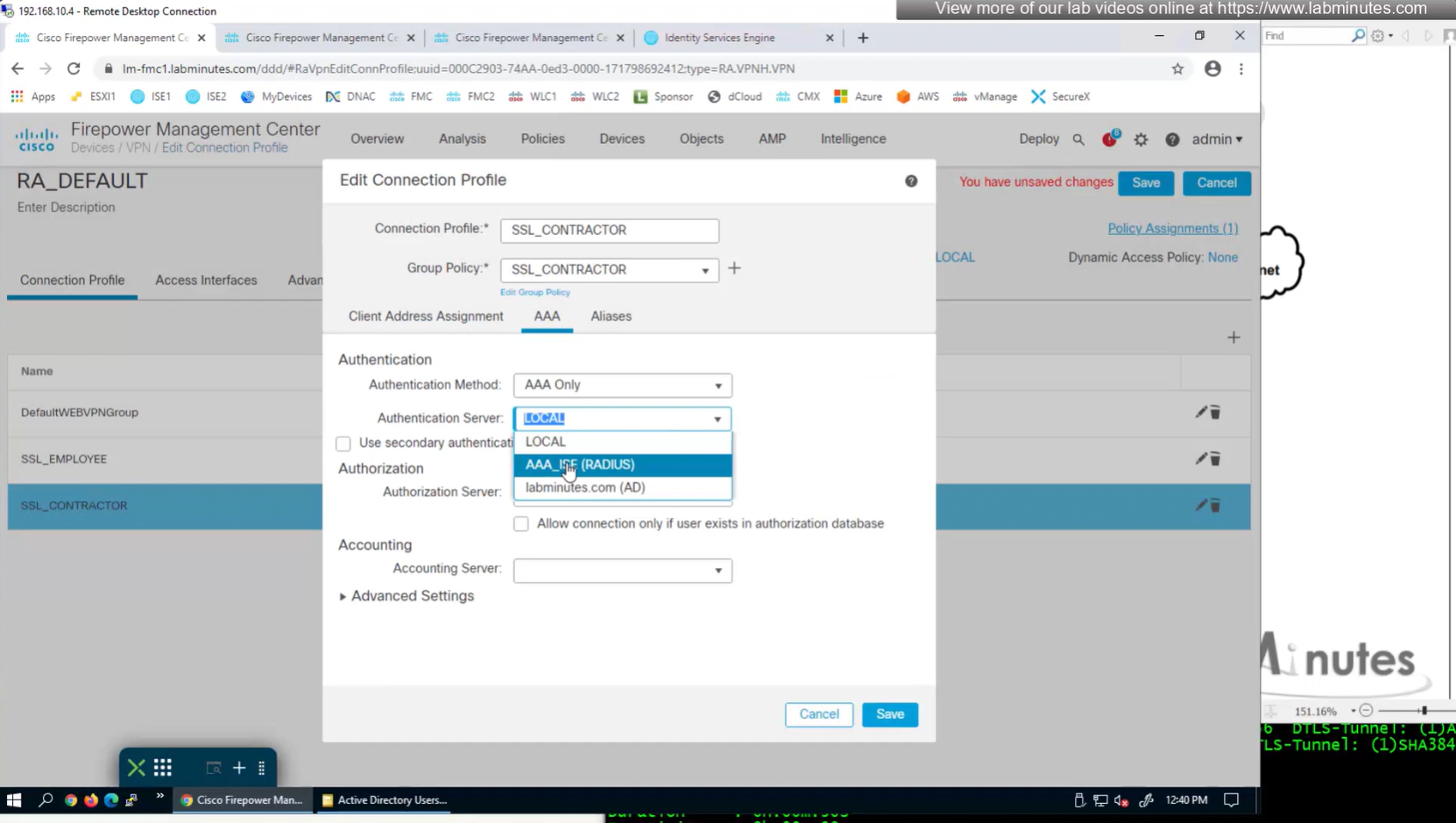

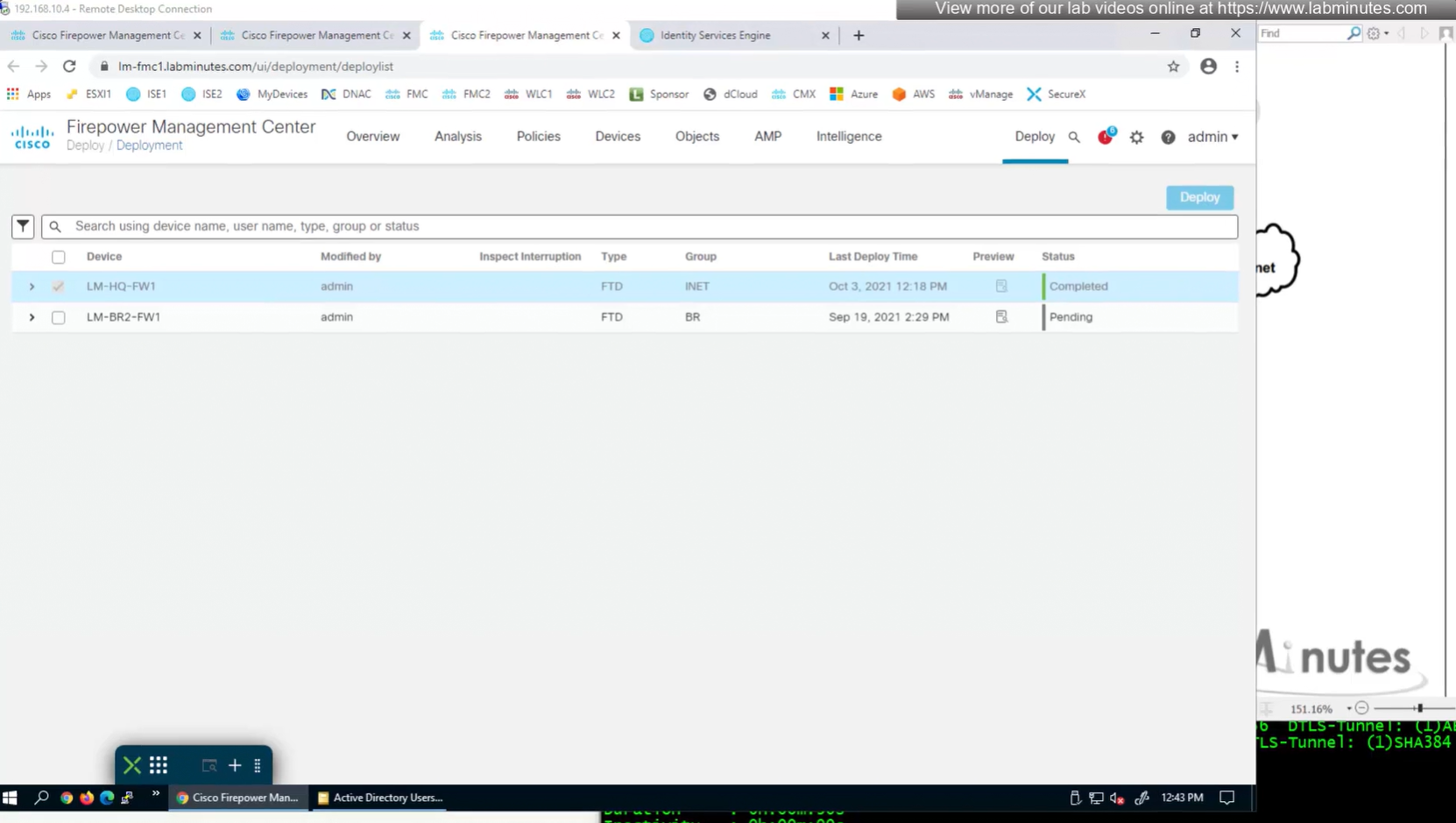

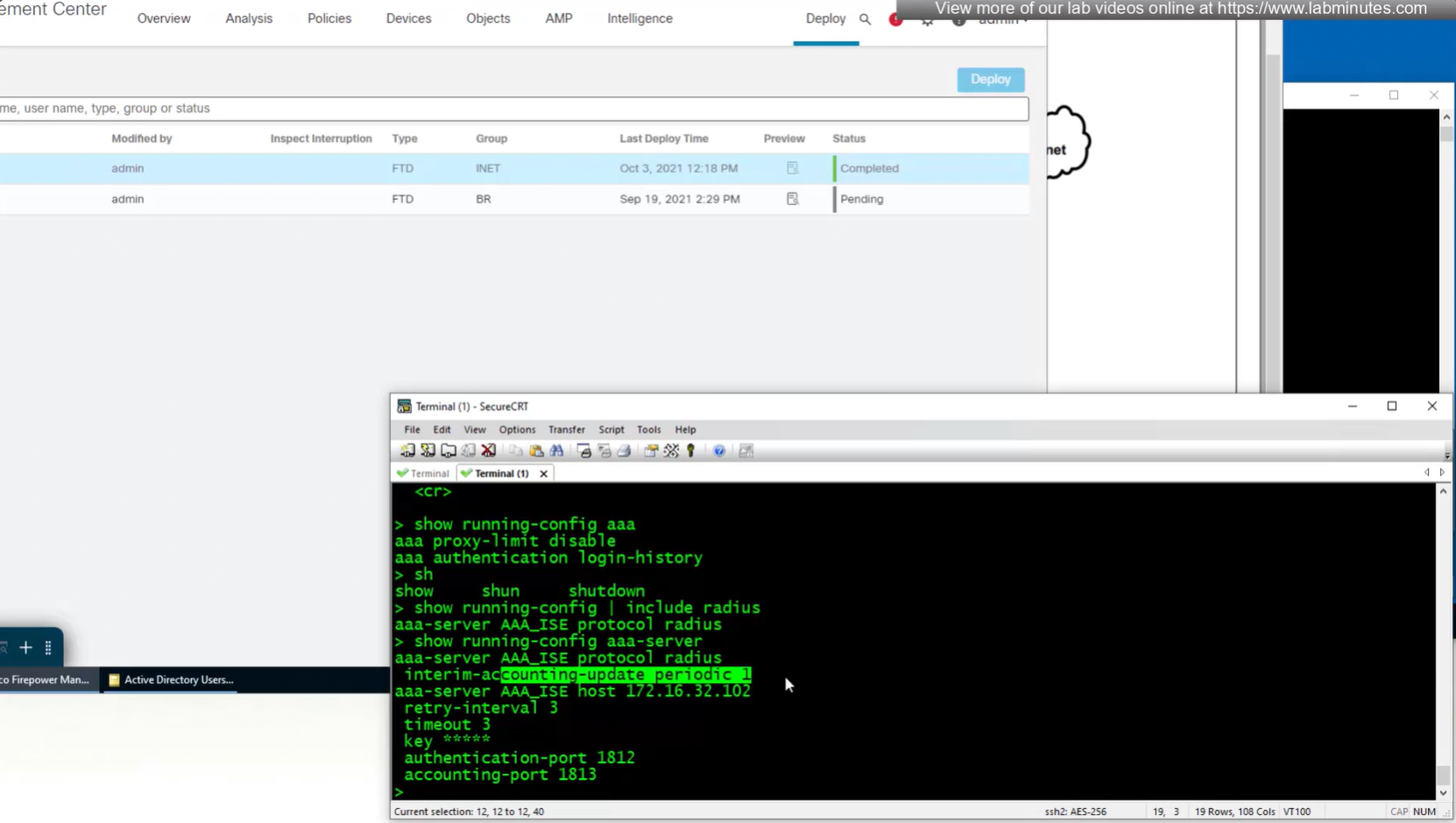
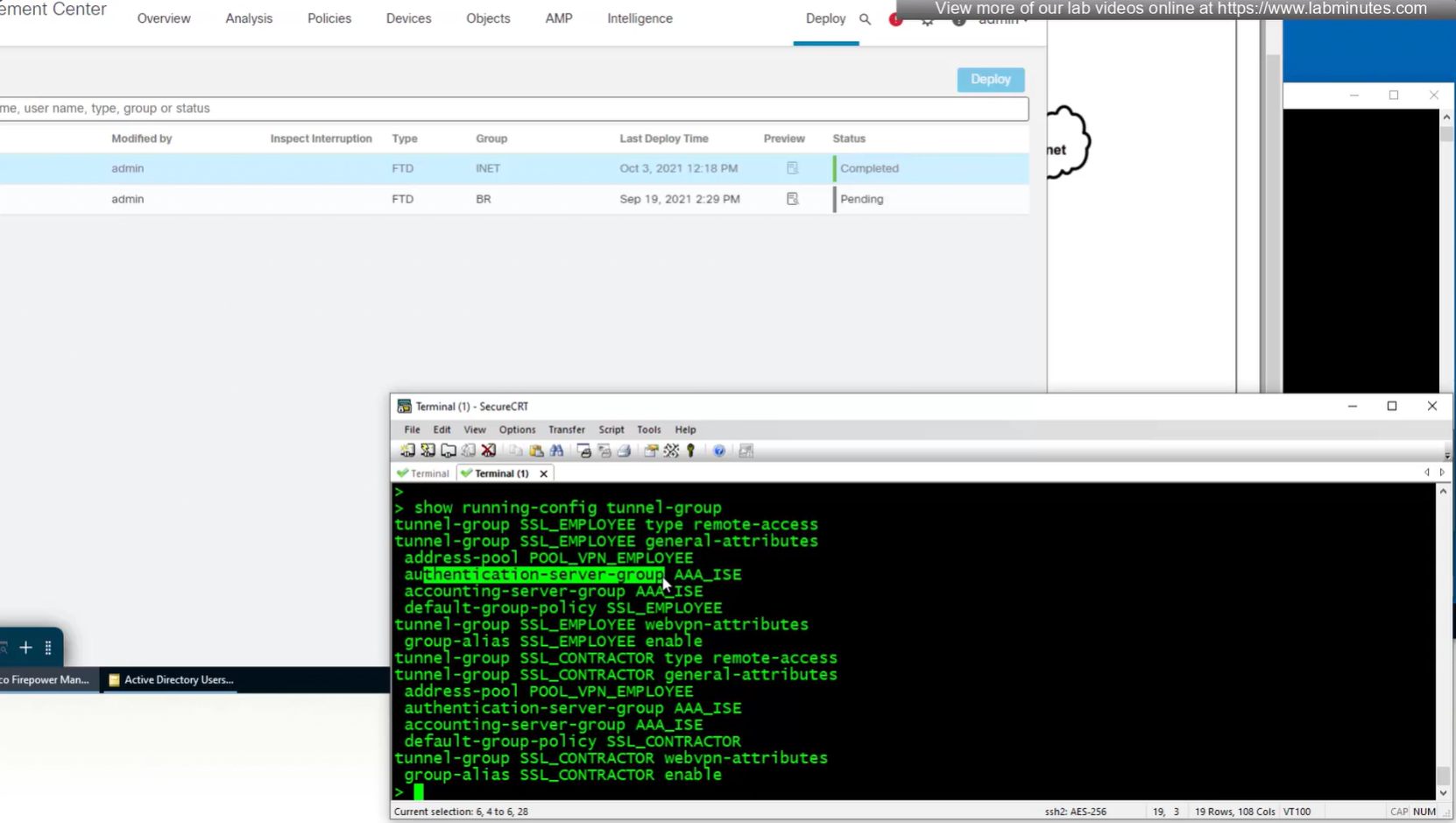
show running-config aaa-servernew config is pushed to FTD
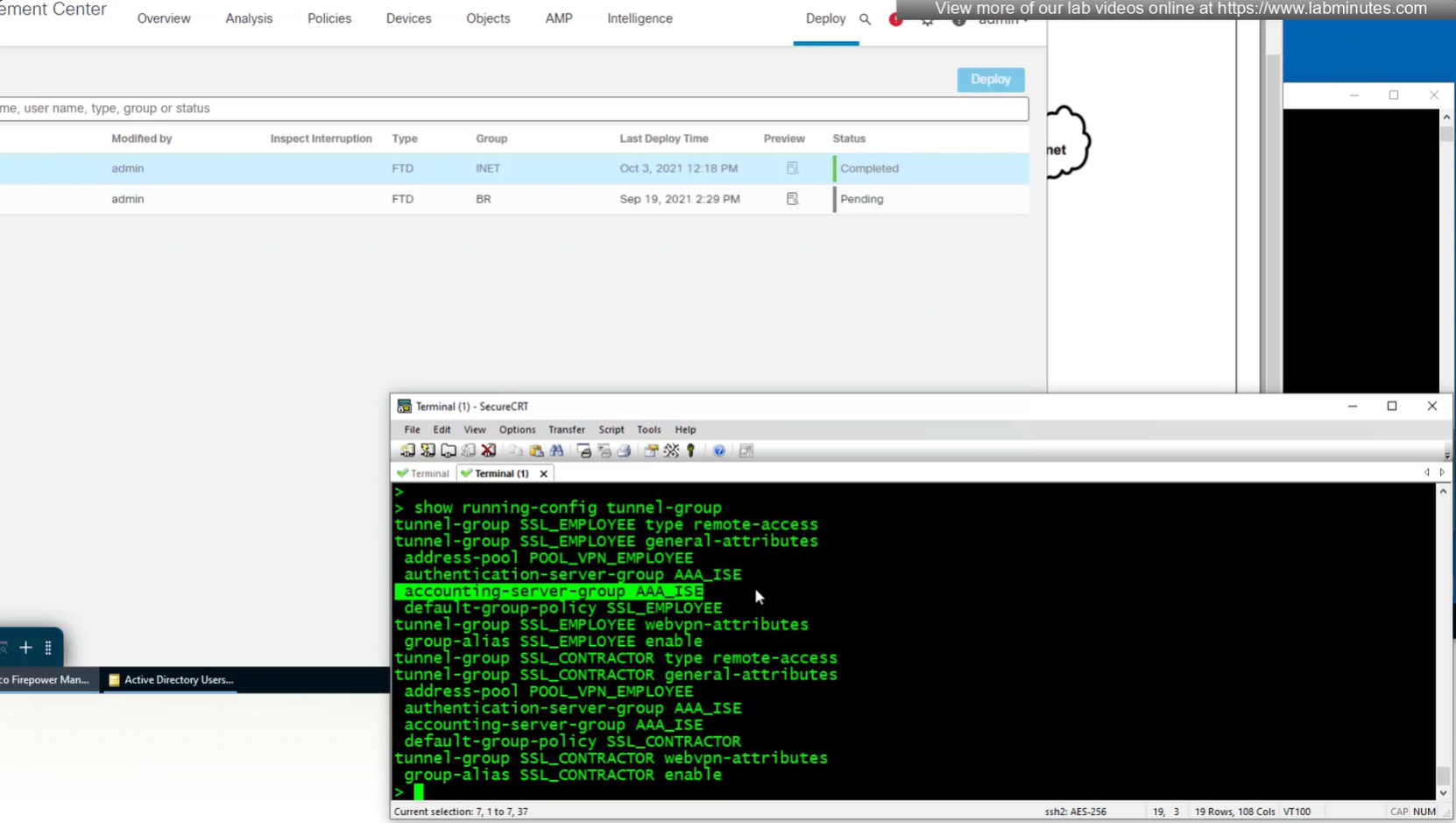

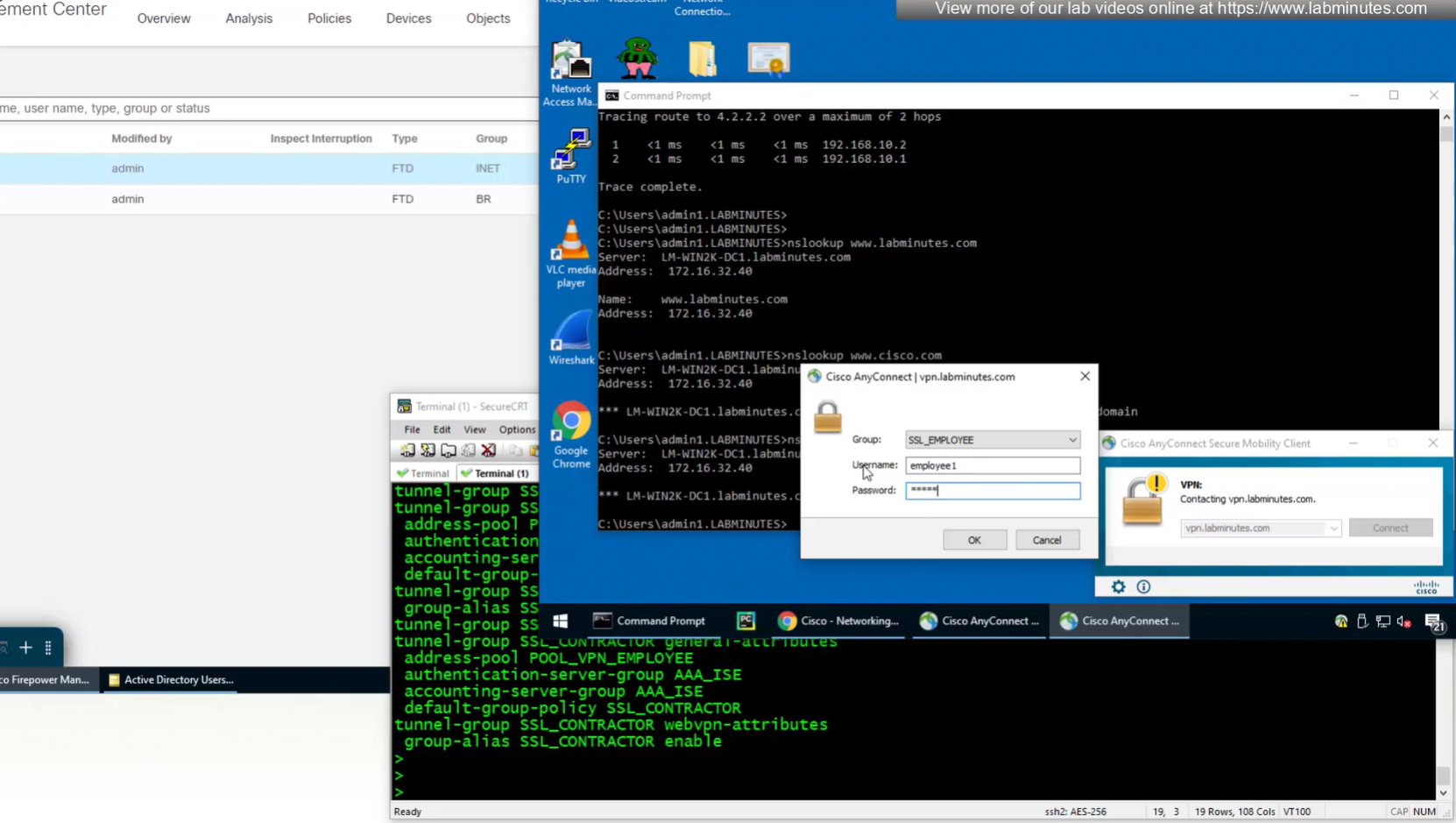
Login works

We dont really need Alias drop down anymore as users will get their group policy (not tunnel group) from ISE
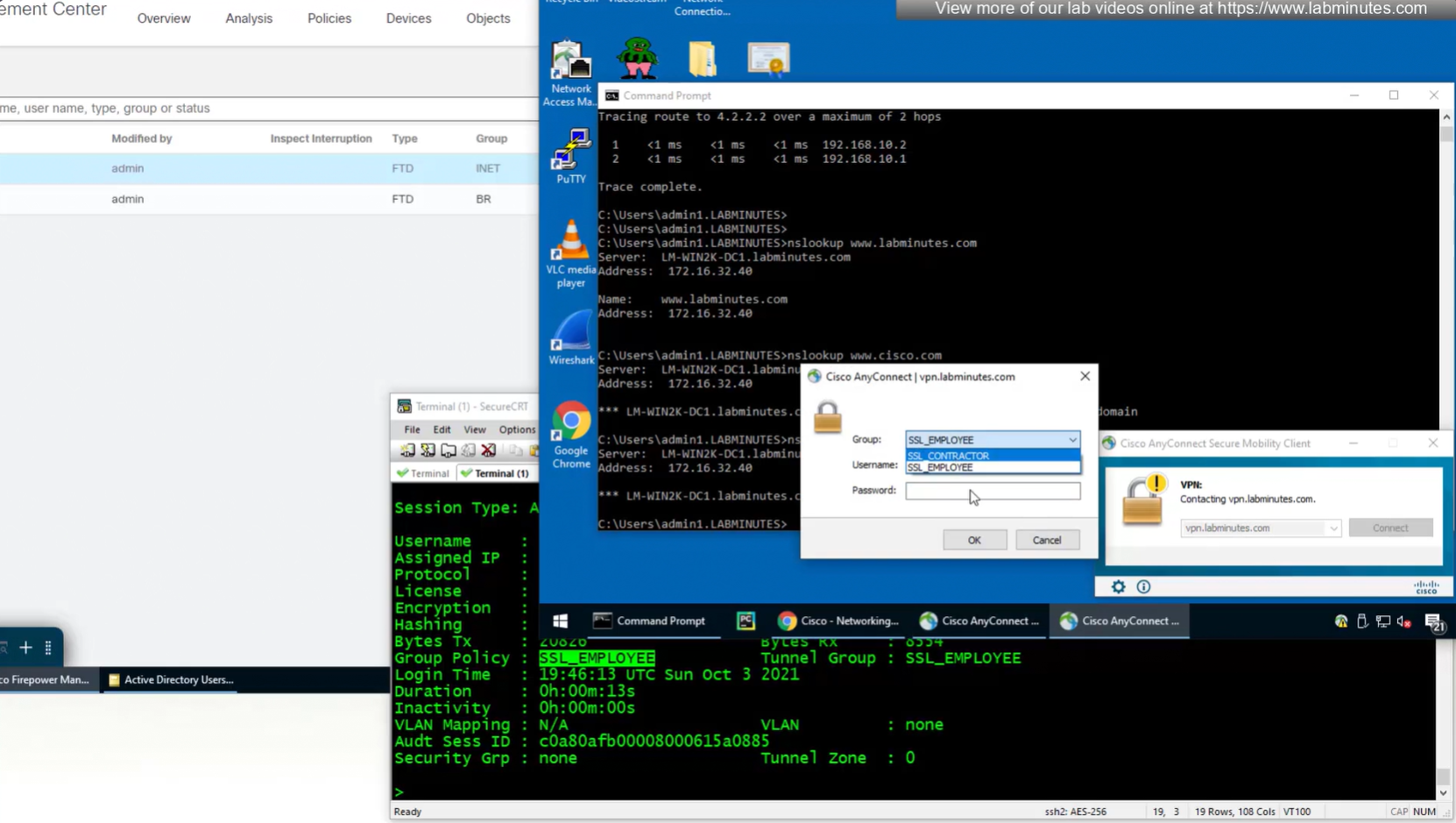
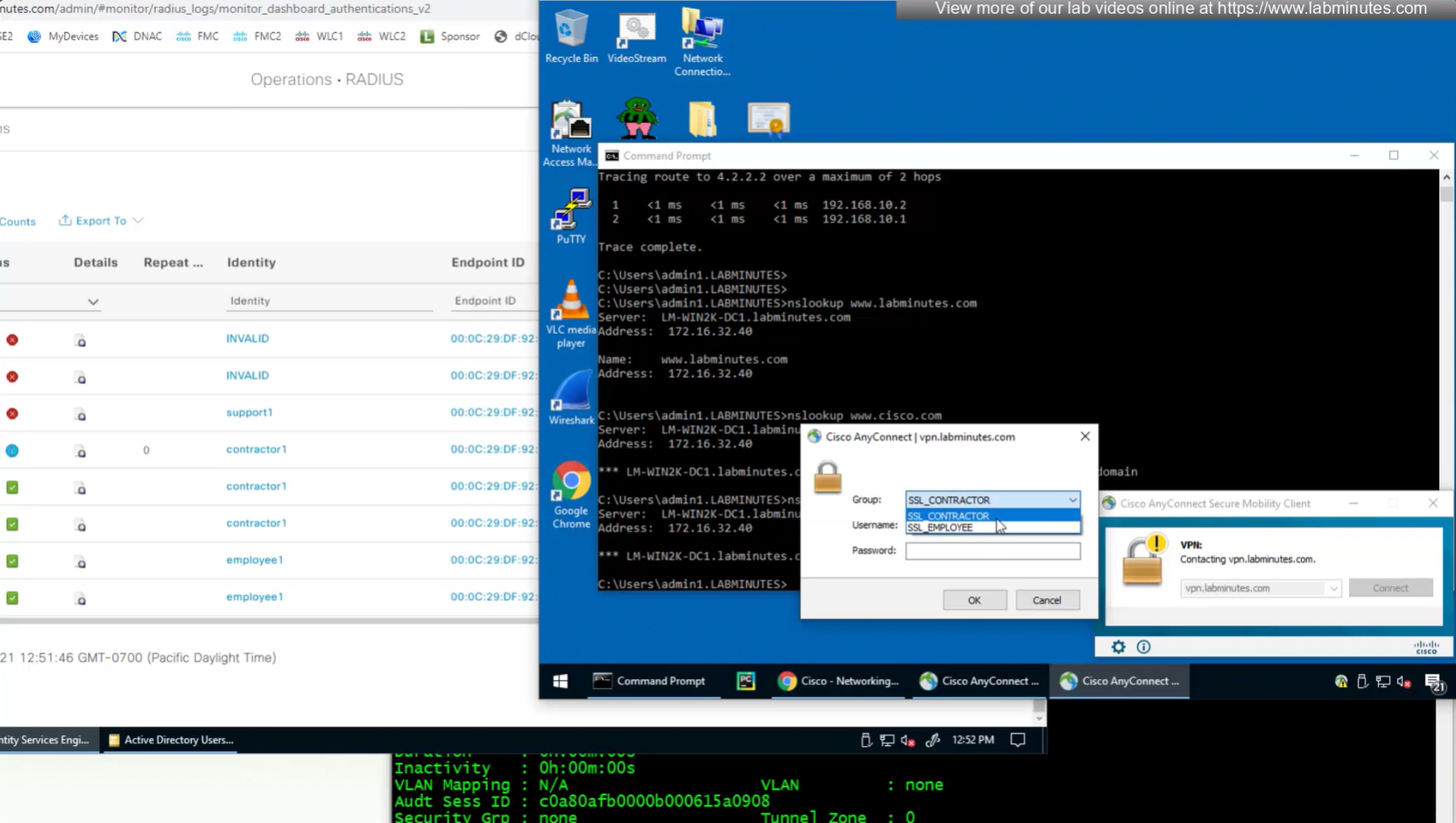
Even if we force login to SSL_CONTRACTOR connection profile
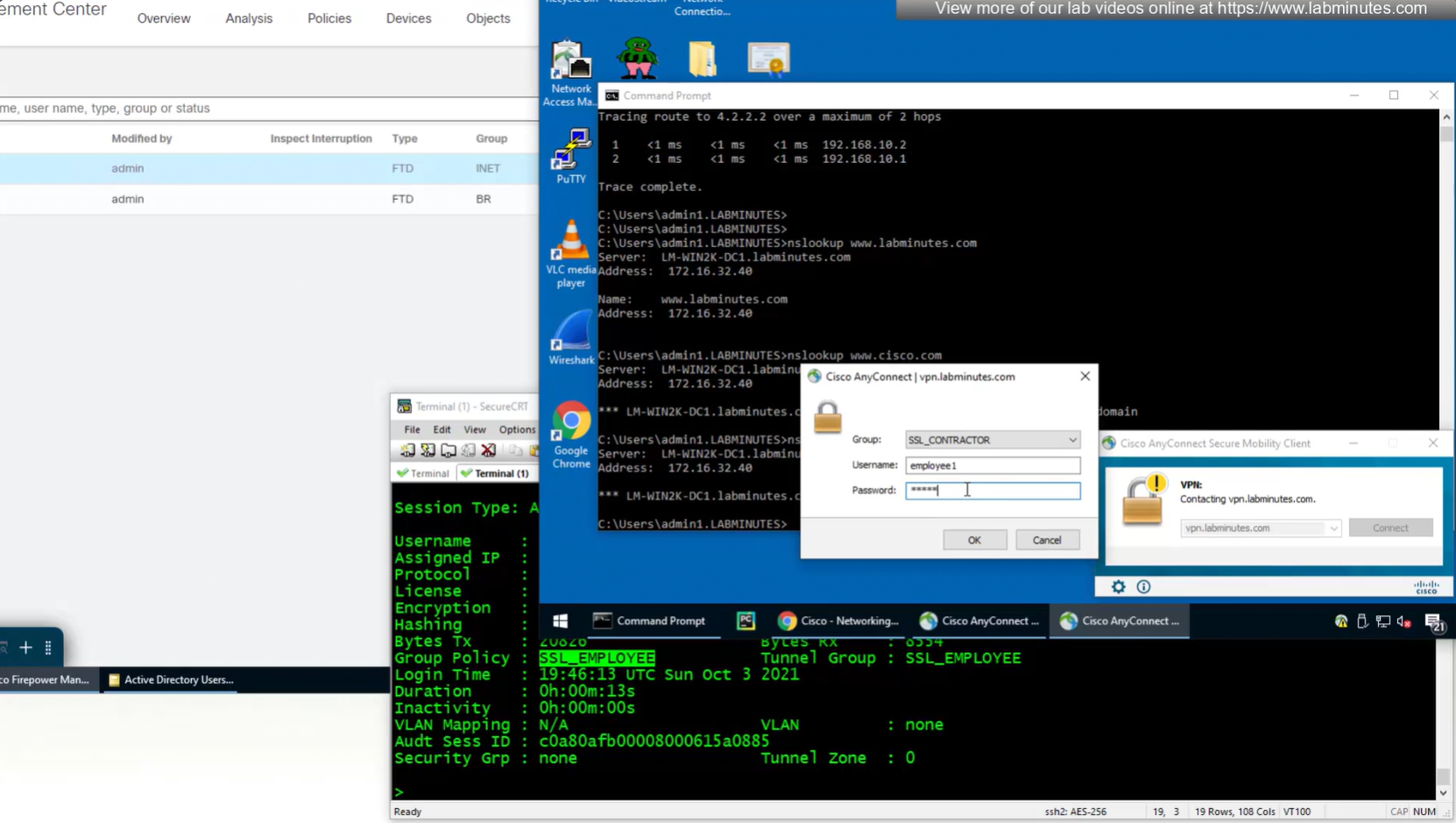
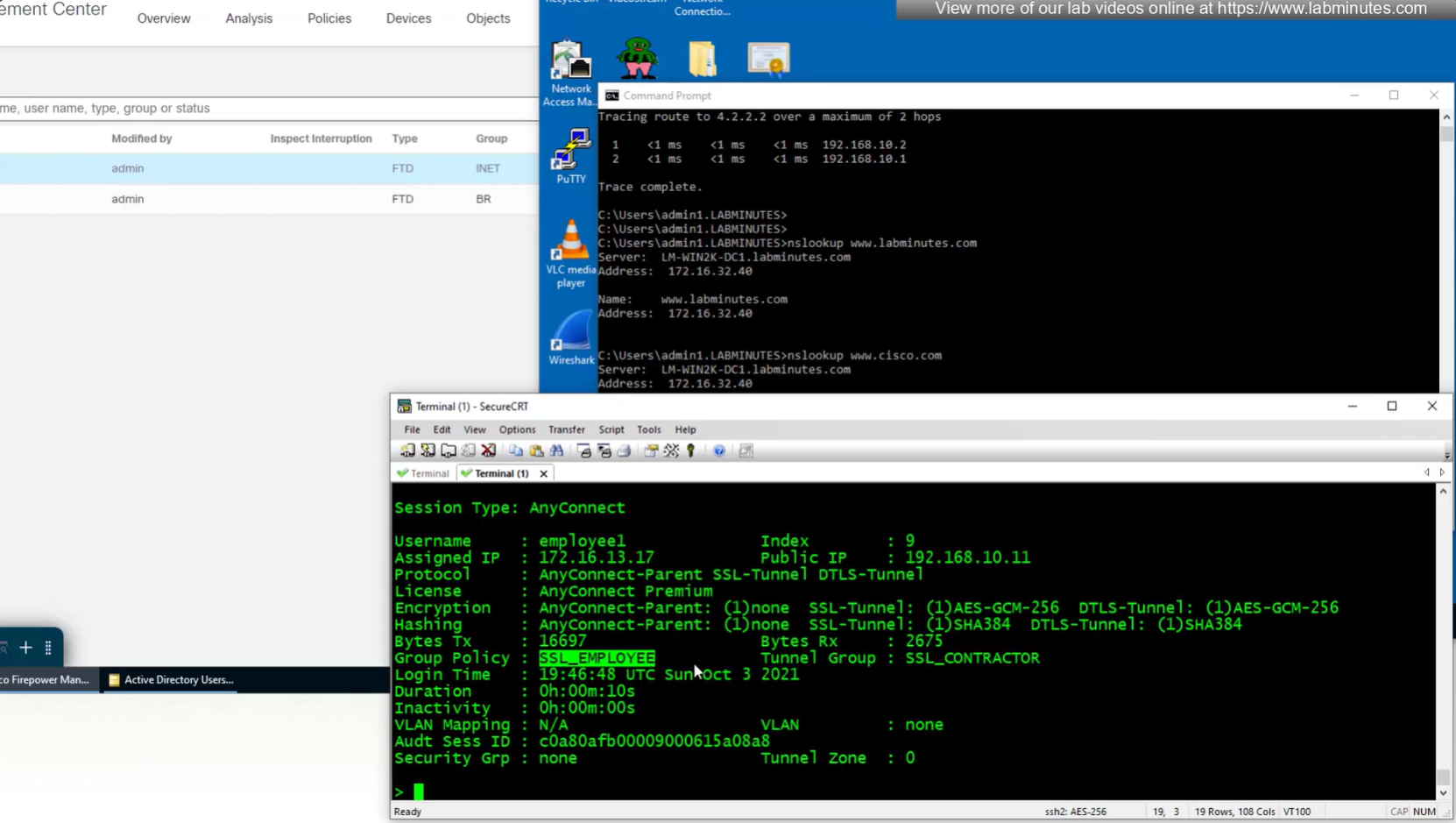
we still get the Employee group policy
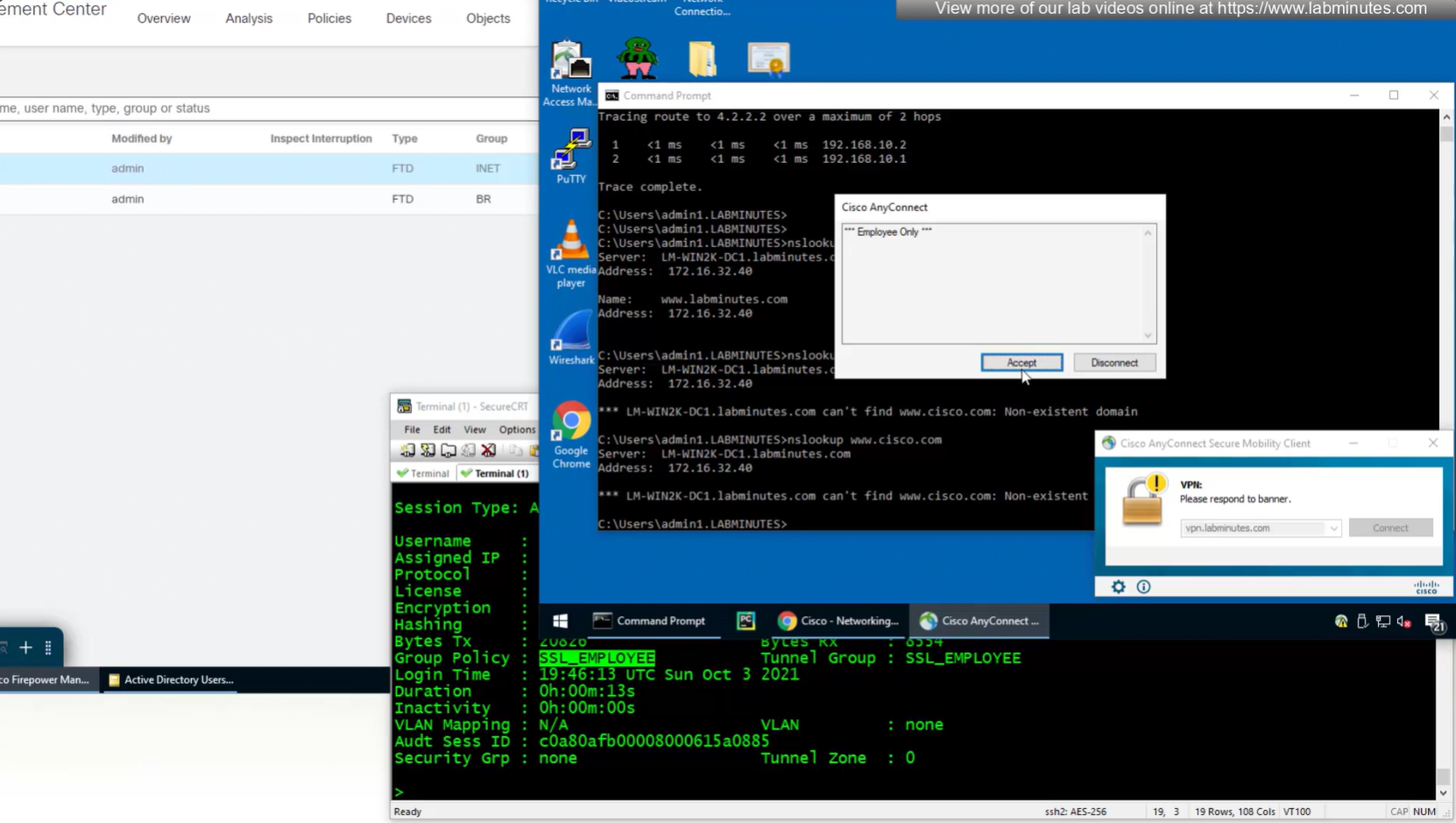
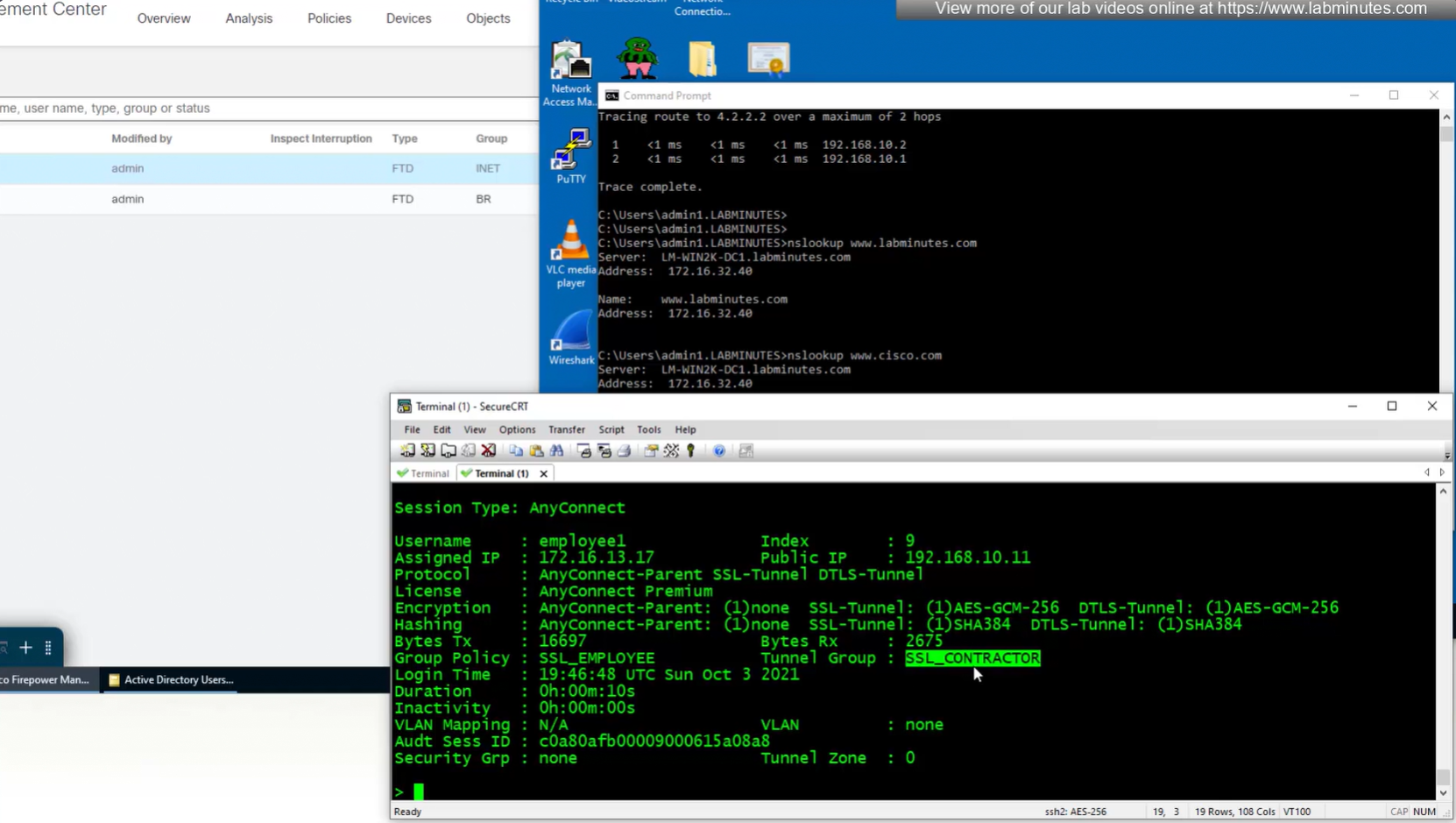
Even if the tunnel group is SSL_CONTRACTOR (just because we selected it from drop down) but group policy is SSL_EMPLOYEE


Even the configured group policy under the tunnel group will not make any difference because user gets it from ISE
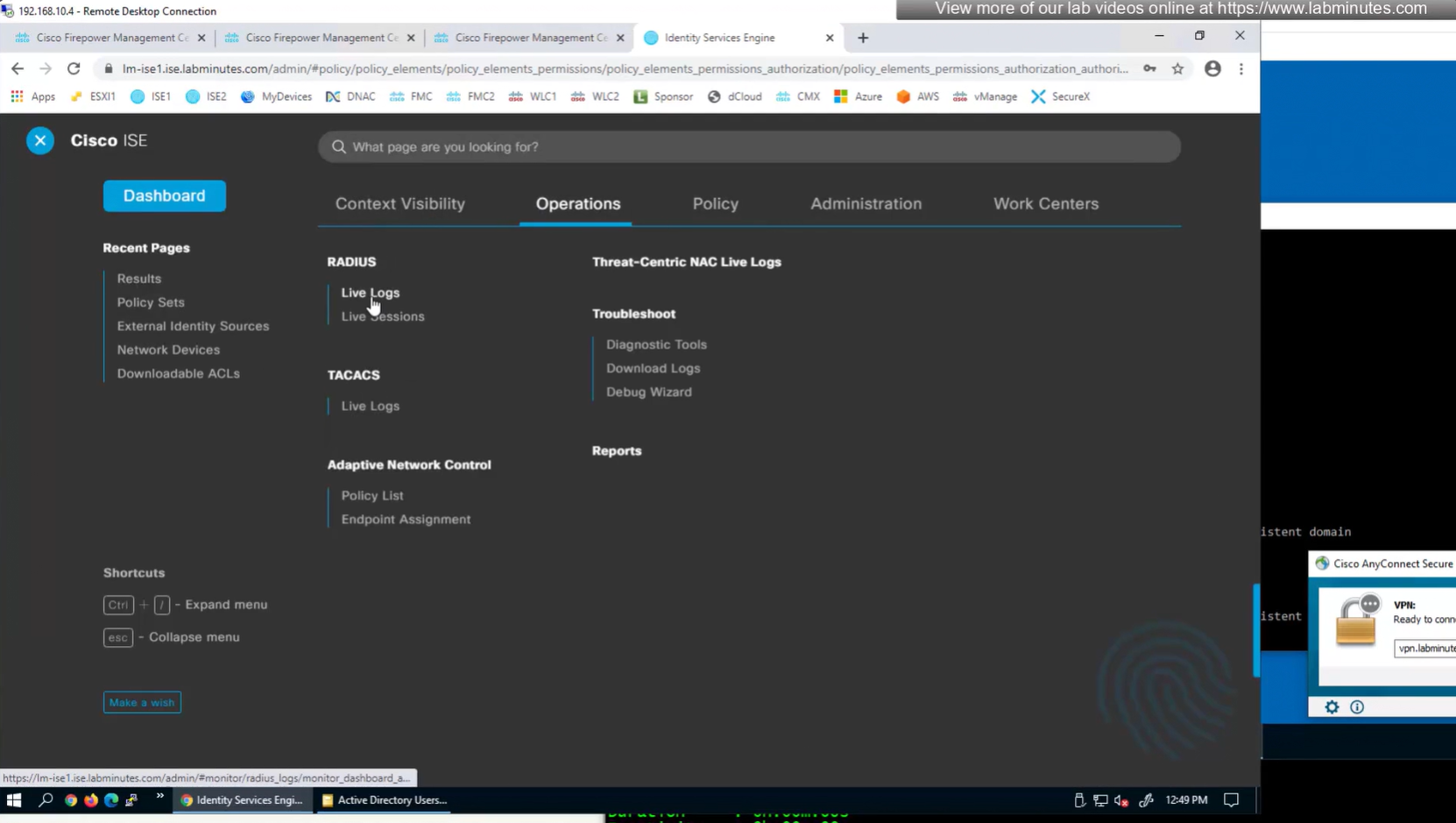
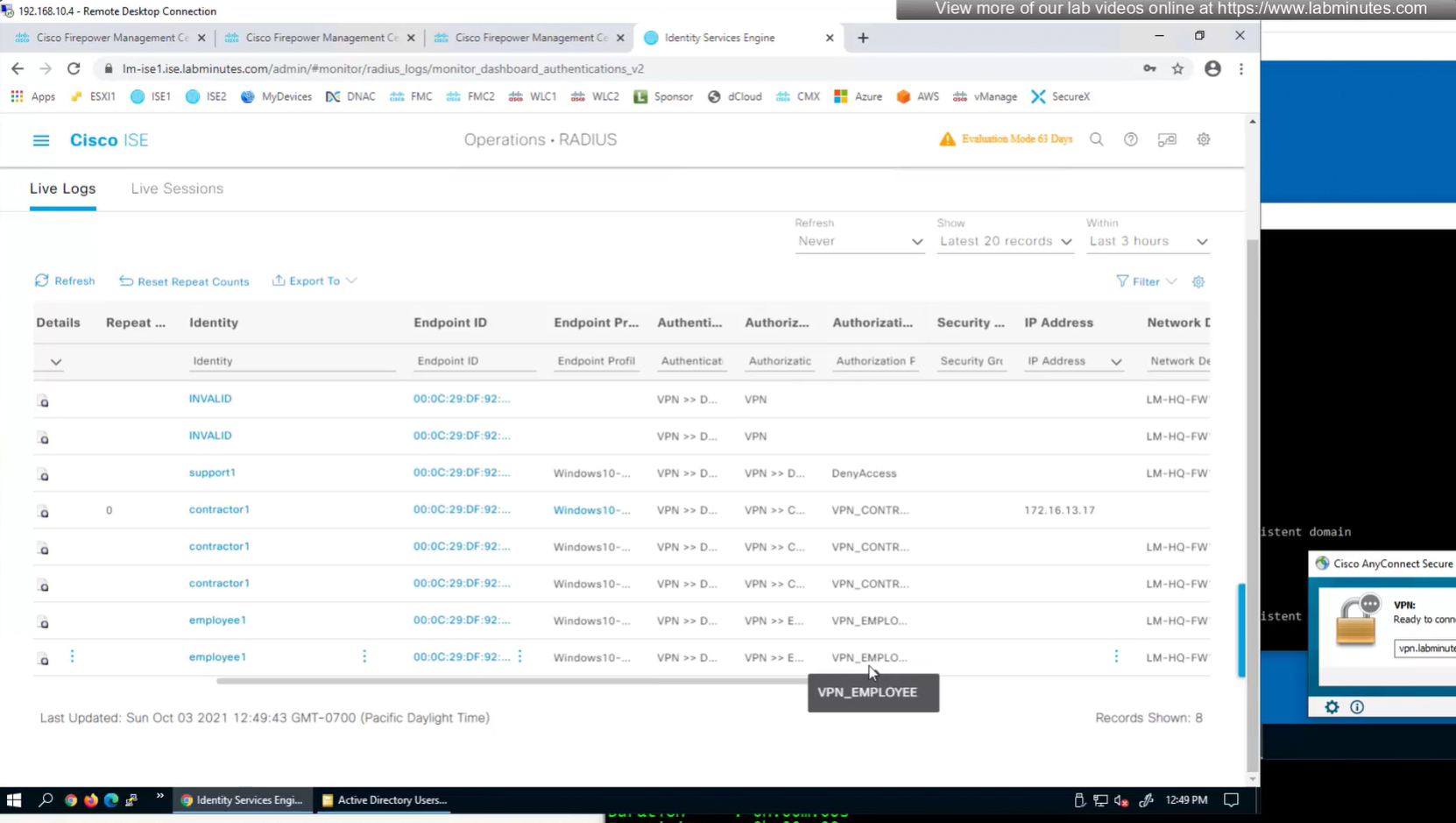
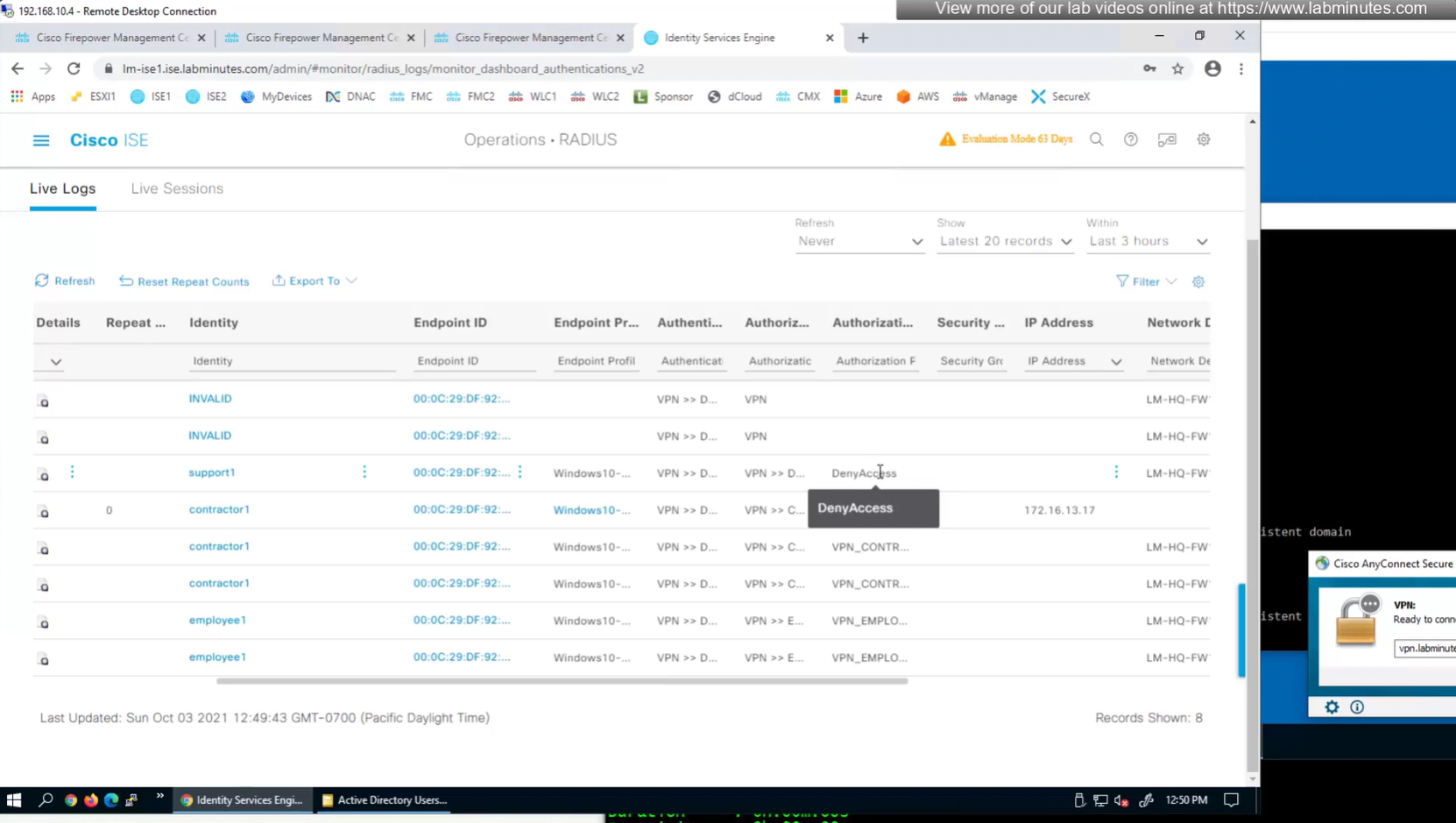
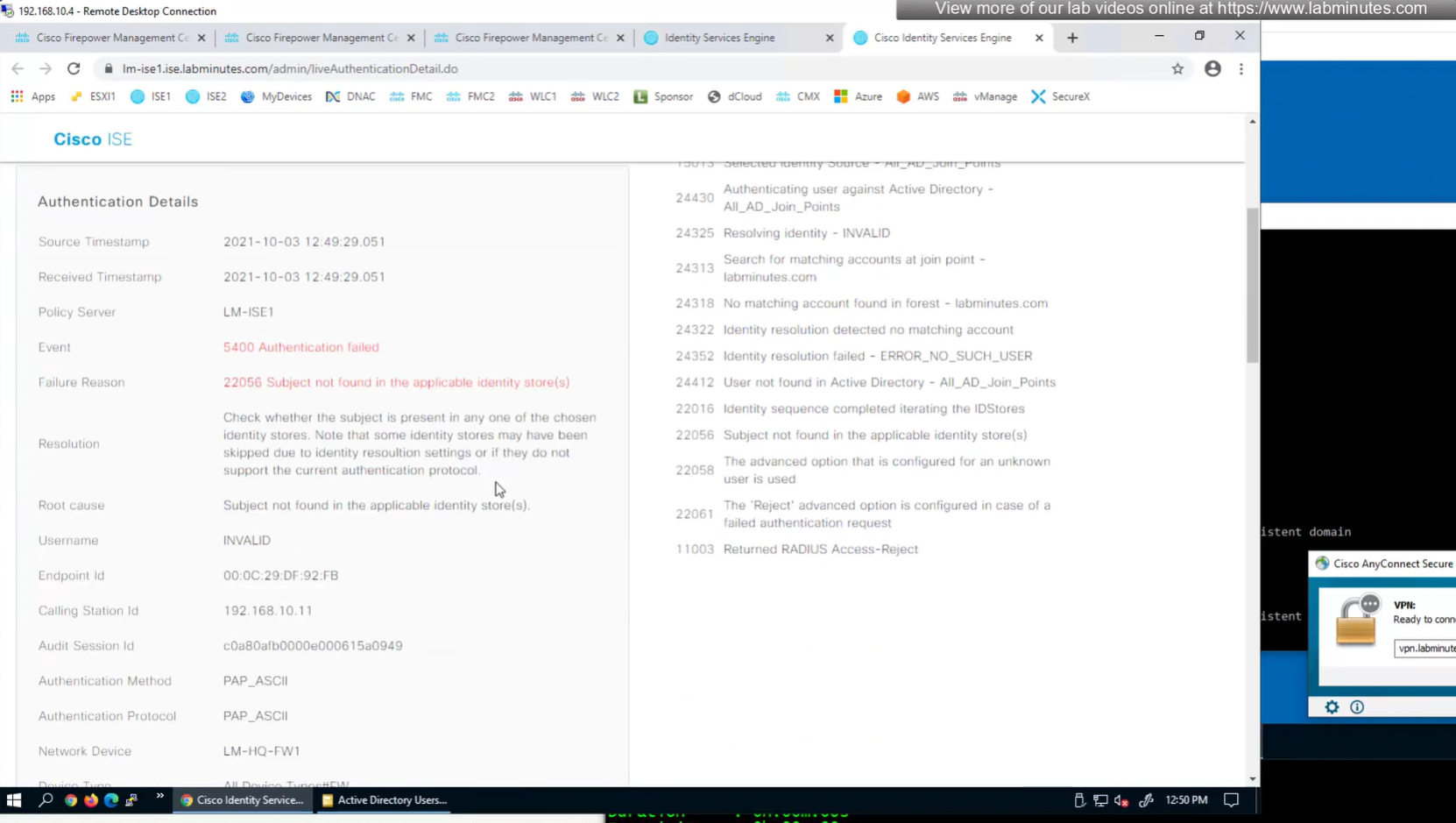
This user exists in ISE but does not have group assigned

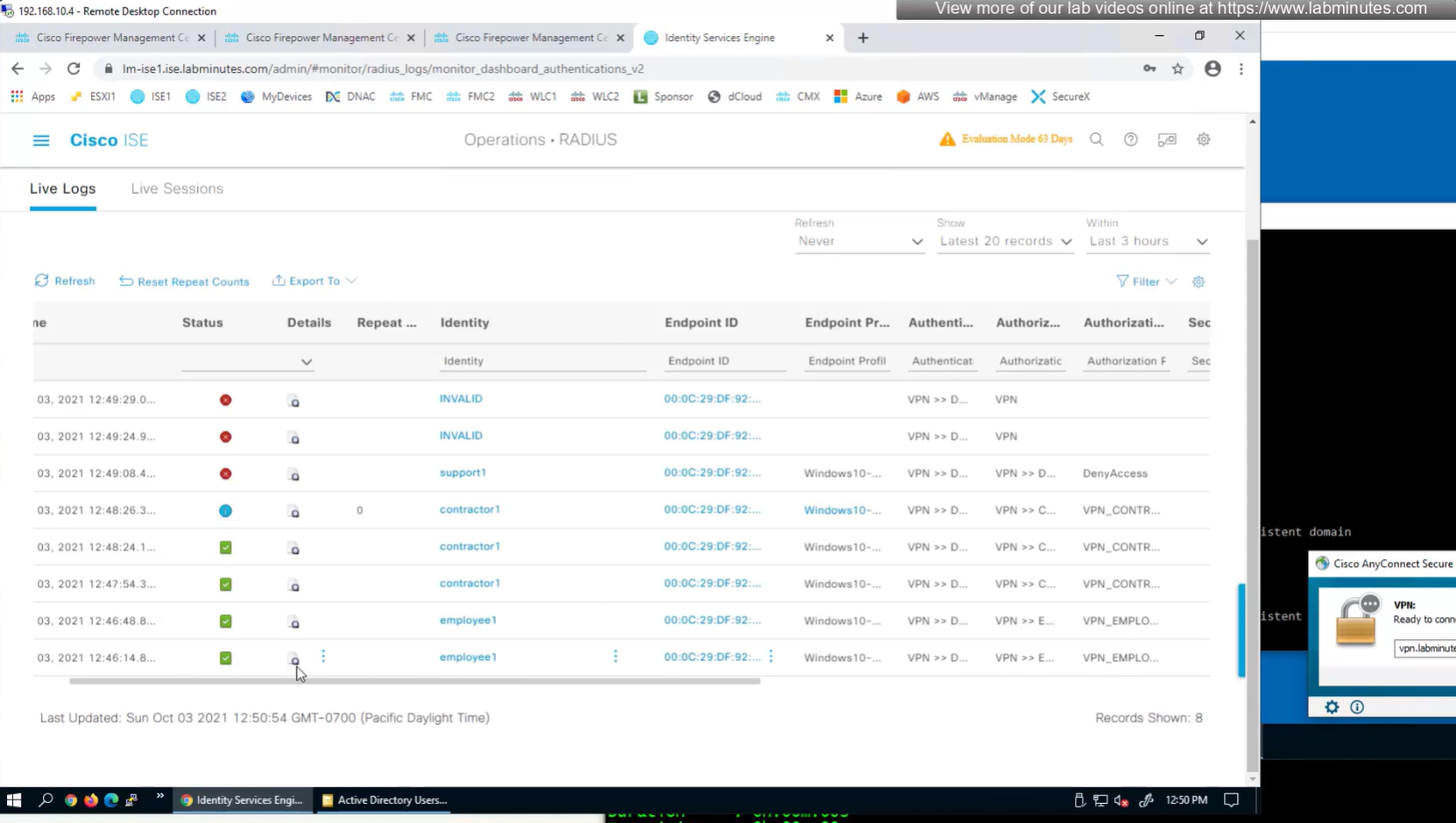
class SSL_EMPLOYEE was returned
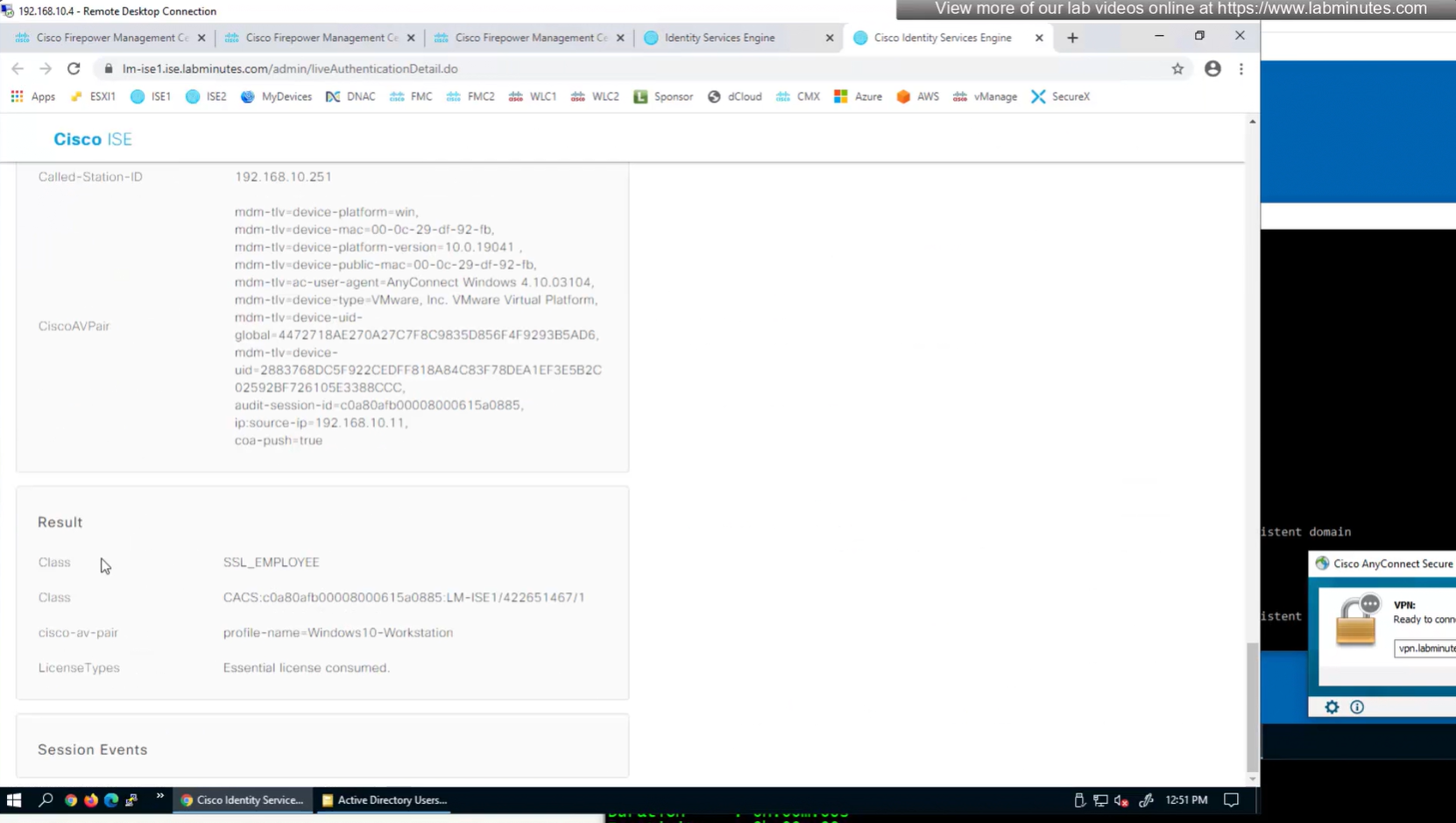
you know at this point we could get rid of alias dropdown and simply configure AAA authentication under default tunnel group / default connection profile
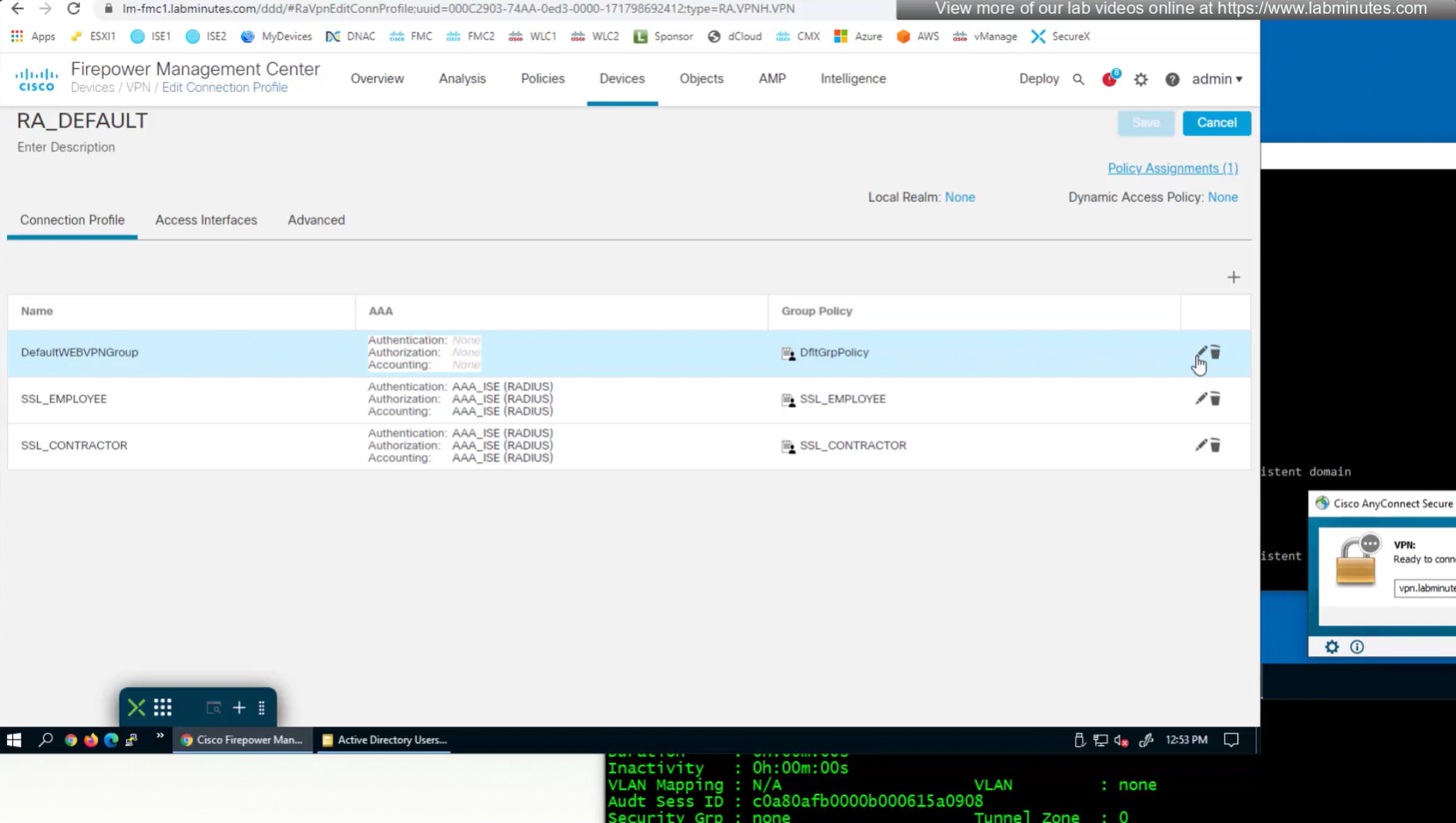

again dont be confused by the assignment of this Group Policy DfltGrpPolicy as we will get group policy from ISE
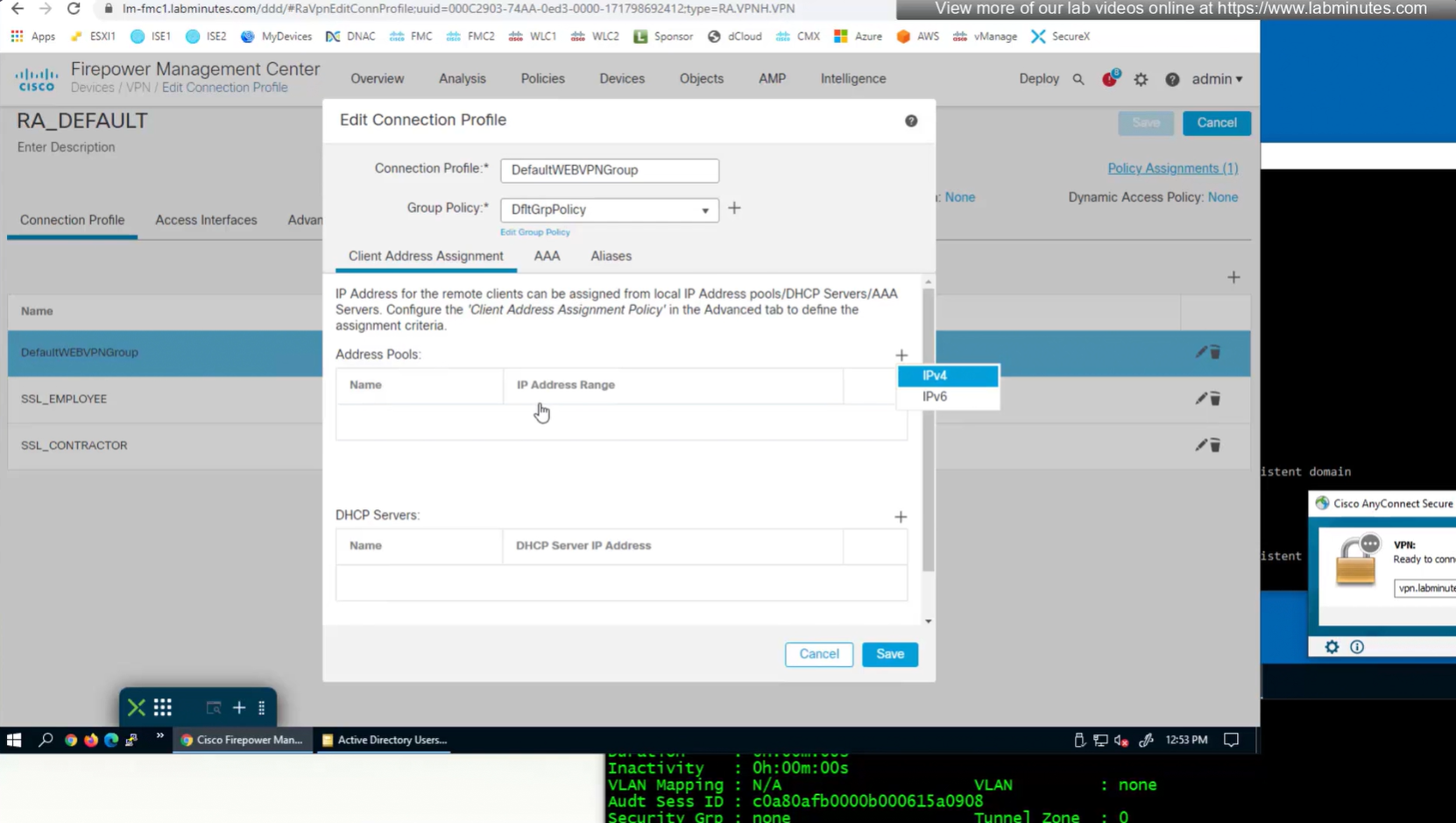
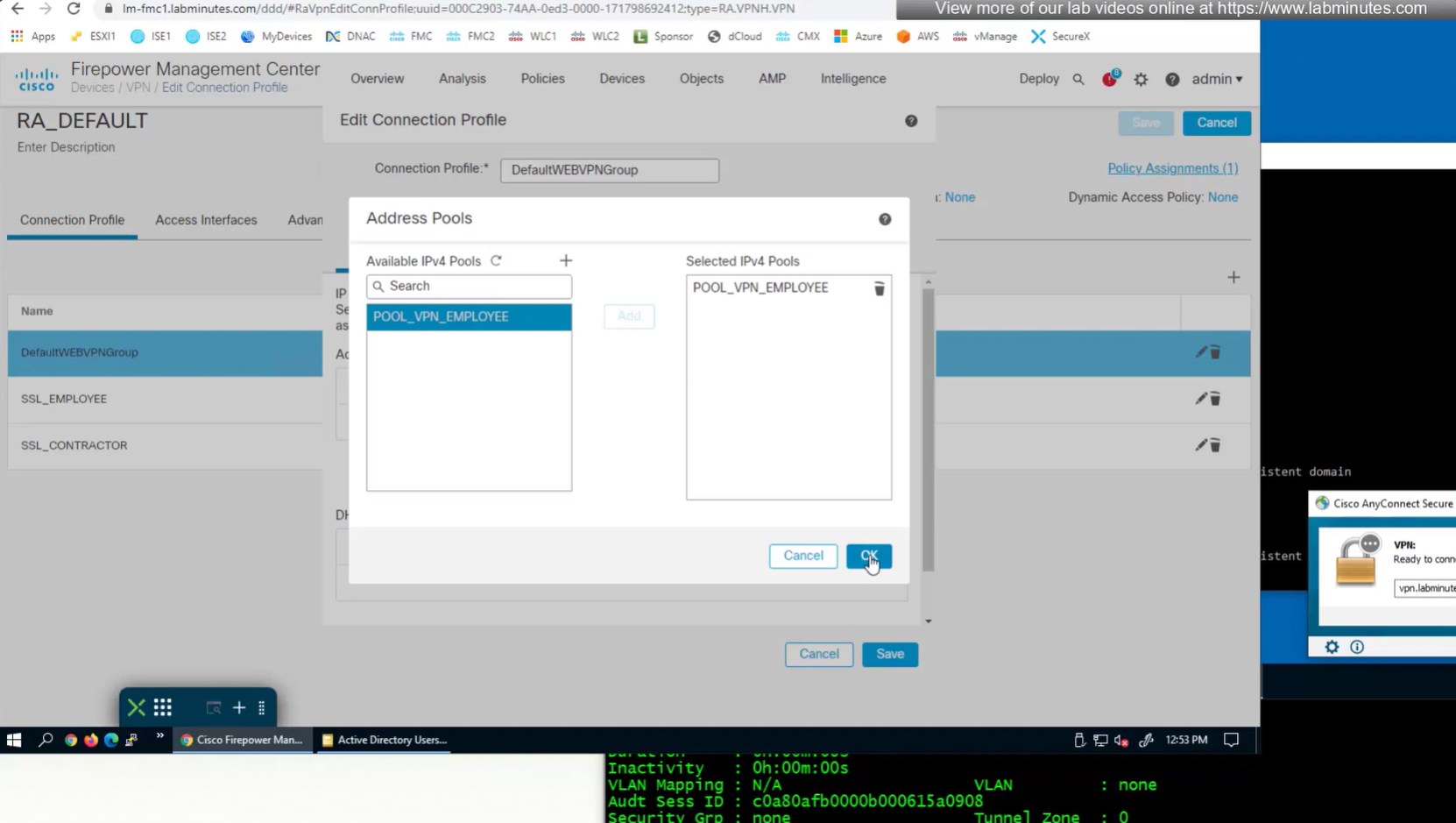
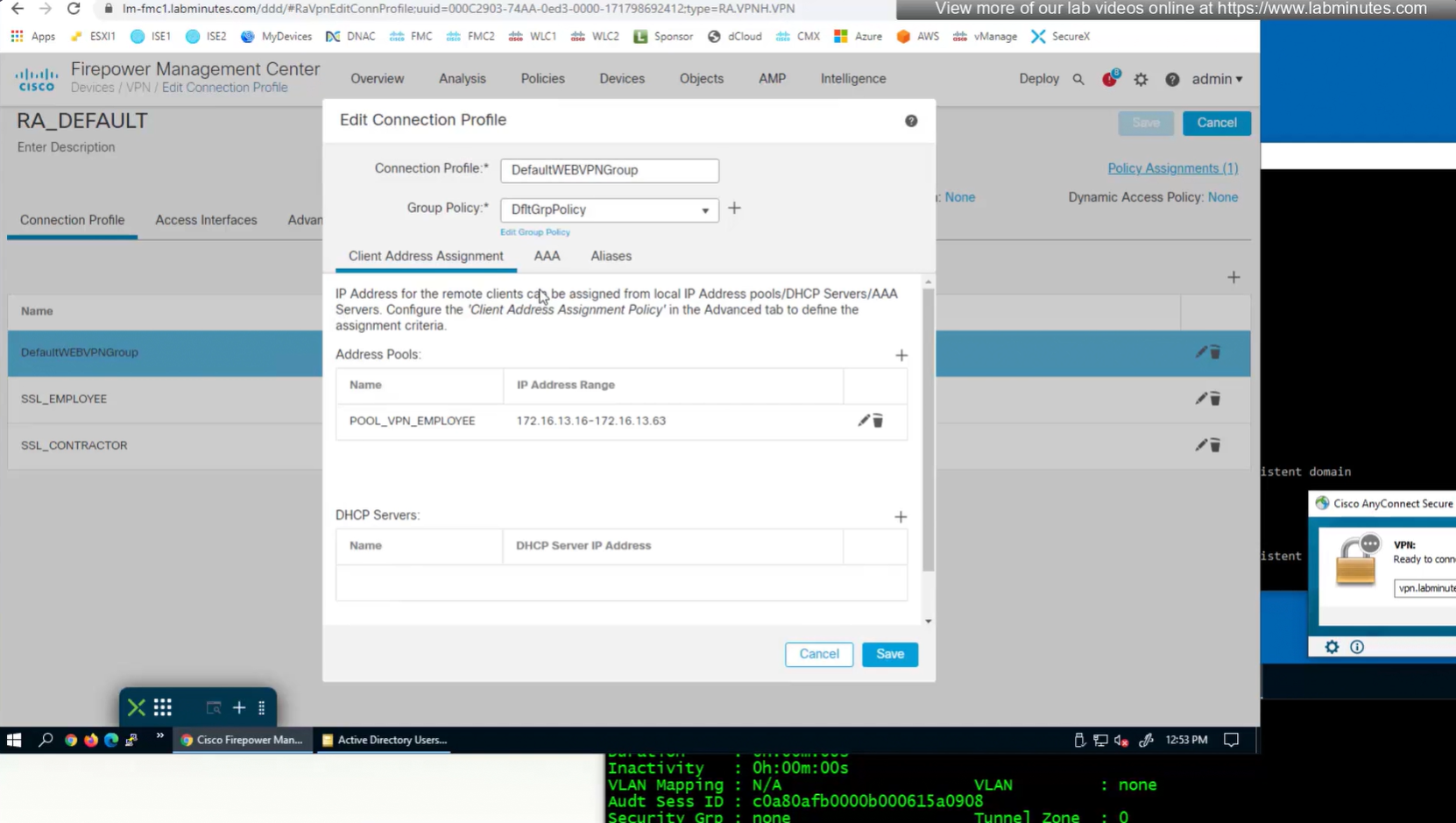
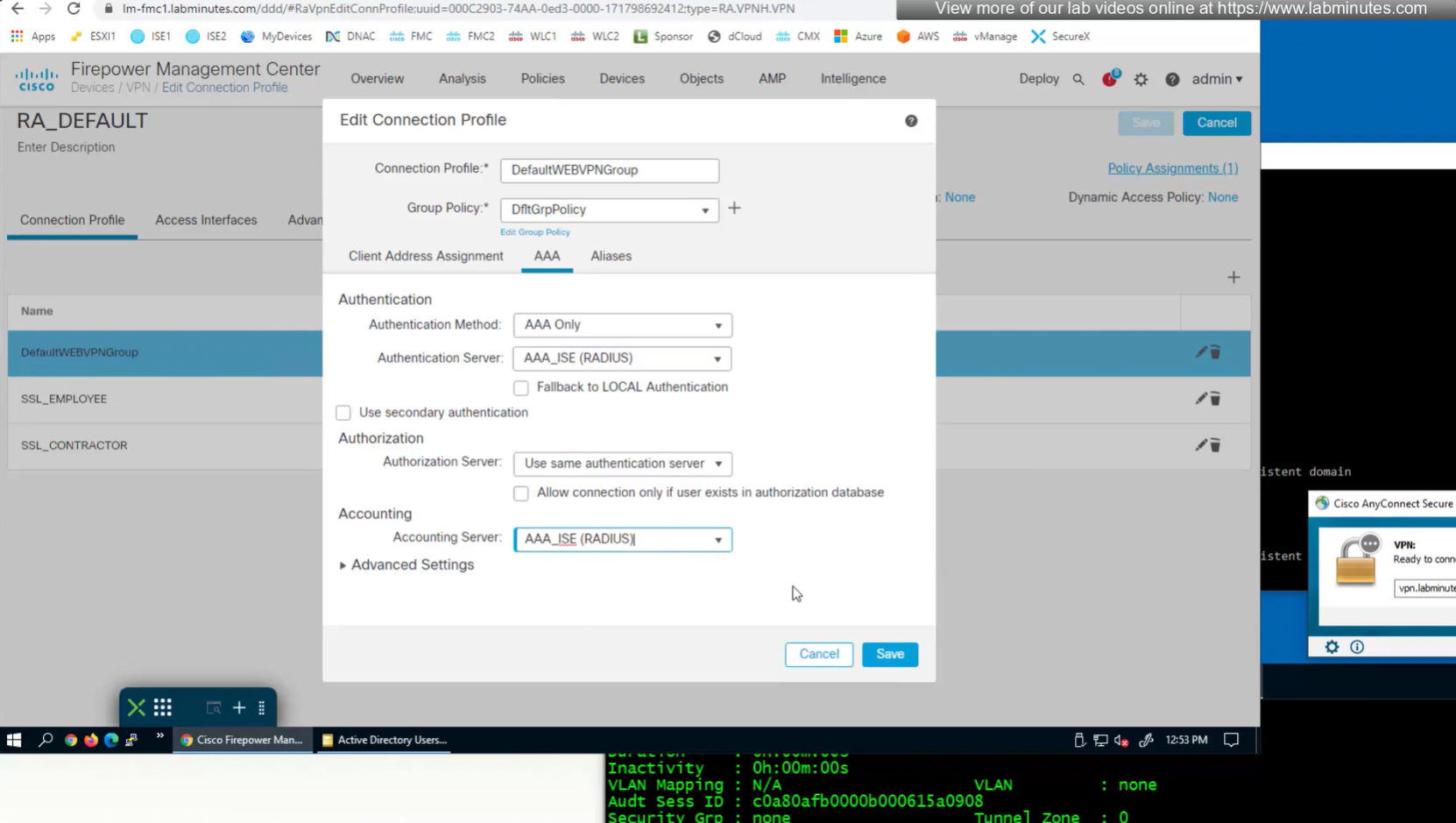

We can delete the employee and contractor connection profiles but keep the employee and contractor group policies since only name of group policy is returned in RADIUS class attribute
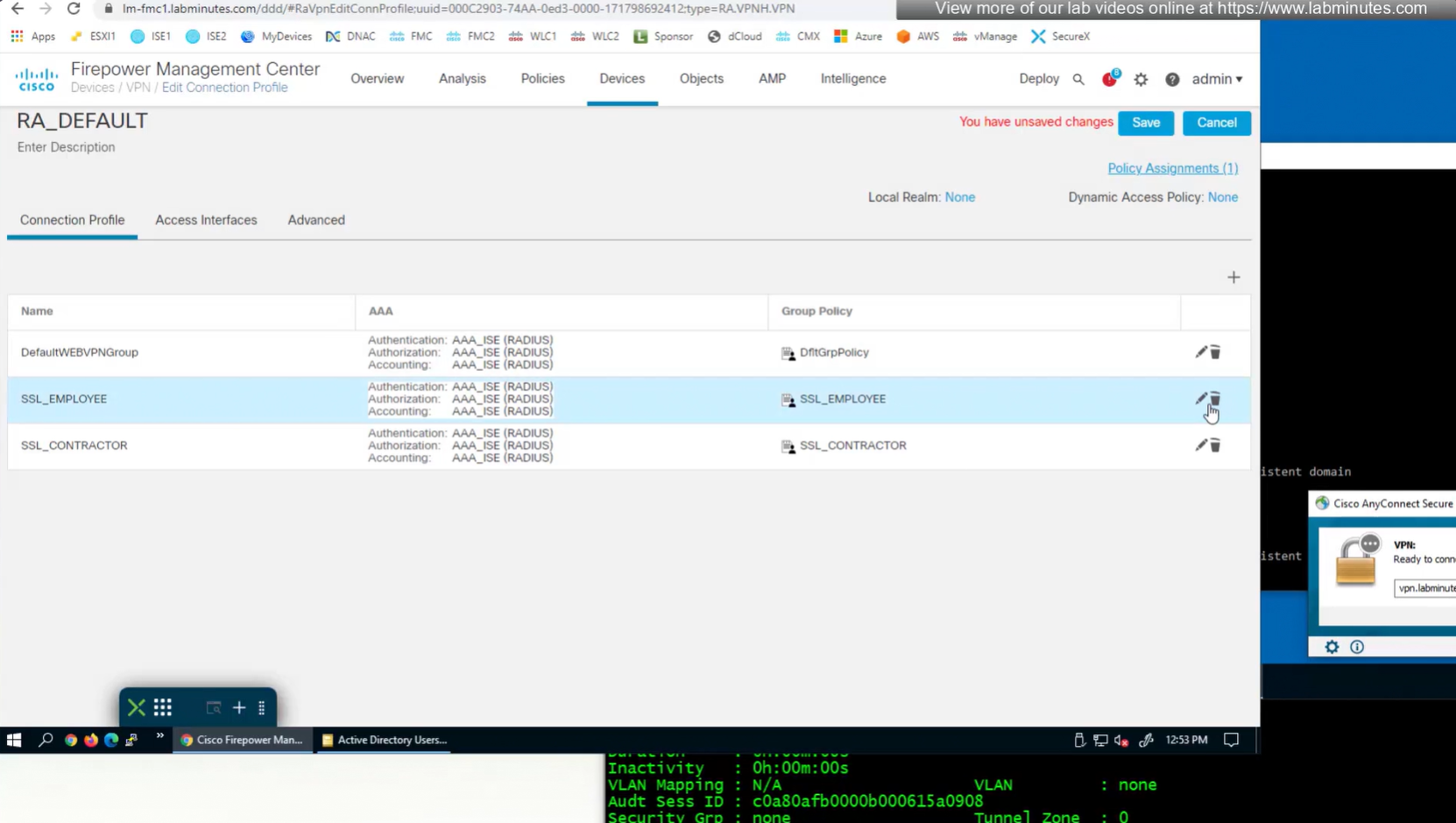
Deleting employee connection profile
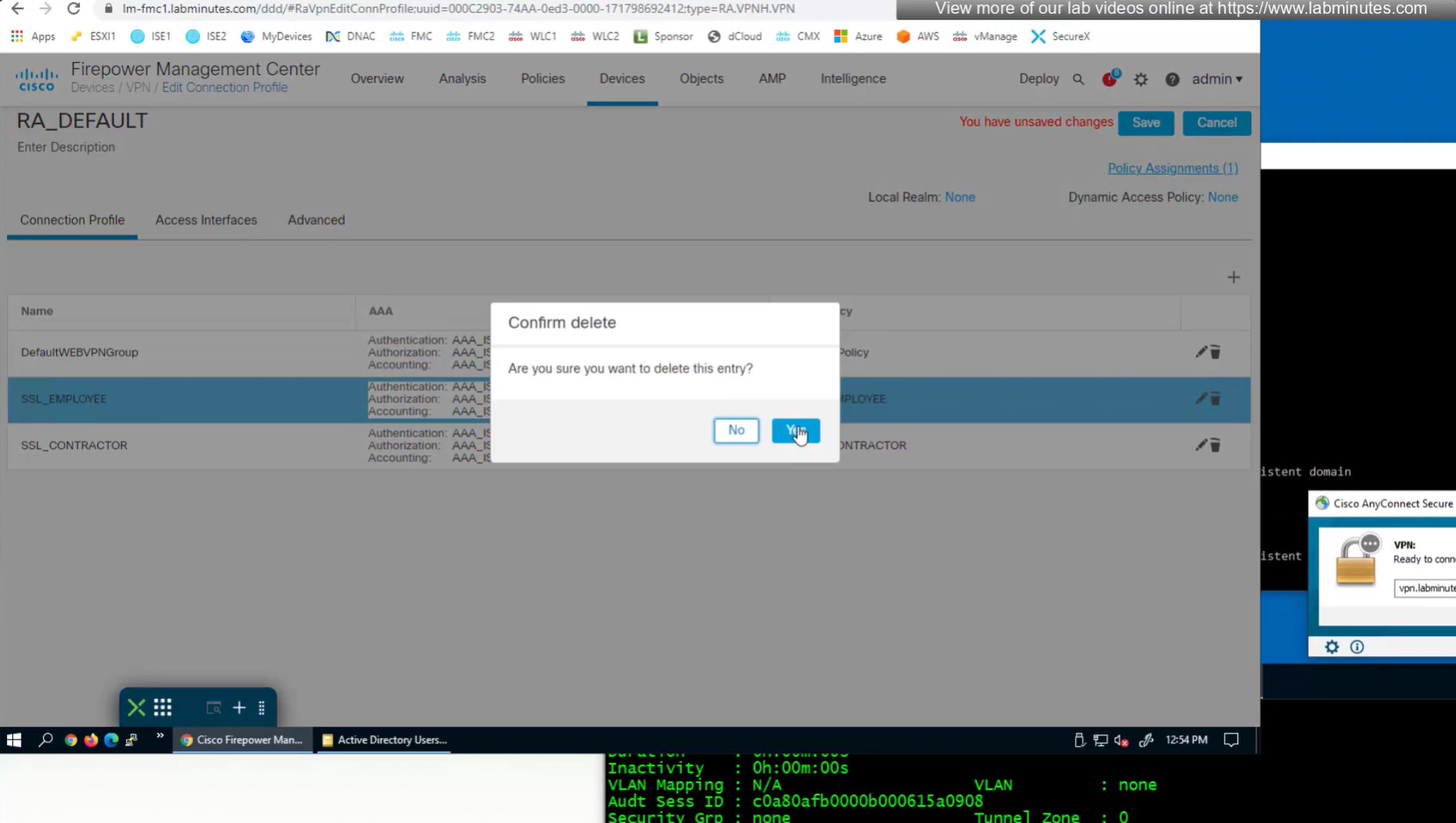
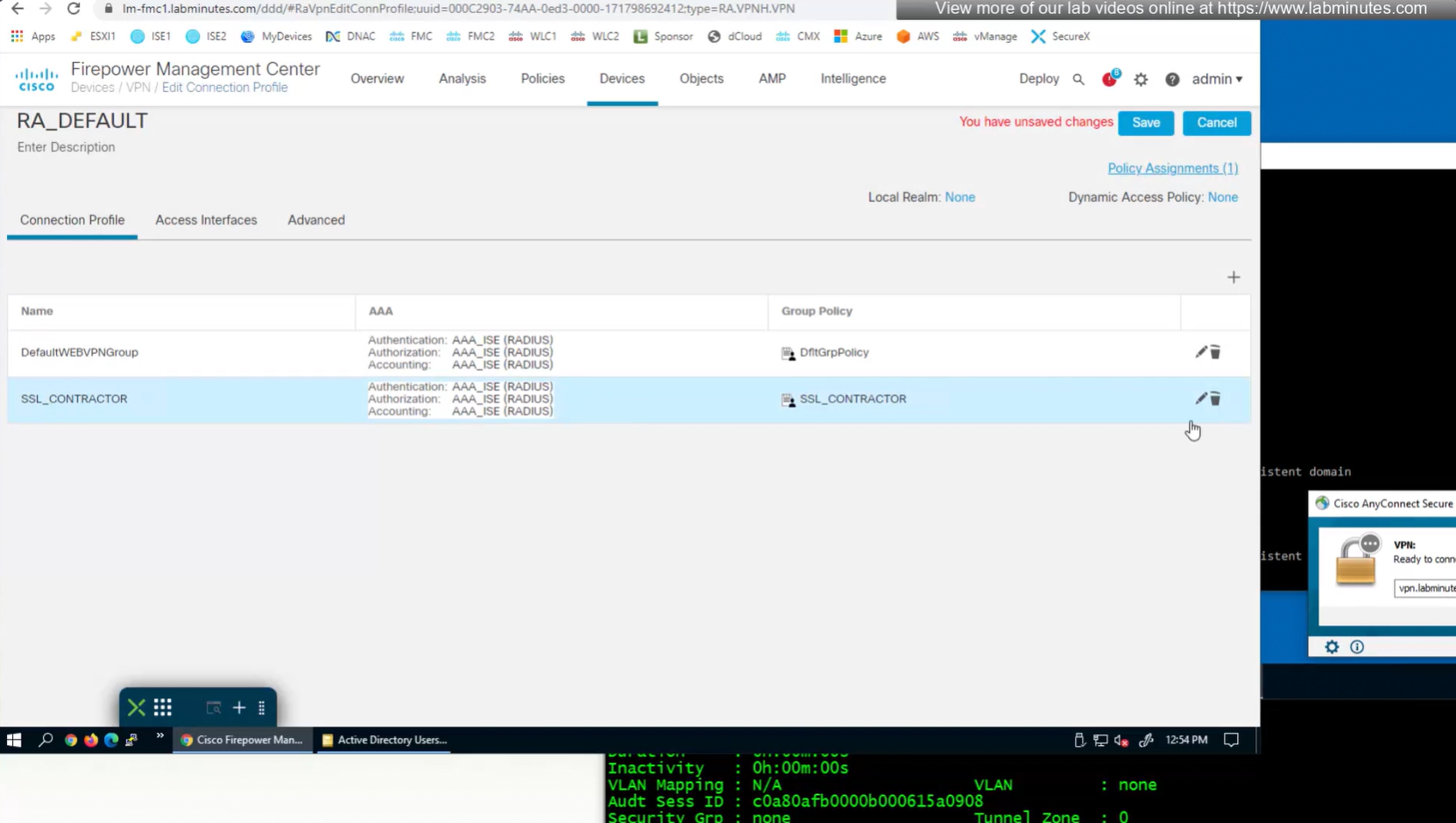
Deleting contractor connection profile
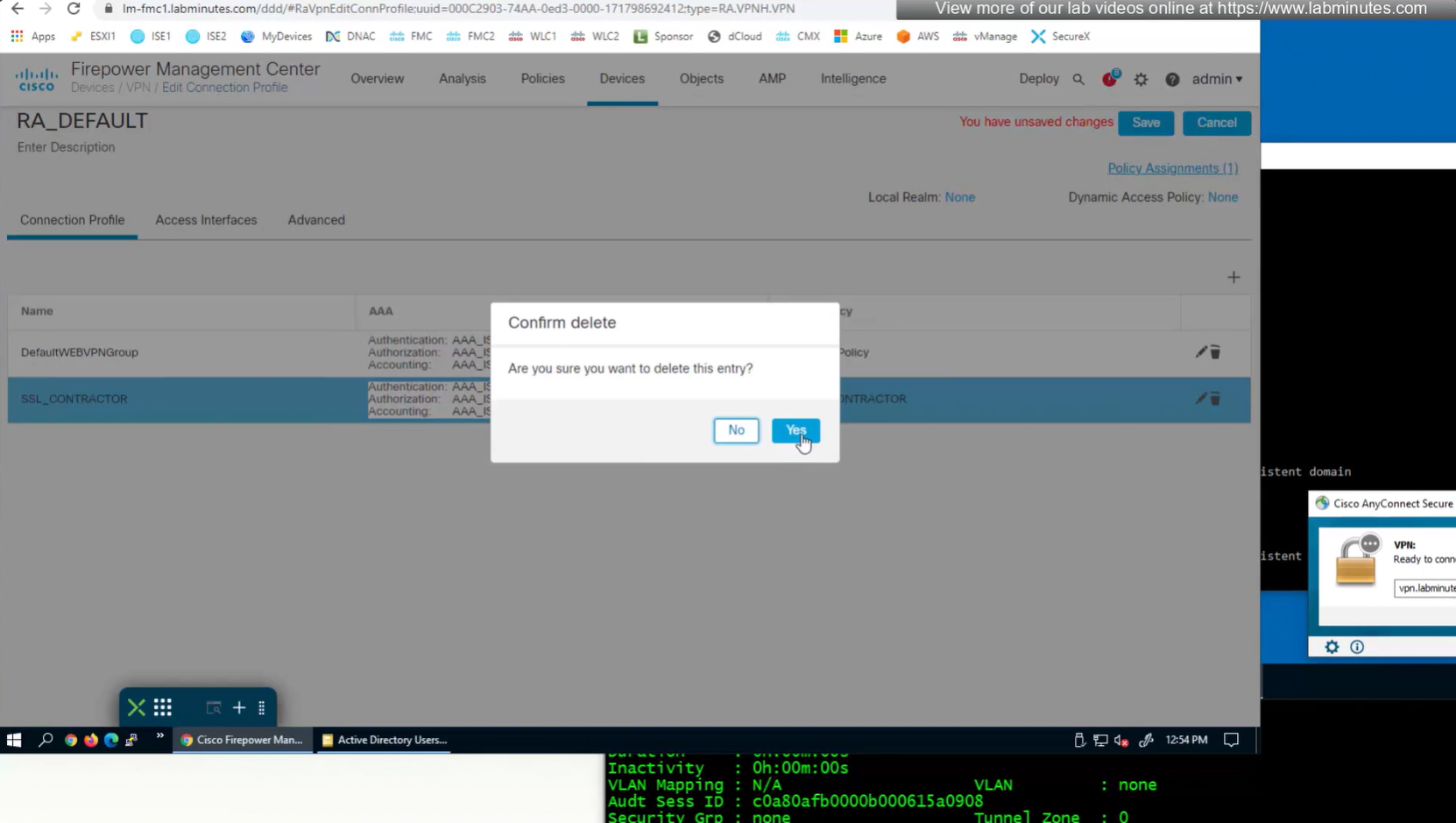
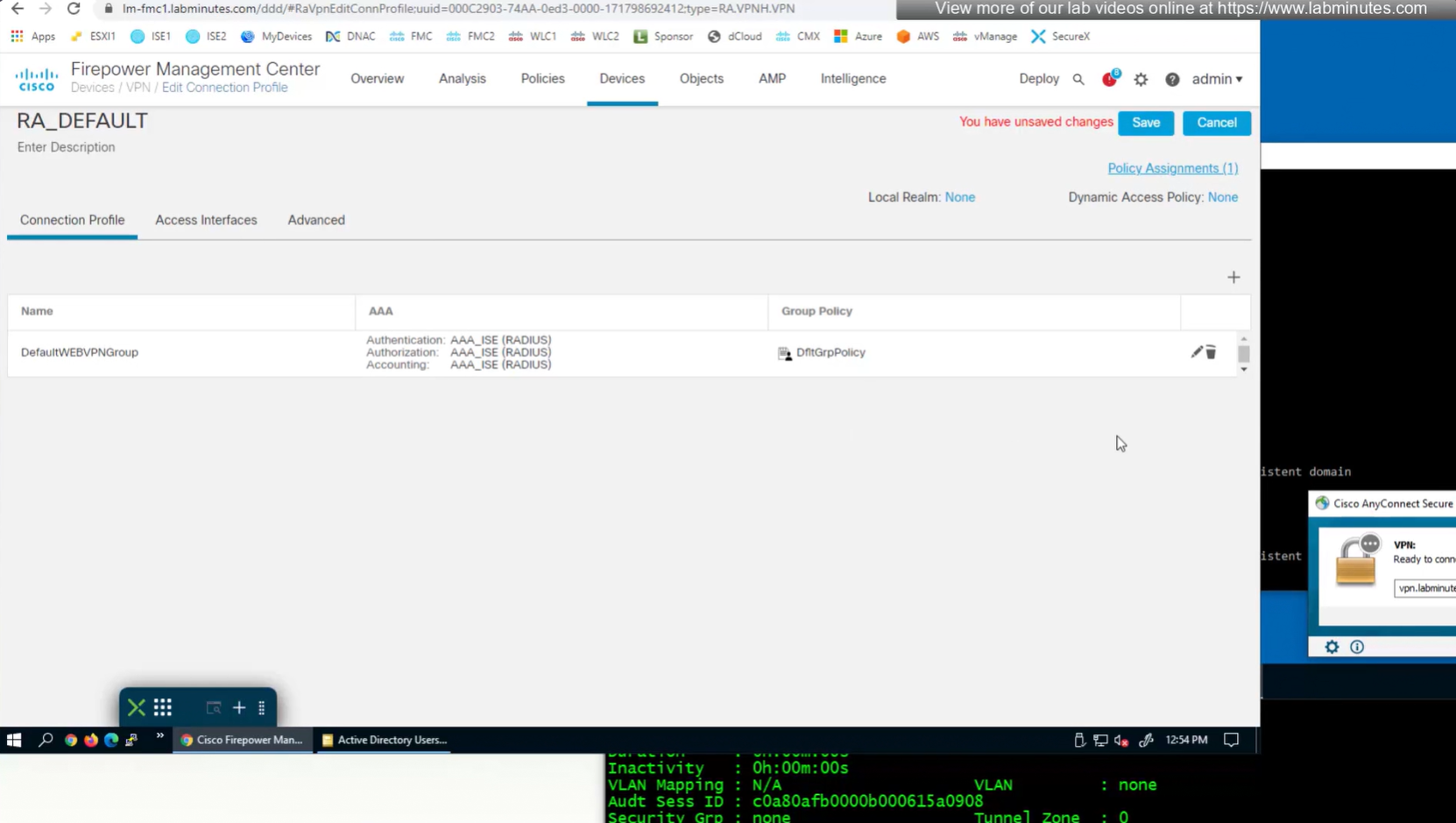
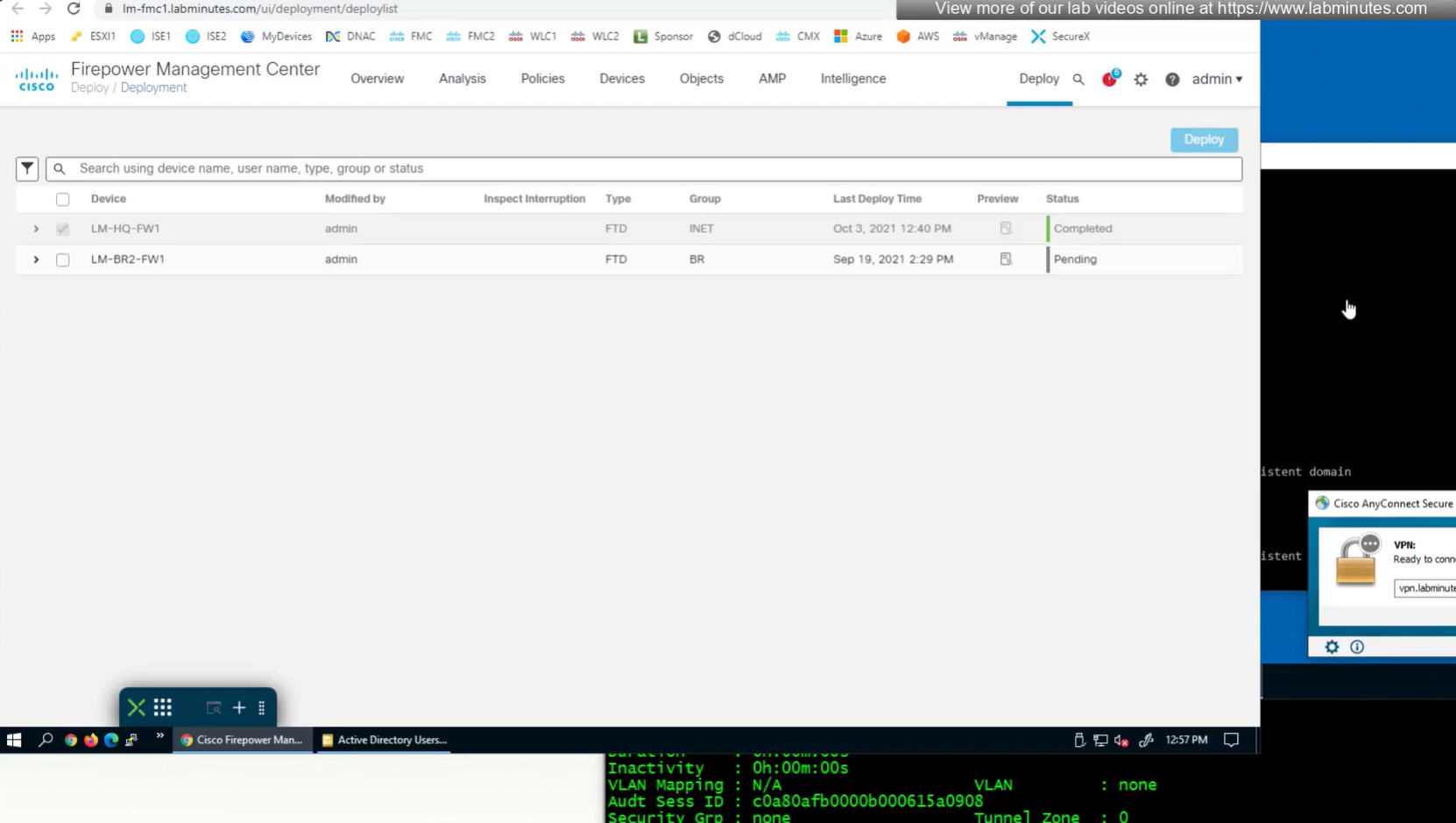
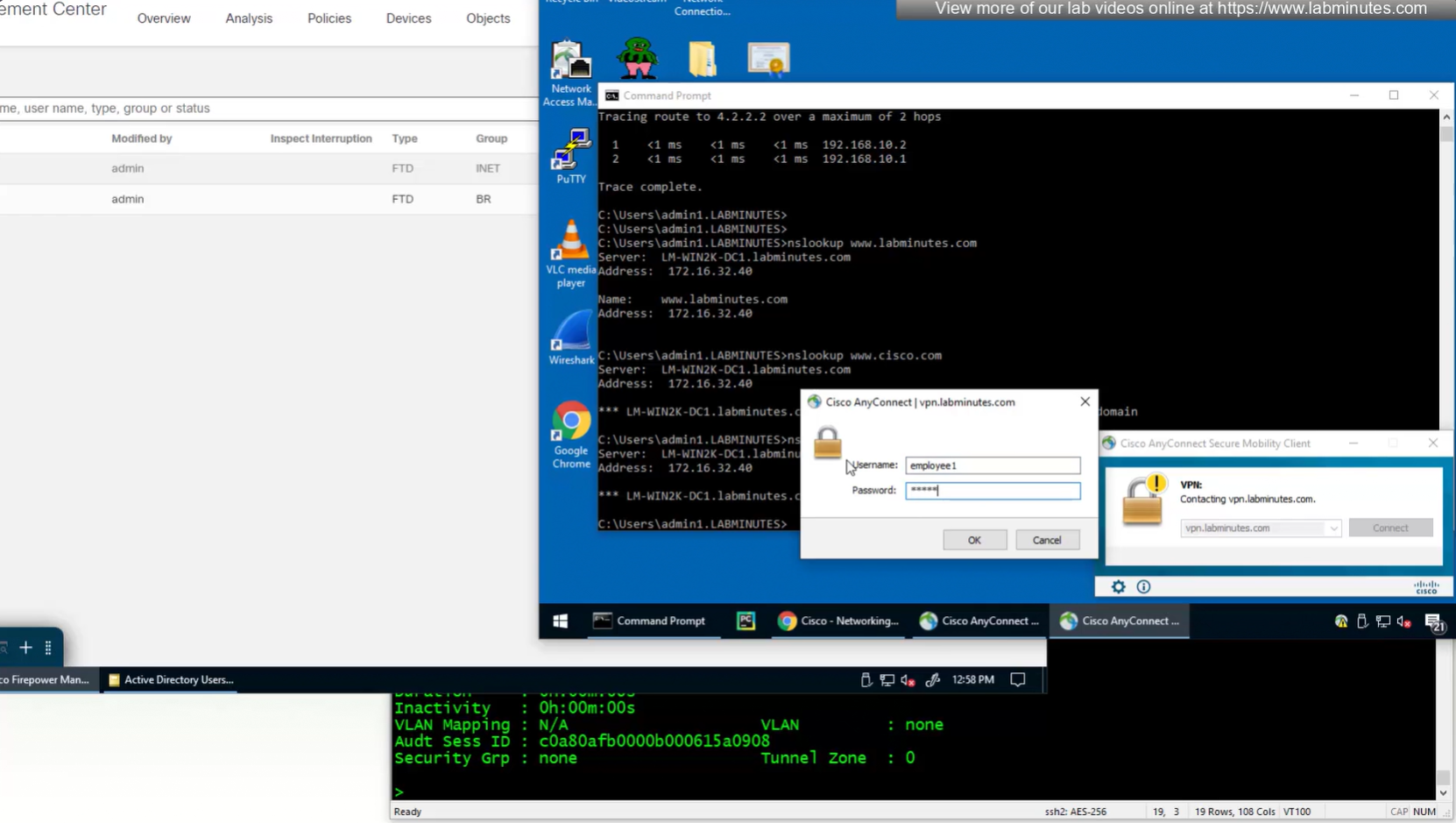
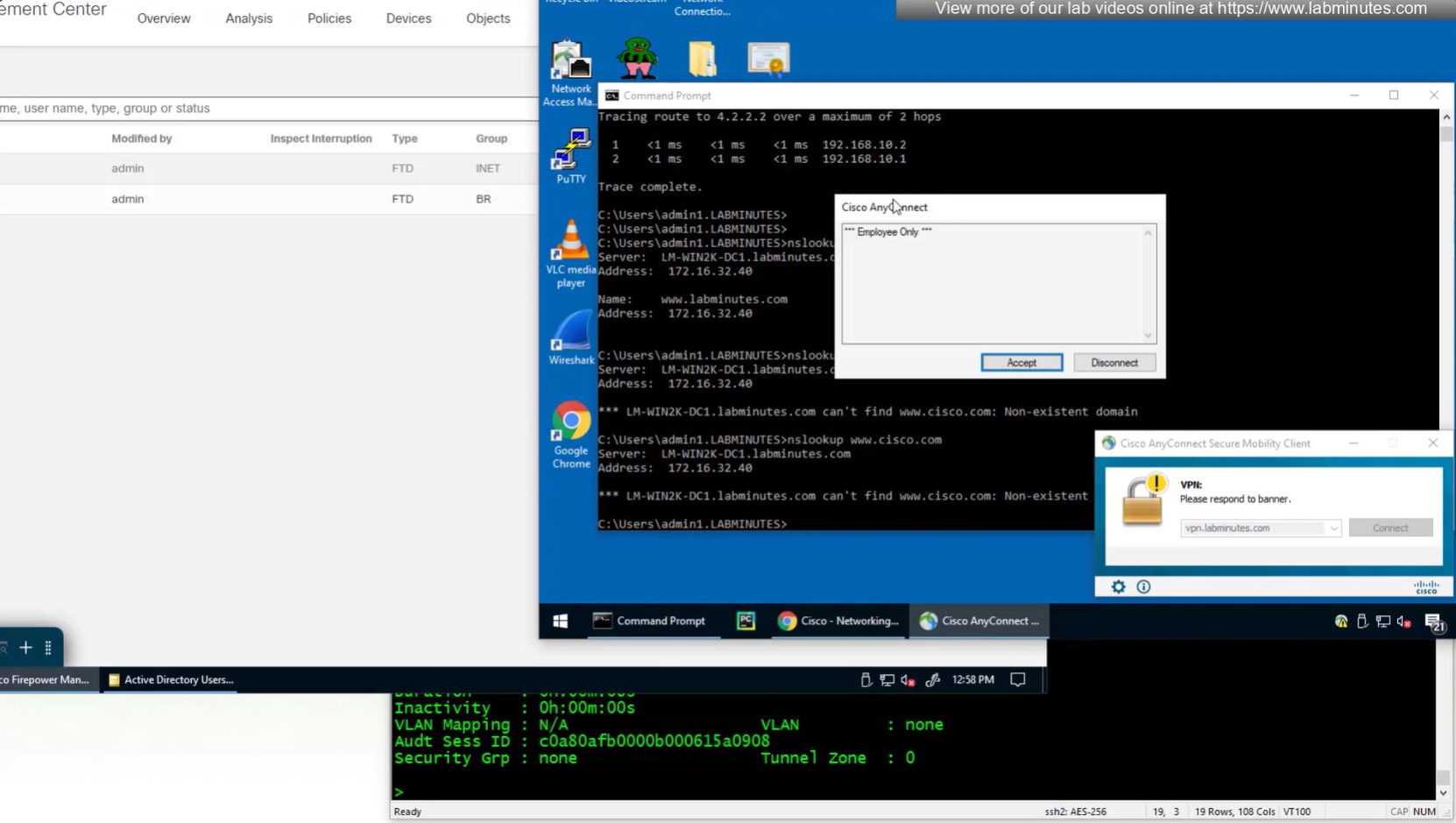

see we only have one tunnel group which can be used with different group policies returned by ISE

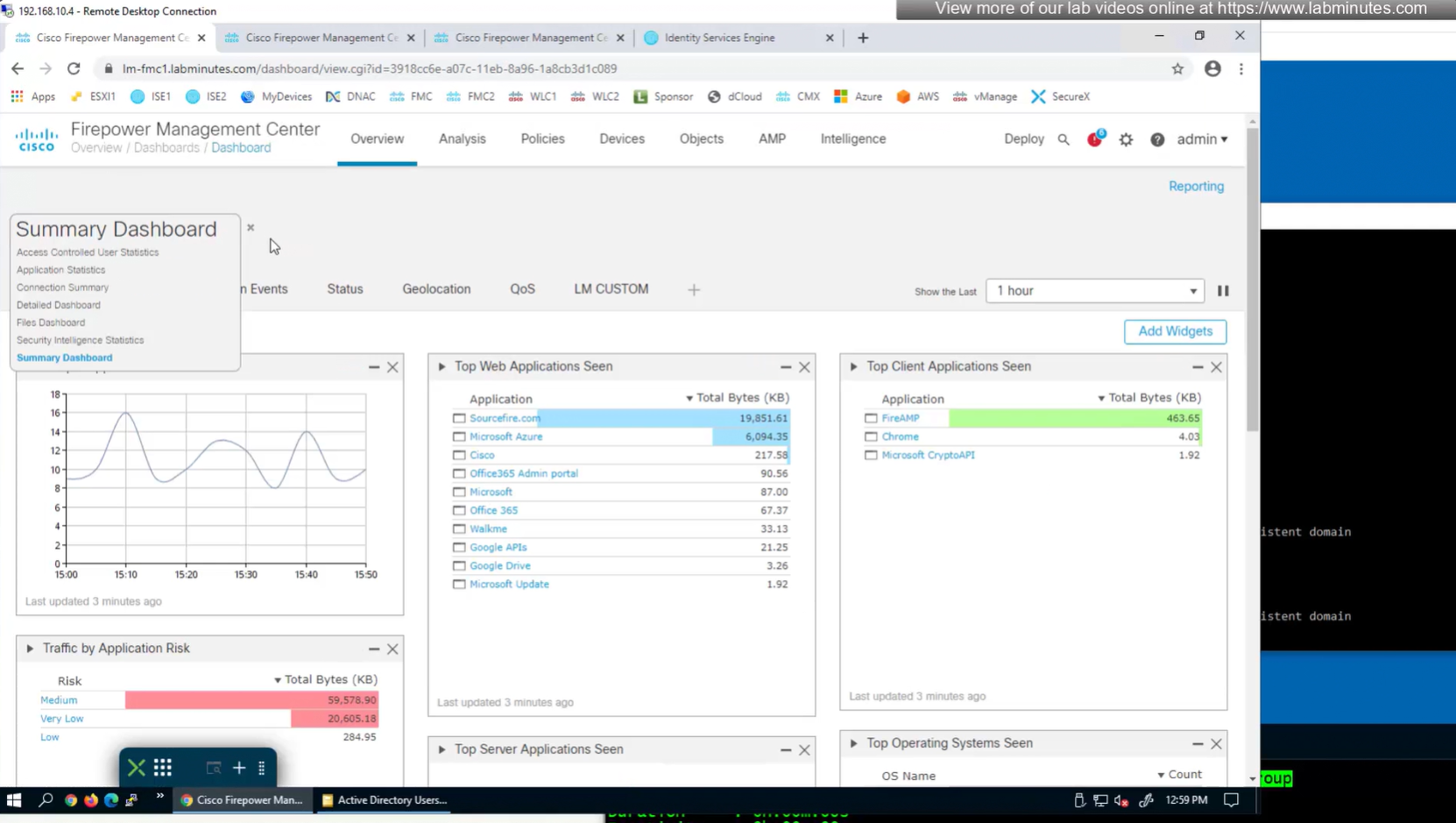
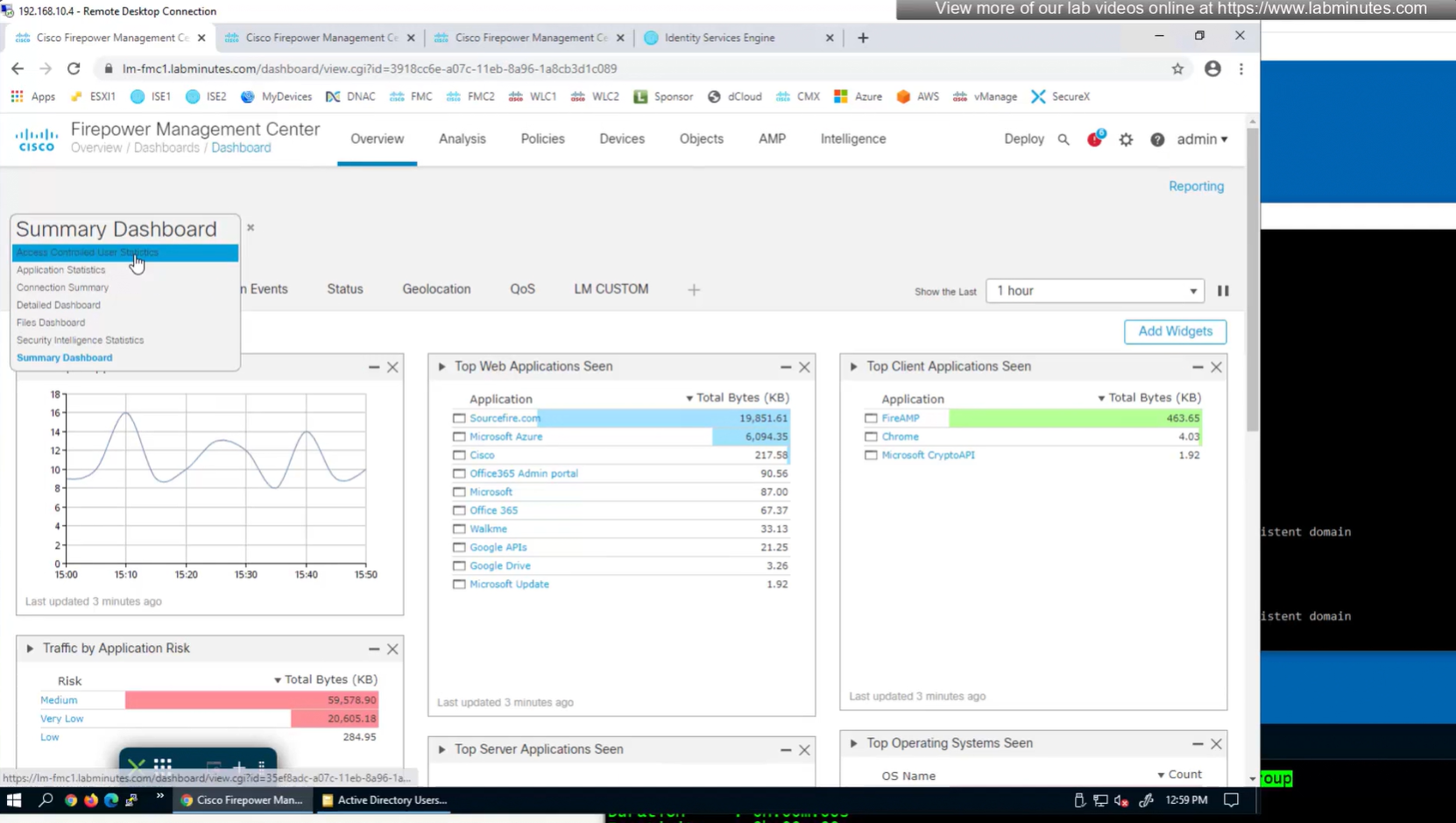
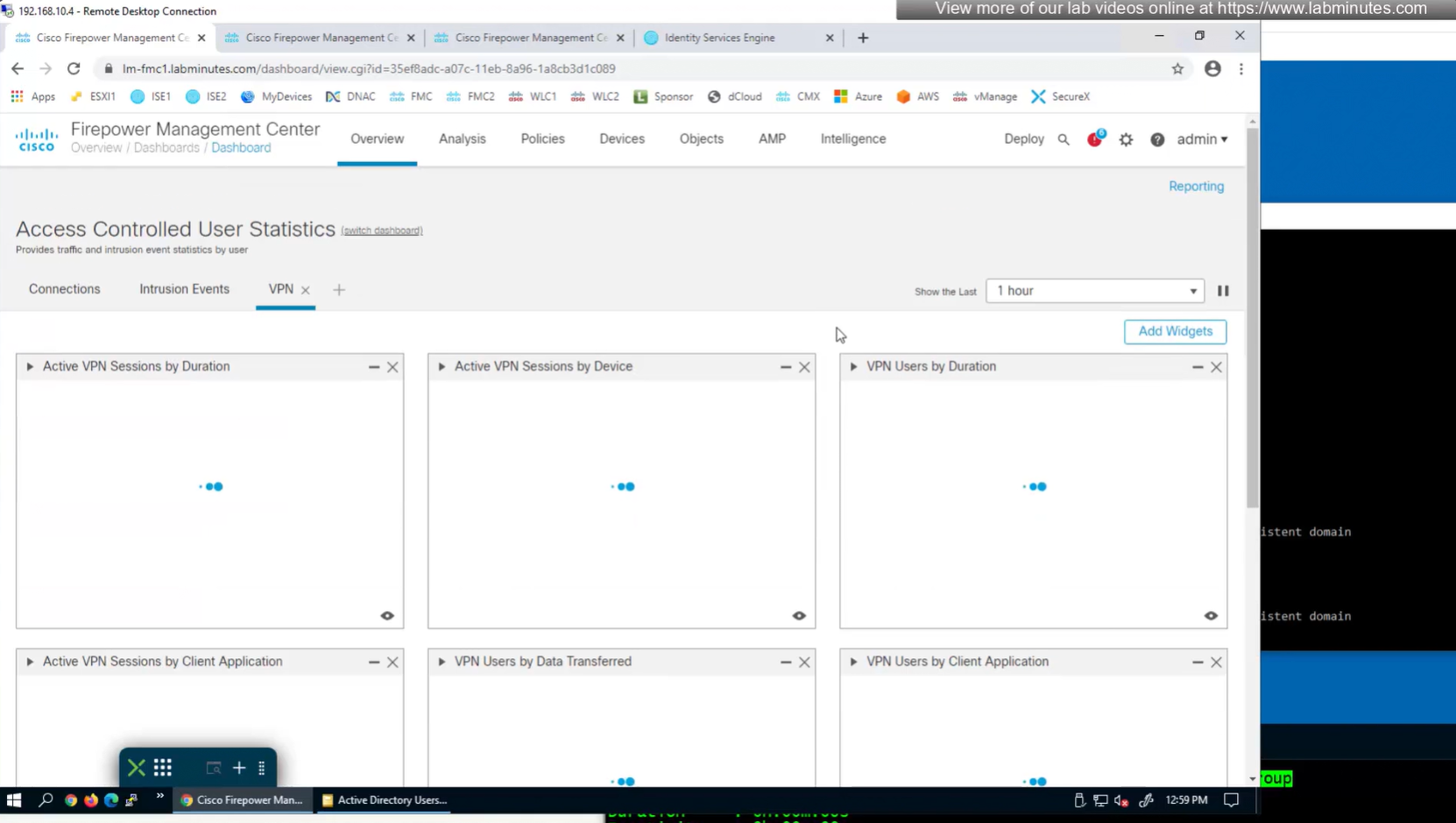
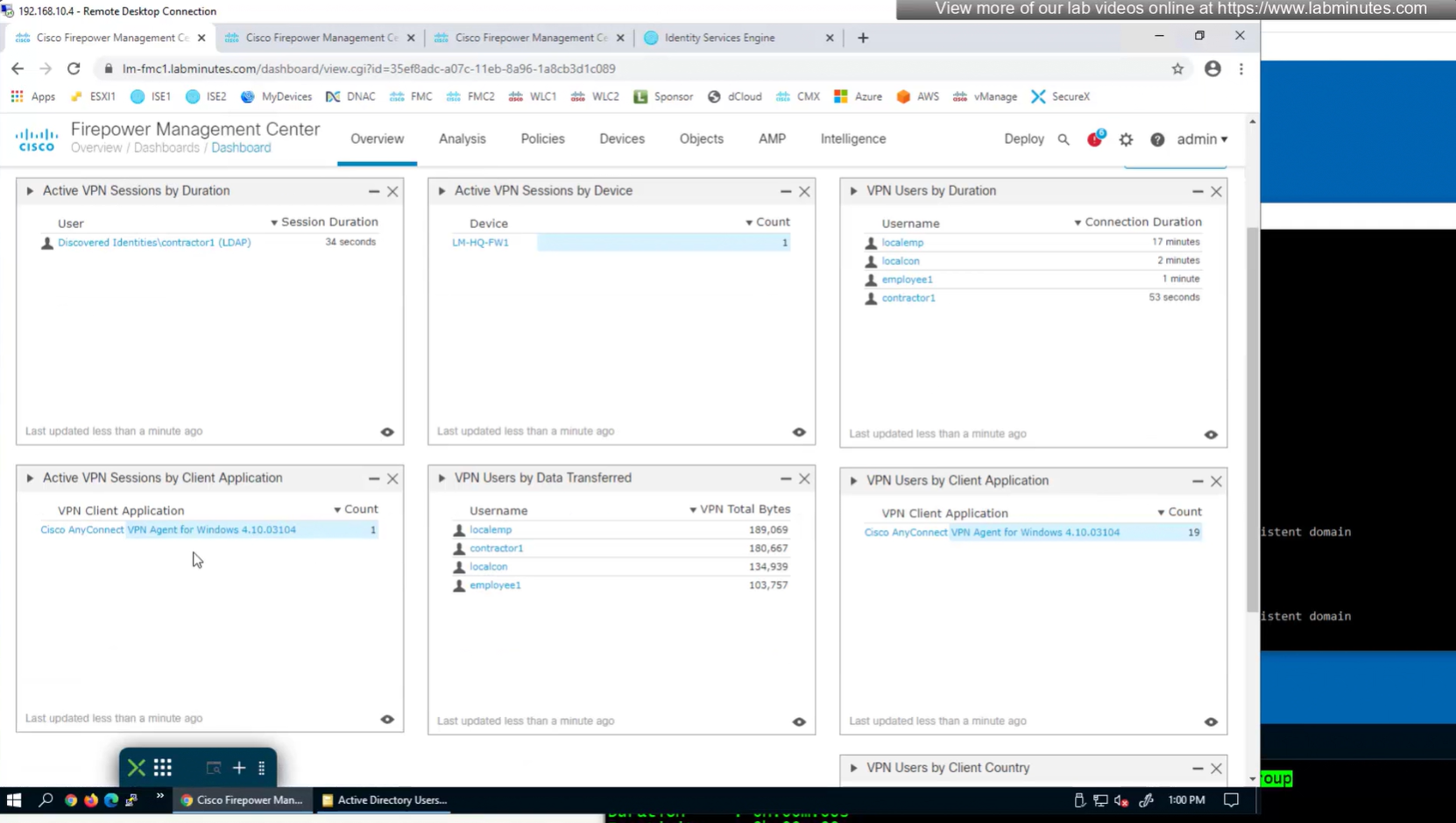
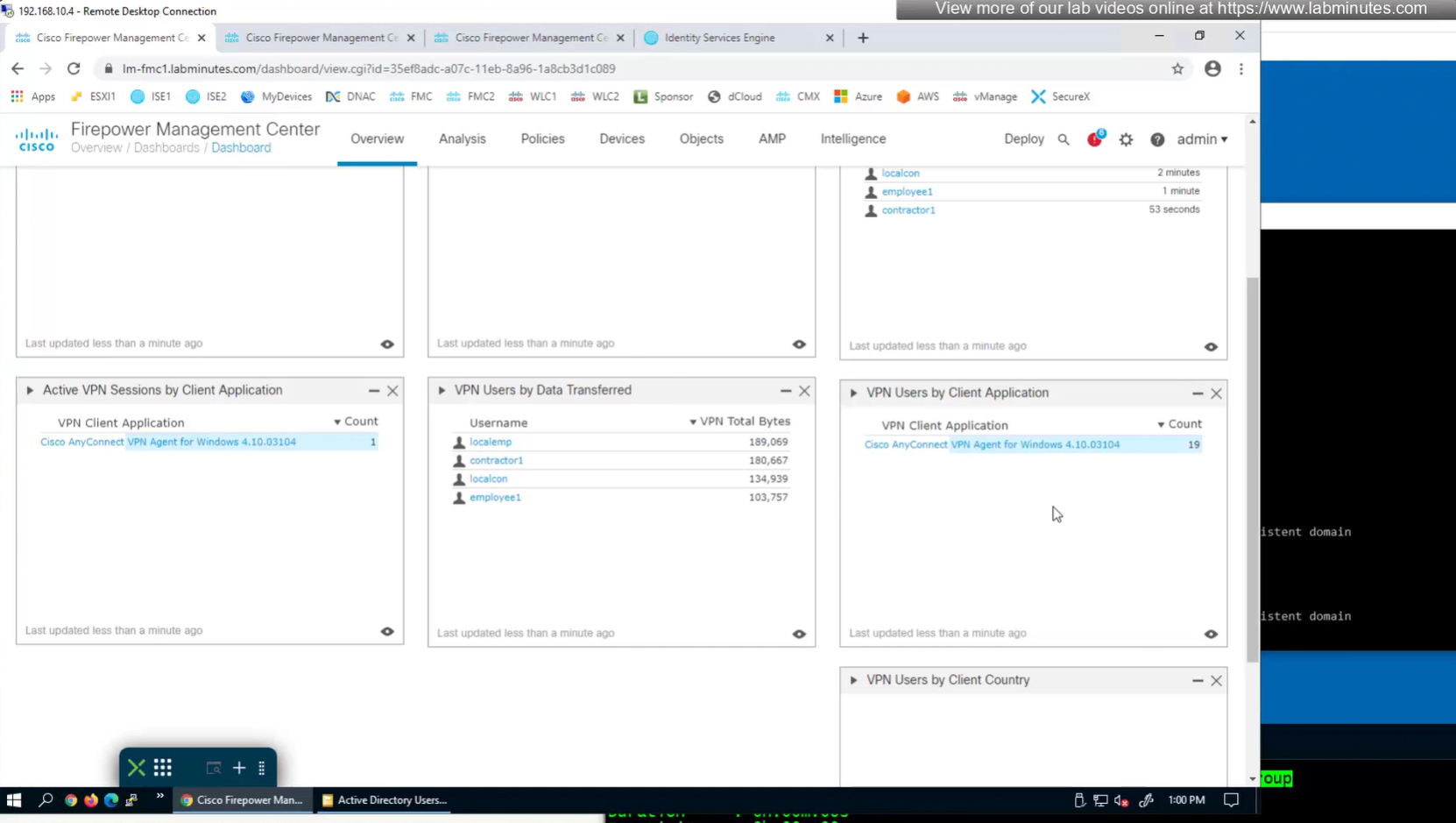
to monitor anyconnect connections there is a hidden dashboard that can be accessed
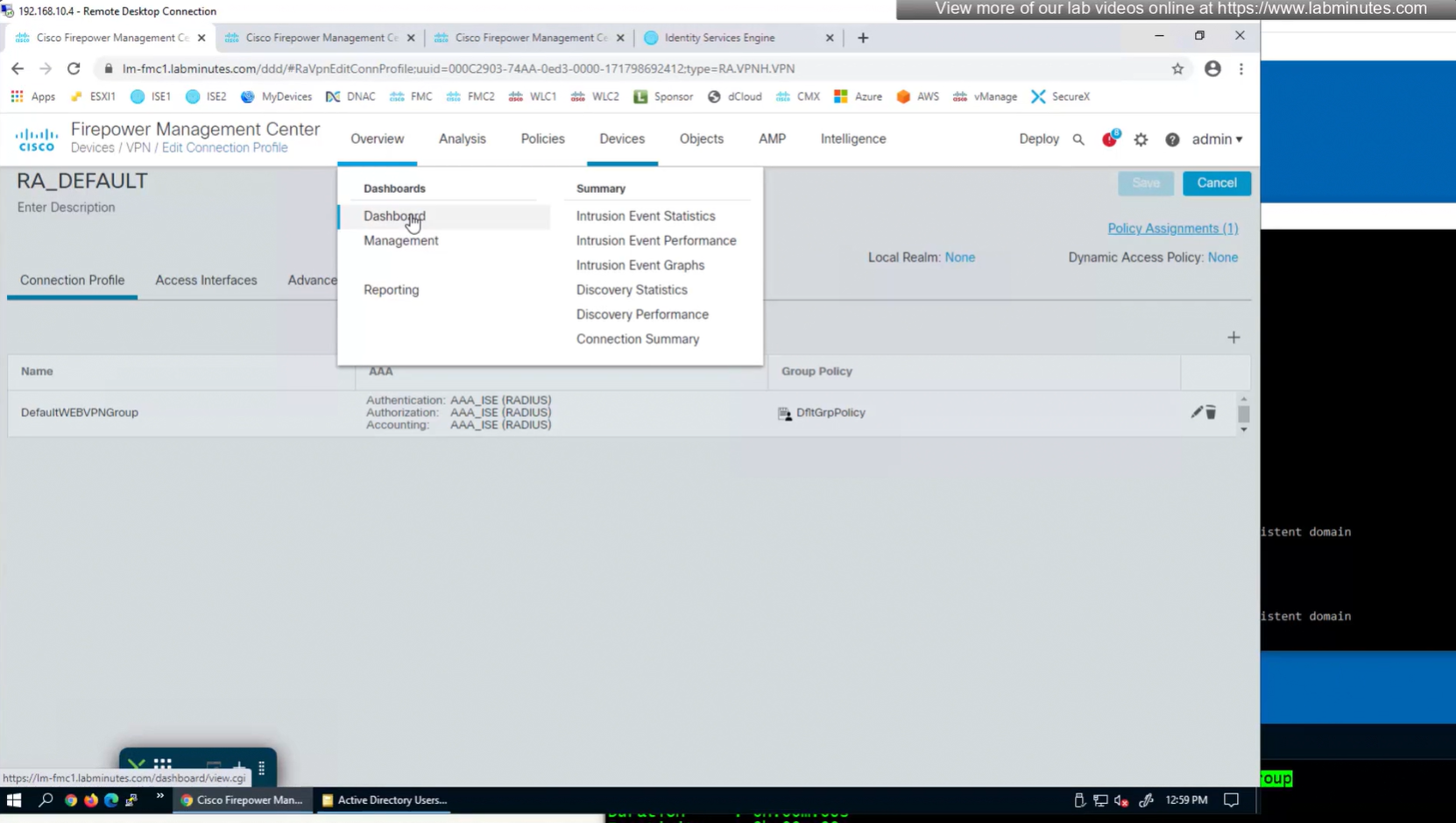



SEC0402 – Firepower 7.0 AnyConnect VPN Connection Profile and Group-Policy (Part 2)


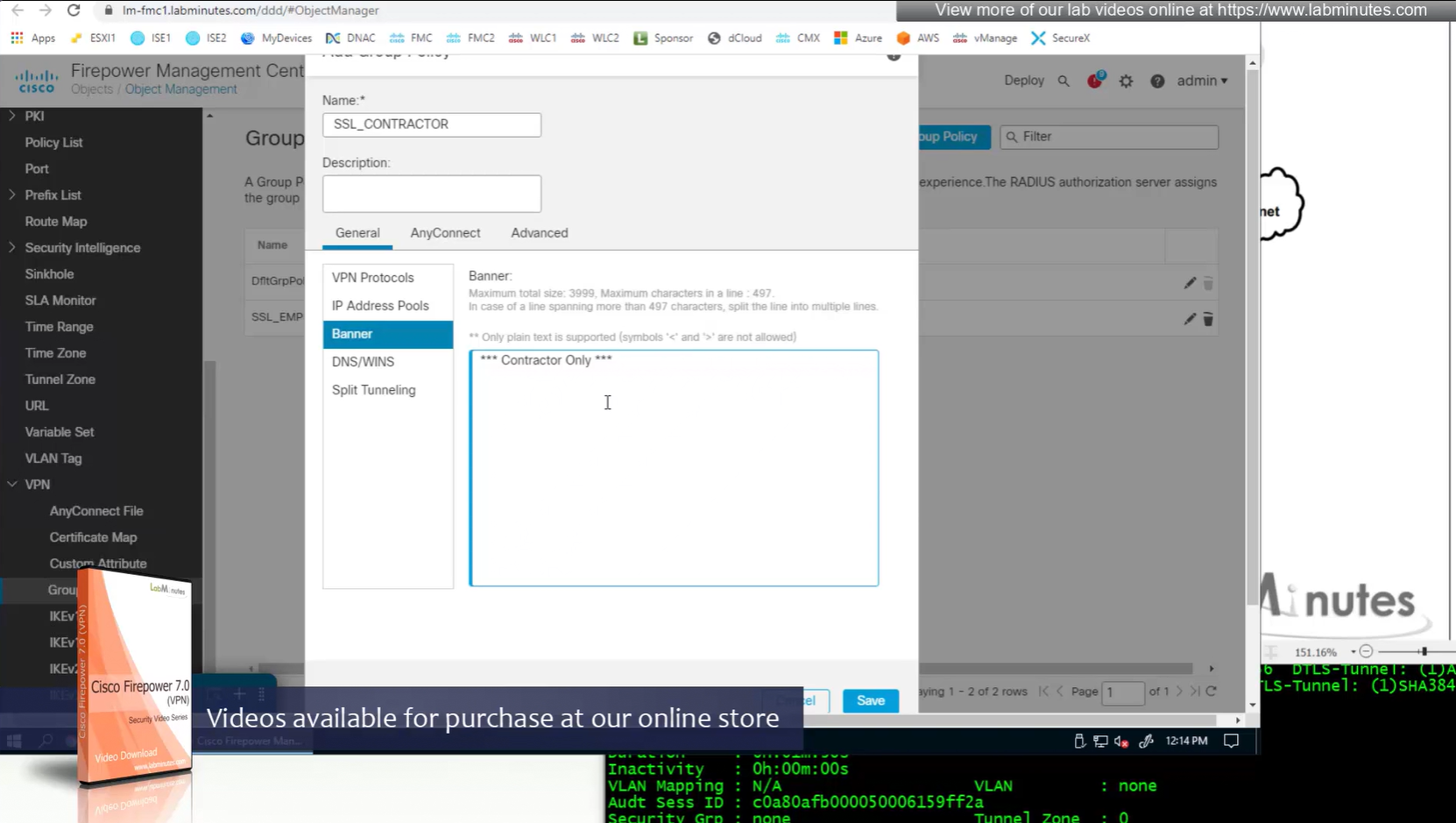
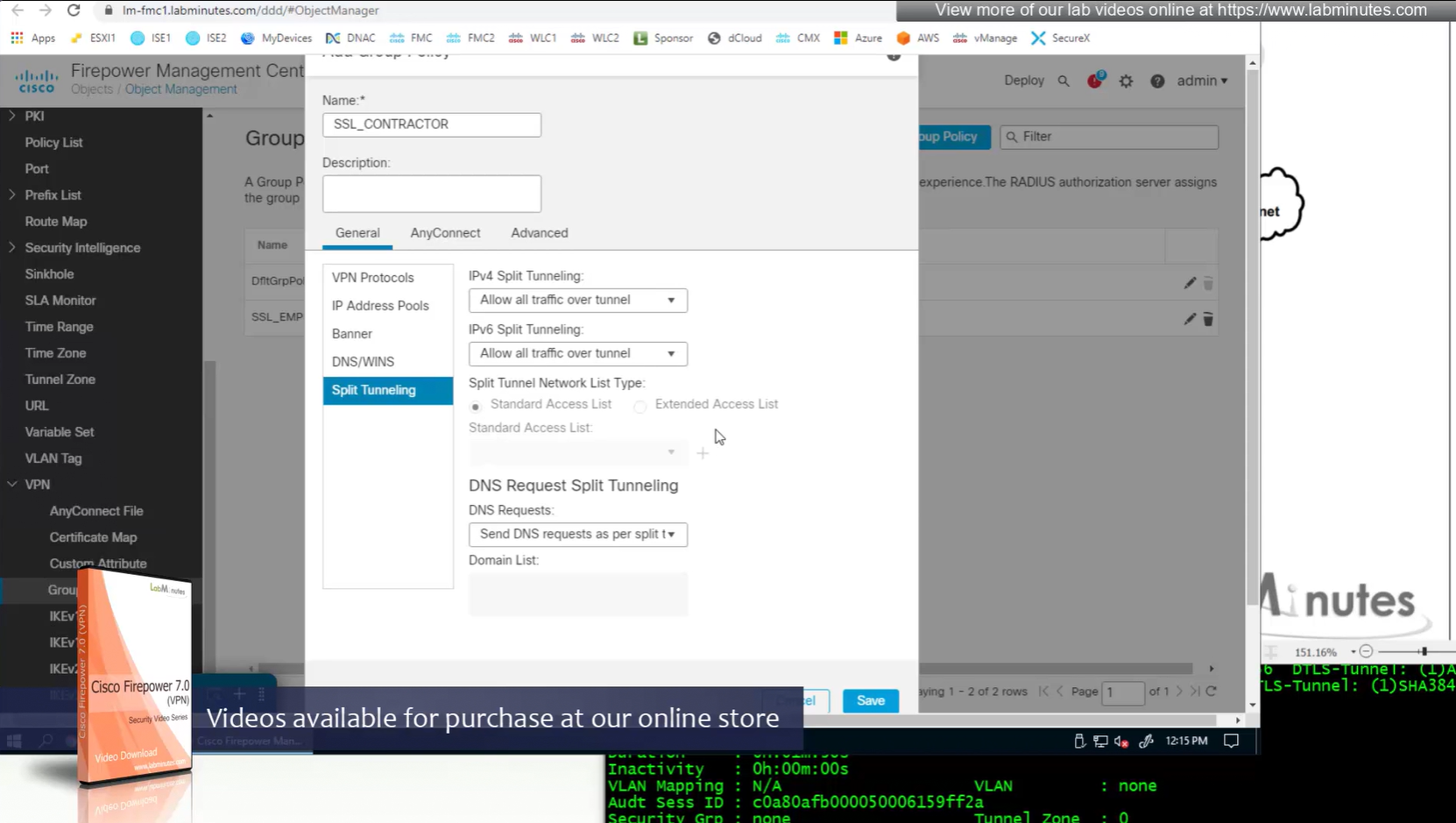
Keeping it tunnel all
Recommended settings for MTU and DF bit
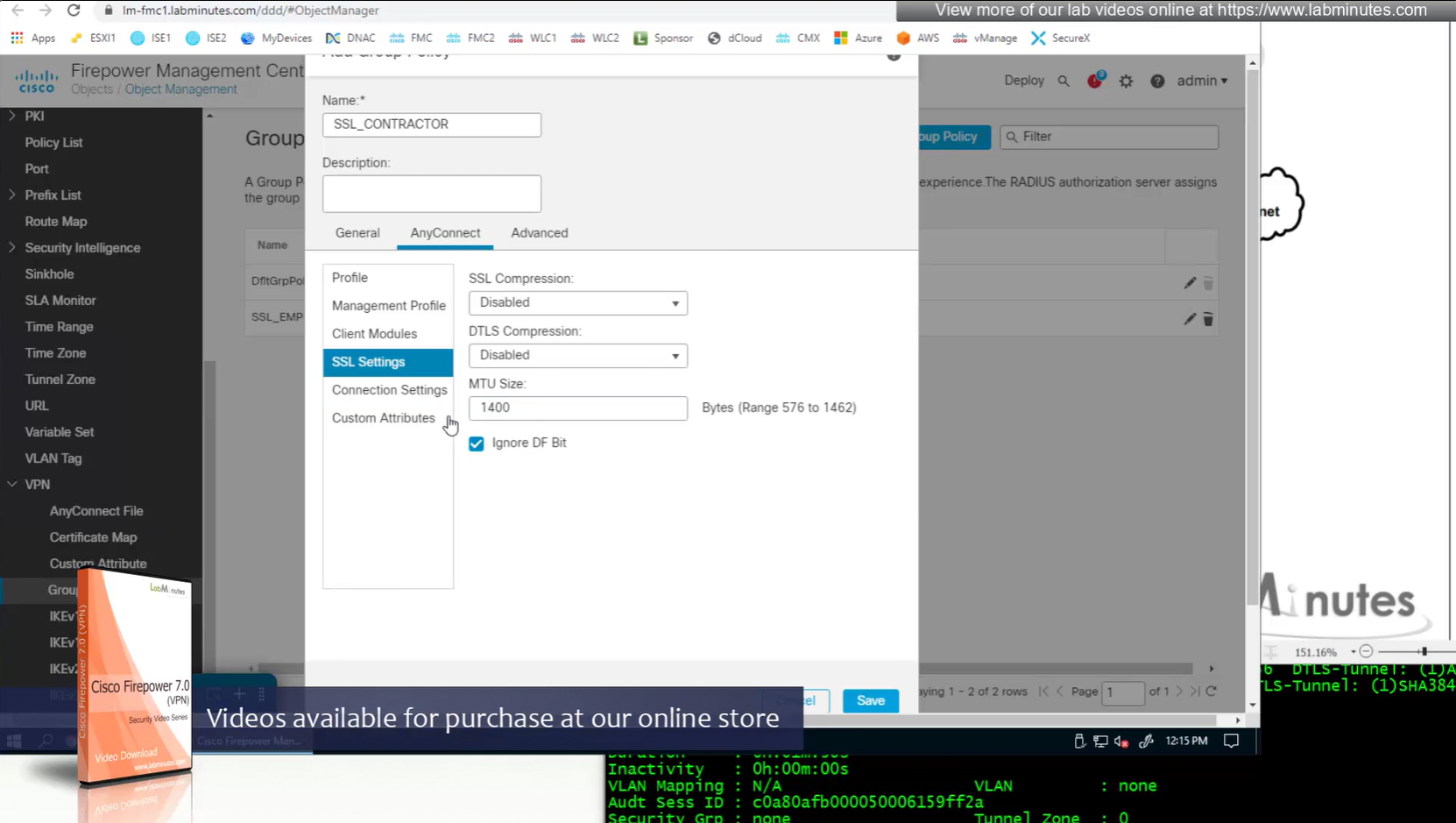
More restrictive settings
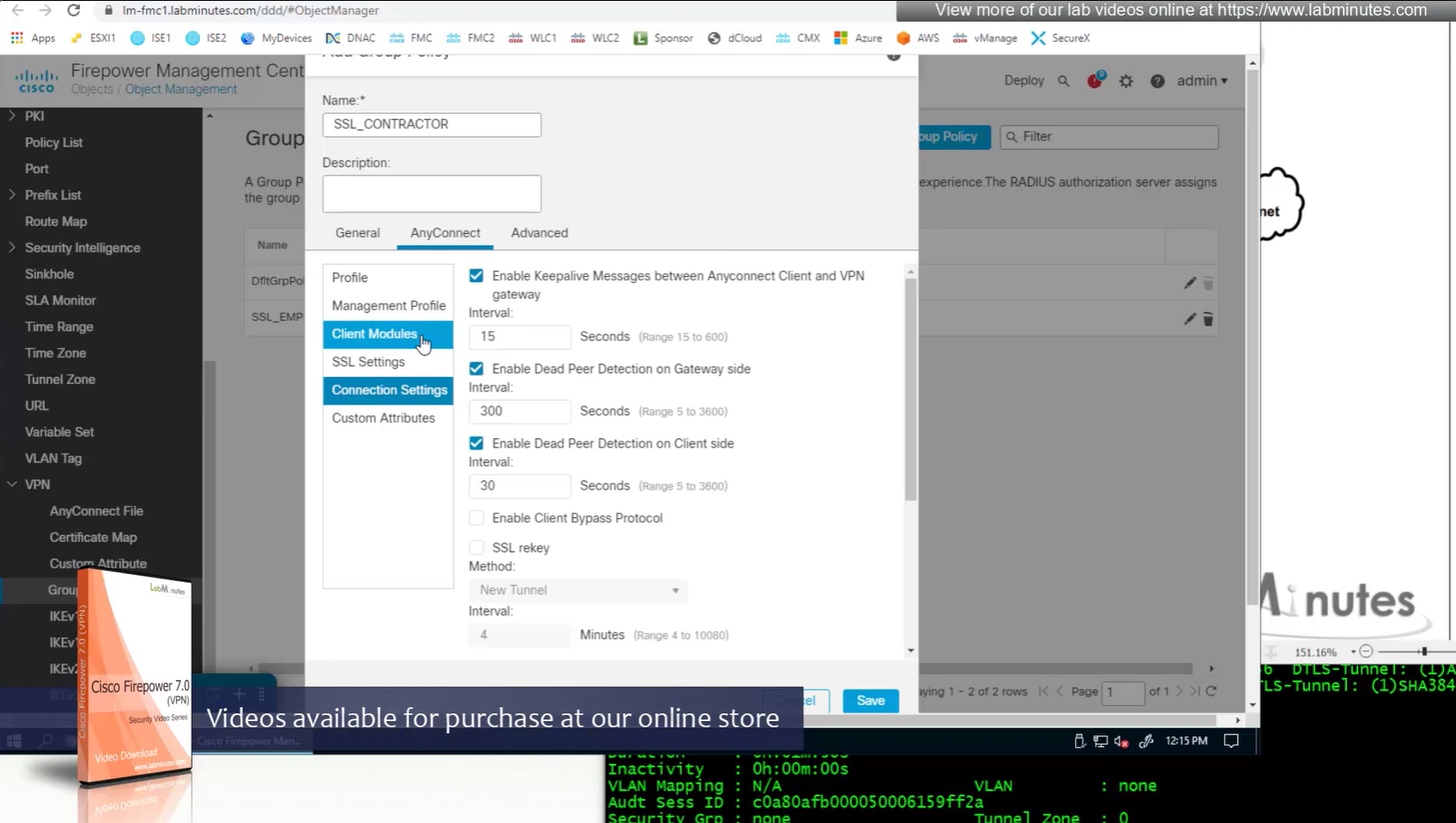
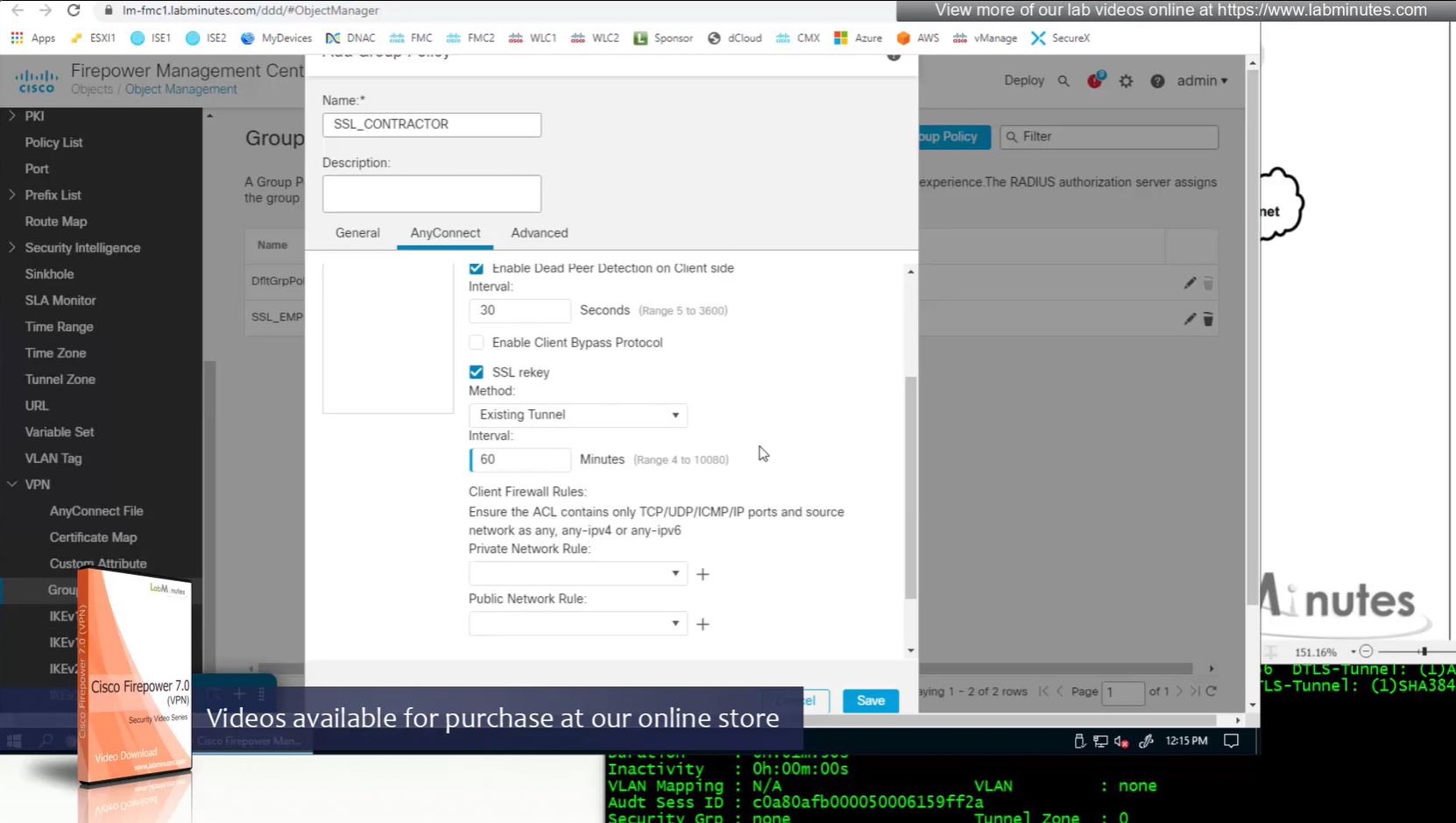
Recommended settings for SSL rekeying
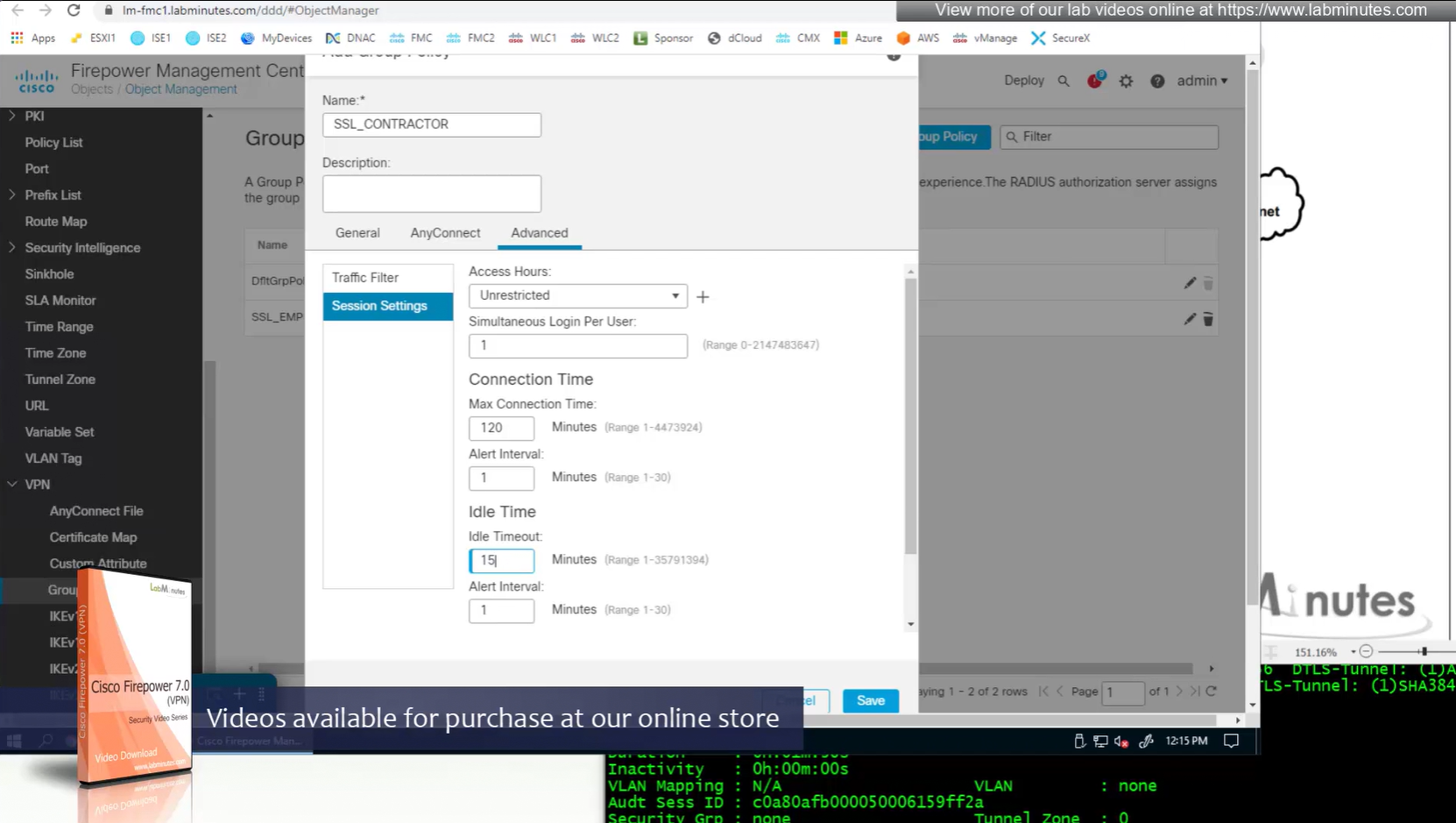
Restrictive settings for contractor
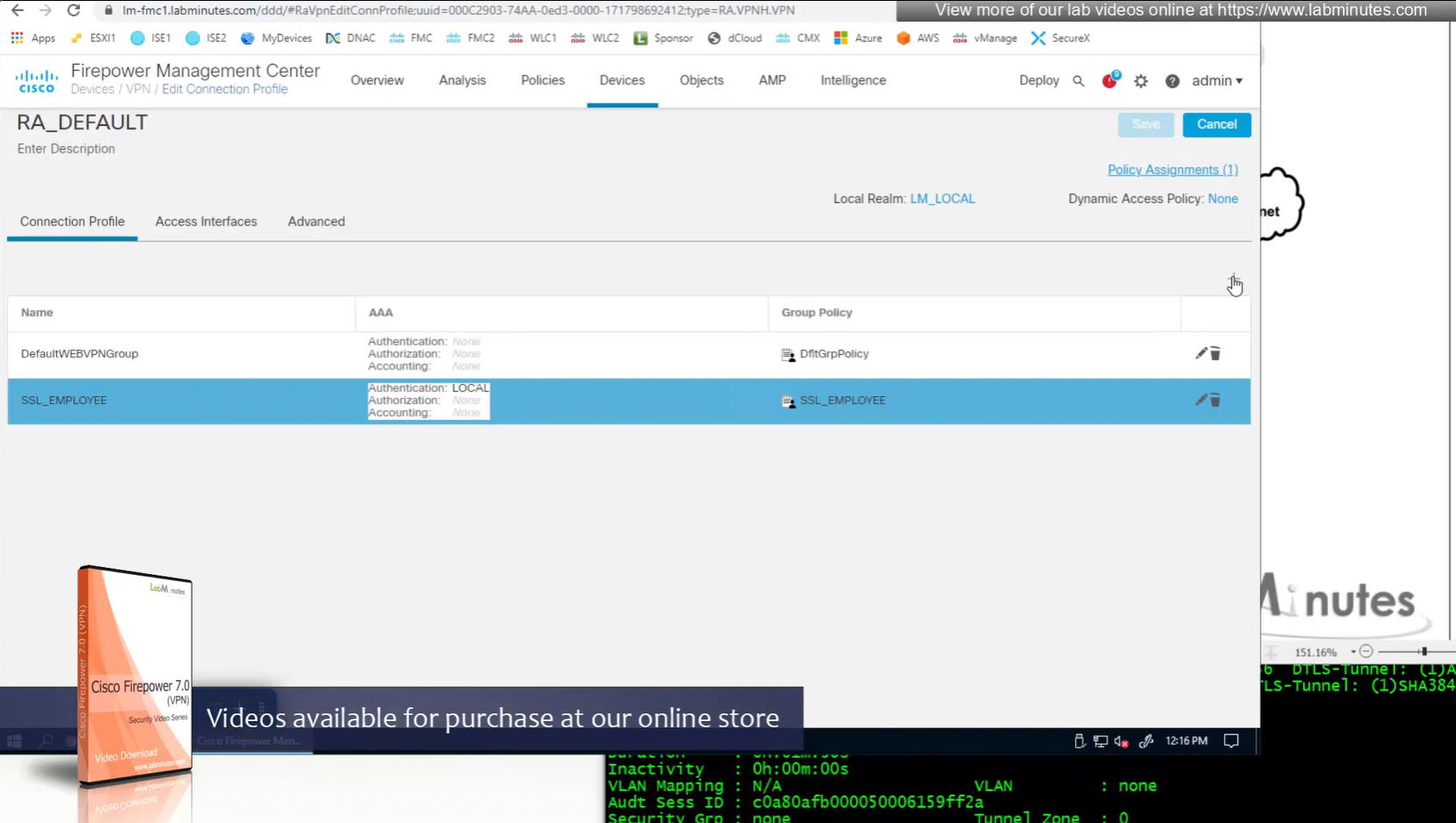
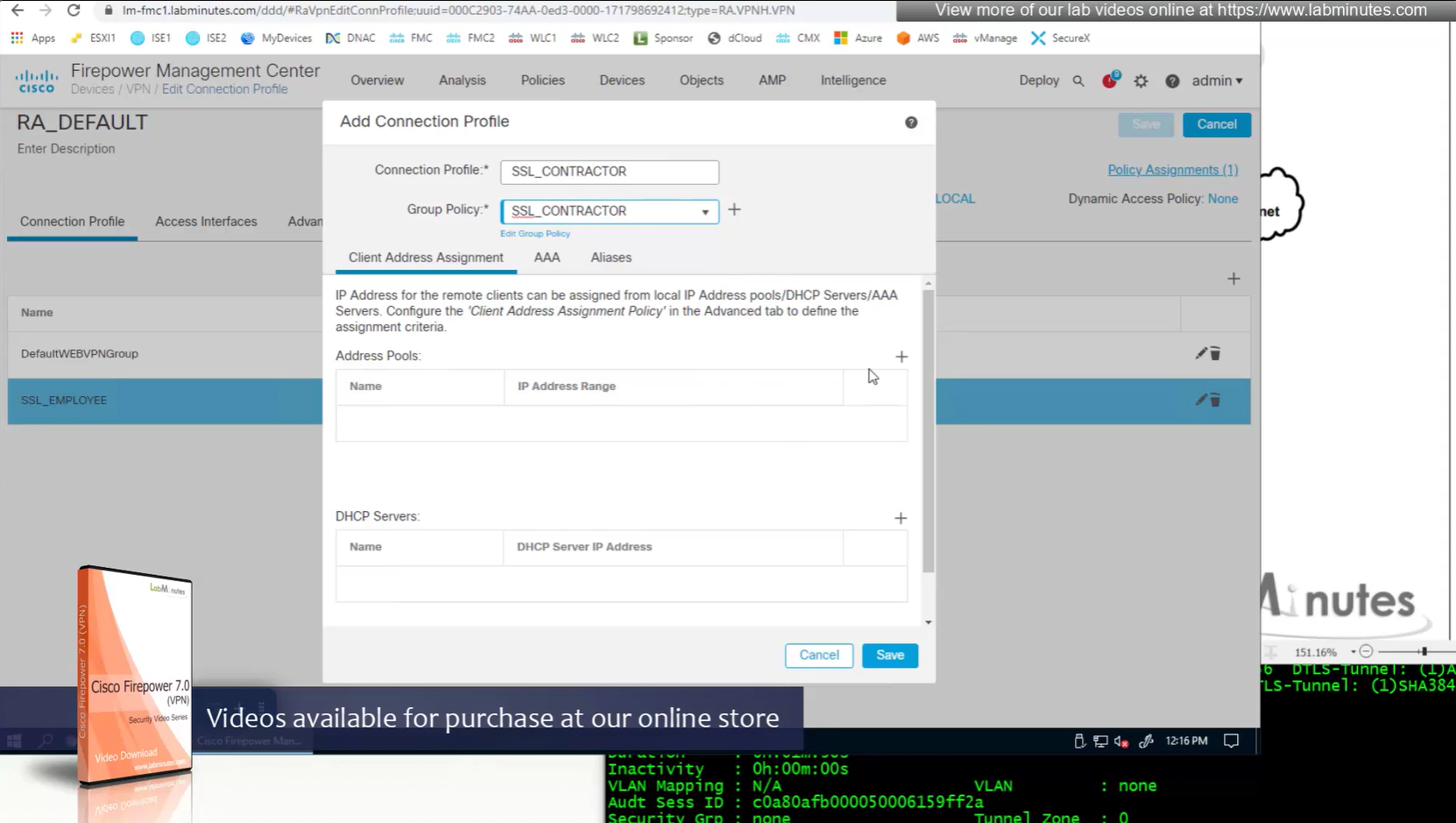
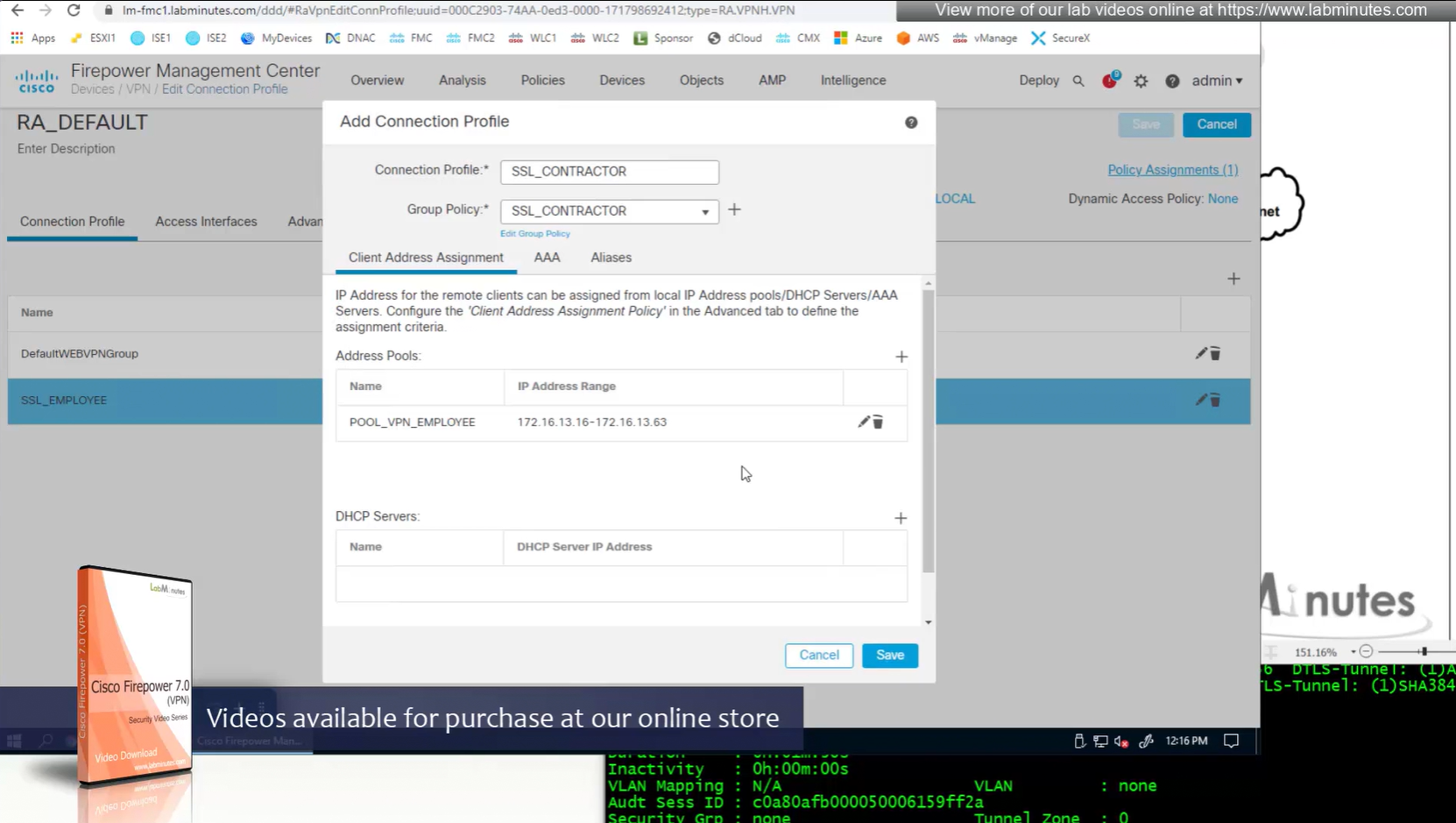
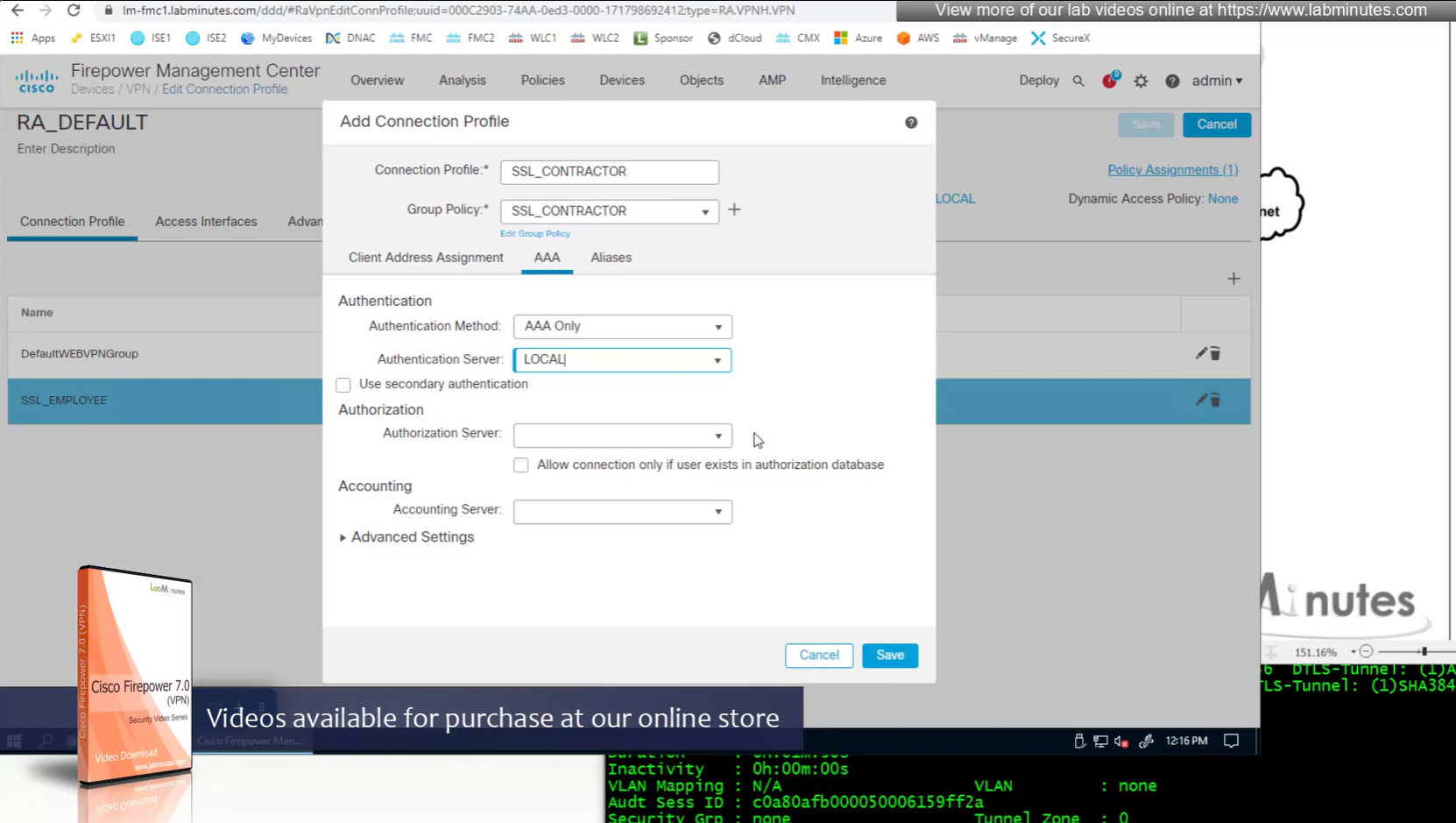

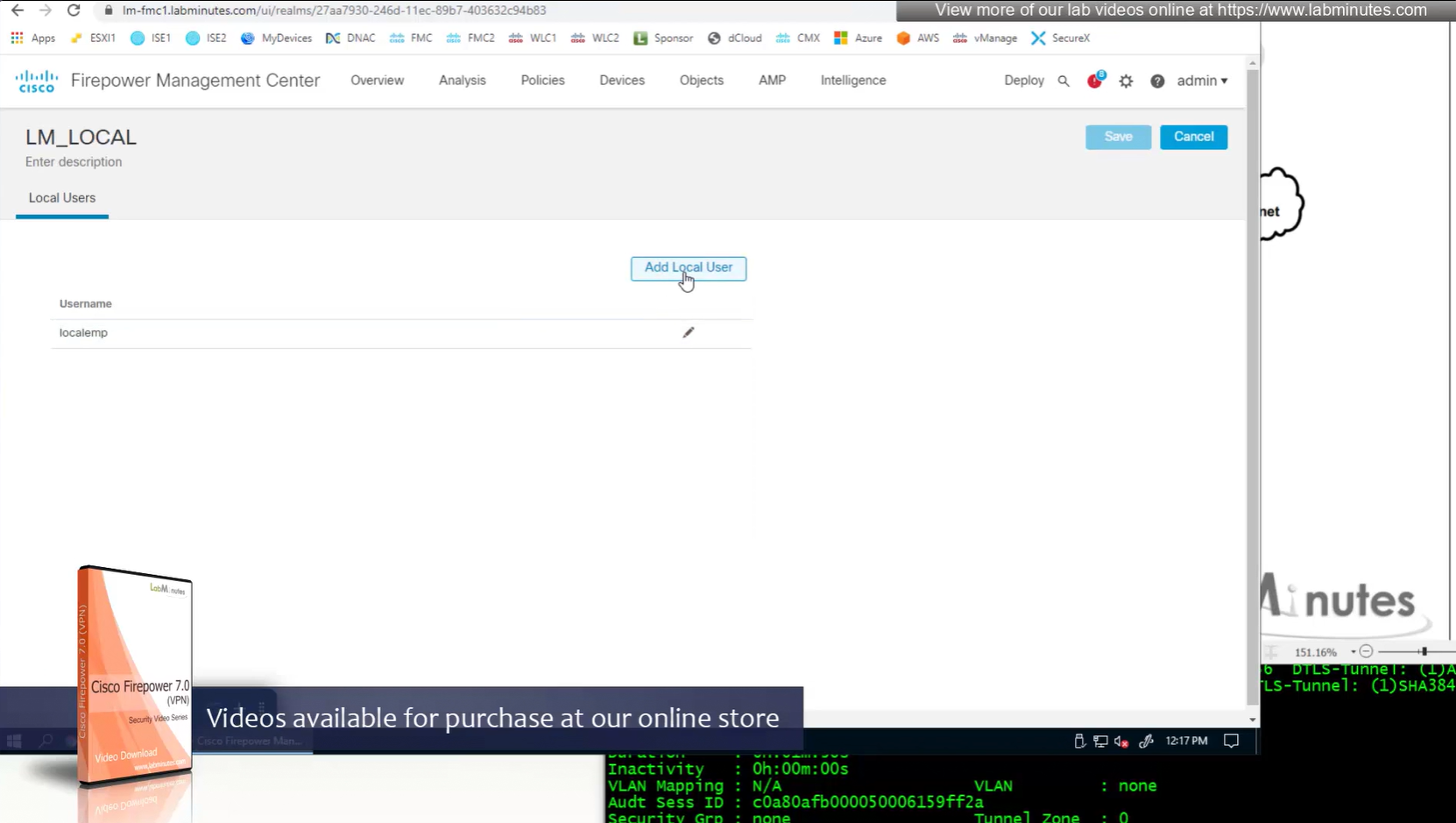
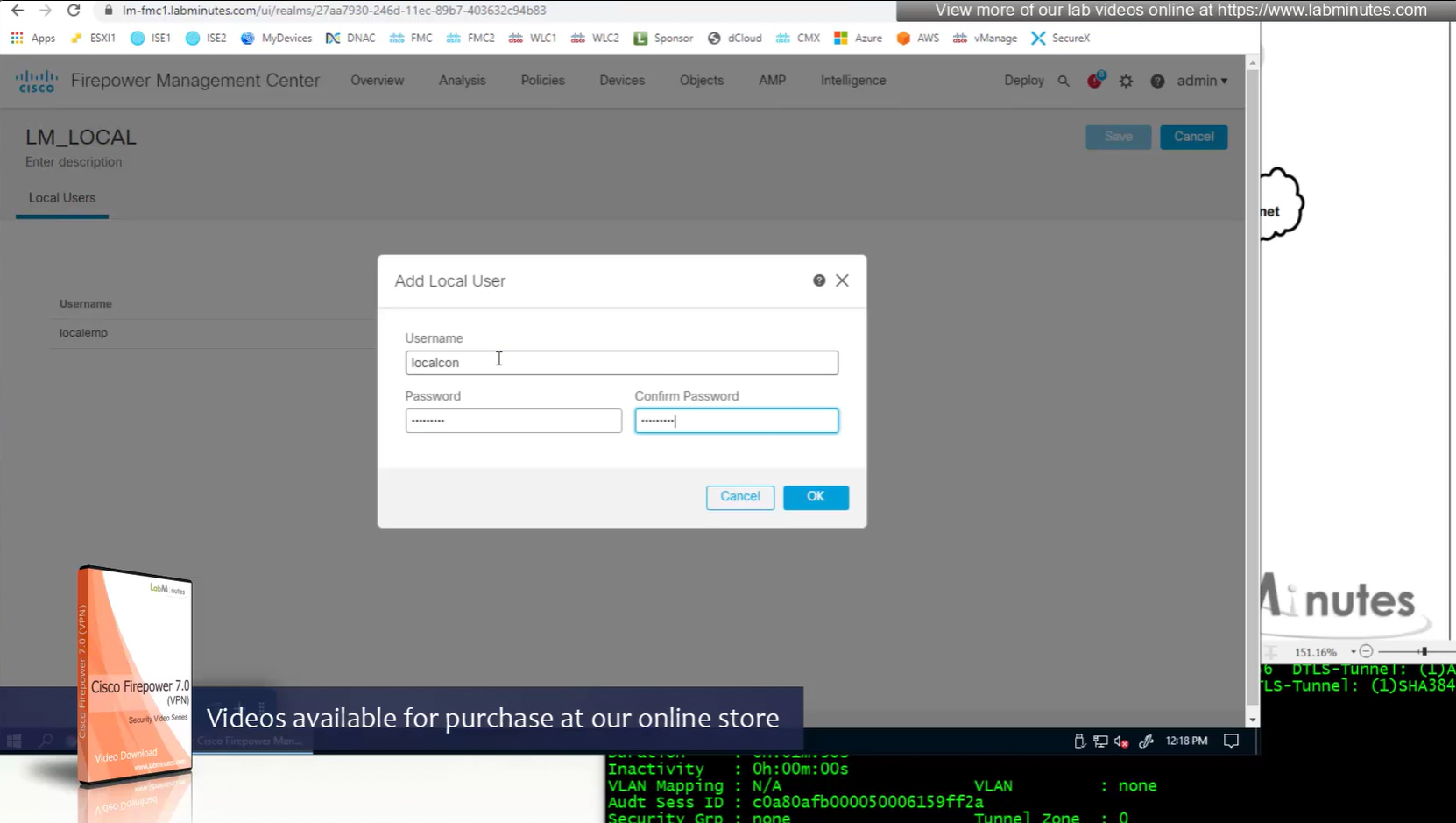
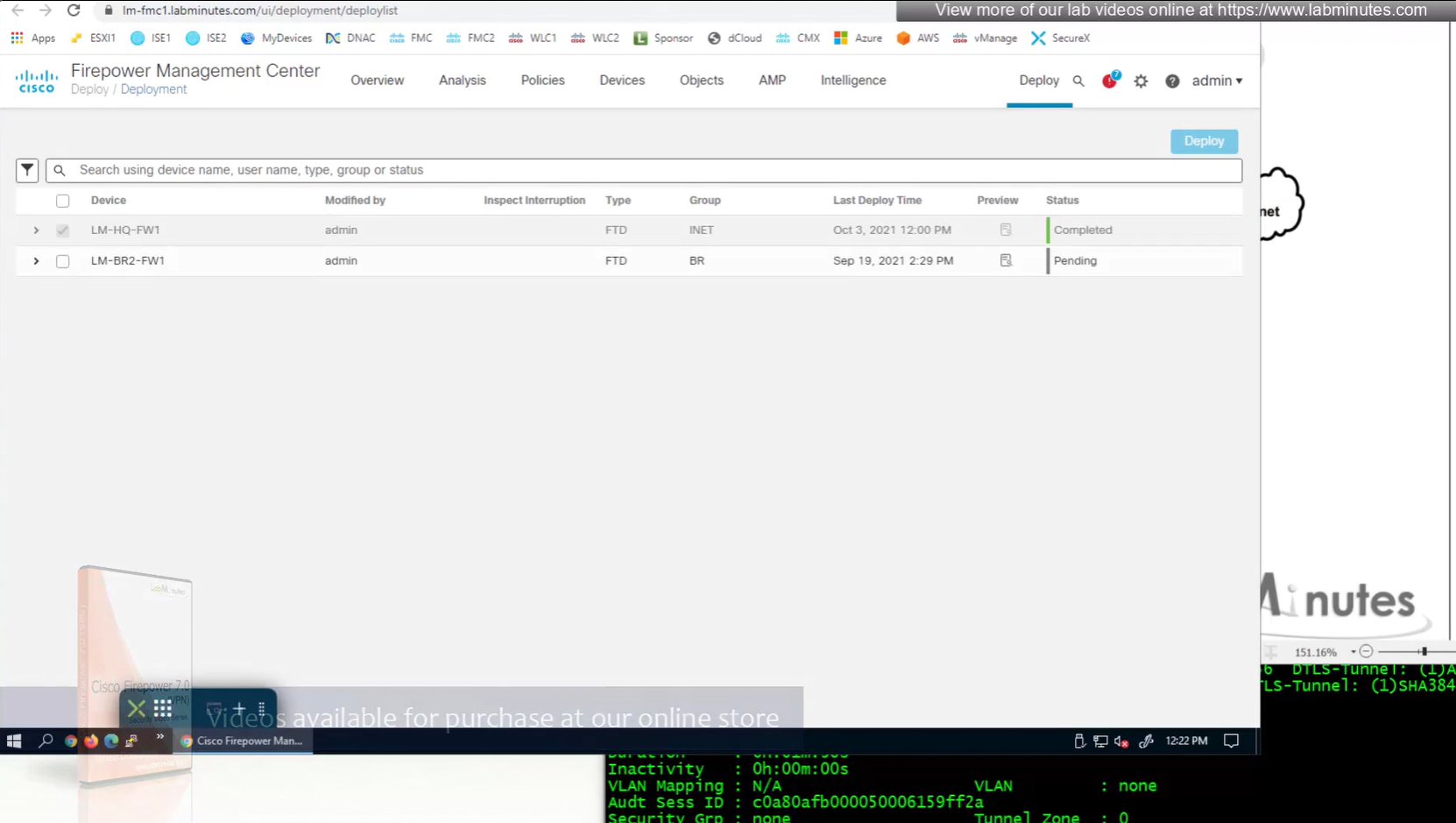
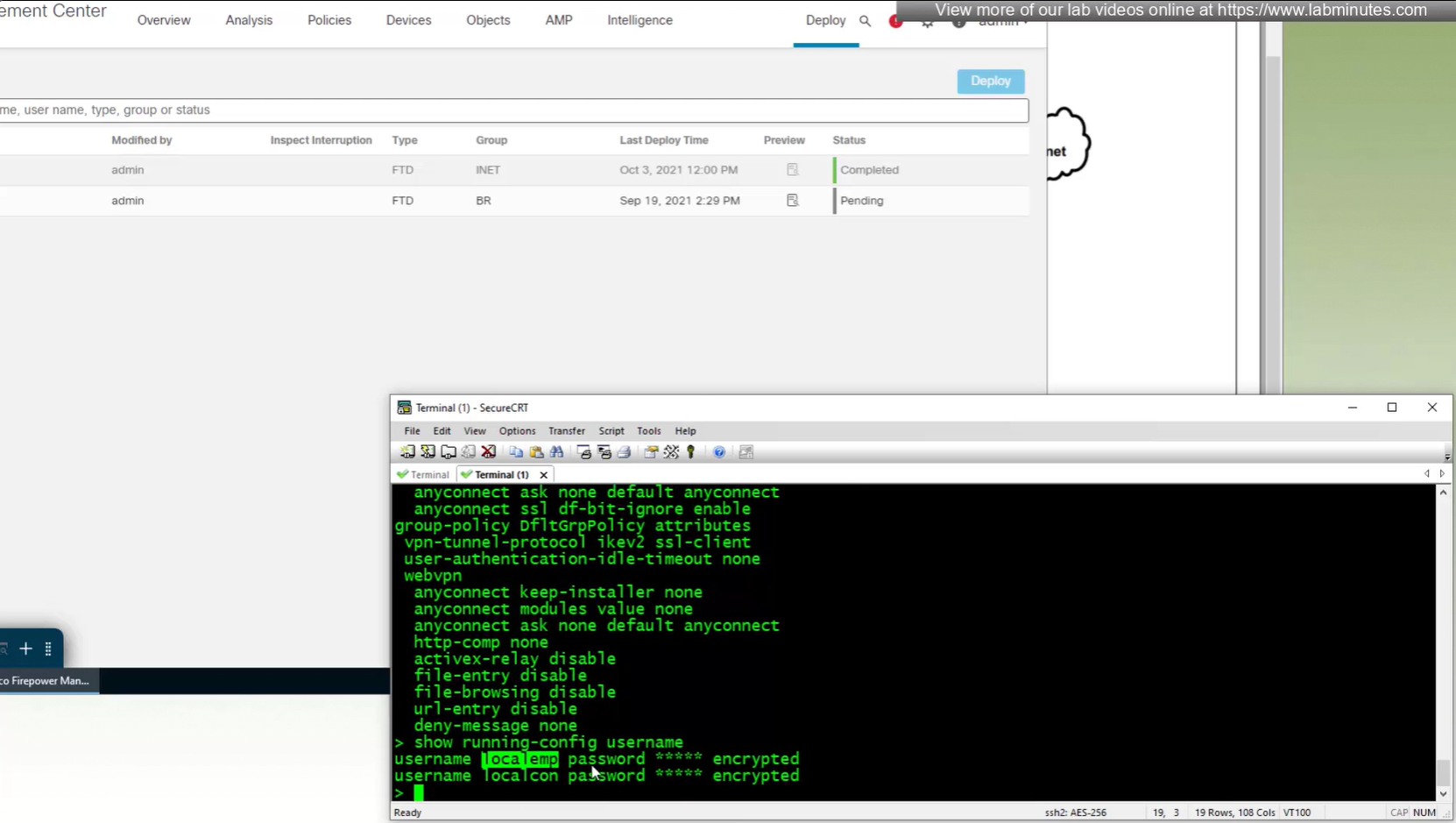
show run username
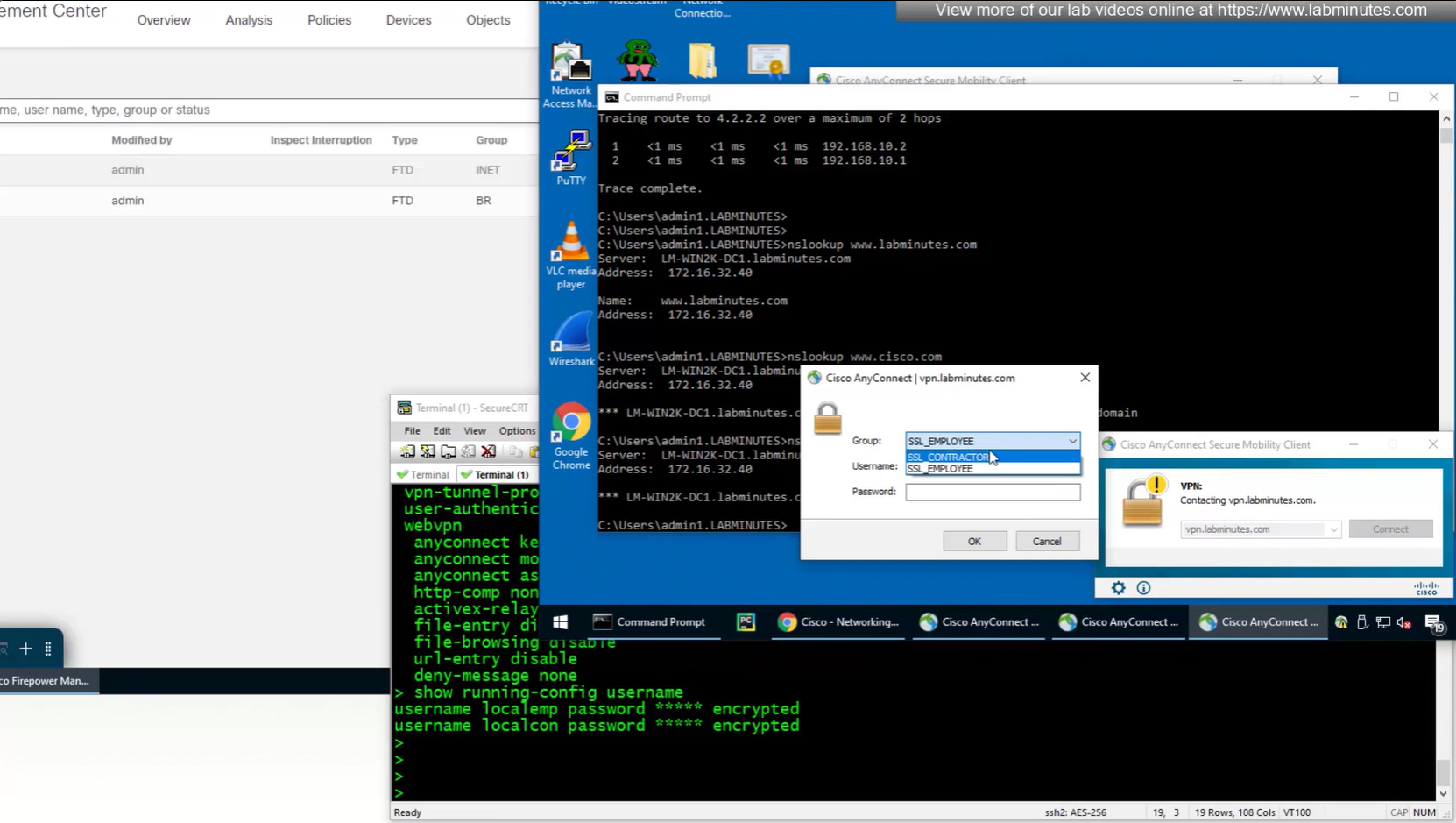
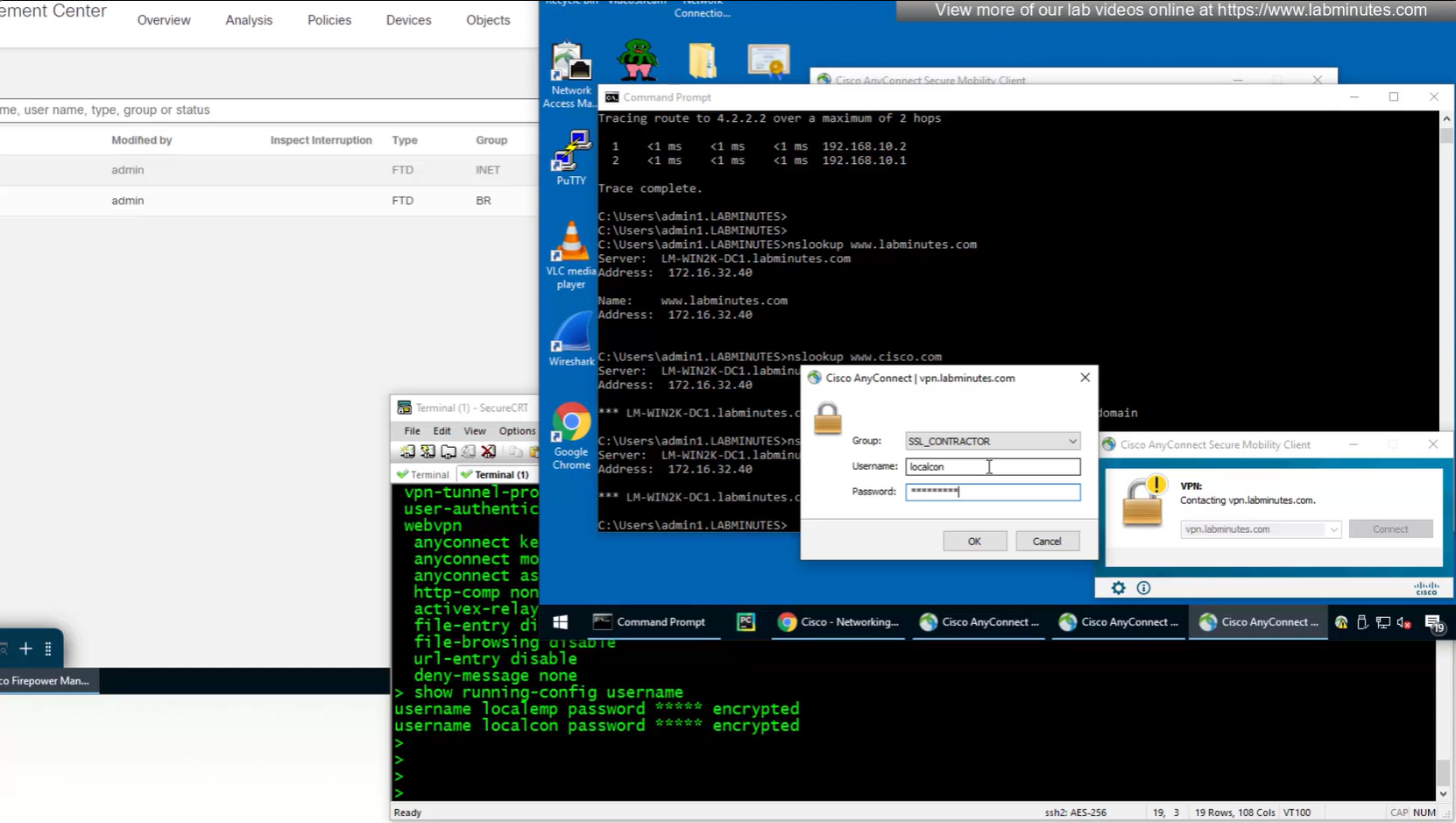
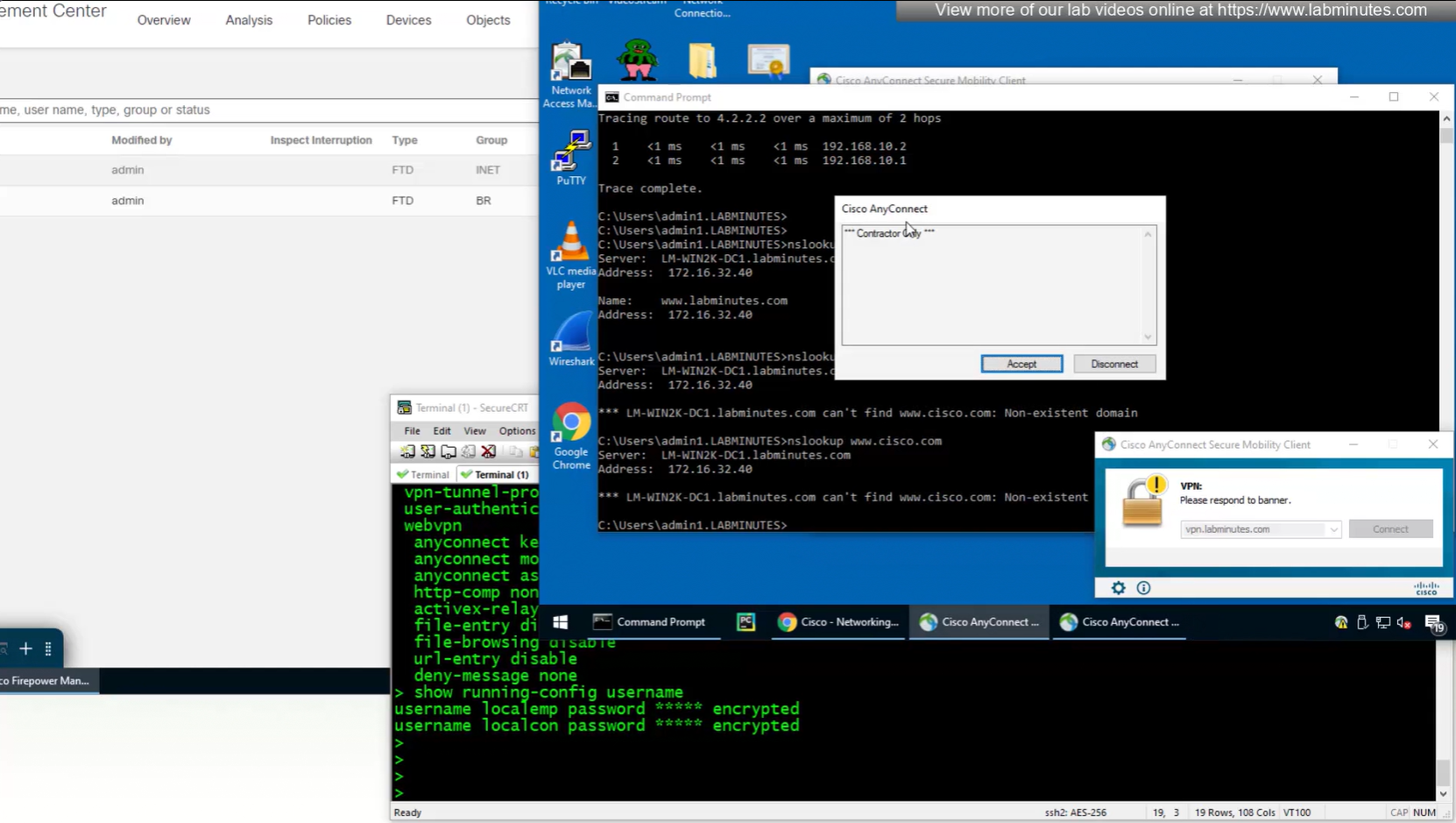
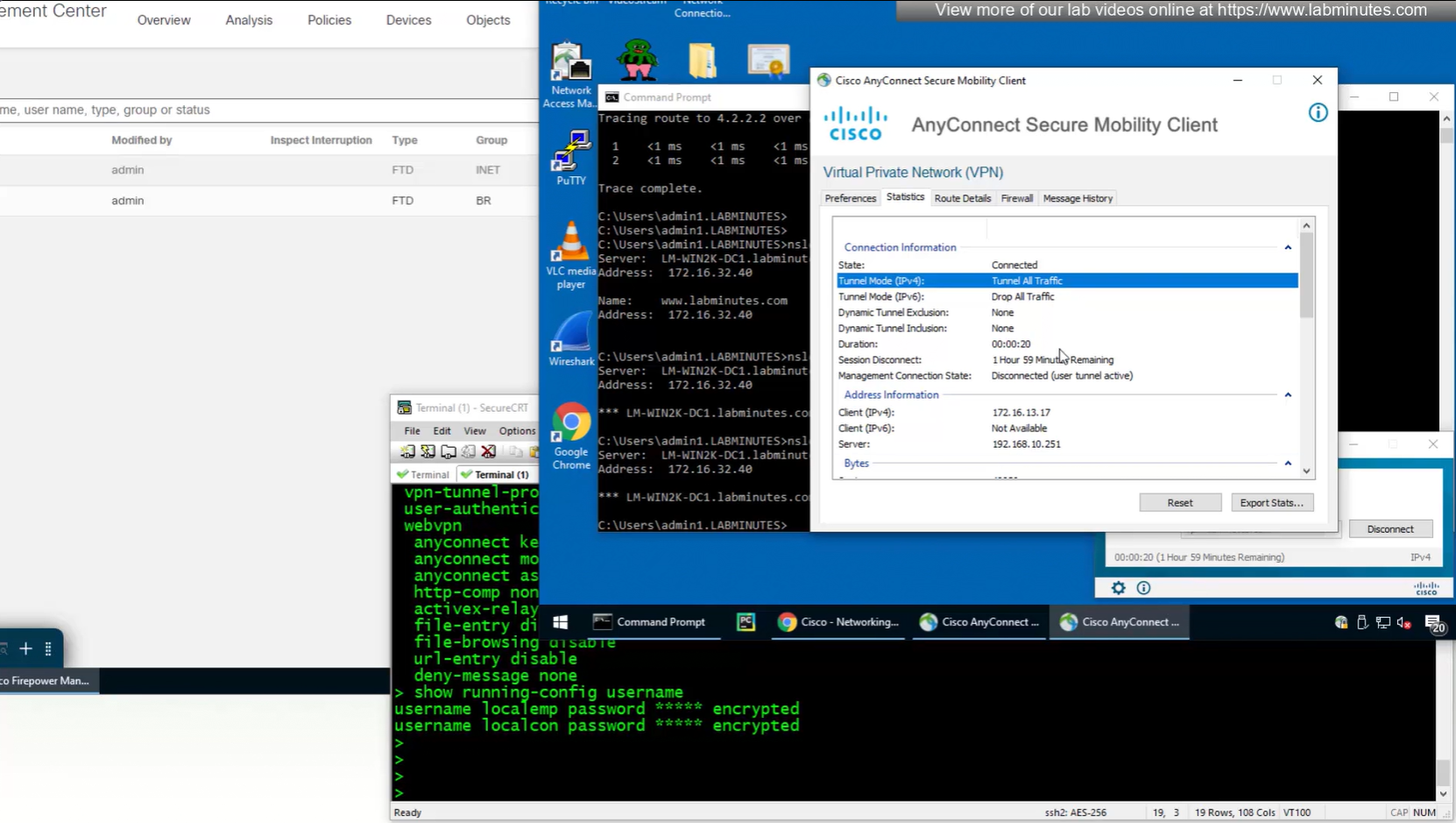
Only reason different tunnel group or connection profile was selected, because we selected from dropdown, a limitation with local account is because realm is local, a contractor can select Employee connection profile from drop down and then login to that connection profile with contractor username and password which is not good and in firepower unlike ASA we cannot lock down local accounts to a connection profile, that is why local accounts should not be used if there are multiple connection profiles.
SEC0402 – Firepower 7.0 AnyConnect VPN Connection Profile and Group-Policy (Part 1)
In this video our main focus is on connection profiles and what options we can configure
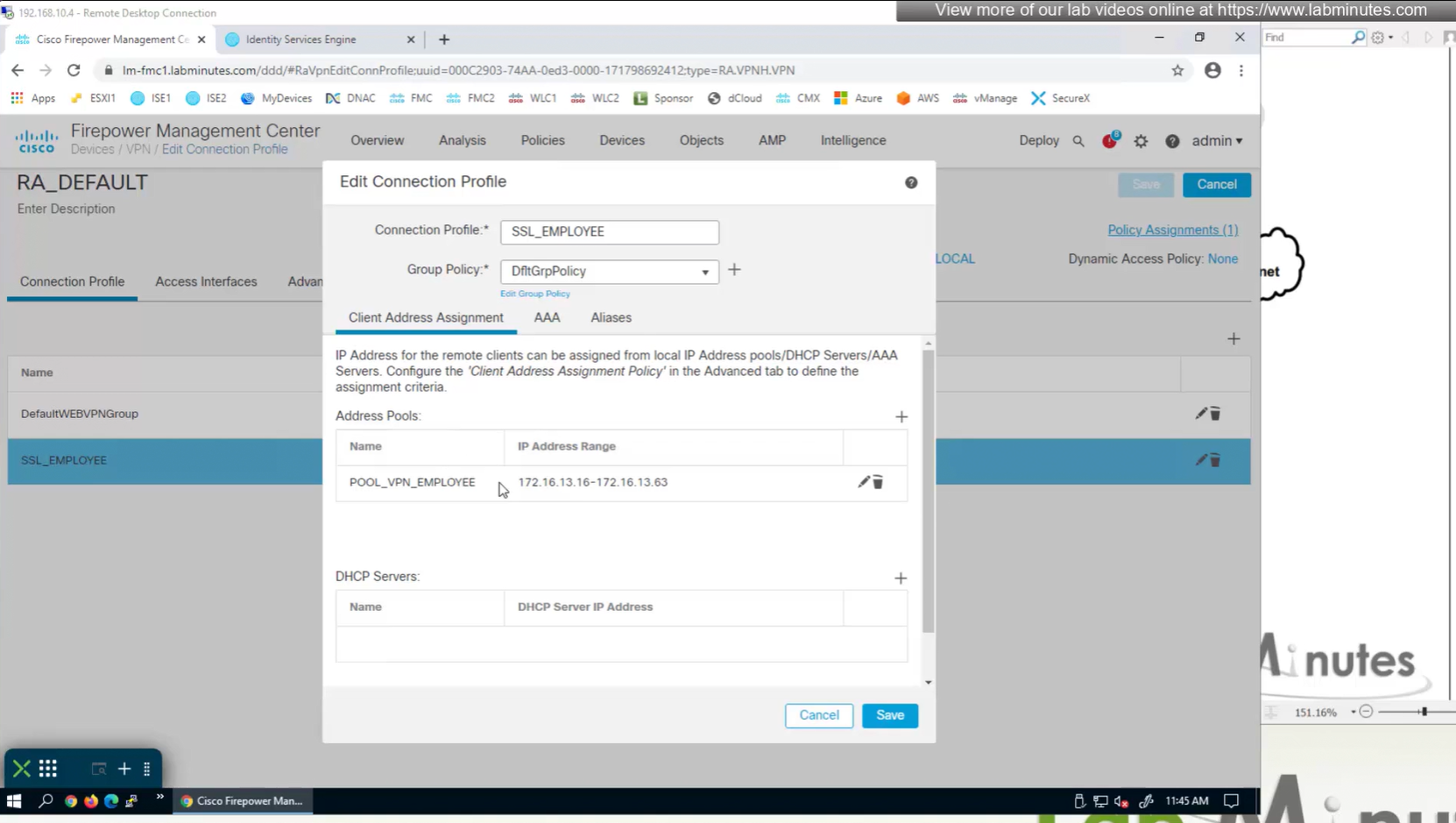
Firepower also has the ability to get IP address from DHCP server rather than the IP address pools but we will talk about that later

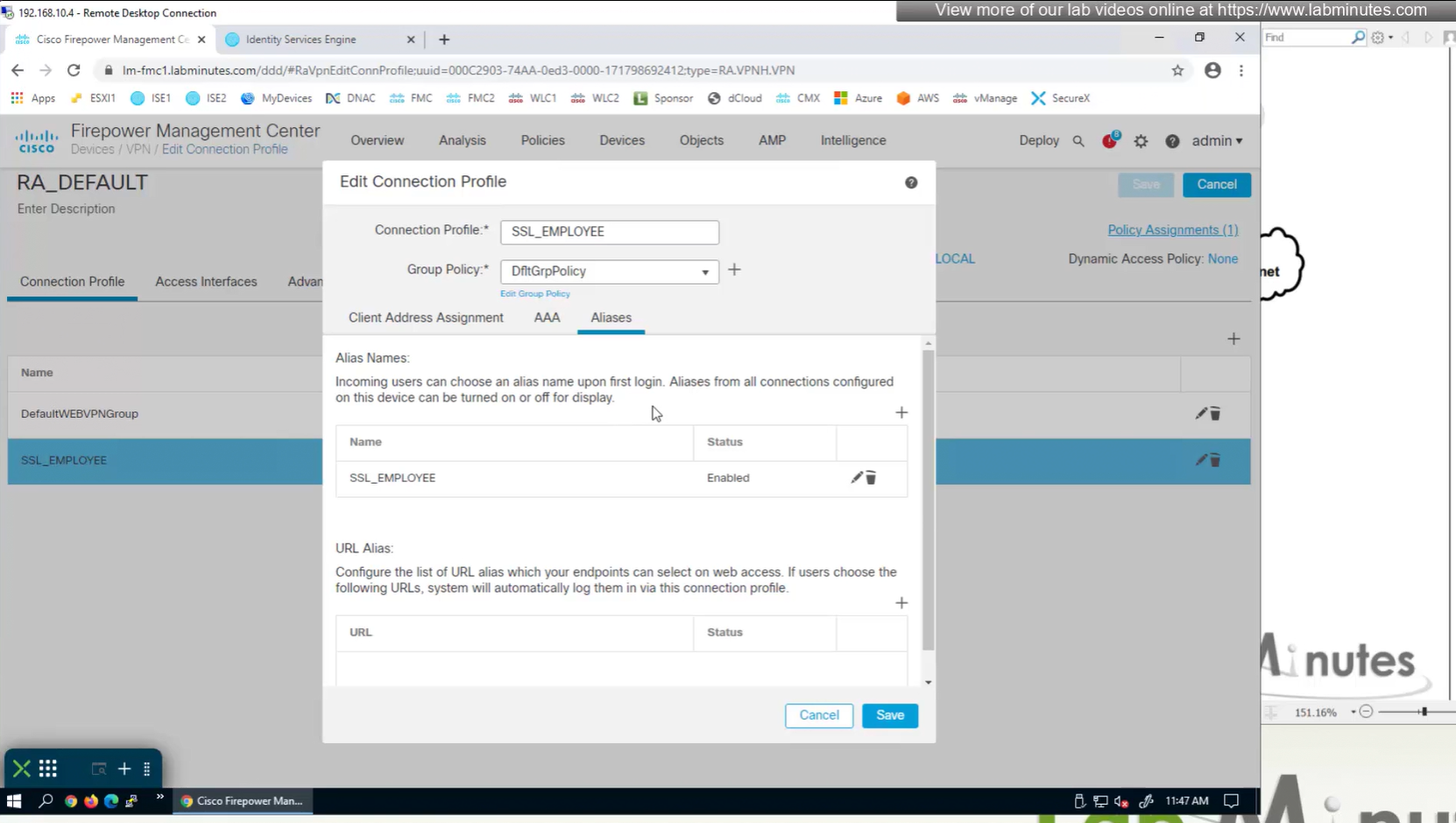
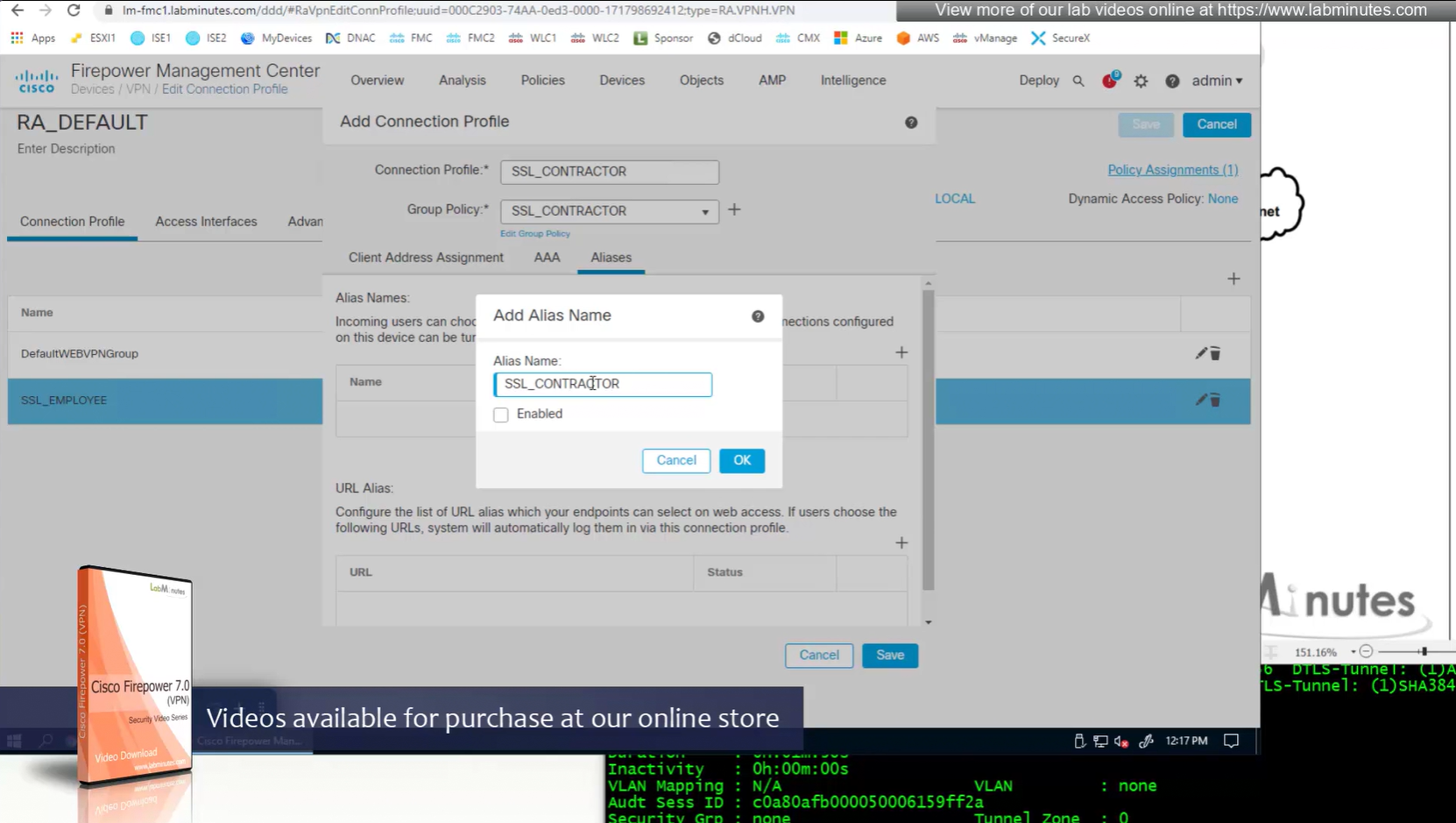
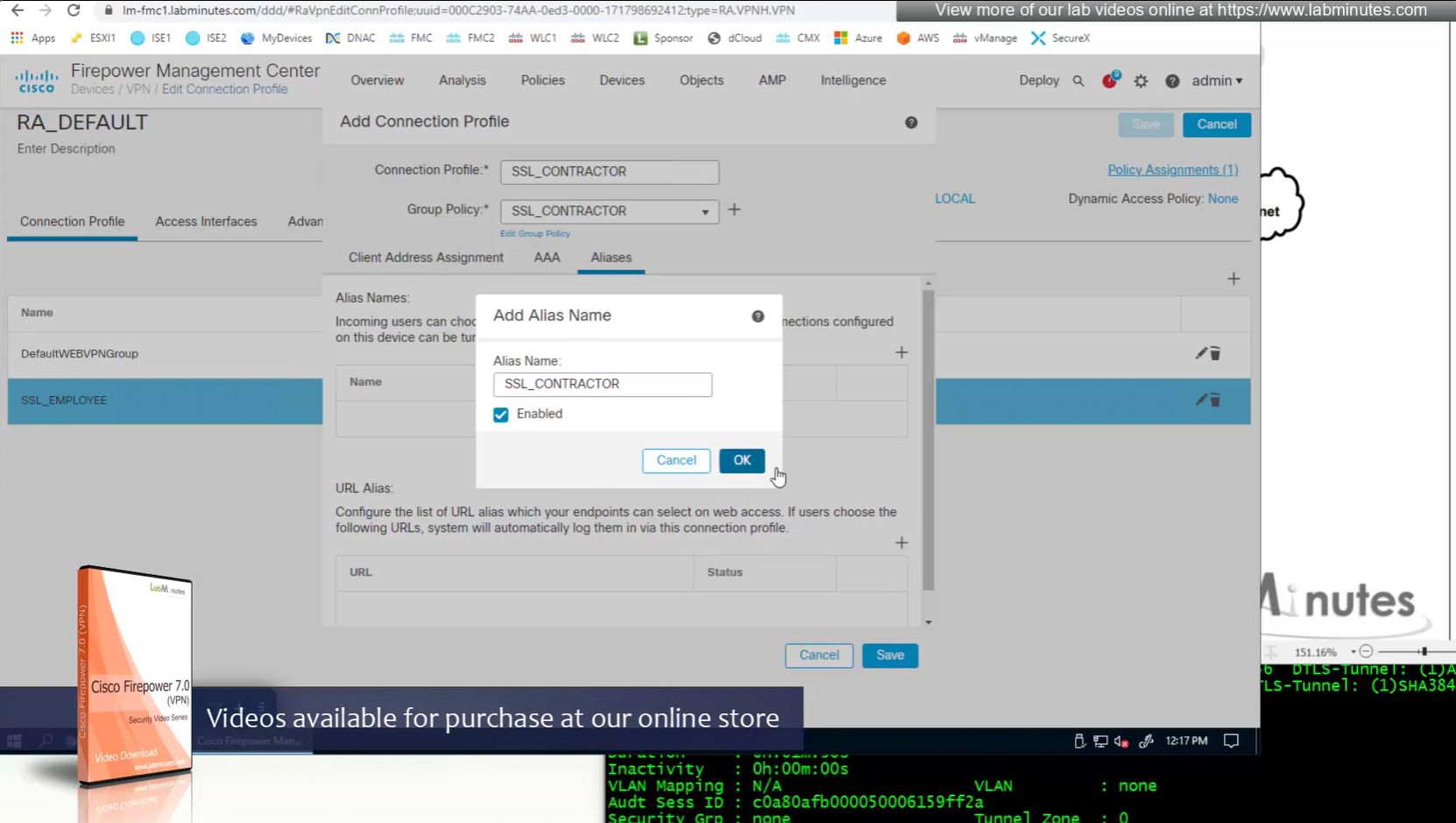
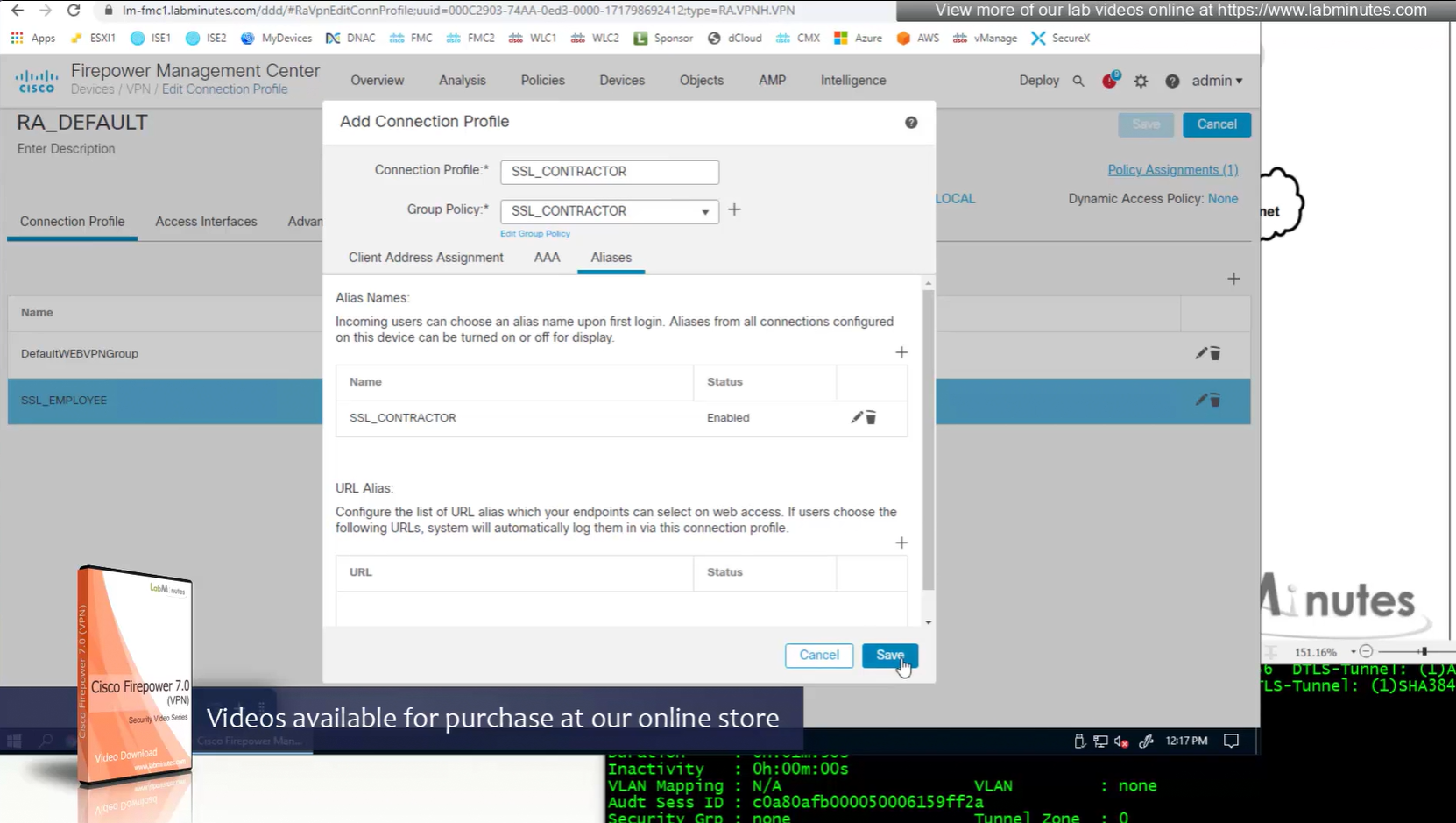
Aliases is where we can configured Alias for “this” connection profile or tunnel group that users can select and as we can SSL_EMPLOYEE is configured which was in drop down also
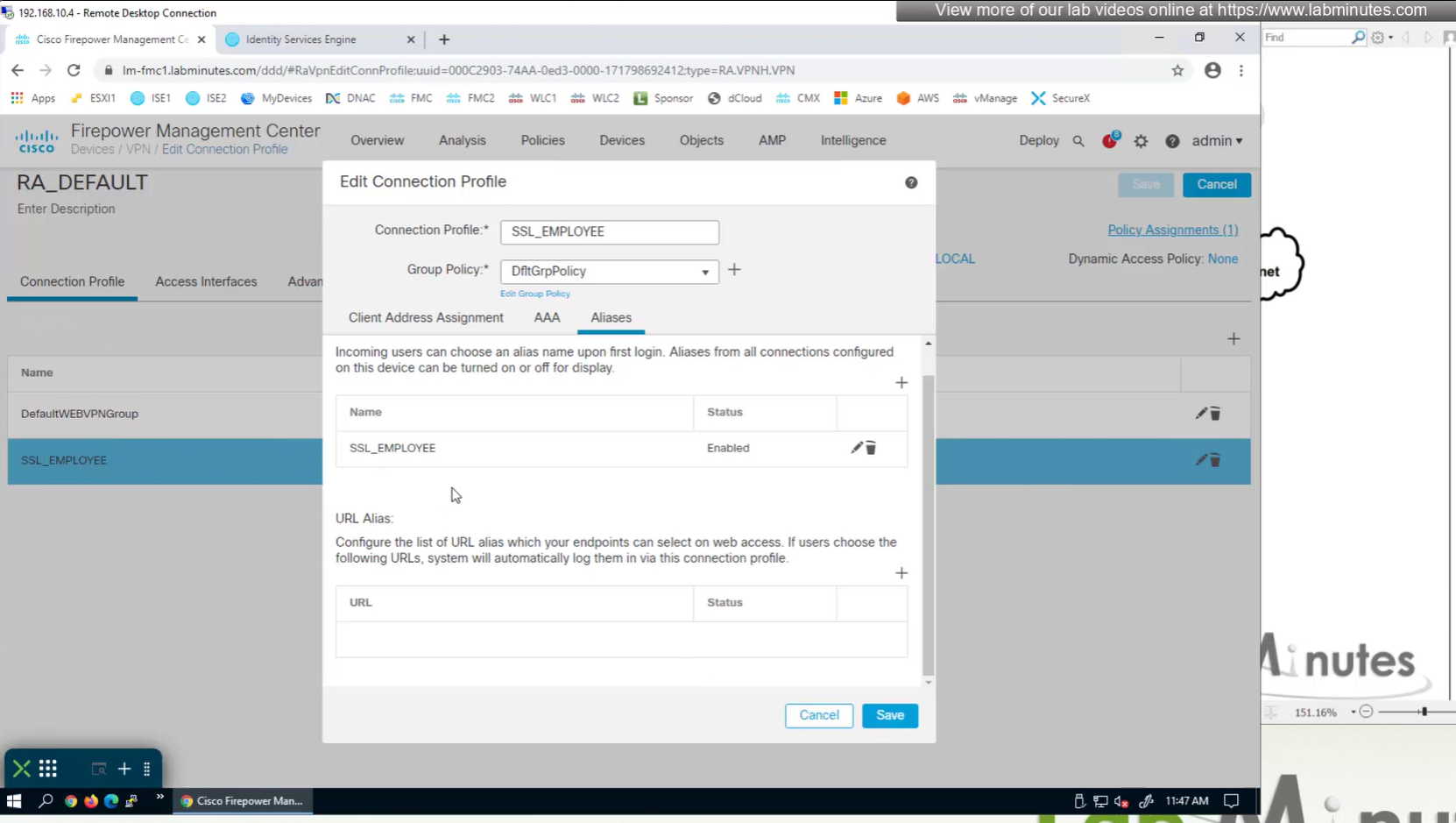
If you dont want the user to go through the drop, you can configure the URL Alias and give that to user to enter in anyconnect and connect to it

group policies are actually configured in objects , like most things

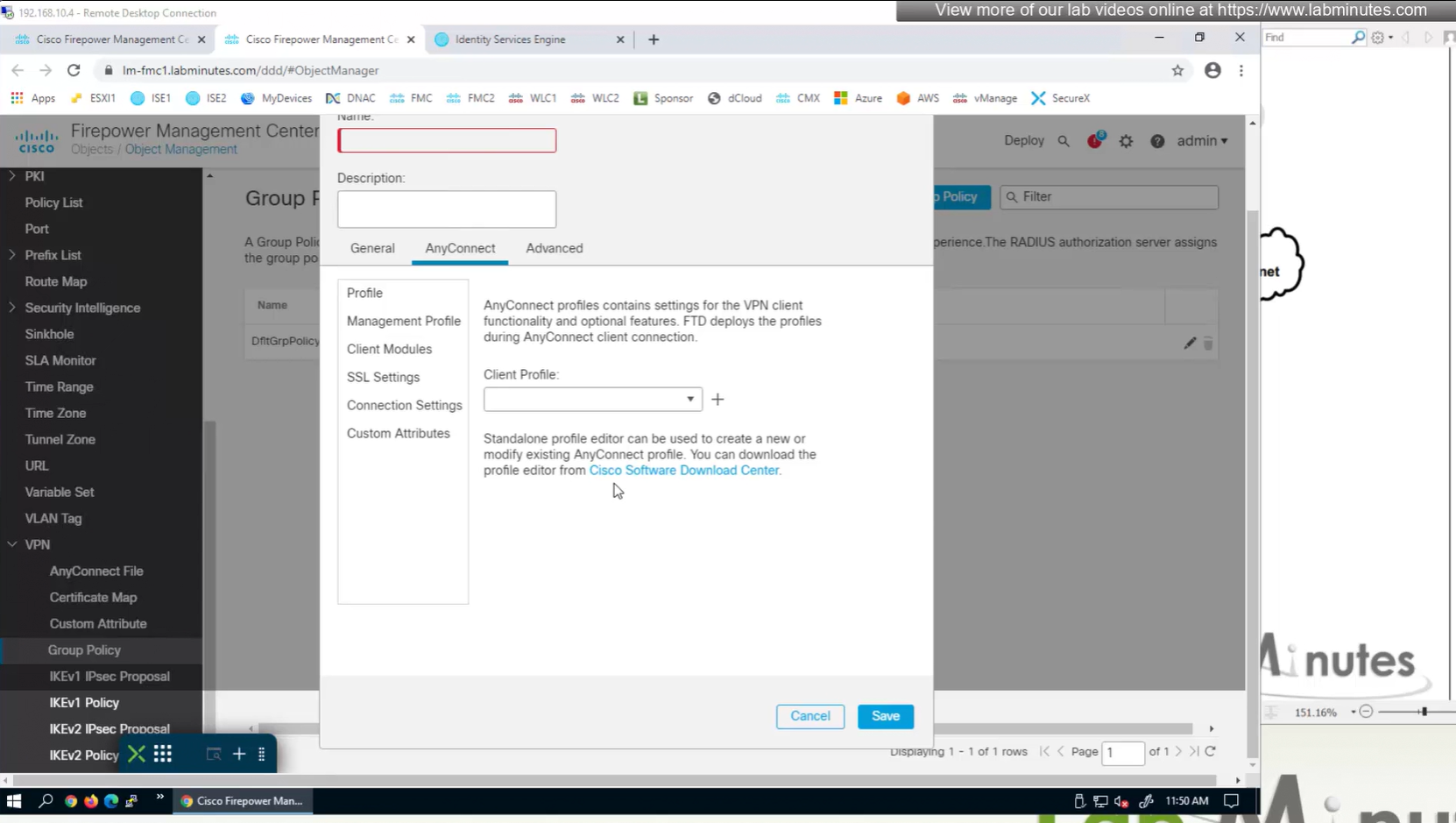
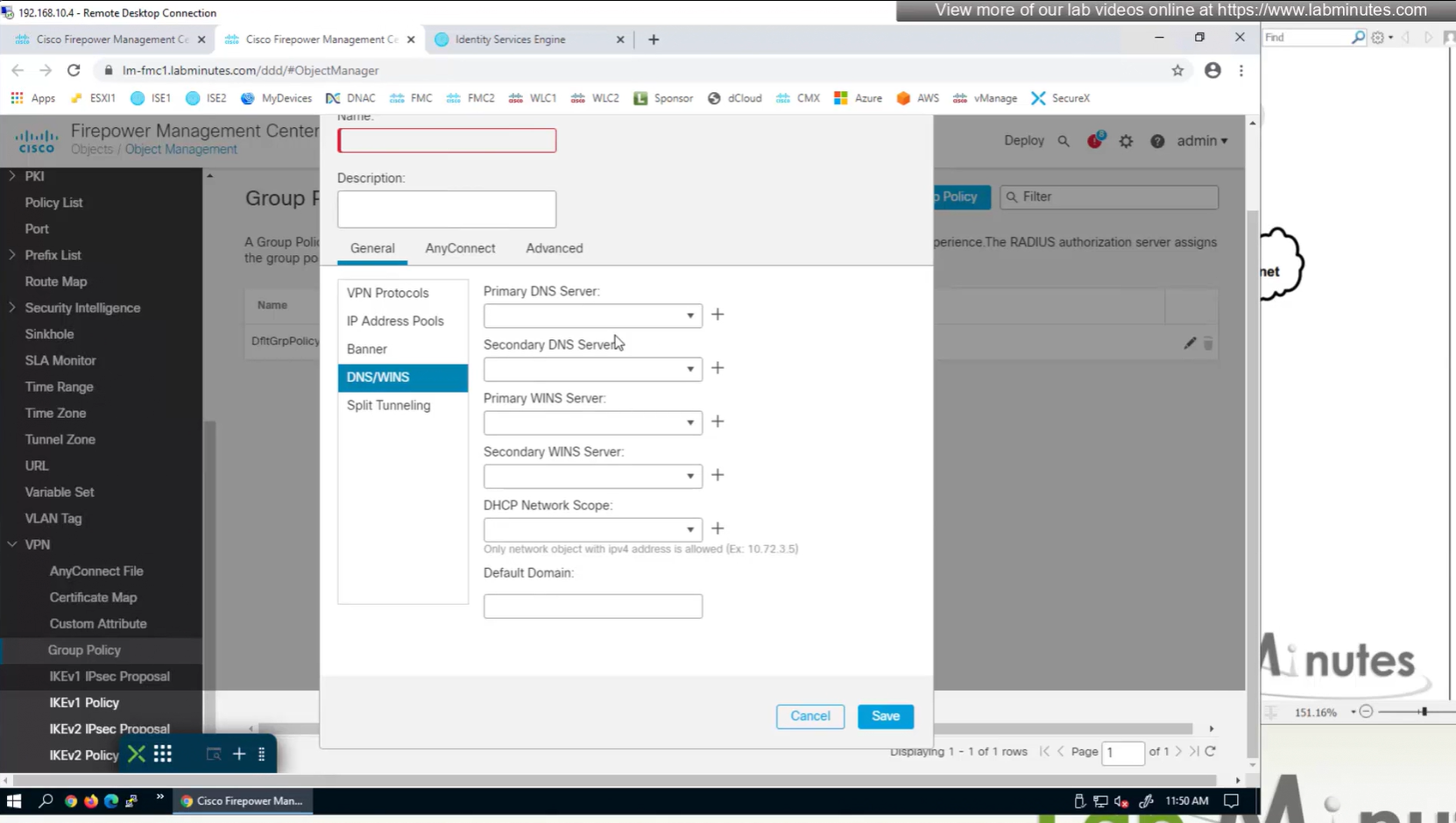
If you configure group policy, and leave options empty they will be reflected as ‘none’ so we need to configure parameters in group policy as much as possible
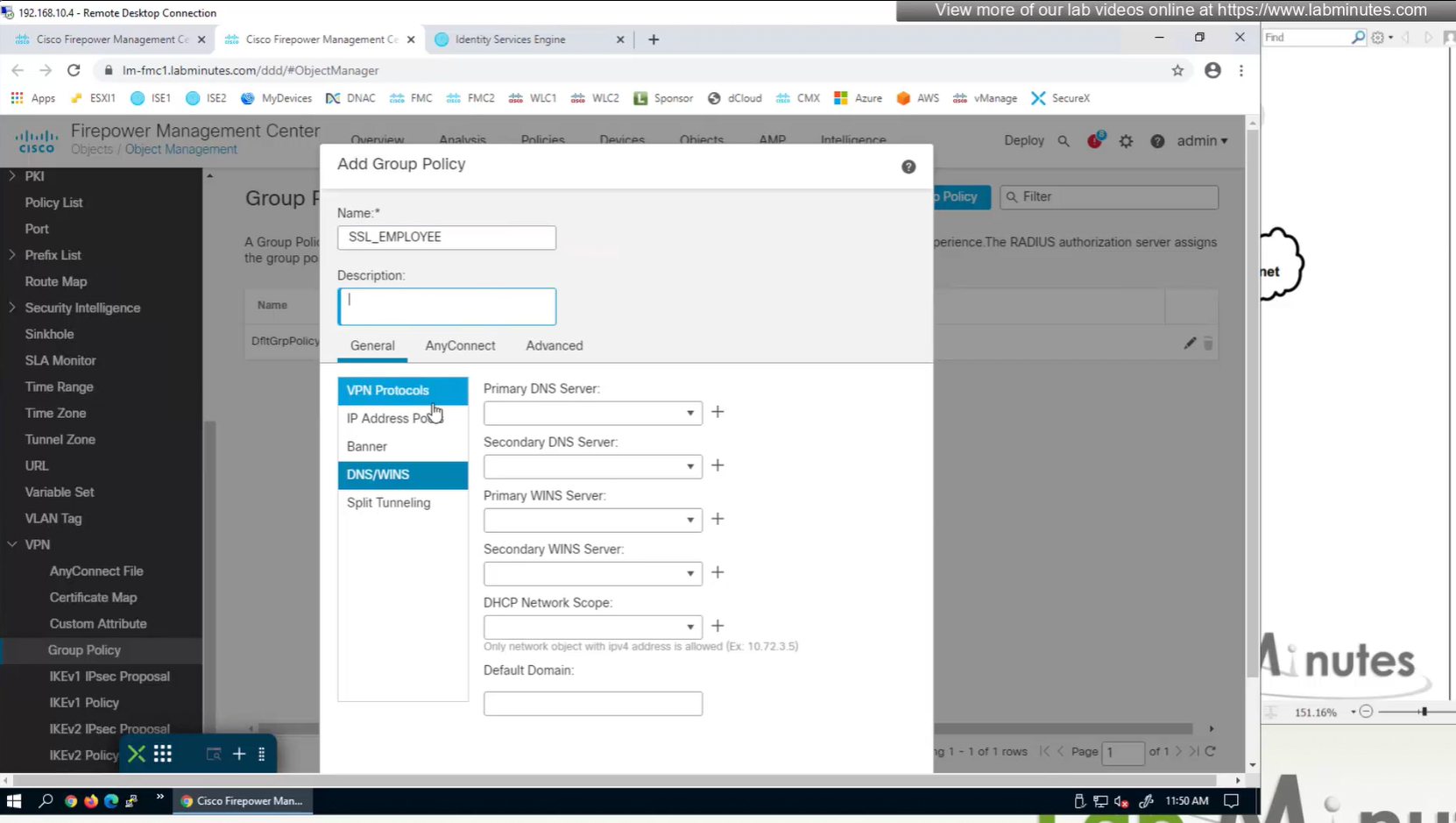
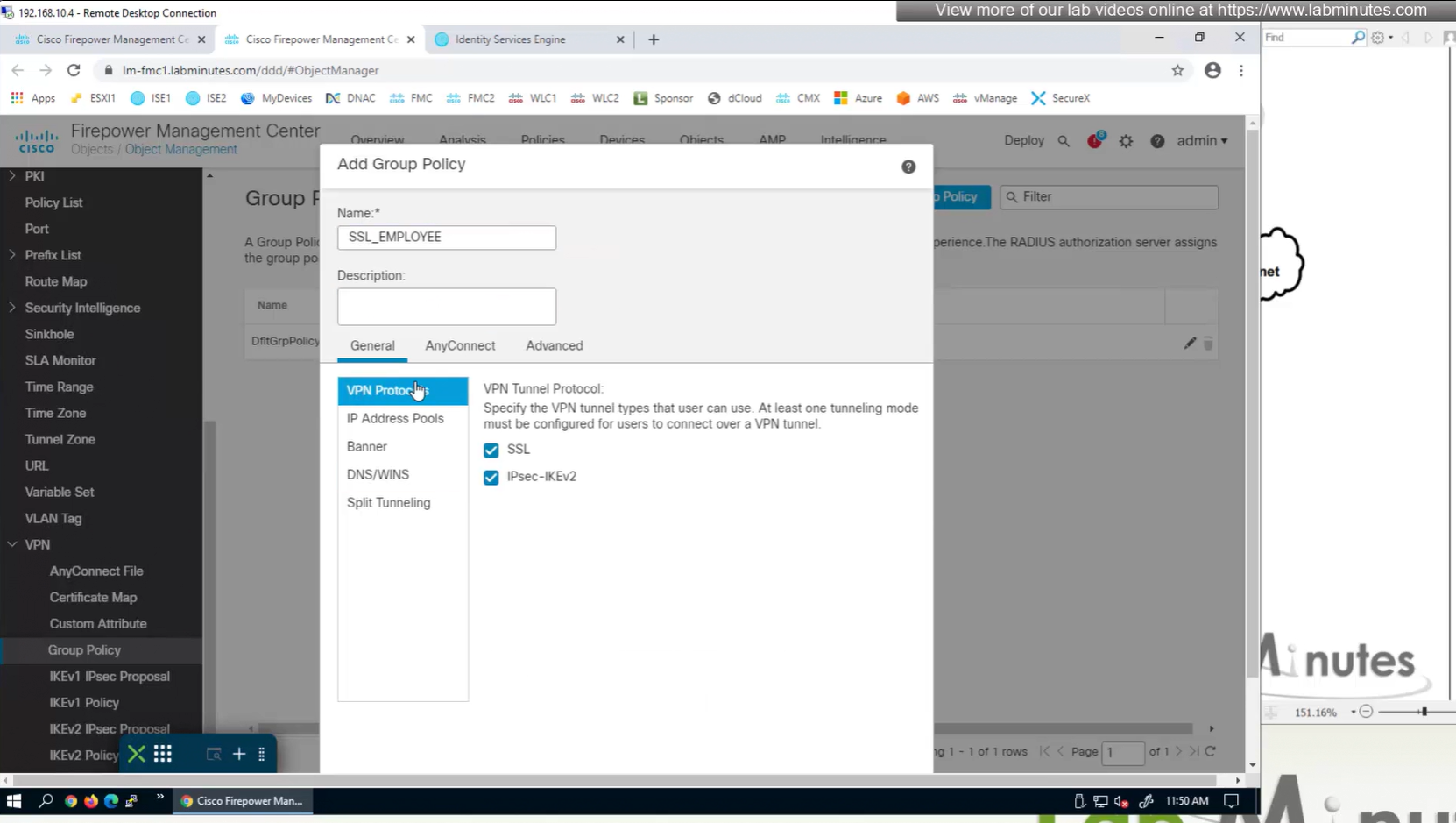
If you dont want to remove IPSec from OUTSIDE interface and only remove it for some remote connections then it can be done using group policy on a tunnel group

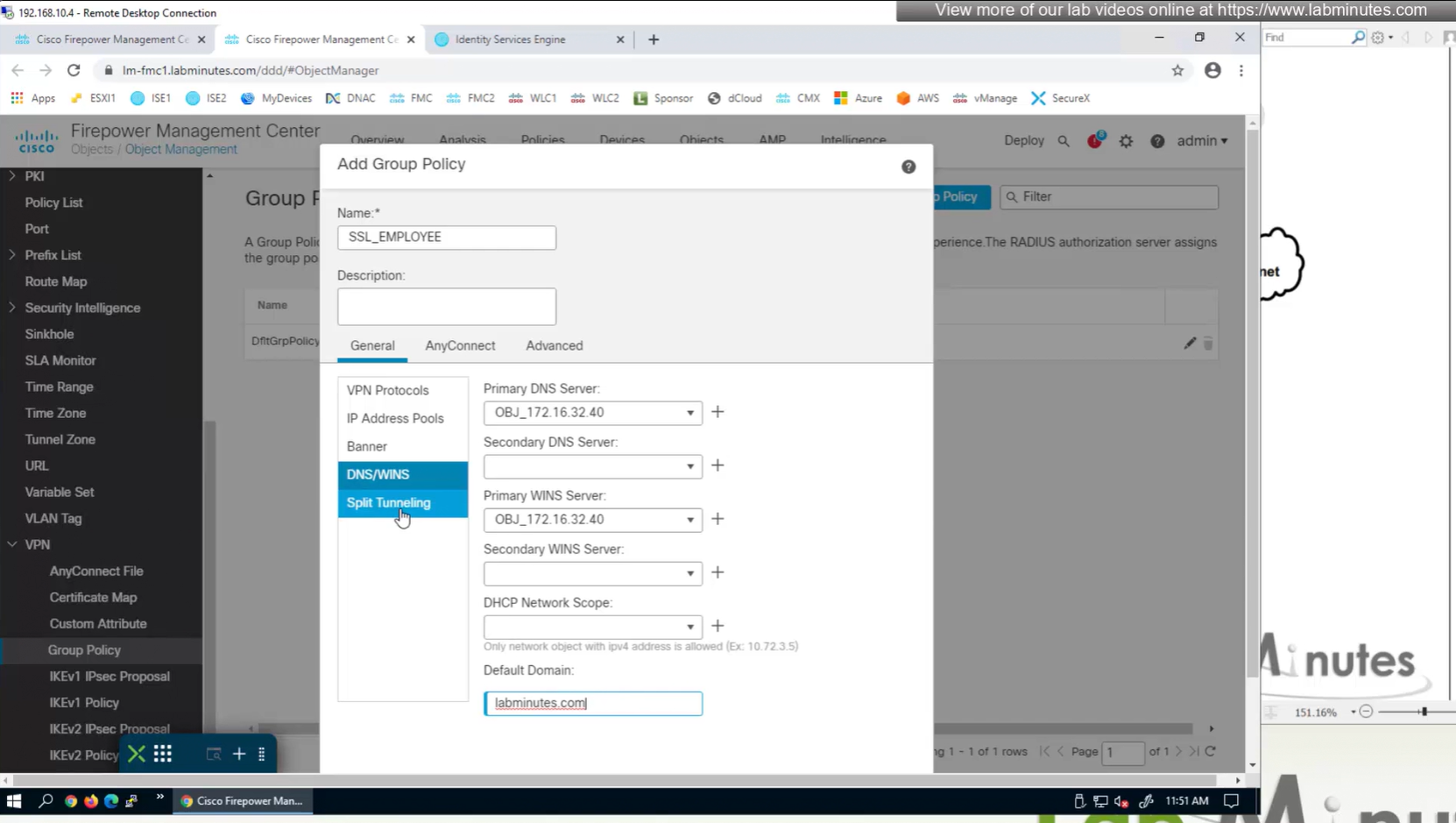

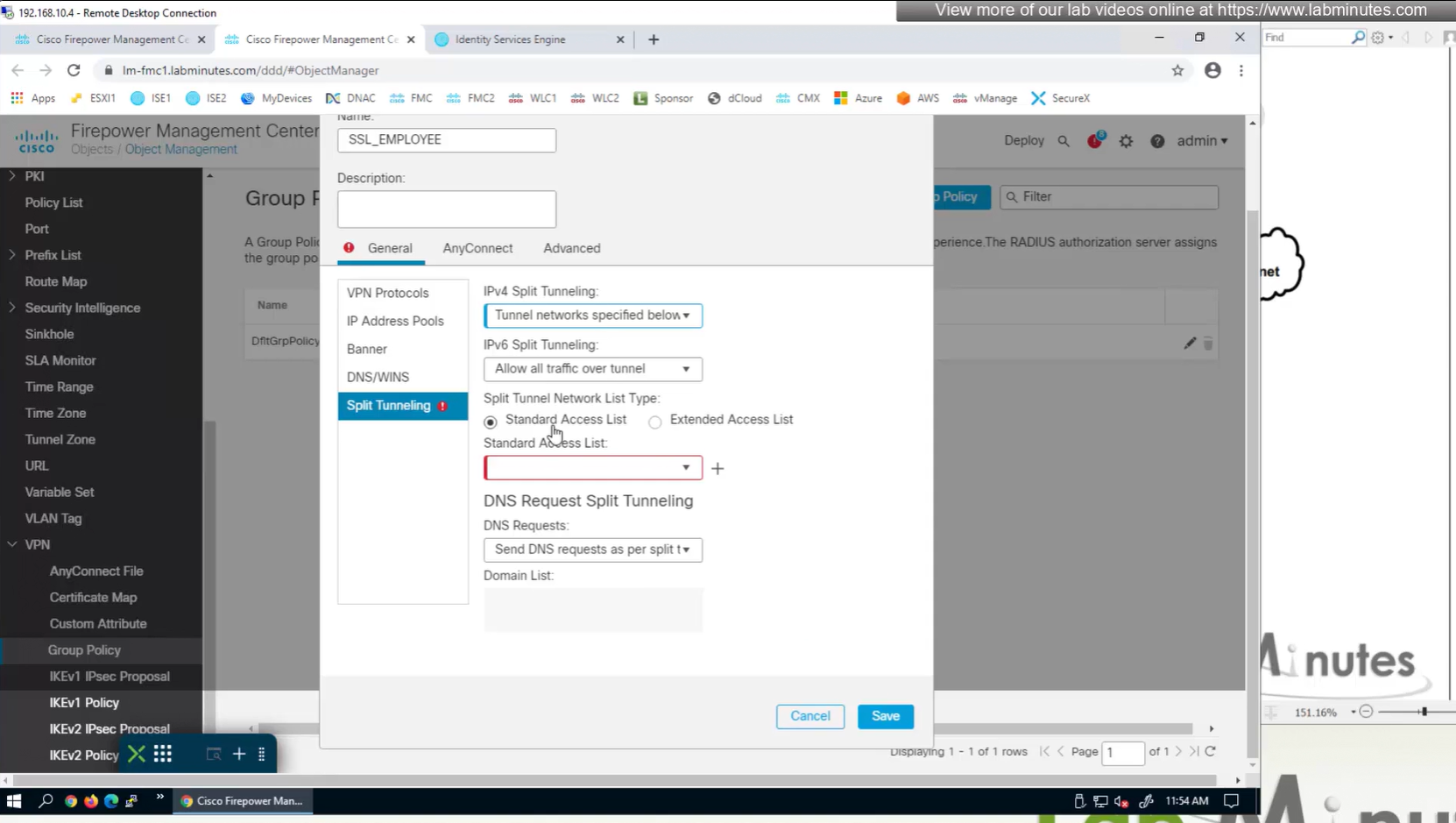

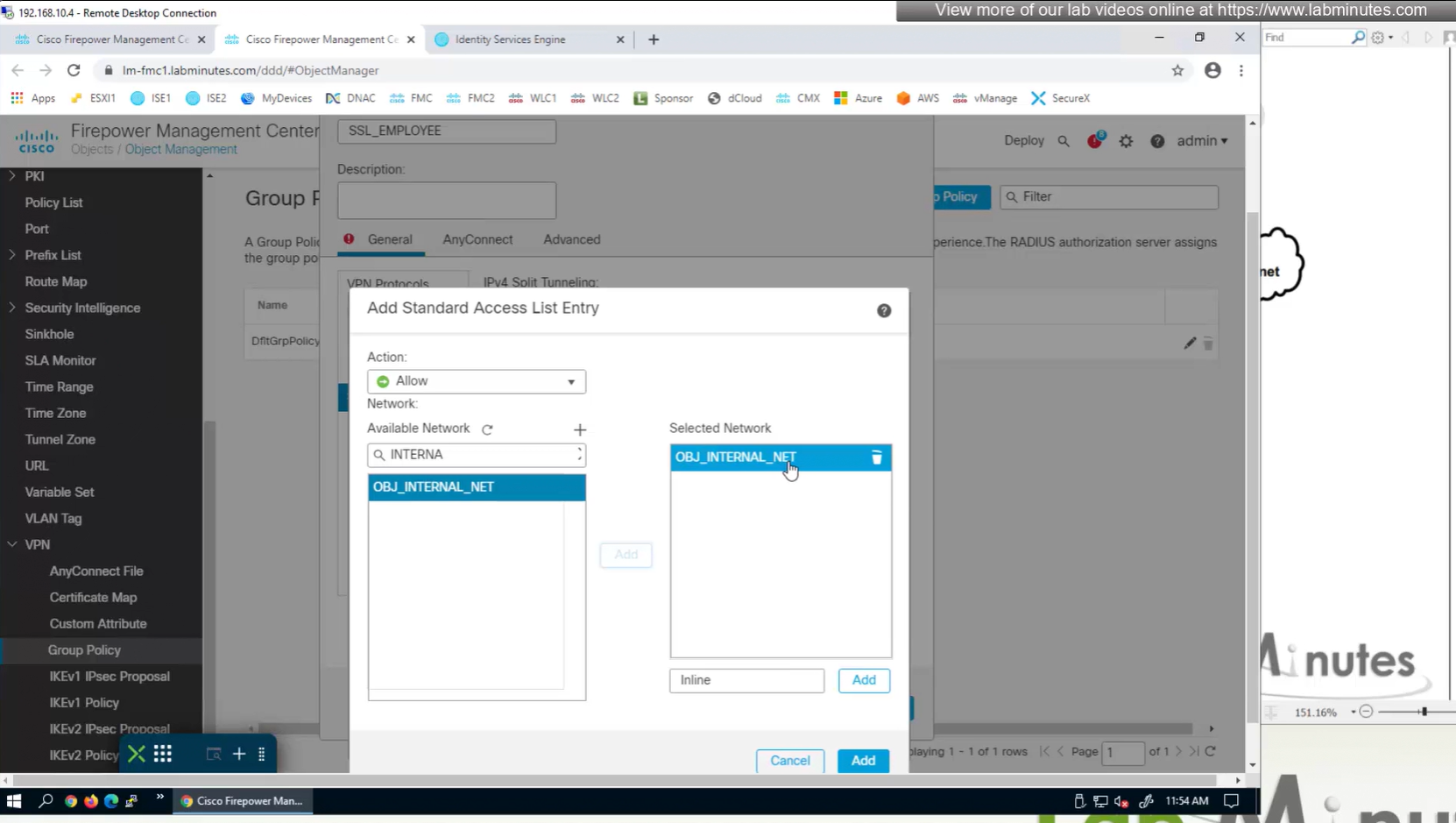
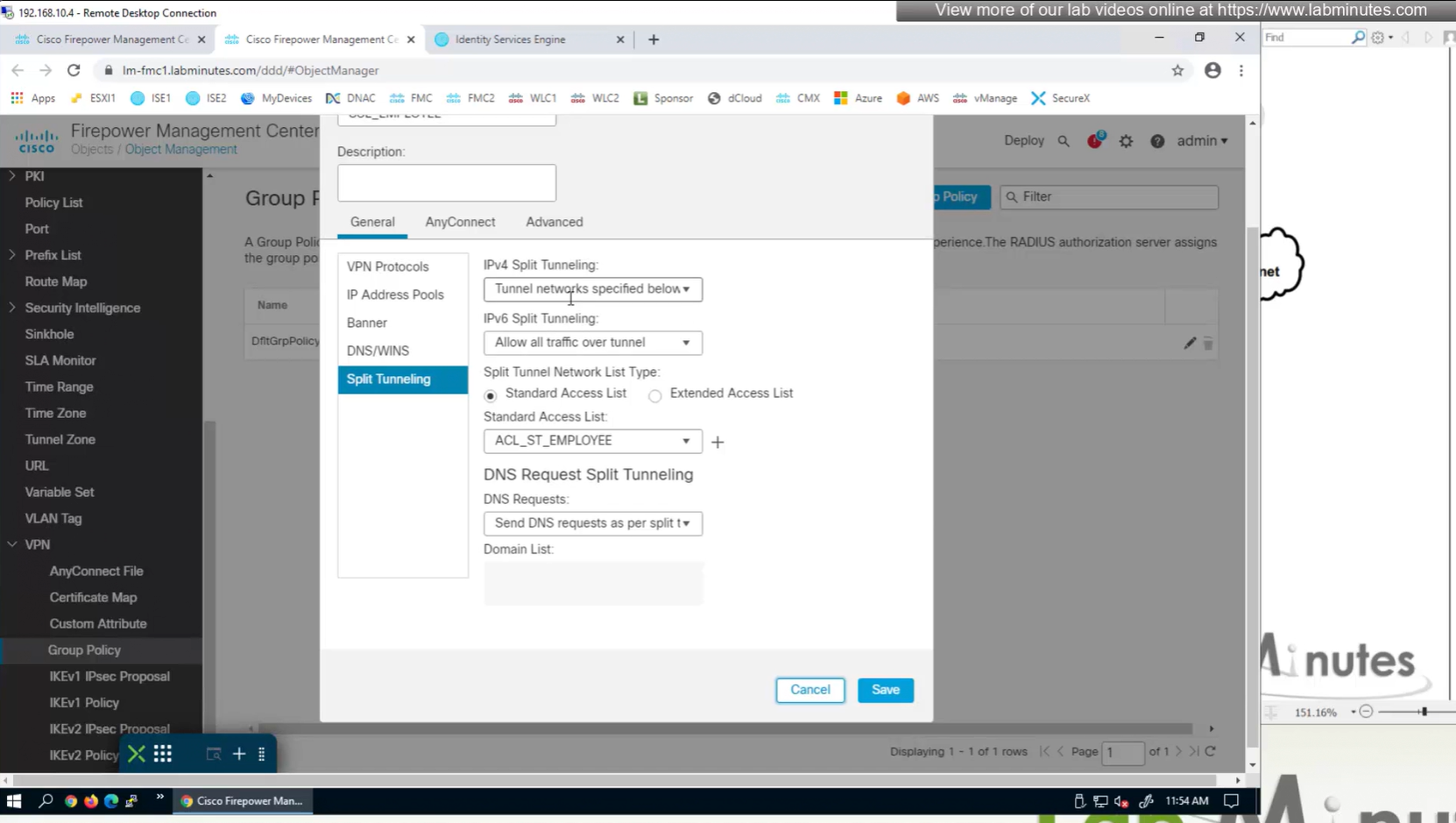
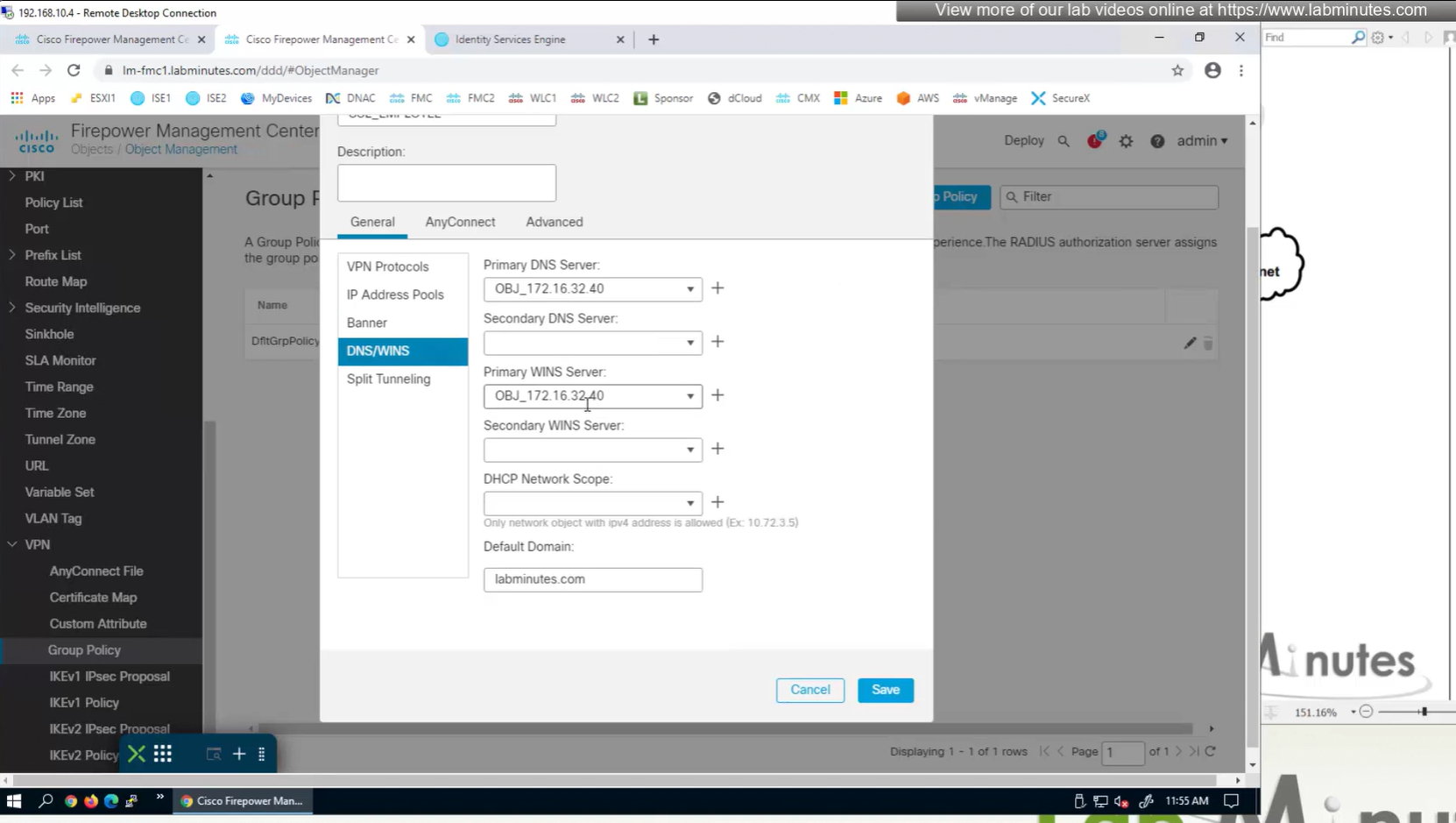
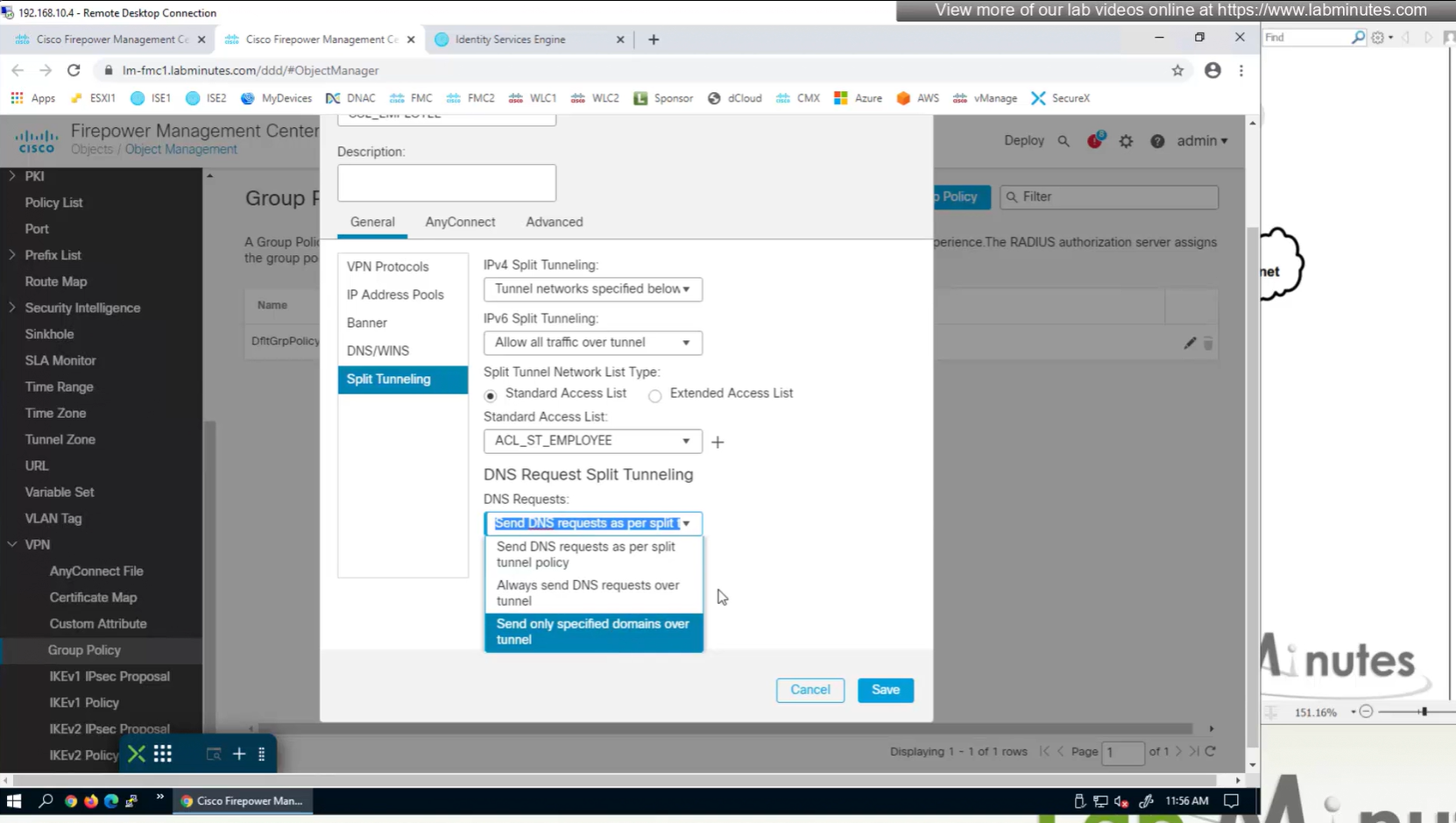
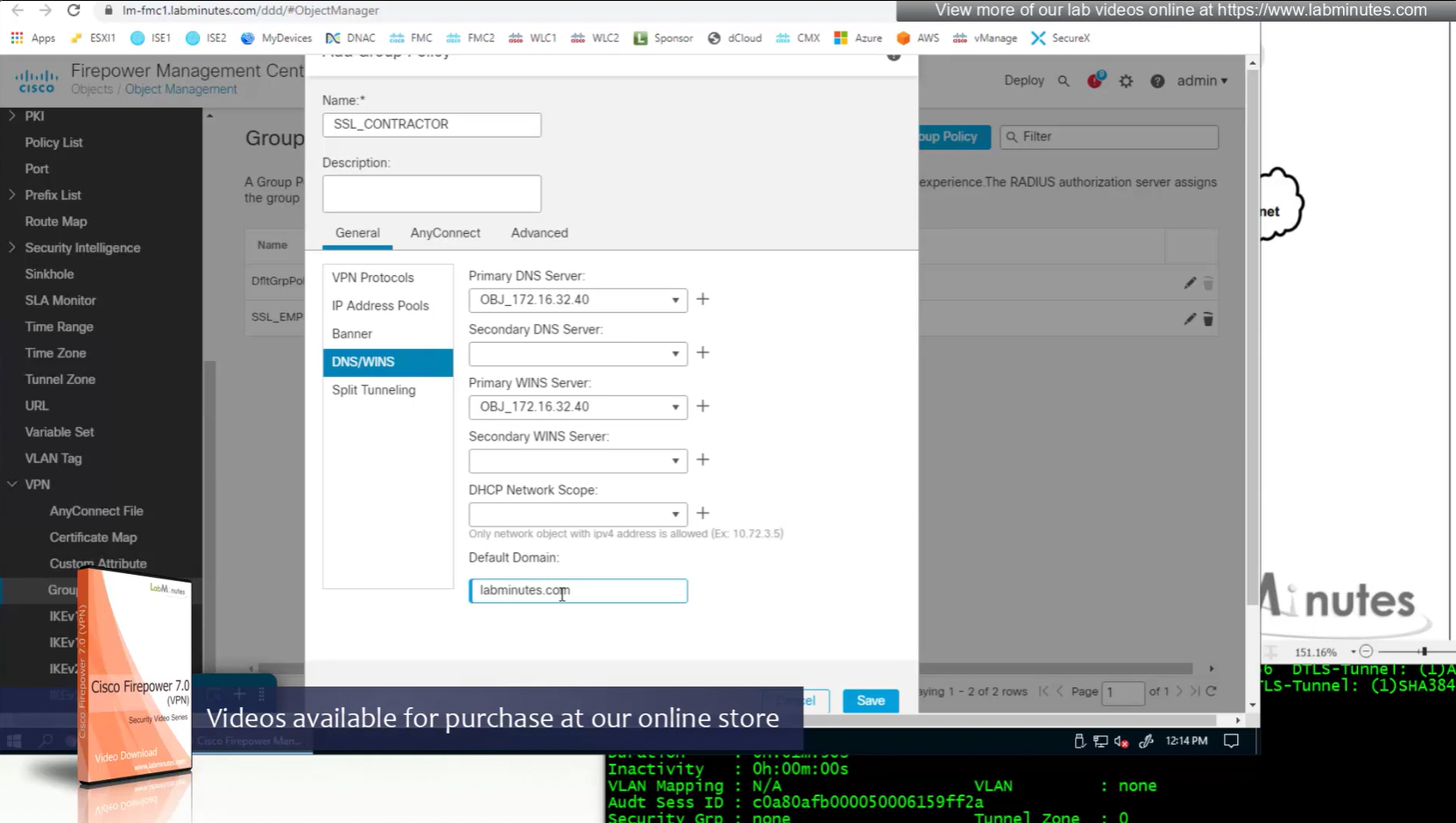
Split DNS allows you to specify which DNS domains you want to send to your corporate DNS (that was defined earlier in DNS section) and which DNS domains you want to send to public or local DNS defined in your client’s adapter
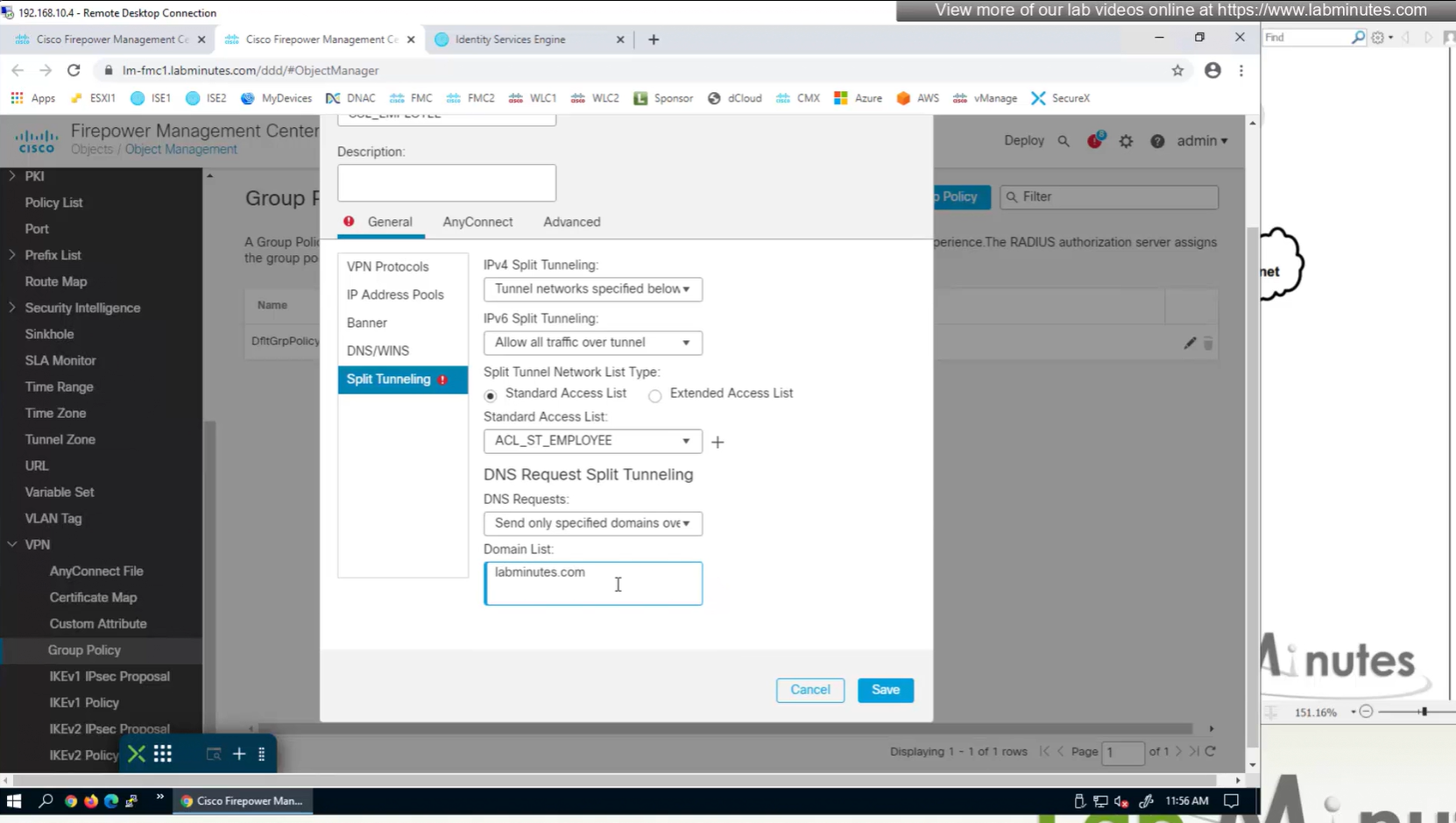
ipconfig /all DNS suffix is configured here as Domain List
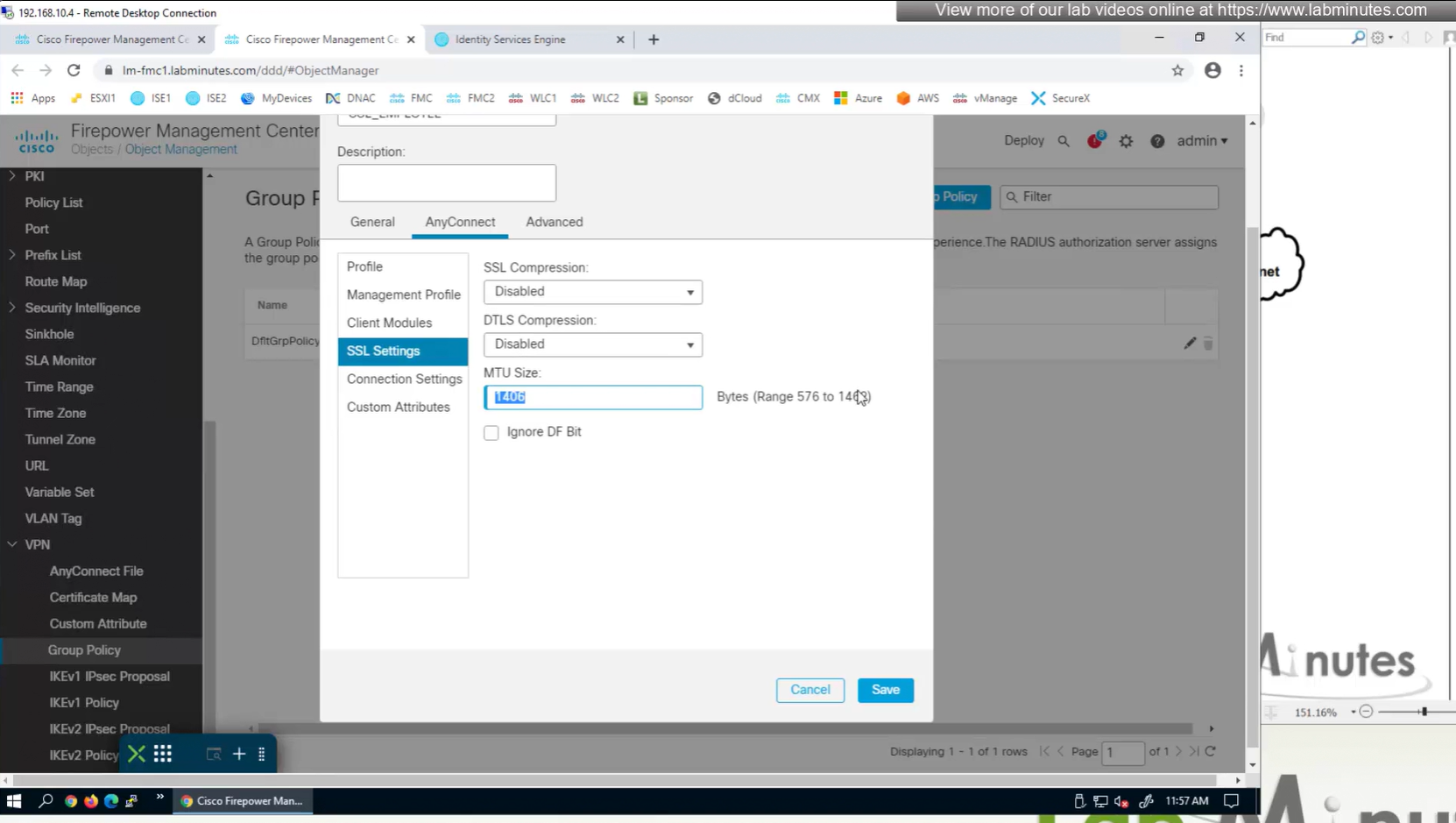
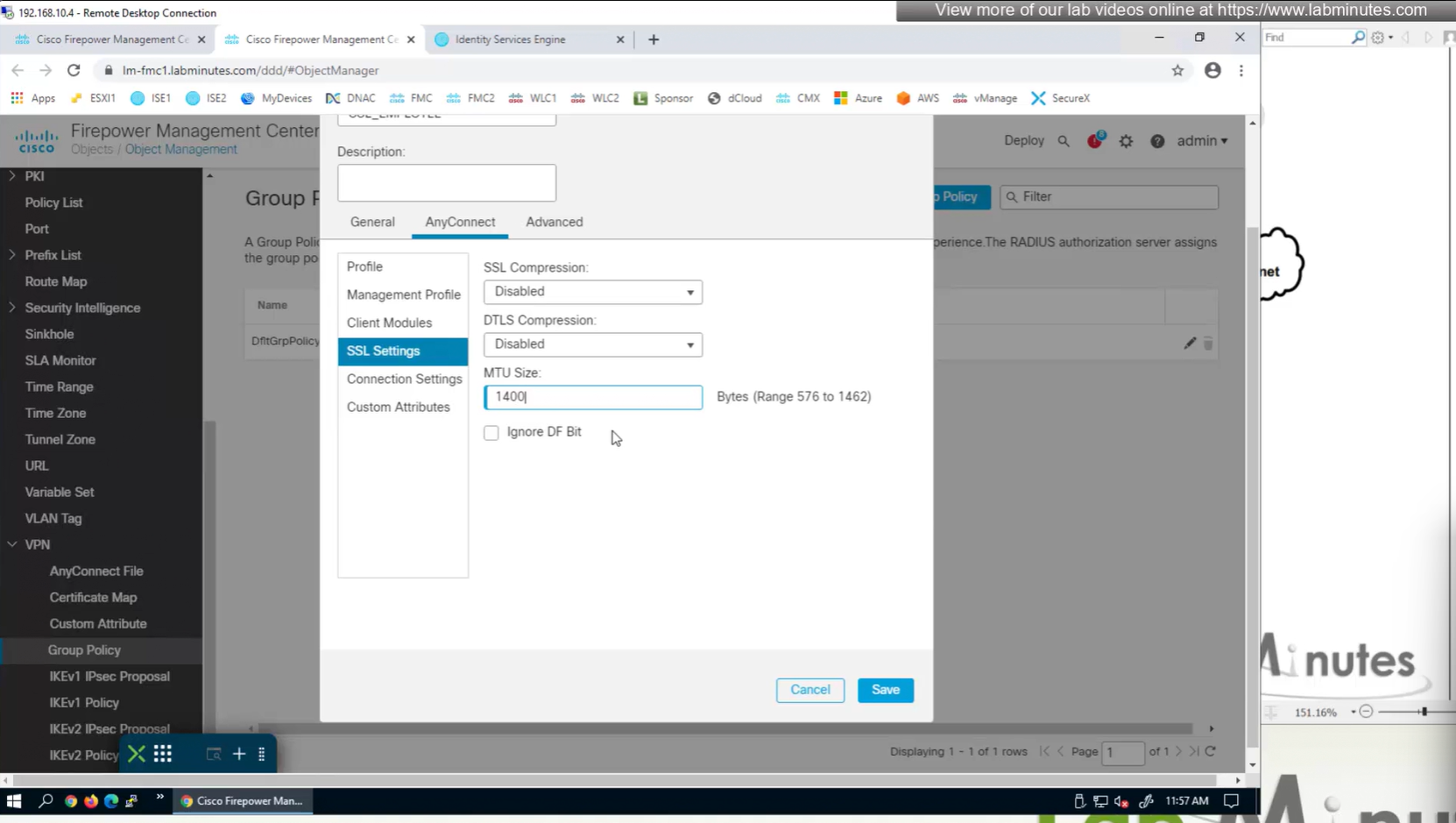
MTU can be adjusted and recommended to be 1400
and Ignore DF bit means, allow fragmented VPN traffic
It is recommended by Cisco to have “ticked”
Under AnyConnect section we will look at Profile , Management Profile and Client Modules later

There is a keepalive between anyconnect client and gateway – default 20 seconds

Enable Dead Peer detection initiated from gateway – default every 30 seconds – best practice is to increase this from 30 to 90 as gateway might be burdened as number of clients go up
Enable Dead Peer detection initiated from client – default every 30 seconds
SSL rekey using the same tunnel
Interval change it to 60 minutes from 4 minutes default
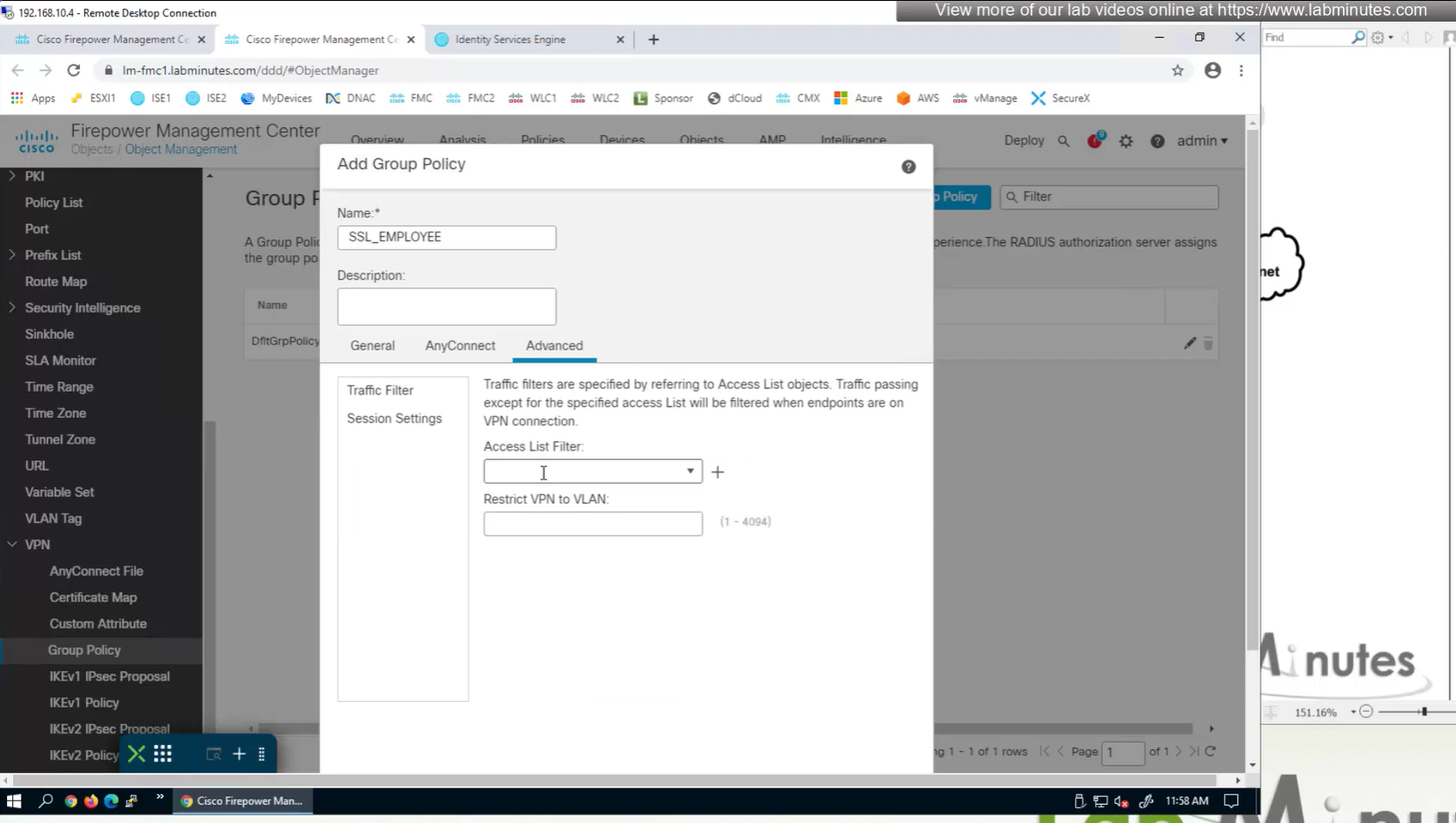
Traffic filter to block certain traffic on the VPN side between client and gateway OUTSIDE interface
requires extended ACL
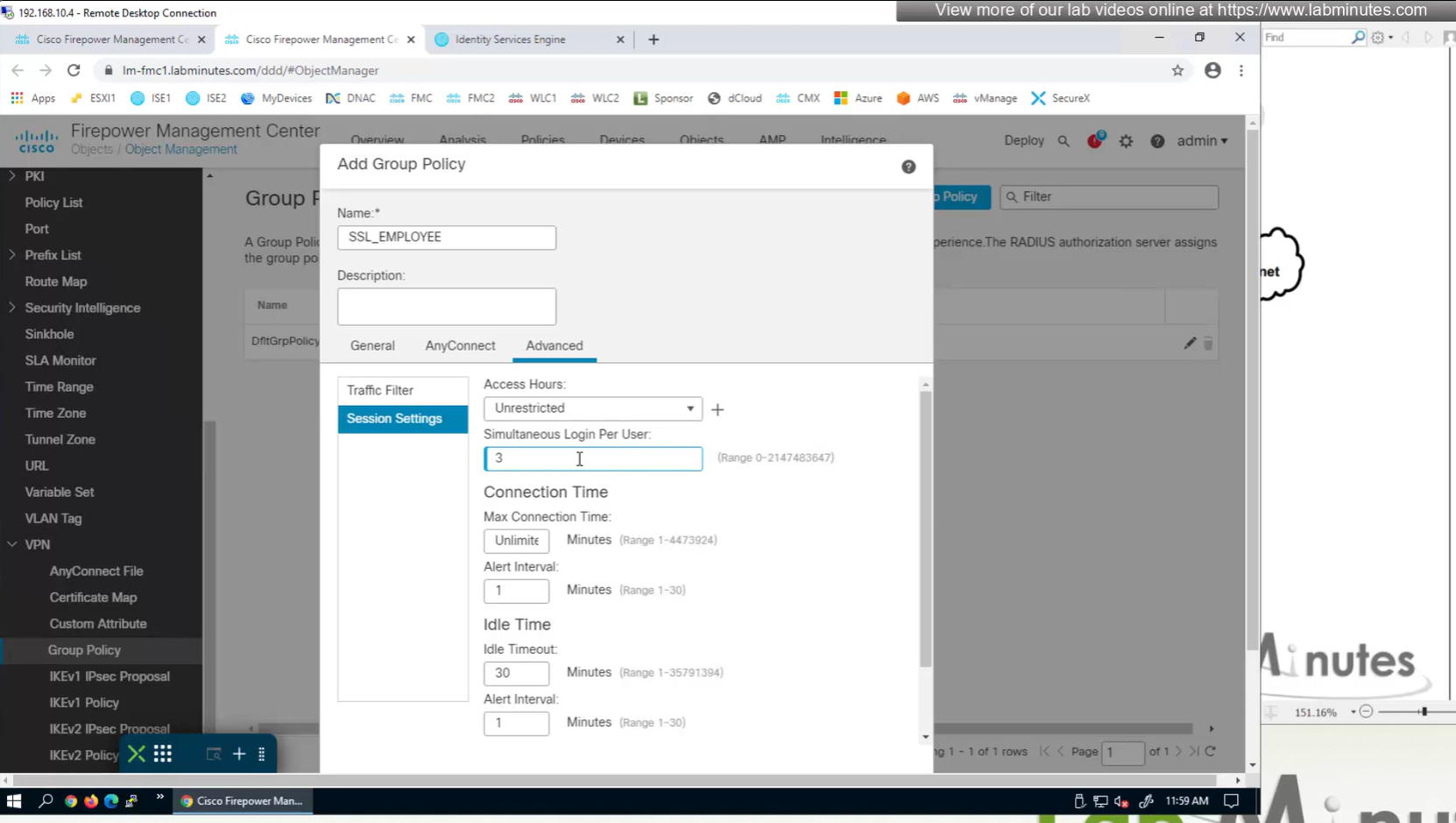
Limit simultaneous login per user – default is 3
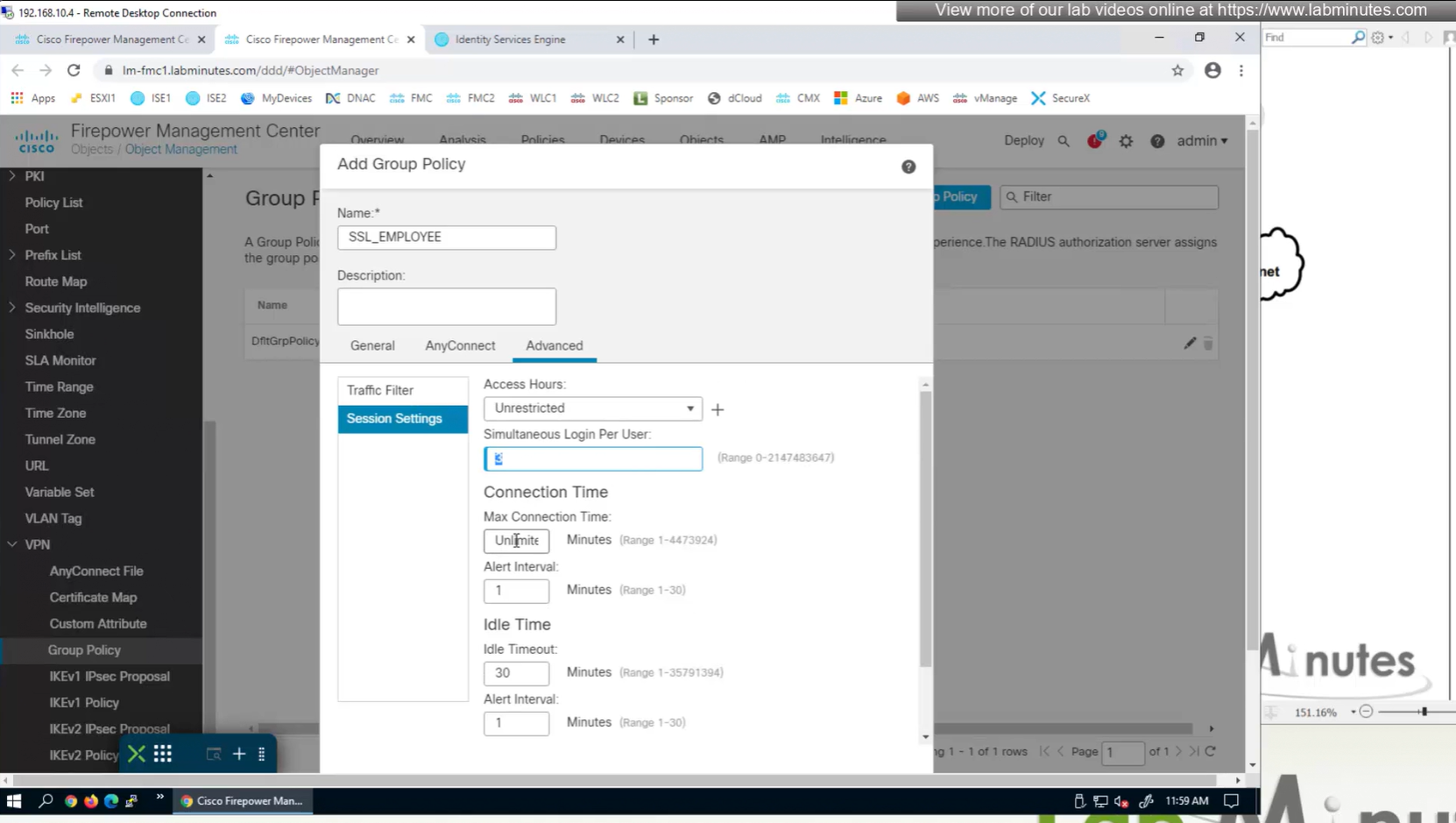
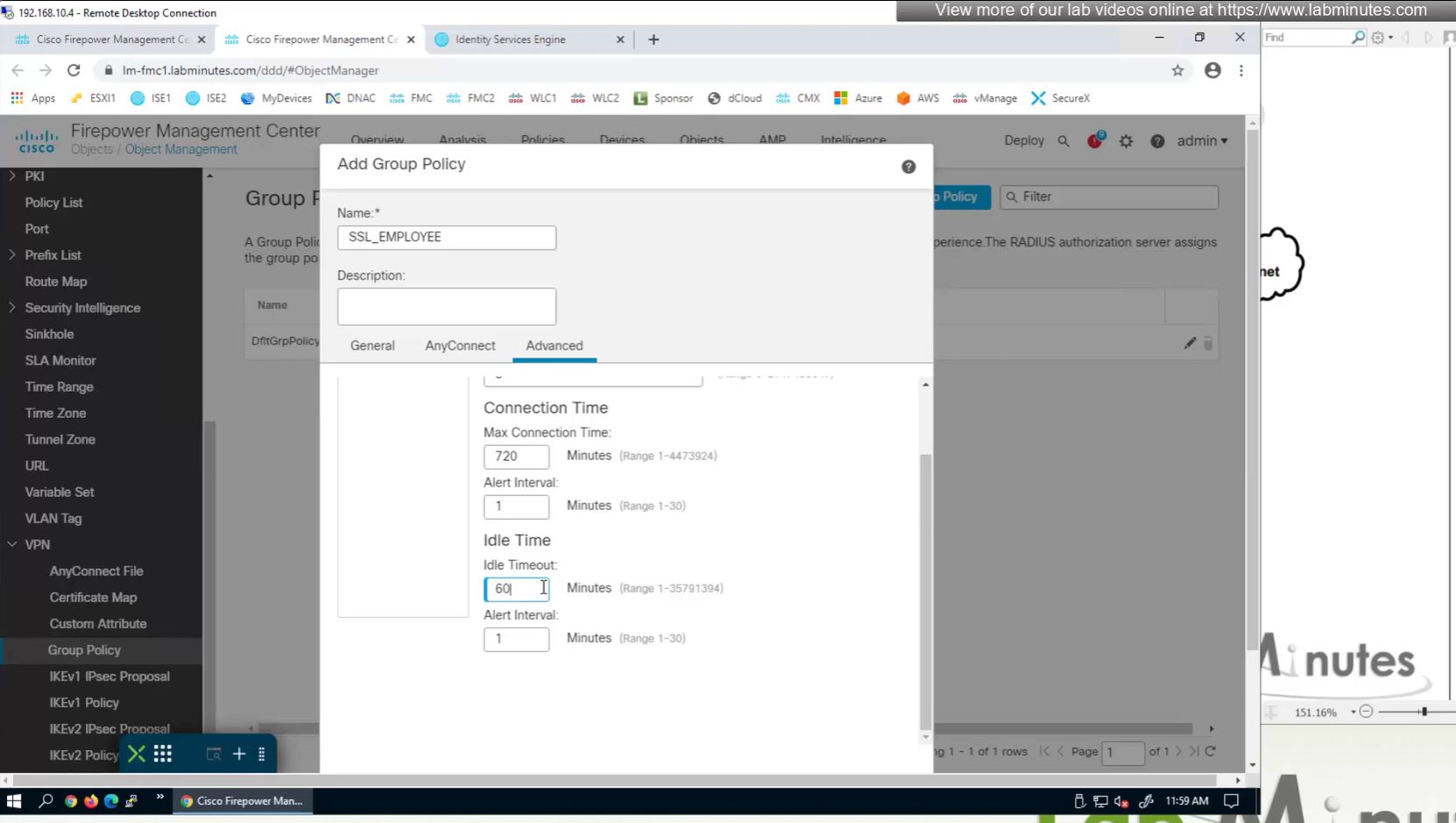
Maximum connection time – default is unlimited
Idle time – if machine stays idle for that time then anyconnect VPN will be disconnected
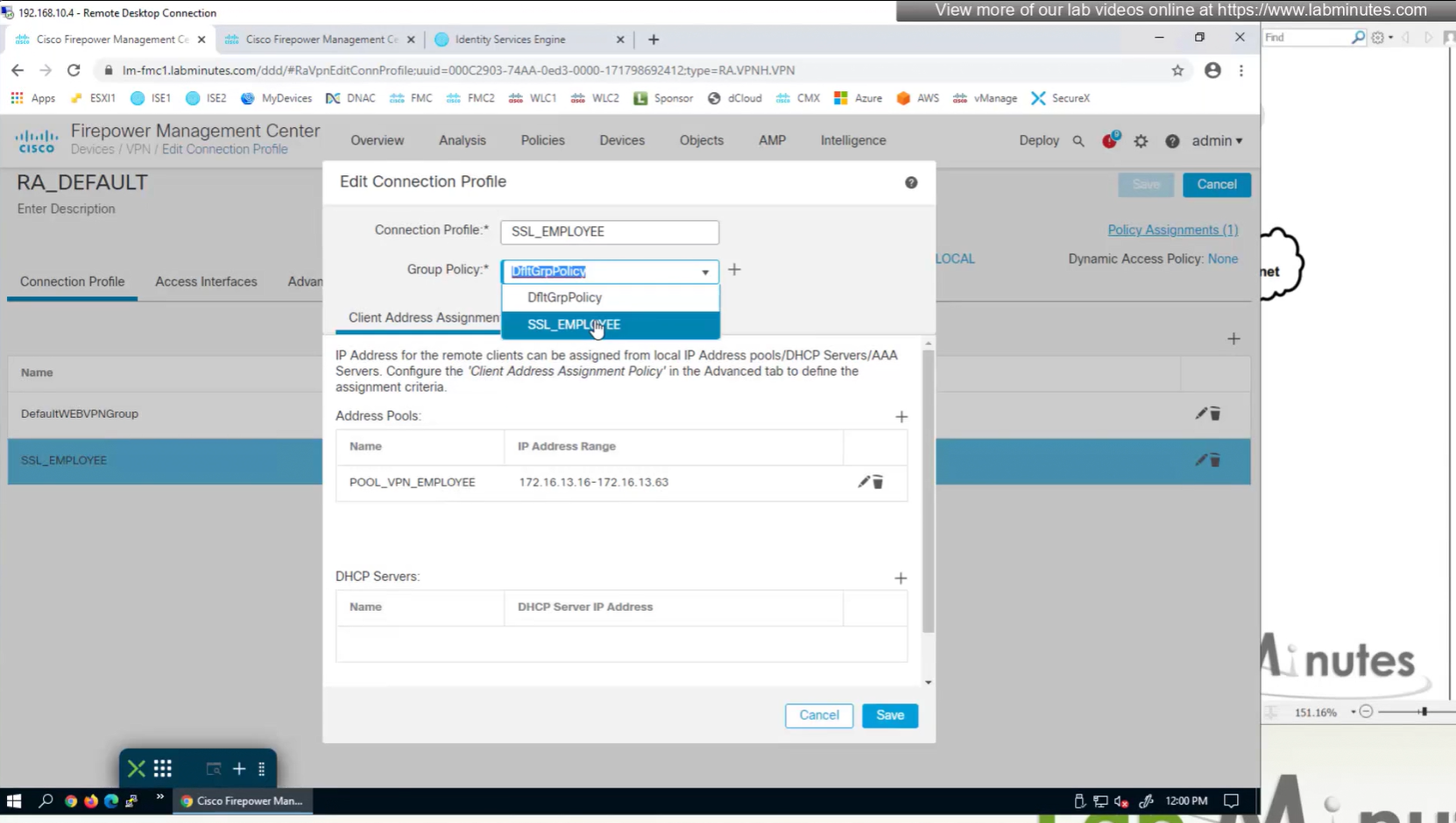
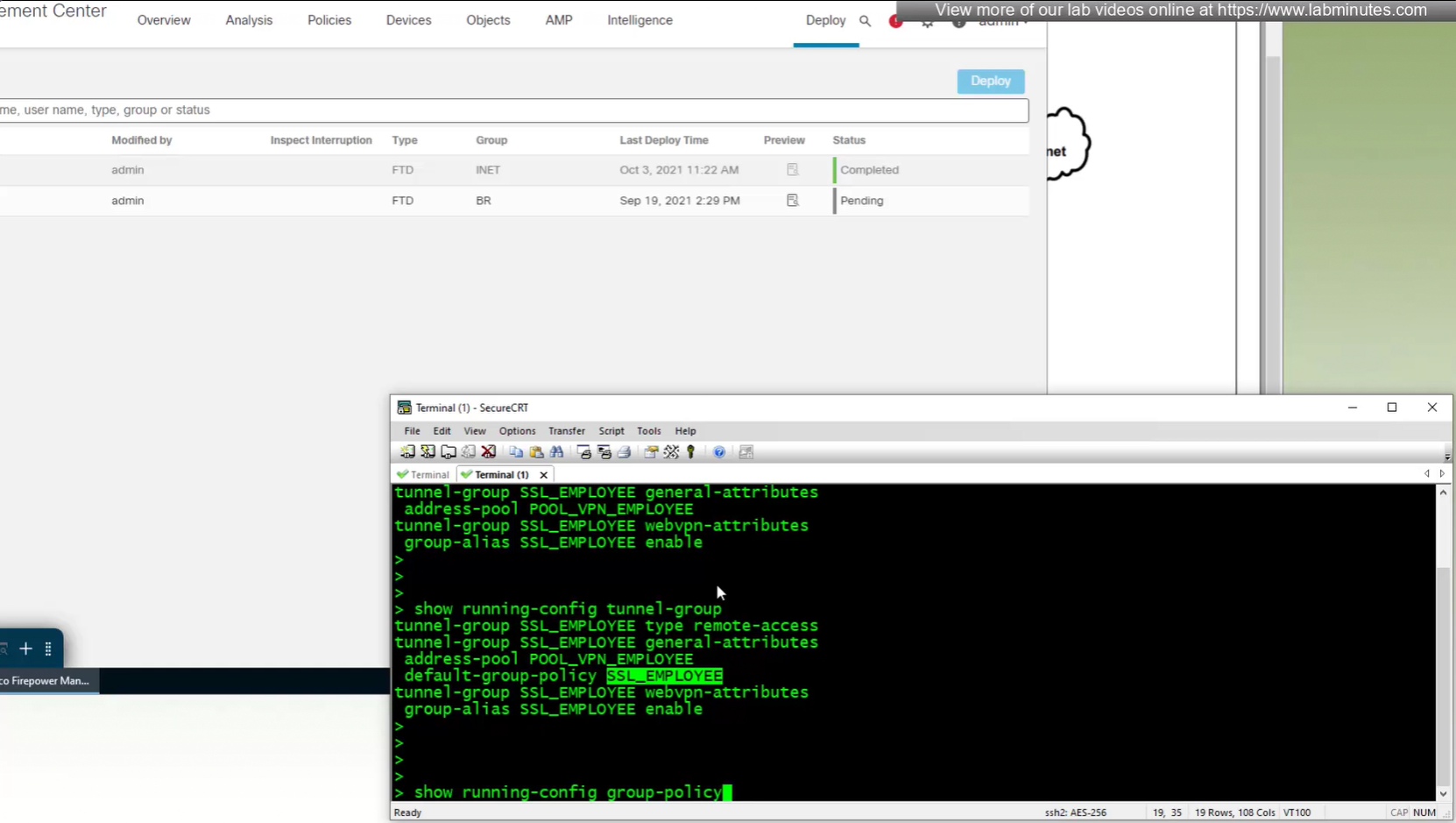
new group policy is showing on tunnel group in CLI
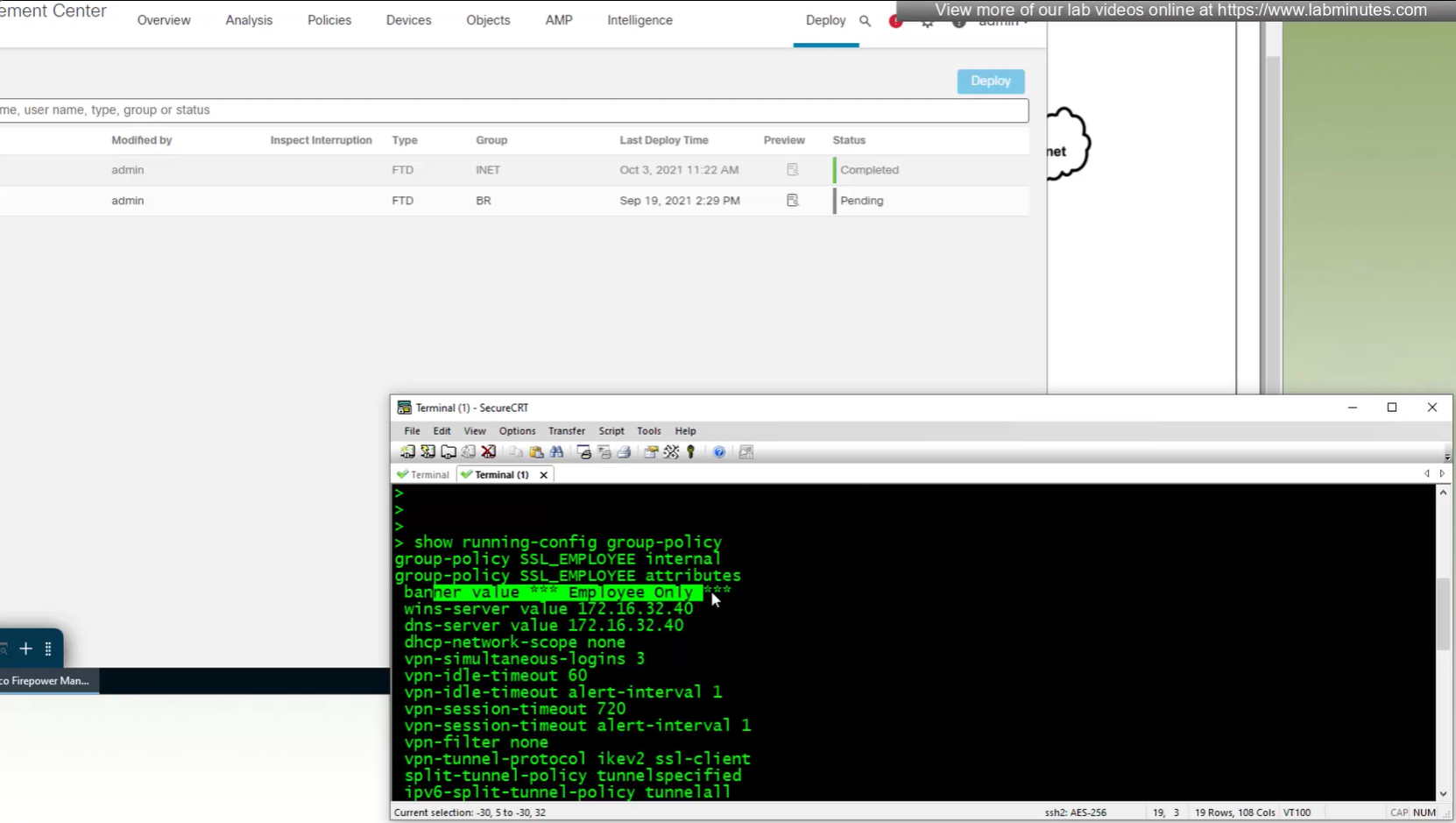
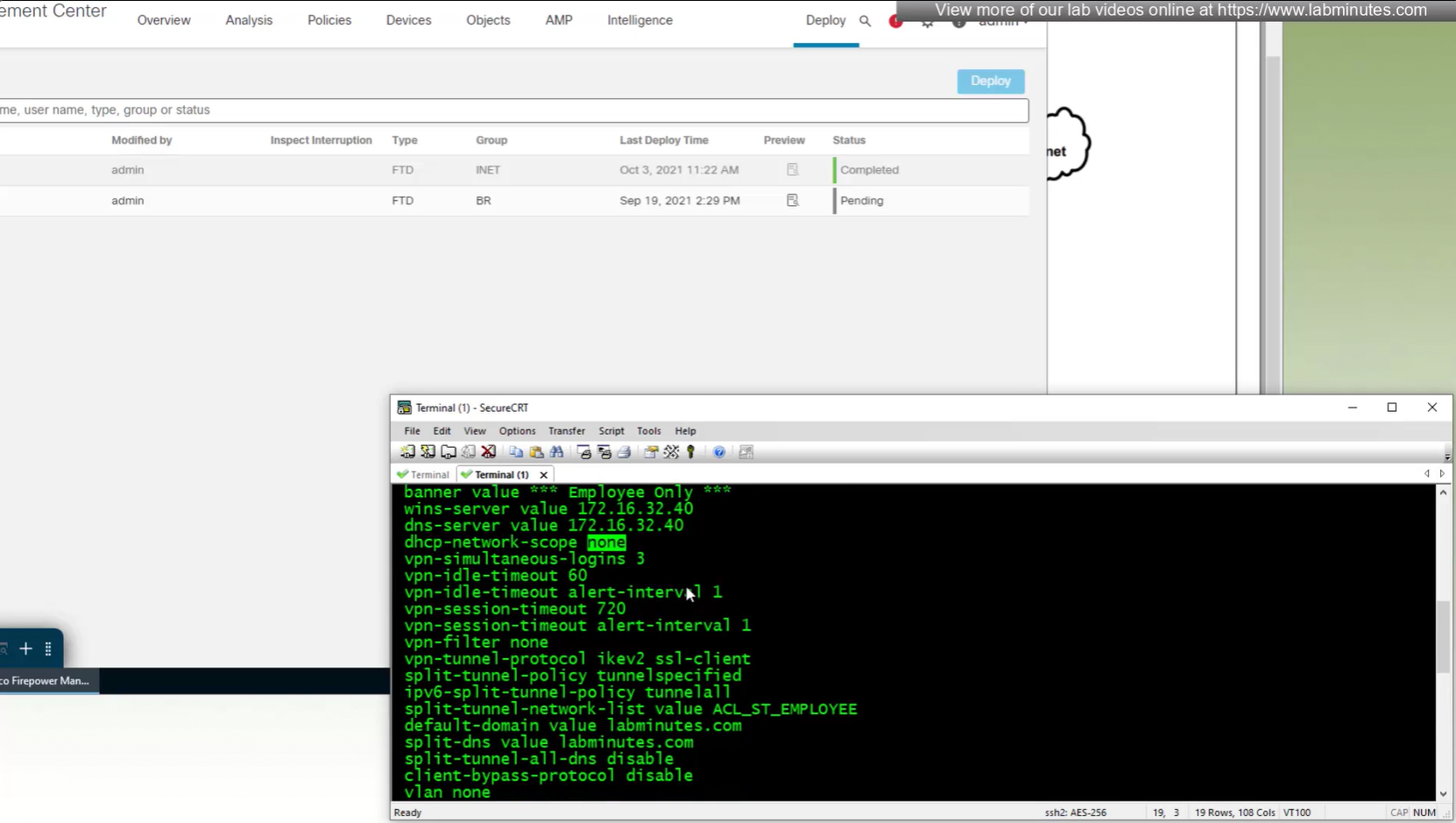
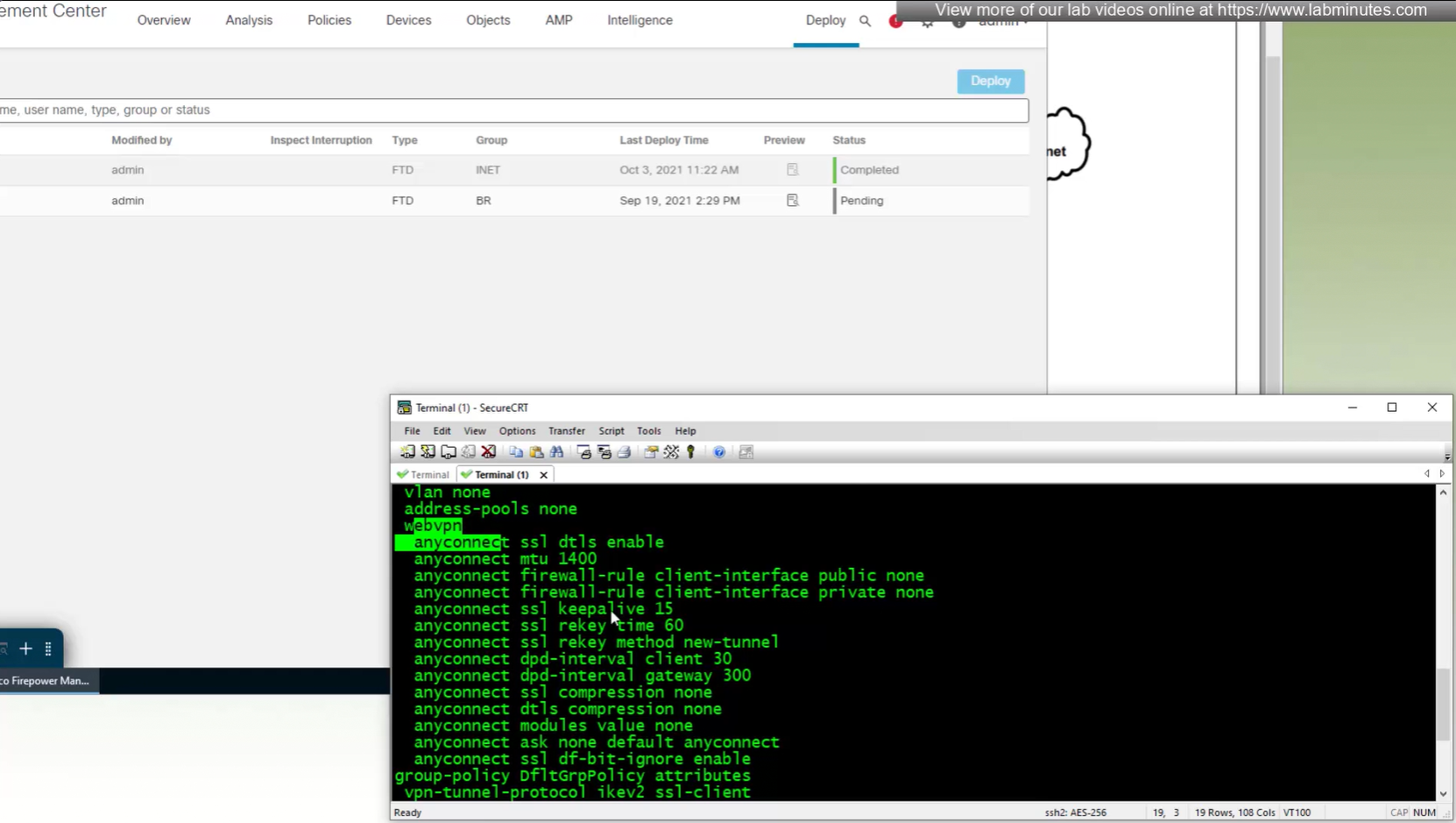
All anyconnect options from group policy

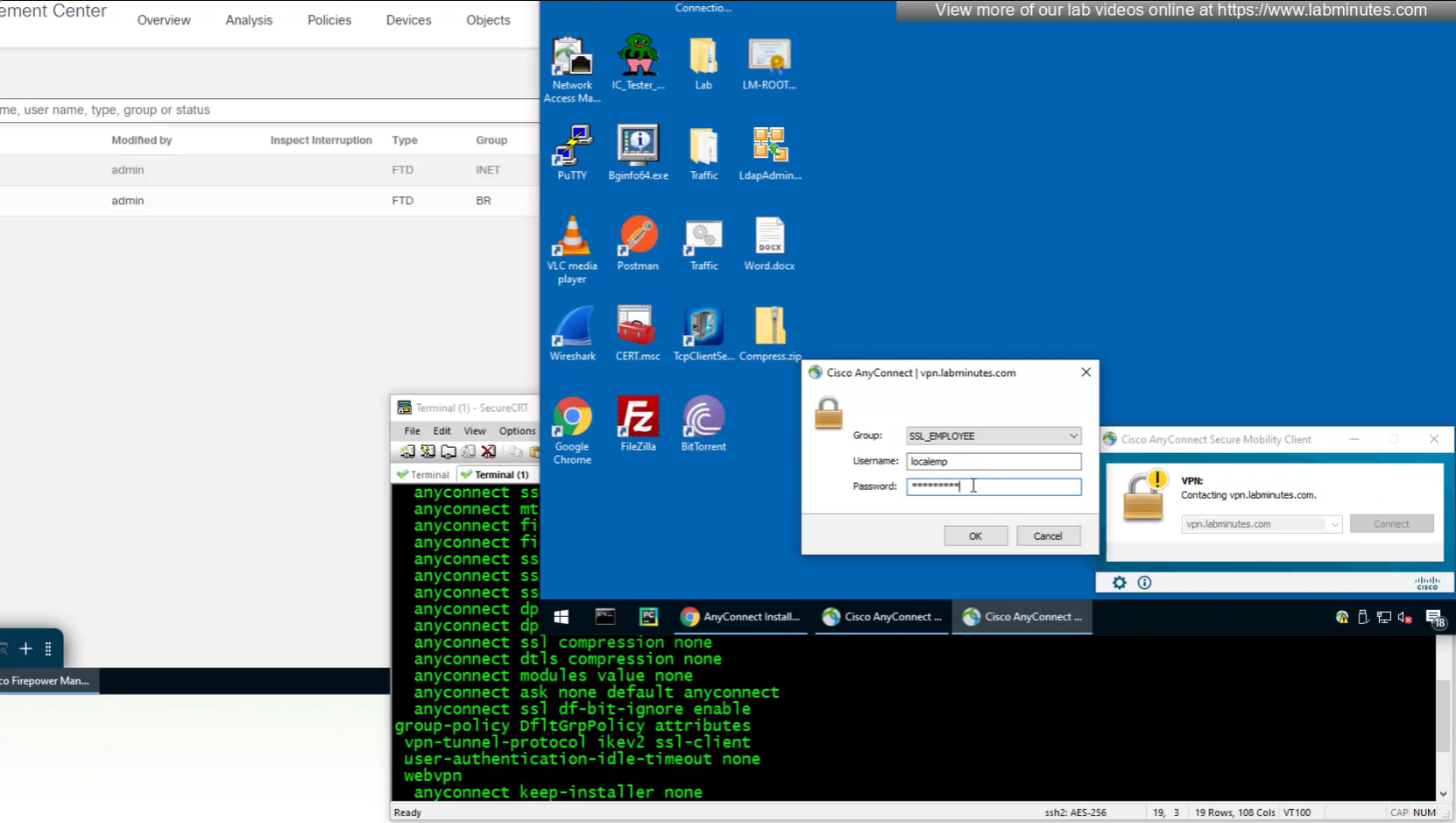
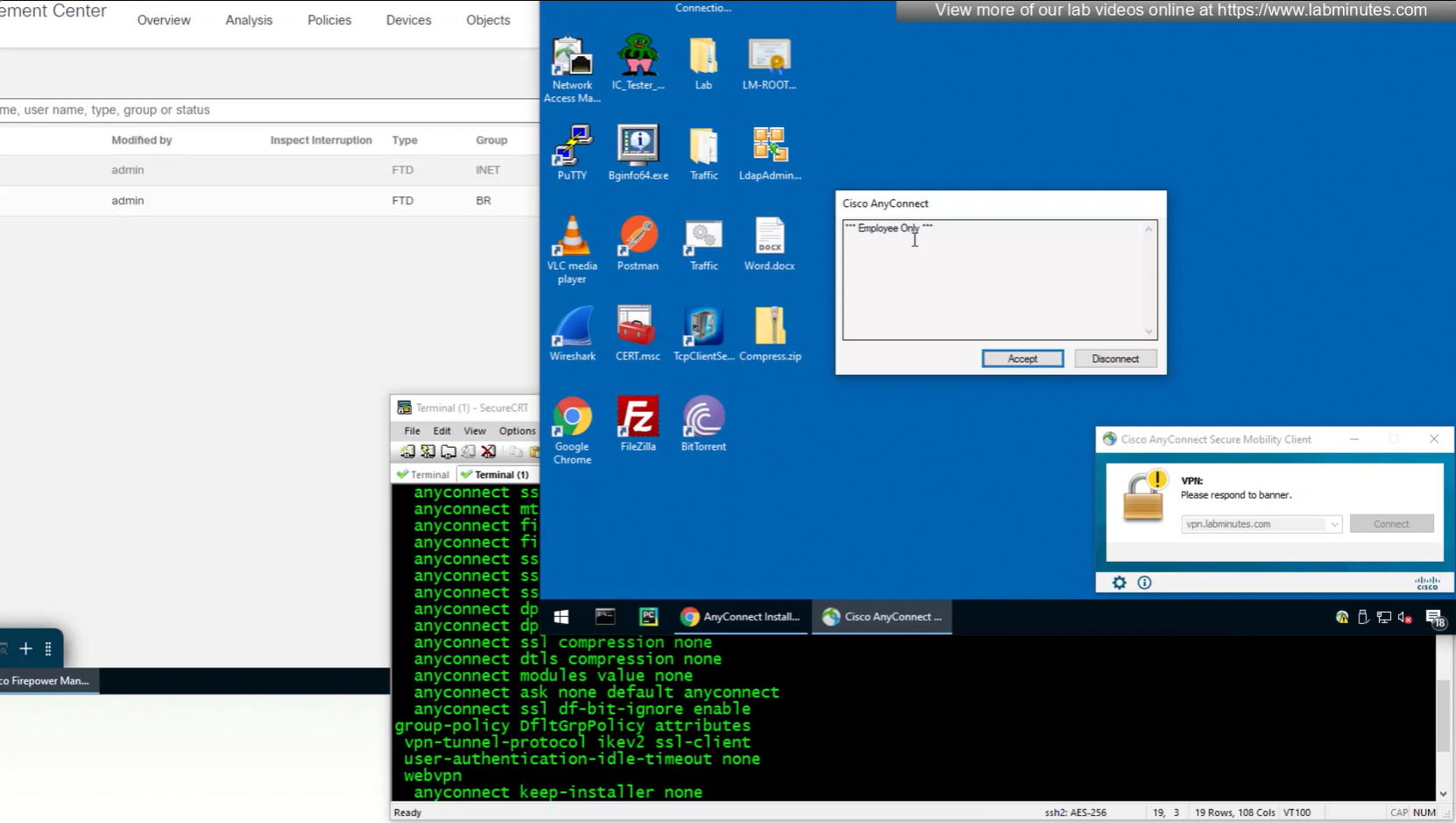

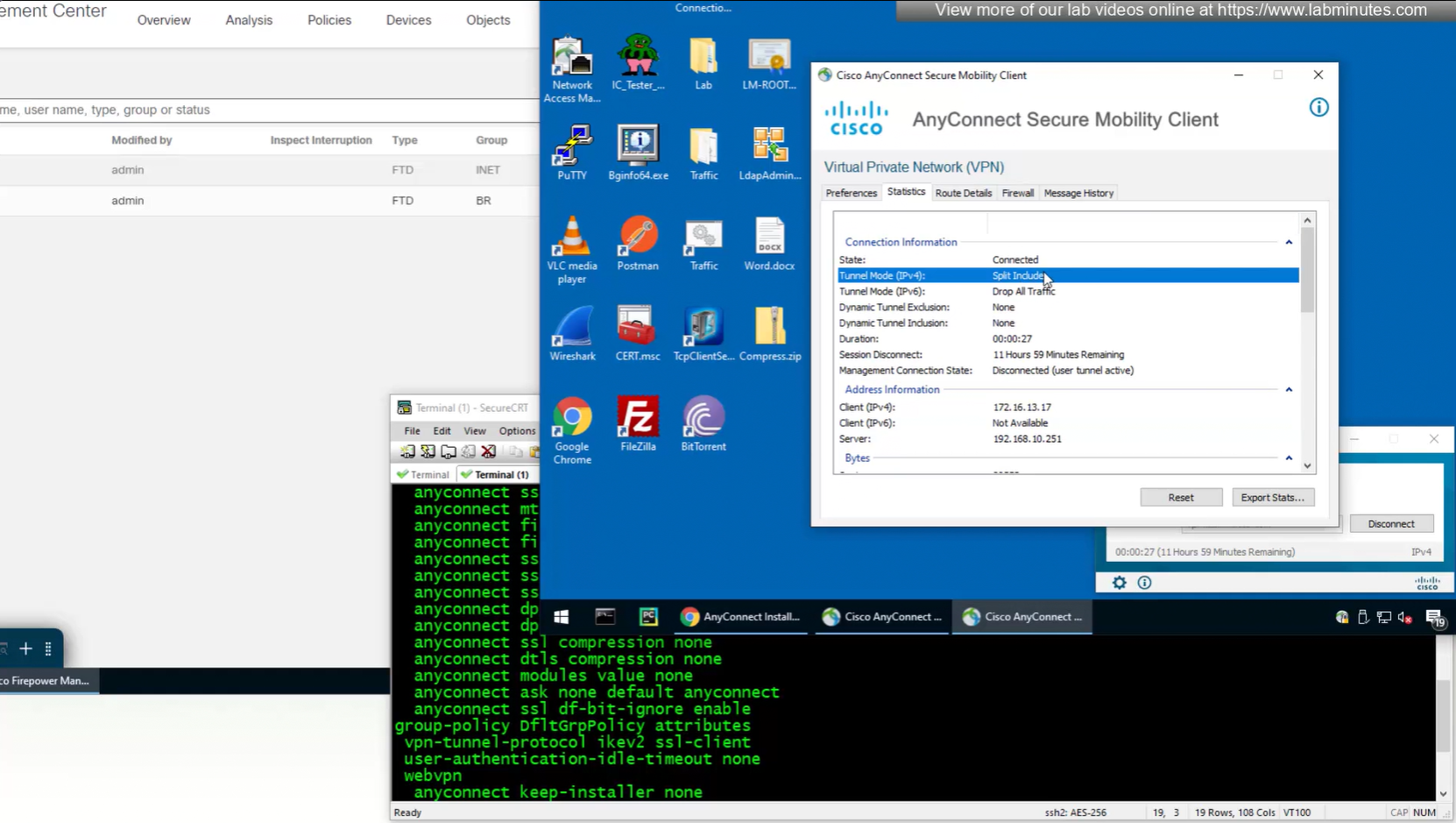
In lower corner of anyconnect client it says that 11 hours and 59 minutes left
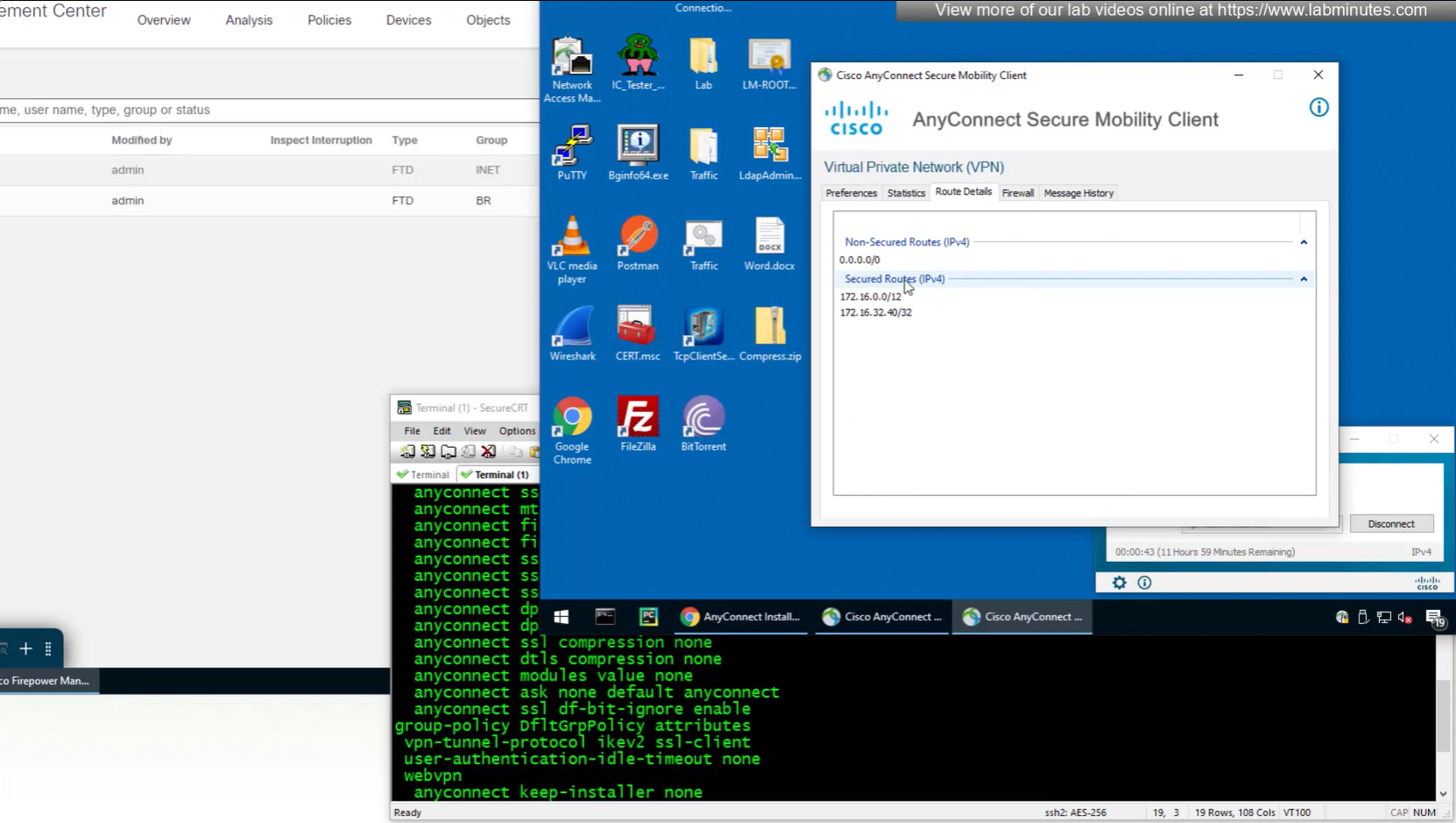
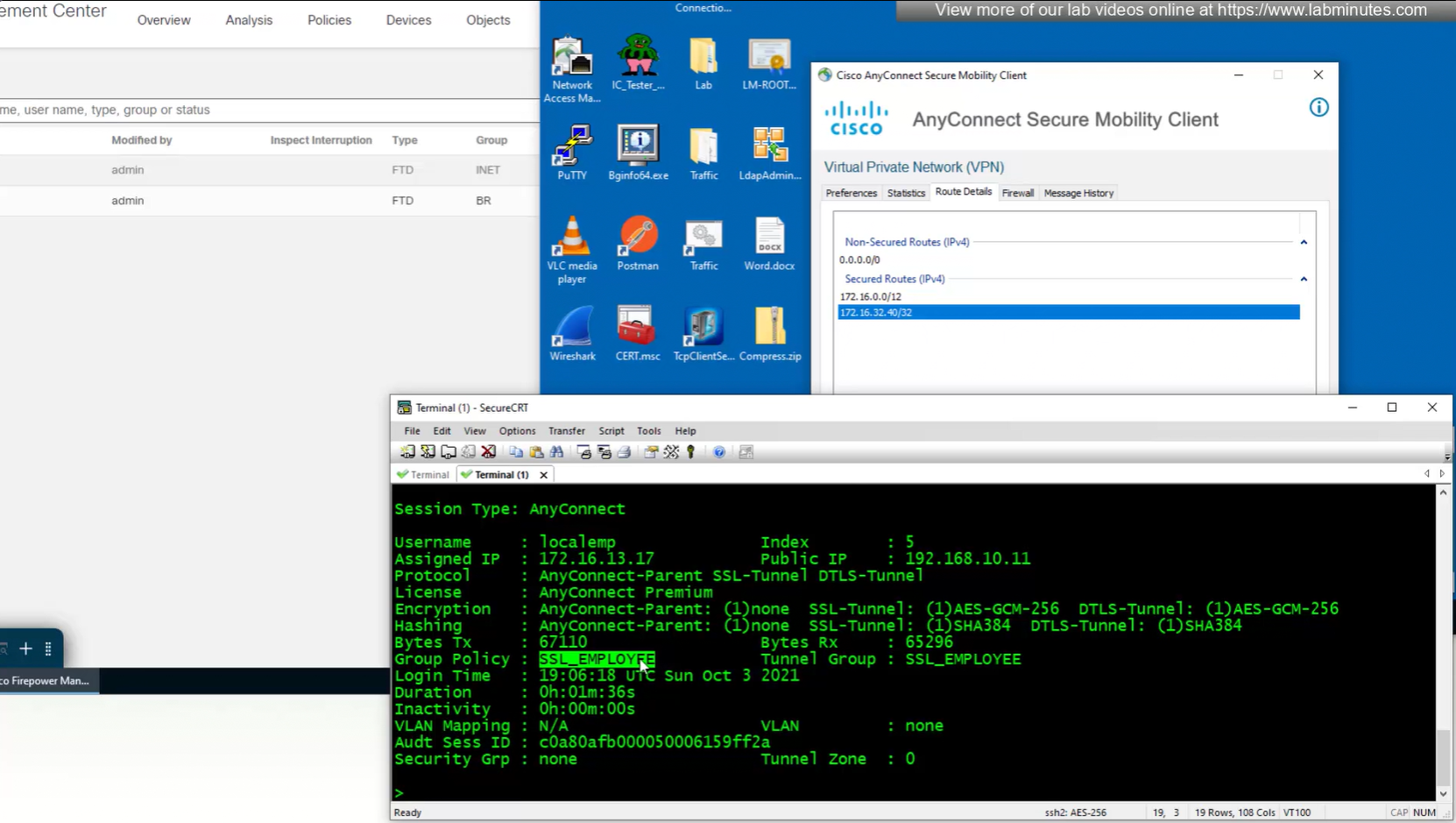

we can also the DNS suffix in ipconfig /all that we defined in Group Policy > General > DNS/WINS > Default Domain

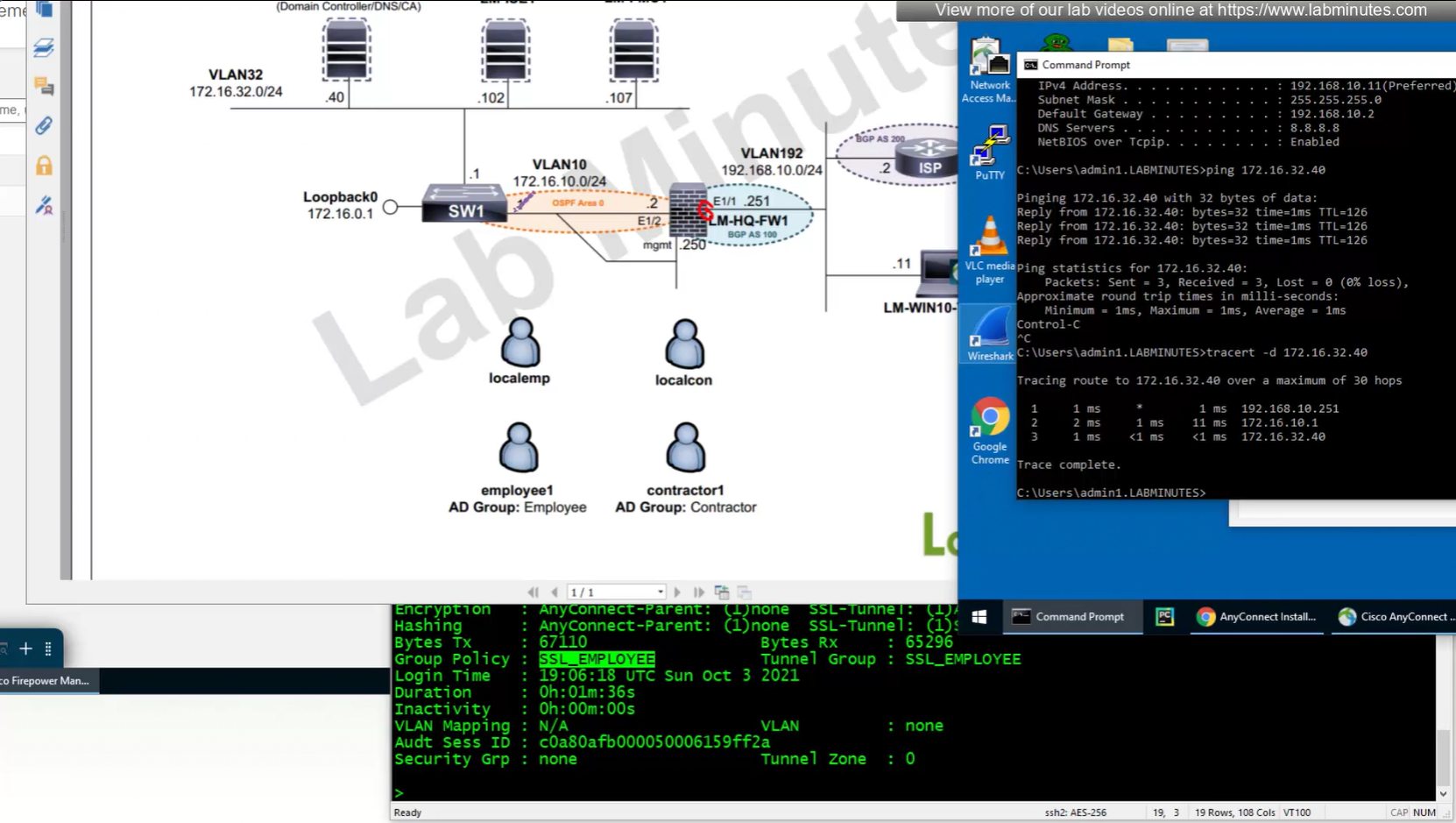
192.168.10.251 is the OUTSIDE IP of the firewall
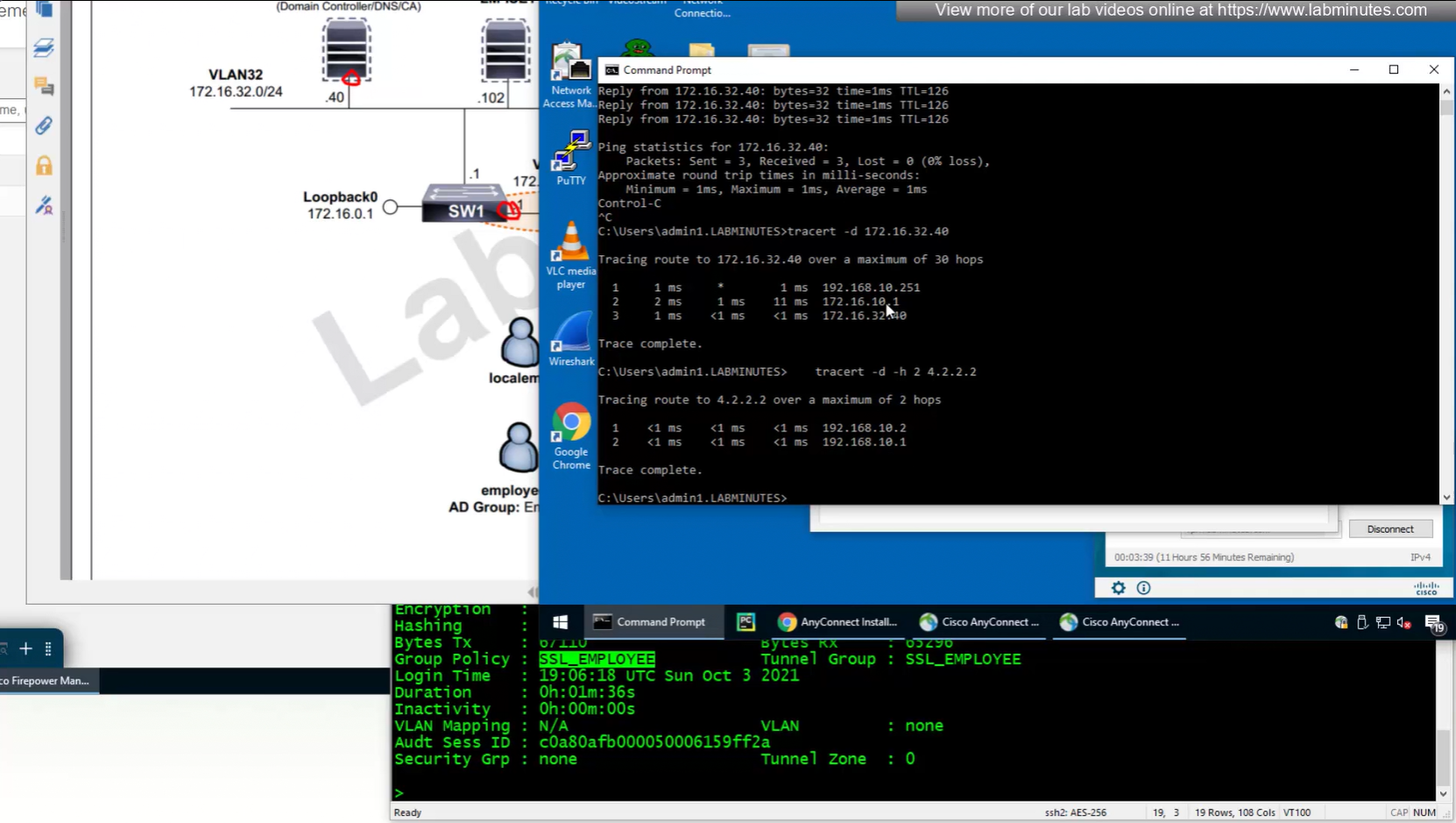
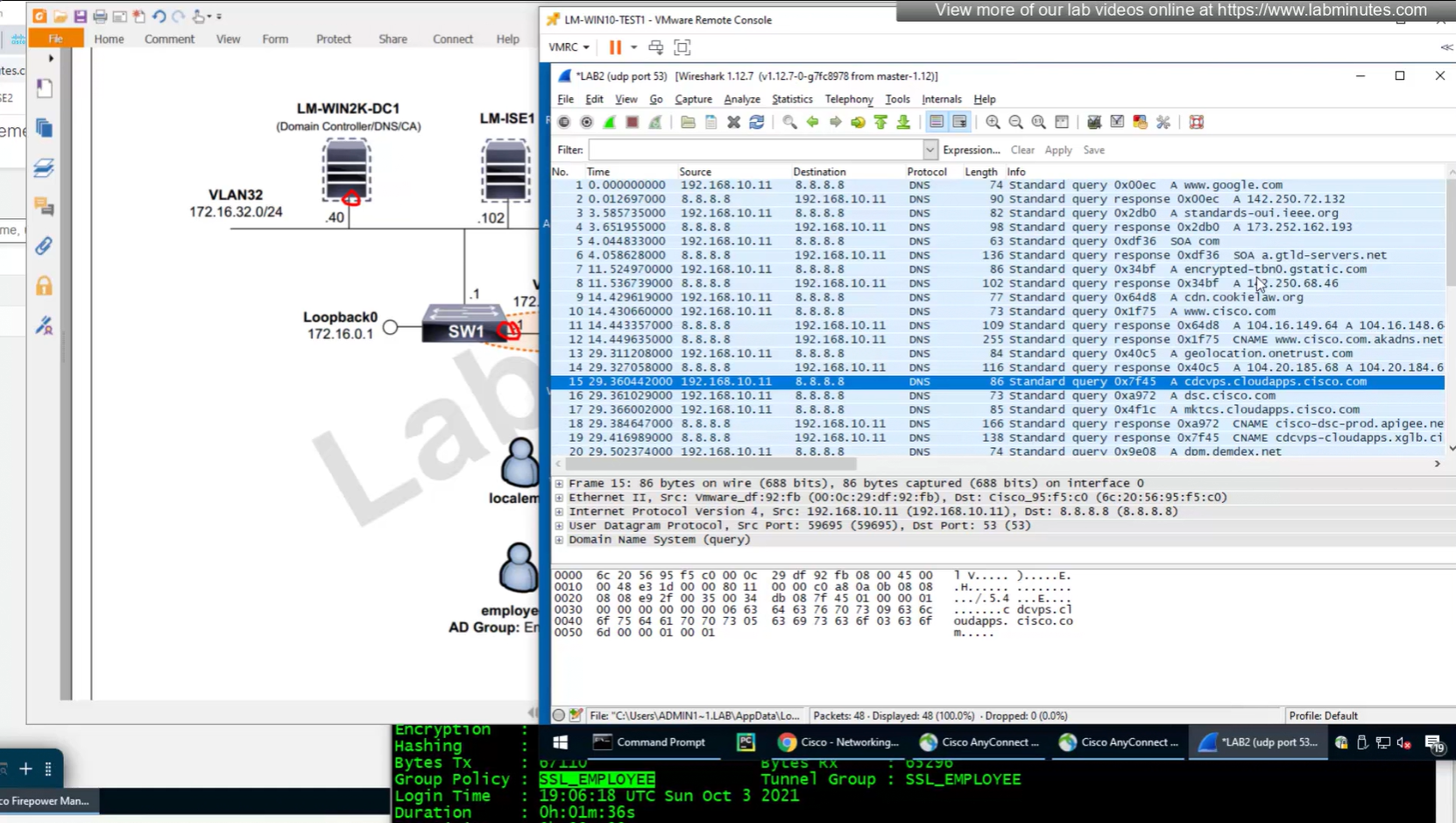
Testing the Split DNS lookup that was configured in Group Policy > General > Split Tunneling > DNS Request Split Tunneling > DNS requests > Send only specified Domains over tunnel and we can see that only public internet queries are showing up on wifi capture and dns queries to corporate domain are going over the tunnel
SEC0401 – Firepower 7.0 AnyConnect VPN Client (Part 3)
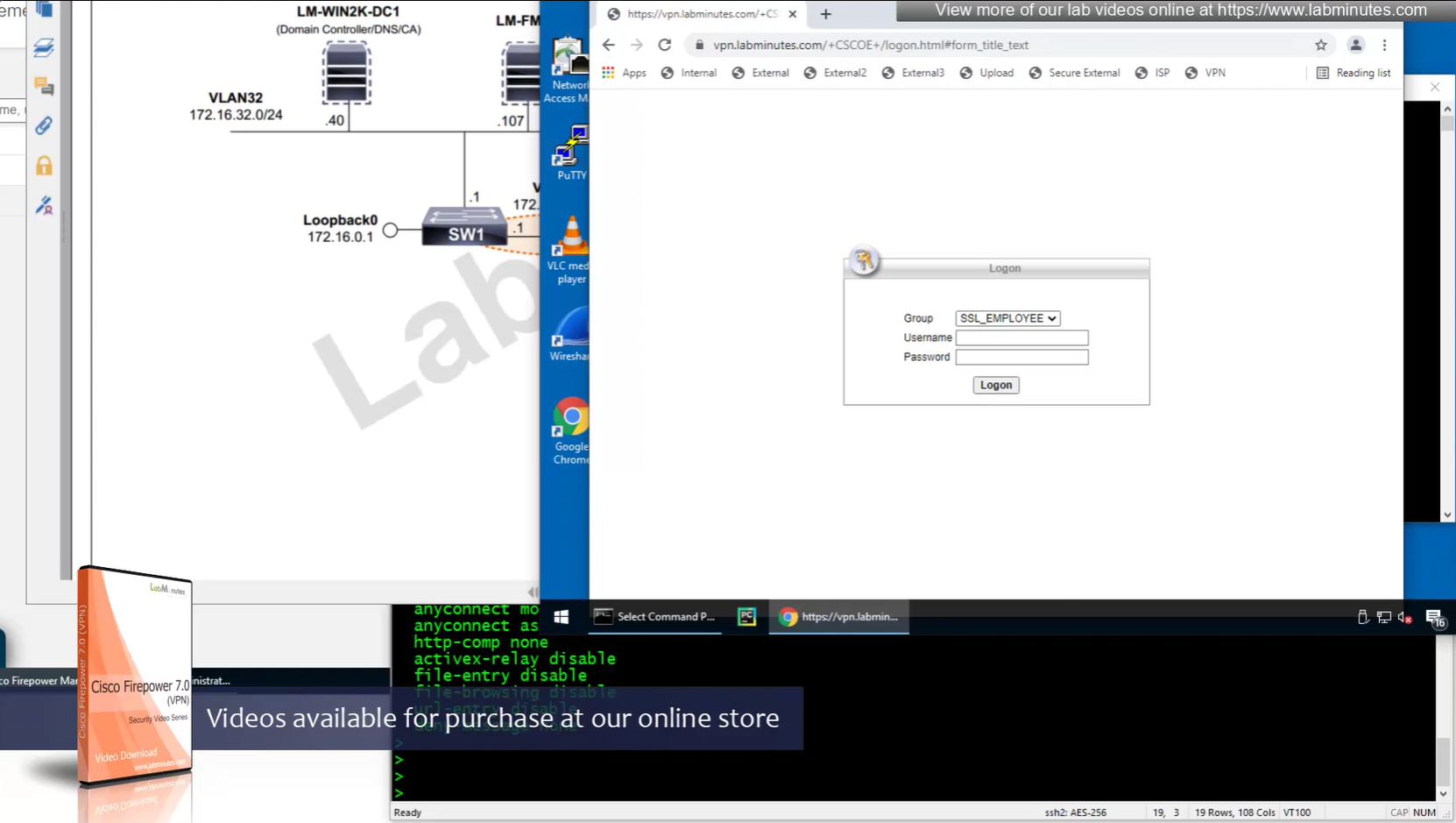
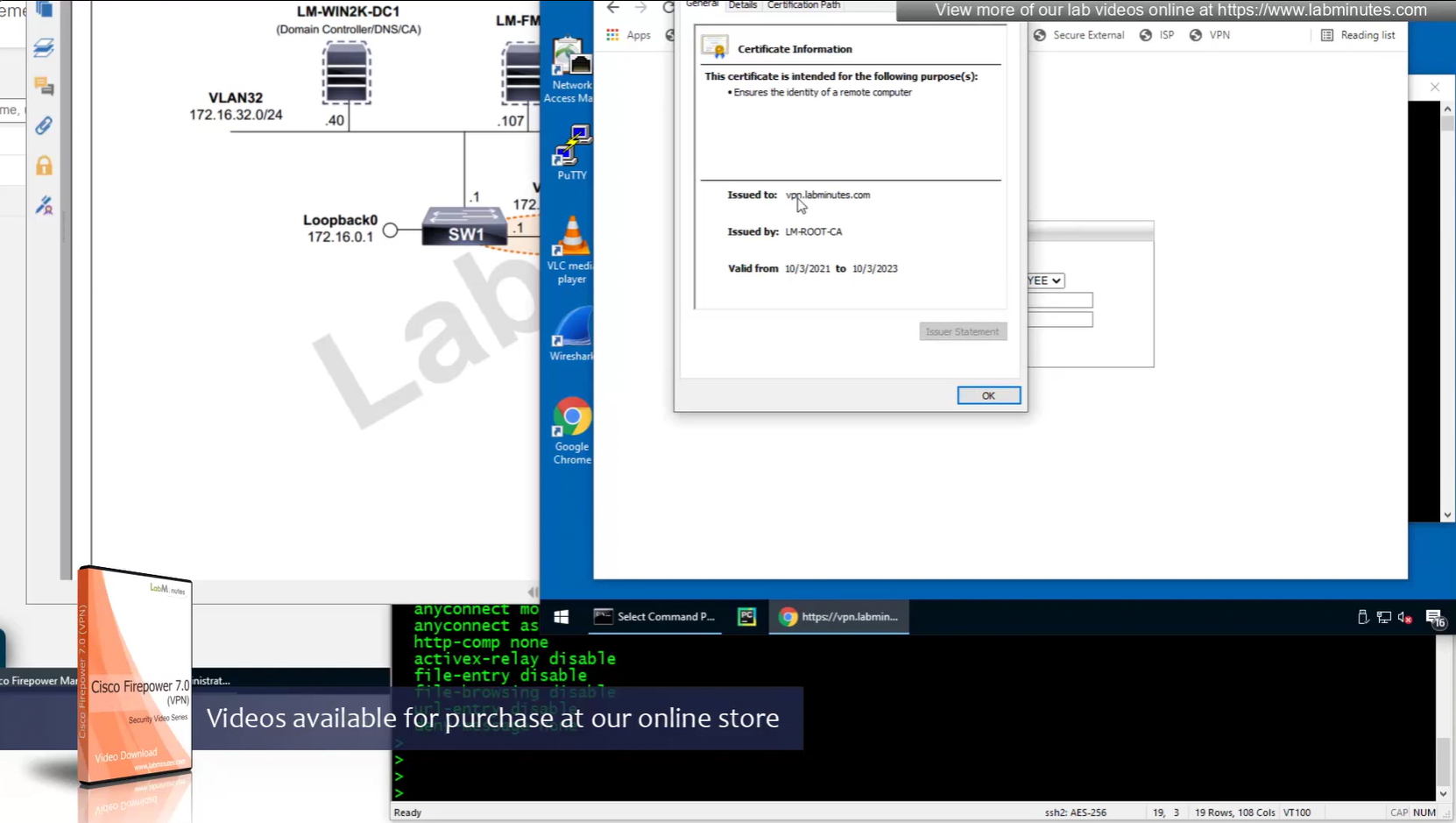
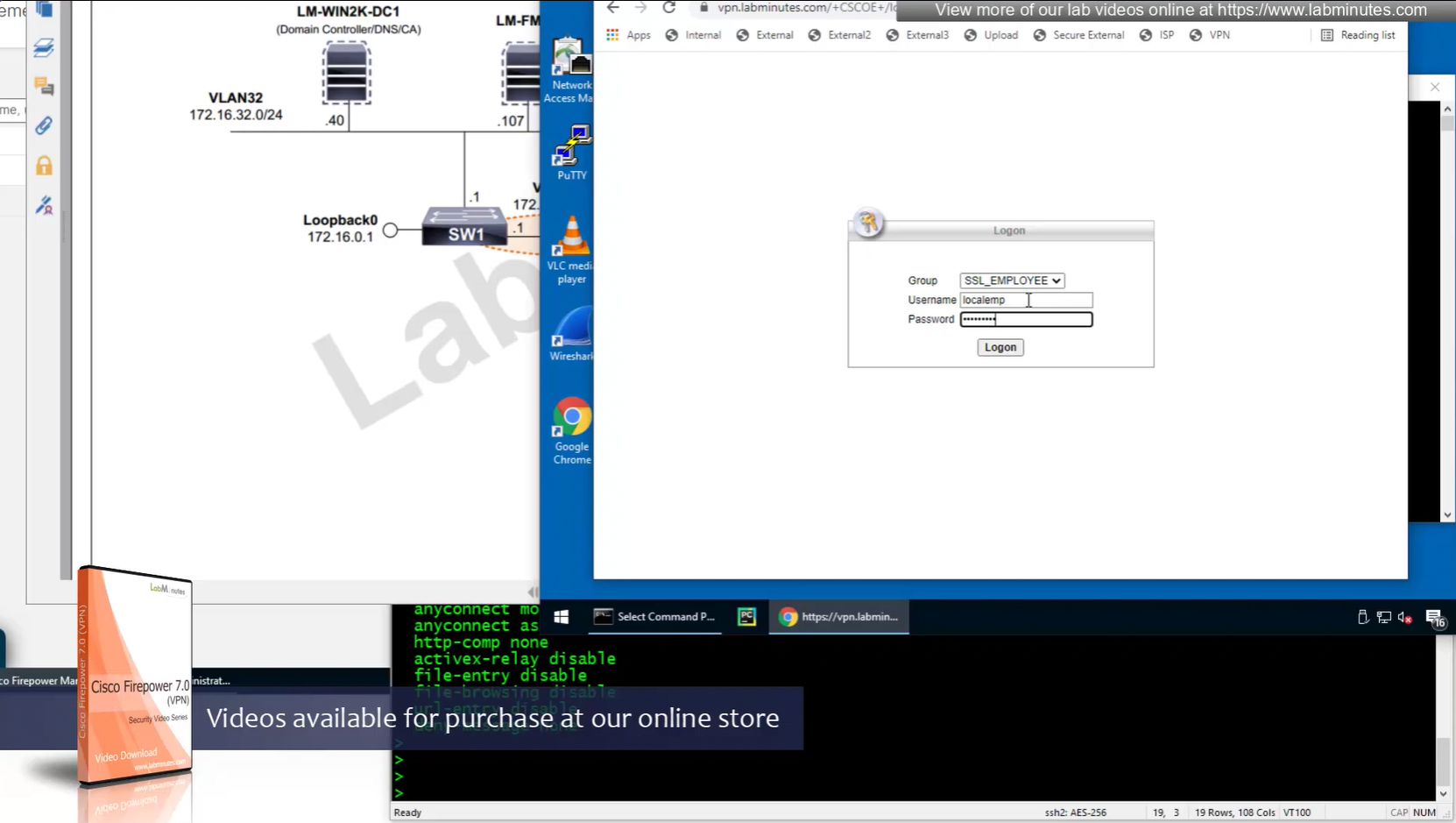
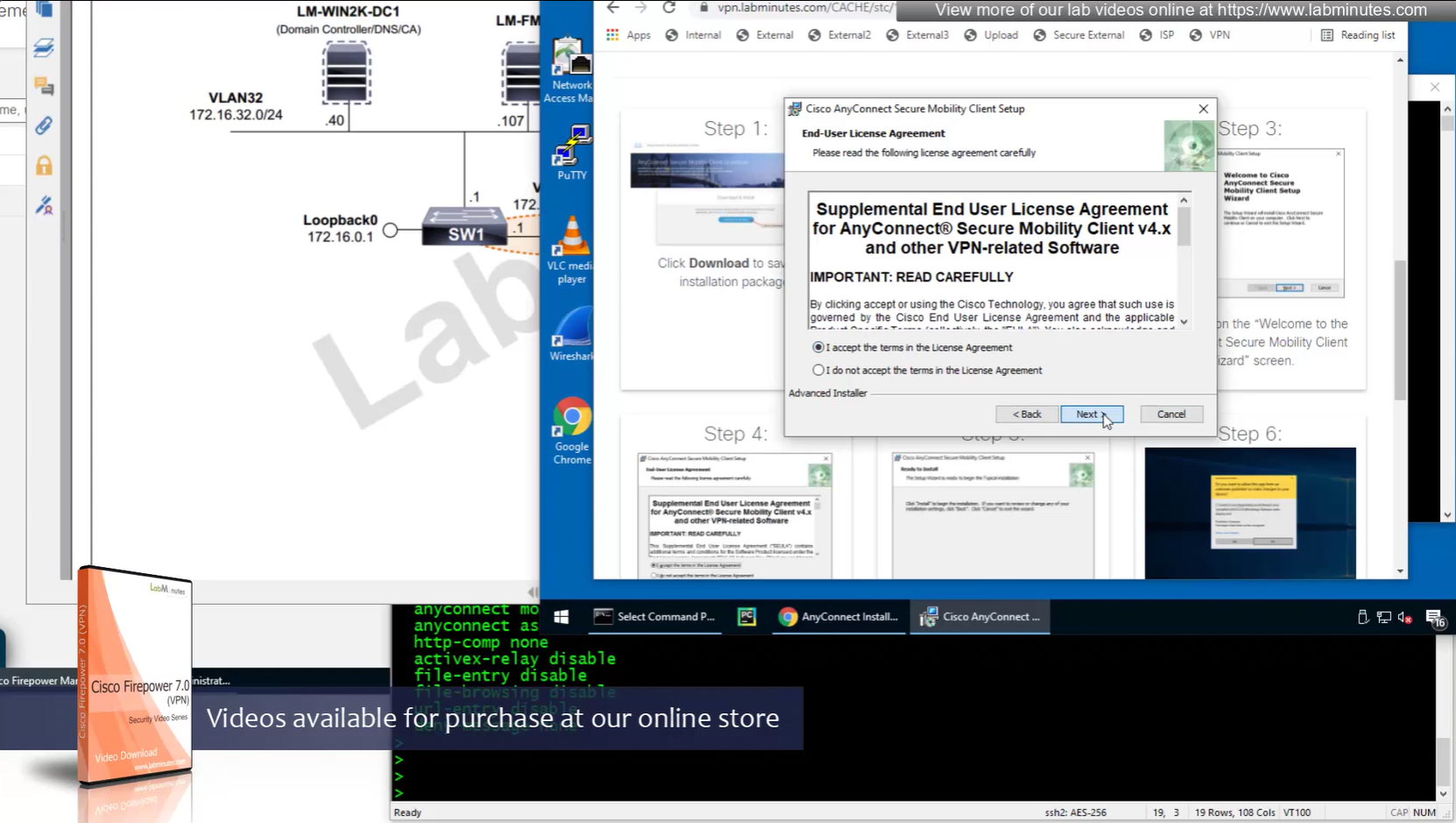
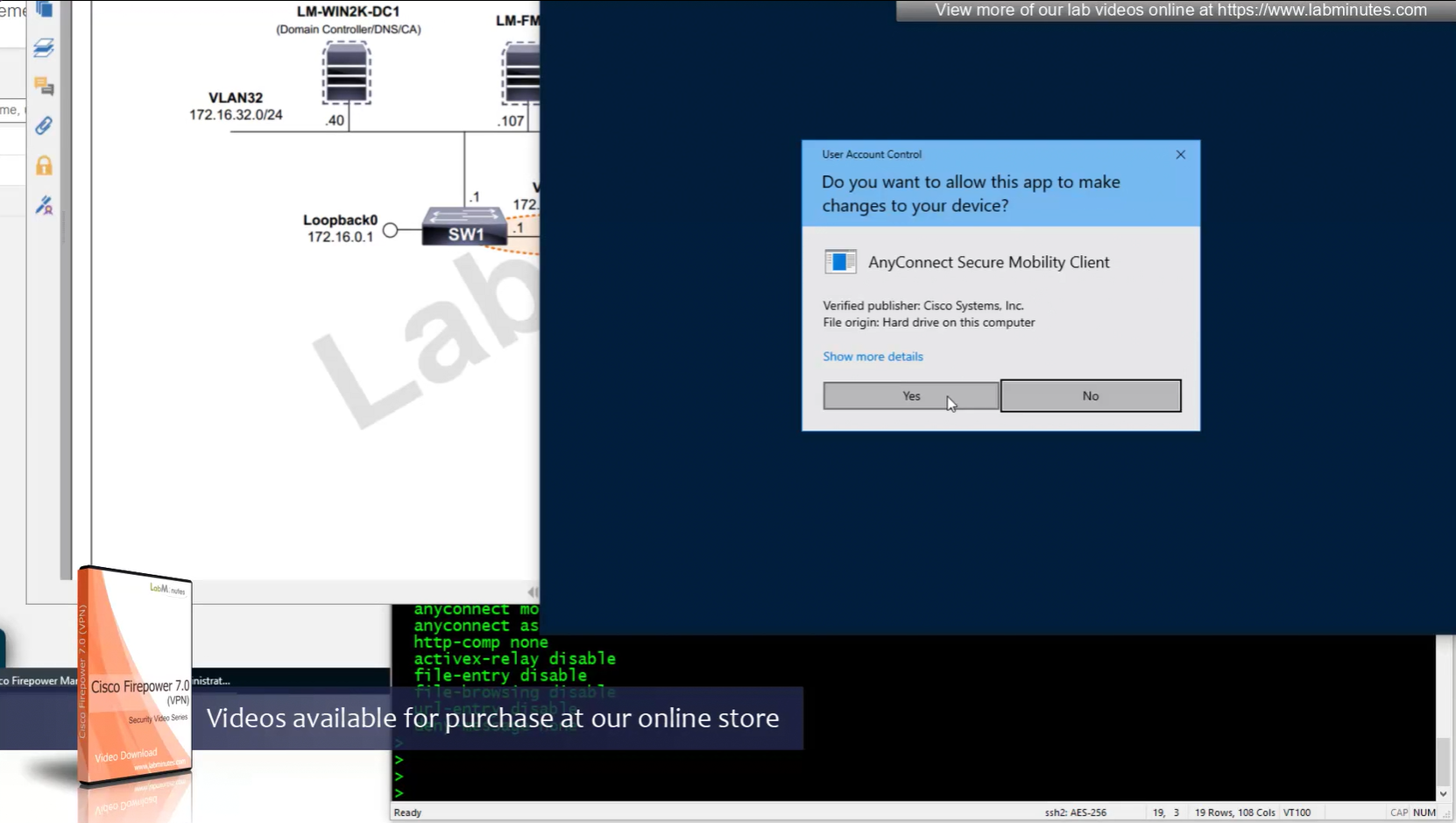
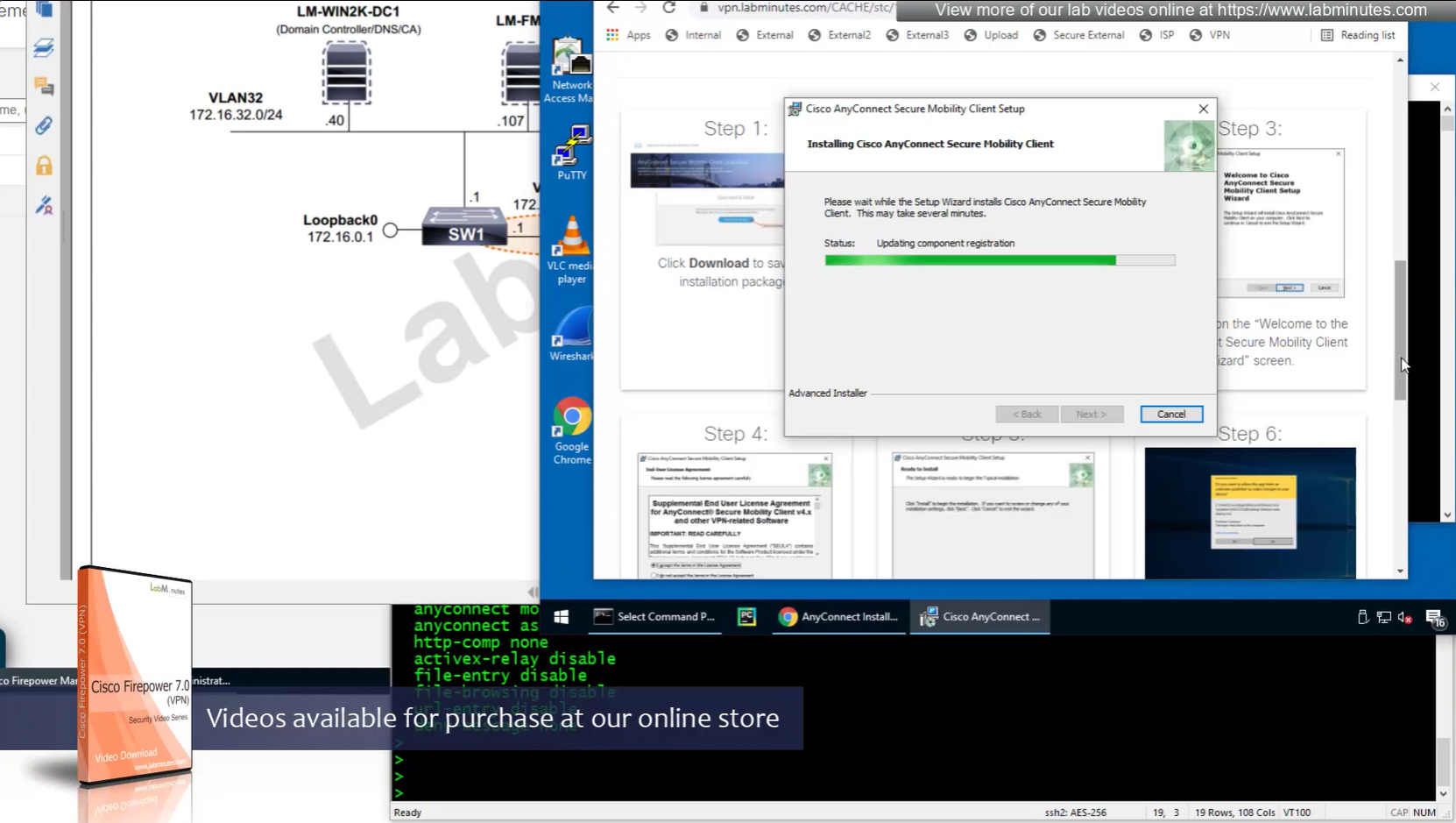
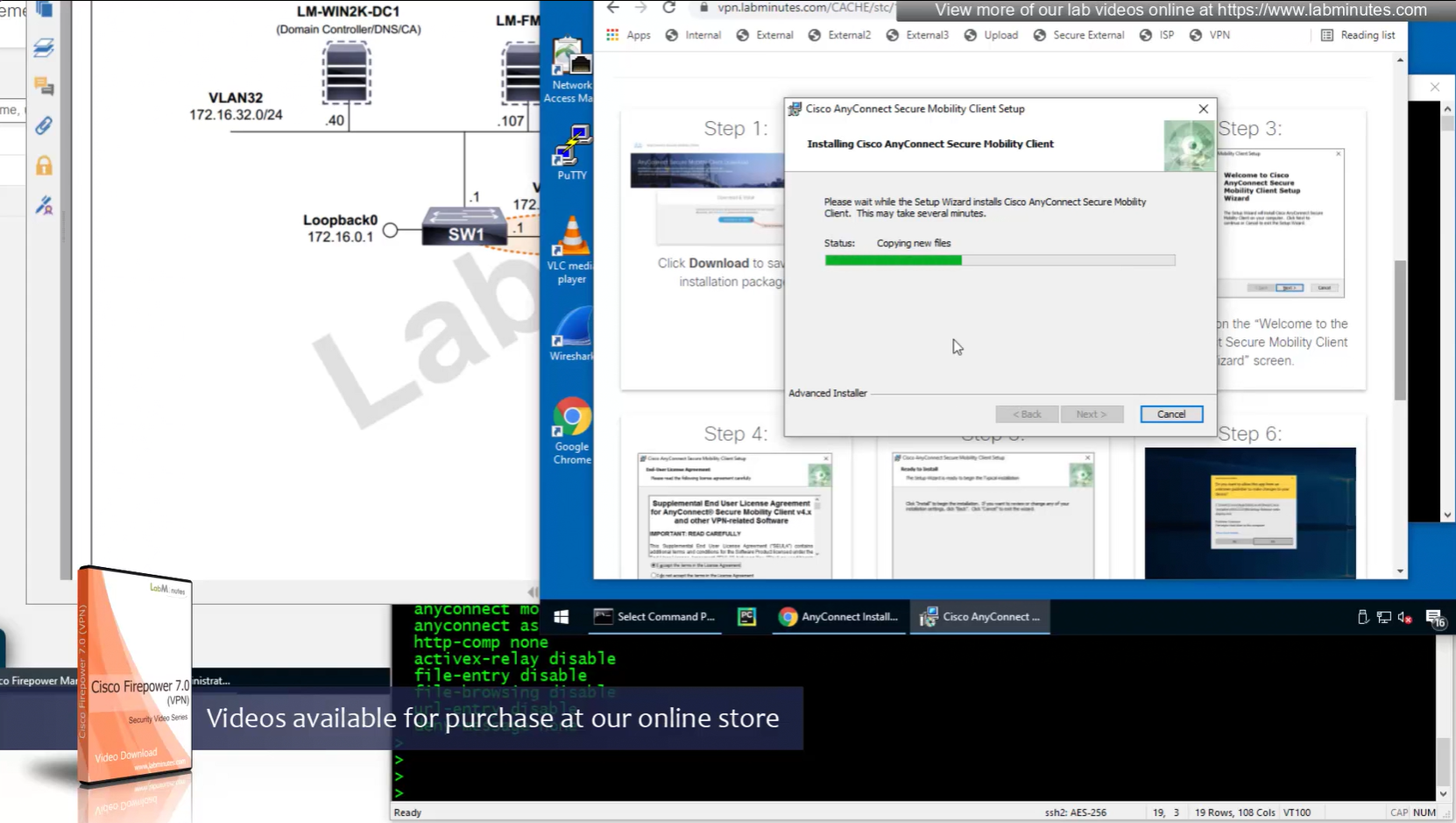
Headend download experience


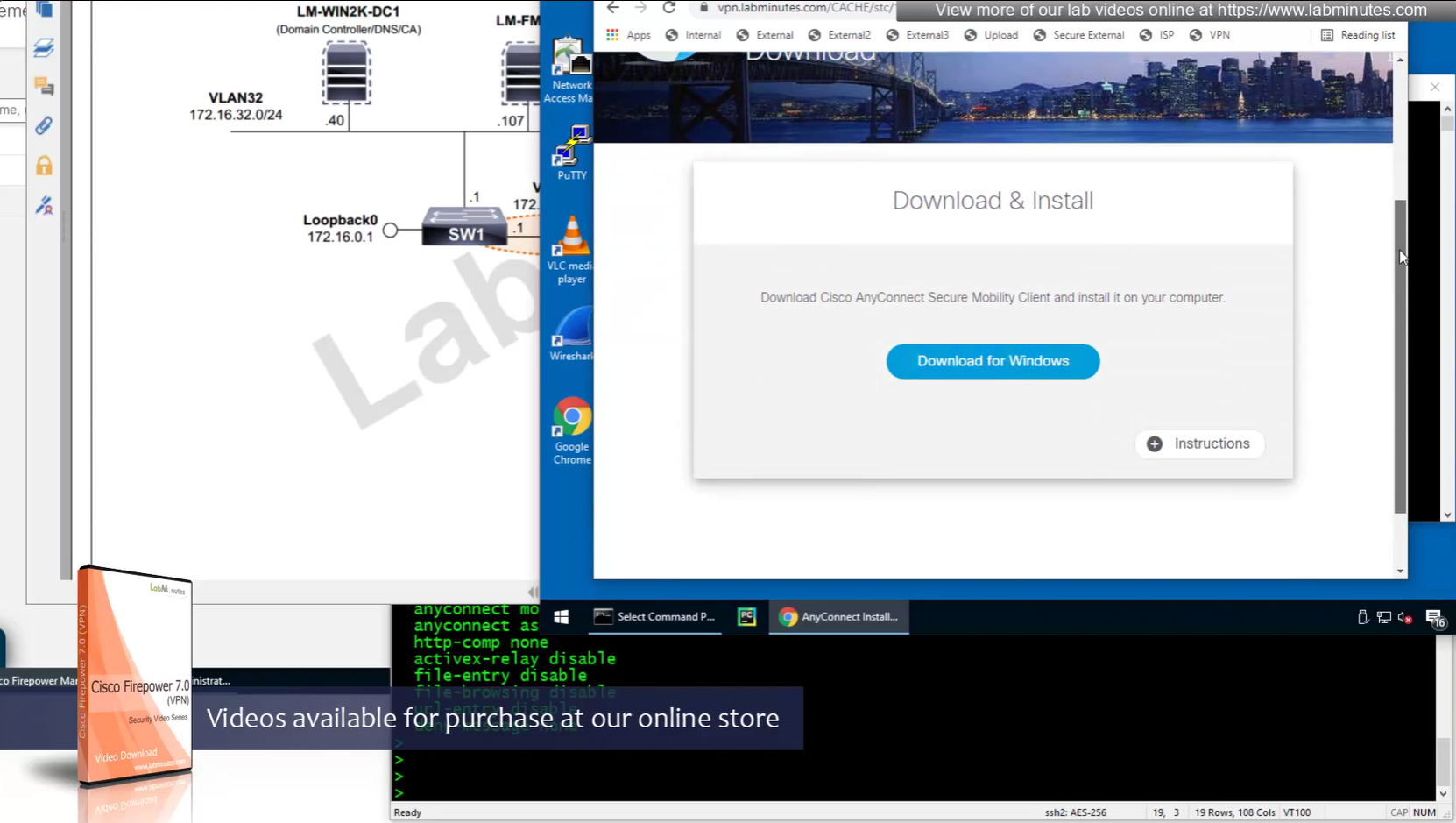
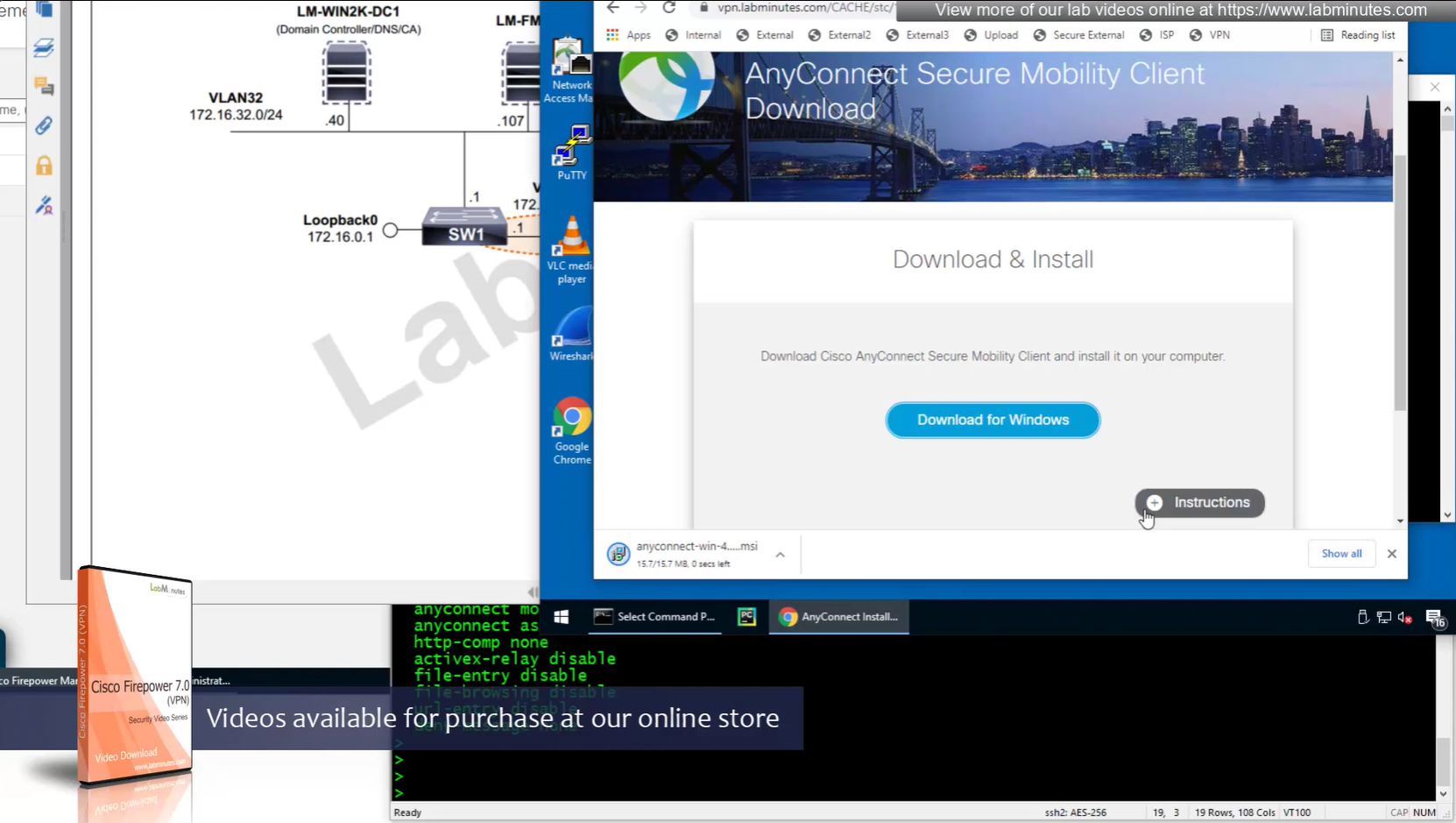
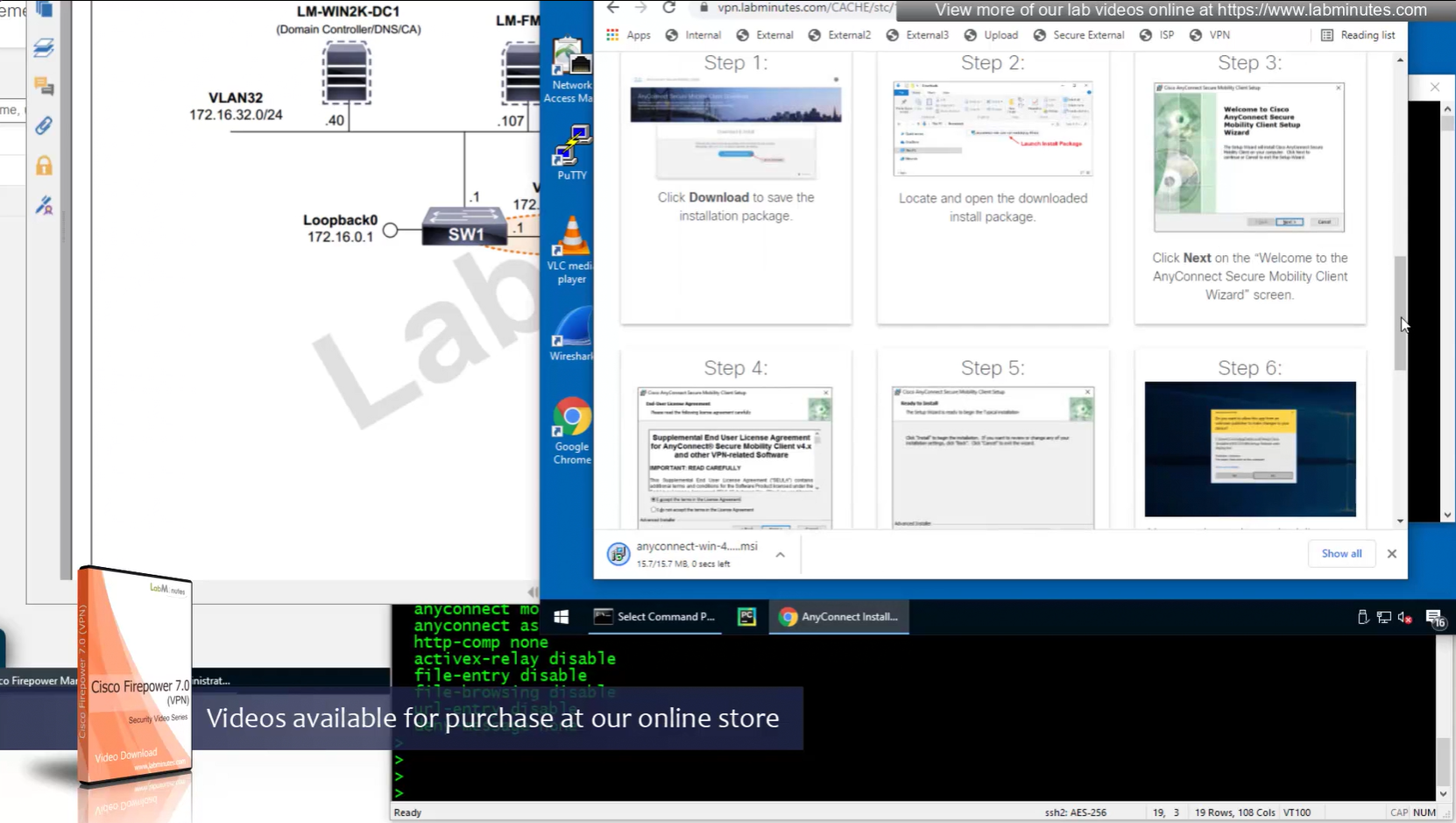

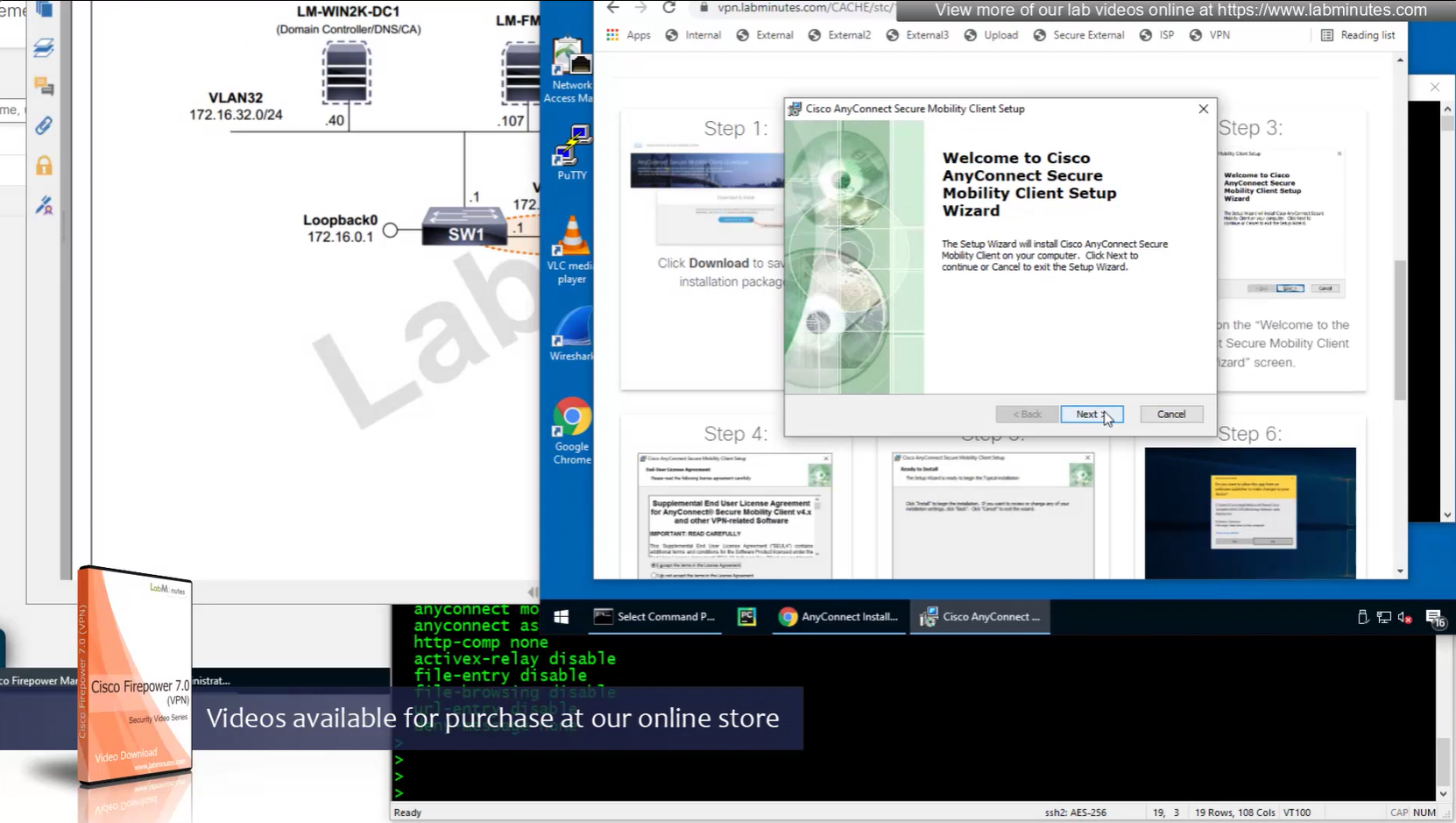


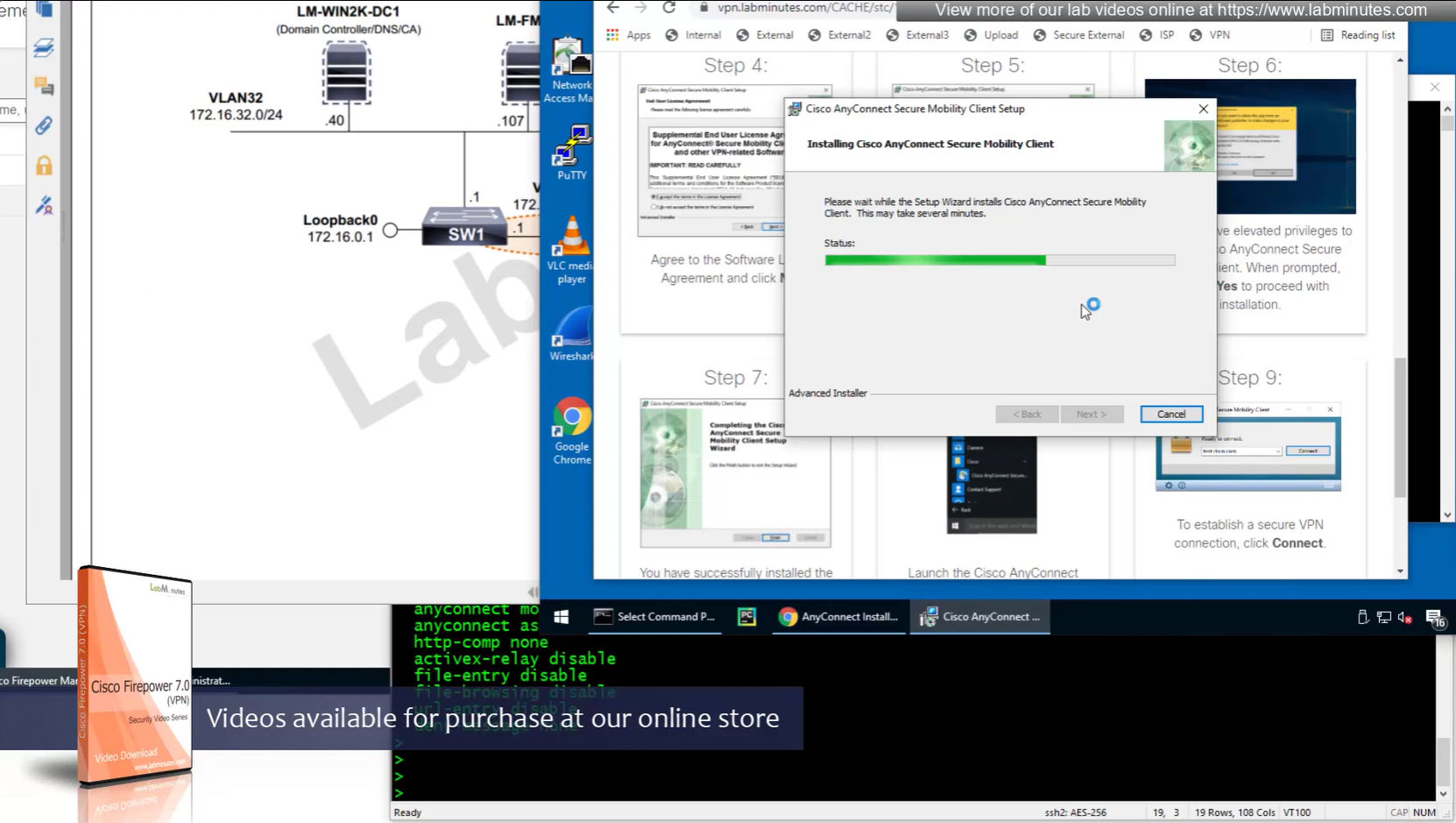
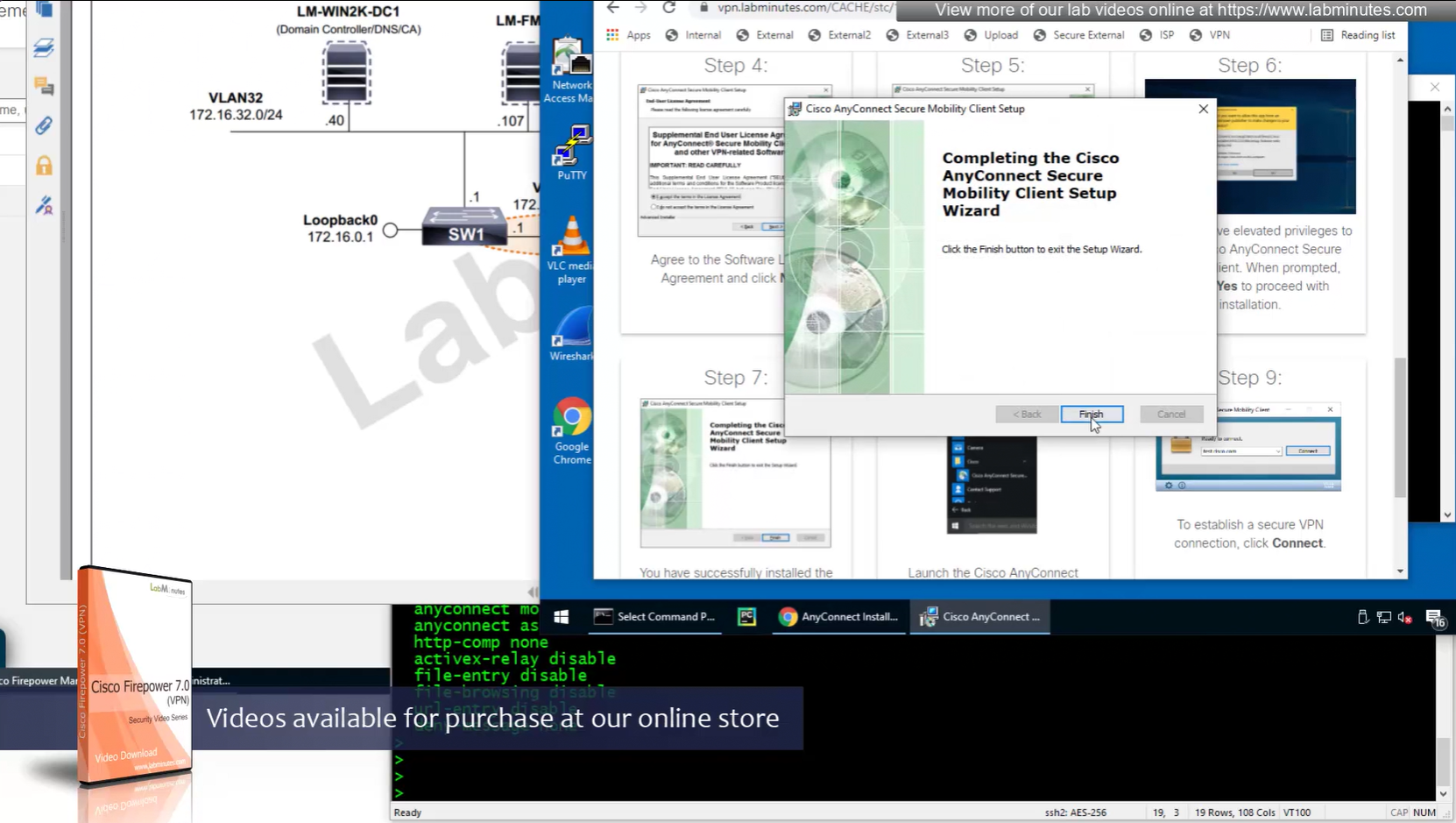
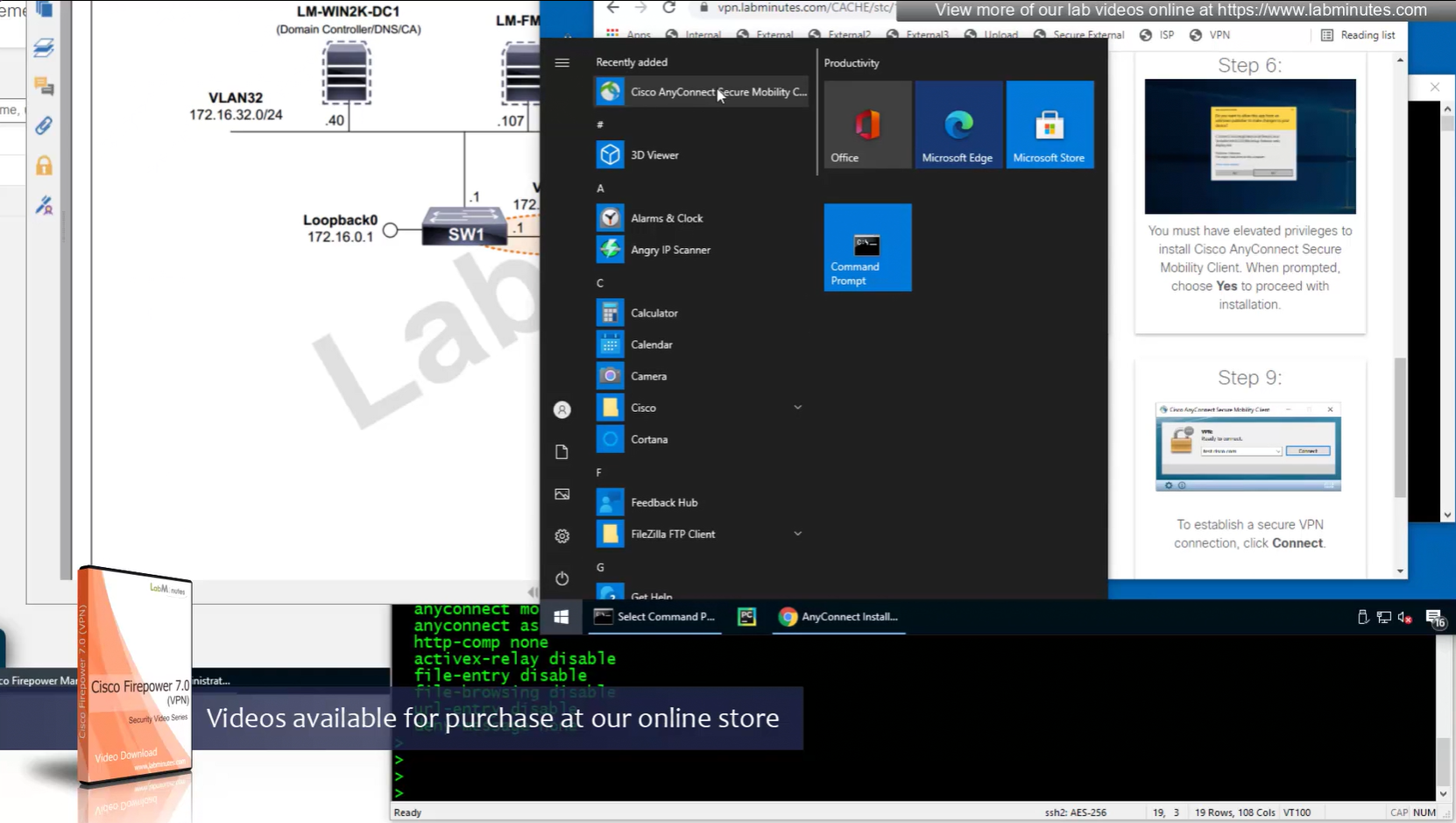
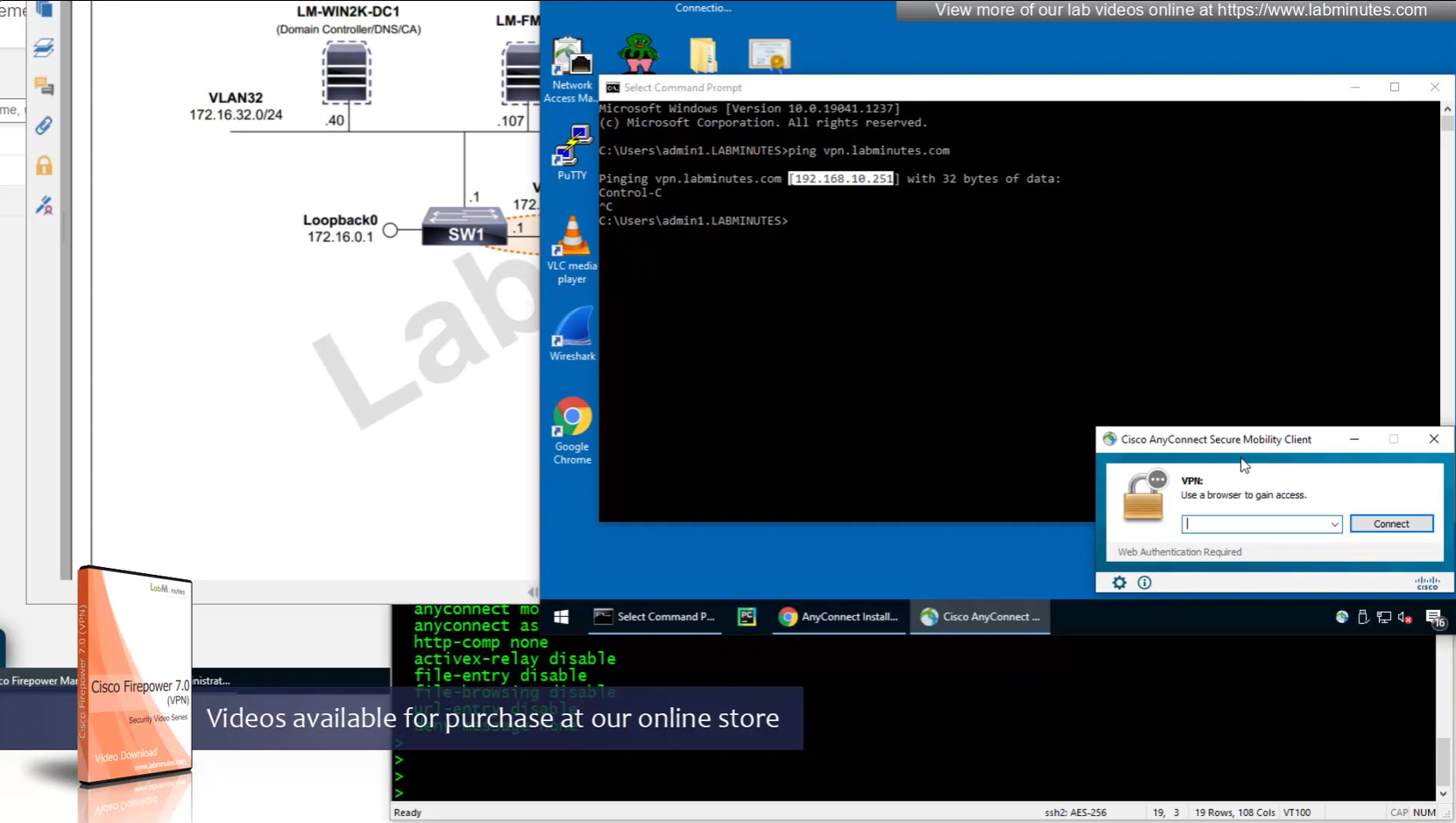
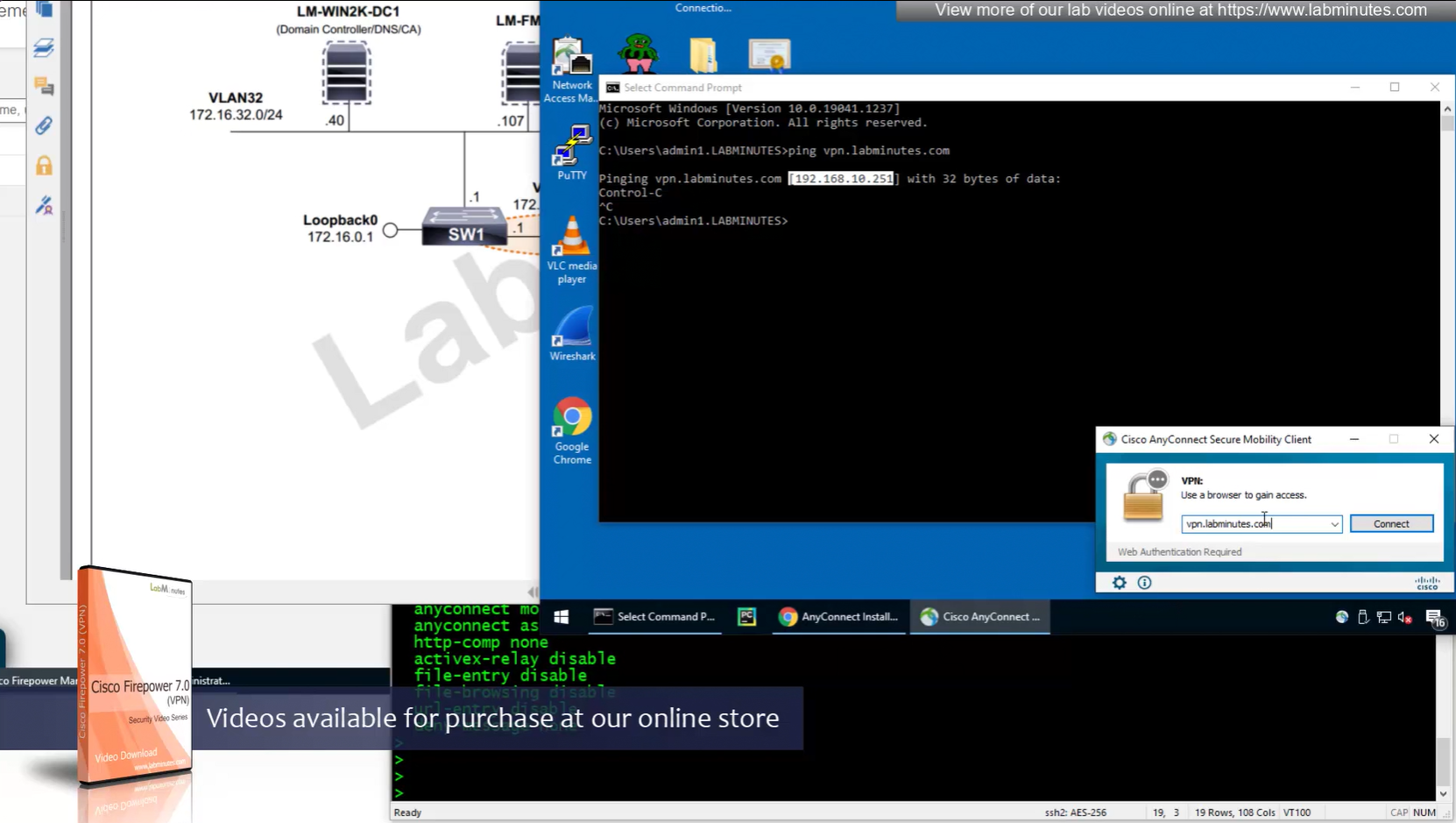
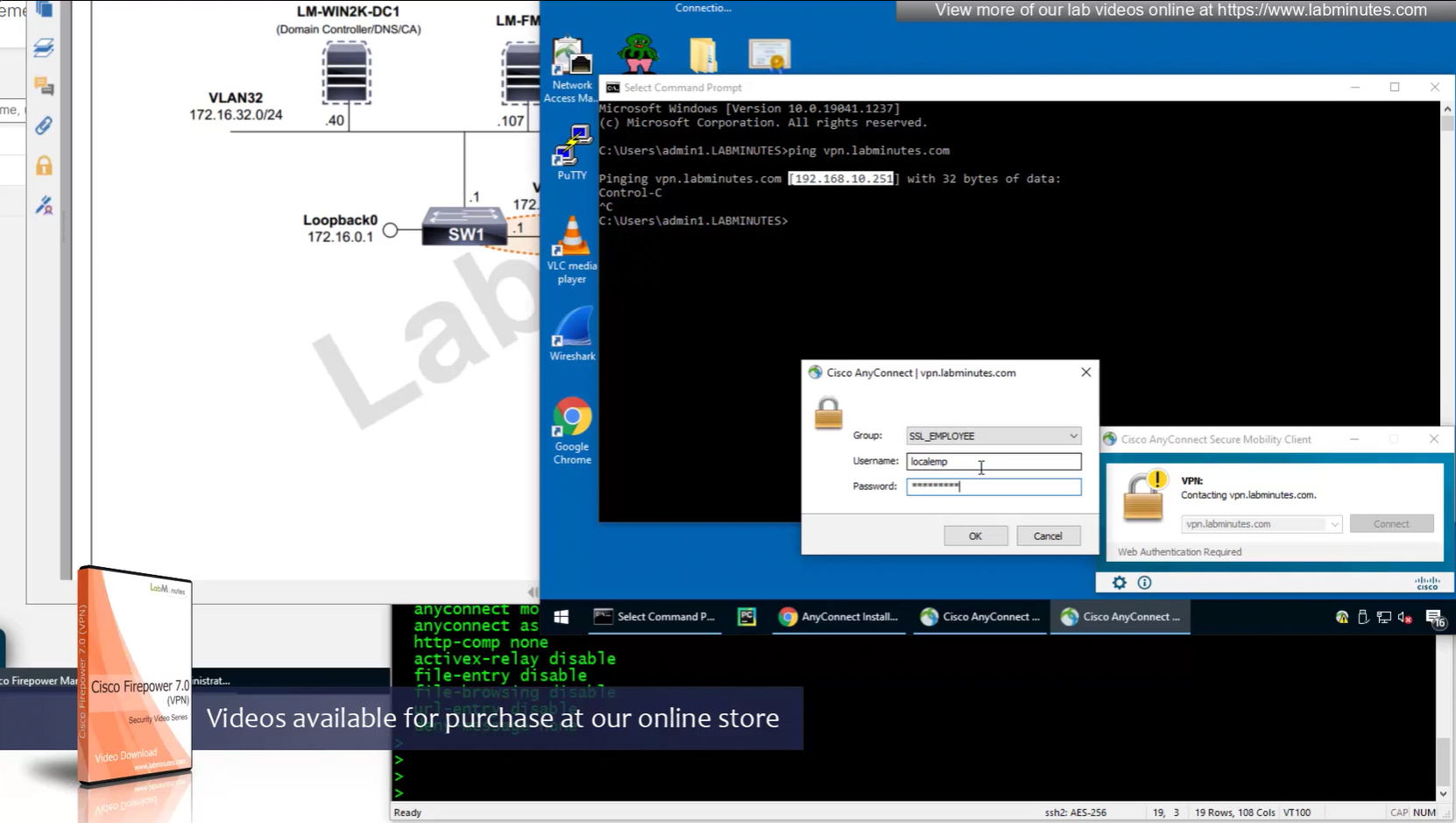
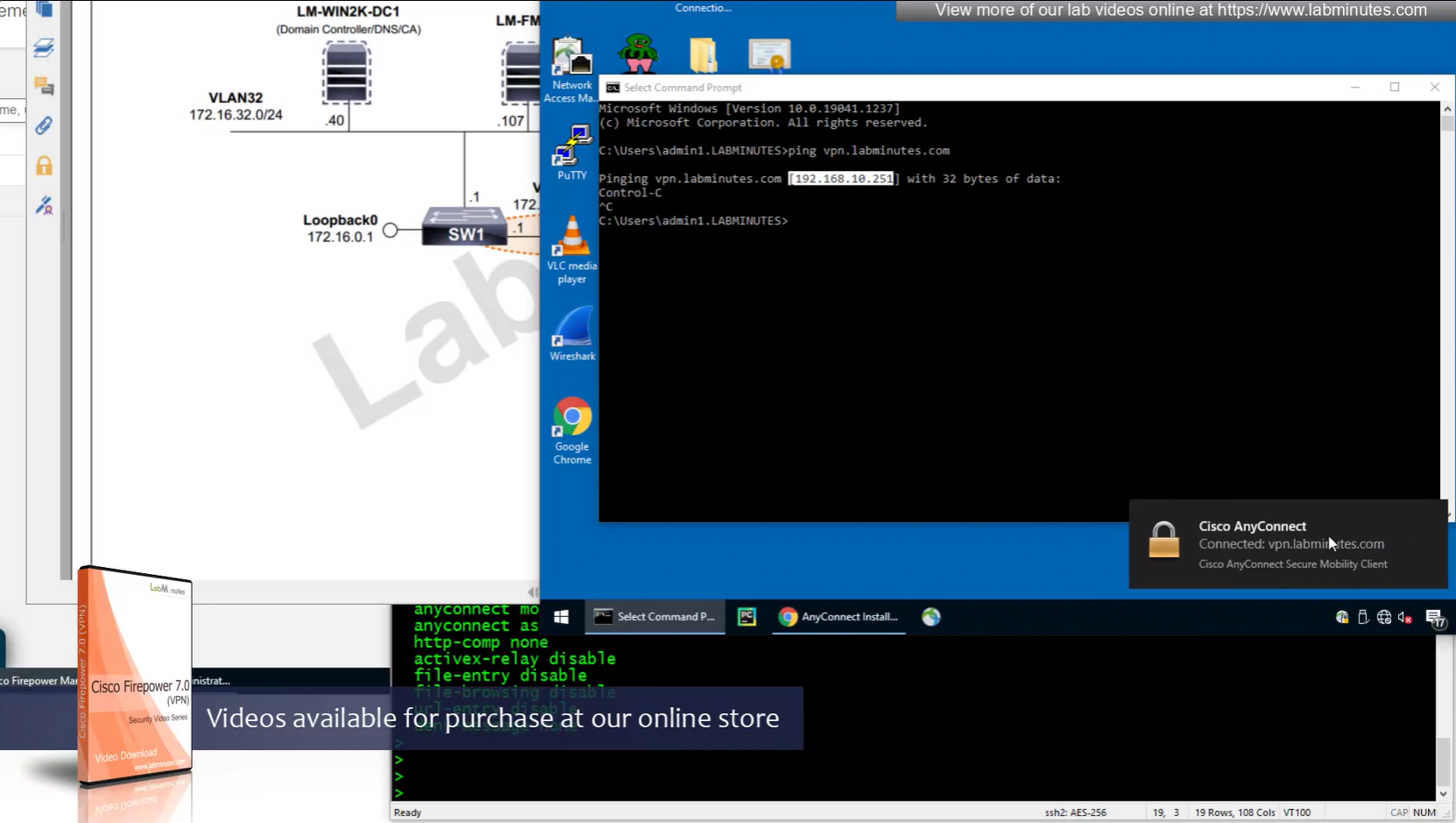
Reachability is not working
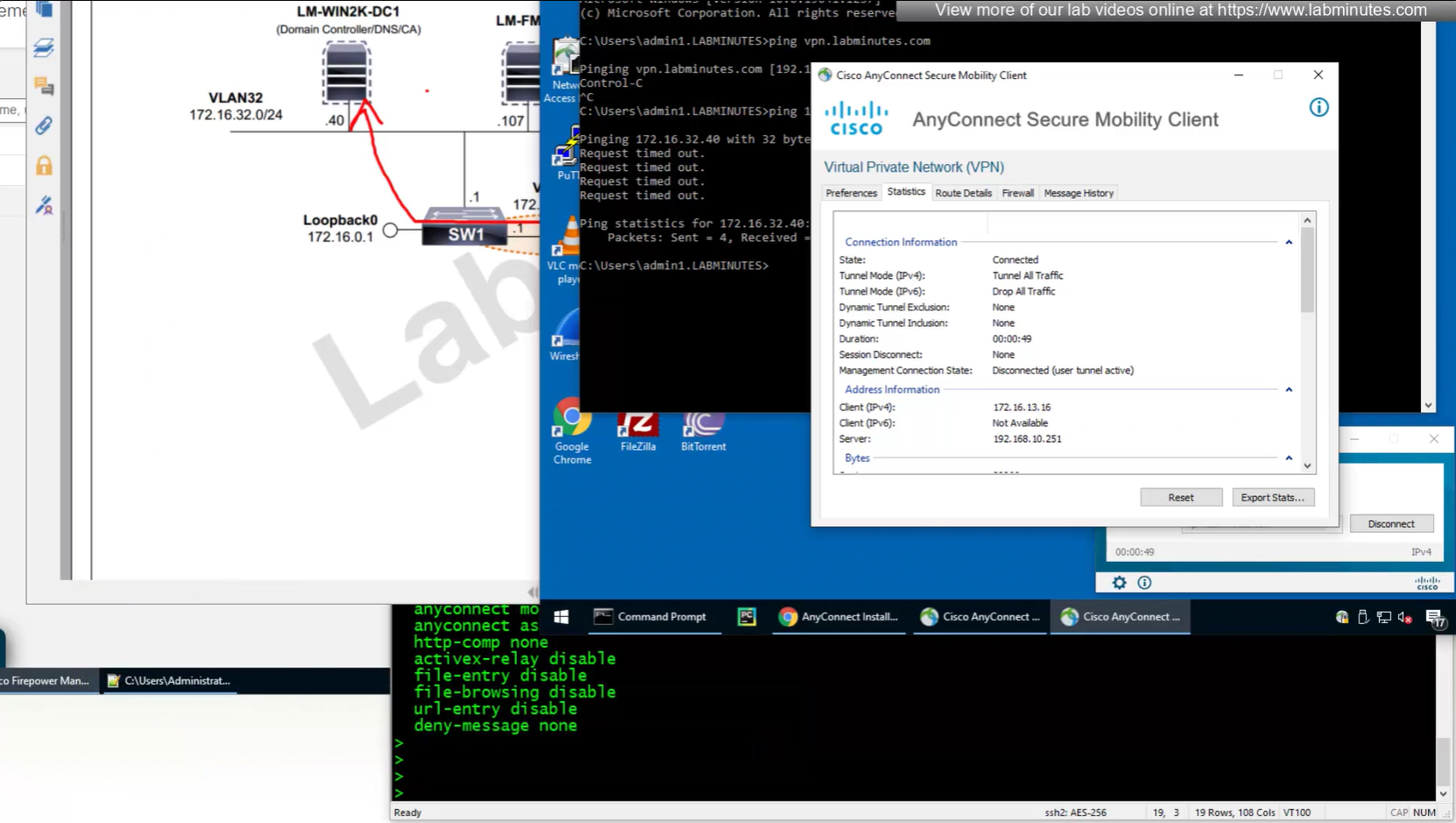
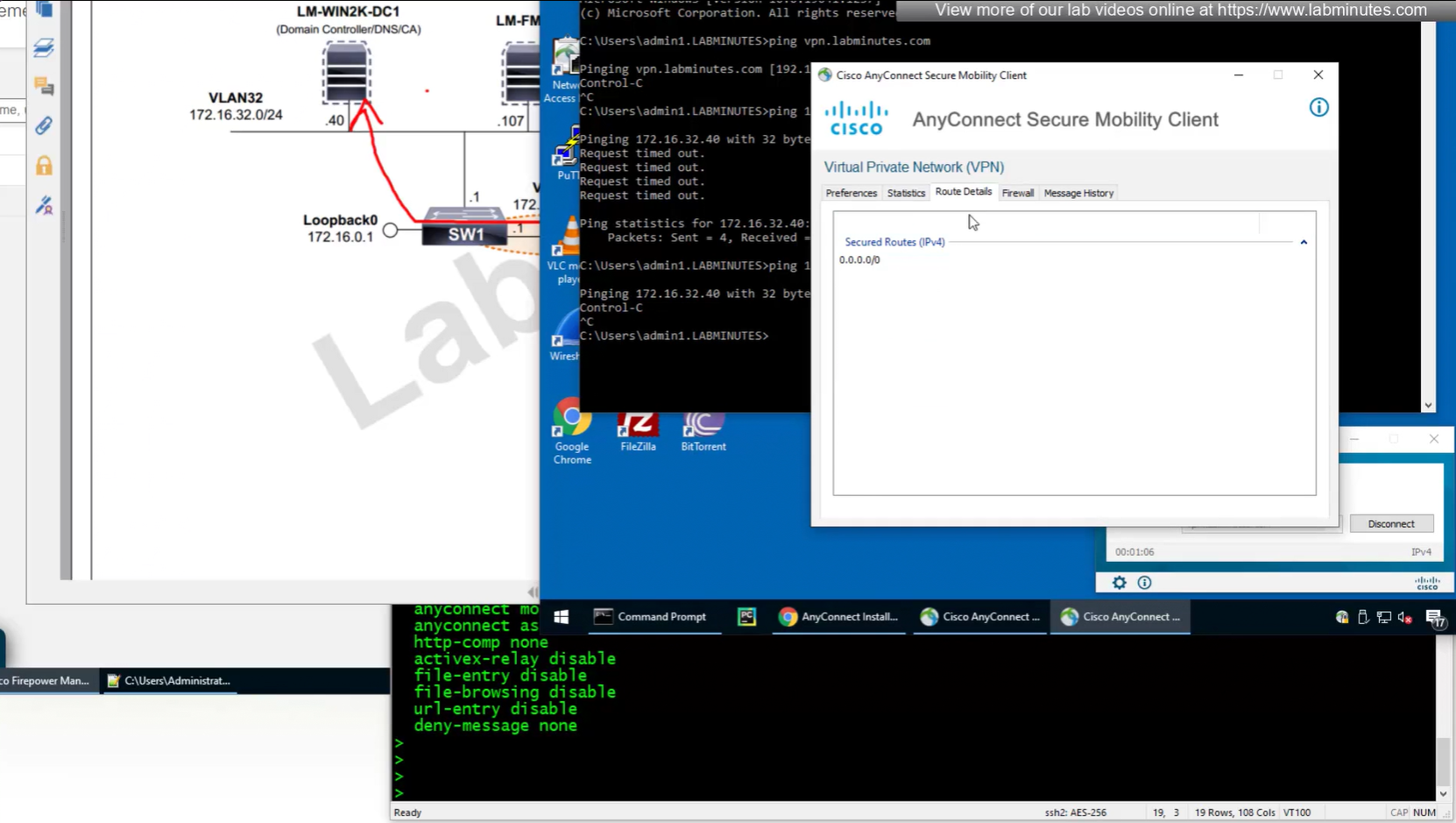
NAT statement for anyconnect is not being hit and untranslate hit is not there since NAT statement is for INSIDE > OUTSIDE and that is why we should see “untranslate” hits
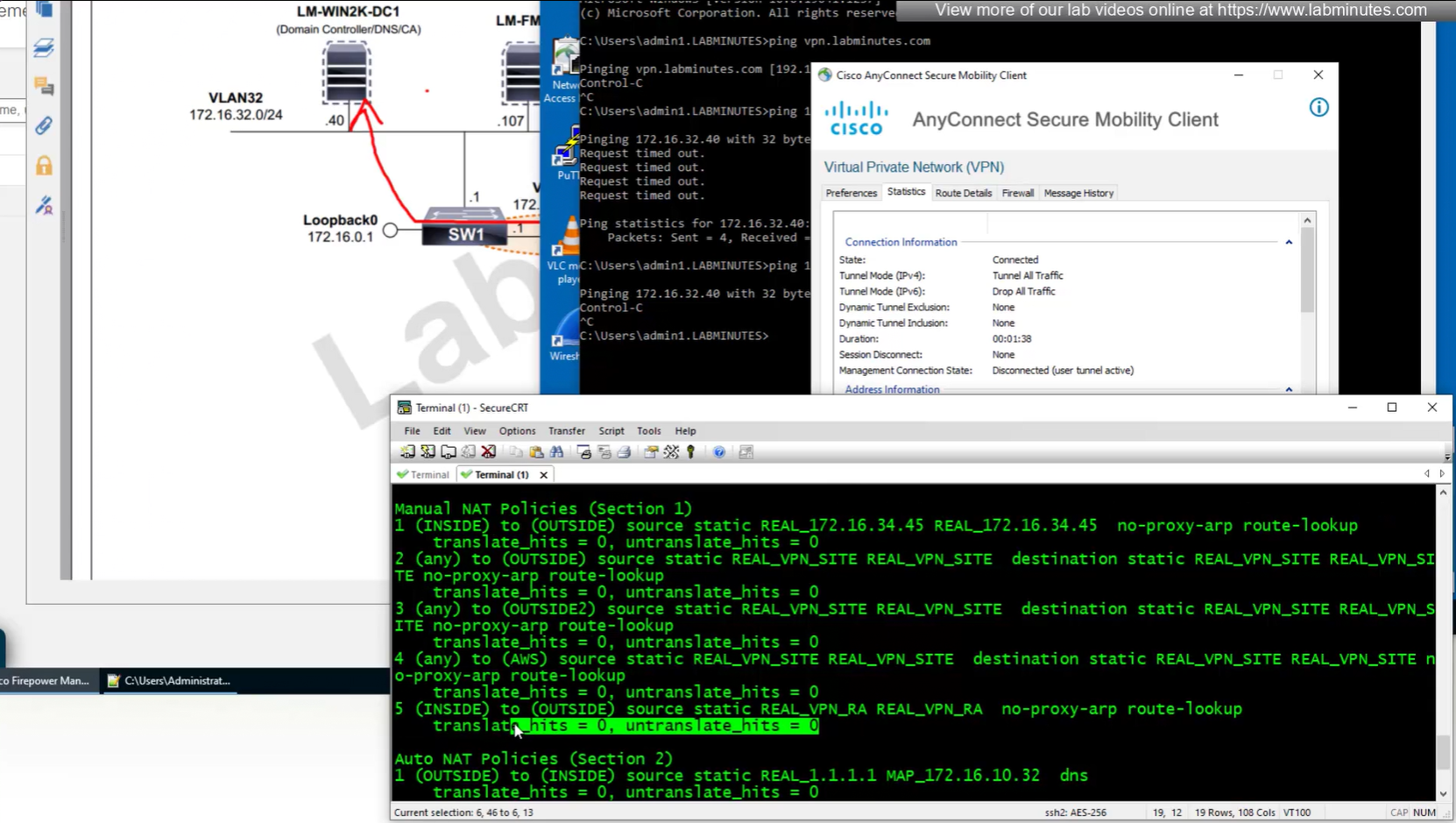
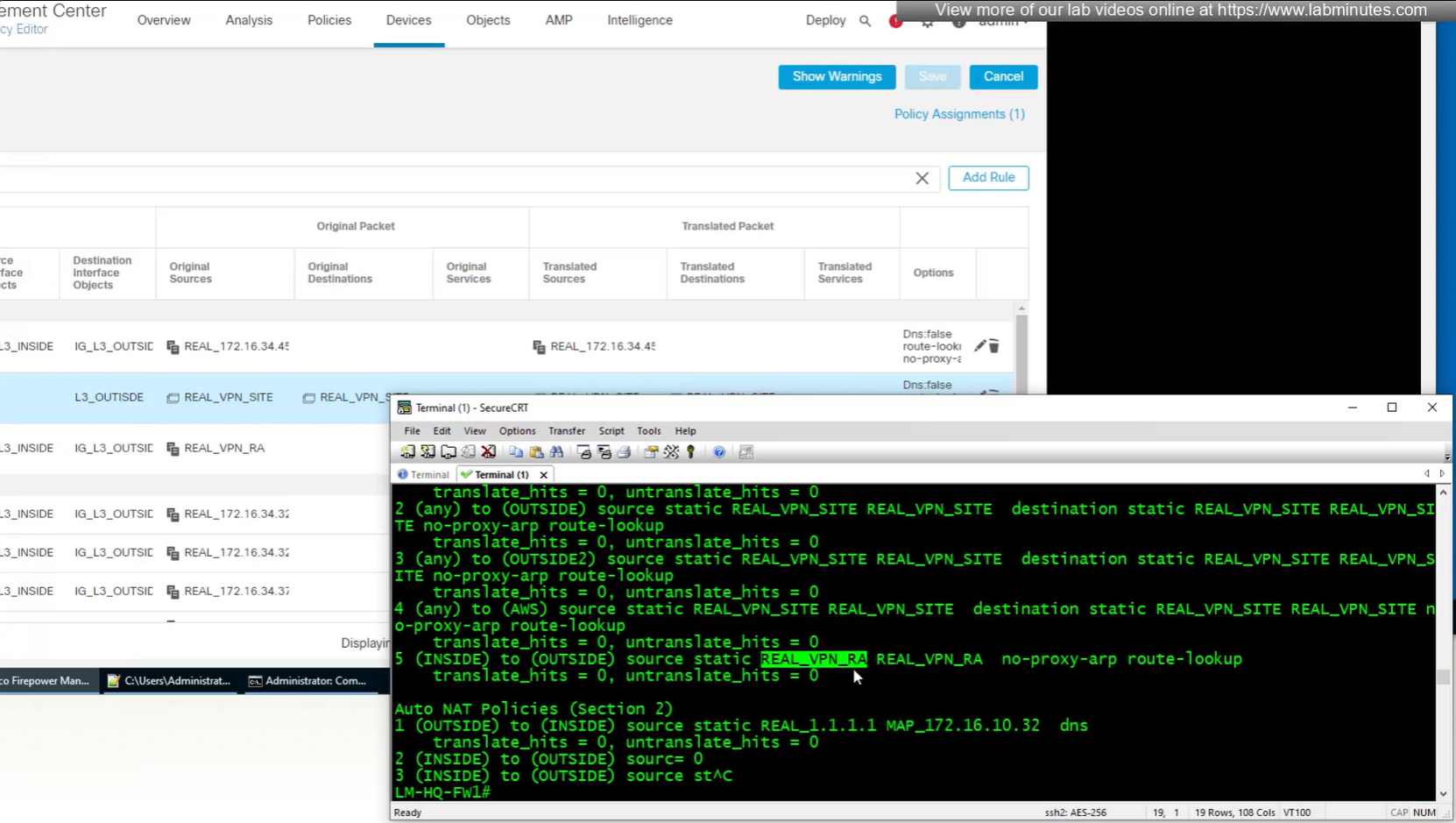
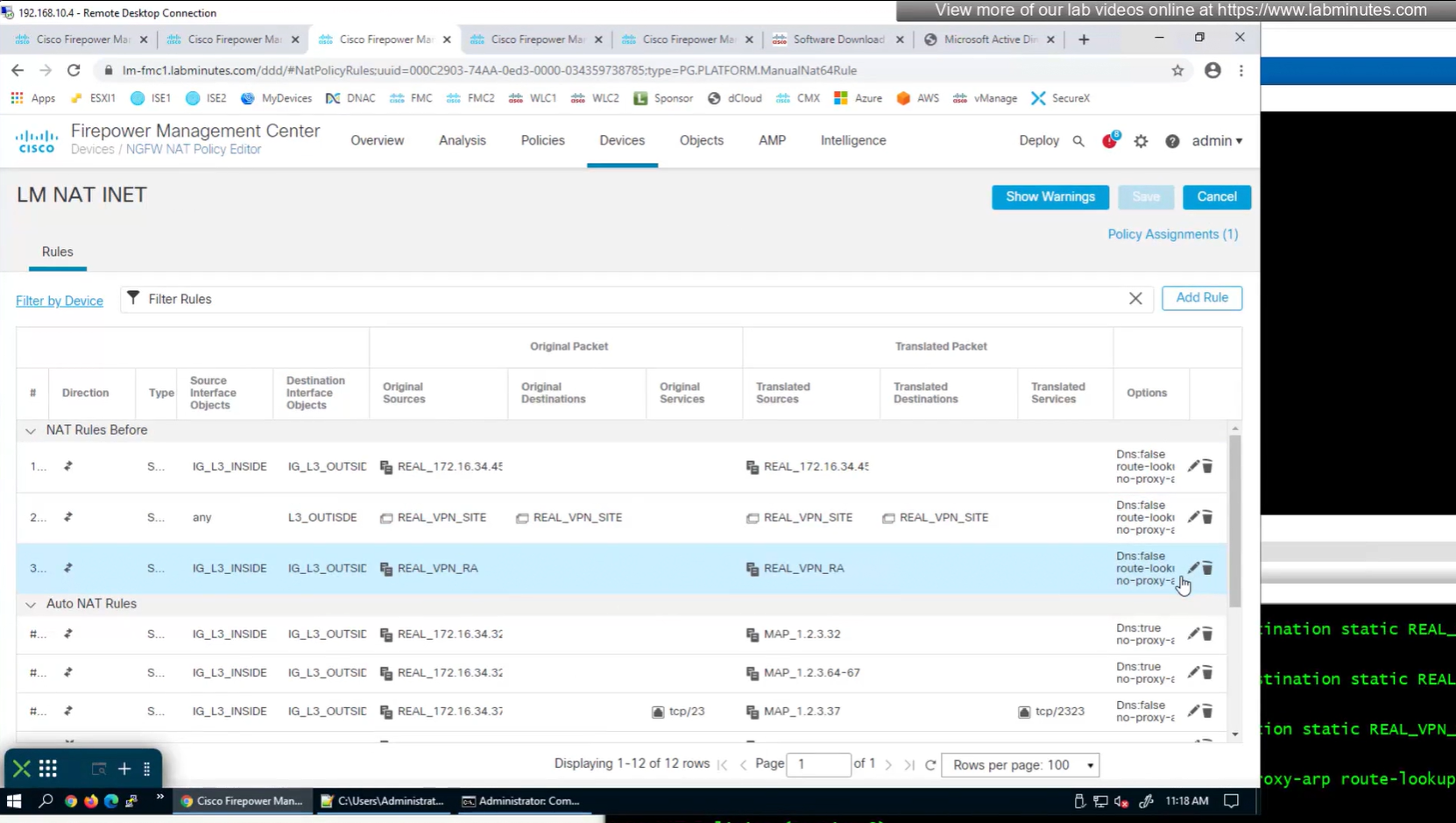
earlier while creating NAT rule a mistake was made where REAL_VPN_RA was used in source section and not in destination section, emptied out the source field and added REAL_VPN_RA in destination section and that worked
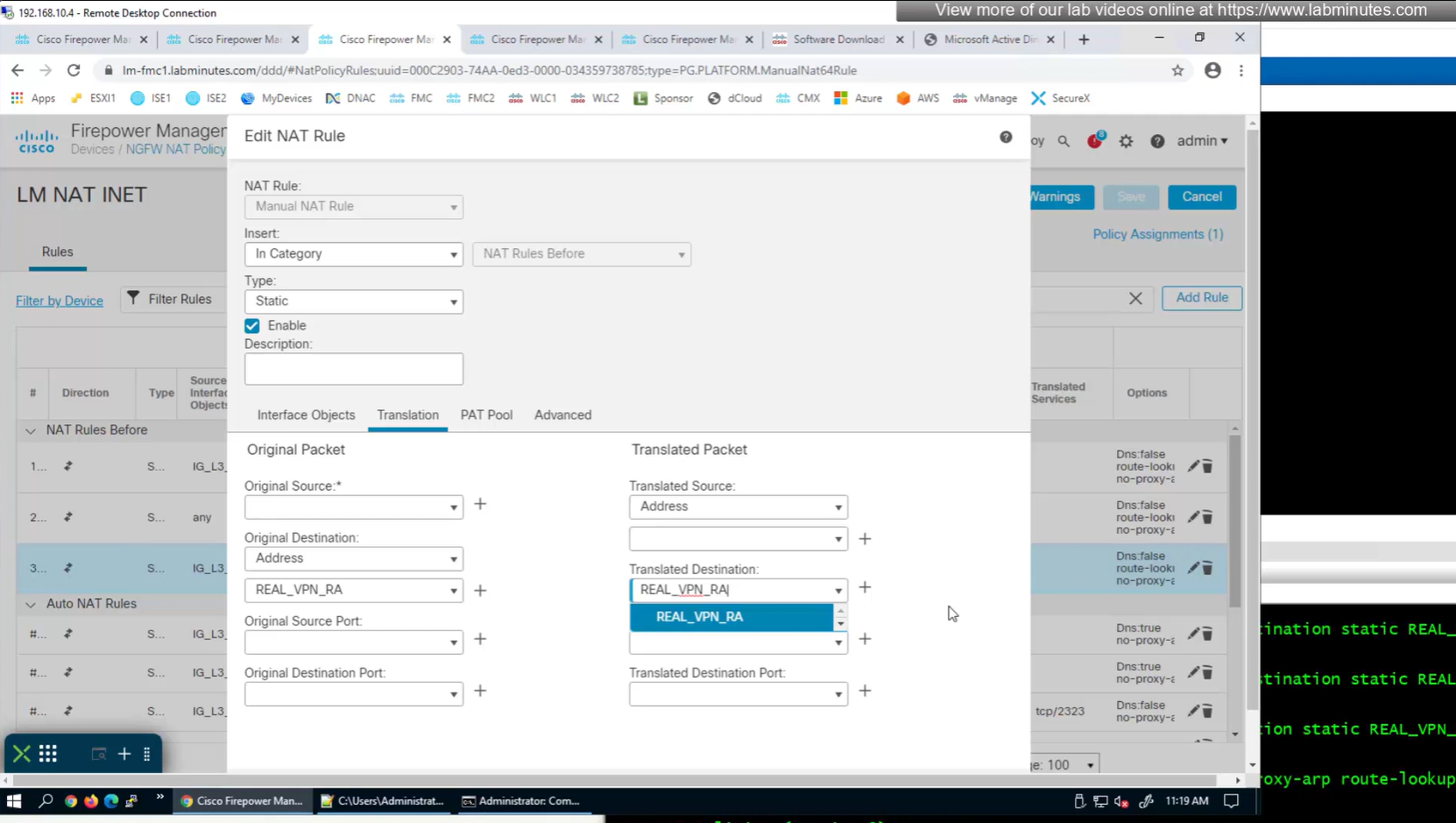
now pings work

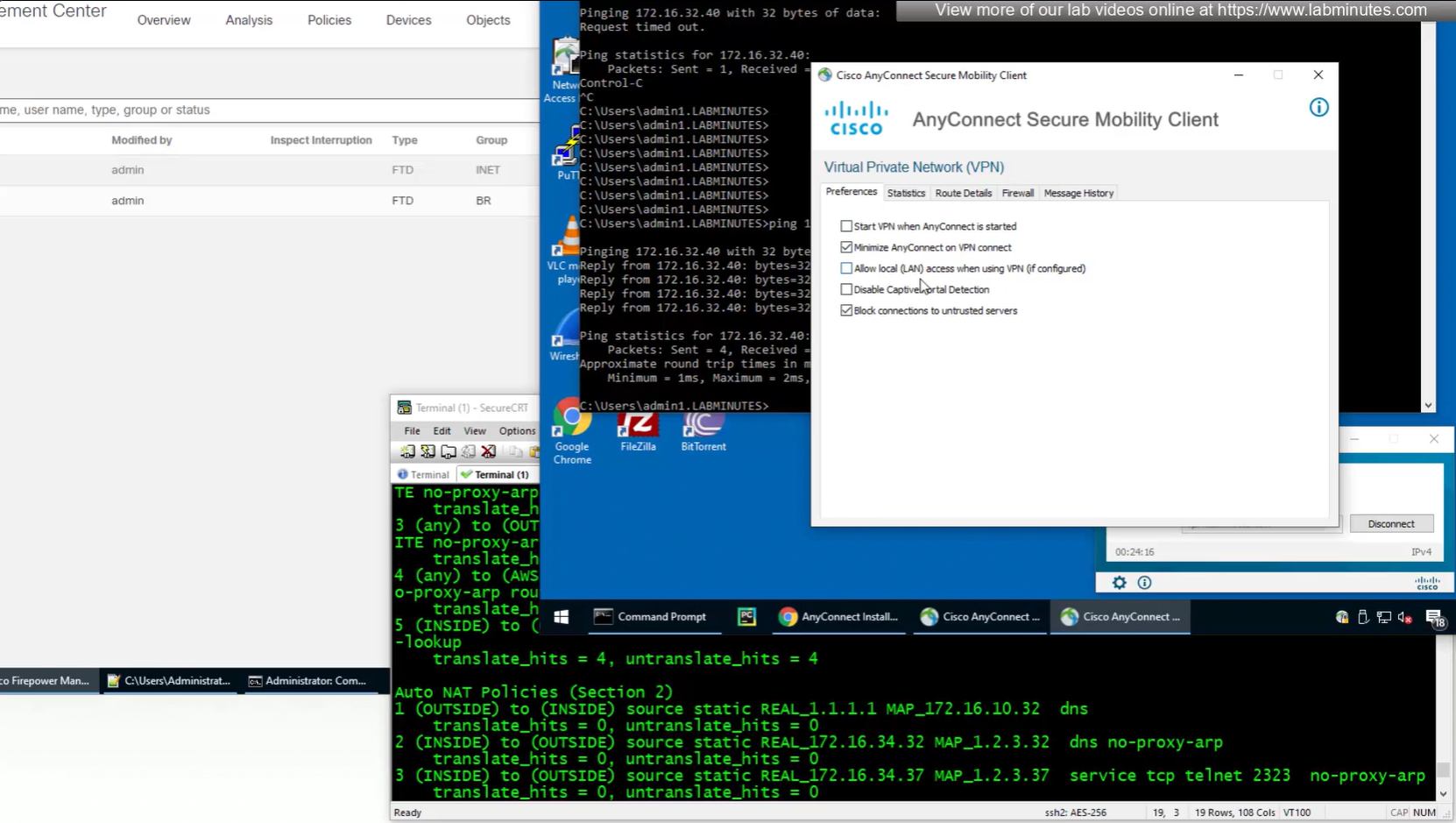
These are some user facing customisations
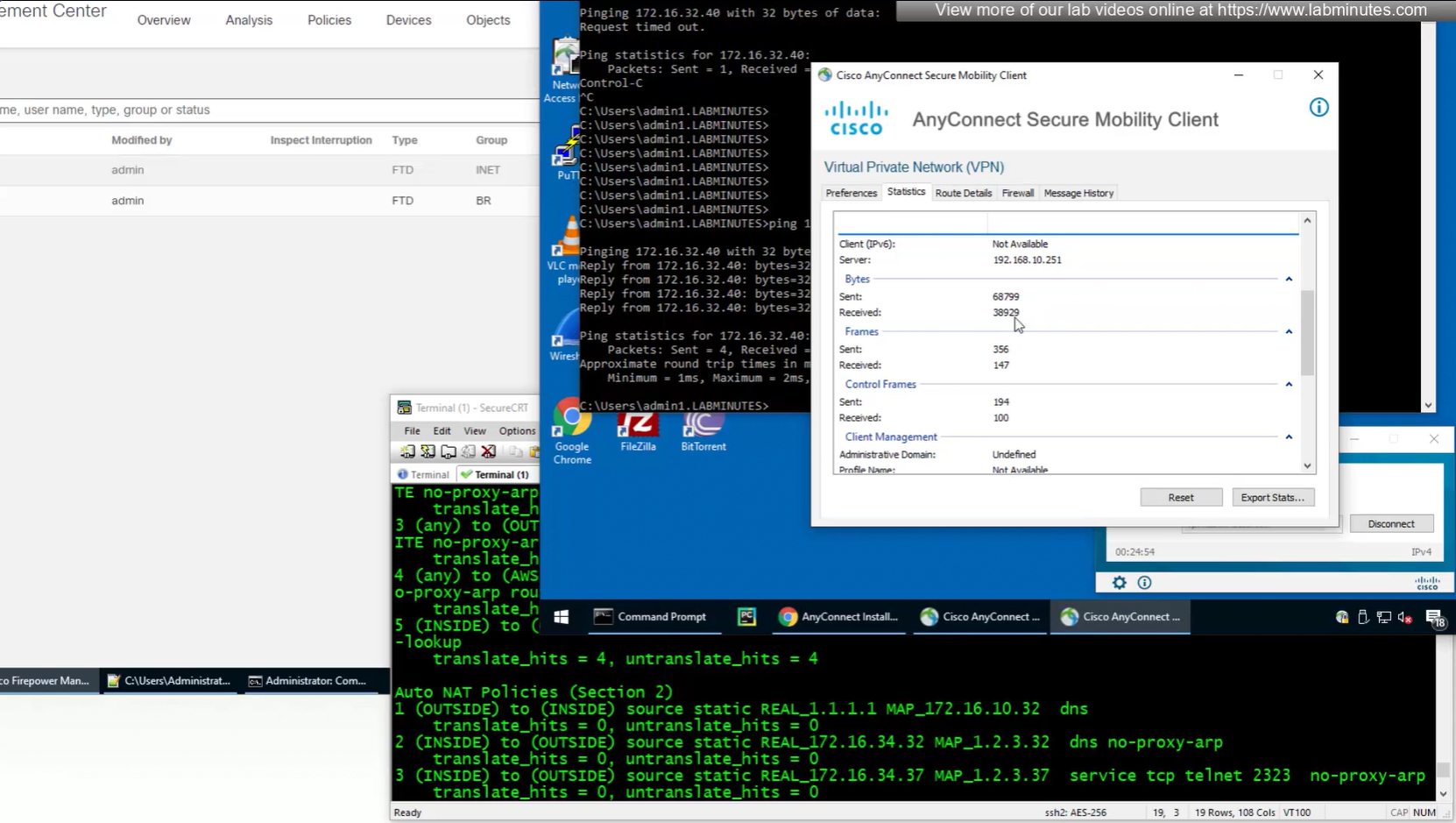
number of bytes sent and received
because this is default group policy that has “tunnel all traffic” we see route for 0.0.0.0/0

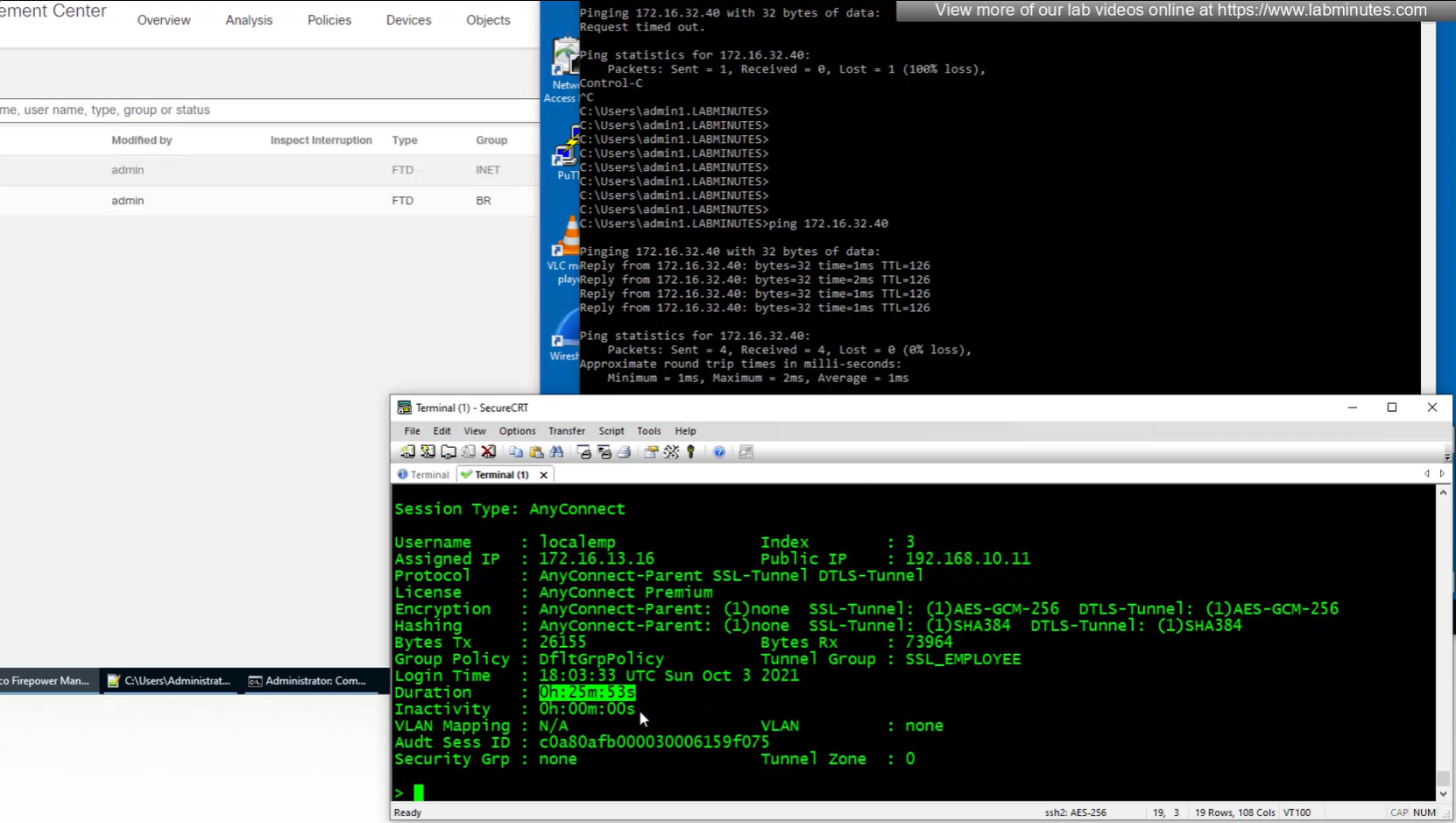
show vpn-sessiondb anyconnect 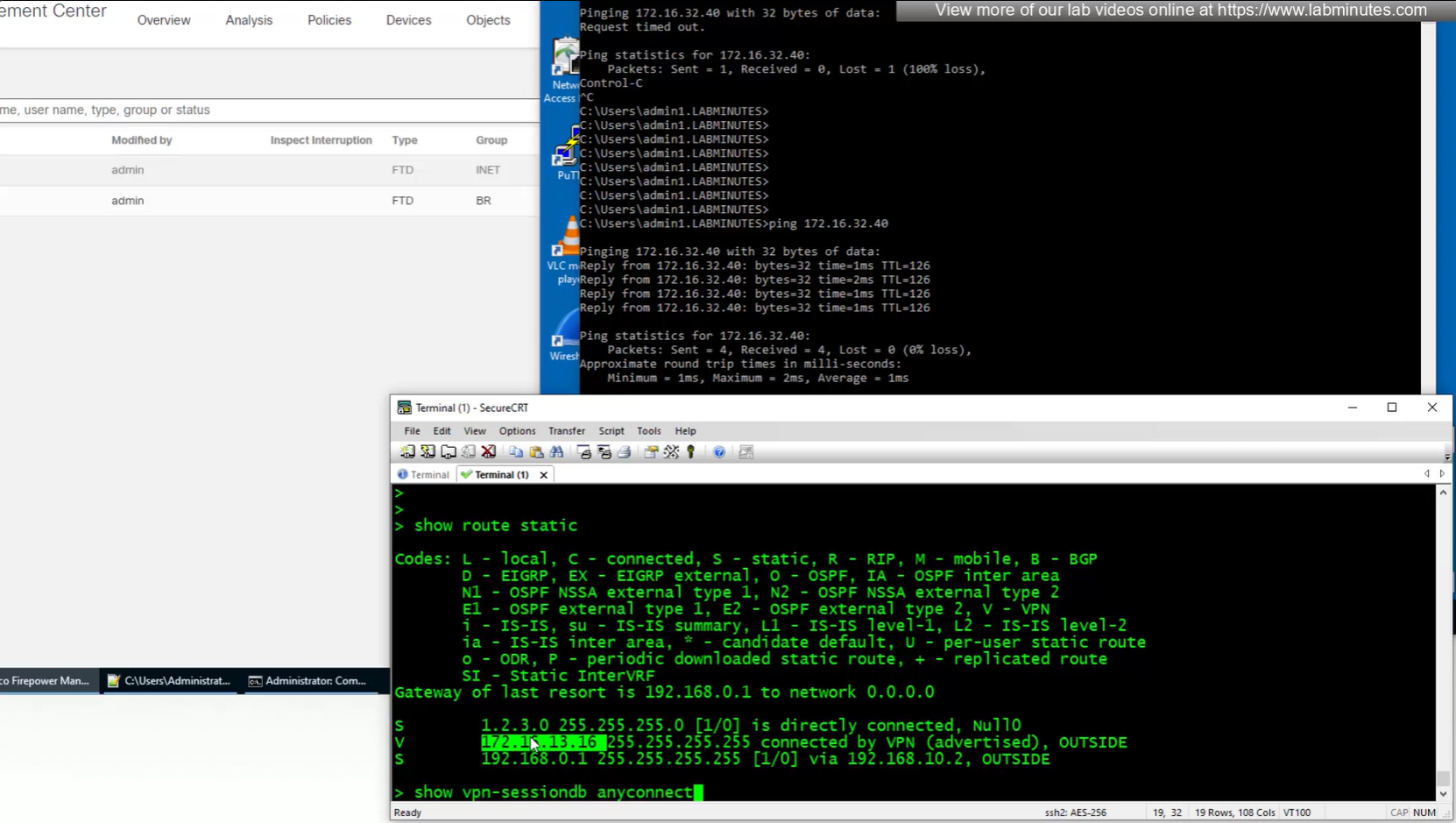
anyconnect license consumed by user
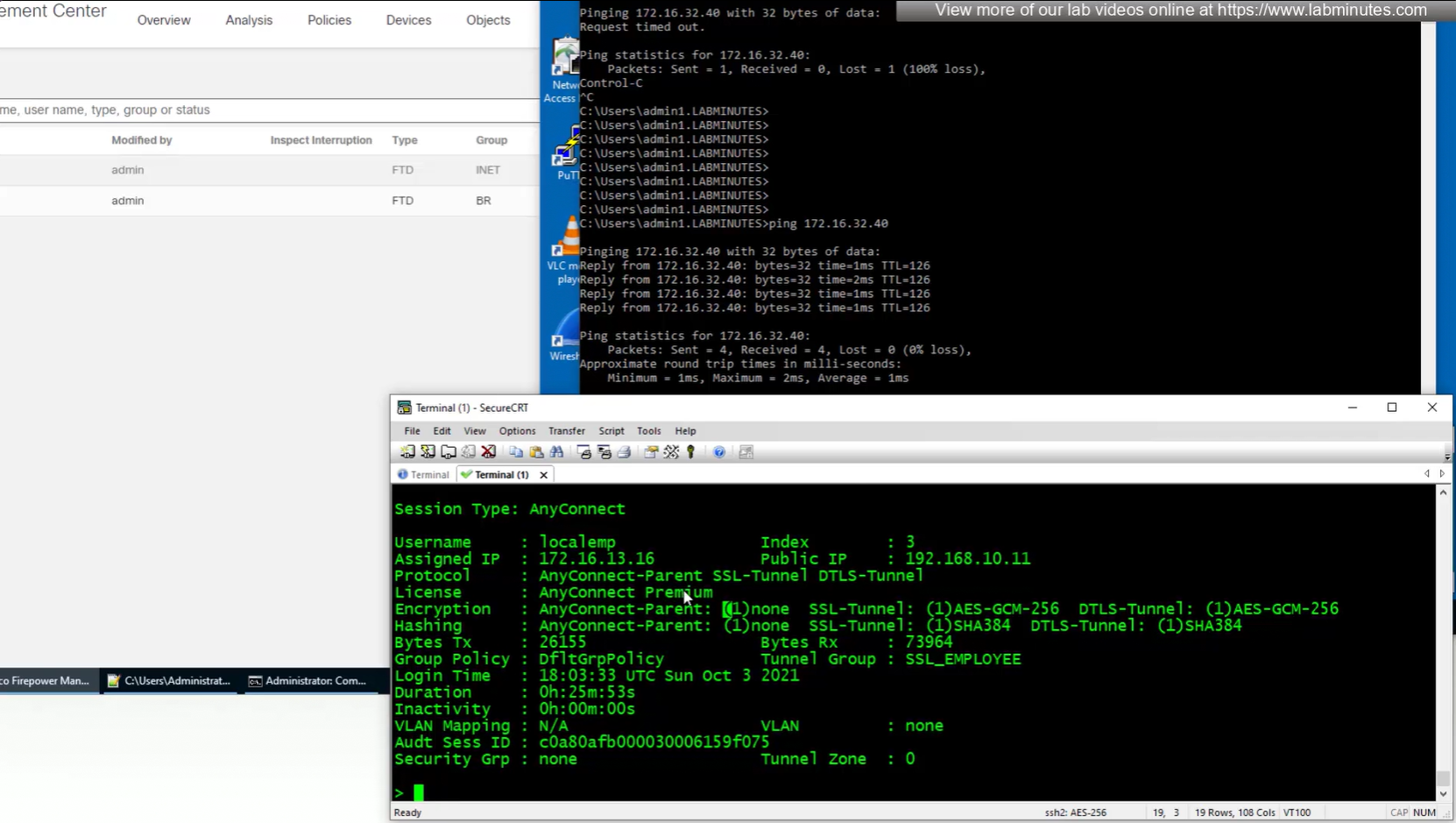
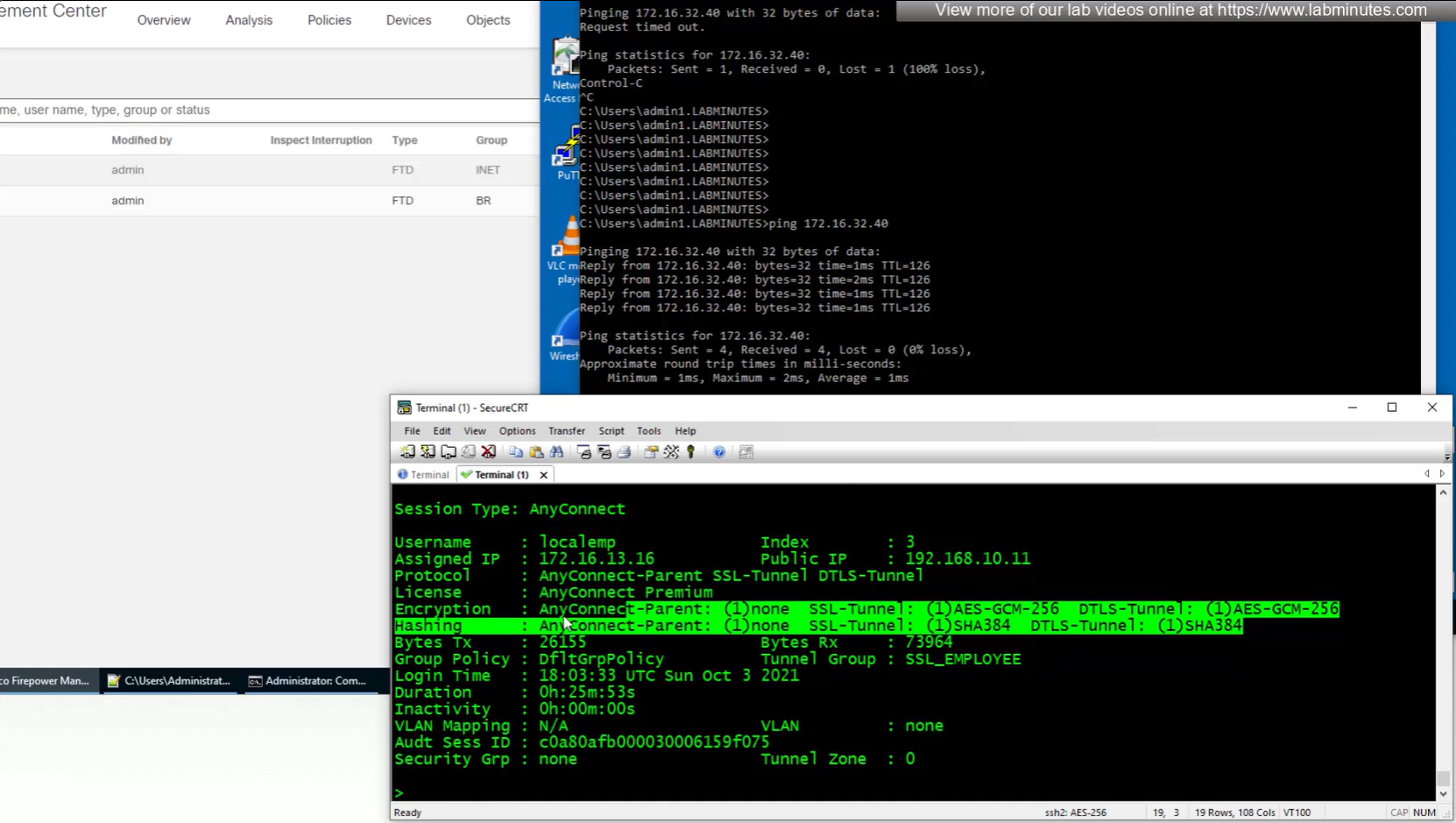
encryption and hashing
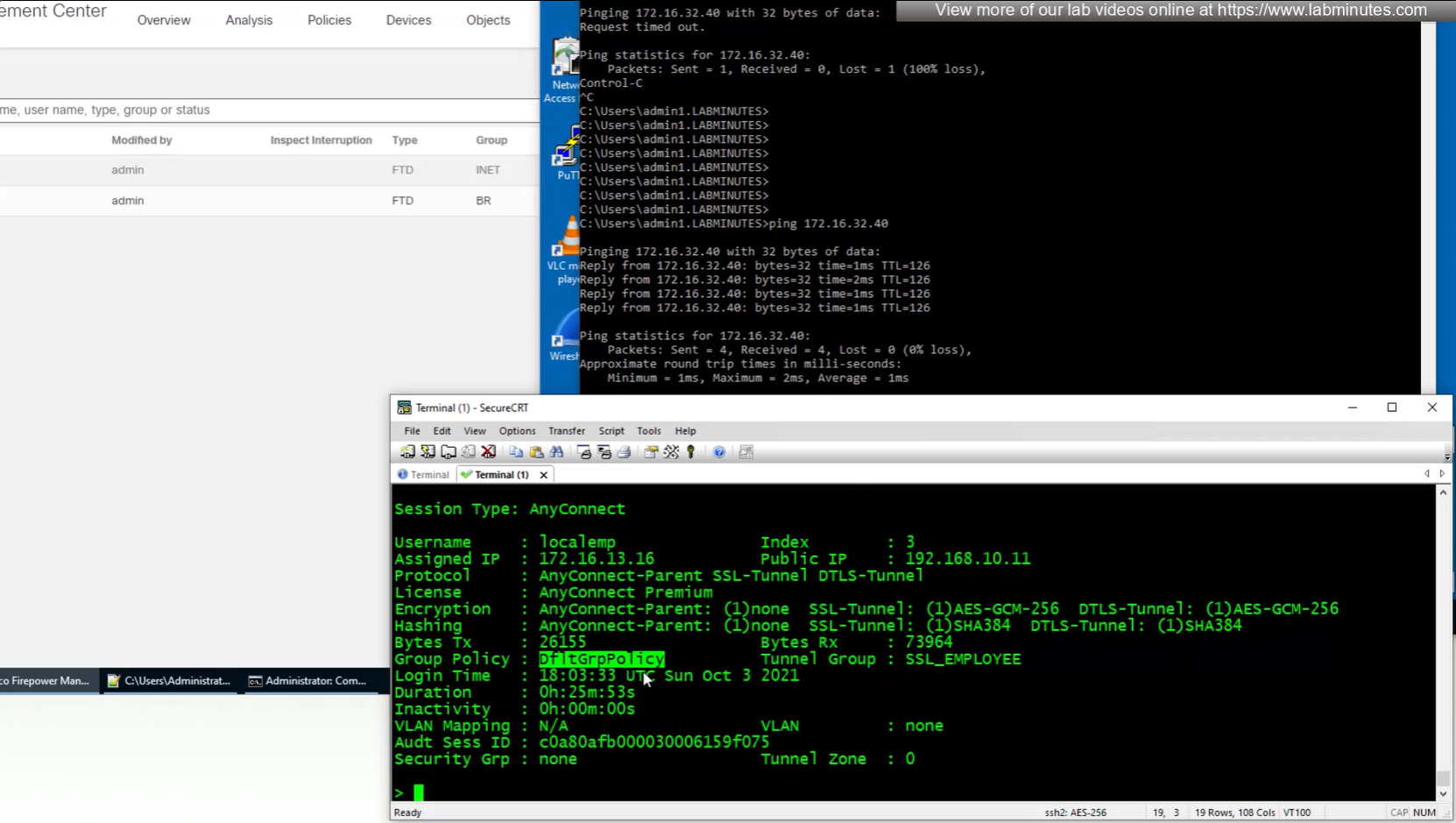
group policy
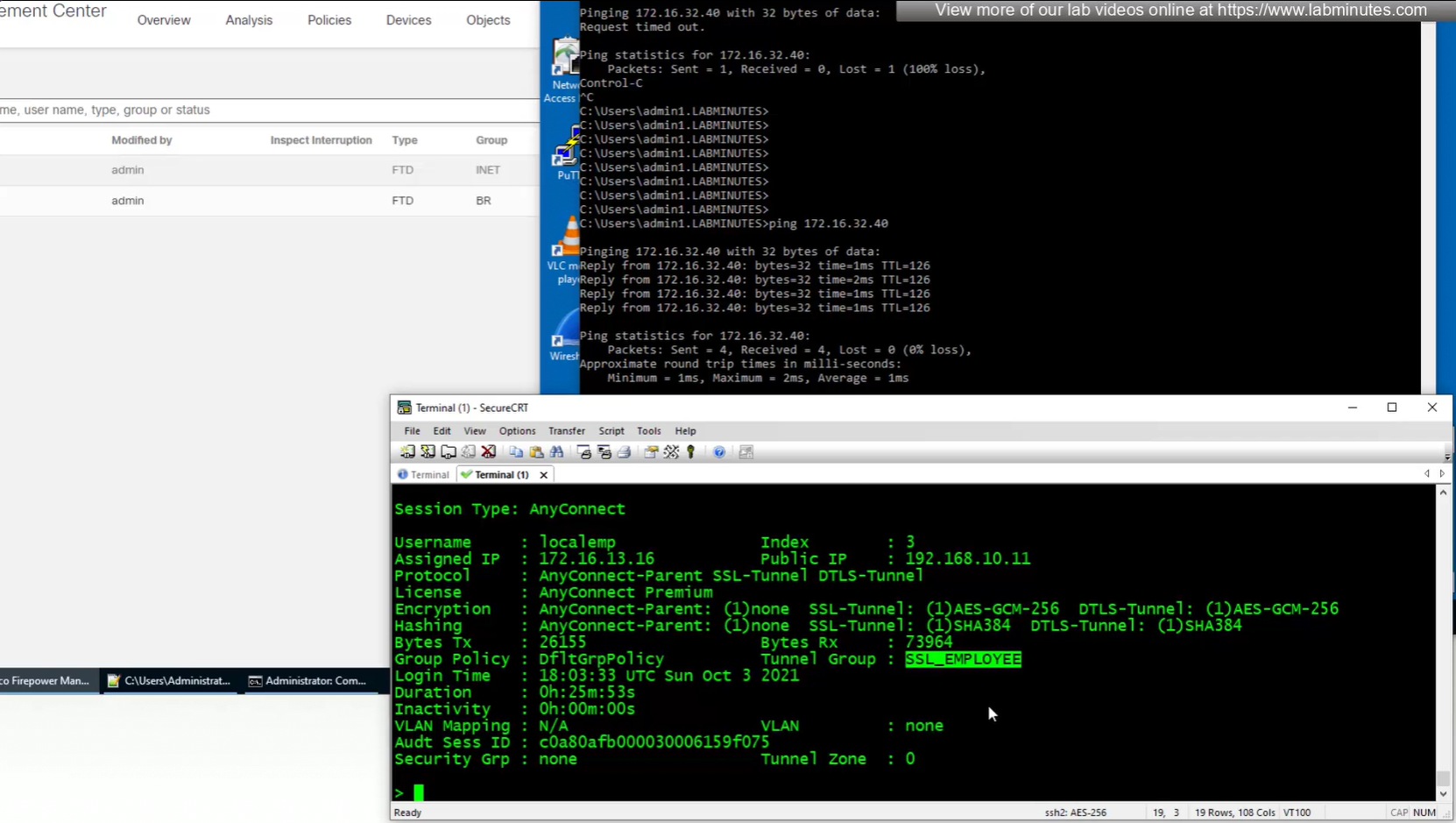
tunnel-group
duration
inactivity
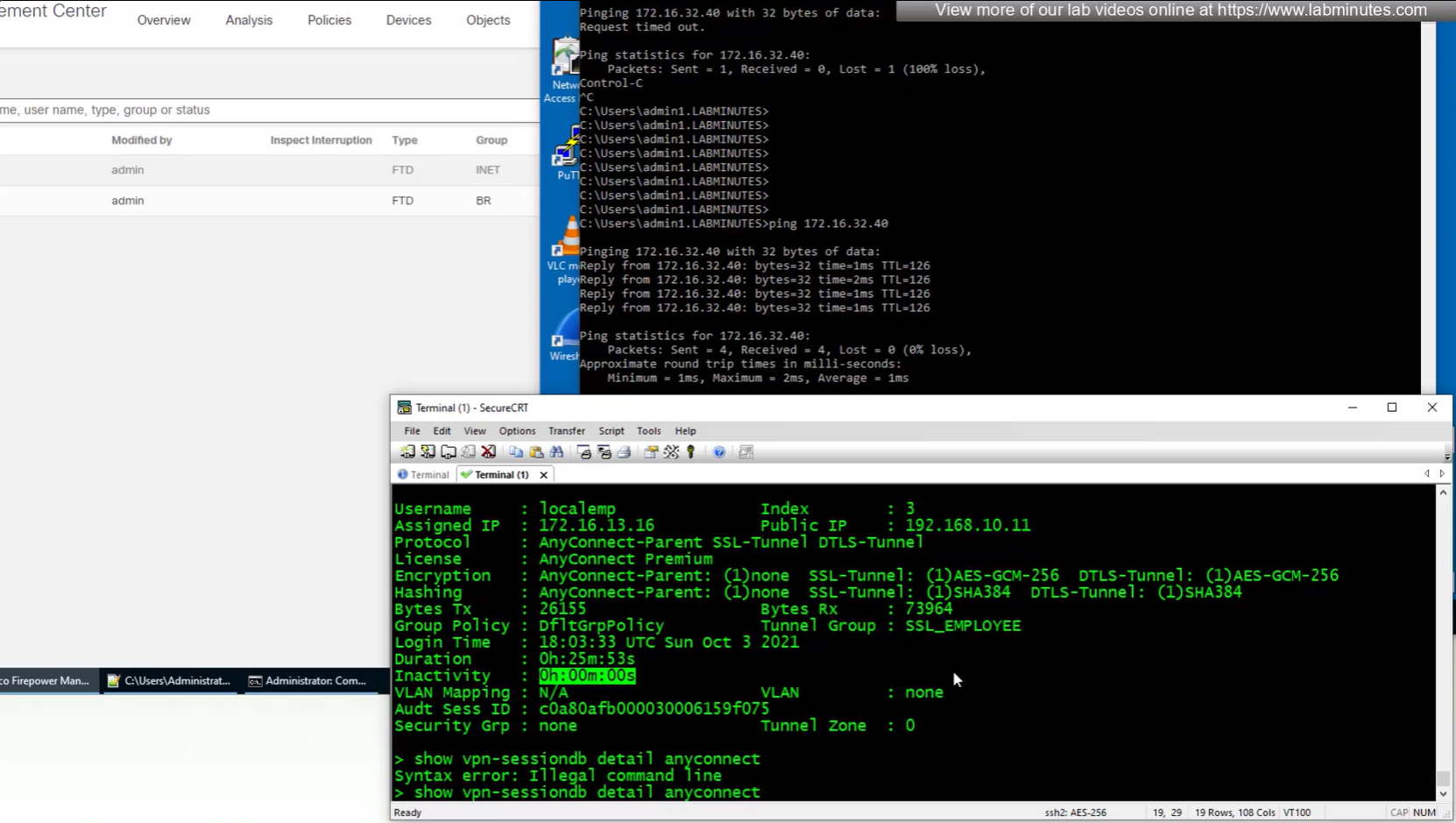
bytes
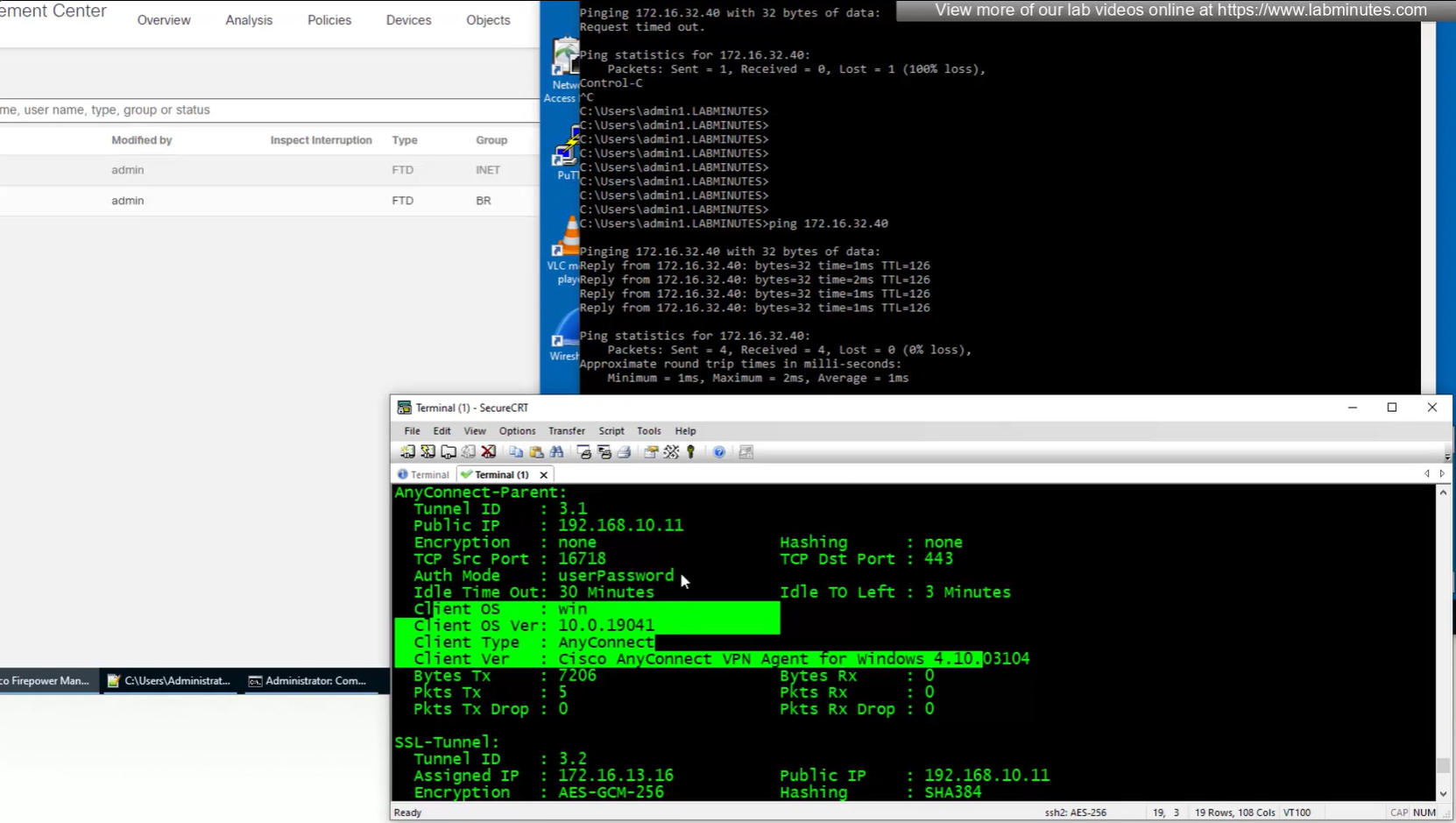
show vpn-sessiondb detail anyconnect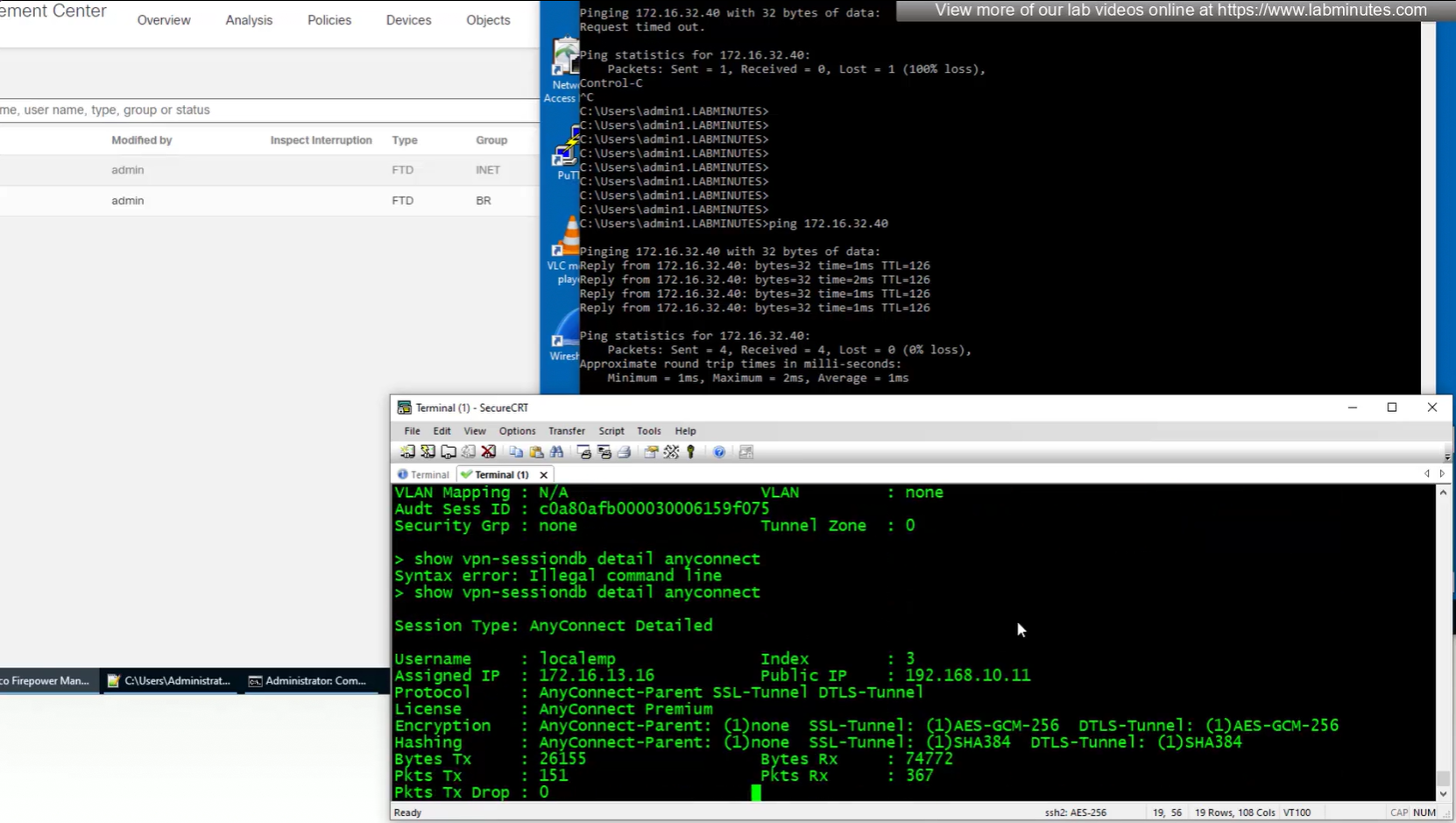
client version and OS
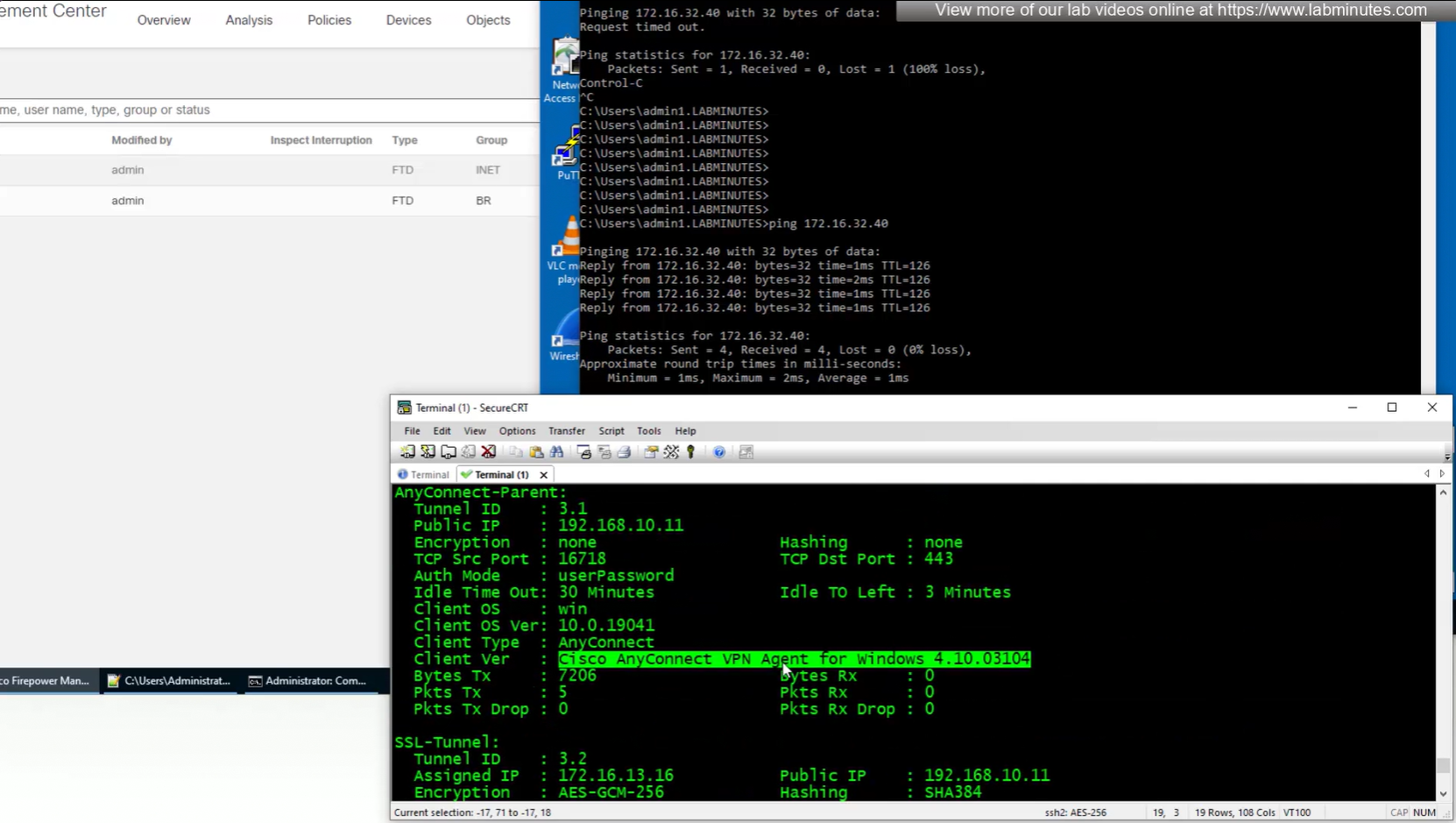
authentication
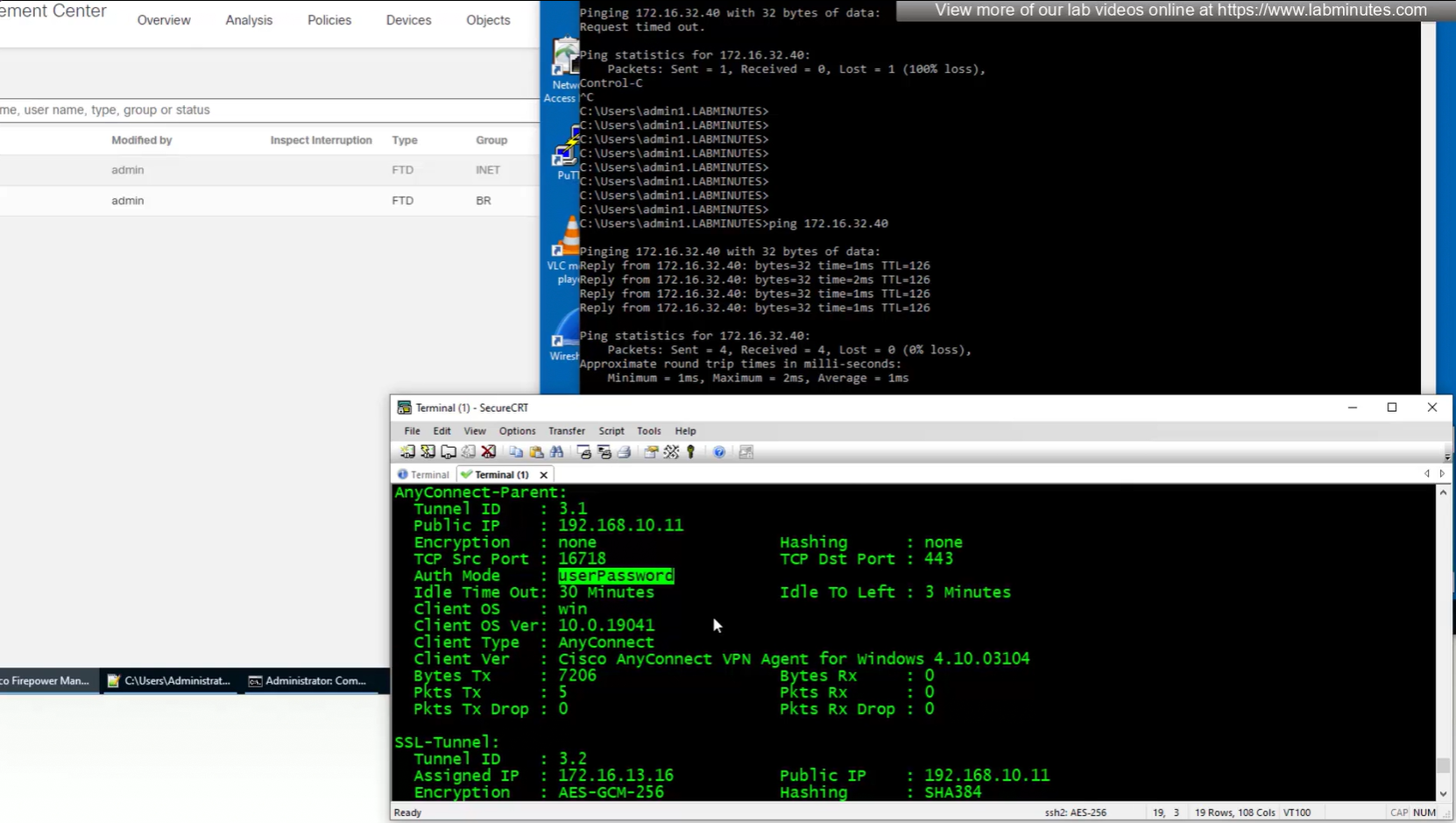
OS and client info
TCP ports , Idle timeout , bytes
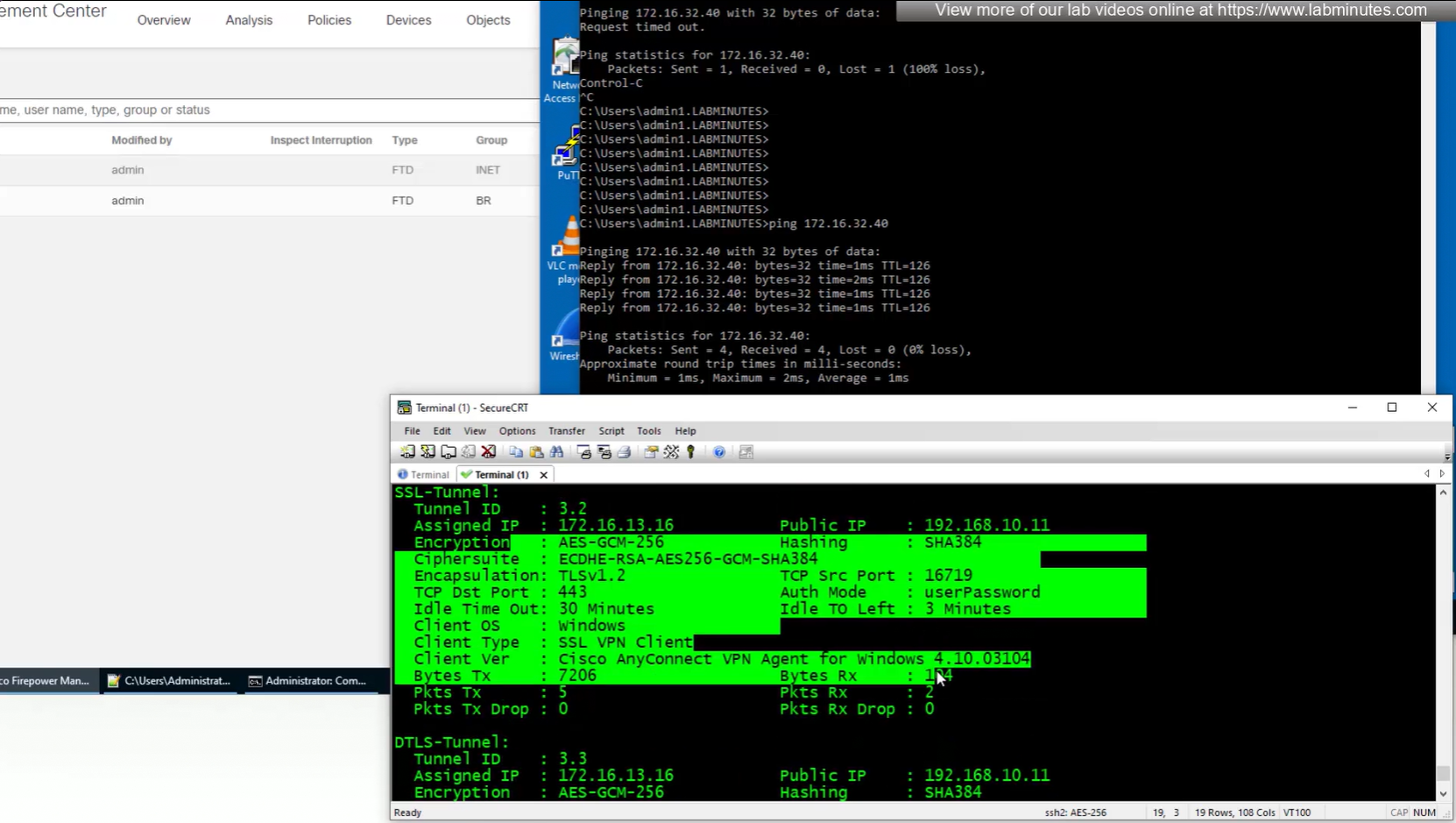
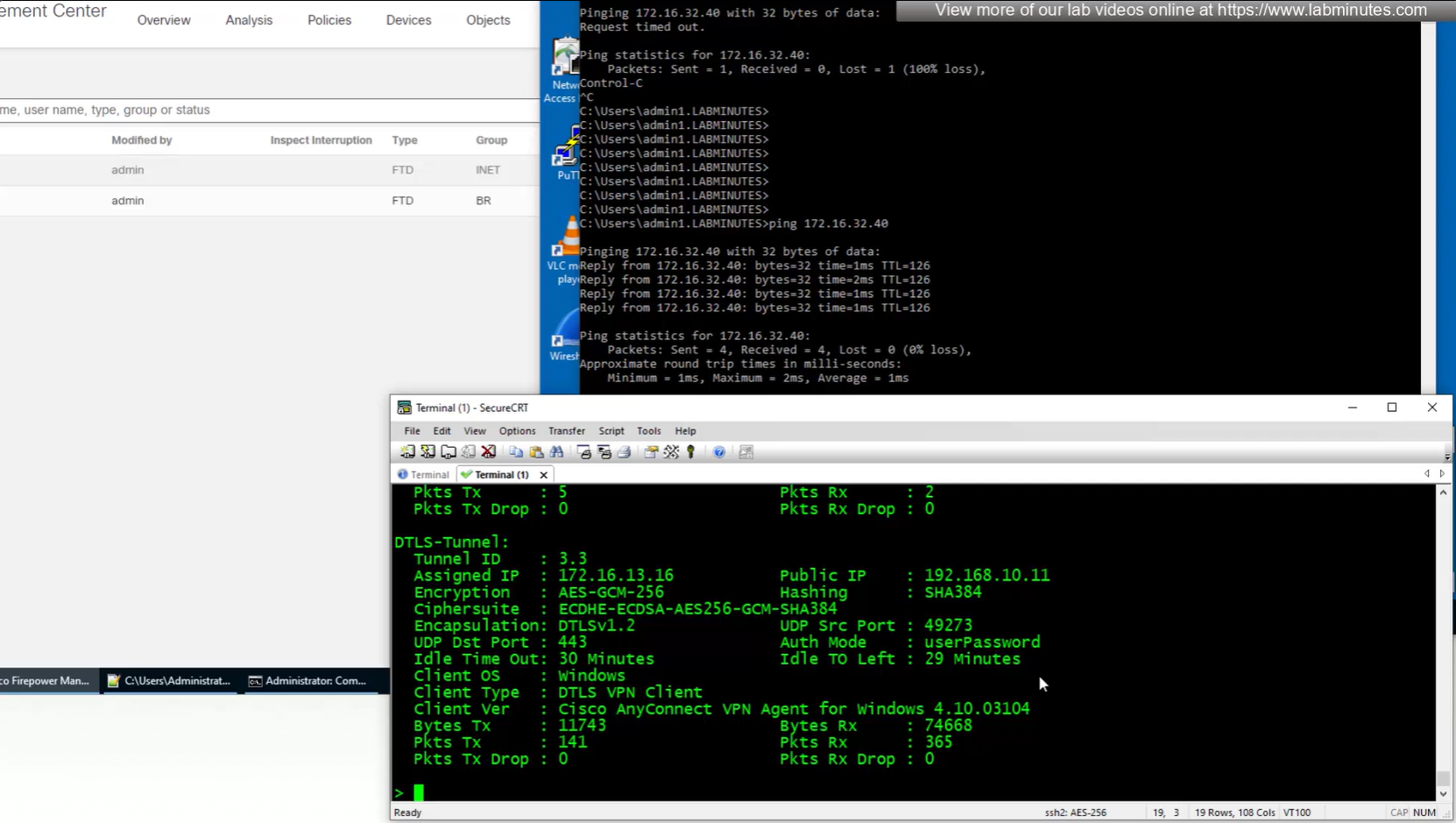
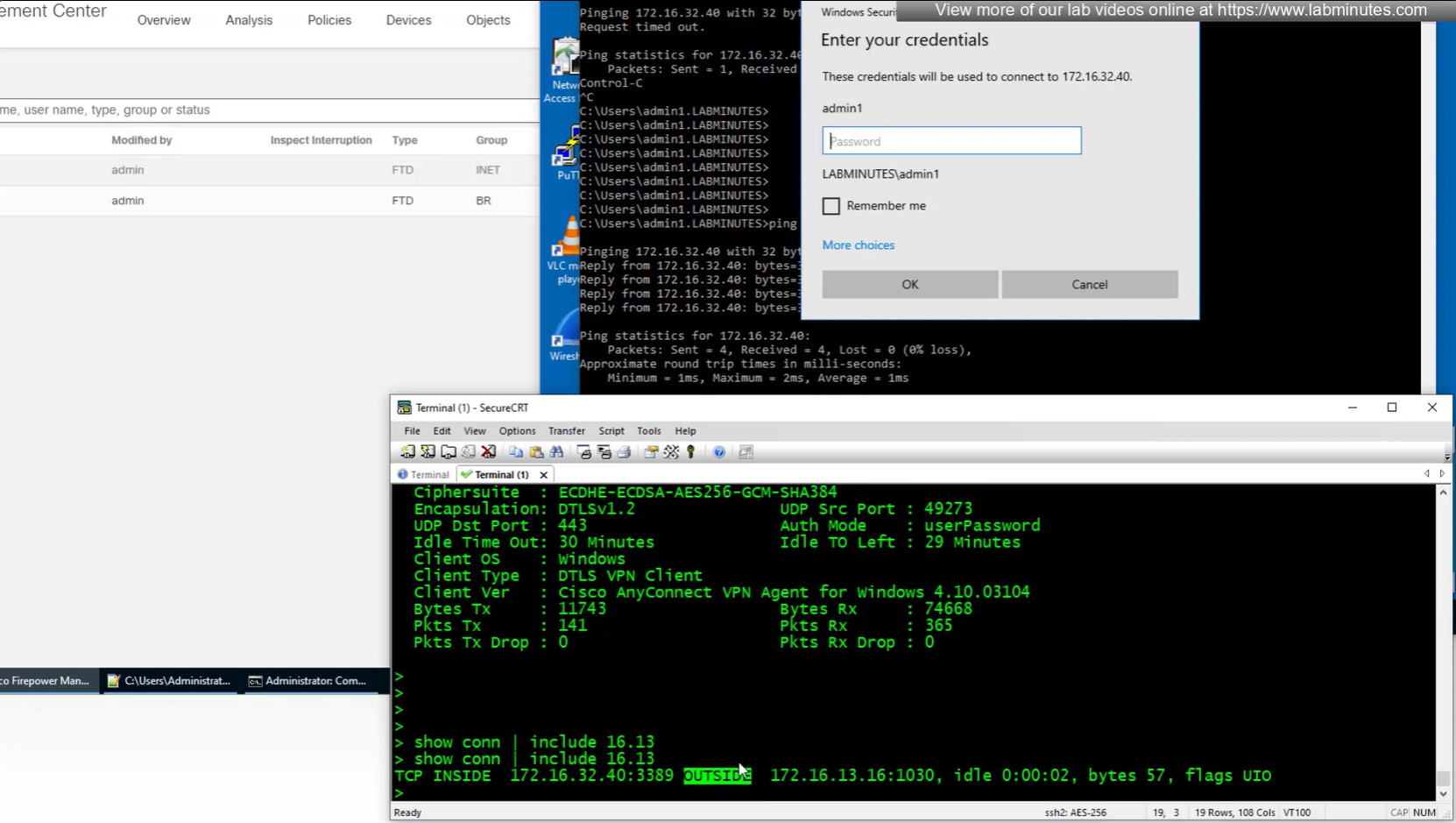
connection seems to be coming from OUTSIDE