Cisco | ISE Posture 1
ISE Posture Concepts & Configuration
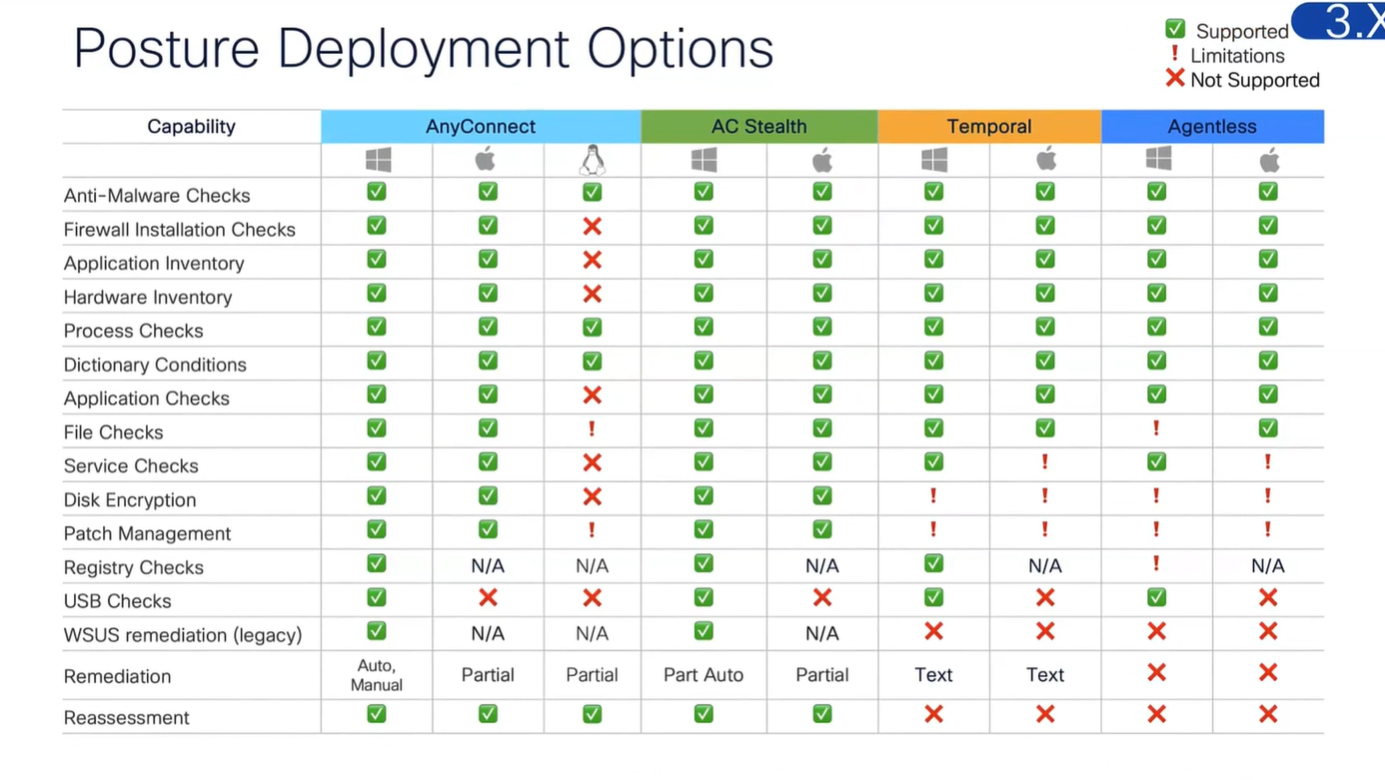
These are all the checks for posture
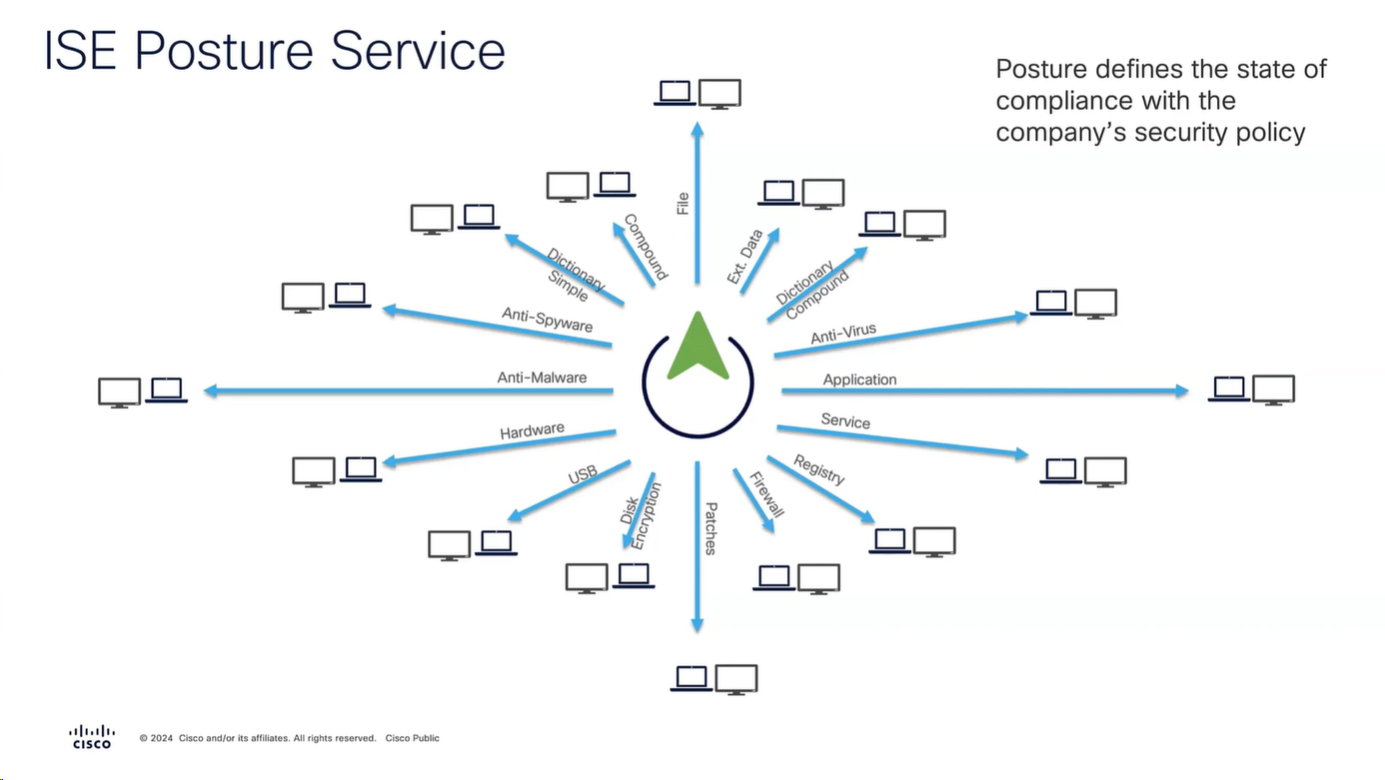
Checks
but not all checks are supported in all operating systems
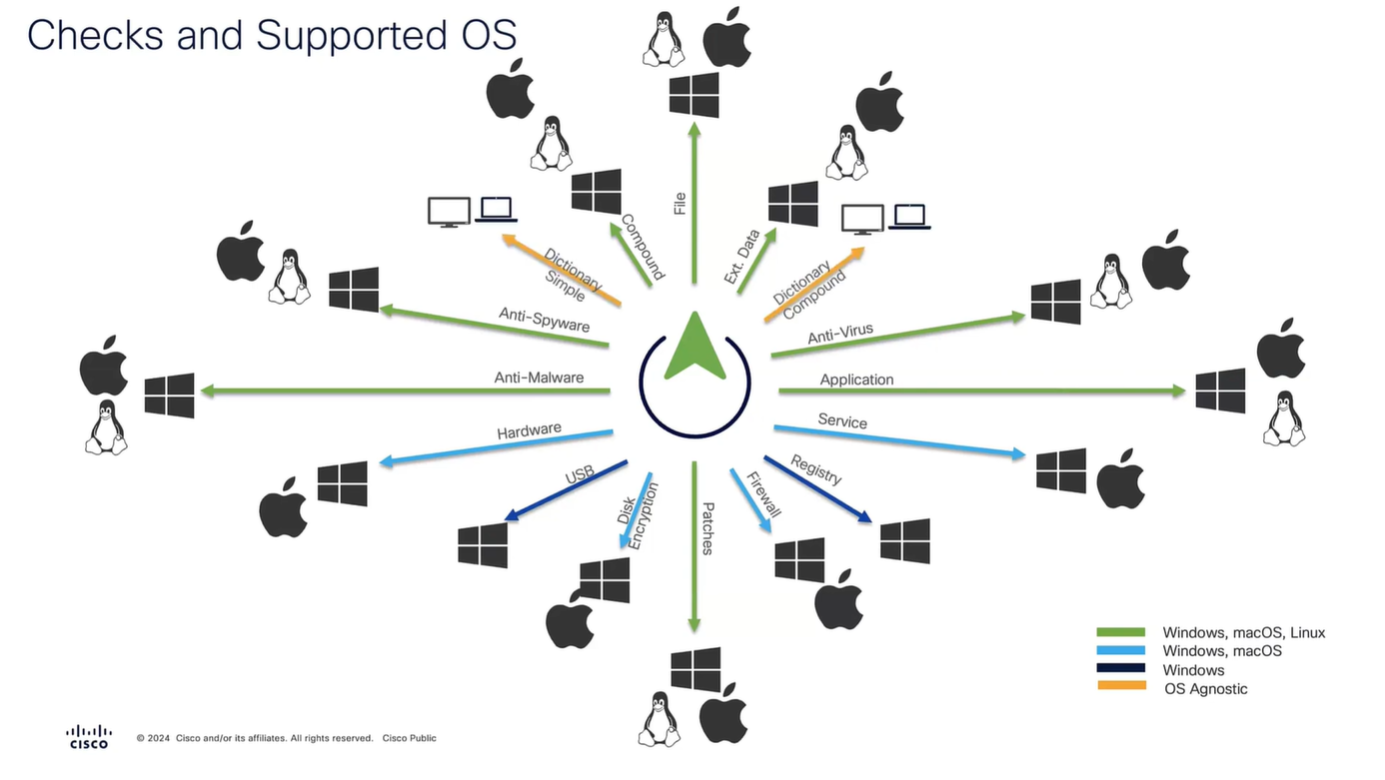
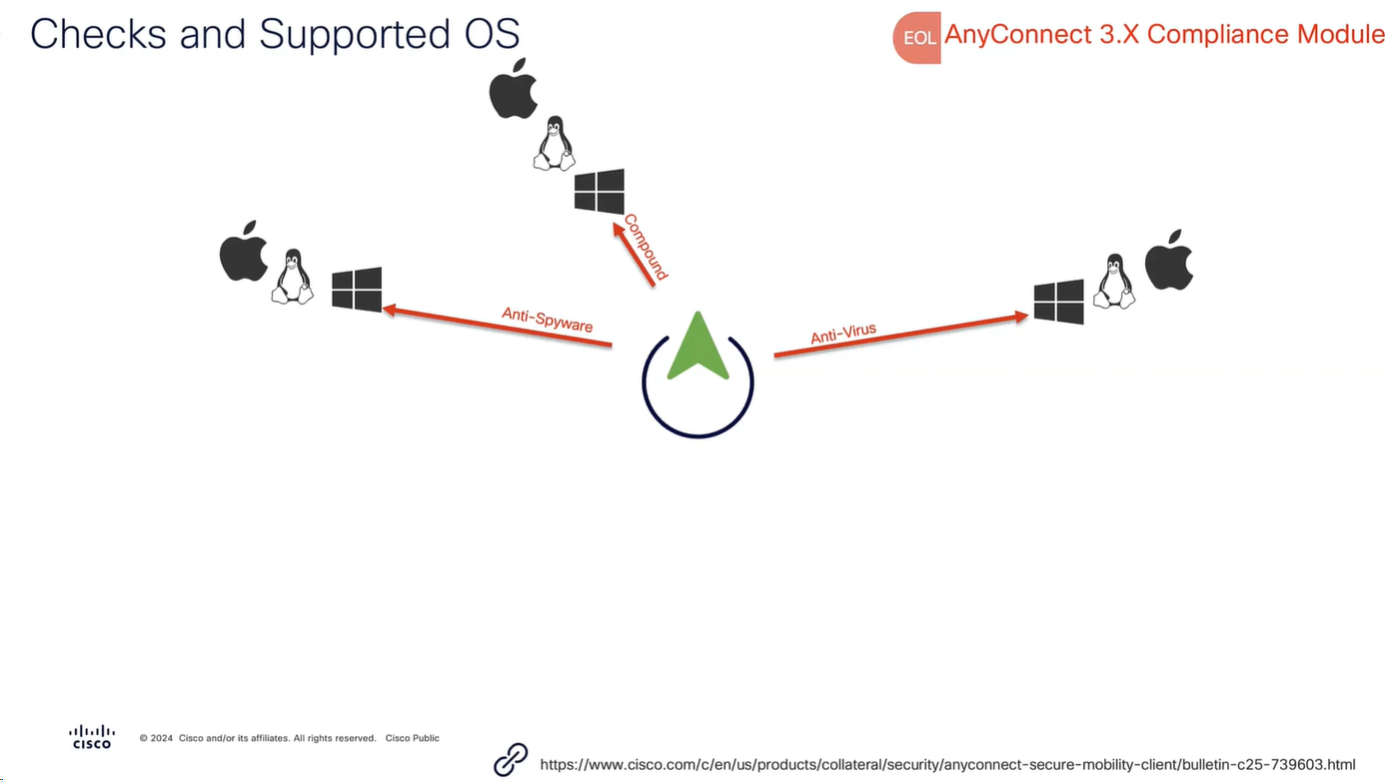
Anti-Spyware, and Anti-Virus have been replaced with Anti-Malware
and use of compound has been replaced with Patch Management
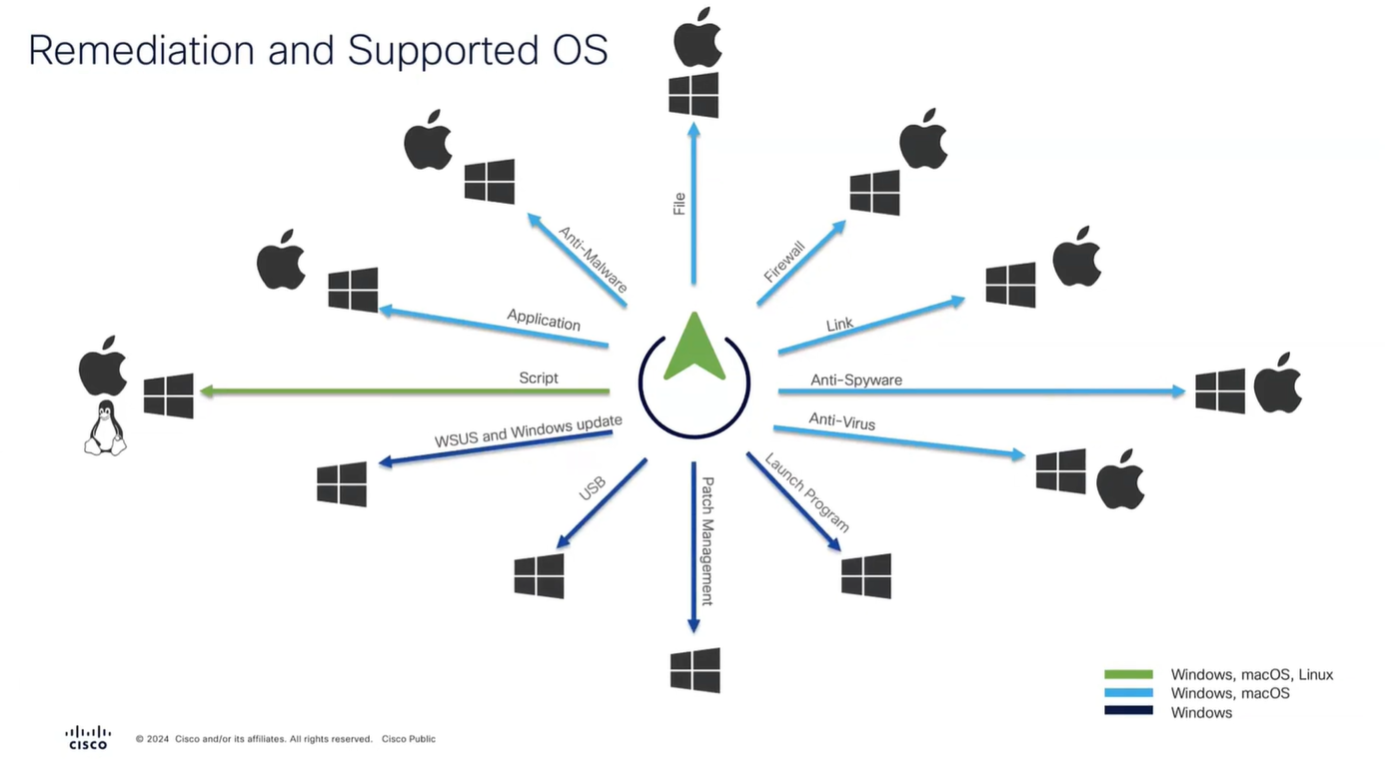
Remediation
Checks are different from Remediation
Different types of Agents and their capabilities
Modes of access
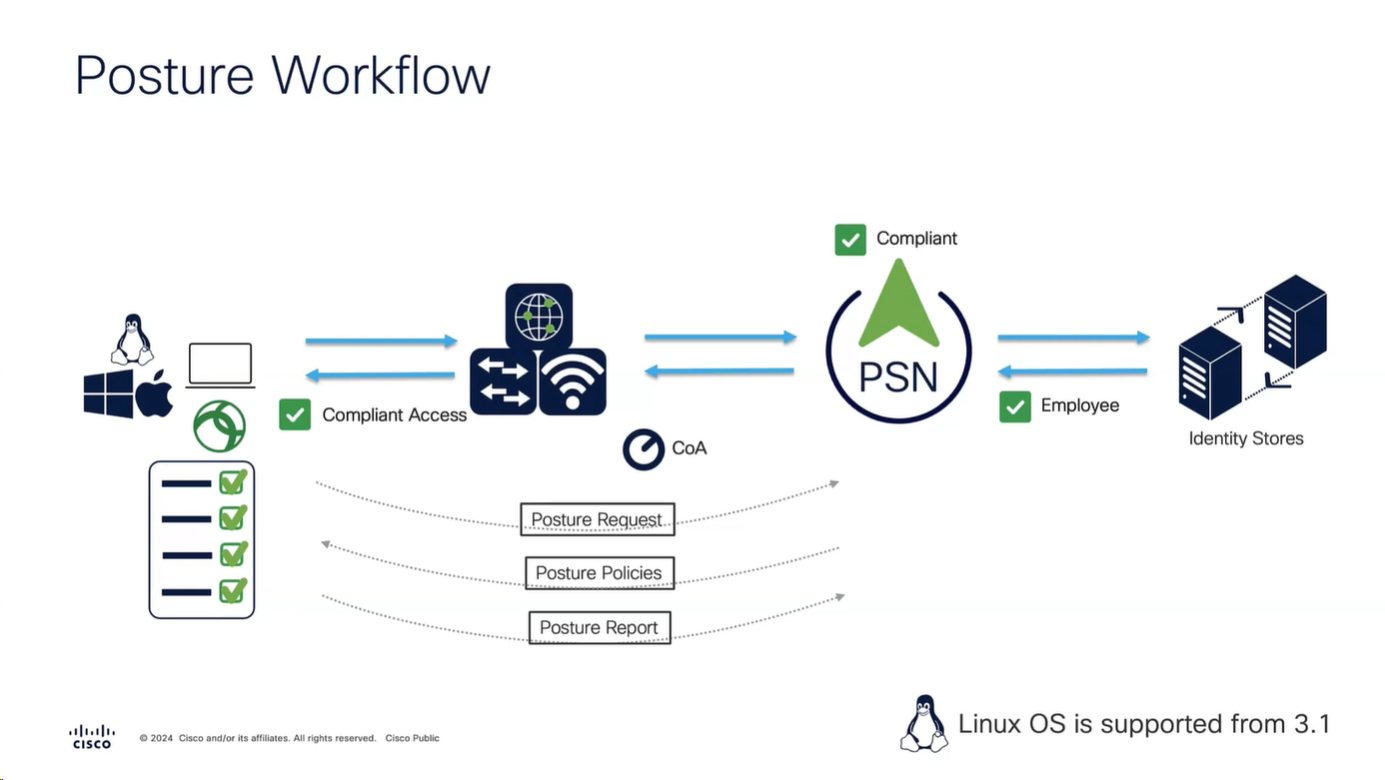
Policy set must be configured with rules that treat devices at first to be in Posture=Unknown, Devices can access over wired, wireless or VPN
“Posture request” is made by Anyconnect client
“Posture policies” are sent to Anyconnect client
“Posture report” is sent back to PSN based on the policies (checks) that were sent earlier
PSN determines the posture status to be “Compliant” or “Non-Compliant” and delivers via CoA
Posture Configuration Sequence

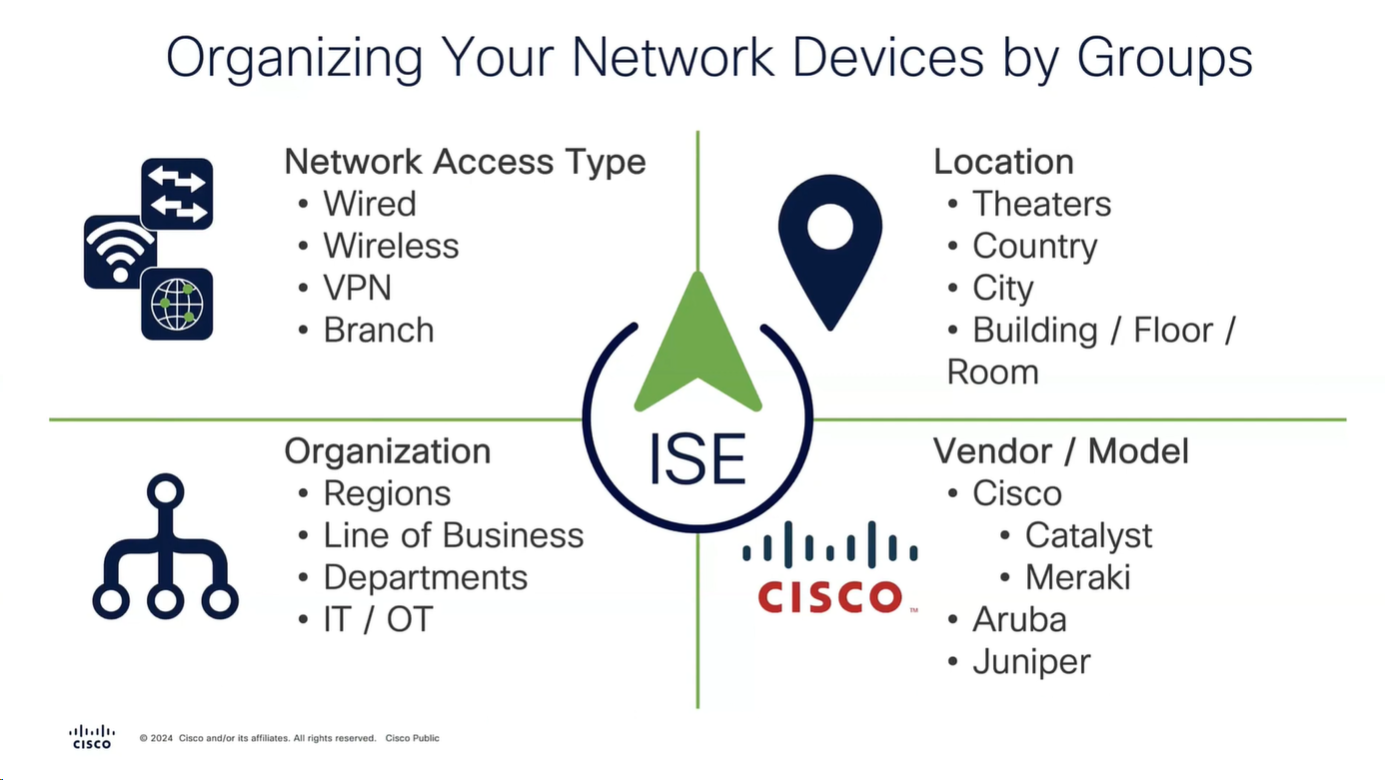
We need to add as much information about NAD as possible in ISE
Configure
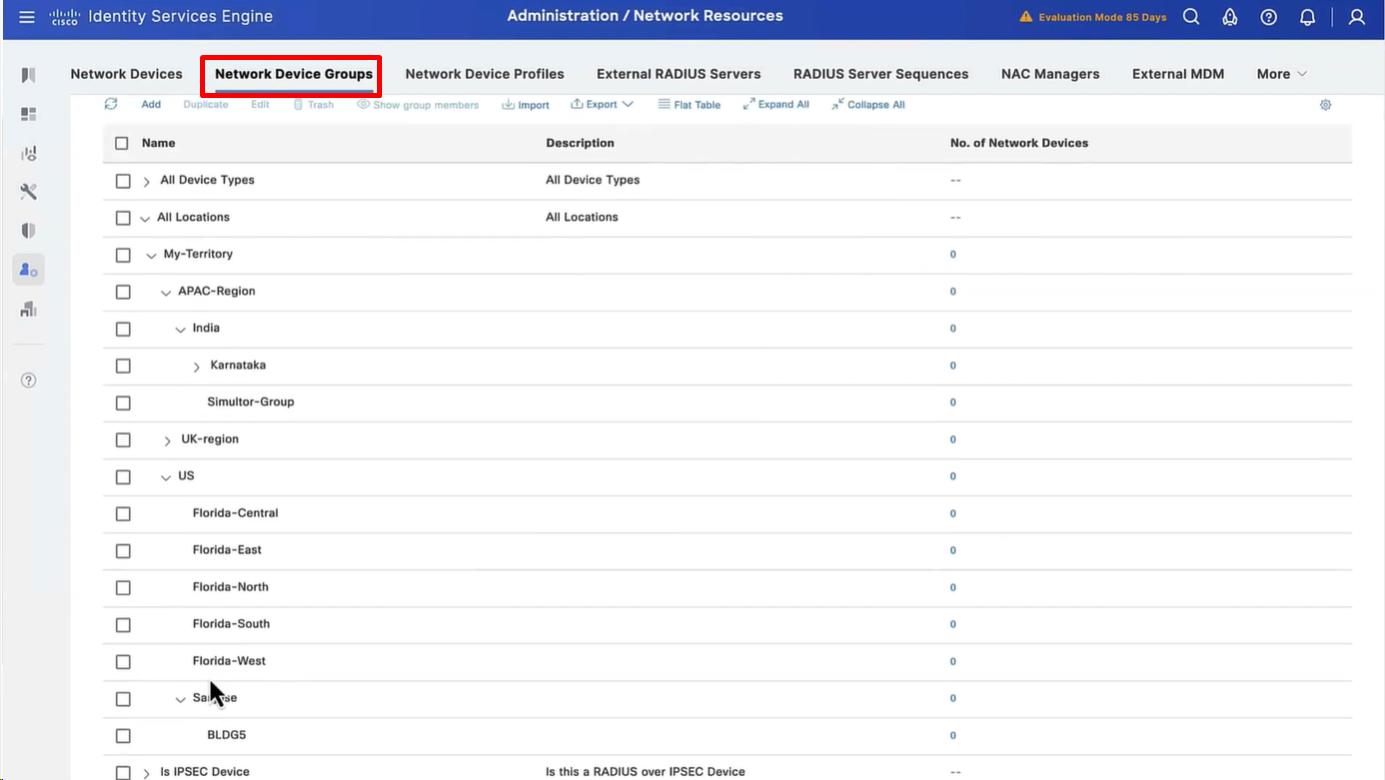
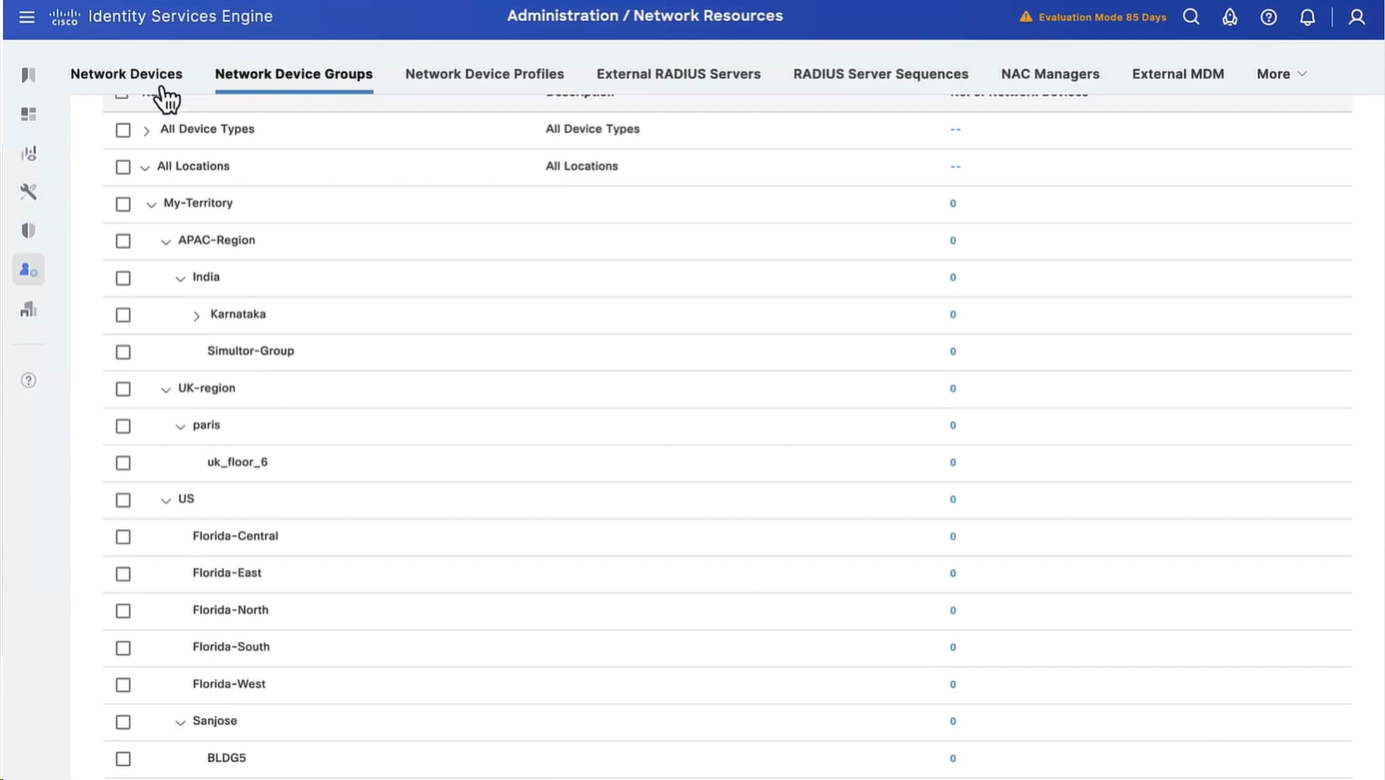
Configure Network Device Groups
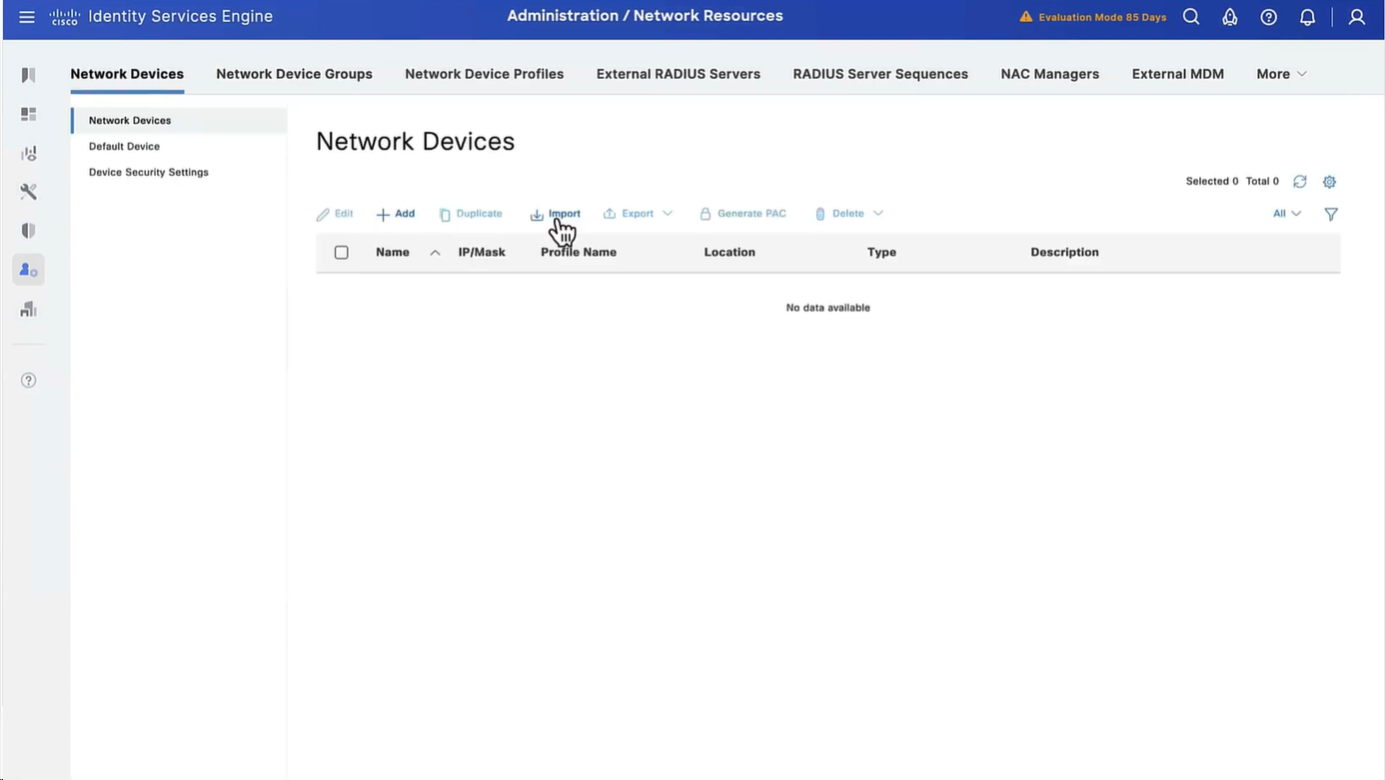
Import network devices
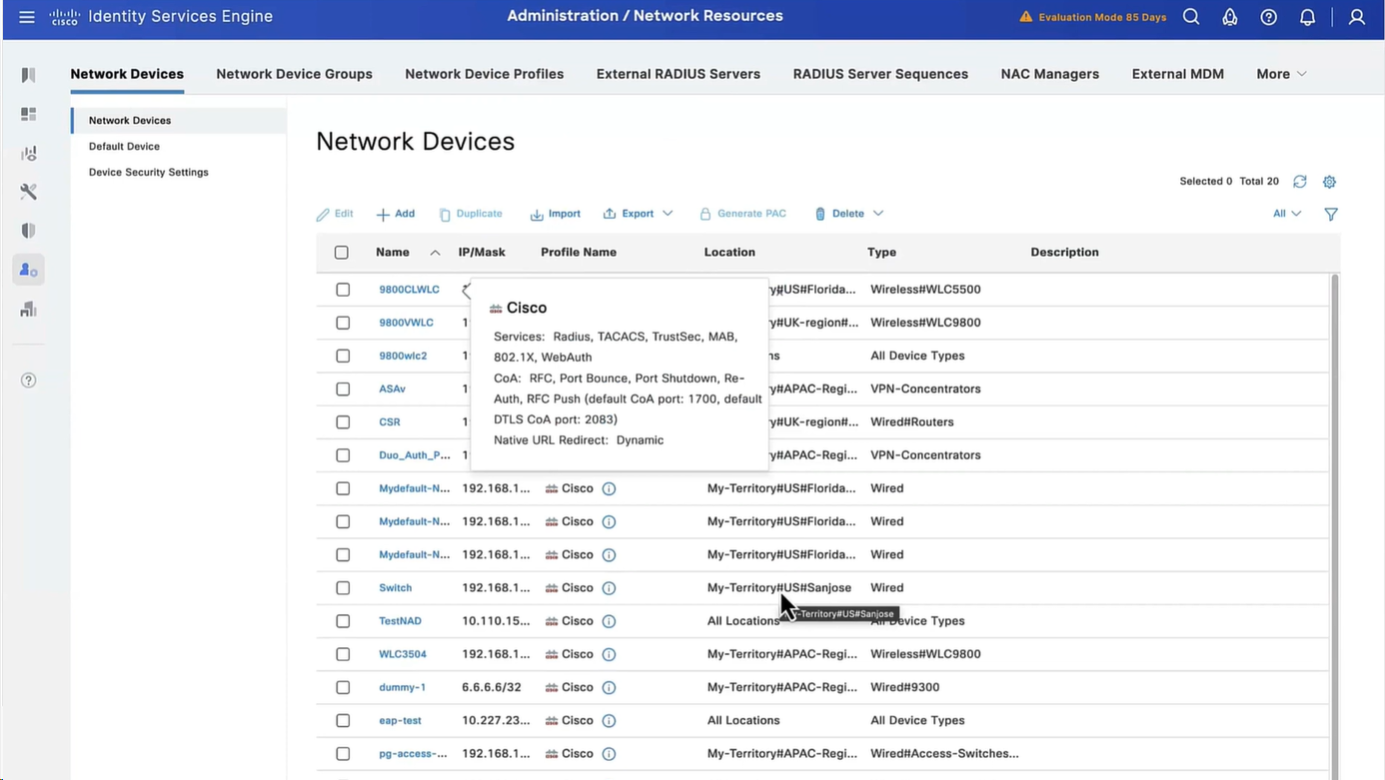
As you can see all devices have location and type defined correctly
Configure Posture Updates
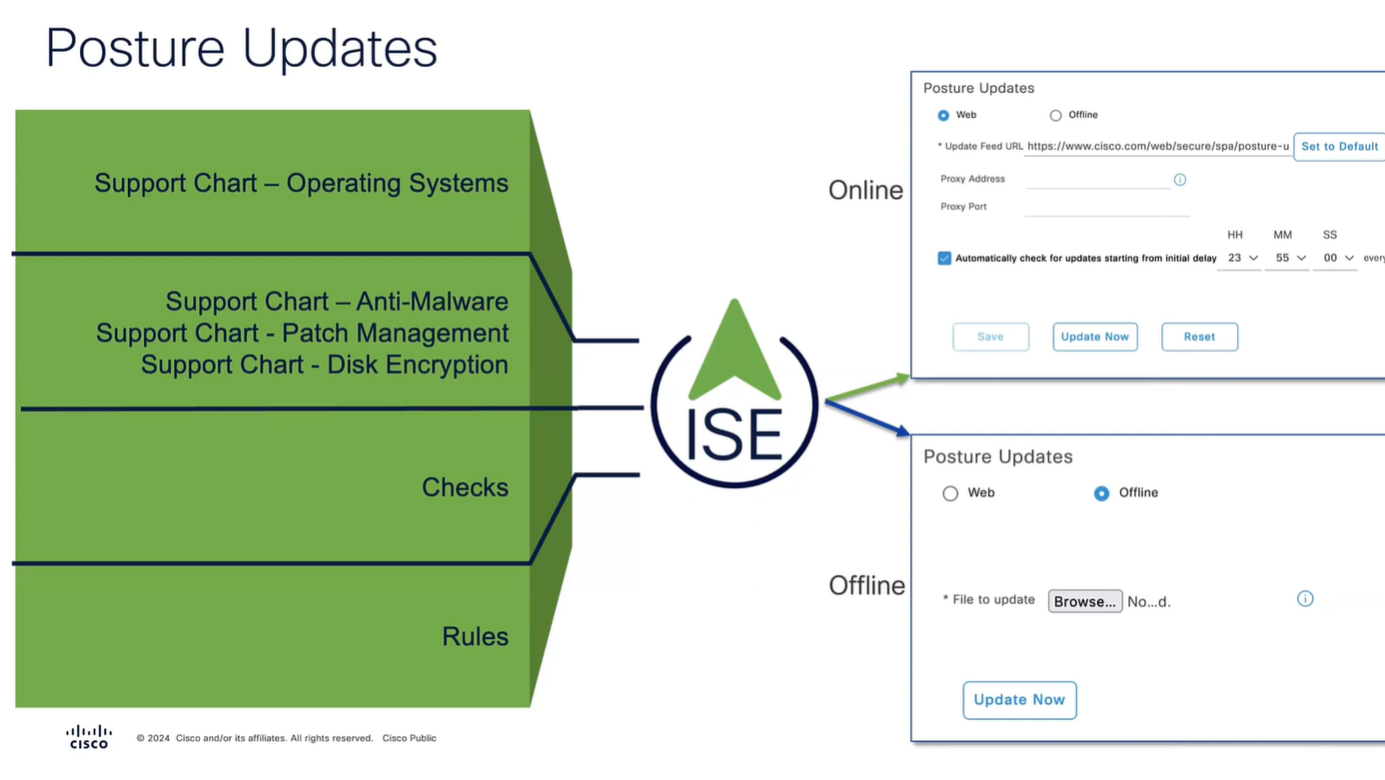
Offline updates are only for air gapped ISE deployments
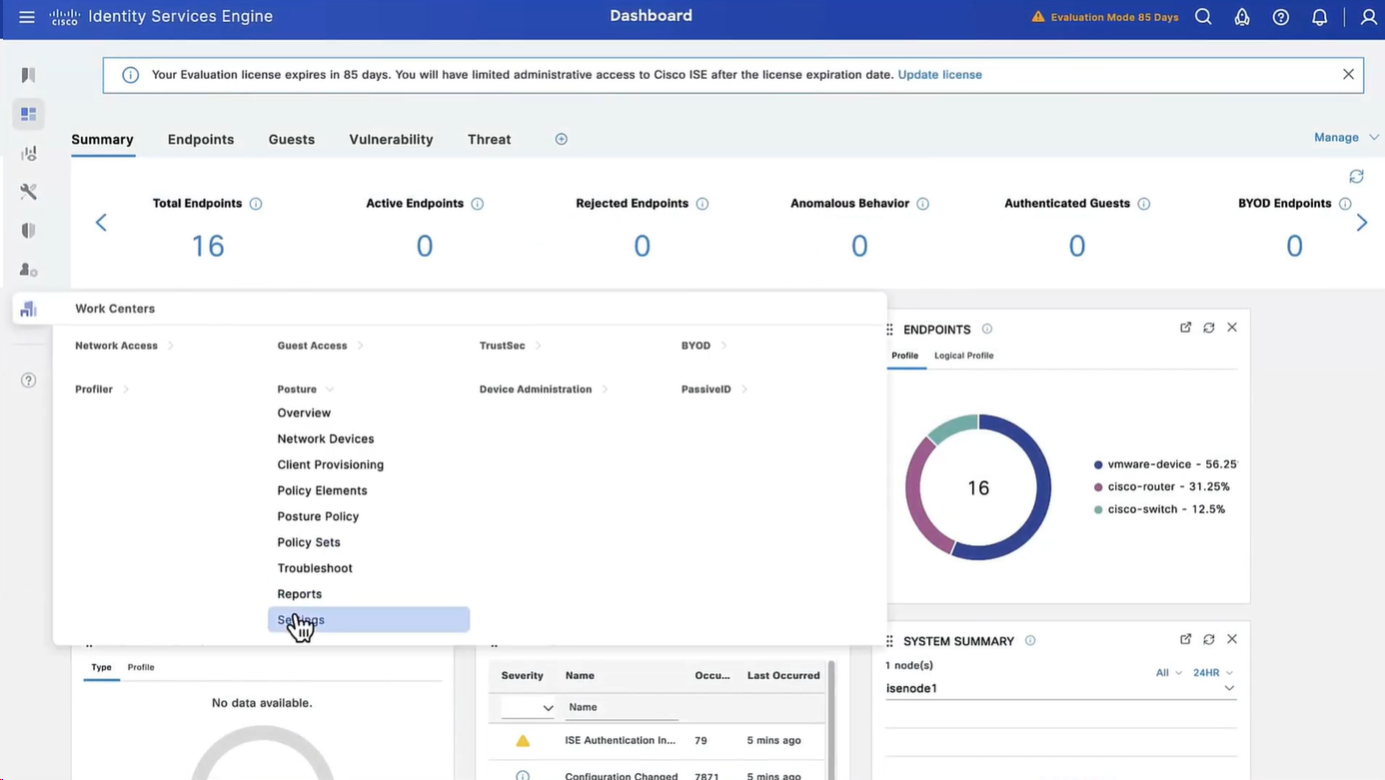
Set posture updates
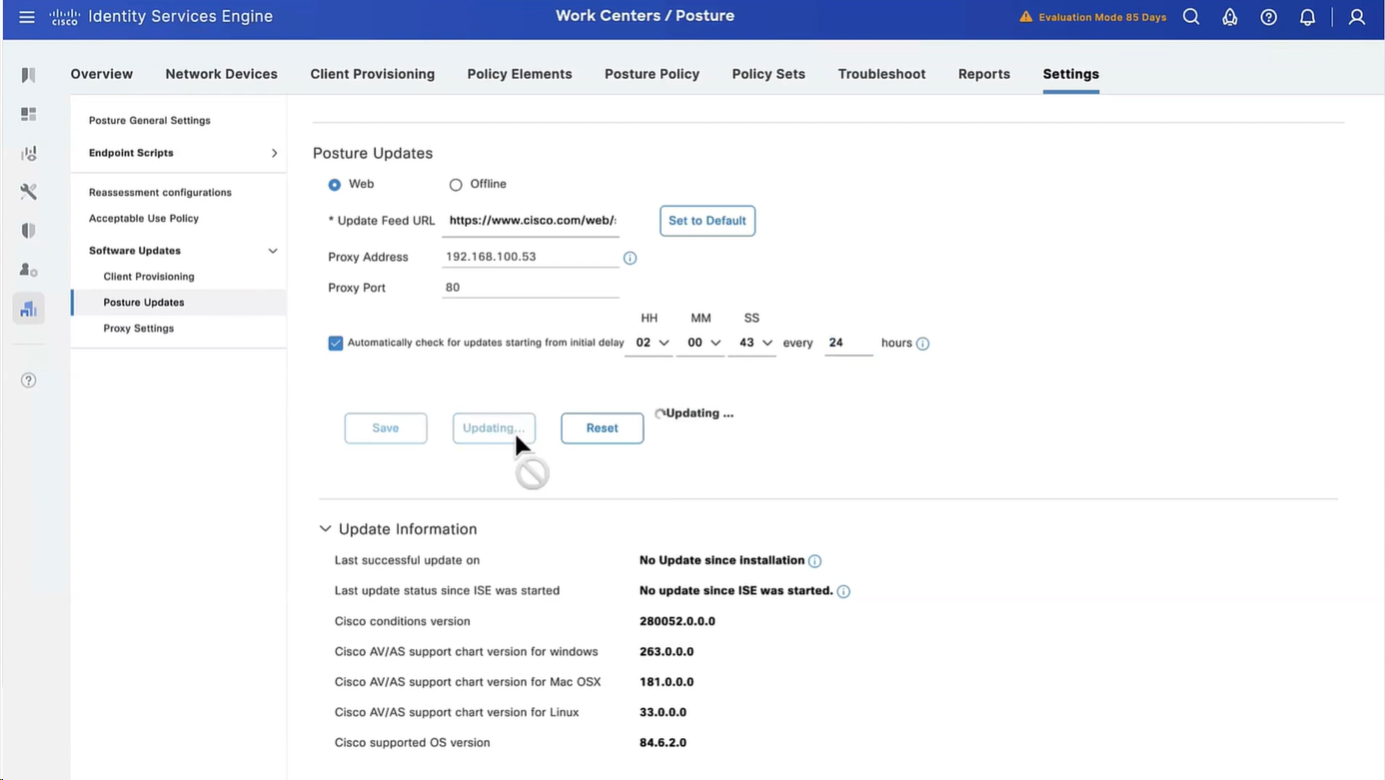
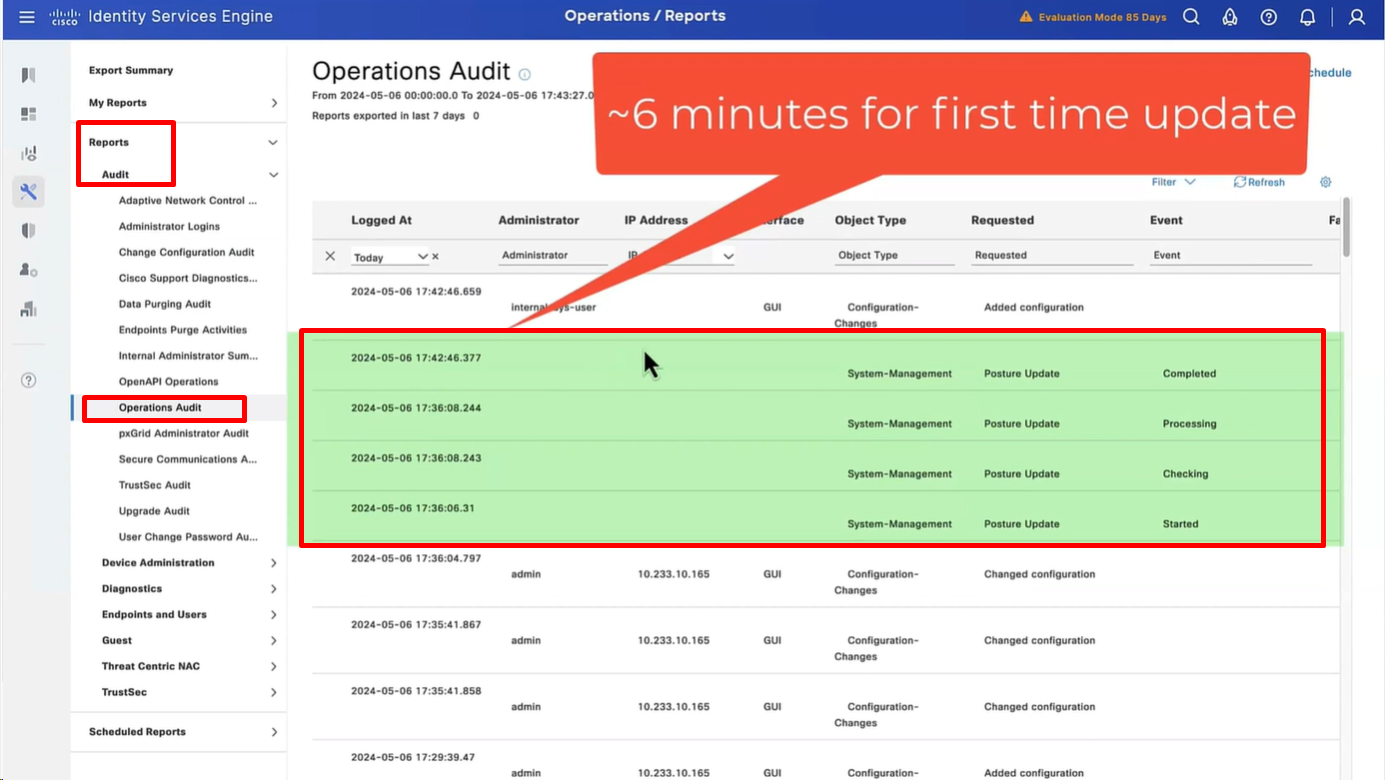
It took 6 minutes to update Support charts
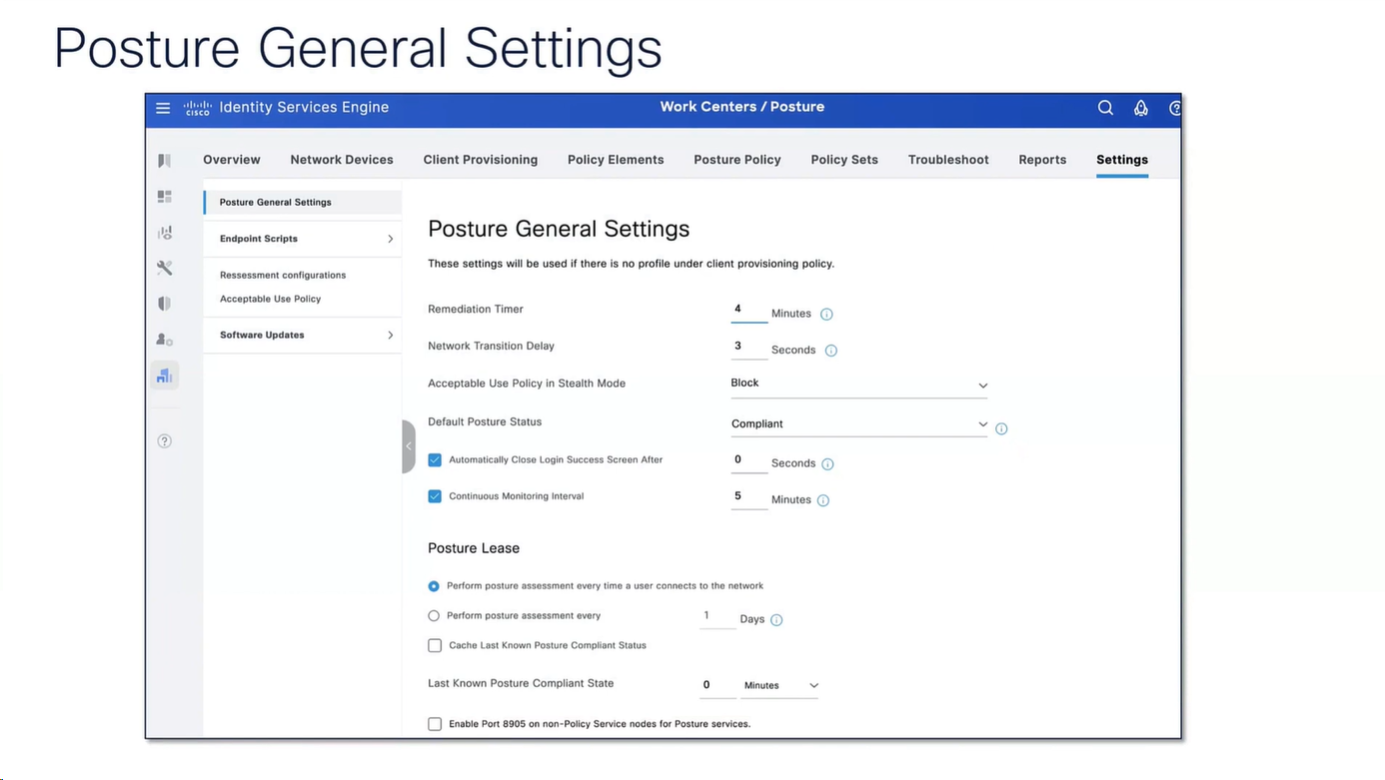
for now we will use these Global default settings for posture, we will deepdive into these settings later
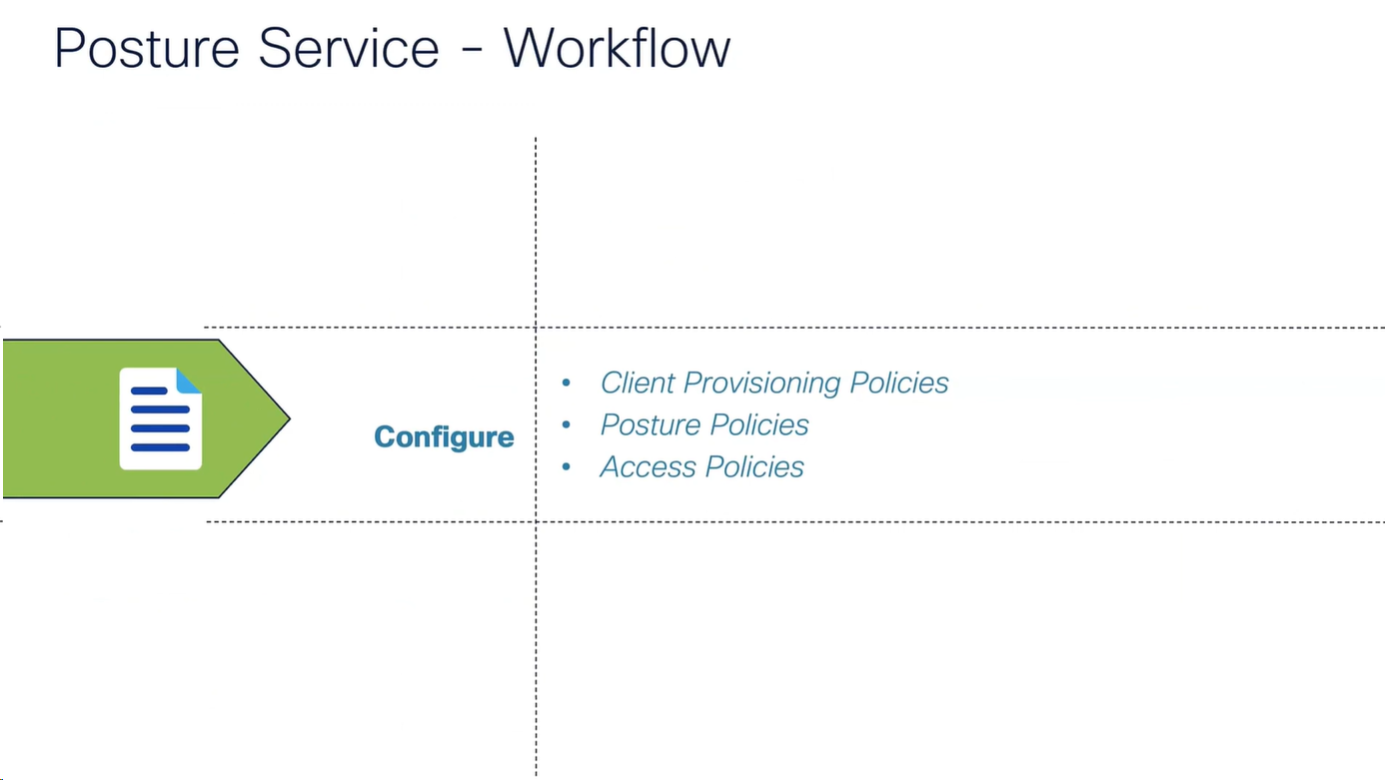
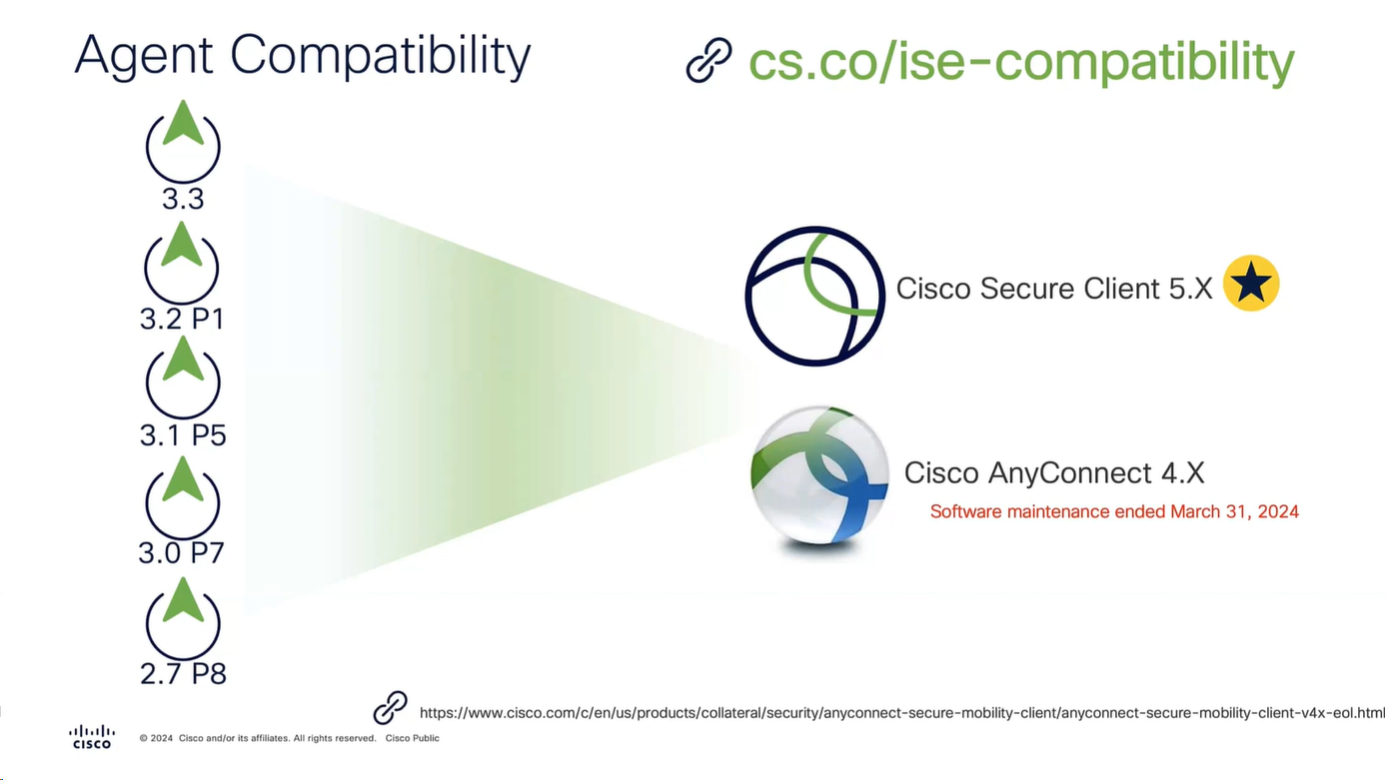
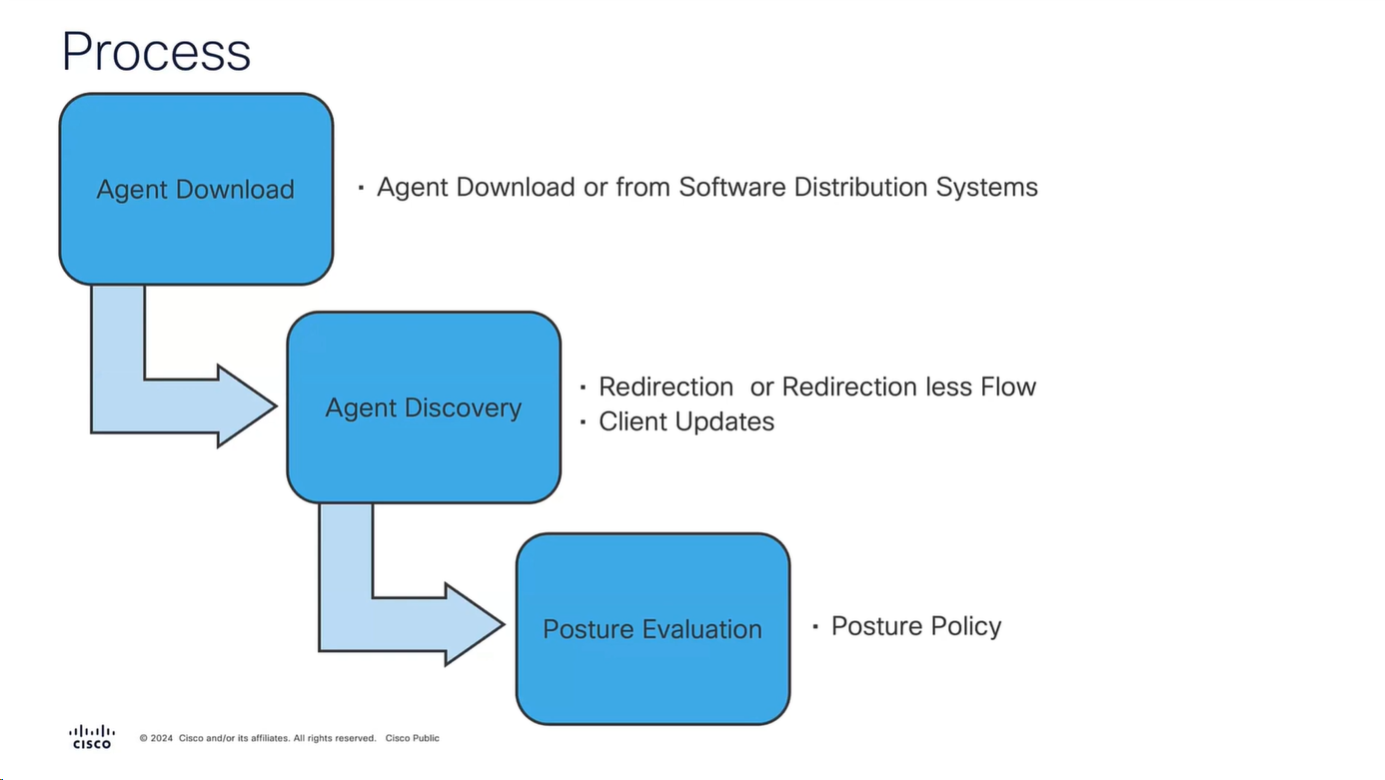
Workflow
It is vital for Anyconnect client to contact or discover the PSN that Authenticated the 802.1x (initially with limited access) in order to download the posture policies from that PSN and then later send it the report, it should not be any PSN, it has to be the PSN that client previously authenticated with and Agent Discovery process helps with that – so anyconnect authenticates and downloads the policies from the same PSN
Agent Discovery can be redirection based or redirectionless
Right after agent discovery process and it finds the right PSN then Anyconnect client if there is an update on that PSN then it will be updated
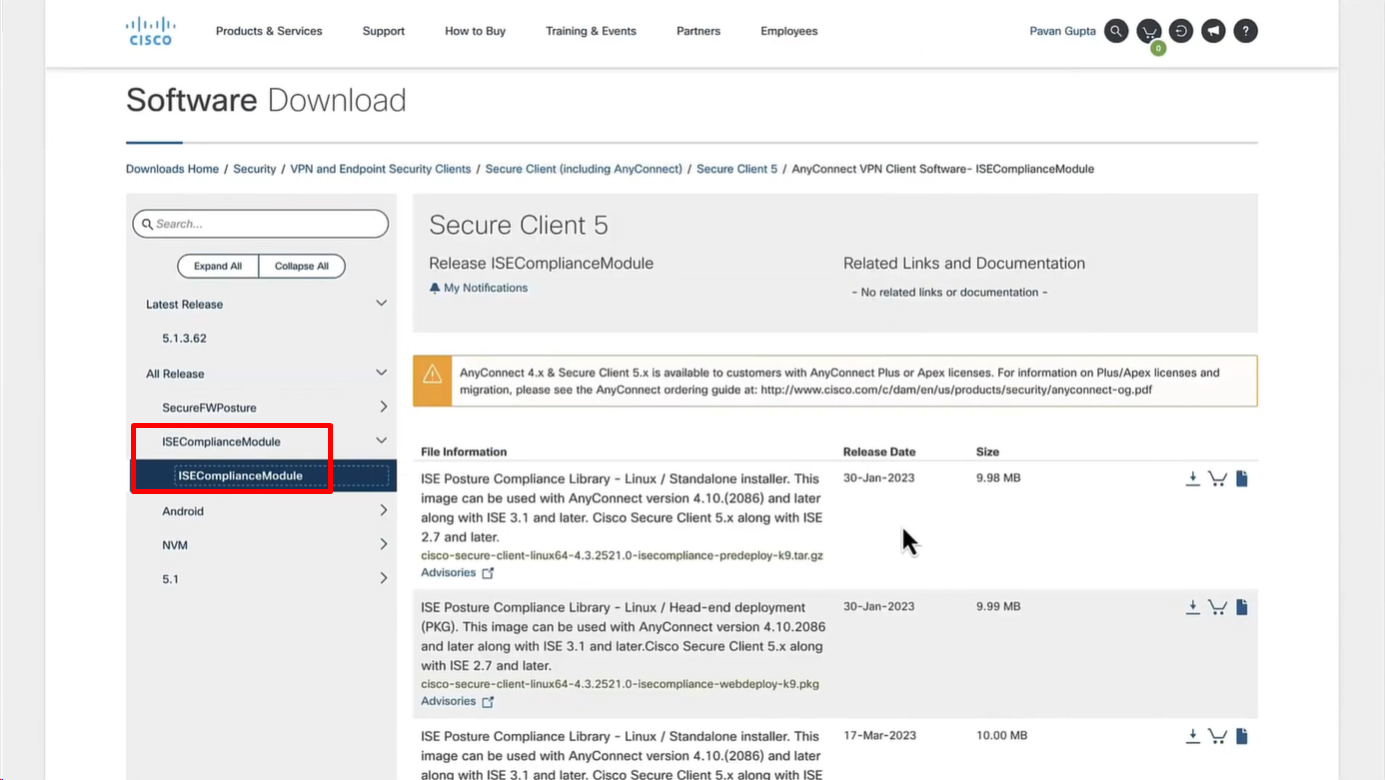
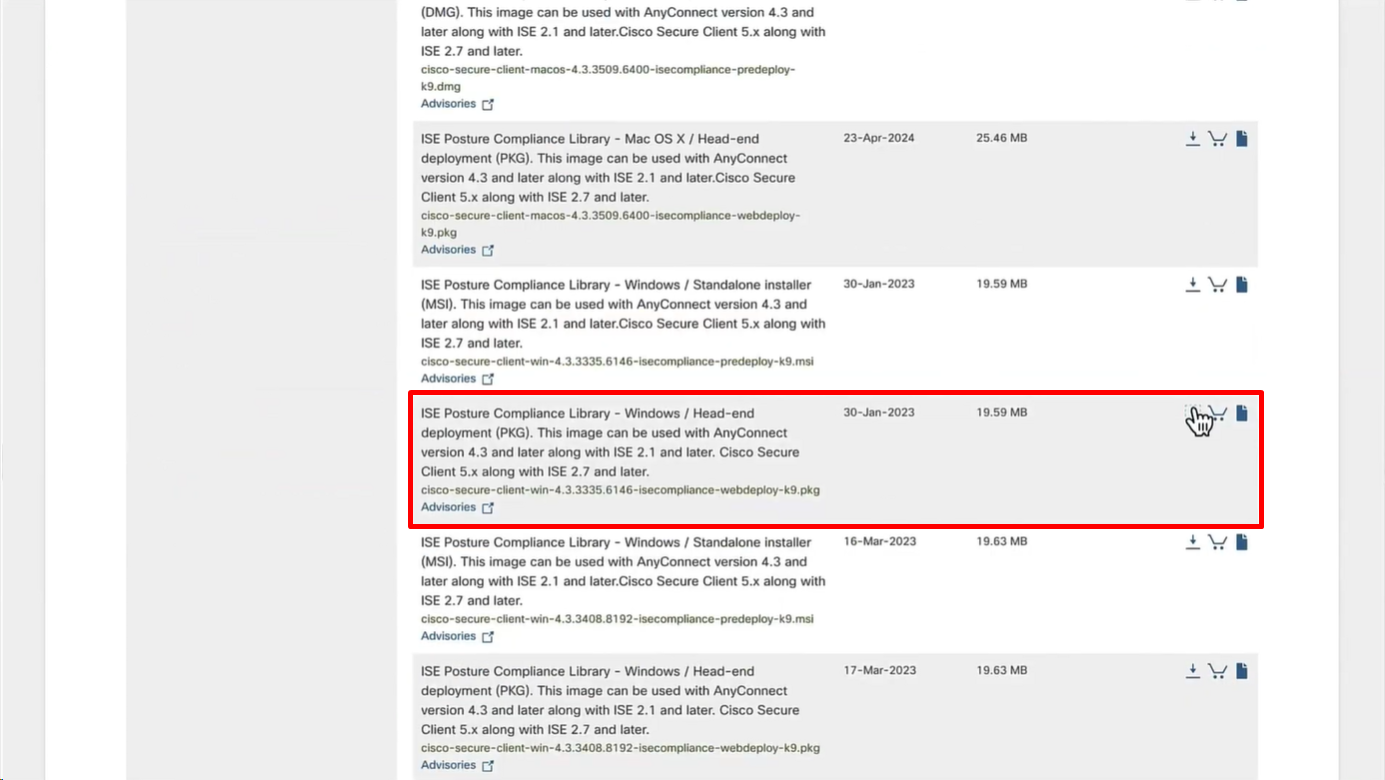
Download Windows Headend deployment pkg file
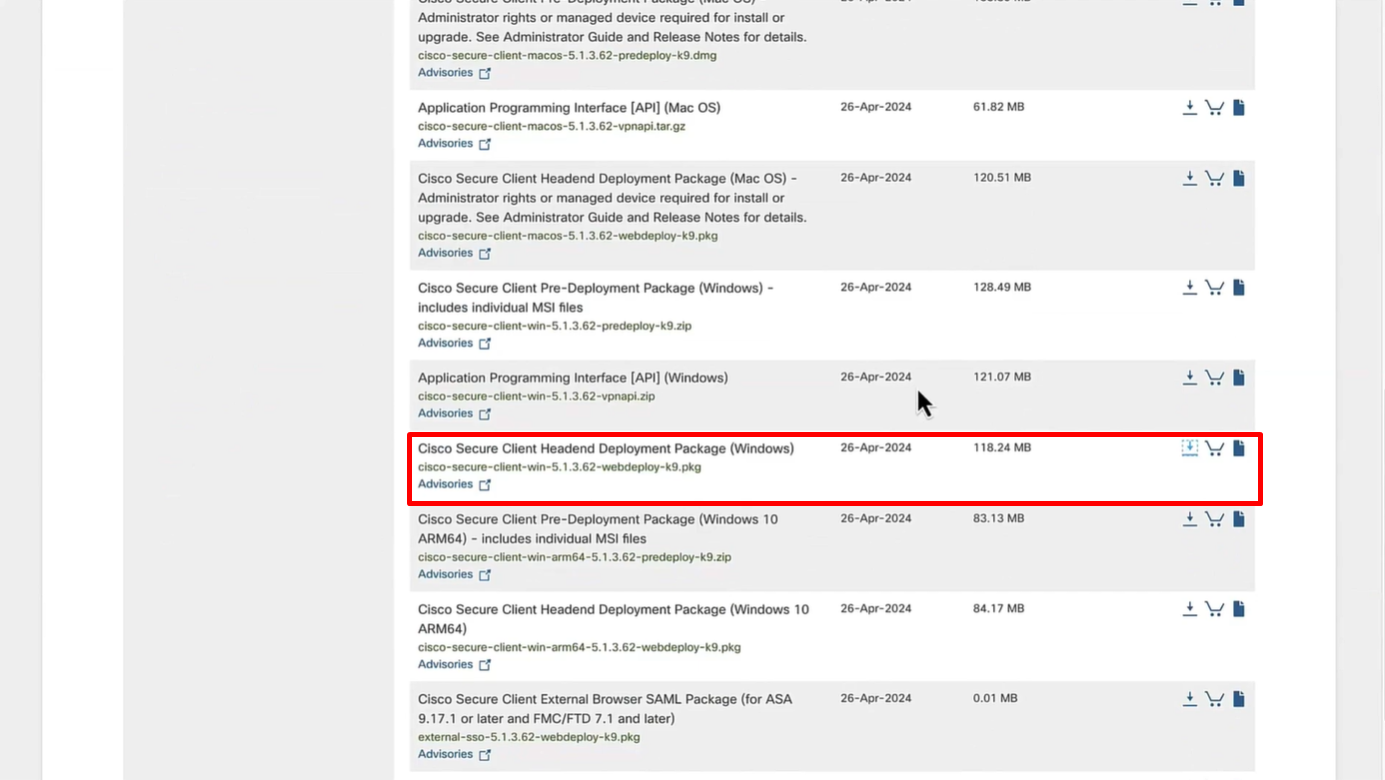
Also download the complaince modules needed
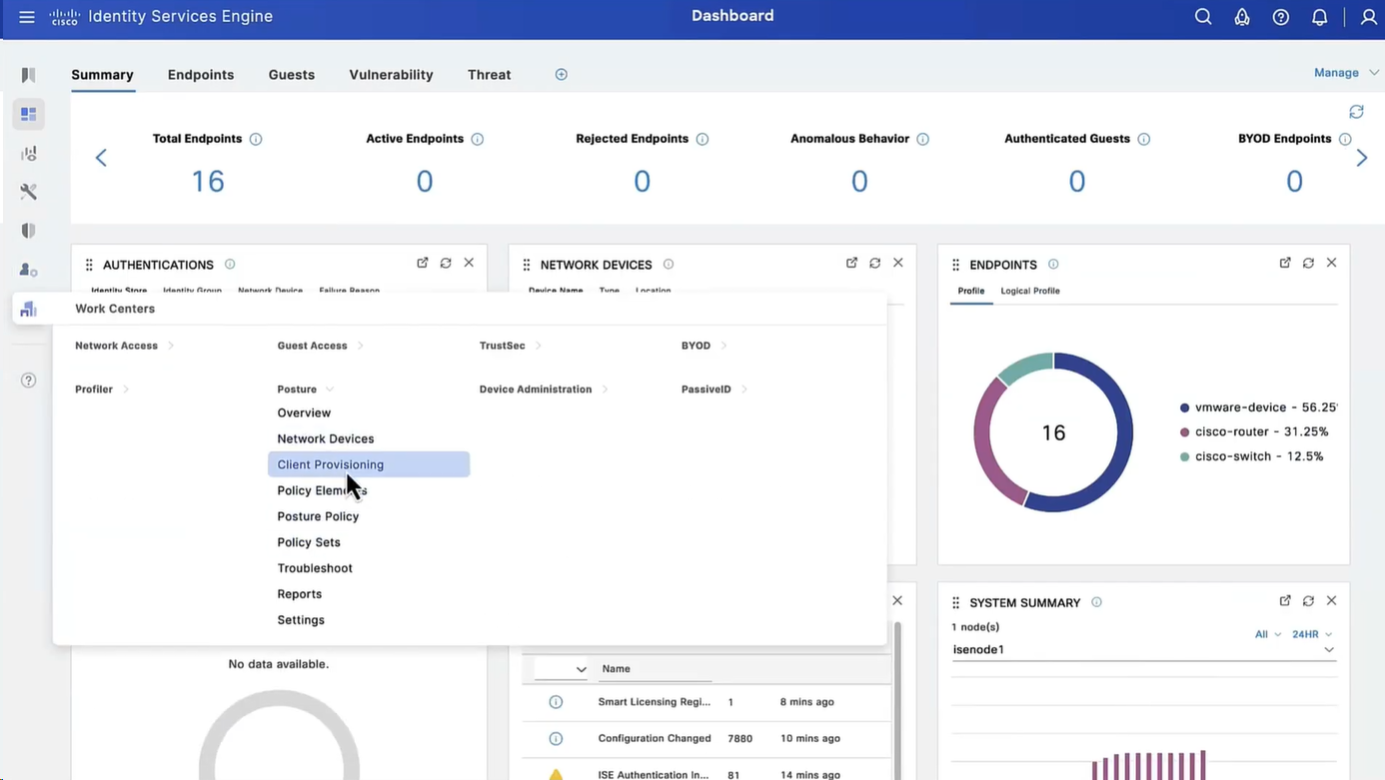
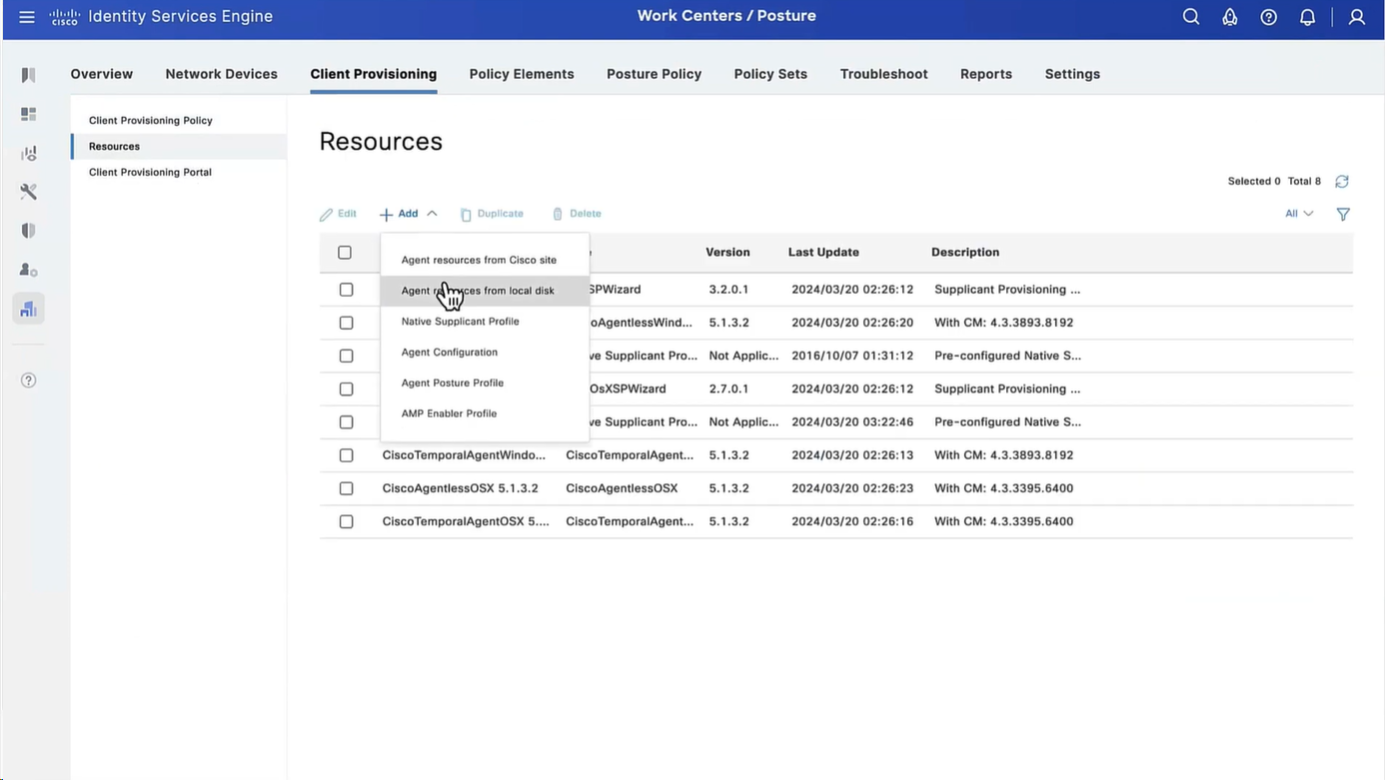
Category “Cisco Provided Packages”
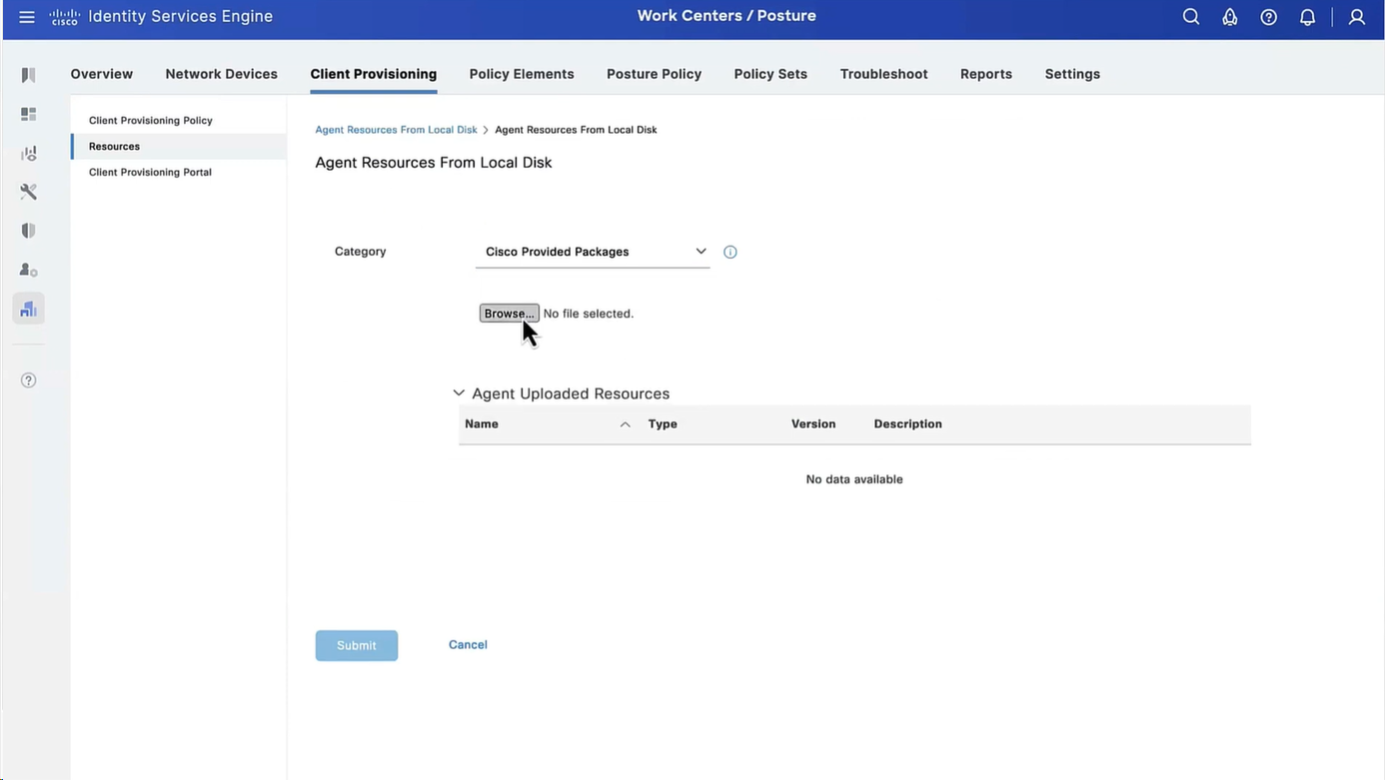
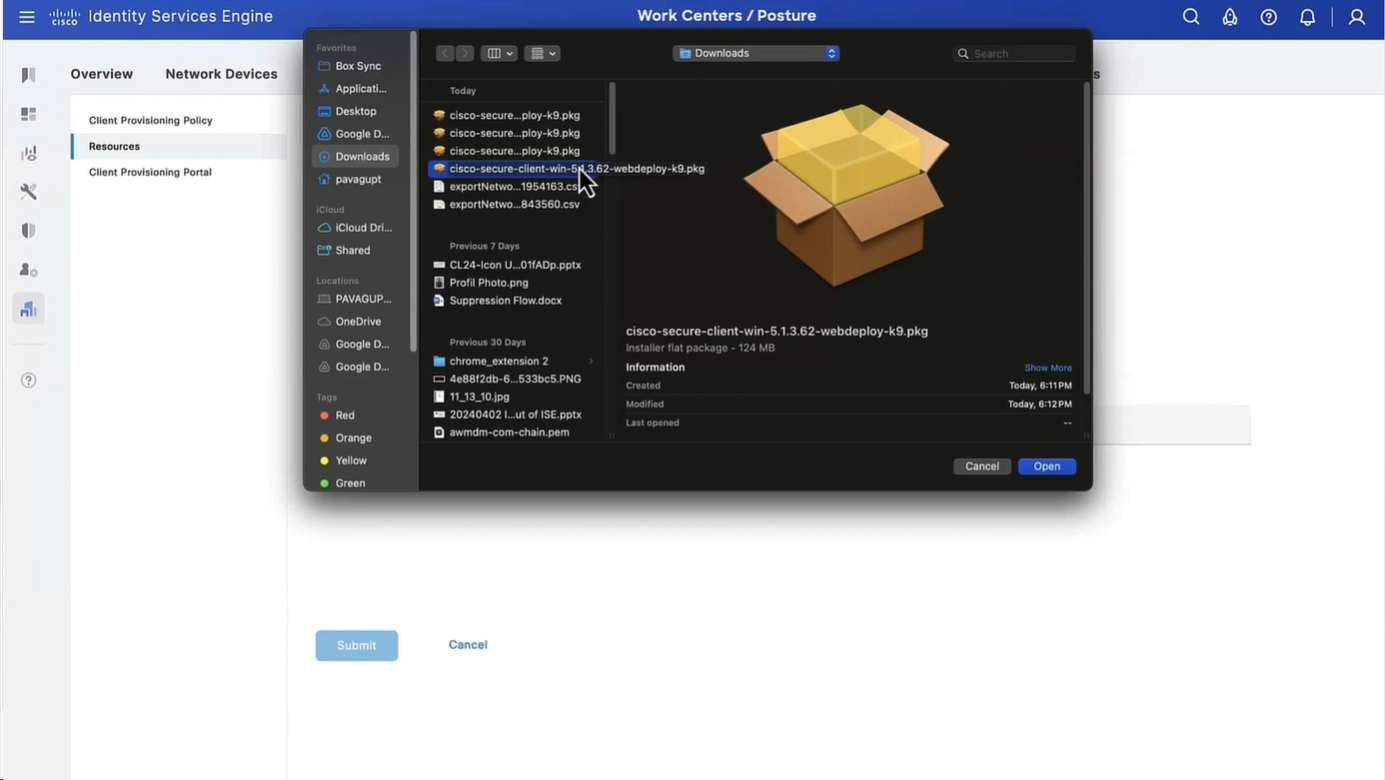
We will upload the Cisco Secure Client
Now upload the compliance module
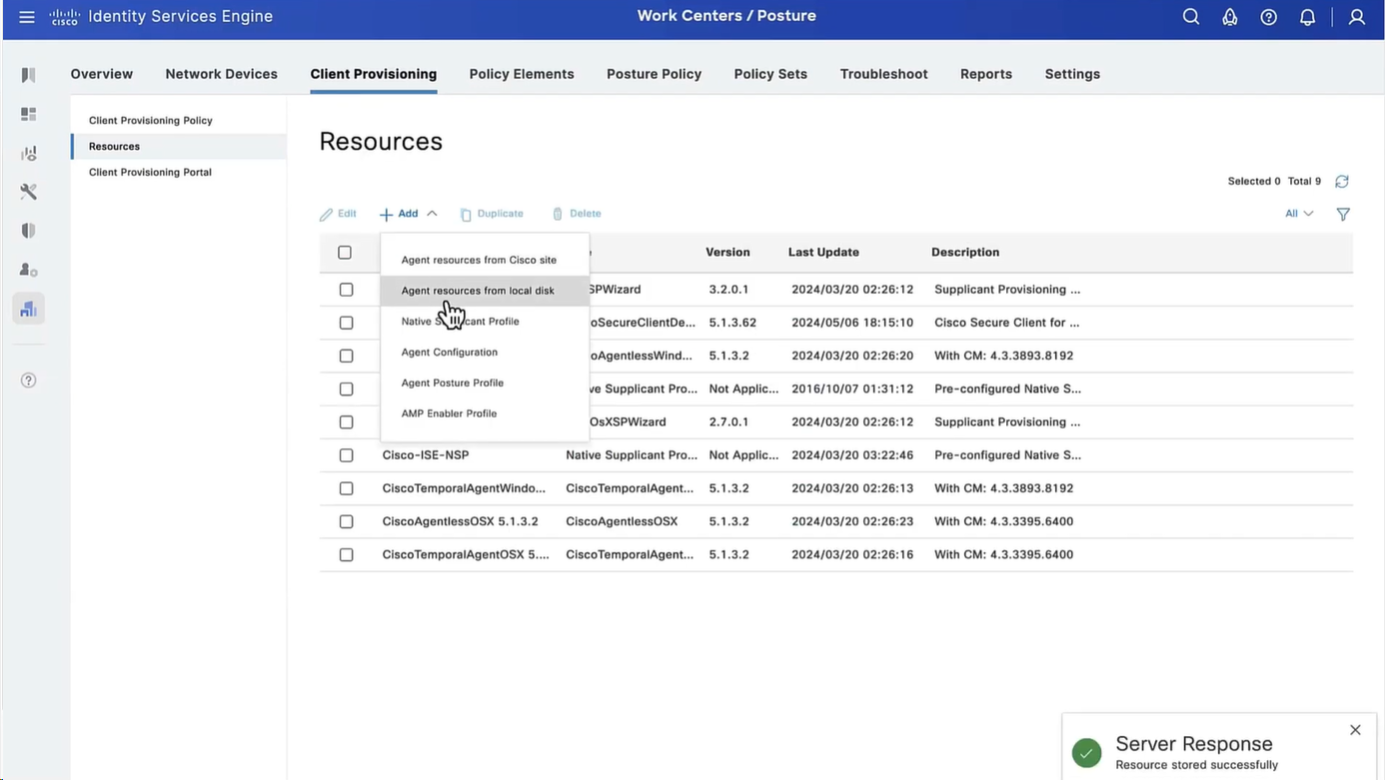
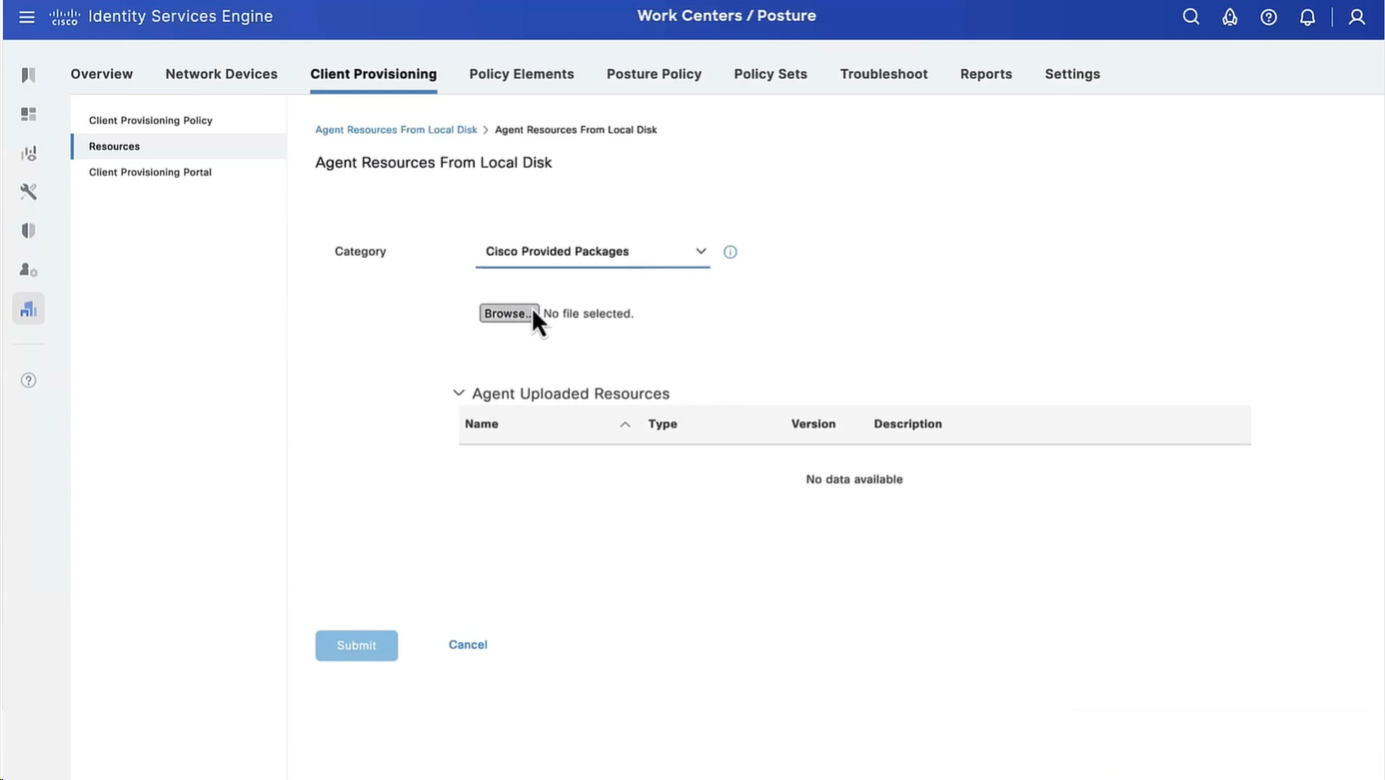
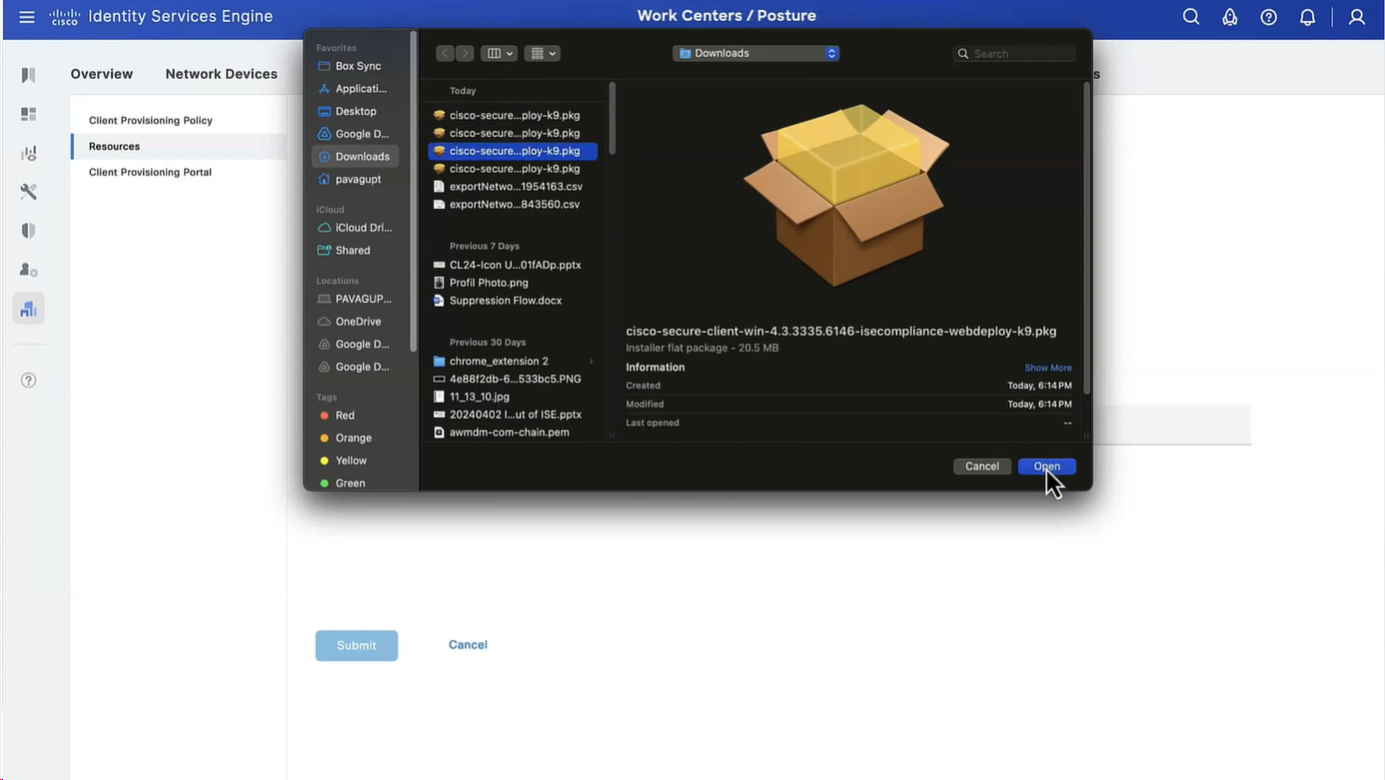
Now before we can configure Agent Configuration we need Agent Posture profile
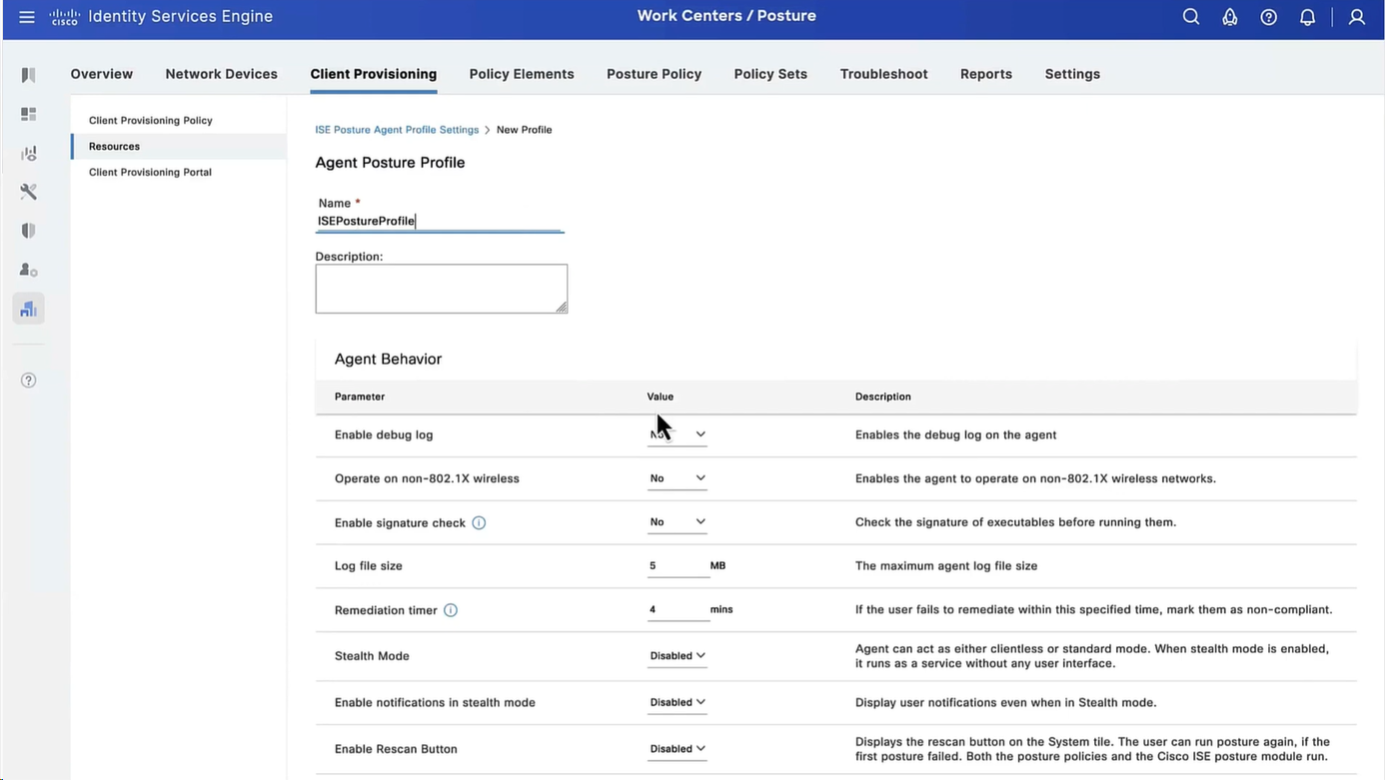
we will deep dive into these option later, for now we will configure bare minimum with defaults
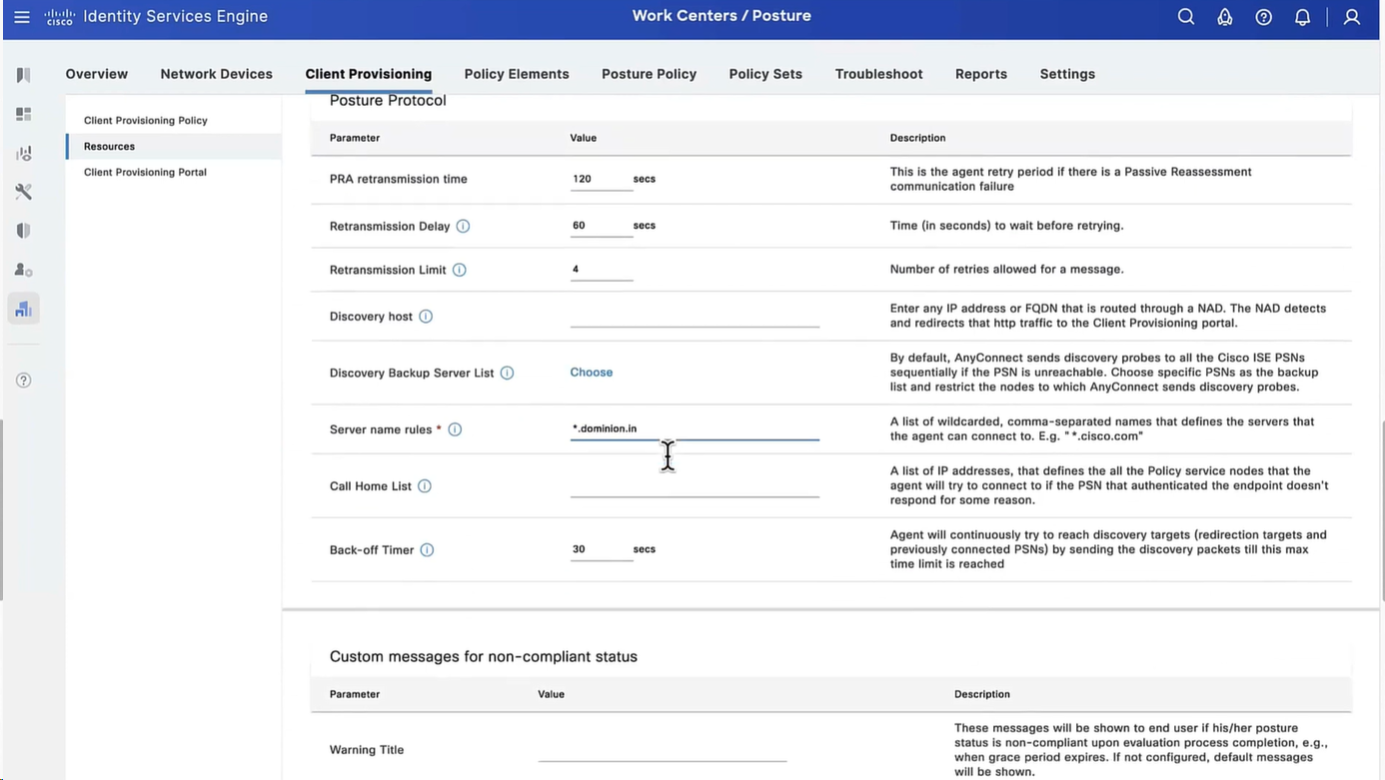
but add this server name that agent is allowed to connect to, usually domain name with wildcard works
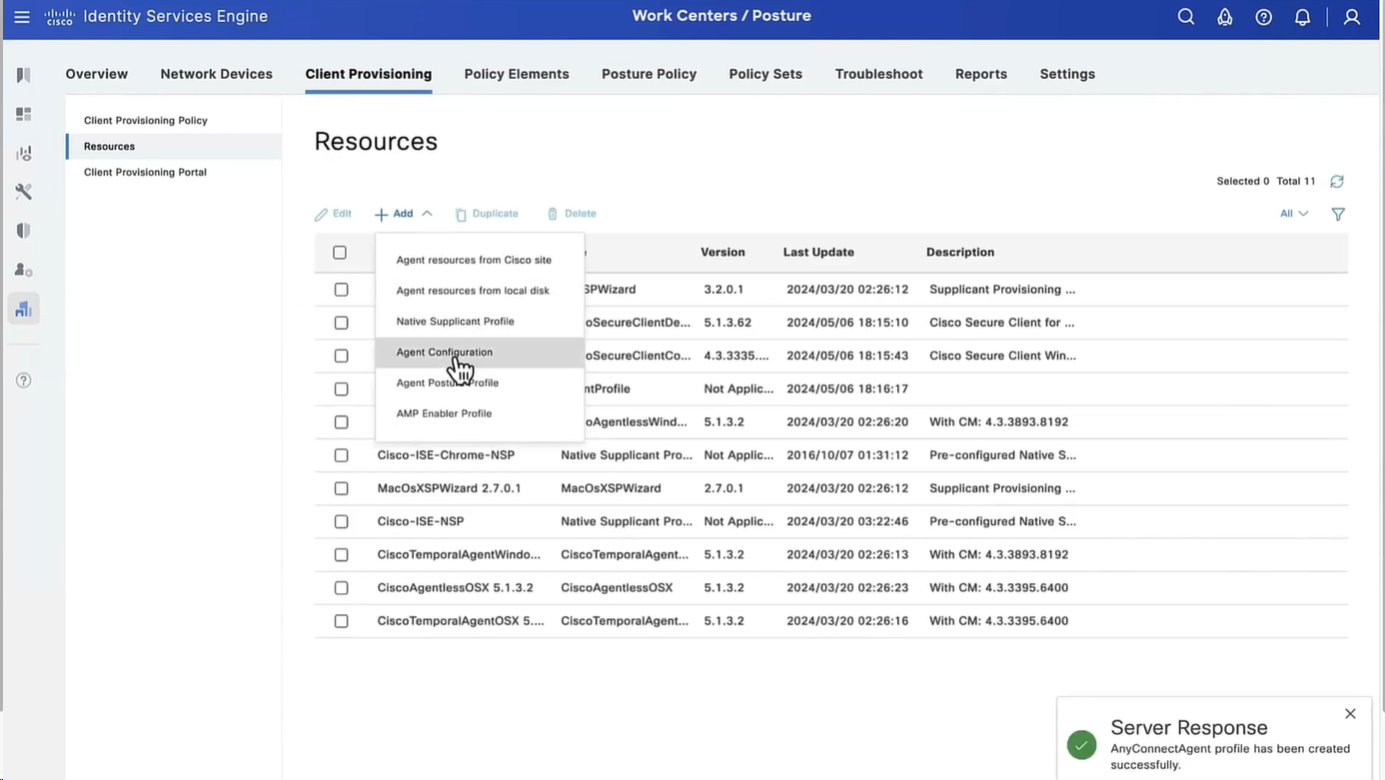
Configure Agent Configuration
Agent configuration is where it is all tied together
This agent configuration is then called in Client provisioning policy, such as if Operating System (Windows) & Conditions (such as x) then Results = this agent configuration (which contains Agent Client + Compliance module + Client modules that will be installed from this Agent Client + ISE posture profile [ which are agent settings such as Enable Rescan button , Call home list , discovery agents ] )
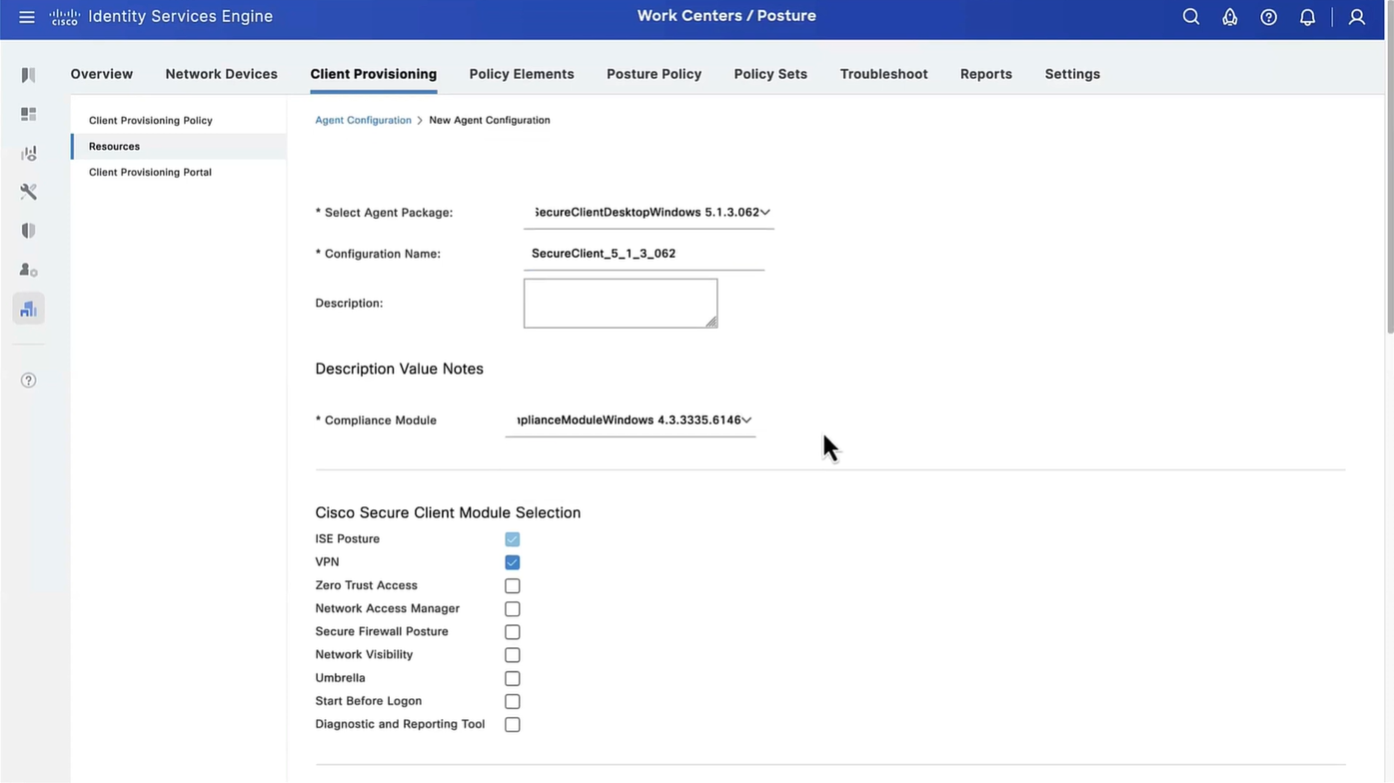
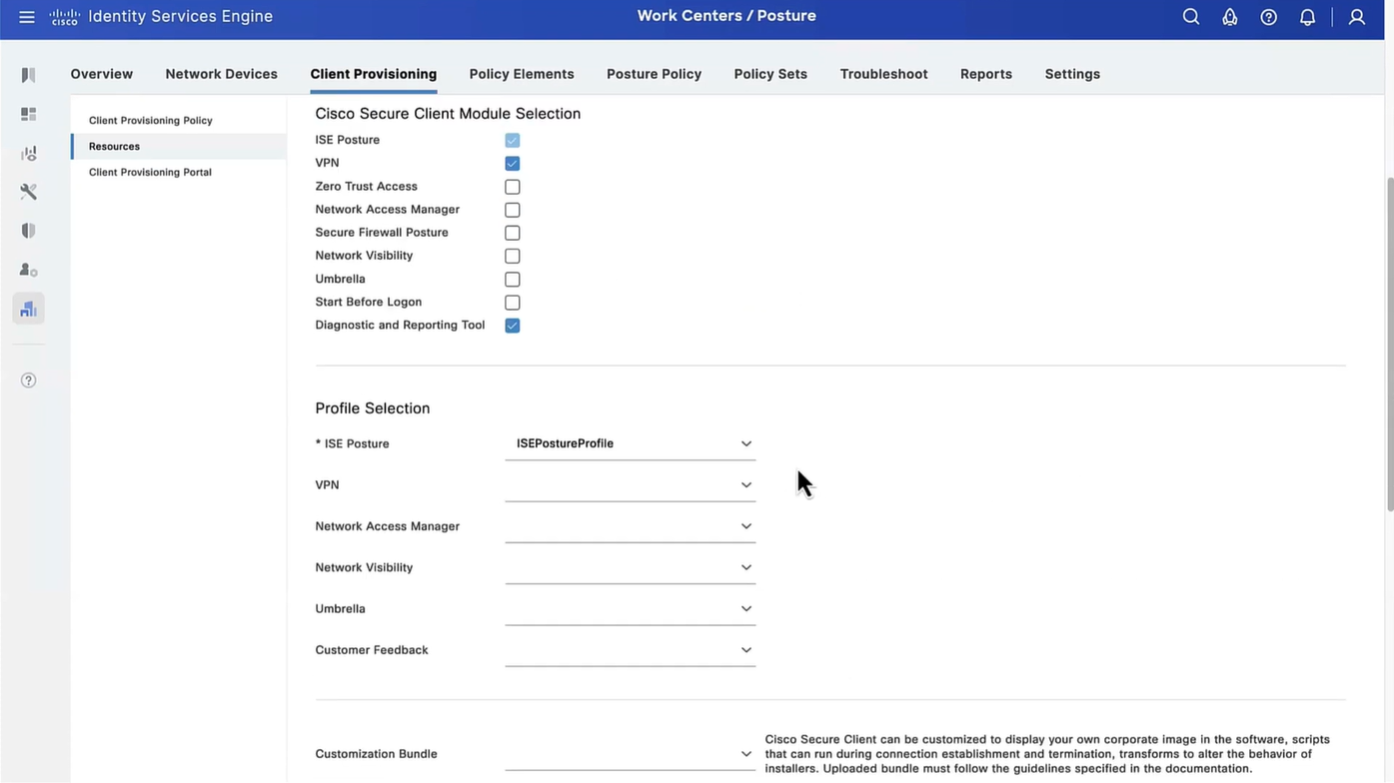
Save
Now we need to go to Client Provisioning Policy and change default Windows policy to point to Agent configuration (that married everything together)
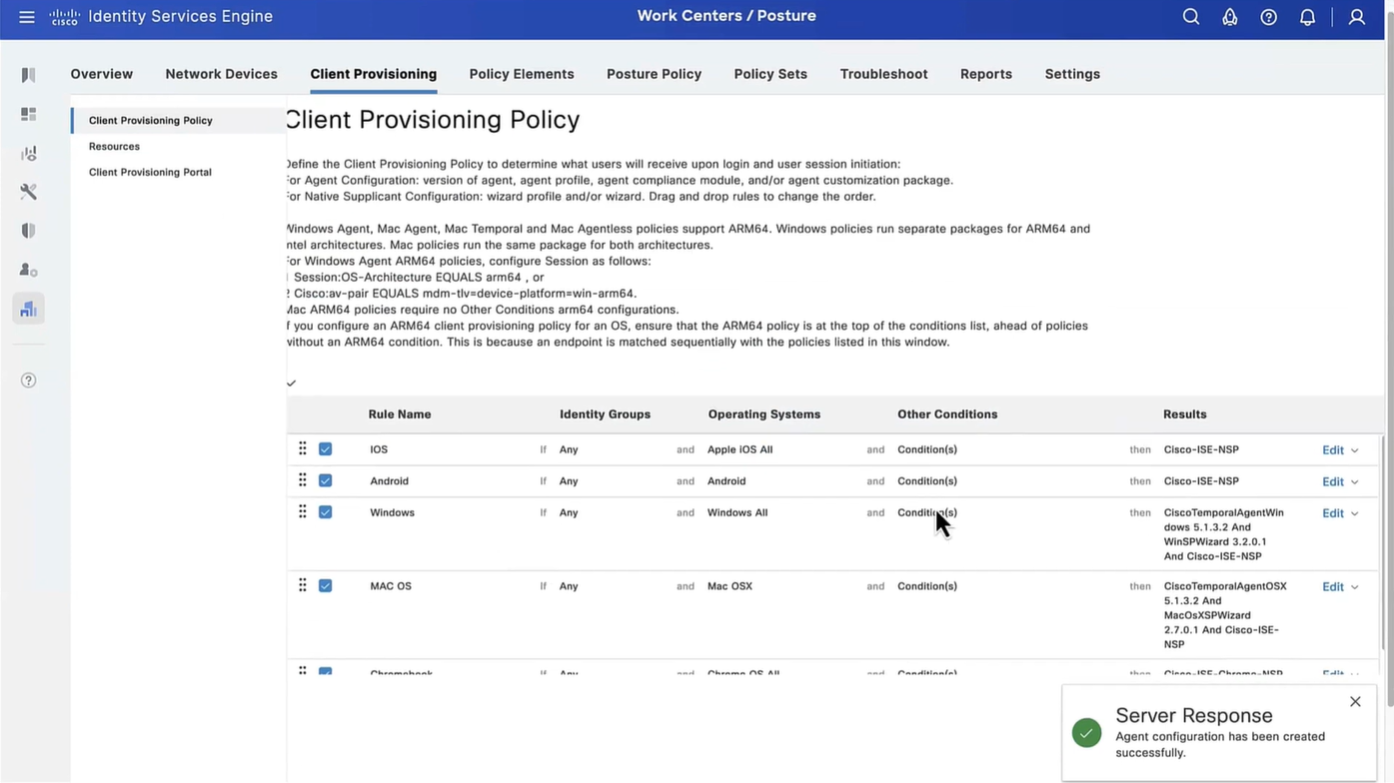

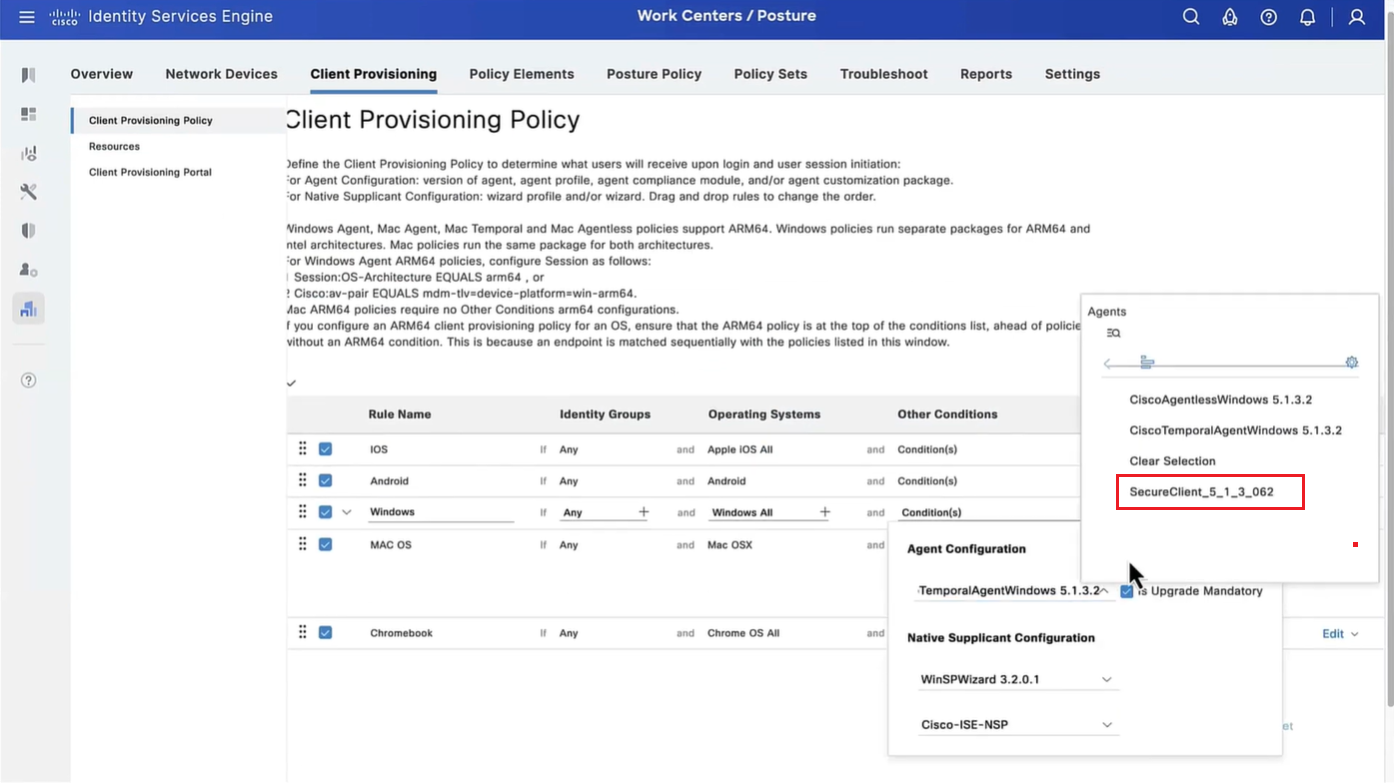

This is same Agent configiuration that was defined earlier with image and Agent Posture Profile etc



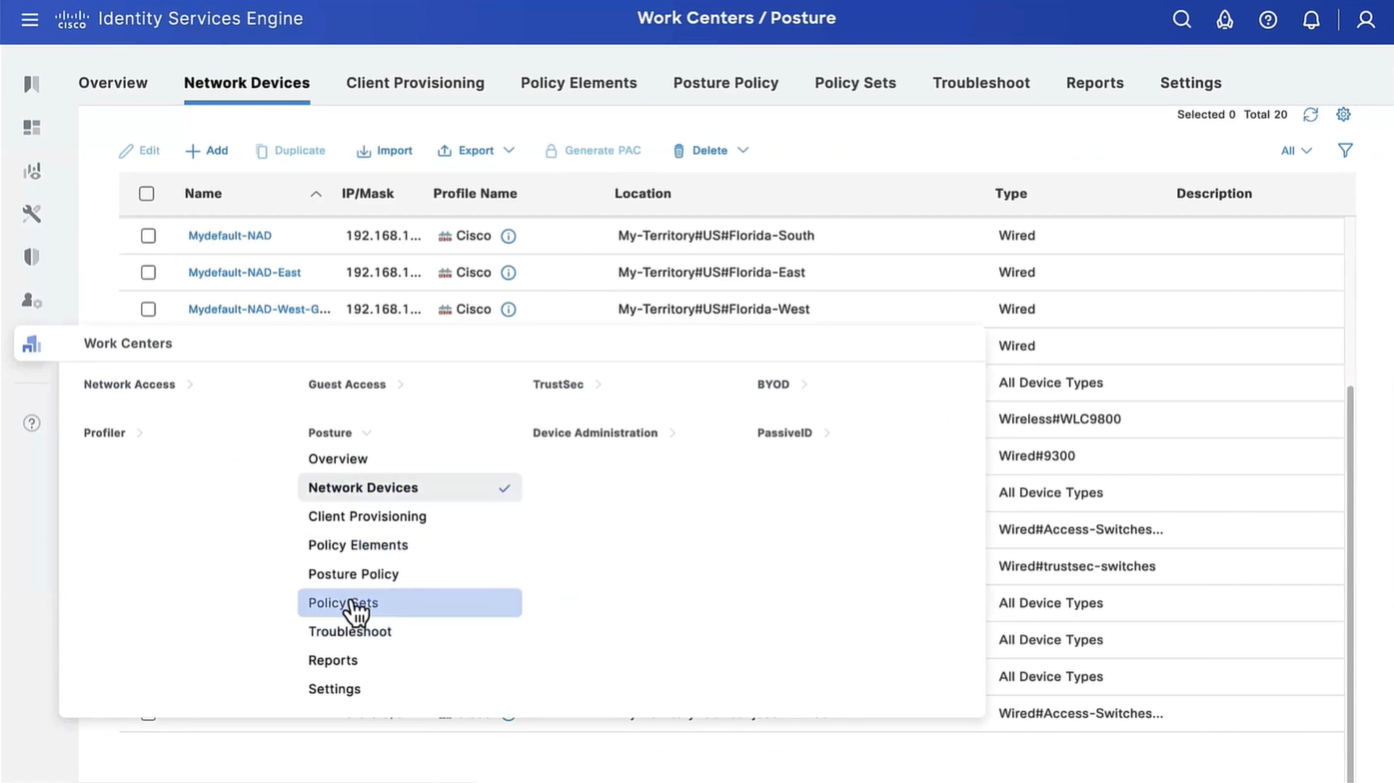


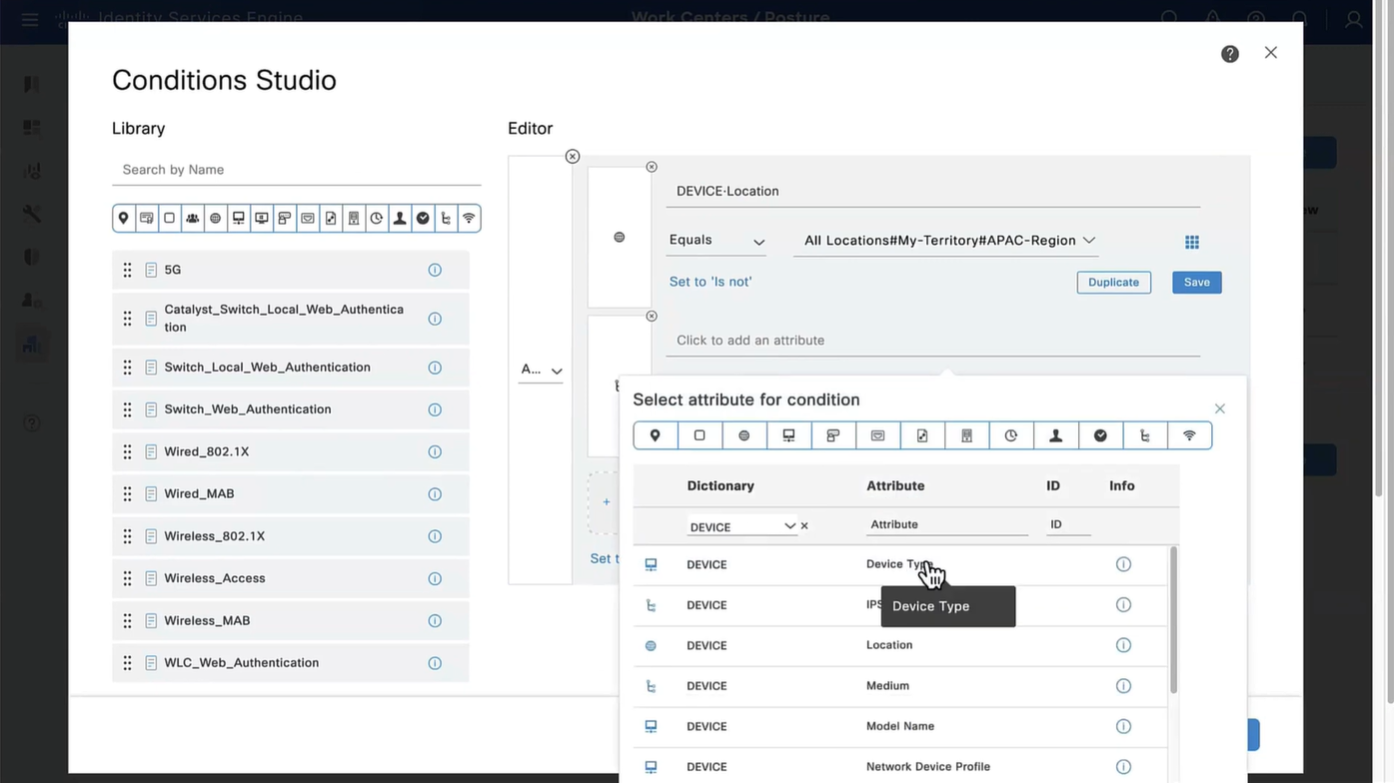


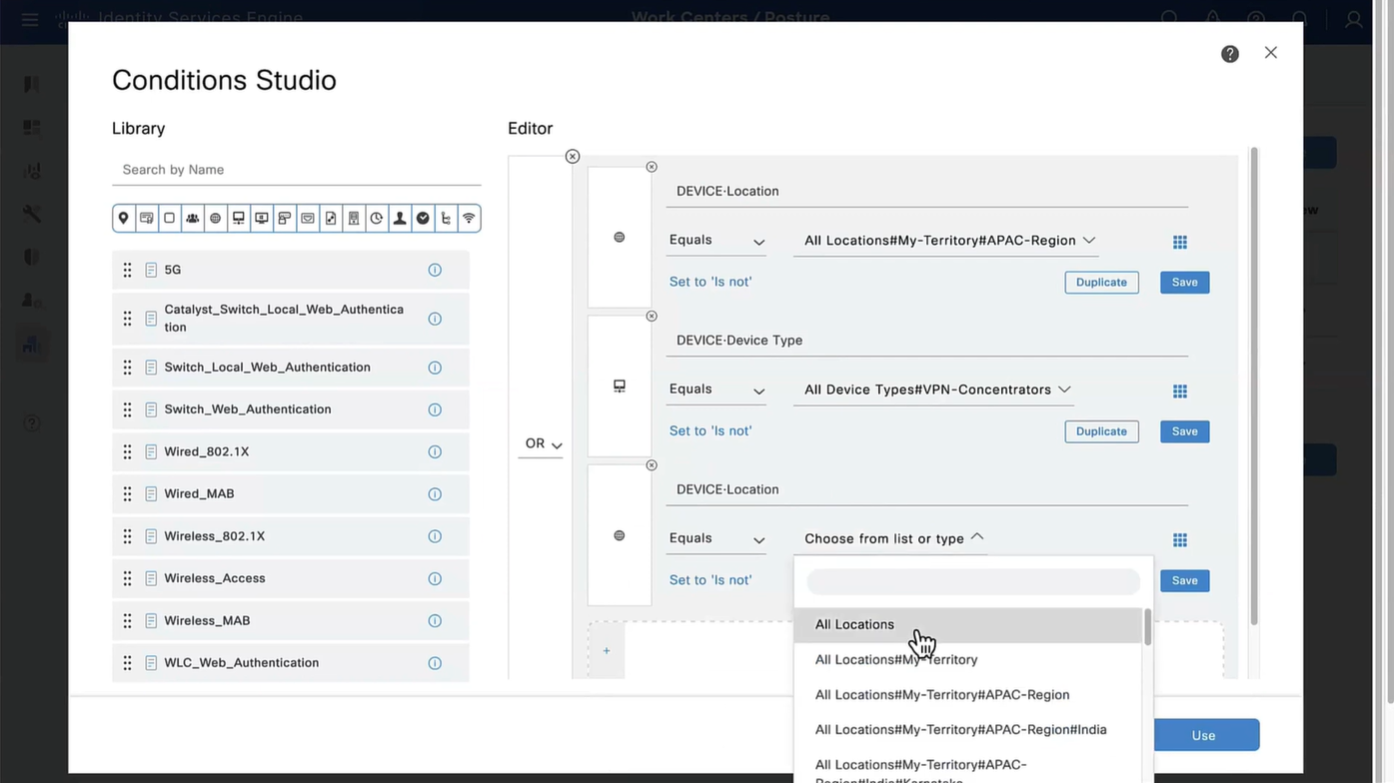

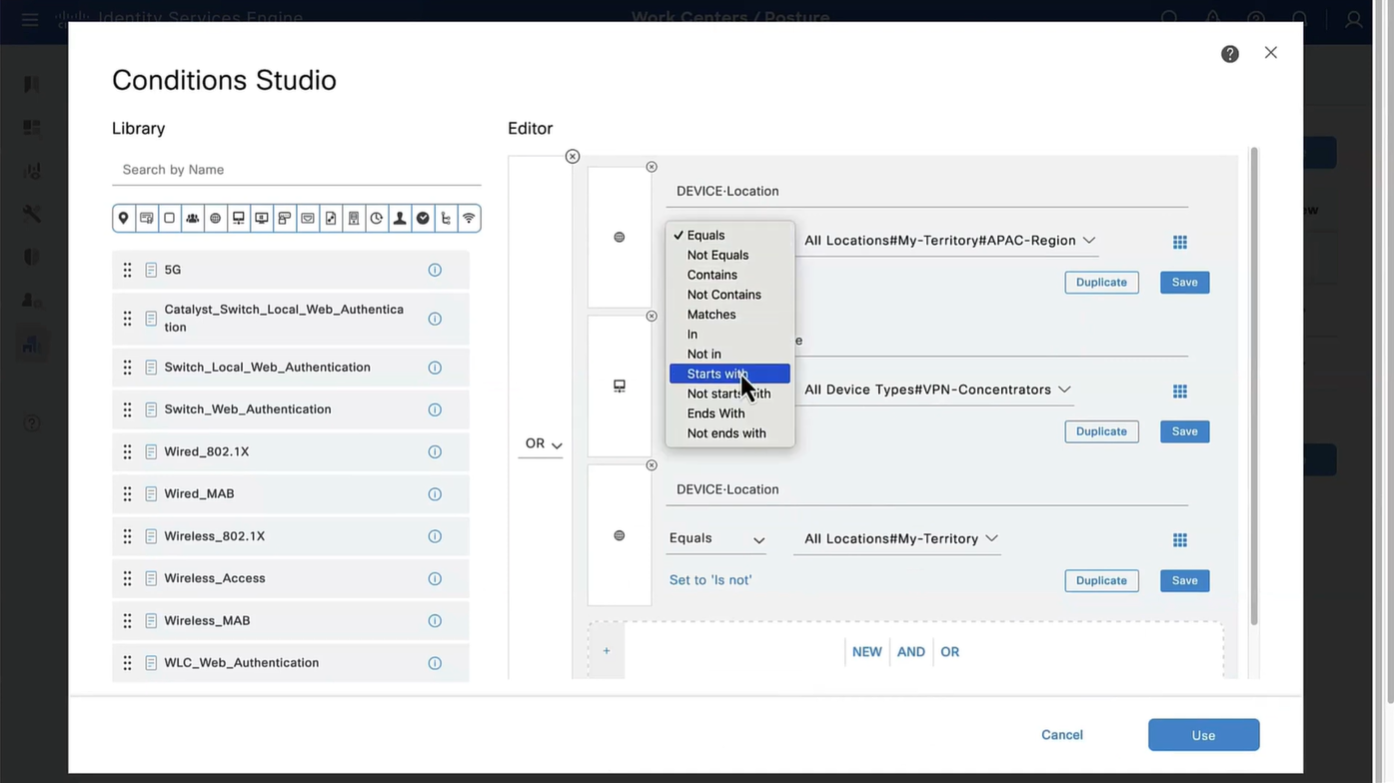
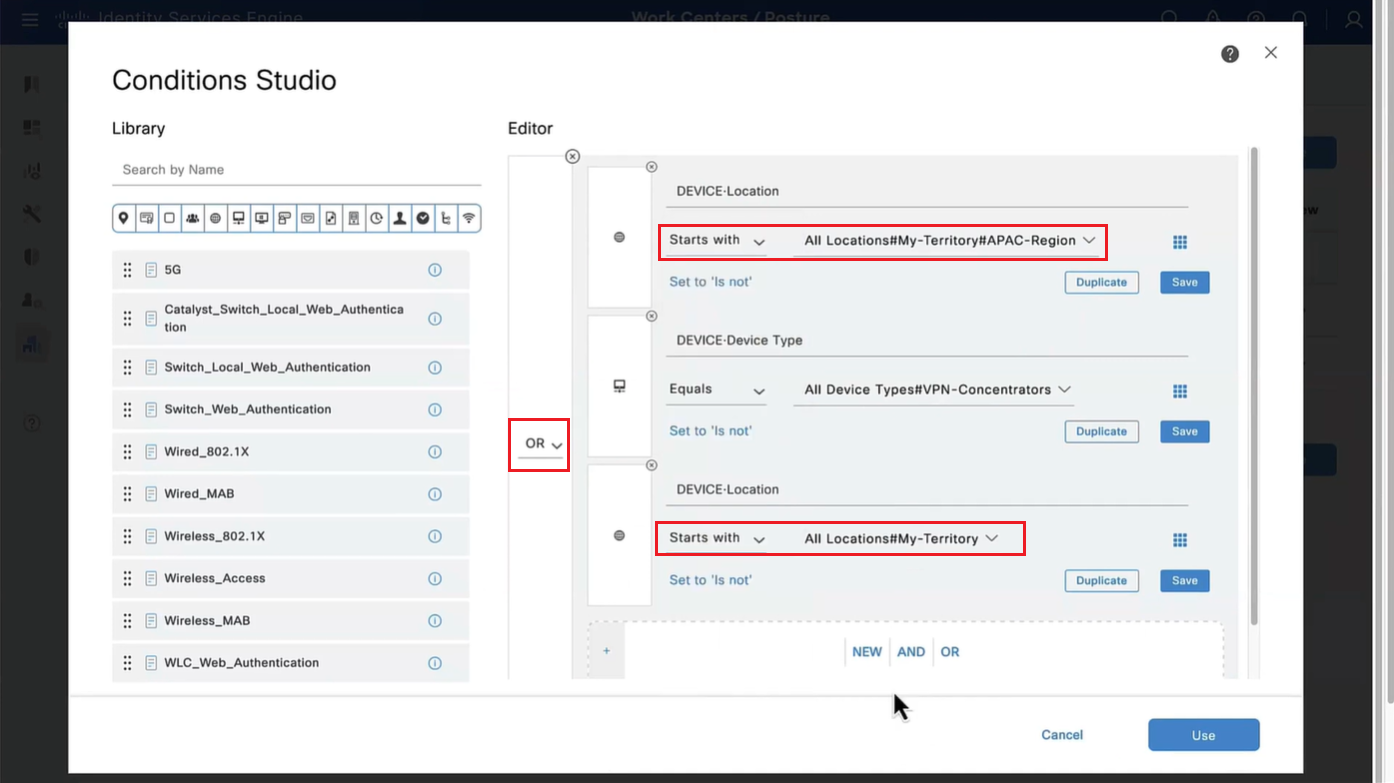
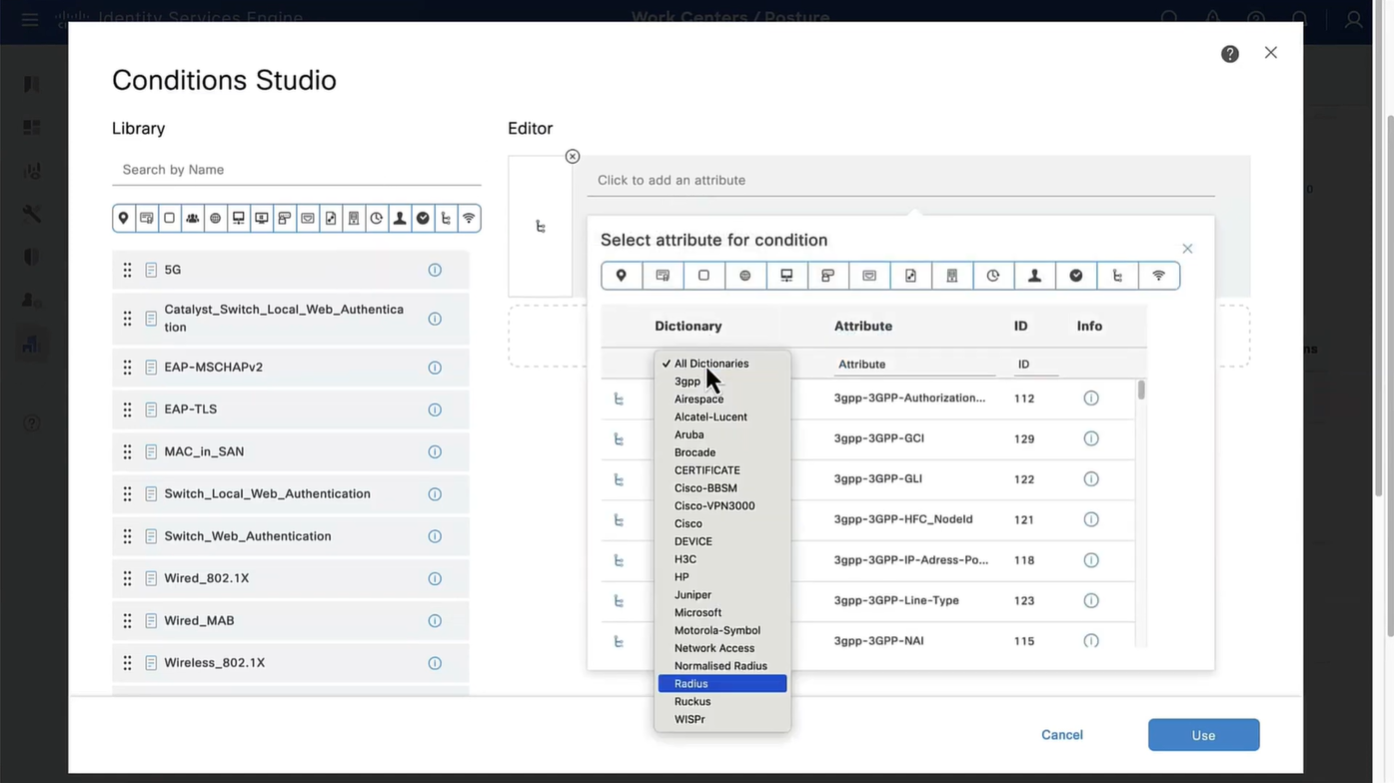
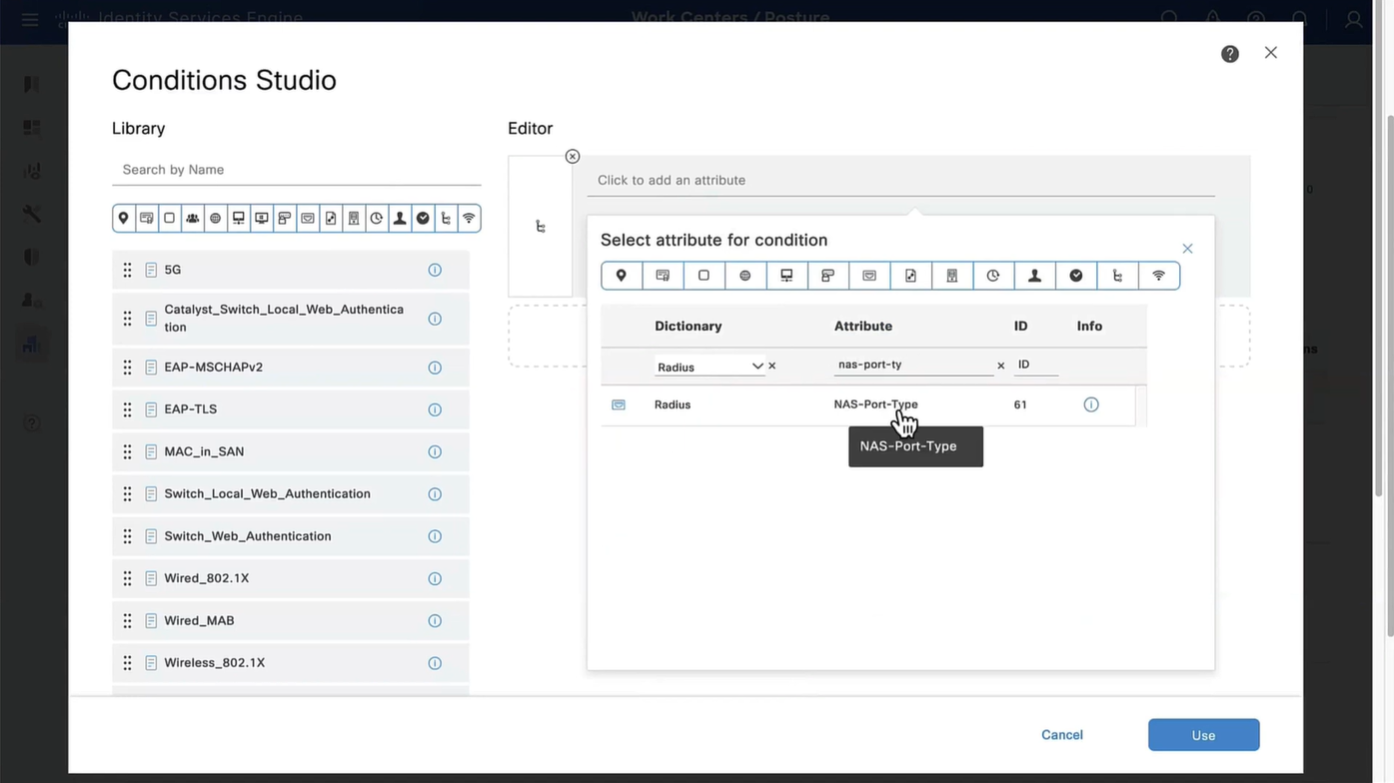
Above logic is, All NADs in AIPAC region , or VPN firewalls , or All NADs from My Territoray
as it is OR conditions with “Starts with”
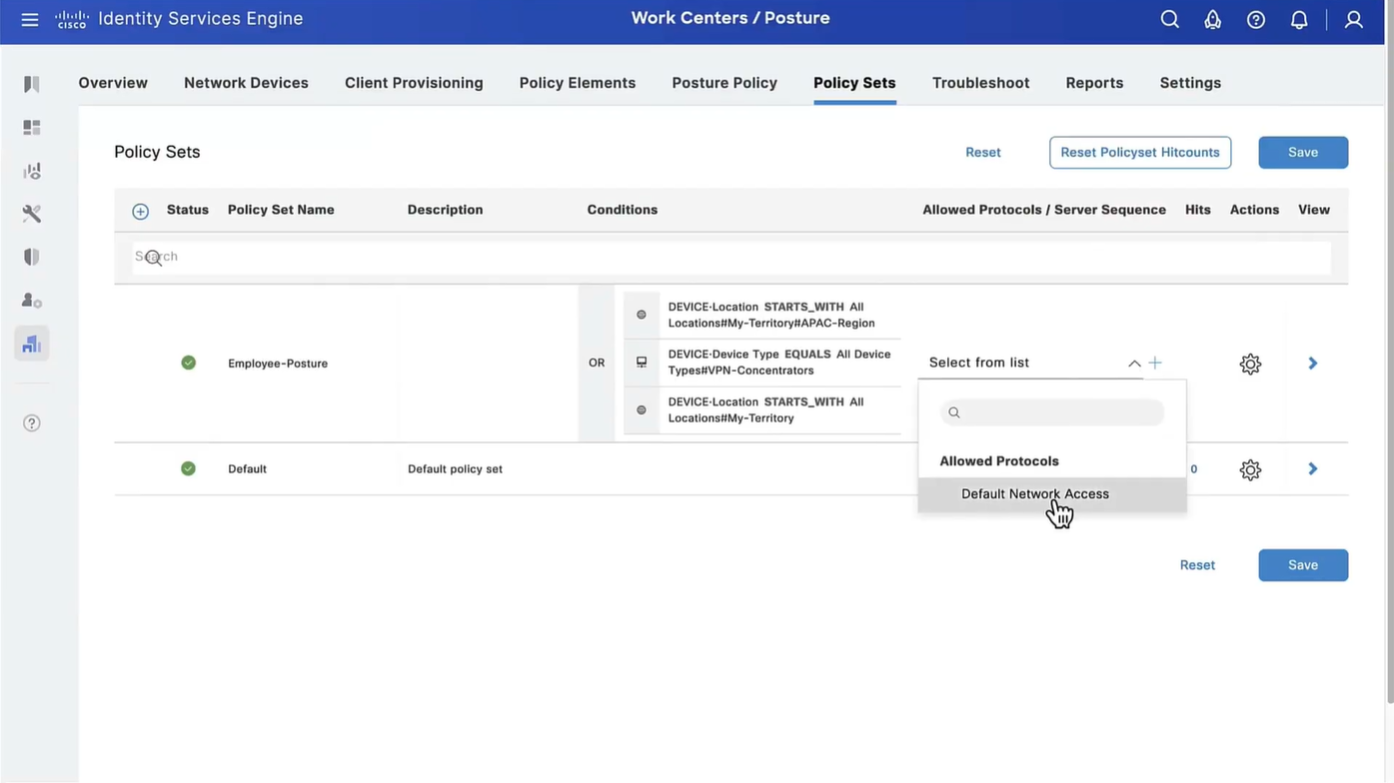
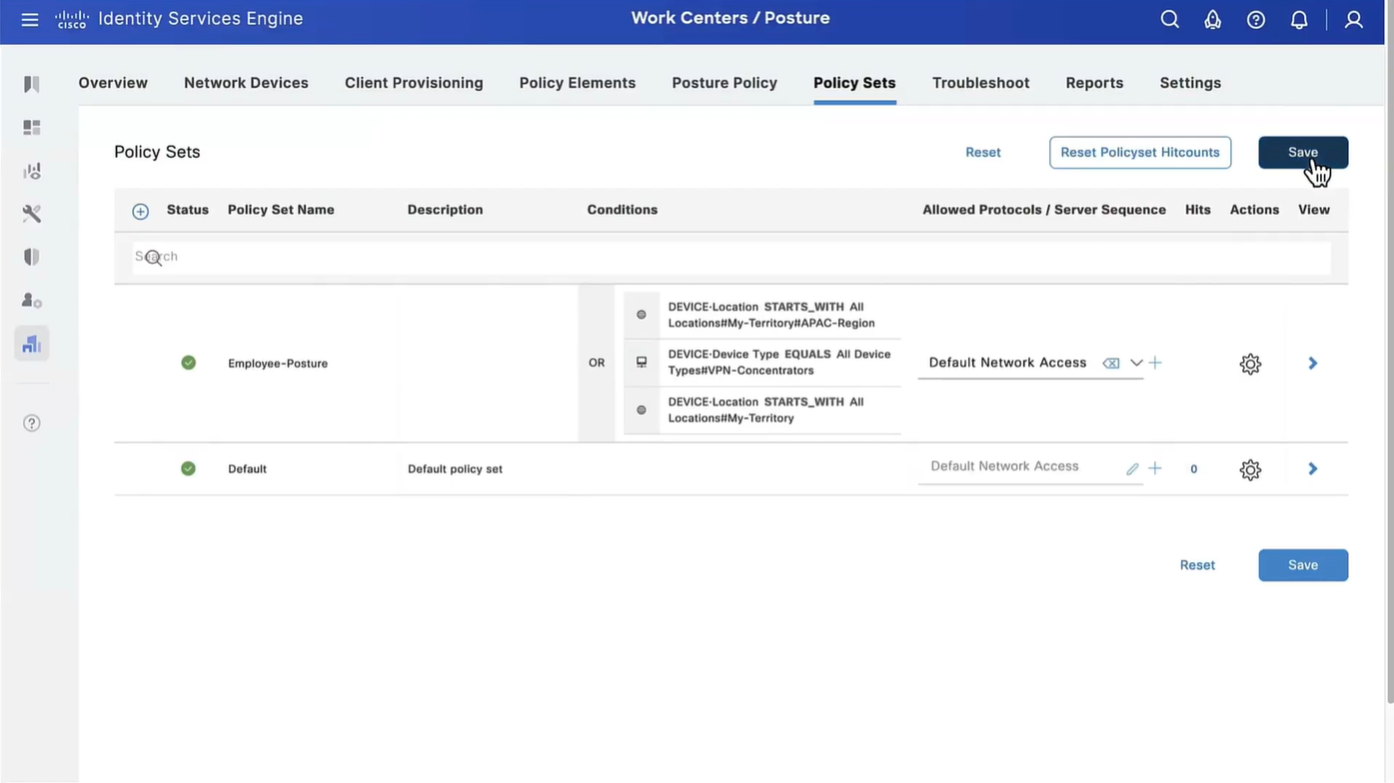
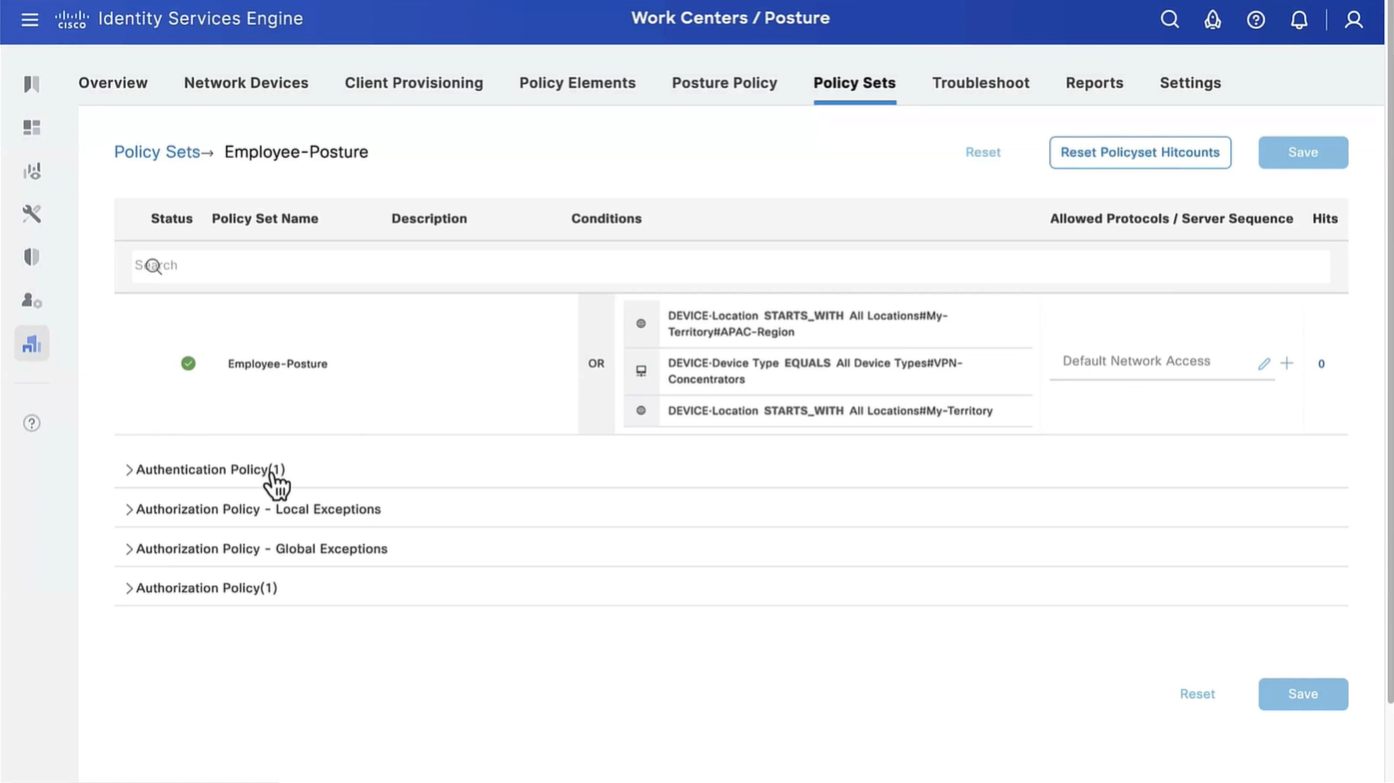
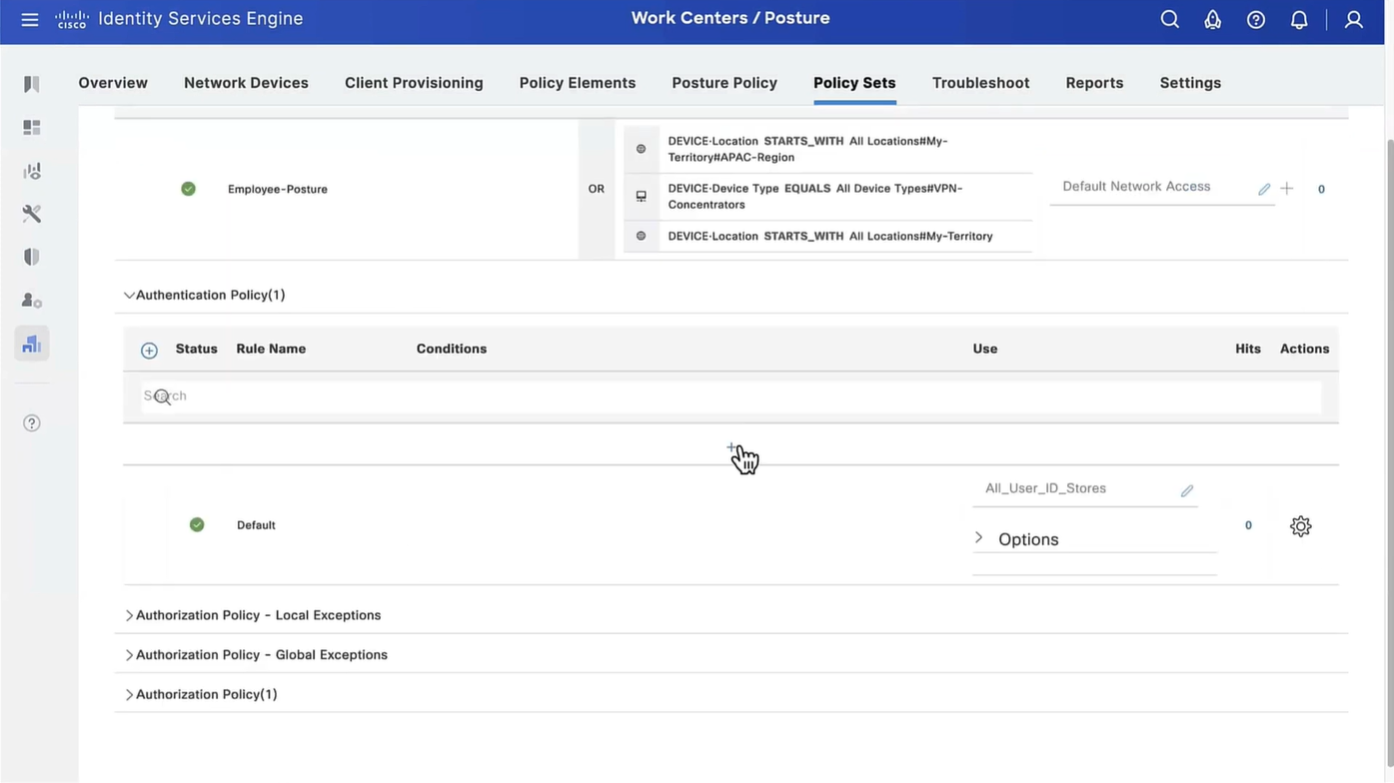
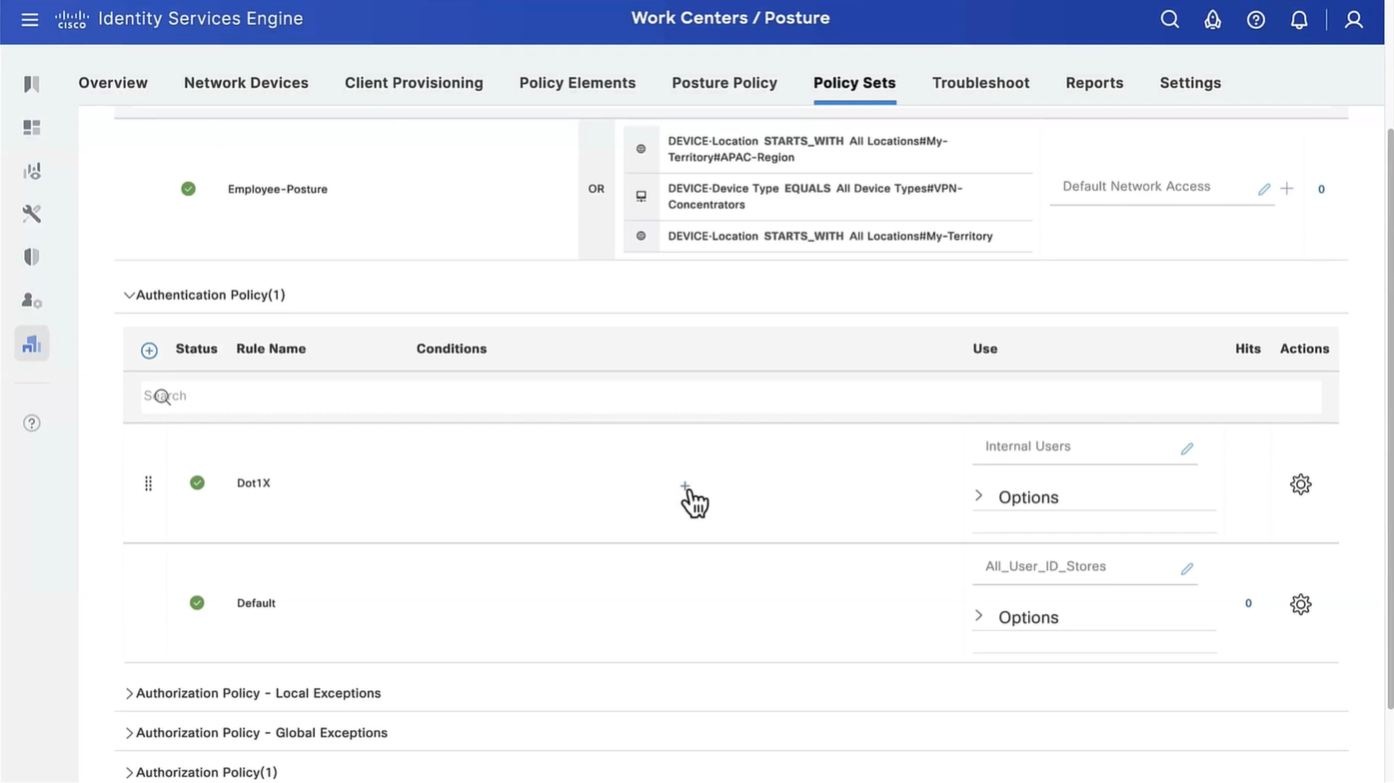


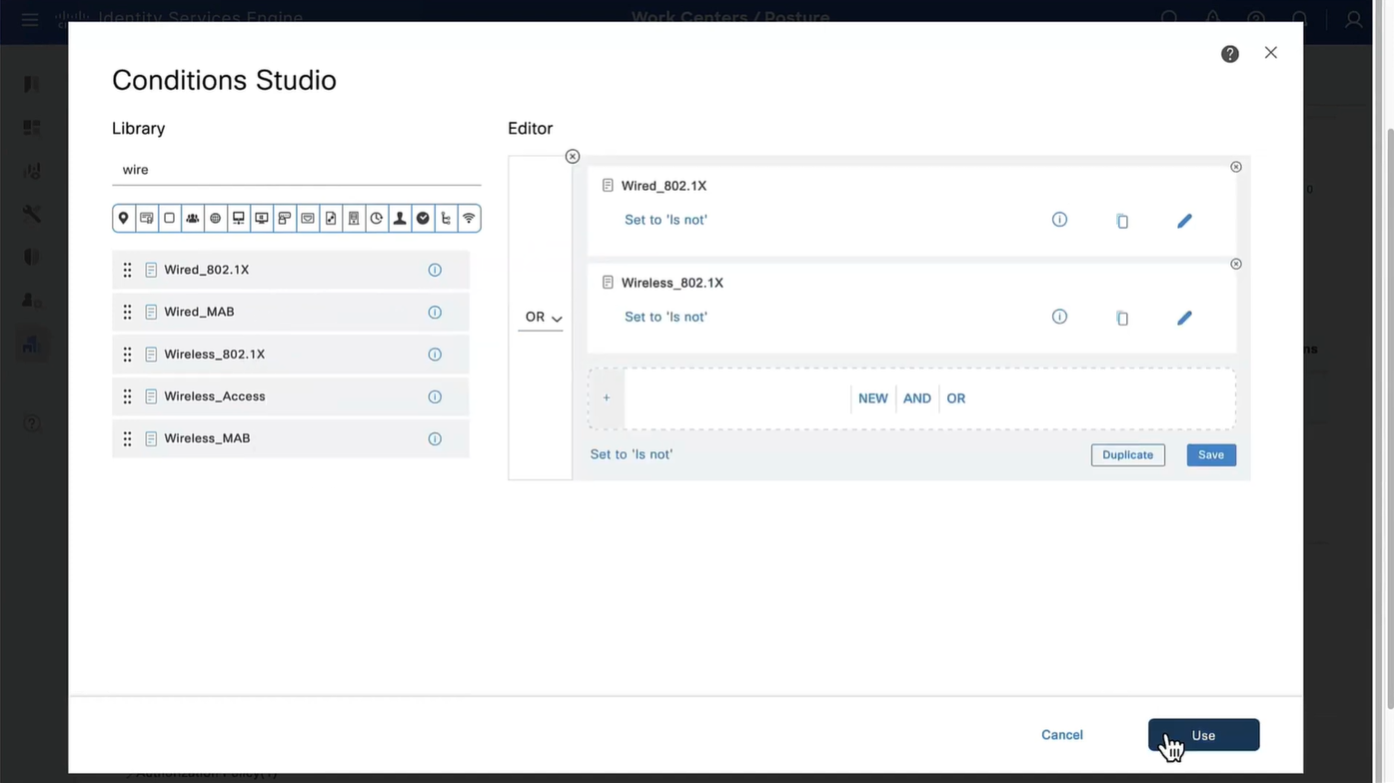
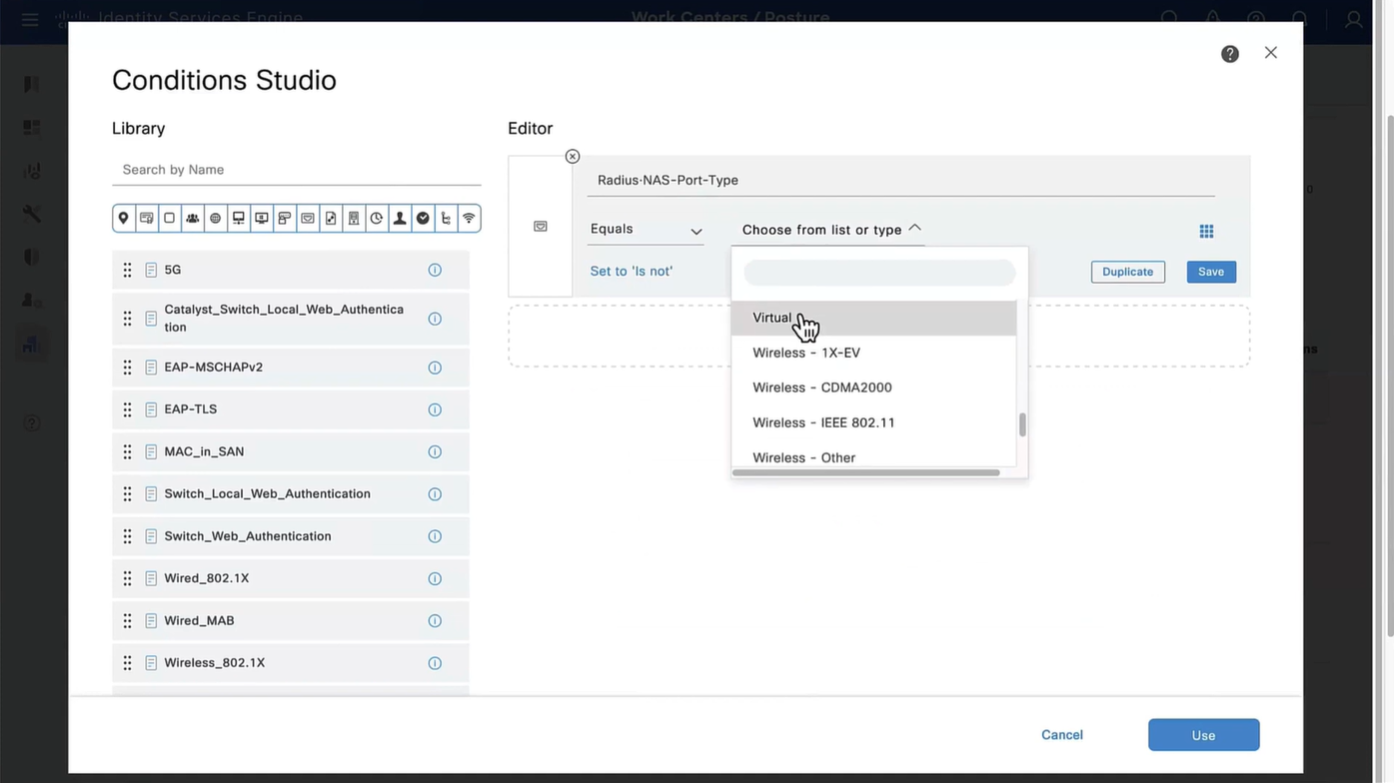
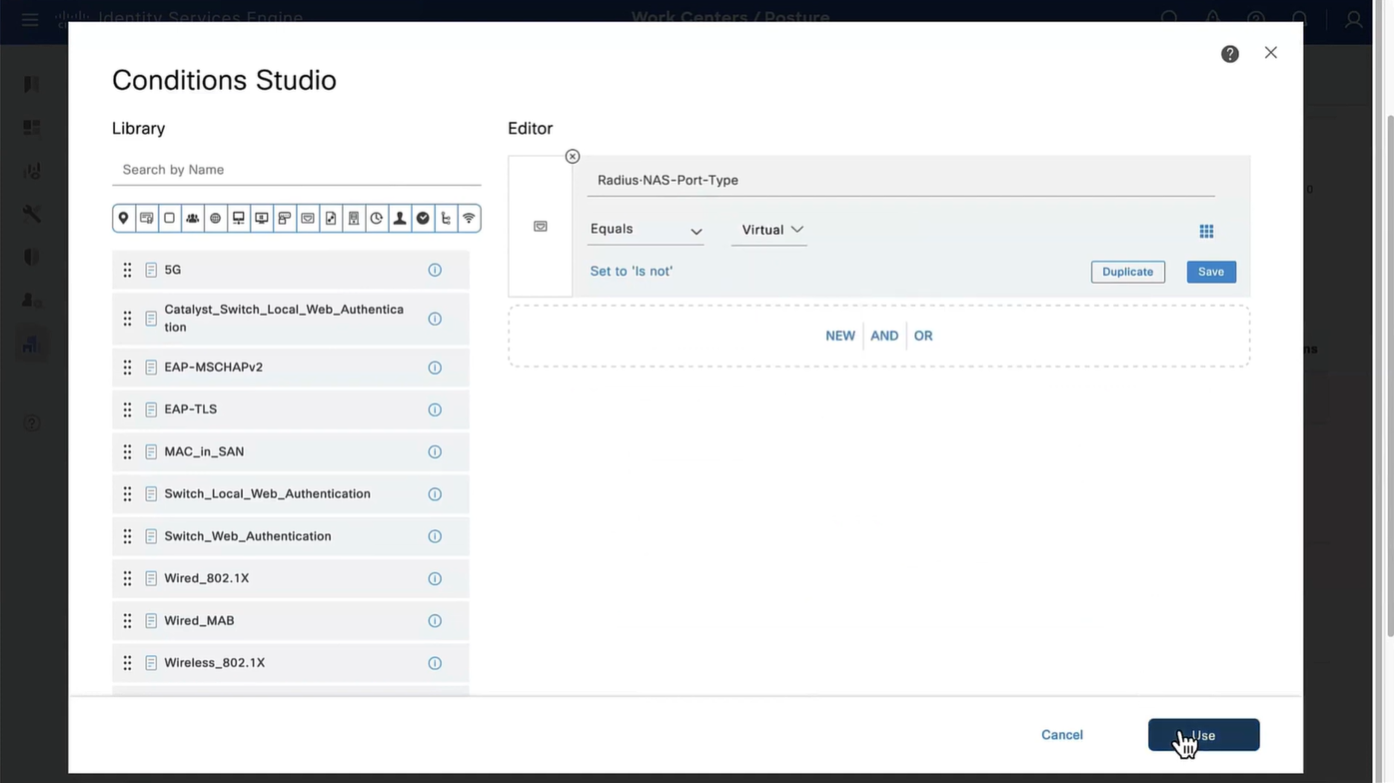
Wired and Wireless 802.1x (from all the above NADs defined in policy set level)
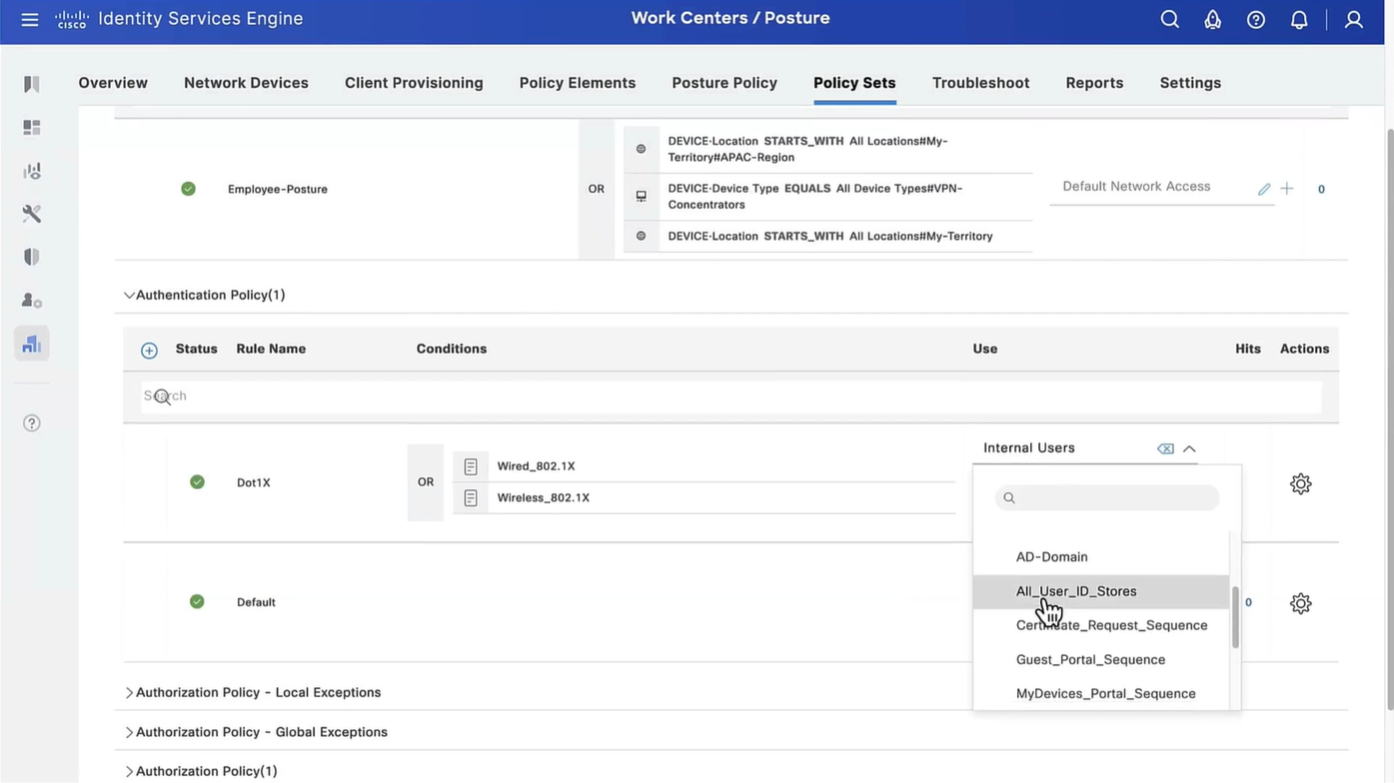
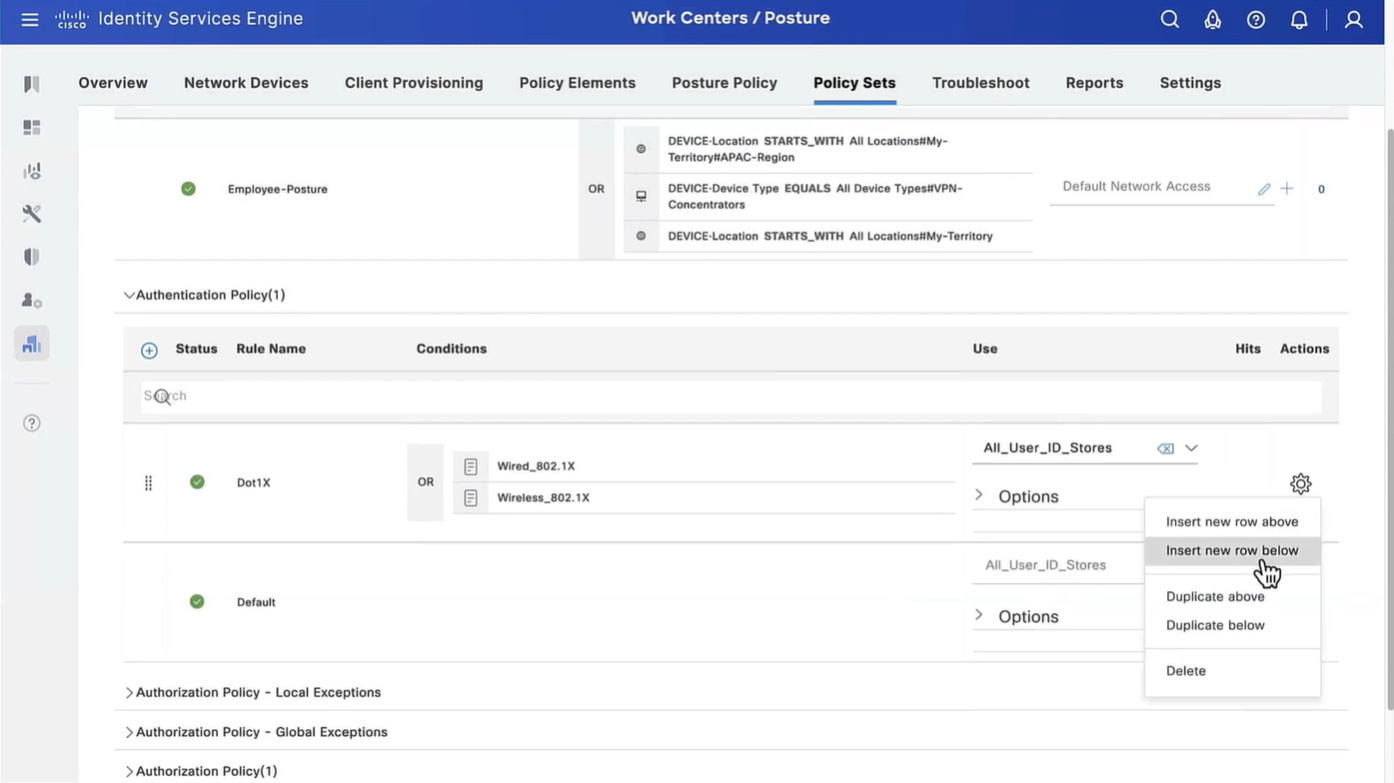
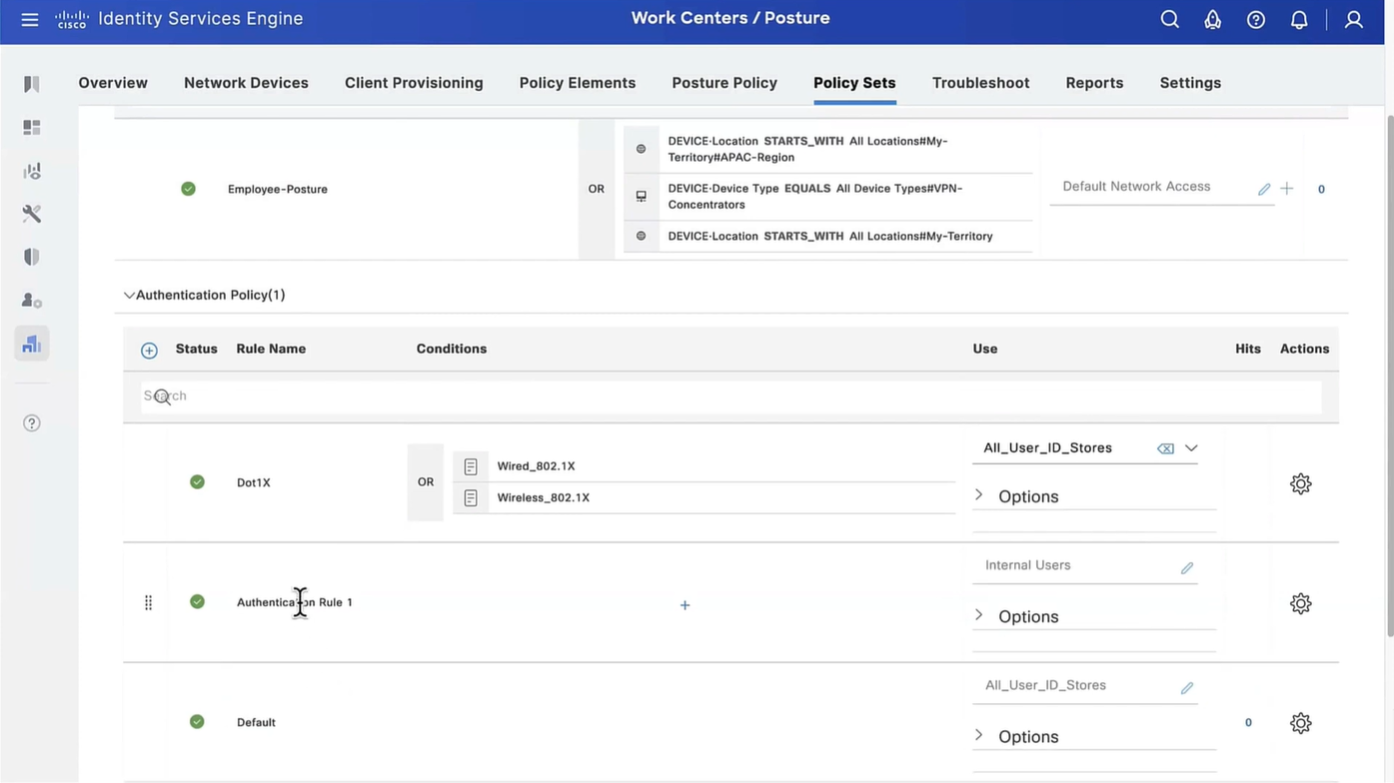
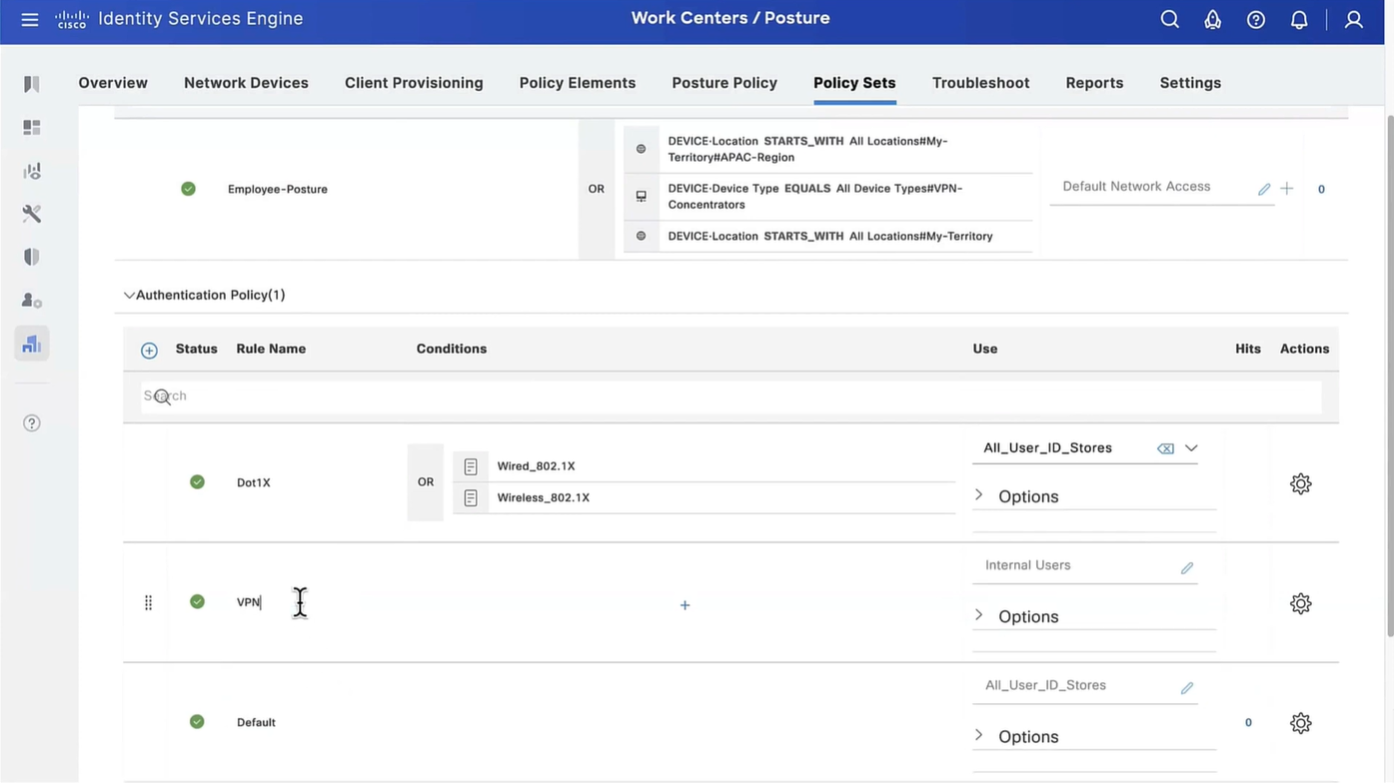

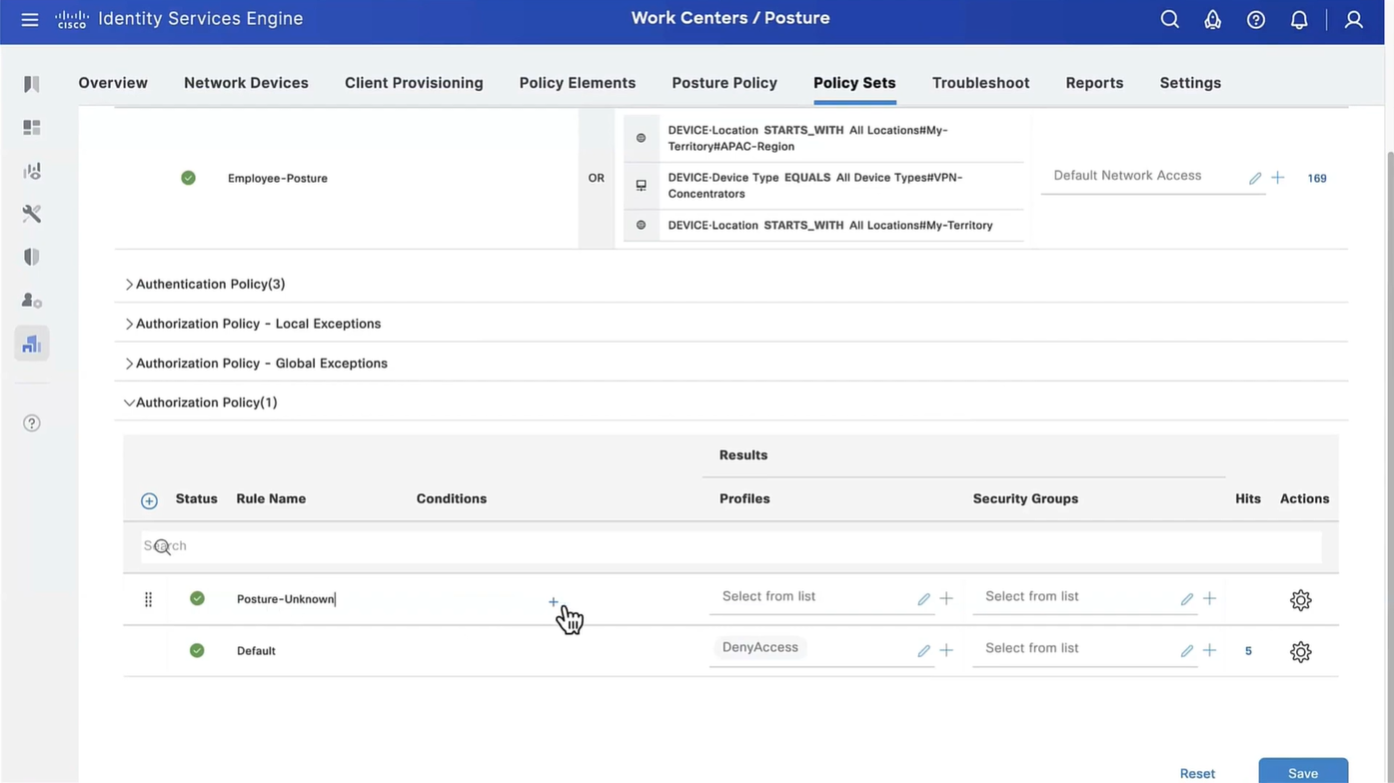

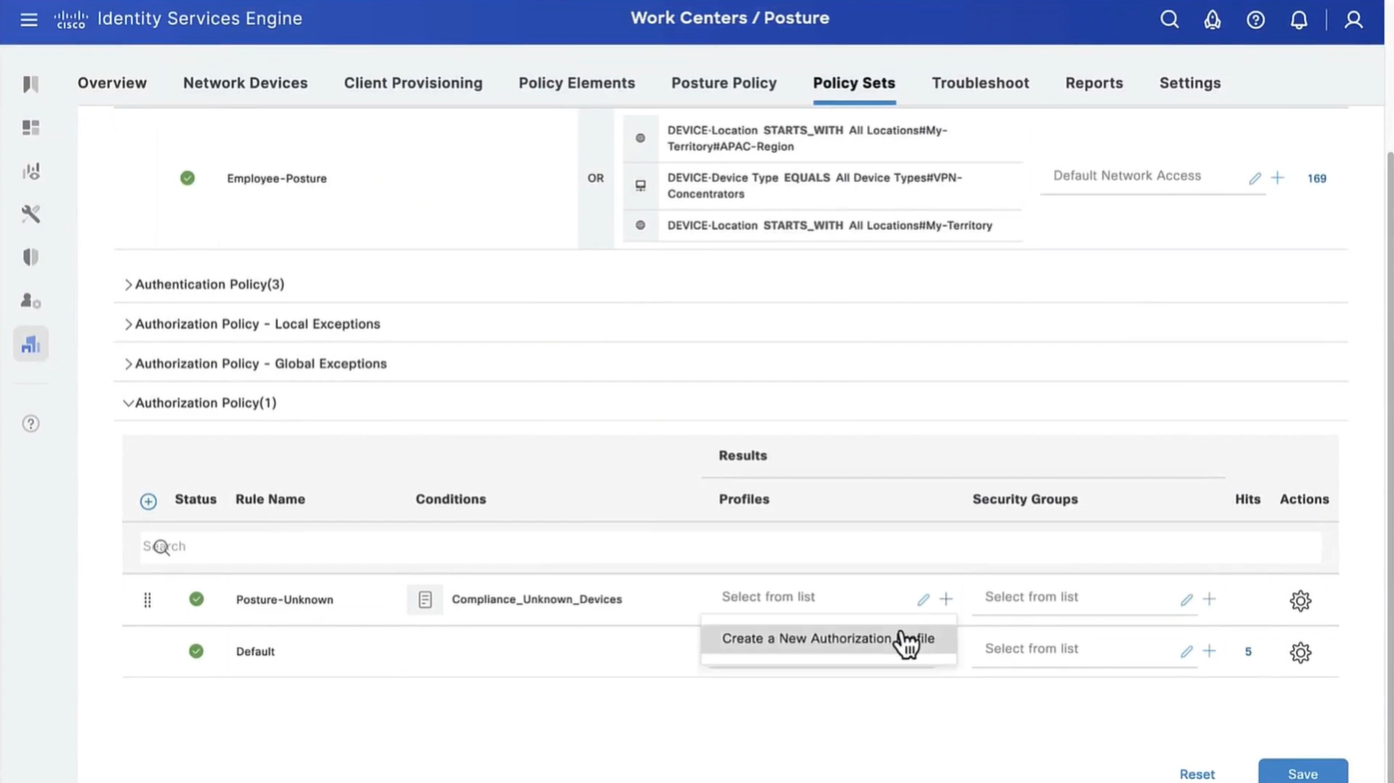


This initial redirect ACL is defined on the switch


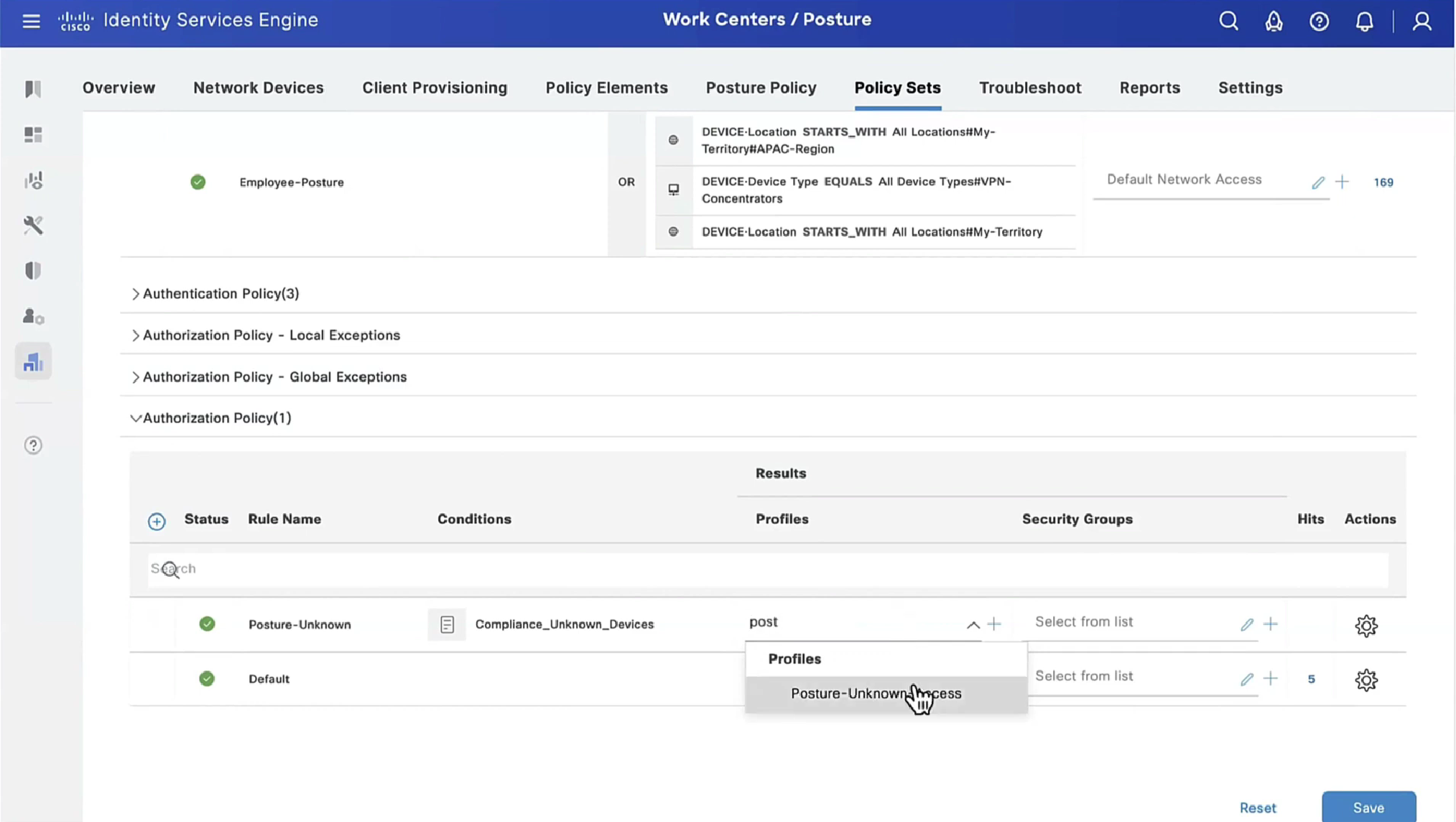


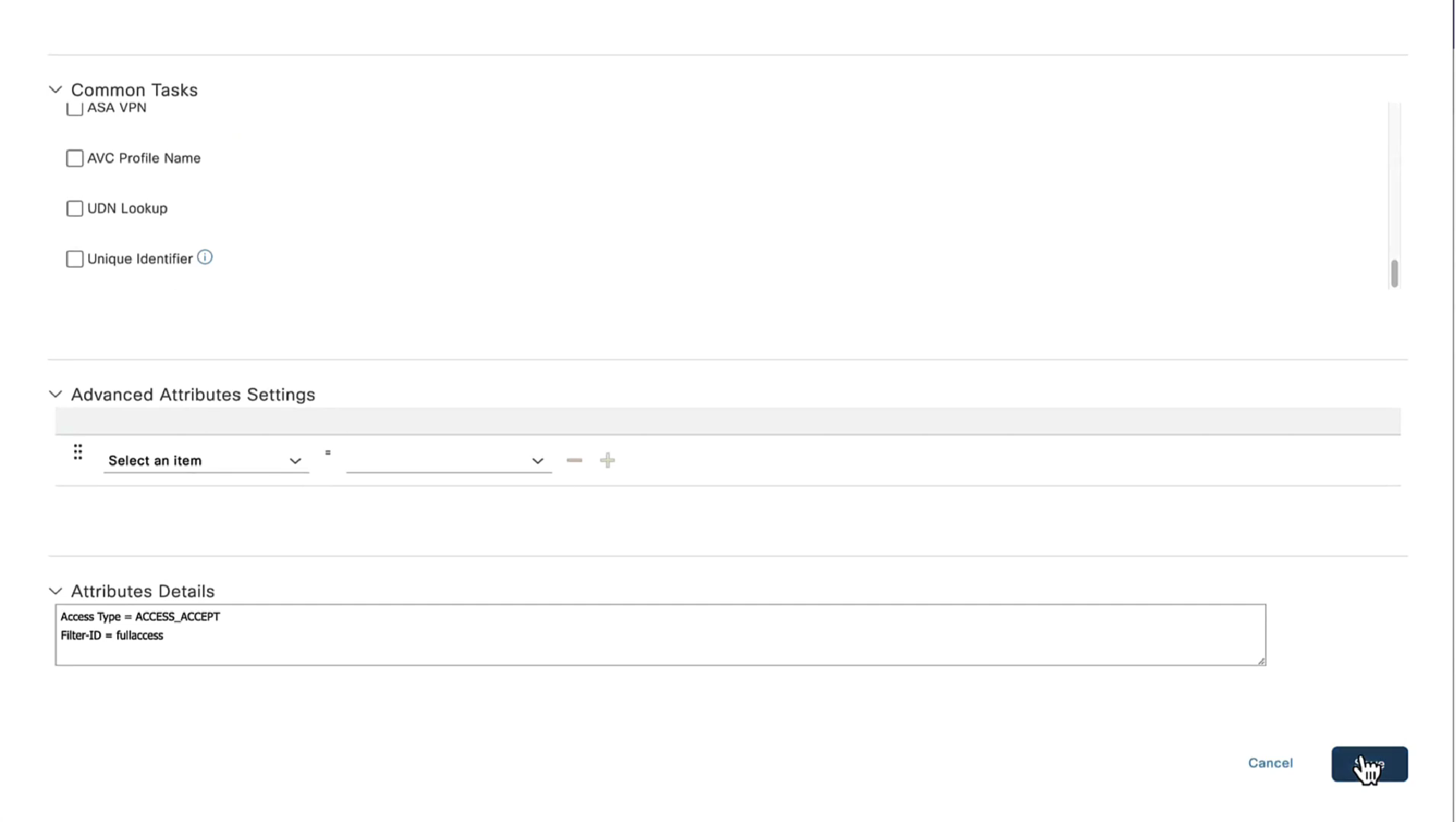


Cisco Agent discovery is a process where agent discovers the PSN that originally authenticated the client and this is only relevant if Agent is already deployed on your machine.
These discovery processes are of 2 types:
- Redirection based
- Redirection-less

All these probes are done in parallel at the same time and intention is to get Redirected to the PSN that originally authenticated the client
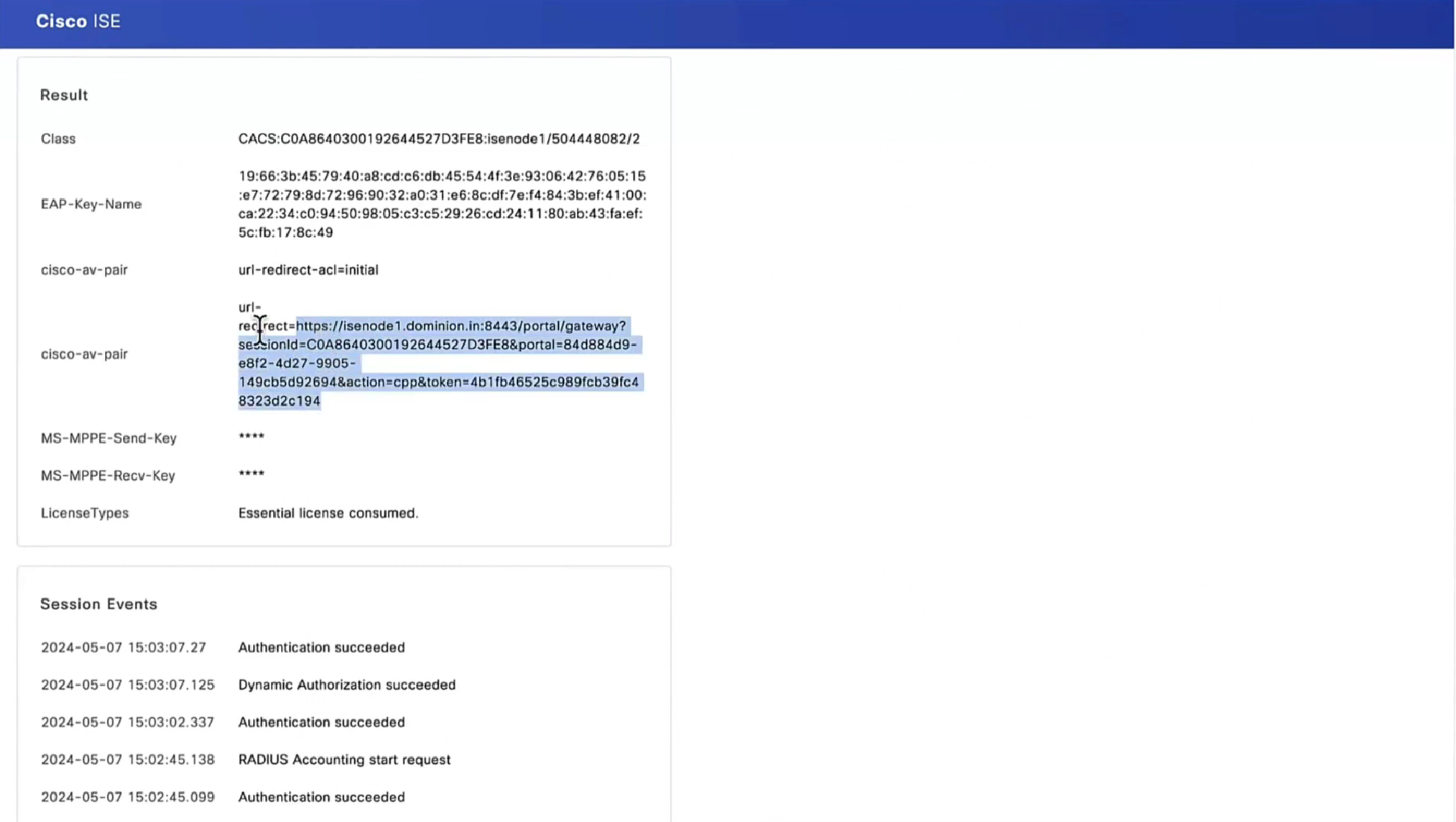
Redirection here is very similar to how guest wifi portal is looking for port 80 traffic in order to intercept, NAD also wants to intercept port 80 traffic and NAD sends out the redirect URL containing session id, this session id was inserted by NAD, Client picks this URL and dials that URL of ISE with session id and when request lands on ISE session id is used to find the existing session from DB, in response to this posture request, posture policies or new client is updated (if client has been updated)

Probes 1, 2, 3 are port 80 traffic expecting to be intercepted by NAD and NAD to send redirect URL and ACL (from authorization profile)
NAD Inserts the session ID (because NAD builds clients and their session IDs for authenticated clients) but PSN inserts the hostname or IP of the PSN inside URL
https://<PSN-FQDN>:8443/portal/PortalSetup.action?sessionId=...&...When client redirects or goes to URL with that session id as “posture request” (https based), ISE picks up session ID and thinks there is no need to reauthenticate as session is already there and then proceeds to send “posture policies” back to client
Probe 4 uses ConnectionData.xml which is not redirect containing session id in URL but instead direct approach on URL of the ISE in ConnectionData.xml which means that client must have authenticated and postured before.
If things go to probe 4 then PSN will have to lookup active session using IP and MAC just like an analyst checks for a user’s session in ISE

Discovery host if configured will be tried first, if it does not respond then by default Anyconnect sends discovery probes on port 80 to all ISE PSN nodes, this option “Discovery Backup Server List” can be configured to limit the PSNs to send these discovery probes, this option has a reduction function

Stage 2 which is second scenario has probe 1 and probe 2, first probe 1 is done and if probe 1 fails then probe 2 is initiated
Stage 2 is used in “redirectionless”, we can have a “call home” list that allows us to set a specific static PSN to contact, that PSN will then look for session owner PSN, session owner then responds to the client for posturing exchange (not URL with session id)
Probe 2 means that client’s ConnectionData.xml will be used to check last PSNs and use one of the PSN, that PSN will also look for session owner PSN and session owner responds to the client for posturing exchange (not lookup using ip and mac) like stage 1
Redirection-less is superior in terms of end user experience because every time user connects they are not redirected to the portal and user does not have to see the portal each time posturing takes place – This is specially good in case Agent is already deployed on endpoints like most corporate do

After agent discovery comes actual posture exchange

Cisco agent validates and sends it back in a report form back to the posture PSN
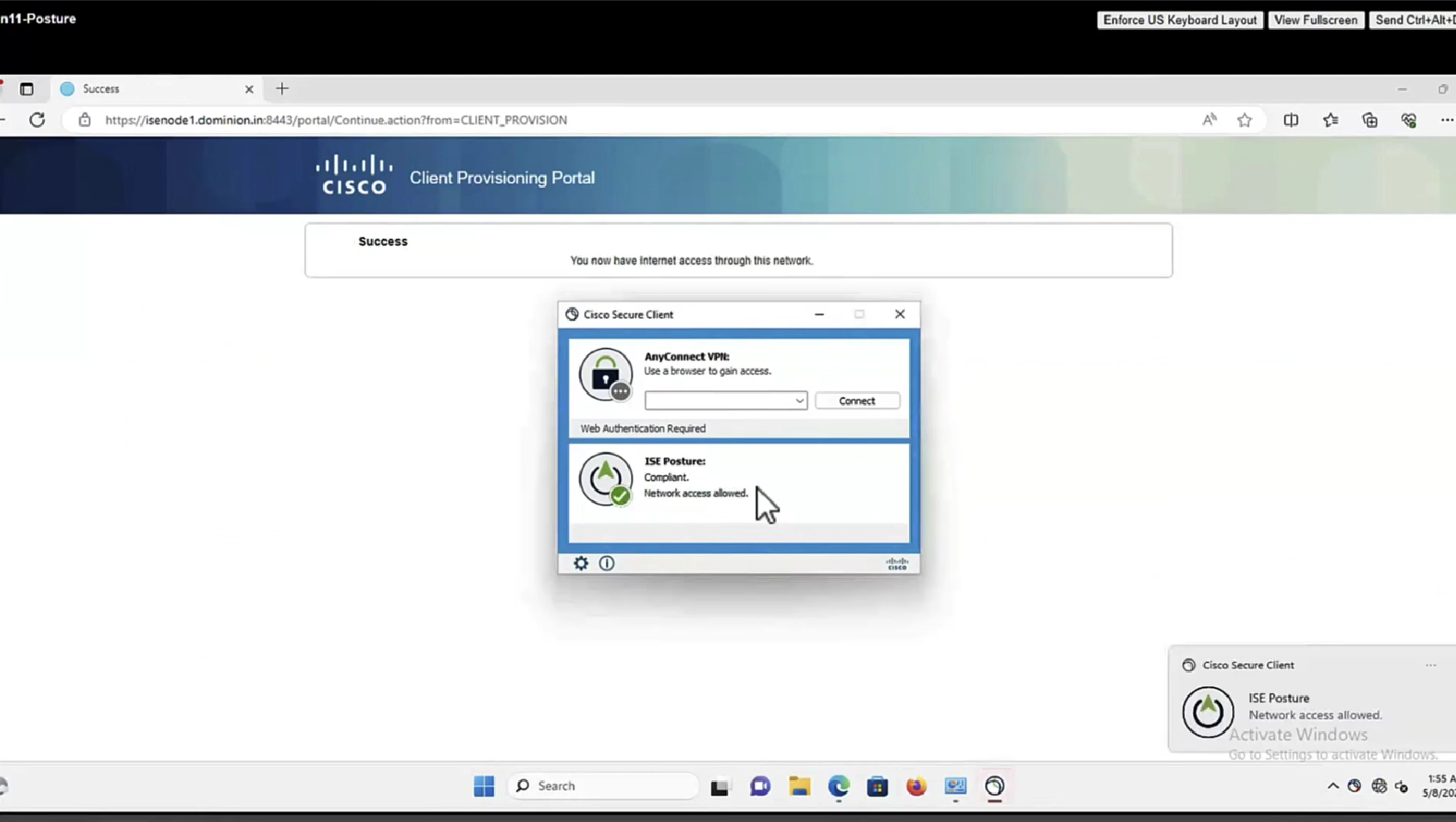
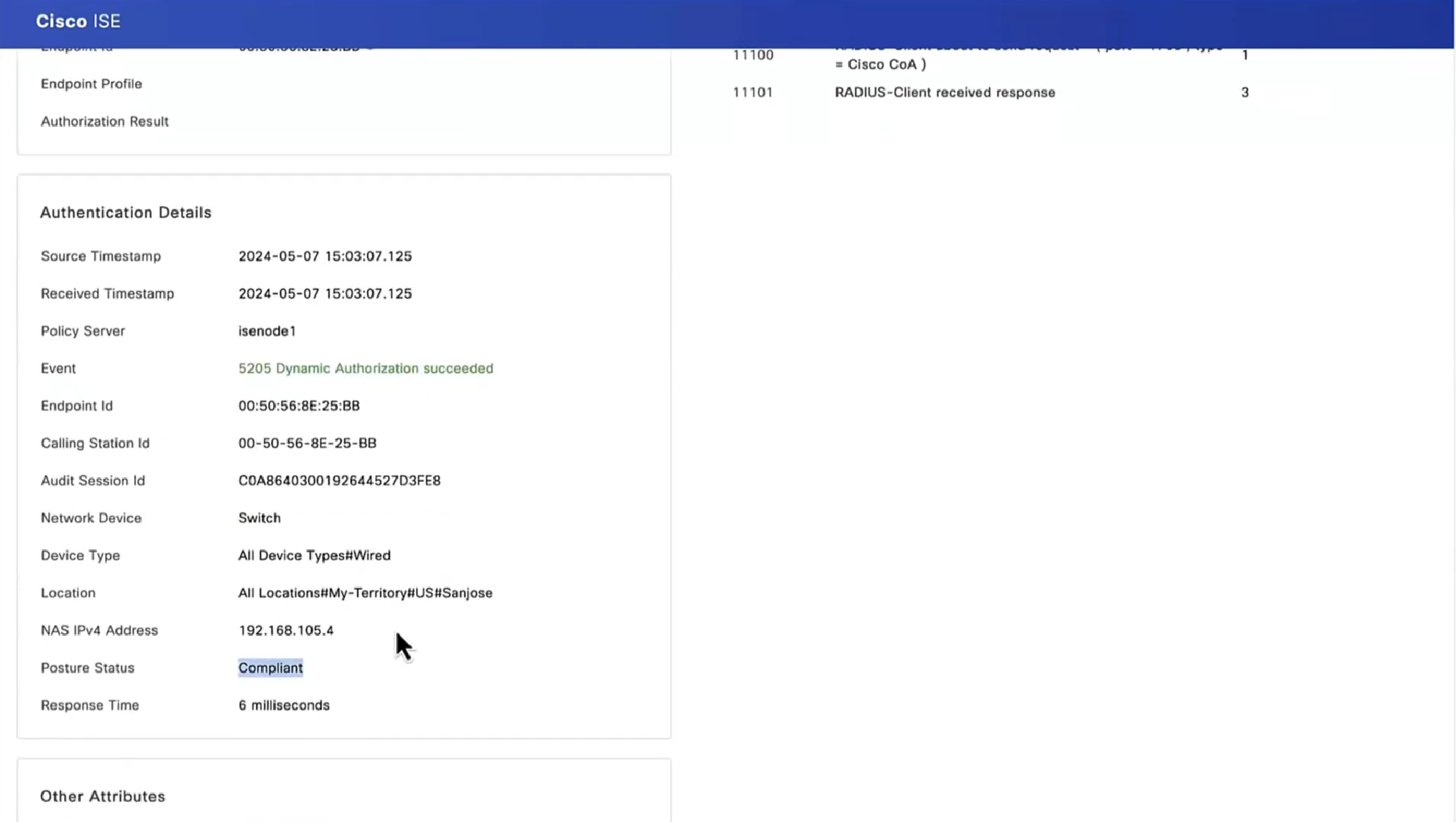
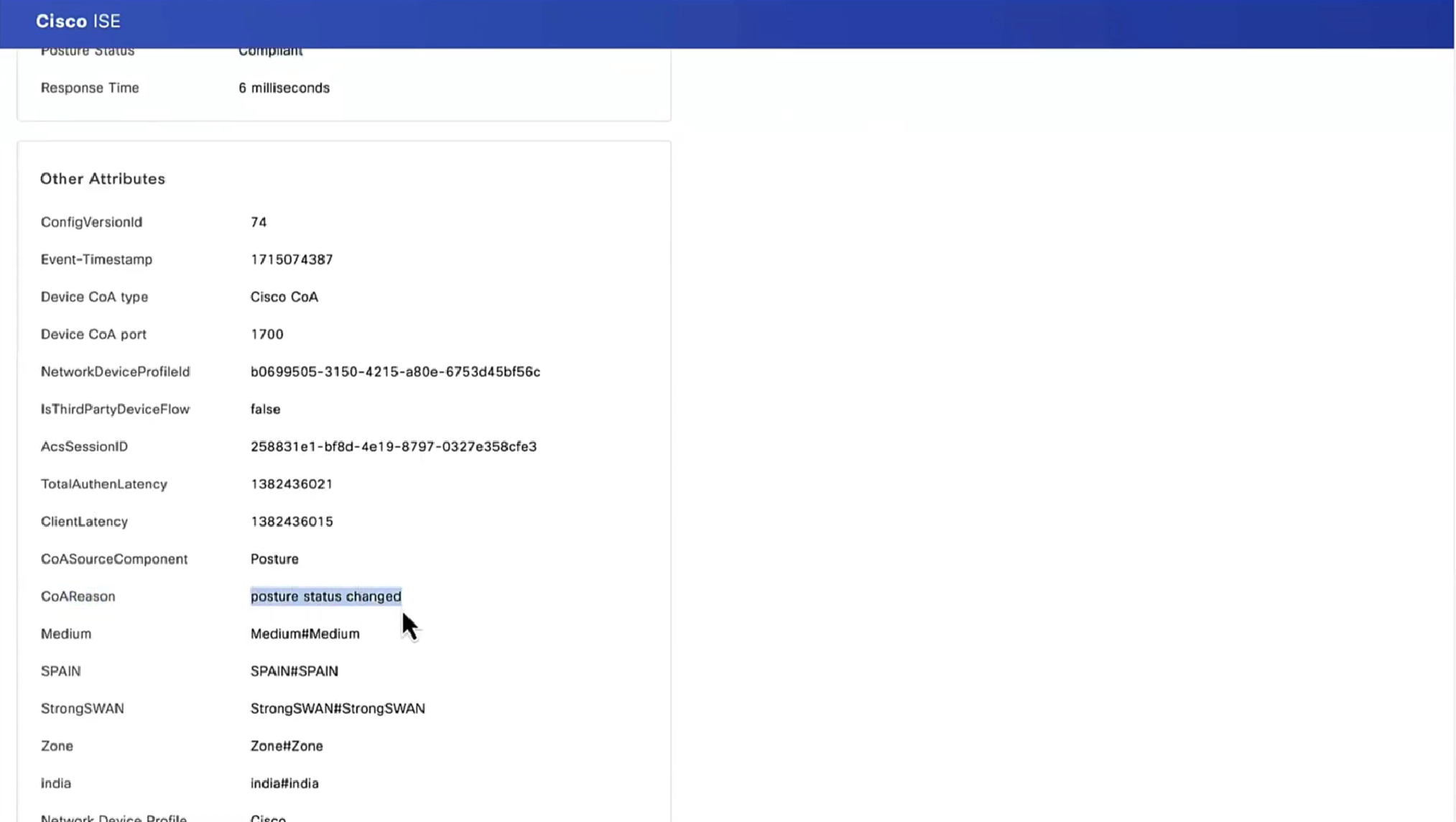
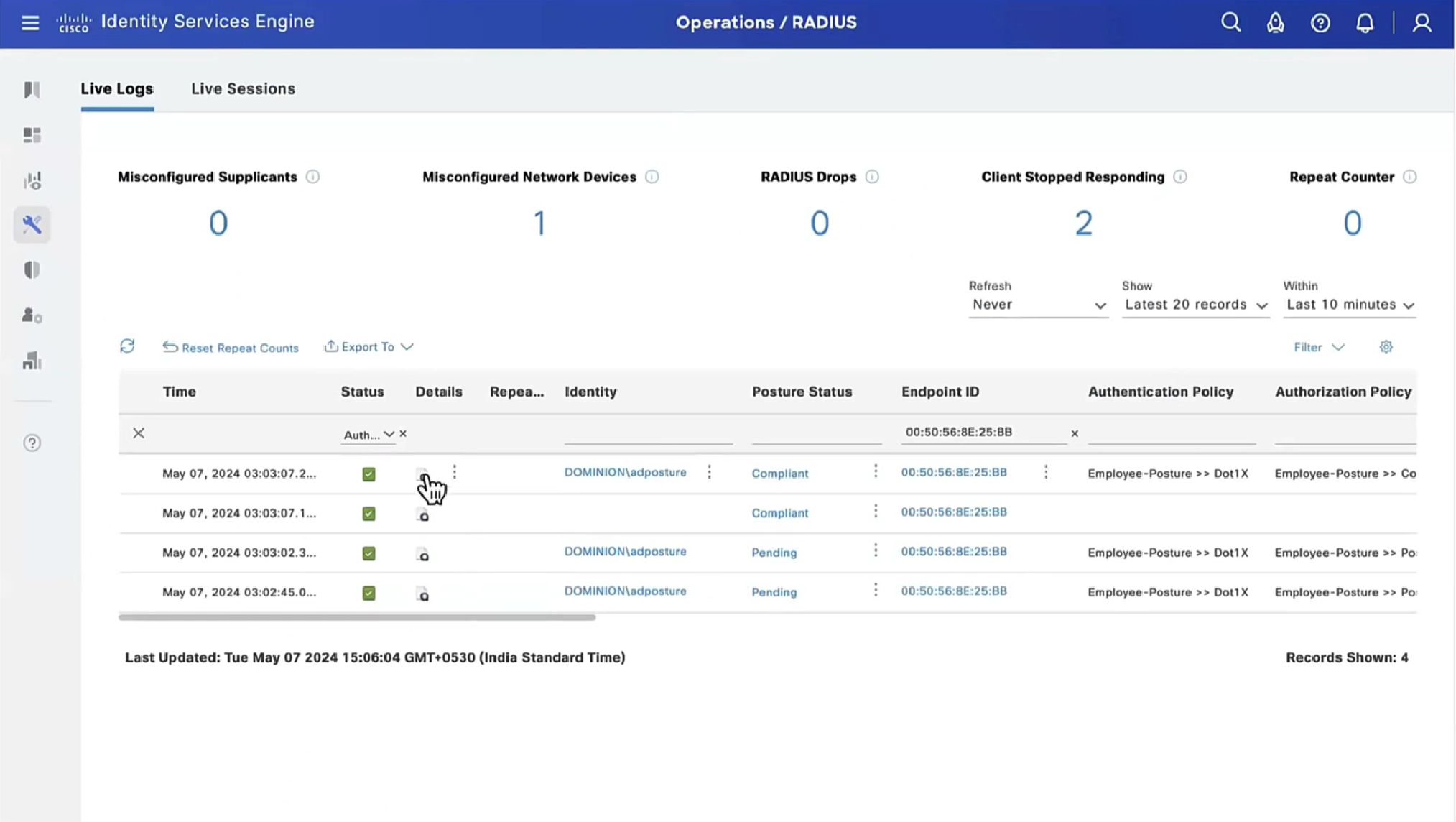
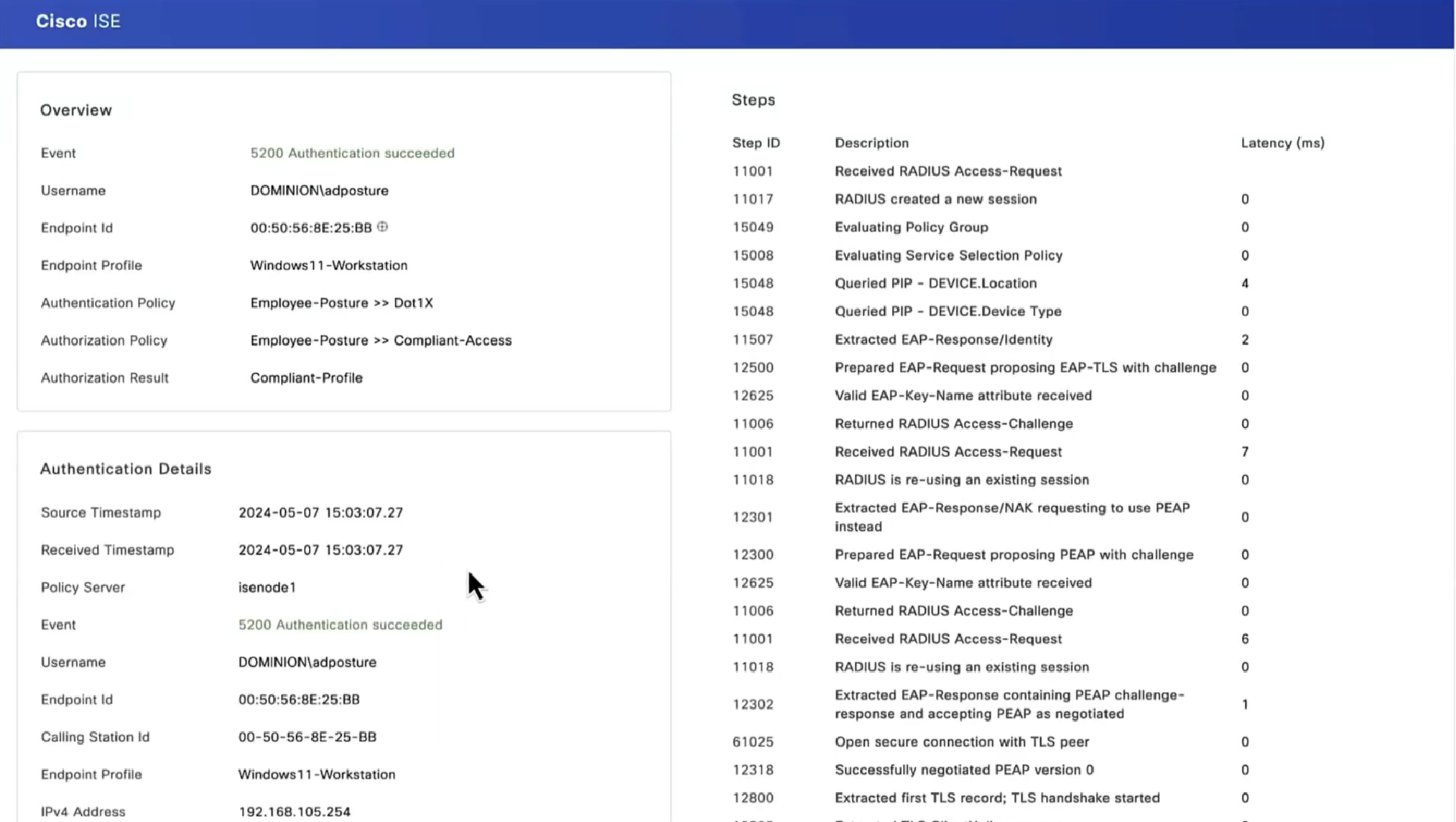
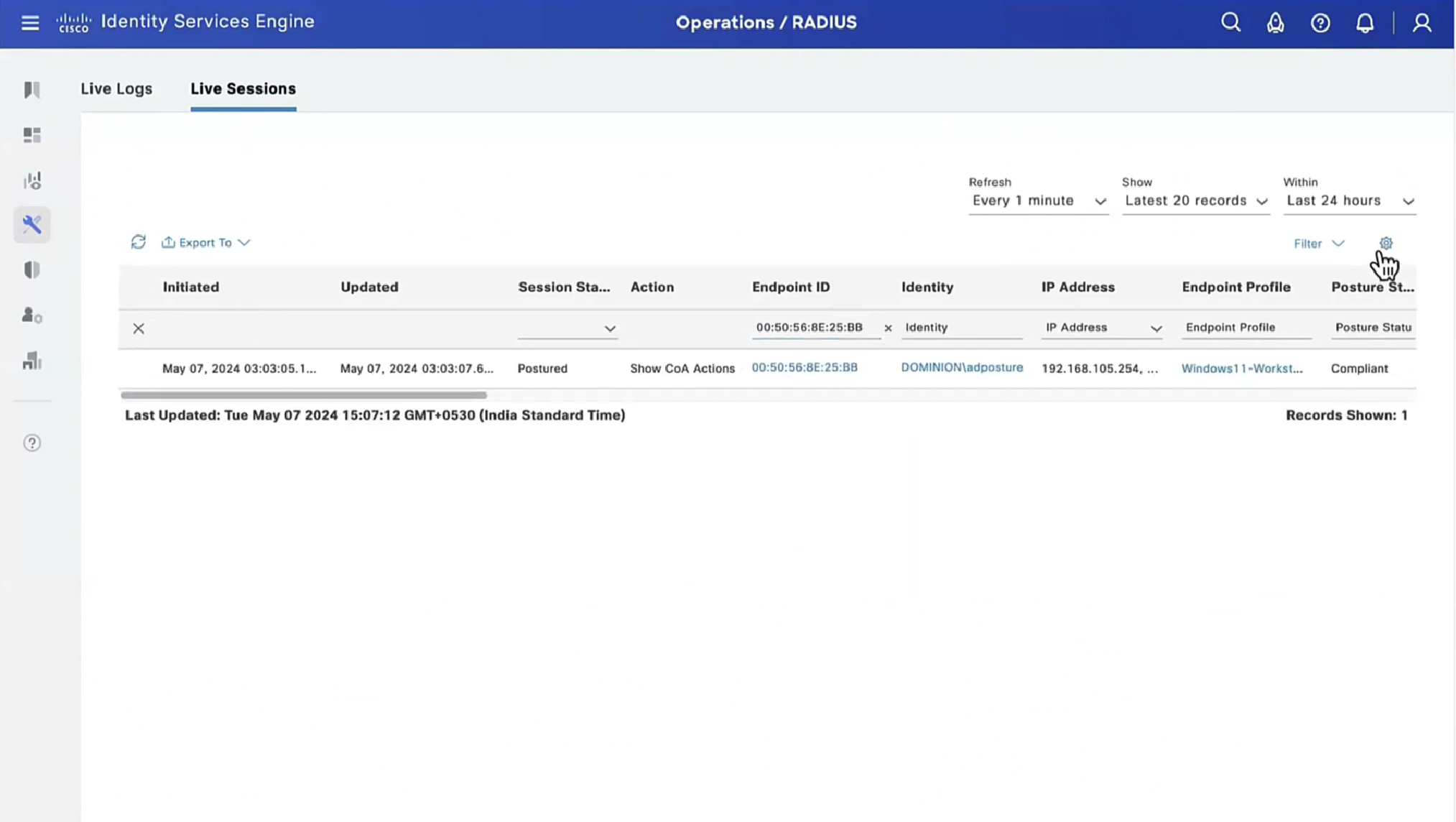
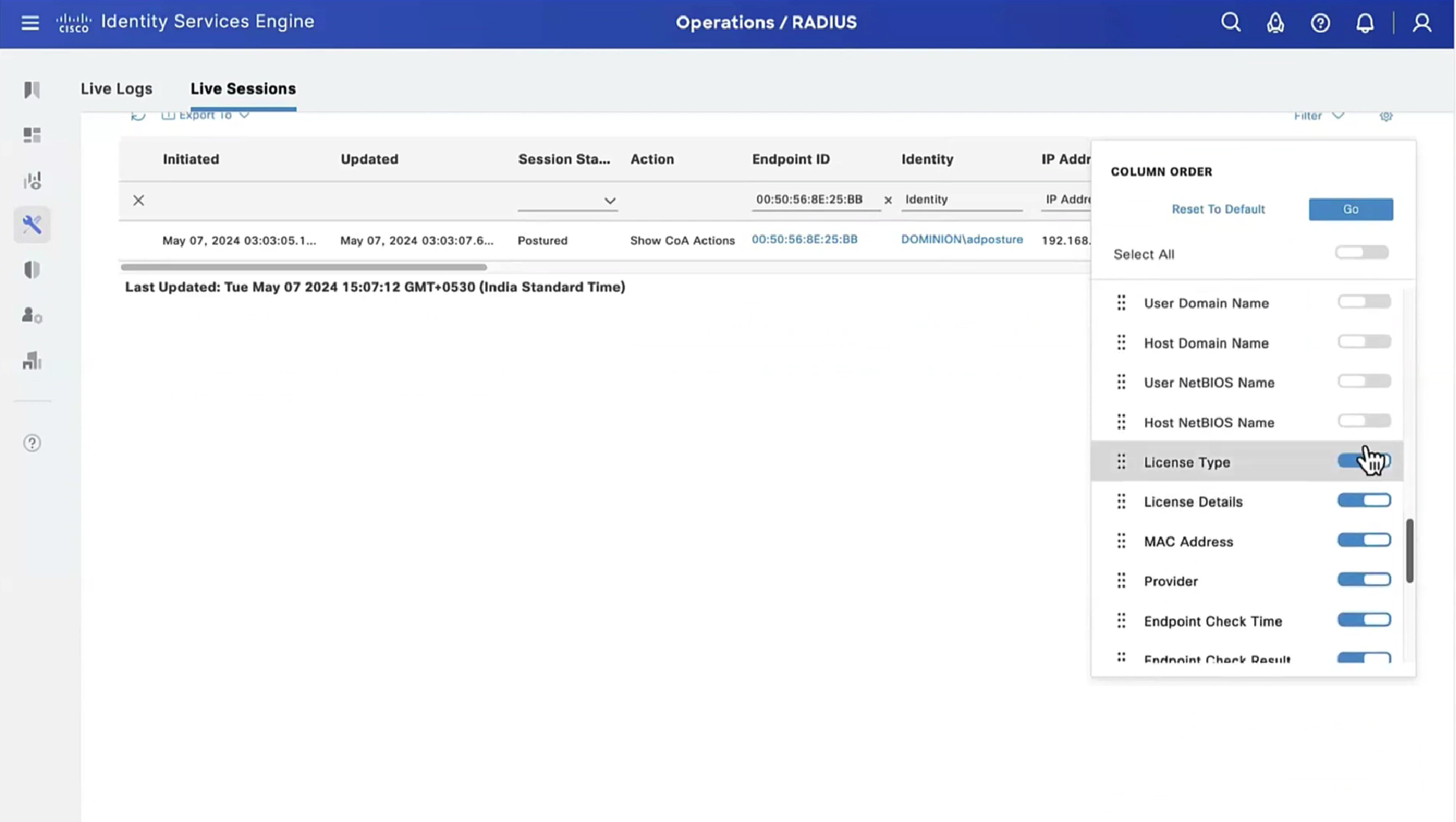
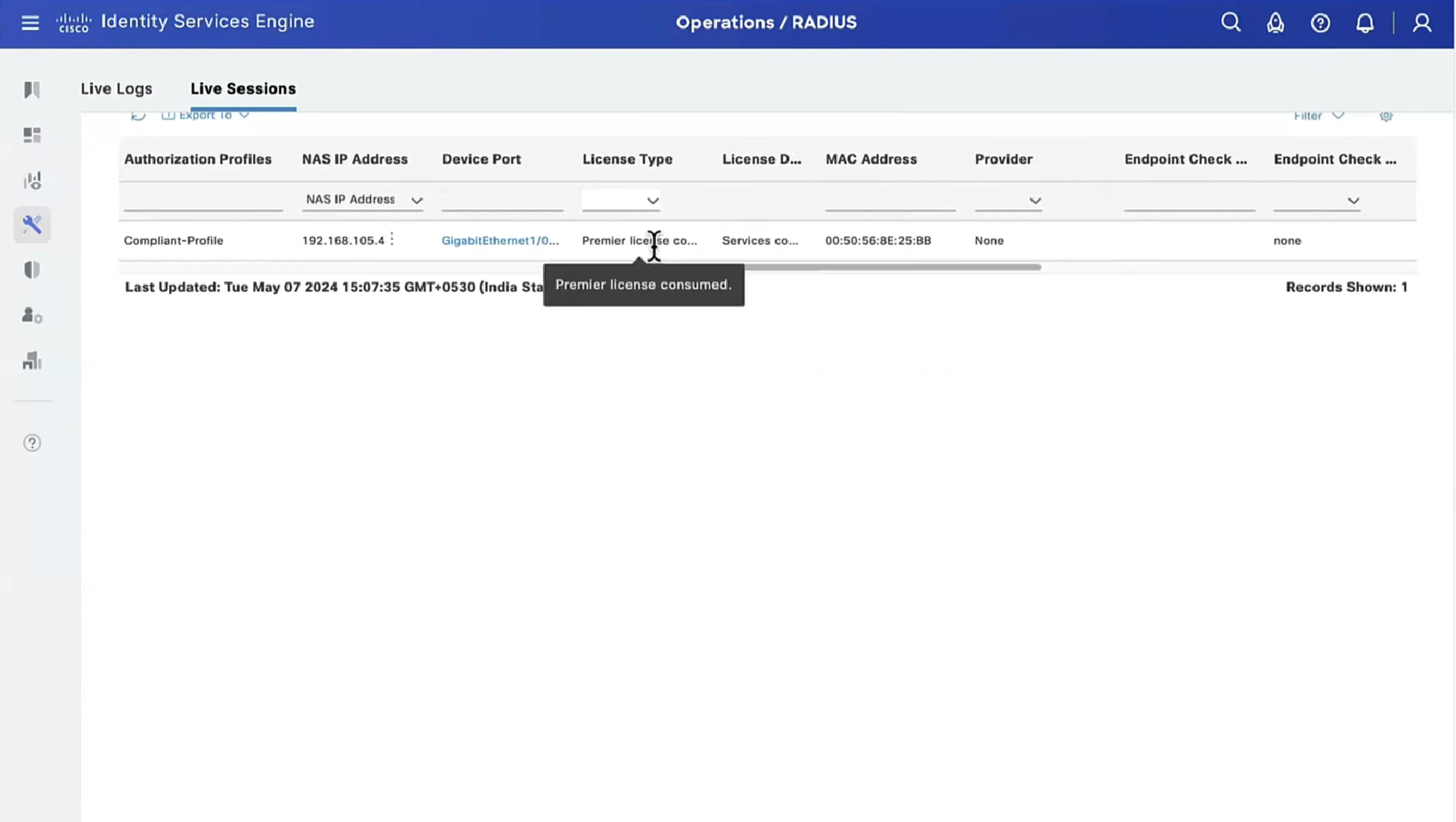
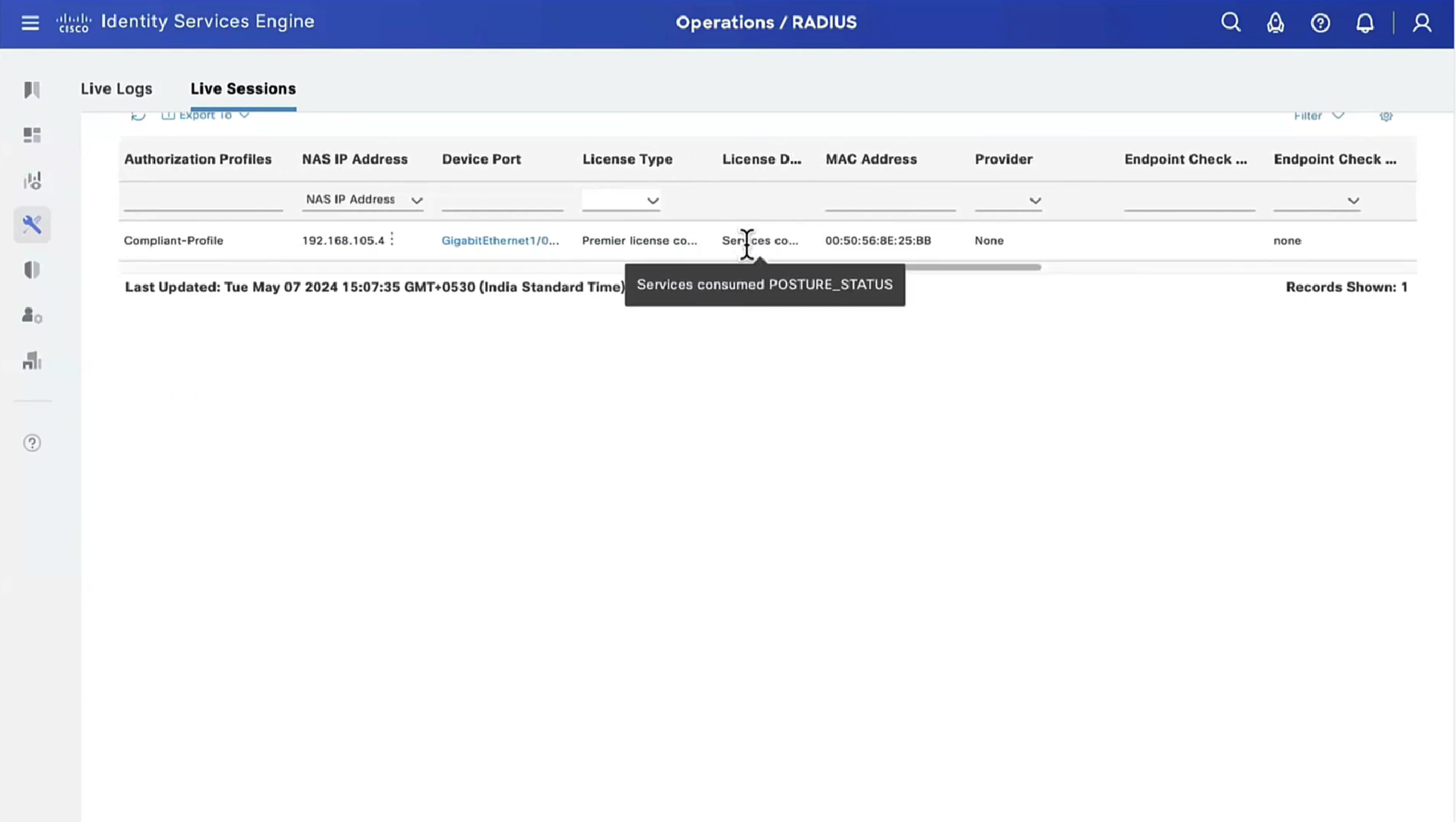
Posture status of the client then changes from unknown to compliant , compliant to non-compliant or non-compliant to compliant, PSN then sends COA RADIUS that contains new attributes from Authorization policy to NAD such as access-accept and complaint ACL that allows network access , in order to allow access


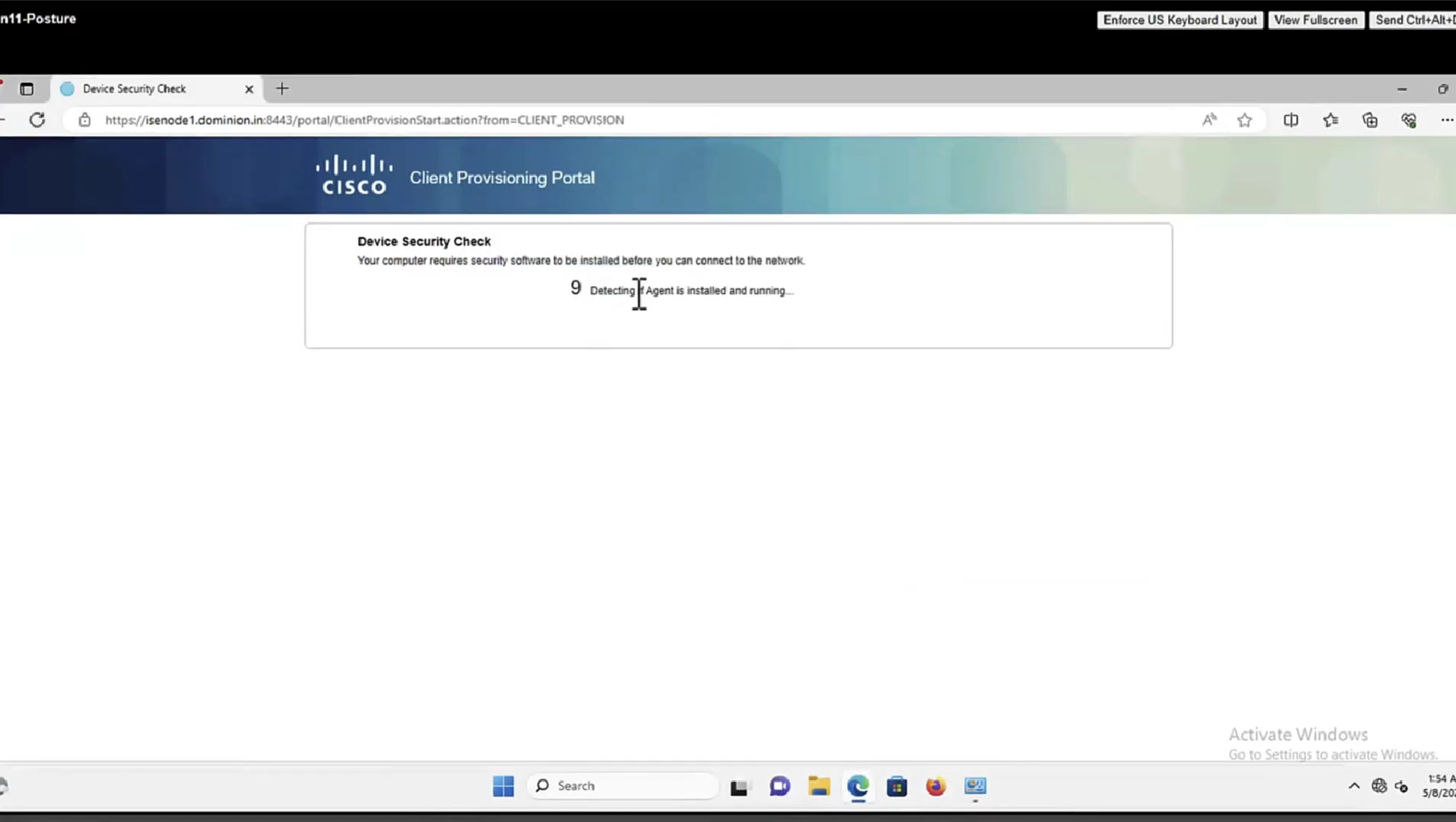
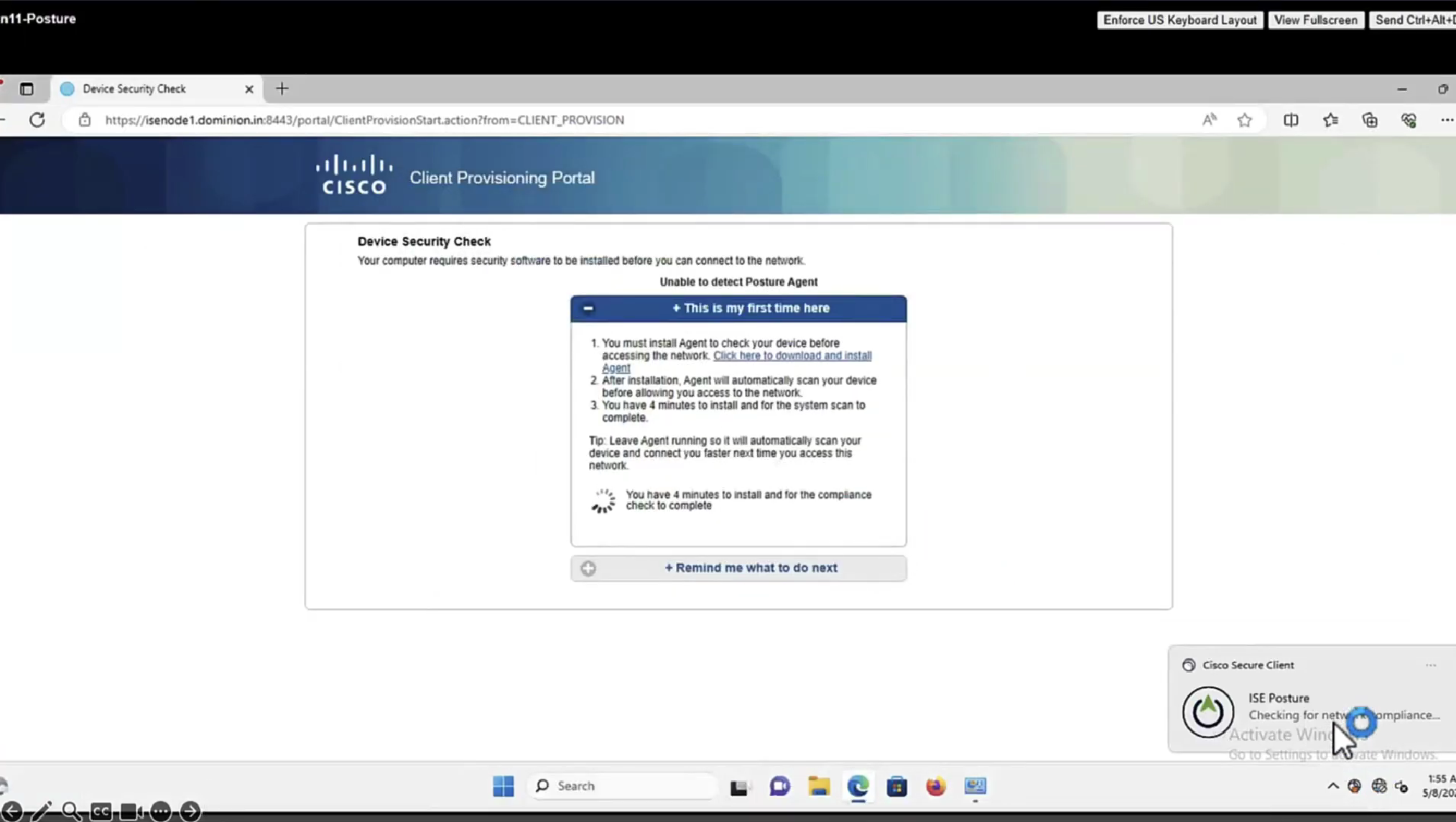
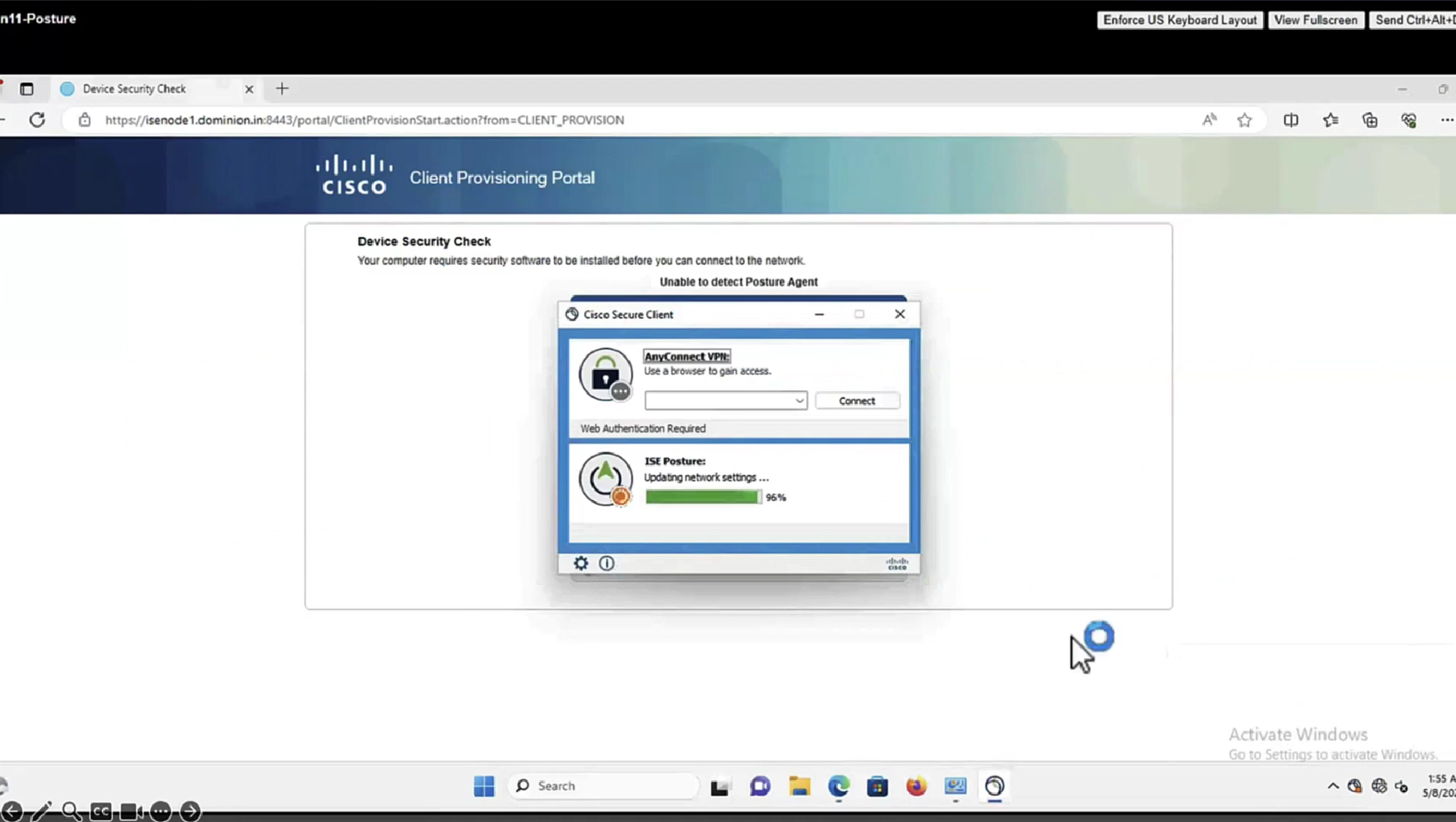
This PC does not have agent deployed


Whenever machine connects to the network (and posture settings is configured to posture on every network connect) client goes to this client provisioning portal
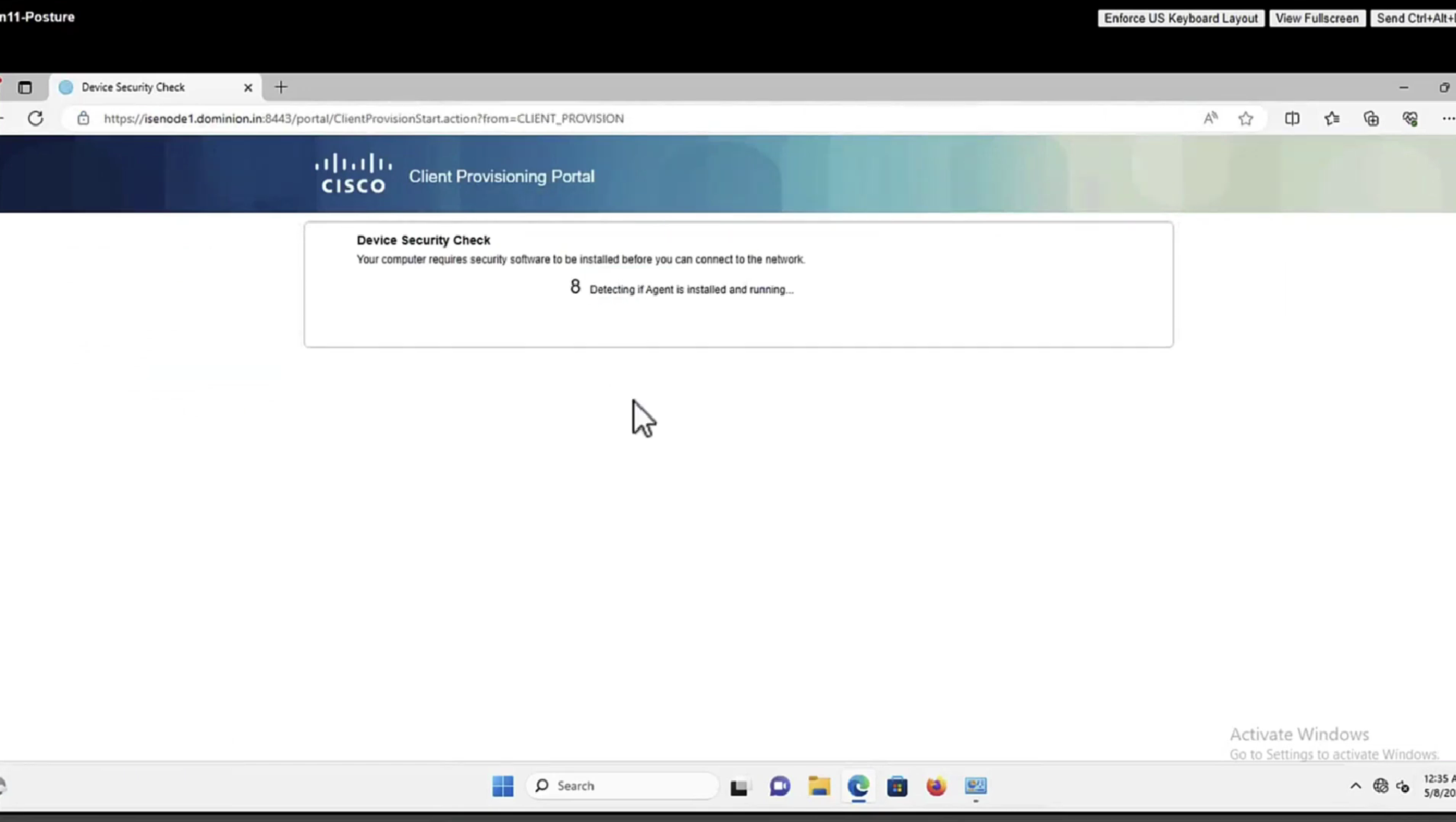
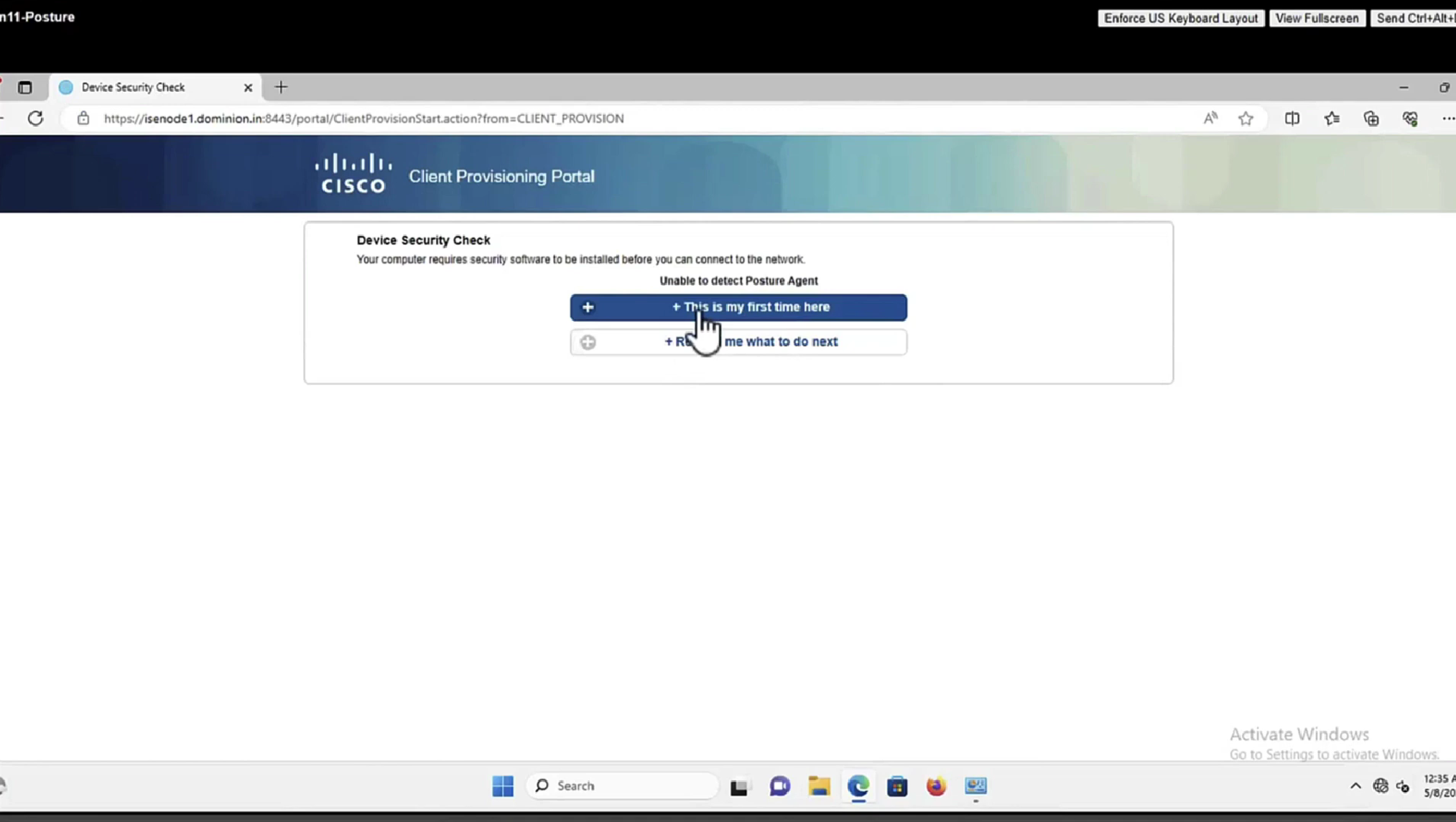
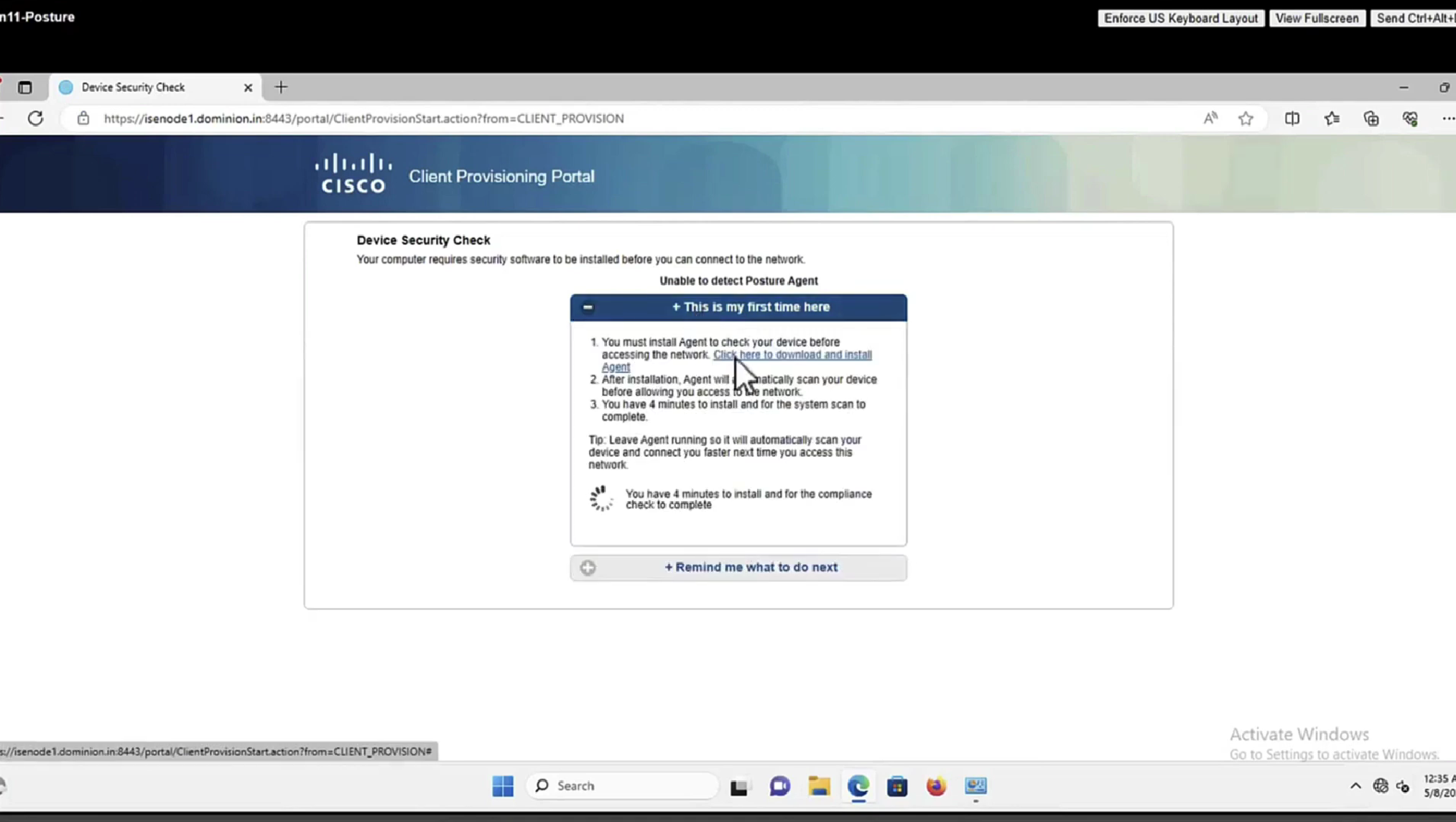
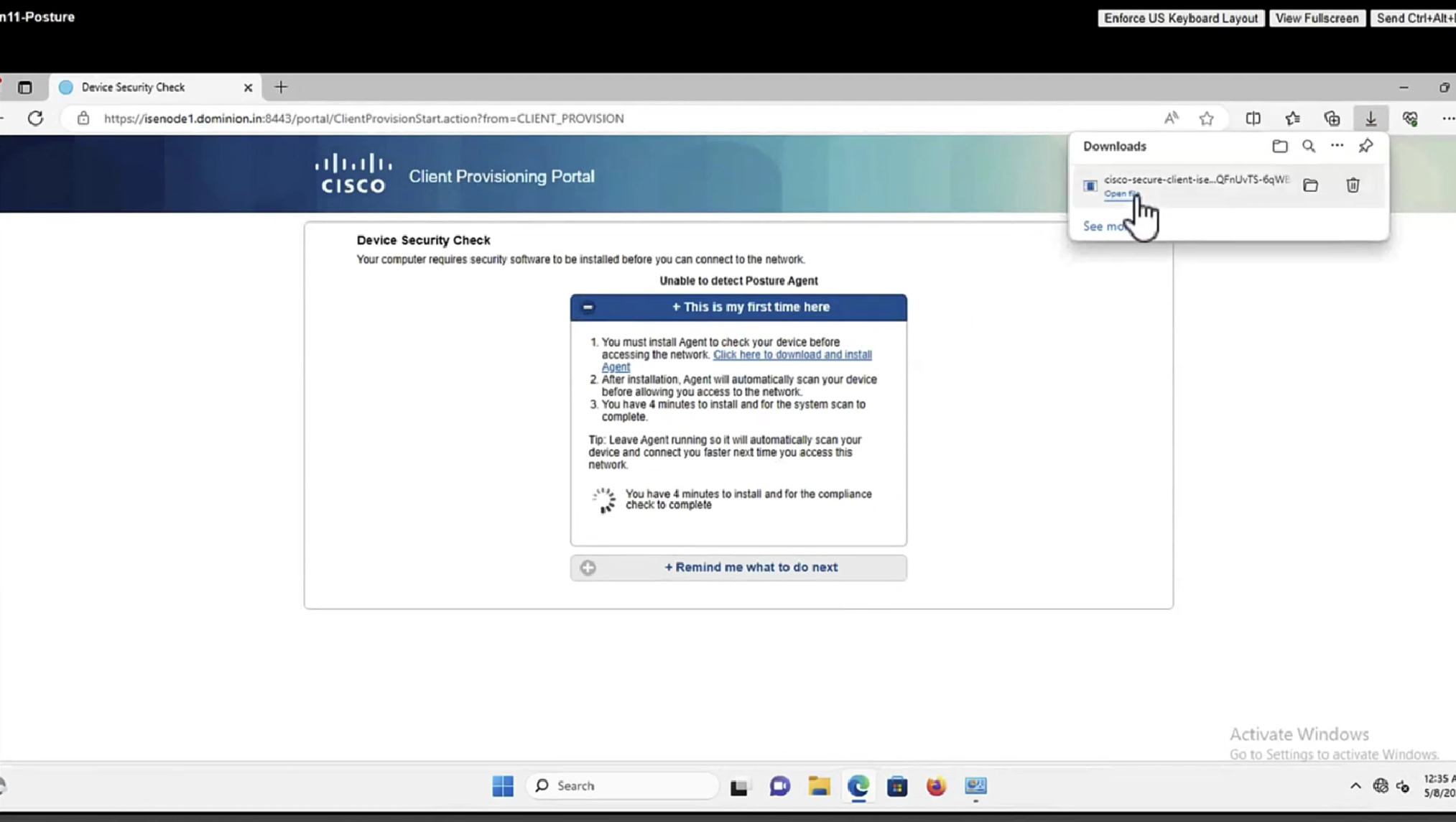
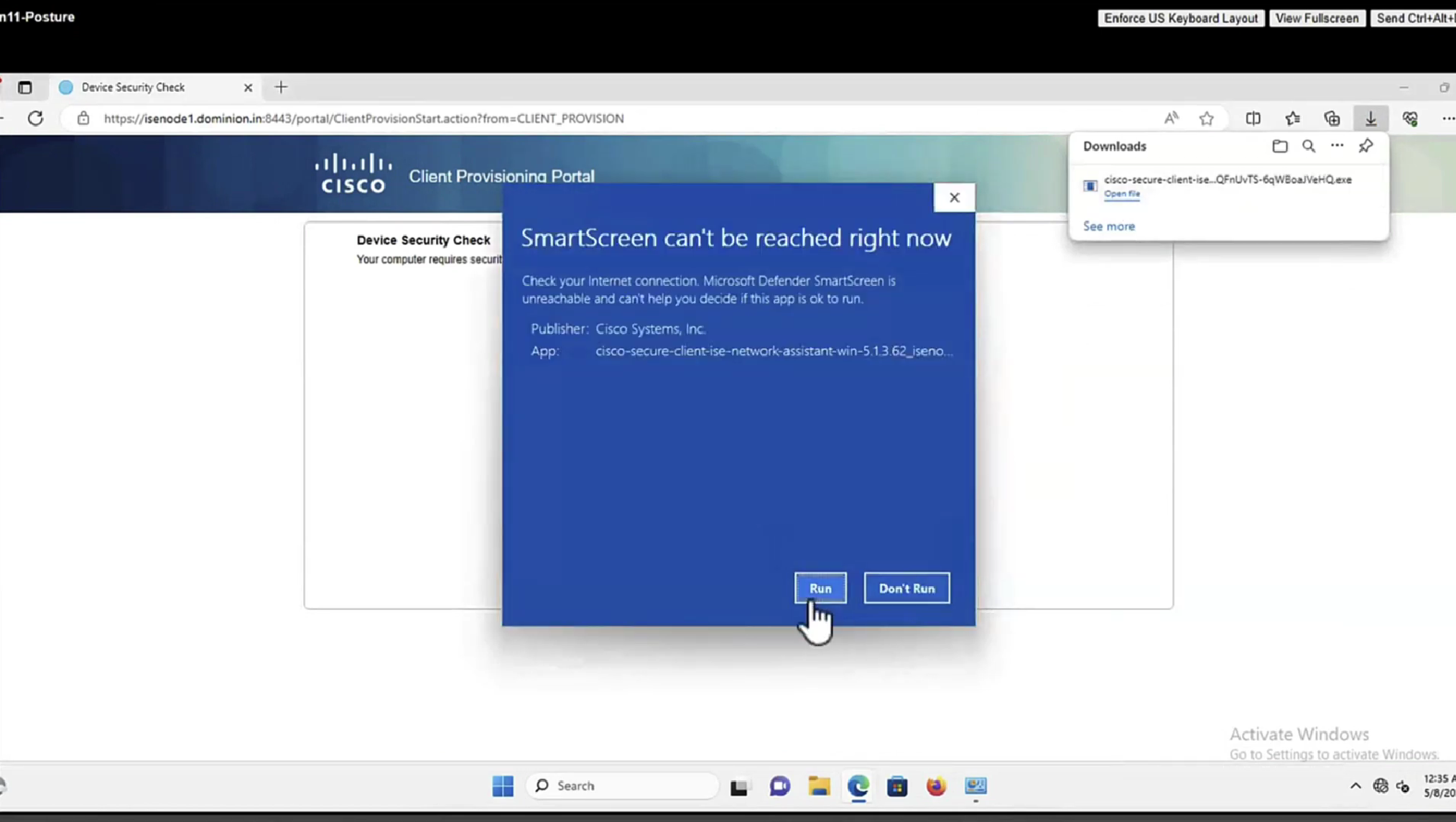
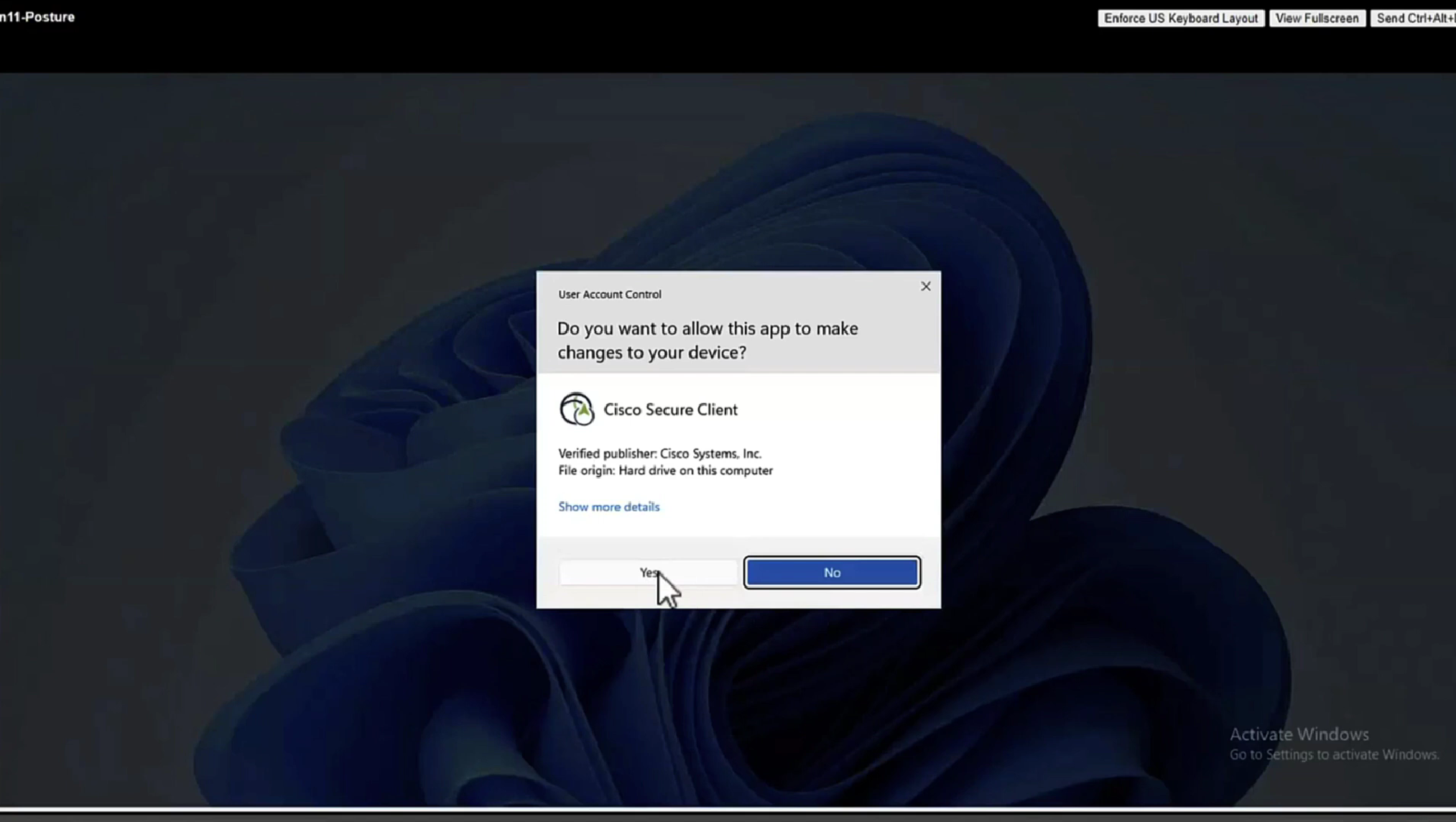
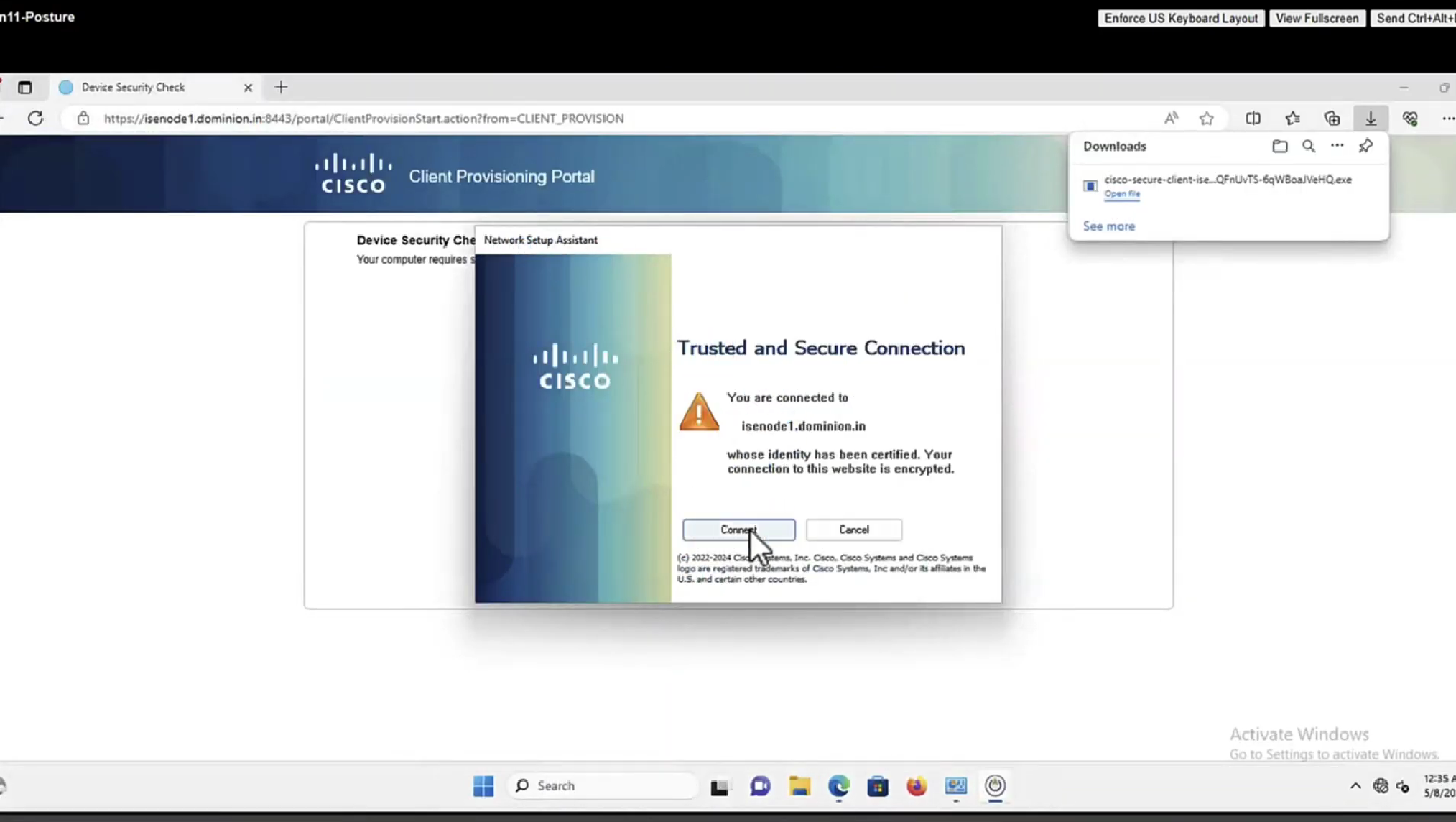
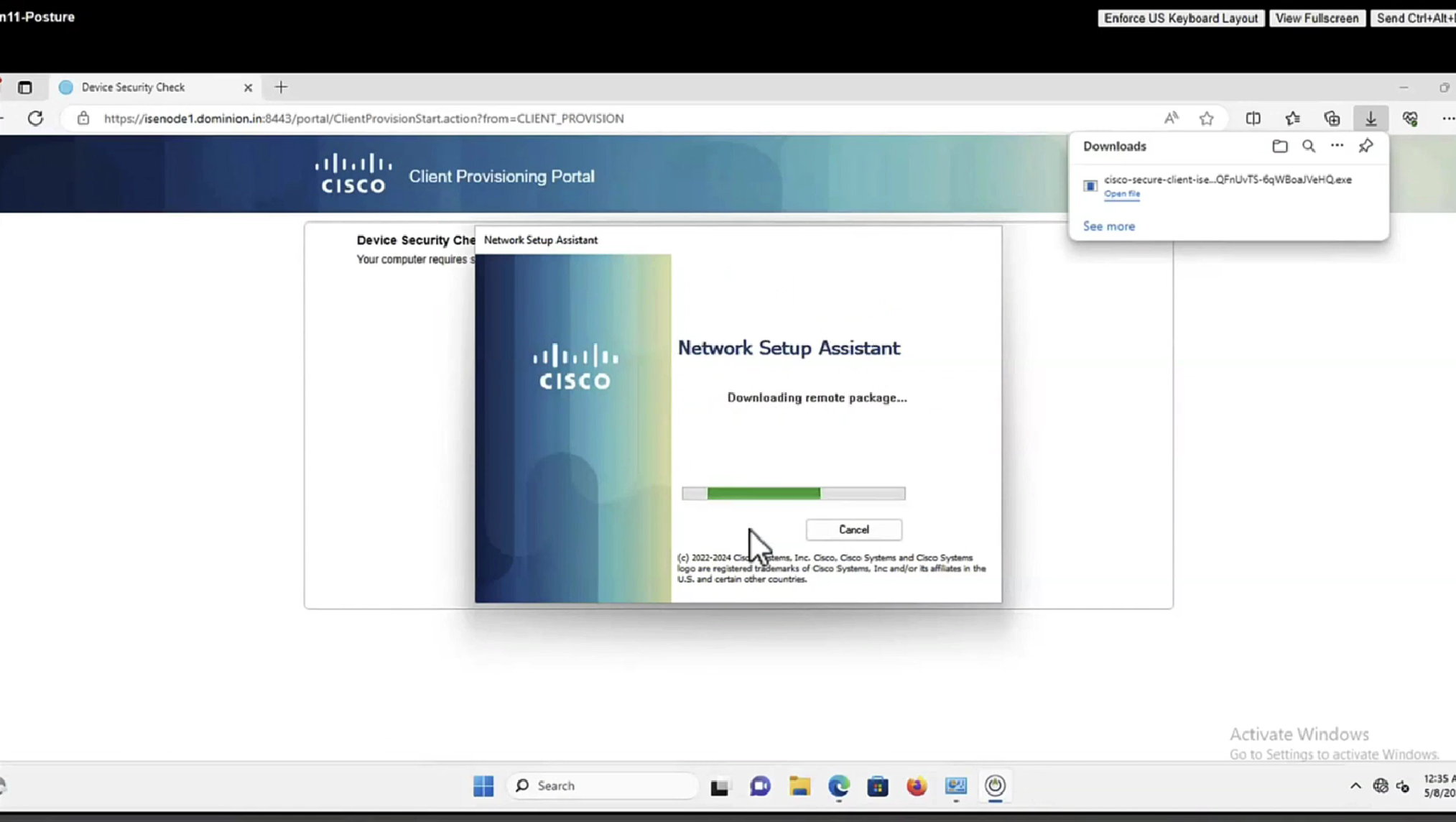
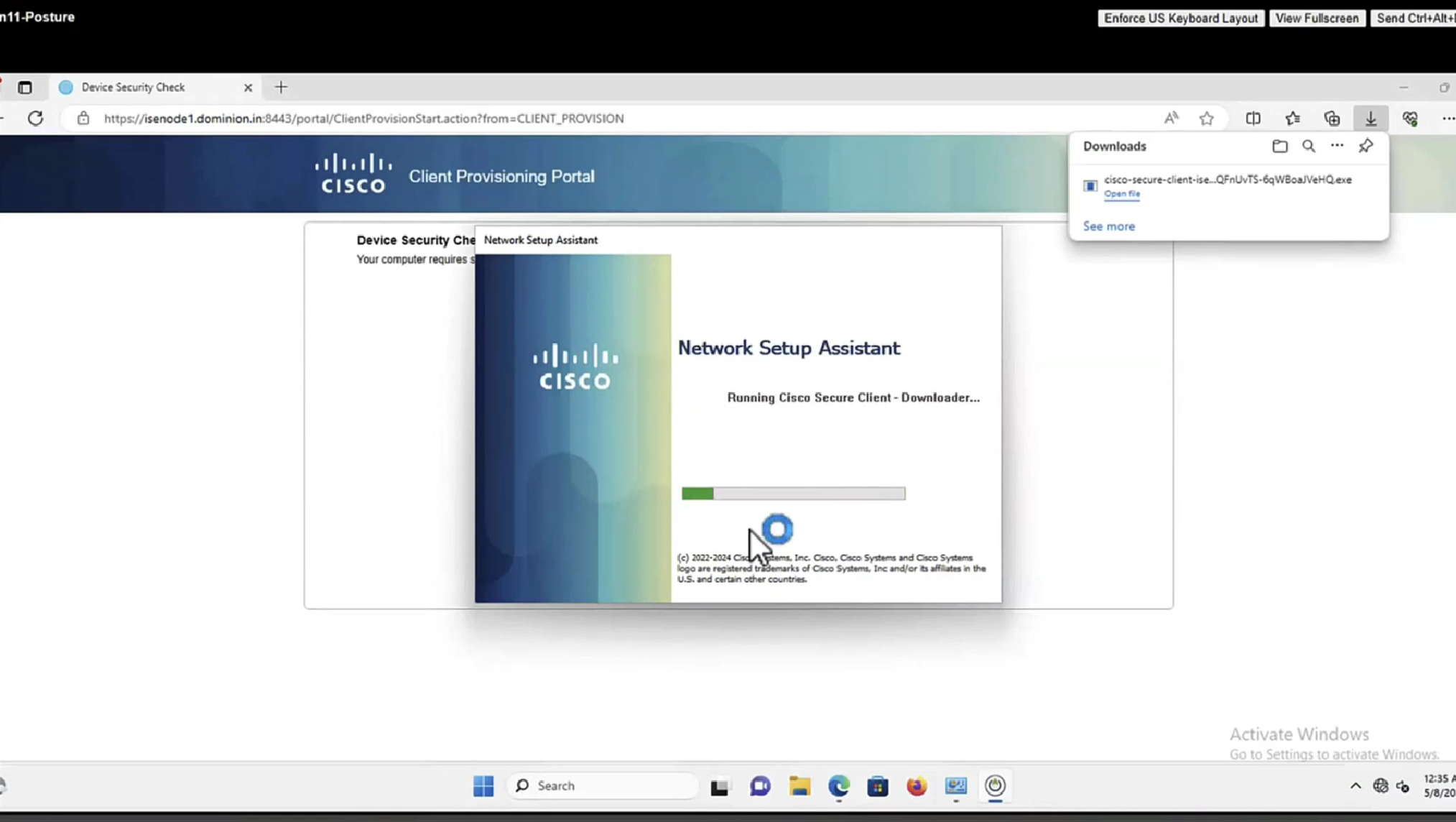
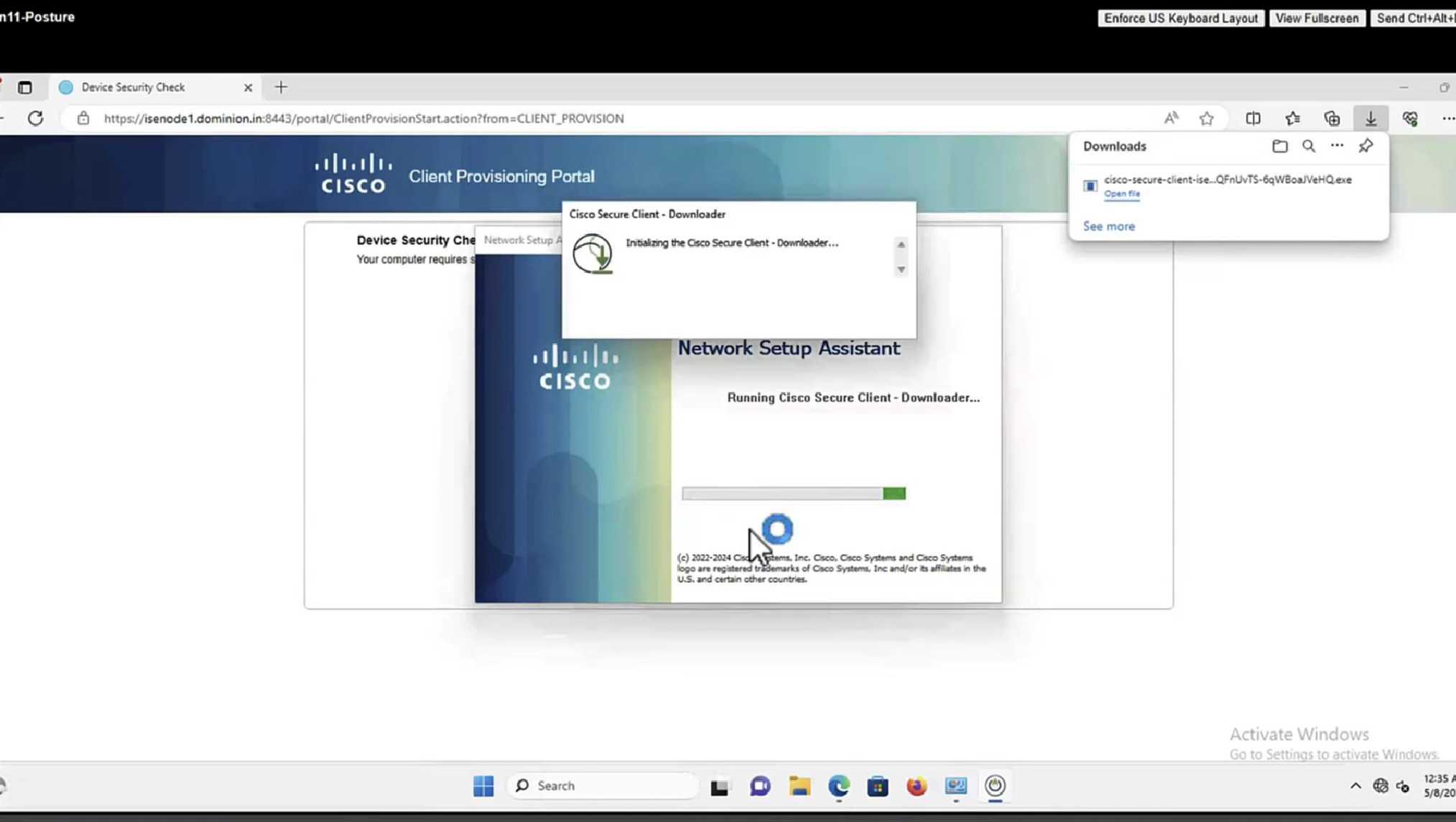
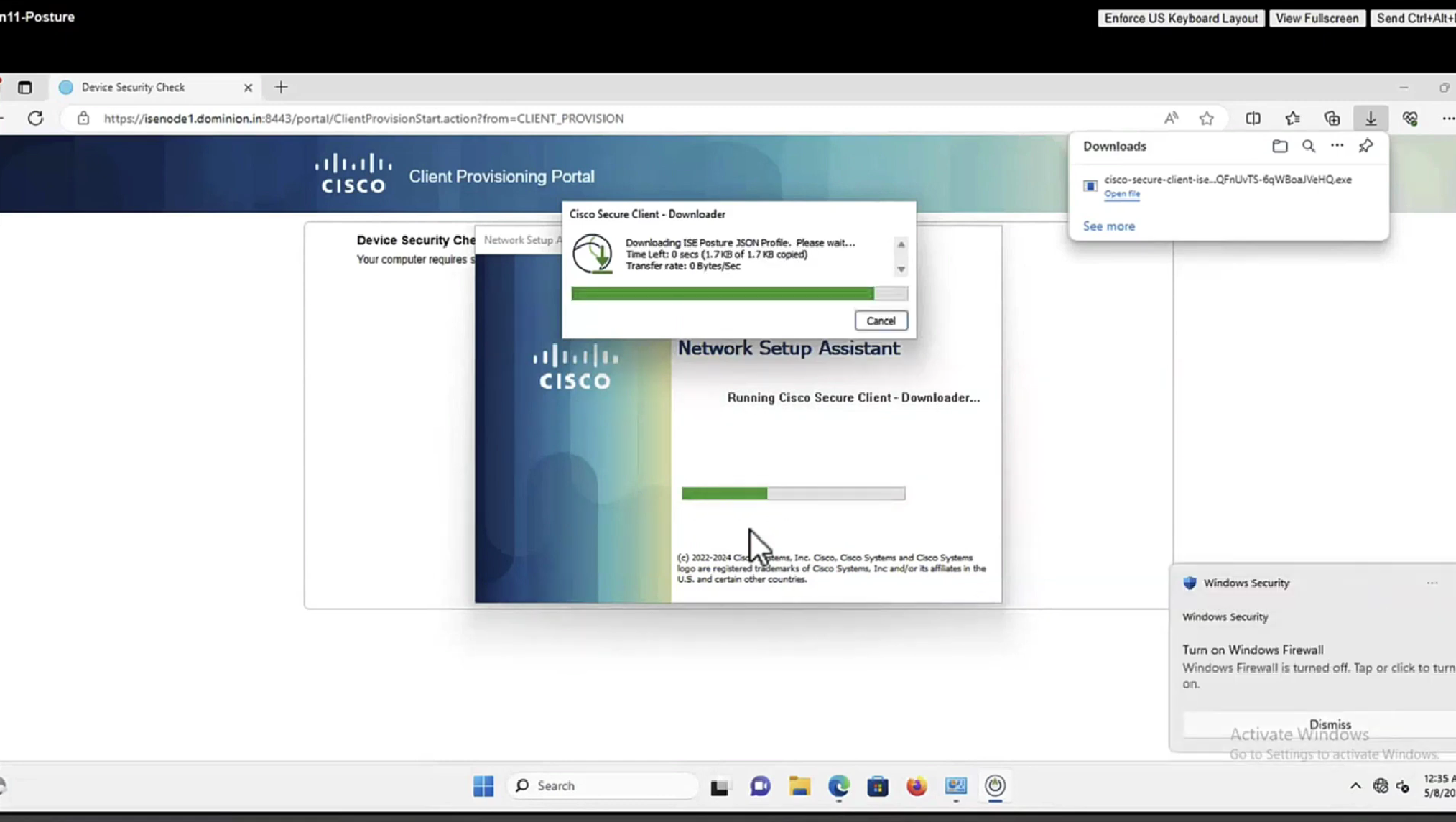
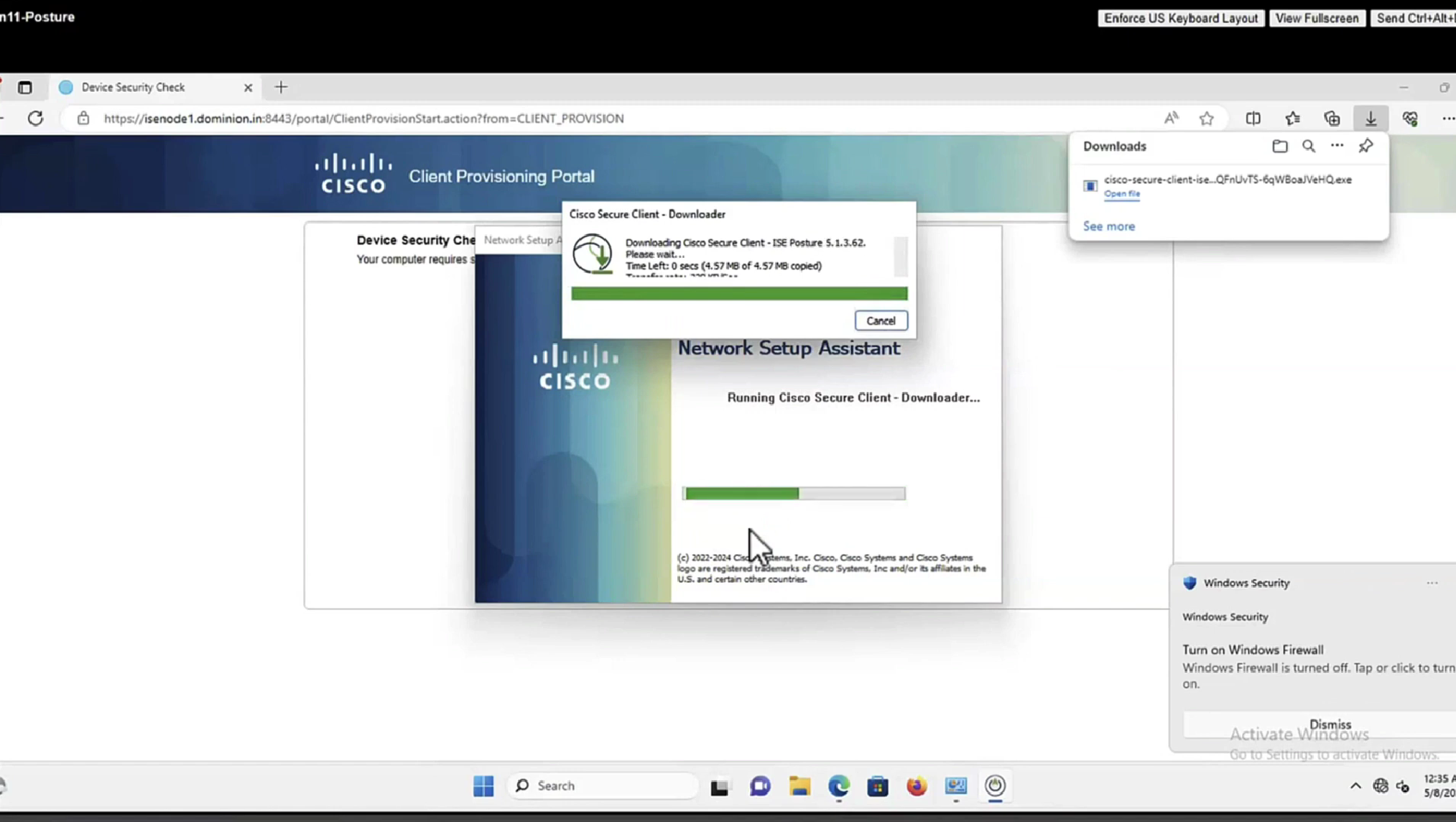
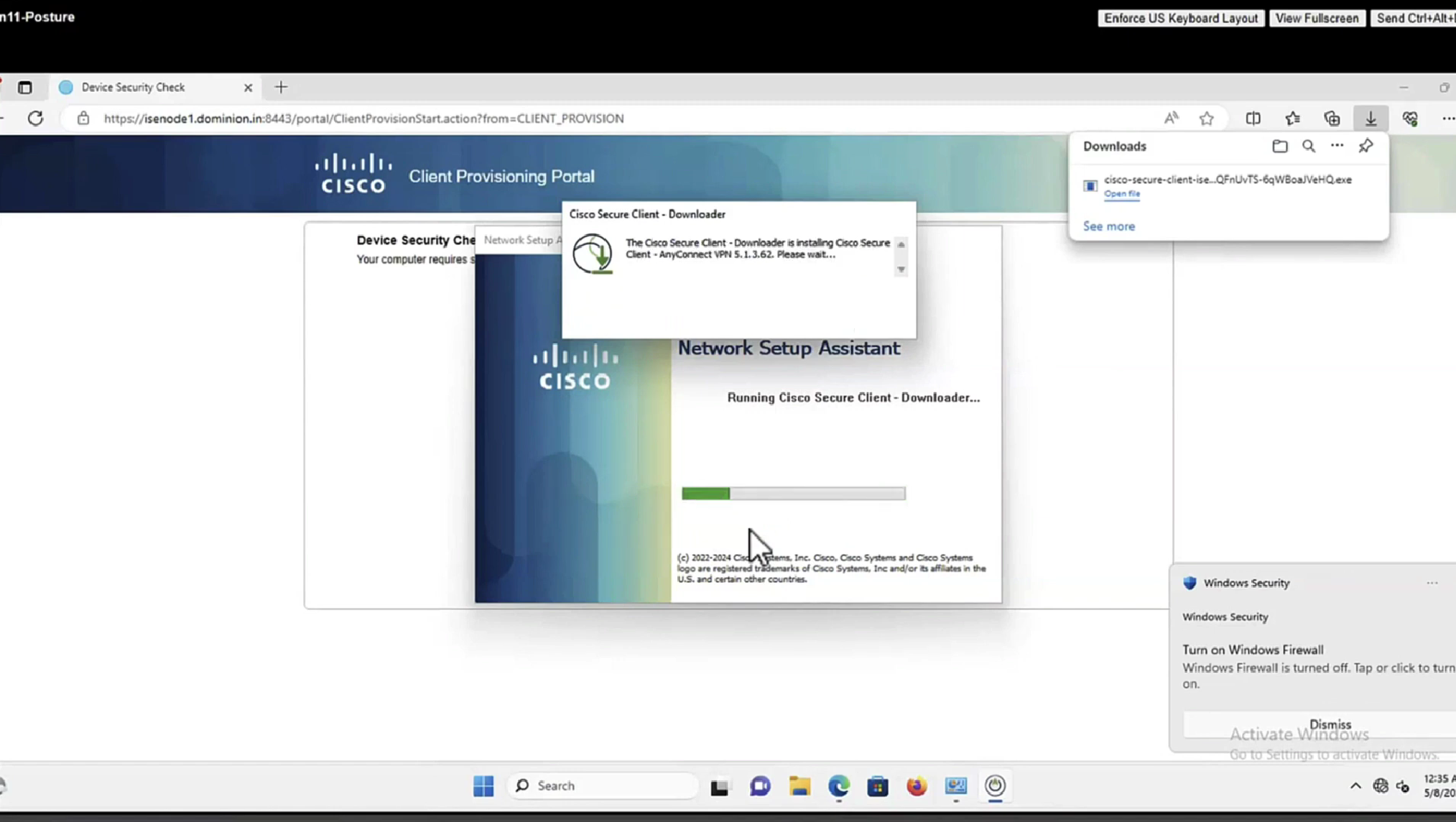
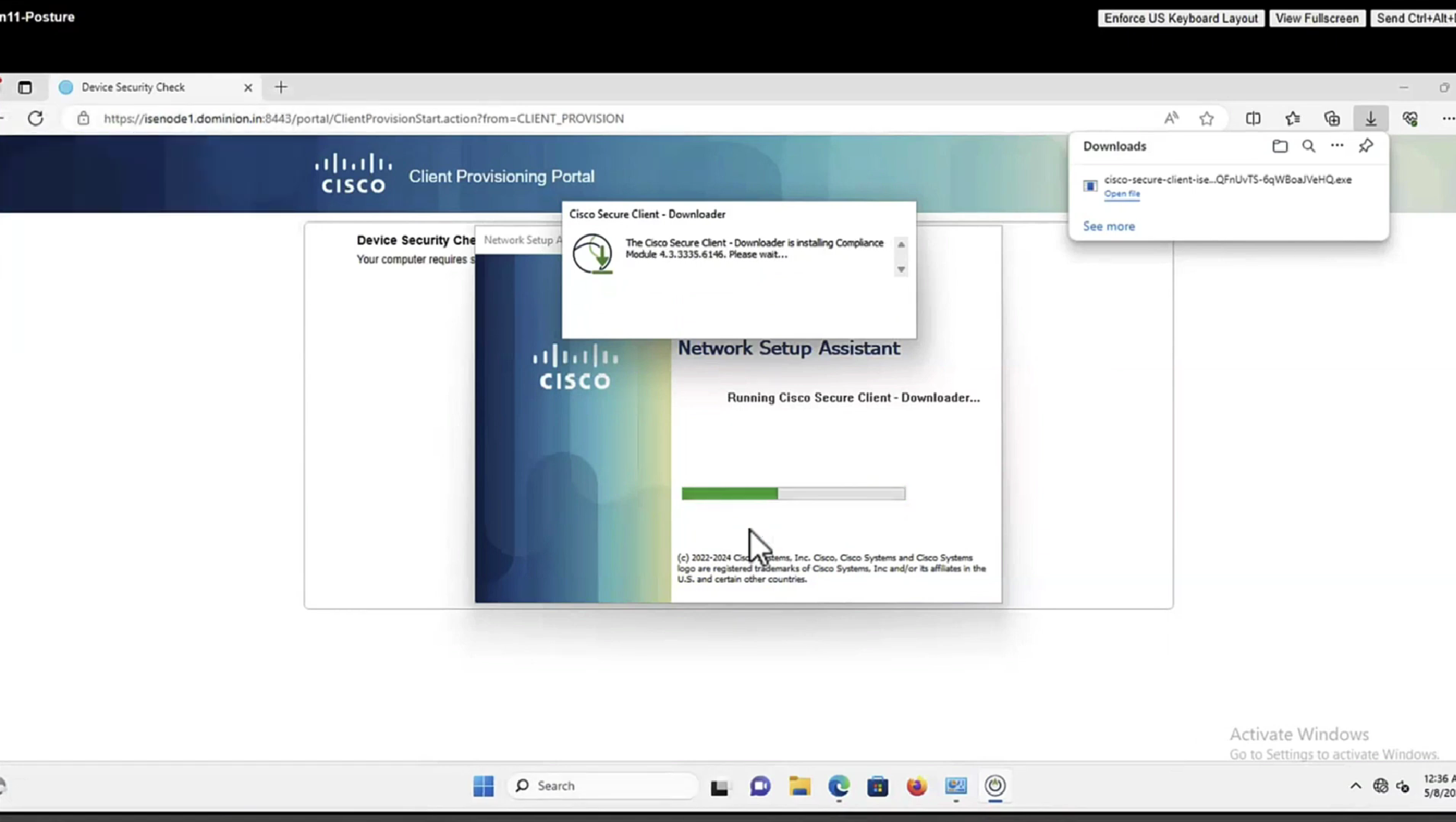
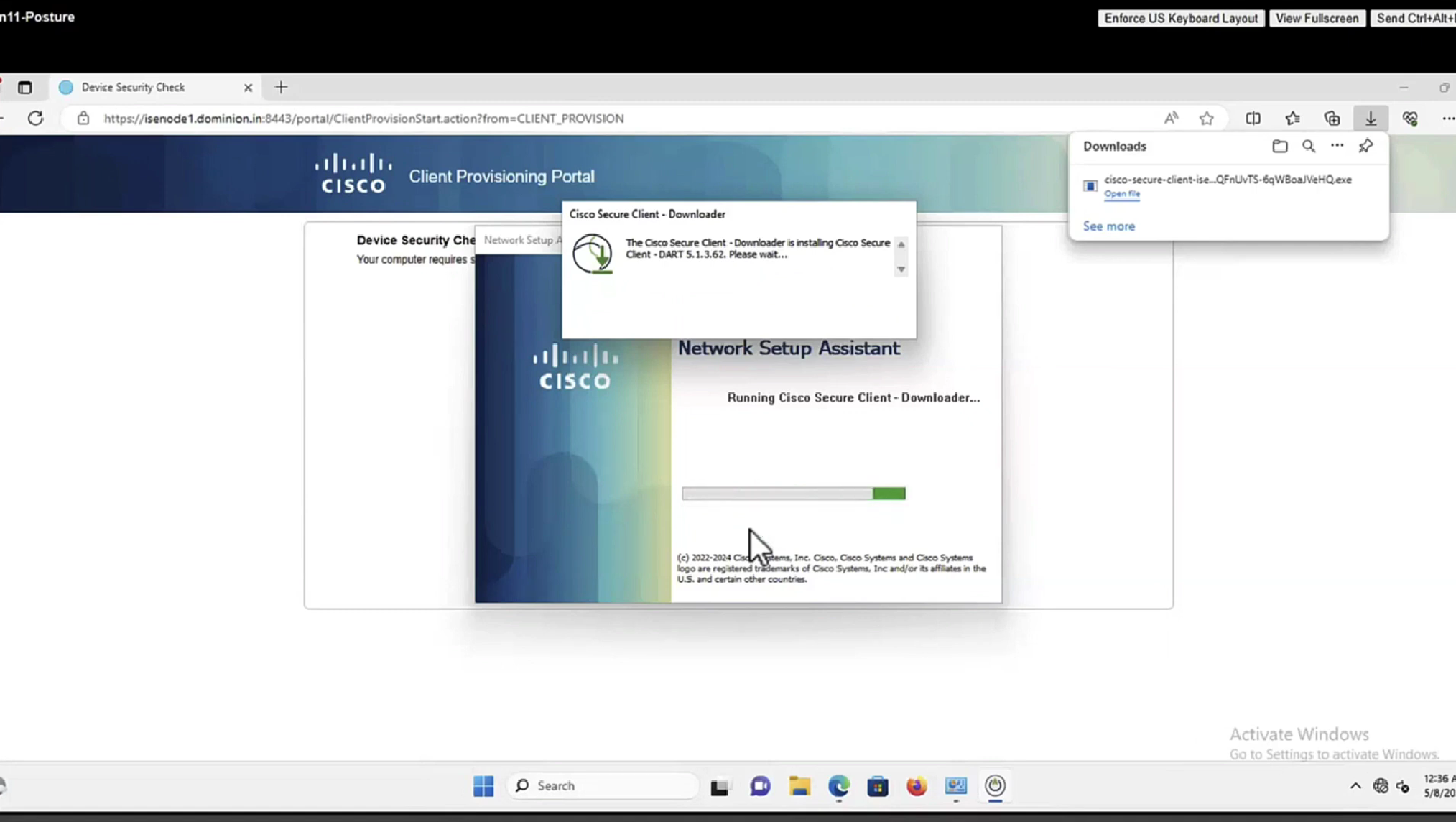
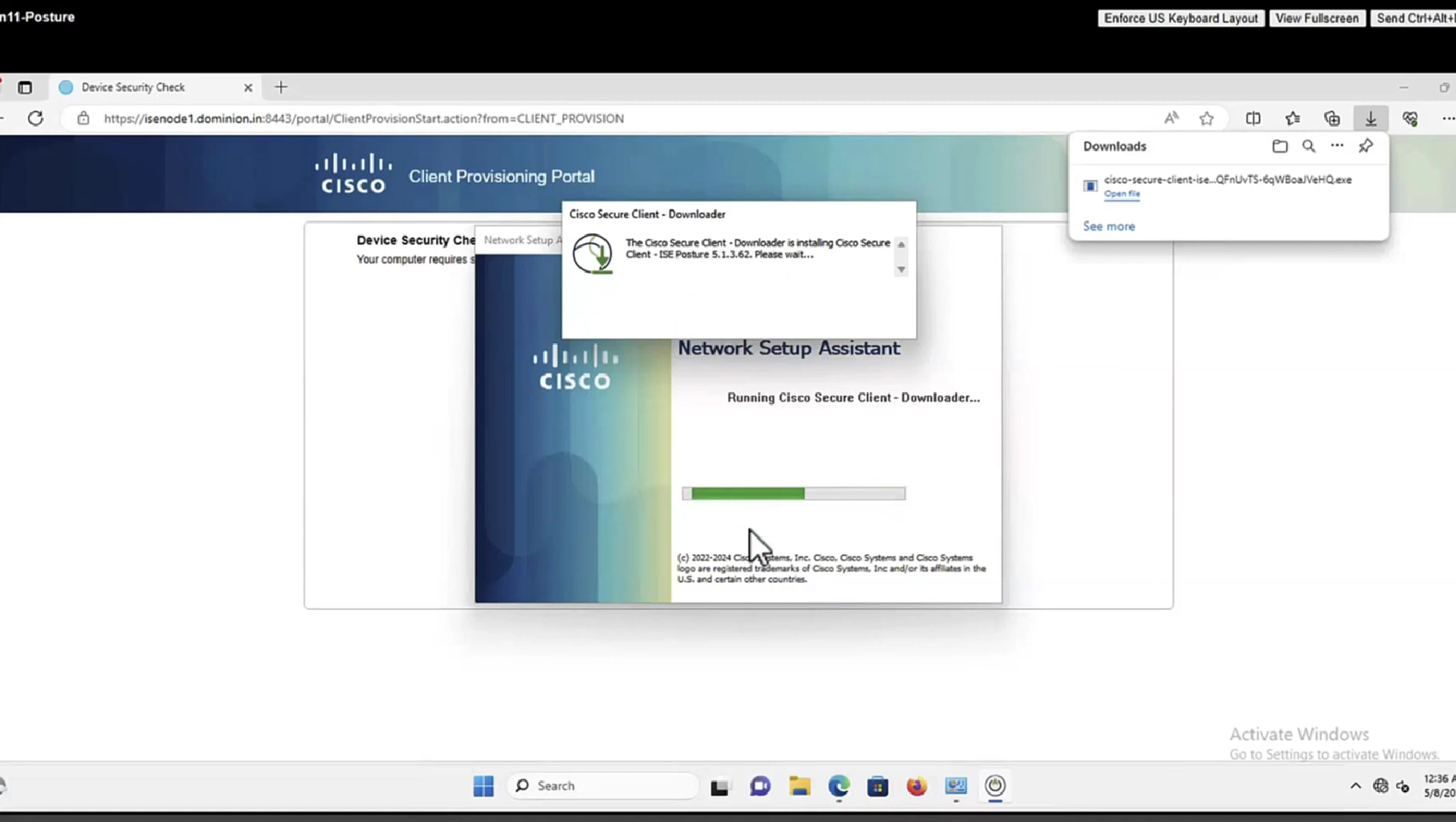
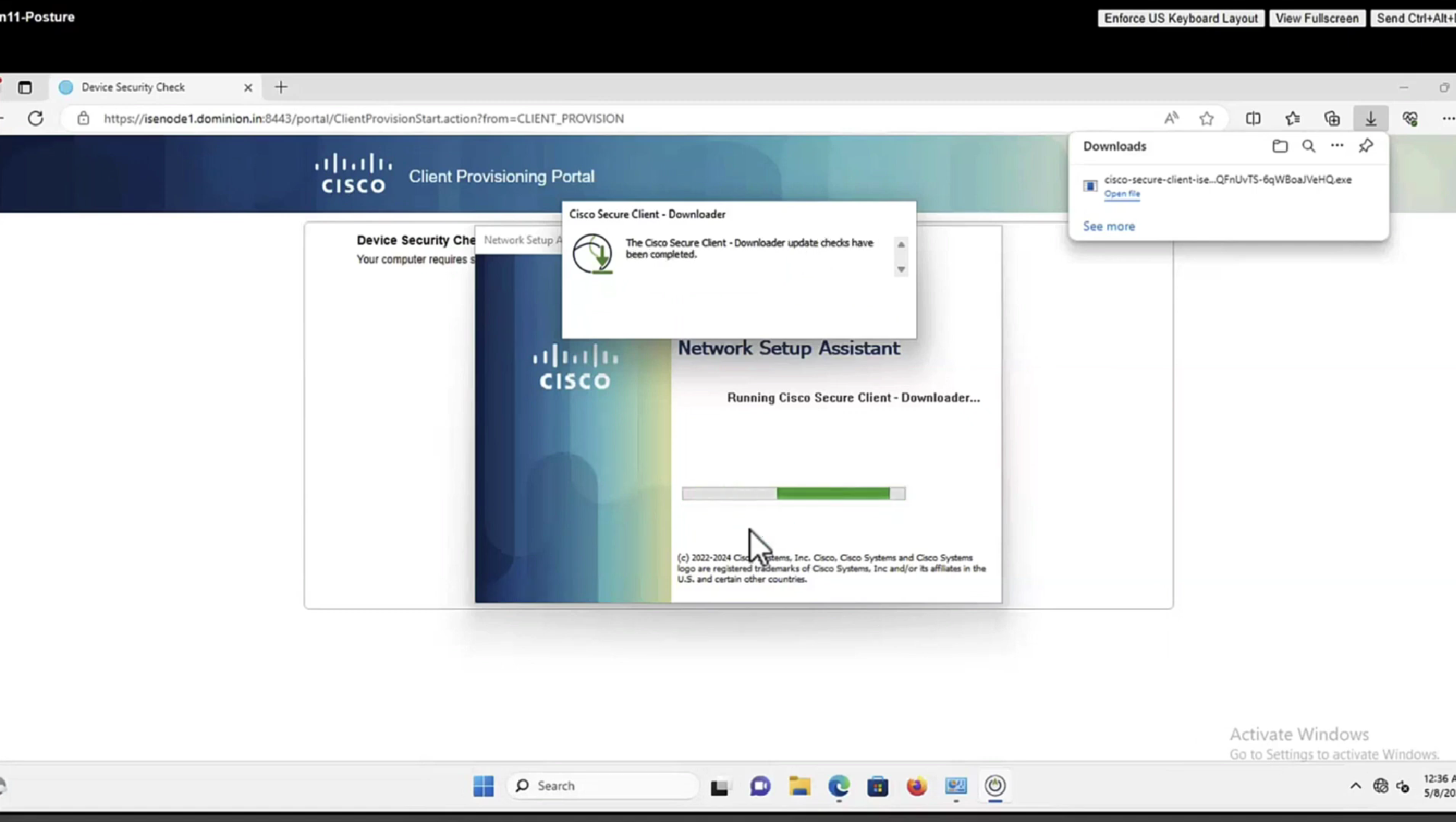
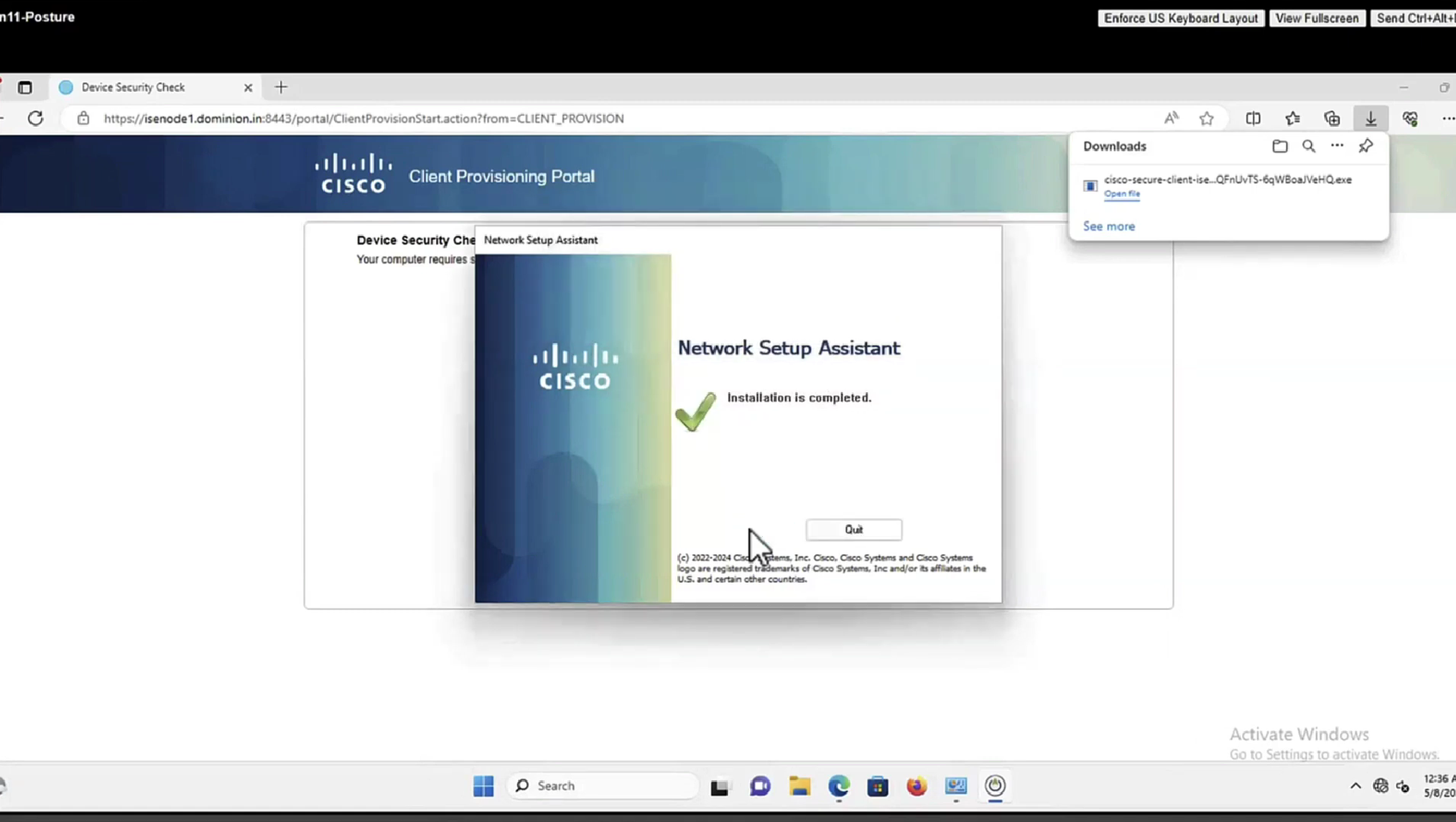
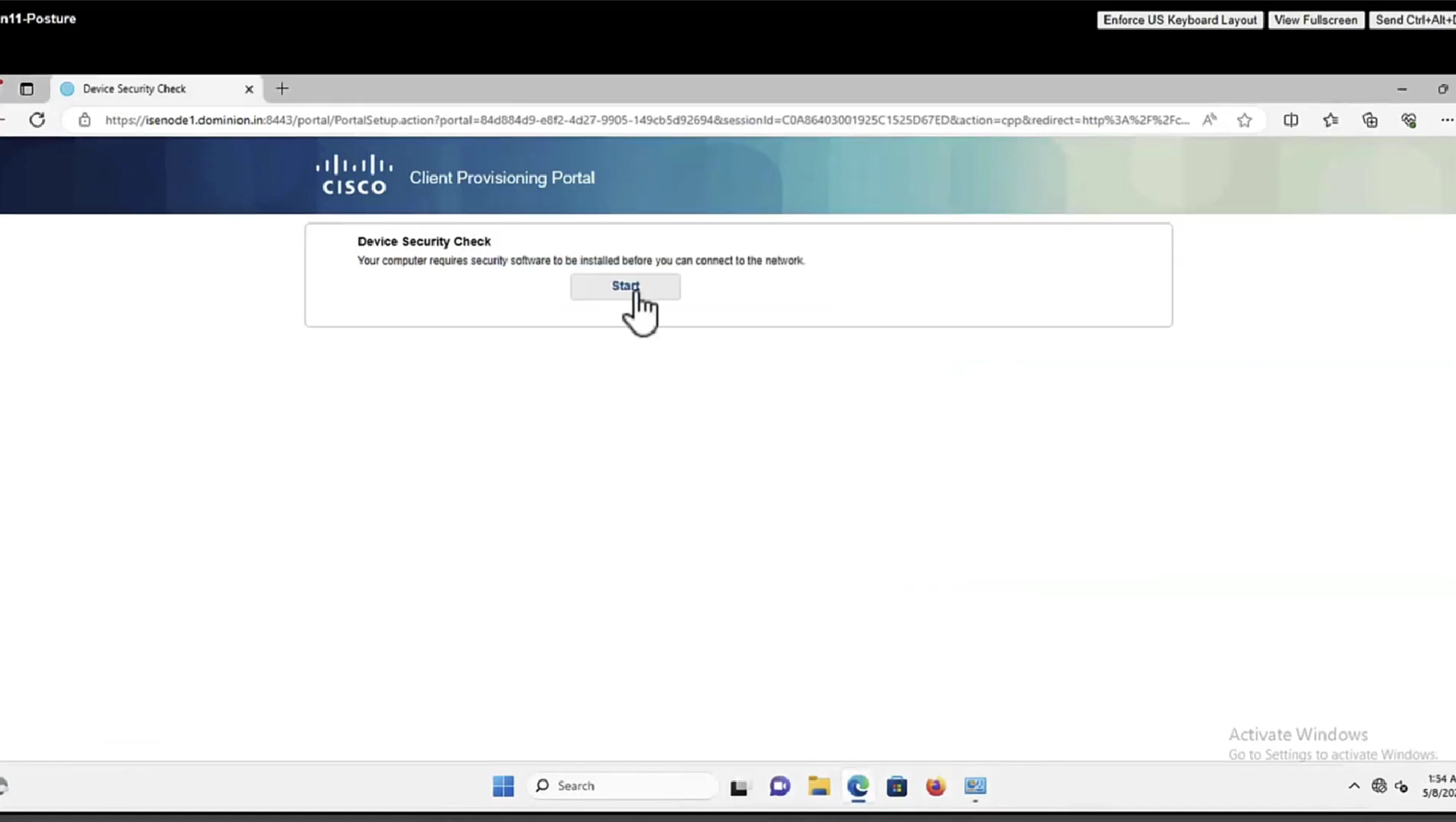

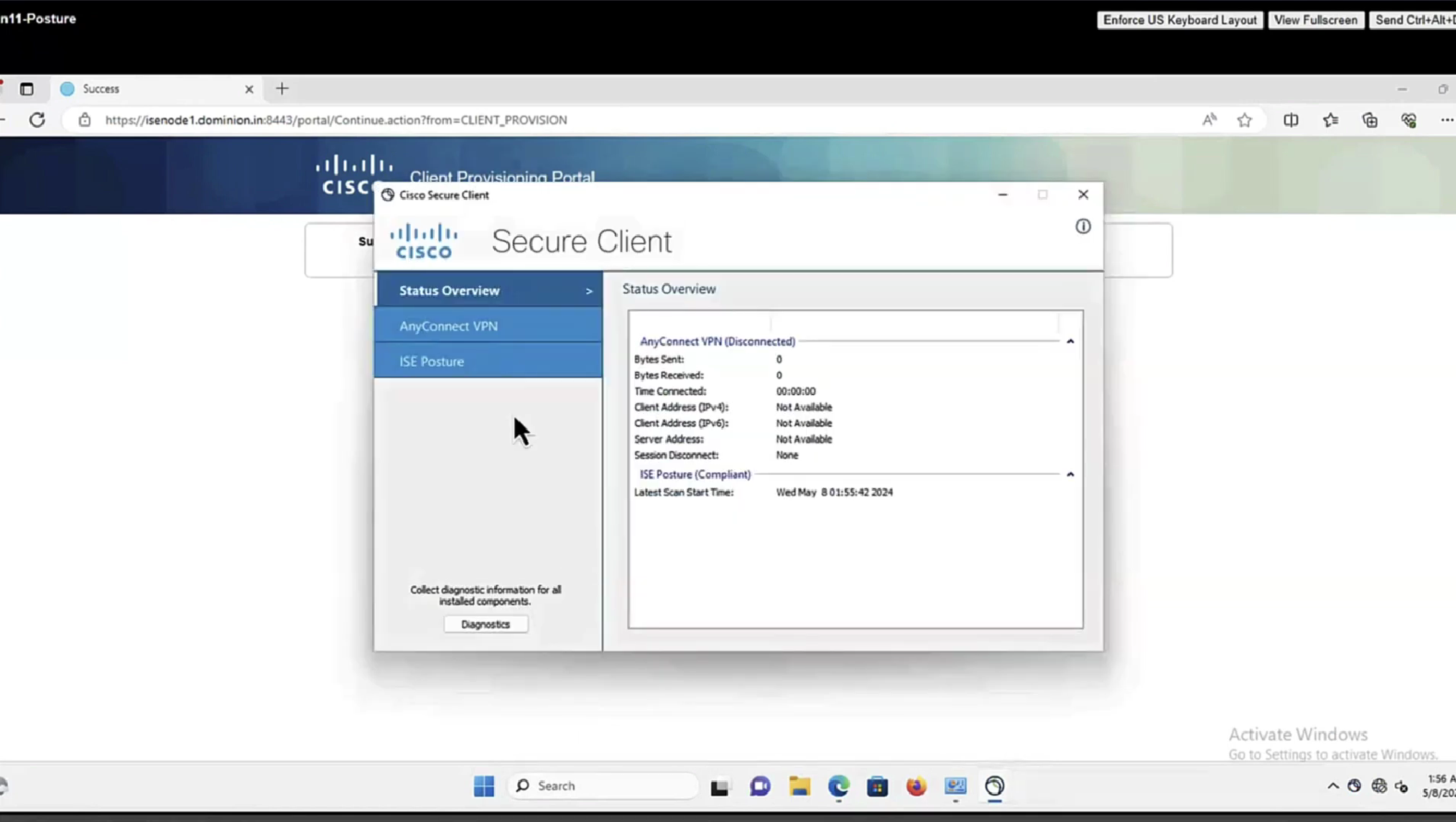
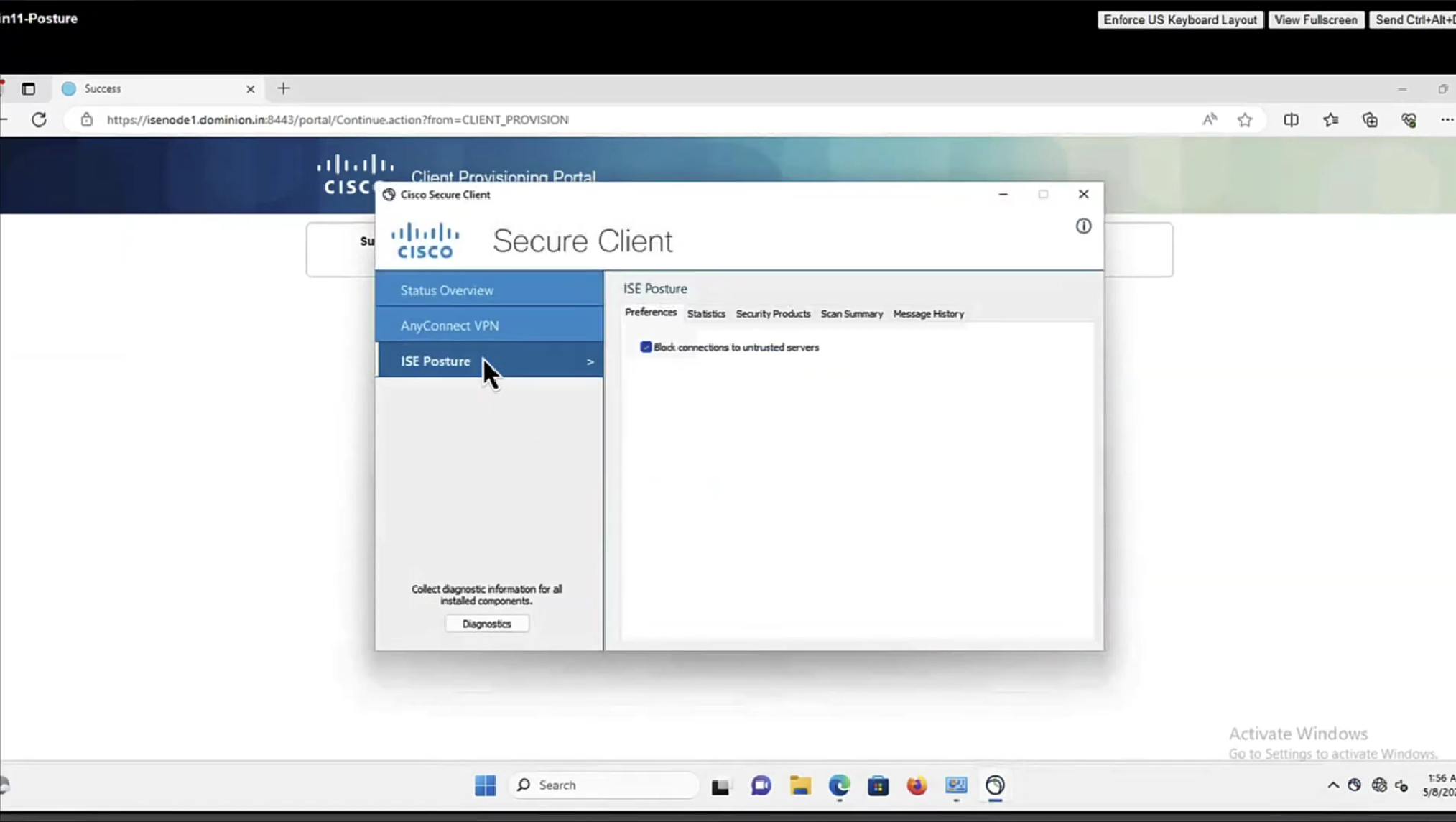

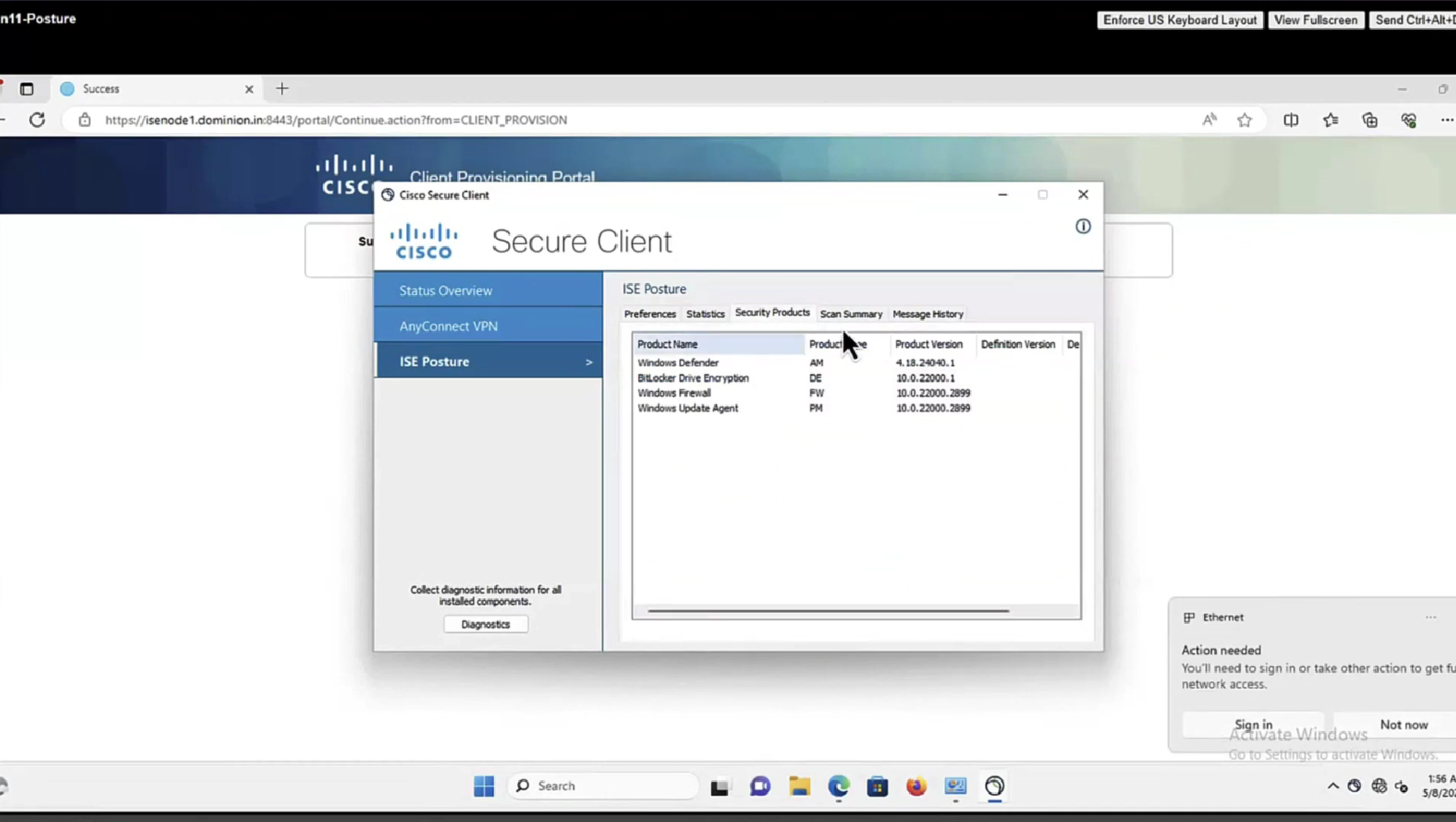
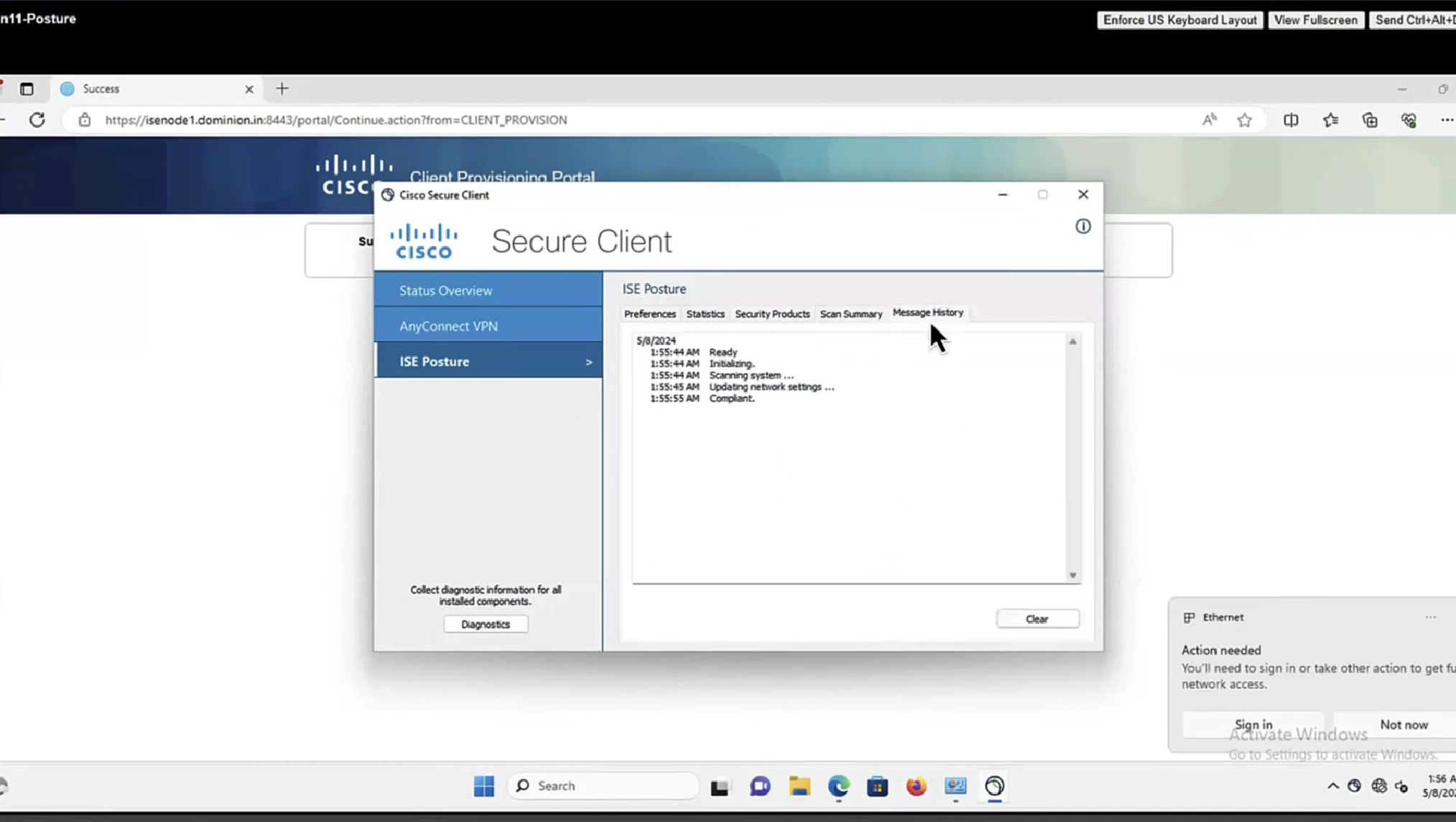
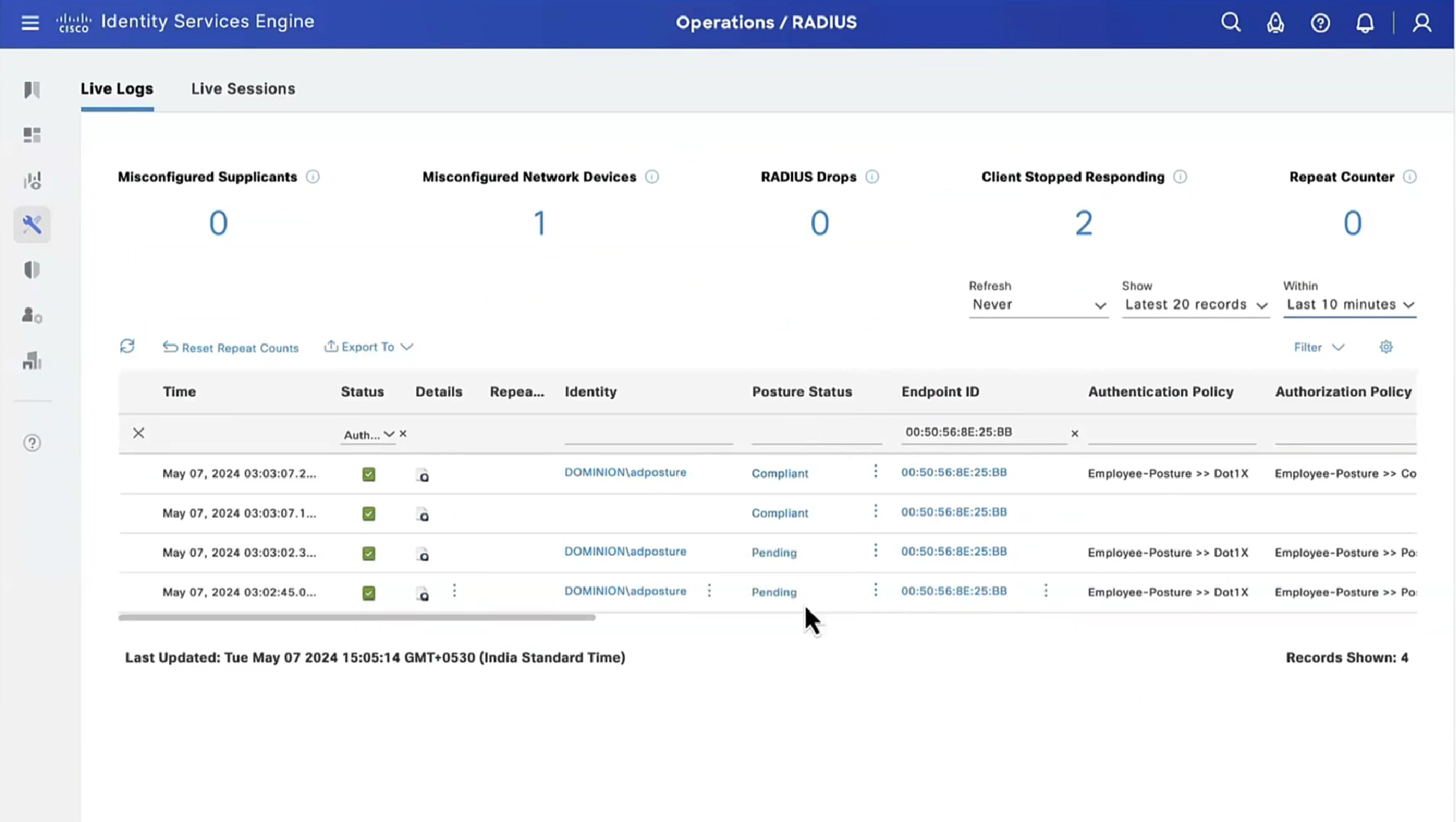



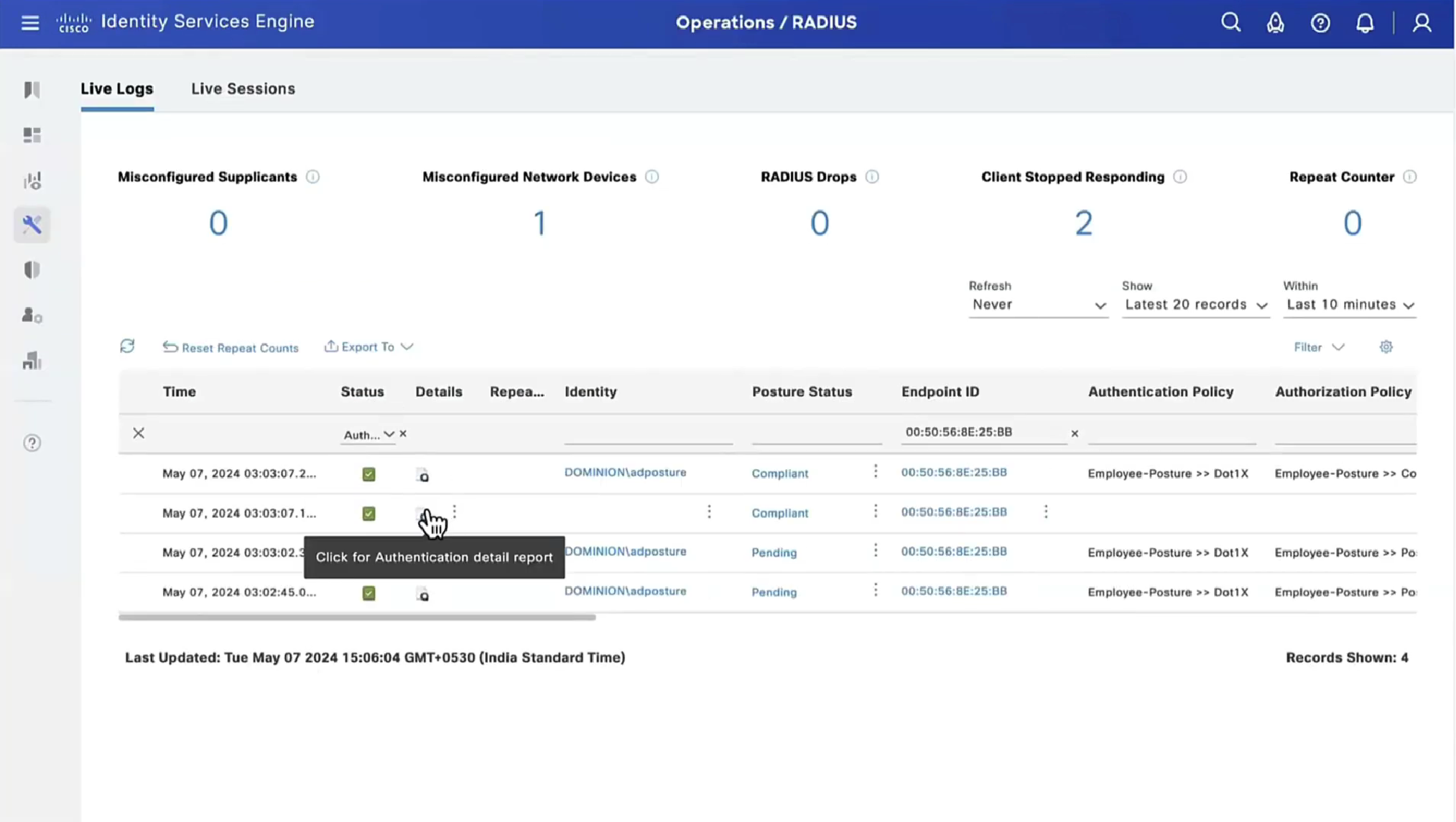

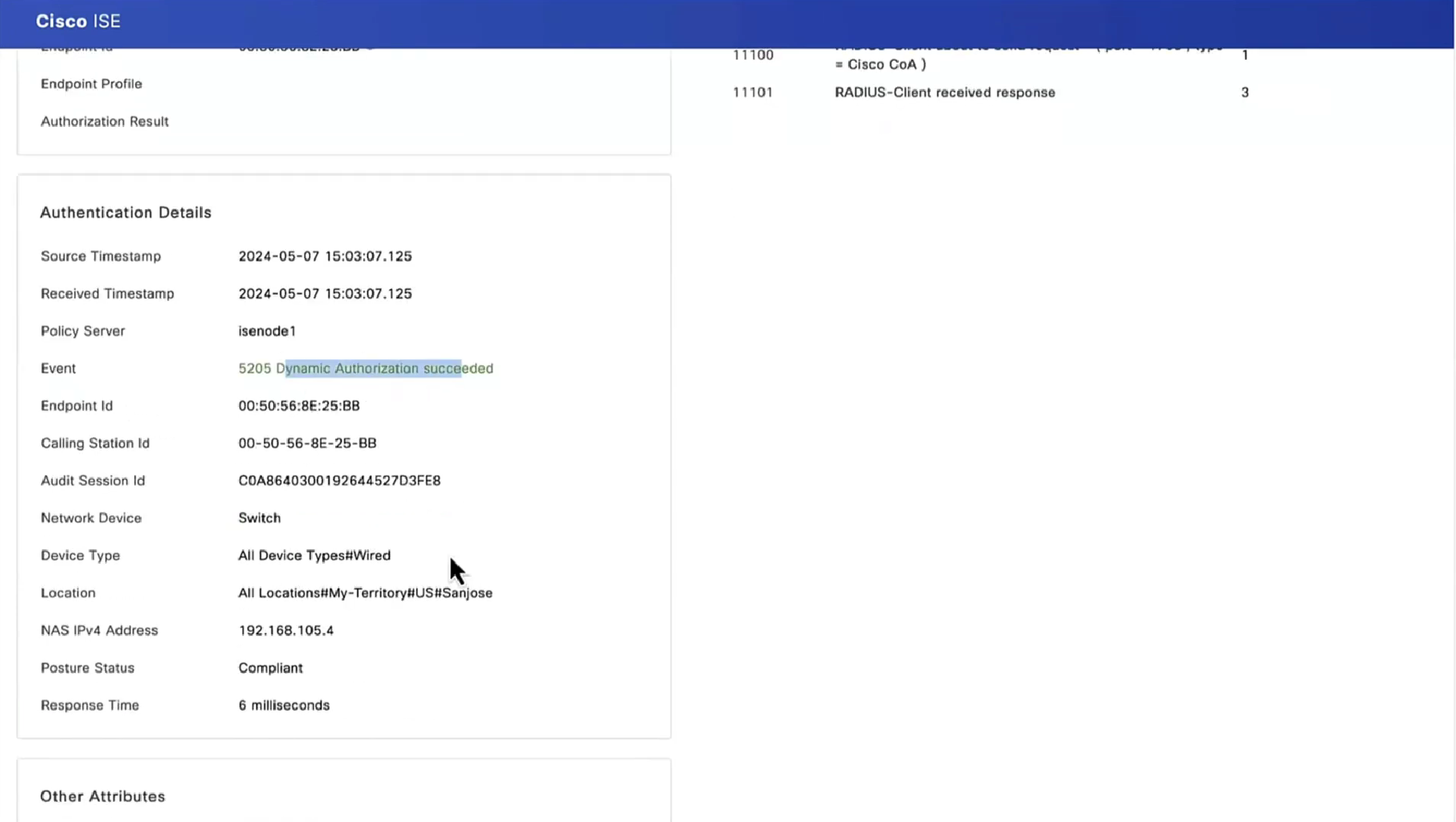

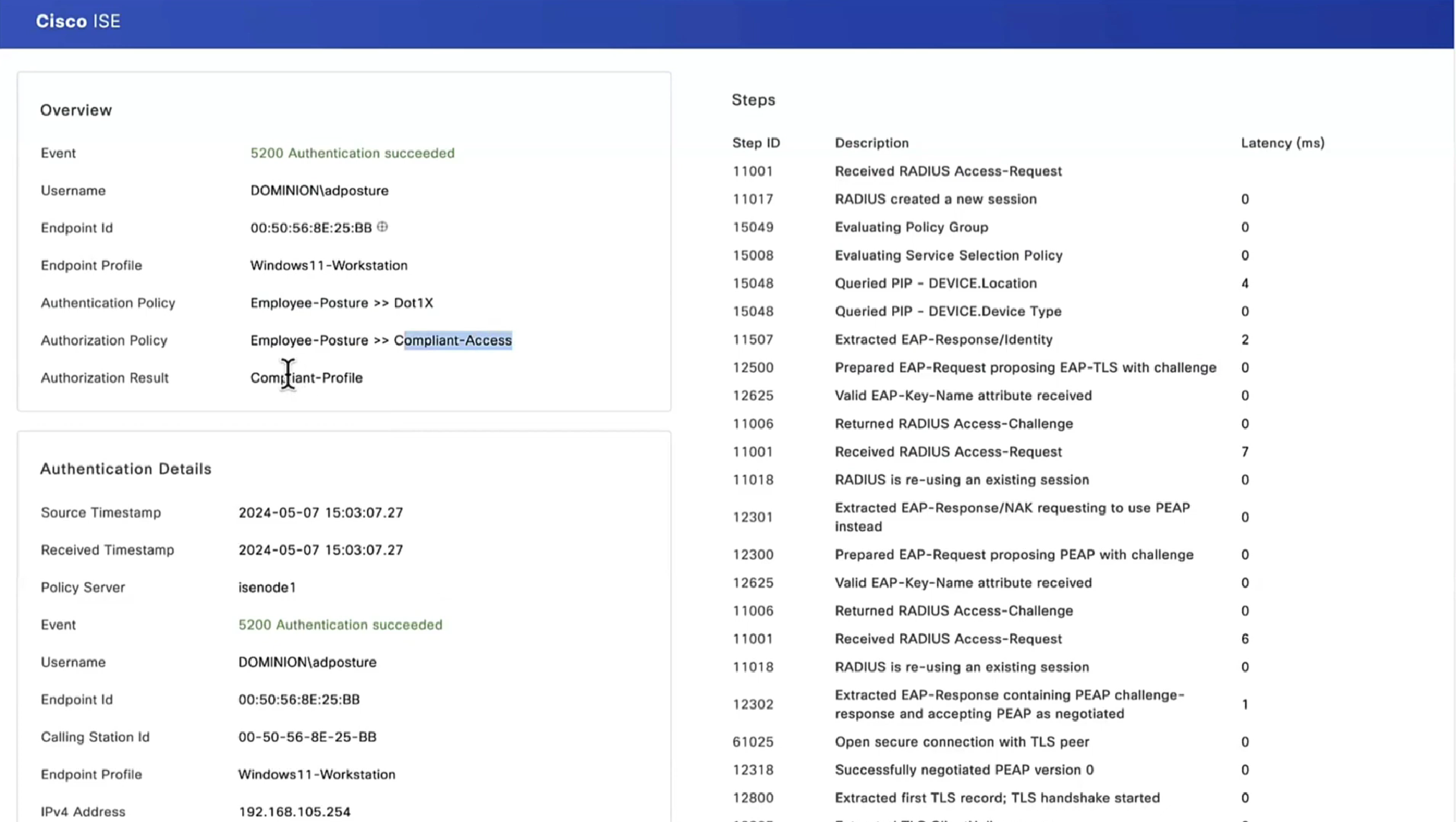

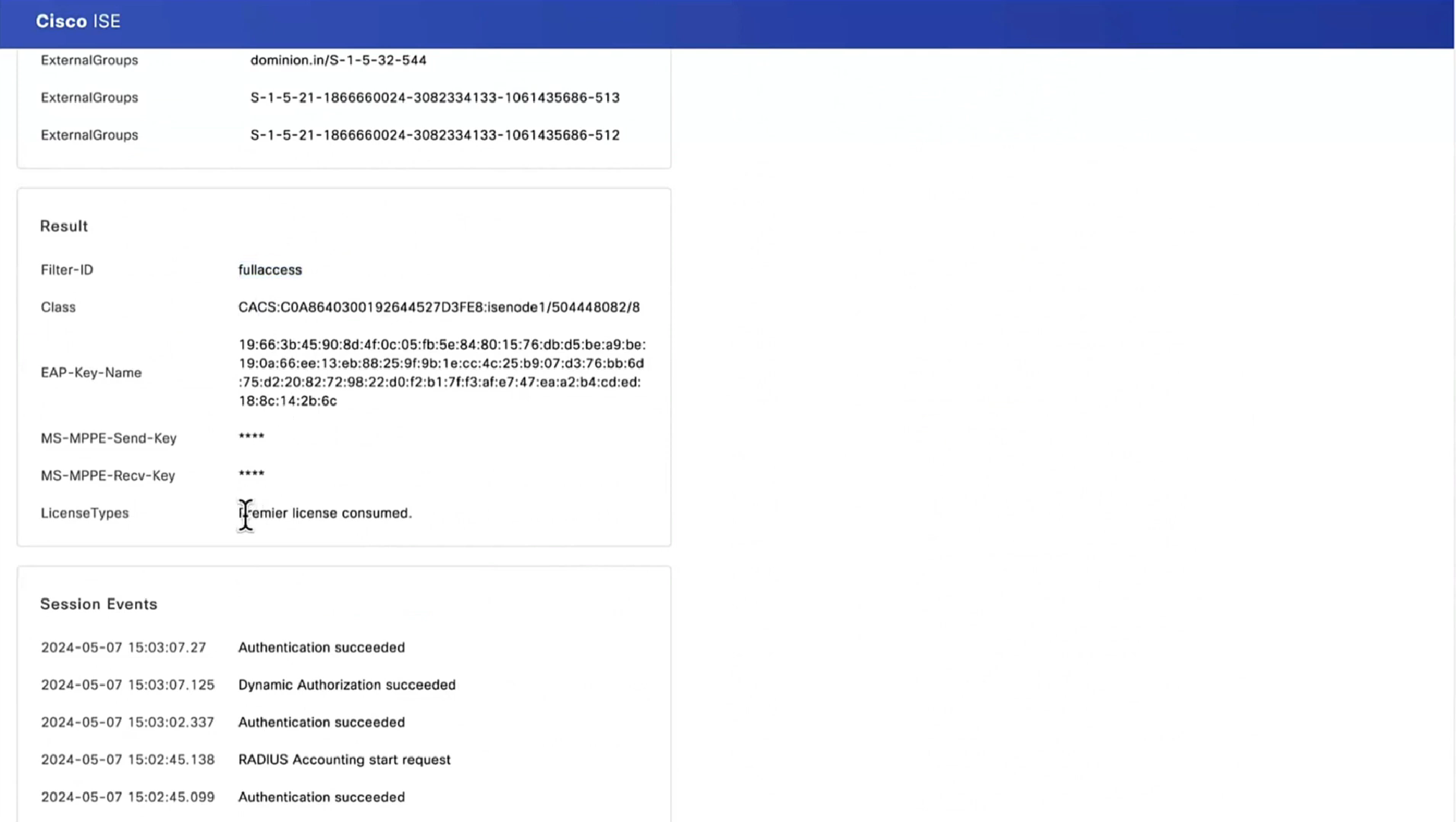
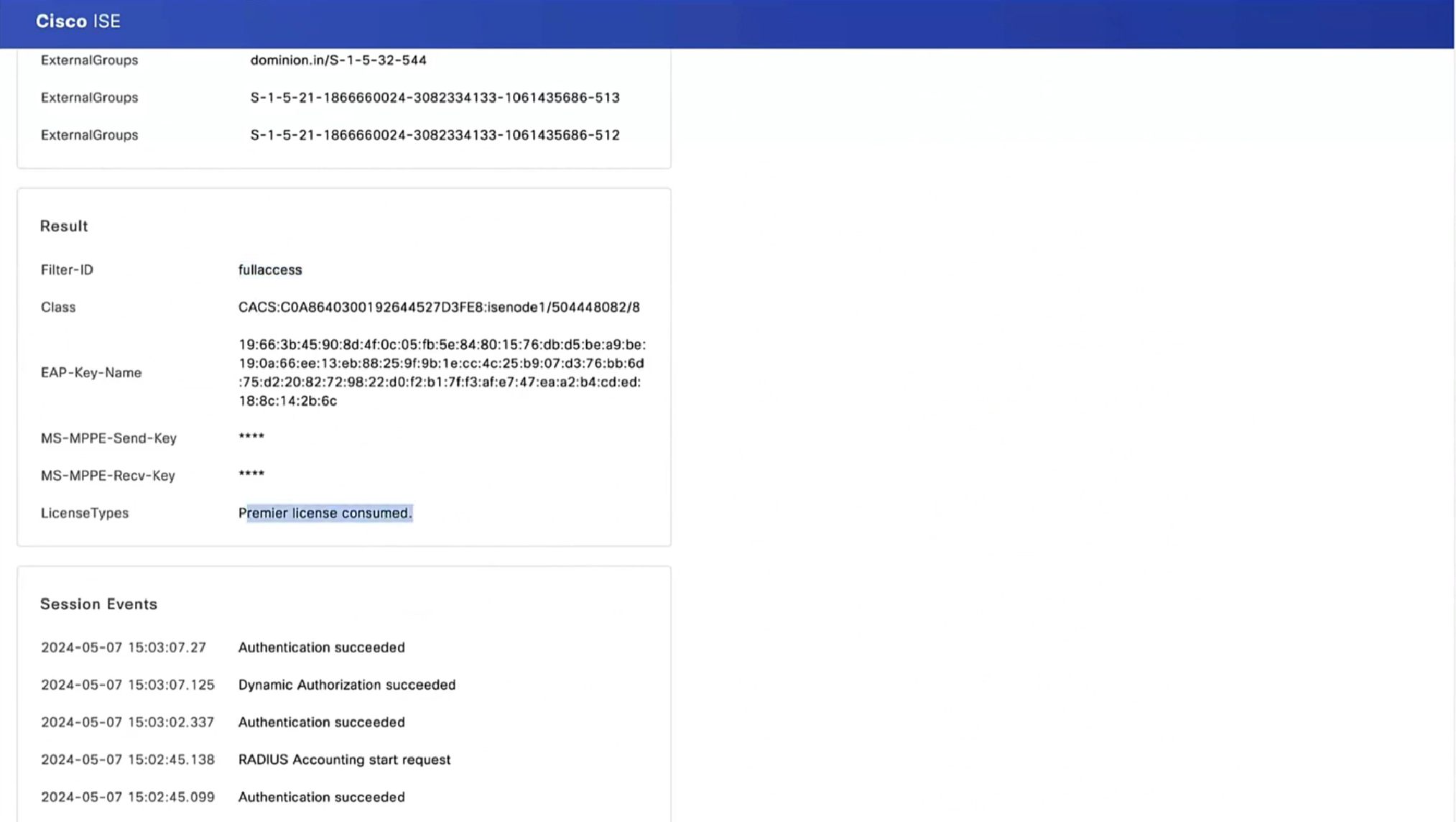
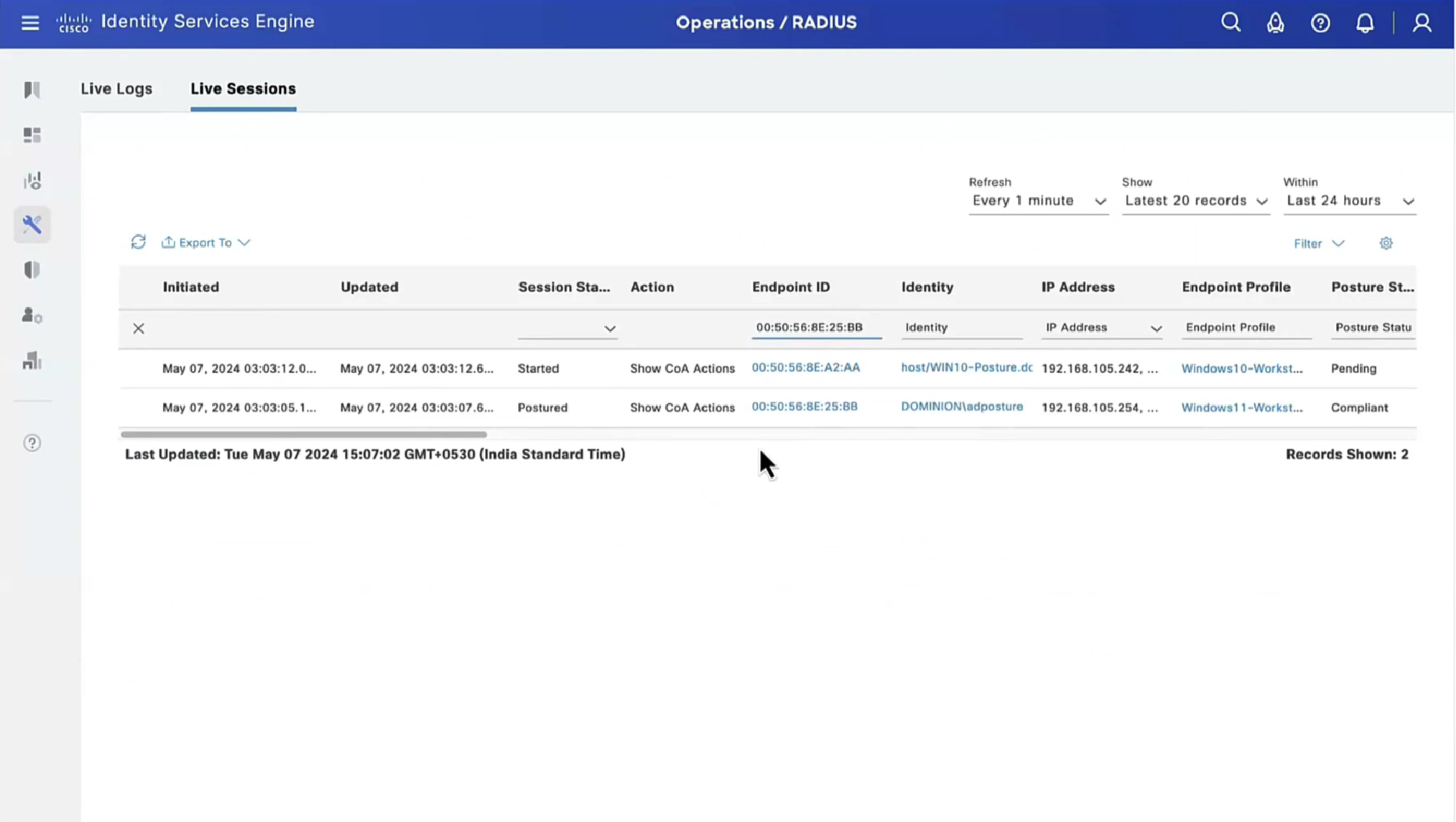
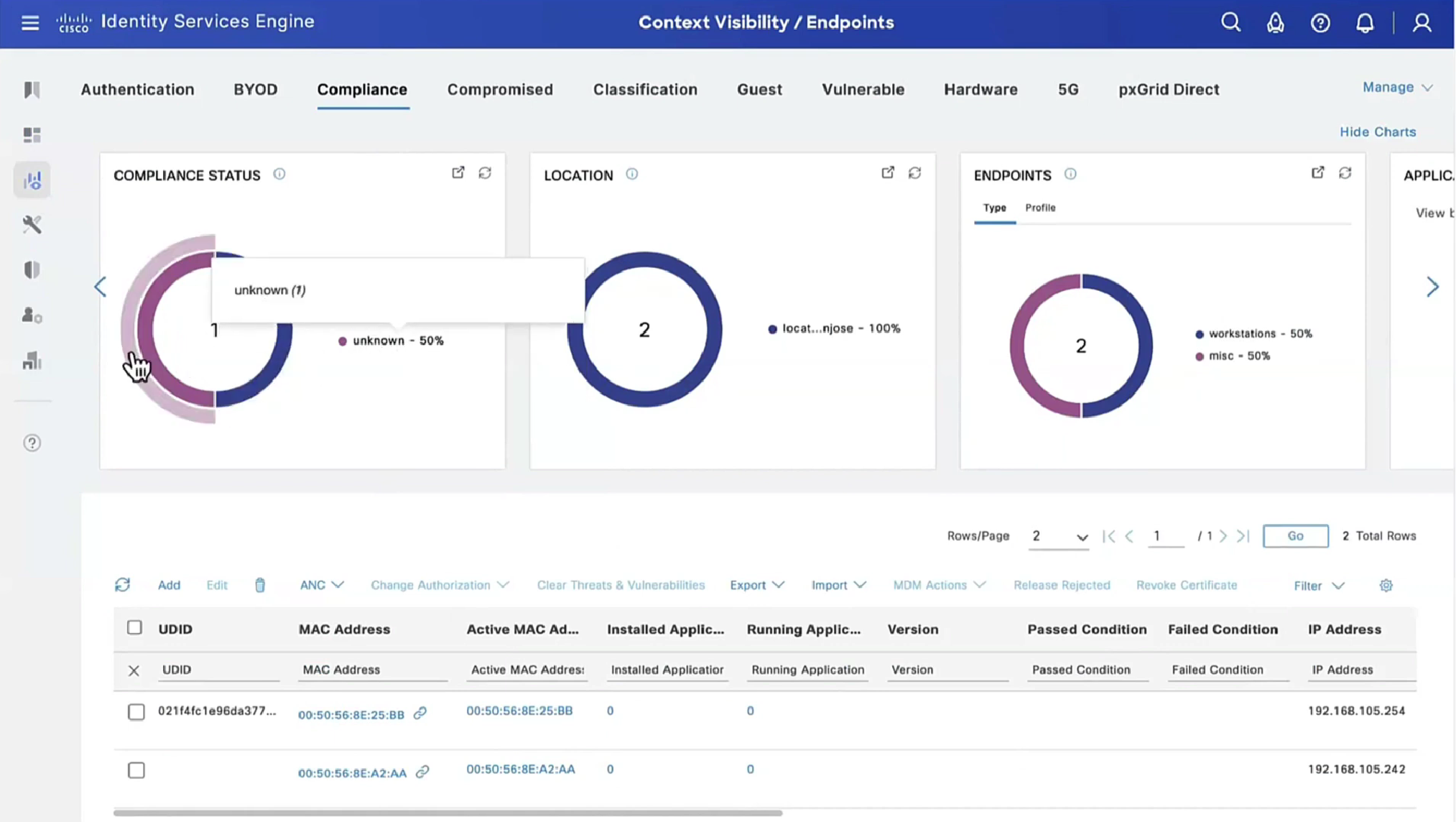
Deployment of agent through software distribution systems like SCCM etc does not require all of this redirect


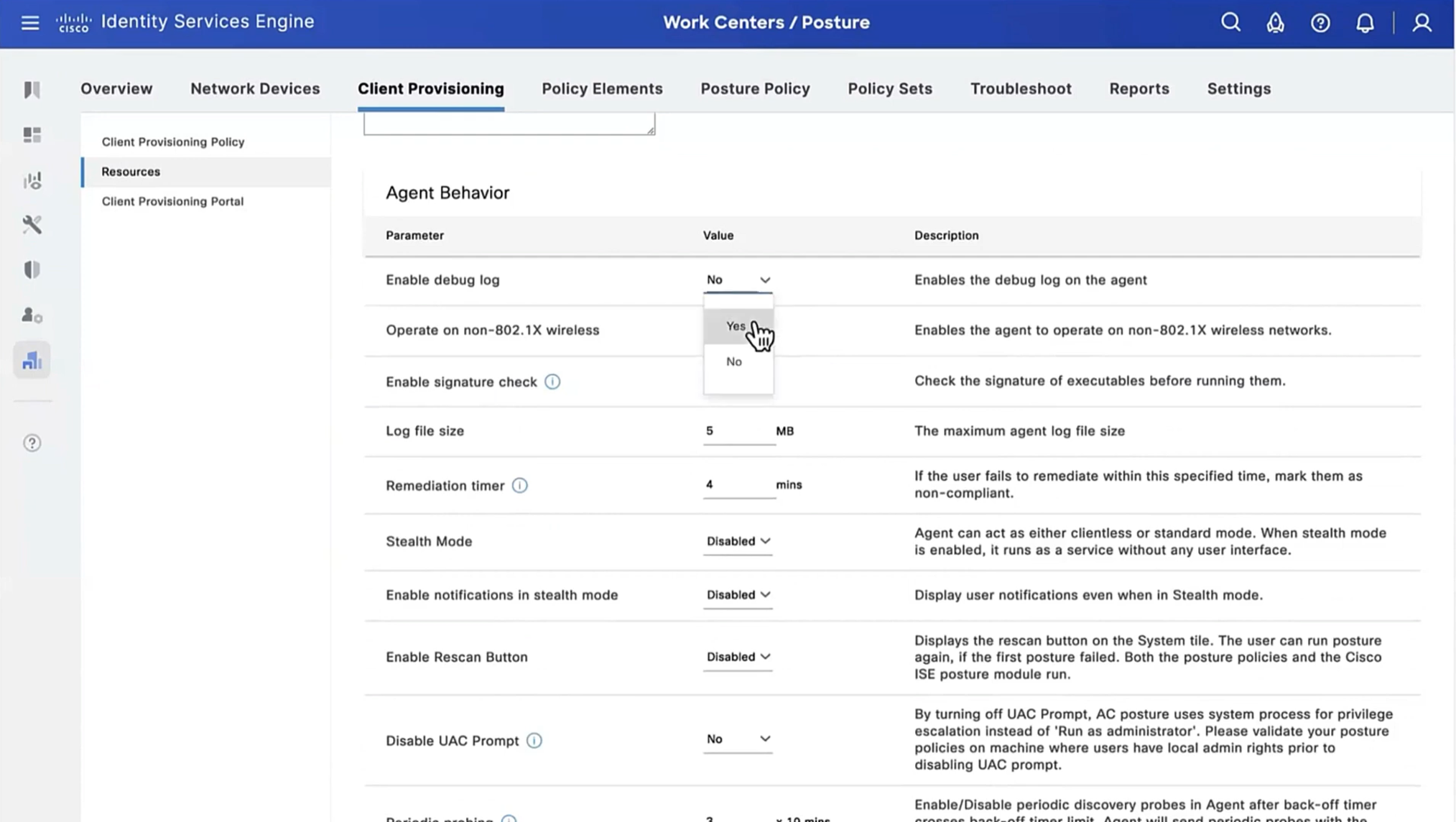


you can have a situation where ISE thinks that endpoint is compliant but endpoint might be in non-compliant state, this is why “Posture State Synchronization Interval” needs to be set to 60 seconds, because states can be out of sync that is why “synchronisaton”


Enable and disable network adapter so Cisco Secure Client can get new posture profile that we configured and you can see that scan again button is now available as new posture profile was downloaded


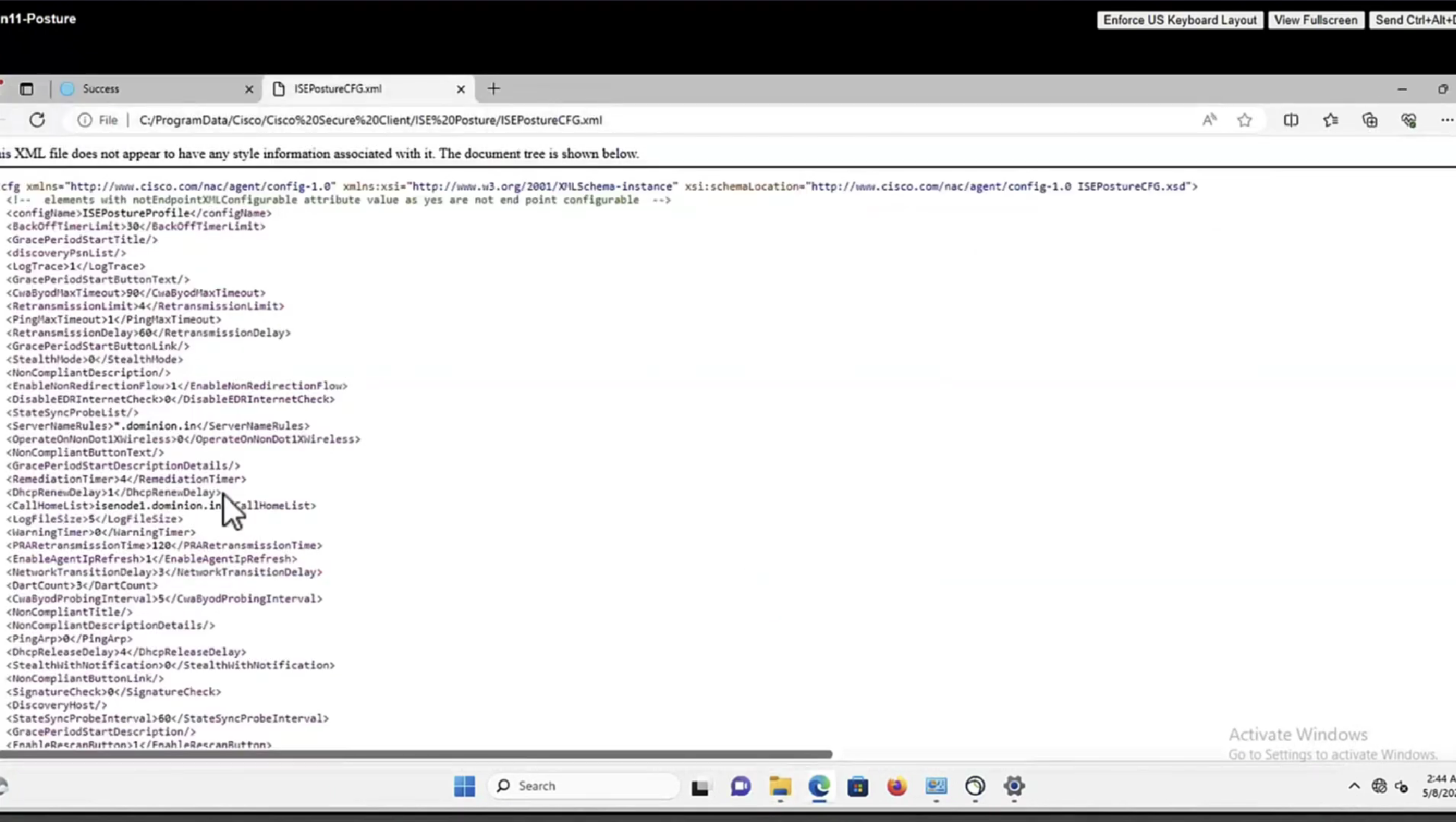


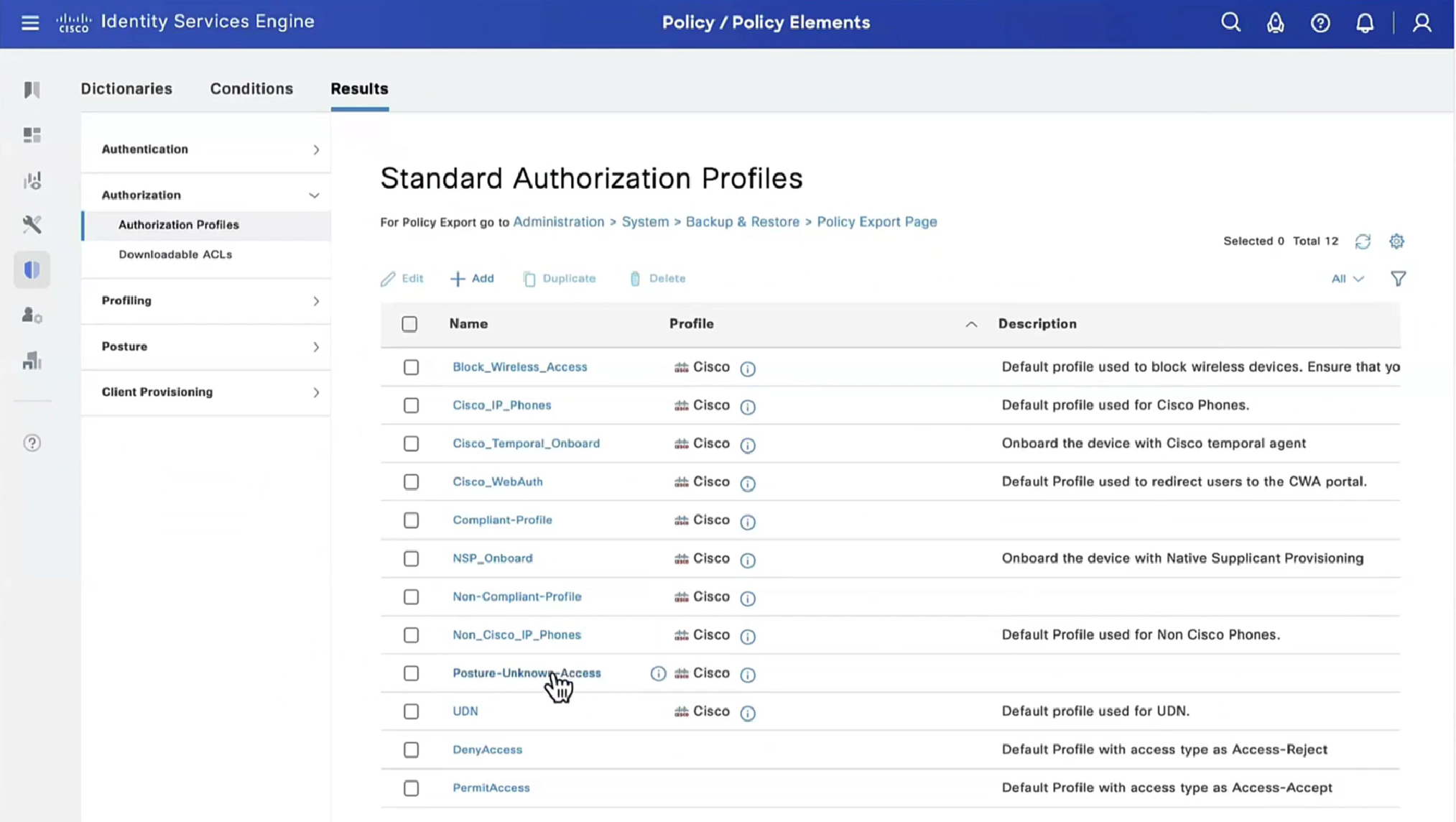
lets remove URL redirect from the Posture-Unknown-Access Authorization profile (redirectionless mode)

Keeping of ACL initial in Posture-Unknown-Access Authorization profile

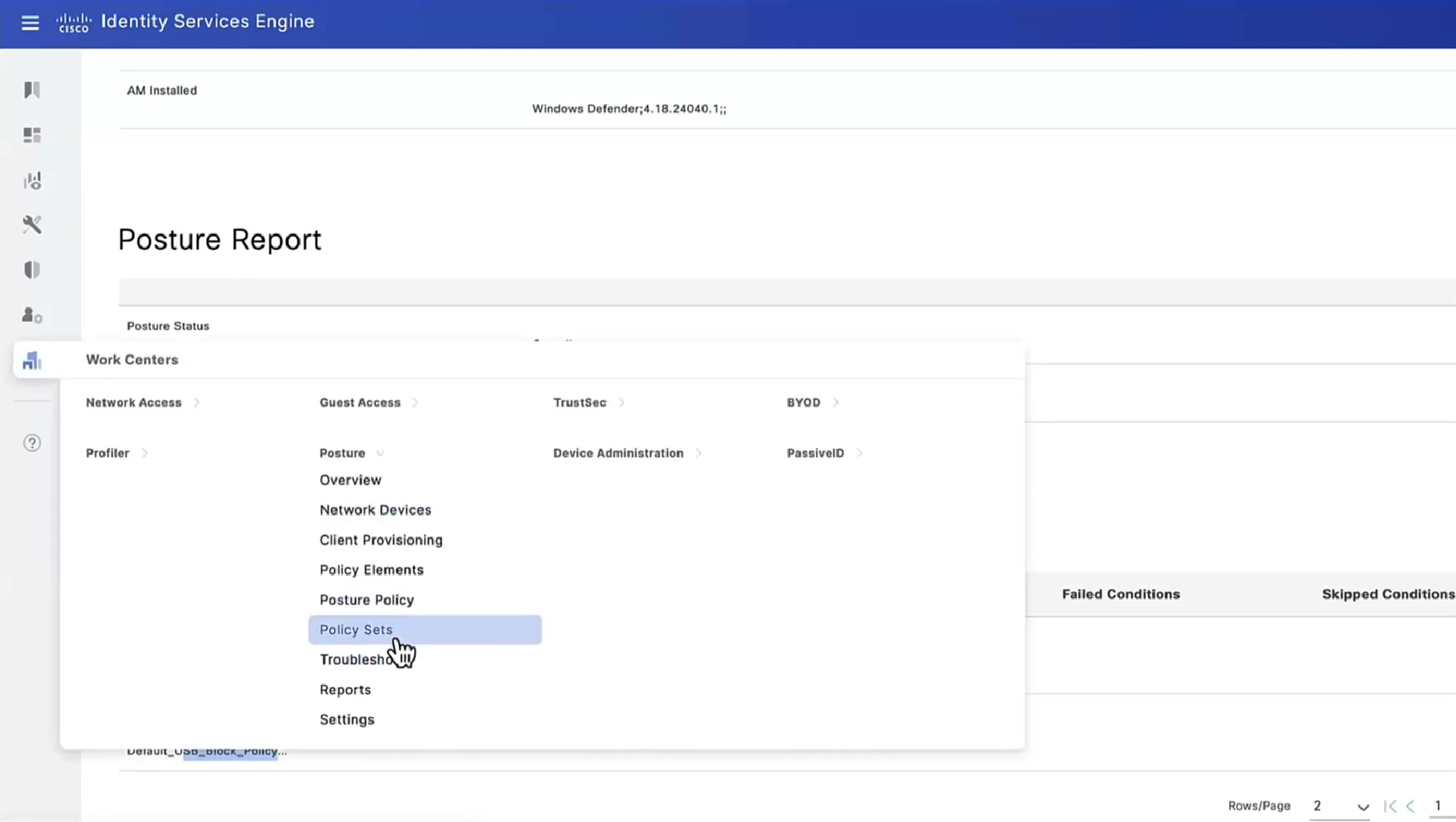
From live sessions we will terminate session


Here now stage 2 discovery process is in play


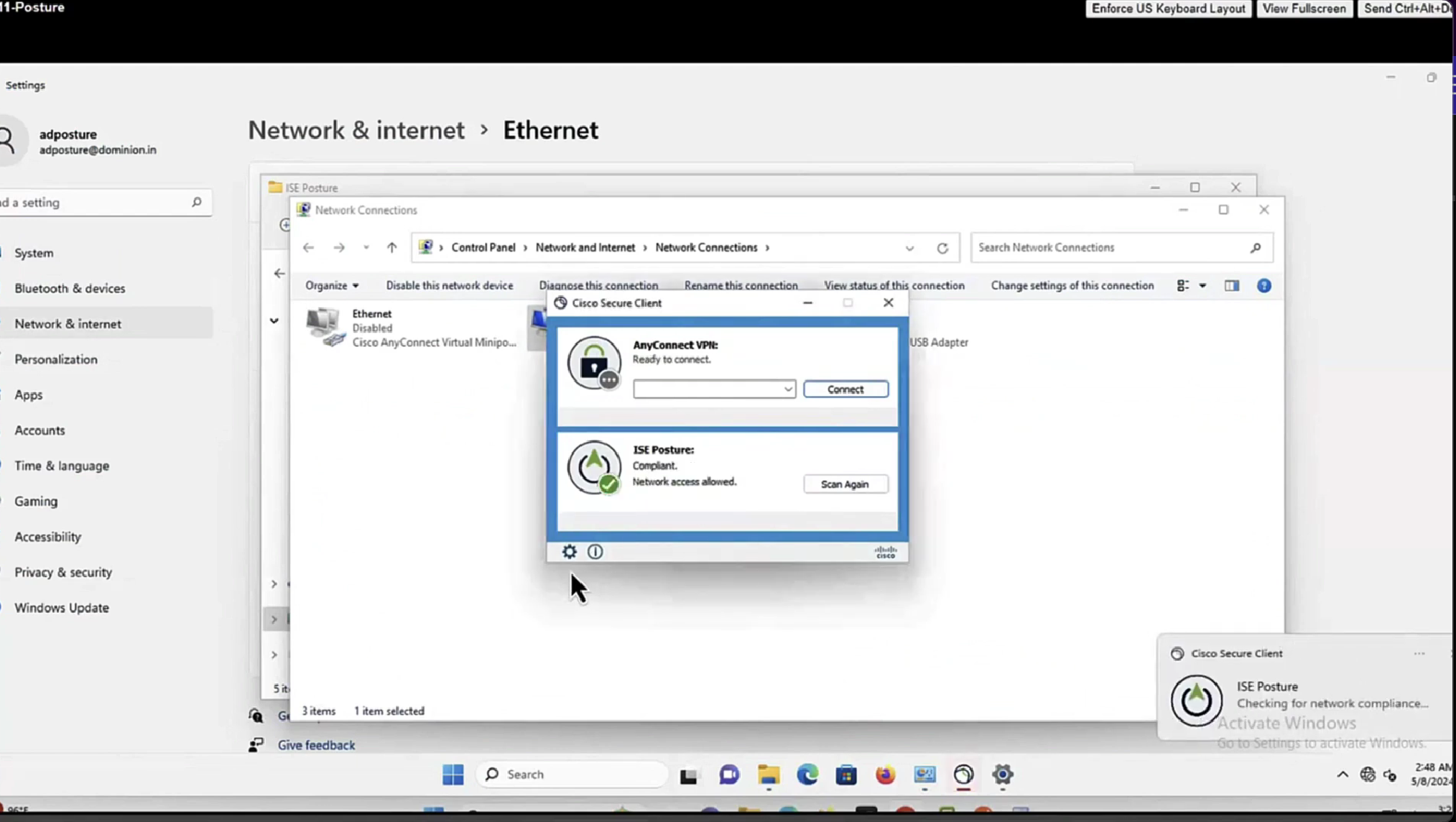
Notice there was no redirect
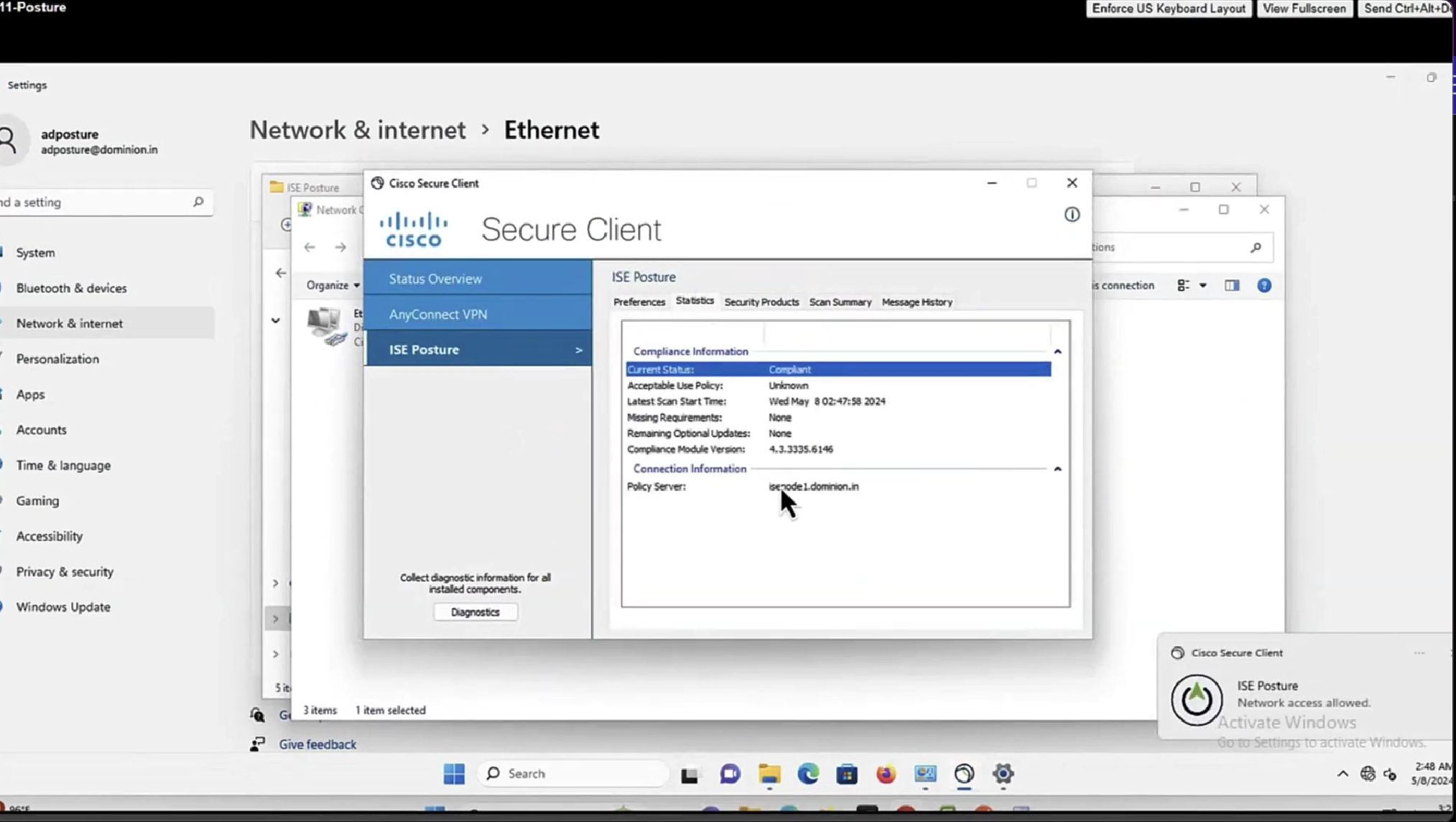


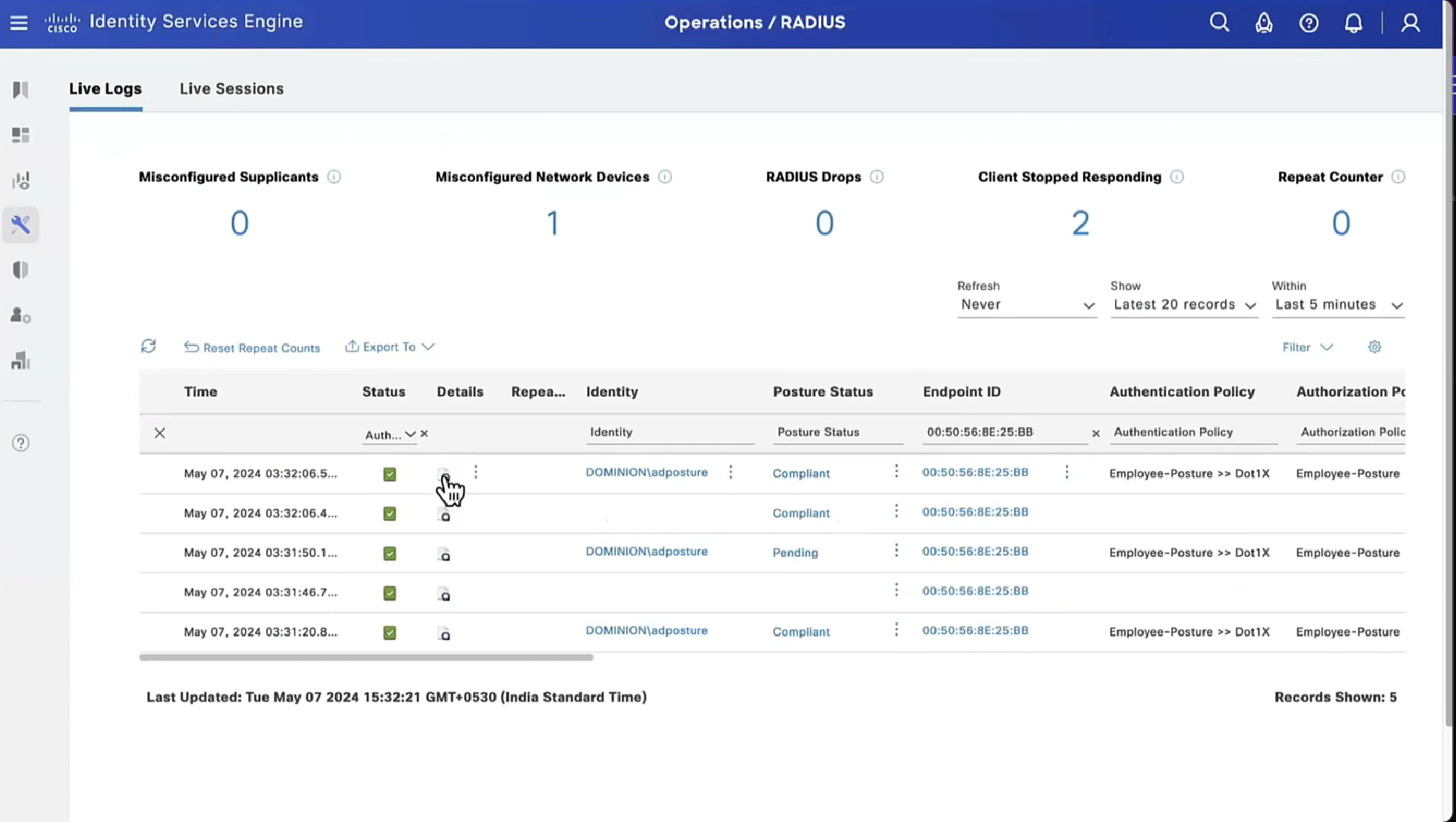
Notice there is no URL redirect in result
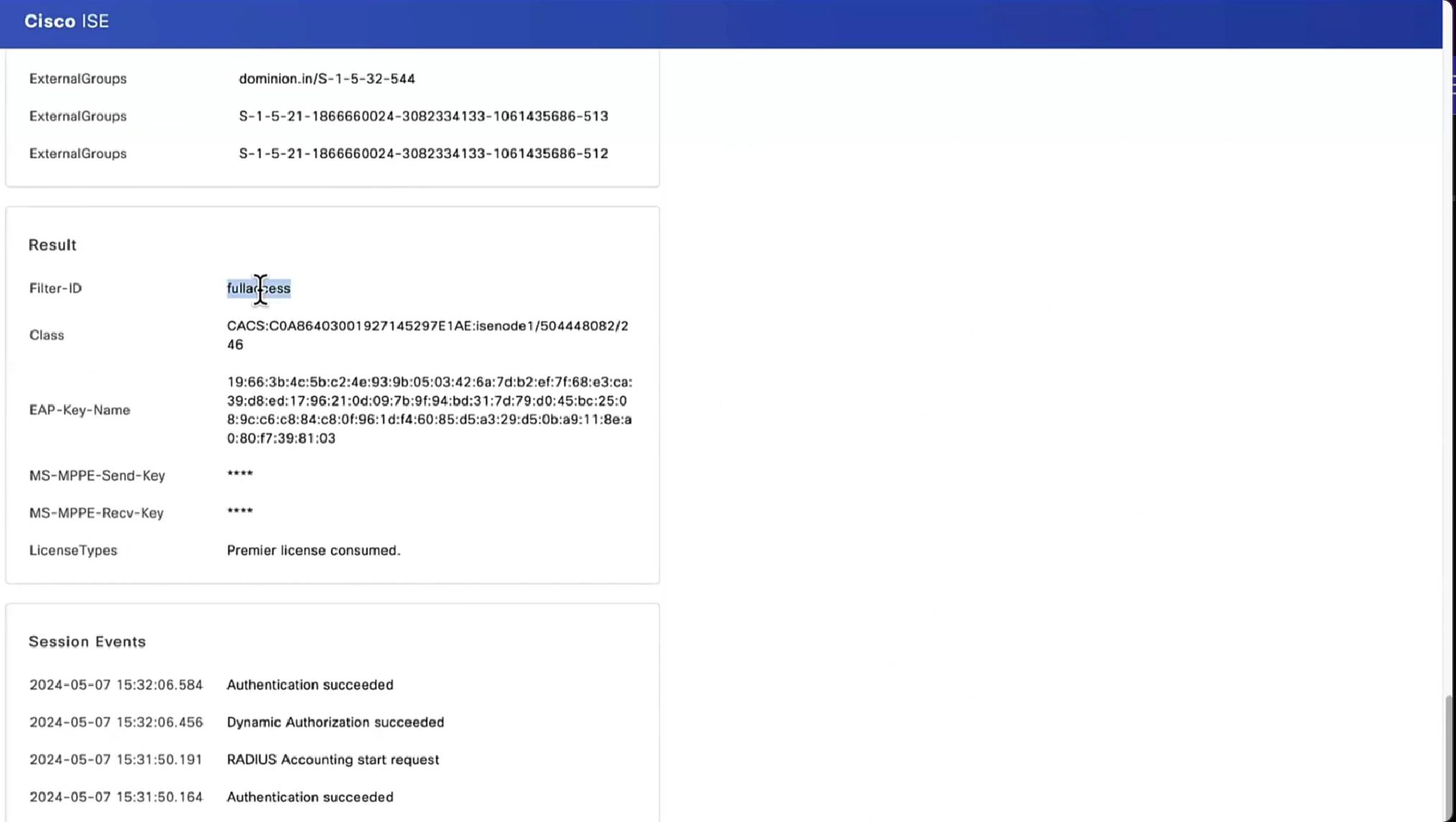
We have not even configured any posture policies yet

If we run report Posture Assessment by Endpoint

Notice in report that Posture policy details section is empty, when agent is requesting posturing policies, they are being delivered empty


Lets “turn on” first default posture policy
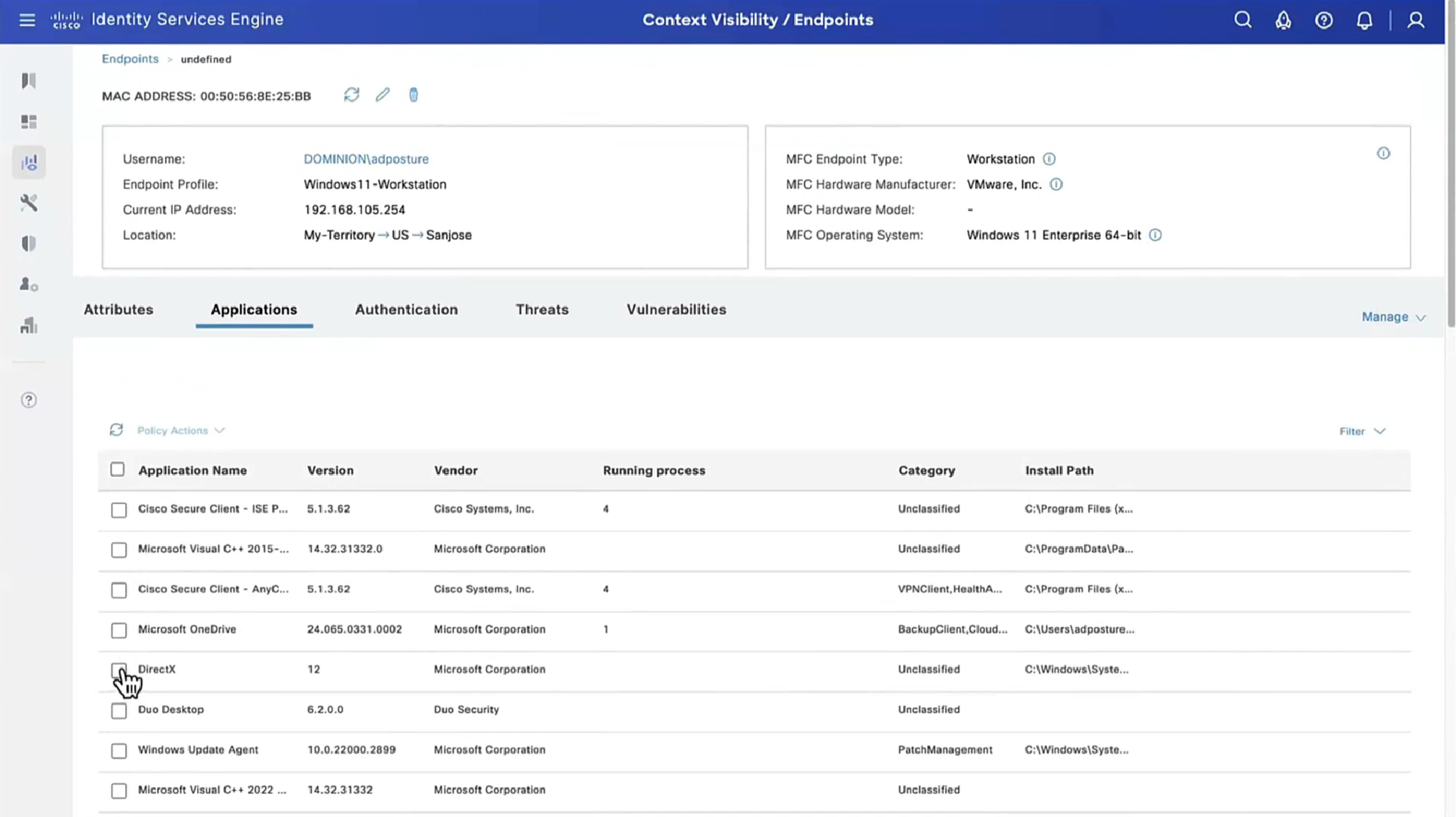
This policy retrieves the applications installed on endpoint just for visibility

Second one we are turning on is to know if firewall is enabled on endpoint or not (because windows firewall can be disabled)

Third policy we are turning on retrieves hardware attributes on the endpoint just for visibility
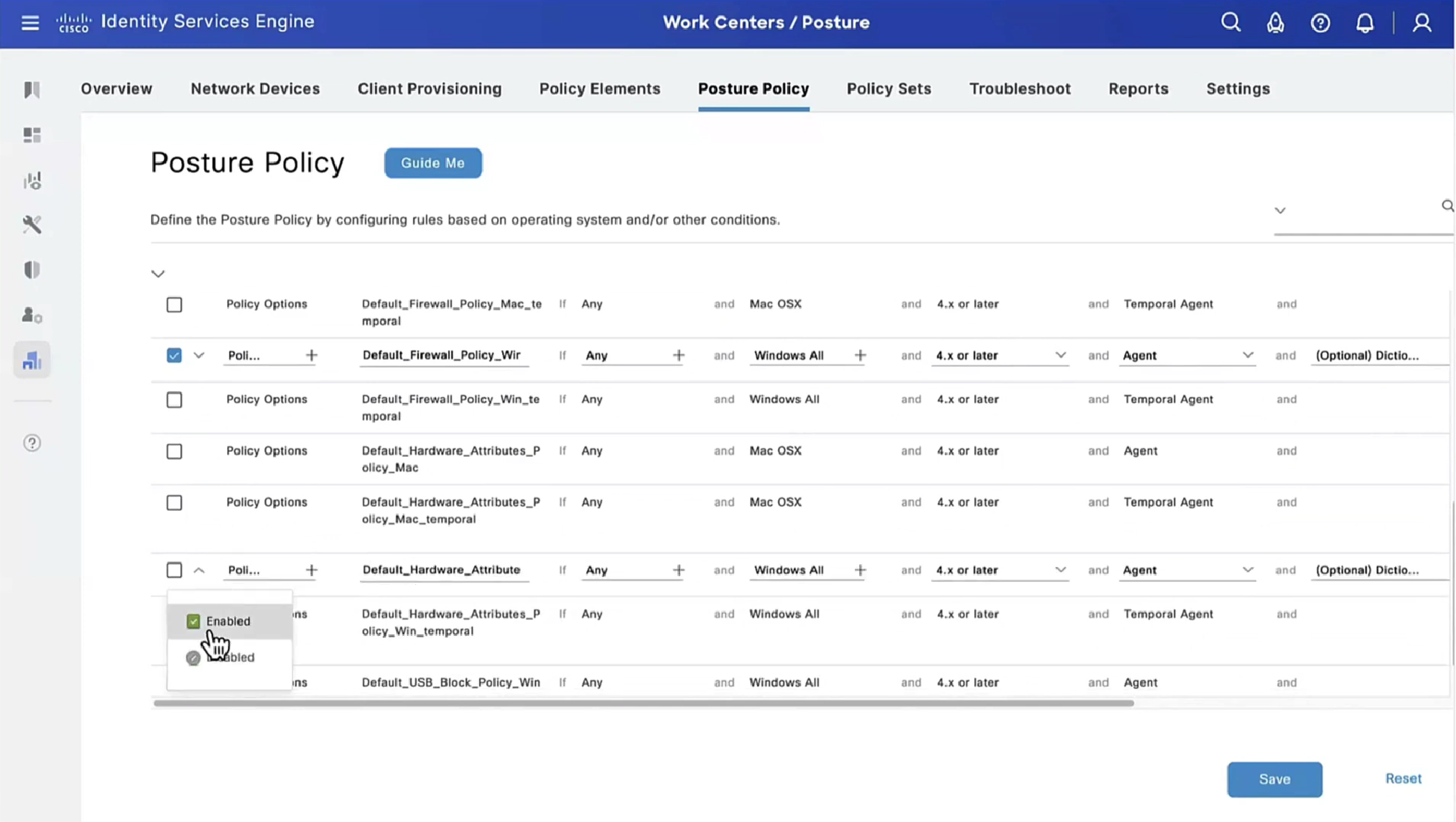
Fourth policy is to know if there is any USB plugged in or not
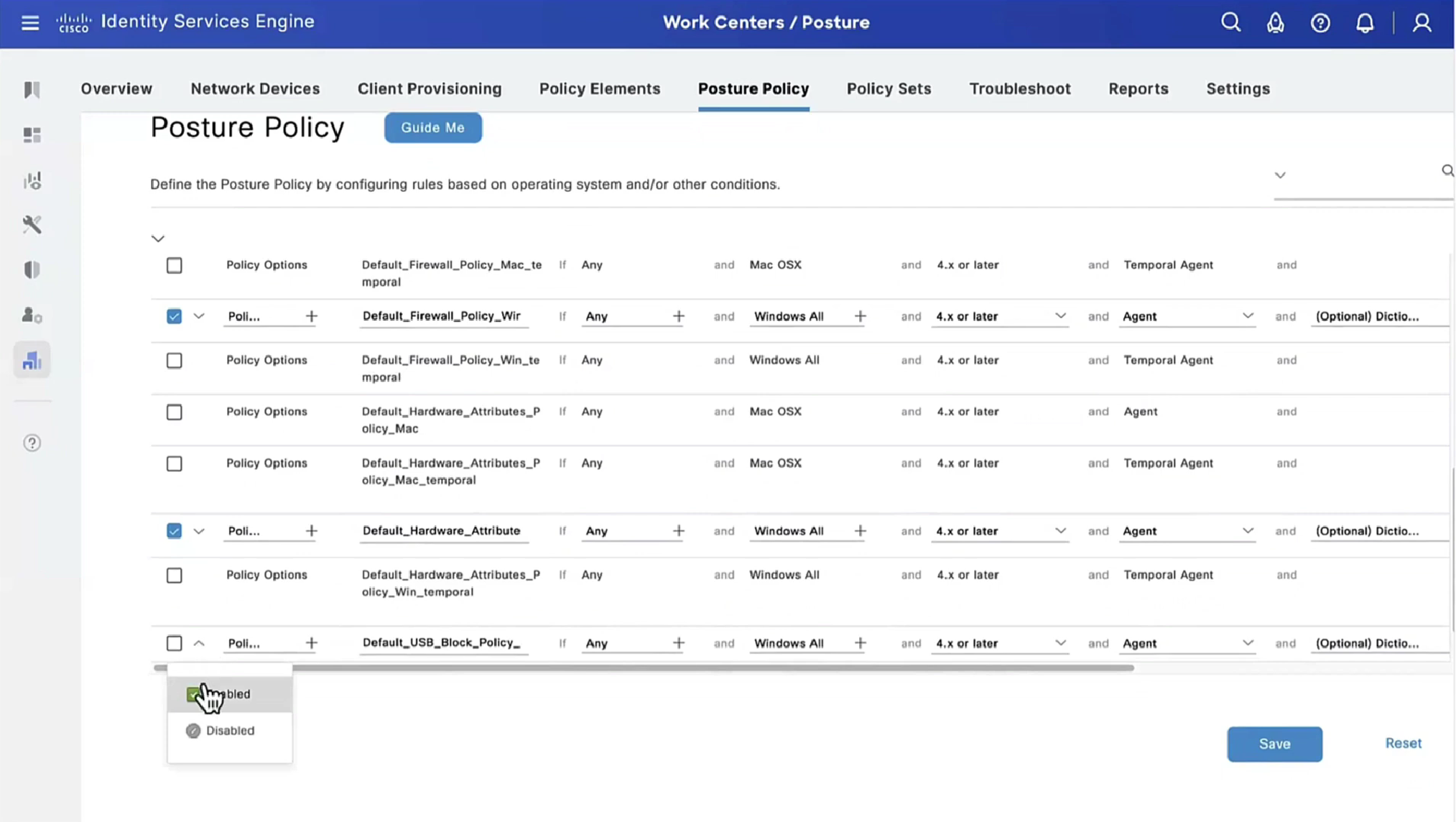
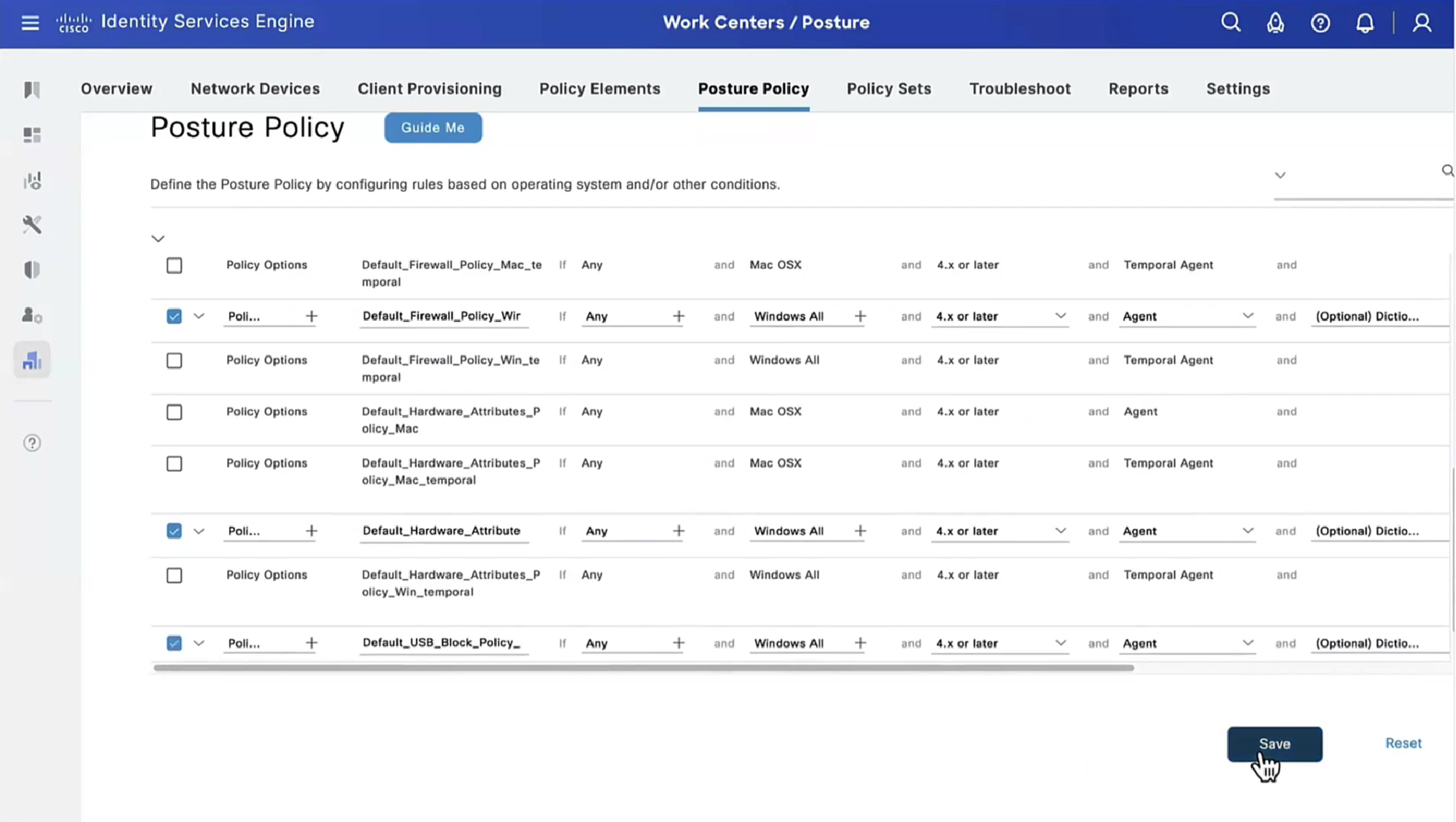

we purposefully disabled windows firewall for scope domain network
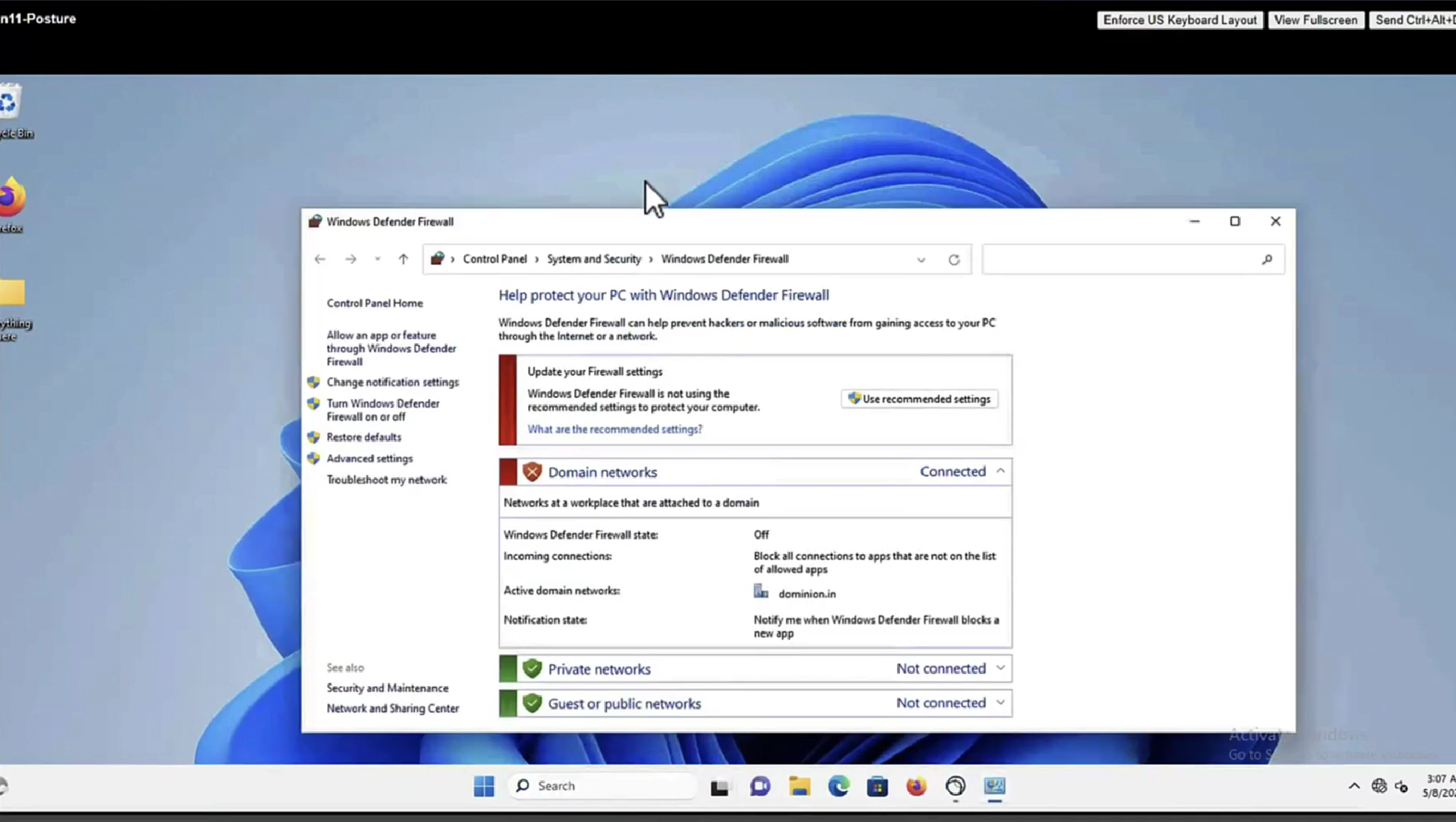


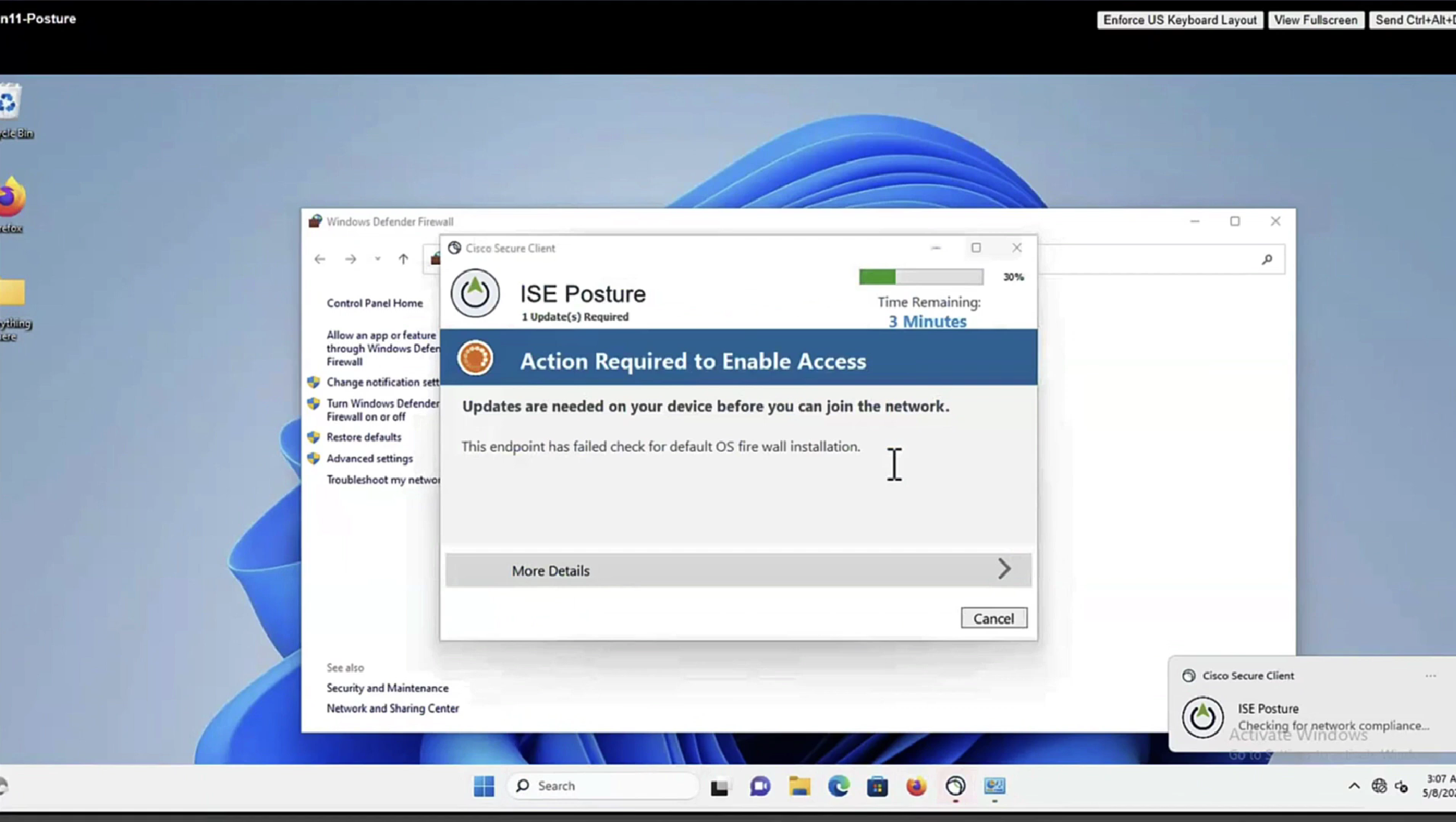
it detected that firewall is not enabled and it automatically enabled it (remediated it)
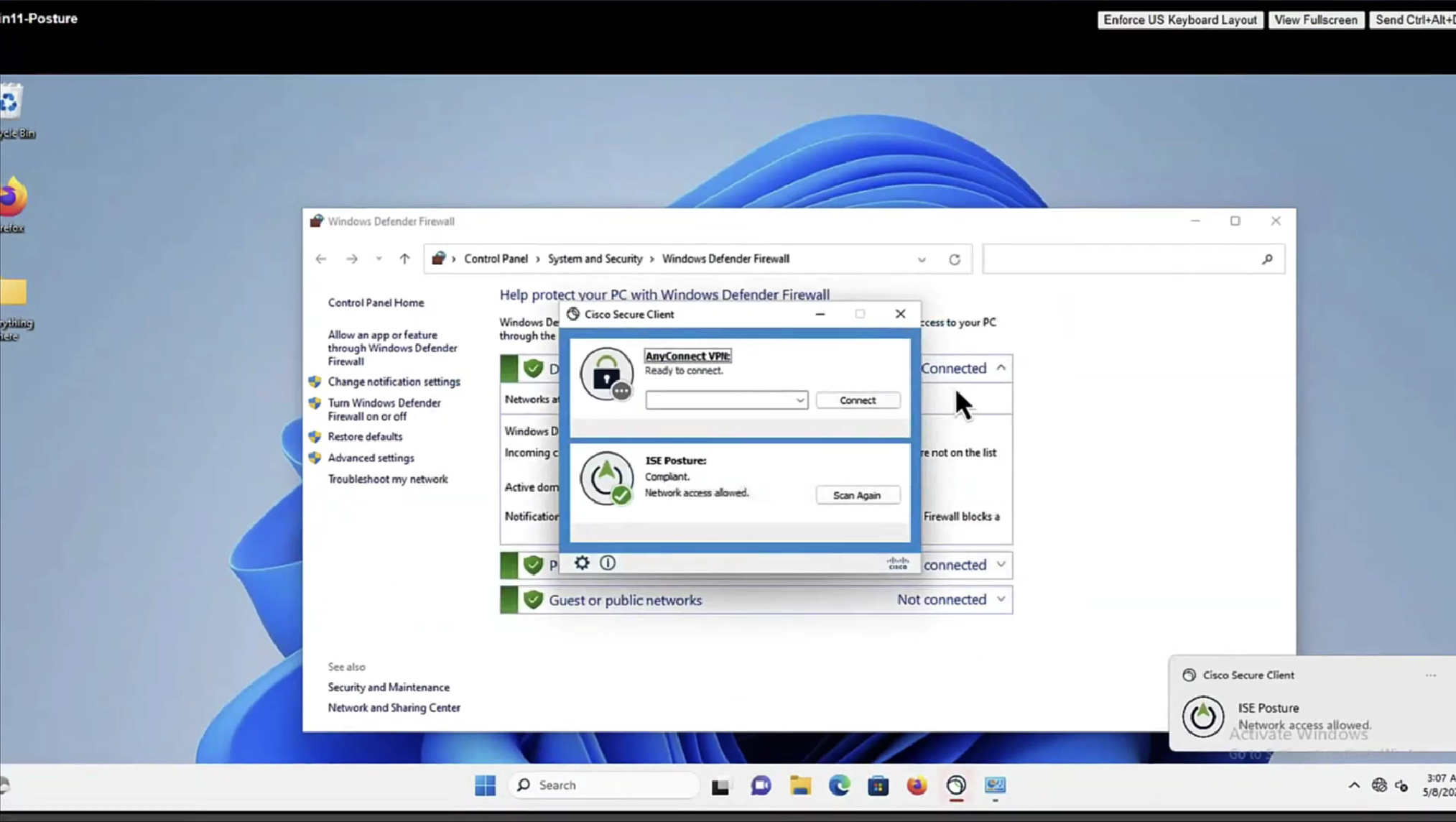

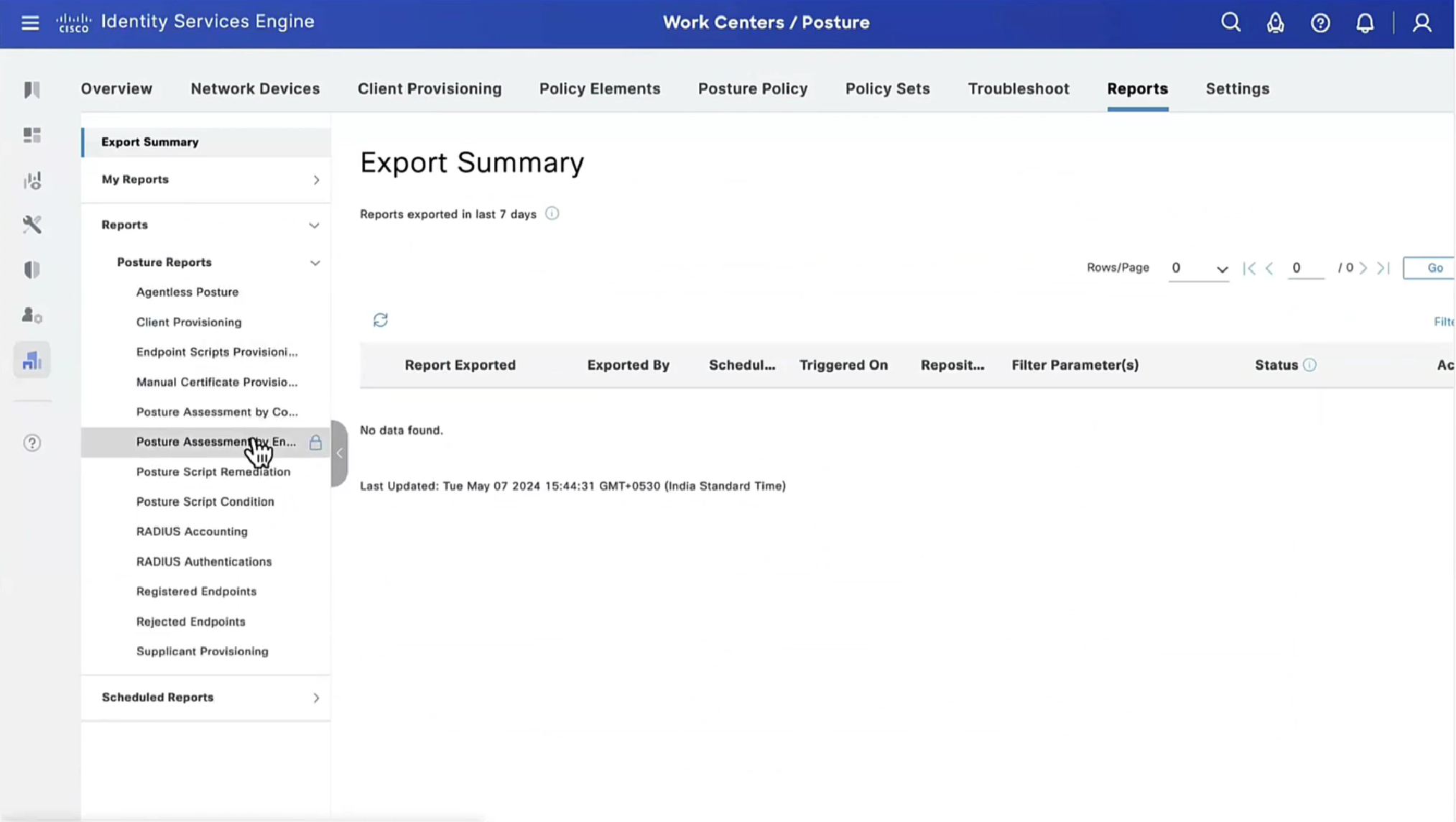
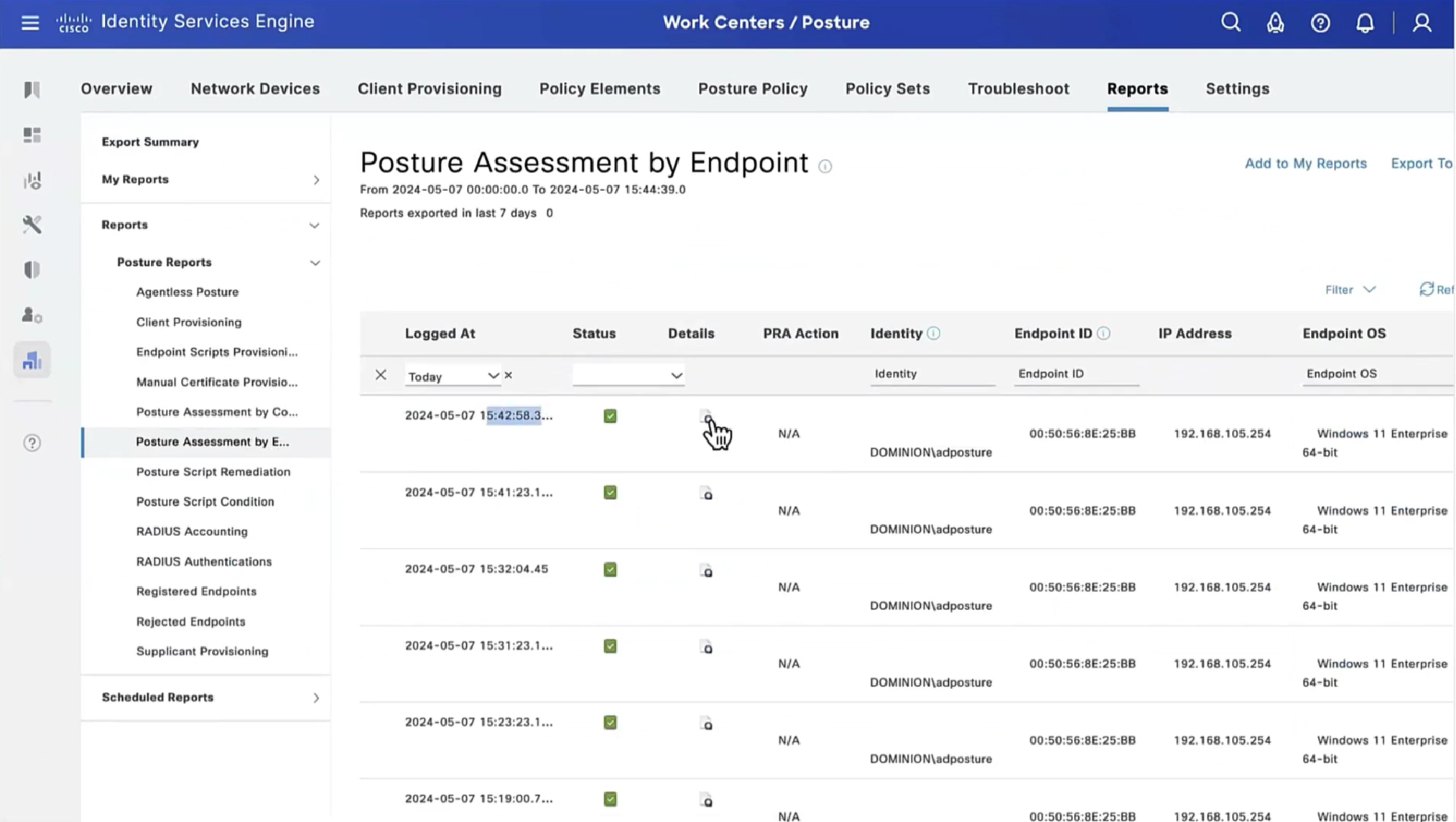

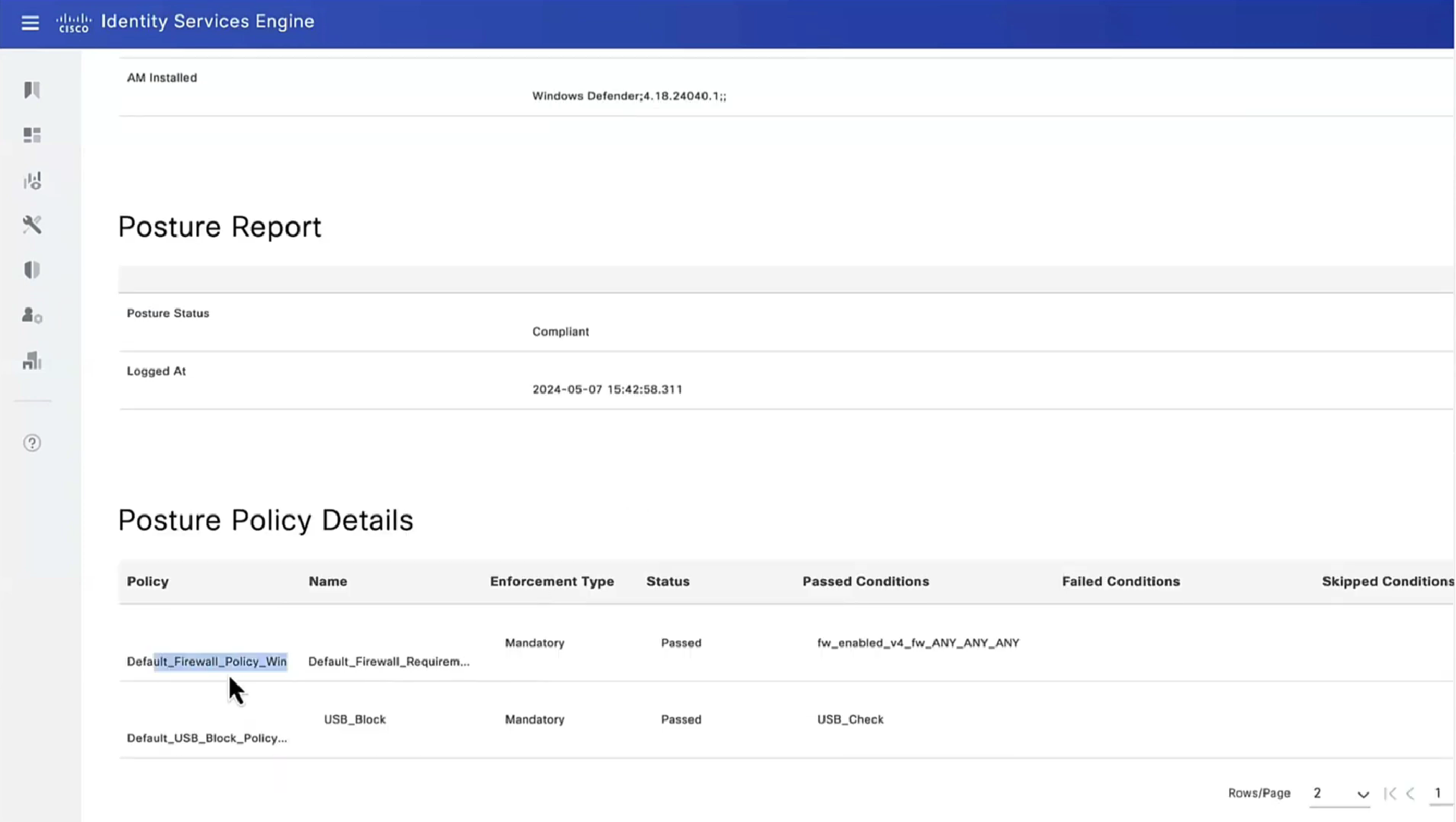
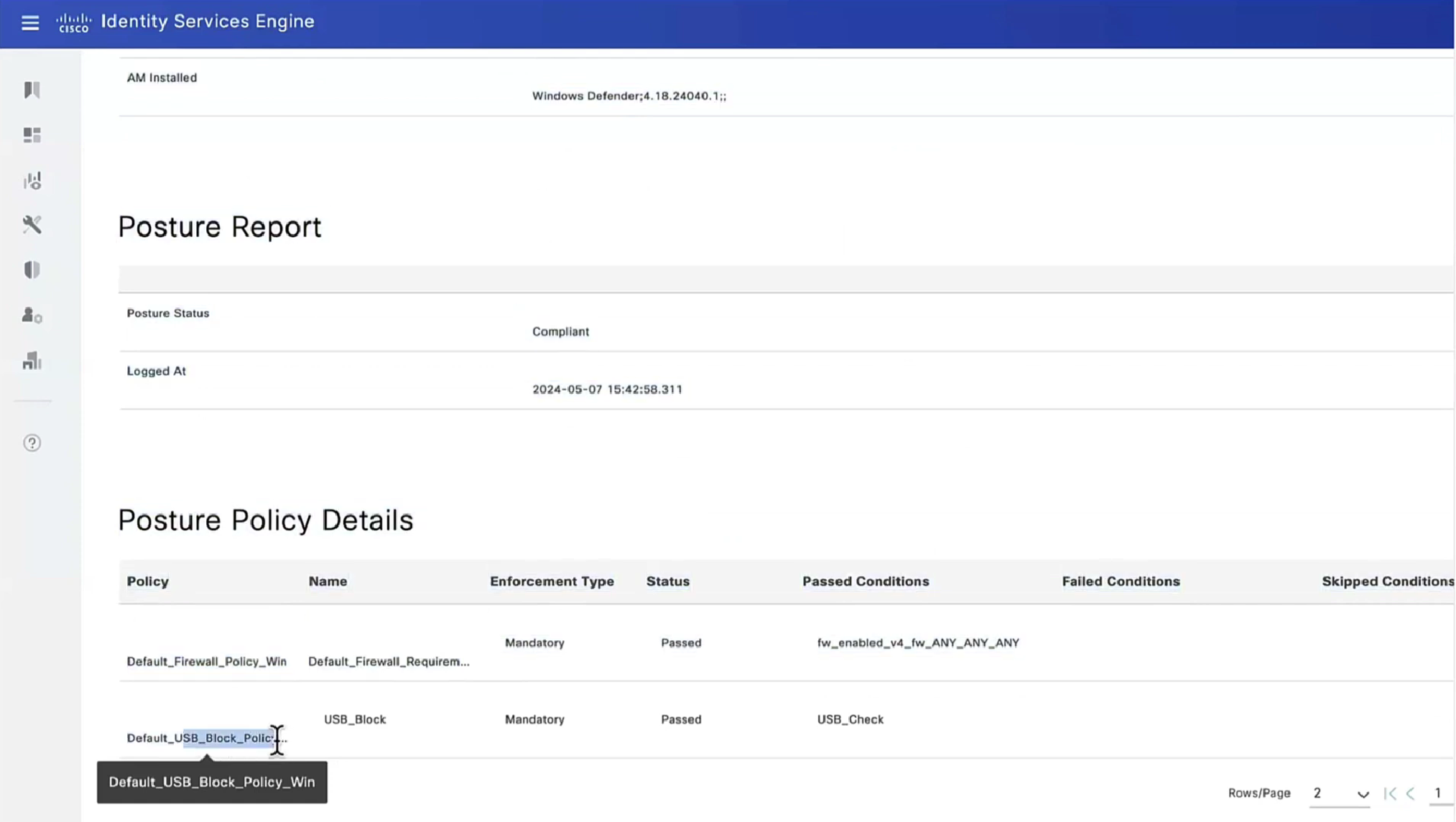
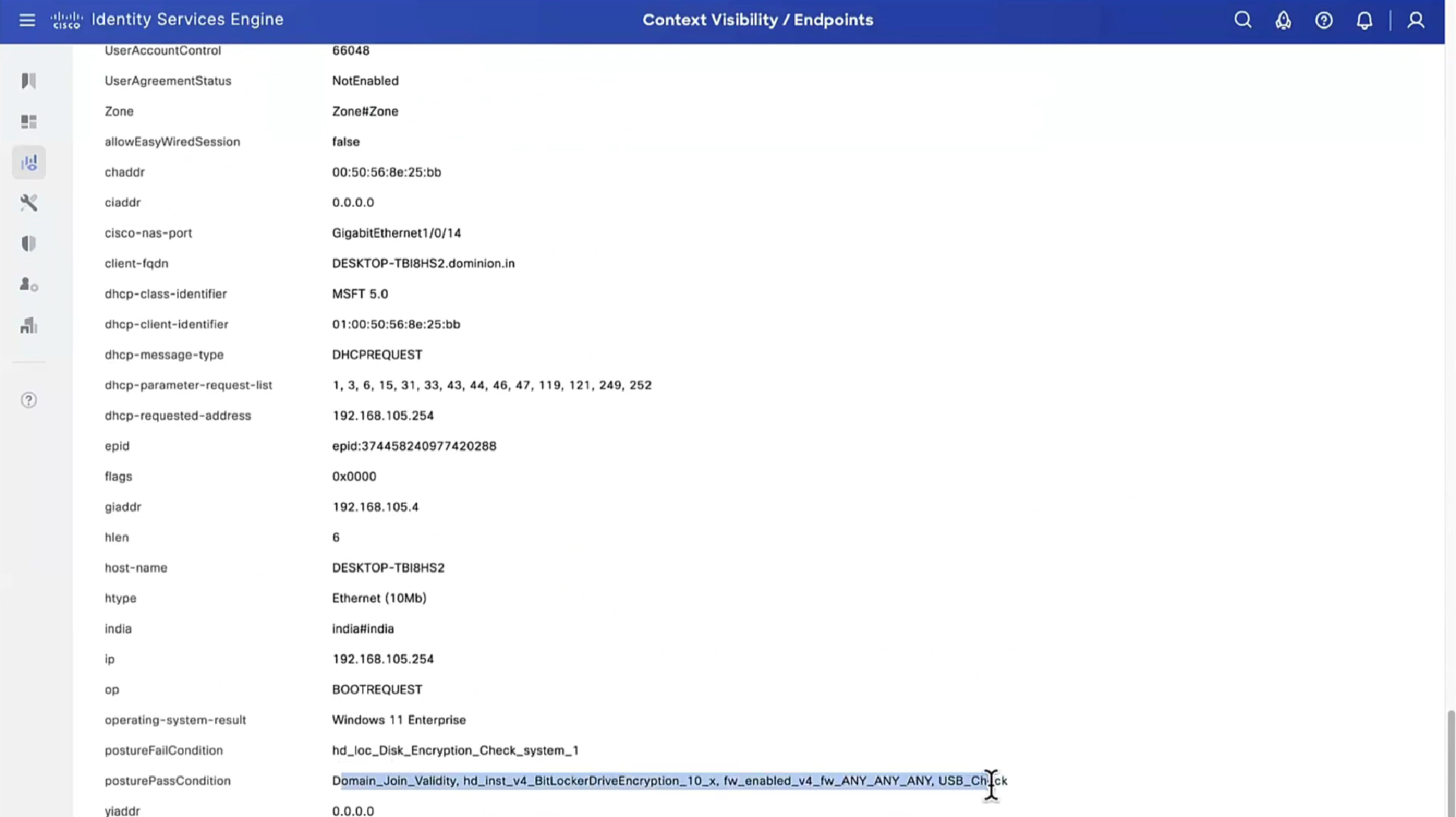
Posture Policy Details section shows 2 policies “Passed” even though we configured 4 policies, that is because 2 of them were only for visibility

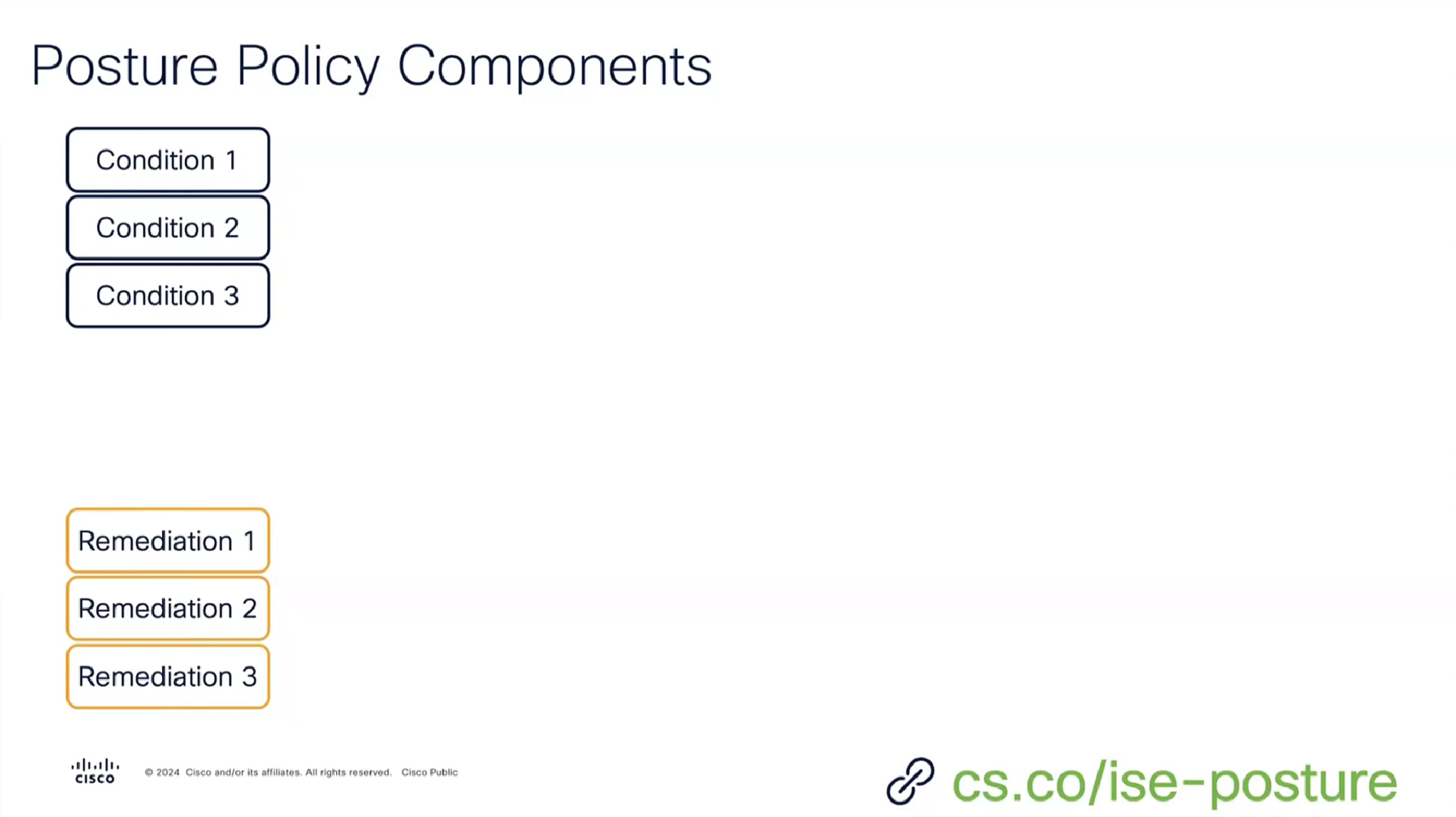
Condition + its remediation are coupled together just like sickness and its remedy are

There are conditions and then there are their remediations ( condition <> remediation )
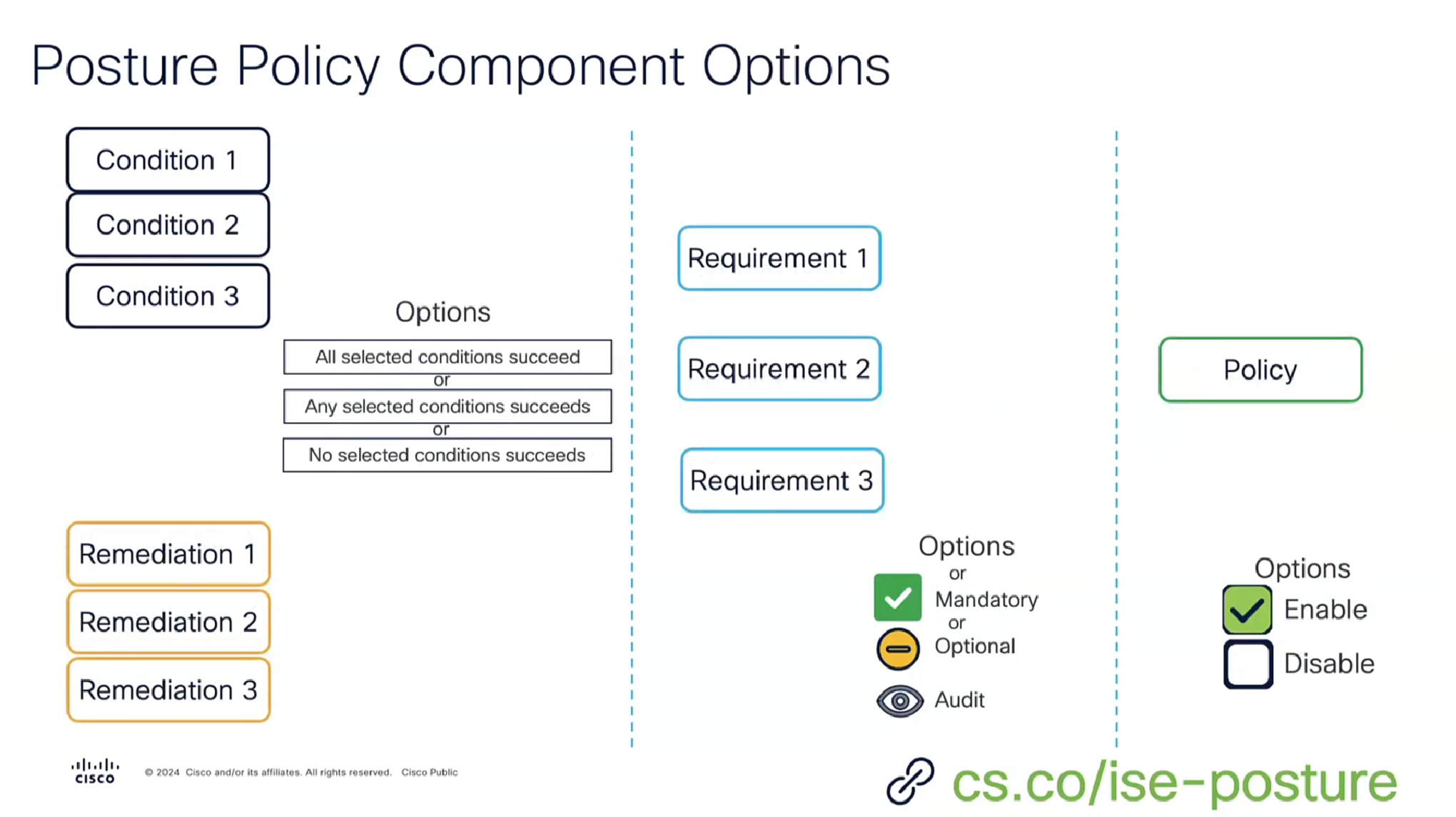
Those conditions and their remediations are mapped to requirements and those requirements are specified in Posture Policy
There can be multiple conditions in a requirement with one remediation, and when there are multiple conditions “in a requirement” then we have options “No condition succeed” , “any conditions succeed” , “all conditions succeed” matching with “and” , “or” , “none operator”
Similarly requirements can be “Mandatory” , “Optional” , “Audit” , which can be remembered from phrase “Mandatory Requirements”
Mandatory has to be remediated otherwise client is non-compliant
Optional requirement can be skipped by the end user
Audit mode requirement does not even notify the end user but only flags in ISE
and Policy can be “enabled or disabled”

A combination of a condition x remediation -> requirement applies to and is only for one policy
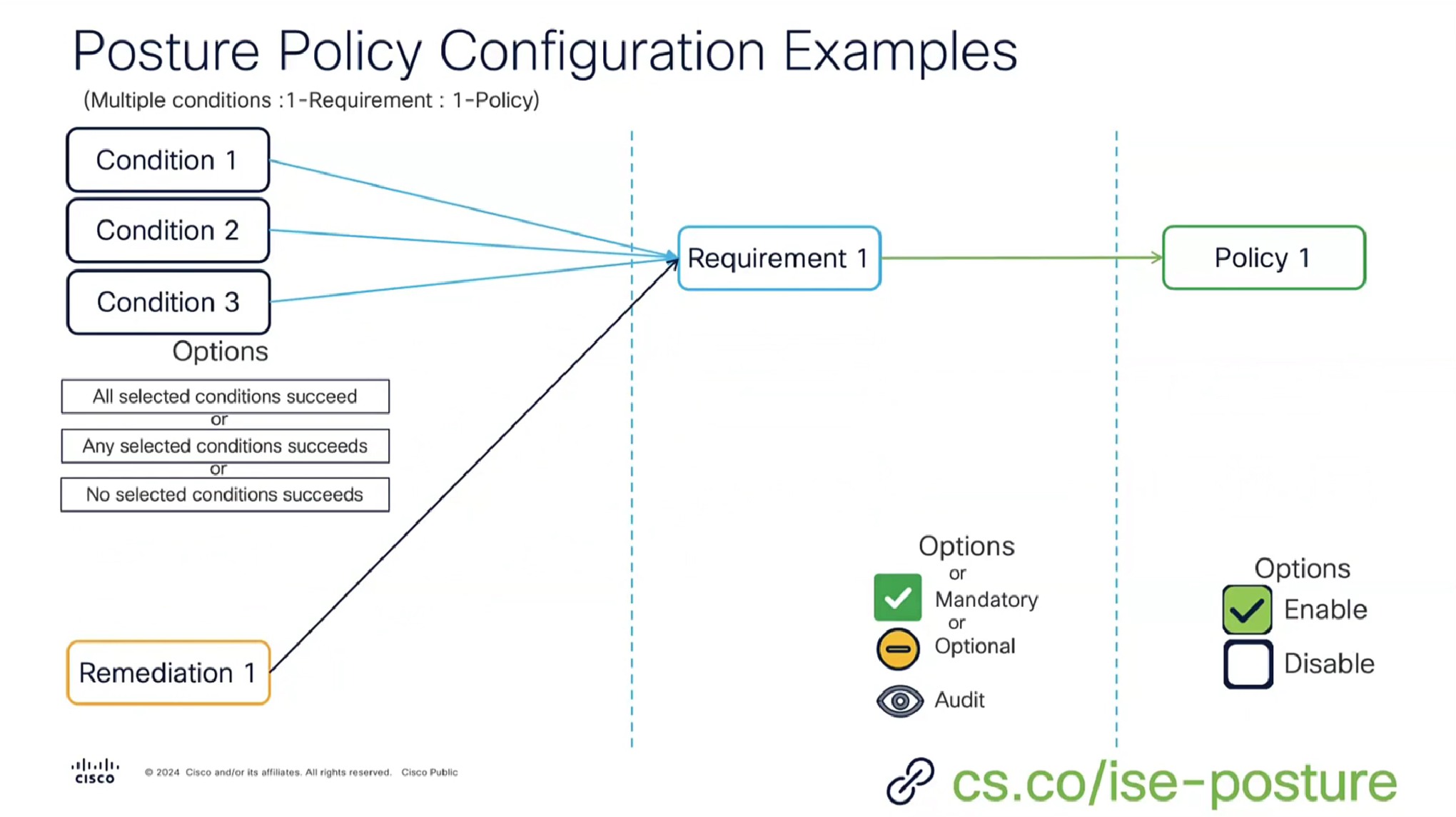
or multiple conditions with one remediation can be part of a single requirement because of “No” condition succeed , “any” conditions succeed , “all” conditions succeed with and , or , none operator


Script based condition can do powershell scripts in order to check something custom


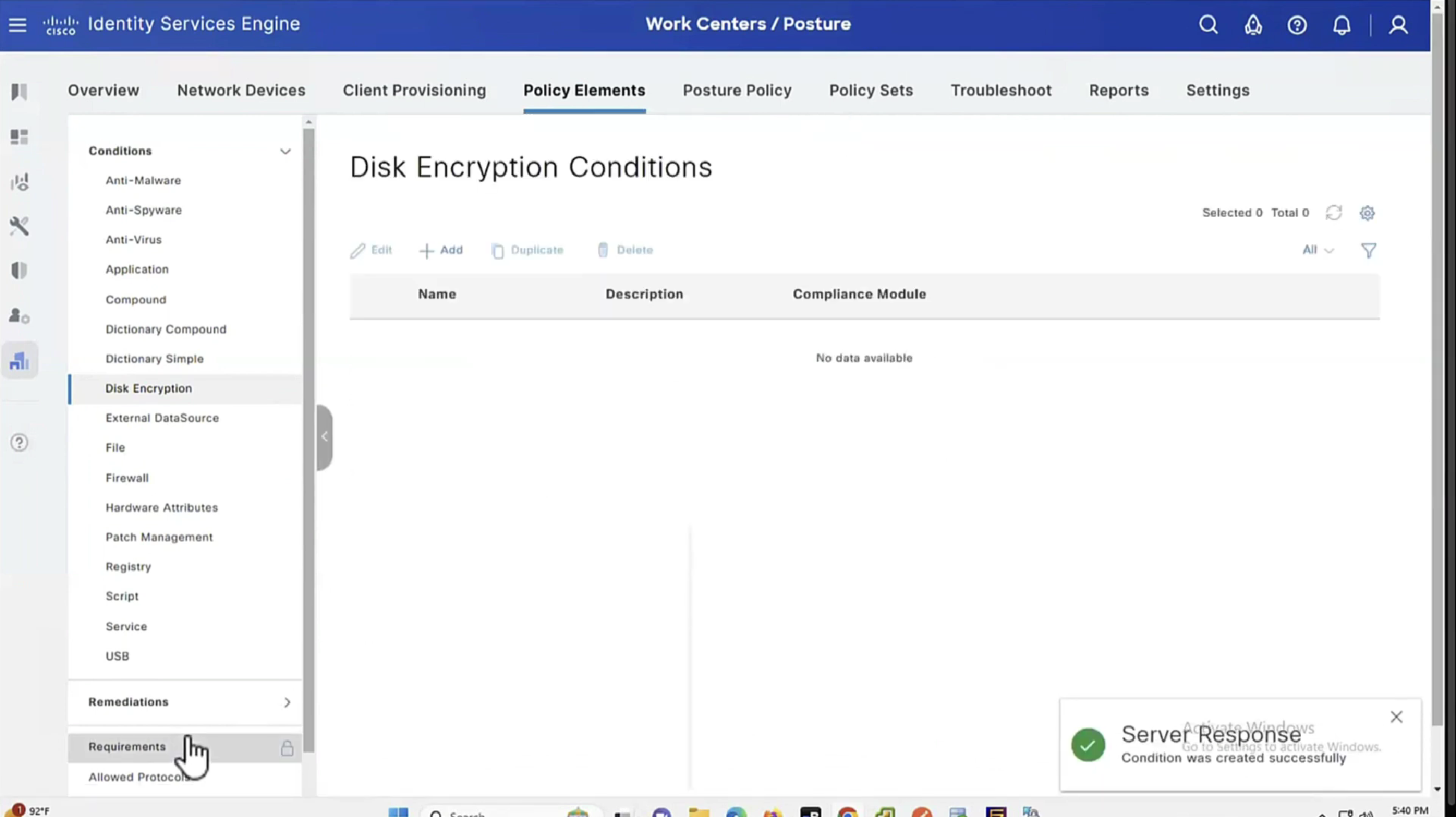


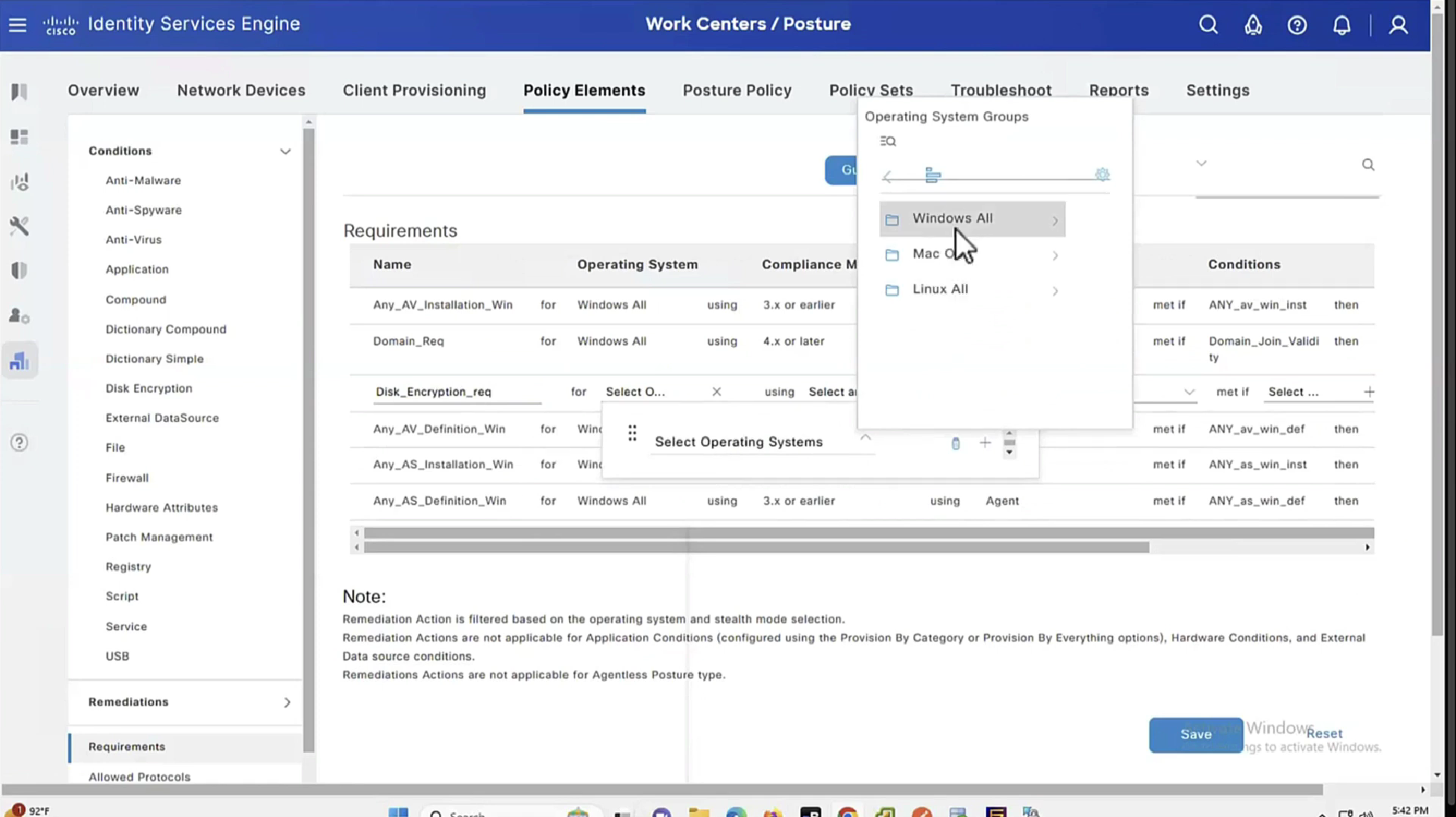
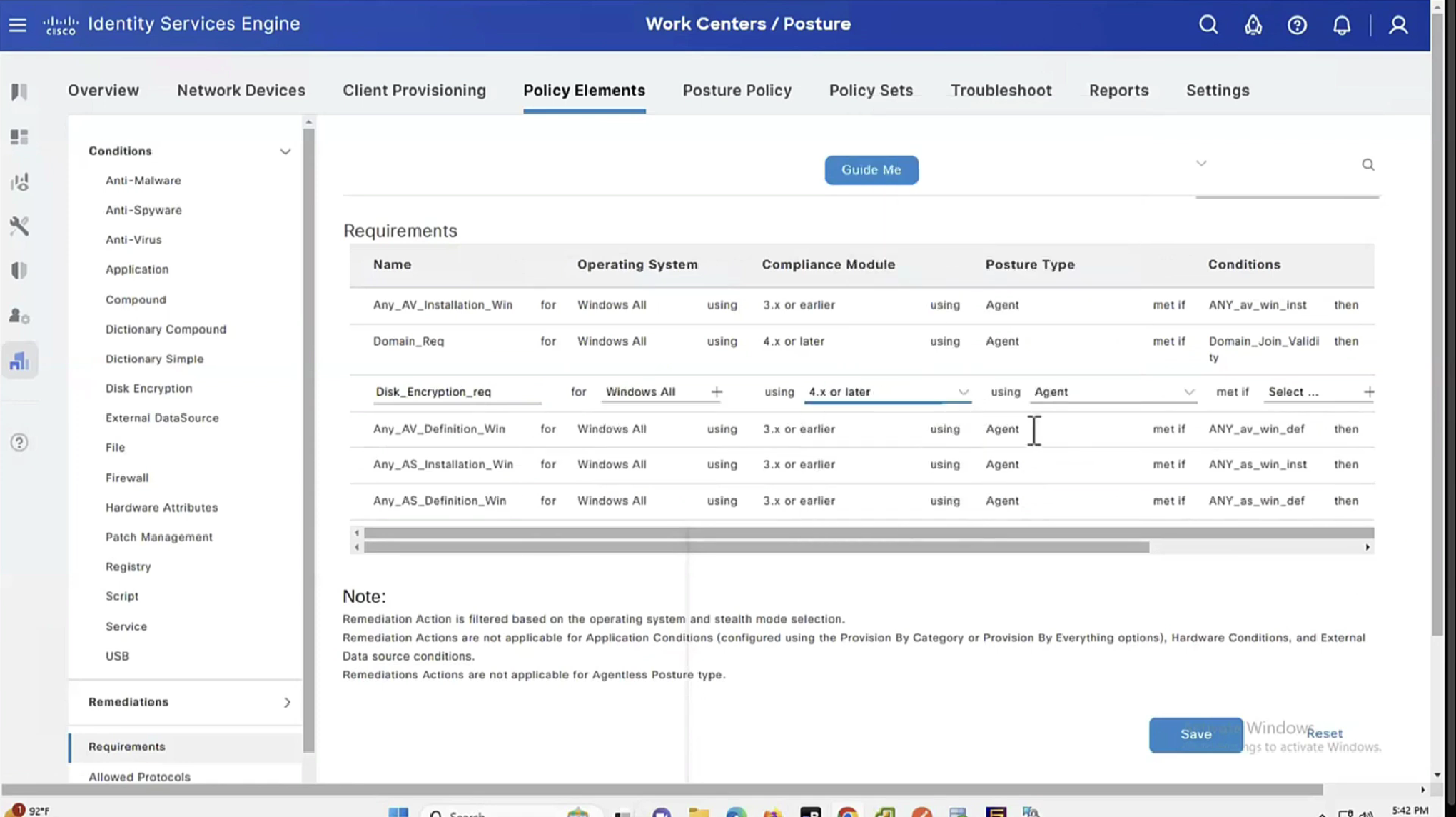


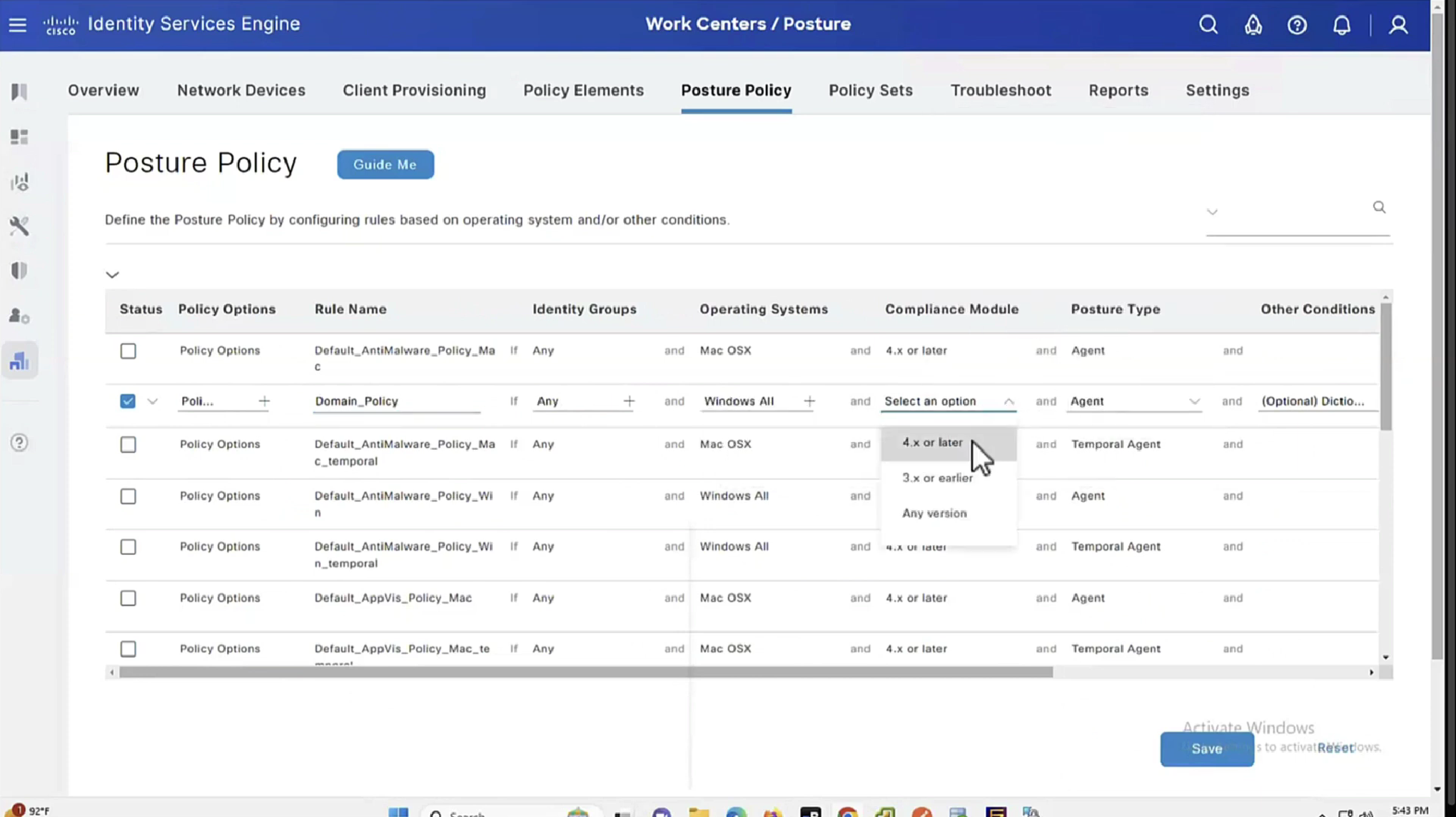


See how requirements for this policy when selected can be put into audit mode


We will make this requirement optional


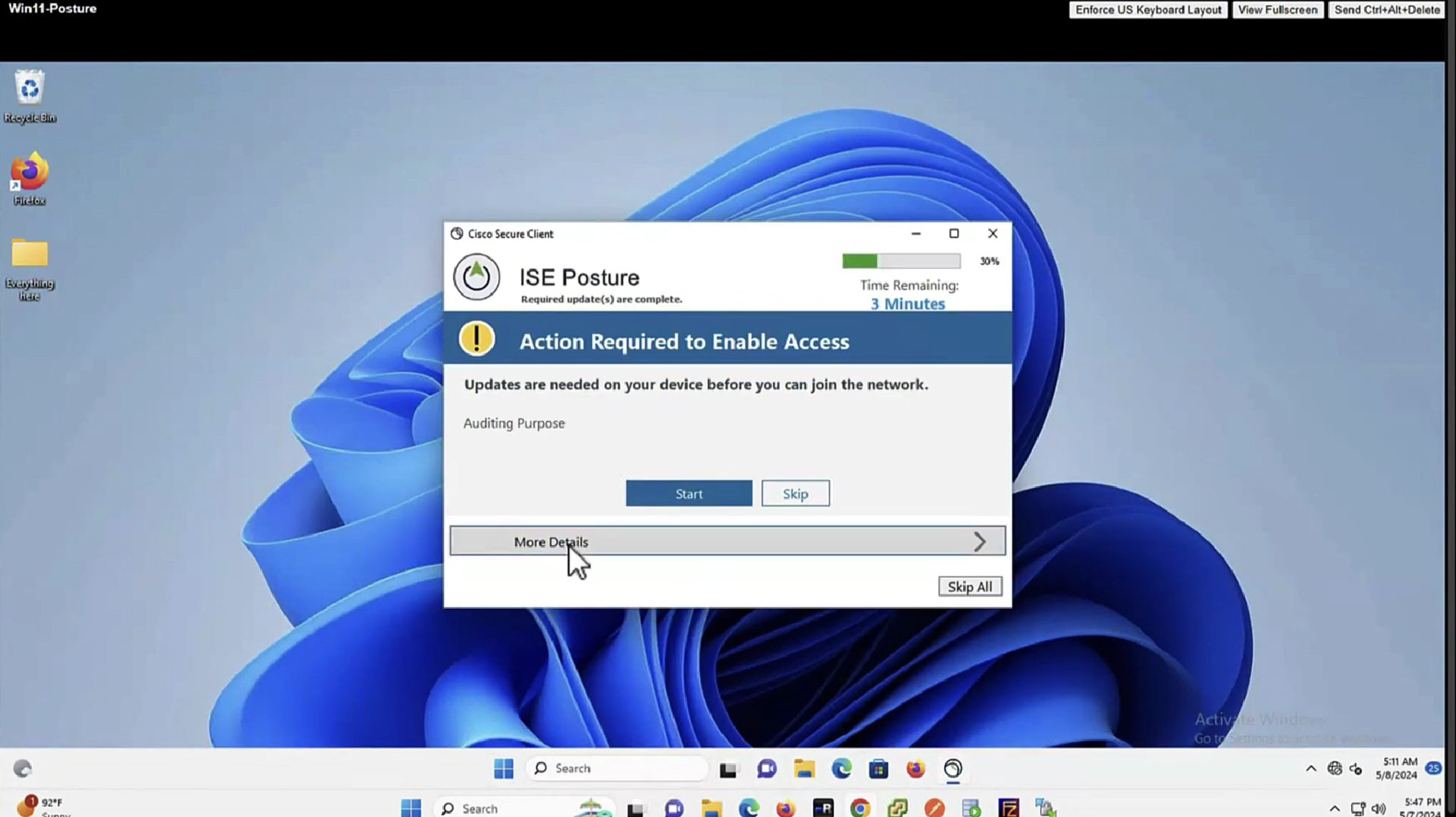

You will see, because we made Disk encryption “policy”‘s requirement to optional, user can actually skip it

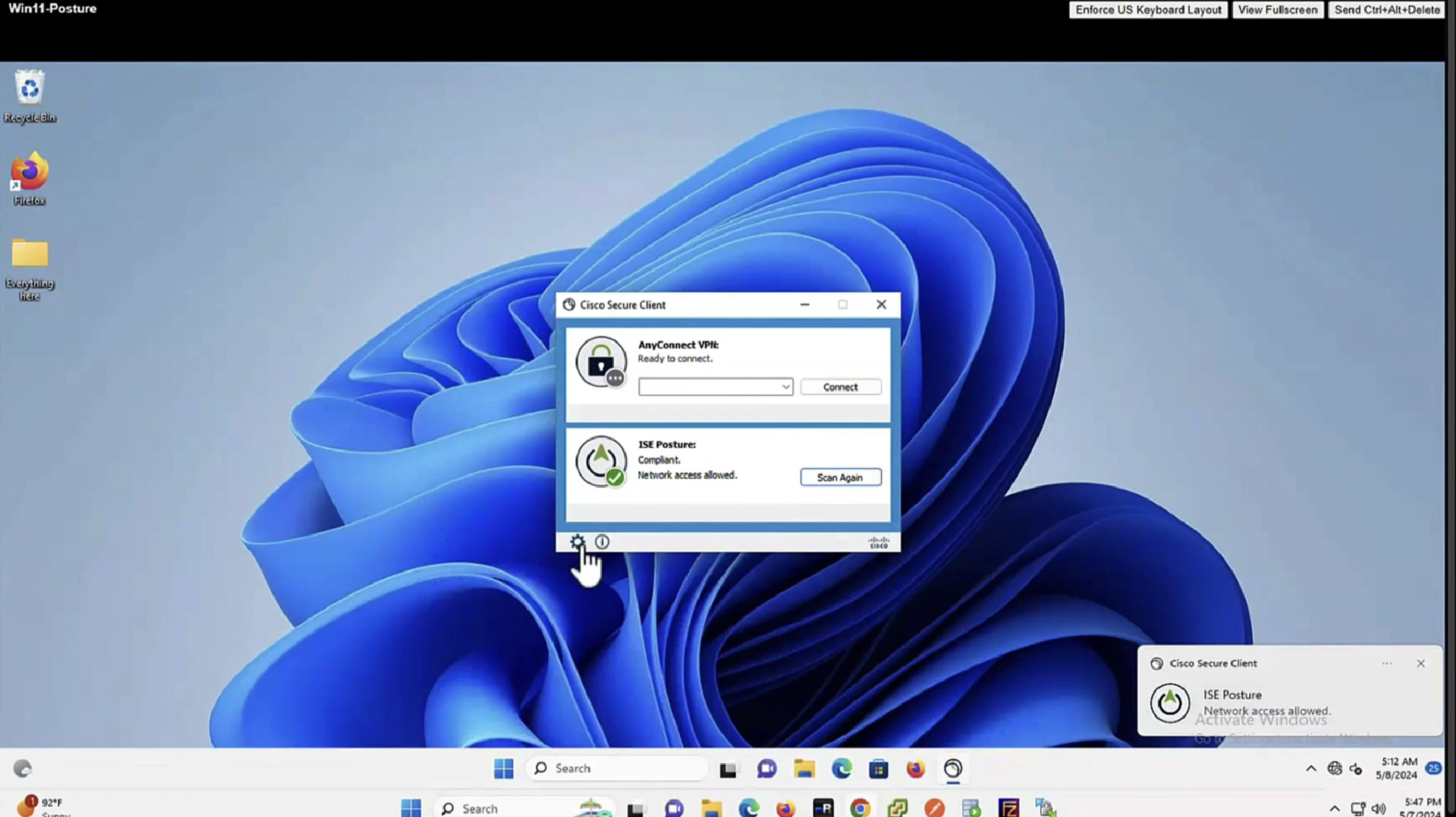
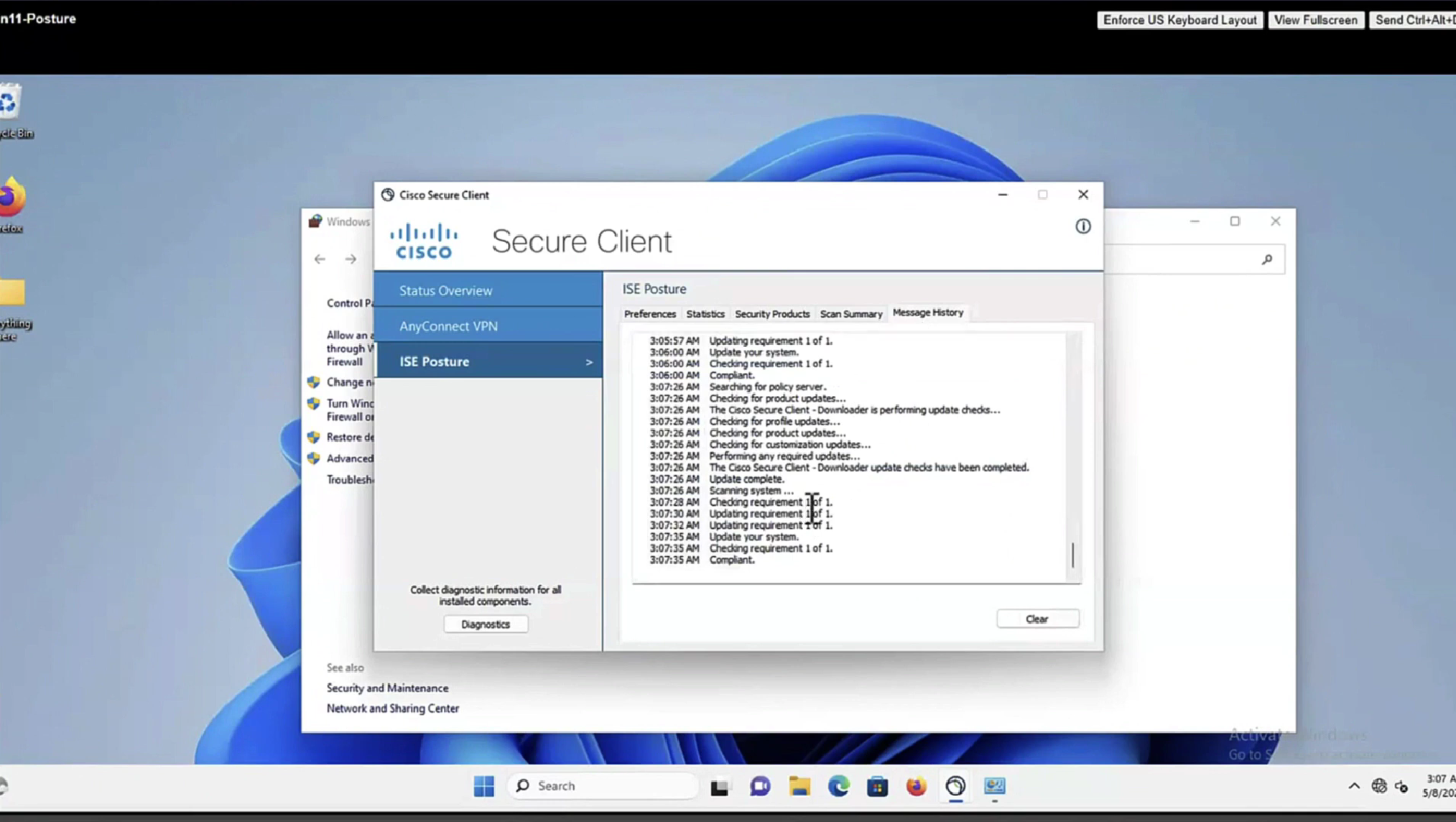
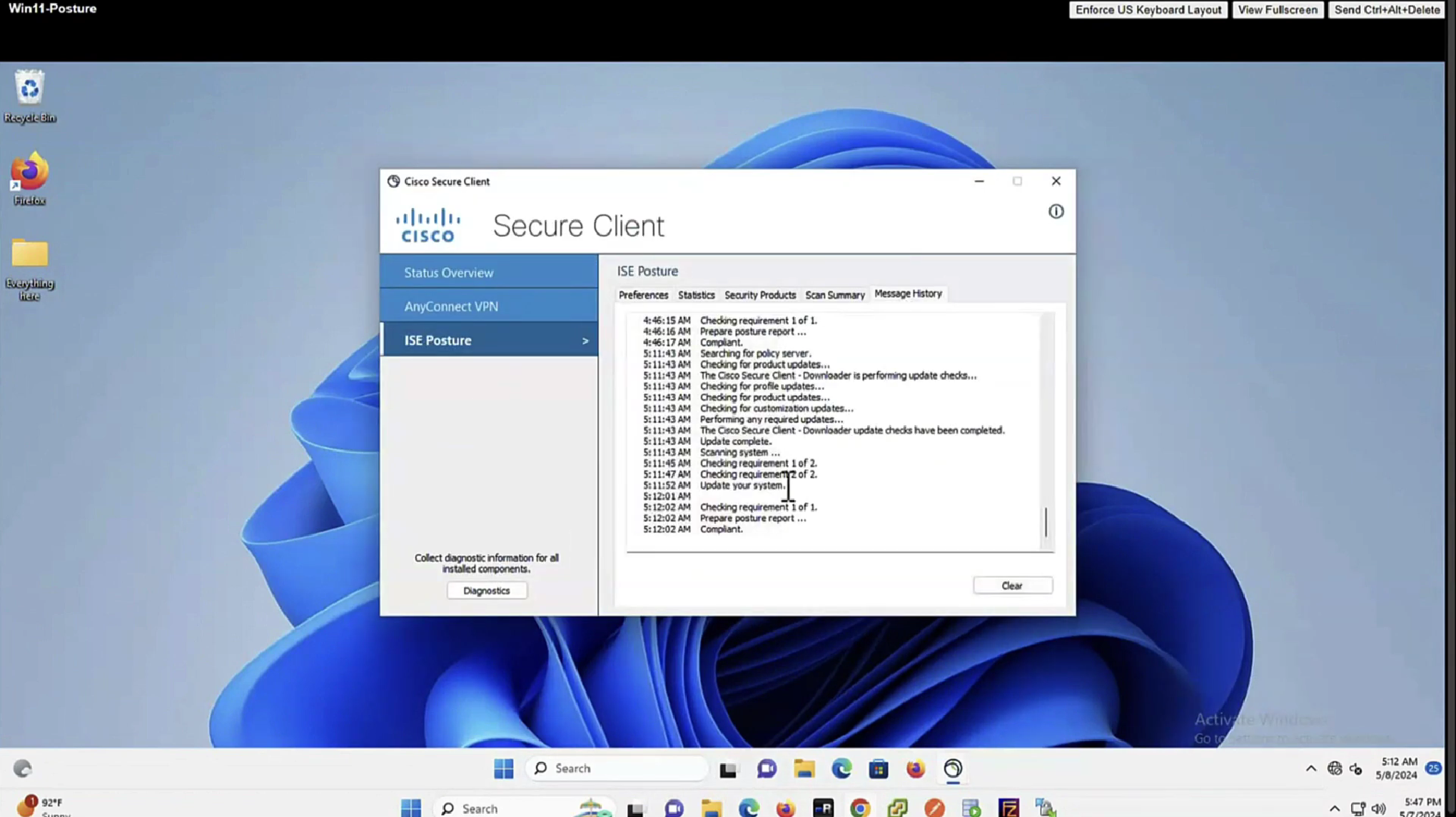
In message history section we can look at actions from agent
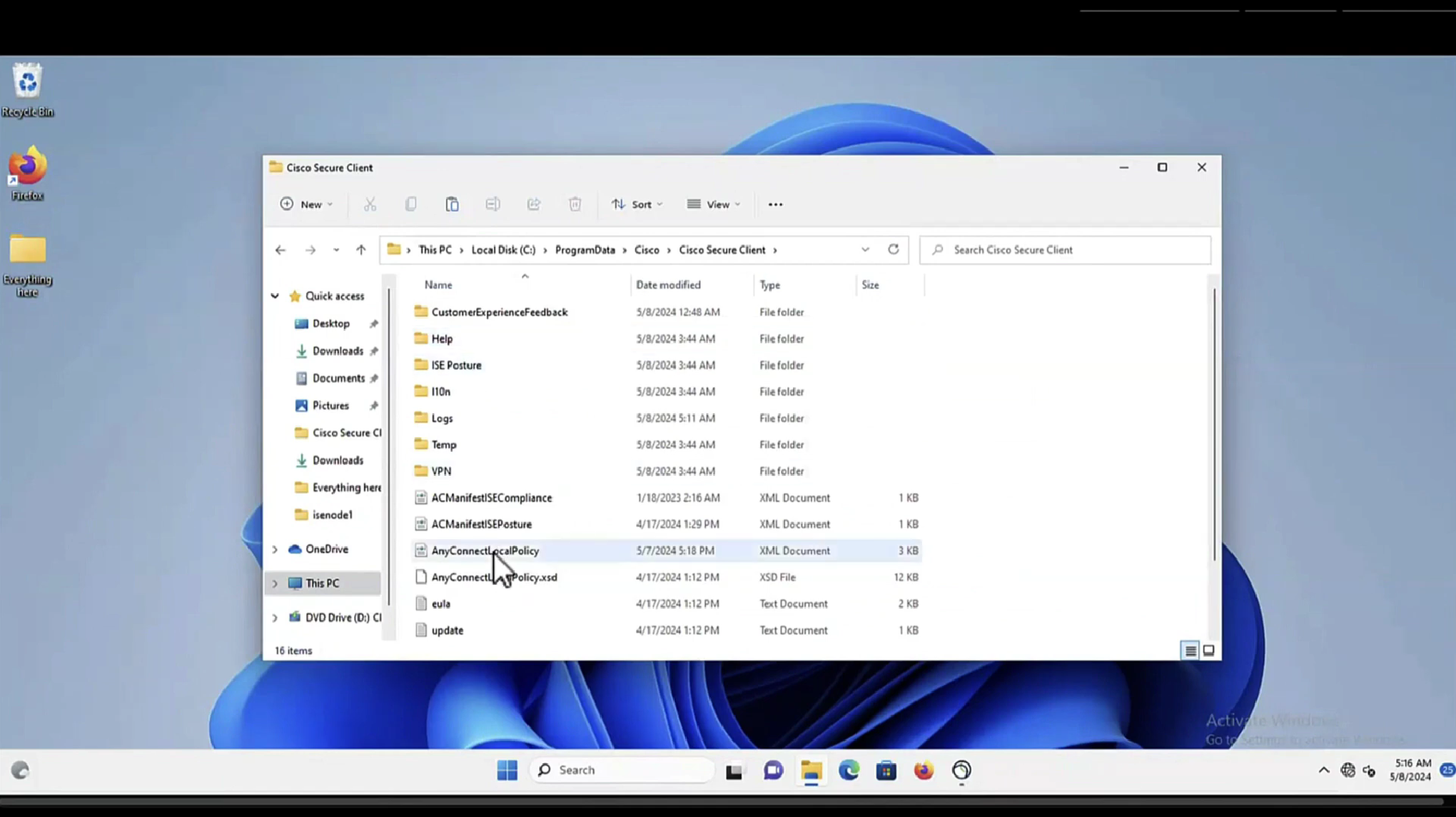
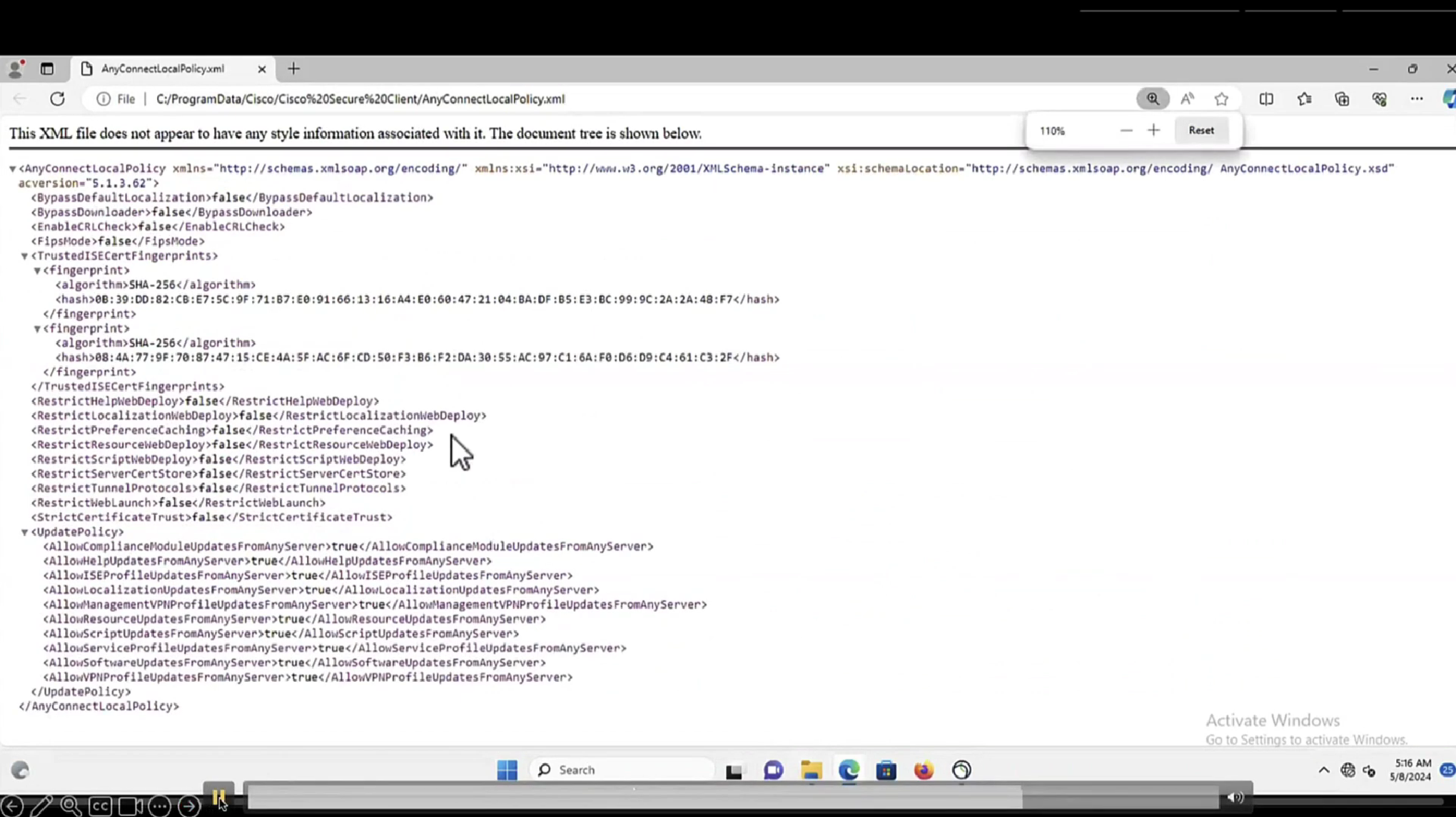
This file AnyConnectLocalPolicy.xml contains SHA-256 fingerprints
and these need to present in this file in order for script based conditions to run, These fingerprints are from certificates of the PSNs, and these have to be added here manually, unfortunately this cannot be done from ISE and has to be done manually, each PSNs fingerprints from certificates need to be added in this file through software distribution systems
If you don’t have that fingerprint configured in AnyConnectLocalPolicy.xml then these script based conditions will not be successful

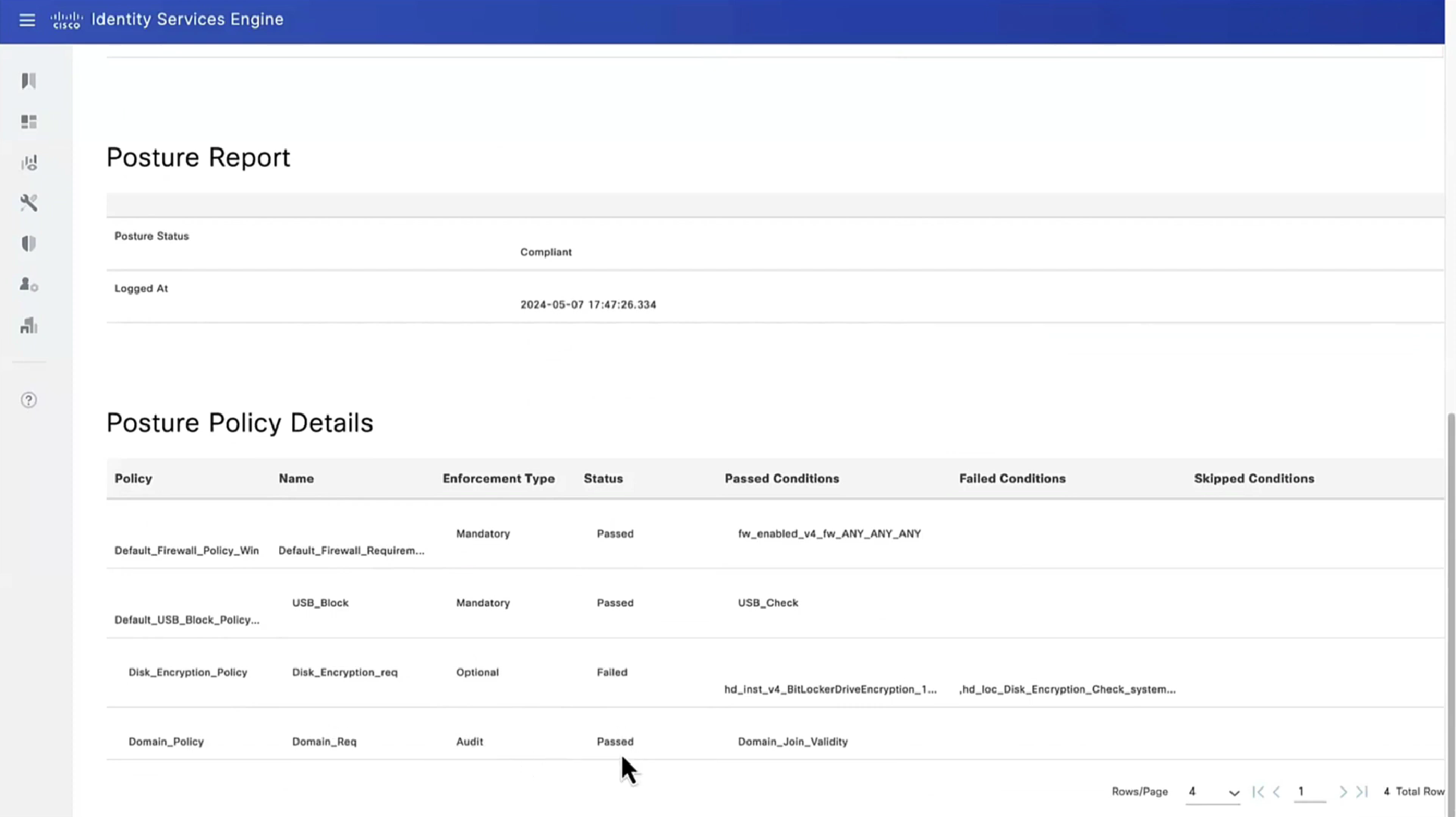


Report – Posture Assessment by Condition is important to see how many clients are failing which conditions as in a corporate environment you want to know how many endpoints need fix


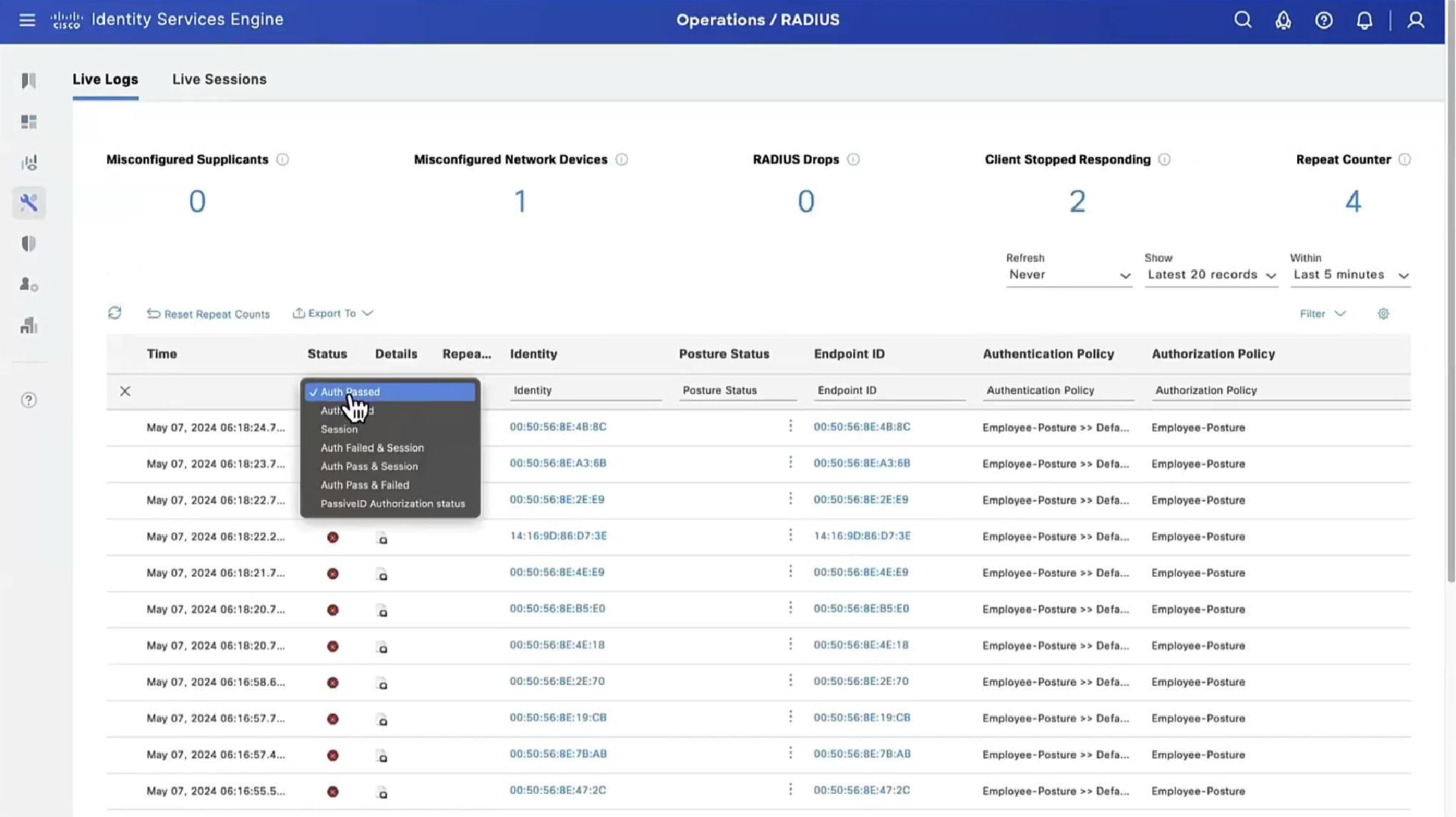
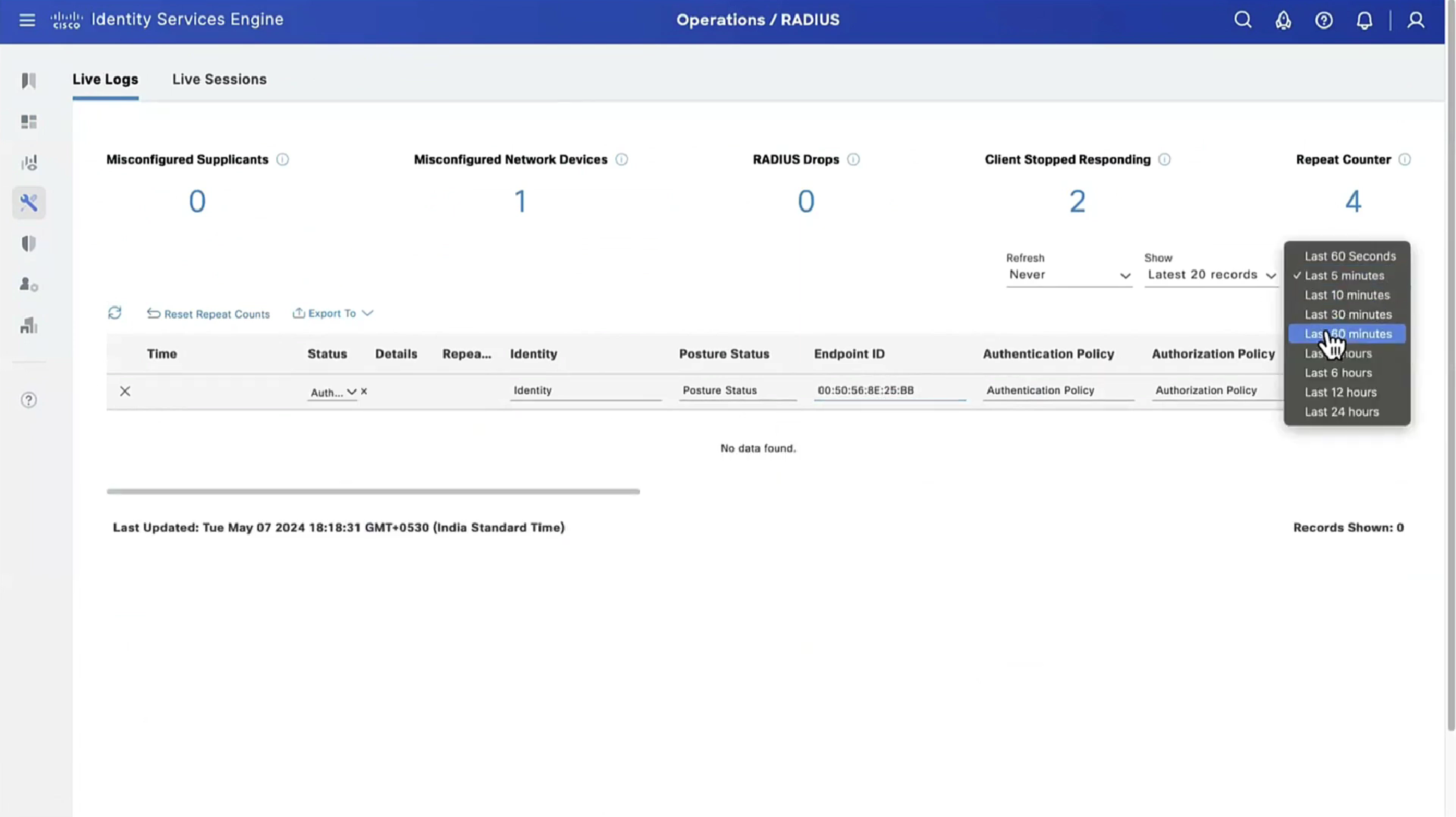
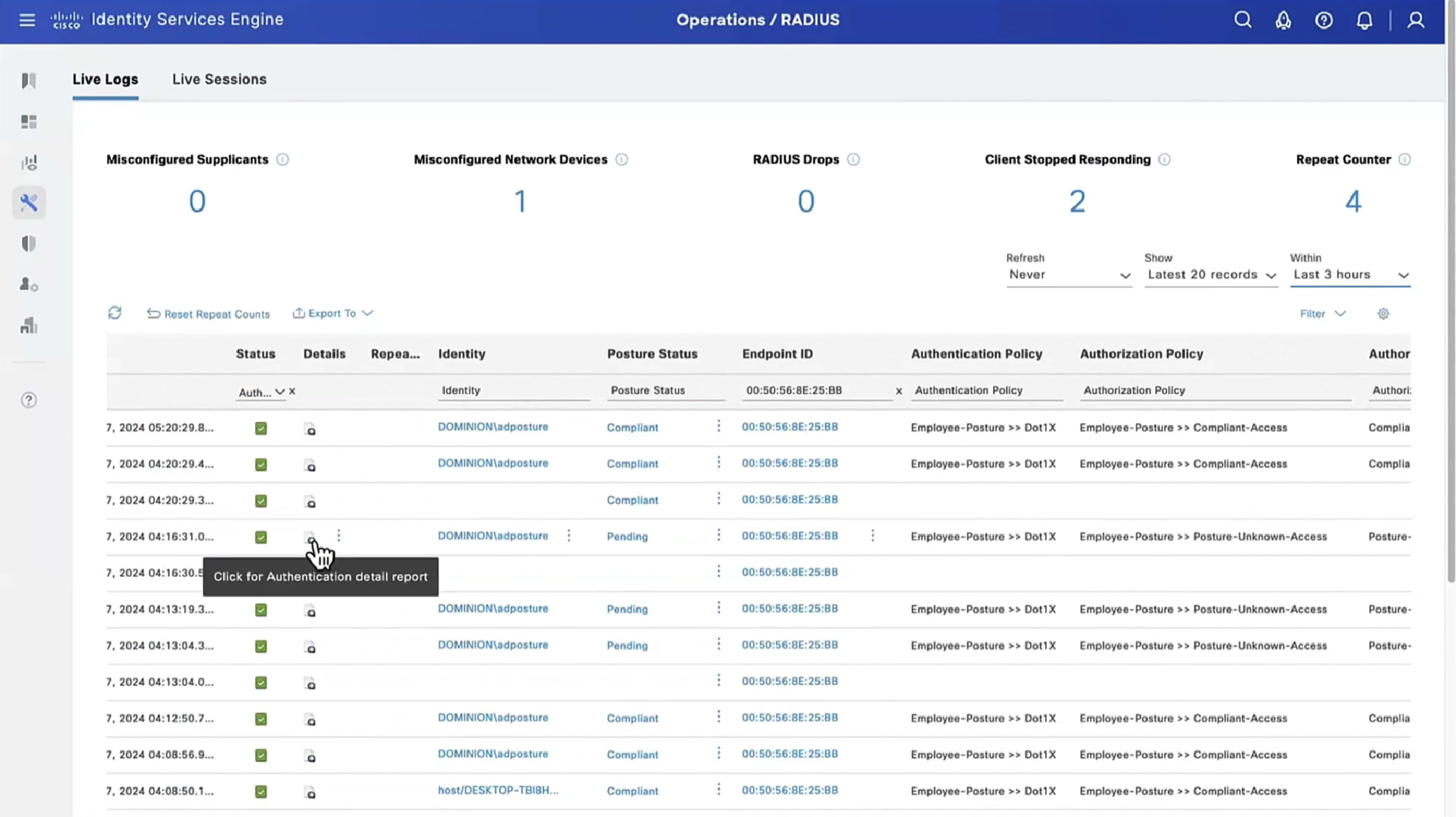


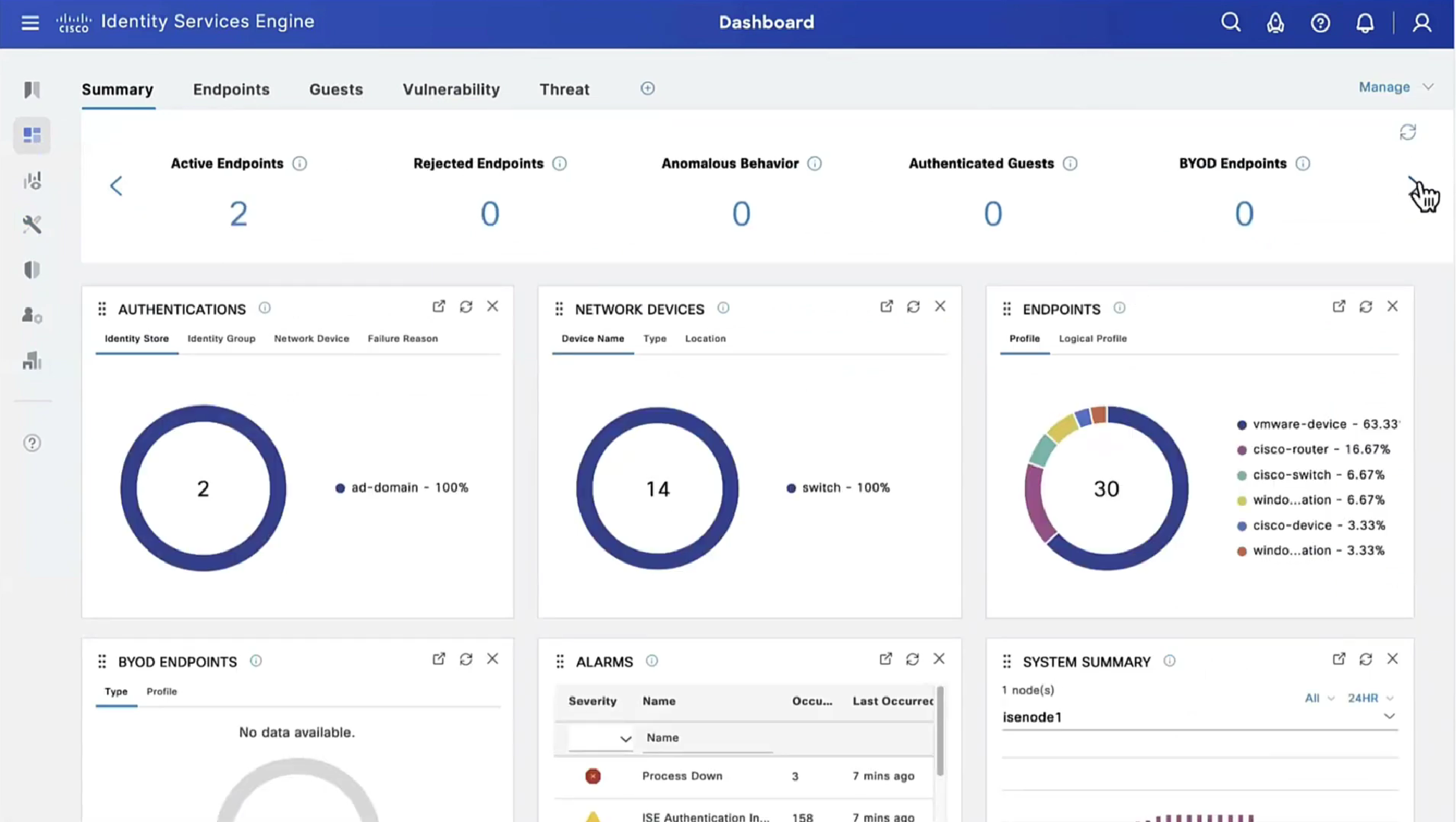
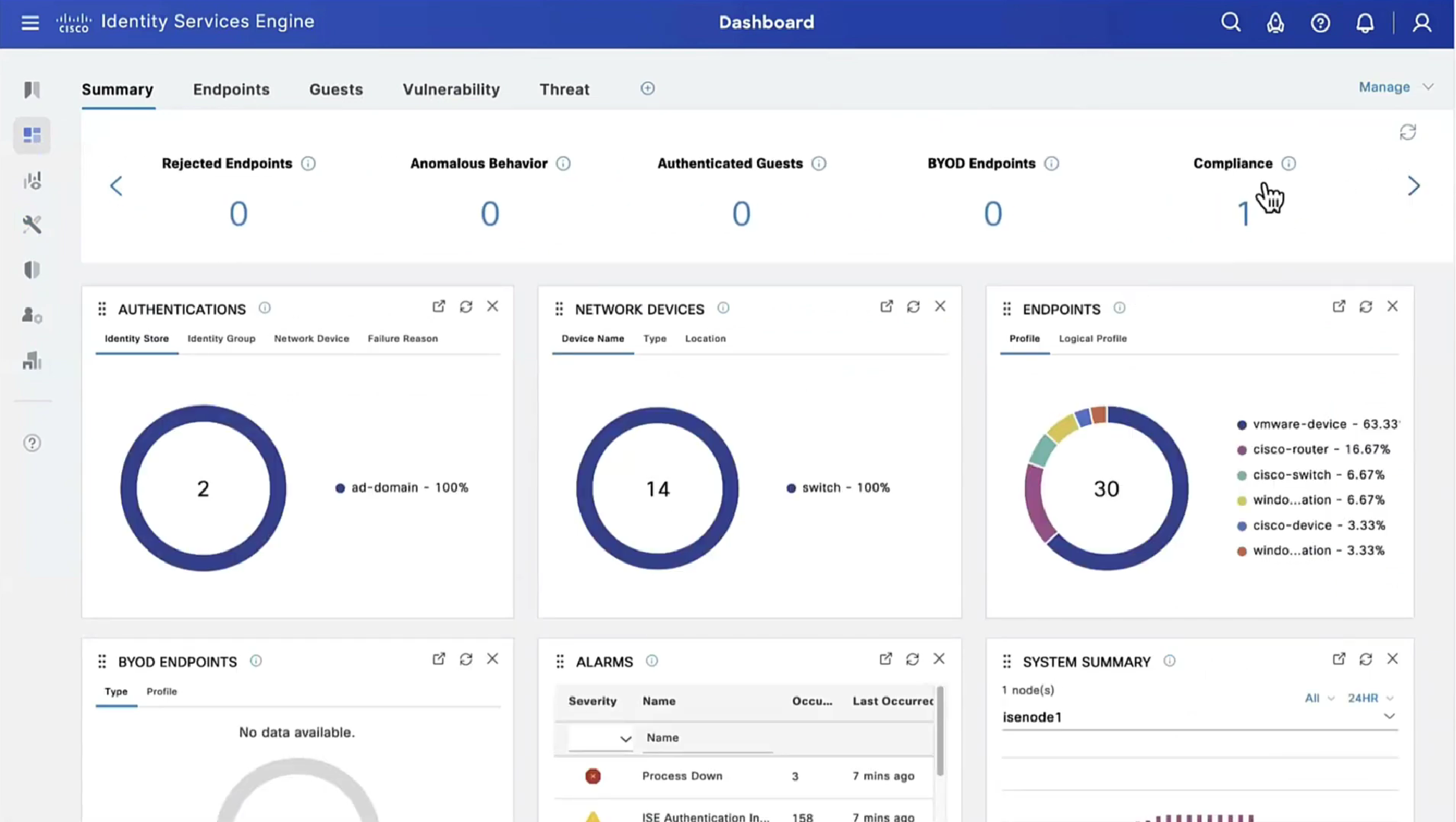
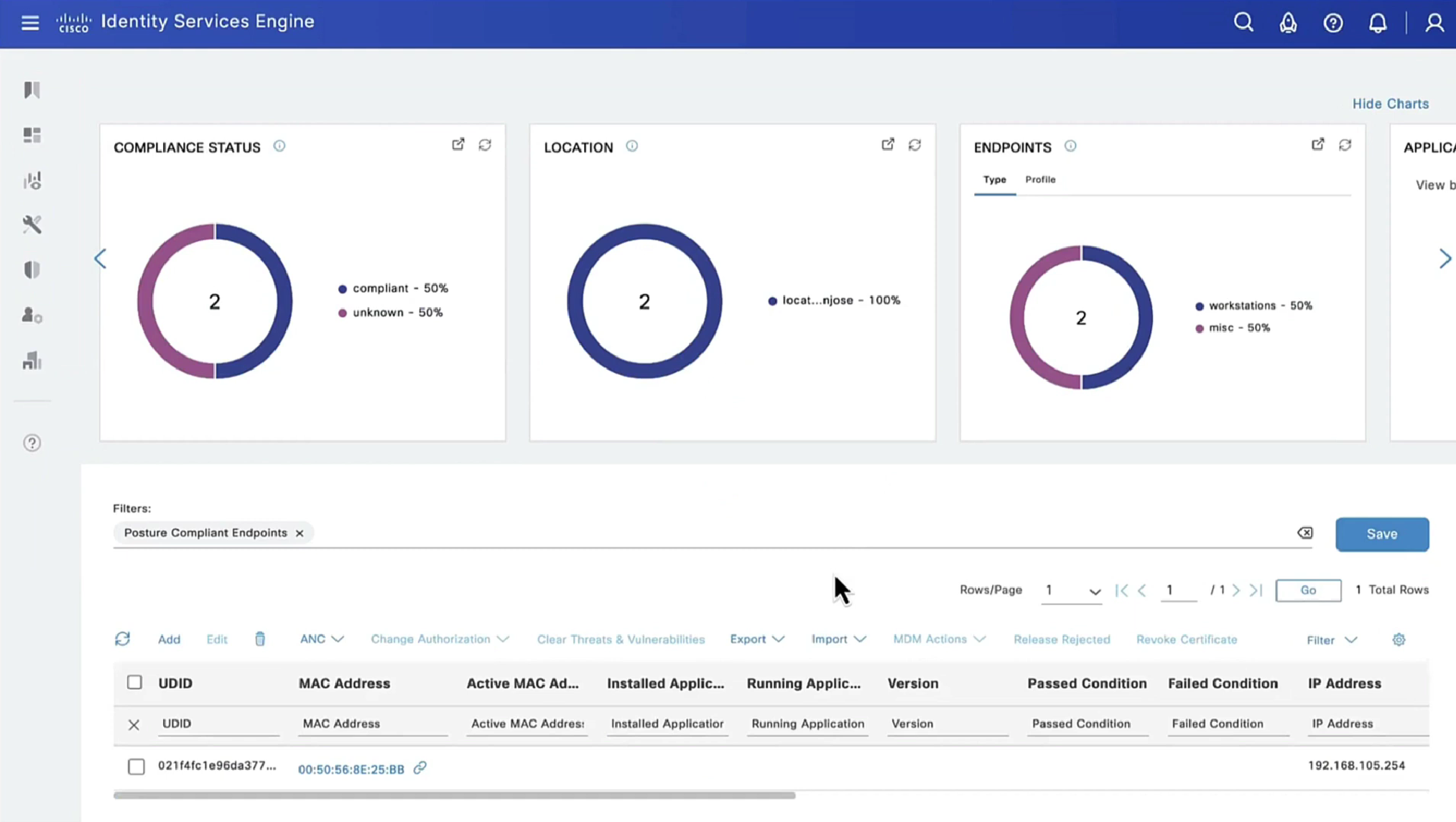
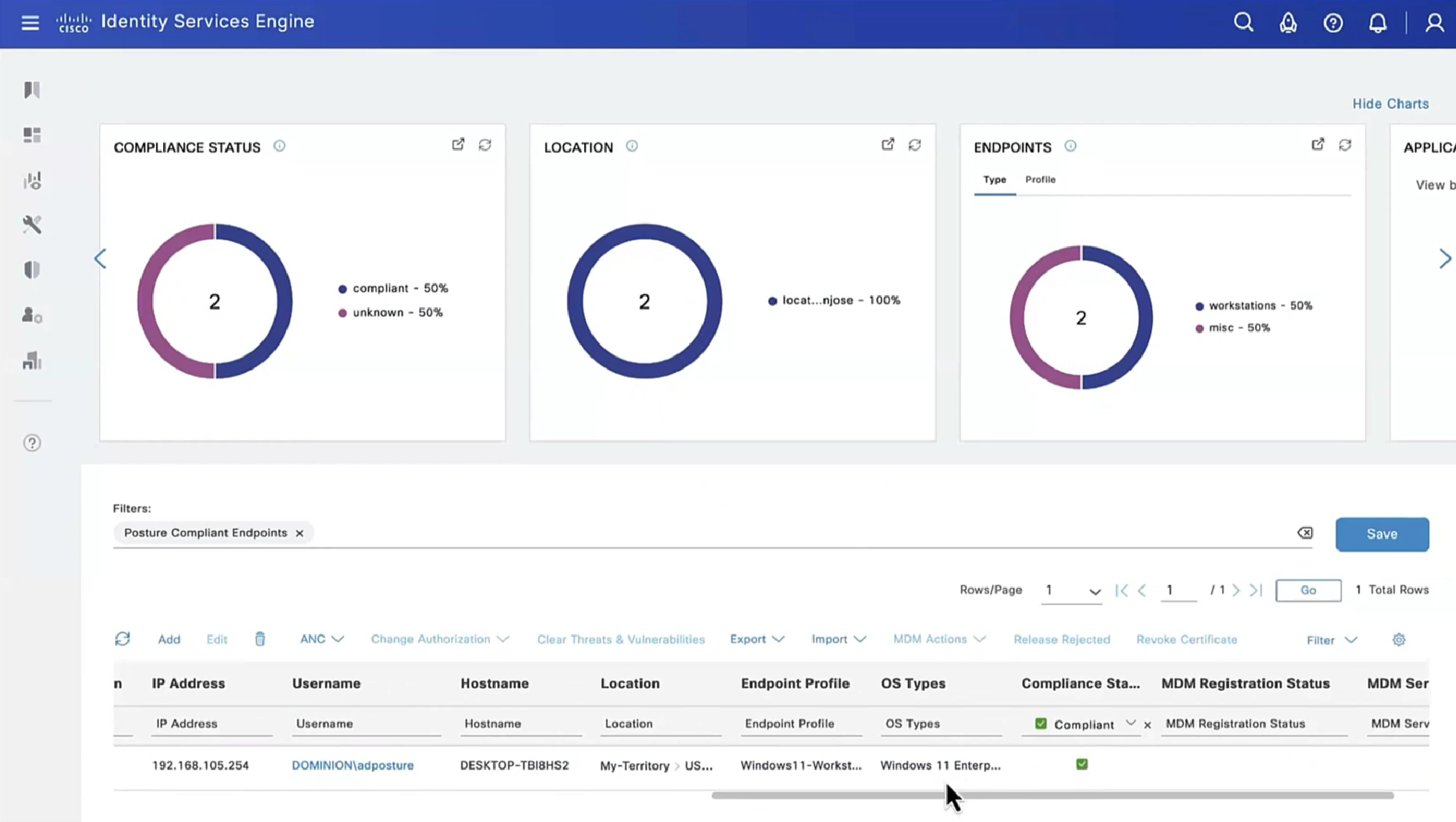
This filter gets applied as we click on compliance numbers on dashboard


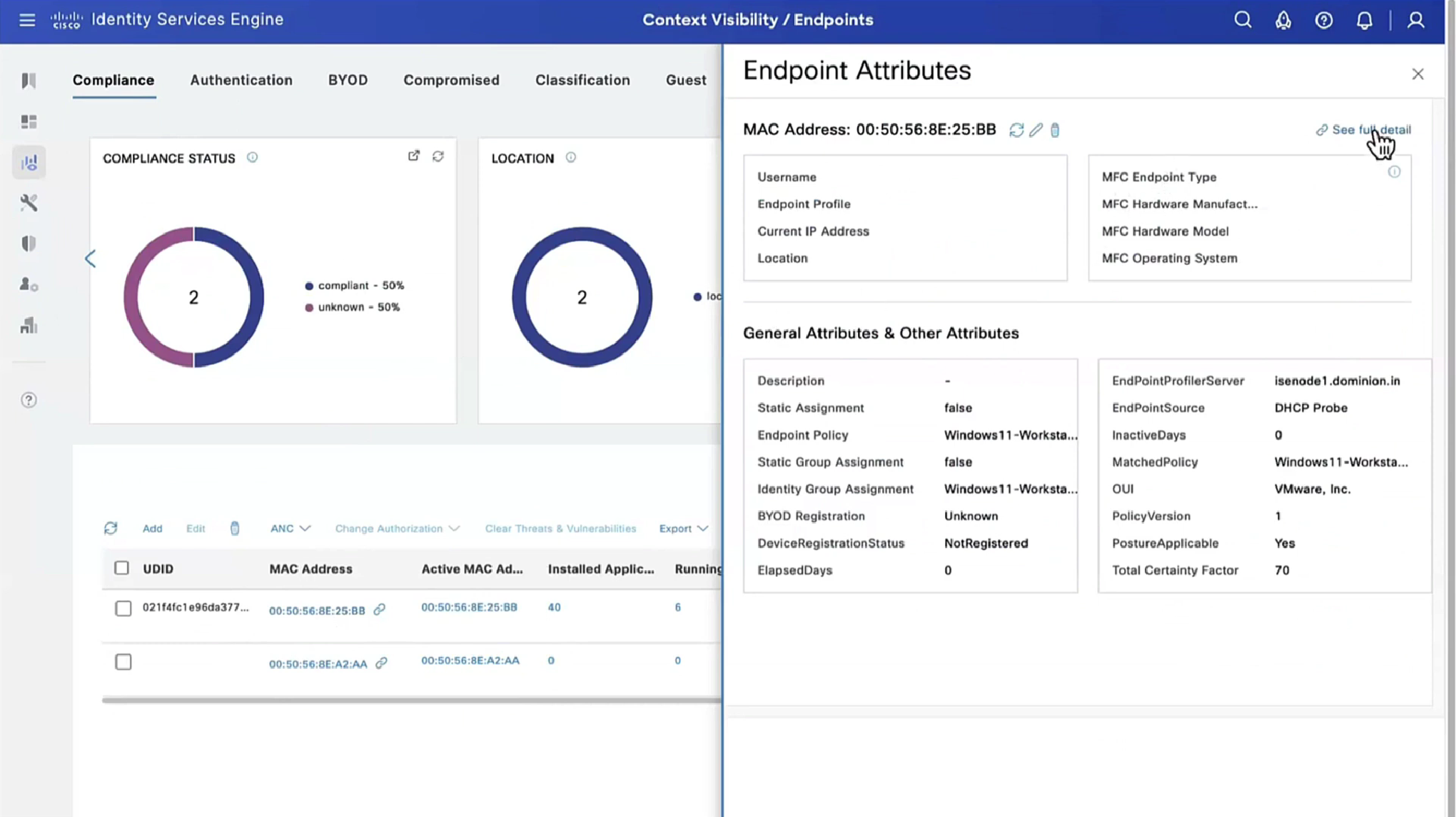
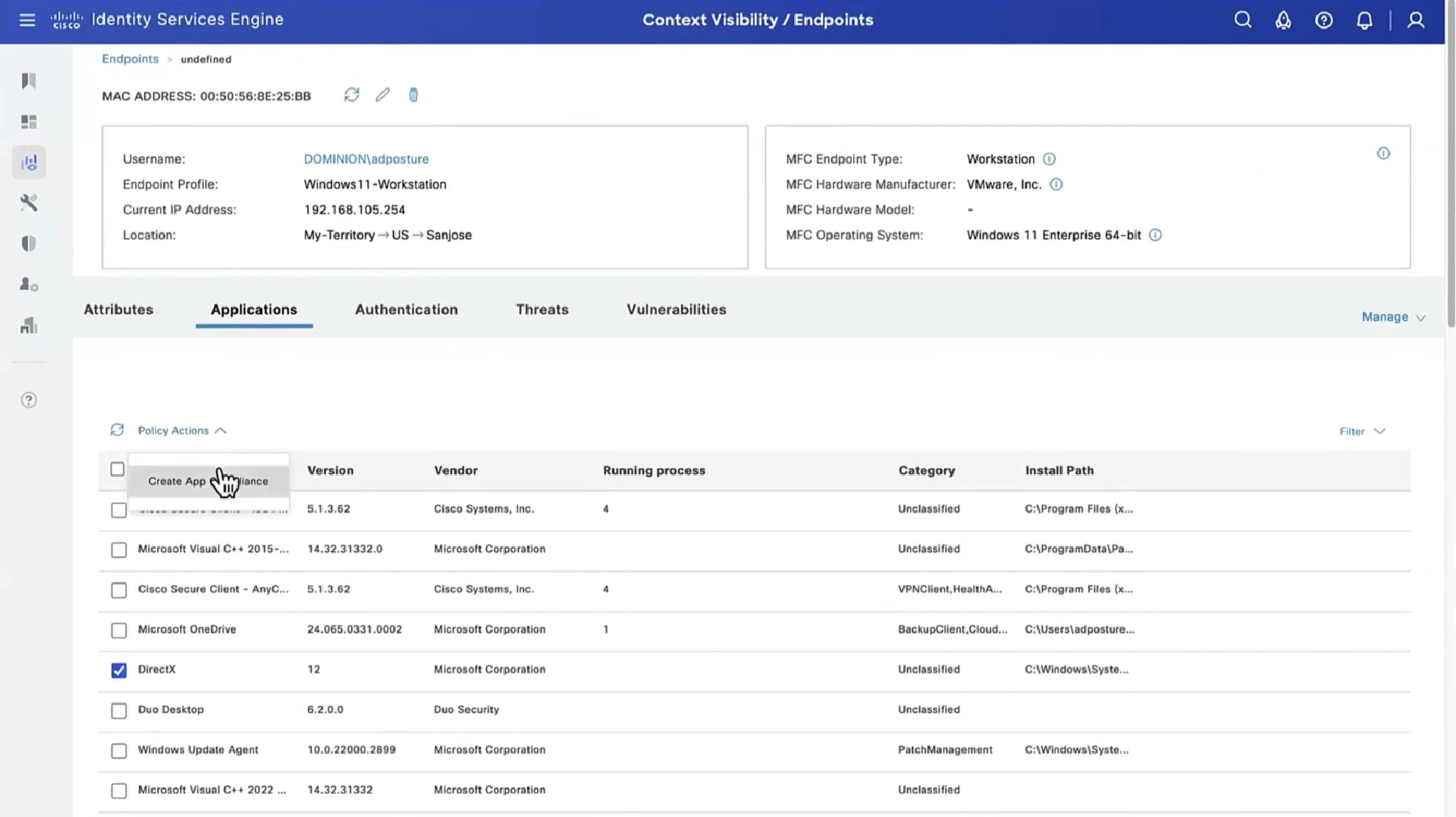
Applications installed on endpoint




If you have 3rd party NAD in network, it must support URL redirection with session ID and CoA

