Cisco | ISE Posture 2
Posture Settings
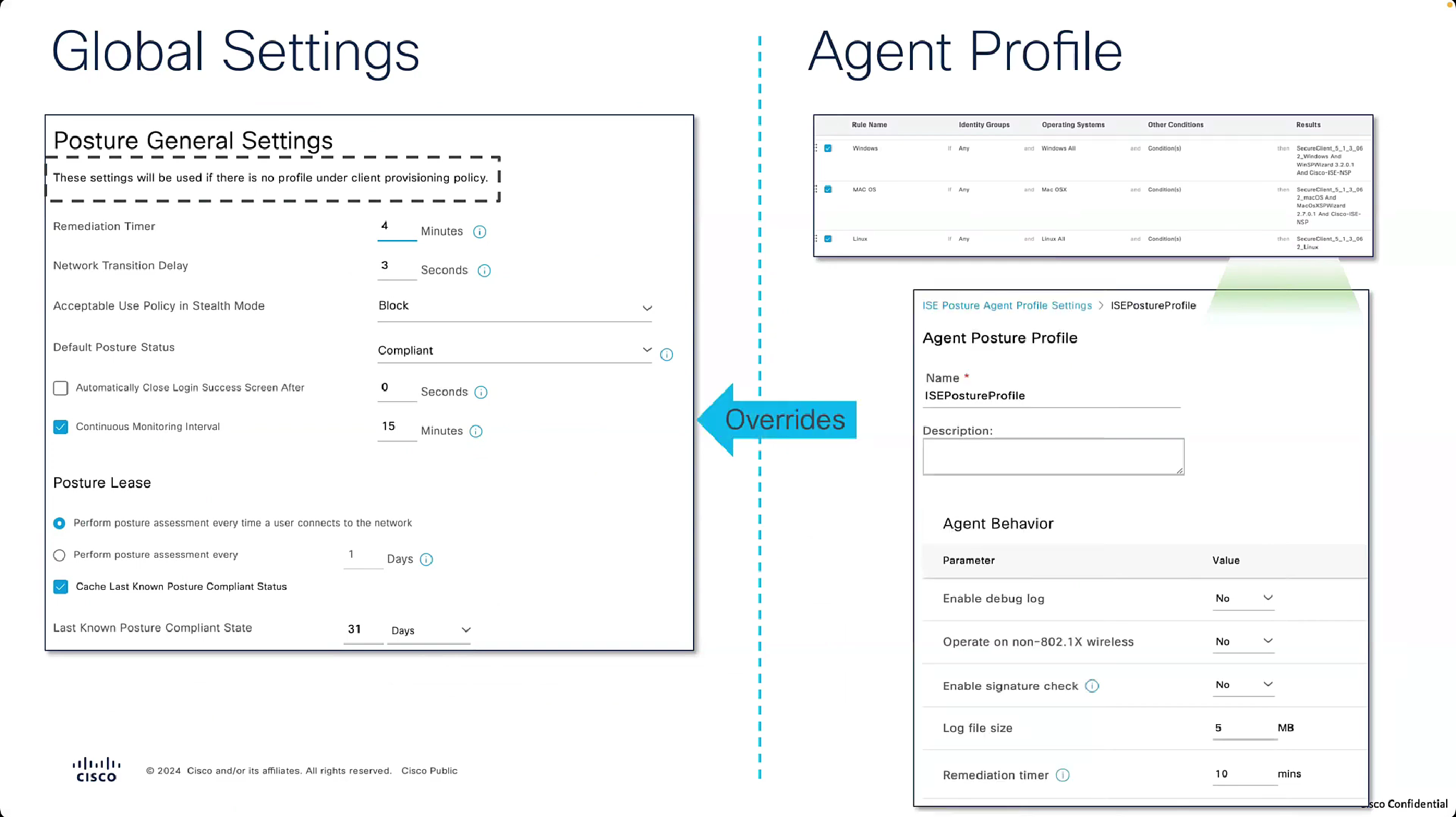
“These settings will be used if there is no profile under client provisioning policy”
whatever is defined in Agent profile, that overtakes these settings in Global profile
if no agent profile is assigned in client provisioning policy then these global setting will apply



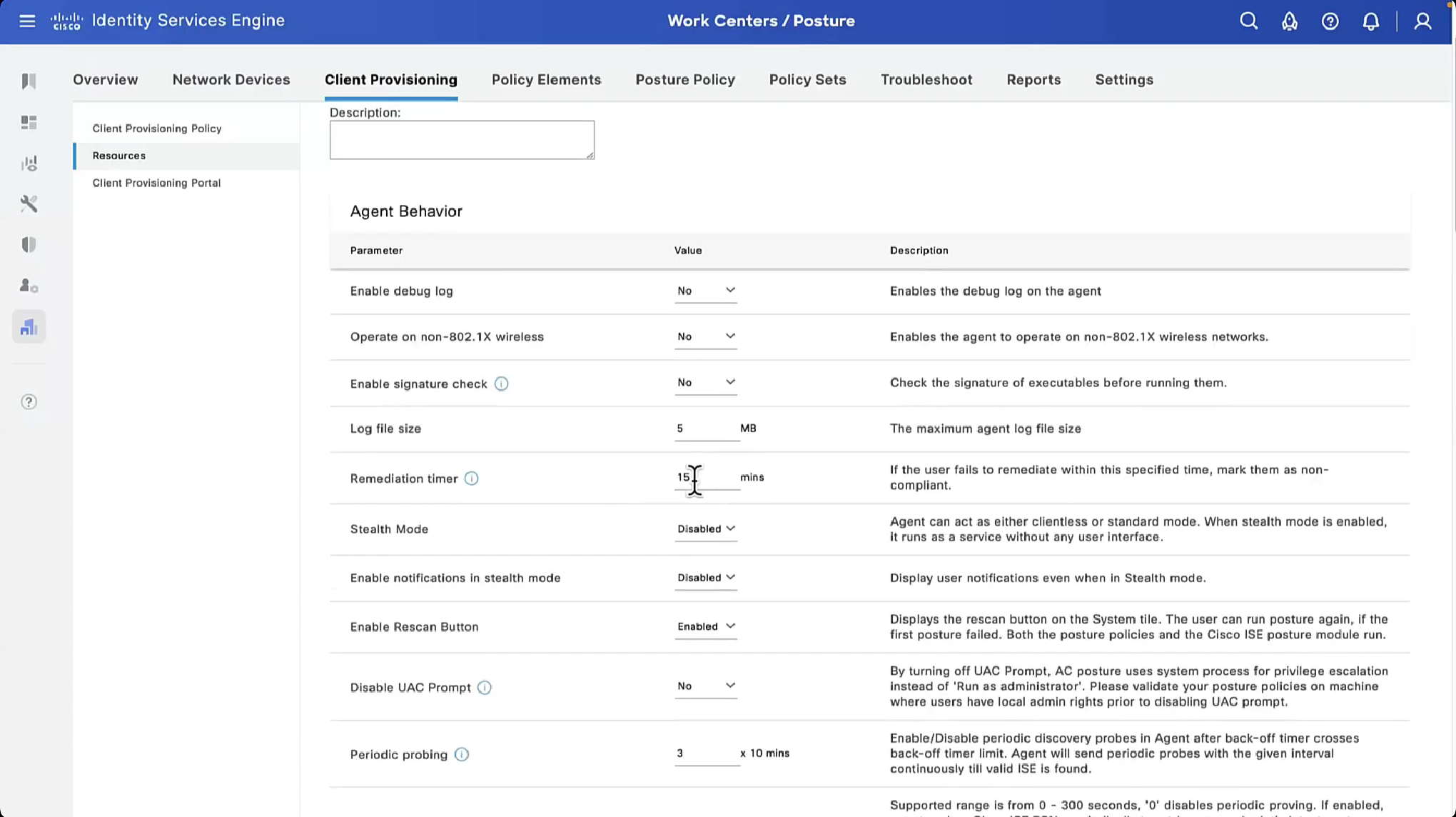

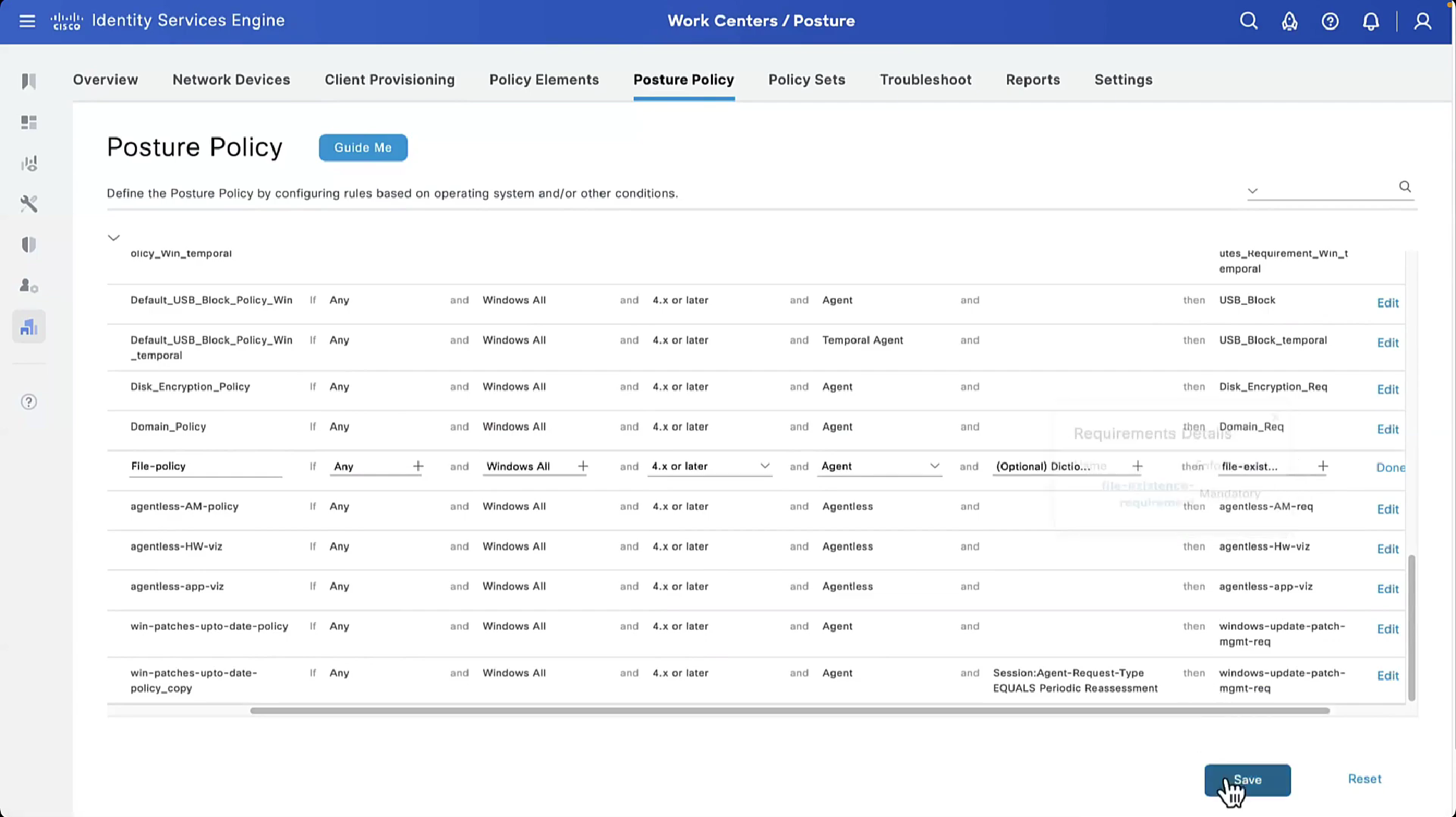


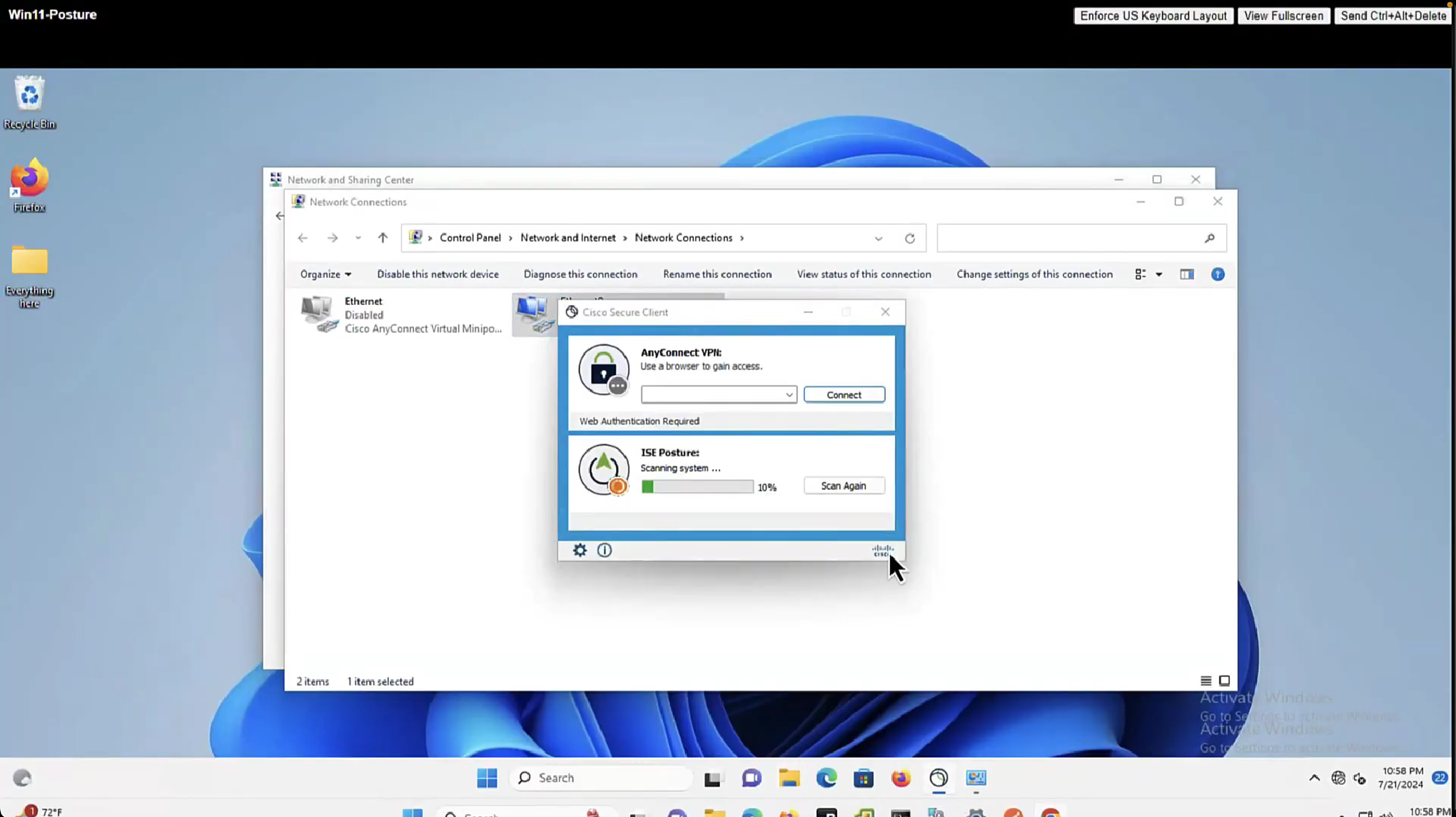
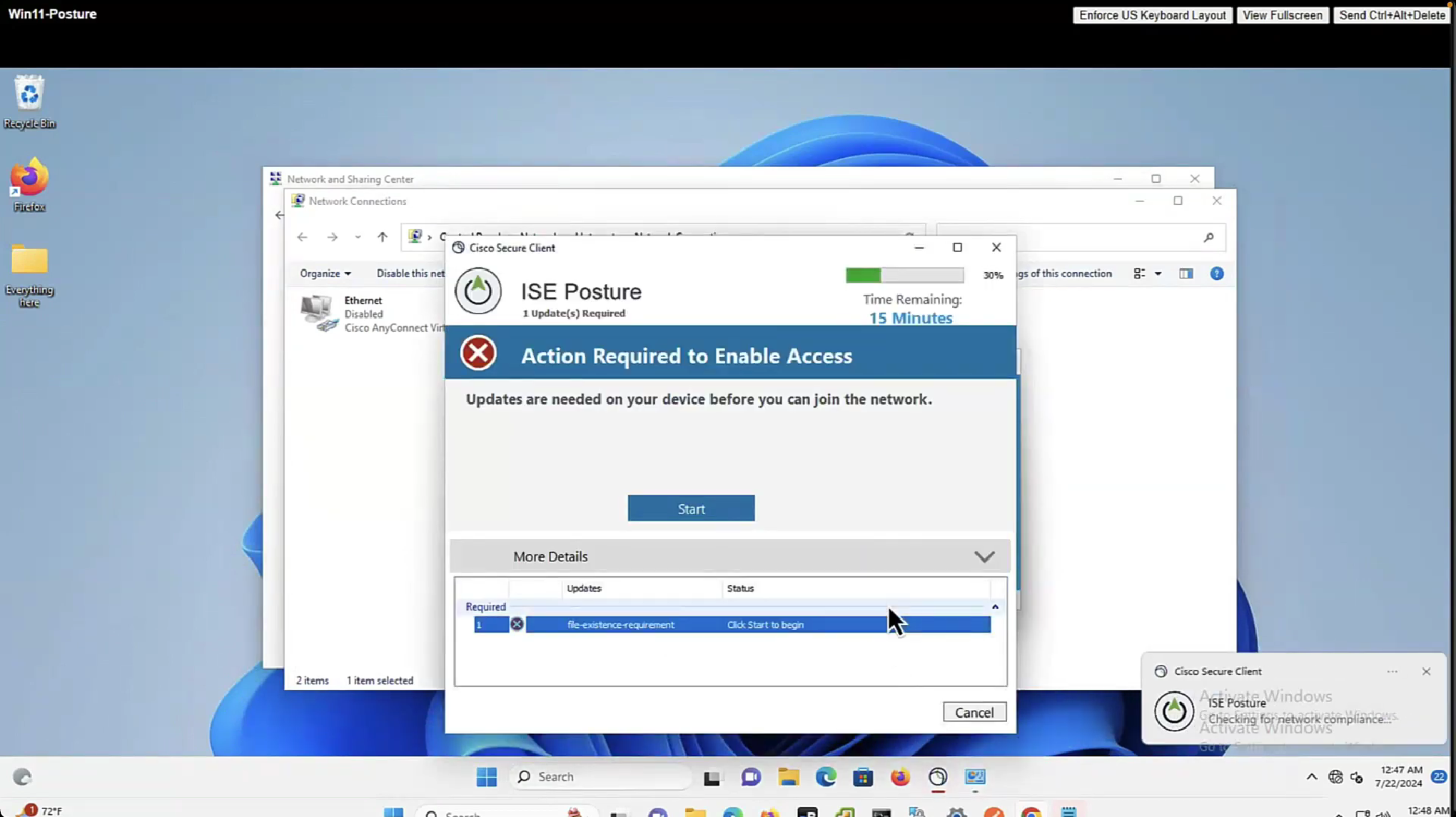
now it shows 15 minutes

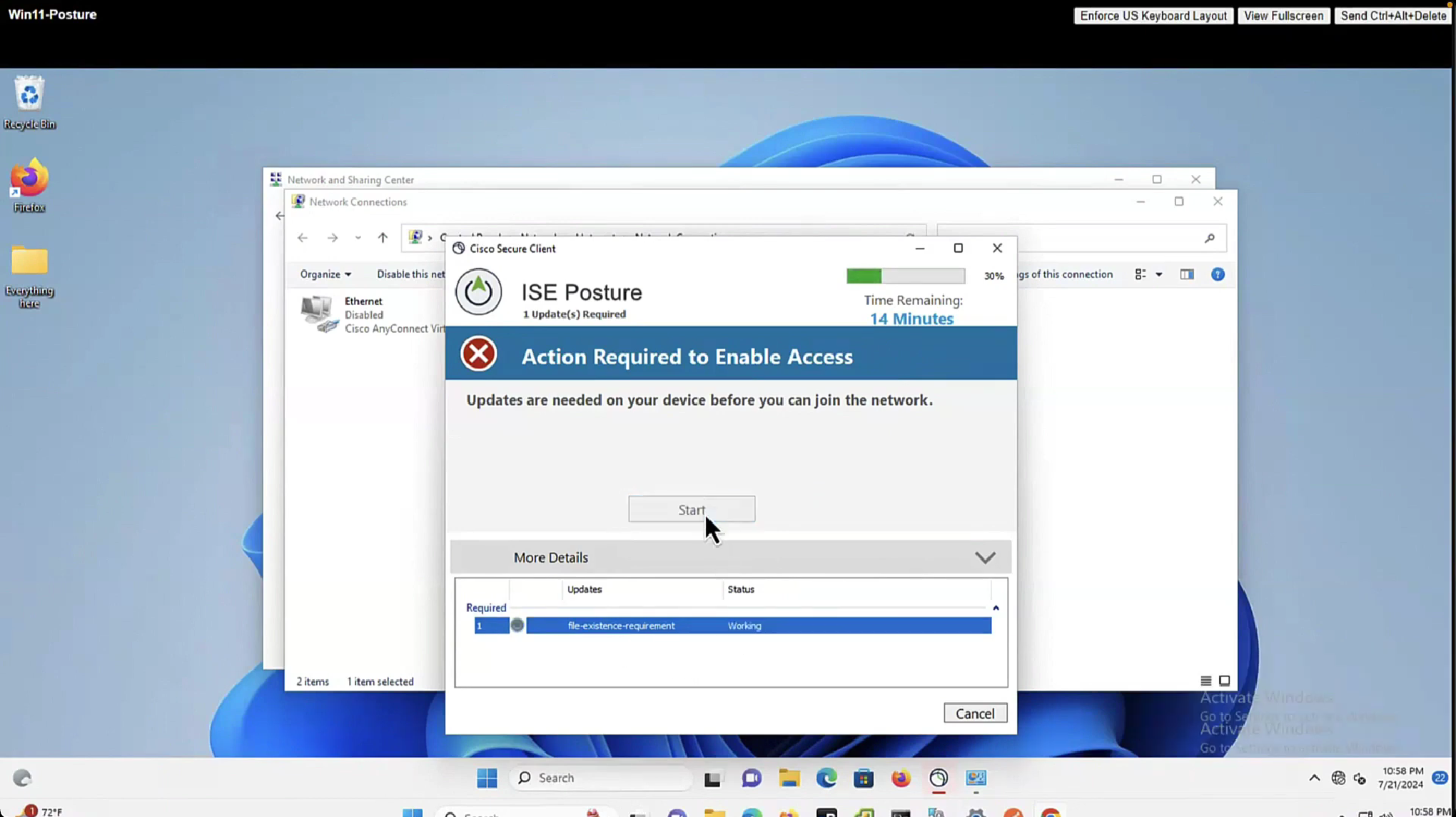
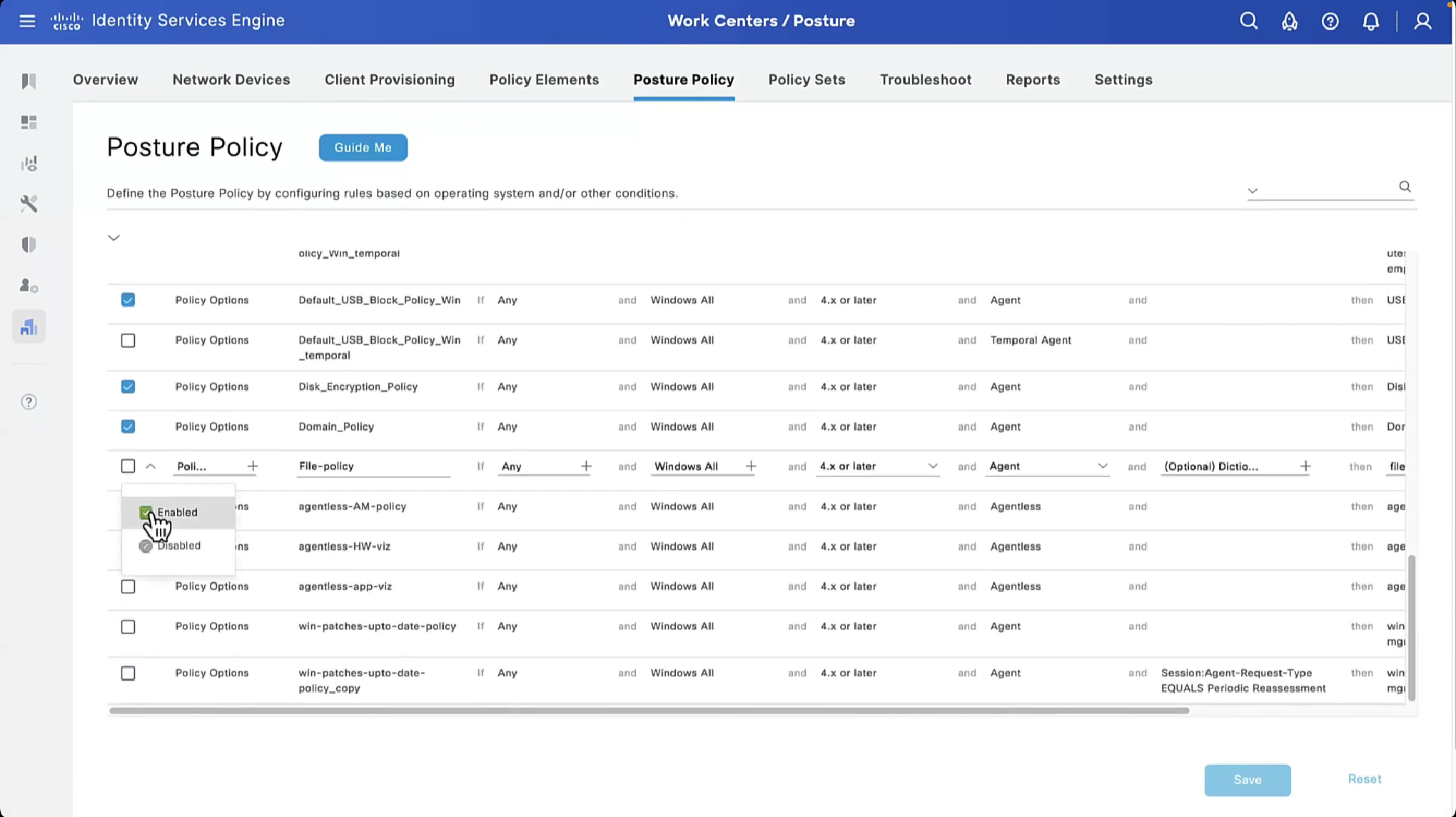
As part of the remediation, demo.txt file is allowed to download and as it downloads, posture becomes compliant


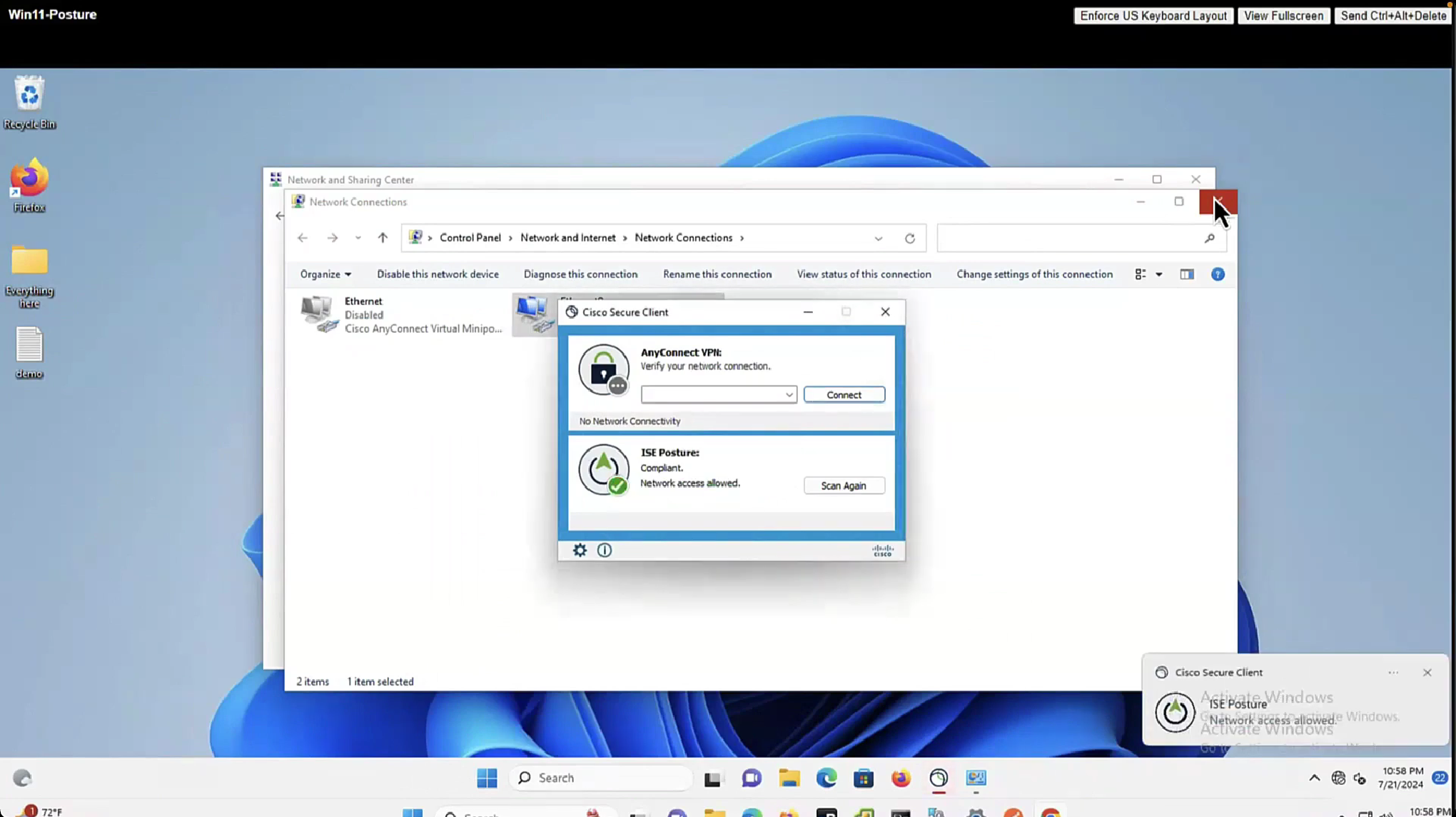

By default and as shown in Global Settings, client goes through posture assessment as soon as it connects to the network

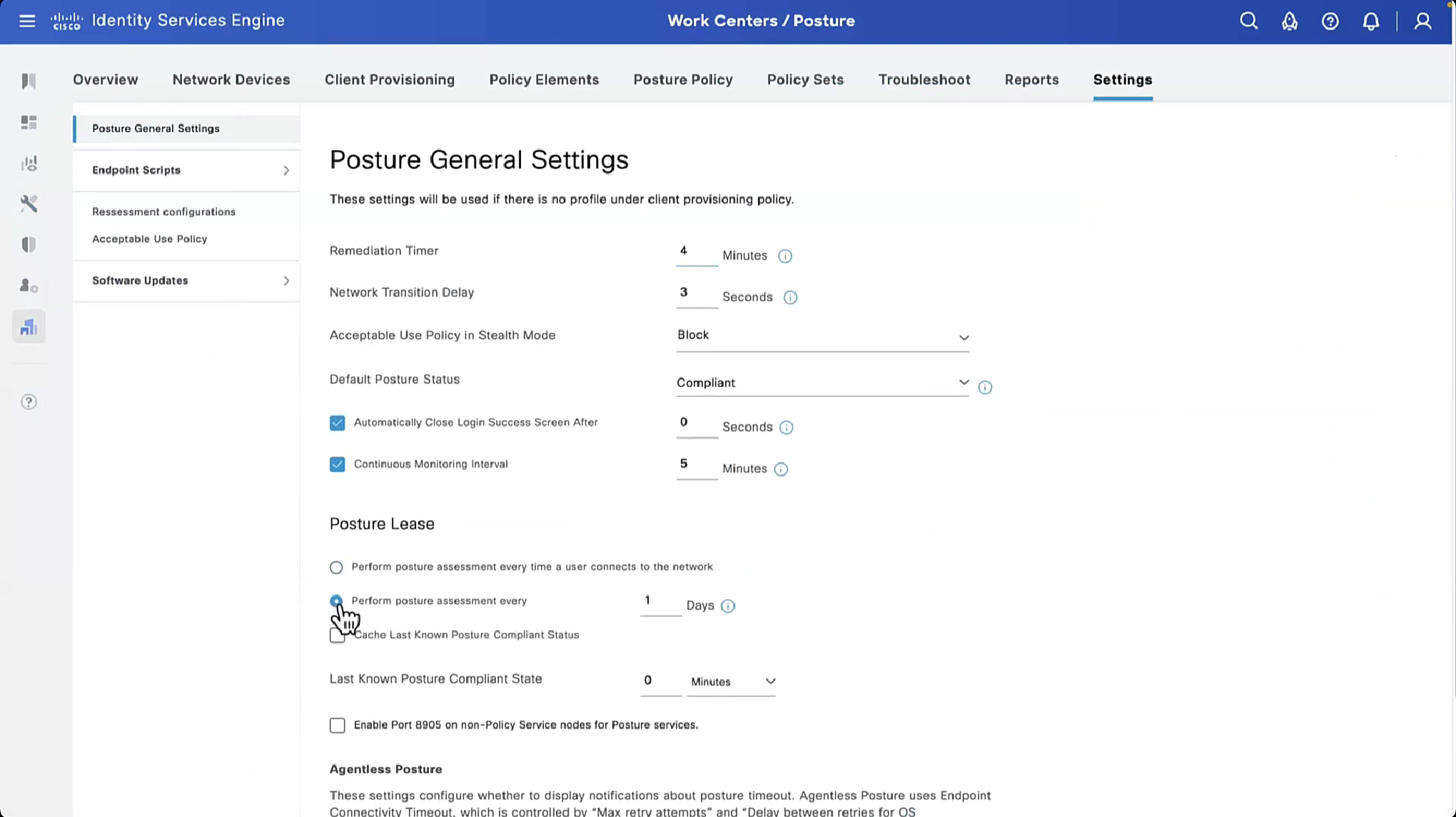
However there is an option to give out lease in days to the client so it does not posture every time it connects to the network
Perform posture assessment every time a user connects to the network: Select this option to initiate posture assessment every time the user connects to network
Perform posture assessment every n days: Select this option to initiate posture assessment after the specified number of days even if the client is already postured Compliant.
Cache Last Known Posture Compliant Status: Check this check box for Cisco ISE to cache the result of posture assessment. By default, this field is disabled.
Last Known Posture Compliant Status: This setting only applies if you have checked Cache Last Known Posture Compliant Status. Cisco ISE caches the result of posture assessment for the amount of time specified in this field. Valid values are from 1 to 30 days, or from 1 to 720 hours, or from 1 to 43200 minutes – this acts as kind of a posture bypass for reconnecting client after number of days – idea is that once client is back on network (wired / wireless / vpn) it can posture again instead of facing remediation out of the gate


enable Session ID

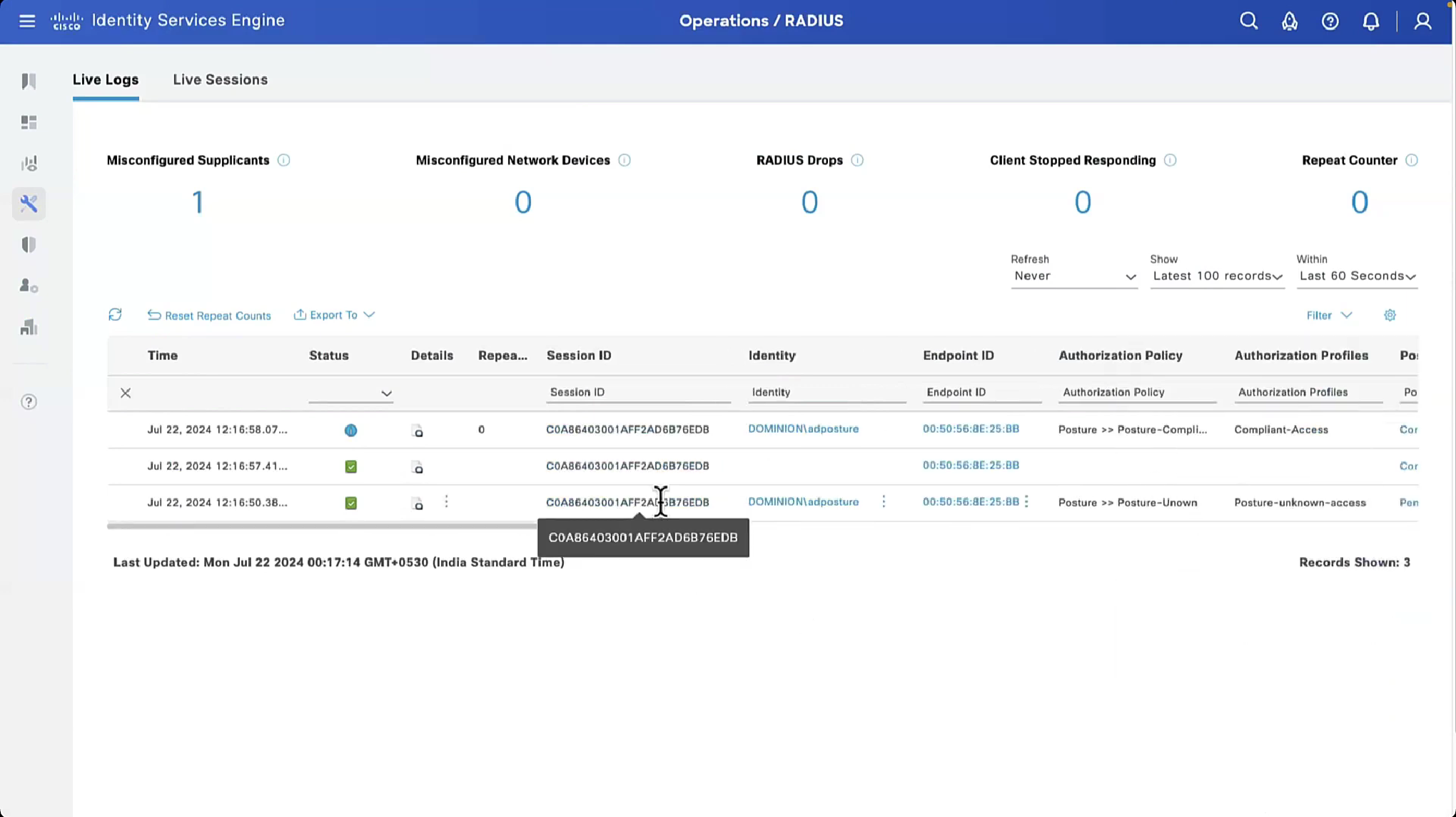
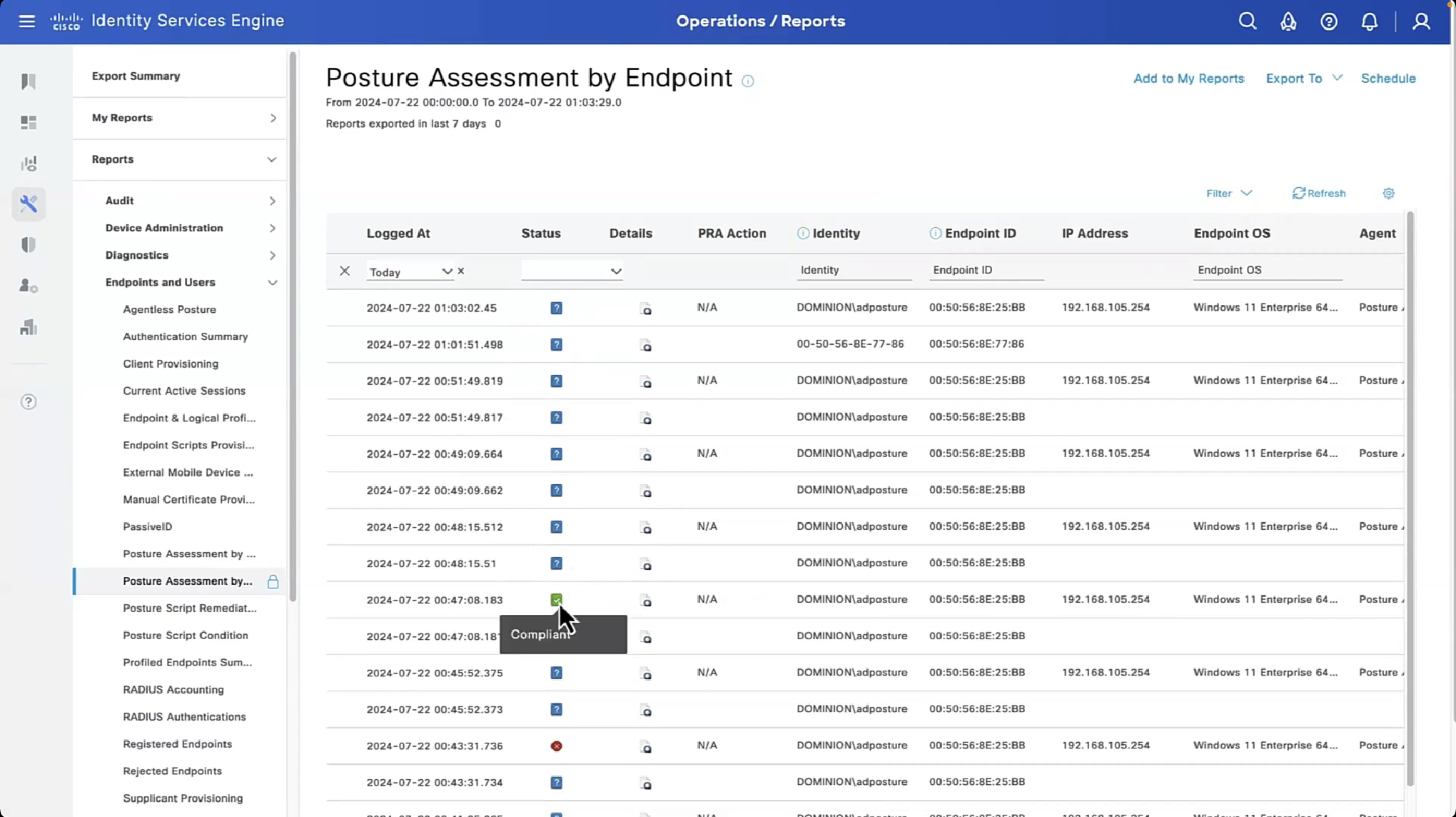
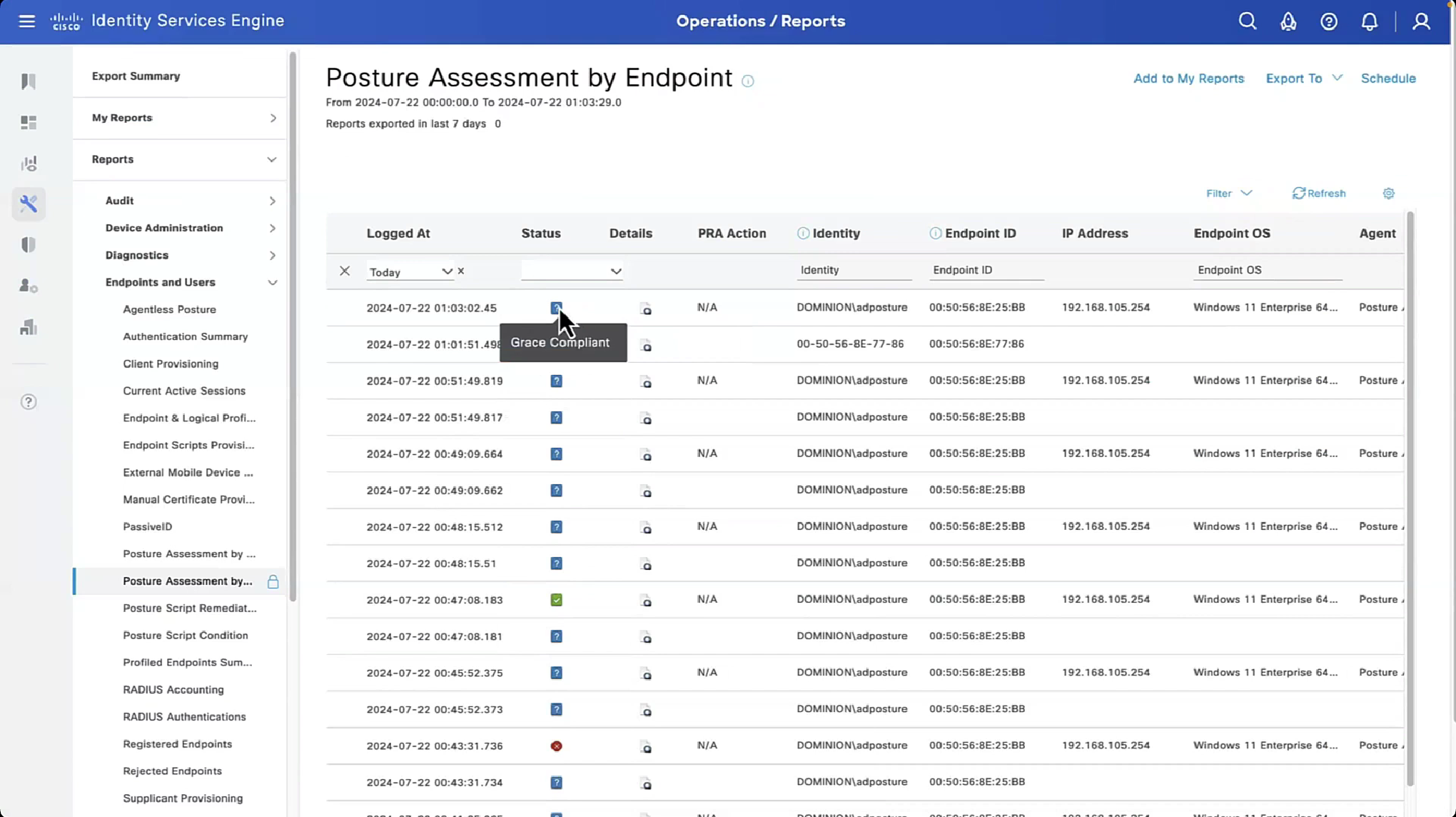
2 times compliant because once client becomes client on ISE it issues a log and once a COA is issued to NAD, final log is left when client is actually given access as a result of compliance from COA

now configure posture lease


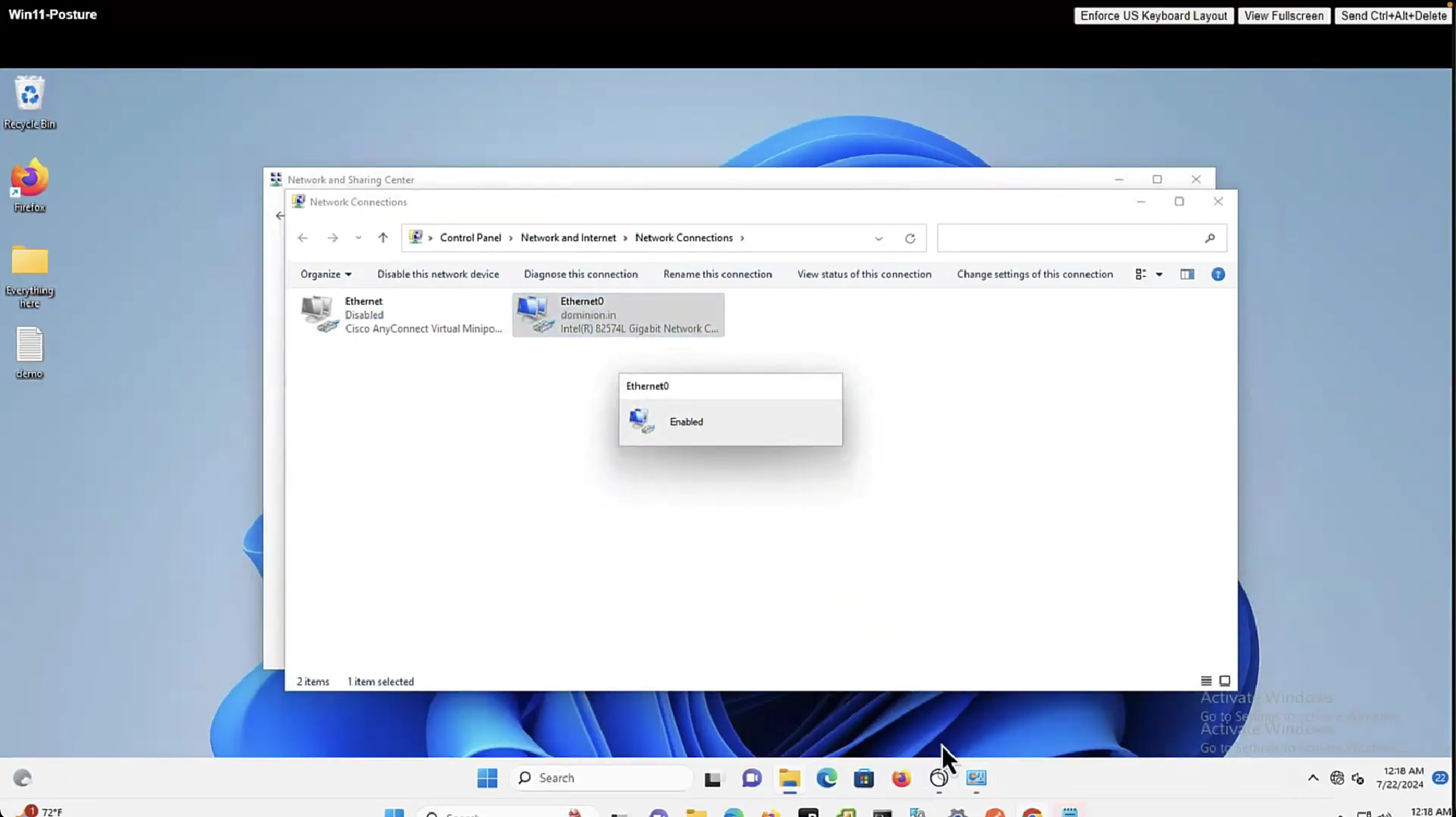
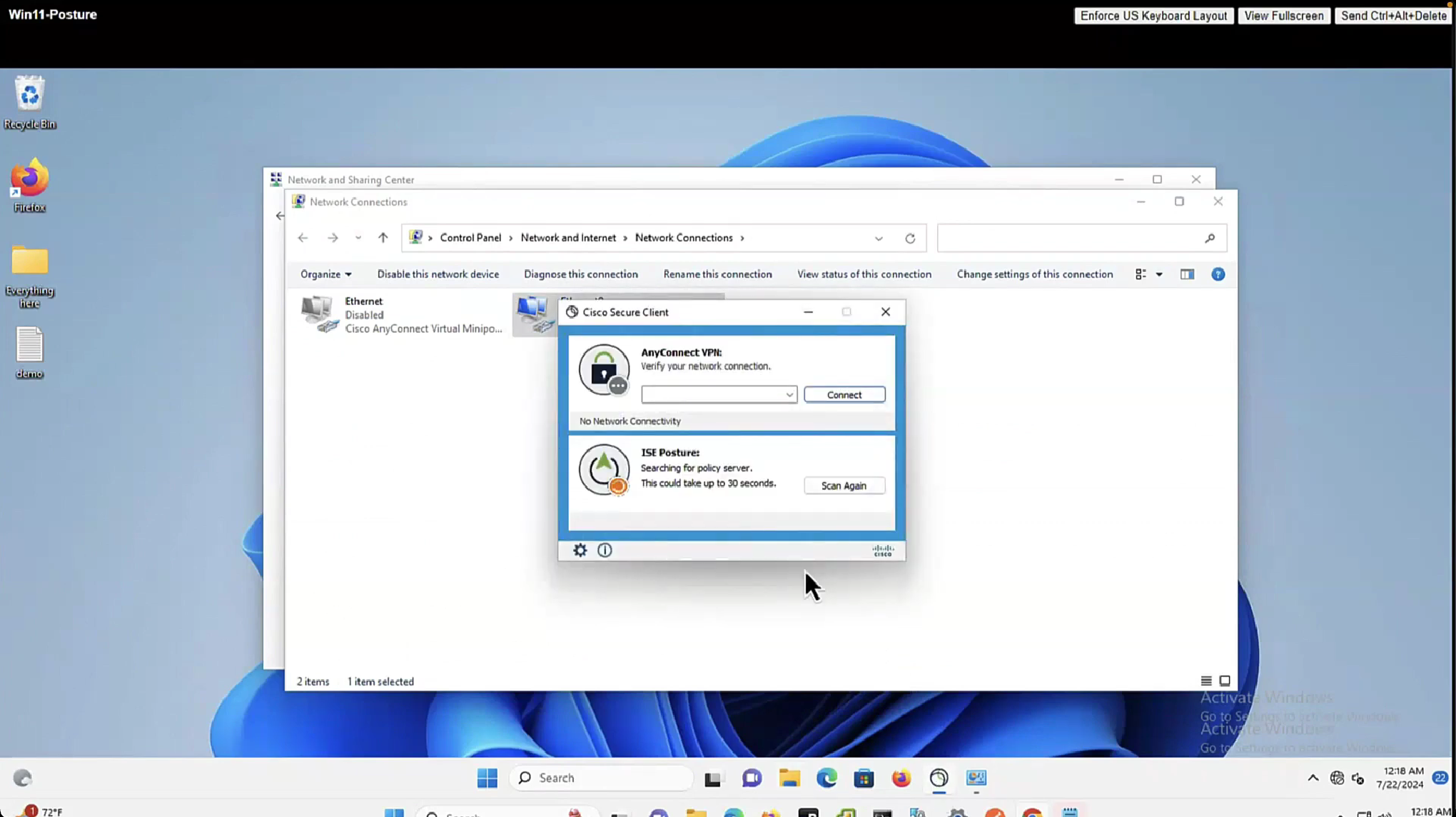
The thing about lease is that ISE and agent will completely skip the posture evaluation when lease is configured if client has postured once on the network
You can scan again and again and it will just connect


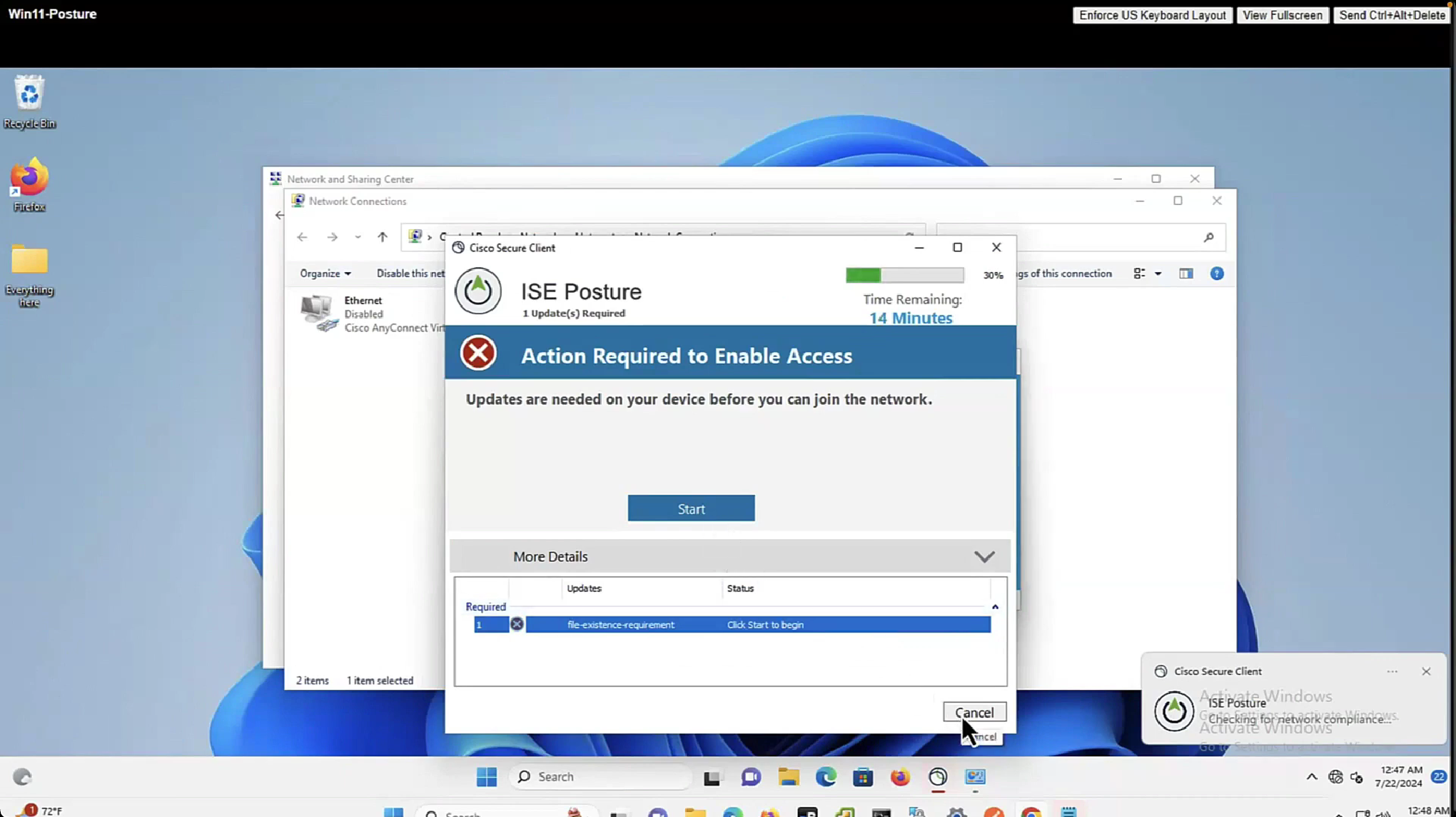
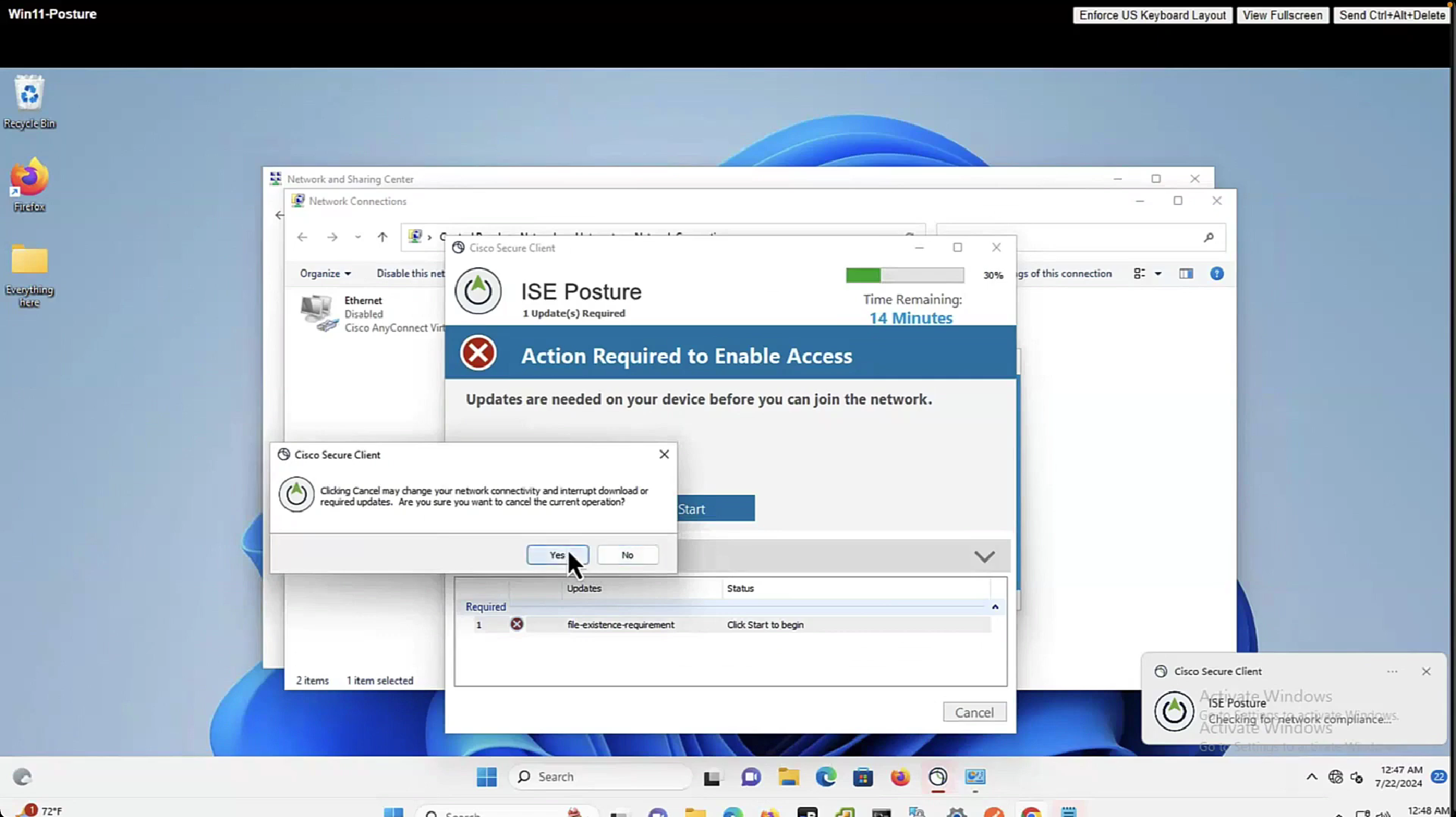
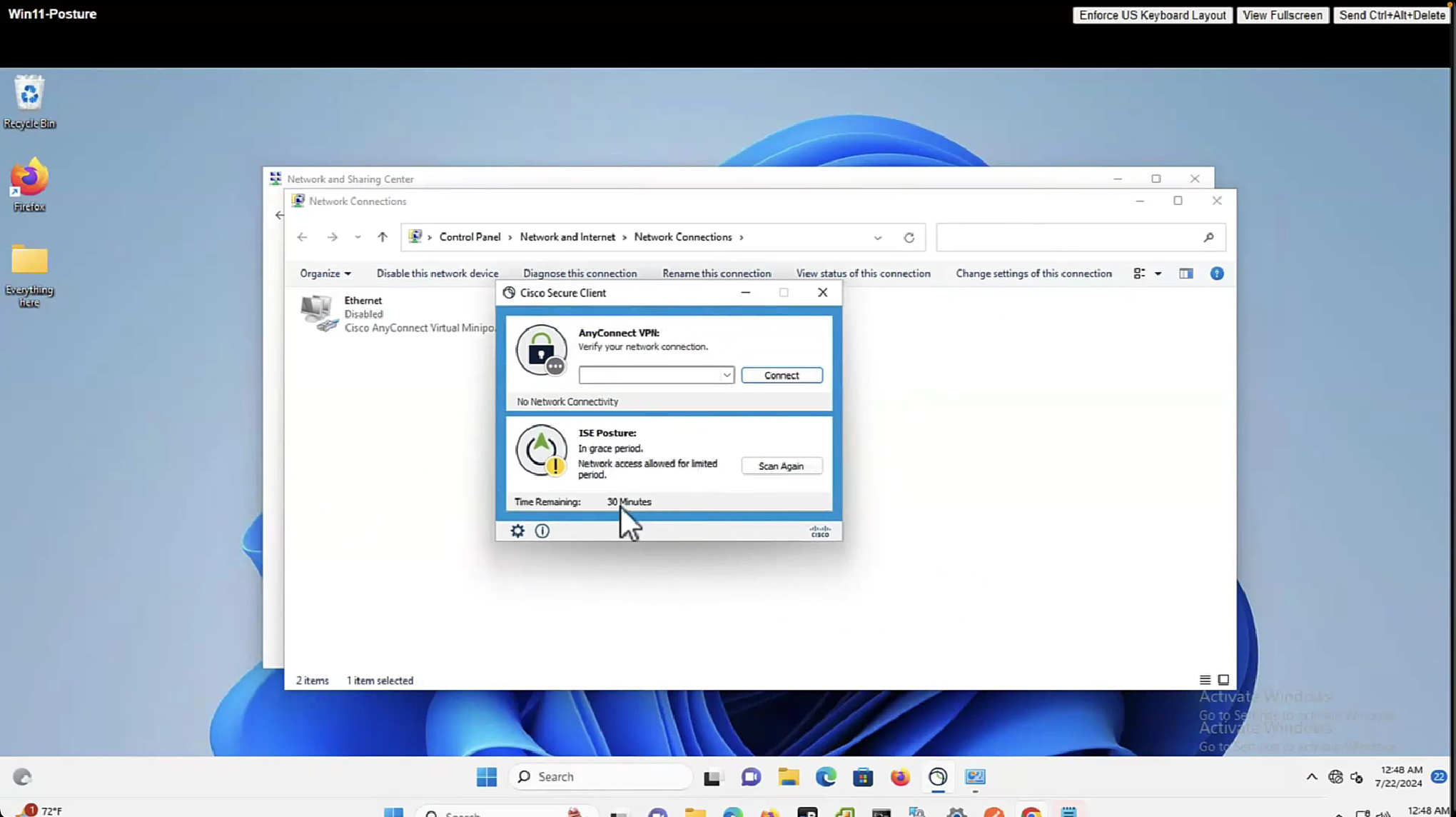
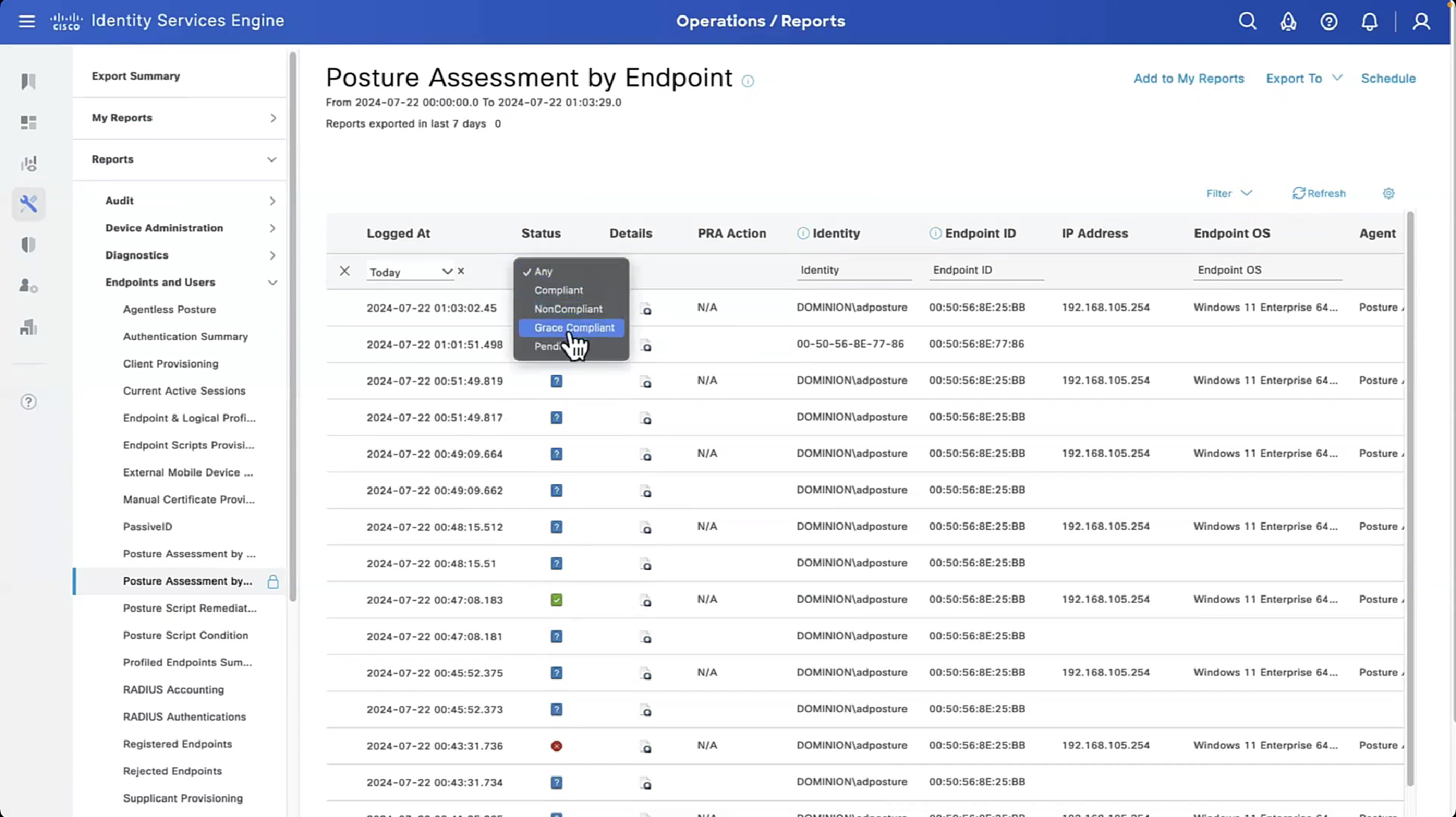
With Flexible grace period, user is not locked or stuck in posture non-compliant access, instead from end user experience perspective they still get some chance
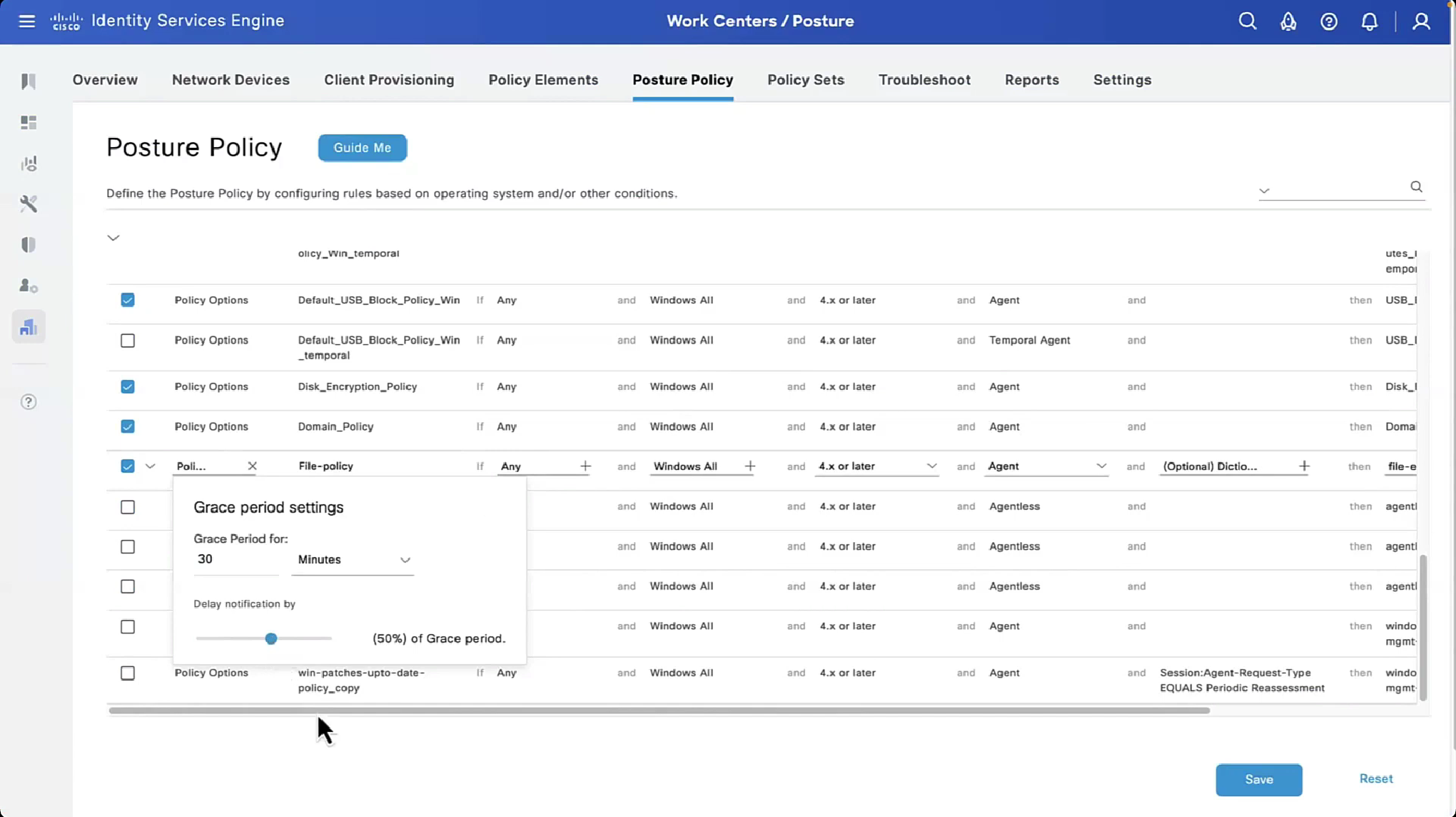
on each posture policy level we can define grace period for each policy
among those X , Y and Z, the one that is longest will get applied

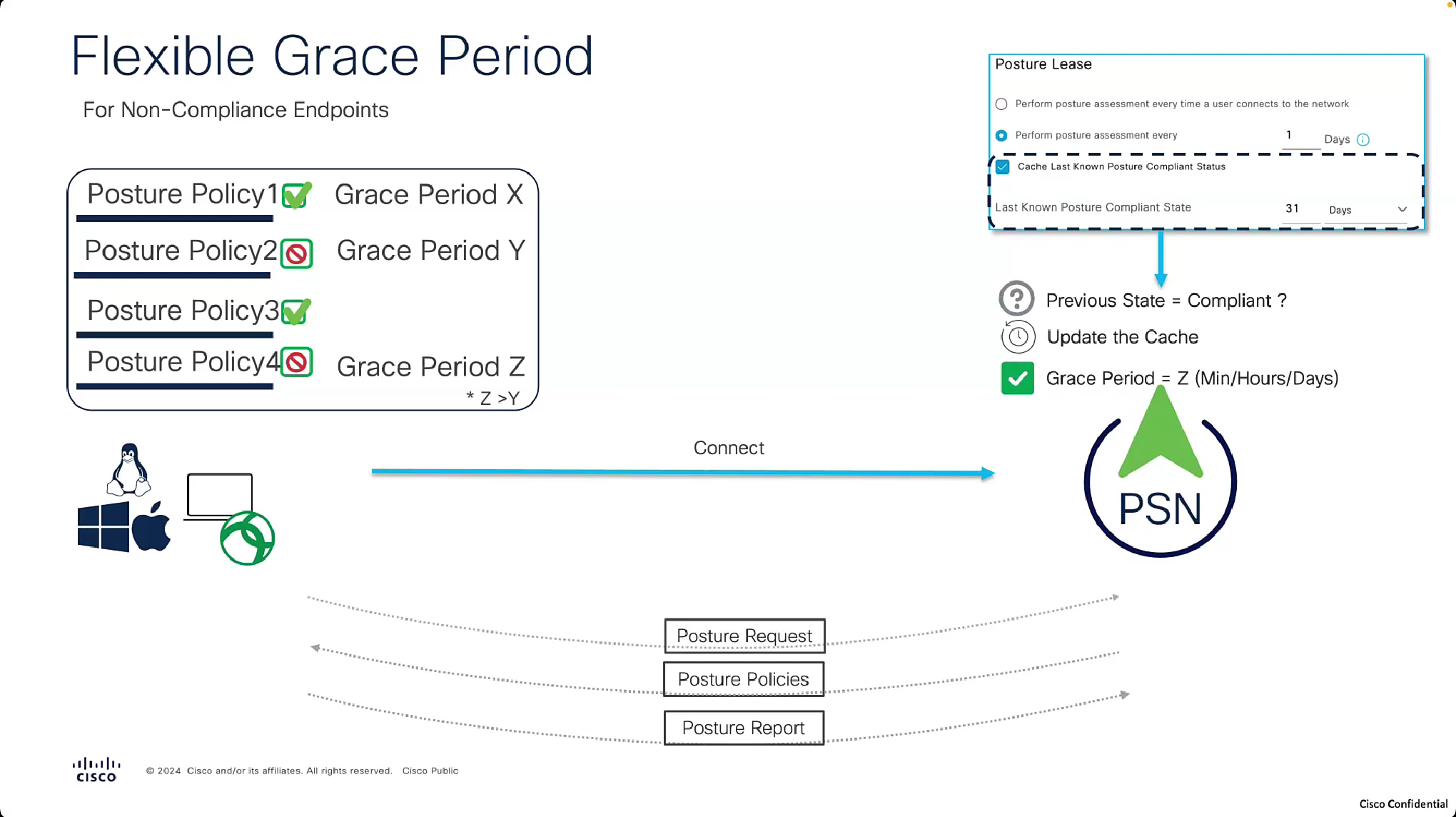
and here is the catch, grace period will only apply if the previous state option “Cache Last Known Posture Compliant Status” and “Last Known Posture Compliant State” are enabled and client’s last posture state is remembered and within the defined days


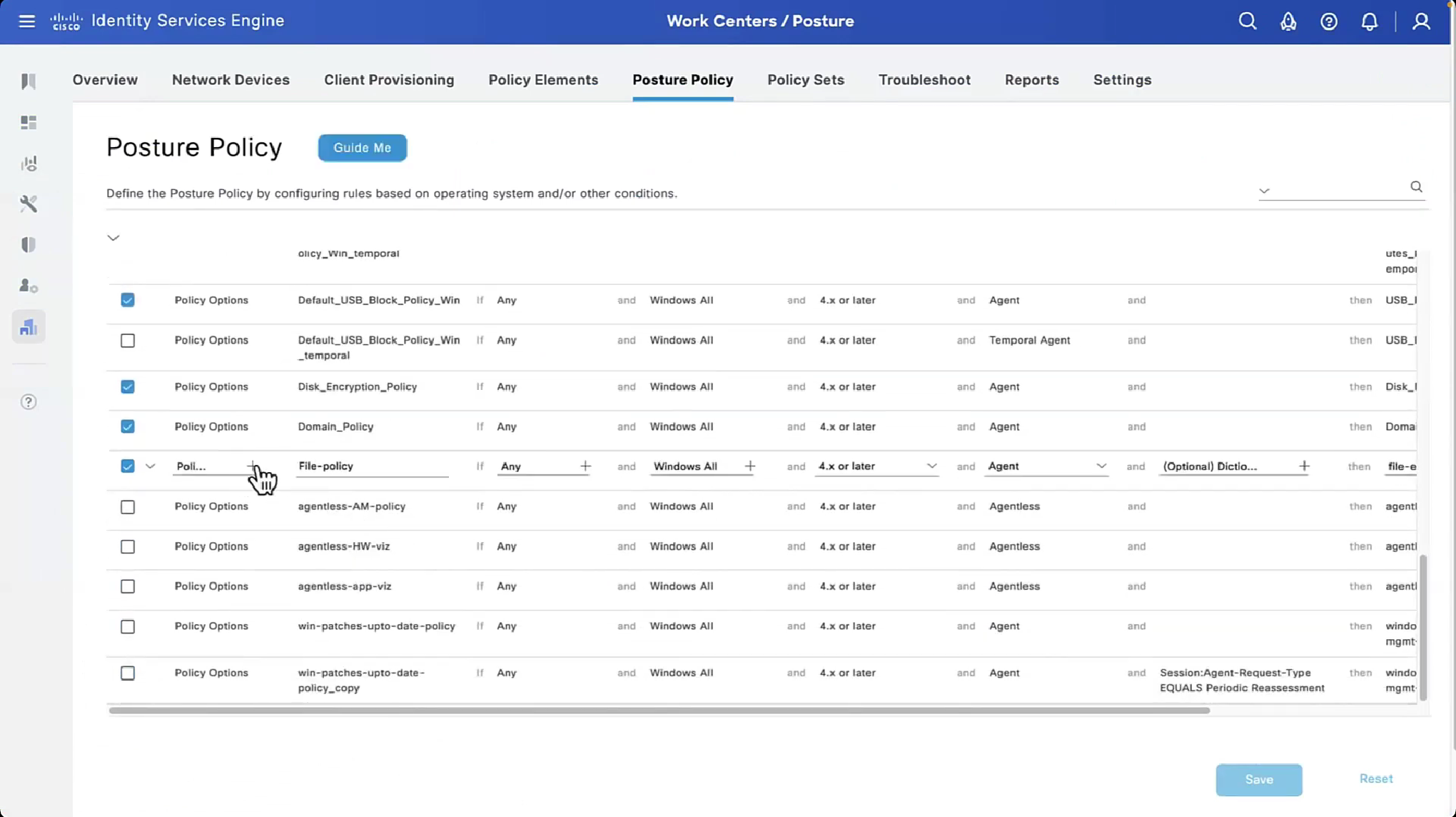





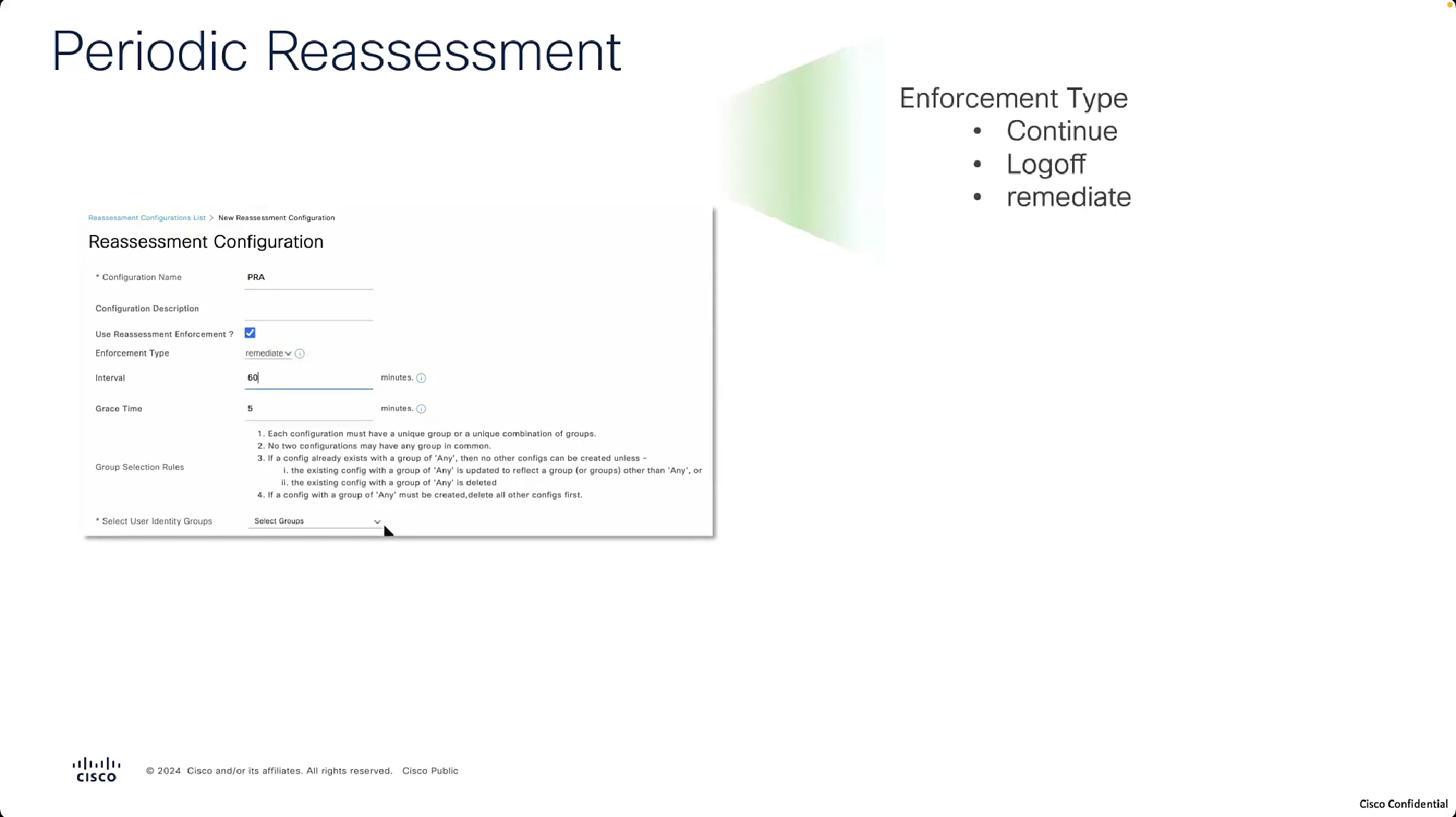


Periodic Reassessment
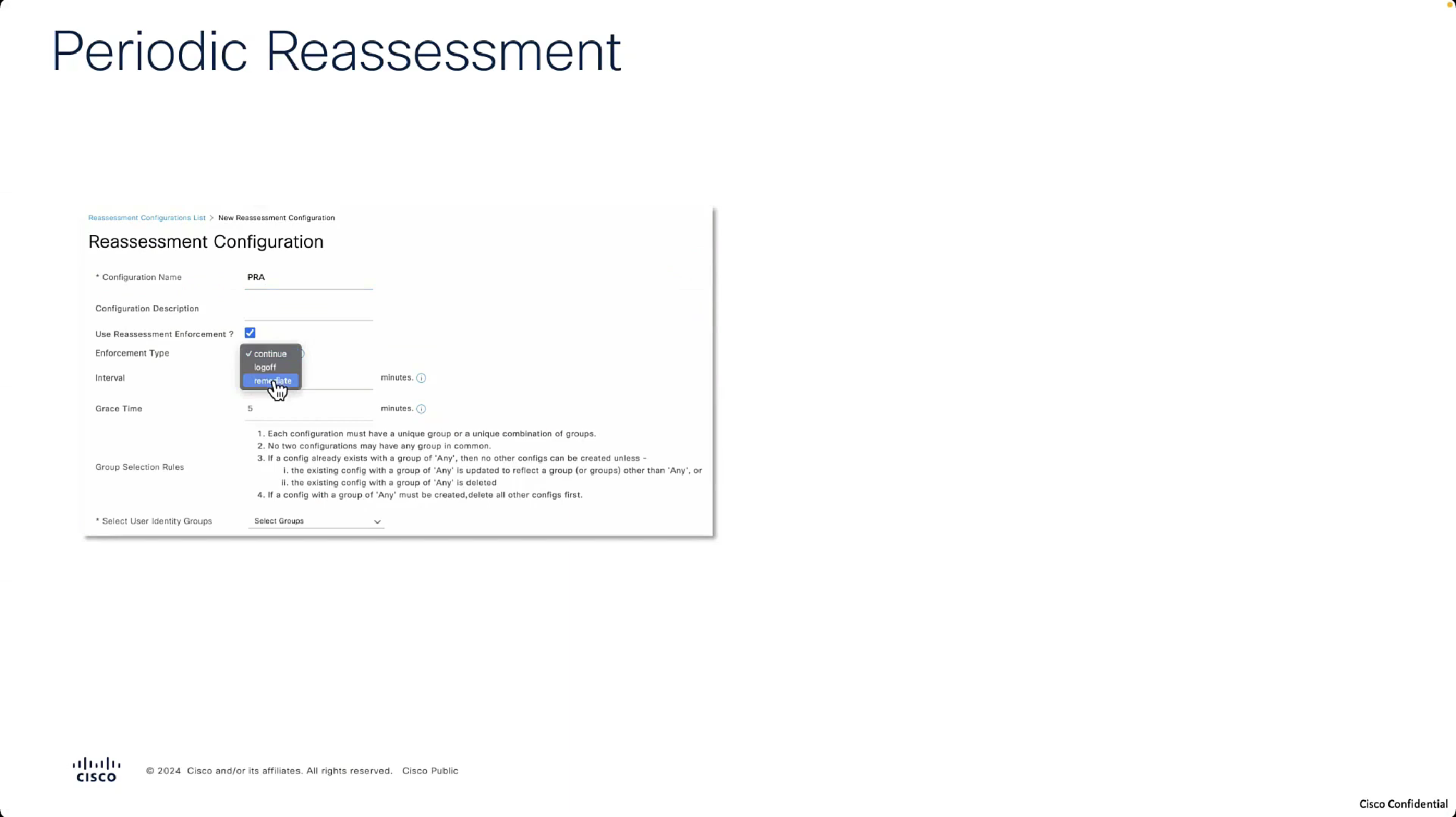
For Periodic Reassessment we will disable the posture lease as posture lease stops posture reassessment

Reassessment enforcement type action is action to take if non-compliance is detected upon reassessment
if set to continue then user will continue with access to network


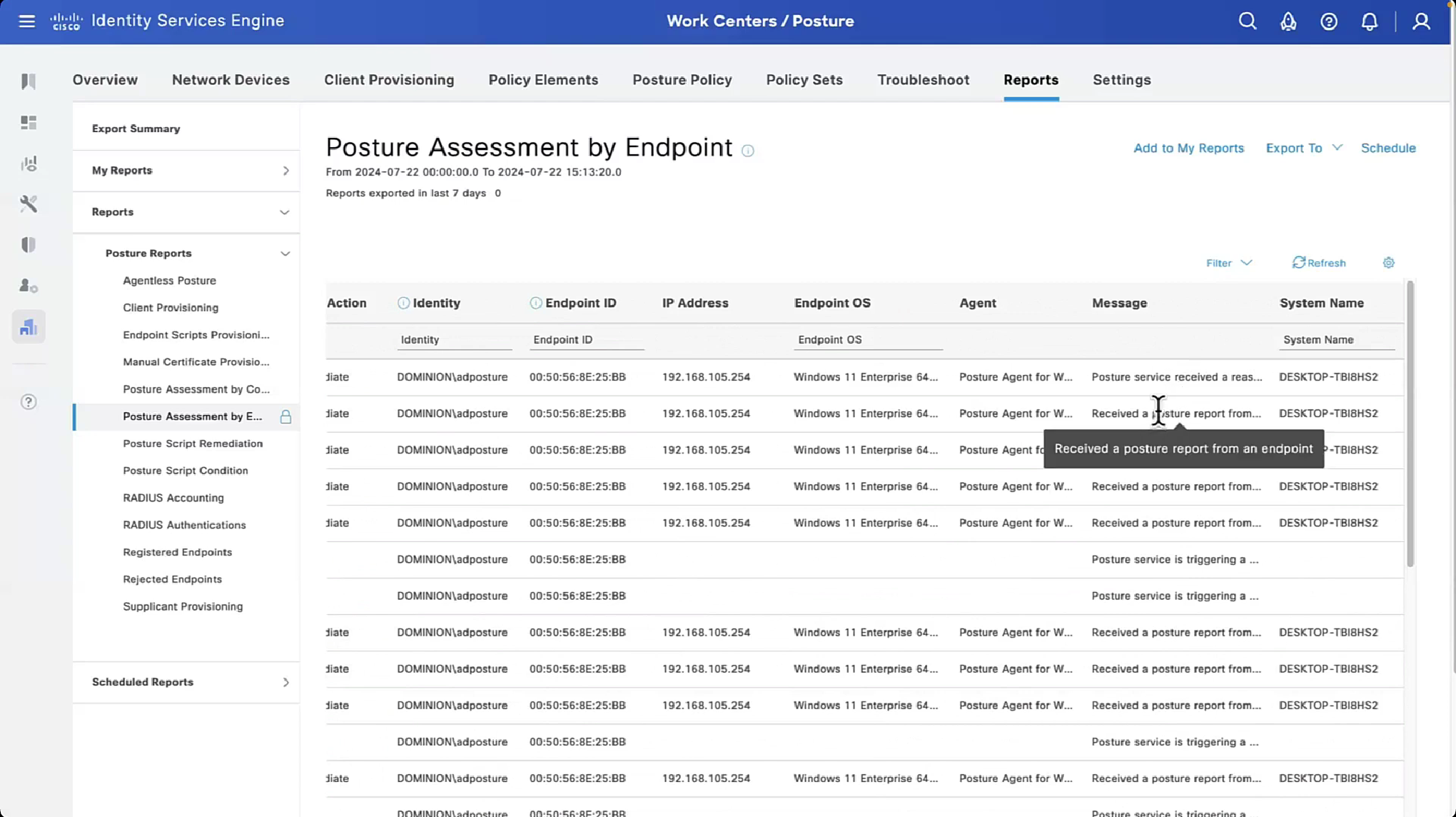
in the logs we can see the PRA action as a column
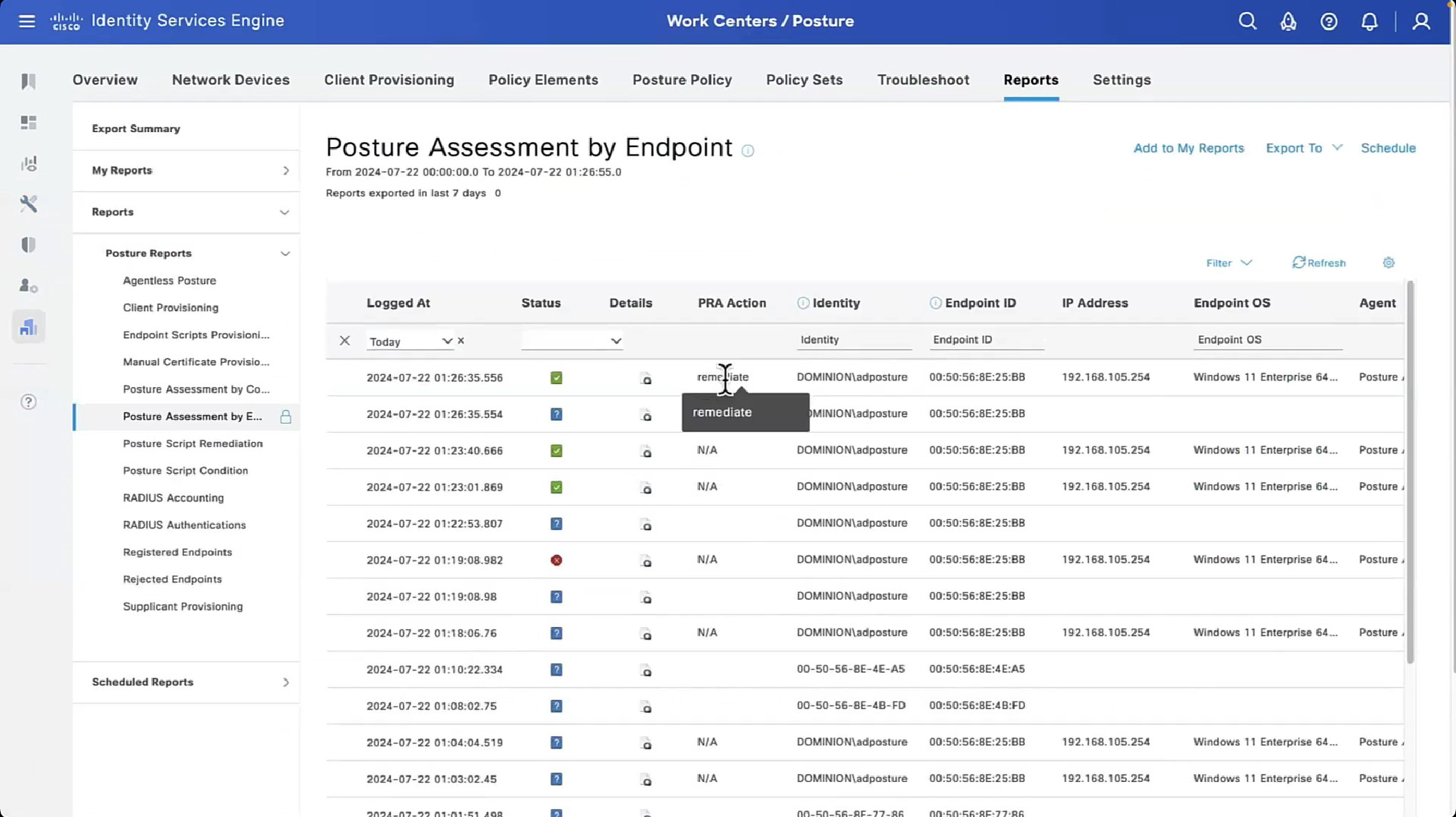
Check message column to see if it says Received reassessment report or posture report, if reassessment report is shown then it means that client got reassessed by PRA interval