SEC0414 – Firepower 7.0 AnyConnect VPN Start Before Logon and Management VPN Tunnel (Part 2)
SEC0414 – Firepower 7.0 AnyConnect VPN Start Before Logon and Management VPN Tunnel (Part 2)
SBL , mgmt tunnel
Mgmt tunnel is the VPN that stays connected even if the user has disconnected
Not only does it launch before windows logon (on the new user logon screen)
but Mgmt VPN disconnects as user VPN connects or TND is detected or machine is on trusted internal network
This is so computer can receive software updates even if user VPN is not running
Mgmt vpn tunnel is completely different from user VPN
it runs in the background and user is completely unaware of it
here we meed machine certificate as machine needs to login
for this we need to create new client profile dedicated for mgmt tunnel
for this we will duplicate the existing anyconnect profile

Make sure start before logon is unchecked here
We will tell it to use machine cert
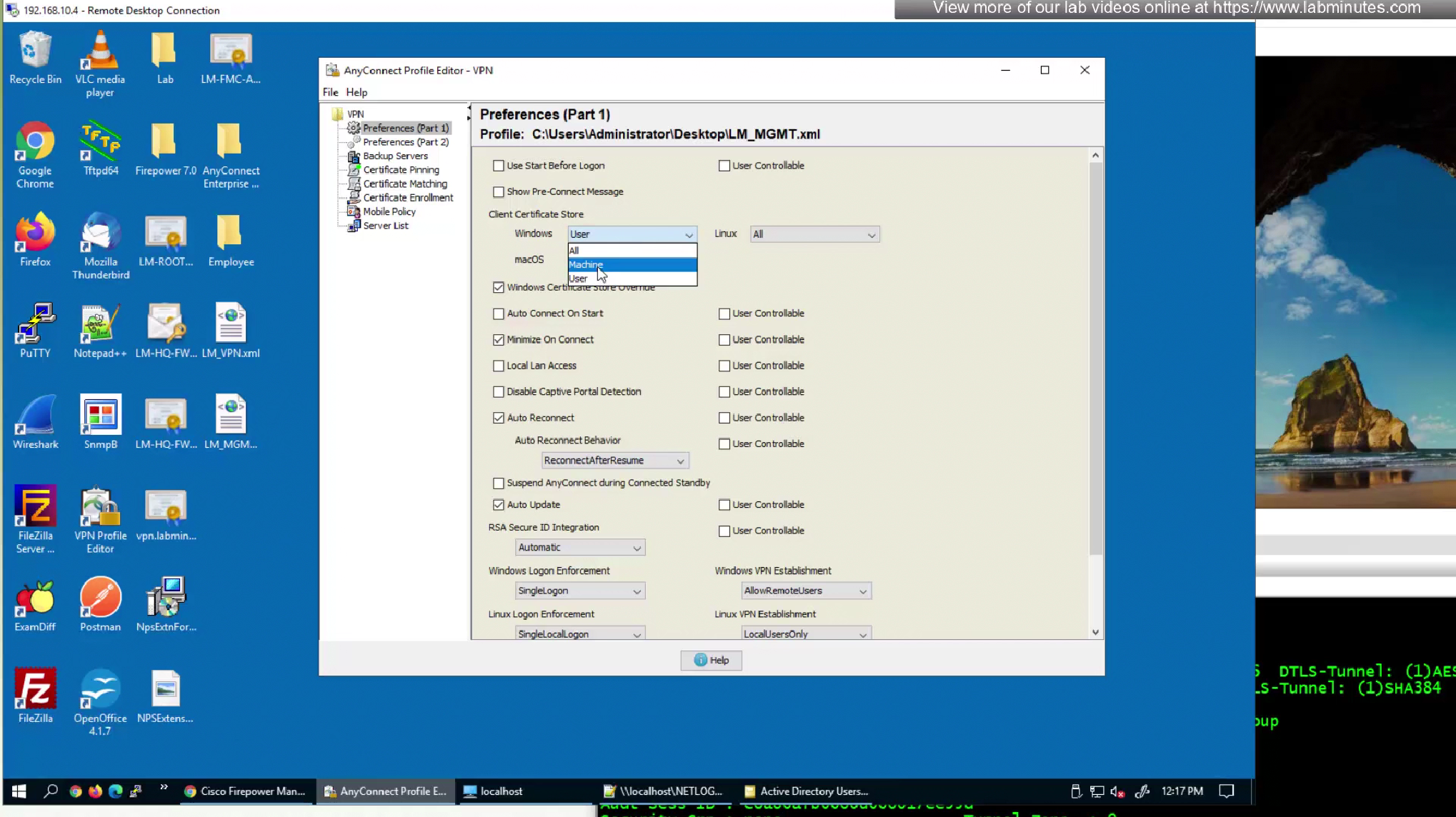
Disable auto update and leave that to user’s anyconnect profile
as we just want to bring up the tunnel
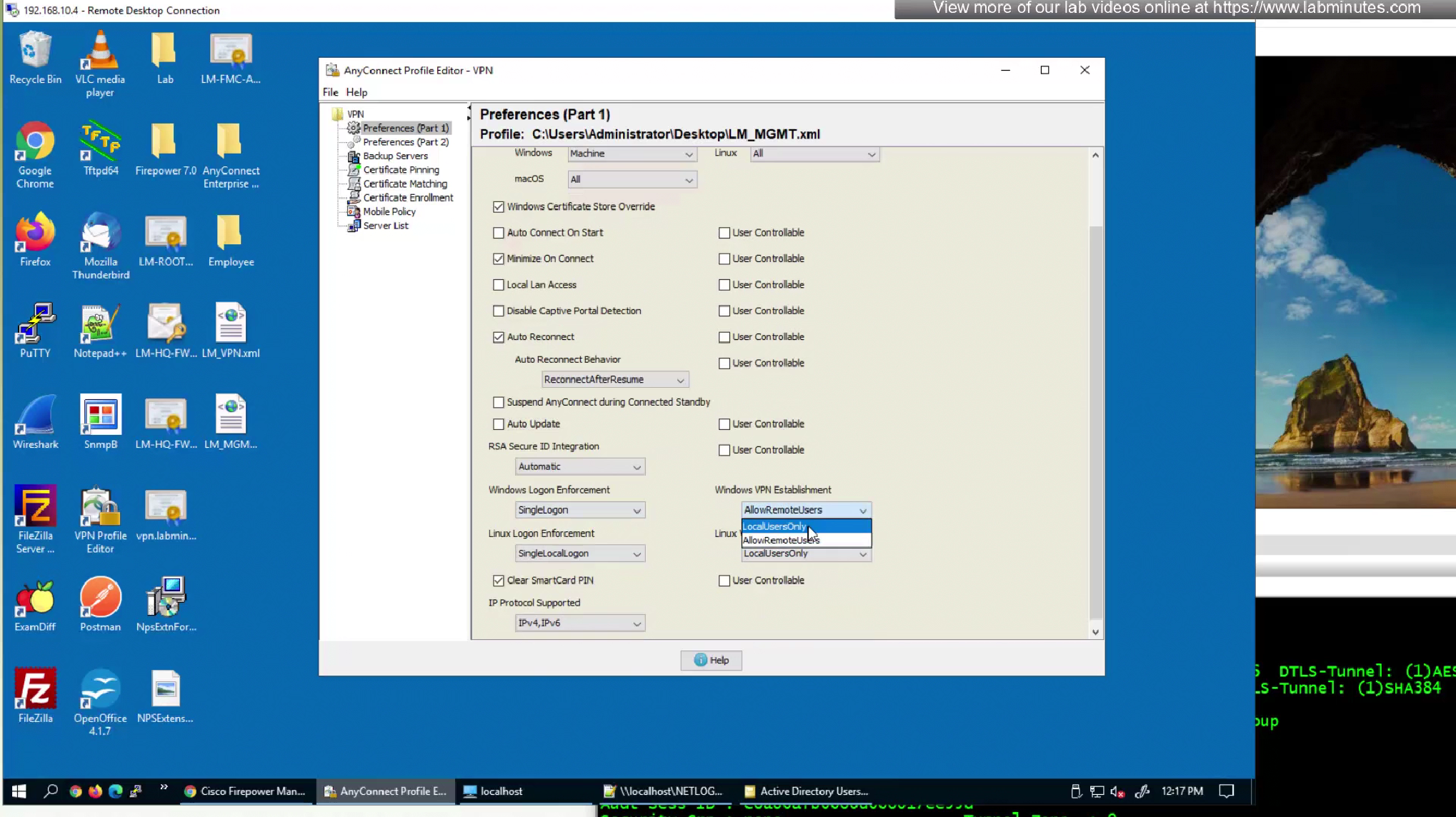
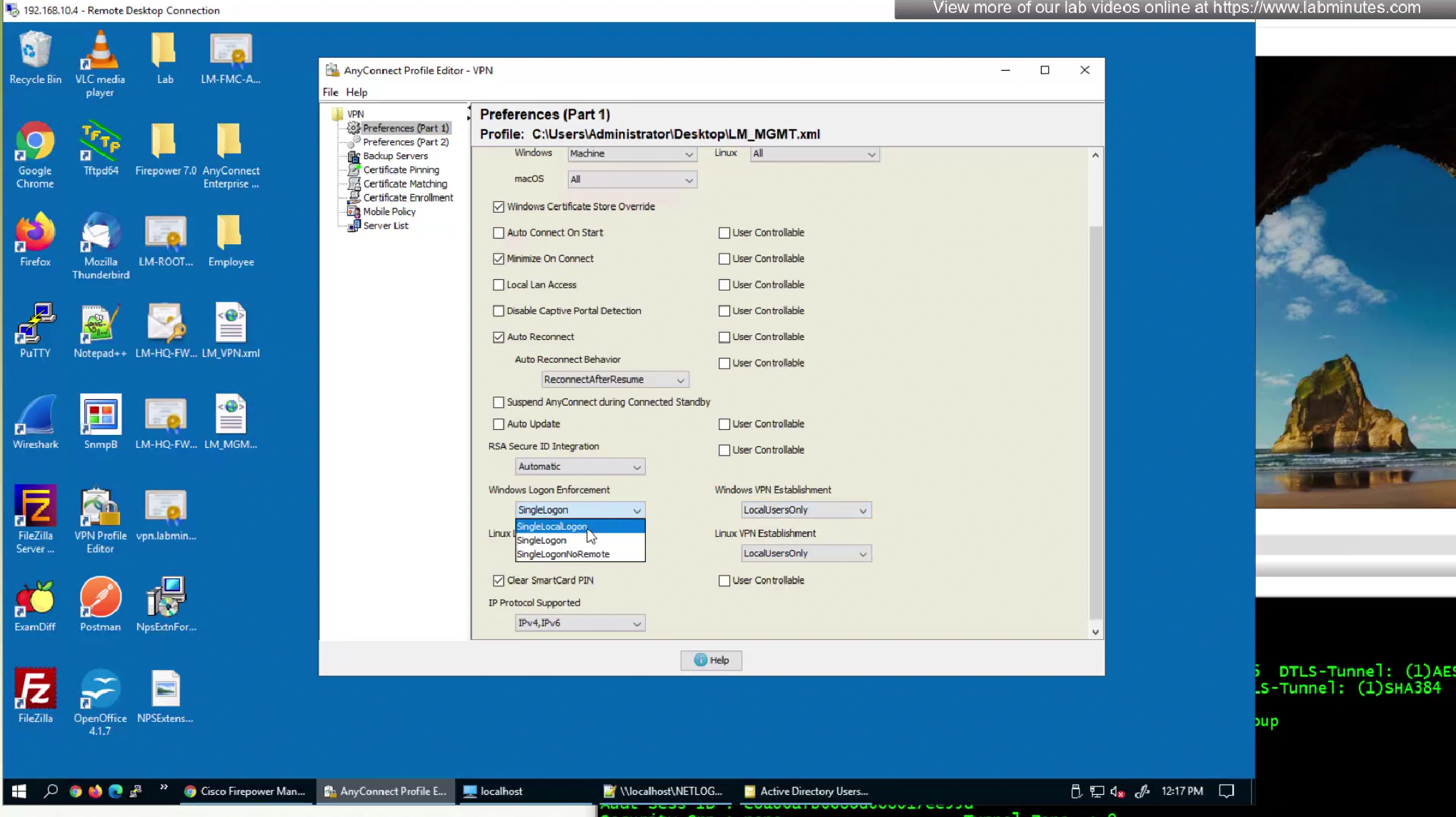
Windows VPN establishment and Windows Logon Enforcement
Part 2 preferences, we will leave most of it as it is


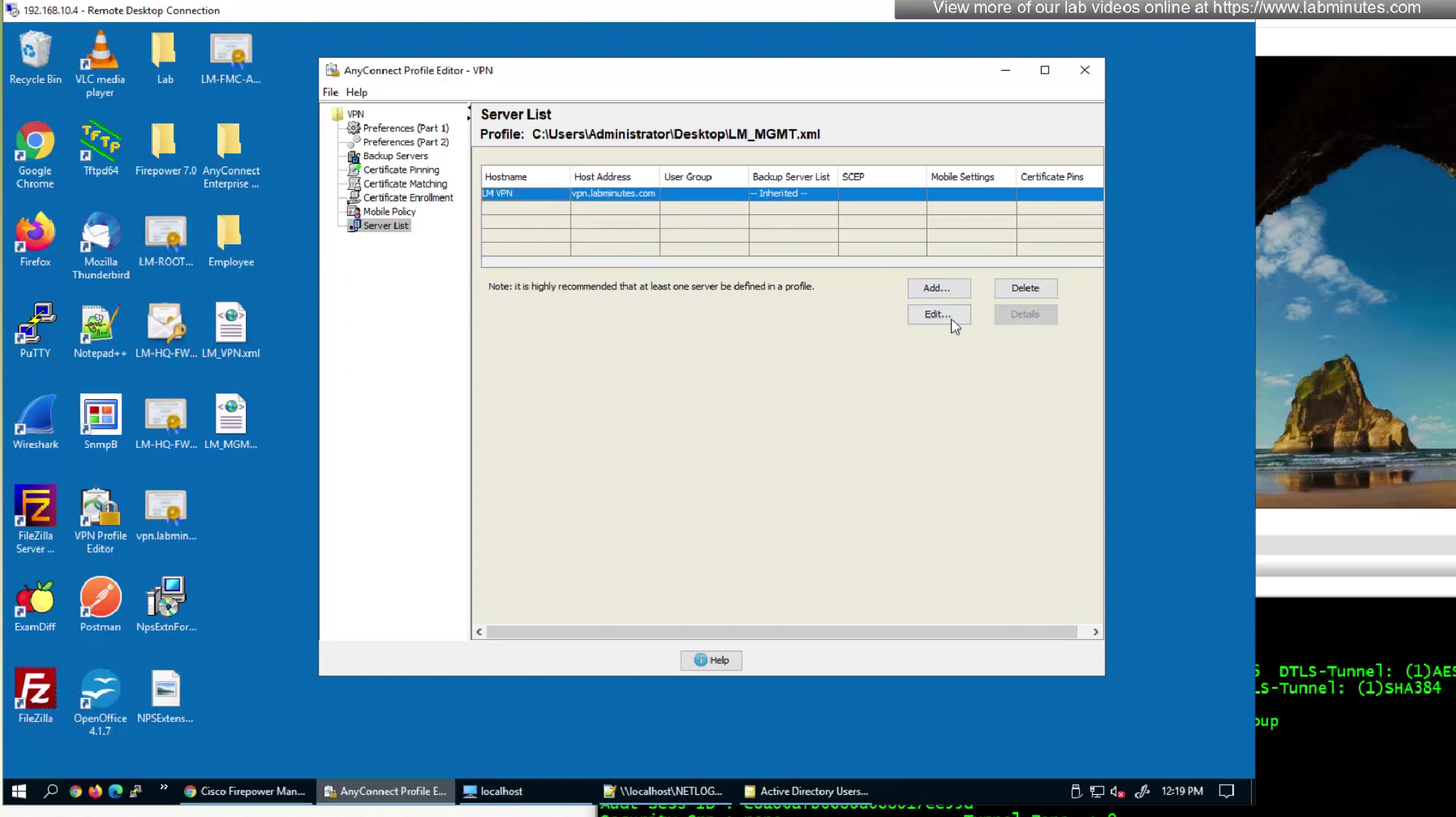

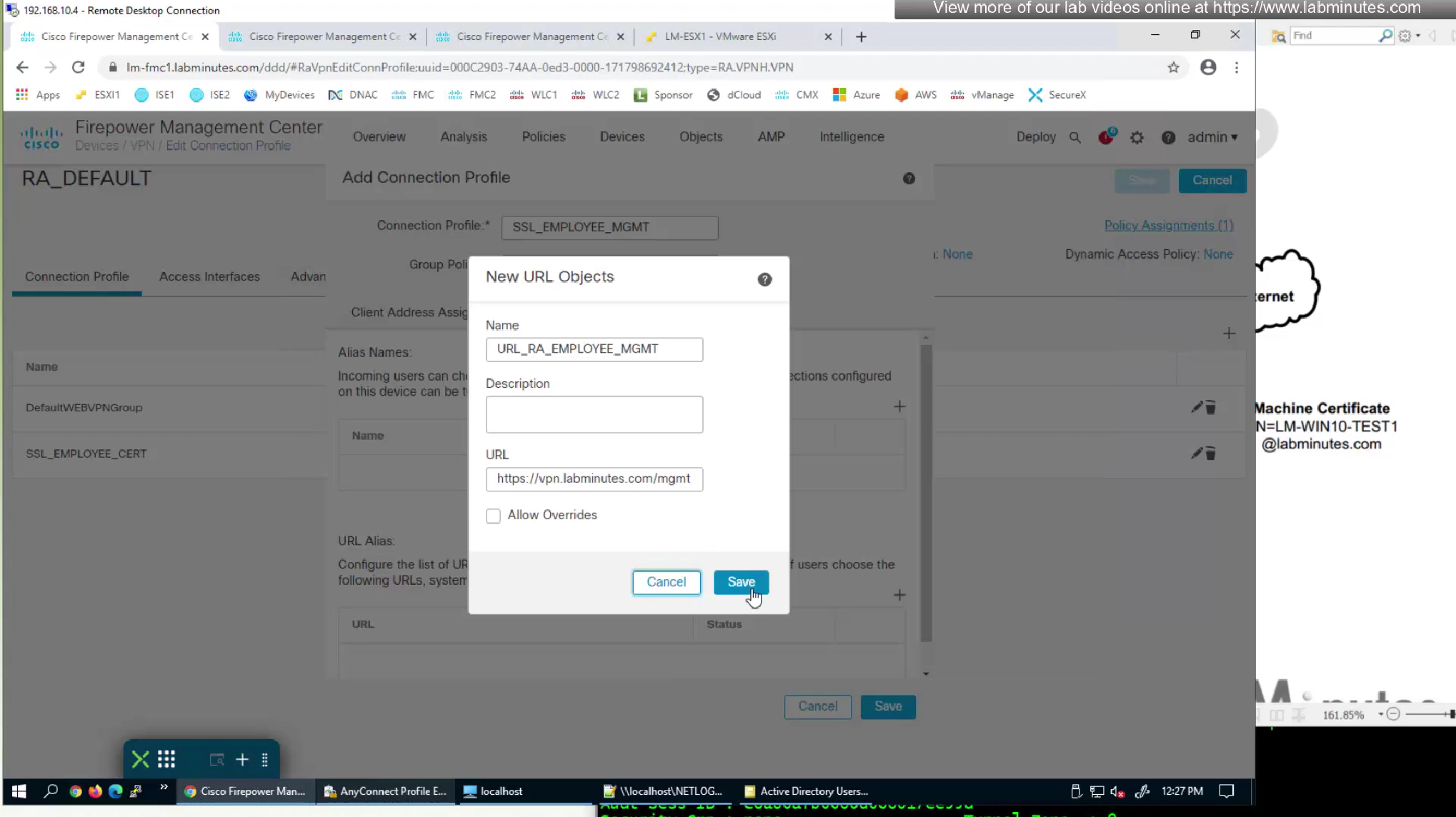
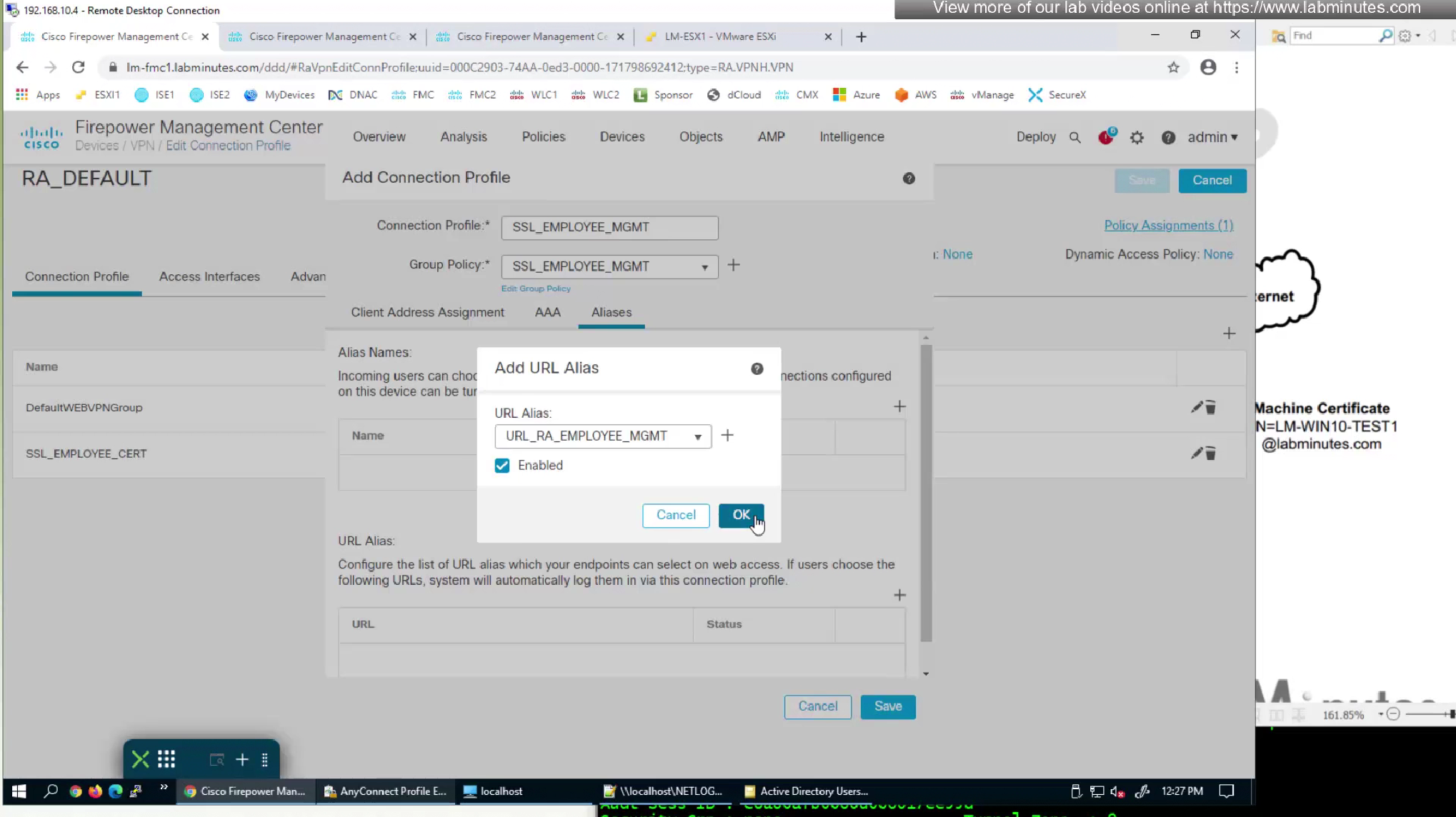
We will name the Group URL here , you can also do that on anyconnect profile and not just connection profile

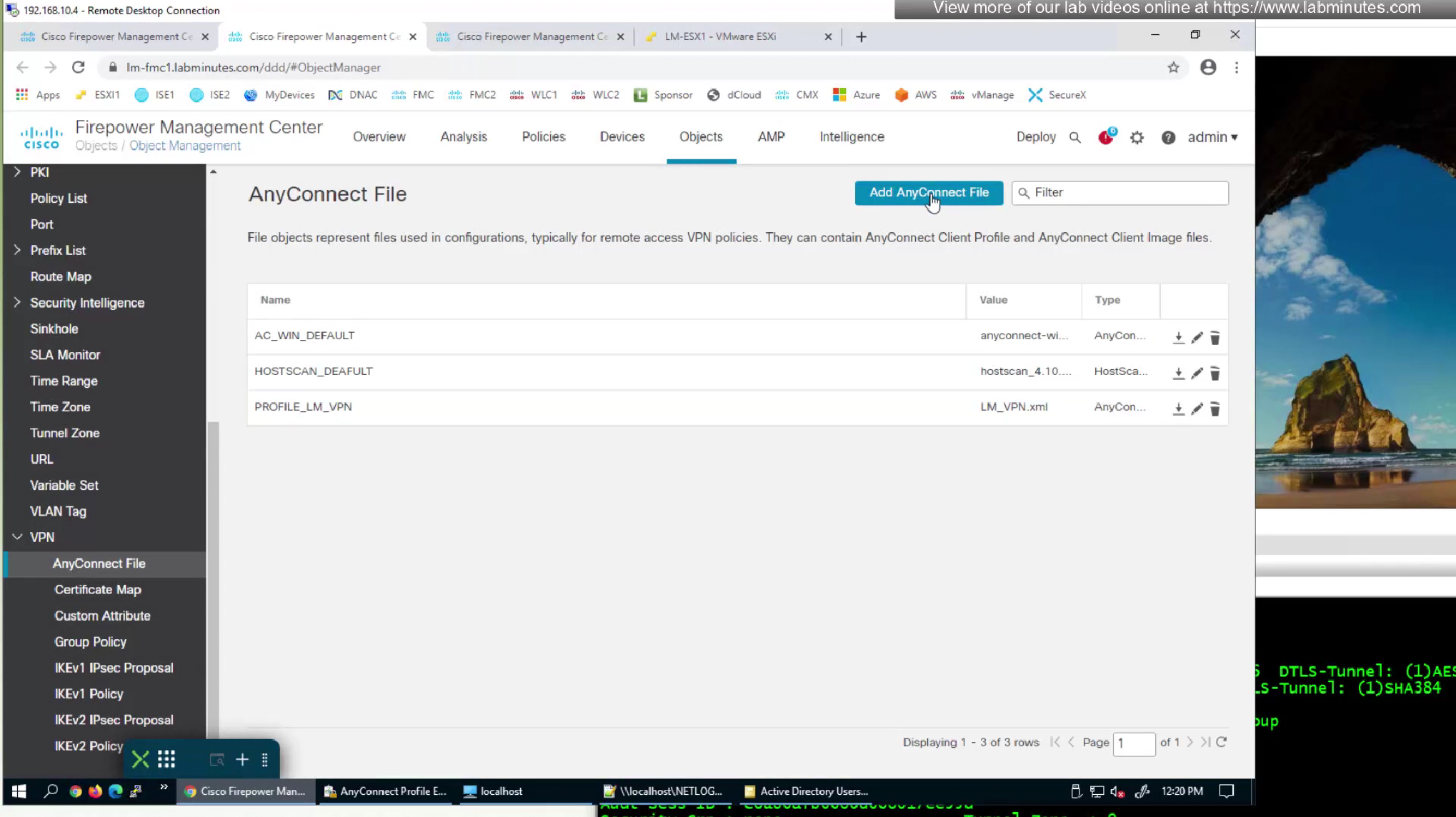
Upload the XML to FMC but as type “Anyconnect Management VPN Profile”

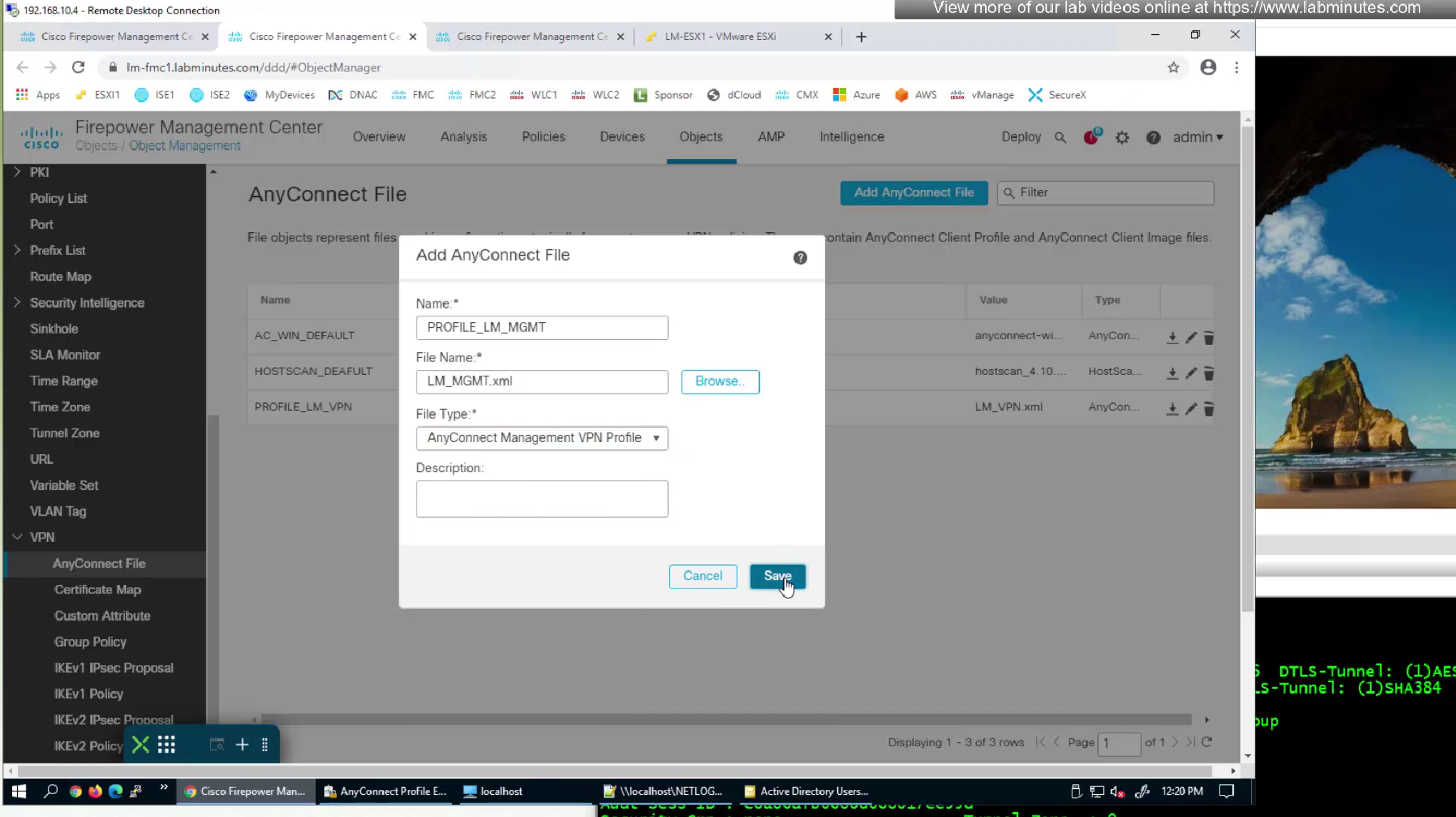

Add standard ACL to define split tunnel for this Mgmt tunnel

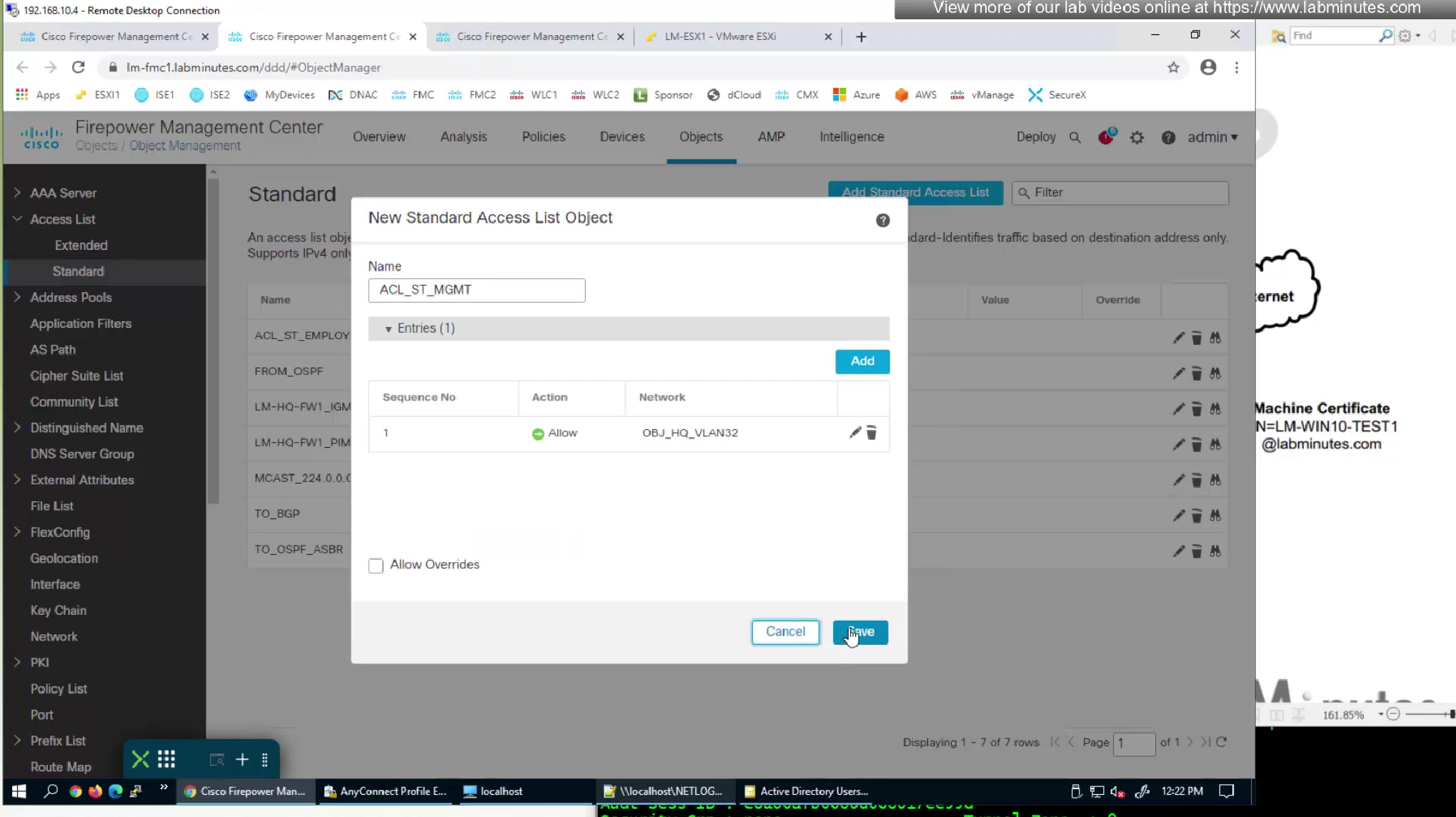
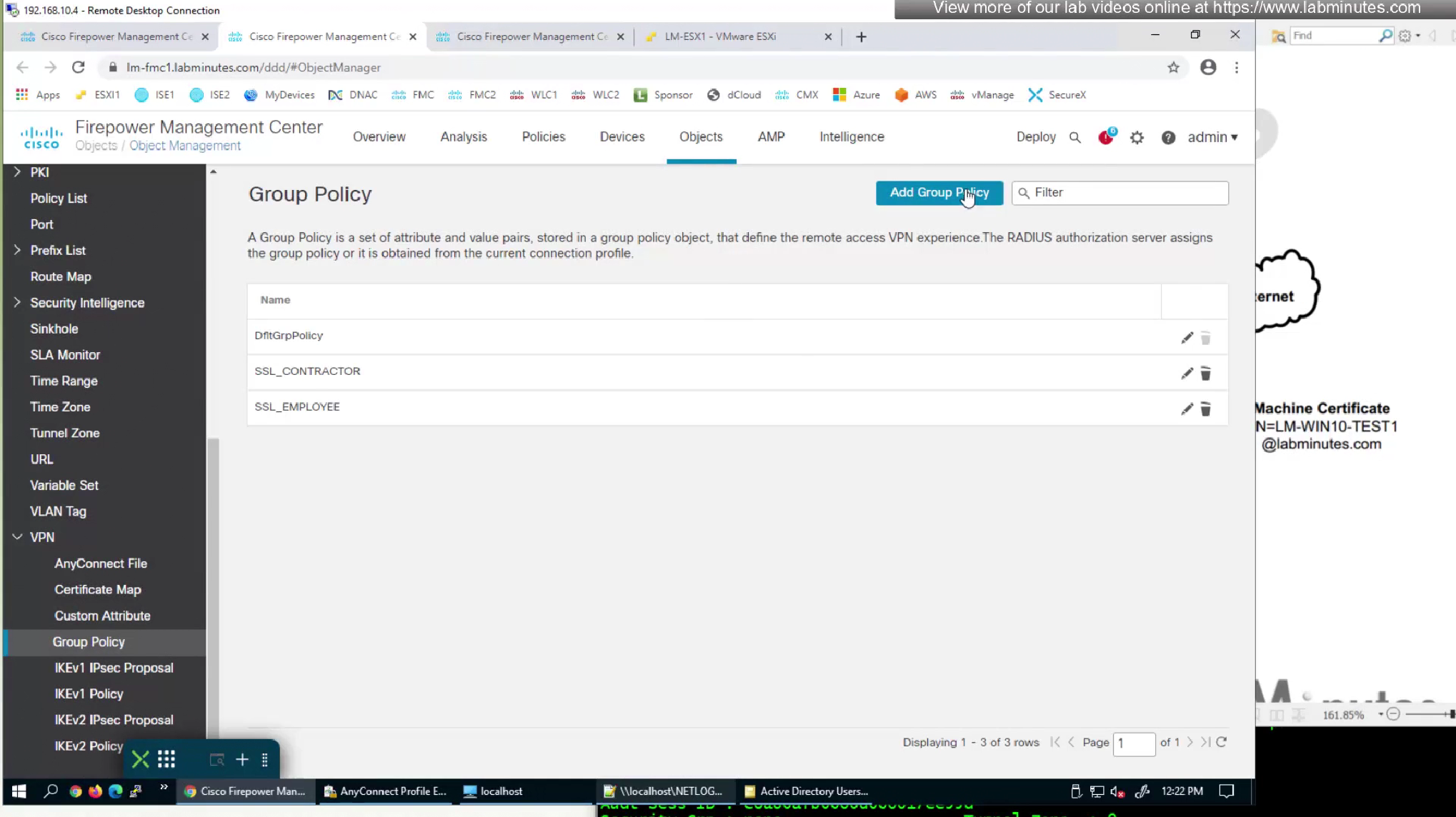
We are adding a new group policy for this mgmt tunnel for it to be used in new connection profile for this mgmt tunnel (which we will define later)

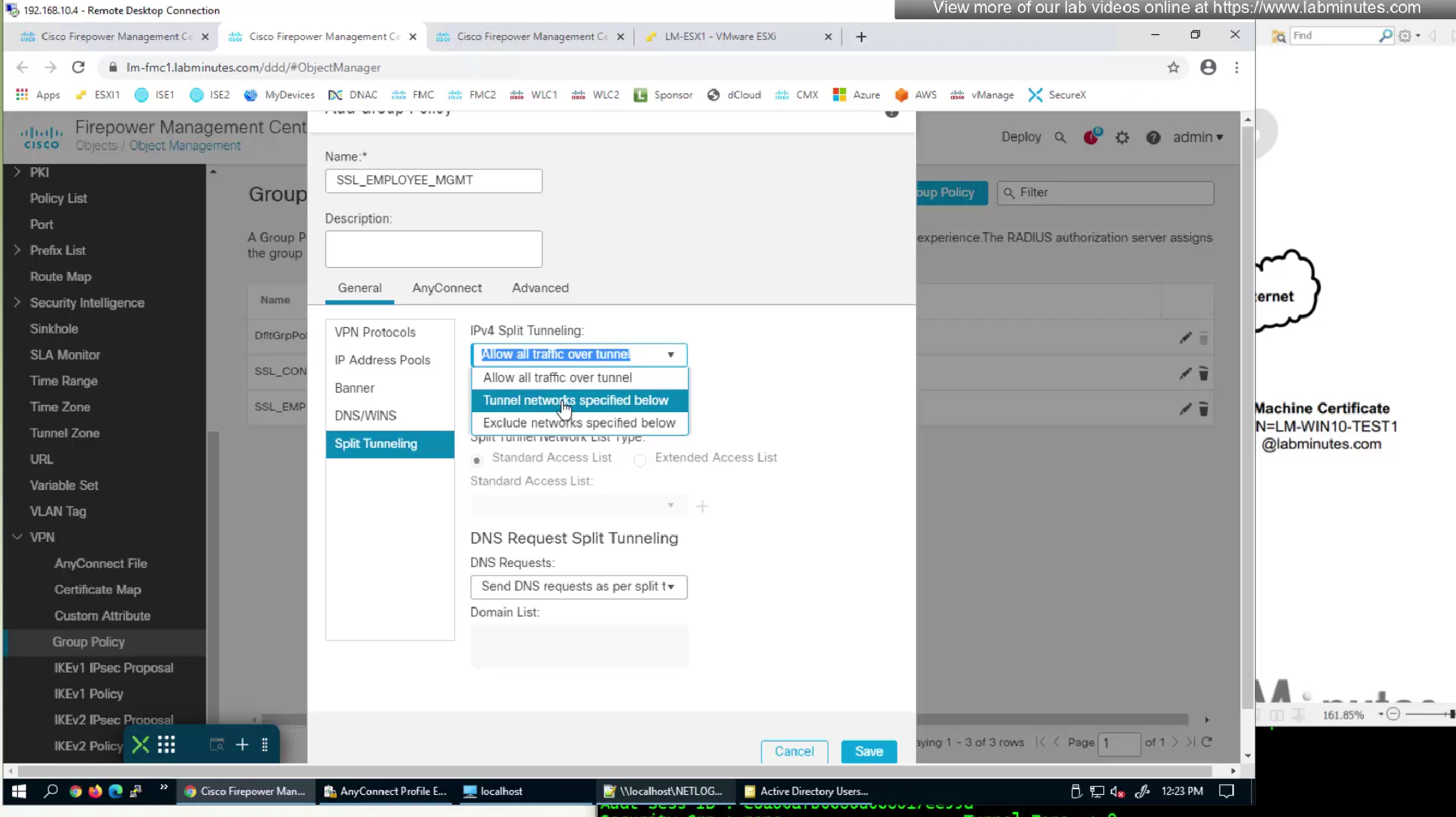
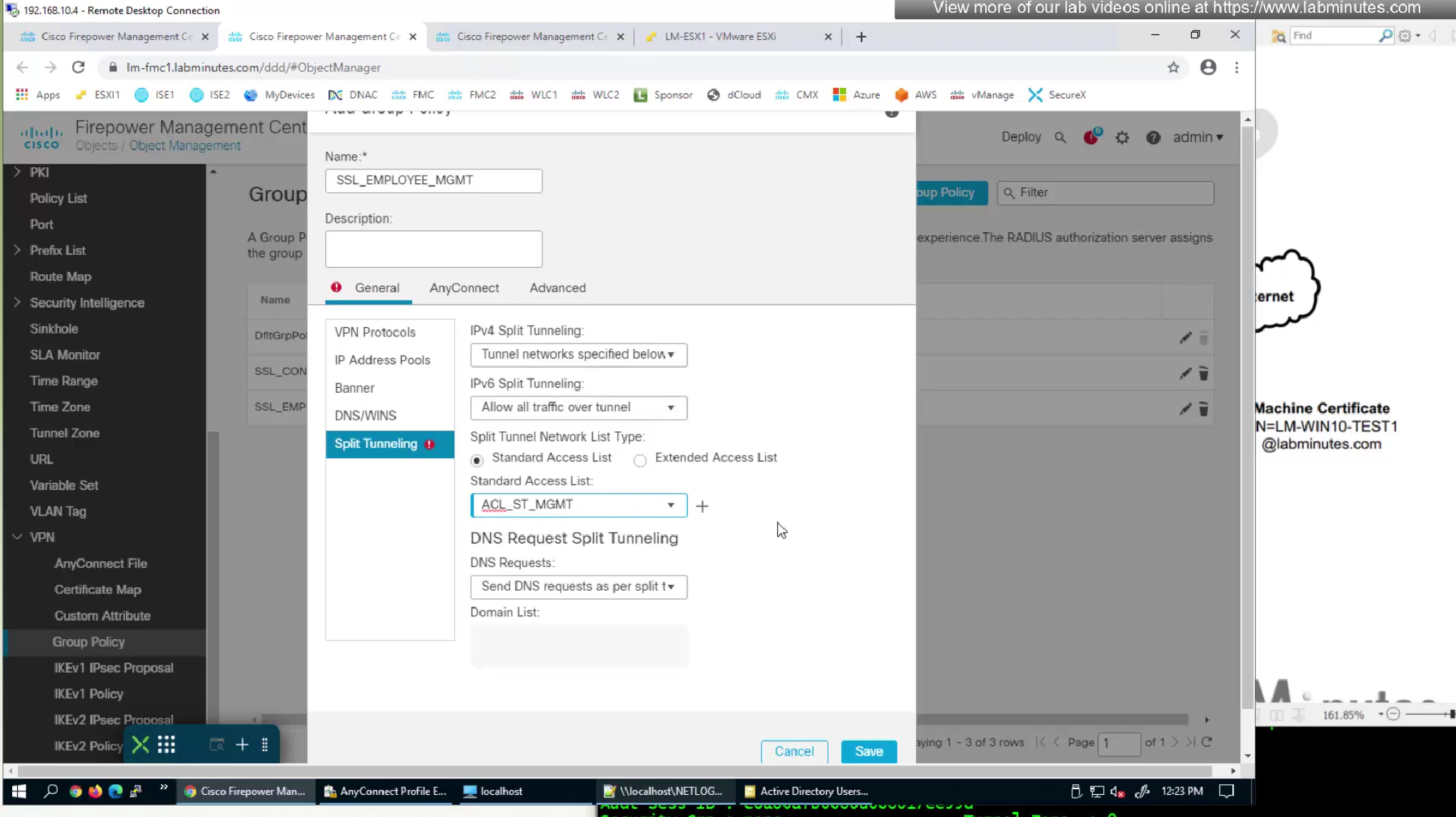

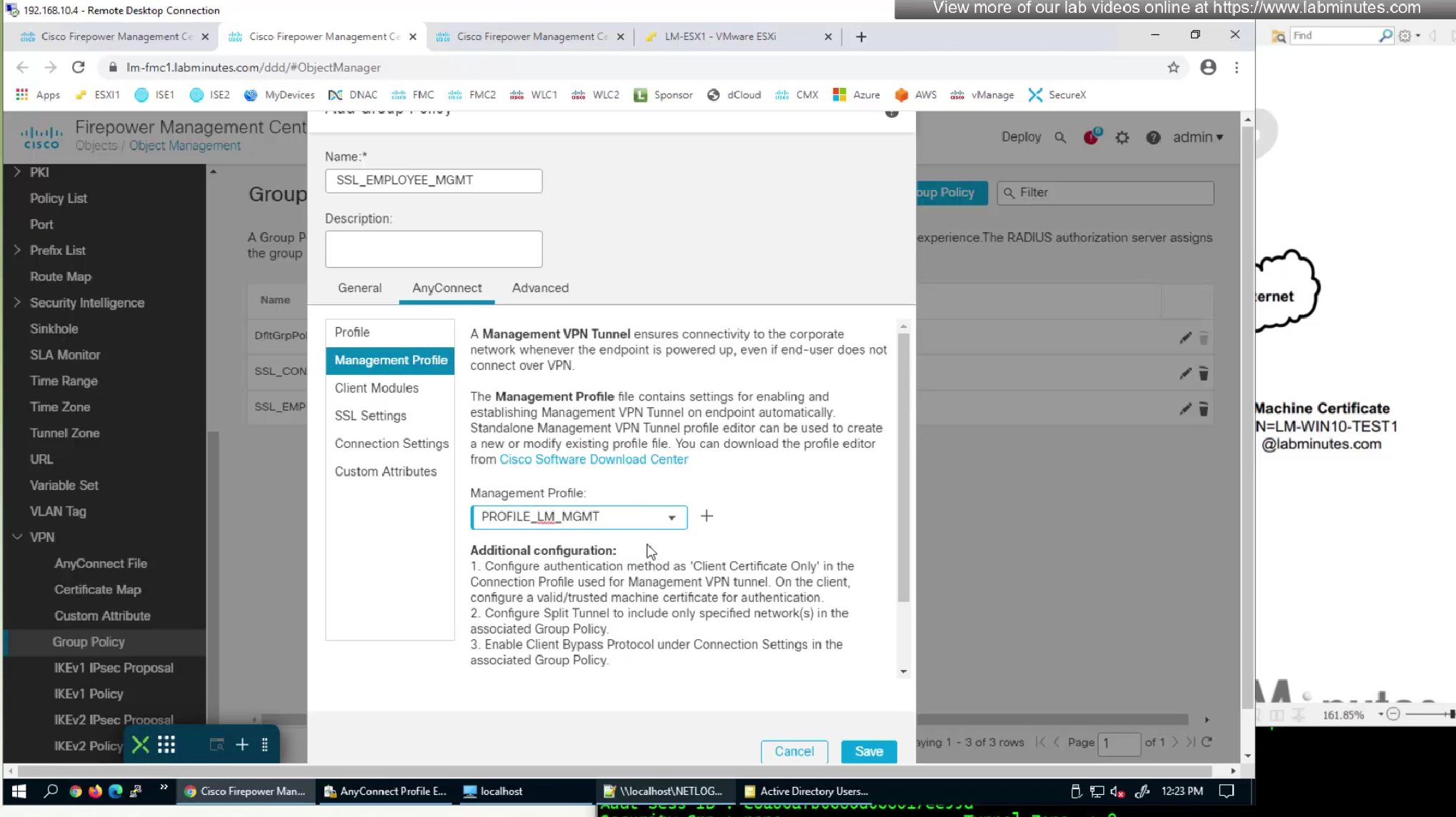
We will make this group policy similar in terms of connection parameters to previous group policy
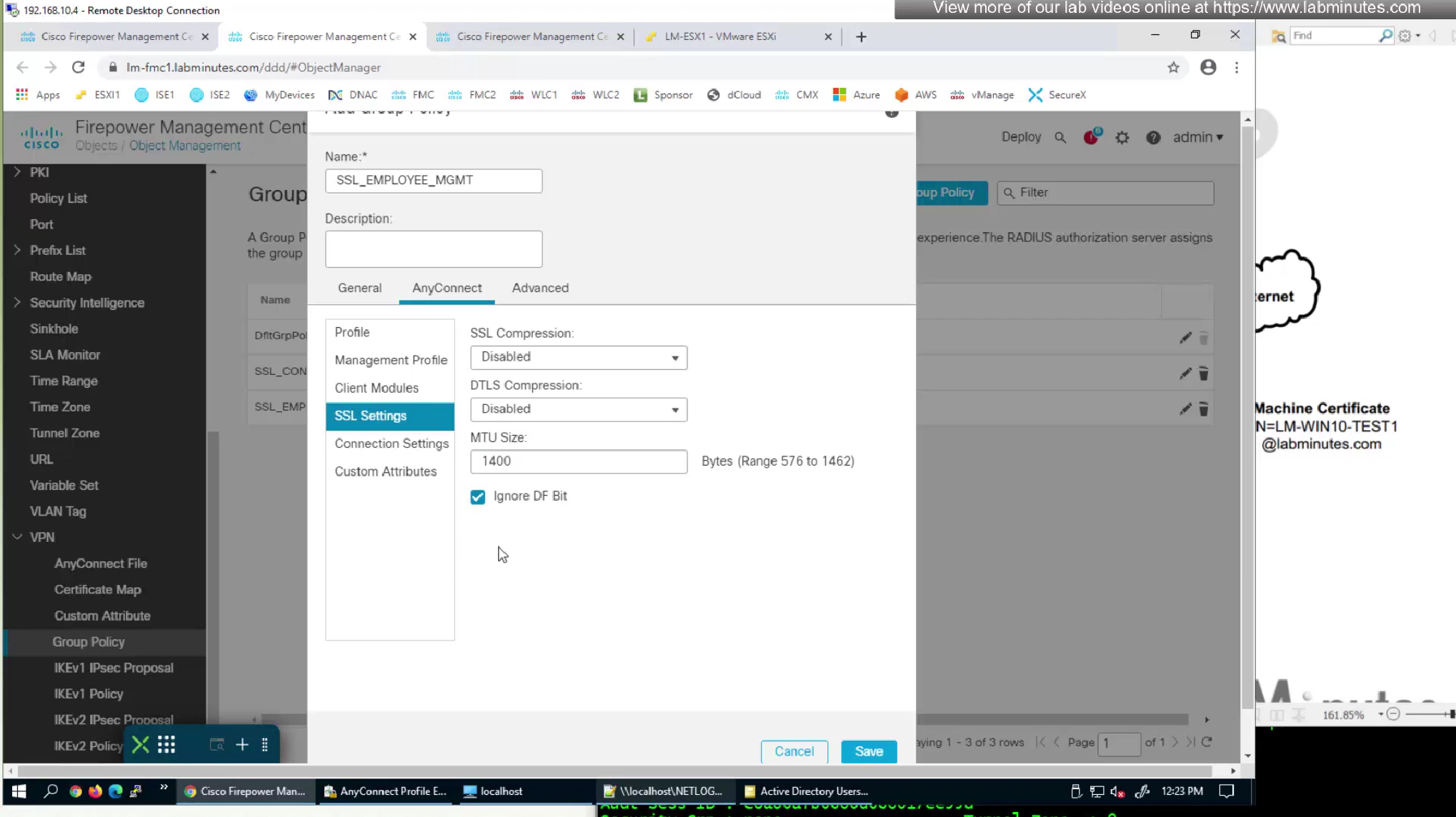


We will edit the Employee group policy also for management profile so they download the profile as they connect
This is so the profile already exists for mgmt tunnel

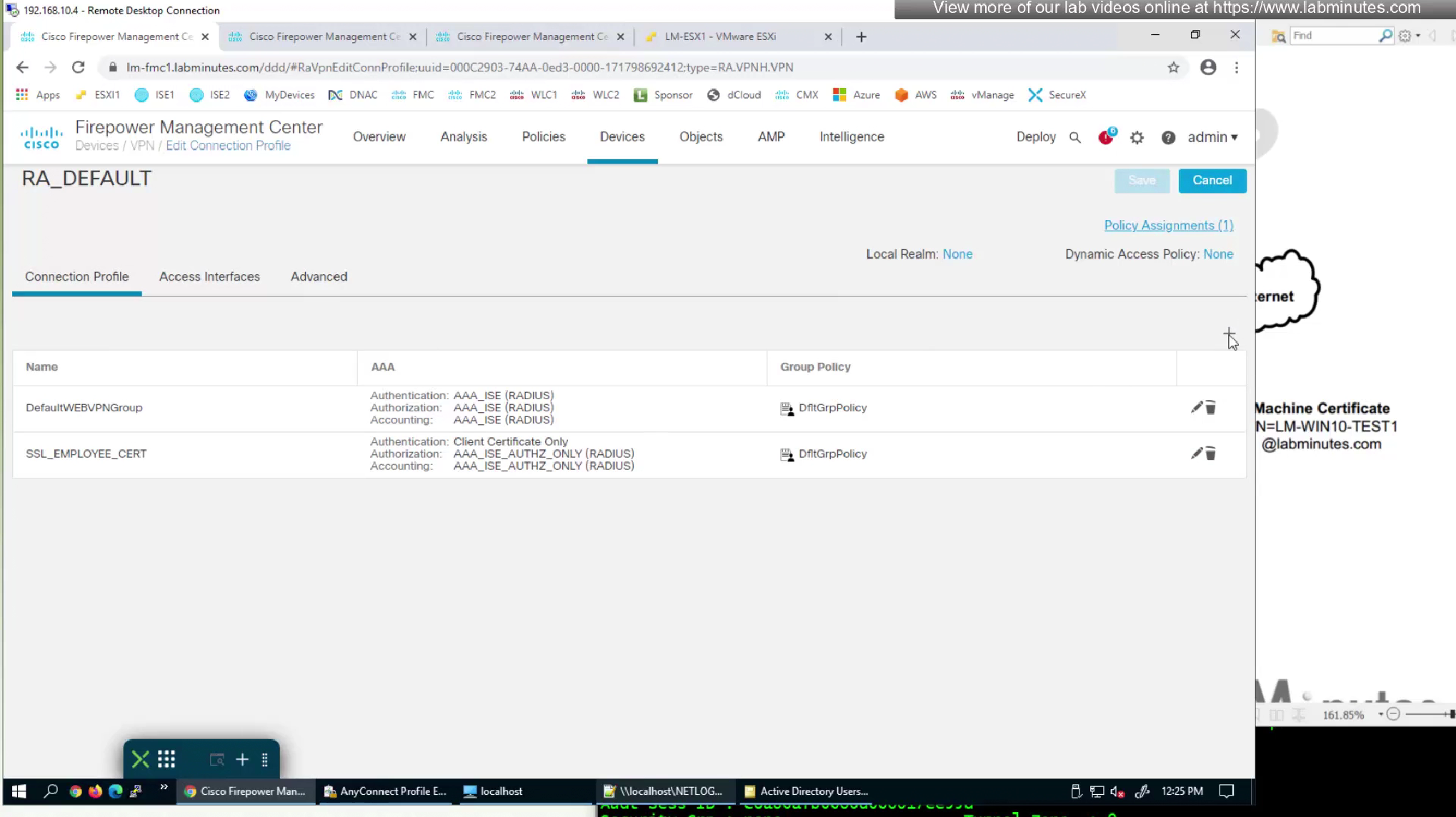
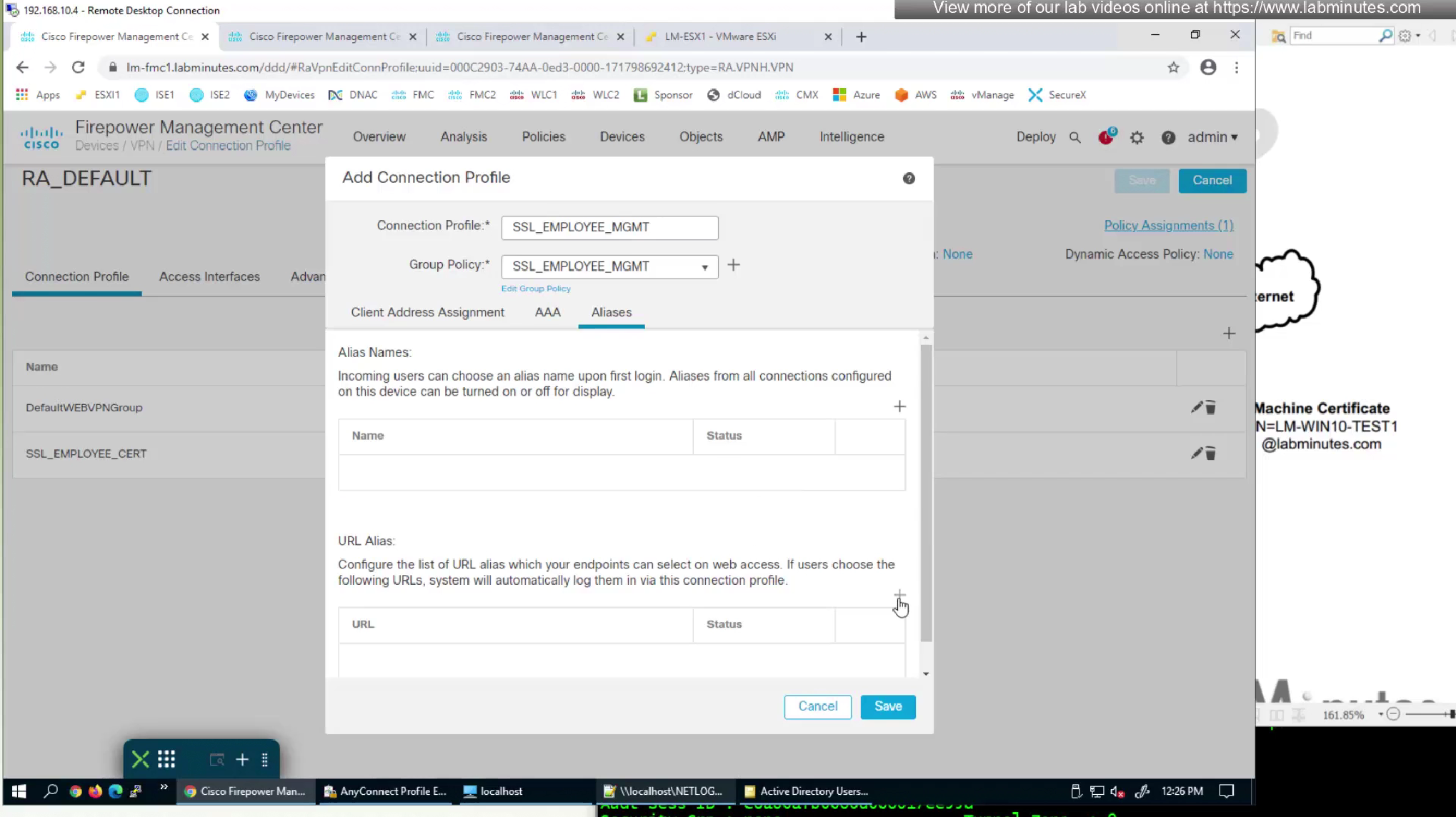
We will now configure a new connection profile

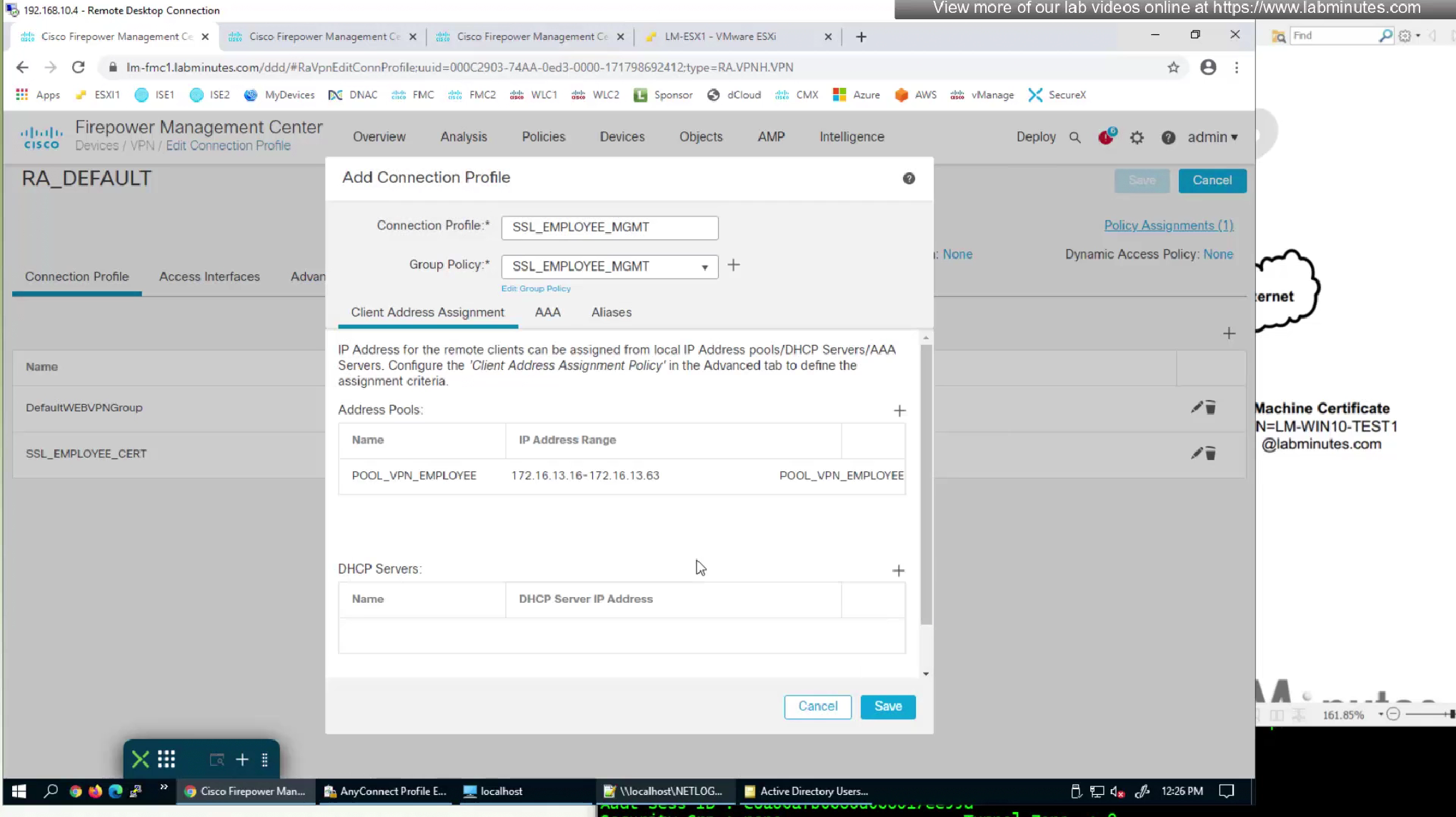
We do not need to configure Authorization and accounting for this mgmt tunnel as we just need it to be up after authentication


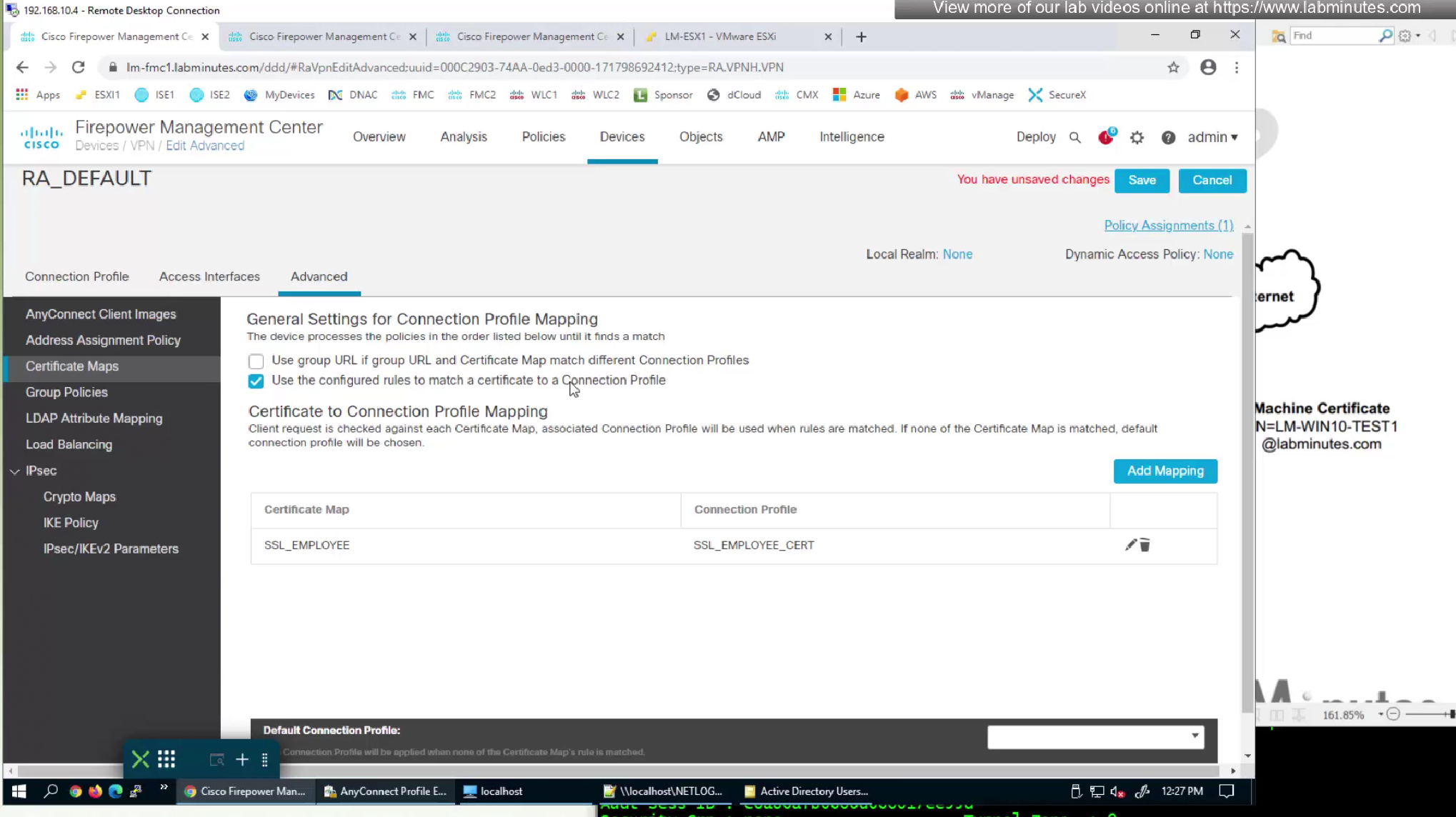
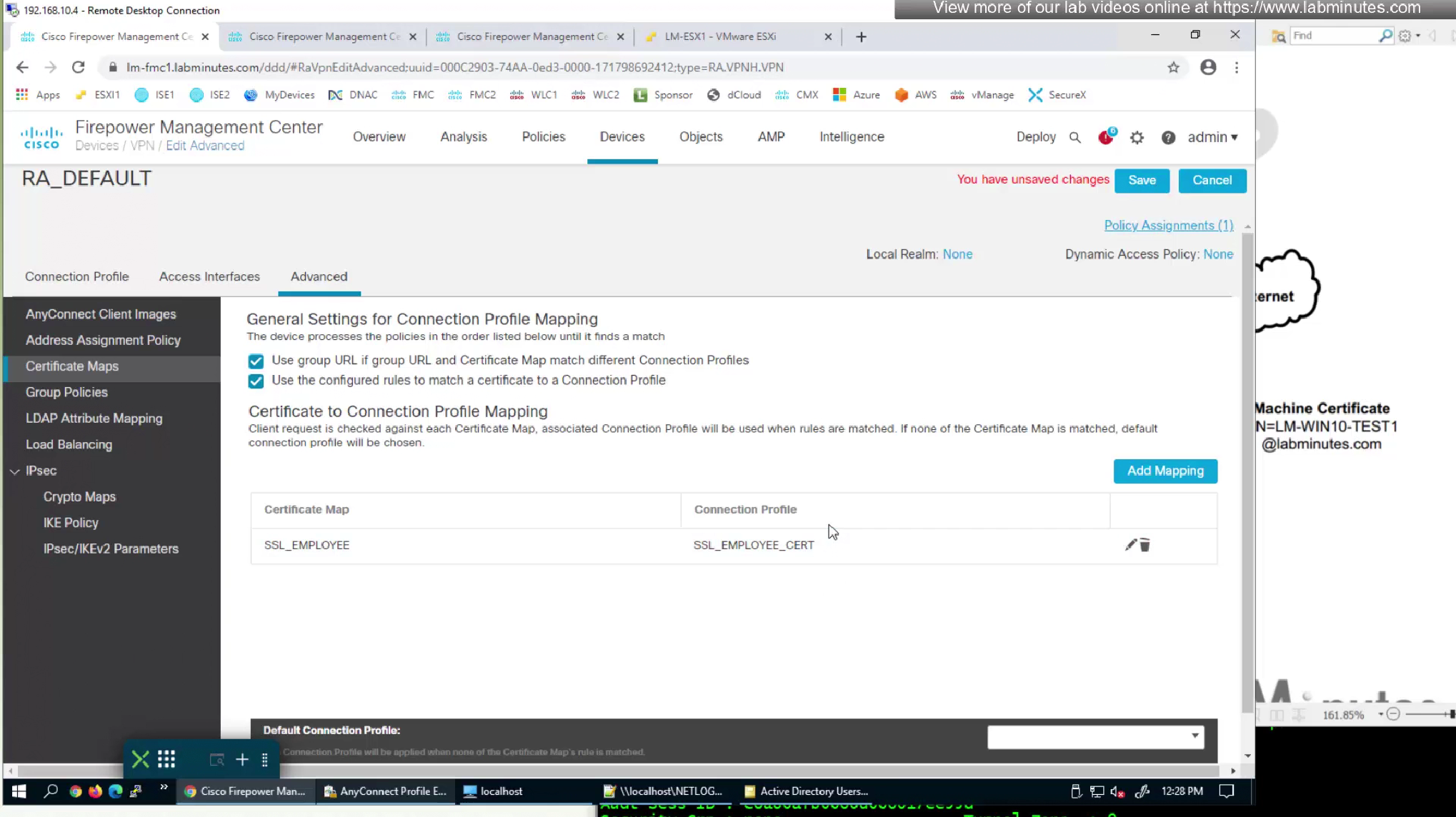
We had a certificate map configured to say that if certificate is presented then select this connection profile
Because it was a user cert we now need to enable first option for machine cert to work
Using group URL will use group policy and we have configured that group policy to do certificate authentication
mmc
user cert

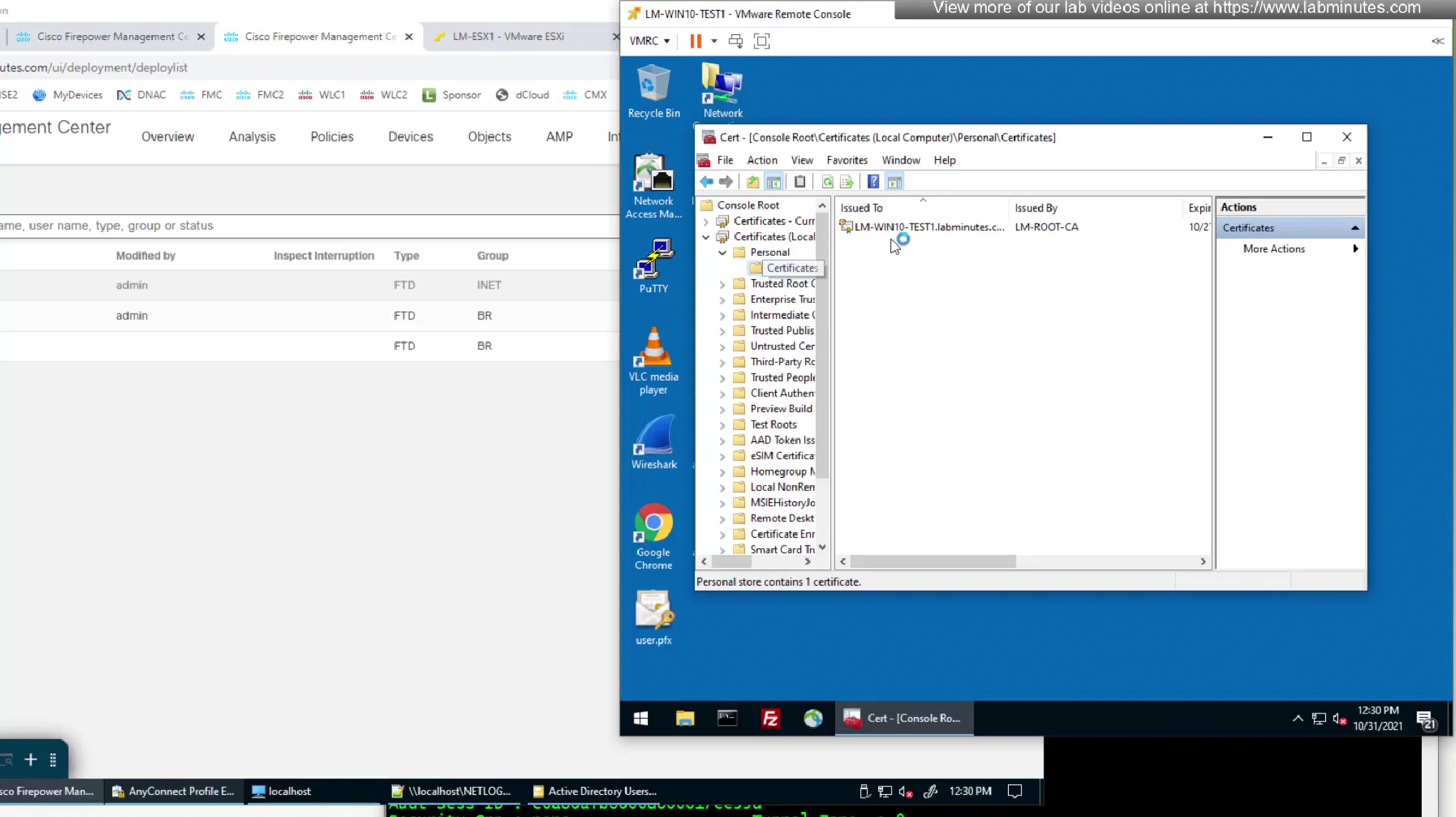
machine cert