SEC0414 – Firepower 7.0 AnyConnect VPN Start Before Logon and Management VPN Tunnel (Part 1)
SEC0414 – Firepower 7.0 AnyConnect VPN Start Before Logon and Management VPN Tunnel (Part 1)
SBL
Start before logon and Mgmt tunnel
Sometimes there is a need for VPN to establish before user has logged on (in order to help with user logon) so laptop is not taken to office in order to get the logon profile on laptop for first time logon

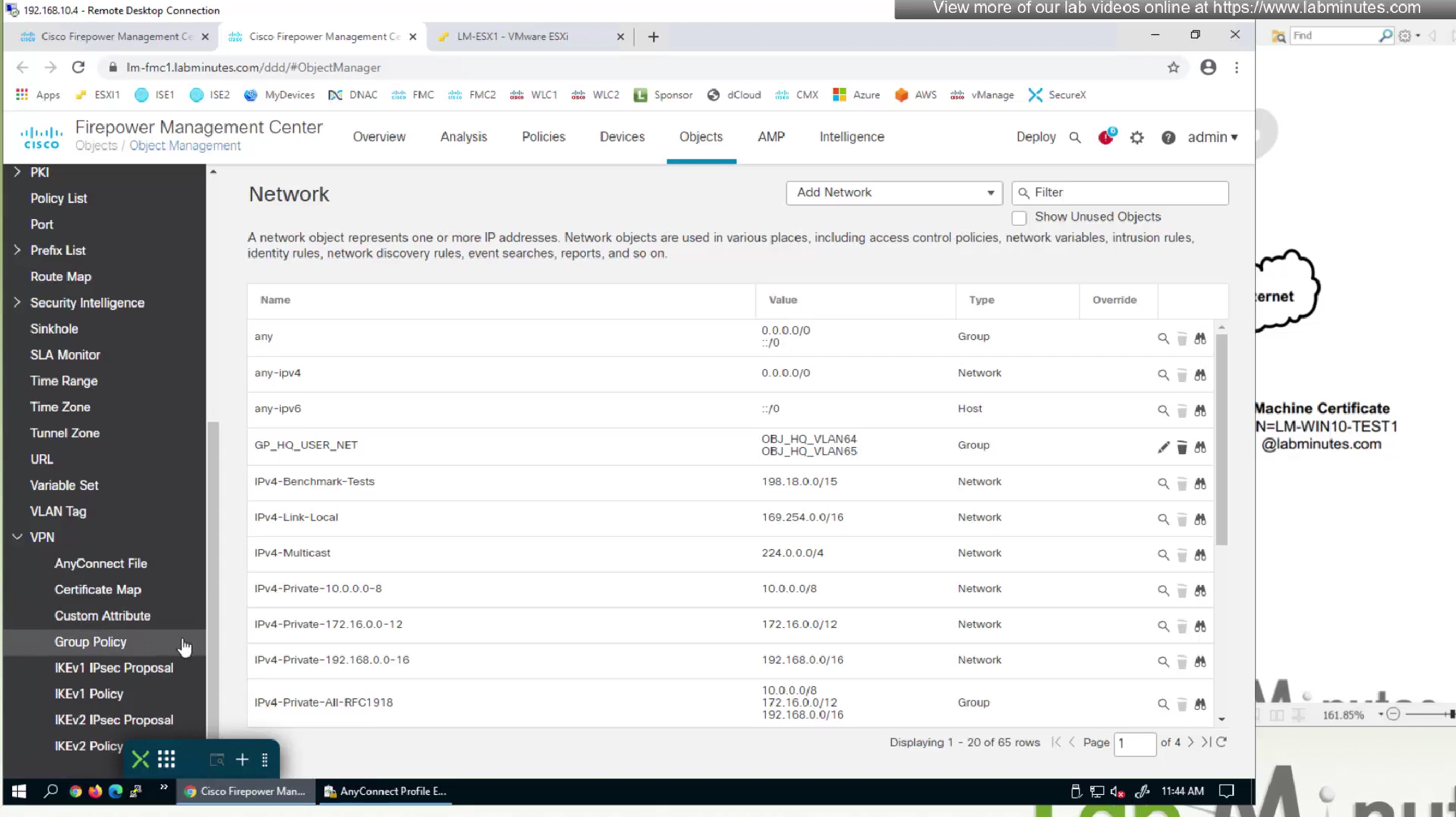
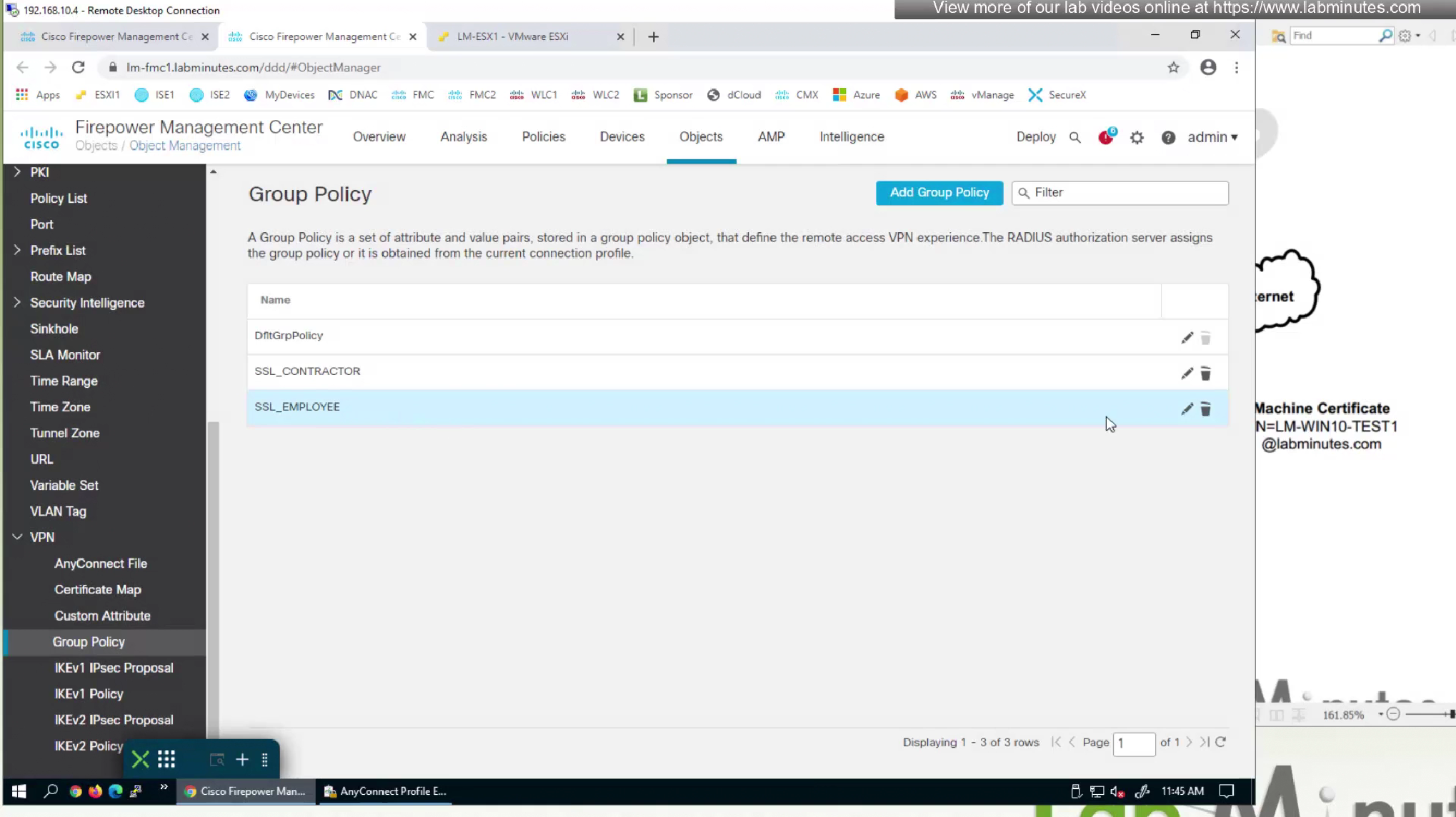
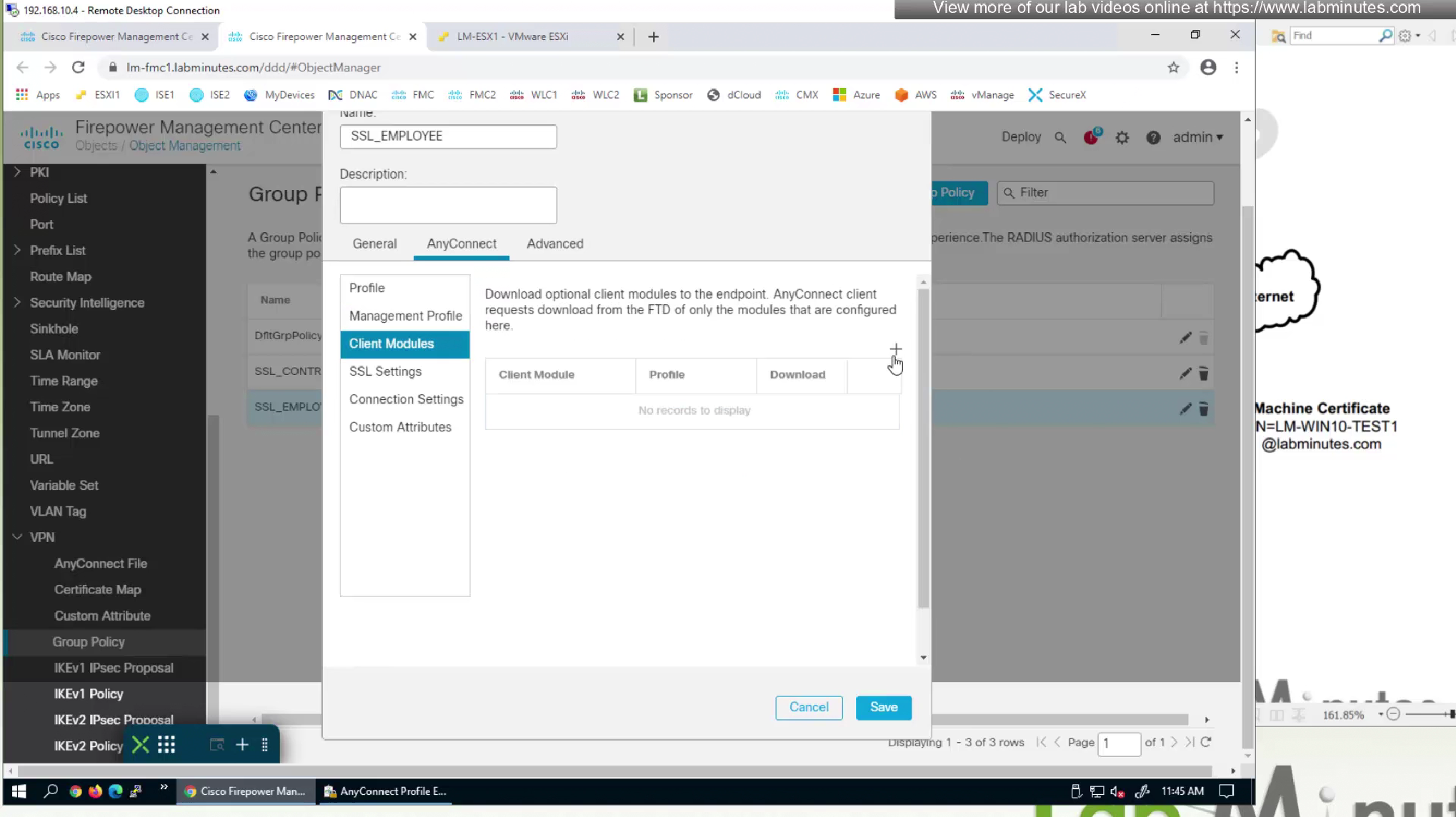
because it is a module we need to push it through Group policy > Anyconnect > Client Modules
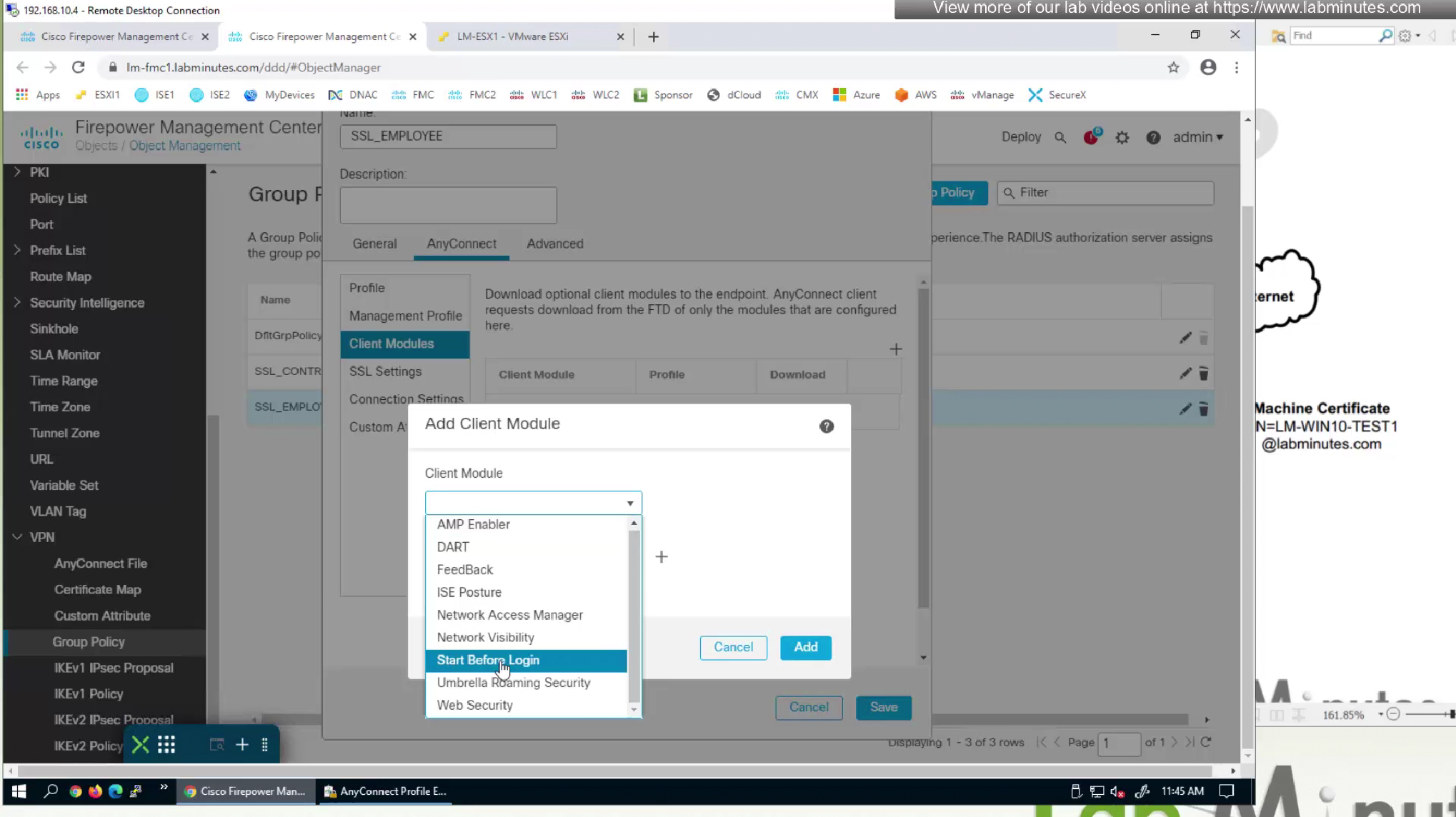
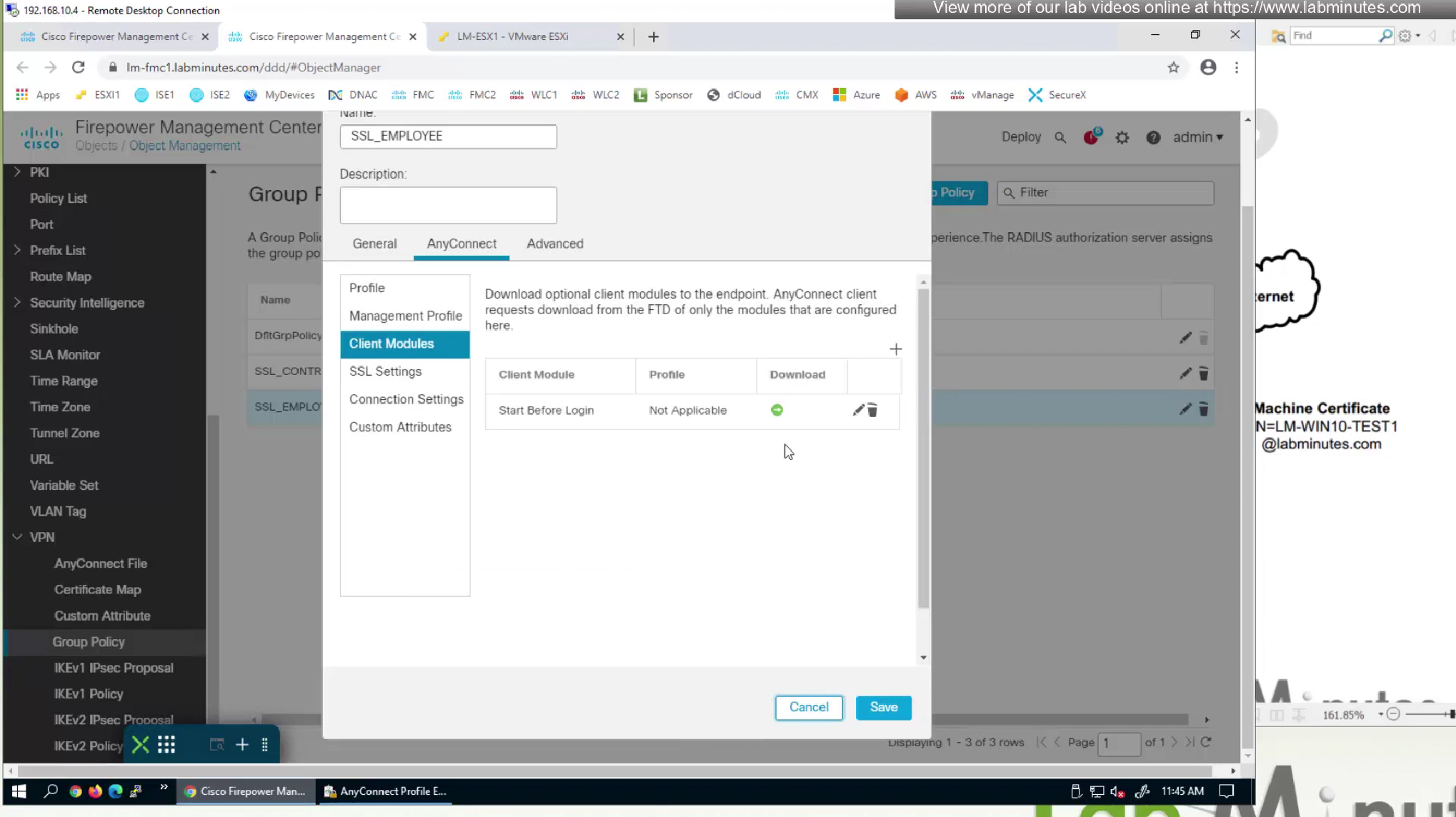
Earlier in group policy we enabled the module but now in client profile we need to configure SBL
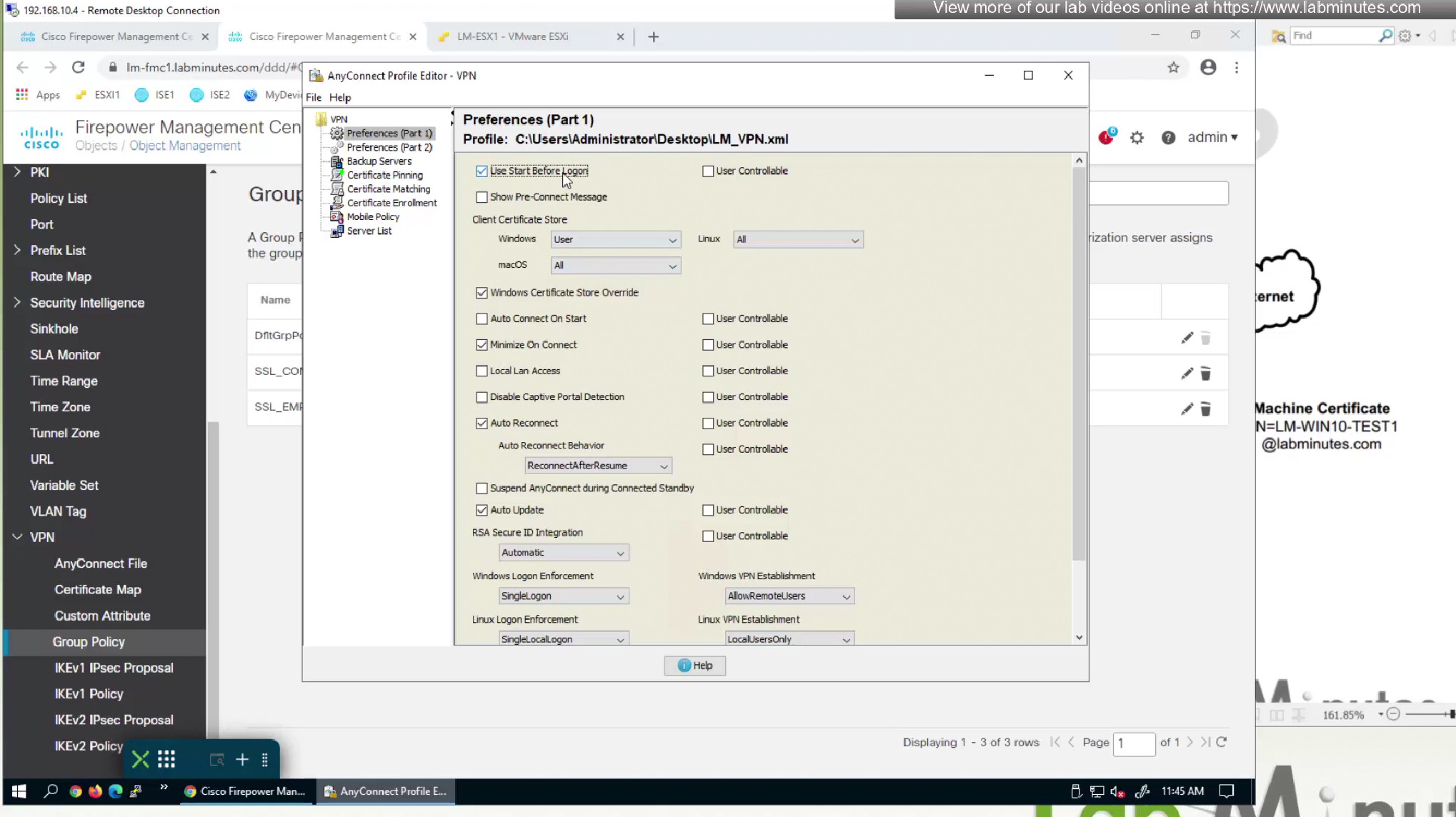
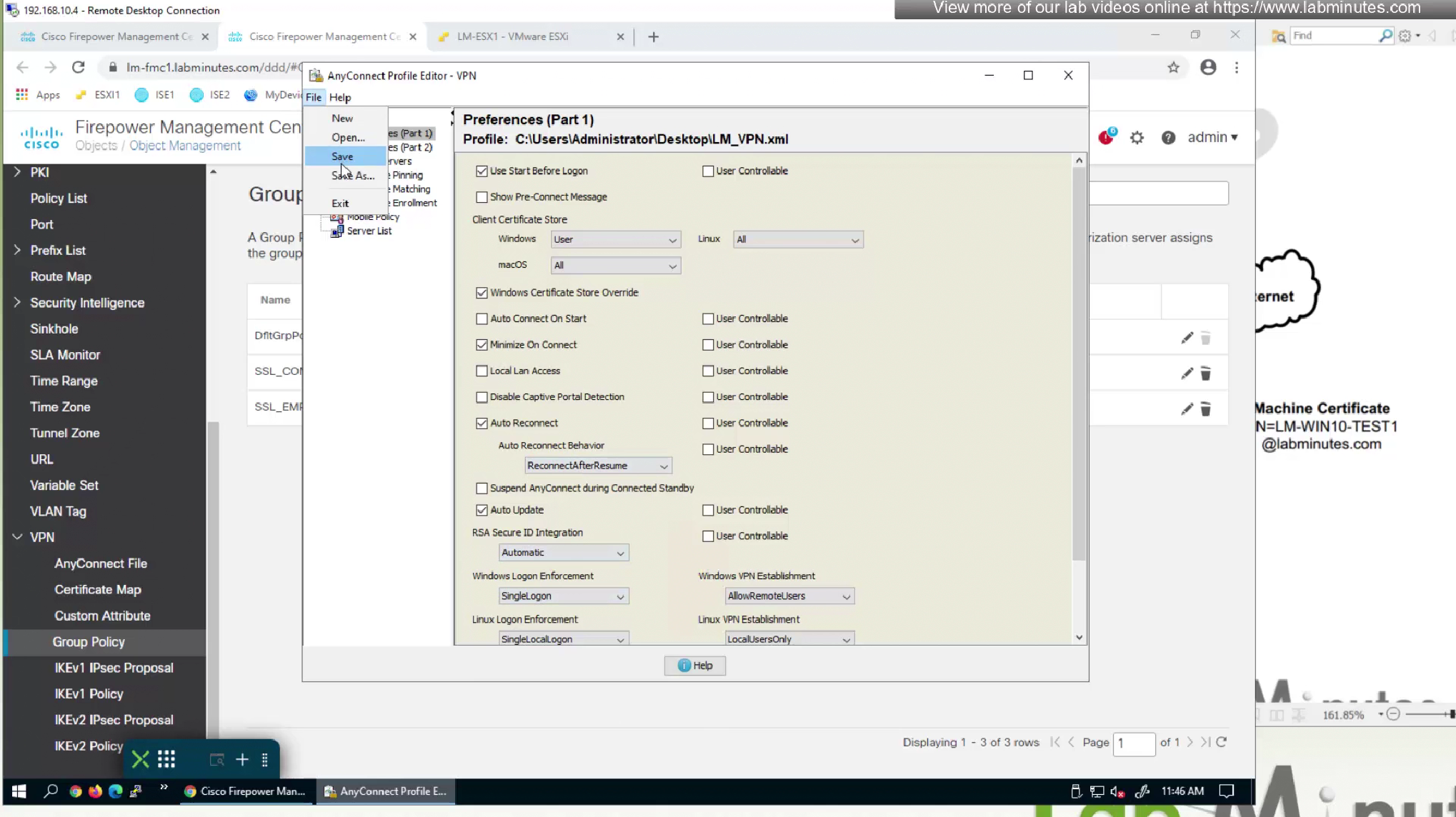
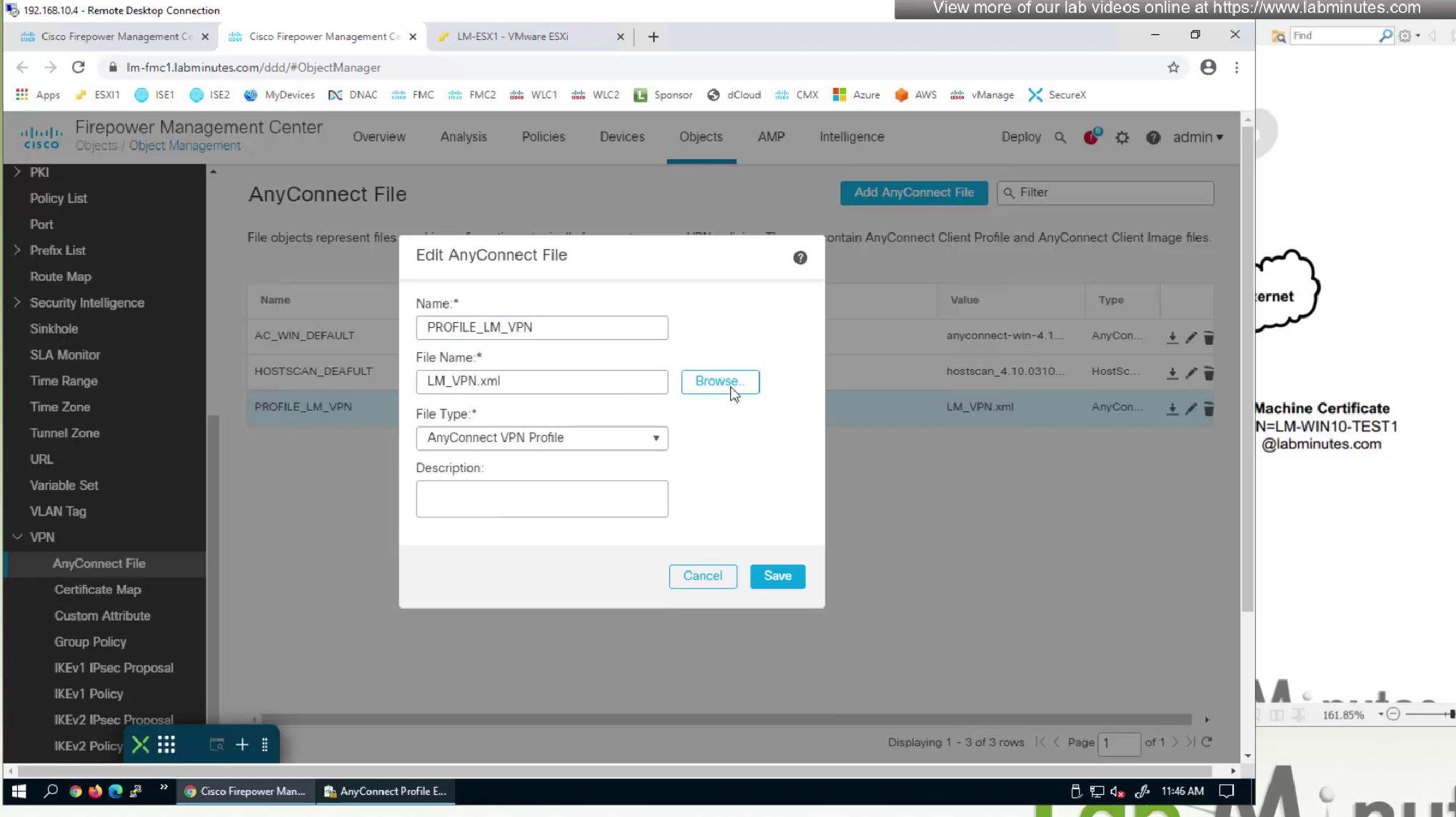
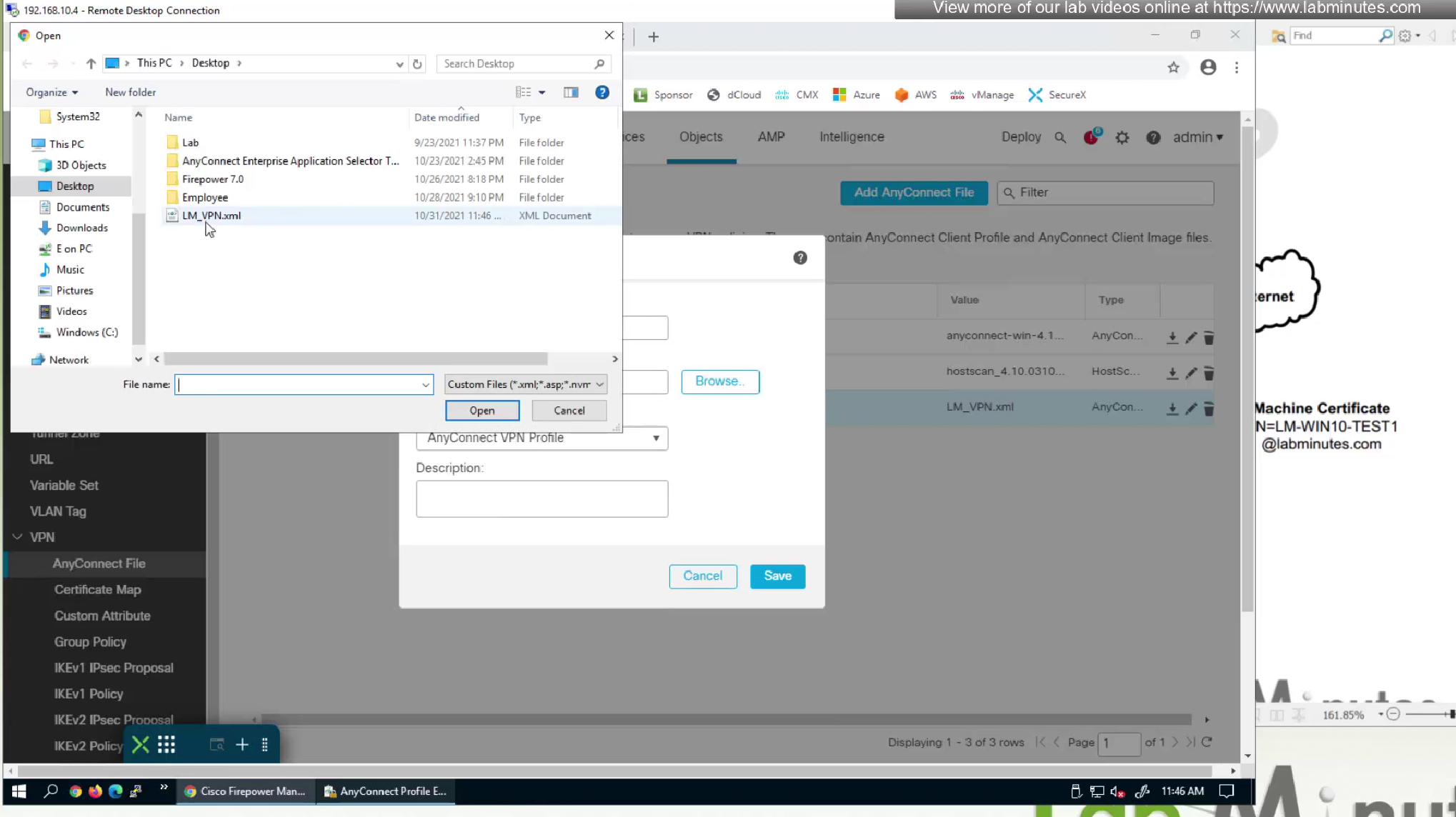
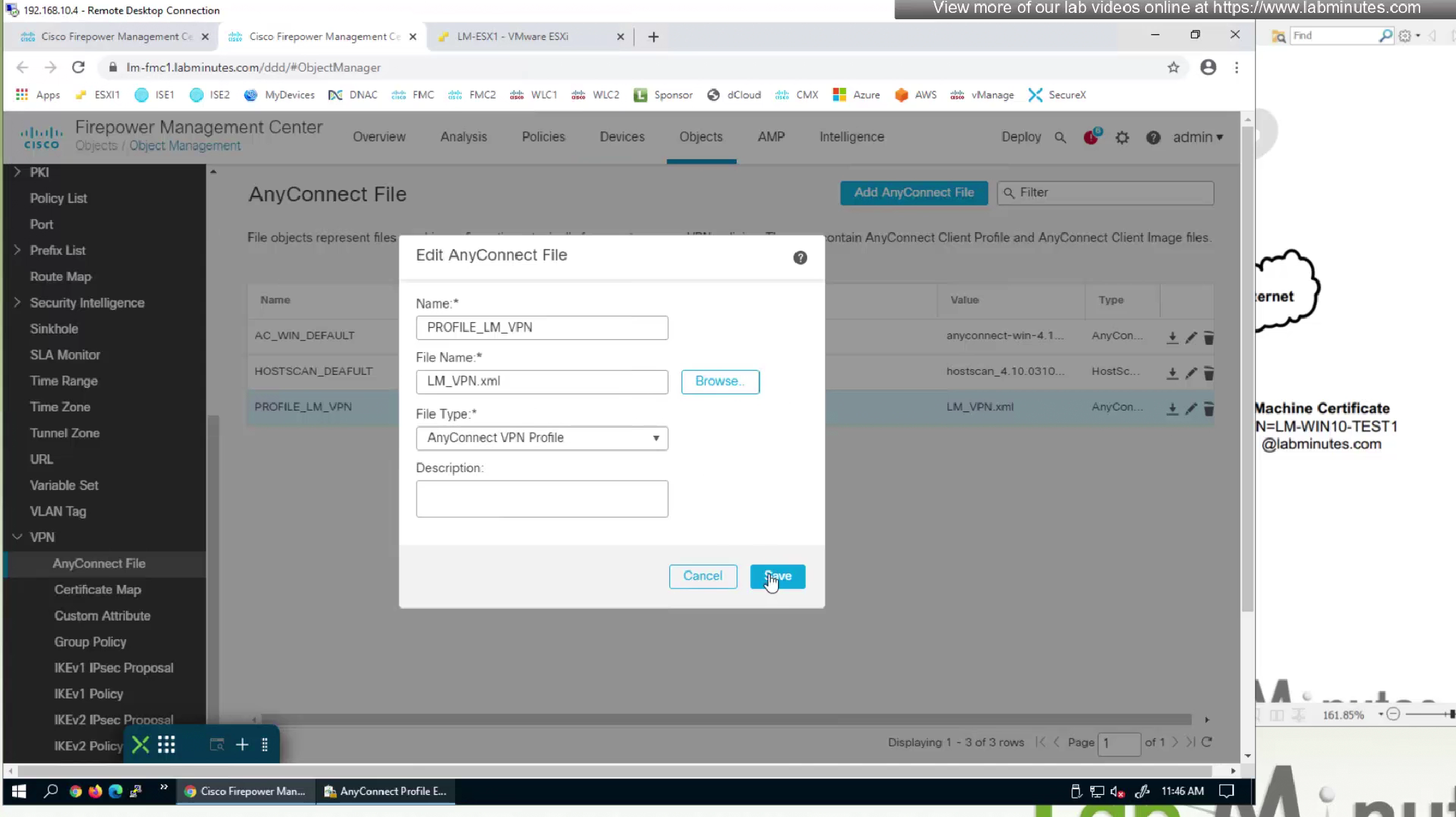
Because we have edited this file, we need to re upload the xml file to fmc
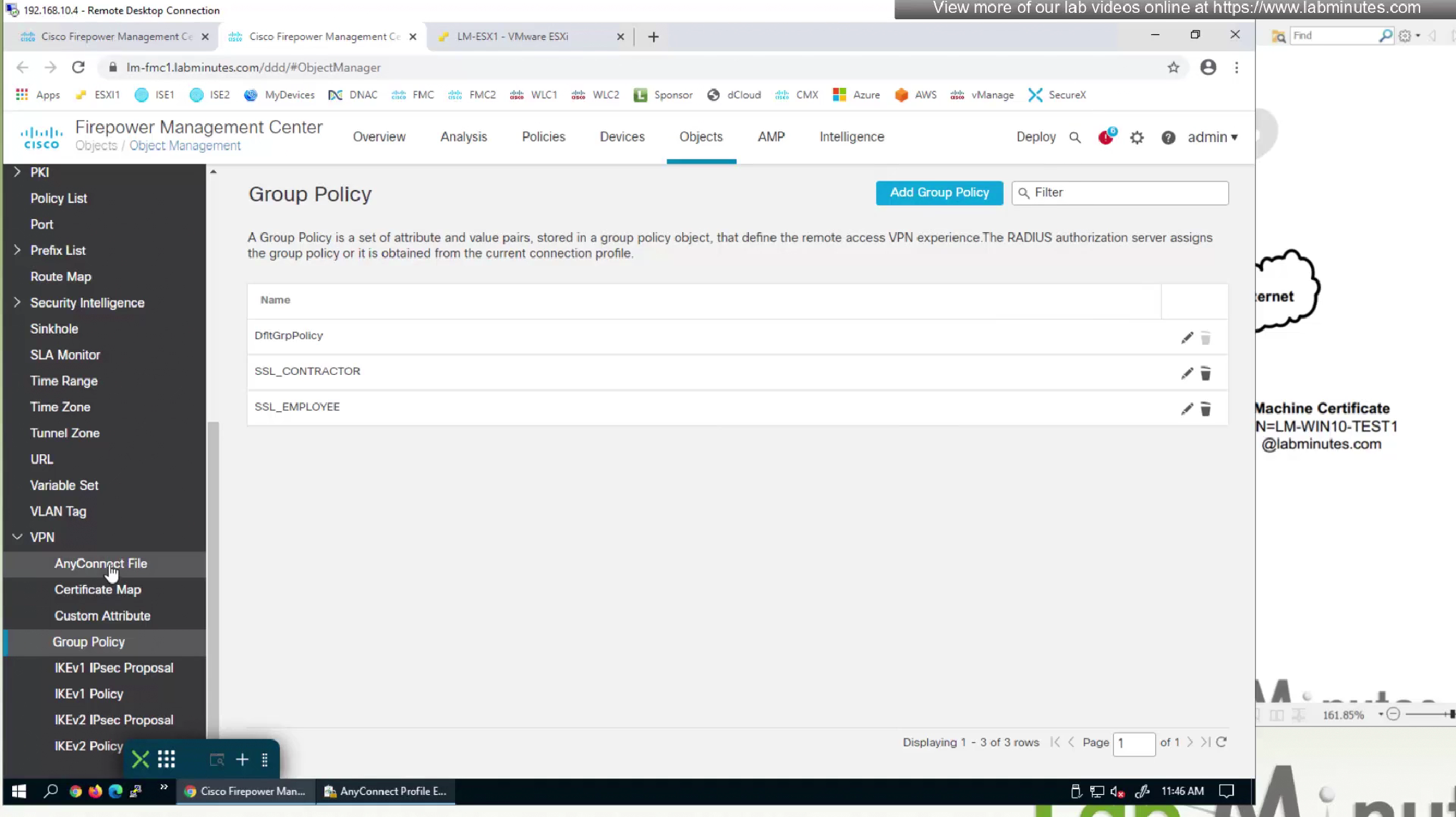
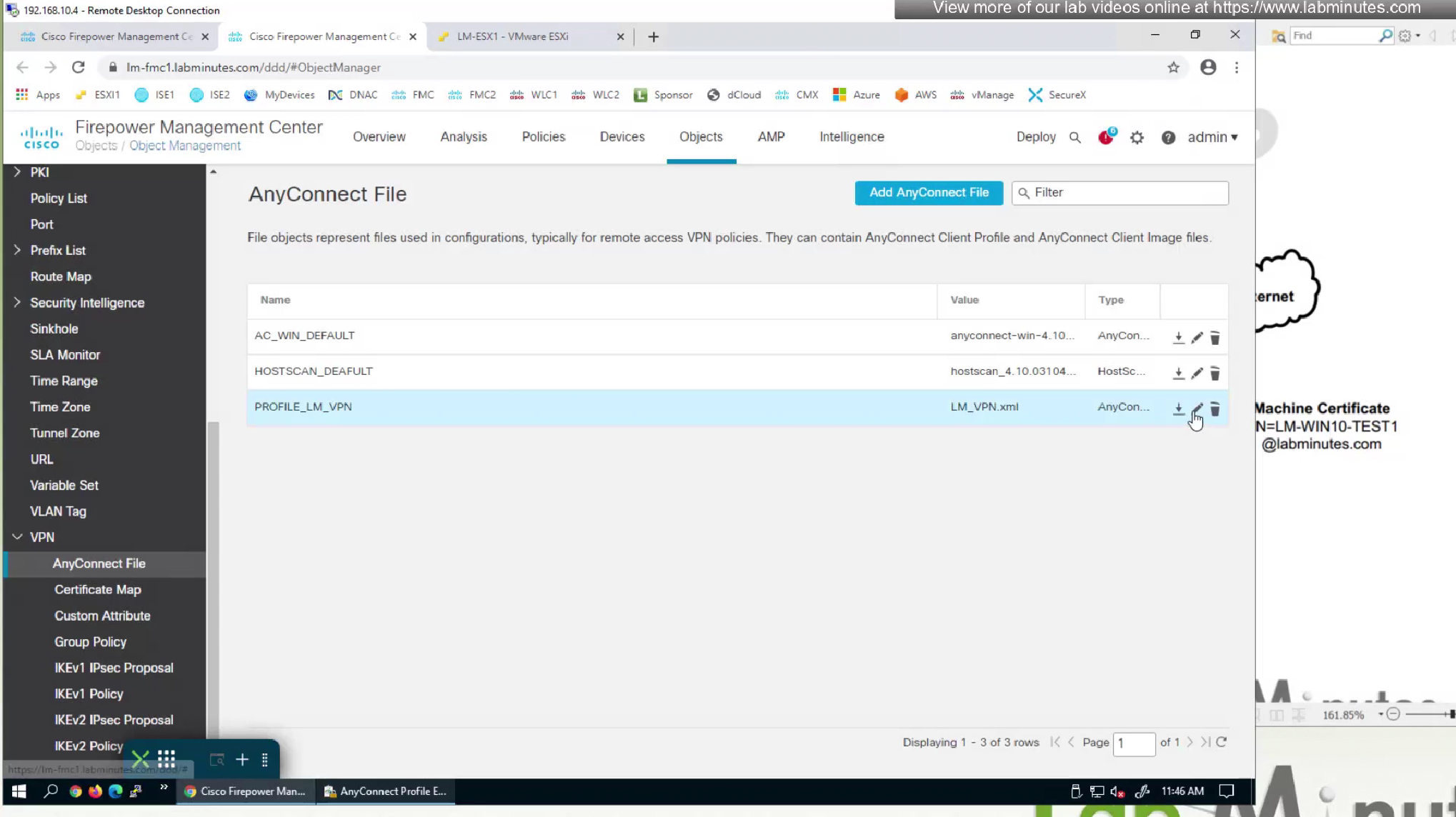
now we need to upload it back to the FMC
vpngina is the name of SBL in command line which can be seen using ‘show running-config group-policy’
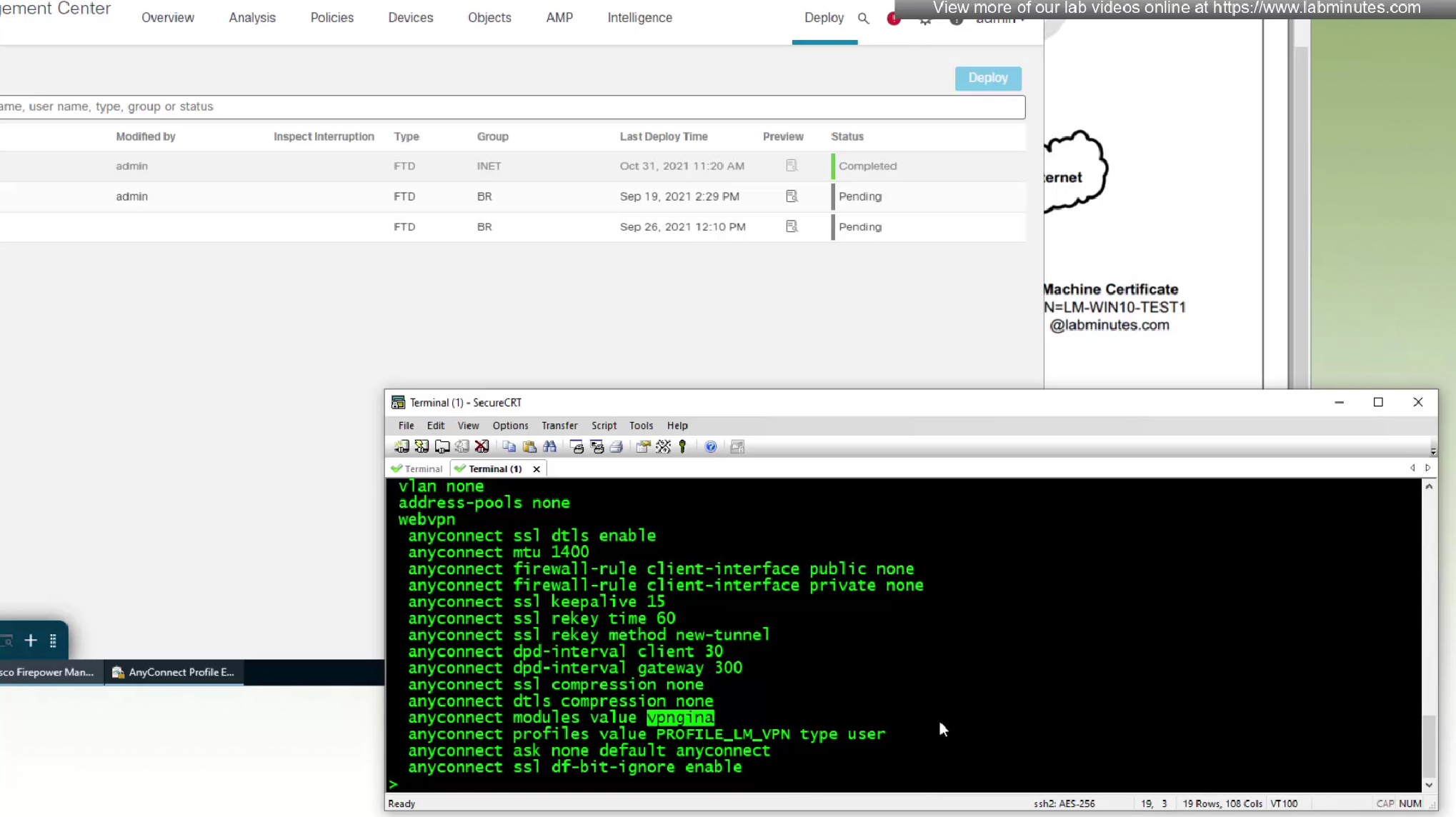
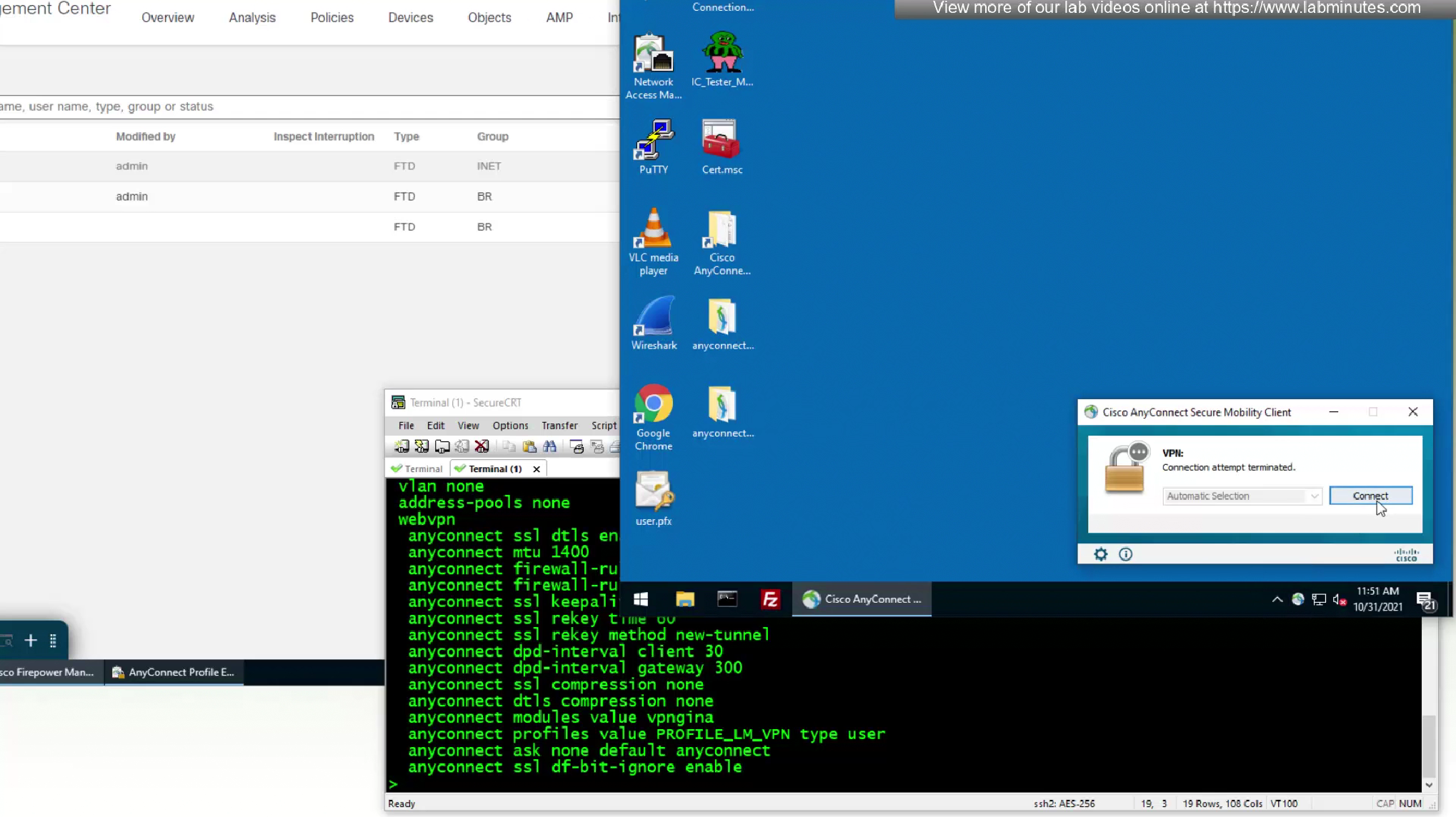
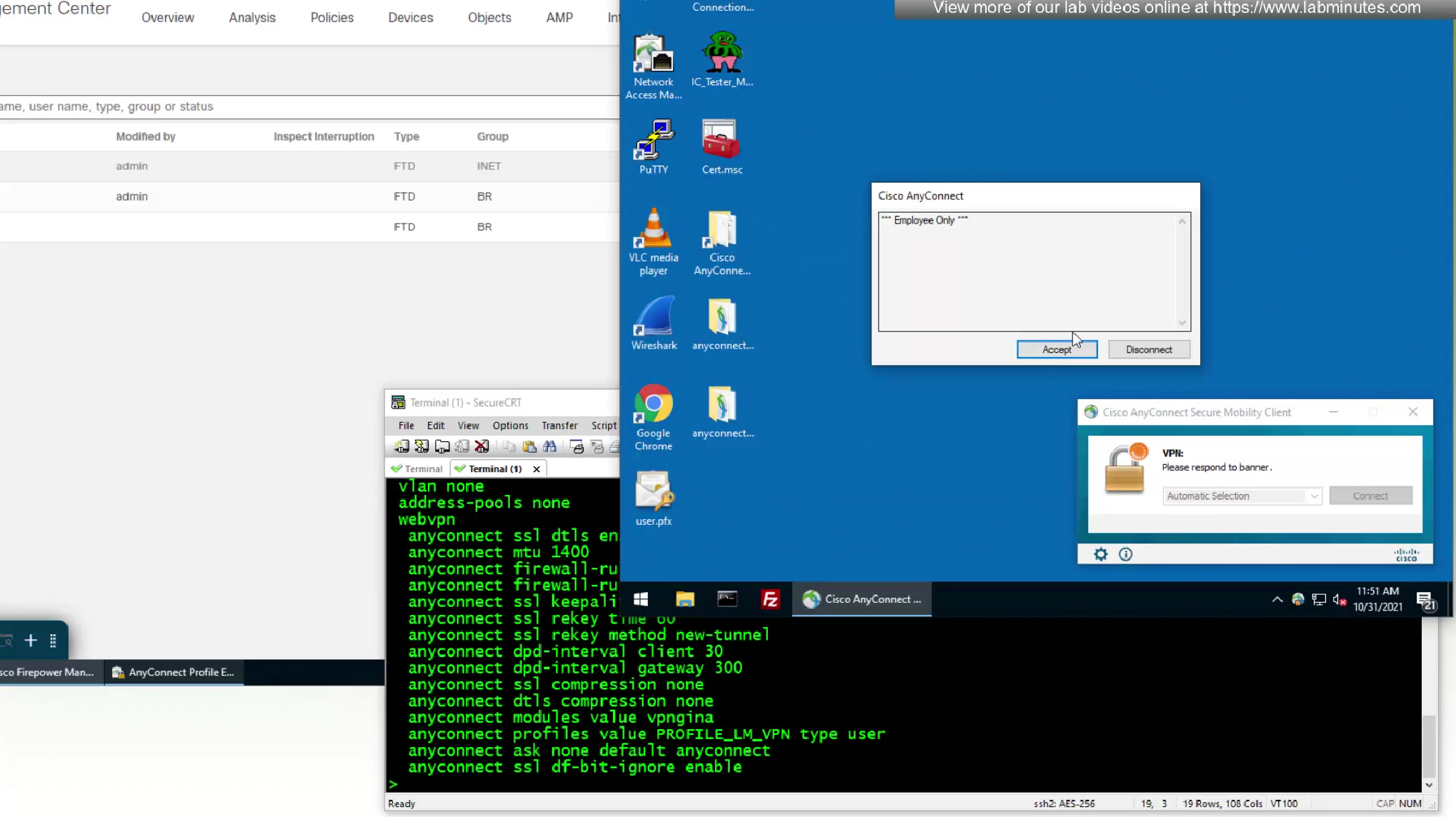
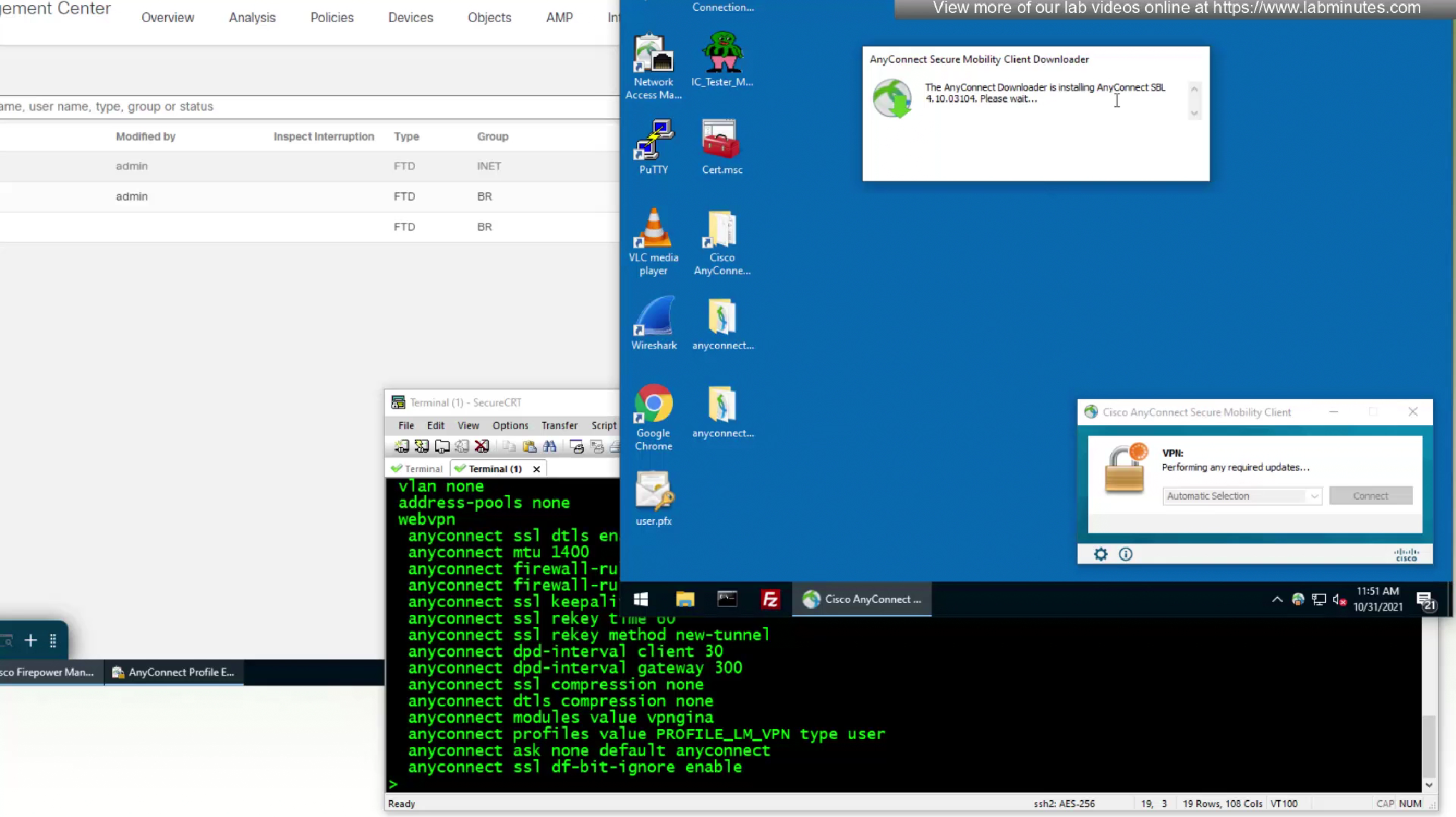
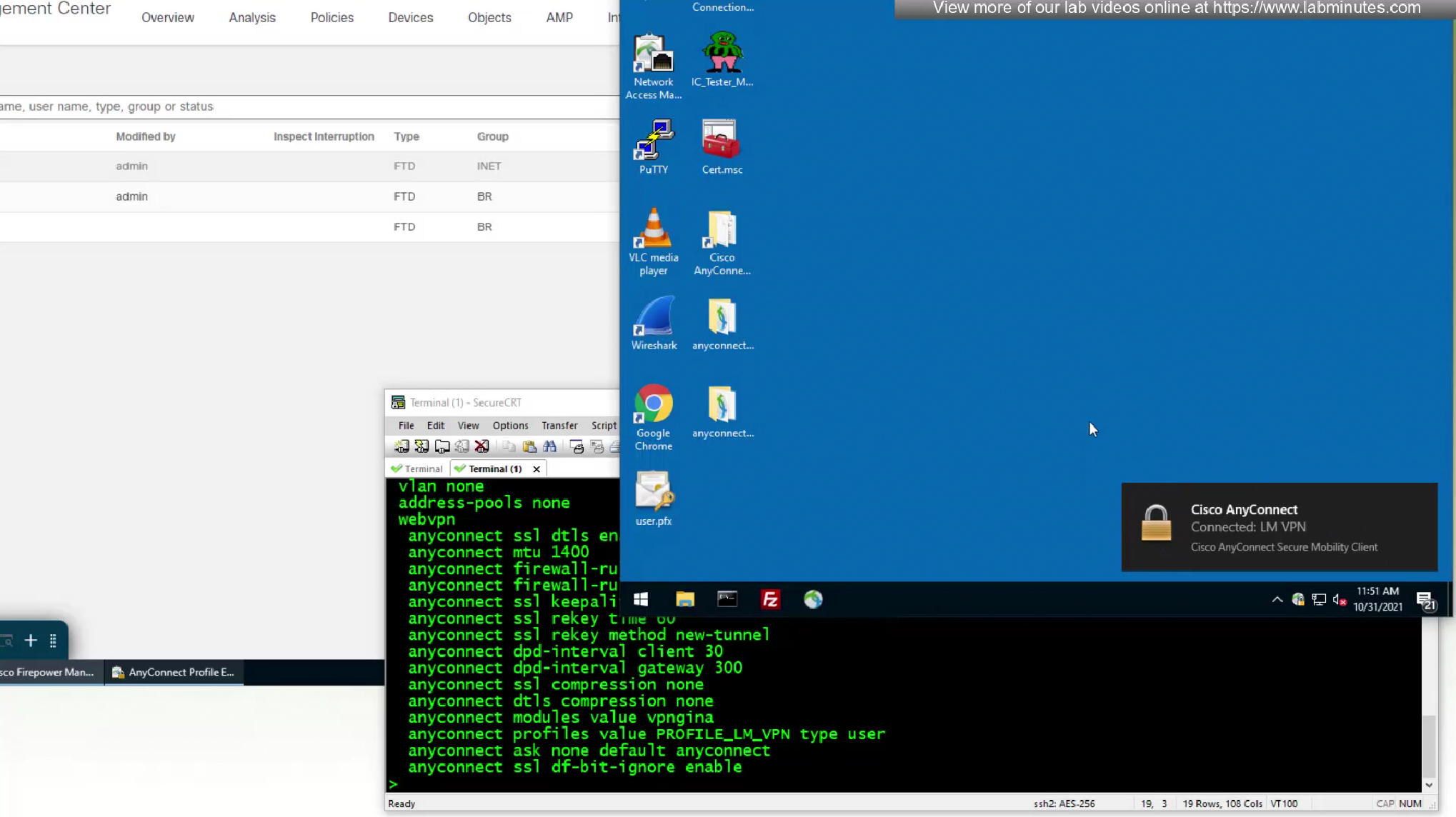
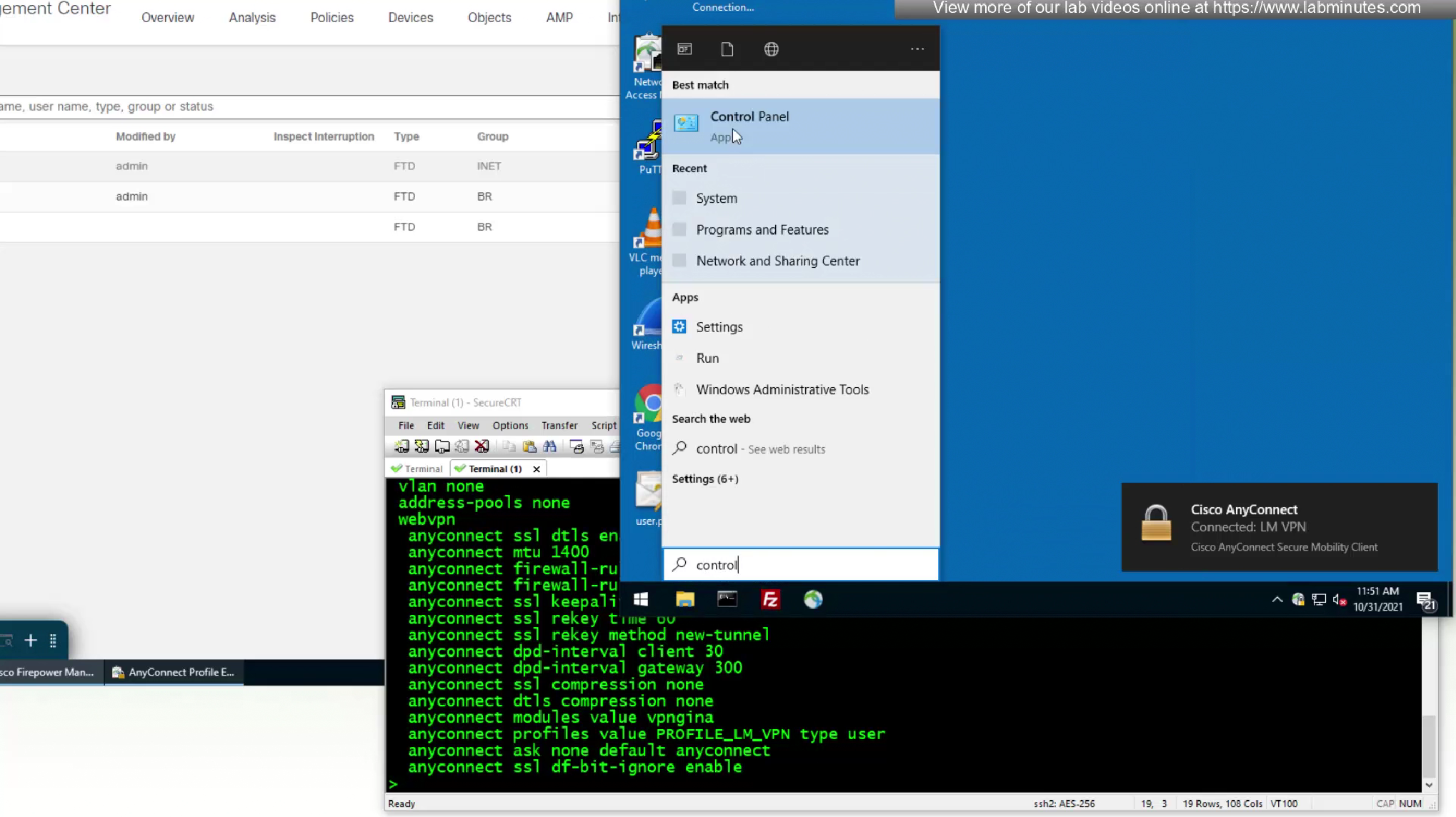
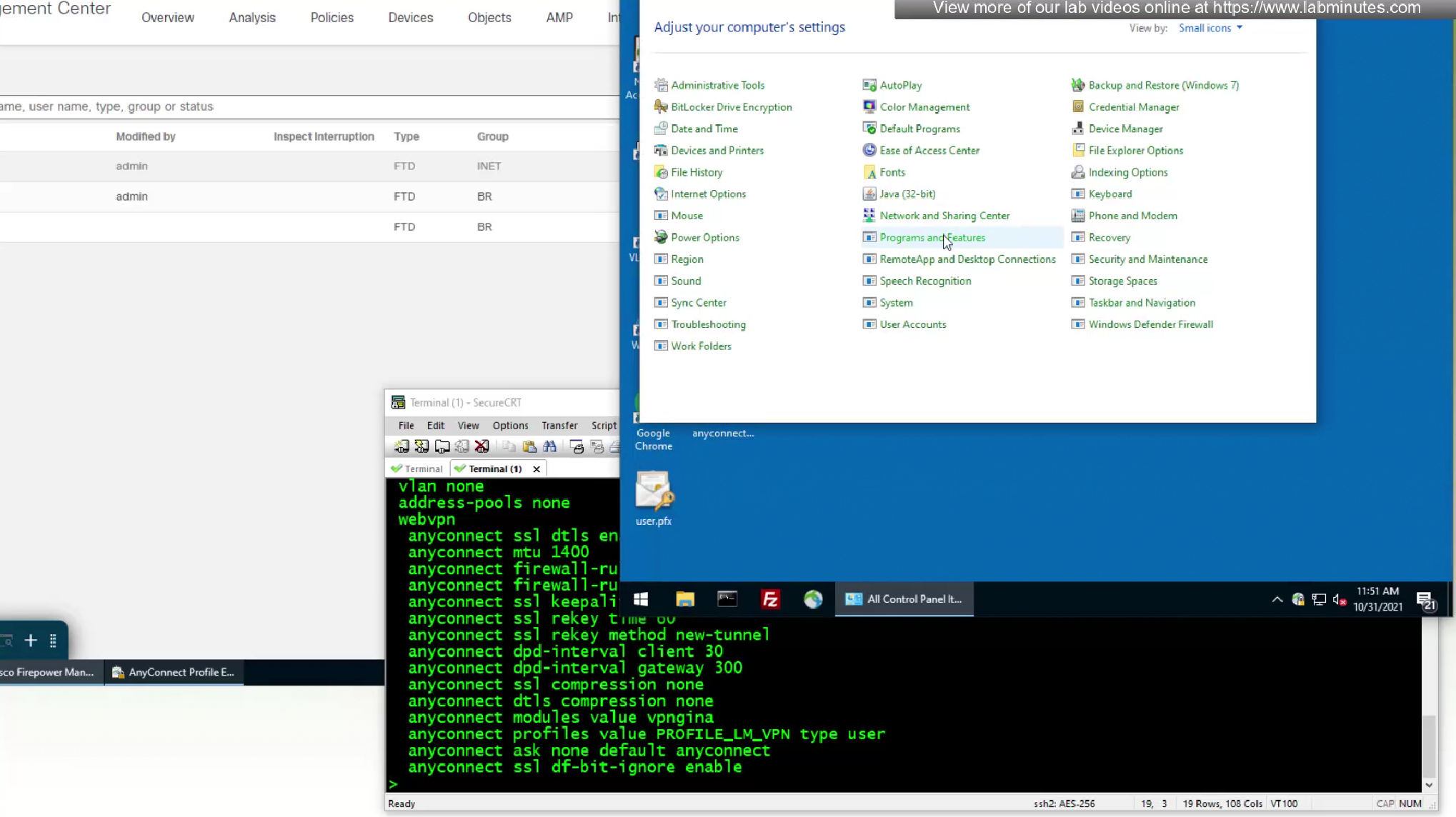
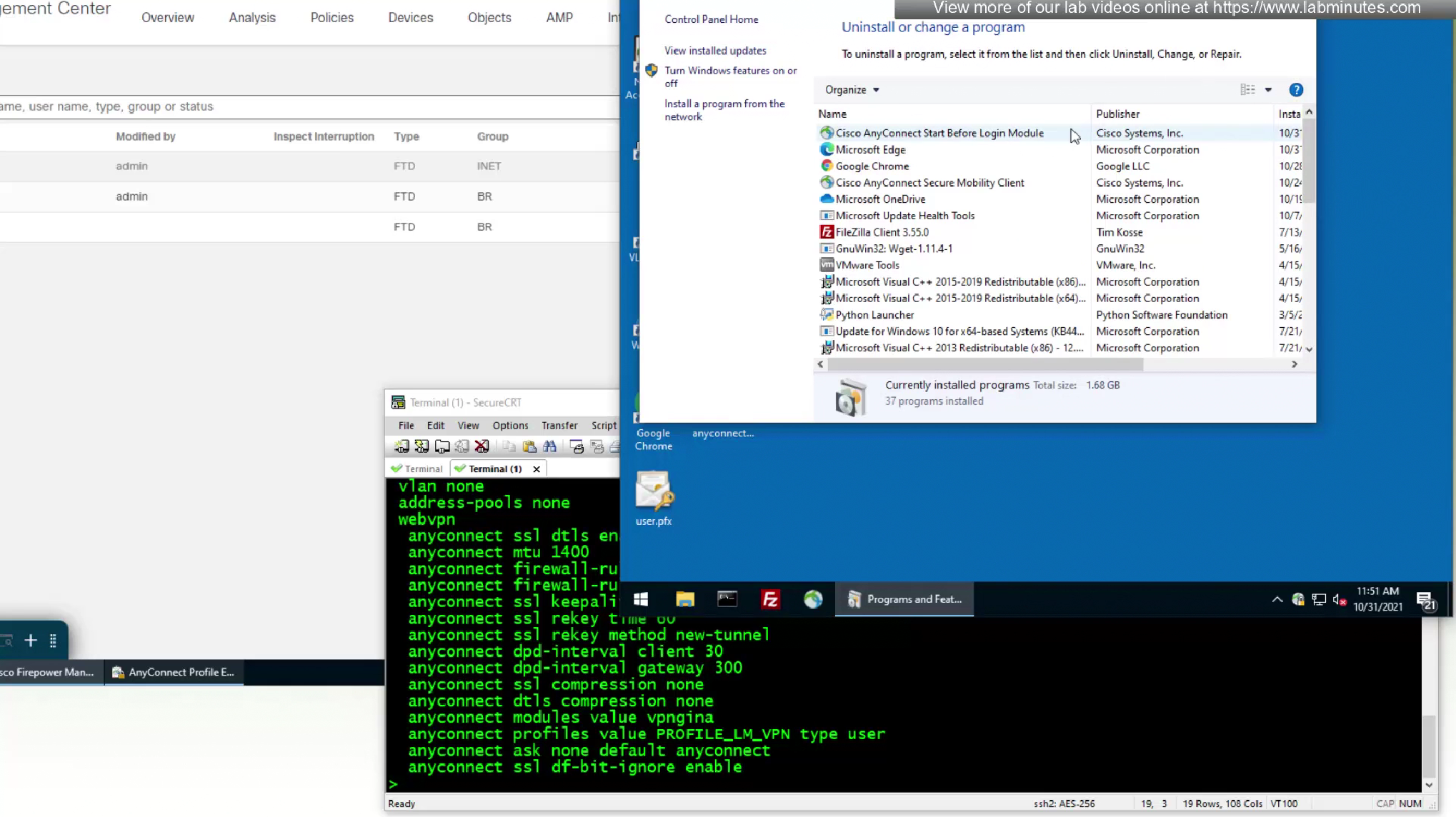
one thing we need to take care of in registry is called ‘Automatic Restart Signon’ that may interfere with SBL and that can be disabled using group policy

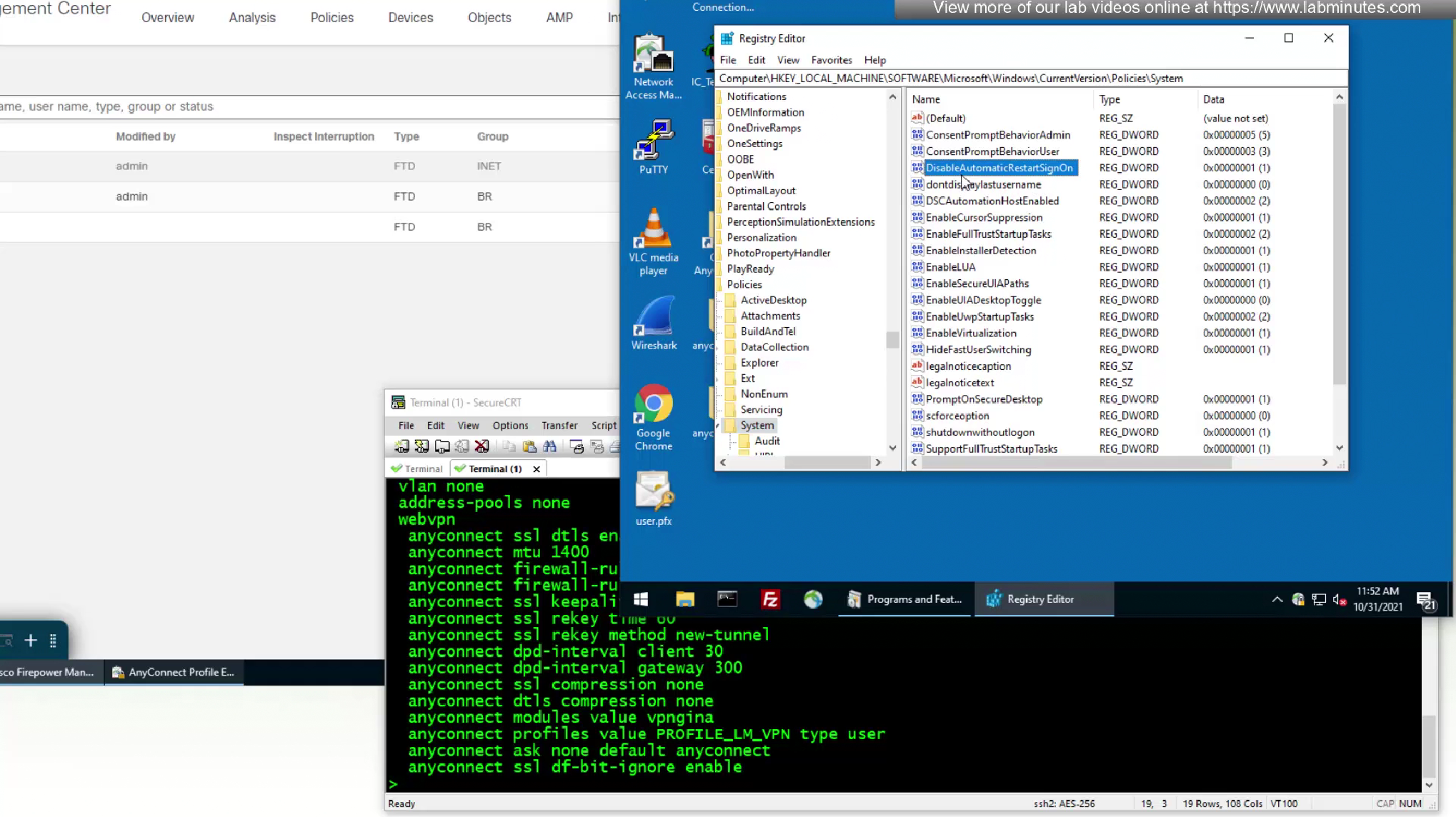
this key needs to be created with DWORD of 1
something to keep in mind, if your SBL works right away then great, if not then we need to do this workaround


to activate SBL we need to restart the machine
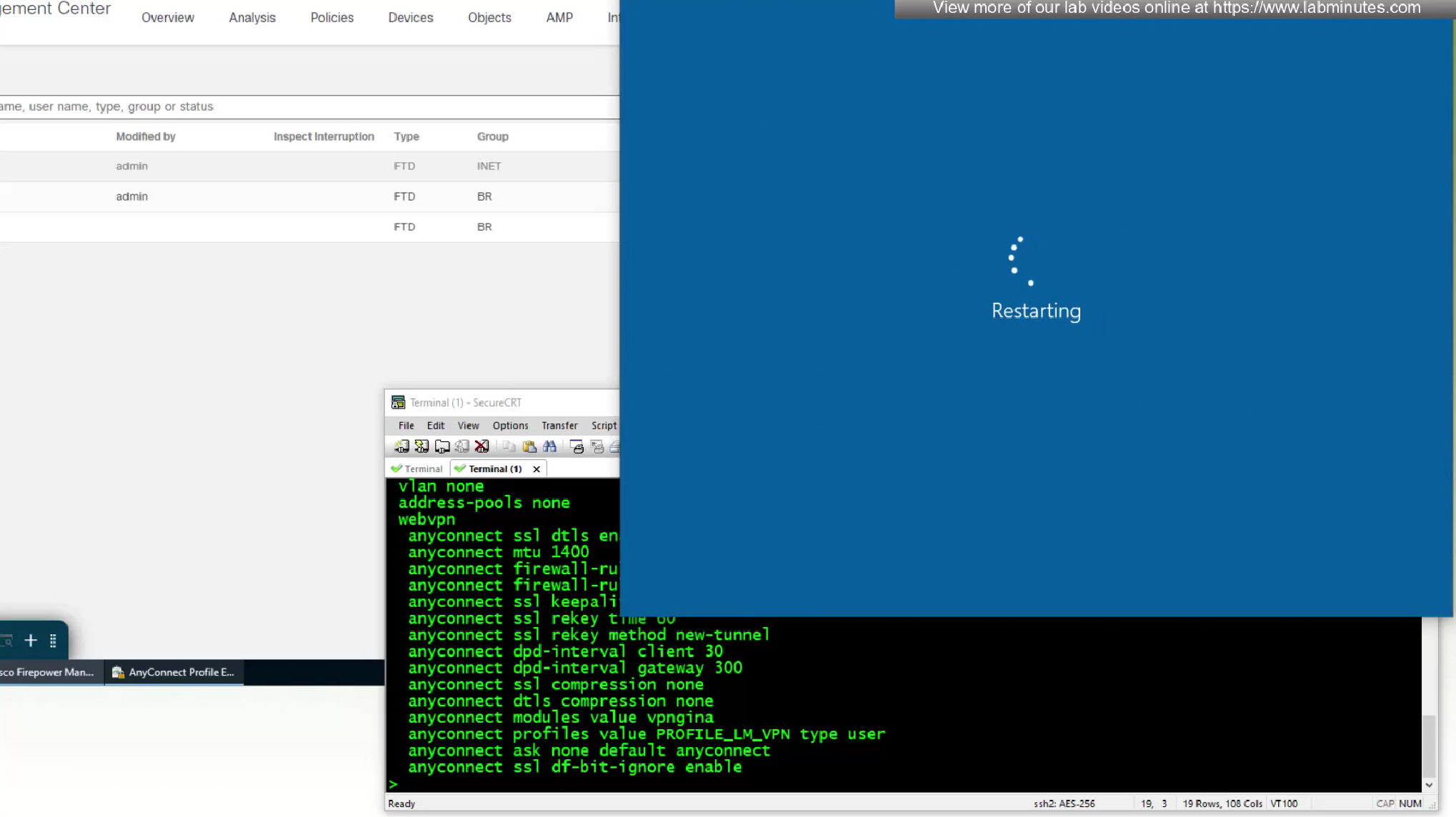
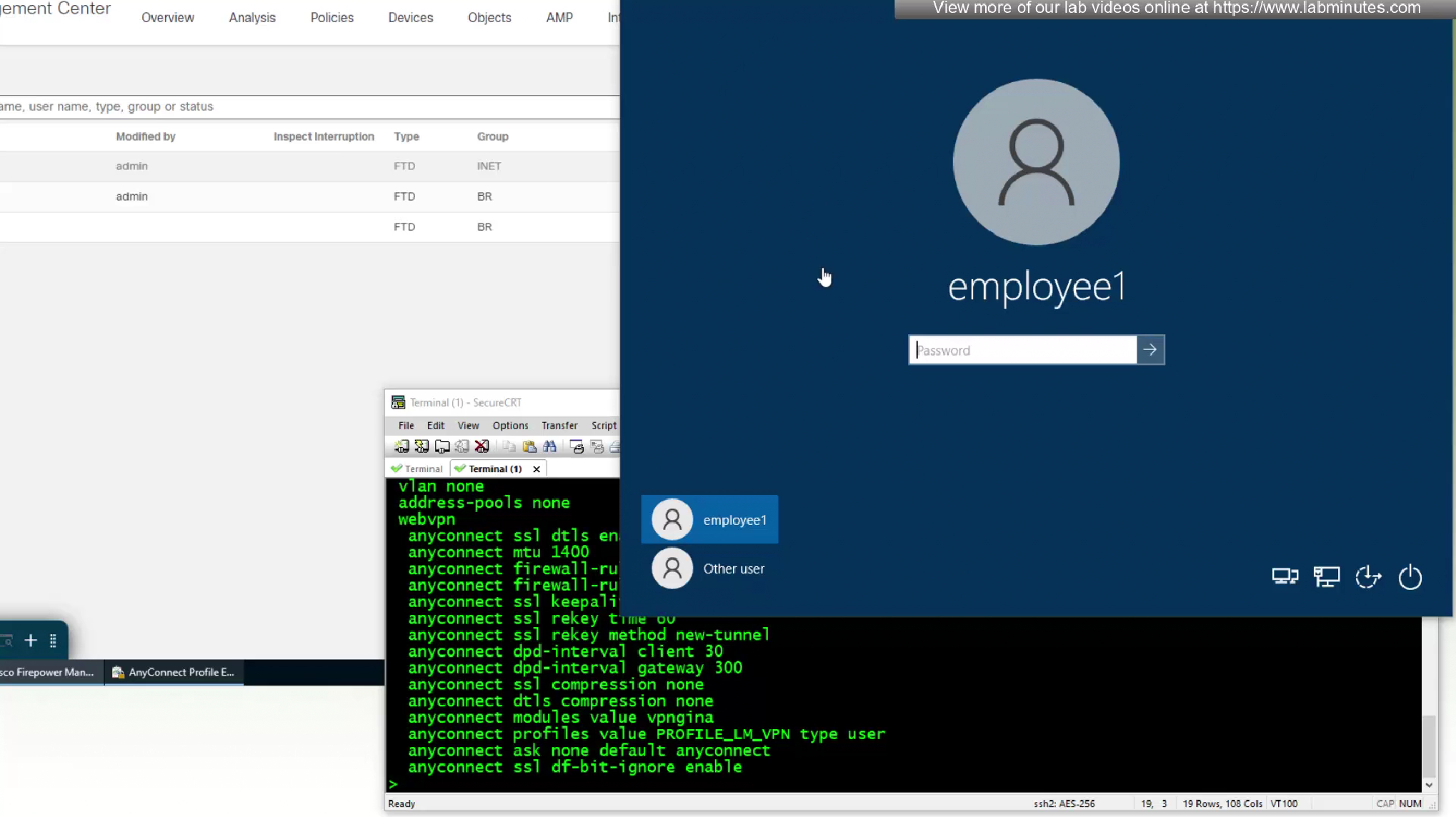
If wired connection is then it will be ok, but for wireless connection if it is first time and no user has logged in make sure wifi credentials are not user based and it is based on something like machine certificate for example EAP-TLS, since user is not there yet on first login
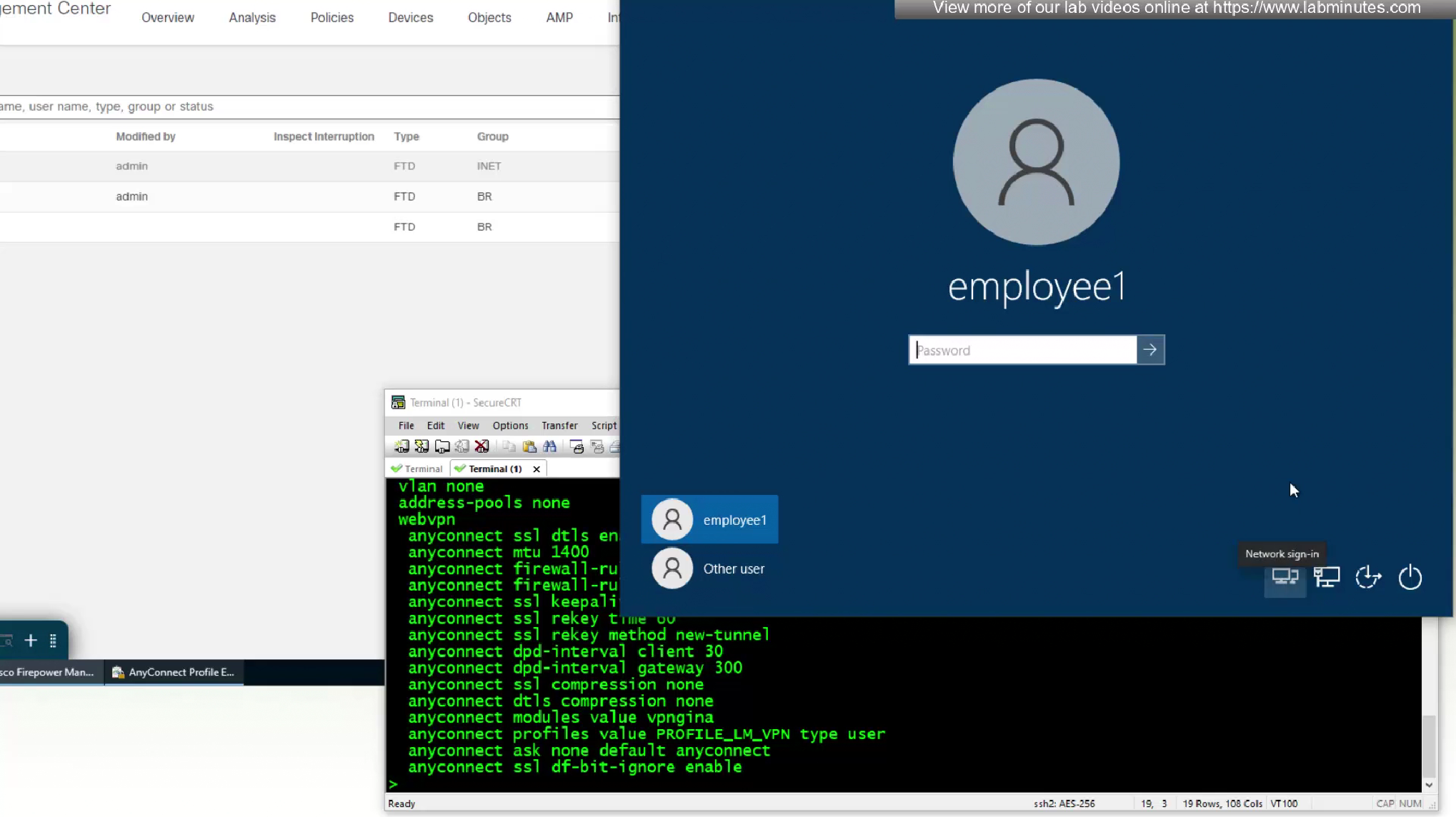
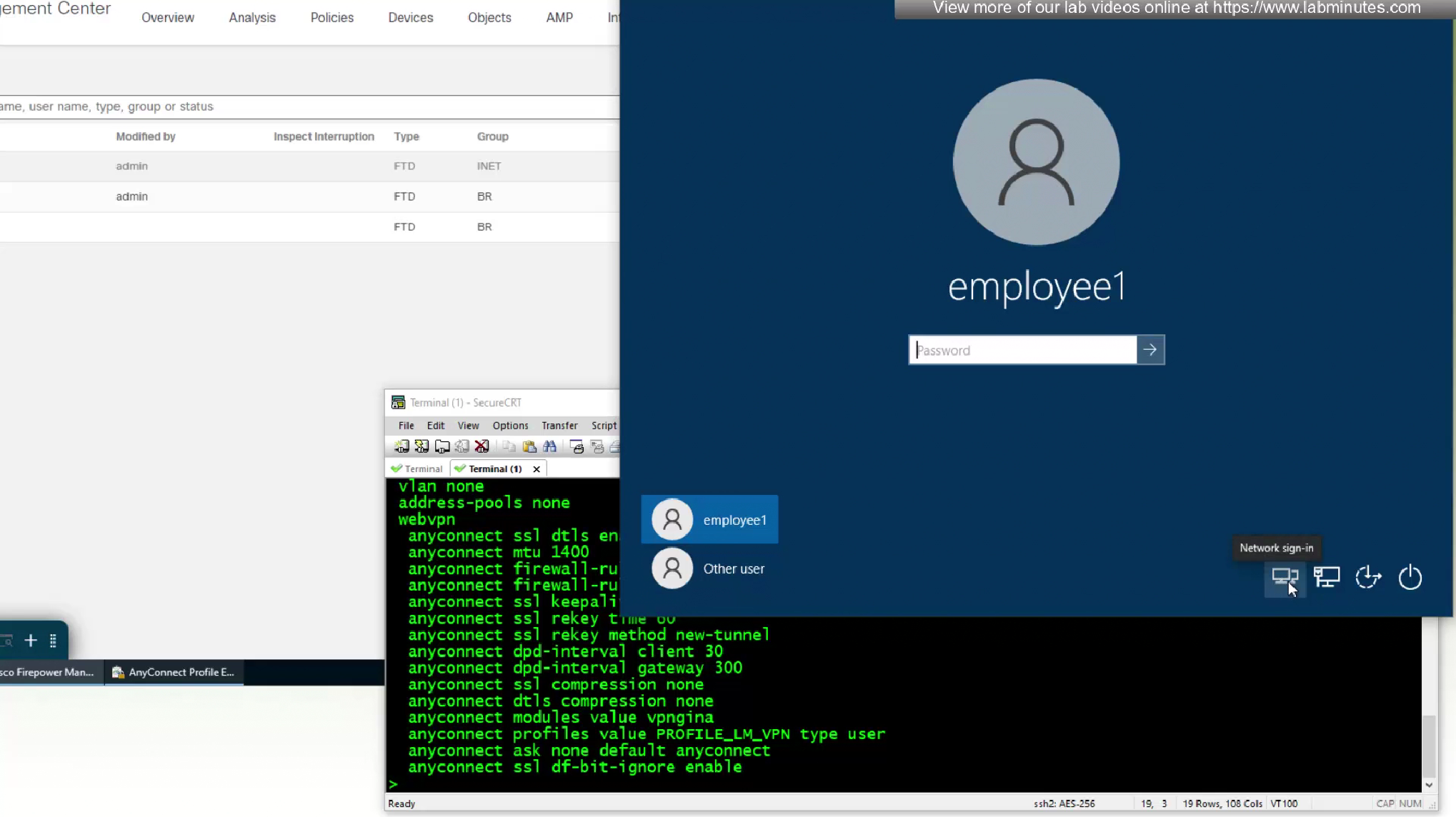

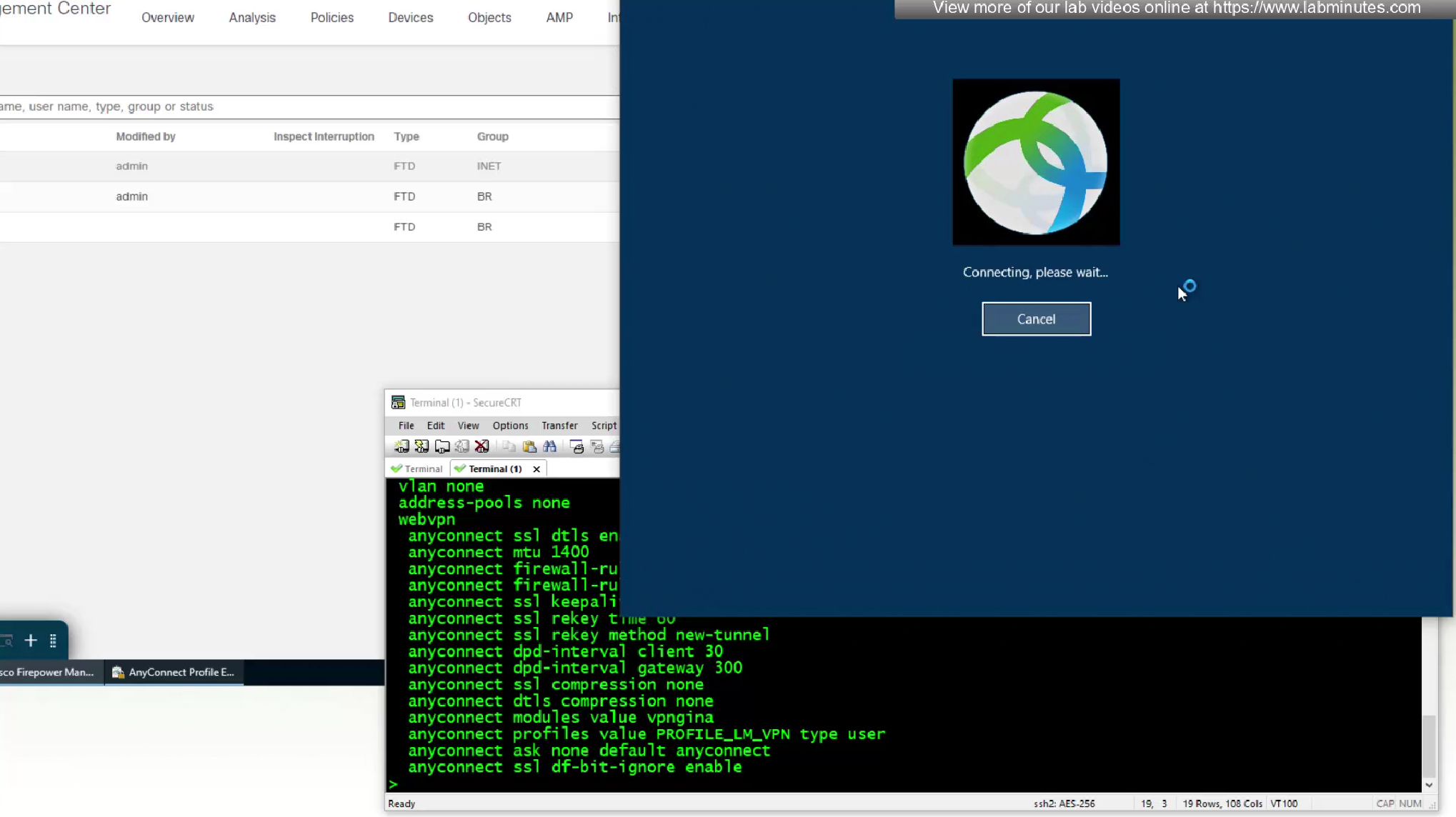
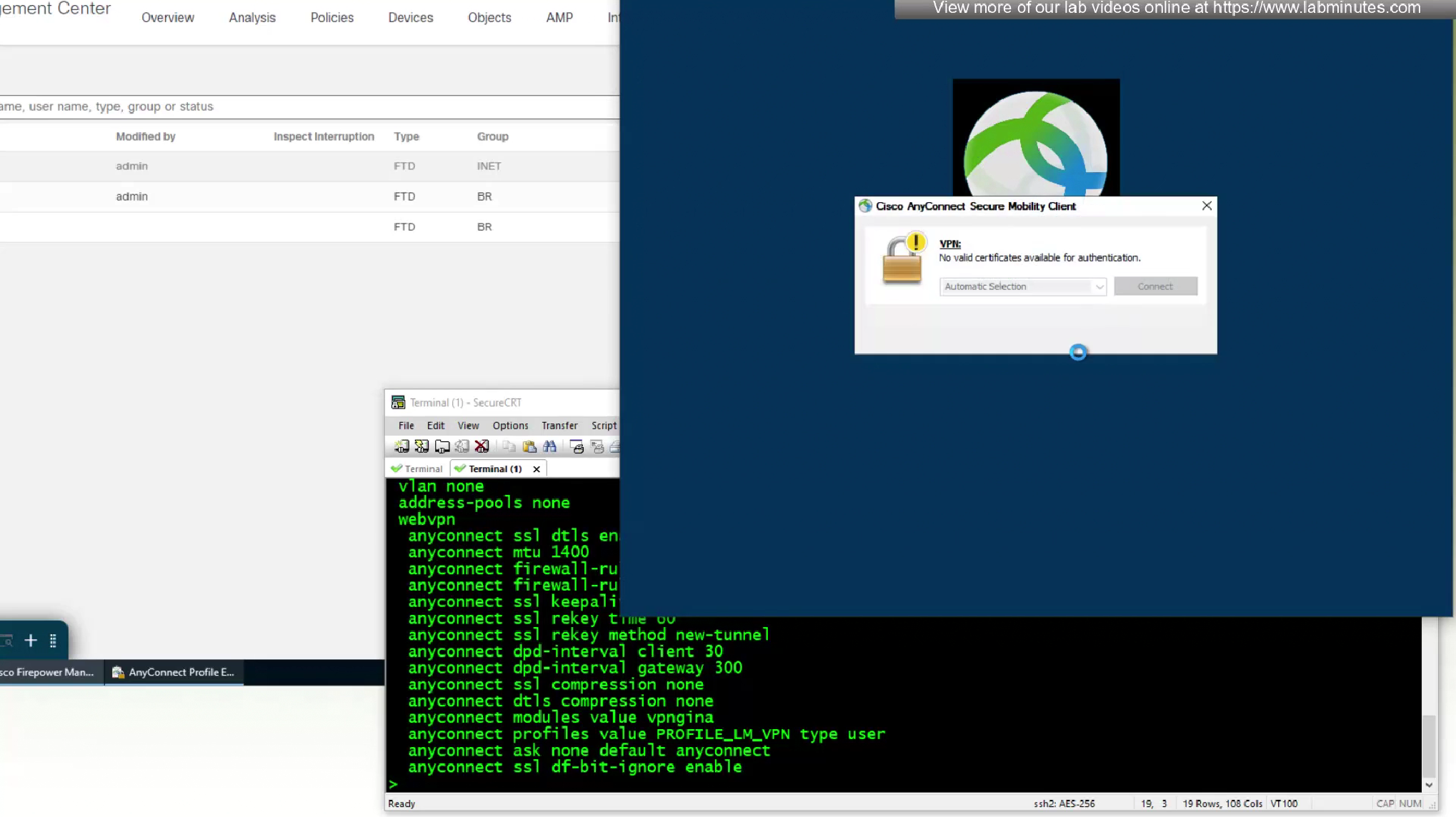
No valid certificate was found because we have been using user certificate for authentication and because user has not signed in there is no user certificate store available
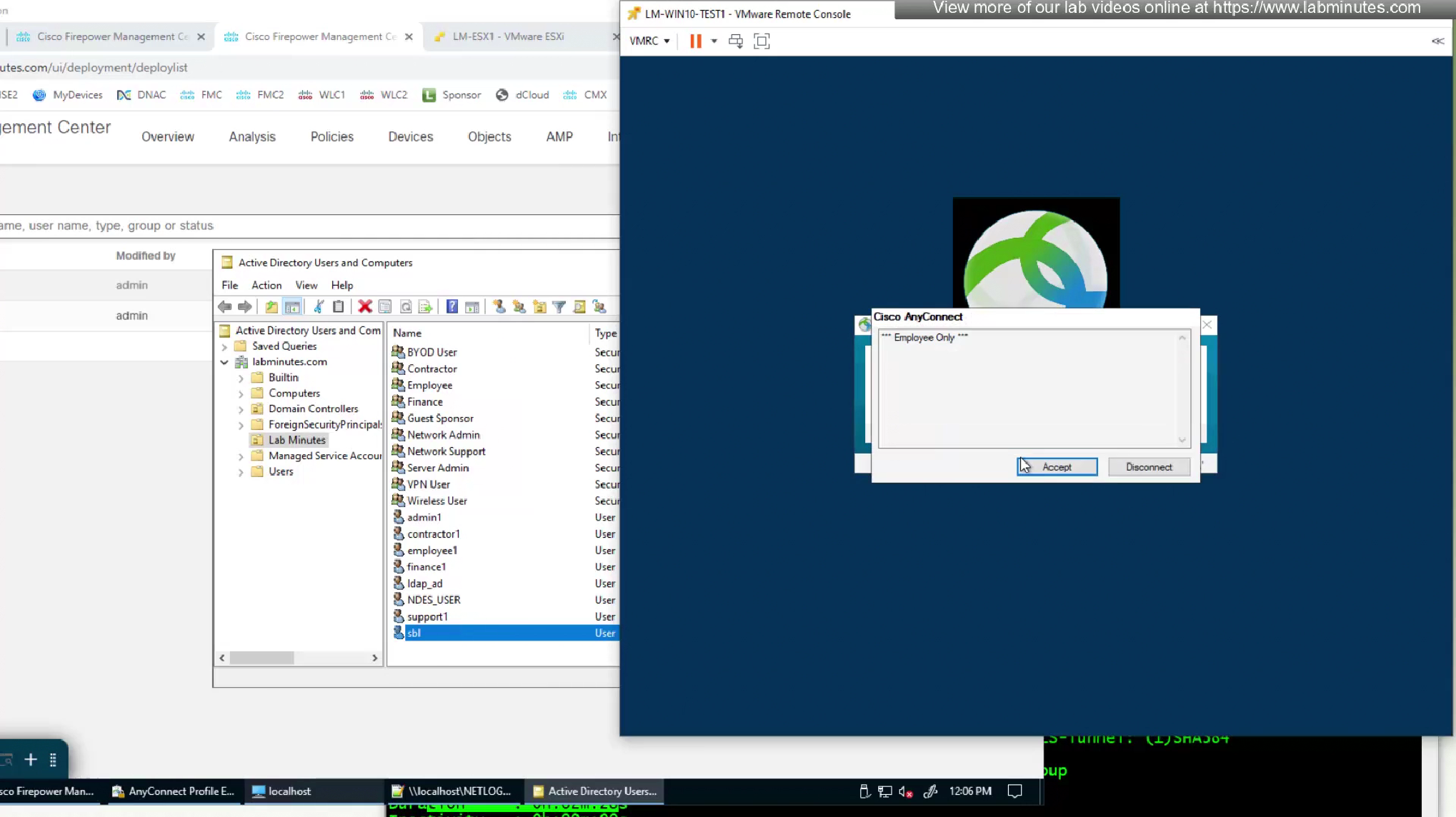
because there is no user certificate as user has not logged in yet into the machine (we purposefully did not use machine certificate in this setup to show this) anyconnect is prompting for username and password based login

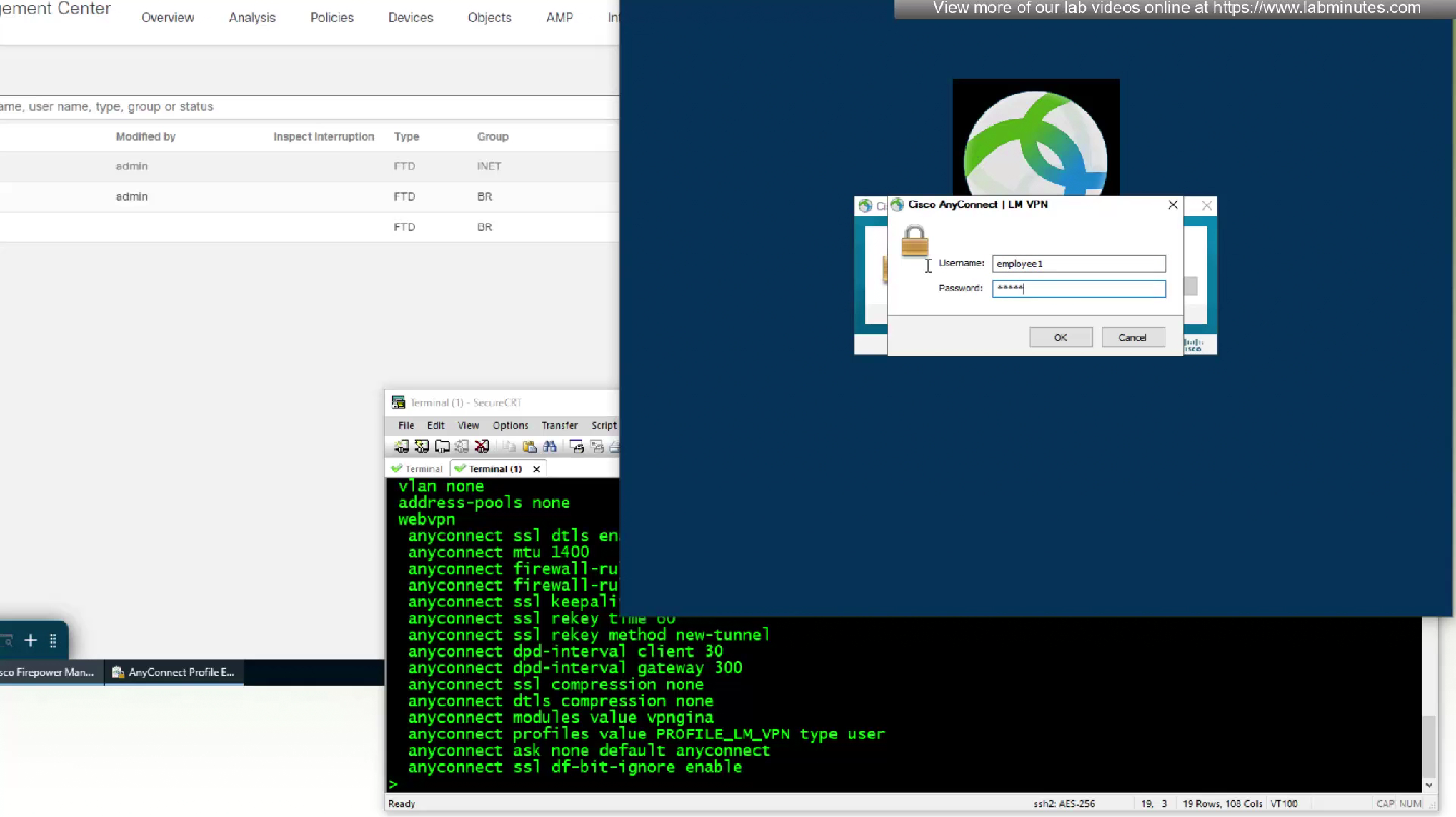
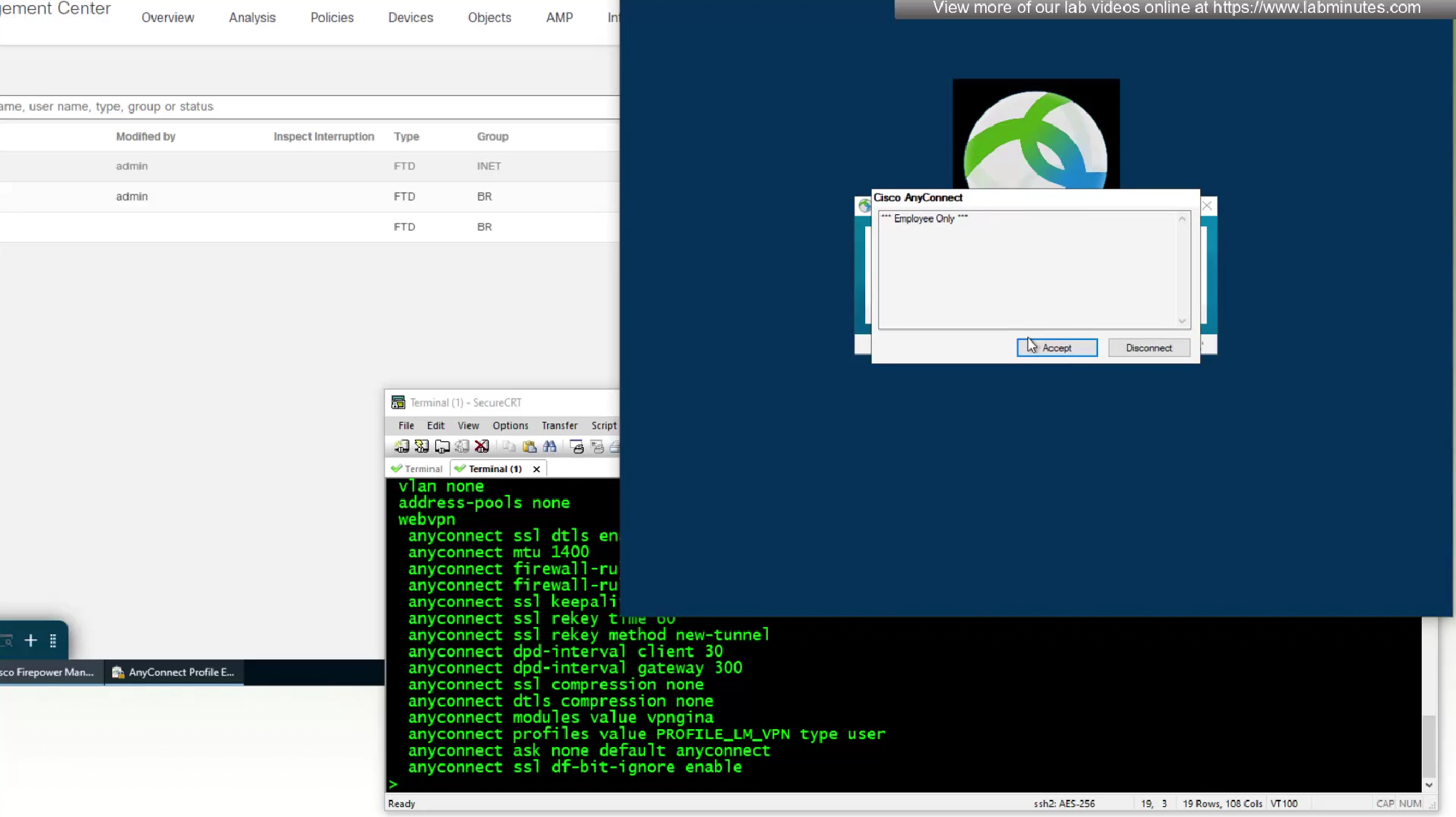
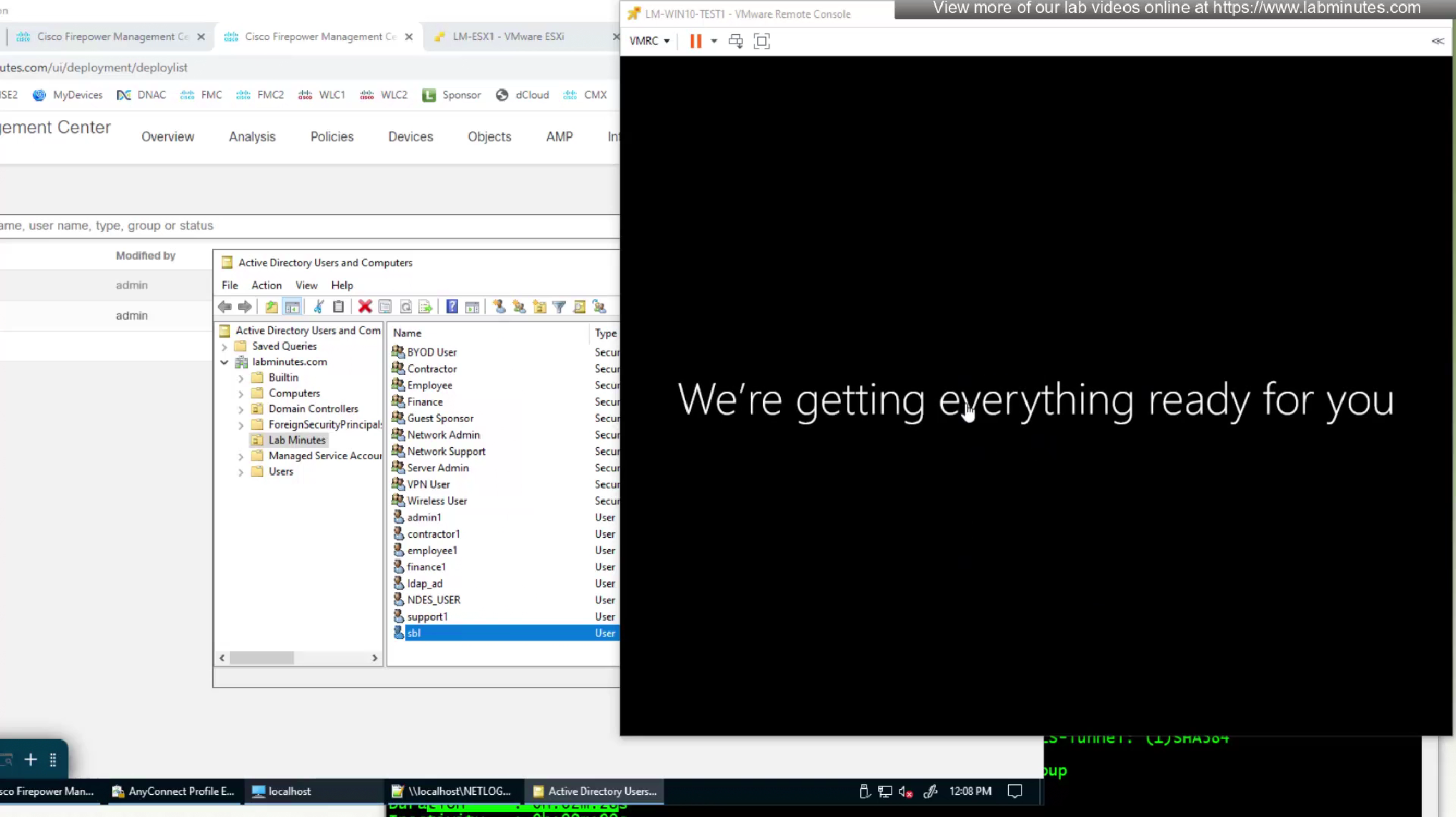
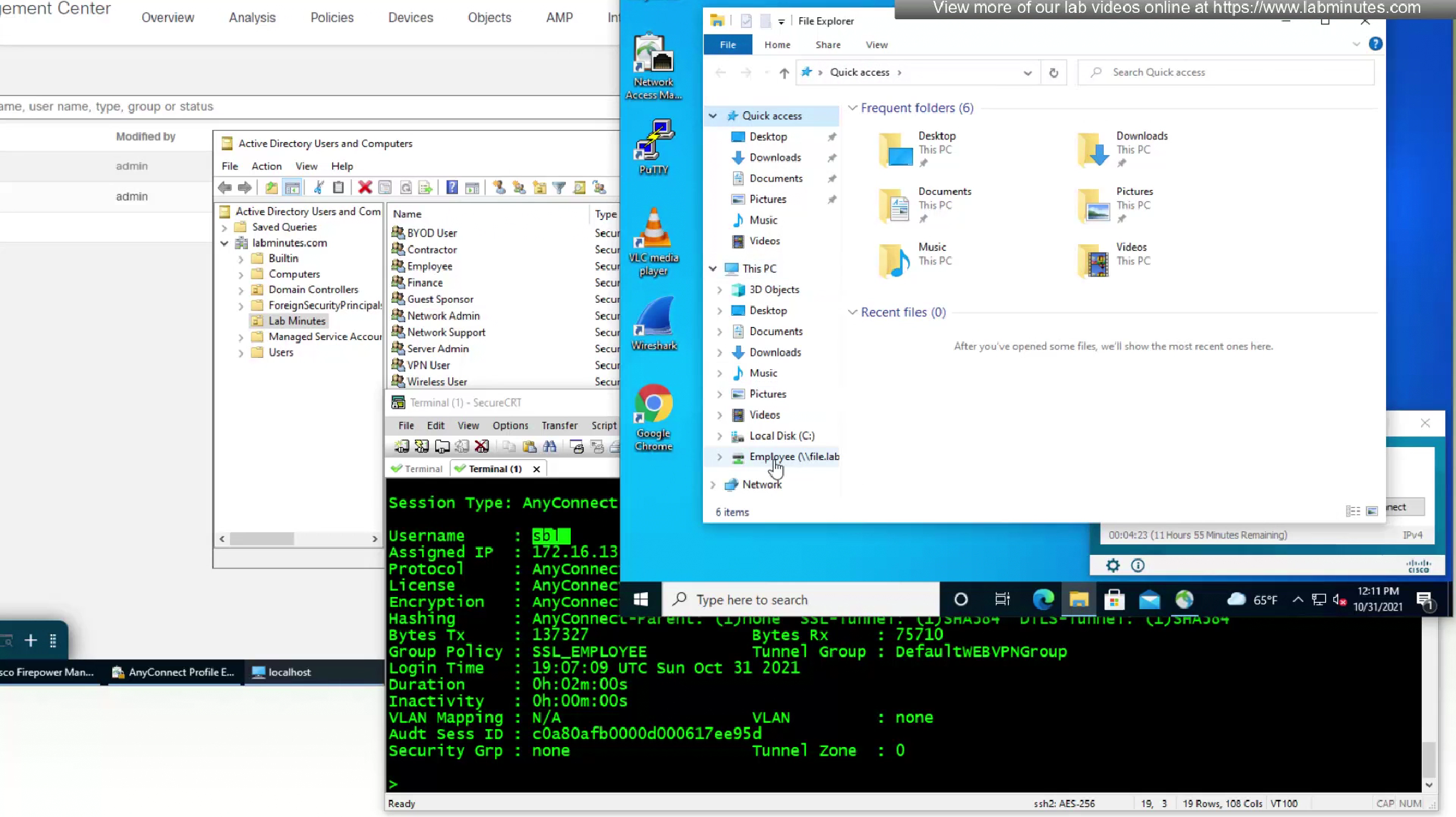
we have logged into VPN even before user has logged into windows

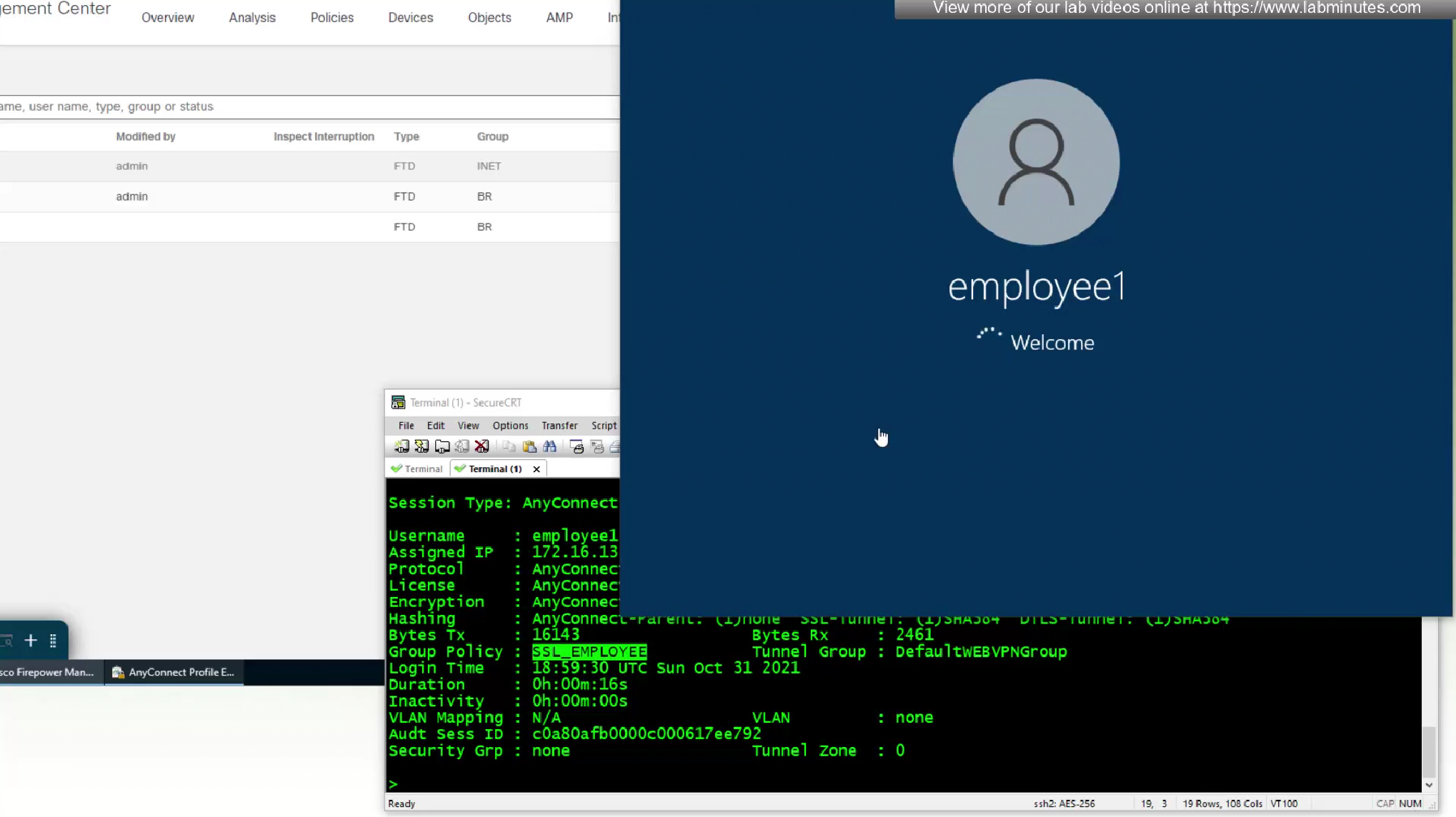
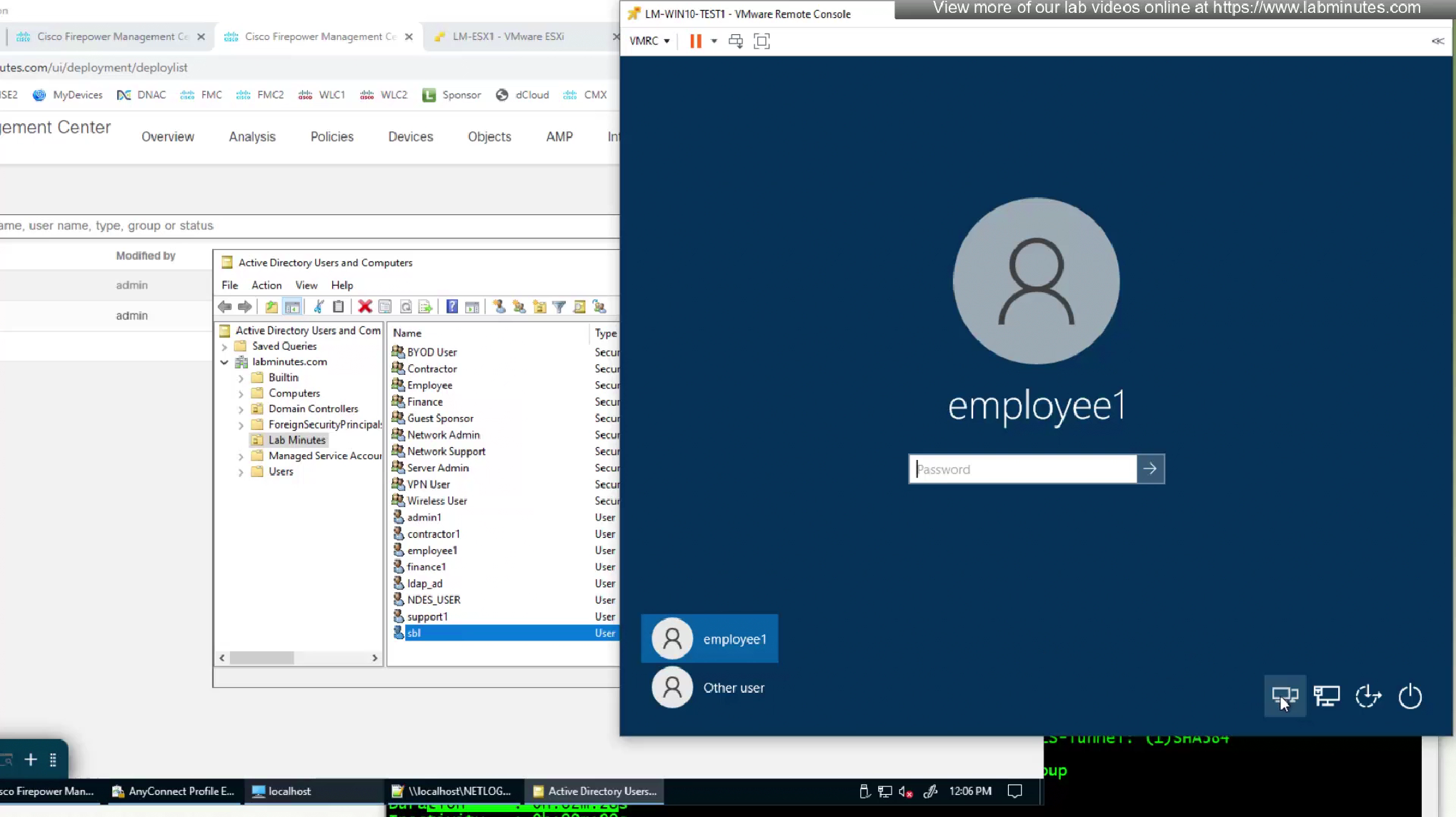
now our user can login


We have a script for drive mapping
that deletes all previous drive mappings and then maps them again

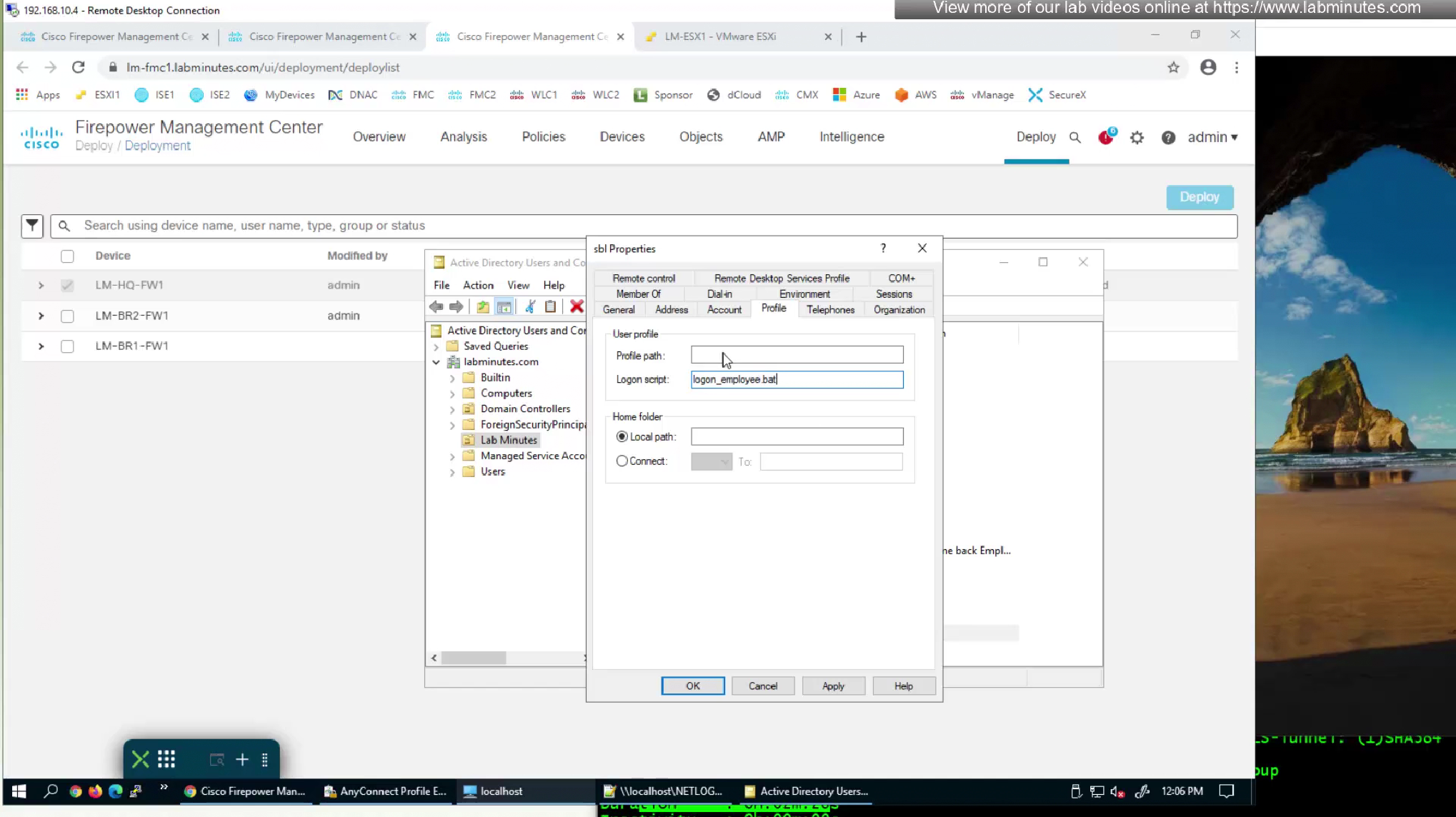
this script is set as this in AD User > Profile > Logon Script attribute so when this user logs in this script runs

Leave a Reply