SEC0406 – Firepower 7.0 AnyConnect VPN Certificate Authentication Windows (Part 3)
SEC0406 – Firepower 7.0 AnyConnect VPN Certificate Authentication Windows (Part 3)
Certificate Authentication
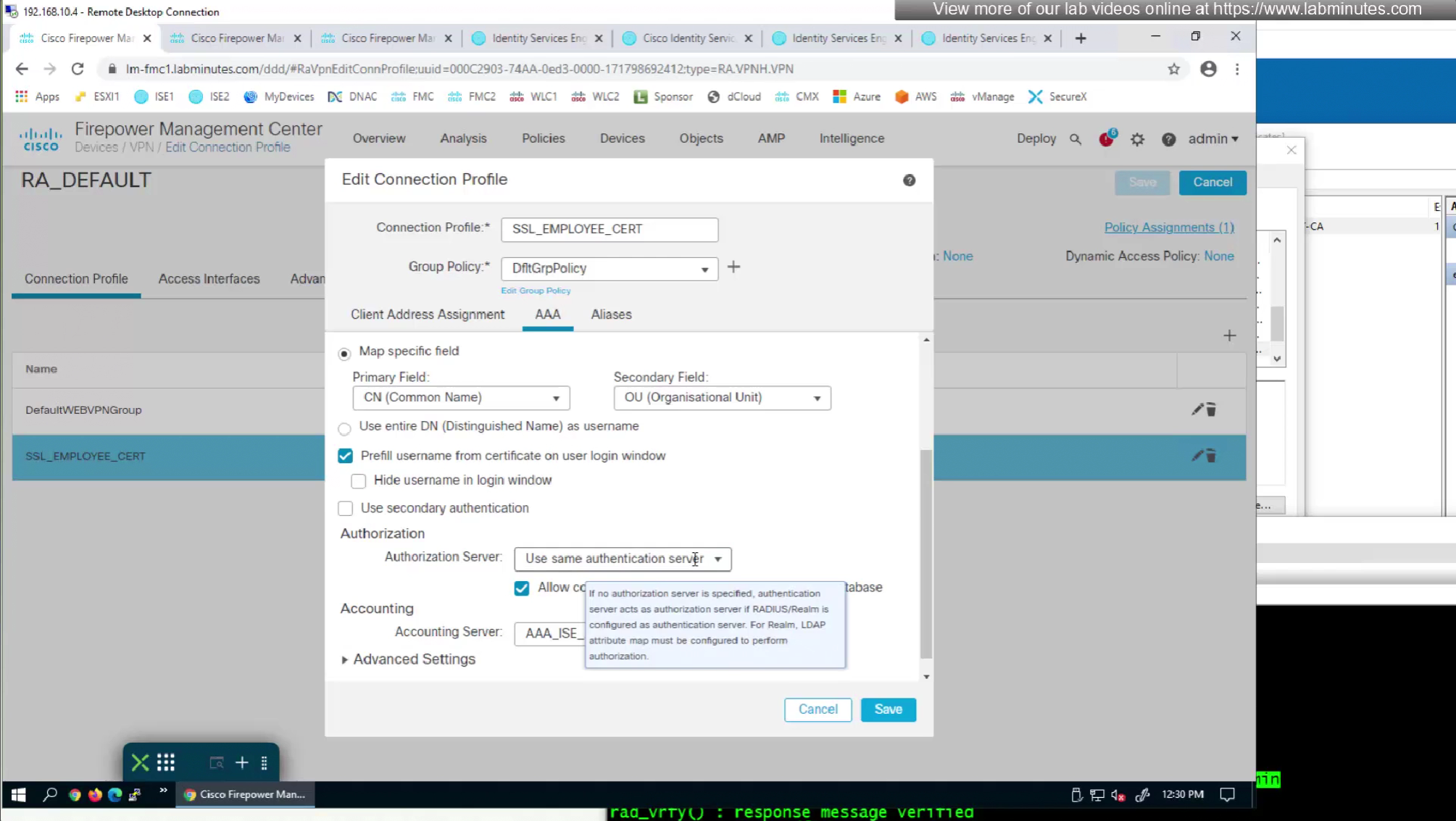
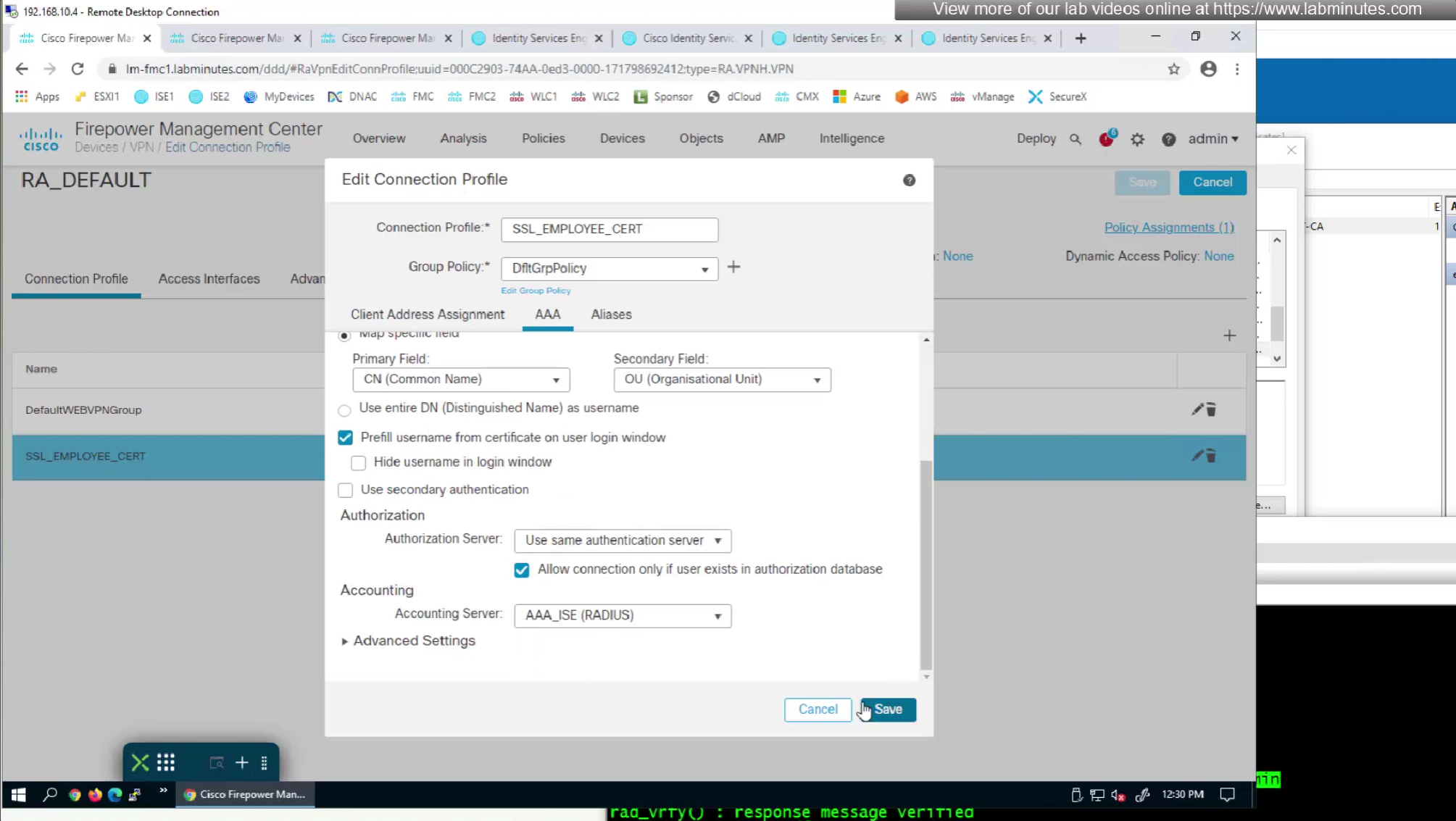
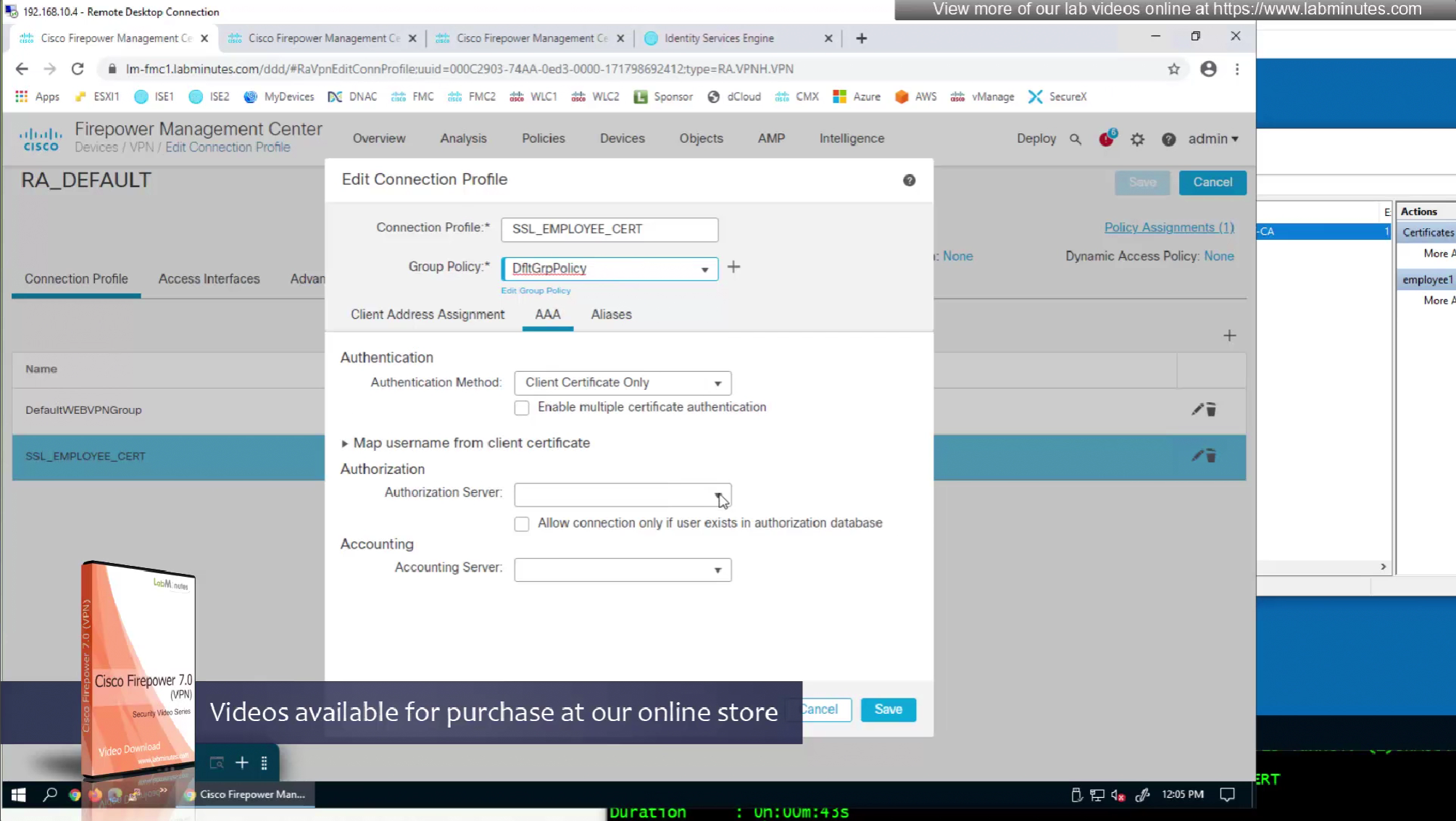
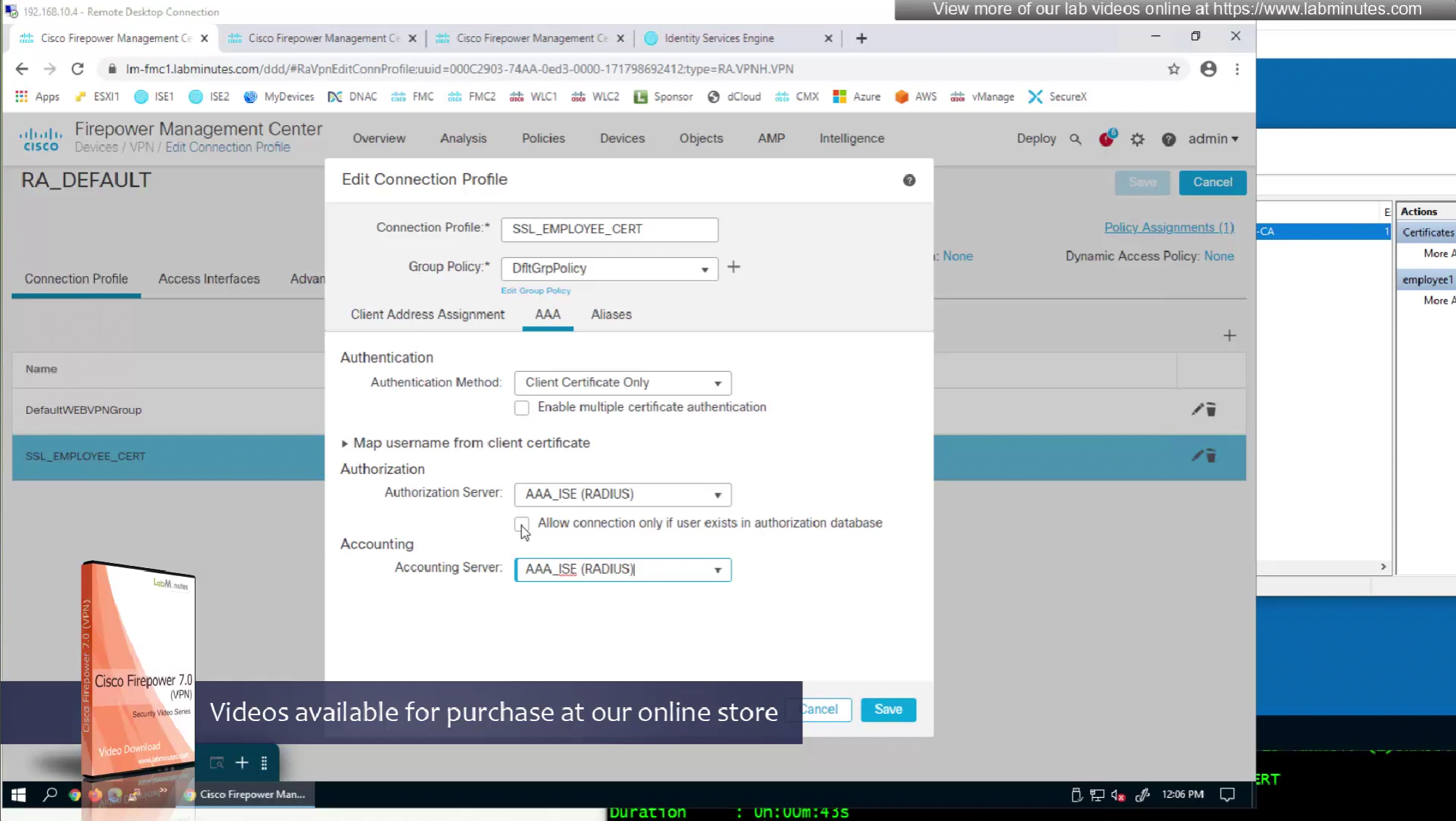
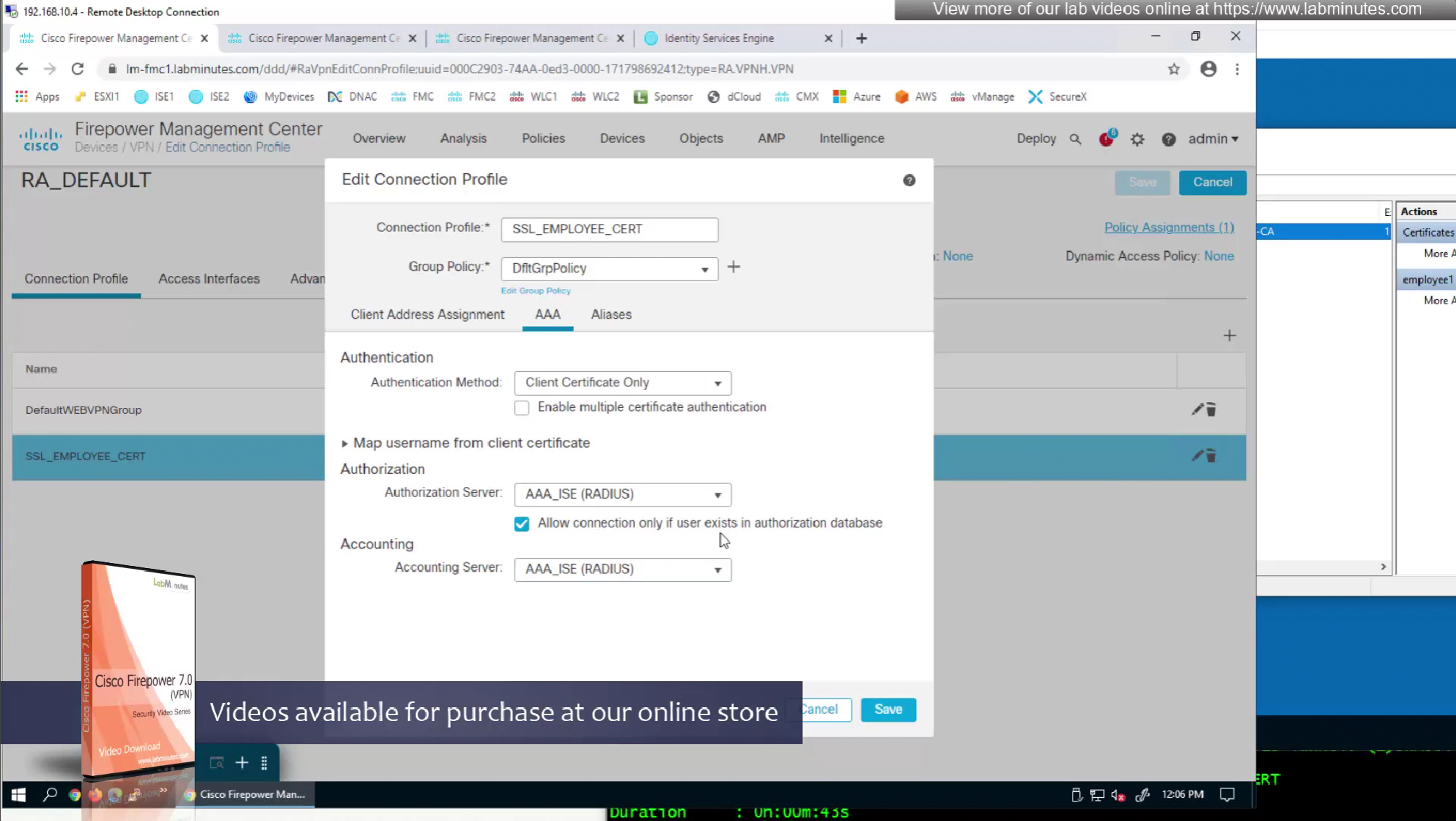
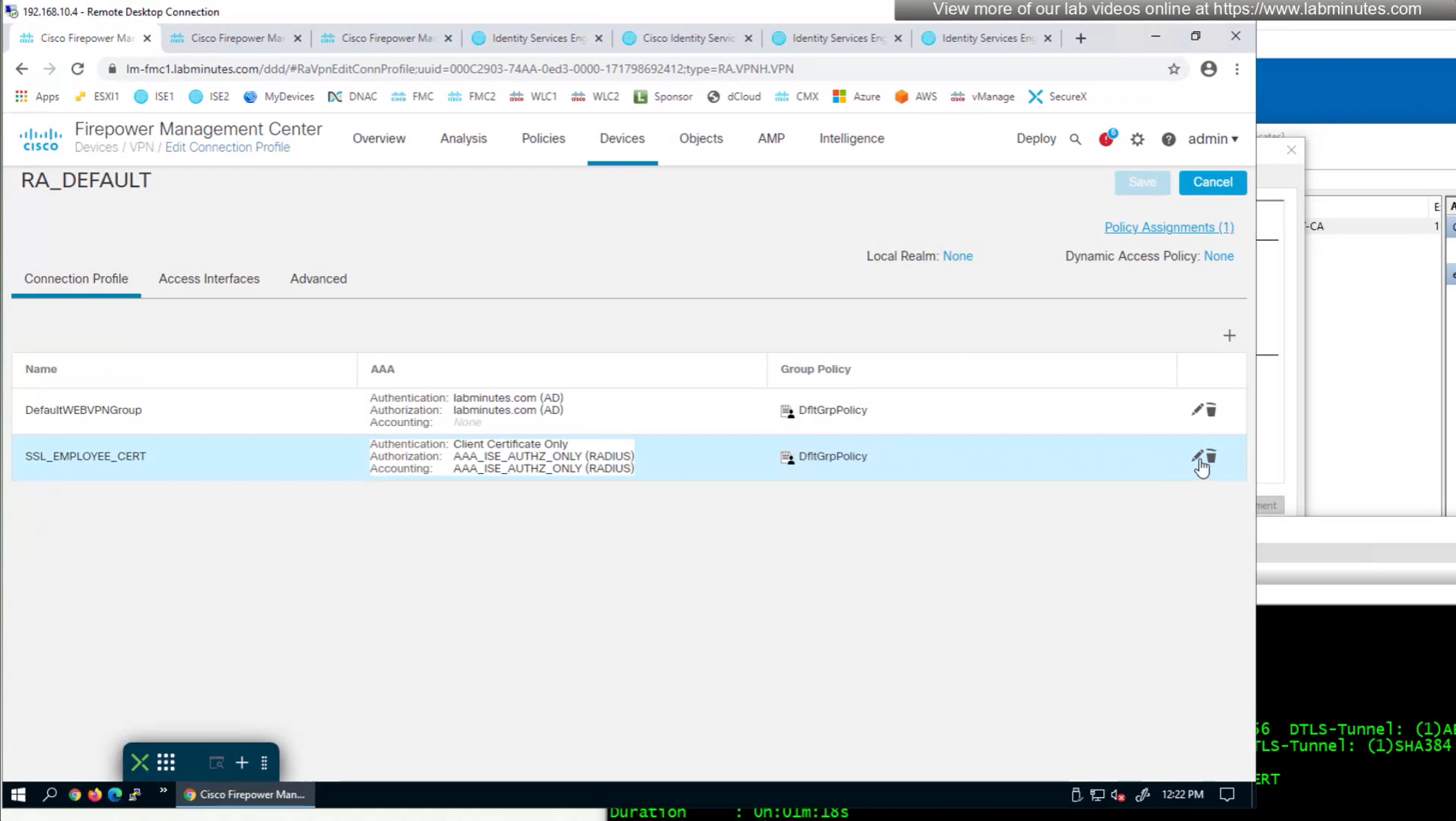
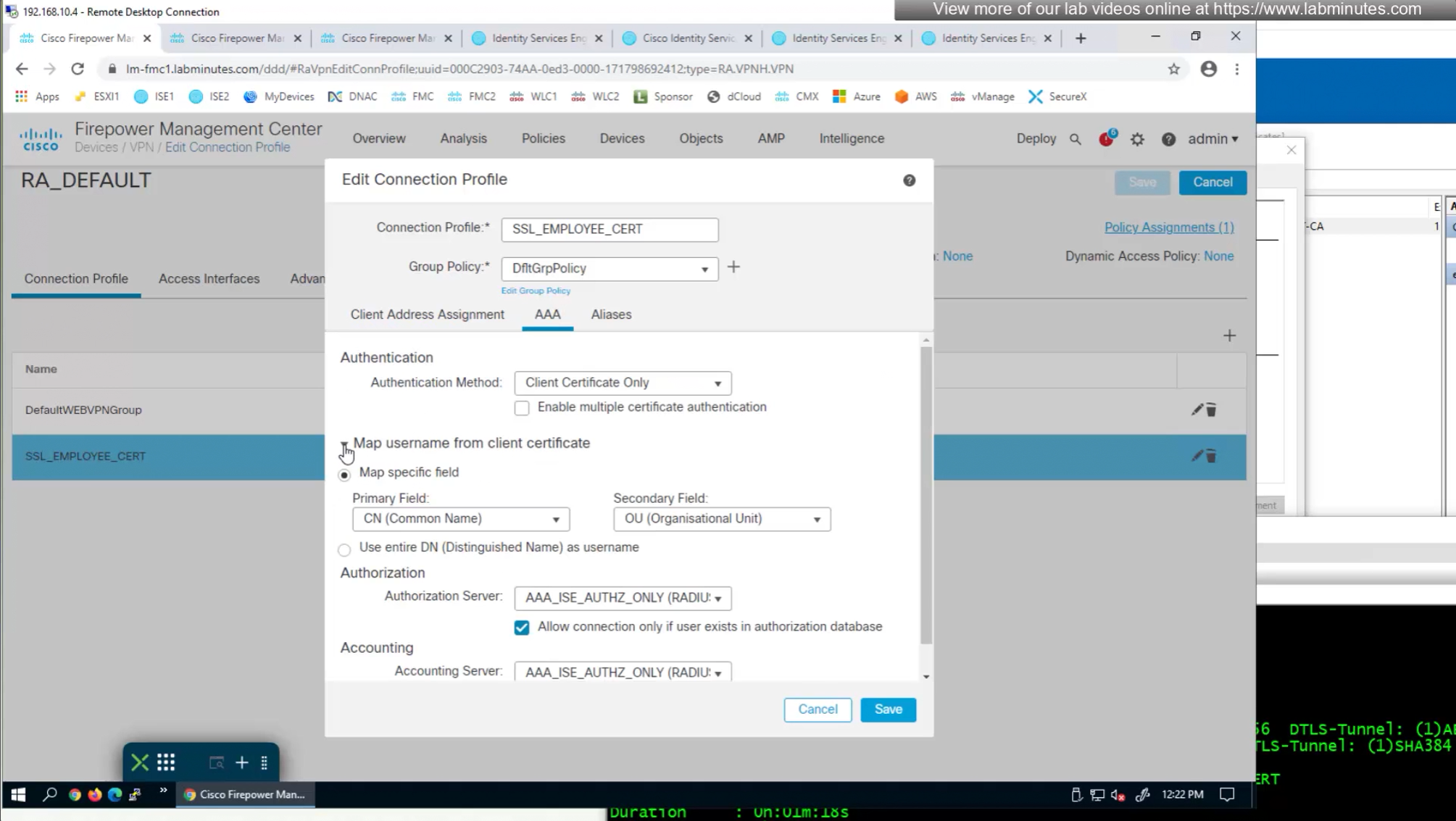
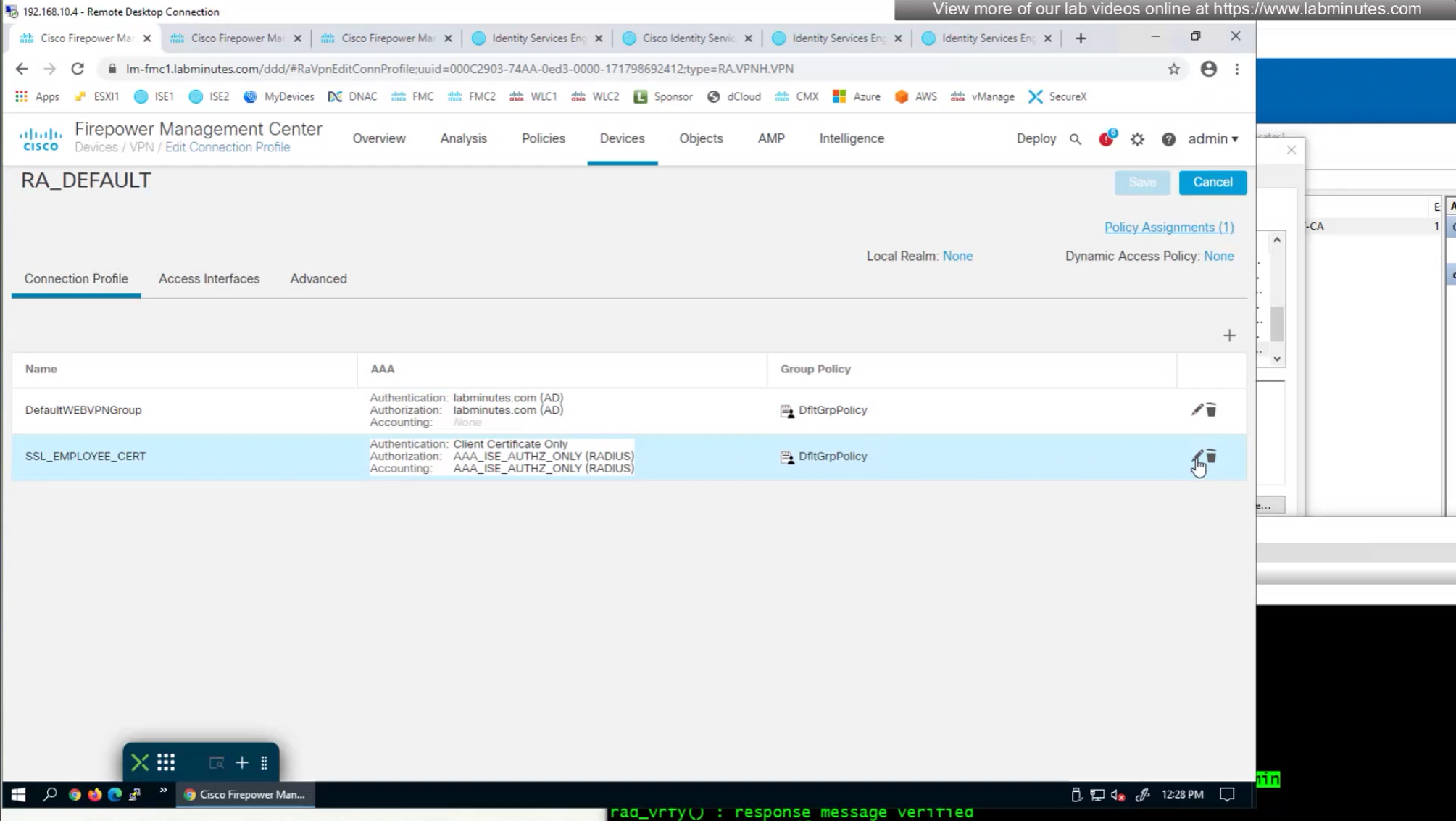
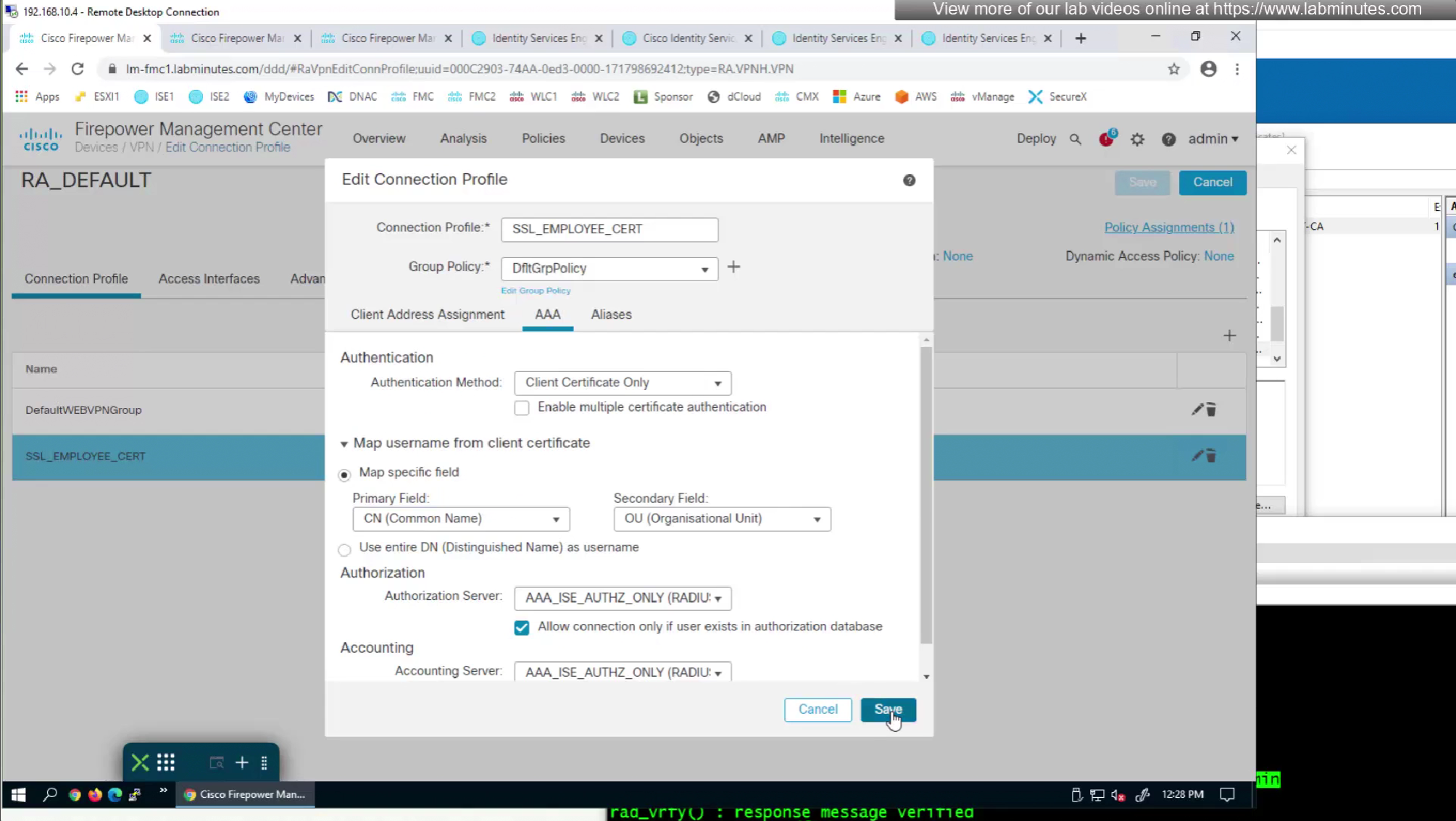
We can also enable authorization from ISE but authentication will be certificate based
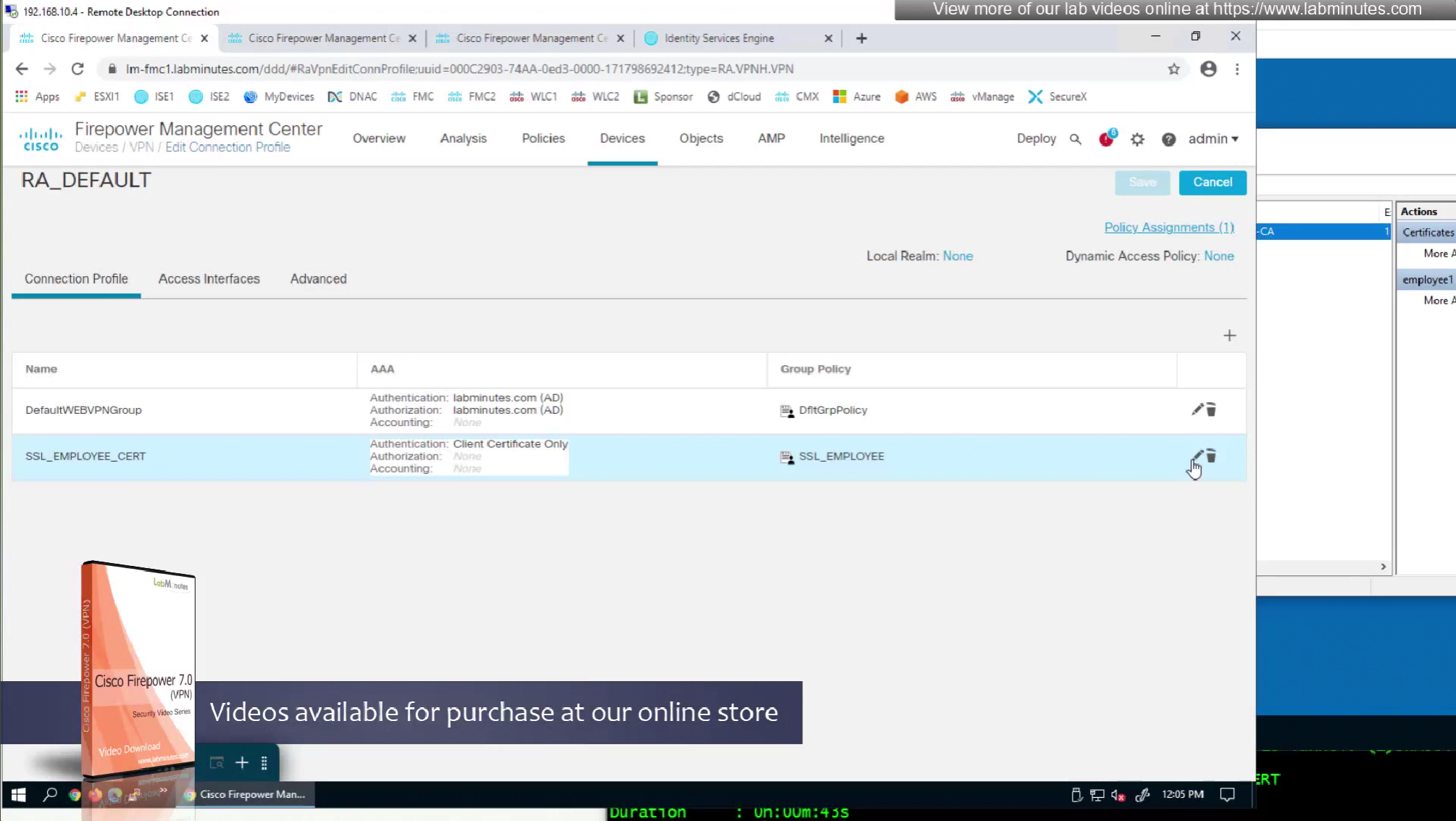
on the same connection profile we will select default group policy since group policy will be returned from RADIUS server
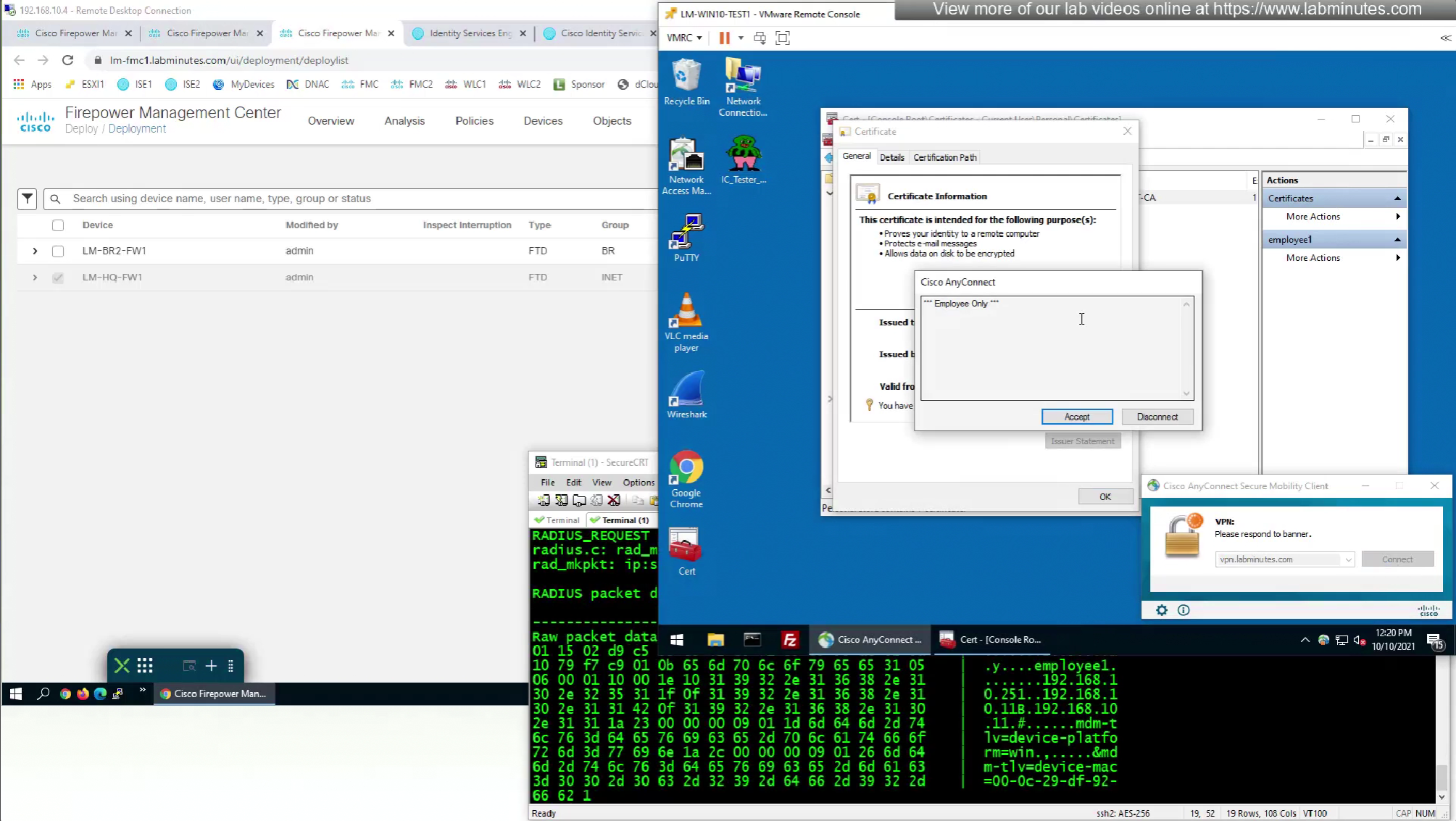
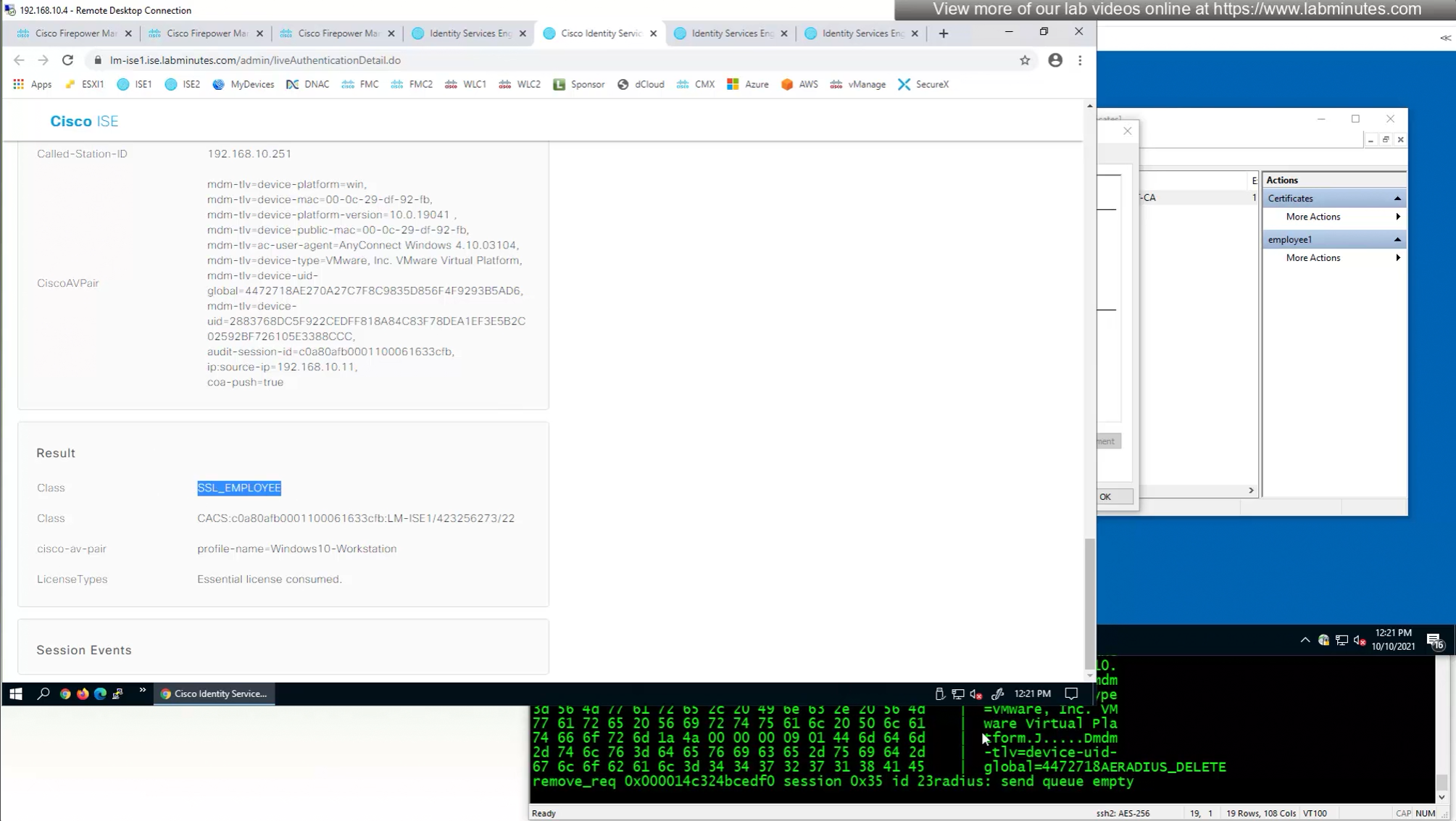
debug radius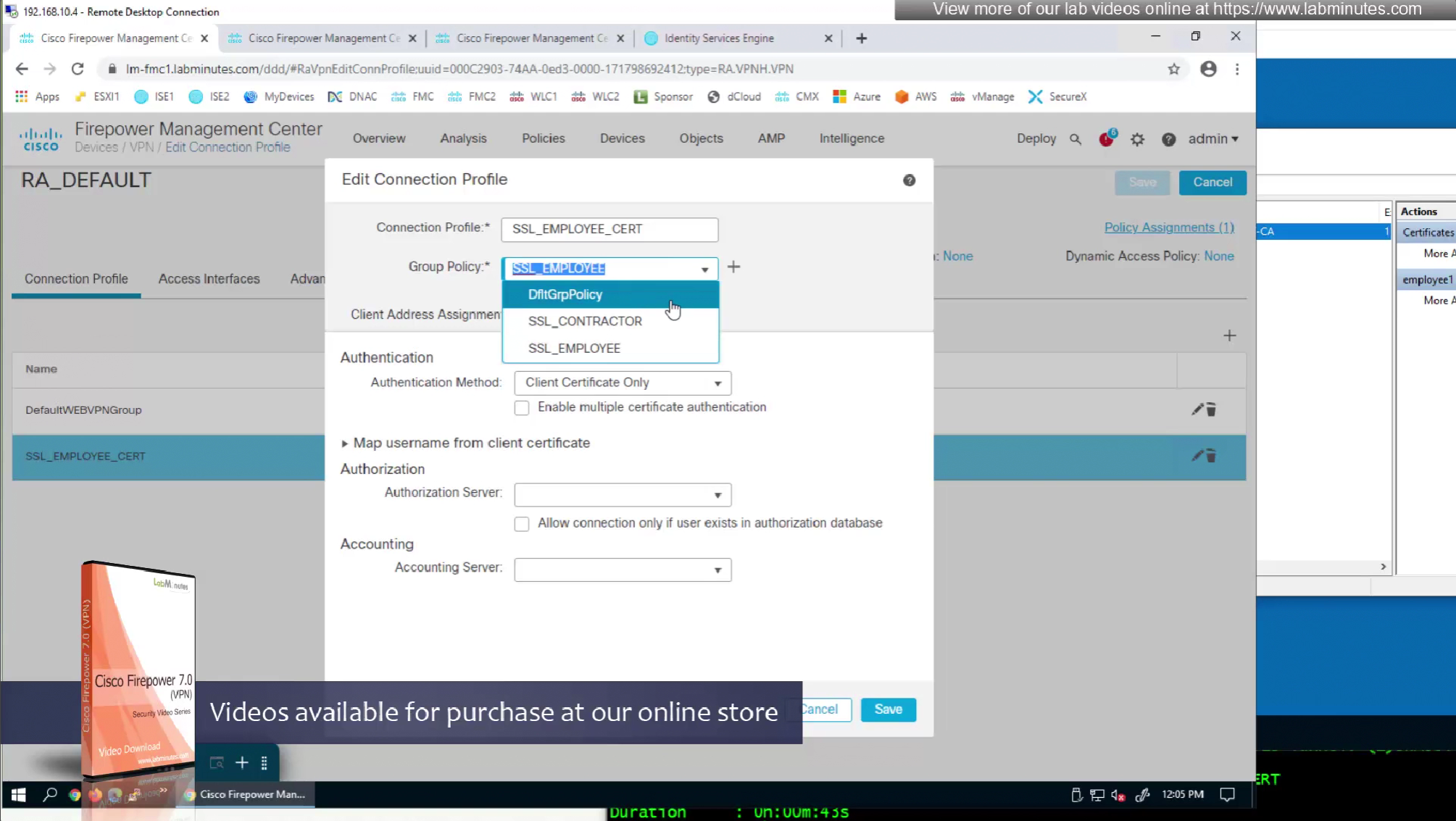
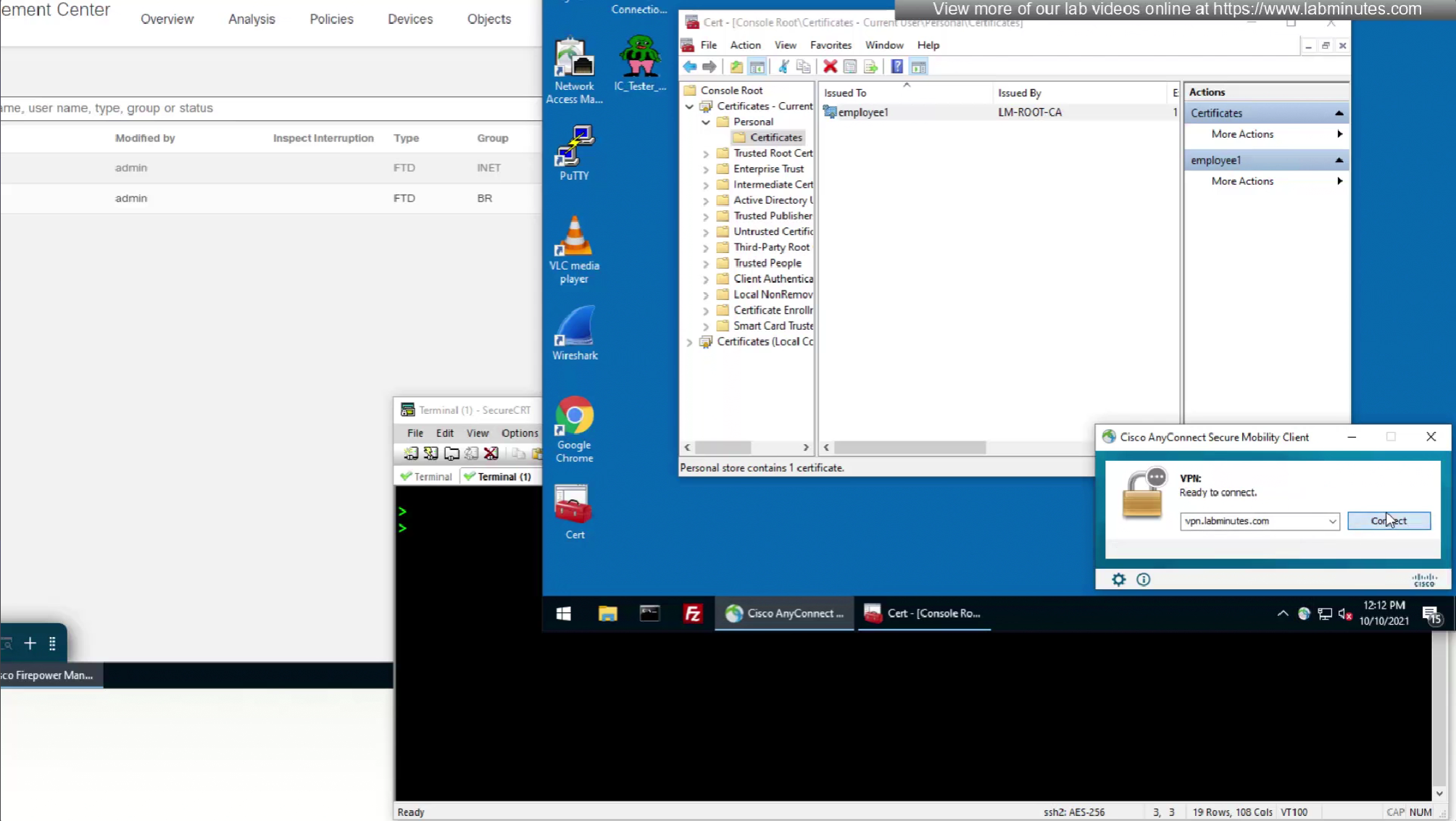
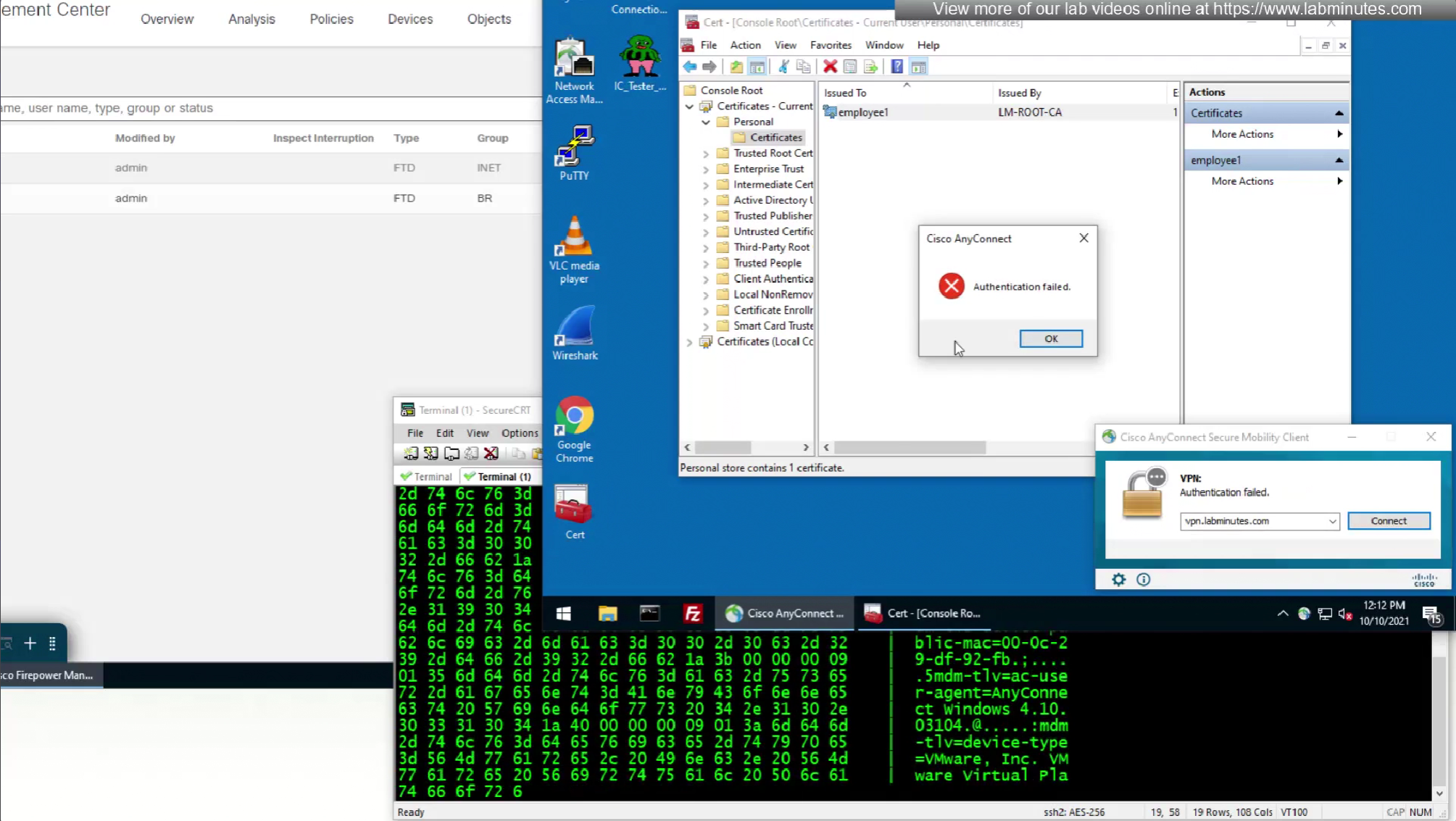
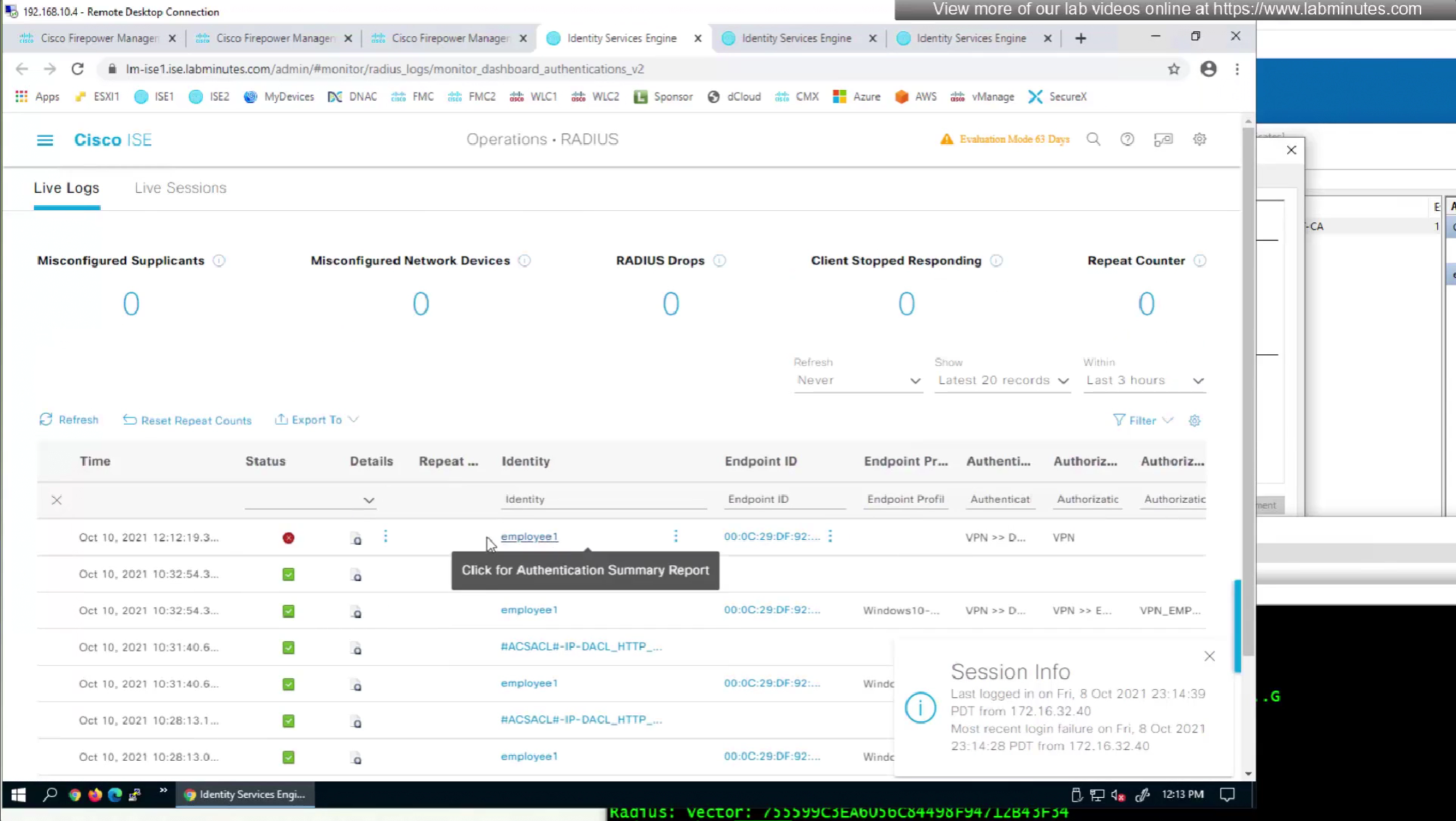
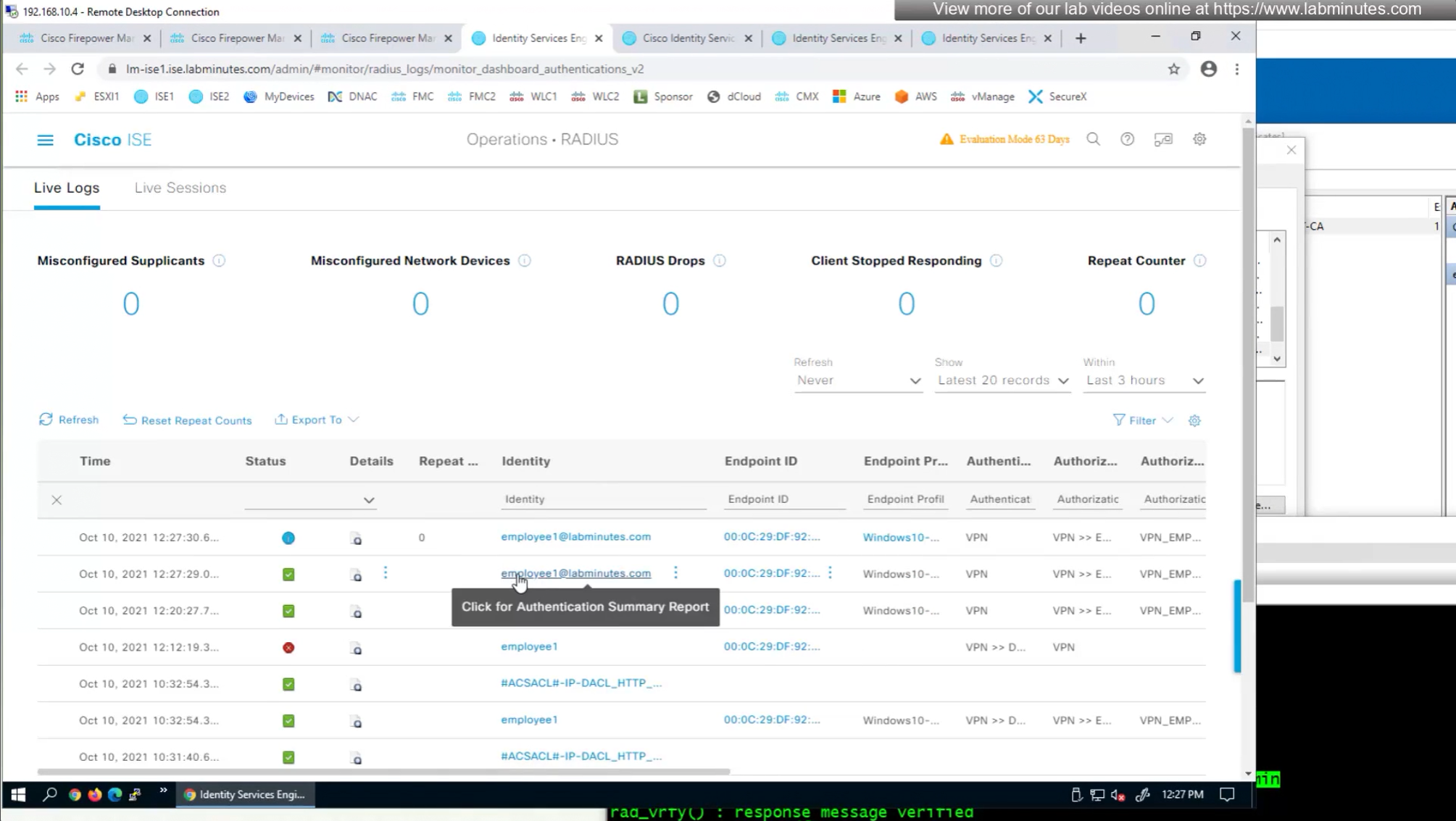
so it seems like firepower is sending username (from certificate) to ISE even though we did not configure it for authentication
so it means that when client sends certificate, client gets authenticated locally on the firewall but when going out to ISE firewall is also doing authentication and not just authorization
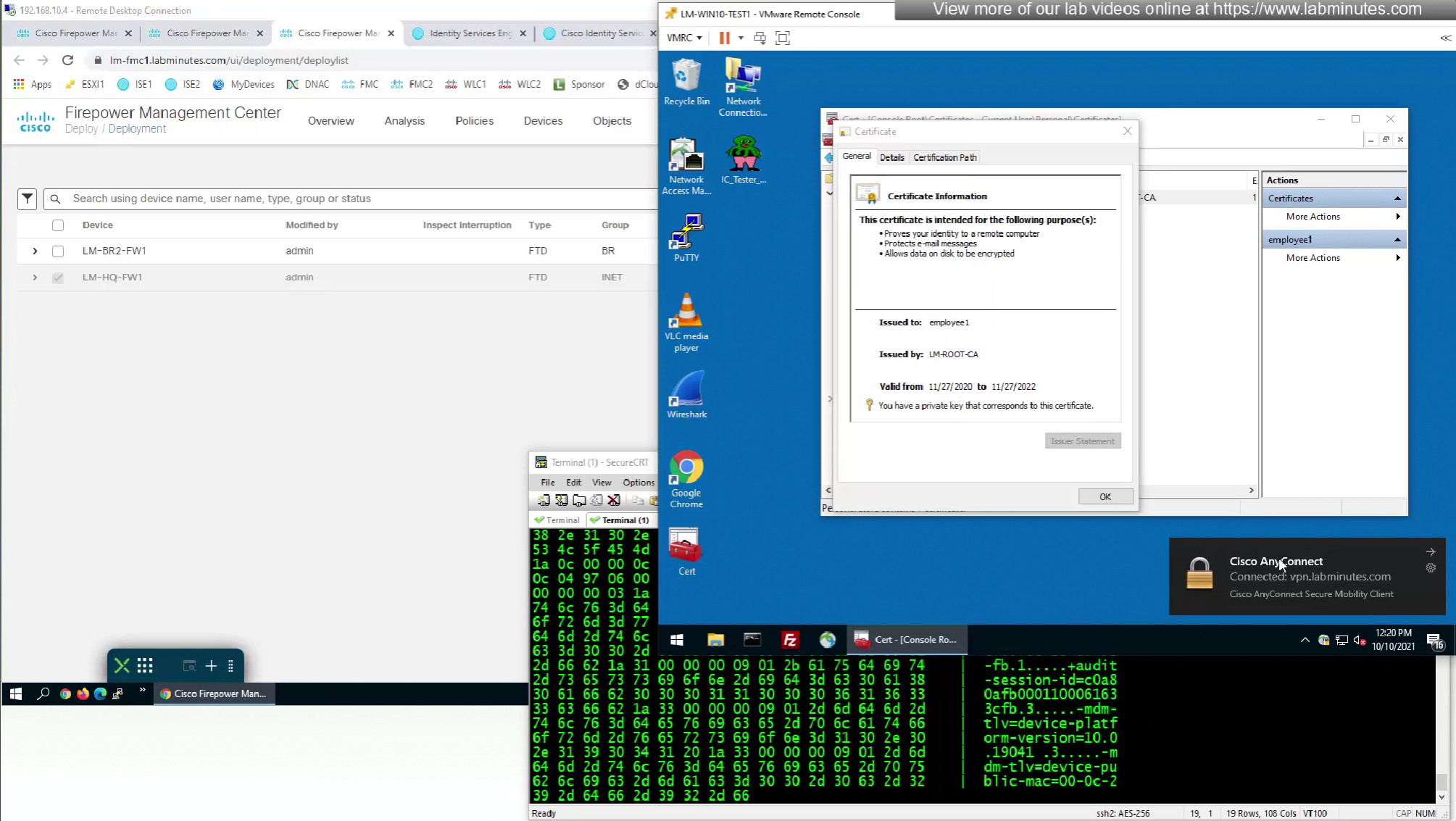
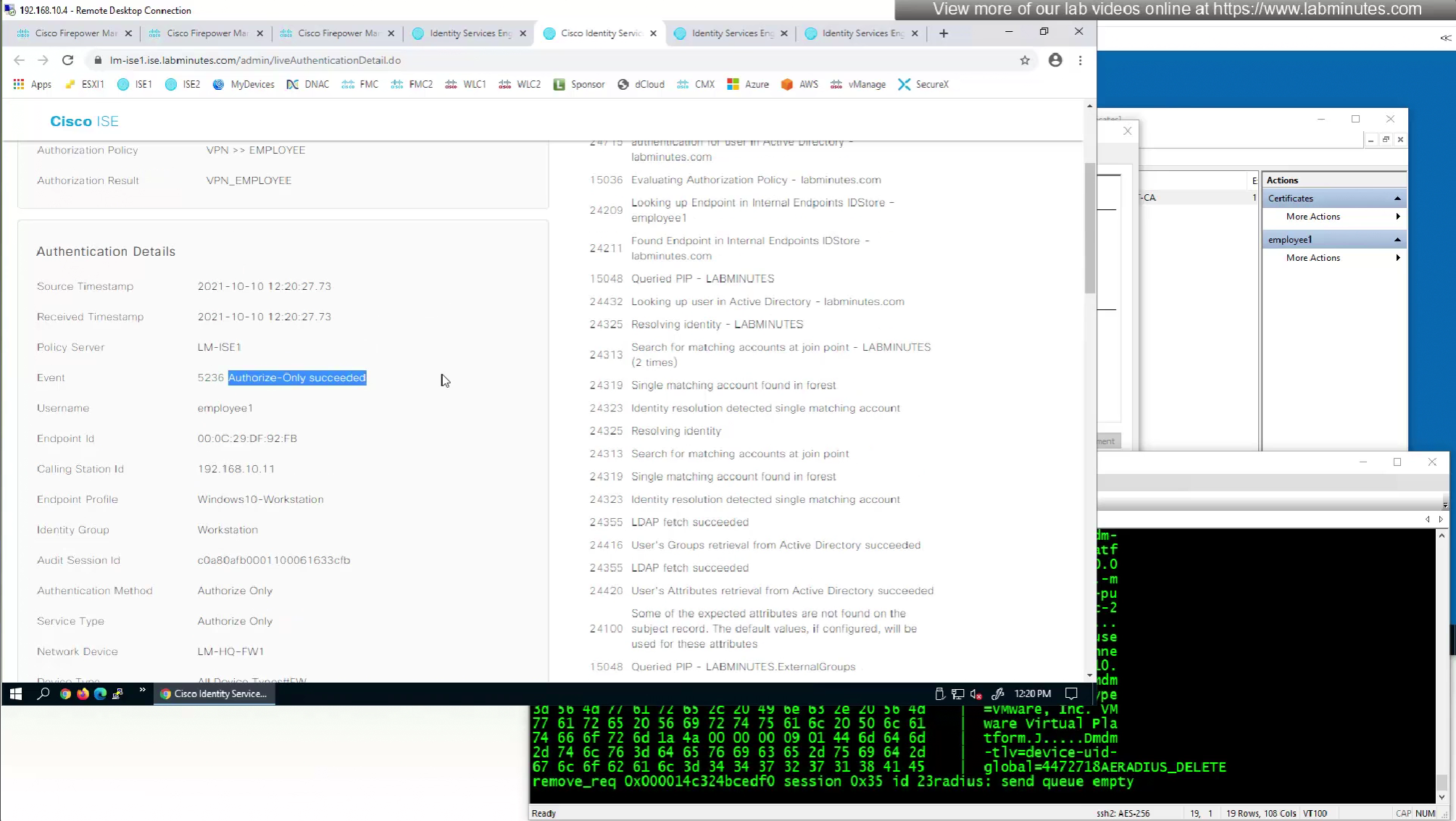
This is how we can successfully authenticate using certificates but authorize using ISE
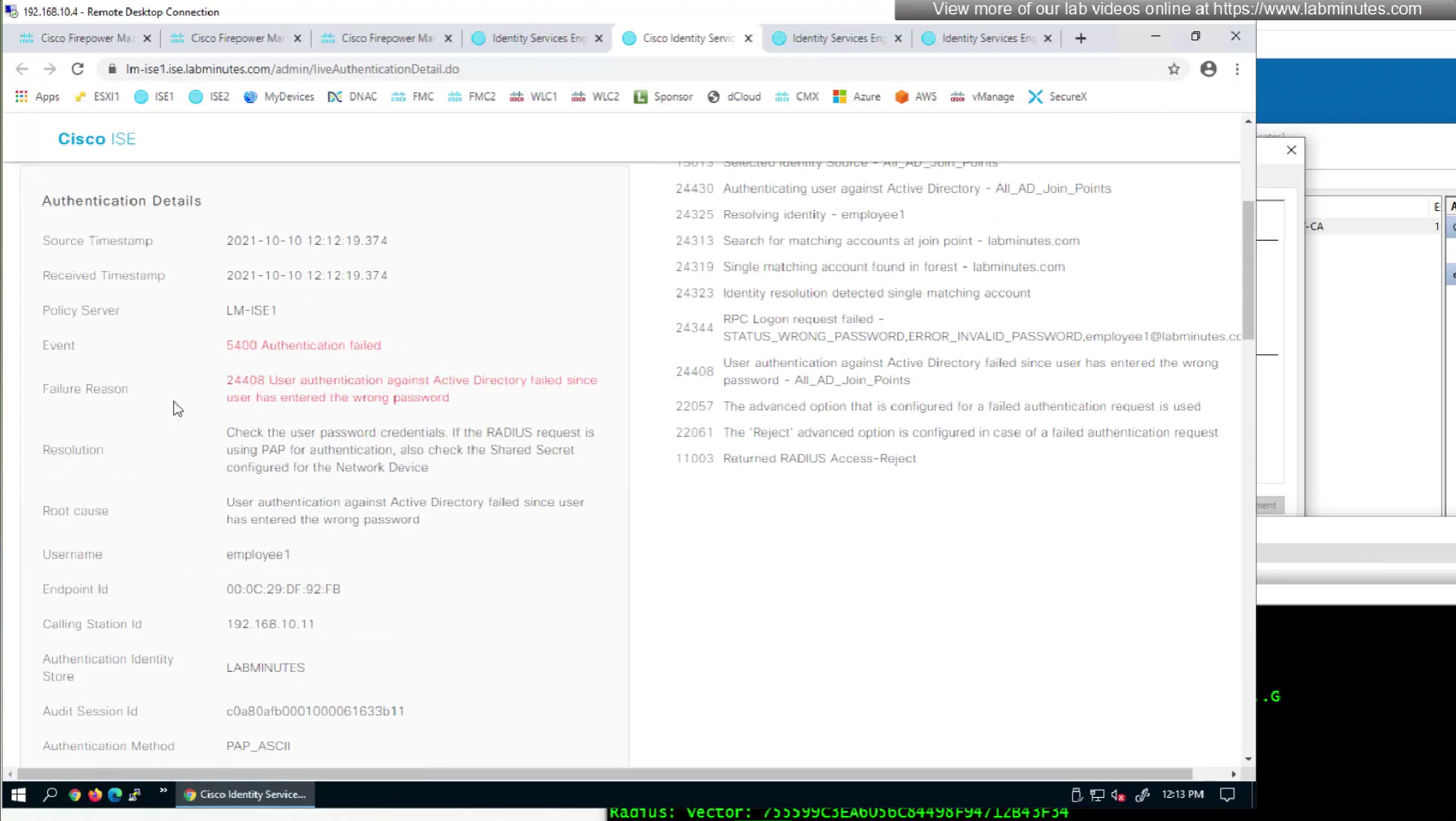
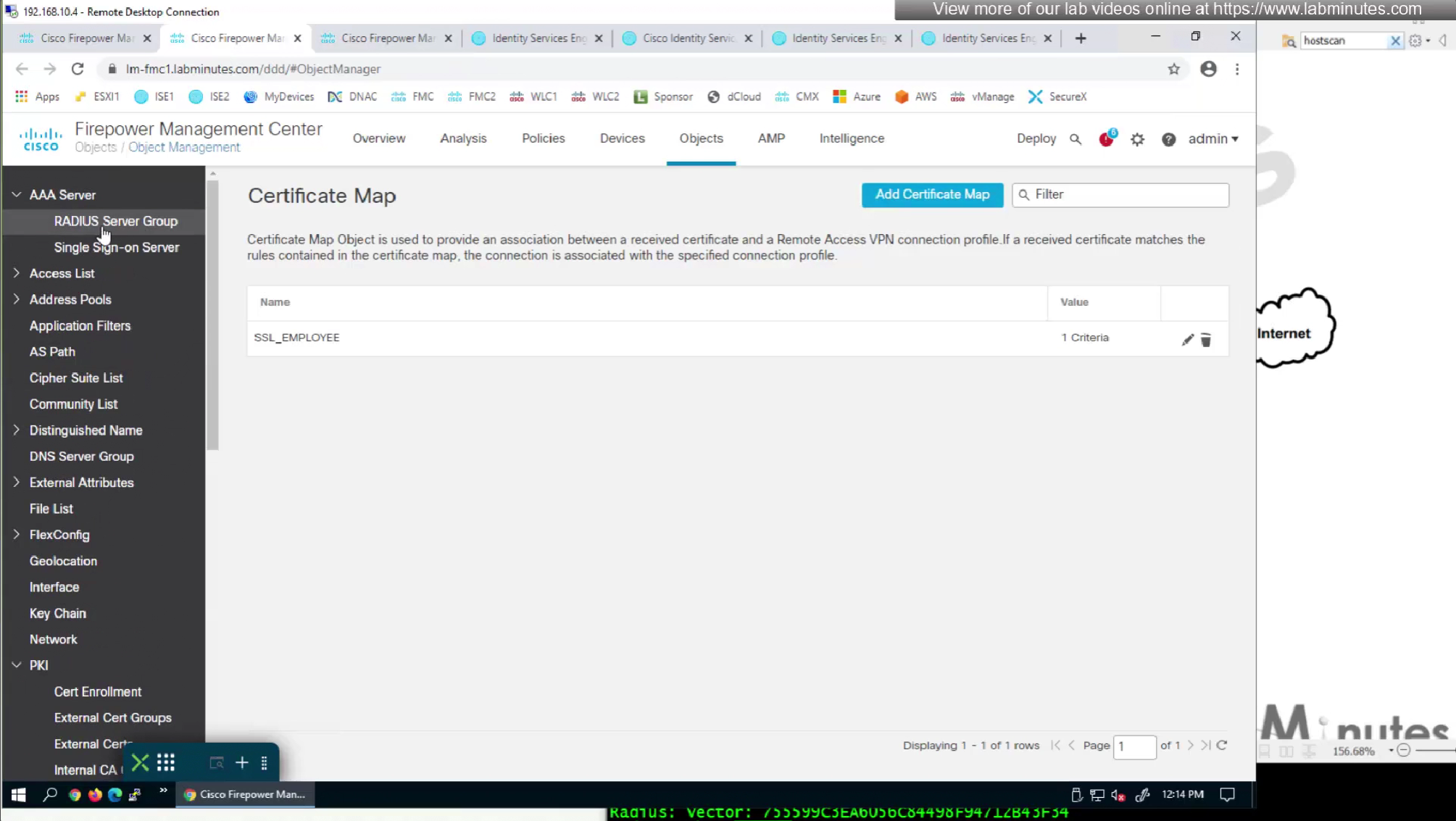
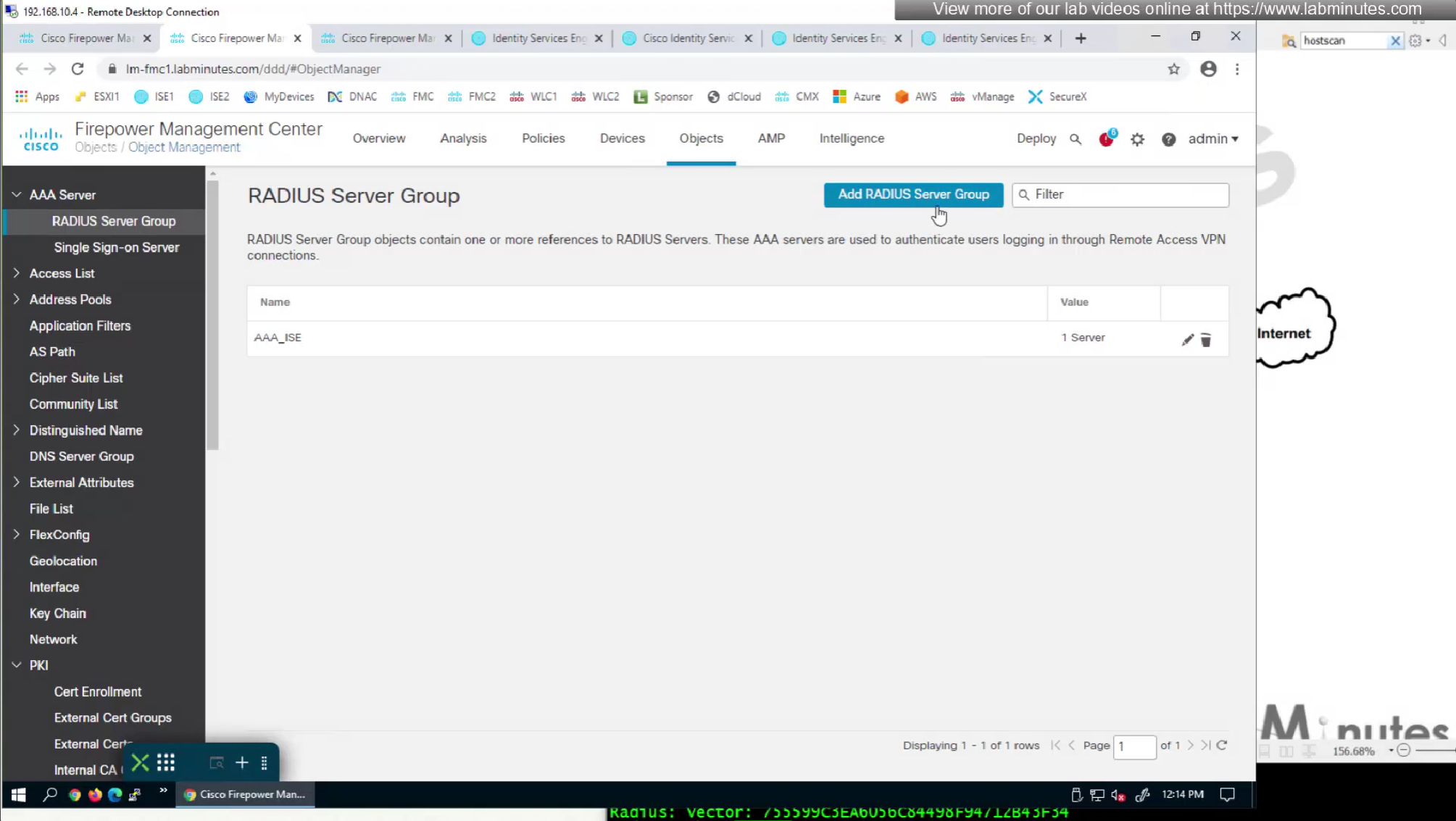
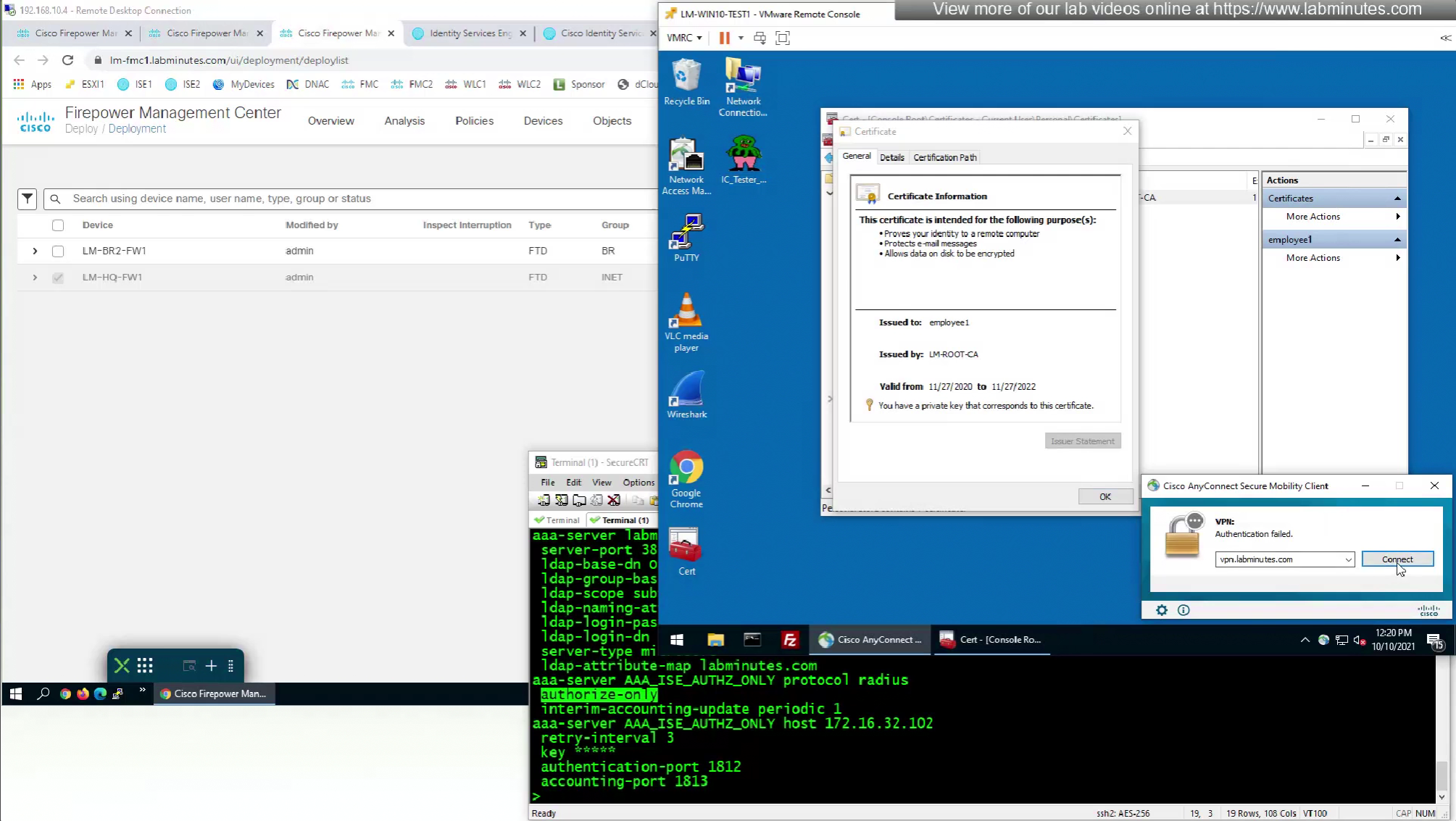
Fortunately we can turn off authentication to ISE using “Enable authorize only”

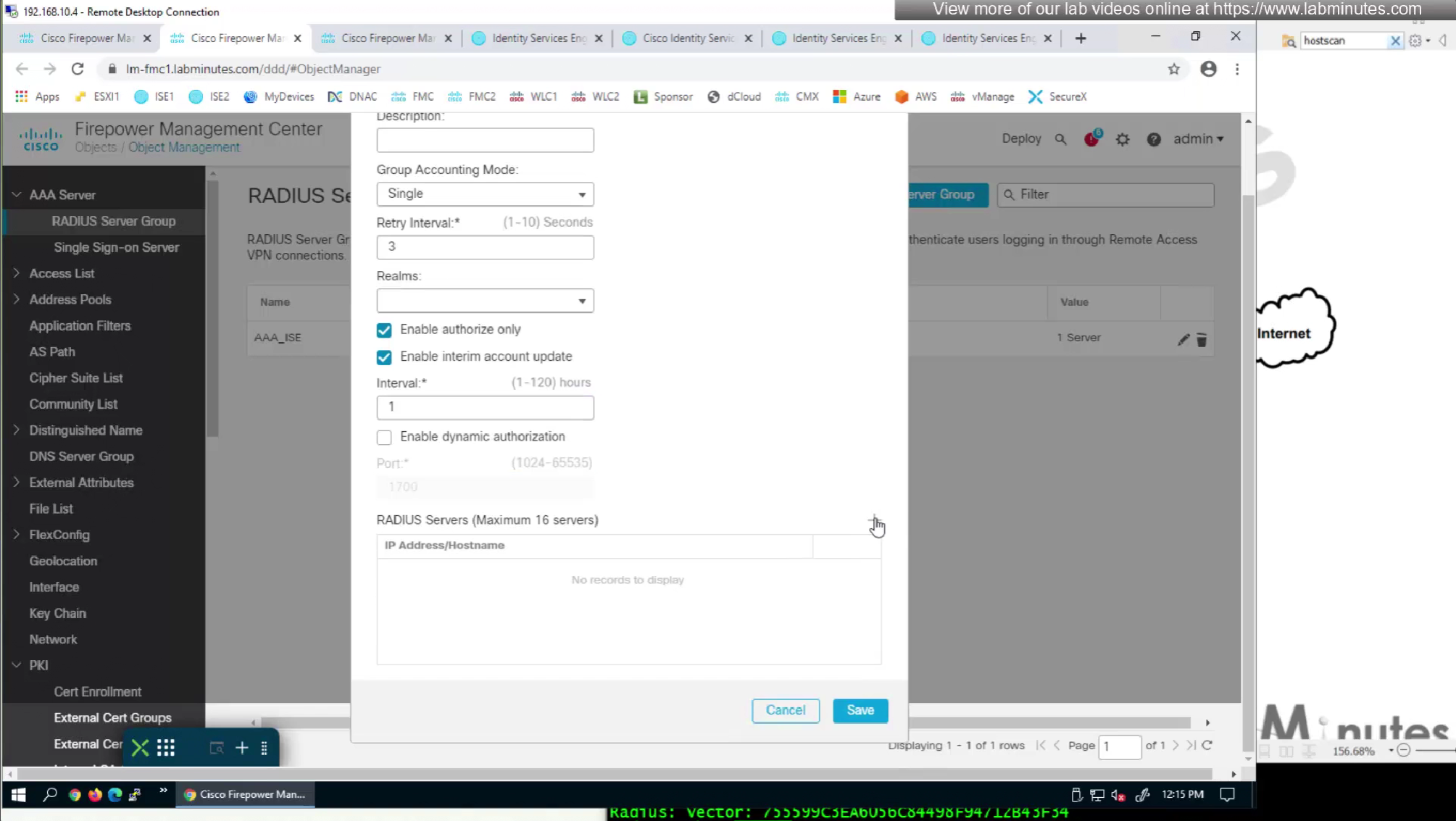
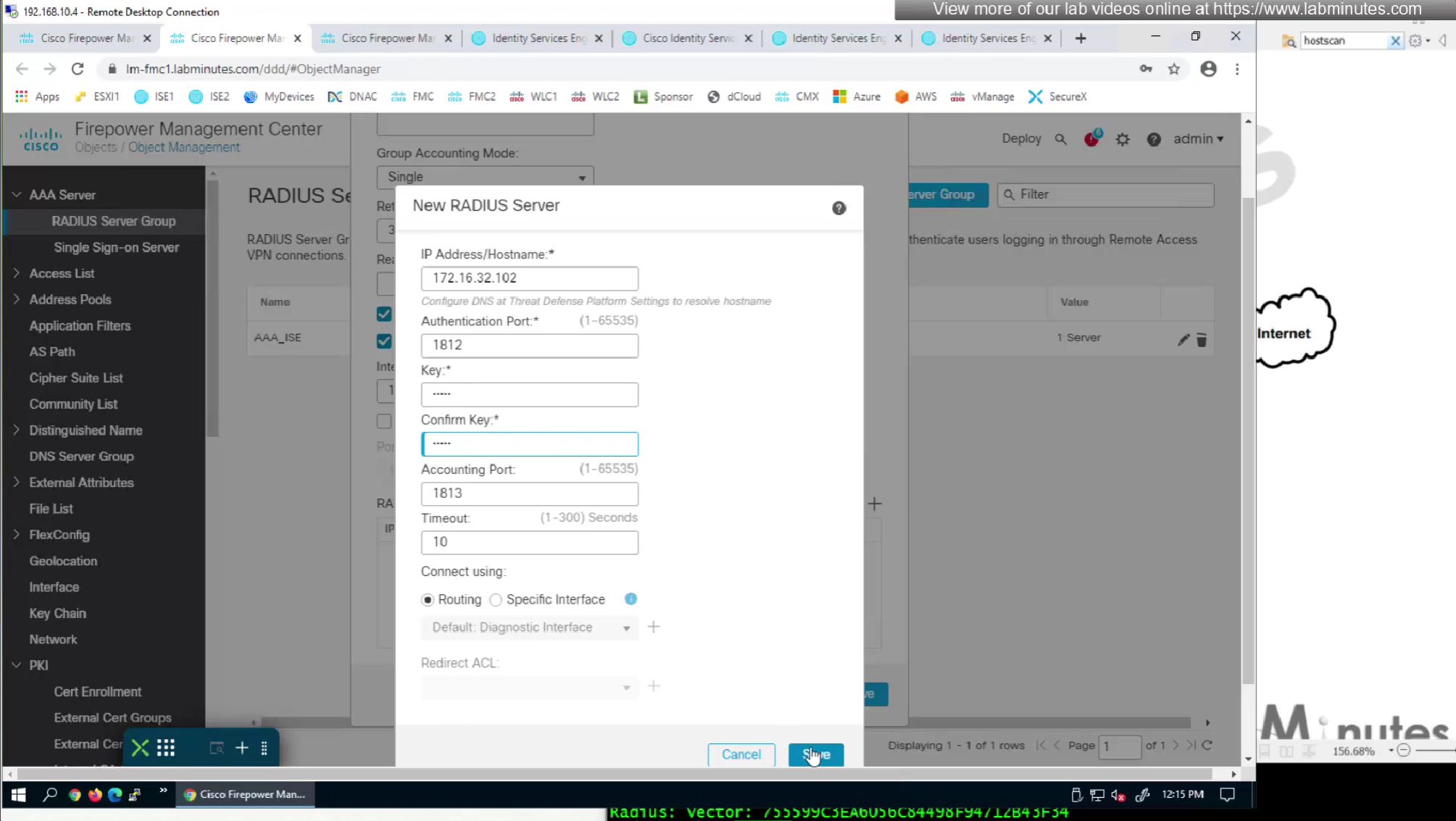
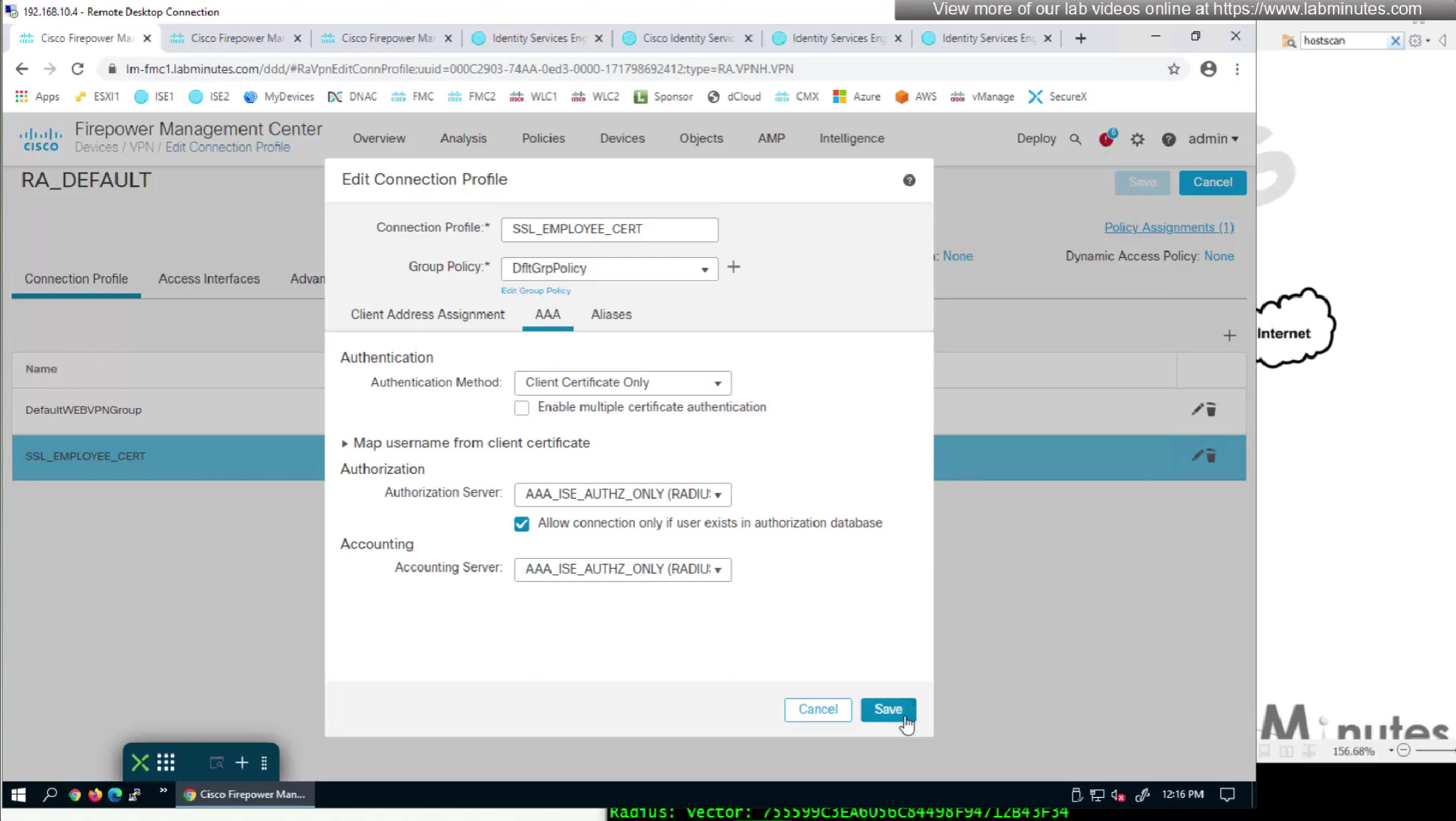
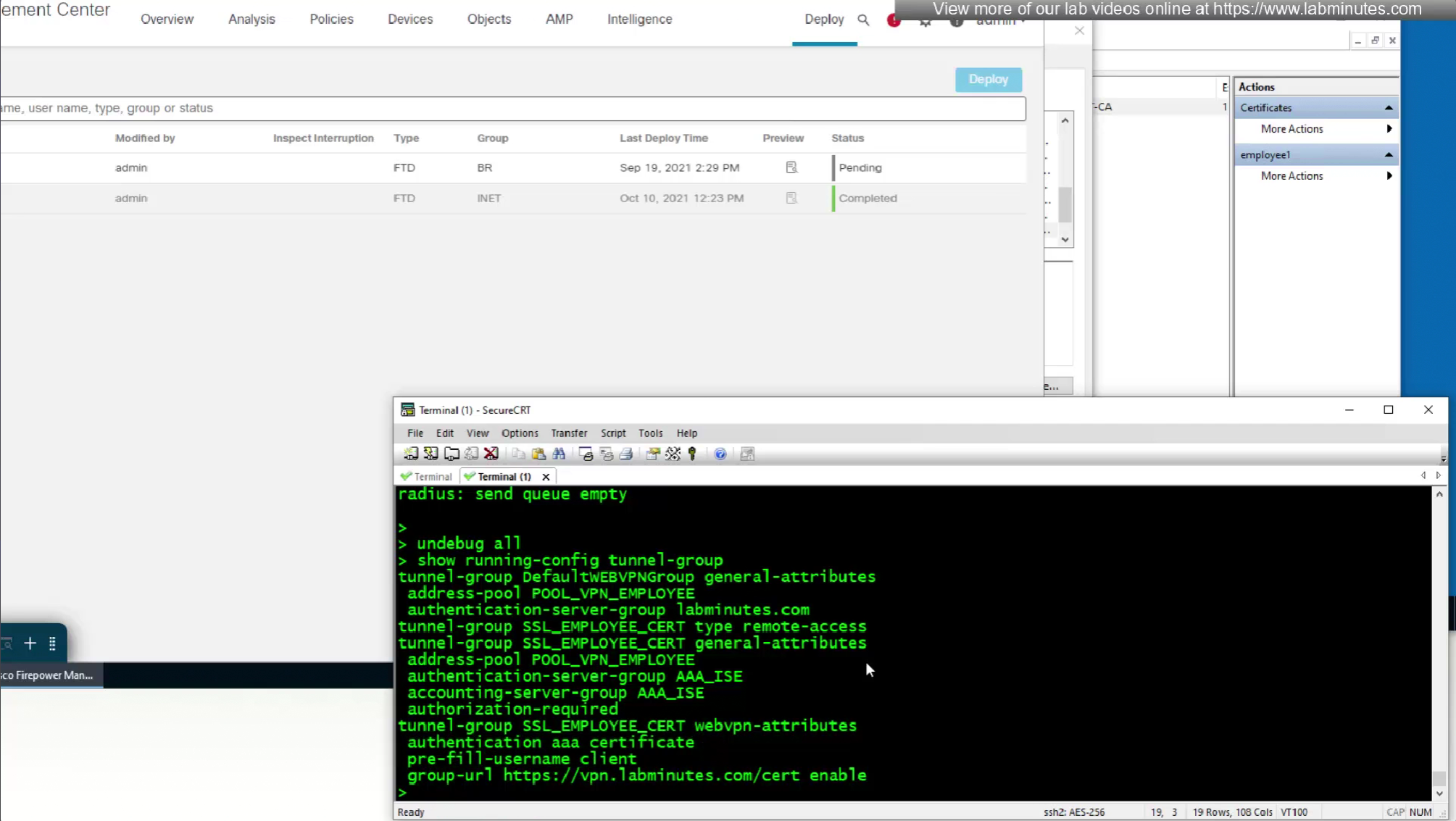
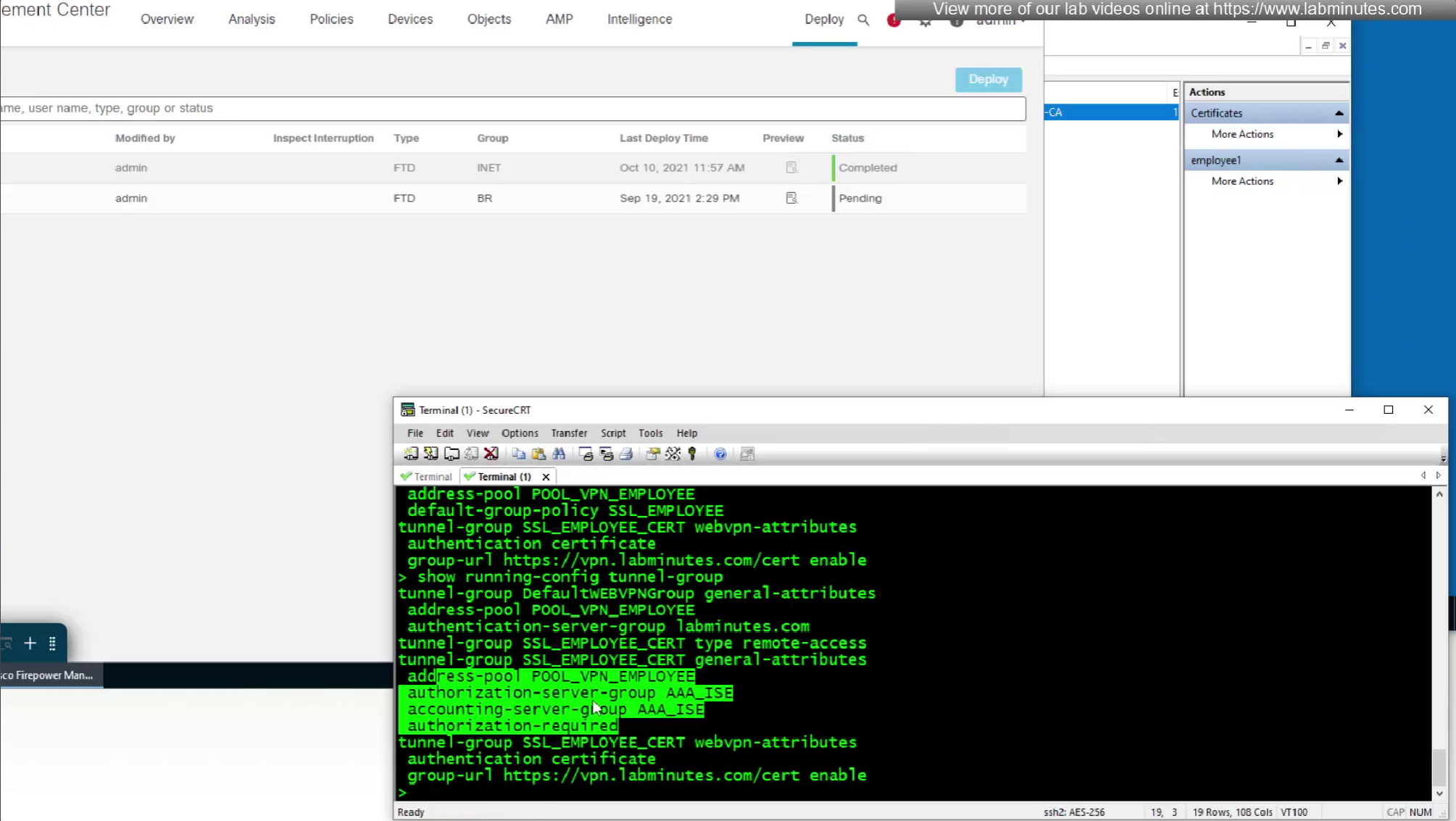
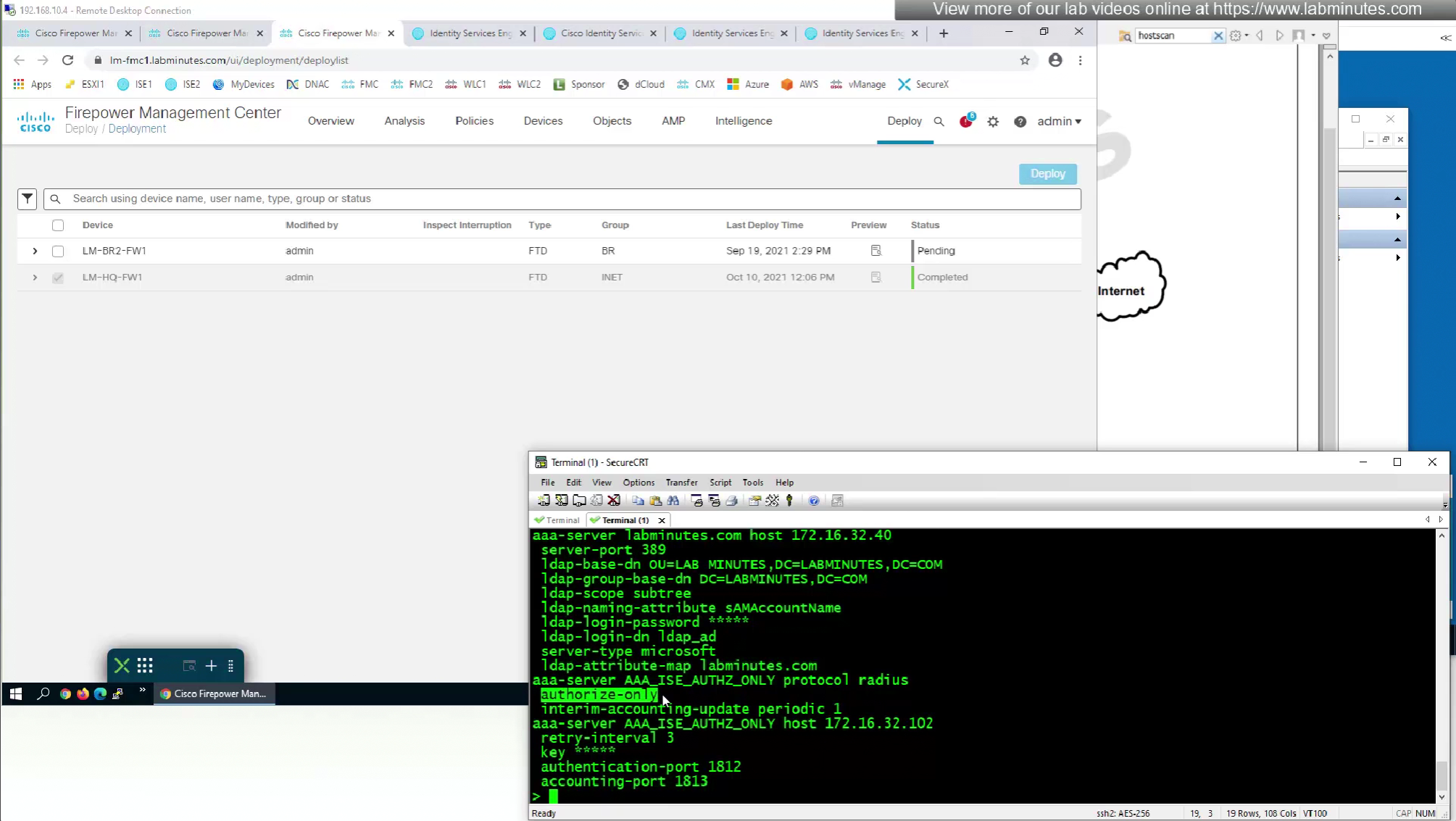
show running-config tunnel-group
show running-config aaa-server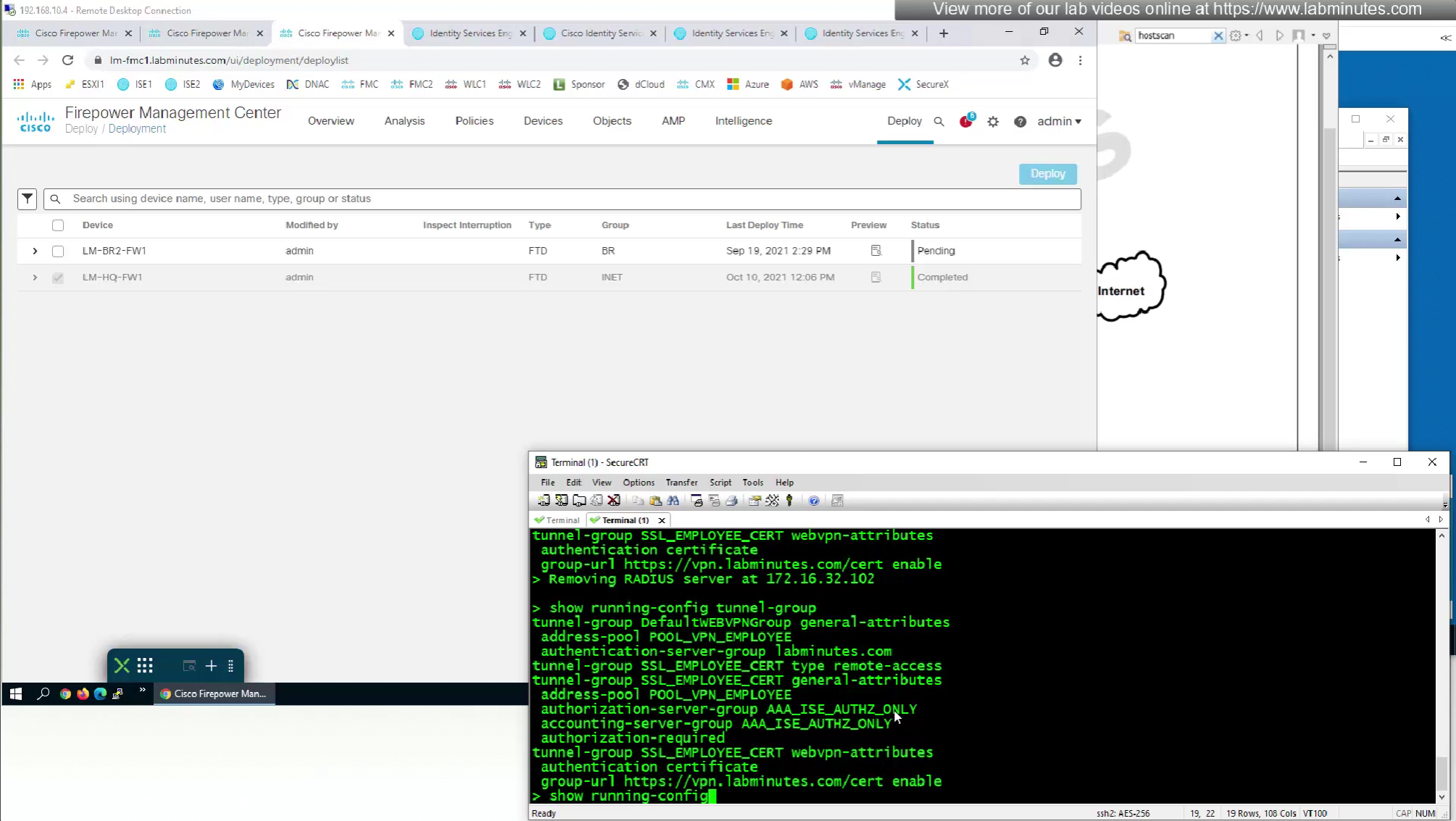
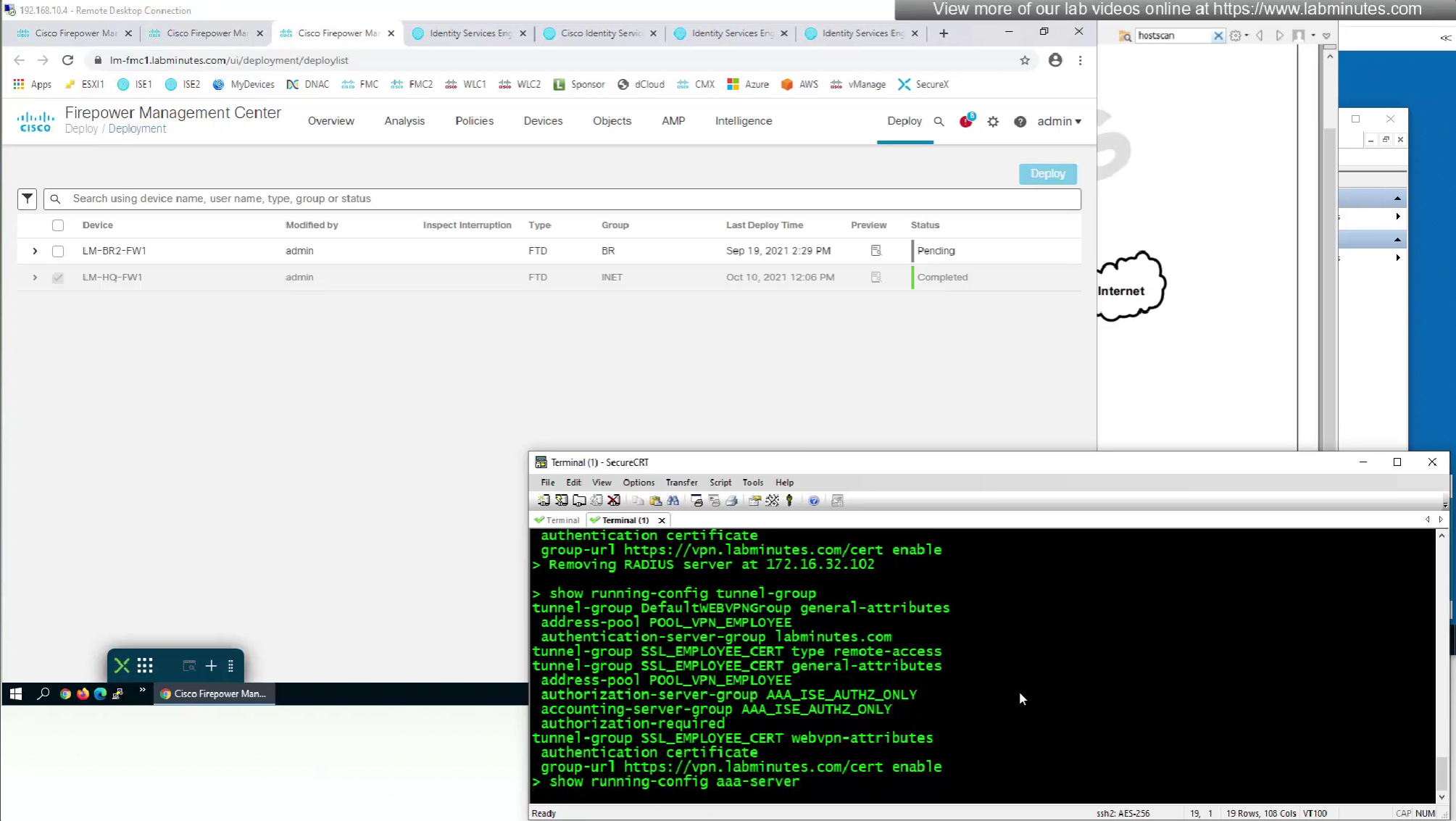

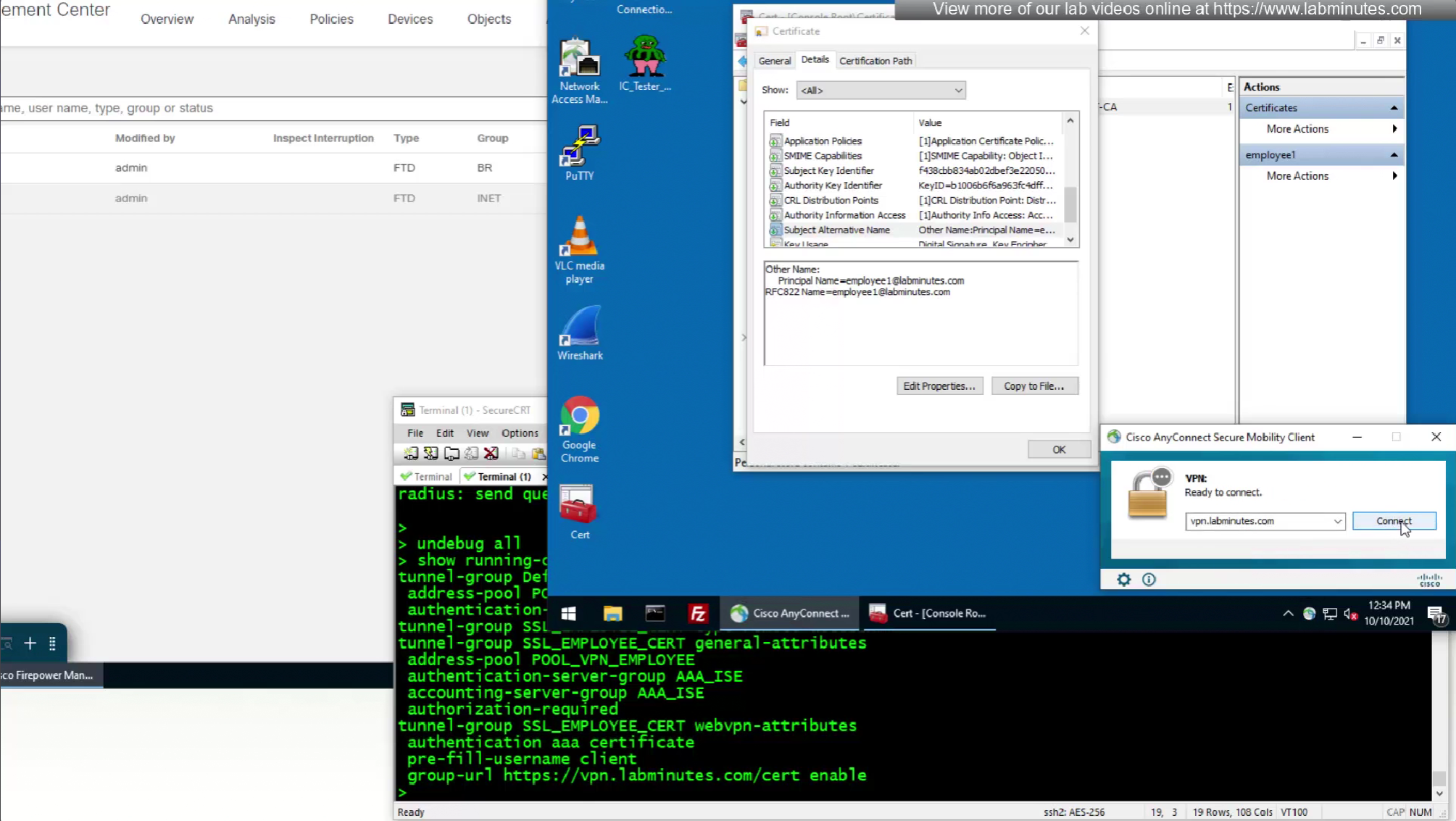
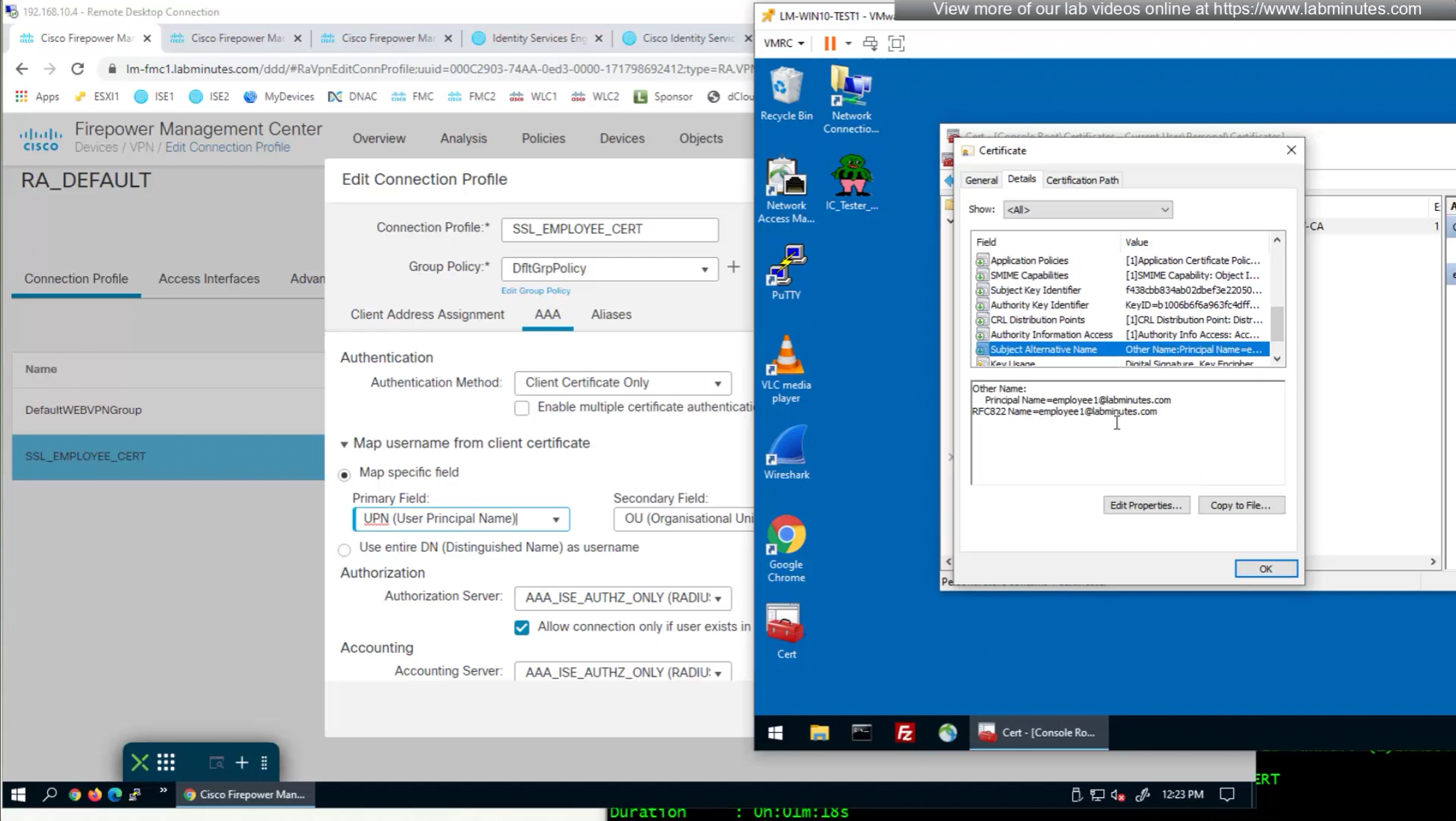
if we have UPN in subject alternative name then we can change Primary field from CN to UPN to use it as email address rather than just the username


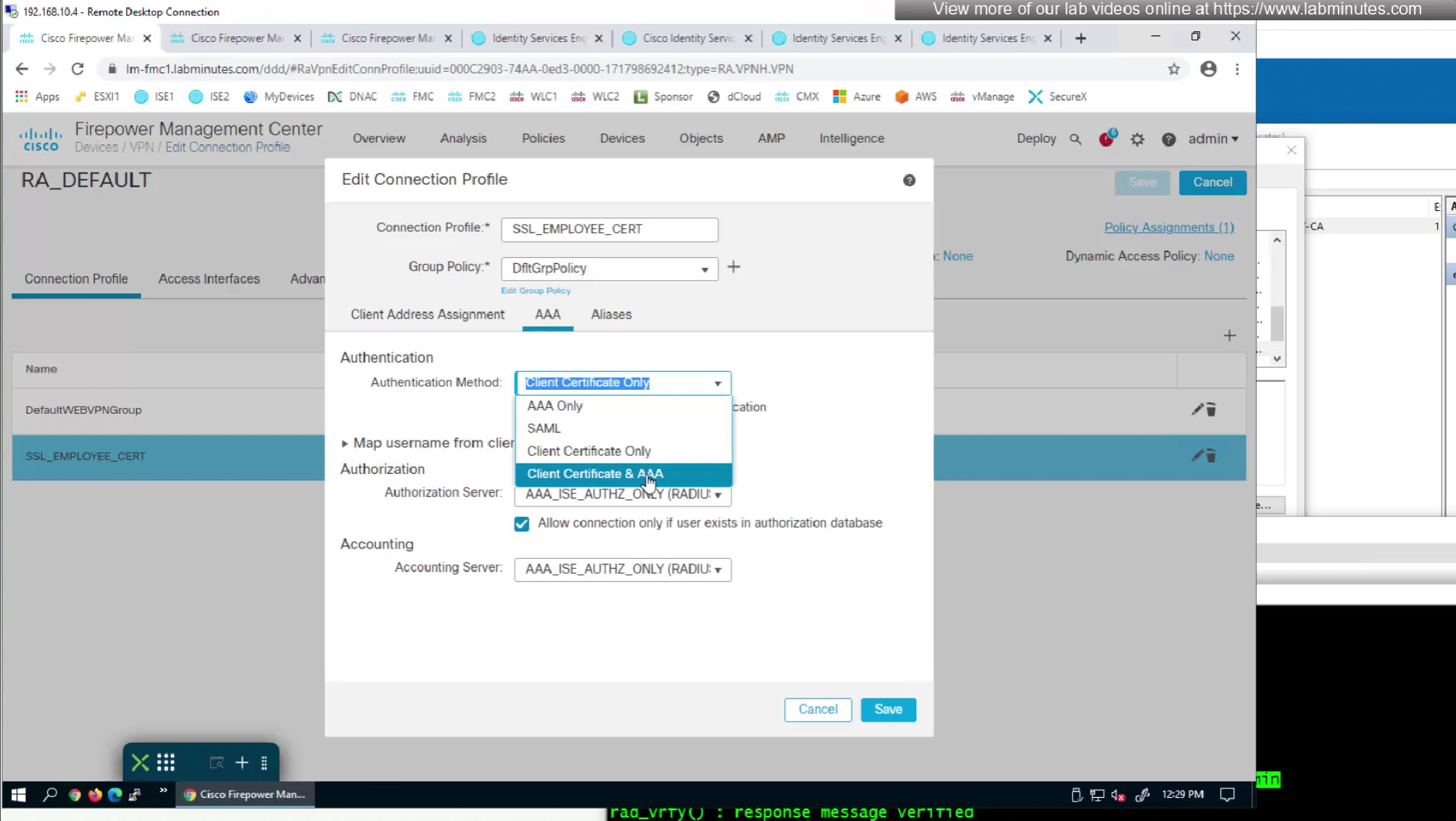
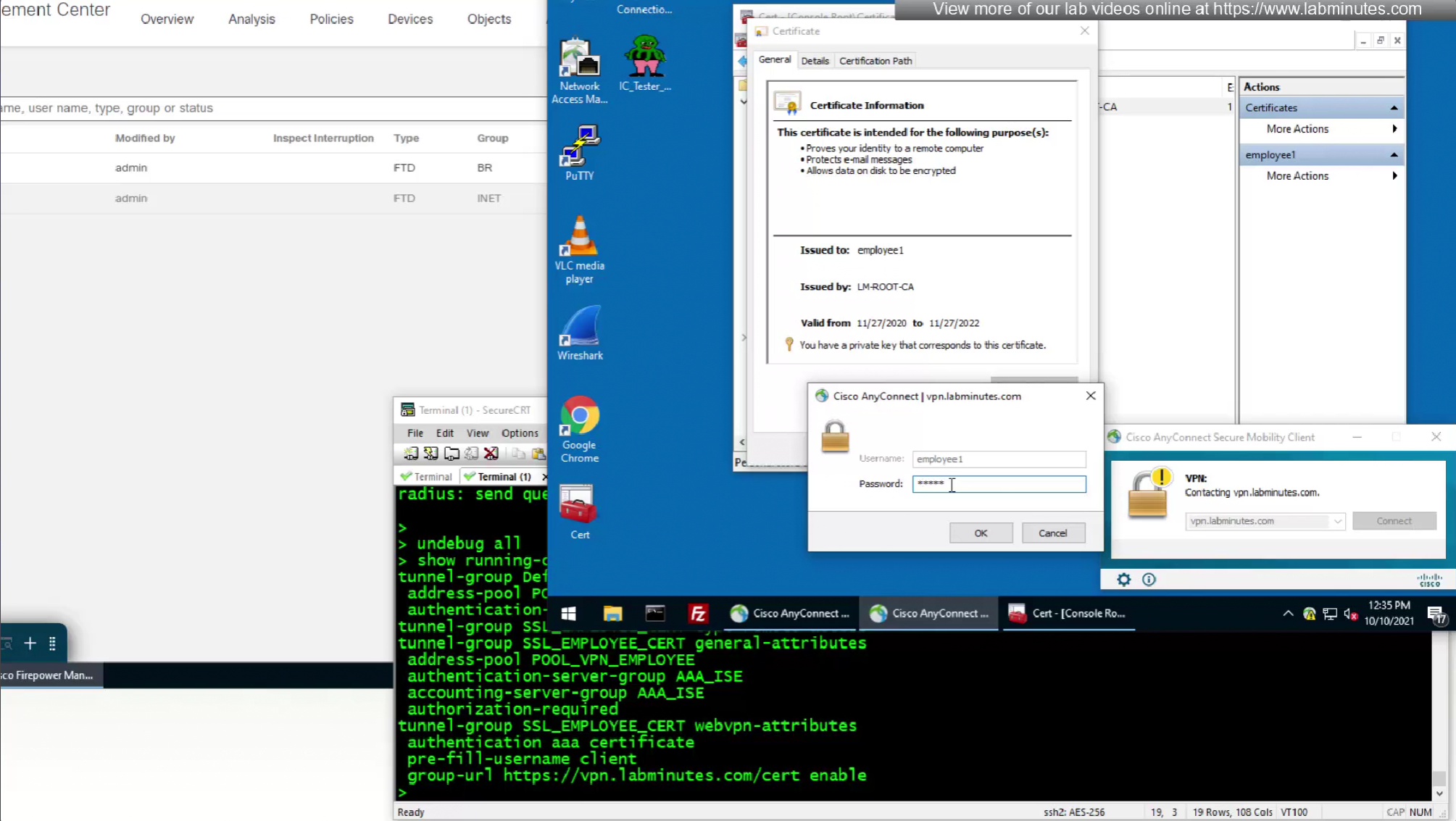
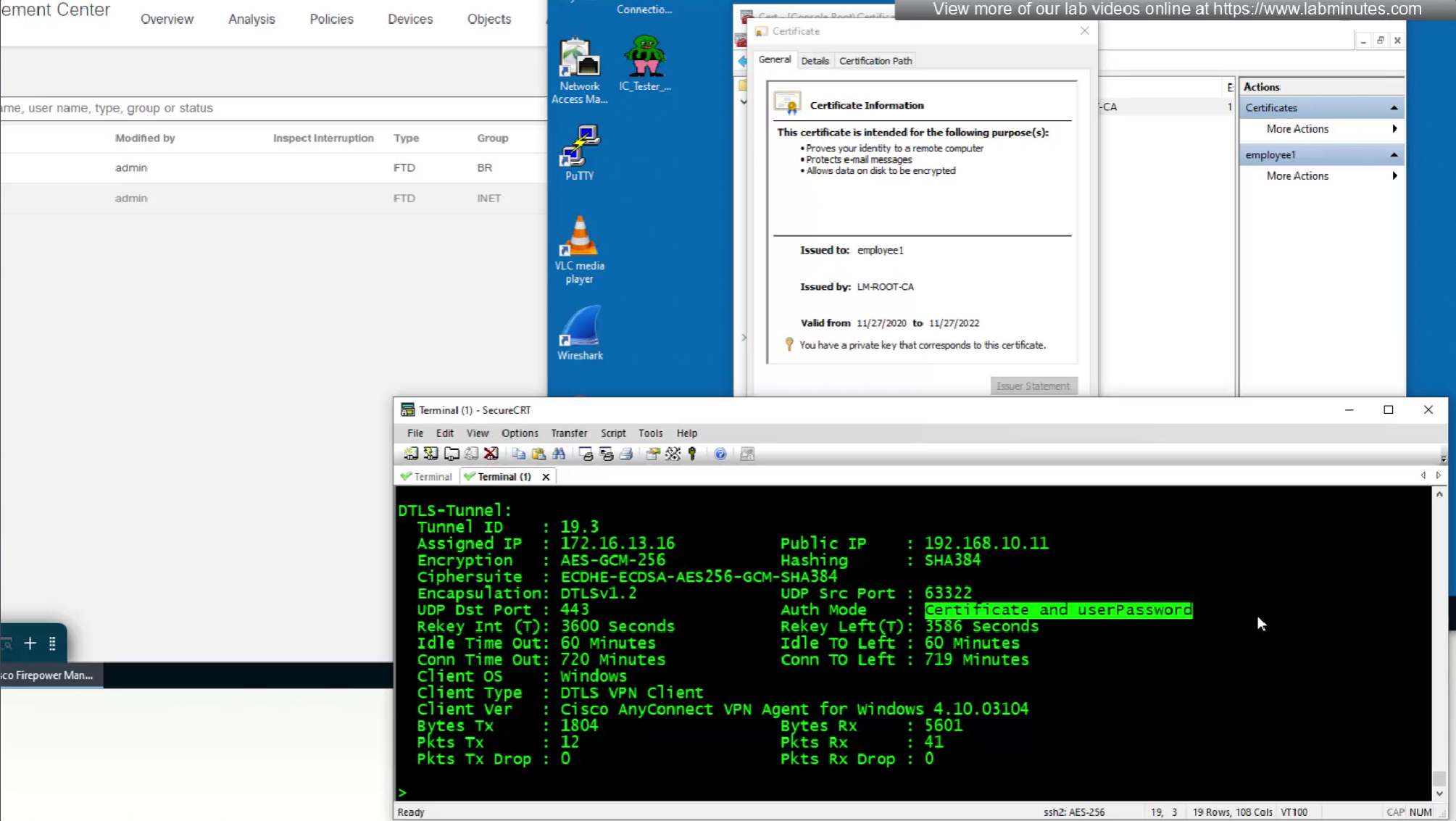
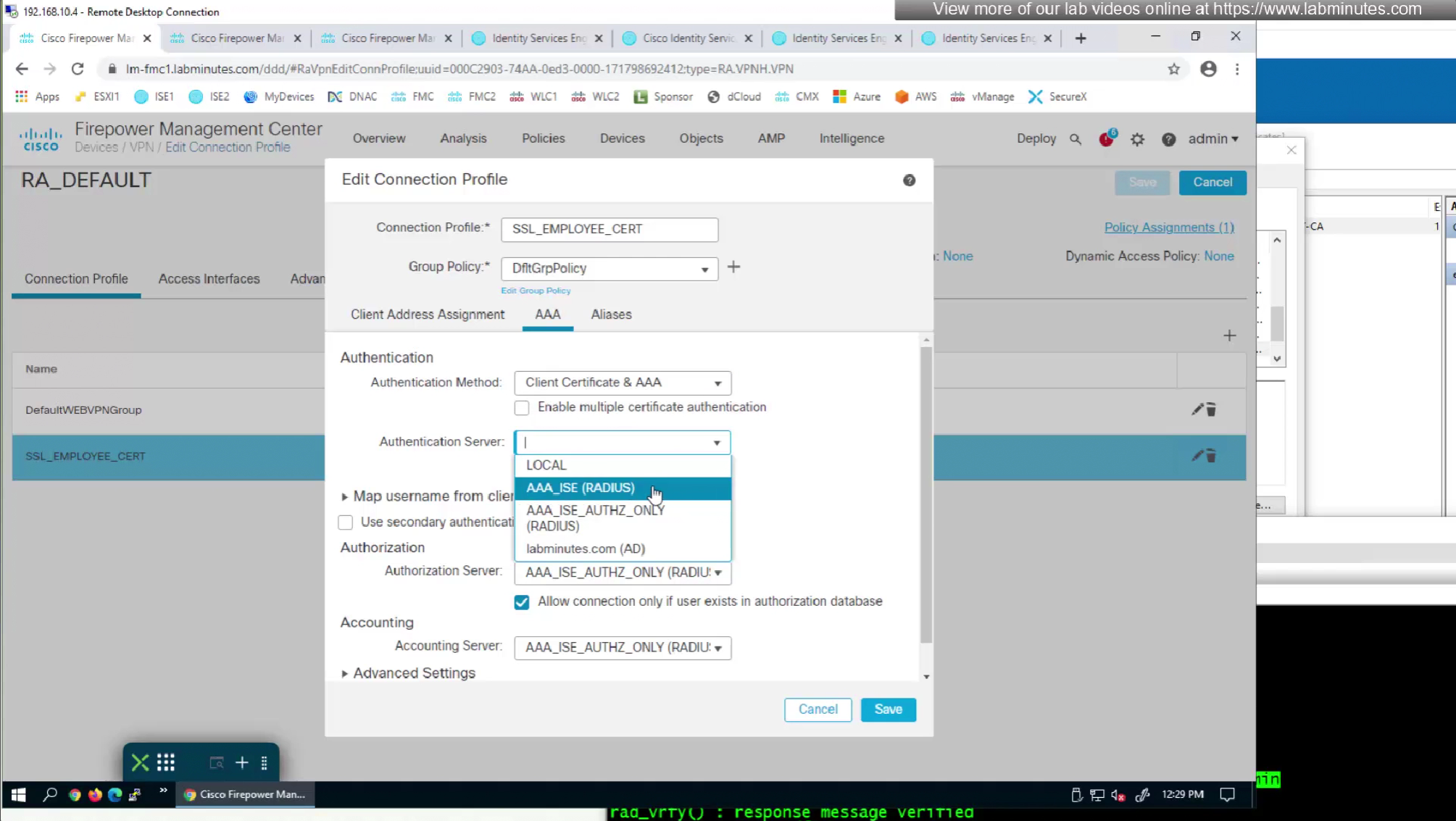
As last part of this lab we will use both certificate and password as 2 factor authentication
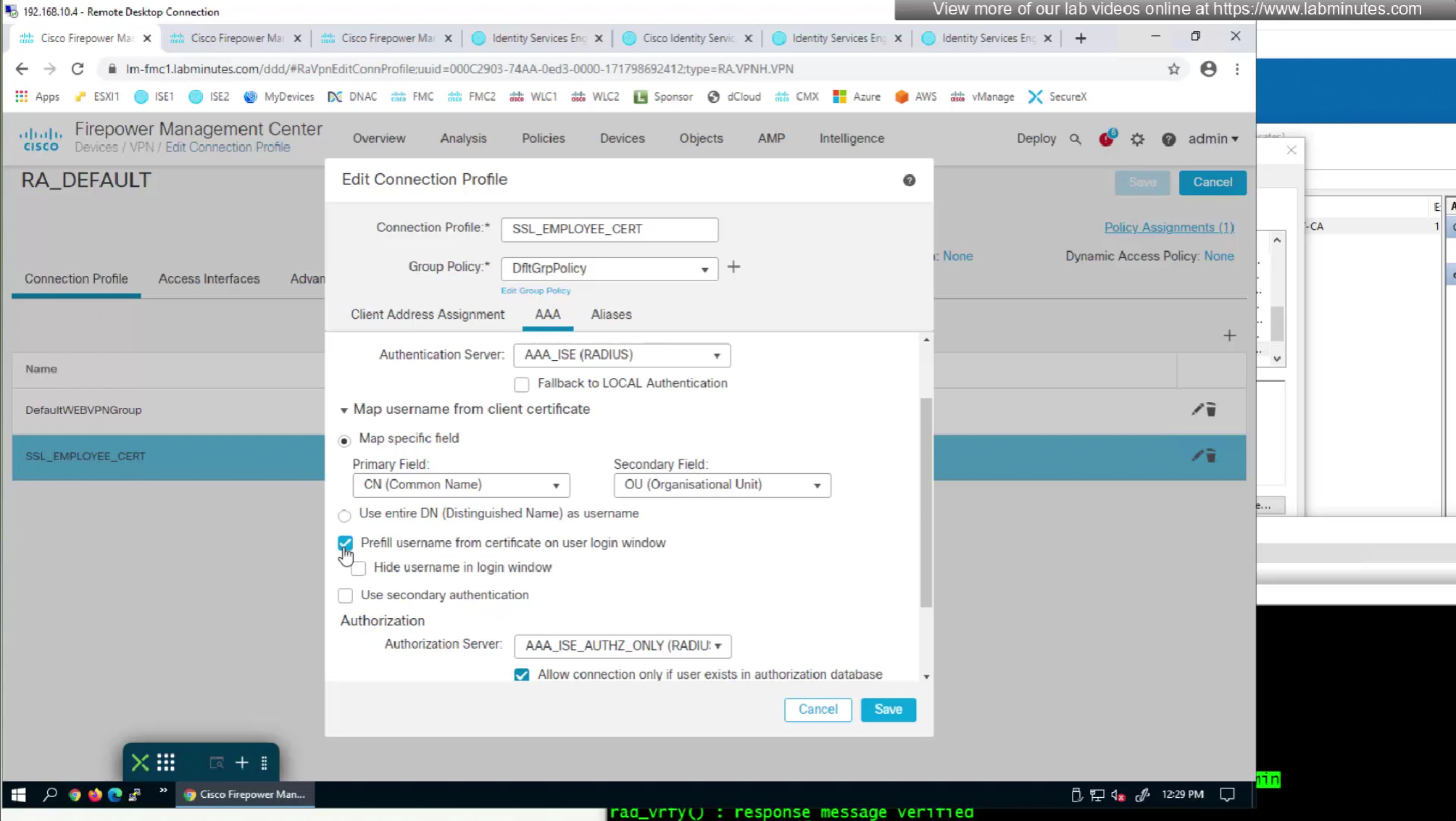
option “Prefill username from certificate on user login window” fills and locks the username from certificate on login window so user cannot switch the credentials