SEC0403 – Firepower 7.0 AnyConnect VPN Address Assignment (Part 1)
SEC0403 – Firepower 7.0 AnyConnect VPN Address Assignment (Part 1)
Address Assignment
There are 3 methods of assigning IP address to clients
- RADIUS
- DHCP
- IP address pools
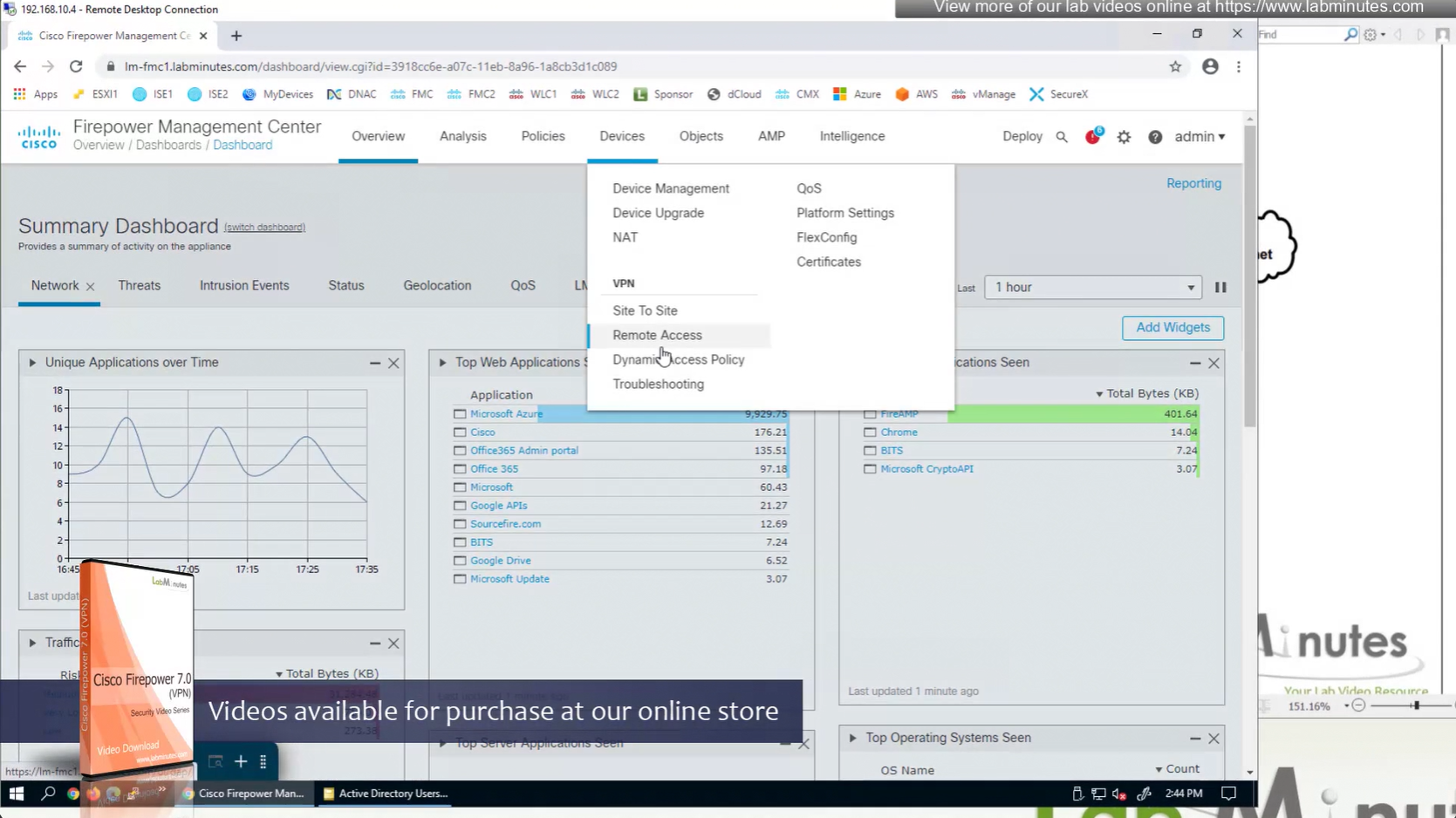
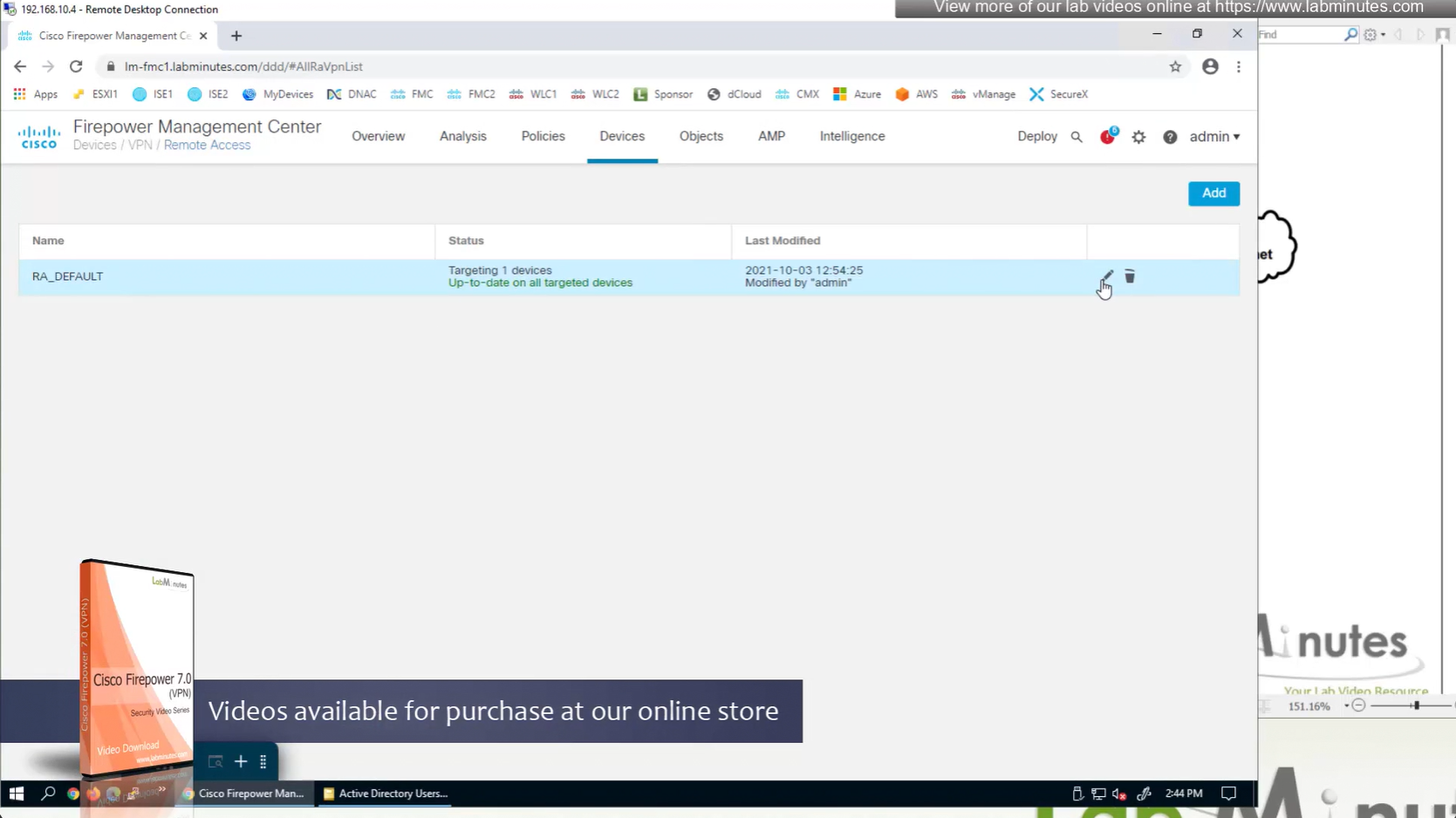
Remote access policy’s Advanced settings
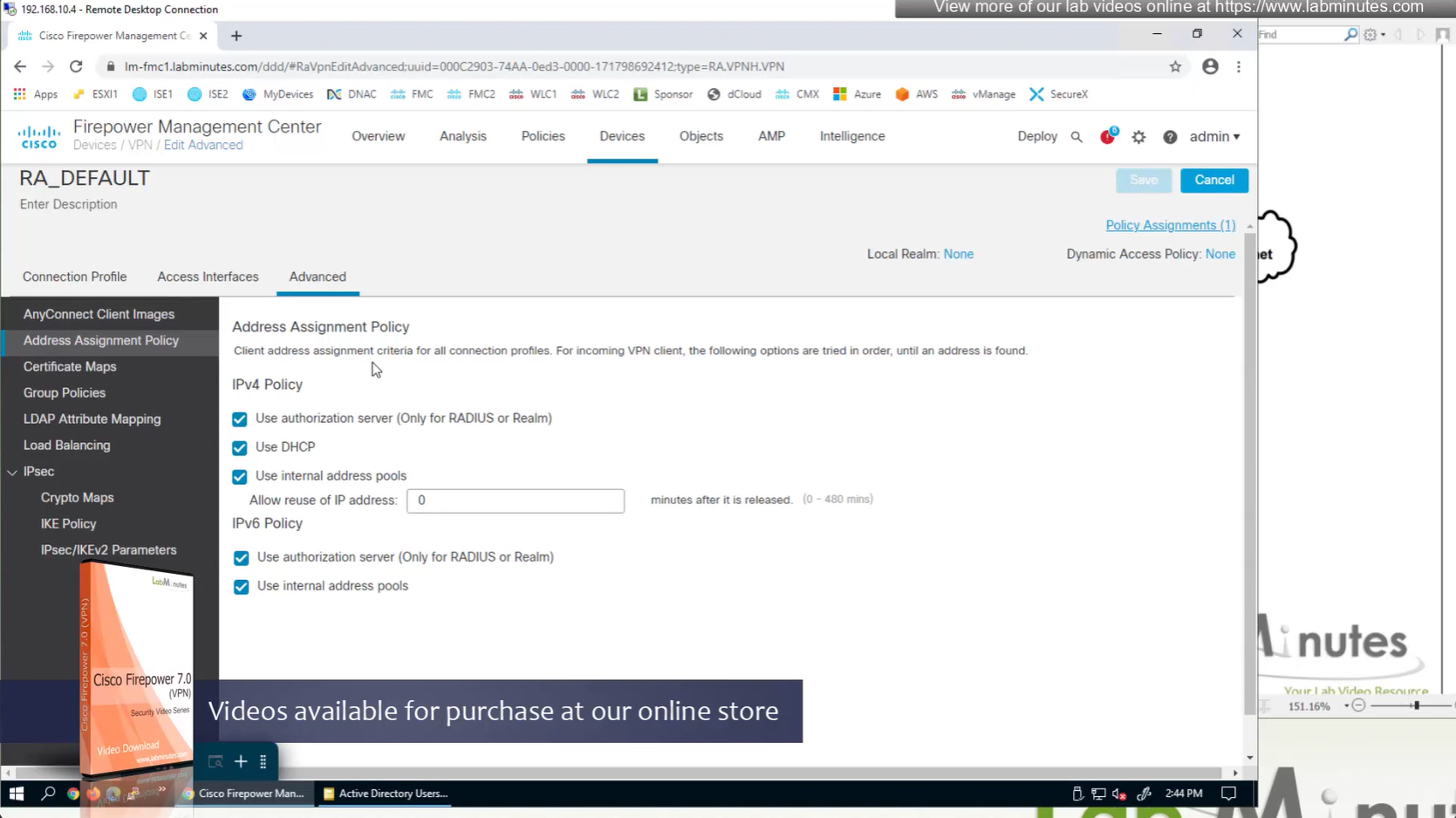
If all of the above are configured at the same time then RADIUS takes precedence and then DHCP and then IP address pools
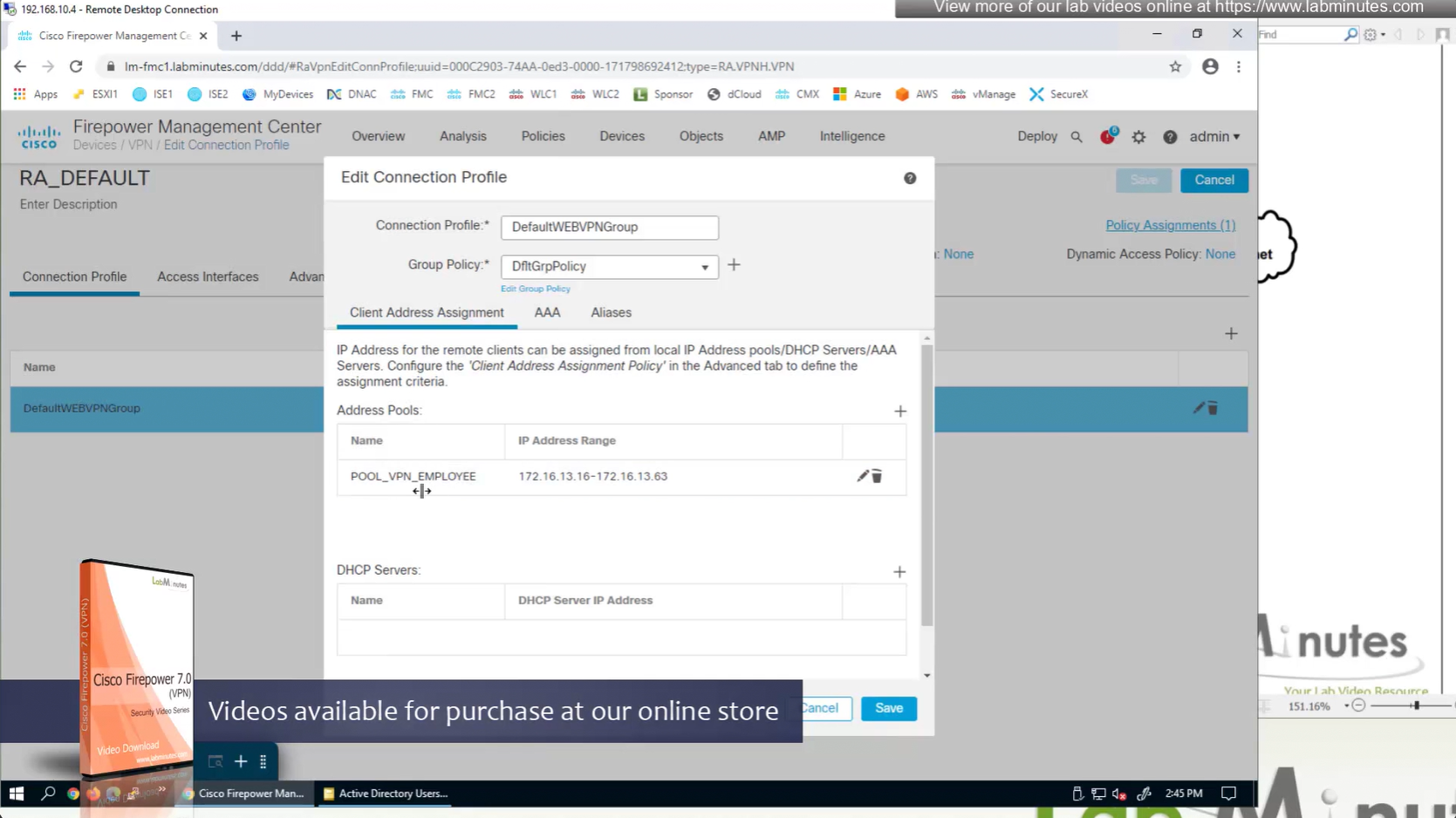
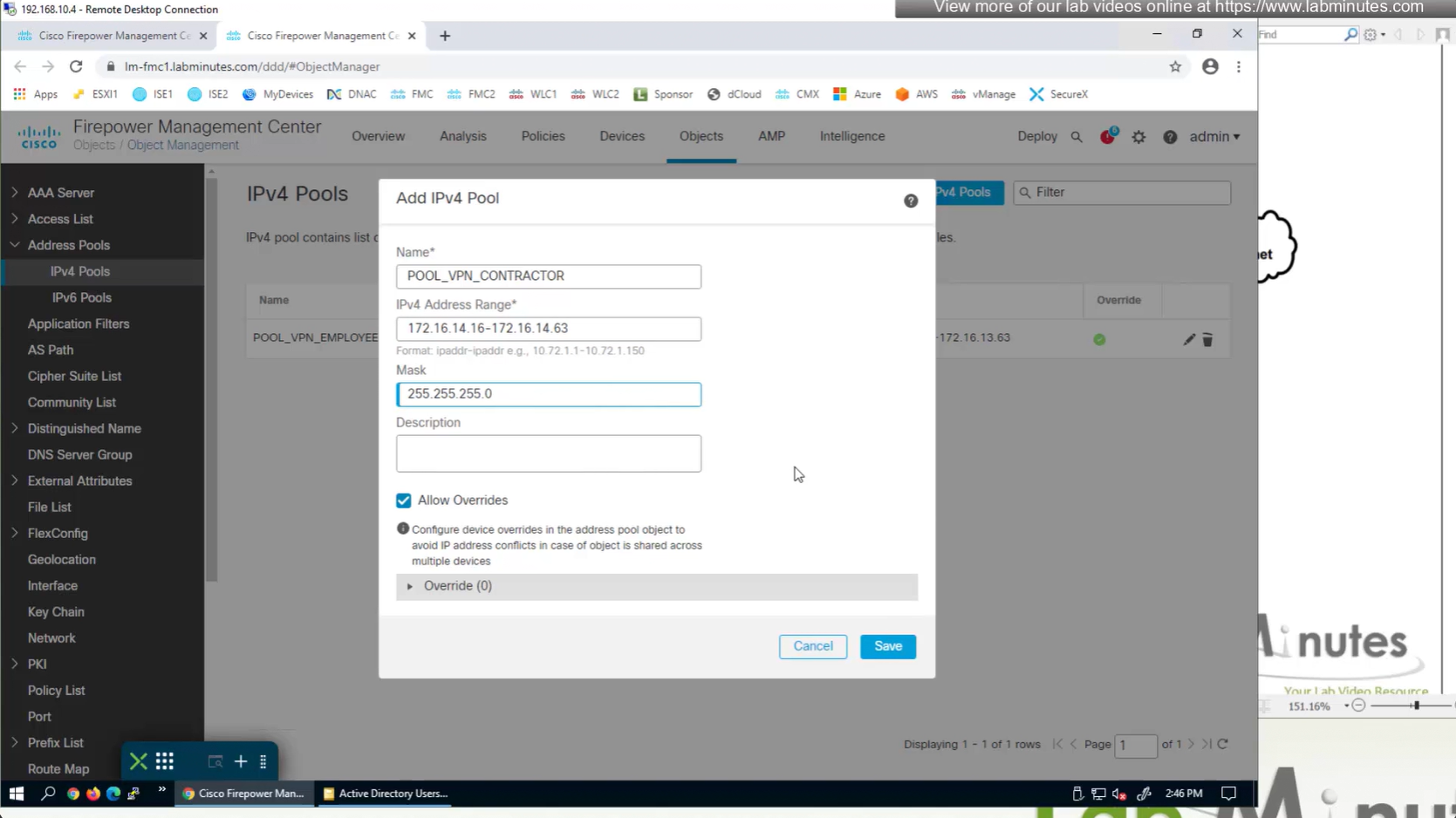
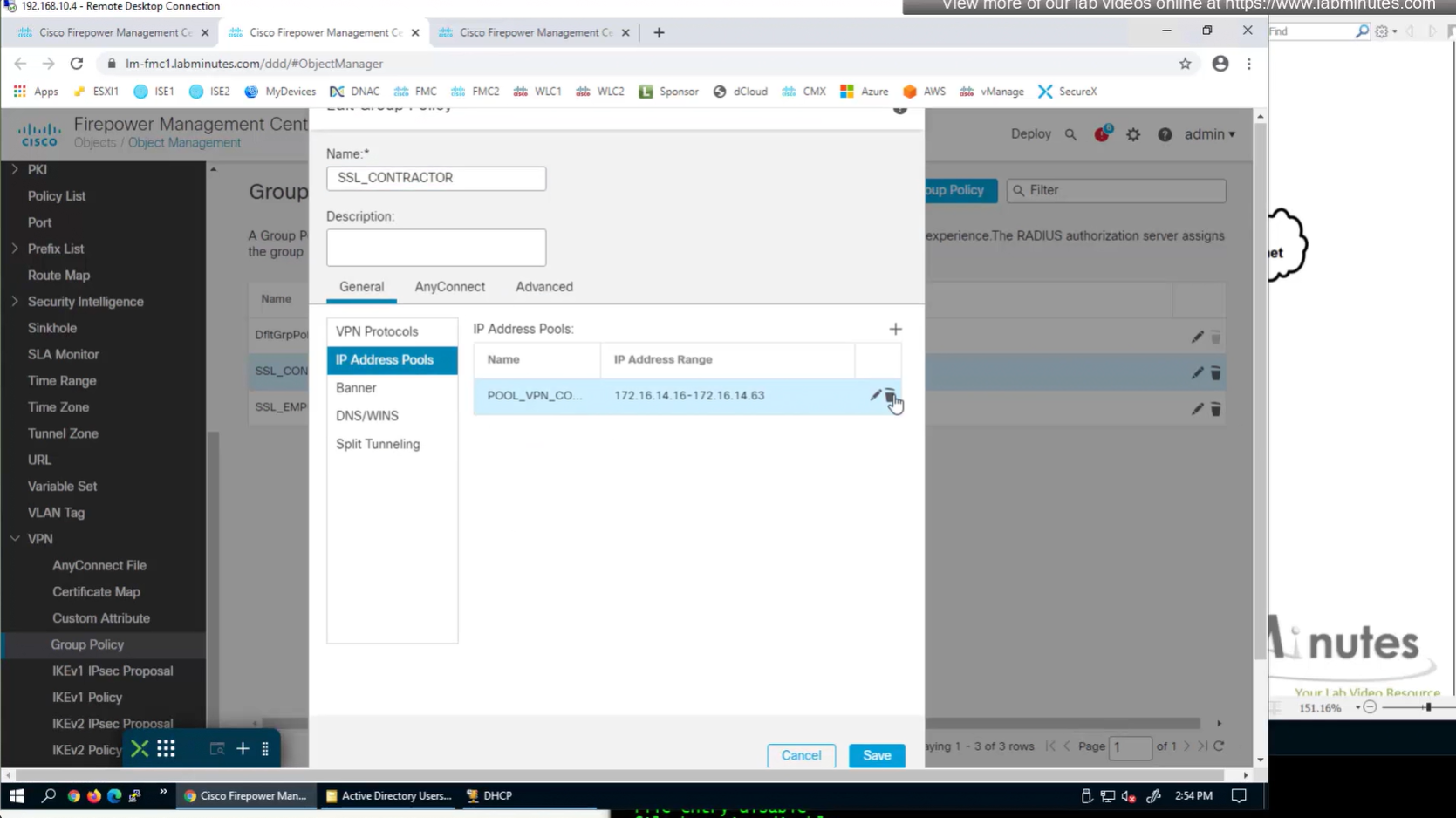
IP address pool settings inside Group policy, rather than connection profile
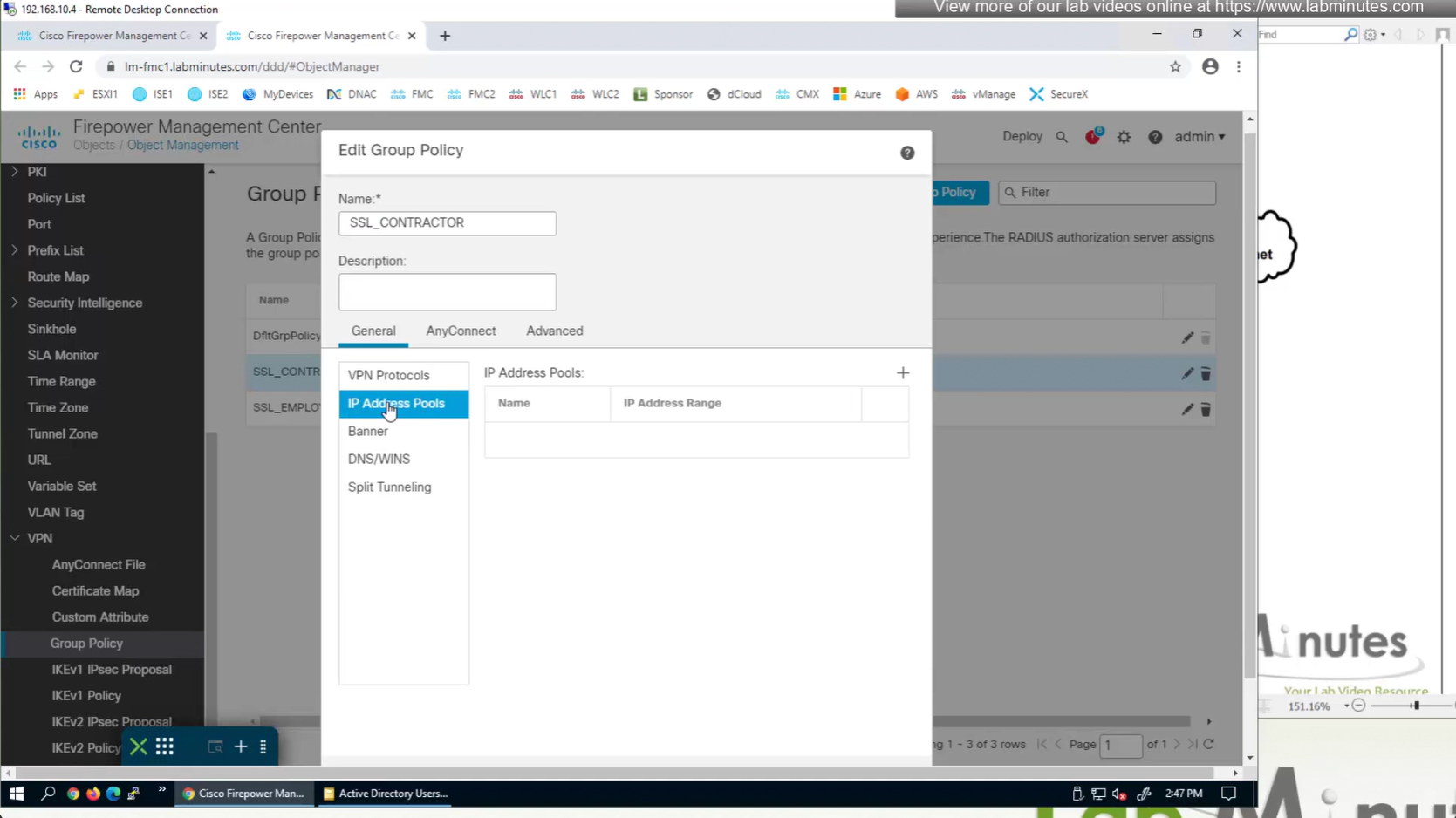

It is also possible to have IP address pool in group policy if you want to have same connection profile but have different IP address assignment per group policy
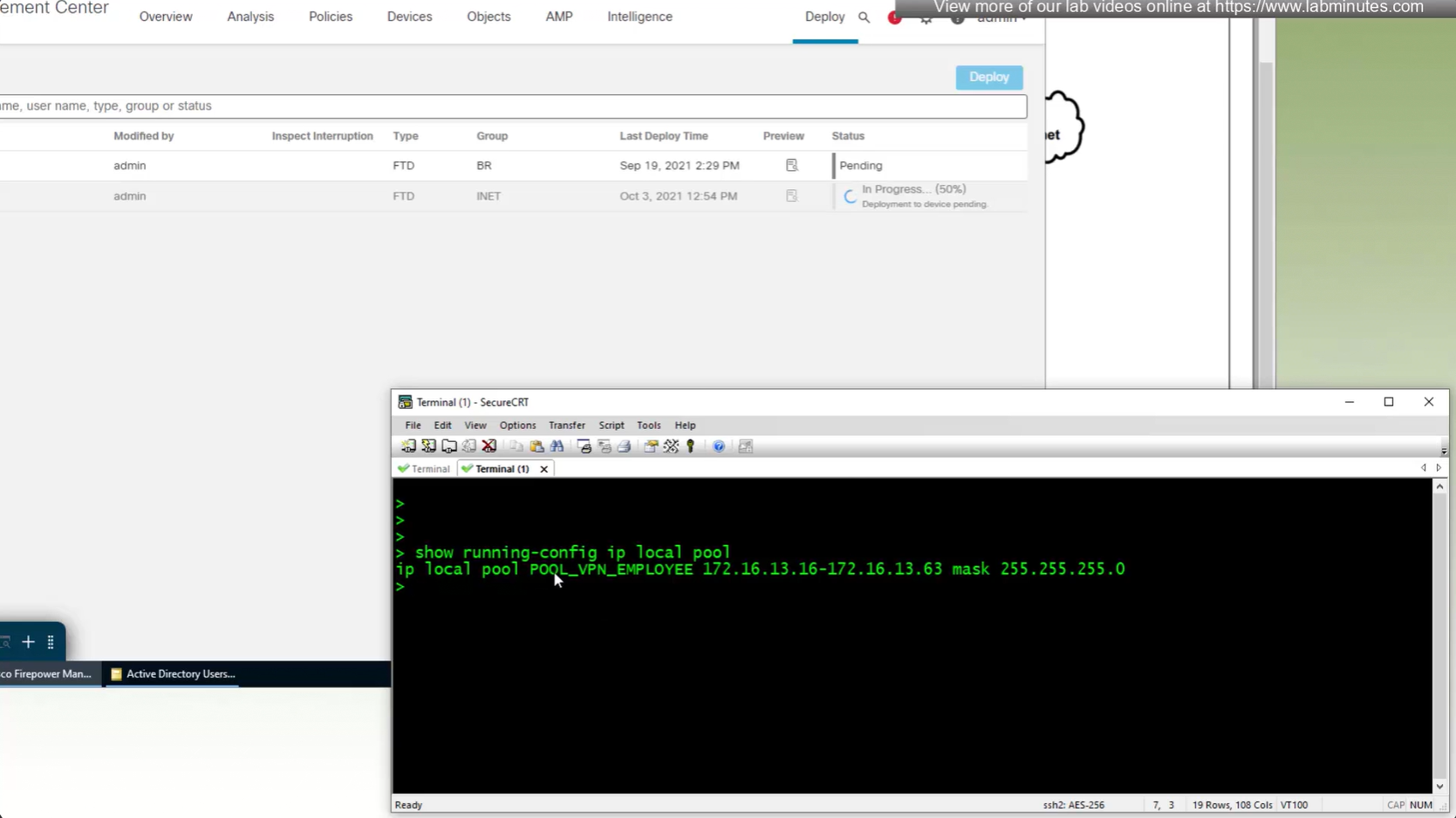
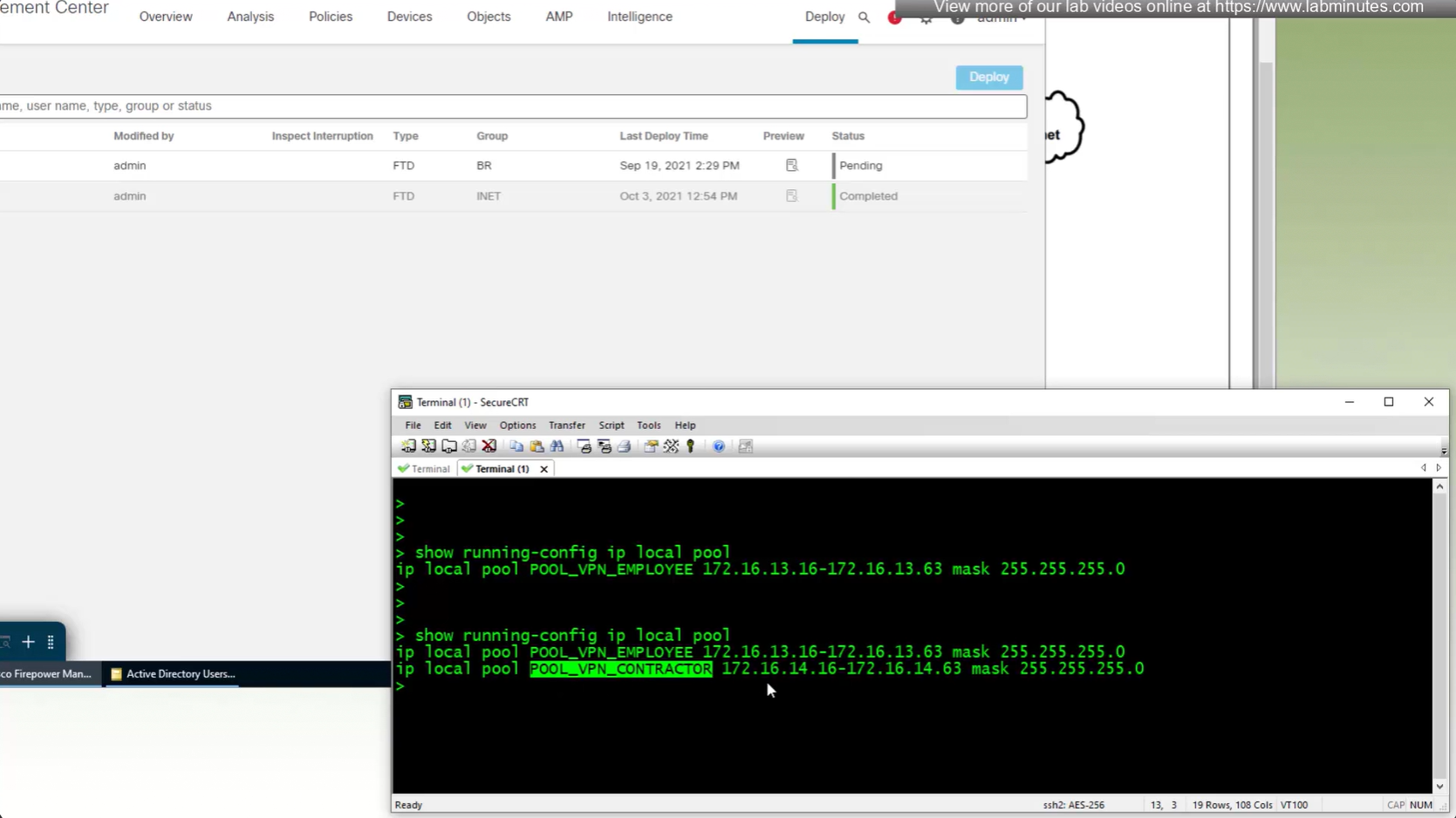
show running-config ip local pool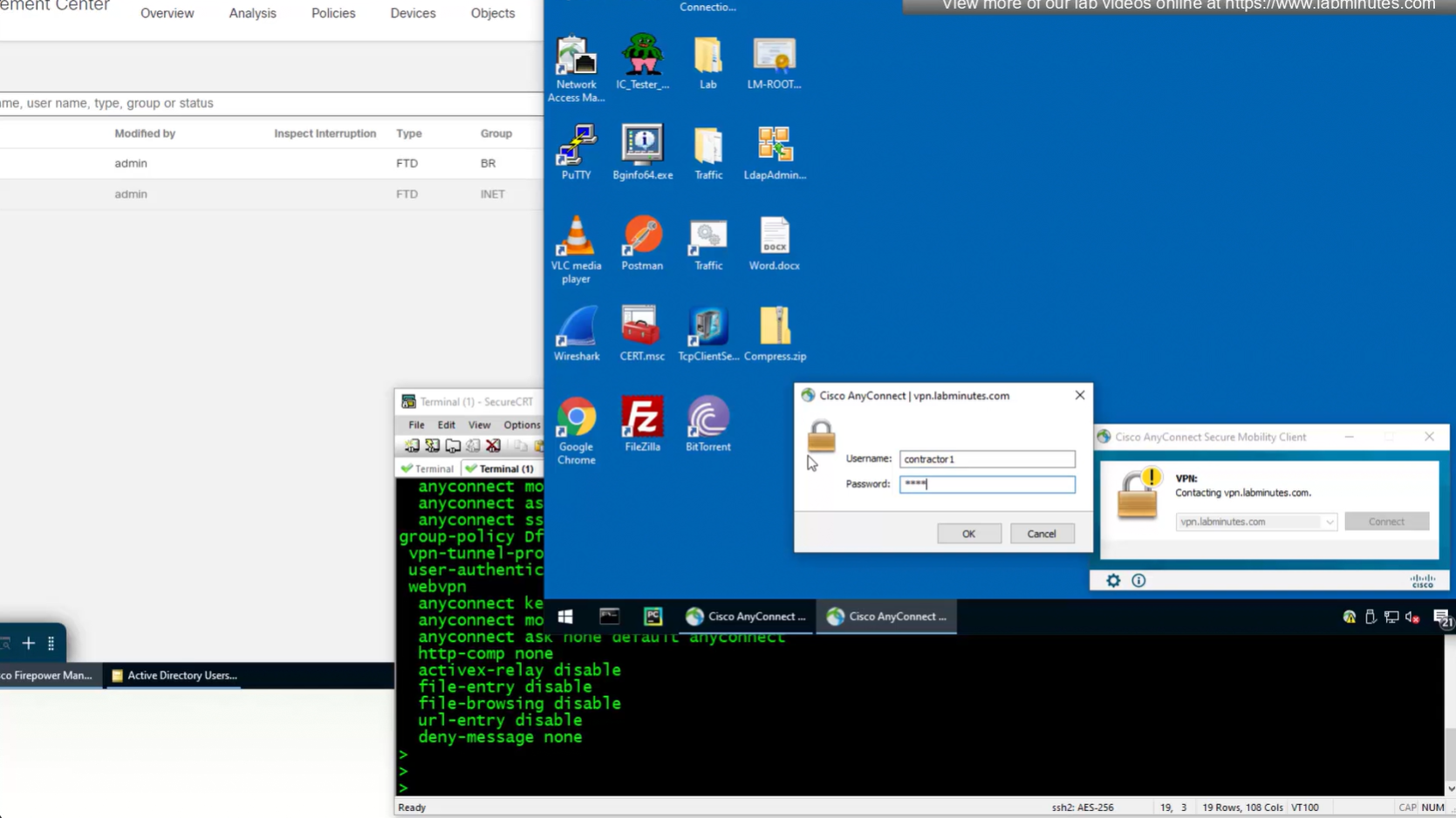
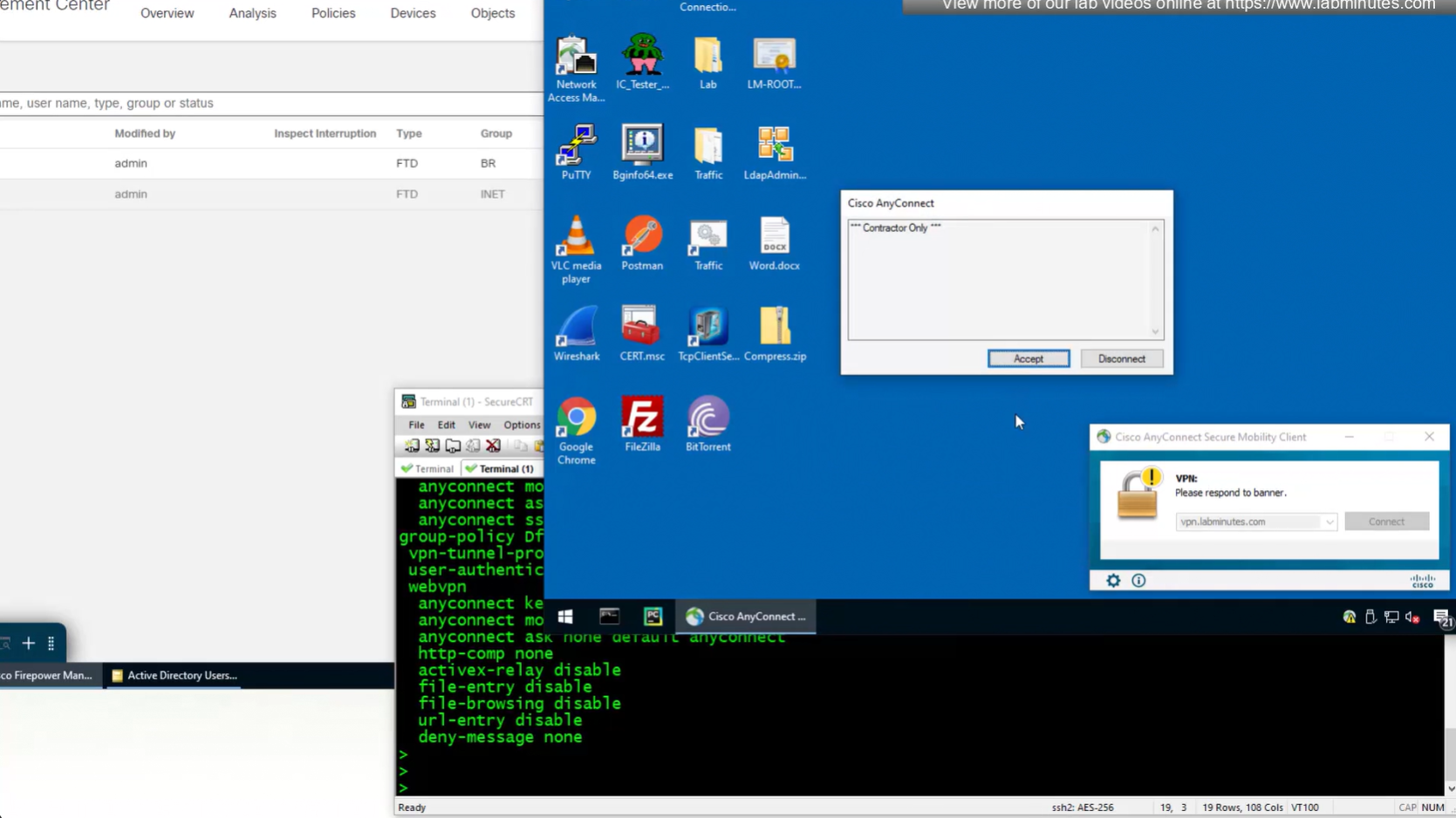
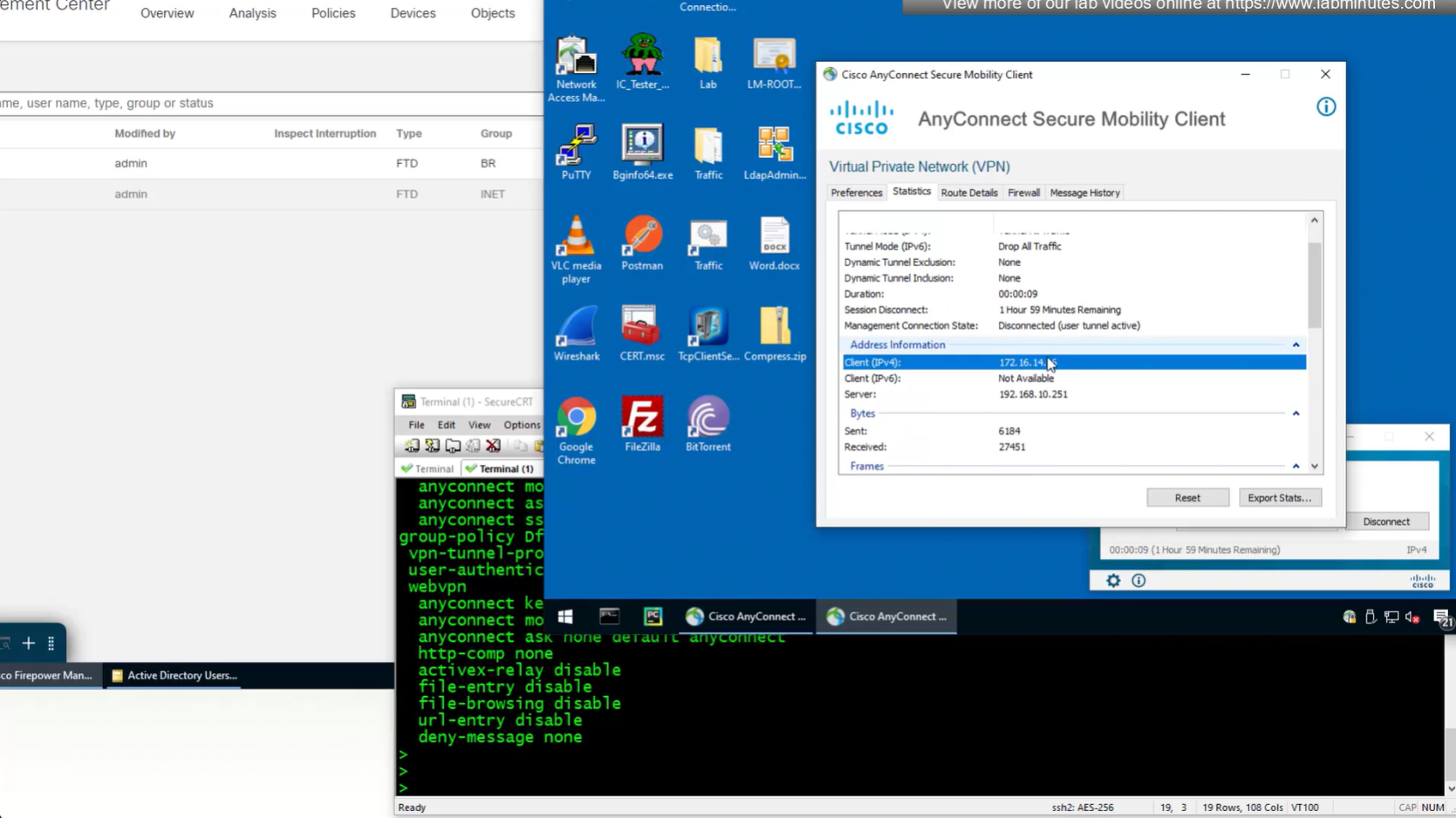
Now we will remove this IP address pool for DHCP setup
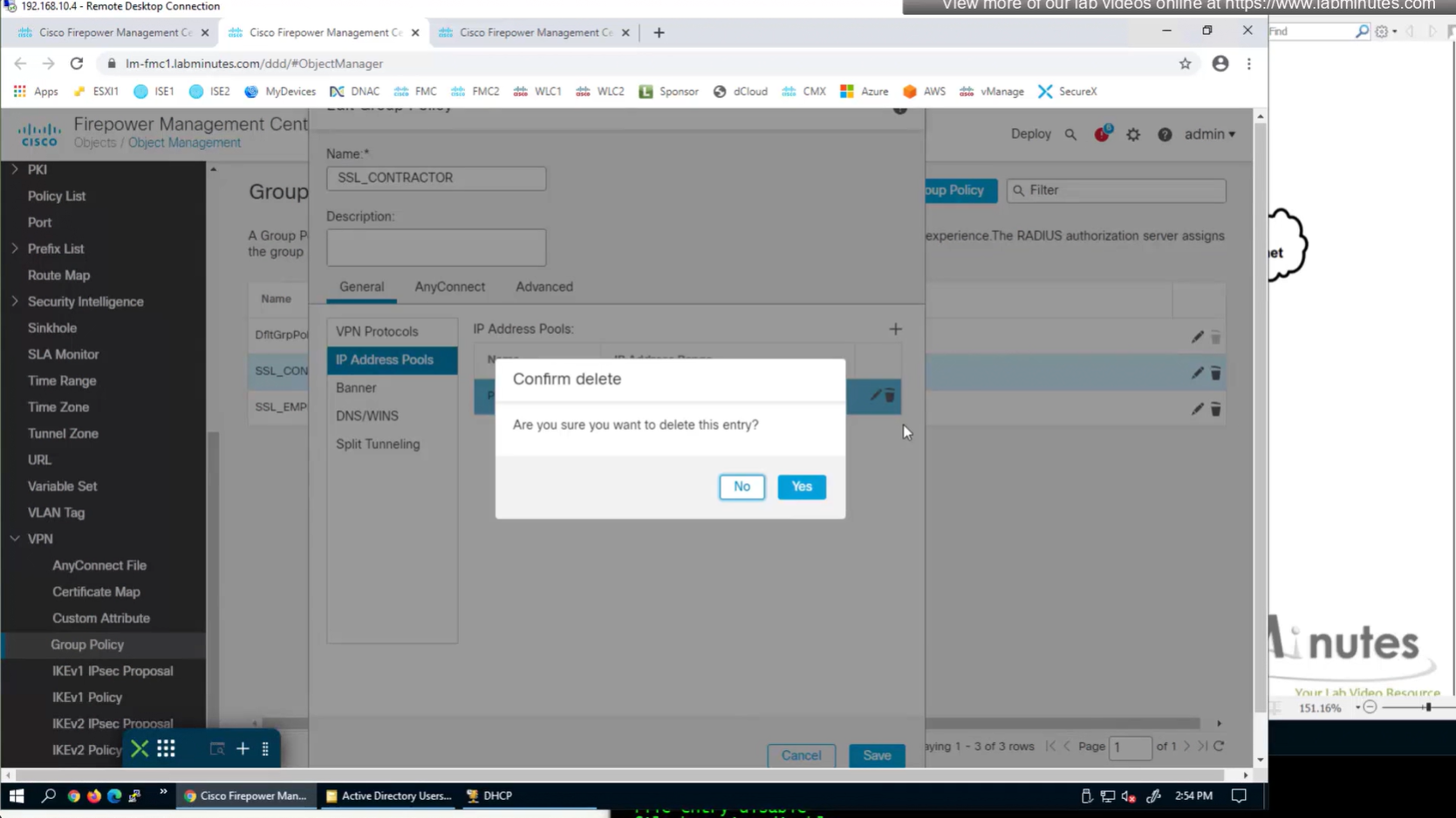
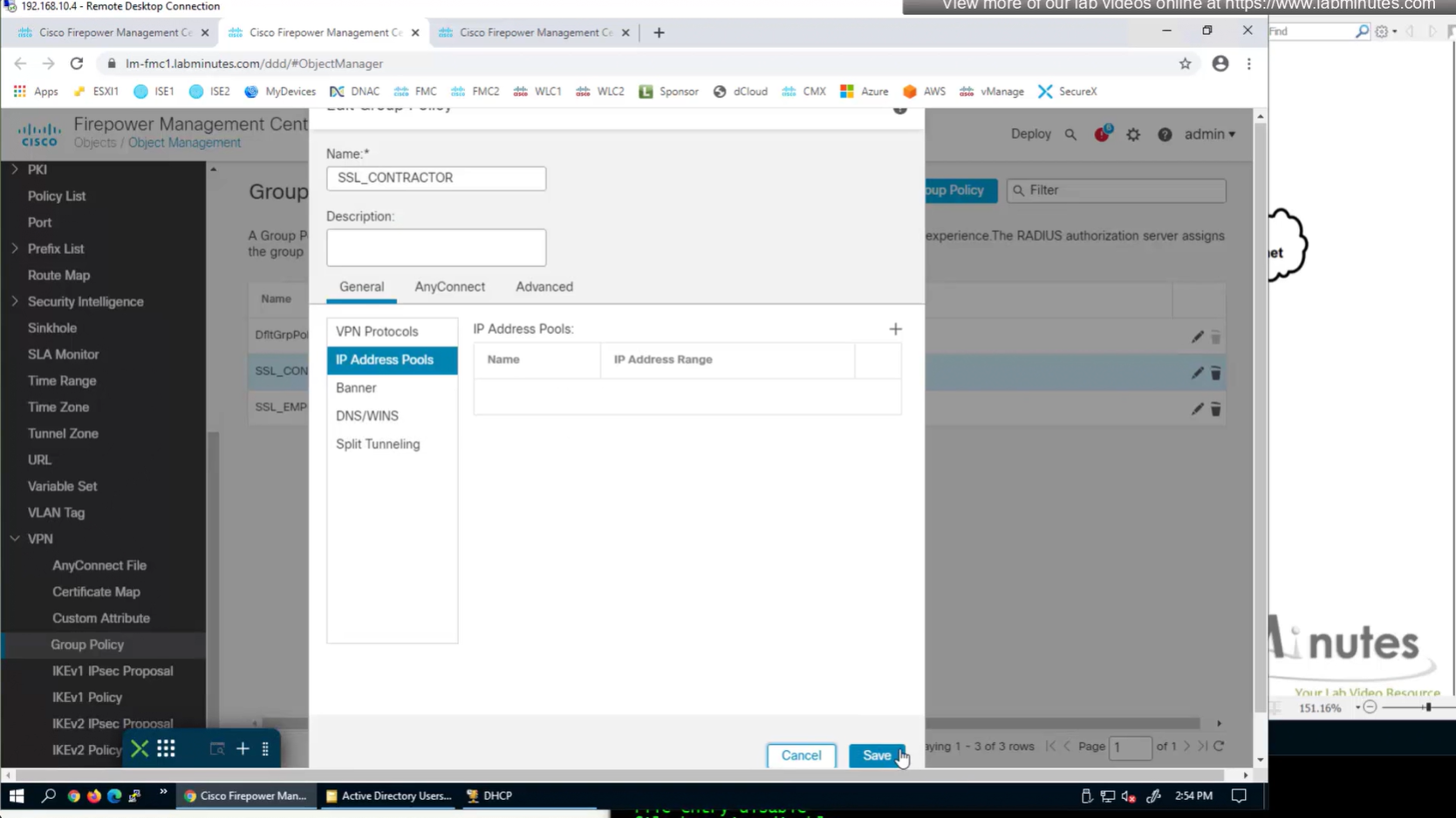
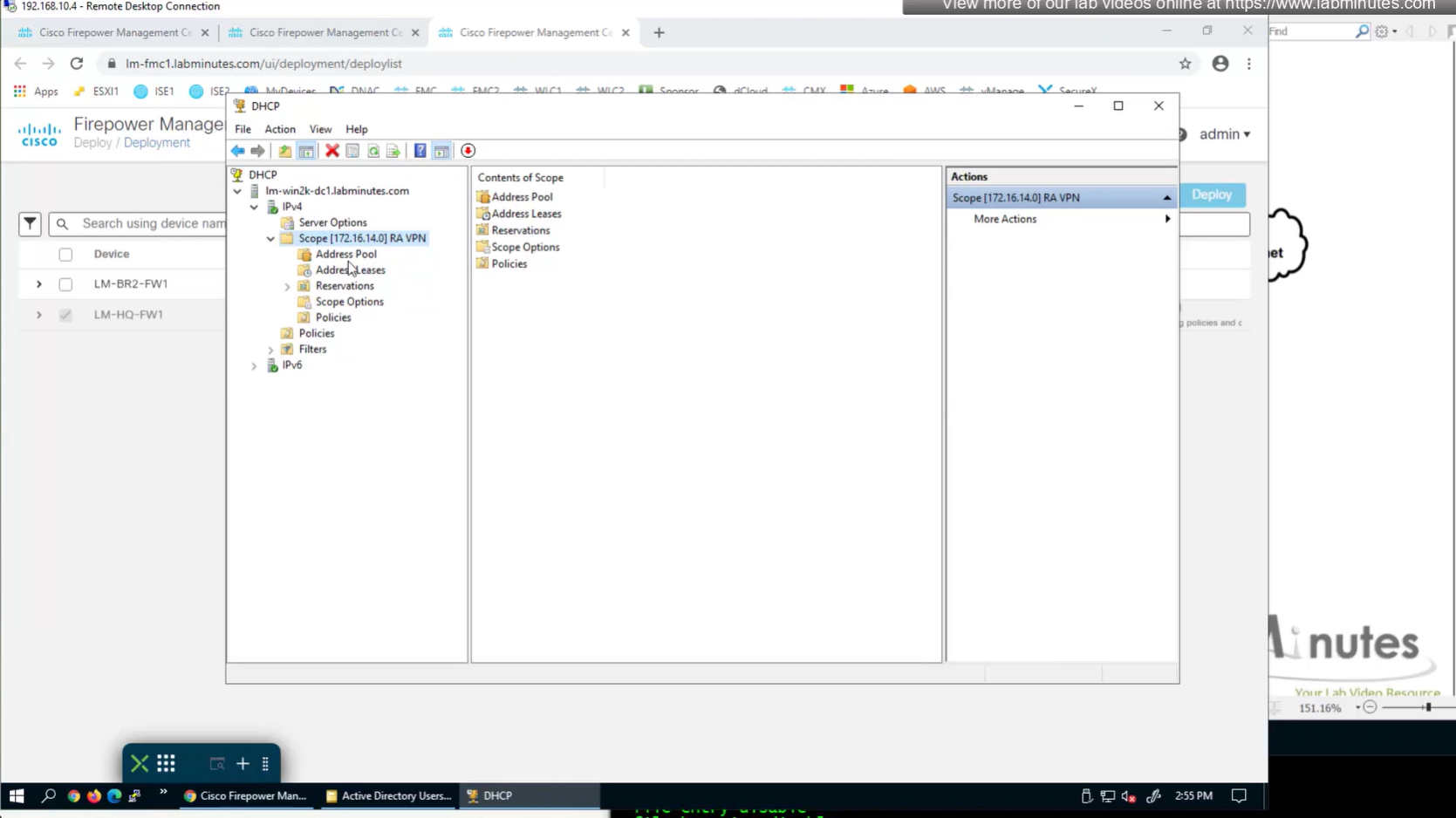
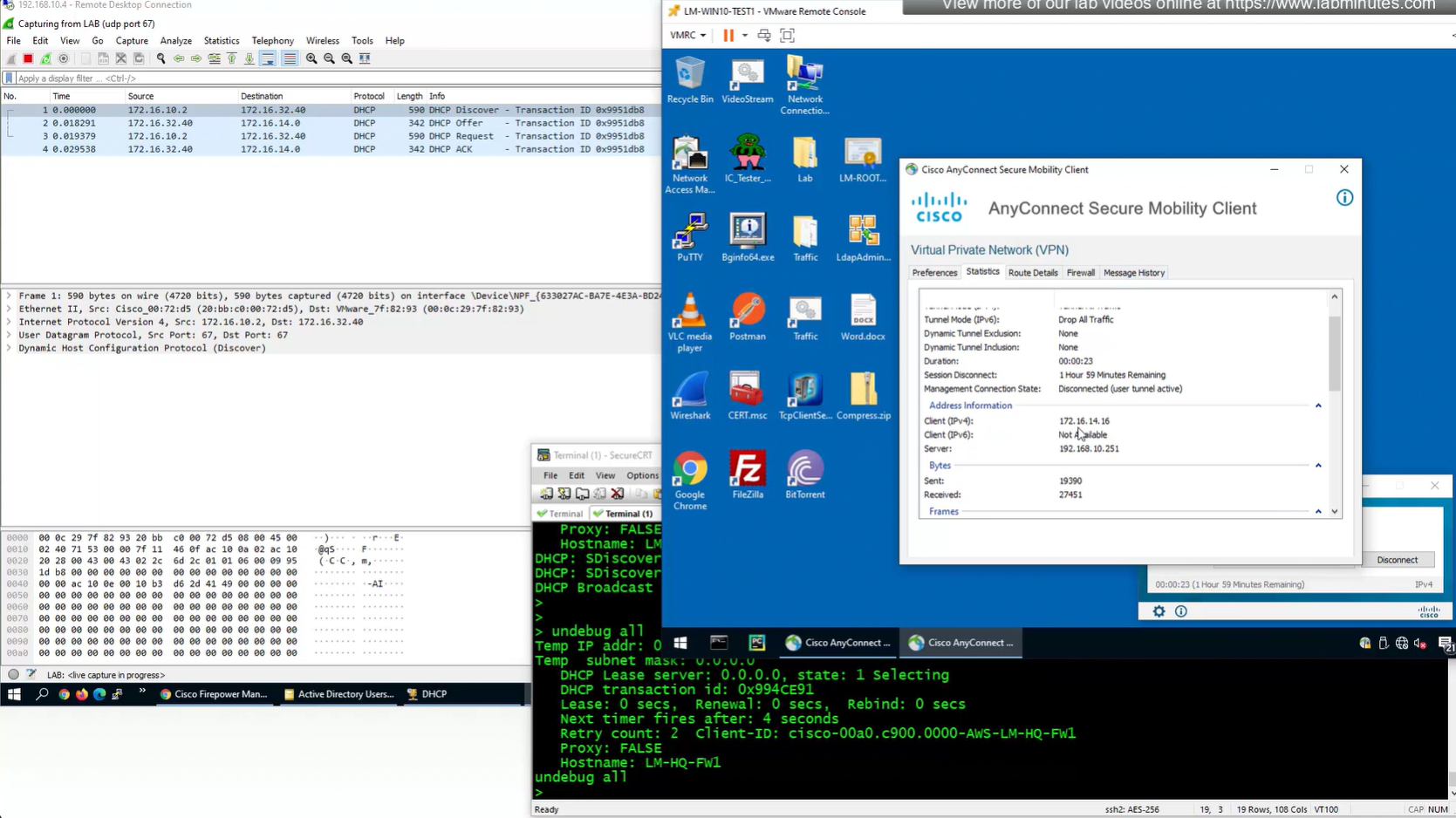
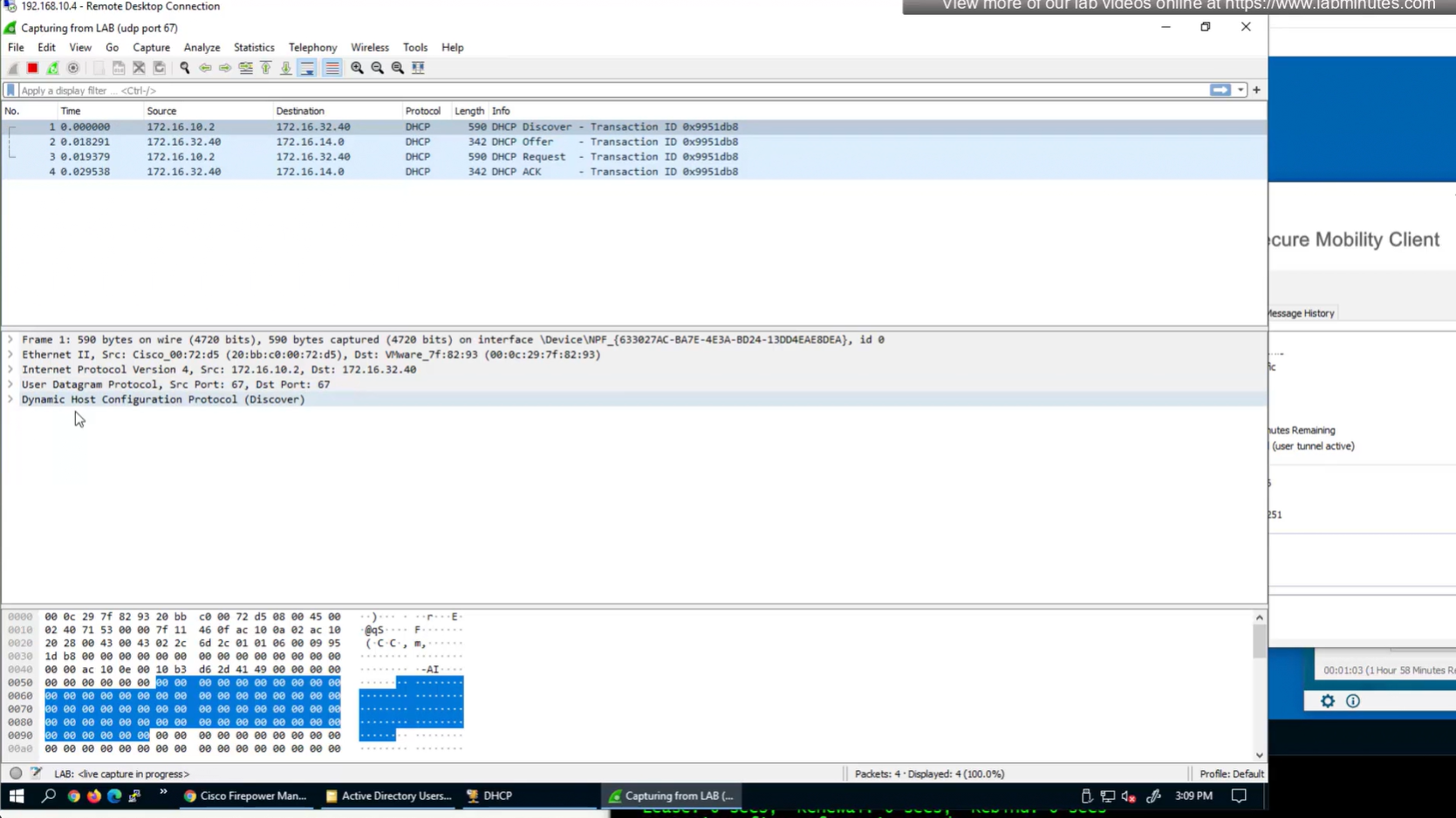
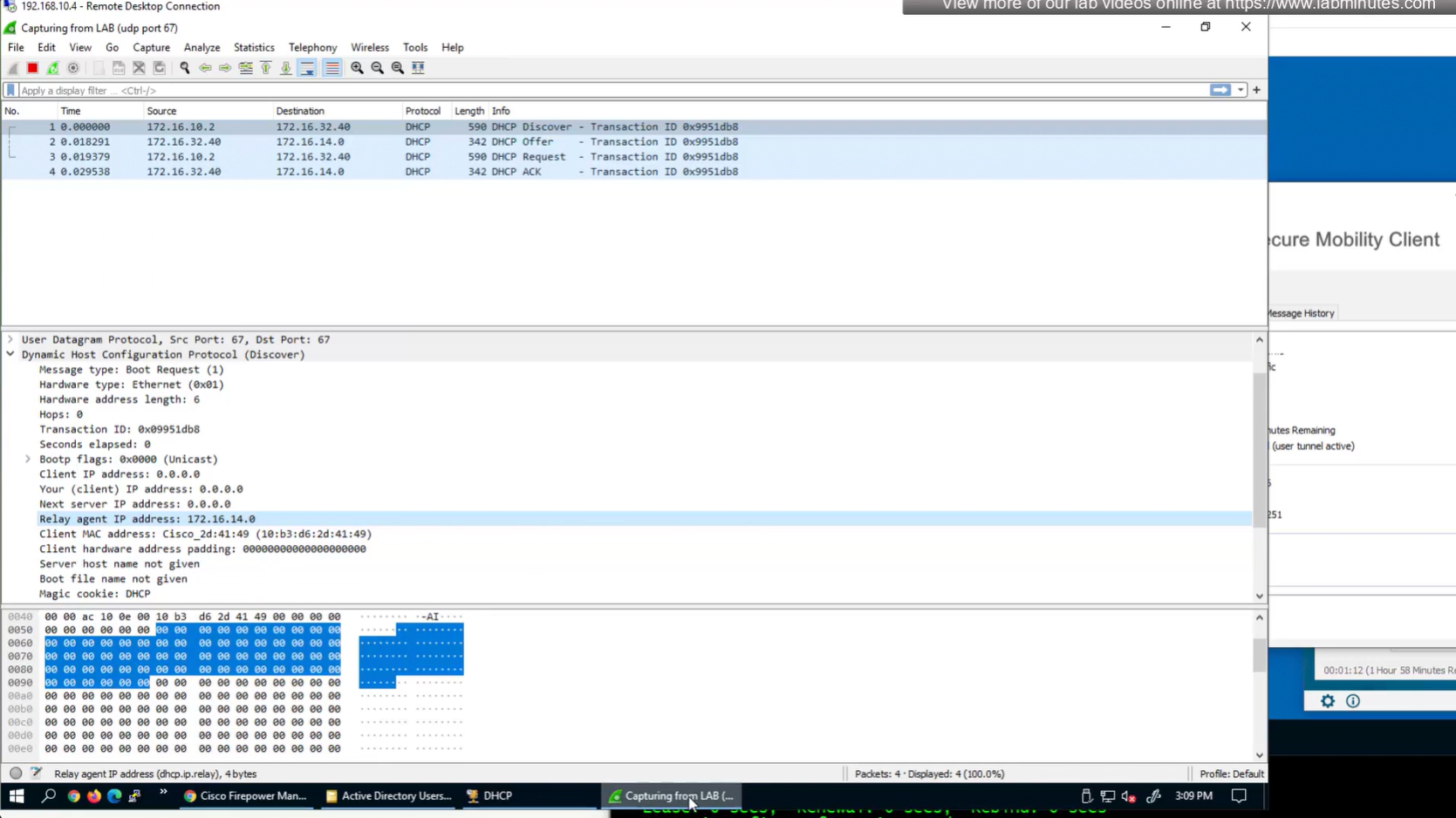
Firepower can use DHCP server for client IP address assignment
FTD can relay DHCP request from client to DHCP server
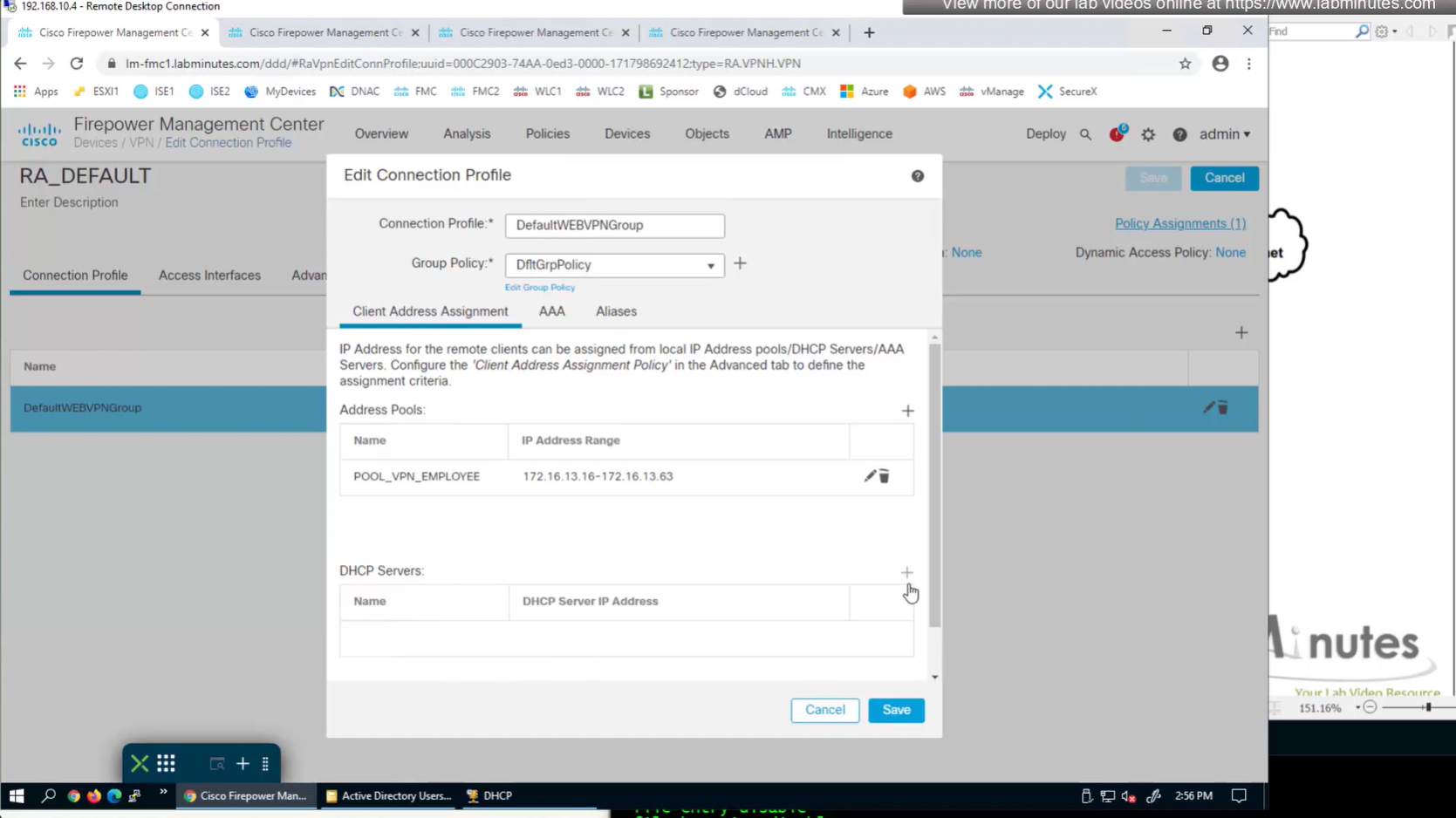
Add DHCP server
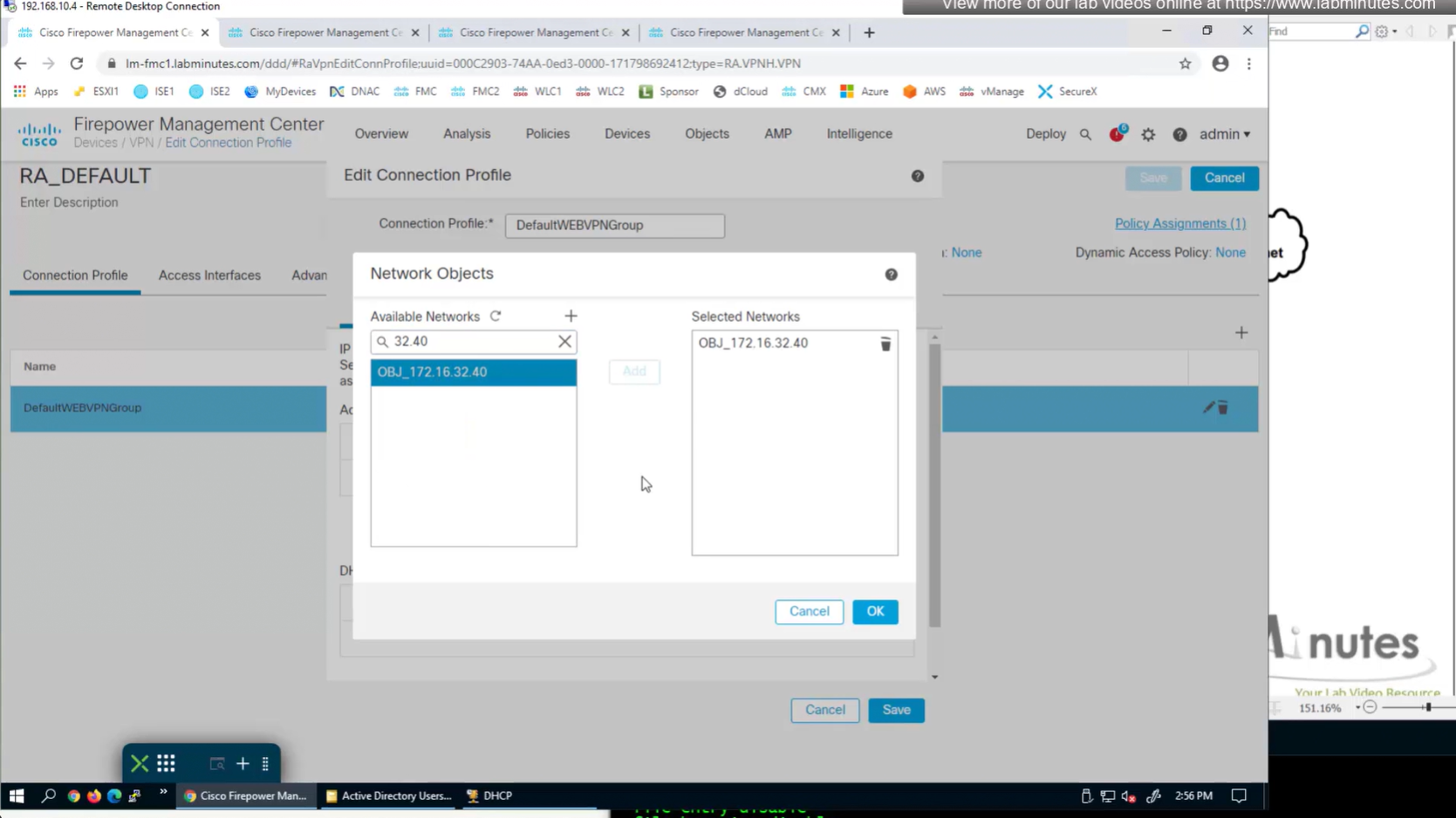
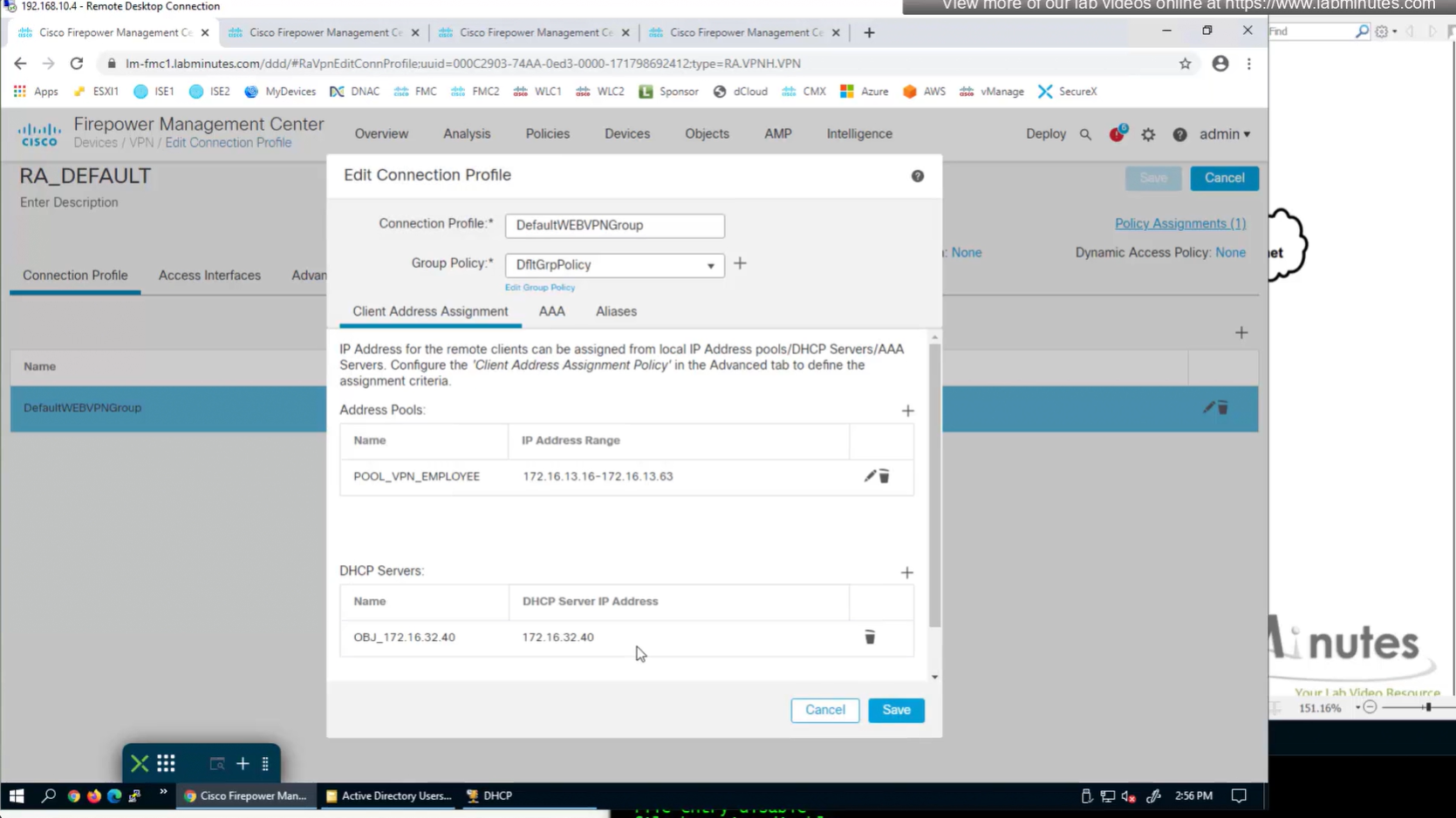
Now we need to edit the group policy
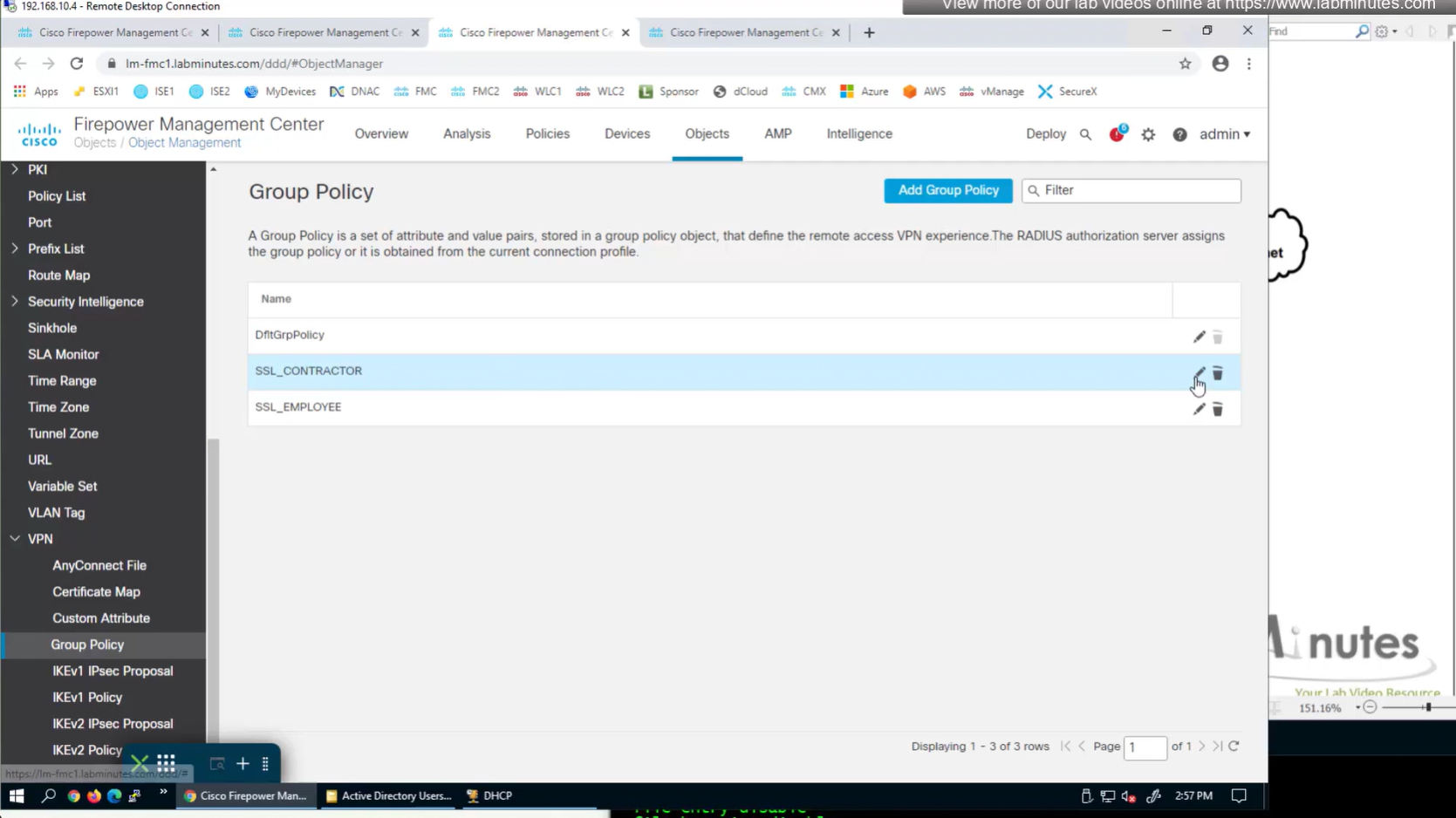
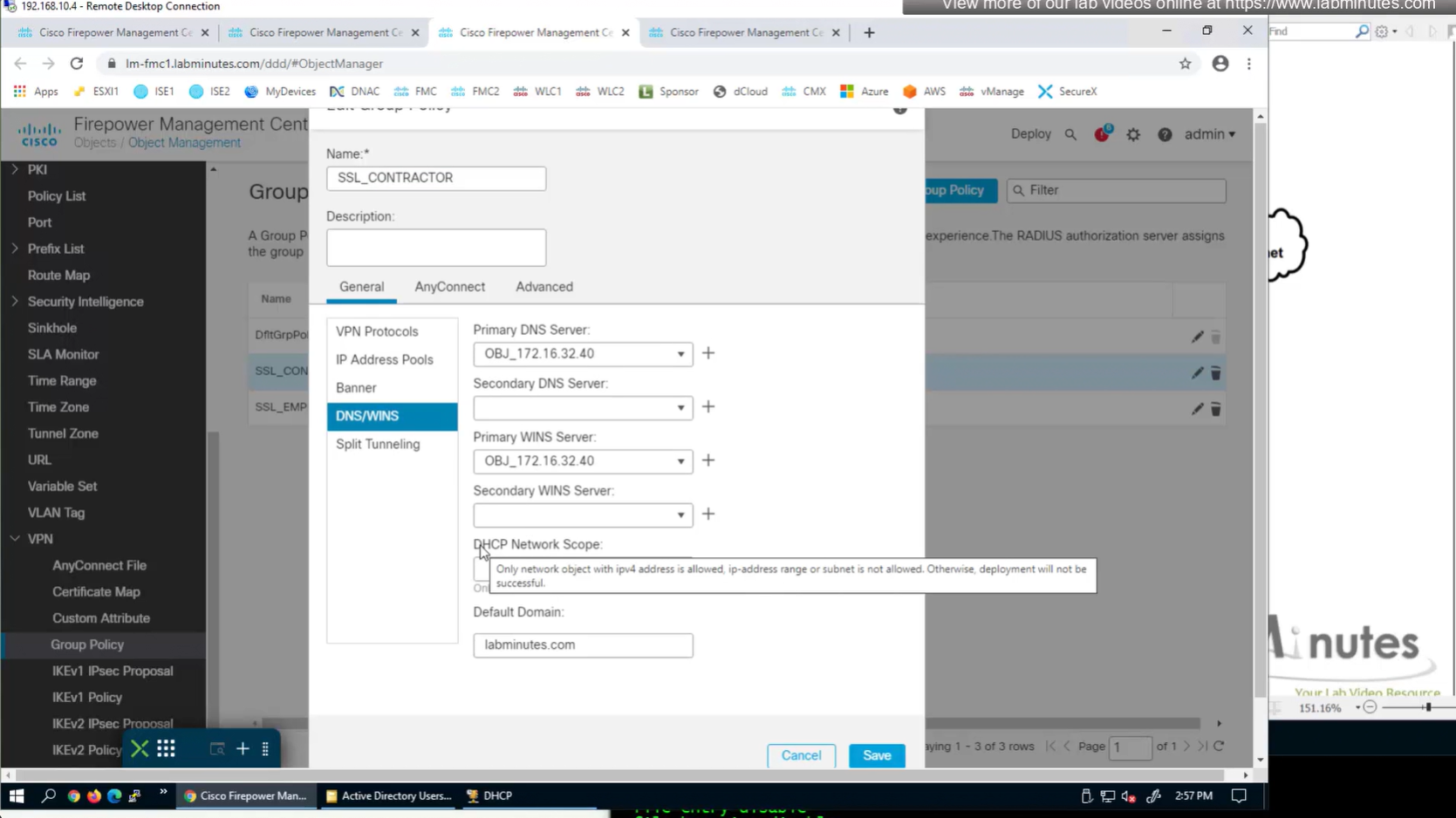
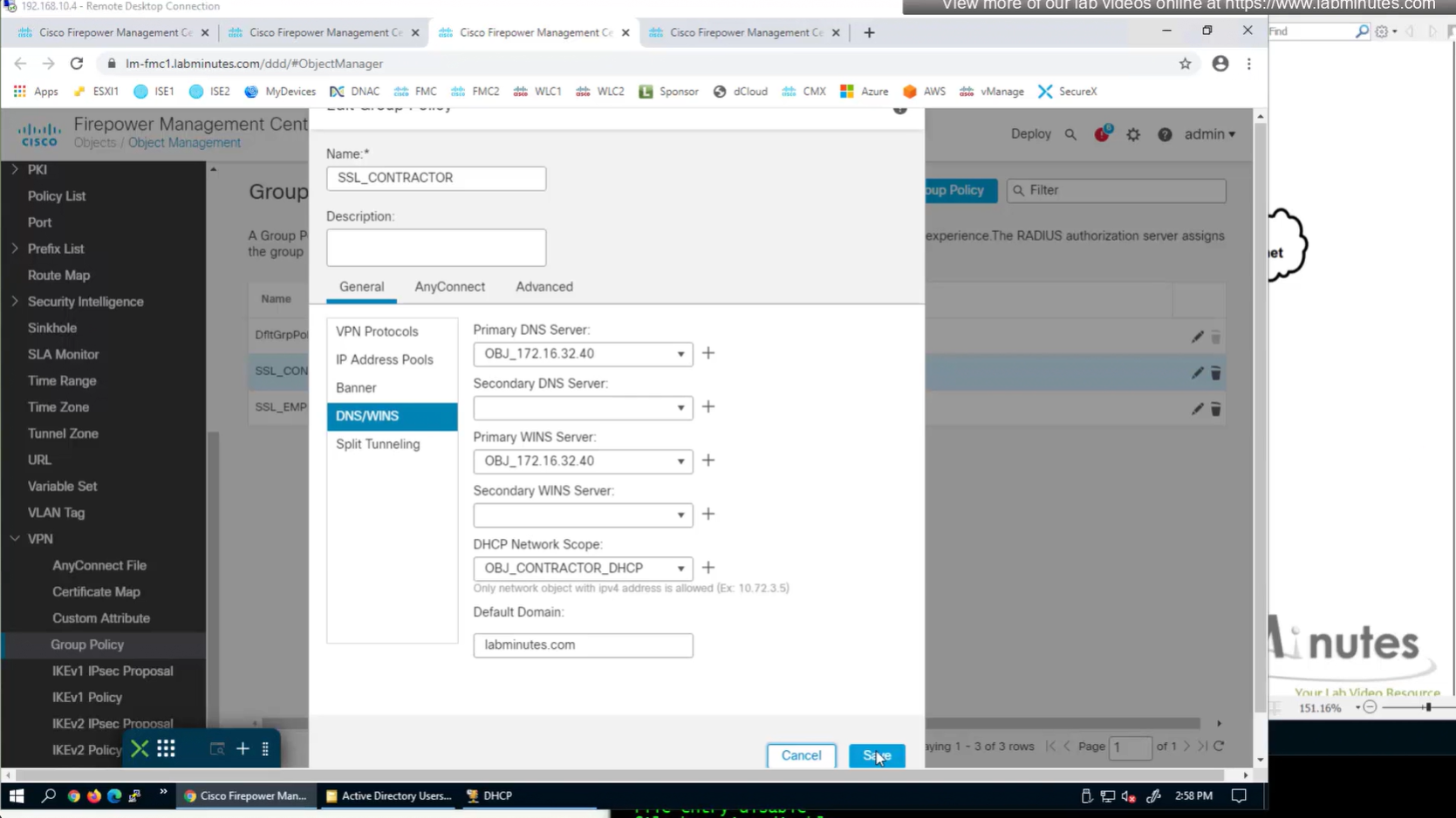
here we need to define the DHCP scope so when relaying FTD can indicate the IP address pool to DHCP server to select the address from
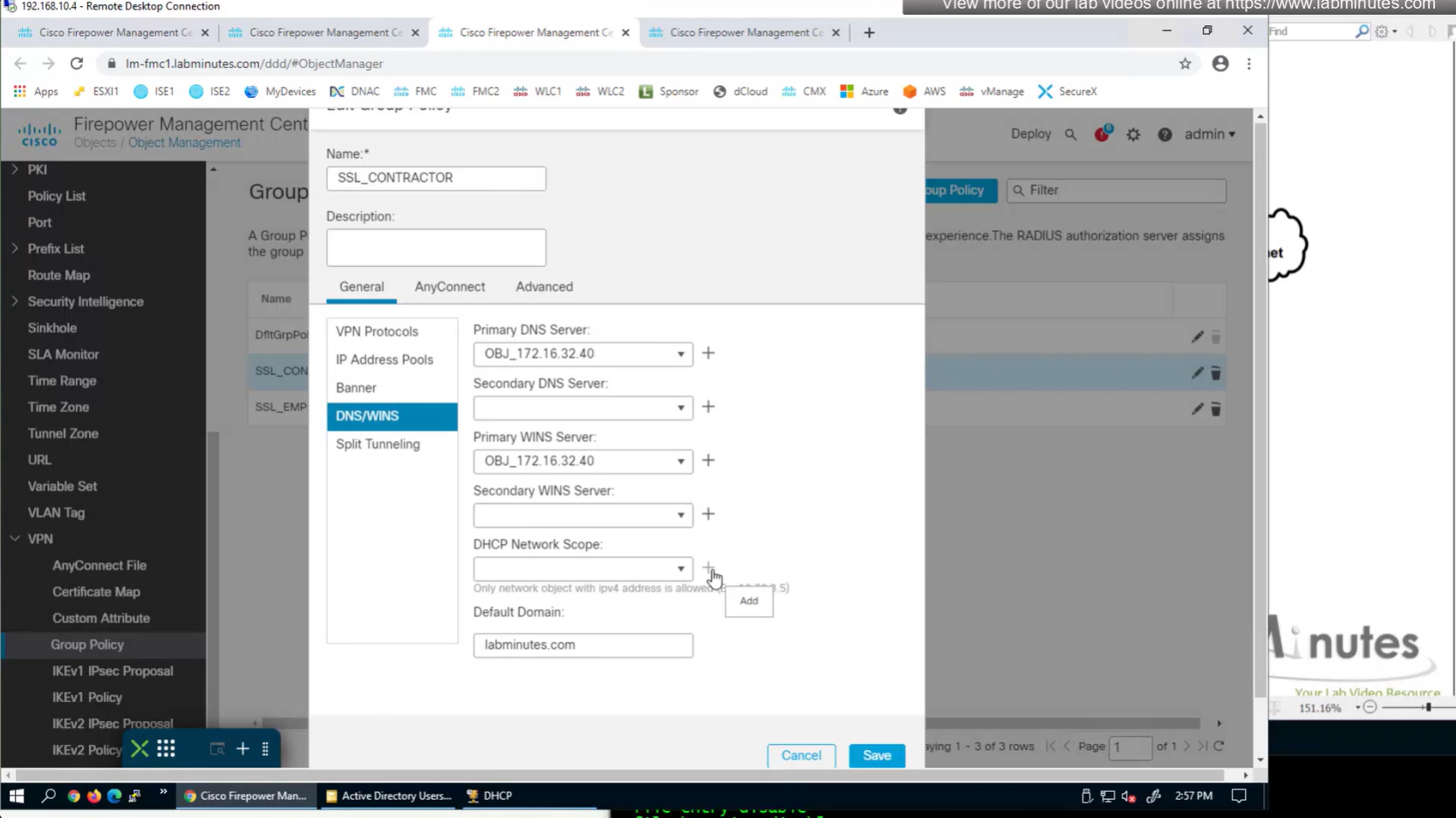
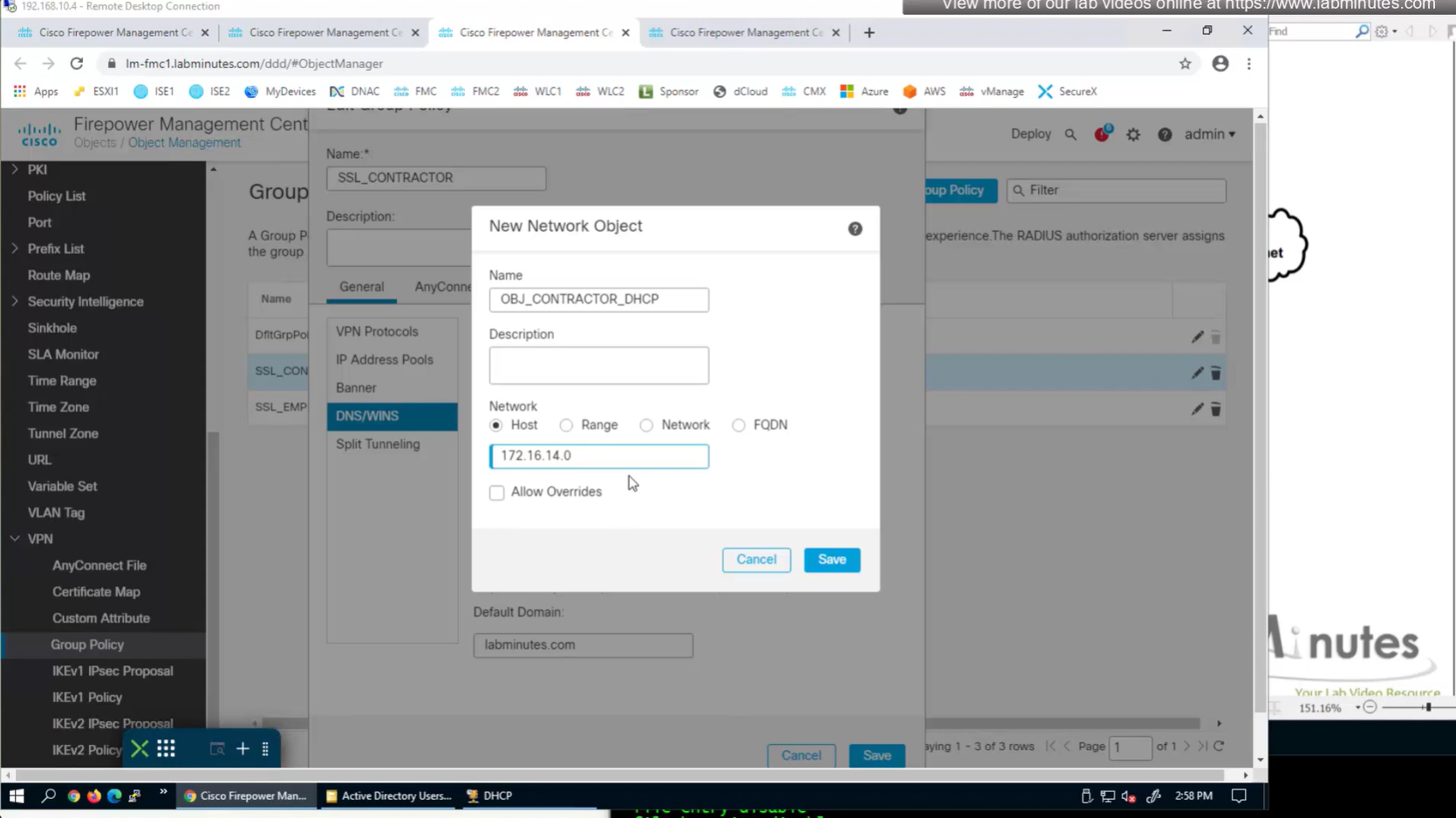
it looks a bit odd, because it is address of the subnet without its mask
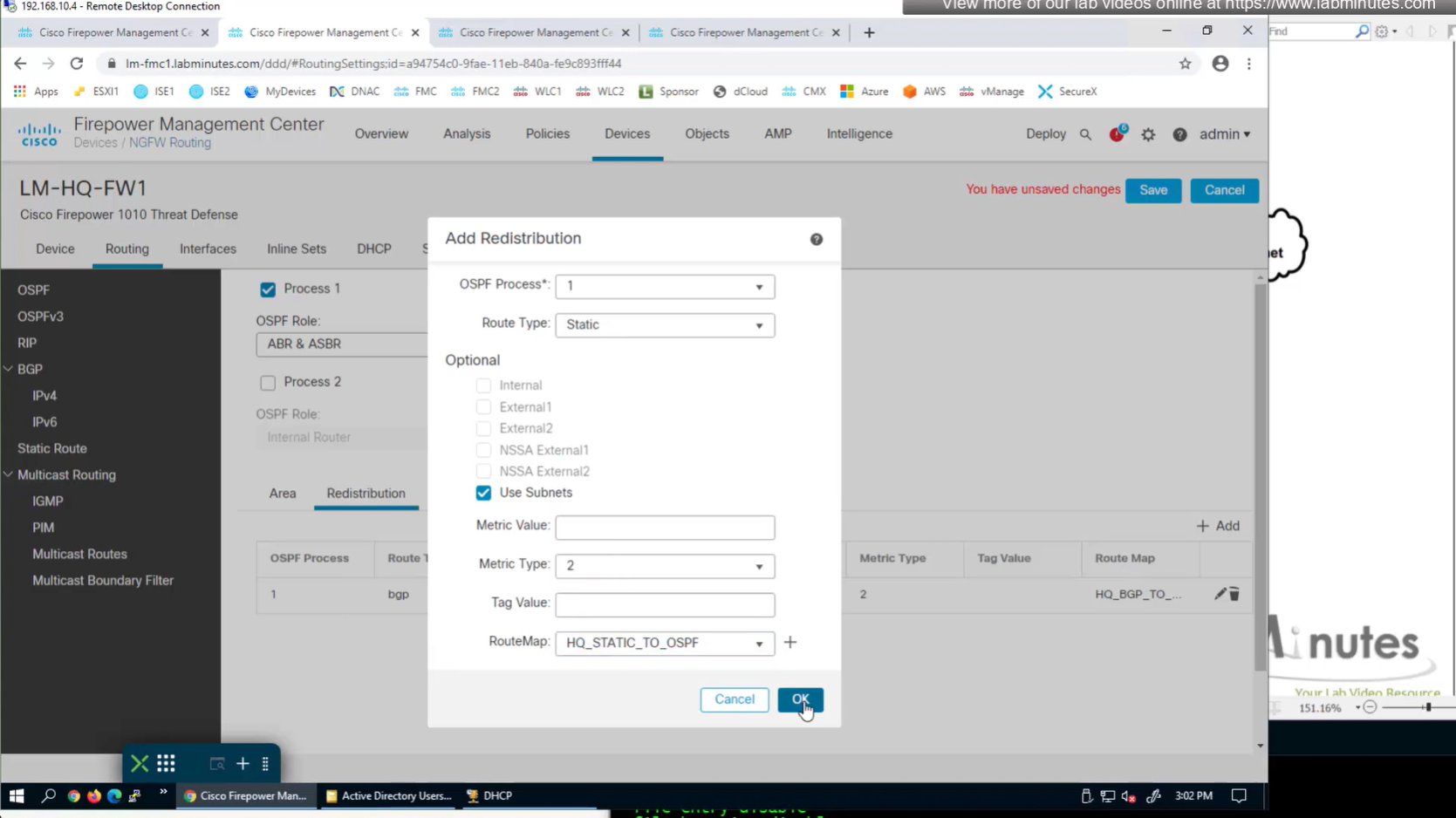
Now for scenario if we have multiple firewalls with same IP address pool, since connected clients show up as “connected” V /32 routes, how would OSPF or internal network know to route back to right firewall? redistribute those connected /32 V routes into OSPF
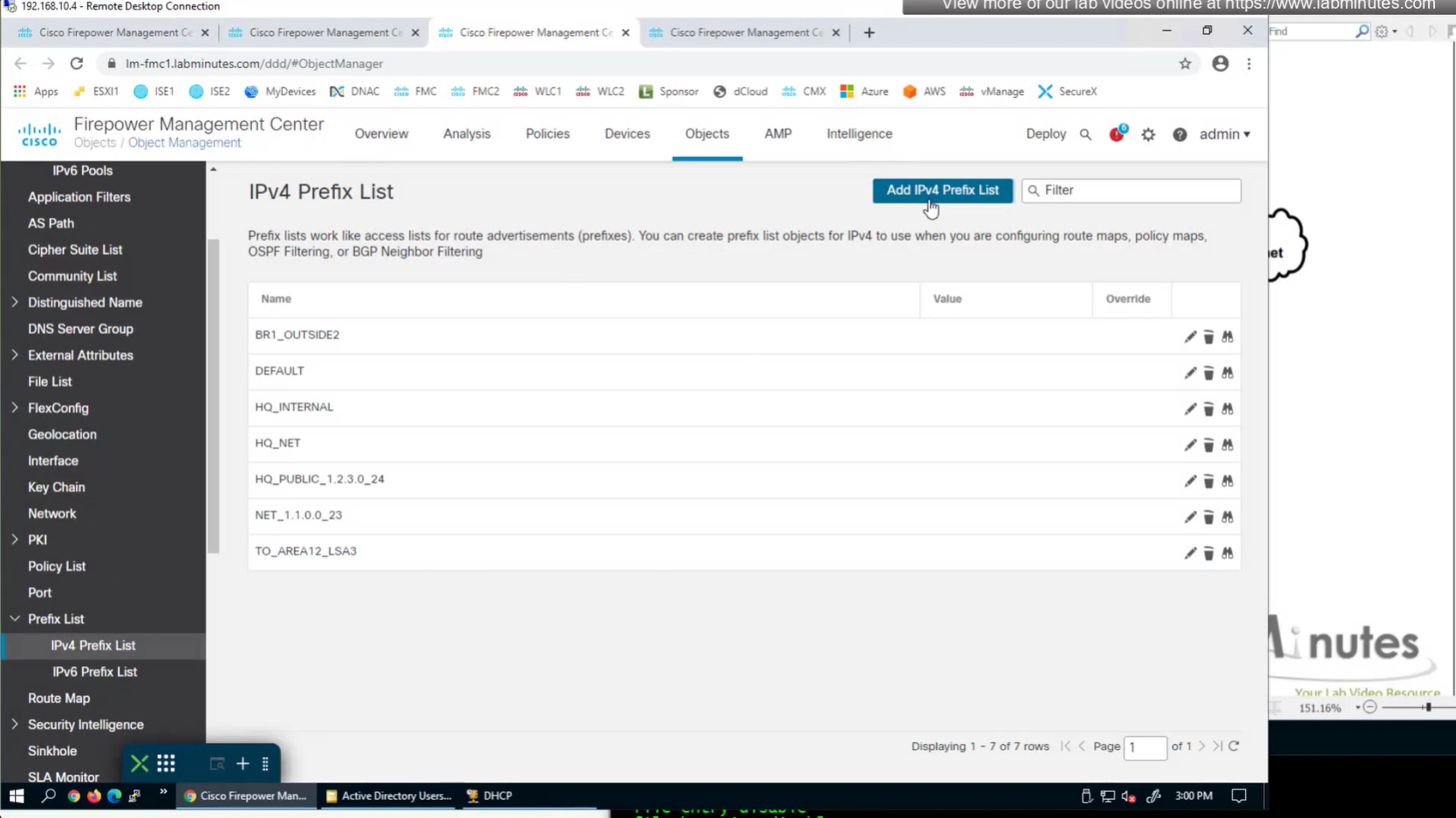
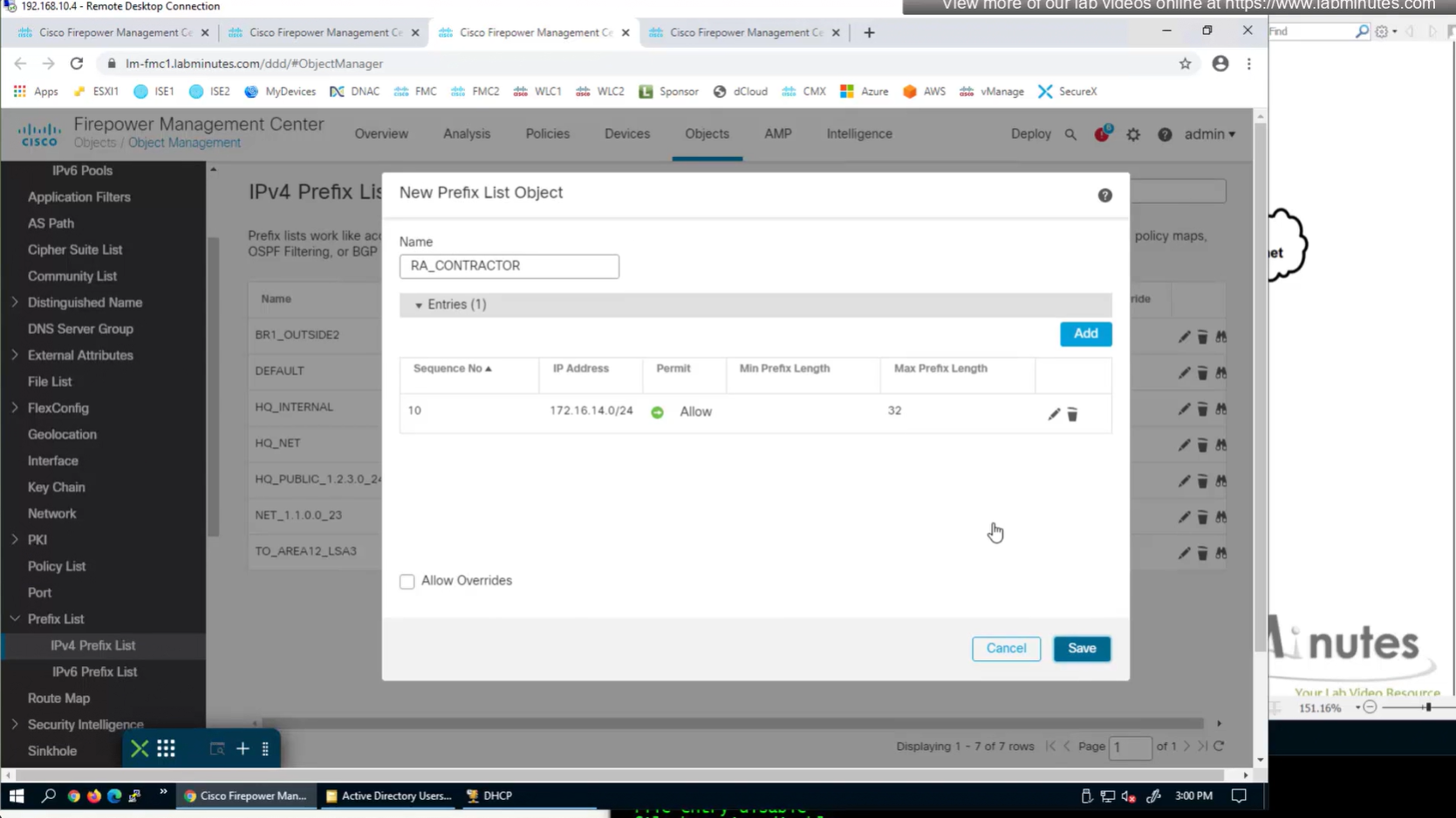
create prefix list
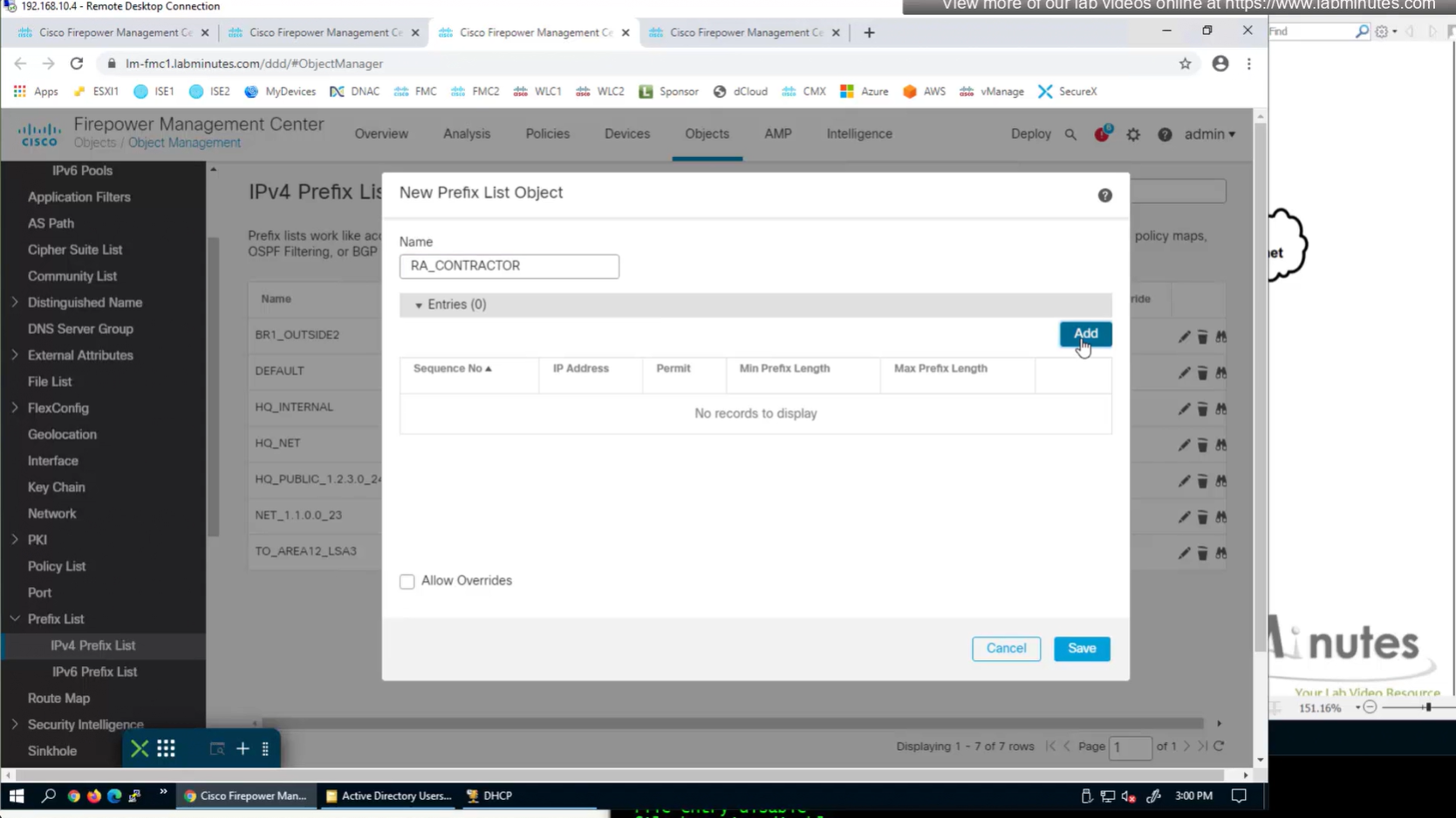
172.16.14.0/24 le 32

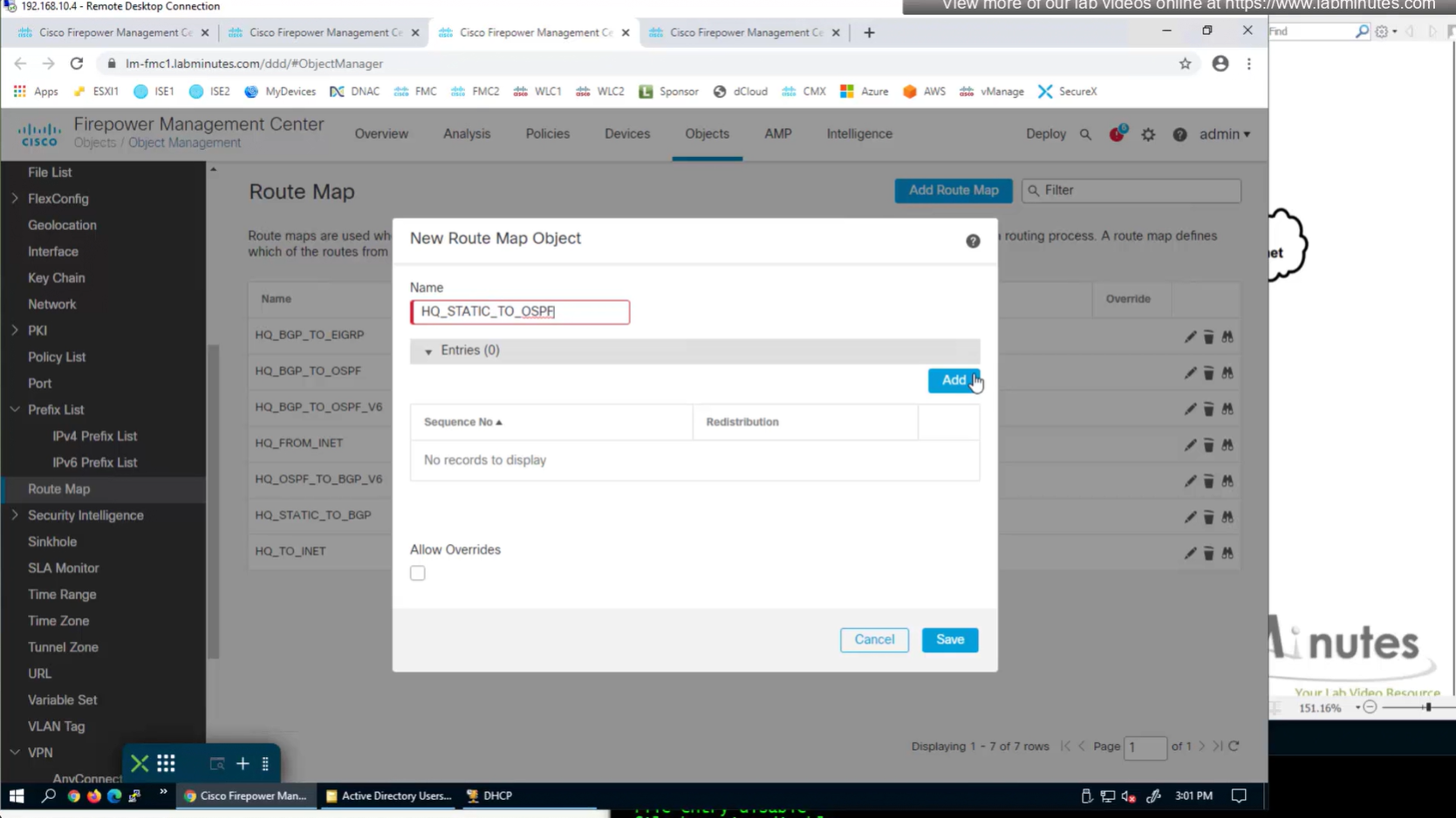
route map
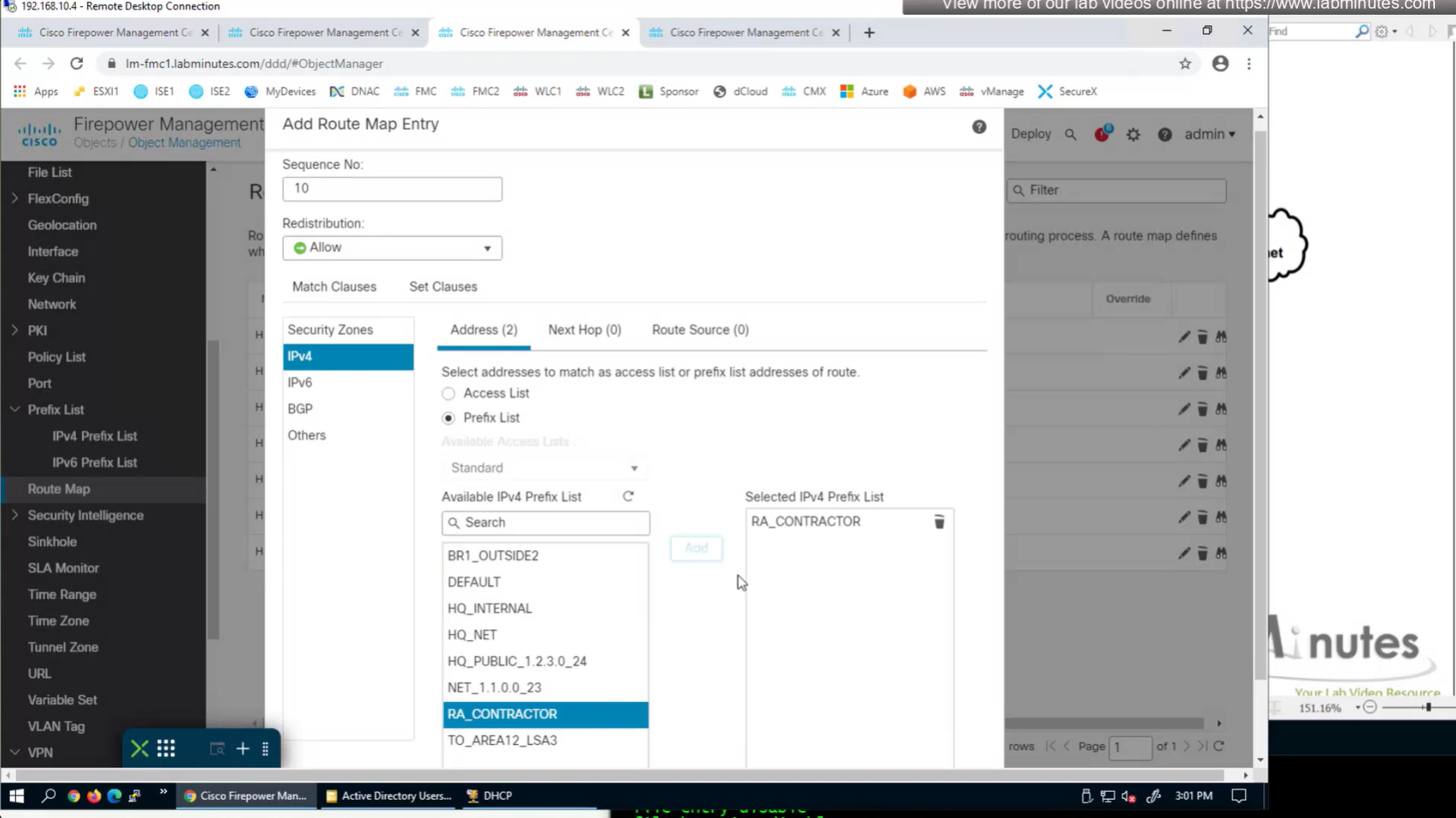
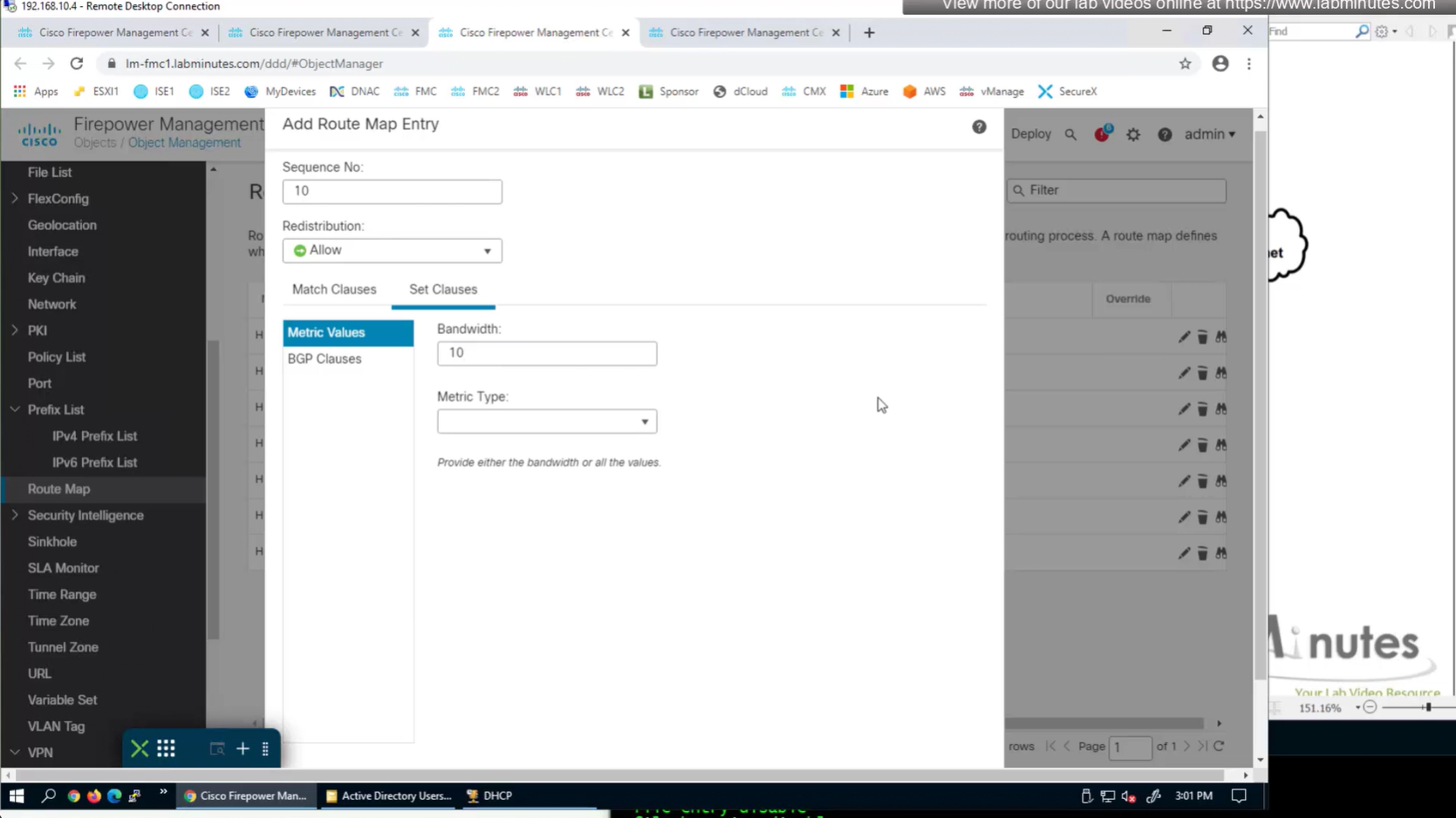

apply that route map on redistribution
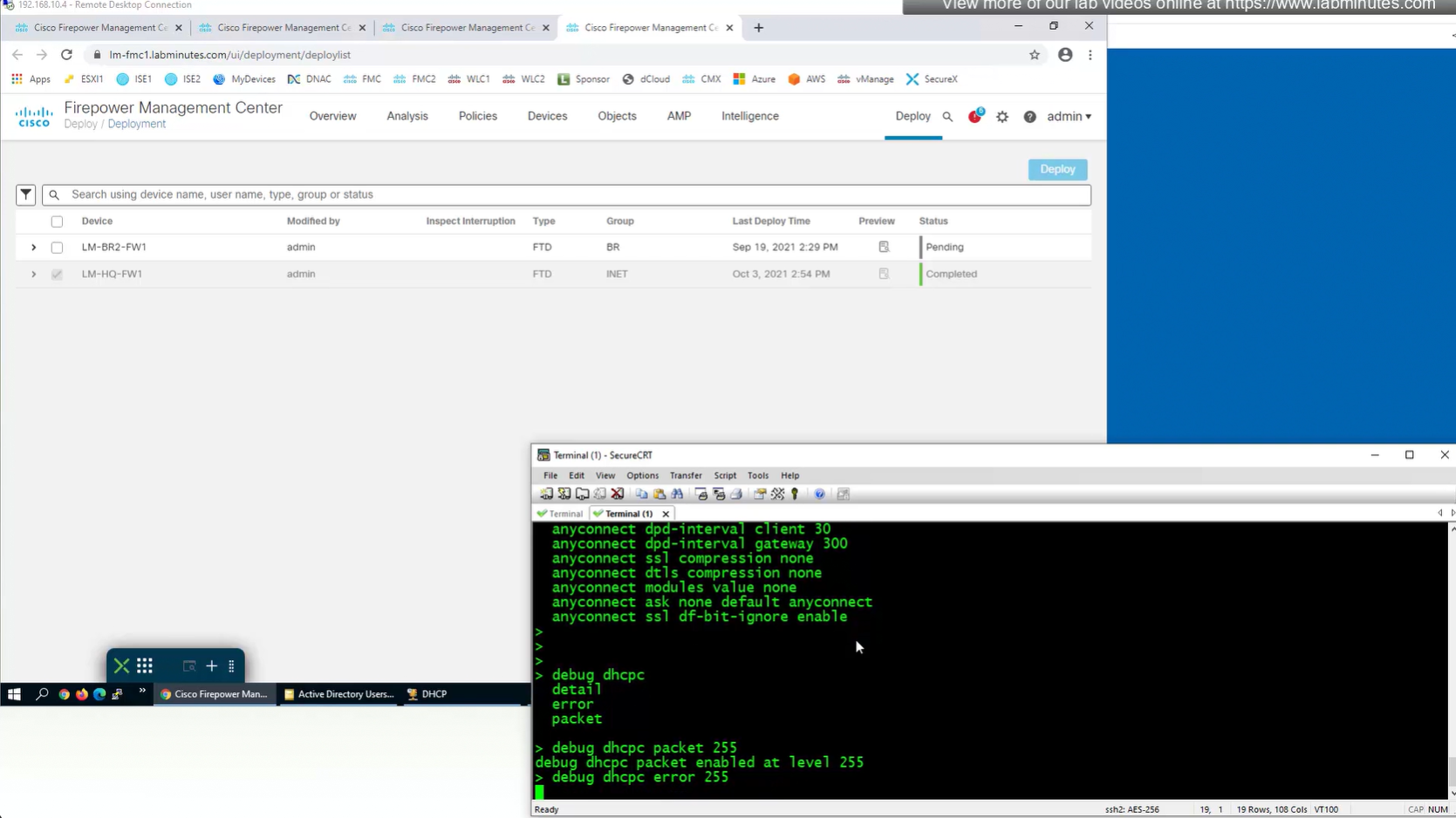
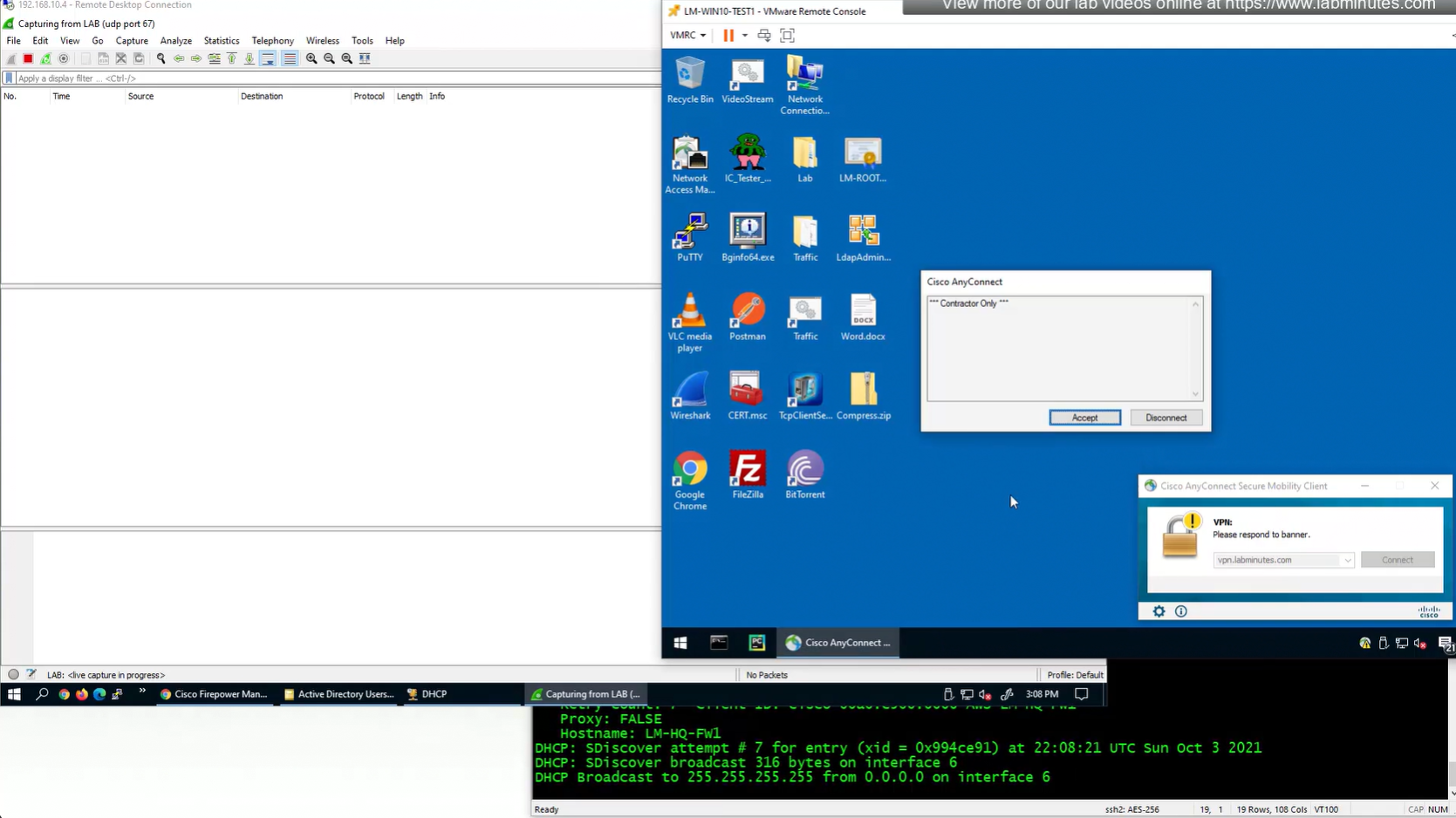
debug dhcpc packet 255
debug dhcpc error 255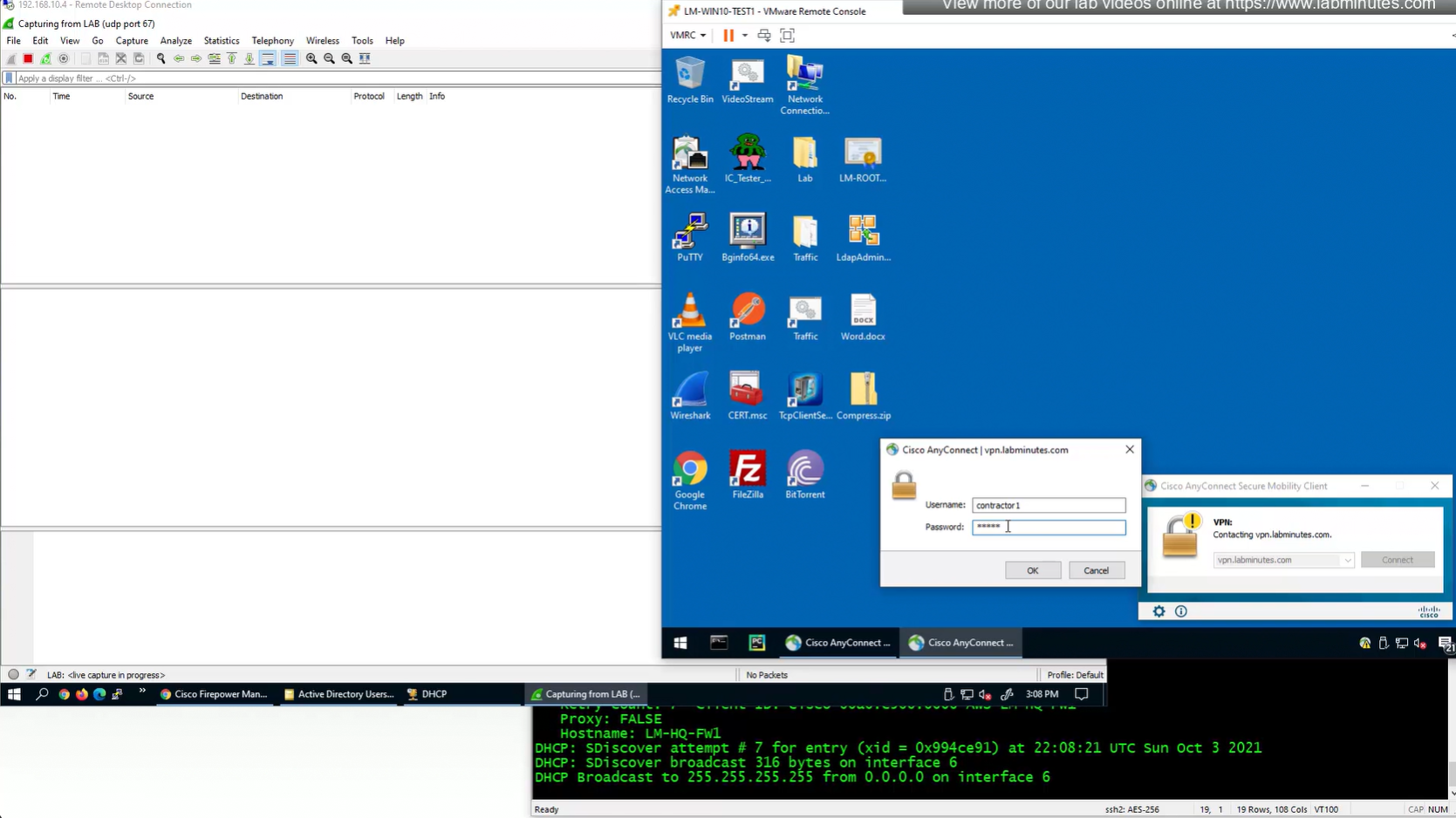
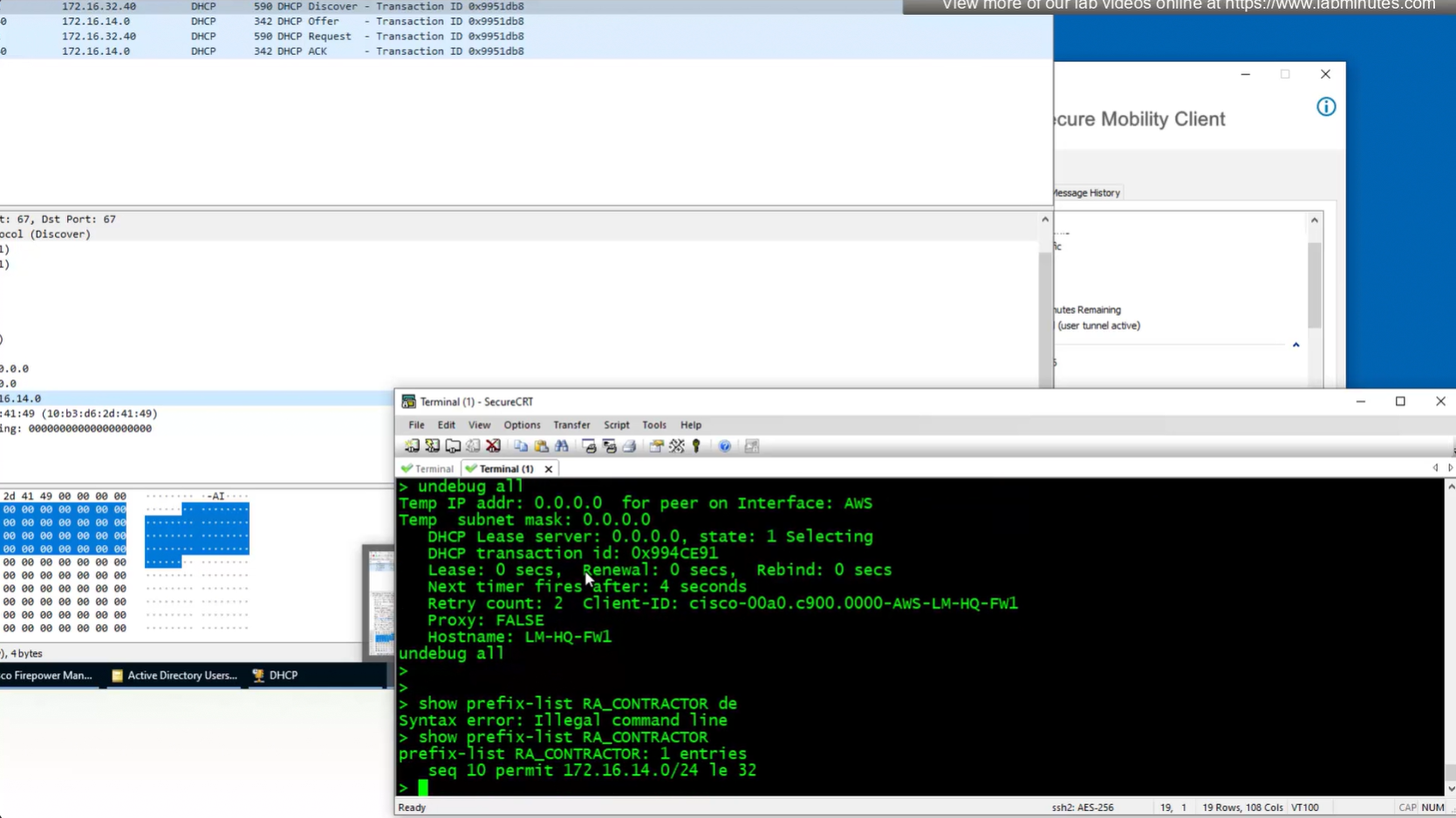
show prefix-list RA_CONTRACTOR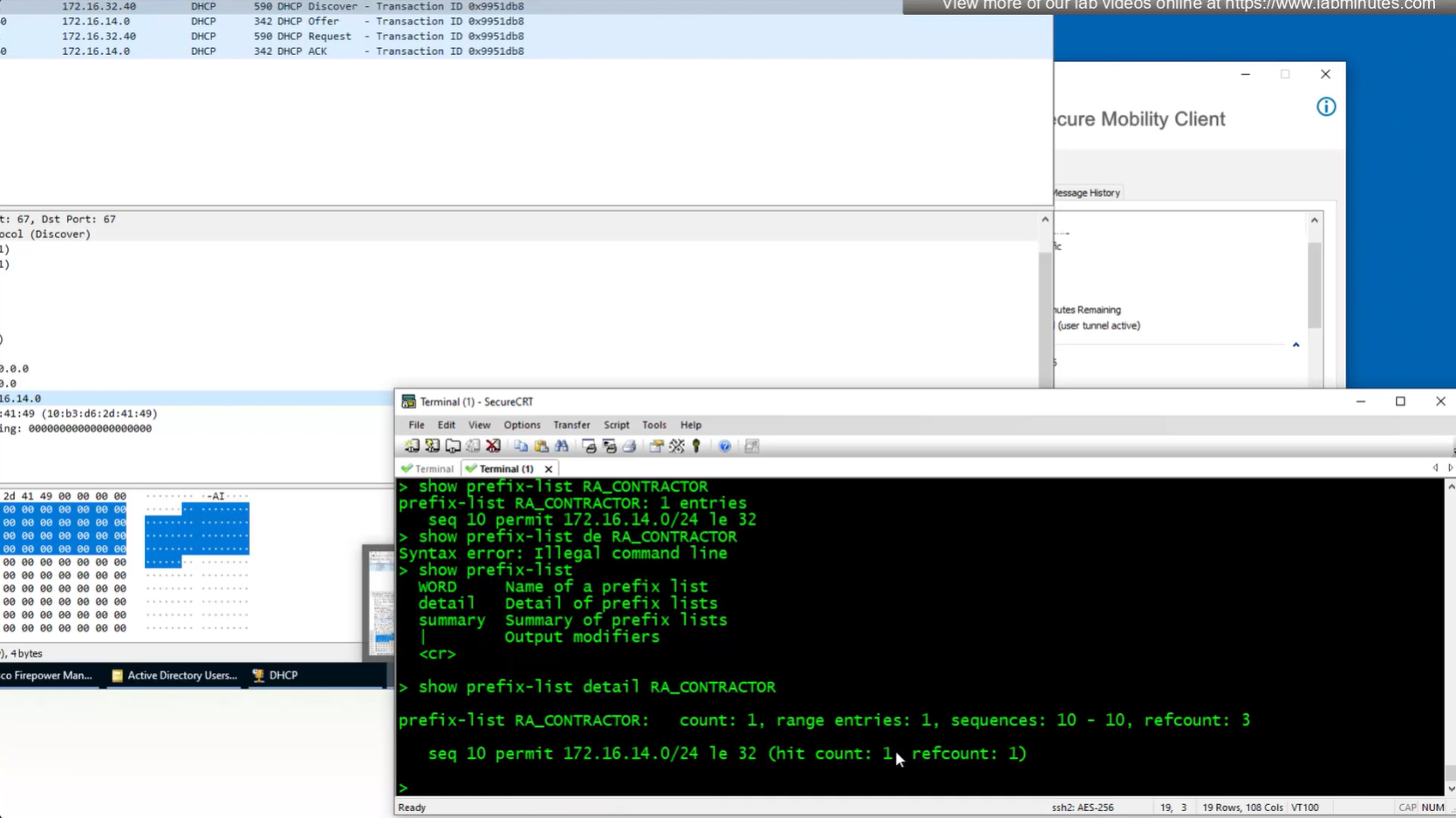
show prefix-list detail RA_CONTRACTOR
V /32 connected route
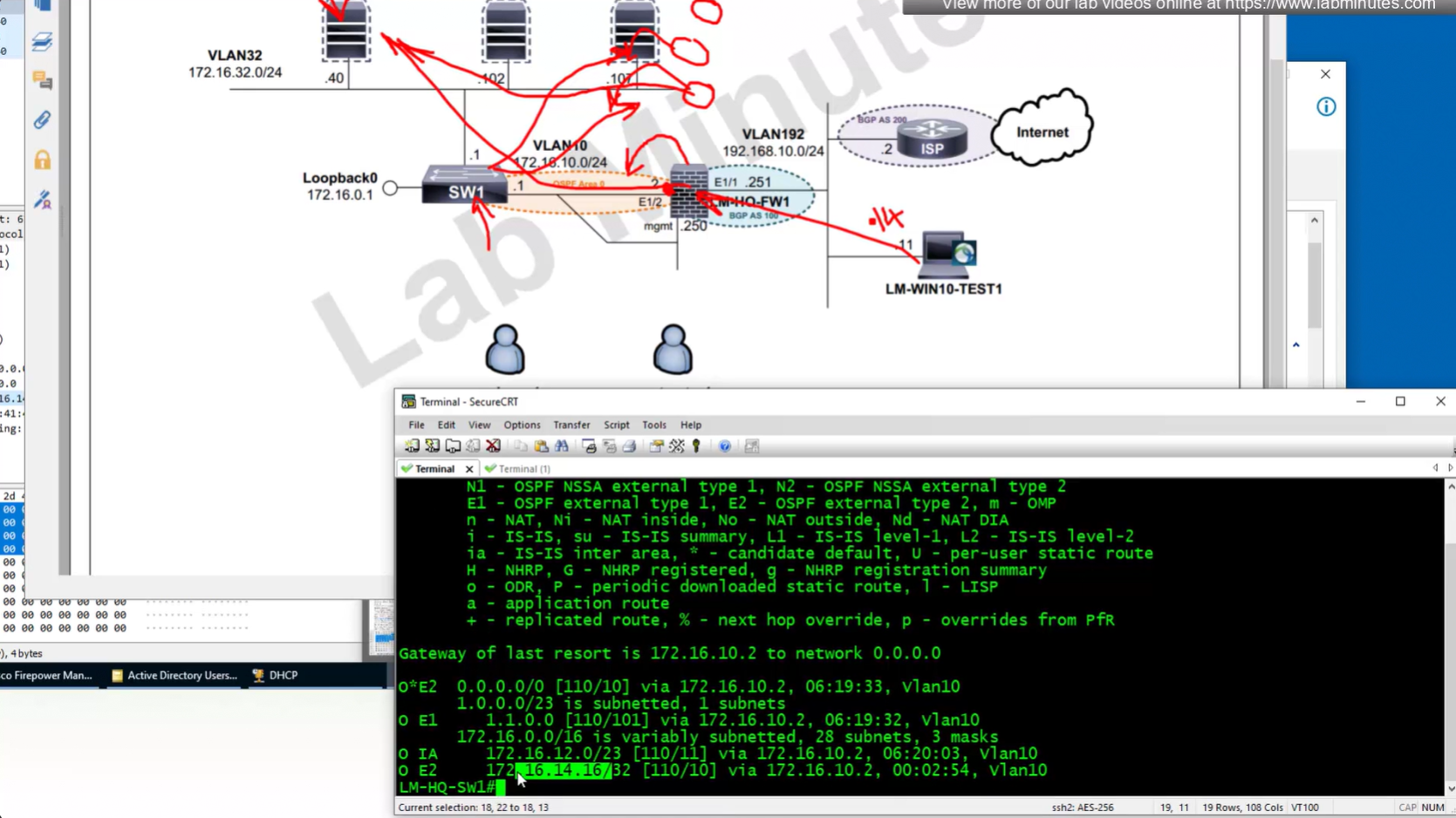
show prefix-list RA_CONTRACTOR show prefix-list detail RA_CONTRACTOR show route static ! shows VPN client , connected V routes