SEC0401 – Firepower 7.0 AnyConnect VPN Client (Part 1)
SEC0401 – Firepower 7.0 AnyConnect VPN Client (Part 1)
Anyconnect Client
There are different anyconnect licenses and we need to make sure we have right kind of licenses and also make sure that they are synced to our smart account as FMC will be pulling them from Smart licensing.
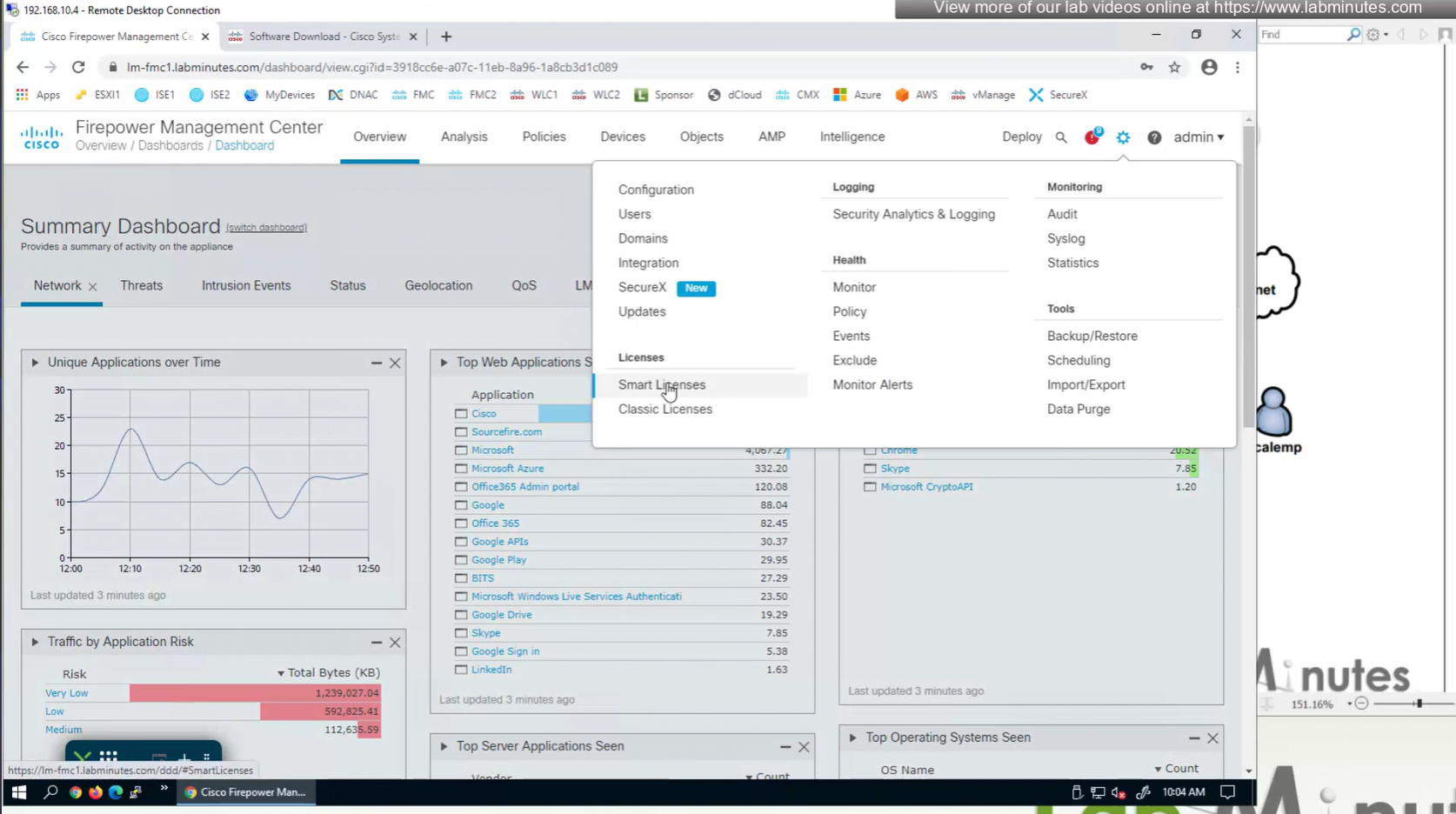
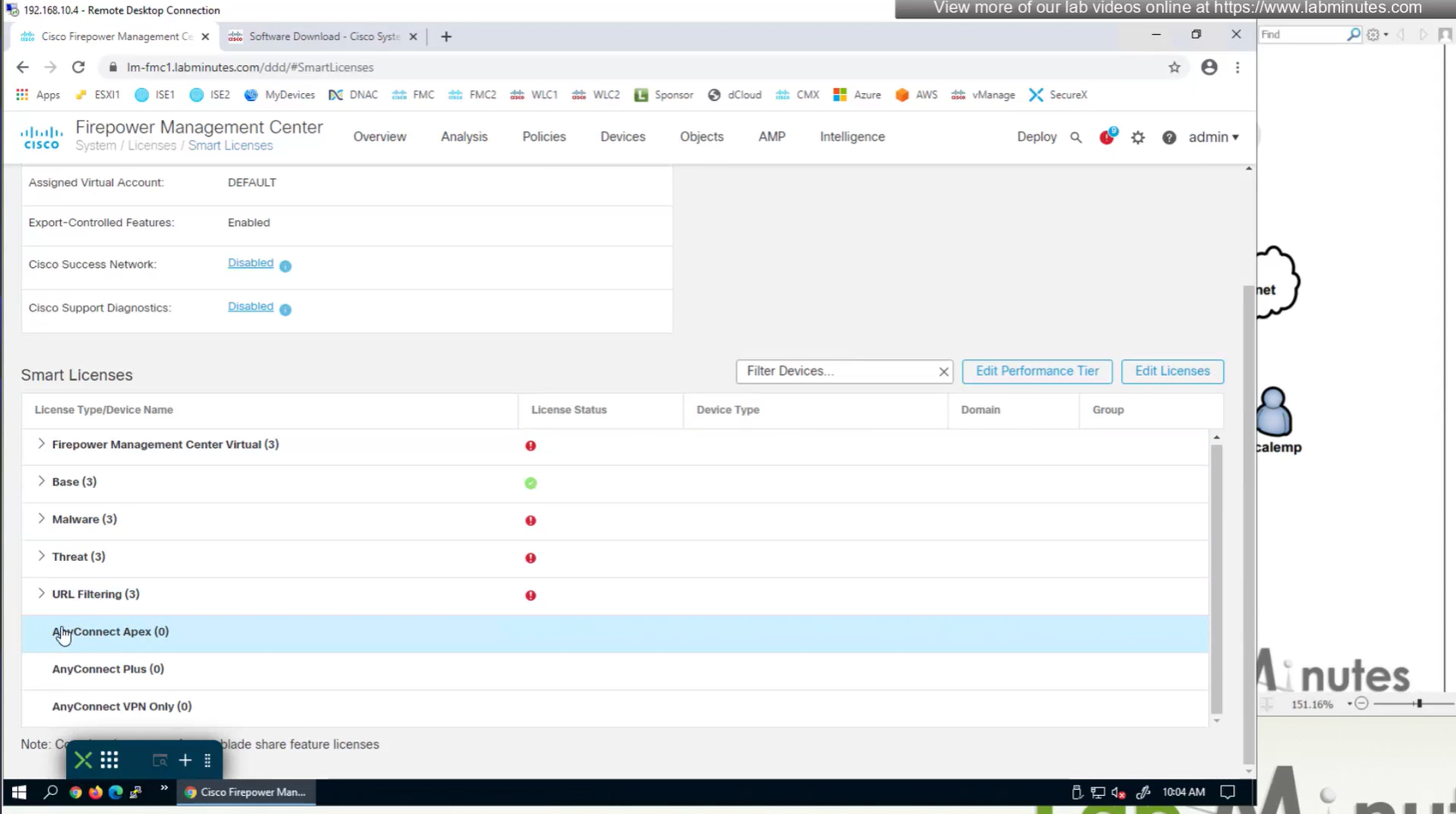
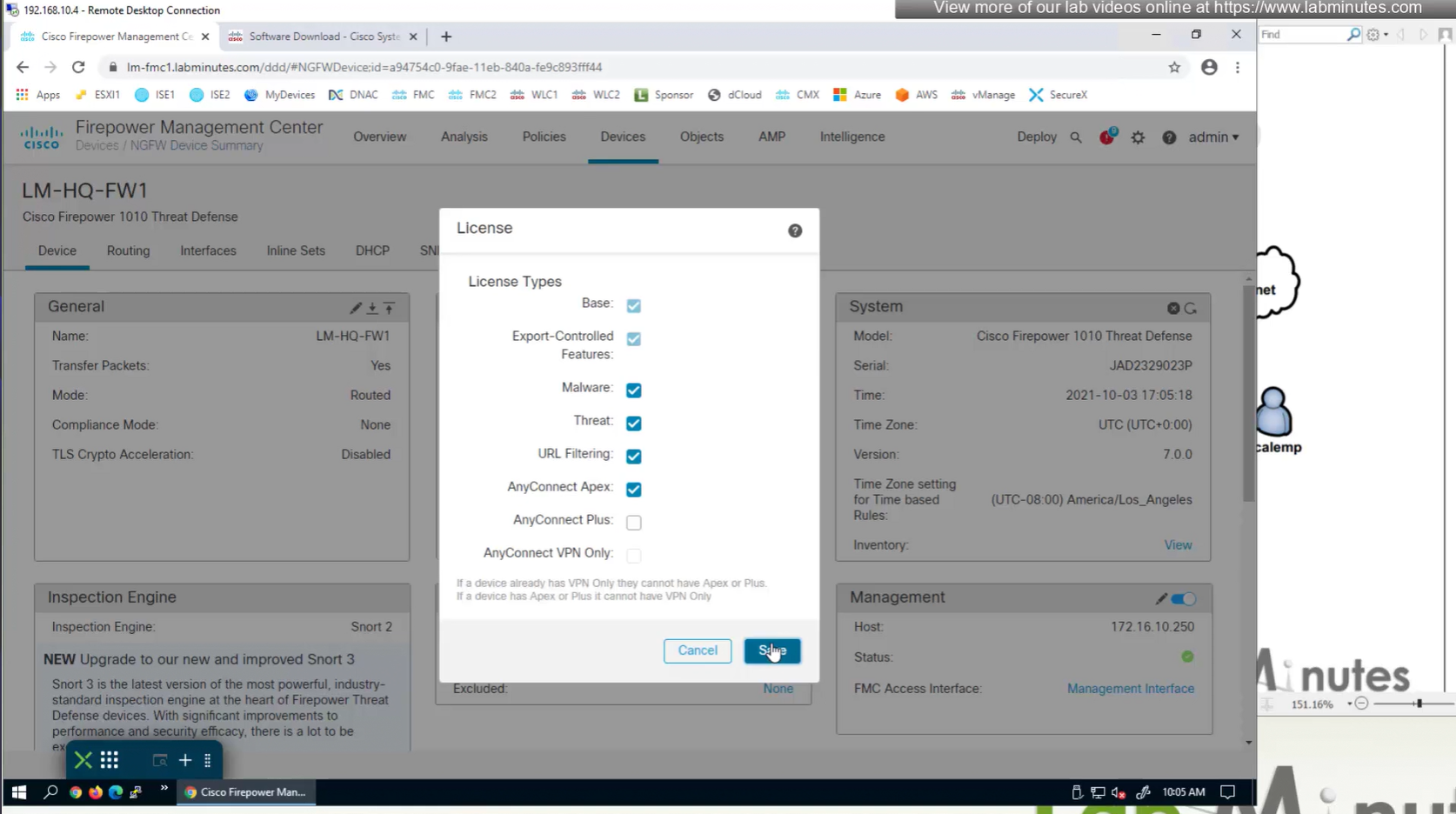
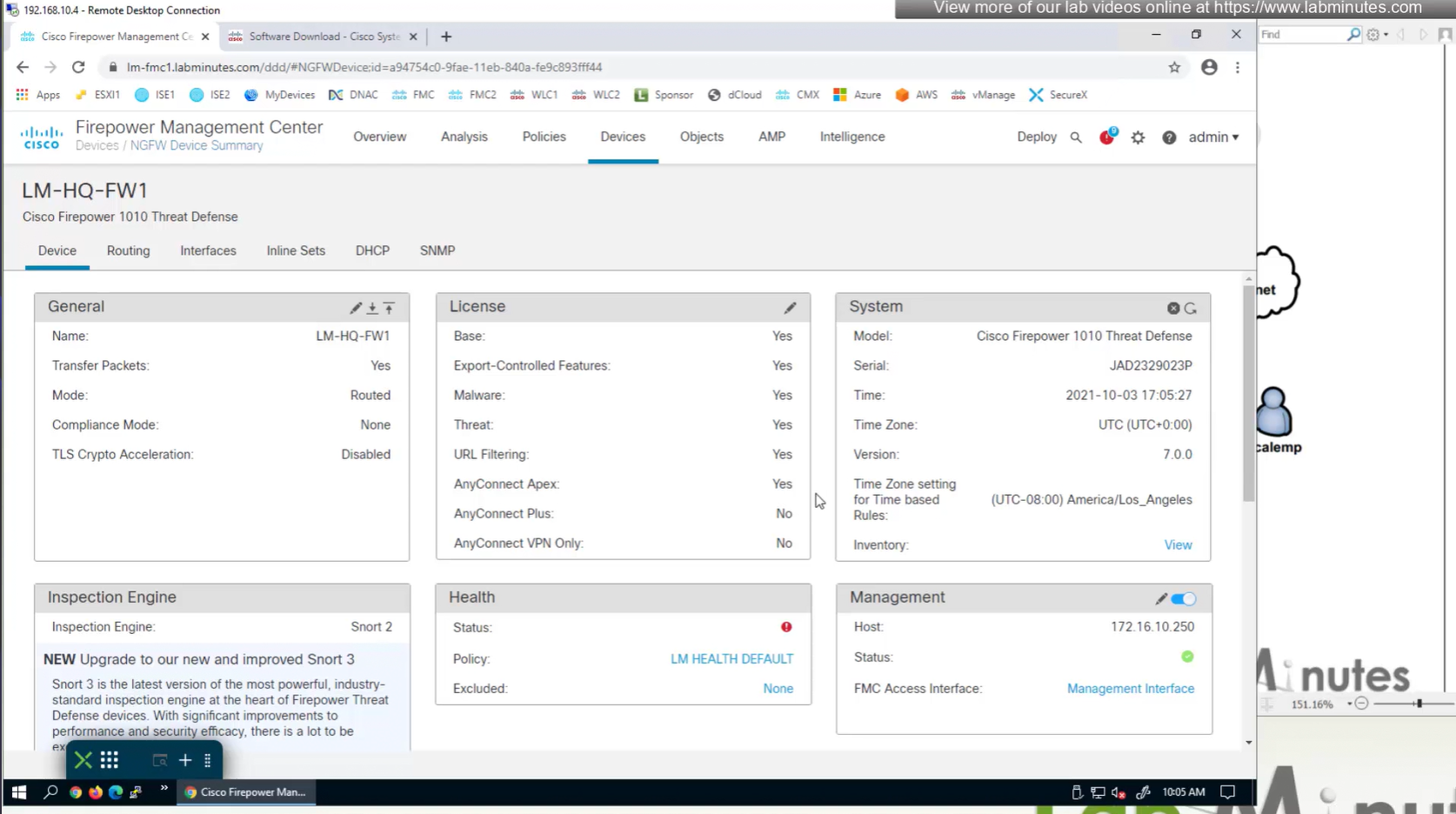
Edit the device and add Anyconnect license on remote access VPN firewall



Manual deployment means that you will be installing anyconnect manually or distribute it through software distribution system
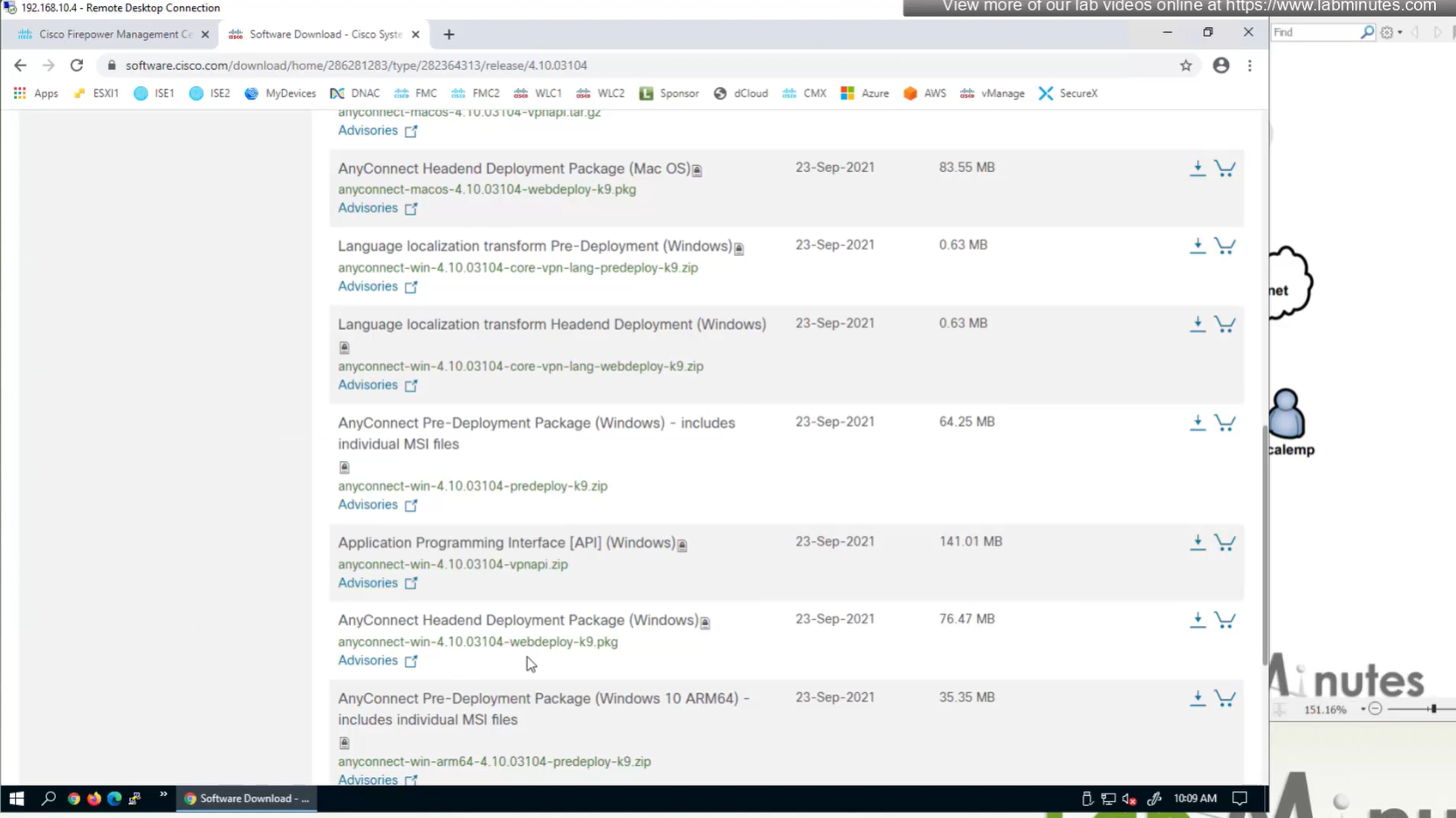
Headend package means that user will be allowed to download and install anyconnect if client does not have it already
Objects
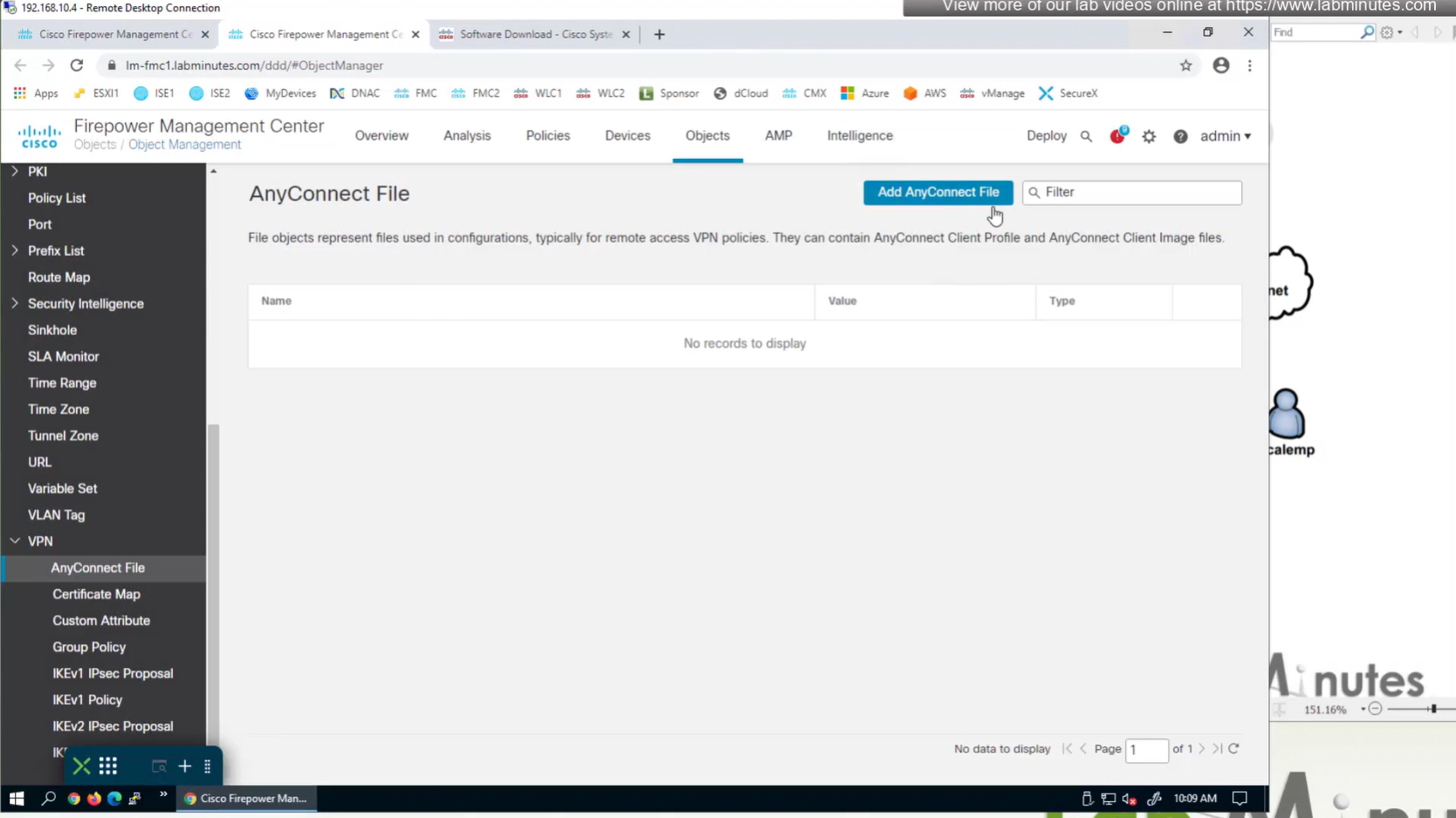
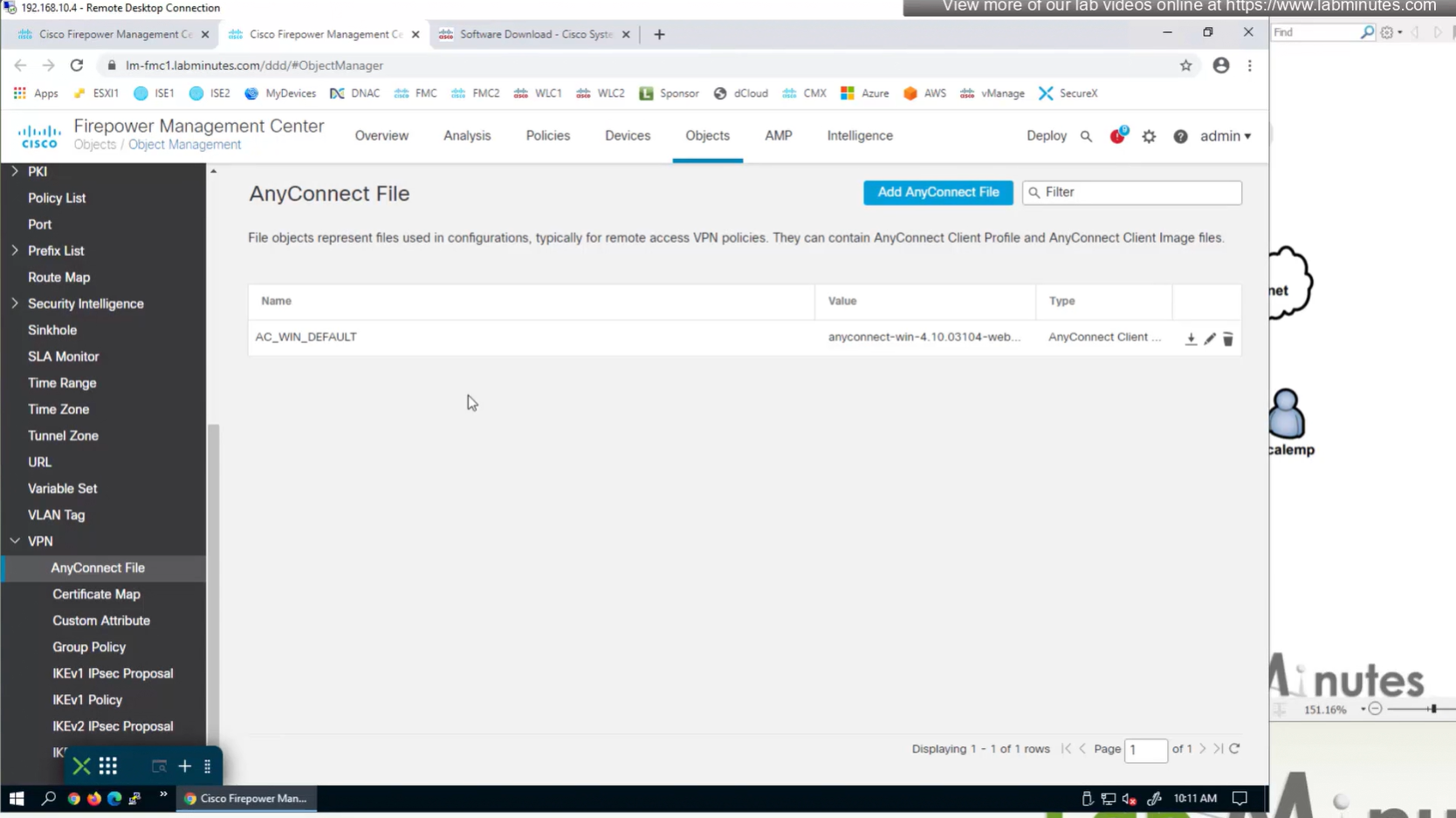
In Objects > Anyconnect file

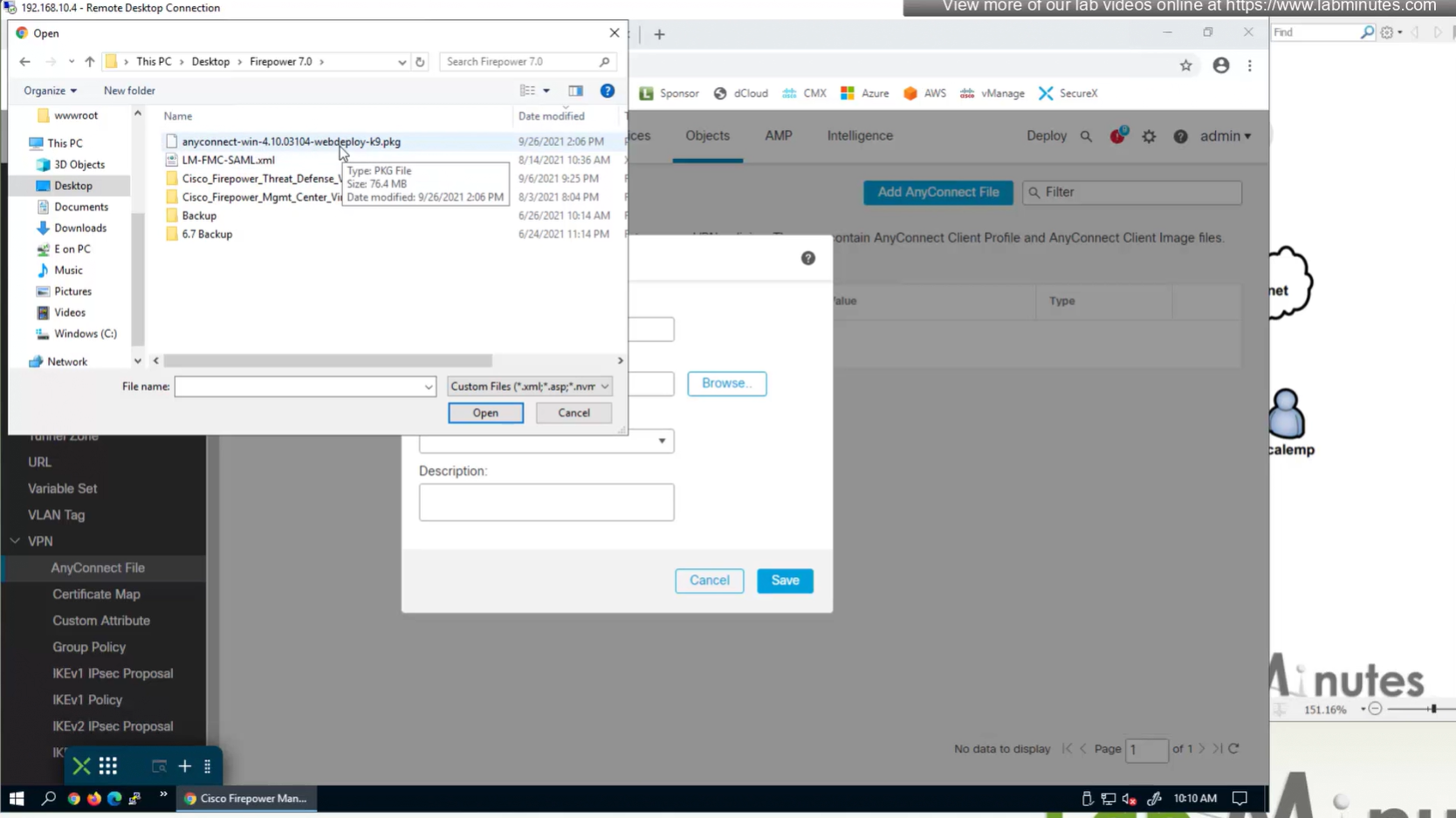
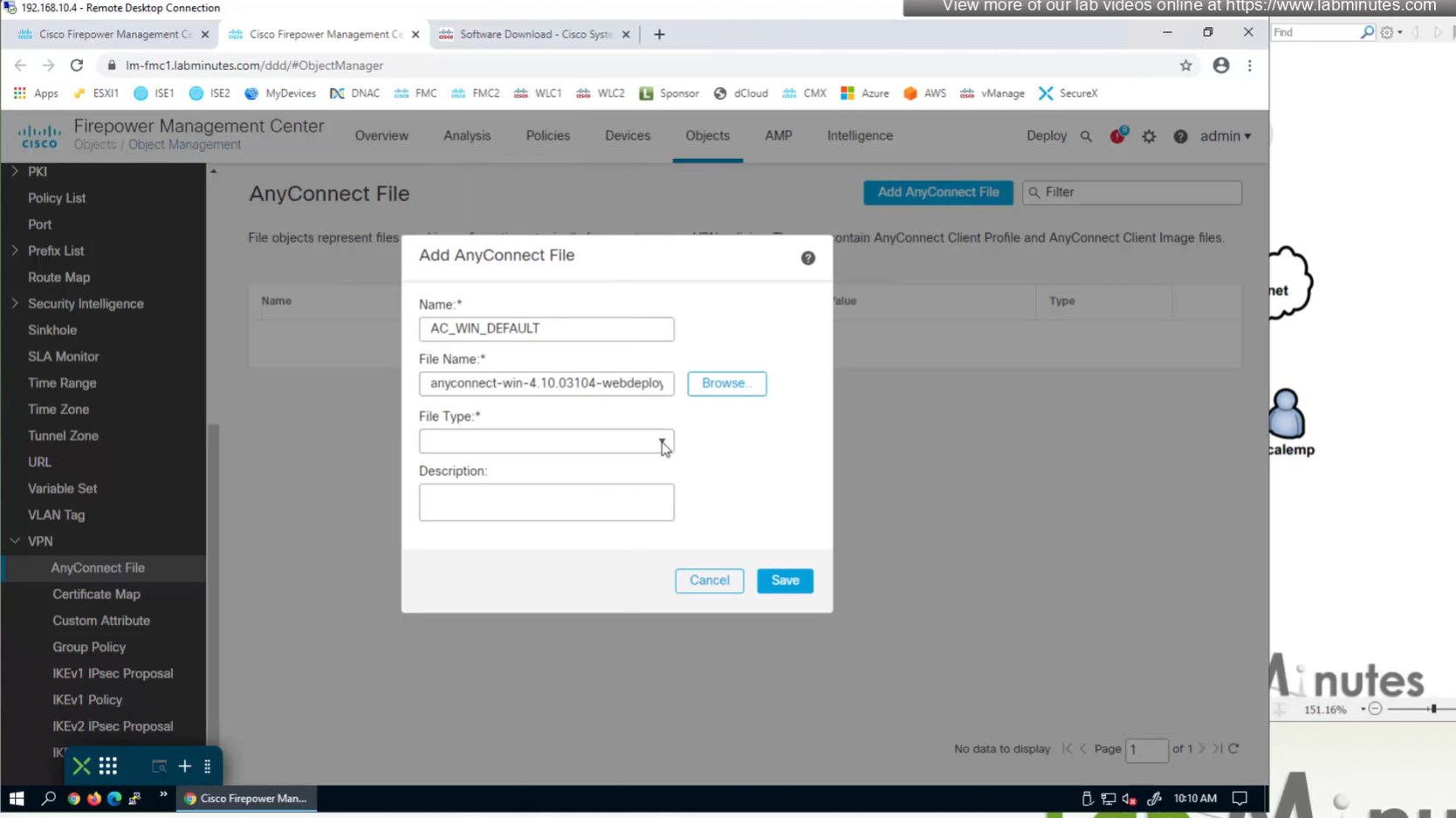
Upload the headend package


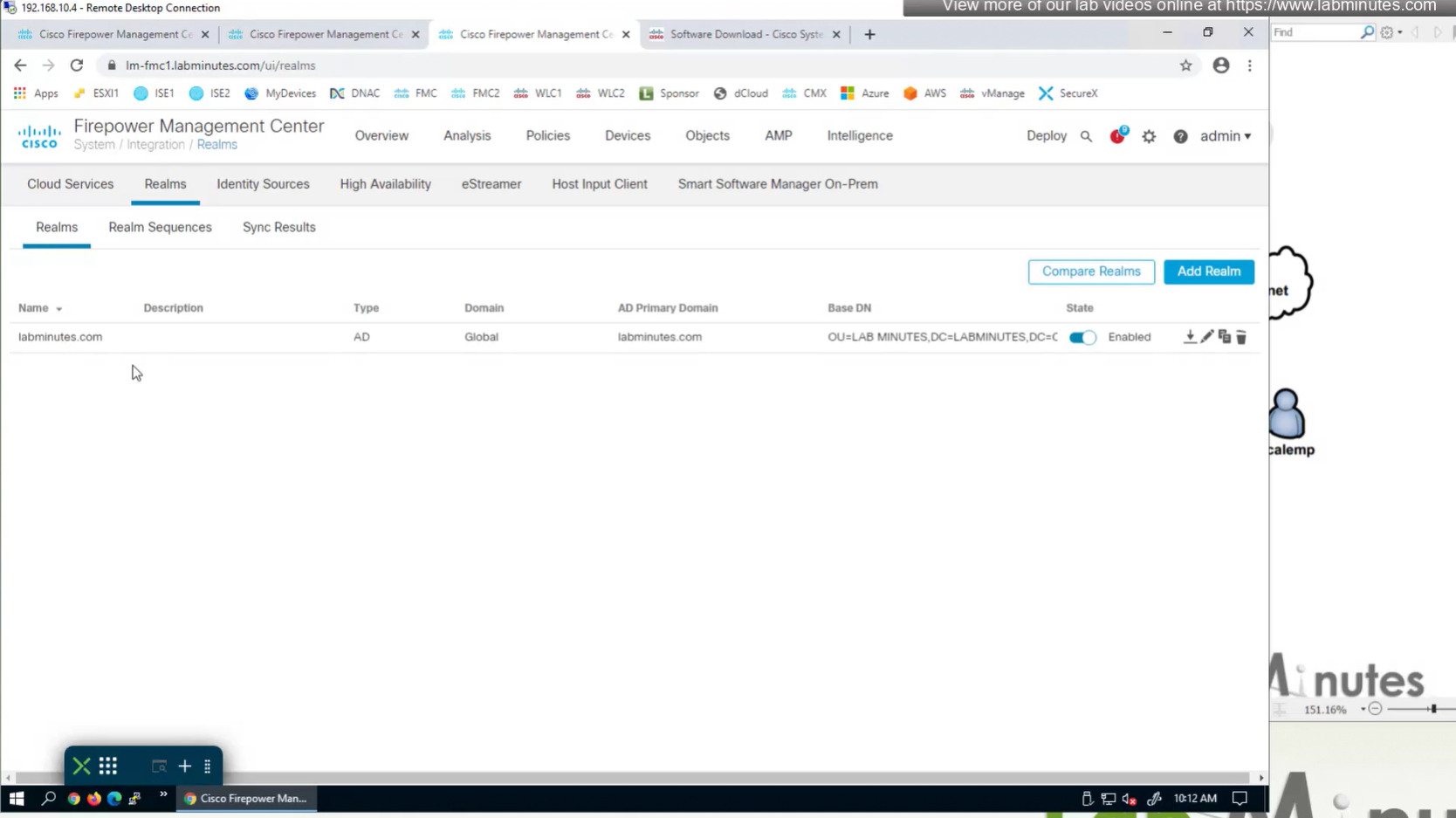
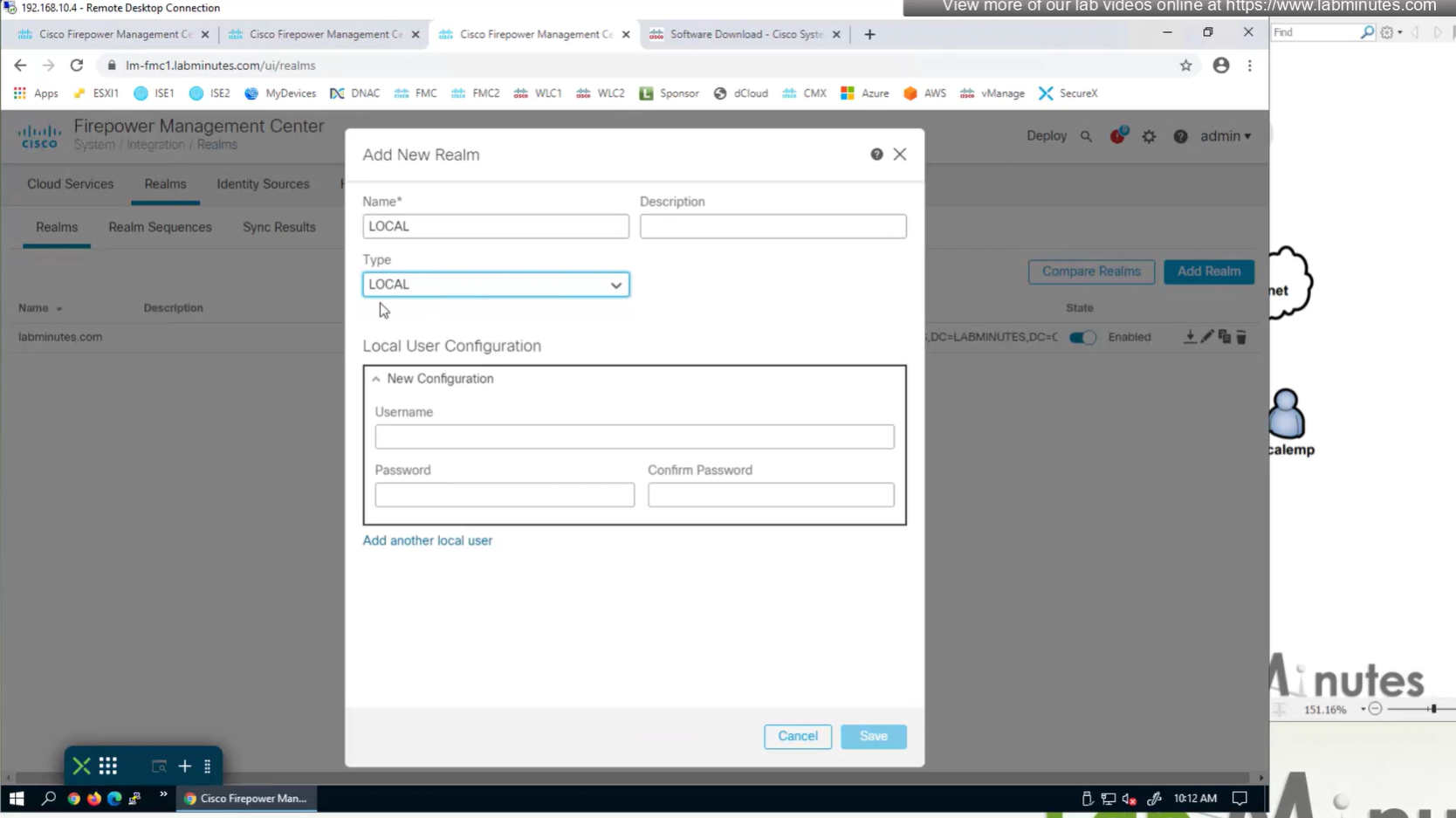
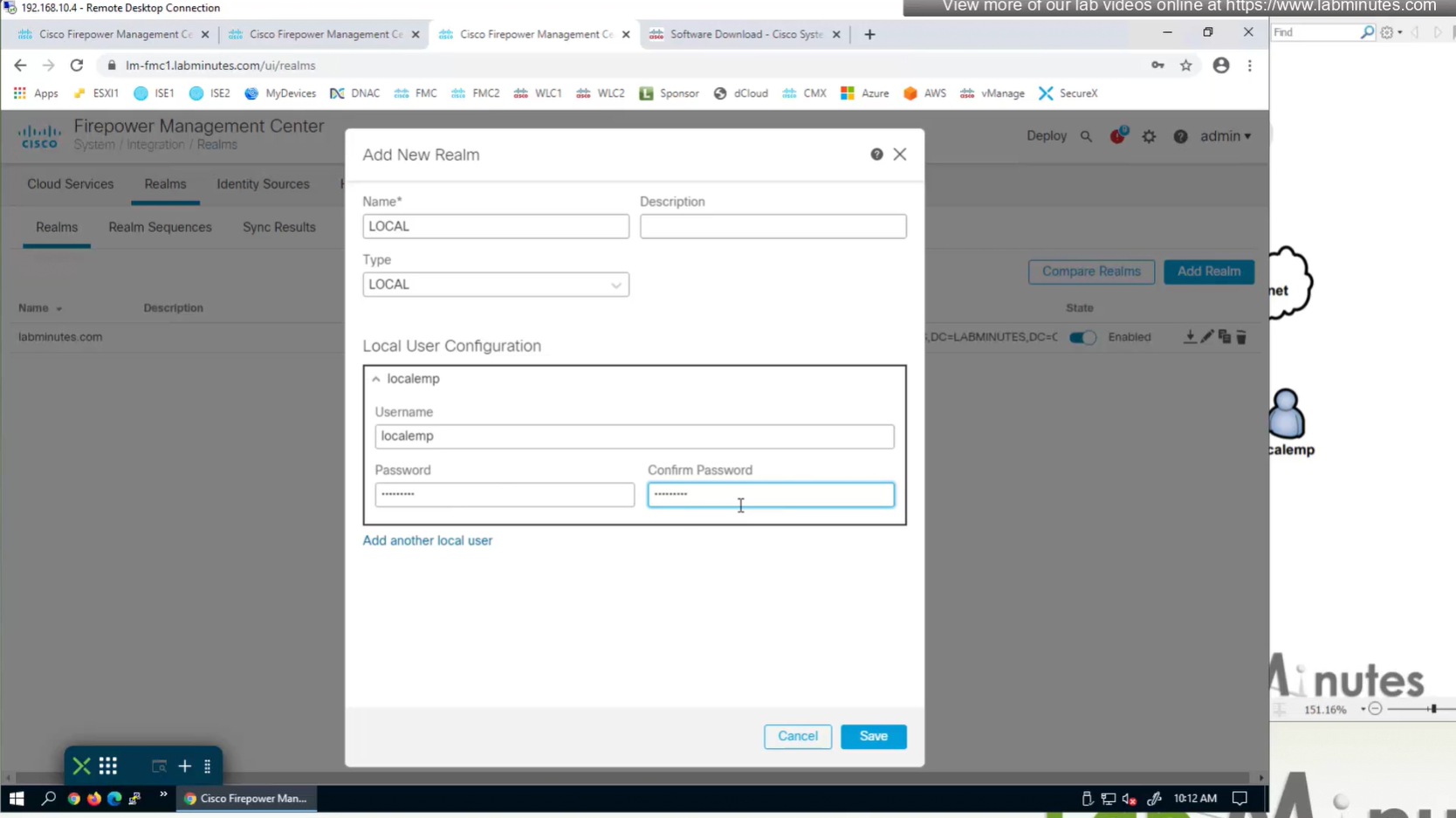
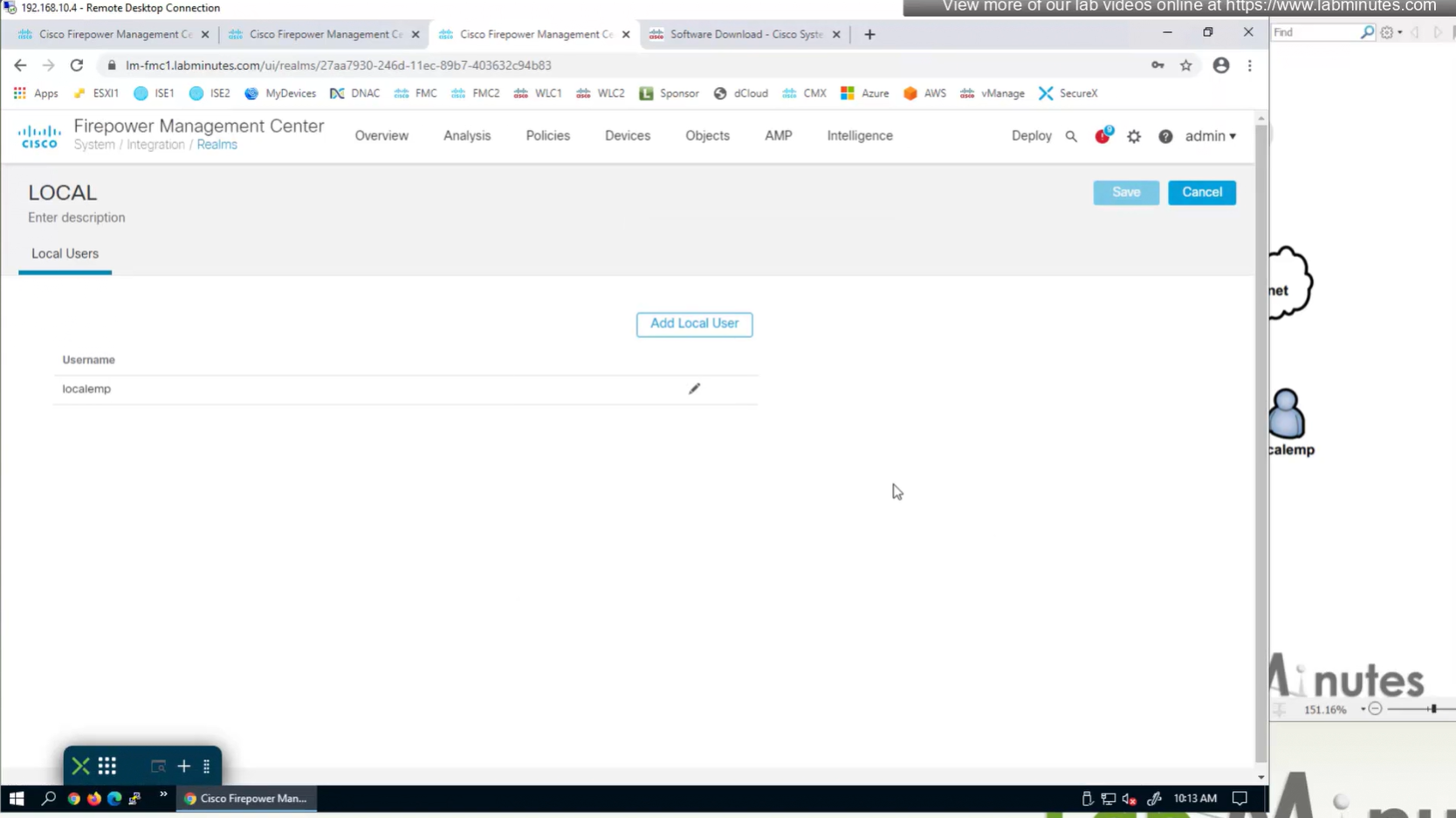
Create local user in Integration > Realm > Local > Local user

Objects > Address Pools > IPv4 Pools
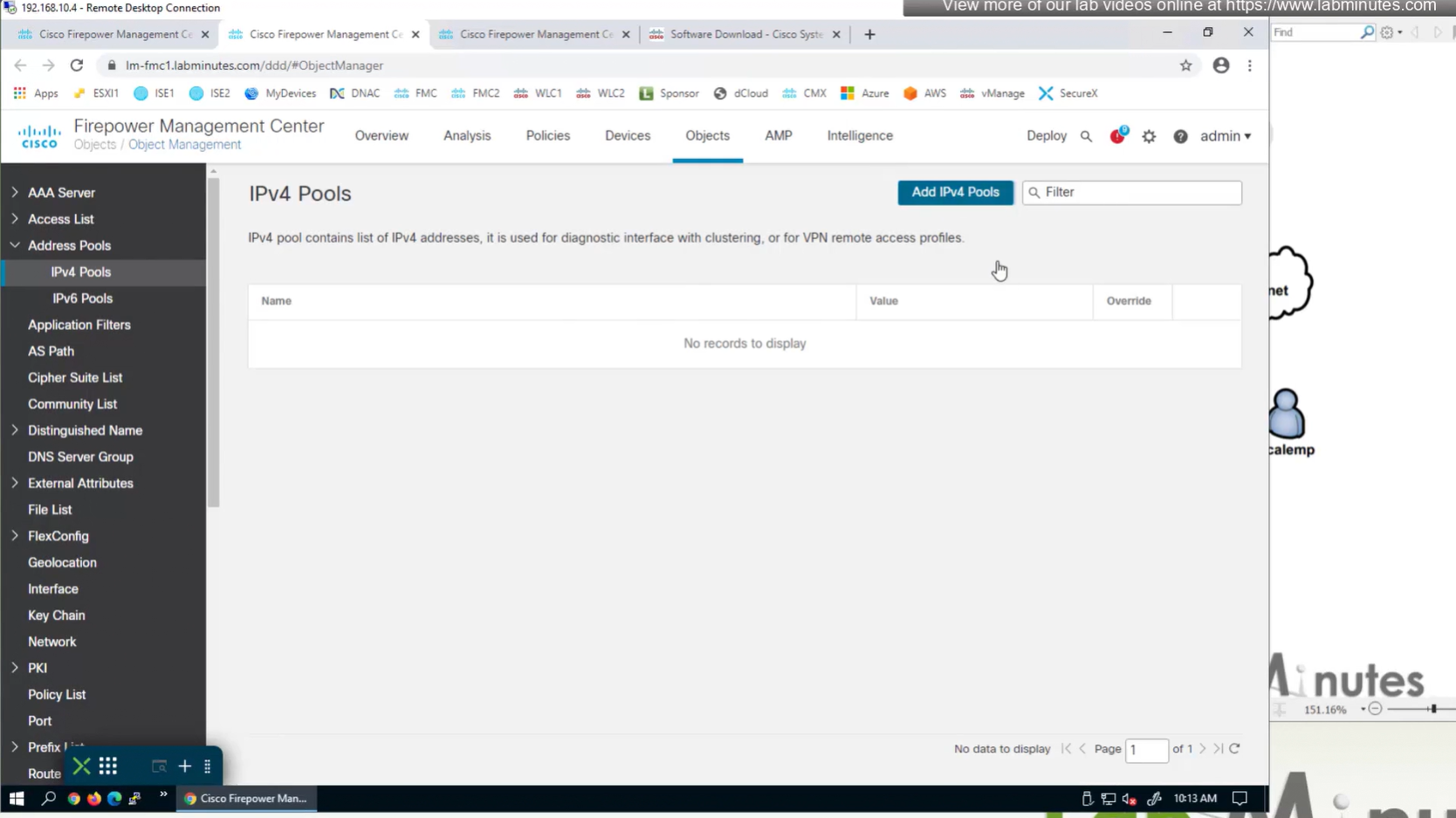

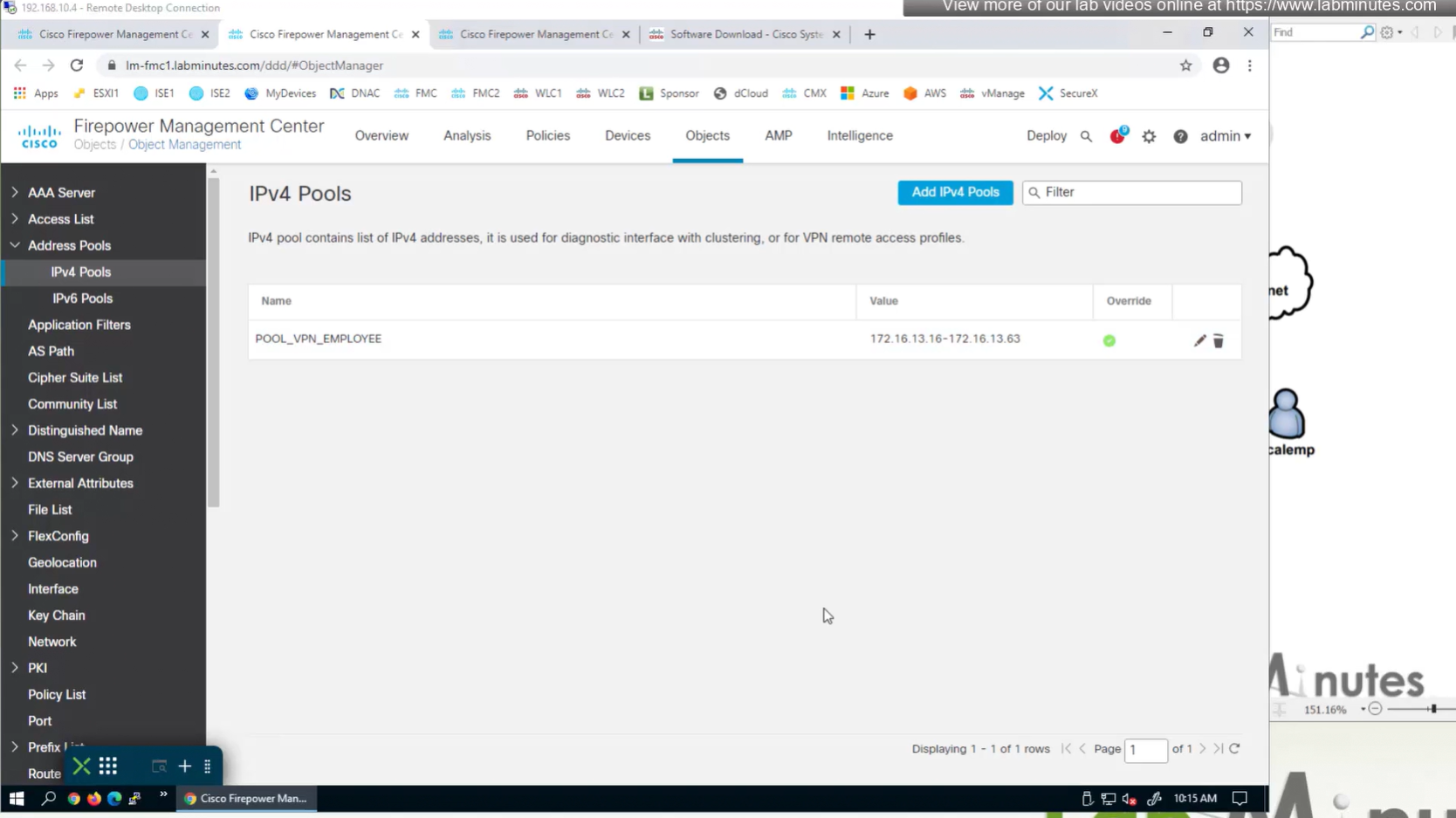
Allow overrides mean that same “object” can be used on different firewalls but can have different value per firewall but object can be same
Client pool cannot be just network object but it is object type IPv4 Pool
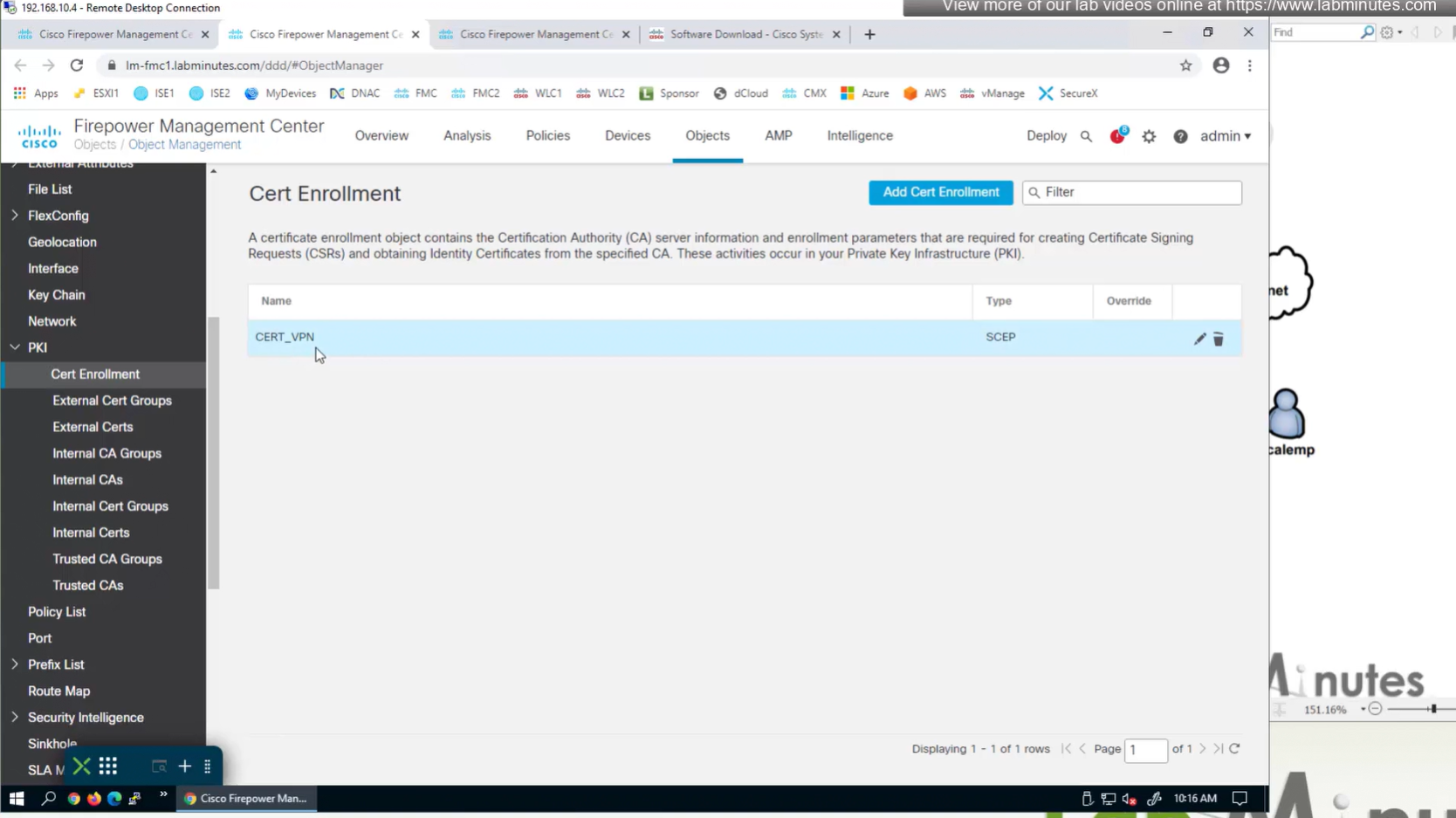
Objects > Cert Enrollment
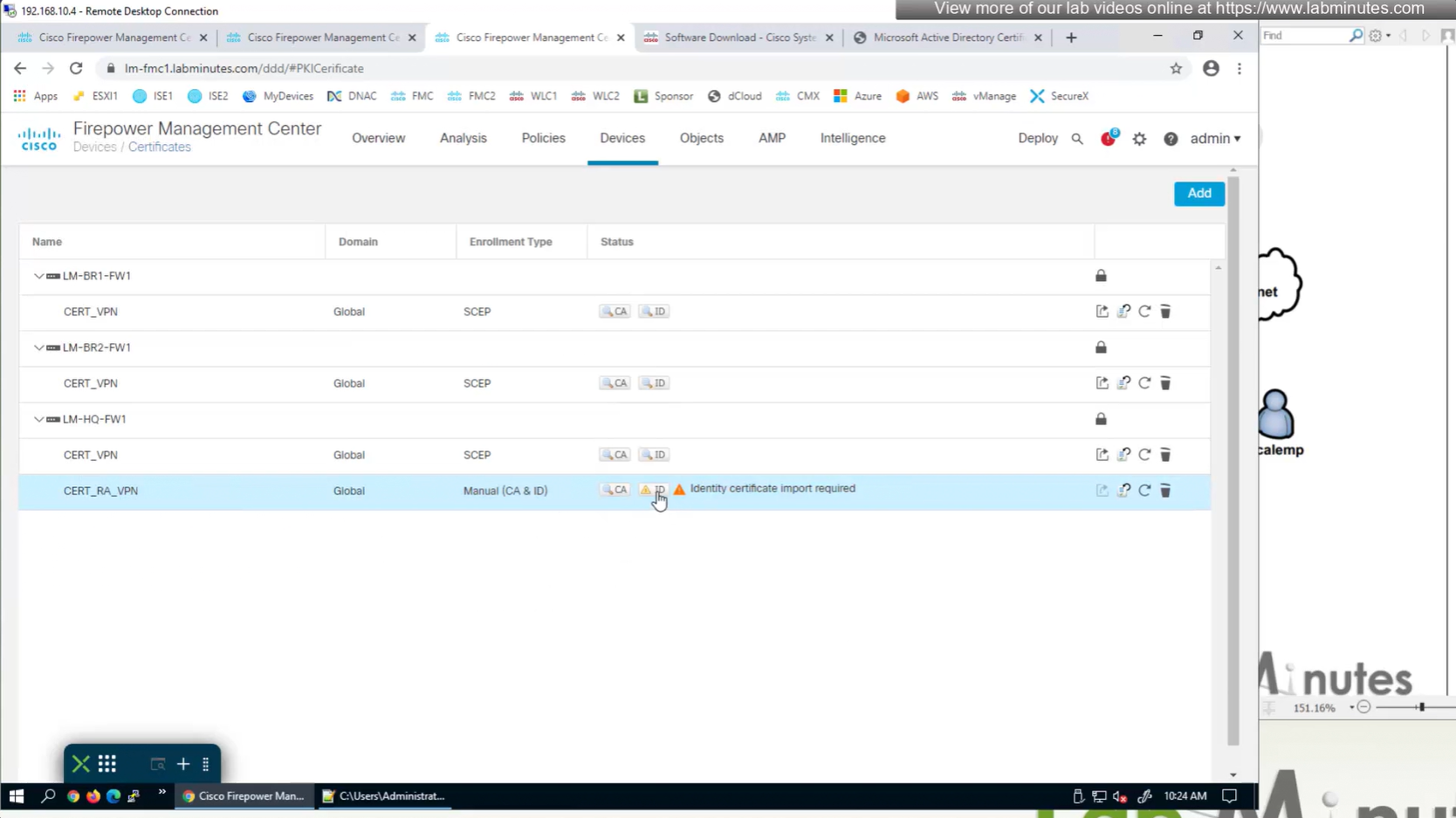
Cert Enrollment means Firewall obtaining cert and that process requires root CA cert information also
Certificate enrollment in Firepower is about securely obtaining a trusted certificate from a CA but here instead of SCEP we are doing manual certificate for firewall
Change from SCEP to Manual

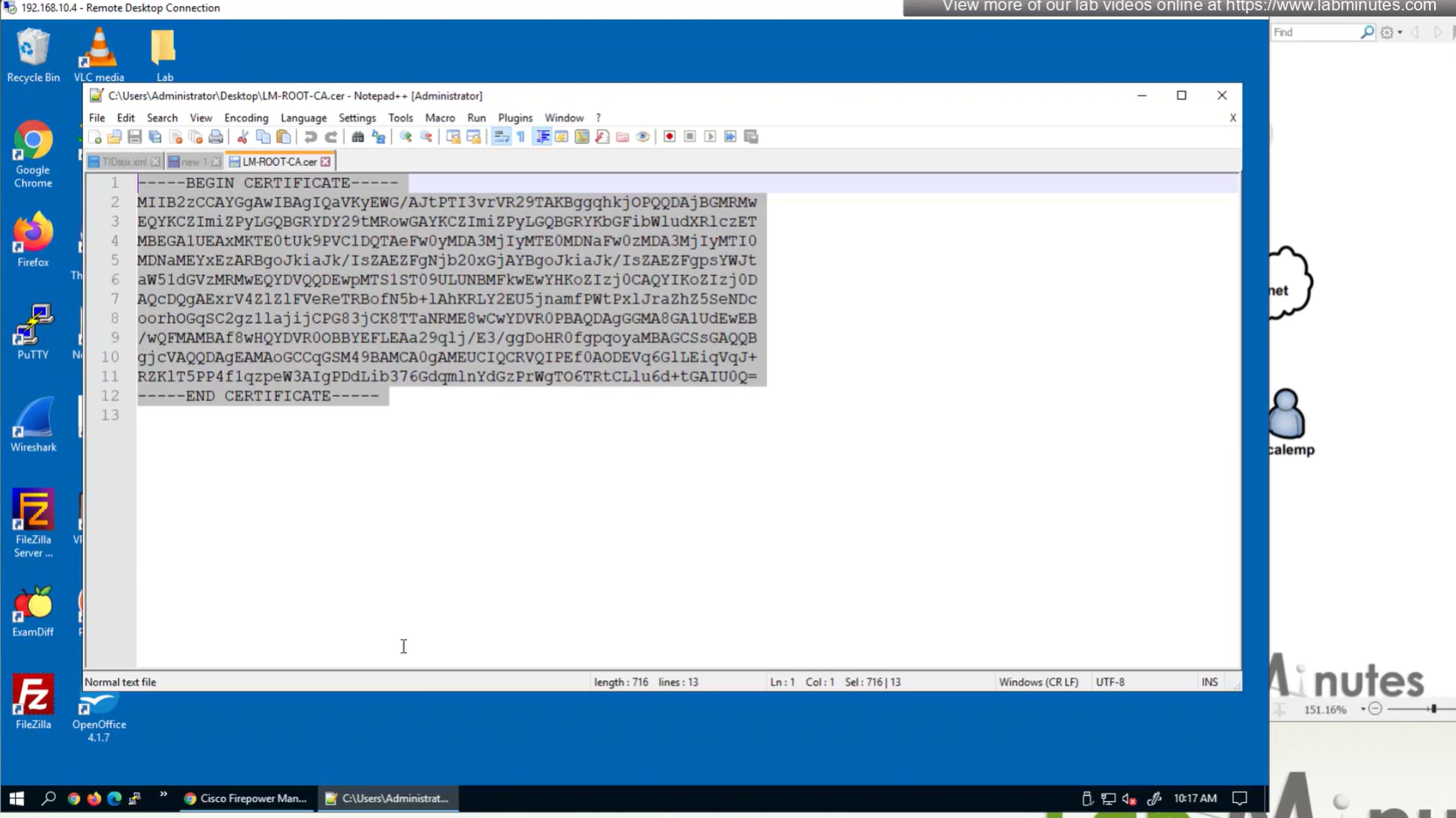
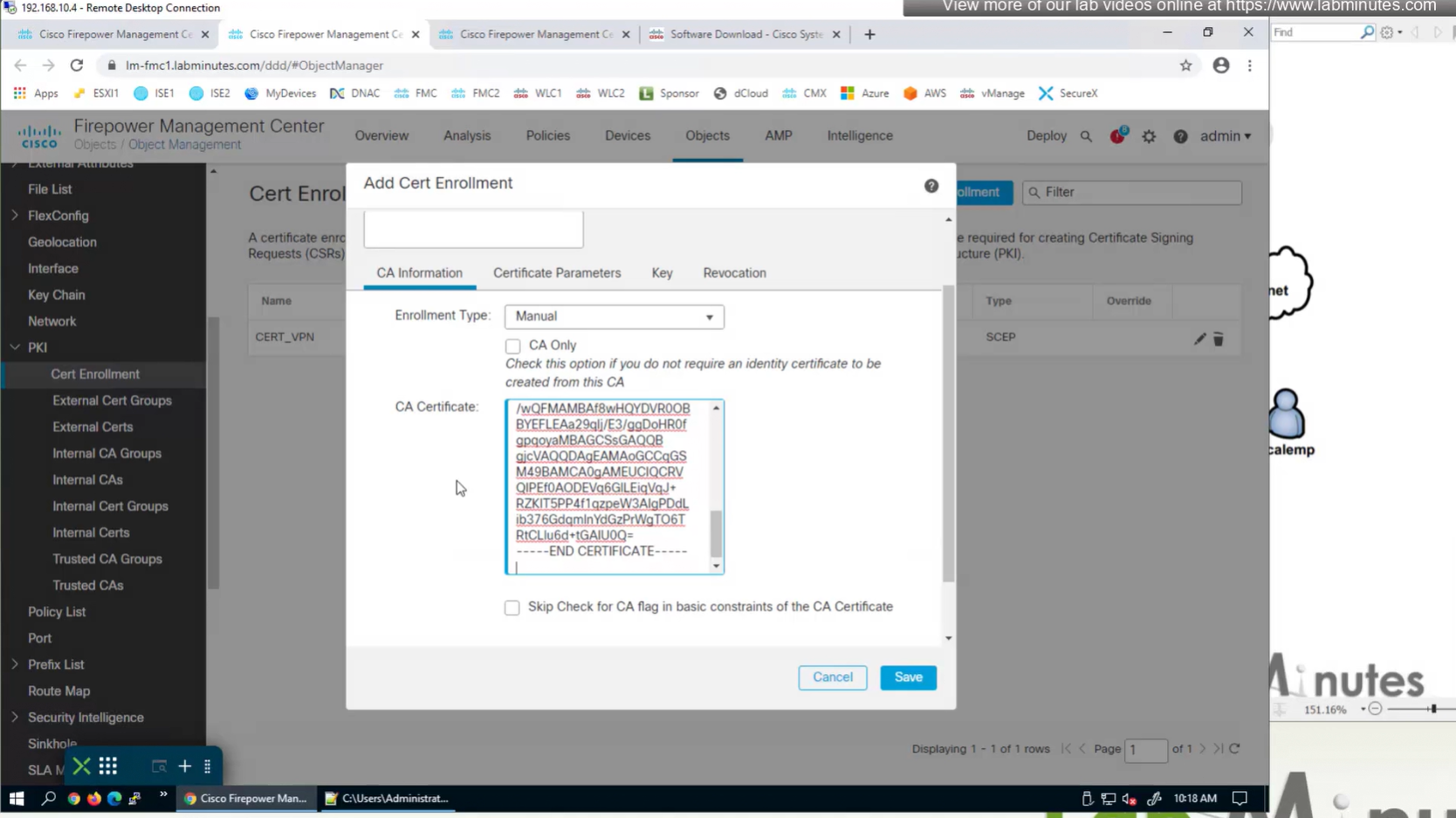
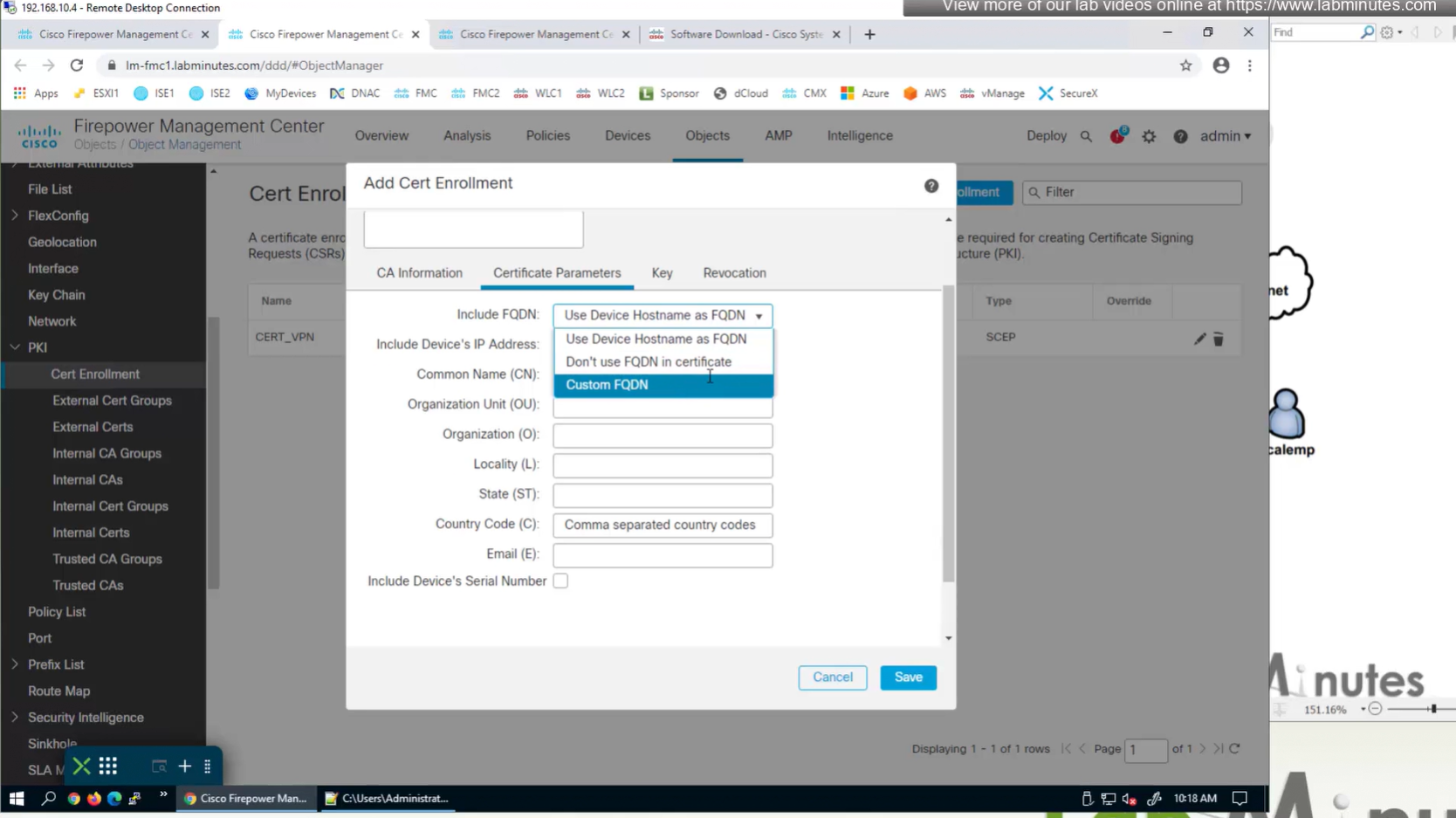
Change to Custom FQDN


Objects >
Anyconnect file
Local Realm + local user
IPv4 Address Pool
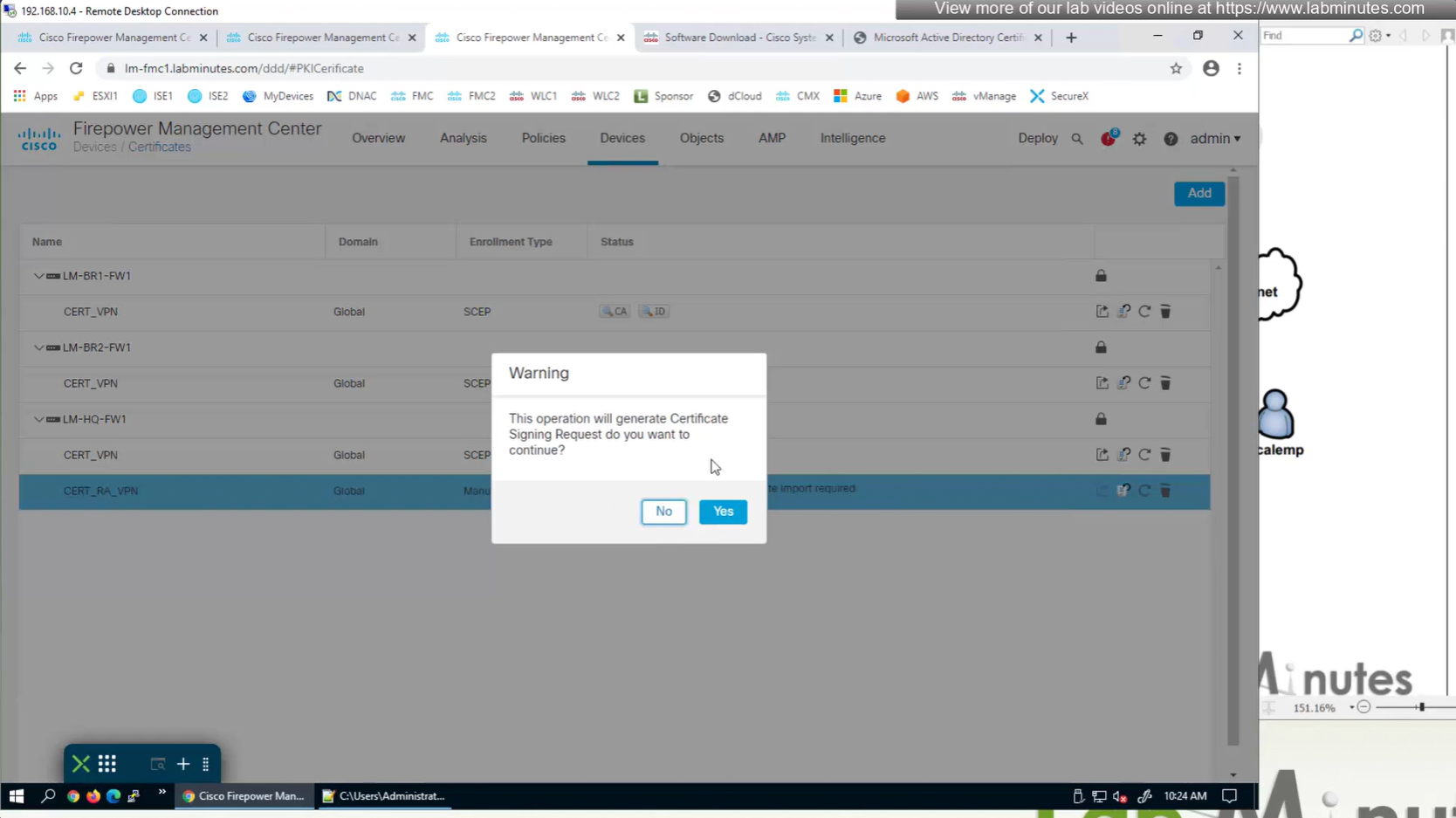
Cert Enrolment (Root CA Server cert + CSR)
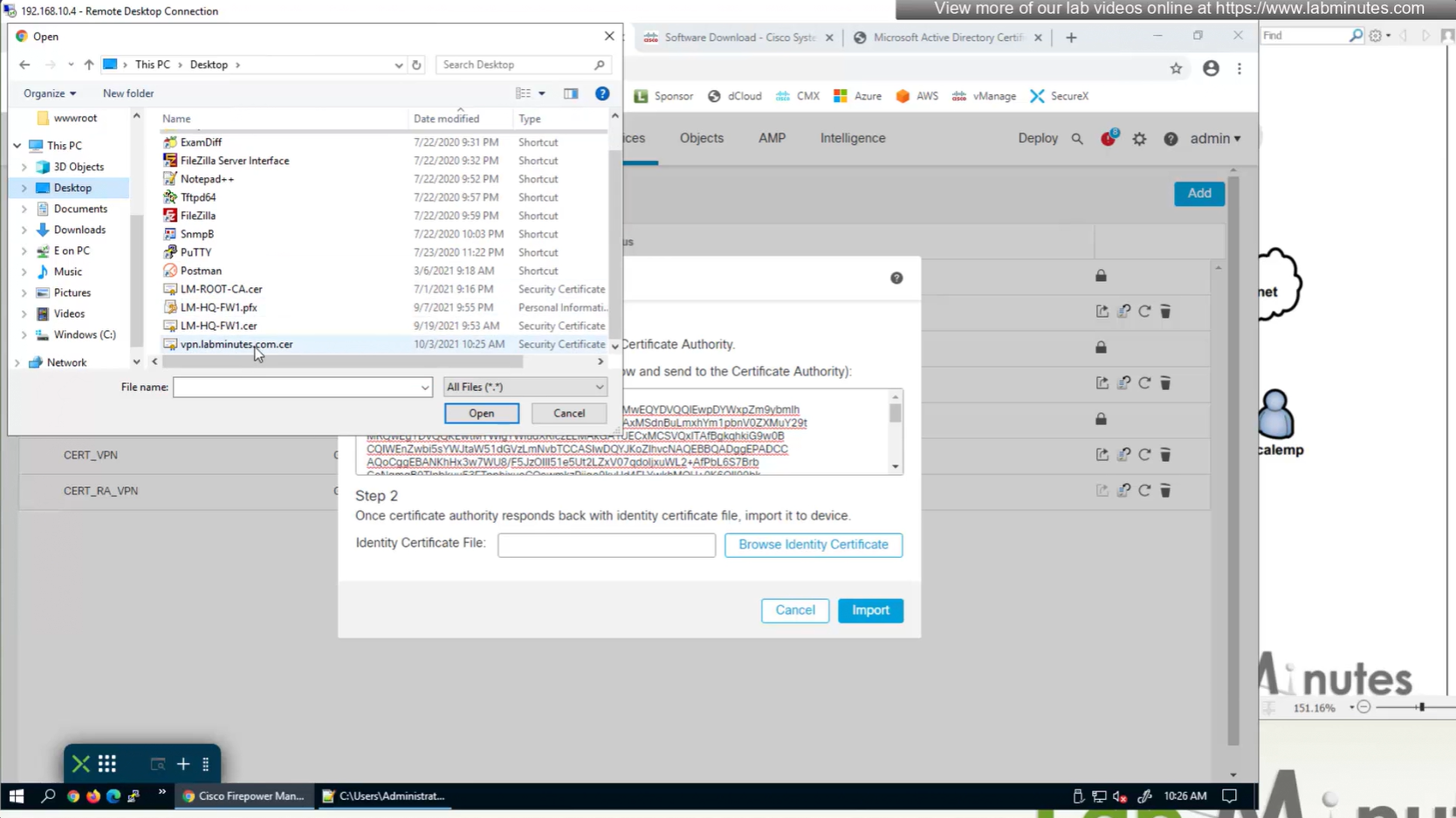
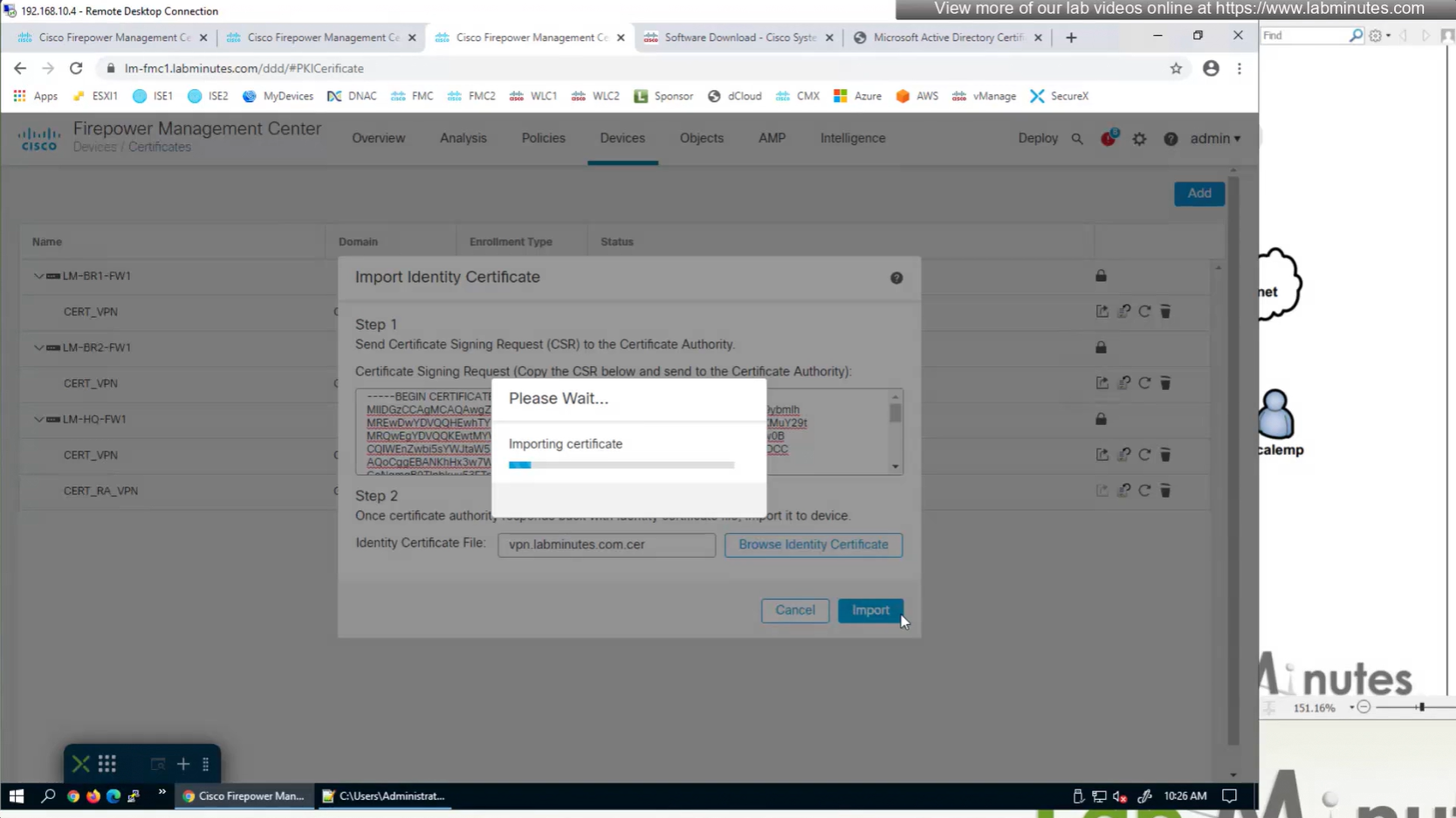
Install Cert on firewall
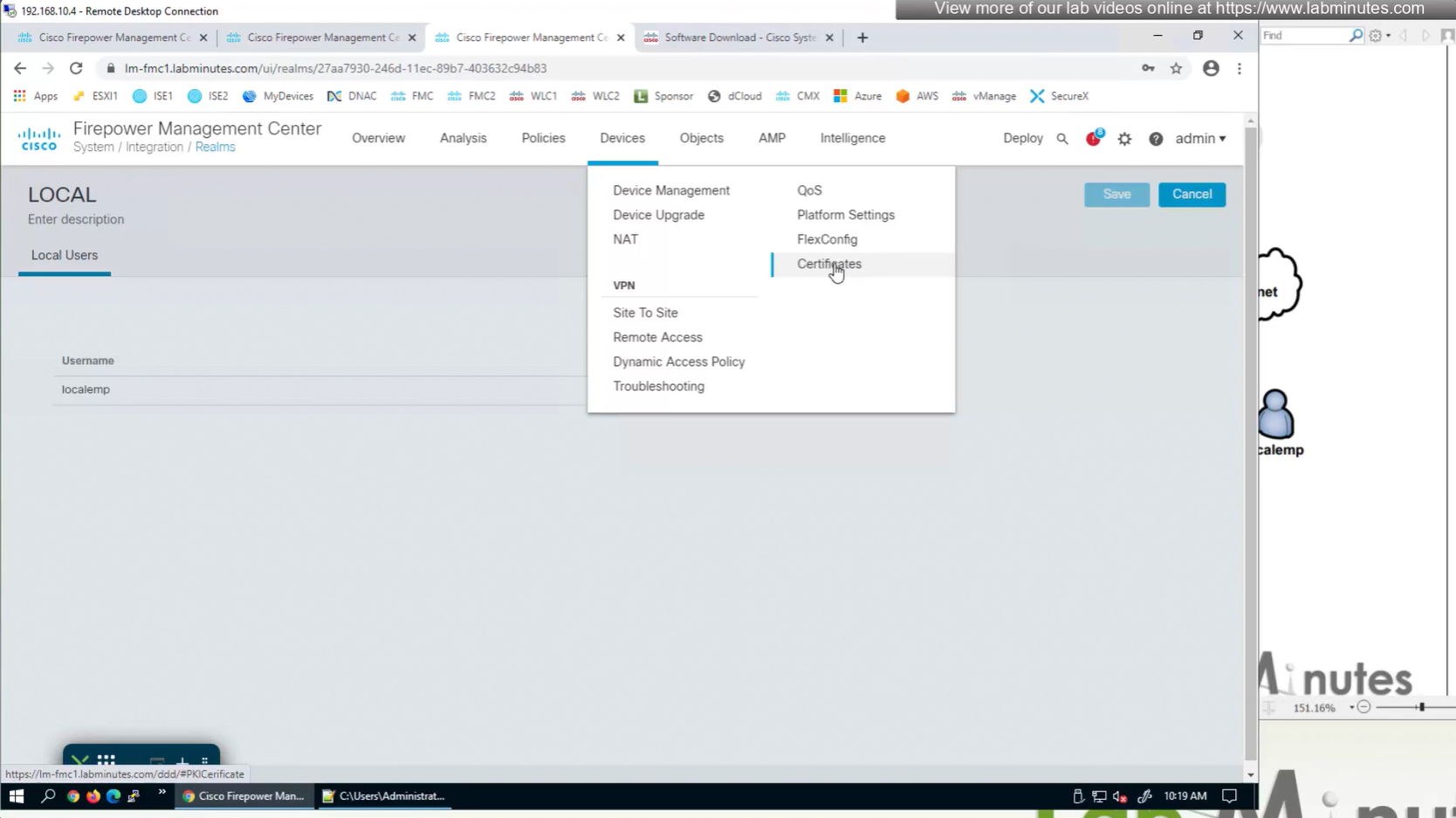
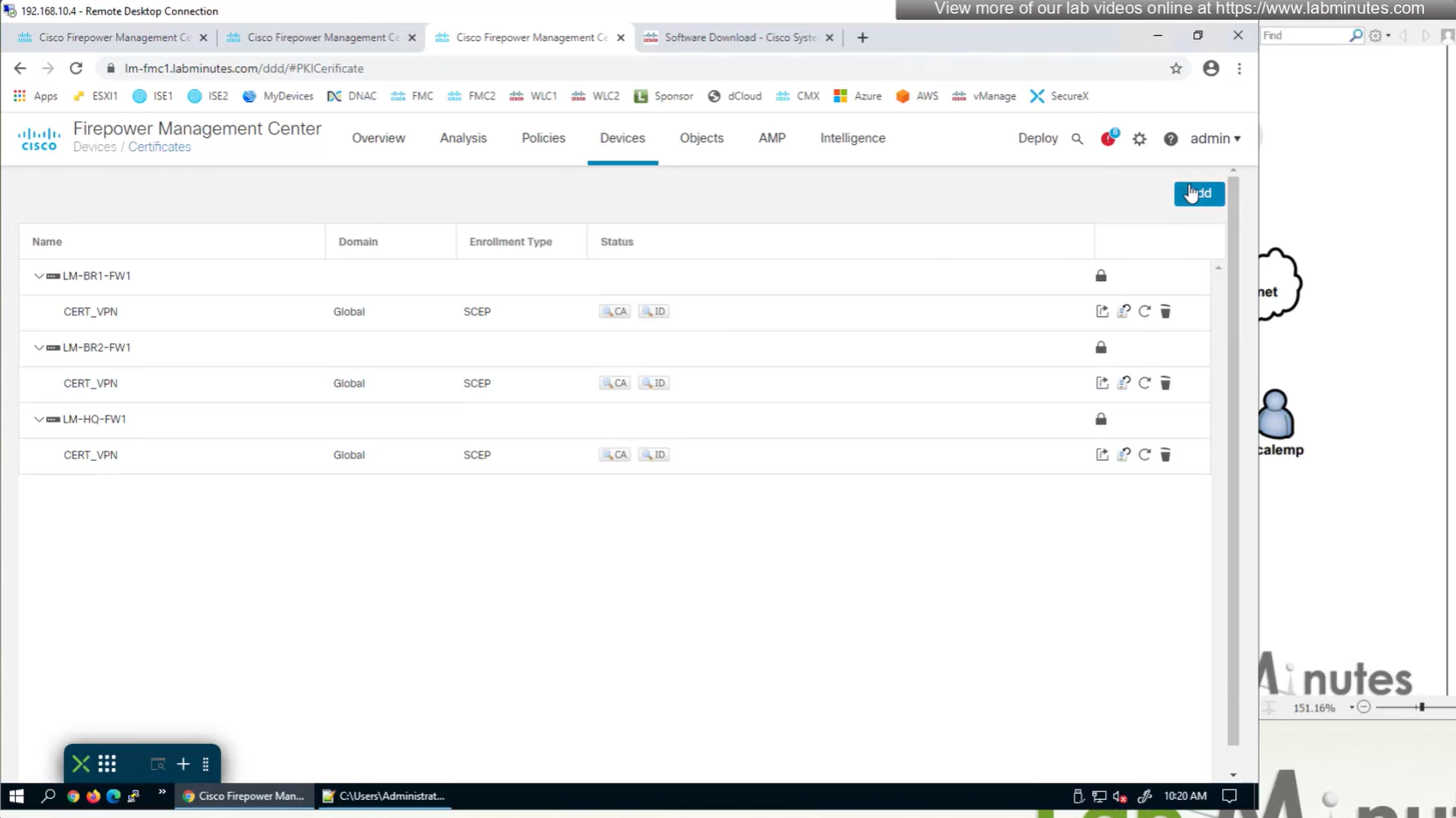
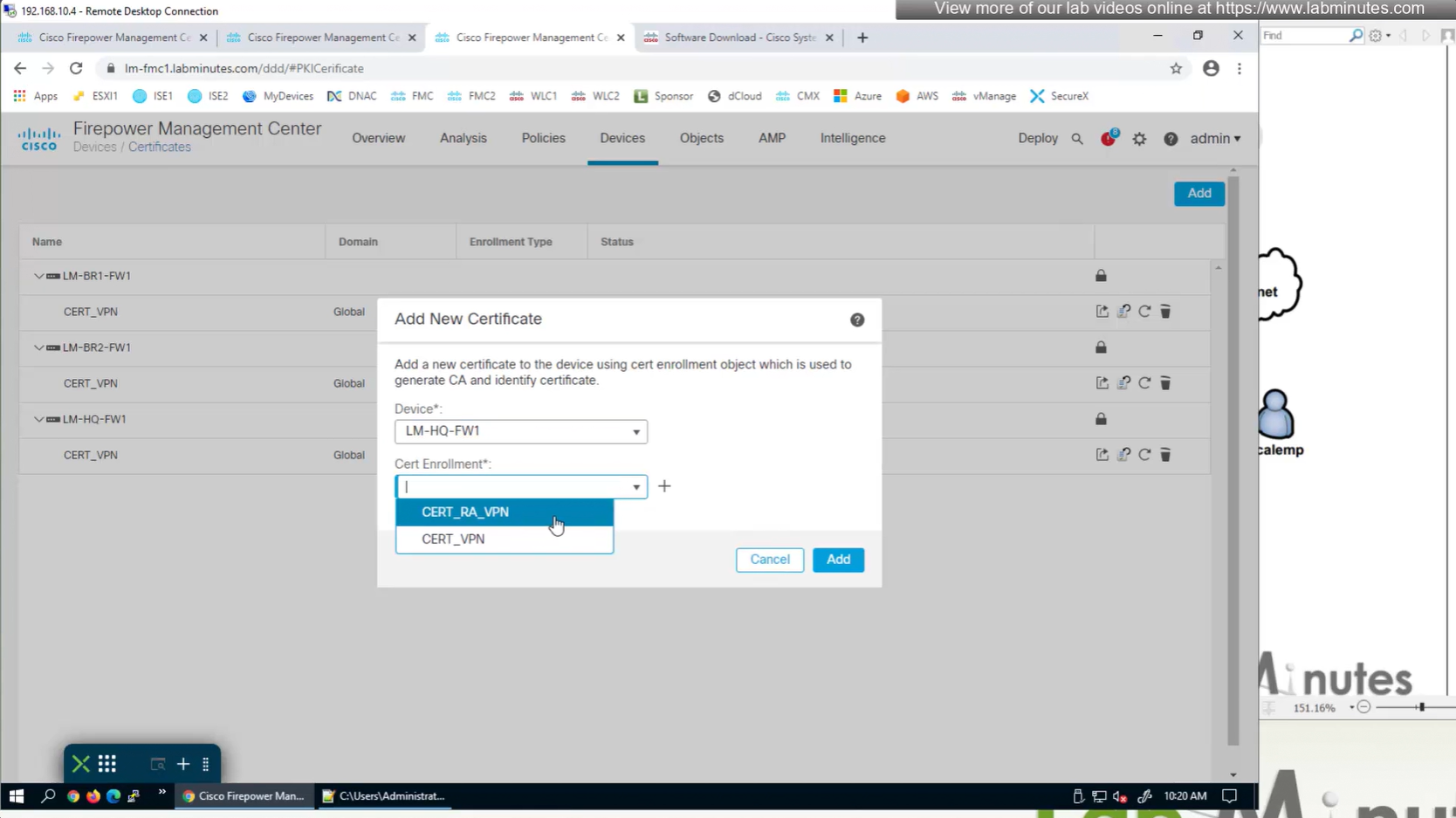
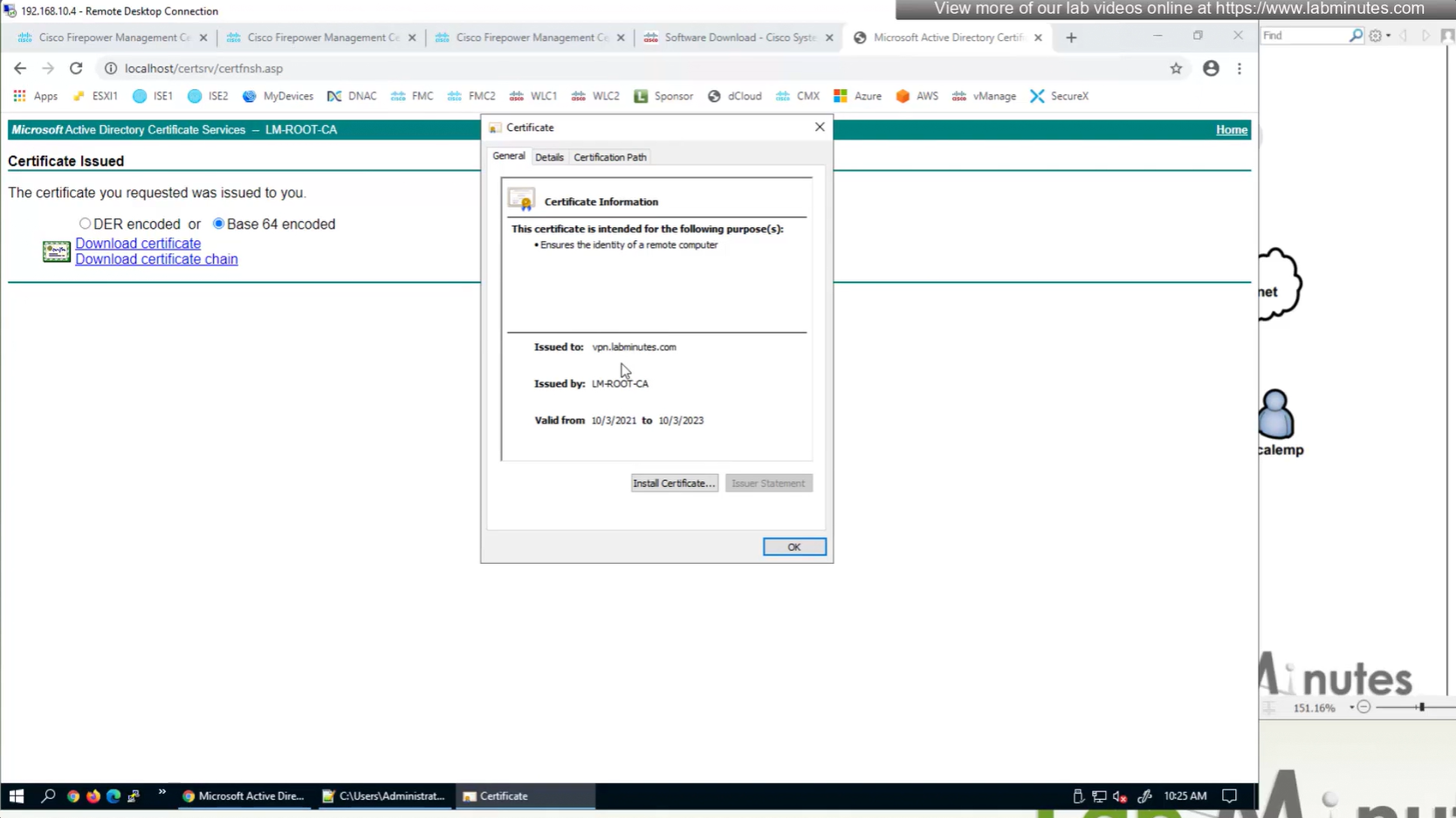
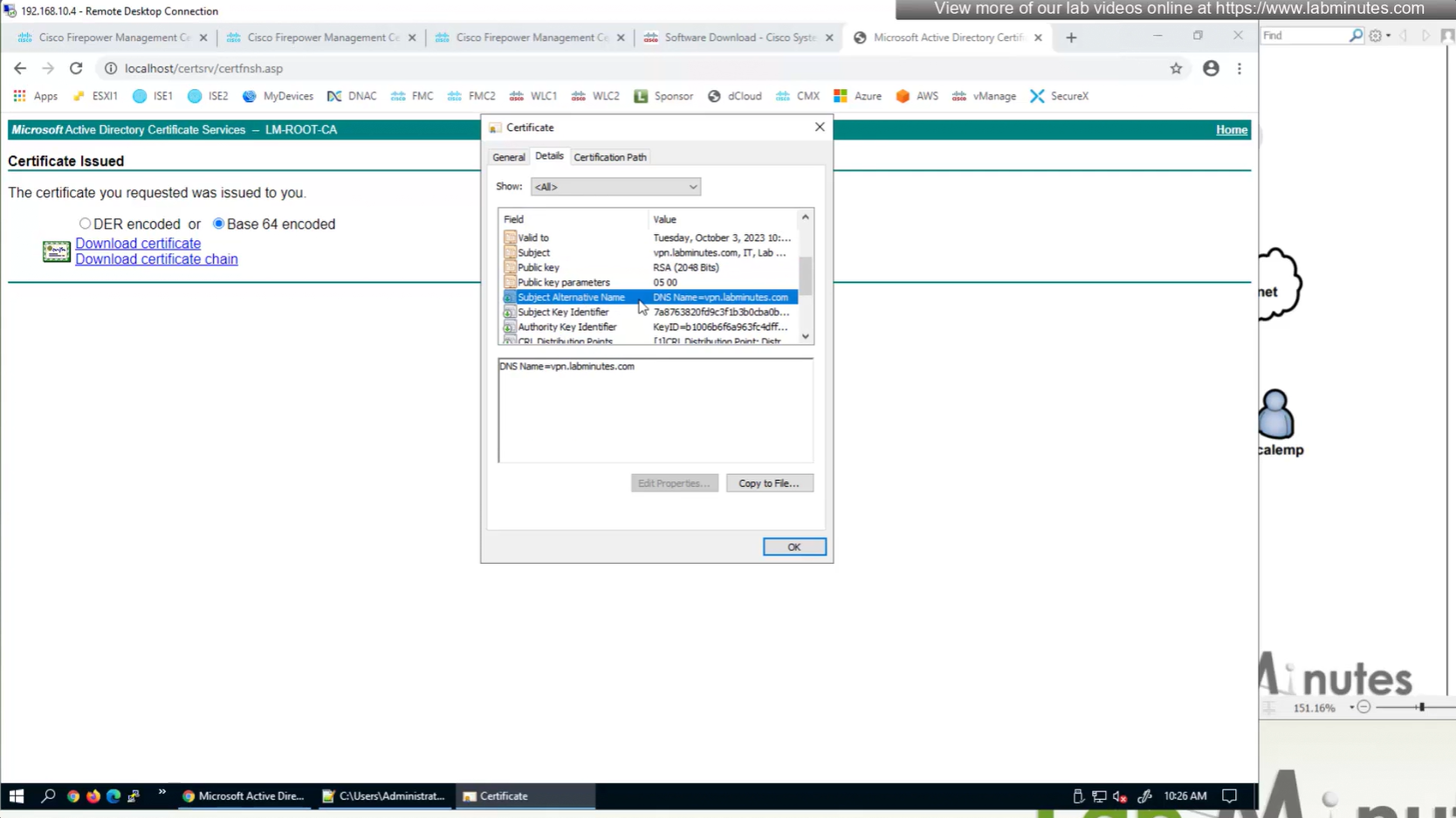
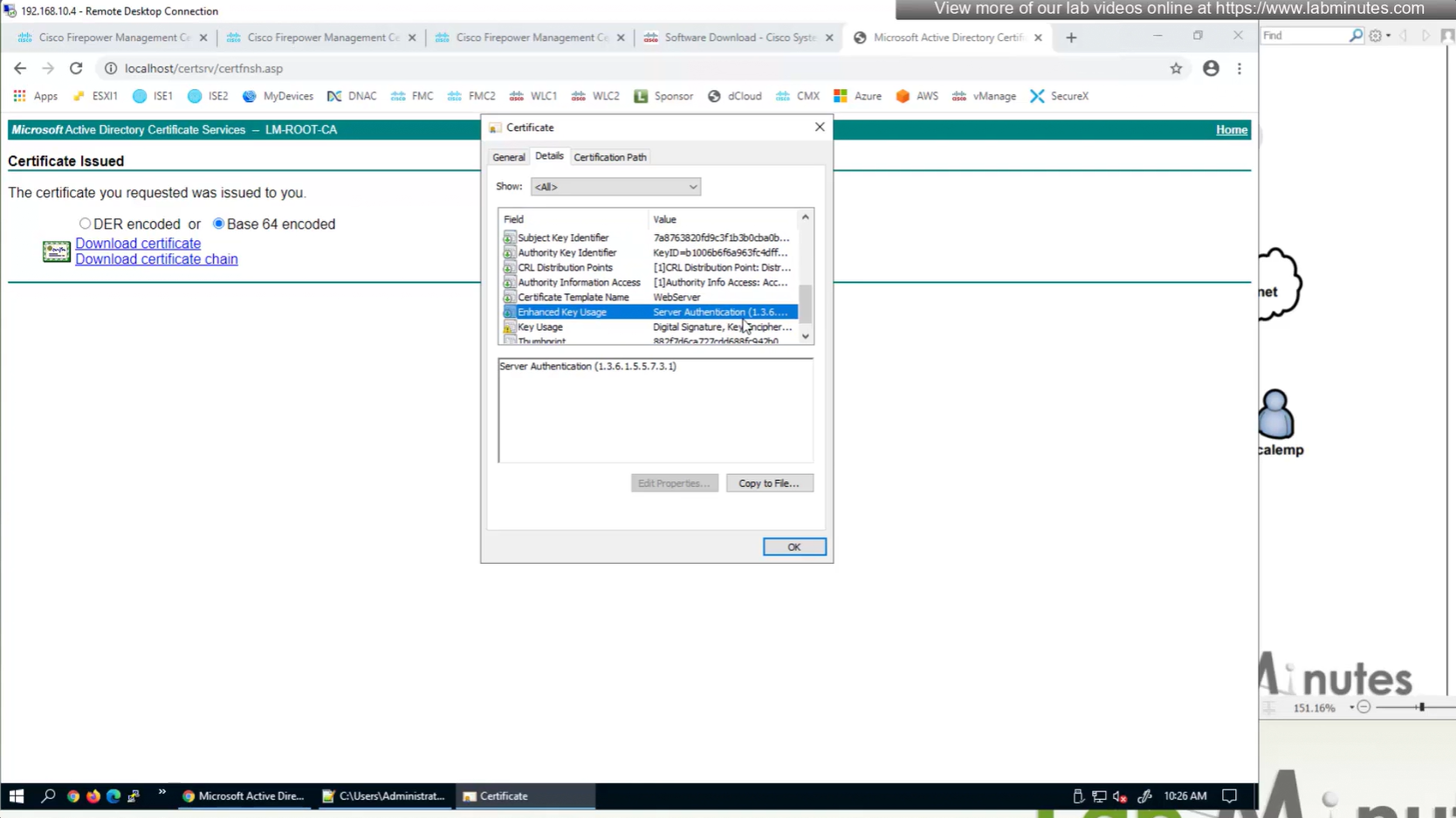
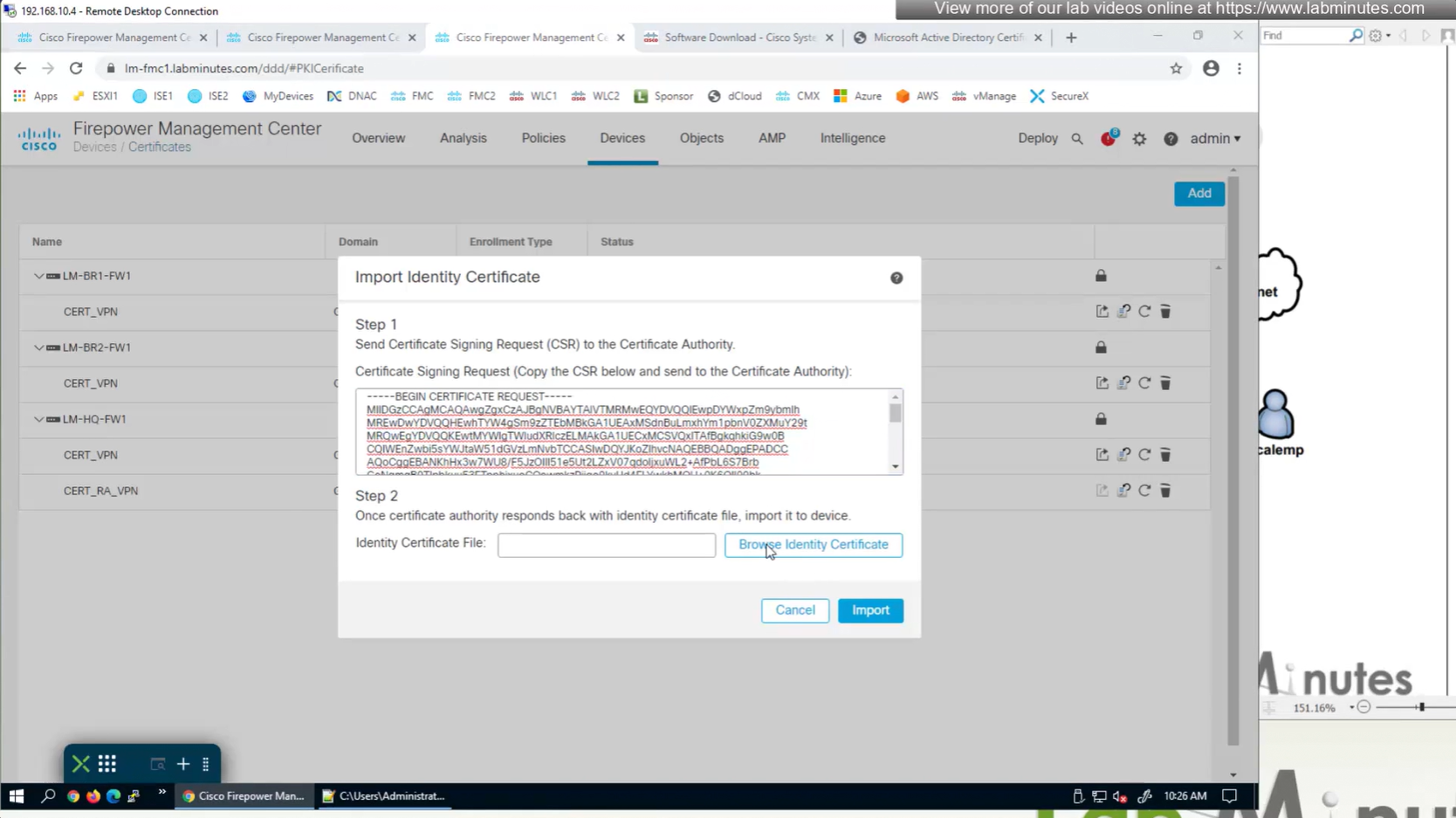
Here we combine the Root CA cert and CSR parameters defined earlier and pin it to the firewall – and FMC then installs cert on the firewall along with Root CA cert
Trustpoint is like a trust store on devices


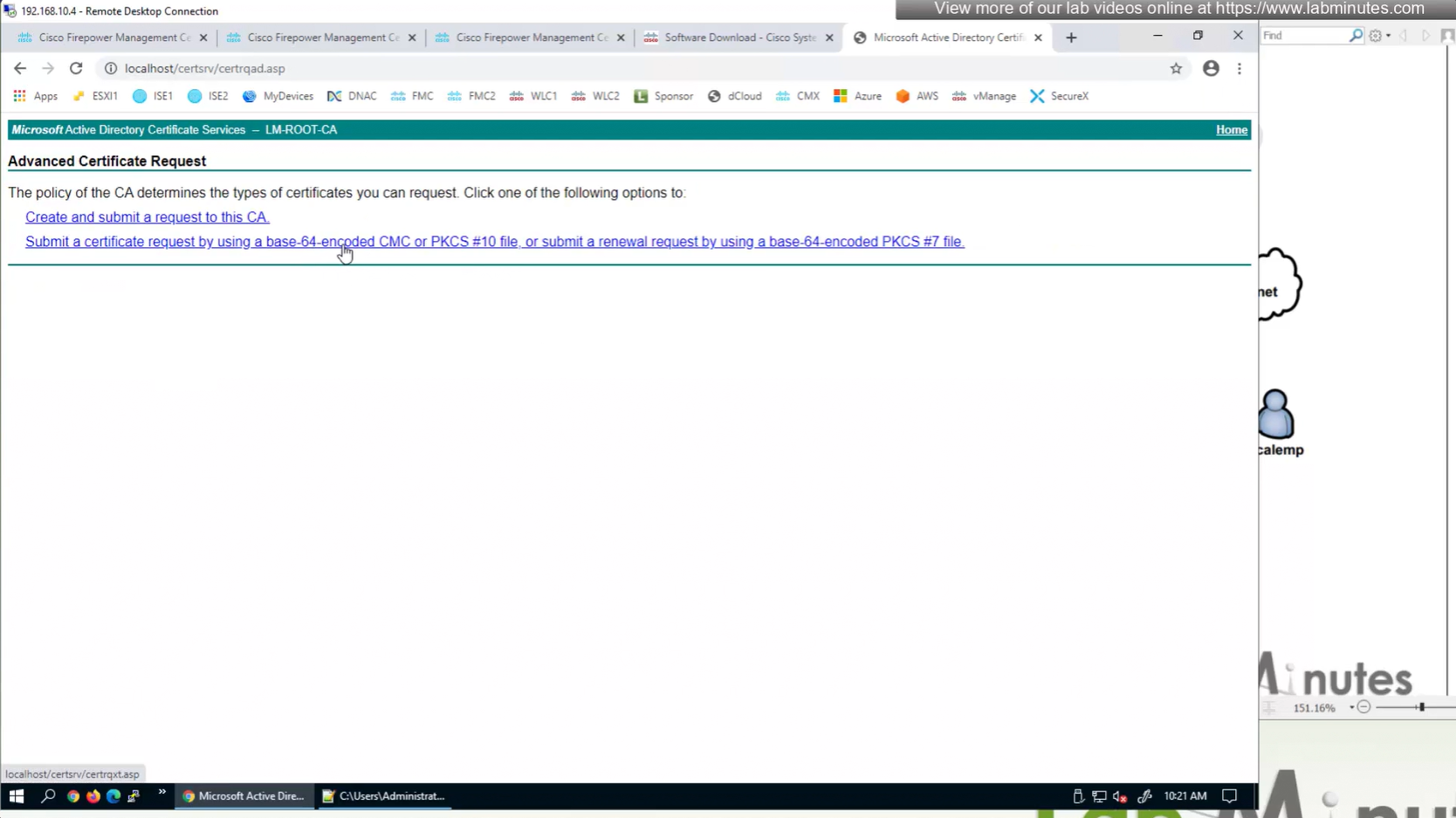

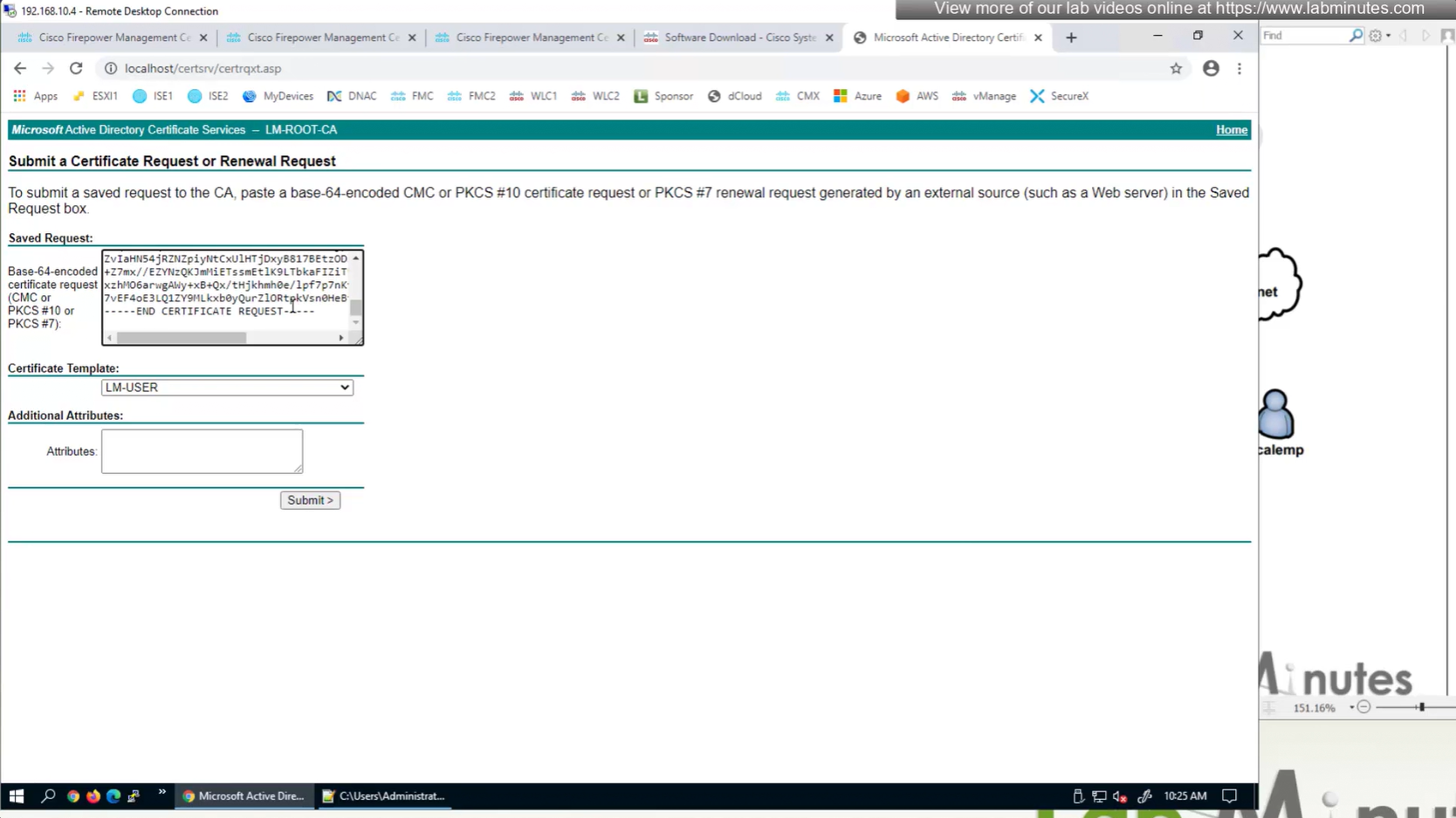


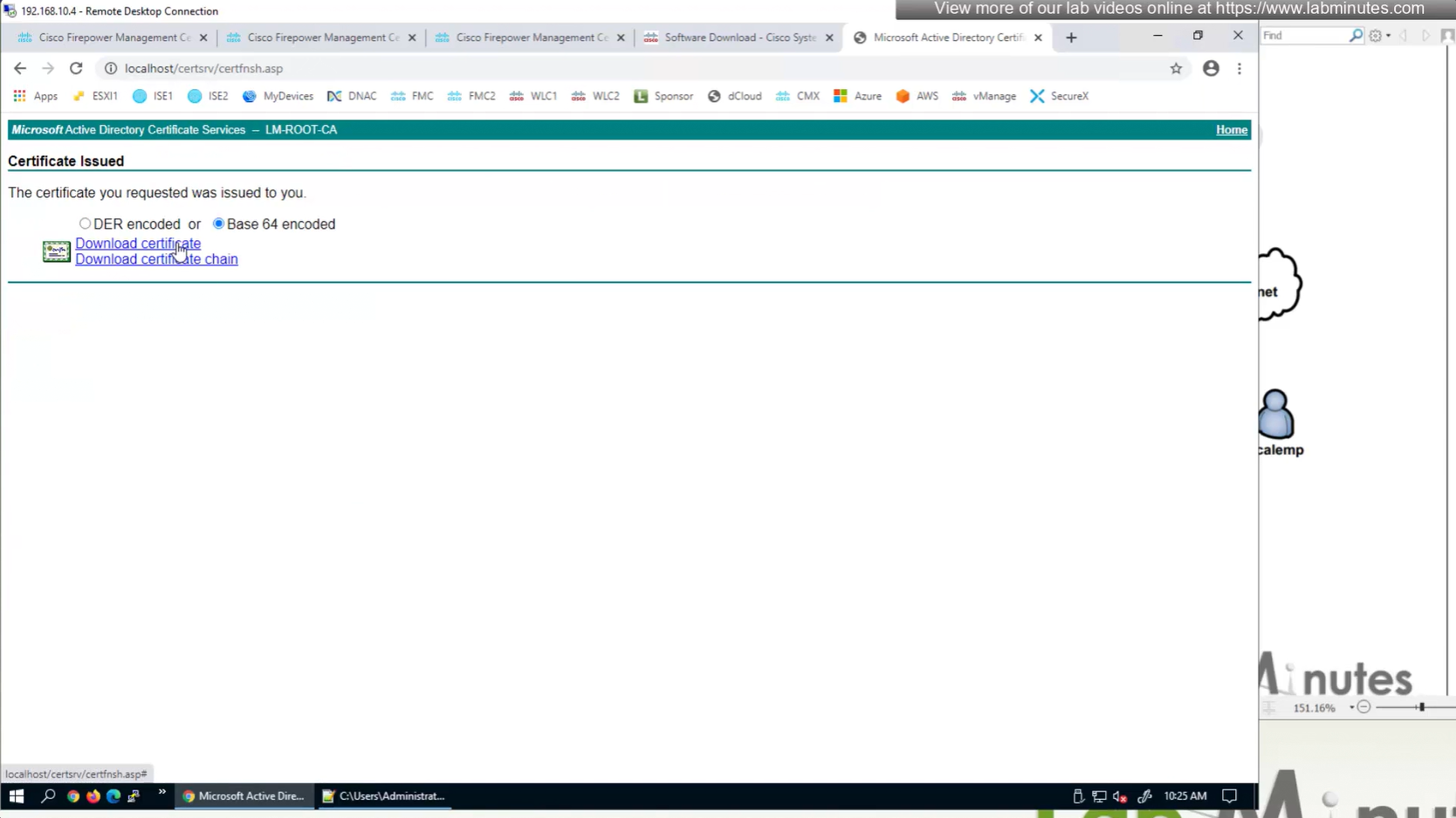



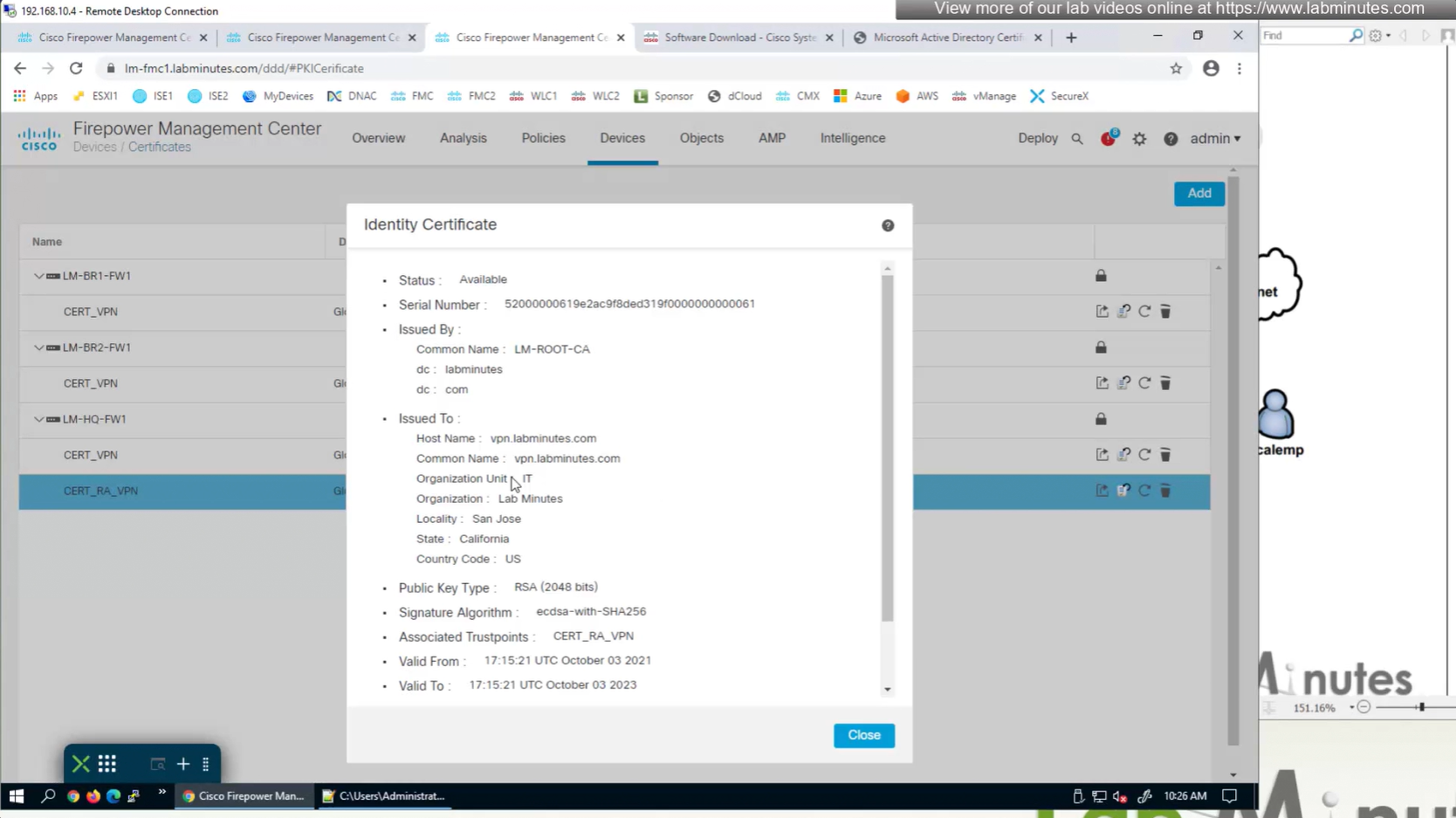
This root CA must be trusted by all Clients or present in their trust store