SEC0402 – Firepower 7.0 AnyConnect VPN Connection Profile and Group-Policy (Part 3)
SEC0402 – Firepower 7.0 AnyConnect VPN Connection Profile and Group-Policy (Part 3)
Connection Profile and Group-Policy
Here we will configure ISE as RADIUS server for user authentication
ISE has integration with AD and users are in AD
First we need to have NAD added in ISE so we will add FTD in ISE
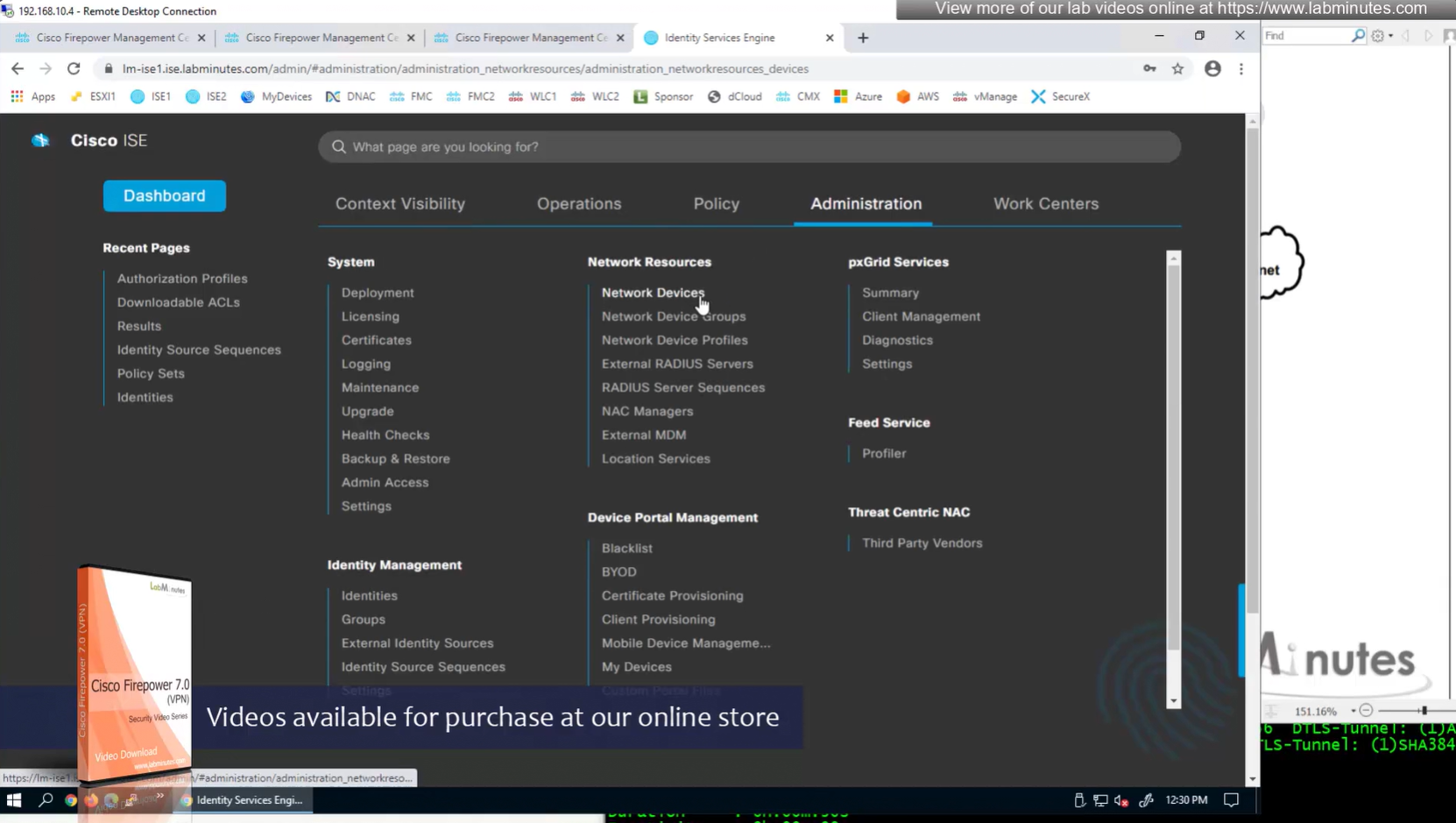
We can have 2 IP addresses on a network device in ISE
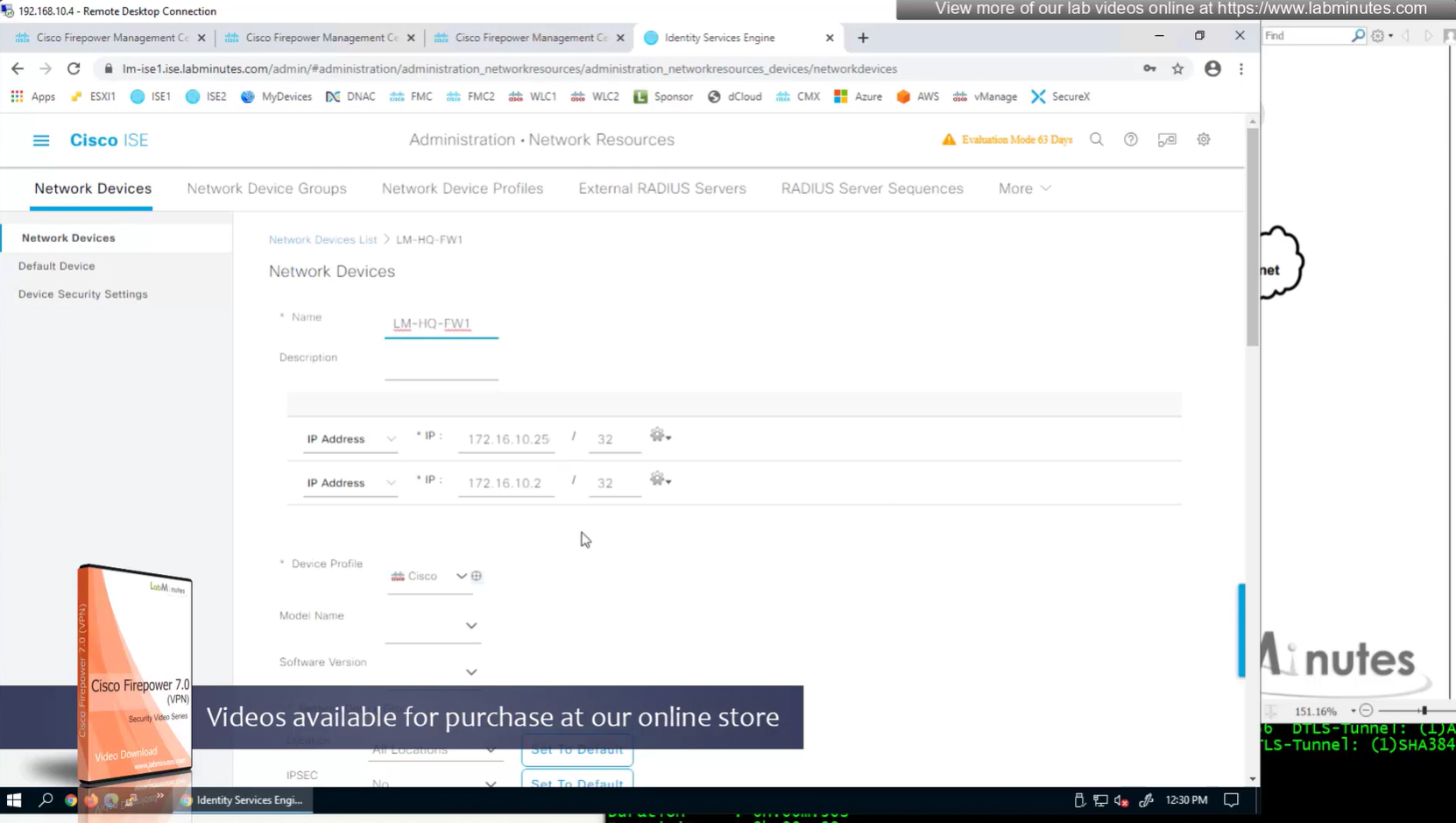
Device type defined as FW

Shared key configured


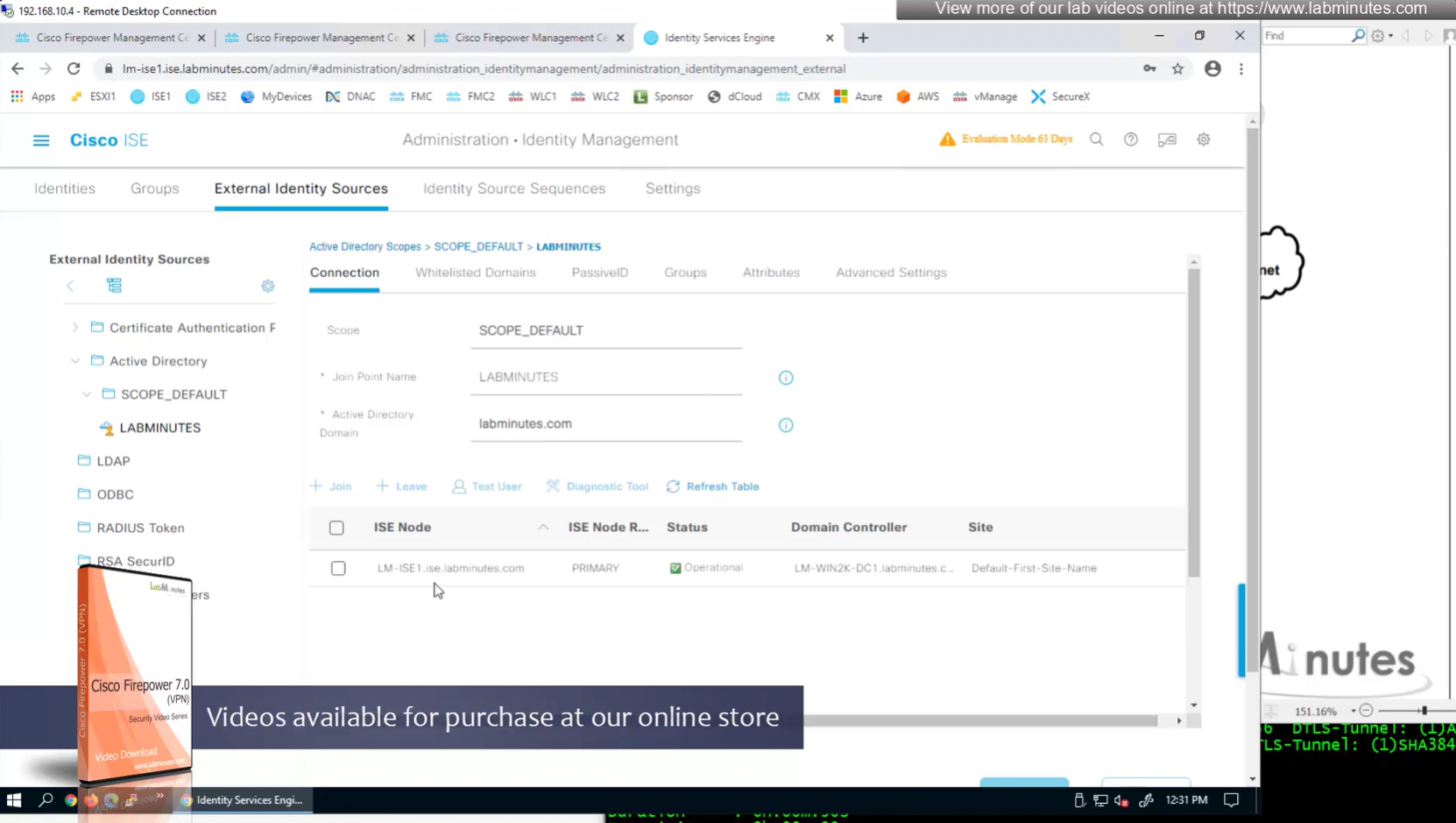
AD integration
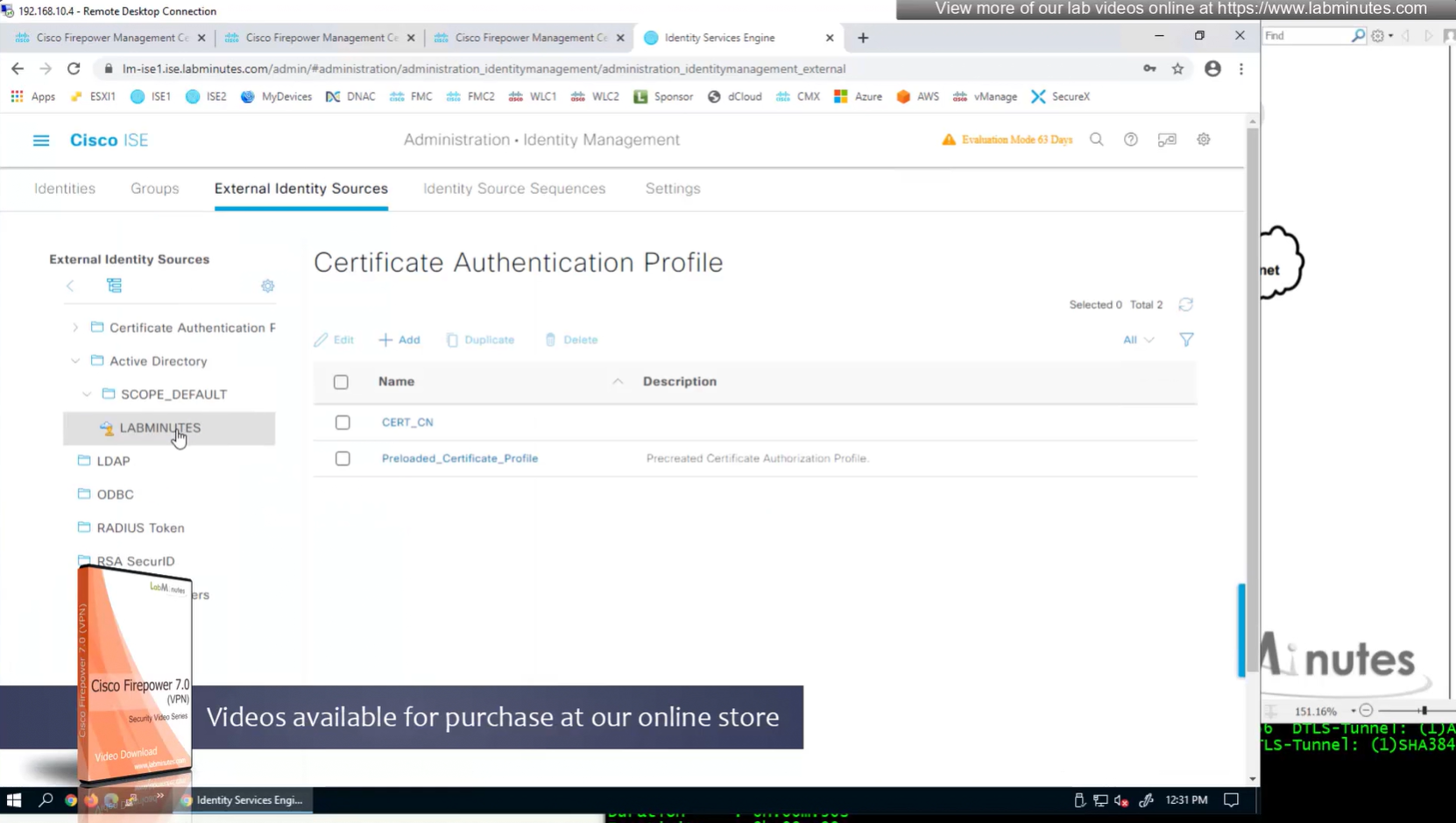
AD domain controller
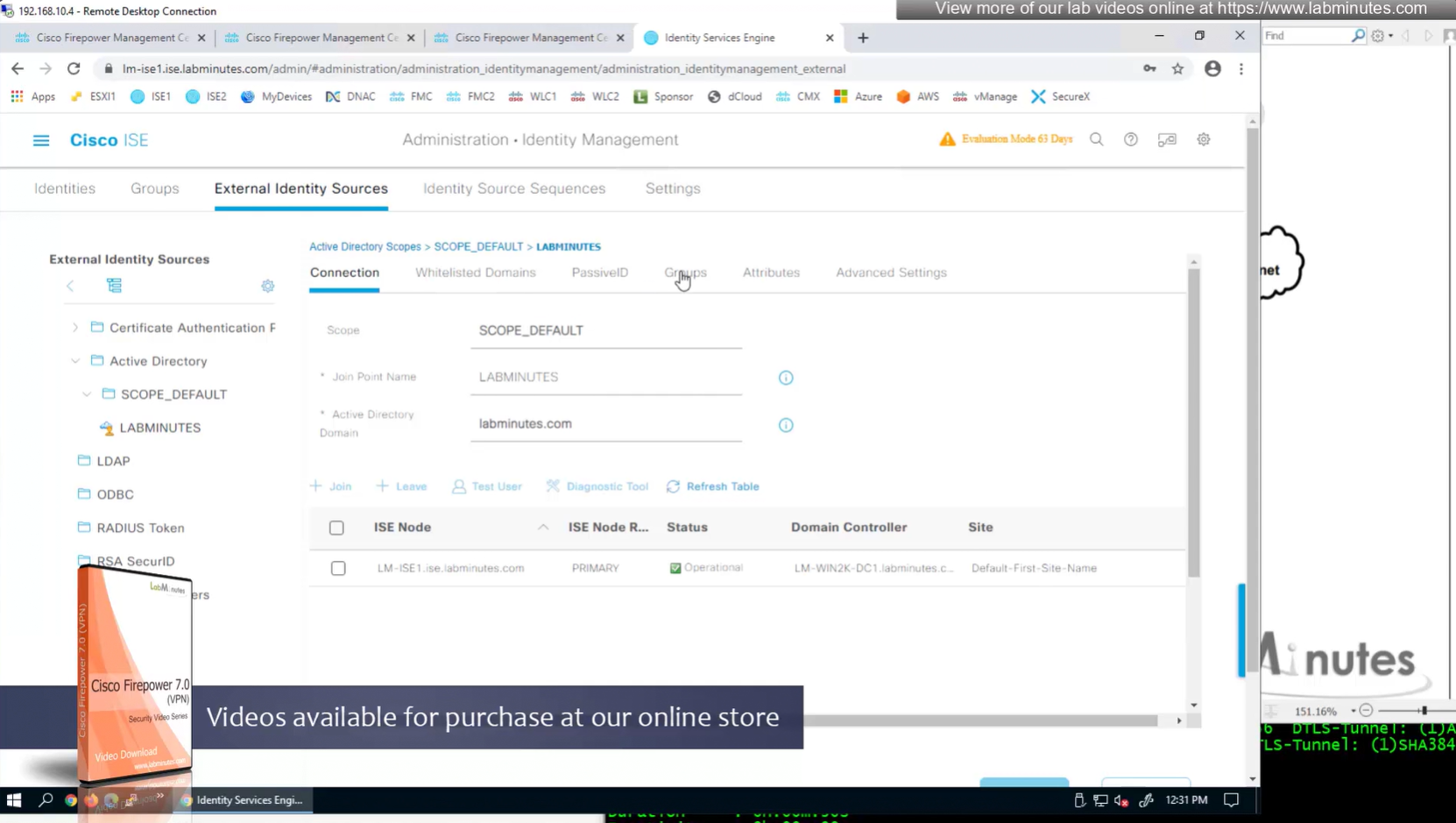
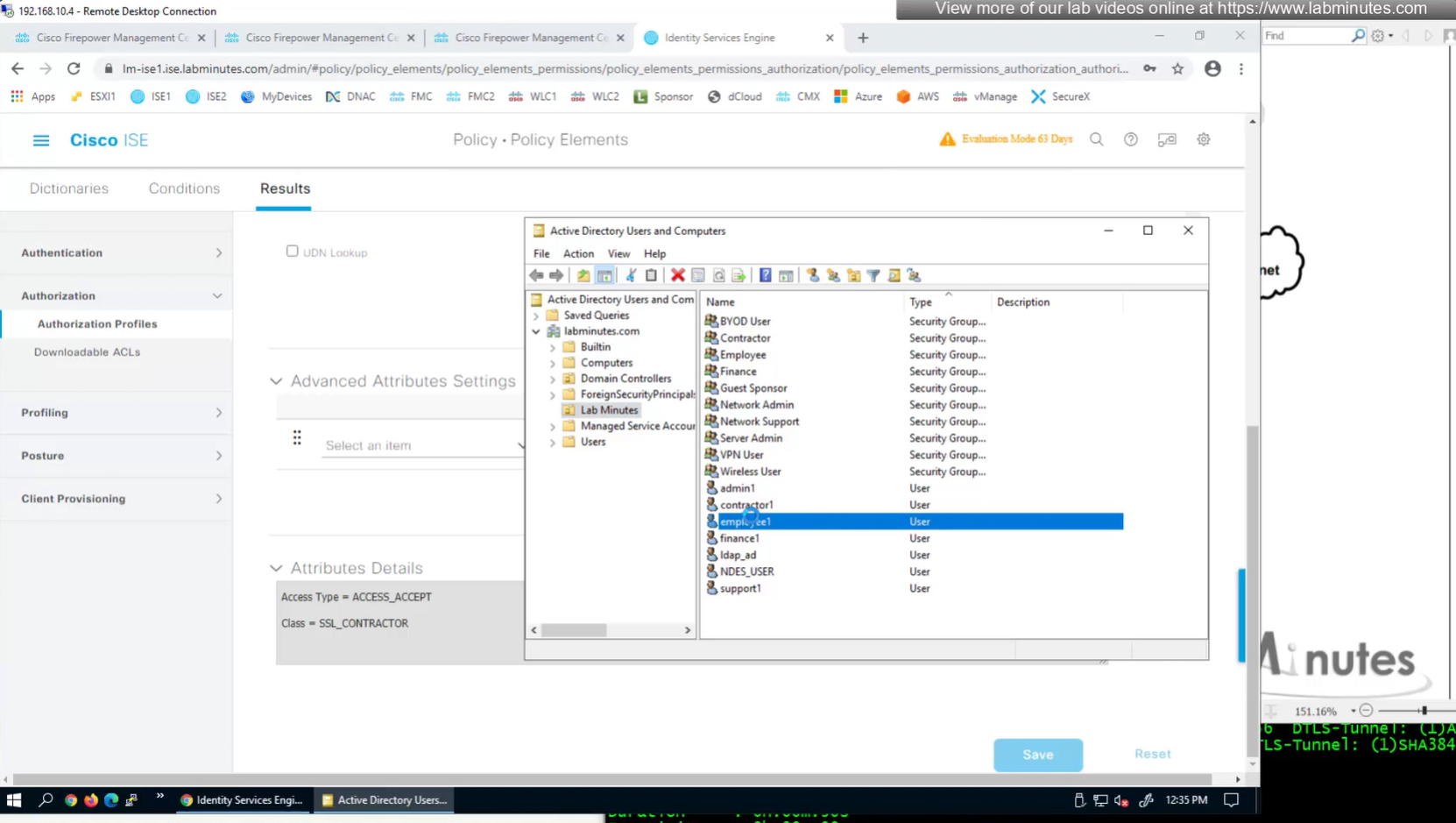
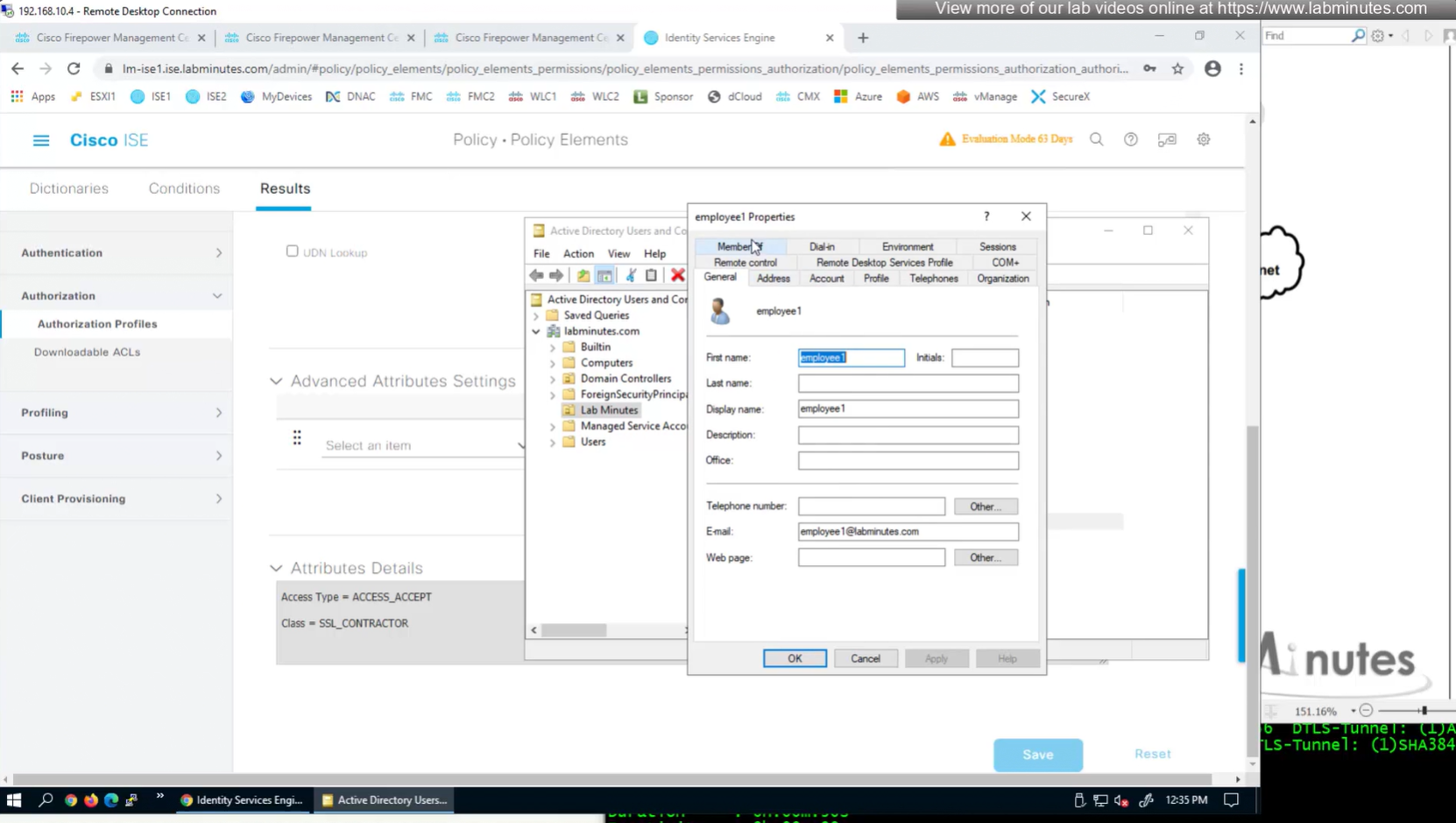
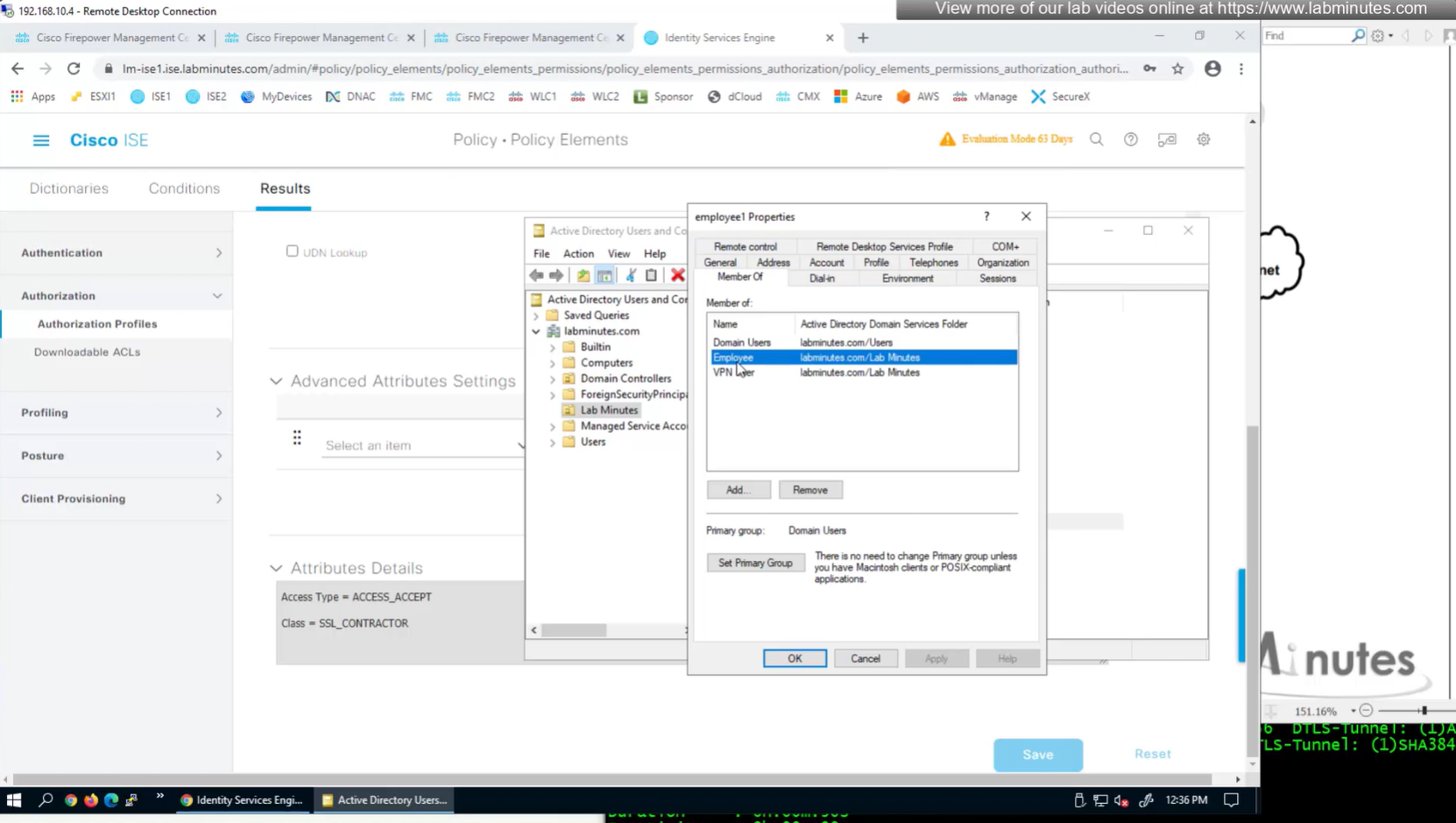
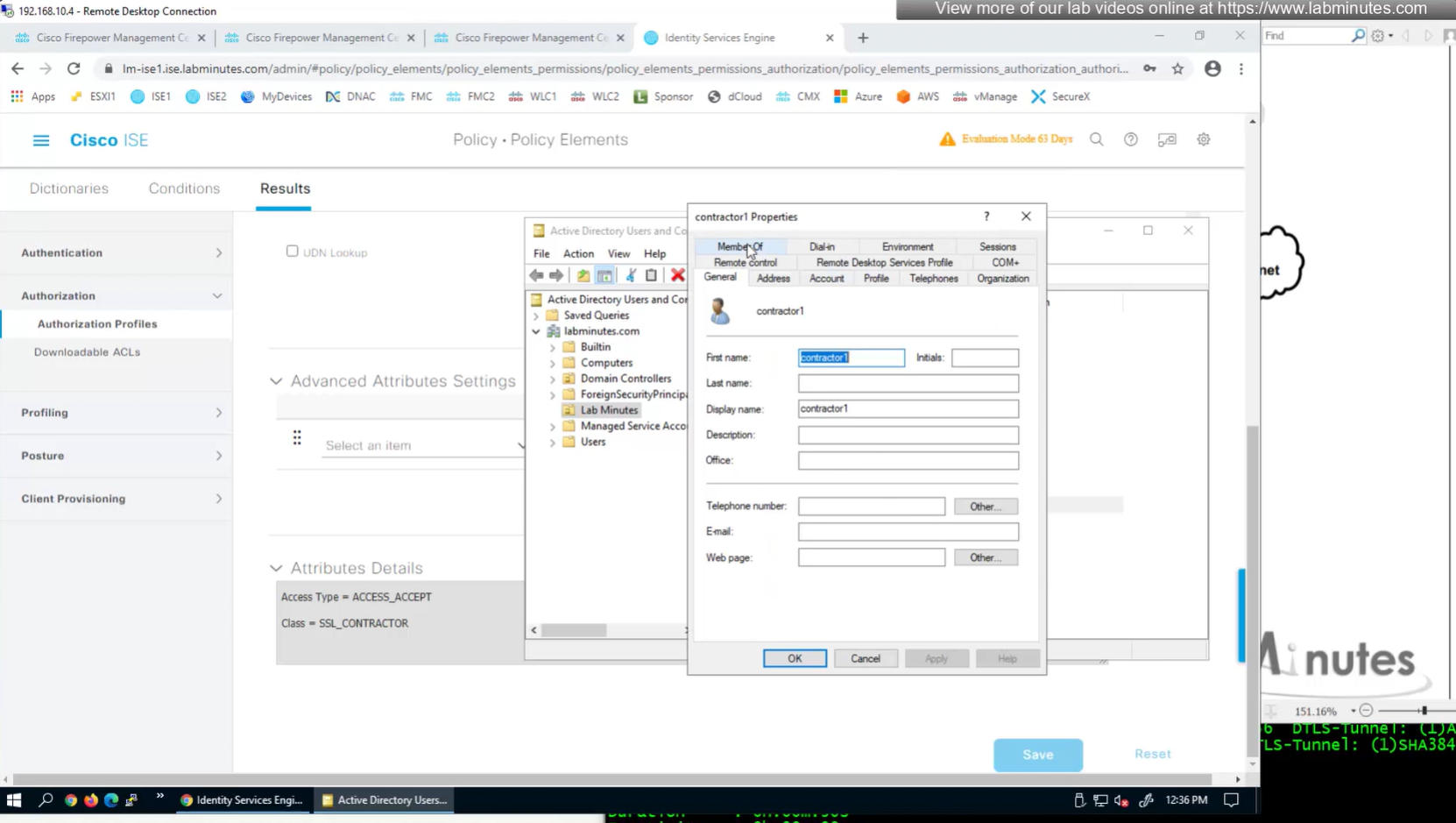
Groups from AD
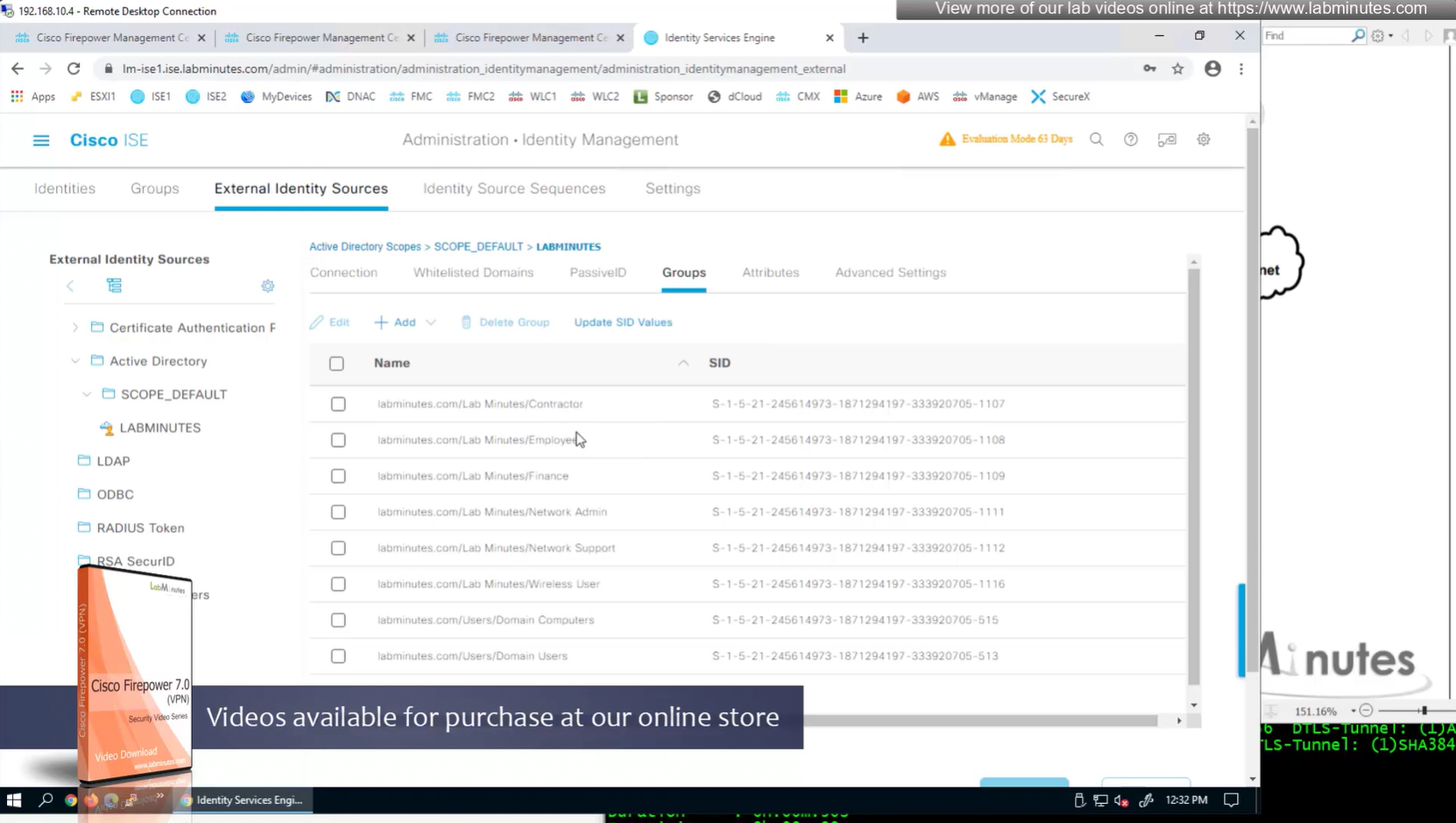

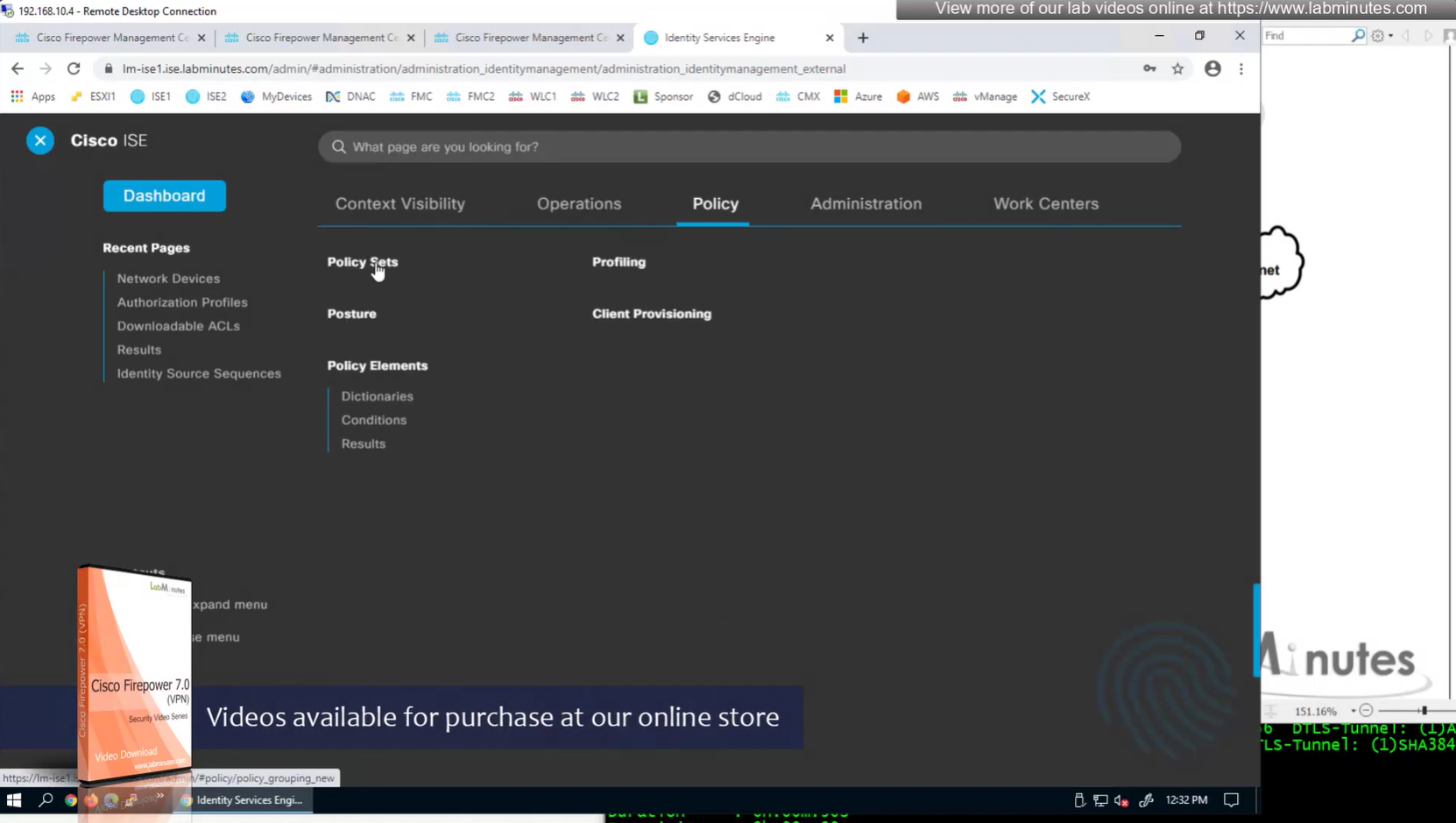

VPN Policy set , conditions AND
Device type EQUALS All Device Types#FW
Radius-NAS-Port-Type EQUALS Virtual
Allowed Protocols
PAP


Authentication Policy – use LOCAL_AD – this contains local ISE users and AD in sequence

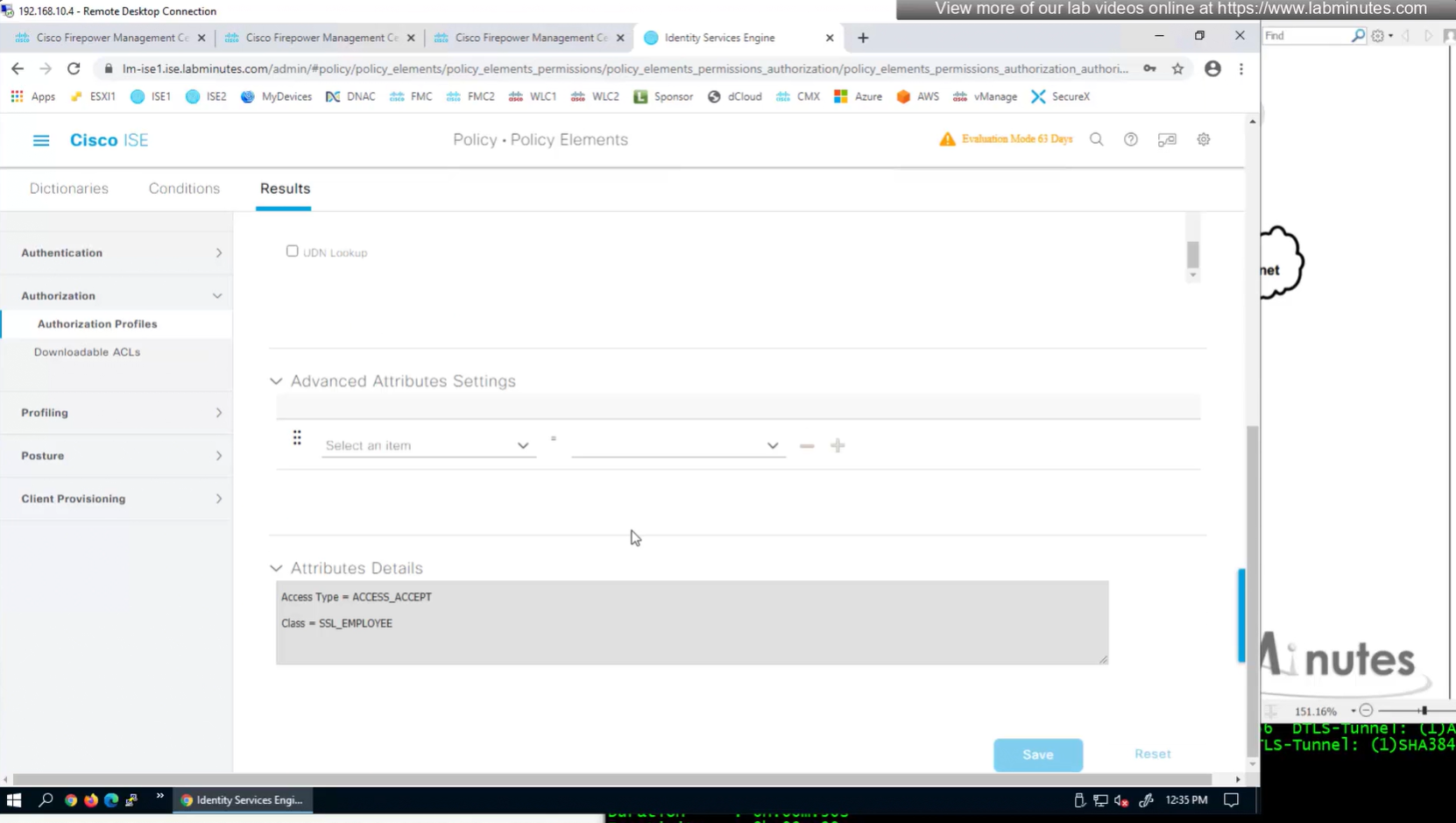
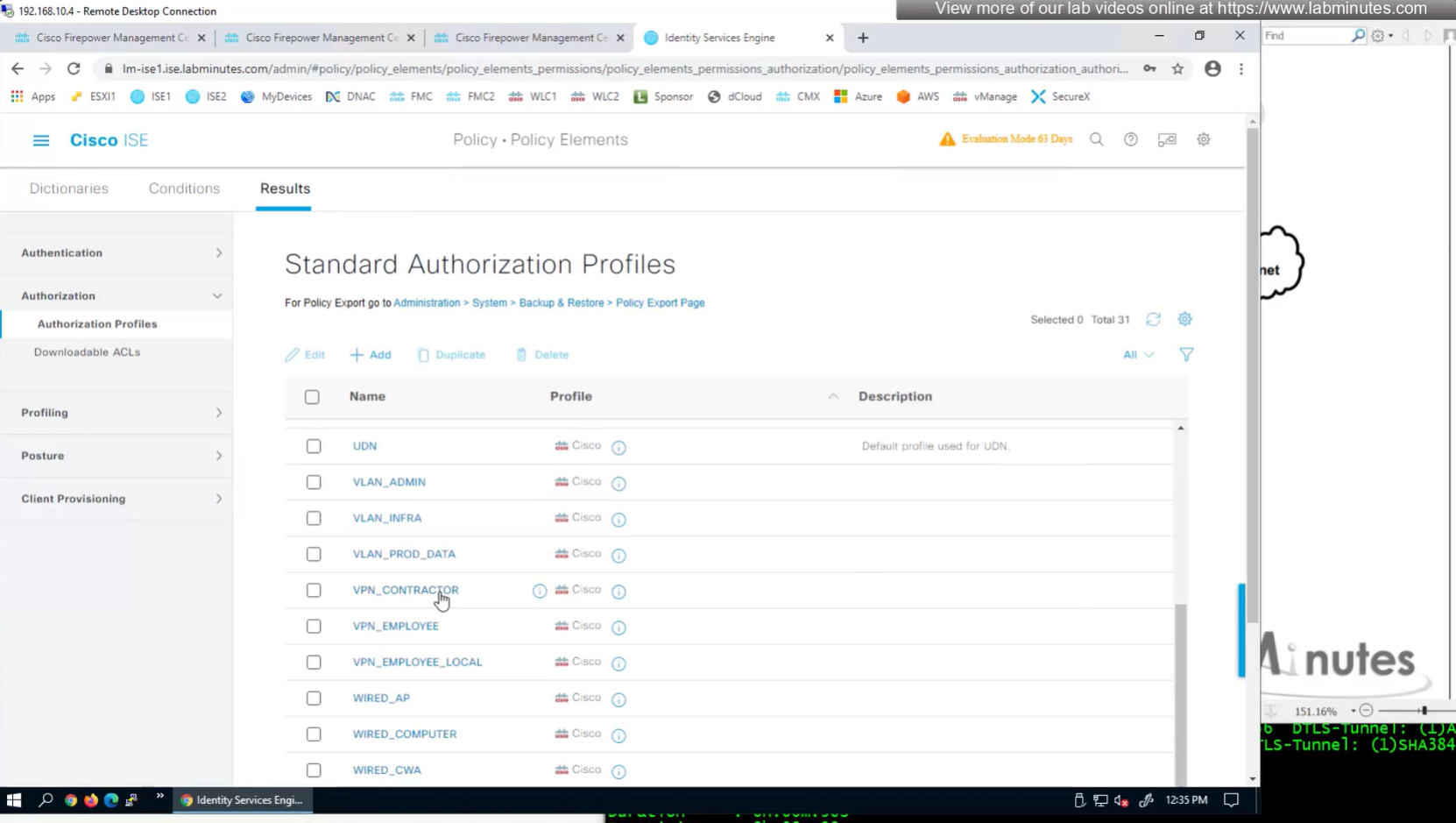
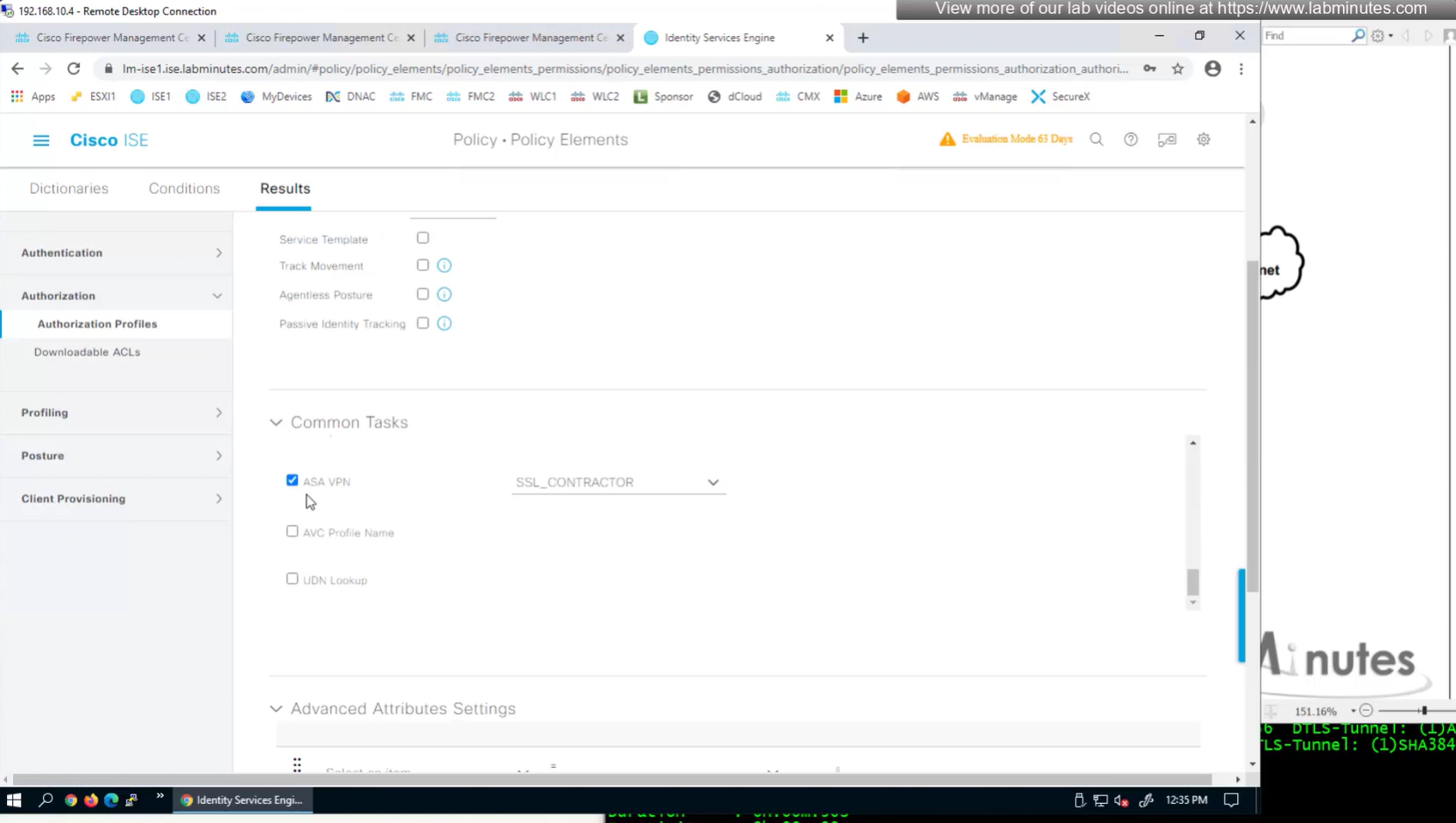
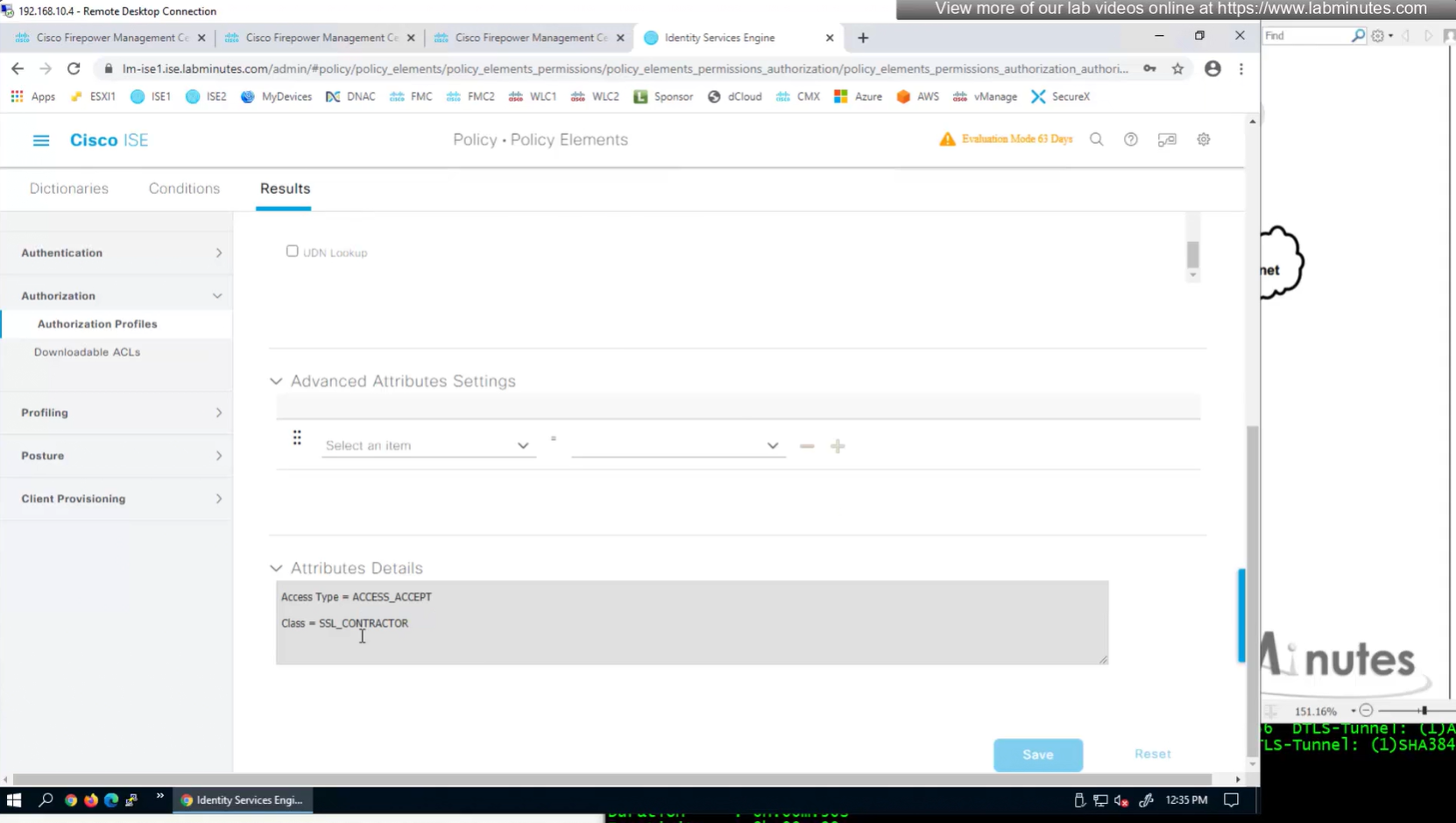
Authorization Policy has rules for EMPLOYEE LOCAL (Internal User) , EMPLOYEE (AD) , CONTRACTOR and Default along with their Authorization profiles
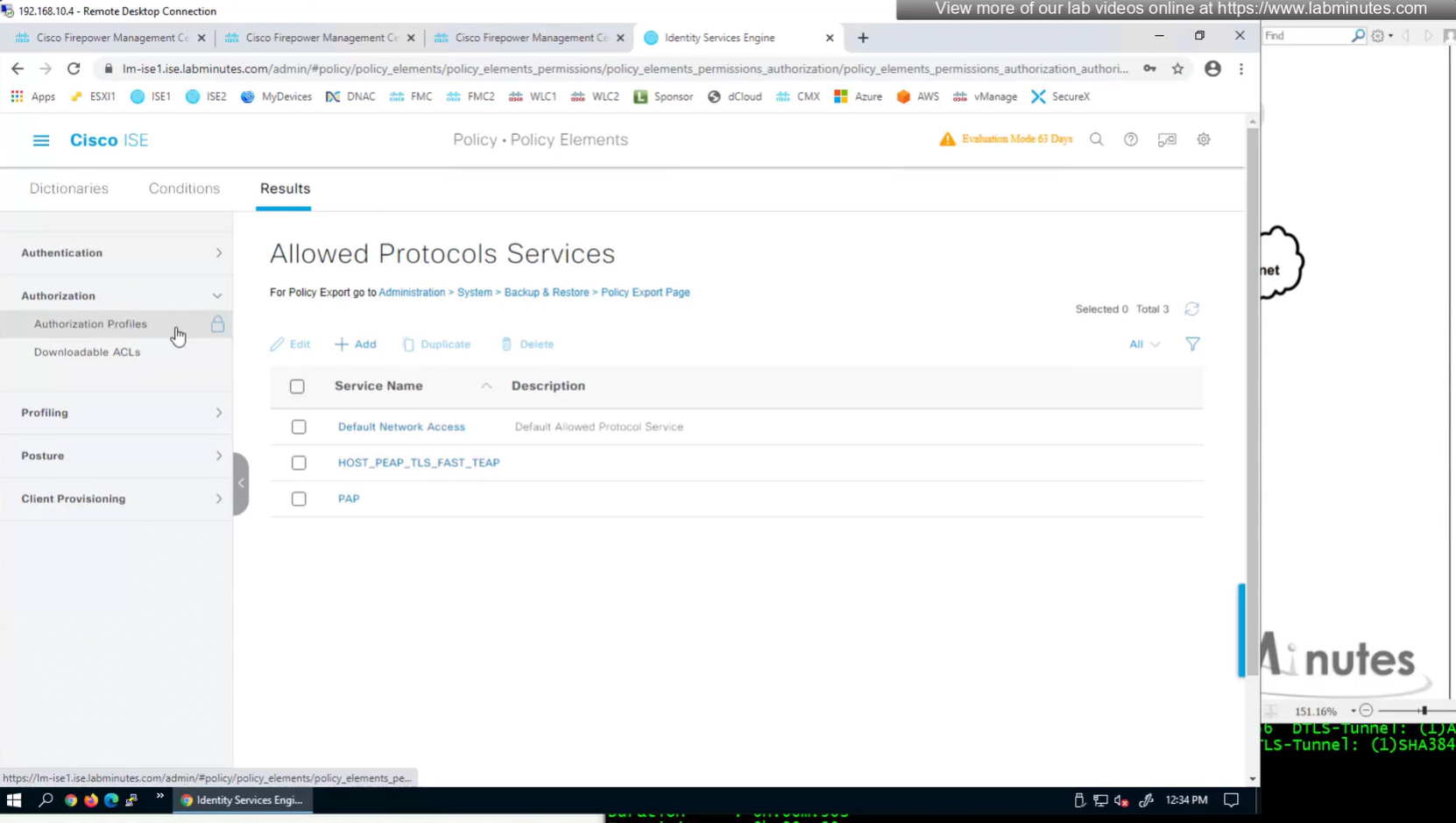
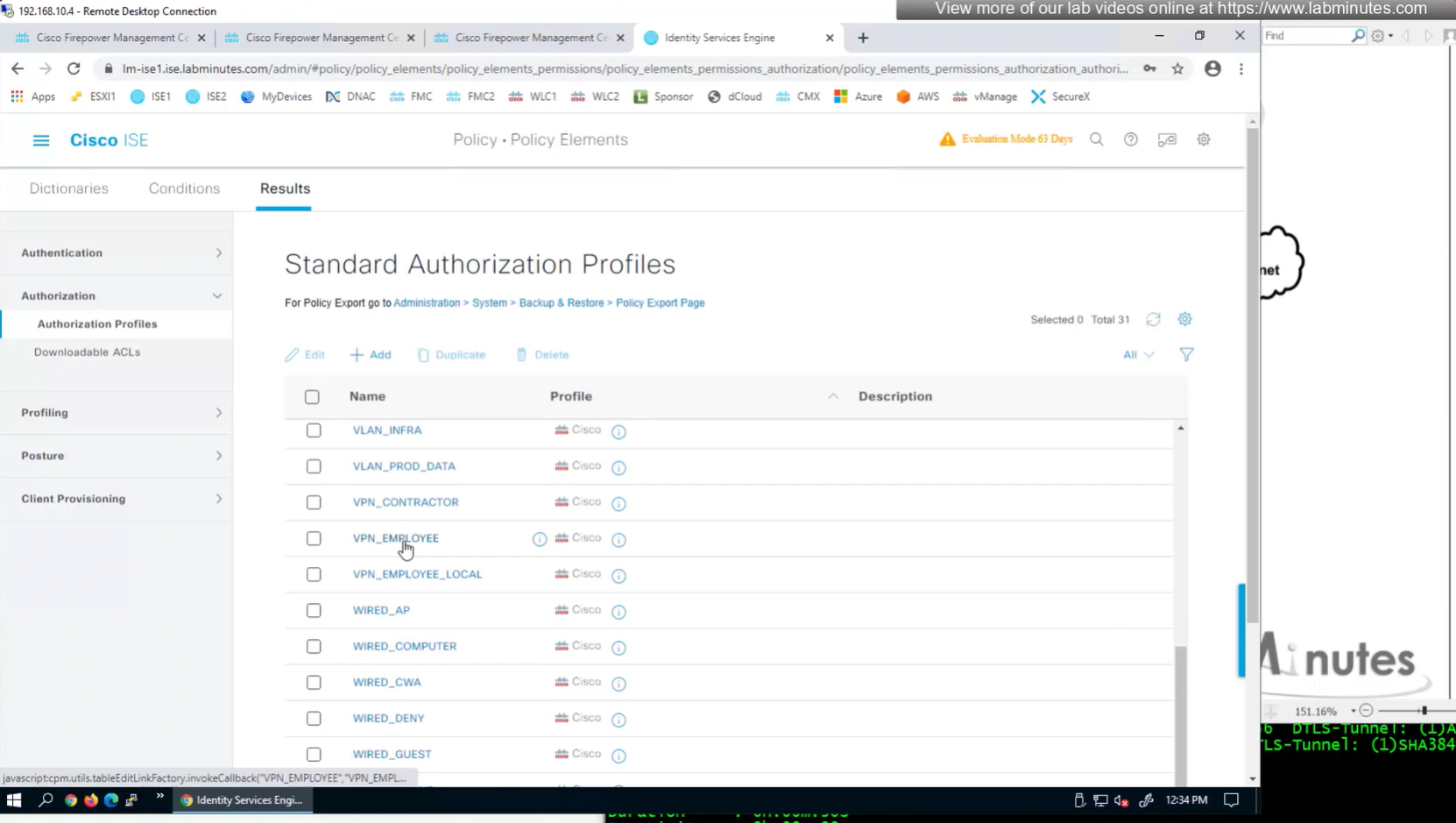
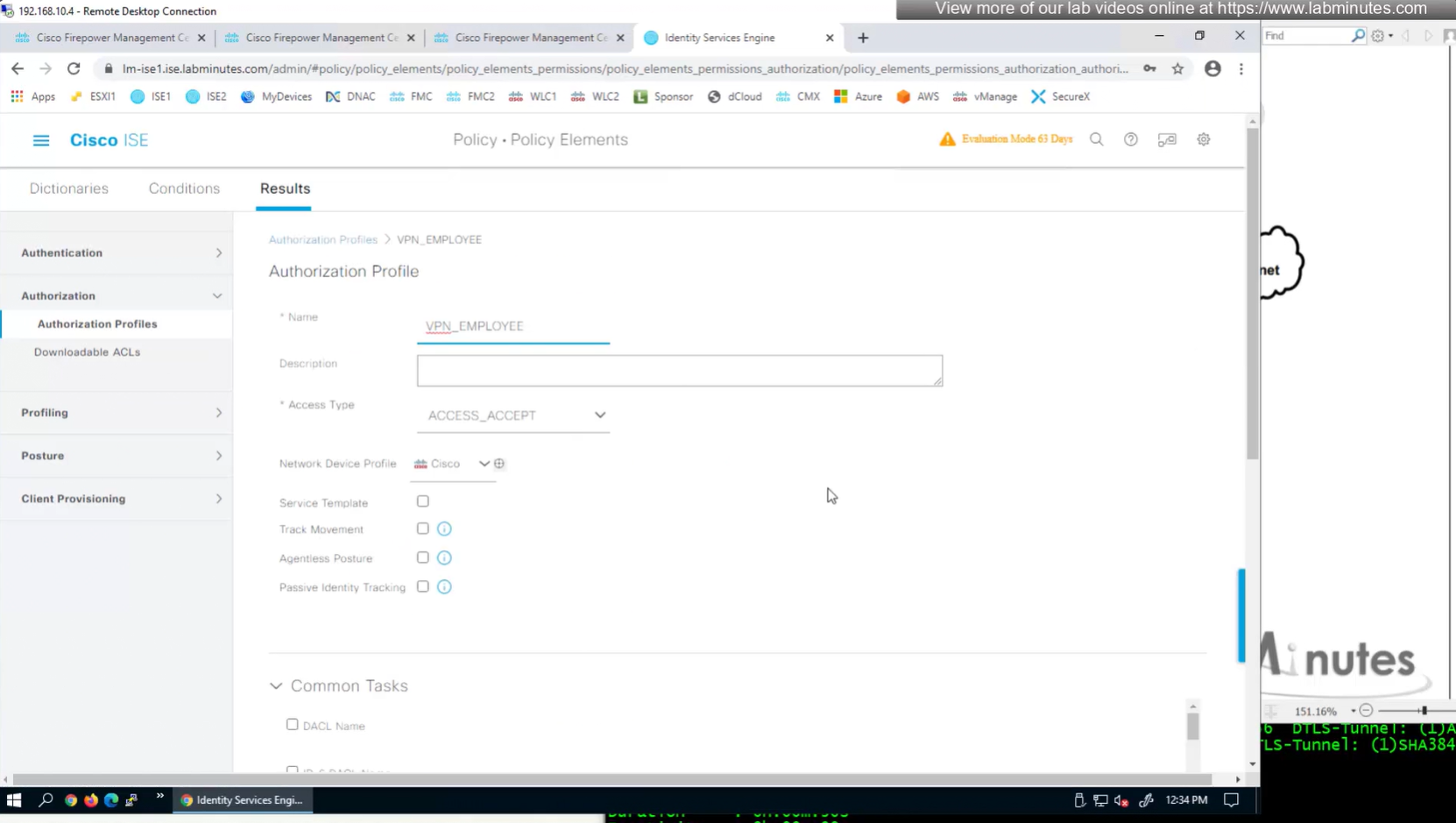
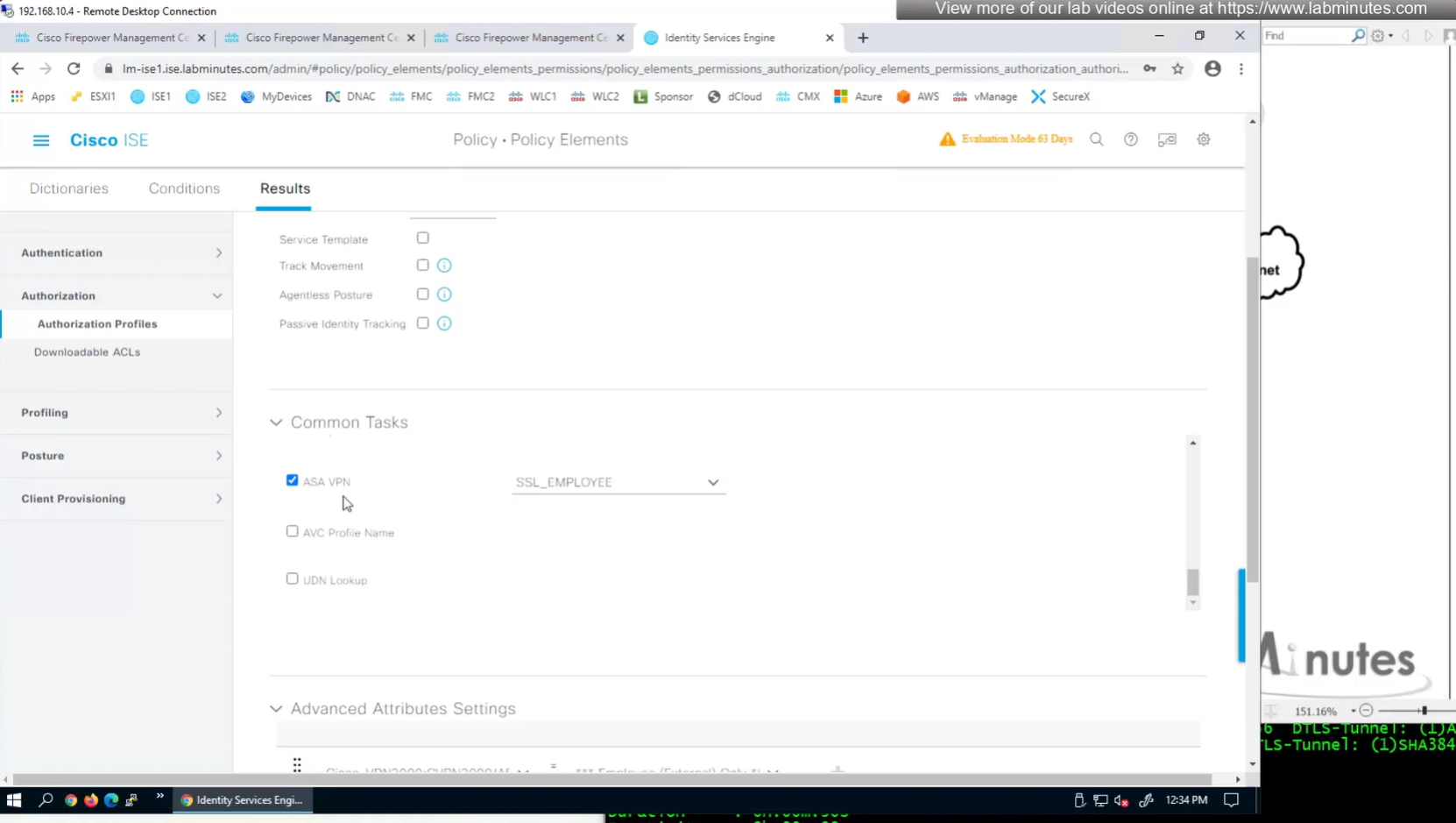
ASA VPN = Group Policy


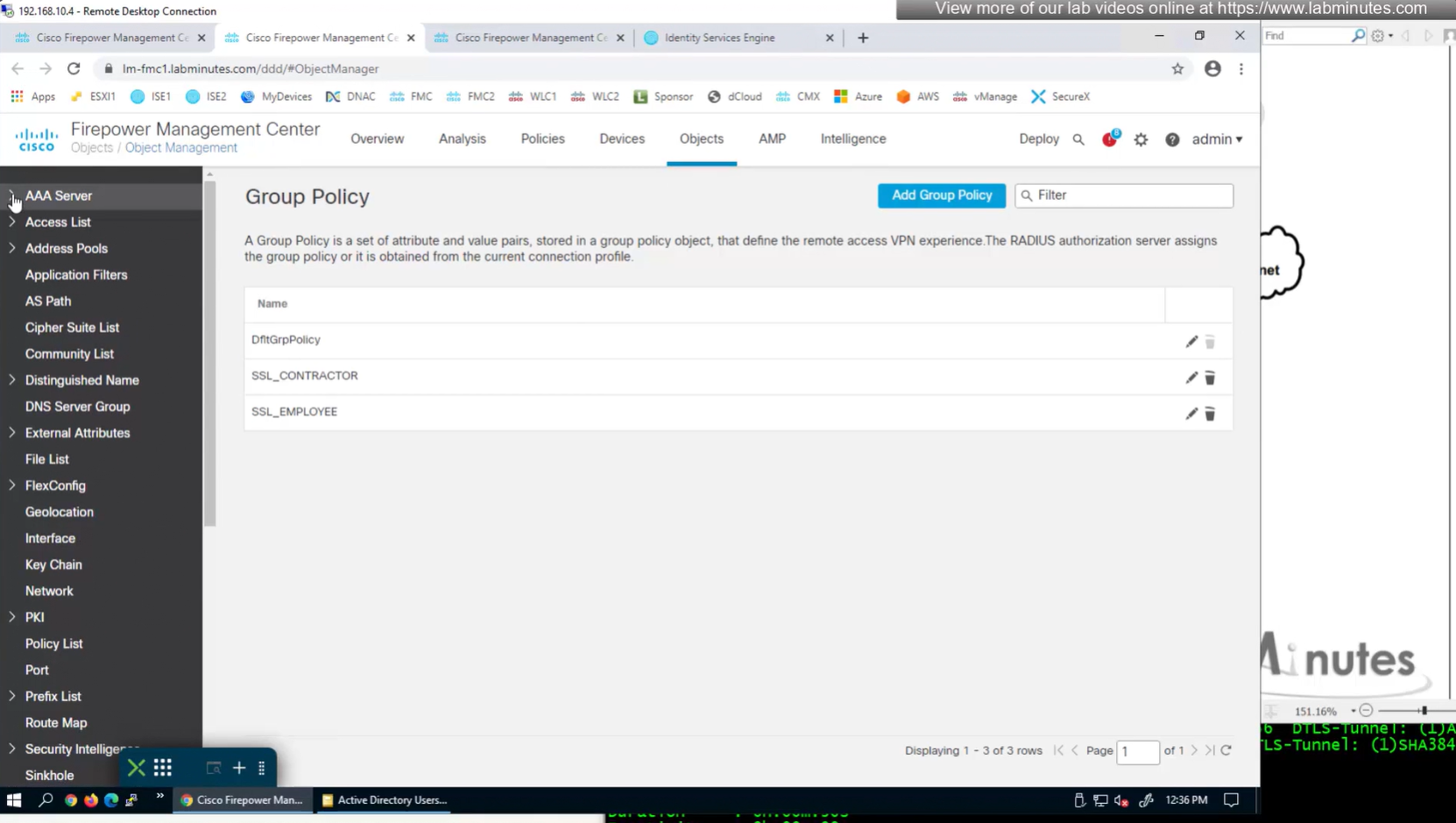
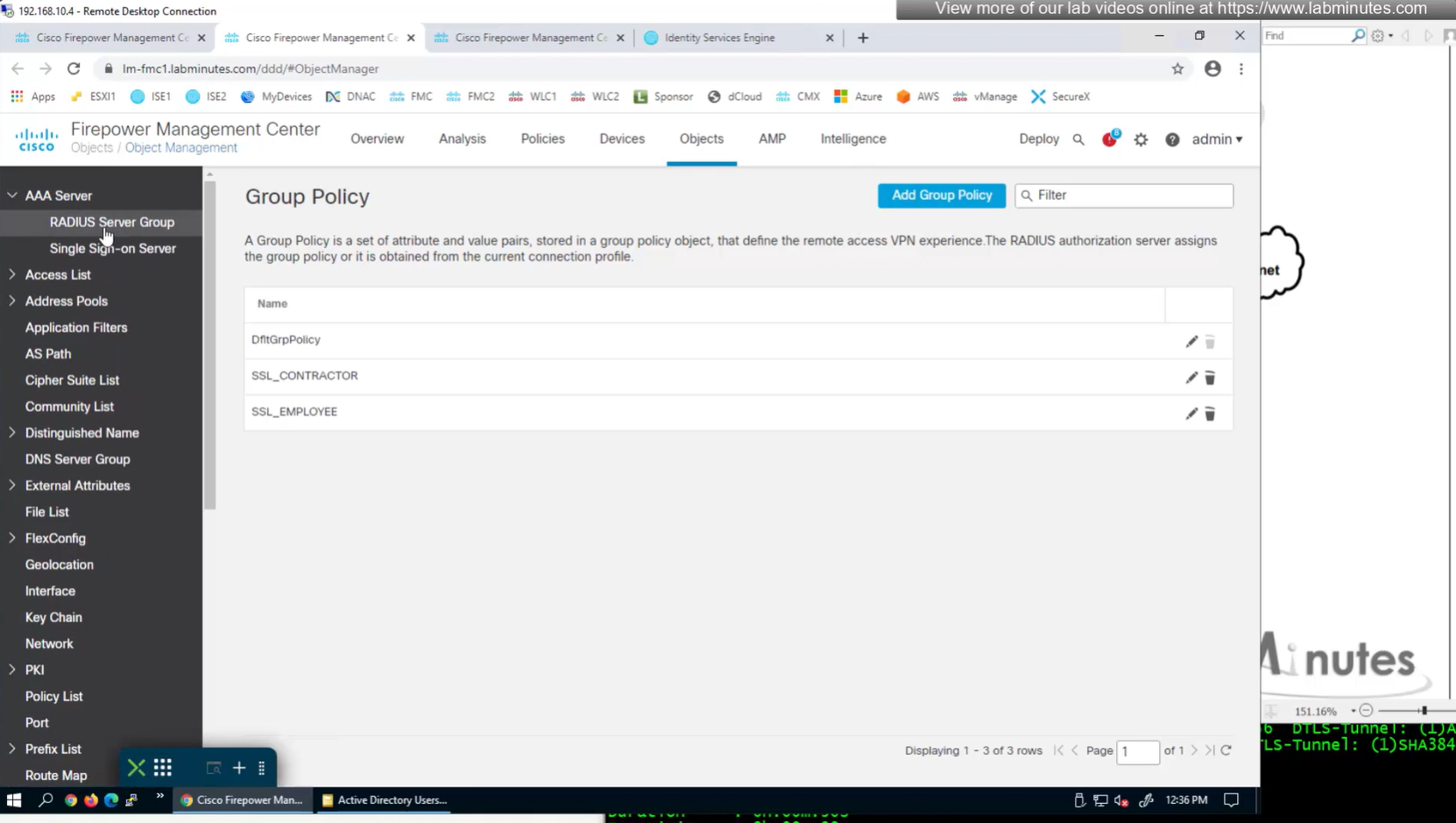

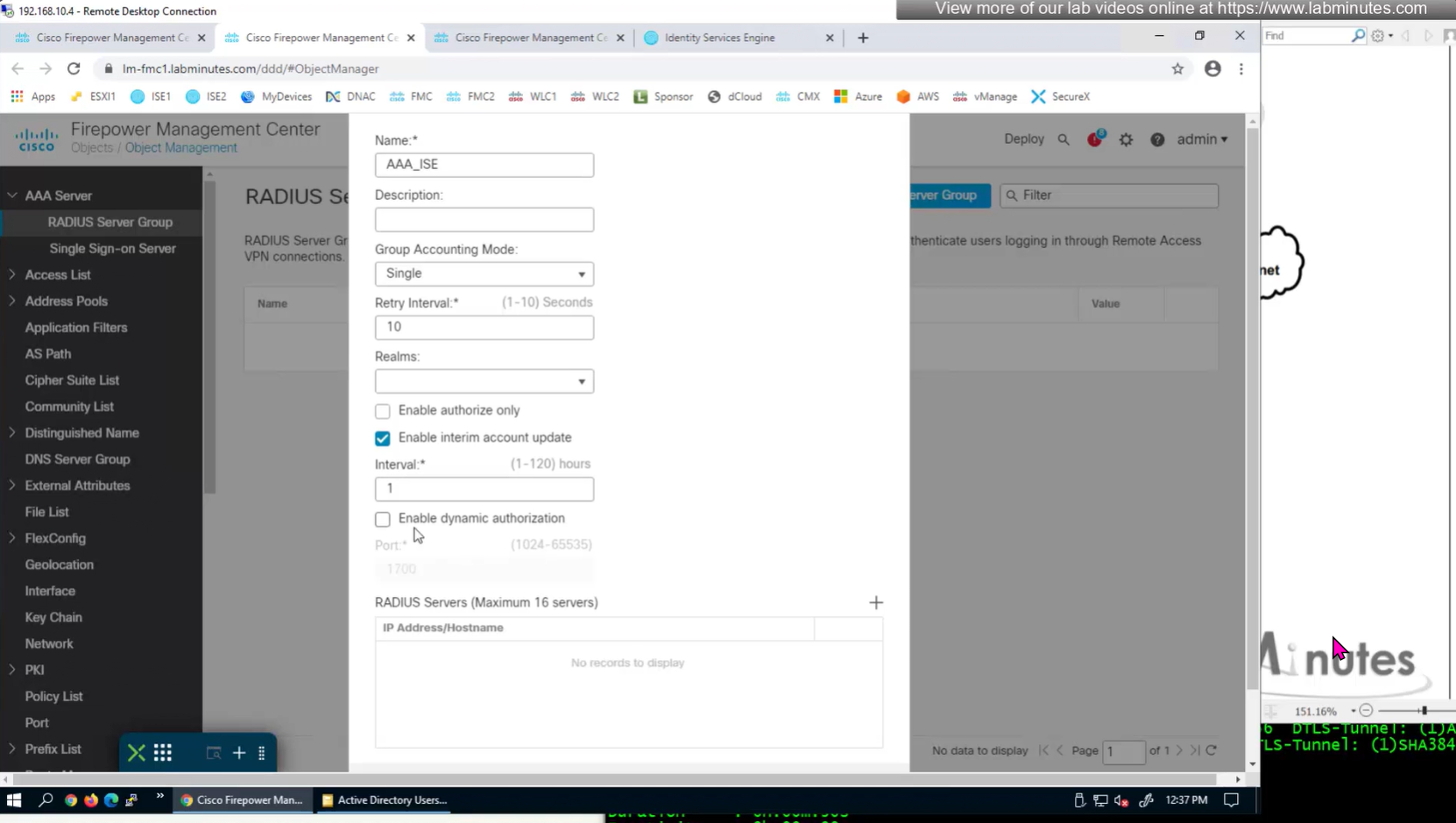
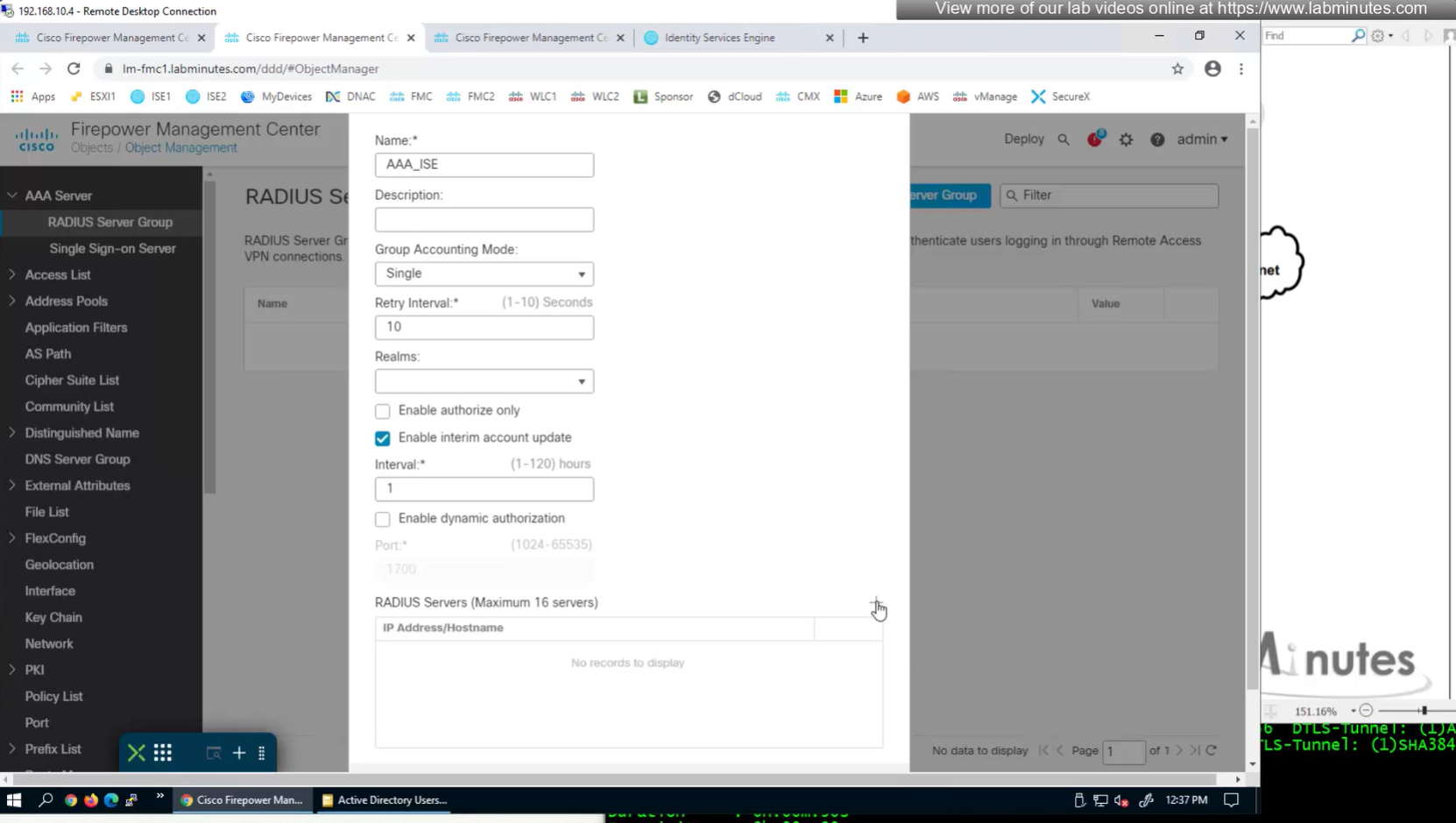
Define AAA policy and AAA Servers inside it
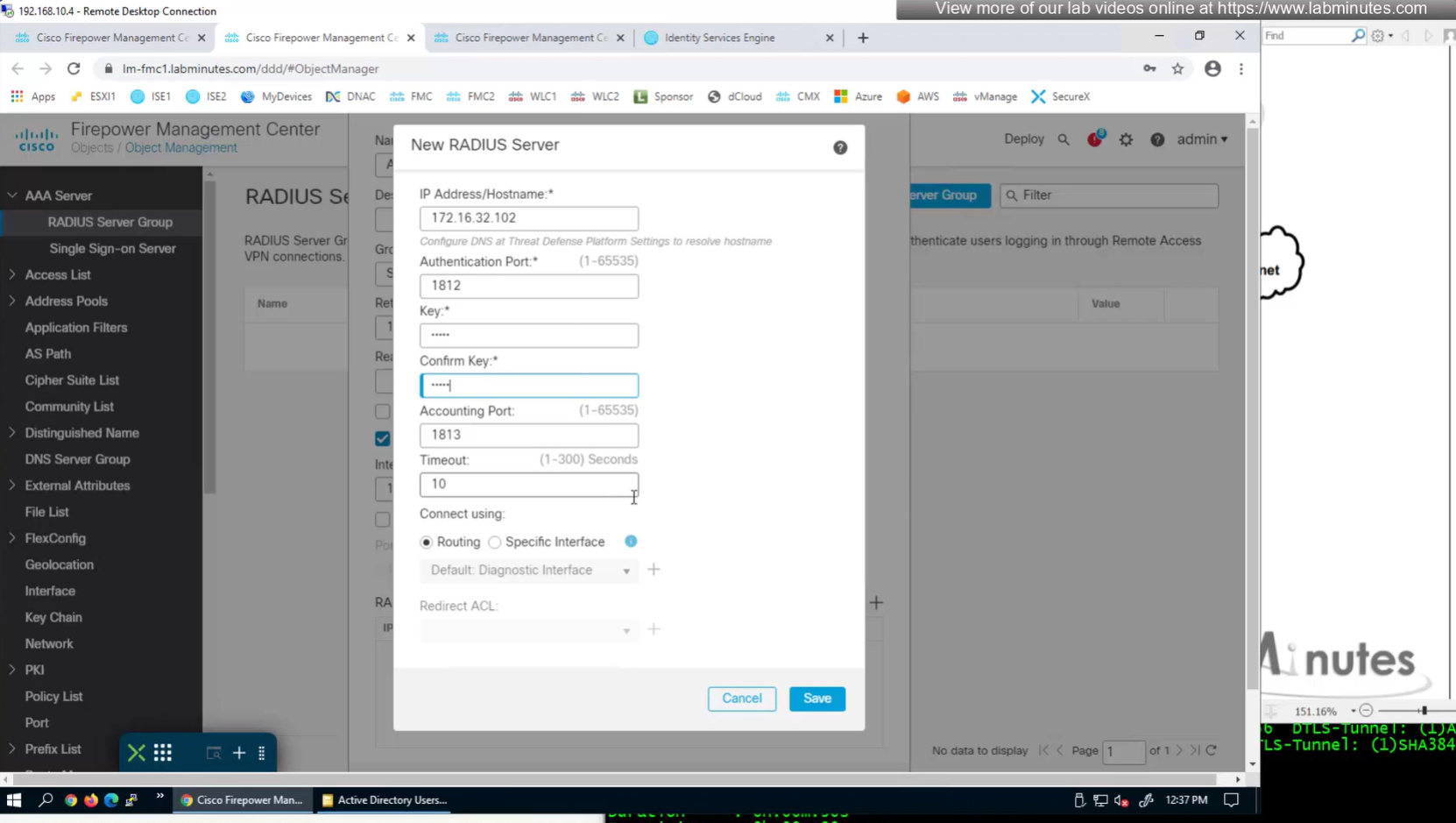
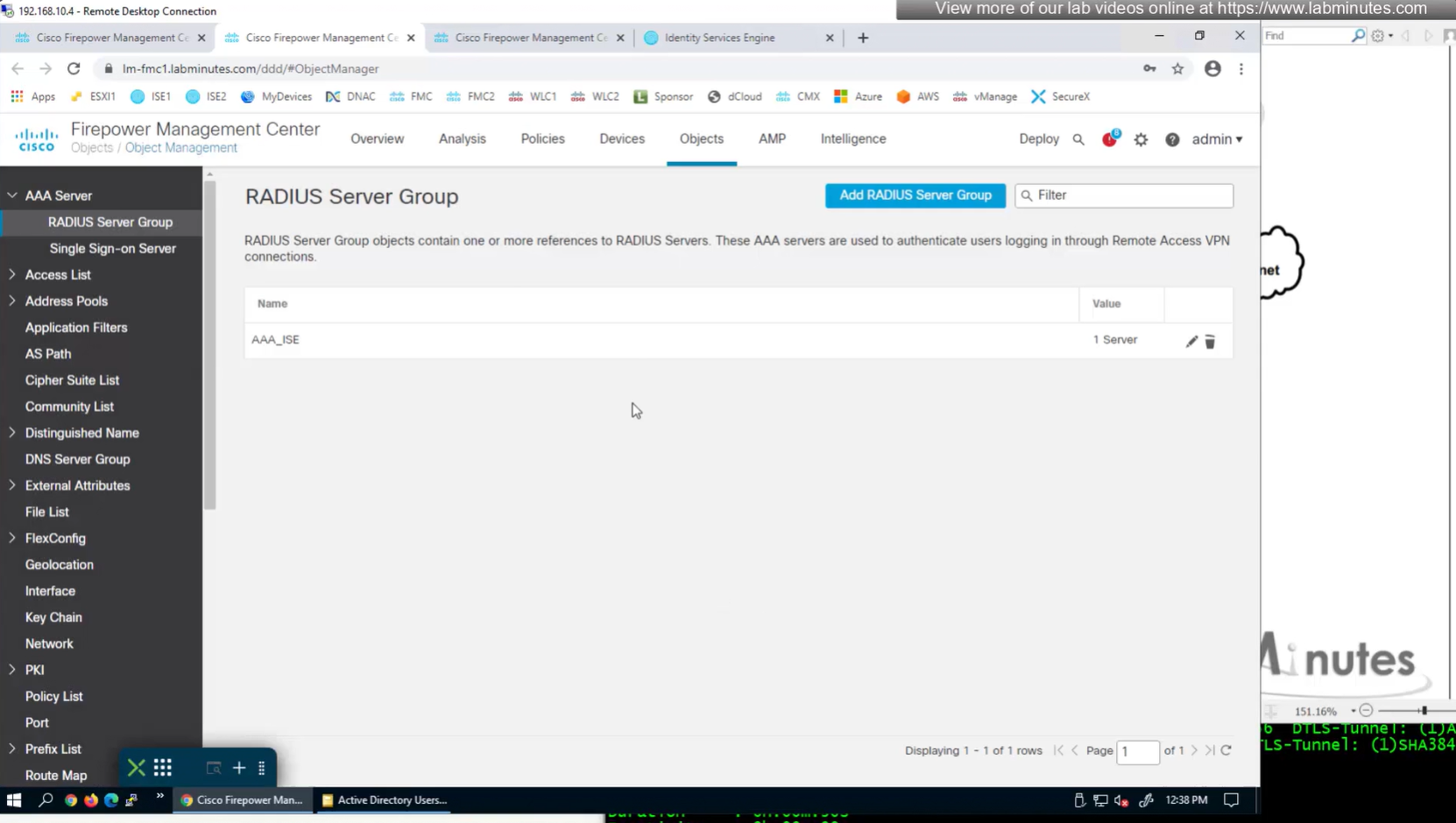
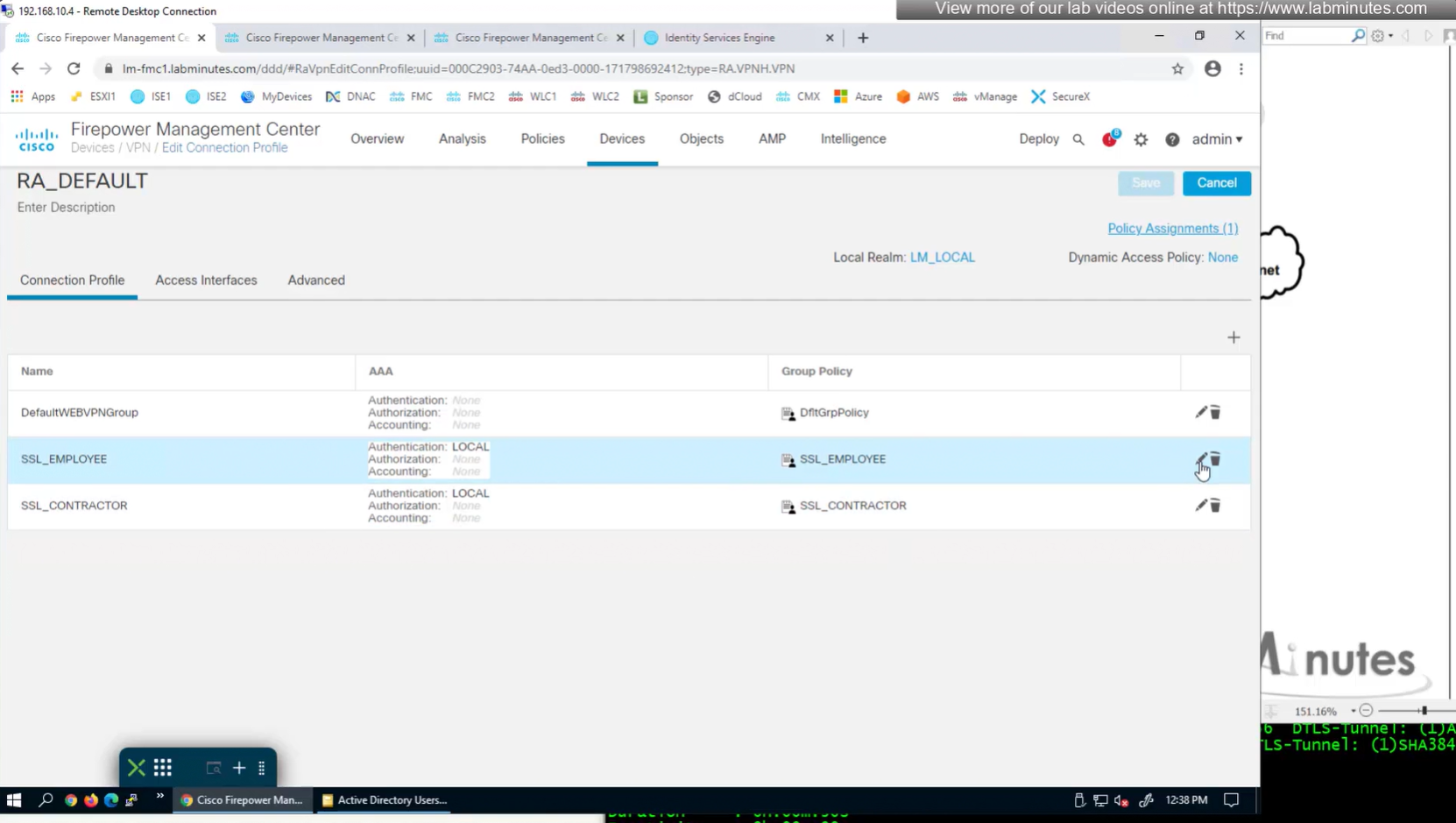
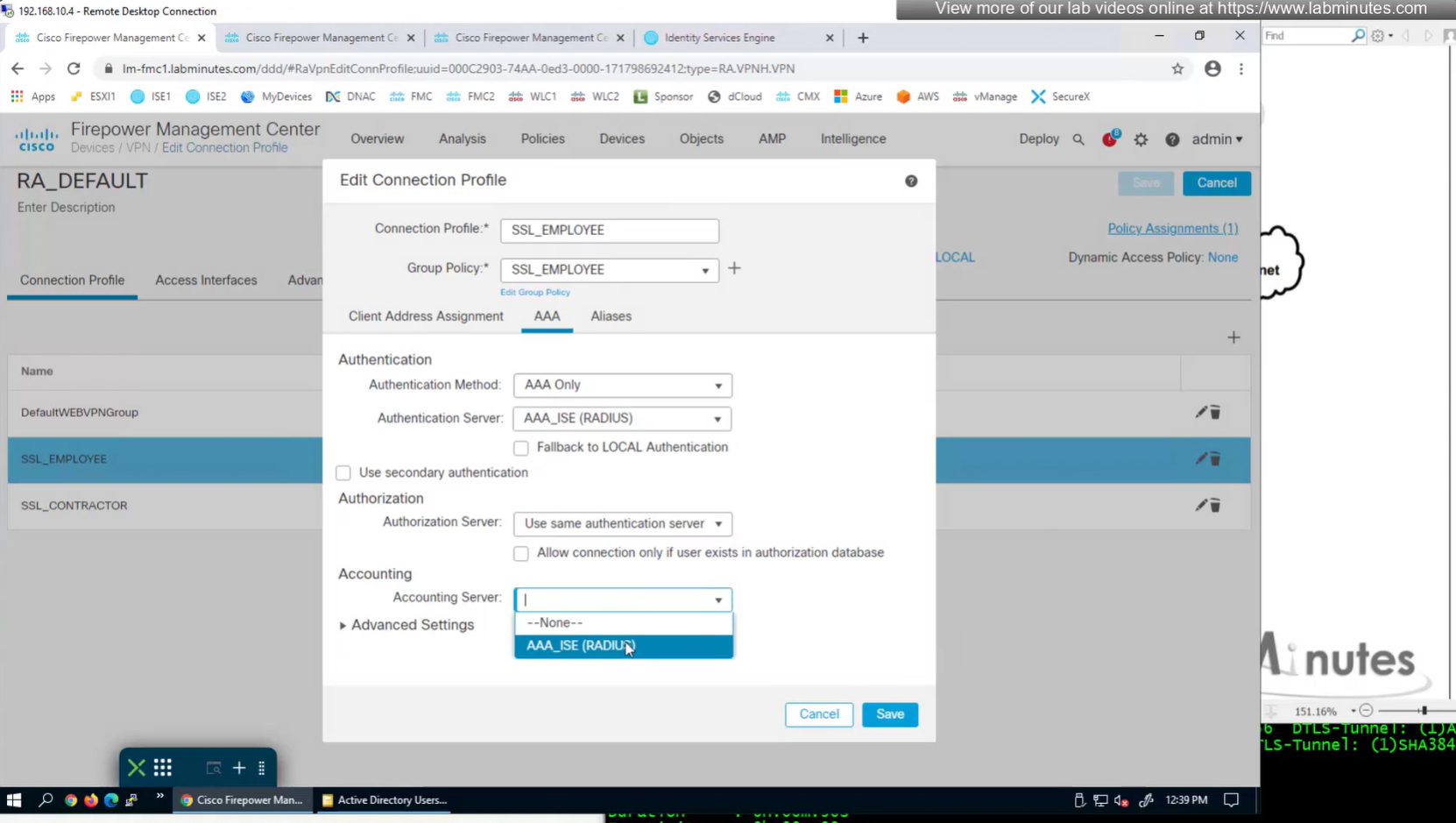
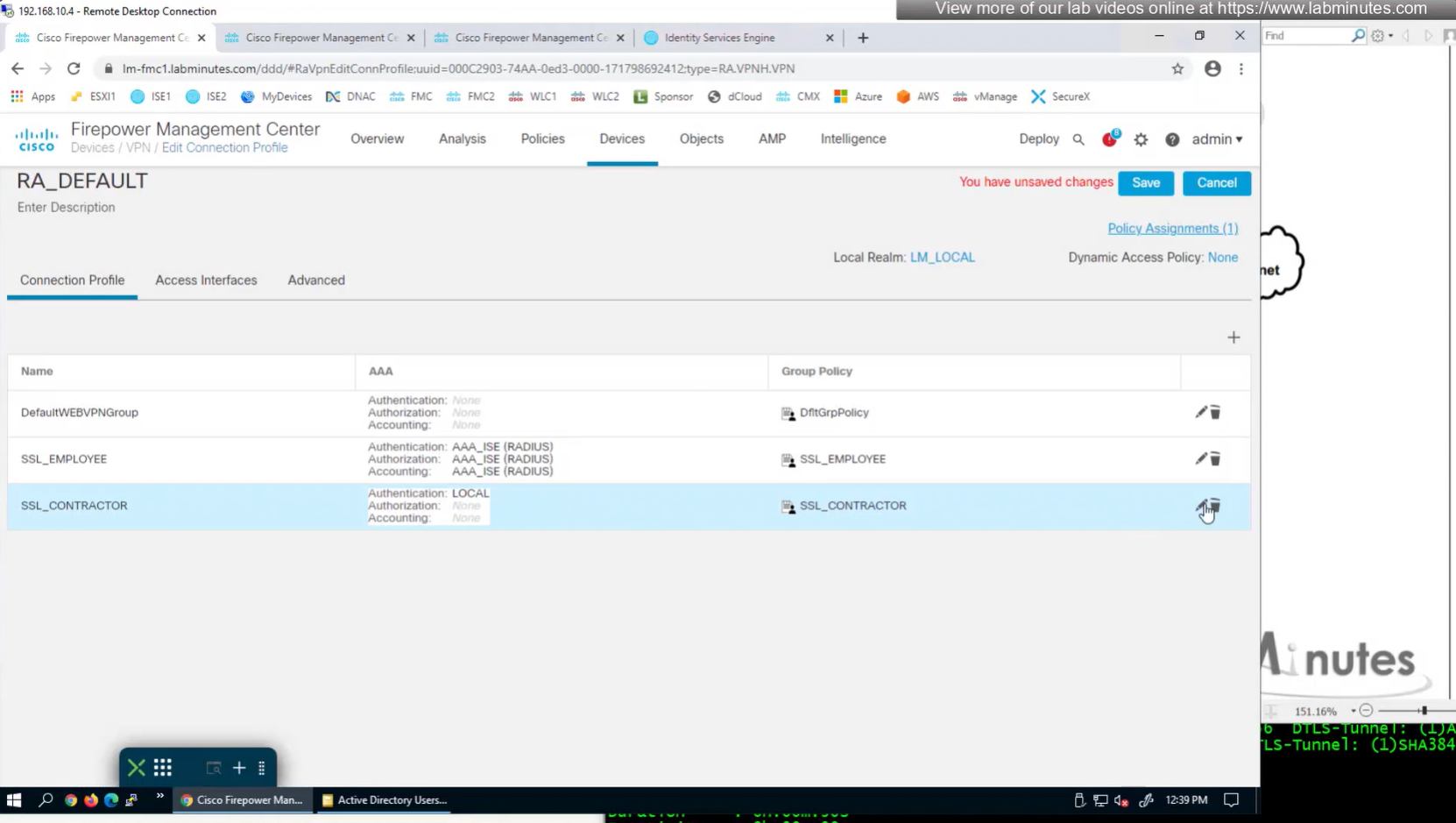
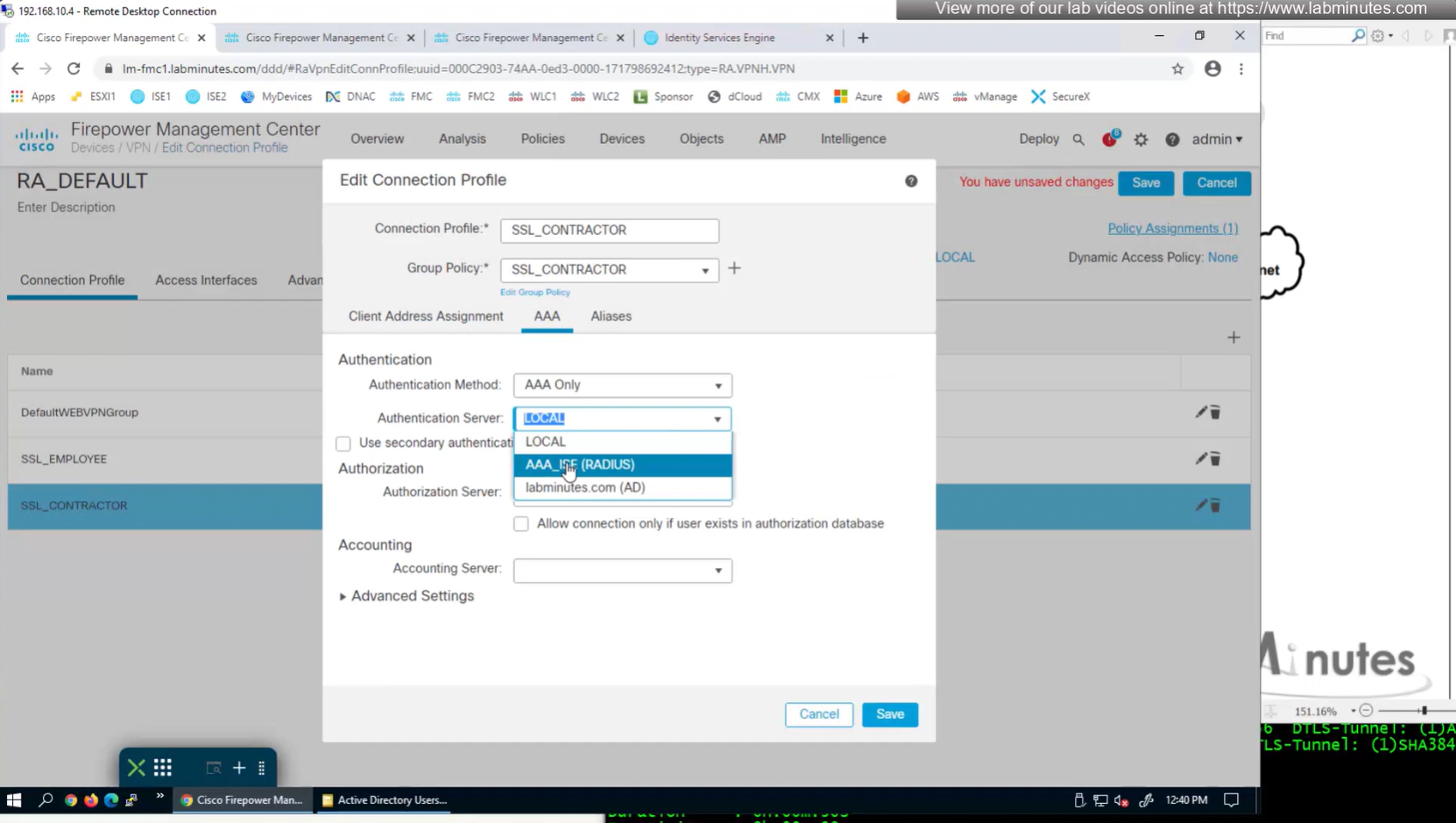
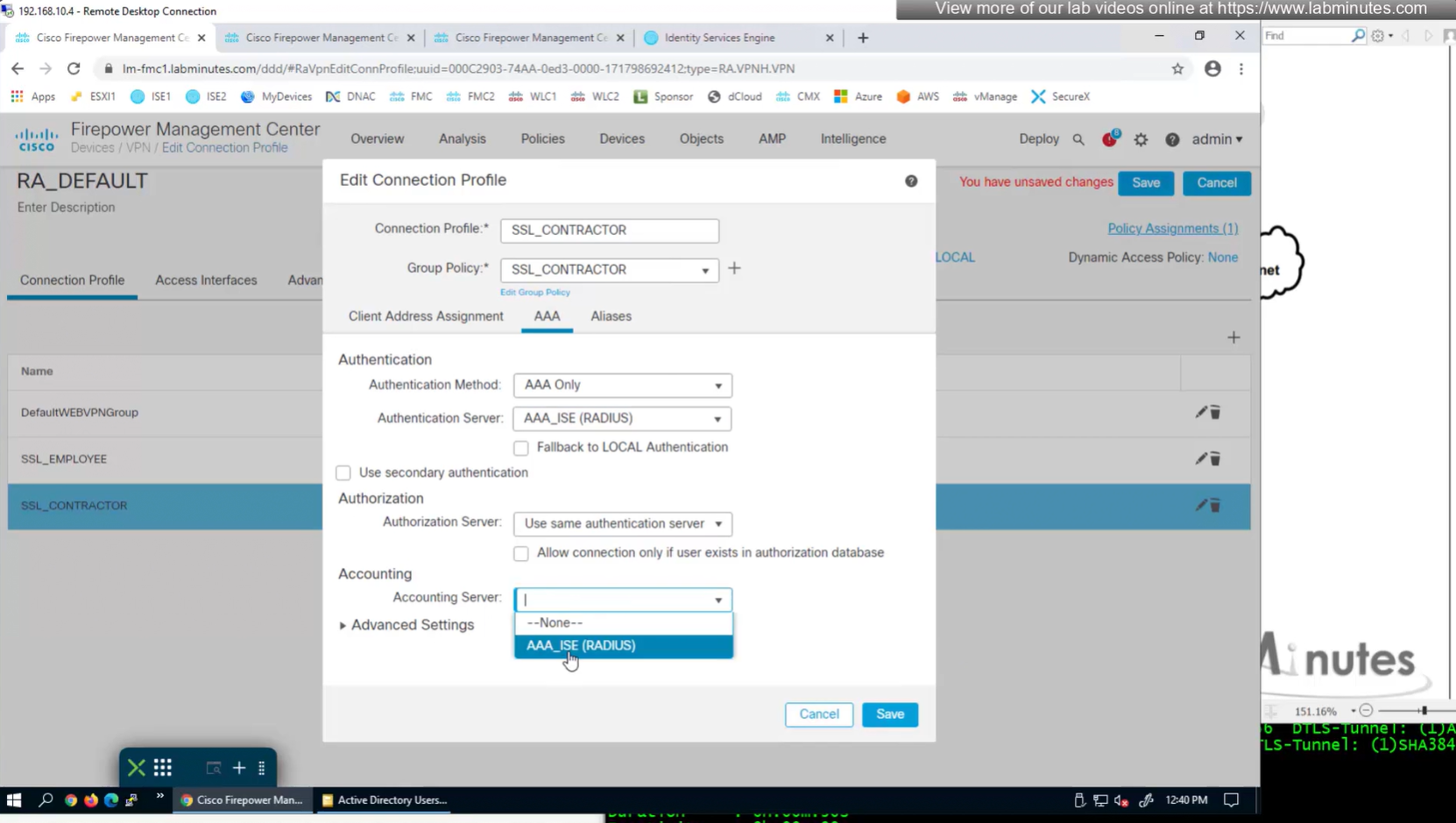
Change connection profiles from Local auth to AAA (RADIUS) auth

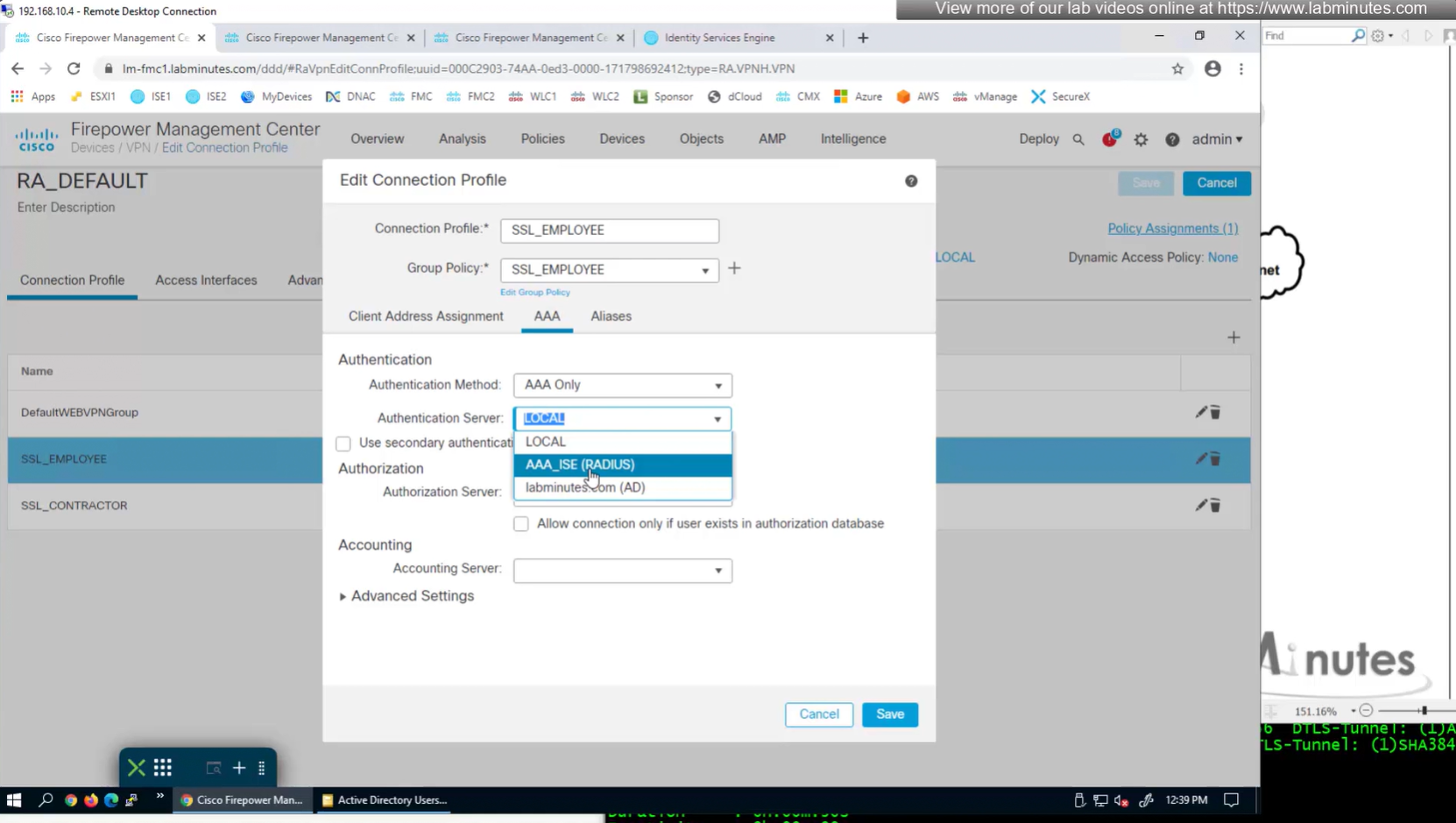
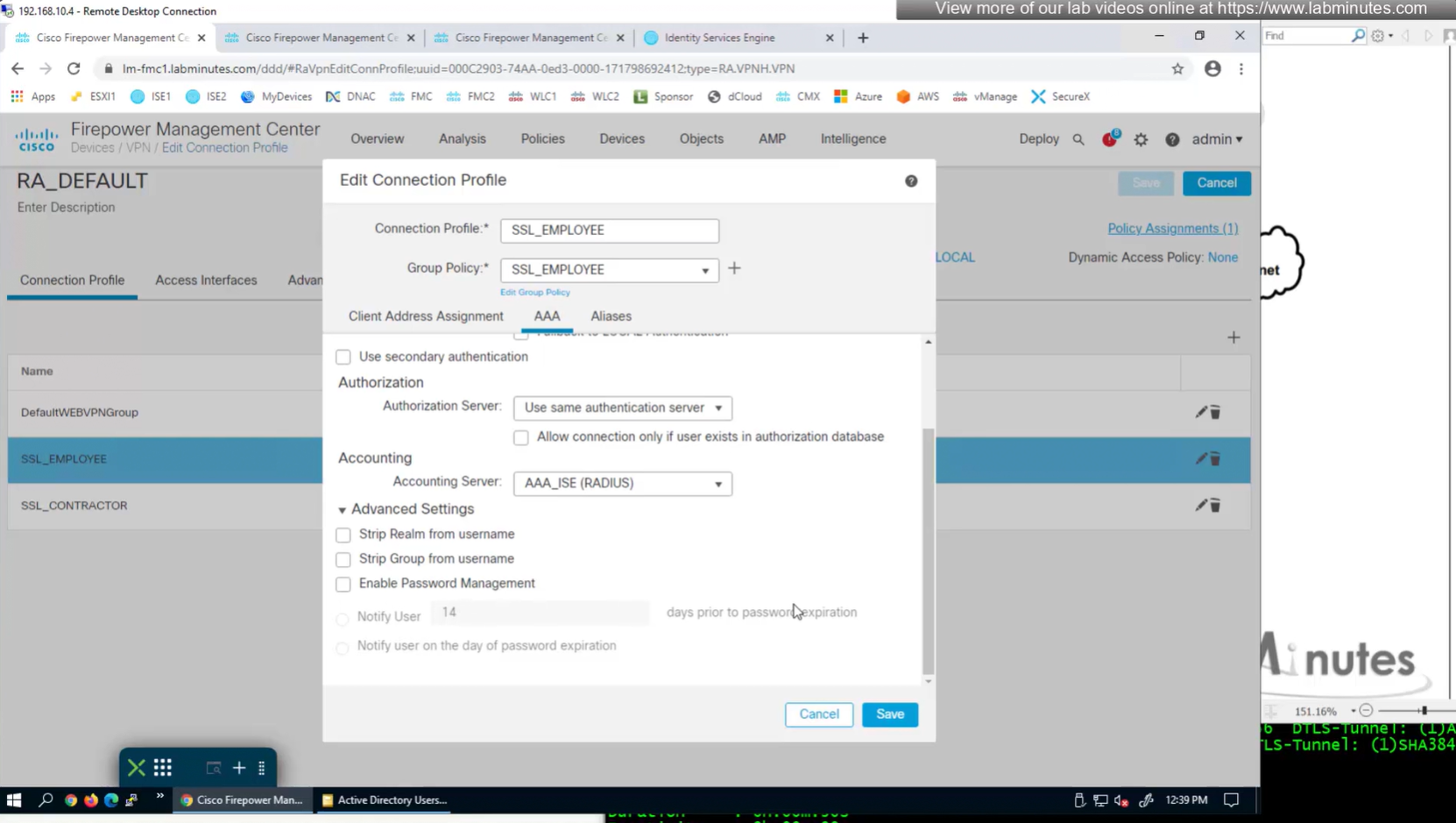
Authorization server by default are same as authentication server

Set accounting server same as authentication servers
expand advanced settings for password management

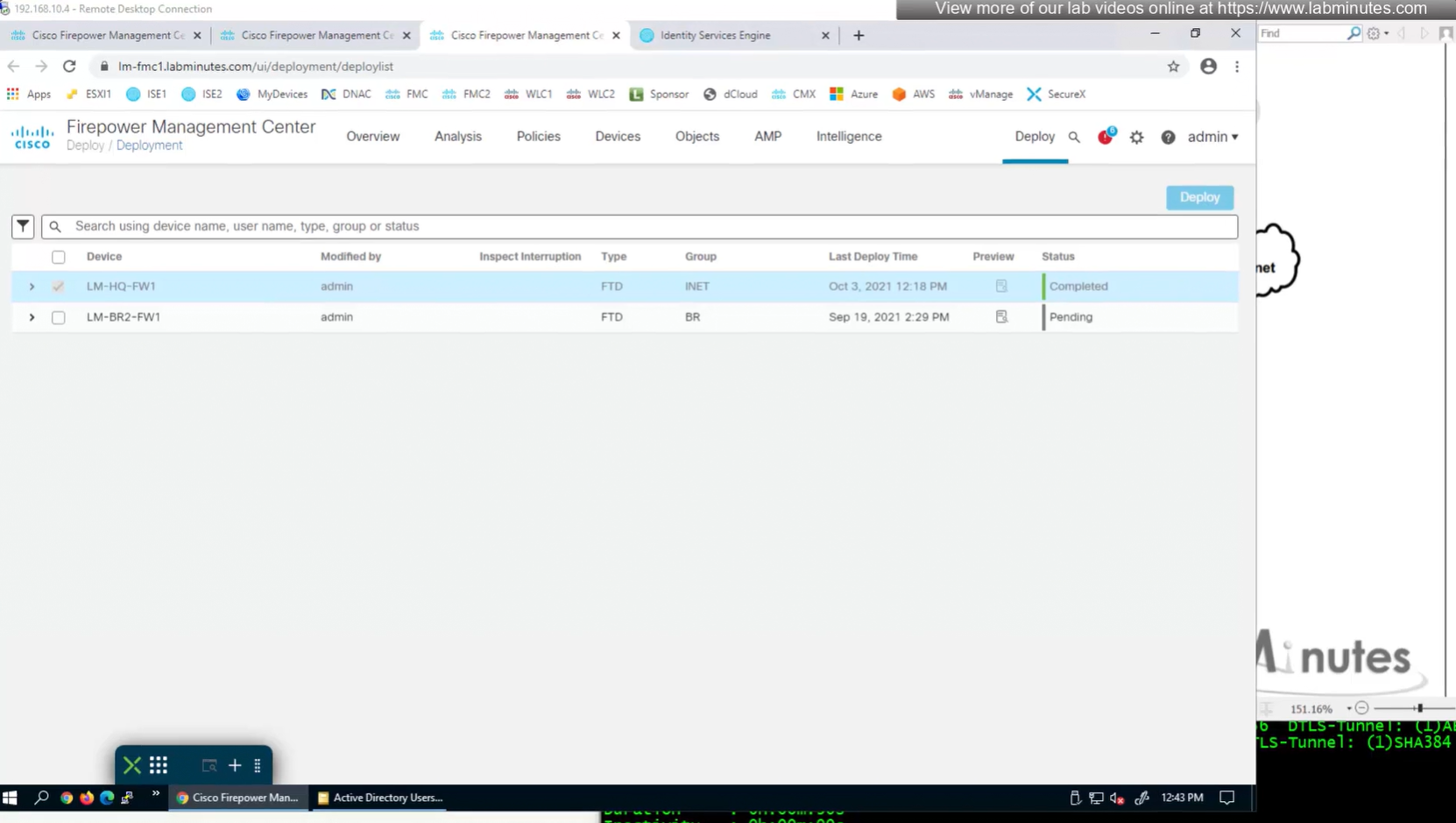

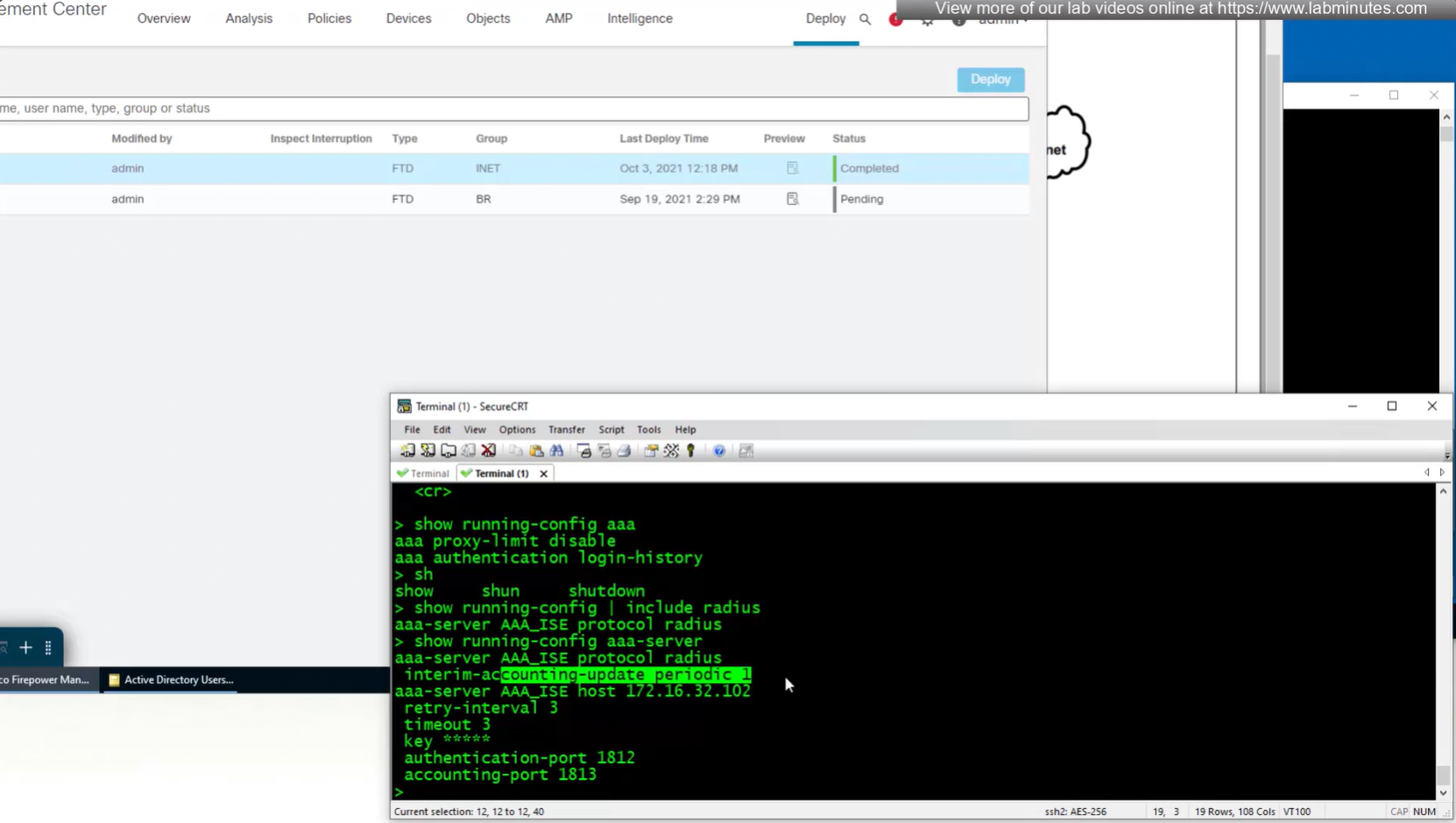
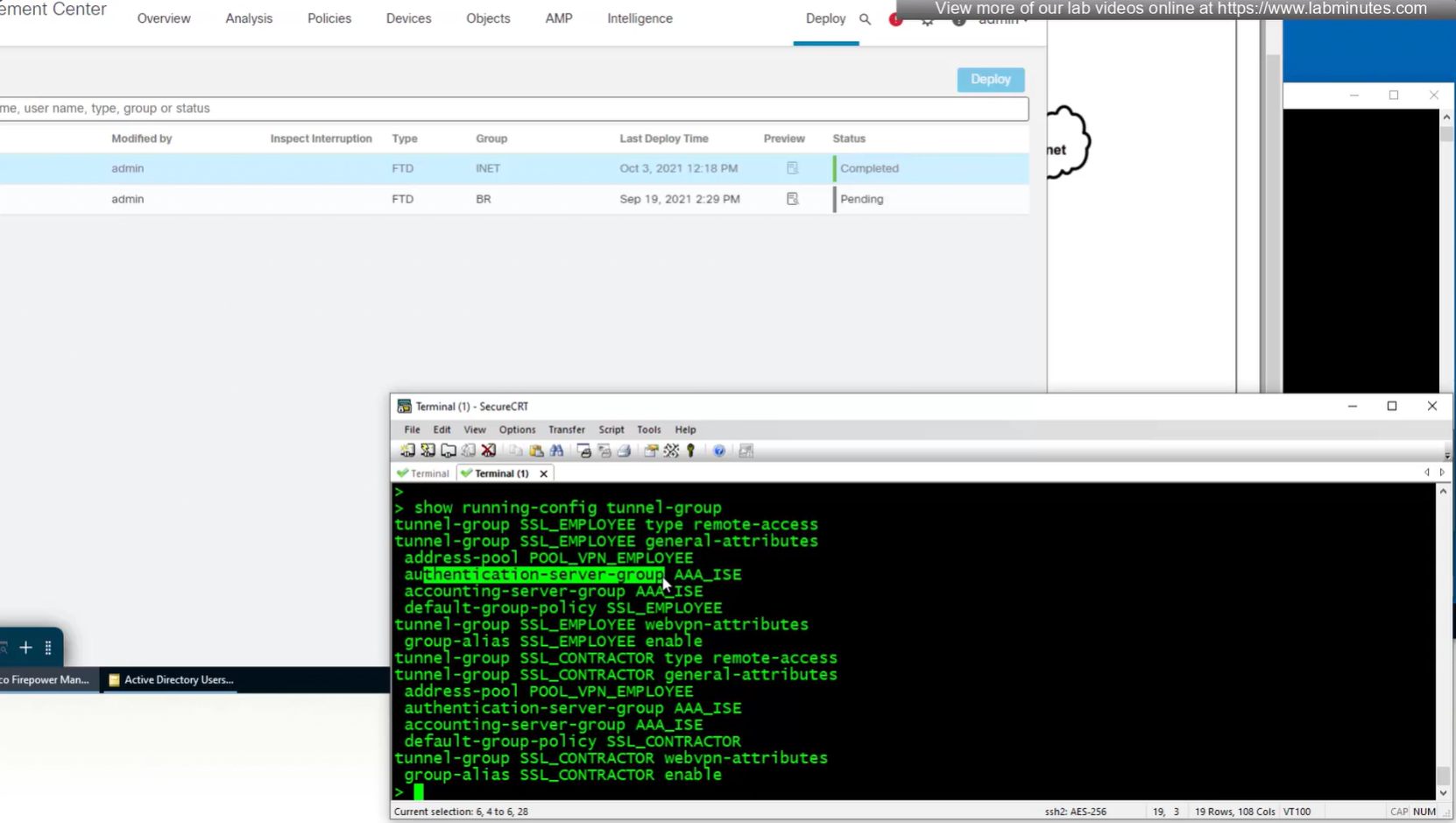
show running-config aaa-servernew config is pushed to FTD
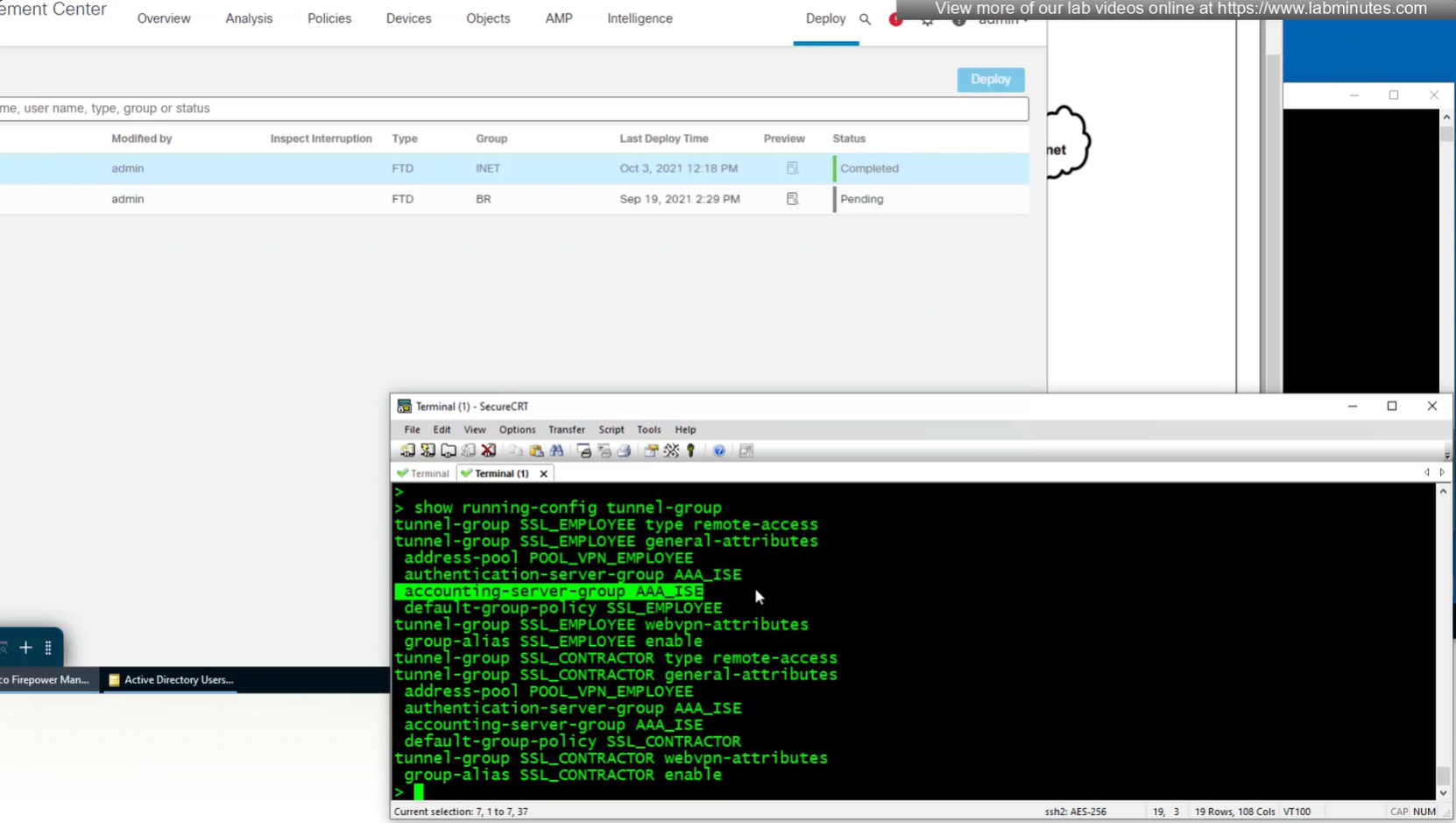

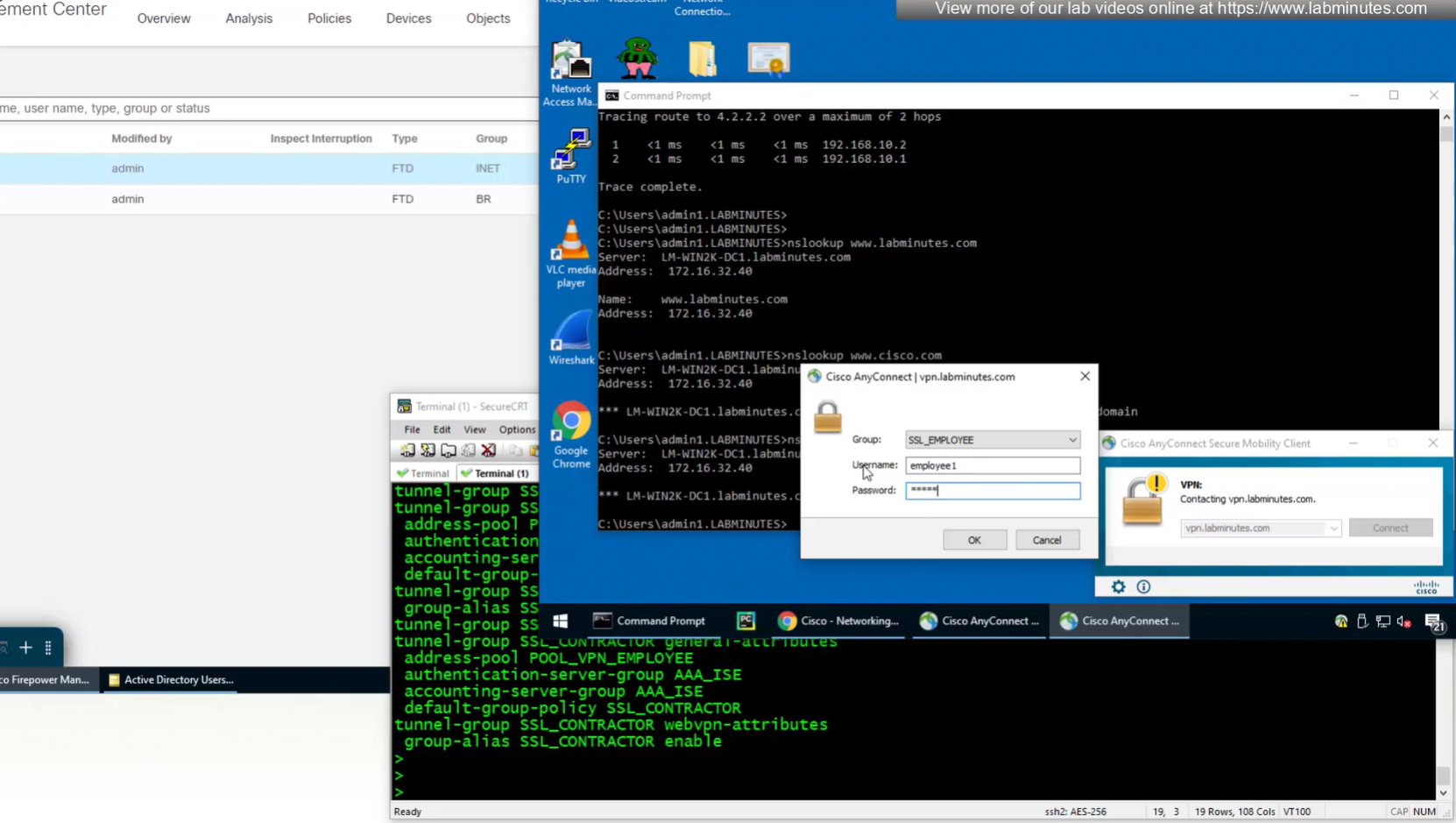
Login works

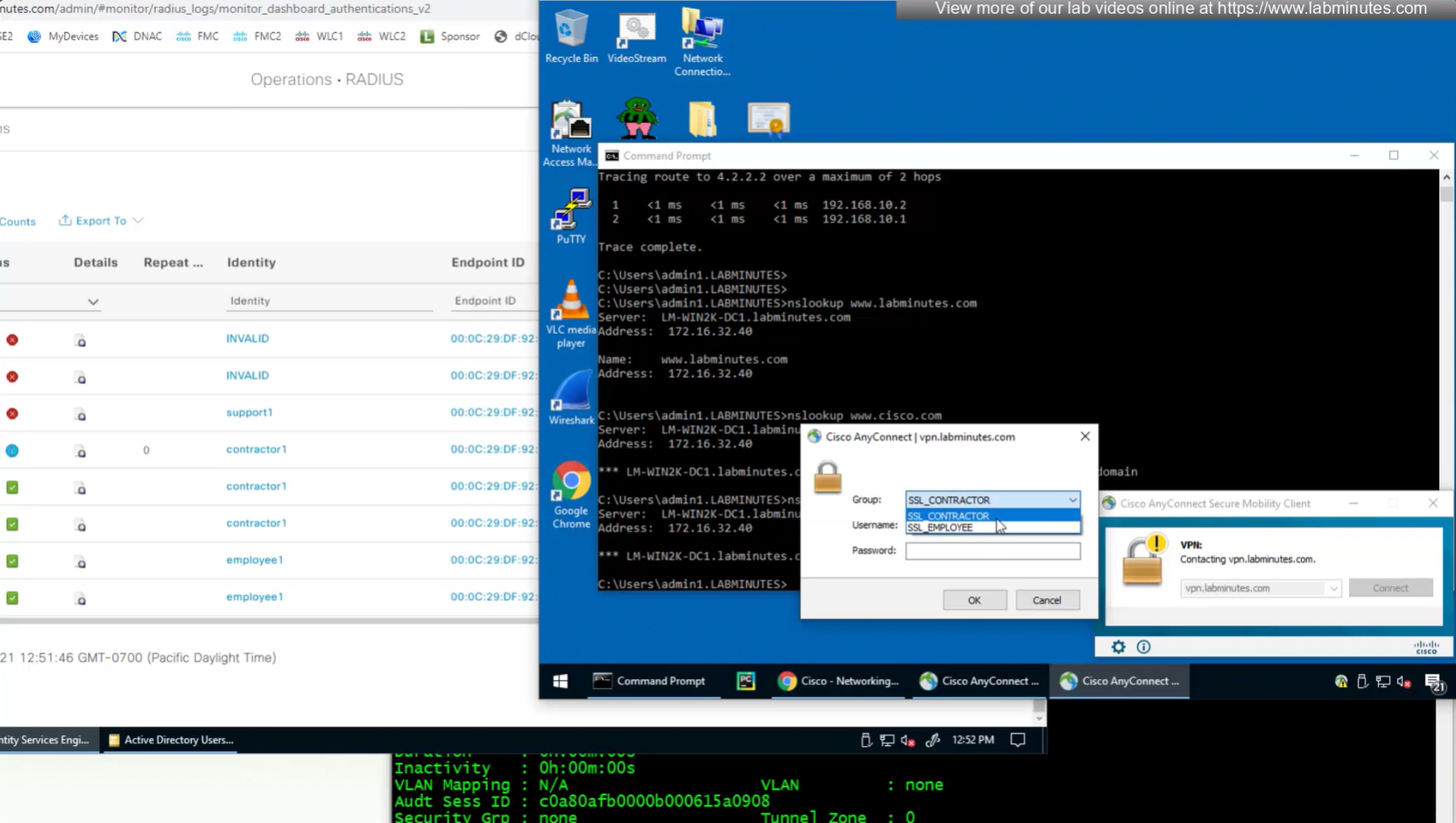
We dont really need Alias drop down anymore as users will get their group policy (not tunnel group) from ISE
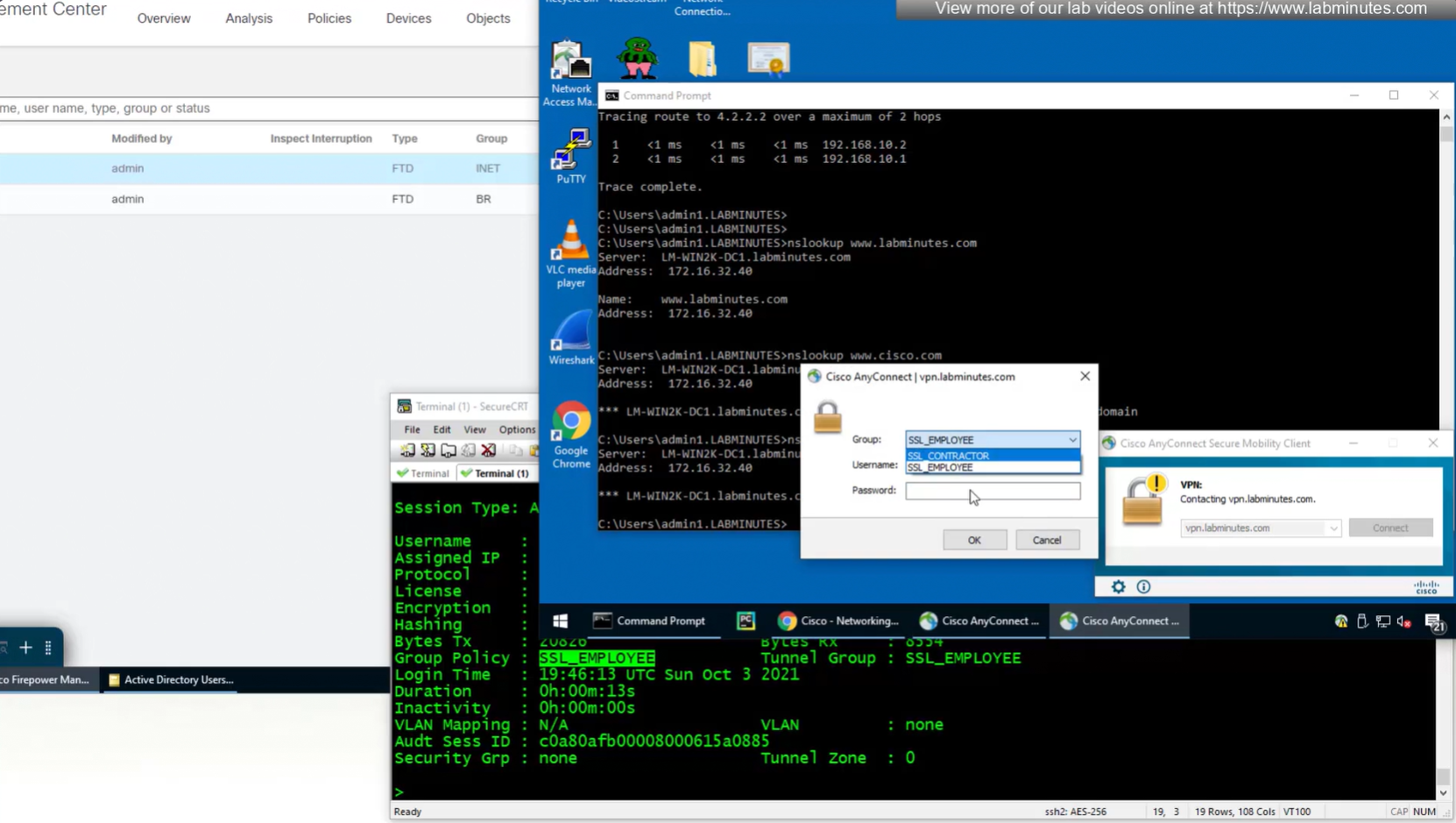
Even if we force login to SSL_CONTRACTOR connection profile
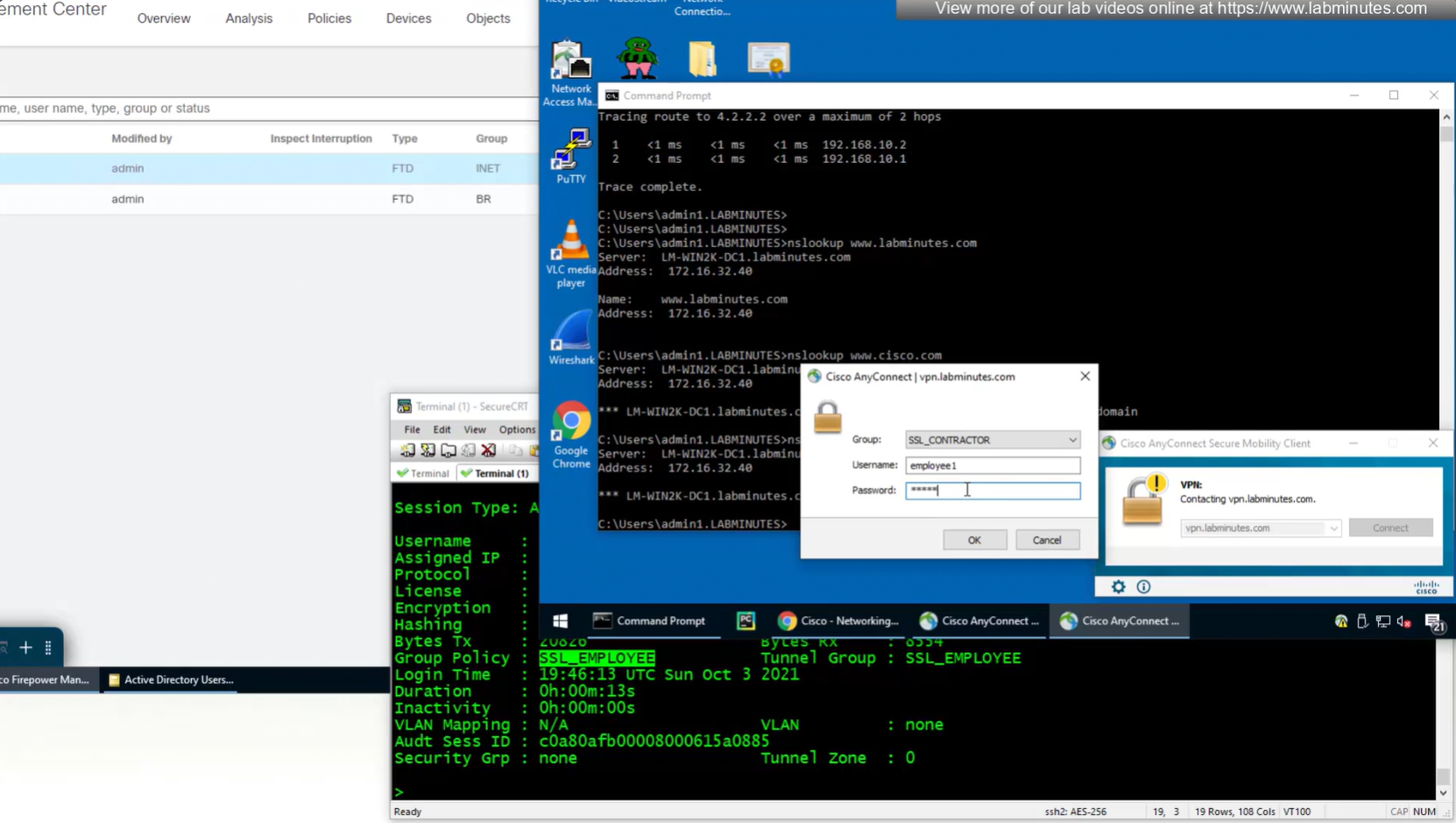
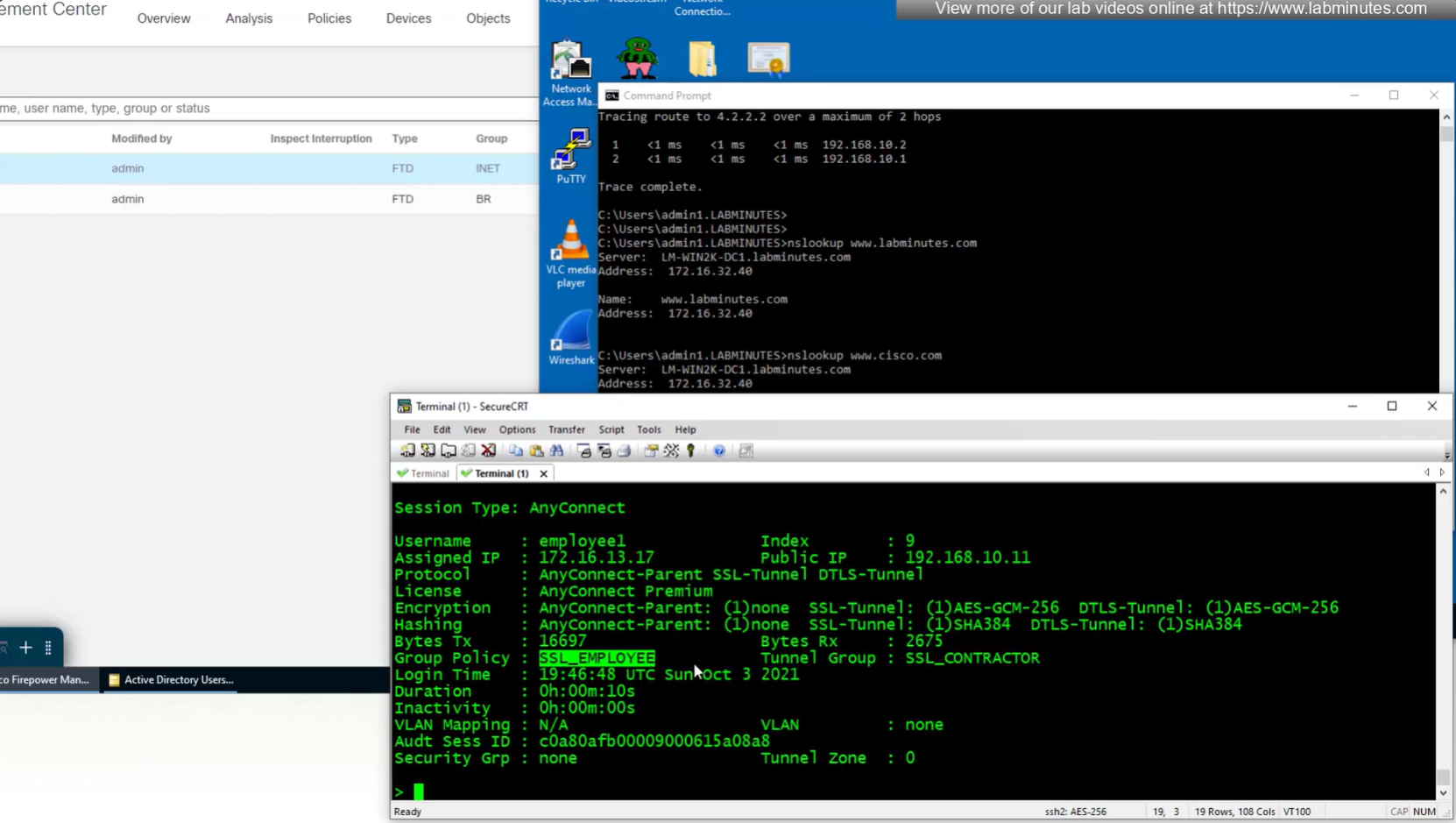
we still get the Employee group policy
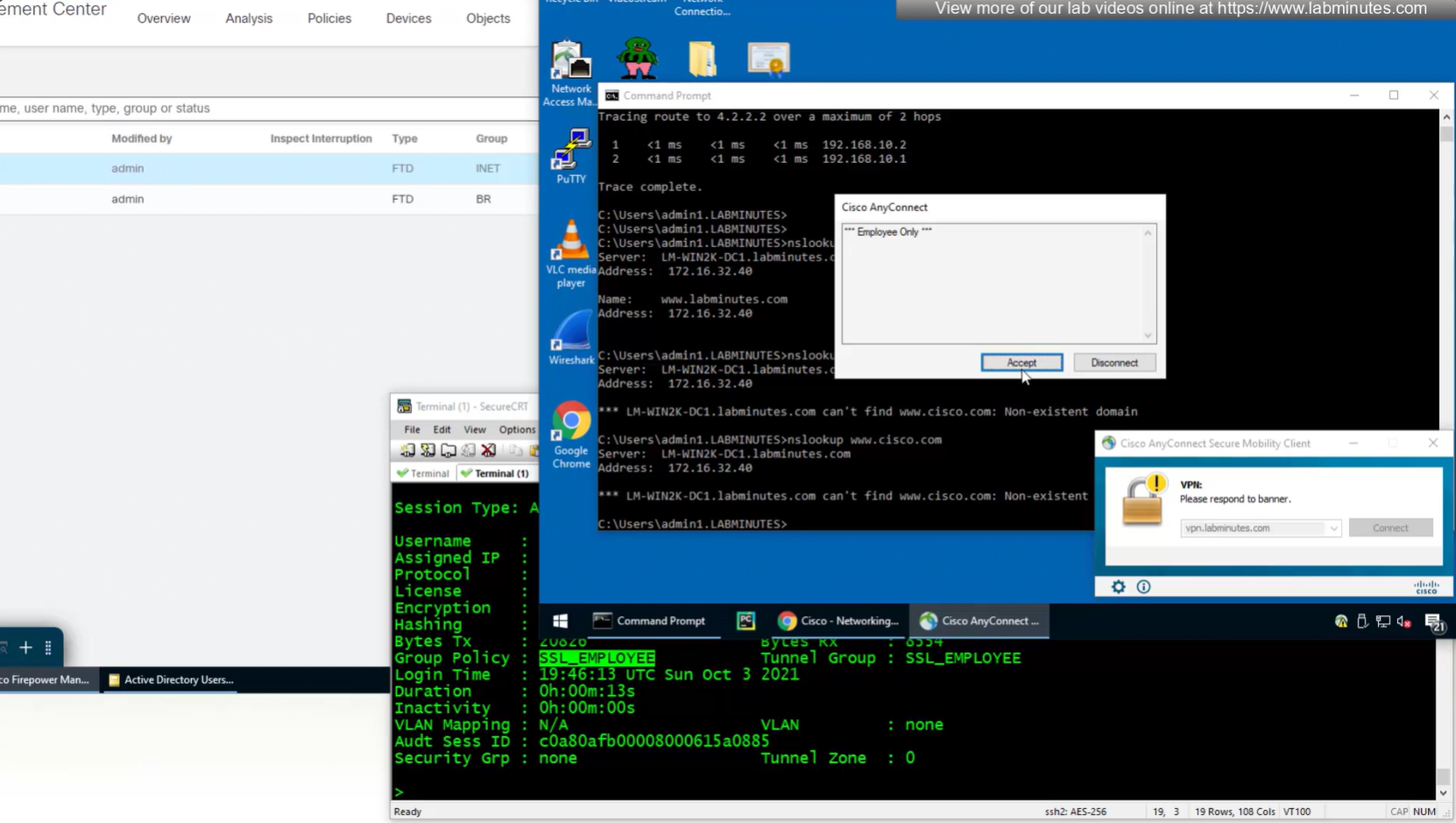
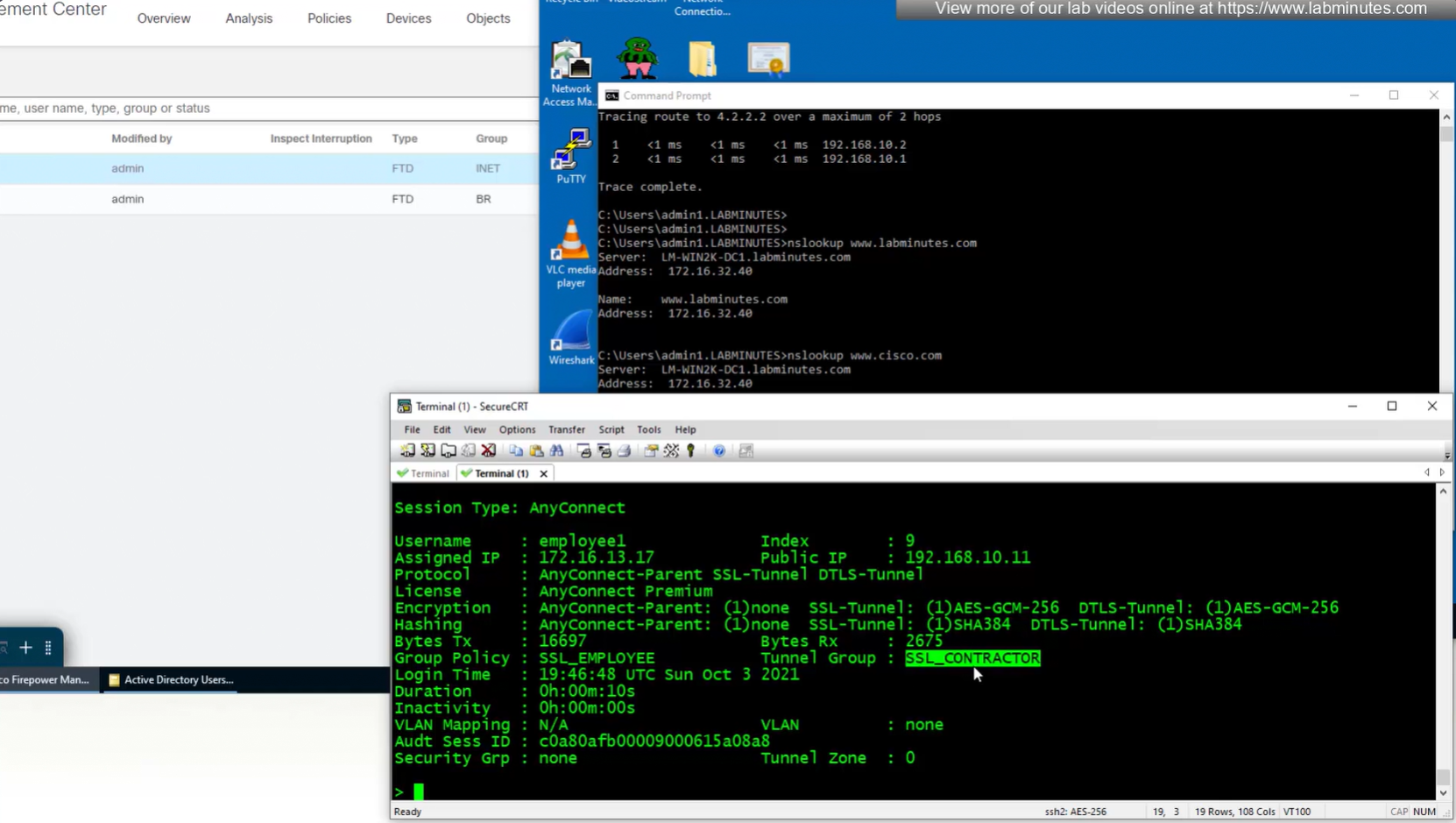
Even if the tunnel group is SSL_CONTRACTOR (just because we selected it from drop down) but group policy is SSL_EMPLOYEE


Even the configured group policy under the tunnel group will not make any difference because user gets it from ISE
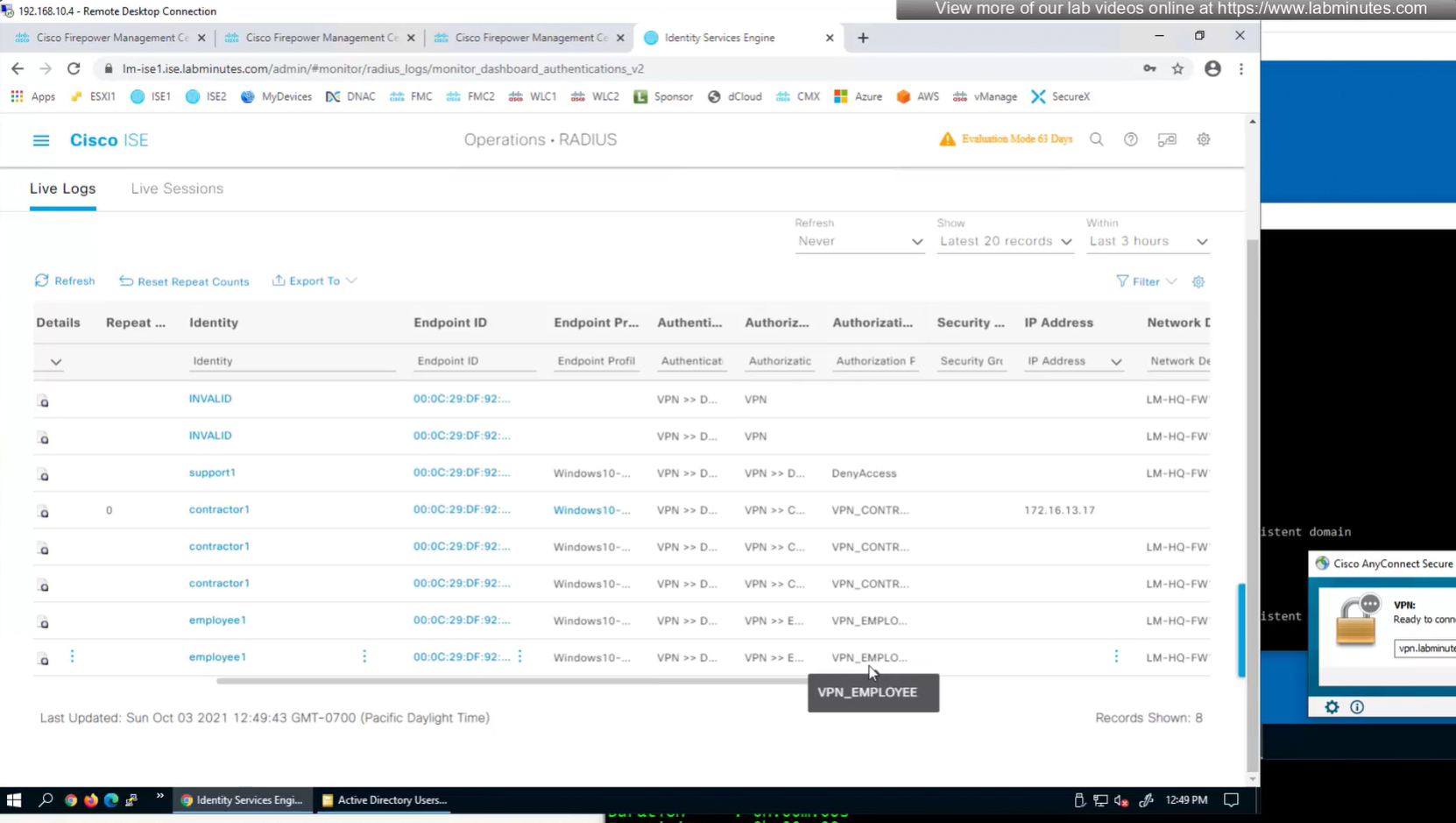
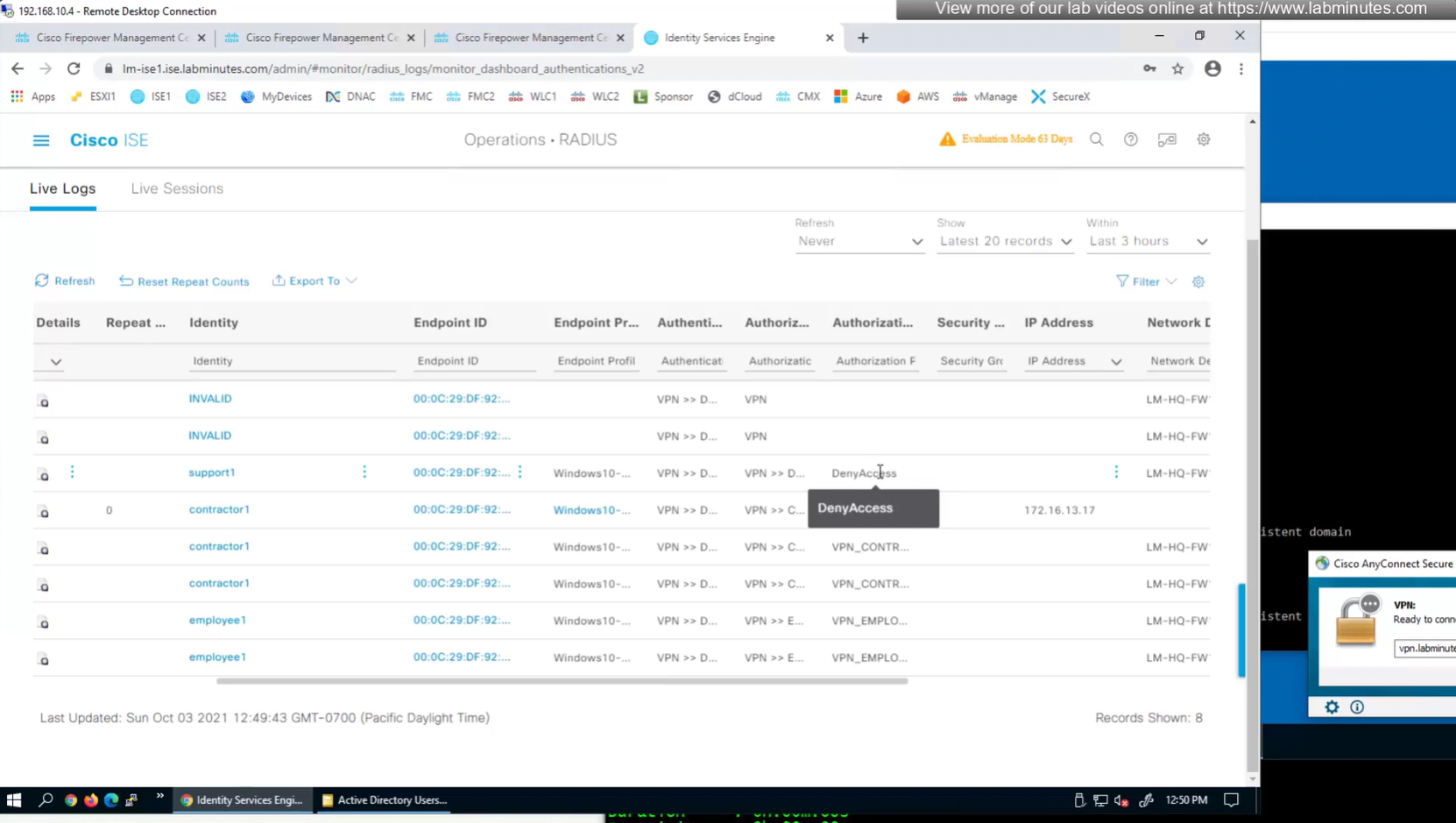
This user exists in ISE but does not have group assigned
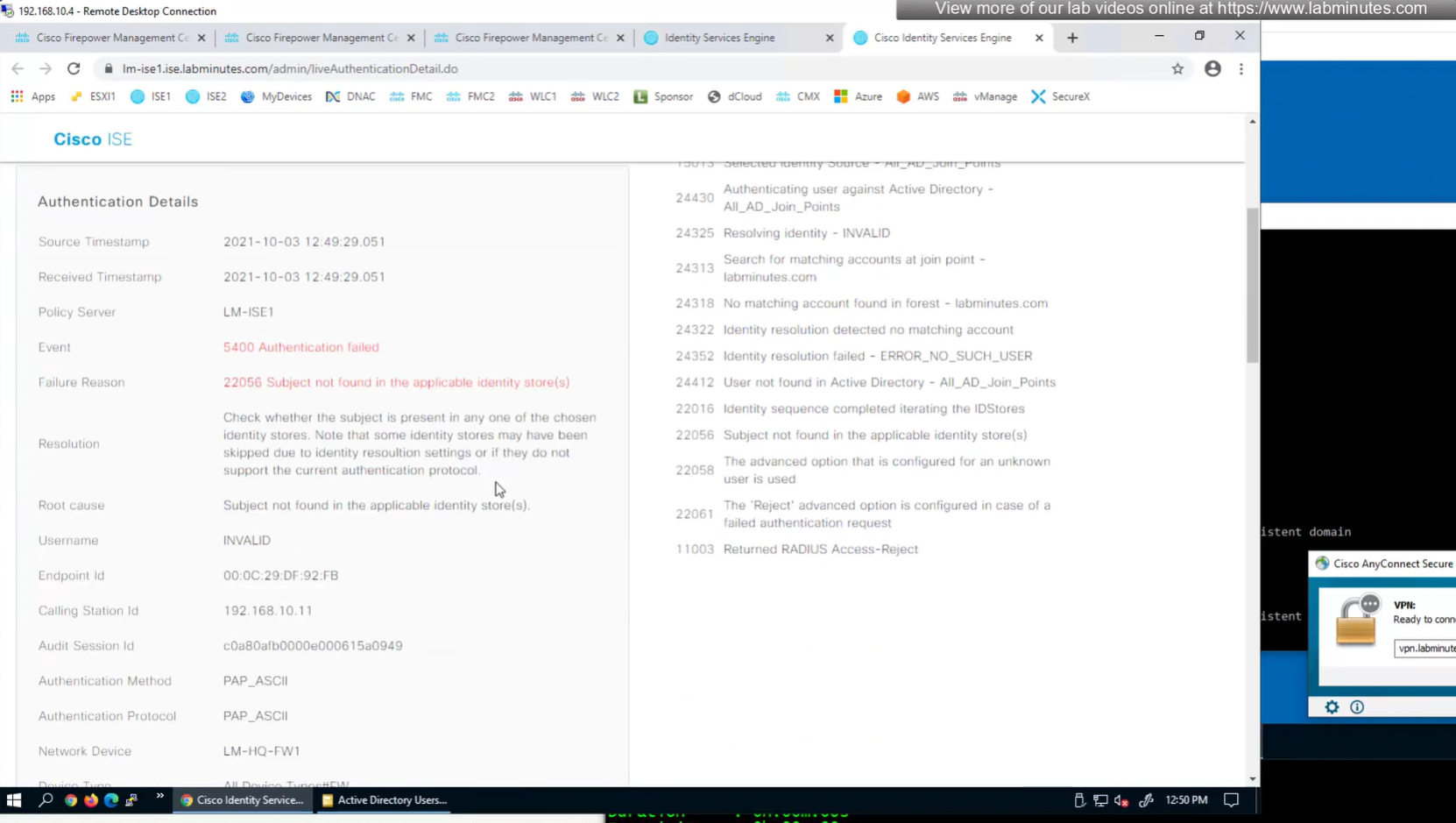

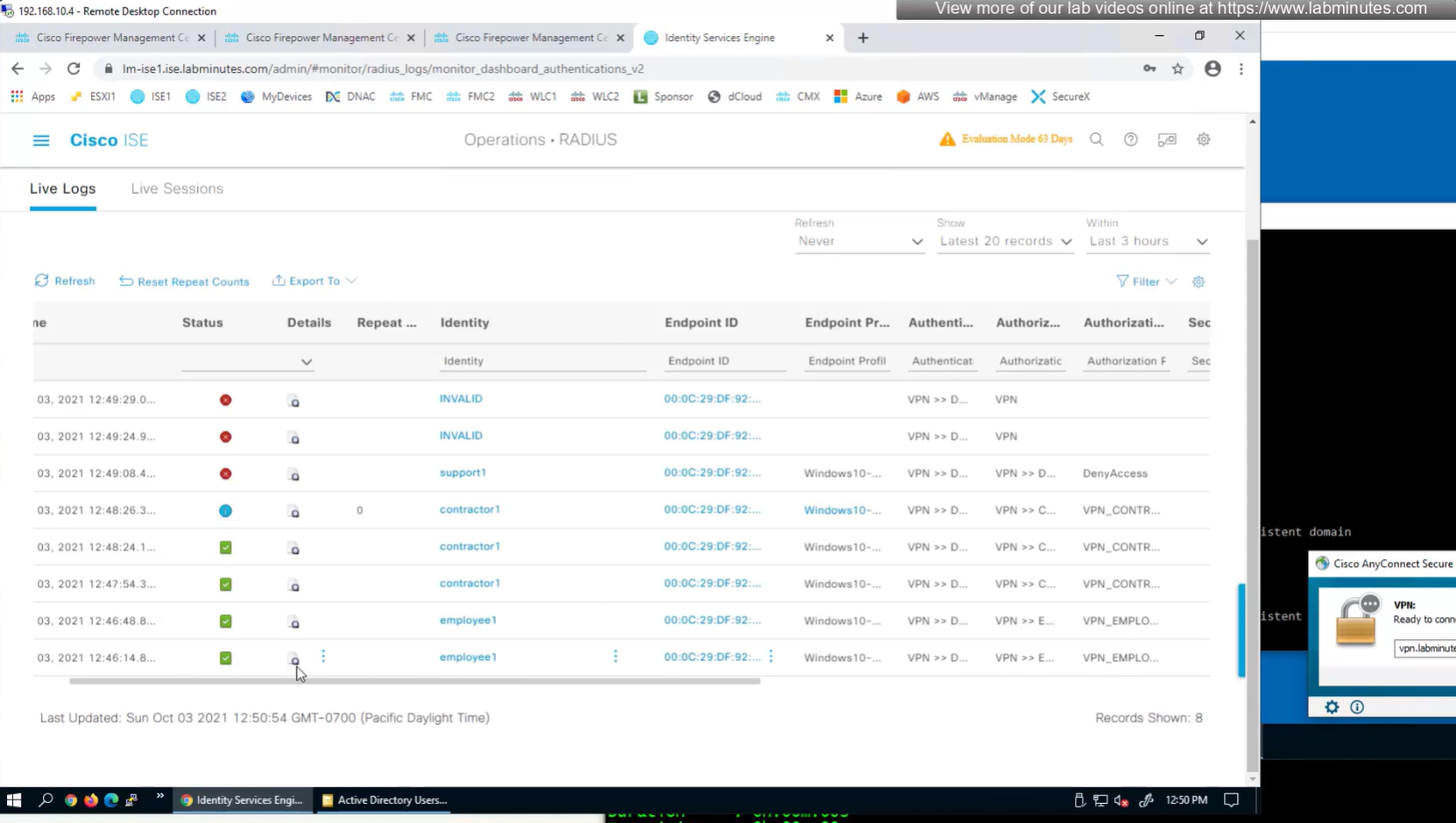
class SSL_EMPLOYEE was returned
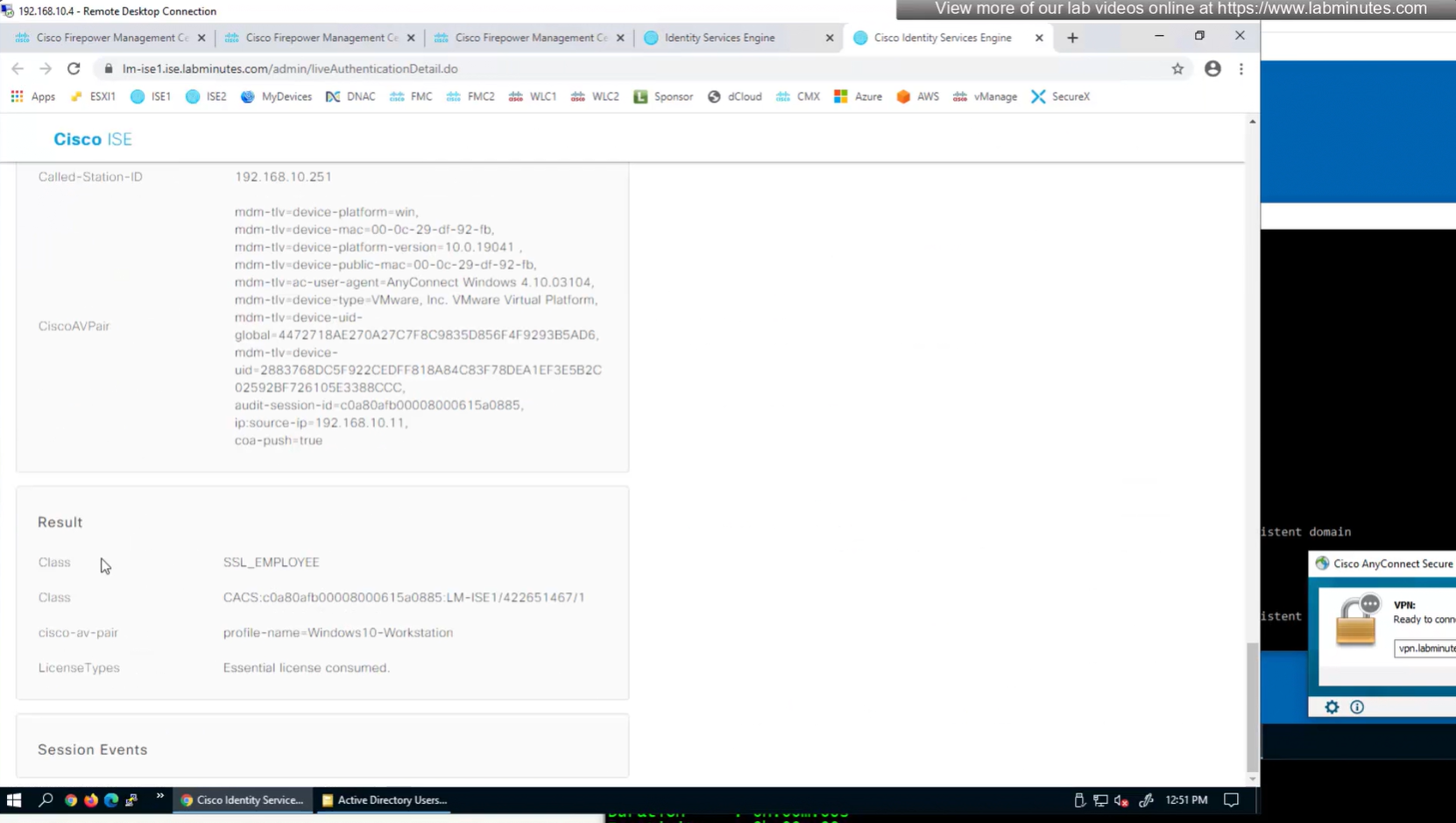
you know at this point we could get rid of alias dropdown and simply configure AAA authentication under default tunnel group / default connection profile
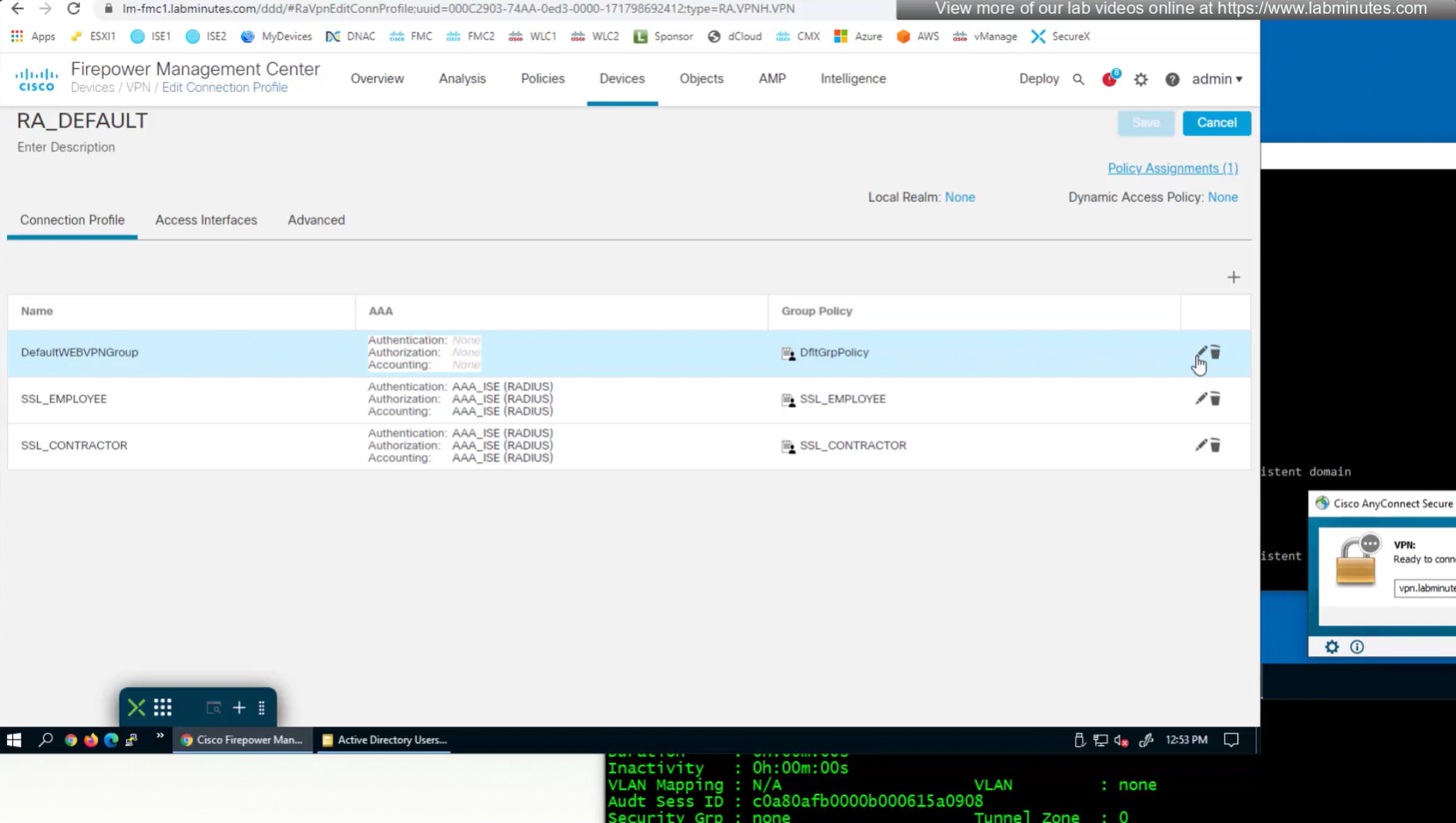

again dont be confused by the assignment of this Group Policy DfltGrpPolicy as we will get group policy from ISE
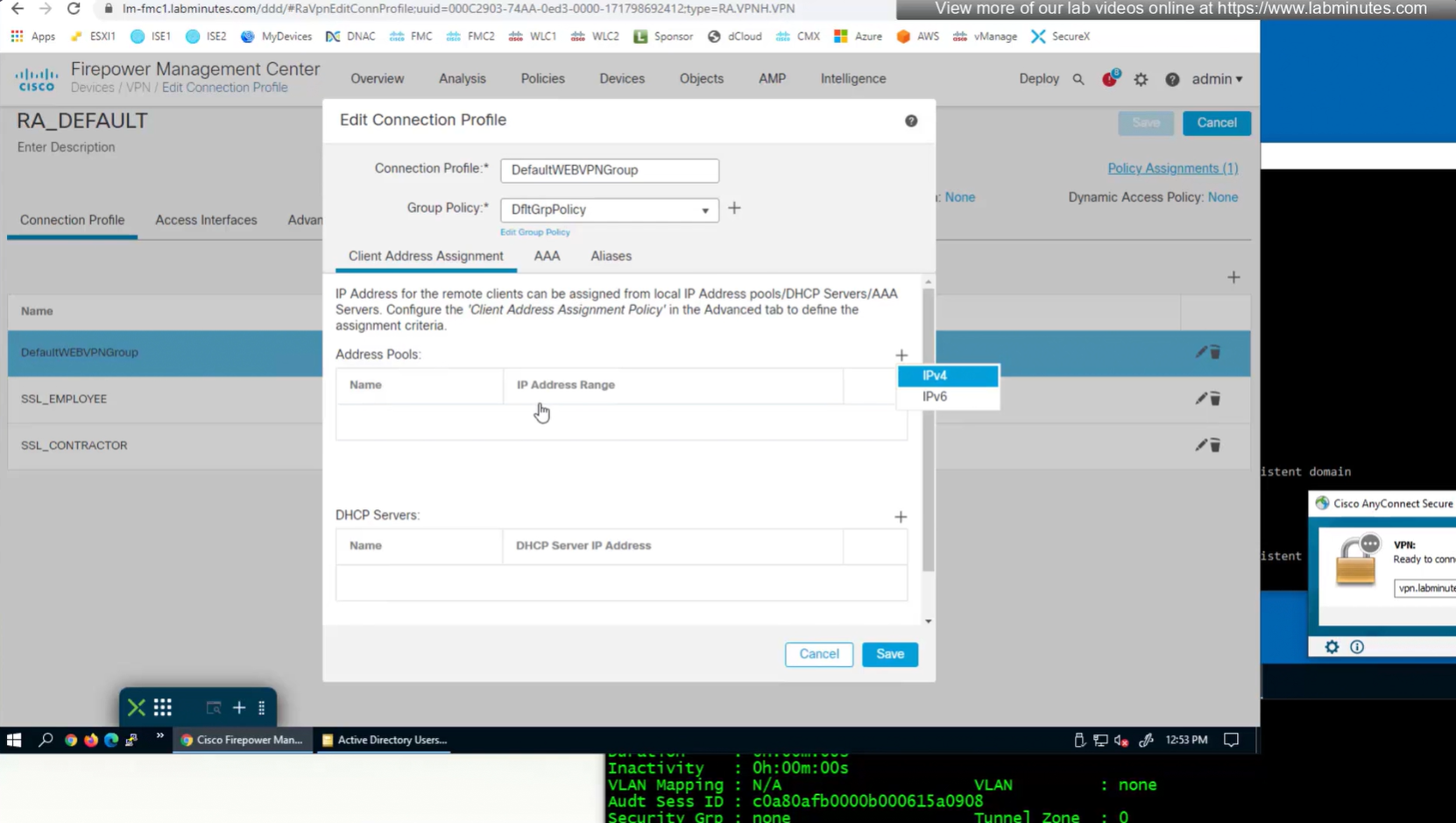
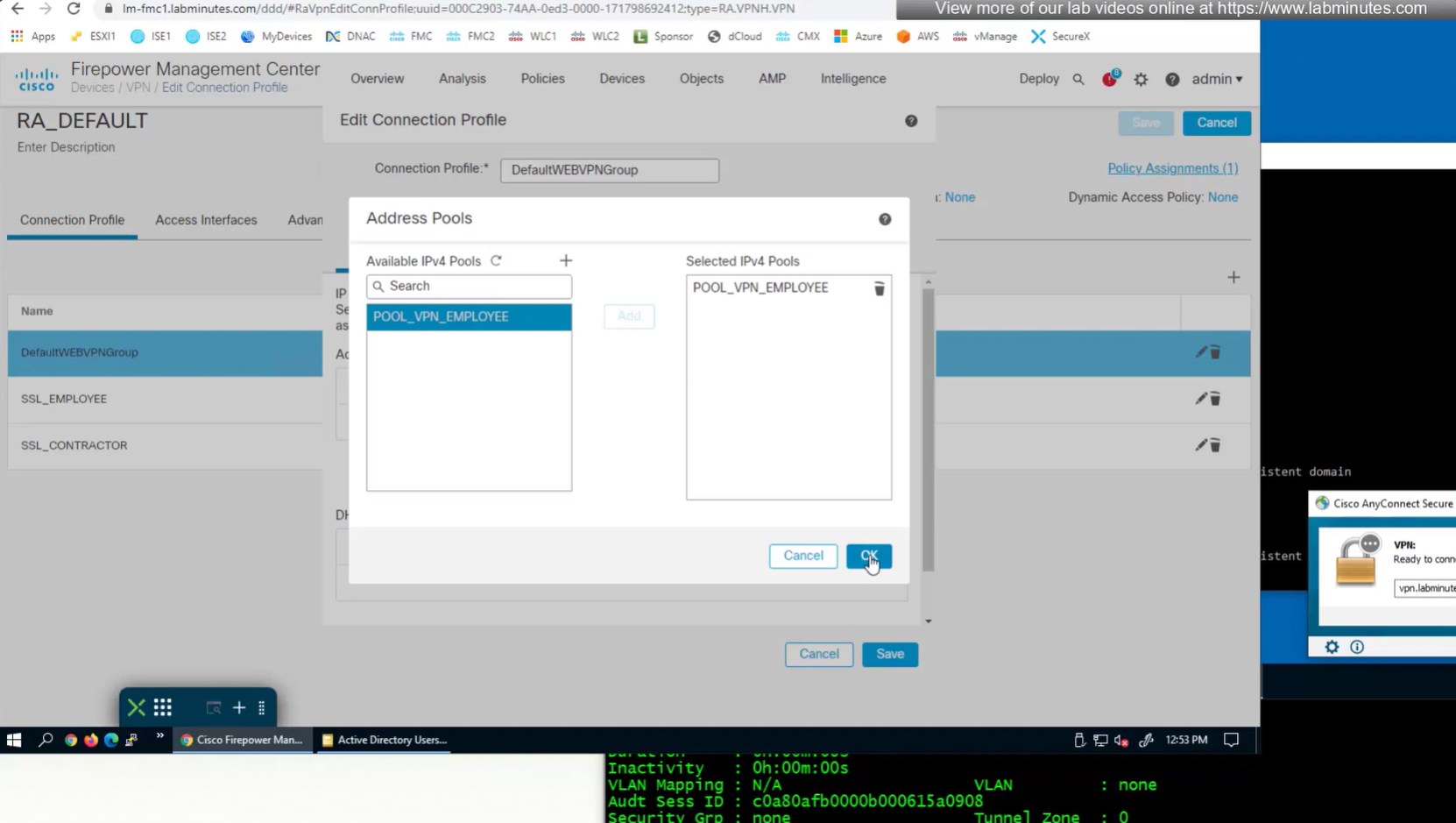
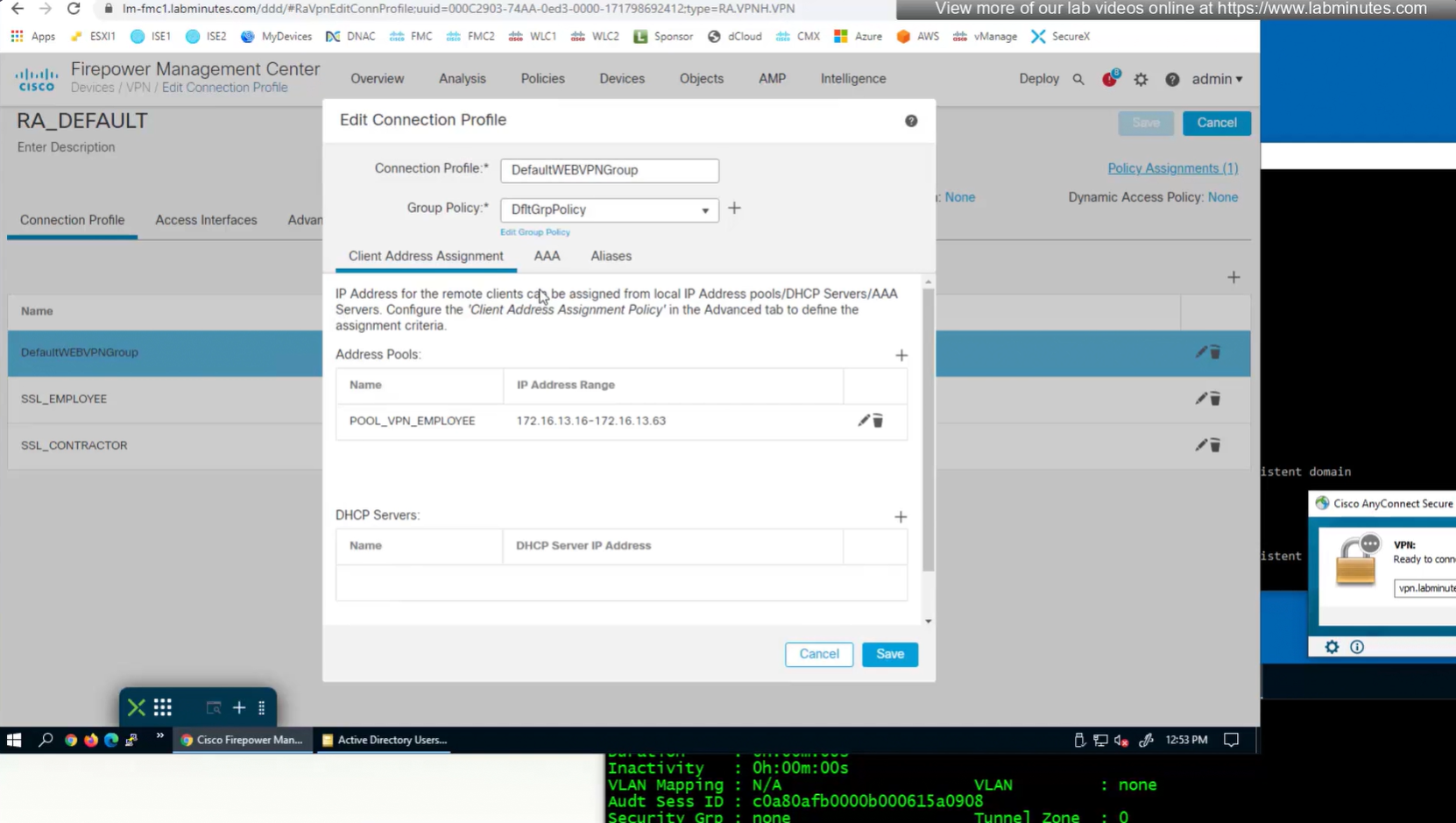
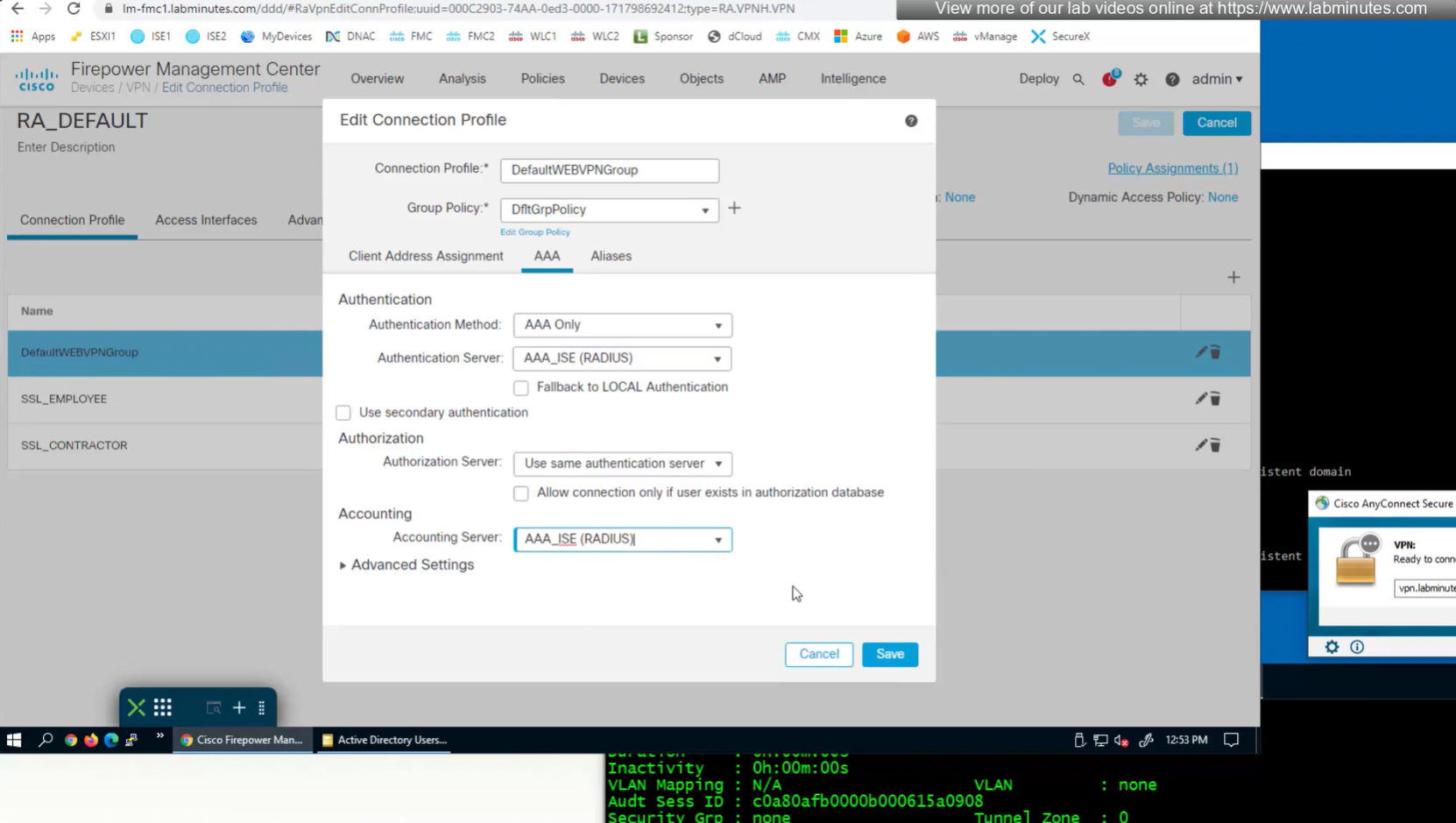

We can delete the employee and contractor connection profiles but keep the employee and contractor group policies since only name of group policy is returned in RADIUS class attribute
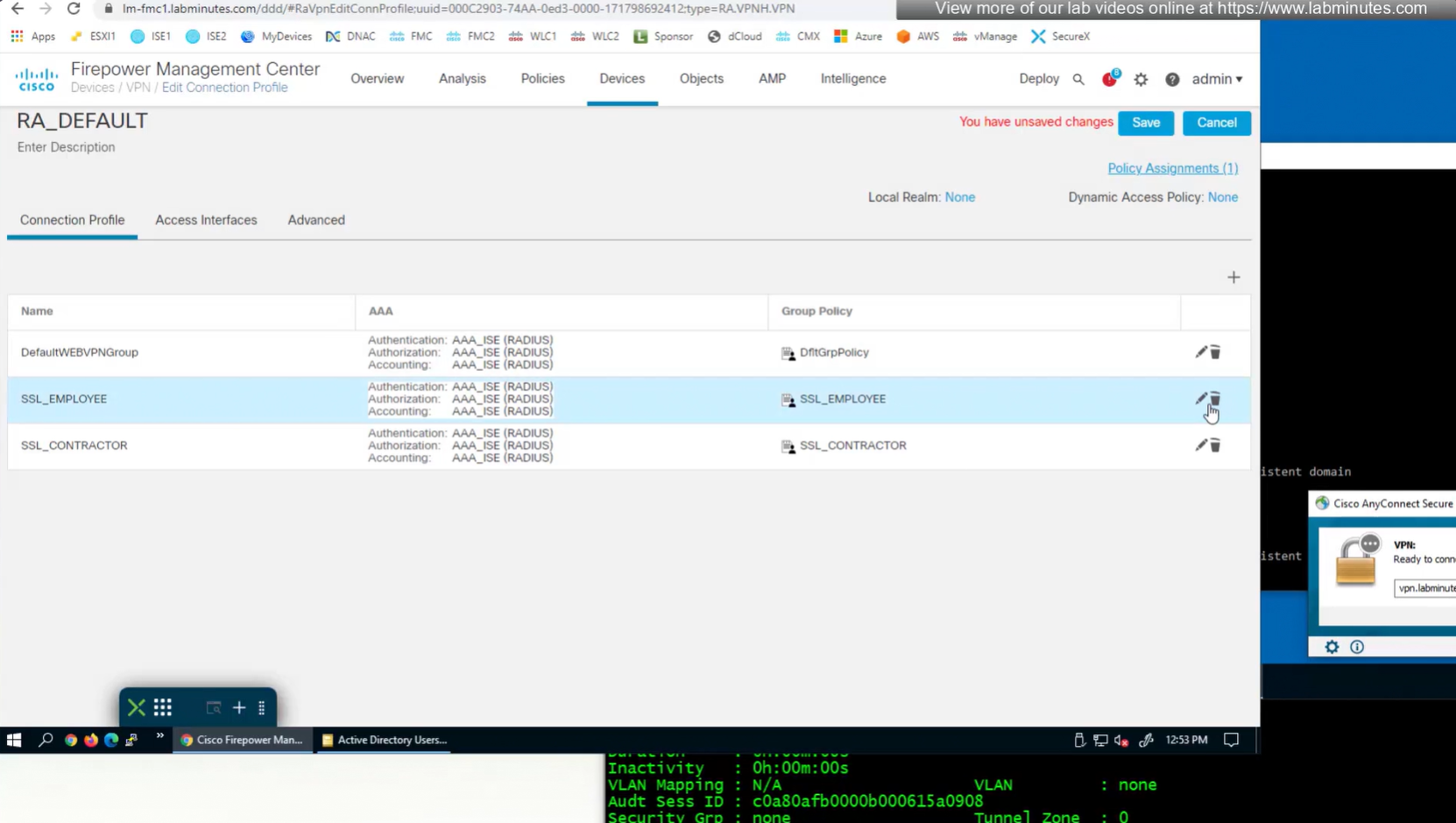
Deleting employee connection profile
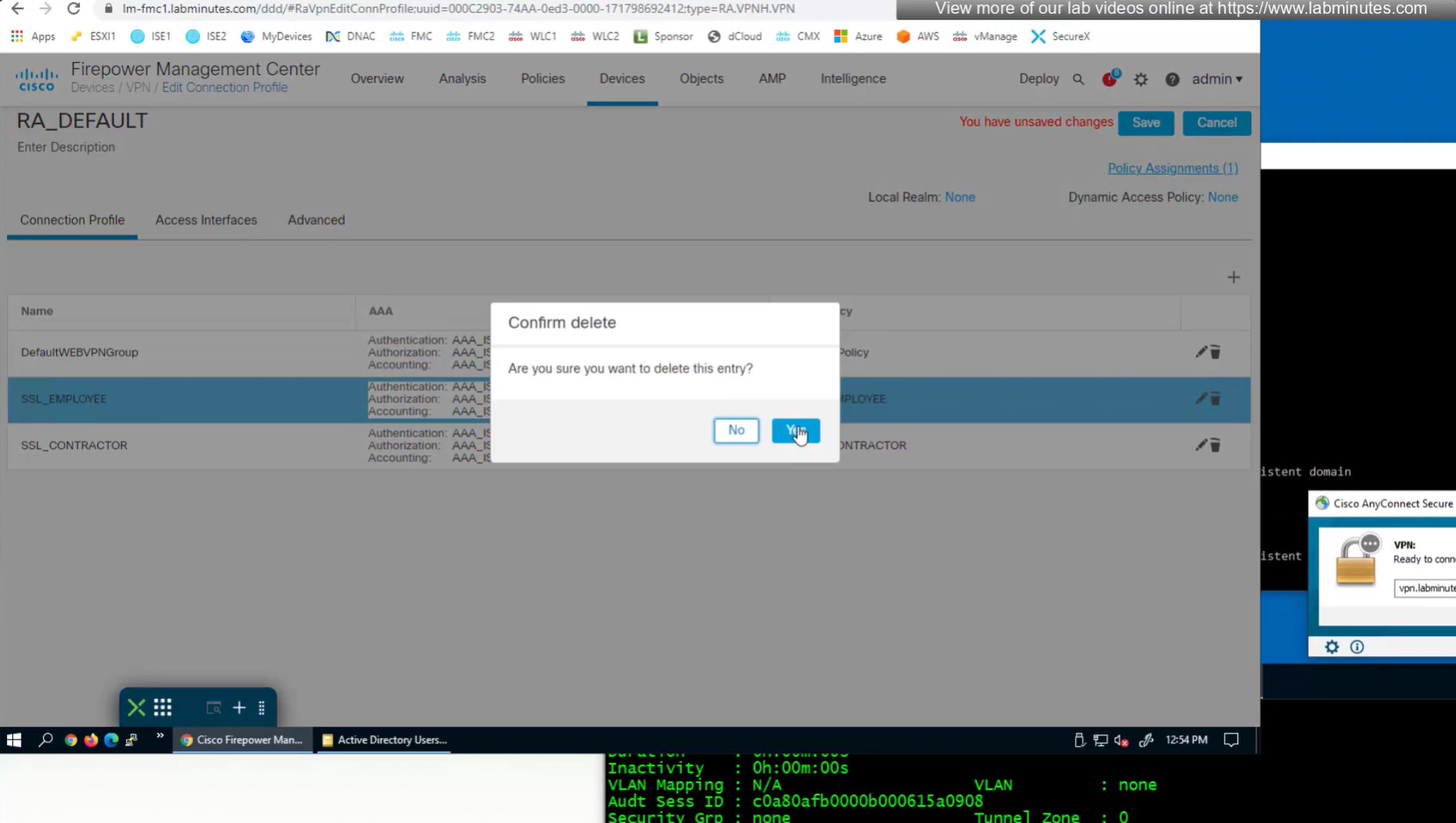
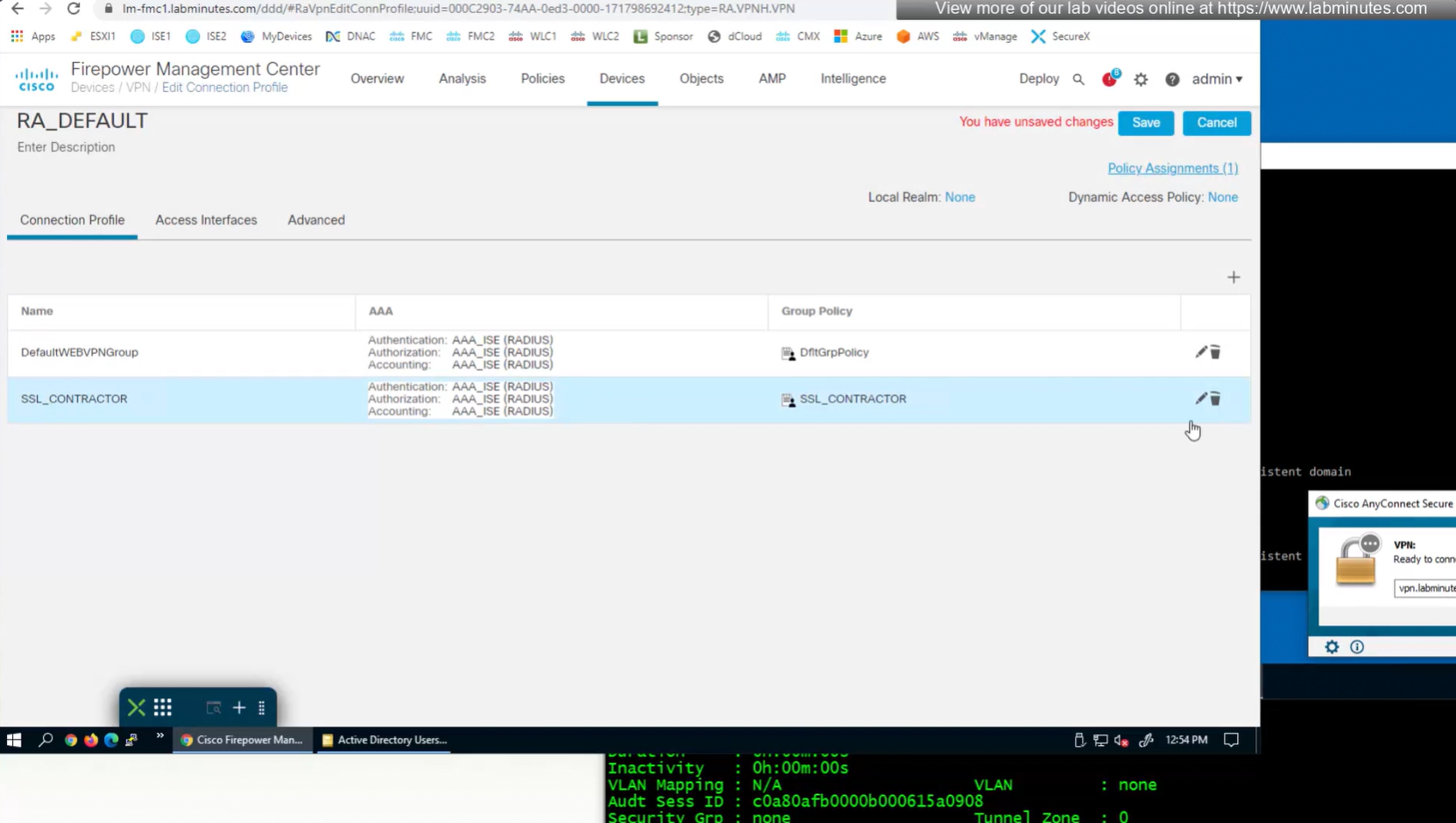
Deleting contractor connection profile
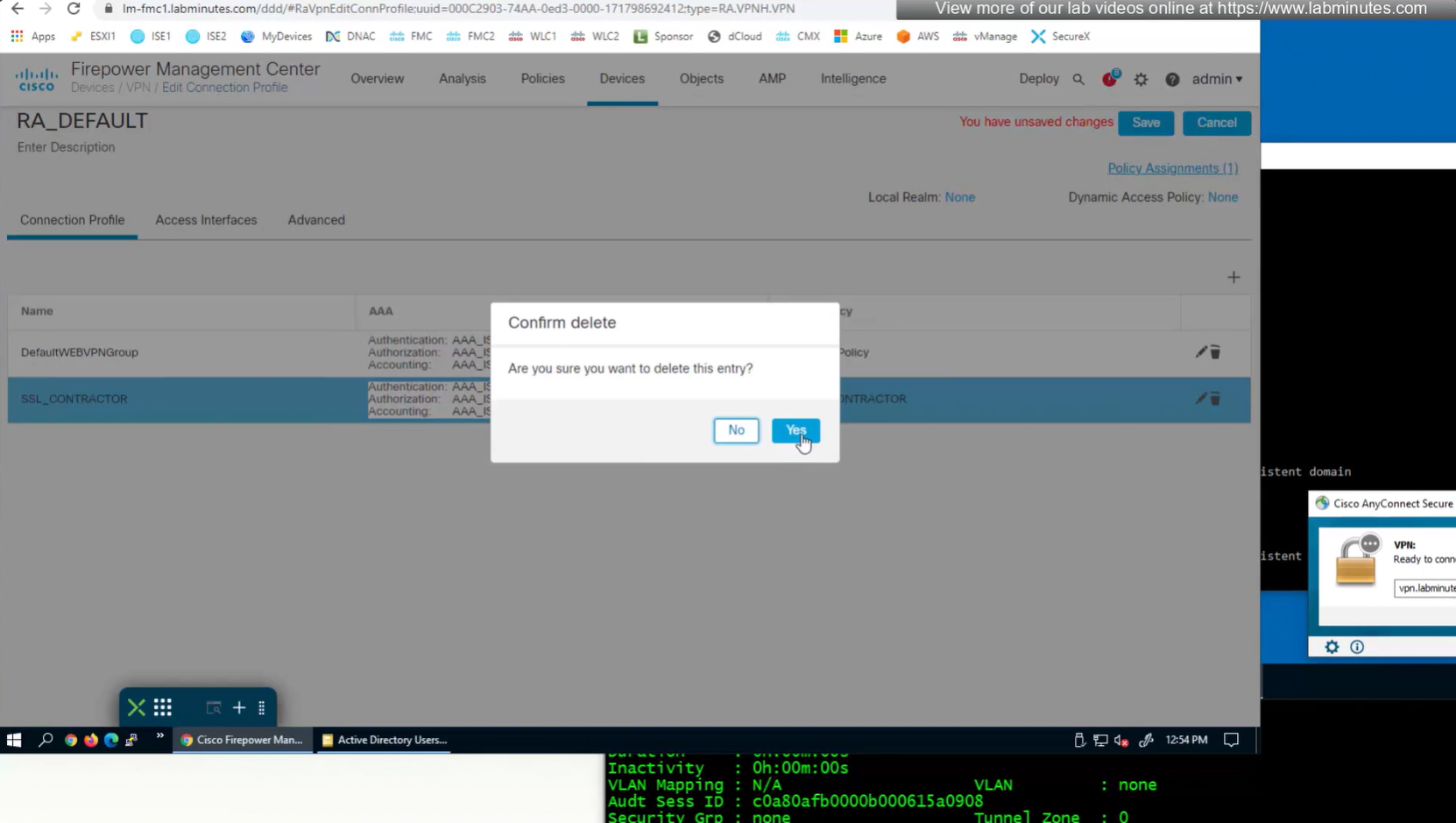
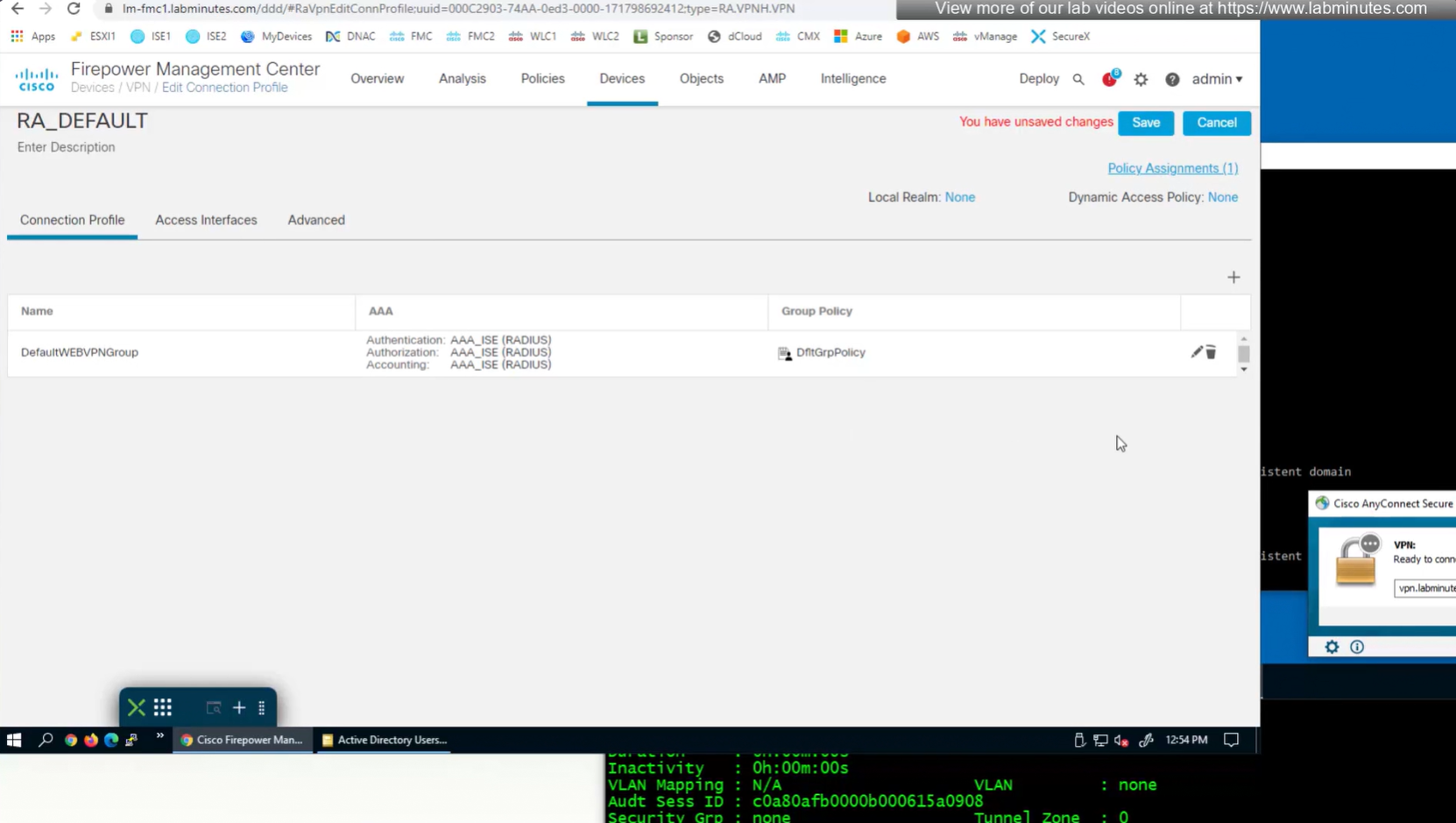
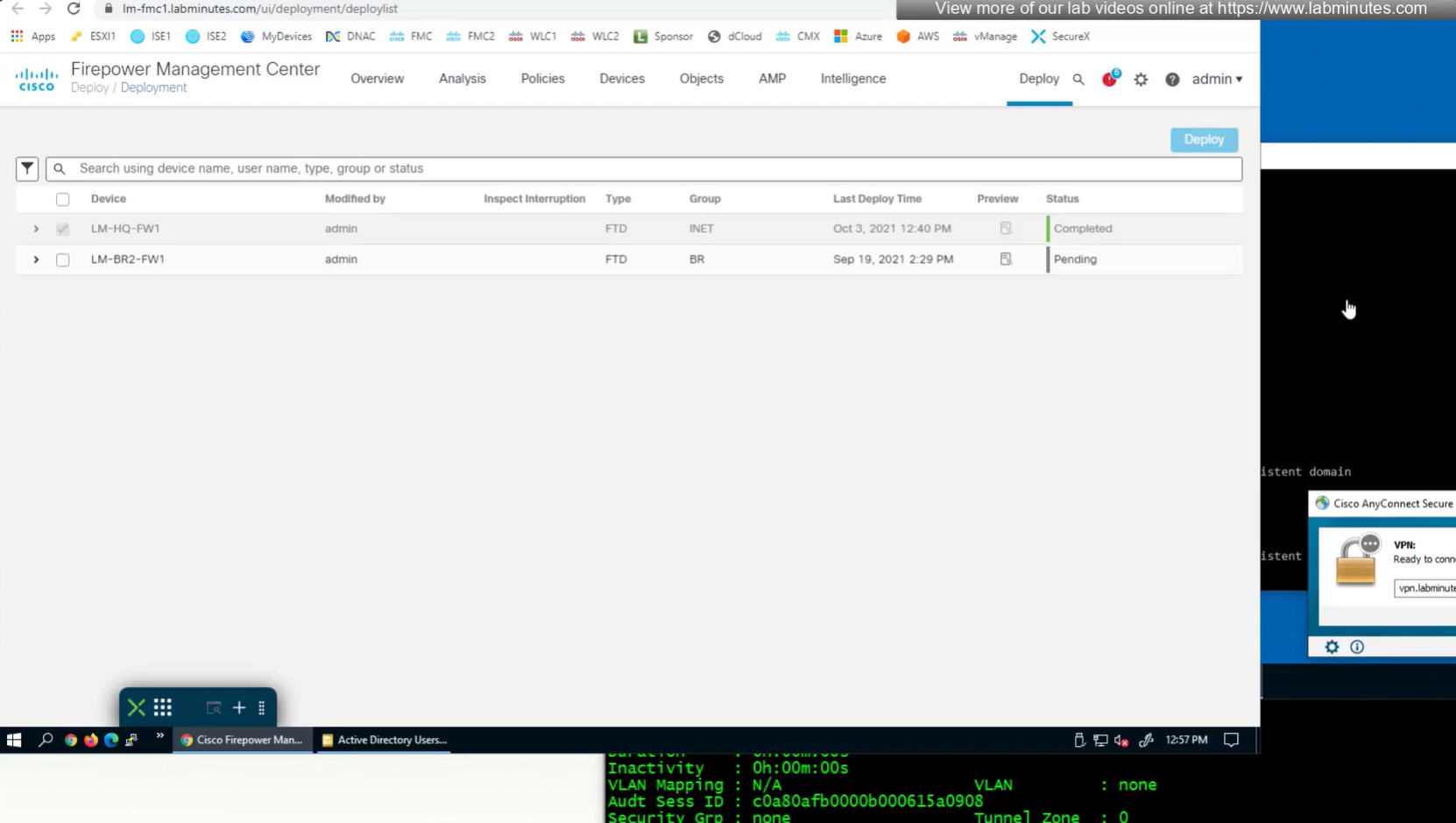
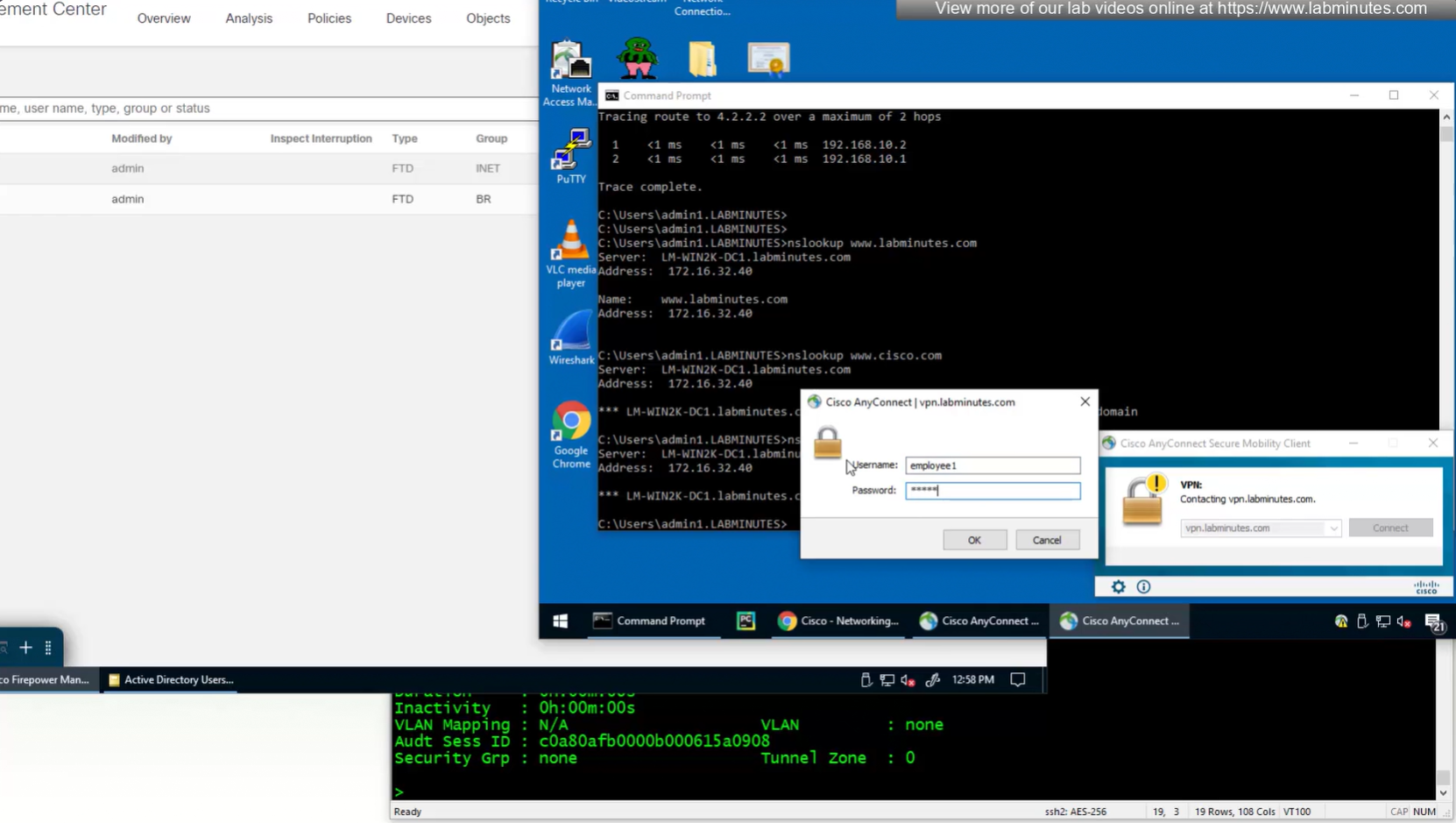
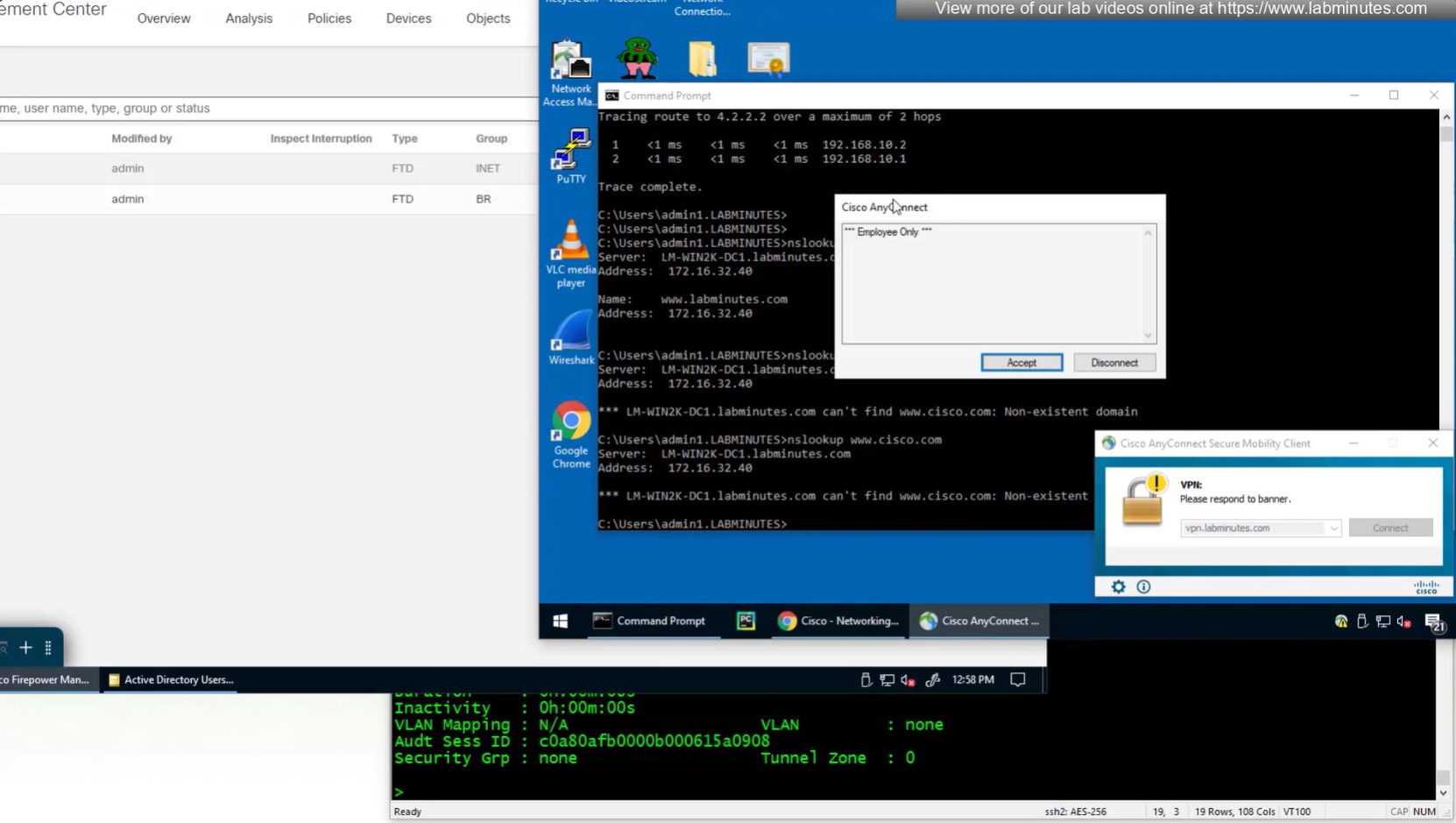

see we only have one tunnel group which can be used with different group policies returned by ISE

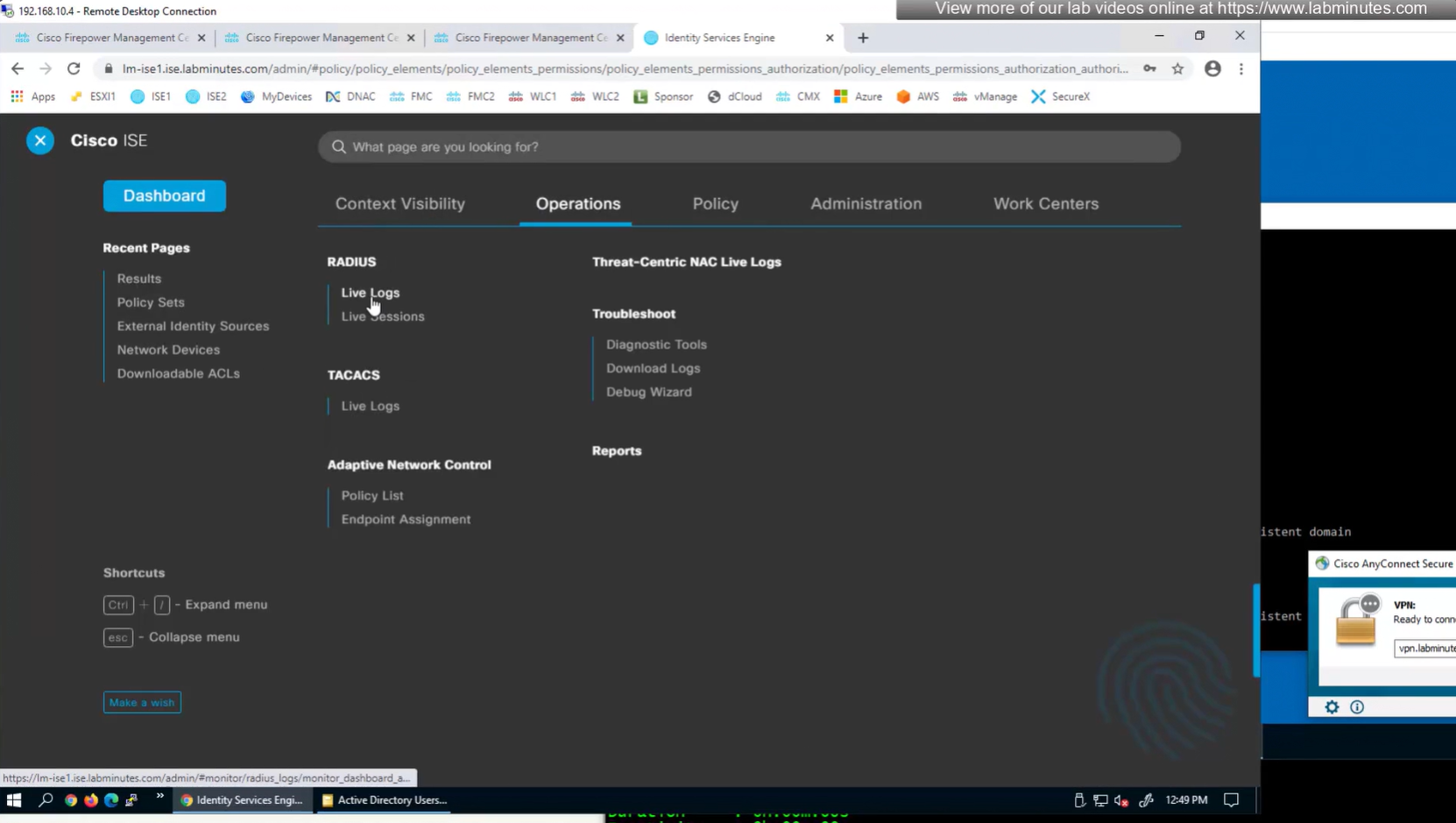
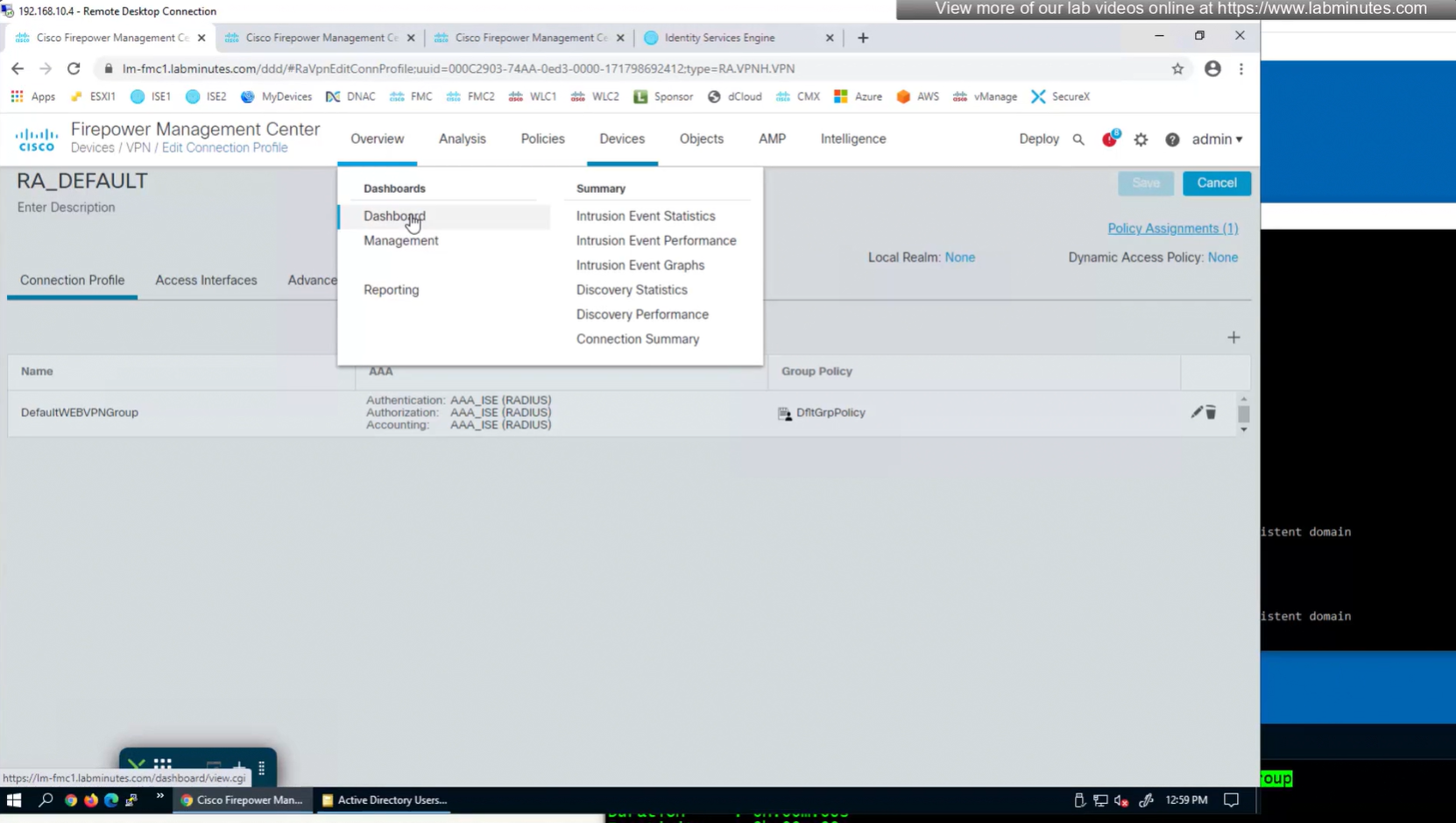
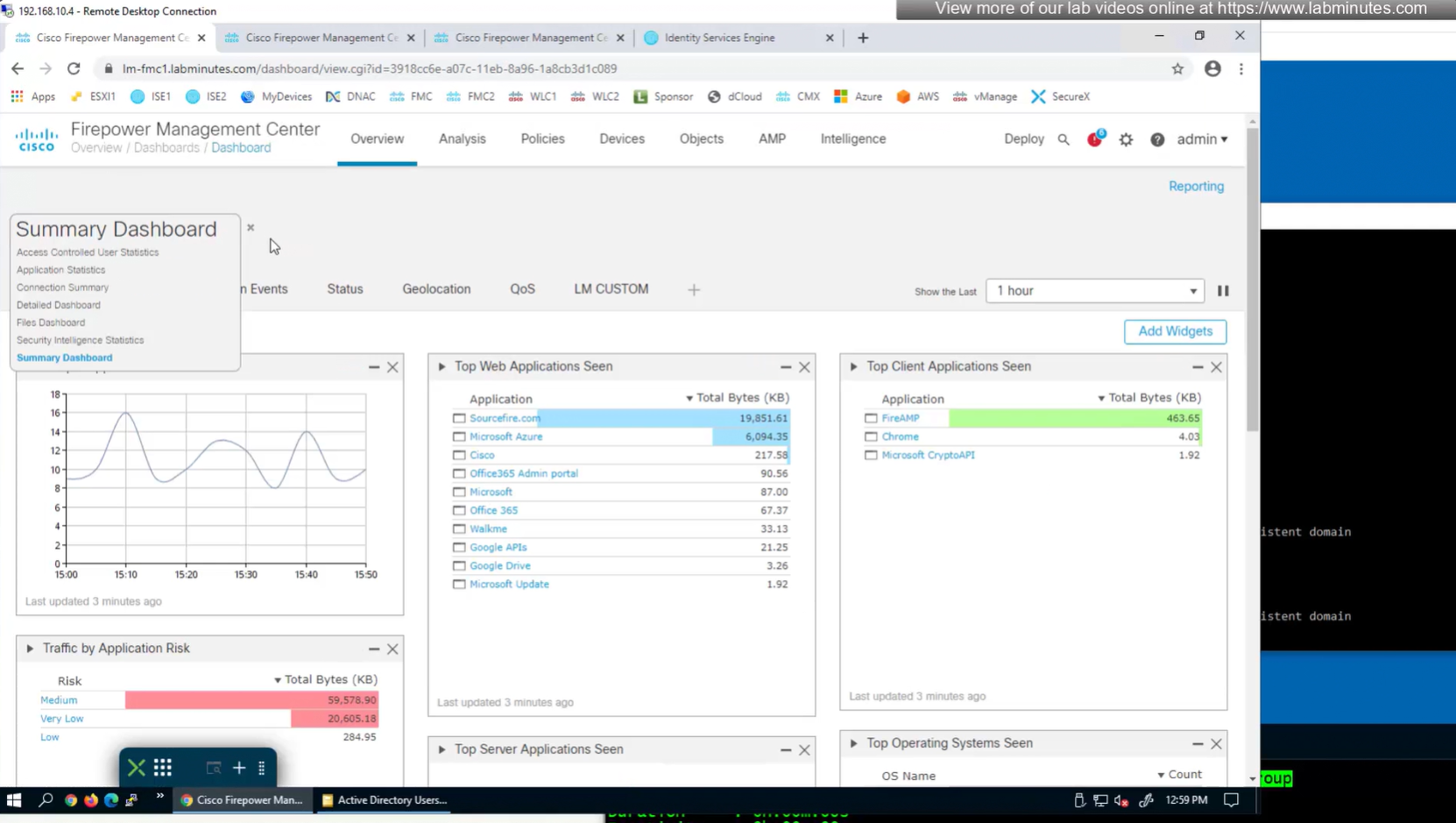
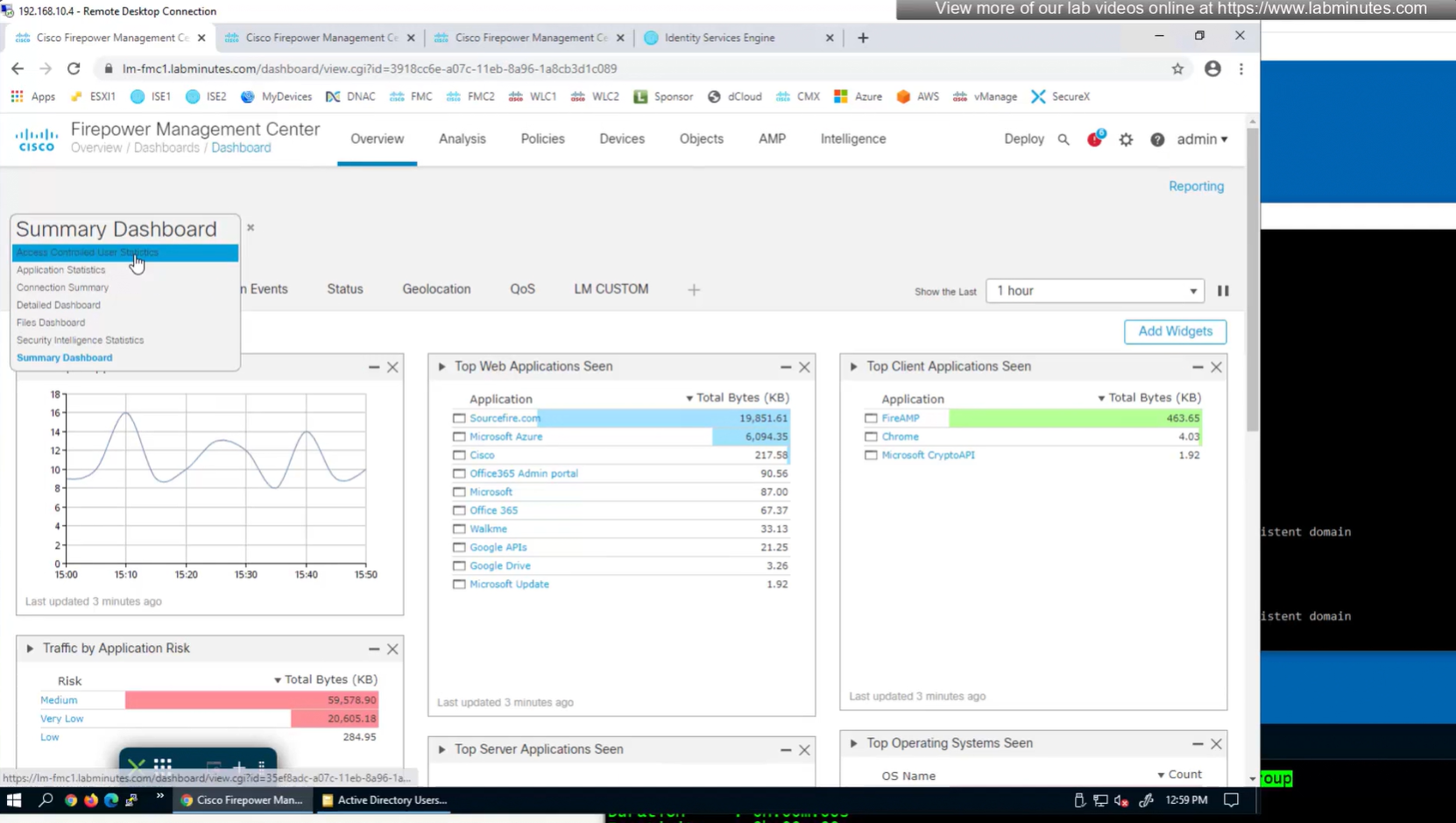
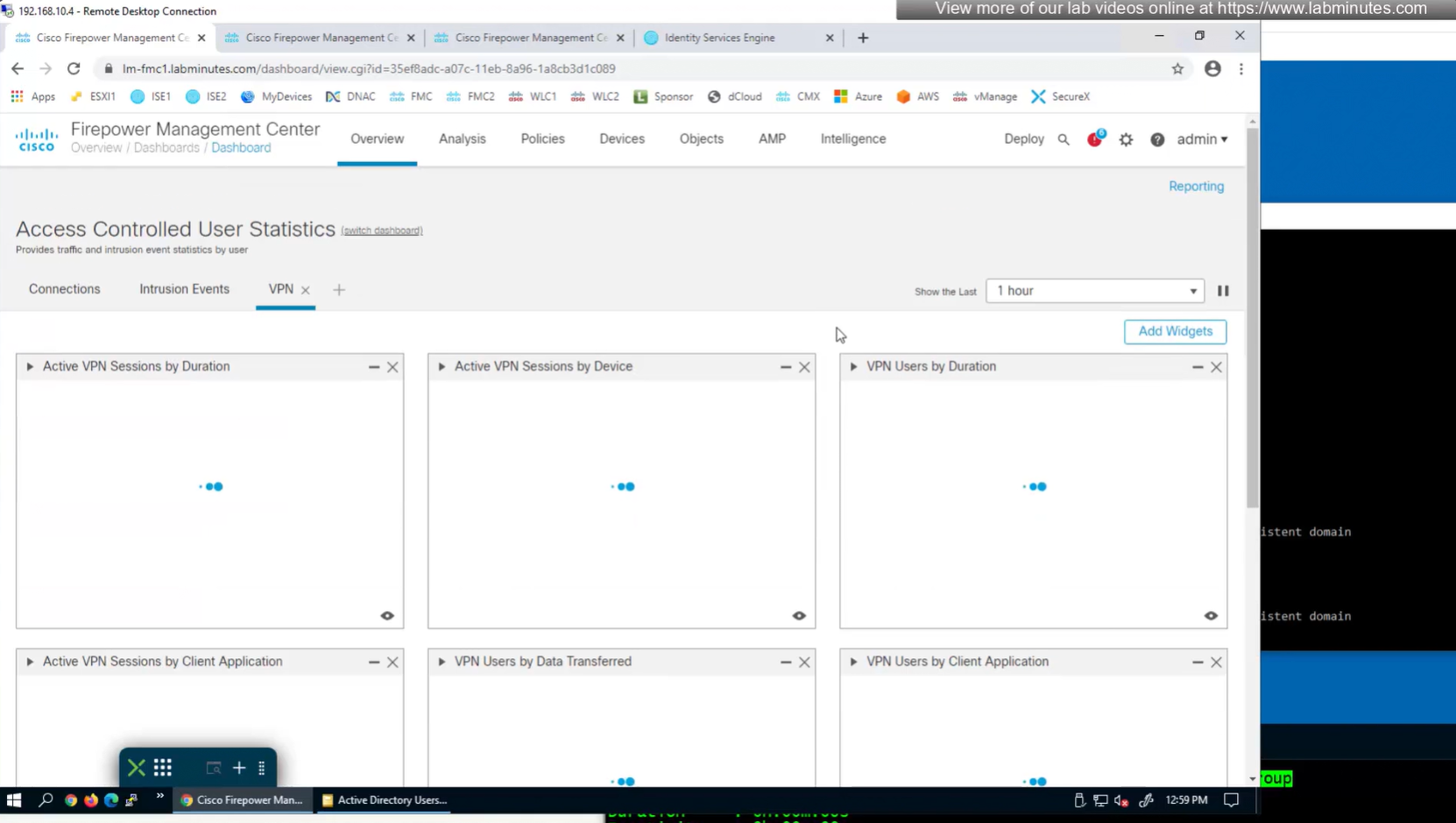
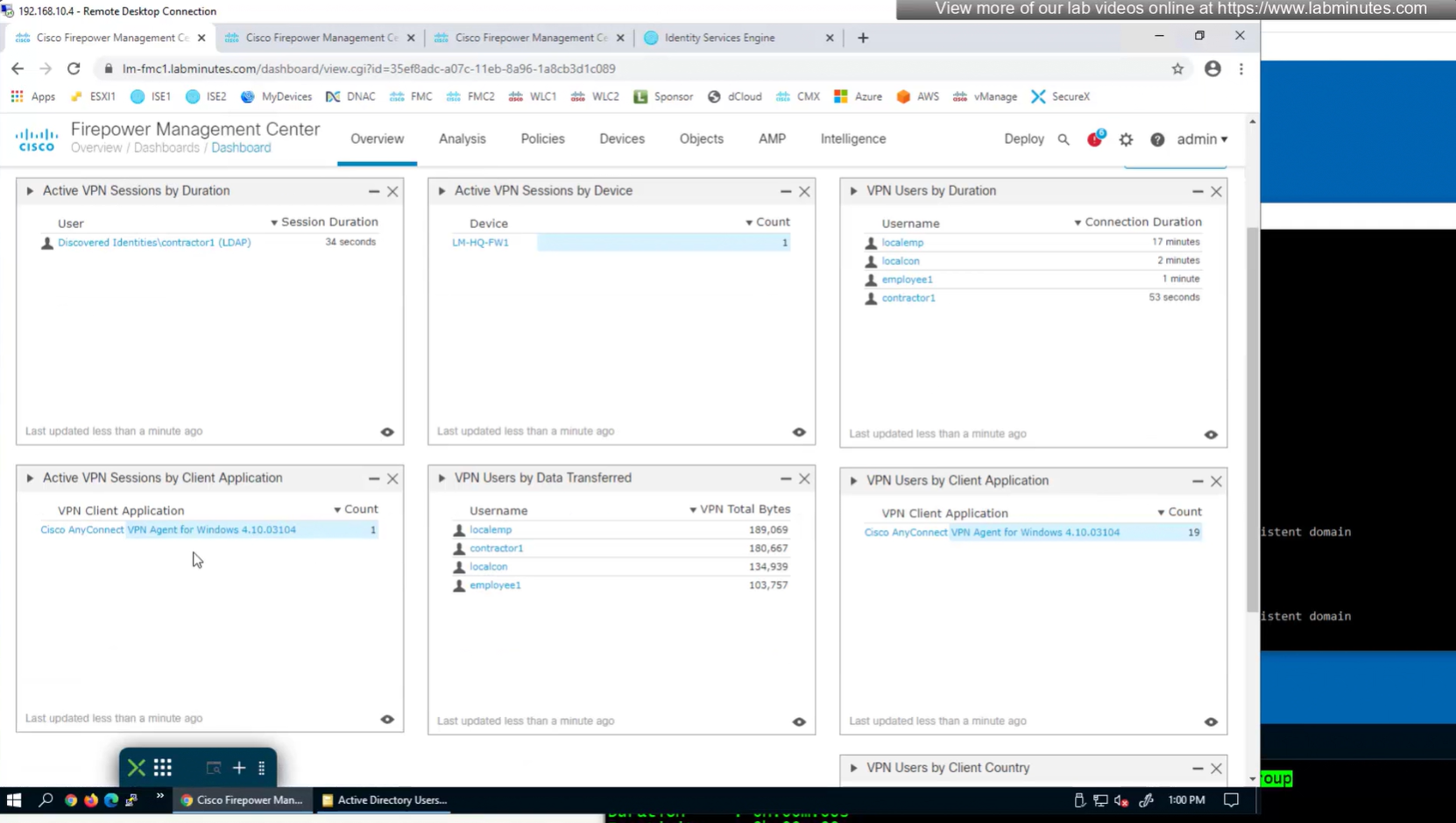
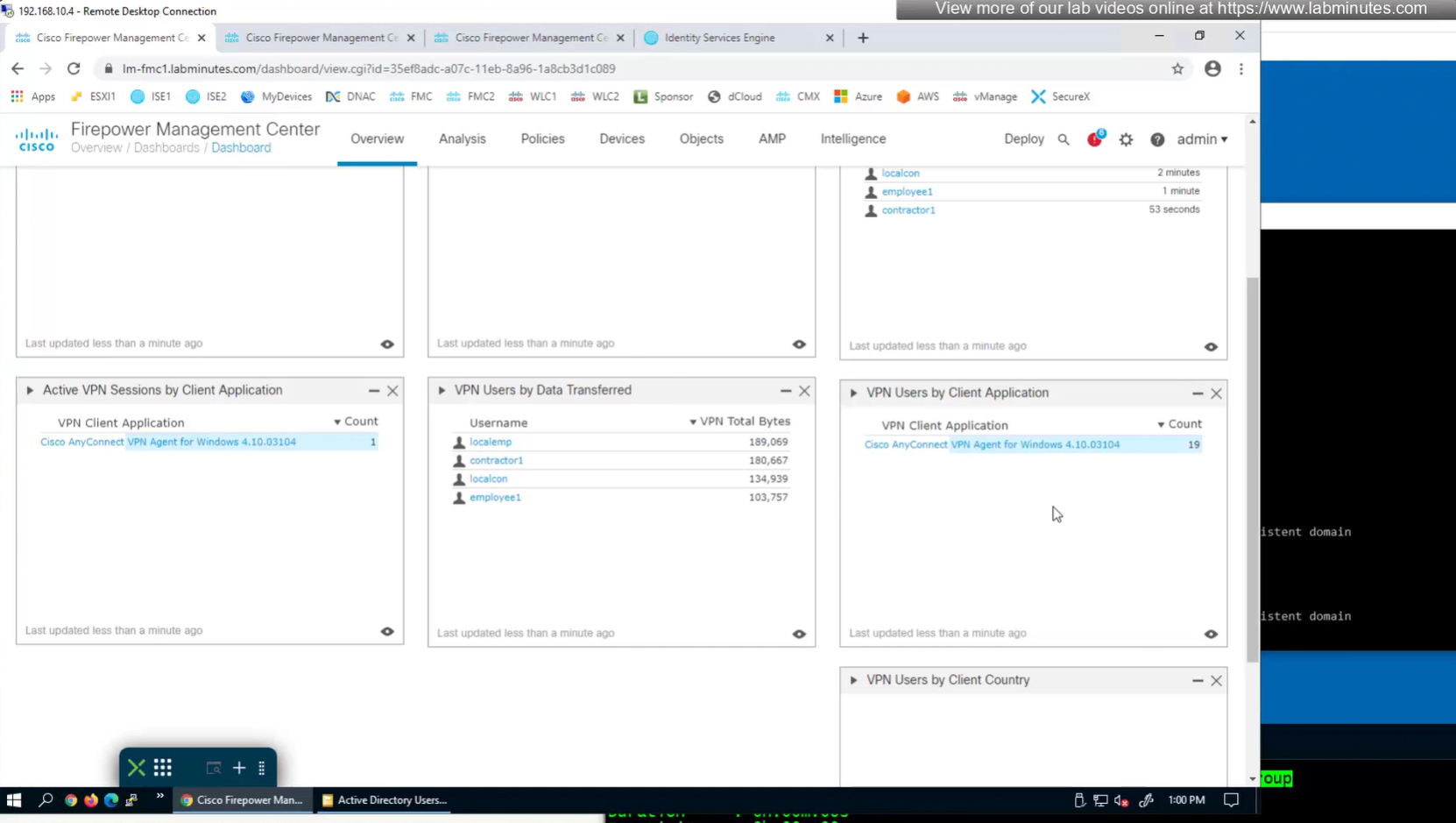
to monitor anyconnect connections there is a hidden dashboard that can be accessed



Leave a Reply