SEC0402 – Firepower 7.0 AnyConnect VPN Connection Profile and Group-Policy (Part 1)
SEC0402 – Firepower 7.0 AnyConnect VPN Connection Profile and Group-Policy (Part 1)
Connection Profile and Group-Policy
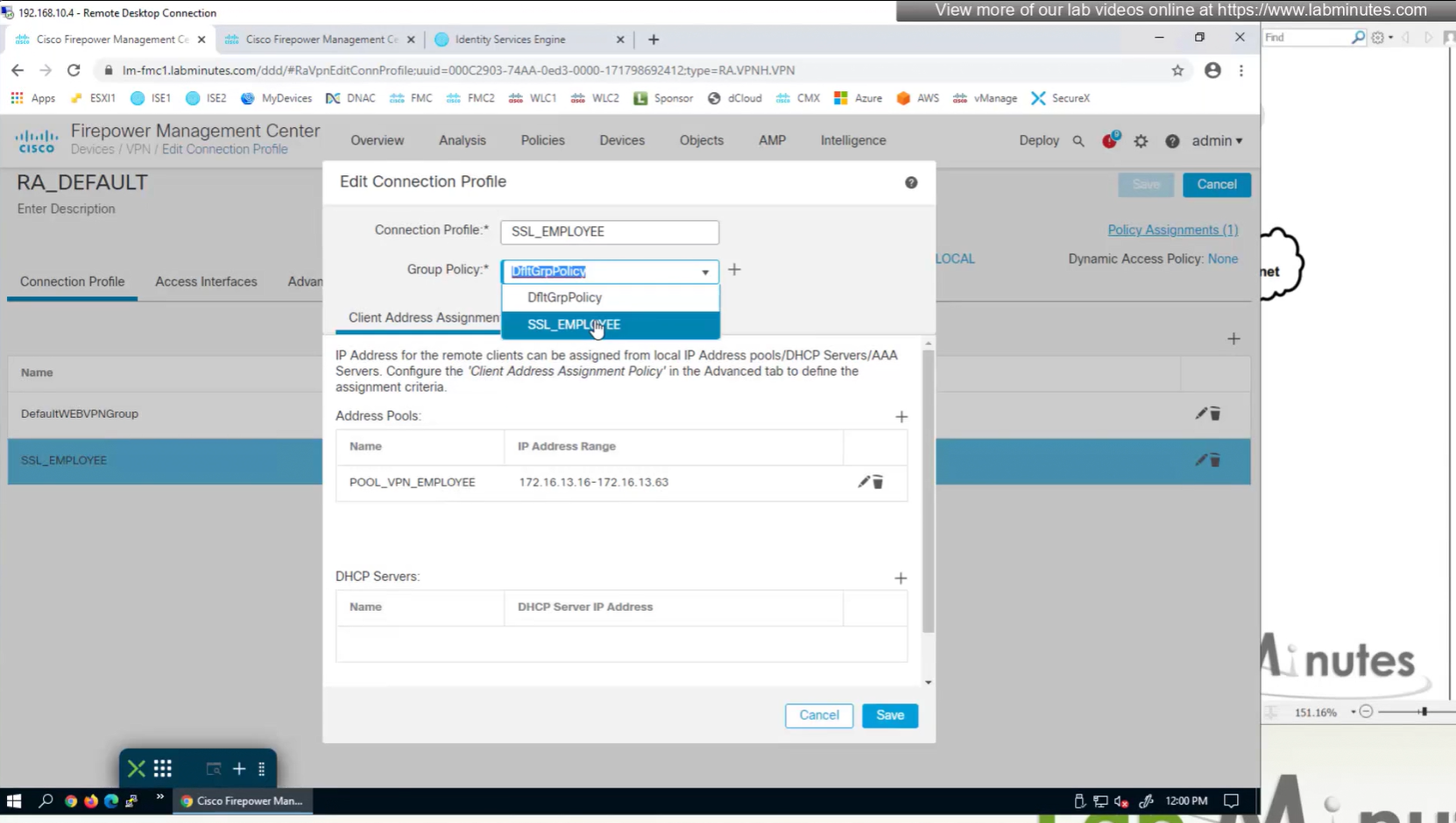
In this video our main focus is on connection profiles and what options we can configure
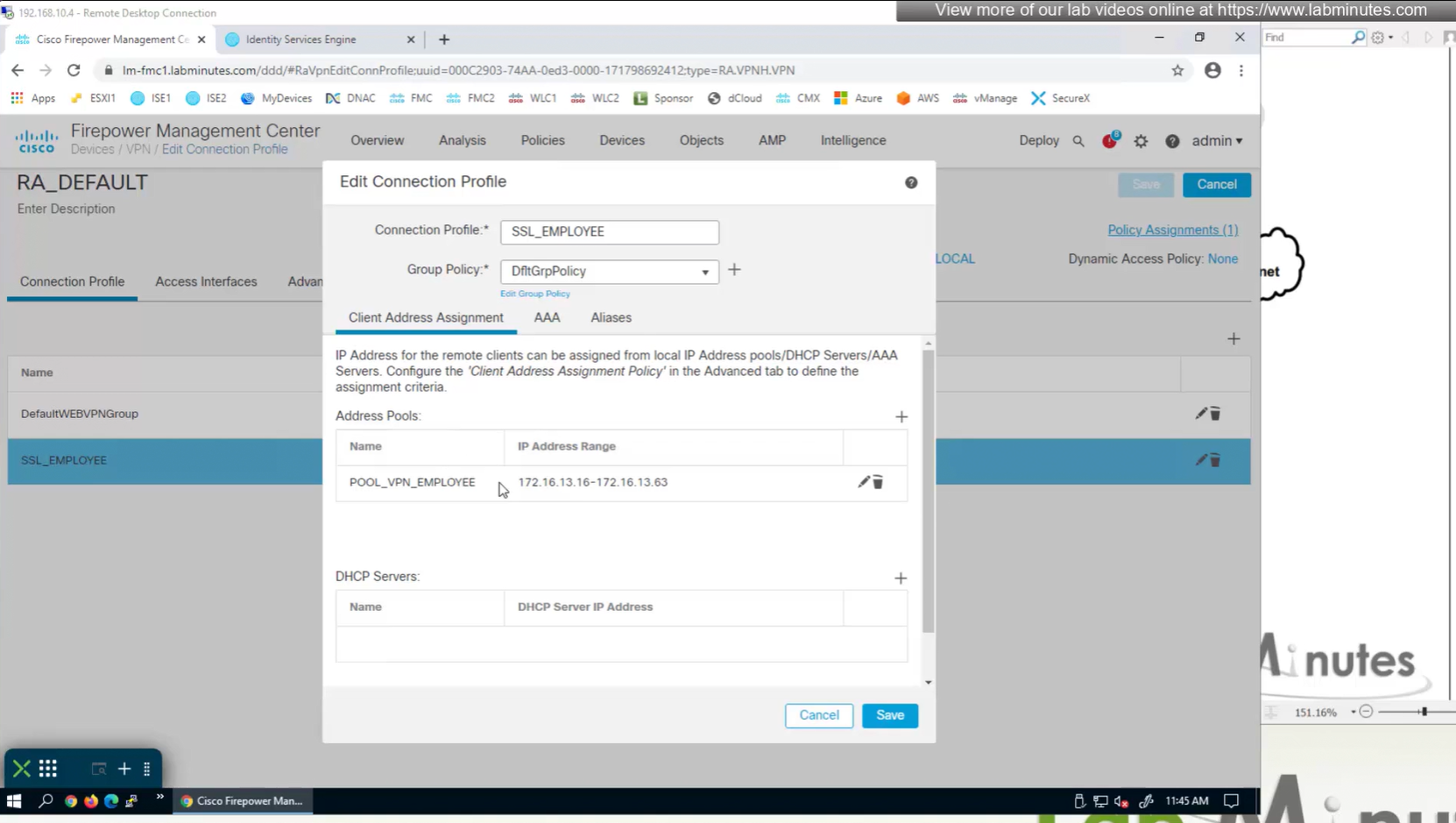
Firepower also has the ability to get IP address from DHCP server rather than the IP address pools but we will talk about that later

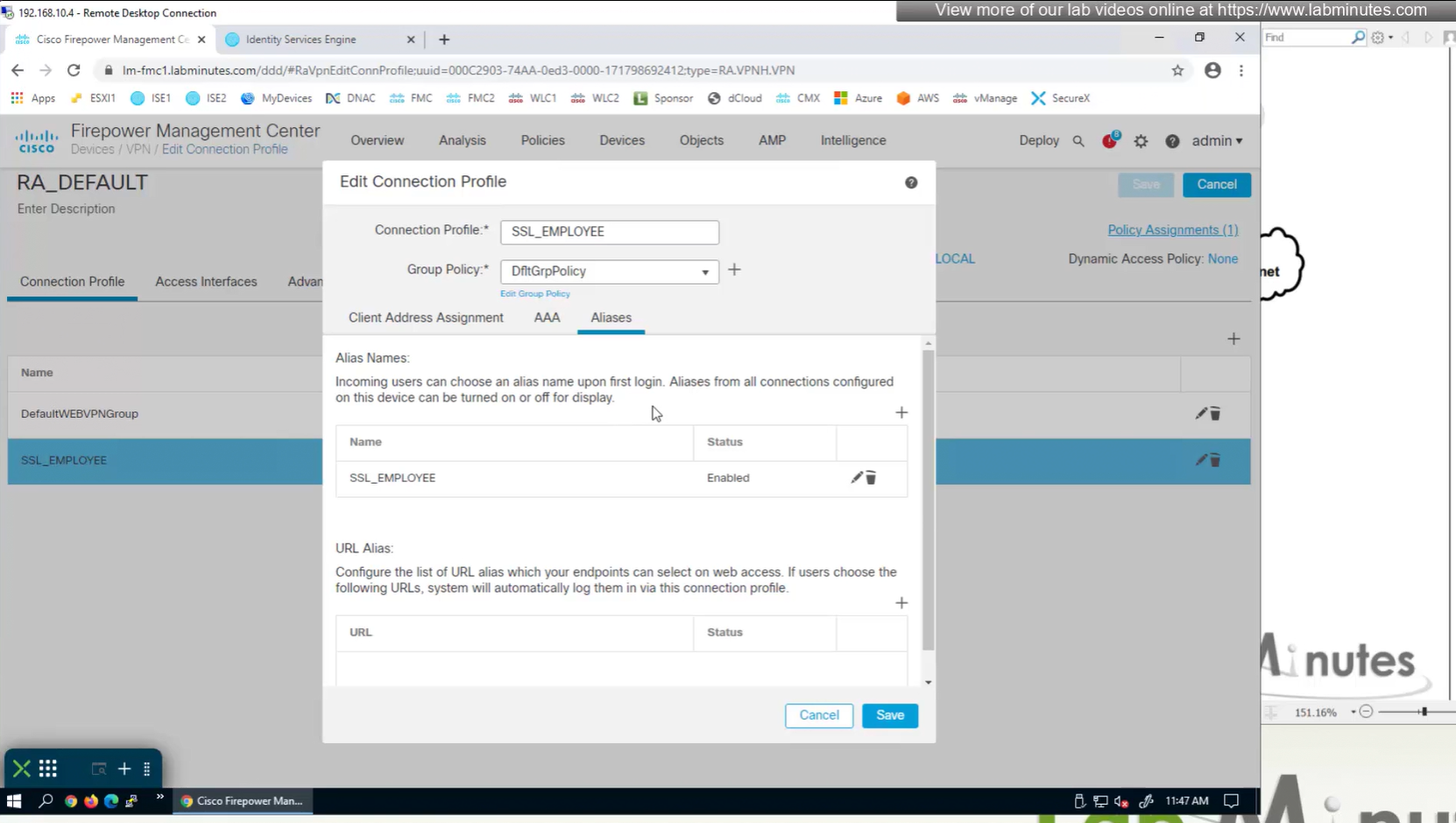
Aliases is where we can configured Alias for “this” connection profile or tunnel group that users can select and as we can SSL_EMPLOYEE is configured which was in drop down also
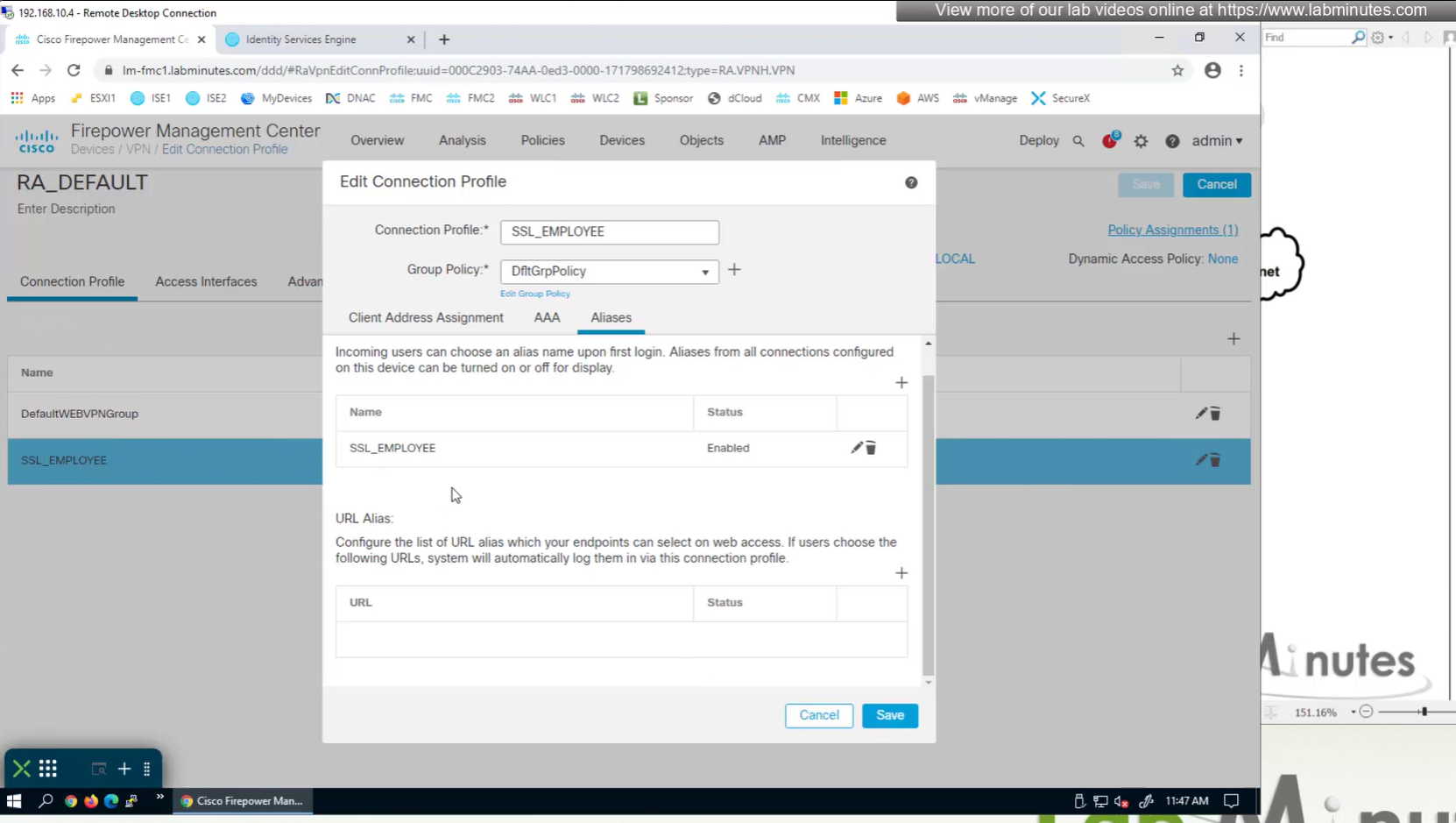
If you dont want the user to go through the drop, you can configure the URL Alias and give that to user to enter in anyconnect and connect to it

group policies are actually configured in objects , like most things

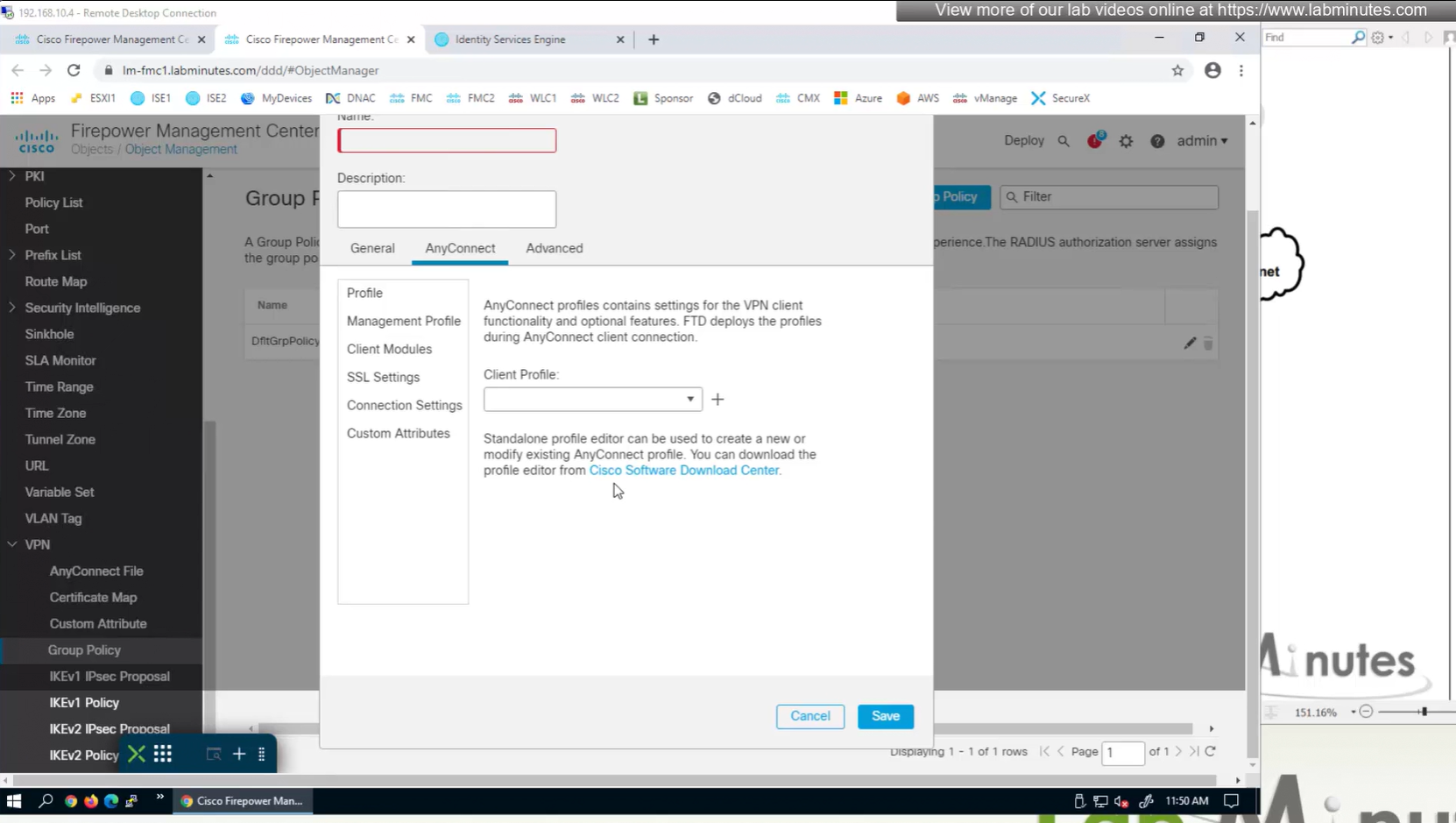
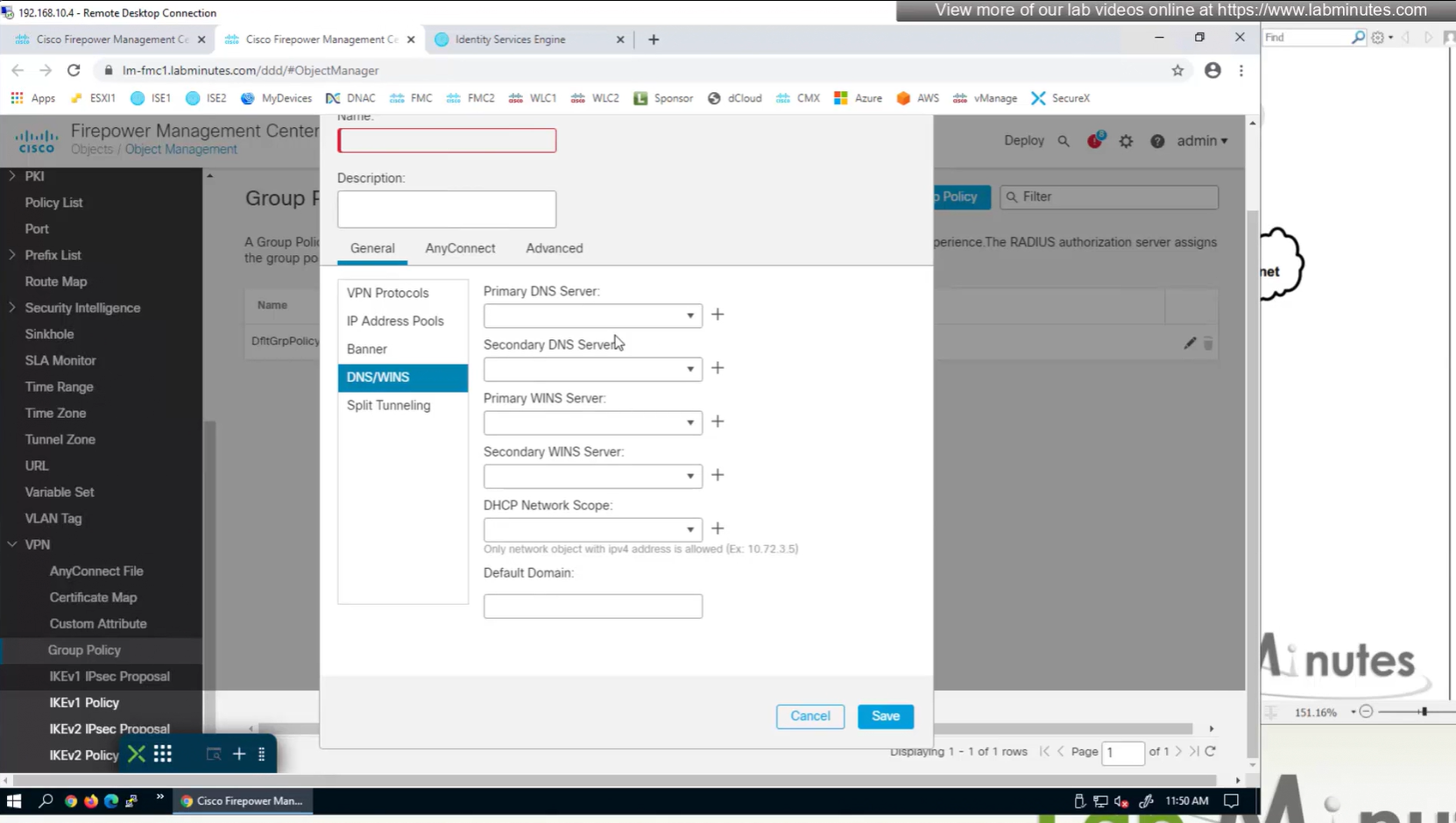
If you configure group policy, and leave options empty they will be reflected as ‘none’ so we need to configure parameters in group policy as much as possible
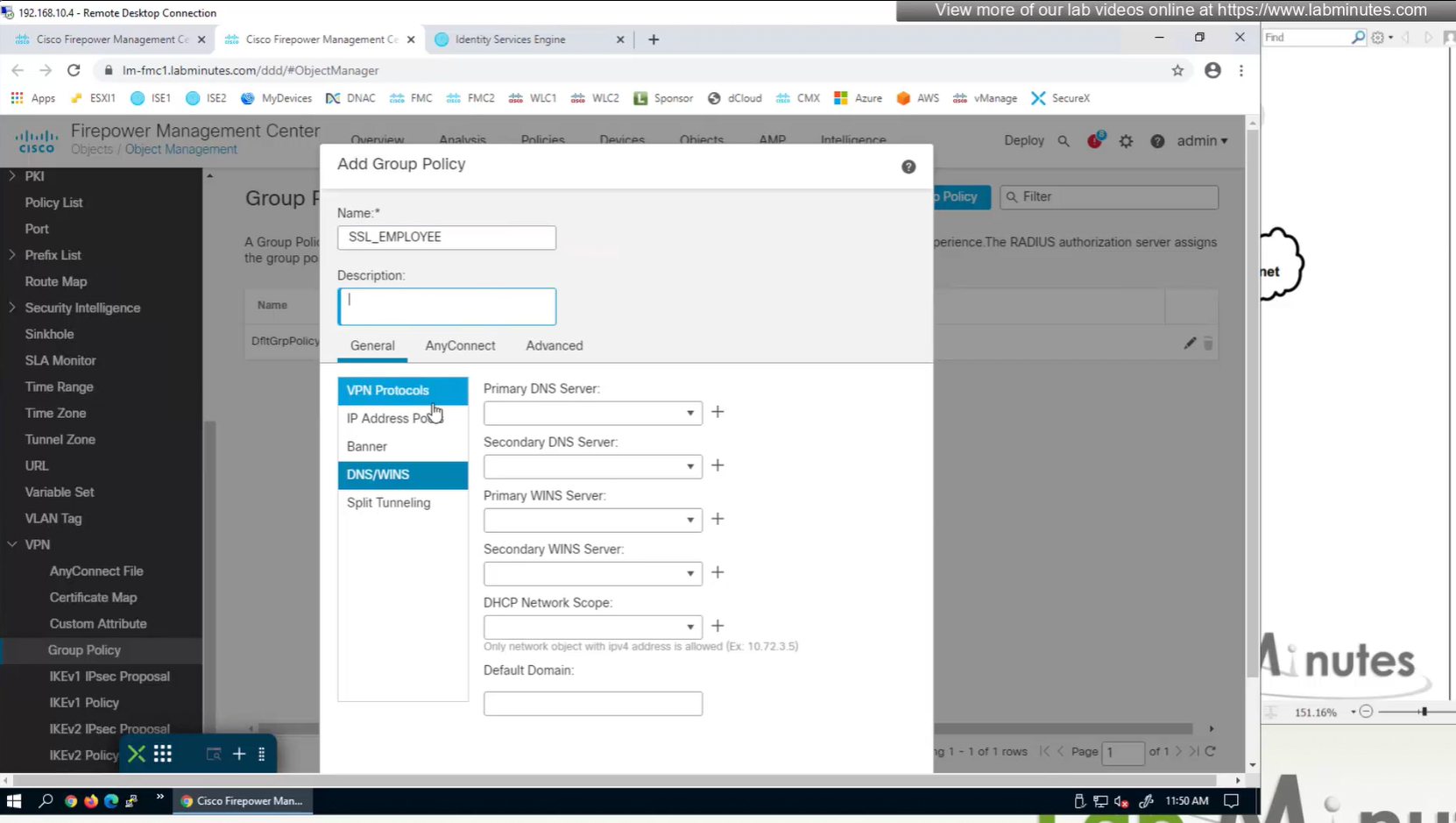
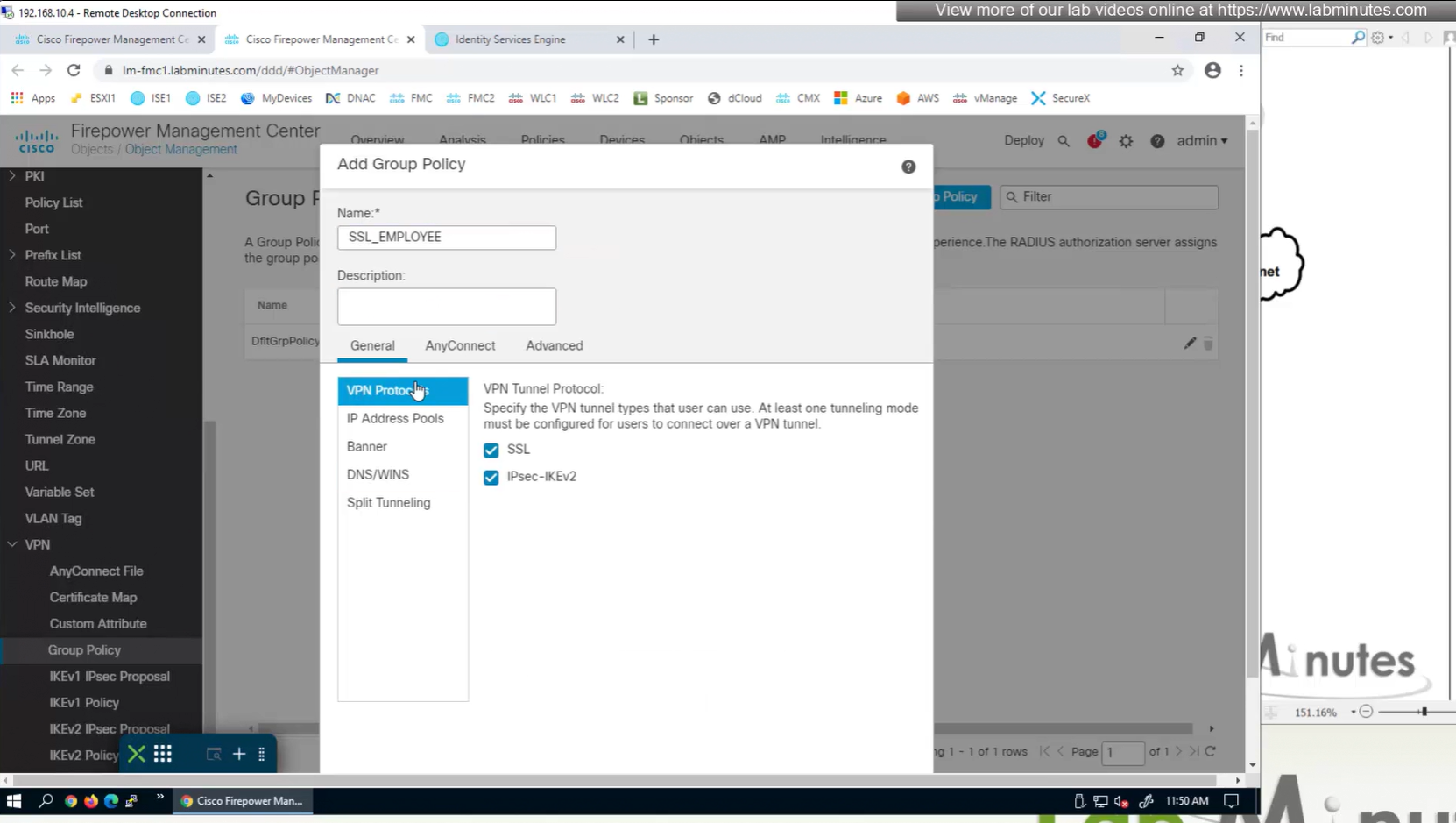
If you dont want to remove IPSec from OUTSIDE interface and only remove it for some remote connections then it can be done using group policy on a tunnel group

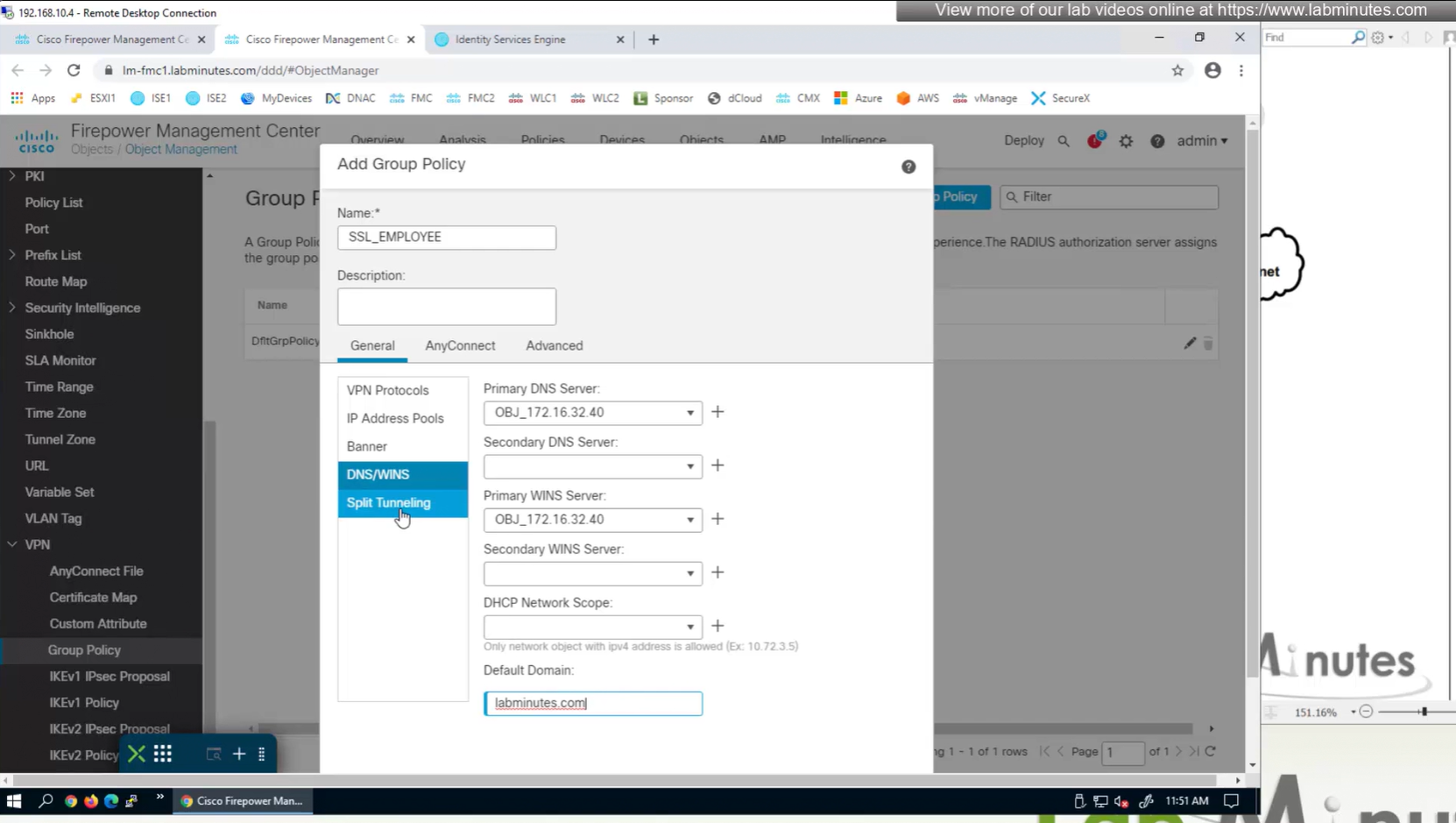

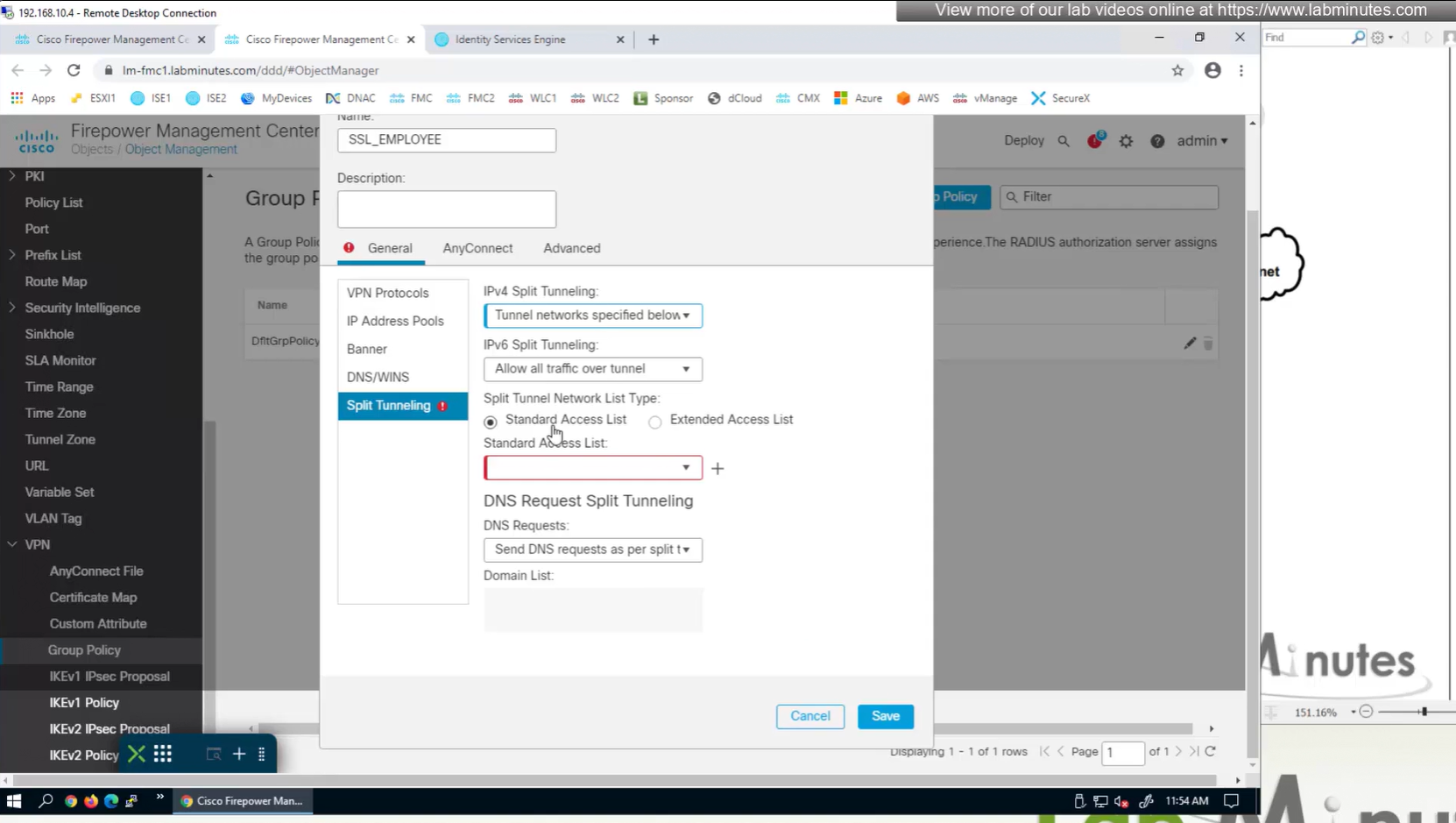

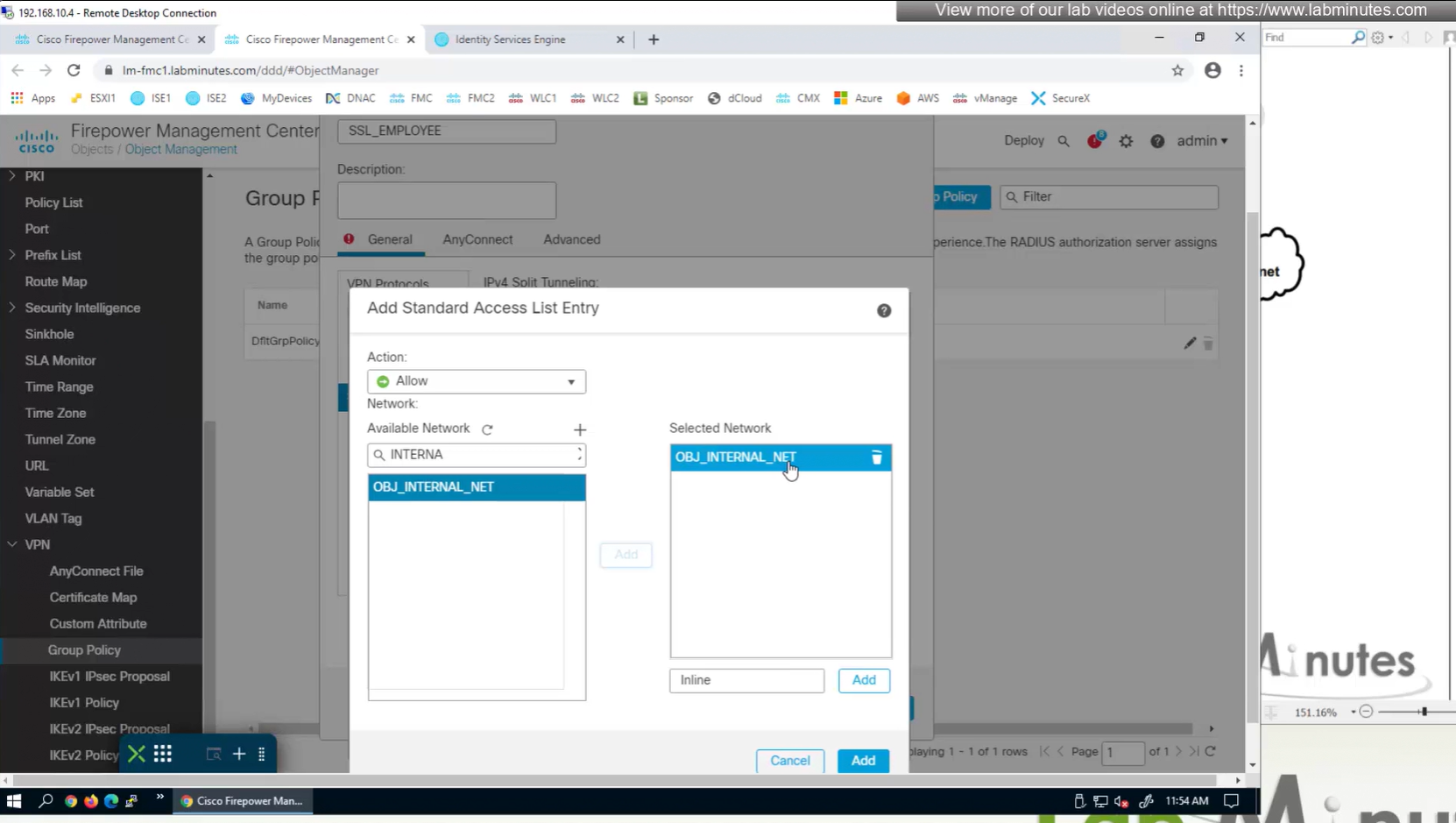
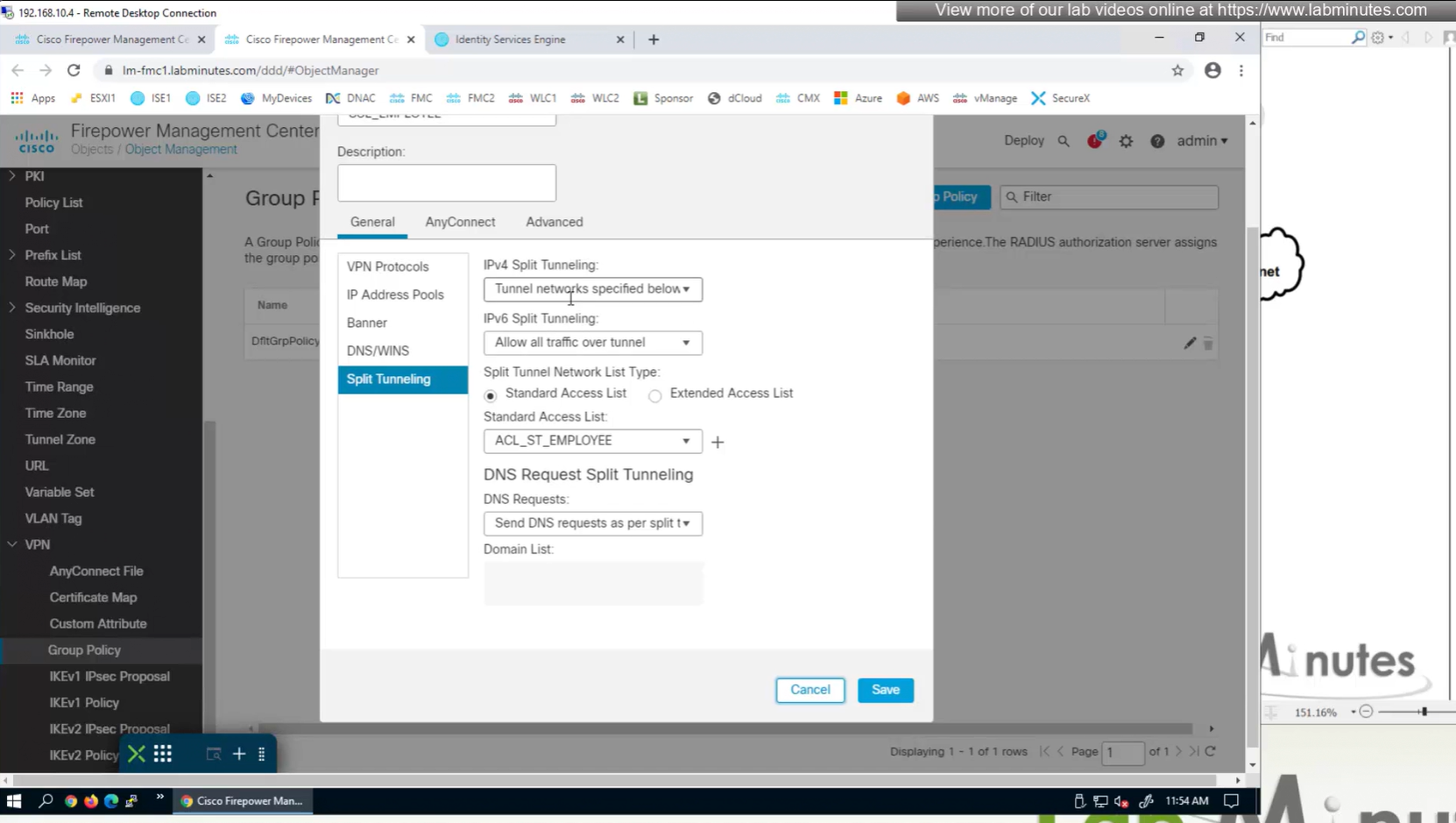
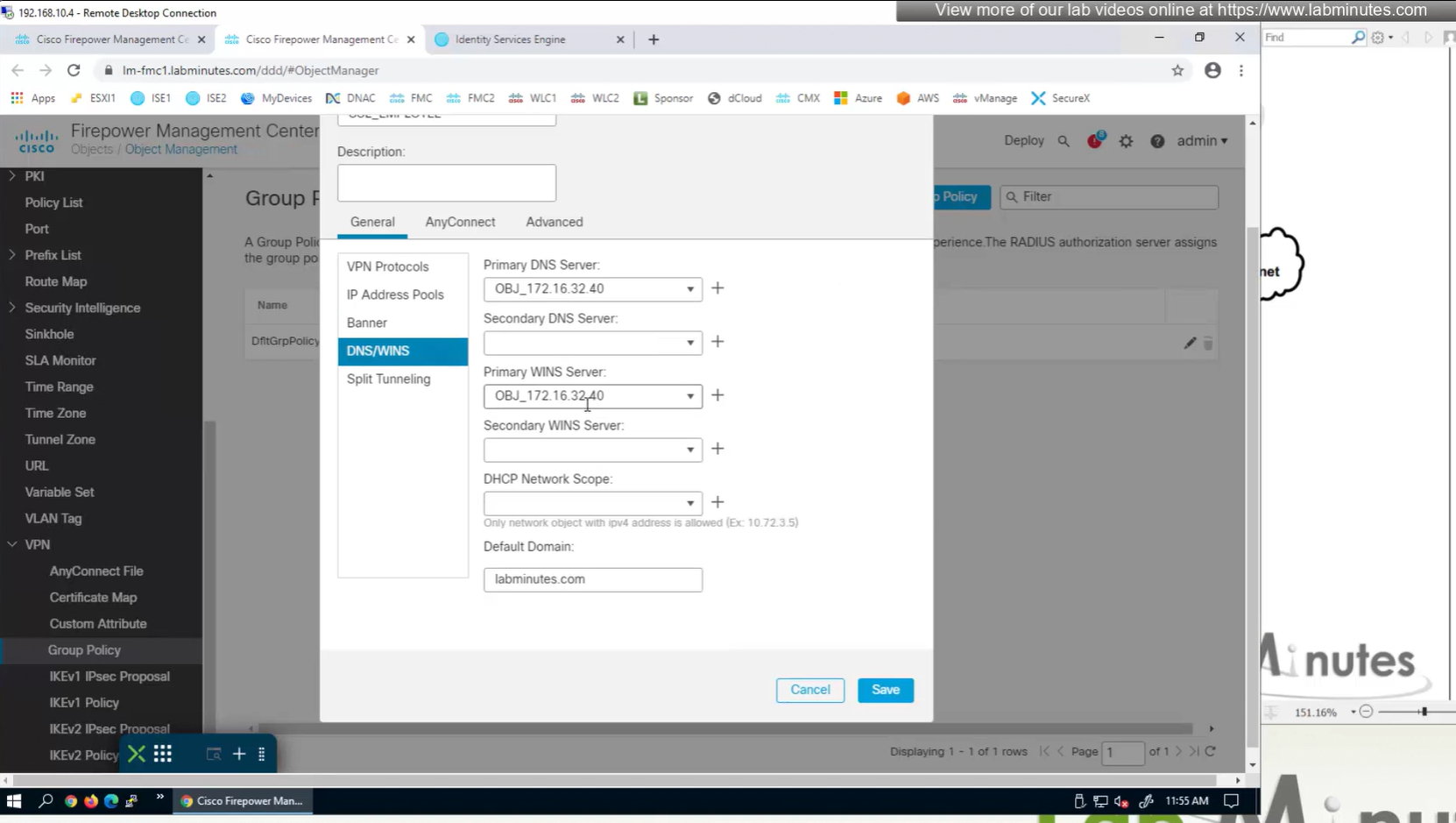
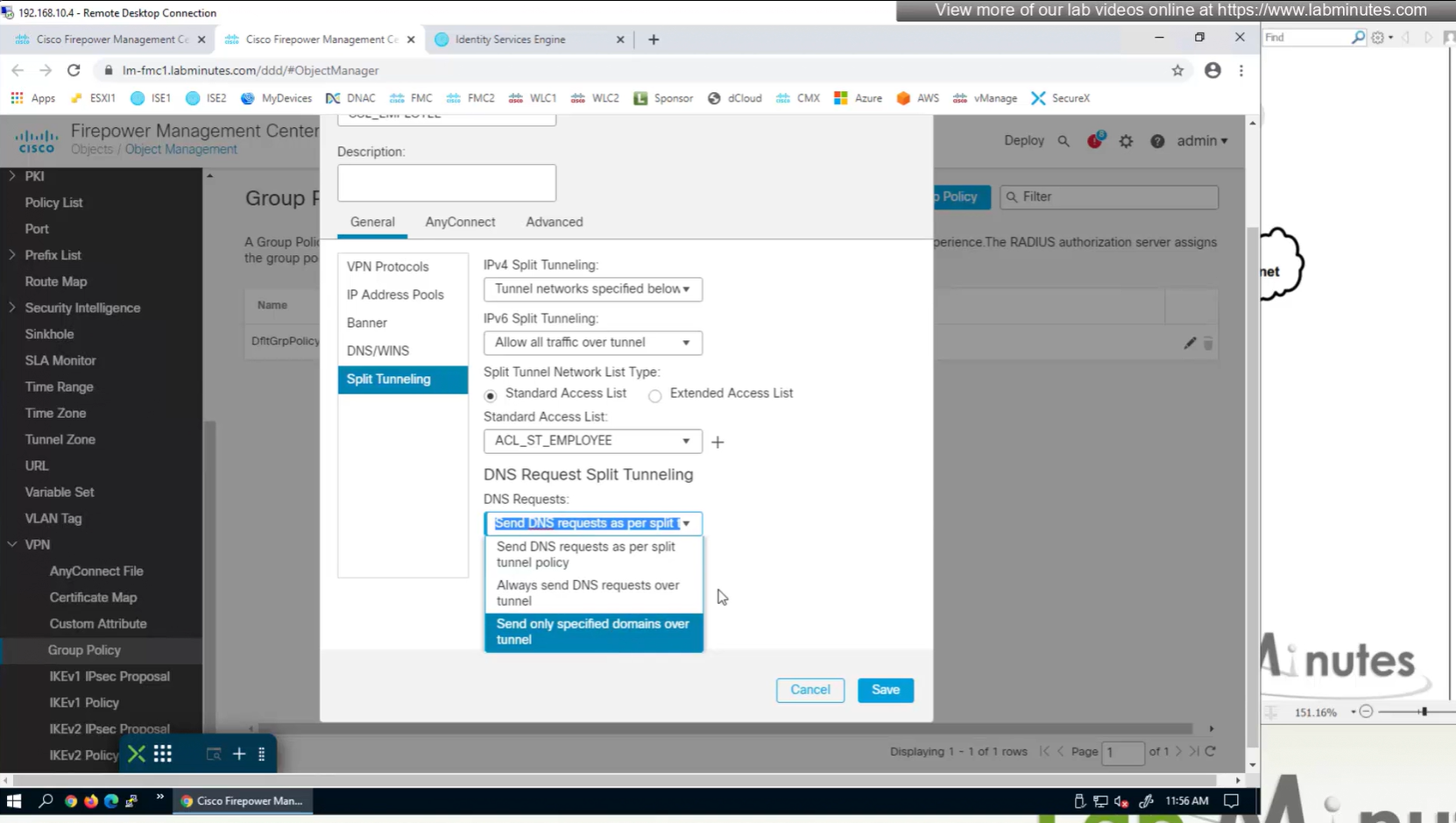
Split DNS allows you to specify which DNS domains you want to send to your corporate DNS (that was defined earlier in DNS section) and which DNS domains you want to send to public or local DNS defined in your client’s adapter
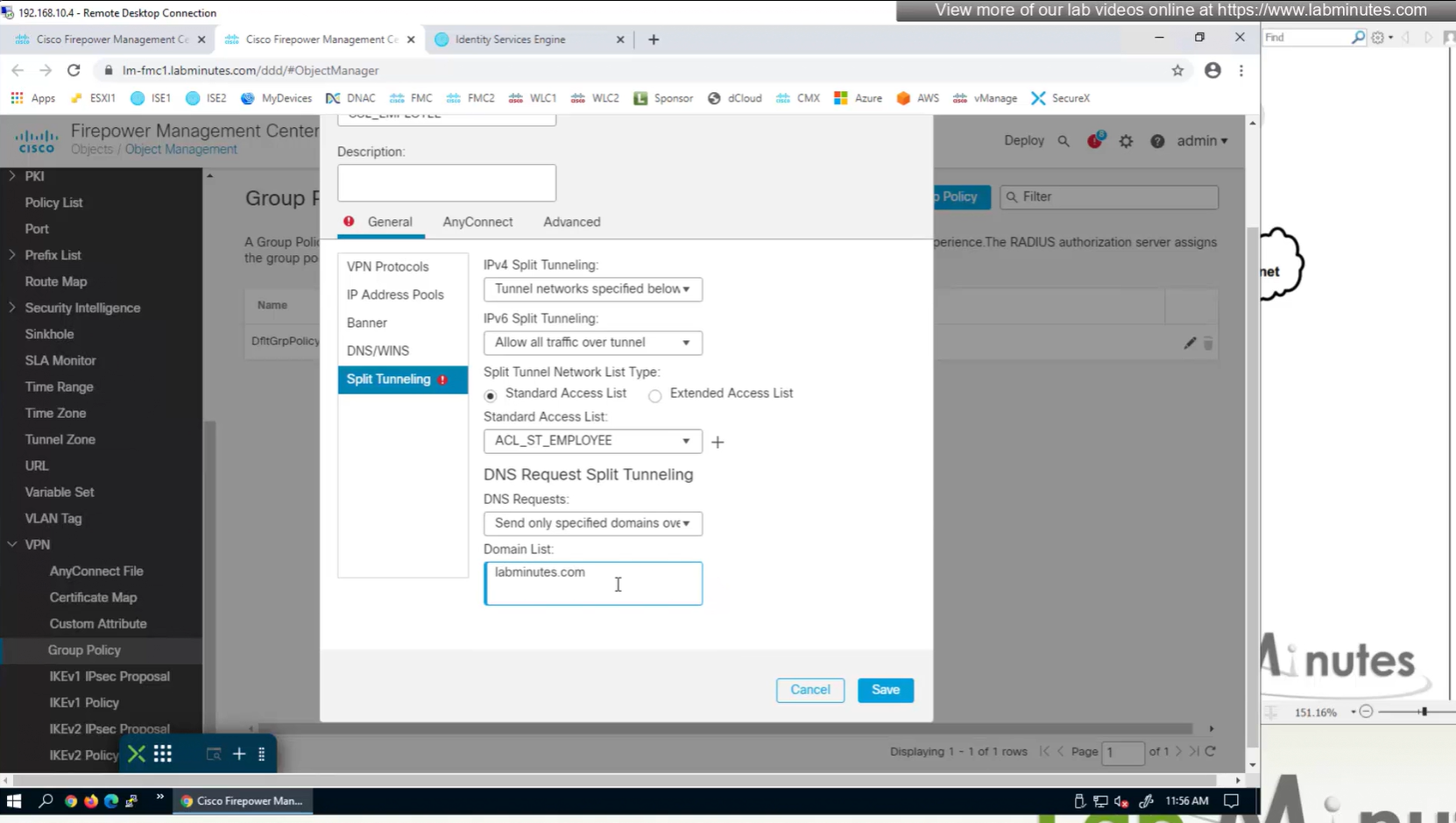
ipconfig /all DNS suffix is configured here as Domain List
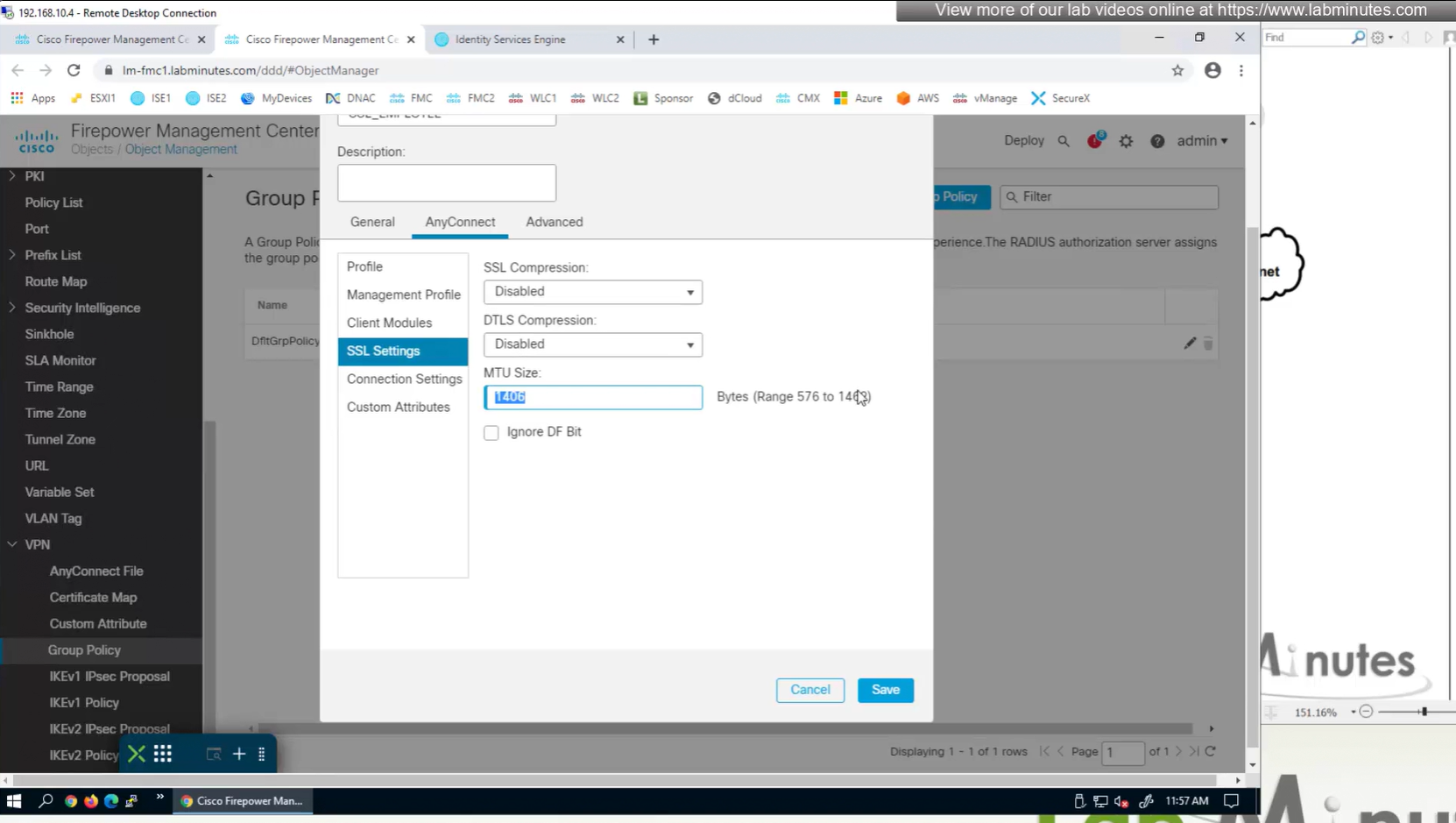
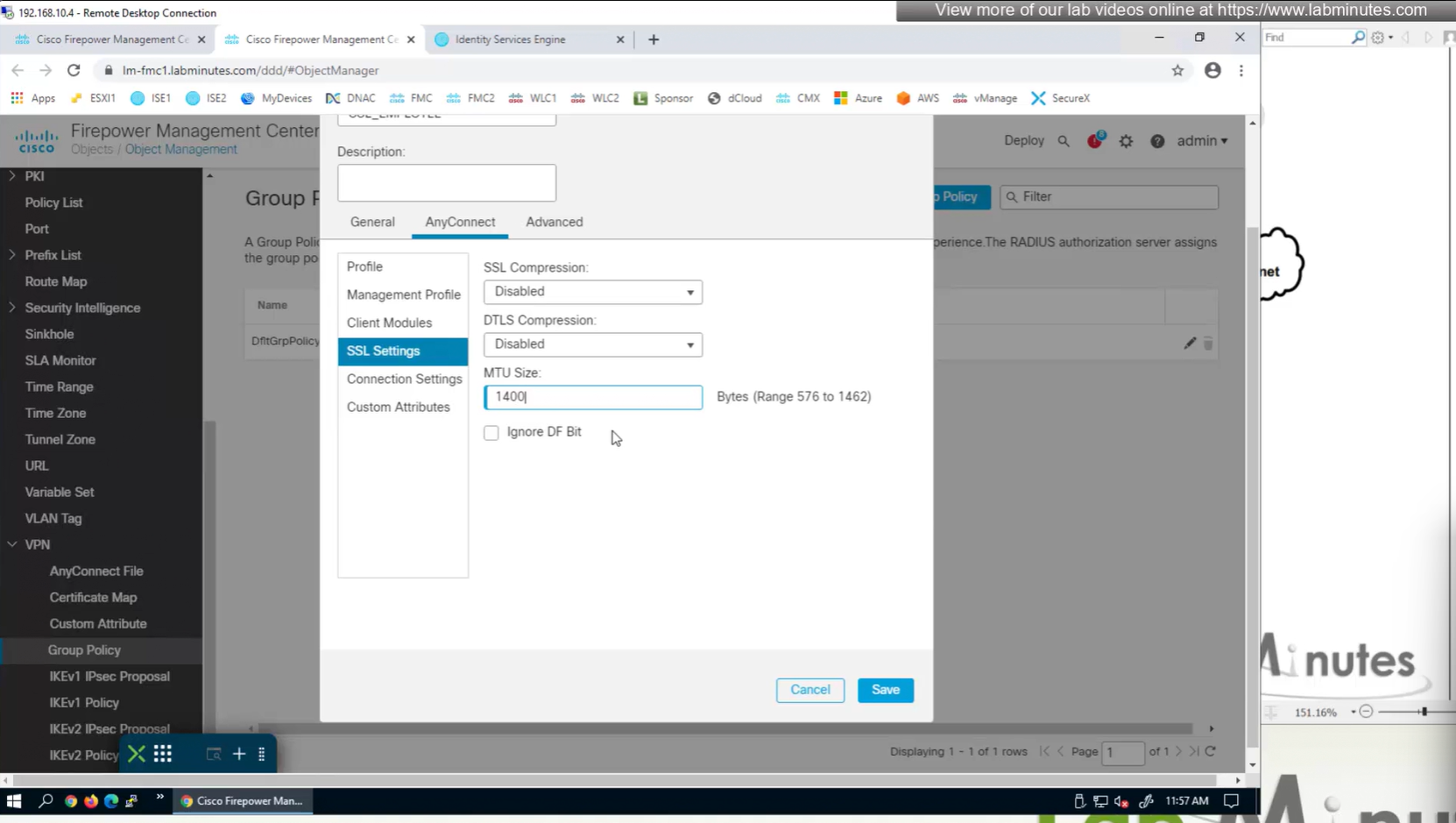
MTU can be adjusted and recommended to be 1400
and Ignore DF bit means, allow fragmented VPN traffic
It is recommended by Cisco to have “ticked”
Under AnyConnect section we will look at Profile , Management Profile and Client Modules later

There is a keepalive between anyconnect client and gateway – default 20 seconds

Enable Dead Peer detection initiated from gateway – default every 30 seconds – best practice is to increase this from 30 to 90 as gateway might be burdened as number of clients go up
Enable Dead Peer detection initiated from client – default every 30 seconds
SSL rekey using the same tunnel
Interval change it to 60 minutes from 4 minutes default
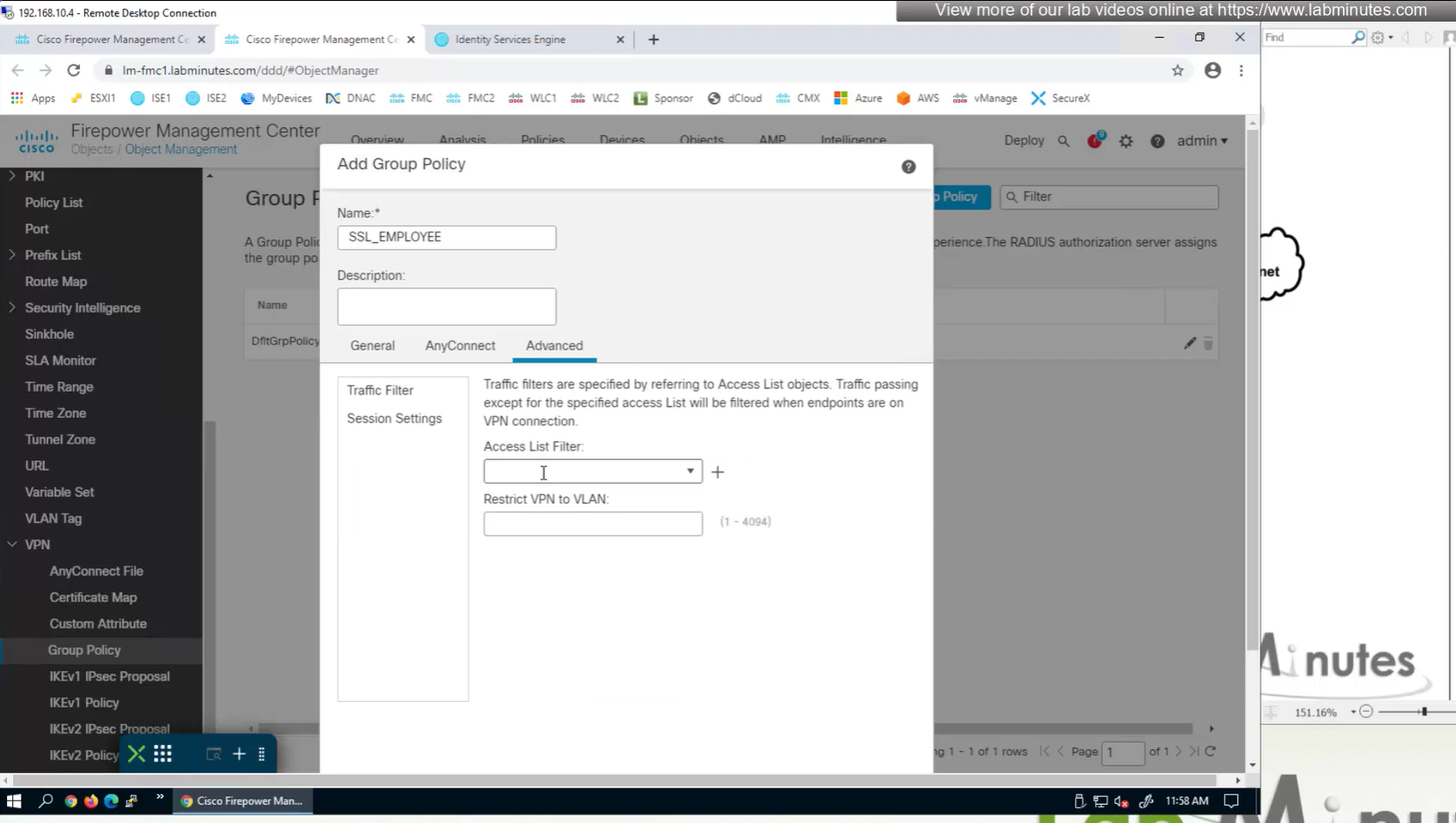
Traffic filter to block certain traffic on the VPN side between client and gateway OUTSIDE interface
requires extended ACL
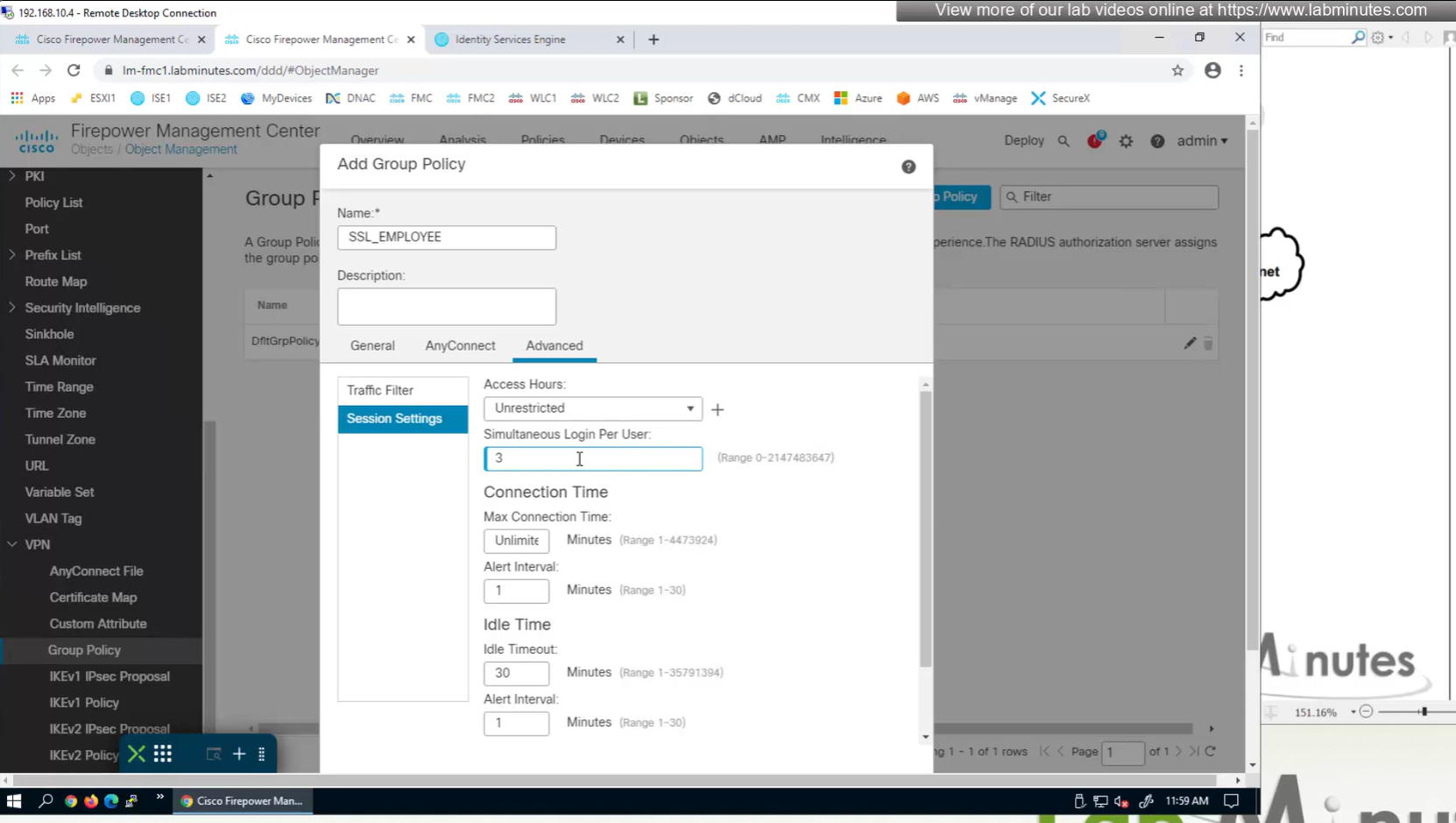
Limit simultaneous login per user – default is 3
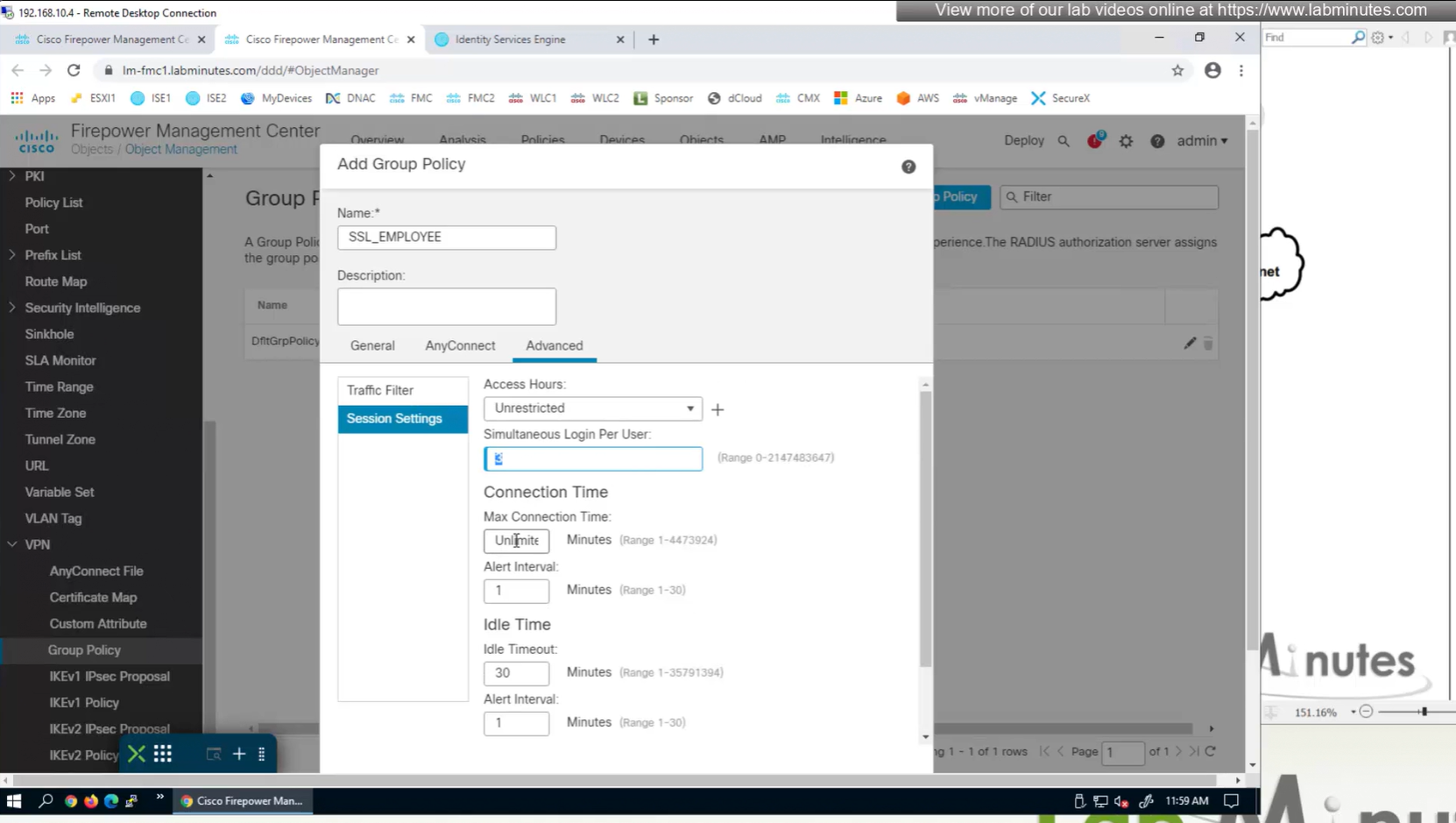
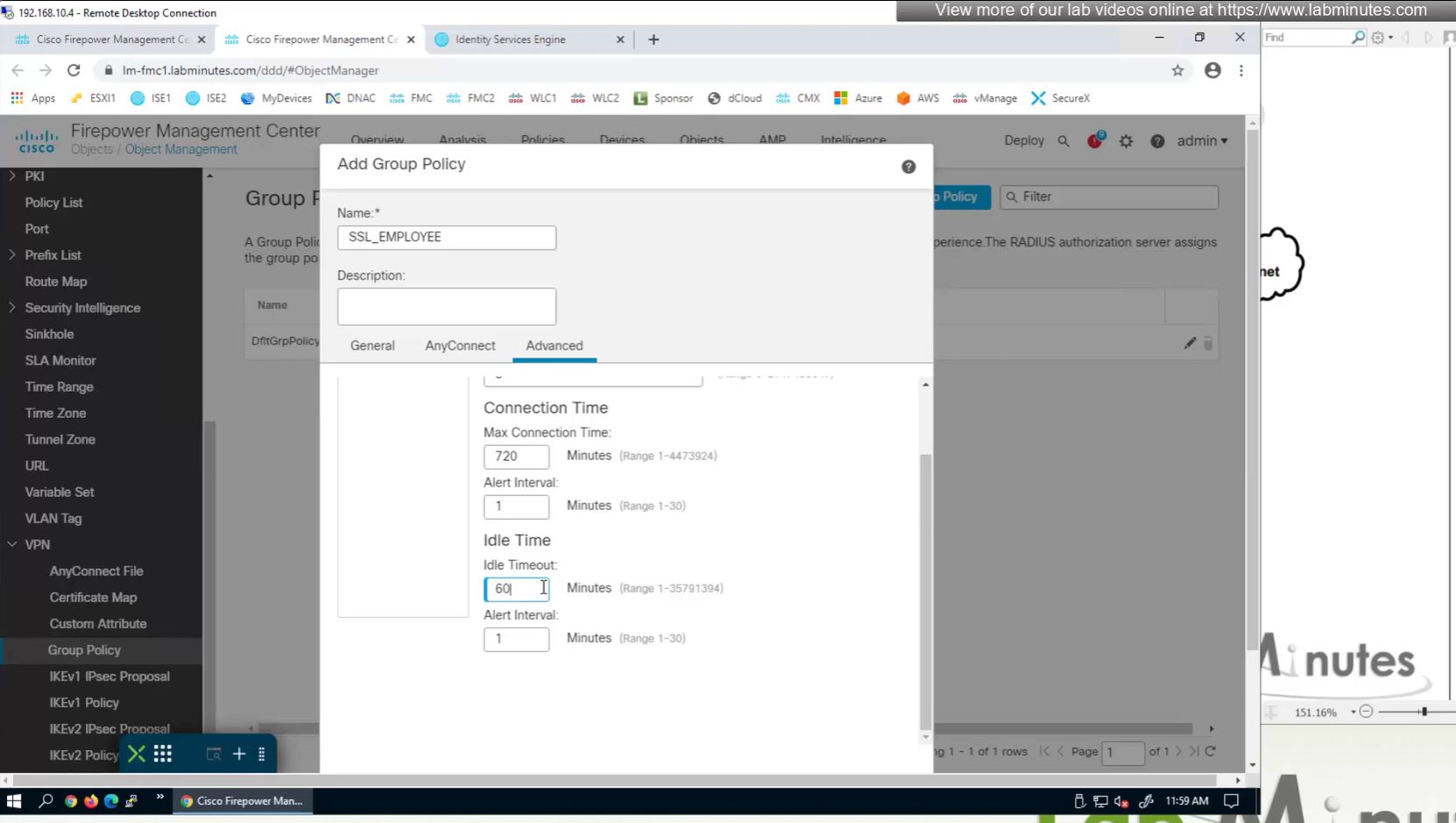
Maximum connection time – default is unlimited
Idle time – if machine stays idle for that time then anyconnect VPN will be disconnected
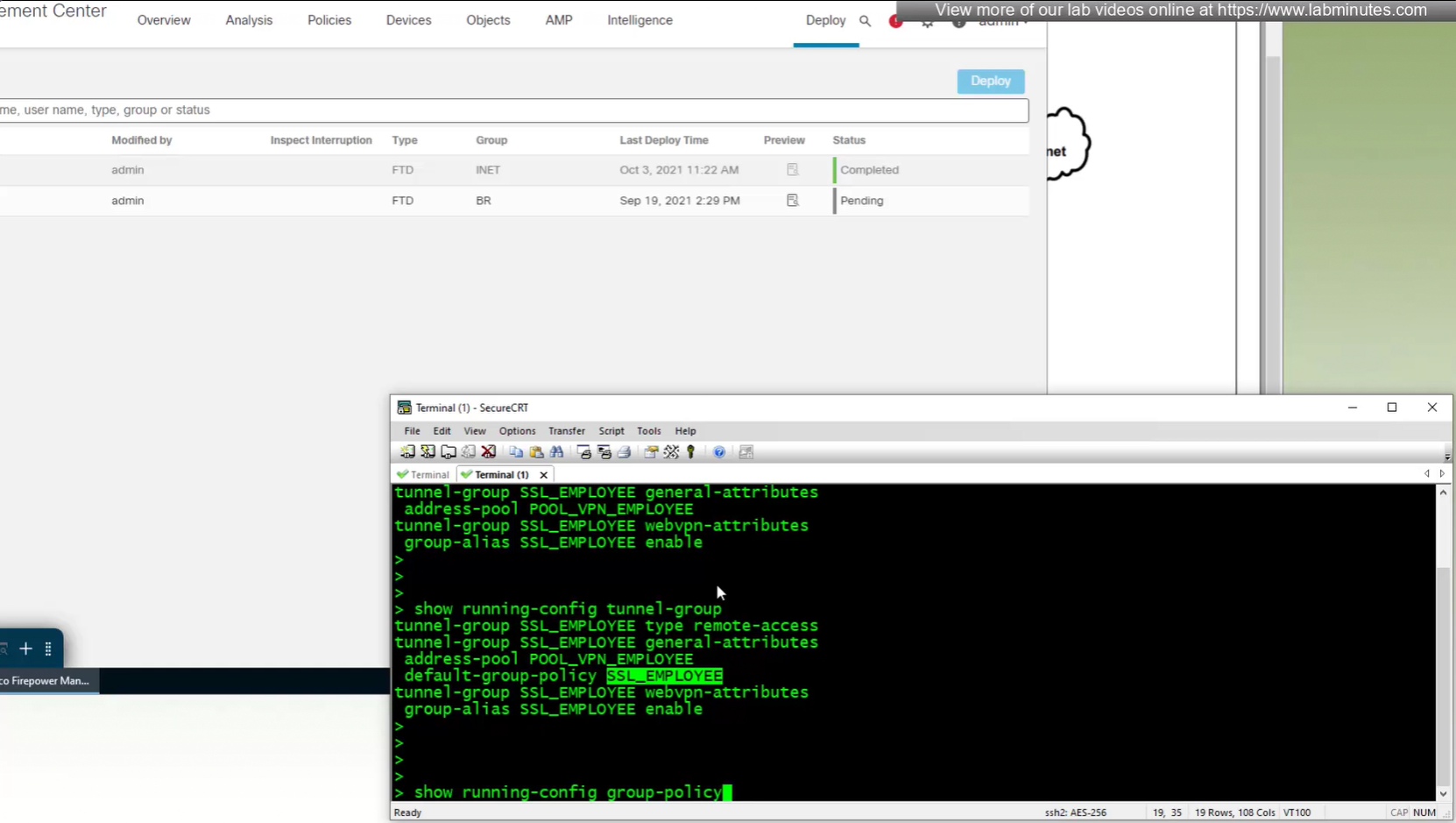
new group policy is showing on tunnel group in CLI
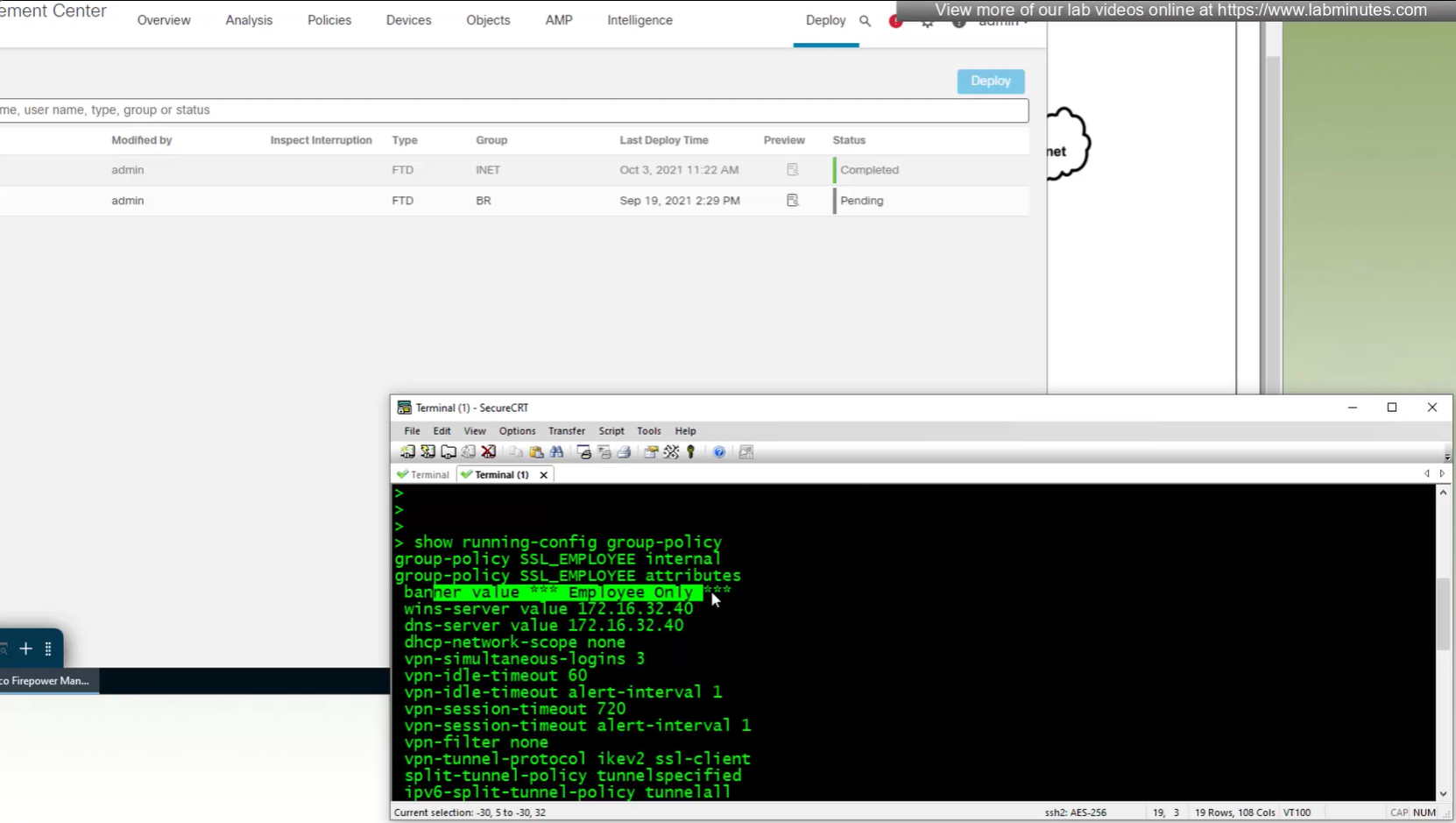
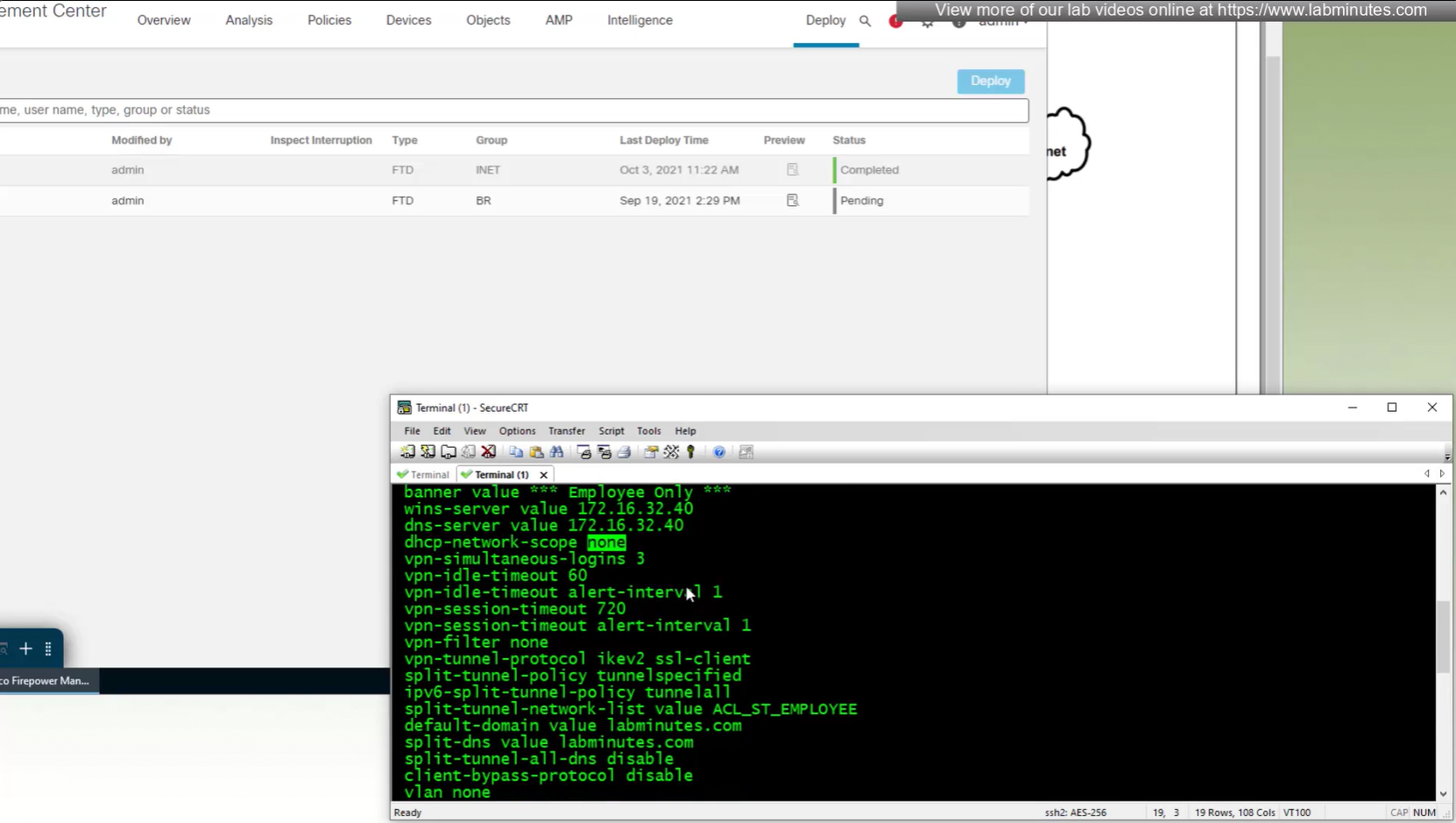
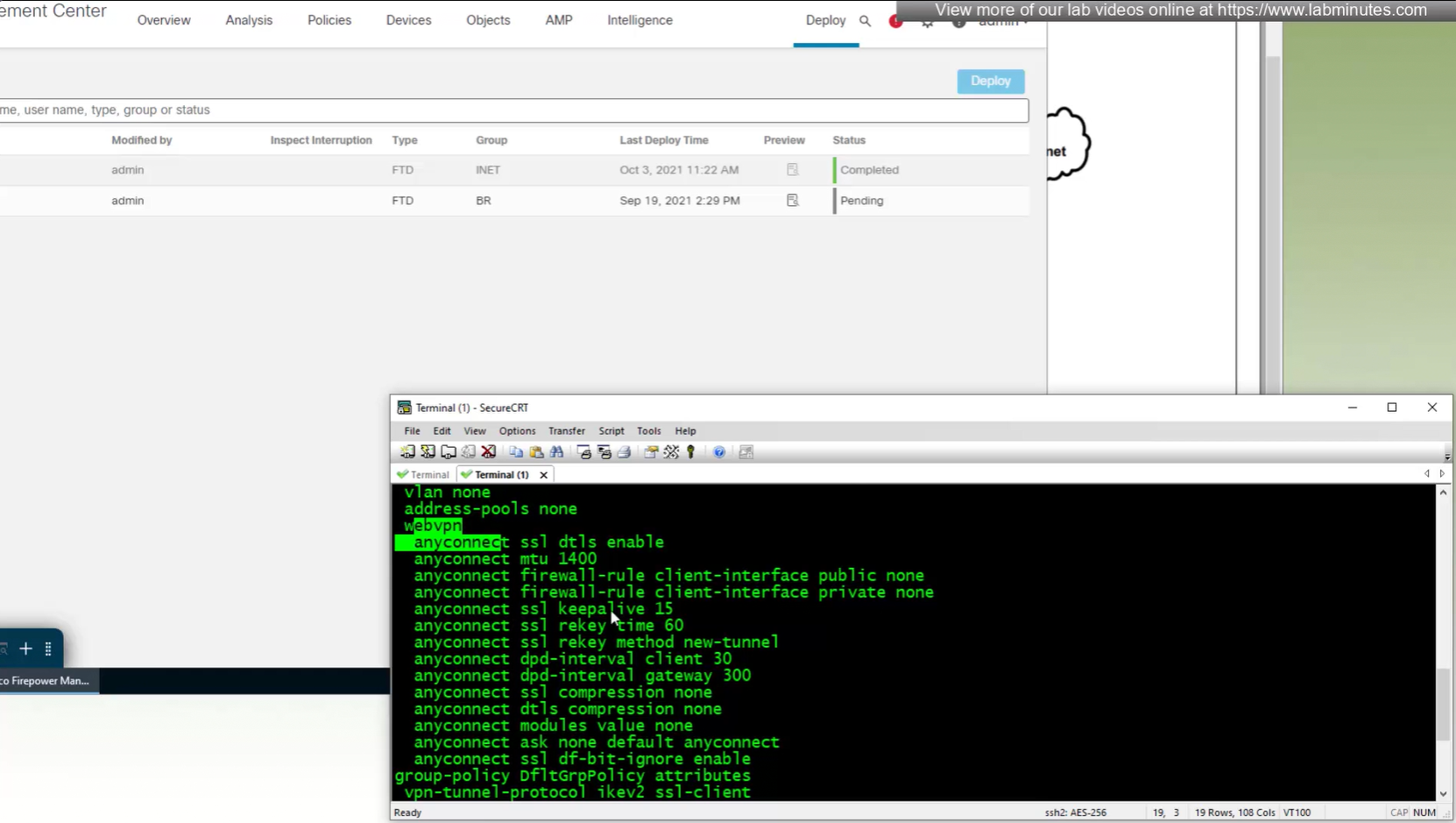
All anyconnect options from group policy

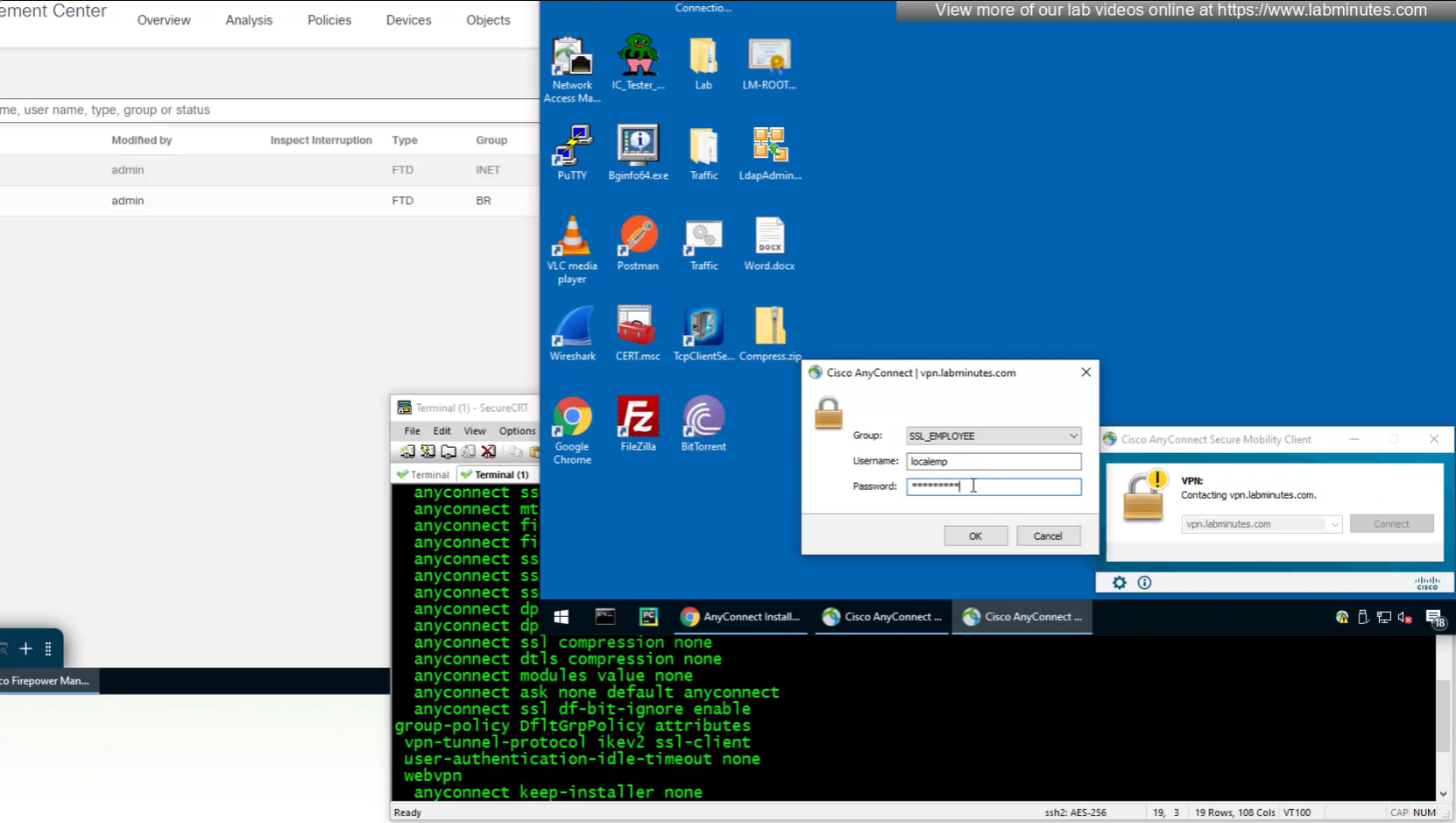
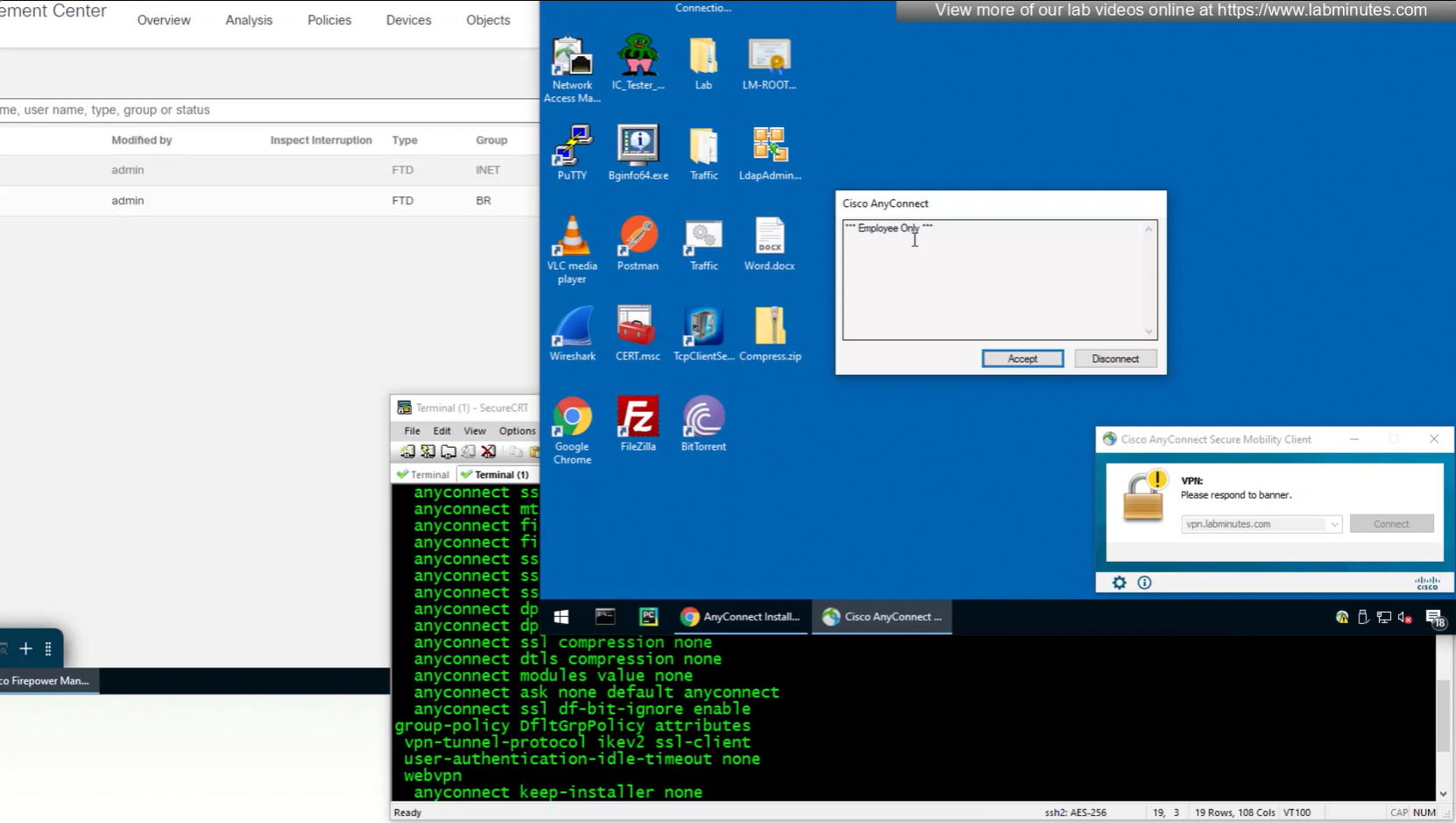

In lower corner of anyconnect client it says that 11 hours and 59 minutes left
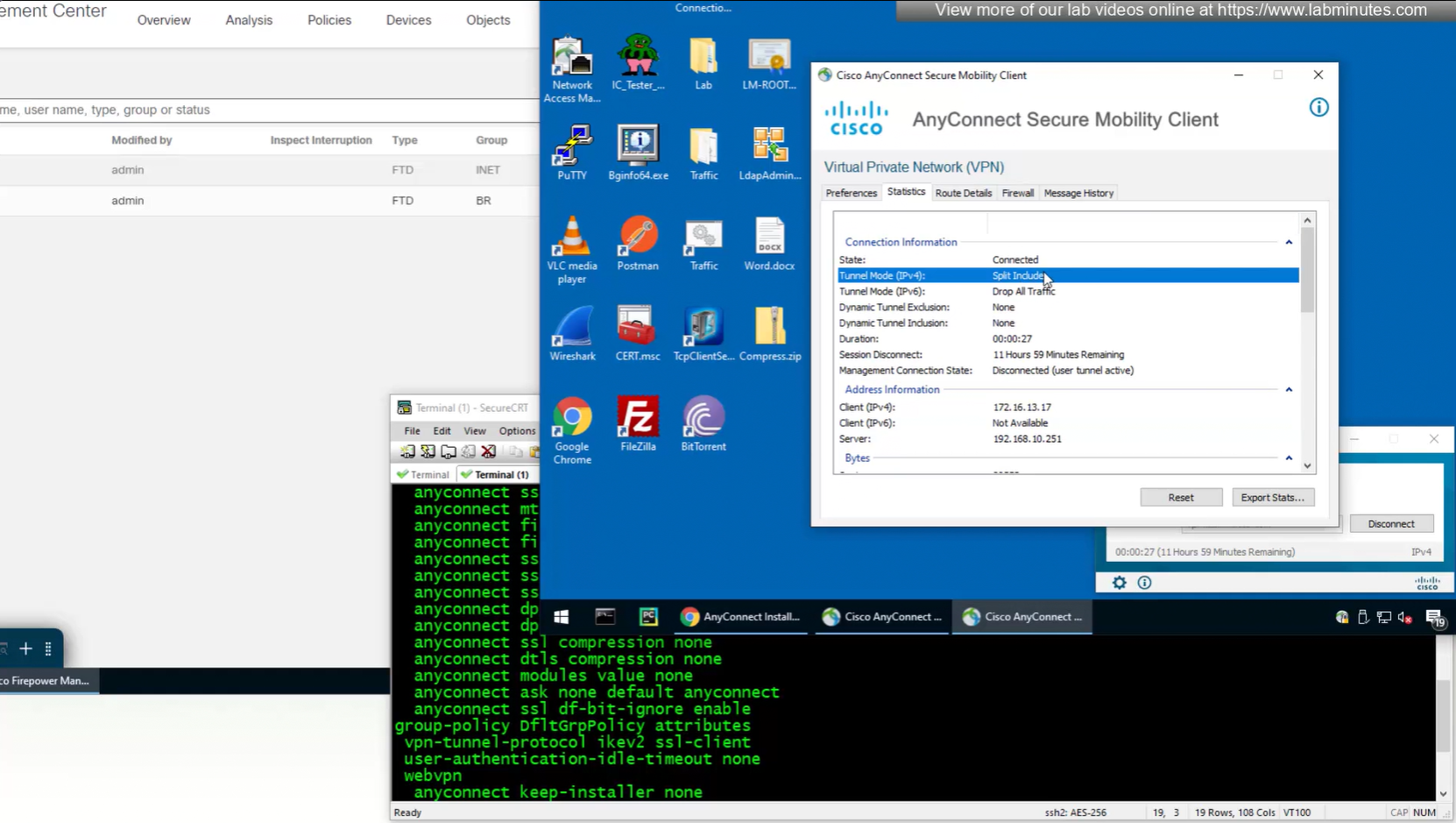
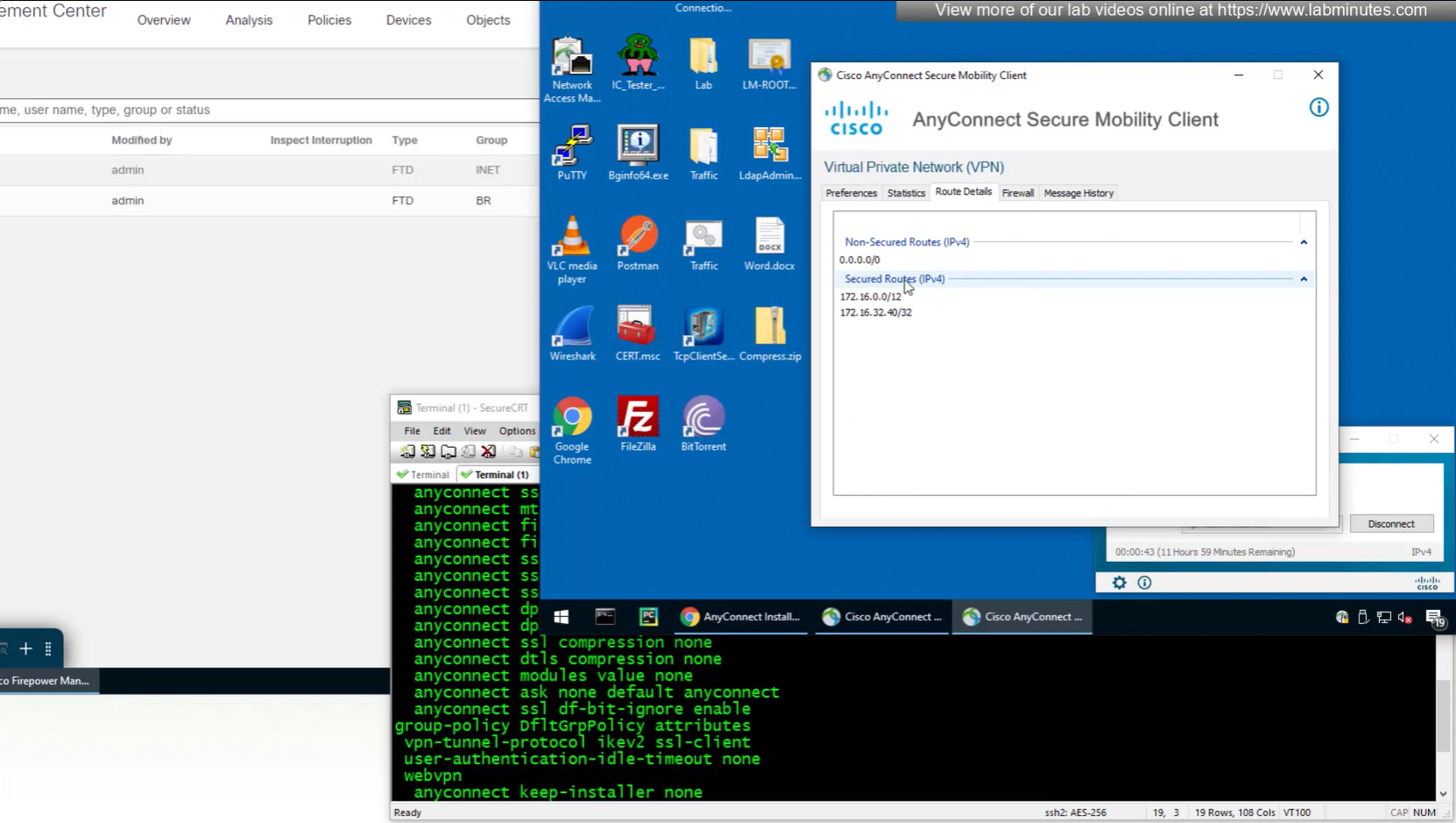
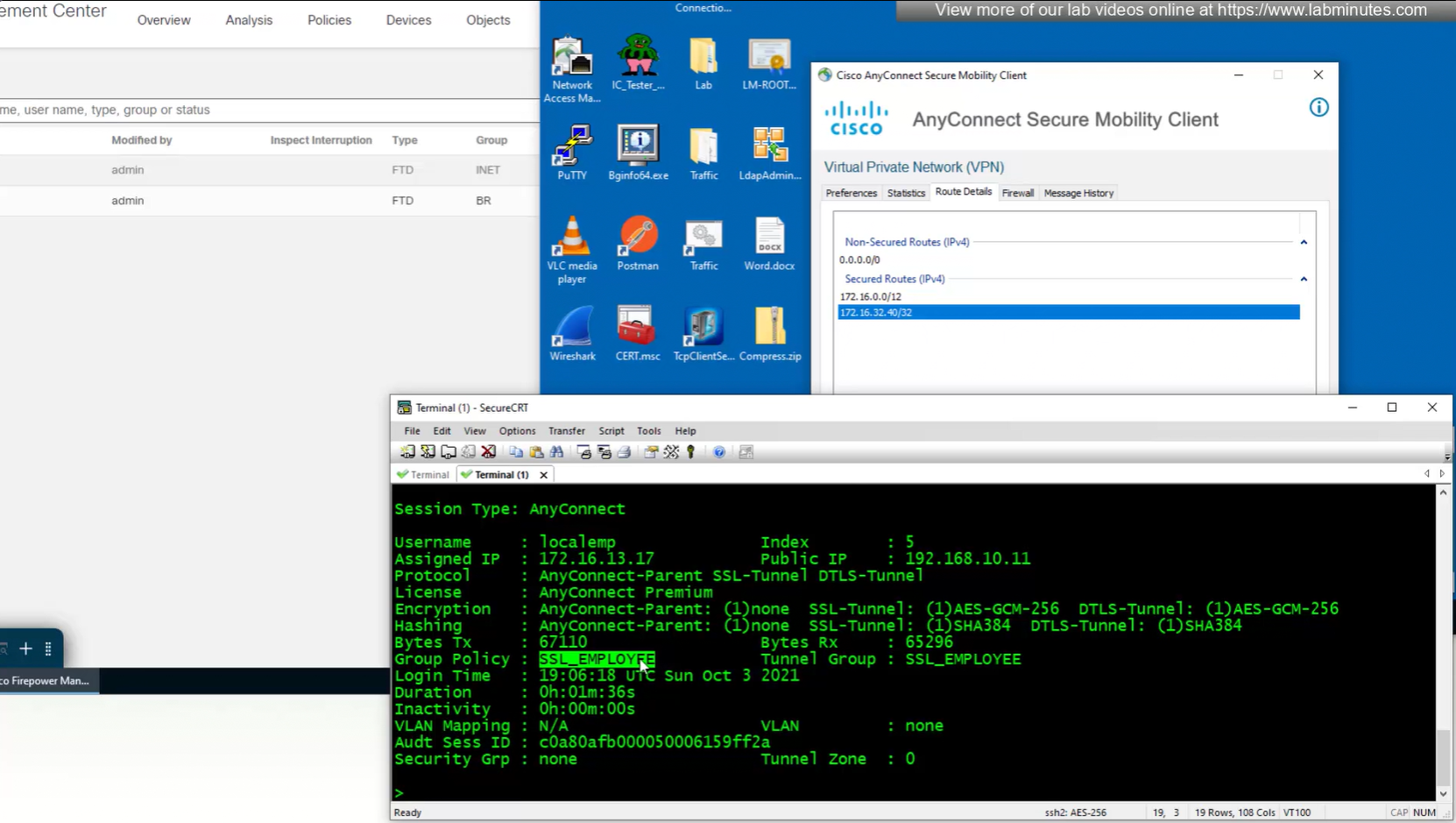

we can also the DNS suffix in ipconfig /all that we defined in Group Policy > General > DNS/WINS > Default Domain

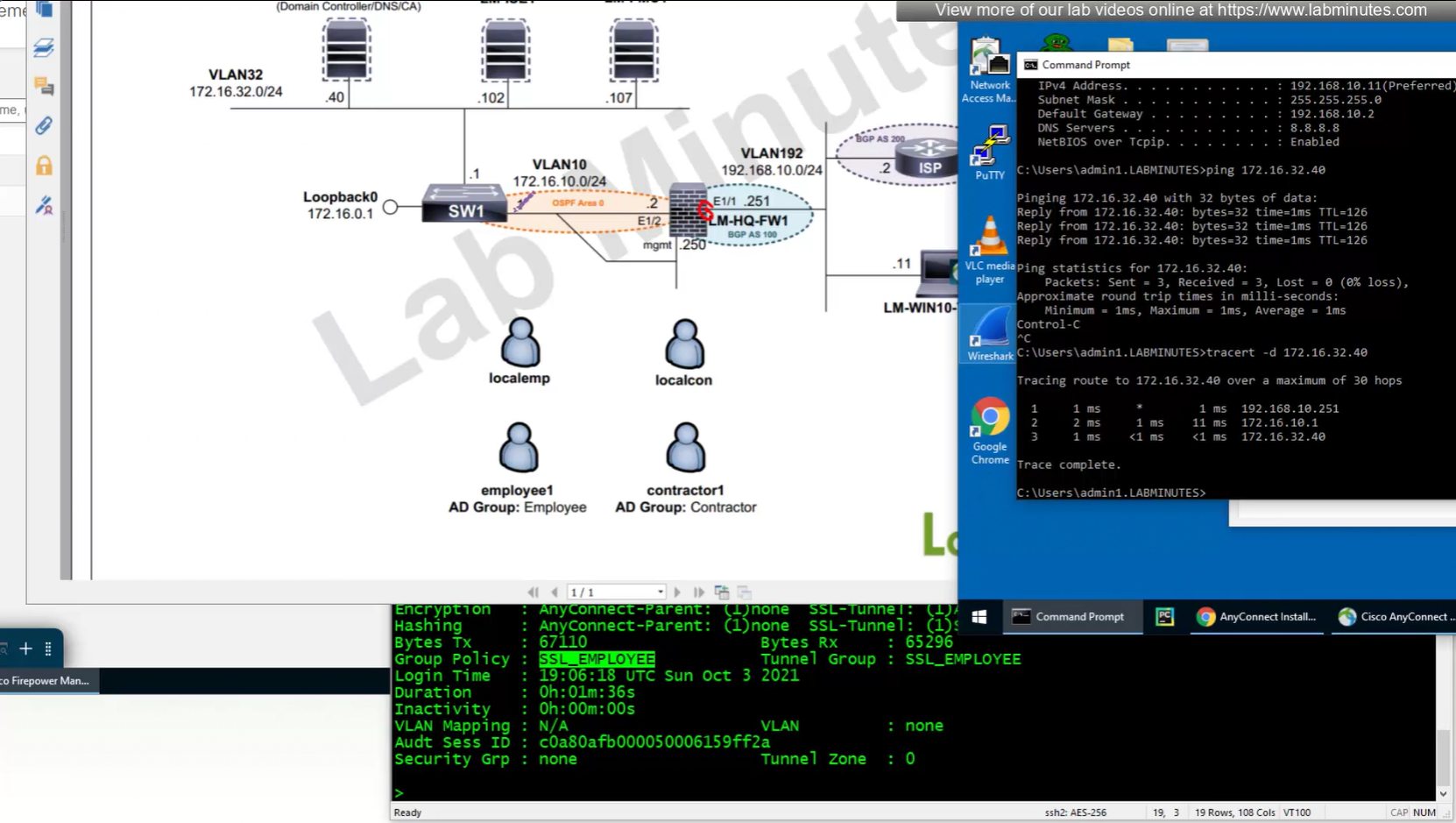
192.168.10.251 is the OUTSIDE IP of the firewall
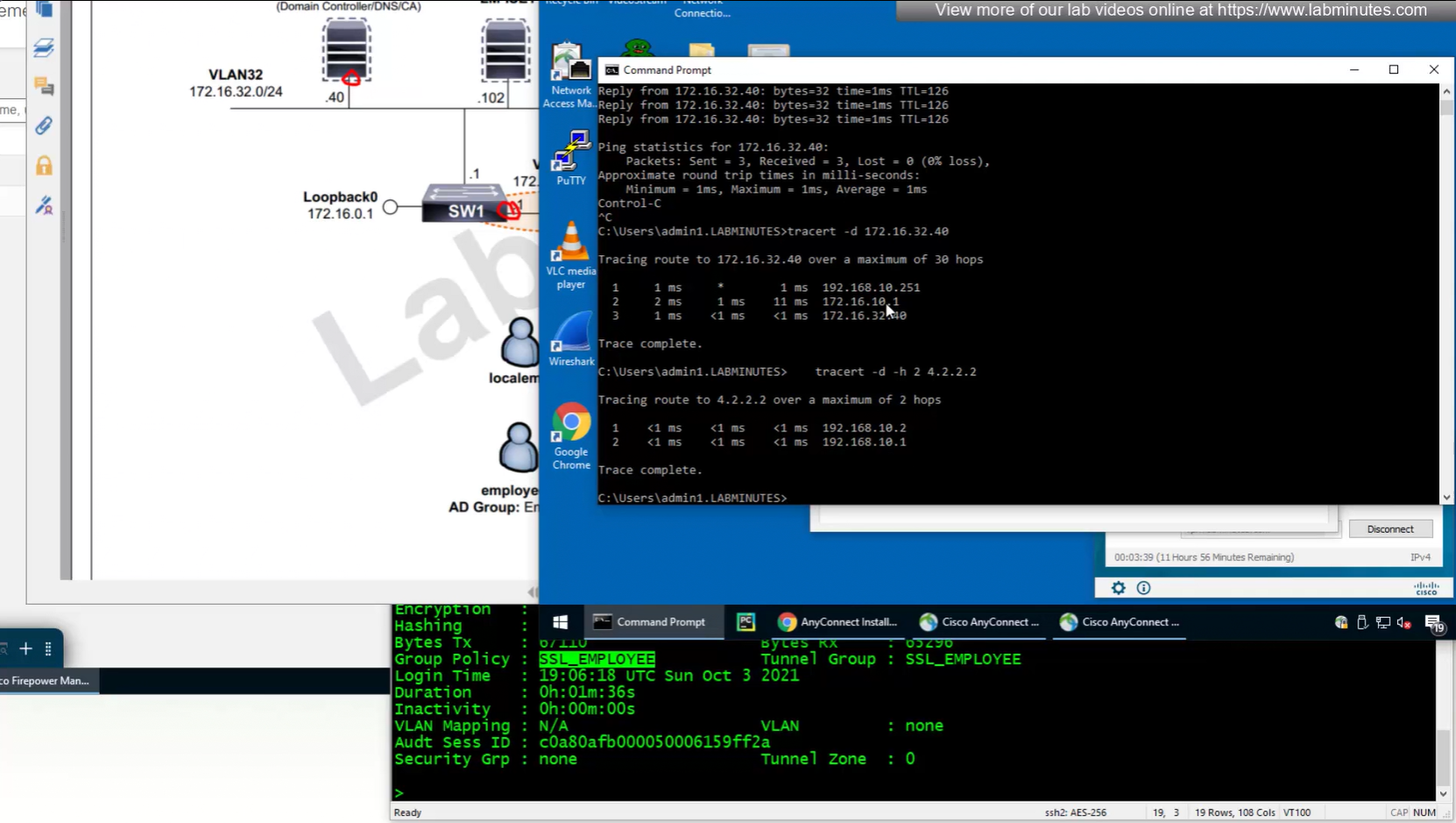
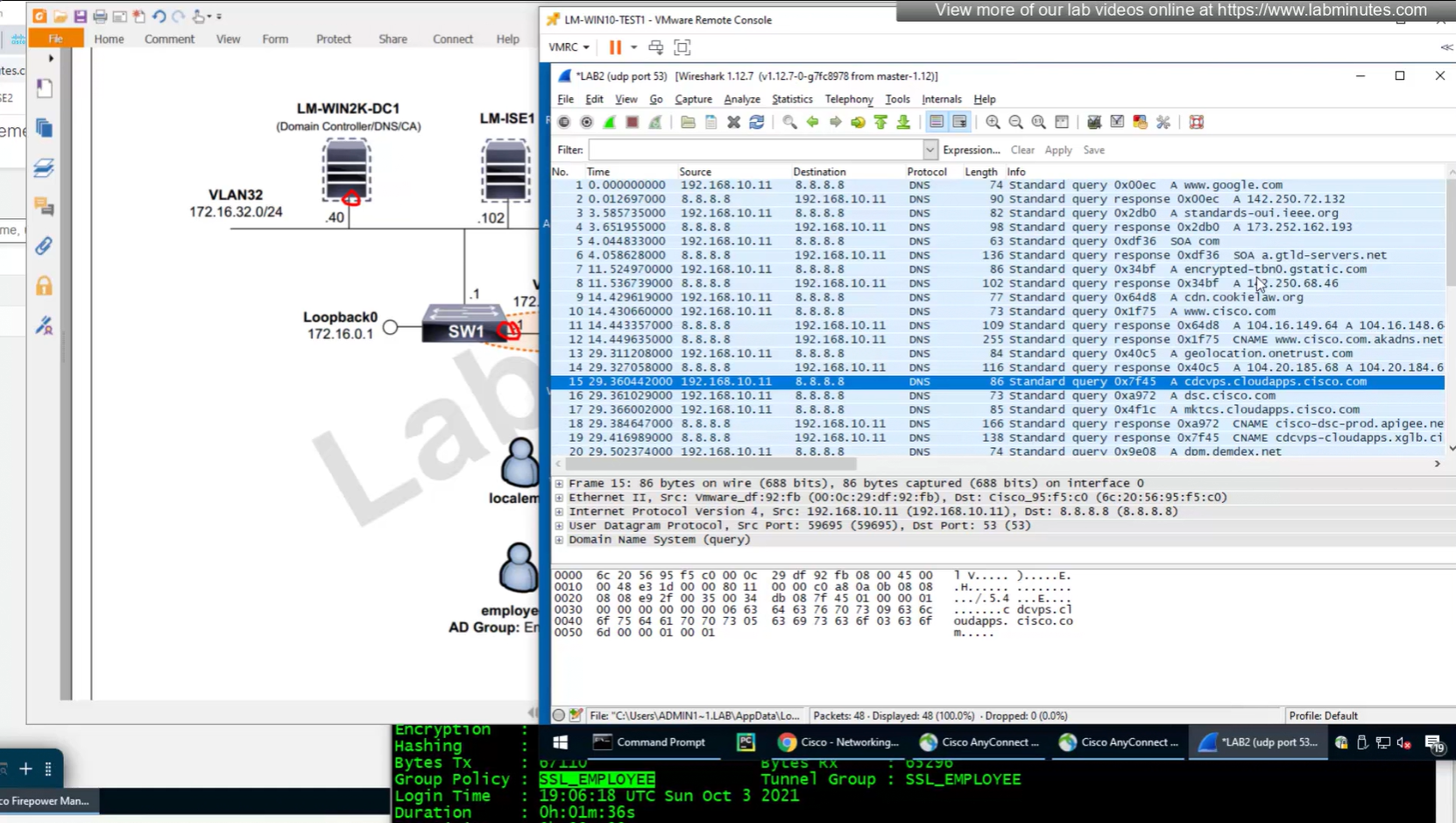
Testing the Split DNS lookup that was configured in Group Policy > General > Split Tunneling > DNS Request Split Tunneling > DNS requests > Send only specified Domains over tunnel and we can see that only public internet queries are showing up on wifi capture and dns queries to corporate domain are going over the tunnel
Leave a Reply