SEC0401 – Firepower 7.0 AnyConnect VPN Client (Part 2)
SEC0401 – Firepower 7.0 AnyConnect VPN Client (Part 2)
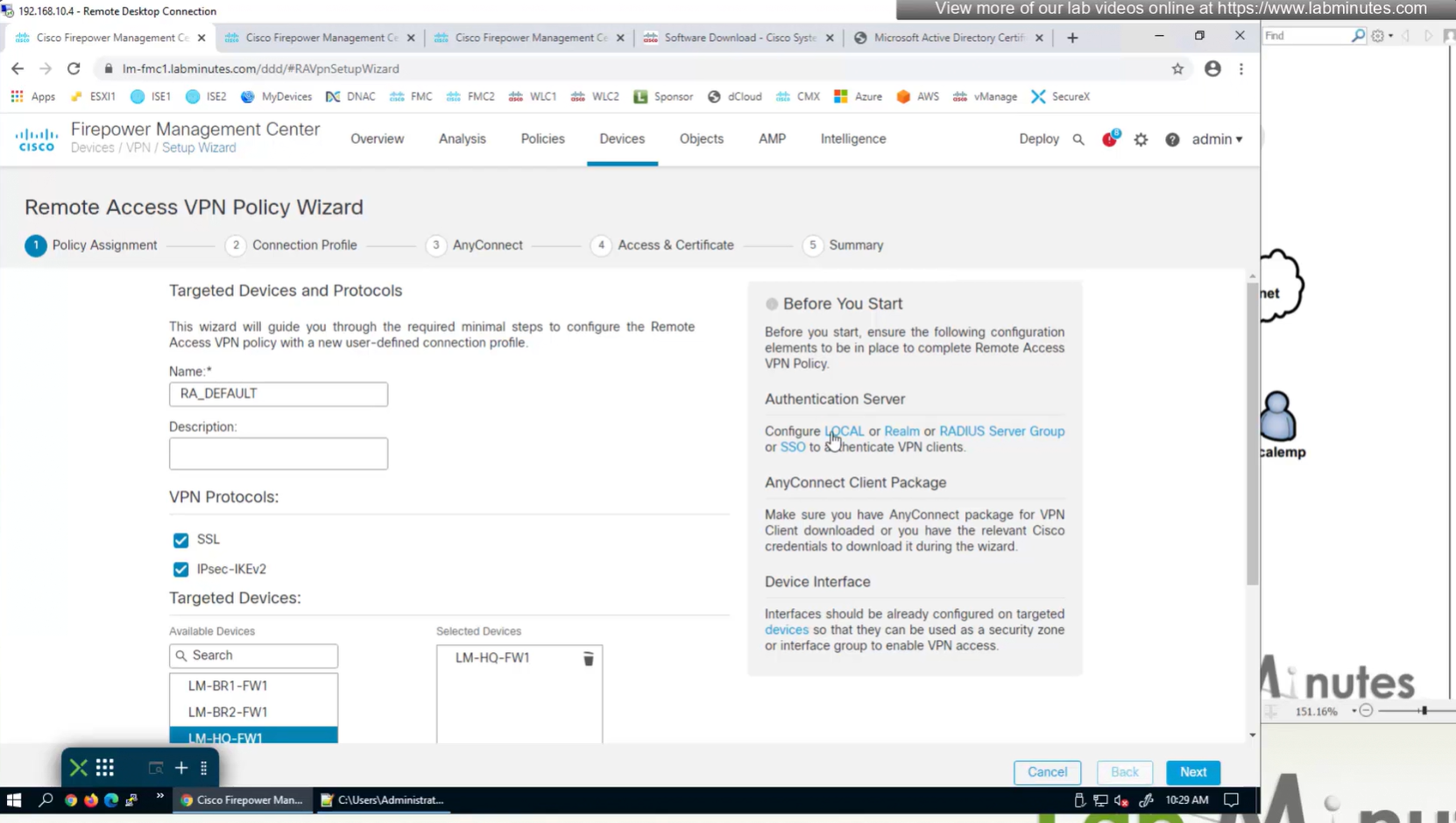
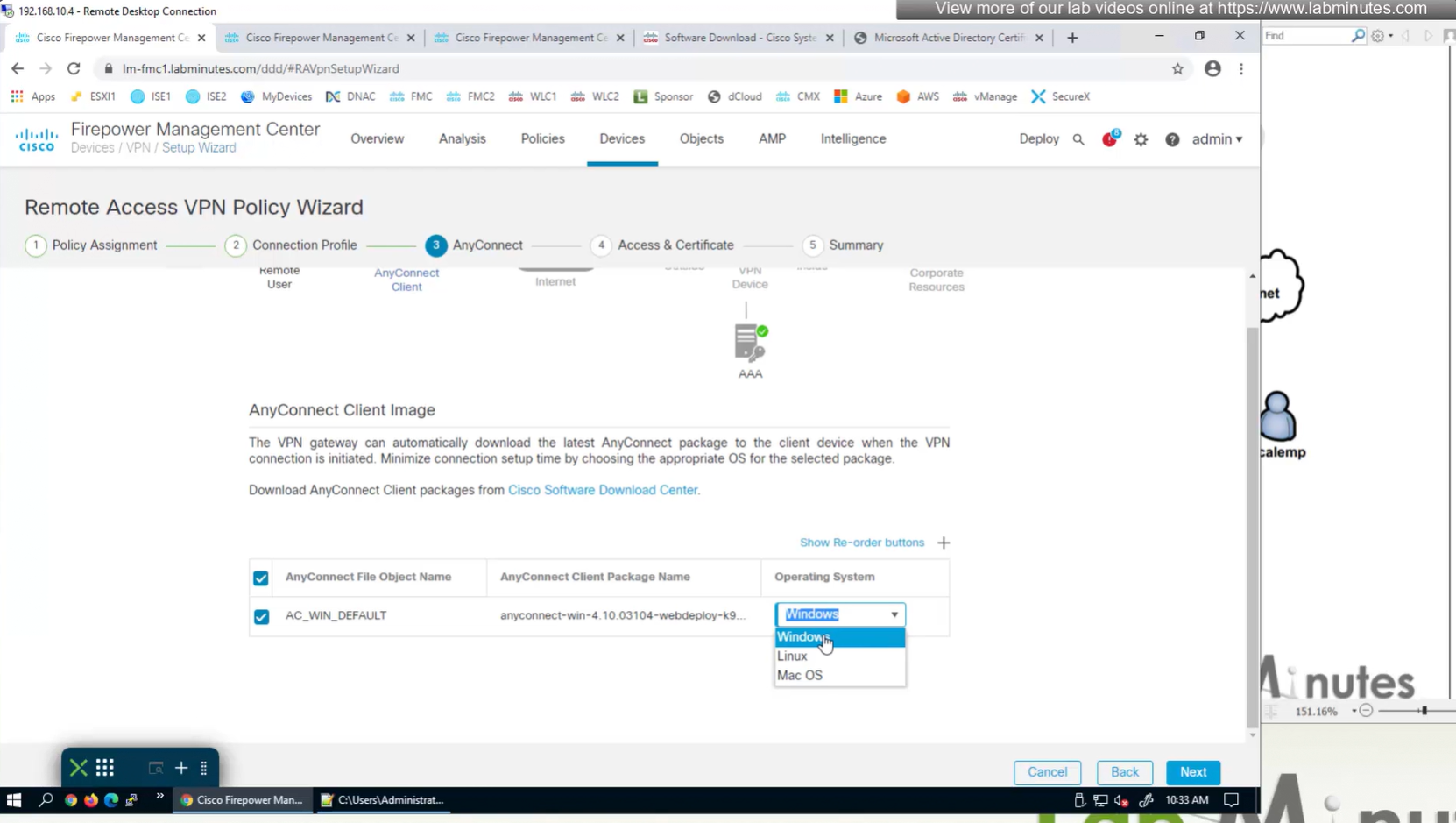
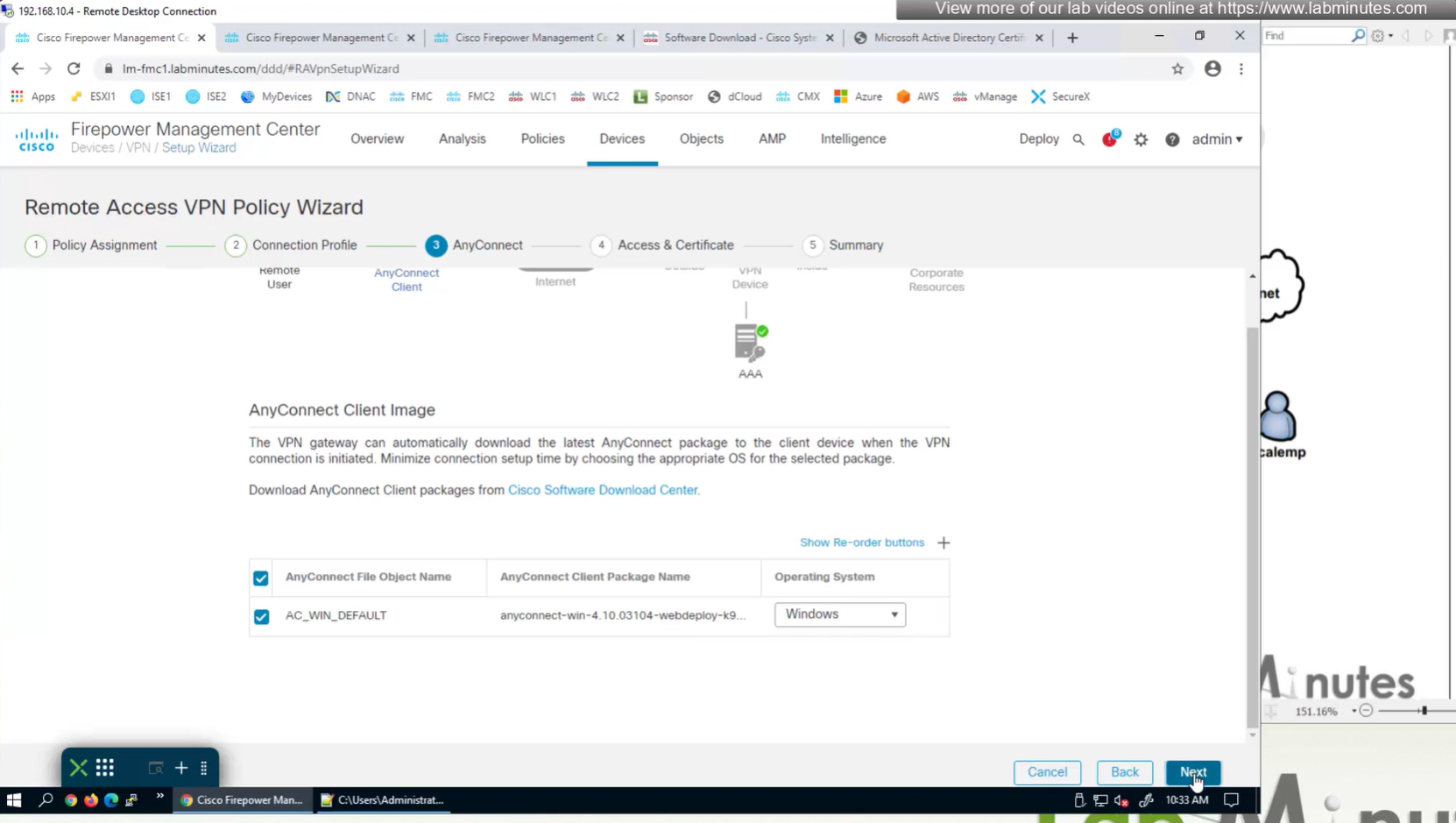
Anyconnect Client
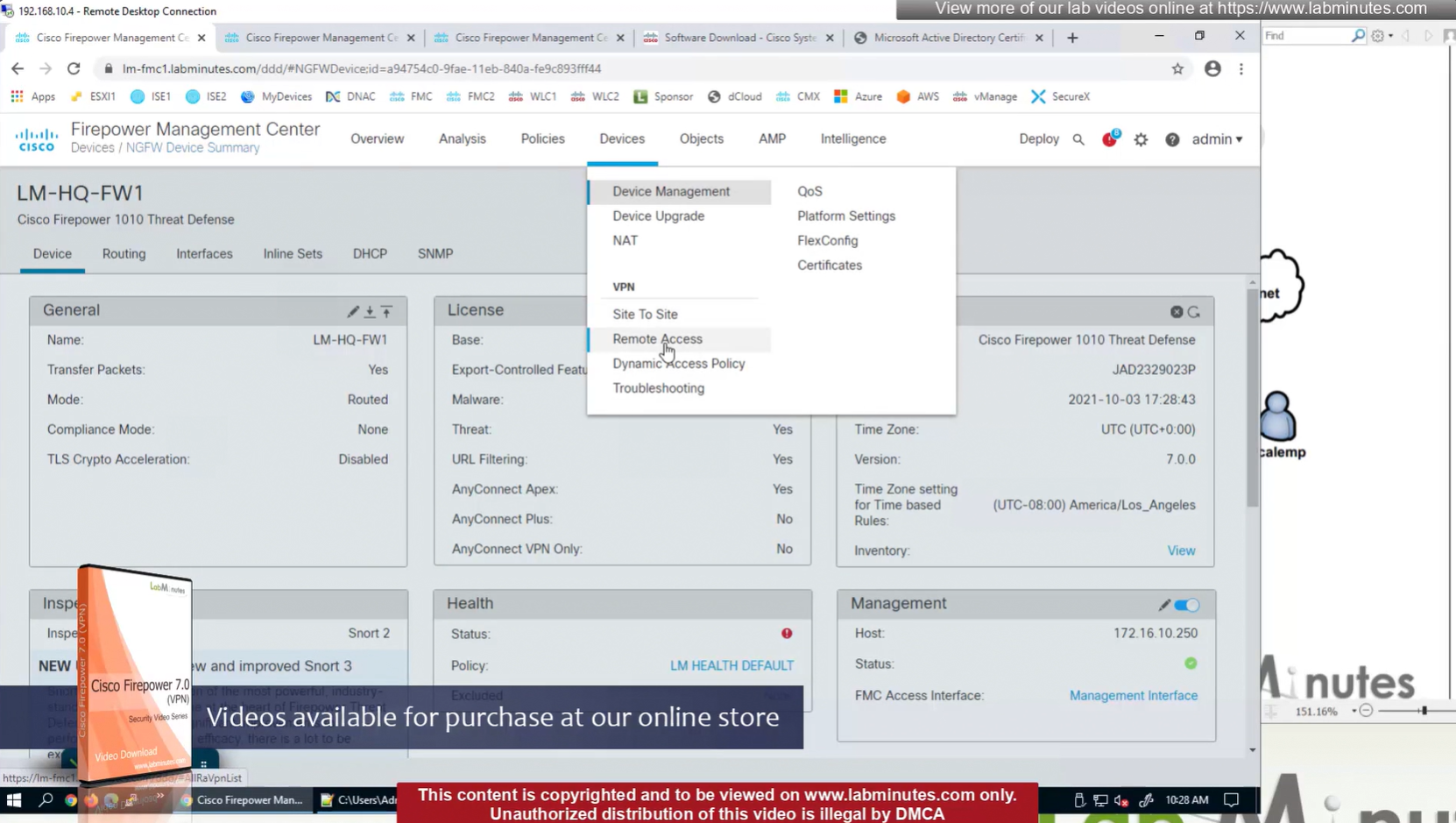
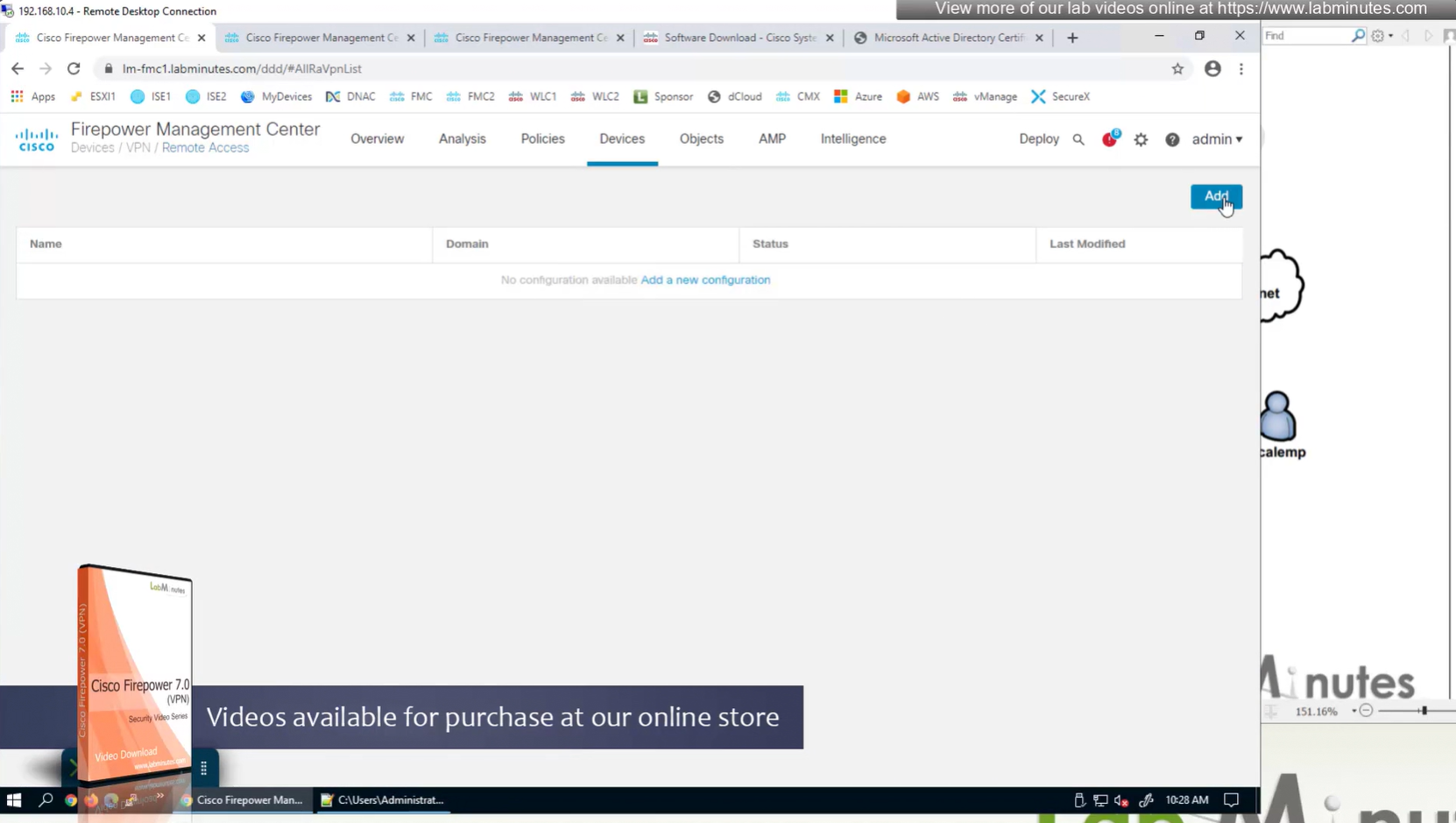
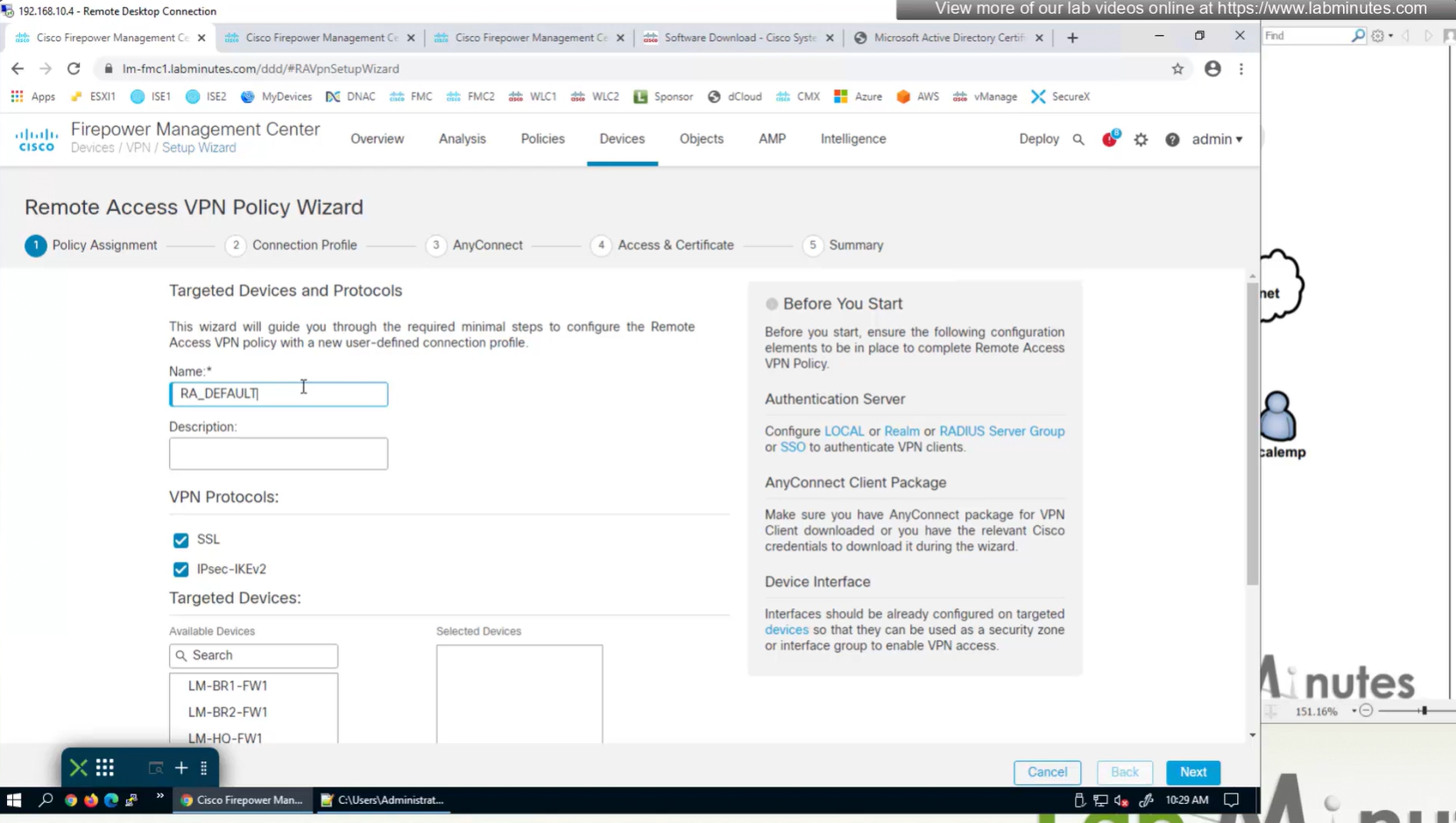

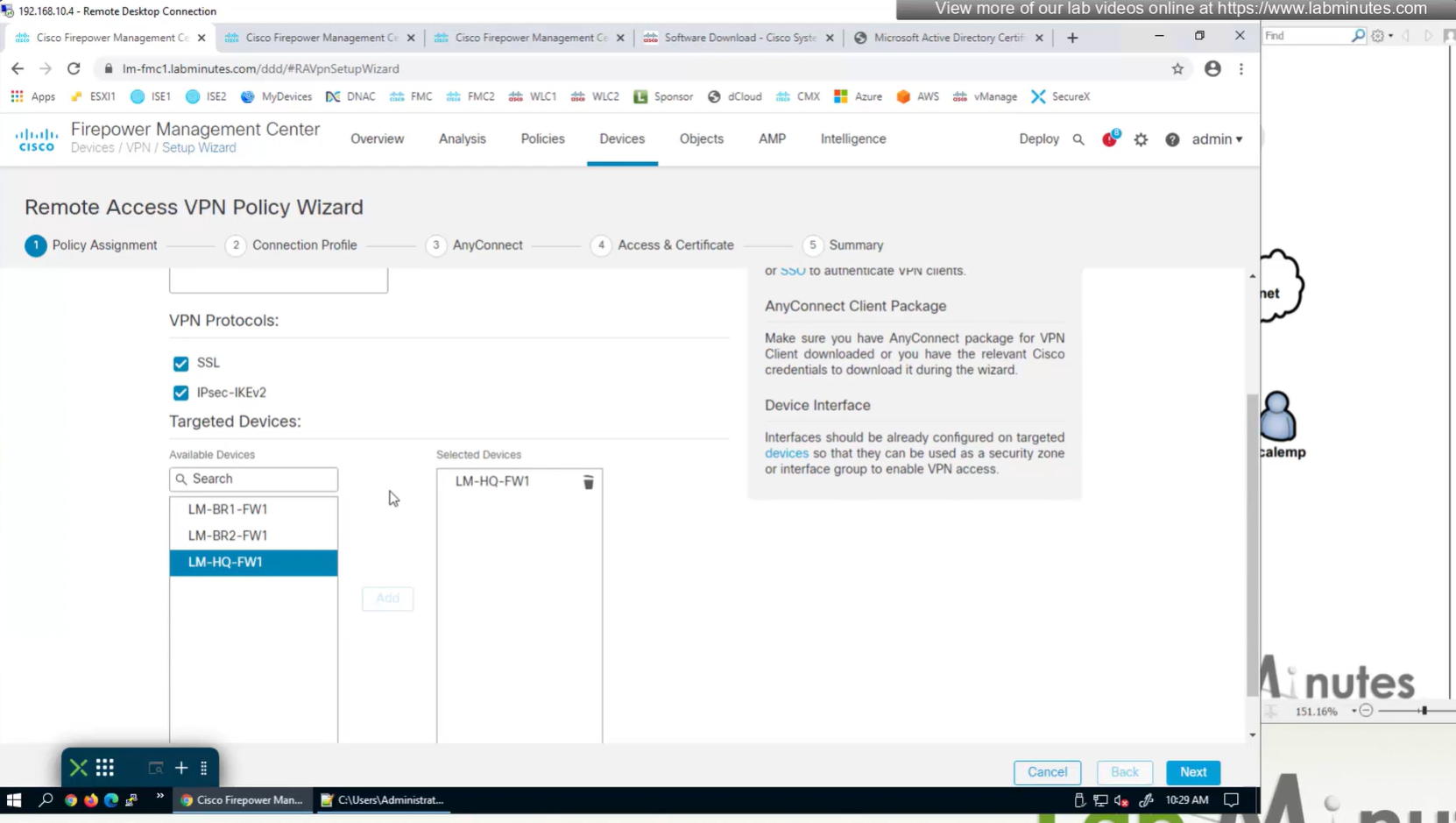
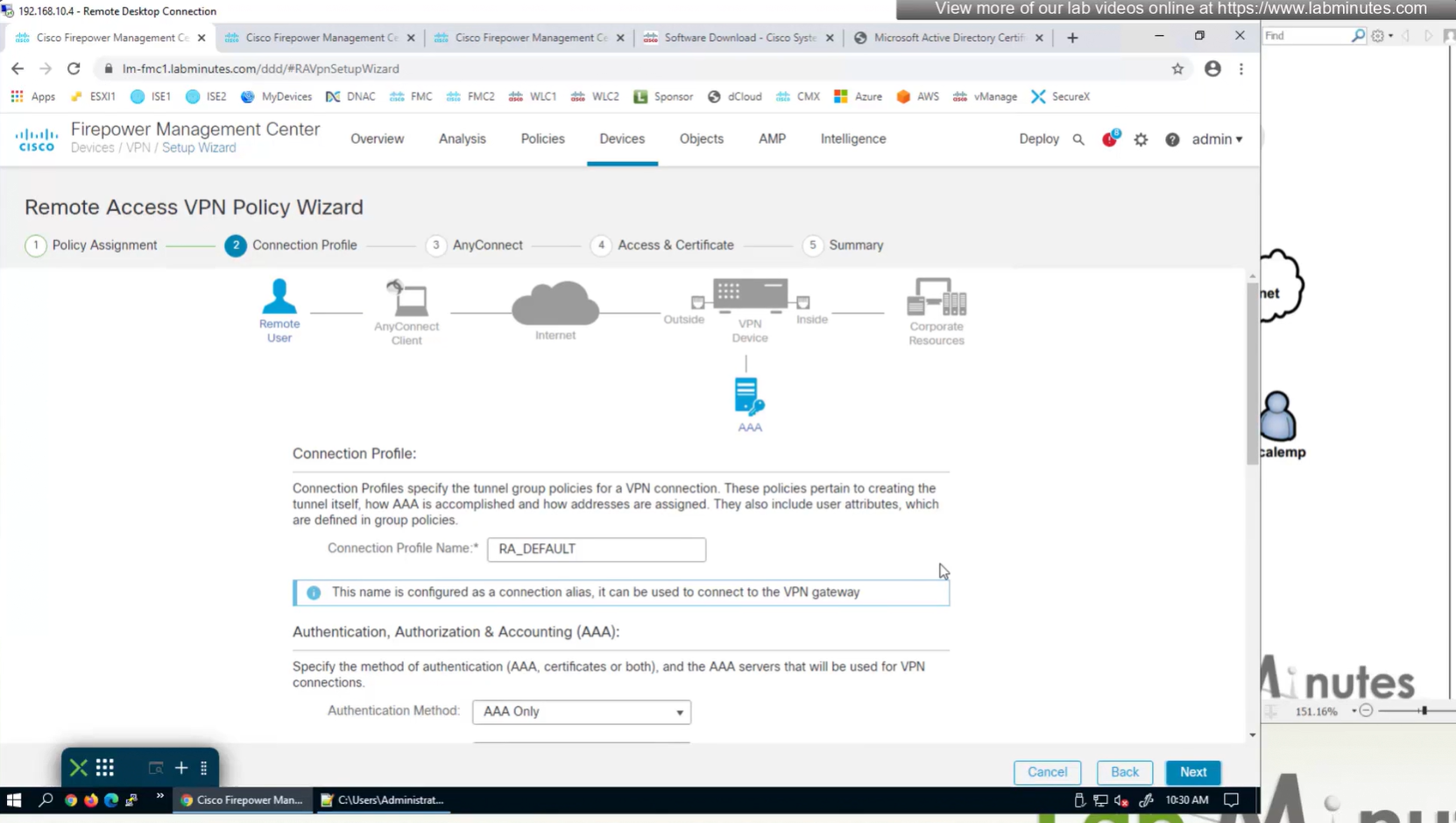
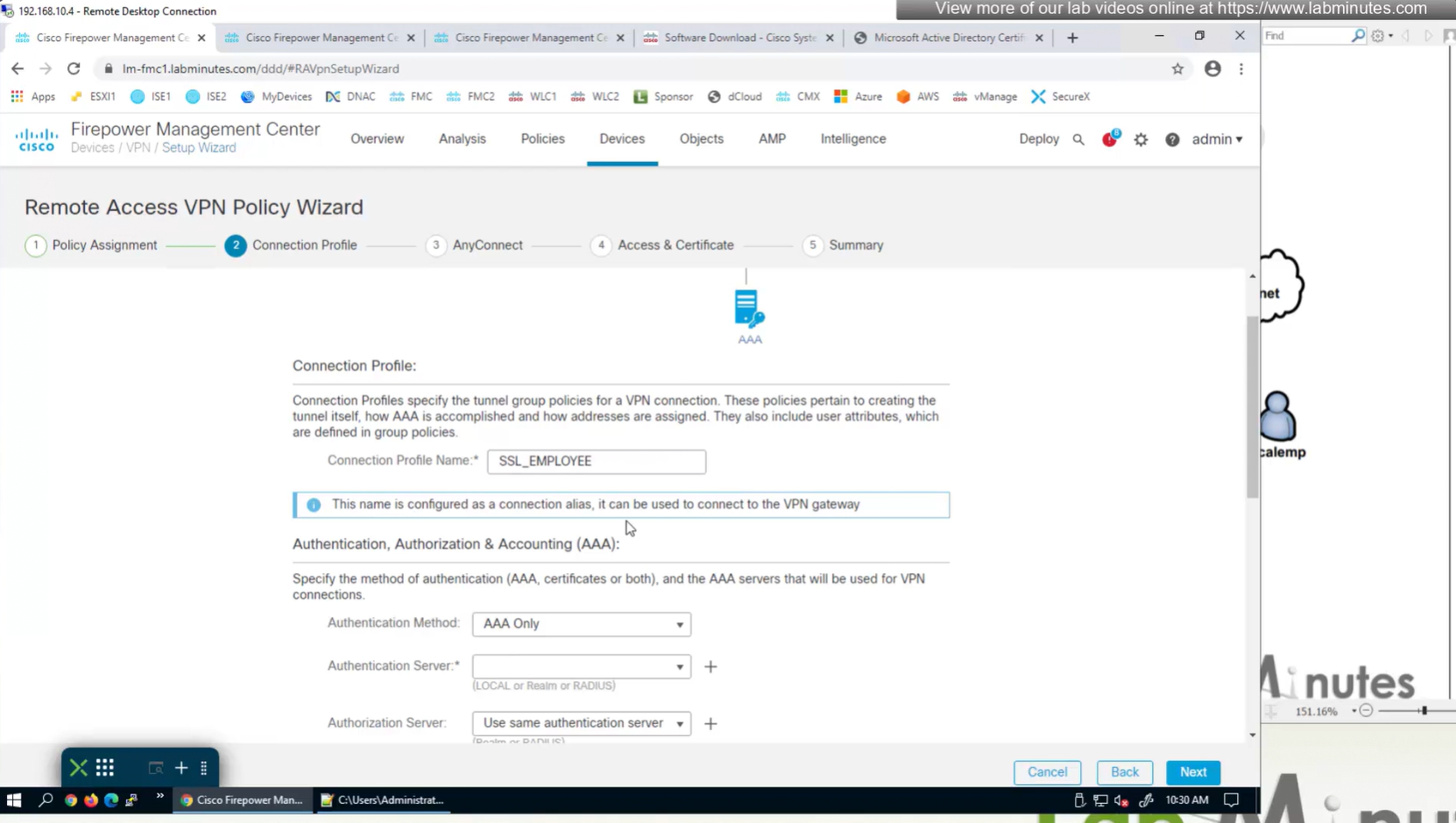
AAA server is defined here
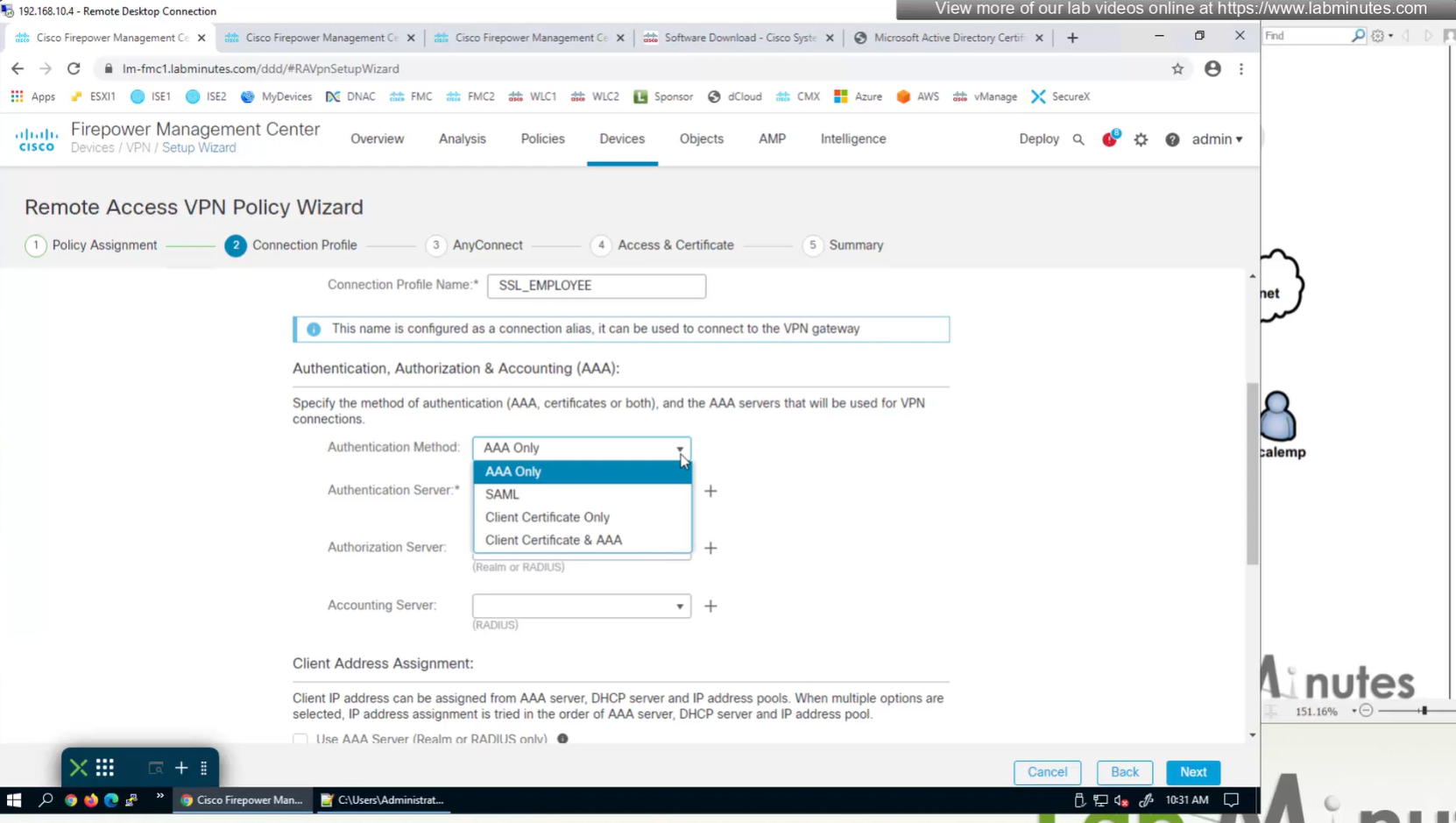
Connection profile is basically a tunnel group – tunnel group controls user realated information such as
1. How is user authenticated
2. Which group policies apply to user aka which settings apply to user
3. Addressing and routing related such as (e.g. split tunneling, DNS, IP pools) are used , What resources the user can reach.
A tunnel group in AnyConnect is the front door to the VPN. It decides who you are, how you log in, and which rules (policies) you inherit. The group policy behind it is like the house rules once you’re inside. Group policy can also be thought of policy for different groups of users that is why address assignment can also be assigned in group policy, for example Employees vs Contractors.
There are remote access tunnel groups and there are also L2L tunnel groups as well
There are default tunnel groups
DefaultRAGroup → For remote-access connections without a specified group.
DefaultL2LGroup → For site-to-site VPN connections without a specified group.
These act as “catch-all” settings if no other tunnel group matches.
If user connects to URL on anyconnect
https://vpn.company.com/employees
“employees” is called a group URL (or alias), and it maps to a tunnel group
tunnel-group EMPLOYEES type remote-access
tunnel-group EMPLOYEES general-attributes
  address-pool EMP_POOL
  default-group-policy EMP_POLICY
  group-alias Employees enable
  group-url https://vpn.company.com/employees enable
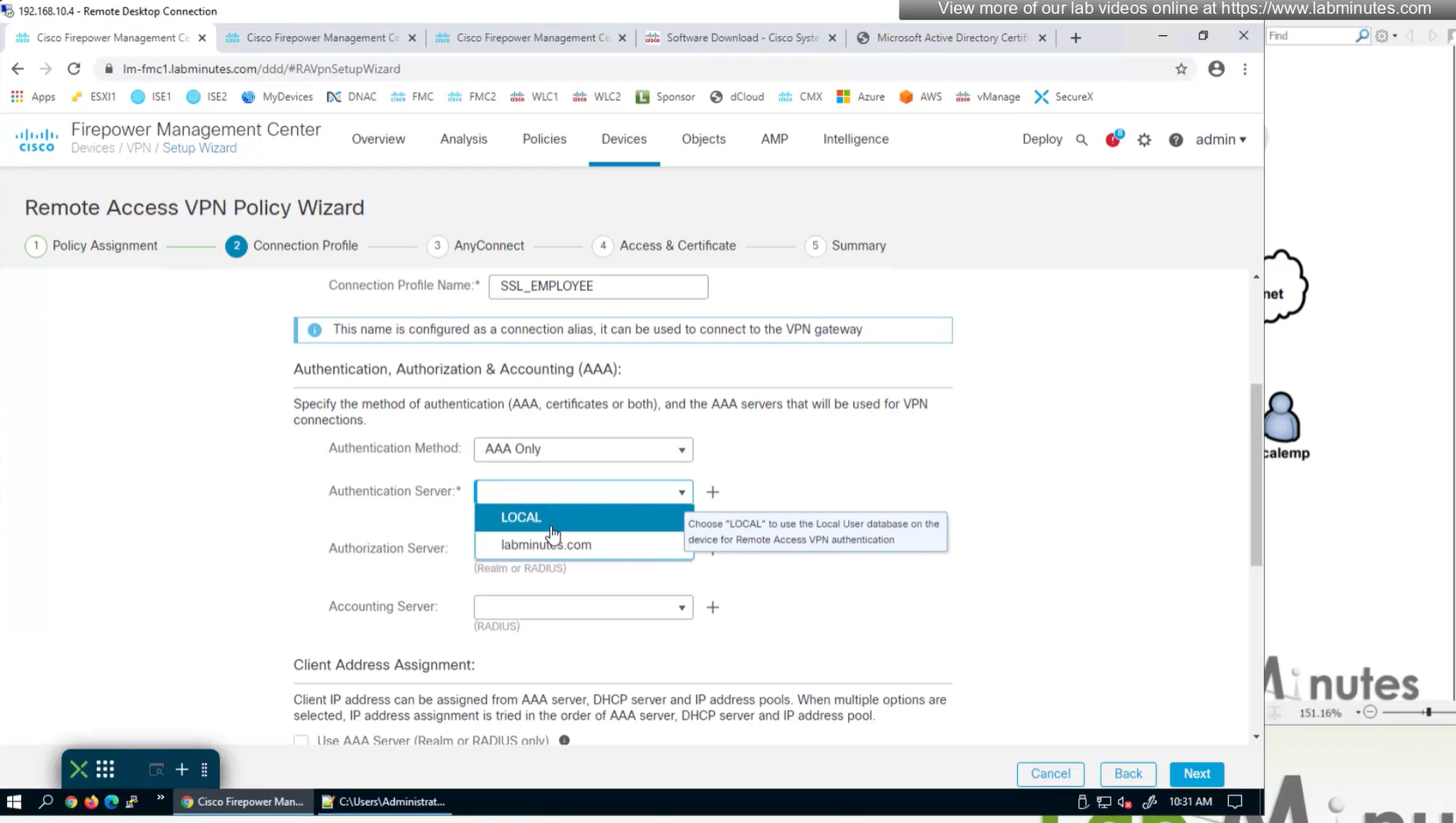
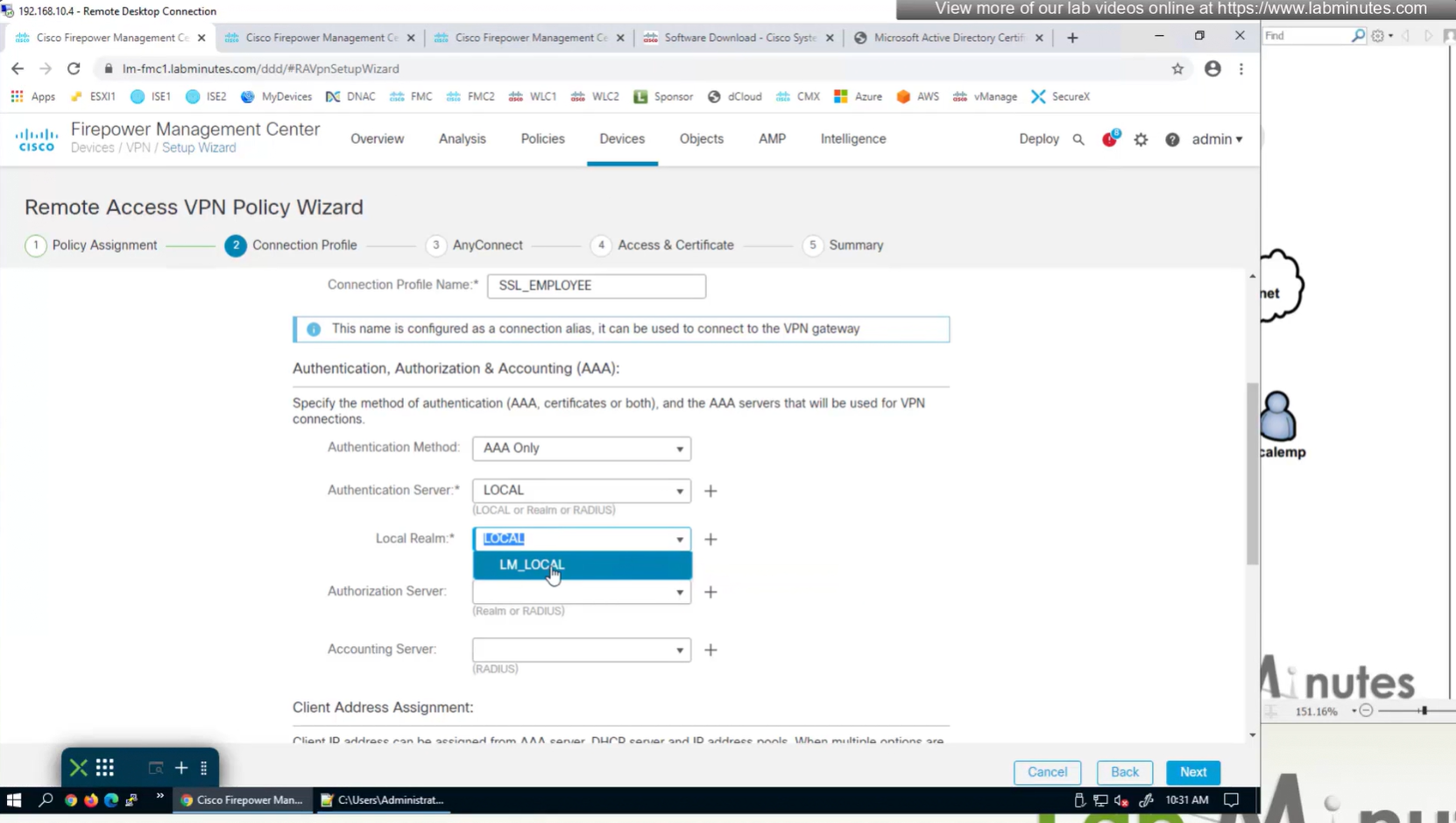

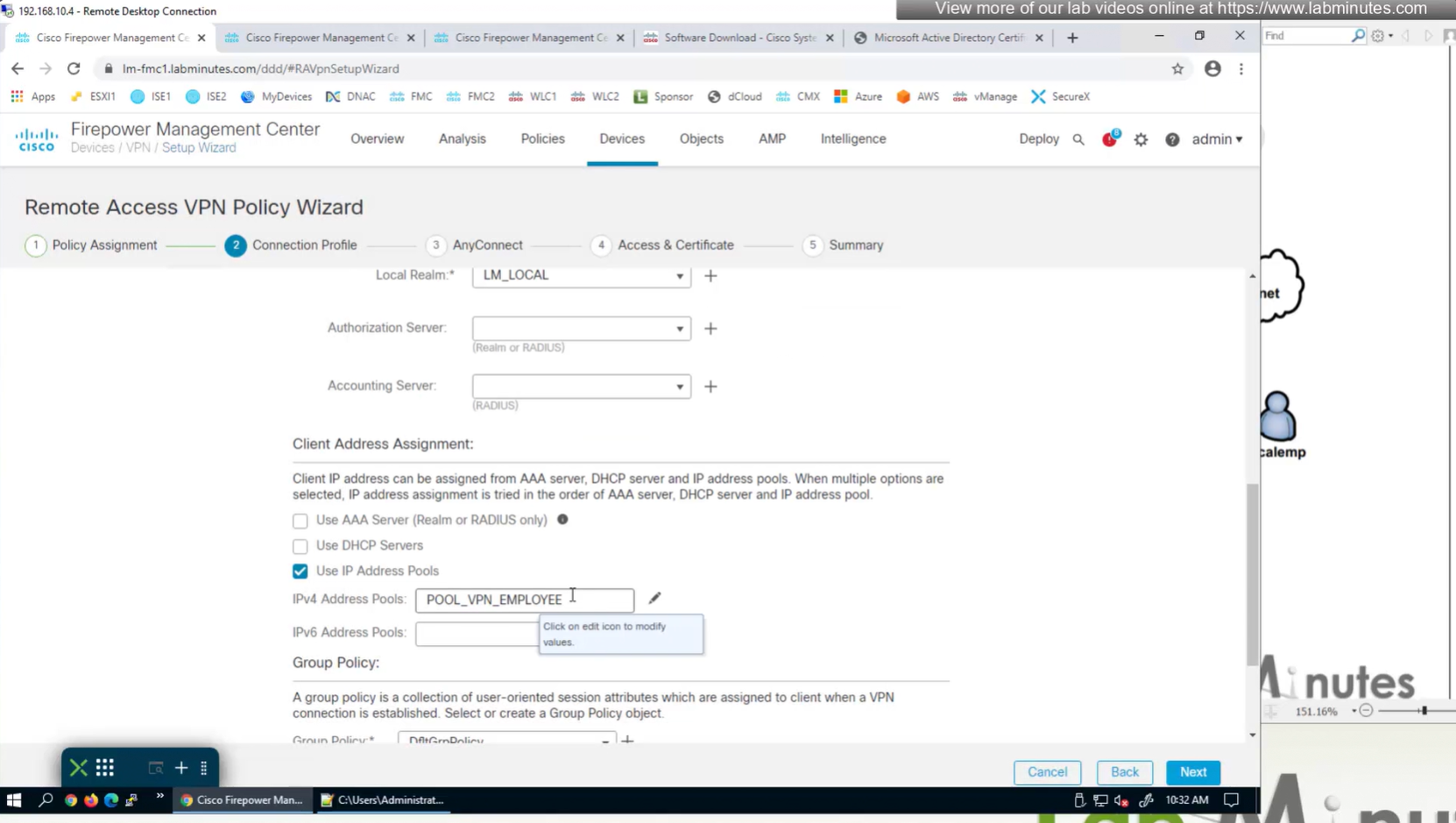
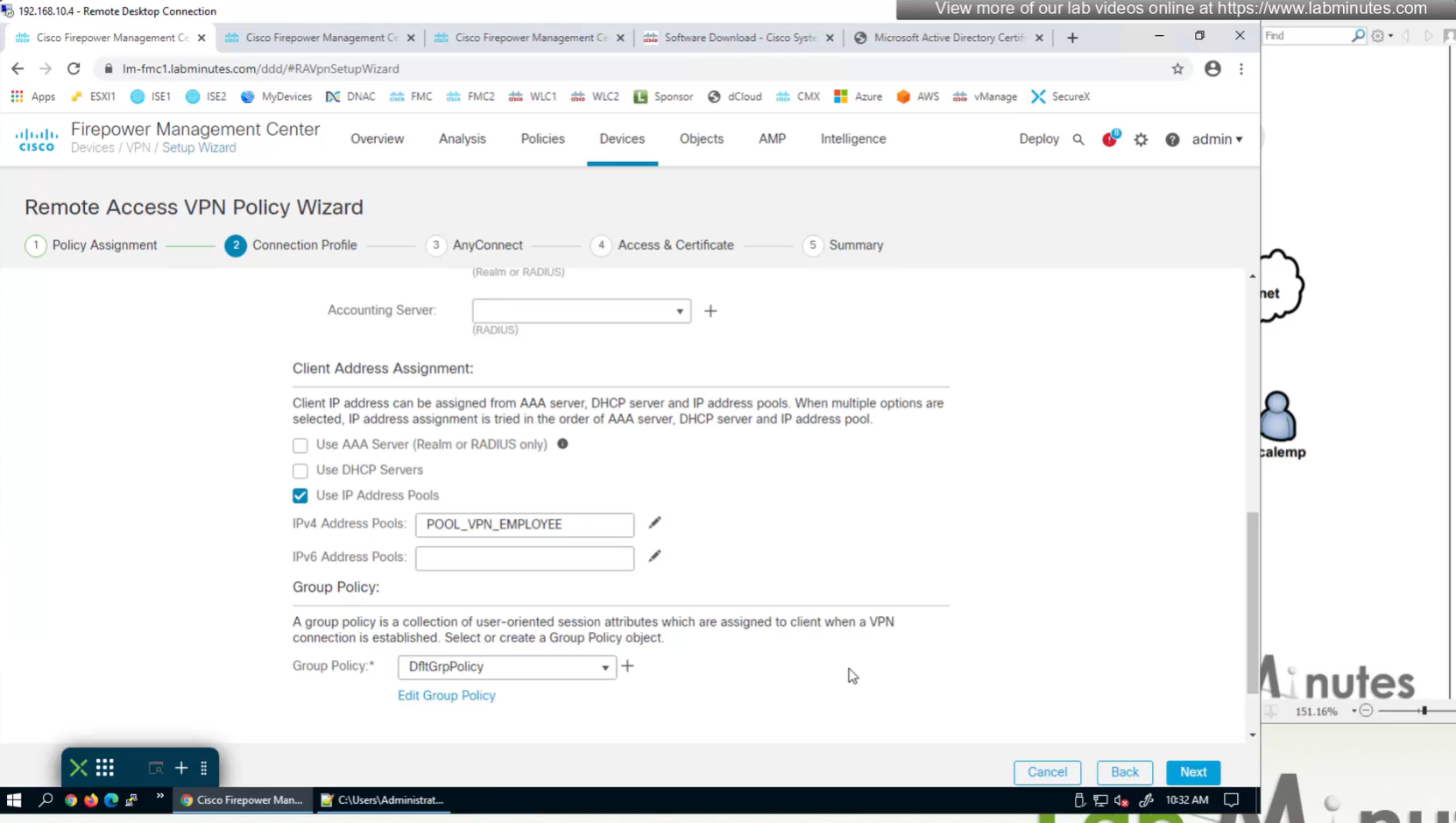
for now we will select default group policy

Select Interface
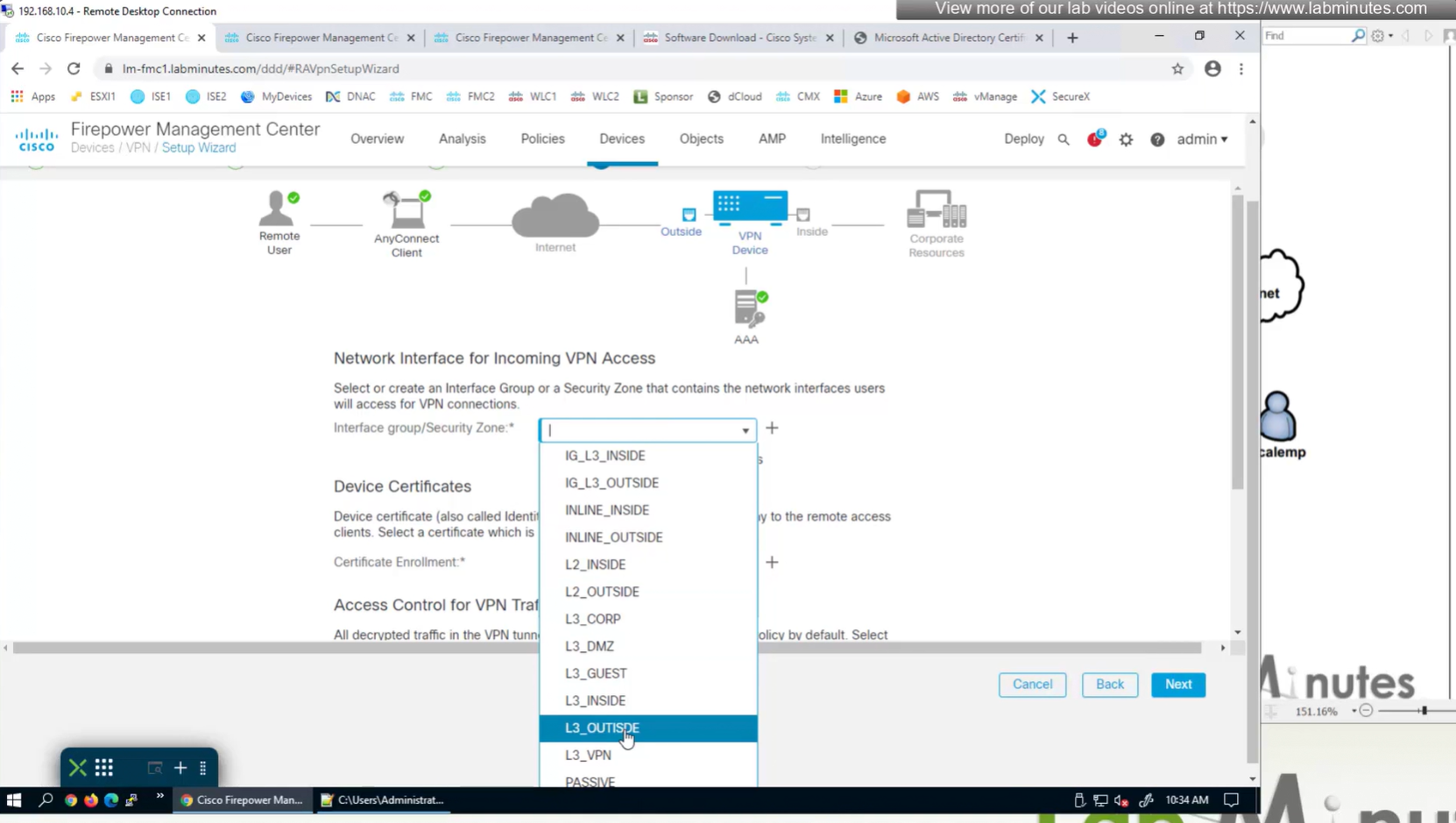

Select certificate to add on the outside interface

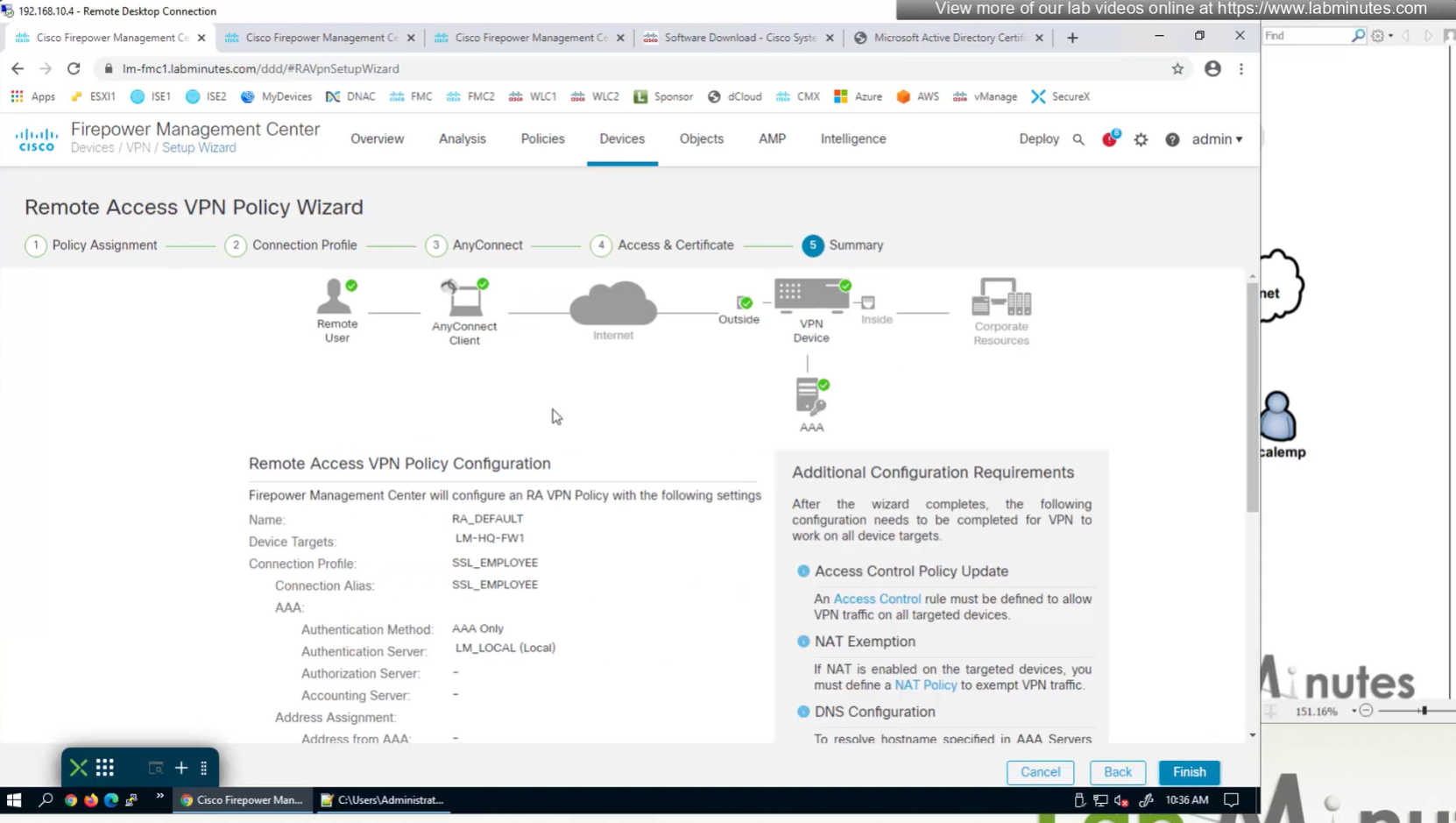
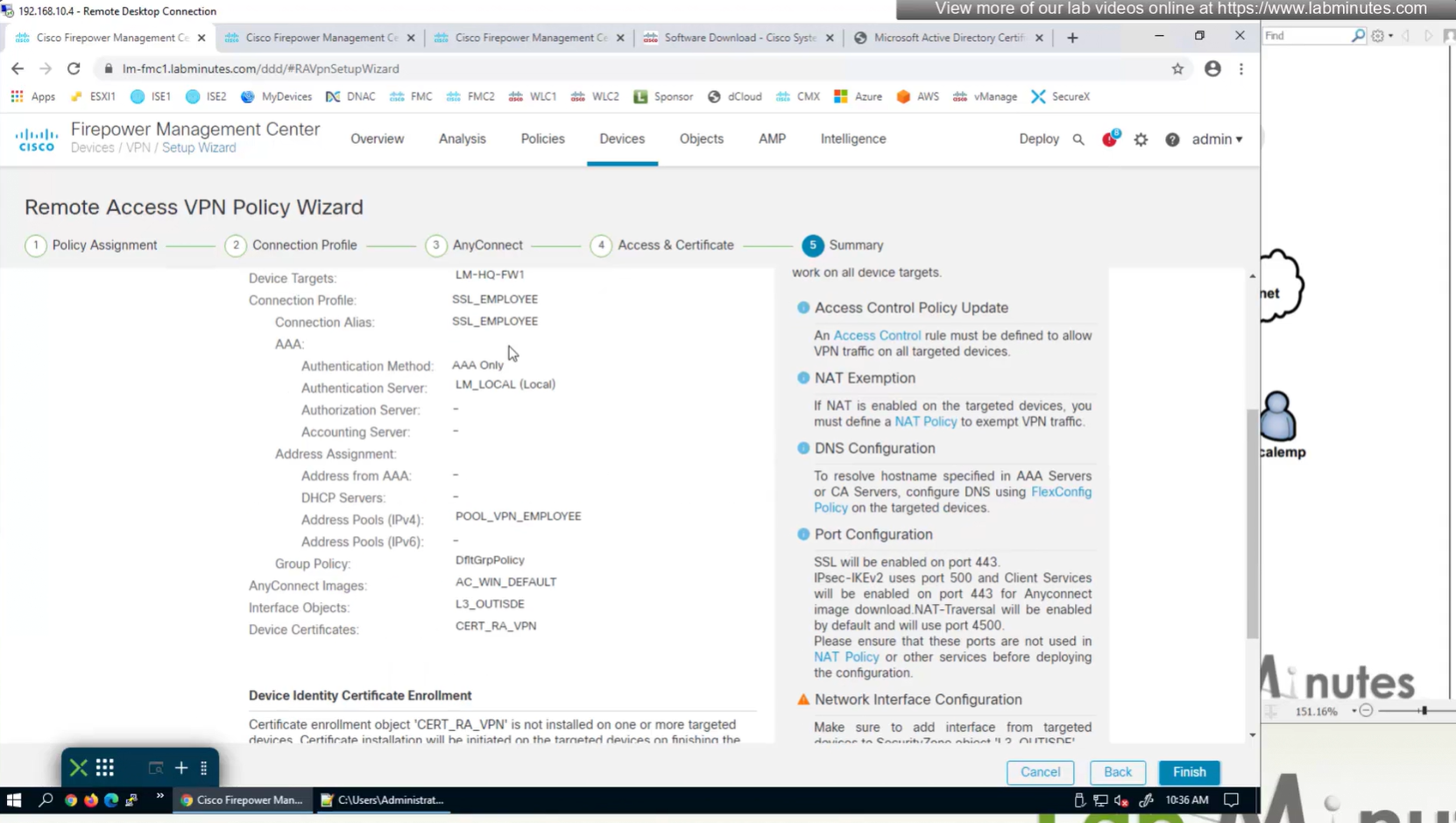
Access Control Policy is needed to allow remote user’s traffic towards enterprise
NAT exemption is needed in case there is NAT policy applied on remote access firewall
SSL will be enabled on port 443, IPSec IKEV2 uses port 500, NAT-T will be enabled by default which will use port 4500
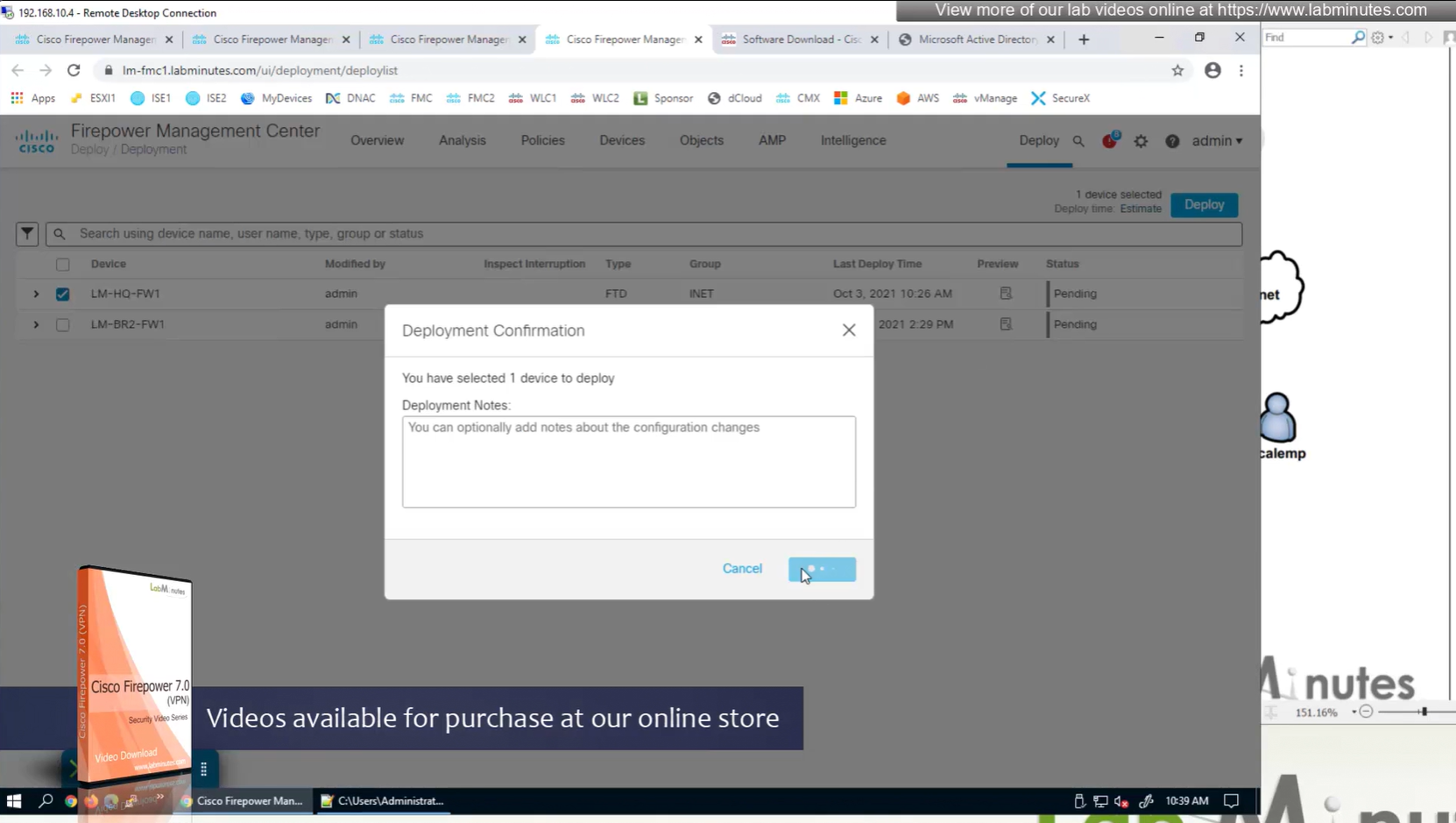
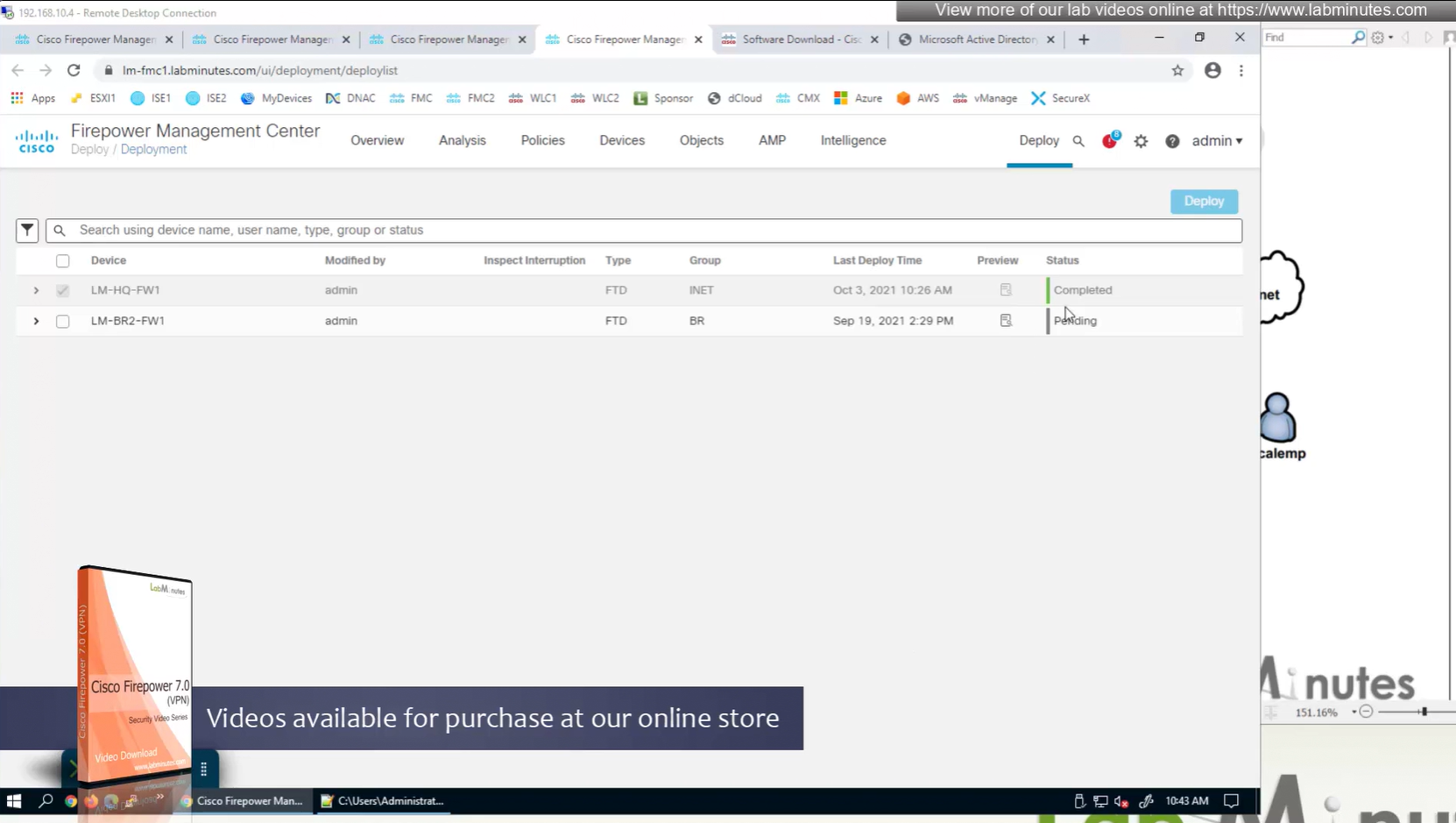
Now we will deploy to make sure that there is no error
Make sure to advertise the anyconnect address pool in routing so enterprise can reach remote clients
We also need to exempt the traffic as we dont want the traffic going to or coming from remote clients to be NATed, a static NAT will do the job
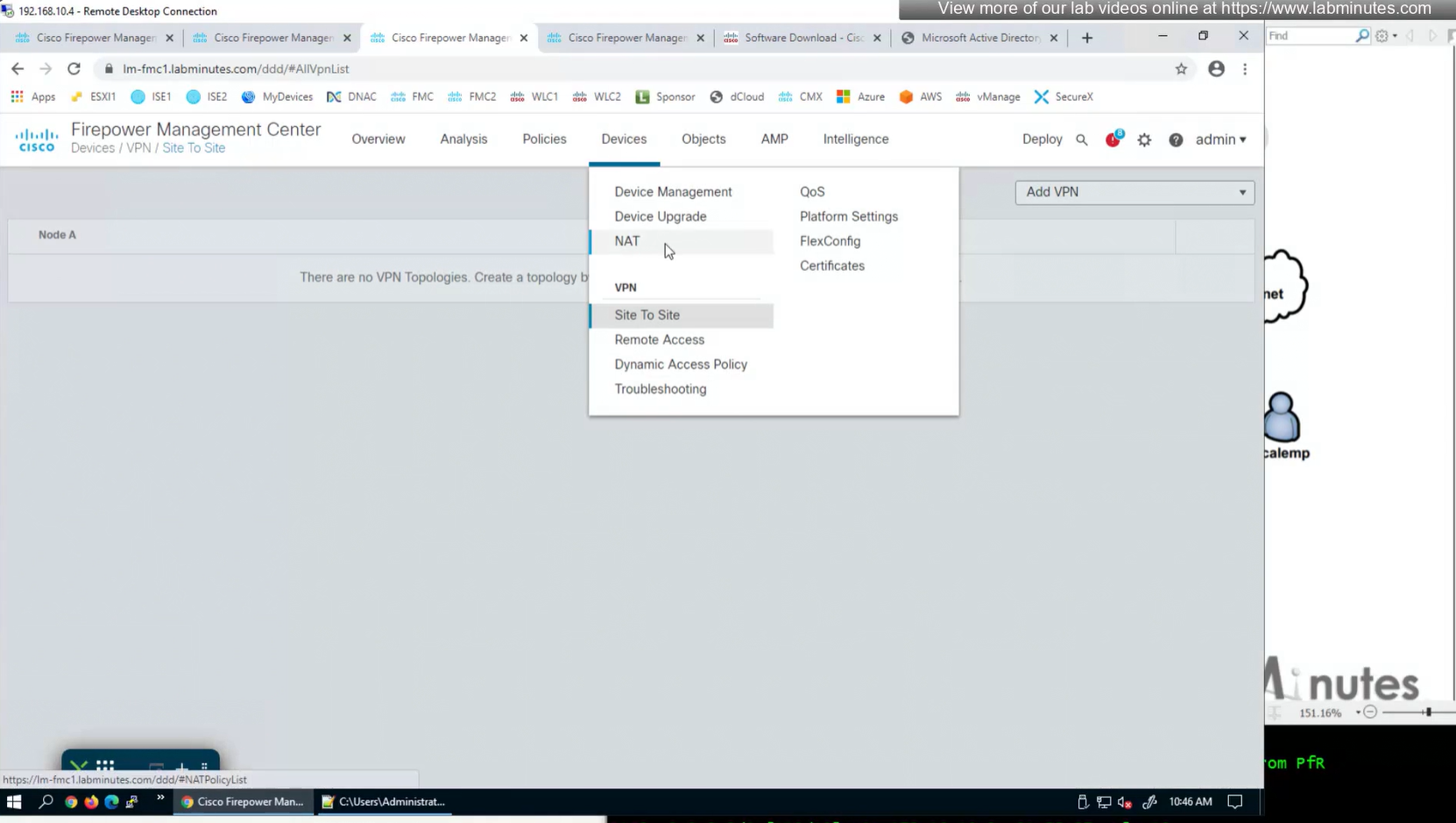

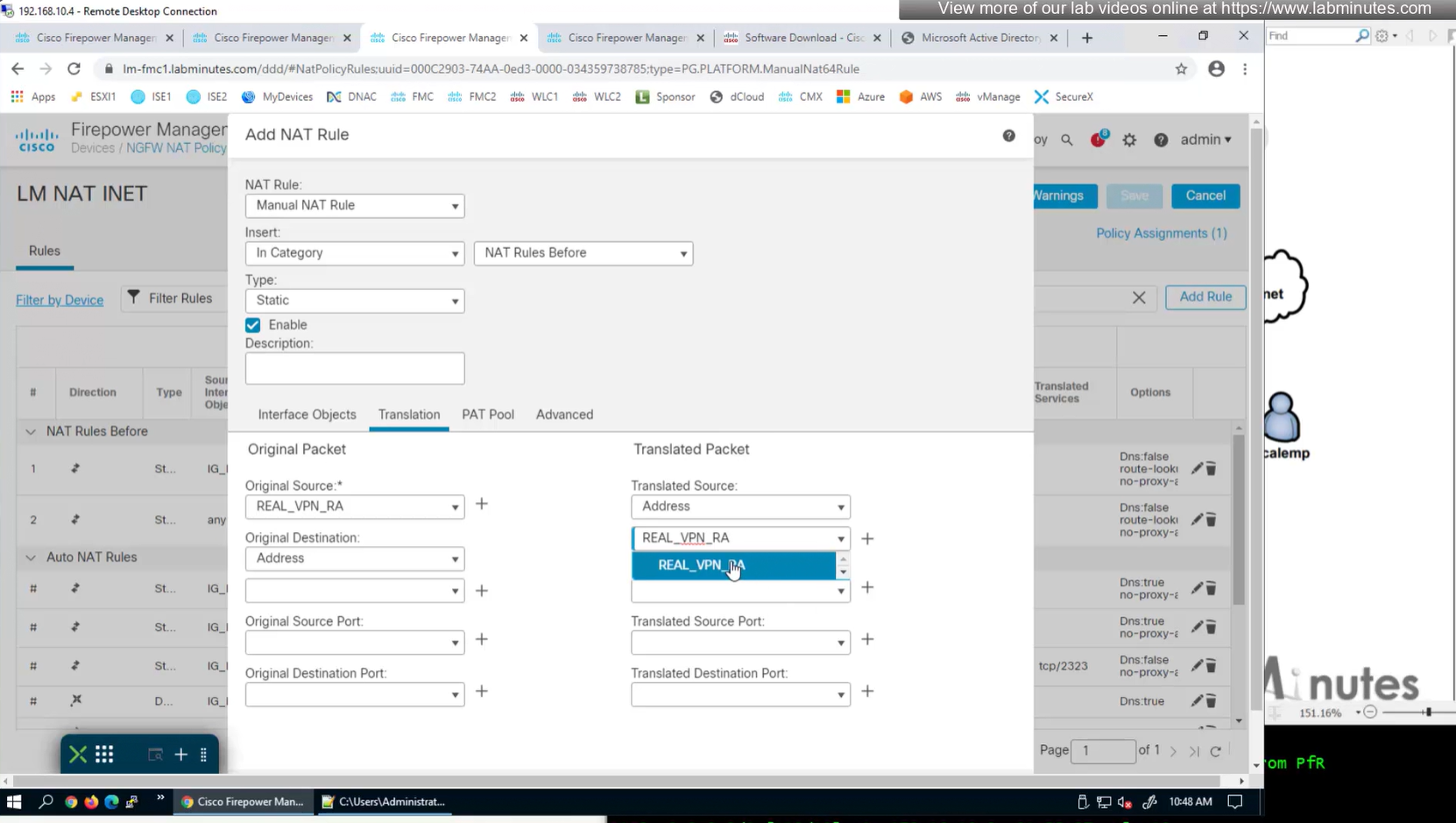
Select do not proxy ARP and also select perform route lookup for destination interface (to avoid NAT divert)

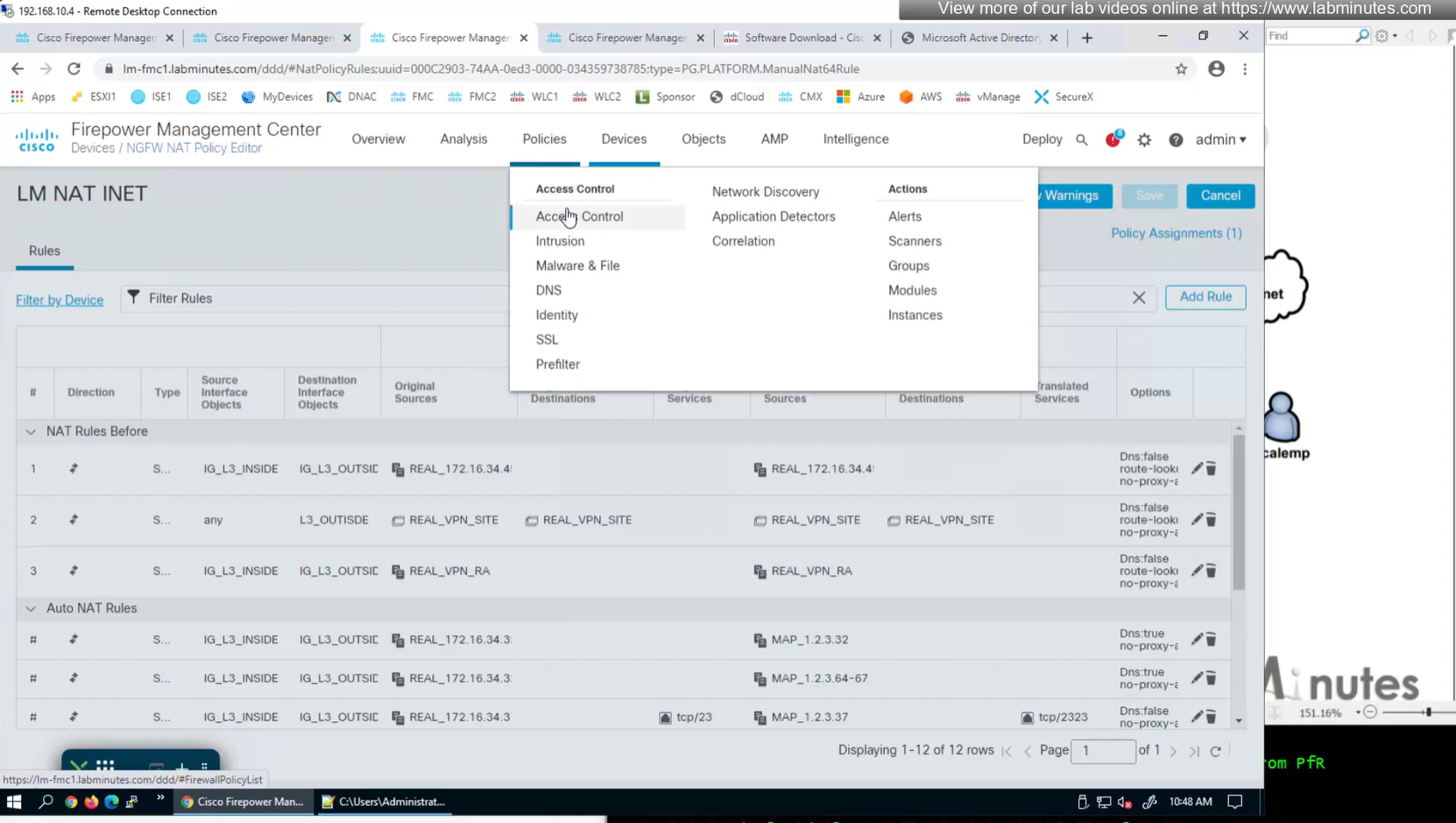


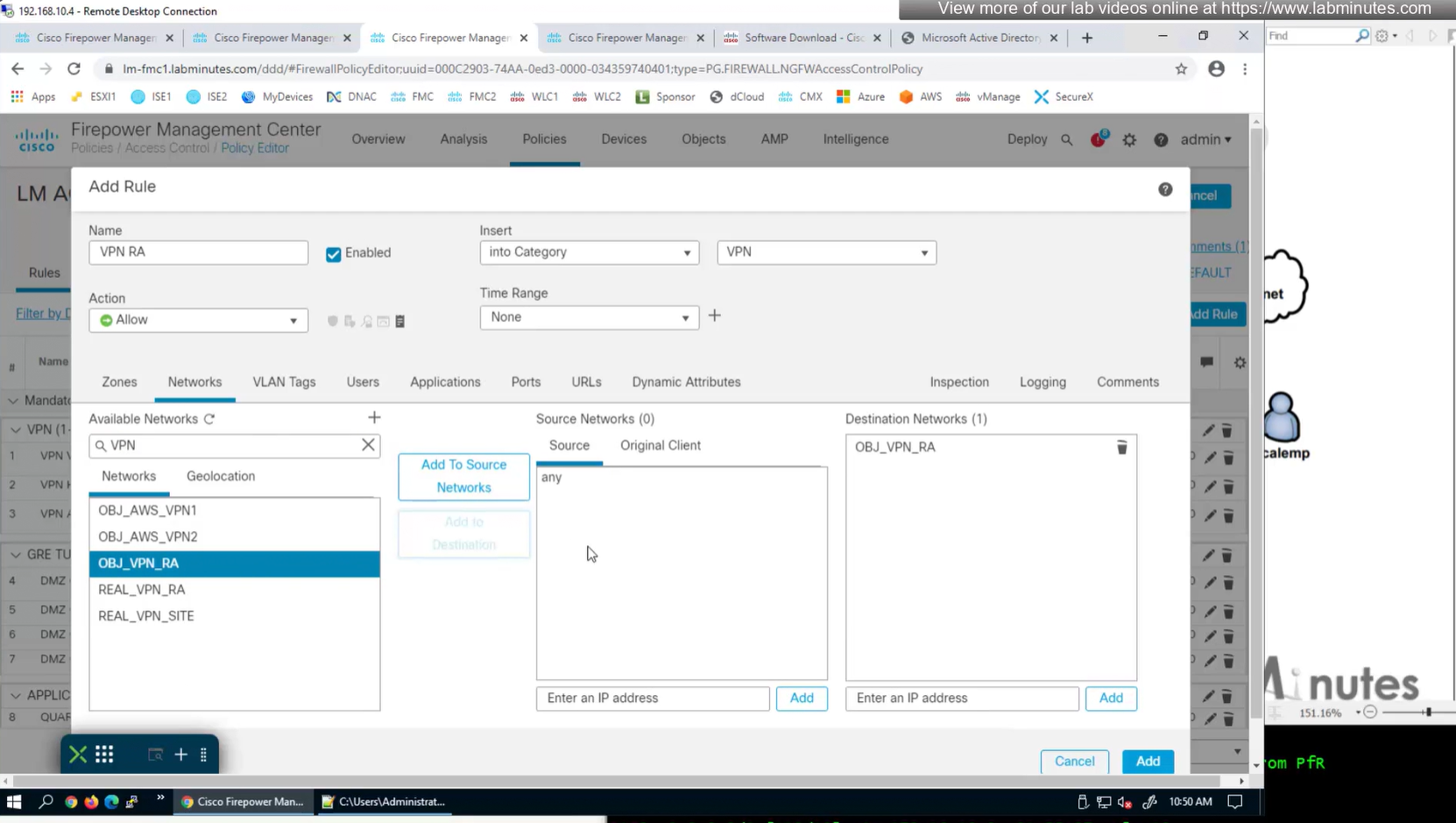
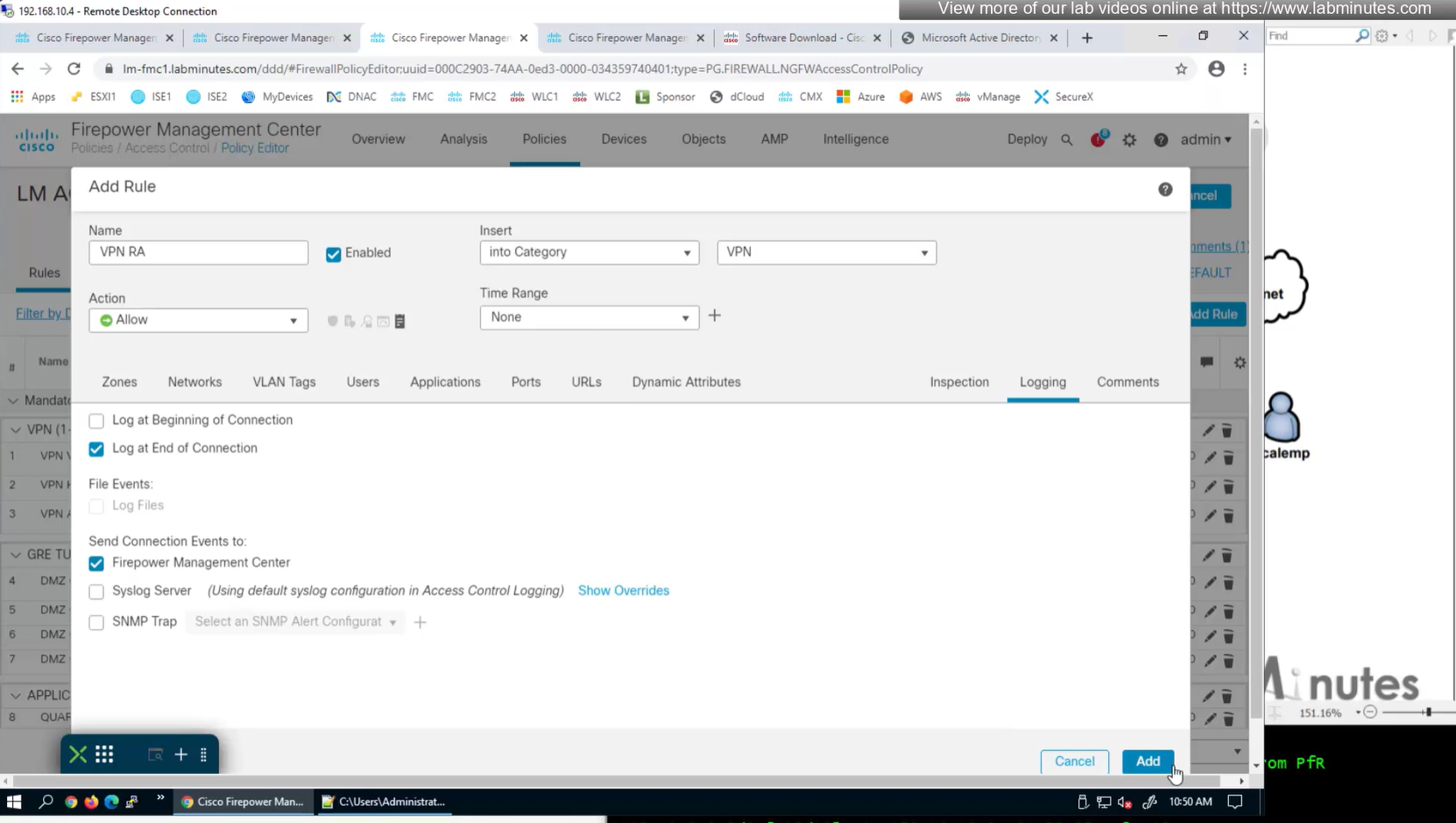
2x outside interfaces are here because because outside interface group
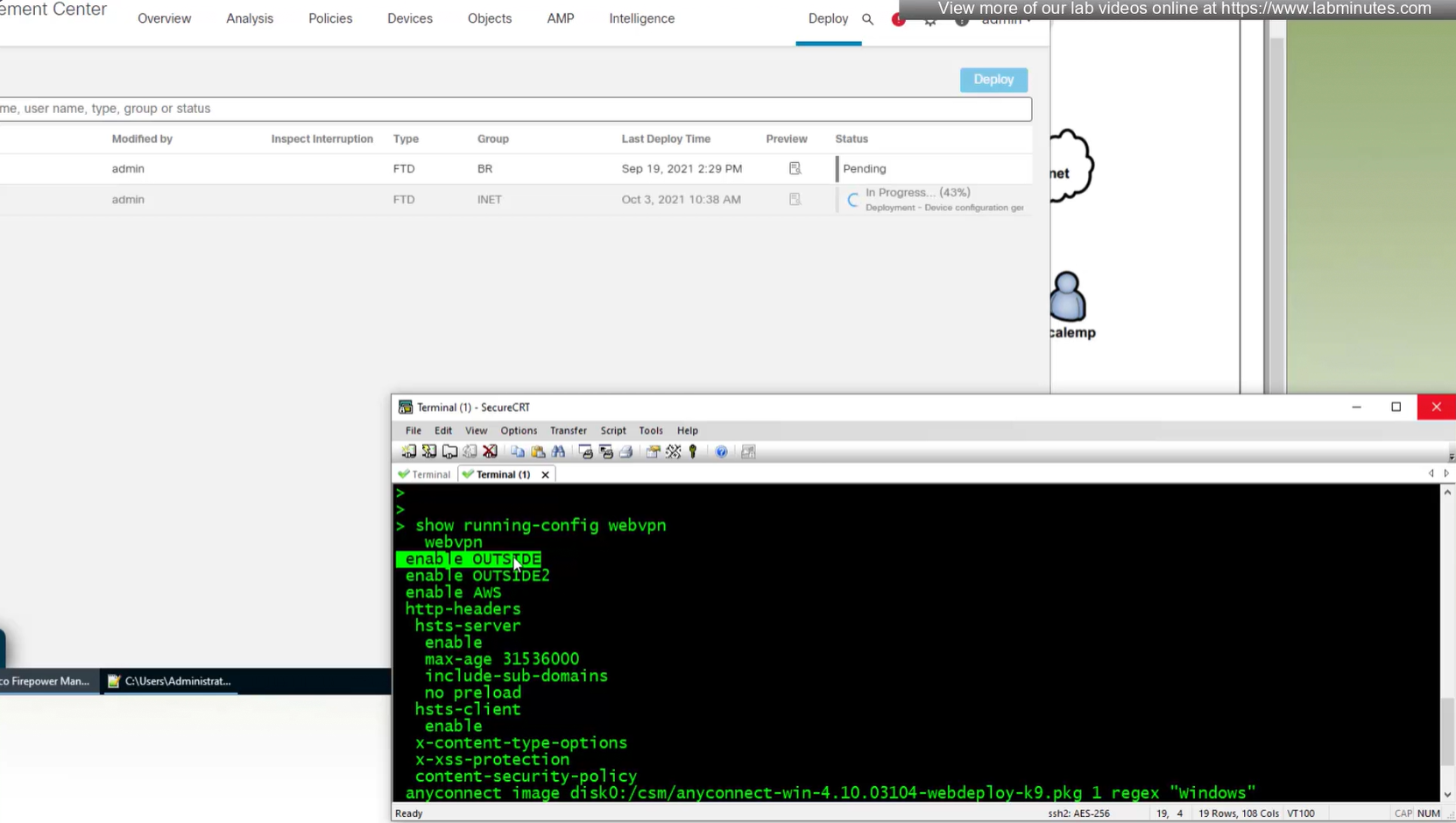
show running-config webvpndefault config that is part of the anyconnect vpn
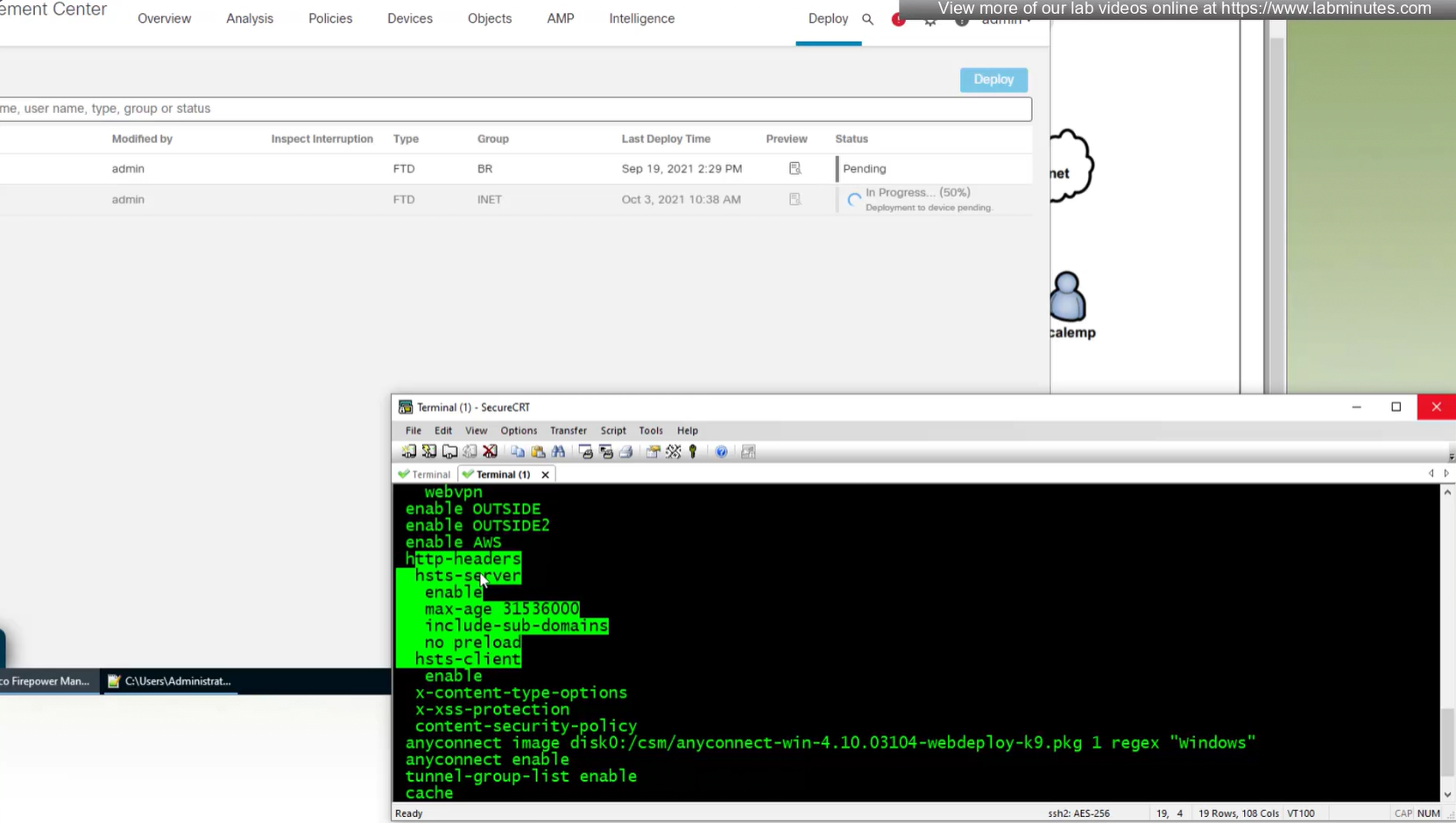
some additional HTTP headers
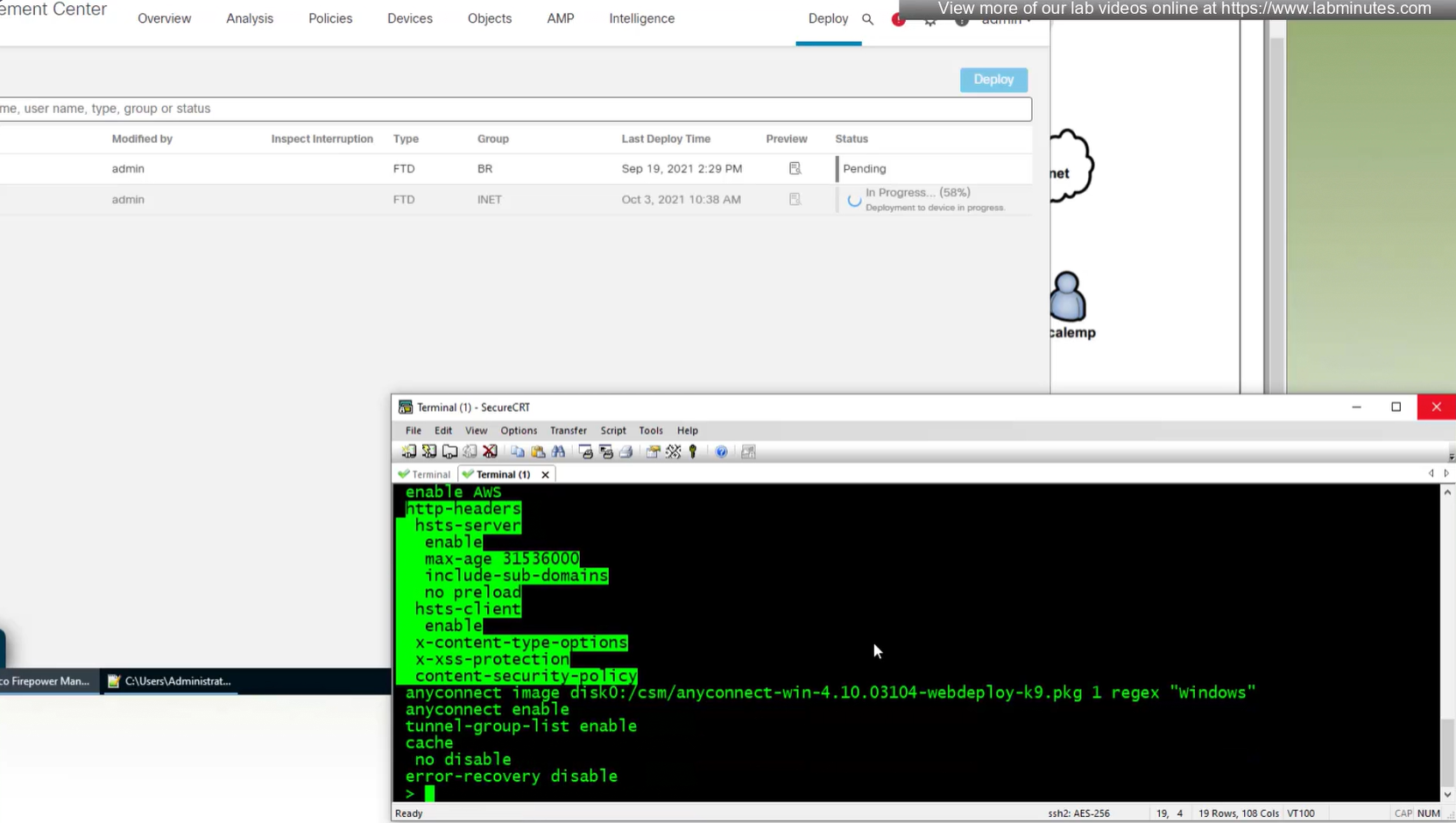
Anyconnect image
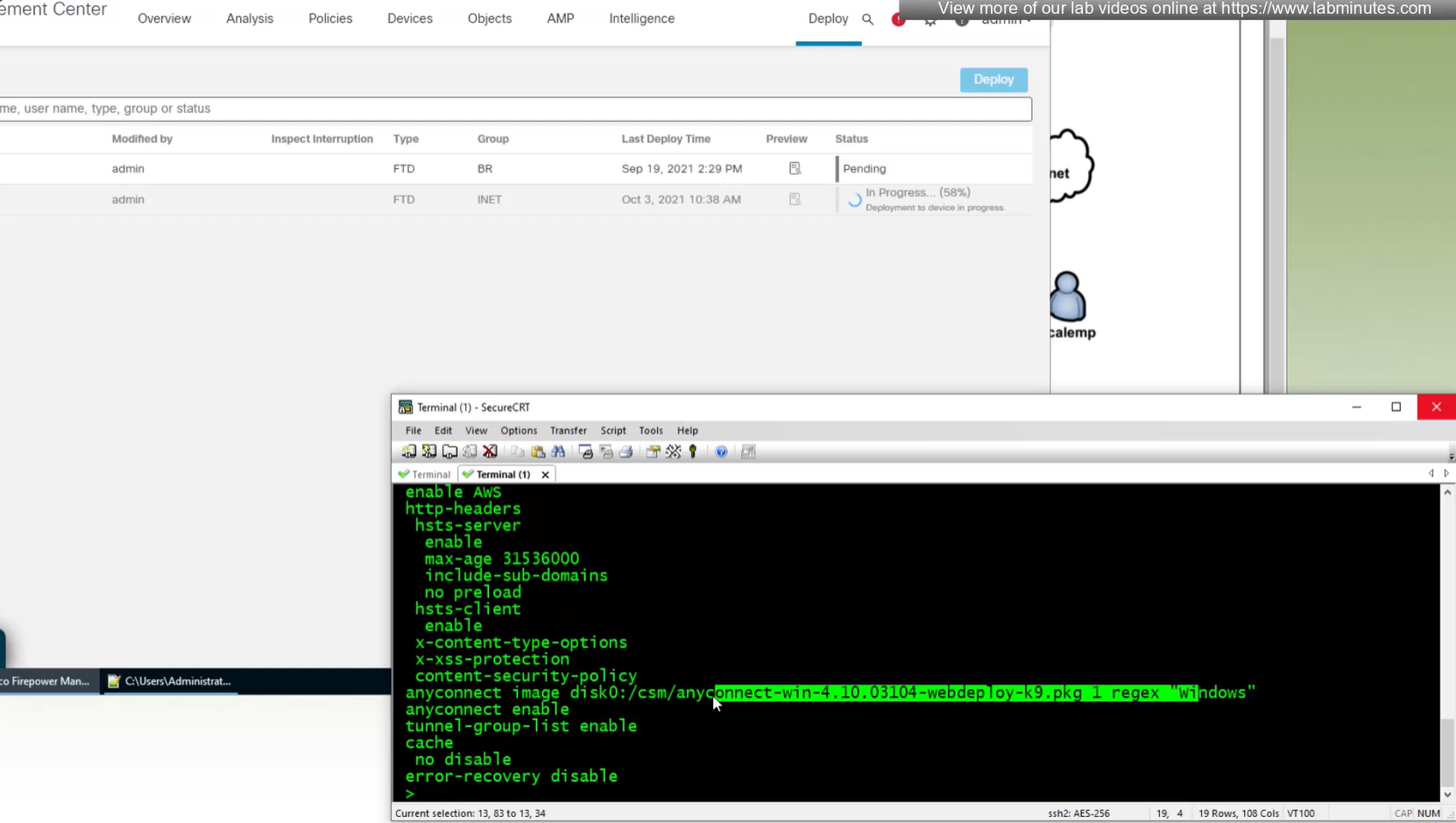
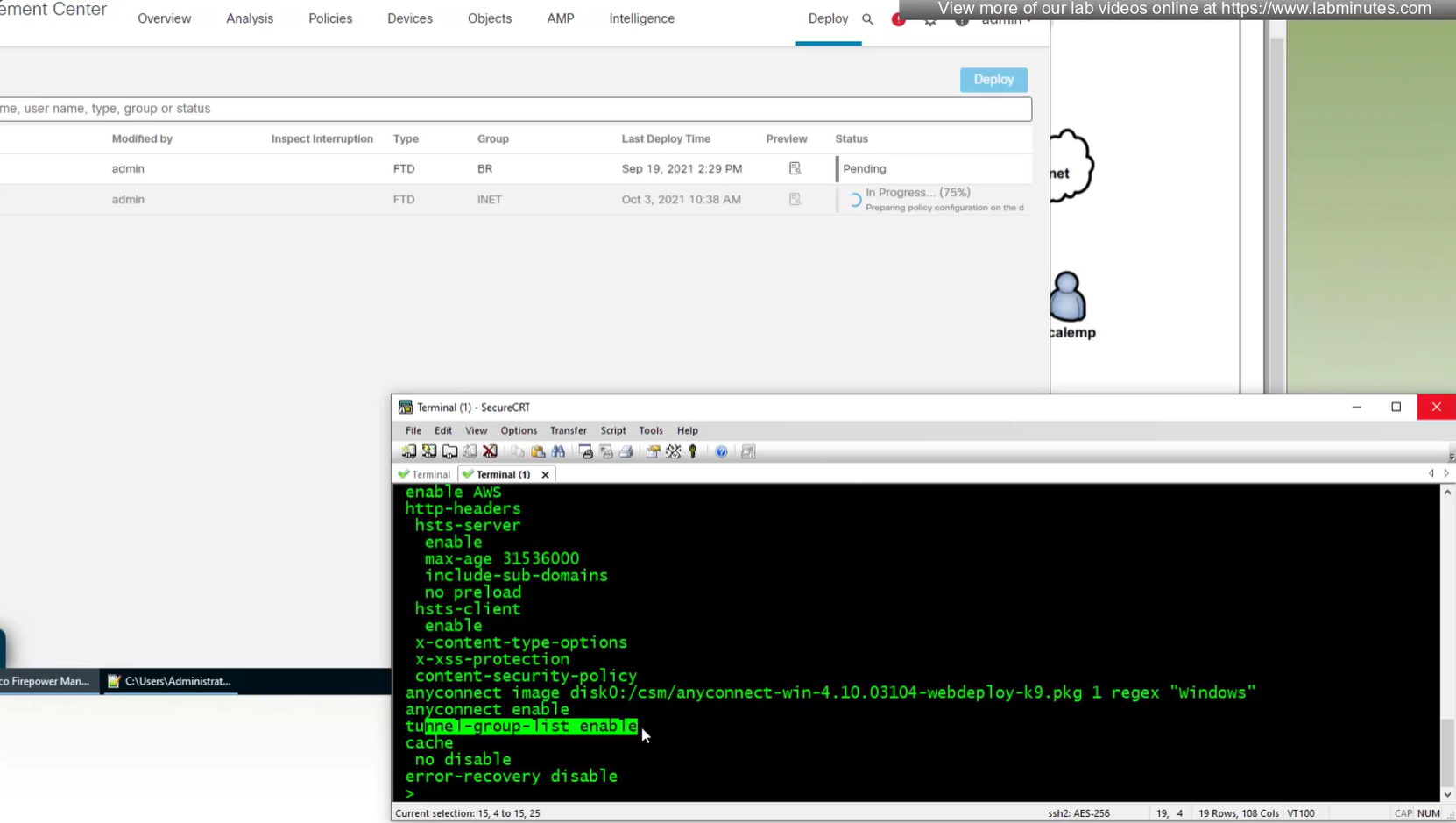
When you configure multiple tunnel groups (also known as connection profiles) on an ASA, users connecting via VPN (like AnyConnect or IPsec) may need to pick which one to use.
By default, the ASA won’t show users a drop-down list of available tunnel groups at the login screen. Instead, they’d have to know and type in the group name.
The command:
tunnel-group-list enableenables the display of the tunnel group (connection profile) list on the VPN login page.
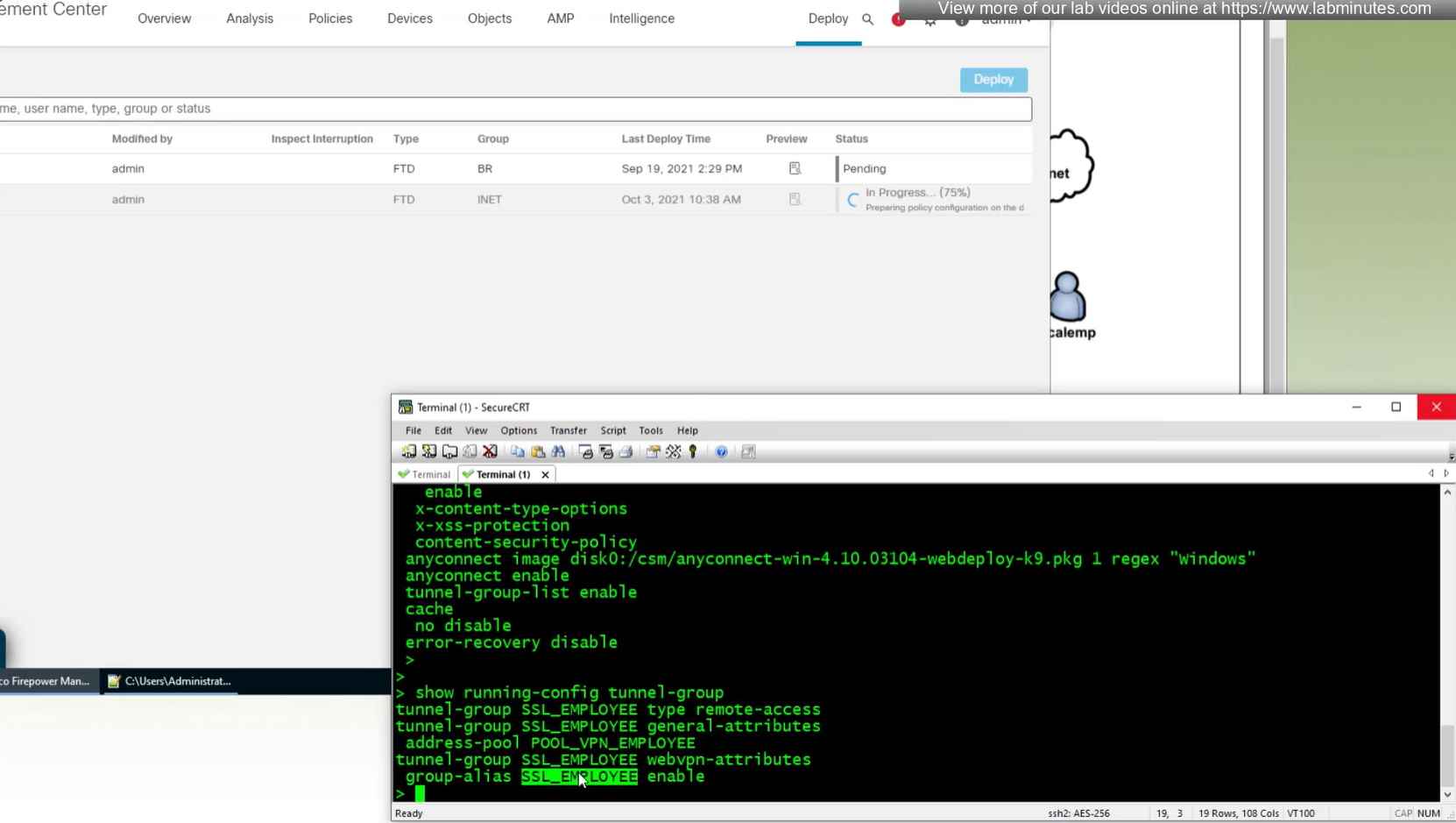
show run tunnel-group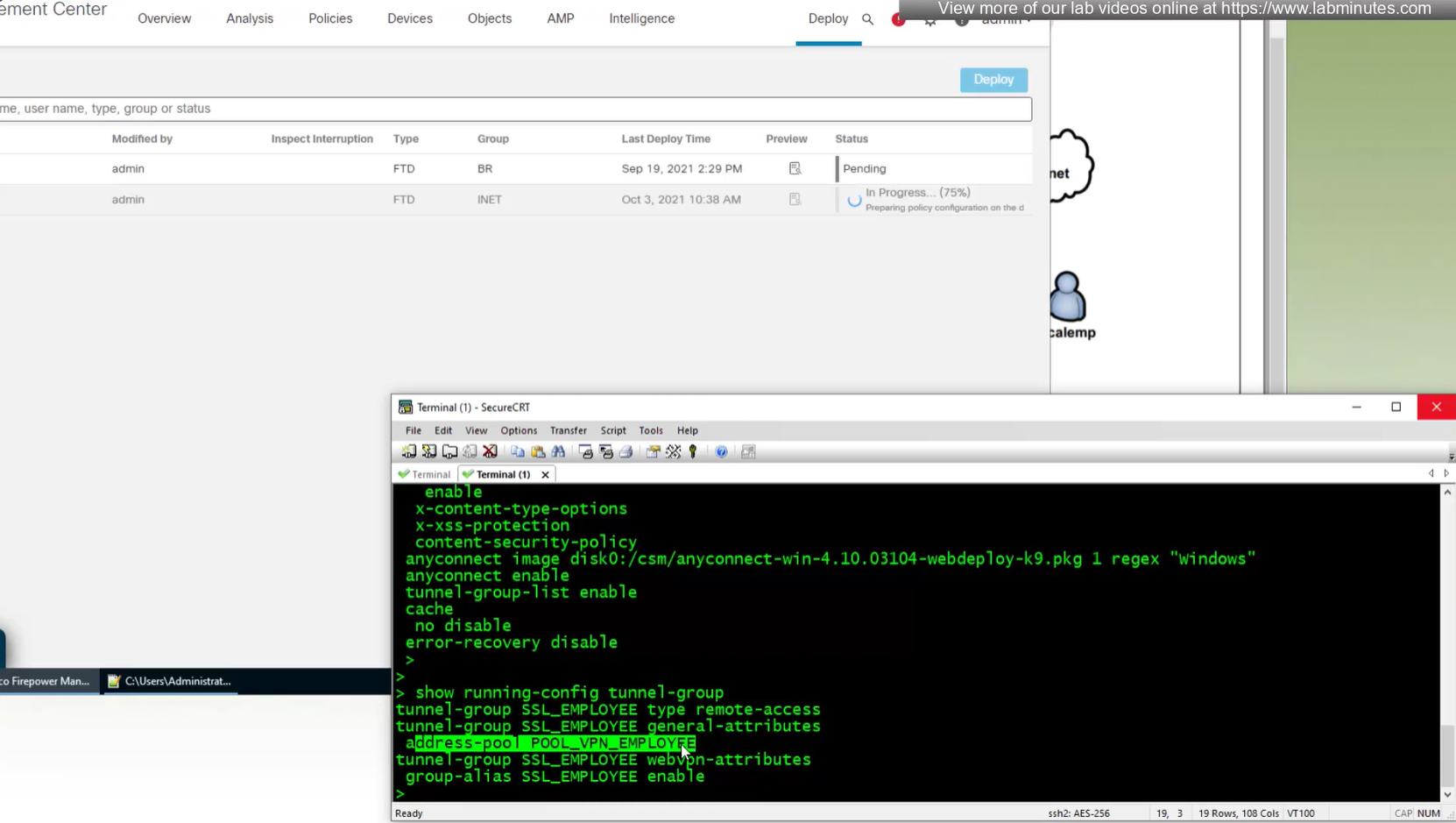
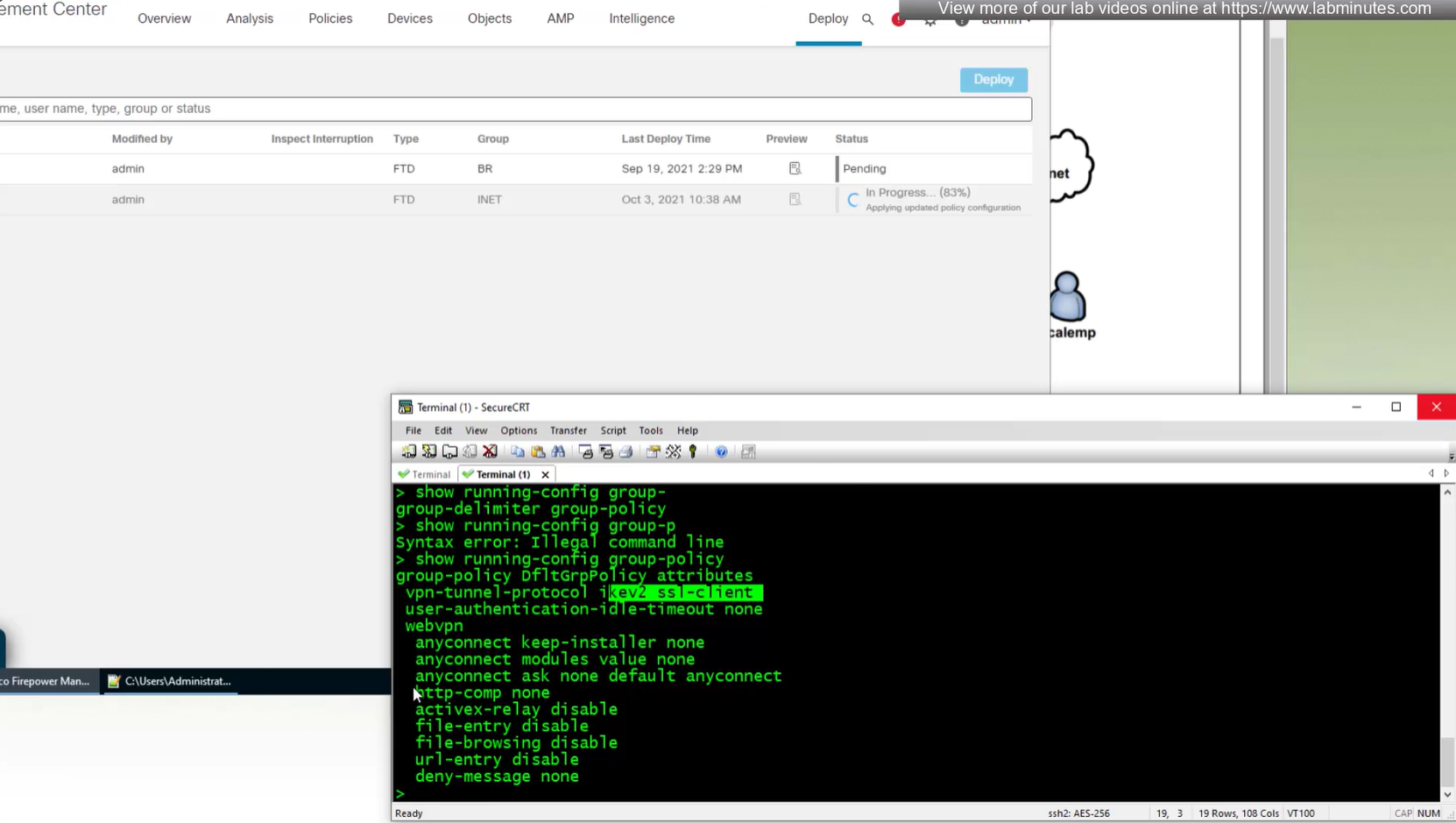
show running-config group-policy
Leave a Reply