⊹ Anyconnect ⊹
SEC0402 – Firepower 7.0 AnyConnect VPN Connection Profile and Group-Policy (Part 2)
SEC0402 – Firepower 7.0 AnyConnect VPN Connection Profile and Group-Policy (Part 2)
Connection Profile and Group-Policy


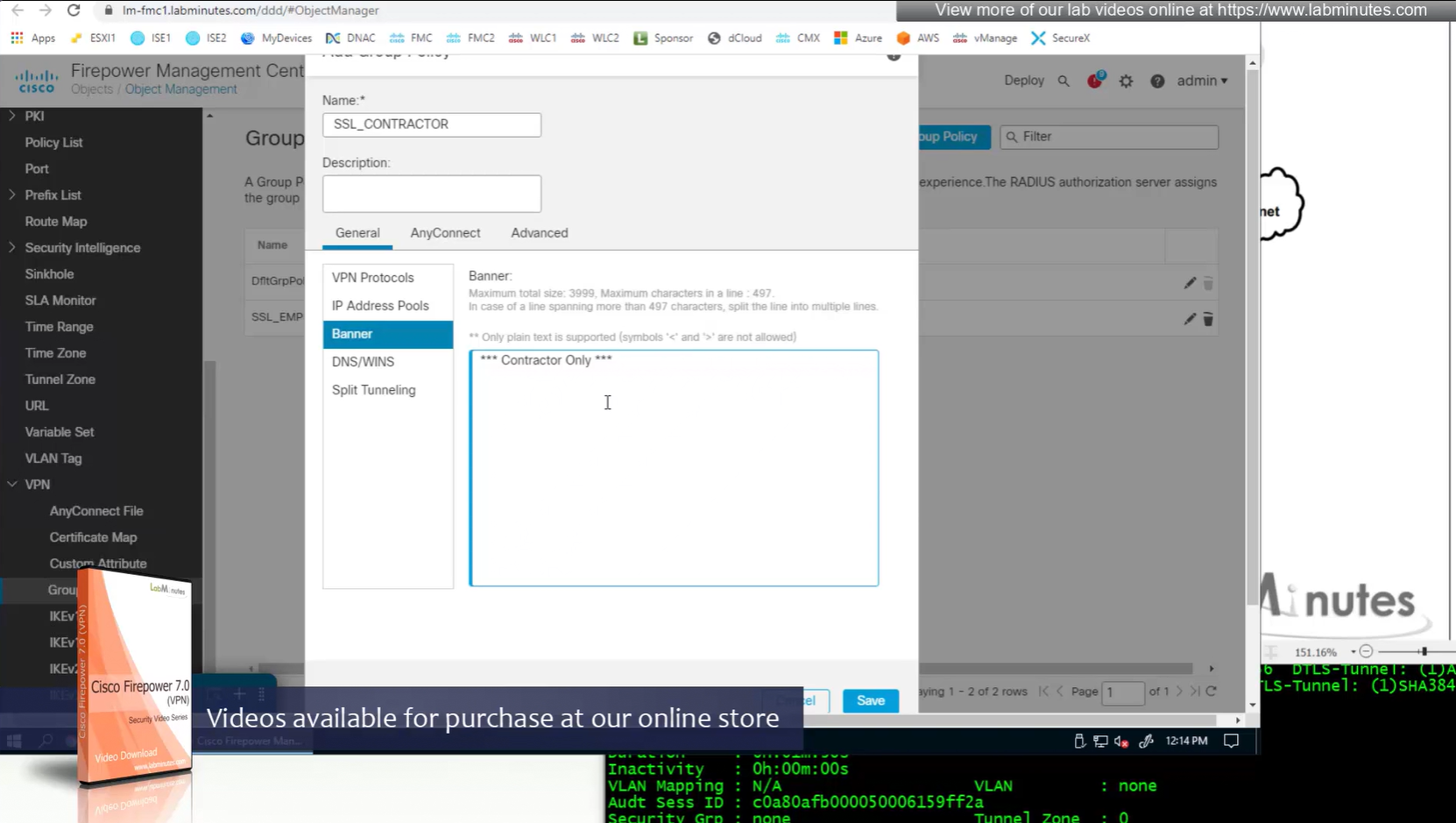
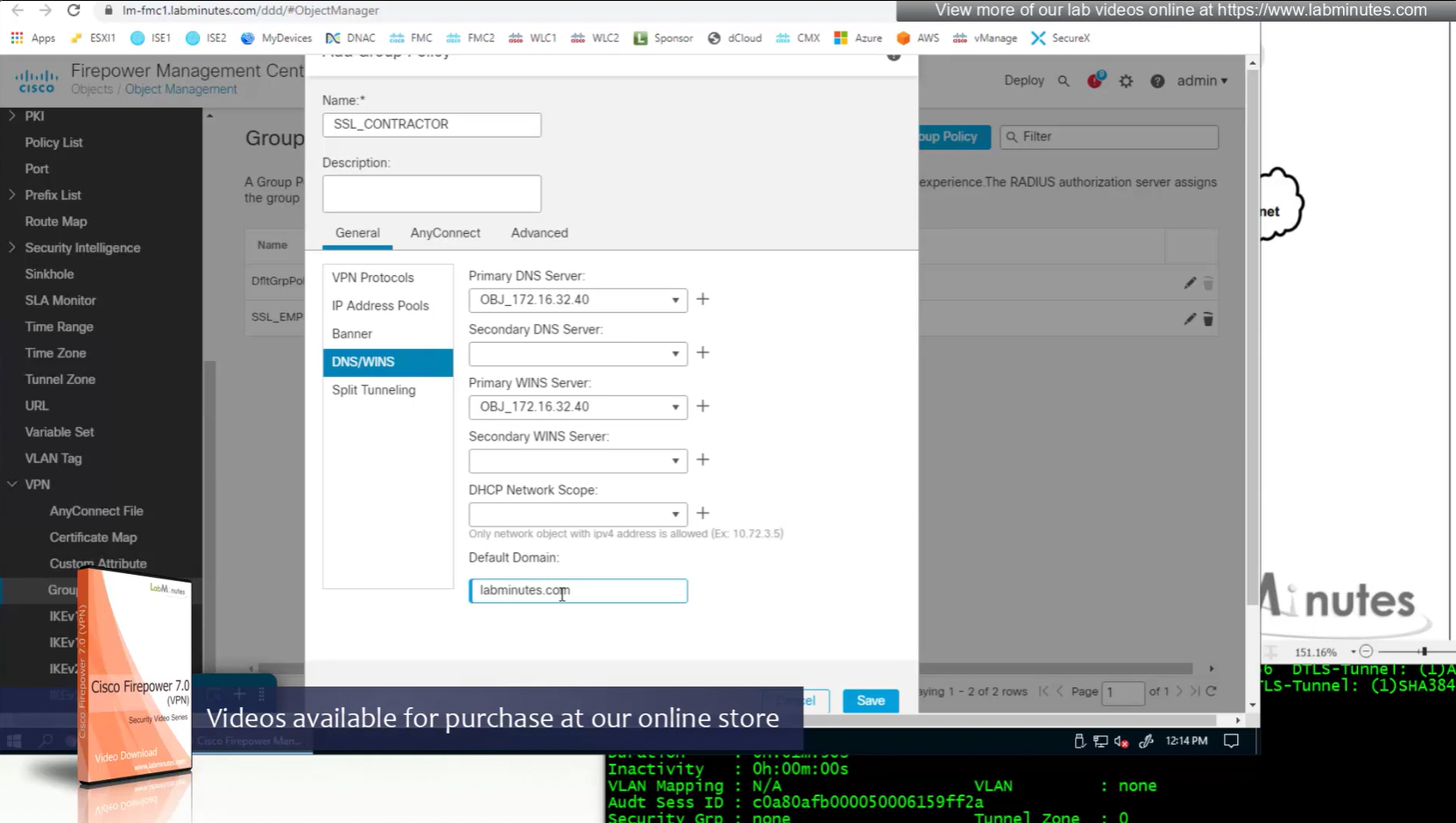
Keeping it tunnel all
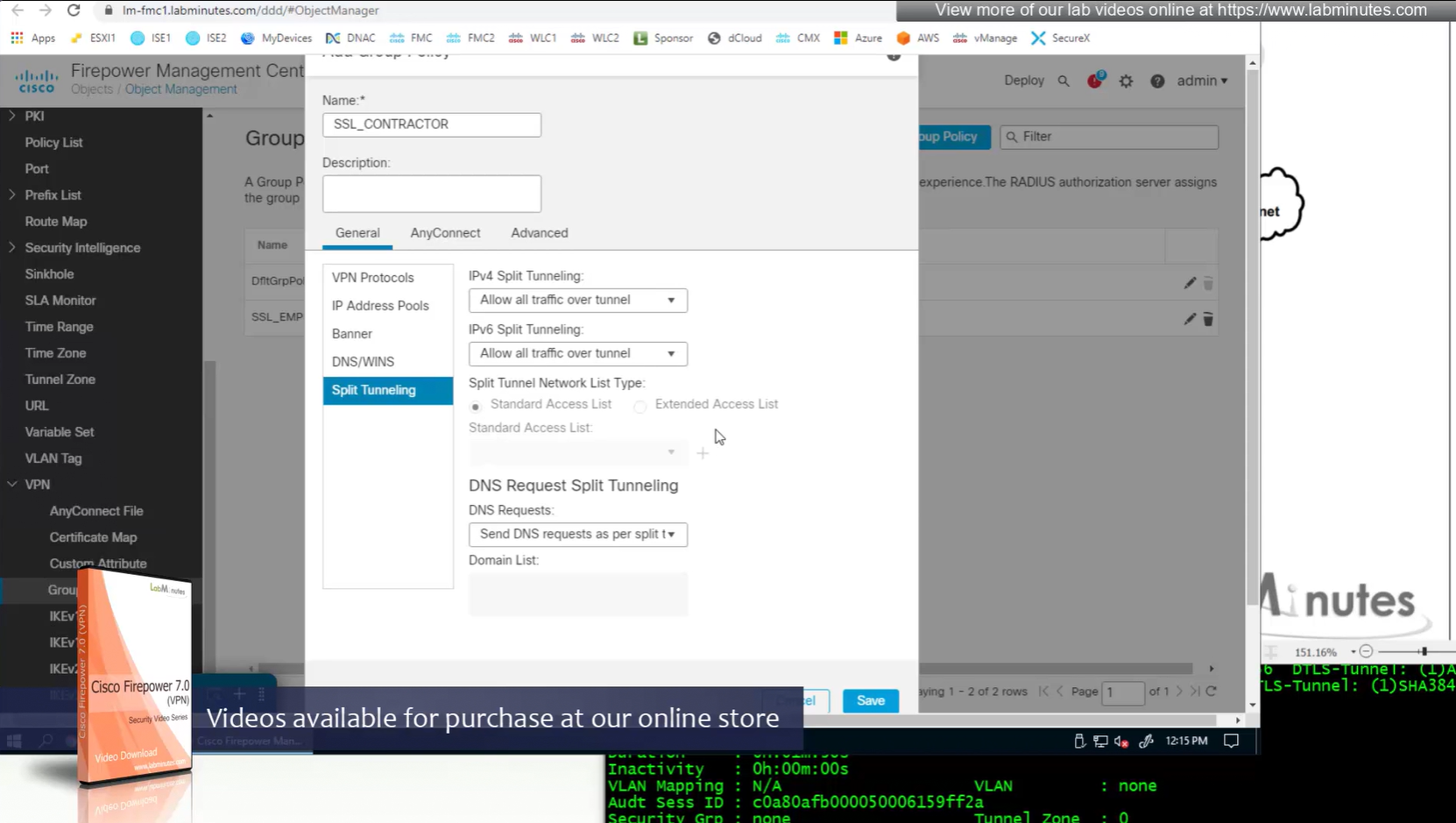
Recommended settings for MTU and DF bit
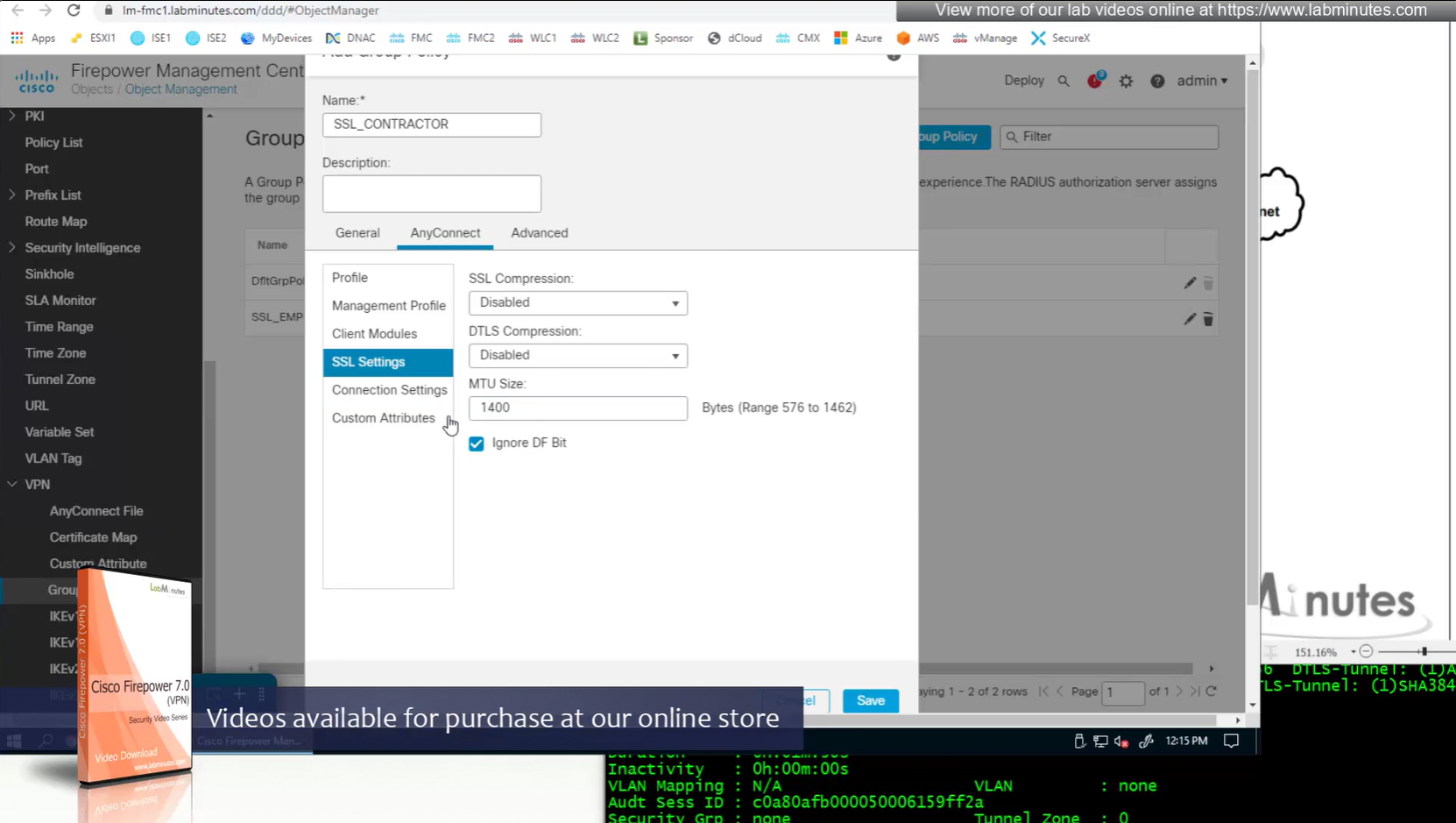
More restrictive settings
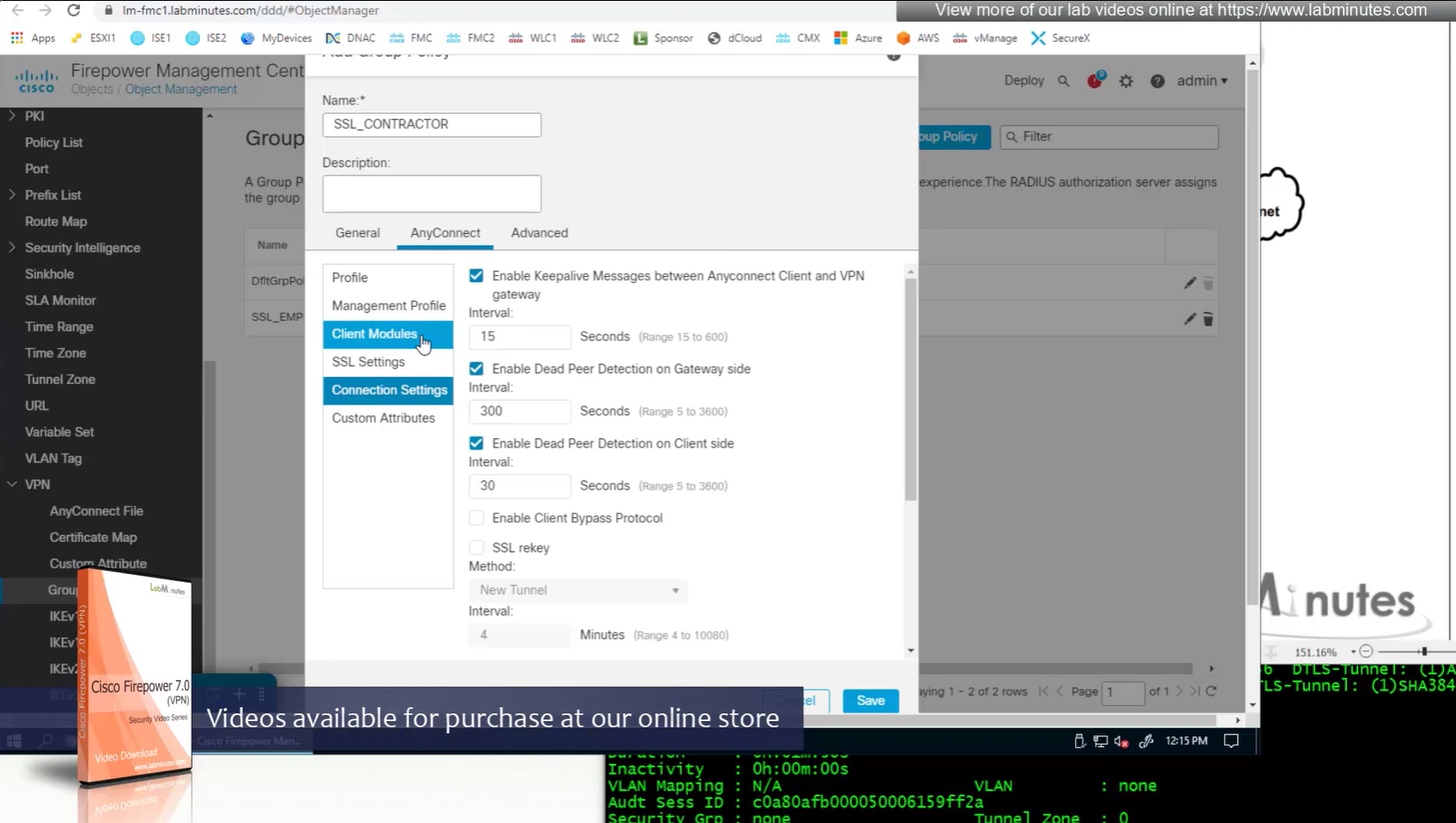
Recommended settings for SSL rekeying
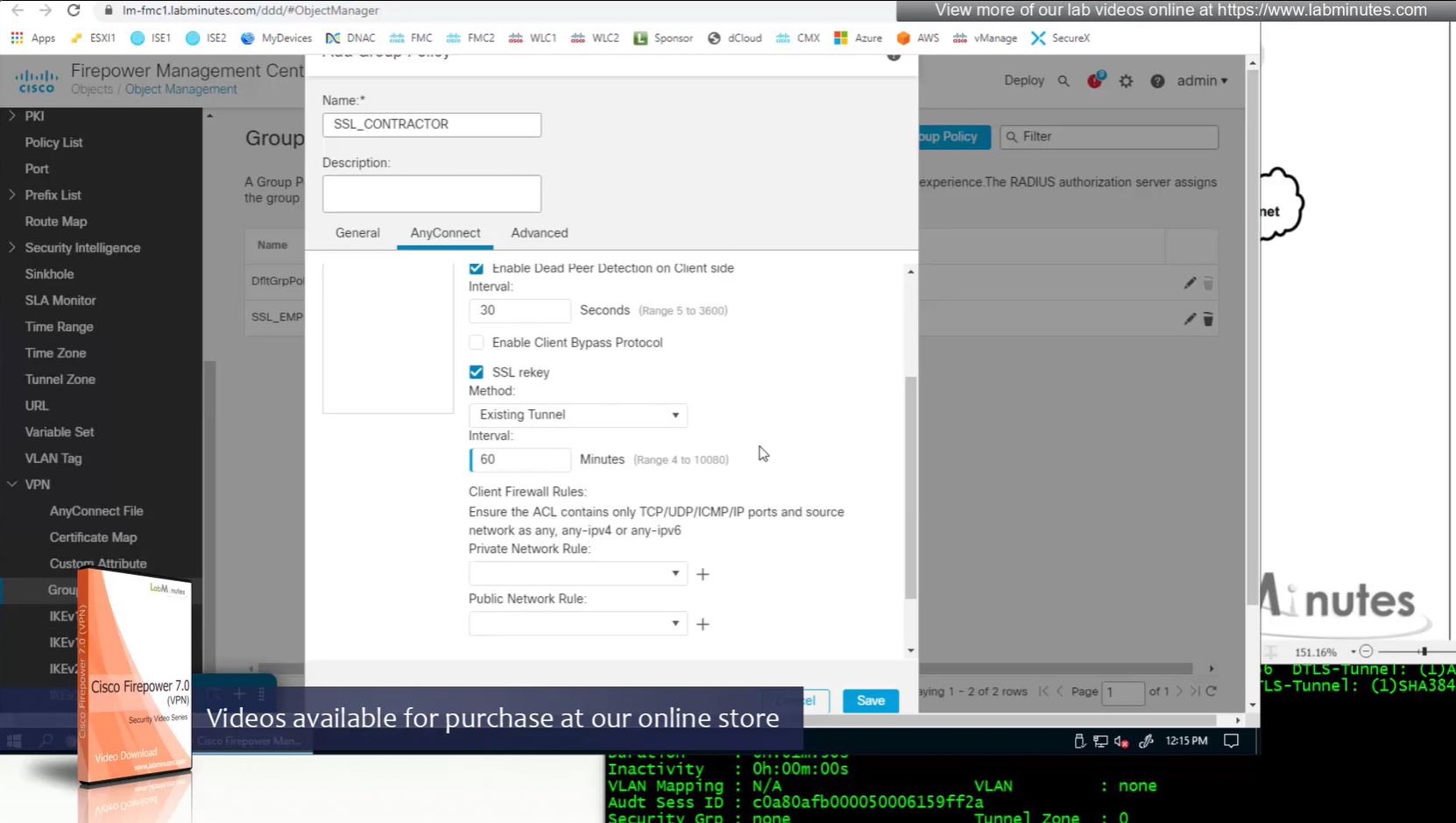
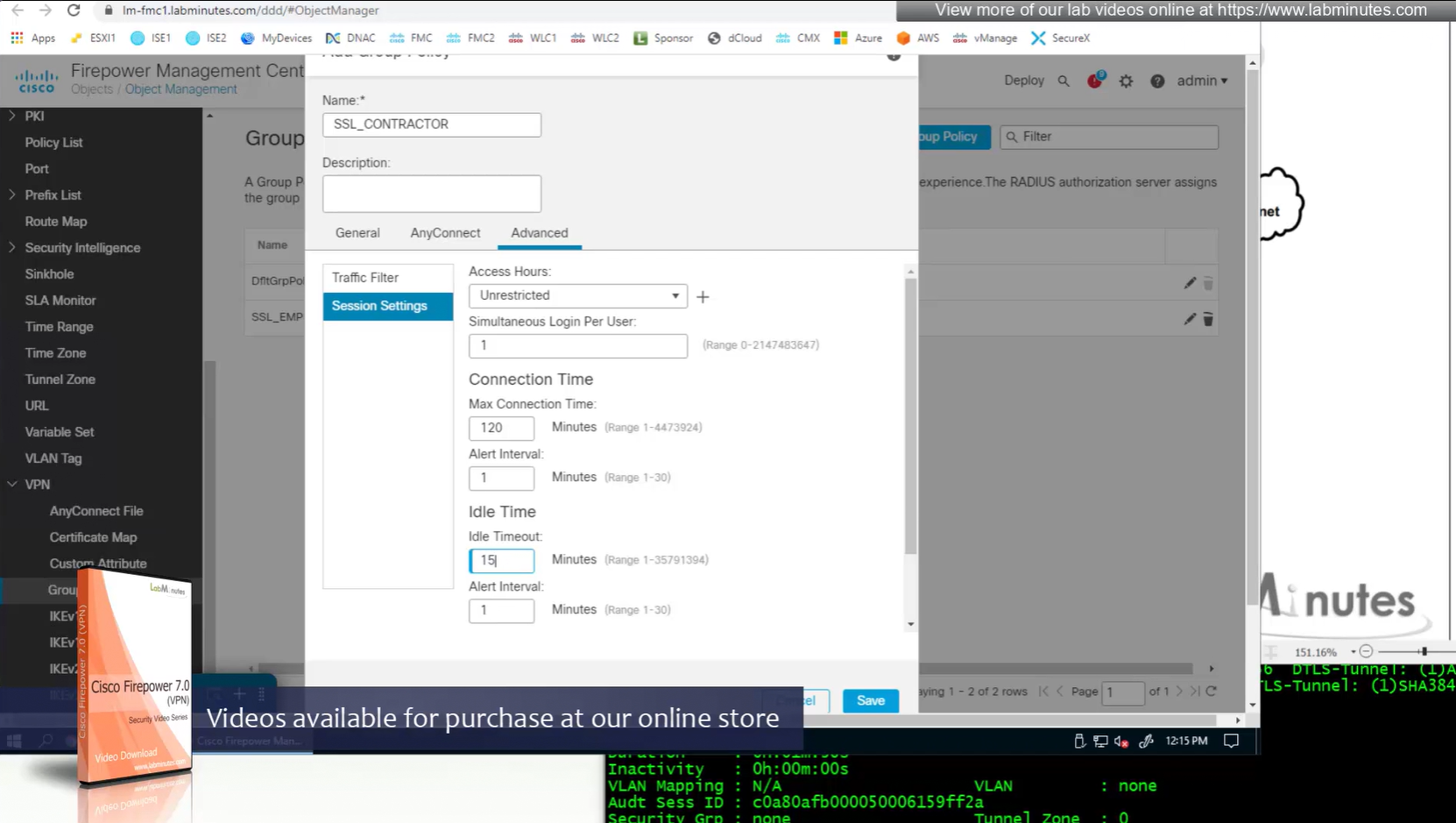
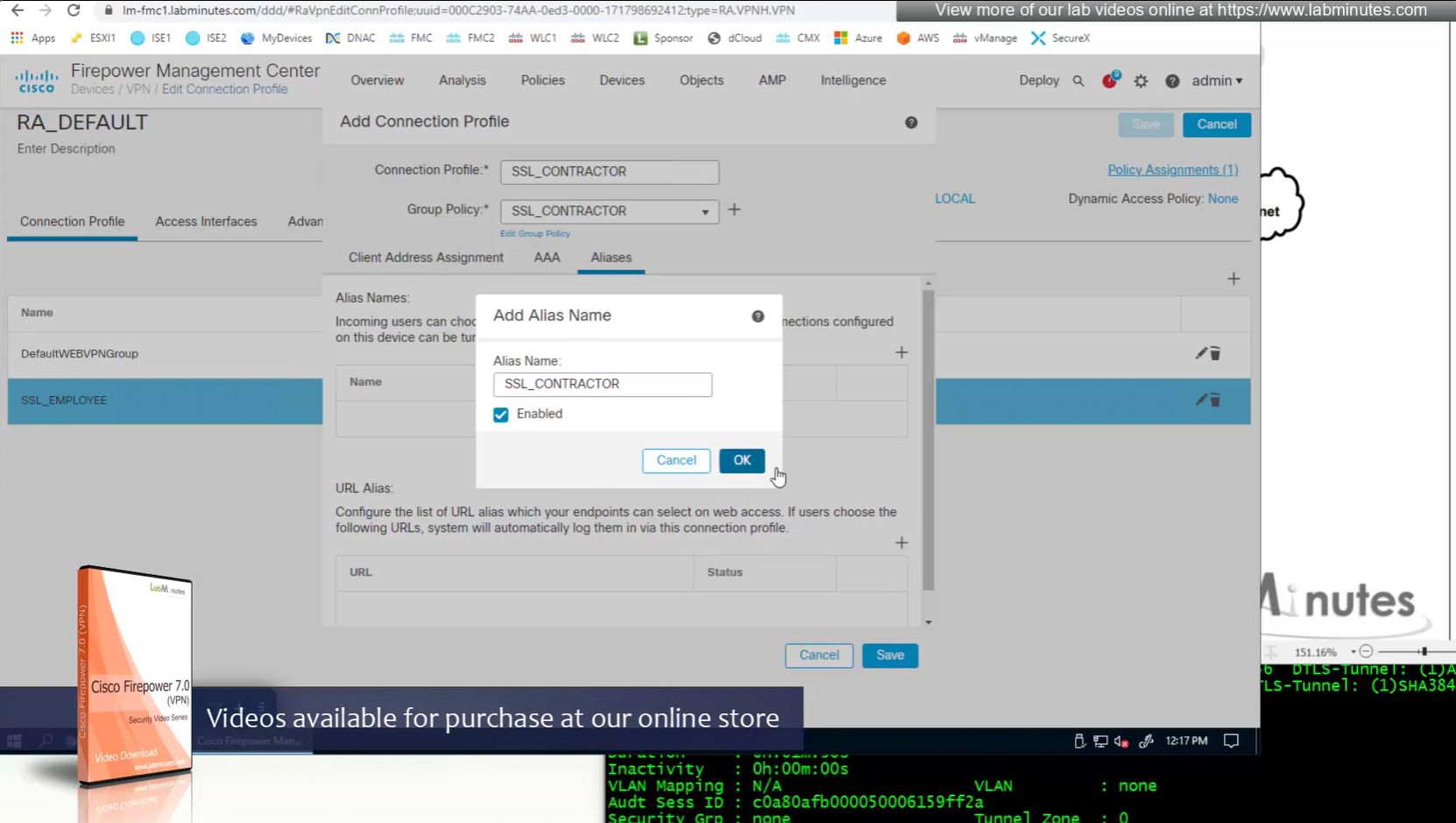
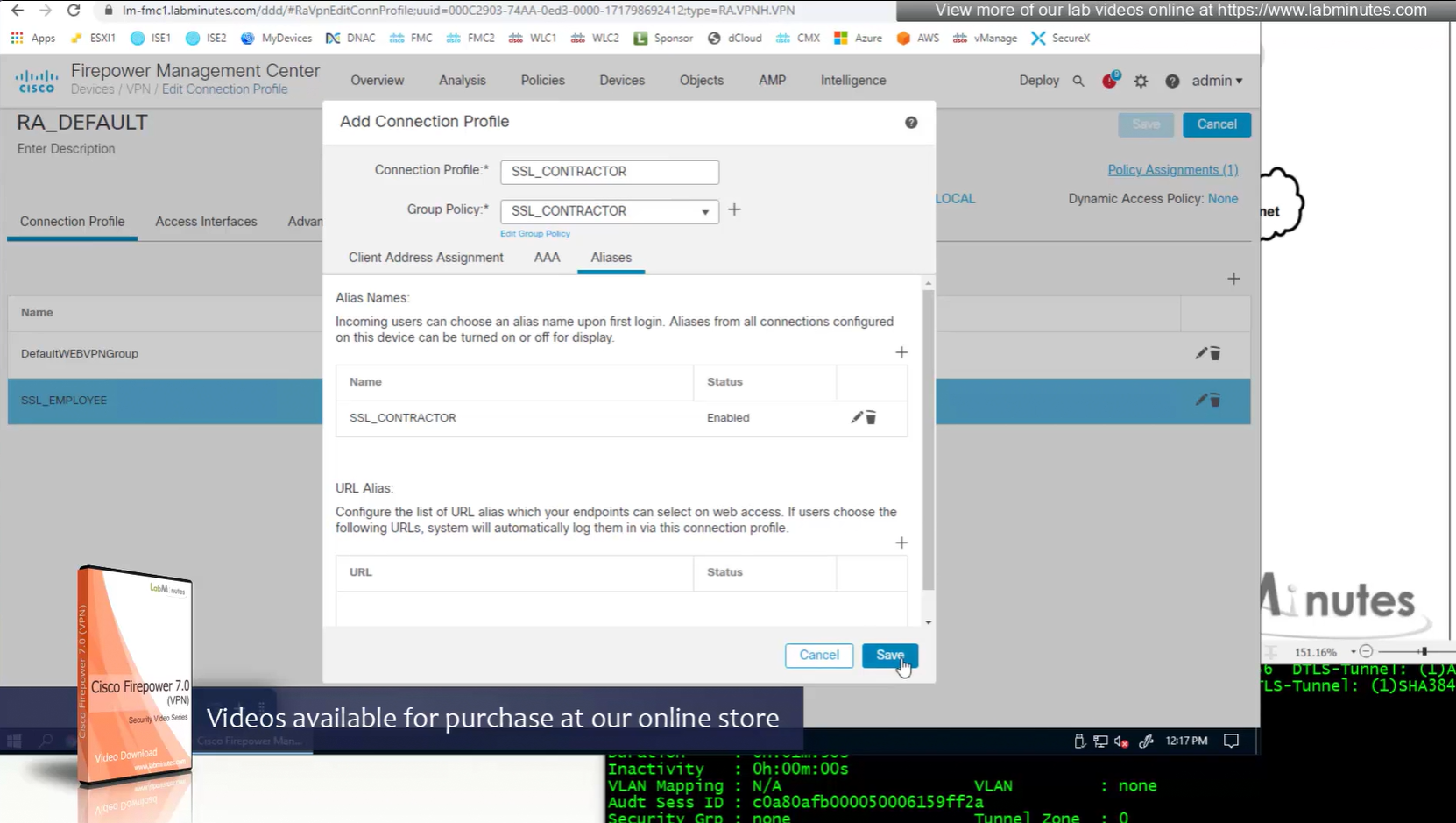
Restrictive settings for contractor
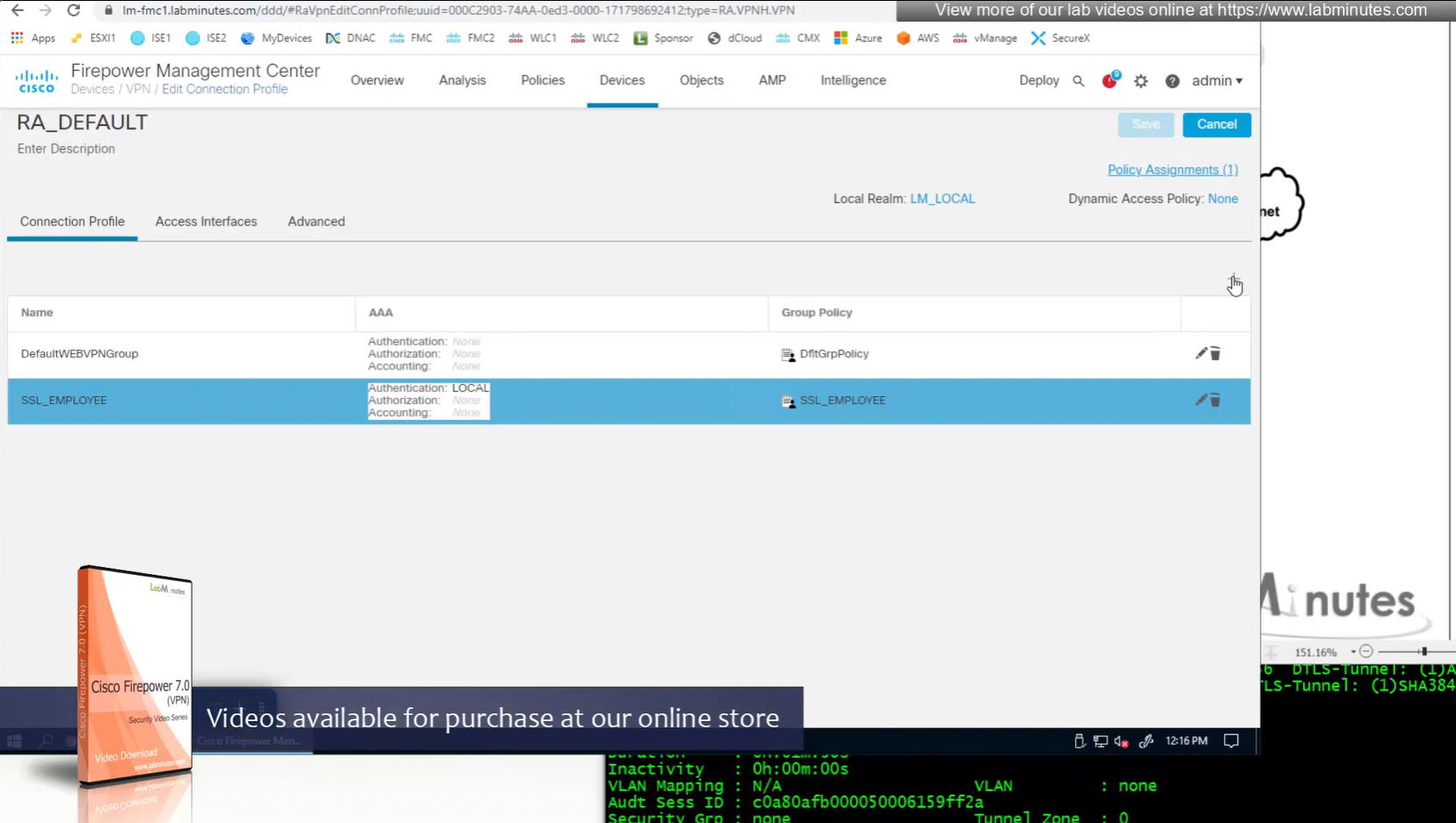
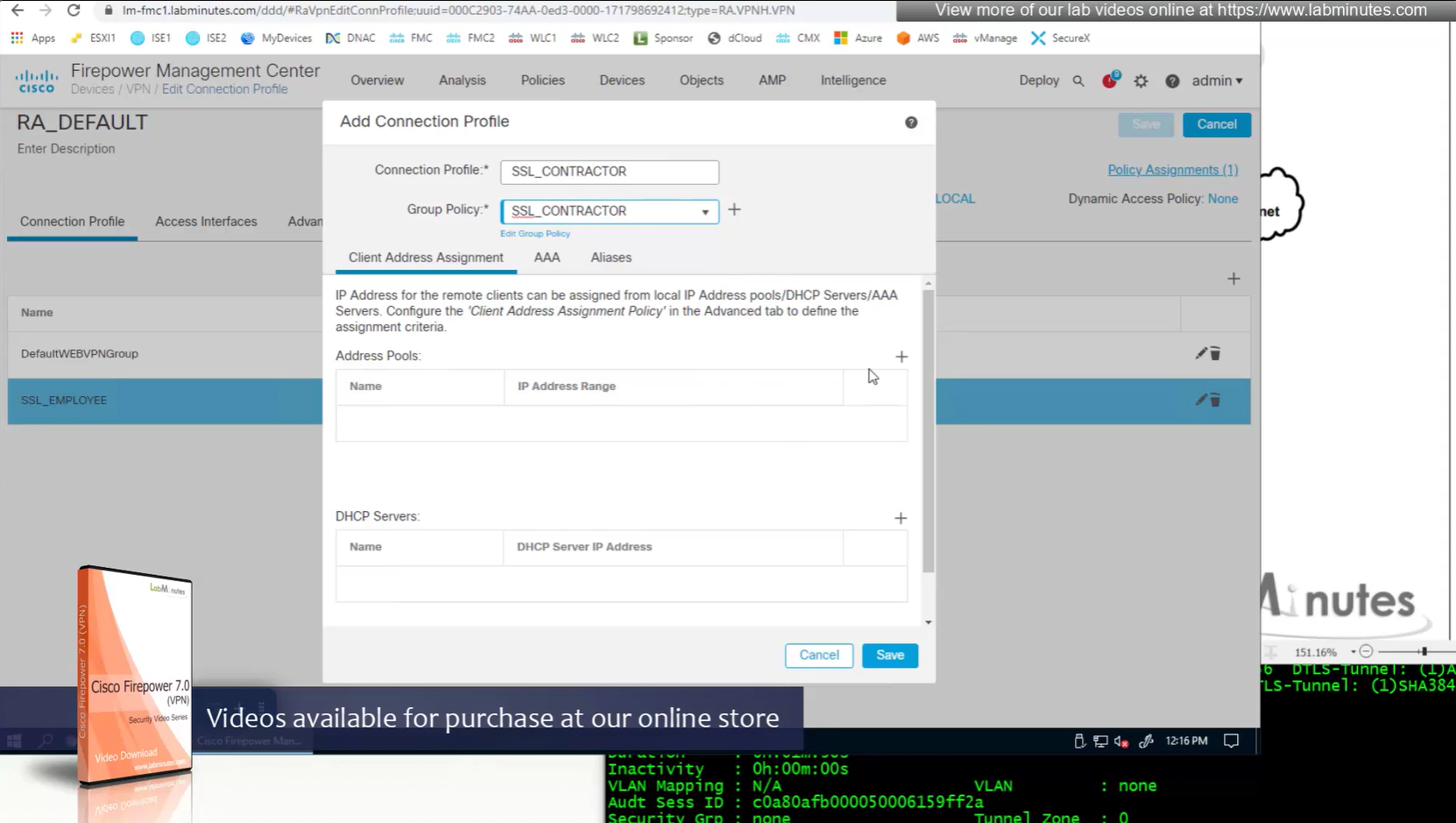
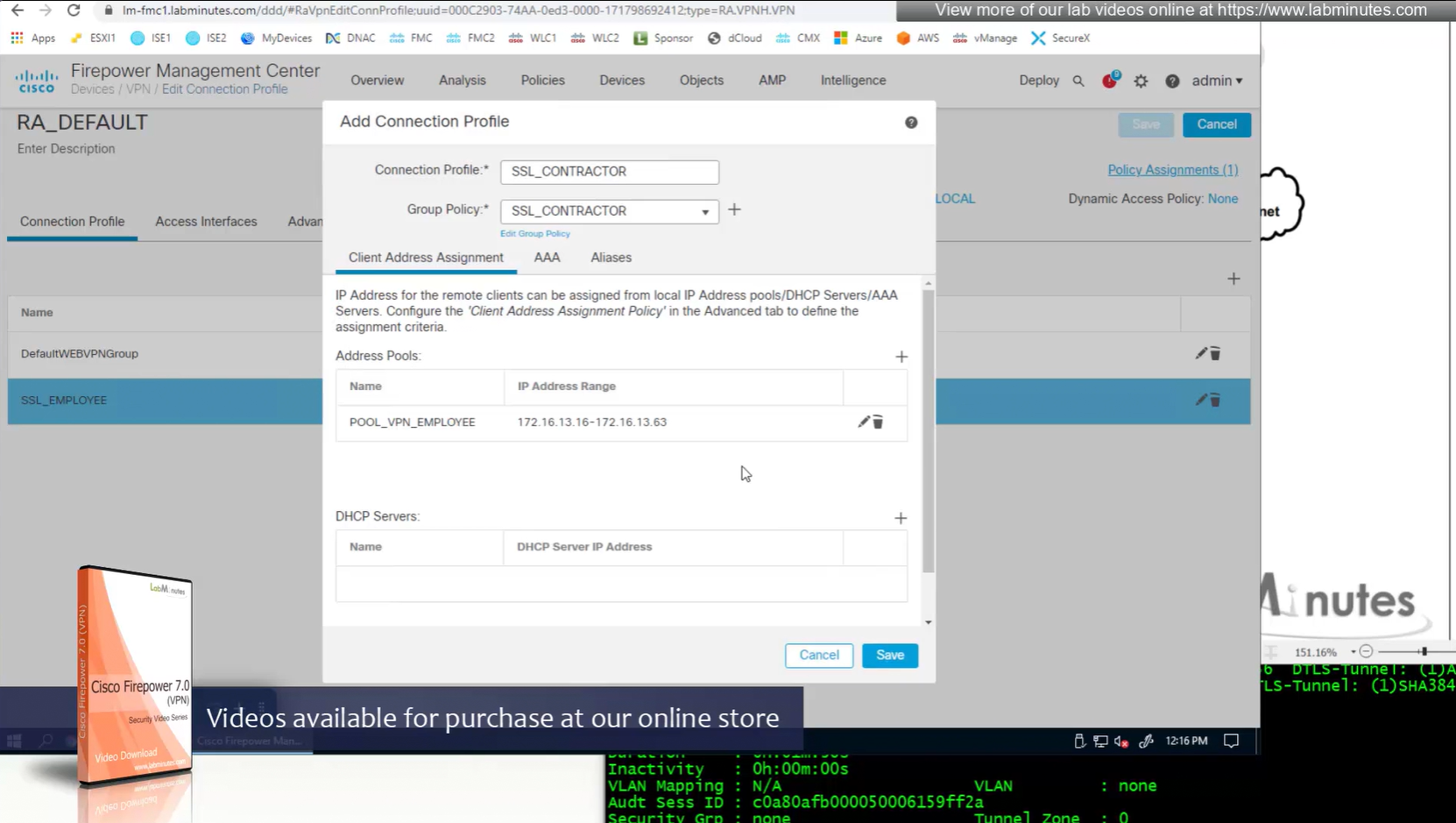
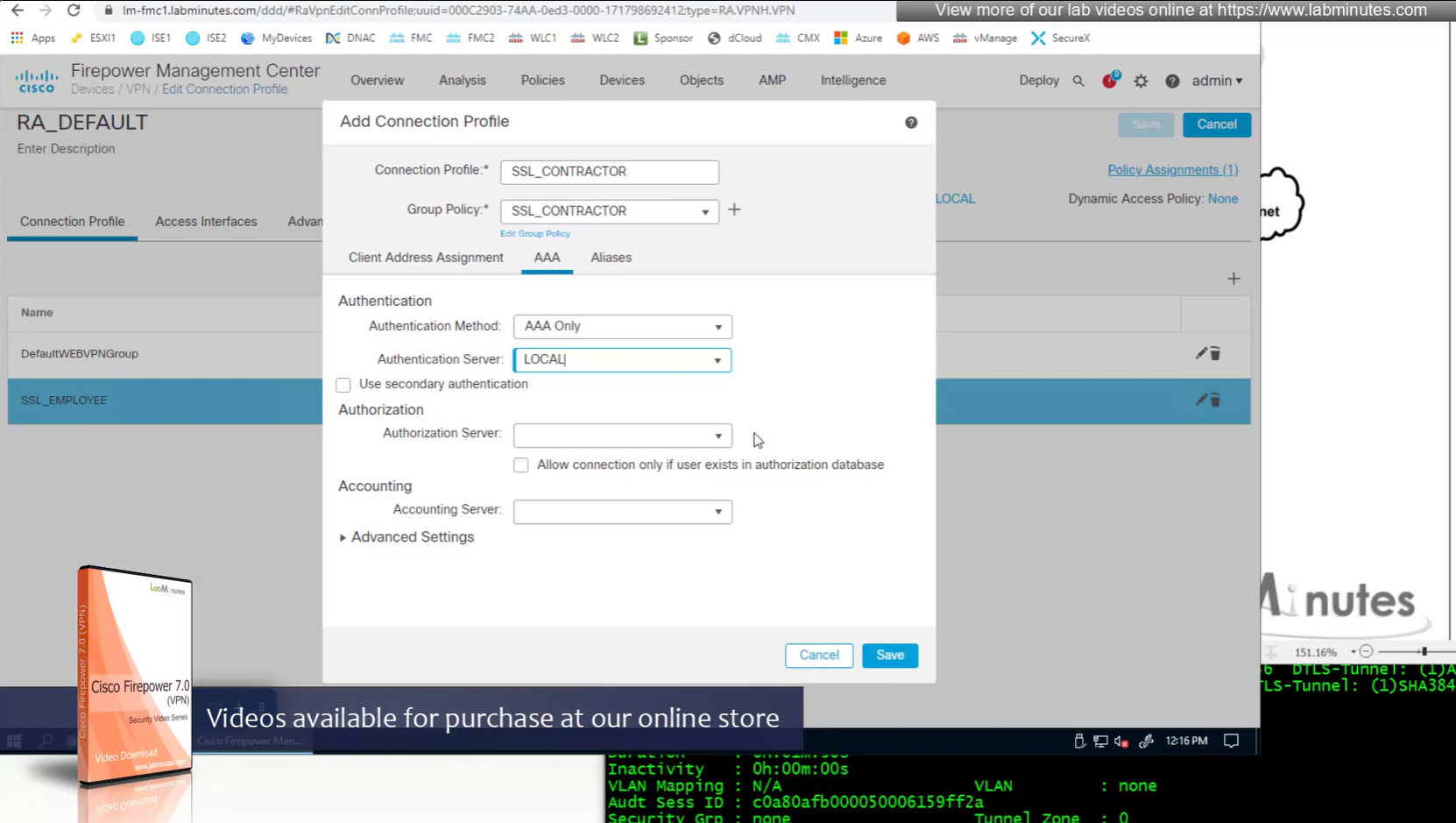
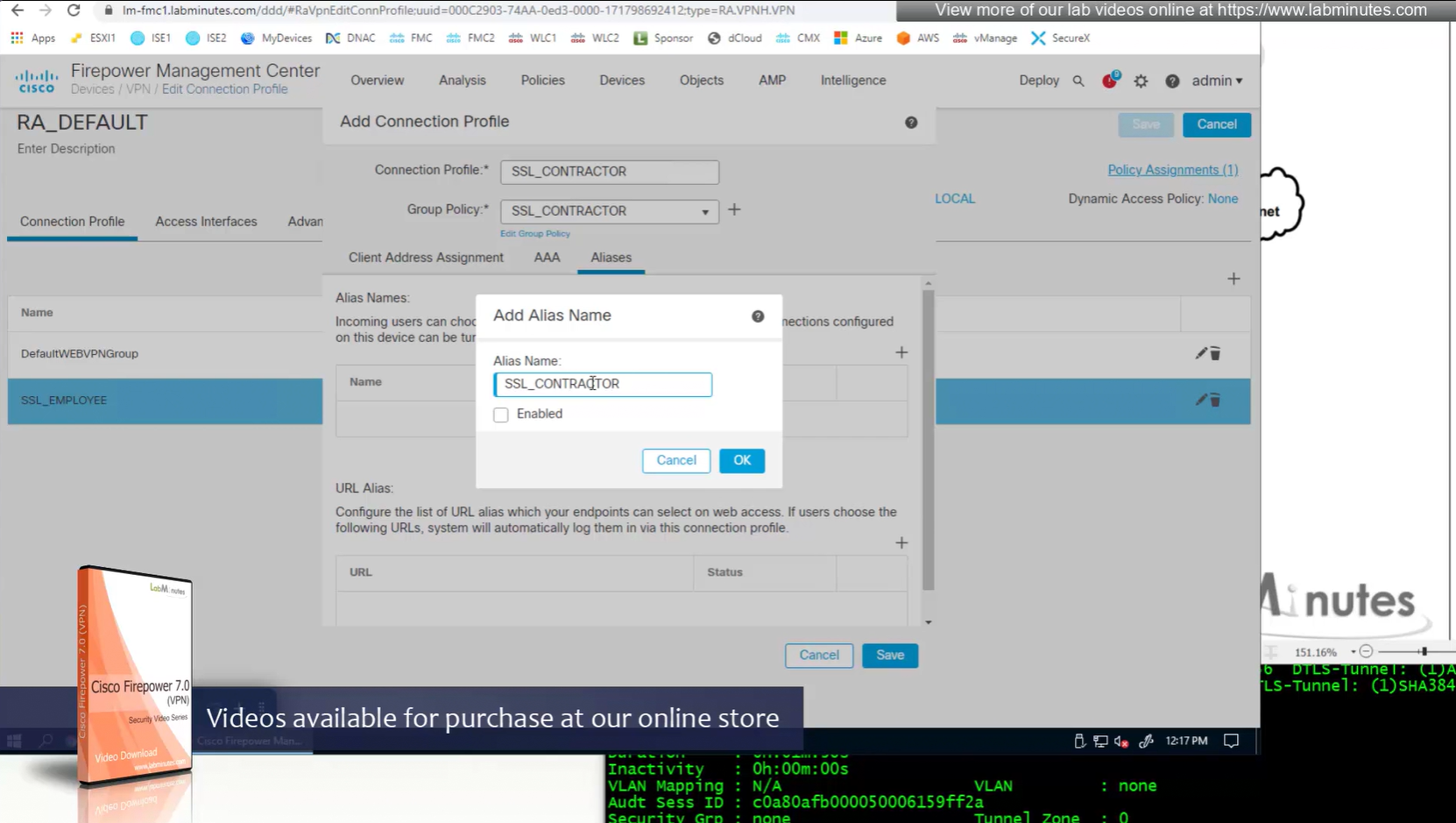

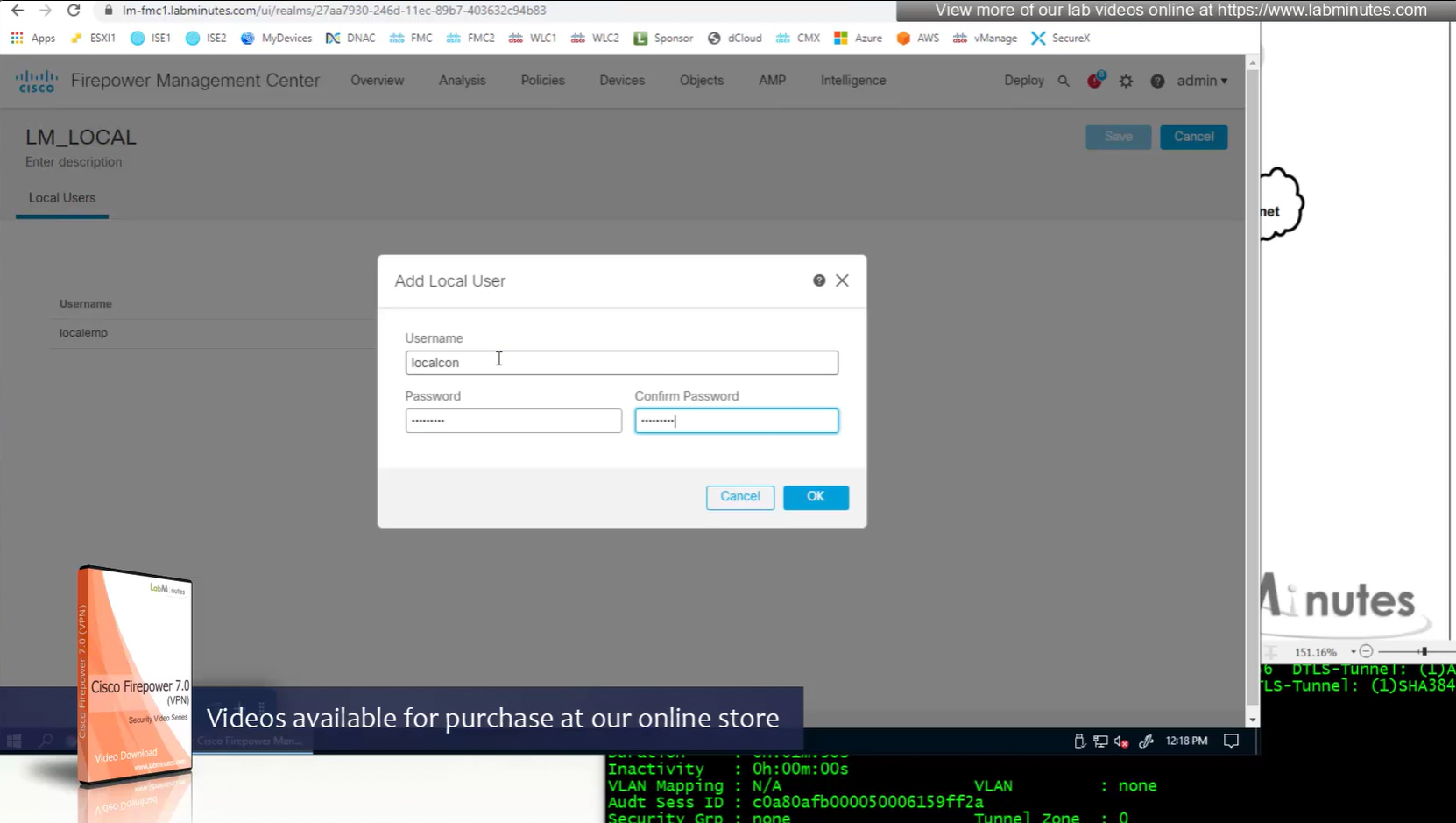
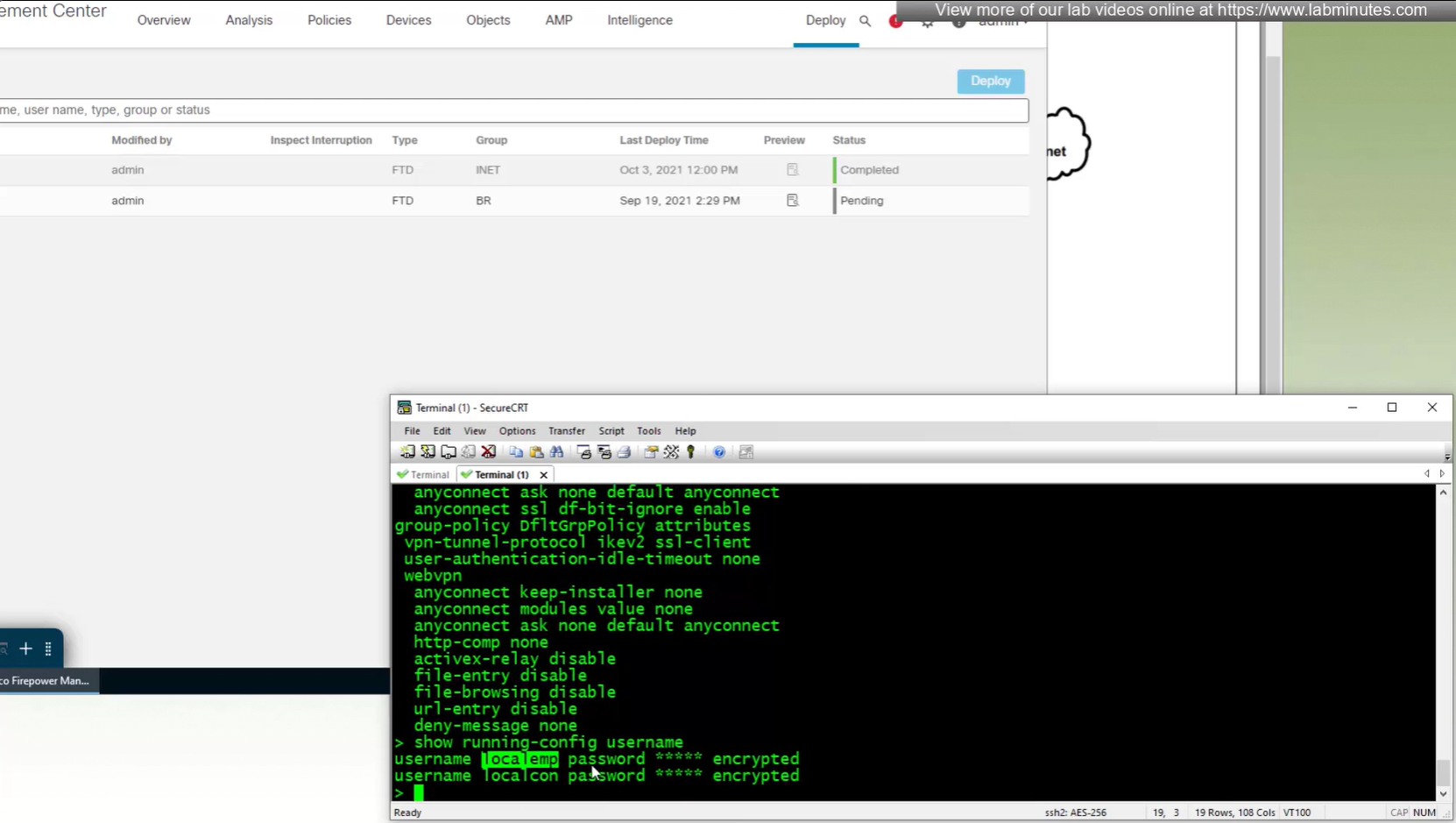
show run username
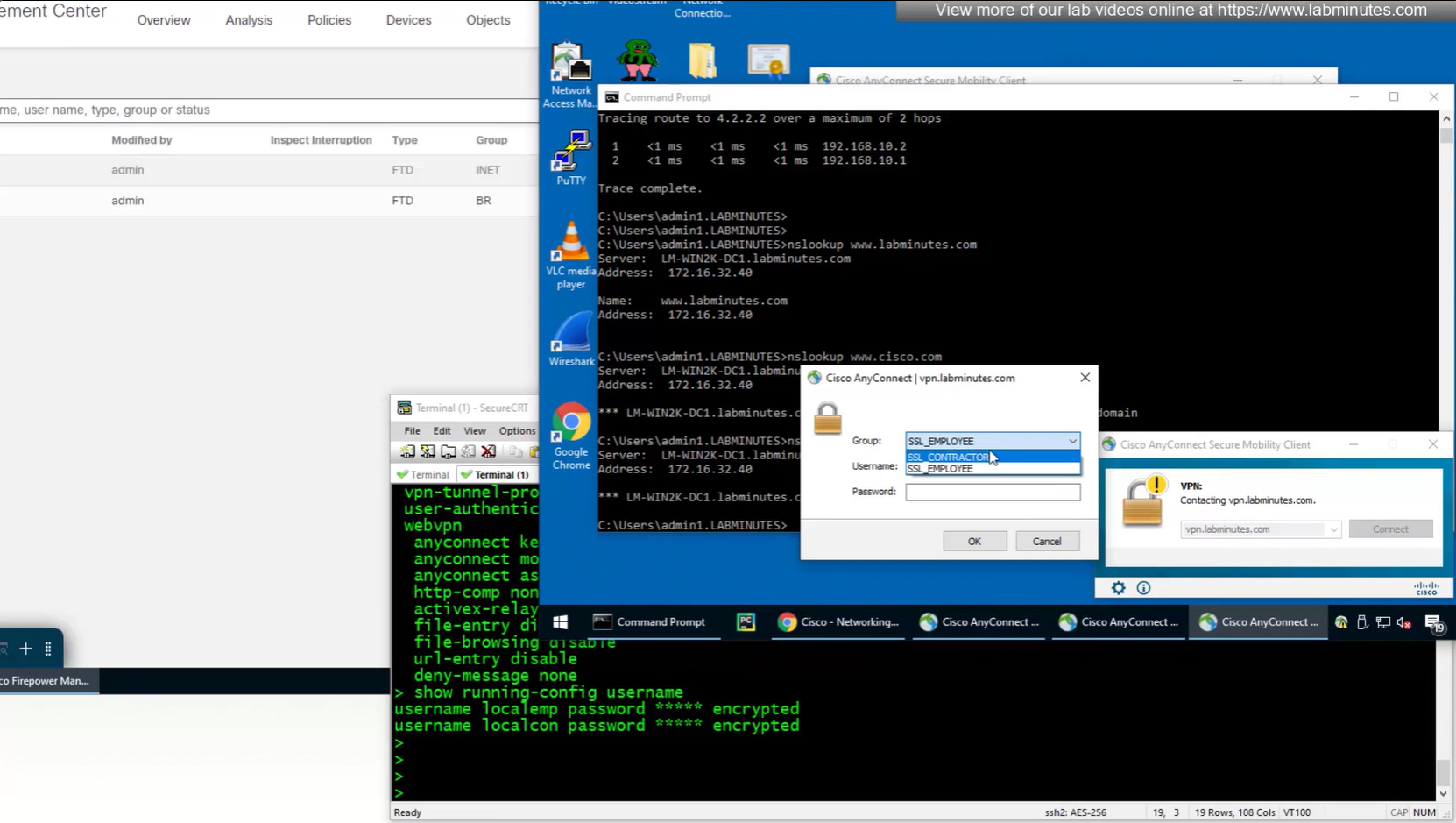
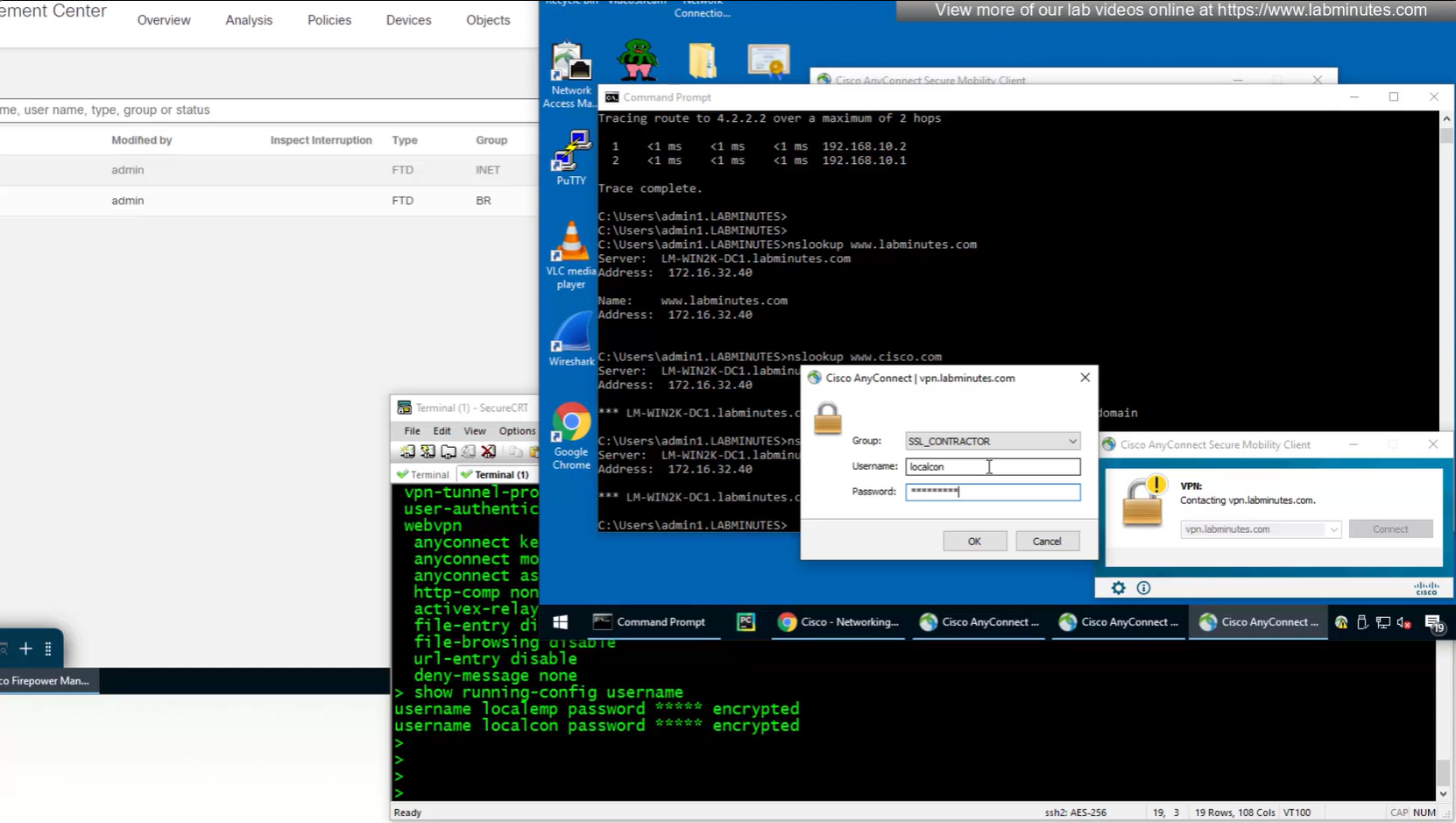
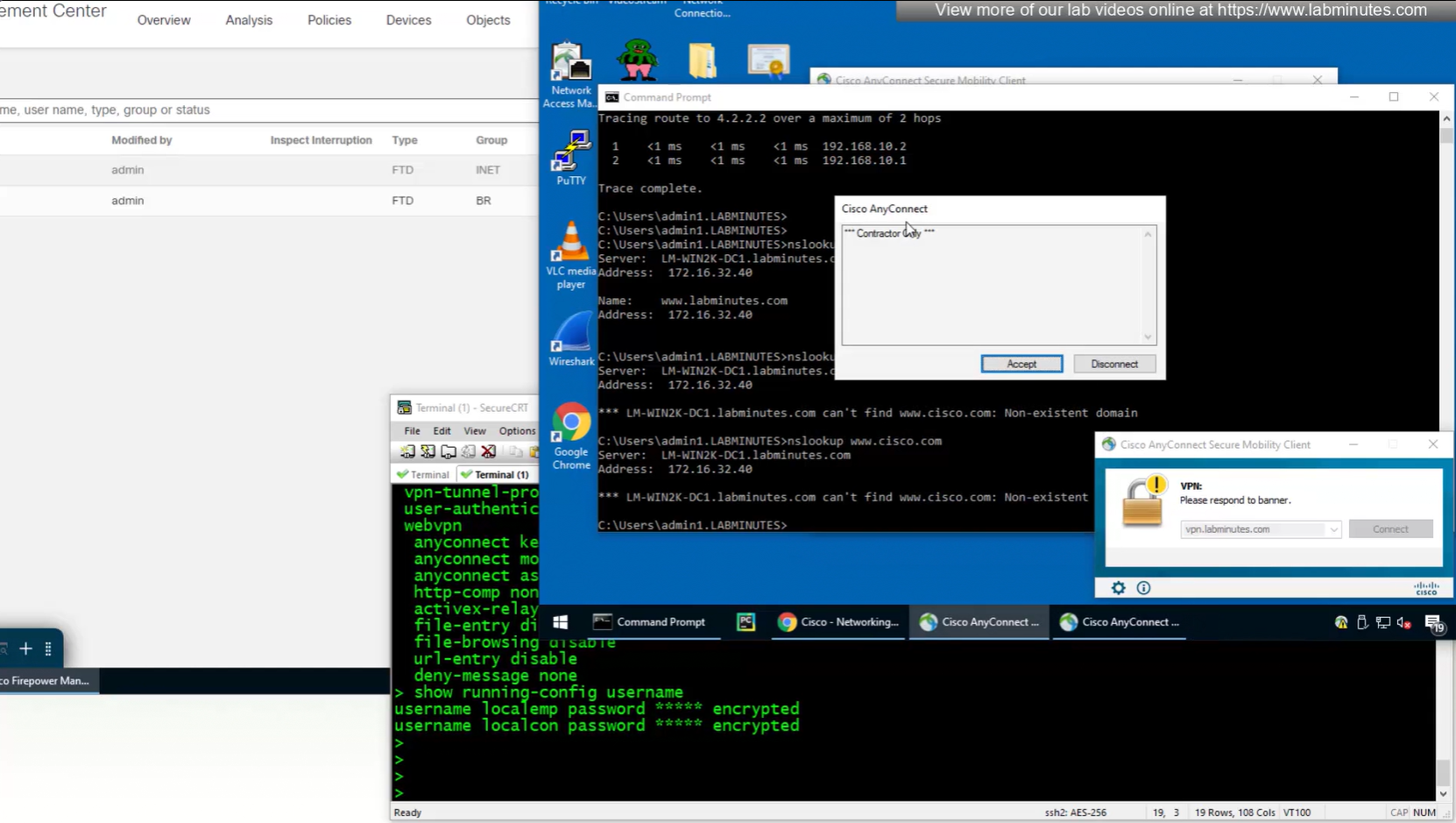
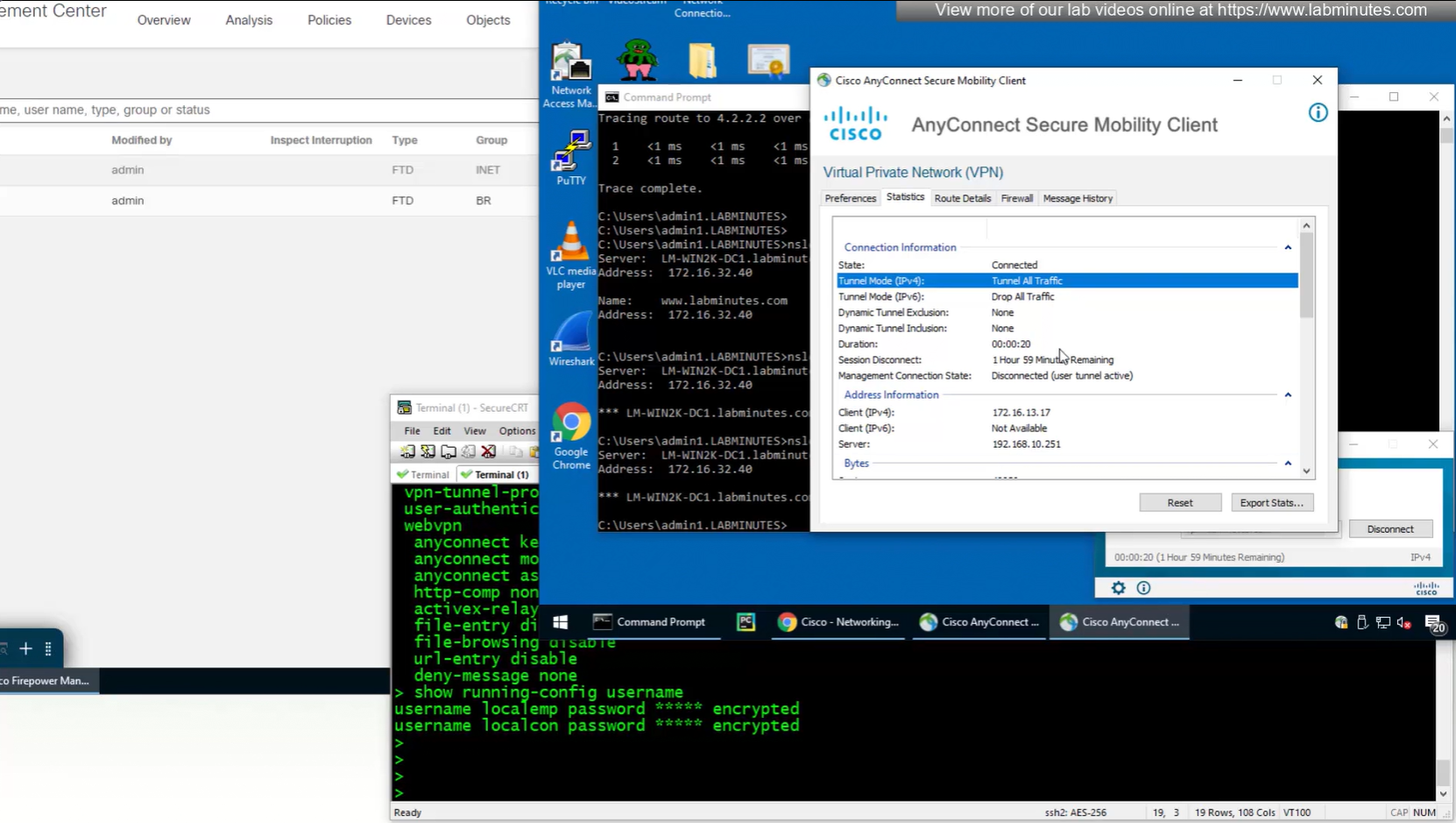
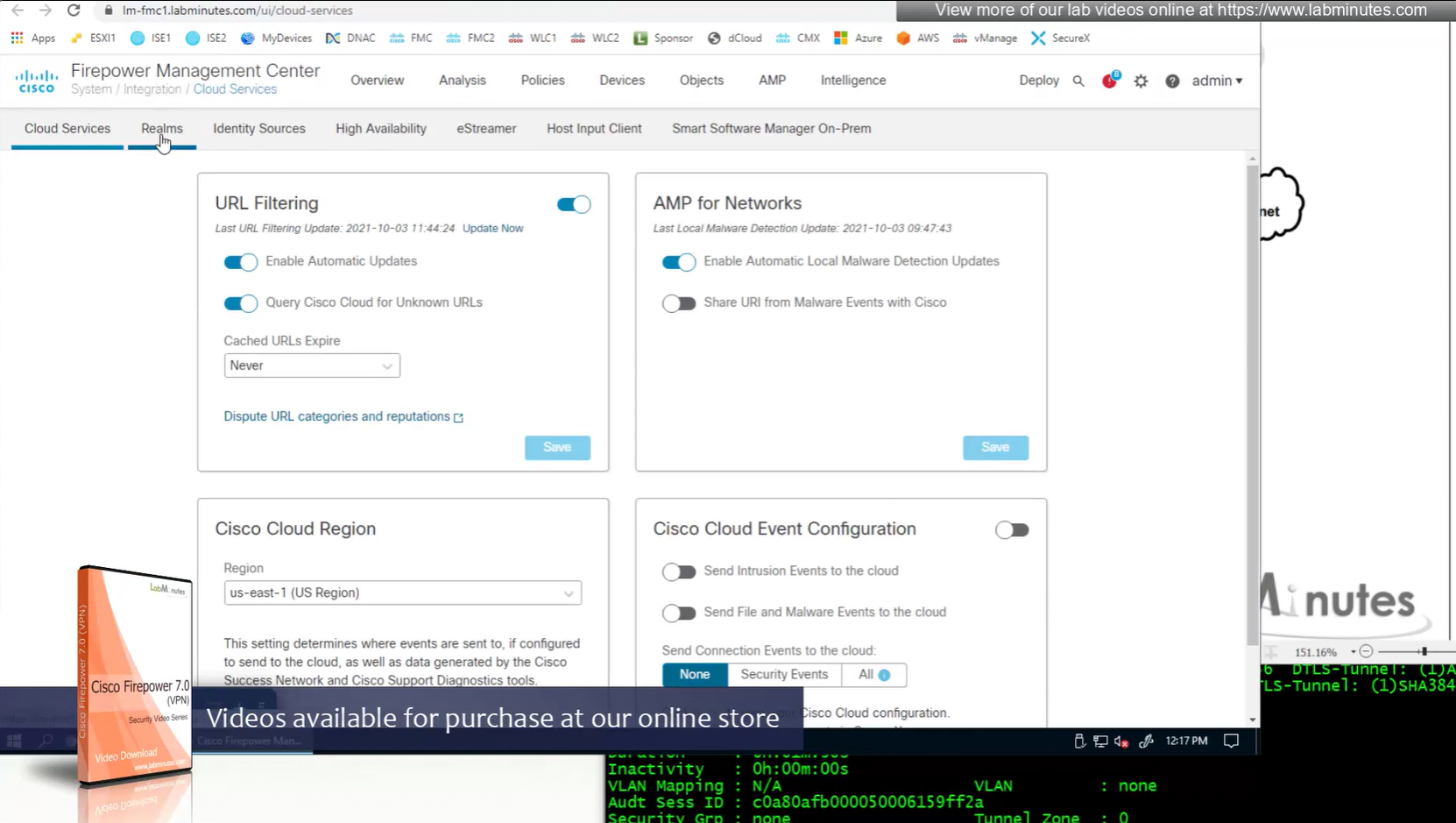
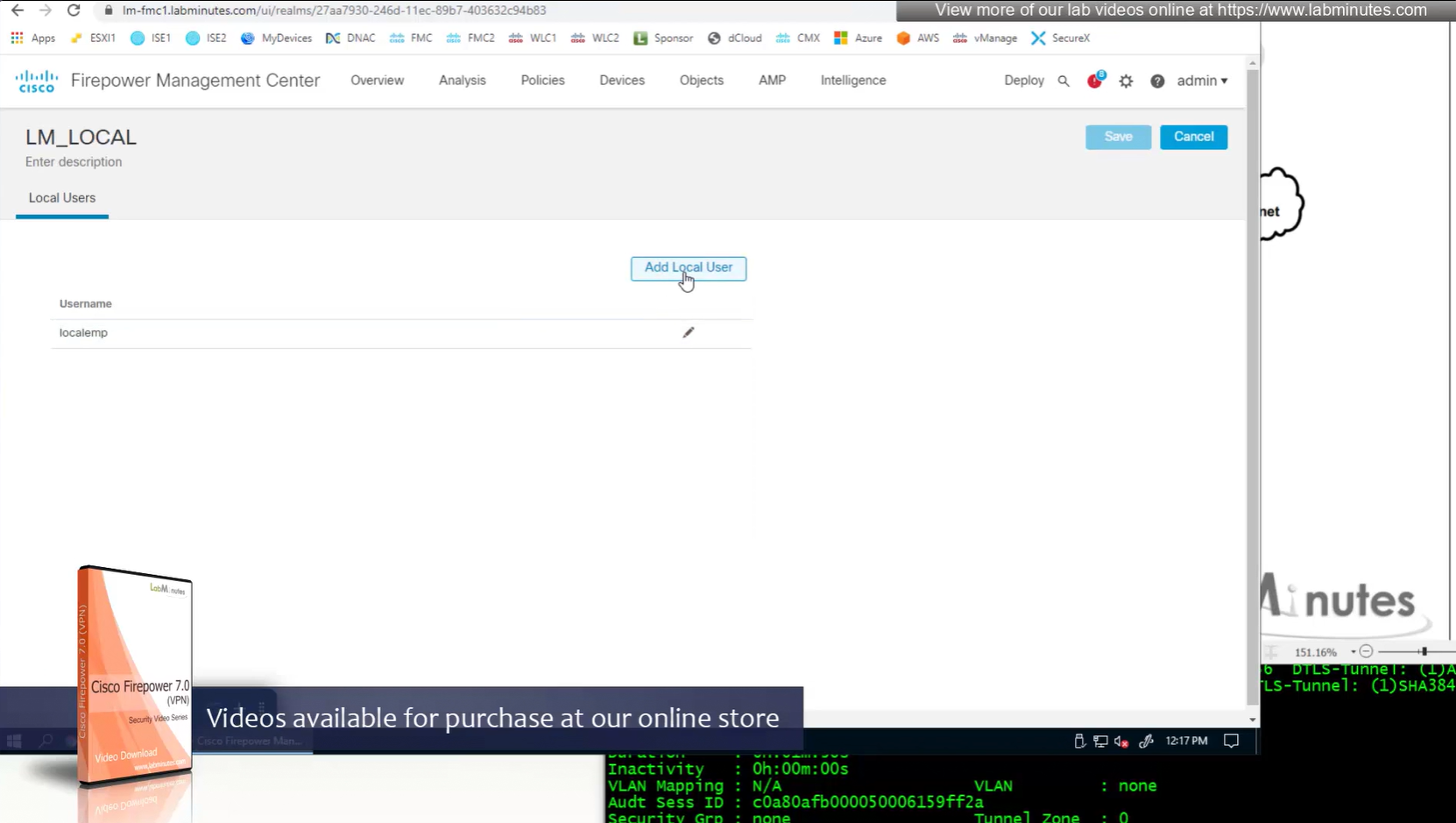
Only reason different tunnel group or connection profile was selected, because we selected from dropdown, a limitation with local account is because realm is local, a contractor can select Employee connection profile from drop down and then login to that connection profile with contractor username and password which is not good and in firepower unlike ASA we cannot lock down local accounts to a connection profile, that is why local accounts should not be used if there are multiple connection profiles.
next post
SEC0402 – Firepower 7.0 AnyConnect VPN Connection Profile and Group-Policy (Part 1)
SEC0402 – Firepower 7.0 AnyConnect VPN Connection Profile and Group-Policy (Part 1)
Connection Profile and Group-Policy
In this video our main focus is on connection profiles and what options we can configure
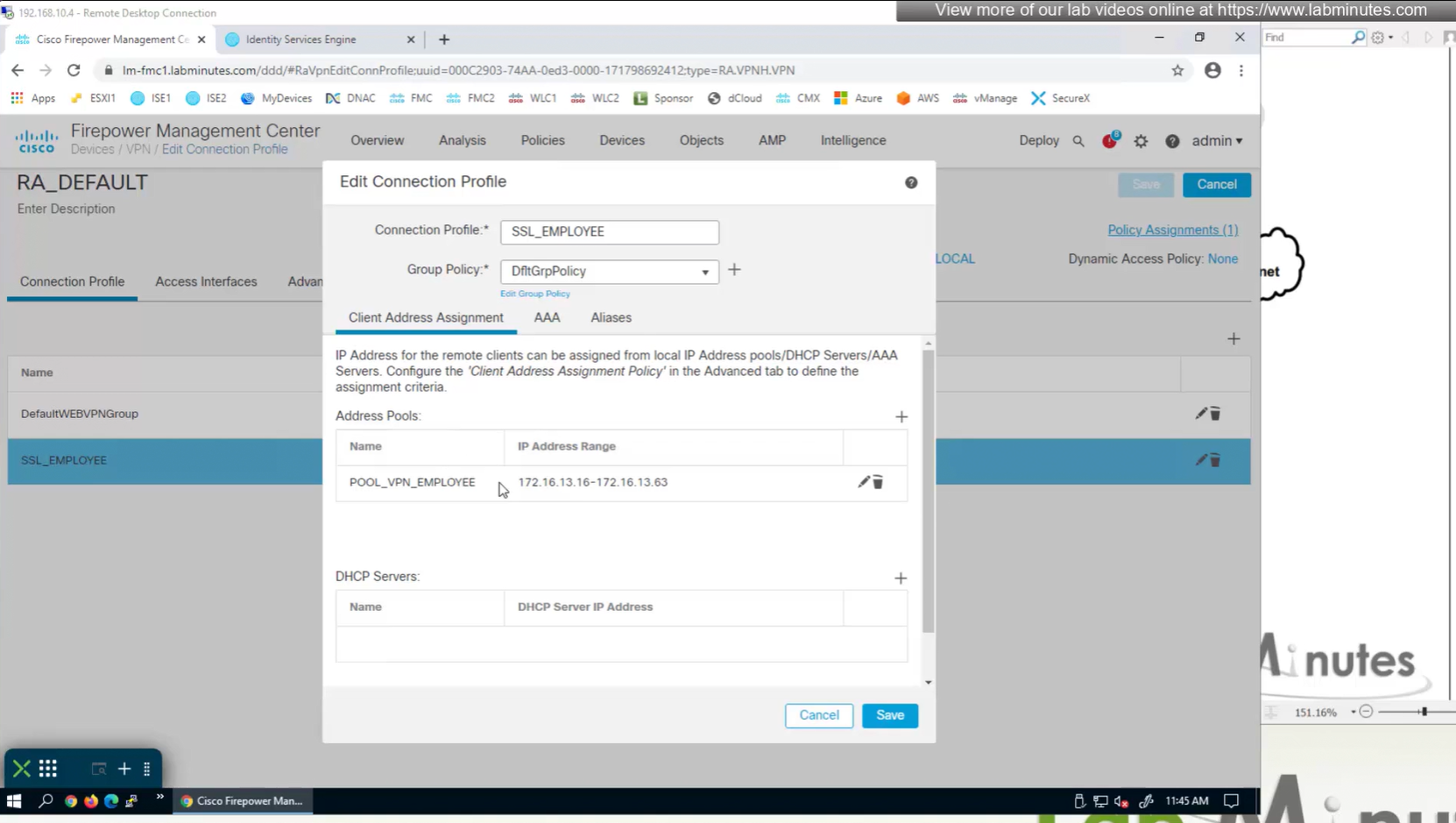
Firepower also has the ability to get IP address from DHCP server rather than the IP address pools but we will talk about that later

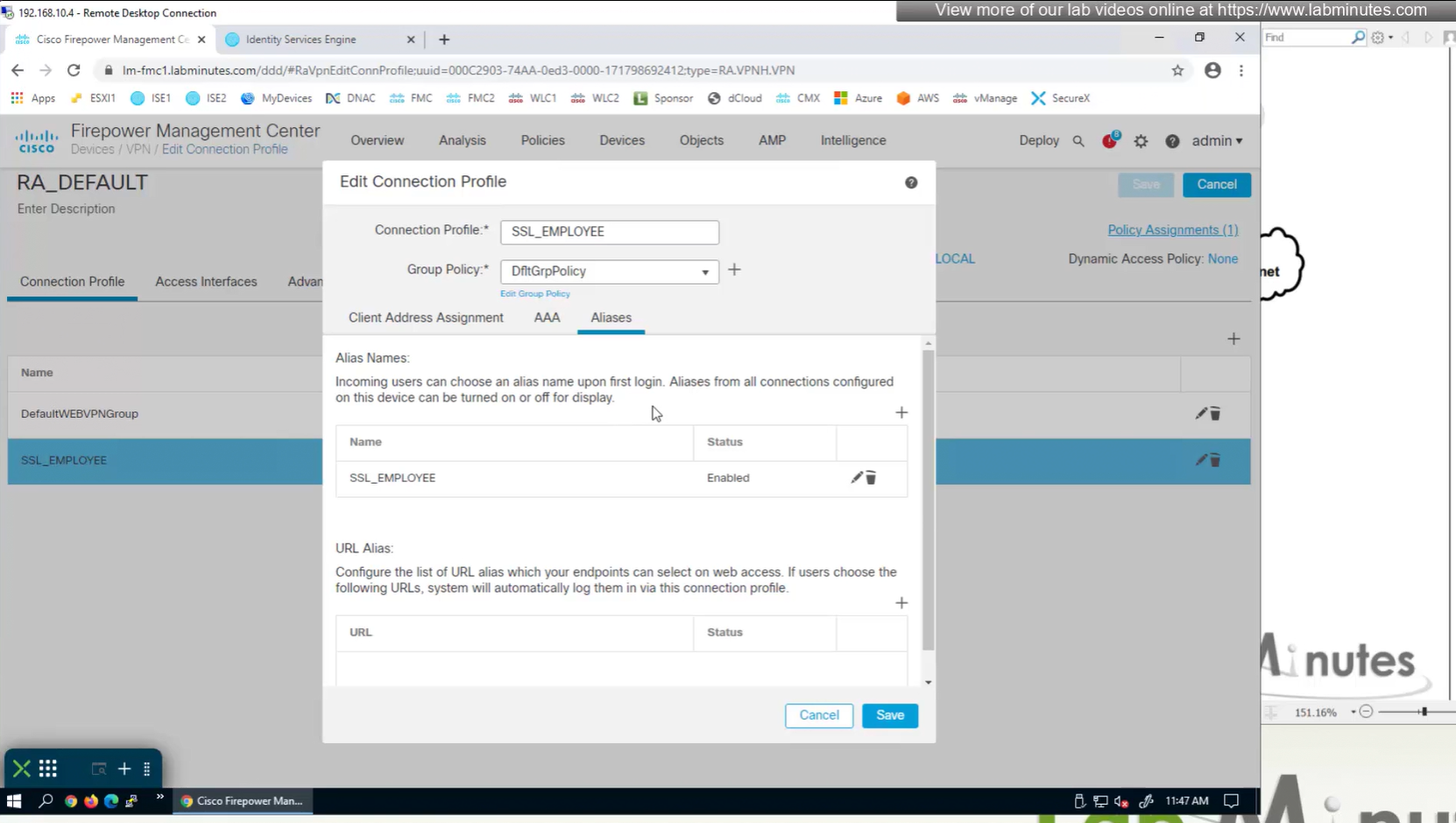
Aliases is where we can configured Alias for “this” connection profile or tunnel group that users can select and as we can SSL_EMPLOYEE is configured which was in drop down also
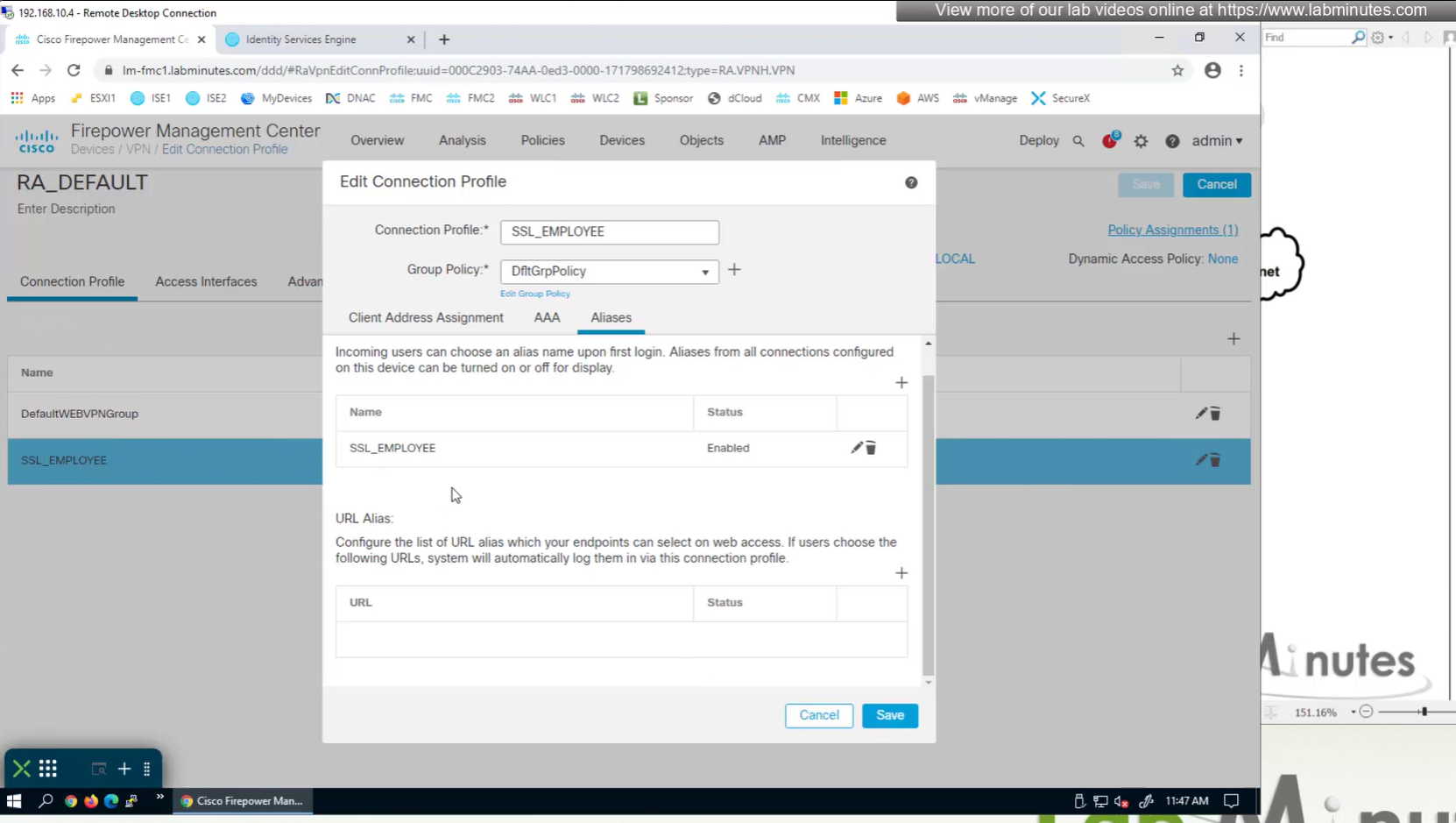
If you dont want the user to go through the drop, you can configure the URL Alias and give that to user to enter in anyconnect and connect to it

group policies are actually configured in objects , like most things

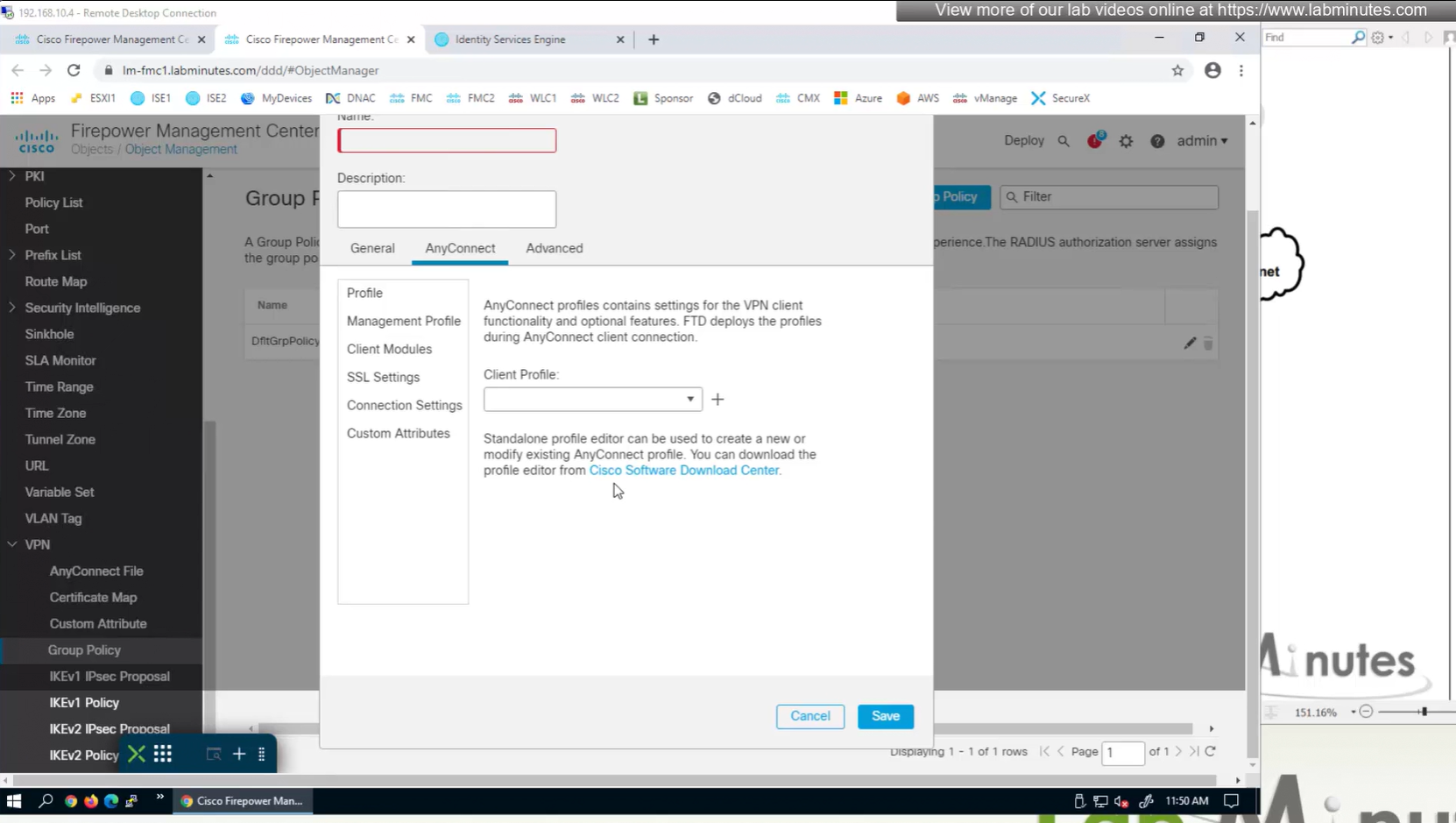
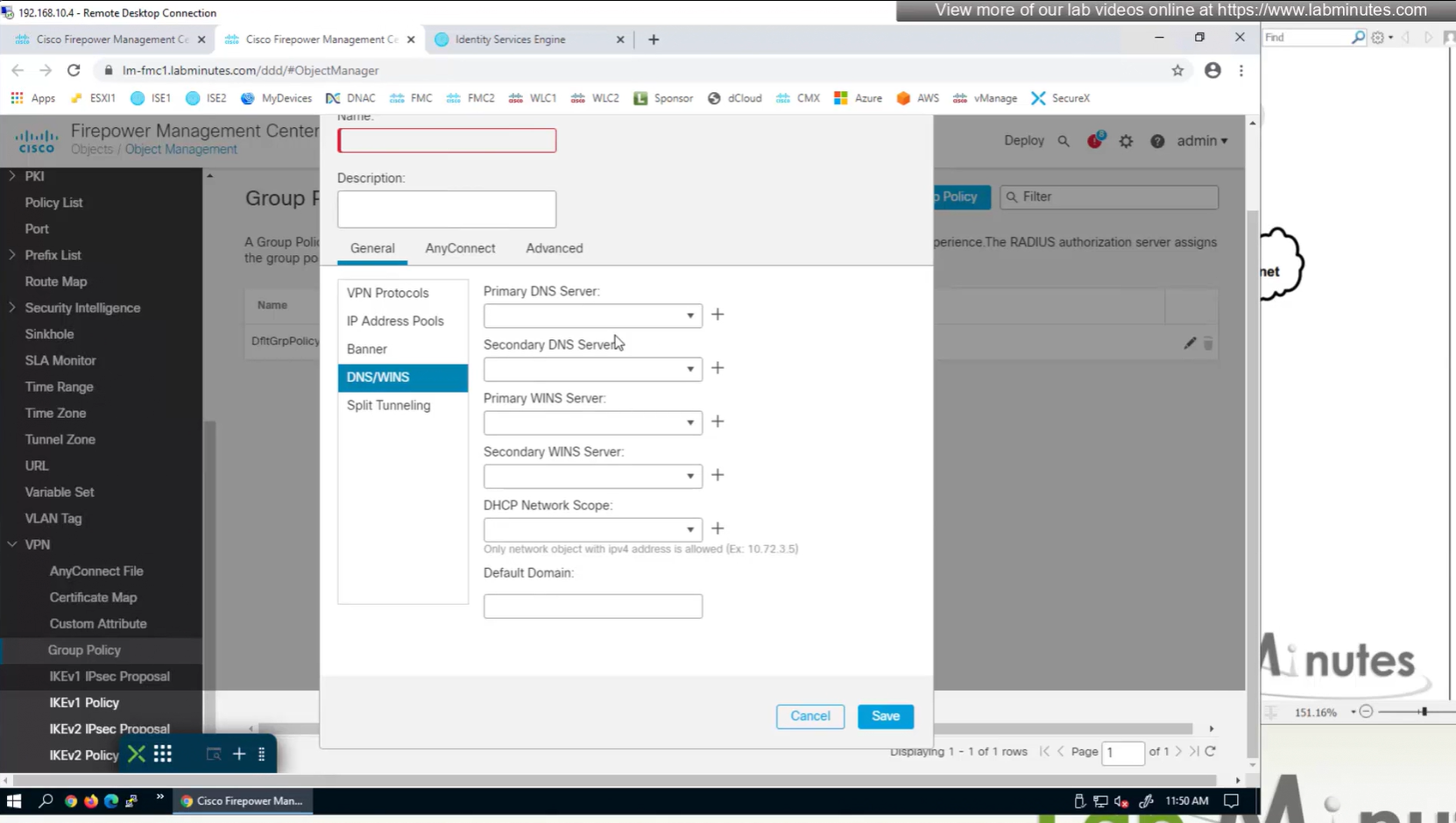
If you configure group policy, and leave options empty they will be reflected as ‘none’ so we need to configure parameters in group policy as much as possible
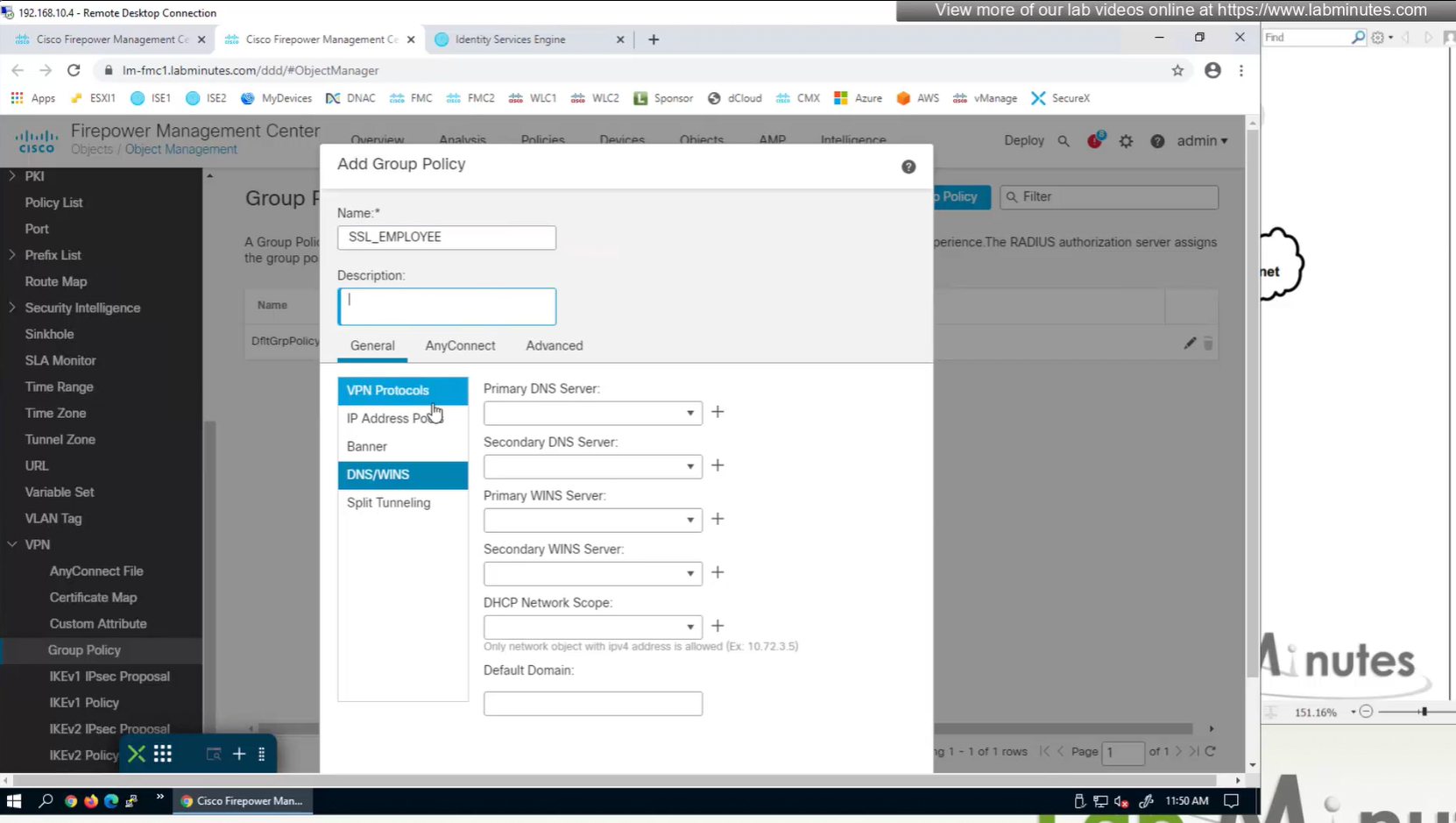
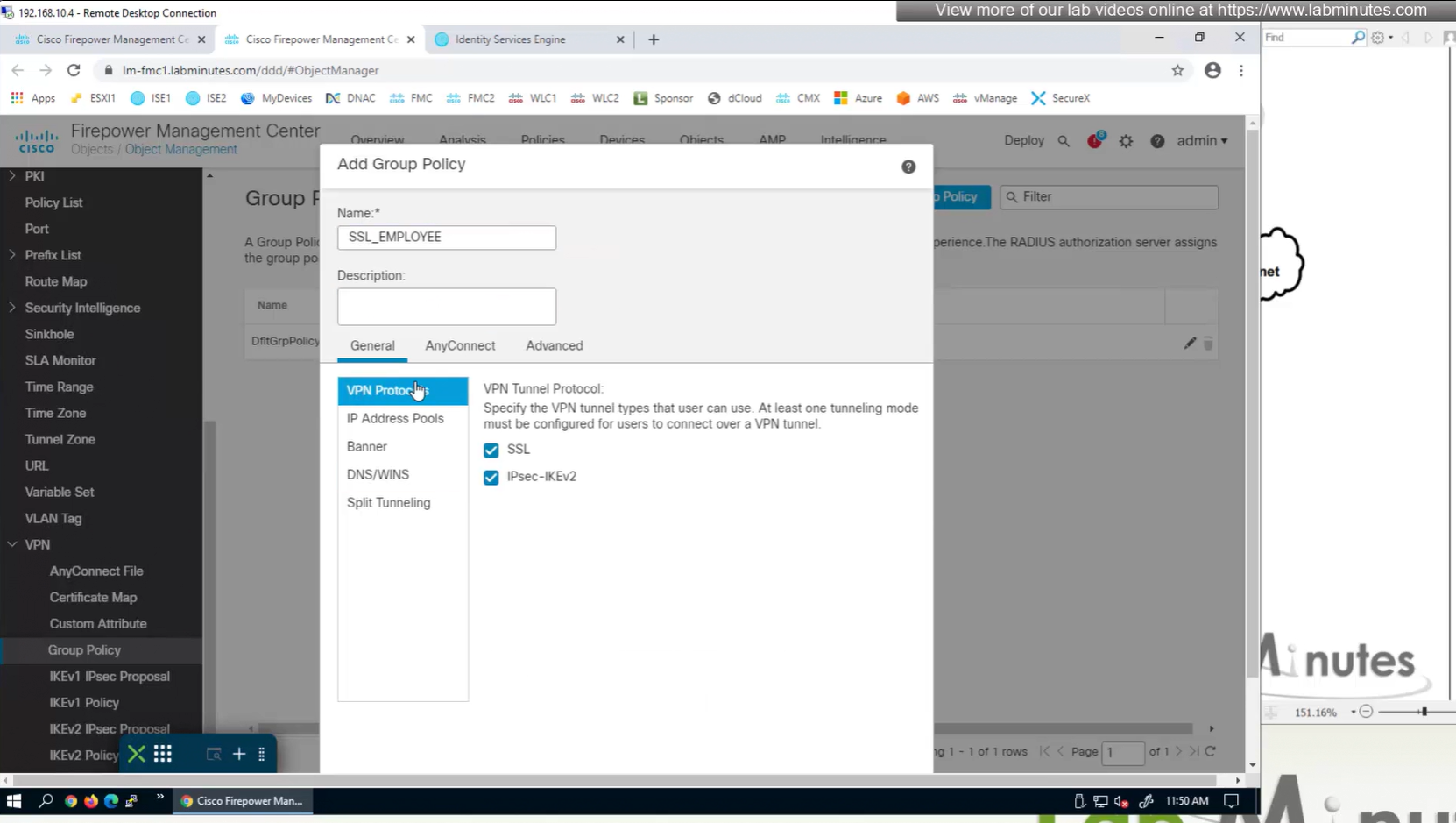
If you dont want to remove IPSec from OUTSIDE interface and only remove it for some remote connections then it can be done using group policy on a tunnel group

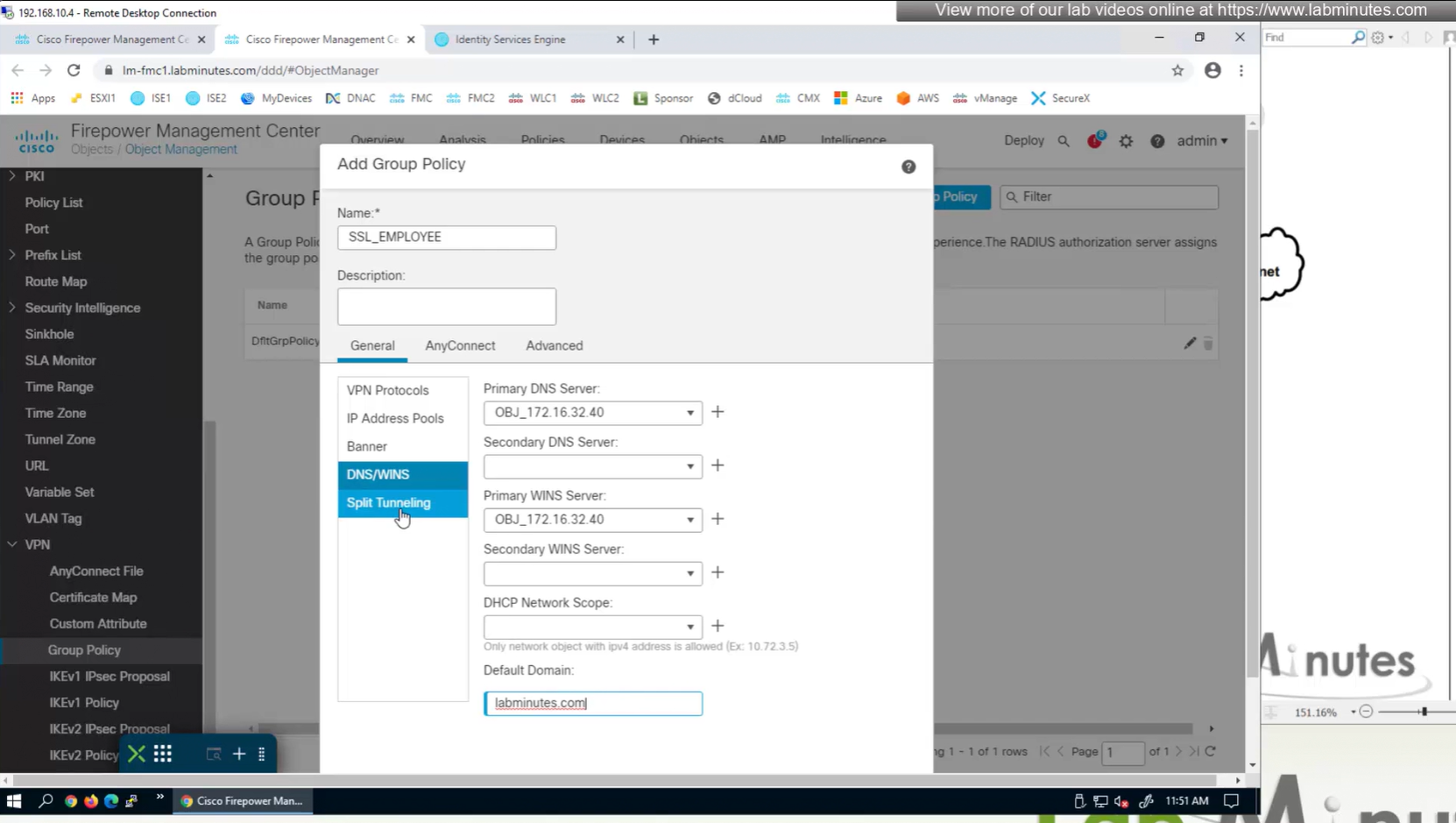

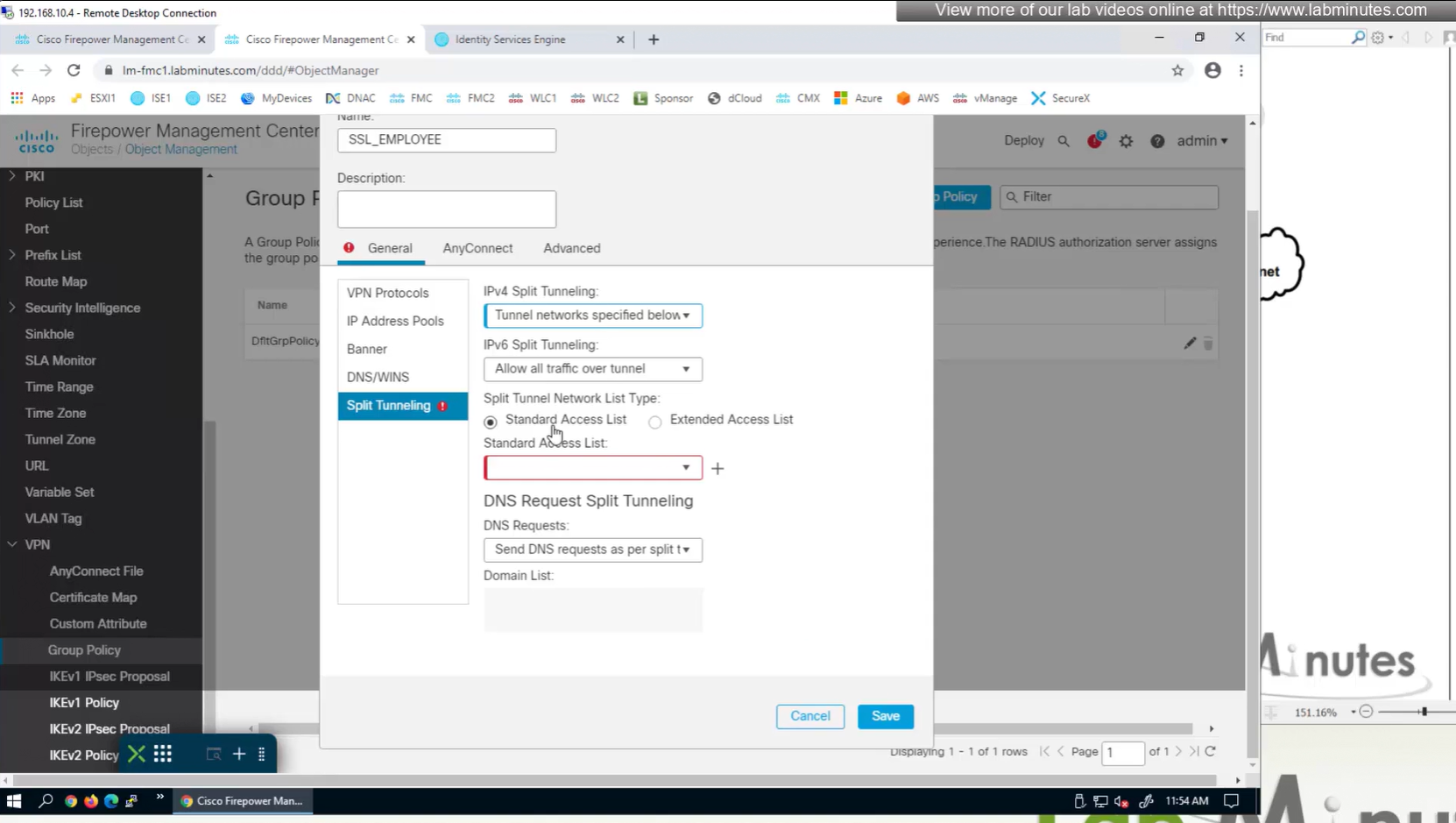

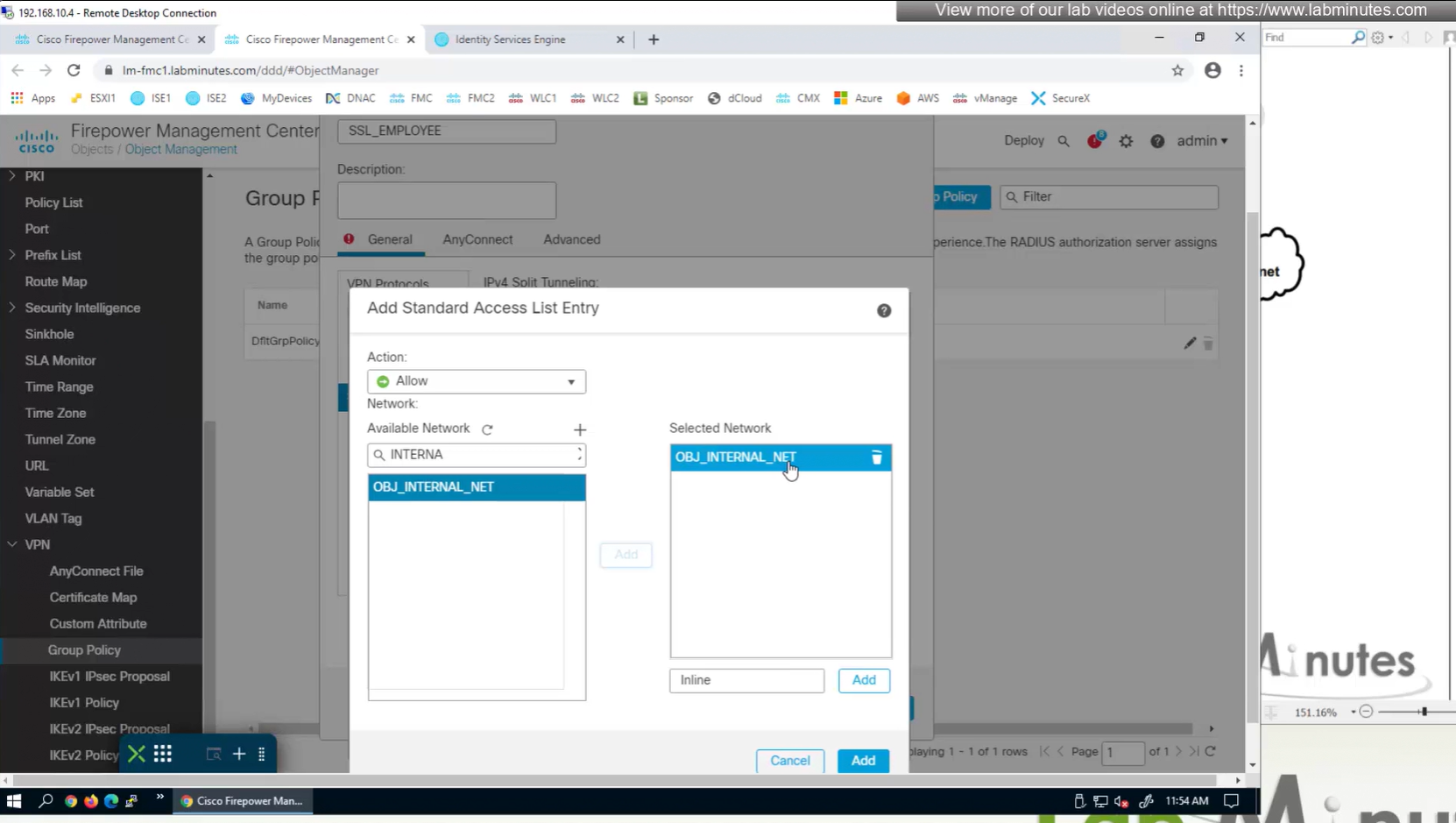
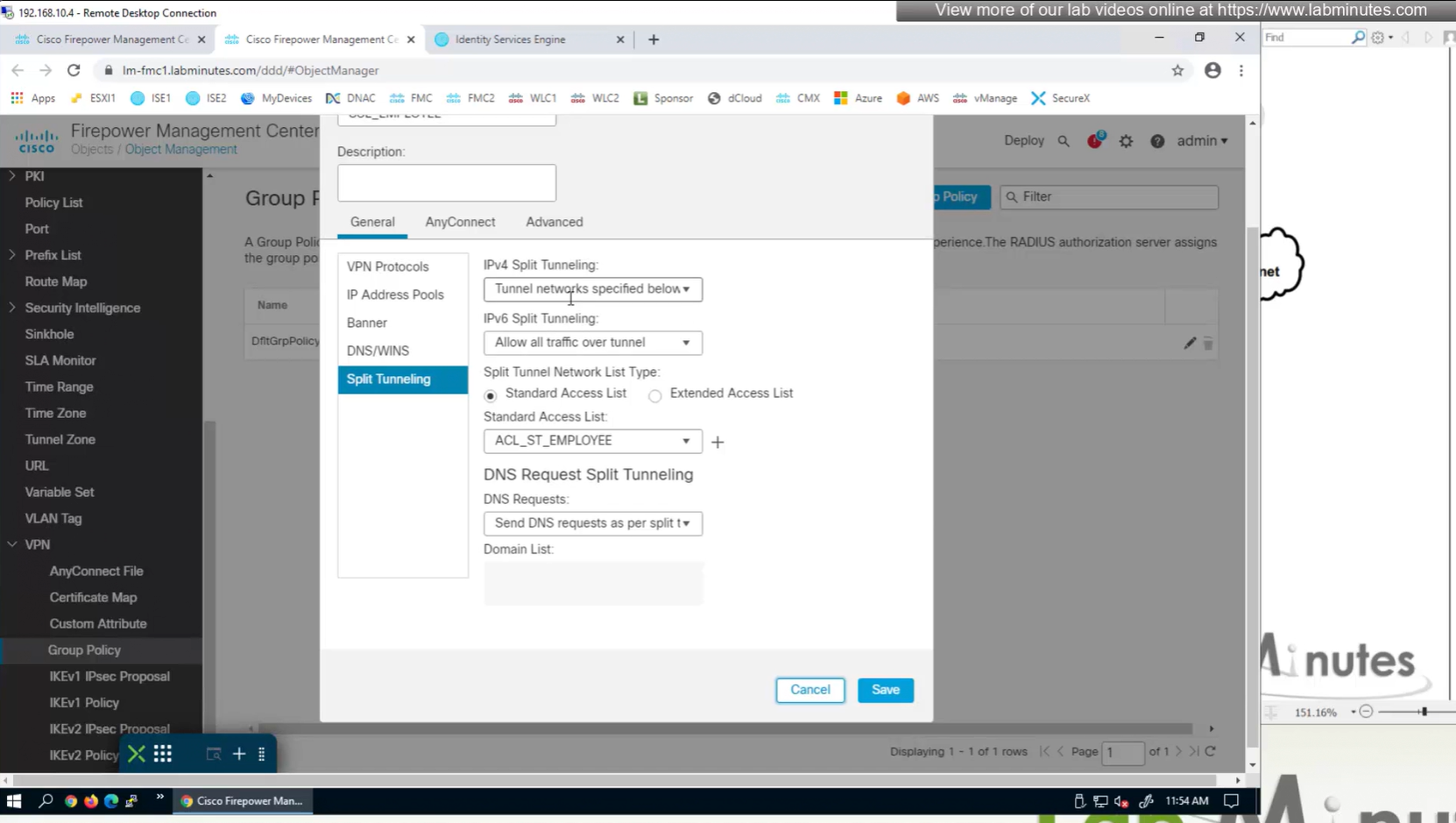
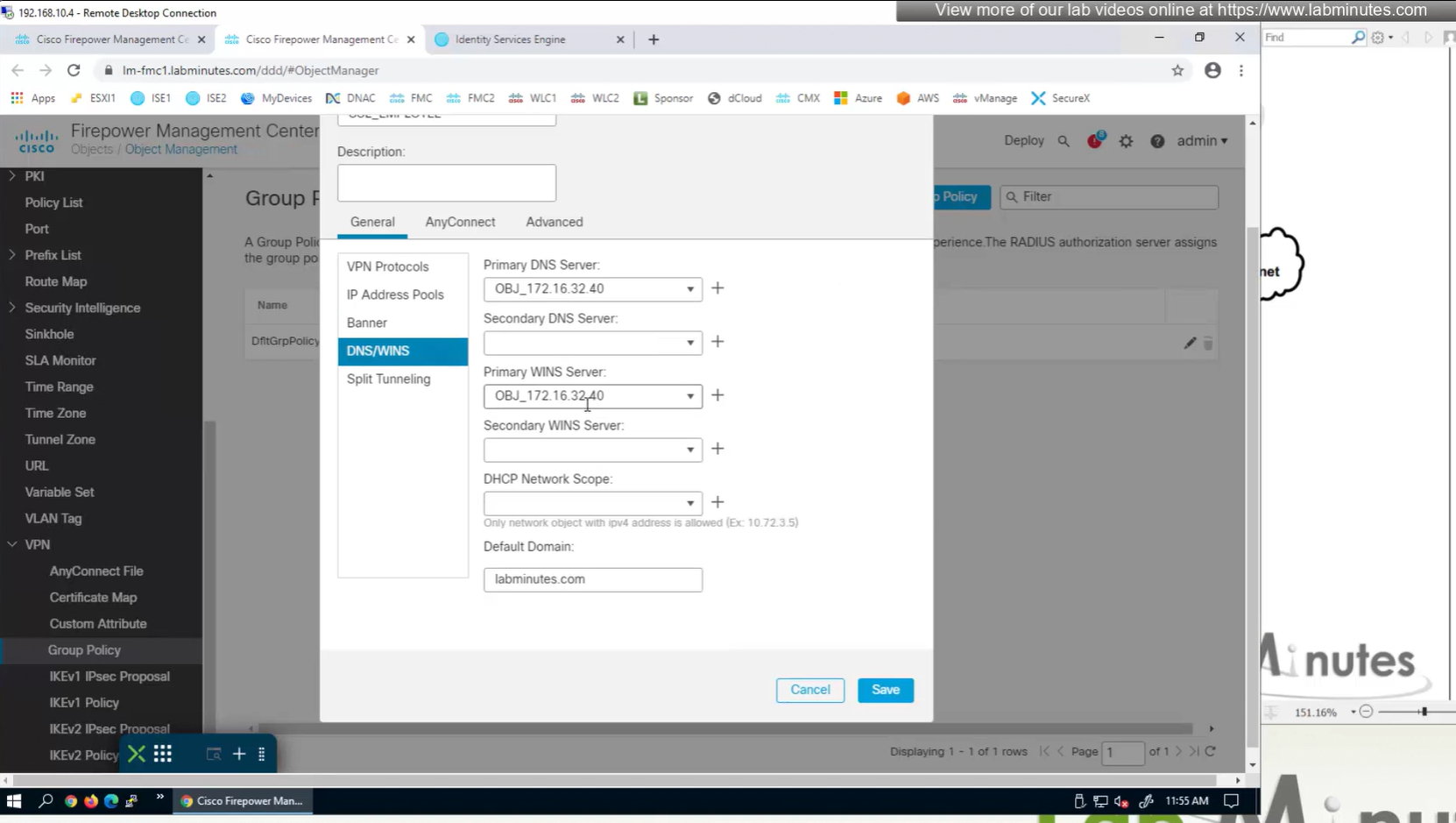
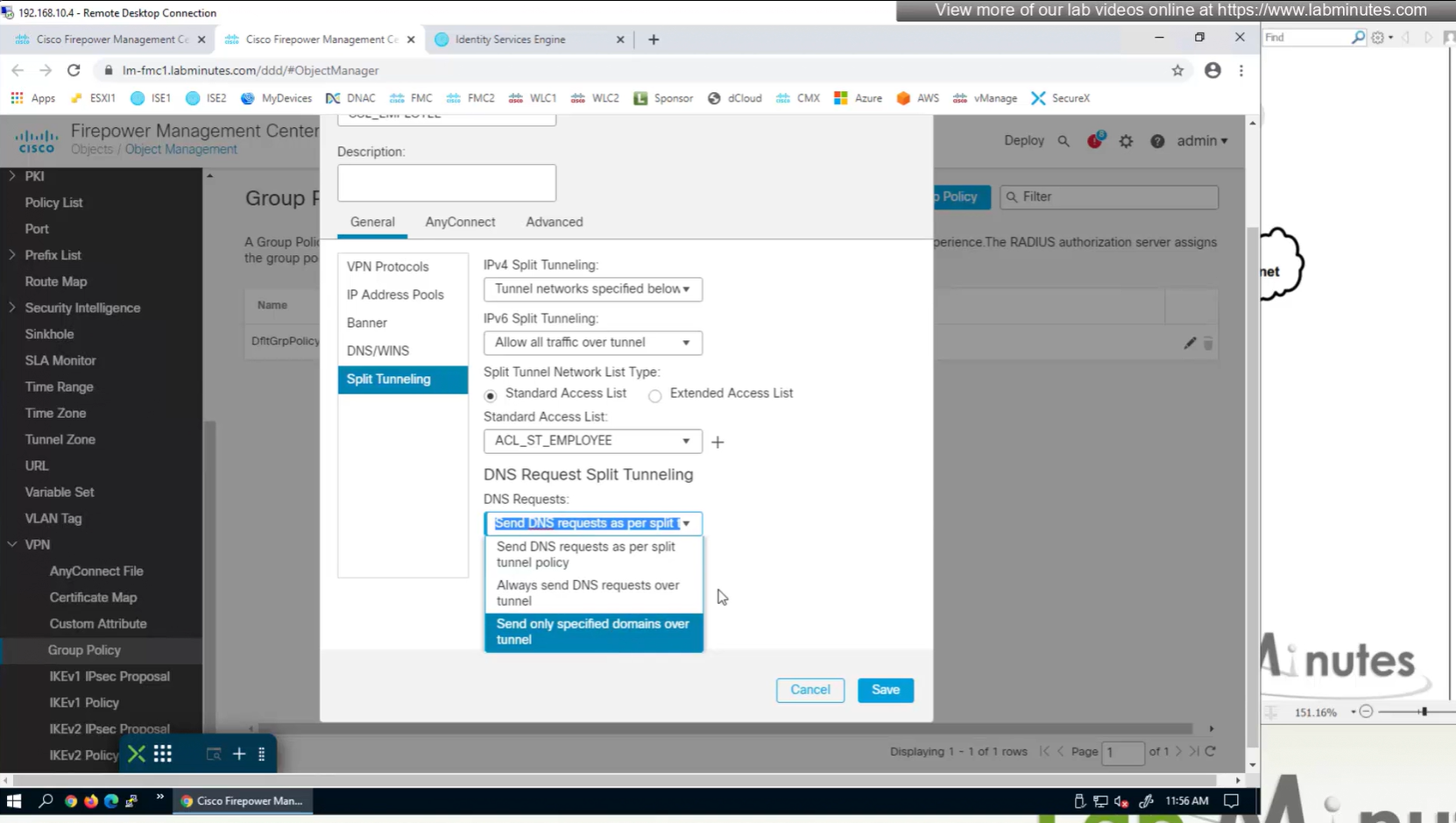
Split DNS allows you to specify which DNS domains you want to send to your corporate DNS (that was defined earlier in DNS section) and which DNS domains you want to send to public or local DNS defined in your client’s adapter
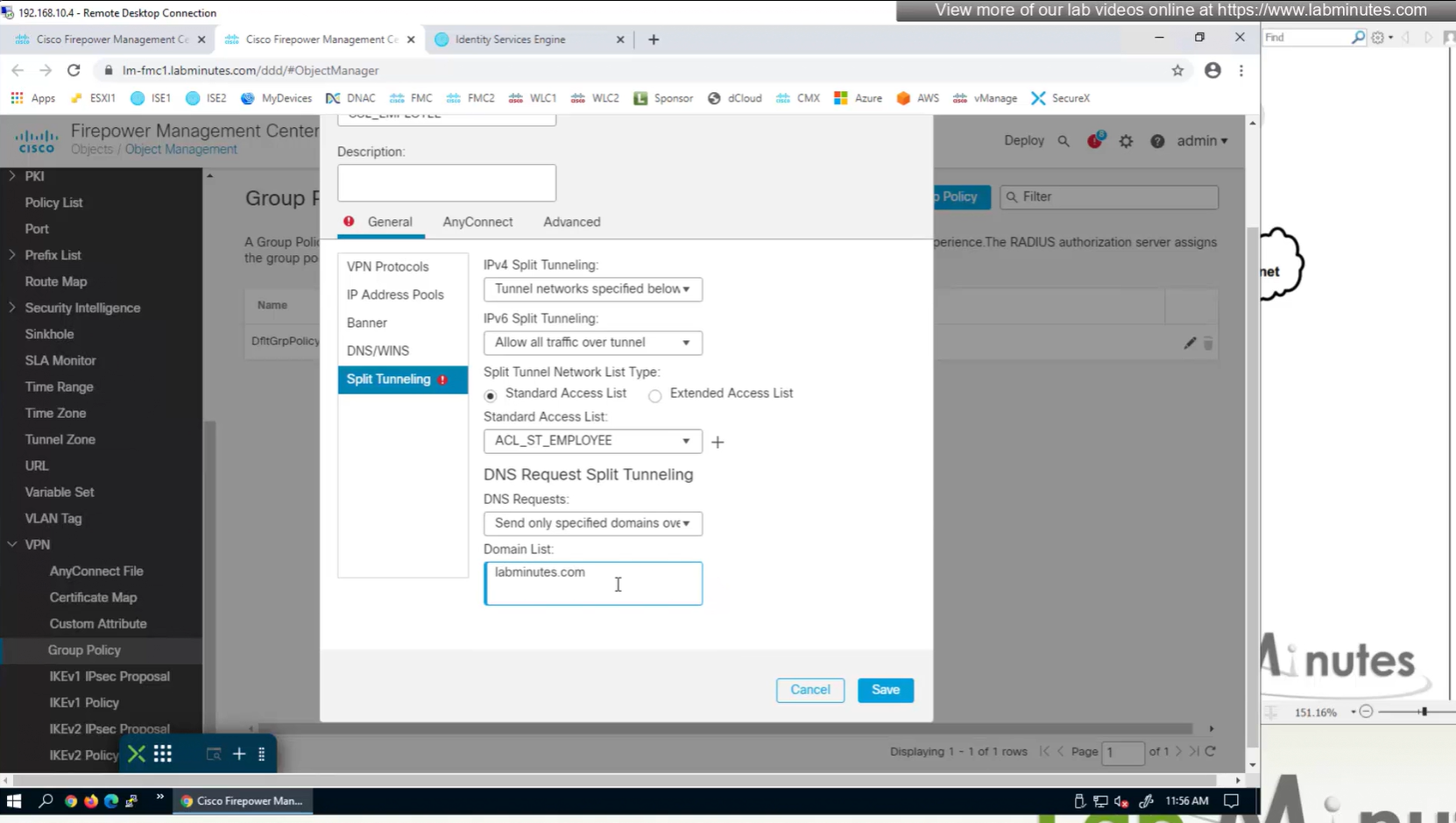
ipconfig /all DNS suffix is configured here as Domain List
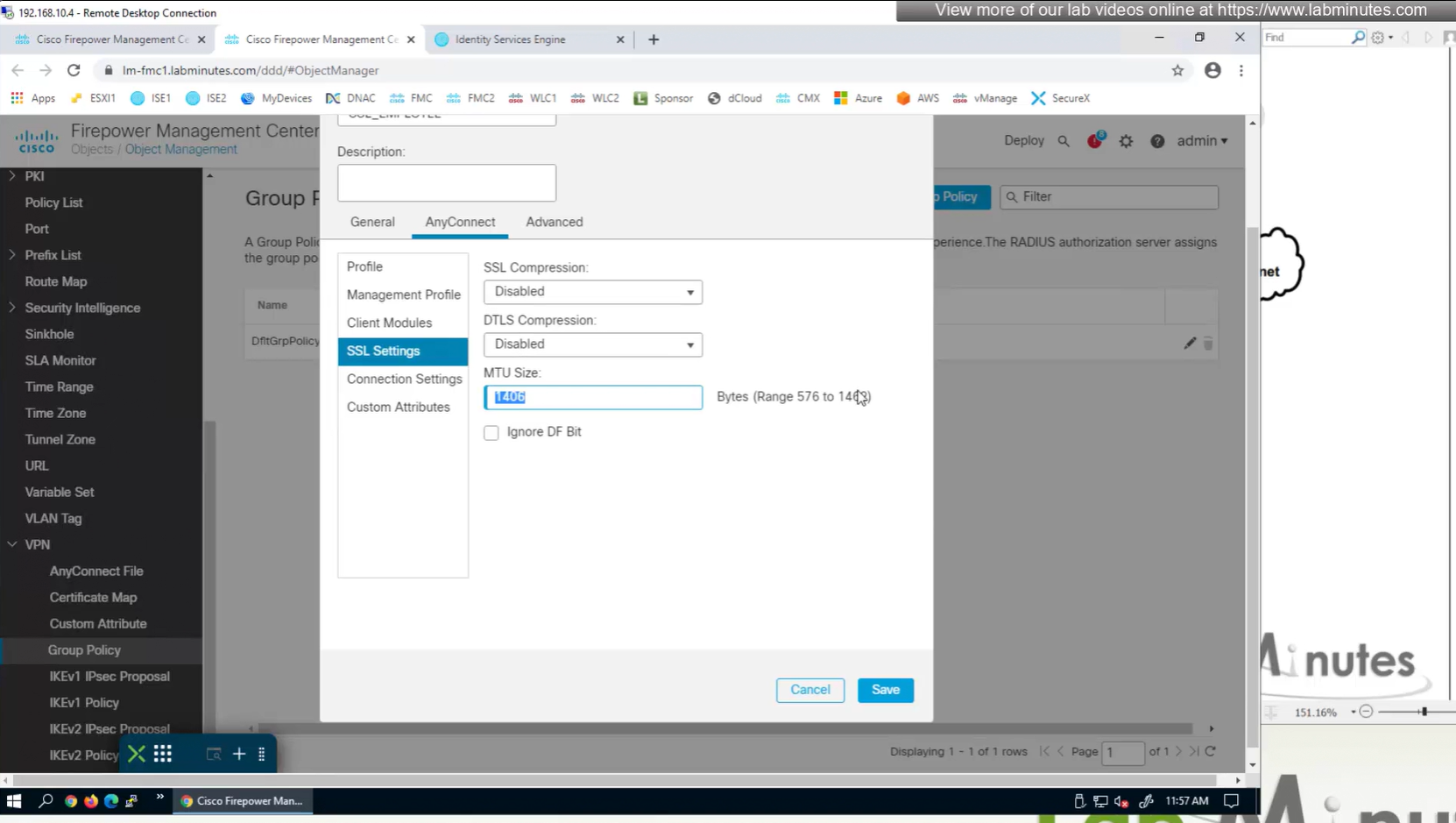
MTU can be adjusted and recommended to be 1400
and Ignore DF bit means, allow fragmented VPN traffic
It is recommended by Cisco to have “ticked”
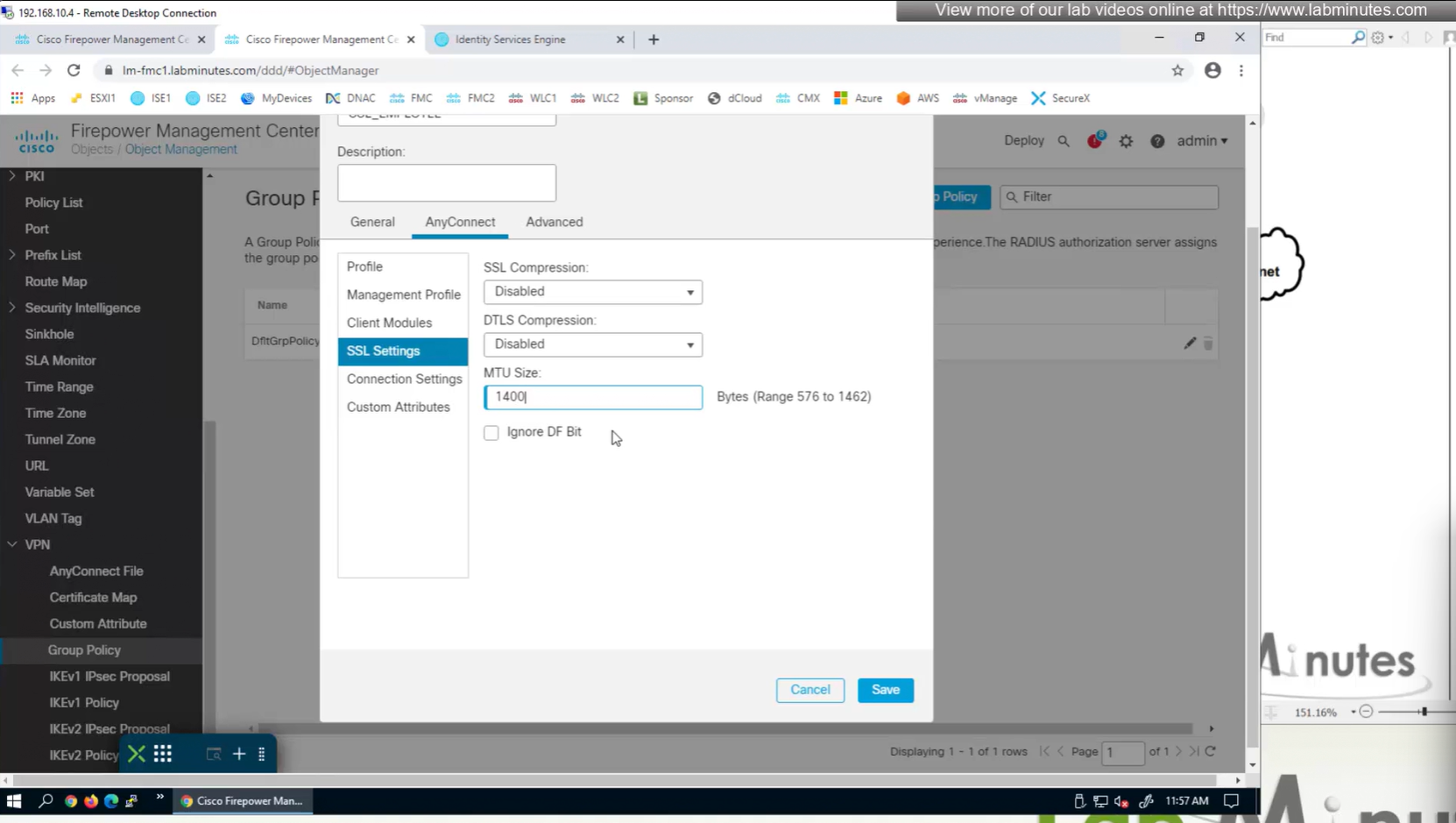
Under AnyConnect section we will look at Profile , Management Profile and Client Modules later

There is a keepalive between anyconnect client and gateway – default 20 seconds

Enable Dead Peer detection initiated from gateway – default every 30 seconds – best practice is to increase this from 30 to 90 as gateway might be burdened as number of clients go up
Enable Dead Peer detection initiated from client – default every 30 seconds
SSL rekey using the same tunnel
Interval change it to 60 minutes from 4 minutes default
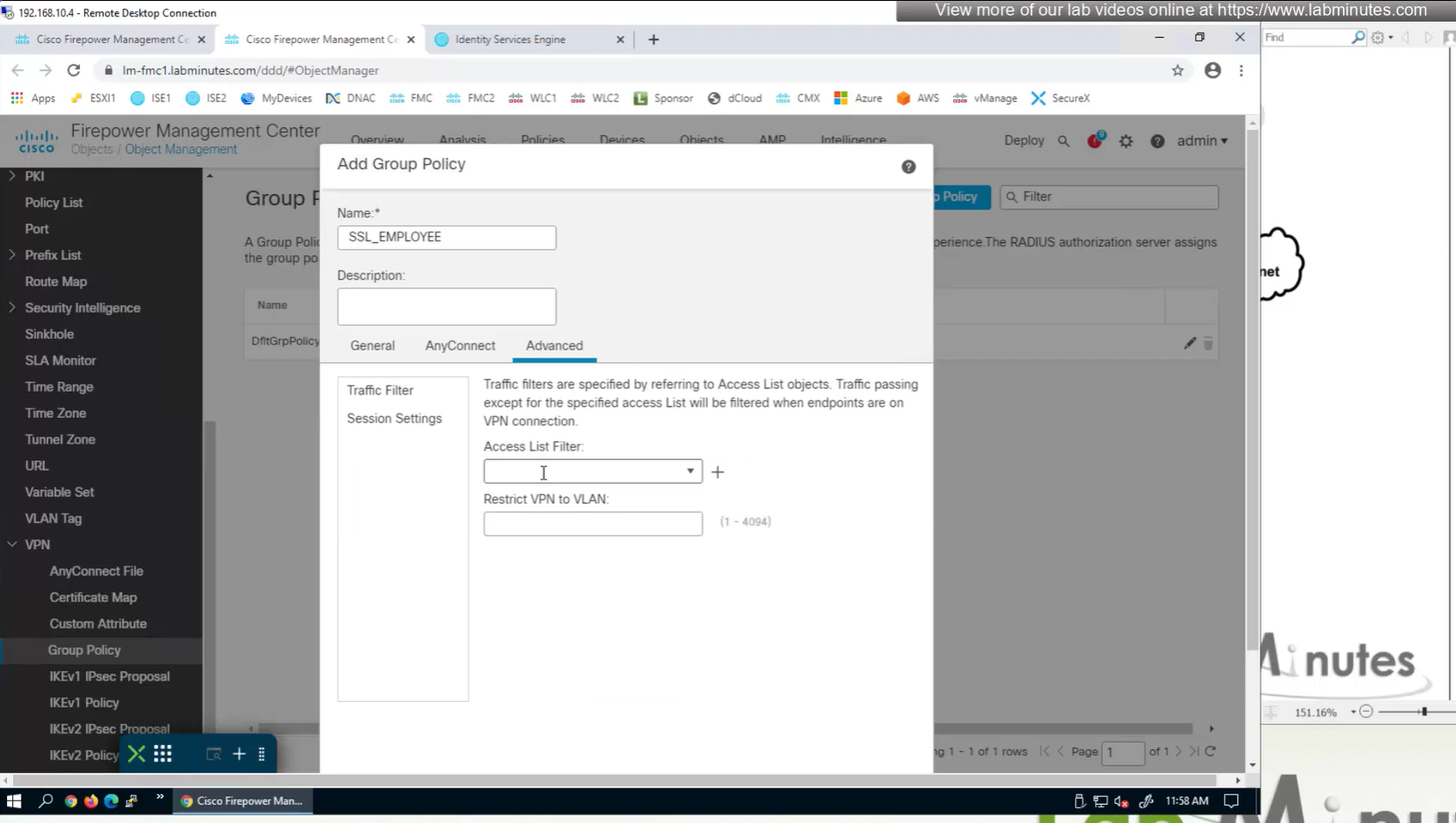
Traffic filter to block certain traffic on the VPN side between client and gateway OUTSIDE interface
requires extended ACL
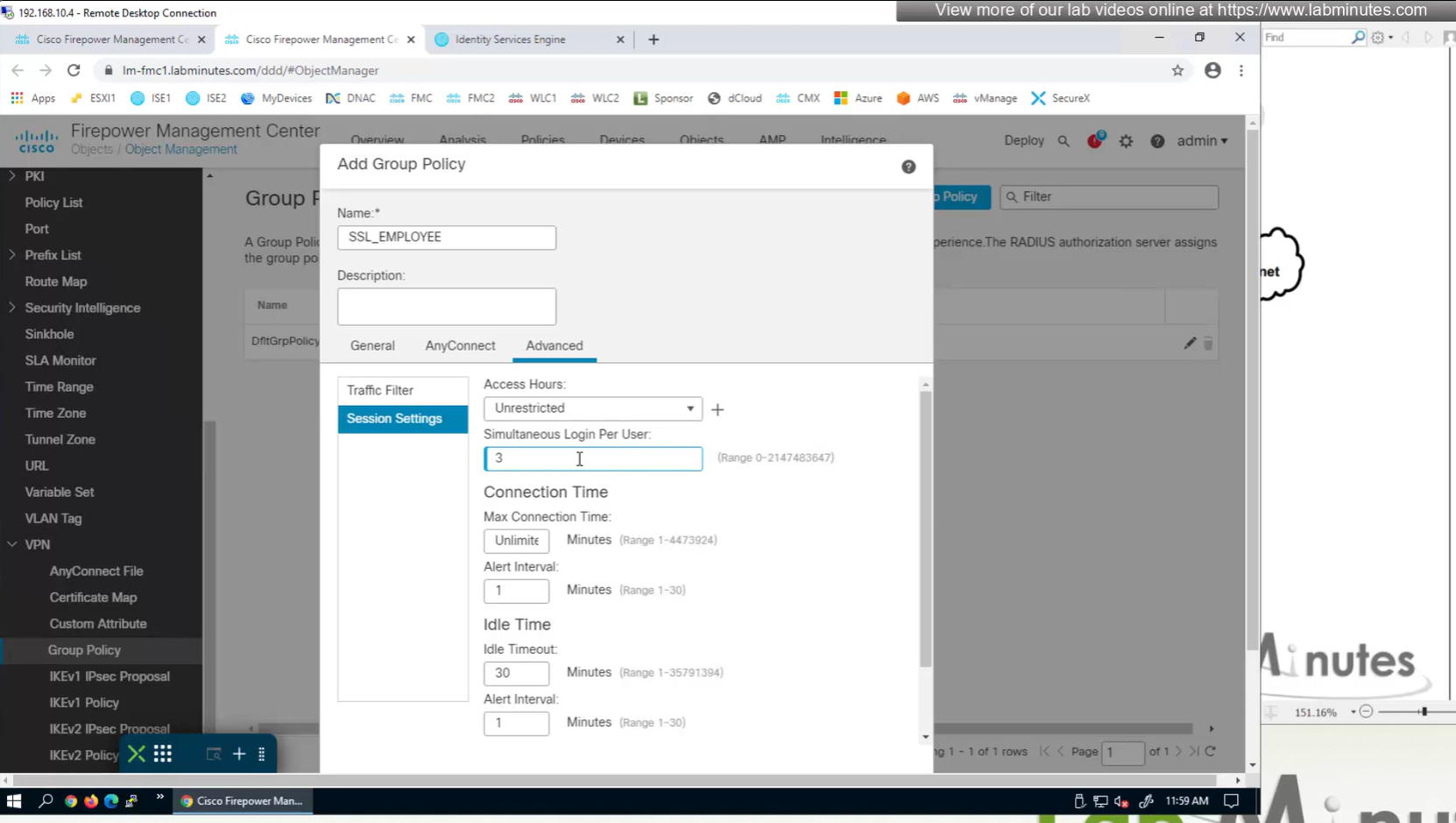
Limit simultaneous login per user – default is 3
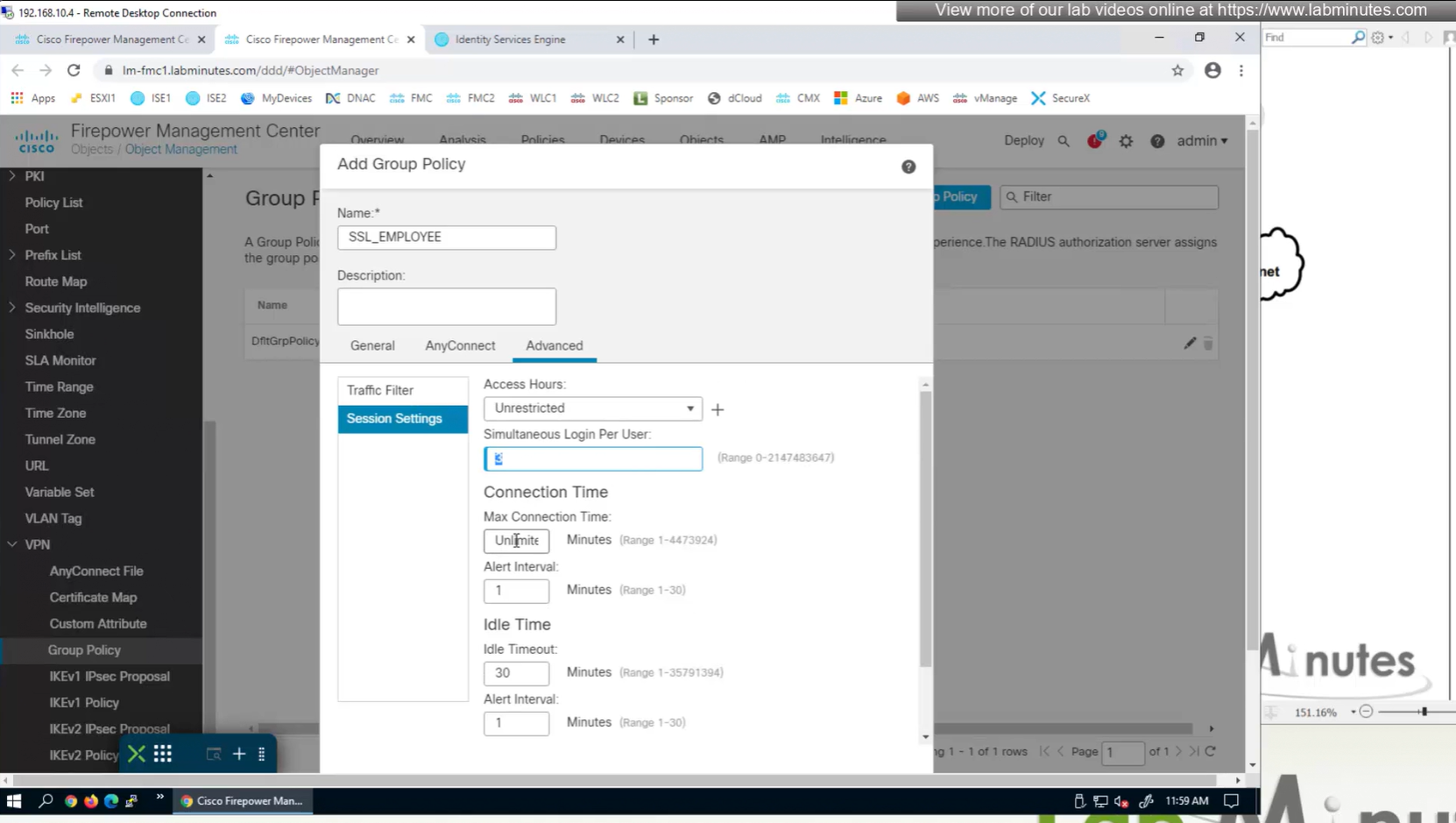
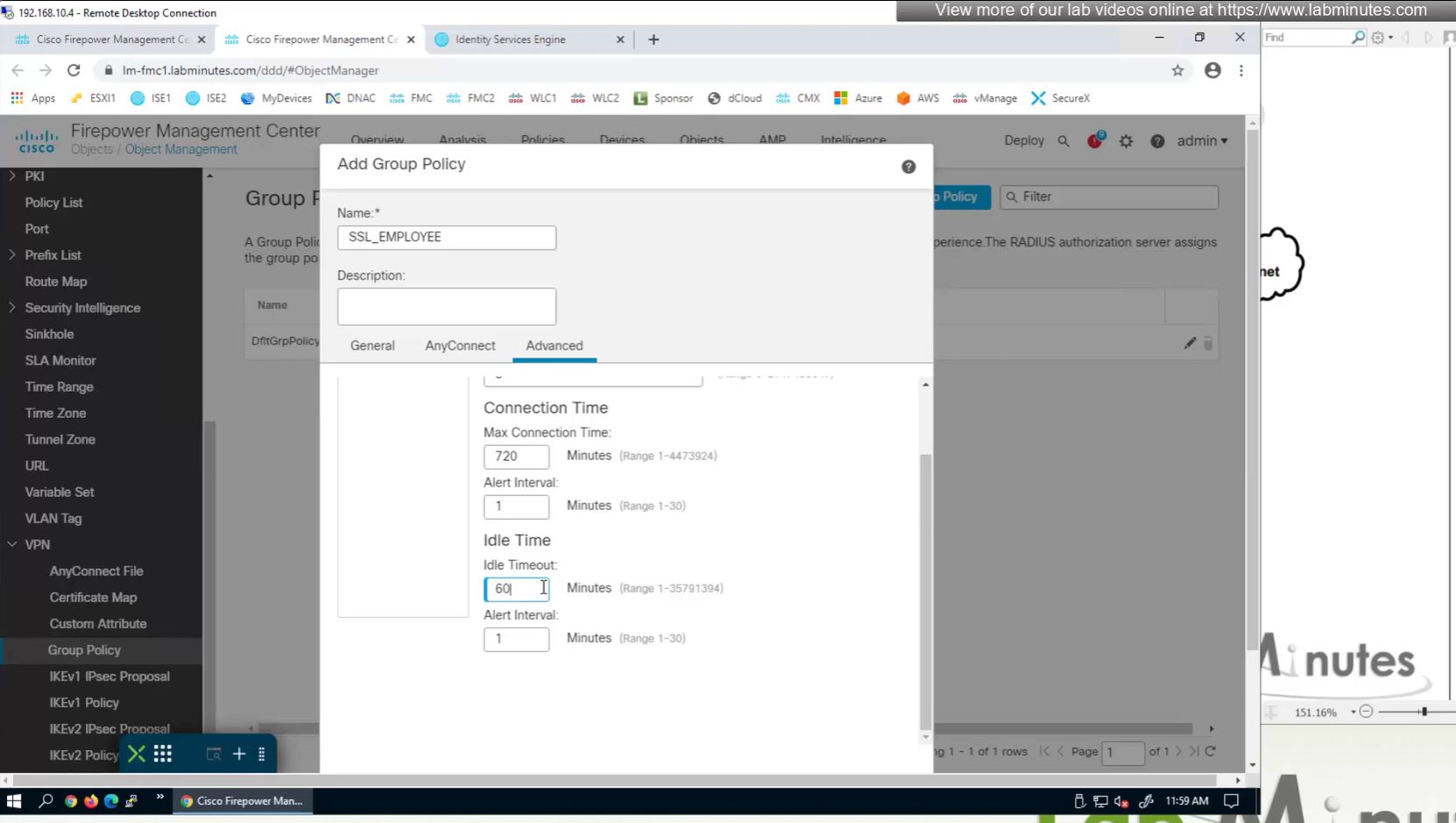
Maximum connection time – default is unlimited
Idle time – if machine stays idle for that time then anyconnect VPN will be disconnected
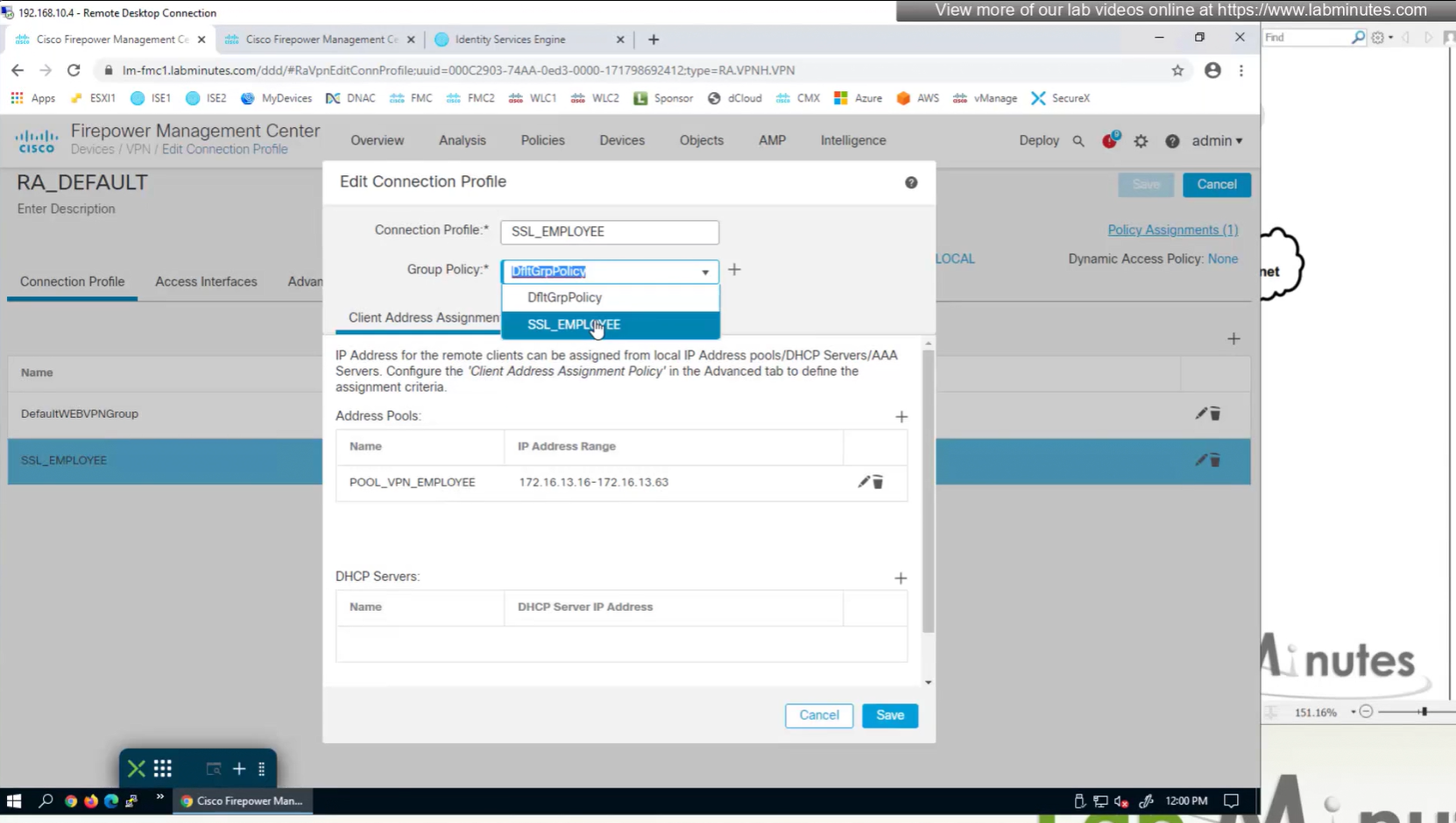
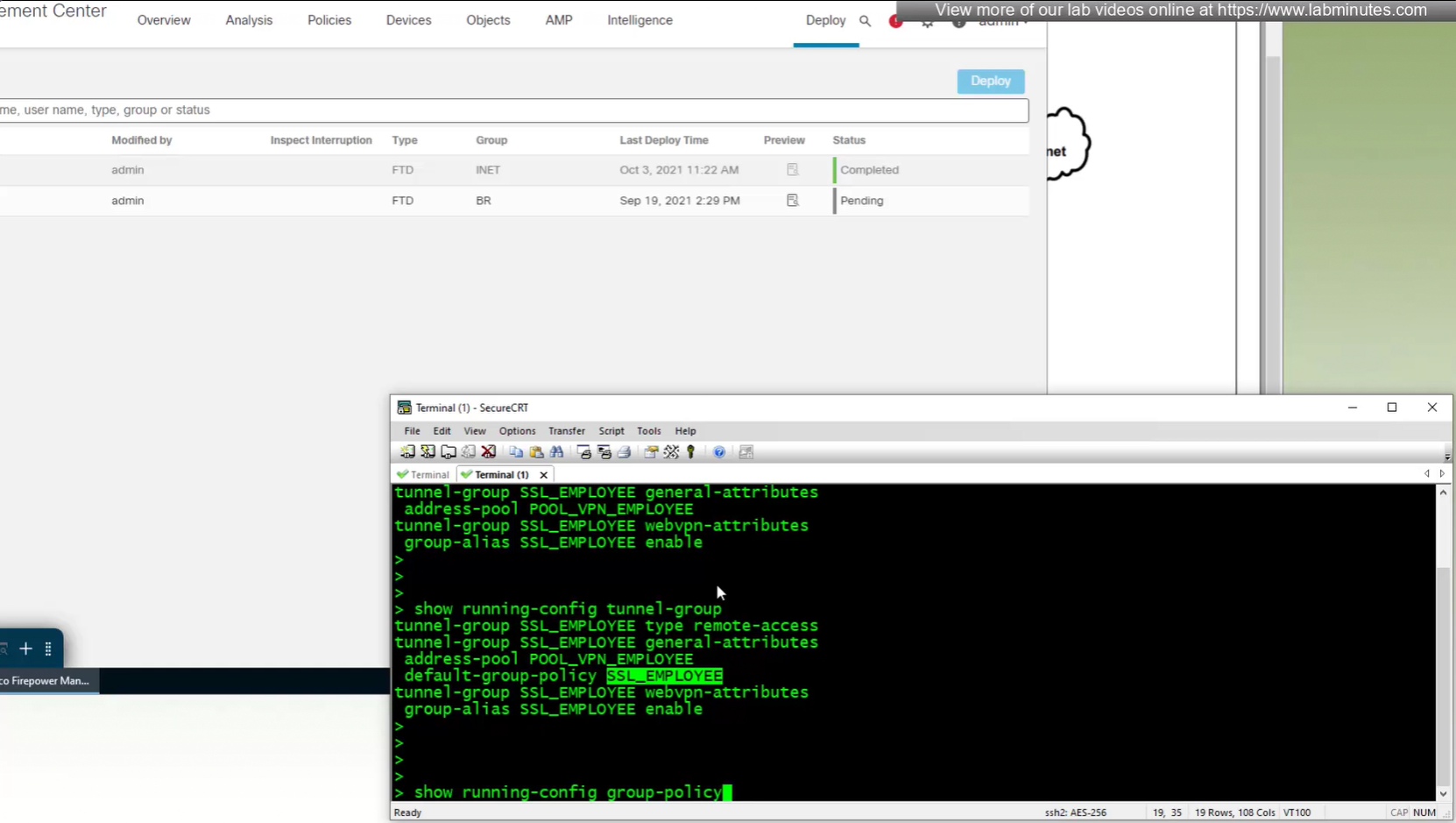
new group policy is showing on tunnel group in CLI
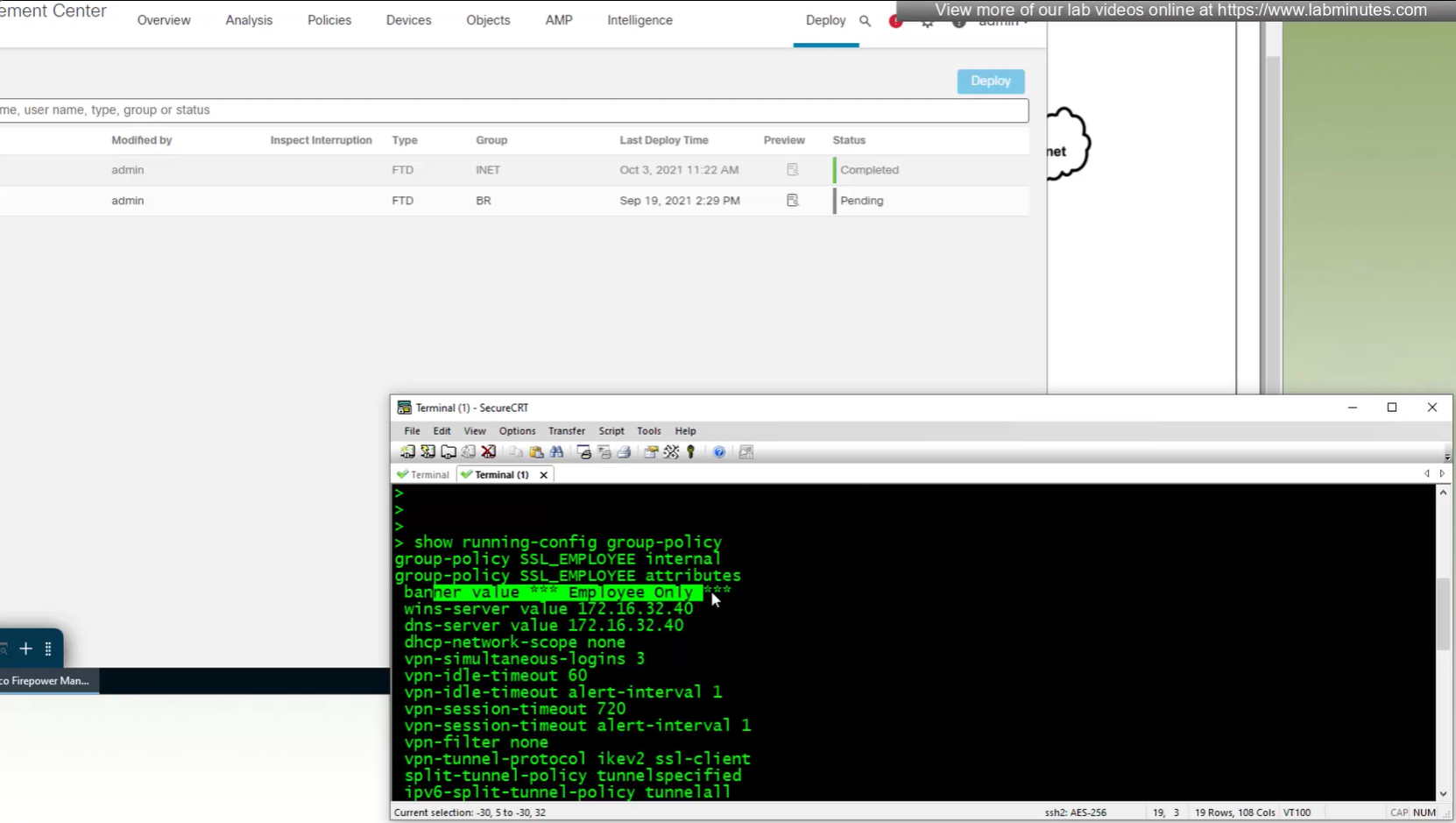
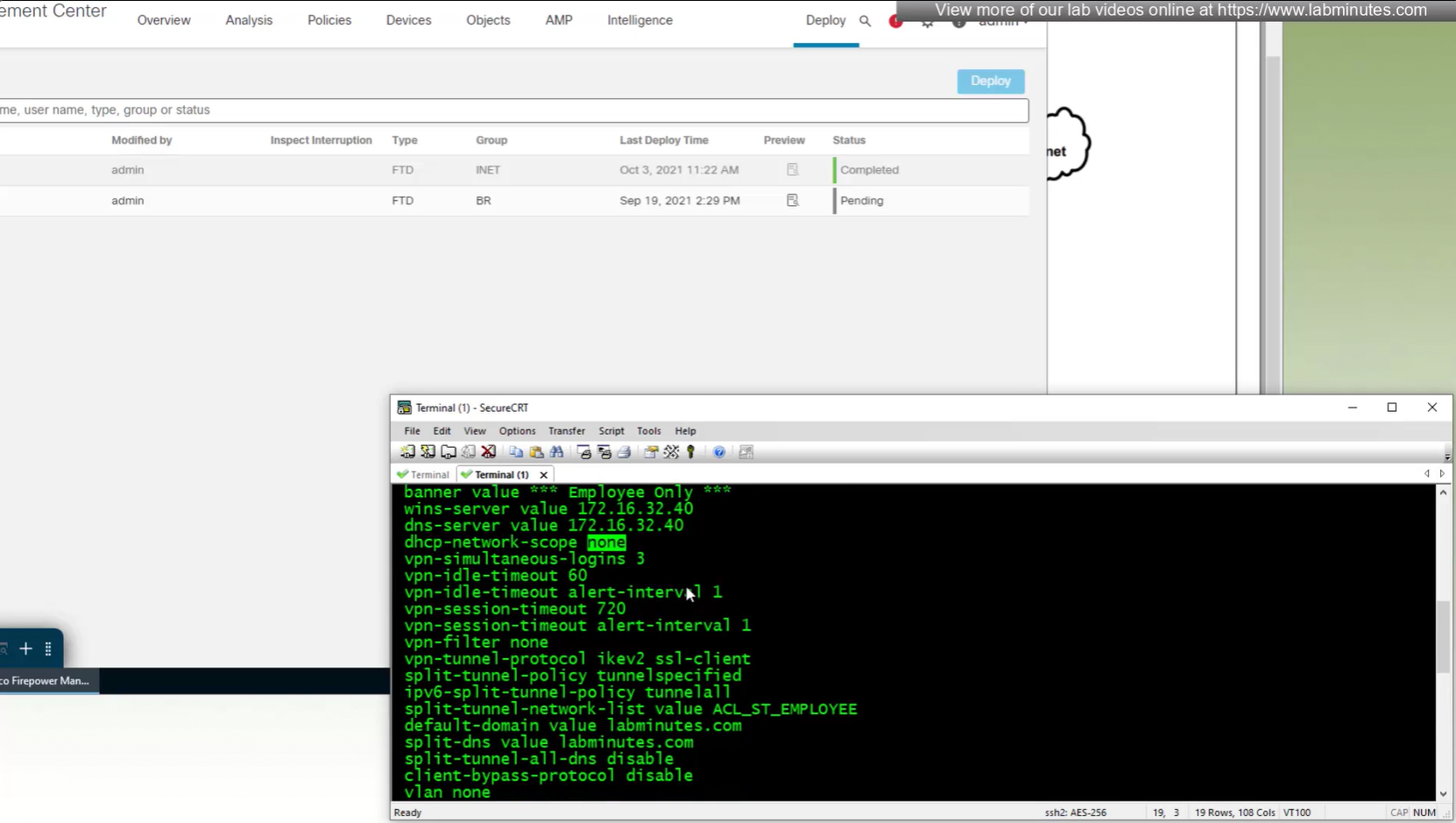
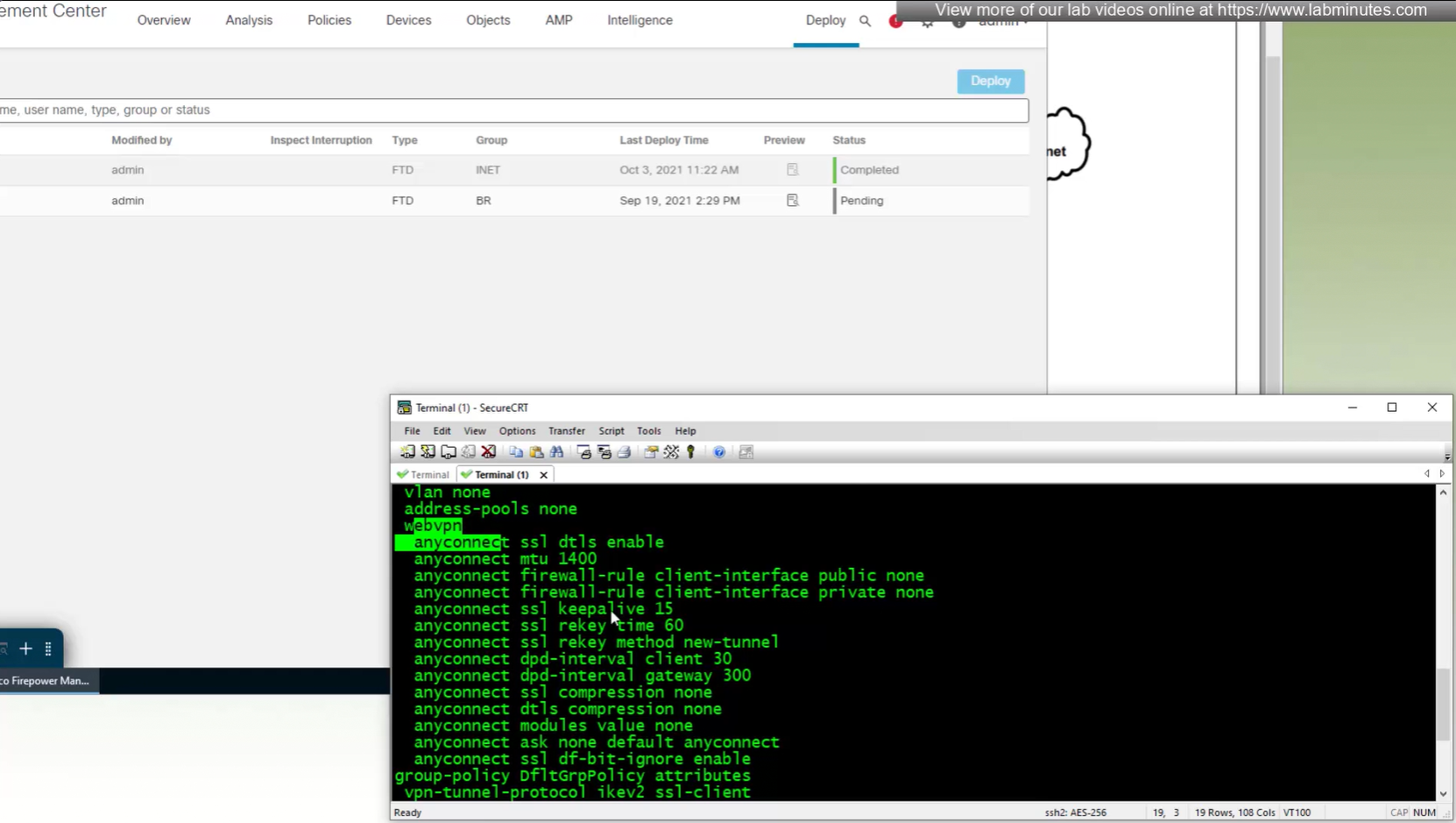
All anyconnect options from group policy

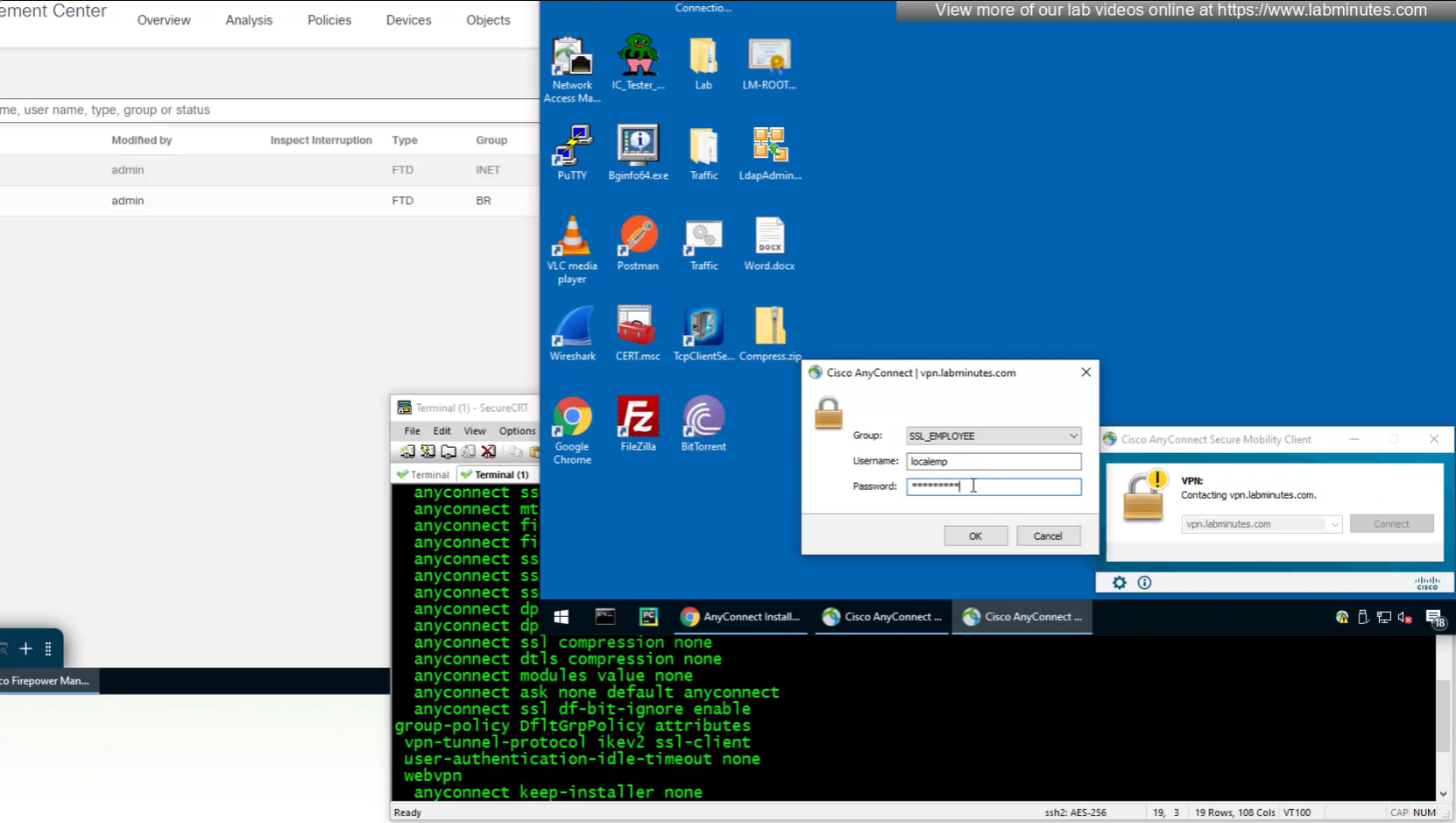
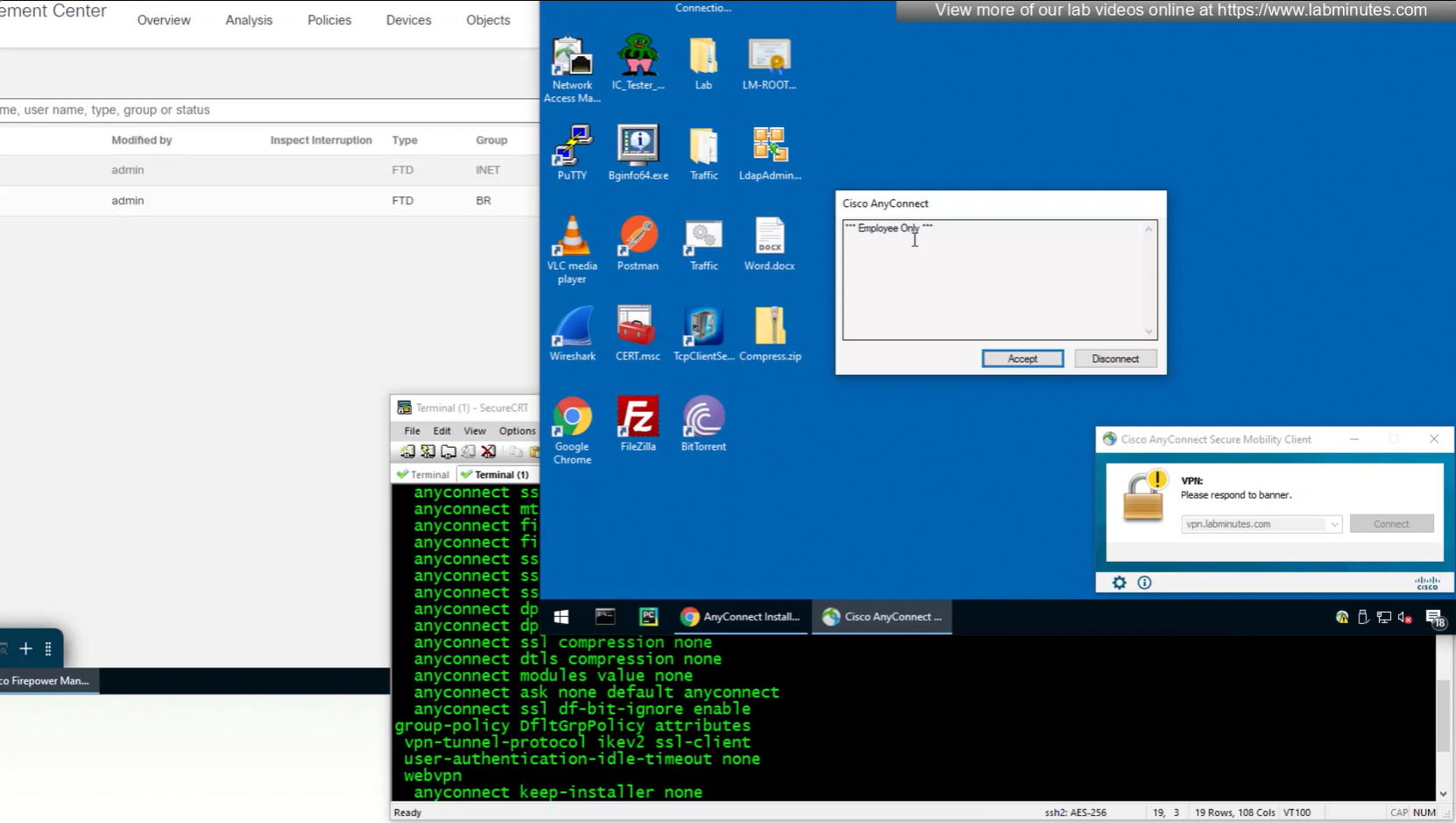

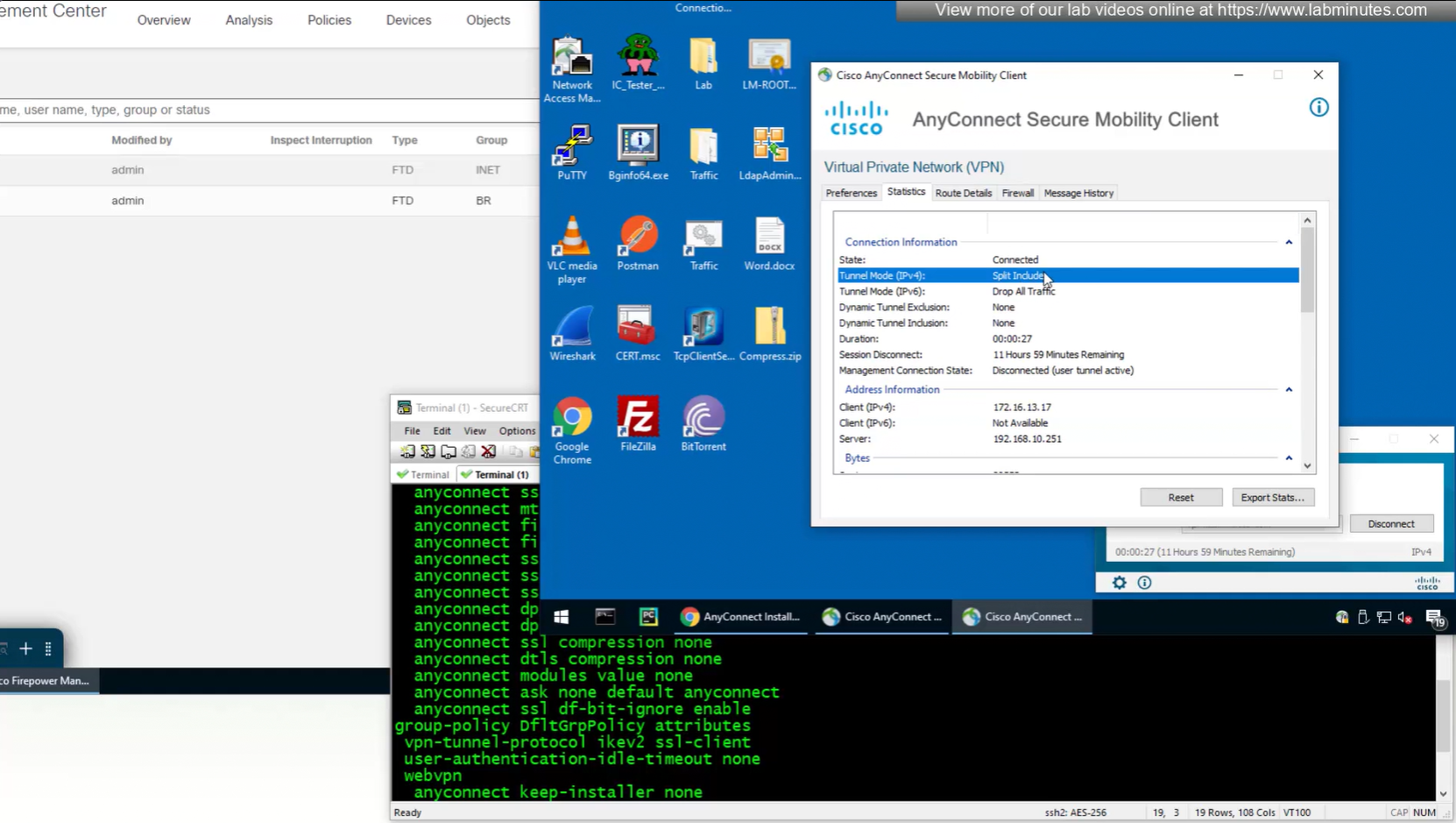
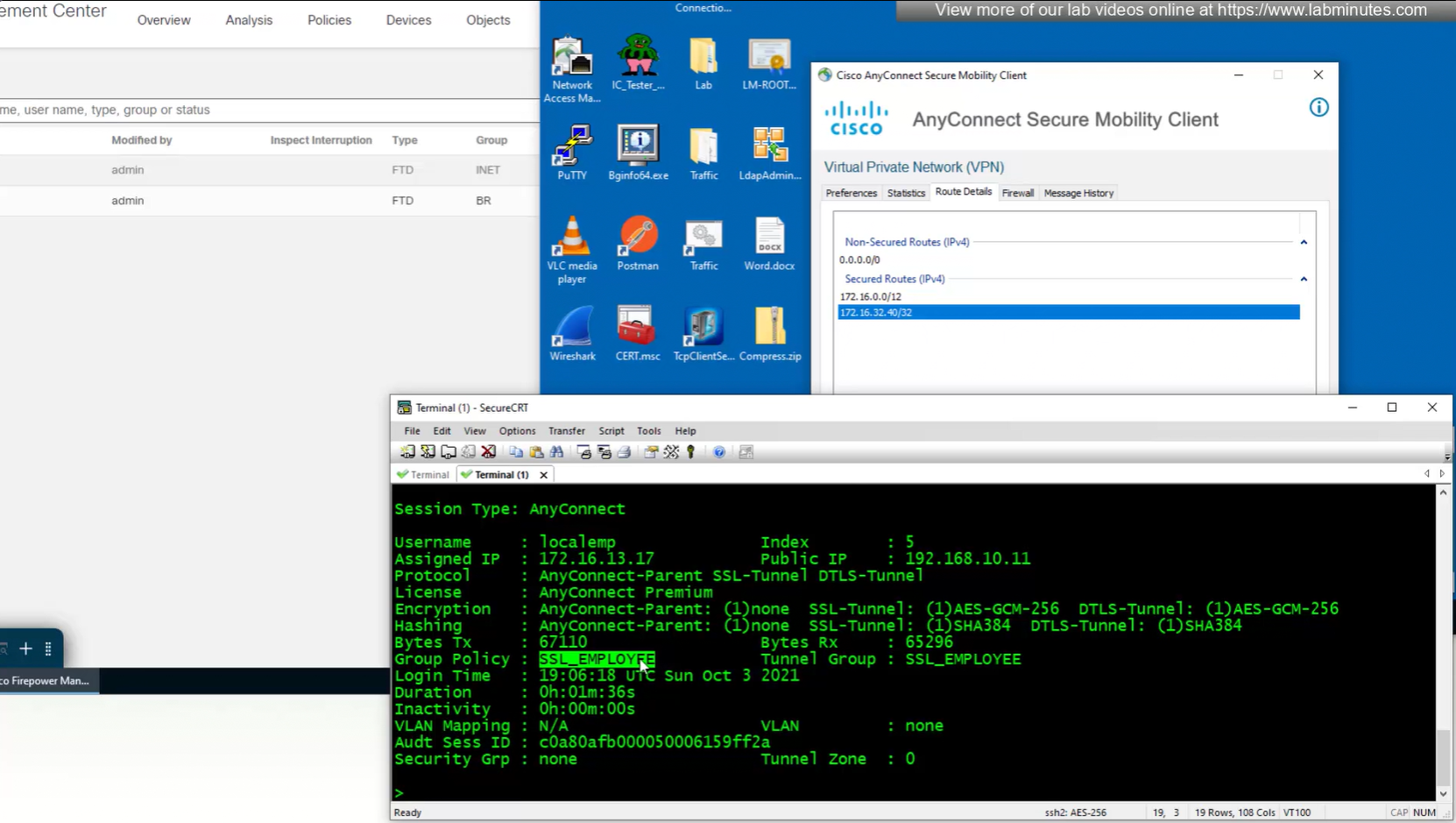
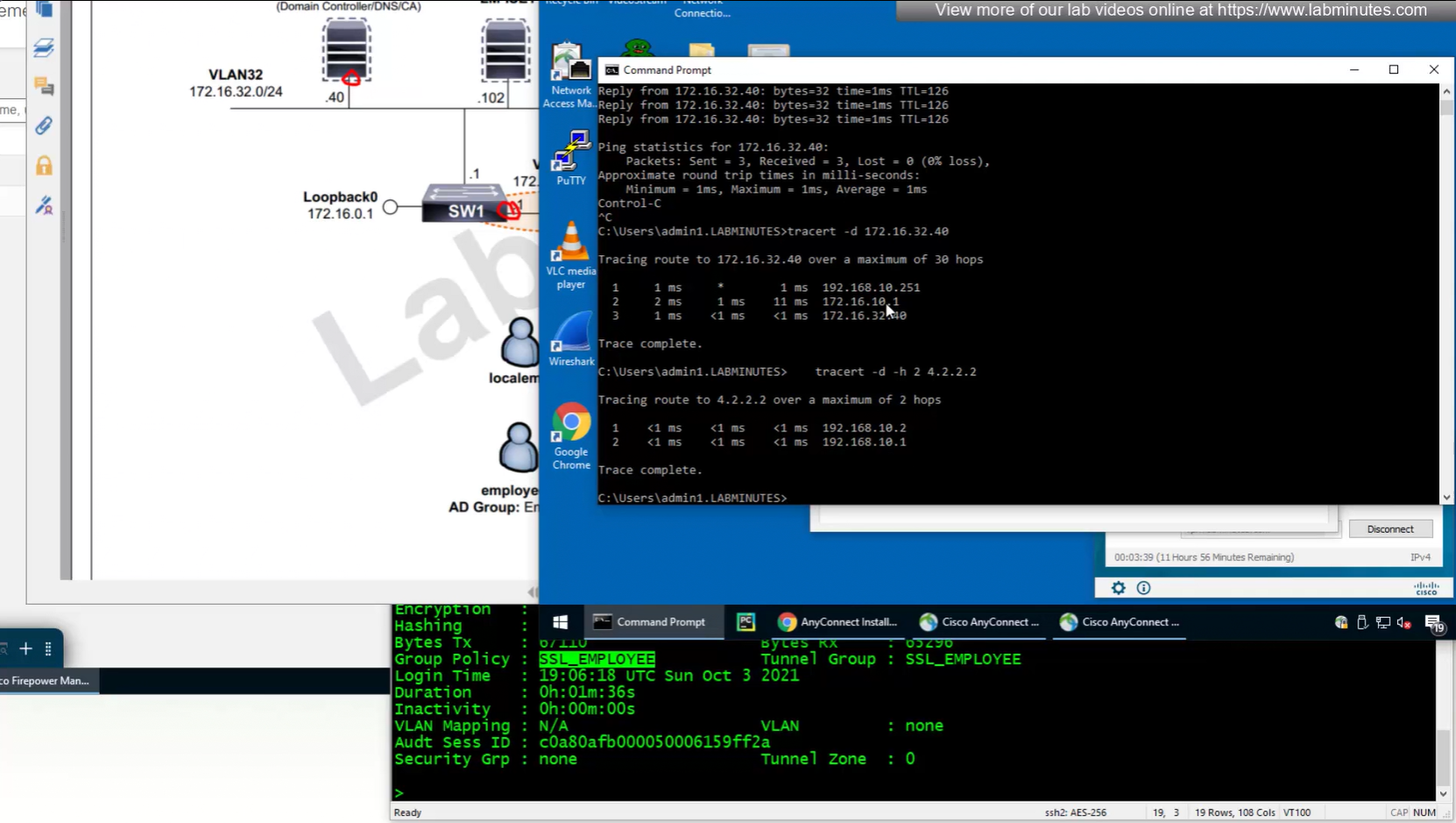
In lower corner of anyconnect client it says that 11 hours and 59 minutes left

we can also the DNS suffix in ipconfig /all that we defined in Group Policy > General > DNS/WINS > Default Domain

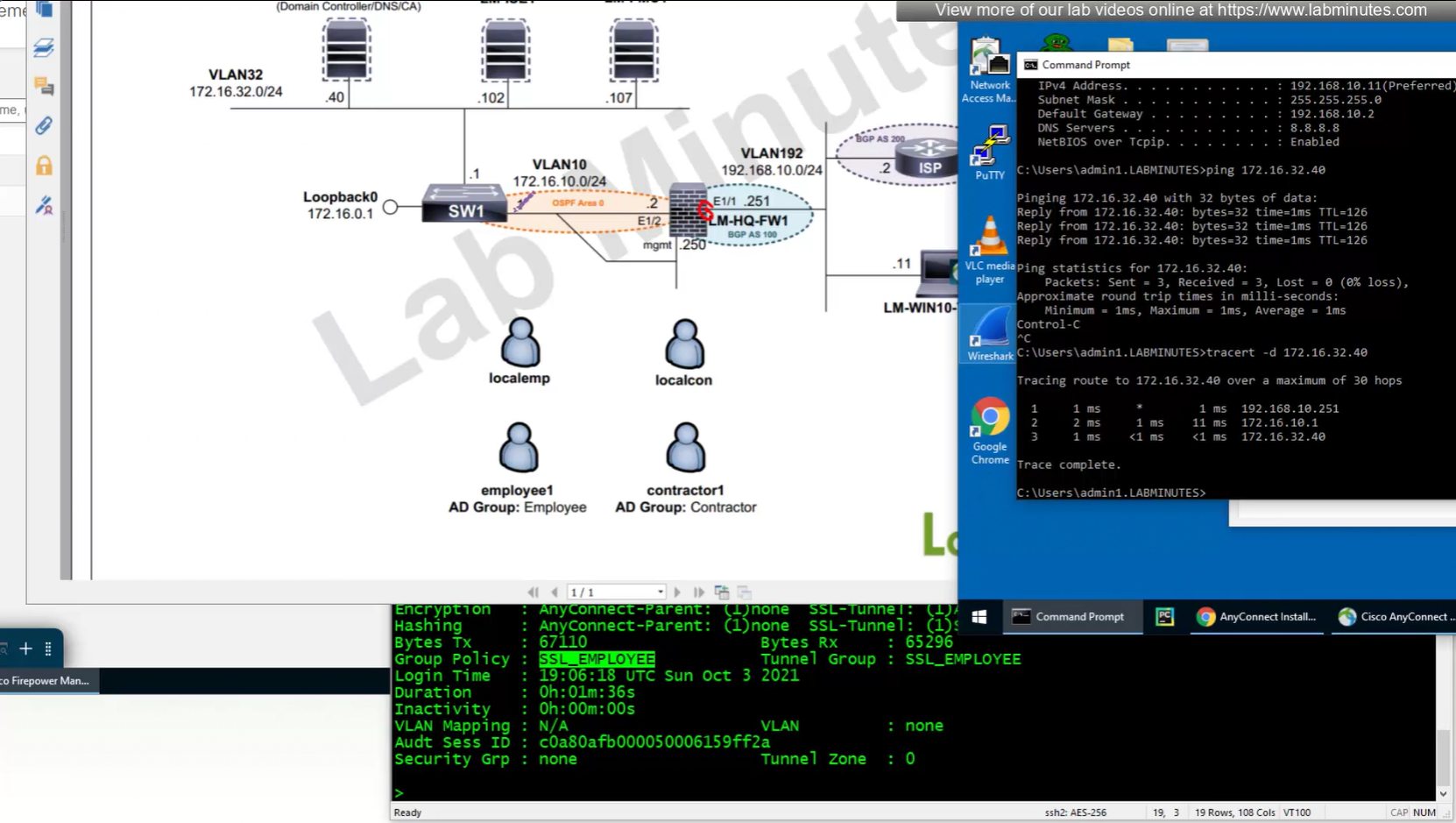
192.168.10.251 is the OUTSIDE IP of the firewall
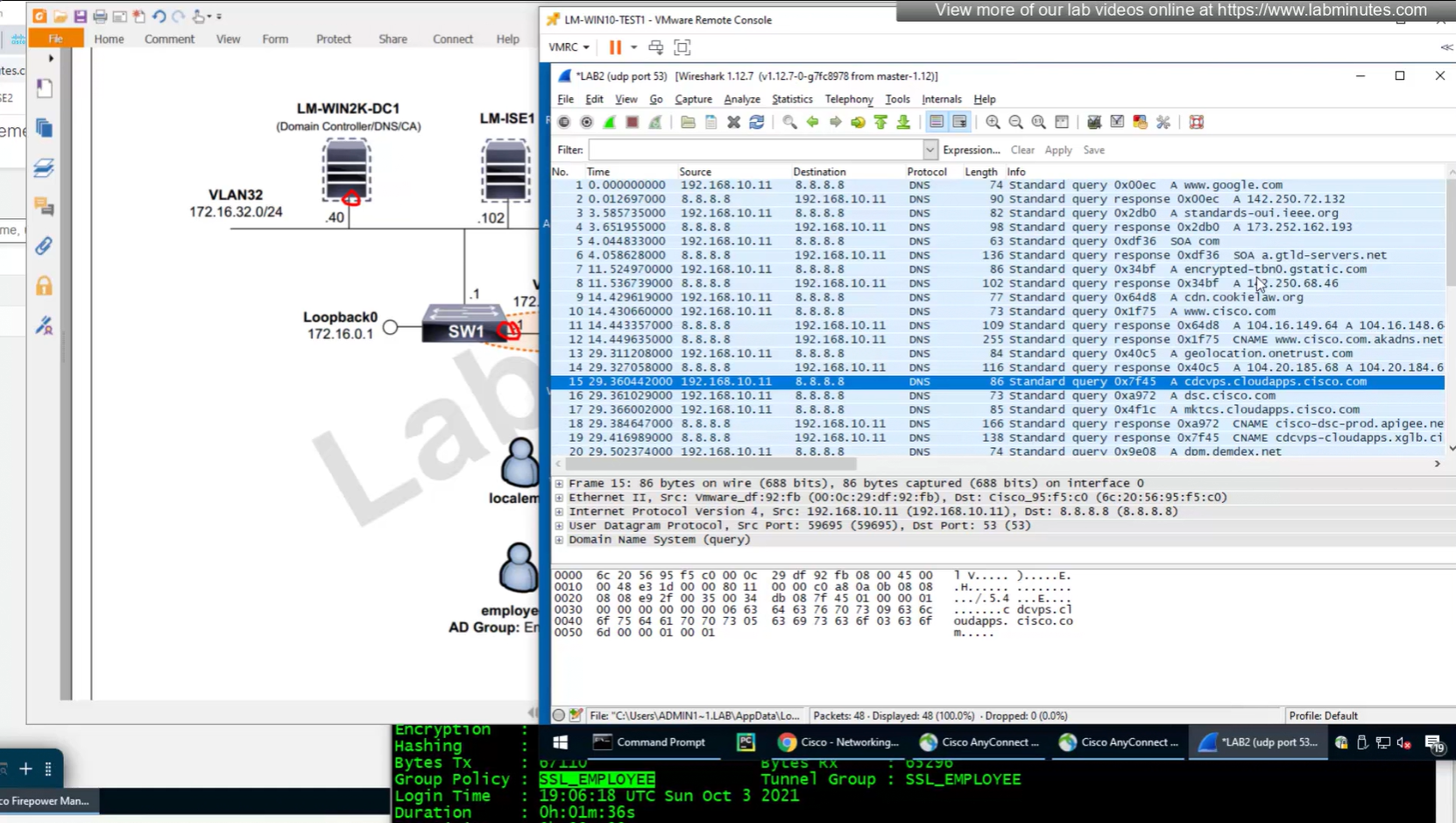
Testing the Split DNS lookup that was configured in Group Policy > General > Split Tunneling > DNS Request Split Tunneling > DNS requests > Send only specified Domains over tunnel and we can see that only public internet queries are showing up on wifi capture and dns queries to corporate domain are going over the tunnel
next post
SEC0401 – Firepower 7.0 AnyConnect VPN Client (Part 3)
SEC0401 – Firepower 7.0 AnyConnect VPN Client (Part 3)
AnyConnect Client
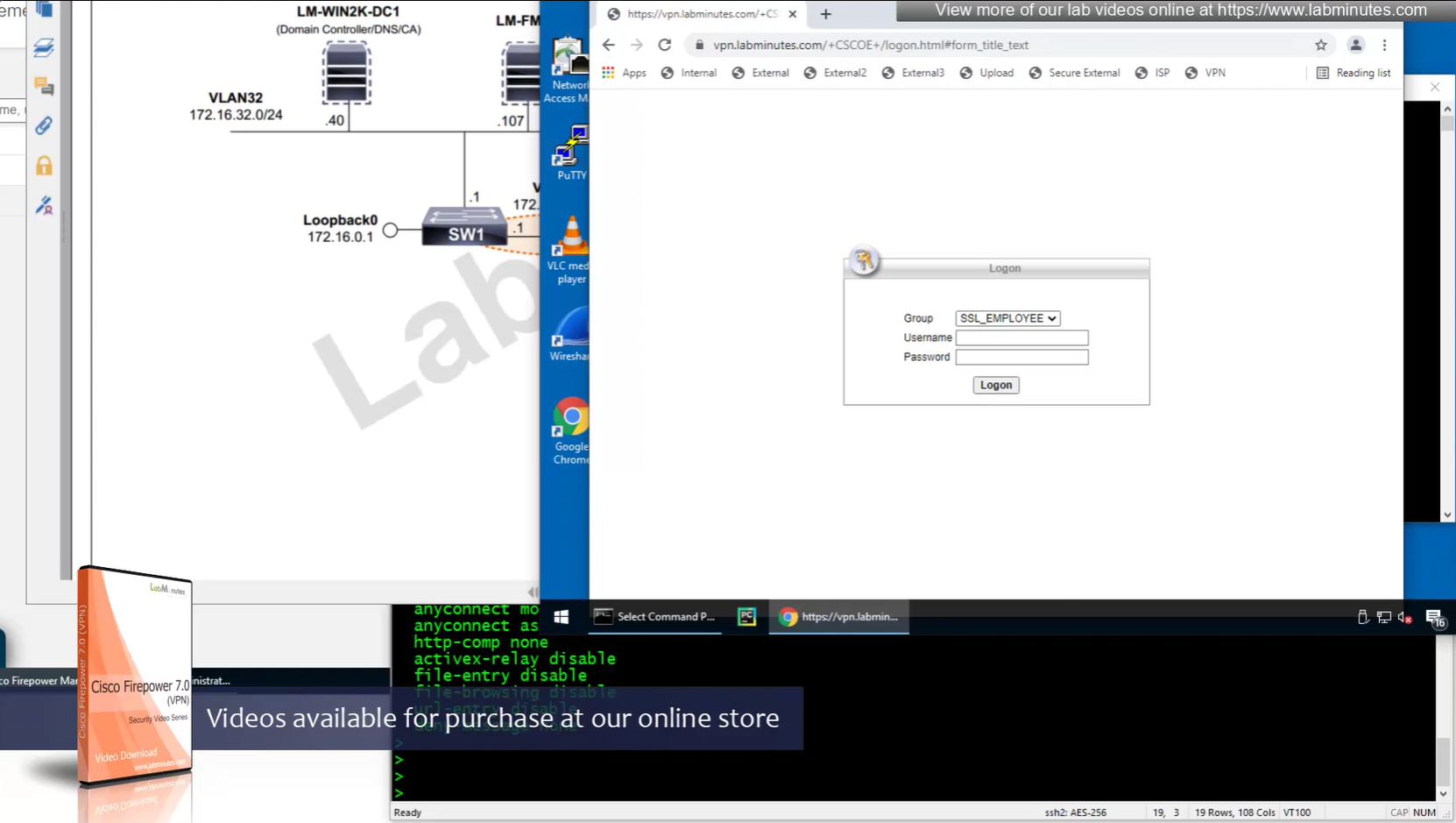
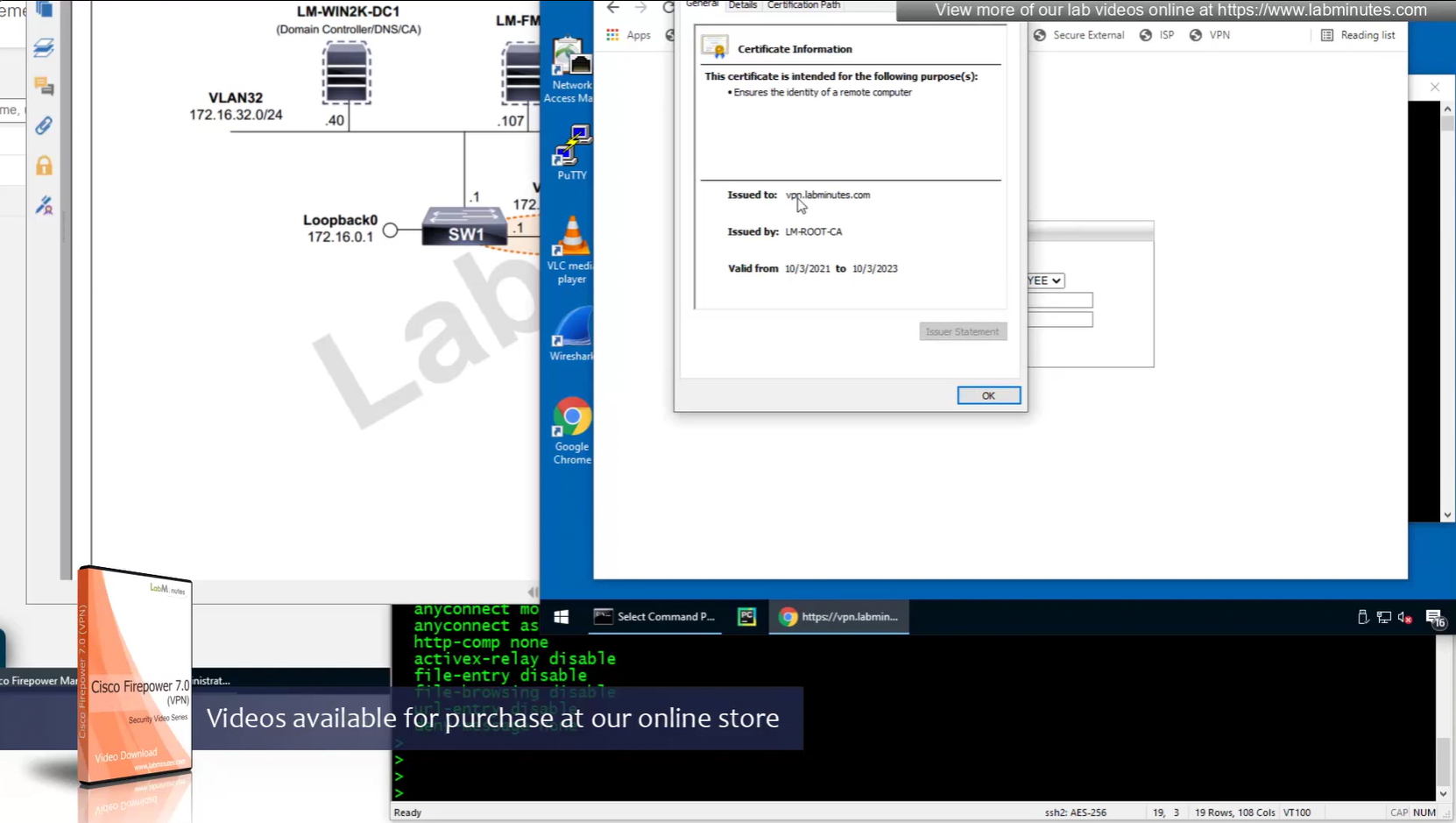
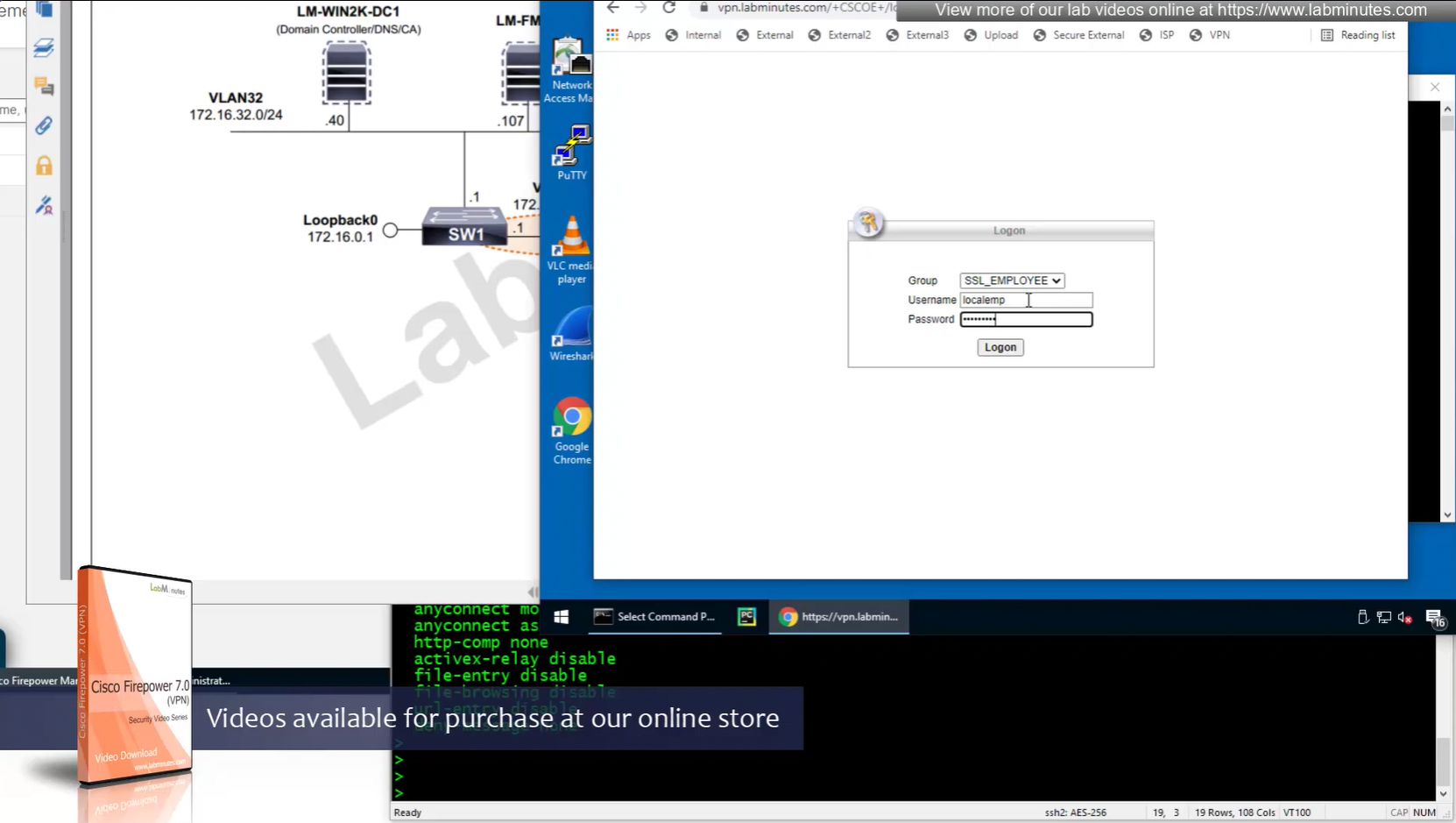
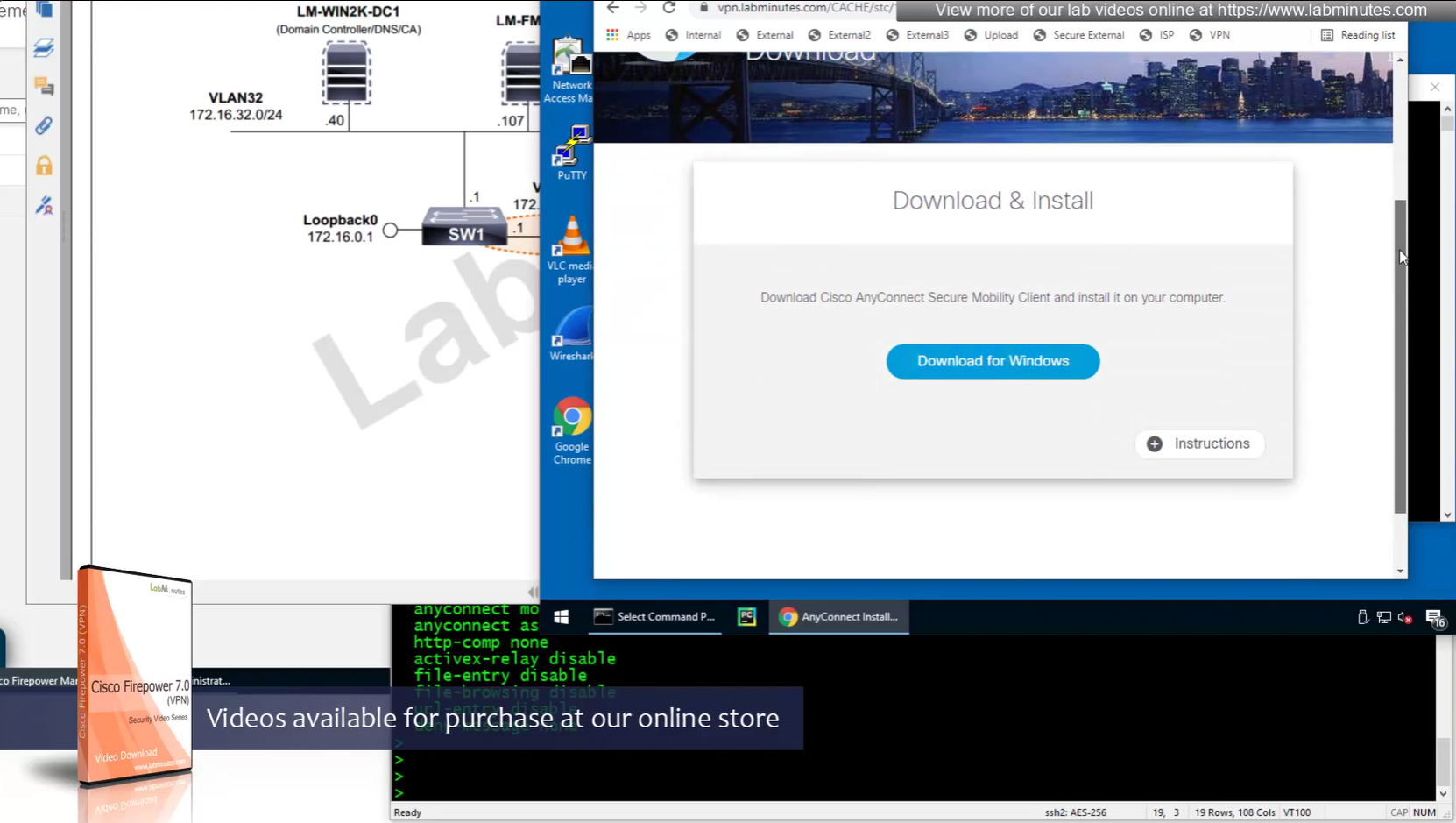
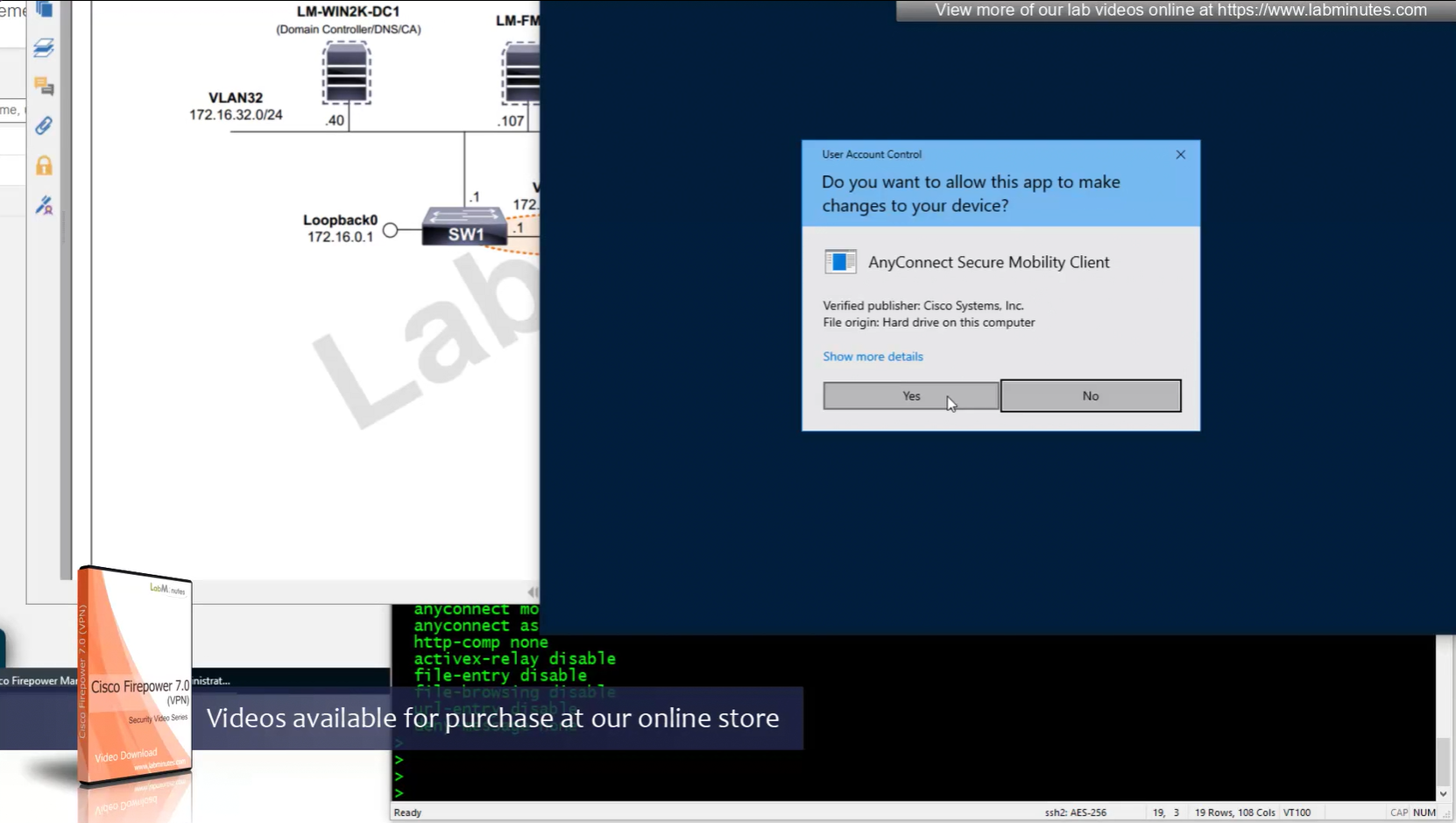
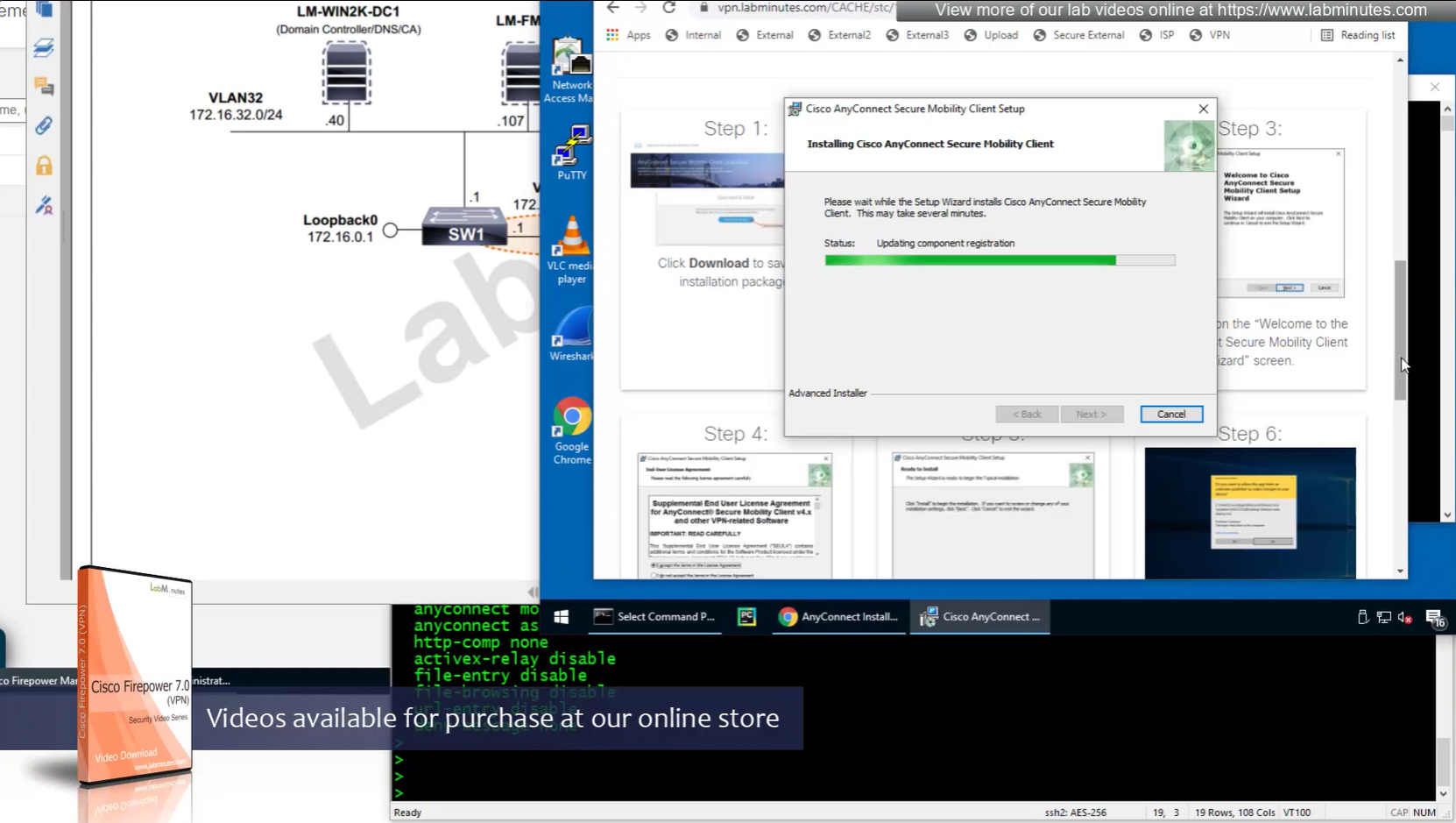
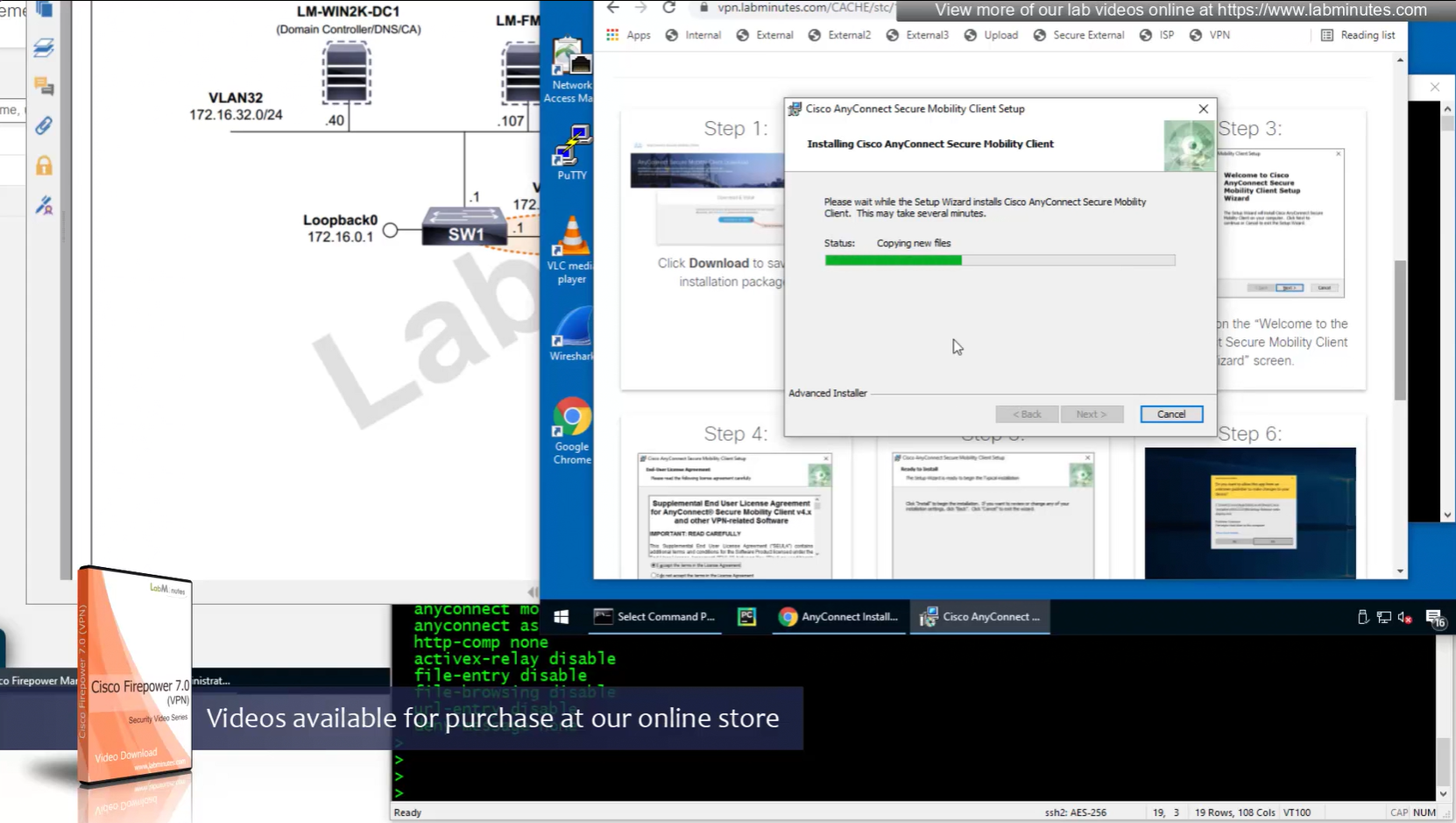
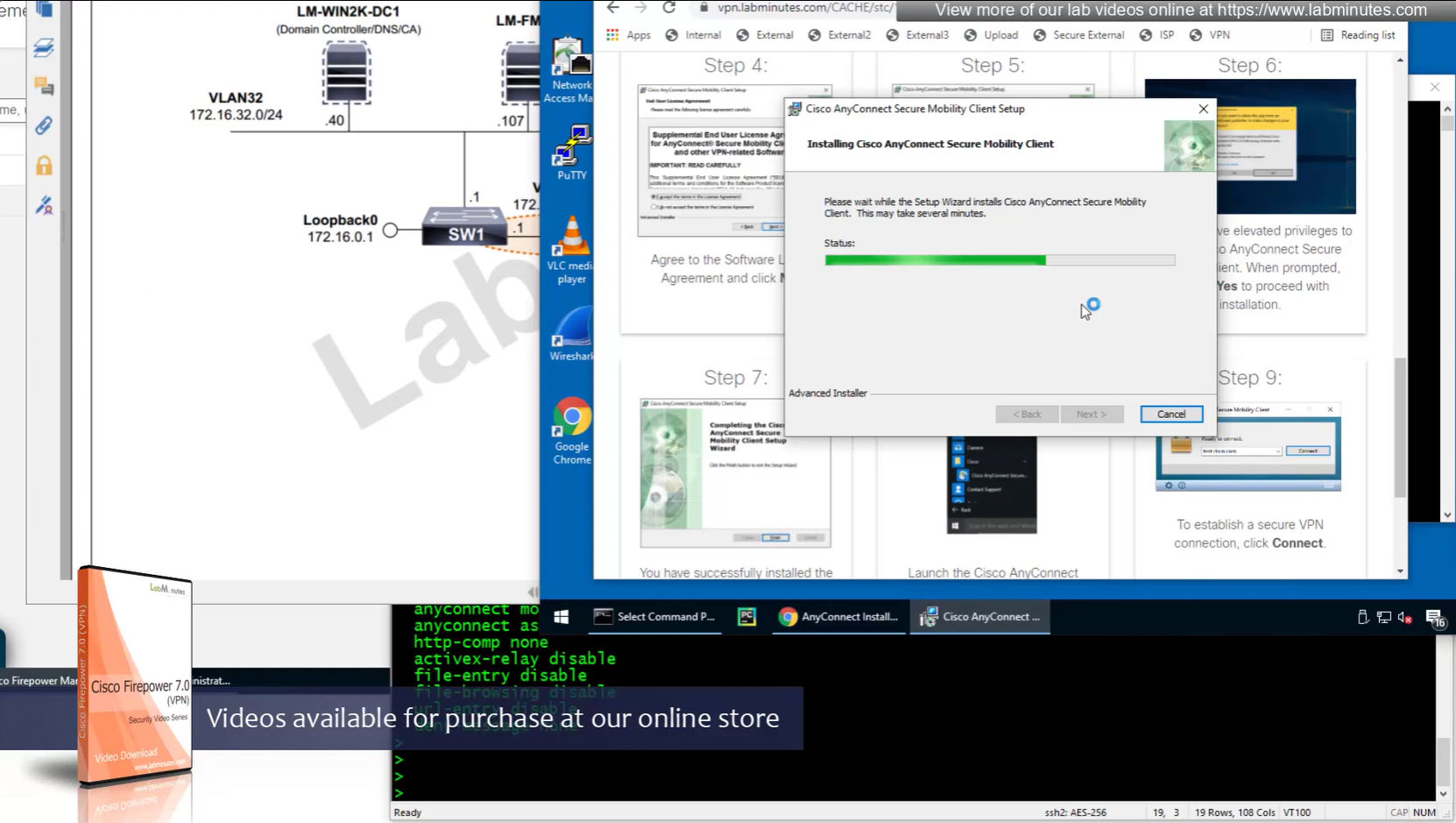
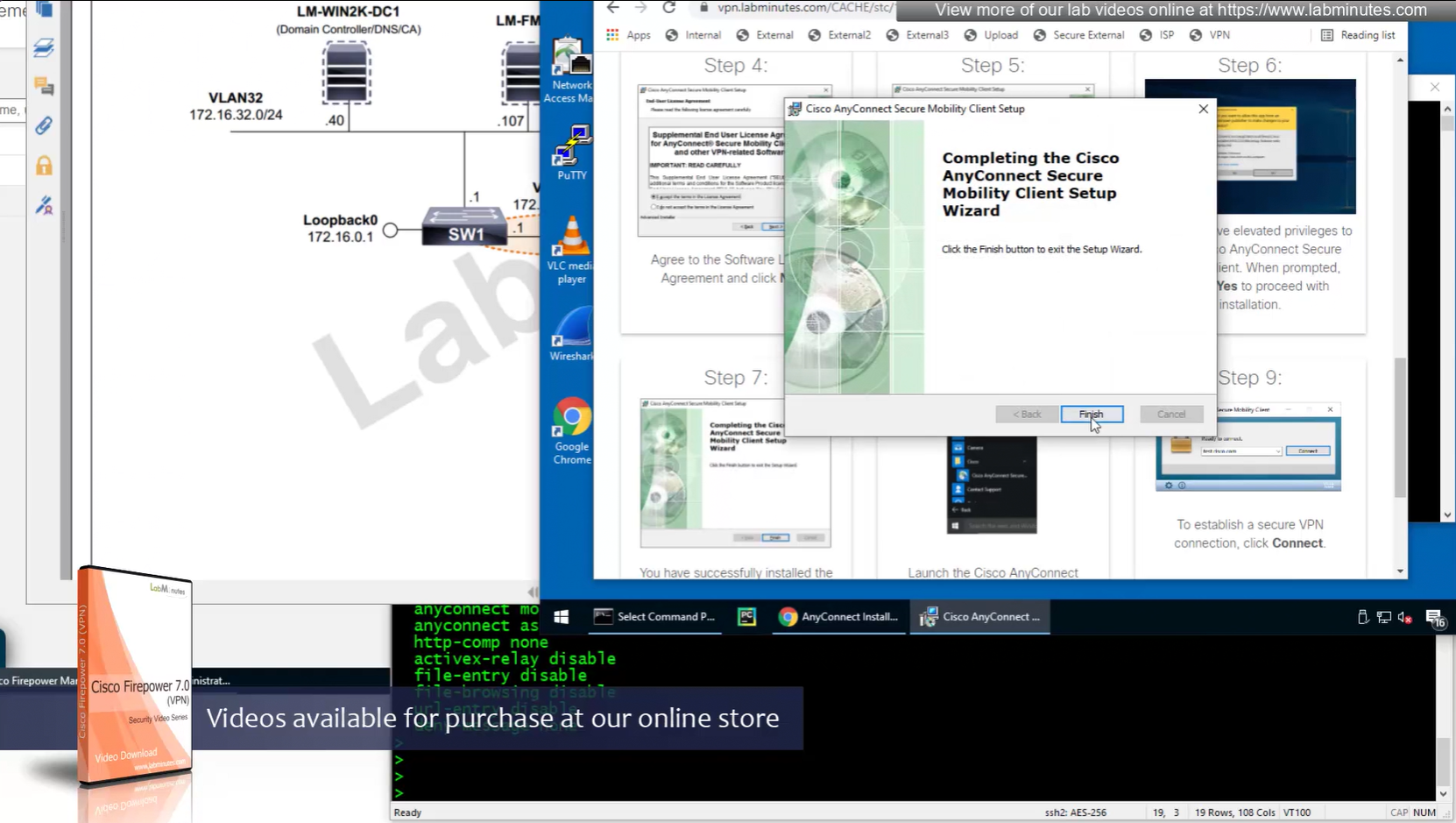
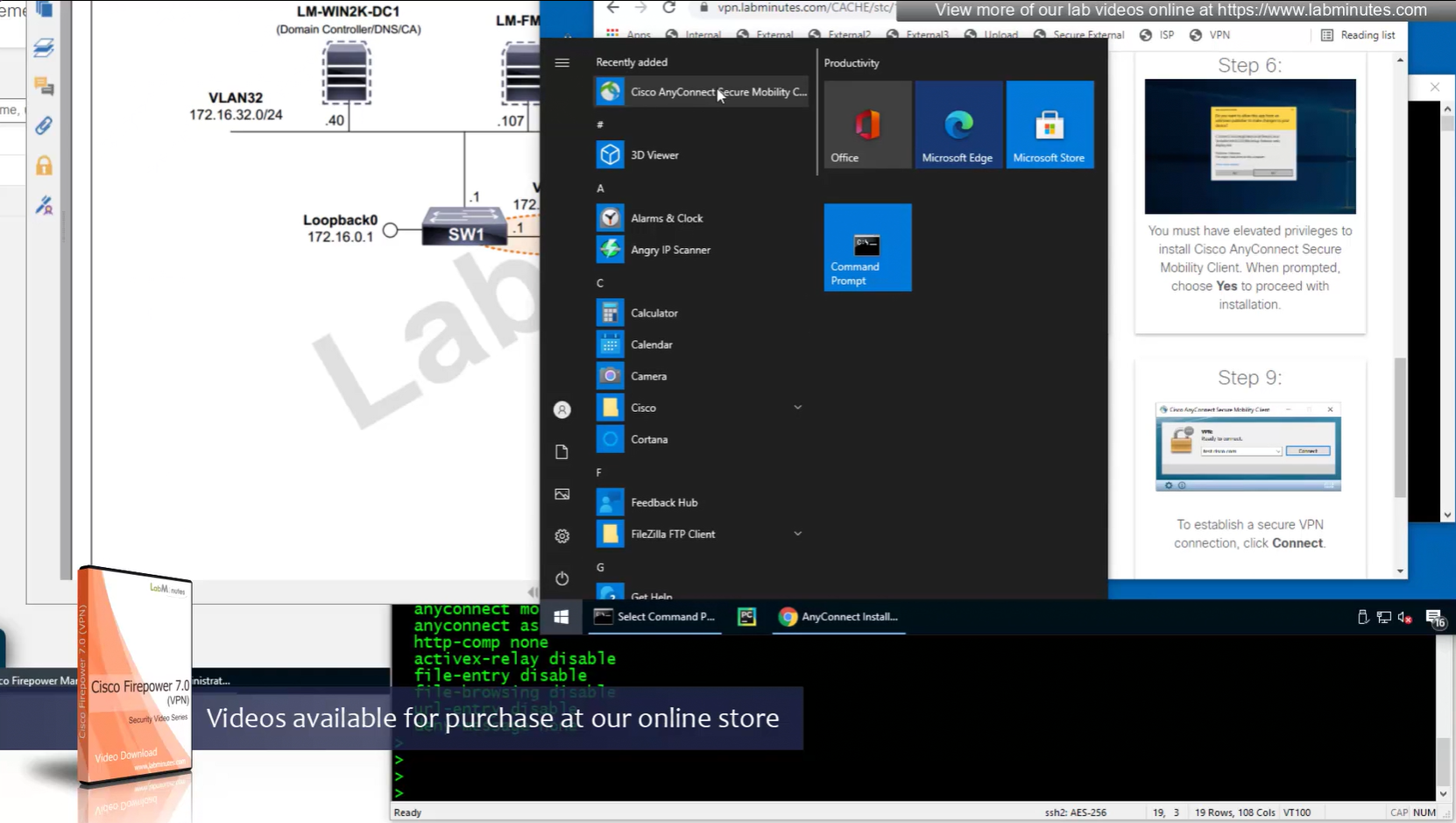
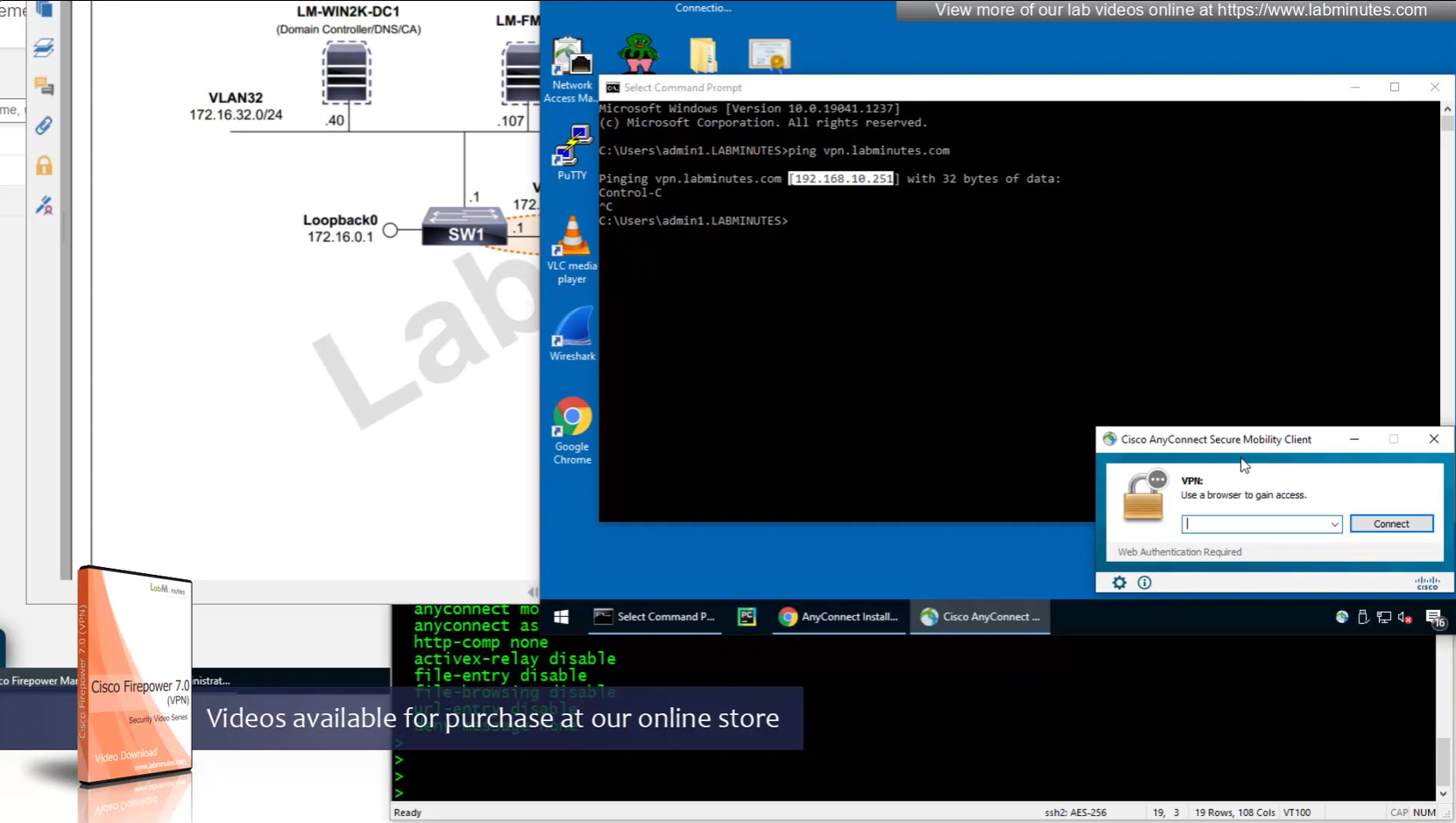
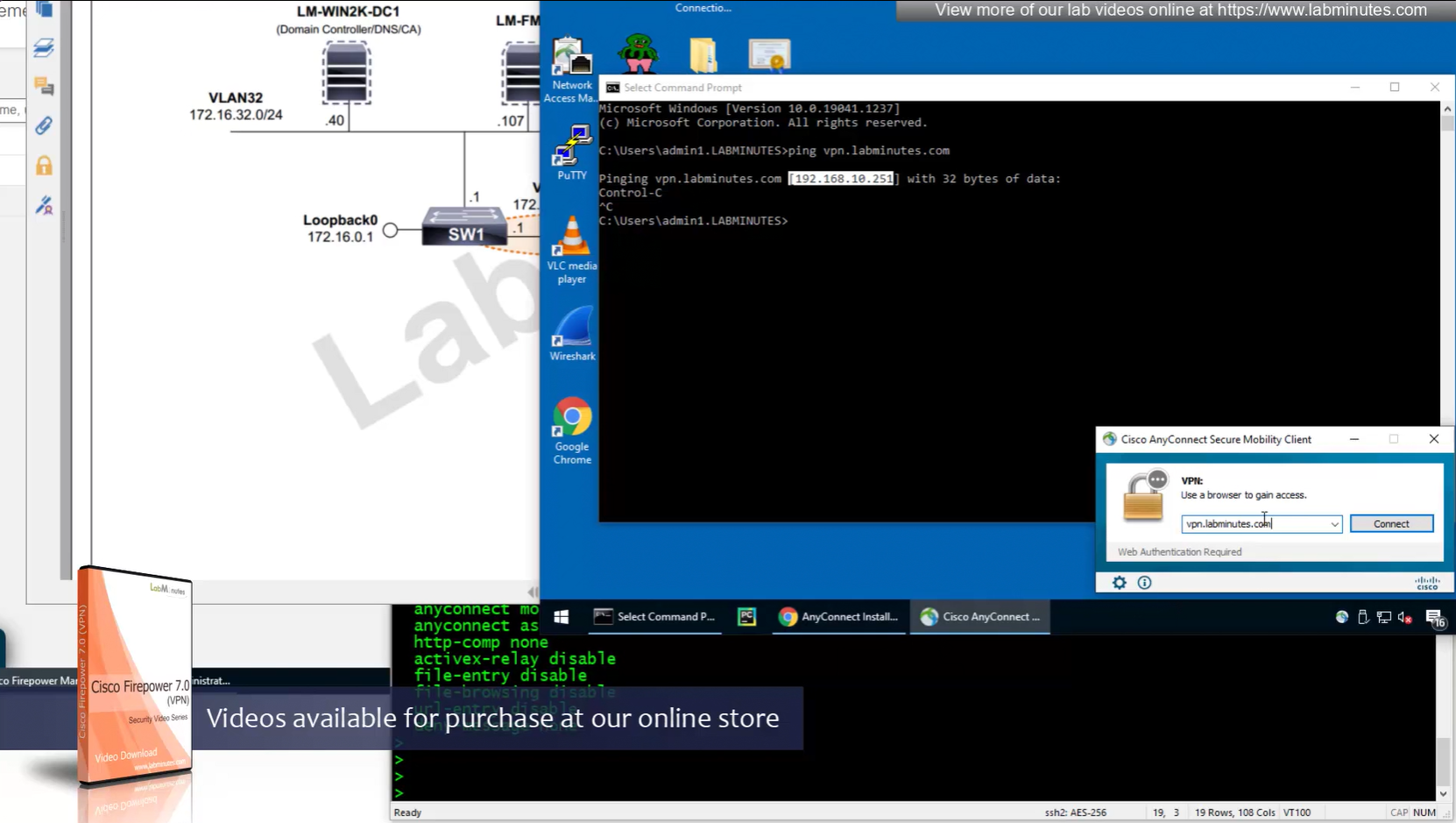
Headend download experience


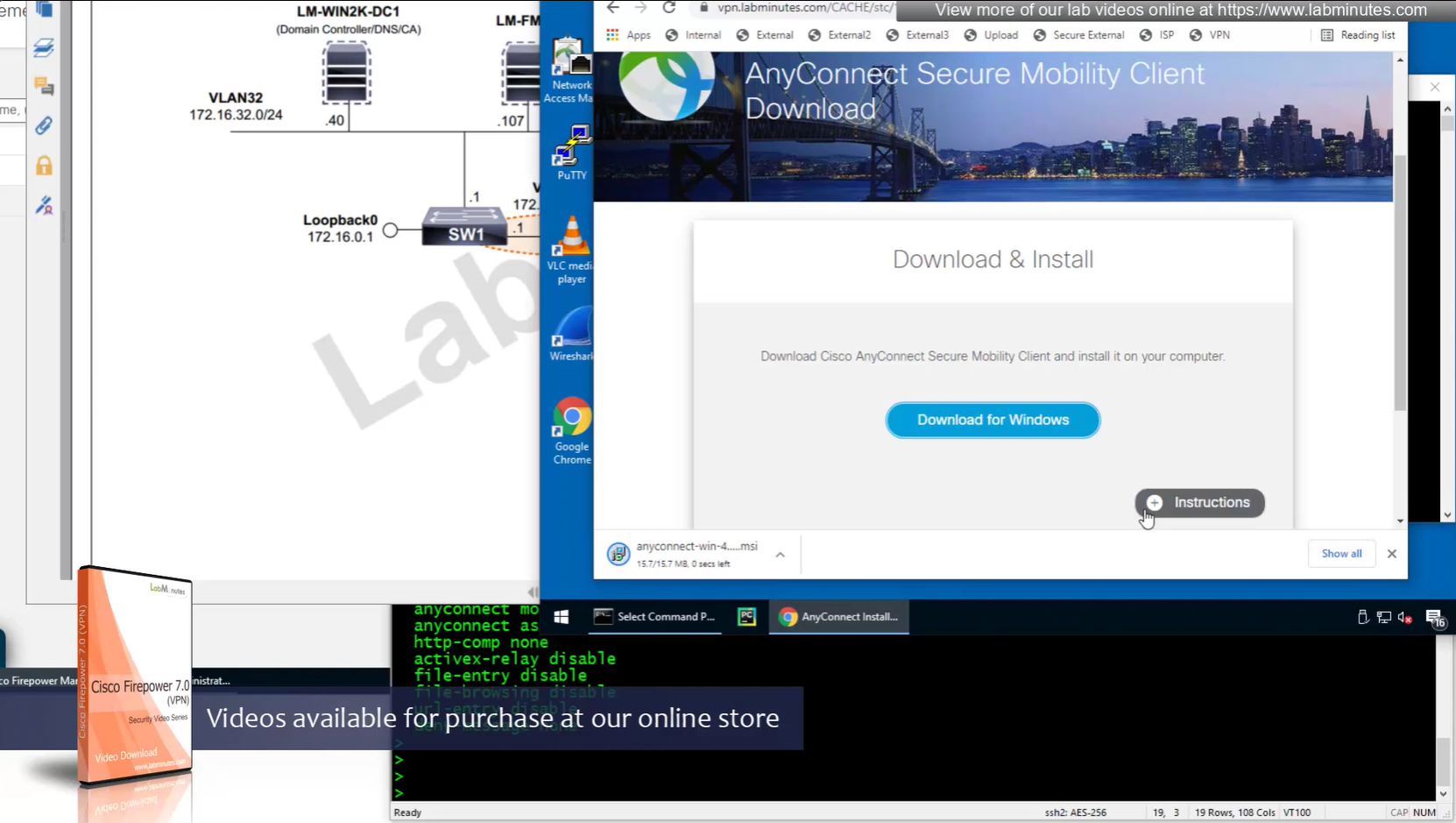
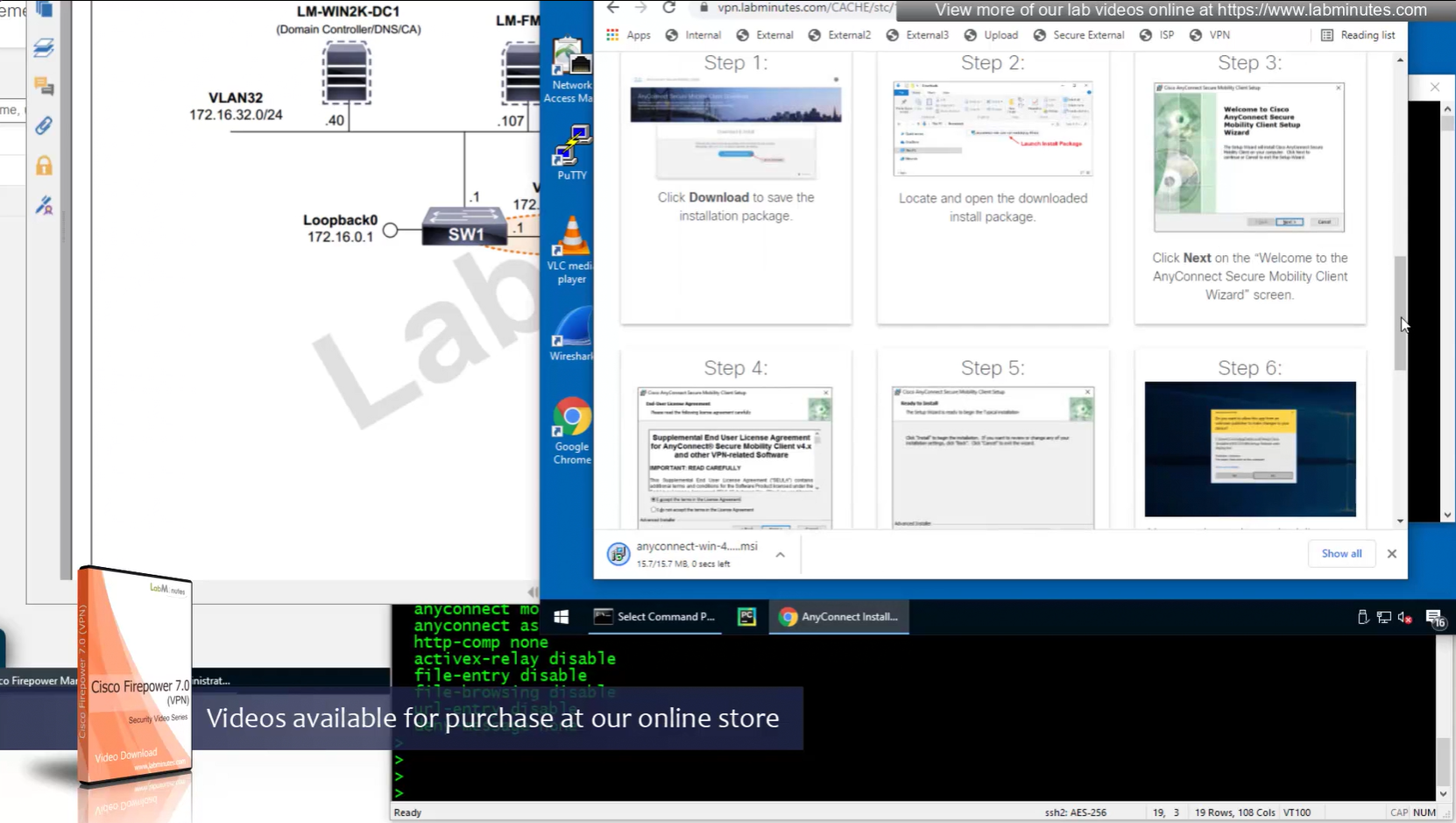

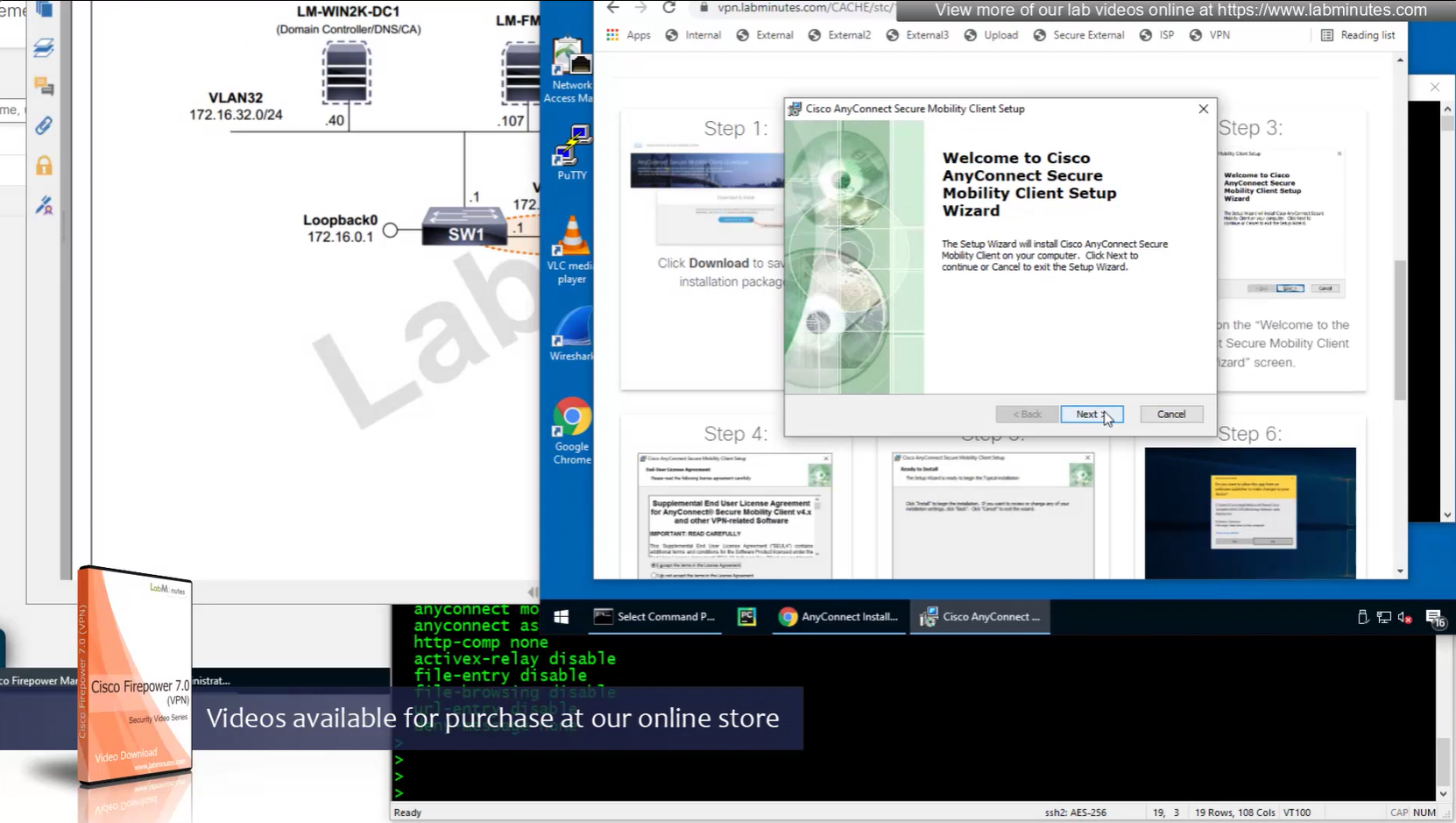

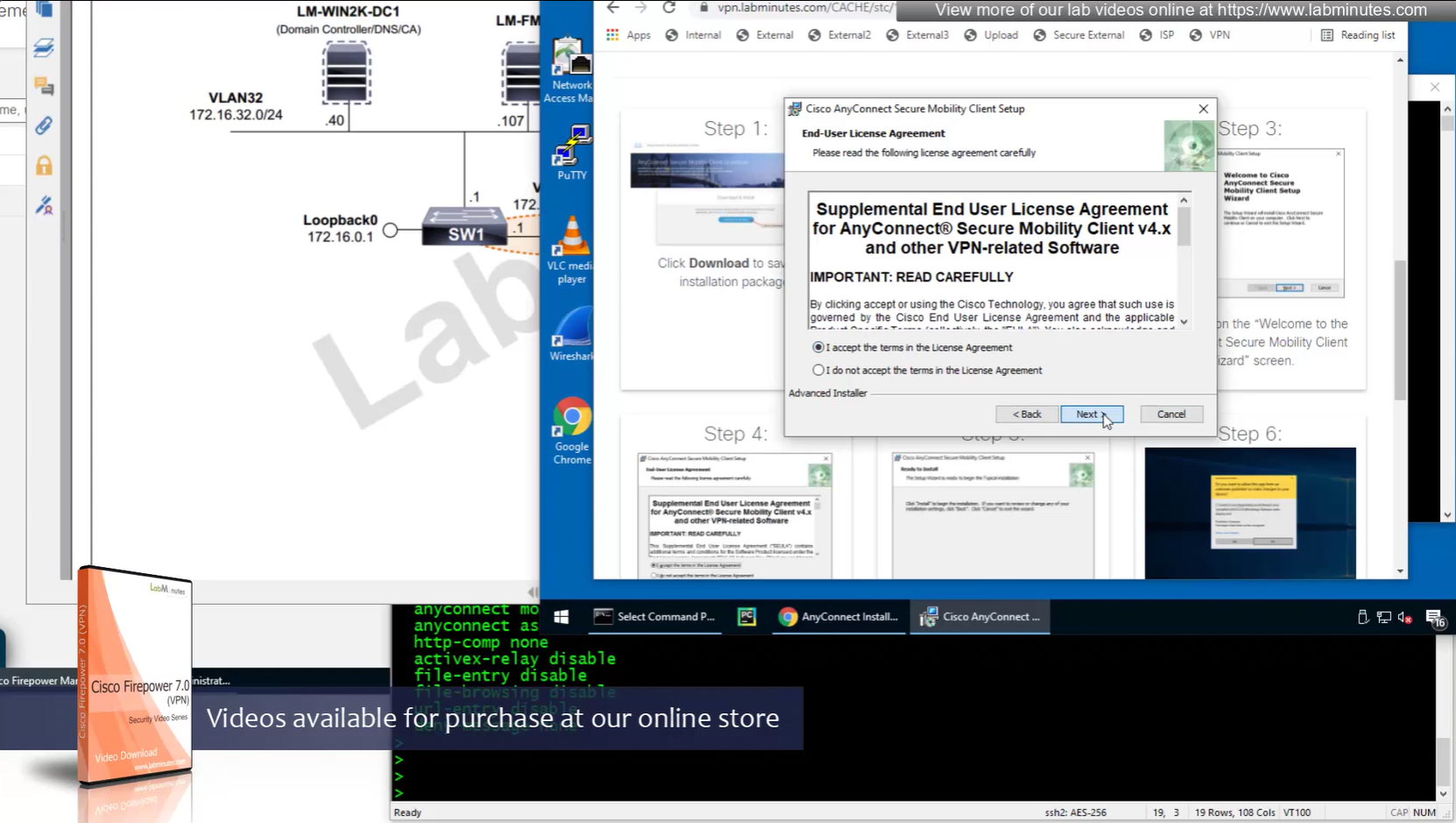

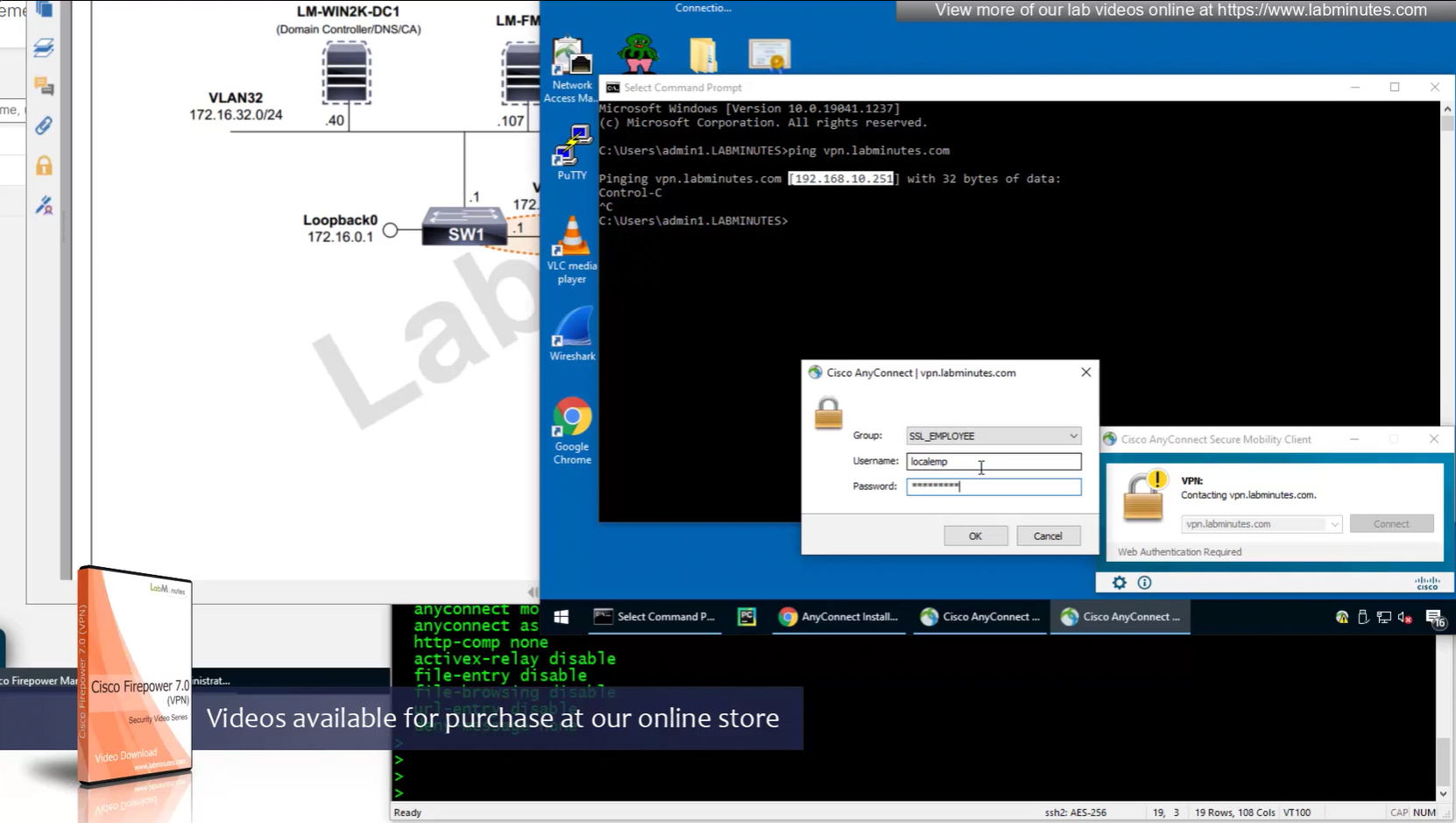
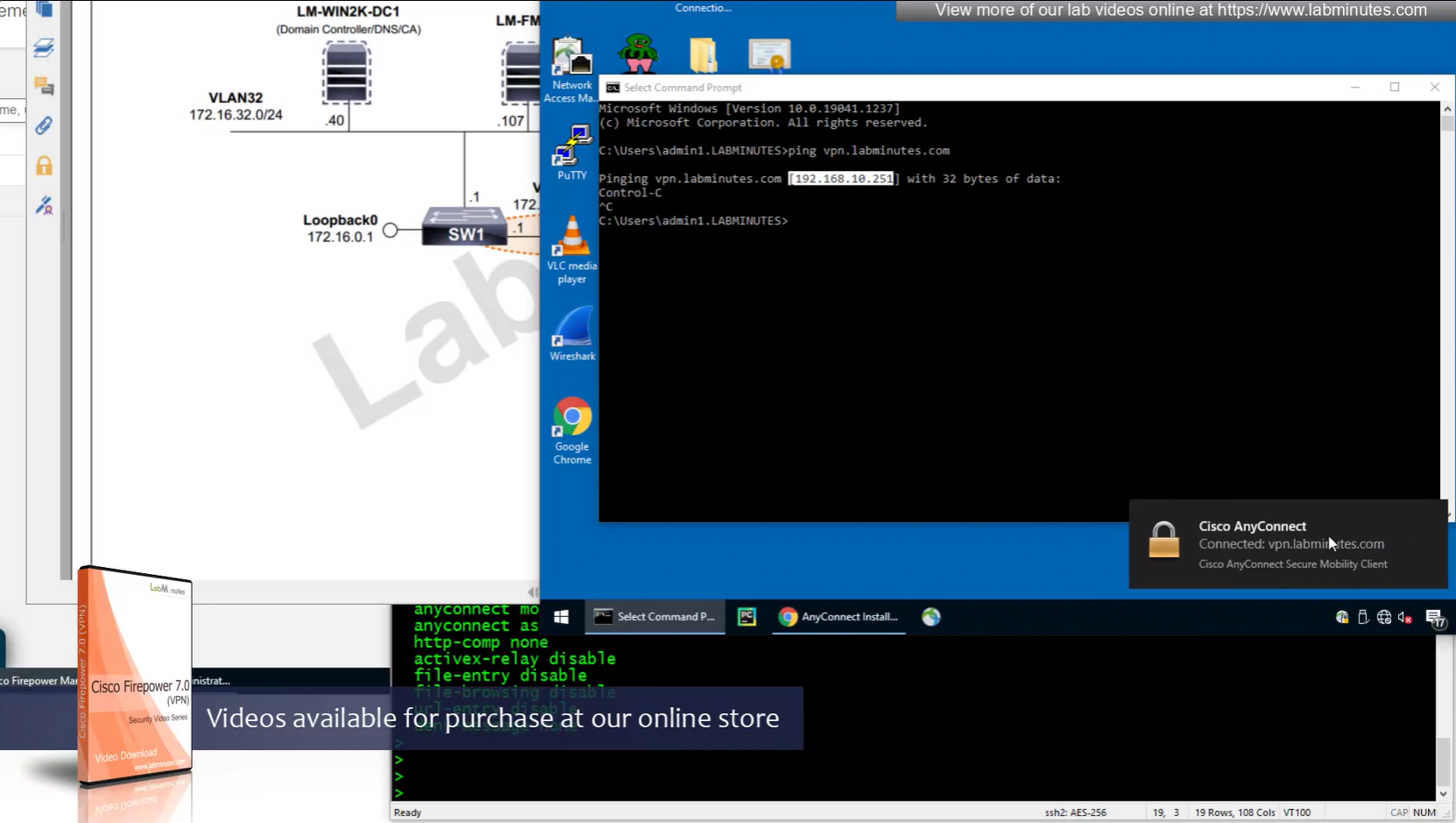
Reachability is not working
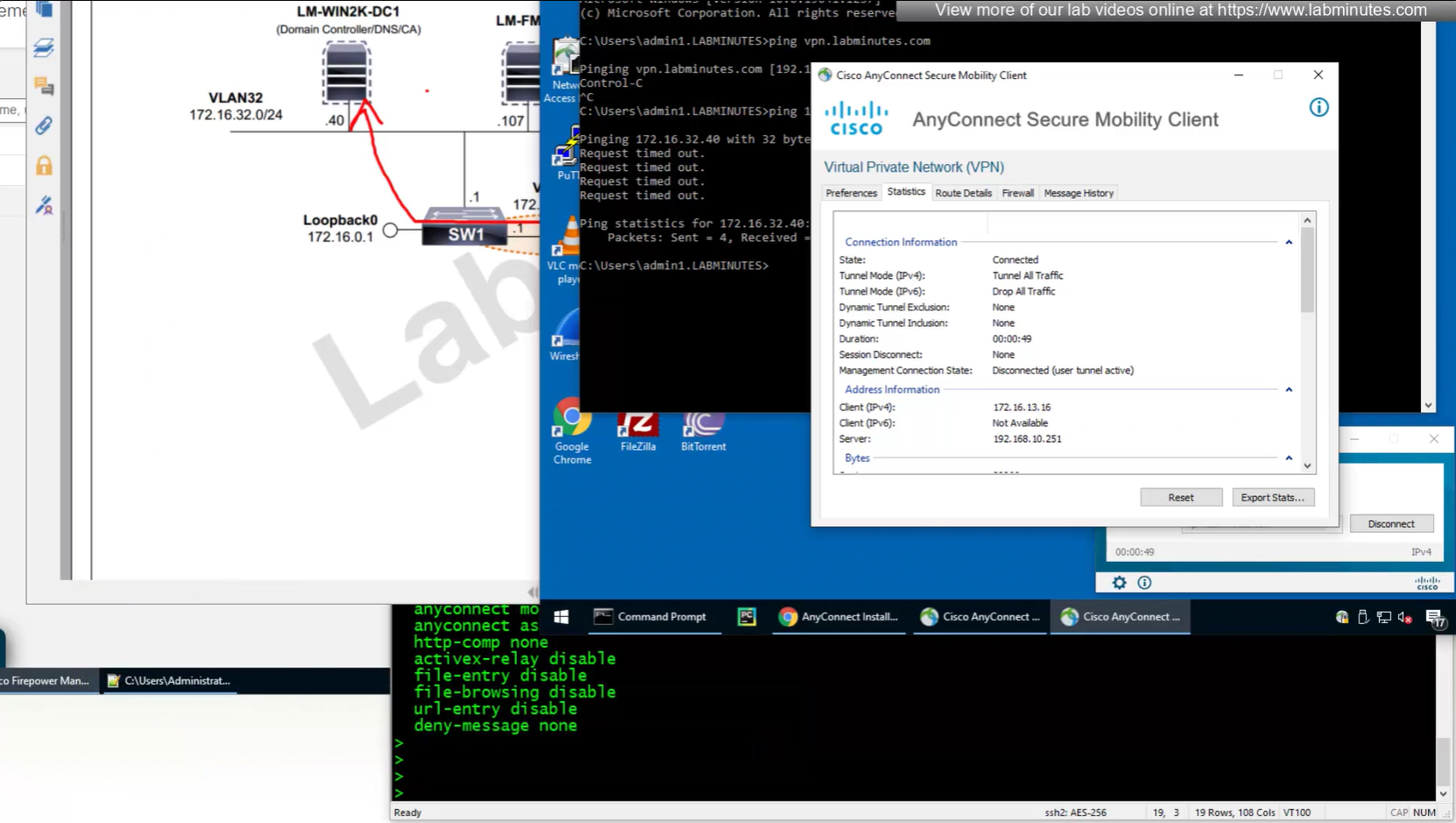
NAT statement for anyconnect is not being hit and untranslate hit is not there since NAT statement is for INSIDE > OUTSIDE and that is why we should see “untranslate” hits
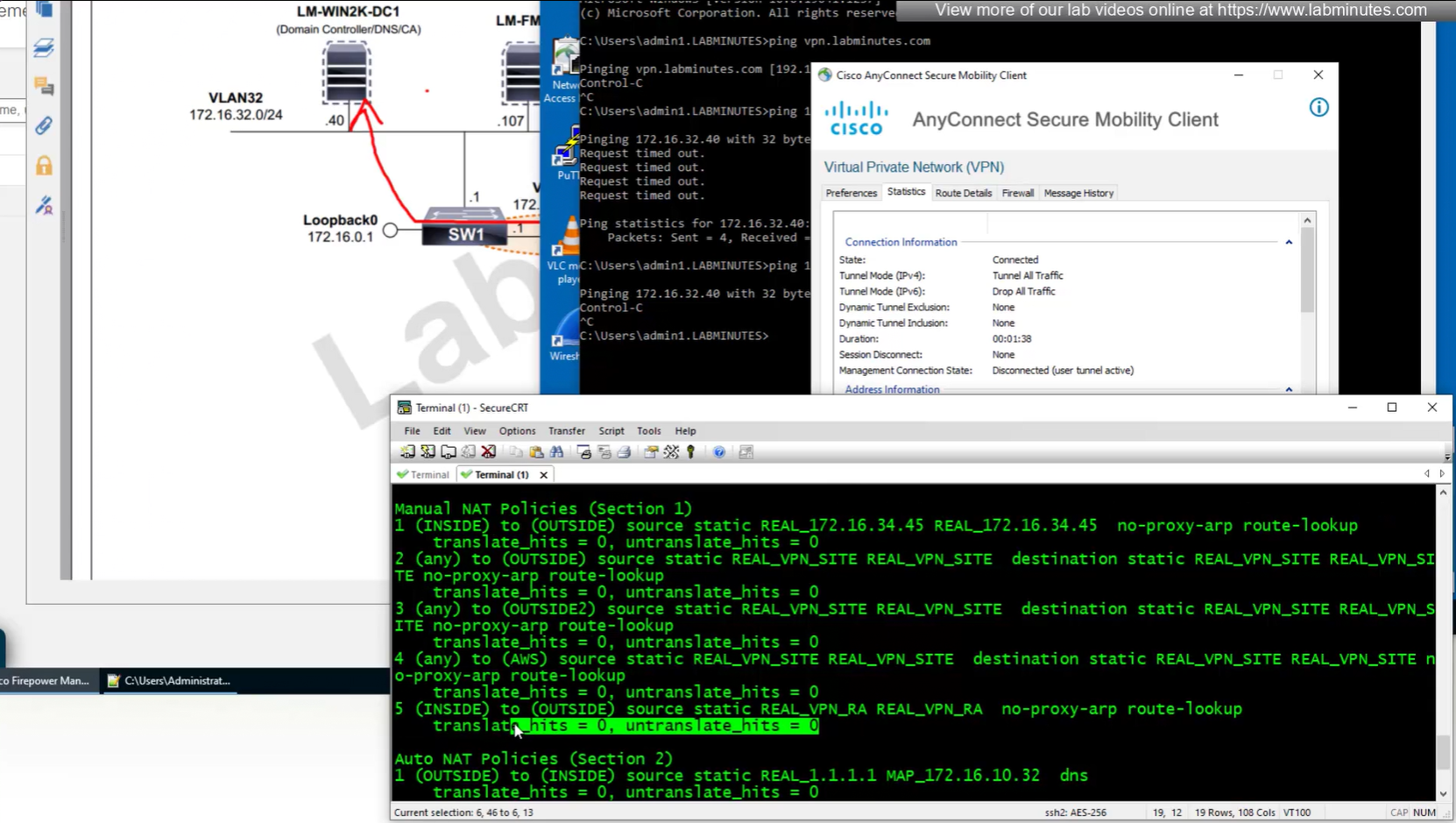
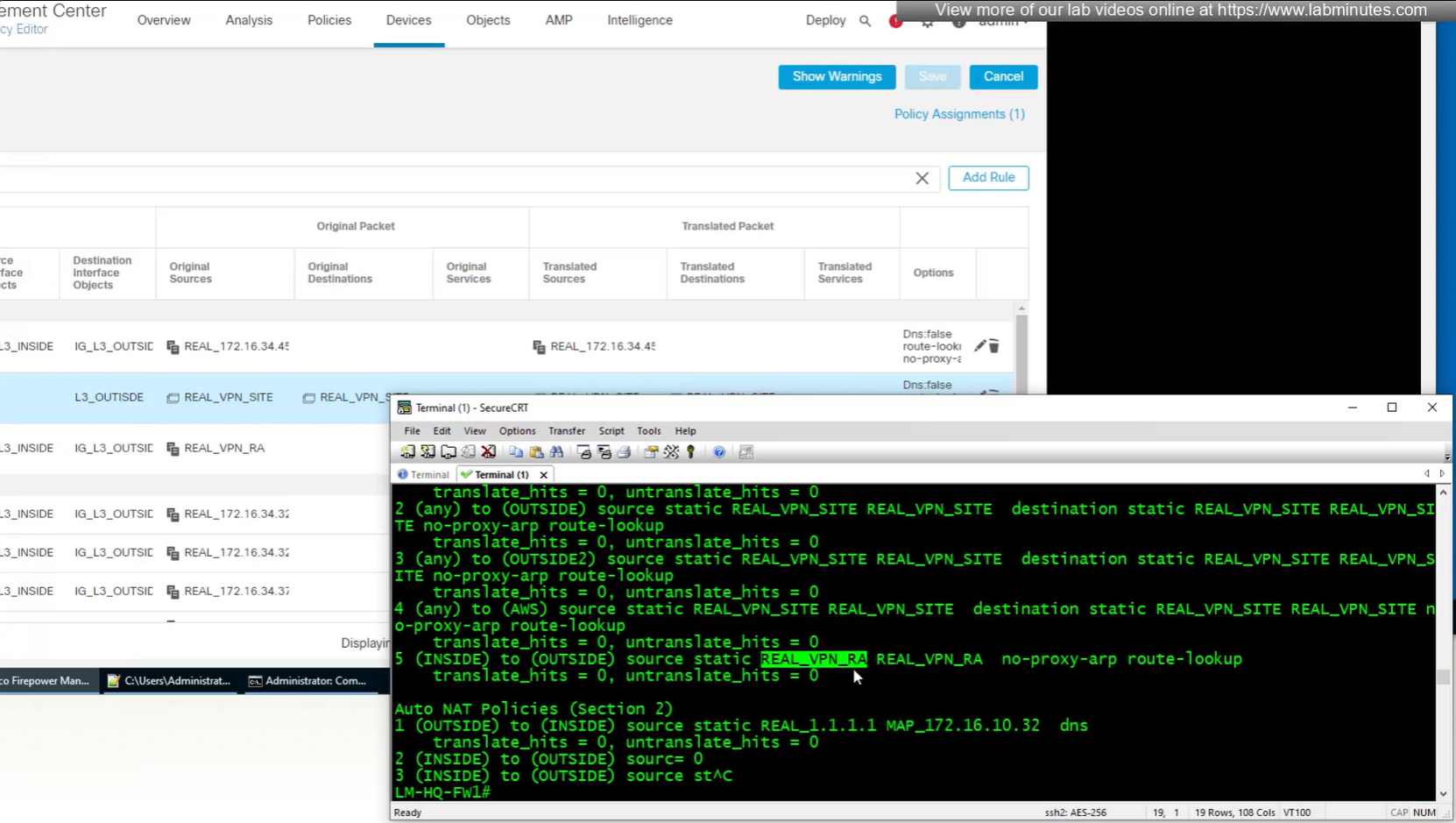
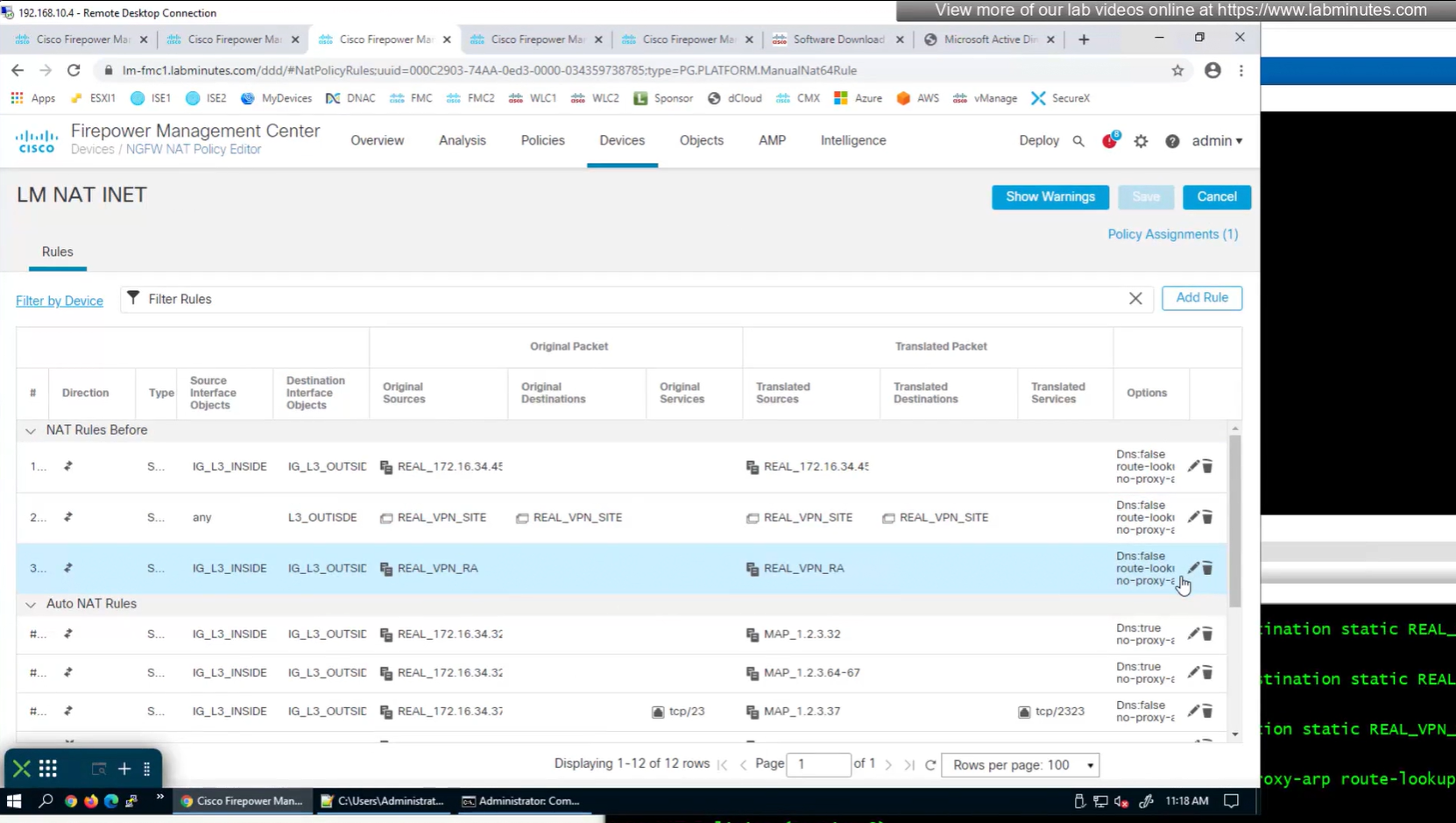
earlier while creating NAT rule a mistake was made where REAL_VPN_RA was used in source section and not in destination section, emptied out the source field and added REAL_VPN_RA in destination section and that worked
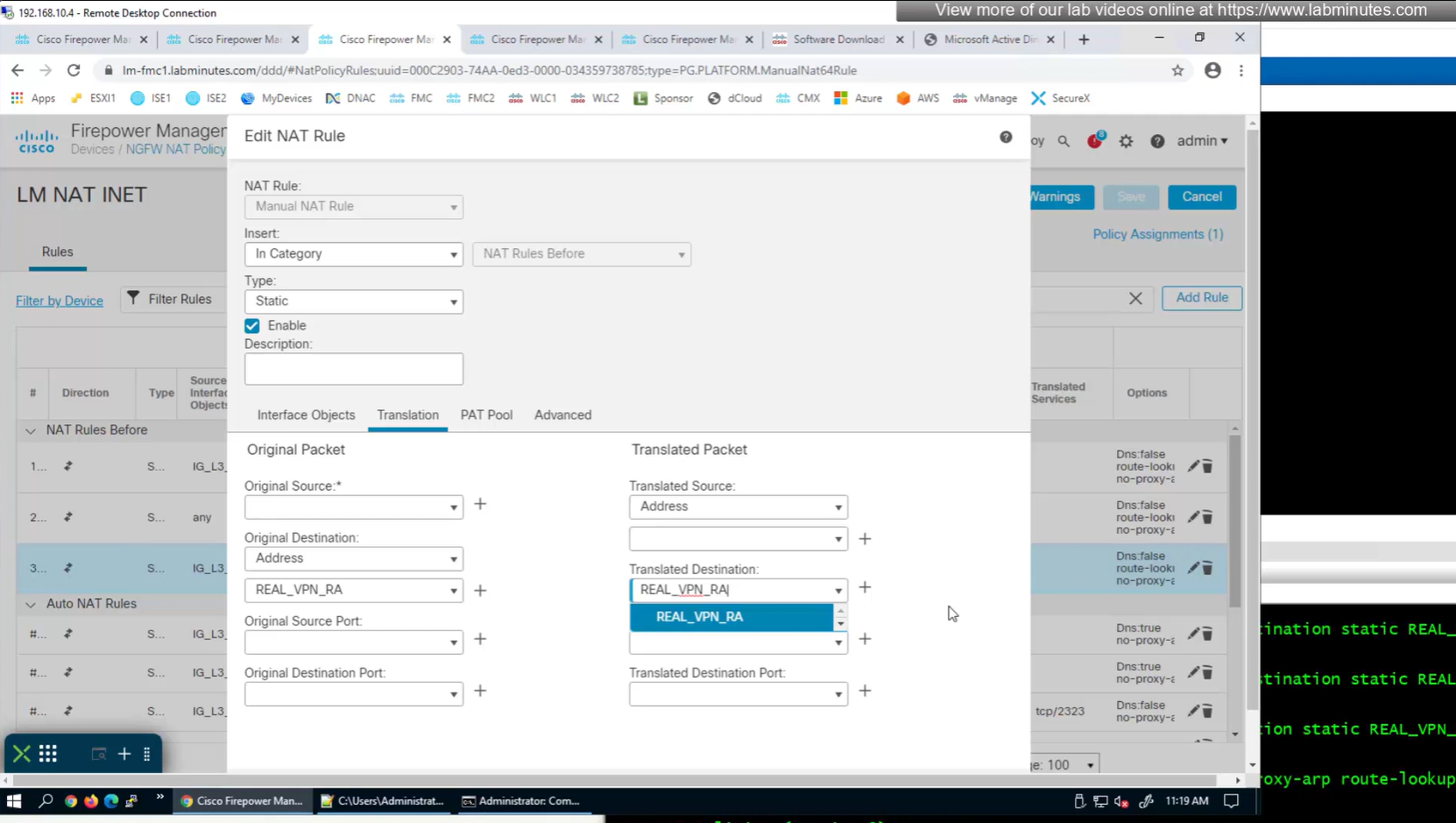
now pings work

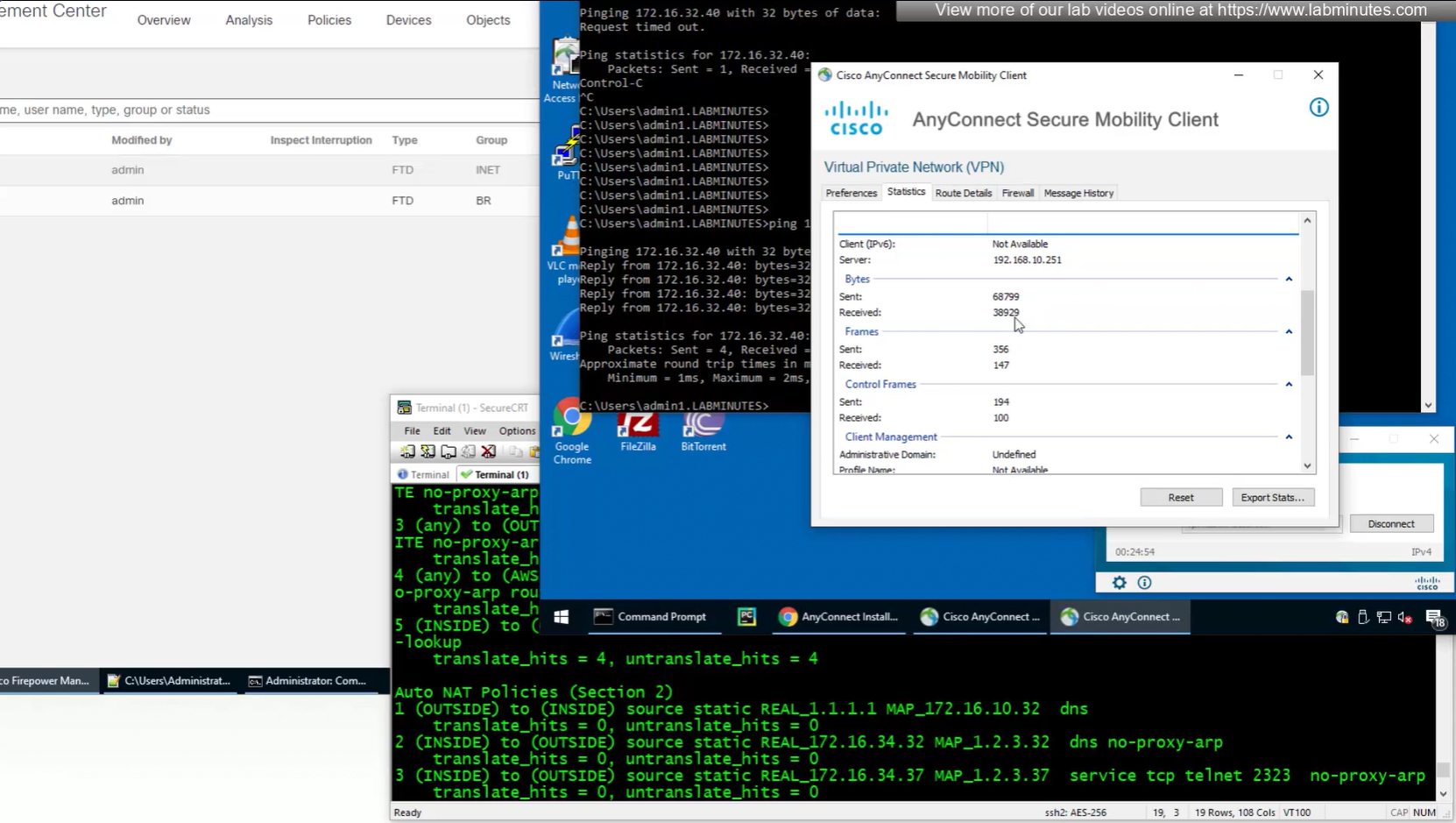
These are some user facing customisations
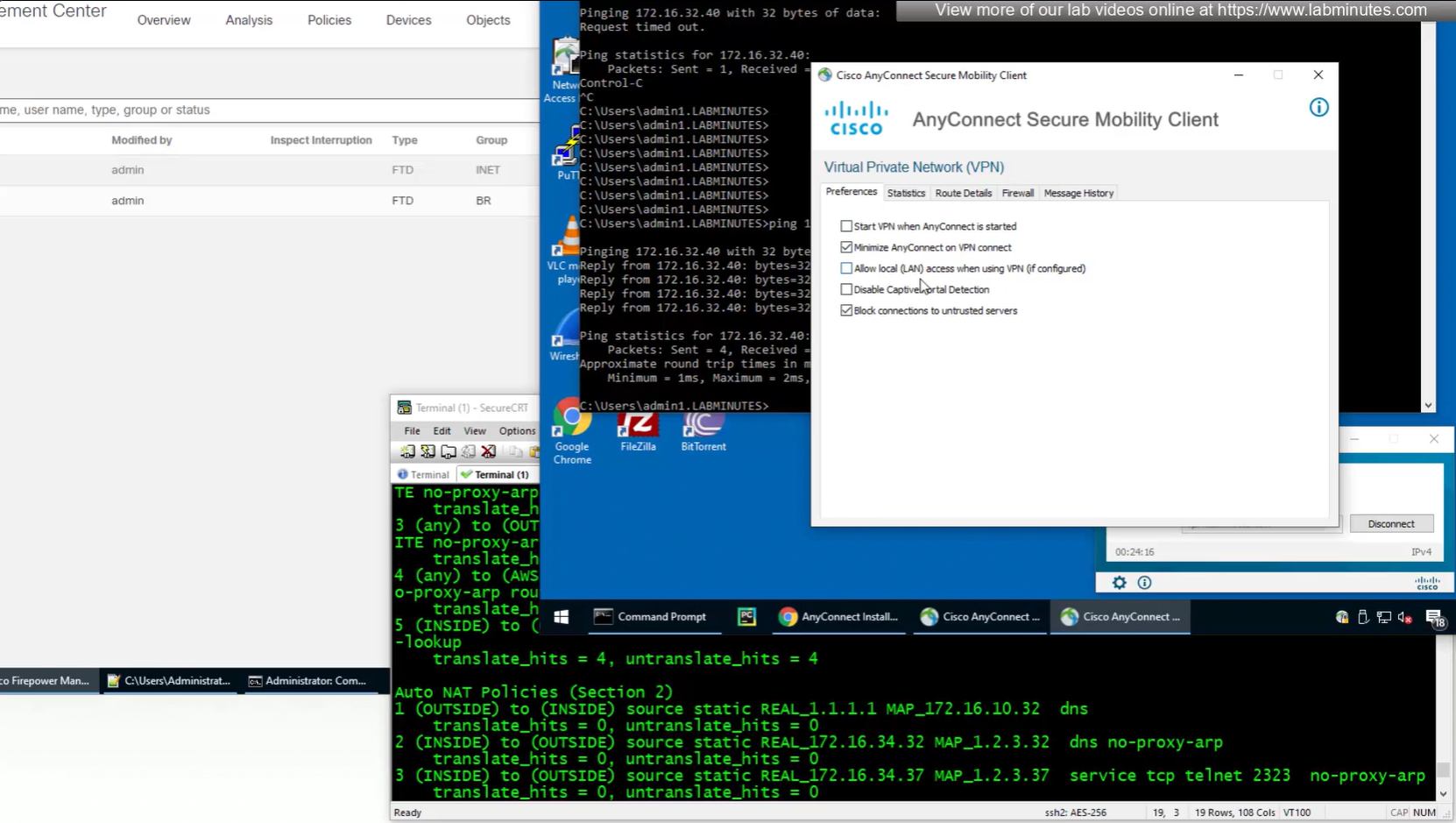
number of bytes sent and received
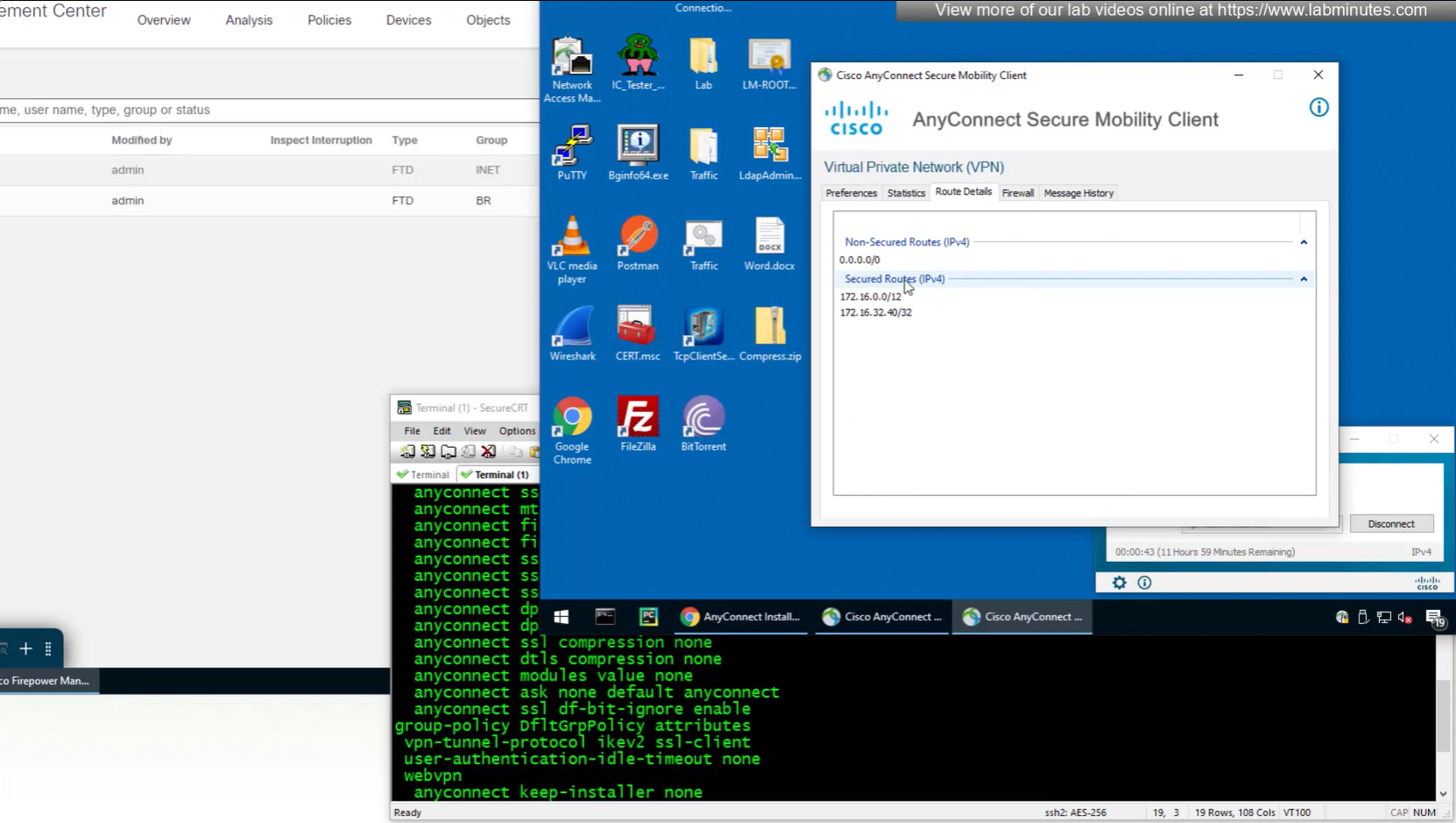
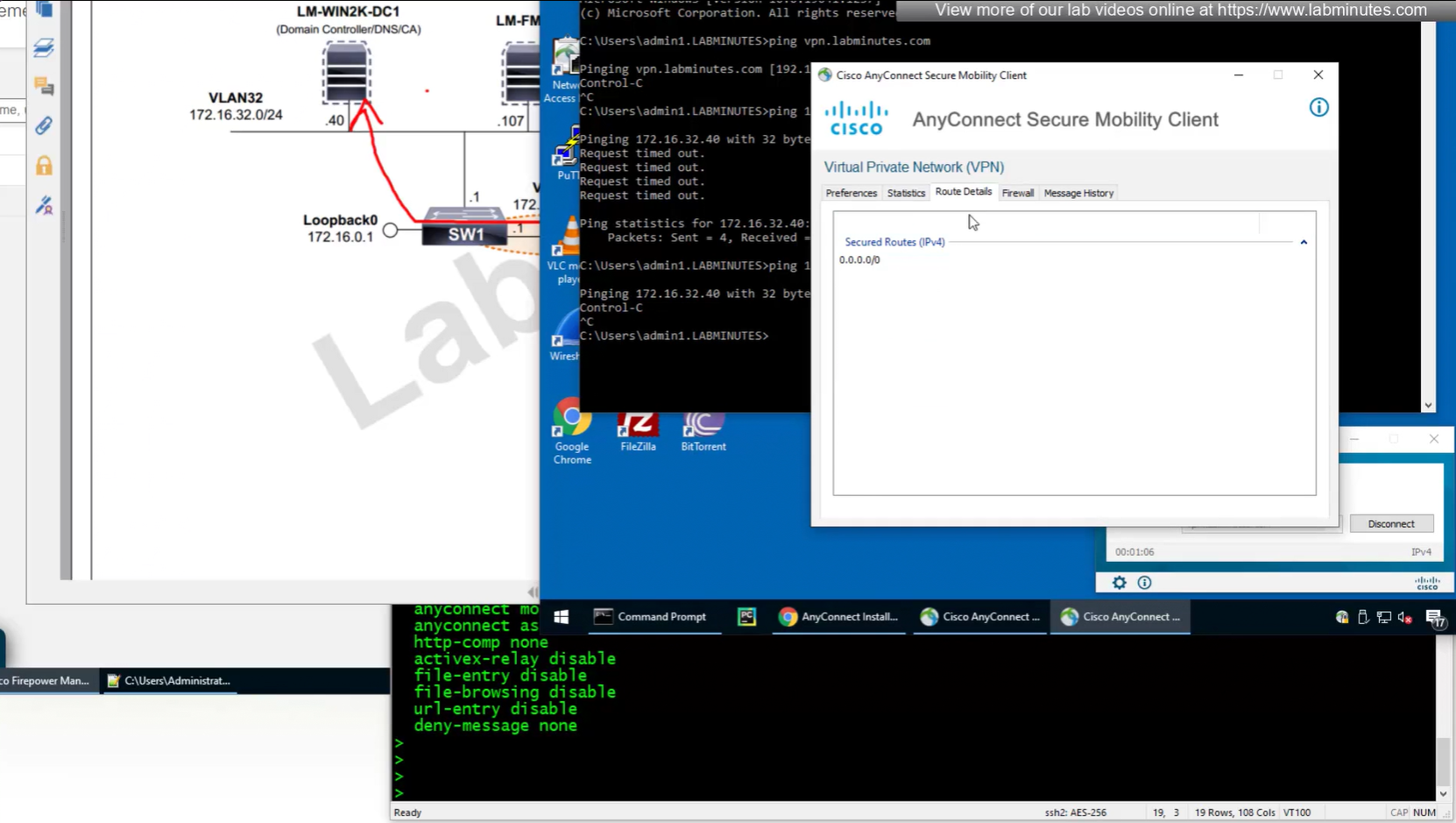
because this is default group policy that has “tunnel all traffic” we see route for 0.0.0.0/0

show vpn-sessiondb anyconnect 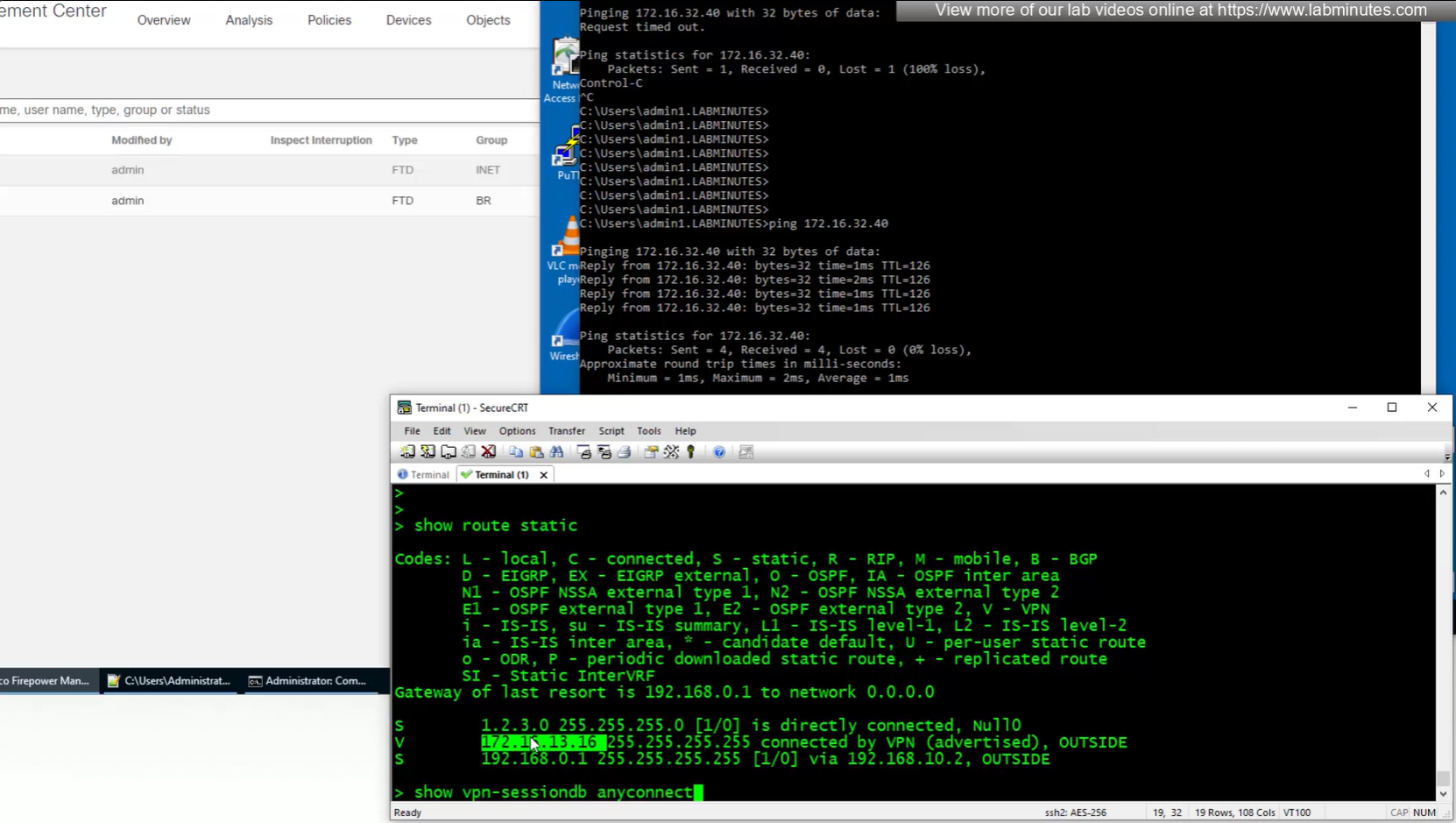
anyconnect license consumed by user
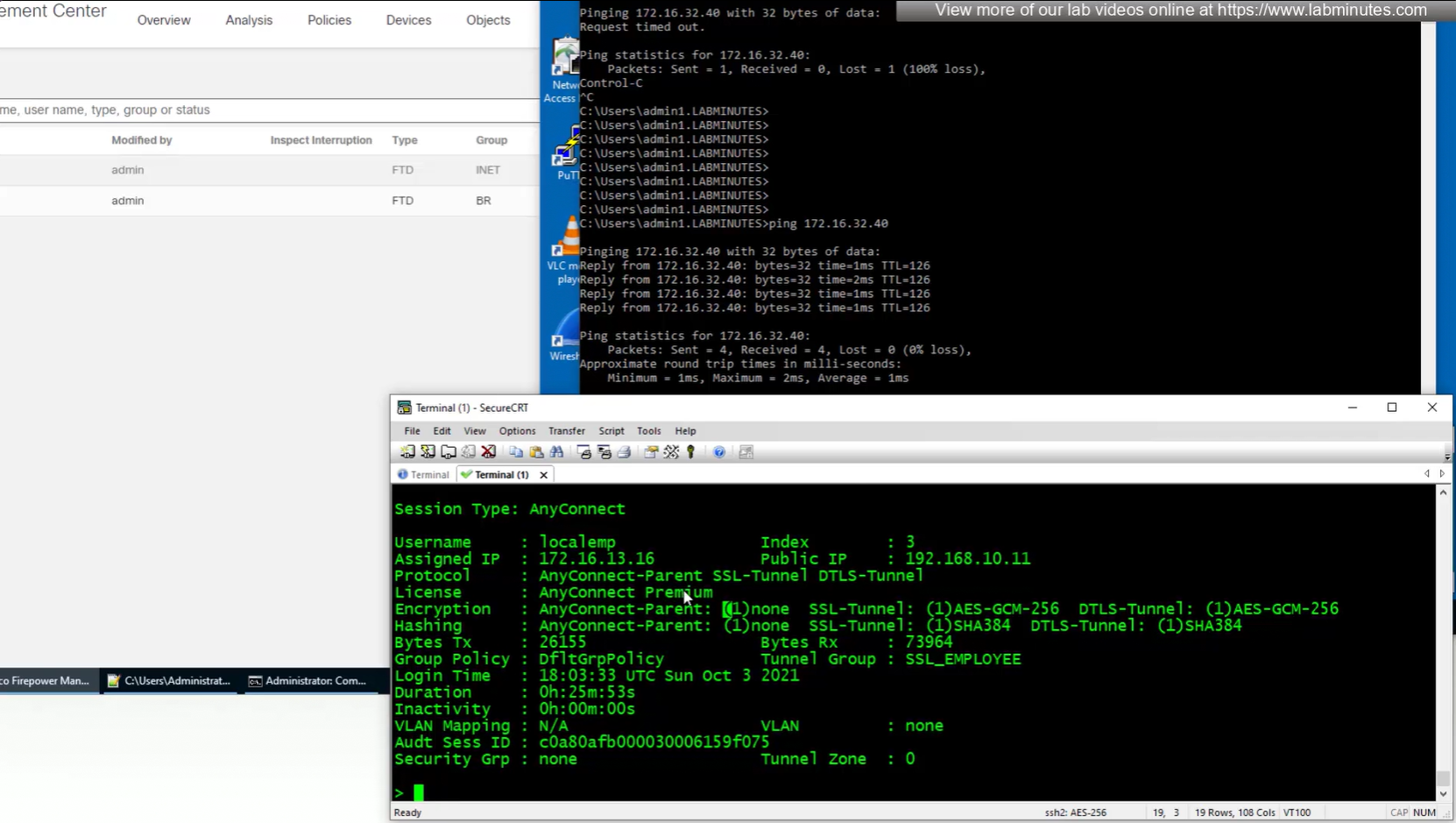
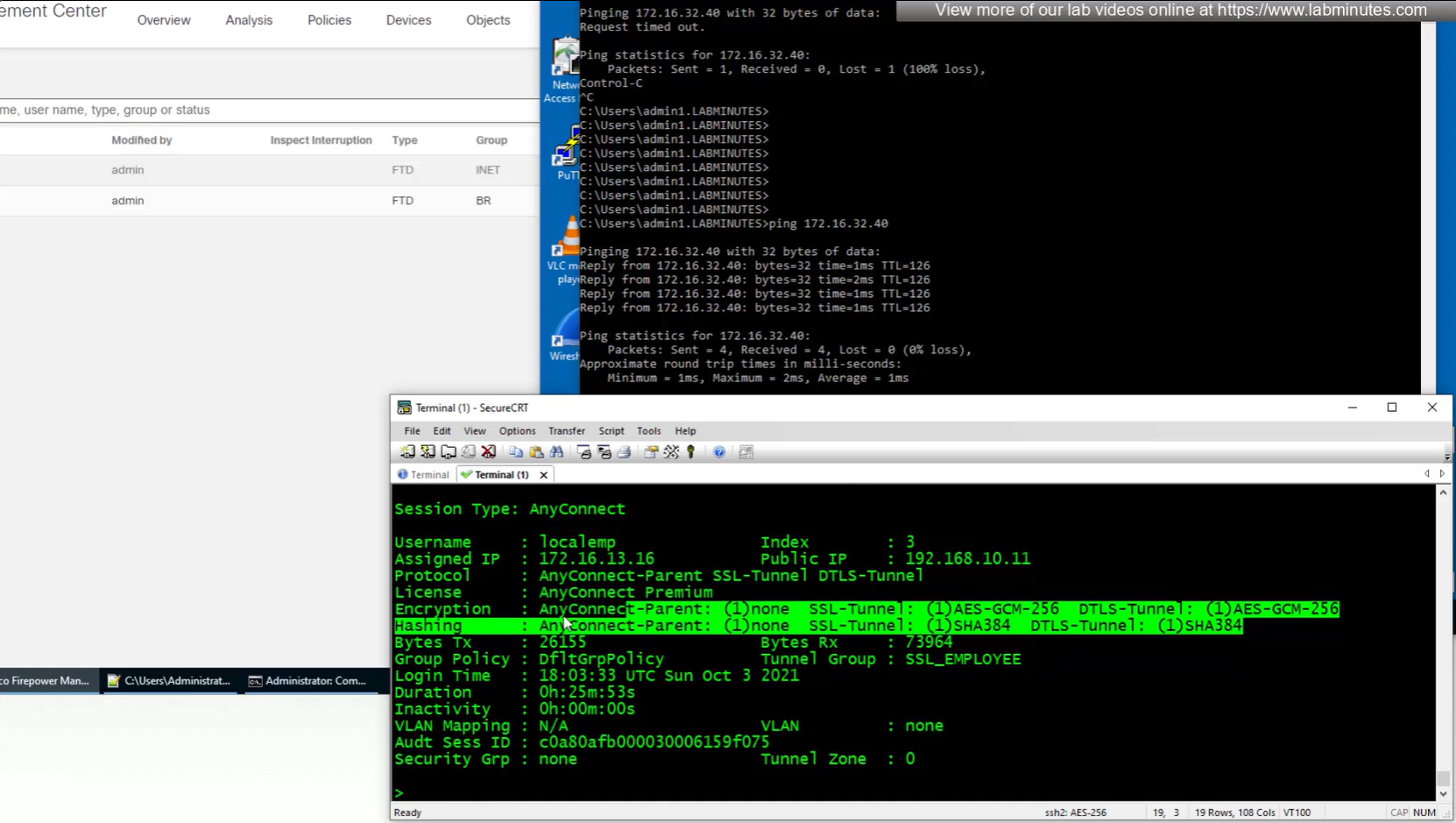
encryption and hashing
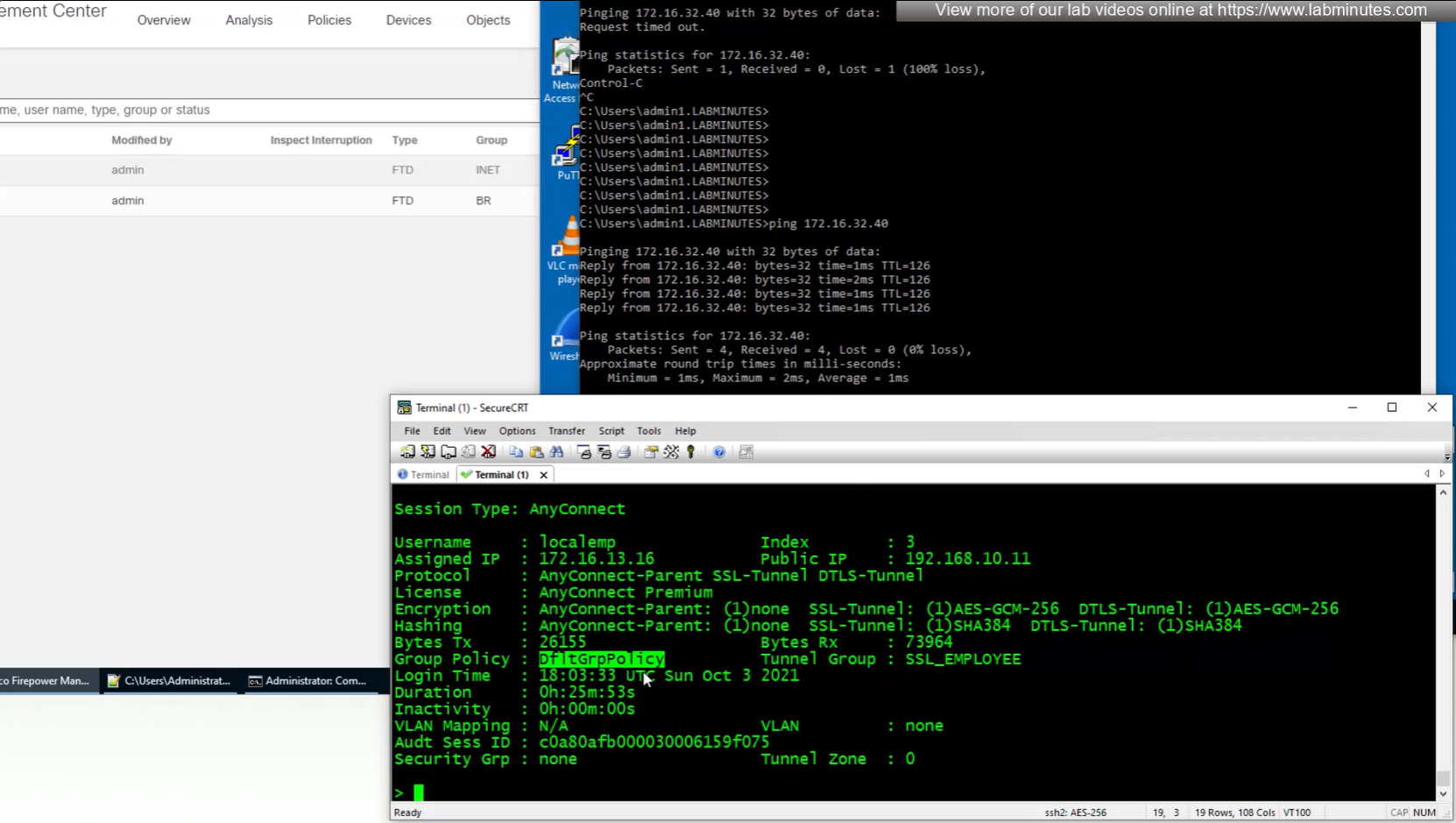
group policy
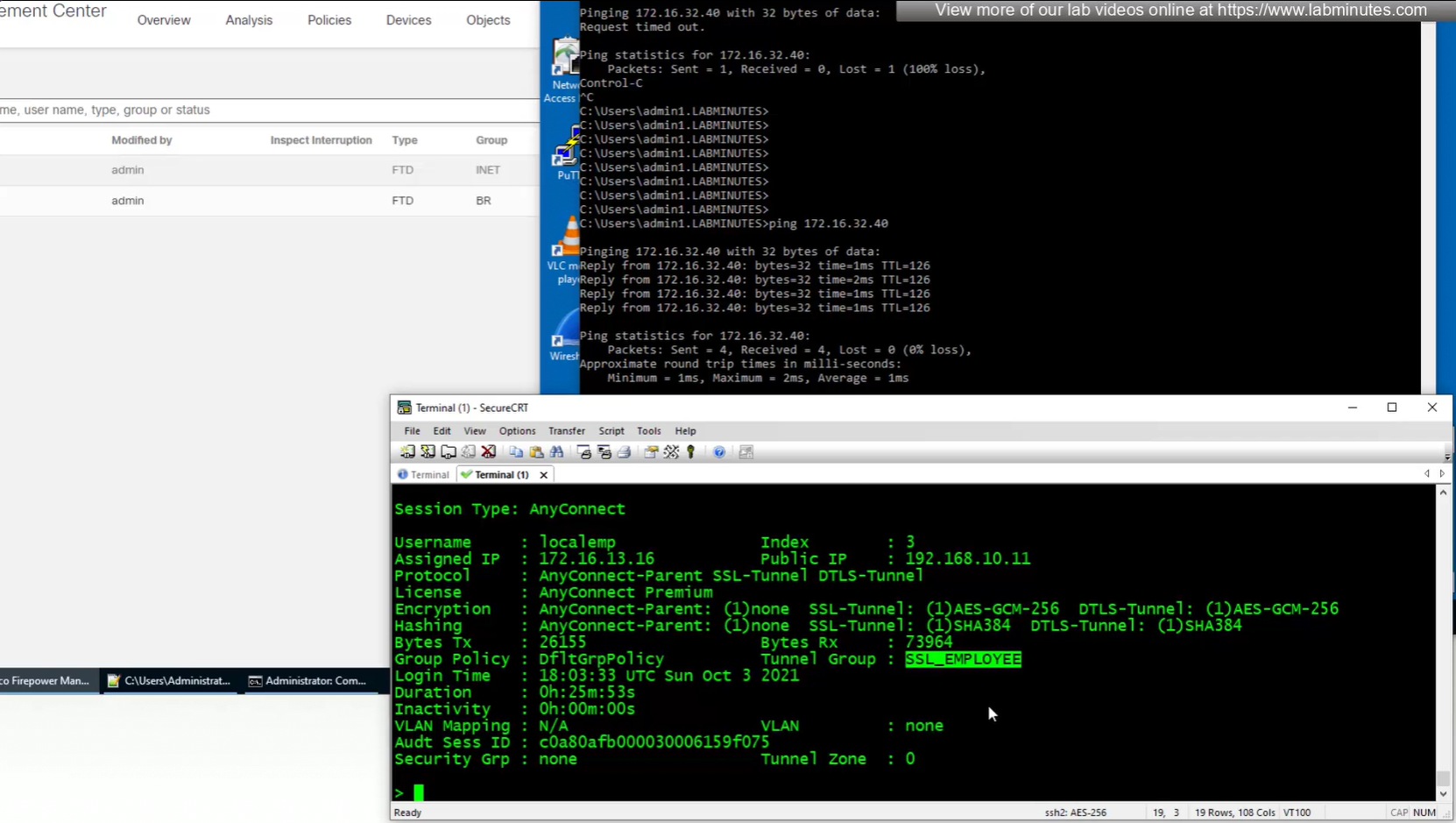
tunnel-group
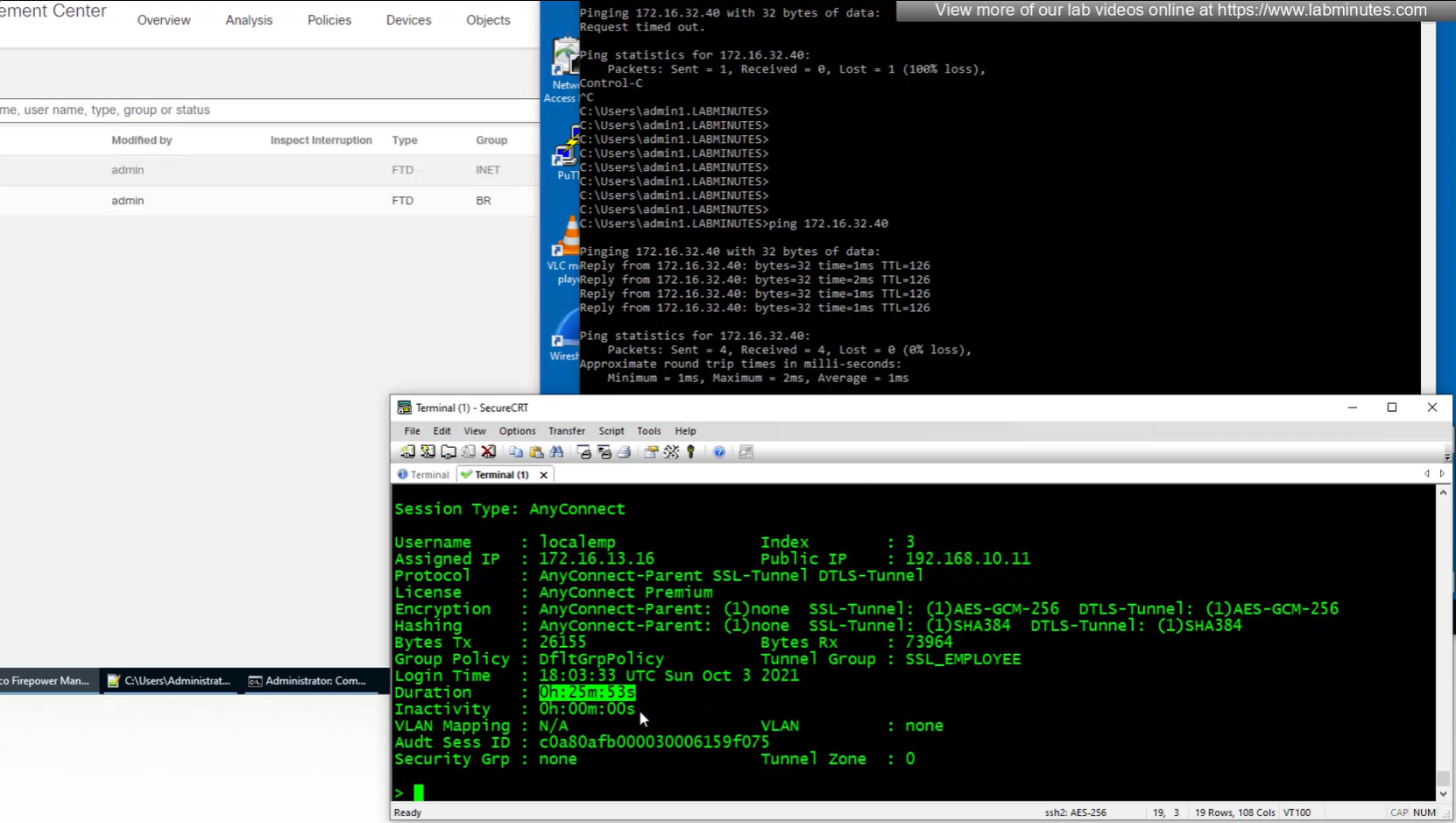
duration
inactivity
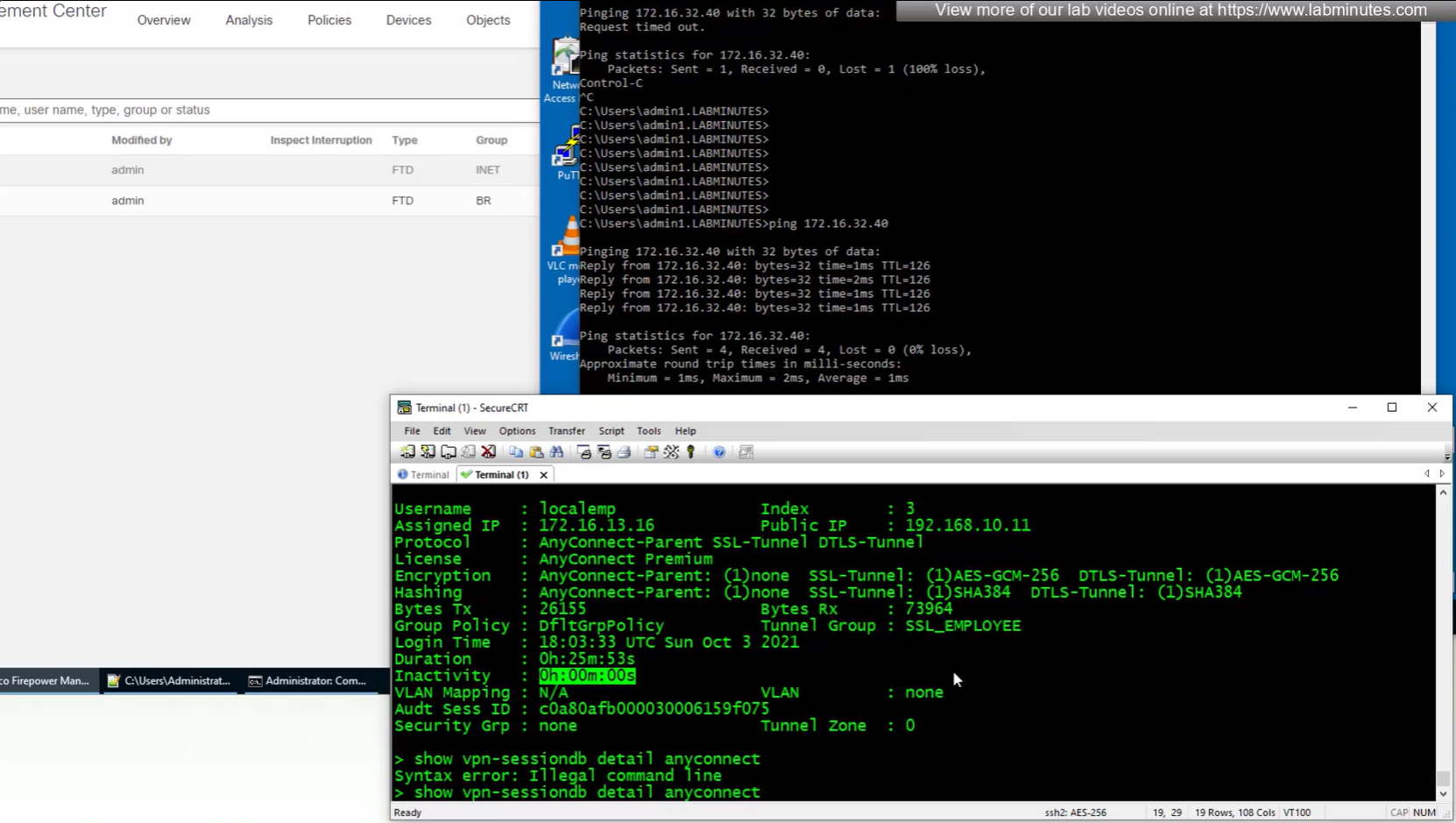
bytes
show vpn-sessiondb detail anyconnect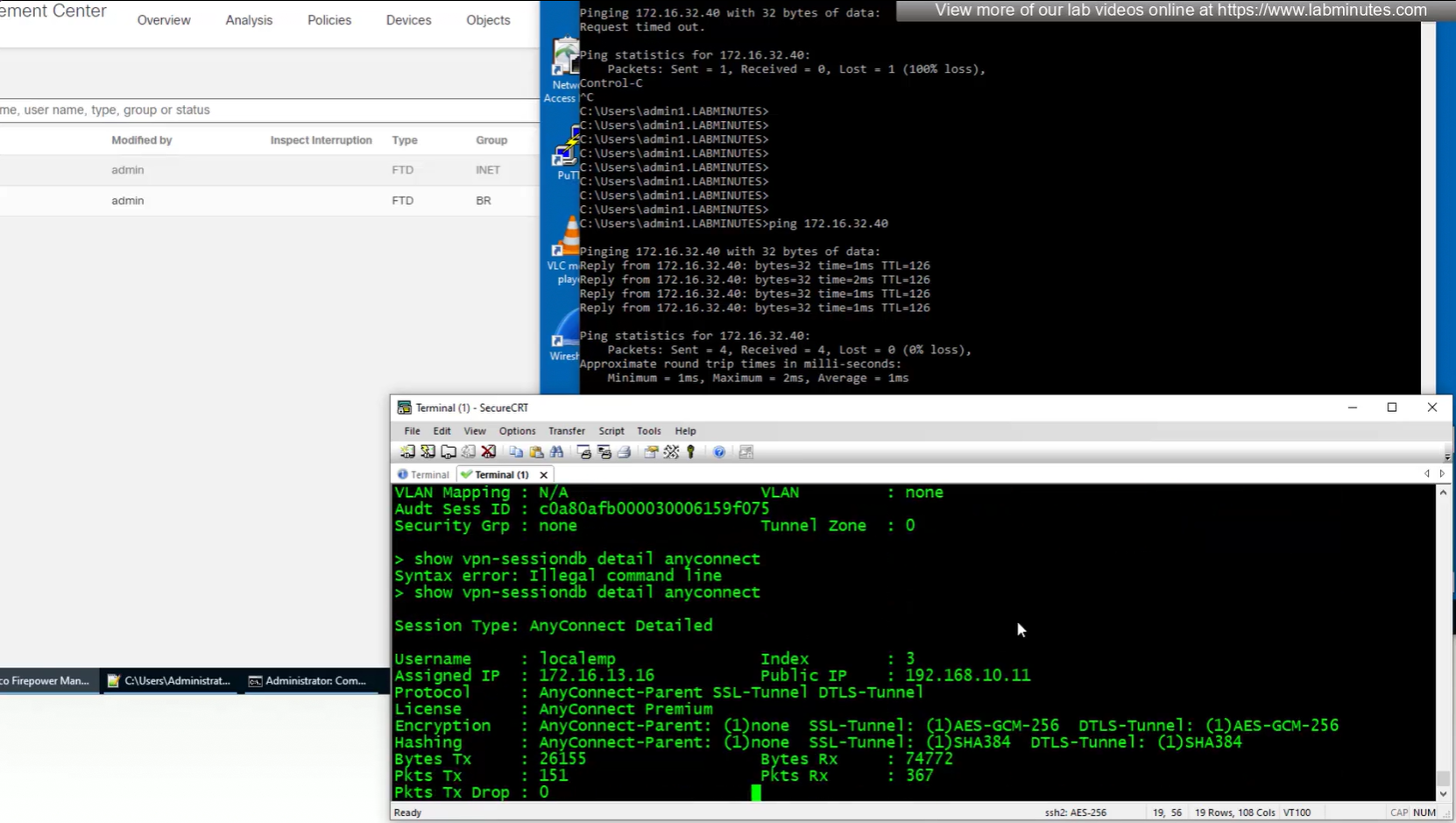
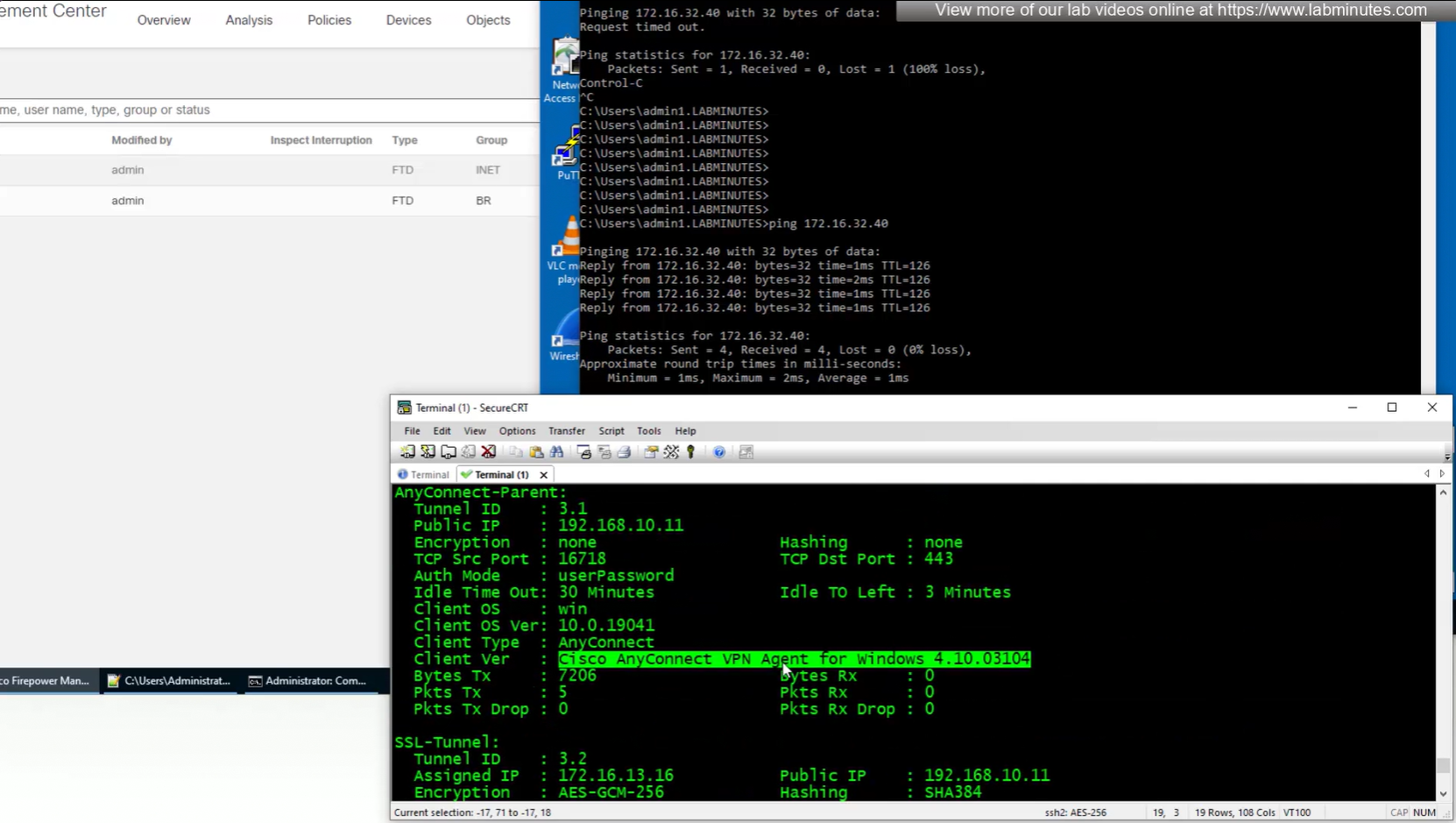
client version and OS
authentication
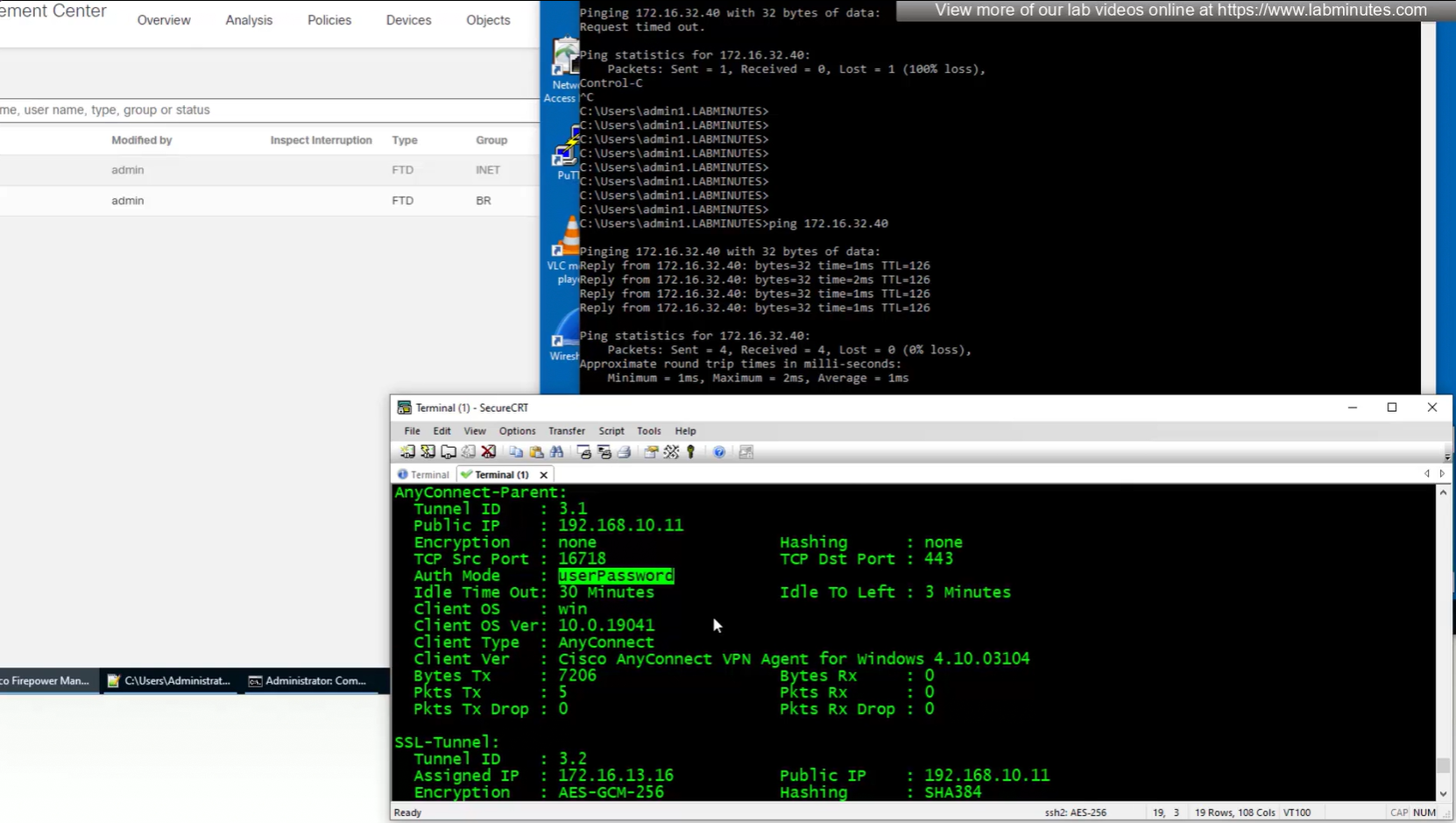
OS and client info
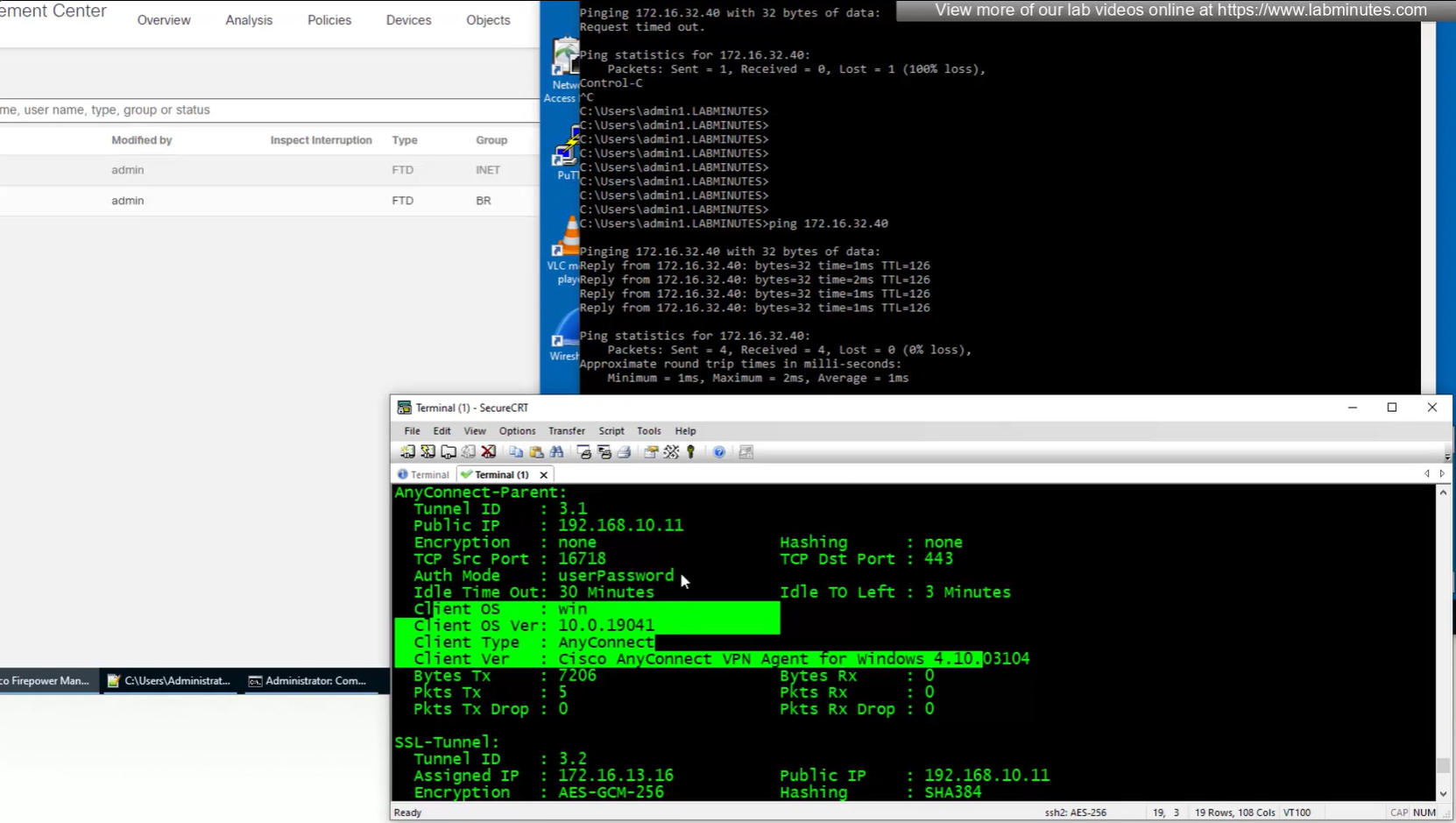
TCP ports , Idle timeout , bytes
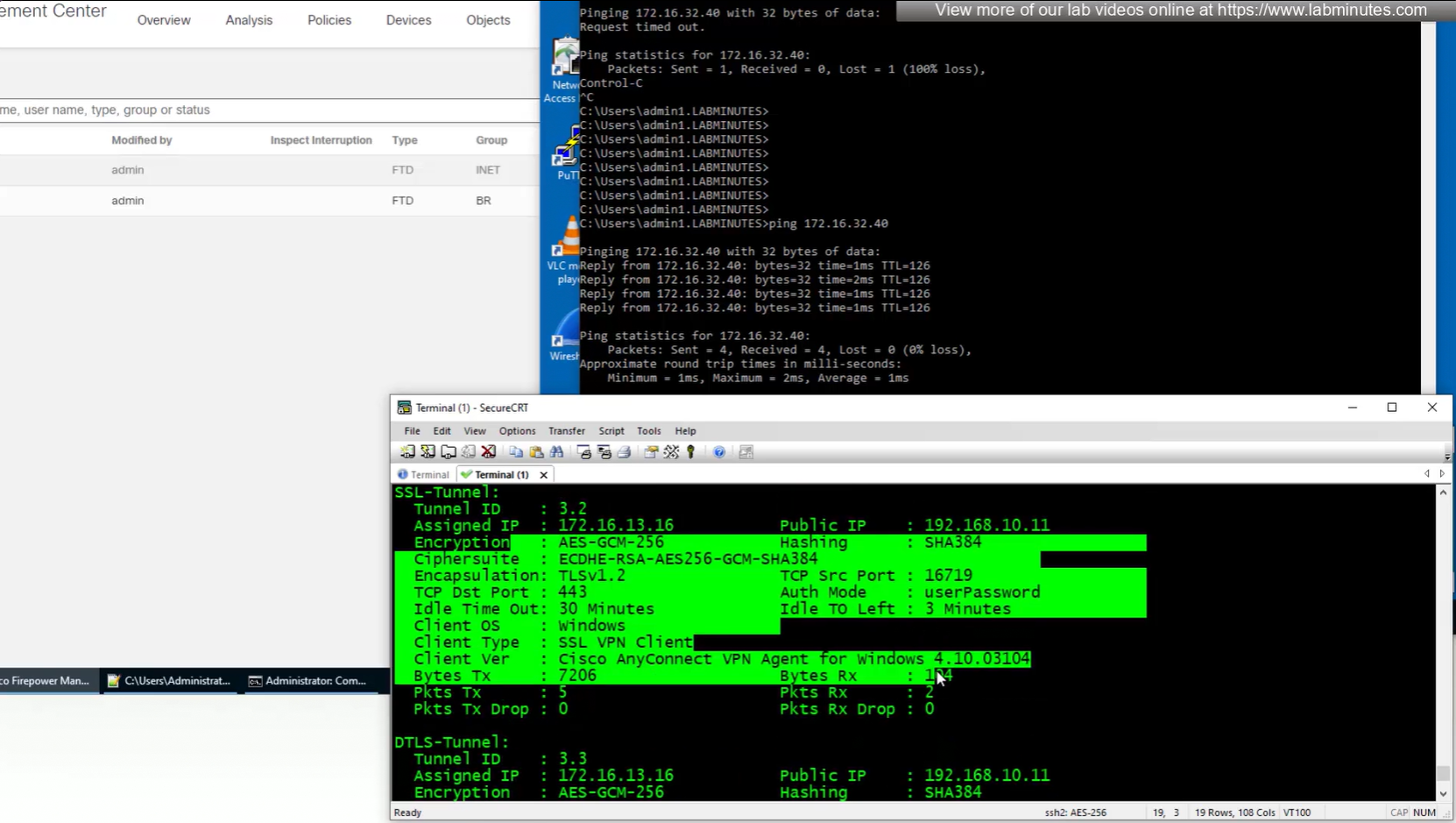
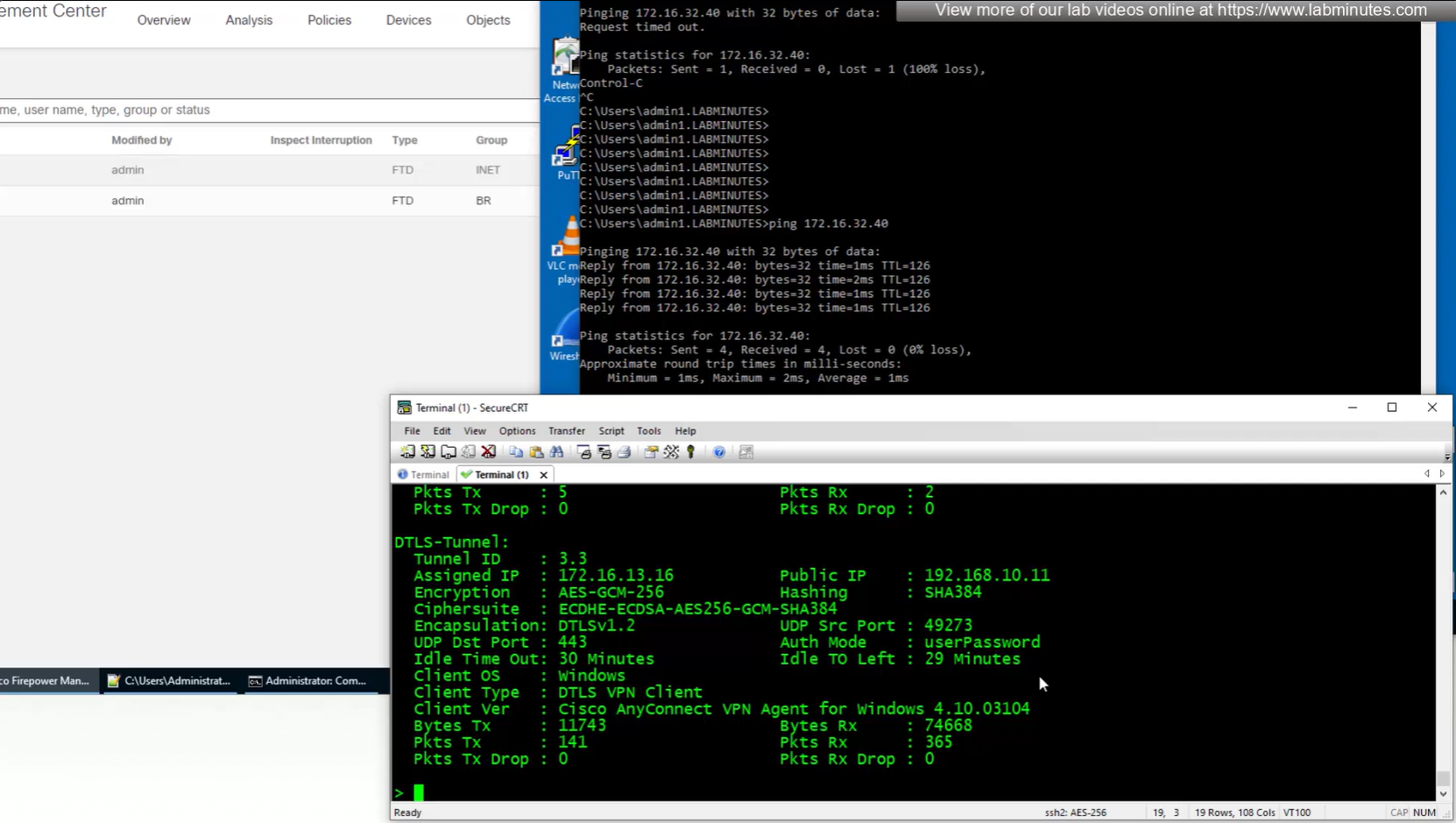
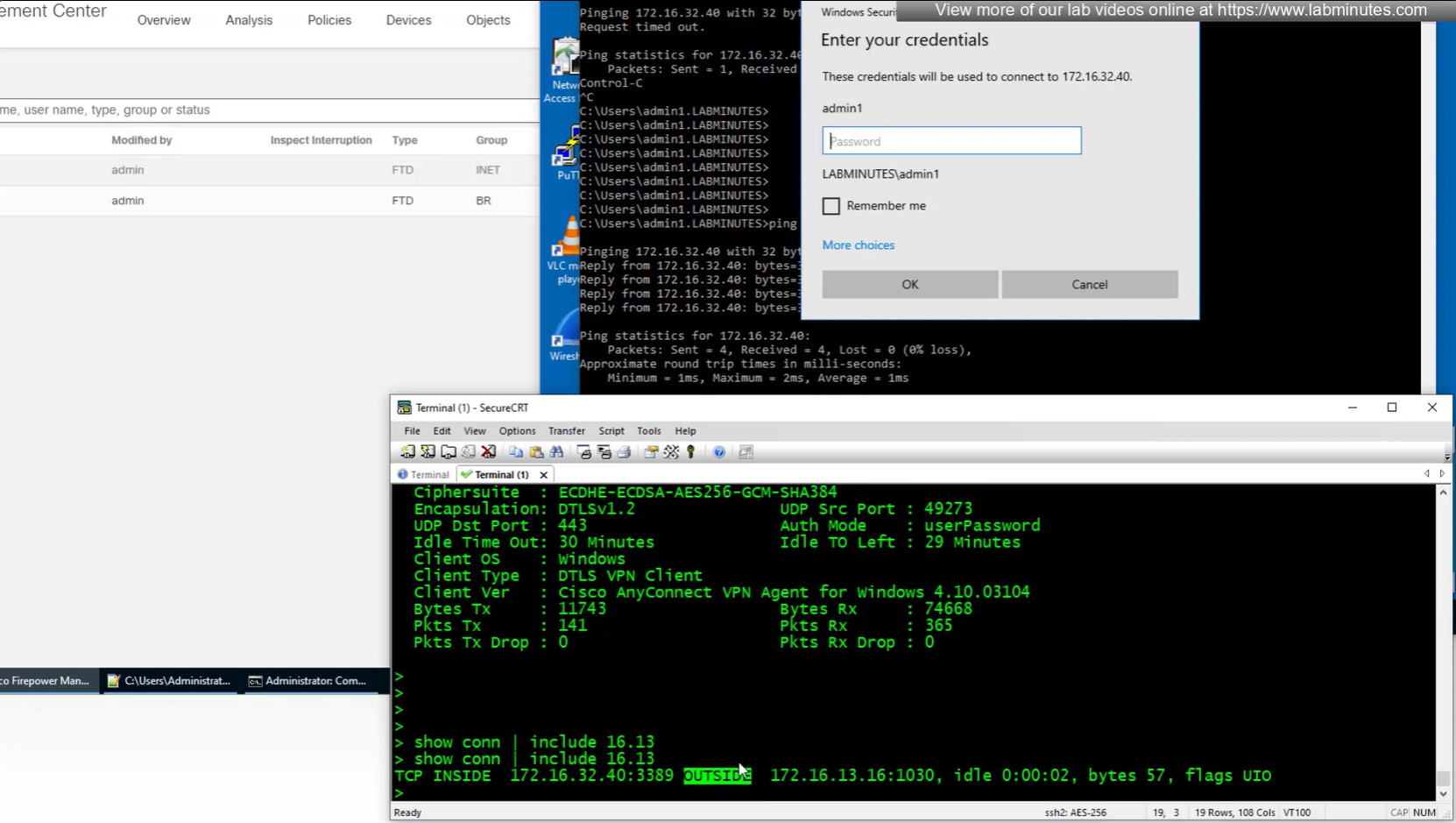
connection seems to be coming from OUTSIDE
next post
SEC0401 – Firepower 7.0 AnyConnect VPN Client (Part 2)
SEC0401 – Firepower 7.0 AnyConnect VPN Client (Part 2)
Anyconnect Client
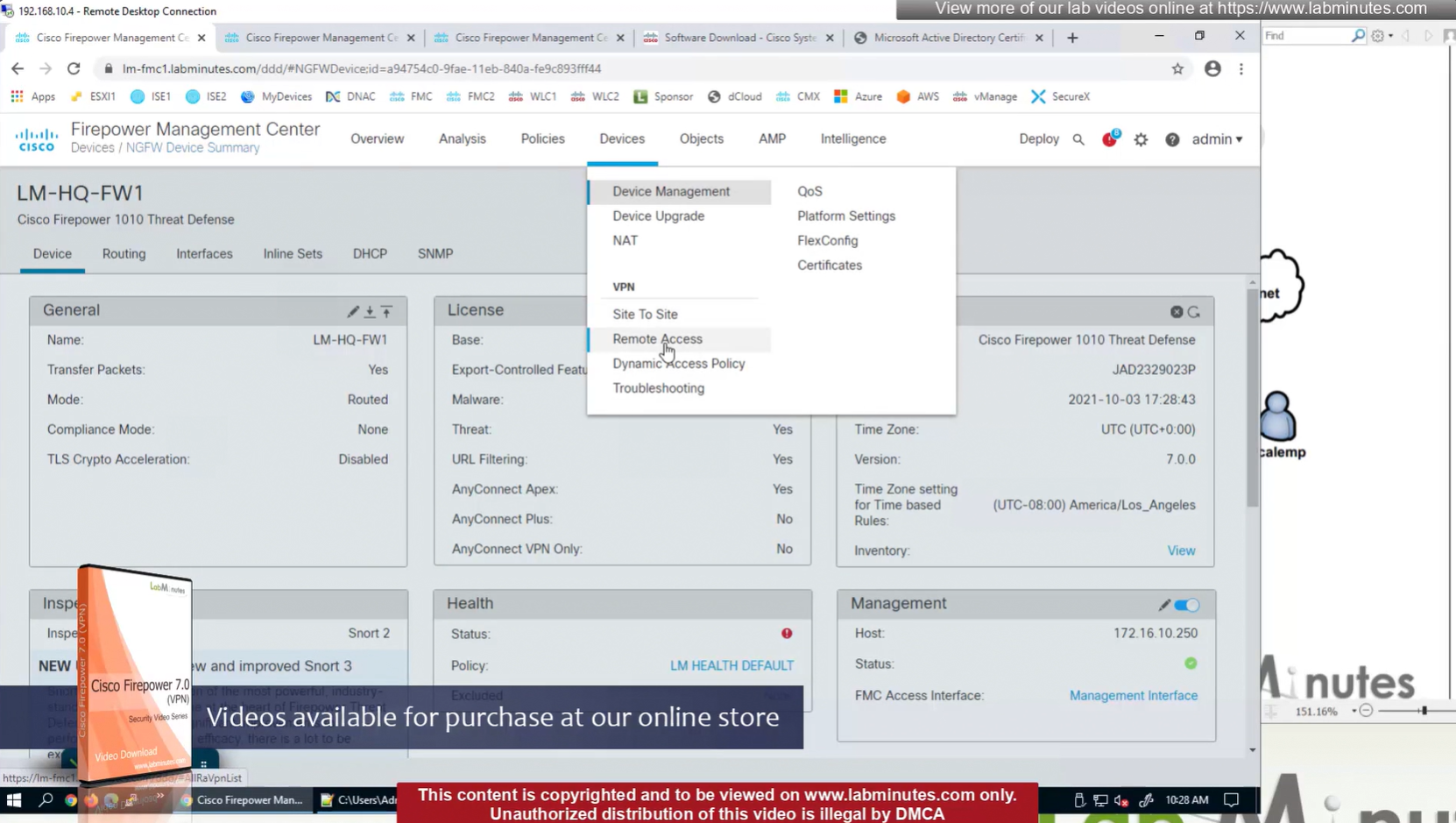
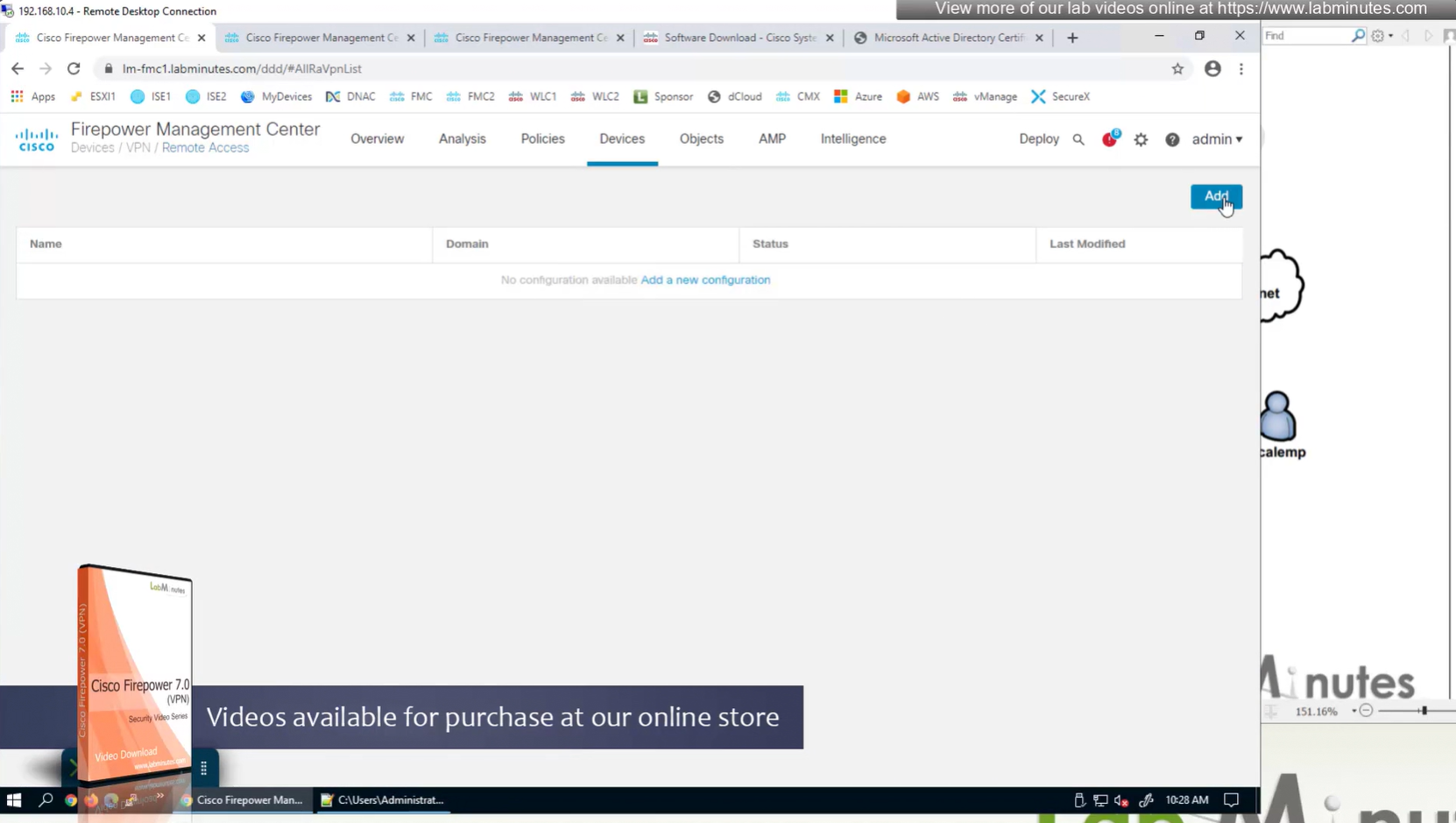
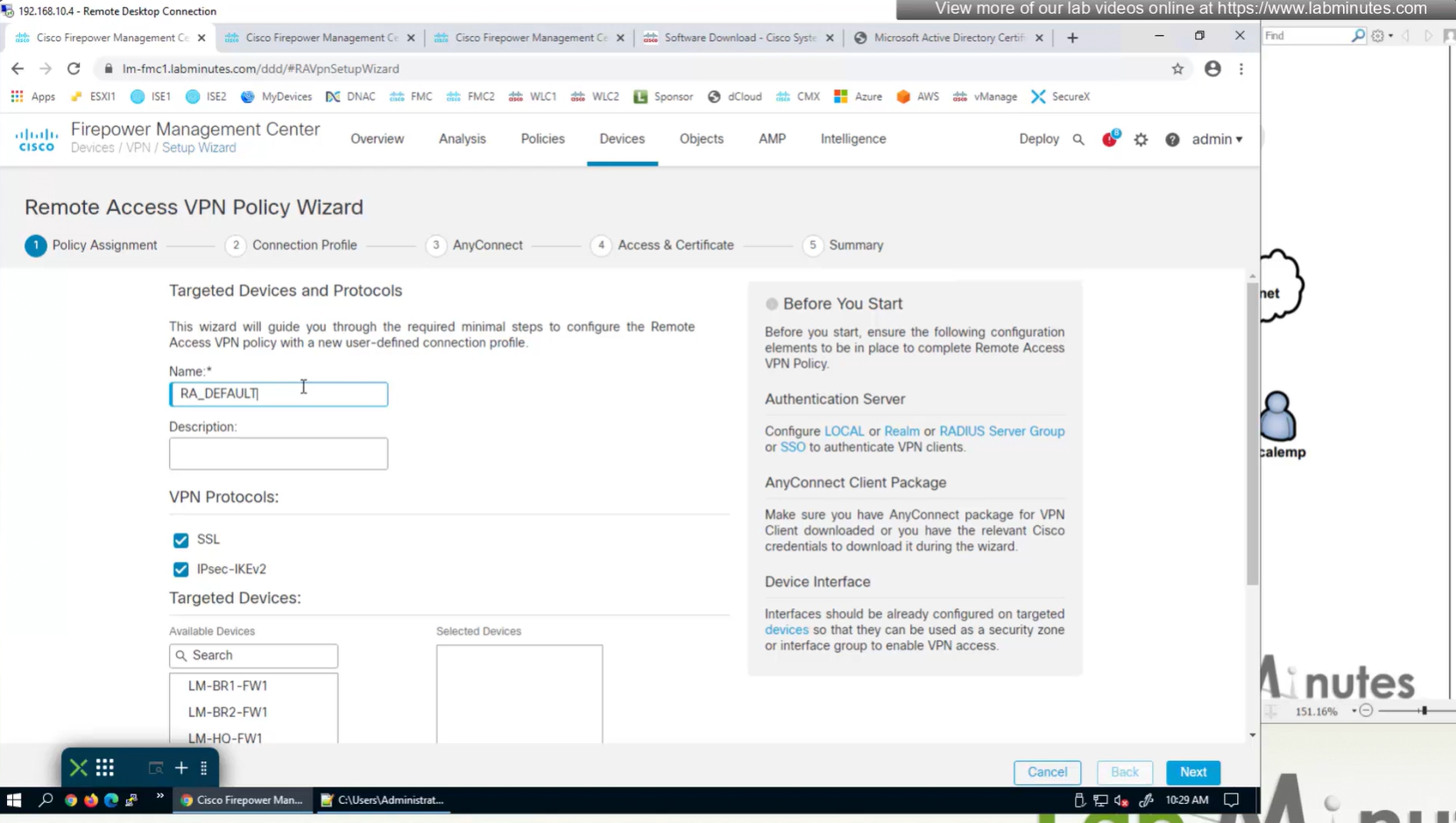

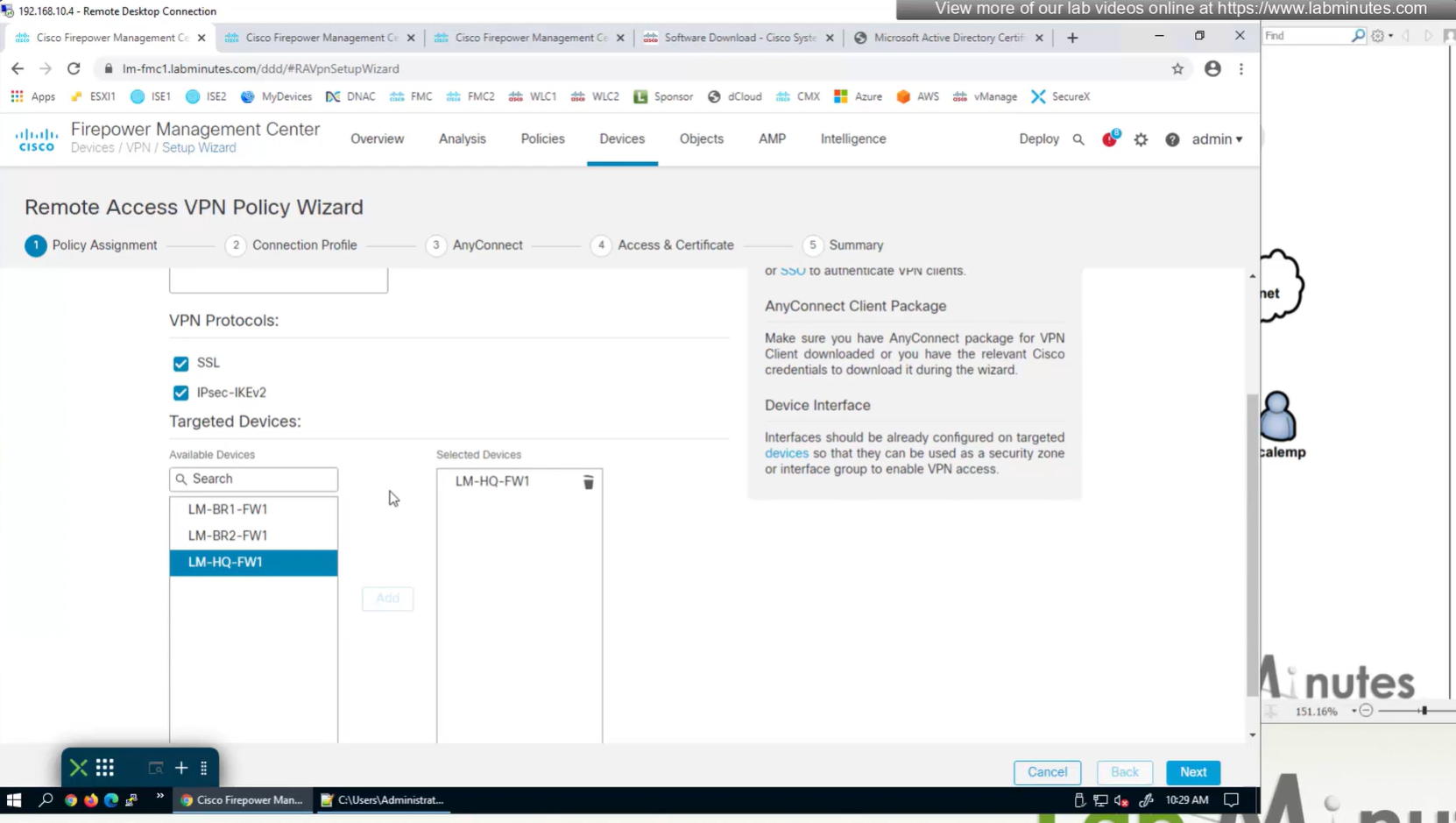
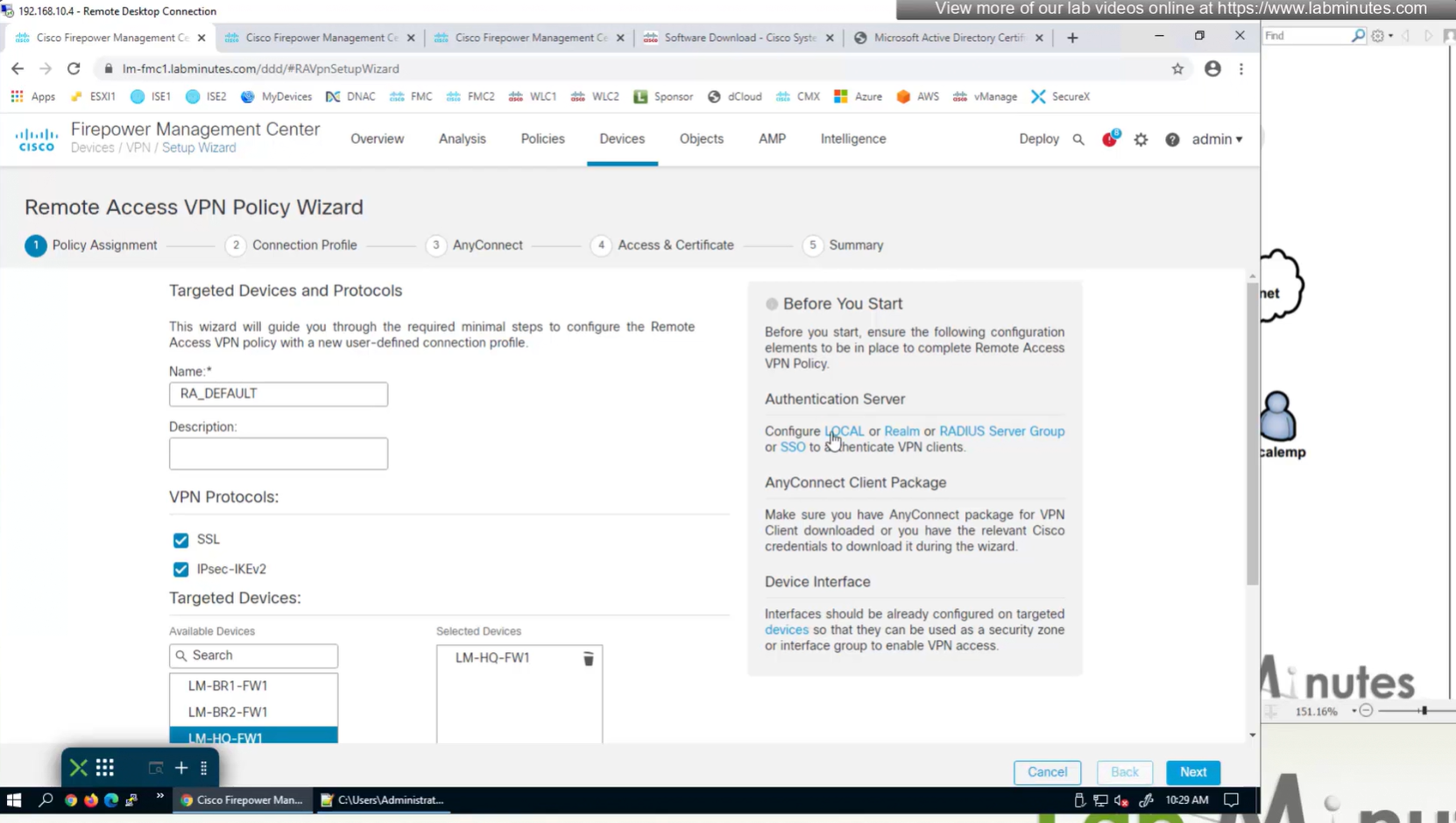
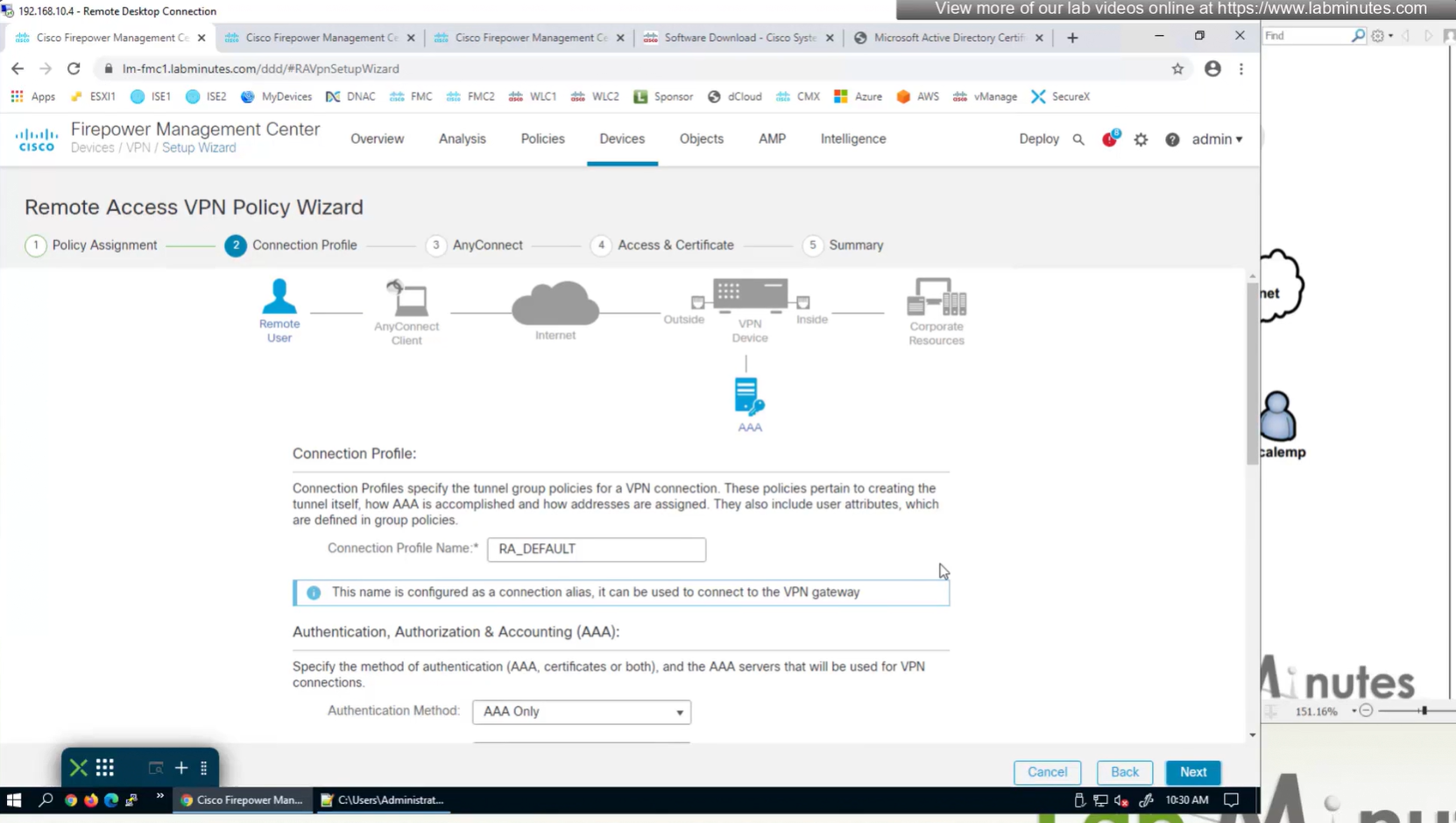
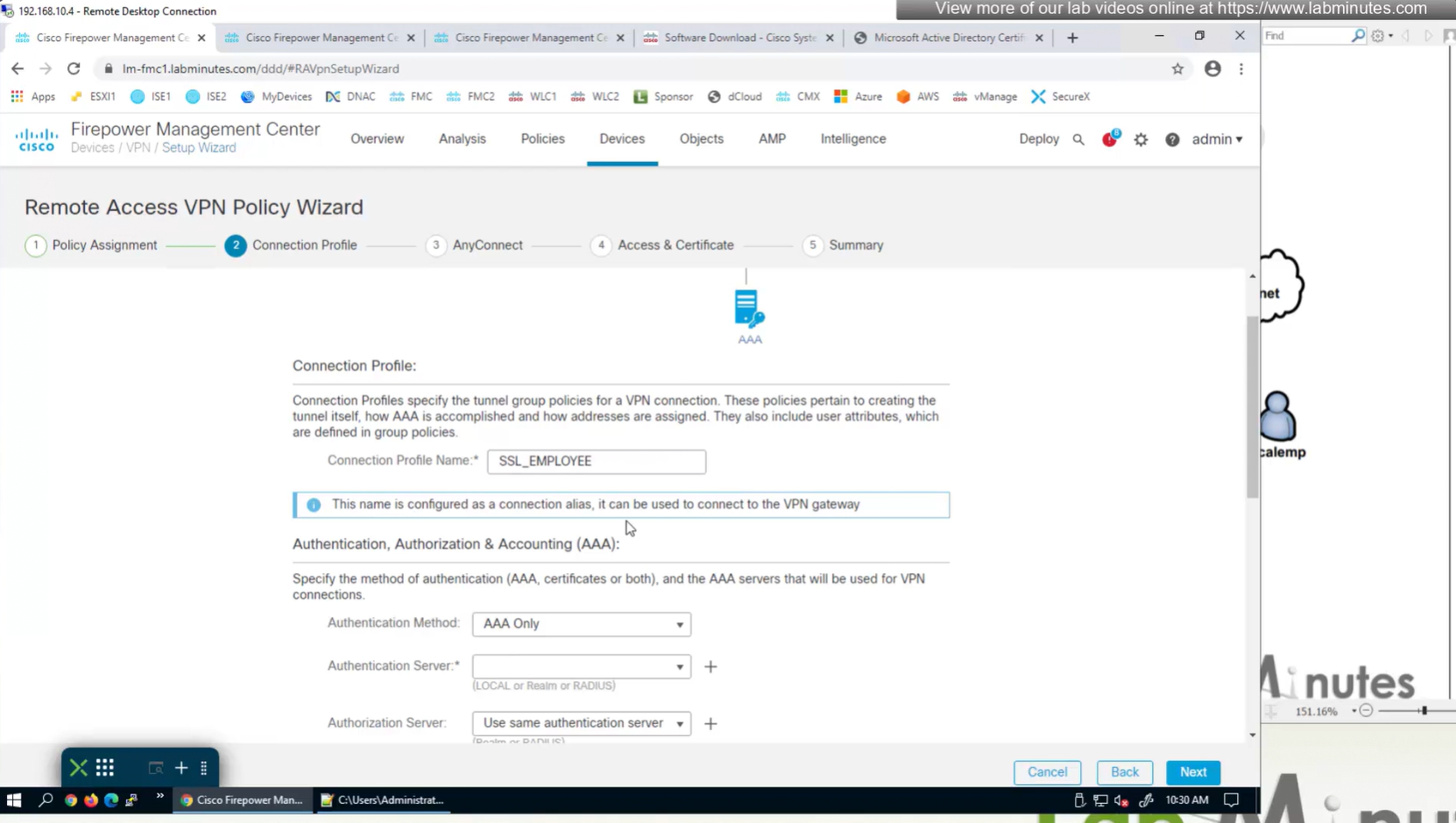
AAA server is defined here
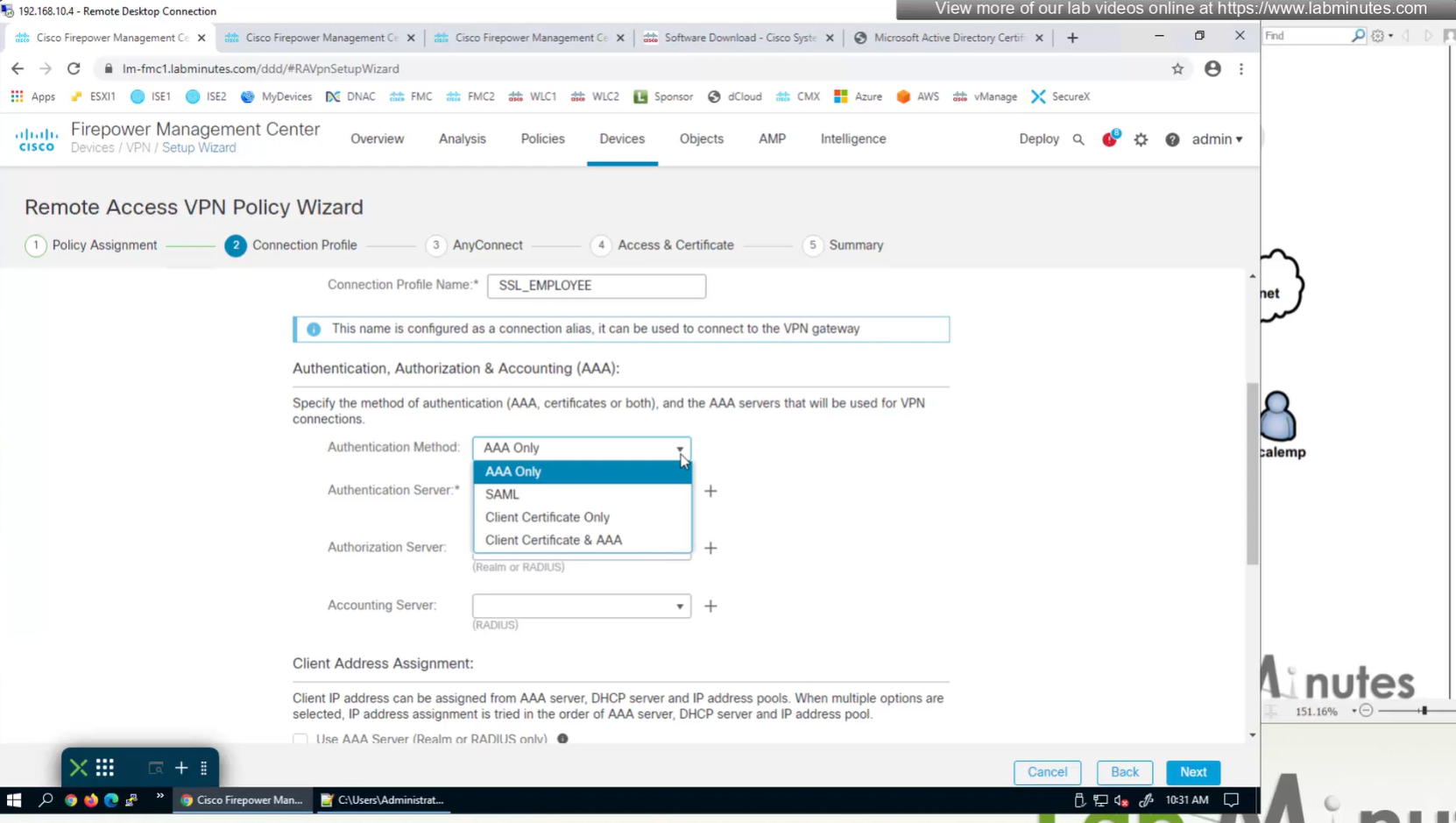
Connection profile is basically a tunnel group – tunnel group controls user realated information such as
1. How is user authenticated
2. Which group policies apply to user aka which settings apply to user
3. Addressing and routing related such as (e.g. split tunneling, DNS, IP pools) are used , What resources the user can reach.
A tunnel group in AnyConnect is the front door to the VPN. It decides who you are, how you log in, and which rules (policies) you inherit. The group policy behind it is like the house rules once you’re inside. Group policy can also be thought of policy for different groups of users that is why address assignment can also be assigned in group policy, for example Employees vs Contractors.
There are remote access tunnel groups and there are also L2L tunnel groups as well
There are default tunnel groups
DefaultRAGroup → For remote-access connections without a specified group.
DefaultL2LGroup → For site-to-site VPN connections without a specified group.
These act as “catch-all” settings if no other tunnel group matches.
If user connects to URL on anyconnect
https://vpn.company.com/employees
“employees” is called a group URL (or alias), and it maps to a tunnel group
tunnel-group EMPLOYEES type remote-access
tunnel-group EMPLOYEES general-attributes
  address-pool EMP_POOL
  default-group-policy EMP_POLICY
  group-alias Employees enable
  group-url https://vpn.company.com/employees enable
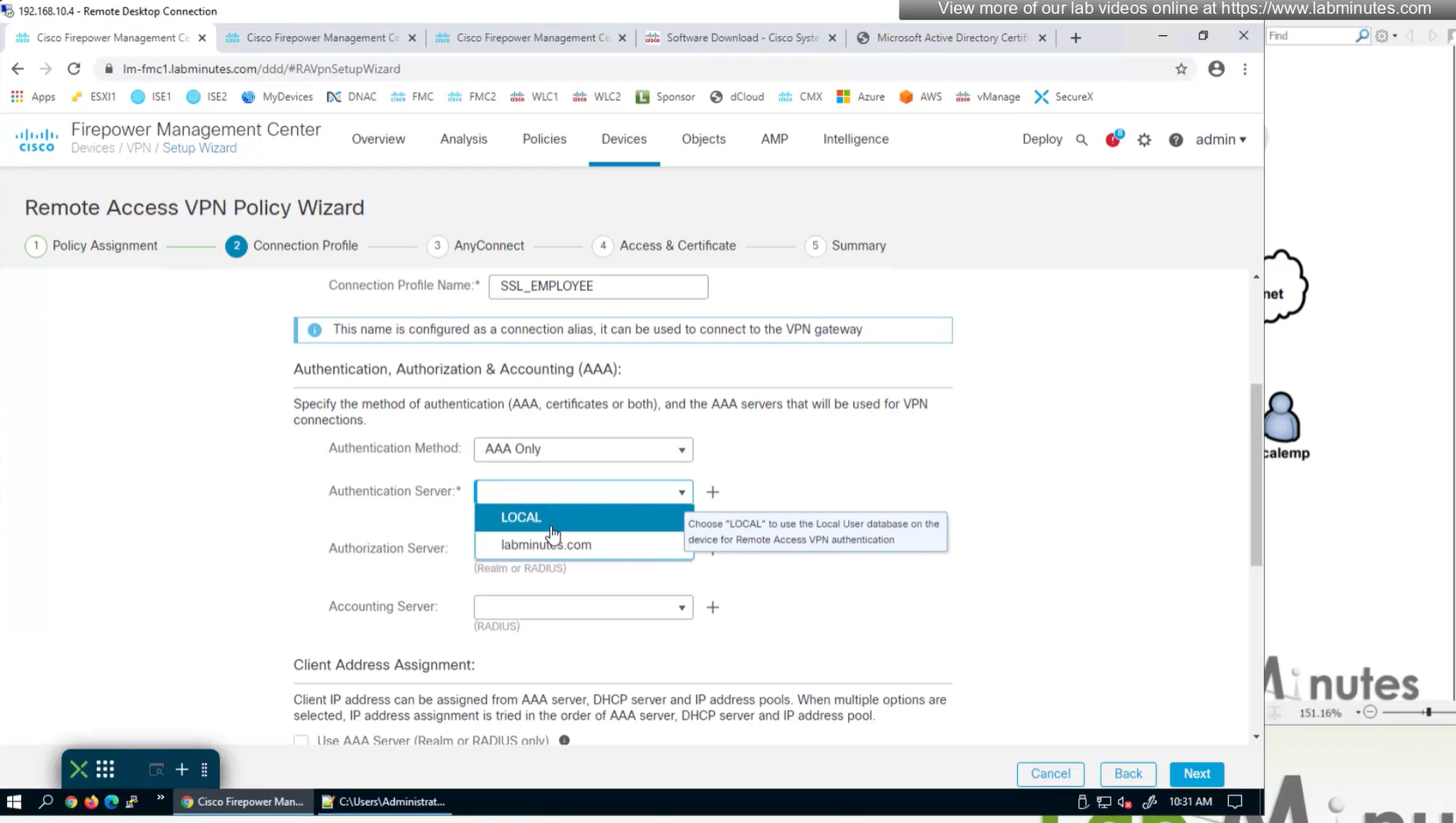
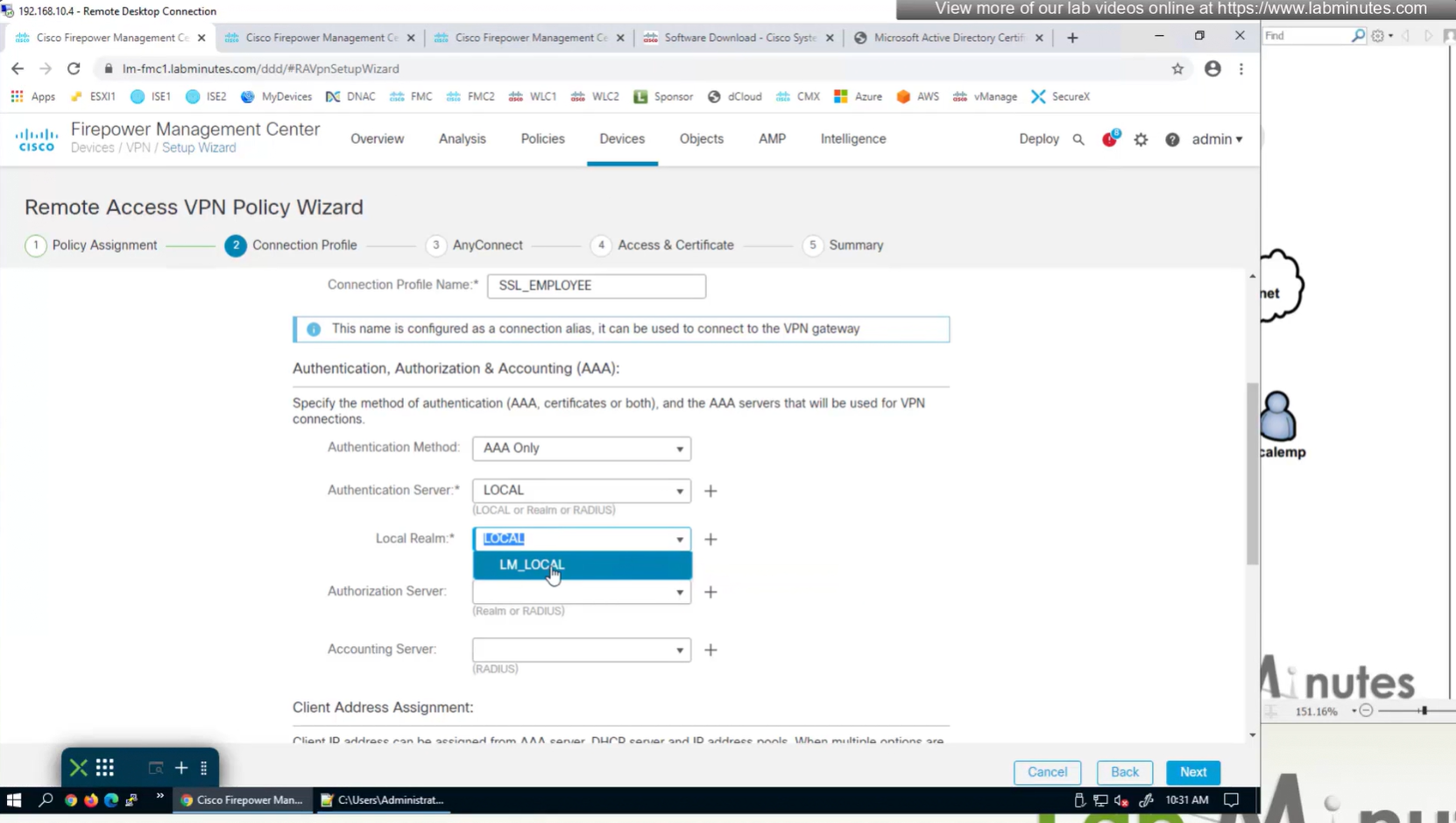

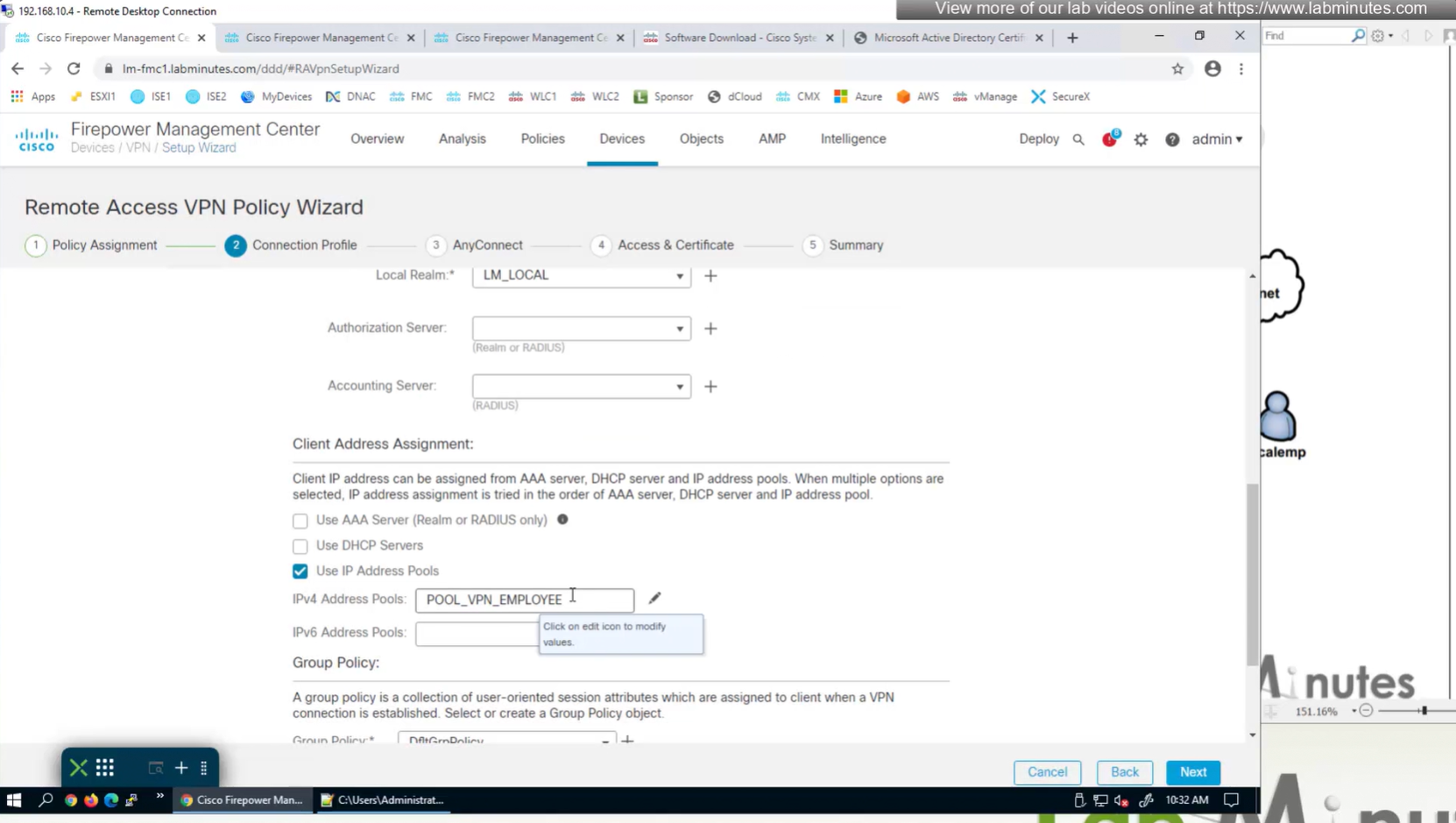
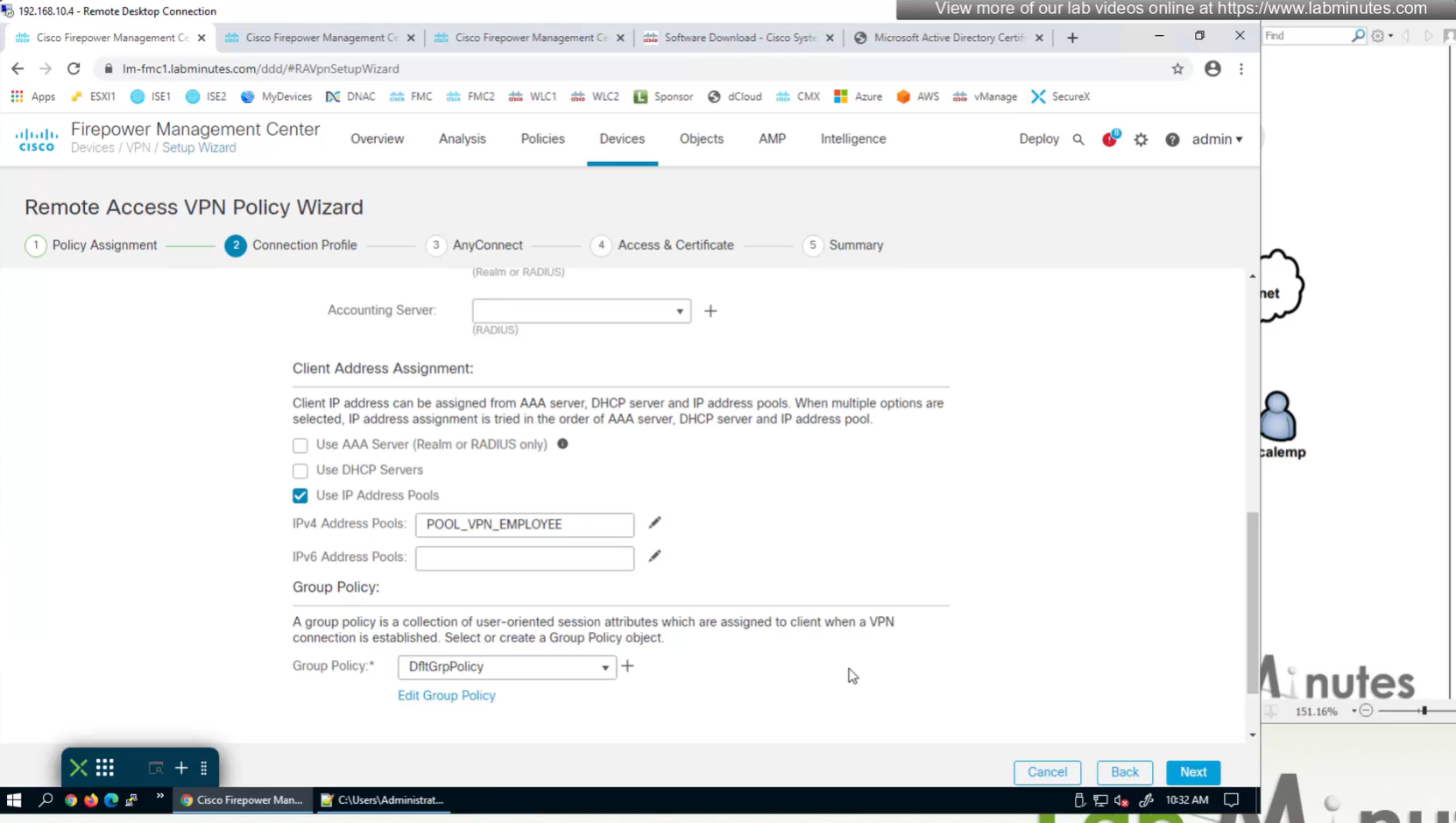
for now we will select default group policy

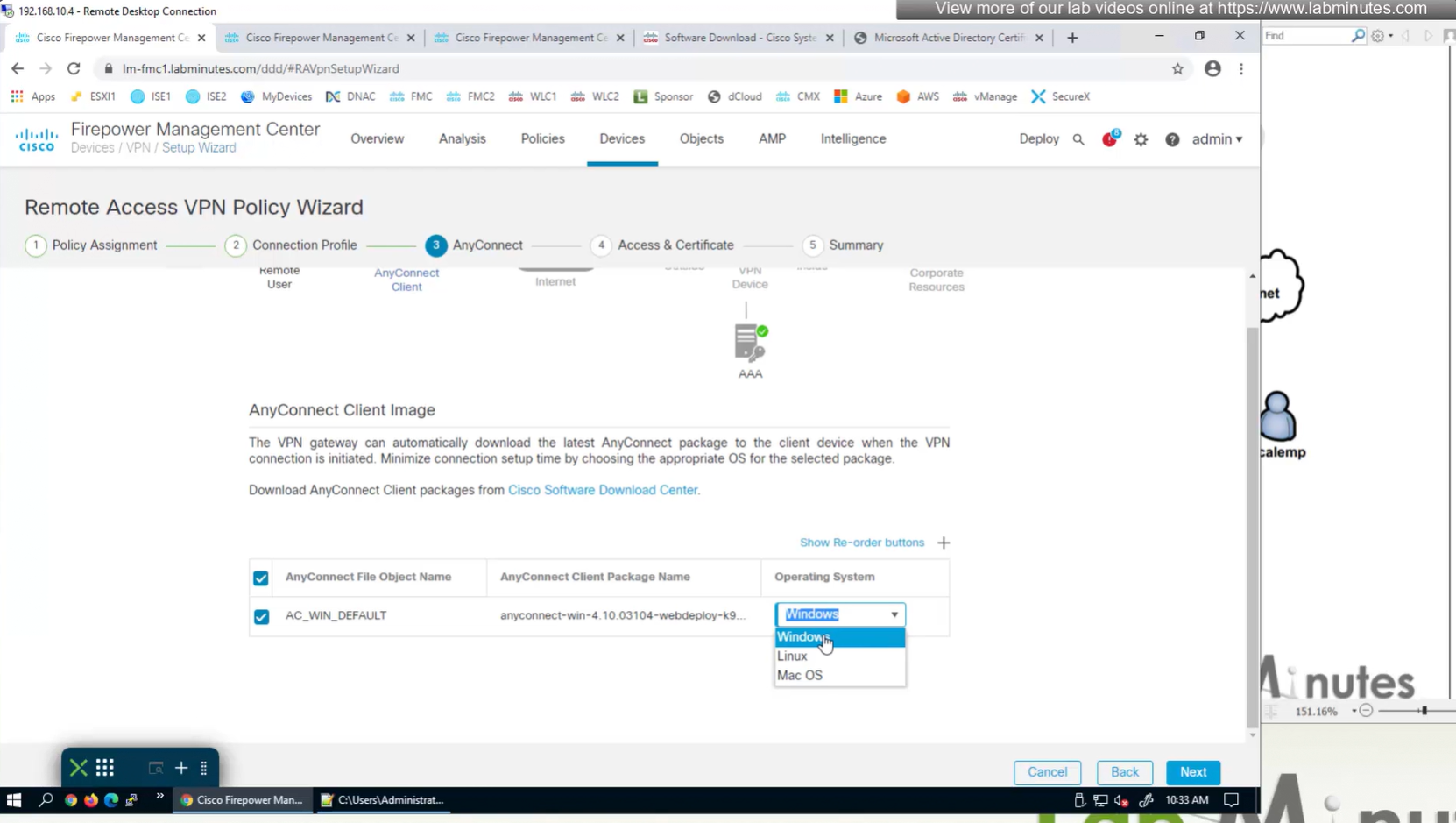
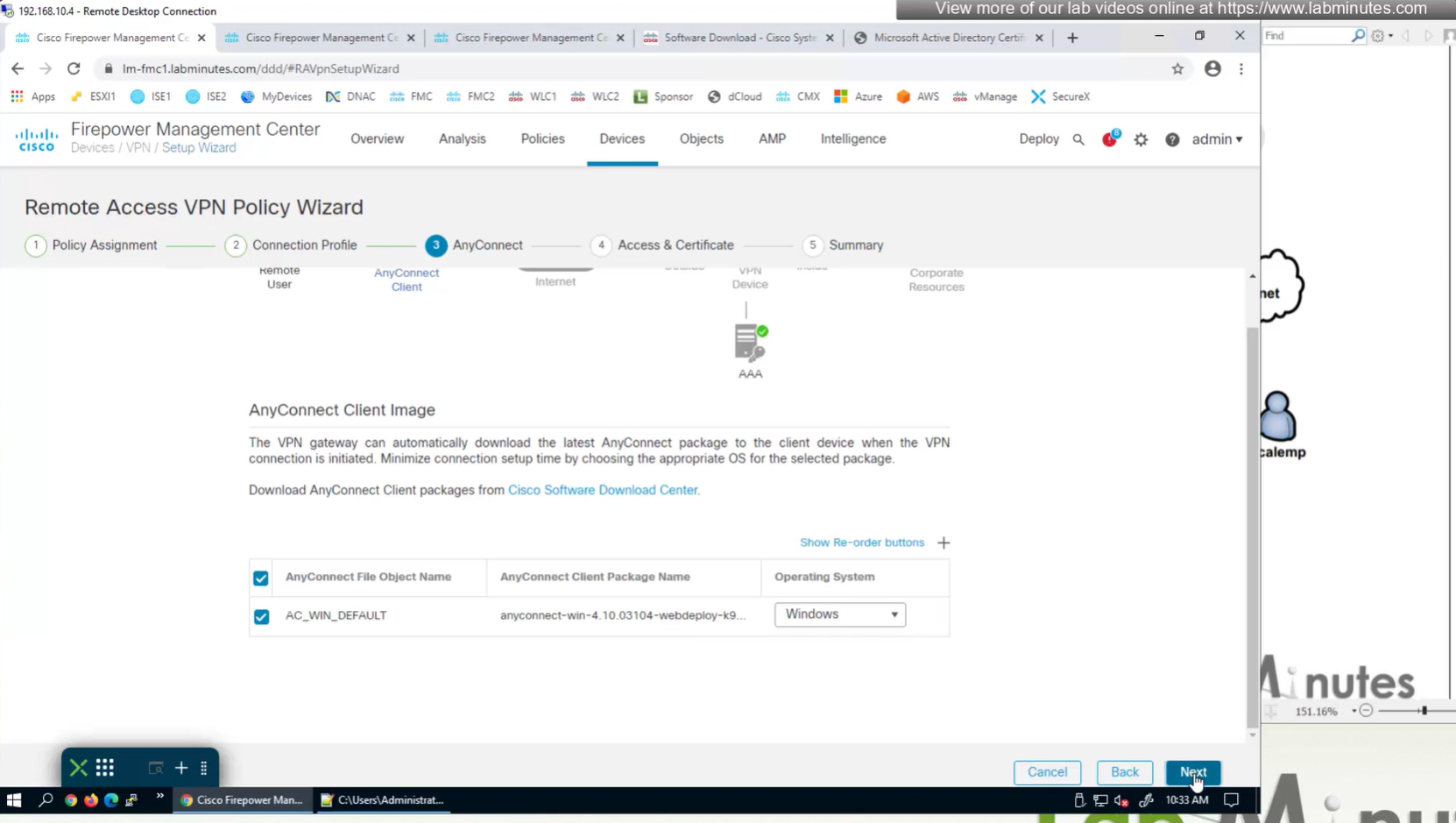
Select Interface
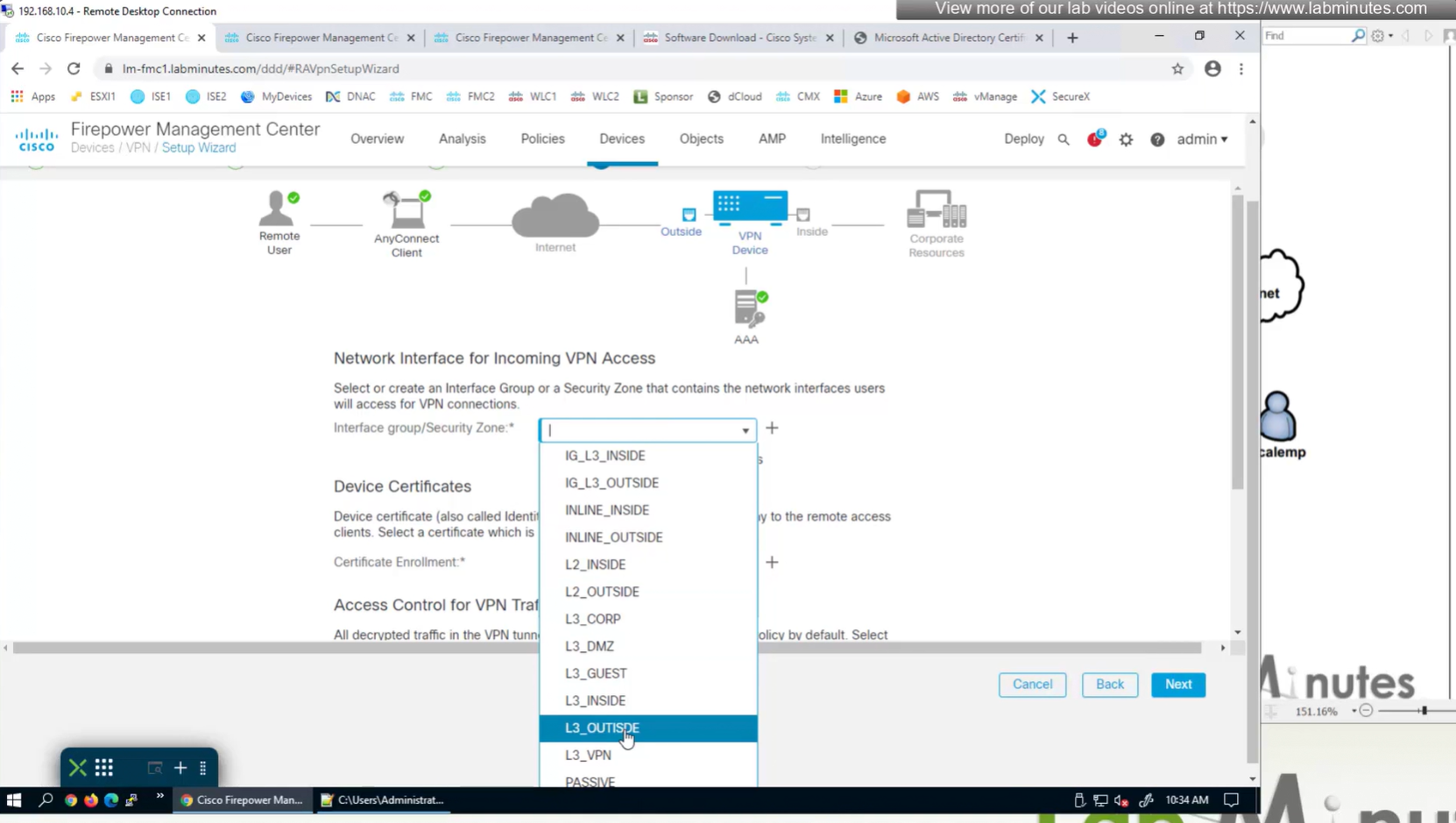

Select certificate to add on the outside interface

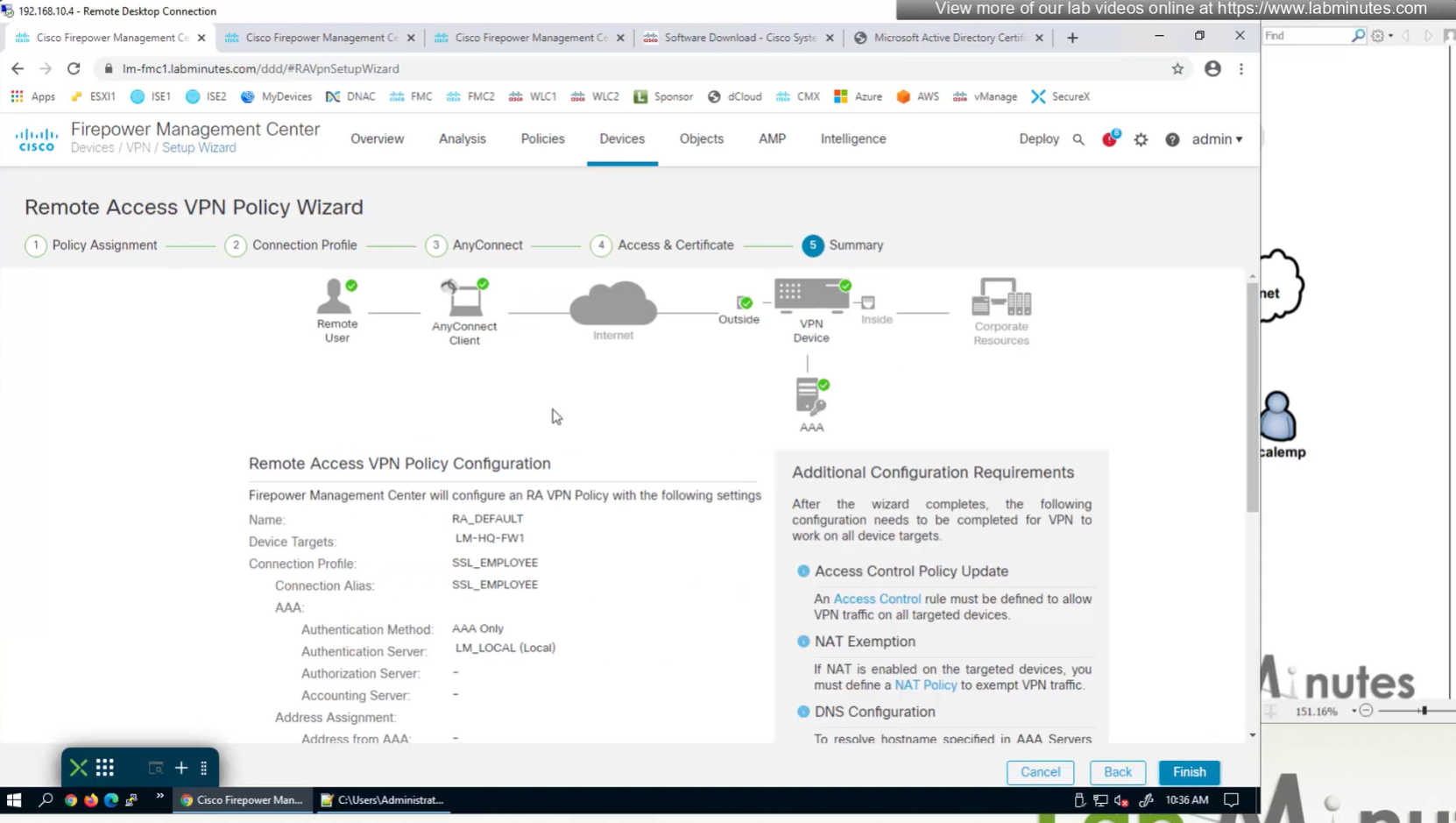
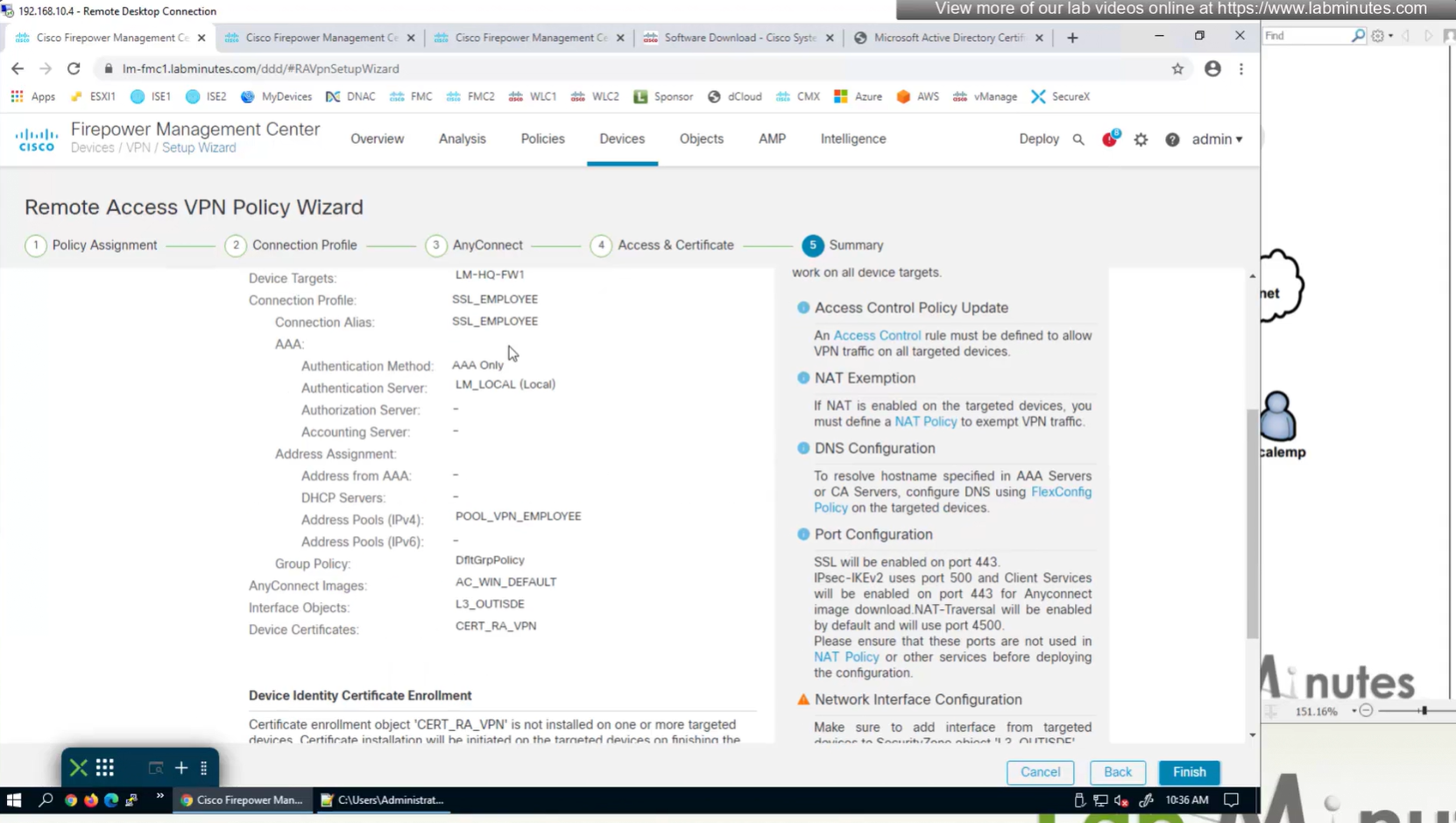
Access Control Policy is needed to allow remote user’s traffic towards enterprise
NAT exemption is needed in case there is NAT policy applied on remote access firewall
SSL will be enabled on port 443, IPSec IKEV2 uses port 500, NAT-T will be enabled by default which will use port 4500
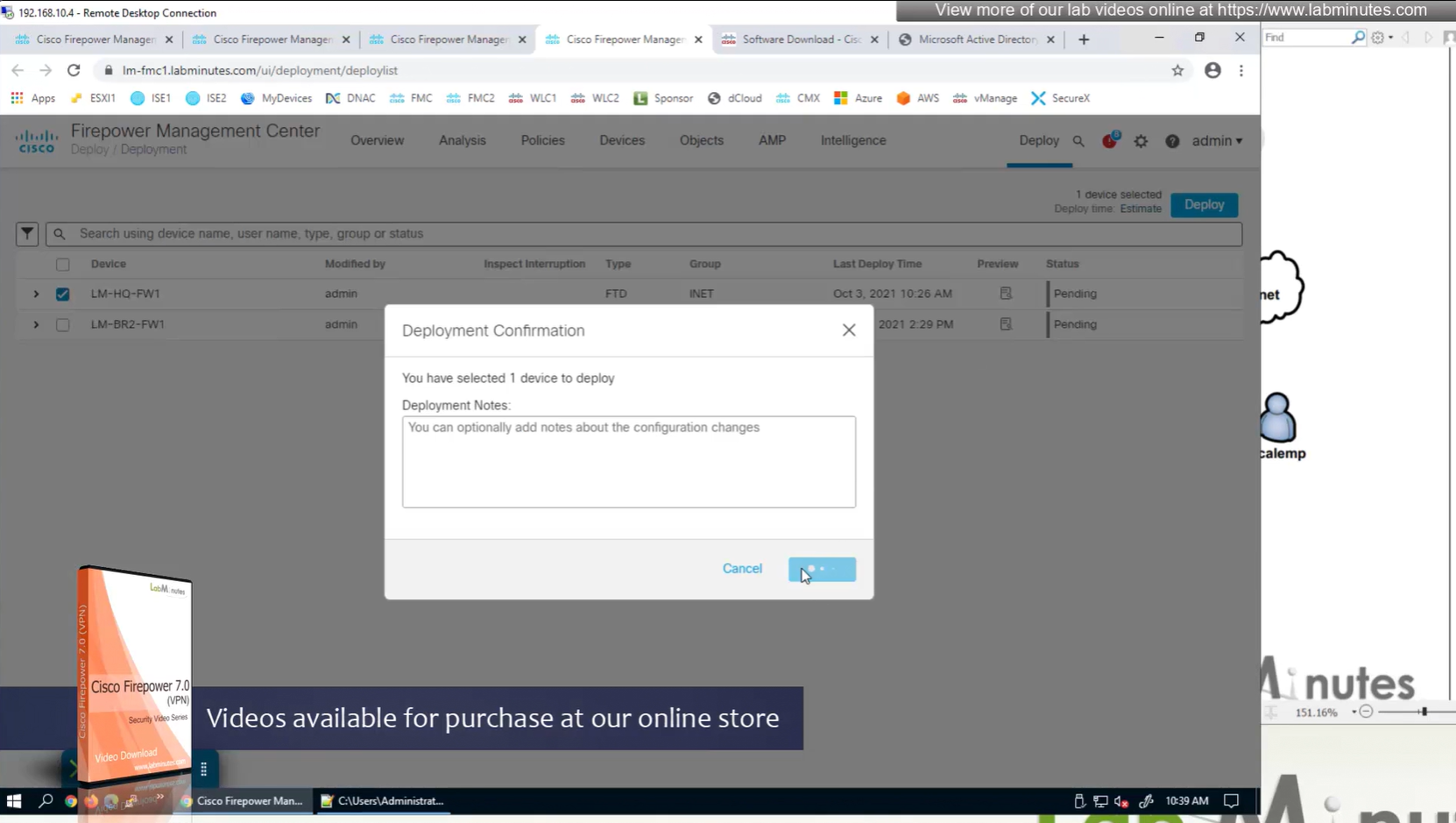
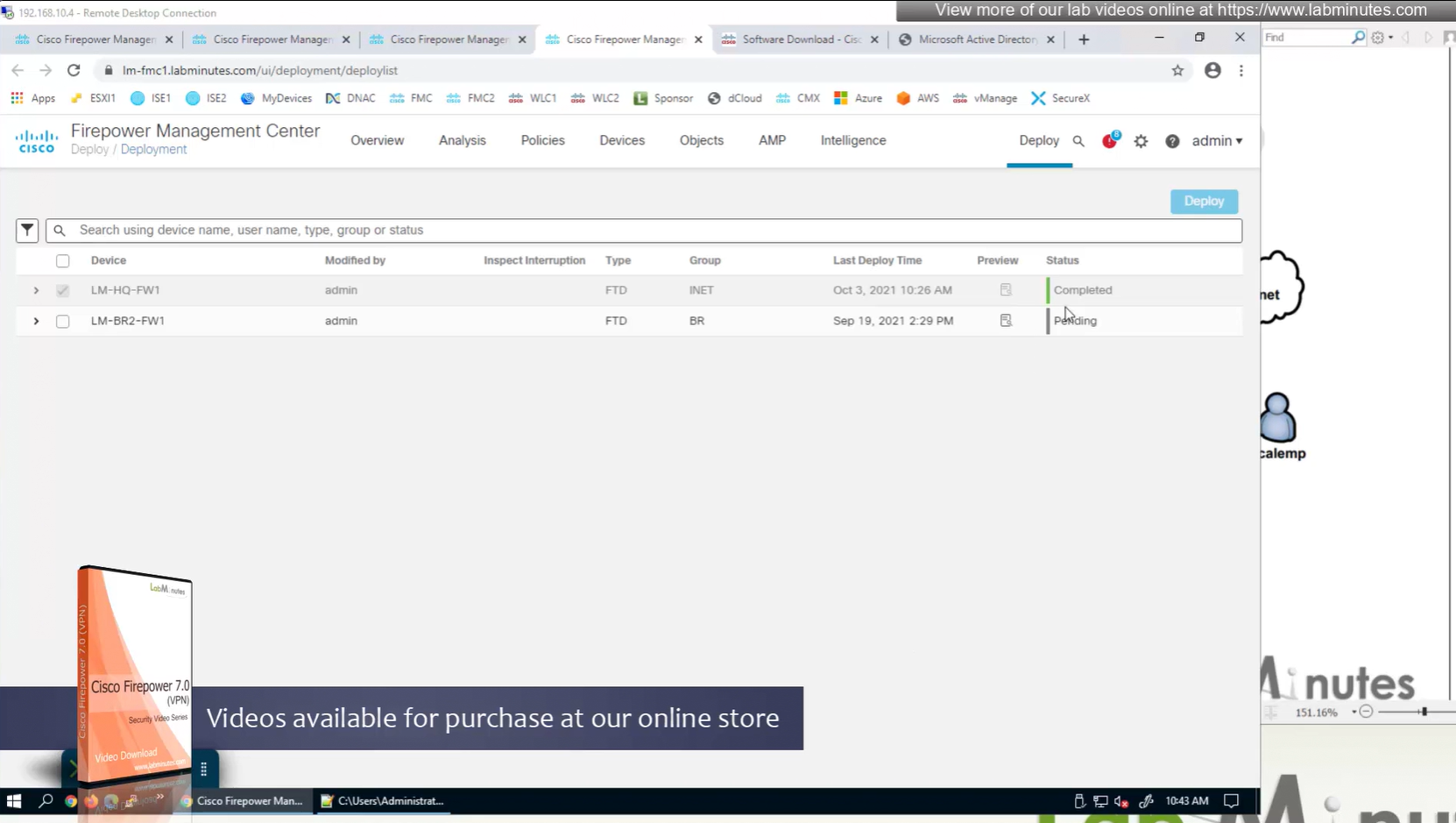
Now we will deploy to make sure that there is no error
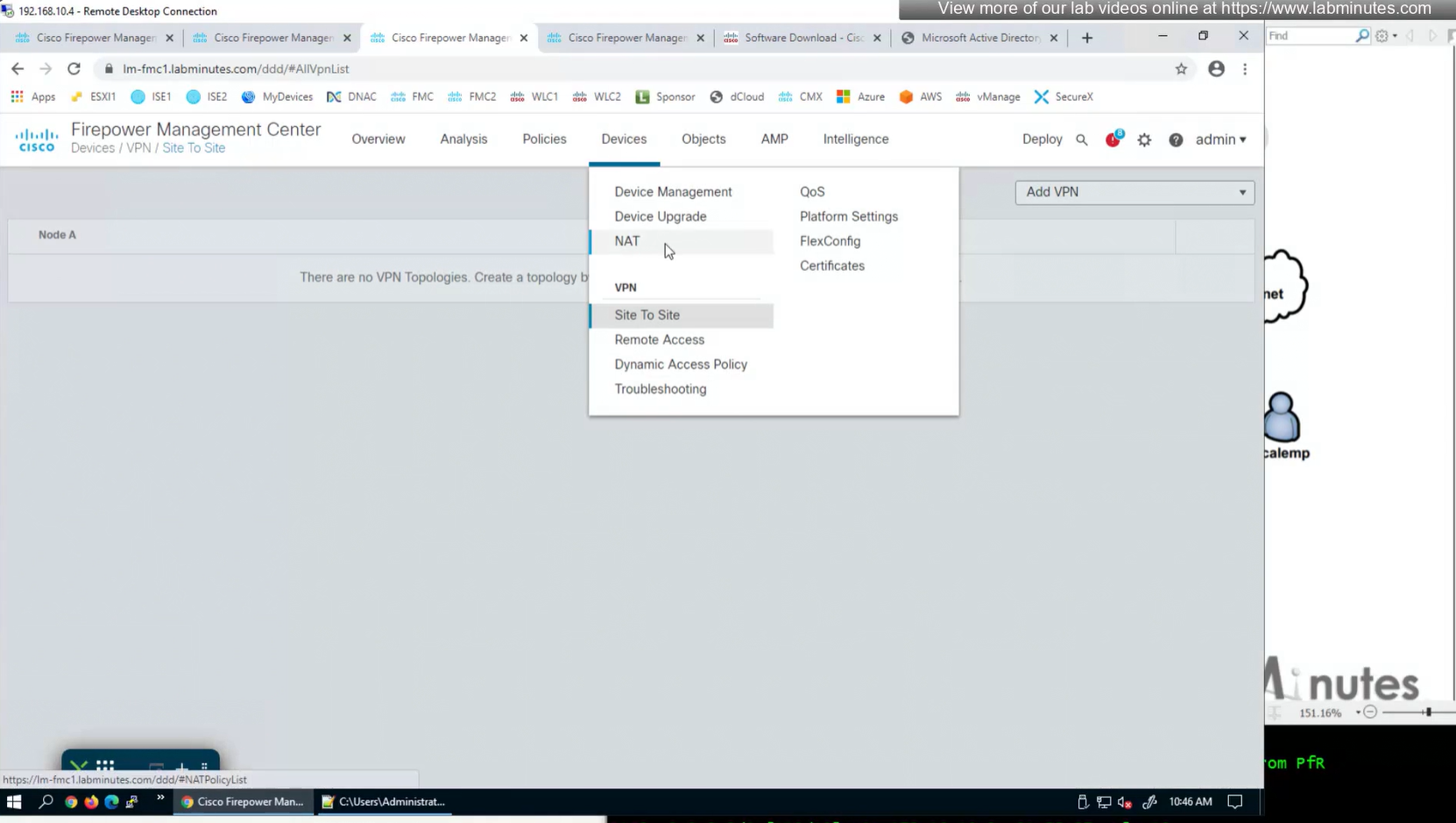
Make sure to advertise the anyconnect address pool in routing so enterprise can reach remote clients
We also need to exempt the traffic as we dont want the traffic going to or coming from remote clients to be NATed, a static NAT will do the job

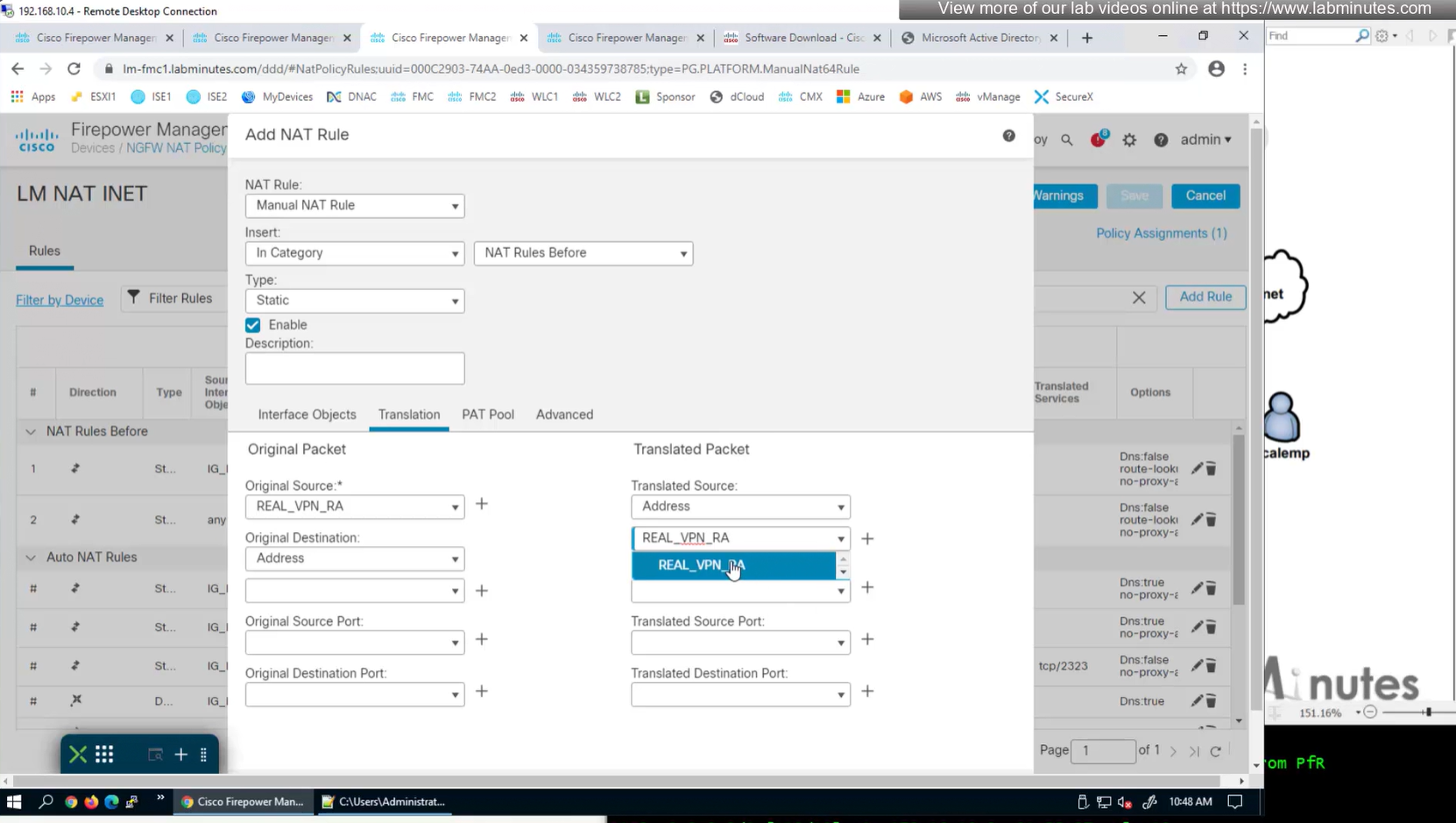
Select do not proxy ARP and also select perform route lookup for destination interface (to avoid NAT divert)

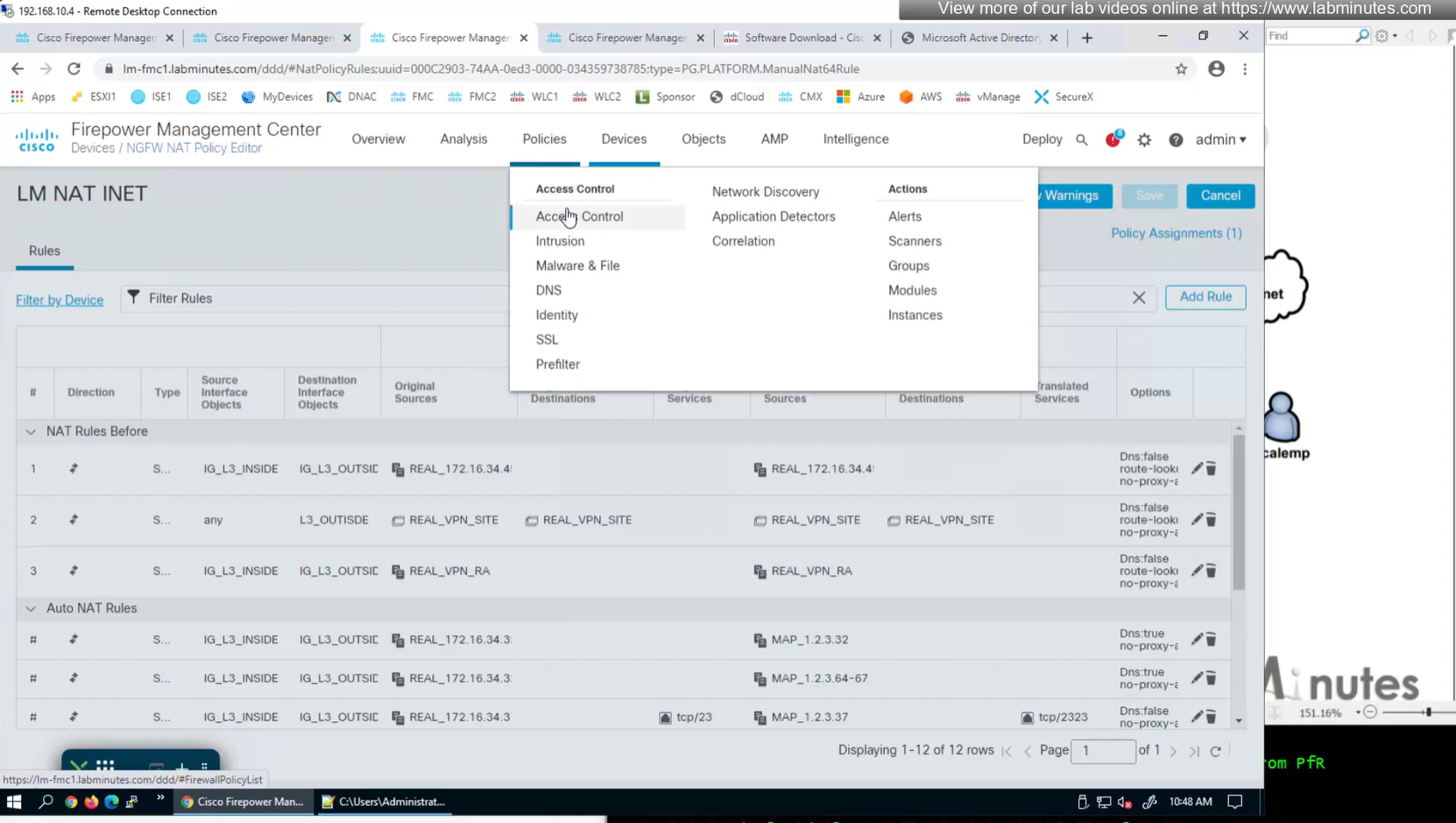


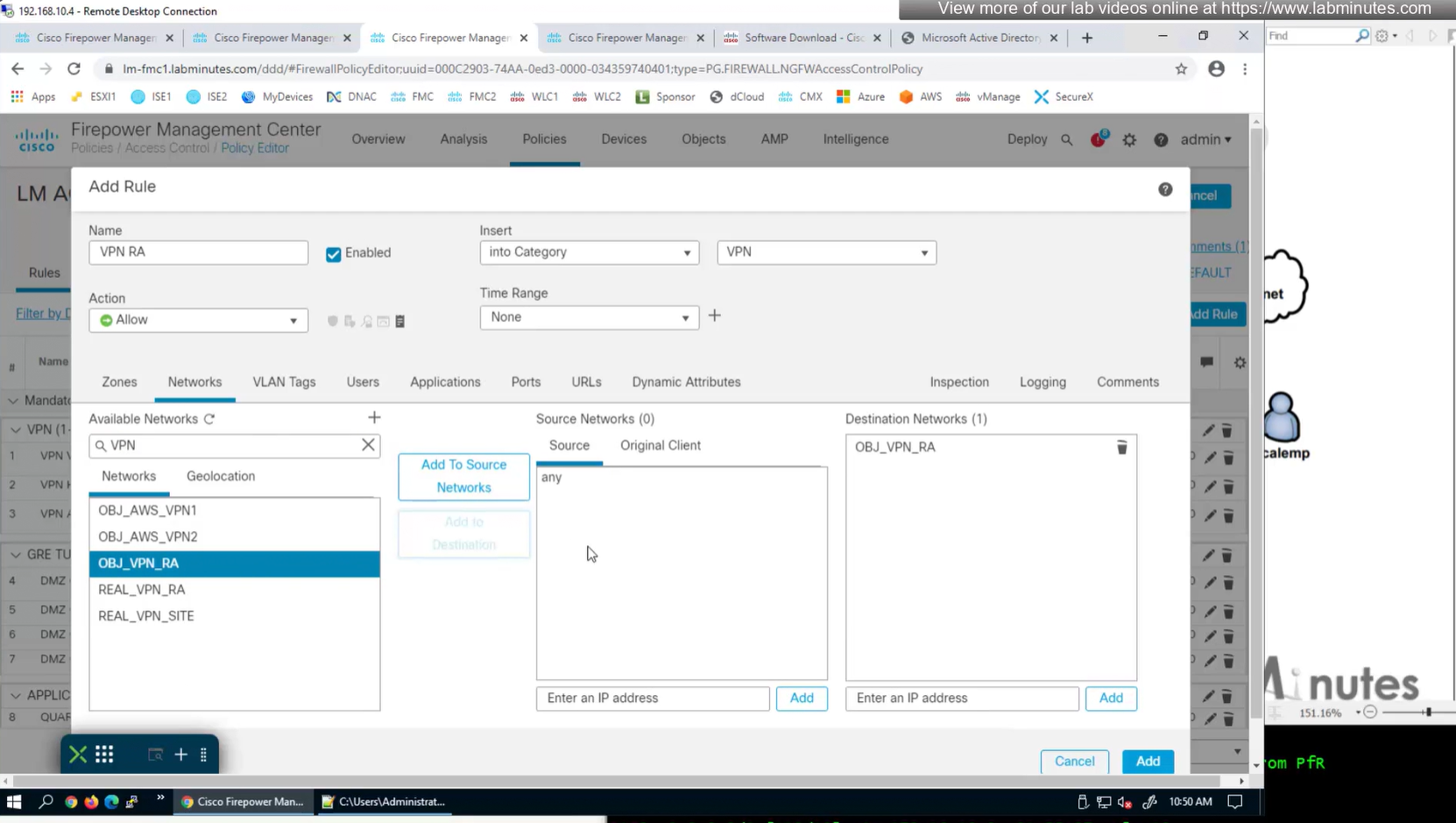
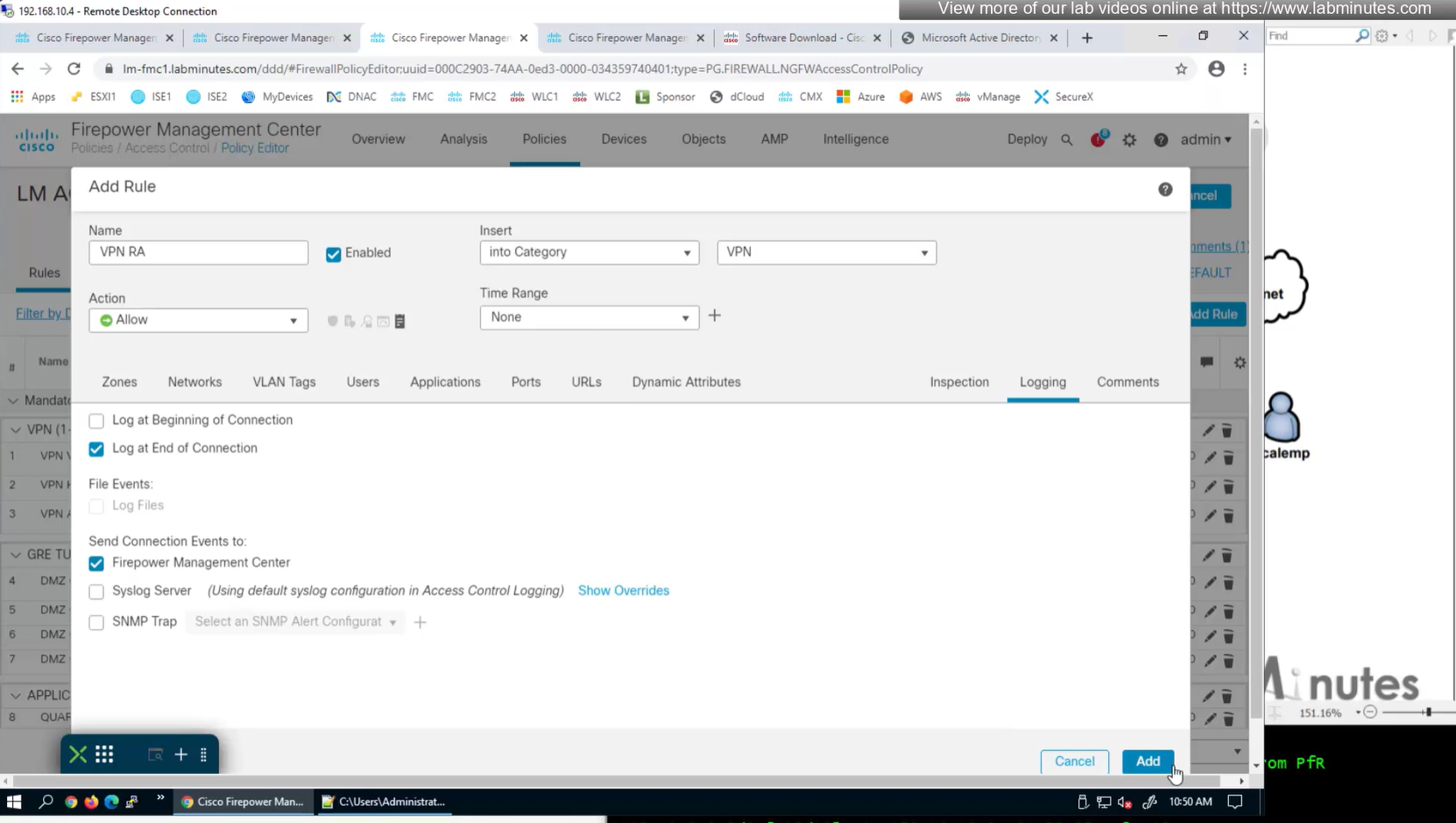
2x outside interfaces are here because because outside interface group
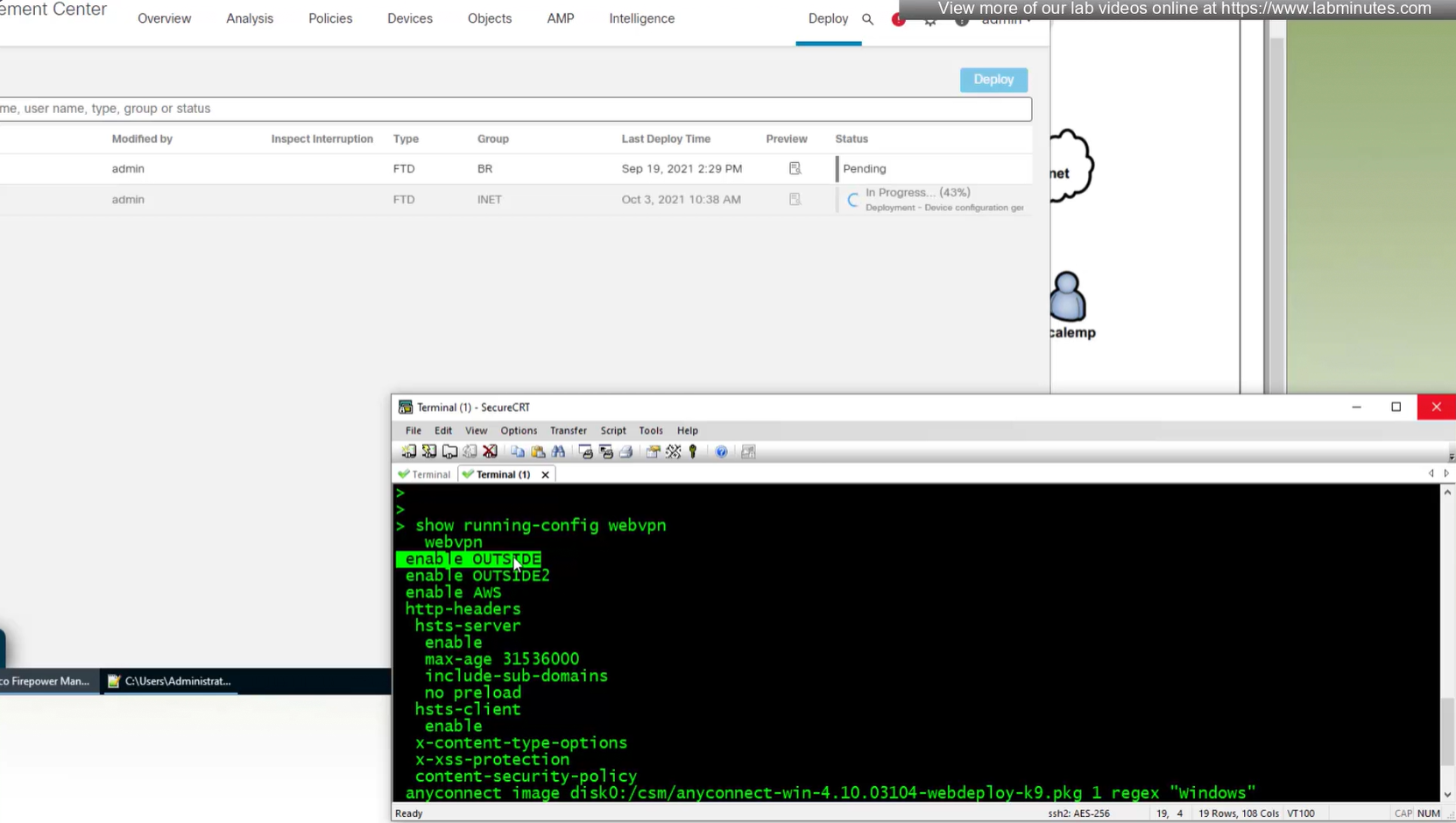
show running-config webvpndefault config that is part of the anyconnect vpn
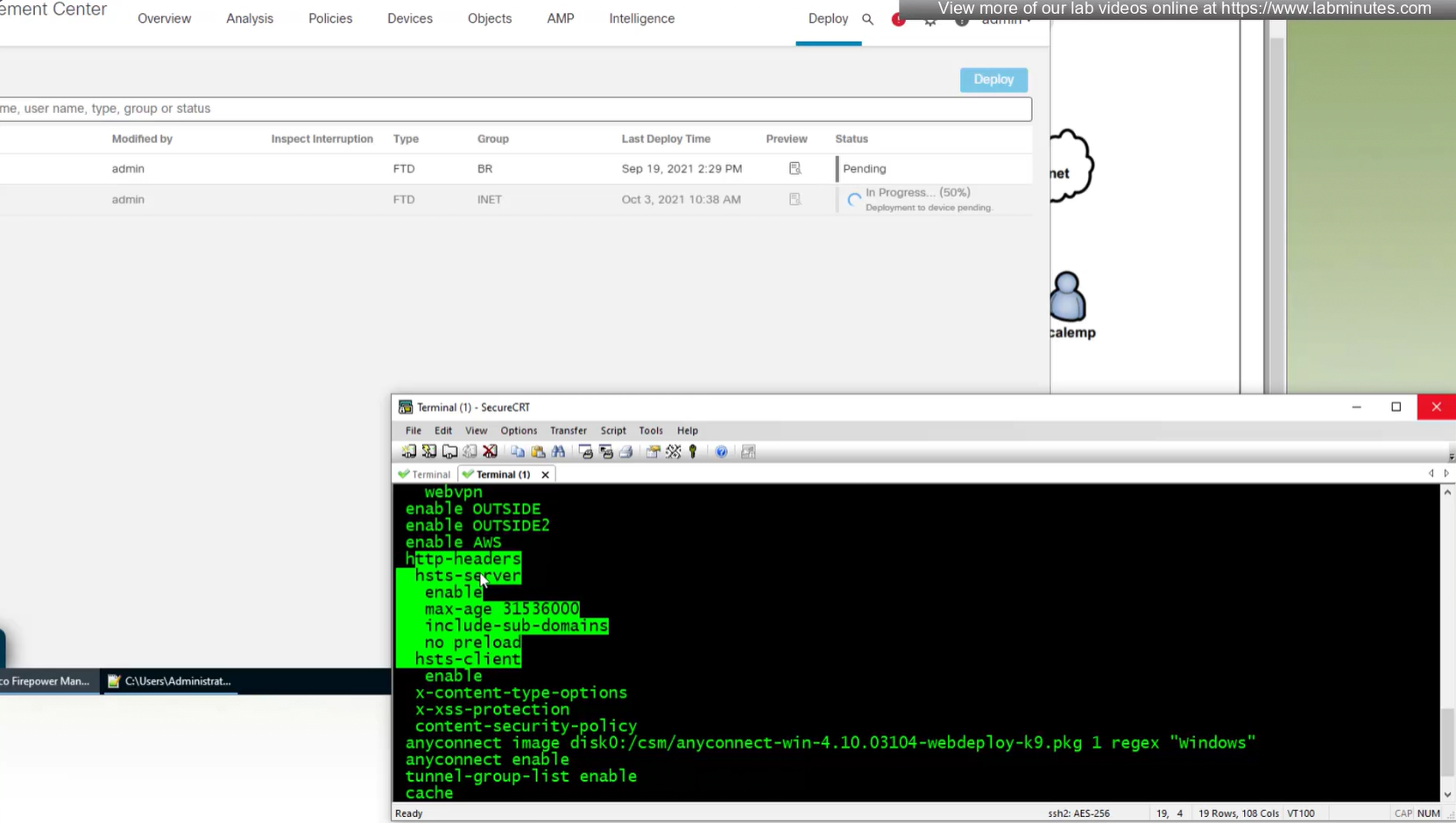
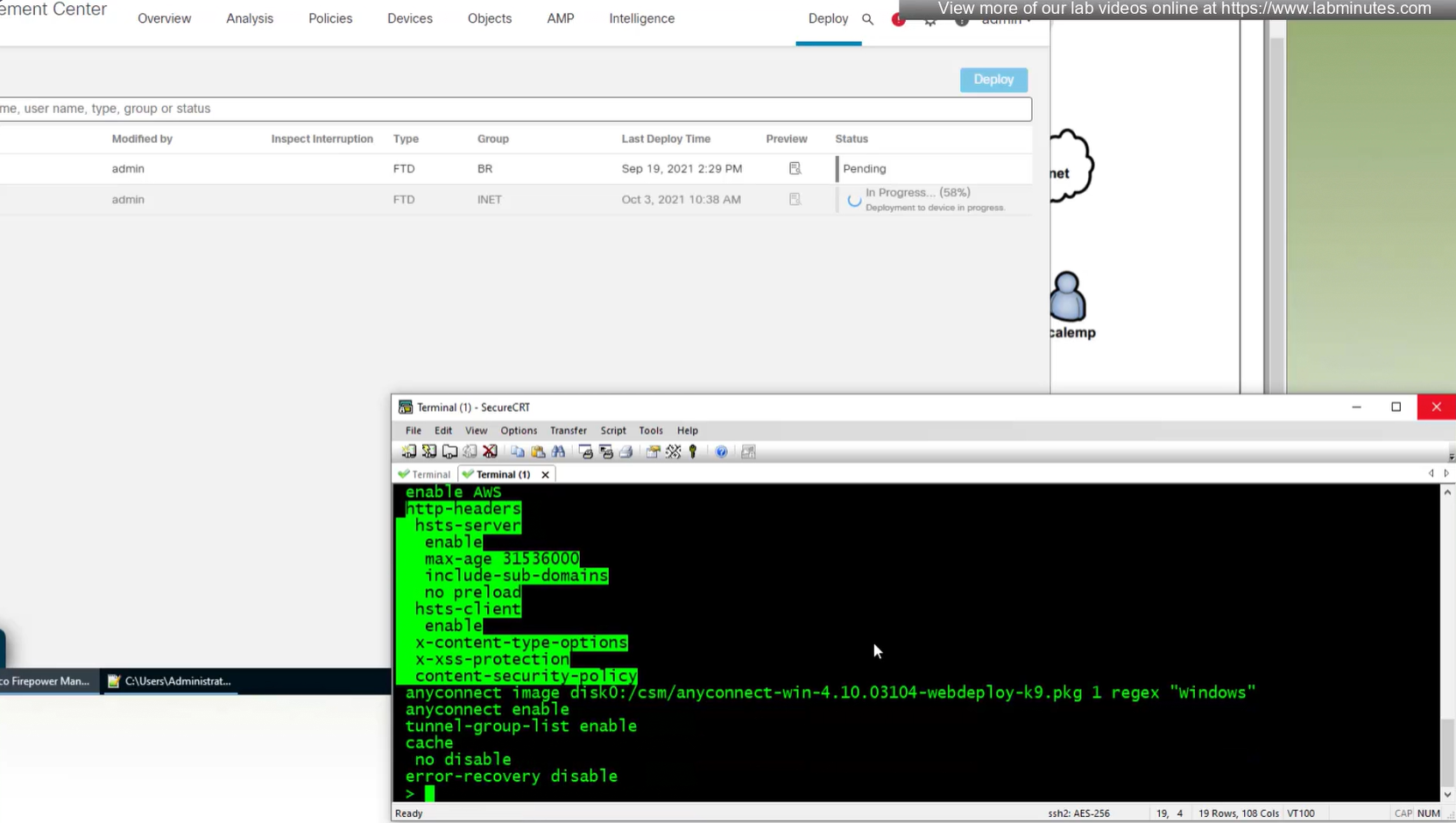
some additional HTTP headers
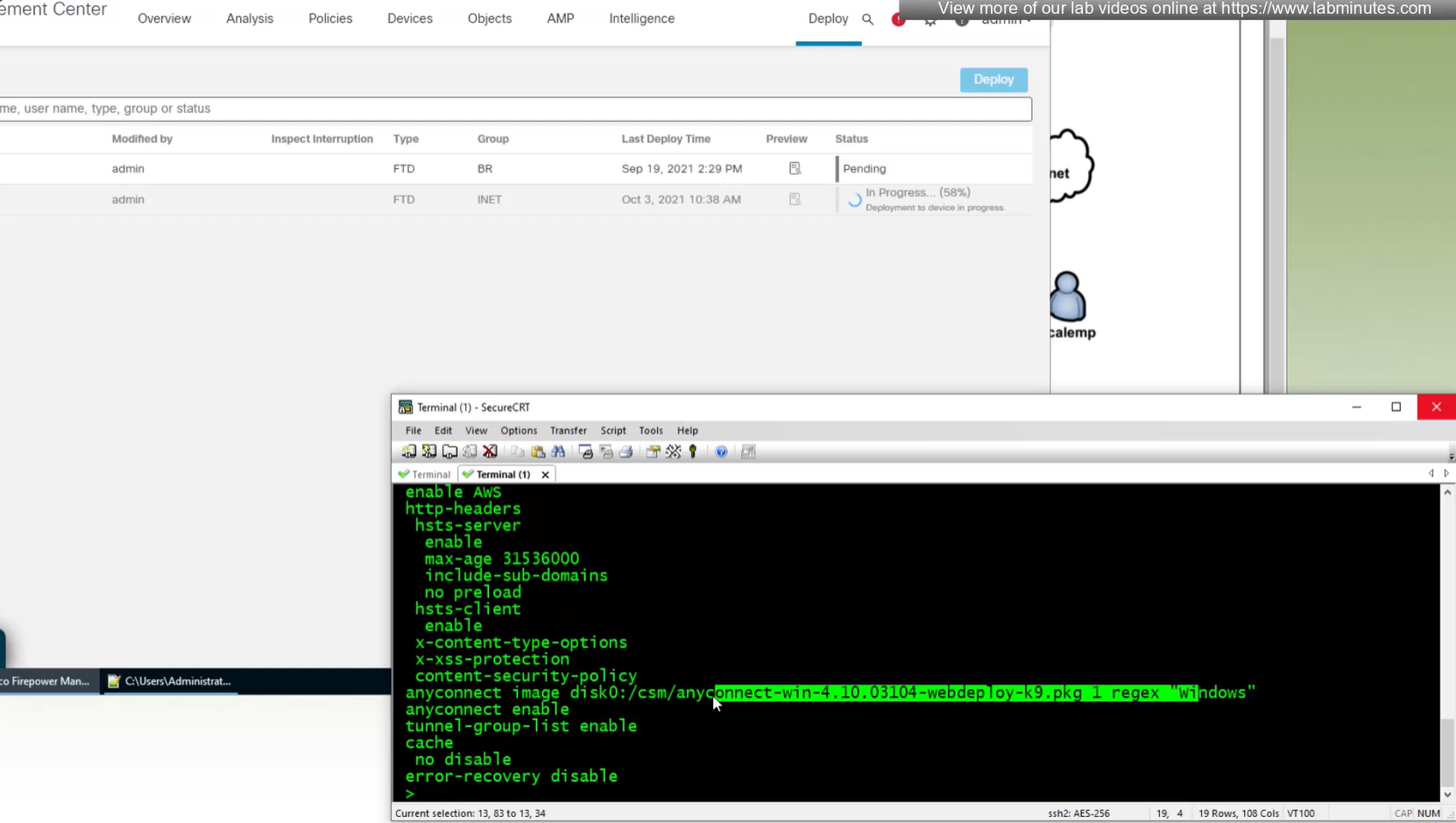
Anyconnect image
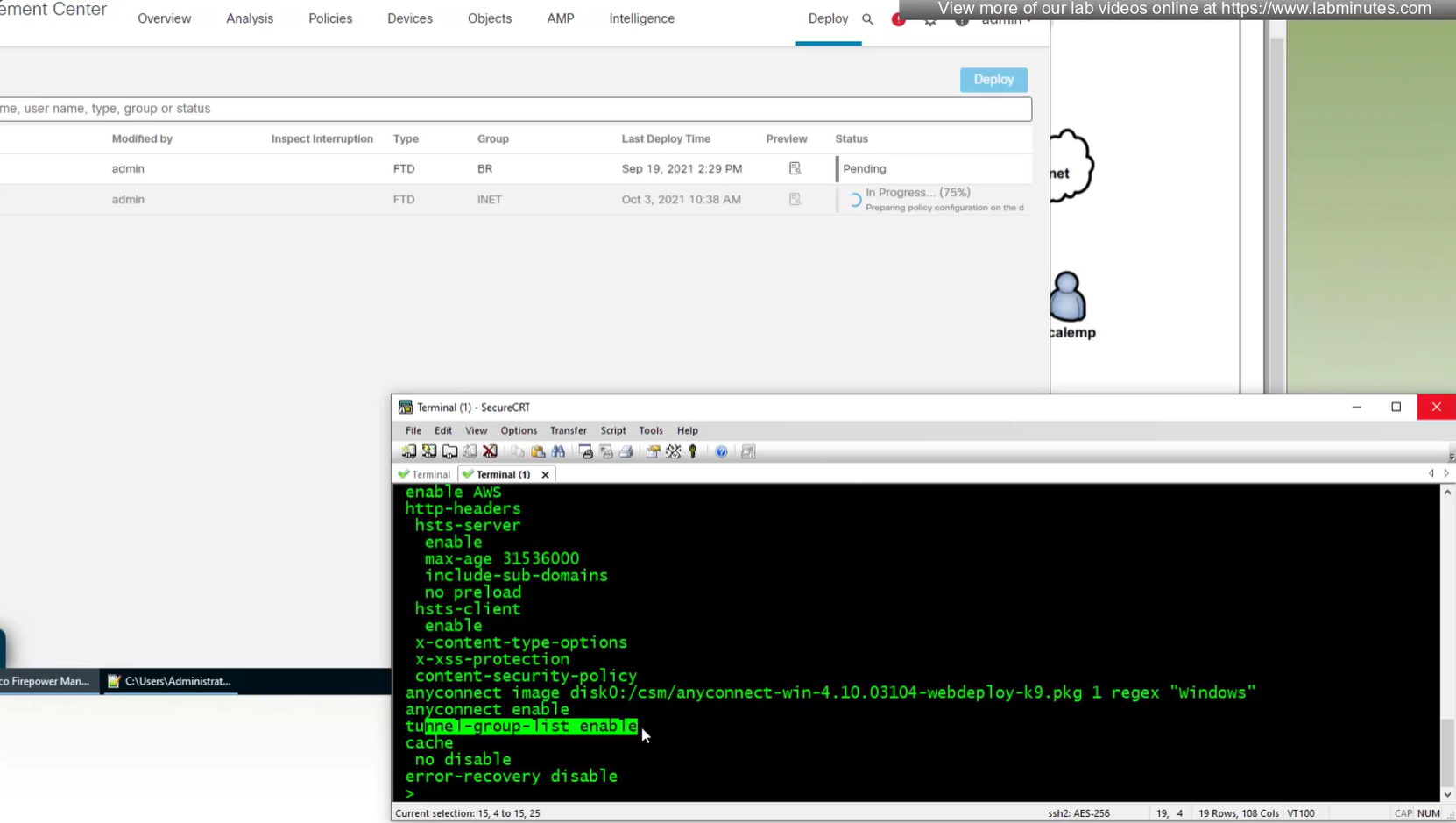
When you configure multiple tunnel groups (also known as connection profiles) on an ASA, users connecting via VPN (like AnyConnect or IPsec) may need to pick which one to use.
By default, the ASA won’t show users a drop-down list of available tunnel groups at the login screen. Instead, they’d have to know and type in the group name.
The command:
tunnel-group-list enableenables the display of the tunnel group (connection profile) list on the VPN login page.
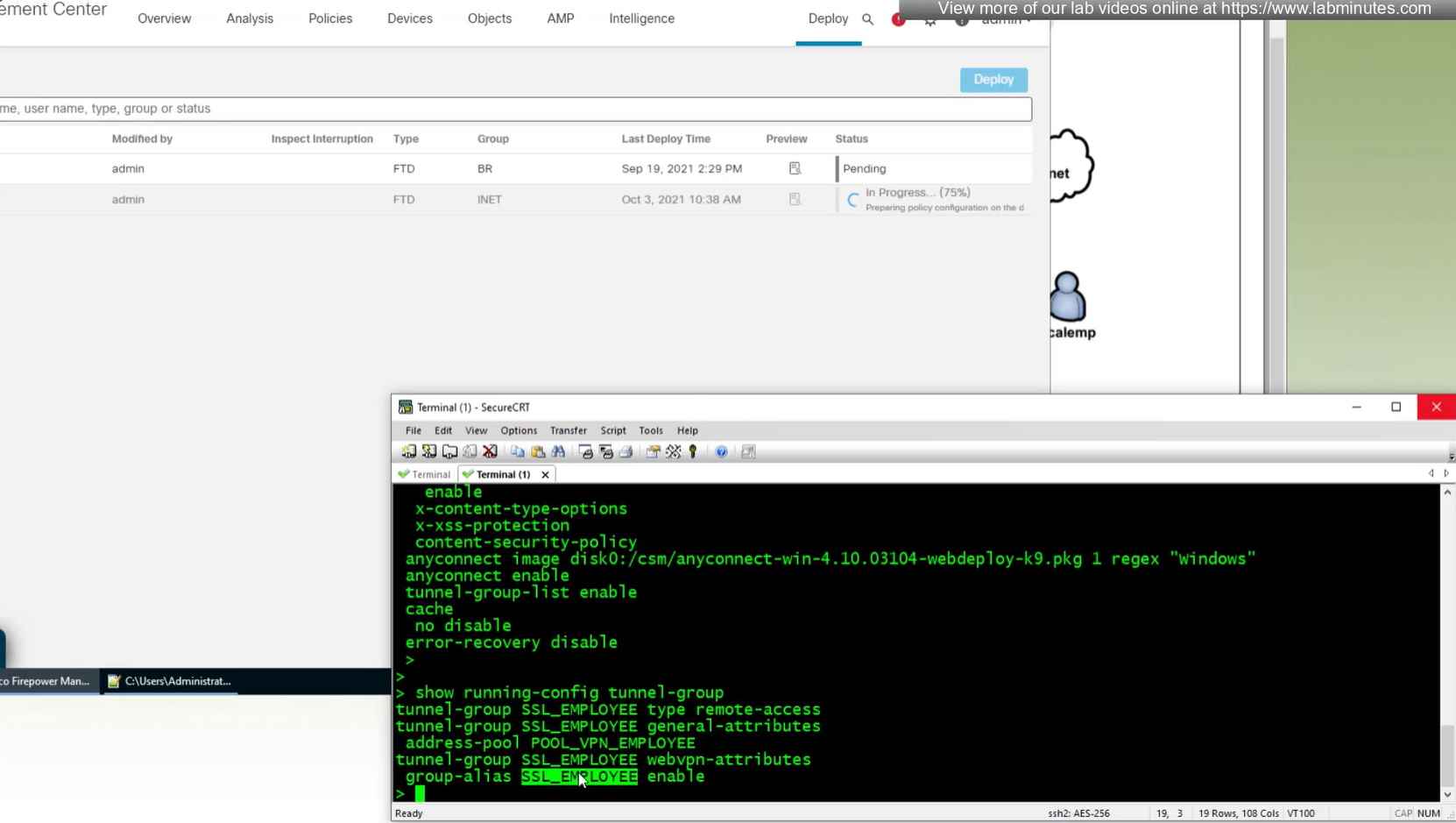
show run tunnel-group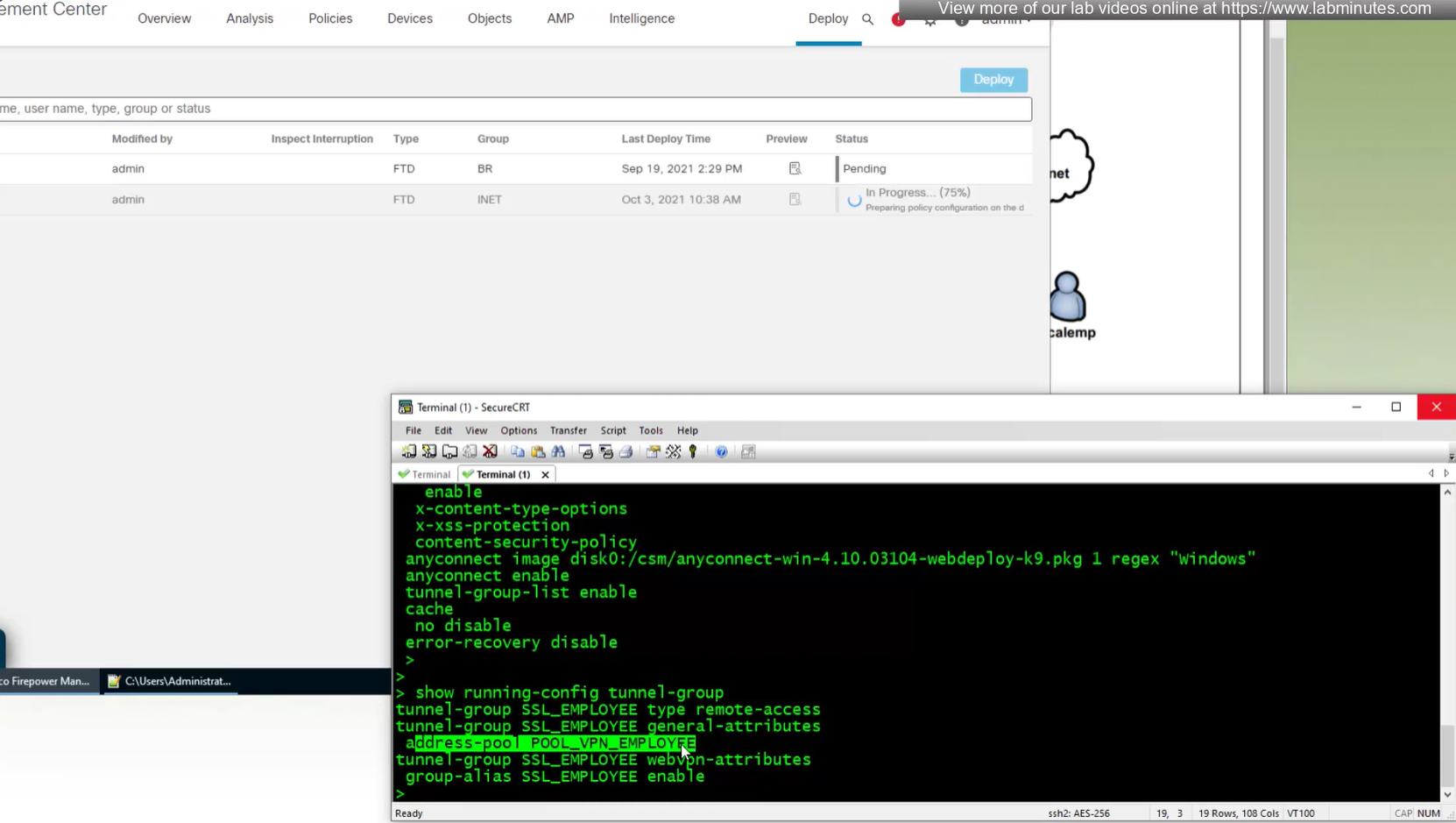
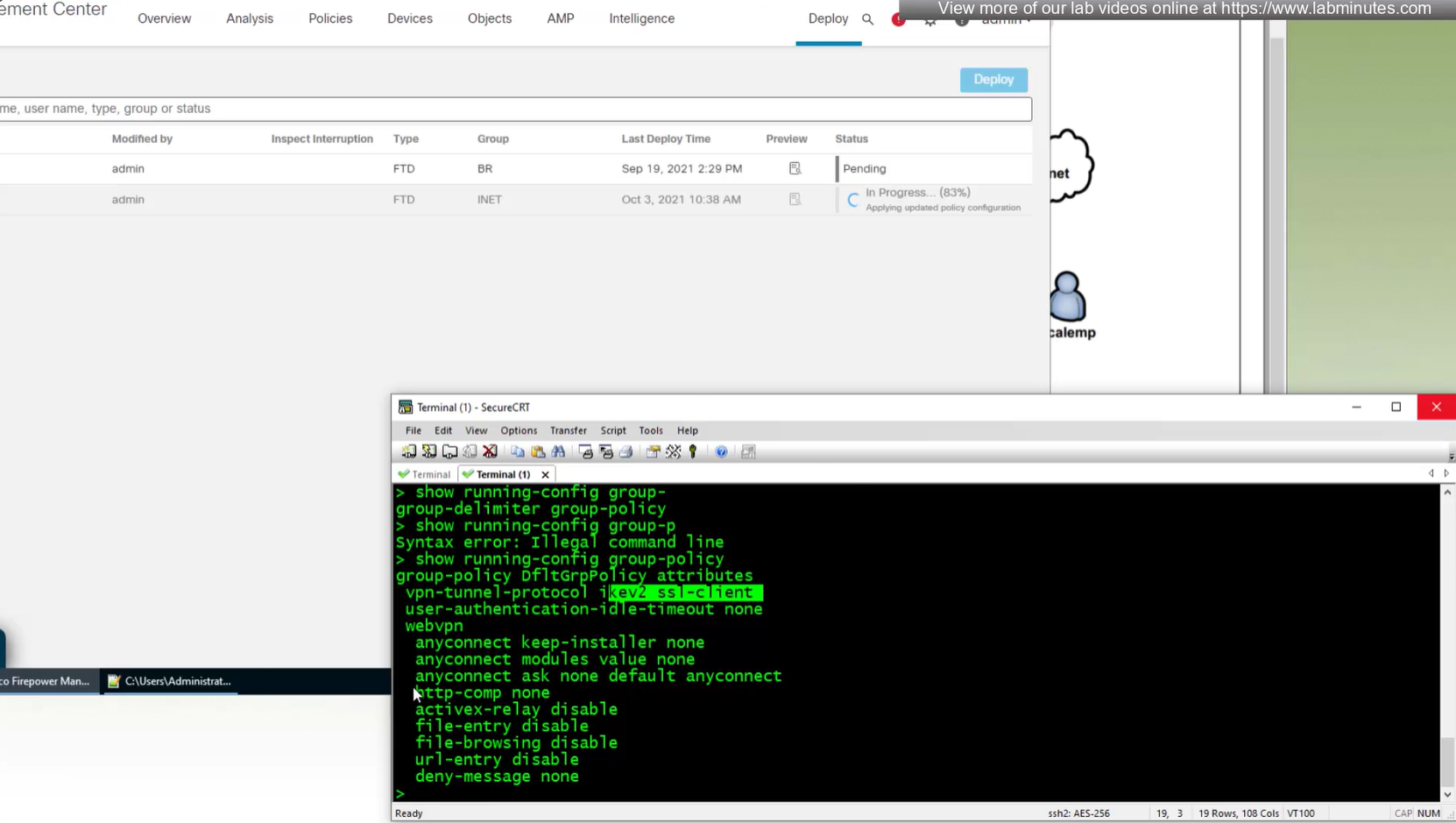
show running-config group-policy
next post
SEC0401 – Firepower 7.0 AnyConnect VPN Client (Part 1)
SEC0401 – Firepower 7.0 AnyConnect VPN Client (Part 1)
Anyconnect Client
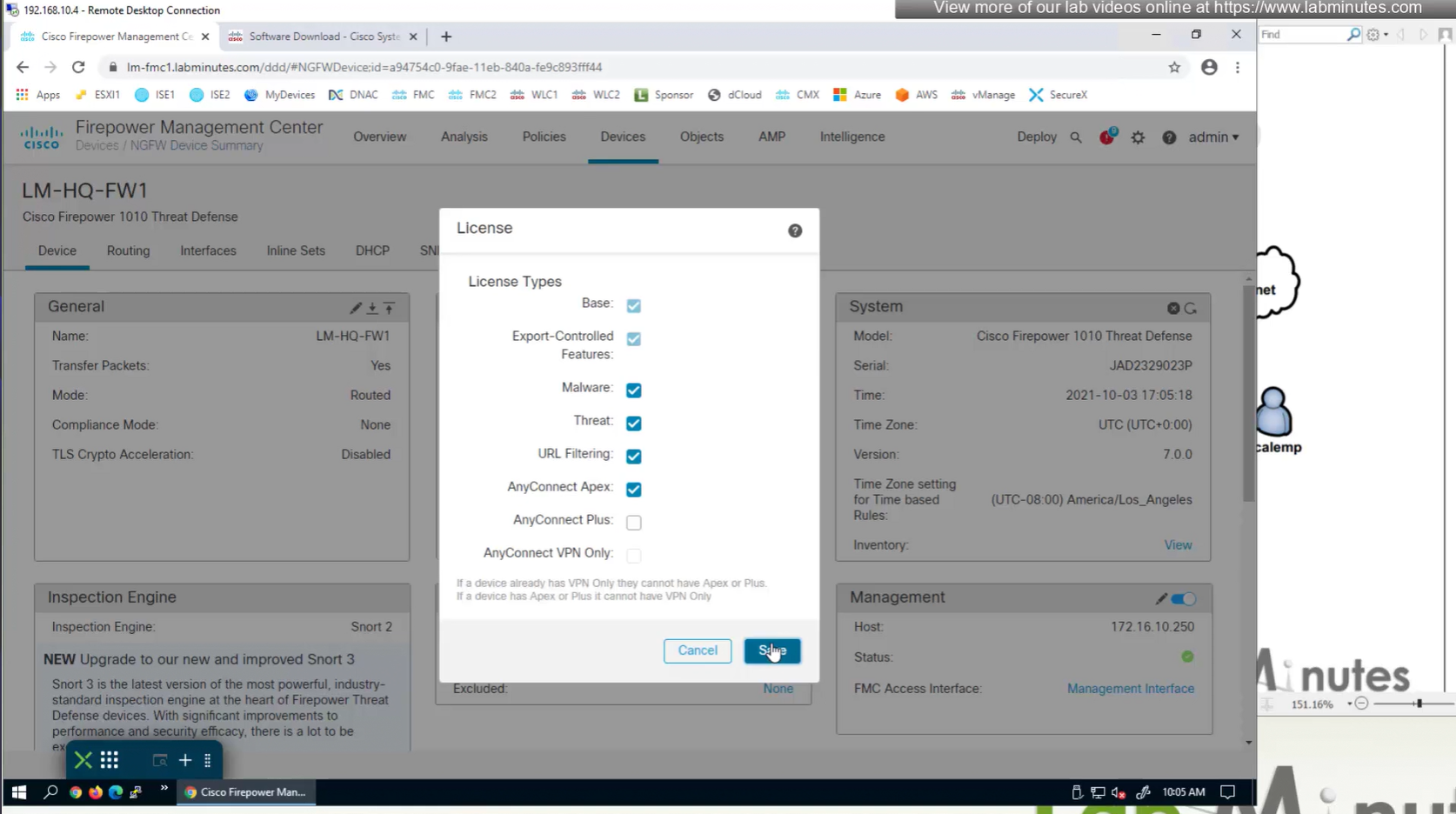
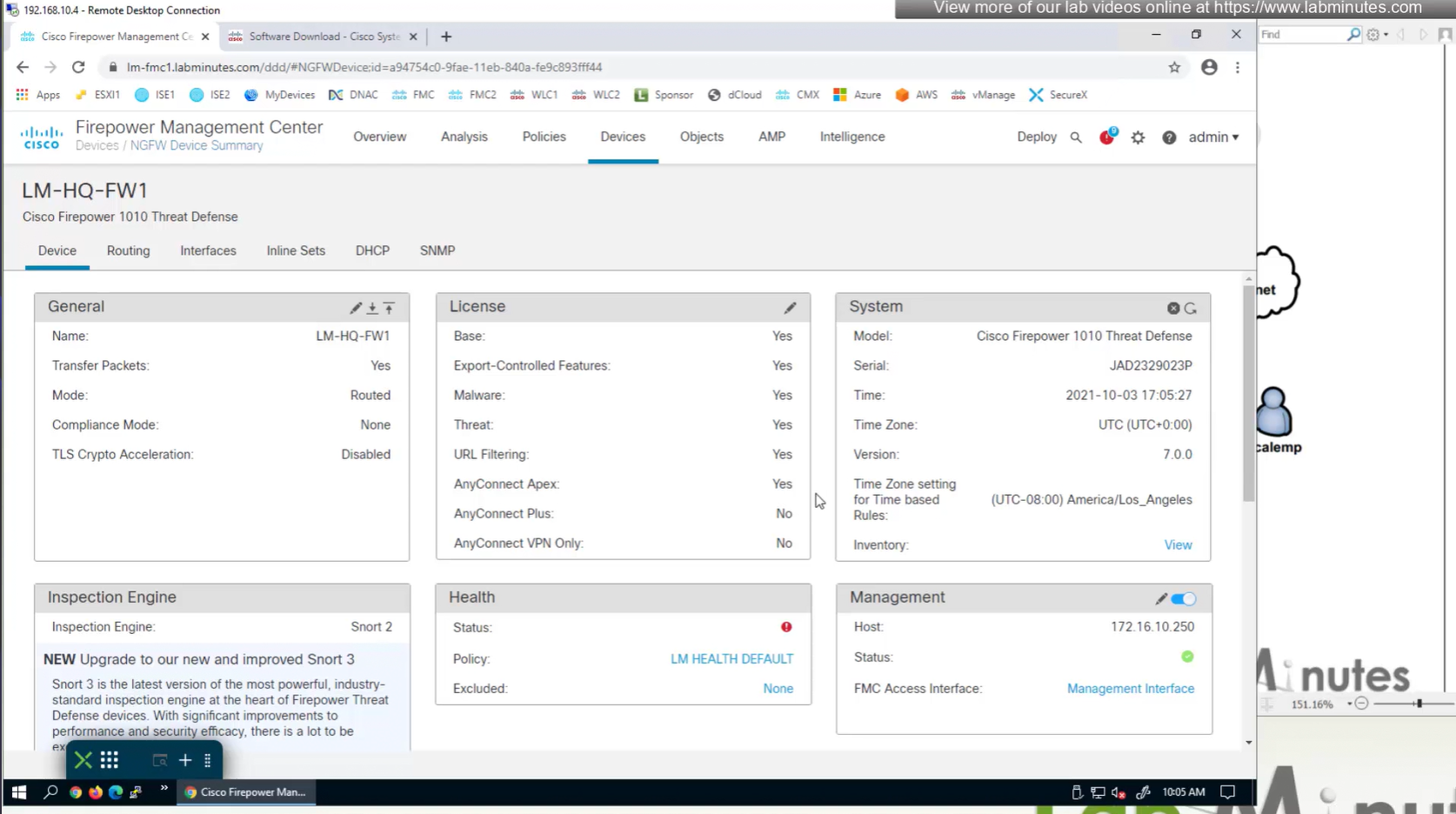
There are different anyconnect licenses and we need to make sure we have right kind of licenses and also make sure that they are synced to our smart account as FMC will be pulling them from Smart licensing.
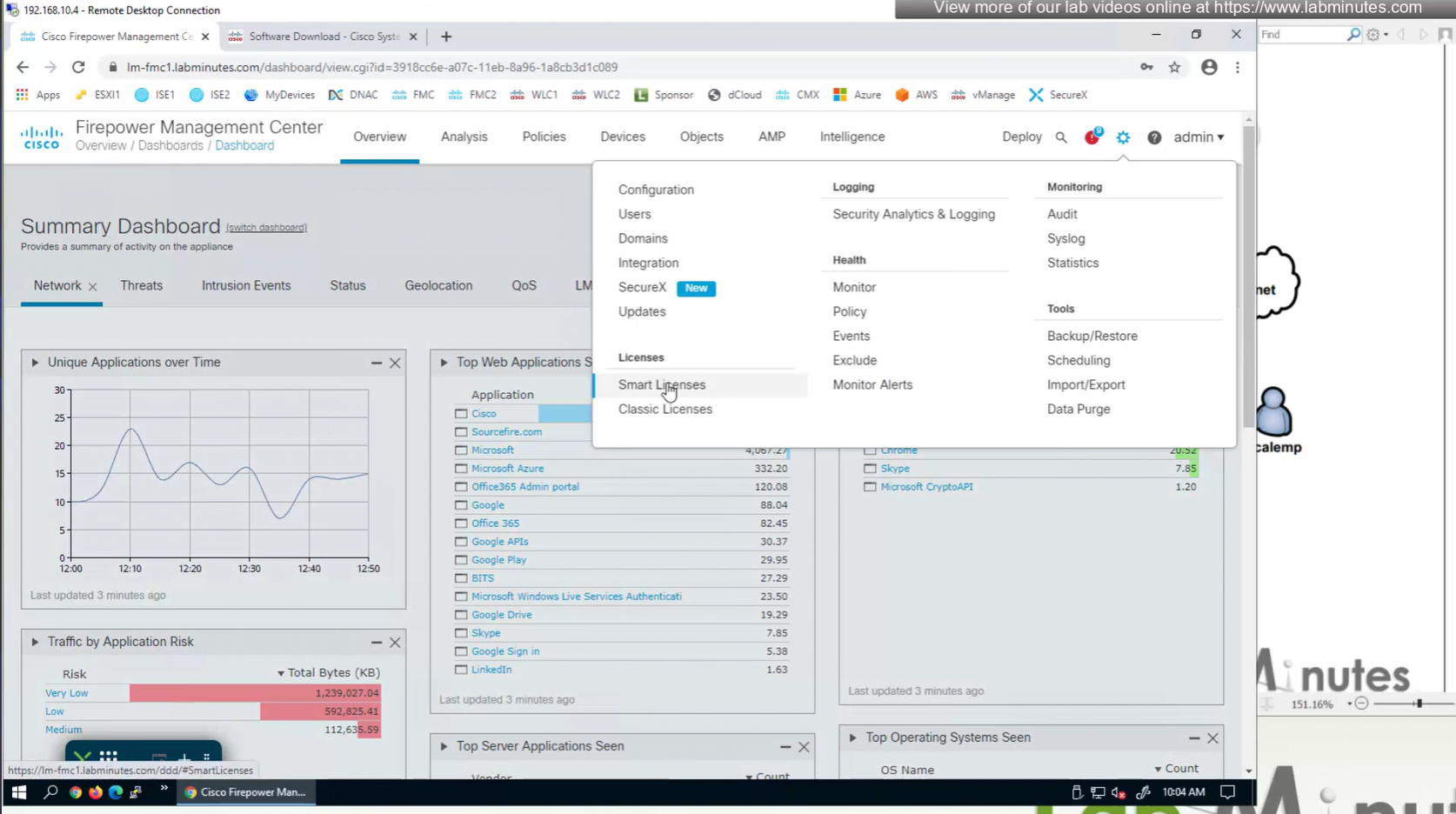
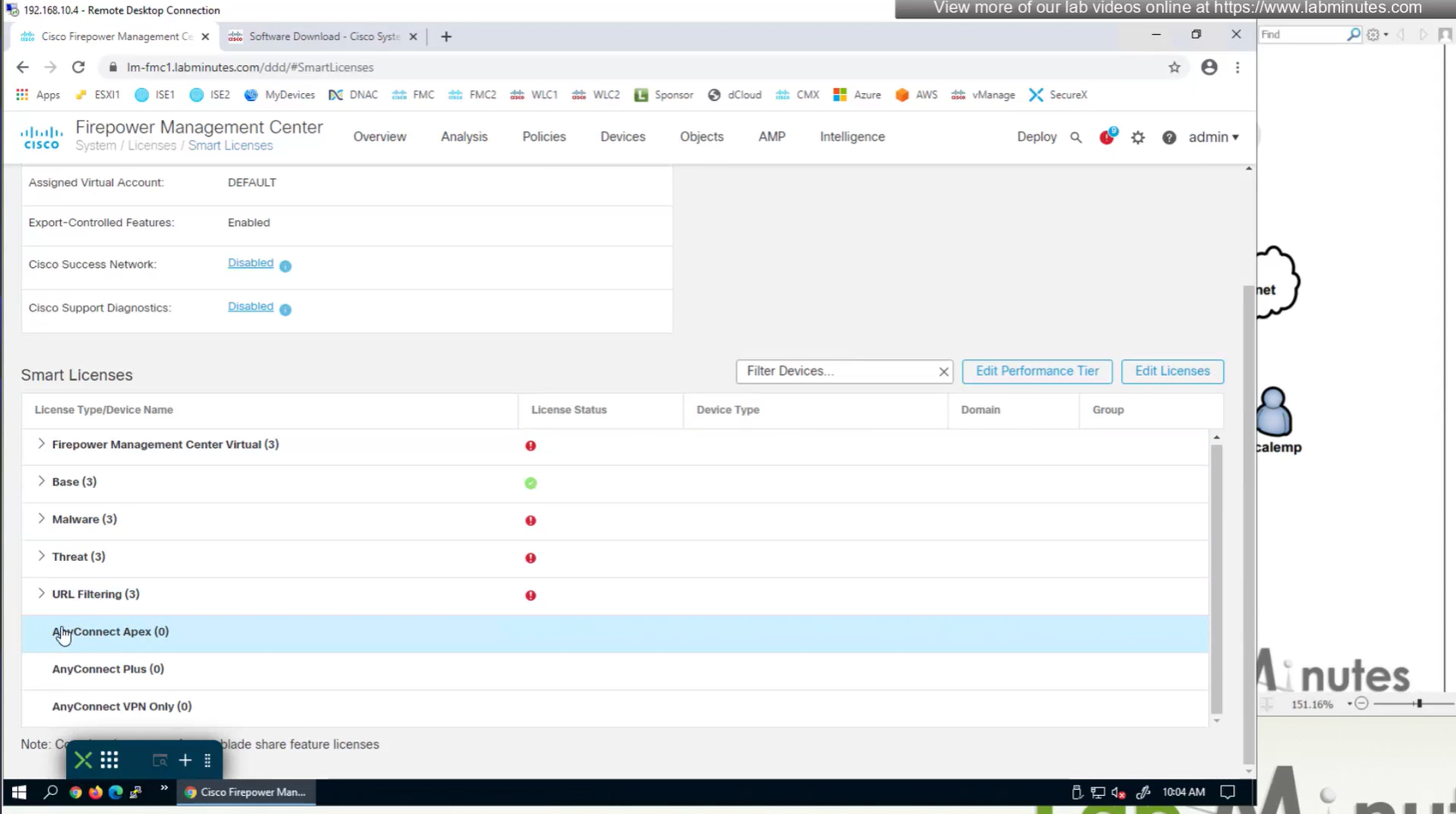
Edit the device and add Anyconnect license on remote access VPN firewall



Manual deployment means that you will be installing anyconnect manually or distribute it through software distribution system
Headend package means that user will be allowed to download and install anyconnect if client does not have it already
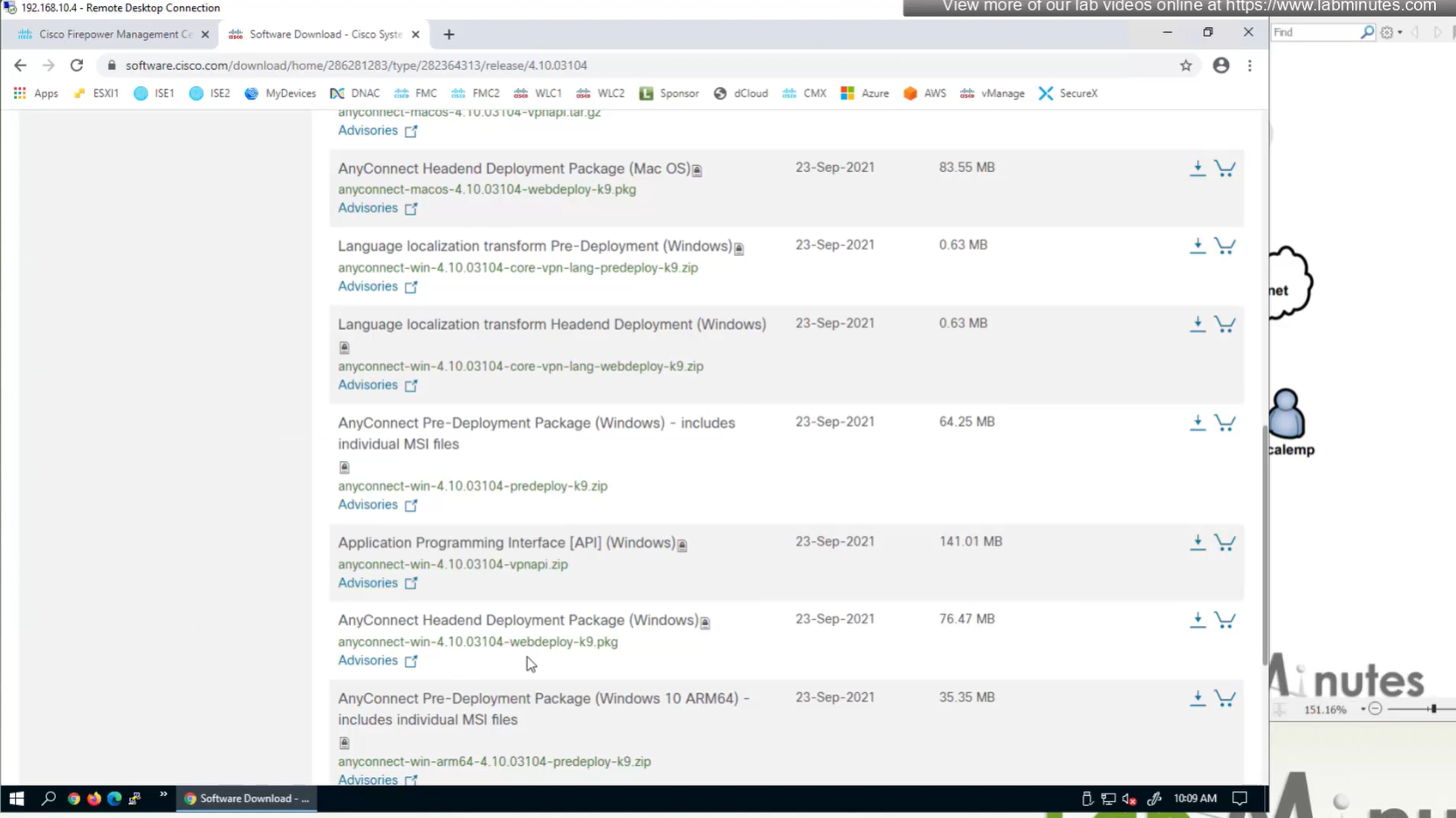
Objects
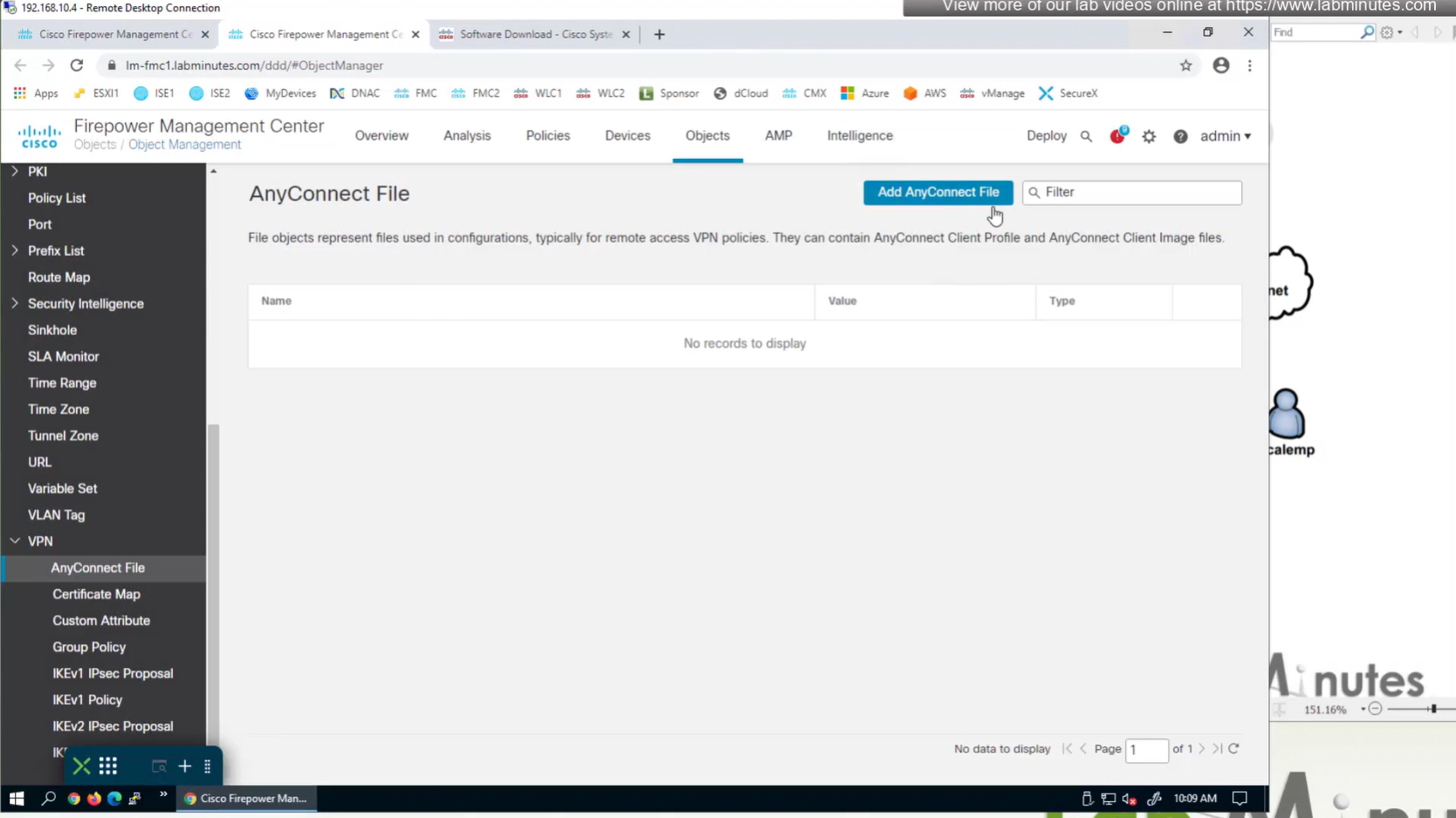
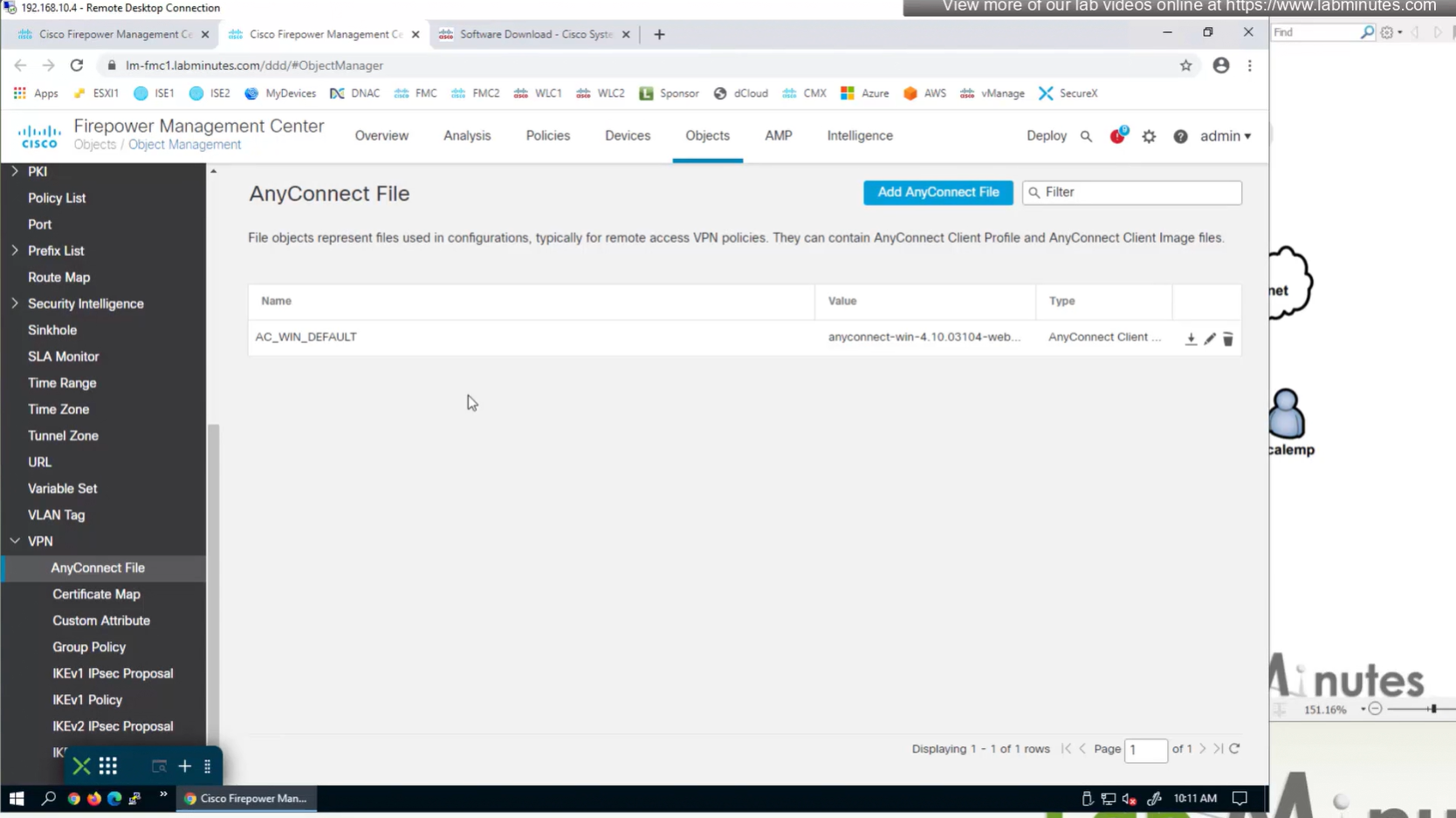
In Objects > Anyconnect file

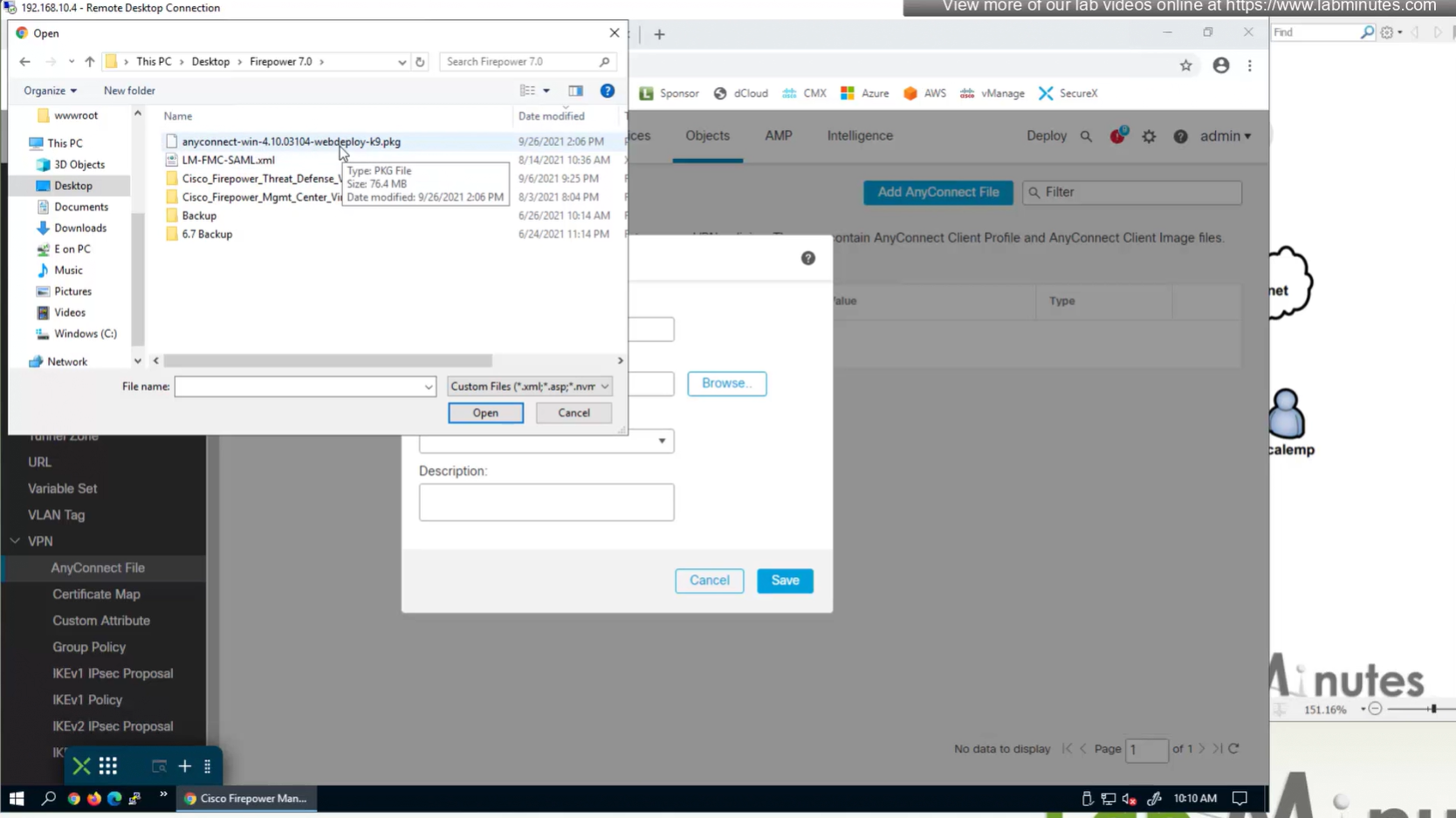
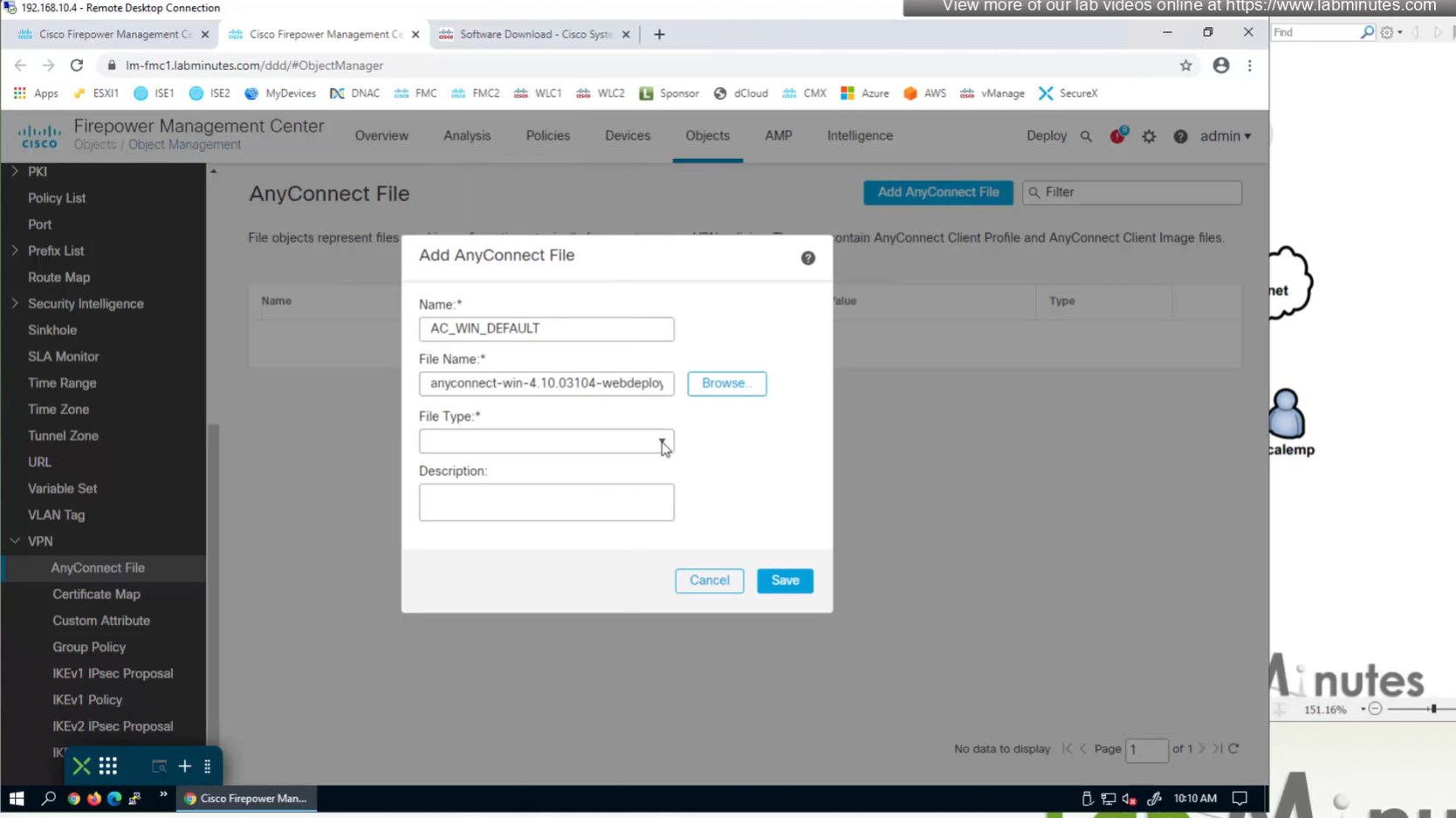
Upload the headend package


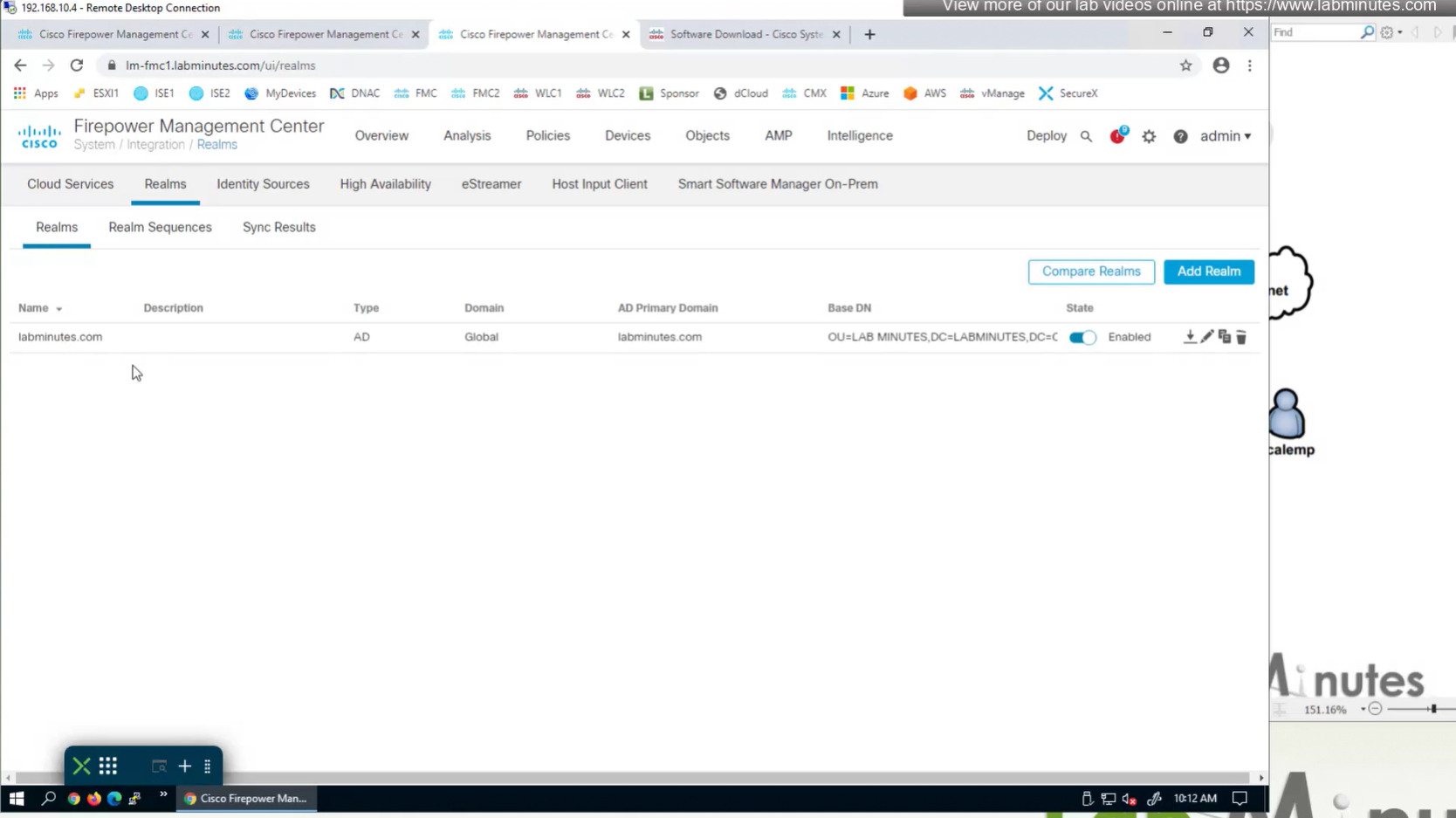
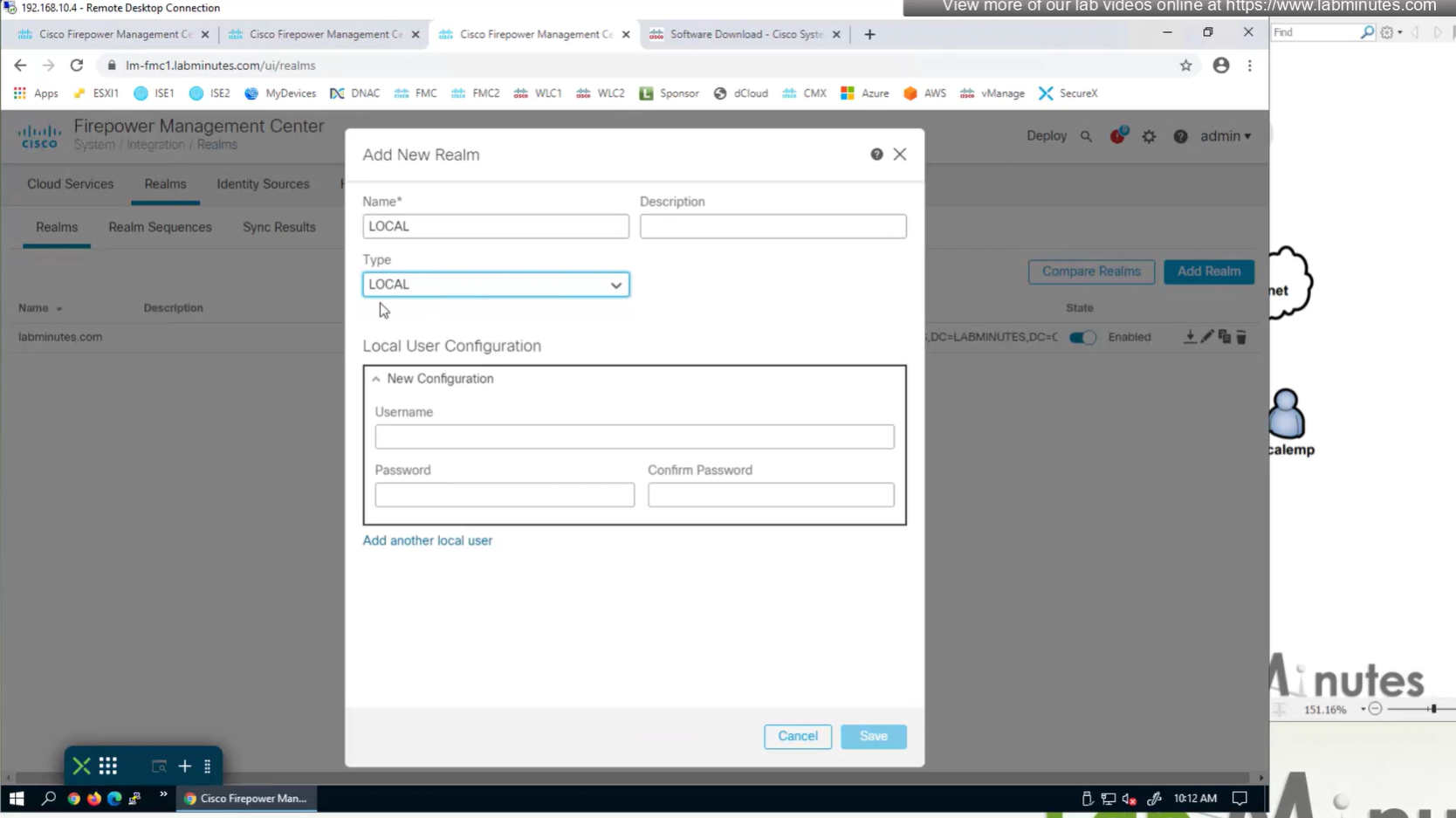
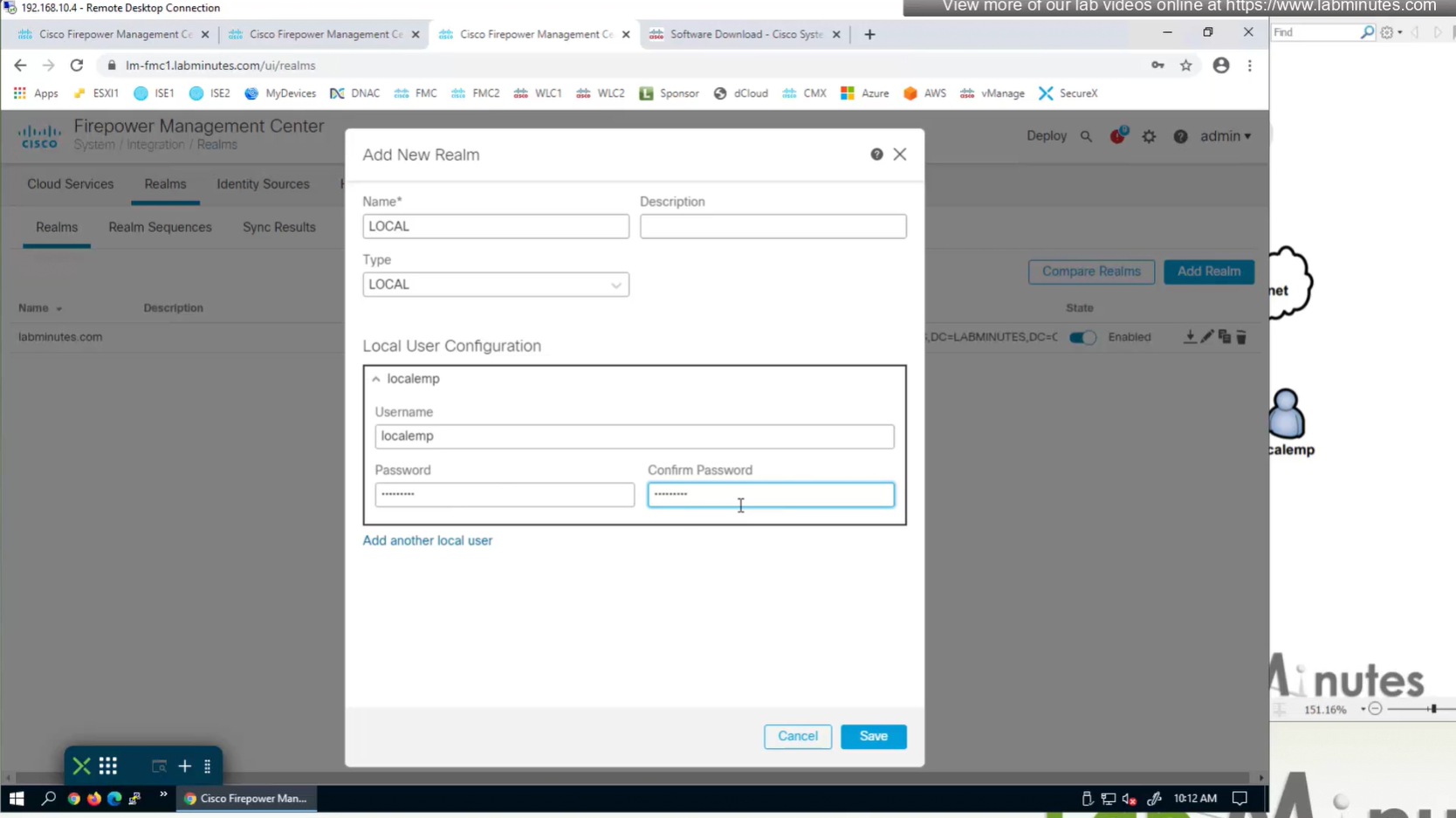
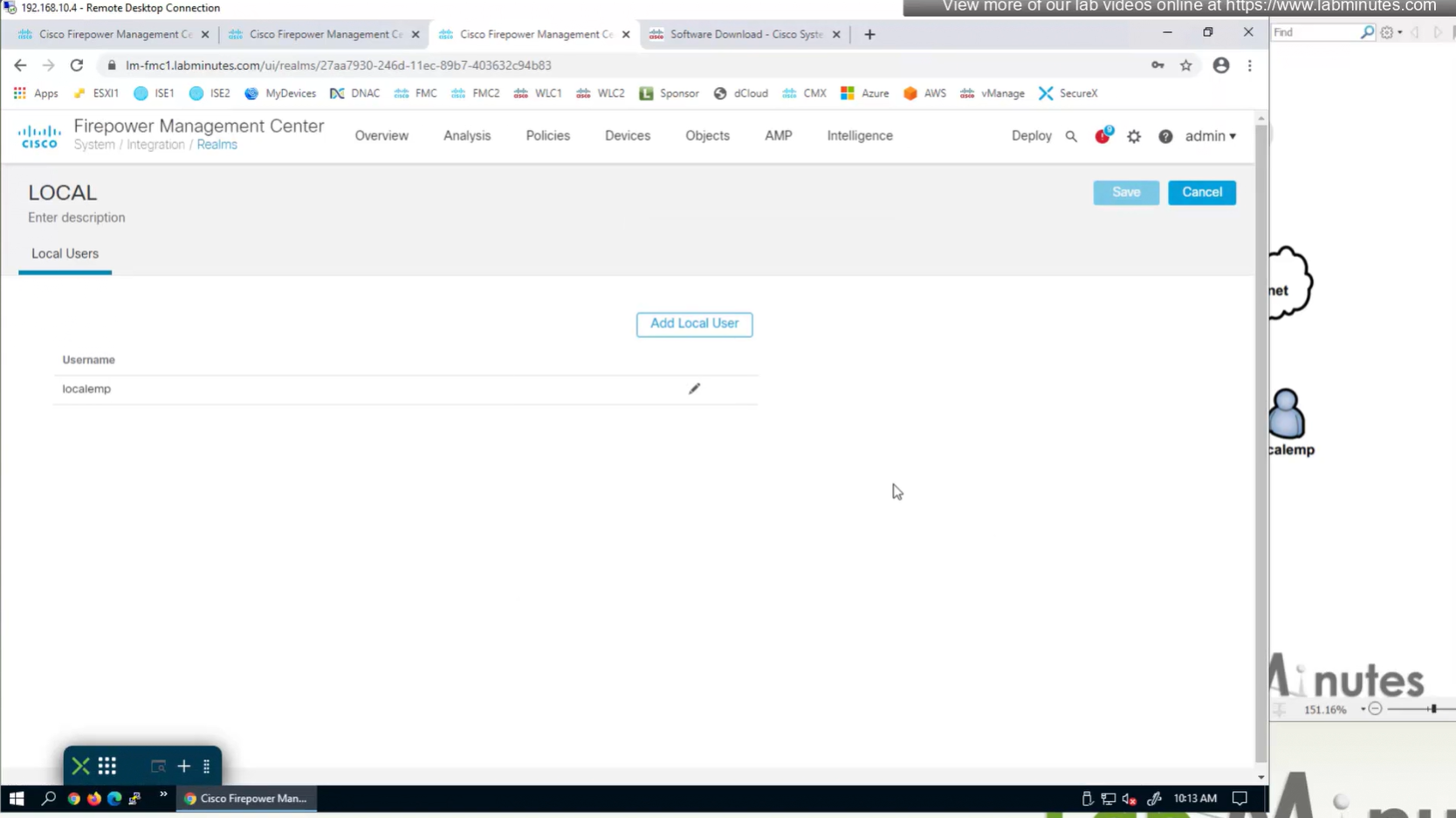
Create local user in Integration > Realm > Local > Local user

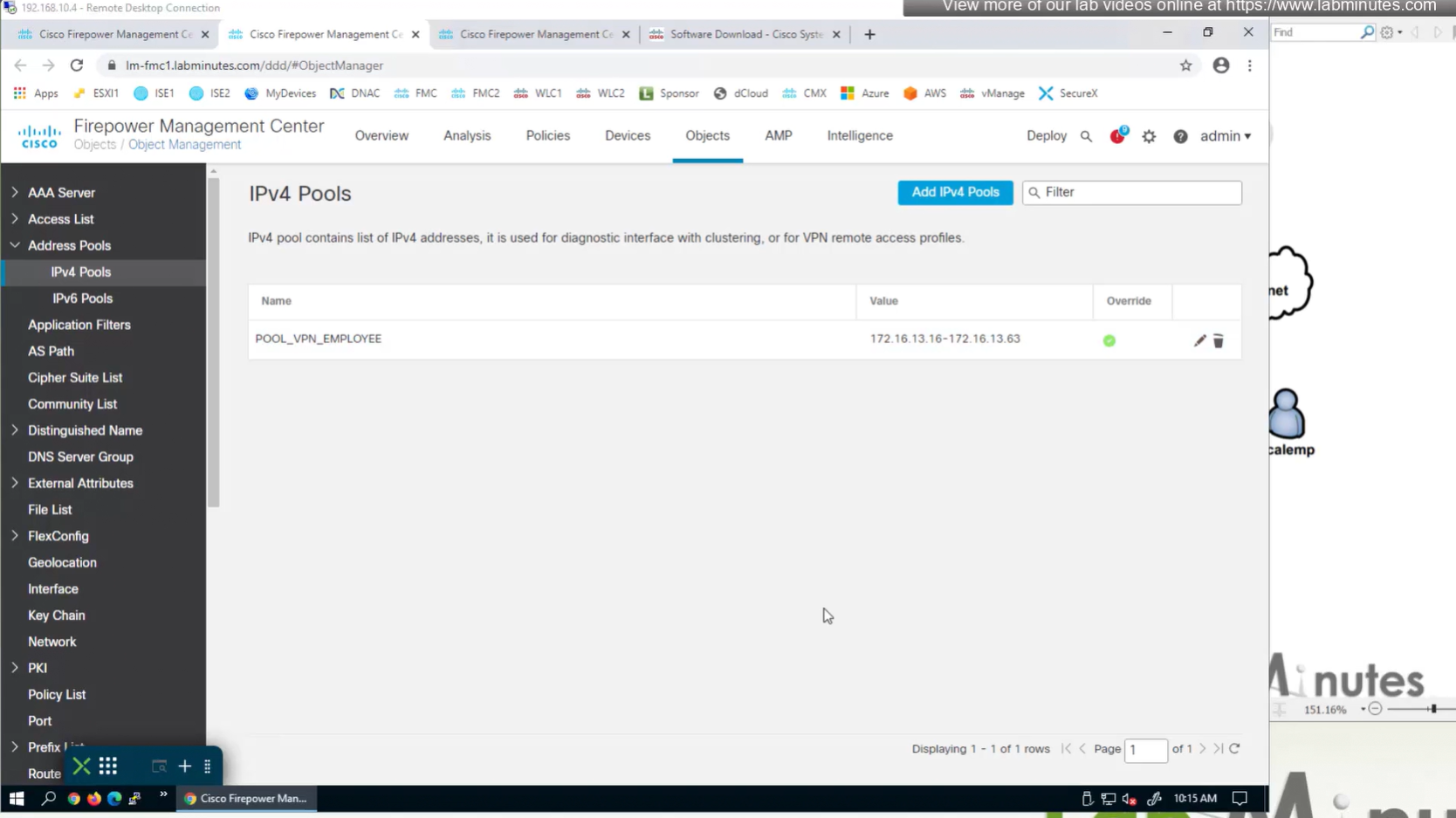
Objects > Address Pools > IPv4 Pools
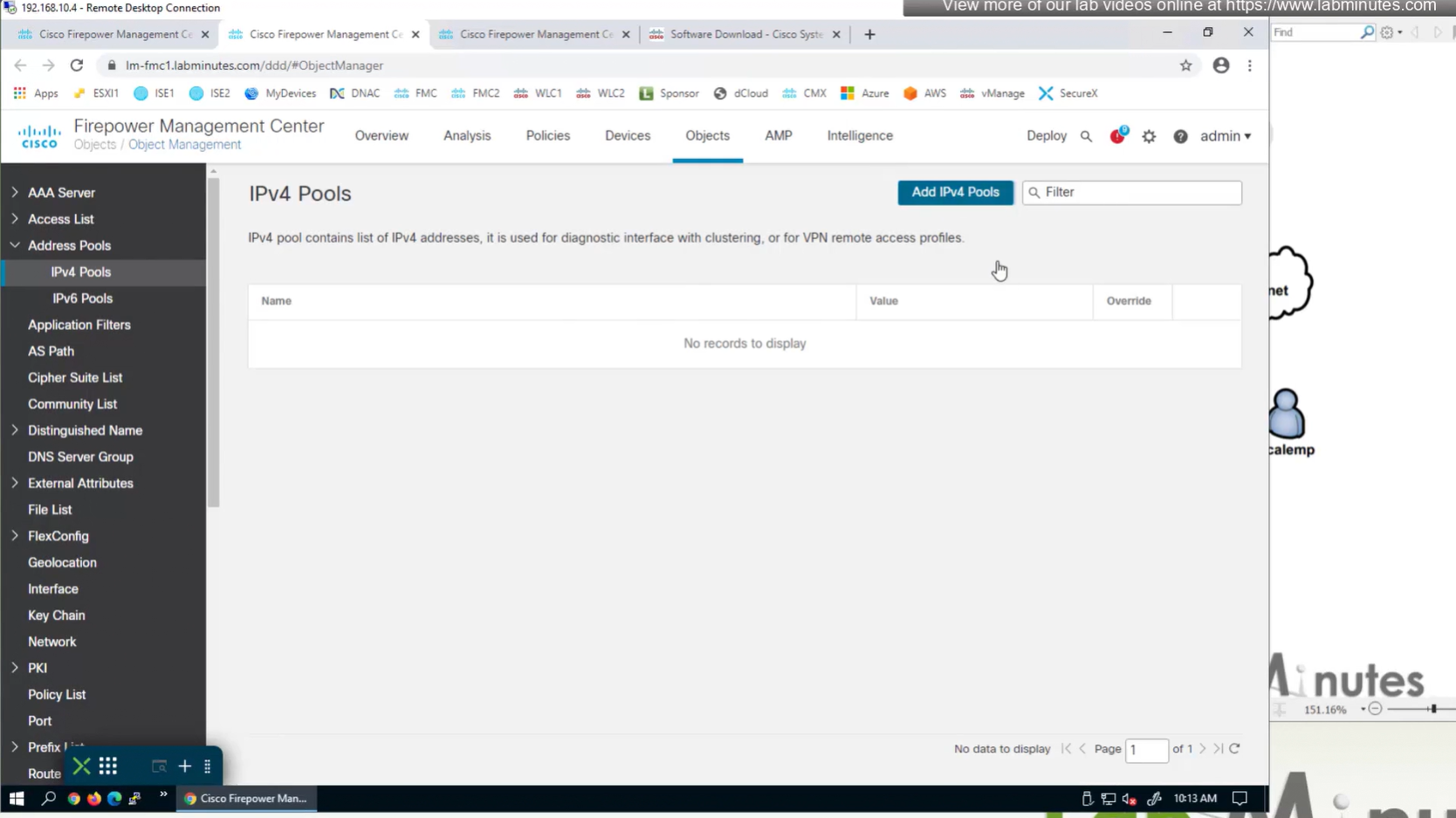

Allow overrides mean that same “object” can be used on different firewalls but can have different value per firewall but object can be same
Client pool cannot be just network object but it is object type IPv4 Pool
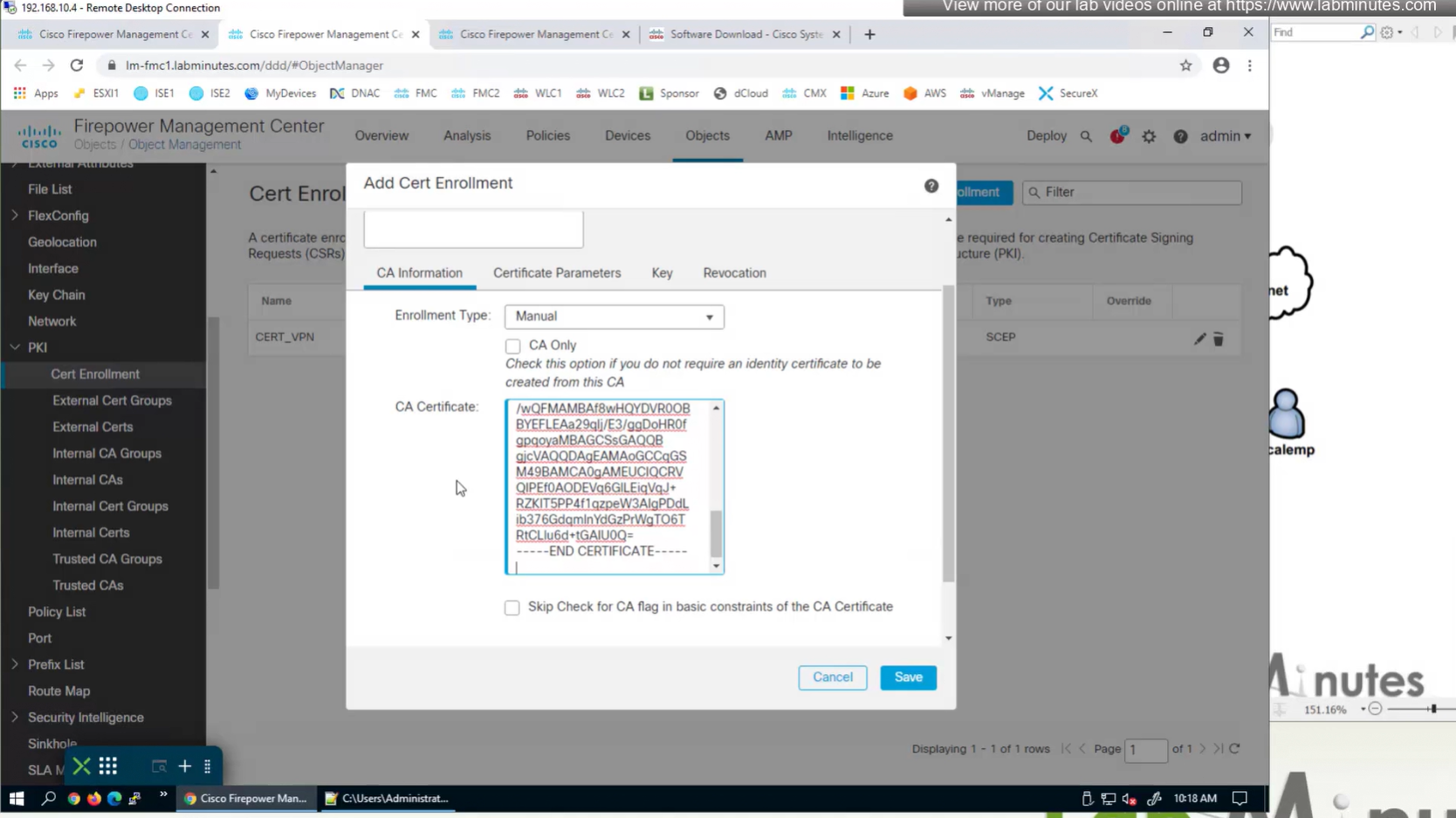
Objects > Cert Enrollment
Cert Enrollment means Firewall obtaining cert and that process requires root CA cert information also
Certificate enrollment in Firepower is about securely obtaining a trusted certificate from a CA but here instead of SCEP we are doing manual certificate for firewall
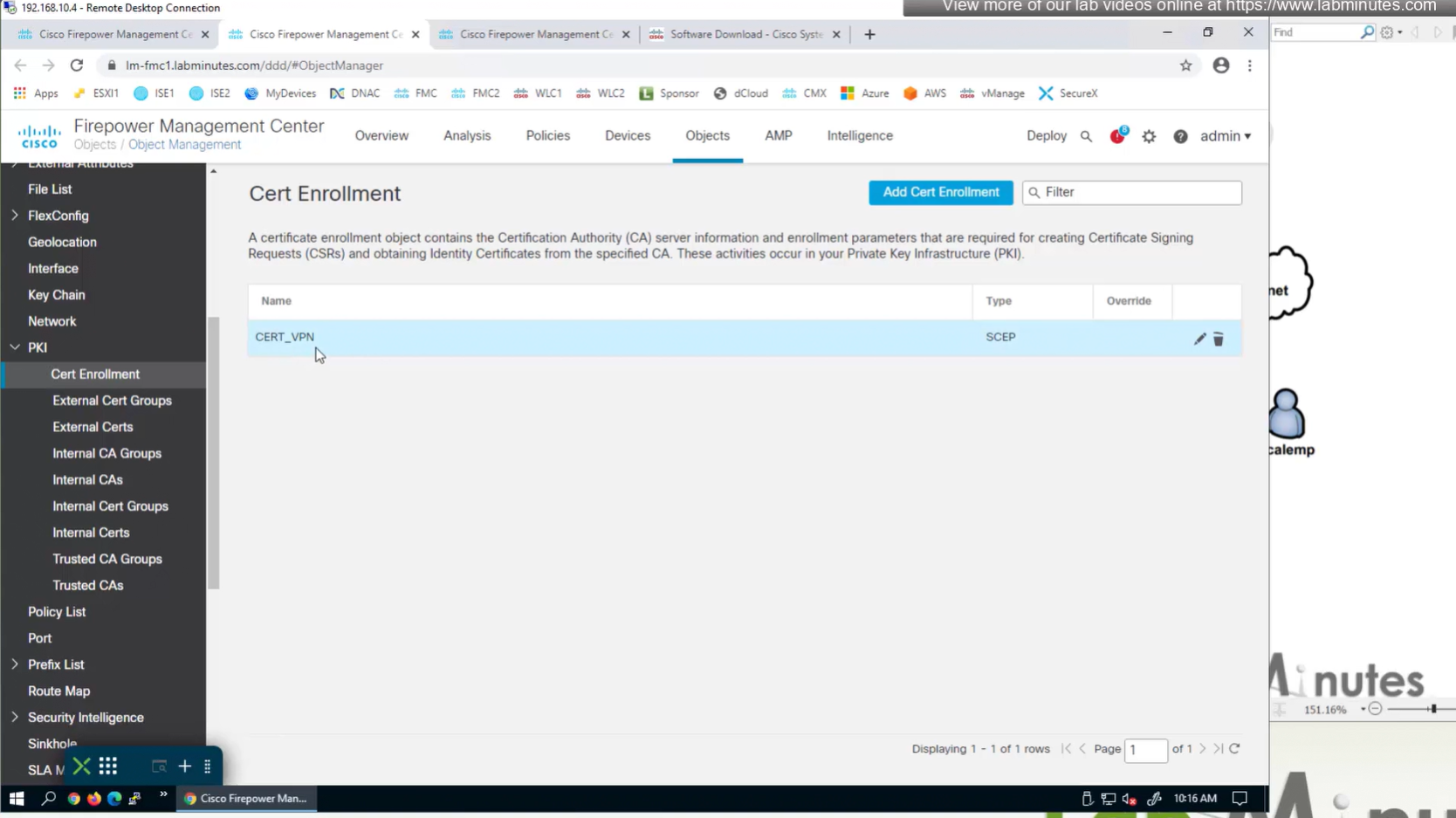
Change from SCEP to Manual


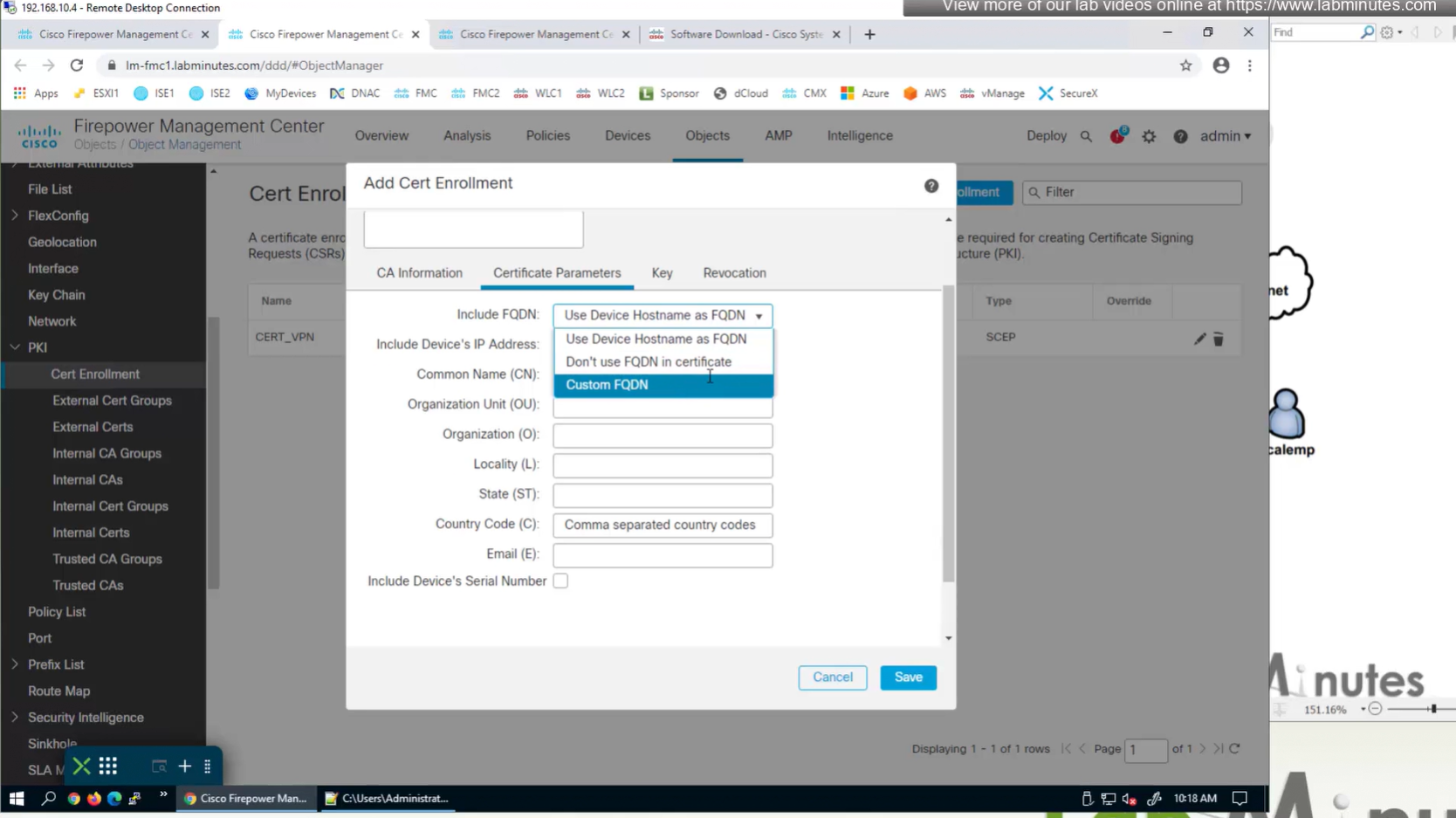
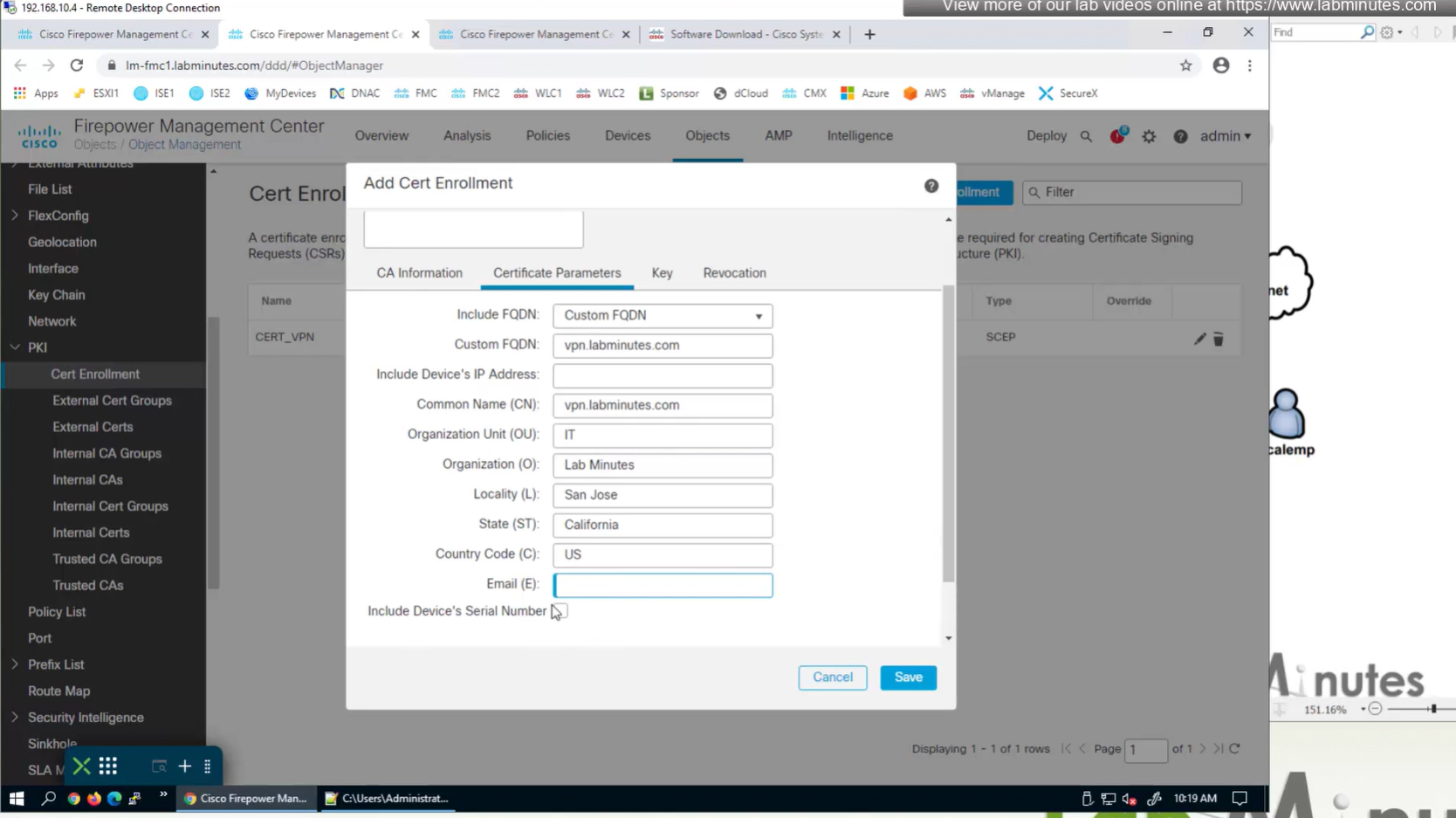
Change to Custom FQDN


Objects >
Anyconnect file
Local Realm + local user
IPv4 Address Pool
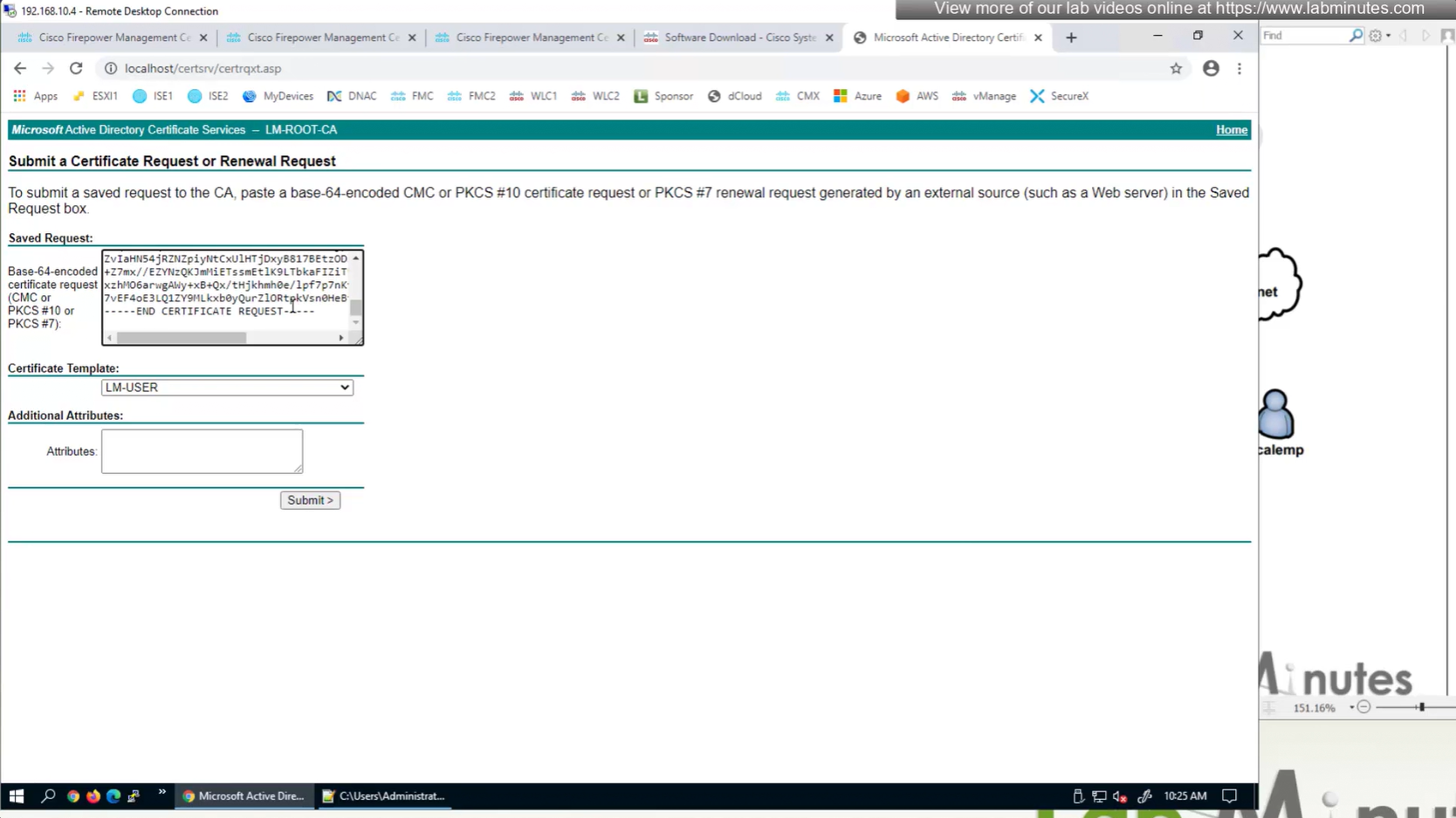
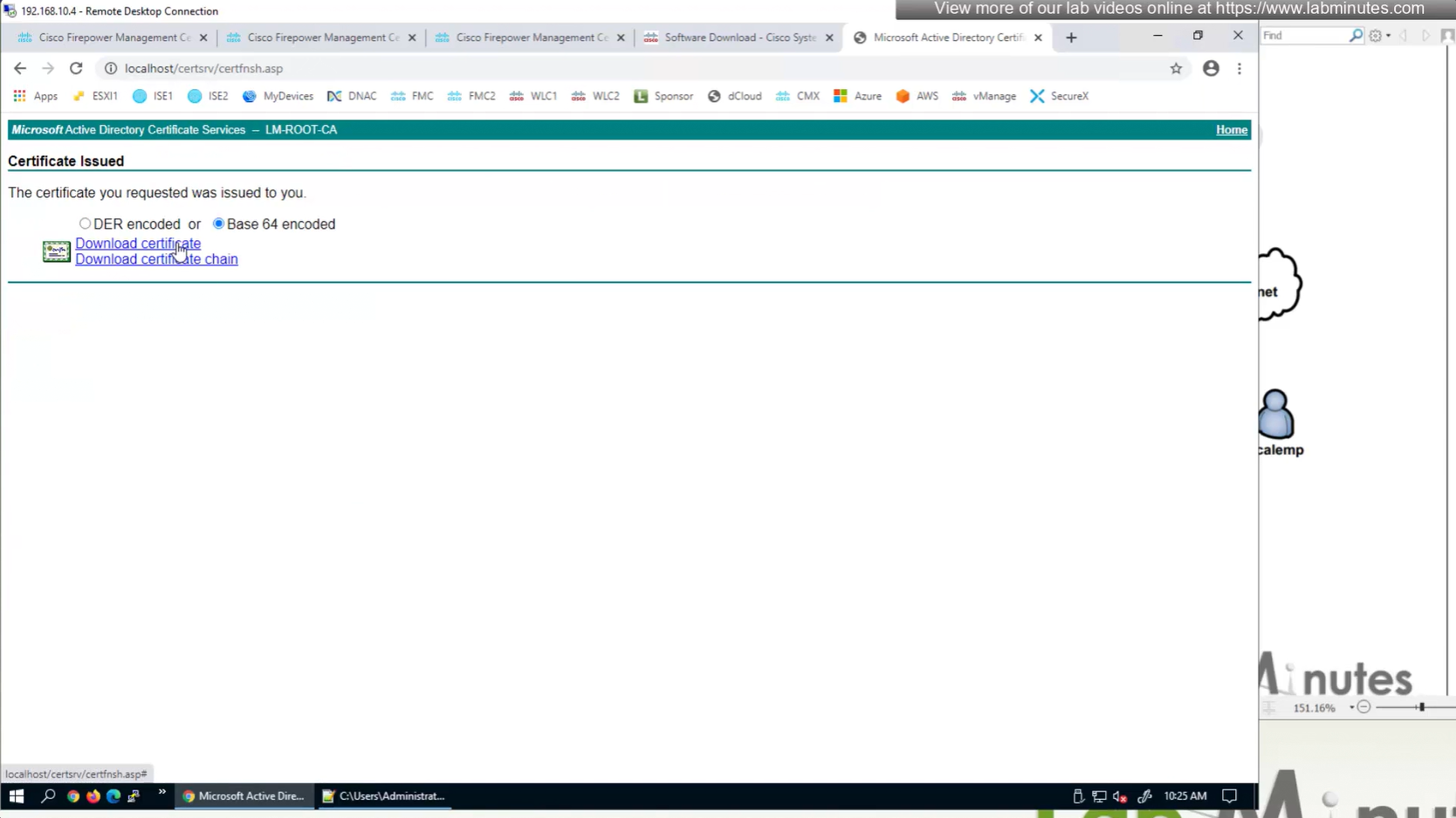
Cert Enrolment (Root CA Server cert + CSR)
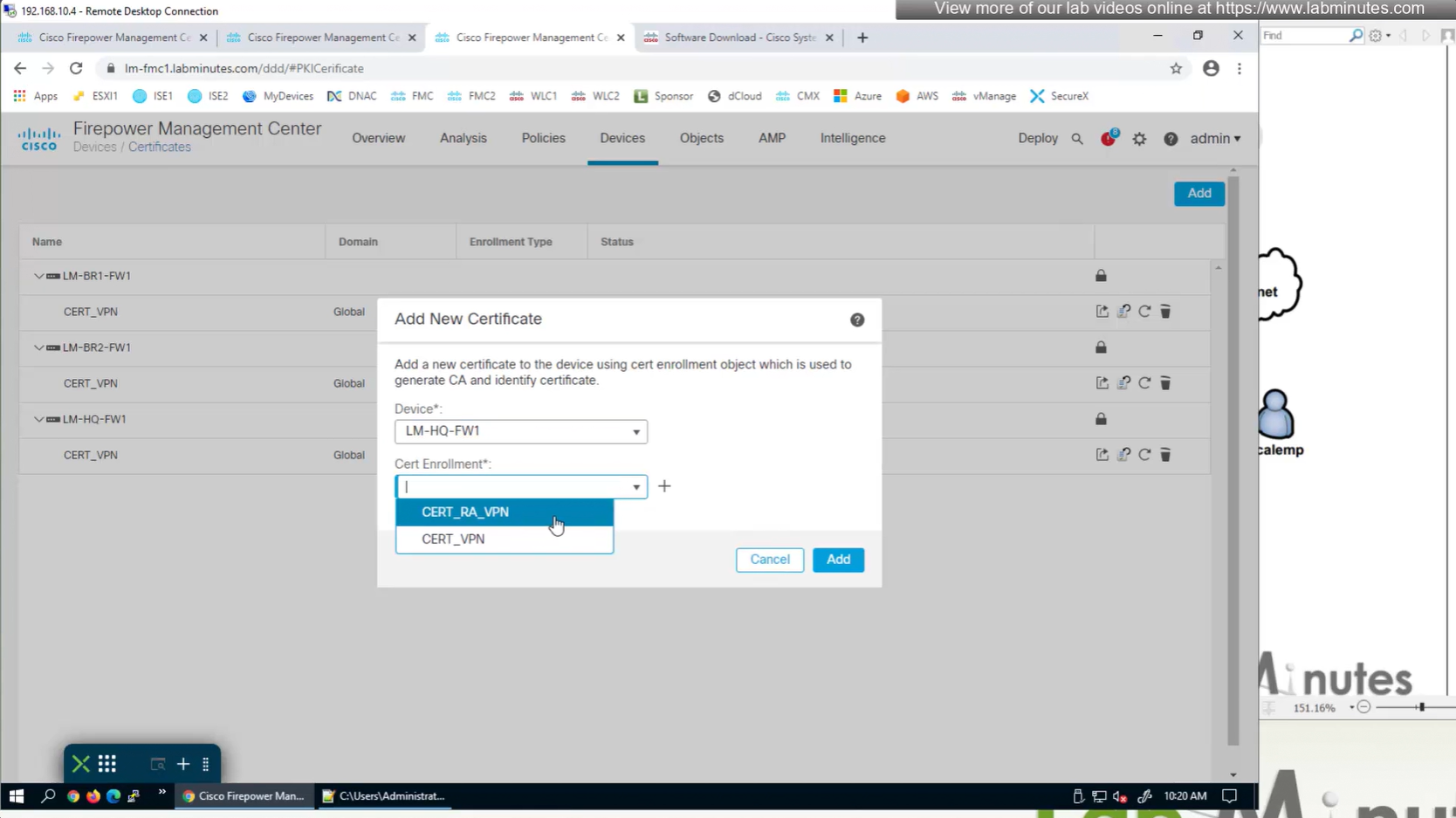
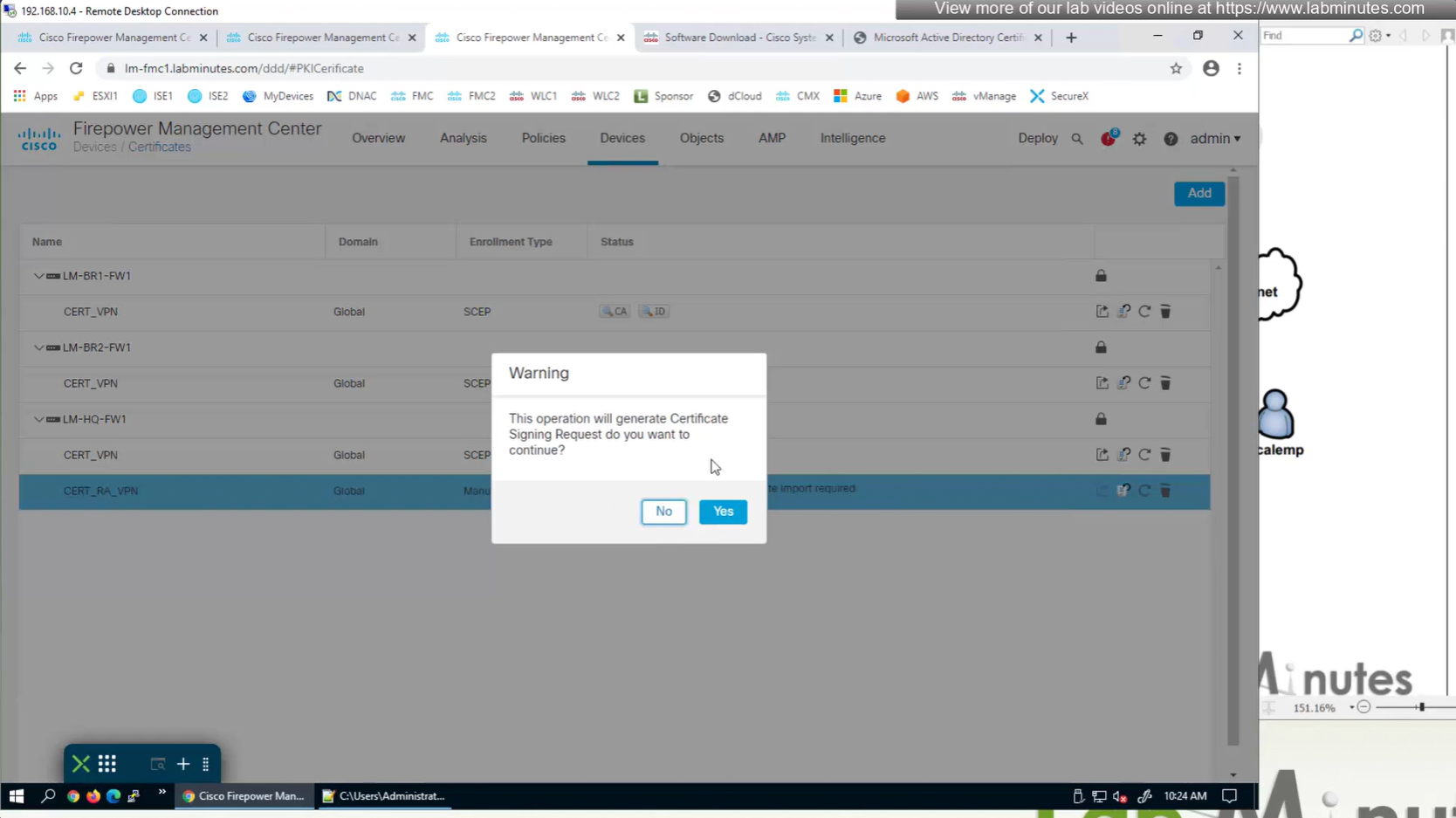
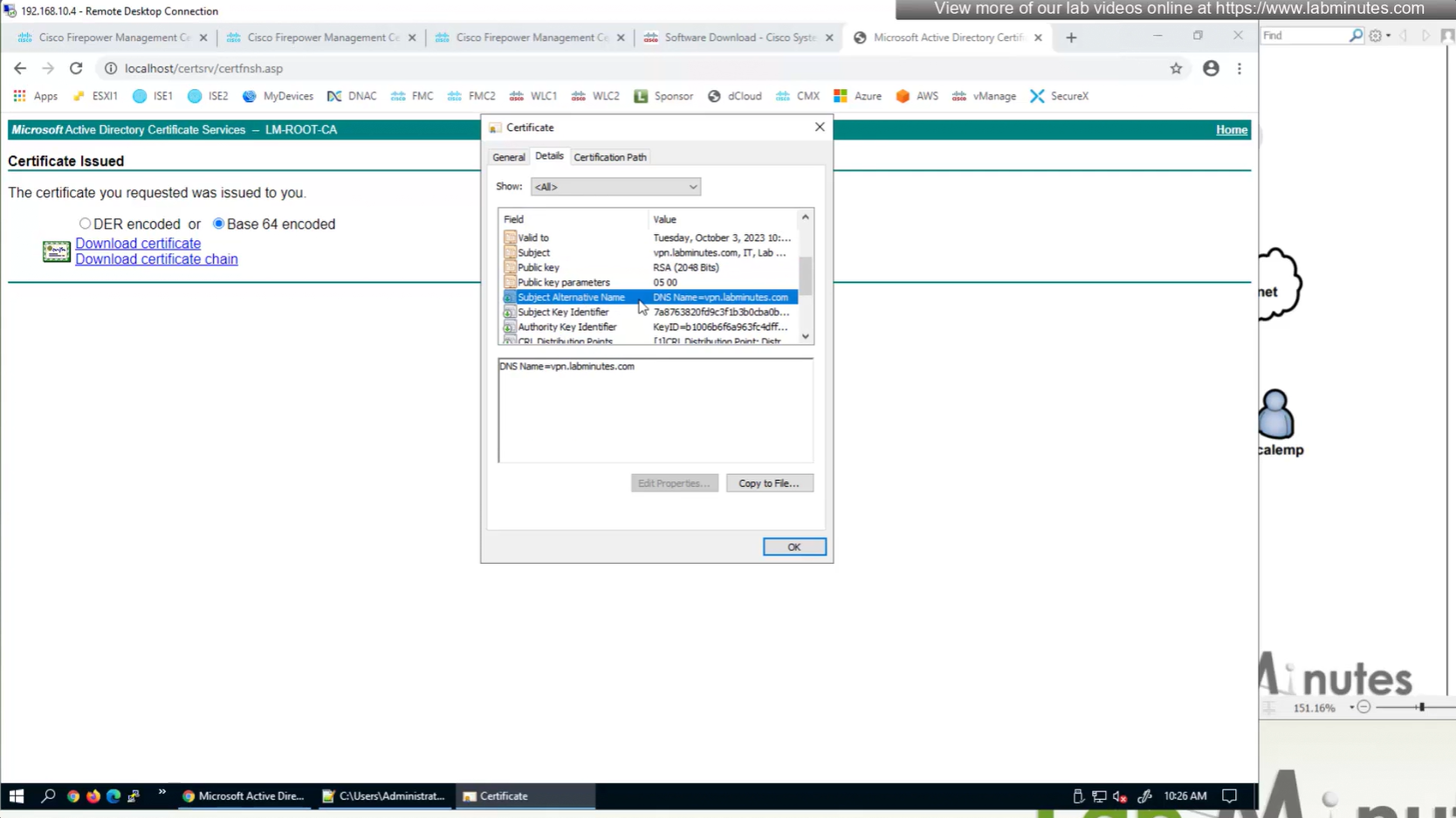
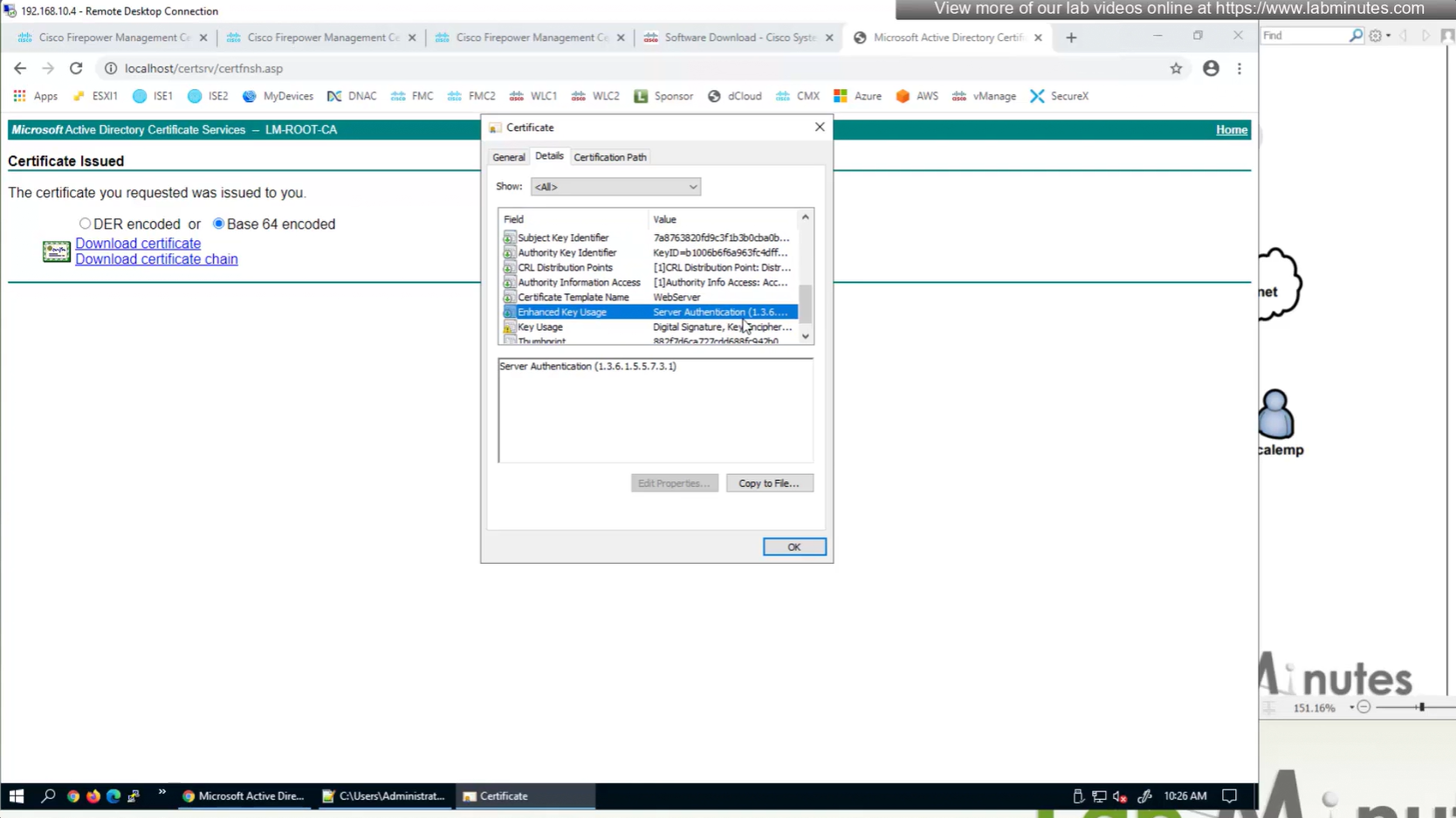
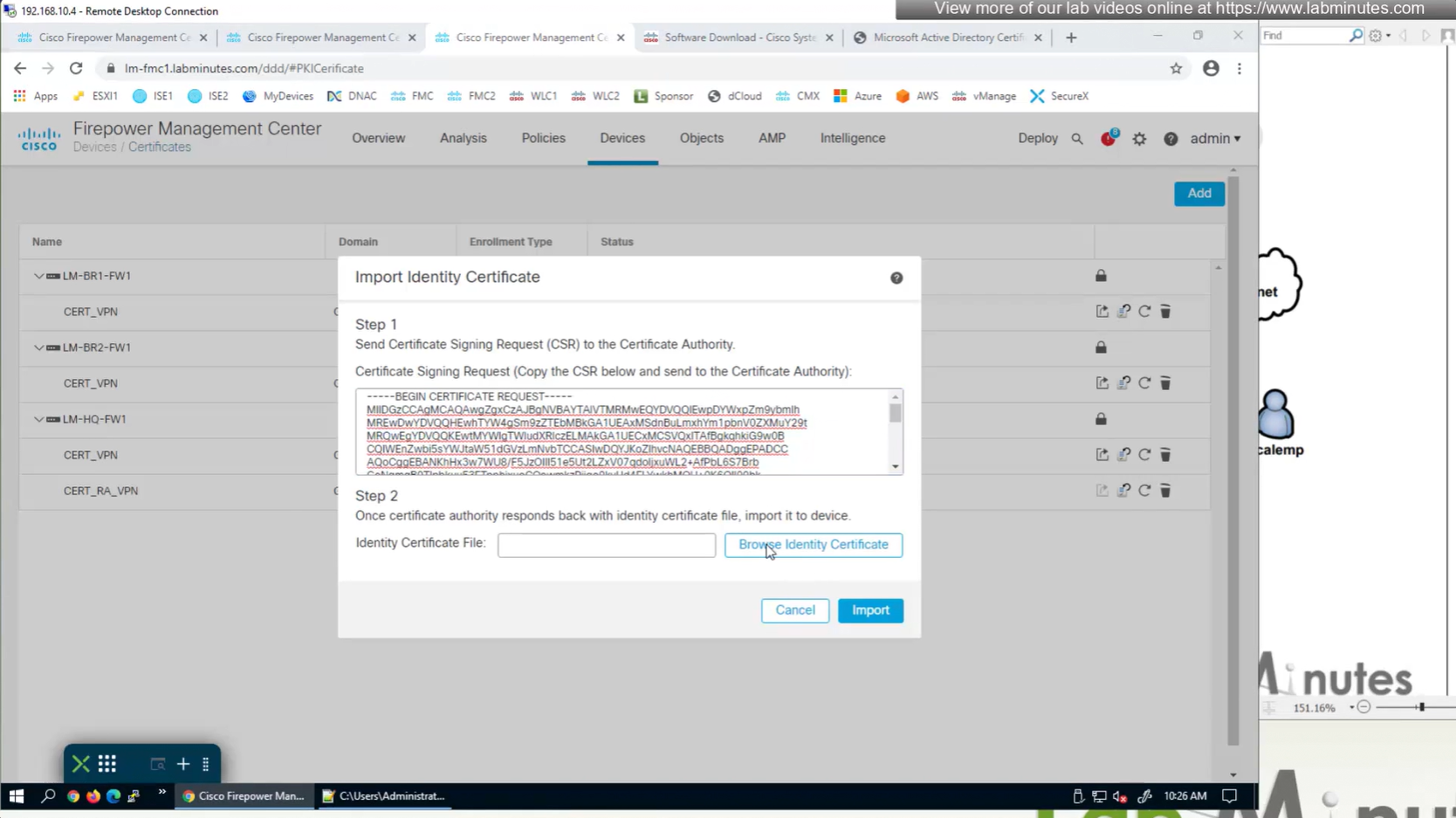
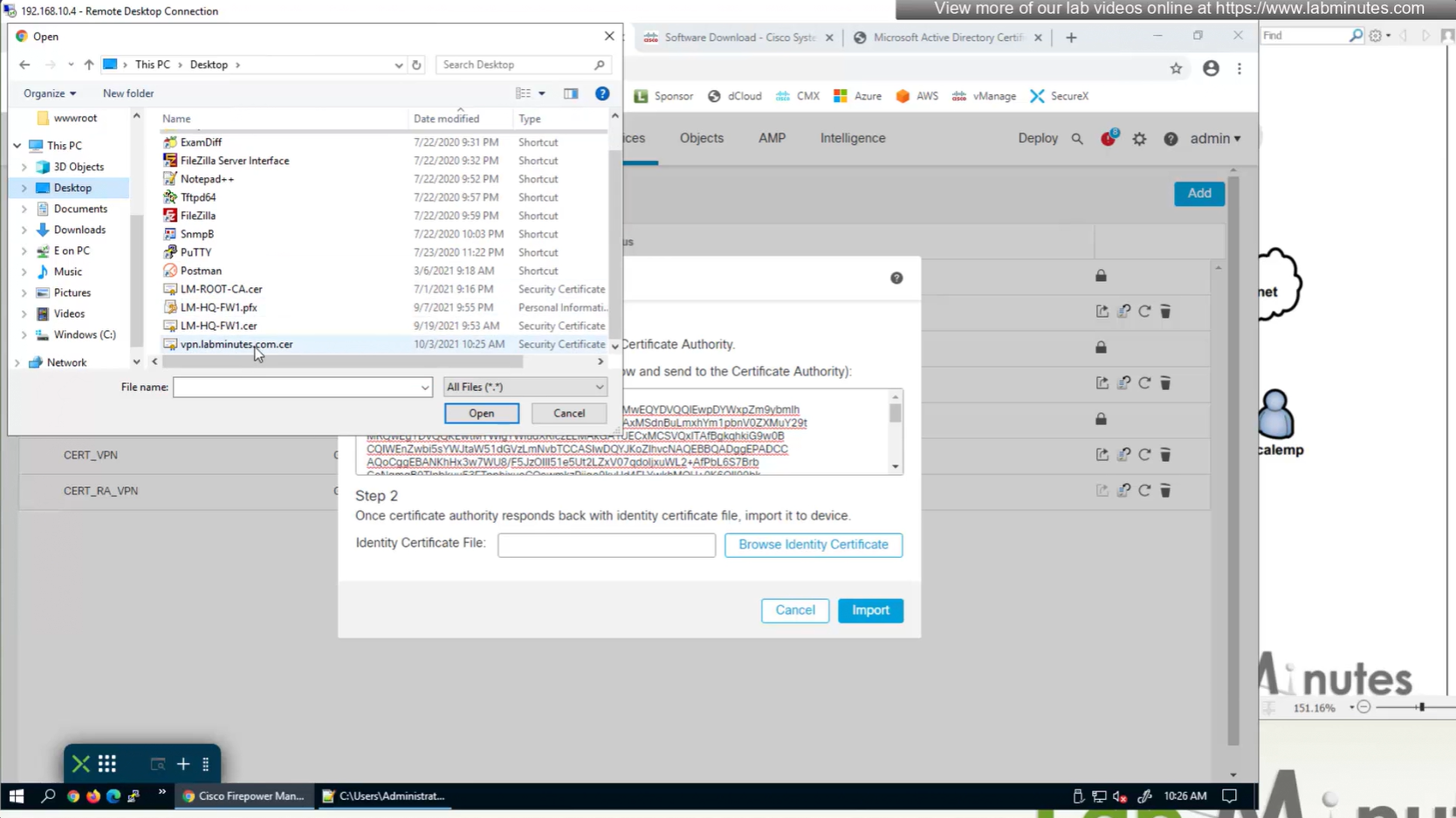
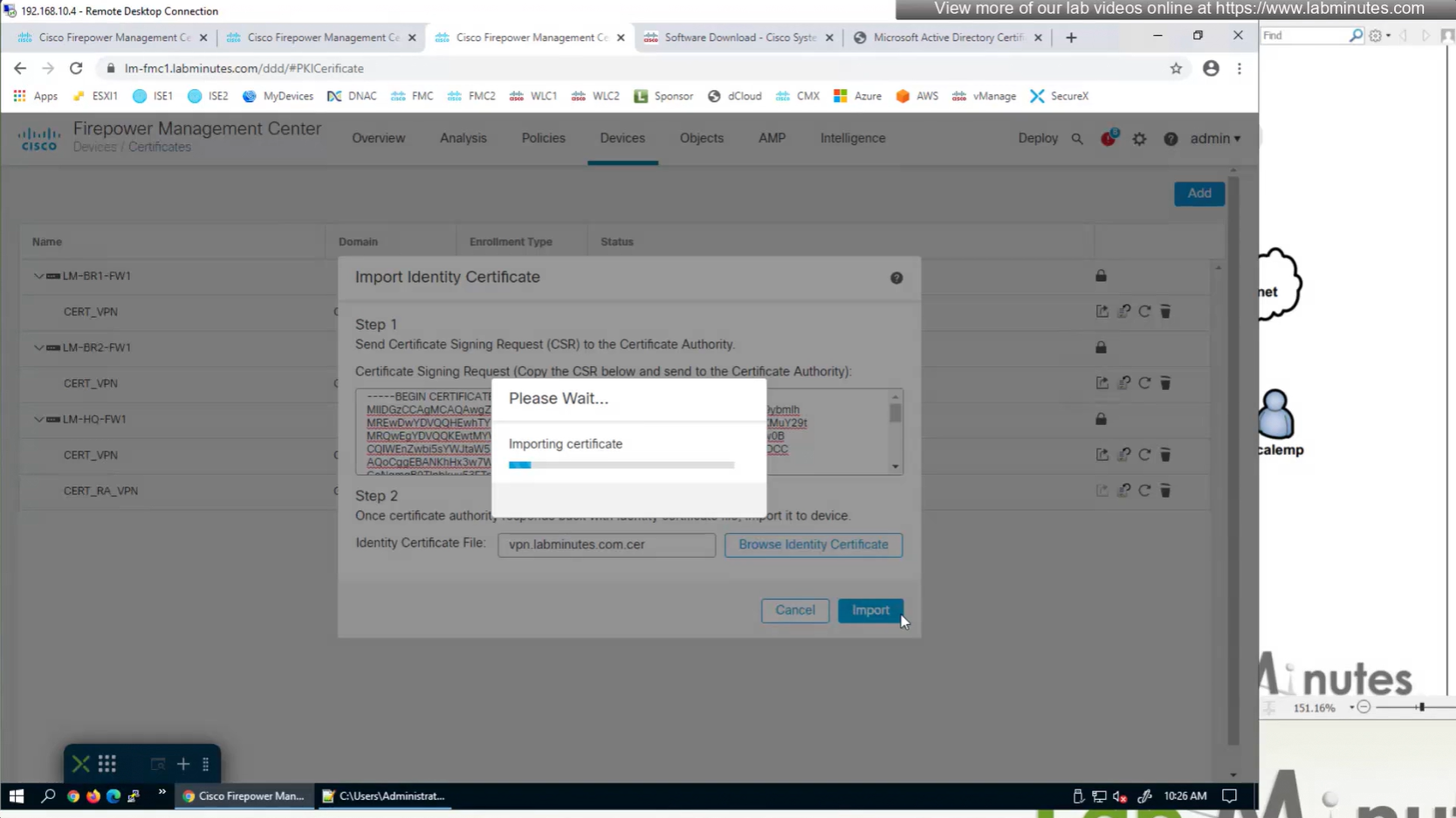
Install Cert on firewall
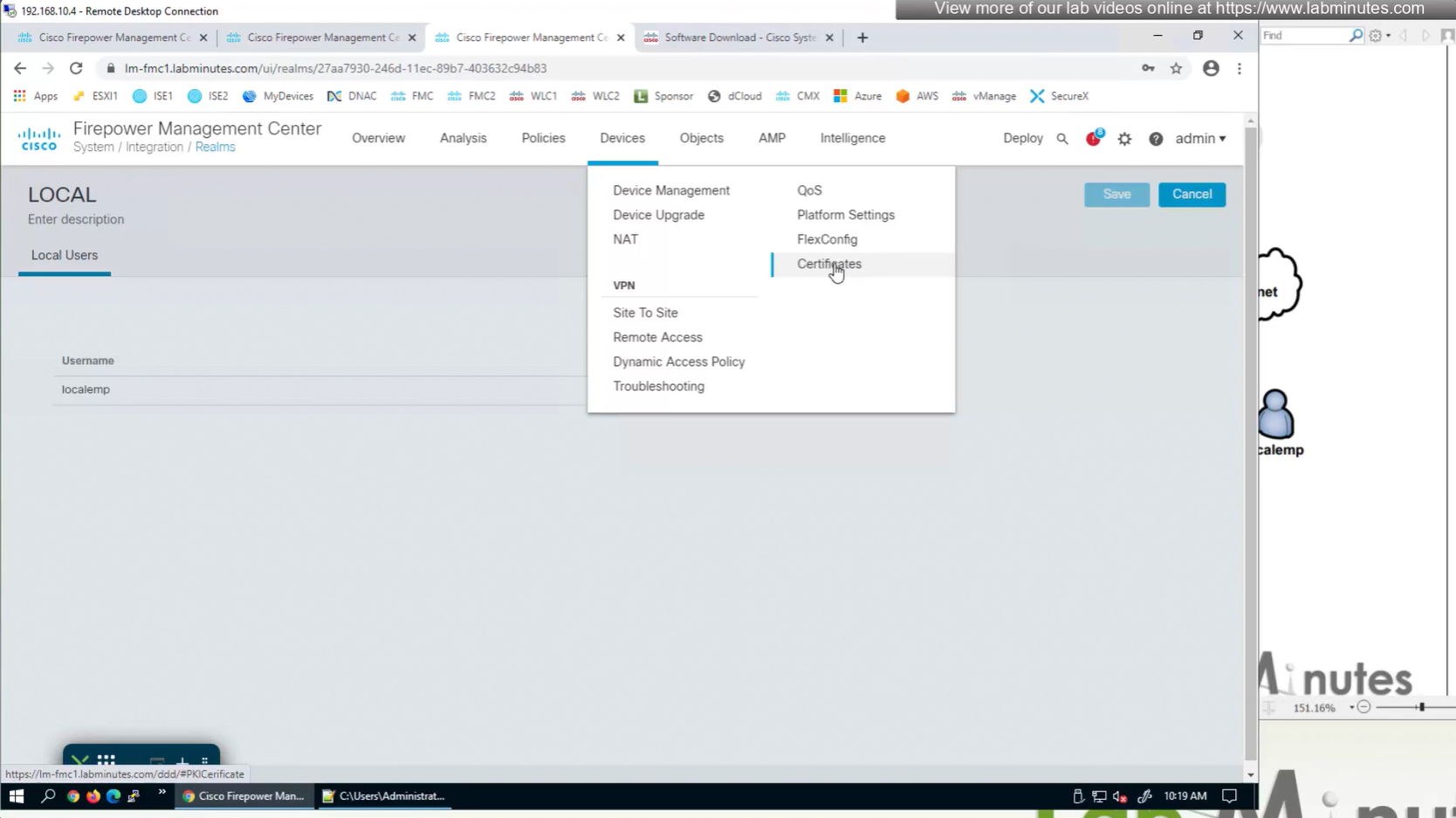
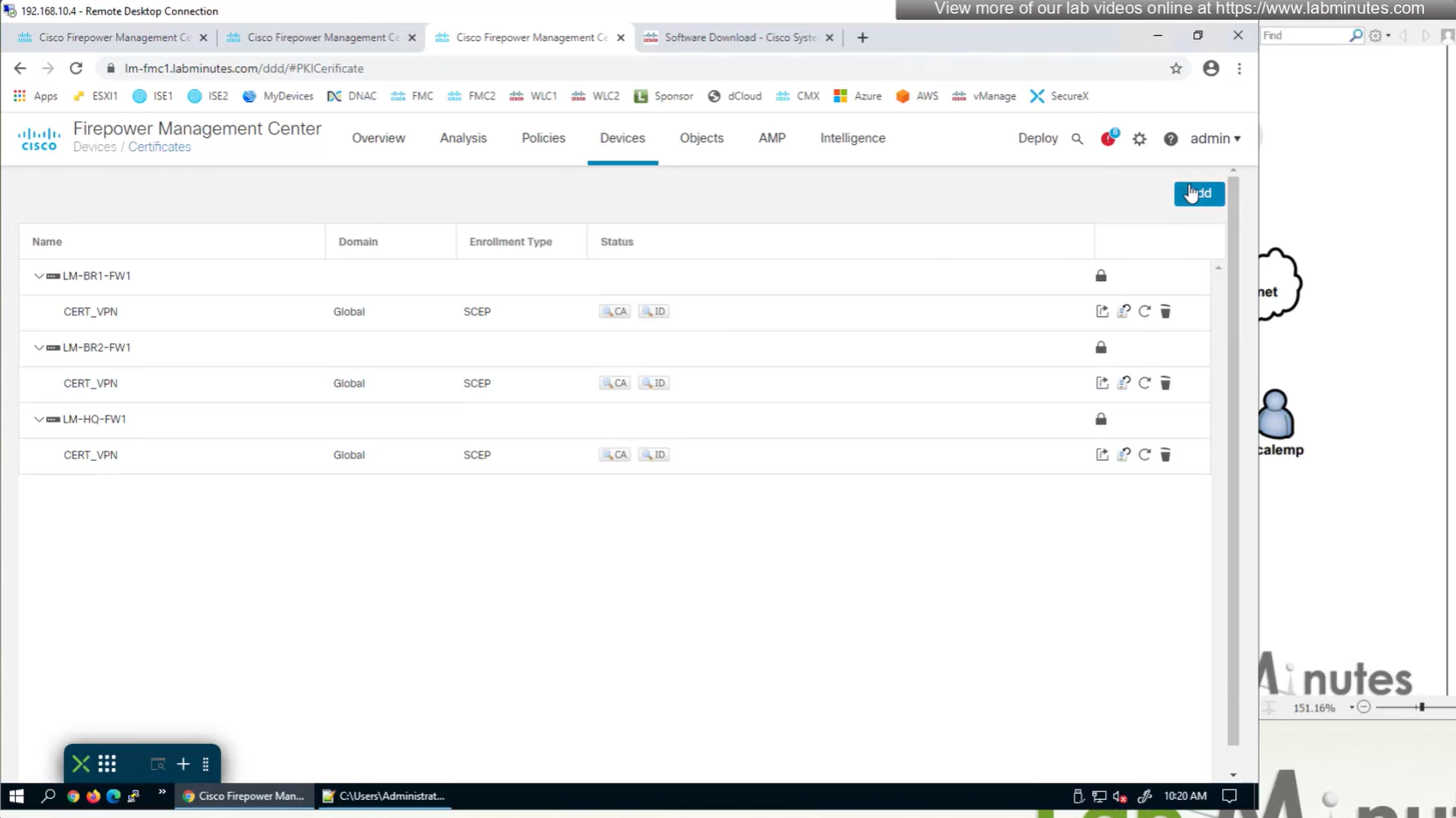
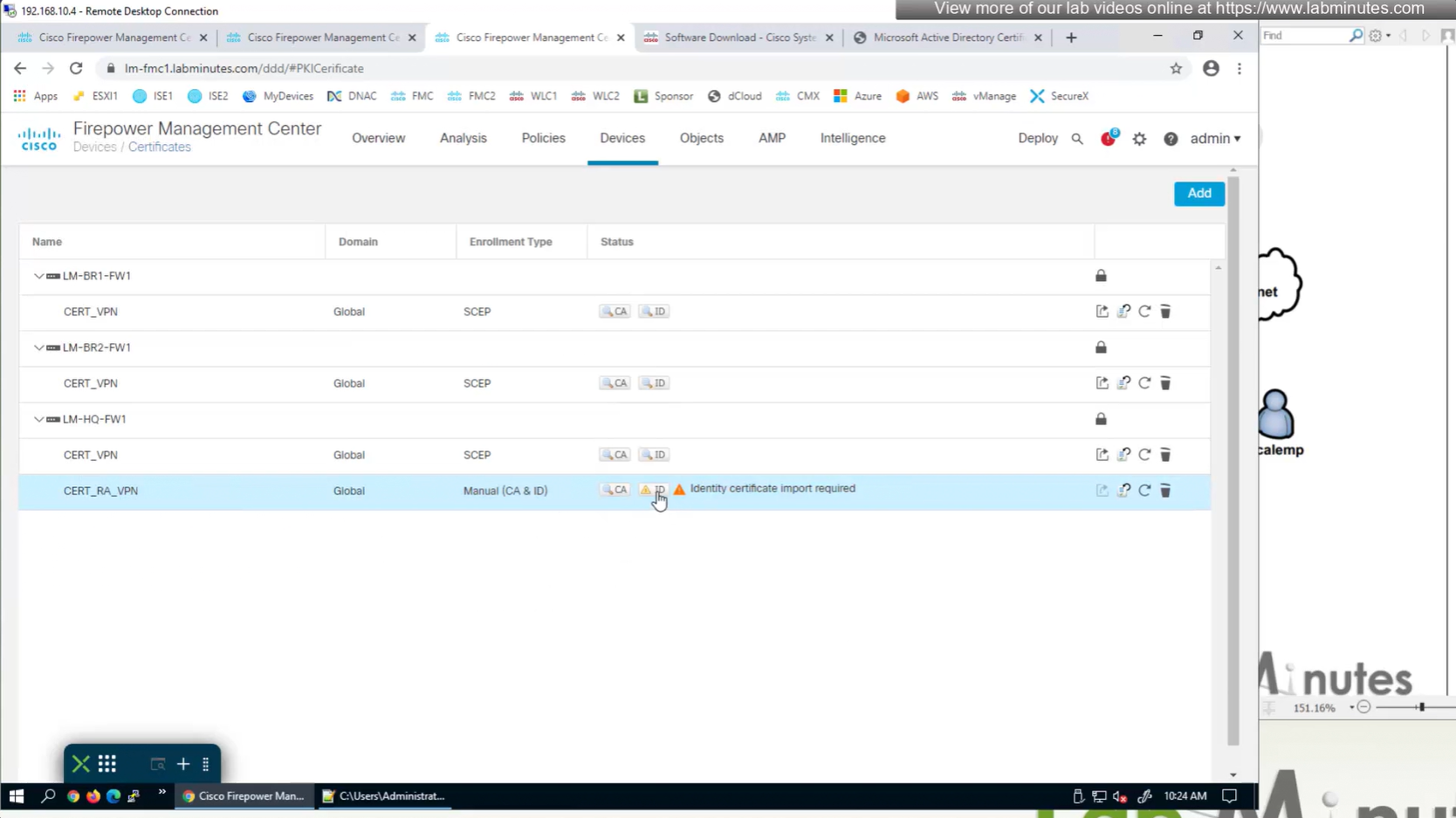
Here we combine the Root CA cert and CSR parameters defined earlier and pin it to the firewall – and FMC then installs cert on the firewall along with Root CA cert
Trustpoint is like a trust store on devices


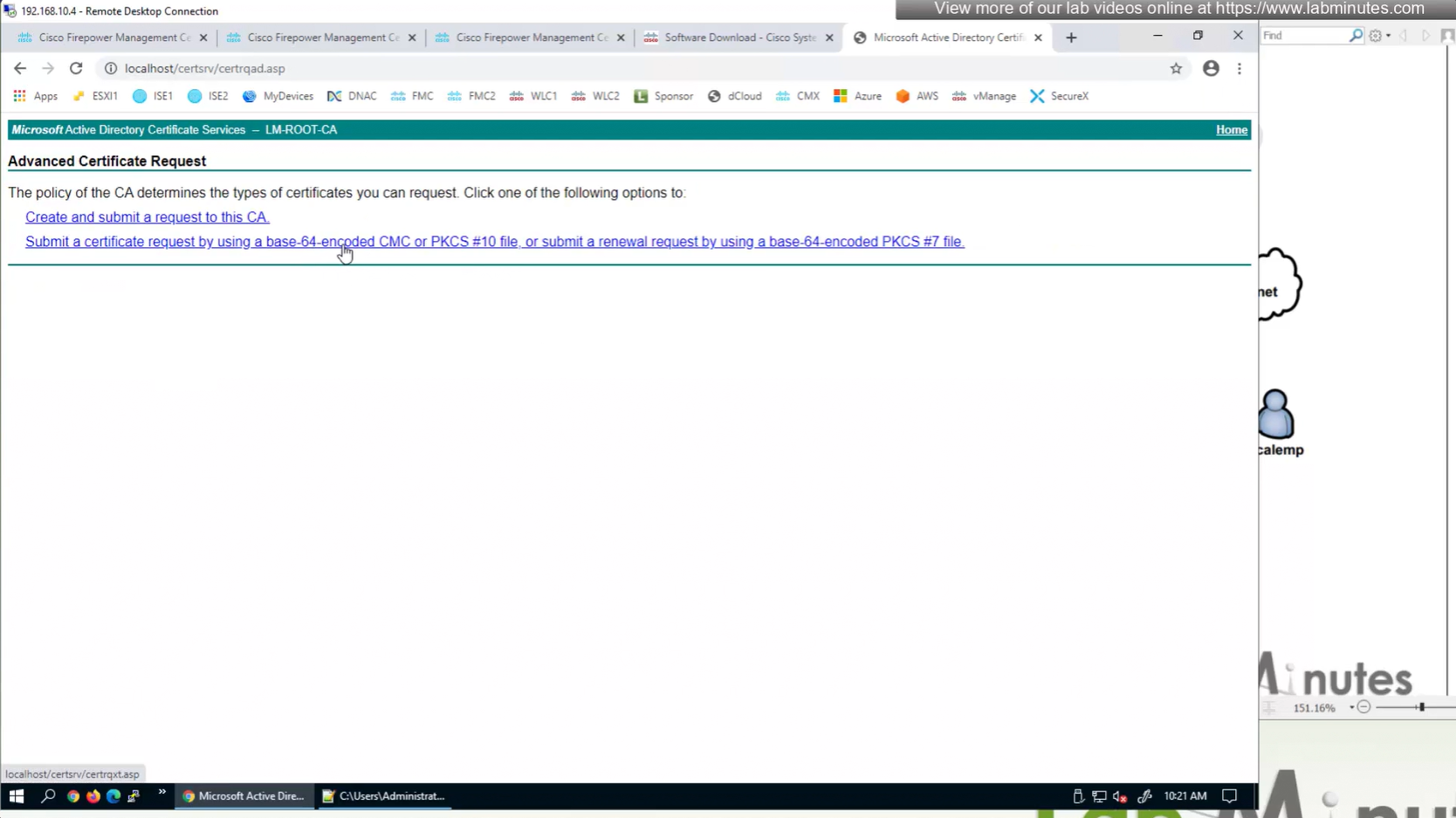




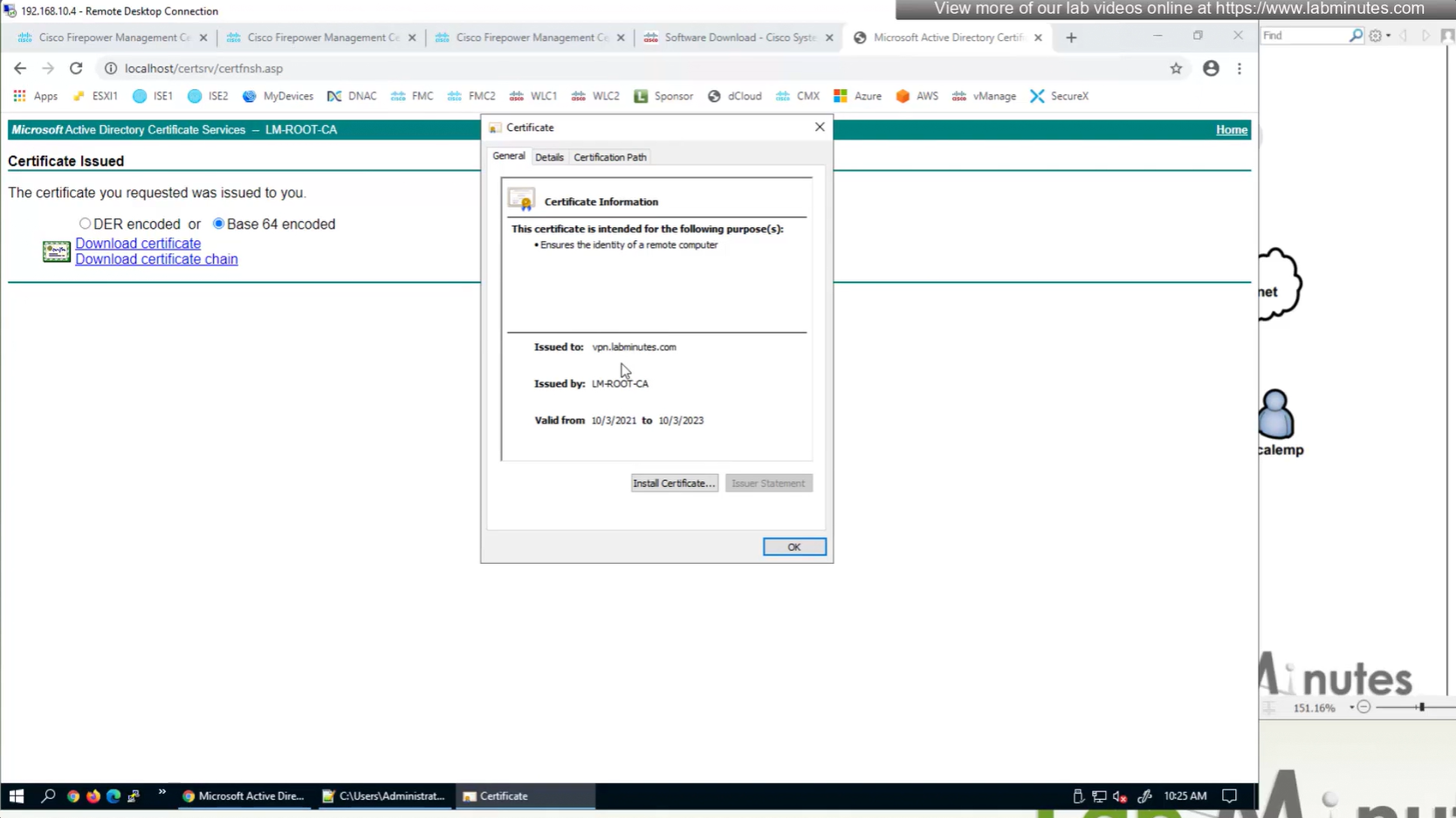


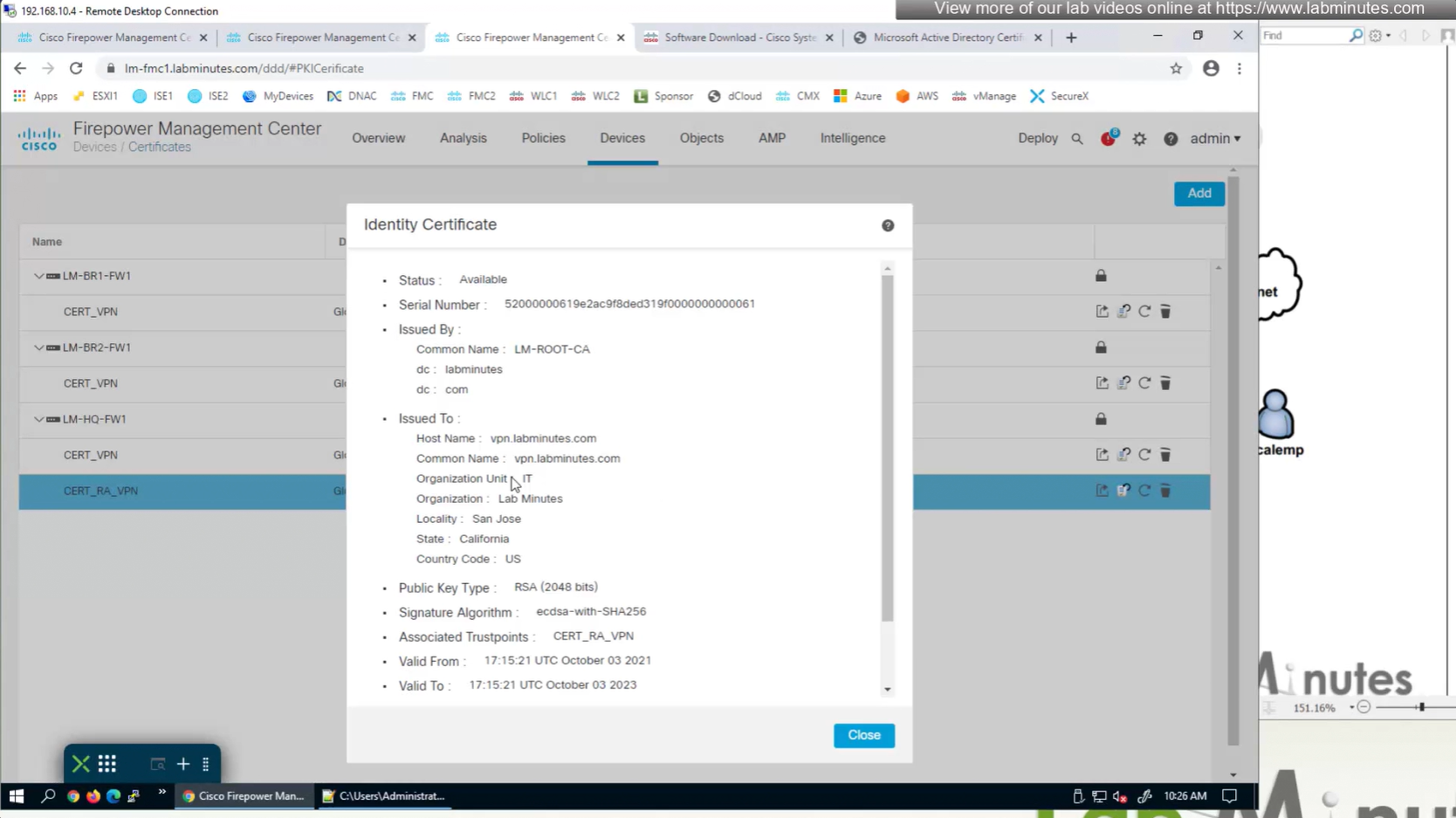
This root CA must be trusted by all Clients or present in their trust store