SEC0414 – Firepower 7.0 AnyConnect VPN Start Before Logon and Management VPN Tunnel (Part 3)
SEC0414 – Firepower 7.0 AnyConnect VPN Start Before Logon and Management VPN Tunnel (Part 3)
SBL , mgmt tunnel
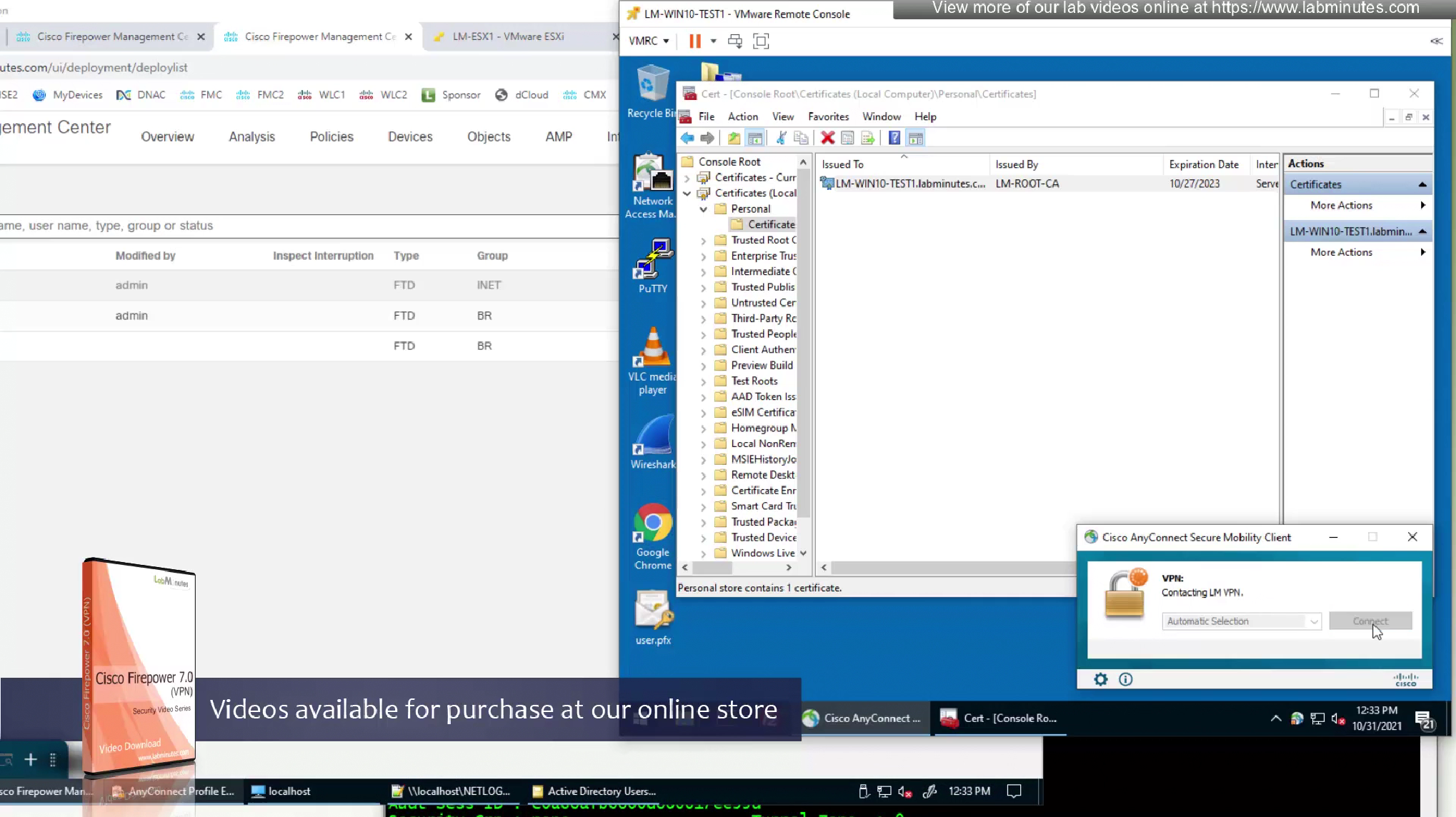
so next time when user signs into the vpn, user will download the mgmt tunnel profile
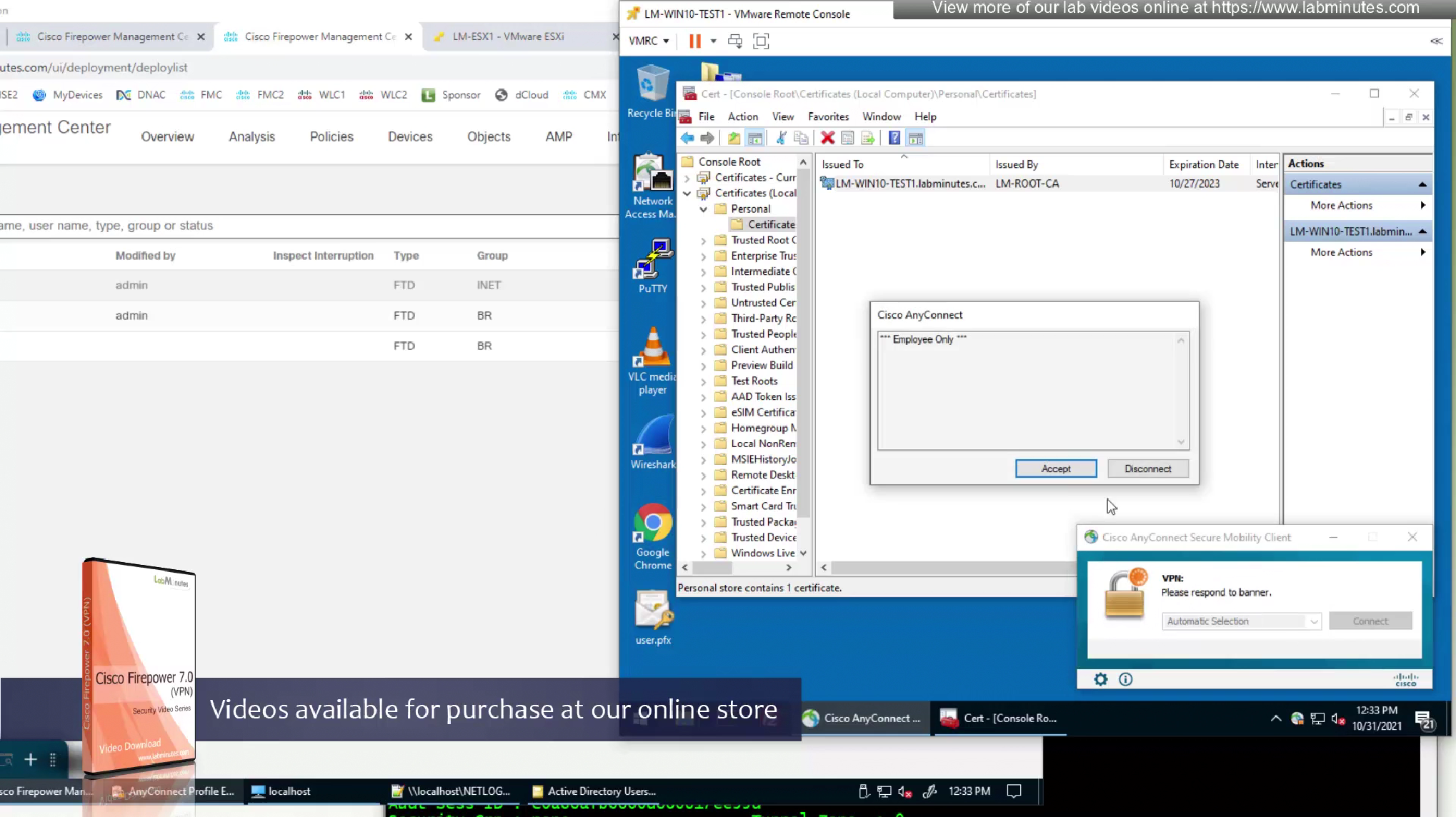
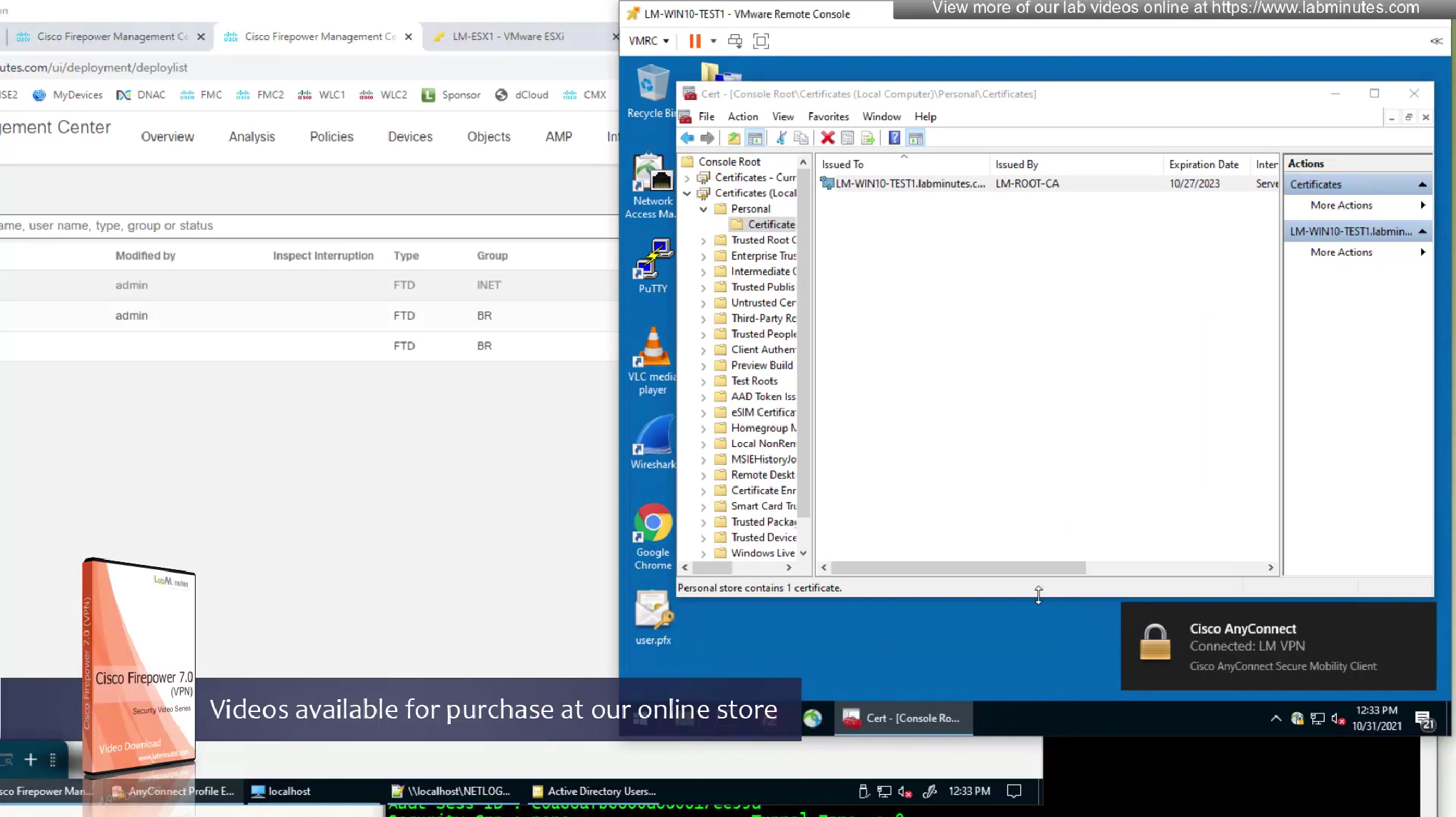
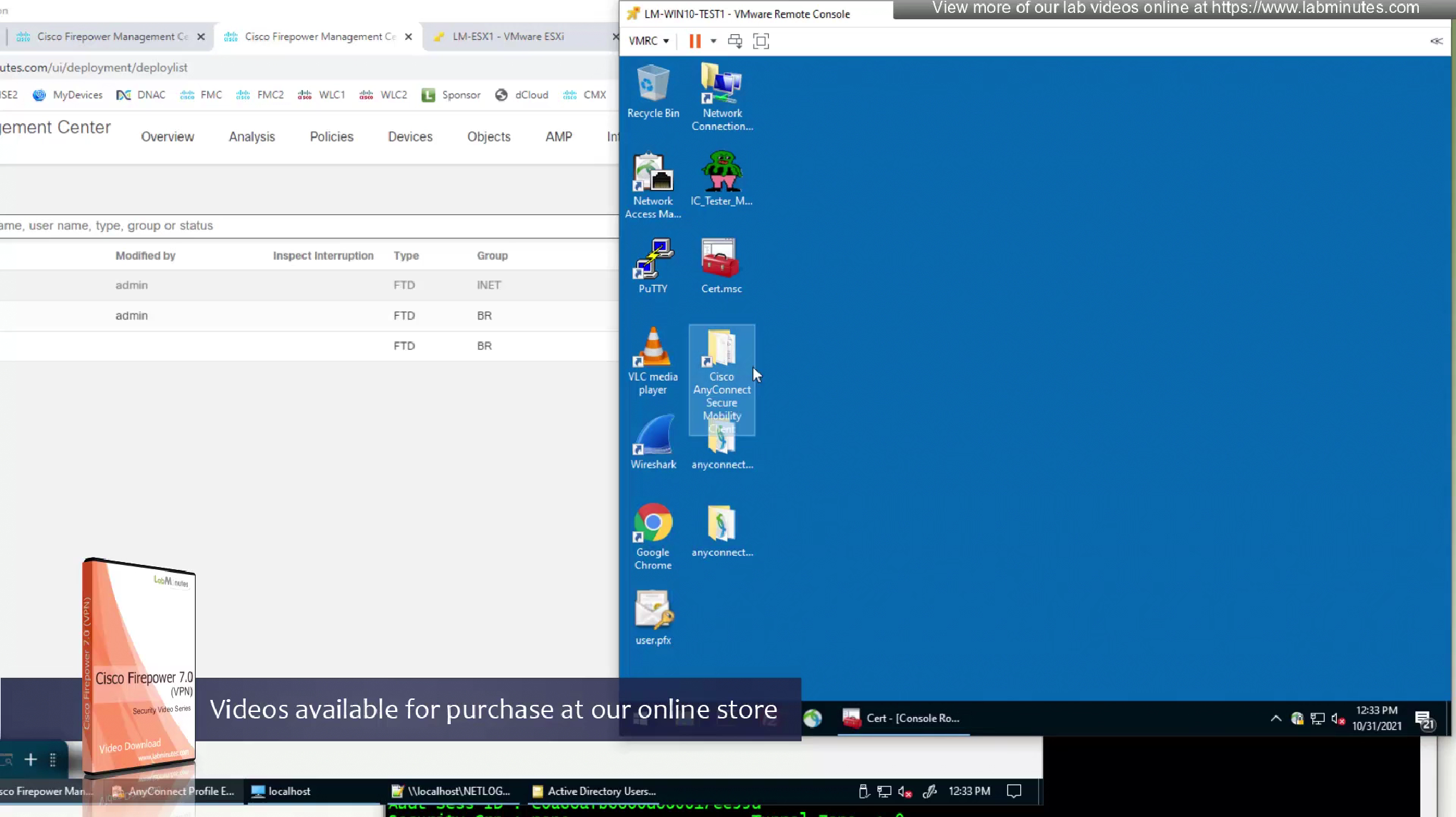
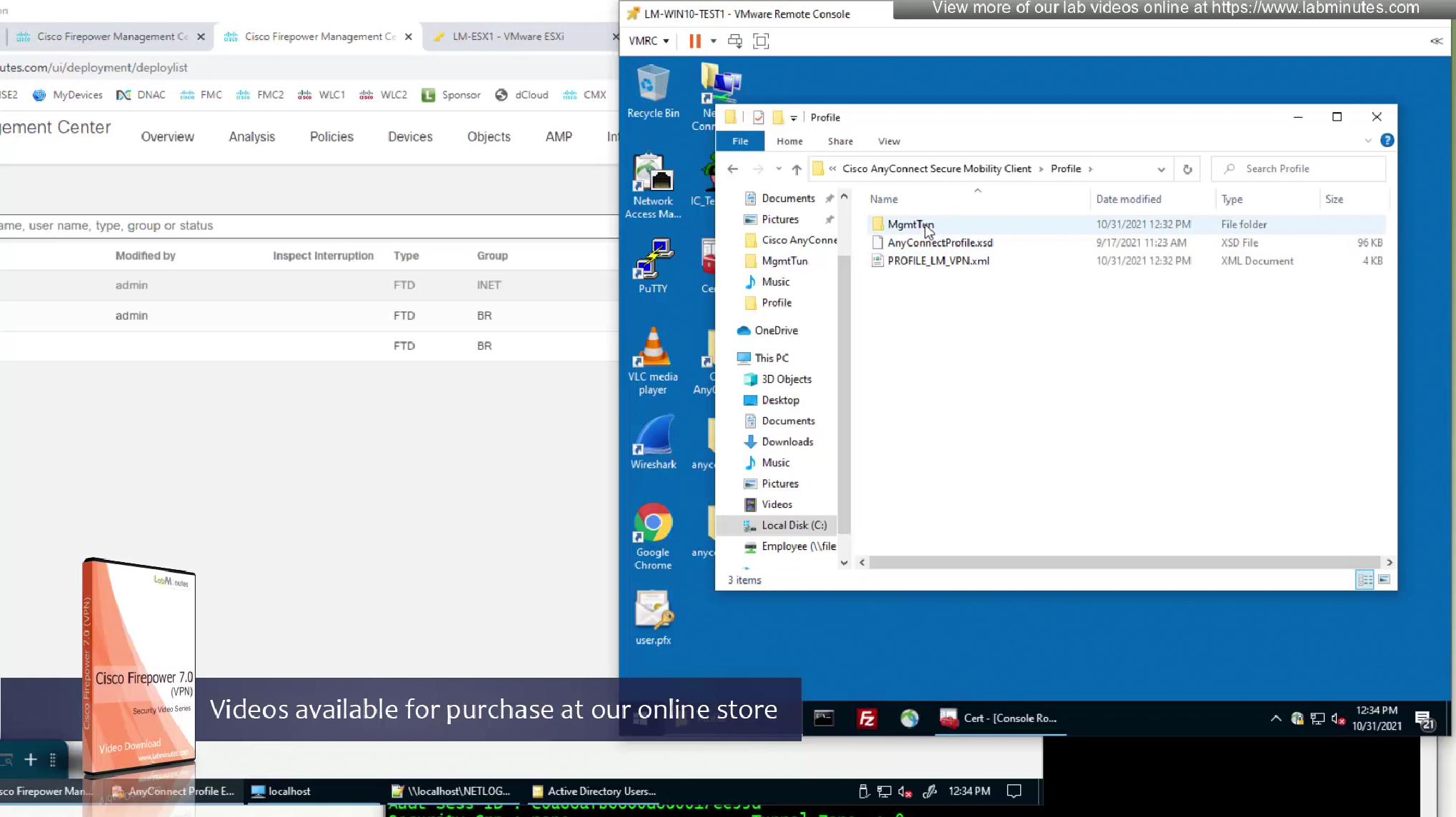
now we will check the folder where user profile is located
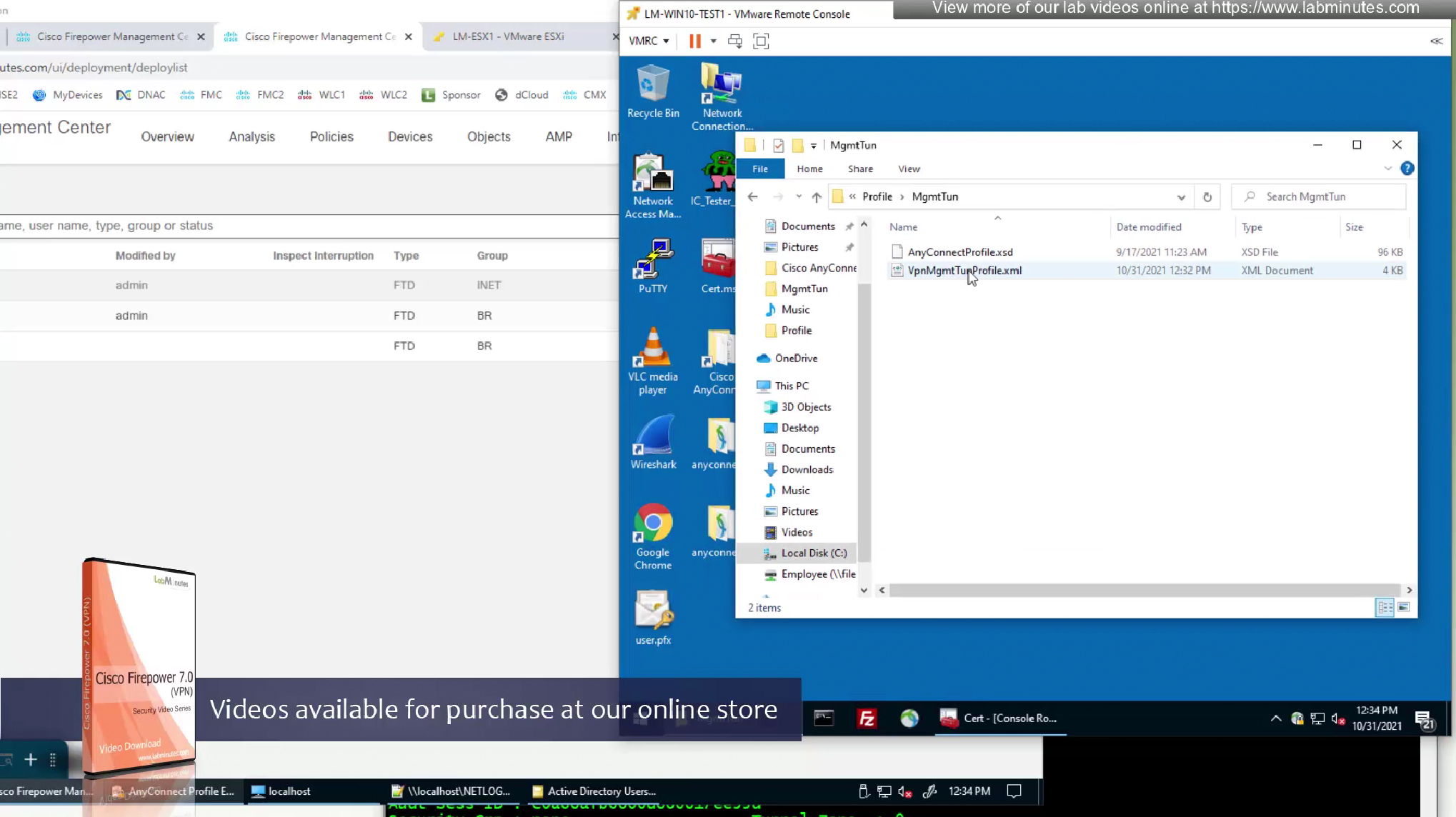
There is a MgmtTun folder now in this profile location with xml file and certificate store in this xml file is pointing to machine
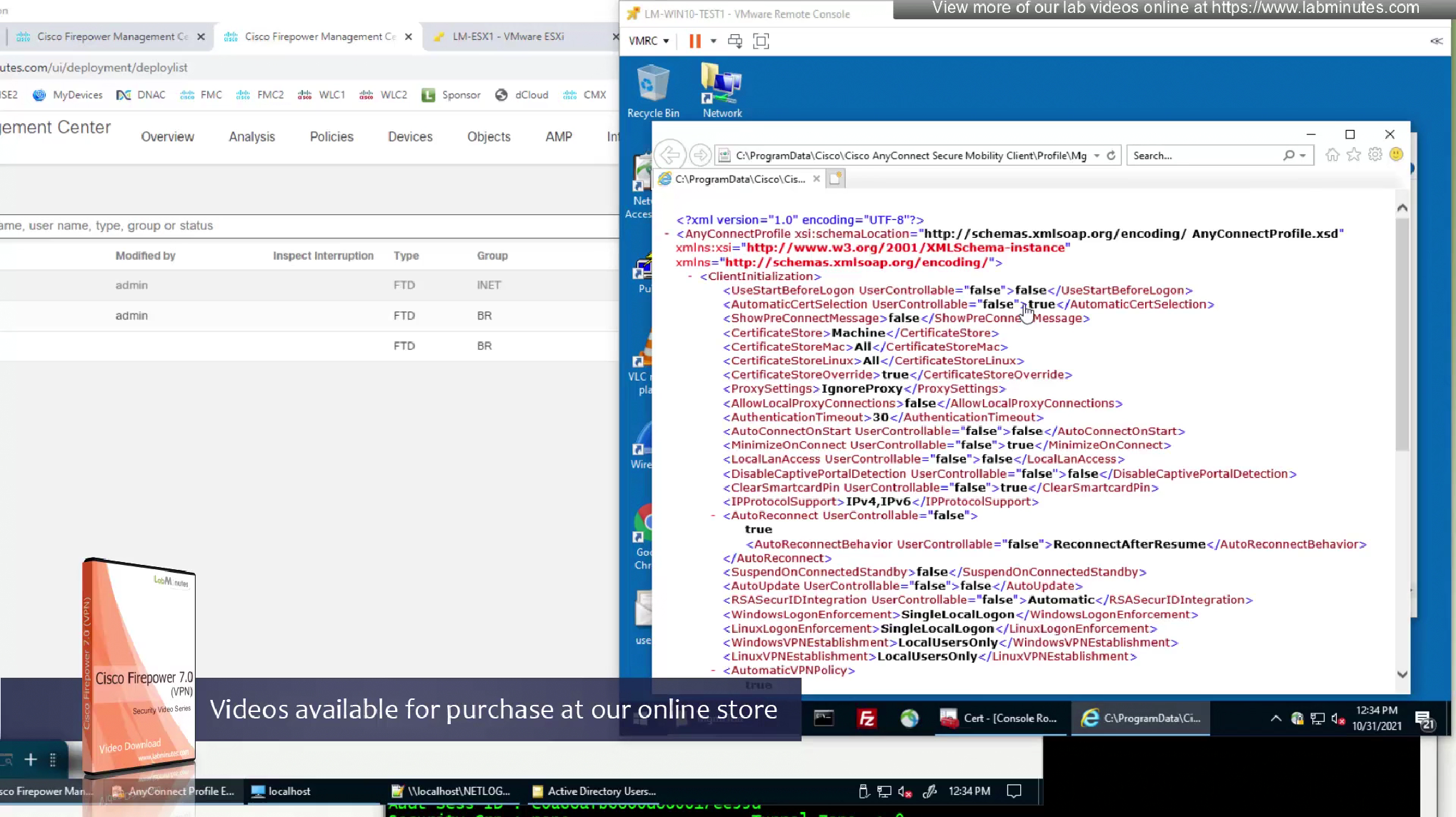
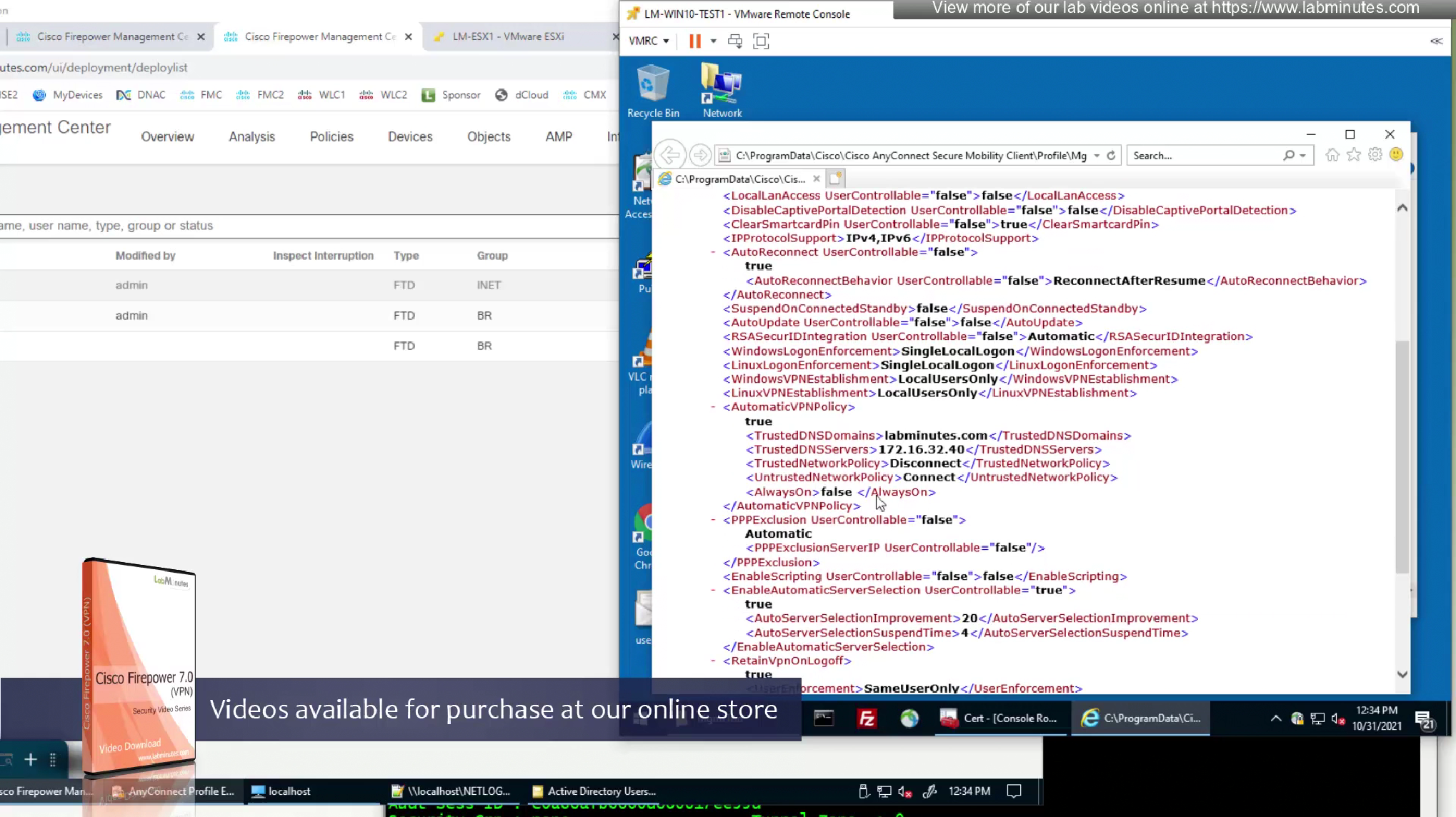
we have the trusted network detection settings there
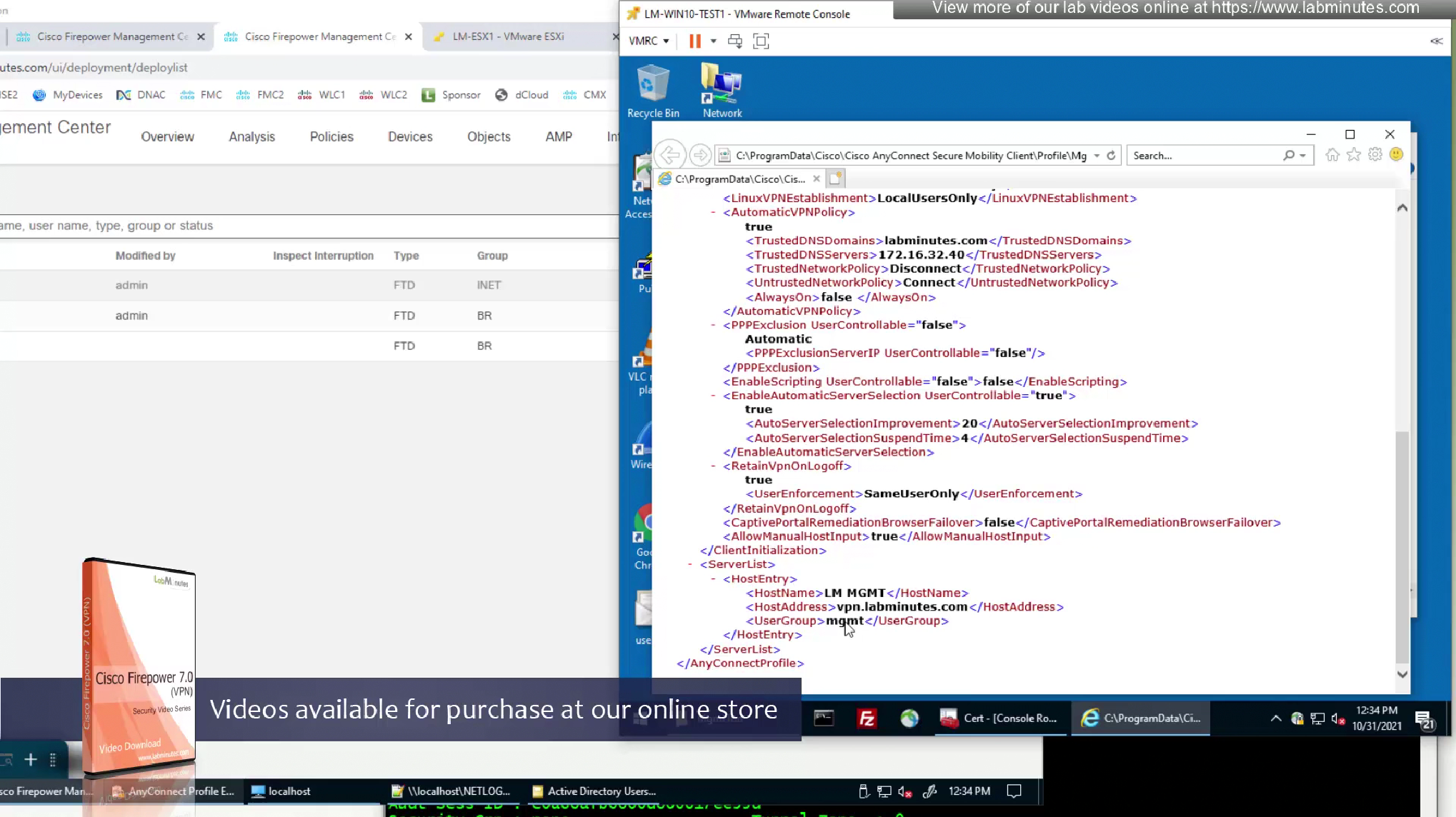
Disconnect the user
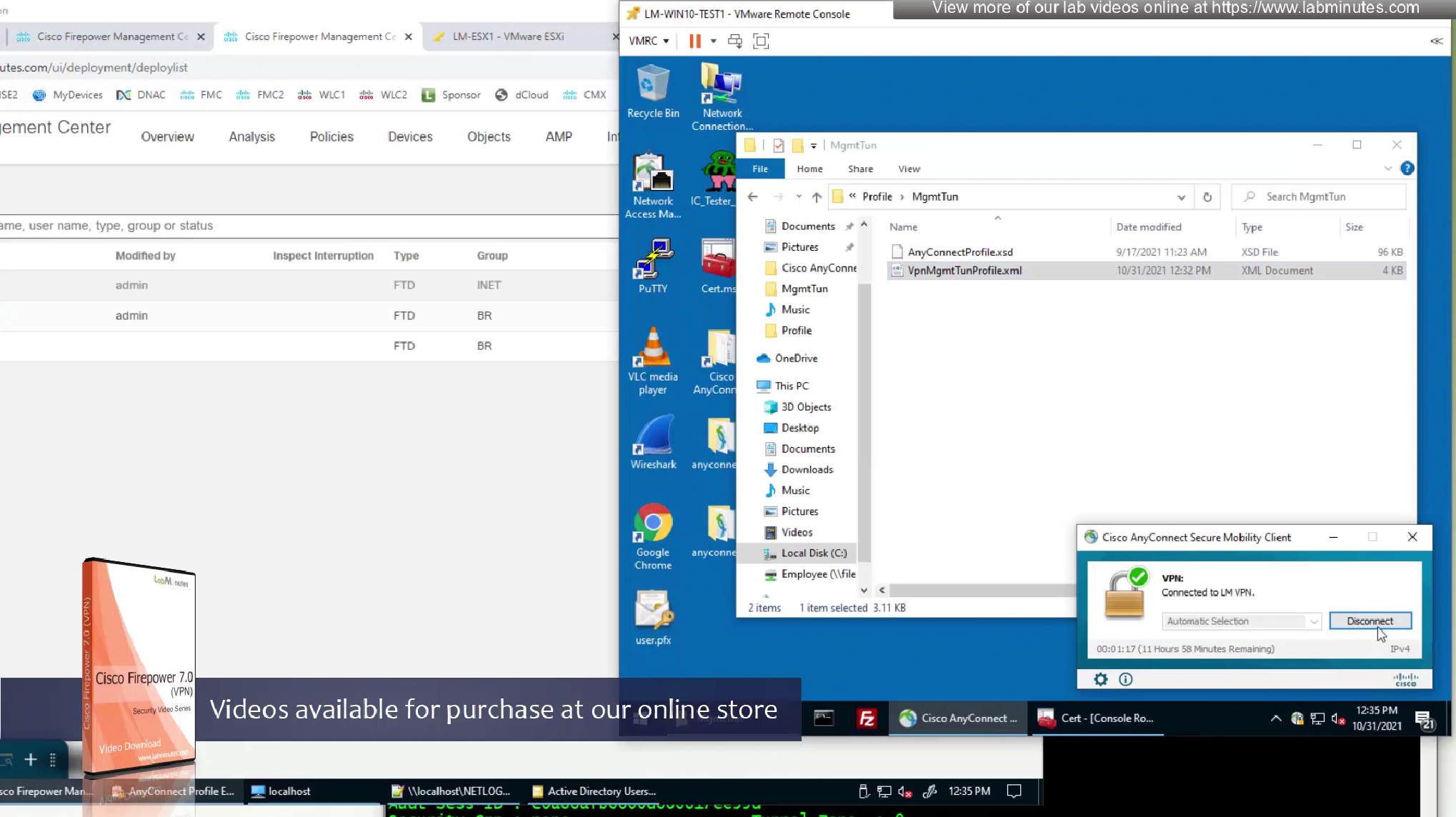
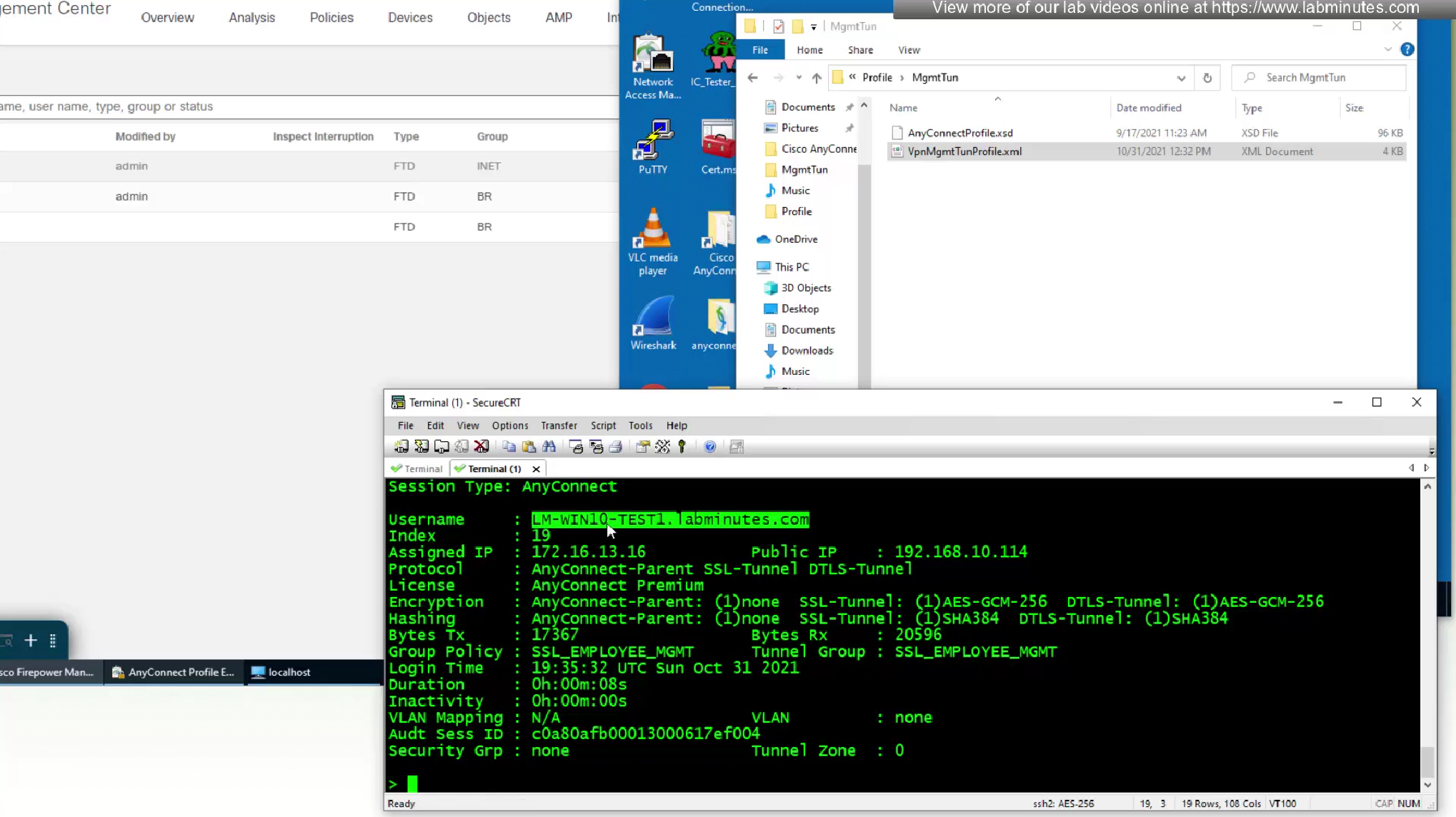
As we disconnect the user, we should see the mgmt tunnel built in anyconnect sessions
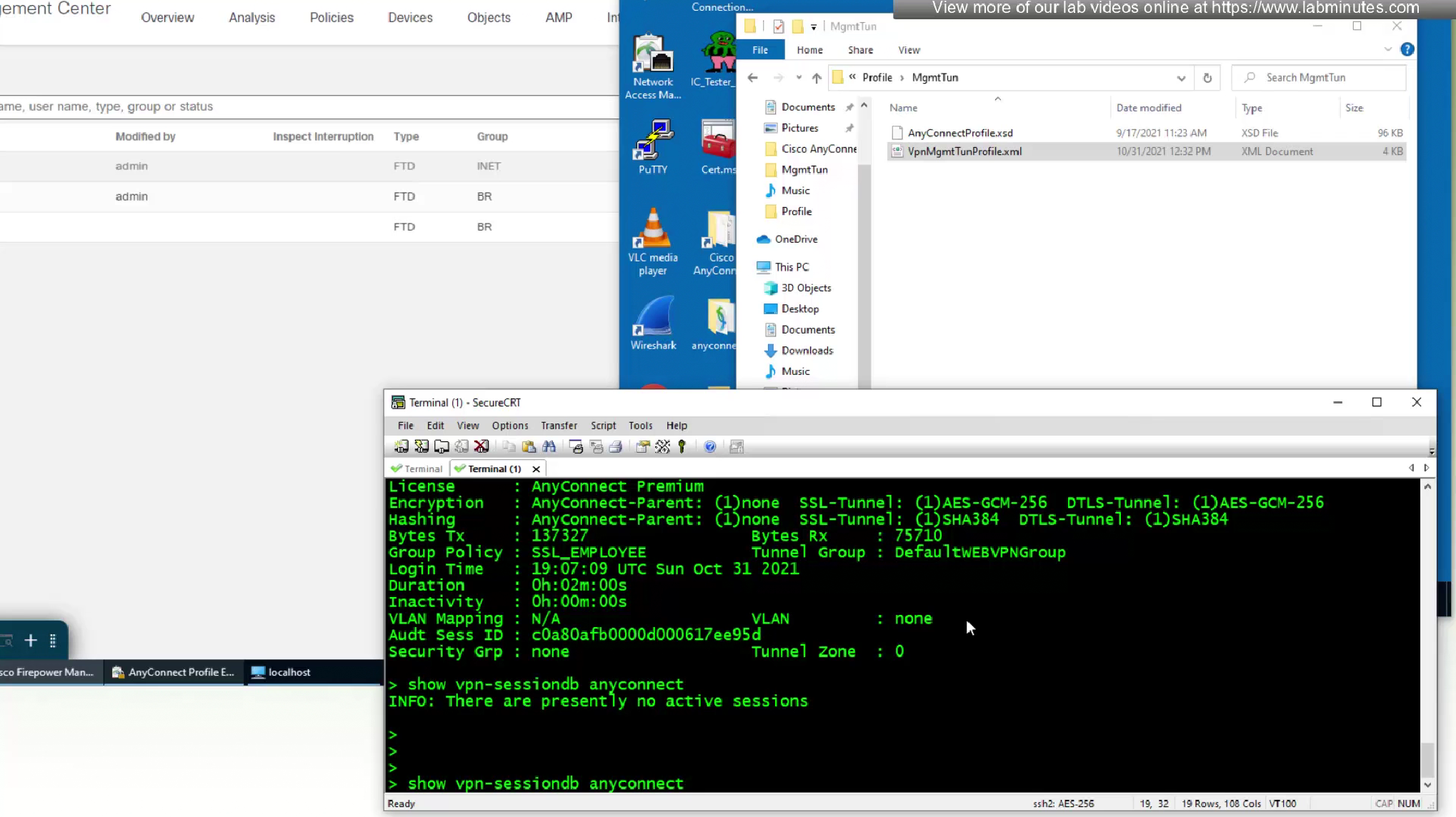
Even if we logout the user and because this mgmt tunnel vpn is not tied to any user, it stays up even if user is logged out

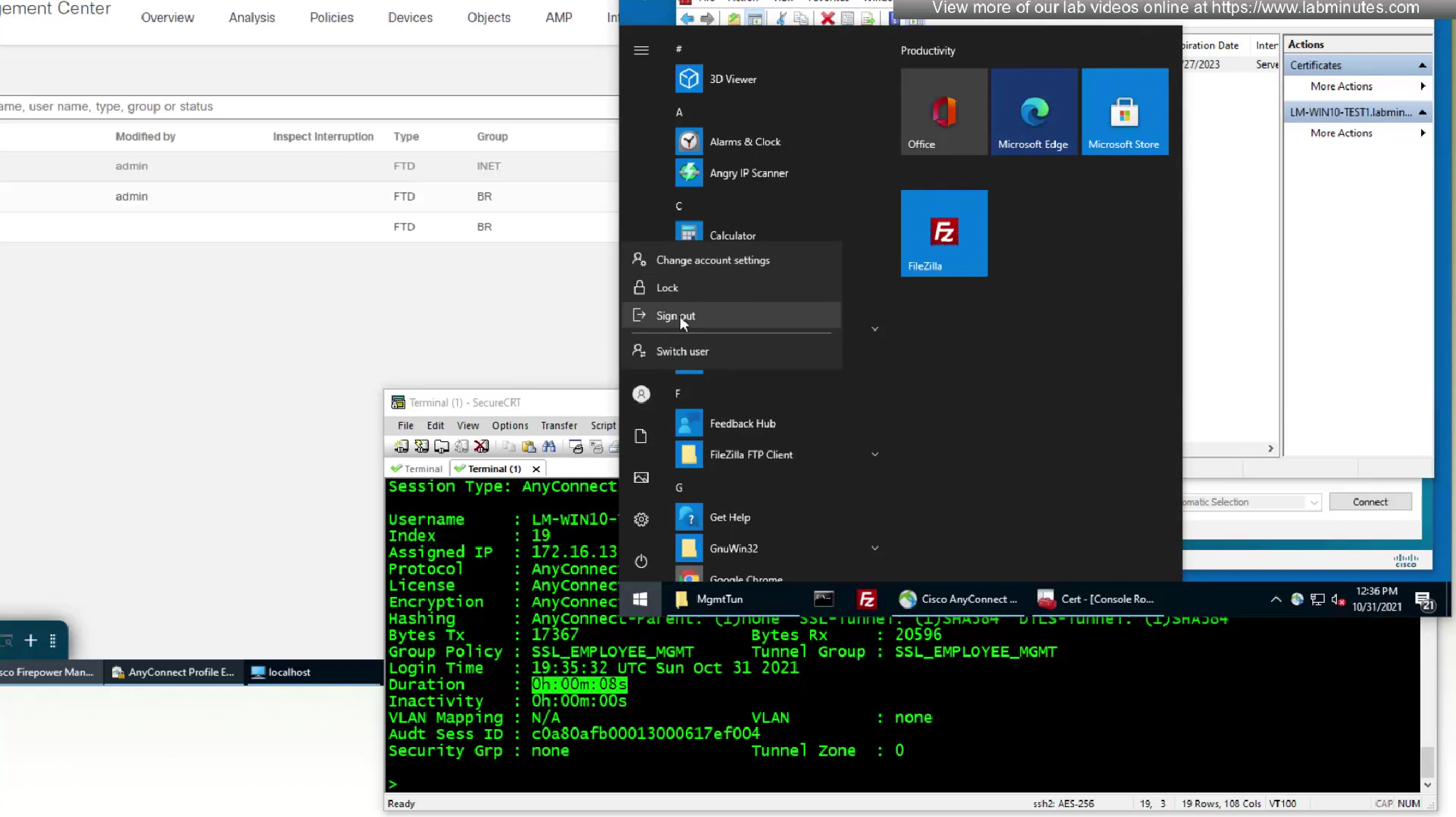
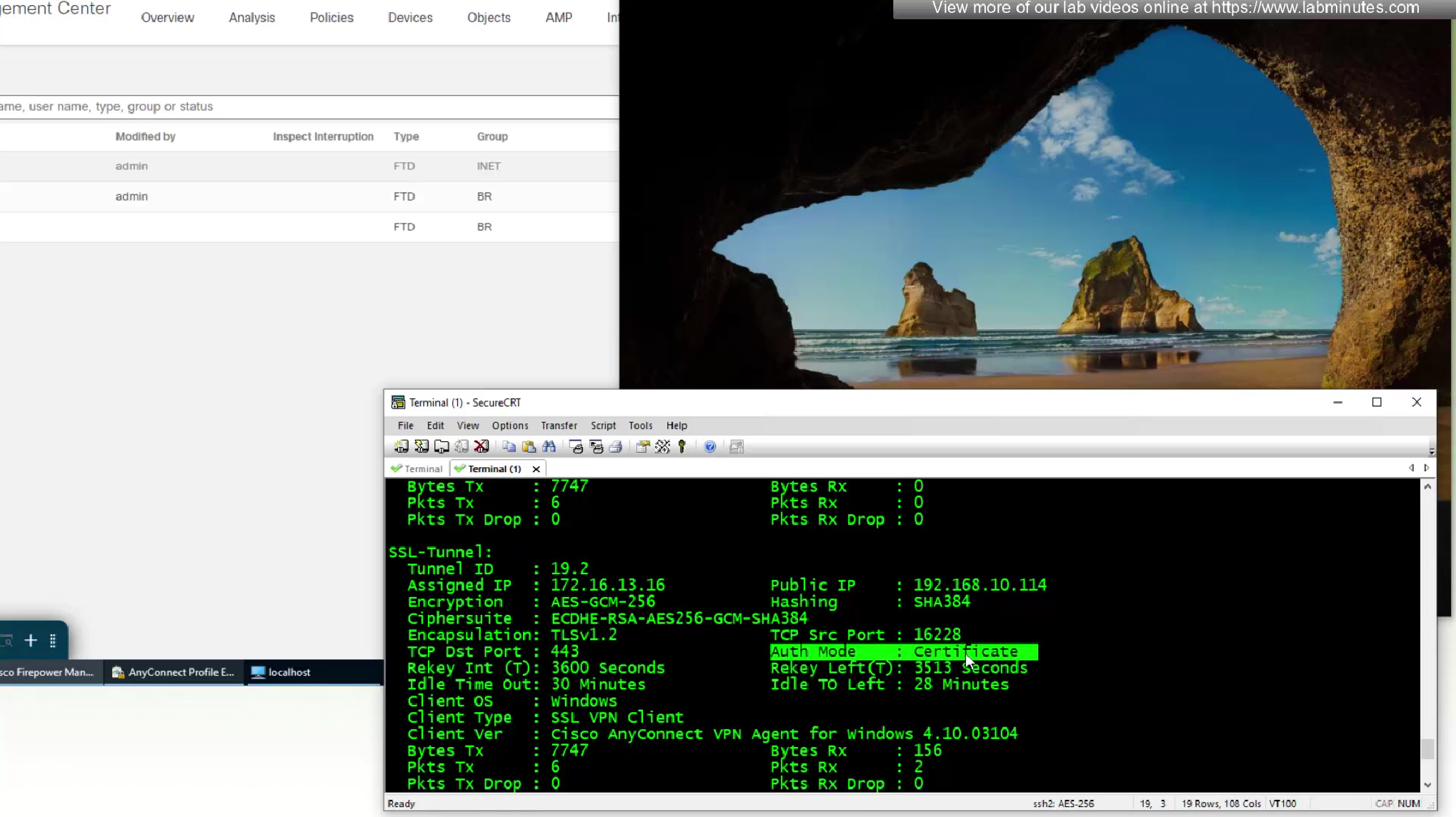
laptop is still reachable from internal network as the mgmt tunnel came up
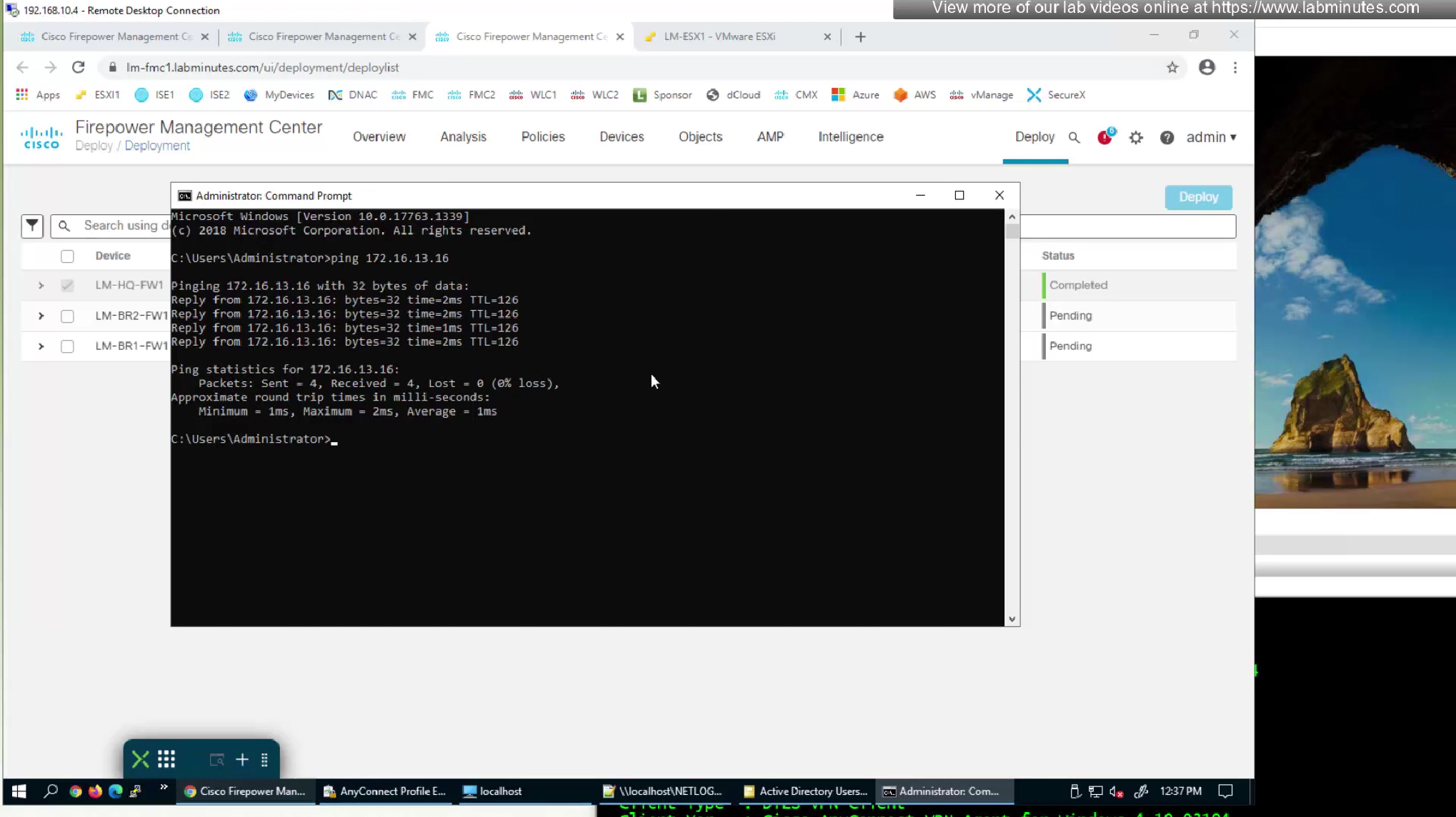
lets log back into windows and user vpn connects
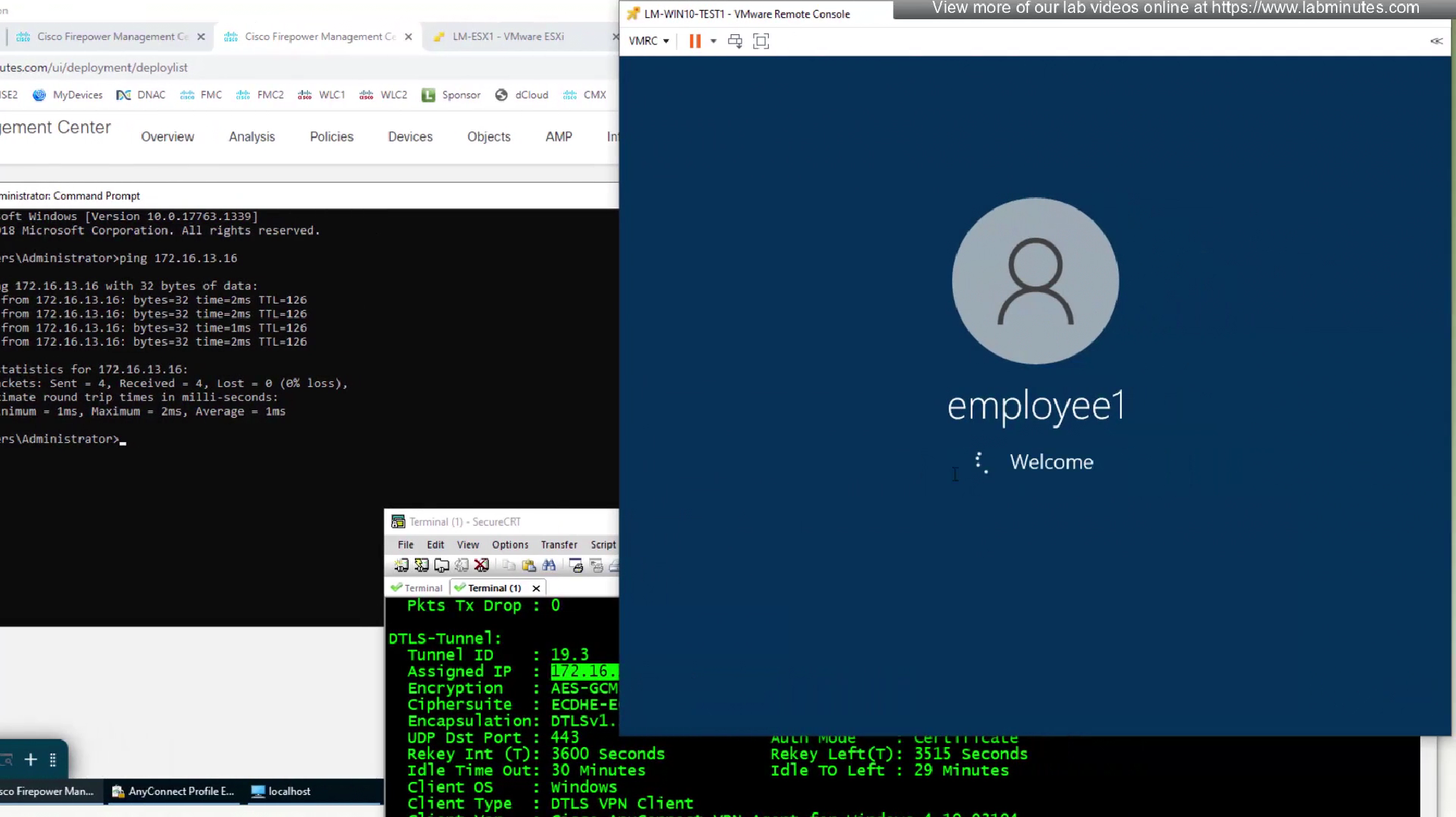

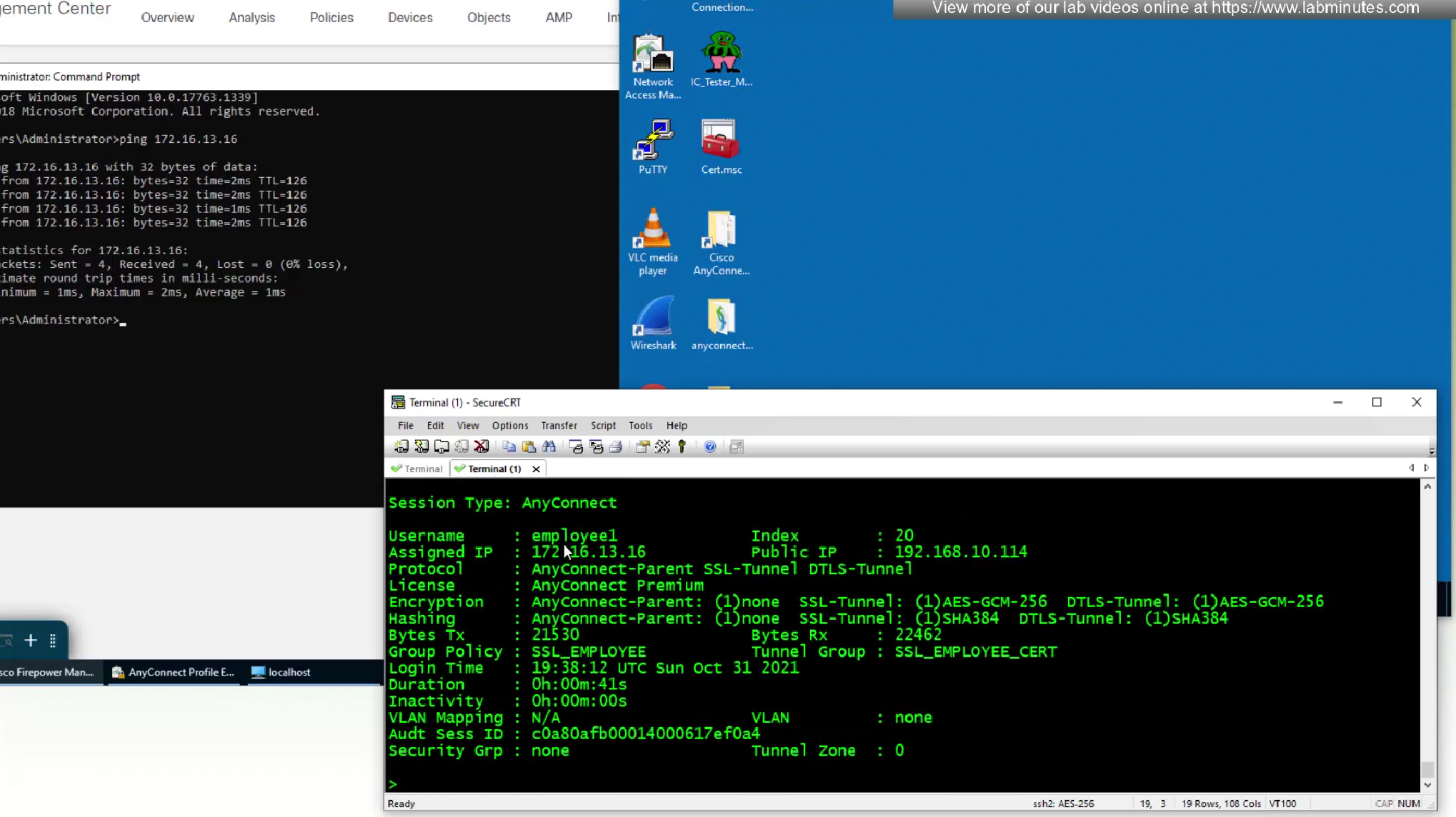
this logon script was run during the mgmt tunnel vpn as this drive was already there as we logged in, user vpn was logged in after the fact as windows profile logged in
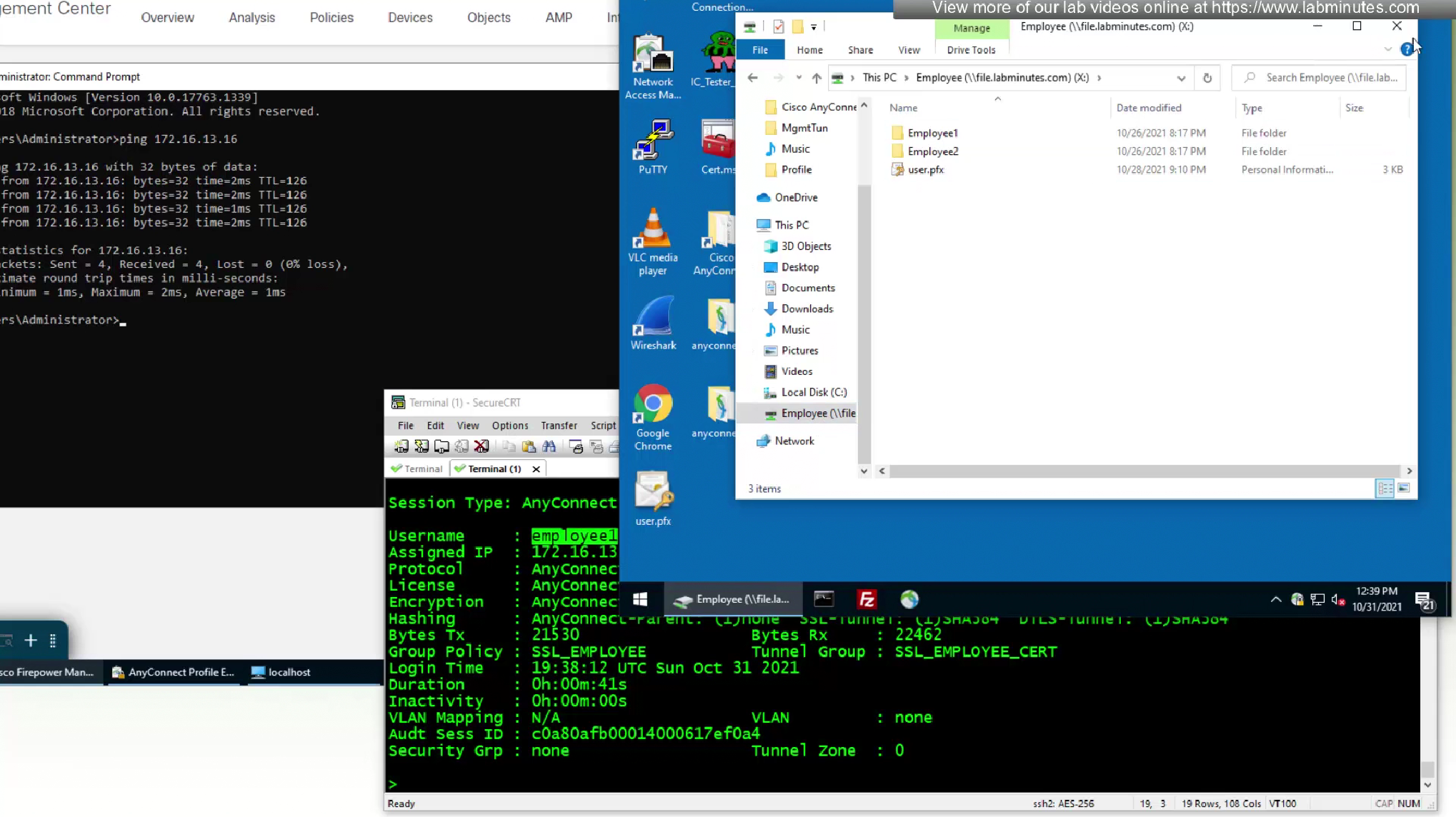
last thing we need to test is to move our PC to trusted network
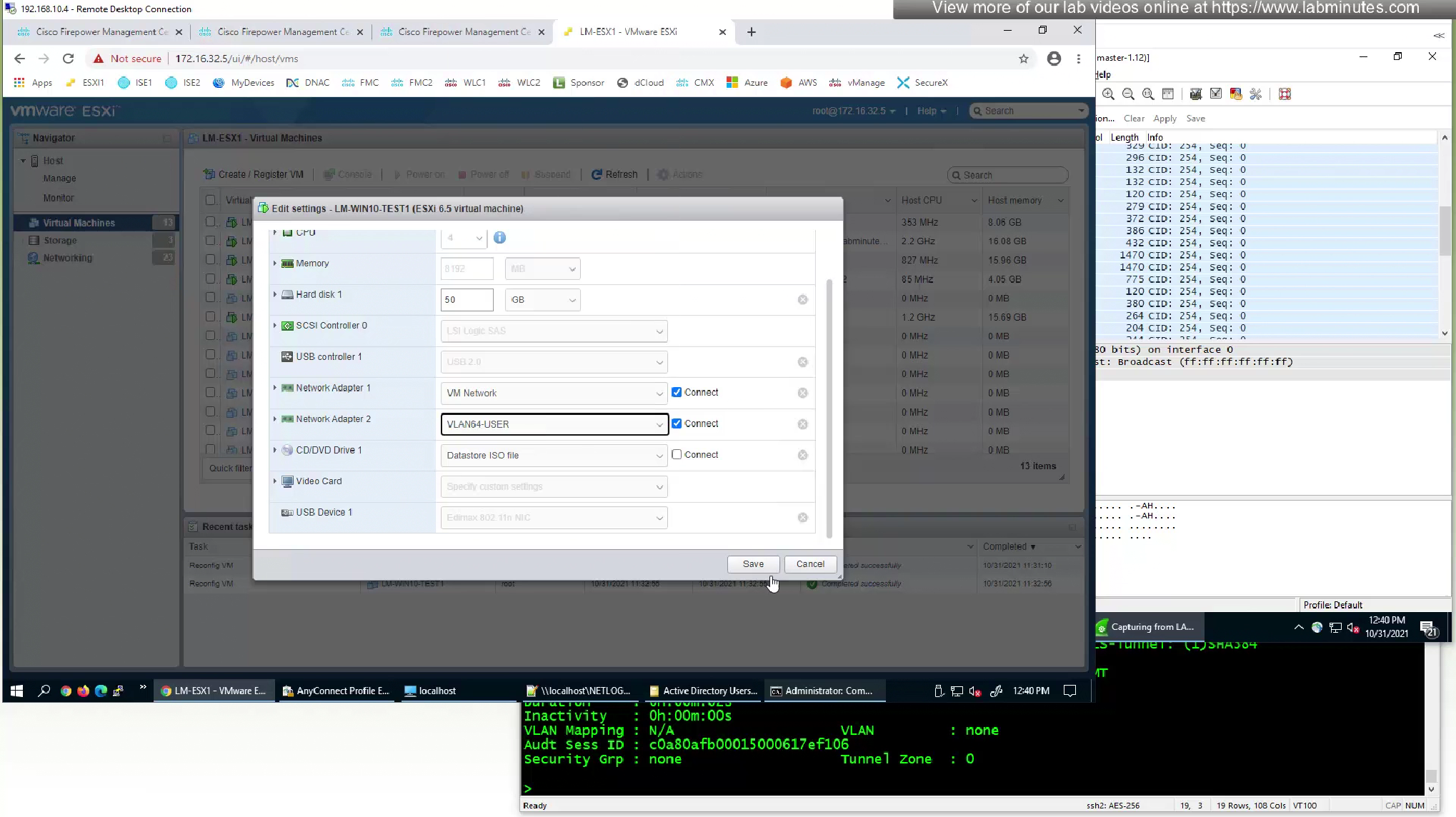
Bounce the network adapter of the computer
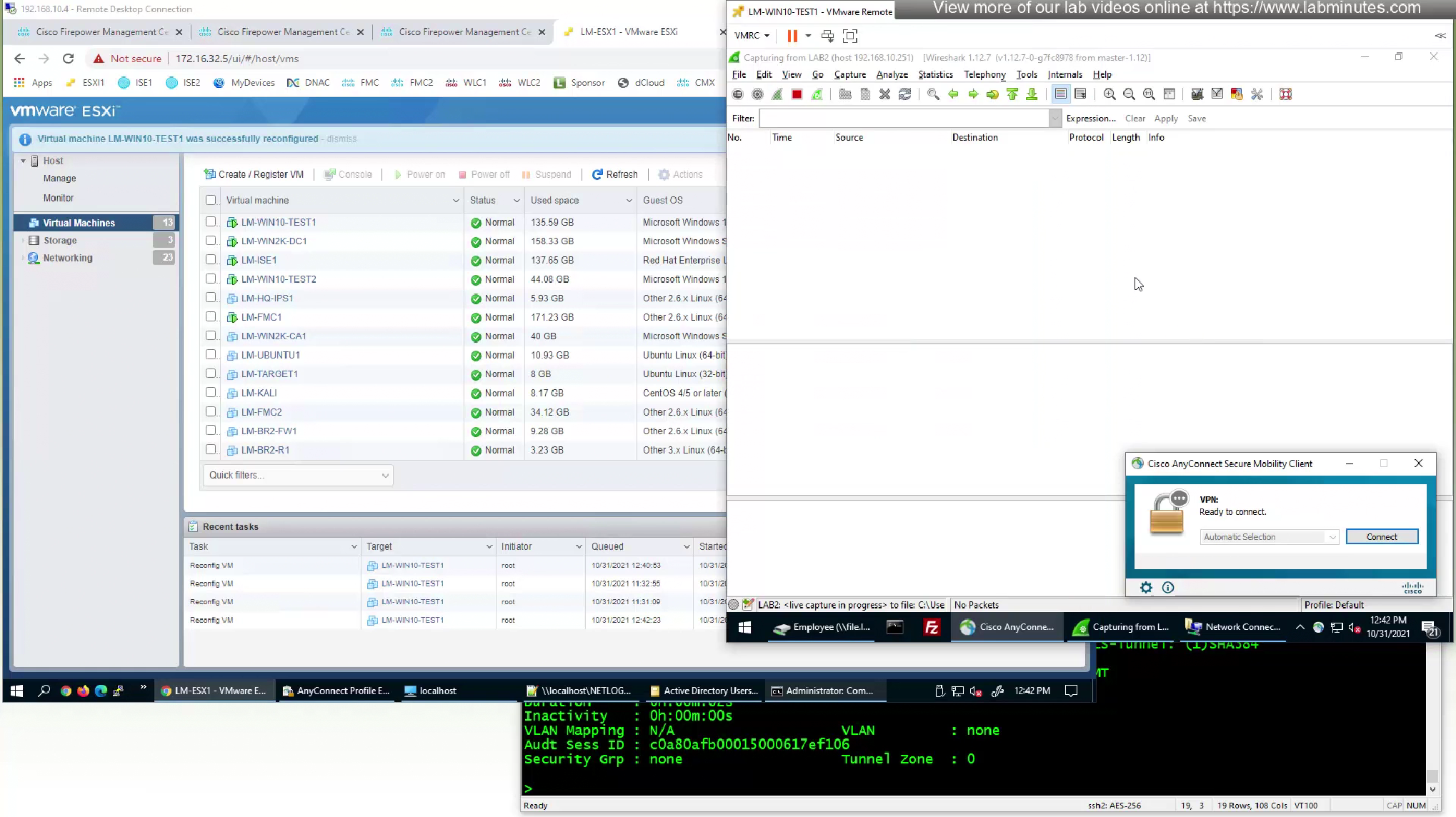
anyconnect is already showing “On a trusted network”, that is TND detection

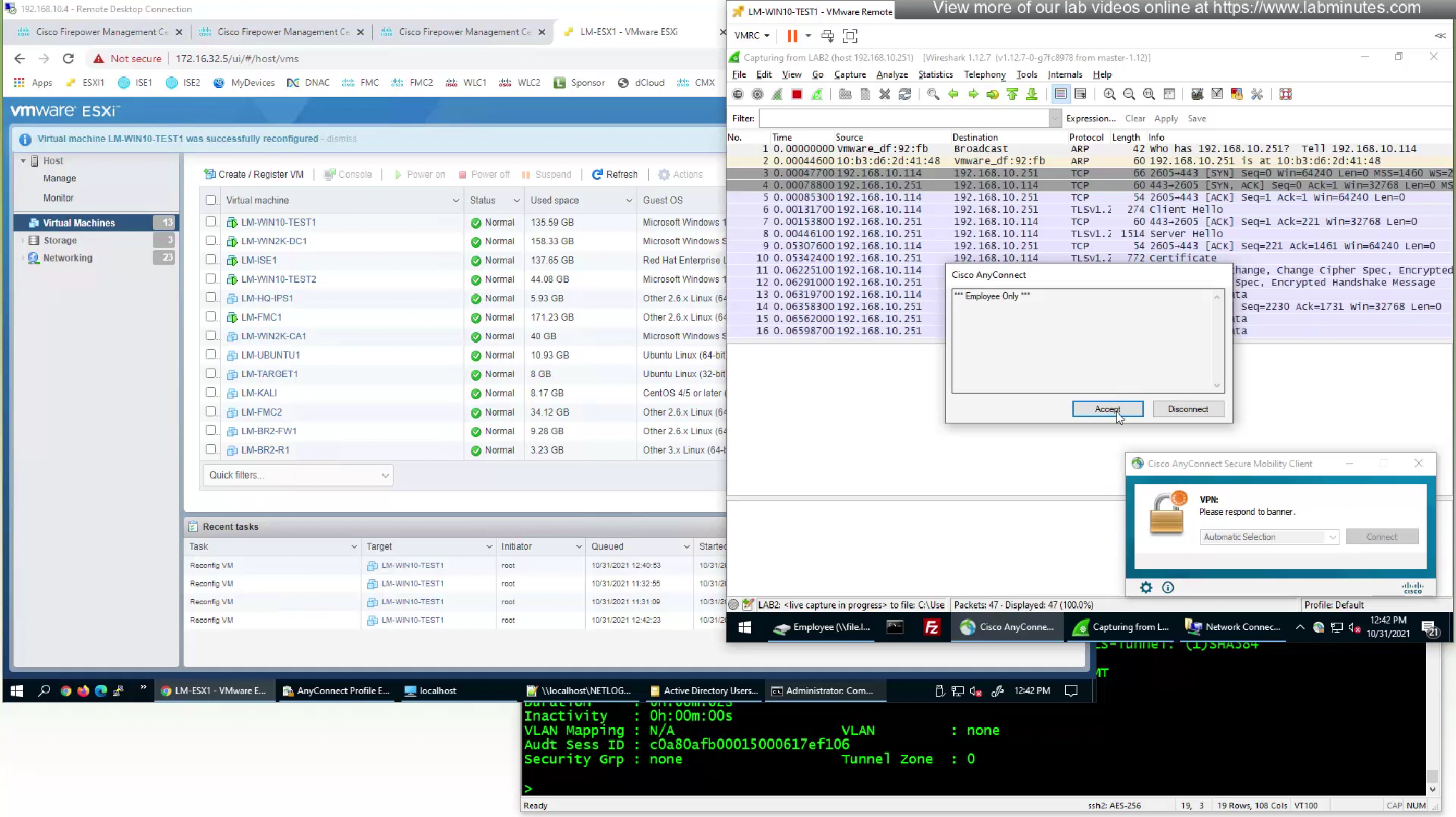
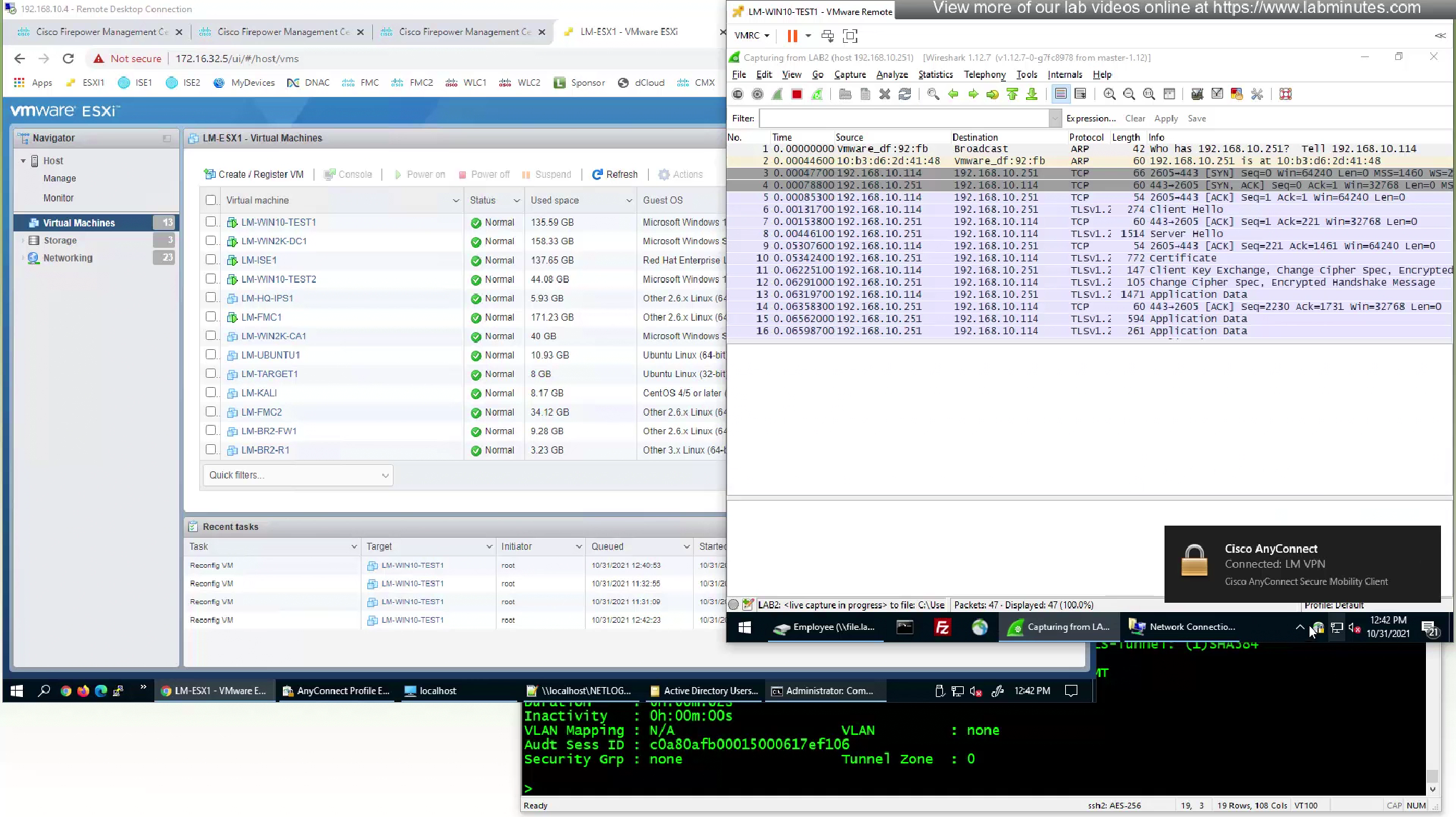
Move the machine back to outside network and anyconnect shows “Ready to connect” and then it connects
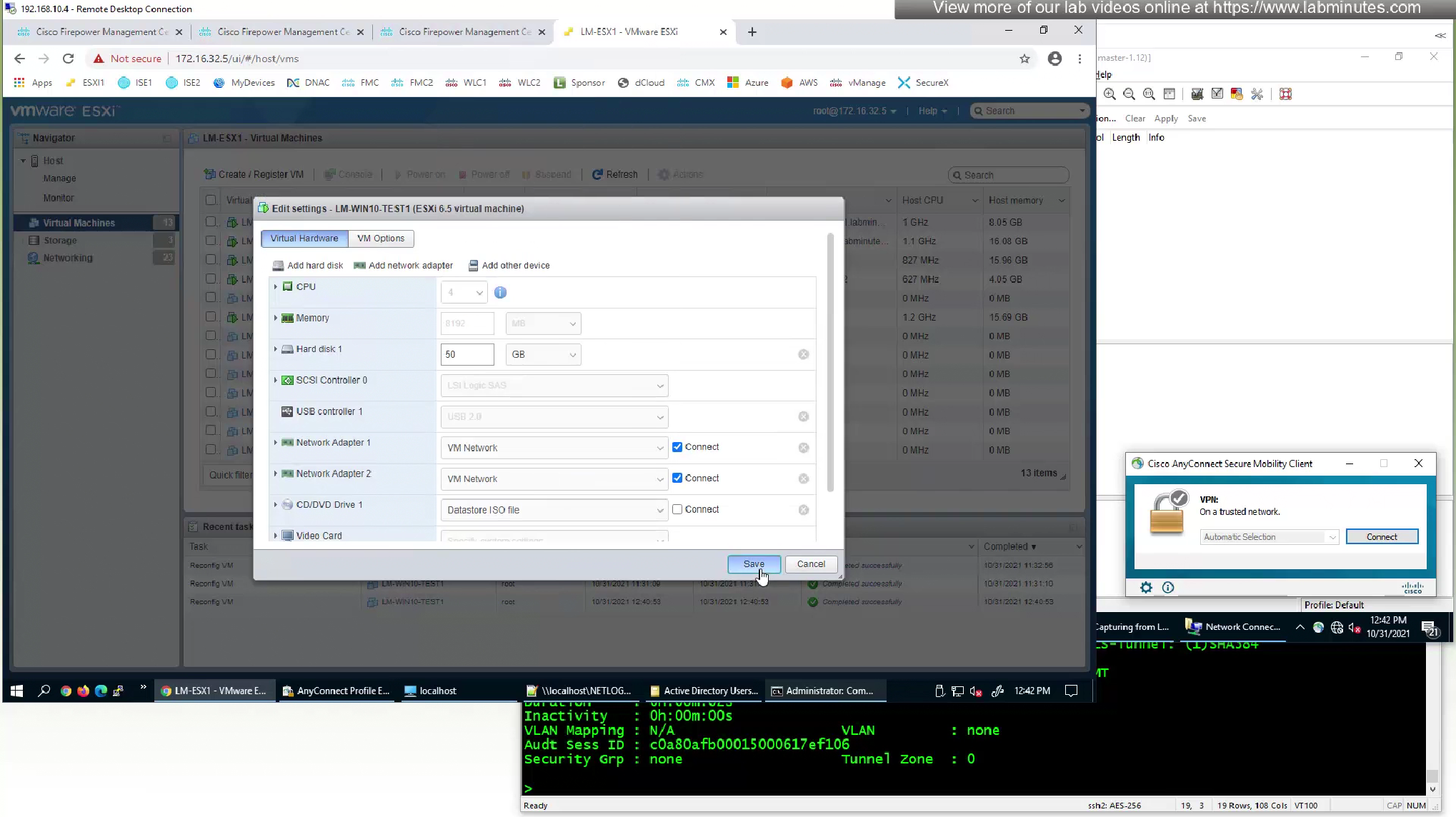
Thing that we need to consider is that if there are 3000 users, with SBL implemented there will be 3000 tunnels, so a. we need to size our firewalls correctly, b. also need to make sure licenses are also available to accommodate those 3000 VPN consumption
Leave a Reply