RDP Wrapper not working after installation
https://www.youtube.com/watch?v=YmpNLNi452U&t=94s
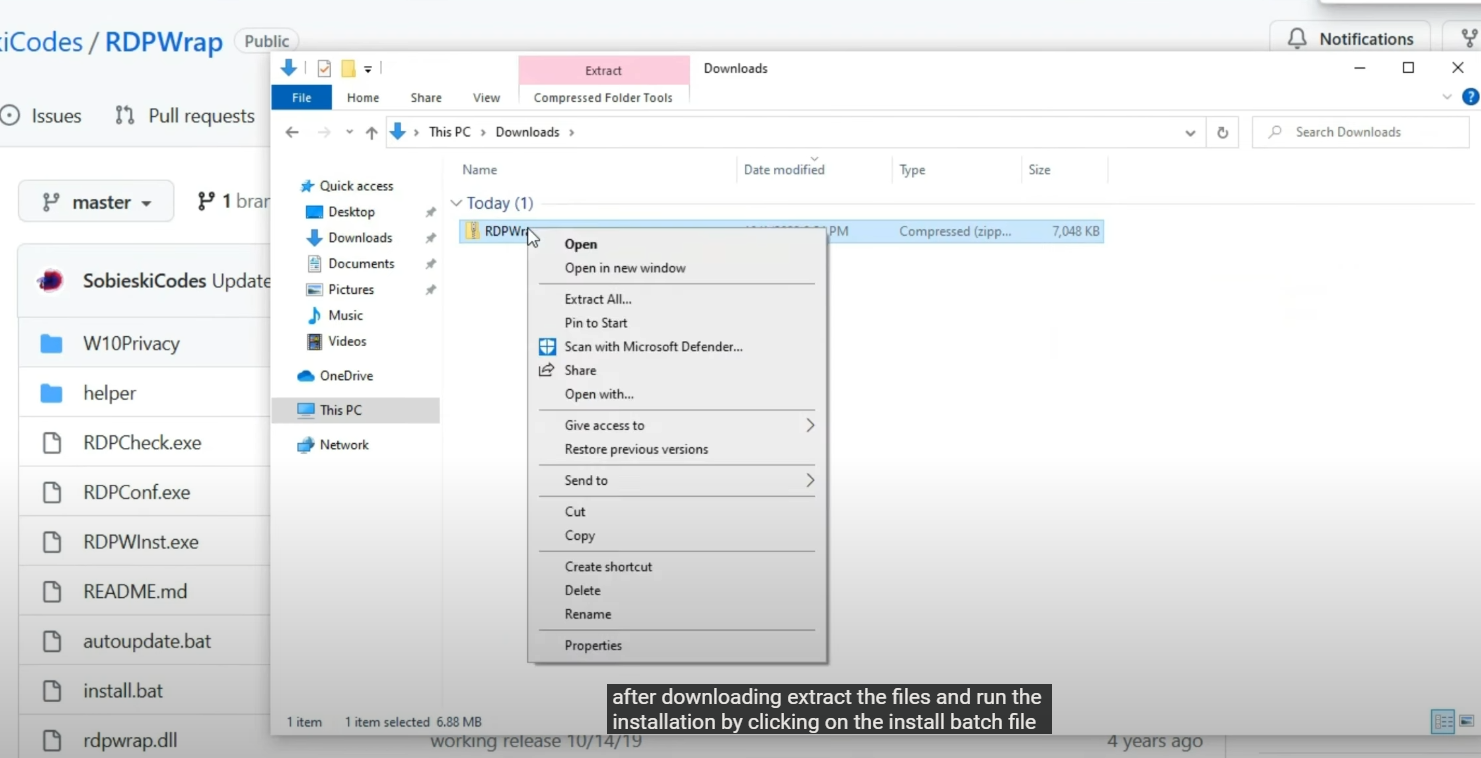
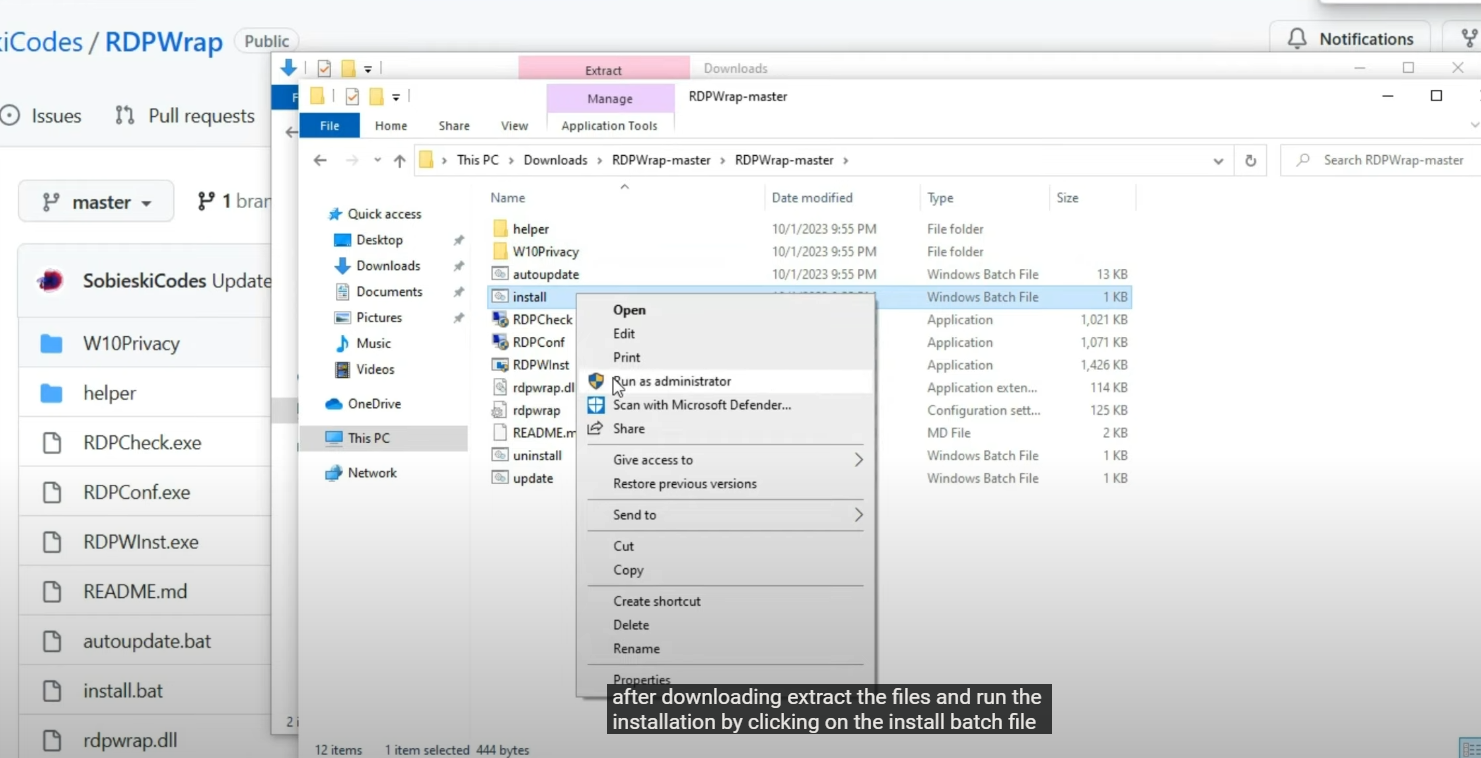
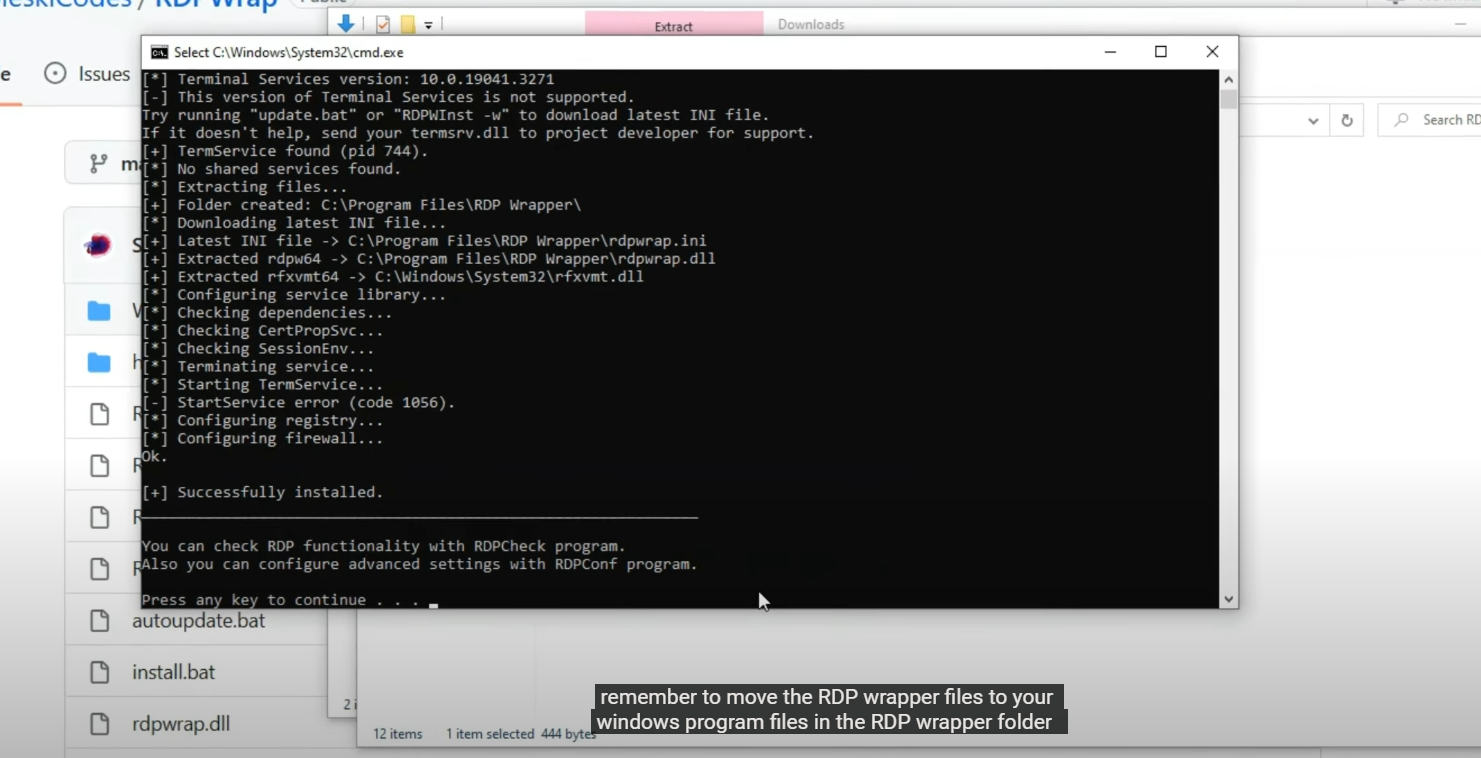
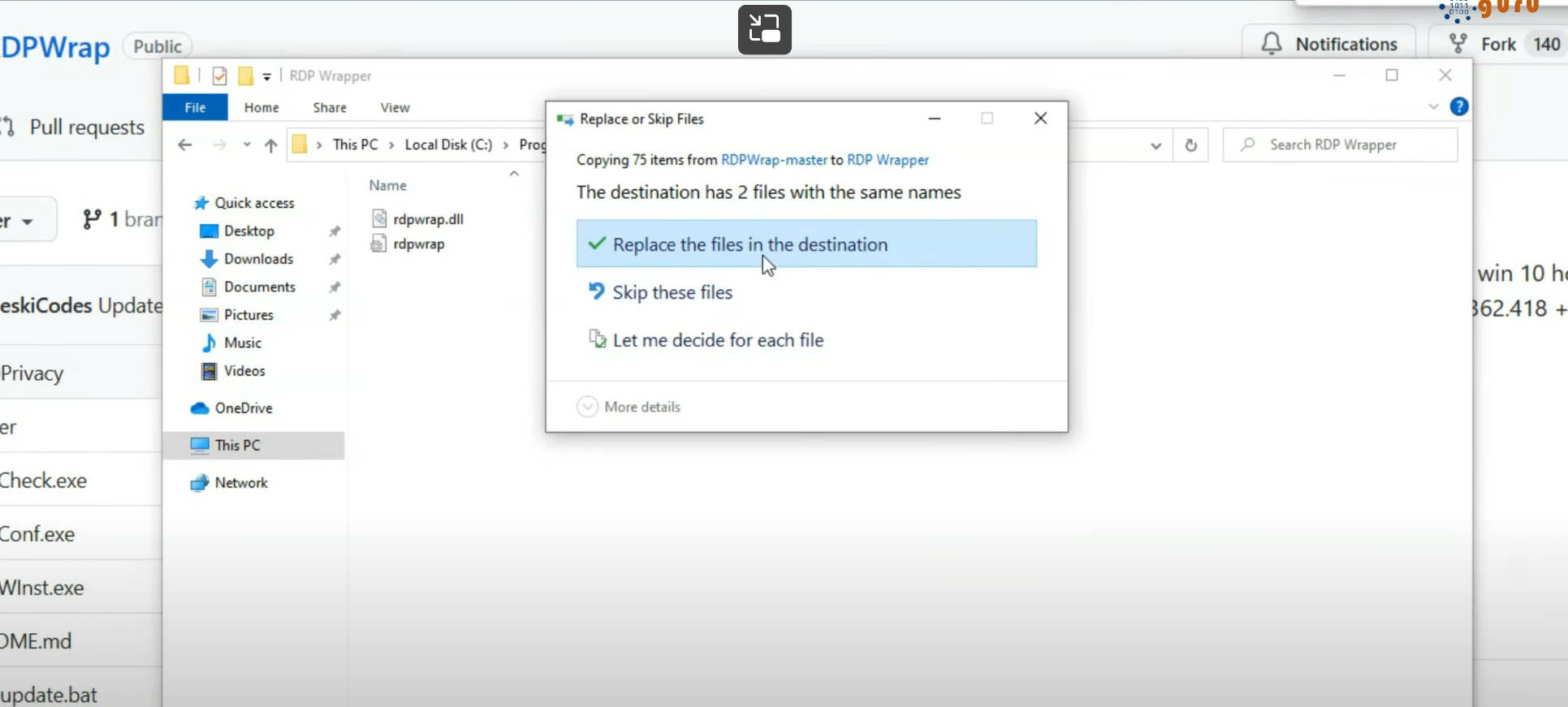
Copy contents of the compressed folder RDPWrap-v1.6.2 and paste them in the installation path C:\Program Files\RDP Wrapper
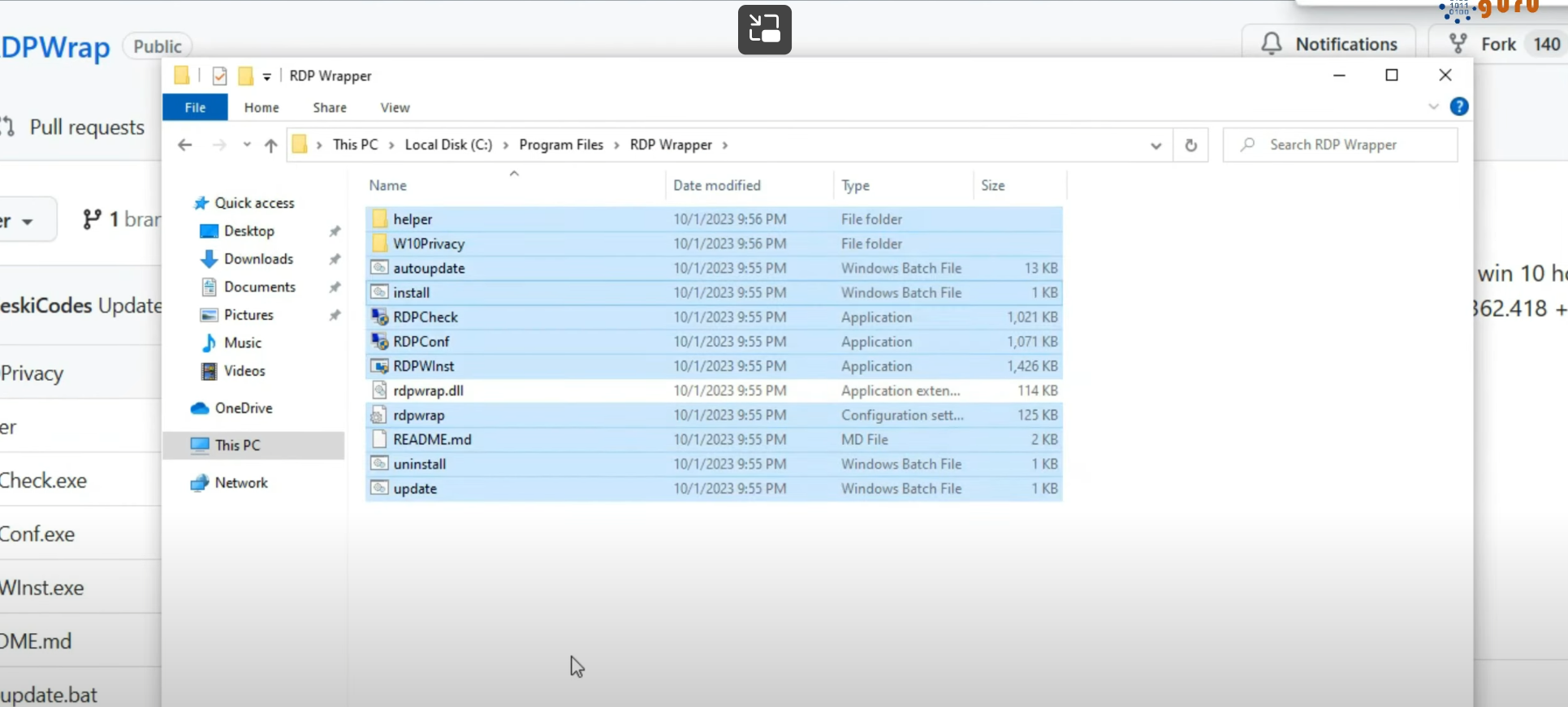
Now if we run program file RDPConf, it will say unsupported
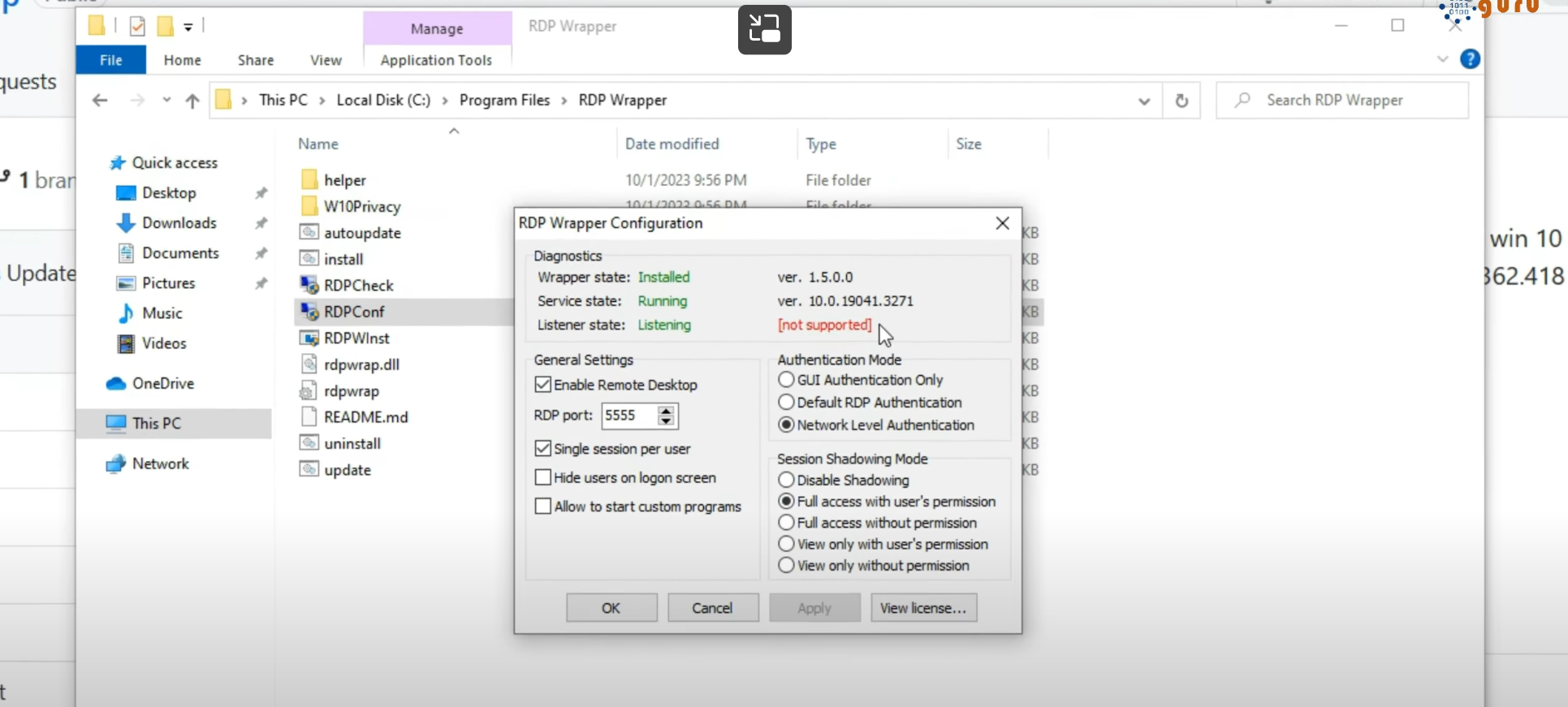
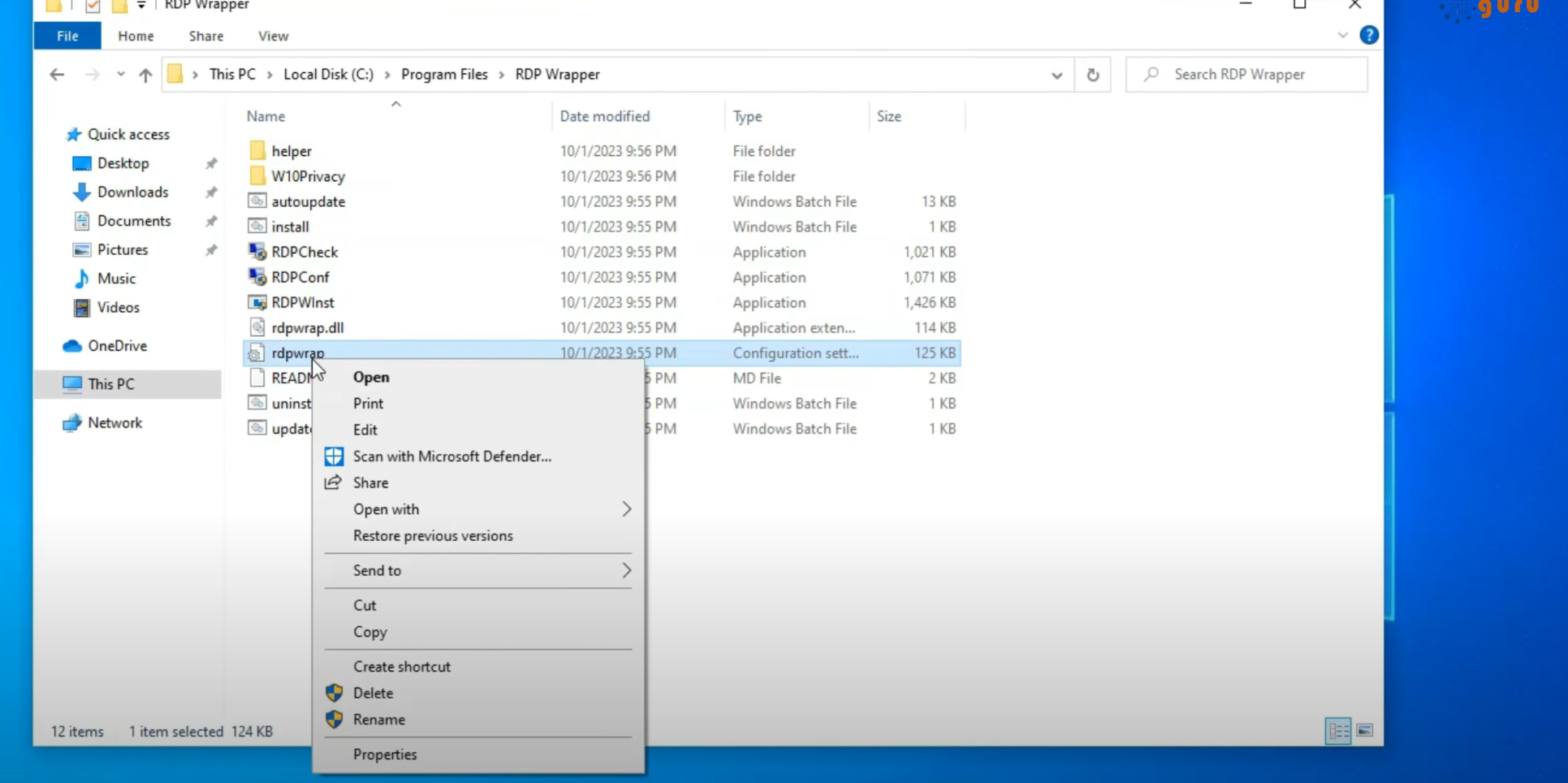
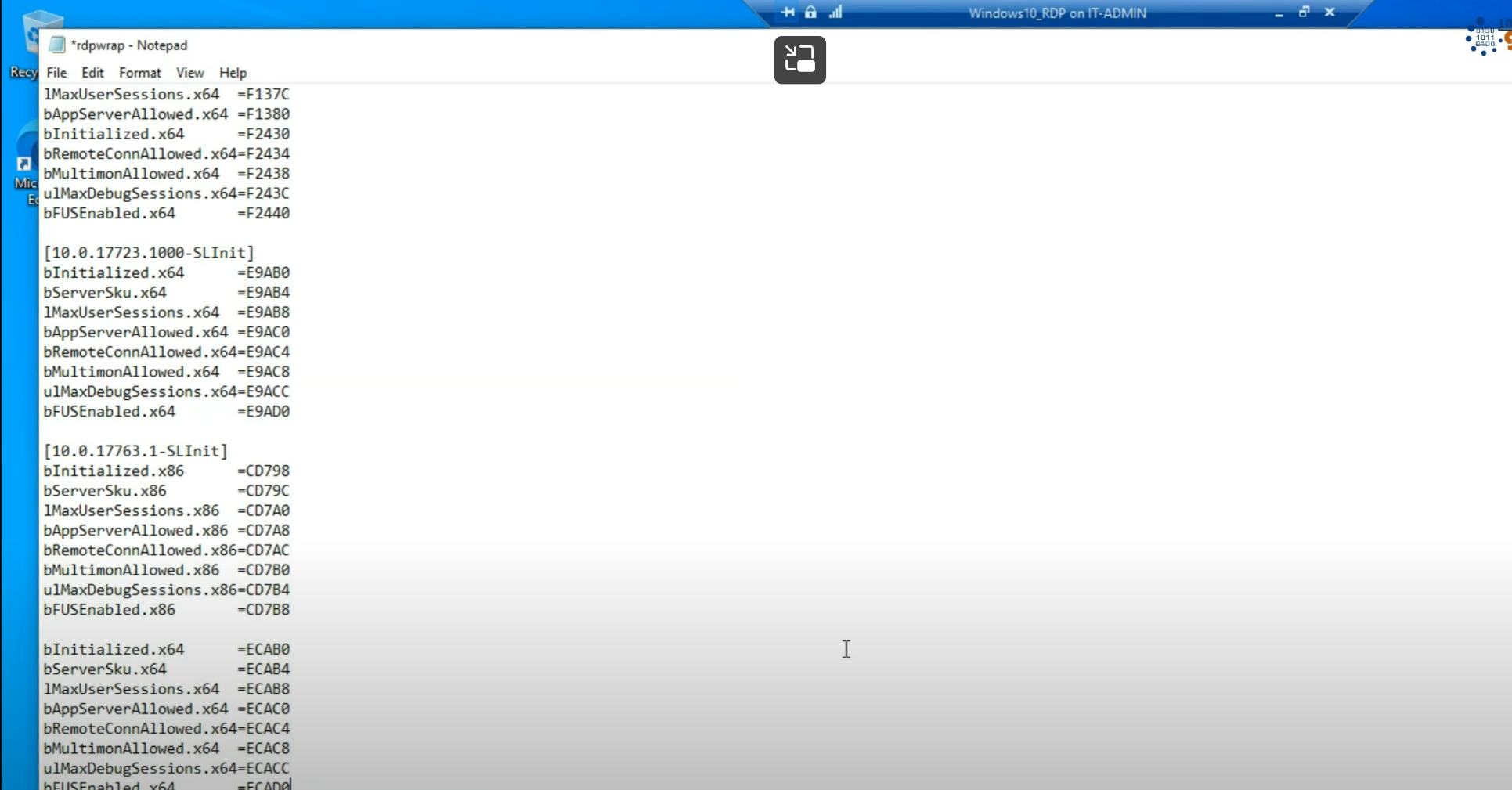
We need to get latest ini file from github, backup existing rdwrap.ini
Copy the contents from raw.githubusercontent.com/sebaxakerhtc/rdpwrap.ini/master/rdpwrap.ini, into the rdwrap.ini and then launch the RDPConf and this time it should show green
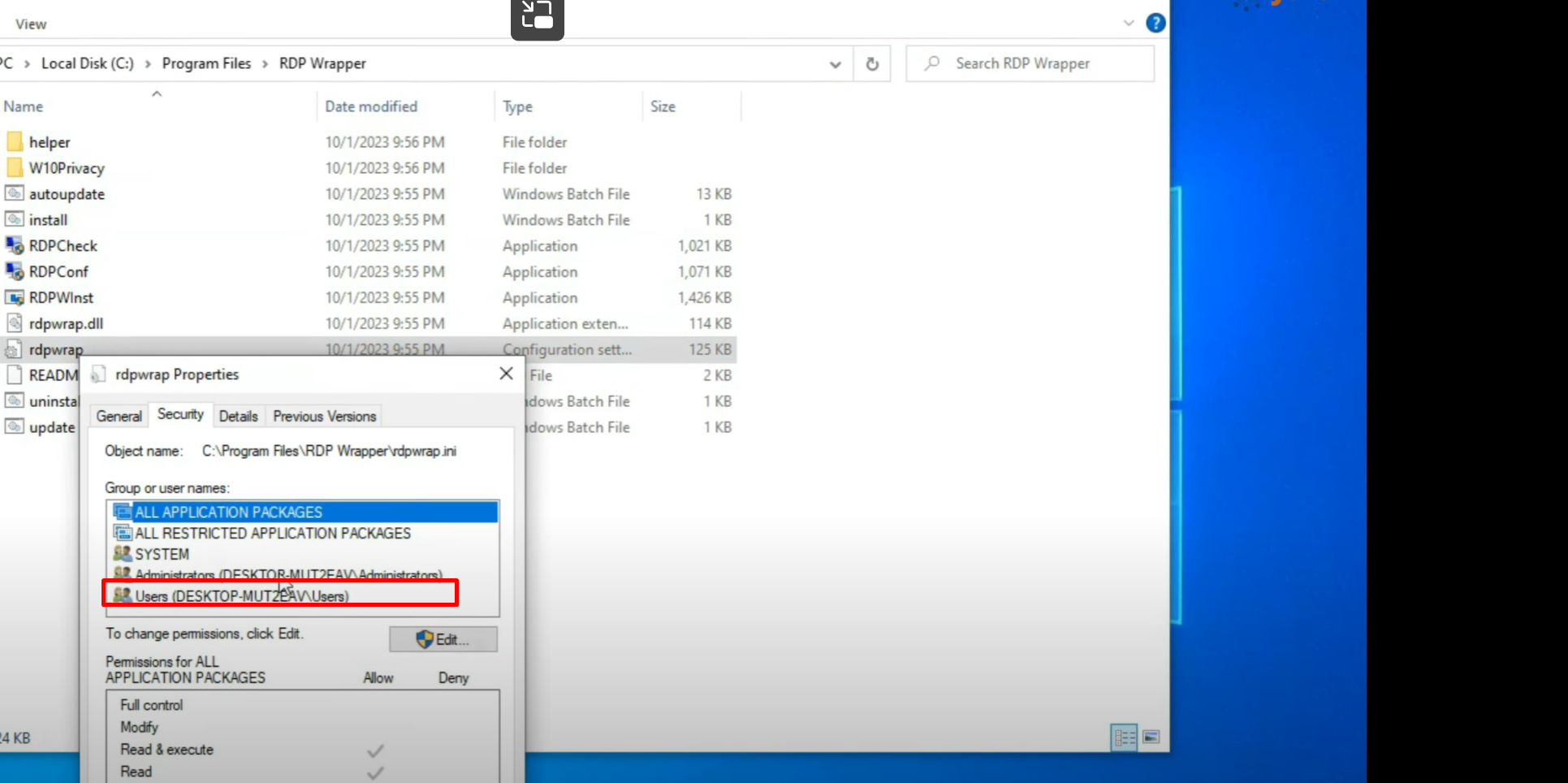
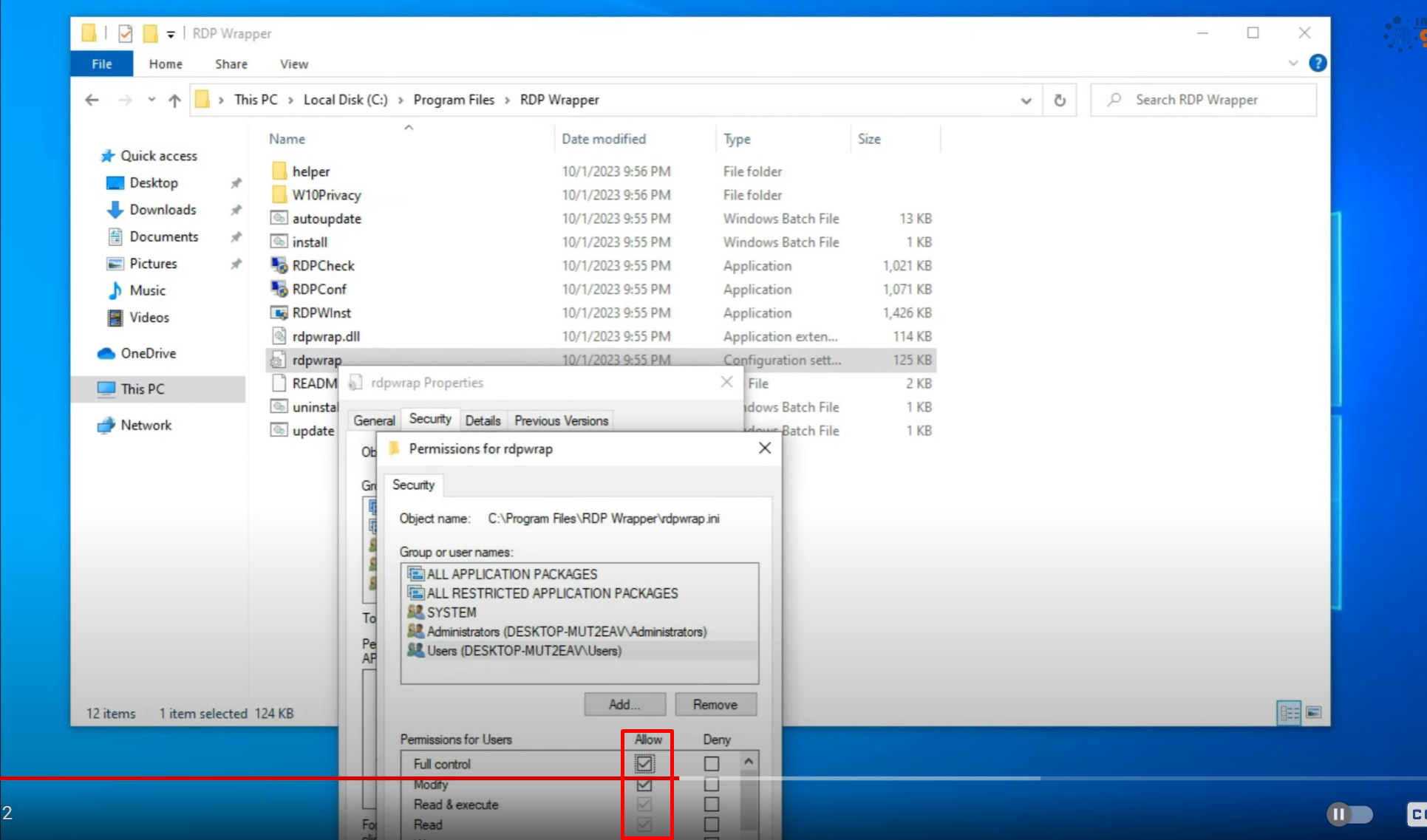
To edit the file from C drive directly, edit the permissions of the rdwrap.ini file
Edit permissions for your user
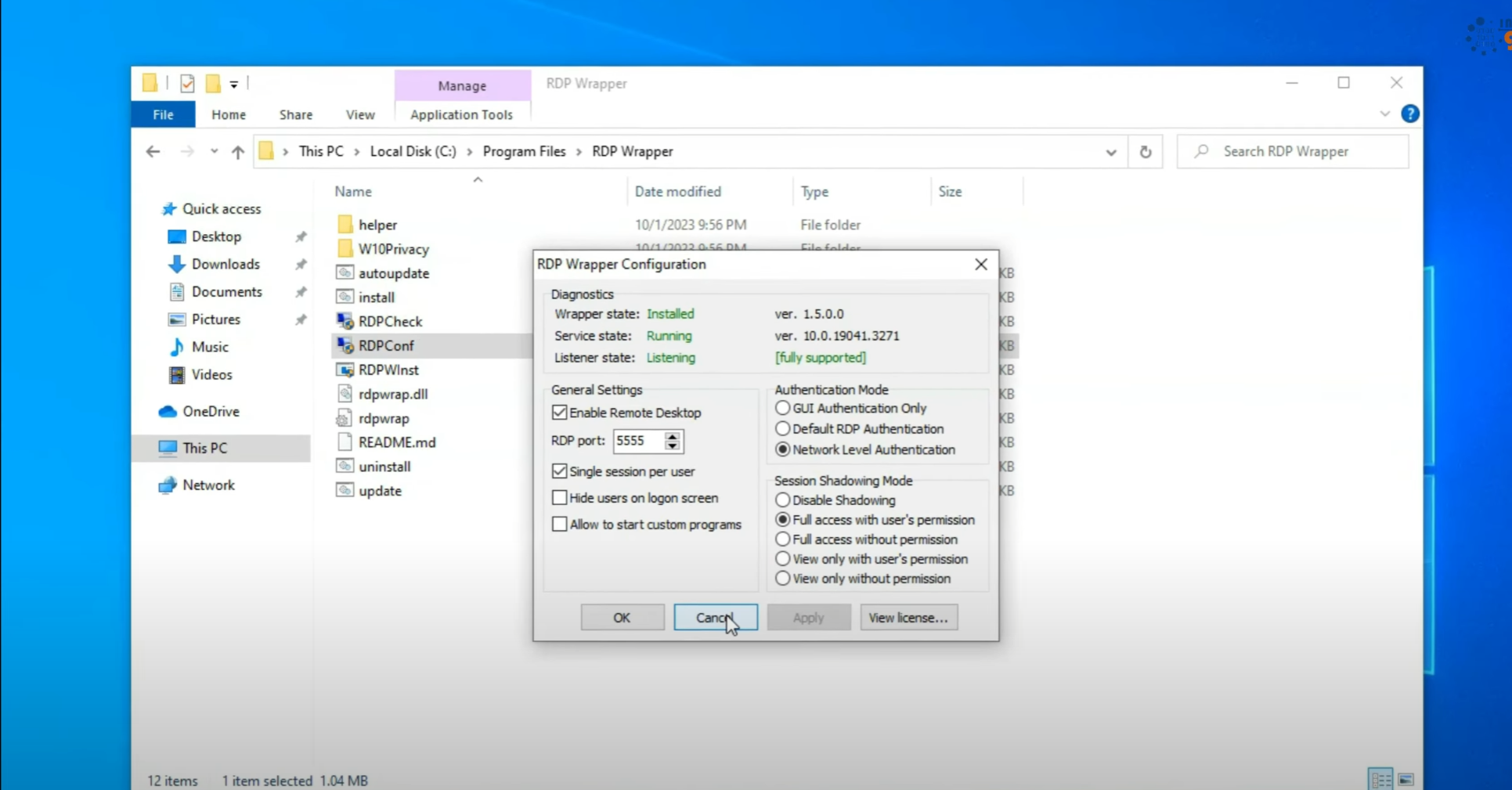
Now RDPConf should launch with all green
Create a second user in Computer Management
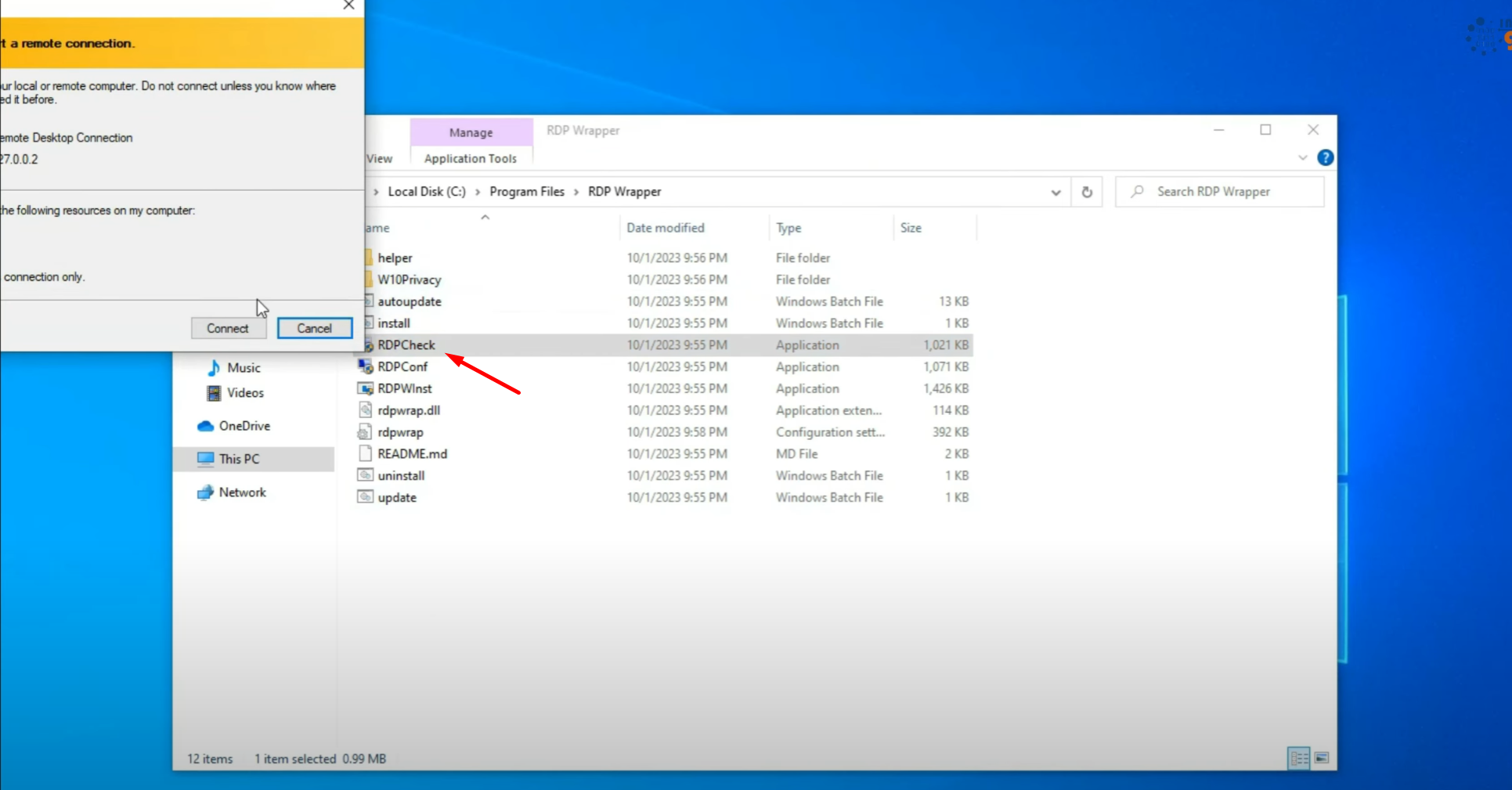
Launch RDPCheck and then login that user
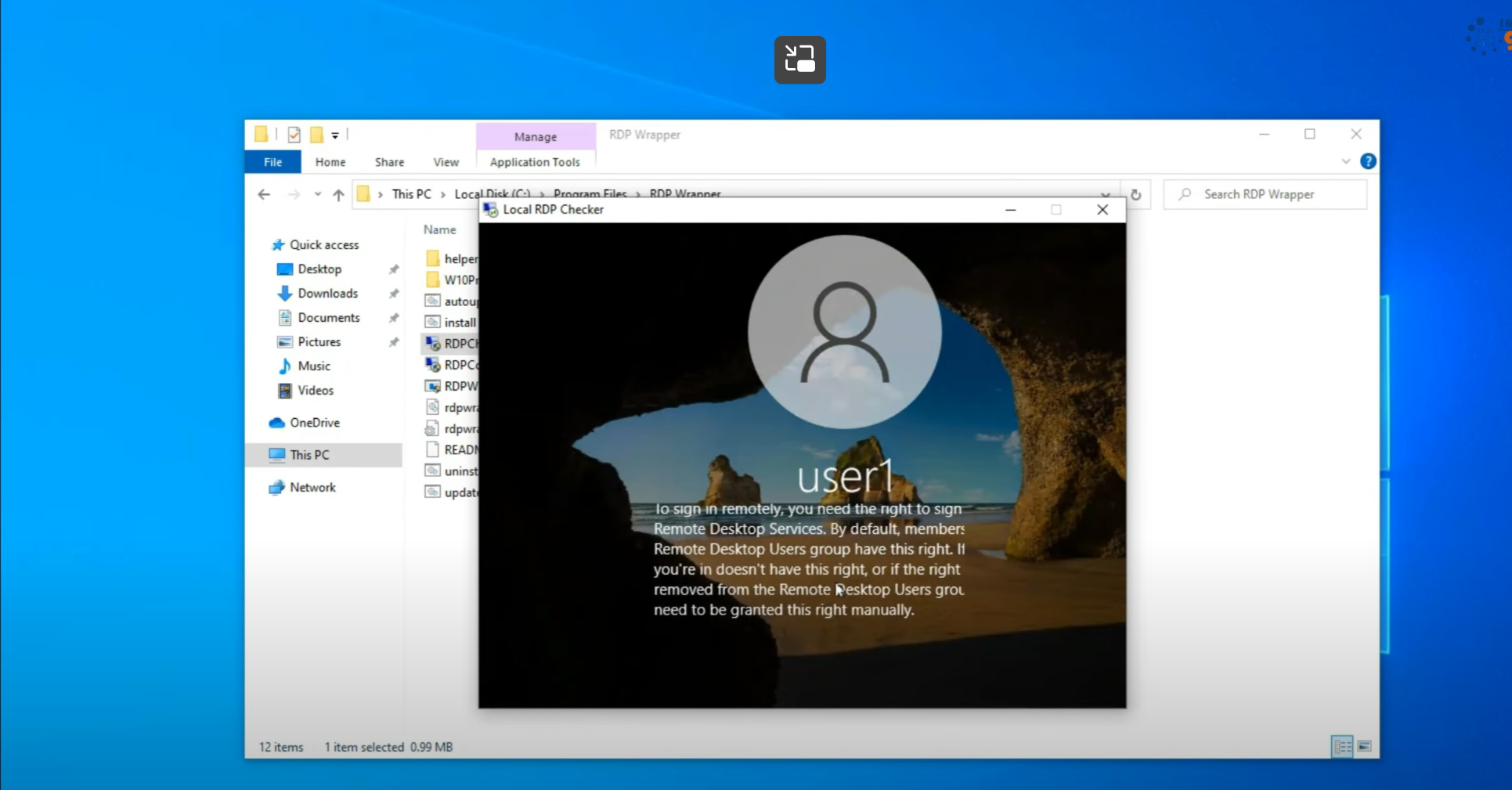
if above error is seen then
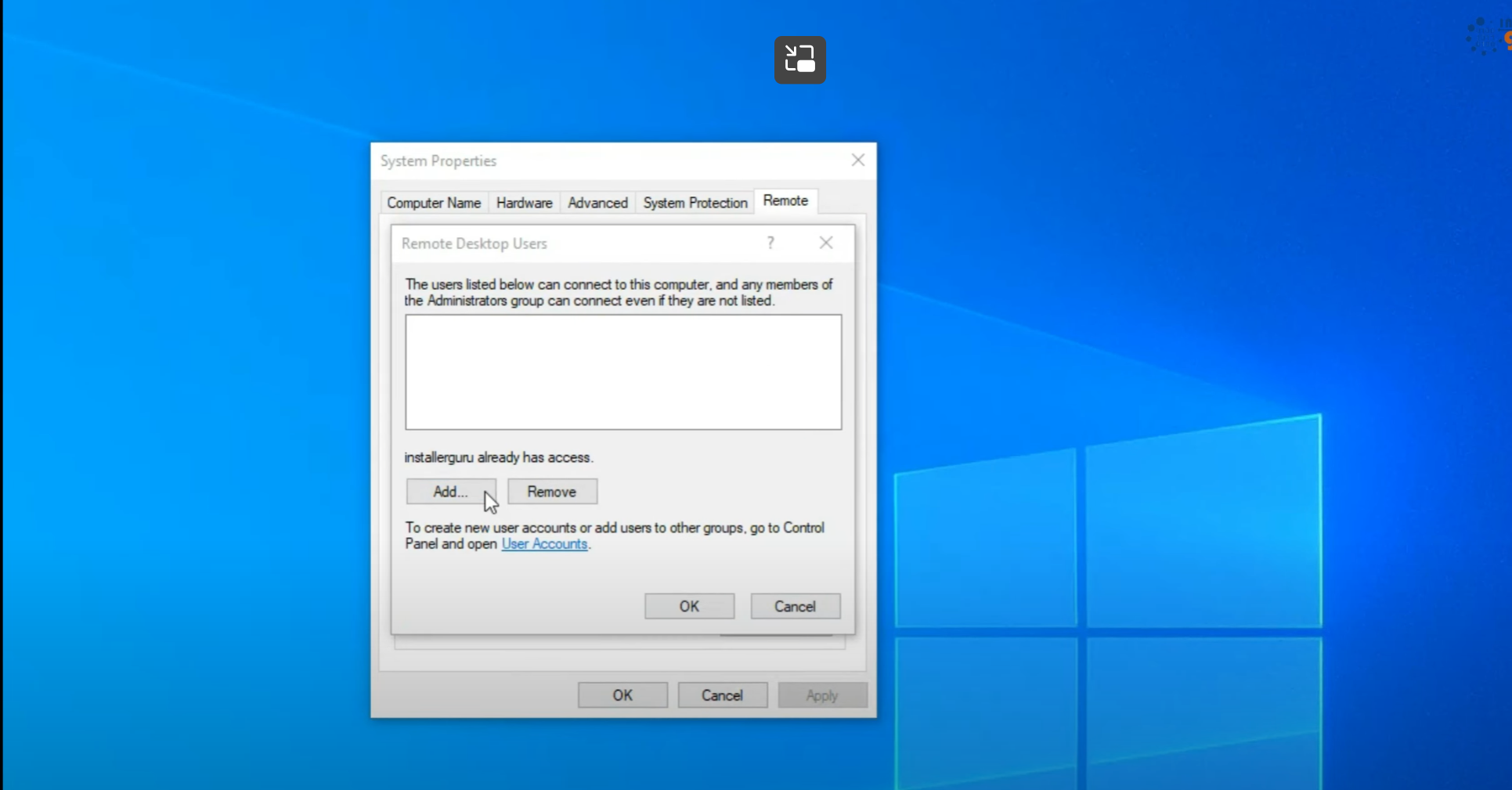
First add this user in Computer’s RDP permission
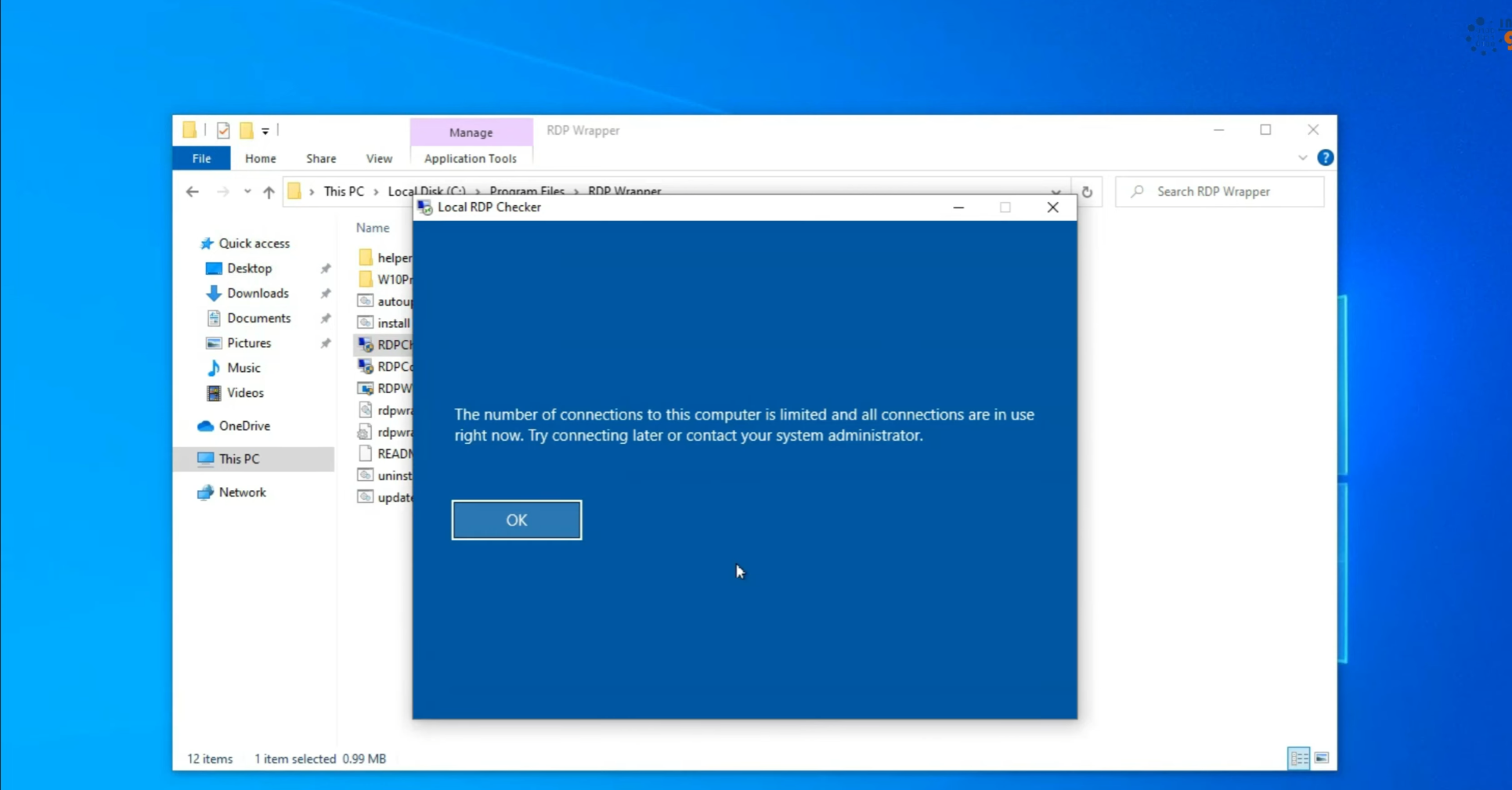
Now if concurrent user session error is seen as above then go into ‘gpedit.msc’
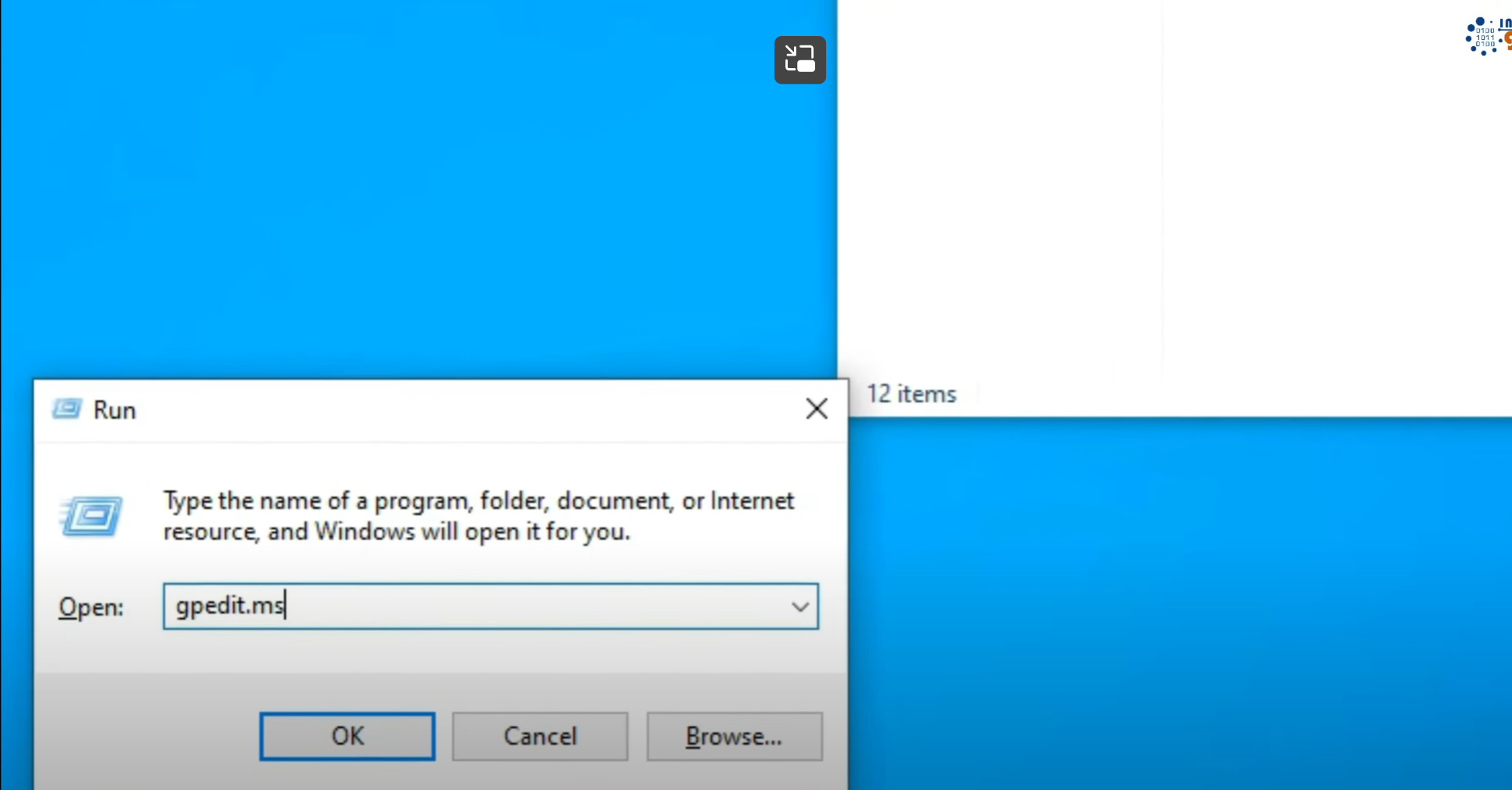
Computer configuration > Administrative Templates > Windows Components > Remote Desktop Service > Remote Desktop Session Host > Connections > Limit number of connections > Enabled & set limit to 5
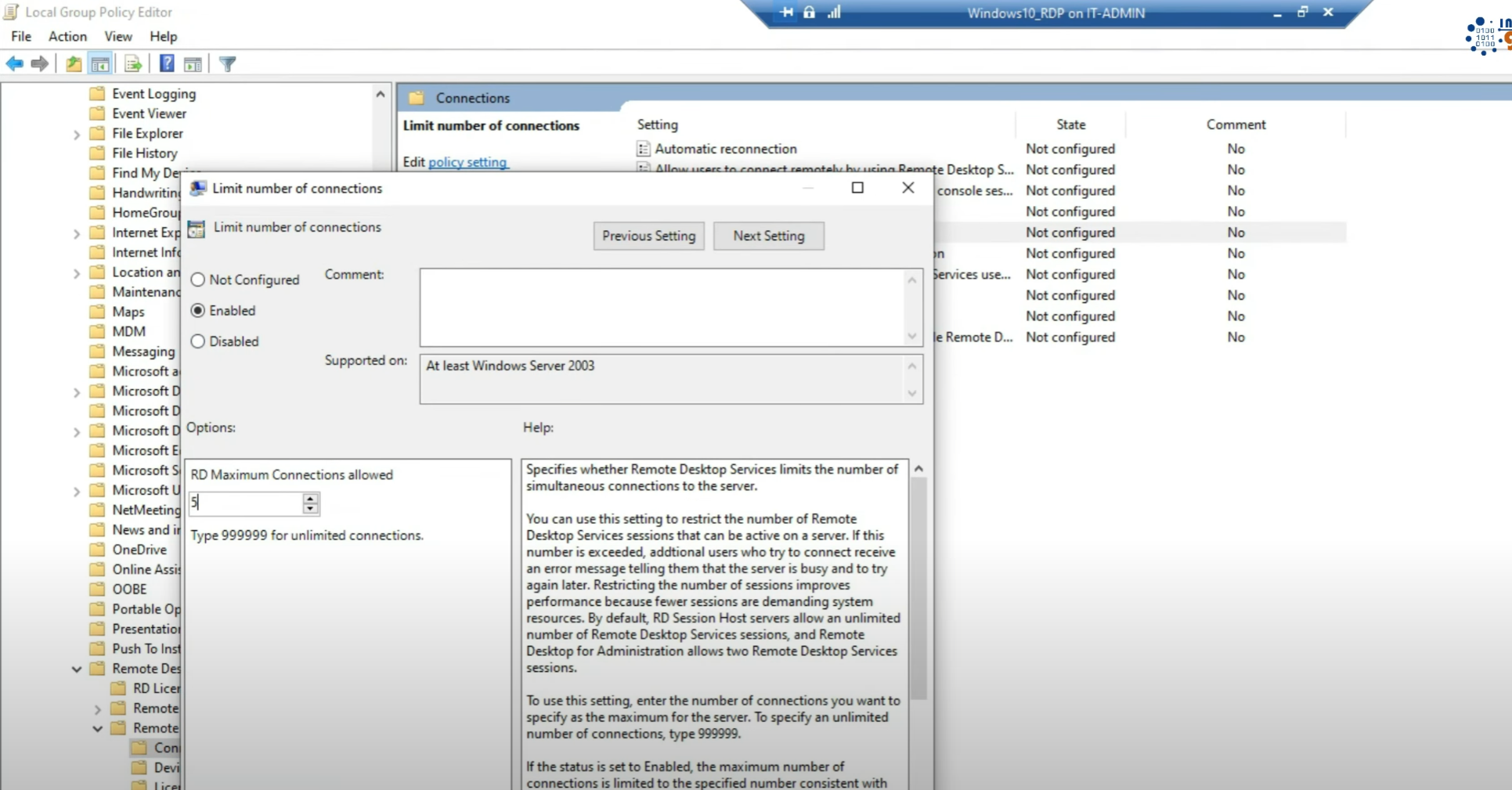
save, launch cmd and run command ‘gpupdate’
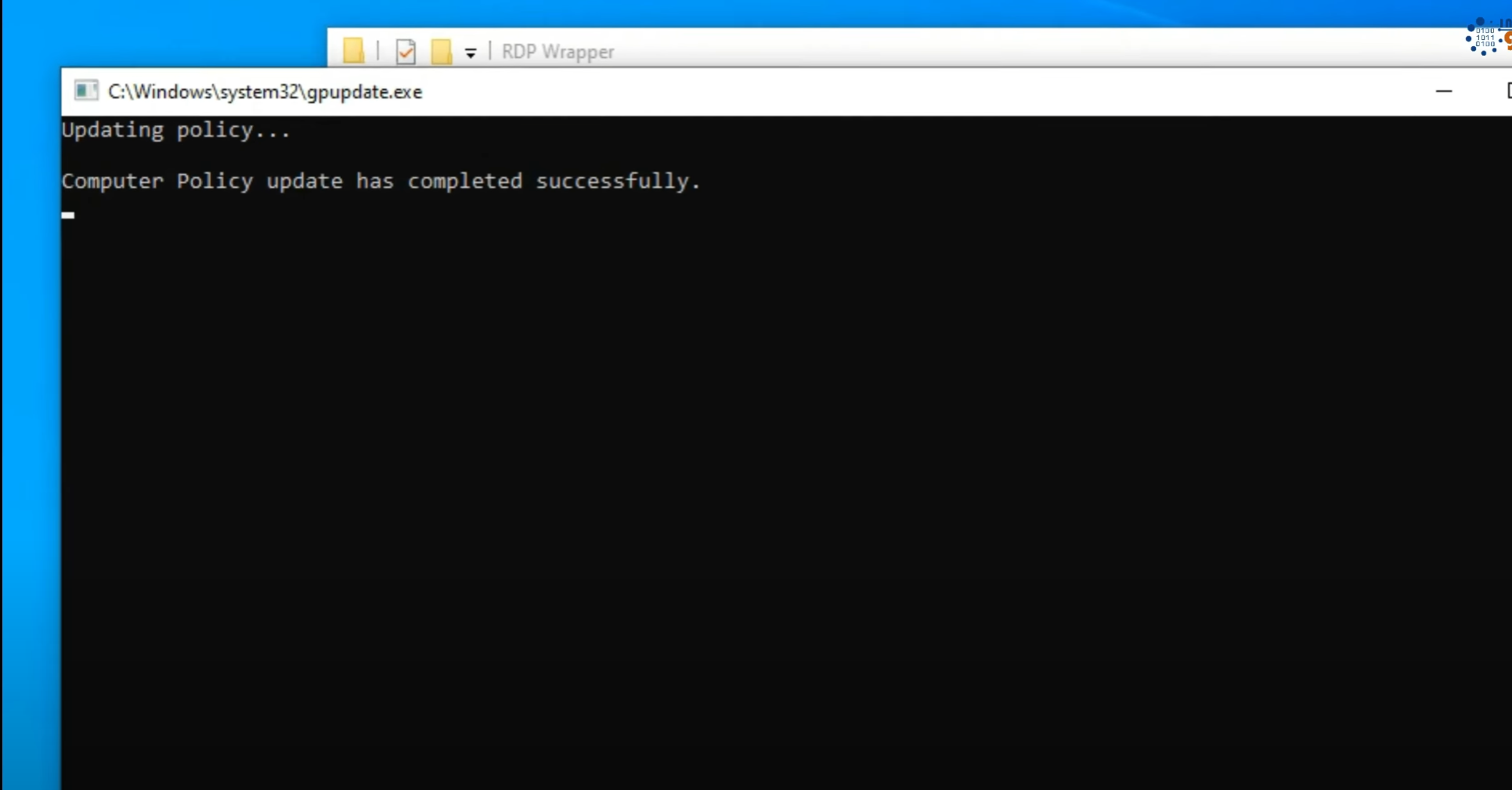
now multiple users should be able to login simultaneously
Stop windows updates at this point using Wub (Windows Update Blocked) because updating windows will break RDWrapper and this process will need to be repeated again using latest RDWrap.ini
Leave a Reply